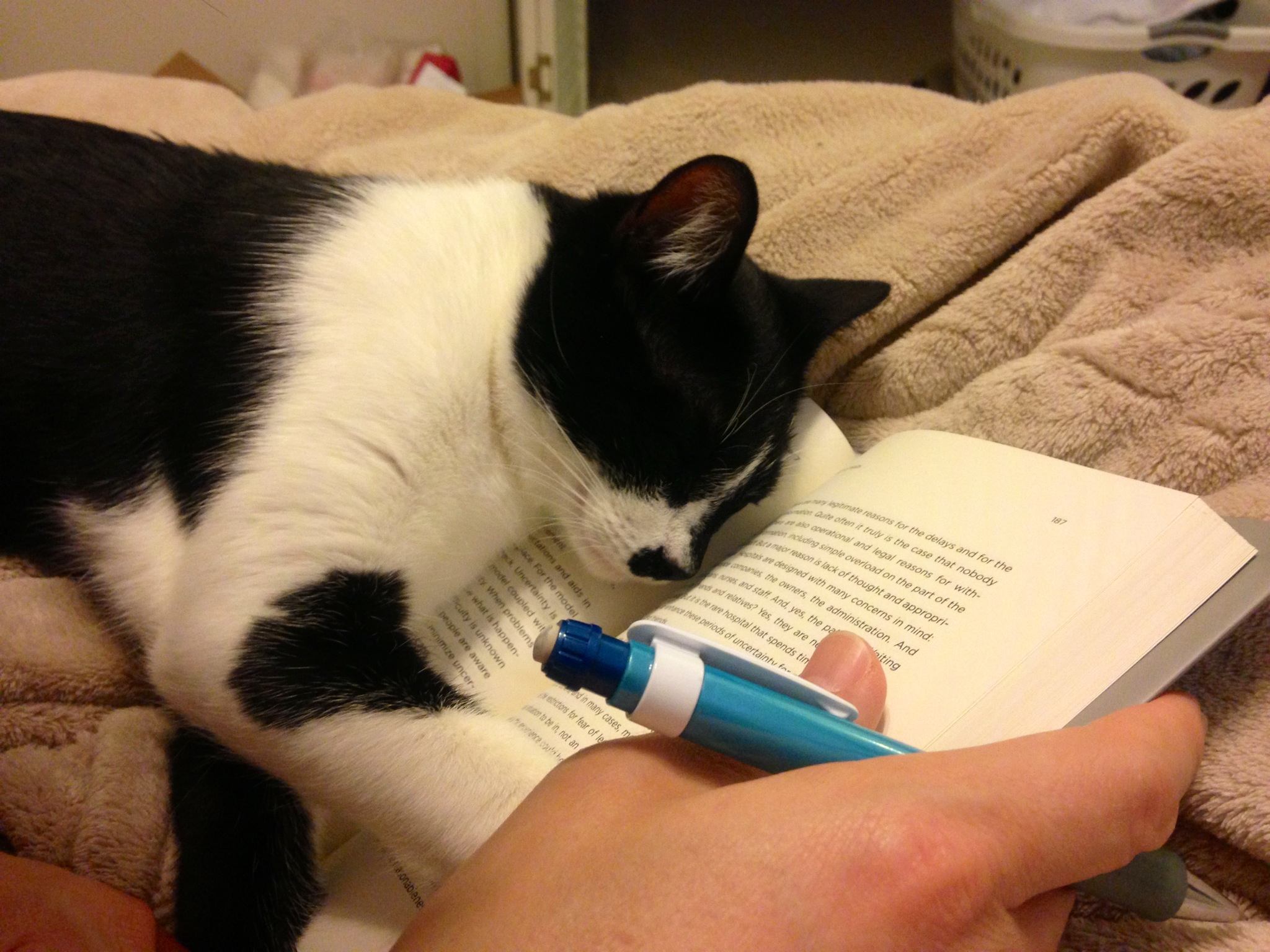
While preparing for my three fall semester classes and reading Donald A. Norman’s Living With Complexity, Moses decides to collapse on my book and immediately fall asleep. I believe that he is asserting his “Right to be Cute.”
While preparing for my three fall semester classes and reading Donald A. Norman’s Living With Complexity, Moses decides to collapse on my book and immediately fall asleep. I believe that he is asserting his “Right to be Cute.”
My friend sent me a link to a video by someone who turned an older Core2Duo-based Dell Optiplex into a Hackintosh. The video convinced me to do something that I had been meaning to do for a long time but had never got around to actually doing: removing Windows 7 on my ASUS P8Z77-V/Intel i7-based PC that I built late last year and installing Mac OS X 10.8.
A Hackintosh, or what some folks call a CustoMac, is a standard PC that runs one of the Intel-based version of Mac OS (this includes 10.4 Tiger, 10.5 Leopard, 10.6 Snow Leopard, 10.7 Lion, and 10.8 Mountain Lion).
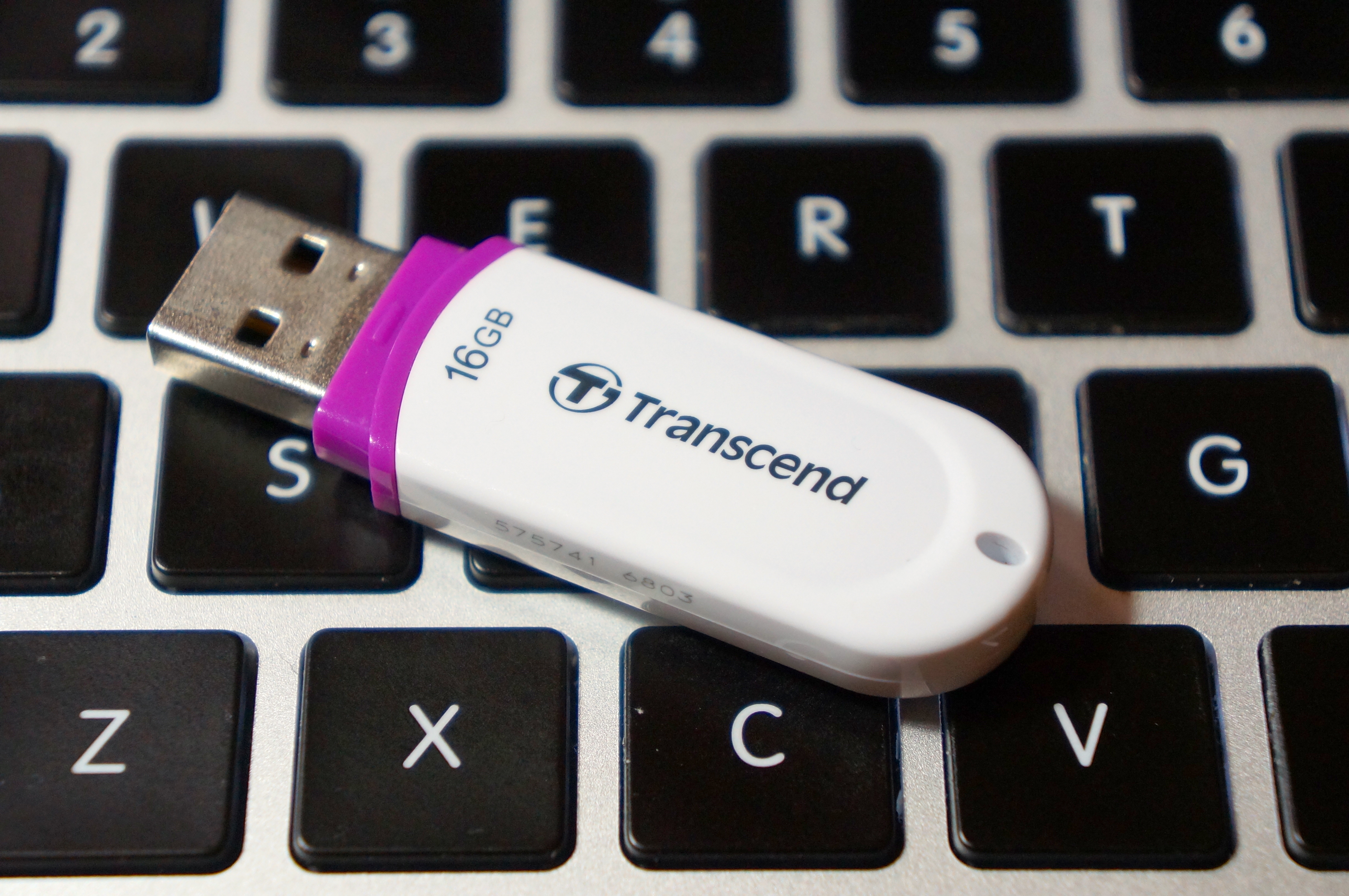
Prior to this project, I had purchased Mountain Lion from the MacApp Store for my old MacBook 5,1 (Aluminum Unibody, Late-2008). When my parents gifted me a rMPB, it already had Mountain Lion installed. This gave me the needed components that I needed to setup my flash drive to install Mac OS on my PC: a Mac and a purchased copy of Mountain Lion.
According to the definitive source for creating CustoMacs, TonyMacx86, my hardware isn’t ideally suited for a pain-free installation (If you are beginning from scratch, you should check out TonyMacx86’s excellent buyer’s guide here). Nevertheless, I worked my way through six re-installations before discovering the combination of settings that yielded a reliable and stable Mountain Lion installation.
This is my PC’s hardware configuration:
These are the steps that led to my successful Mountain Lion installation:
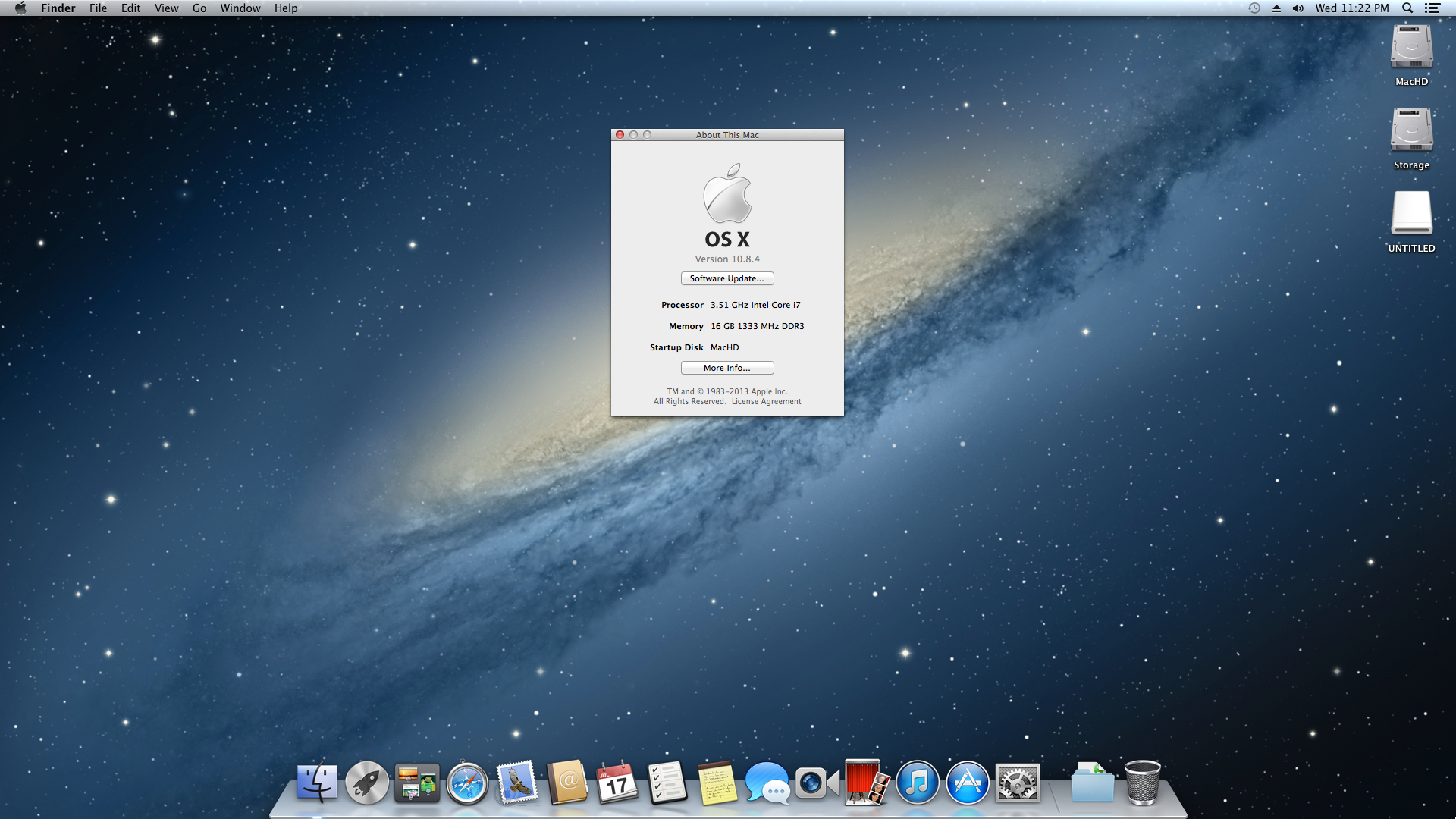
I chose to go this route, because I could not get Mac OS to boot with the DSDTs that I created with MaciASL (using the configuration for the P8Z77-V motherboard and graphics source per PJALM’s instructions). My problems could have been related to the DSDT or due to incompatibilities between its settings and my P8Z77-V’s BIOS ROM version (I was unable to use the motherboard’s BIOS Flashback feature to successfully load one of these hacked BIOS ROMs on this site). Apparently, if you can get the DSDT to install correctly and have the hacked BIOS, you will be able to enjoy power management settings and control. Since I have my computer only on when I am using it, I do not have any problem with this lack of functionality. Since installation, my Hackintosh has been running great. It is snappy, video and sound work great, network connectivity is fine, and Doom 3 plays fantastically at 1080p!
After the installation, I discovered one tremendous problem: FileVault cannot be activated for your boot drive. Apparently, this is due to FileVault needing a real Mac’s EFI environment (or the error message that it generates indicates that it has to do with its inability to re-partition the bootdrive–likely due to the Chimera bootloader). As far as I can tell from reading posts on the TonyMacx86 forums, there is no way around this problem. One option would be to save your files in a TrueCrypt container or fully encrypted drive that is separate from your bootdrive. Another way is to use TrueCrypt full disk encryption as detailed on this helpful blog post from Frugal Computing (FC also has some great articles about building Hackintoshes).
Others in the TonyMacx86 forums have had varying levels of success with the Asus P8Z77-V and Mountain Lion, so I do not want to dissuade you from attempting to get more functionality on your installation. The above is simply a report of what worked for me. It might work for you, and it might give you a beginning for your own Hackintosh project.
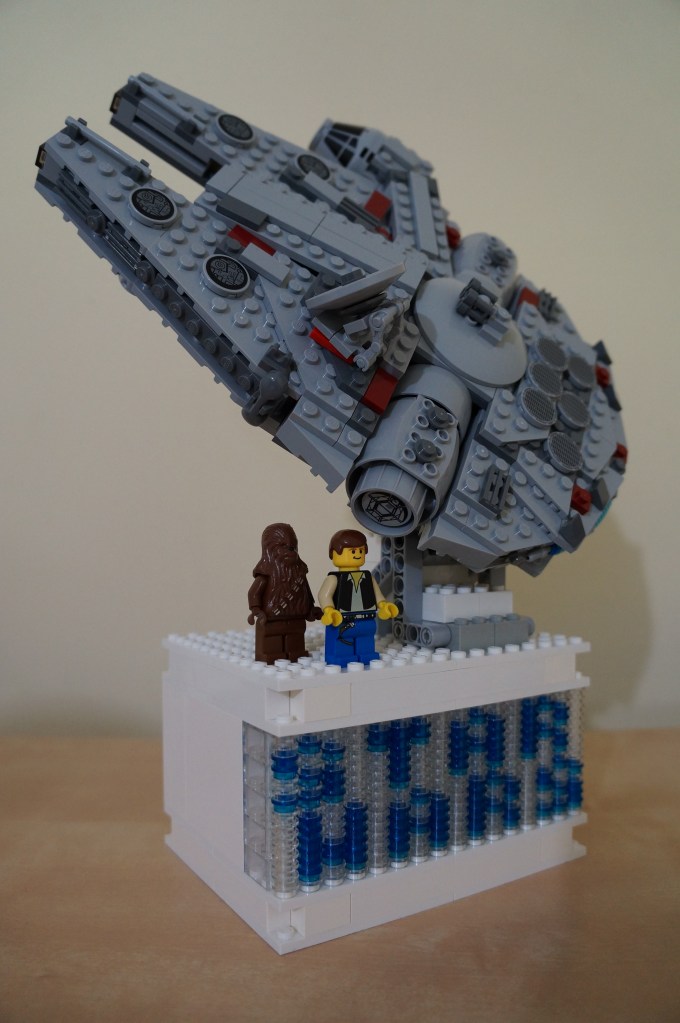
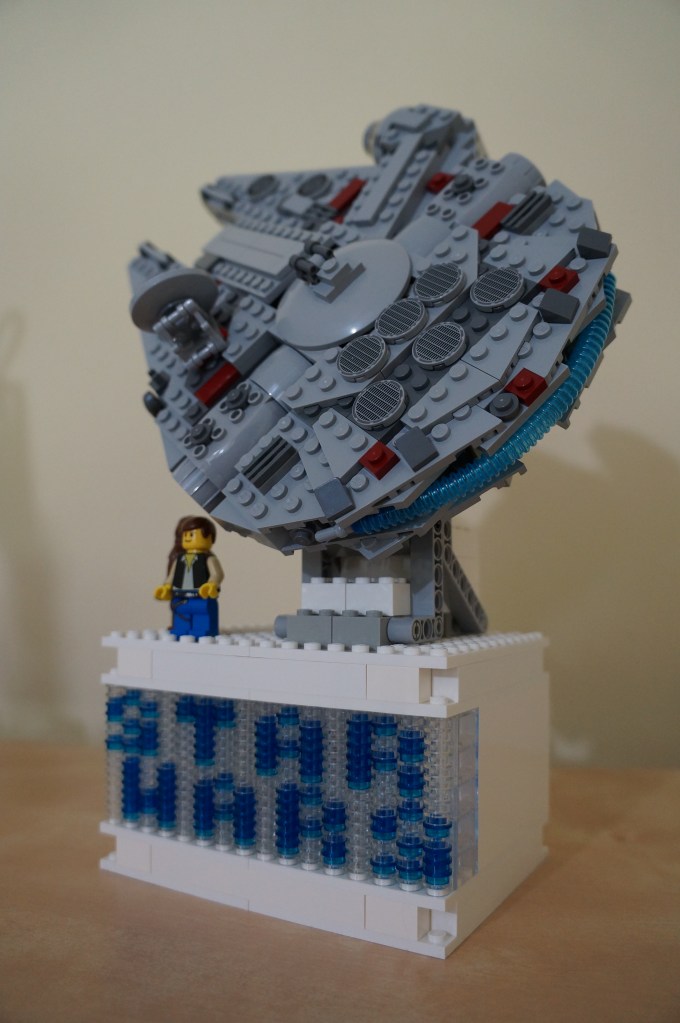

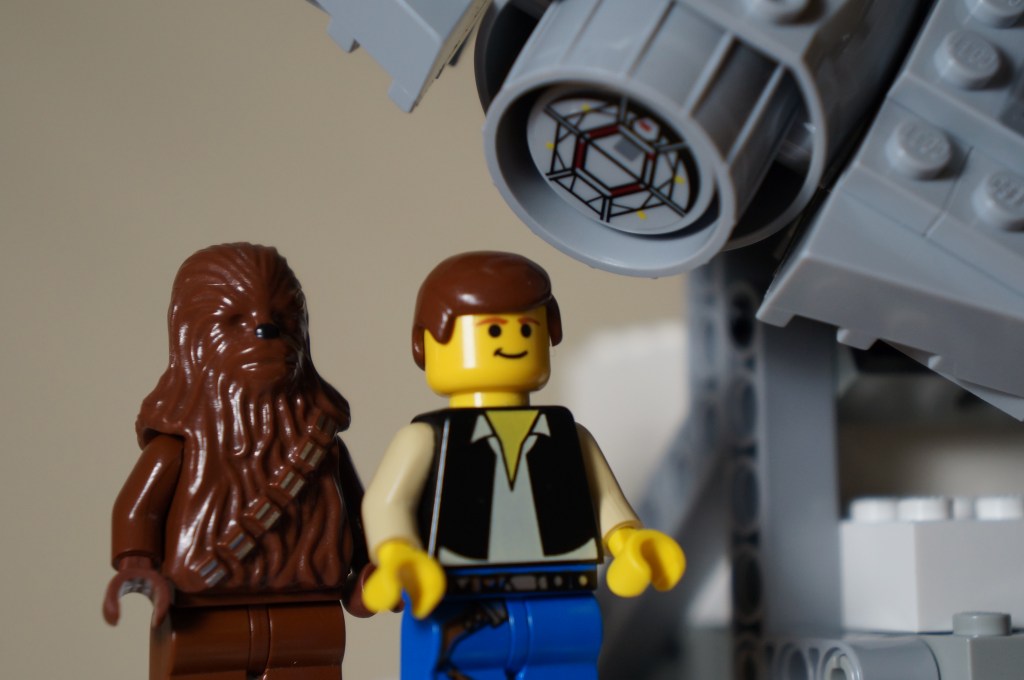



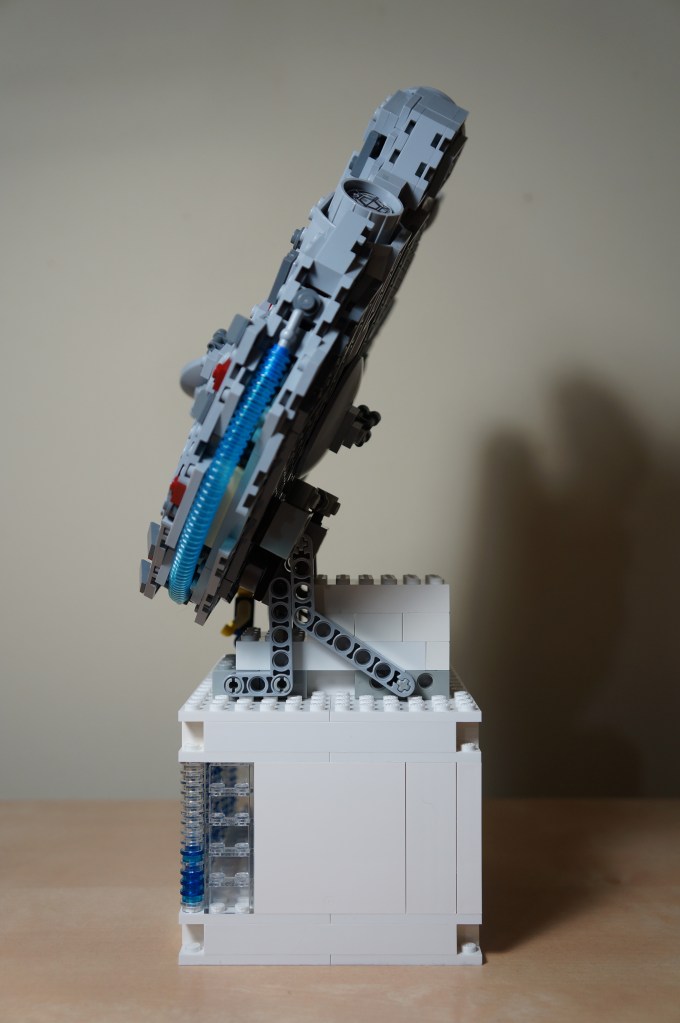
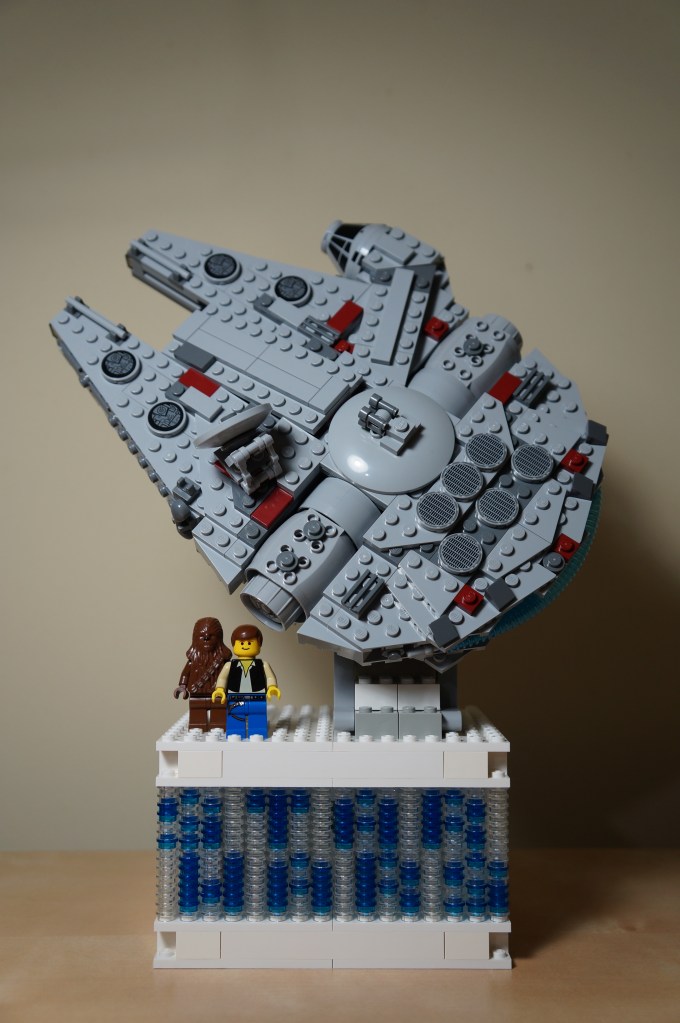
Yesterday, I spent the afternoon building a custom display stand for the “midi-scale” Lego Star Wars Millennium Falcon 7778. I used white bricks and plates to build an empty box for its base. On its front, I used clear round pieces for filler and translucent blue pieces for the letters. I planned out the letters on an index card that I drew a grid pattern on. If you count the columns, you can see that I was left with an extra, unused column. Y suggested setting the bottom line of text off by one column to spread this spare column between both lines of text, which I think works very well. In the back of the base, I installed a light brick to illuminate the Star Wars text on the front. On top of the base, I build a stand for the Falcon using Technic bricks. It took some experimentation with different elements to get the angle that I wanted. On top of the stand, I used a 4×4 rotating assemblage to give the Falcon a more dramatic pose. In order to keep it at the rotation angle that I choose, I used a Technics rod assembly attached with a 2×2 rotating assemblage to meet it to the Falcon and hold it in place. I added the Han Solo and Chewbacca minifigures from the original Lego Star Wars Millennium Falcon 7190 set to complete the project.
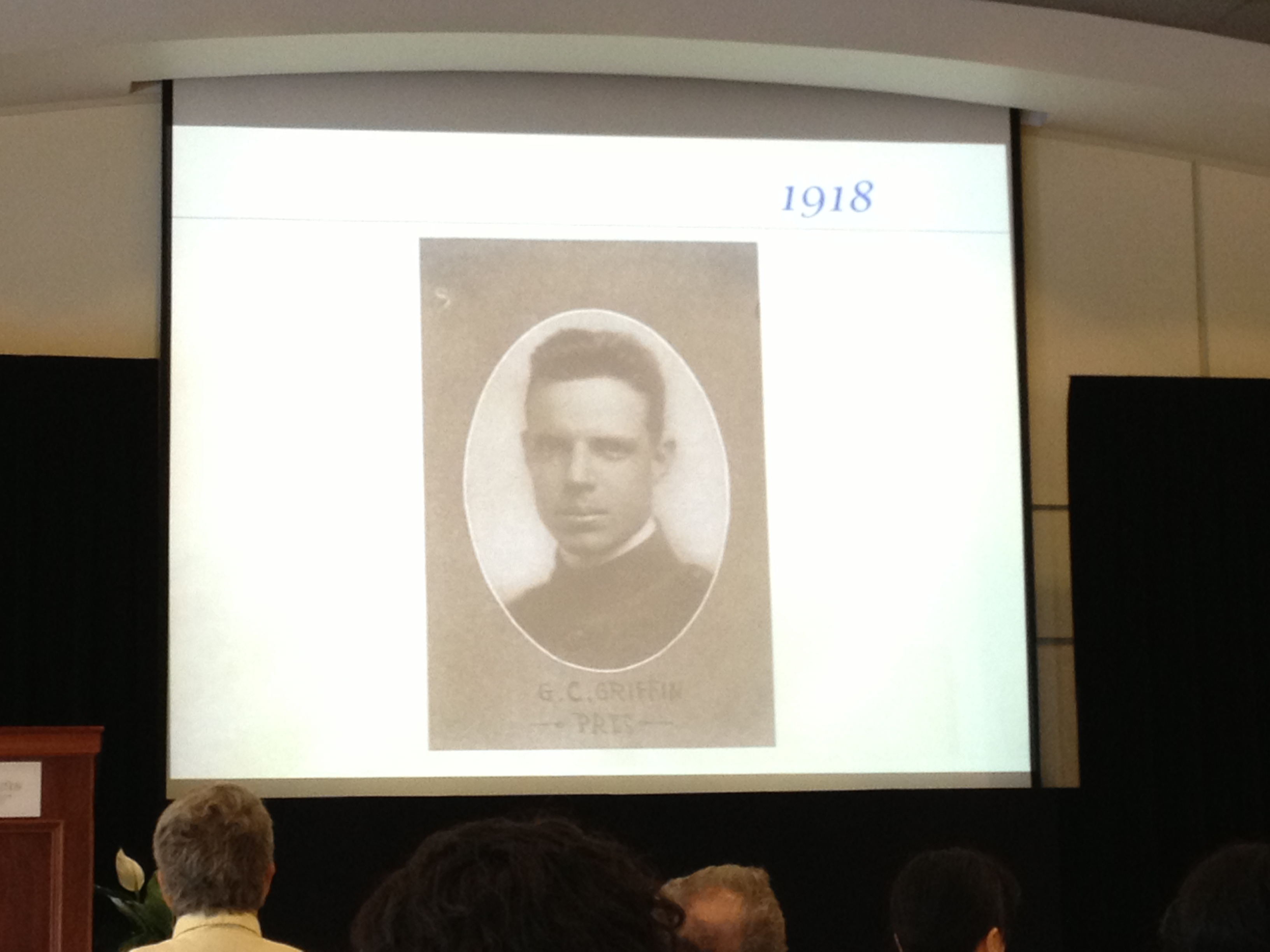
Today, the Georgia Tech Alumni Student Ambassadors and the Georgia Tech Center for the Enhancement of Teaching and Learning hosted the Dean Griffin Day Luncheon to recognize recipients of “Thank a Teacher” notes. I was honored by a Thank a Teacher note from one of my students.
Associate Vice Provost for Learning Excellence Donna Llewellyn told us about the origins of the Thank a Teacher program and recited some of the notes that recipients had received.
Marilyn Somers, Director of Georgia Tech’s Living History Program, guided us through enjoyable multimedia-driven stories about Dean George C. Griffin. Her enthusiasm for Georgia Tech is only matched by her passion as a storyteller.
Vice Provost for Undergraduate Education Colin Potts delivered a meditation on what exactly it is that makes a great teacher and how that relates to the modern development of online education in MOOCs (massive open online course). The two most provocative things that I took away from his talk include the question, “What makes a good teacher?,” and the observation, MOOCs are part of the evolution of education but not the end.
On my walk back to the Hall Building, I thought about Dr. Potts’ question: What makes a good teacher. Of course, I have given this idea a lot of thought before and after entering the profession, but it is a question that we as educators should continually return to in our work as reflective practitioners. The best quality that I have found in my teachers (and I mean those people who are educators in the broadest sense of the word) is passion. This includes a passion for the material being taught, a passion for student learning and success, a passion for engaging others, a passion for life-long learning, a passion for energetic discourse, a passion for understanding, a passion for a passion for giving back to a community, a passion for being a part of larger conversations beyond the classroom, and a passion for kindness. What’s intriguing about my experiences with some fantastic teachers during my life is that I do not believe that any of them perform, demonstrate, or conduct these same passions in the same way. There many different paths to these things, and its amazing to me how many different people tread very different paths yet have achieved for me the same positive and enriching outcomes.
This reminds me of something else that Dr. Potts warned about MOOCs–the impulse of some to promote a singular, superstar educator as the one way for a course to be delivered and taught. In a smaller way, I think back to my Calculus education at Georgia Tech. There were simply some professors who I could learn from–that is, their teaching style and methodology synced, jived, and meshed with my thinking and learning ability. The professors who I did learn Calculus best from might not have been the exemplars of the profession at Tech at that time, but they were, to me anyways, the best educators of Calculus (I should know, because I had some false starts early on in my educational career). We have to be very careful about the choices that we make as an institution and as a profession as we move further into offering MOOCs. These choices should extend beyond the calculus of student completion rates. We have to consider the effects MOOCs will have on pedagogy and educators. How will MOOCs, over time, influence education? How will MOOCs influence student success in areas not explicitly concerned with a course that teachers often provide and encourage (finding out how students are doing, having informal chats, making sure students are doing okay, etc.)? Will MOOCs push out some educators and educational styles in favor of others? Can the passions of educators be provided/conveyed and can the passions of students for learning, solving puzzles, and engaging discourses be fostered in a MOOC?
A final note: I am listening to Dr. Eric Rabkin’s lectures on tape for his Science Fiction: The Technological Imagination course from the University of Michigan. Certainly, he is passionate about science fiction, and it is, I believe, unavoidable for his passion to infect his audience. He knows the material, and he is obviously excited to convey this knowledge to his students (in the classroom and in the world–those of us listening to the lectures on tape). However, Dr. Rabkin cannot provide the same kinds of things as a teacher (educator, mentor, counselor, etc.) in a MOOC or lectures on tape that he can provide in a class of reasonable size (another issue). Don’t get me wrong–Dr. Rabkin is a fantastic person and I count him among my professional friends. However, there are limitations to what an educator can and cannot do in a MOOC or lectures on tape. For example, in his own highly popular MOOC, I imagine that he cannot read all of the comments or questions of every student (when I see Dr. Rabkin next, I will certainly ask him about how he compares his classroom and MOOC teaching). This is something possible when you have reasonable class enrollments and course loads (this leads into another area of concern about having too large of a class for a qualitative and composition oriented course–there is a point at which the teacher cannot provide the necessary and needed passion for all students. In which case, a too big of a class, too many classes, or a MOOC can become indistinguishable from the perspective of the educator). Of course, I can see that the objectives of the classroom learning environment compared to the MOOC/lectures on tape should be different. I am left wondering though if everyone who promotes MOOCs truly recognizes the different affordances of each without trying to make one into the other at the cost of each.
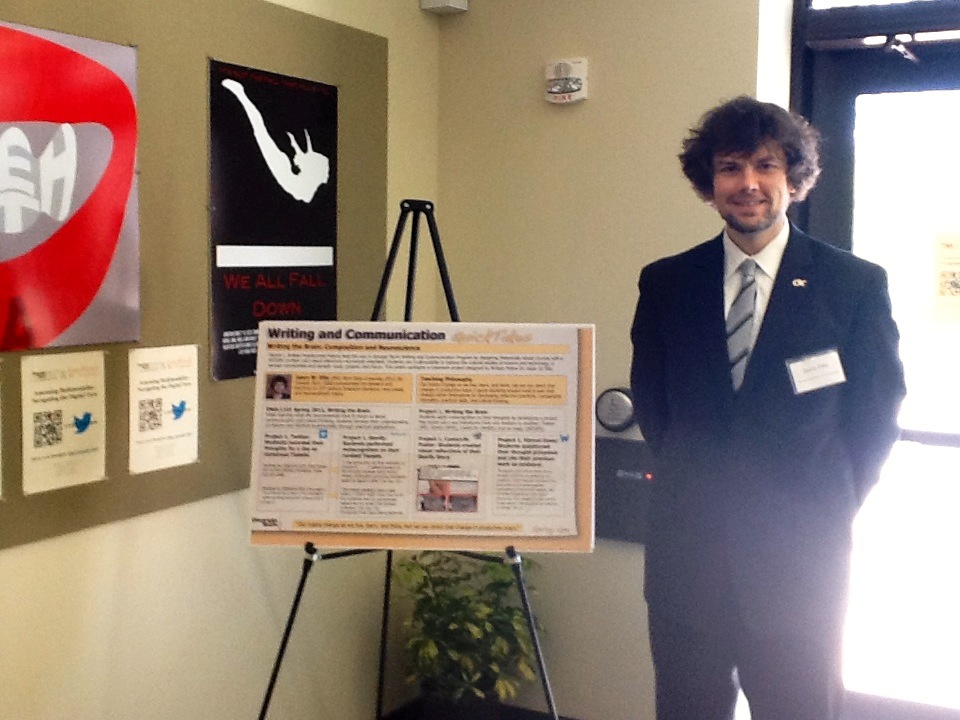
Today, the Georgia Tech Writing and Communication Program and Bedford St. Martins hosted a symposium on Assessing Multimodality: Navigating the Digital Turn. I co-presented a workshop with Mirja Lobnik on Multimodality and Perception and I presented a poster during one of the day’s sessions. Many of us were tweeting our experiences at the symposium today, too. Click through the Storify embed below to virtually experience the symposium 140 characters at a time.
[View the story “Assessing Multimodality: Navigating the Digital Turn Symposium” on Storify]
