Category: Artificial Intelligence

  • Joan Slonczewski Added to Yet Another Science Fiction Textbook (YASFT)

    An image of a woman walking through a tunnel toward an ocean's beach and a sky filled with stars inspired by Joan Slonczewski's novel A Door Into Ocean. Created with Stable Diffusion.

    I added a whole new section on the Hard SF writer Joan Slonczewski (they/them/theirs) to the Feminist SF chapter of the OER Yet Another Science Fiction Textbook (YASFT). It gives students an overview of their background as a scientist, writer, and Quaker, and it discusses three representative novels from their oeuvre: A Door Into Ocean (1986), Brain Plague (2000), and The Highest Frontier (2011). Like the Afrofuturism chapter, I brought in more cited, critical analysis of Slonczewski’s writing, which is parenthetically cited with a full citation instead of using a works cited list or footnotes.

    Slonczewski’s A Door Into Ocean was the inspiration for the image above that I created using Stable Diffusion. It took the better part of a day to create the basic structure of the image, then there was inpainting of specific details such as the woman’s footprints in the sand, and finally, feeding the inpainted image back into SD’s controlnet to produce the final image.

  • First Anniversary of My Generative Artificial Intelligence (AI) and Pedagogy Bibliography and Resource List

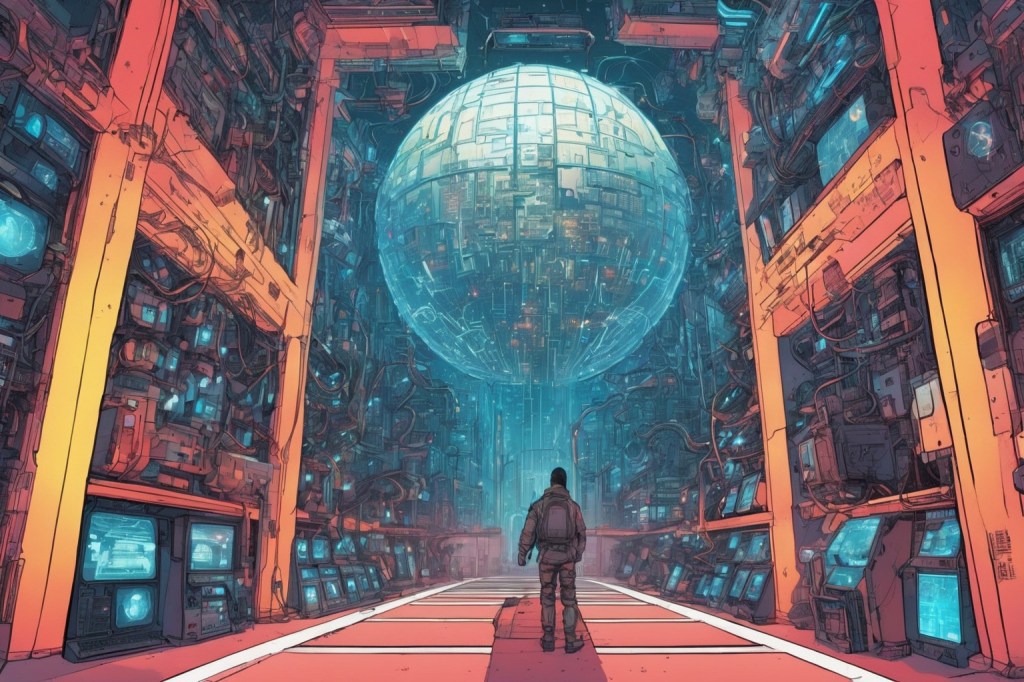
    Artificial intelligence in a giant room of computers. Image generated with Stable Diffusion.

    Tomorrow is the first anniversary of the Generative Artificial Intelligence (AI) and Pedagogy Bibliography and Resource List.

    I first launched it on 13 April 2023 when I was directing the Professional and Technical Writing (PTW) Program at City Tech before going on my current research sabbatical.

    The motivation for the resource was two fold: I wanted to learn all that I could about generative AI for my professional work as a teacher and scholar, and I needed to understand the changes taking place due to these new technologies for the benefit of my students who had already expressed concern and wonder about it.

    I launched it with more than 150 MLA-formatted citations of books, collections, and articles related to AI and generative AI with an emphasis on teaching but also including useful background and area specific sources.

    Now, it has over 550 citations! It also includes a growing list of online resources with direct links!

    I’ll keep adding to it periodically, and if you have some sources that I haven’t included but should, drop me a line (my email address is in the sidebar to the right).

  • Lenovo ThinkPad P1 Gen 4 Powerhouse Workstation

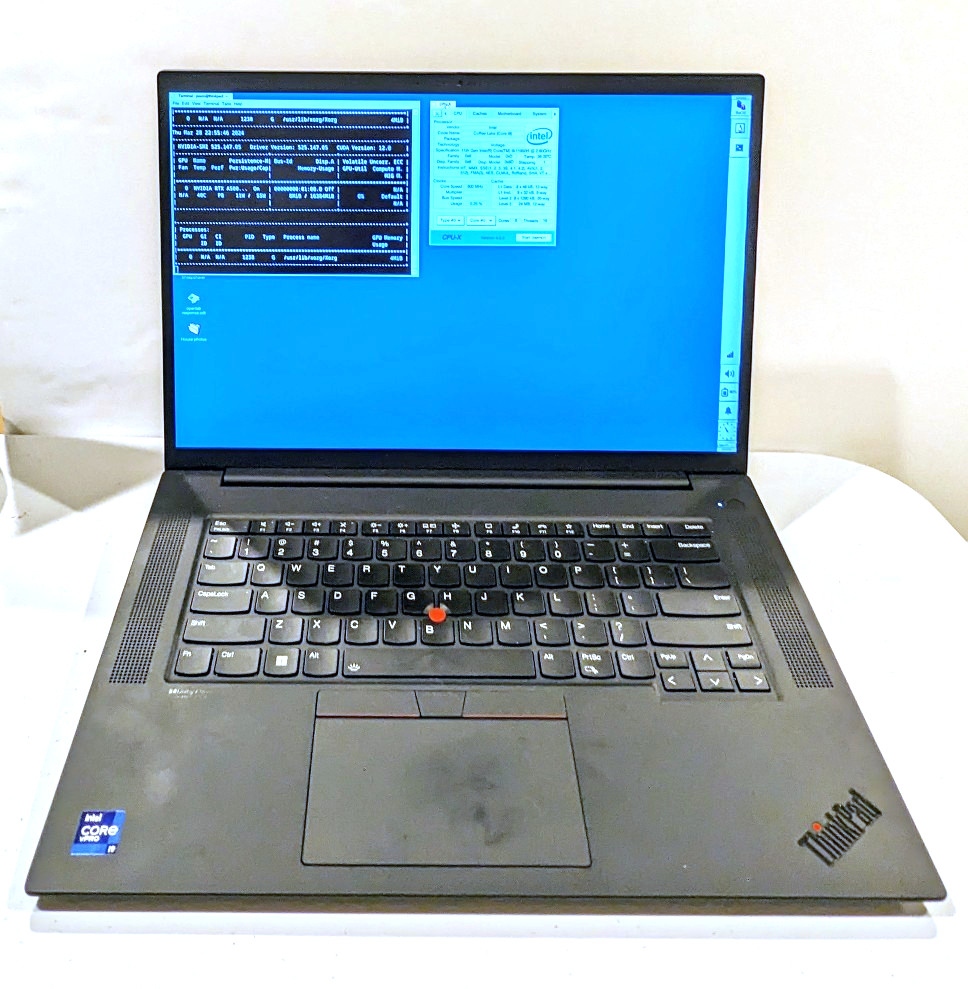
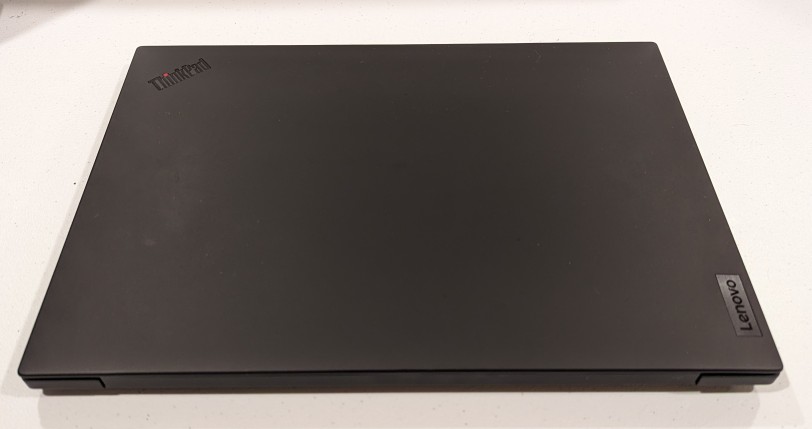
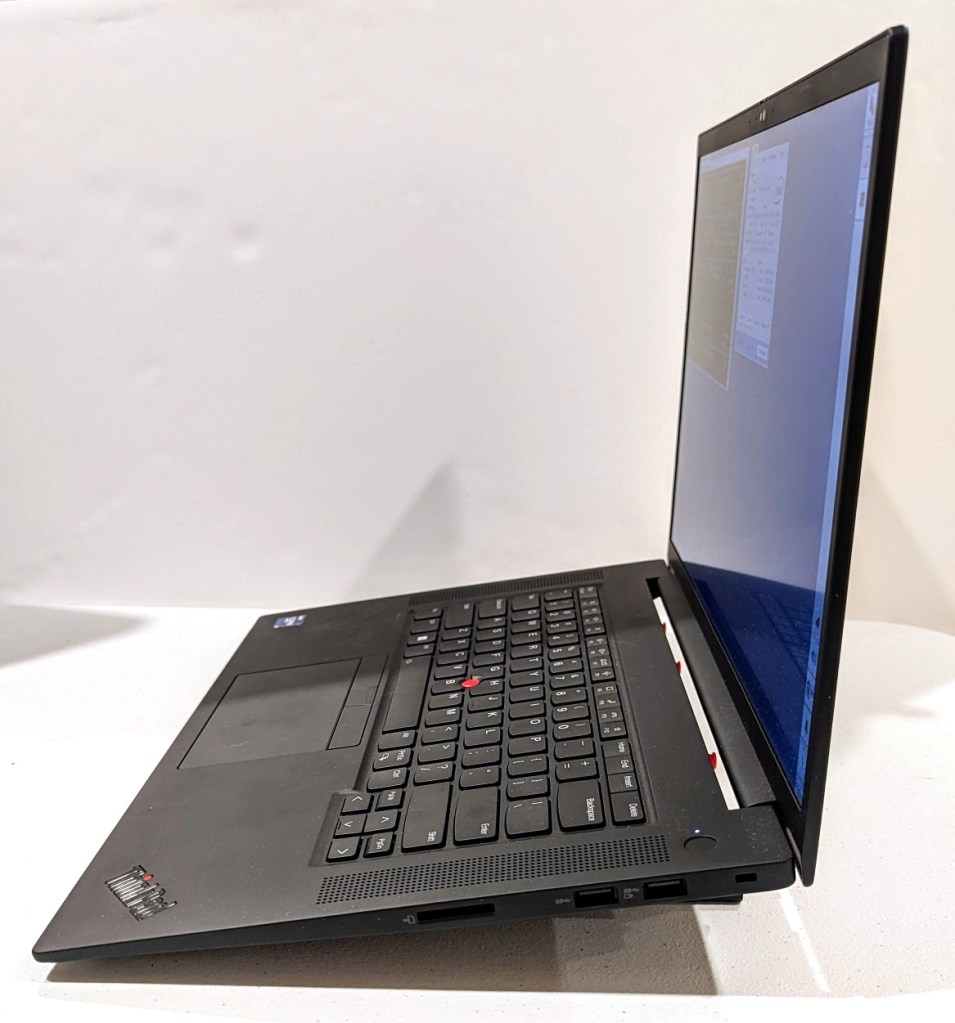
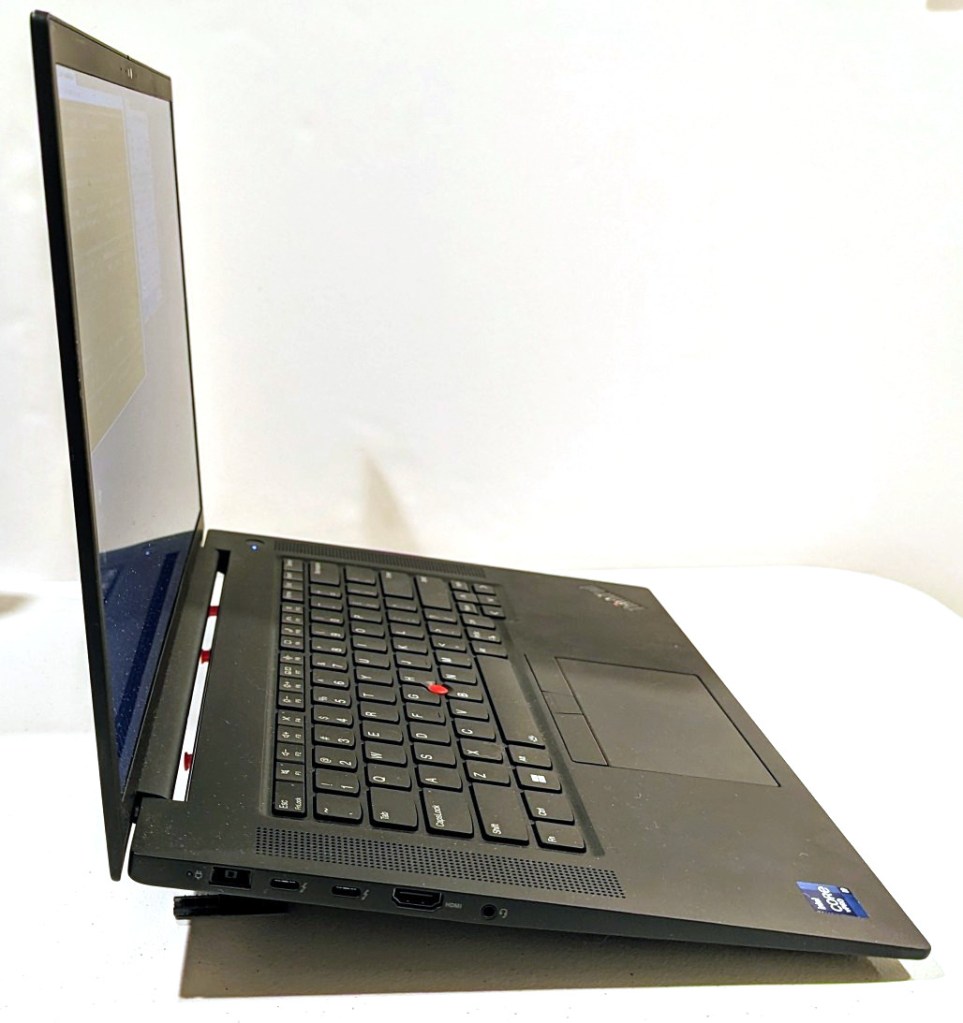
    Lenovo ThinkPad P1 Gen 4 16" QHD+ i9-11950H✓64GB RAM✓2TB SSD✓RTX A5000 with screen open and showing Debian 12 desktop

    About halfway through my sabbatical, I needed to visit my parents in Georgia, but I also needed to continue working on my research projects. I didn’t feel safe about lugging my A6000 desktop computer (in checked baggage or shipping), so I followed my own advice and started looking for a used workstation-class laptop.

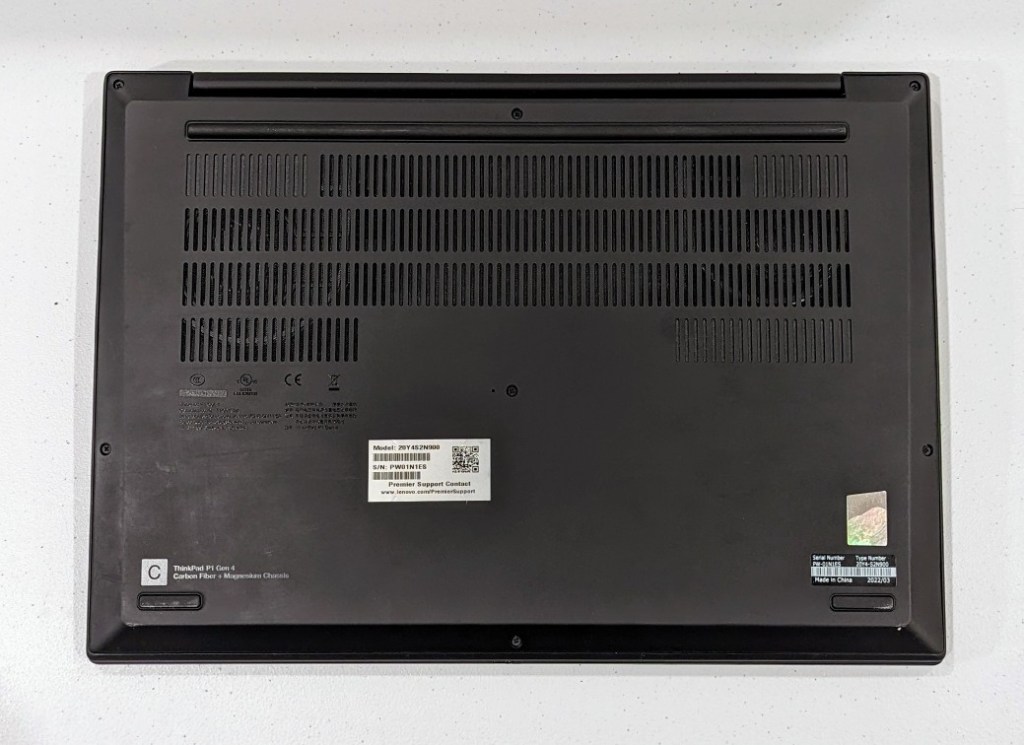
    It took a few weeks, but I landed this awesome, practically new Lenovo ThinkPad P1 Gen 4 from a seller on eBay. It has a 16″ QHD+ screen (that I scale down to 1080p for my eyes), an i9-11950H (8 core/16 thread) CPU, 64GB DDR4 RAM, 2TB SSD, and an NVIDIA RTX A5000 16GB discrete video card (Stable Diffusion and llamacpp worked without any hiccups).

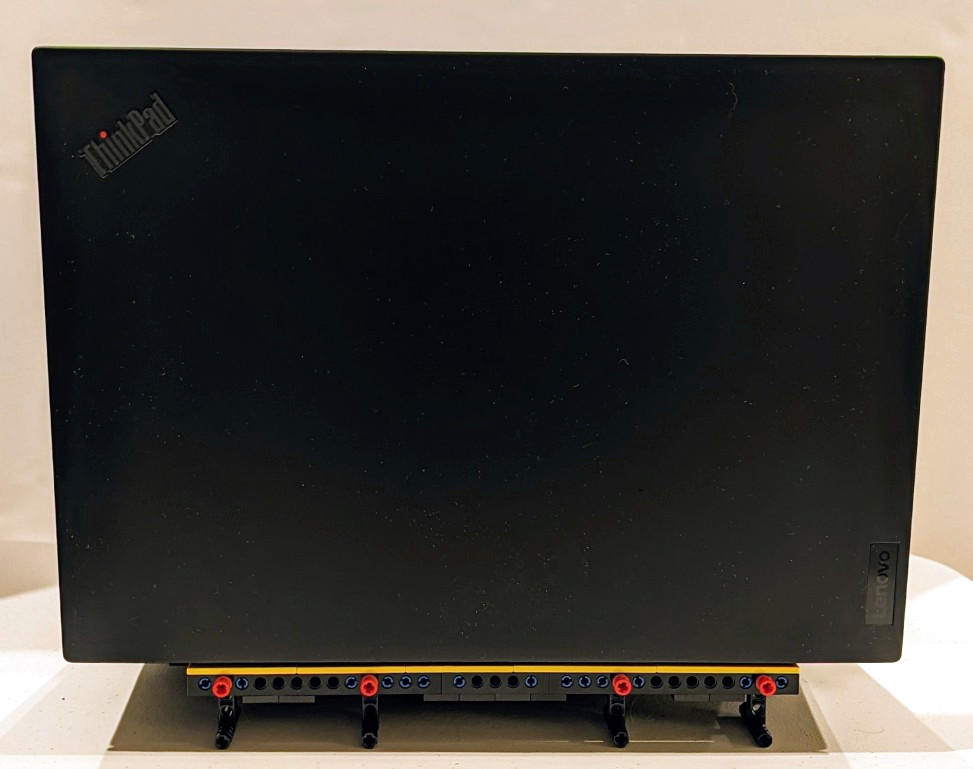
    It plows through all of the work that I throw out at, but it does sound like a jet engine when its two cooling fans spin up. I have found that raising it off the desk by a couple of inches helps tremendously with cooling by increasing air flow. I had been using rigged up stands, but I built a special stand out of LEGO that I will show in detail tomorrow (but there’s a sneak peek in the photos below).

    I can’t sing this laptop’s praises loudly enough! It works well with Debian 12 Bookworm, but it does have some issues with power saving/hibernation, which is a known issue and might have some work around that I haven’t tried yet.

    The one thing that it can’t do without when doing GPU-focused work is it’s chonky 230 watt external power supply. I bring it with me when I know it will eat through its battery doing jobs. I recently upgraded my backpack to a Mystery Ranch 2-Day Assault Pack, which has a built-in sleeve that easily accommodates 16″ laptops like this one (but it can be tricky to use the laptop side egress slot due to the ThinkPad’s thickness).

  • Before and After Video Card Views

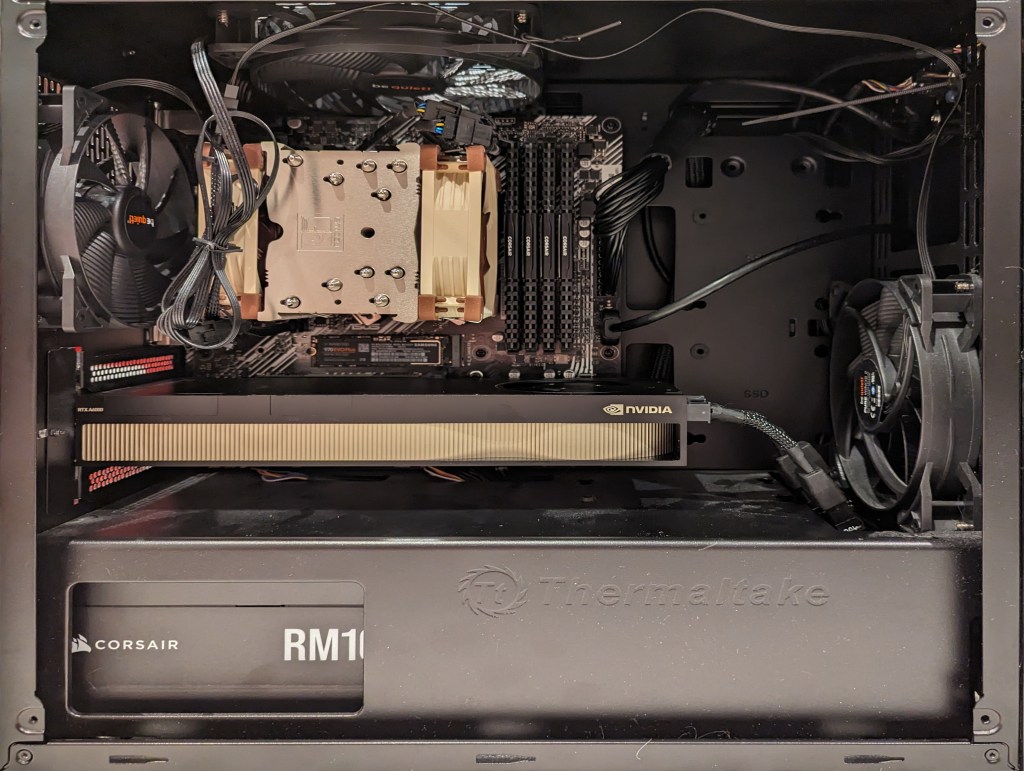
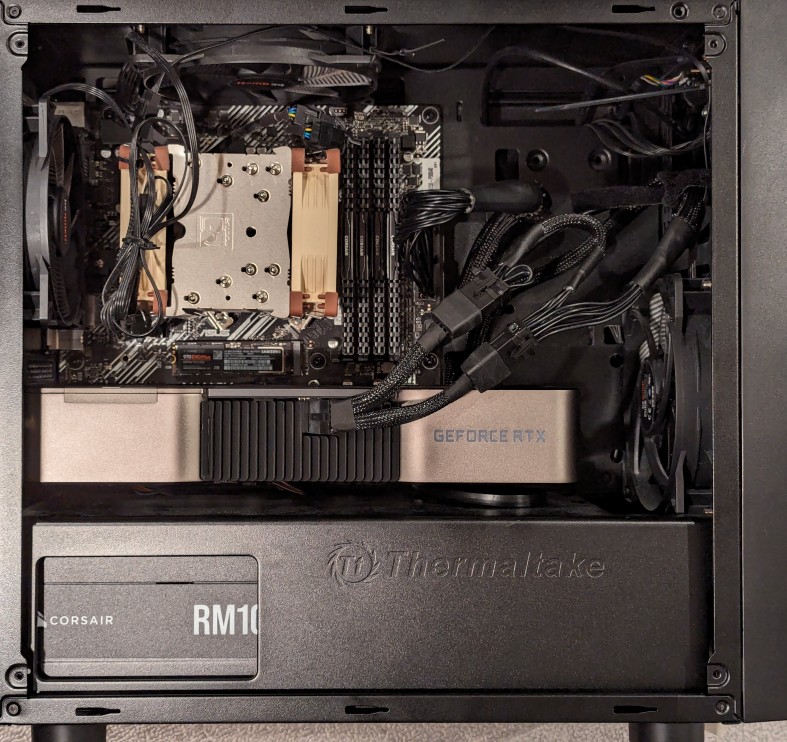
    AMD Ryzen 7 System with NVIDIA A6000 Video Card

    When I swapped out the NVIDIA RTX A6000 48GB (seen above) for the RTX 4060Ti 16GB (seen below), I rerouted the main motherboard power cable and installed extra hard drives in the bottom power supply enclosure.

    At peak, the video card power draw has gone from 300w to 140w. The noise of the 4060Ti’s fans is a little more noticeable during full load, perhaps due to it’s open blowing fan design as opposed to the enclosed blower design of the A6000. And, I’ve re-familiarized myself with the memory optimizing features of A1111 for image generation, which I used to have to make use of with my old RTX 3070 8GB video card that I had before upgrading to the A6000. Later this week, I’ll test out how many LLM layers I can load on to the 4060Ti’s 16GB of VRAM with koboldcpp.

    AMD Ryzen 7 PC with NVIDIA RTX 4060Ti 16GB Video Card.
  • College Cat Studying in the Stacks, and Video Card Downgrade

    Anthropomorphic cat wearing a hoodie, sitting in a library, studying two open books. Image created in Stable Diffusion.

    I decided to sell my NVIDIA RTX A6000 video card and downgrade to an RTX 4060 Ti with 16GB GDDR6.

    I’ll miss loading large LLMs on the A6000’s 48GB of memory, but between the 16GB of memory on the 4060 and my computer’s 128GB DDR4 RAM, I can get my work done–it’ll just take some magnitudes longer in some cases.

    The college cat studying image above was one of the last that I generated with Stable Diffusion on the A6000.

    Swapping out the video cards was completely painless on Debian 12 with NVIDIA drivers 525.147.05. I pulled out the A6000 and its power adapter, and installed the 4060 and connected its single power cable.