Category: Computers

  • Introduction to Piet Mondrian’s Neoplasticism Through Star Trek: The Next Generation

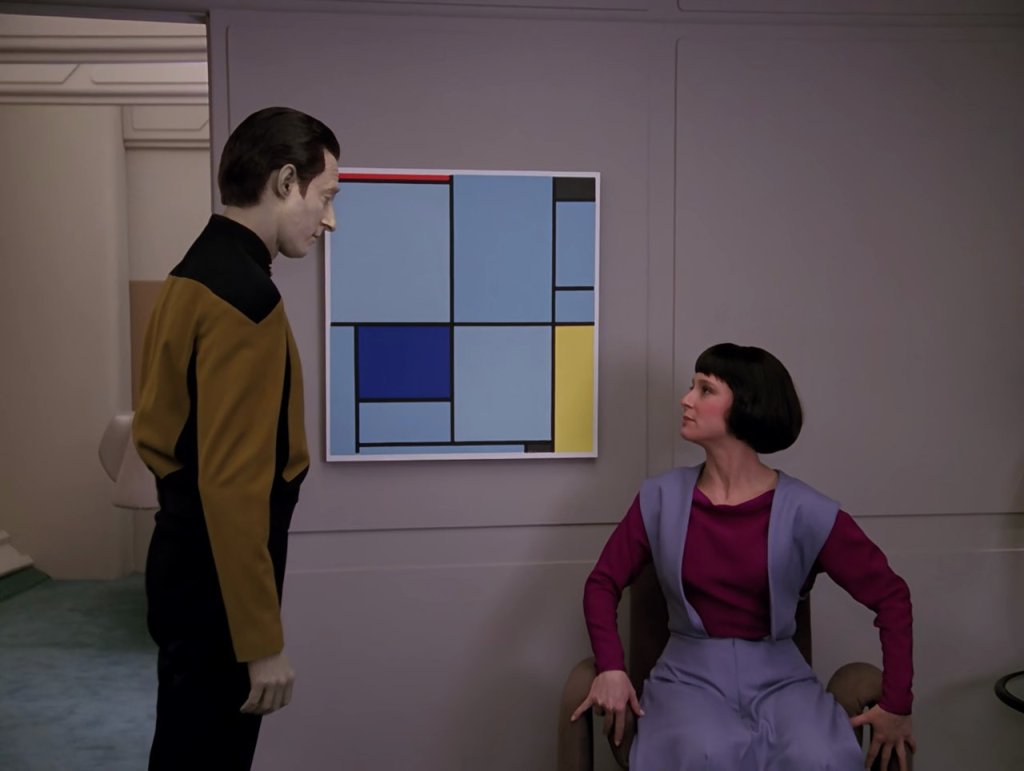
    Piet Mondrian's "Tableau I" hands on a wall between Lt. Cmd. Data standing and his daughter Lal sitting.

    In “The Offspring,” the 16th episode of the third season of Star Trek: The Next Generation, we get to see Piet Mondrian’s “Tableau I” hanging on the wall of his quarters when he shows it to his daughter Lal. I think this might be the first time that I had really seen or had my attention drawn to a work by Mondrian. I thought it was quite striking as a work of art, and it seemed fitting that Data might be drawn to this work for its ordered lines despite Mondrian’s neoplasticism theory and its connection to nature and emotion as being the motivators for the artist’s composition.

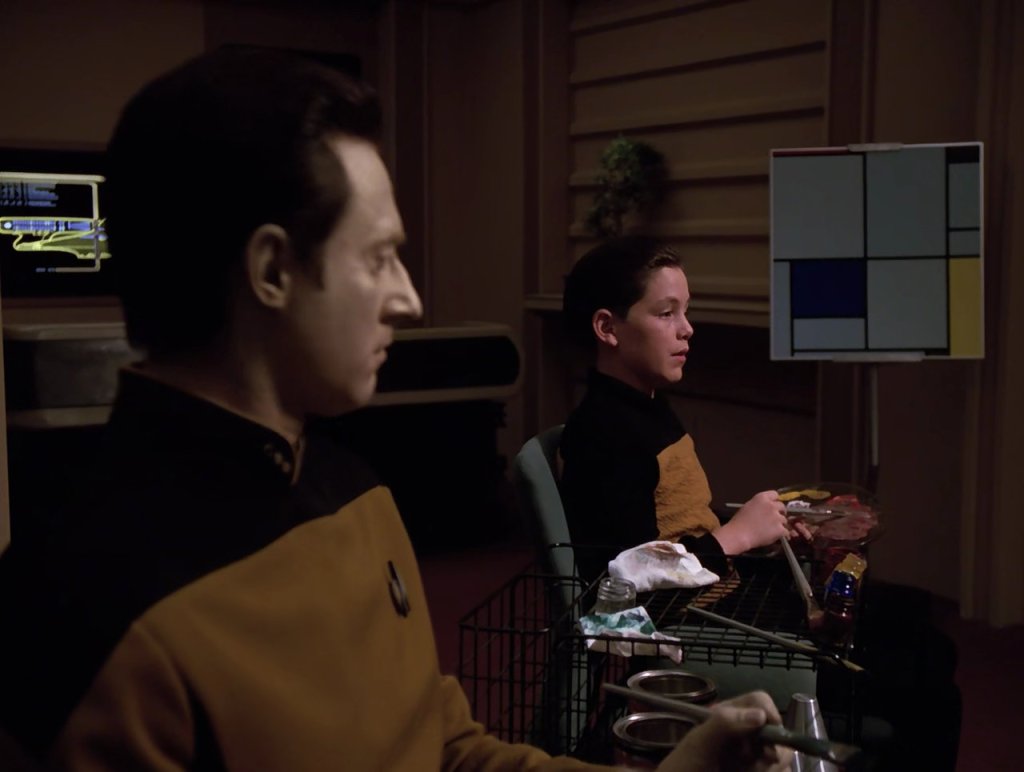
    Lt. Cmd. Data seated next to Timothy. Mondrian's "Tableau I" is in the background.

    Mondrian’s “Tableau I” appears in Lt. Cmd. Data’s quarters–notably in the eleventh episode of season five titled “Hero Worship,” in which Timothy, a young boy traumatized by the loss of his parents, apes Data’s mannerisms in order to erase his emotional response to his loss. In one scene, Data and Timothy paint in Data’s quarters where “Tableau I” is on an easel to the side.

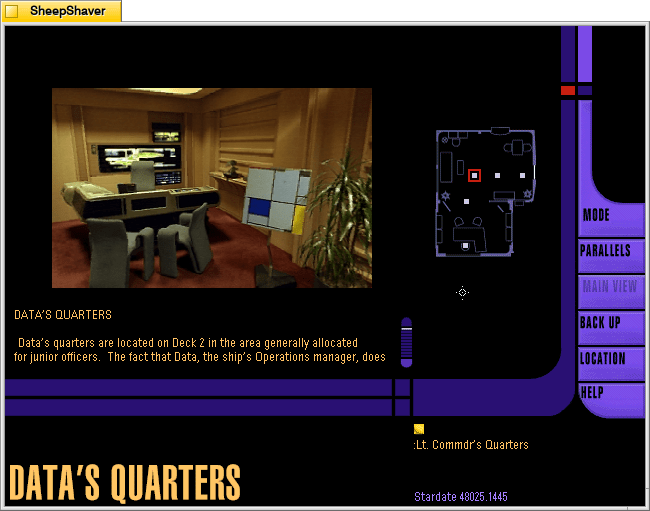
    Screenshot from the Star Trek: The Next Generation Interactive Technical Manual of Lt. Cmd. Data's quarters where Mondrian's "Tableau I" is seen on an easel.

    In the Star Trek: The Next Generation Interactive Technical Manual, Mondrian’s “Tableau I” is on an easel in about the same place as pictured in “Hero Worship.”

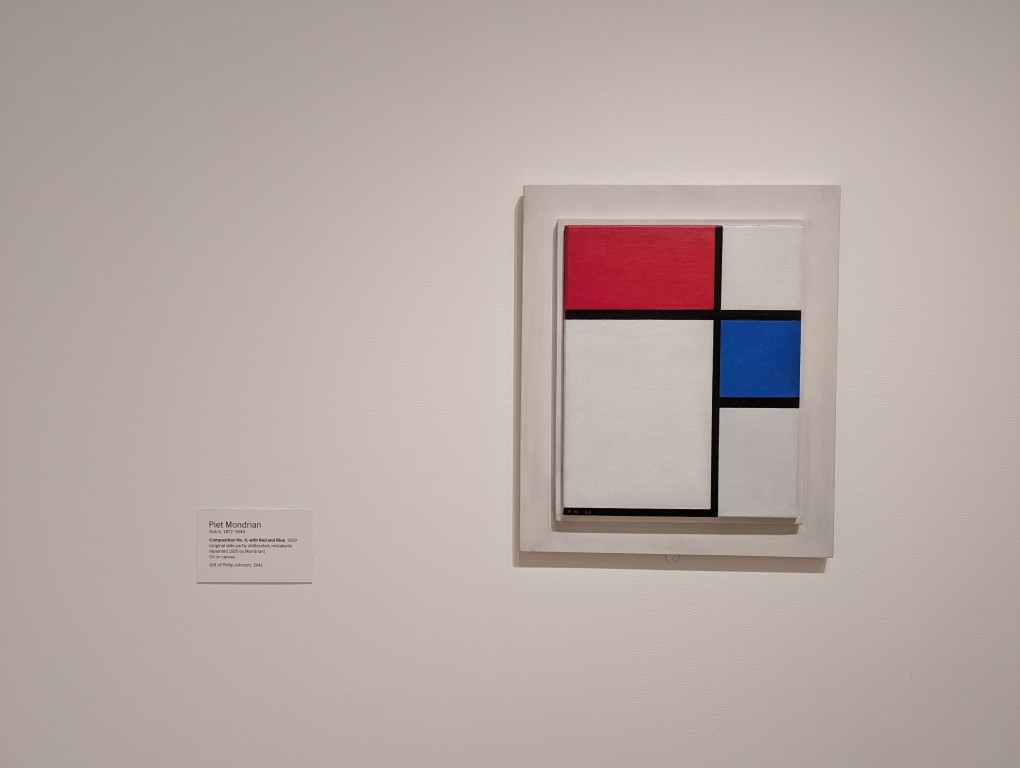
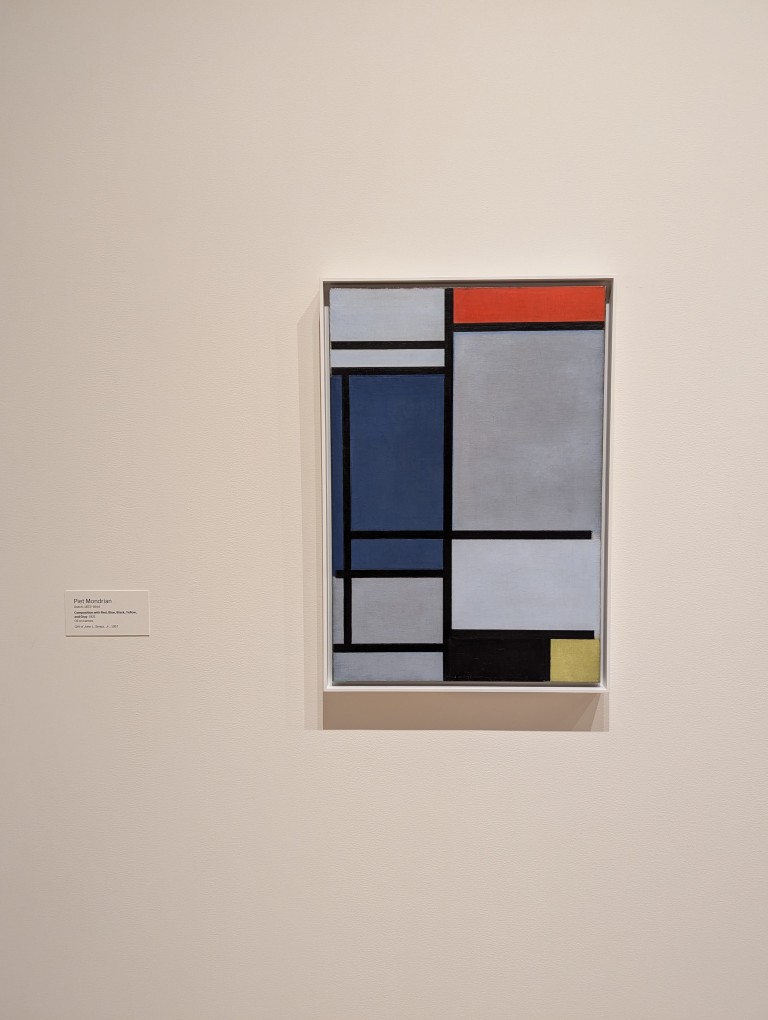
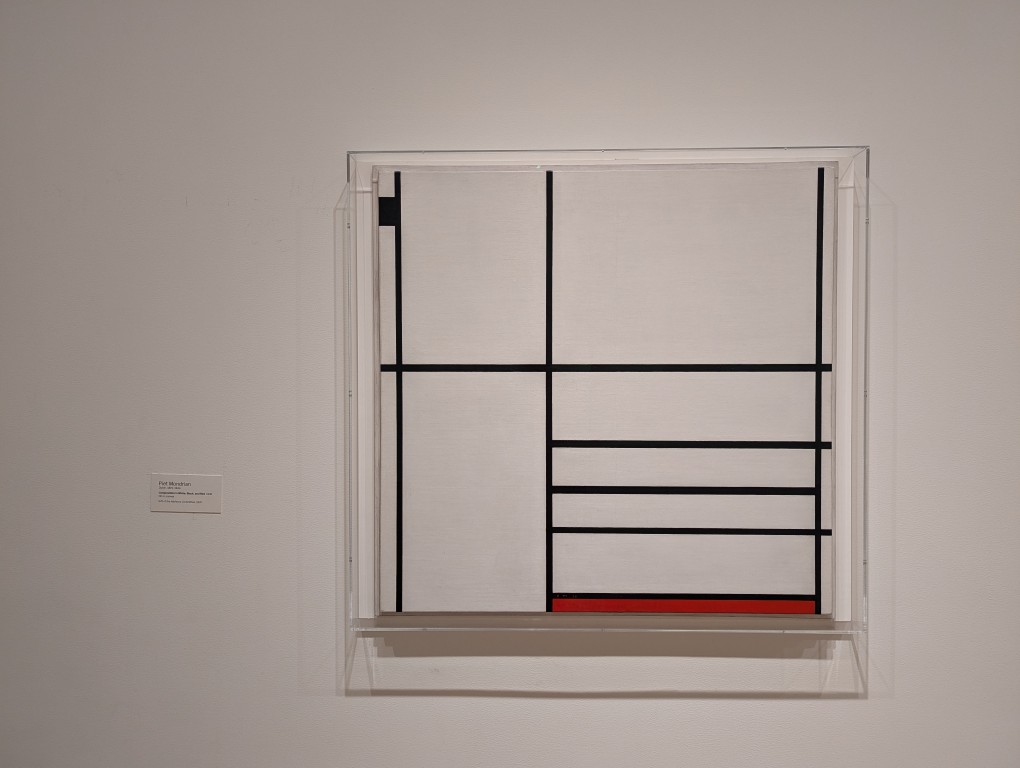
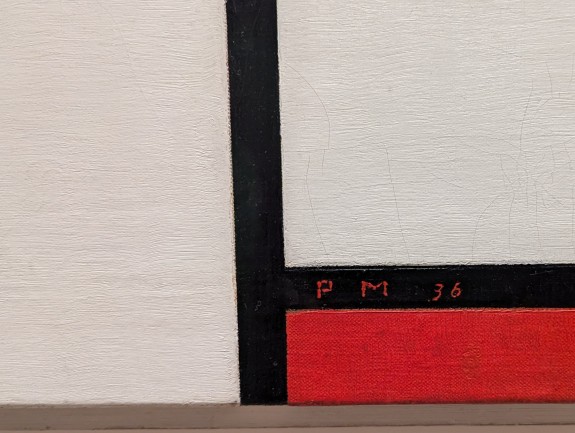
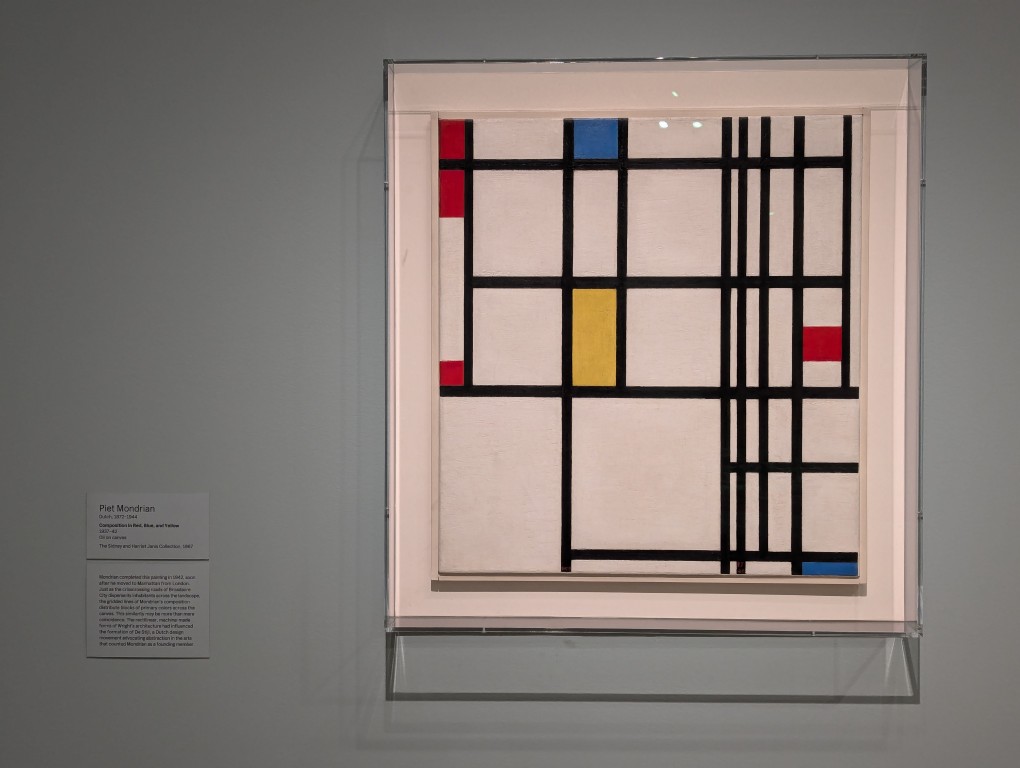
    Yesterday, I was able to see some of Mondrian’s works in person at the Museum of Modern Art (MOMA) in Manhattan. Y and I went there to see our friends from Japan, Masaya and Saki. While I didn’t get to see “Tableau I,” because it hangs in the Kunstmuseum in The Hague, I did get to see some representative works of his neoplasticism.

    Painting of lines and colored rectangles by Piet Mondrian at MOMA.
    Painting of lines and colored rectangles by Piet Mondrian at MOMA.
    Painting of lines and colored rectangles by Piet Mondrian at MOMA.
    Painting of lines and colored rectangles by Piet Mondrian at MOMA.
    Painting of lines and colored rectangles by Piet Mondrian at MOMA.
  • Mark V. Shaney v1.0, a Probabilistic Text Generator for MS-DOS

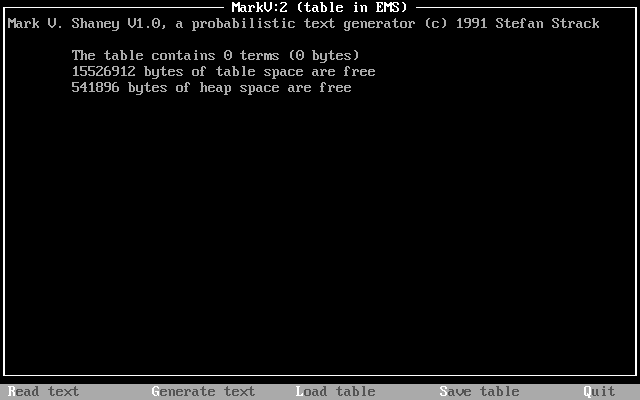
    Mark V. Shaney v.1.0 running in DOSBox.

    Of the text generators that I’ve discussed this past year, Mark V. Shaney v. 1.0 (MARKV.EXE) is by far the simplest to use but it is also one of the most advanced due to its implementation of weighted probability tables (Markov chains–the program’s name is a pun on this) that underpin how it generates text. I was able to obtain a copy from the TextWorx Toolshed archived on the Internet Archive’s Wayback Machine.

    MARKV.EXE (44,365 bytes) was developed in 1991 by Stefan Strack, who is now a Professor of Neuroscience and Pharmacology at the University of Iowa. In the MARKV.DOC (10,166 bytes) file that accompanied the executable, Strack writes, “Mark V. Shaney featured in the “Computer Recreations” column by A.K.Dewdney in Scientific American. The original program (for a main-frame, I believe) was written by Bruce Ellis based on an idea by Don P. Mitchell. Dewdney tells the amusing story of a riot on net.singles when Mark V. Shaney’s ramblings were unleashed” (par. 2). Dewdney’s article on the MARKV.EXE program appears in the June 1989 issue of Scientific American. The article that Strack mentions is available in the Internet Archive here. A followup with reader responses, including a reader’s experiment with rewriting Dewdney’s June 1989 article with MARKV.EXE, is in the January 1990 issue here.

    The program works by the user feeding a text into MARKV.EXE, which is “read.” This generates a hashed table of probabilistic weights for the words in the original text, which can be saved. The program then uses that table and an initial numerical seed value to generate text until it encounters the last word in the input text or the user presses Escape. The larger the text (given memory availability) , the more interesting its output text, because more data allows it to generate better probability weights for word associations (i.e., what word has a higher chance to follow a given word). Full details about how the program works can be found in the highly detailed and well-organized MARKV.DOC file included with the executable.

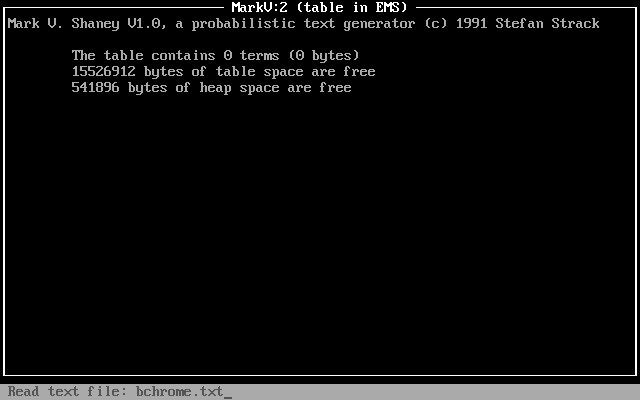
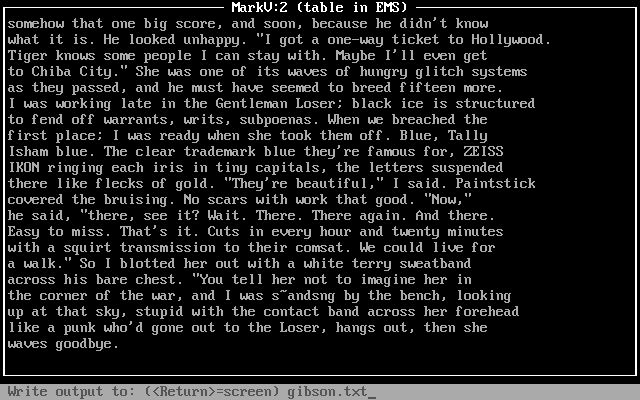
    Using DOSBox on Debian 12 Bookworm, I experimented by having MARKV.EXE read William Gibson’s “Burning Chrome” (1982). I pressed “R” for “Read,” entered the name of the text file (bchrome.txt), and pressed enter.

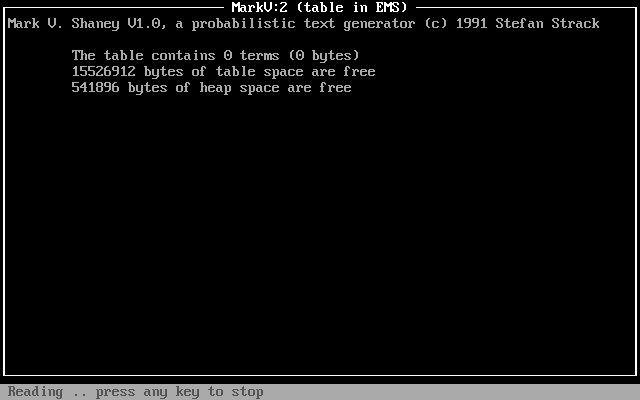
    The program reported “reading” for a few minutes (running DOSBox at default settings).

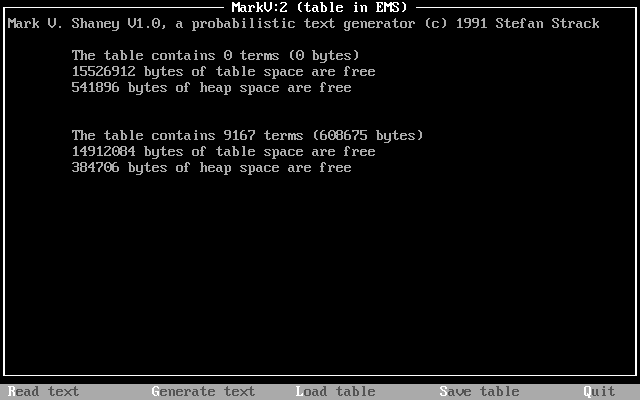
    After completing its “reading,” the program reported stats on the table that it created using bchrome.txt: 9167 terms (608,675 bytes).

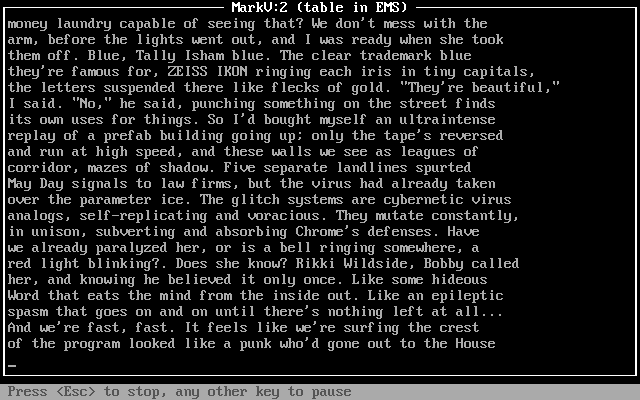
    I pressed “G” and the program began to generate text based on its table of probabilities generated from the bchrome.txt text file, which contained the short story, “Burning Chrome.” While the generated text flows across the screen, there are options to press “Esc” to stop or any other key to pause.

    After it completed writing the generated text to the screen, I pressed “S” to save the generated text and it prompted me to type in a file name for the saved generated text: gibson.txt.

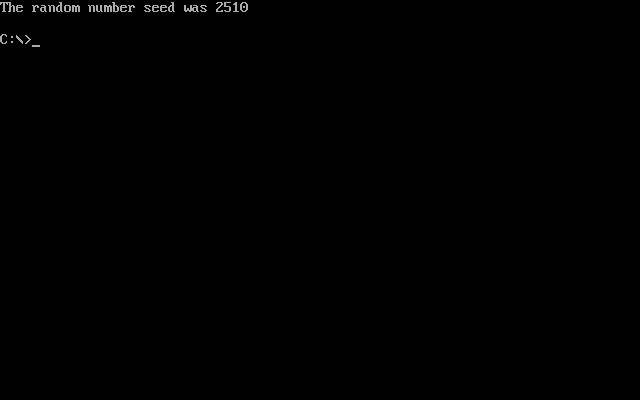
    Pressing “S” gives the user an option to save the table for future use. I went with the default name, MARKKOV.MKV (not to be confused with a modern Matroska container file). This file can be loaded in MARKV.EXE on subsequent runs by pressing “L” and entering the name of the table. When the user presses “Q”, the program exits back to DOS and displays a message, “The random number seed was x,” where x is a random number used in the generation of text. If repeatability is important to the user, you’ll want to make a note of that number and use it with the -s modifier when running MARKV.EXE again (e.g., markv.exe -s2510).

    Mark V. Shaney’s implementation of a Markov chain that builds a table of next word probability on a small text sample is one example of the predecessors to large language models (LLMs) like LLaMA and ChatGPT. However, Mark V. Shaney’s word association probabilities is far simpler than the much more complicated neural networks of LLMs (especially considering attention) with many orders of magnitude more parameters trained on gargantuan data sets. Nevertheless, Mark V. Shaney is one aspect of the bigger picture of artificial intelligence and machine learning development that led to where we are now.

  • Upgrading from the 5.11 Rush 12 2.0 to the Mystery Ranch 2-Day L/XL Backpack

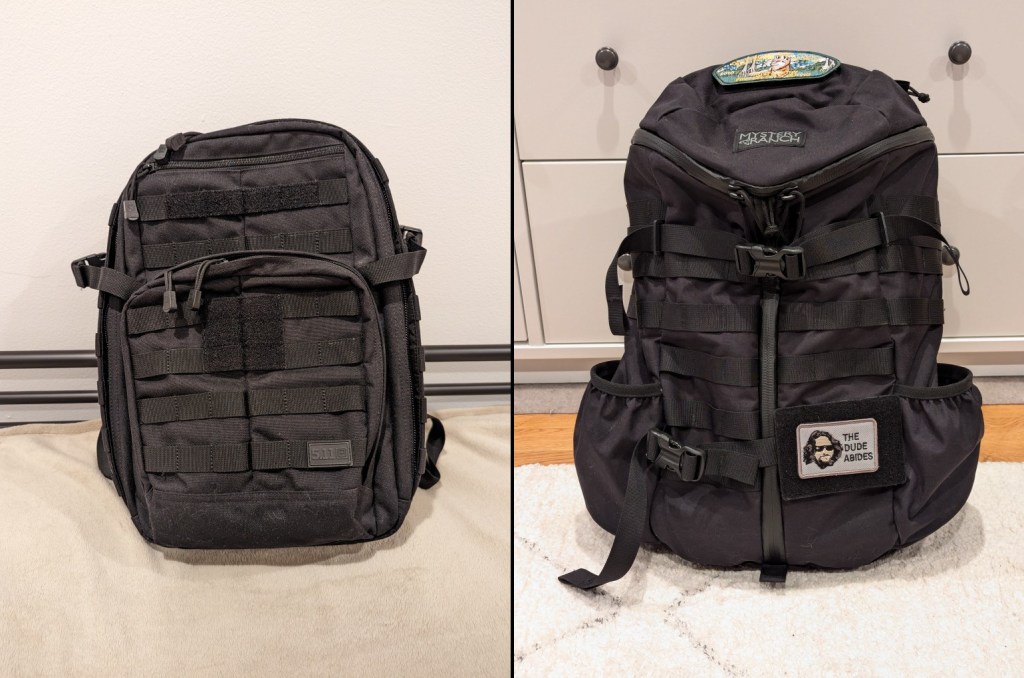
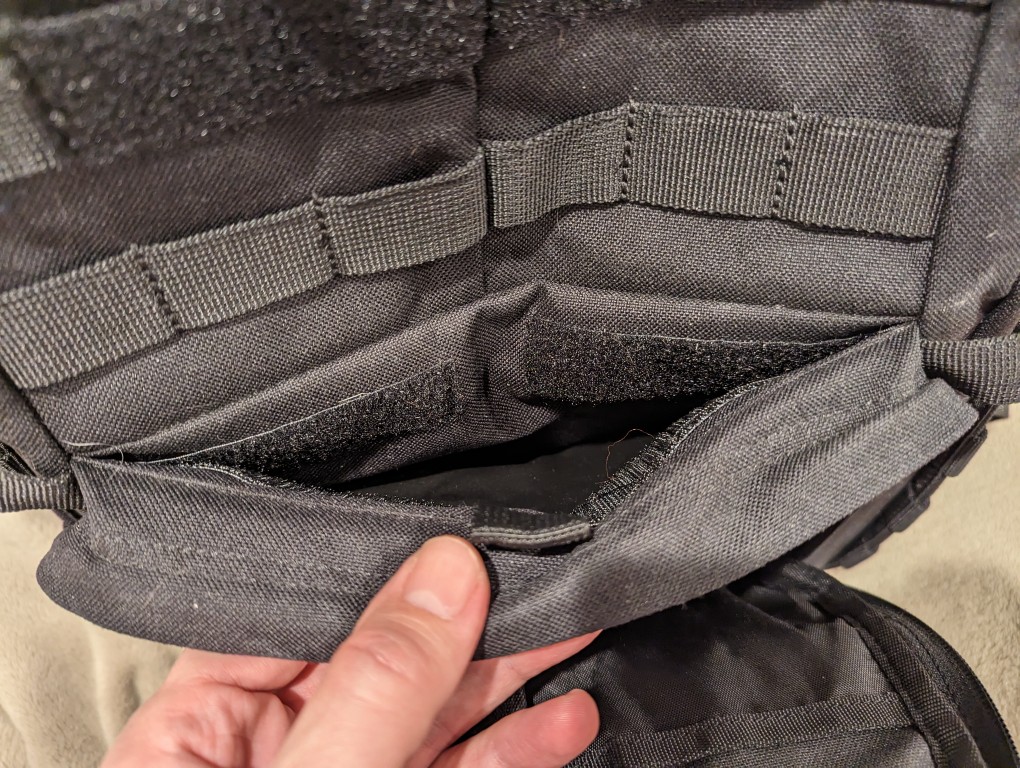
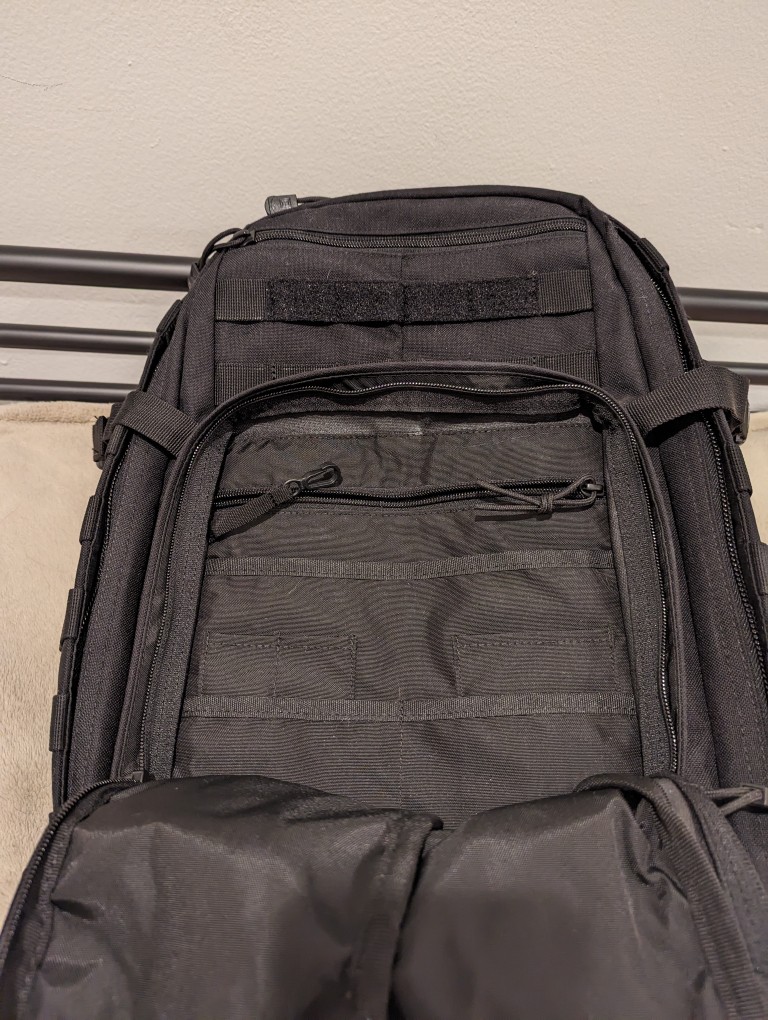
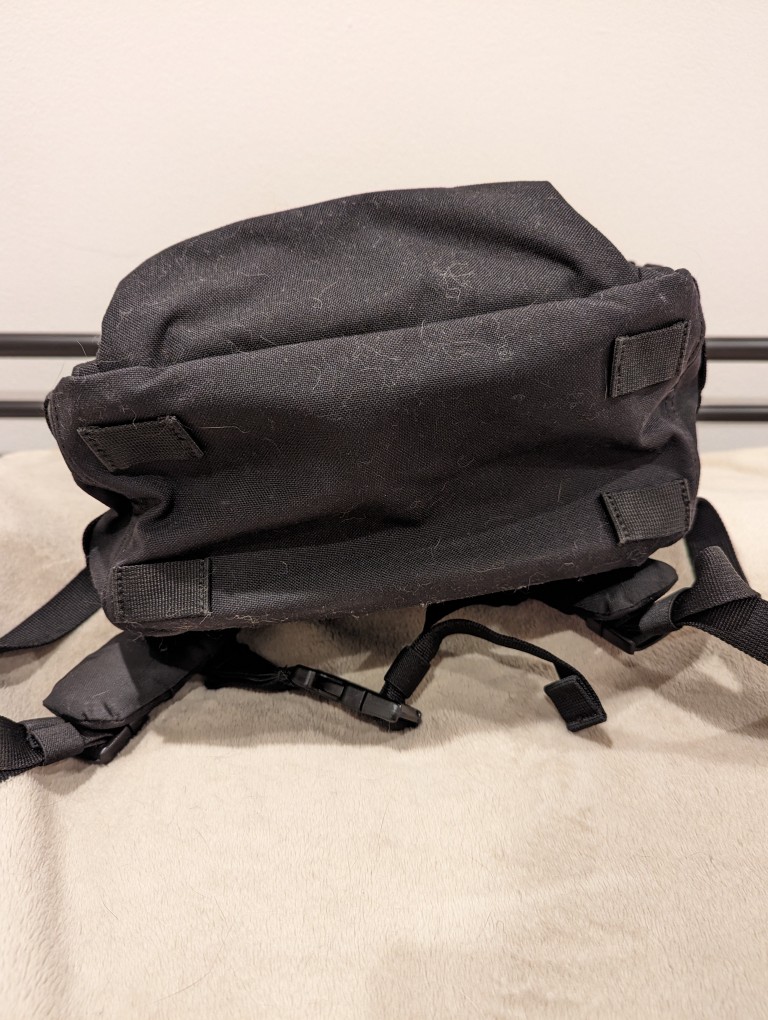
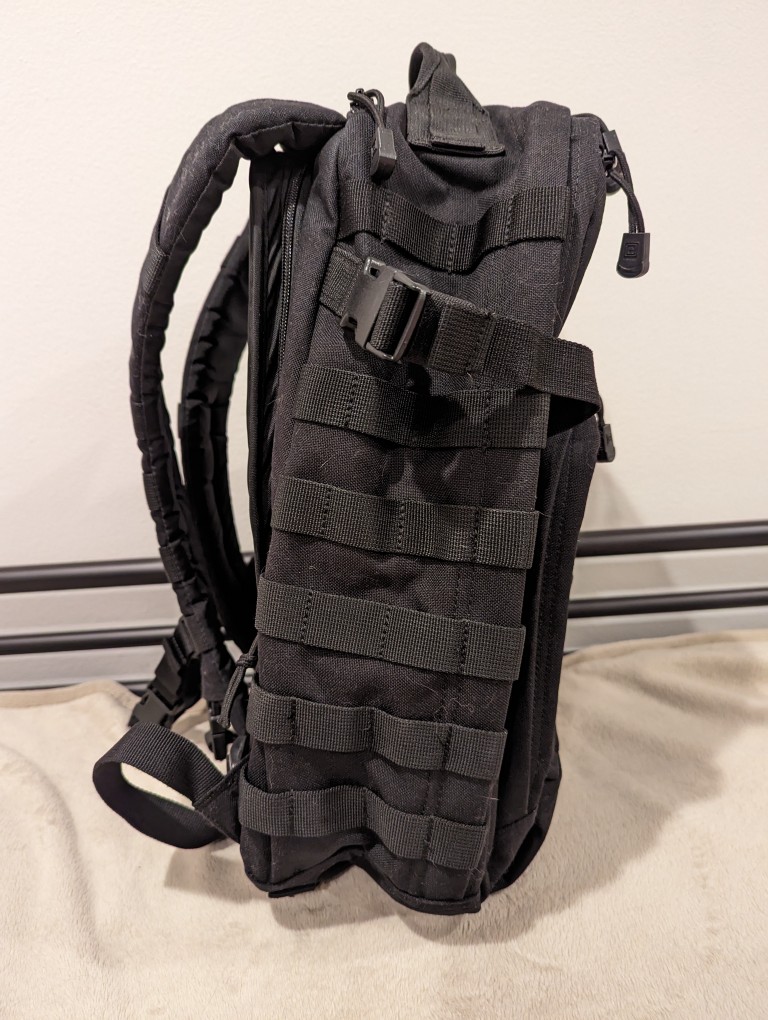
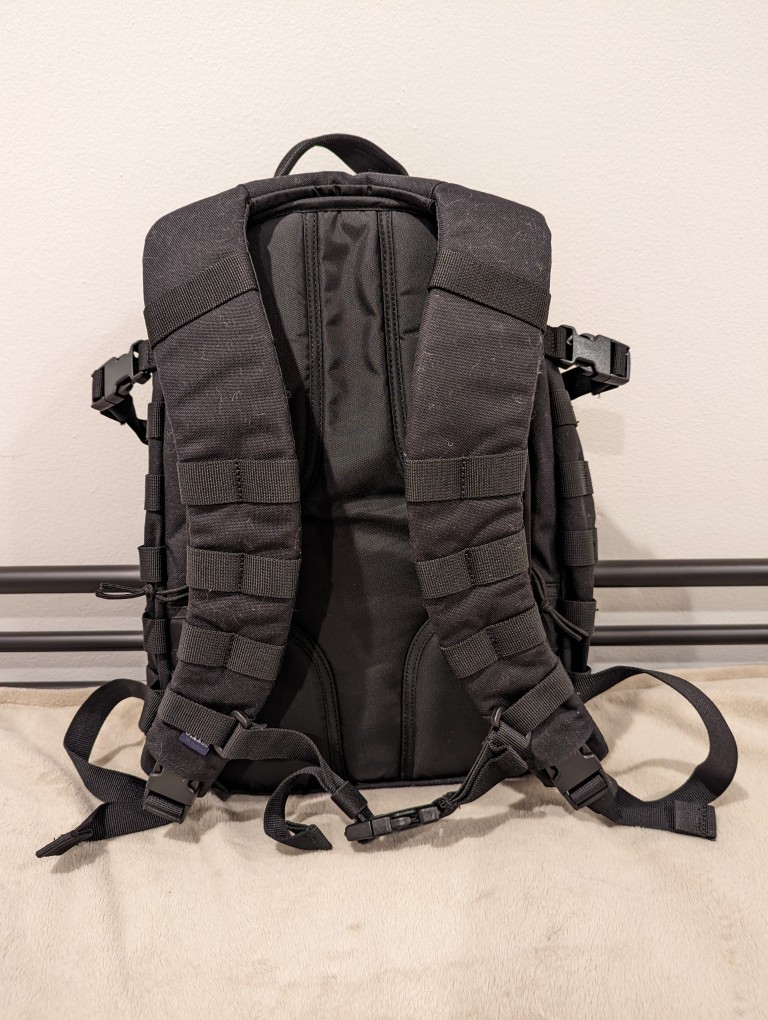
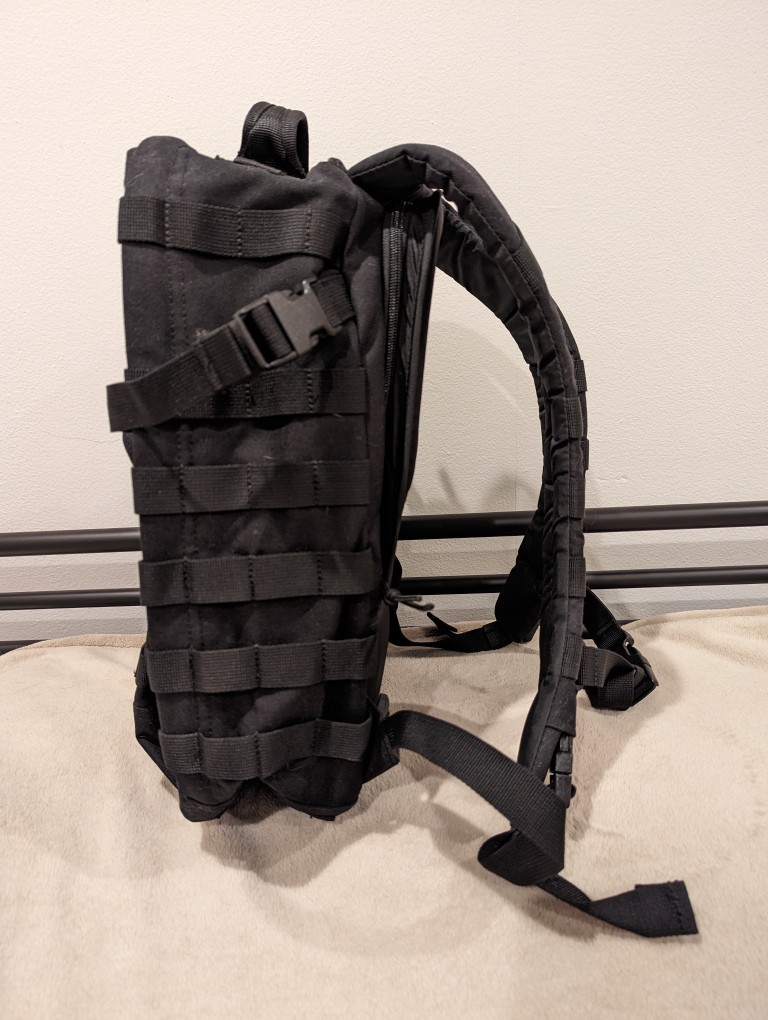
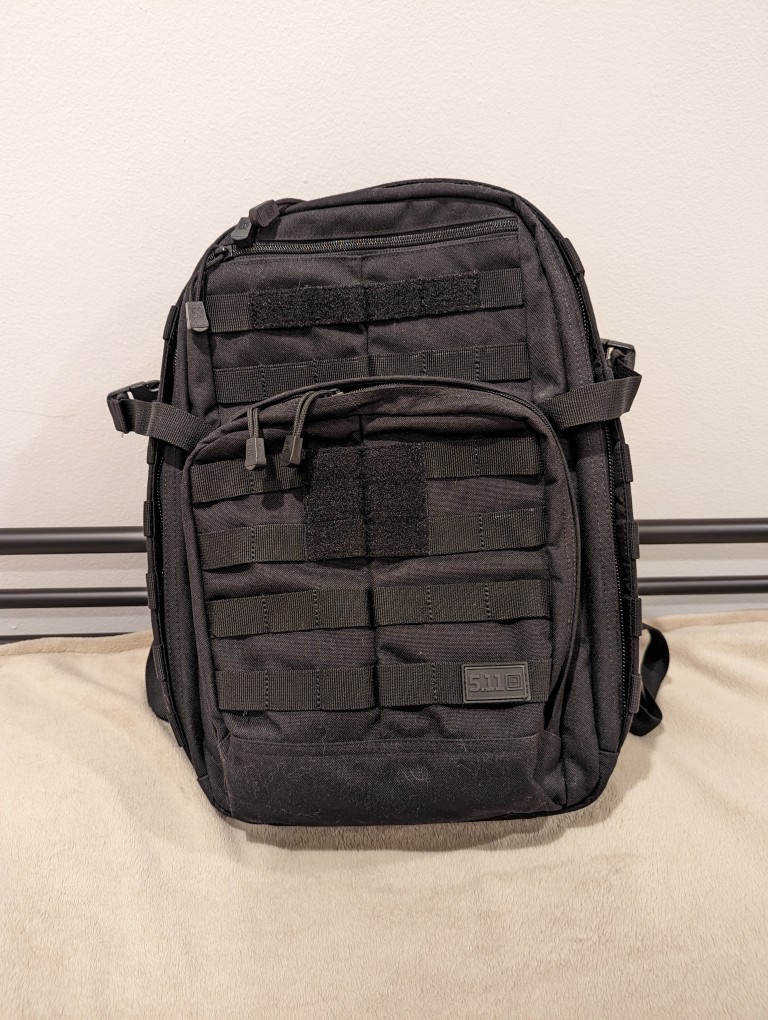
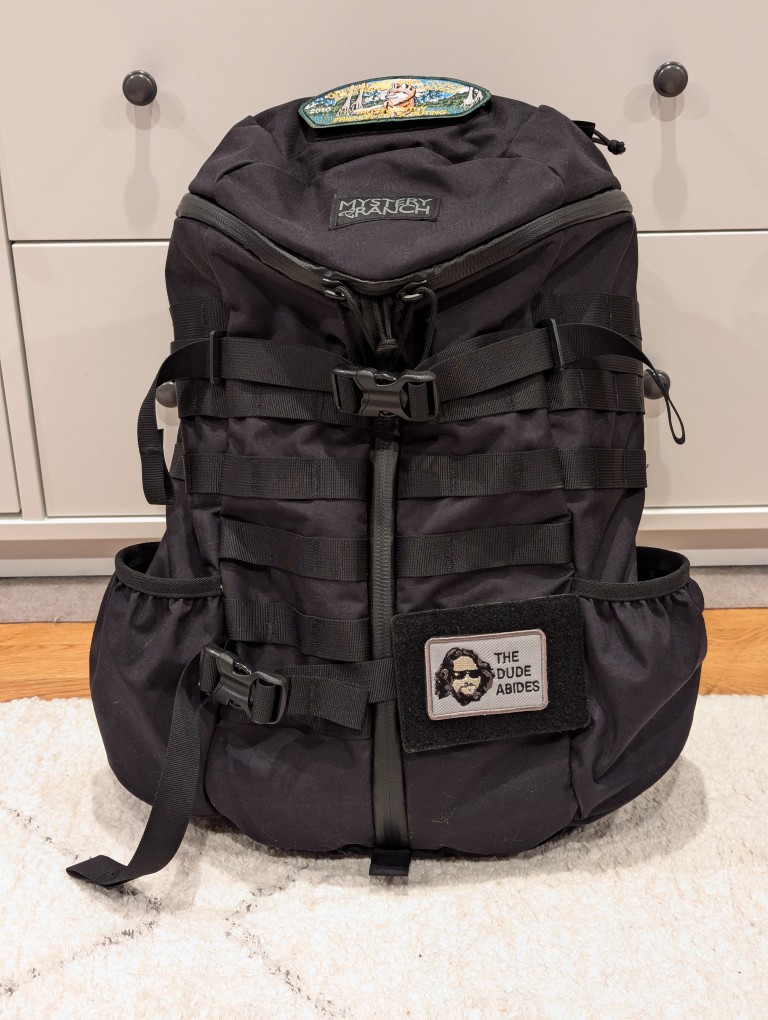
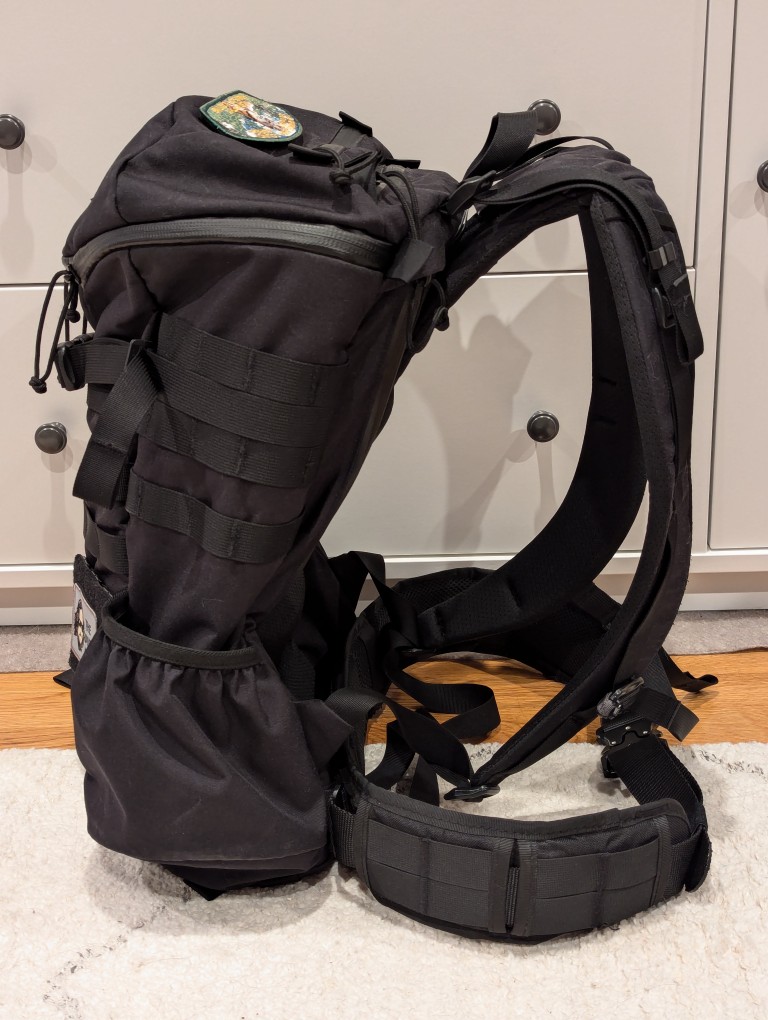
    5.11 Rush 12 2.0 backpack and Mystery Ranch 2-Day L/XL Backpack

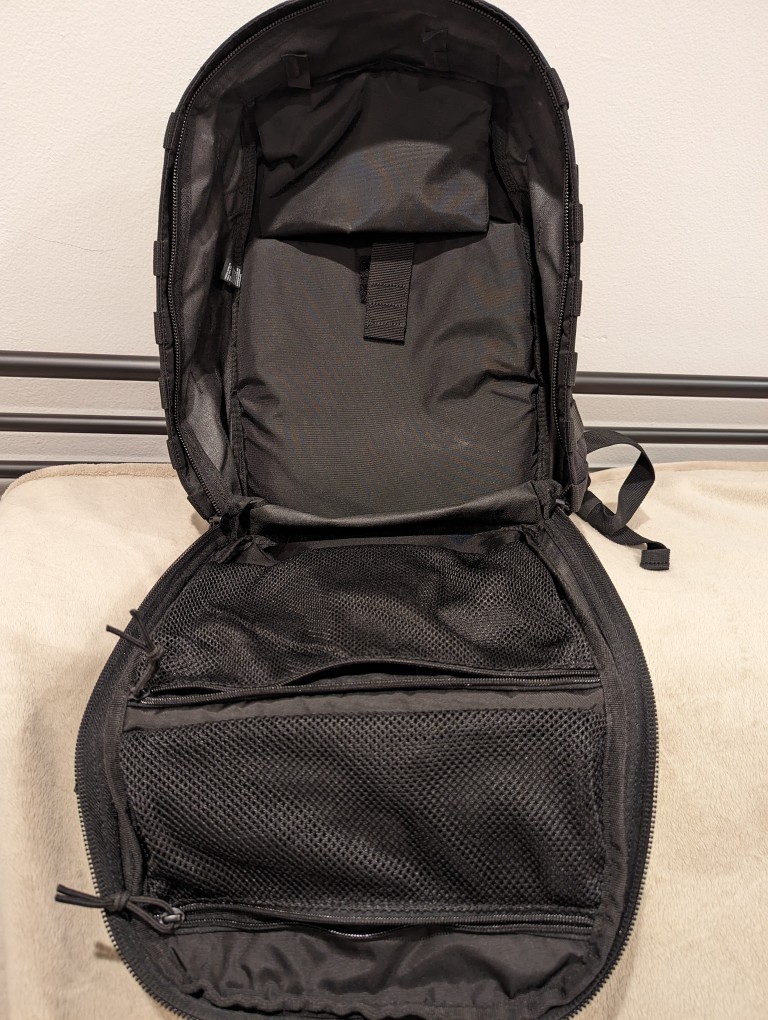
    When I upgraded to a 16″ Lenovo ThinkPad P1 Gen 4 workstation-class laptop earlier this year, I soon learned that it was too large to fit safely in my 24-liter 5.11 Rush 12 2.0 backpack. While my old 12″ ThinkPad X230 easily fit into the up-to-15″ laptop capable compartment of the 5.11 Rush 12 2.0, the newer ThinkPad P1 Gen 4 dangerously pressed against its corners. Also, I trouble wearing the 5.11 Rush 12 2.0 with a a padded waist belt while carrying a heavy load–I couldn’t get the bag to ride securely against my back when doing that. Nevertheless, the 5.11 Rush 12 2.0 is virtually bulletproof and a very well made backpack. Unfortunately, it just didn’t meet my changing needs.

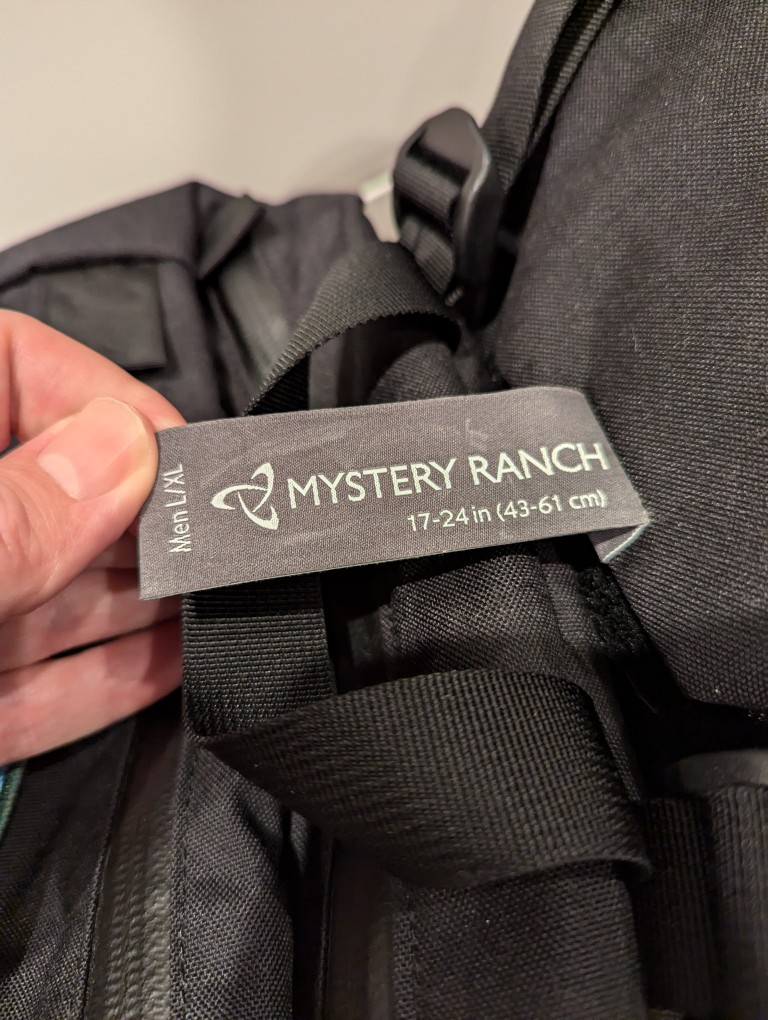
    Looking for a larger backpack with MOLLE, waist belt attachment points, and a tough build like the 5.11 Rush 12 2.0 was easy–there’s a number of great alternate bags that fit those needs. However, finding one that also has a laptop sleeve capable of safely holding a 16″ laptop more challenging, because most manufacturers only support up to 15″ laptops. Thankfully, the Mystery Ranch 2 Day Assault L/XL backpack fit my needs quite well.

    Like the 5.11 Rush 12 2.0, the Mystery Ranch 2 Day Assault L/XL backpack is built tough.

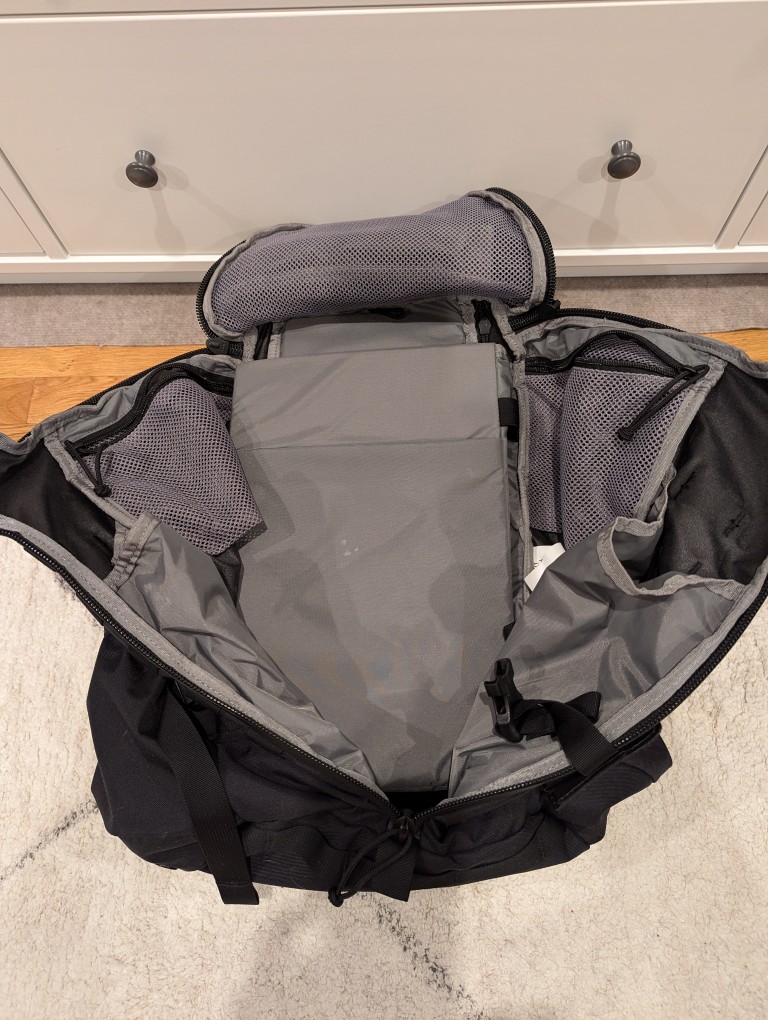
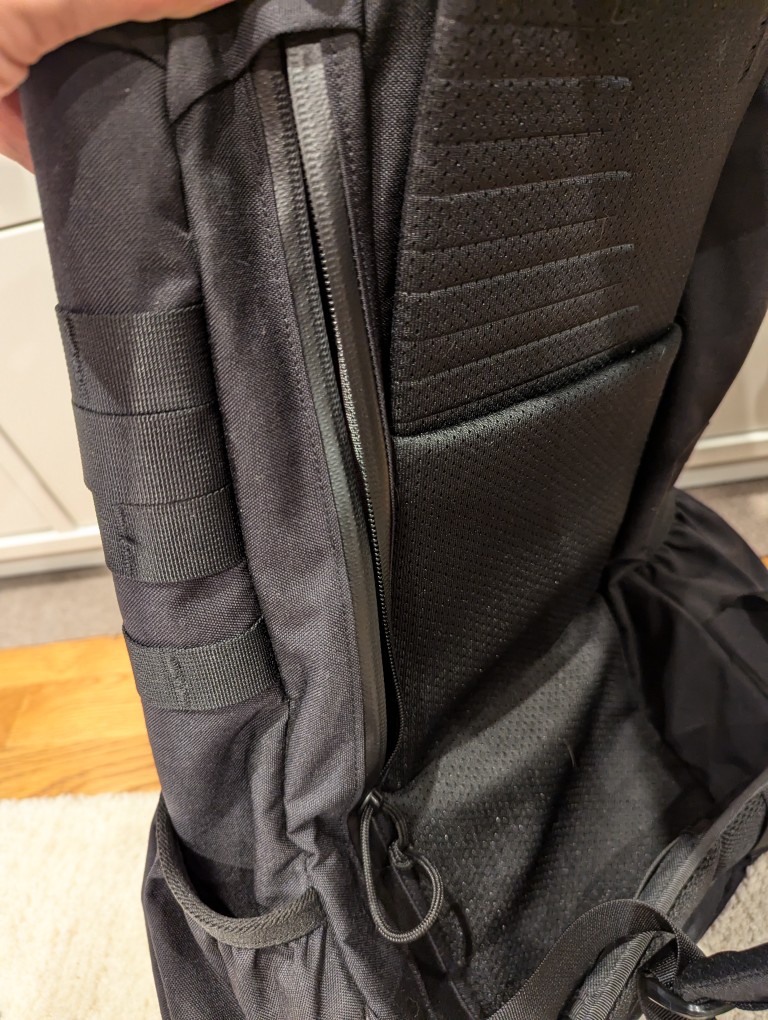
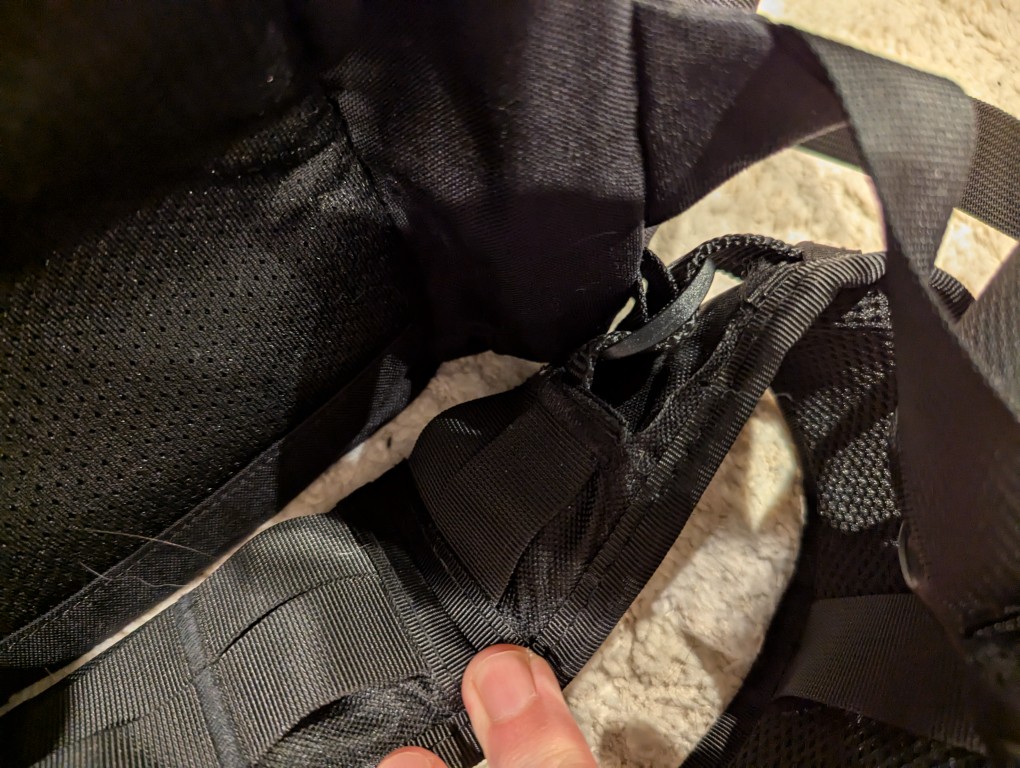
    Meeting my new requirements in a backpack, it has a larger volume (24 liters vs. 29.7 liters), and its built-in laptop sleeve can accommodate a 16″ laptop (my ThinkPad P1 Gen 4 measures 10″ deep x 14 1/8″ wide x 15/16″ tall). However, I have to load and unload the ThinkPad through the main pocket as it is too wide and deep to easily maneuver through the zippered laptop side-loading pocket).

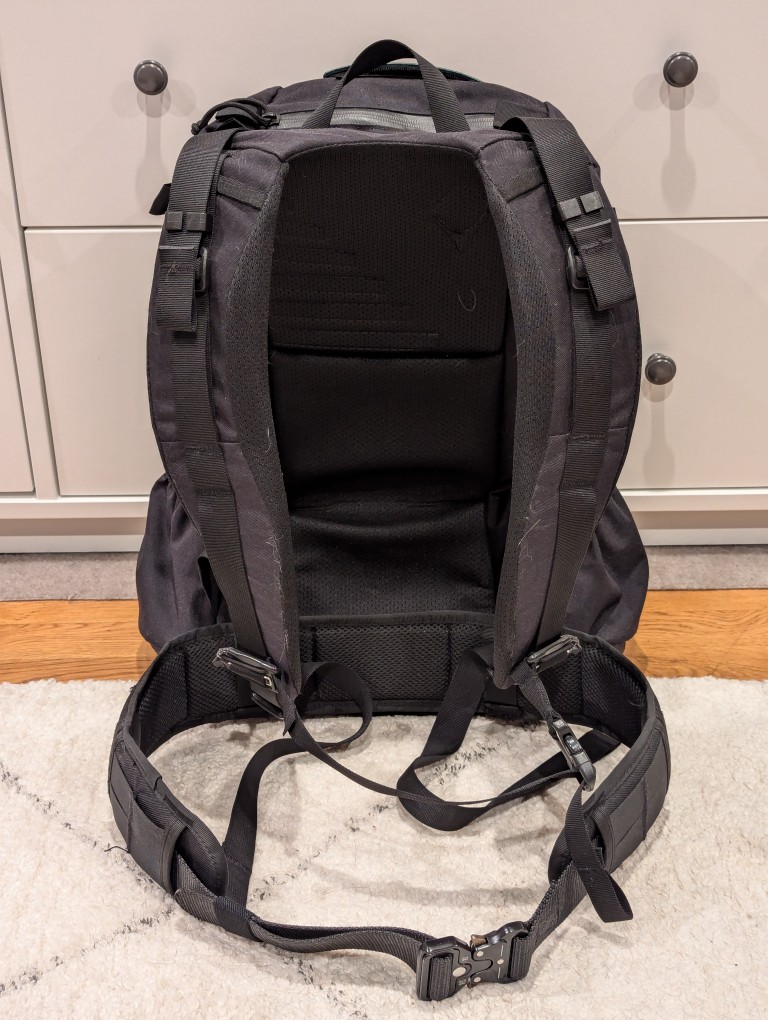
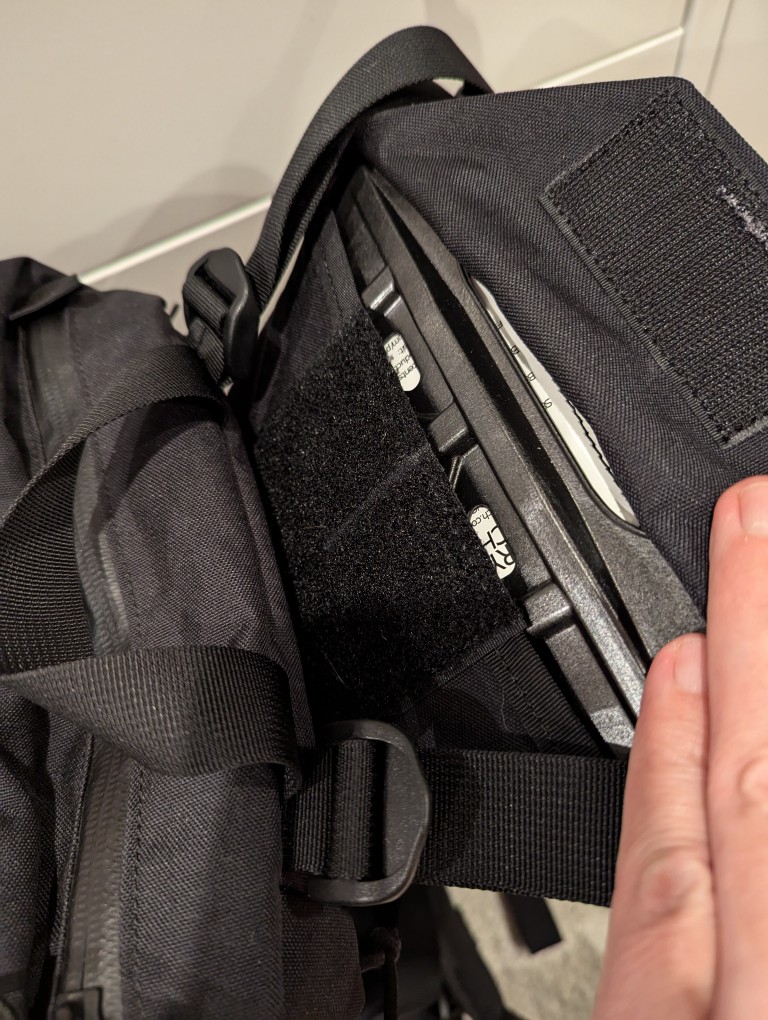
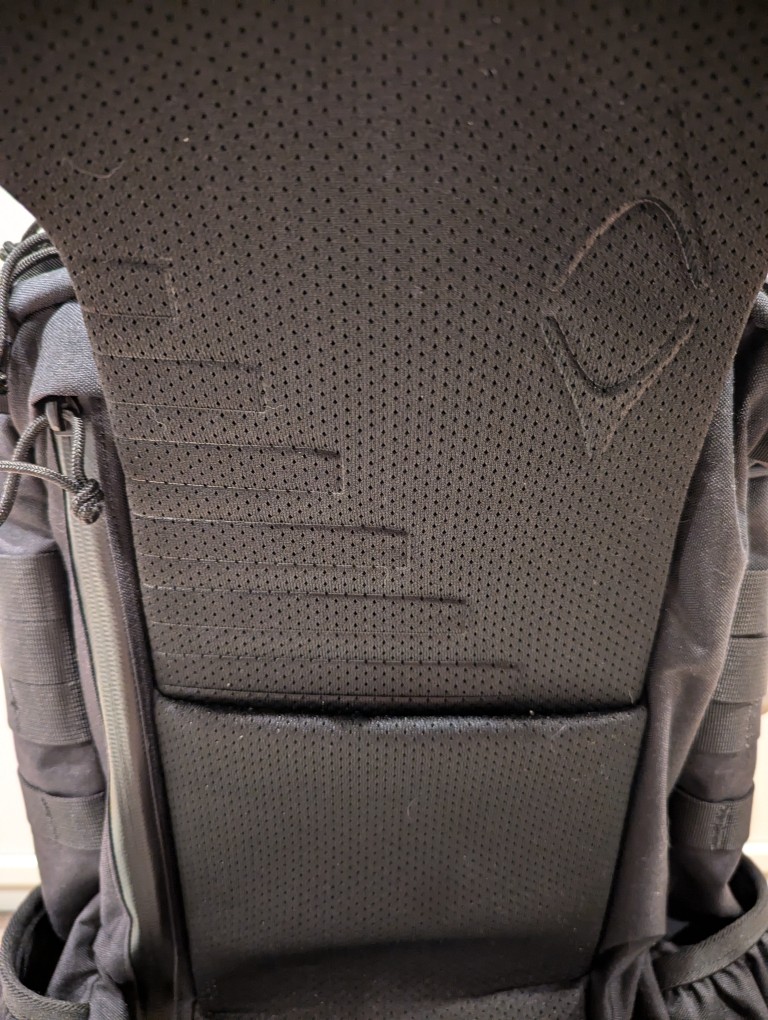
    To help with load carrying, it has an innovative lengthening system that helps the pack ride close against your body. To adjust this system, remove the plastic frame shown in the gallery above, shove it into the velcro area behind the straps to release the hook and loop material holding the straps and pack together, pull up to lengthen, put the frame back in its place, press the pack flat to ensure the hook and loop are reattached, and adjust the straps as needed to have the straps rest tightly against your torso and shoulders and the bottom of the pack against your waist.

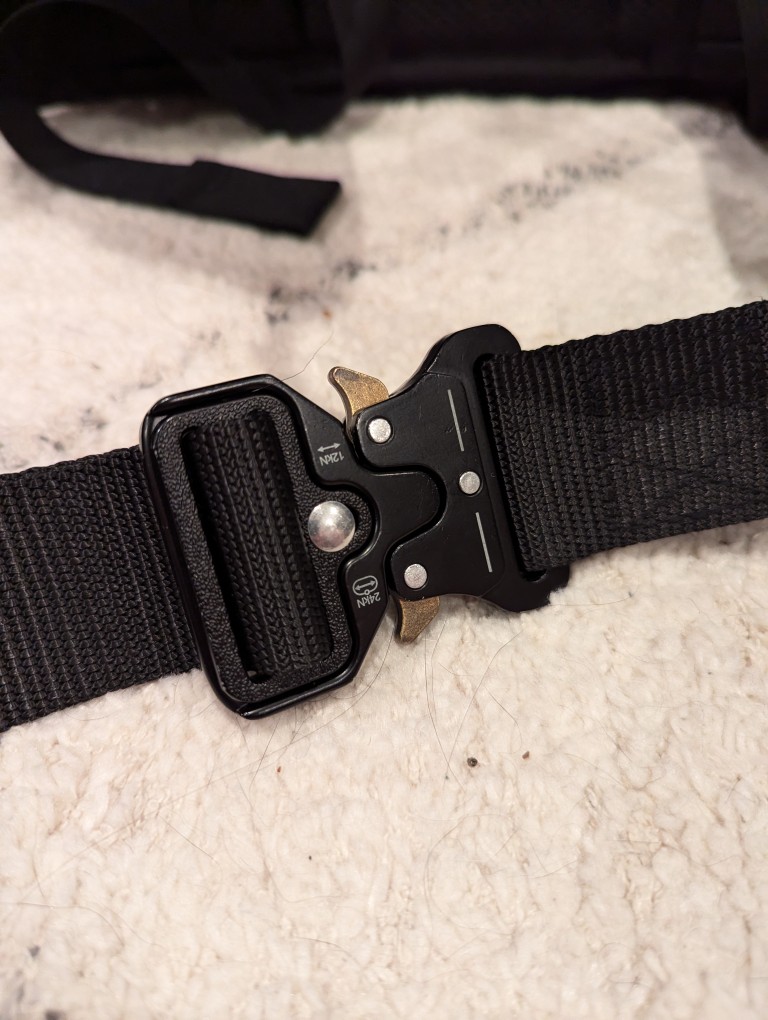
    This adjustment system works well with the aftermarket padded waist belt that I originally used with the 5.11 Rush, but moved over to the Mystery Ranch 2 Day Assault pack. The Mystery Ranch bag included a two-piece simple nylon belt with plastic buckle. Its intention is to help hold the back against your body but not help with load carrying. I removed it and modified a Condor Battle Belt (it has a padded outer belt with MOLLE and an inner 1 1/2″ nylon belt with aluminum quick-release buckle). I cut off the D-ring equipment carriers and cut expanded holes in the outer padded belt to allow the inner 1 1/2″ belt to thread through the belt attachments on the Mystery Ranch pack. I added extra stitching to the outer padded belt and melted the nylon to prevent unraveling from these modifications.

    The strangest thing about Mystery Ranch bags is the three-zipper main pocket opening. It is difficult to open and close these one-handed. However, the zippers are top-quality and waterproof. And, with the main pocket fully open, it can ingest a tremendous amount of gear, but it will likely require the bag to be fully opened to extract that gear if it is larger (e.g., a boxed 12 pack of aluminum cans).

    Another modification that I made to the bag was to plug its main pocket drain holes with closed hole rubber grommets (I don’t want anything crawling in and setting up shop) and added some strap clips to keep the shoulder adjustment straps from flying all over the place while putting on the pack or walking with it.

    Its two side mounted stuff pouches easily hold water bottles, thermoses, and short collapsible umbrellas. During the summer, I keep a pack of menthol cooling sheets and an electric fan in one so that I can reach back to grab them without having to take off the pack.

    When I traveled to see my parents a few months ago, I added some MOLLE pouches to the exterior mounts (first aid, toiletries, cables, chargers, multitool, and snacks), but I took them off to reduce the pack’s weight when I am in the city where I walk further distances with it and would prefer the weight go towards what I am carrying instead of how I’m carrying those things.

    The Mystery Ranch 2 Day Assault pack is holding up and meeting my expectations. With the new academic year about to begin, I’ll see how it holds up trekking to and from campus.

  • kkrieger, a First Person Shooter From the Demoscene That’s Only 96K

    kkrieger title screen

    In 2004, .theprodukkt, a project aiming to use “generative computer graphics” and “procedural content creation,” developed a demoscene-inspired first person shooter (FPS) called .kkrieger that features a complex 3D environment with lighting and shadow effects, a variety of enemies, a selection of weapons, an atmospheric soundtrack, and engaging sound effects. Incredibly, .kkrieger is an astonishingly small 96K! The game uses a clever procedural approach to recreate its main elements at runtime instead of storing those assets in an appropriate file format that would balloon the game’s installation.

    To put .kkrieger’s tiny file size in perspective, consider that Wolfenstein 3D (1992) is 1.3MB installed, Doom (1993) is 4.6MB, Quake (1996) is about 700MB (including its audio CD soundtrack), Unreal Tournament (1999) is about 780MB, Halo: Combat Evolved (2001) is about 700MB, and Half-Life 2 (2004) is about 6GB. Put another way, many of the in-game screenshots that I made and attached to this post in JPEG format are about the same size or larger than the entire kkrieger game!

    To accomplish this feat, .theprodukkt designed the game to run on high-end PC hardware of that era on Microsoft Windows with DirectX 9.0b:

    .kkrieger requires a relatively high-end machine to run properly. To be
    precise: 
    
    - A 1.5GHz Pentium3/Athlon or faster.
    - 512MB of RAM (or more)
    - A Geforce4Ti (or higher) or ATI Radeon8500 (or higher) graphics card
      supporting pixel shaders 1.3, preferably with 128MB or more of VRAM.
    - Some kind of sound hardware
    - DirectX 9.0b 

    In the readme.txt included with the game’s executable, .theprodukkt explains the technical details for .kkrieger:

      In general, if you have any technical questions concerning .kkrieger, either refer to our web site or contact us via email. However past experience shows that there are some rumours and misunderstandings about our work that are very hard to correct, so we'll state the truth here, in written form, for all the world to see :) 
    
    - We do .not. have some kind of magical data compression machine that is able to squeeze hundreds of megabytes of mesh/texture and sound data into 96k. We merely store the individual steps employed by the artists to produce their textures and meshes, in a very compact way. This allows us to get .much. higher data density than is achievable with normal data compression techniques, at some expense in artistic freedom and loading times.
    - .kkrieger is not written in 100% assembler/machine language. Not even nearly. Like the vast majority of game projects being developed today, .kkrieger was mostly written in C++, with some tiny bits of assembler where it is actually advantageous (notably, there are a lot of MMX optimisations in the texture generator). 
    - A kilobyte is, historically, defined to be 1024 (2^10) bytes, not 1000. Thus .kkrieger is a game in 96k even though it's actually 98304 bytes. 
    - The concept of the texture/mesh generators was developed by fiver2. We do .not. want to claim that the techniques we used to develop .kkrieger are new inventions. It´s rather a  selection of useful operations and their parameters to optimise the results. 

    For this post, I ran .kkrieger on my Ryzen 7 5800X system (NVIDIA RTX 3090 Founder’s Edition, 128GB DDR4 RAM) with 32-bit Wine 8.0-repack-4 for Debian with it set to run in an emulated 1024×768 desktop (to avoid it resetting my display settings and make it easier to capture game play using OBS Studio. It ran smoothly without any glitches. However, it did freeze once during a sequence of running it multiple times. After closing Wine, it successfully ran on the next try. You can download a copy from the link in the first paragraph that leads to a cached copy of the official website in the Internet Archive’s Wayback Machine.

    kkrieger game screen
    kkrieger game screen
    kkrieger game screen
    kkrieger game screen
    kkrieger game screen
    kkrieger game screen
    kkrieger game screen
    kkrieger game screen
    kkrieger game screen
    kkrieger game screen
    kkrieger game screen
    kkrieger game screen
    kkrieger game screen
  • Hacker Cat Loading Up kkrieger on Illicit Computer Hardware

    Anthropomorphic cat typing on a keyboard connected to a cube-shaped computer with built-in CRT Hercules monitor. Image created with Stable Diffusion.

    I made this image of an anthropomorphic cat hacker with Stable Diffusion while thinking about the illicit computer hardware in Vernor Vinge’s “True Names” (1981) and award-winning .kkrieger first person shooter that occupies only 96K disk space and procedurally creates its textures, music, and sound effects at runtime–simply put a phenomenal bit of programming. I got wine setup to run .kkrieger on my computer, so I’m thinking a post about it is in the works.