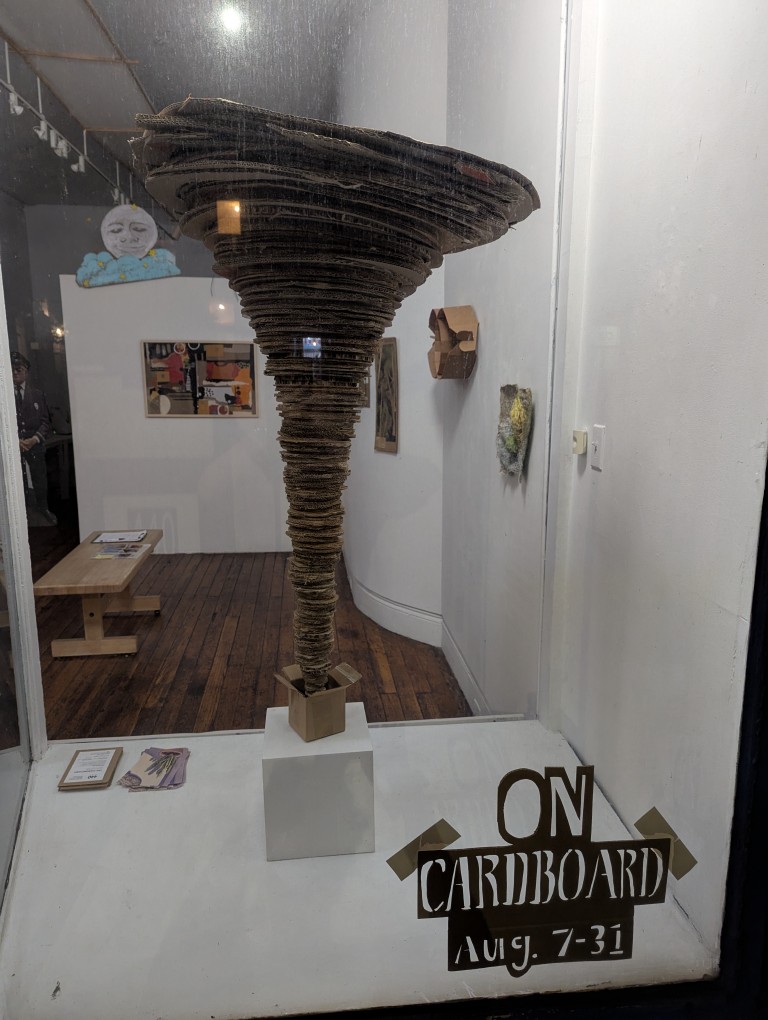
On my way back from CVS this past week in the evening, the art piece above exhibited in the window of 440 Gallery (located at 440 6th Ave, Brooklyn) caught my attention. I immediately thought of “a tempest in a teapot,” but this was a tempest erupting out of a tiny cardboard box. I learned that it a work by Fred Bendheim titled, “Out of the Box.” There’s always interesting things like this on display at 440 Gallery.
I visited the CUNY Graduate Center on 5th Avenue in Manhattan to get an adjunct faculty ID made, because I’ll be co-teaching Interactive Technology and Pedagogy I: History and Theory (ITCP 70010) this fall. This course is part of the Interactive Technology and Pedagogy (ITP) Certificate Program, which when offered the opportunity to contribute to this program, I jumped at! It is aligned with some of the work that I do in the Professional and Technical Writing Program at City Tech, which involves using technology for communicating and learning about the history of digital technologies, and it is a kindred program with the learning to teach with technology aspects of the Brittain Fellowship at Georgia Tech. I’m excited to work with the program’s graduate students beginning in a couple of weeks.
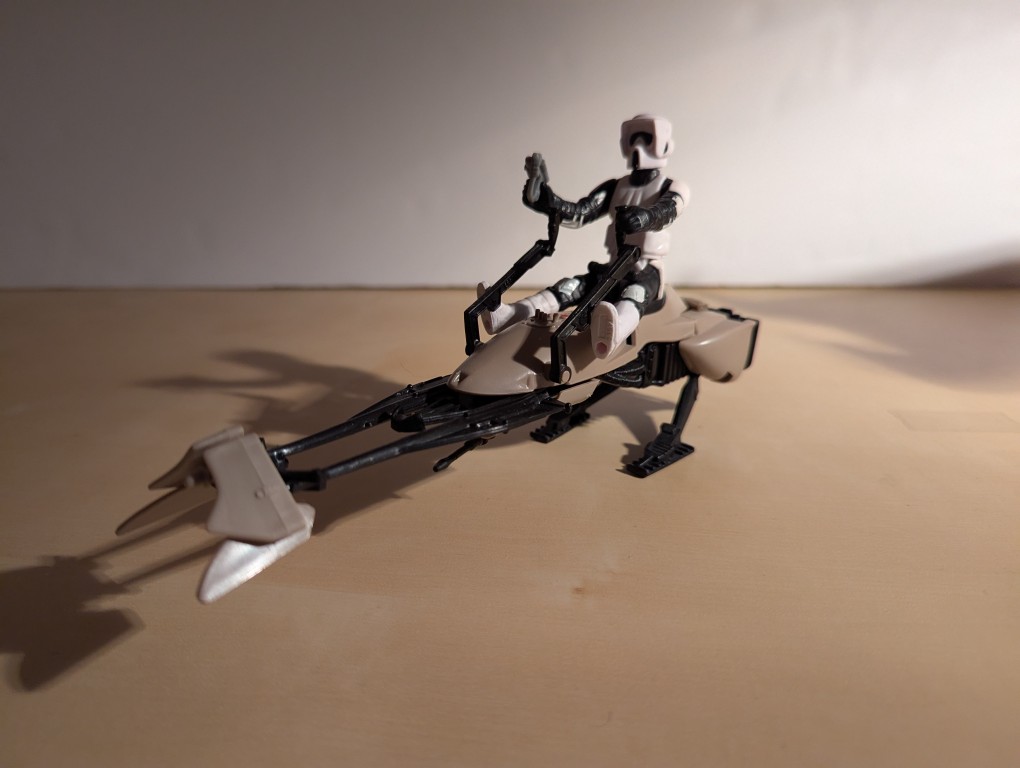
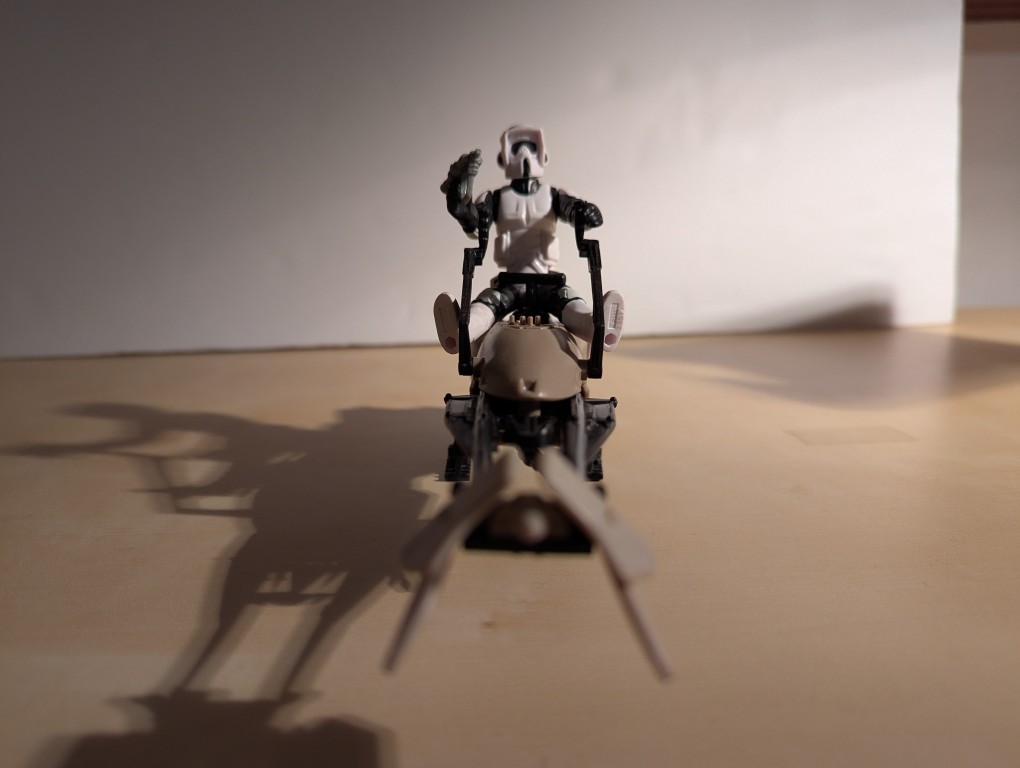
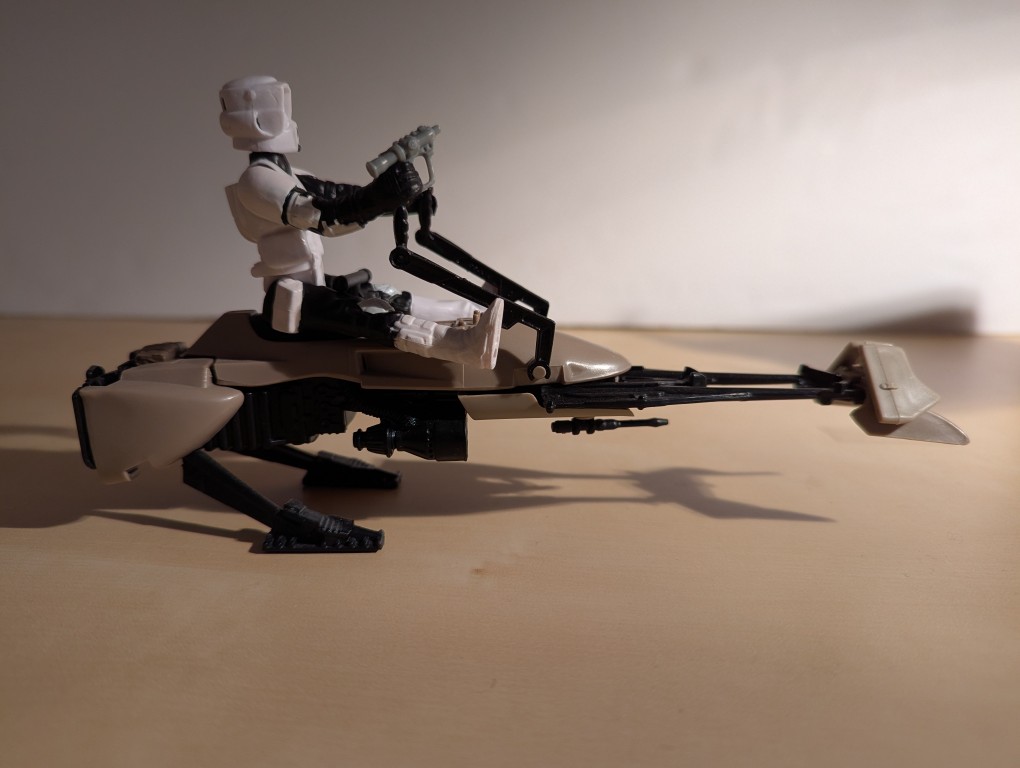
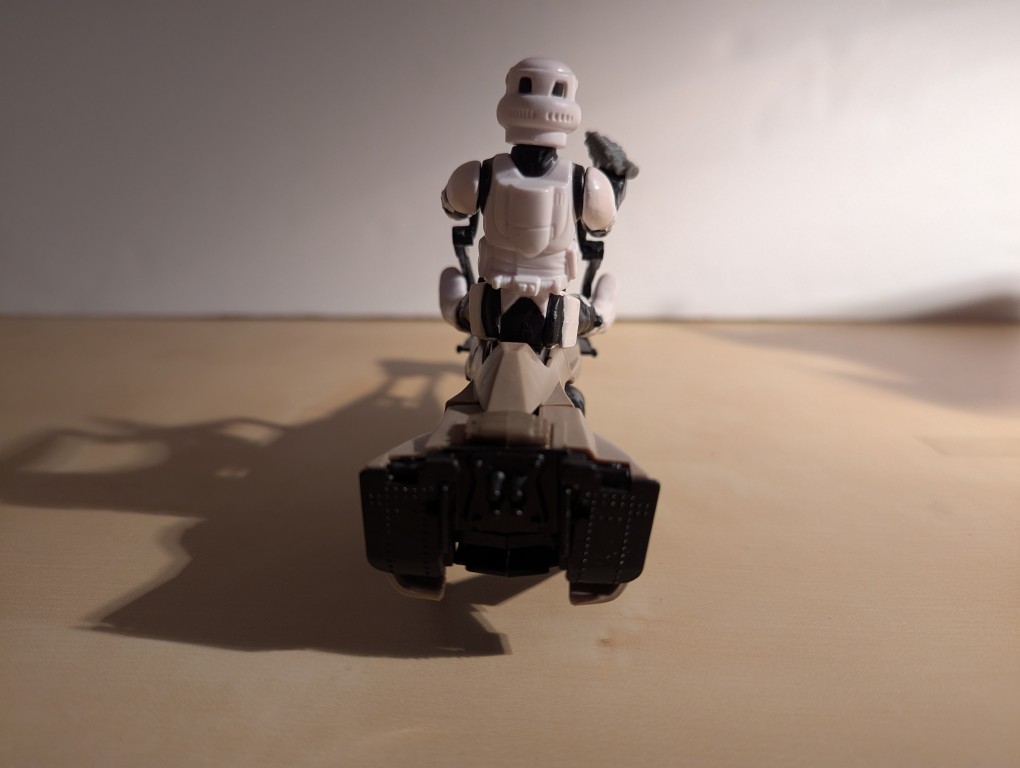
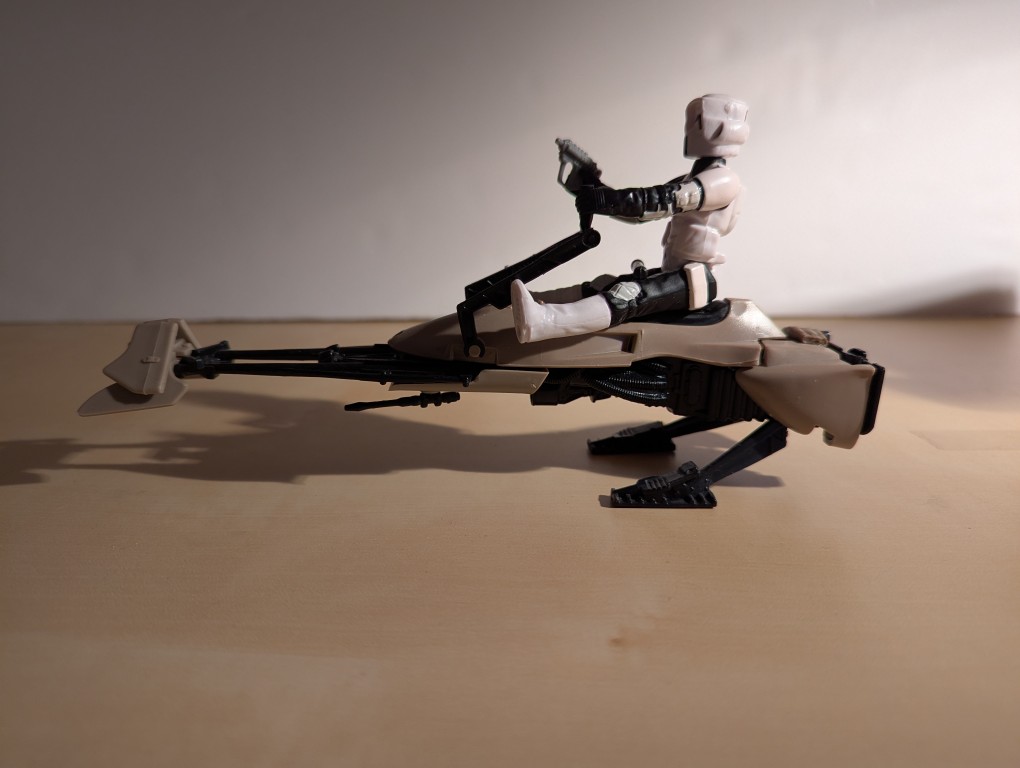
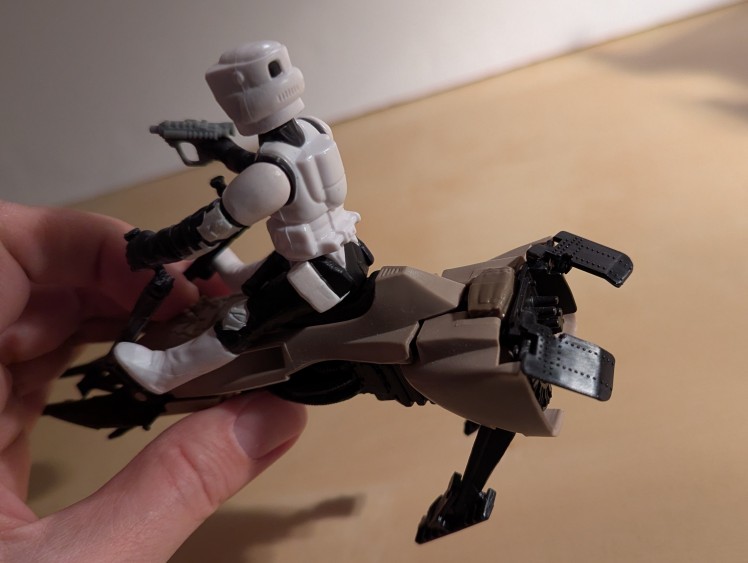
The speeder bike chase on the Moon of Endor is one of the most exciting sequences in Return of the Jedi (1983). Kenner captured that excitement in the speeder bike vehicle and Imperial Biker Scout action figure. There are some ingenious elements to this vehicle. First, when one picks up the speeder bike, the stirrups descend and the engine flaps on the back lift up and open. Second, when a speeder bike is hit by a laser blast, struck by a lightsaber, or runs into something, one can press on the blanket on the back to trigger the speeder bike exploding into three separate parts. This was one of my favorites in my Star Wars action figure collection, but it is now entrusted to someone else.
I’ve been unhappy with Roku’s increasing advertising through images and now full-motion video and their lack of support for a variety of codecs in their media player app. So, I’ve been looking for awhile for a good deal on a mini pc that could replace the Roku for playing media and also support some light gaming. Also, considering the impending tariffs (i.e., a tax on Americans), I hoped to find something as soon as possible.
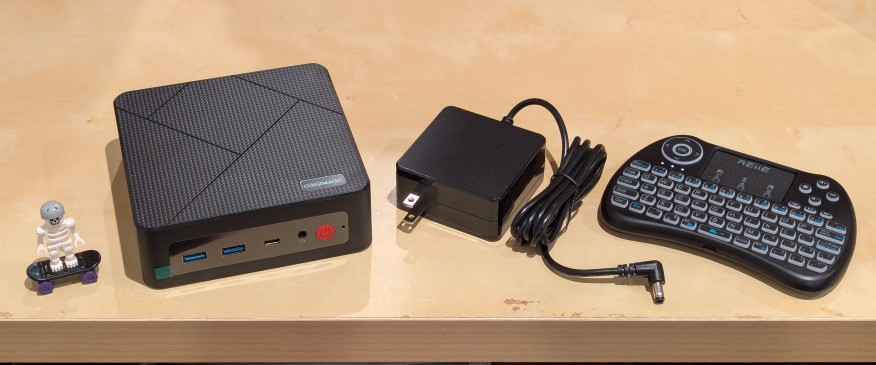
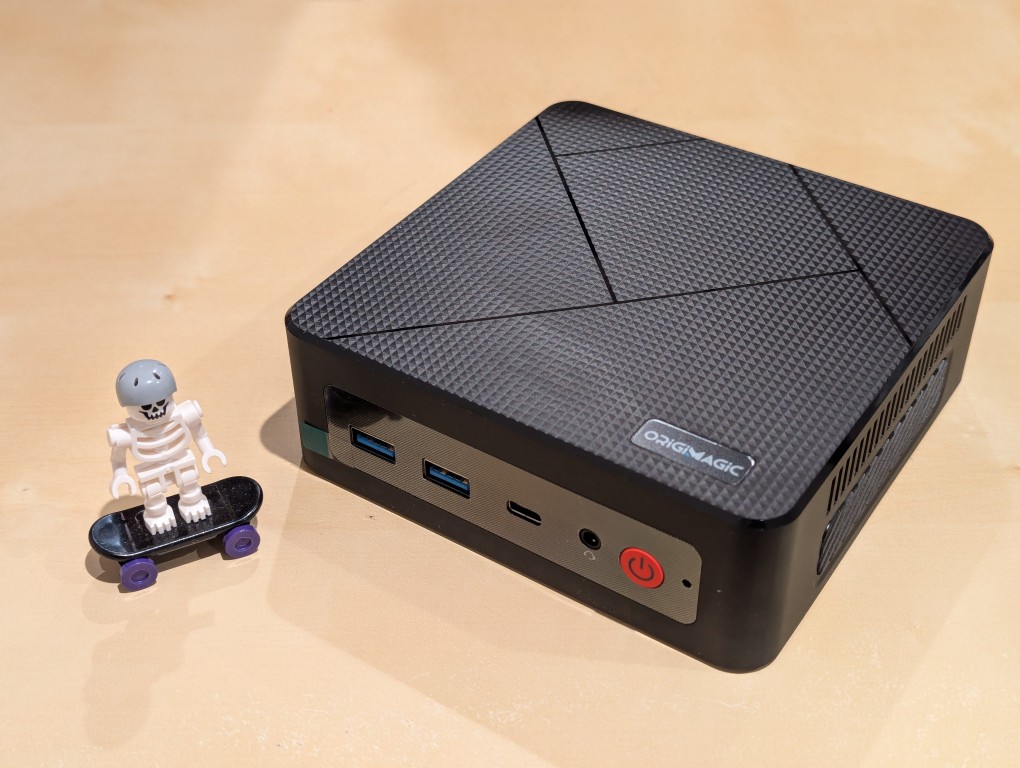
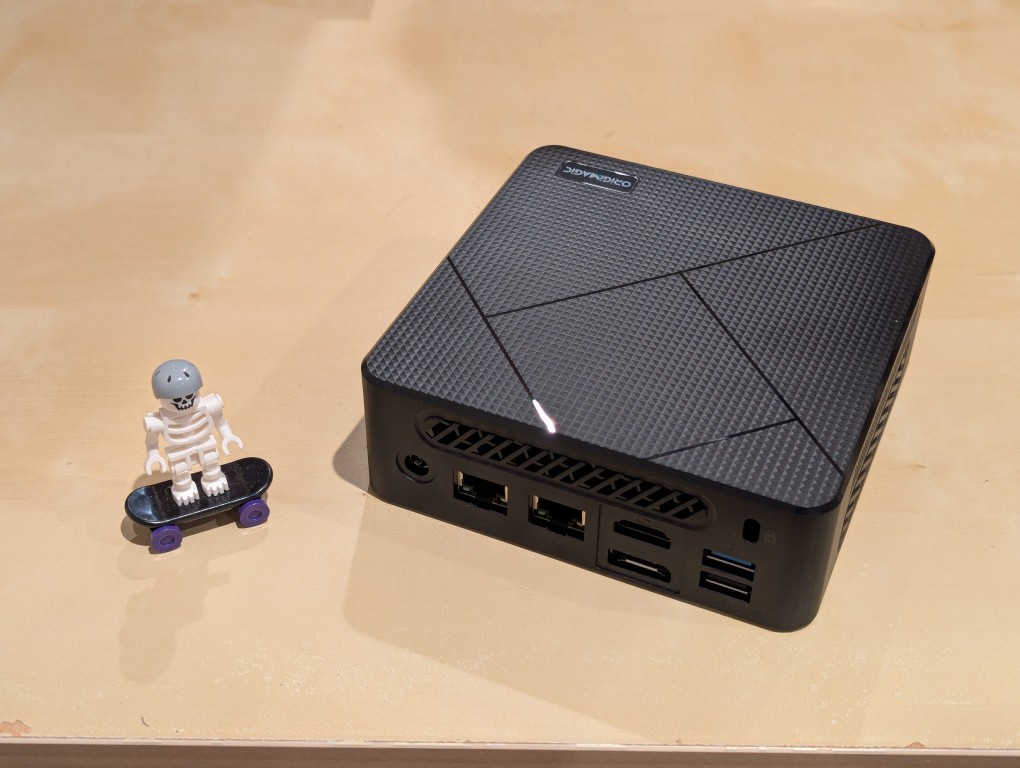
After tracking several mini pcs on Amazon and eBay for a few weeks, I finally pulled the trigger when Amazon offered the Origimagic C4 Mini PC with a Ryzen 5 3550H (4 core, 8 threads) on sale for $153. It’s CPU has a lot more horsepower while using 25 watts of power than Intel’s similarly priced mini pc processors. It came stock with 16GB DDR4 RAM, 512GB PCIe SSD, 1 x Type-C USB, 4 x Type-A USB (3 are USB 3 and 1 is USB 2), headphone jack, HDMI, DisplayPort, and dual ethernet.
To operate it from the sofa, I got a $10 reiie H9+ Mini Keyboard with Touchpad that uses a wireless USB adapter to connect to the mini pc.
Before setting anything up, I created a flash drive with Debian 13 Trixie, the latest version that was released over the weekend on Saturday.
To do this, I inserted a 16GB flash drive into my workstation, but I didn’t mount the device. I downloaded the network install ISO for Debian 13 from here. Then, I ran lsblk in a terminal window to see what device address corresponded to the flash drive. It’s important to not make a mistake here, because it’s easy to overwrite another drive using this method. lsblk lists the devices, which are all in the “/dev/” folder, so when I saw that my flash drive was assigned the address “sdb”, I knew that its full address was “/dev/sdb”. With that info, I then wrote the downloaded Debian 13 netinstall ISO directly to the flash drive using this command:
sudo cp debian-13.0.0-amd64-netinst.iso /dev/sdb
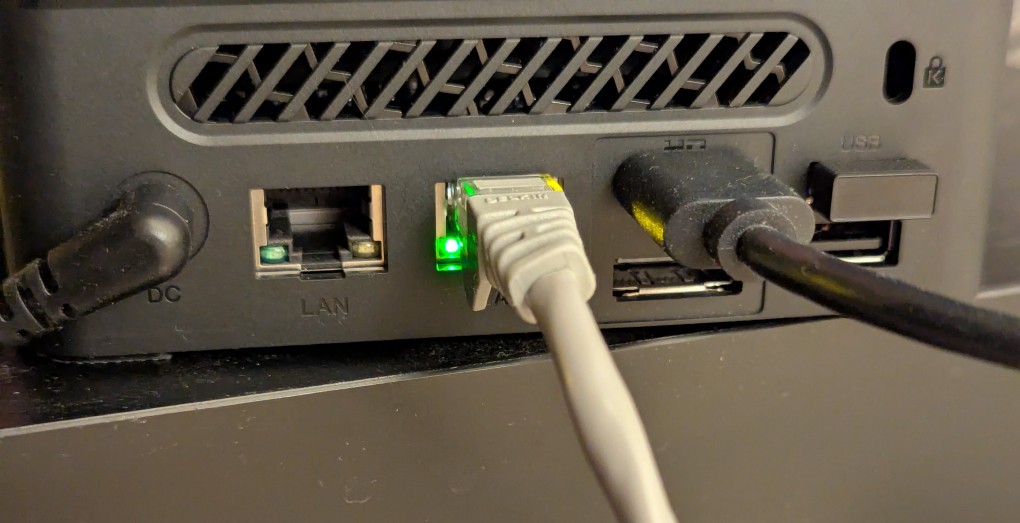
After the copying to the flash drive had finished, I ejected it from my workstation and took it over to the mini pc. I plugged in the power adapter, ethernet cable (I arbitrarily picked the one furthest from the power plug), HDMI cable to the TV, the keyboard receiver USB, and the Debian 13 installation flash drive.
I did experience some frustration with getting the Debian 13 flash drive to boot the mini pc. As soon as the mini pc booted, I was unable to enter BIOS or open the boot menu. Instead, it kept booting into the Windows 11 setup, which I did not want to use. At first, I thought it might be a problem with the tiny wireless keyboard and trackpad, so I switched to my Logitech keyboard and trackball, which are both tied to one Logitech USB receiver. I tried different USB plugs on the front and rear of the mini pc until I was finally able to enter bios (pushing DEL at boot) when the keyboard USB receiver is in the top-right USB port on the rear of the mini pc as shown below (it is a USB3 port). It might have been bad luck on my part with the other ports, so I can’t say this is a peculiarity with this hardware for certain. Nevertheless, it’s good to exhaust all possibilities like this.
Once in the BIOS, there’s not many options except for disabling hardware (I disabled WiFi), turning off Secure Boot and the Trusted Computing Module, and other odds and ends. I saved the settings, rebooted, and went into the Boot Menu (F7), selected the Debian 13 netinstall flash drive, and began the installation (a full nuke-and-pave: erasing the NVMe drive and setting up Debian 13 as the only operating system).
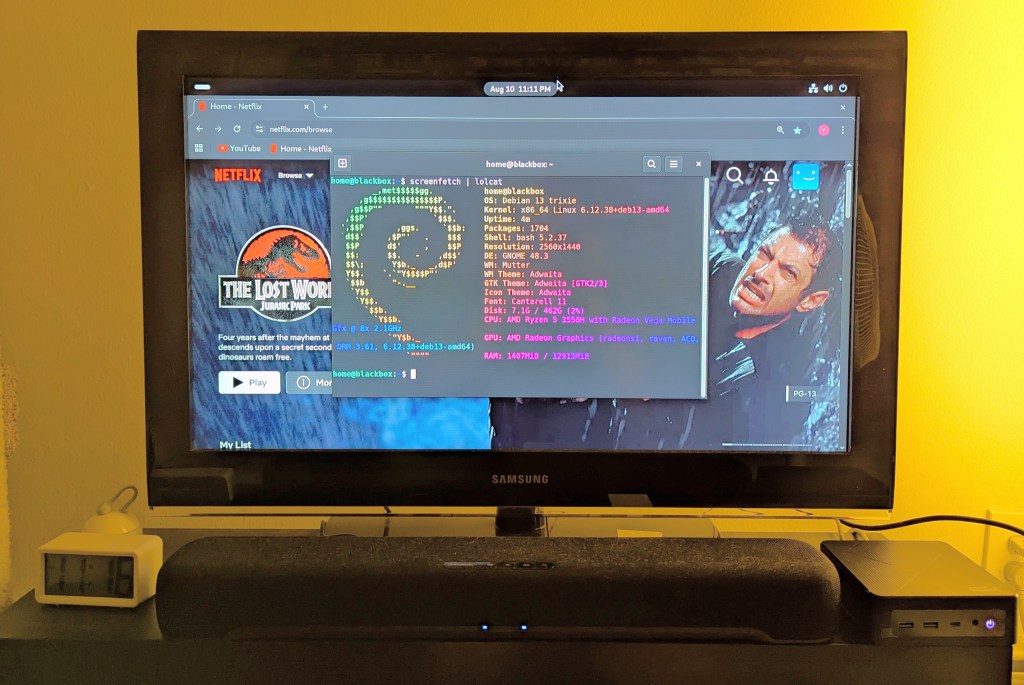
While I use XFCE on my laptop and workstation, I opted for the GNOME desktop environment on the mini pc, because I thought its screen controls and overall user interface would be easier to see and navigate from across the room. If I don’t like it, I can always install XFCE.
Because two of the main sources of media for us is Netflix and YouTube, I installed Chrome to handle those sites. I have VLC and Kodi for everything else.
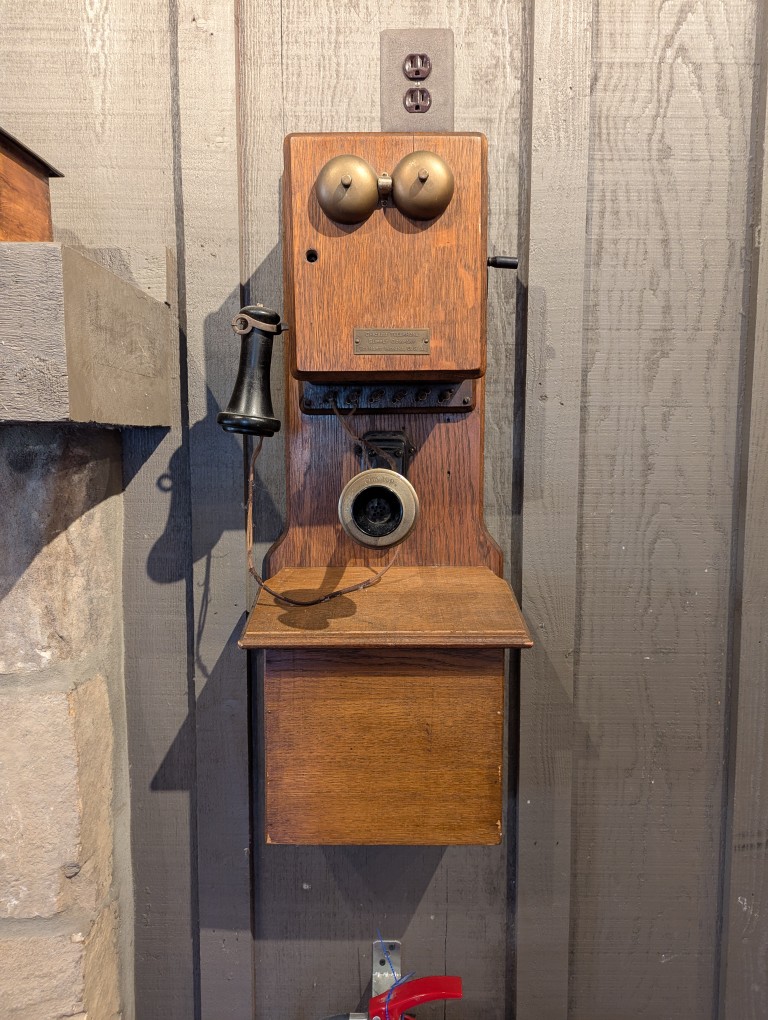
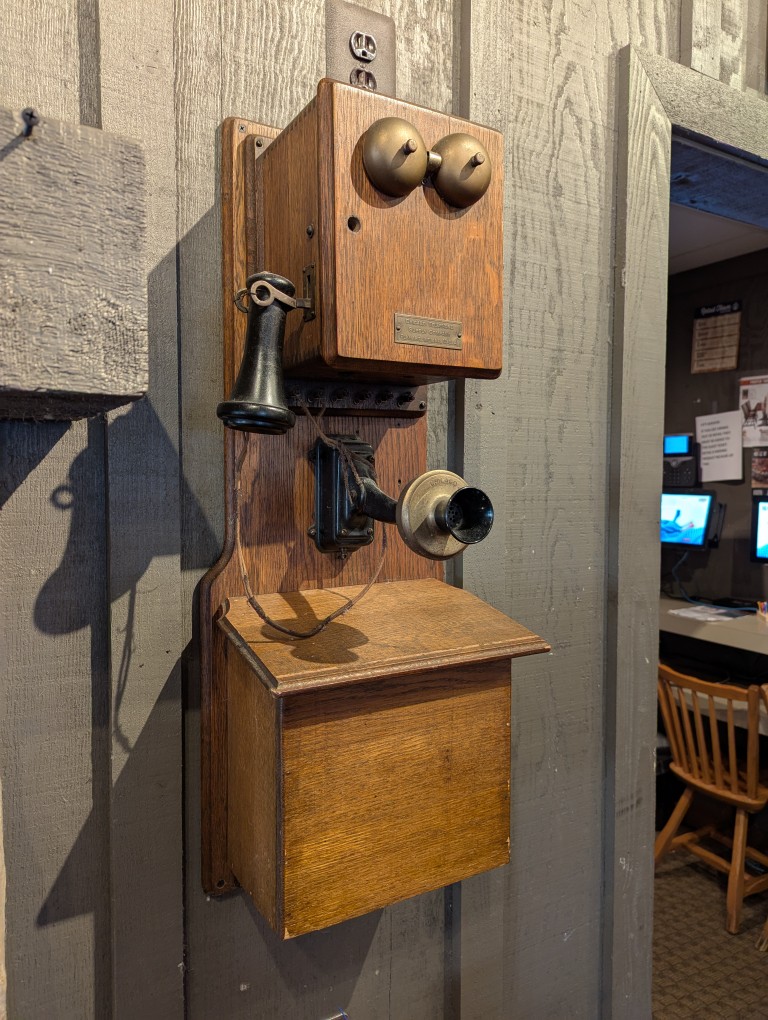
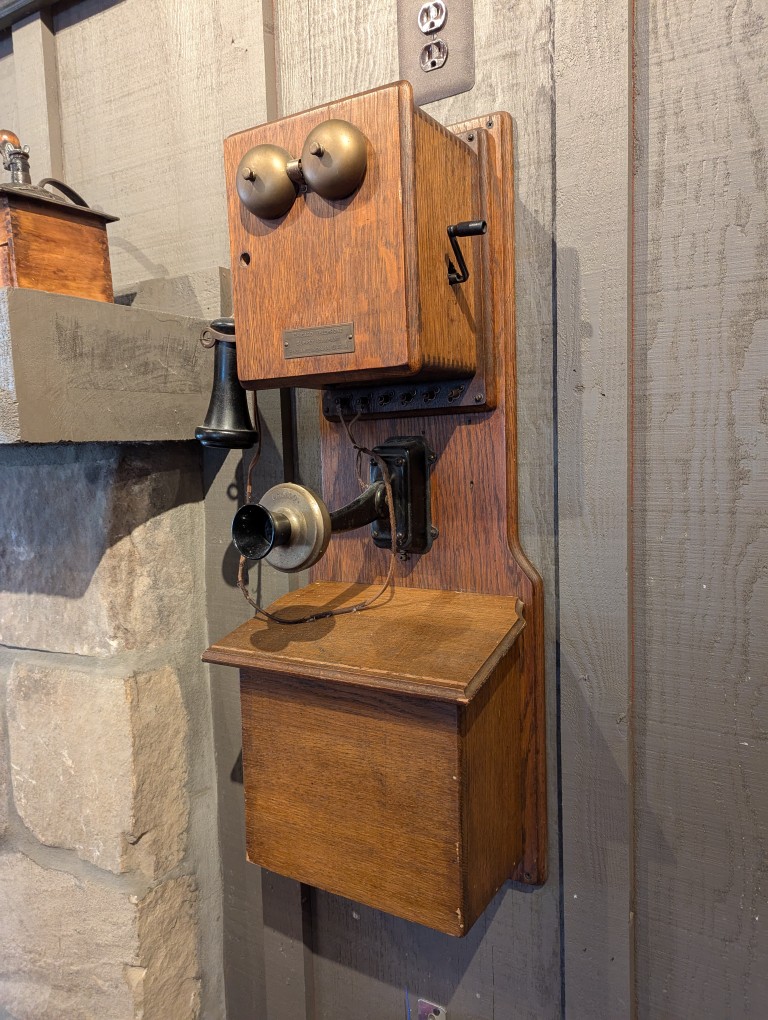
A few weeks ago, I saw this crank-style telephone hanging on the wall to the left of the fireplace in the Cracker Barrel Restaurant in Waycross, Georgia. It’s plaque on the front says, “Chicago Telephone Supply Company Elkhart, Indiana, U.S.A.” I didn’t think to try turning the crank handle on the right side to see if the dynamo was still installed. Also, the top box seems to be missing the locking mechanism (just the hole is seen on the left under the ringer).
There is some dissonance viewing the phone from this angle, because you can see the flat screen computer monitors used by the restaurant employees in the alcove on the left.