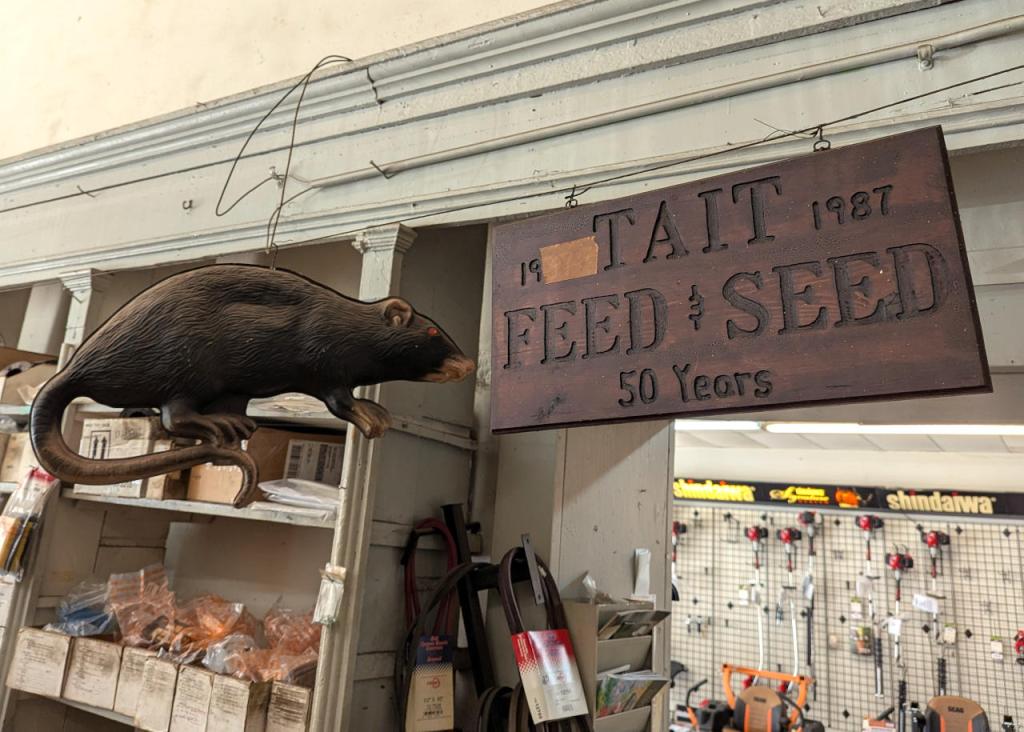
When I was visiting my folks a few weeks ago, one of our first stops was to Tait Feed and Seed in downtown Brunswick, Georgia. We needed to get three new blades for my dad’s 61″ cut Skag Tiger Cat II mower. We changed the blades and cut the grass twice while I was there. Even with such a wide cut, it takes about an hour and a half to cut the yard around their house, metal building, and the driveway from the gate, along the field, and to the house.
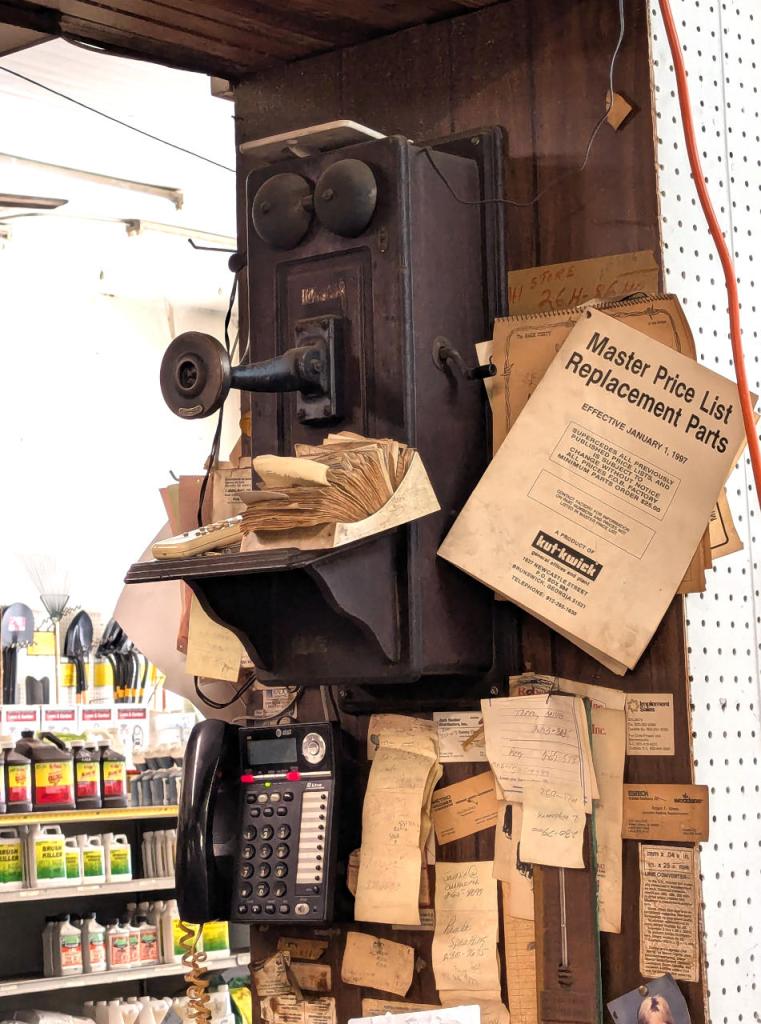
Besides the giant rat shown above, two other things caught my attention in the shop while we were there. First, they have an antique hand-crank phone stationed above their modern AT&T phone. Second, the Master Price List Replacement Parts catalog for Kut-Kwick mowers, which are designed and manufactured in Brunswick, reminded me of the first riding brush mower that I learned to use at Ellis Auto Parts on 341 Highway. I don’t know the year model, but the one I used many times was an updated version of this one from the 1960s.
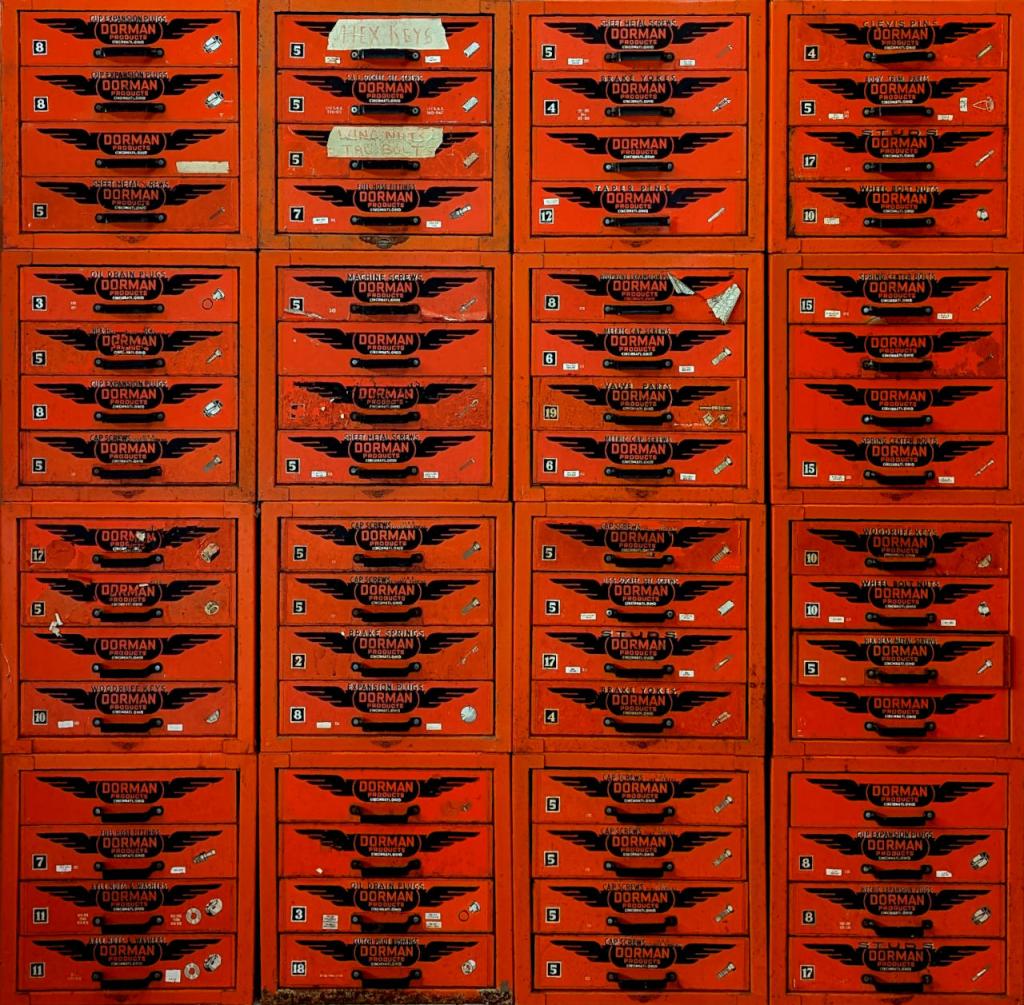
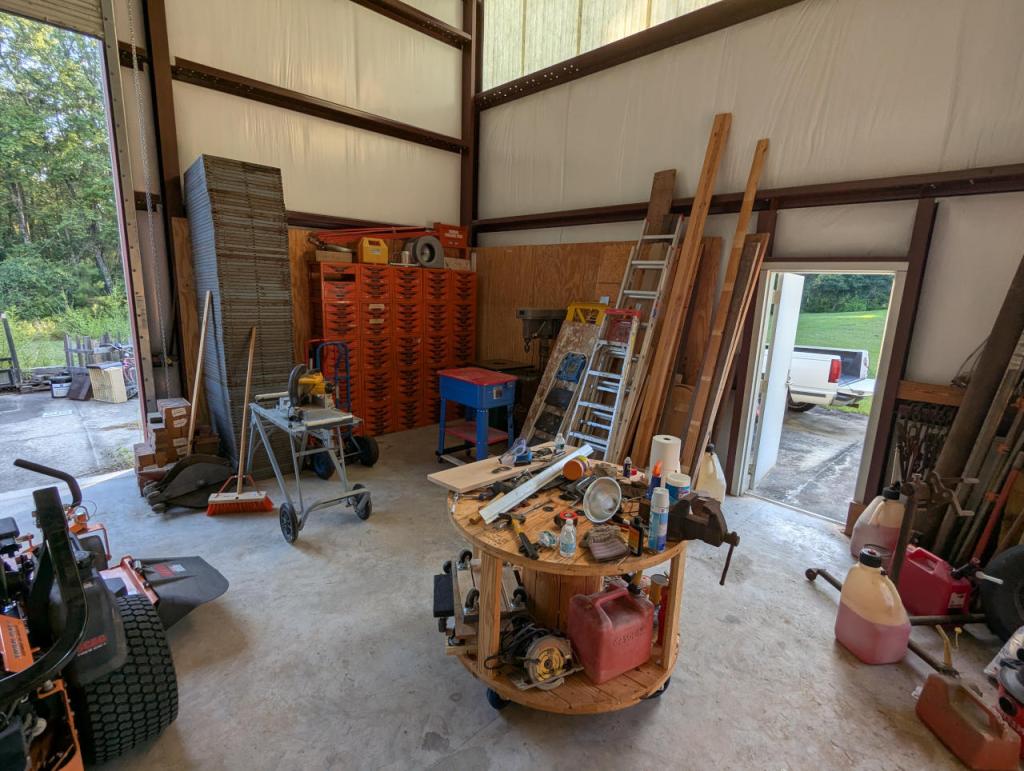
Ellis Auto Parts, my family’s business that closed down in 1996 when my parents retired, used to carry Dorman Products, a line of automotive hardware such as bolts, nuts, washers, pins, caps, and a variety of other kinds of parts. While my dad sold a lot of our remaining stock when he closed the store, he kept a lot of unsold product and the metal drawers that we kept the stock in. When I was at home, I stacked up more of these drawers to create a grid against one wall. The full grid is 5 x 5, but I took a photo of 4 x 4 because one of the corner bins was missing a drawer that I couldn’t find–it is likely somewhere in the shop but waits to be rediscovered. I’m glad that we had access to all of these parts during my trip this time, because we made use of them in our many projects.
After visiting my folks for a couple of weeks in Georgia, I rented a car from Enterprise to drive back home to Brooklyn, because I wanted to load up on bulk-buy and shelf-stable grocery items that are difficult and/or expensive to purchase locally without a car.
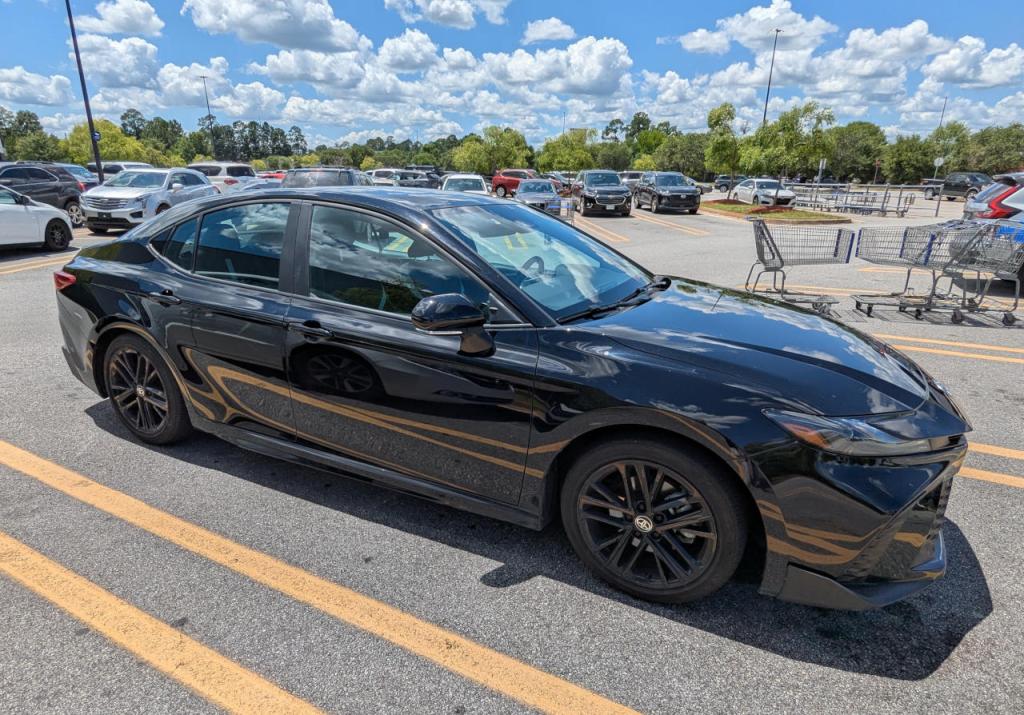
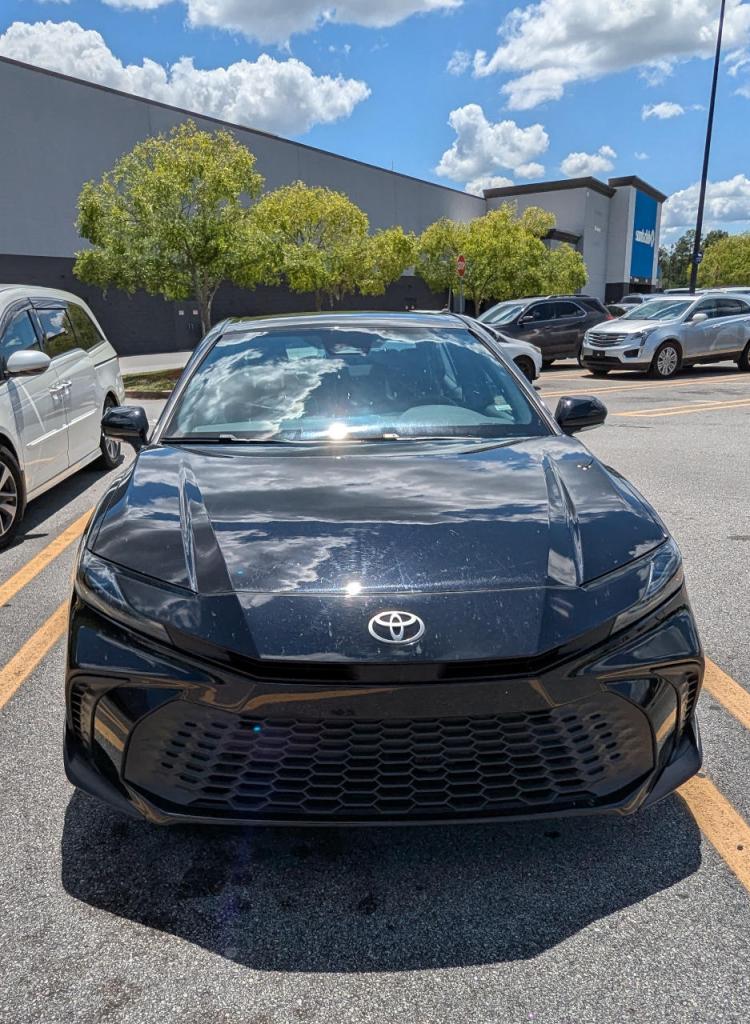
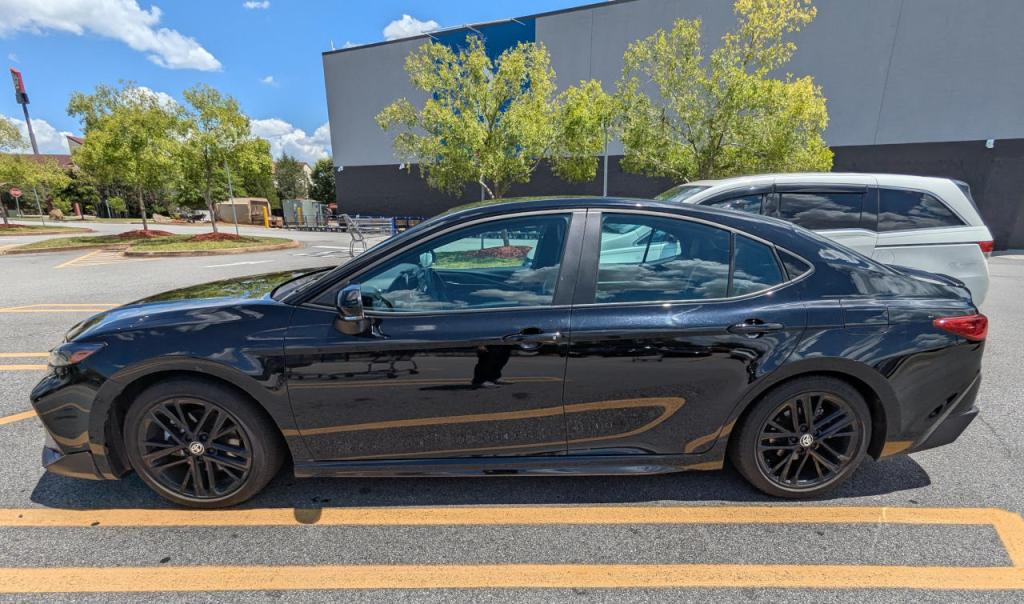
I had reserved a Toyota Corolla or similarly sized midsize car, but none were available when I arrived at the Savannah-Hilton Head Airport location. They upgraded me to the 2025 Toyota Camry shown above. It has a hybrid gas-electric drivetrain with an estimated 51 MPG fuel efficiency.
This post reports on my experience with the Camry’s fuel economy over a long drive.
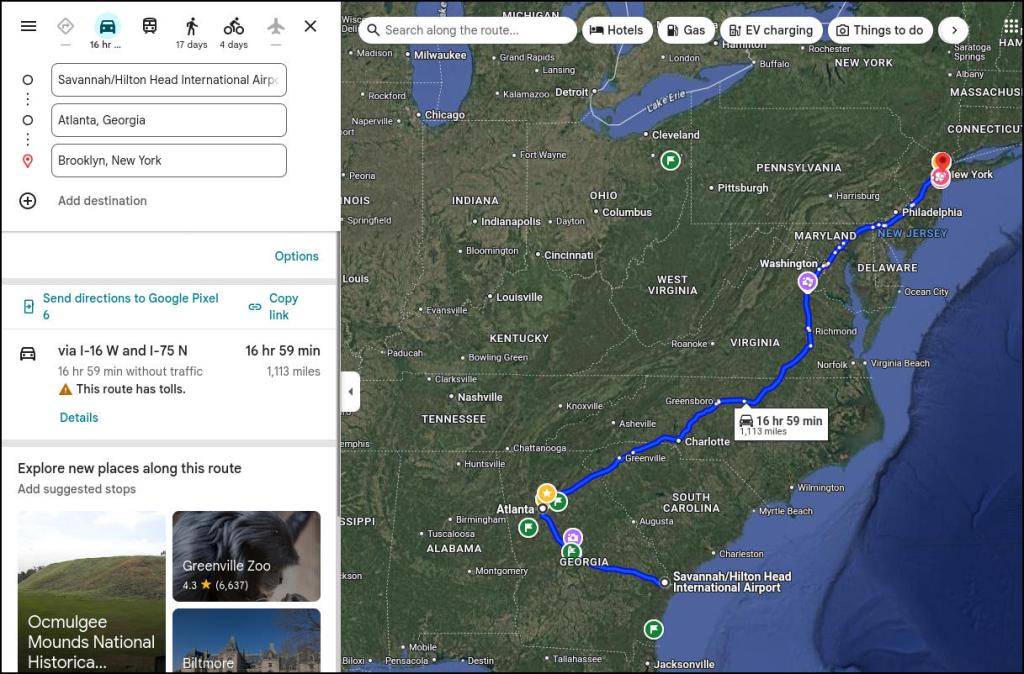
My four-day trip route was from Savannah to Atlanta where I would spend a day, then drive to Delaware, and finally arrive in Brooklyn where I would return the car to the Park Slope Enterprise location. Going from point-to-point, the drive took about 16 hours 59 minutes over 1,113 miles. But, I did a lot of city driving in Atlanta over one day. I estimate that I drove an extra 50 miles for a total of 1,163 miles.
When I picked up the car, I already had about 100 pounds of grocery items that I loaded into the trunk and backseat. While in Atlanta, I added another 20 pounds of items to the car’s overall load. This is combined with my weight and the weight of fuel.
The Camry has three different driving “modes.” I set the mode to “Eco” as opposed to “Normal” or “Sport.” I adhered to the speed limit and avoided using high-RPM, passing gear driving except in a couple of situations.
Over the entire trip, I purchased about 25 gallons of gas (returning the fuel level in the car to the same level that I received it), which yields a combined 46.52 MPG efficiency. Considering the awful traffic conditions in Atlanta (congestion, stop-and-go driving, low speed, etc.) and its fuel use, I suspect that my highway driving is much close to the estimated 51 MPG fuel economy.
I was happy about the fuel economy of the Camry on this trip–it reduced its pollution footprint and it saved me some money. It is impressive how a larger vehicle achieves better fuel economy than the best gas mileage of my old gas-powered Corolla.
Driving the Camry was comfortable for the most part. This was the first car that I drove with a fob/start button combination. It took me a few minutes to figure out how to disable the lane following feature of its cruise control, which I was fighting against (making me think there was something wrong with the steering before disabling this feature). The seat material–I think faux leather–wasn’t breathable, which made it uncomfortable for sitting against over long periods of time.
One big complaint that I have about the car that has nothing to do with fuel efficiency is Toyota’s radio accessed via its in-car screen. It is designed to present radio stations as a series of square icons that can be browsed by scrolling with your finger and tuned to by pressing. By accessing a station, there are tuning plus and minus buttons at the bottom of the station’s screen. All of these things–scrolling and pressing different areas of the screen to access a station or tune to a different frequency–are difficult to do safely while driving and maintaining attention to the road. The wrong areas are pressed leading one to cycle back through the process from the beginning by turning it off and re-accessing audio source > radio > station. To toggle through stations, I perched my right hand on the lower air vent below the screen and reached my index finger up to tap the station up and down buttons. It was awkward and frustrating. If automakers insist on using screens, there are situations like this where skeuomorphism and button placement and size should be consistent and easily used by the driver.
A few weeks ago, I rode Amtrak’s Silver Meteor 97 train from New York City to Jesup, Georgia. As I’ve reported before here and here, it was an enjoyable experience and recommended.
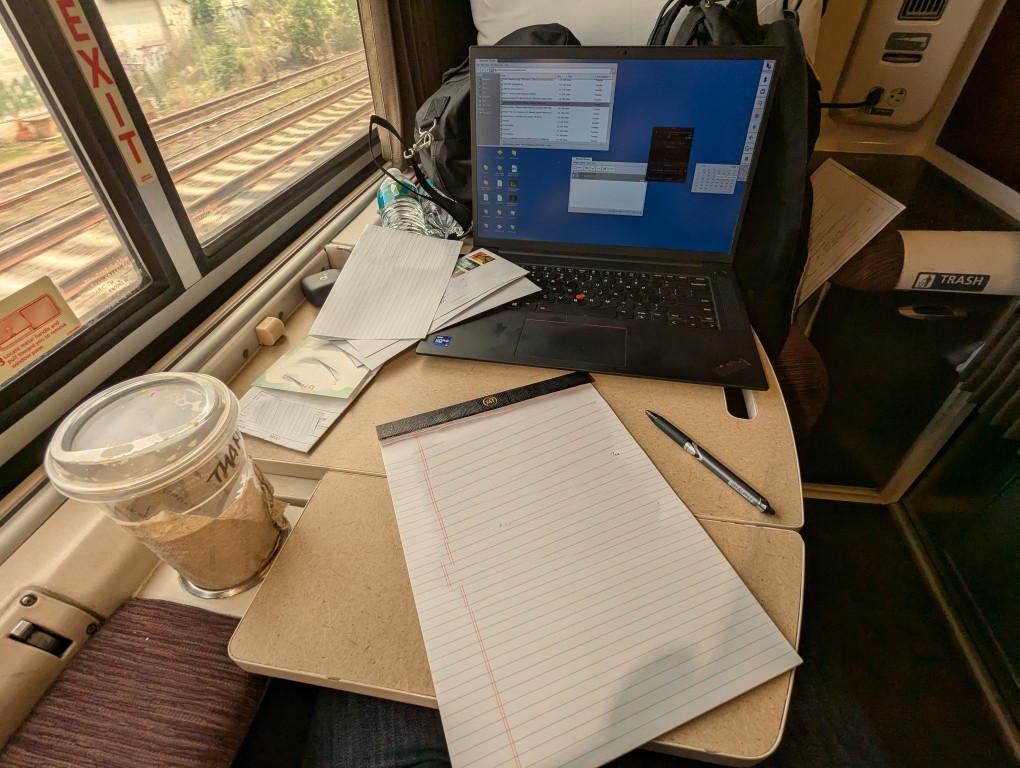
I used this overnight journey to catch up on writing several letters, which I mailed from the Jesup post office after I arrived. I also made use of the on-board power to run my laptop to watch some shows and do some light Internet work. One problem on this trip was unreliable WiFi, so I relied on my phone’s limited data plan.
The roomette was much quieter than on my last trip, which made my sleep much more restful. There was a delay at some point during the night, which made us almost three hours late (we were still on time when I had gone to bed around 1:00am). I’ve learned that delays should be expected.
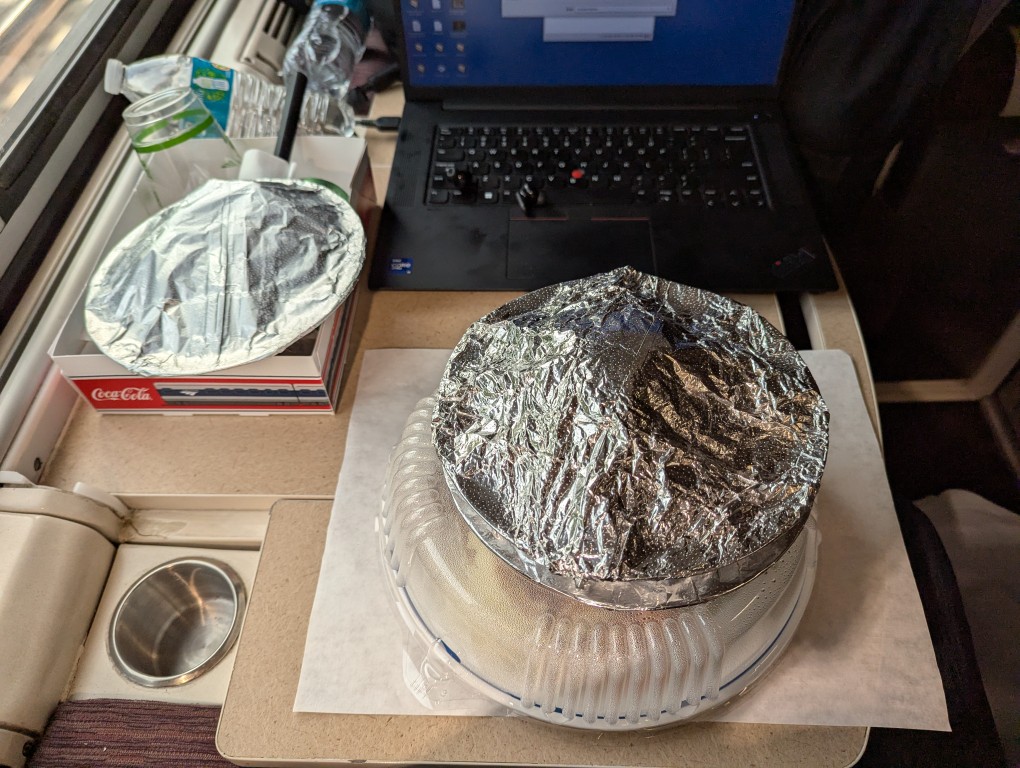
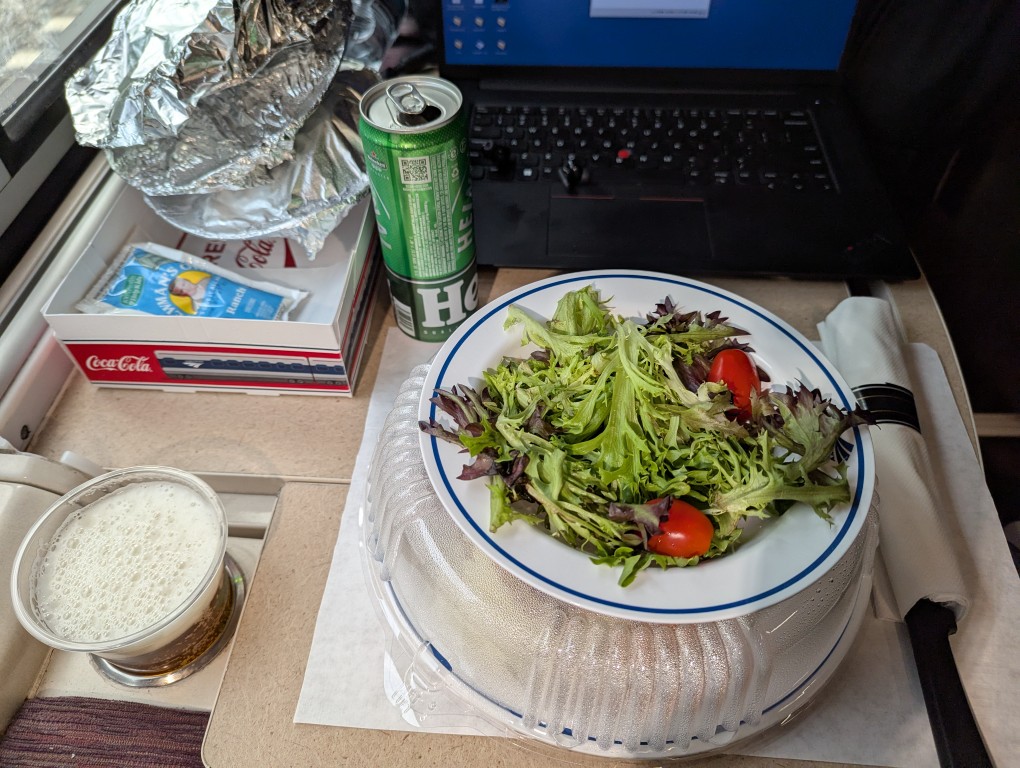
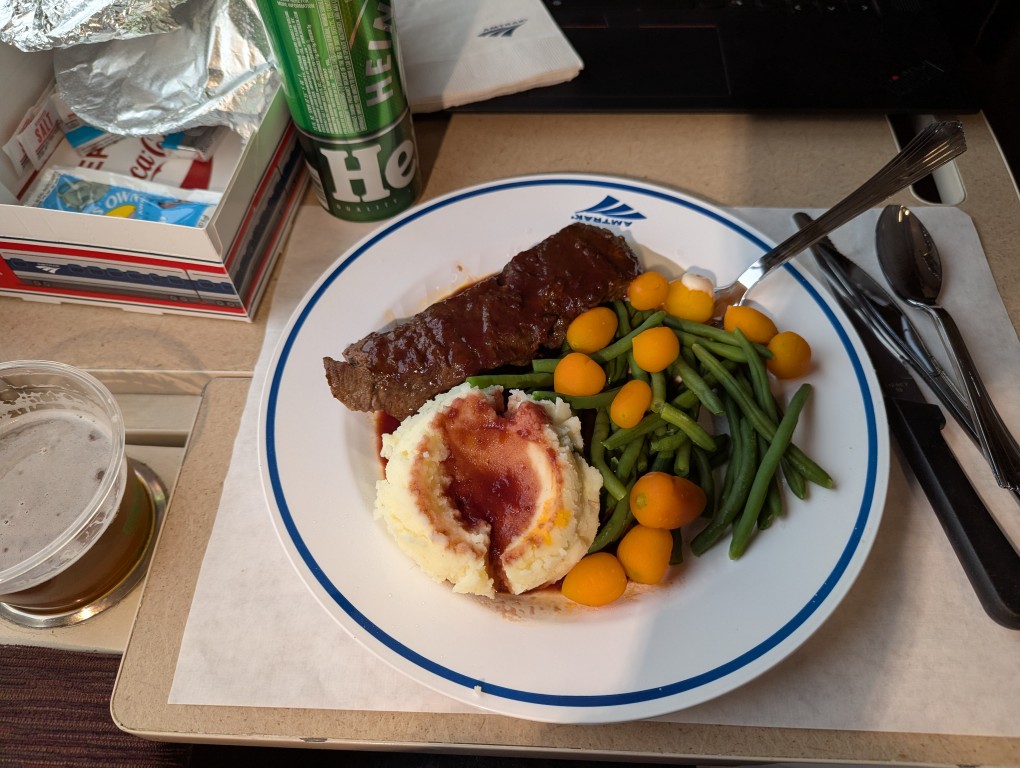
Since I was traveling alone, I asked my car’s steward if I could have dinner service in my room. I ordered the steak dinner with chocolate cake and a Heineken beer (one alcoholic beverage is included with the meal service).
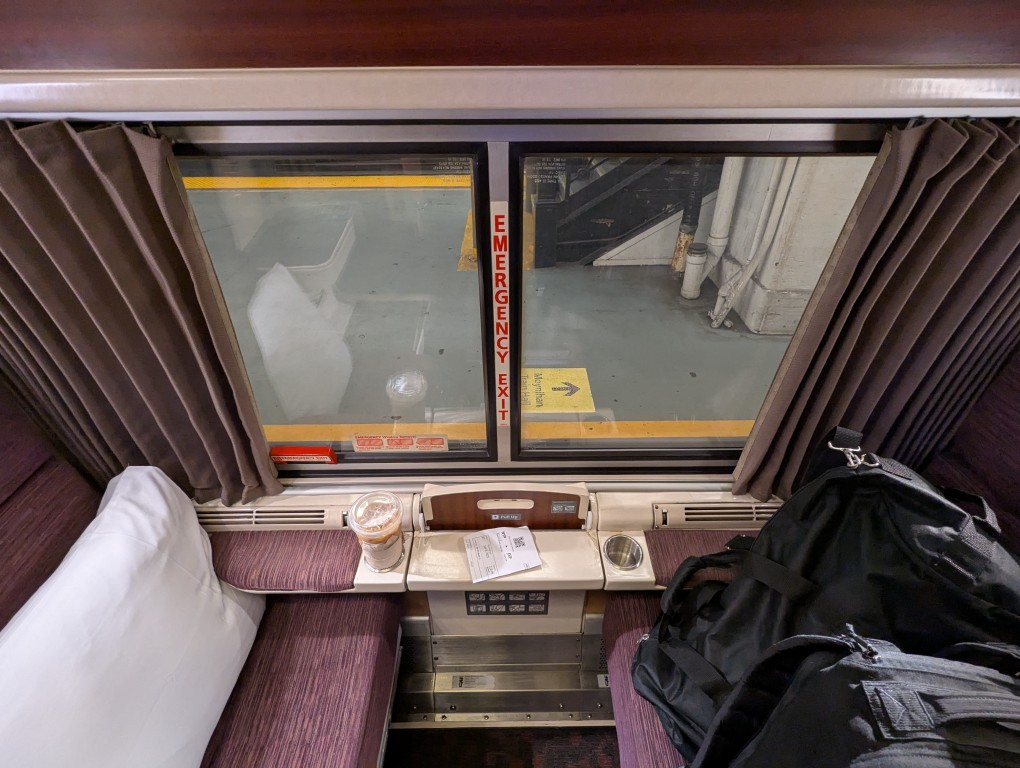
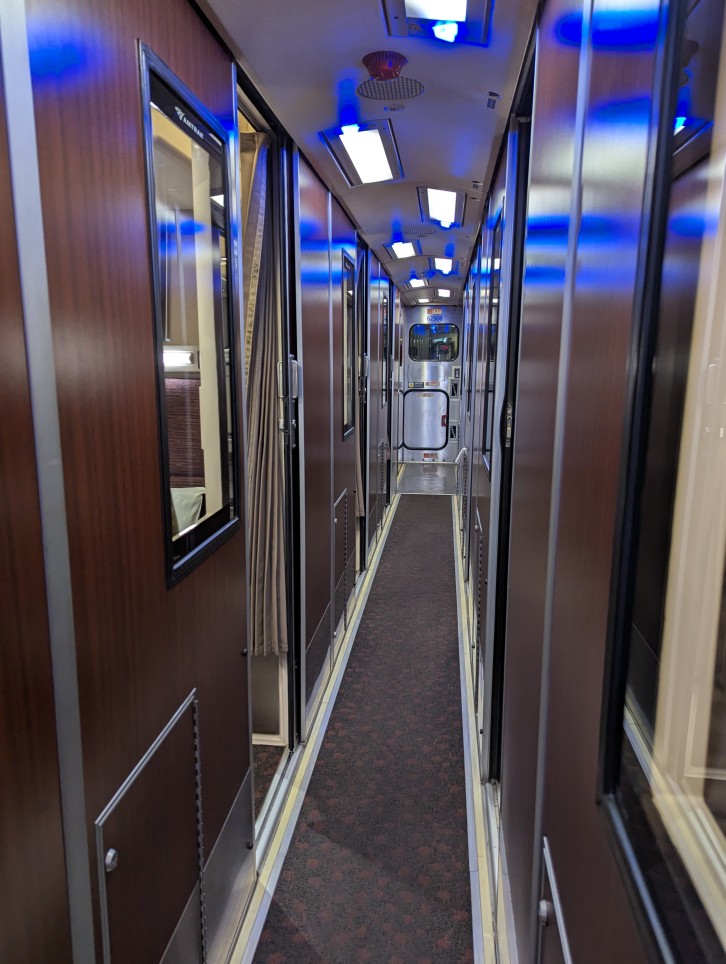
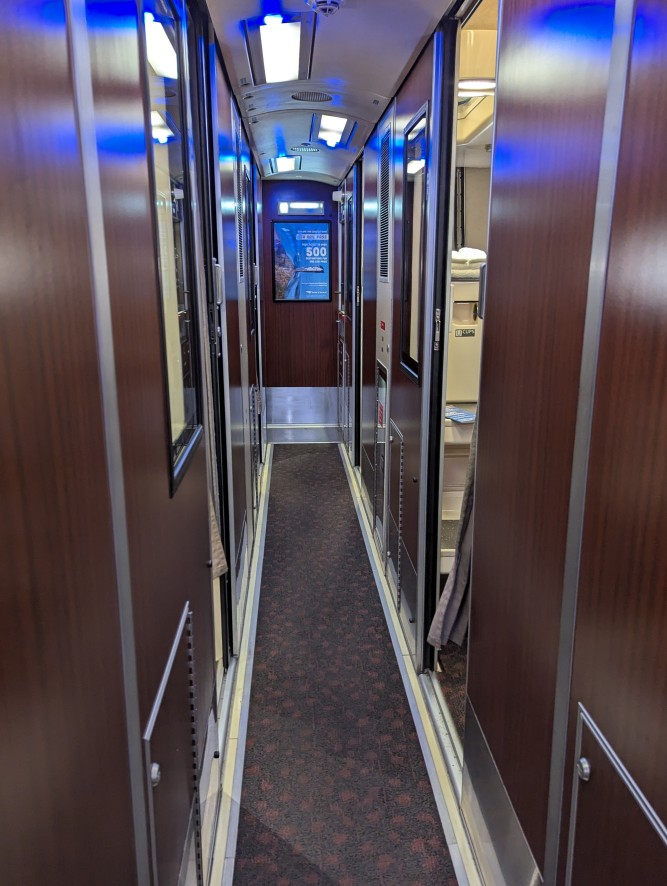
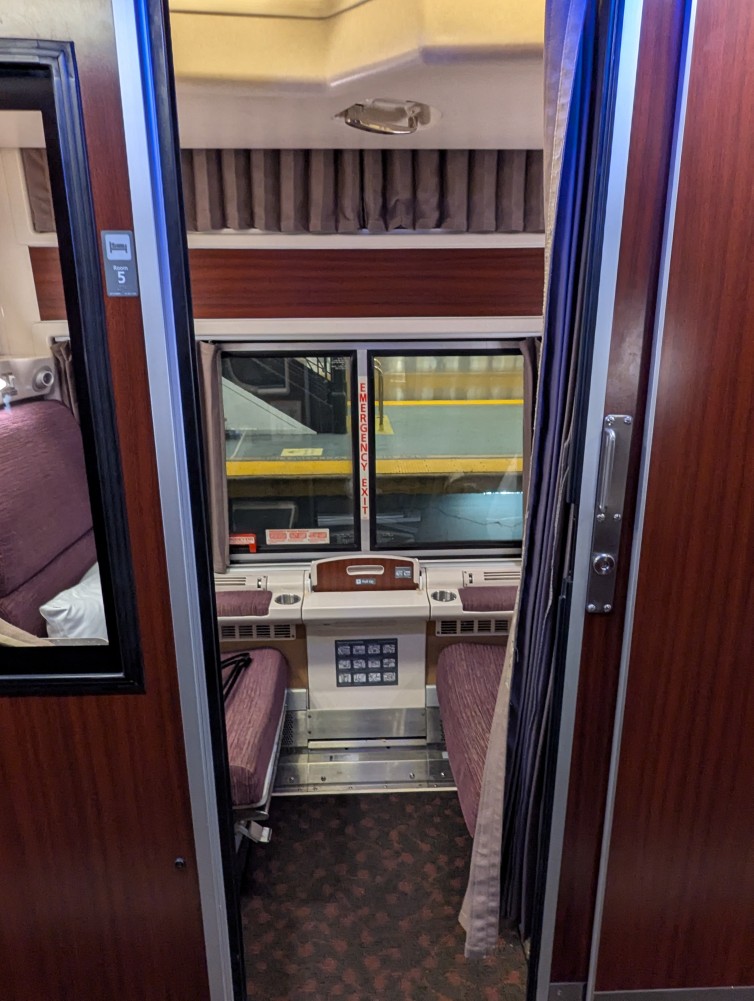
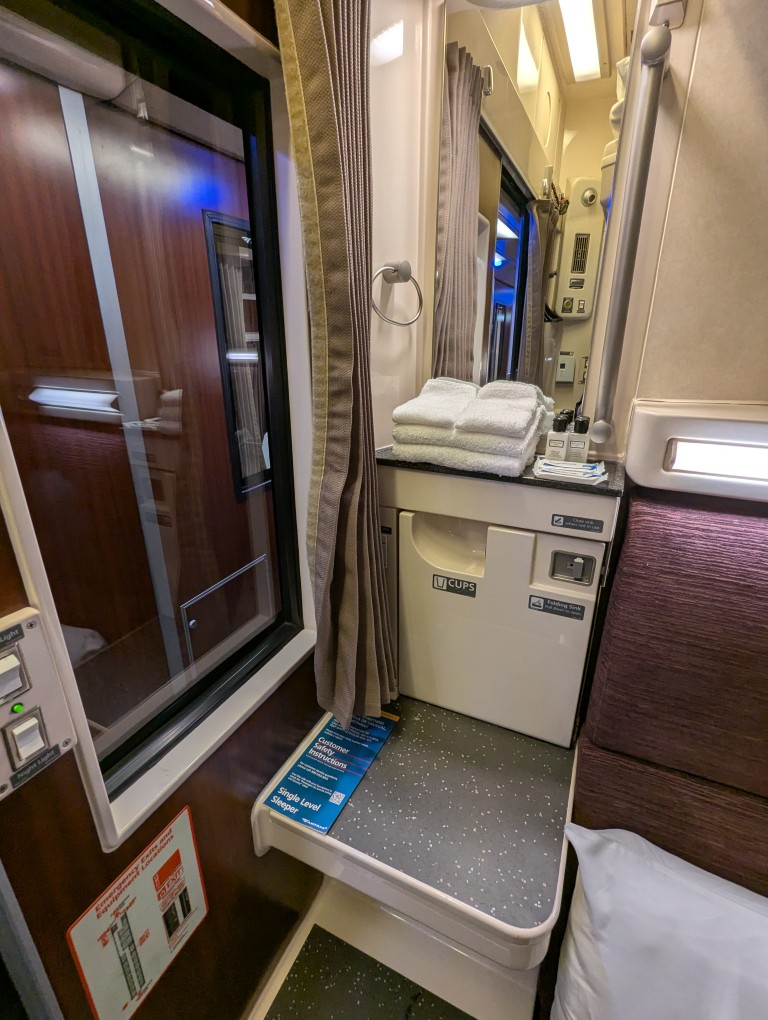
This particular car was like one that I had ridden on before with the roomette having a sink in the room, but the toilet was located at the end of the hallway by the exit. My roomette’s sink worked very well with the hot and cold water dispensing properly when I needed to wash my hands or face.
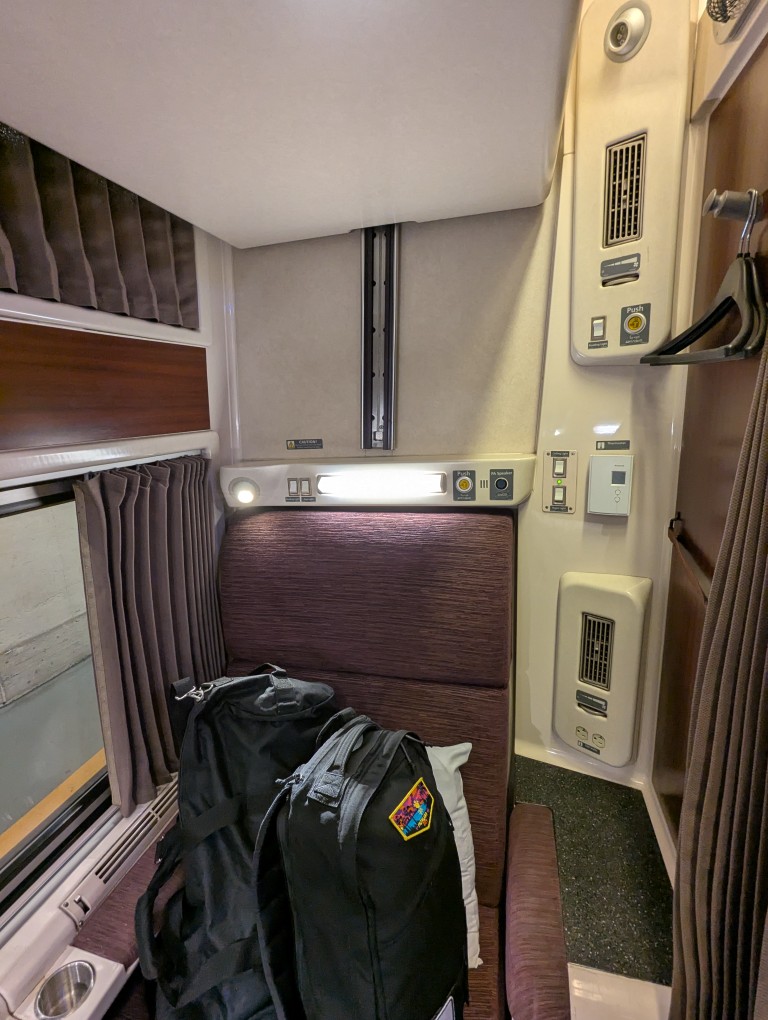
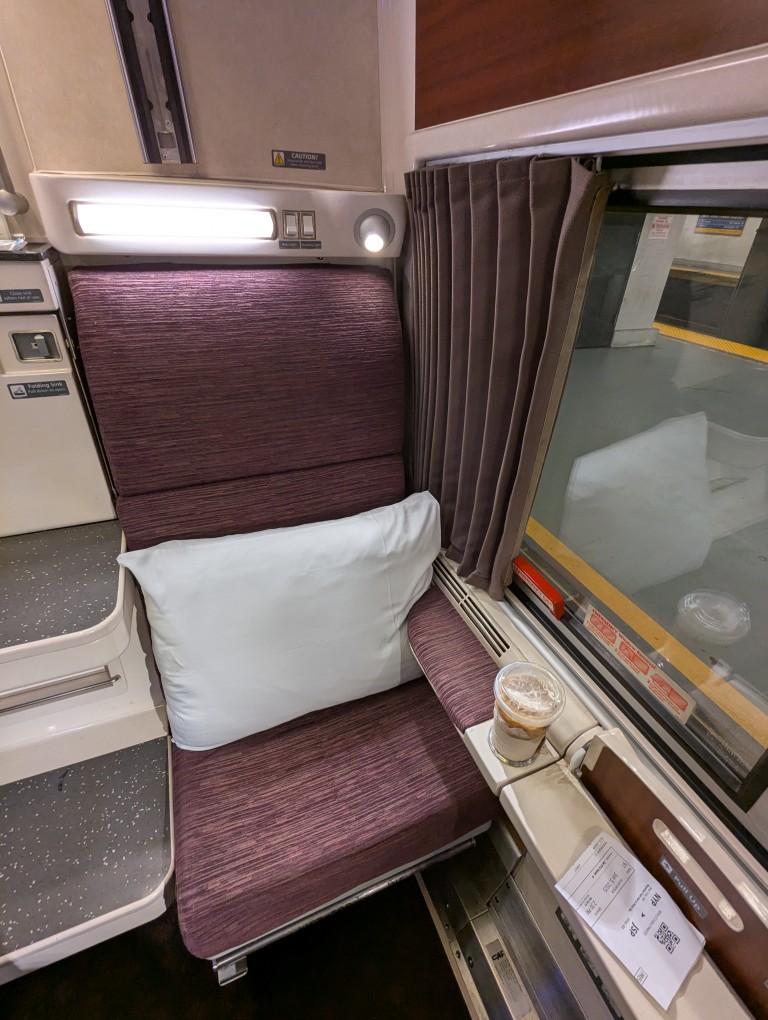
Here are some pictures from inside my train car and roomette on this trip.
If you’re like me, you might have newer computer hardware that isn’t fully supported by Linux kernel 6.1, which is installed with Debian Bookworm 12. Thankfully, Debian offers Backports, or newer software in testing in Trixie, the development name for Debian 13, that will eventually find its way into future Debian releases for use on an otherwise stable release of Bookworm.
Updating to a newer kernel often brings more hardware compatibility. However, it’s important to remember that using a backport kernel can introduce potential compatibility issues with the software officially supported on Bookworm. Even if installing the latest kernel causes some issues, you can choose to boot from one of your older 6.1 kernels on your install as long as you don’t delete them (by using the apt autoremove command).
I wrote this guide based on my experience installing Linux kernel 6.12 from Backports with the non-free firmware that my hardware needs to work. If you are trying to keep your system free from non-free software, you can omit those references in the instructions below.
Before doing any changes to your Debian installation, remember to backup your files first. Saving important files in more than one media and storing it backups in different physical locations is best practice.
After backing up your files, make sure your install is up-to-date with these commands:
sudo apt update
sudo apt upgrade
After those updates complete, it’s a good rule of thumb to do a reboot to begin working with a clean slate.
Next, add Debian Backports to /etc/apt sources.list. I used vi to do this:
sudo vi /etc/apt/sources.list
In vi, arrow down to the bottom line, type a lowercase “o” to add a blank line below the current line, type lowercase “i” to enter input mode, and type the following line into the document:
deb http://deb.debian.org/debian bookworm-backports main contrib non-free non-free-firmware
After double checking the added line, press the “Esc” key, and type “:wq” to write the file and quit vi.
Now, you need to update apt again:
sudo apt update
After the completes, enter this command to install the latest kernel from backports along with the kernel’s headers and firmware that might be needed for your hardware (such as networking card, video card drivers, etc.).
It might take awhile for the installation to complete. If there are no errors, it should return you to your terminal prompt. If it did, reboot your computer to load the new kernel.
After your computer boots up again, you can verify that you are running the latest kernel by entering this command:
uname -r
After installing the latest kernel, my computer reports this from the uname -r command:
![terminal screen with system info: jason@desktop:~$ screenfetch | lolcat
_,met$$$$$gg. jason@desktop
,g$$$$$$$$$$$$$$$P. OS: Debian 12 bookworm
,g$$P"" """Y$$.". Kernel: x86_64 Linux 6.12.32+bpo-amd64
,$$P' `$$$. Uptime: 10h 8m
',$$P ,ggs. `$$b: Packages: 2323
`d$$' ,$P"' . $$$ Shell: bash 5.2.15
$$P d$' , $$P Resolution: 1920x1080
$$: $$. - ,d$$' DE: Xfce
$$\; Y$b._ _,d$P' WM: Xfwm4
Y$$. `.`"Y$$$$P"' WM Theme: Haiku-Alpha
`$$b "-.__ GTK Theme: BeOS-r5-GTK-master [GTK2]
`Y$$ Icon Theme: BeOS-r5-Icons-master
`Y$$. Font: Swis721 BT 9
`$$b. Disk: 7.7T / 11T (75%)
`Y$$b. CPU: AMD Ryzen 7 7700 8-Core @ 16x 5.389GHz
`"Y$b._ GPU: NVIDIA GeForce RTX 3090, NVIDIA RTX A4000, NVIDIA RTX A4000, NVIDIA RTX A4000
`"""" RAM: 9486MiB / 63916MiB](https://dynamicsubspace.net/wp-content/uploads/2025/07/system-info-debian-kernel-612.png?w=832)
