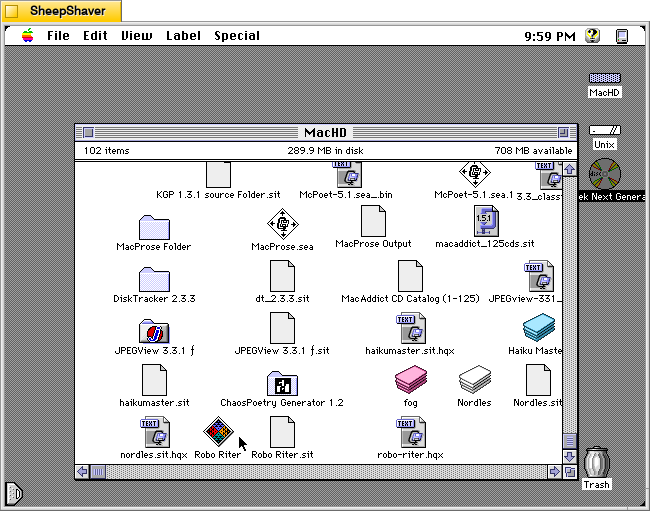
Continuing my exploration of pre-AI text and image generating software, I would like to share some screenshots and information about Robo Riter 3.1, a text-generating program for Macintosh that specializes in haiku, French lai, ballade, and limericks, created by Douglas L. Lieberman, a writer and producer in television, film, and computer multimedia projects.
Robo Riter has the tag line, “Composes poetry at the click of a button!” And, on his archived website’s contact page, he offers it for download if “you can’t afford to hire a writer.”
Lieberman wrote the follow abstract when he submitted his program to the pre-1999 info-mac archive (there was a massive purge of software on info-mac that removed Robo Riter and other software from later versions of the info-mac archive after 1999):
#### BINHEX     robo-riter.hqx   ****

From: rocketriter@earthlink.net
Subject: Robo Riter


From: (Douglas L. Lieberman) rocketriter@earthlink.net
Subject: Robo Riter


Robo Riter -- the automatic poetry machine! Composes poems at the click
of a button, no two ever alike. Robo Riter can create profound and
deeply moving Haiku, French Lai, Ballades and even Limericks. Amaze your
friends! Mystify your neighbors! Be the first on your block to own Robo
Riter, for Poetry On Demand!

Created with SuperCard 3.0

System requirements:
* System 7.6 and above
* Power Macintosh  or 680X0 with at least 16 MB of RAM
* 2 MB of hard drive space

--
Douglas L. Lieberman
Rocket Riter, Inc.
Screenwriting for Interactive Media, Stage & Screen
Visit my website at:
http://home.earthlink.net/~rocketriter/
I am indebted to adespoton on MacintoshGarden.org for finding a copy of Robo Riter stored in a 1998 archive of info-mac that was once hosted by Apple Computer. You can browse the directory of programs that includes Robo Riter here.
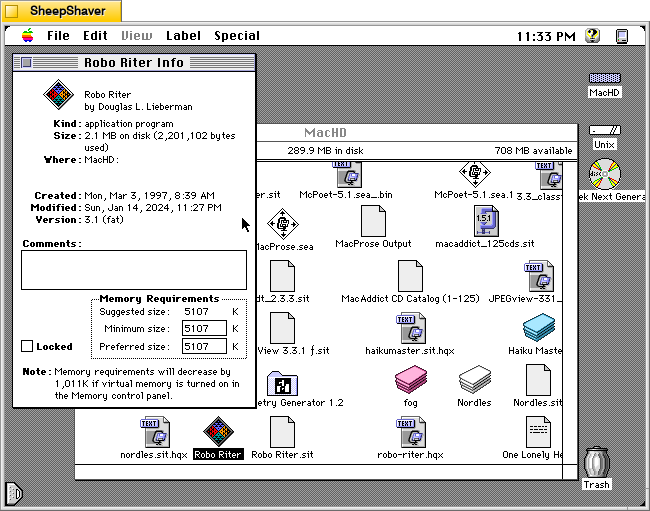
Before launching Robo Riter, the Get Info window shows that it was created on 3 Mar. 1997. It is a “fat” application, meaning that it can be run on 68k and PPC Macs. It’s suggested memory size is 5,107 K, and its minimum and preferred memory sizes are populated with that value. As I’m running this in SheepShaver, I can’t turn on virtual memory to realize that 1,011 K memory savings mentioned in the Note at the bottom of the window.
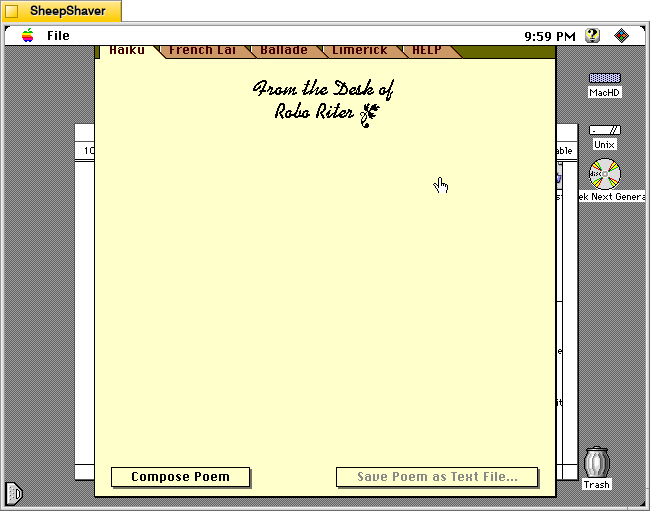
When Robo Riter is first launched, the window above serves as the main interface for the program. It has tabs across the top of the window for Haiku, French Lai, Ballade, Limerick, and HELP. Below the tabs is the monogram, “From the Desk of Robo Riter” followed by a blank space. At the bottom of the window are two buttons: Compose Poem and Save Poem as Text File. Unlike some of the other text generating programs, there are no options and there are no editable corpus or word lists external to the program itself.
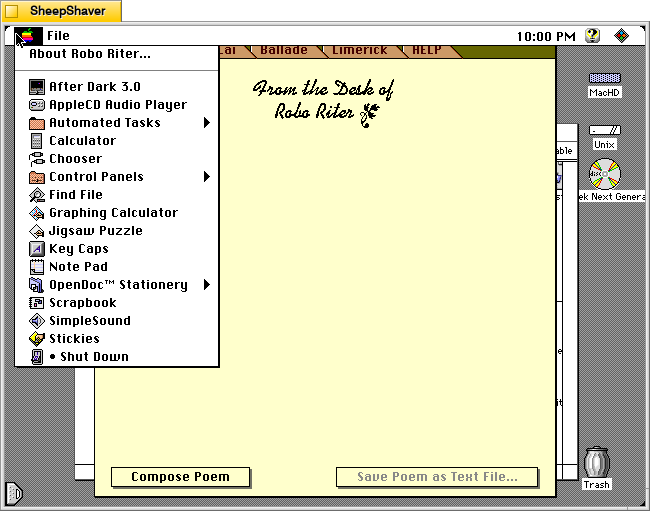
Before looking at Robo Riter’s compositions, let’s check out the two menus. The Apple menu yields “About Robo Riter.”
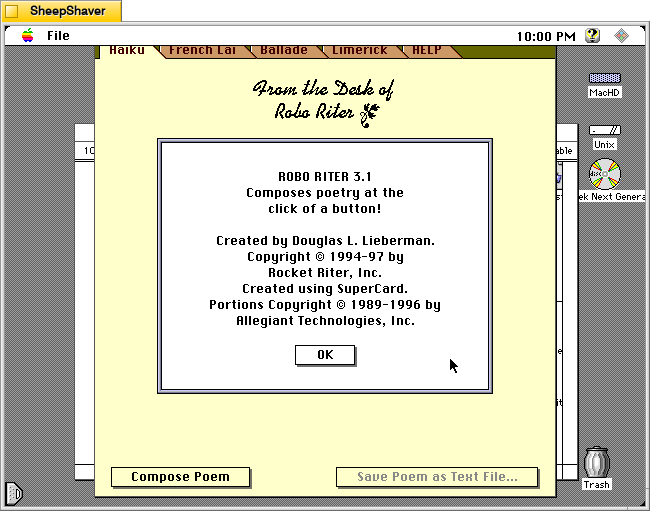
The About Robo Riter window indicates that it was built using SuperCard, an application development environment that is like HyperCard on steroids. At the time, Allegiant Technologies had acquired SuperCard.
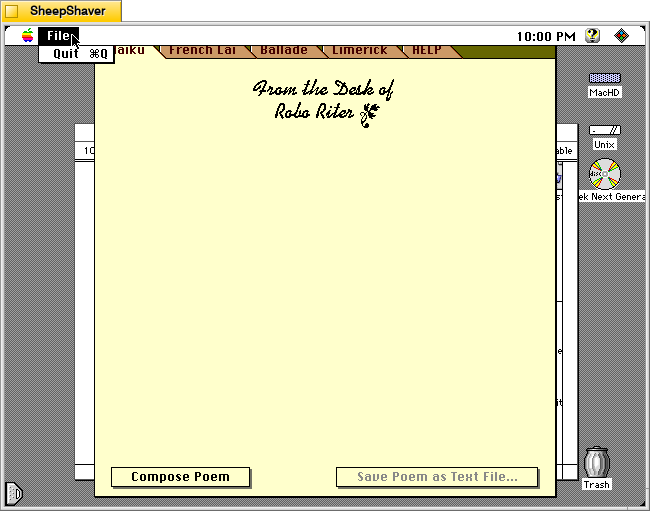
Robo Riter’s File menu only has the option to Quit the program.
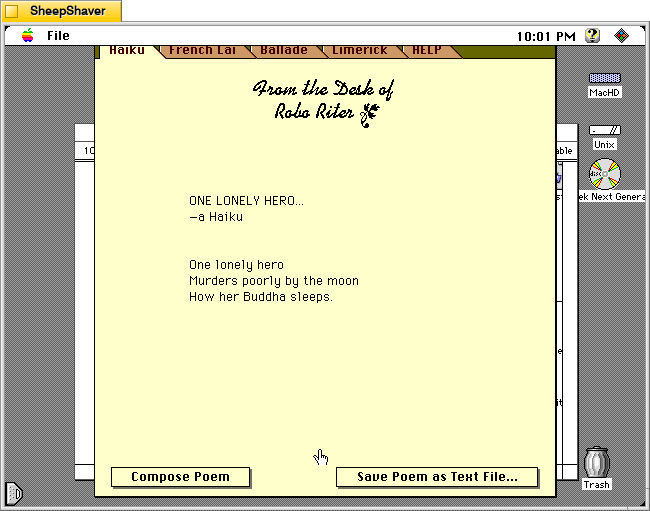
Returning to the main window and the Haiku tab, clicking on the Compose Poem button results in a haiku written by the program after the program shows a series of three messages or thoughts with corresponding musical notes. For example, it displayed “Letting my mind go whoosh!,” “Counting syllables on my chins,” and “Meditating with profound fervor” before showing the resulting “ONE LONELY HERO” haiku, which appears a word-at-a-time like watching an LLM reply in a chat.
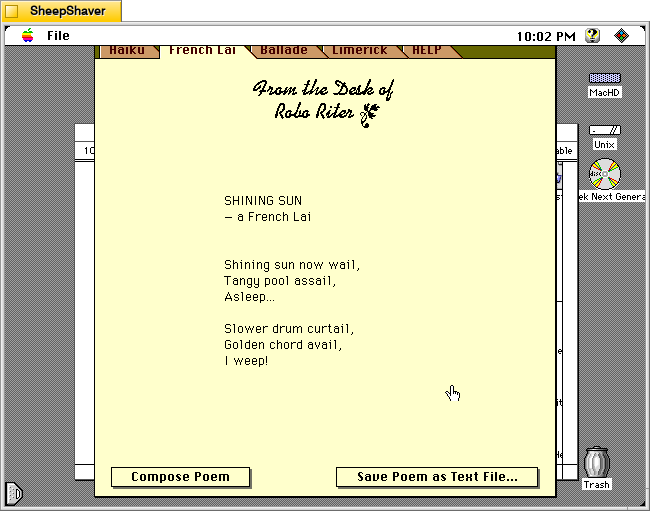
After clicking on the French Lai tab, I clicked on Compose Poem. It’s pre-generation text was: “Researching a rather violent subject,” “Illuminating its dynamic aspects,” and “Developing theosophical influences.” Then, the “SHINING SUN” French Lai played across the screen.
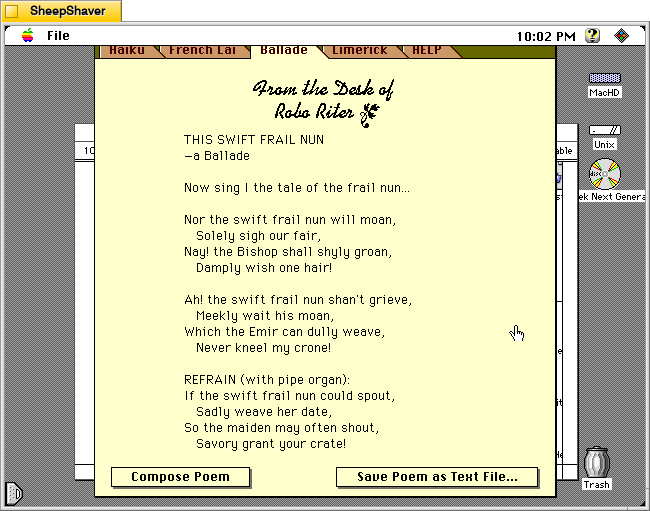
Next, I clicked on the Ballade tab and selected Compose Poem. It’s pre-generation text was: “Developing a down to earth topic,” “Overlaying sea-faring themes,” and “Selecting perfectly matched rhymes, and rhythms.” Then, “THIS SWIFT FRAIL NUN” appeared in the composition area in the window.
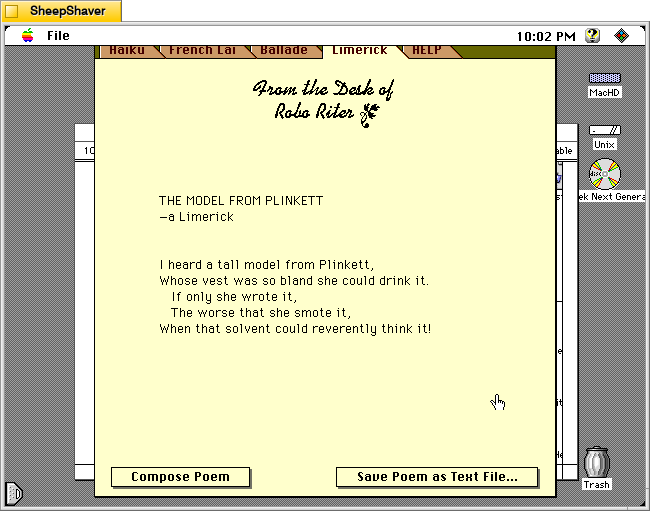
The Limerick tab proved a little irreverent compared to the other composition tabs, which is fitting, I suppose, given the genre. After pressing Compose Poem,” “Selecting a theme and a punch line” appeared with a corresponding musical tone. Then, “Assembling ill-considered rhymes” appeared with a fart sound, and finally, “Convulsing at my own jokes” with a recorded “whoops” sound before showing “THE MODEL FROM PLINKETT” limerick.
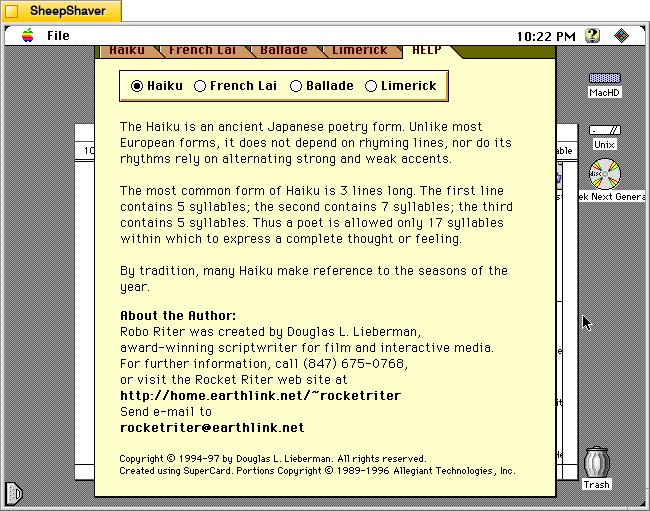
The HELP tab has sub sections accessible via selecting the radio button next to Haiku, French Lai, Ballade, or Limerick.
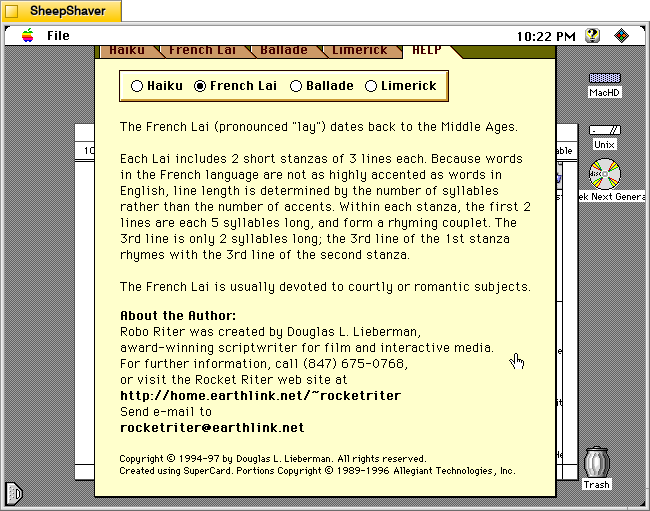
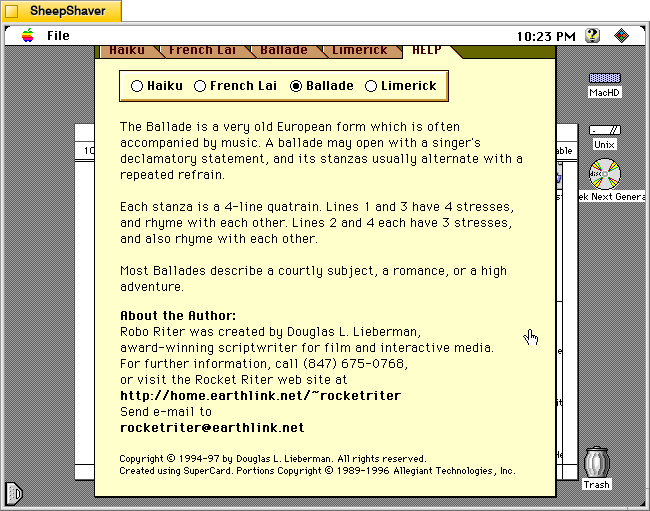
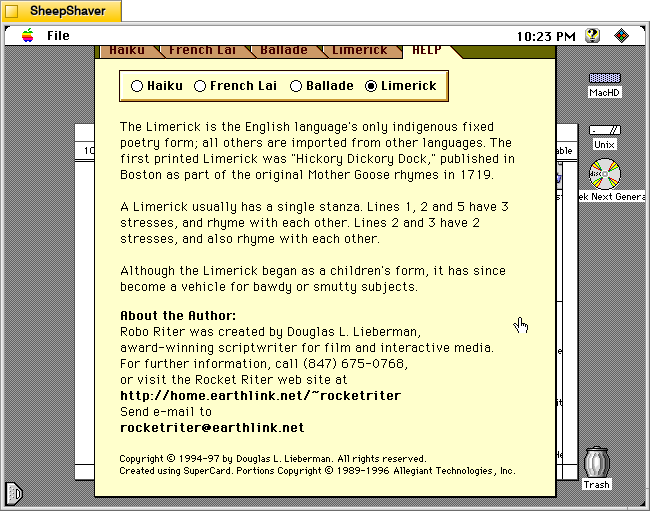
Each of these help sections provide an explanation of that genre of poem’s construction, context, and purpose.
Robo Riter is more a black box than some of the other text generating applications that I’ve written about before. But, it’s compositions through several iterations seem quite good and interesting. Lieberman seems to have done good work behind the scenes to make his program produce what I read on the few trials that I did.