Tag: Computers

  • Debian 13 Trixie Full Install Notes

    Last week, I upgraded the Debian 12 Bookworm installation on my workstation to Debian 13 Trixie. After updating my sources file and running apt update and apt full-upgrade, the installation went painlessly and quickly. However, I noticed some glitches with video playback (audio stutter) and listing directory contents on a hard disk drive (prolonged delays even though the drive was in active use and not waking from sleep). I wasn’t that interested in spending time to track down the source of these particular problems, so I decided to do a nuke-and-pave full reinstall of Debian 13.

    That led to three days of frustration and reinstalling Debian 13 five times. I now have a stable installation that does what I want, but it took a lot of bashing my forehead into the desk to get here.

    To be fair, some of the problems were created by me trying to configure software that I don’t have a deep understanding of using shared knowledge online that might be years old and applicable to older versions of those programs.

    The one problem that caused the most headaches wasn’t my fault as far as I can suss out. The installer seemed to alternate assigning the “zero” nvme drive between my two identical 2TB nvme drives. This strange behavior led to me wiping both drives and installing Debian 13 on both during the multiple installations. When it comes to partitioning, I’m super cautious, because even though my data was backed up, I still didn’t want to wipe a drive unless it was what I wanted to do.

    Besides the Debian 13 installer’s partitioning software, I wondered if it could have something to do with my motherboard’s bios. I am a few versions behind the latest release, but none of the bios’ change logs mention anything to do with code for handling the nvme drives.

    I didn’t document my experience like I should, because I got to a point where I just wanted a stable system so that I could get some work done. I accomplished that at least. Though, I wanted to put this up as a potential warning in case anyone else experiences something similar.
  • Ditched Roku for a Discounted Origimagic Ryzen 5 Mini PC

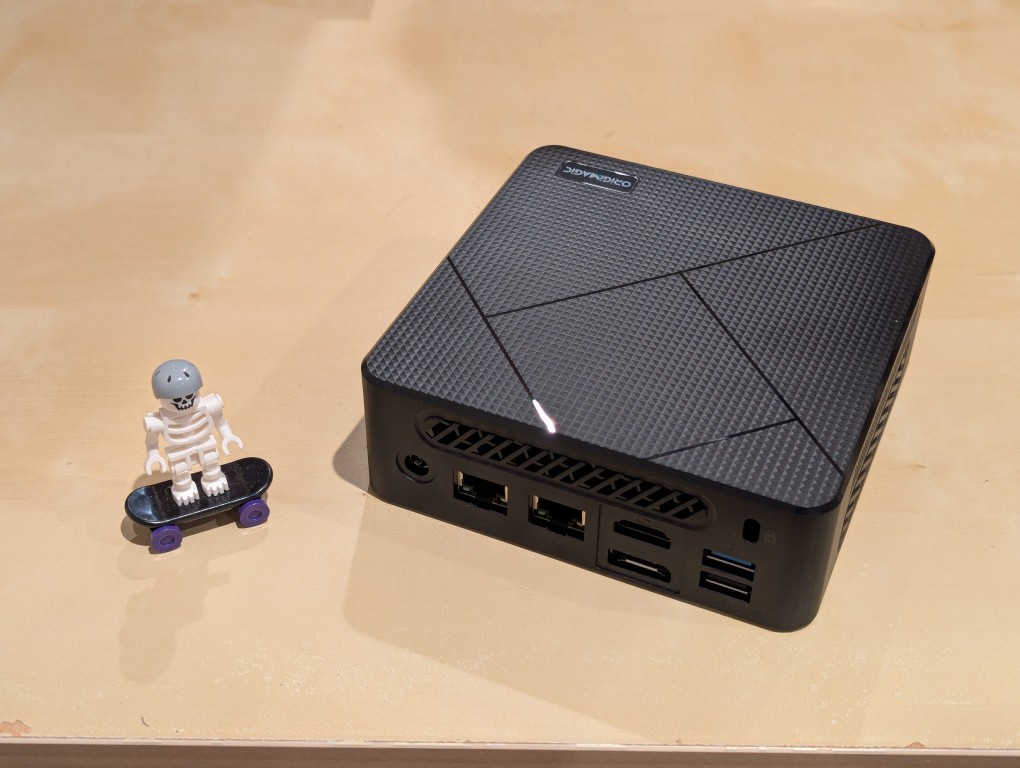
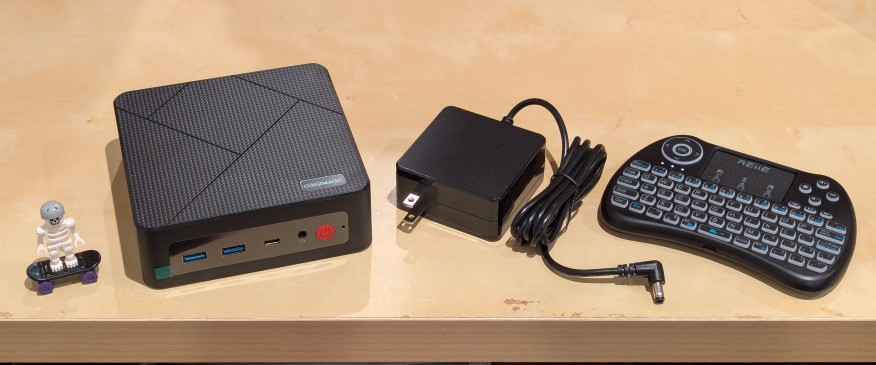
    lego minifigure skeleton on skateboard next to origimagic c4 mini pc, power adapter, and handheld keyboard with trackpad

    I’ve been unhappy with Roku’s increasing advertising through images and now full-motion video and their lack of support for a variety of codecs in their media player app. So, I’ve been looking for awhile for a good deal on a mini pc that could replace the Roku for playing media and also support some light gaming. Also, considering the impending tariffs (i.e., a tax on Americans), I hoped to find something as soon as possible.

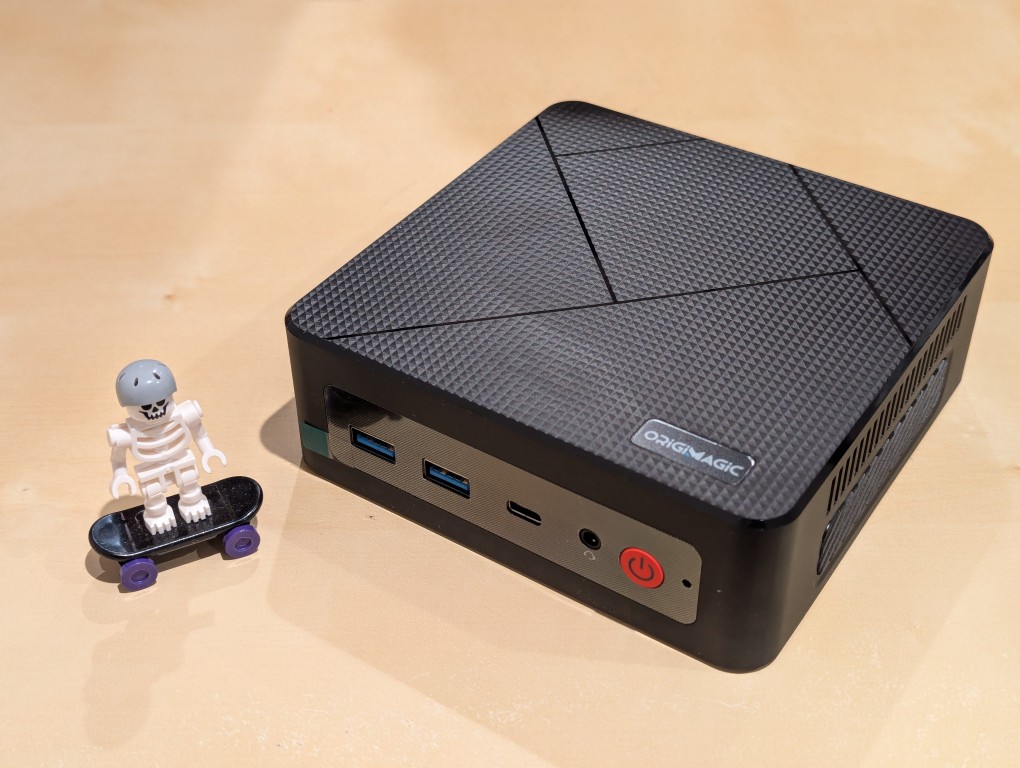
    After tracking several mini pcs on Amazon and eBay for a few weeks, I finally pulled the trigger when Amazon offered the Origimagic C4 Mini PC with a Ryzen 5 3550H (4 core, 8 threads) on sale for $153. It’s CPU has a lot more horsepower while using 25 watts of power than Intel’s similarly priced mini pc processors. It came stock with 16GB DDR4 RAM, 512GB PCIe SSD, 1 x Type-C USB, 4 x Type-A USB (3 are USB 3 and 1 is USB 2), headphone jack, HDMI, DisplayPort, and dual ethernet.

    To operate it from the sofa, I got a $10 reiie H9+ Mini Keyboard with Touchpad that uses a wireless USB adapter to connect to the mini pc.

    lego minifigure skeleton on skateboard next to origimagic c4 mini pc
    lego minifigure skeleton on skateboard next to origimagic c4 mini pc

    Before setting anything up, I created a flash drive with Debian 13 Trixie, the latest version that was released over the weekend on Saturday.

    To do this, I inserted a 16GB flash drive into my workstation, but I didn’t mount the device. I downloaded the network install ISO for Debian 13 from here. Then, I ran lsblk in a terminal window to see what device address corresponded to the flash drive. It’s important to not make a mistake here, because it’s easy to overwrite another drive using this method. lsblk lists the devices, which are all in the “/dev/” folder, so when I saw that my flash drive was assigned the address “sdb”, I knew that its full address was “/dev/sdb”. With that info, I then wrote the downloaded Debian 13 netinstall ISO directly to the flash drive using this command:

    sudo cp debian-13.0.0-amd64-netinst.iso /dev/sdb

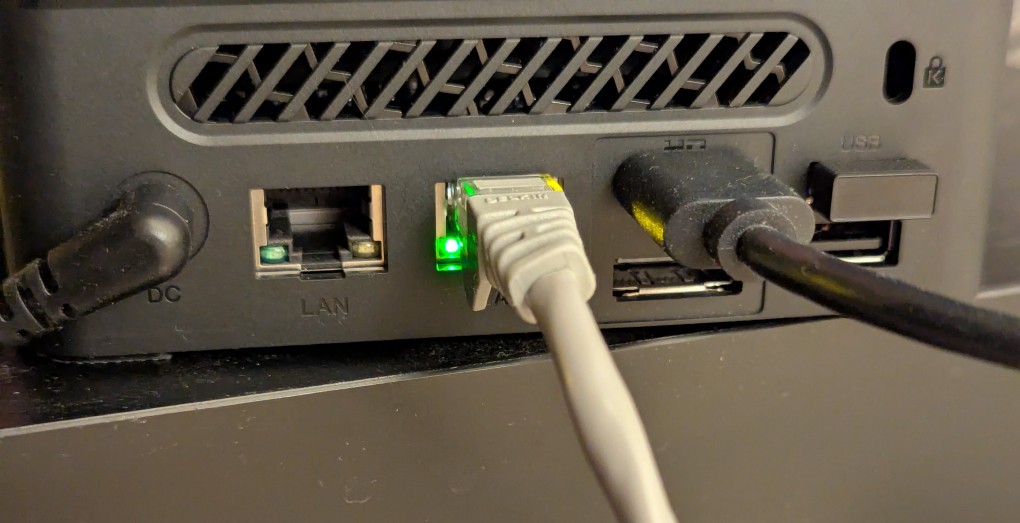
    After the copying to the flash drive had finished, I ejected it from my workstation and took it over to the mini pc. I plugged in the power adapter, ethernet cable (I arbitrarily picked the one furthest from the power plug), HDMI cable to the TV, the keyboard receiver USB, and the Debian 13 installation flash drive.

    I did experience some frustration with getting the Debian 13 flash drive to boot the mini pc. As soon as the mini pc booted, I was unable to enter BIOS or open the boot menu. Instead, it kept booting into the Windows 11 setup, which I did not want to use. At first, I thought it might be a problem with the tiny wireless keyboard and trackpad, so I switched to my Logitech keyboard and trackball, which are both tied to one Logitech USB receiver. I tried different USB plugs on the front and rear of the mini pc until I was finally able to enter bios (pushing DEL at boot) when the keyboard USB receiver is in the top-right USB port on the rear of the mini pc as shown below (it is a USB3 port). It might have been bad luck on my part with the other ports, so I can’t say this is a peculiarity with this hardware for certain. Nevertheless, it’s good to exhaust all possibilities like this.

    back of mini pc: power plug, two ethernet ports (one plugged in), HDMI (plugged in), display port, and 2 usb ports (one has a tiny device plugged in)

    Once in the BIOS, there’s not many options except for disabling hardware (I disabled WiFi), turning off Secure Boot and the Trusted Computing Module, and other odds and ends. I saved the settings, rebooted, and went into the Boot Menu (F7), selected the Debian 13 netinstall flash drive, and began the installation (a full nuke-and-pave: erasing the NVMe drive and setting up Debian 13 as the only operating system).

    While I use XFCE on my laptop and workstation, I opted for the GNOME desktop environment on the mini pc, because I thought its screen controls and overall user interface would be easier to see and navigate from across the room. If I don’t like it, I can always install XFCE.

    Because two of the main sources of media for us is Netflix and YouTube, I installed Chrome to handle those sites. I have VLC and Kodi for everything else.

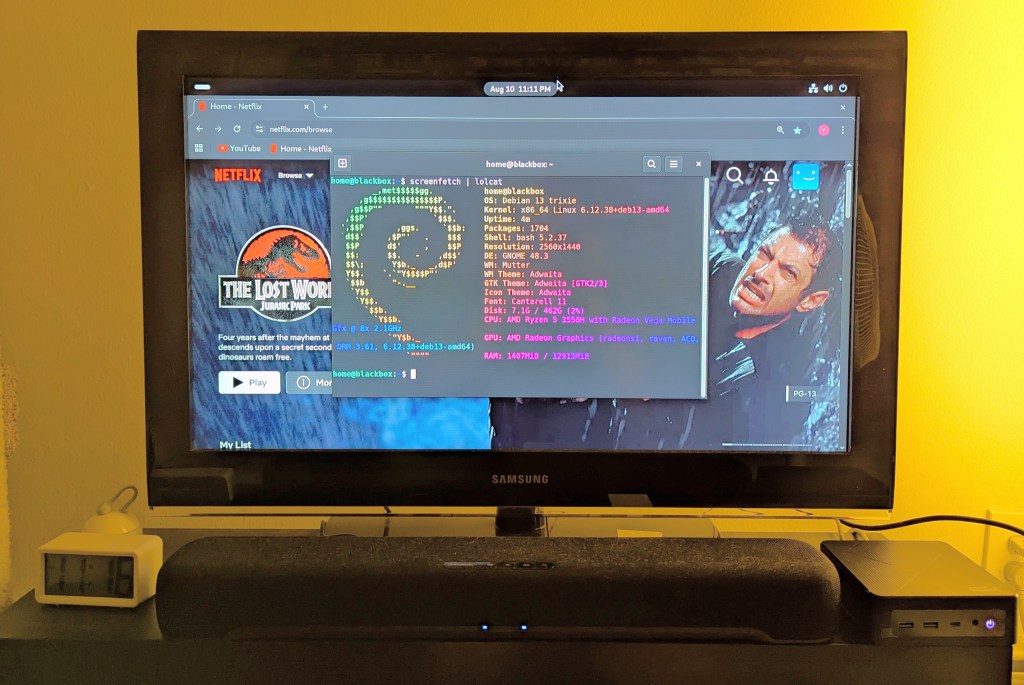
    samsung tv and soundbar with a mini pc on the right side of the tv stand. the screen is showing netflix Jurassic Park the lost world in the background while the foreground terminal shows the pc's info, which is also in the second paragraph above.
  • Gerber Multi-Plier 400 Compact Sport Is Another Handy EDC Tool

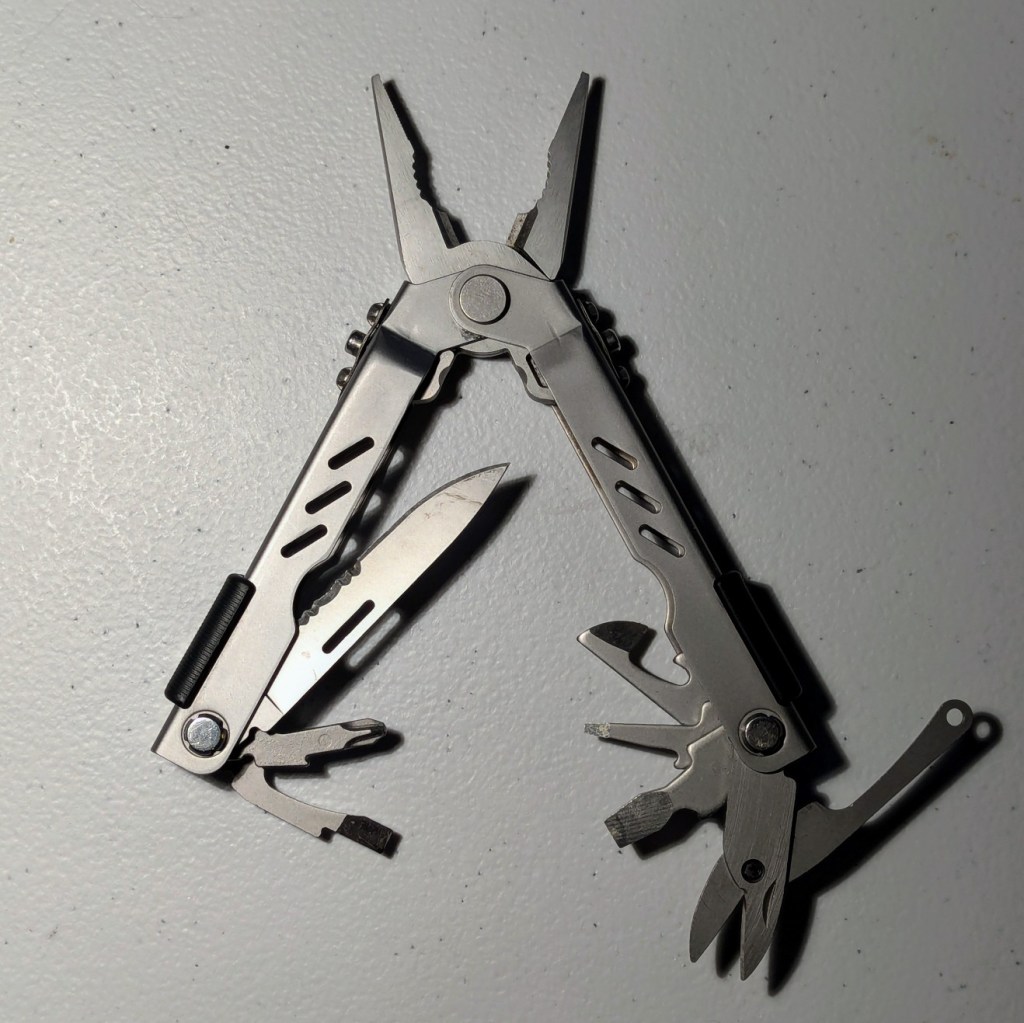
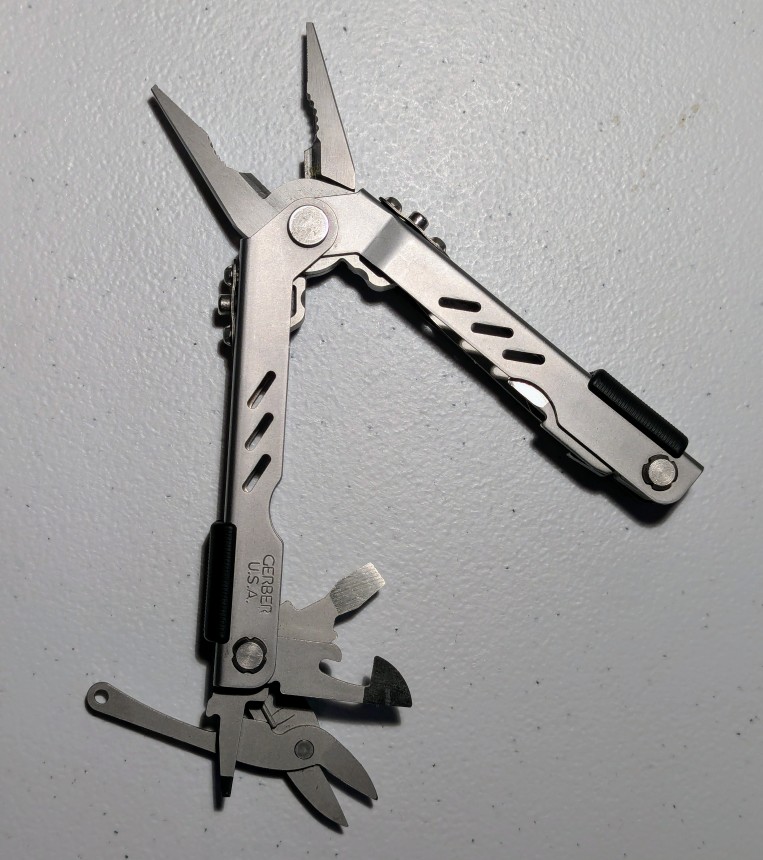
    Gerber Multi-Plier 400 Compact Sport with all tools unfolded

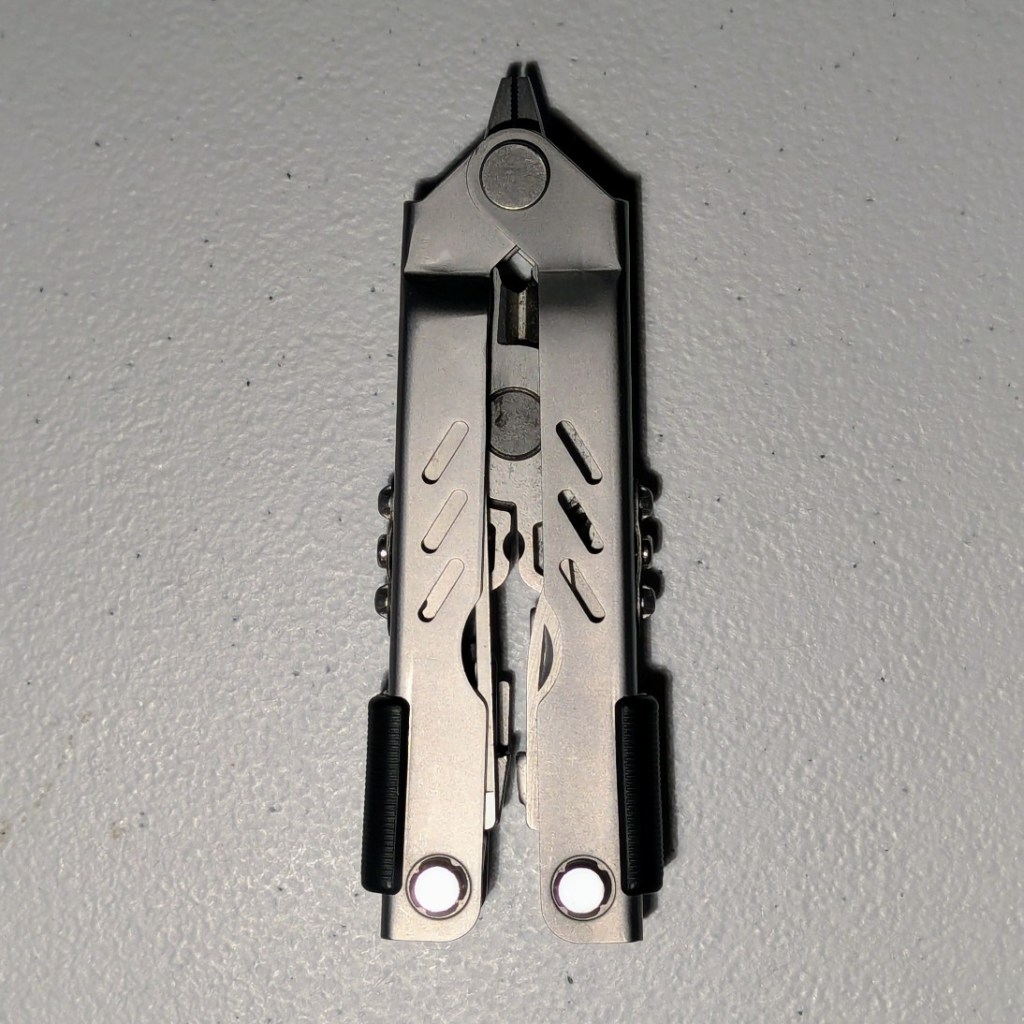
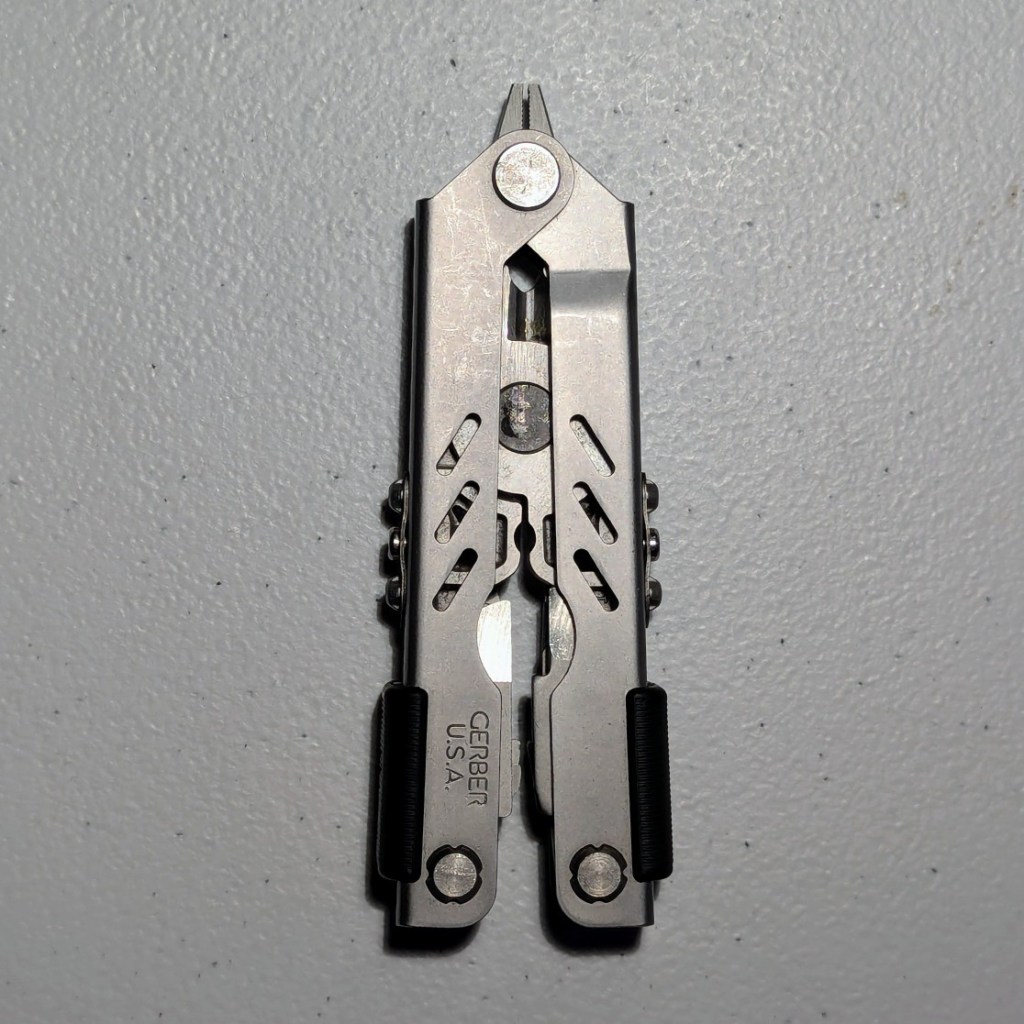
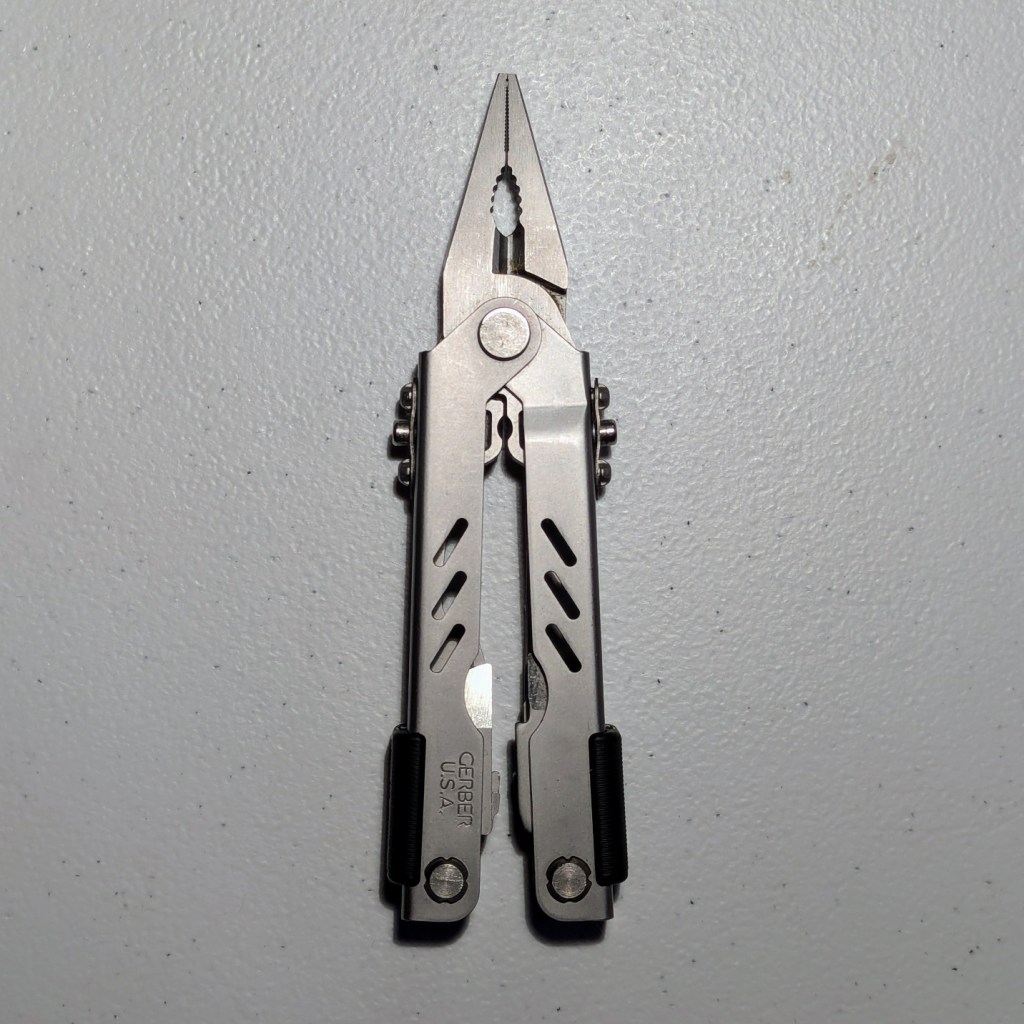
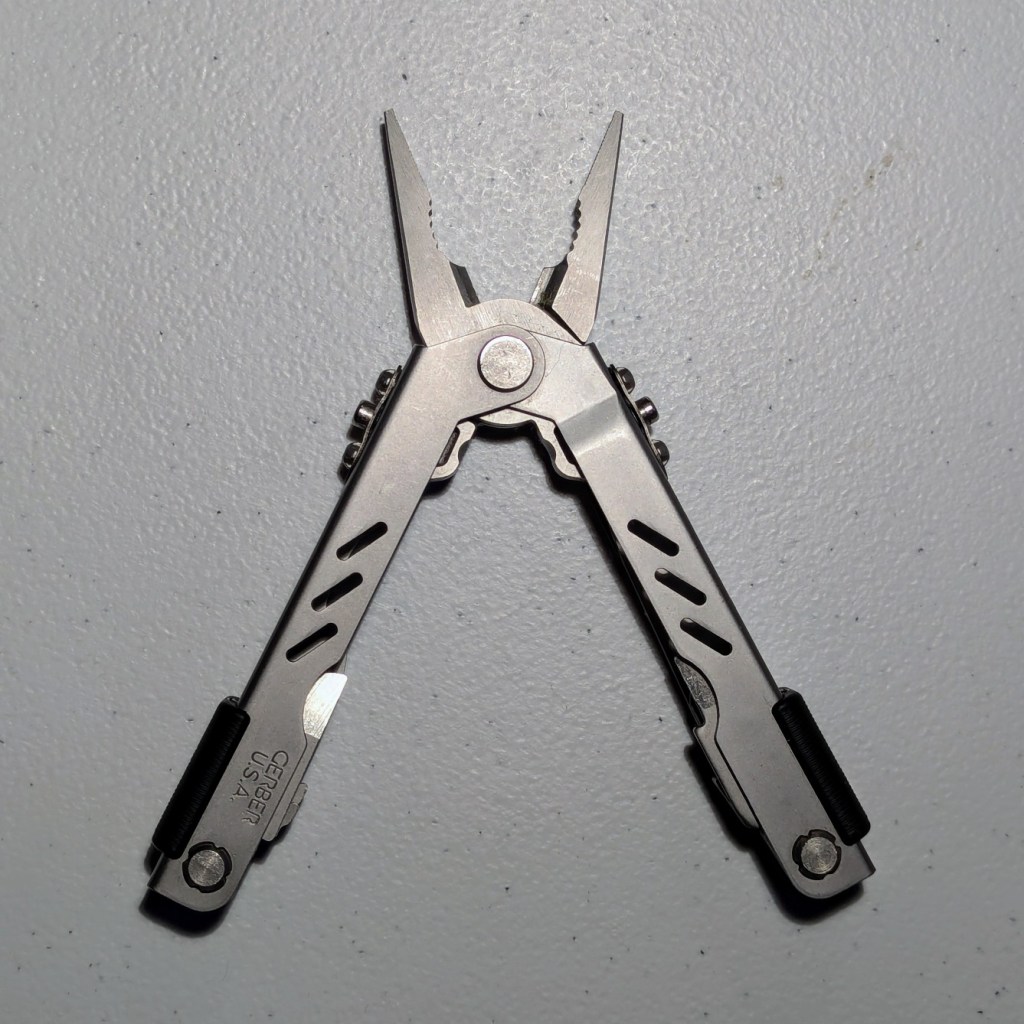
    In addition to my Swiss Army Explorer knife, I carry this Gerber Multi-Plier 400 Compact Sport multitool in my EDC. While some of its component tools overlap with the Explorer, its pliers and different size in-line Phillips screwdriver have come in handy on more than one occasion. My friend Perry introduced me to this Made in USA Gerber tool back in the early 2000s when he was using his to work on his computer. Soon thereafter, I picked one up for my tool kit.

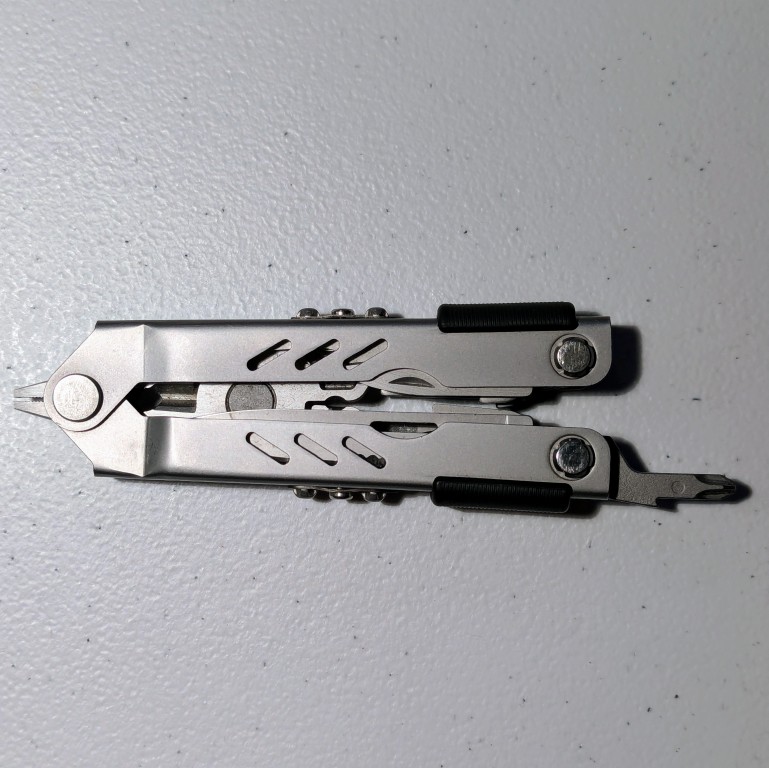
    Gerber Multi-Plier 400 Compact Sport, closed
    Gerber Multi-Plier 400 Compact Sport, closed
    Gerber Multi-Plier 400 Compact Sport, pliers extended
    Gerber Multi-Plier 400 Compact Sport, pliers extended and handles open
    Gerber Multi-Plier 400 Compact Sport, flat head screwdrivers, can opener, and scissors opened
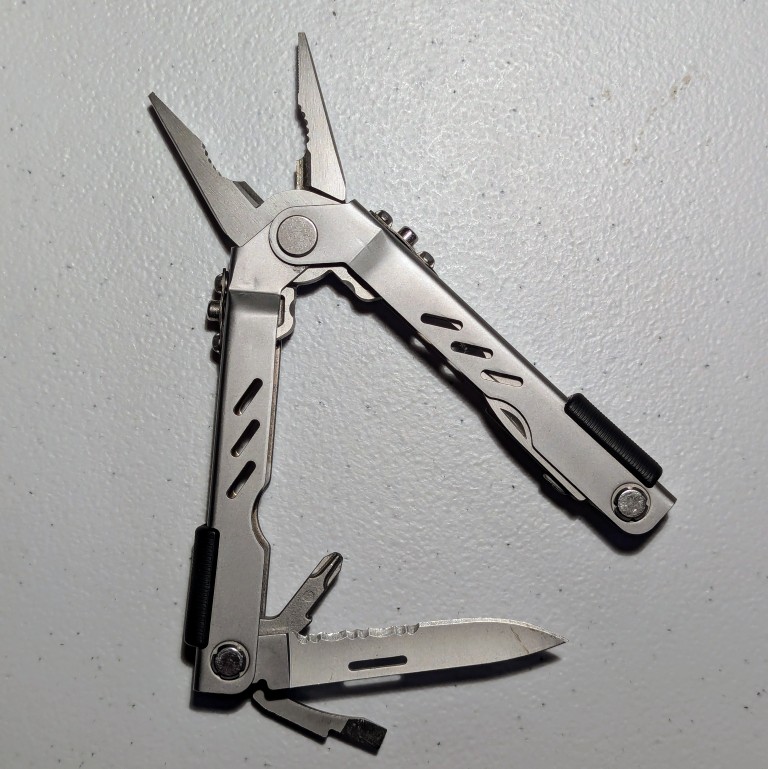
    Gerber Multi-Plier 400 Compact Sport, knife, Phillips screwdriver, and flathead screwdriver opened
    Gerber Multi-Plier 400 Compact Sport, inline Phillips screwdriver extended and pliers retracted
  • Victorinox Swiss Army Knife Explorer Still Part of My EDC

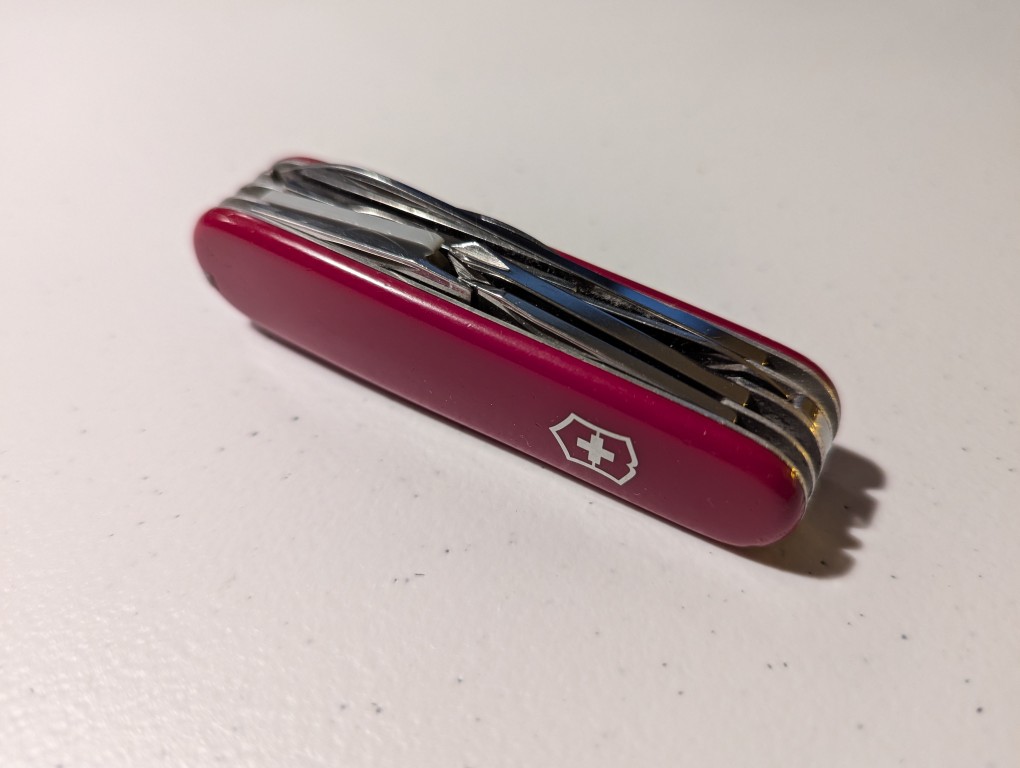
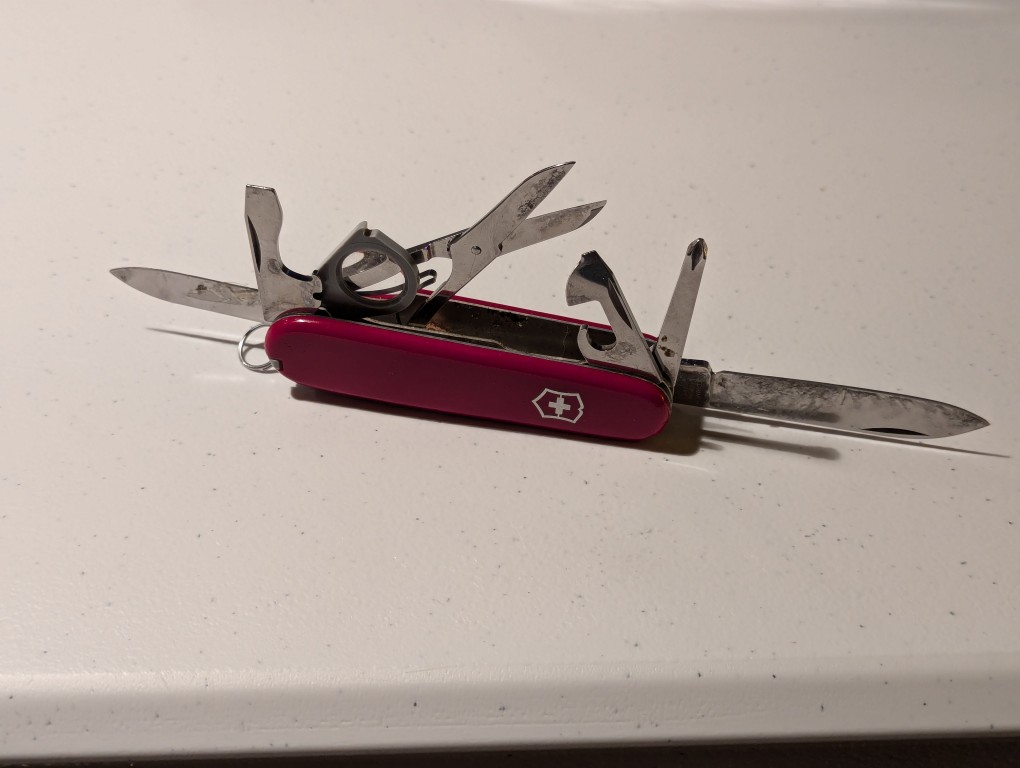
    Victorinox Swiss Army Knife Explorer, top layers closed

    My dad gave me this Explorer model Victorinox Swiss Army knife when I was 16 or so. I know that it was manufactured before 1991, because it doesn’t have the updated hook.

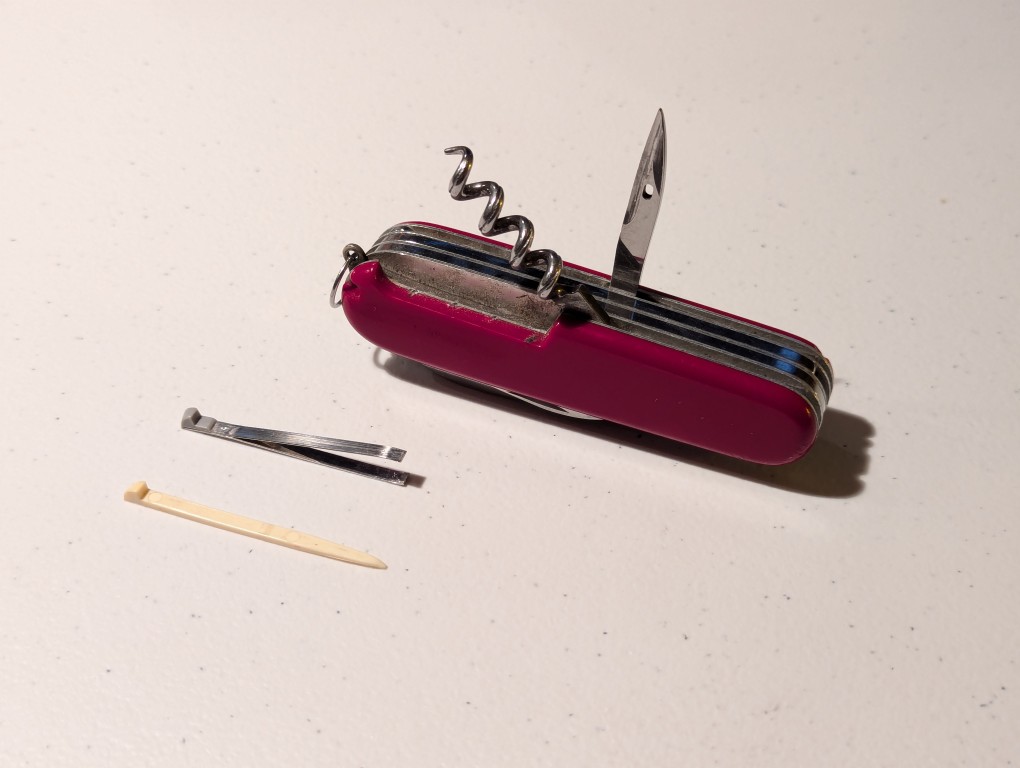
    While it’s neat accessory feature is the magnifying glass–for inspecting small things or helping start a fire when the sun is out, the part that I’ve used the most is the in-line Phillips screwdriver in the top layer tools. Unlike models with the back-side Phillips, the in-line screwdriver works in so many more situations. In particular, I can’t count how many computers I’ve worked on with this knife’s screwdriver–removing cases, installing components, etc. It has held up remarkably well over the years despite how often I’ve used it. However, it does need a proper cleaning.

    Victorinox Swiss Army Knife Explorer, top layers opened
    Victorinox Swiss Army Knife Explorer, bottom layers opened
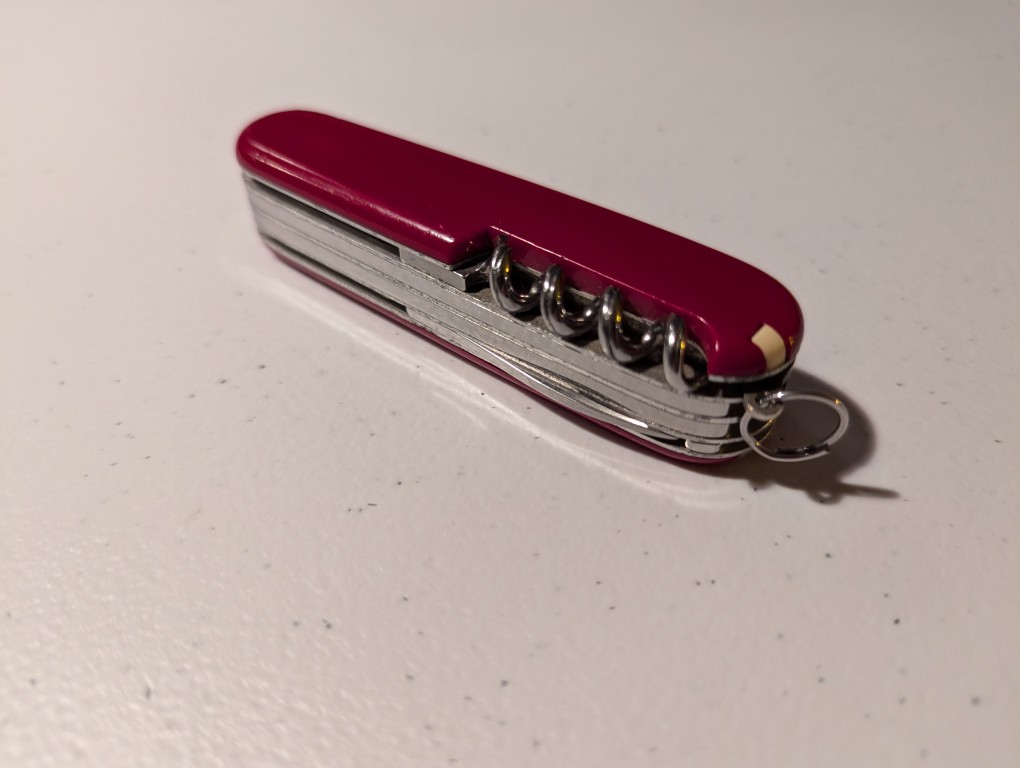
    Victorinox Swiss Army Knife Explorer, bottom layers closed
  • There and Back Again on Amtrak

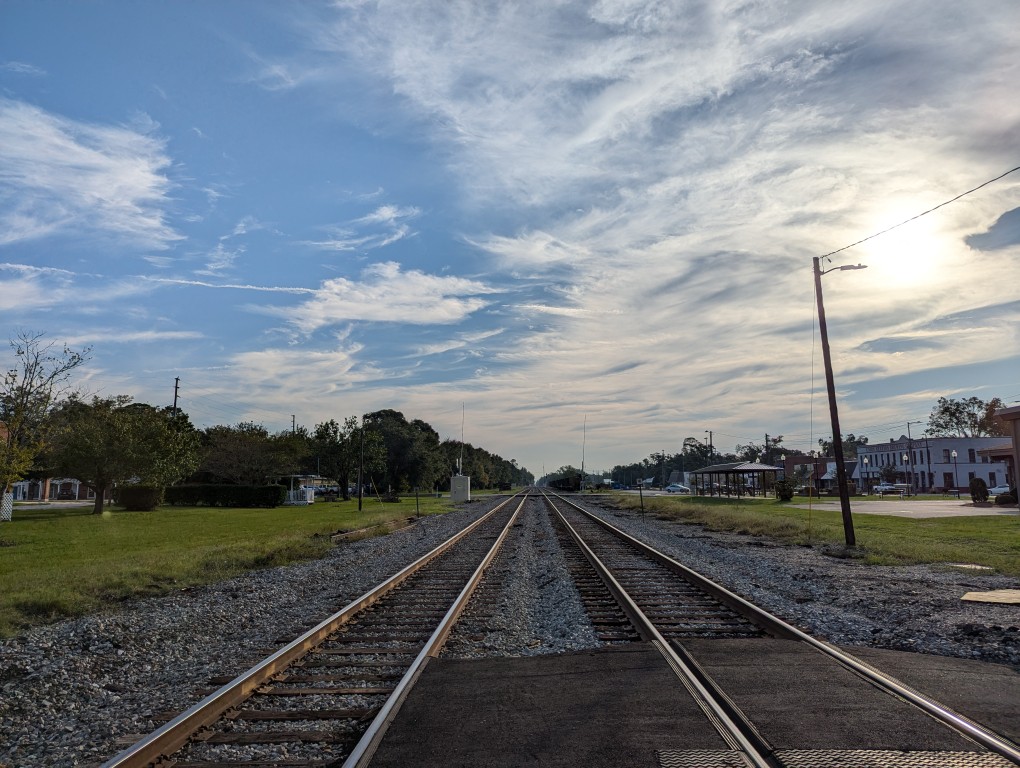
    railroad tracks extending to the horizon

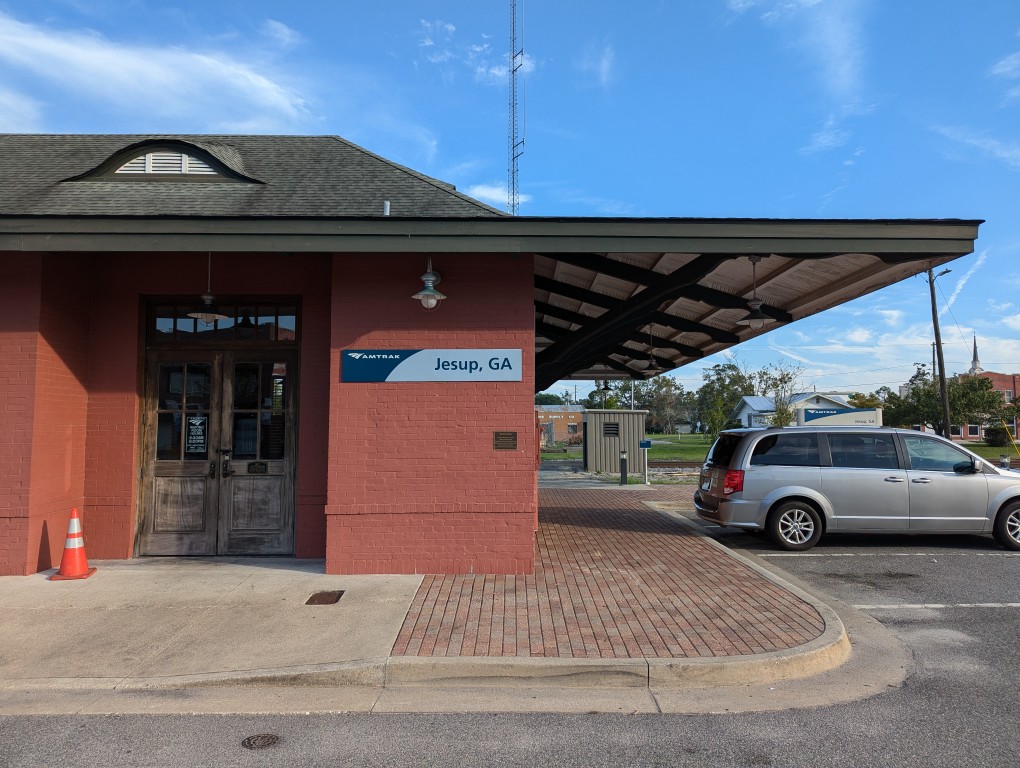
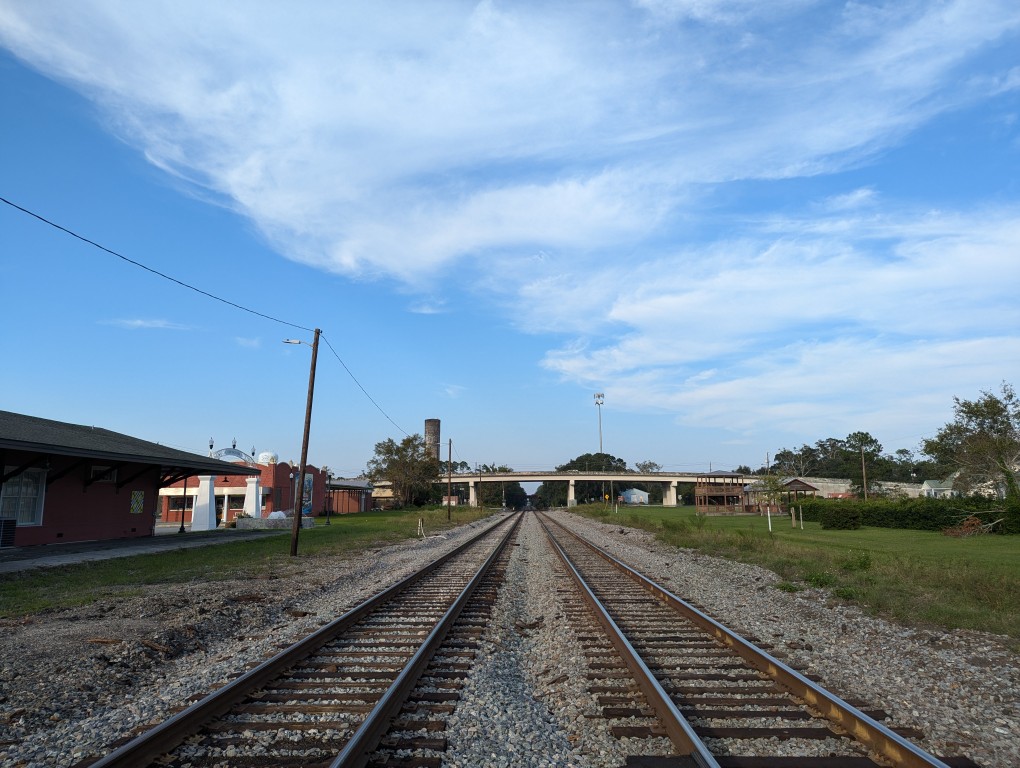
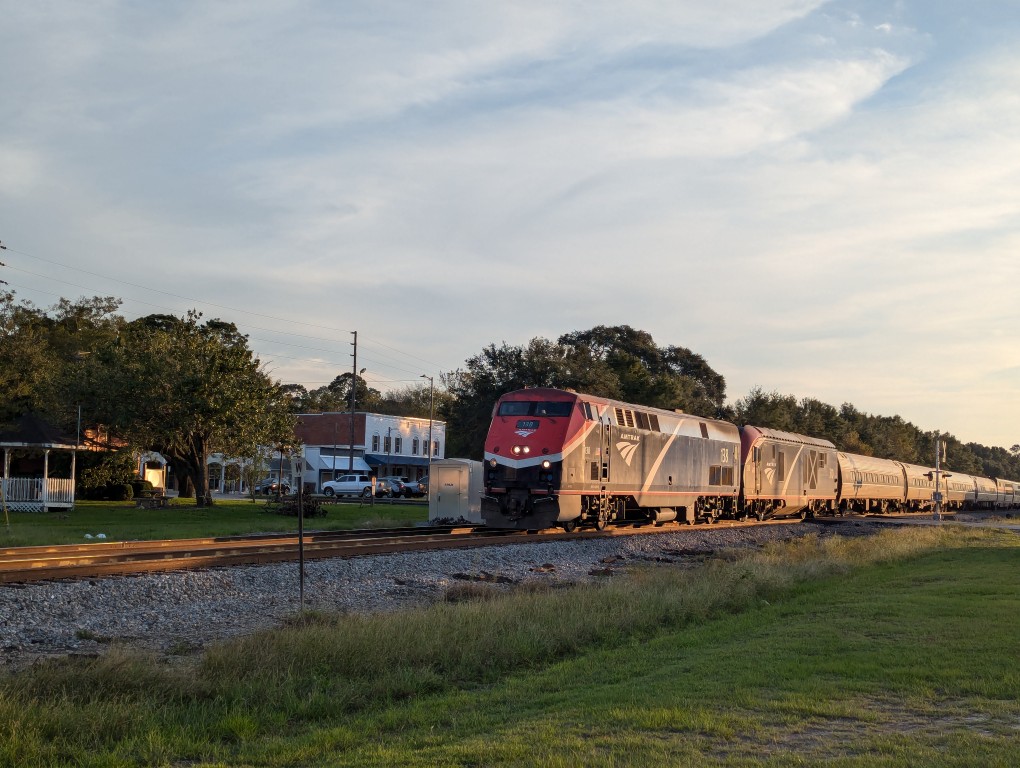
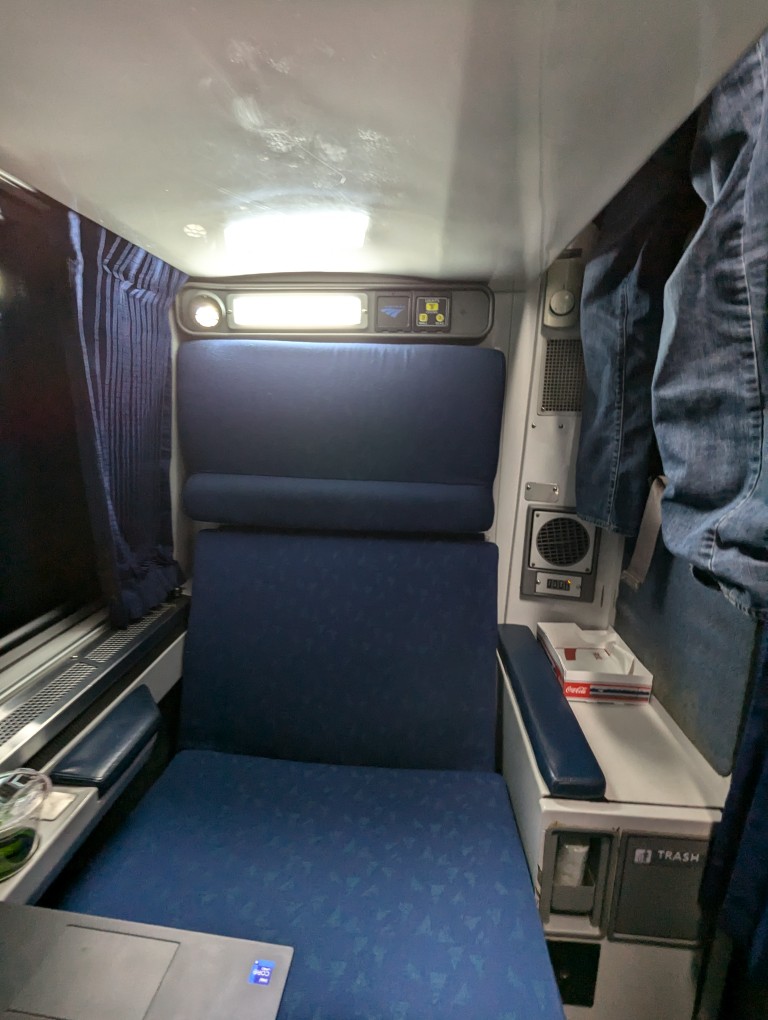
    Before we knew about Hurricane Helene, I had planned to visit my folks for two weeks to help out after my dad got out of the hospital for a back ailment. I took Amtrak’s 97 Silver Meteor from NYC to Jesup, Georgia (Sept. 24-25, 2024), and returned via the 98 Silver Meteor from Jesup to NYC (Oct. 8-9, 2024). Here are some pictures of the trains, sleeper car rooms, and meals.

    97 Silver Meteor (NYP to JSP)

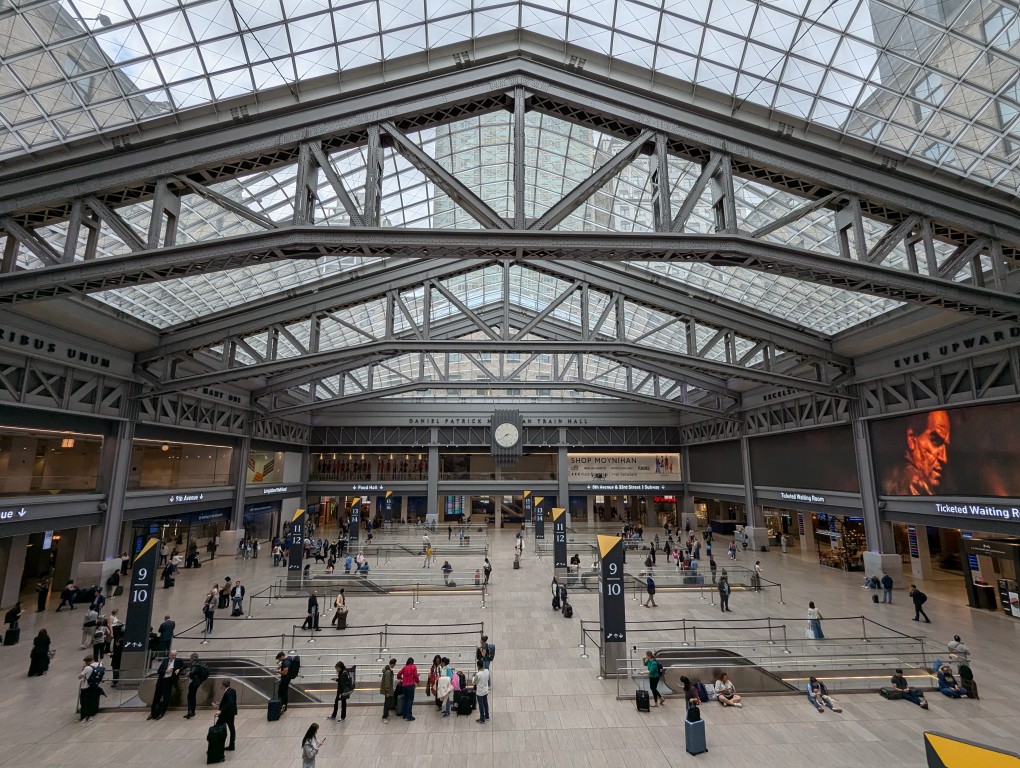
    steel trusses holding up the glass roof over a floor with escalators going down

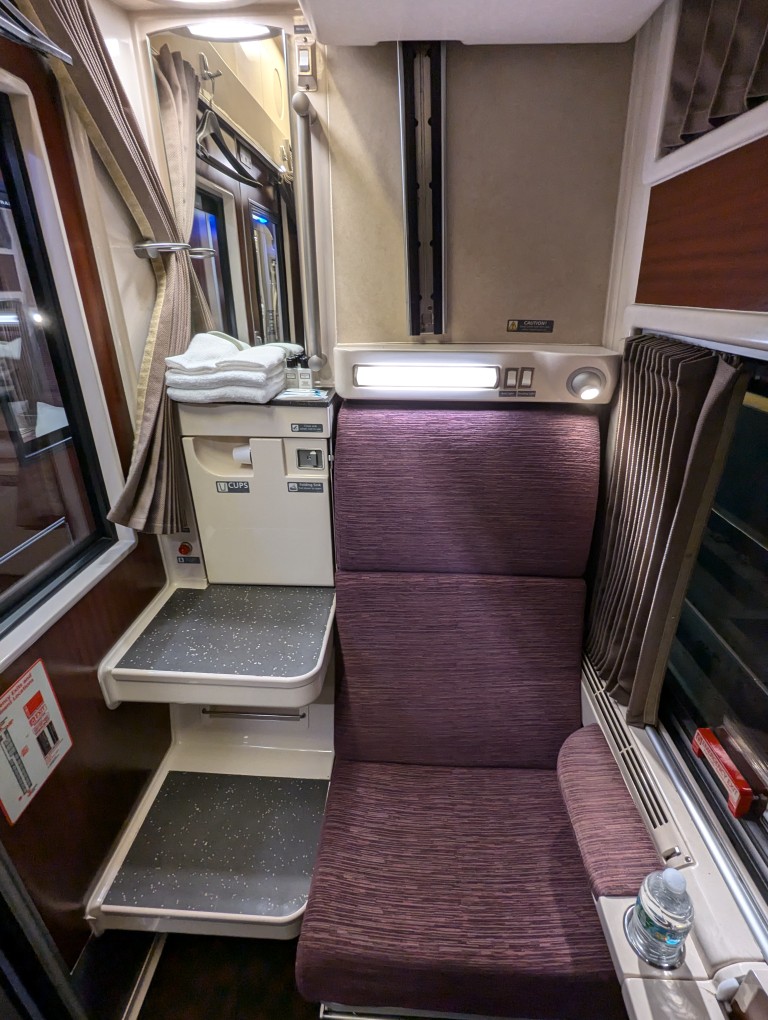
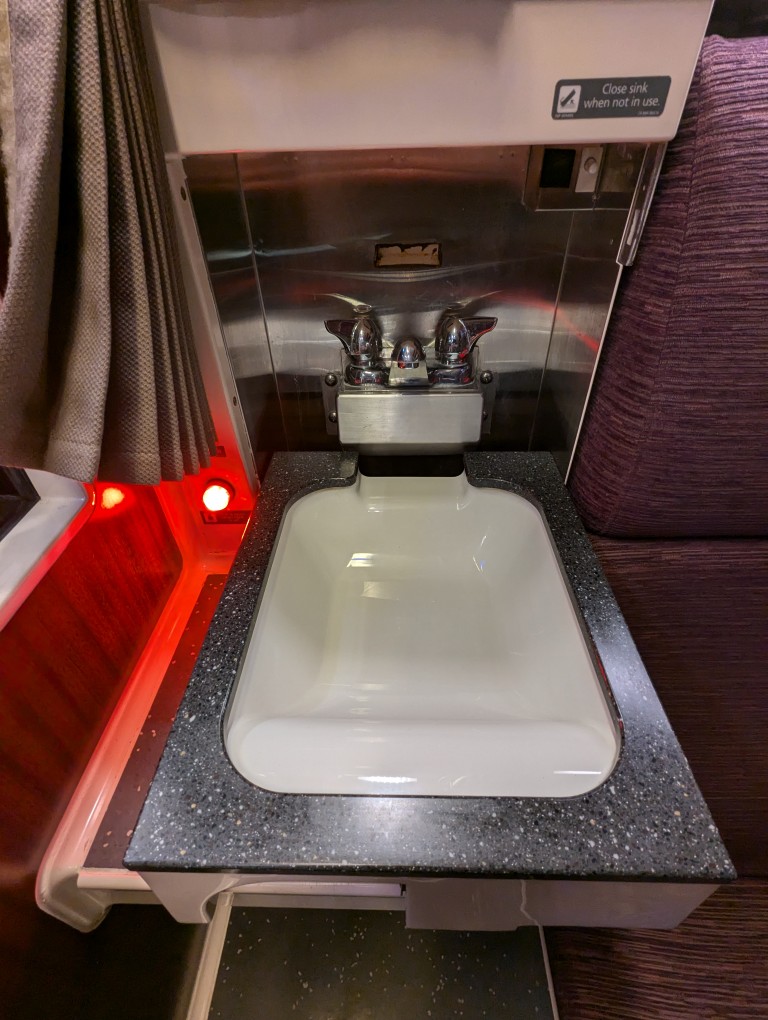
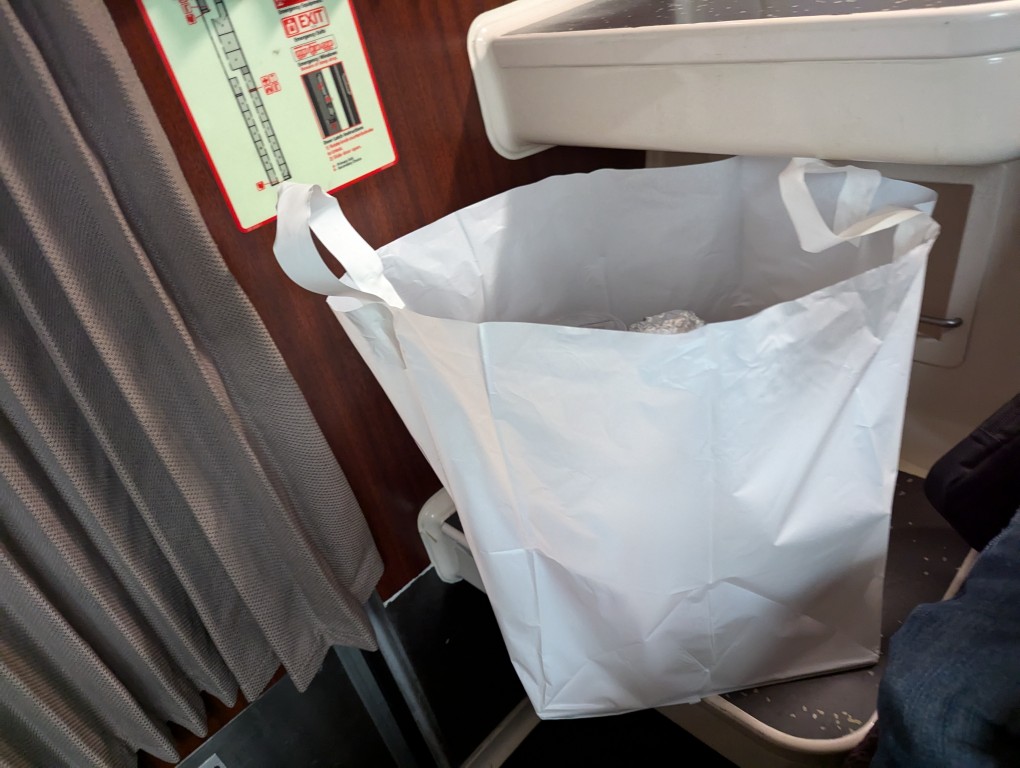
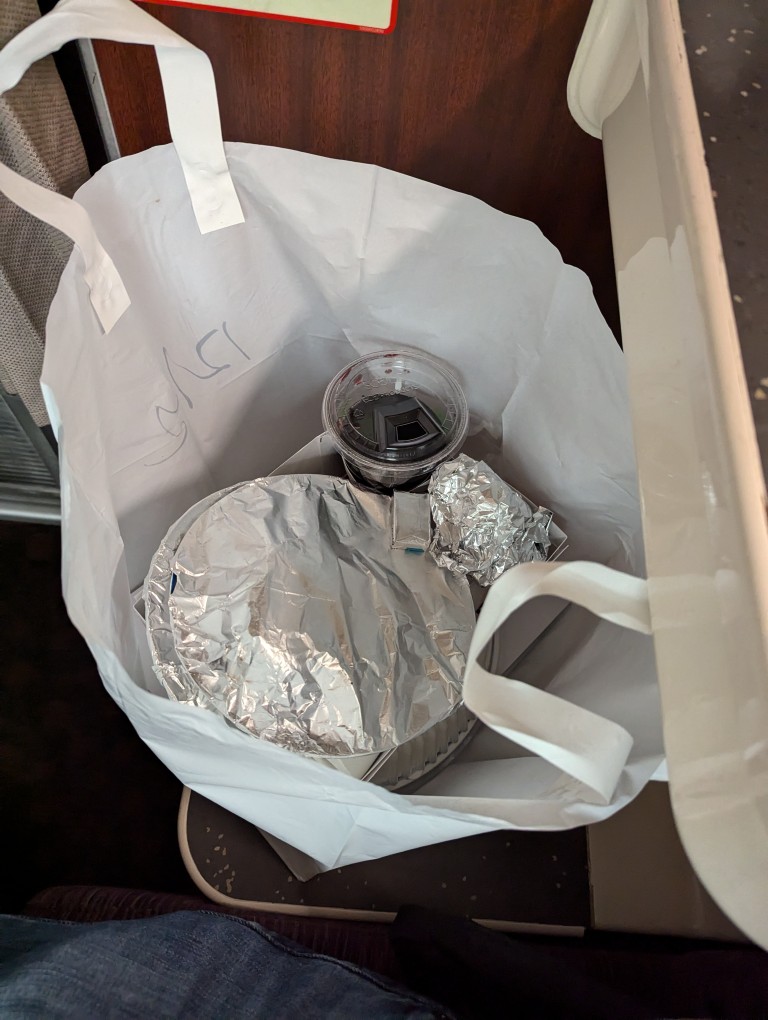
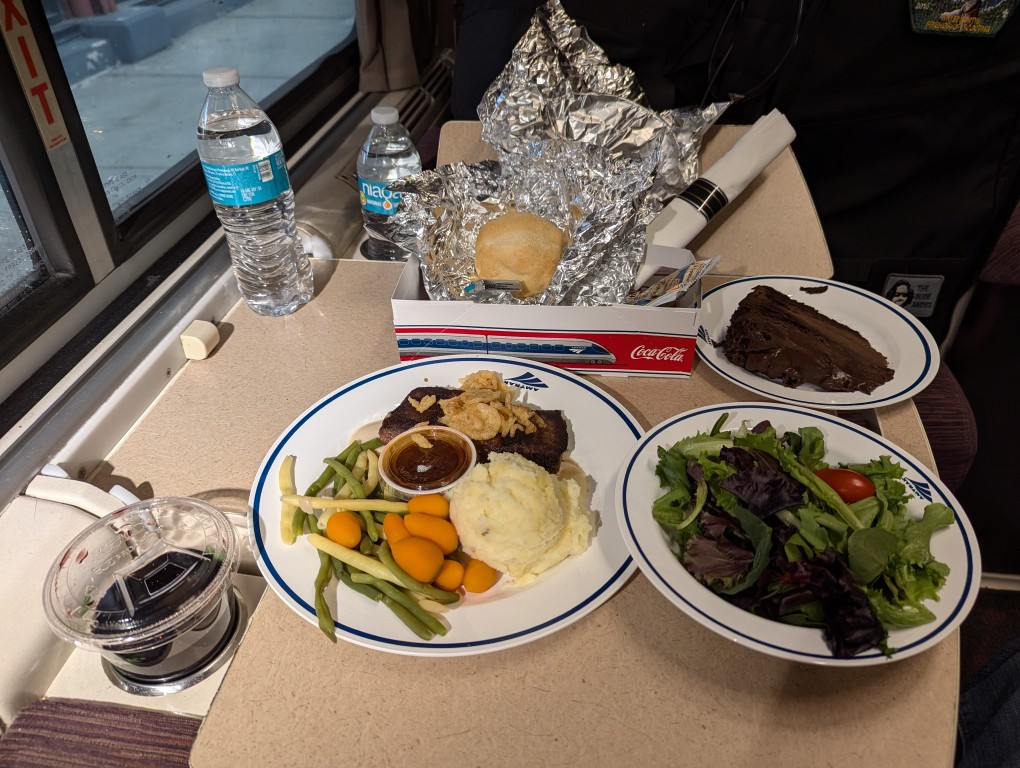
    The 97 Silver Meteor sleeper cars didn’t have a toilet in the room as my previous Amtrak ride from JSP to NYC. Otherwise, the car seemed of newer construction. However, the room door rattled constantly. I should have asked for something to wedge into the door to eliminate that noise (and sleep better as a result). I liked how the in-car sink had turn knobs, which work much better than the push button faucets (either too little water or an explosion of water). Because the dining car was full, I asked for dinner in my room. It came with all the trimmings and was delicious! The worst part of the trip was someone in my car was going to bridge between cars to smoke. They left the door open, smoke entered the car, and set off the smoke alarms in unoccupied rooms and mine when I went to investigate. The culprit did not reveal him or herself.

    amtrak train roomette with seat and sink
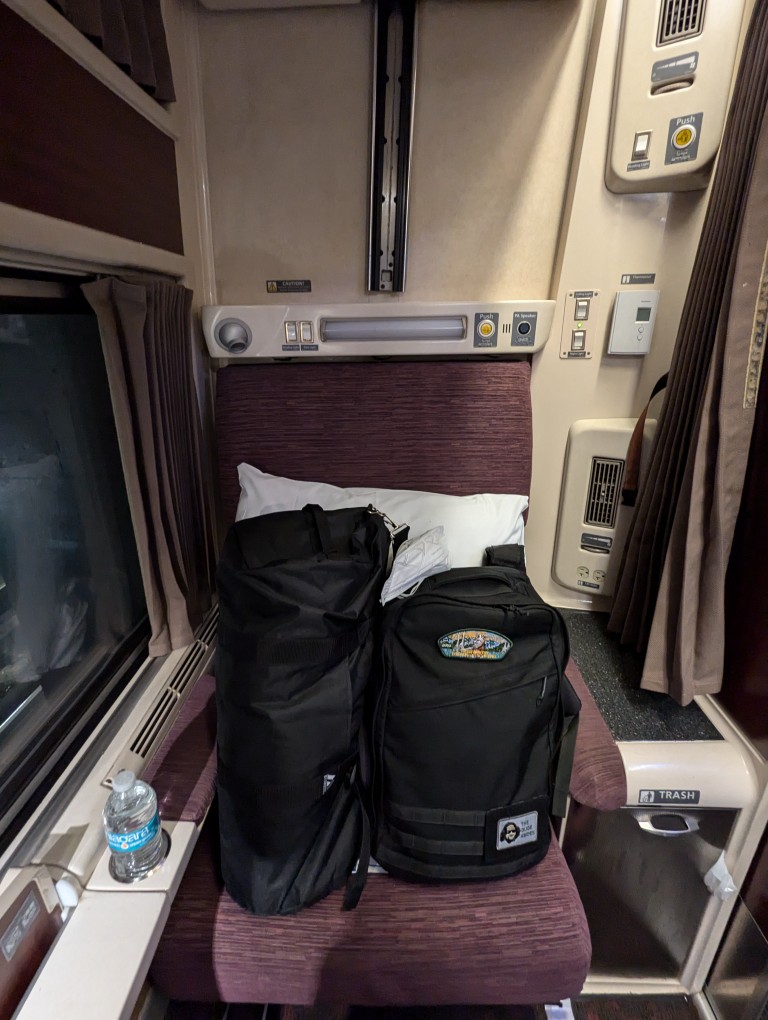
    amtrak train roomette with seat occupied by two bags and a pillow
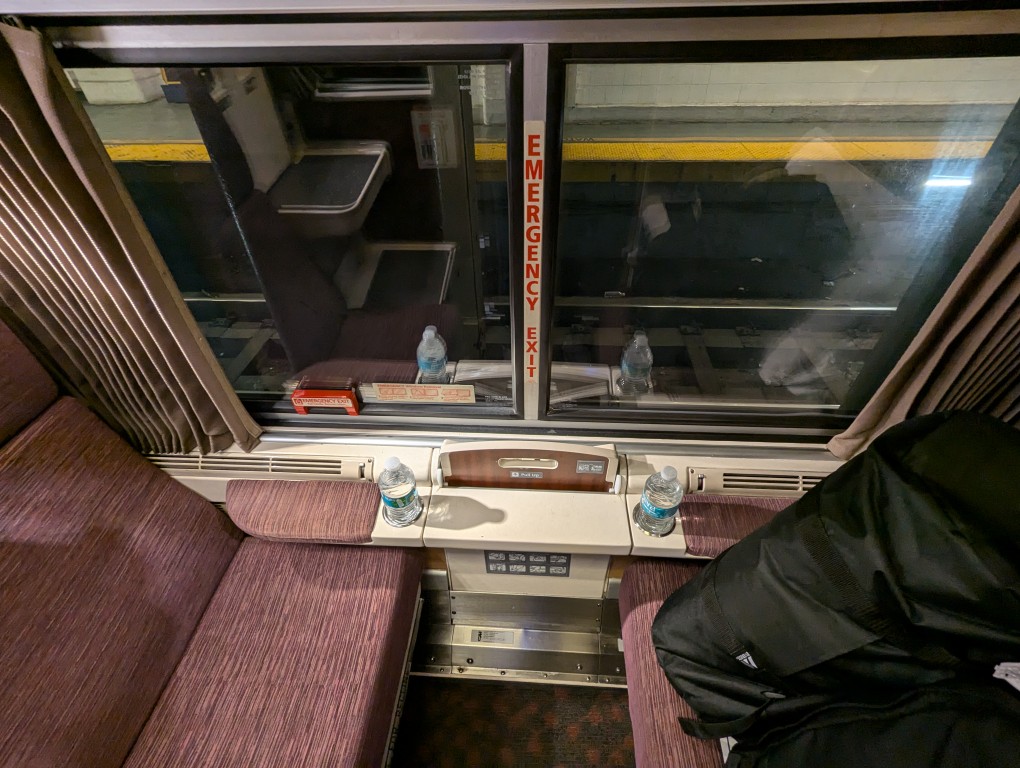
    two seats inside amtrak train roomette
    amtrak train roomette sink folded down for use
    amtrak dinner service white plastic bag
    amtrak dinner service white plastic bag interior with plates wrapped with foil and plastic cup of red wine
    amtrak dinner service on foldout table in roomette--steak, potatoes, vegetables, salad, chocolate cake, roll, and red wine in plastic cup

    98 Silver Meteor (JSP to NYP)

    greetings from jesup georgia mural painted on a brick wall

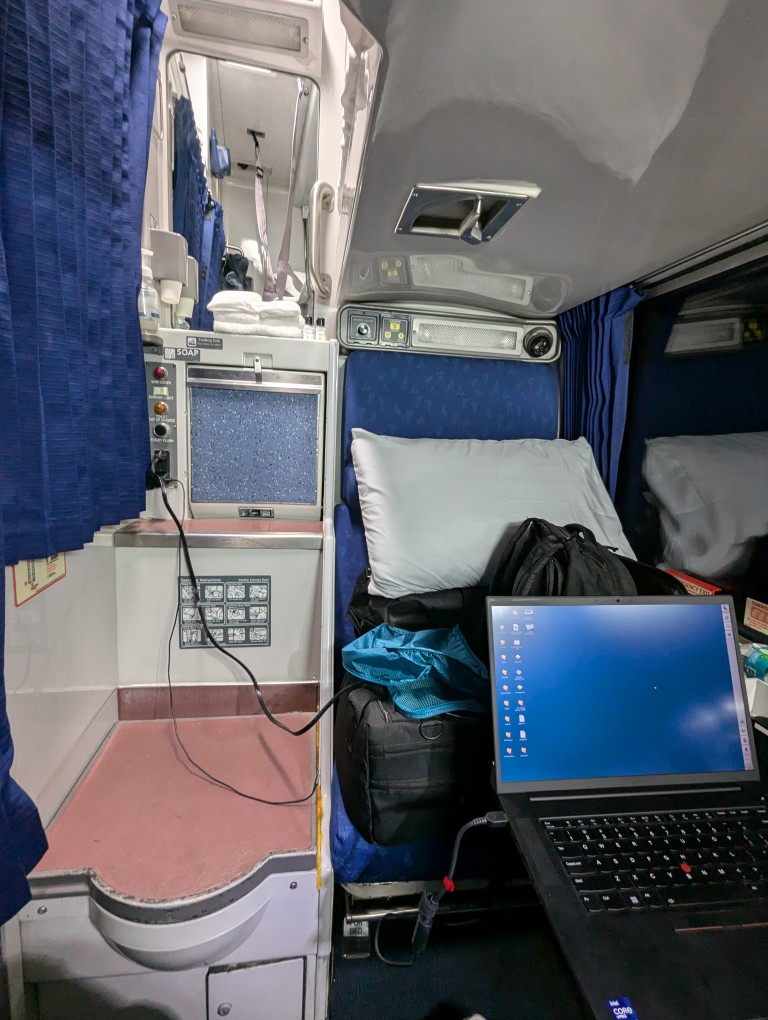
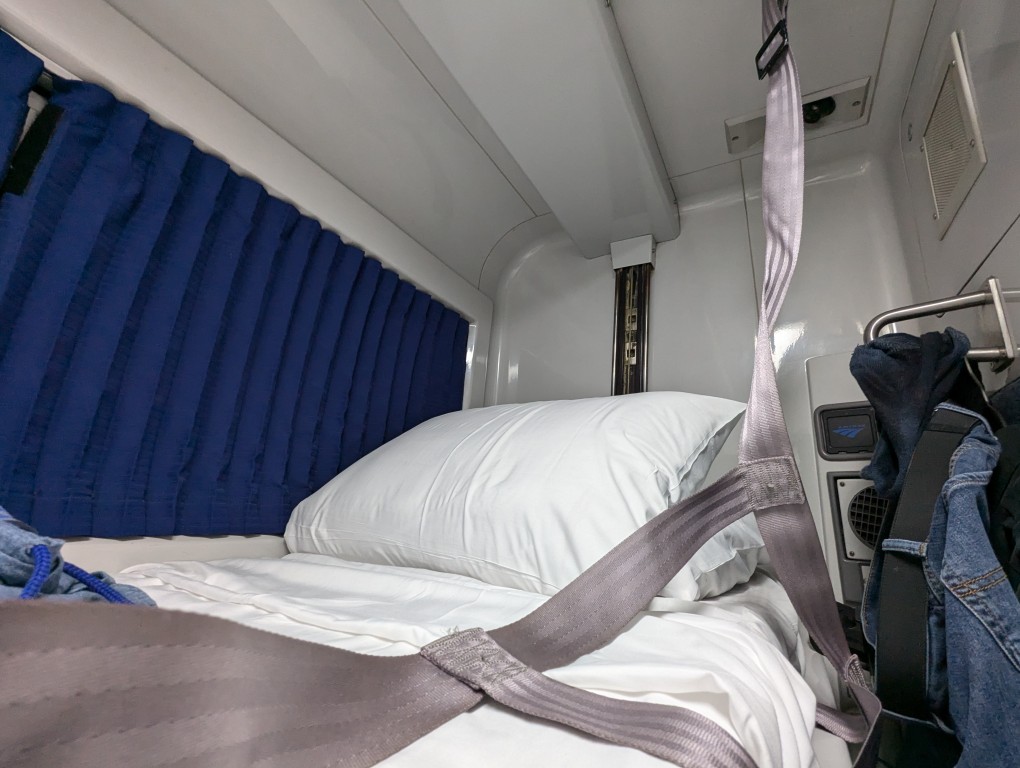
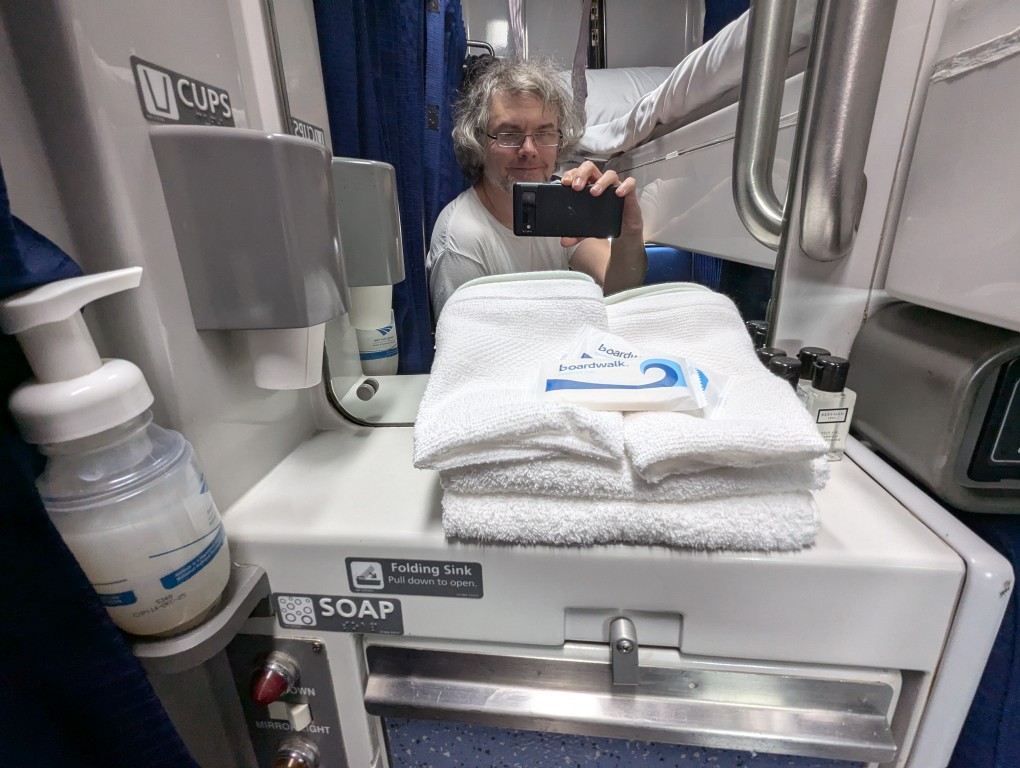
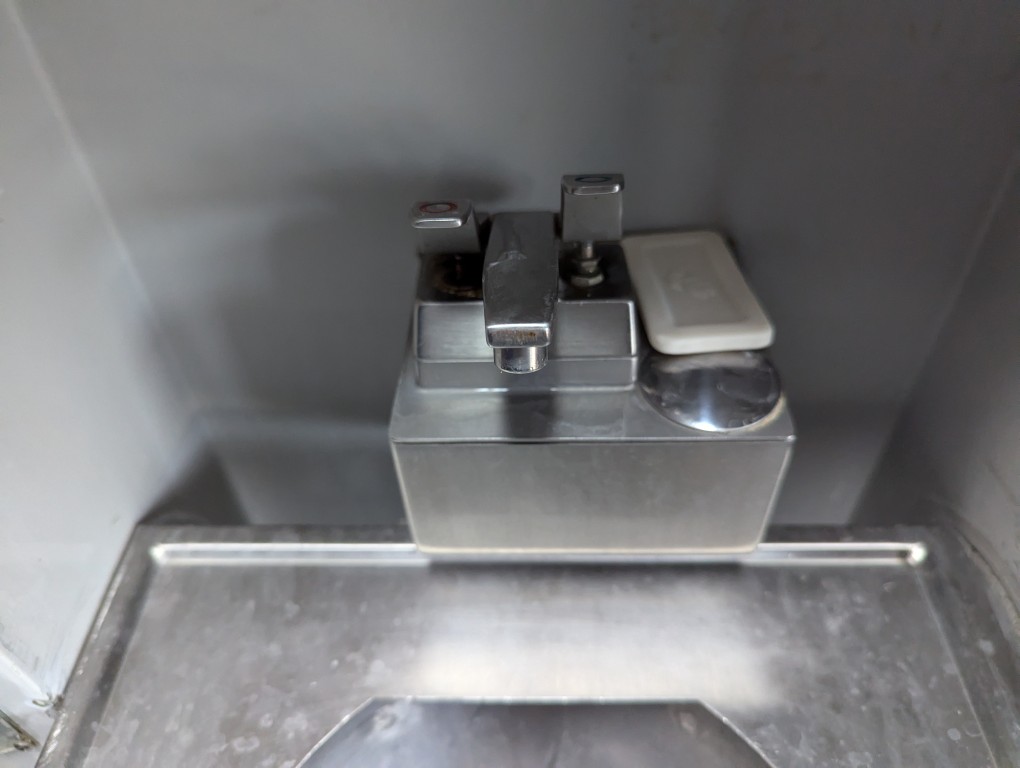
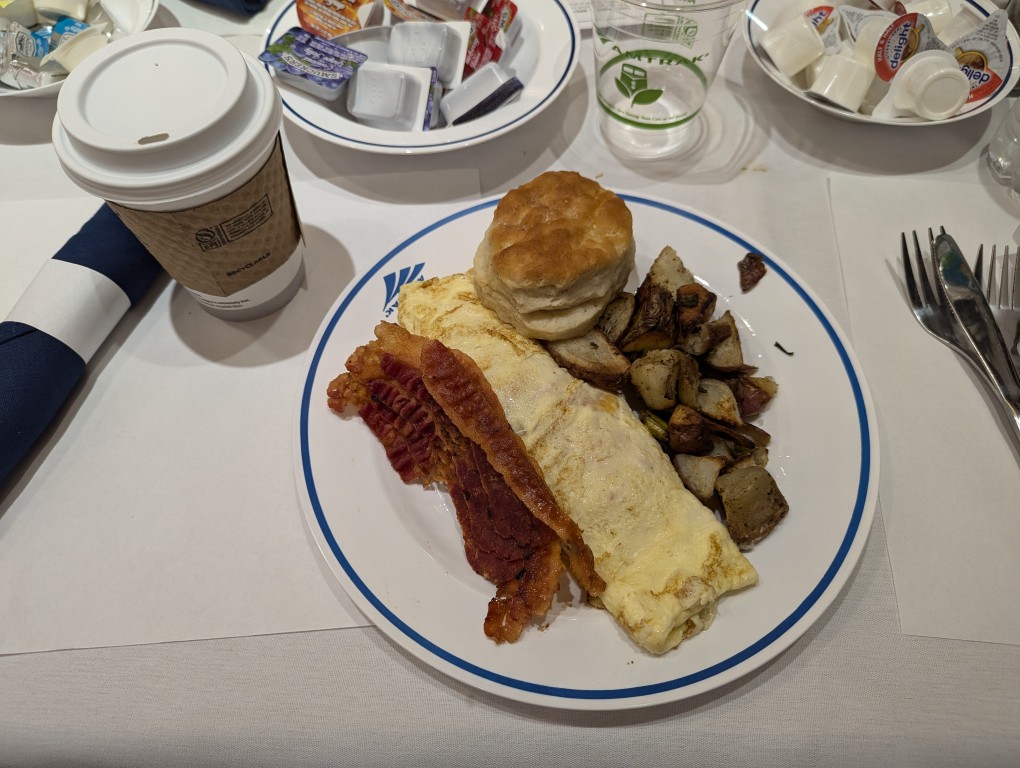
    The Silver Meteor from JSP to NYP was much like my previous ride from SAV to NYP. The roomette was very similar–toilet in the room, push-button sink controls, older construction, and less vibration noise. I had breakfast in the dining car close to 7:00am. The omelet and fixings hit the spot! The downsides to this ride was that the water pressure was far too high on the sink faucet and the air conditioning was warm despite changing the thermostat.

    welcome to jesup georgia arch and fountain in front of train tracks
    amtrak train station in jesup georgia--a long brick building with a low ranch roof
    two sets of train tracks extended to the horizon and going under an roadway overpass
    a passenger amtrak train approaching the station in jesup georgia
    amtrak roomette seat
    amtrak roomette seat filled with bags, laptop open on foldout table, toilet and sink on the left
    amtrak roomette bunk bed made
    amtrak roomette sink mirror with towels and soap and drinking cups
    amtrak roomette sink with push-button faucet
    amtrak dining car breakfast of omelette, bacon, potatoes, and biscuit on a table with white tablecloth
    view of downtown manhattan skyline from new jersey