Tag: gaming

  • Ditched Roku for a Discounted Origimagic Ryzen 5 Mini PC

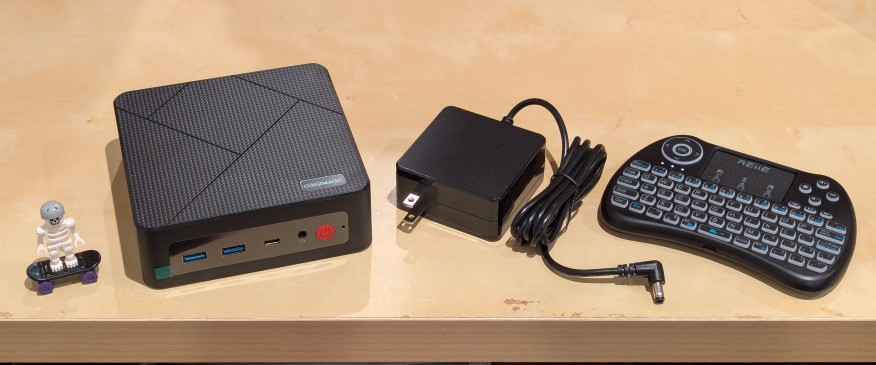
    lego minifigure skeleton on skateboard next to origimagic c4 mini pc, power adapter, and handheld keyboard with trackpad

    I’ve been unhappy with Roku’s increasing advertising through images and now full-motion video and their lack of support for a variety of codecs in their media player app. So, I’ve been looking for awhile for a good deal on a mini pc that could replace the Roku for playing media and also support some light gaming. Also, considering the impending tariffs (i.e., a tax on Americans), I hoped to find something as soon as possible.

    After tracking several mini pcs on Amazon and eBay for a few weeks, I finally pulled the trigger when Amazon offered the Origimagic C4 Mini PC with a Ryzen 5 3550H (4 core, 8 threads) on sale for $153. It’s CPU has a lot more horsepower while using 25 watts of power than Intel’s similarly priced mini pc processors. It came stock with 16GB DDR4 RAM, 512GB PCIe SSD, 1 x Type-C USB, 4 x Type-A USB (3 are USB 3 and 1 is USB 2), headphone jack, HDMI, DisplayPort, and dual ethernet.

    To operate it from the sofa, I got a $10 reiie H9+ Mini Keyboard with Touchpad that uses a wireless USB adapter to connect to the mini pc.
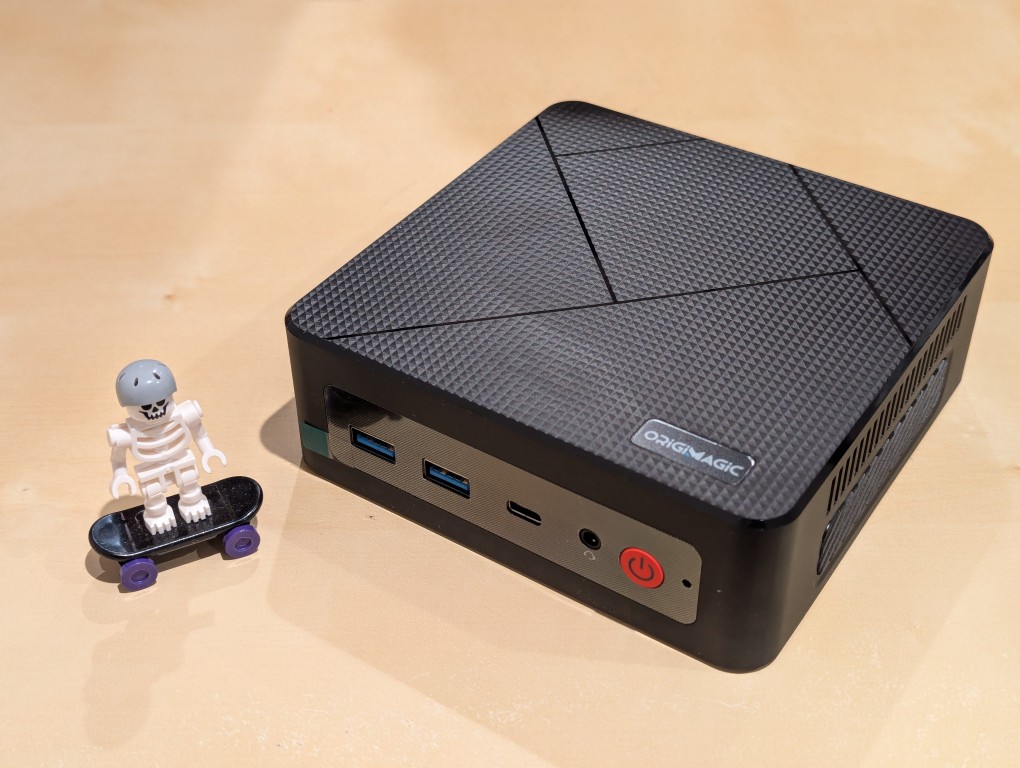
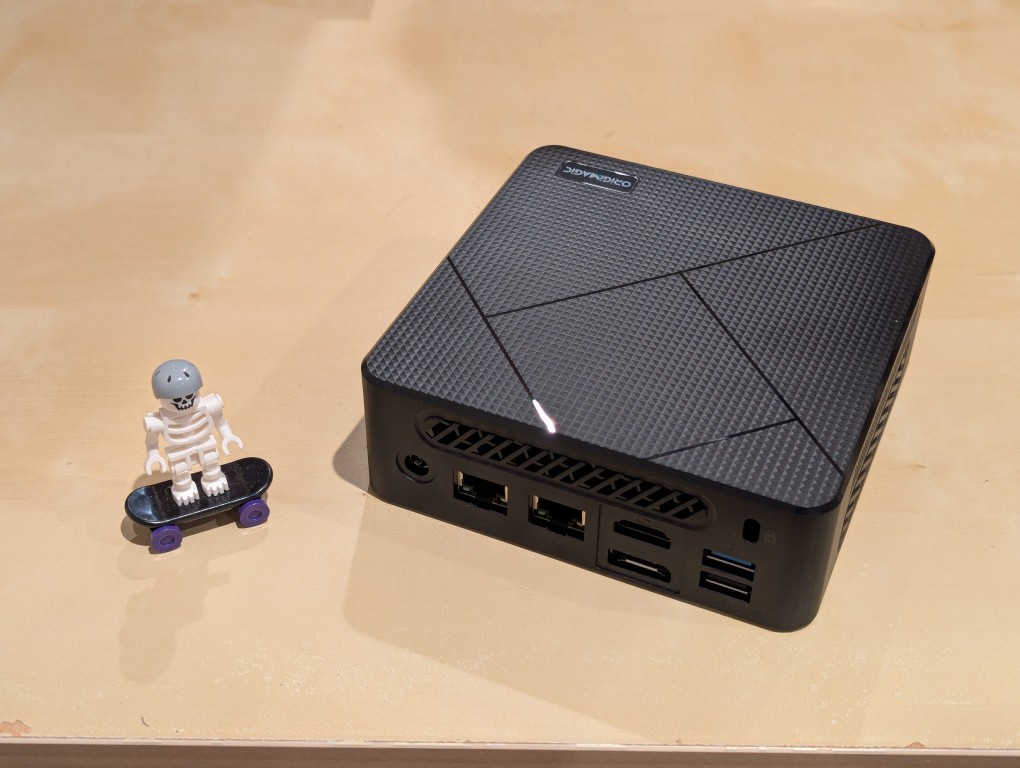
    lego minifigure skeleton on skateboard next to origimagic c4 mini pc
    lego minifigure skeleton on skateboard next to origimagic c4 mini pc

    Before setting anything up, I created a flash drive with Debian 13 Trixie, the latest version that was released over the weekend on Saturday.

    To do this, I inserted a 16GB flash drive into my workstation, but I didn’t mount the device. I downloaded the network install ISO for Debian 13 from here. Then, I ran lsblk in a terminal window to see what device address corresponded to the flash drive. It’s important to not make a mistake here, because it’s easy to overwrite another drive using this method. lsblk lists the devices, which are all in the “/dev/” folder, so when I saw that my flash drive was assigned the address “sdb”, I knew that its full address was “/dev/sdb”. With that info, I then wrote the downloaded Debian 13 netinstall ISO directly to the flash drive using this command:

    sudo cp debian-13.0.0-amd64-netinst.iso /dev/sdb

    After the copying to the flash drive had finished, I ejected it from my workstation and took it over to the mini pc. I plugged in the power adapter, ethernet cable (I arbitrarily picked the one furthest from the power plug), HDMI cable to the TV, the keyboard receiver USB, and the Debian 13 installation flash drive.

    I did experience some frustration with getting the Debian 13 flash drive to boot the mini pc. As soon as the mini pc booted, I was unable to enter BIOS or open the boot menu. Instead, it kept booting into the Windows 11 setup, which I did not want to use. At first, I thought it might be a problem with the tiny wireless keyboard and trackpad, so I switched to my Logitech keyboard and trackball, which are both tied to one Logitech USB receiver. I tried different USB plugs on the front and rear of the mini pc until I was finally able to enter bios (pushing DEL at boot) when the keyboard USB receiver is in the top-right USB port on the rear of the mini pc as shown below (it is a USB3 port). It might have been bad luck on my part with the other ports, so I can’t say this is a peculiarity with this hardware for certain. Nevertheless, it’s good to exhaust all possibilities like this.
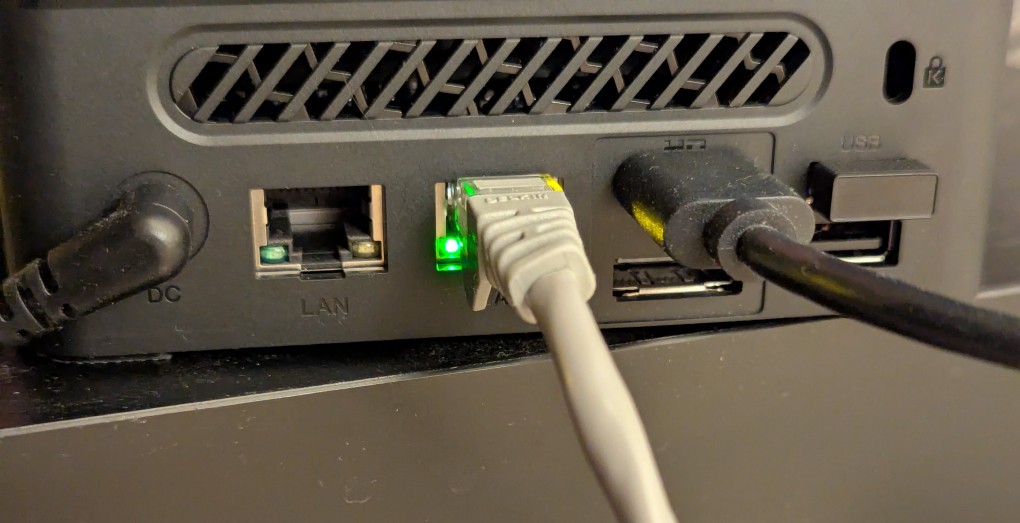
    back of mini pc: power plug, two ethernet ports (one plugged in), HDMI (plugged in), display port, and 2 usb ports (one has a tiny device plugged in)

    Once in the BIOS, there’s not many options except for disabling hardware (I disabled WiFi), turning off Secure Boot and the Trusted Computing Module, and other odds and ends. I saved the settings, rebooted, and went into the Boot Menu (F7), selected the Debian 13 netinstall flash drive, and began the installation (a full nuke-and-pave: erasing the NVMe drive and setting up Debian 13 as the only operating system).

    While I use XFCE on my laptop and workstation, I opted for the GNOME desktop environment on the mini pc, because I thought its screen controls and overall user interface would be easier to see and navigate from across the room. If I don’t like it, I can always install XFCE.

    Because two of the main sources of media for us is Netflix and YouTube, I installed Chrome to handle those sites. I have VLC and Kodi for everything else.
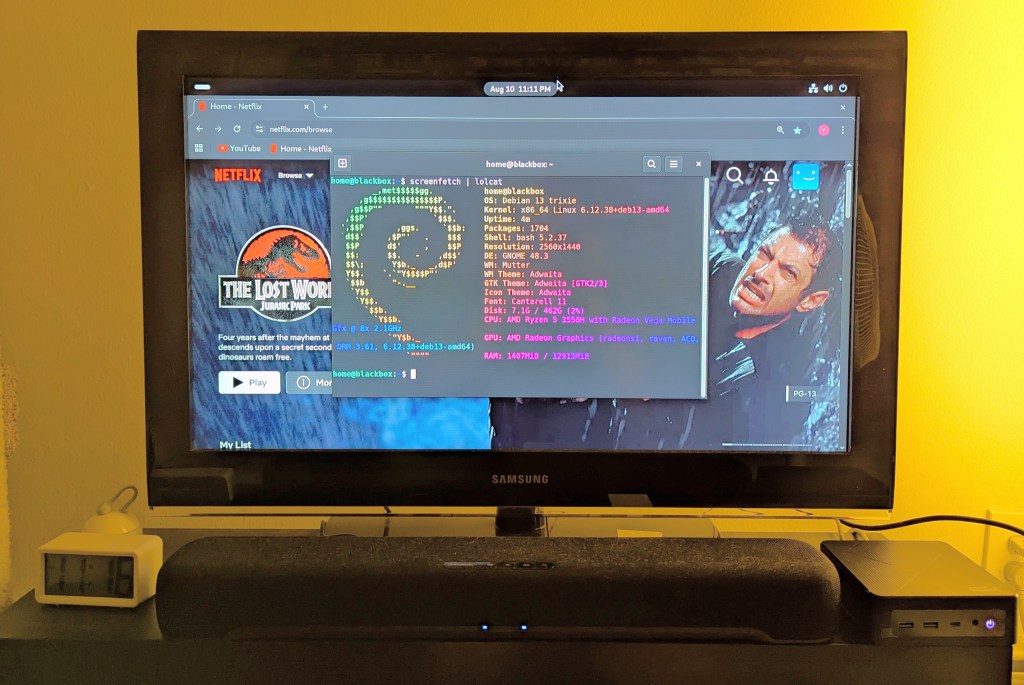
    samsung tv and soundbar with a mini pc on the right side of the tv stand. the screen is showing netflix Jurassic Park the lost world in the background while the foreground terminal shows the pc's info, which is also in the second paragraph above.
  • Syntrend Creative Park in Taipei, Taiwan

    Syntrend Creative Park in Taipei, Taiwan

    Y sent me this photo of Syntrend Creative Park in Taipei, Taiwan. The whole complex is the funky, weird-ass building in the foreground and the highrise in the background.

    It’s kind of like a more integrated version of Brooklyn’s Industry City + Microcenter area.

    Syntrend has across its many floors shopping (computers, gaming, pop culture, toys, music, etc.) and dining experiences. It has maker spaces, co-working spaces, and event spaces. It’s definitely on my list of places to visit when I get a chance to go to Taiwan again!

  • Nintendo Game Boy: A Portable Window Into Miniaturized Interactive Worlds

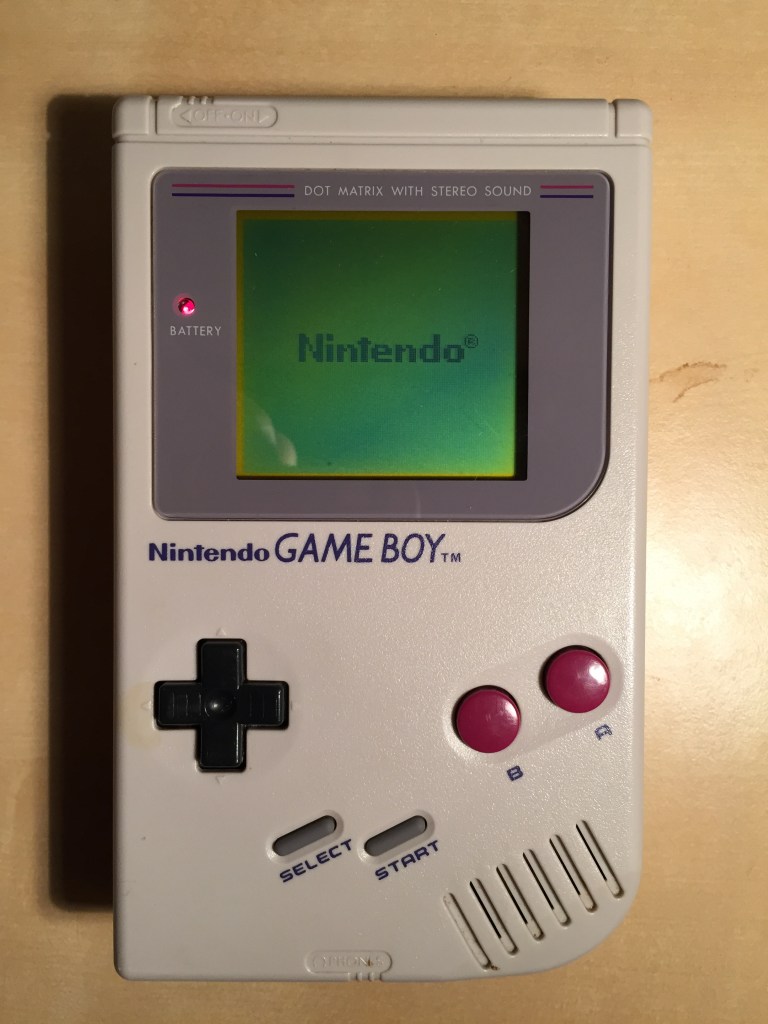
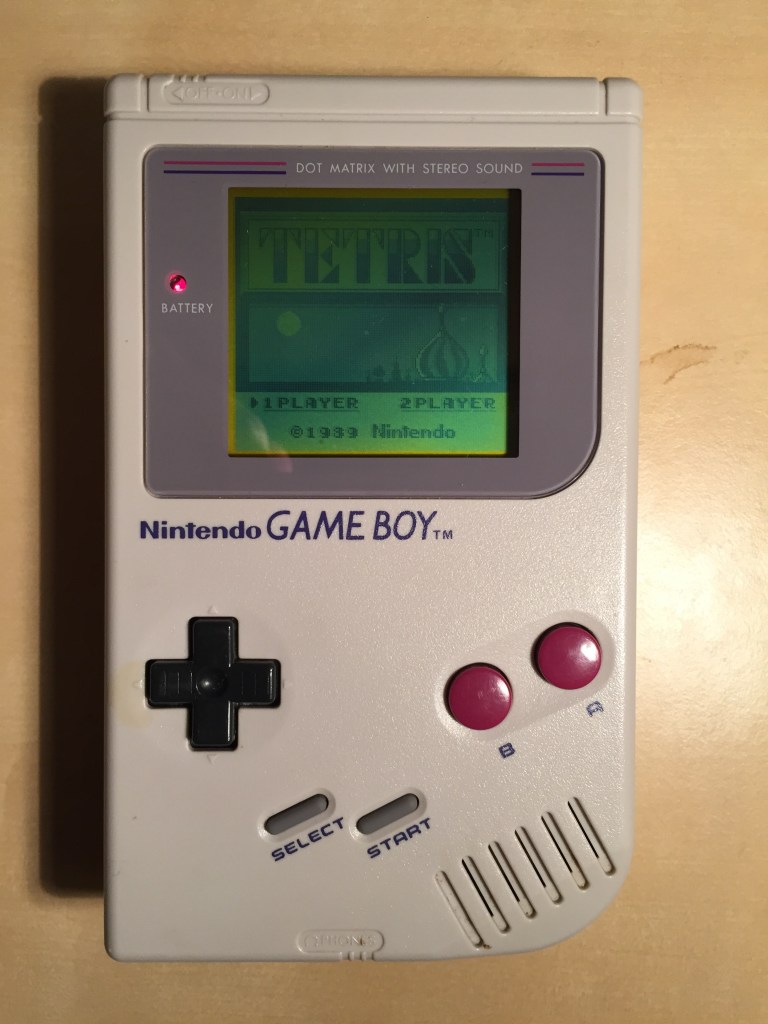
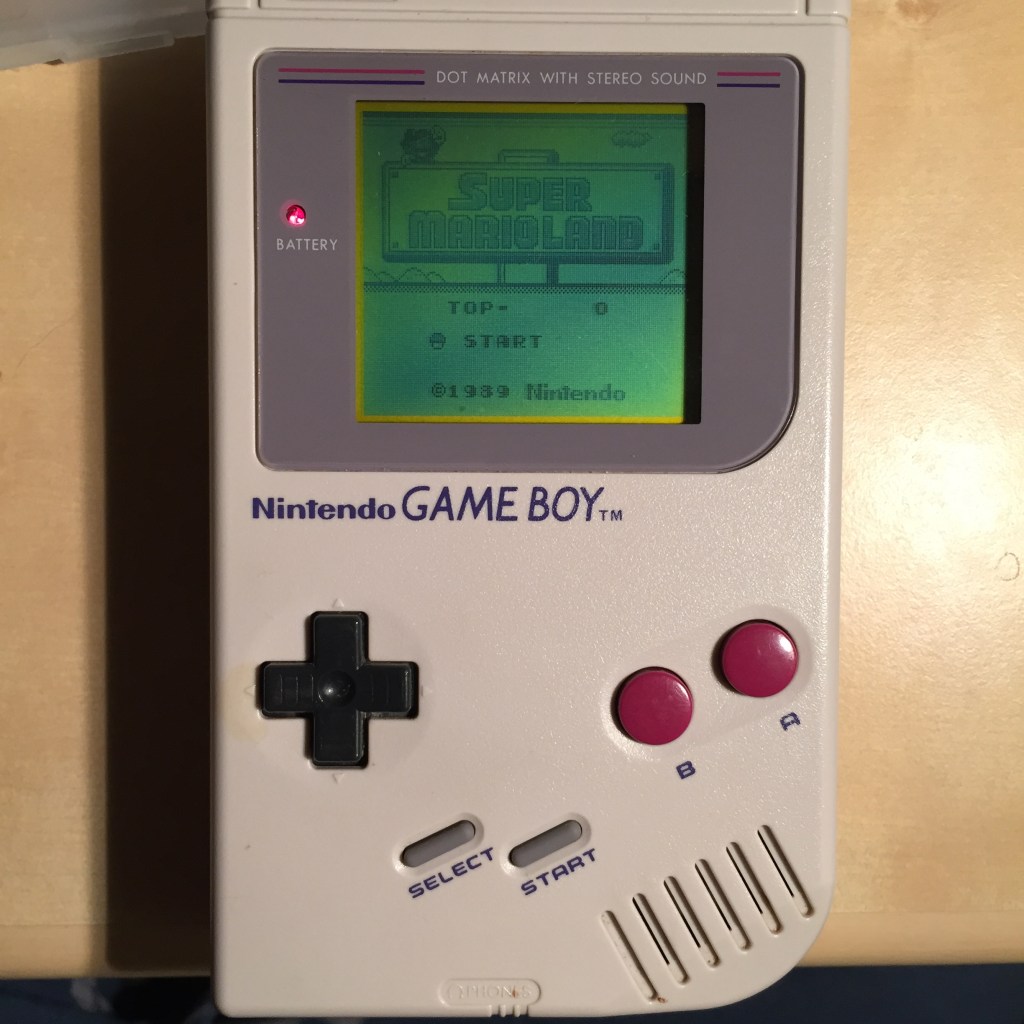
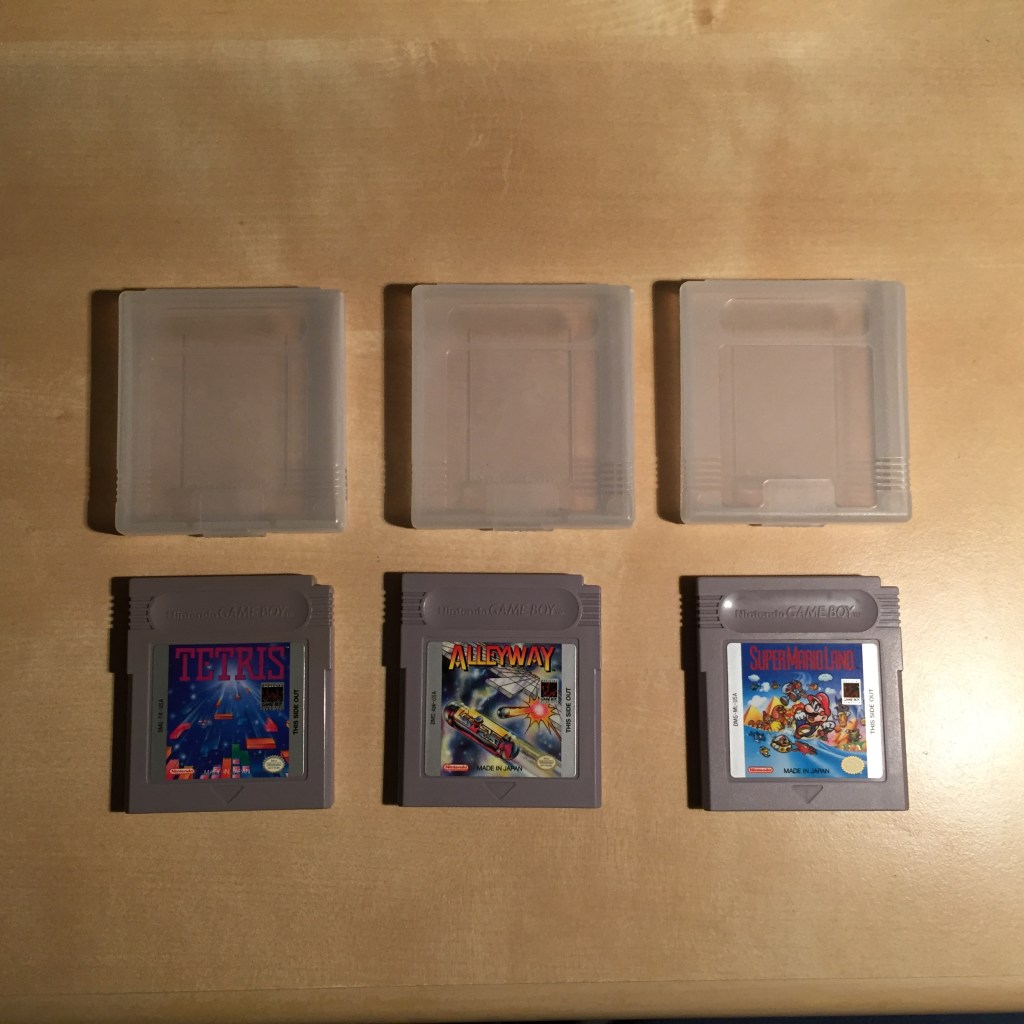
    Soon after the Nintendo Game Boy launched in 1989, I was gifted one. Being able to carry video games with me wherever I went was a ground-shaking experience. Even though I enjoyed Castlevania: The Adventure, Batman: The Video Game, Alleyway, Super Mario Land, and F-1 Race, I always returned to Tetris for hours of play eliminating lines while driven by the best chiptune music. Yet, all of these games were immersive experiences that were available nearly anywhere. Unlike a console, you didn’t have to monopolize the family TV. You had your own albeit small and black-on-green screen, a window to miniaturized interactive worlds.

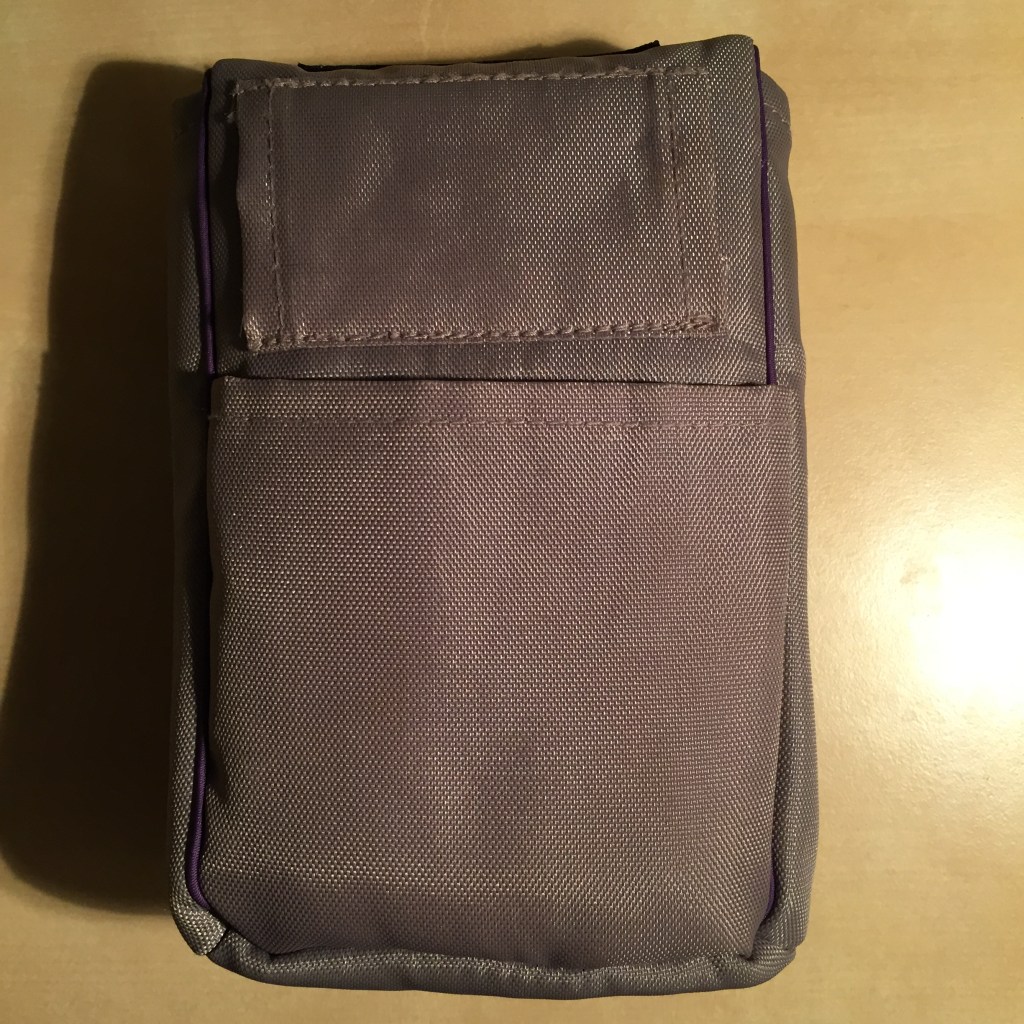
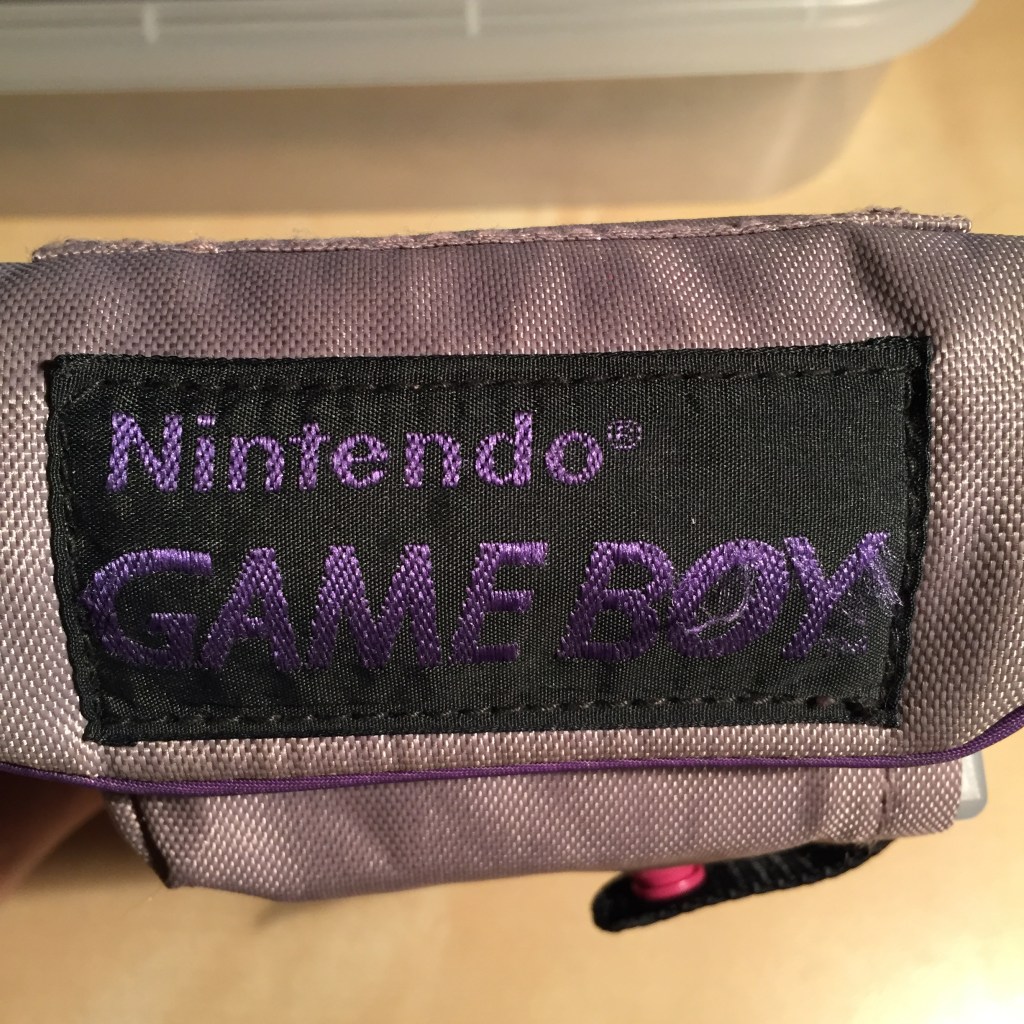
    Eventually, it became a habitual companion everywhere I went, including Italy with my high school Latin Club (though, I didn’t play it on the trip–I let my friend Brian hold it on the trip to play Star Trek, which he had bought to play even though he didn’t own a Game Boy). This nylon belt pouch was my favorite on-the-go accessory for carrying my Game Boy. The main compartment held the Game Boy with a cartridge loaded. The back pouch accommodated extra batteries (stretched) or a manual or sheet of paper with codes. And, the two front click button

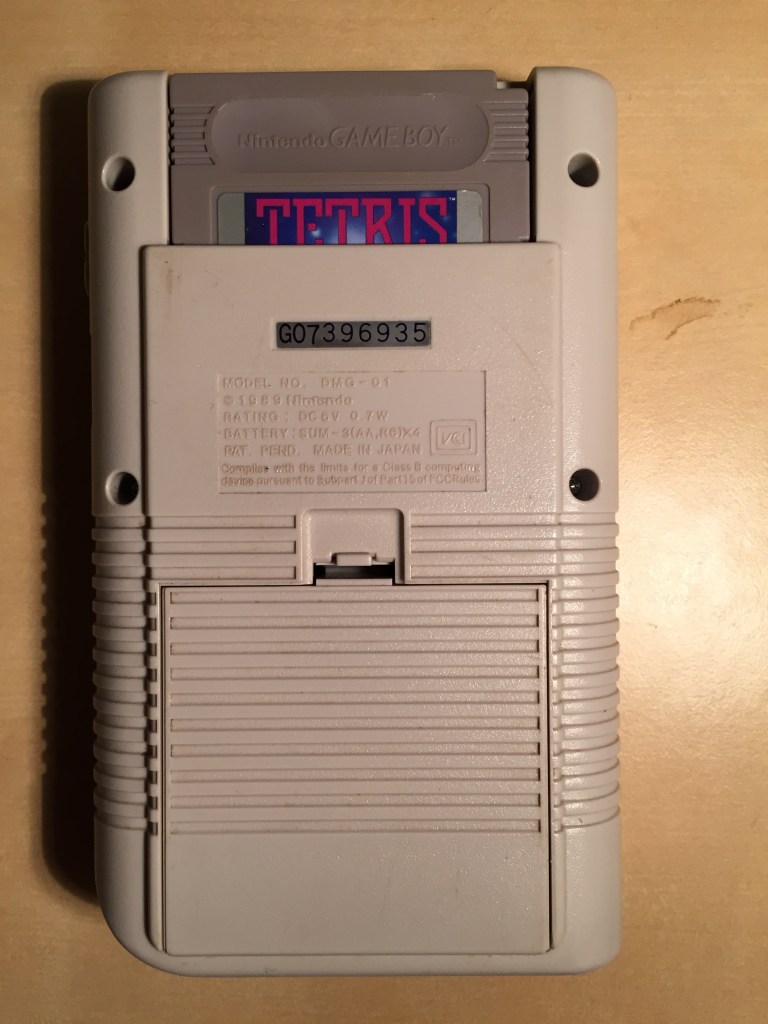
    The industrial design of the Game Boy was well thought out. It was as pleasant to hold when I first got it when I was 12 as when I was a teenager or now in middle age. It has a good weight that is balanced. Playing for hours doesn’t fatigue my fingers, hands, or arms.

    As long as the ambient lighting it good, the non-backlit screen is pleasing to watch during extended game play.

    The cartridges and cases are equally designed well. The long oval space above the game’s logo sticker allows for easy grasping of the game cartridge when removing the game. The power switch locks the cartridge into place when turned on.

    Despite how much I love the Game Boy, I think that Nintendo has become a garbage company by the actions of its executives to unfairly bully and litigate against its fans instead of acknowledging fair use rights and finding ways to work with its fans (see TechDirt for details and the long history of Nintendo’s actions toward fans). I suppose it all comes down to control on Nintendo’s part. When the Game Boy first launched, control was built into the product. And, there wasn’t yet a widespread medium for participatory culture that the Internet made possible that could riff and build on new cultural art forms like video games. Now we can but Nintendo tends to take a copyright maximalist approach to their IP and most fans who get caught in the company’s crosshairs don’t have the deep pockets to establish their fair use rights through litigation. It’s for those reasons that I haven’t bought any Nintendo products in many years and I encourage others to do the same. There are good games made by better people on other platforms that are as enriching, engaging, and entertaining.