Tag: Laptop

  • GoRuck GR1 26L, an Outstanding Backpack for Travel and Work That Easily Carries a 16″ Laptop

    GoRuck GR1 26L

    As I’ve documented here, here, and here, I continue searching for the perfect backpack. While there may not be one backpack that checks all of my boxes, I think that the GoRuck GR1 (26L) checks the most.

    I purchased the larger 26L version of the GR1 before the fall semester began. It is the most expensive backpack that I’ve ever purchased, but its design, materials, construction, and “Built in the USA” provenance supported the price.

    My original intended use for it was to carry my 16″ Lenovo ThinkPad P1 Gen 4 laptop, charger, water bottle, coffee thermos, and papers to and from the City Tech campus.

    Then, after my dad was released from the hospital after a back problem, it became a travel companion for overnight train rides to-and-from NYC (along with a simple barrel duffel bag). It carried my laptop, charger, 8″ Samsung Tab Active3 tablet, its charger, an MRE and snacks, 1 liter of water, overnight clothes, and 1 quart Ziploc bag for toiletries.

    So far, it has excelled in both work commuting and long distance train travel. It holds my gear, it’s easy to organize, and it’s constructed tough.

    Below are photos of its pockets and their use.

    GoRuck GR1 26L

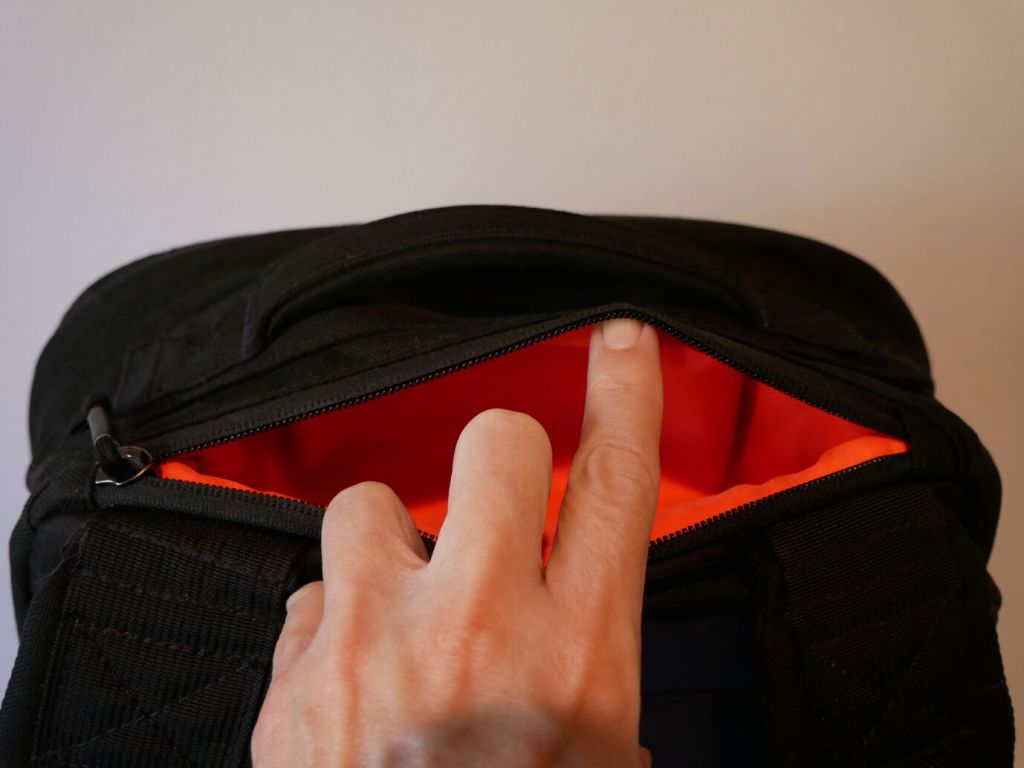
    Between the shoulder straps and top hand grab is a pocket that holds my RayBan sunglasses in their case and my reading glasses in a smaller plastic case.

    GoRuck GR1 26L

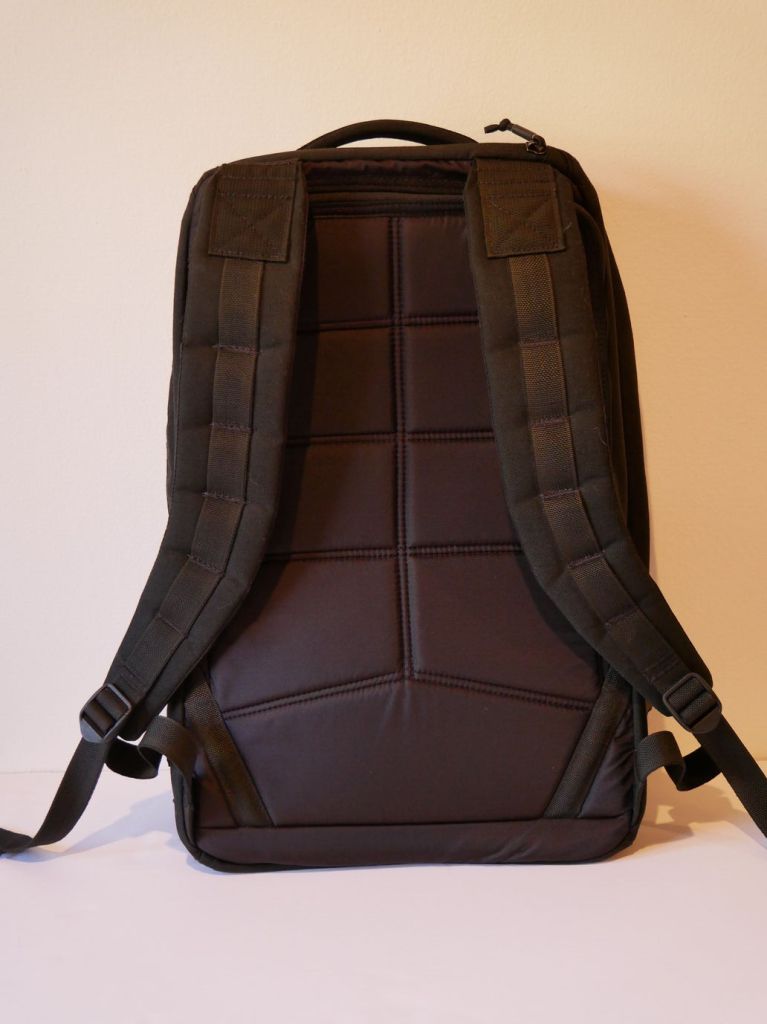
    The back of the backpack supports breathing and features a smoother synthetic material than the body of the backpack. It’s advertised as being less aggressive on clothes, which I can confirm.

    GoRuck GR1 26L

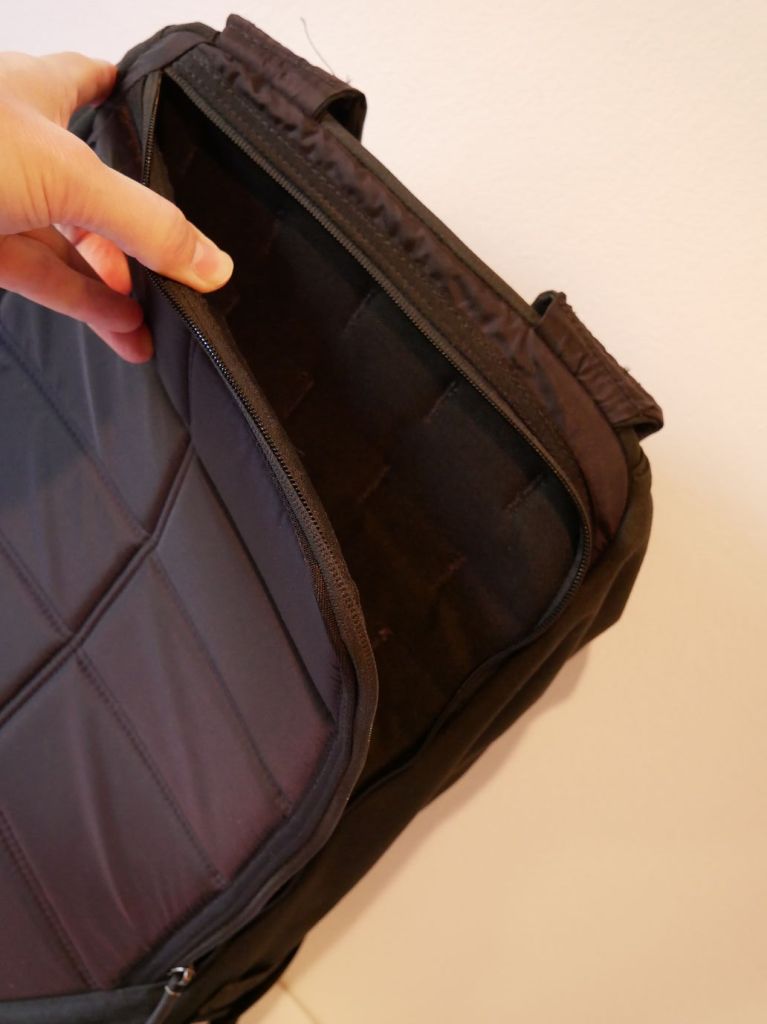
    Flipping the shoulder straps around makes the “bomb proof” laptop sleeve more easily accessible. It is advertised as holding up to a 16″ laptop.

    GoRuck GR1 26L

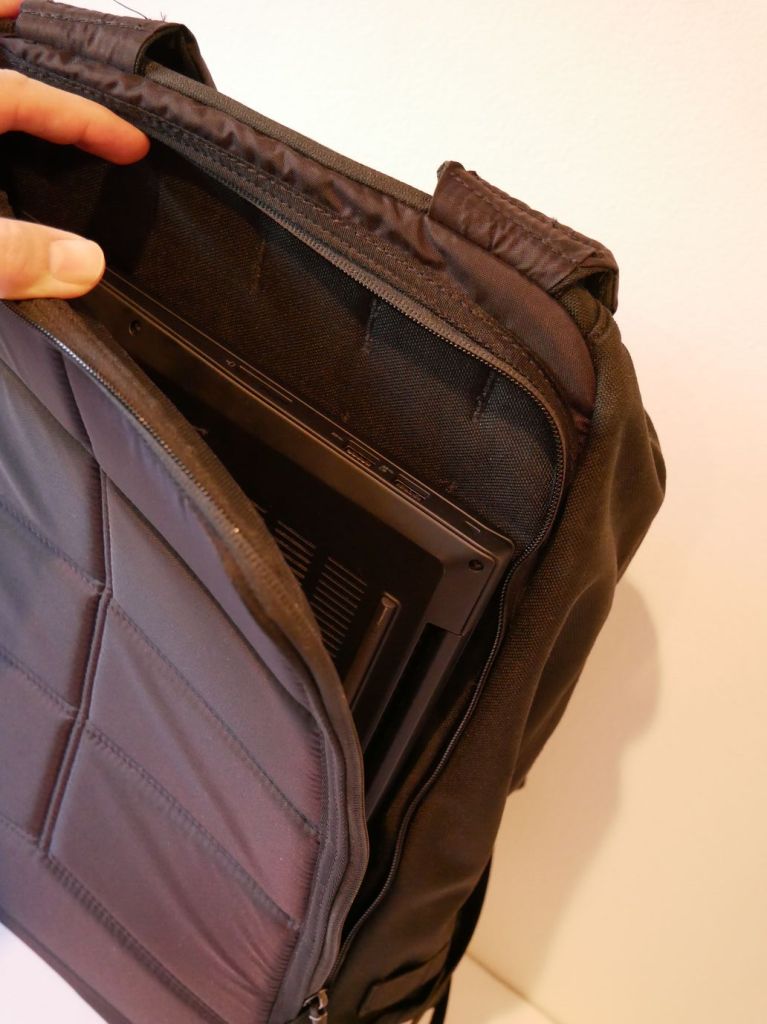
    You can see above that the laptop sleeve does indeed hold my 16″ Lenovo ThinkPad P1 Gen 4 with room to spare on its width (i.e., the height of the pocket in relation to the backpack) and just a hair of extra space for its depth (i.e., the width of the pocket in relation to the backpack).

    GoRuck GR1 26L

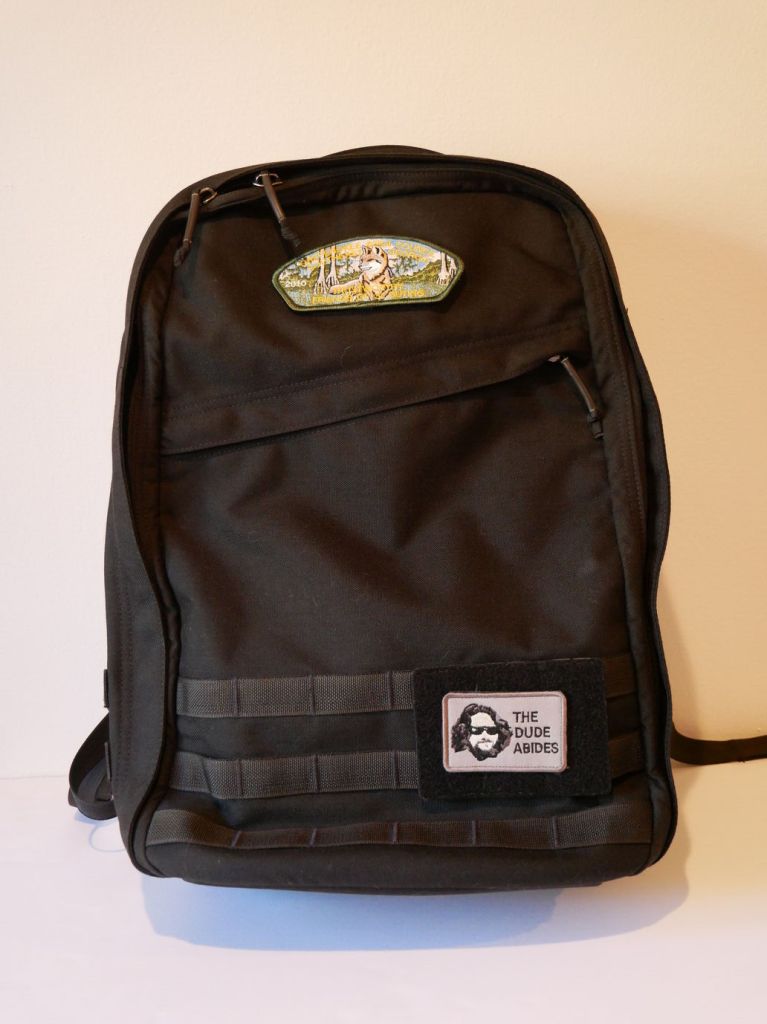
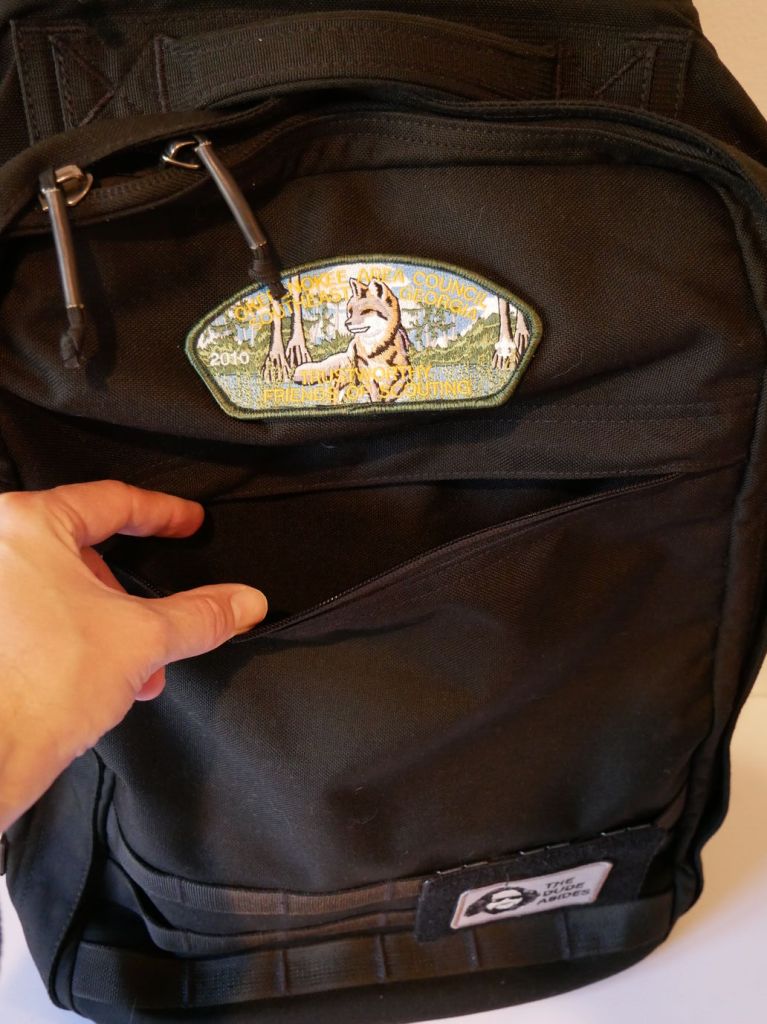
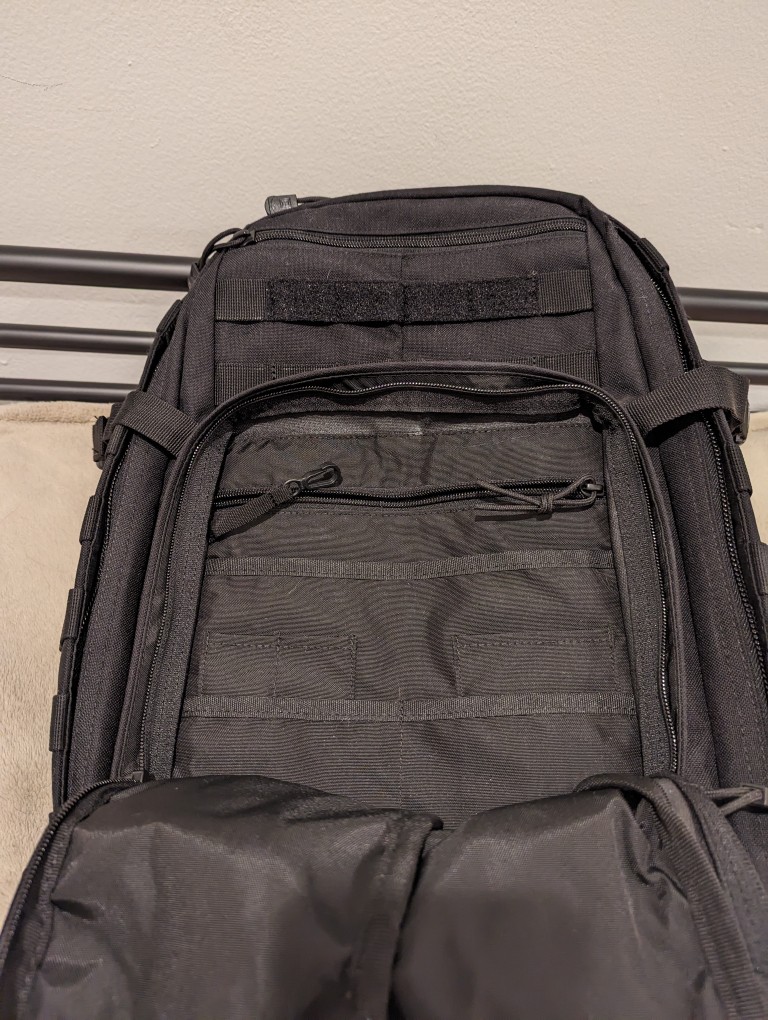
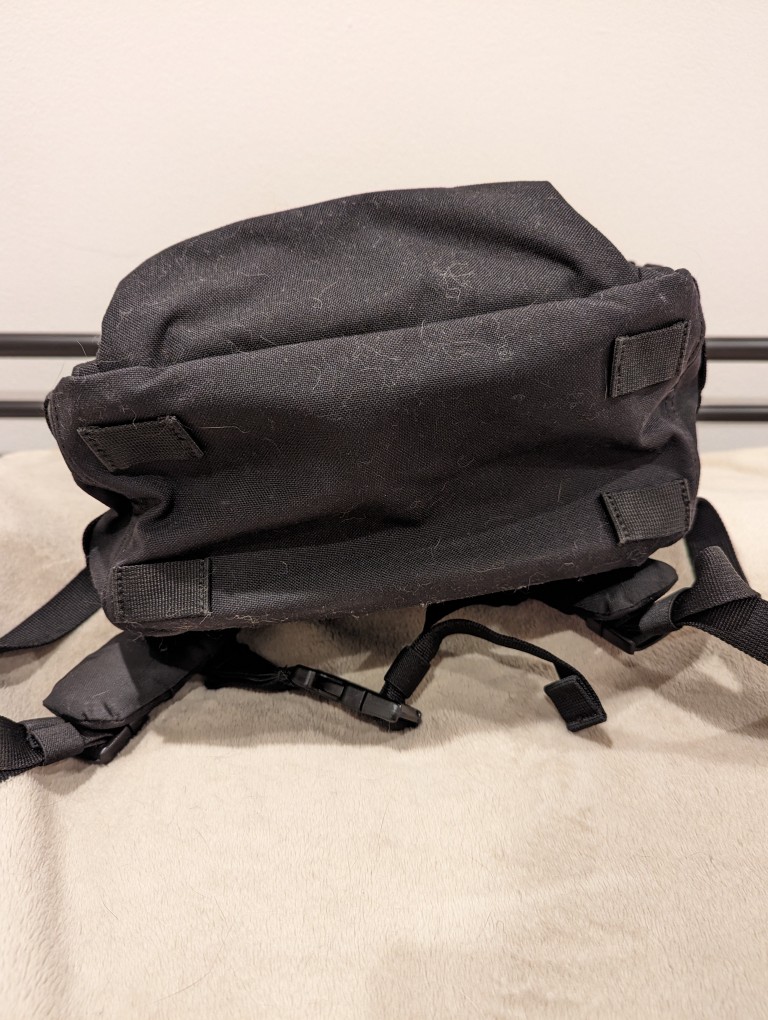
    The front zippered diagonal pocket extends from the zipper to the bottom of the pack. It can hold a lot! I keep an Apple Airtag and pocket knife in there. The top of the pack has a 2″ x 3″ hook-and-loop patch area, which I attached one of my Scouting patches to. I added a 3.5″ x 4.5″ hook-and-loop MOLLE panel to the bottom area of my GR1 where I affixed my “The Dude Abides” patch.

    GoRuck GR1 26L

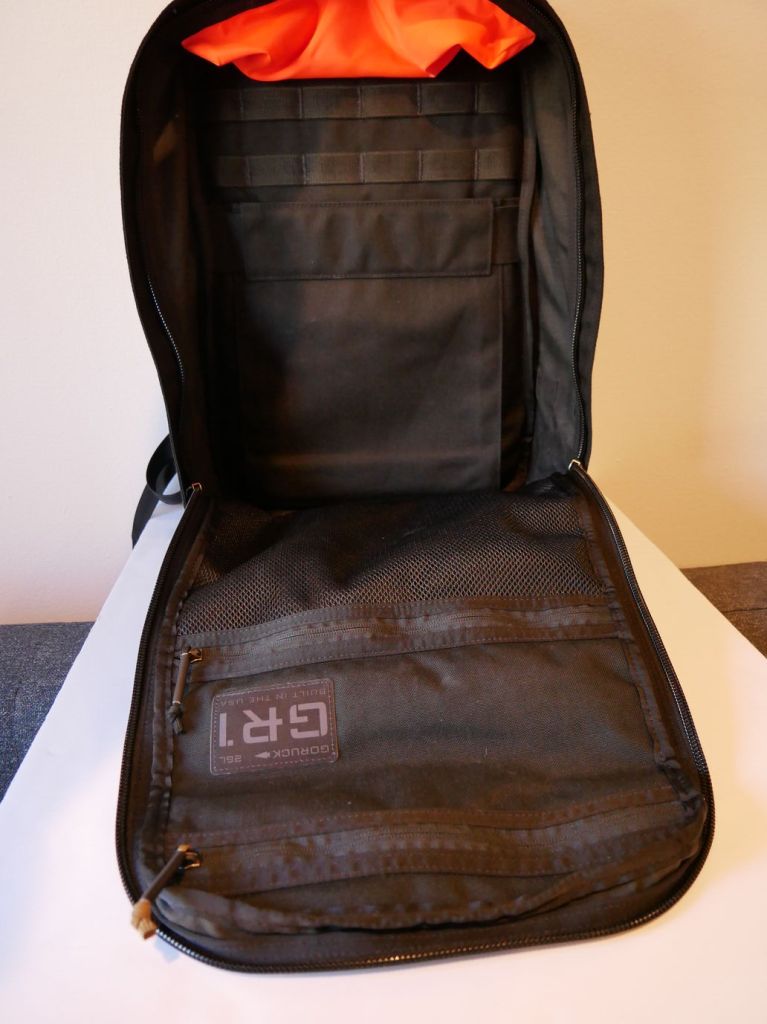
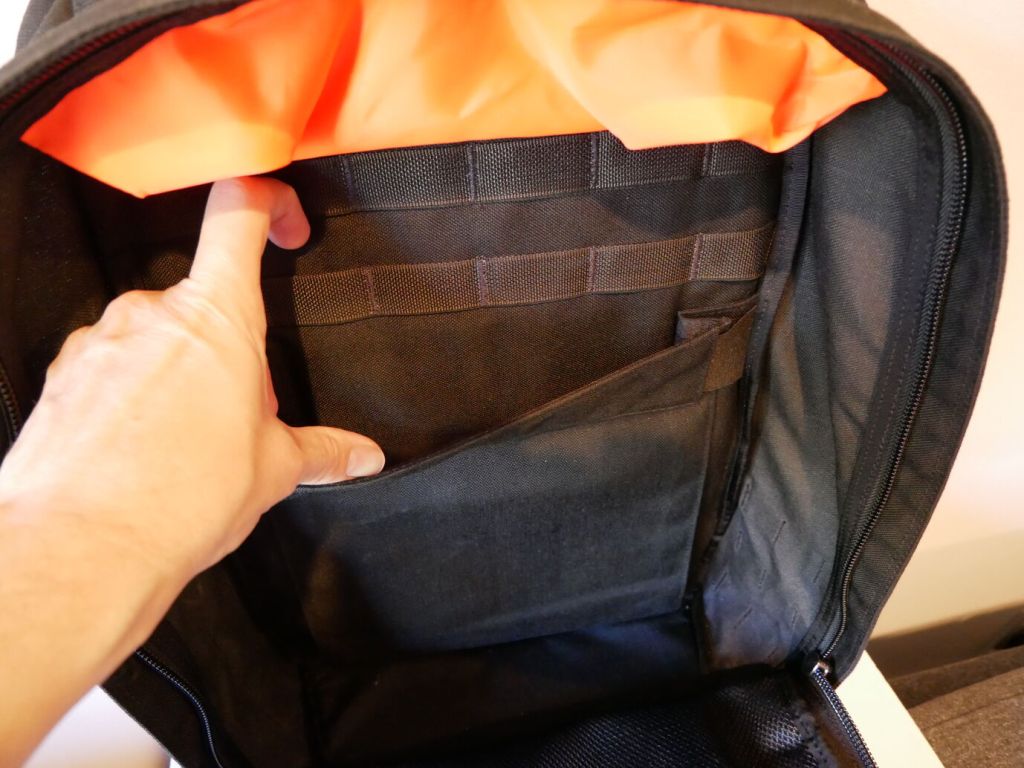
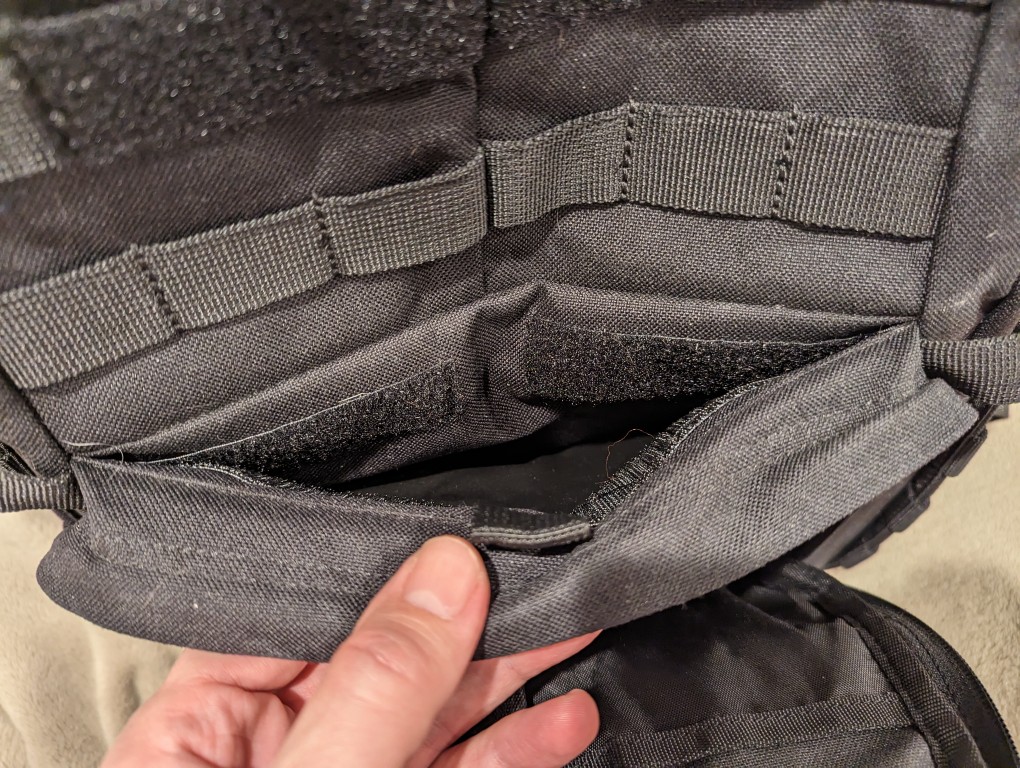
    In addition to the MOLLE attachments on the outside of the pack, there is more MOLLE inside for pouches or hook-and-loop panels.

    GoRuck GR1 26L

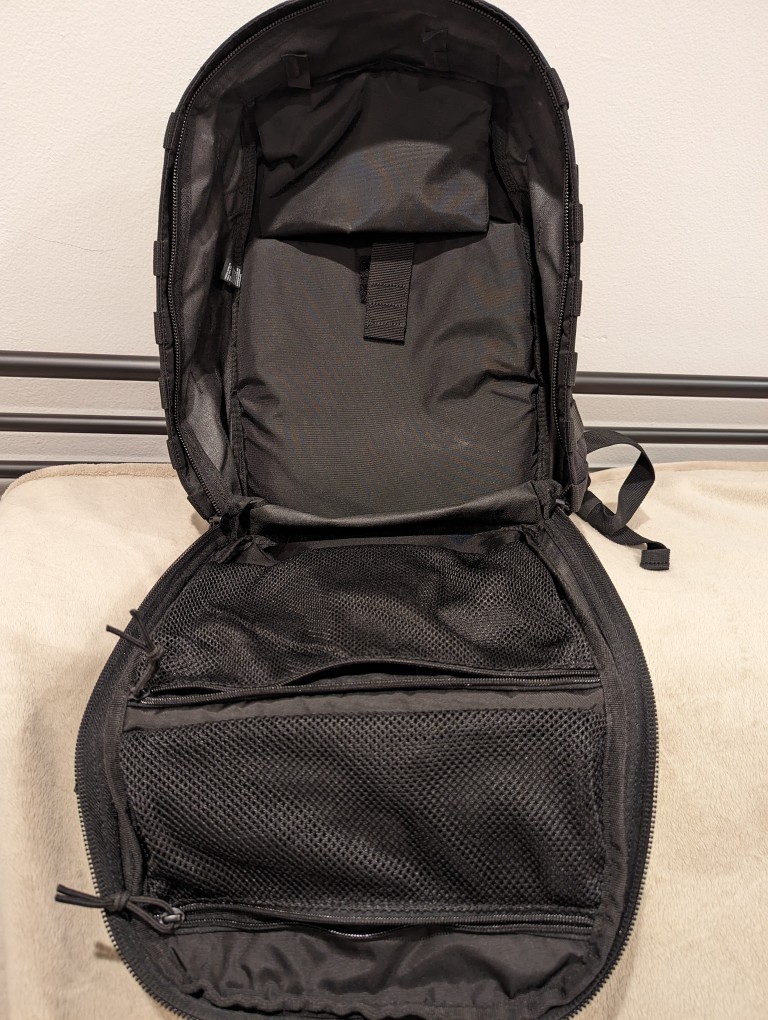
    On the back interior of the GR1, there’s an elastic panel that can hold a smaller laptop or tablet. I used it to hold my 8″ Samsung Galaxy Tab Active3 in a hard case with plenty of room to spare.

    GoRuck GR1 26L

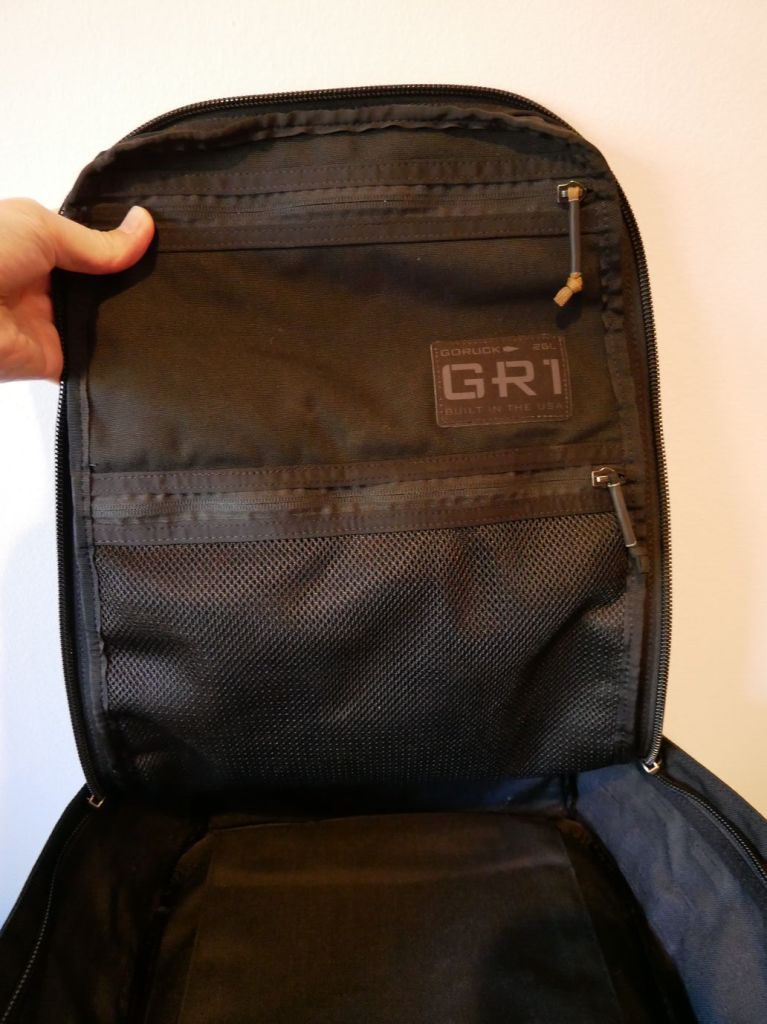
    The front flat interior has two zippered pouches. The top one is smaller but opaque. The bottom one is larger but its contents viewable thanks to the netting.

    GoRuck GR1 26L and Ape Case

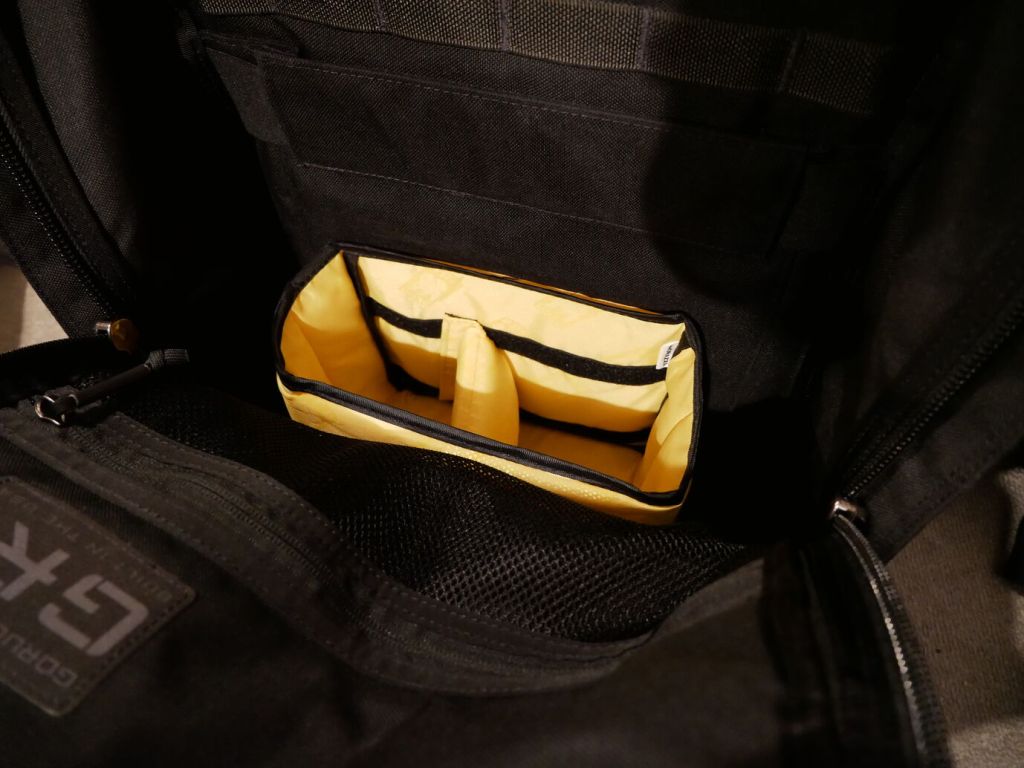
    To help with organizing my gear, I dropped the larger half of the yellow, padded Ape Case Cubeze Duo (ACQB 41) with one divider in the bottom of the pack. This creates four areas in the bottom of the pack to keep things from banging around–a thermos, two water bottles, and charging brick for the Lenovo laptop.

    The GR1 doesn’t come with a sternum strap, but I haven’t found that it needs one while walking or climbing stairs. Having one less strap to undo or get caught while dangling is okay with me. It’s also easy to put on and take off. However, depending on my load–specifically with the 16″ Lenovo, I bend over to put on my shoes before donning the pack so that I don’t put too much pressure on the laptop within the pack against my arched back.

    I’m very happy with the GR1 and look forward to carrying it in the days ahead.

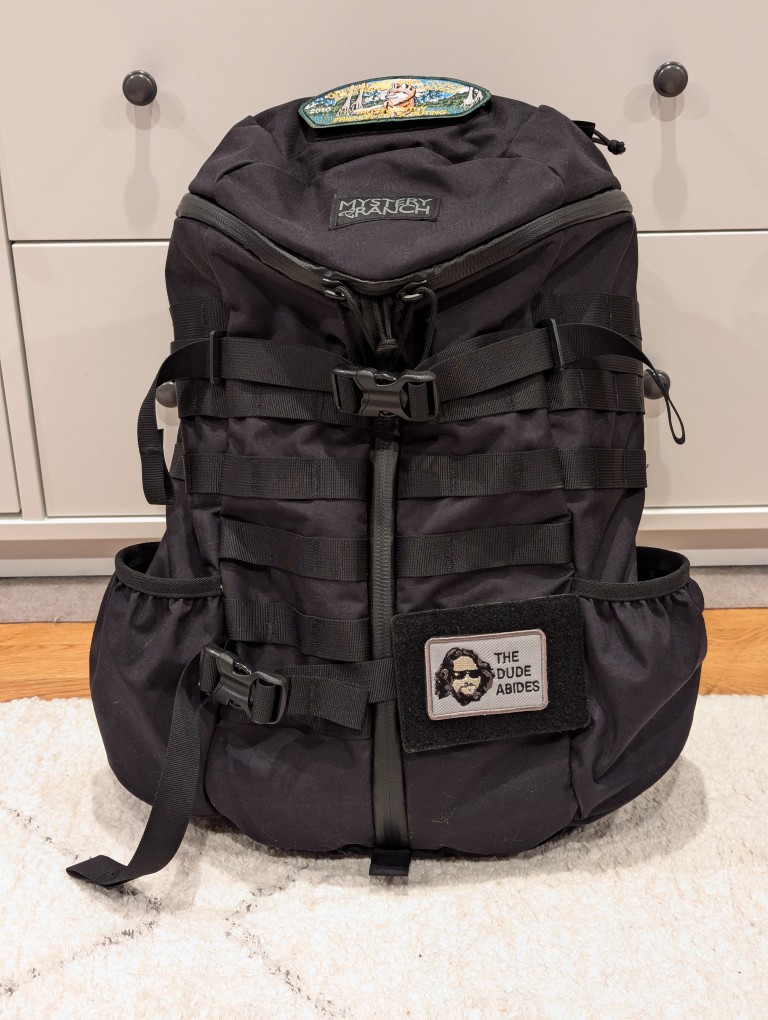
  • Upgrading from the 5.11 Rush 12 2.0 to the Mystery Ranch 2-Day L/XL Backpack

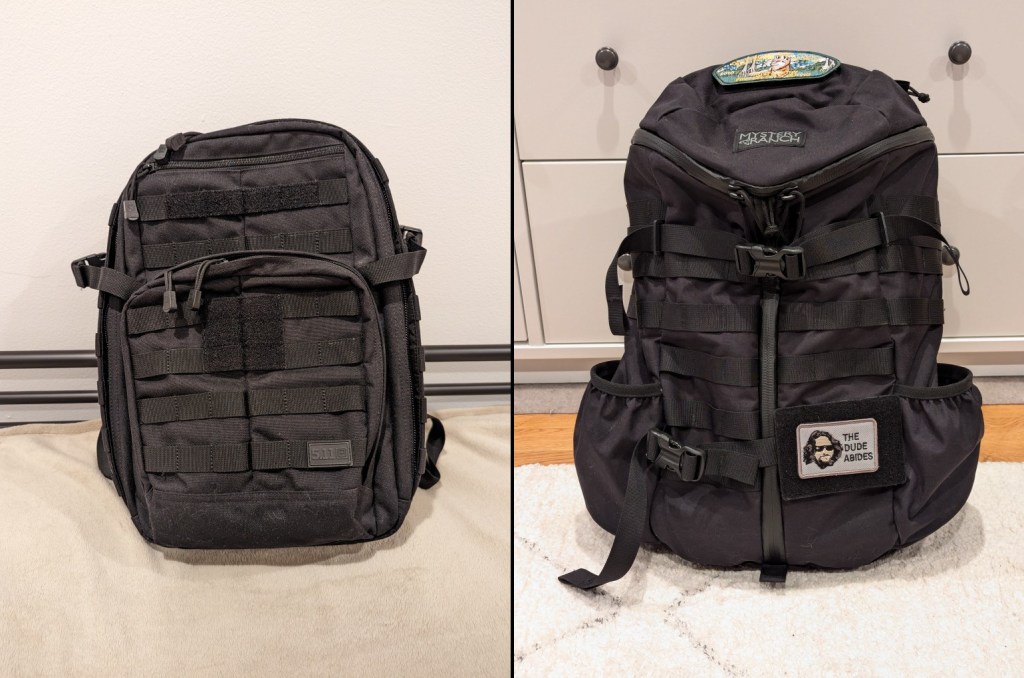
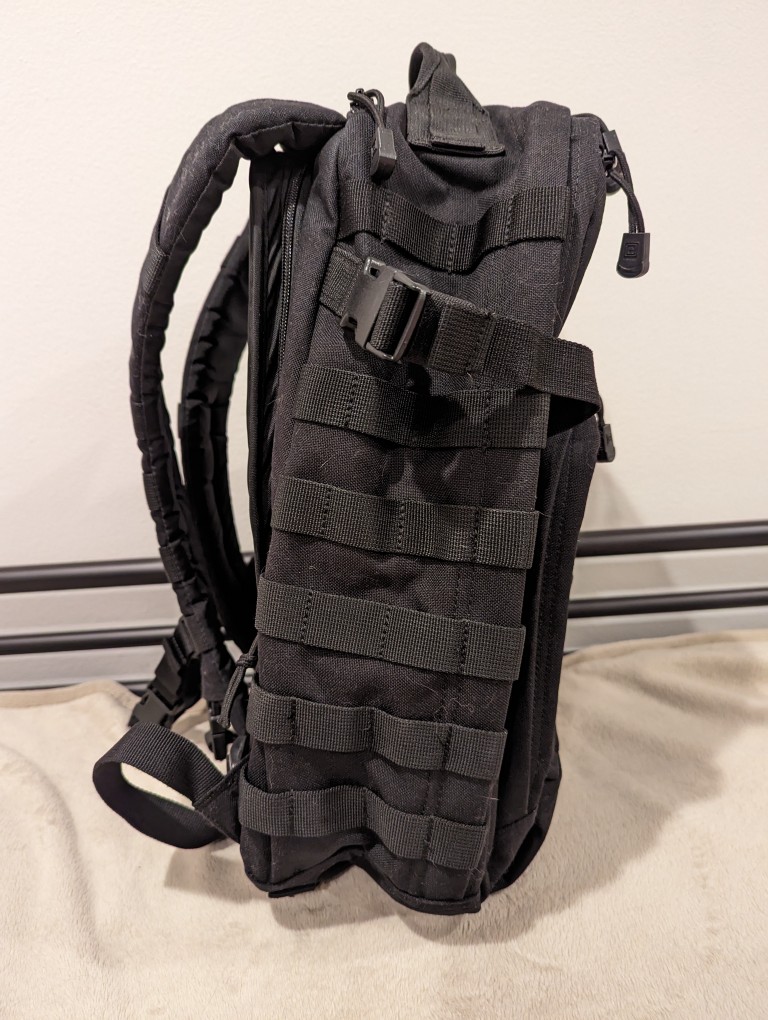
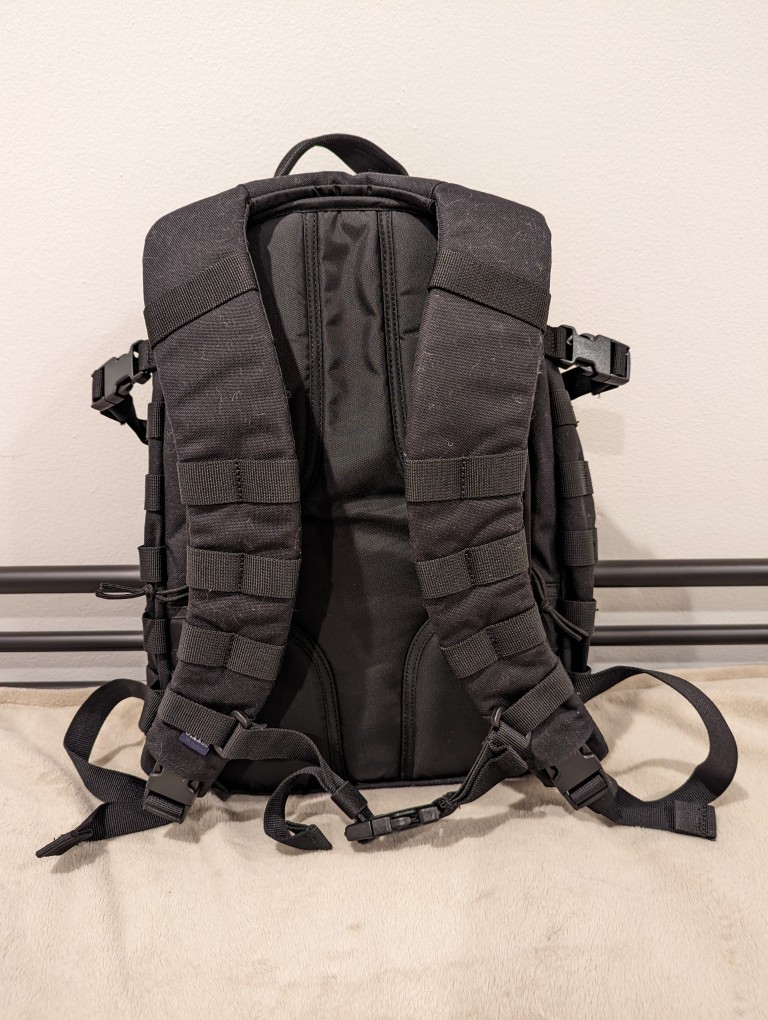
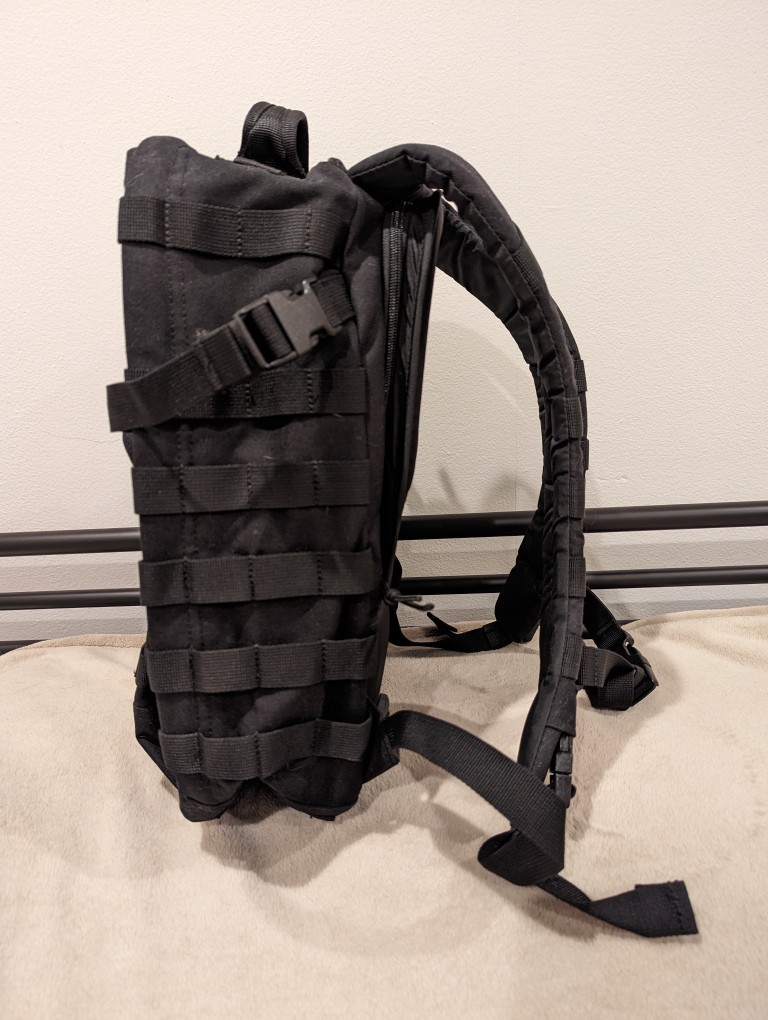
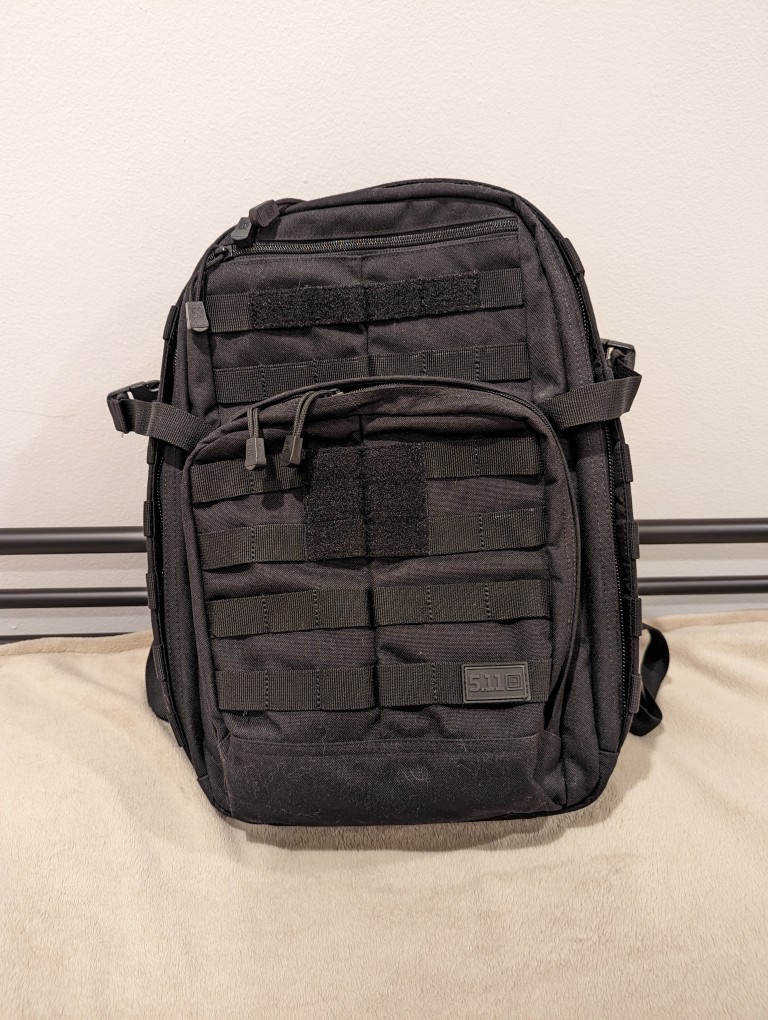
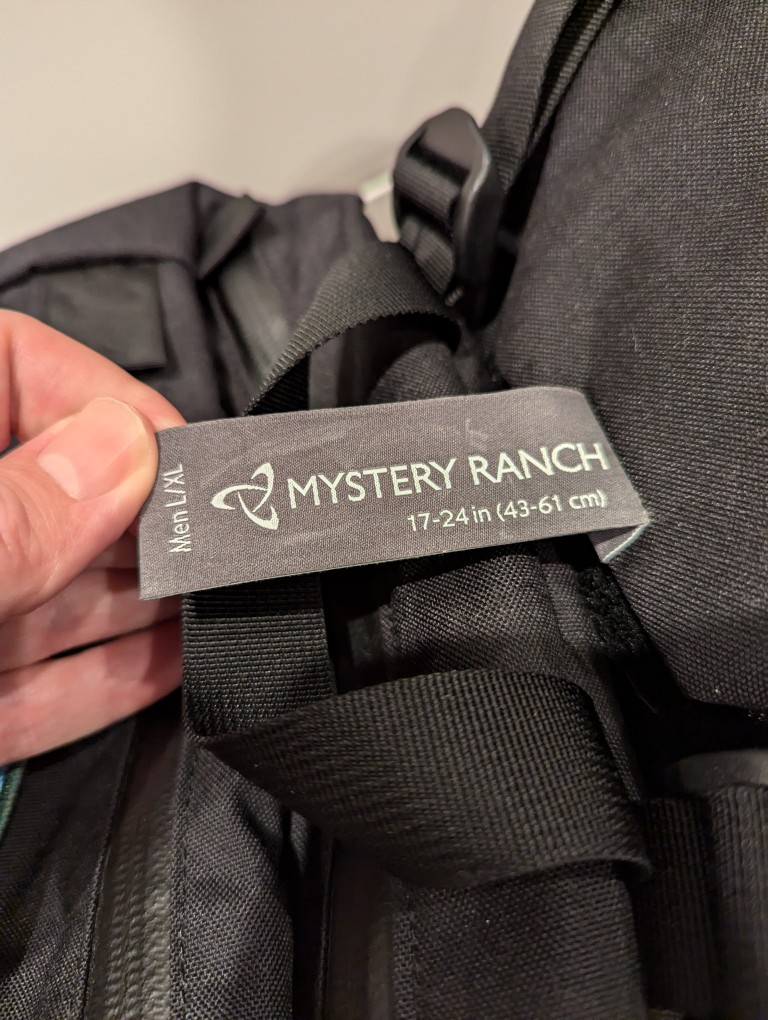
    5.11 Rush 12 2.0 backpack and Mystery Ranch 2-Day L/XL Backpack

    When I upgraded to a 16″ Lenovo ThinkPad P1 Gen 4 workstation-class laptop earlier this year, I soon learned that it was too large to fit safely in my 24-liter 5.11 Rush 12 2.0 backpack. While my old 12″ ThinkPad X230 easily fit into the up-to-15″ laptop capable compartment of the 5.11 Rush 12 2.0, the newer ThinkPad P1 Gen 4 dangerously pressed against its corners. Also, I trouble wearing the 5.11 Rush 12 2.0 with a a padded waist belt while carrying a heavy load–I couldn’t get the bag to ride securely against my back when doing that. Nevertheless, the 5.11 Rush 12 2.0 is virtually bulletproof and a very well made backpack. Unfortunately, it just didn’t meet my changing needs.
    Looking for a larger backpack with MOLLE, waist belt attachment points, and a tough build like the 5.11 Rush 12 2.0 was easy–there’s a number of great alternate bags that fit those needs. However, finding one that also has a laptop sleeve capable of safely holding a 16″ laptop more challenging, because most manufacturers only support up to 15″ laptops. Thankfully, the Mystery Ranch 2 Day Assault L/XL backpack fit my needs quite well.
    Like the 5.11 Rush 12 2.0, the Mystery Ranch 2 Day Assault L/XL backpack is built tough.

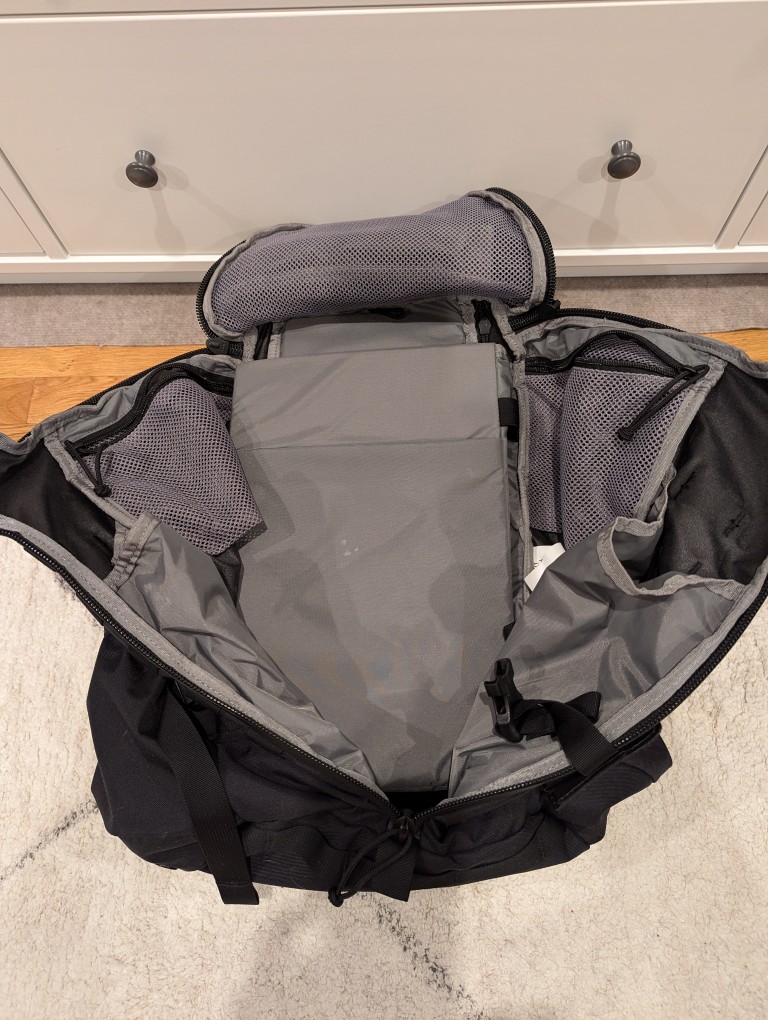
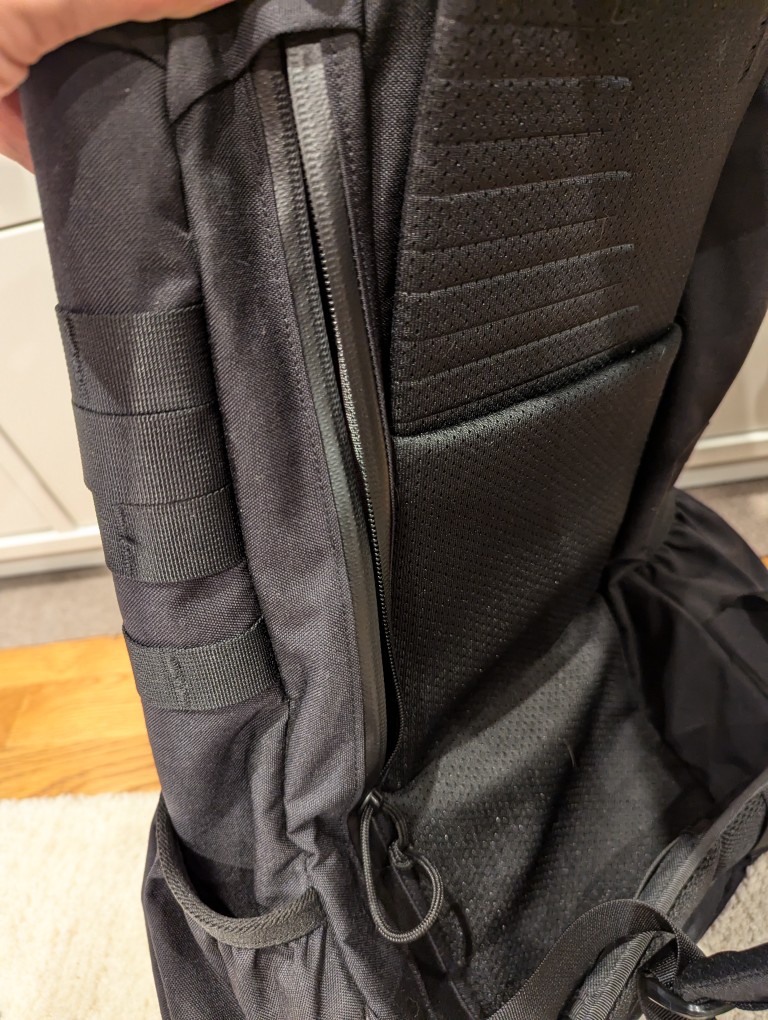
    Meeting my new requirements in a backpack, it has a larger volume (24 liters vs. 29.7 liters), and its built-in laptop sleeve can accommodate a 16″ laptop (my ThinkPad P1 Gen 4 measures 10″ deep x 14 1/8″ wide x 15/16″ tall). However, I have to load and unload the ThinkPad through the main pocket as it is too wide and deep to easily maneuver through the zippered laptop side-loading pocket).

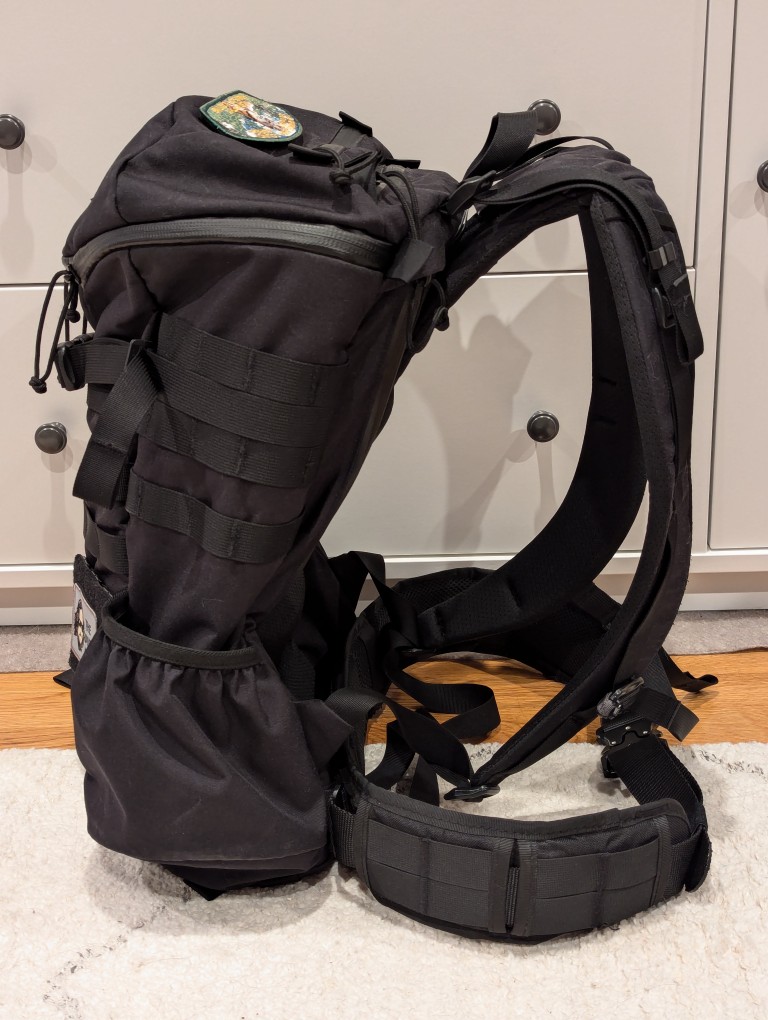
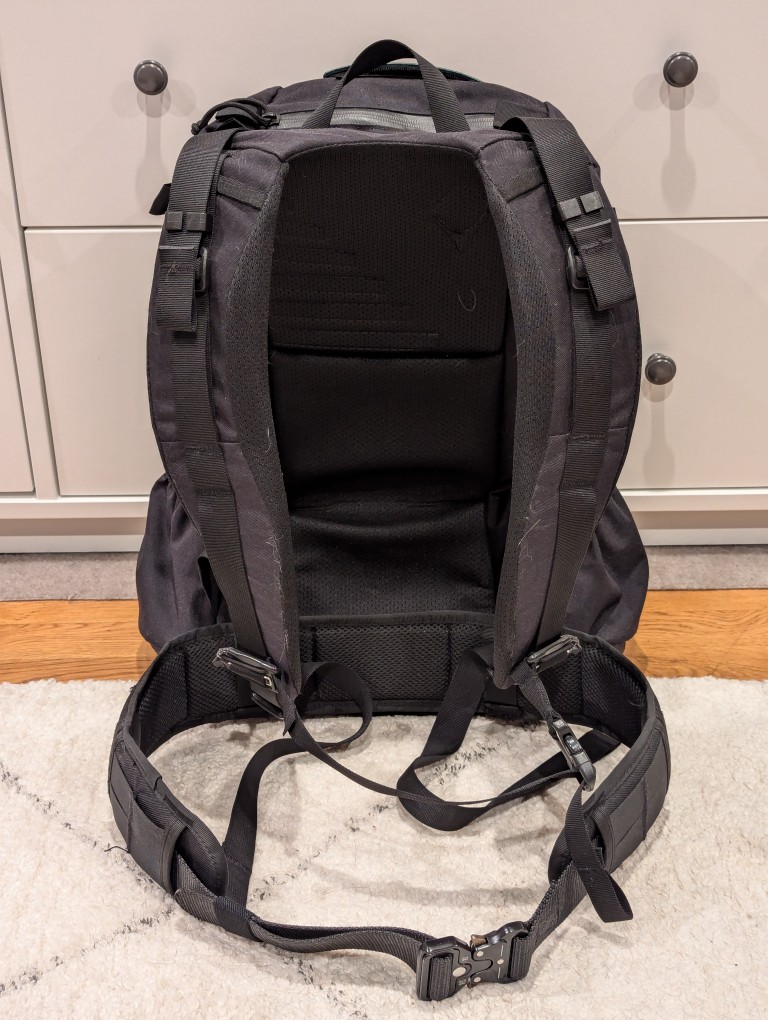
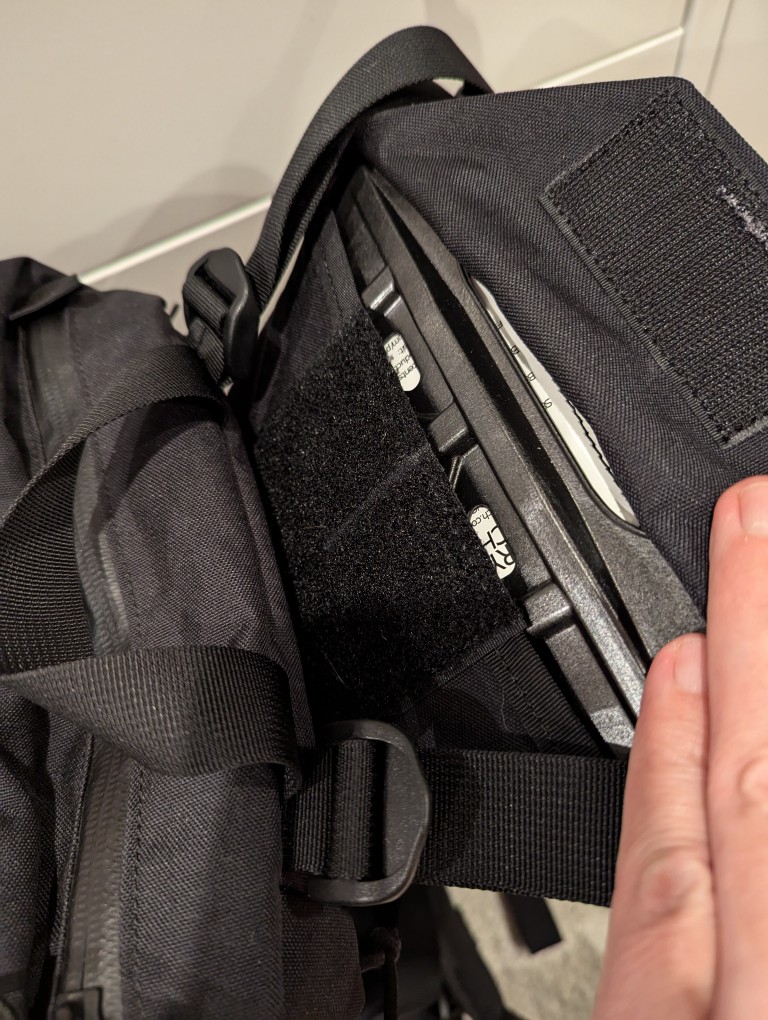
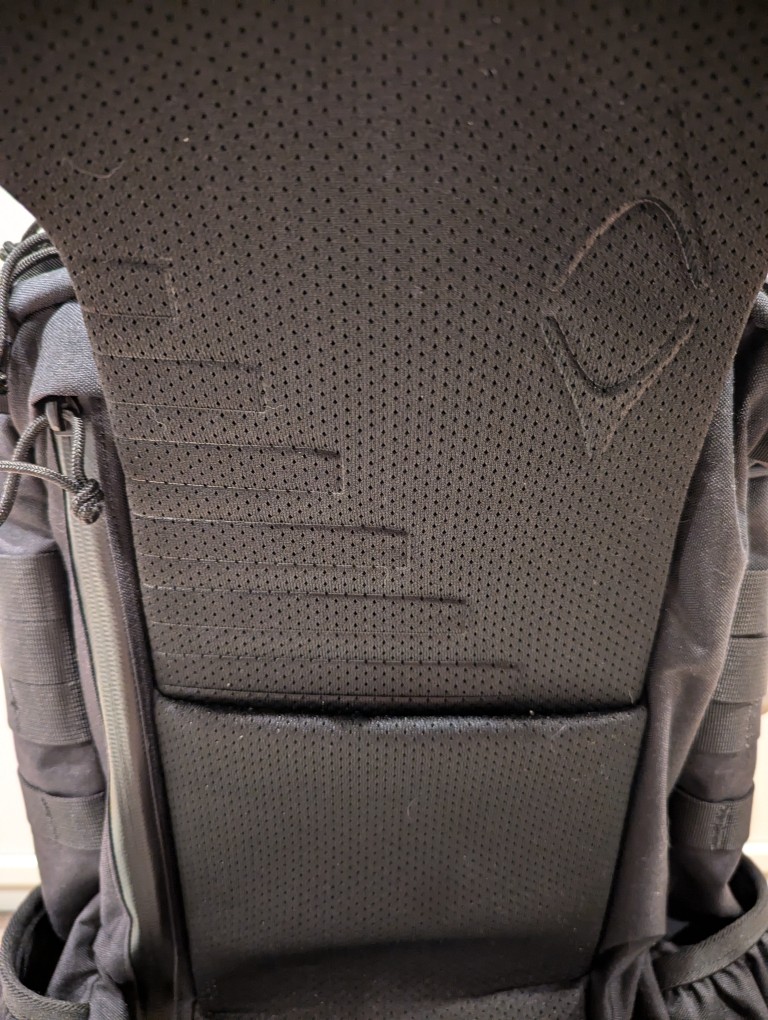
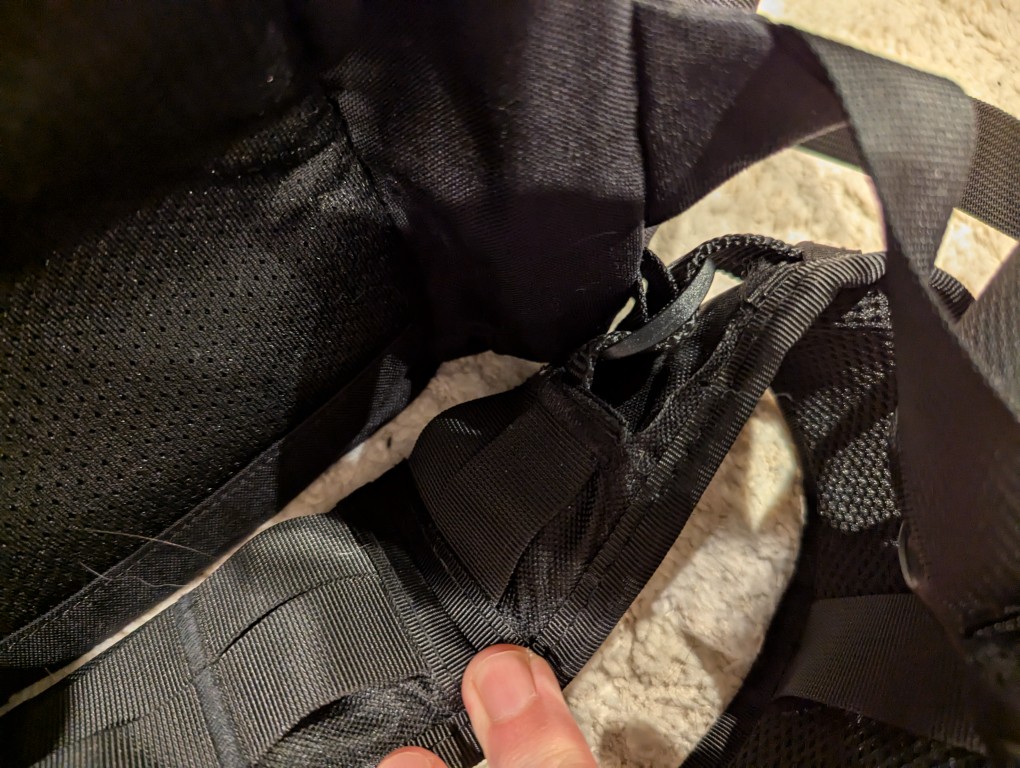
    To help with load carrying, it has an innovative lengthening system that helps the pack ride close against your body. To adjust this system, remove the plastic frame shown in the gallery above, shove it into the velcro area behind the straps to release the hook and loop material holding the straps and pack together, pull up to lengthen, put the frame back in its place, press the pack flat to ensure the hook and loop are reattached, and adjust the straps as needed to have the straps rest tightly against your torso and shoulders and the bottom of the pack against your waist.

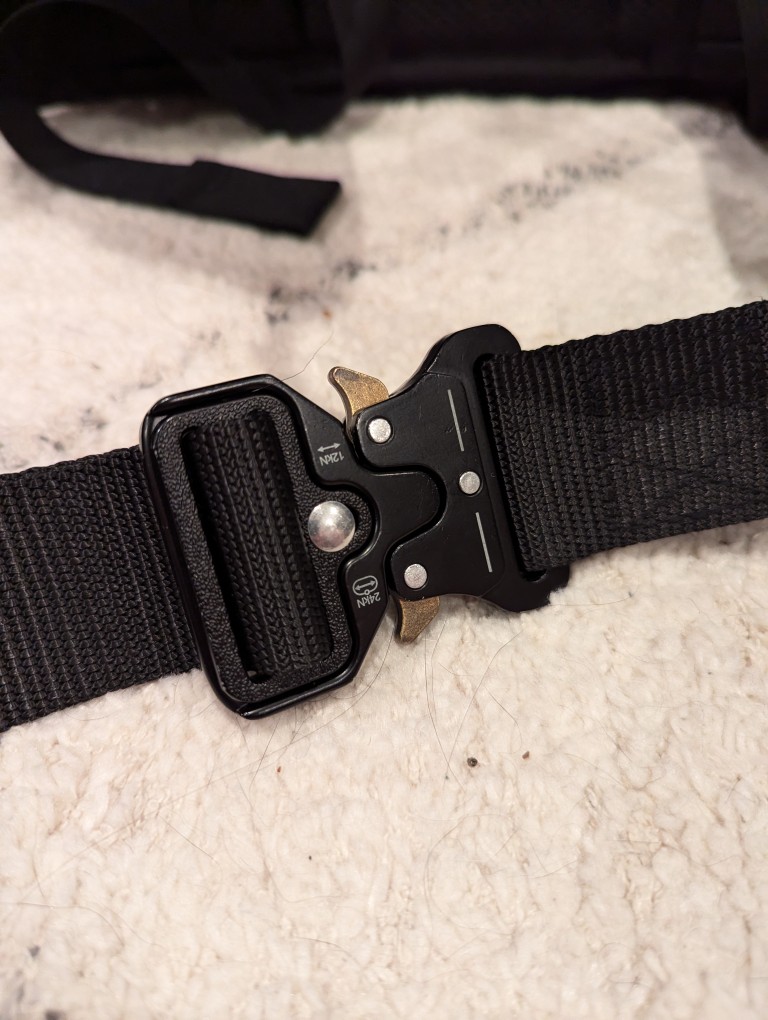
    This adjustment system works well with the aftermarket padded waist belt that I originally used with the 5.11 Rush, but moved over to the Mystery Ranch 2 Day Assault pack. The Mystery Ranch bag included a two-piece simple nylon belt with plastic buckle. Its intention is to help hold the back against your body but not help with load carrying. I removed it and modified a Condor Battle Belt (it has a padded outer belt with MOLLE and an inner 1 1/2″ nylon belt with aluminum quick-release buckle). I cut off the D-ring equipment carriers and cut expanded holes in the outer padded belt to allow the inner 1 1/2″ belt to thread through the belt attachments on the Mystery Ranch pack. I added extra stitching to the outer padded belt and melted the nylon to prevent unraveling from these modifications.

    The strangest thing about Mystery Ranch bags is the three-zipper main pocket opening. It is difficult to open and close these one-handed. However, the zippers are top-quality and waterproof. And, with the main pocket fully open, it can ingest a tremendous amount of gear, but it will likely require the bag to be fully opened to extract that gear if it is larger (e.g., a boxed 12 pack of aluminum cans).

    Another modification that I made to the bag was to plug its main pocket drain holes with closed hole rubber grommets (I don’t want anything crawling in and setting up shop) and added some strap clips to keep the shoulder adjustment straps from flying all over the place while putting on the pack or walking with it.

    Its two side mounted stuff pouches easily hold water bottles, thermoses, and short collapsible umbrellas. During the summer, I keep a pack of menthol cooling sheets and an electric fan in one so that I can reach back to grab them without having to take off the pack.

    When I traveled to see my parents a few months ago, I added some MOLLE pouches to the exterior mounts (first aid, toiletries, cables, chargers, multitool, and snacks), but I took them off to reduce the pack’s weight when I am in the city where I walk further distances with it and would prefer the weight go towards what I am carrying instead of how I’m carrying those things.

    The Mystery Ranch 2 Day Assault pack is holding up and meeting my expectations. With the new academic year about to begin, I’ll see how it holds up trekking to and from campus.

  • Lenovo ThinkPad P1 Gen 4 Powerhouse Workstation

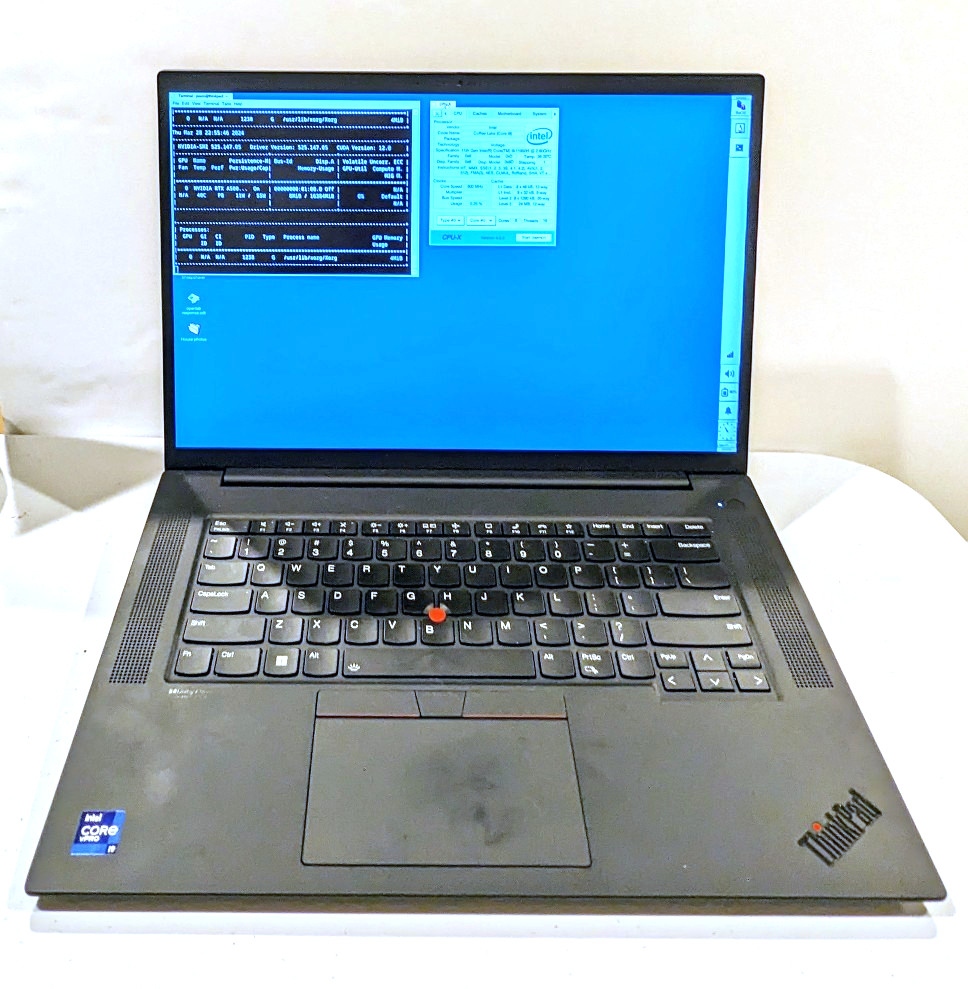
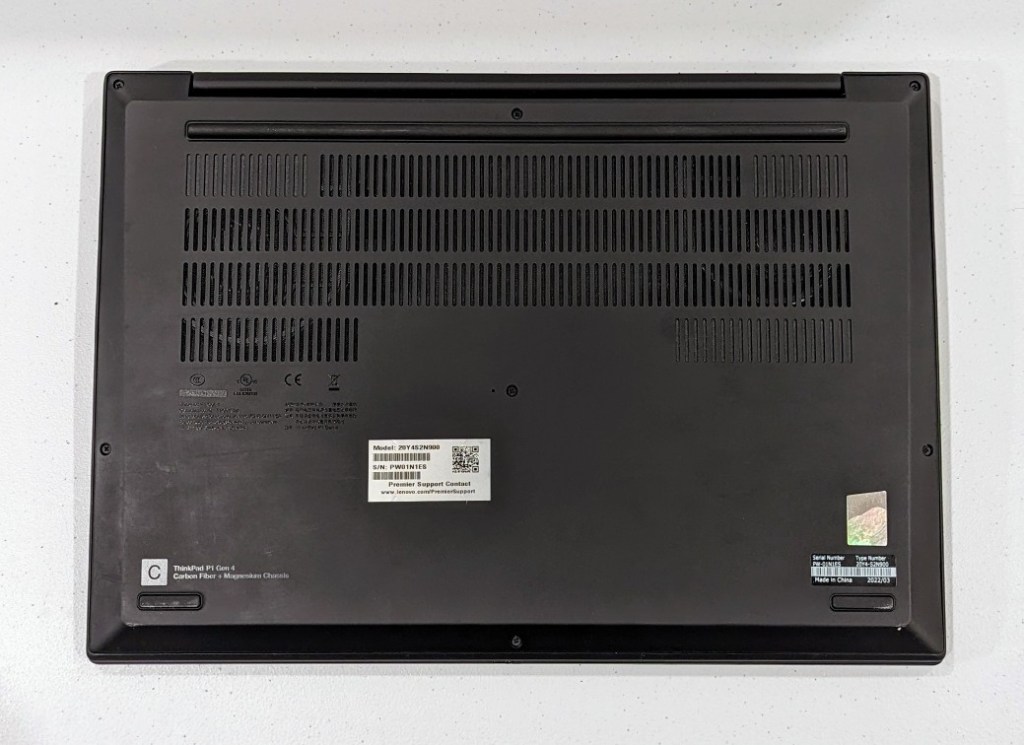
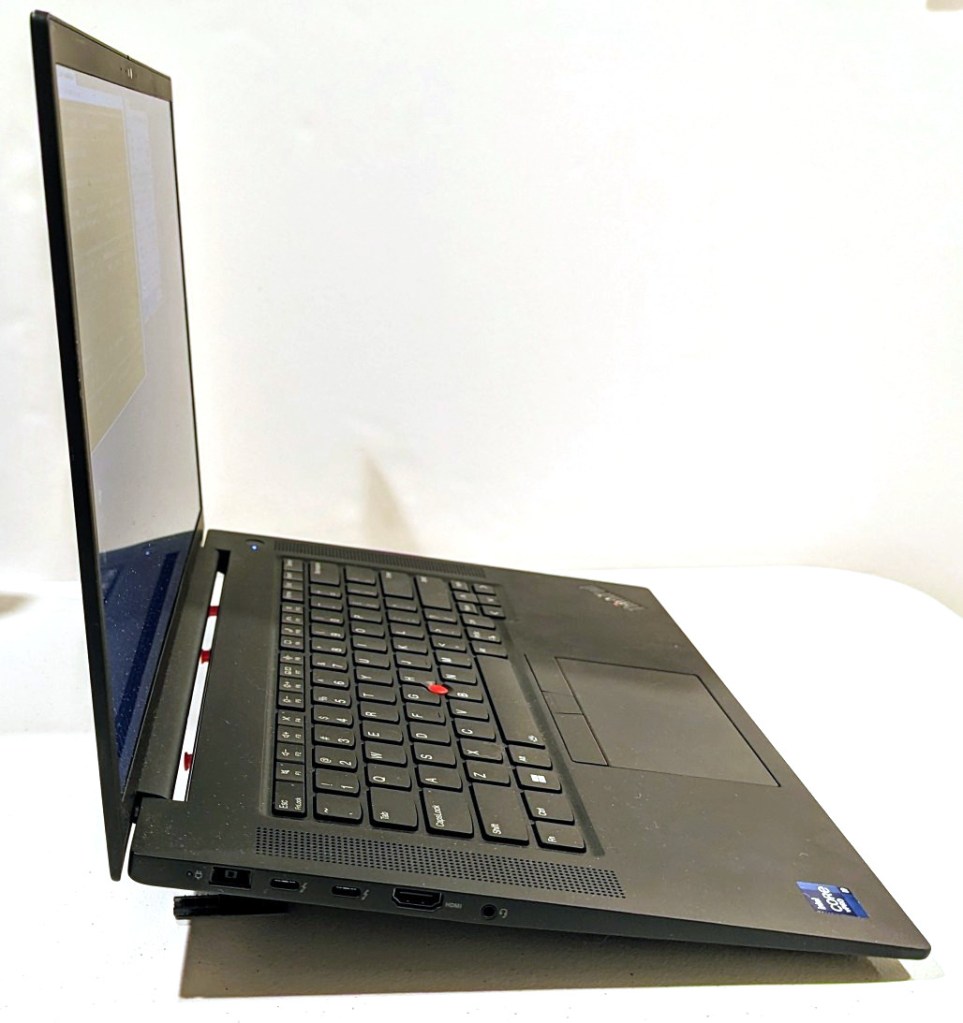
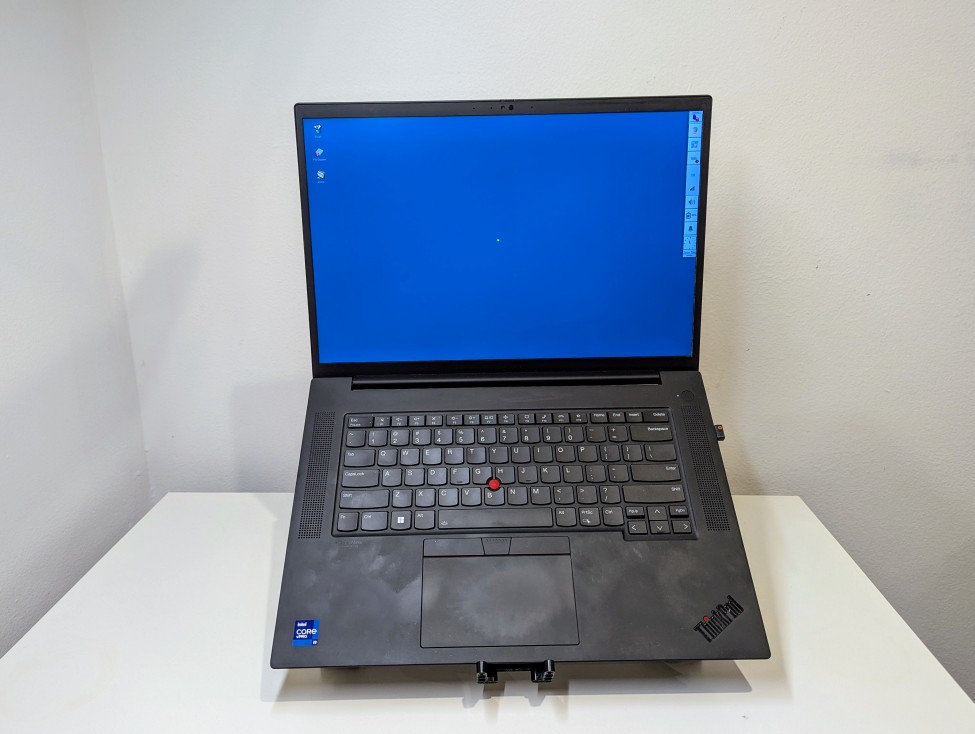
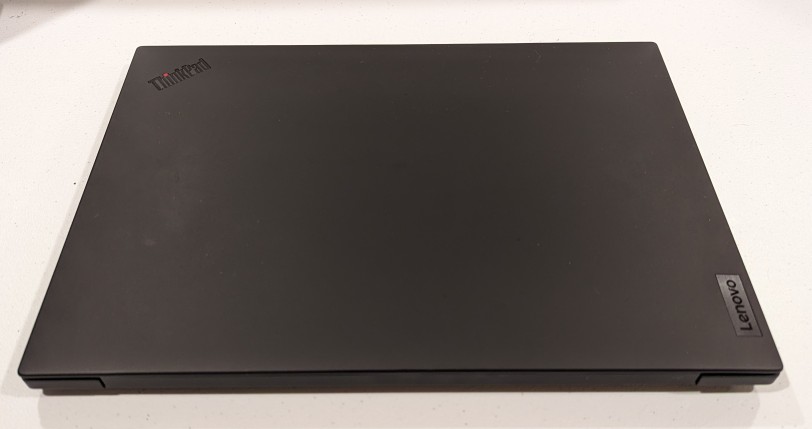
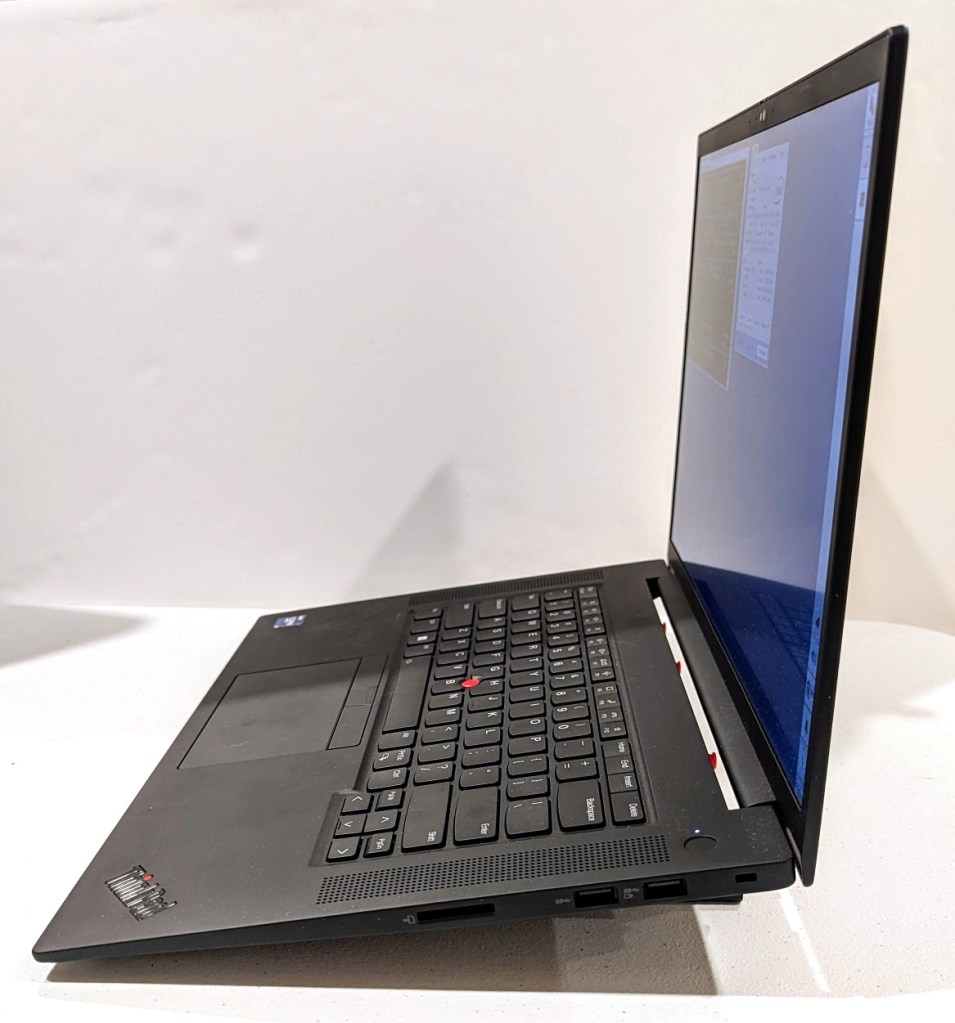
    Lenovo ThinkPad P1 Gen 4 16" QHD+ i9-11950H✓64GB RAM✓2TB SSD✓RTX A5000 with screen open and showing Debian 12 desktop

    About halfway through my sabbatical, I needed to visit my parents in Georgia, but I also needed to continue working on my research projects. I didn’t feel safe about lugging my A6000 desktop computer (in checked baggage or shipping), so I followed my own advice and started looking for a used workstation-class laptop.

    It took a few weeks, but I landed this awesome, practically new Lenovo ThinkPad P1 Gen 4 from a seller on eBay. It has a 16″ QHD+ screen (that I scale down to 1080p for my eyes), an i9-11950H (8 core/16 thread) CPU, 64GB DDR4 RAM, 2TB SSD, and an NVIDIA RTX A5000 16GB discrete video card (Stable Diffusion and llamacpp worked without any hiccups).

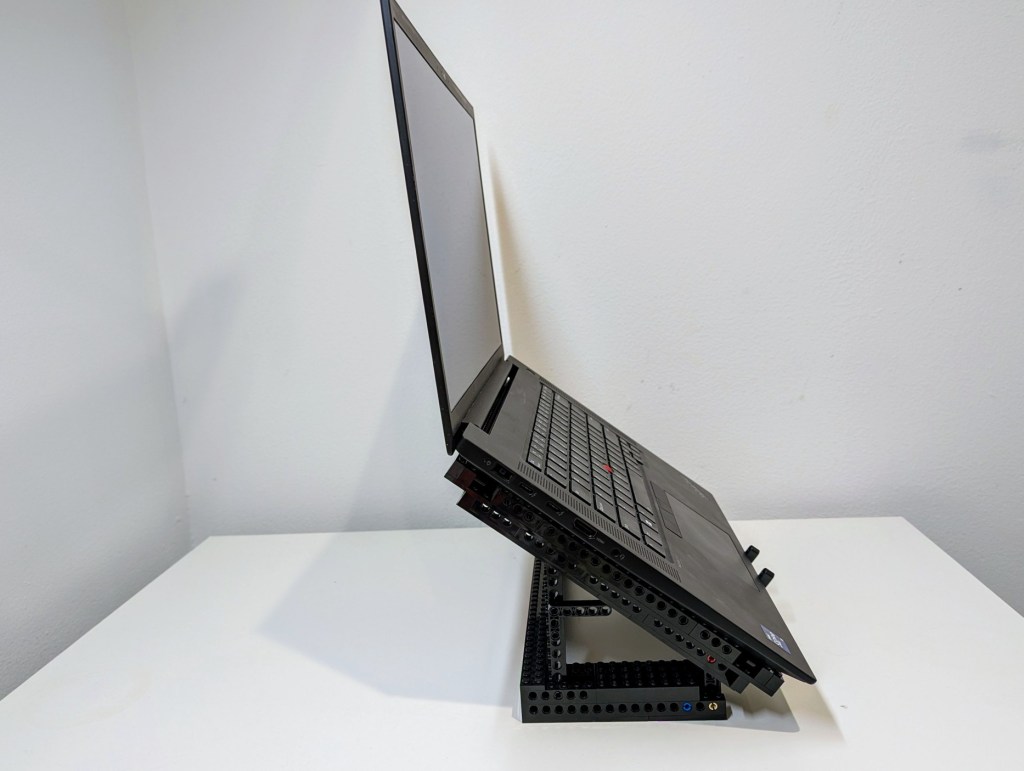
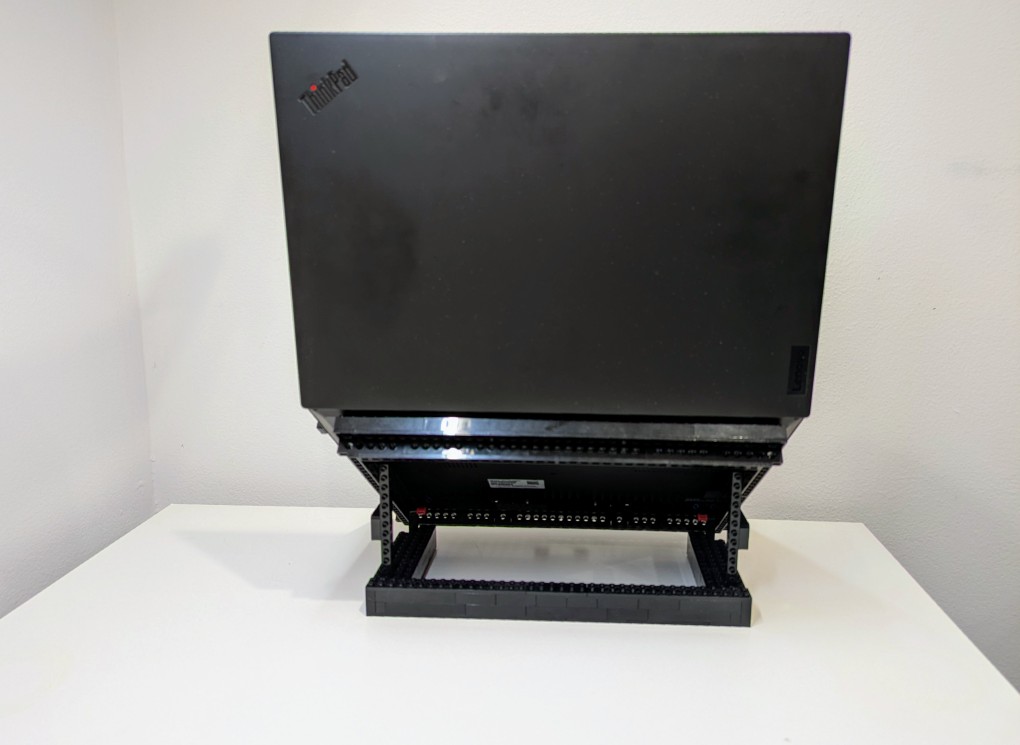
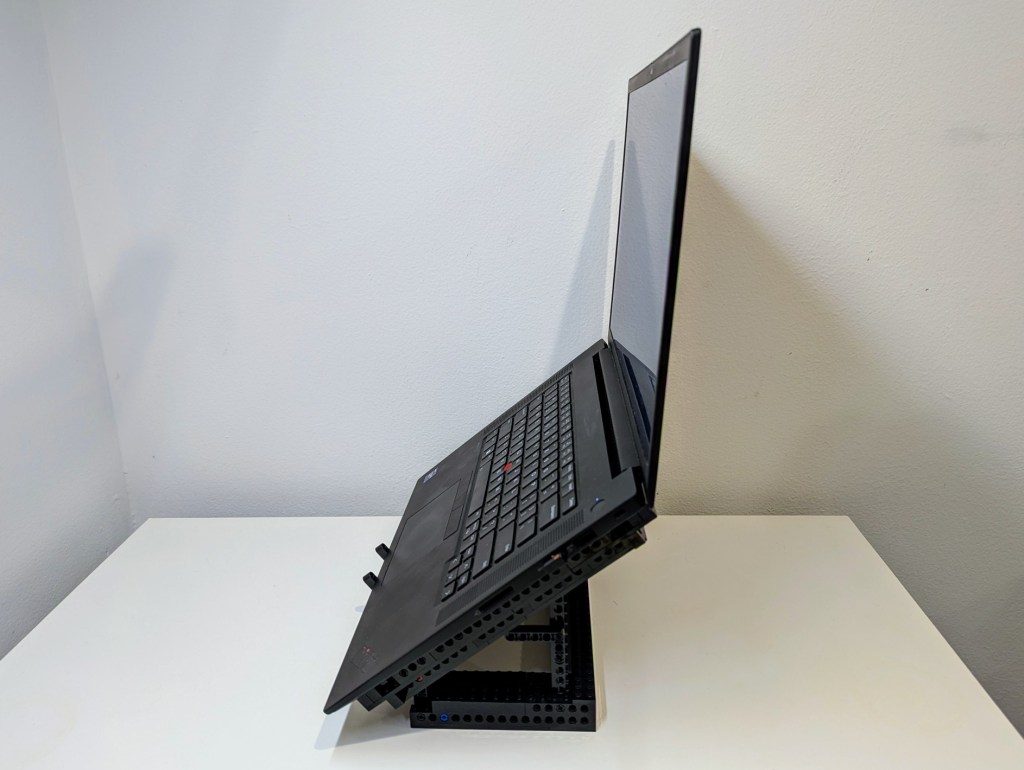
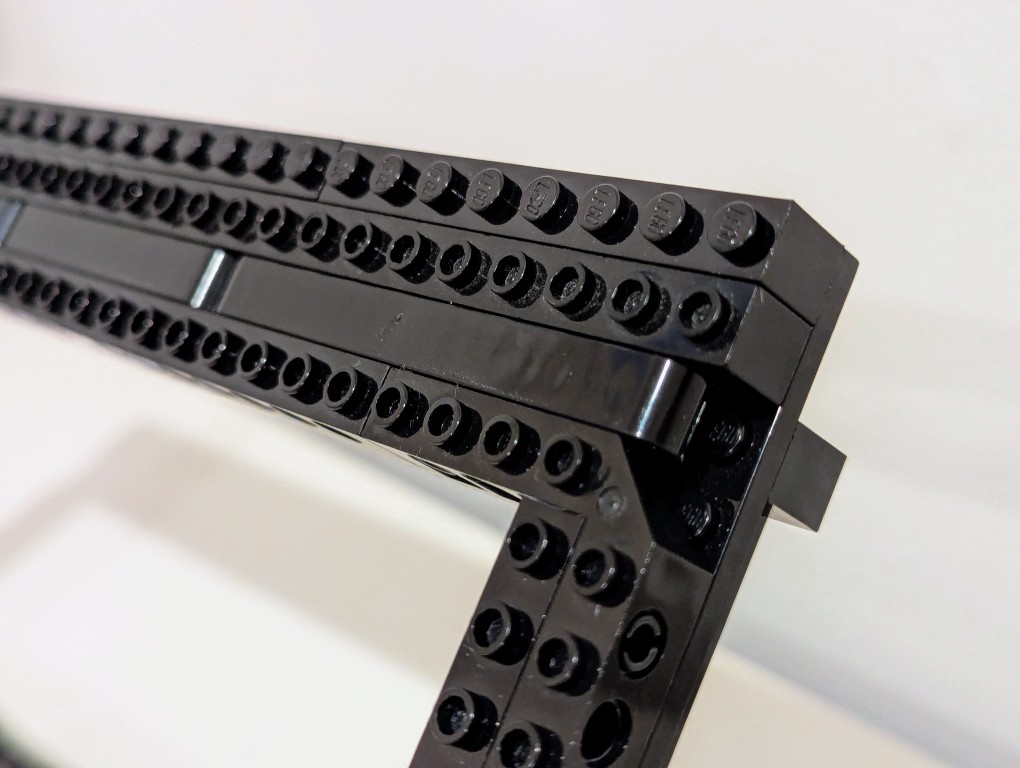
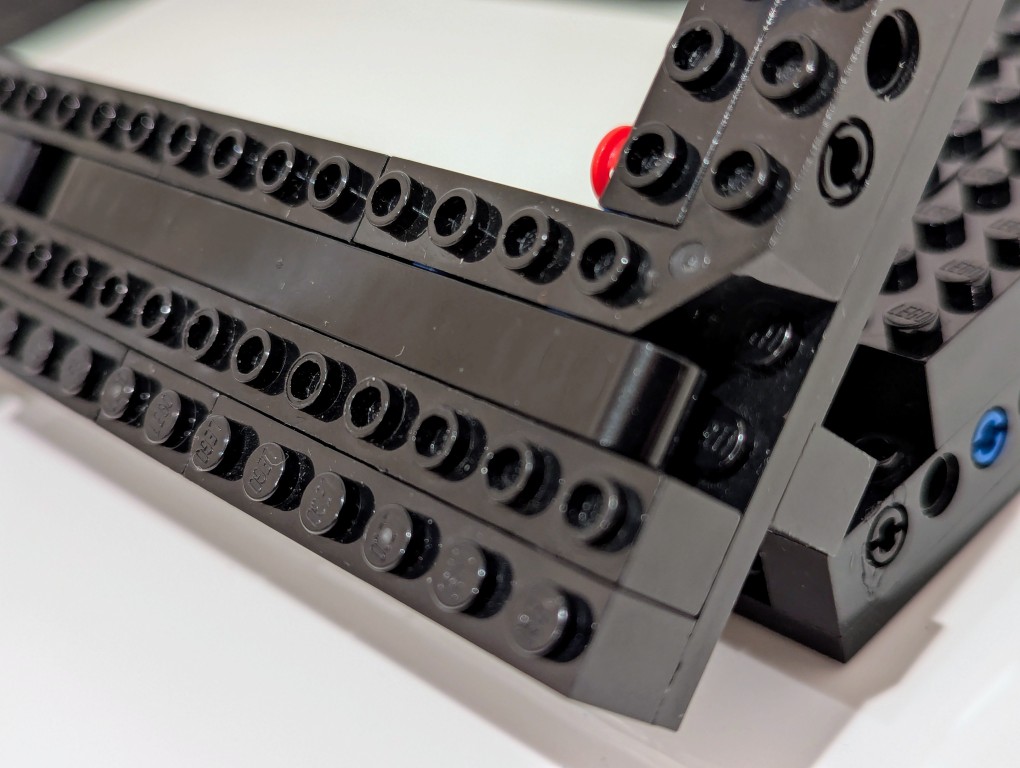
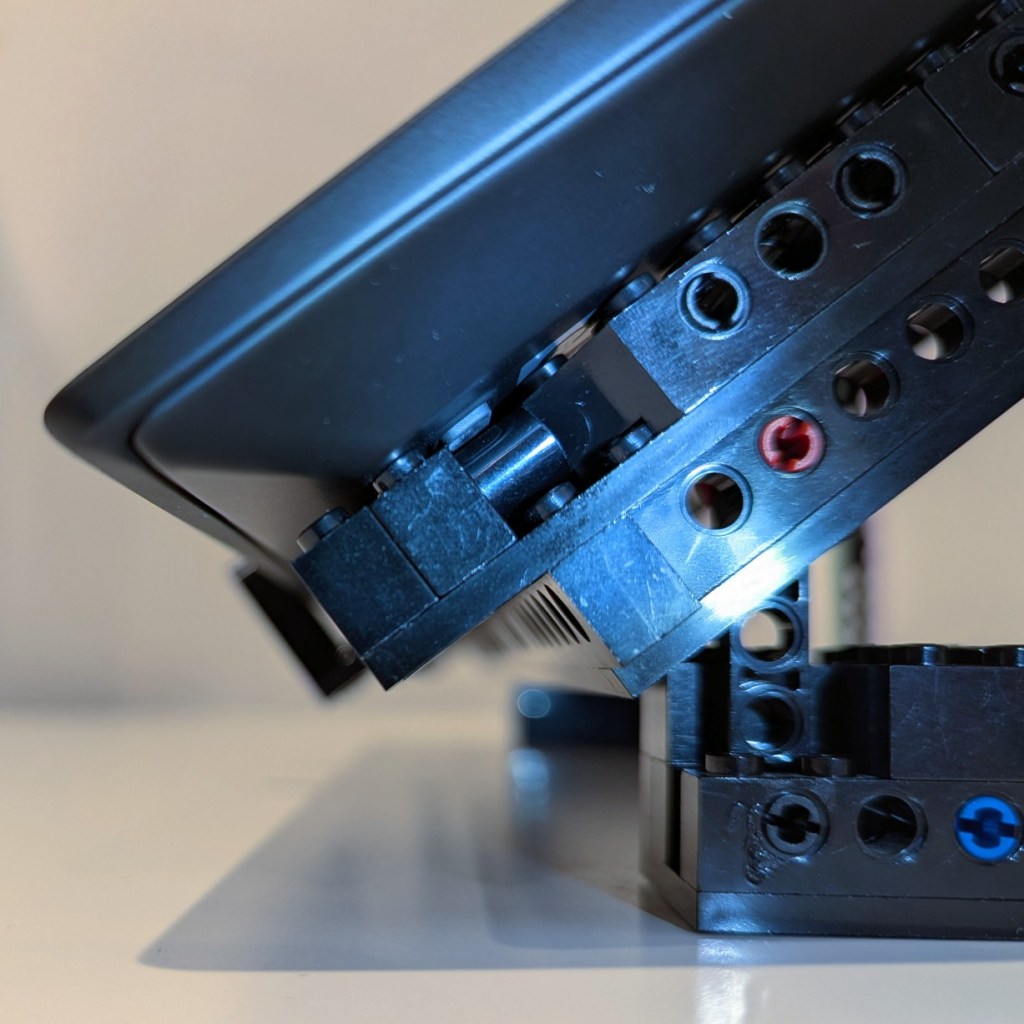
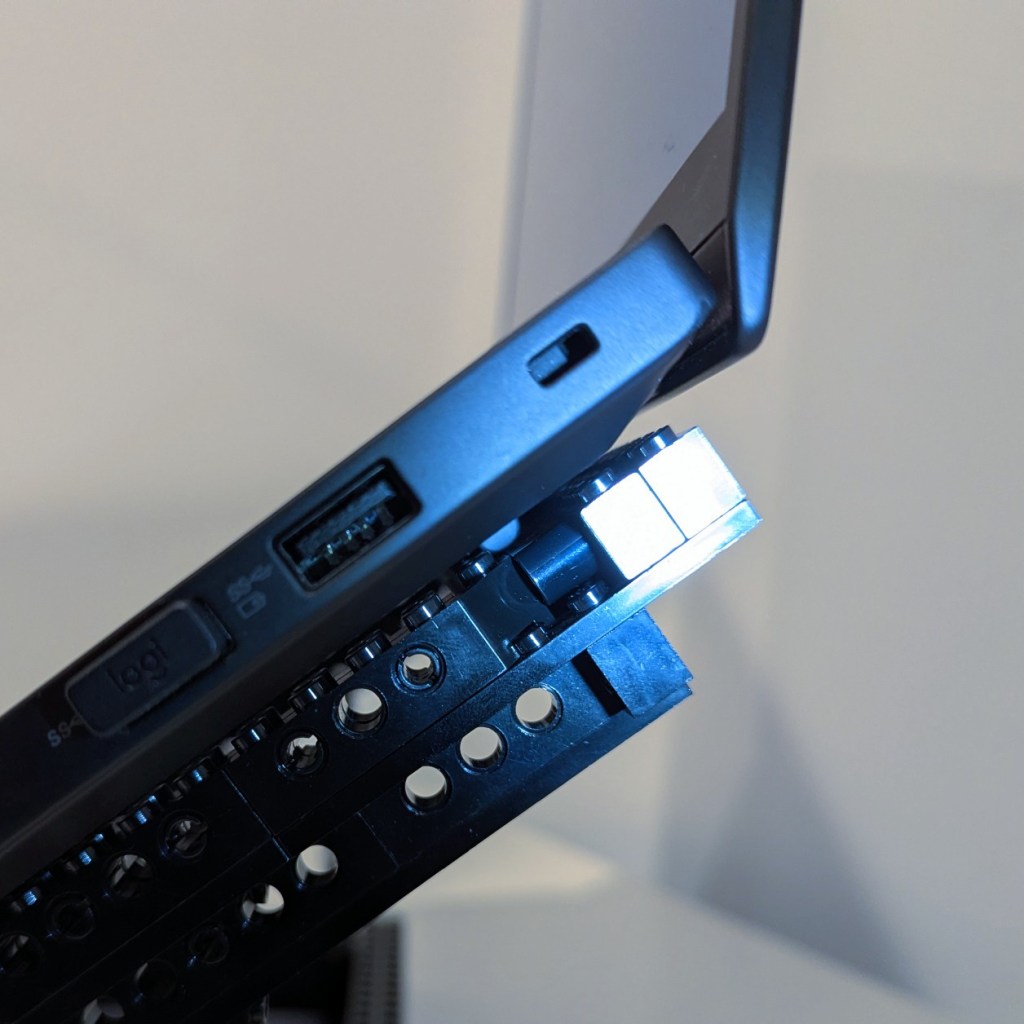
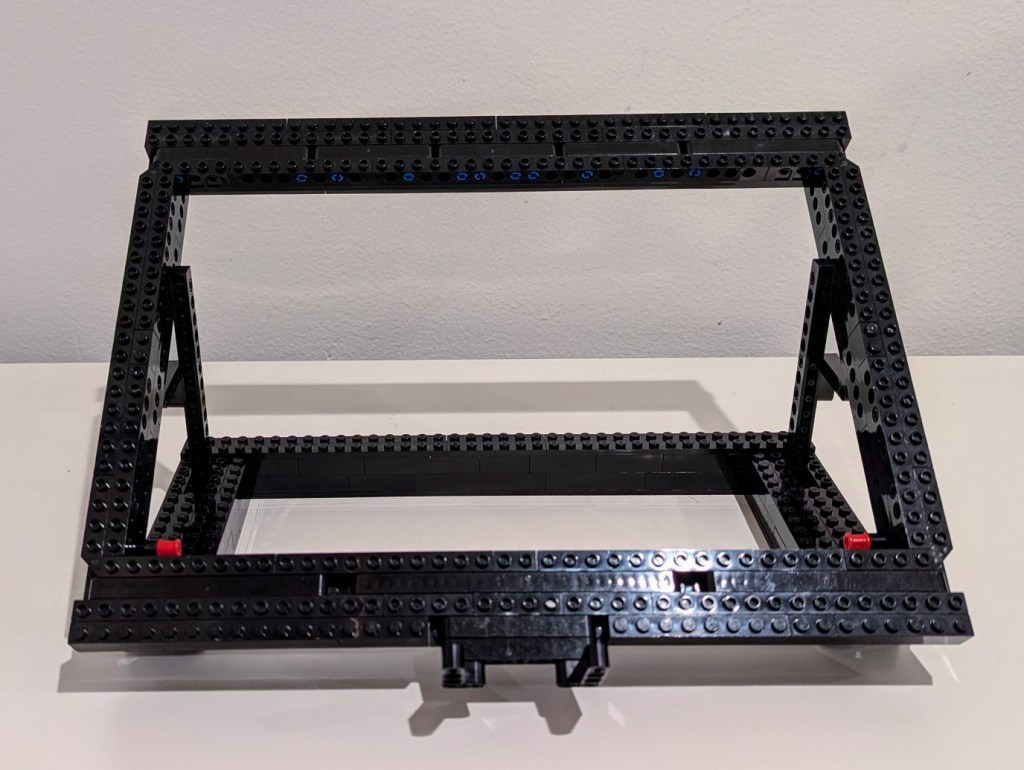
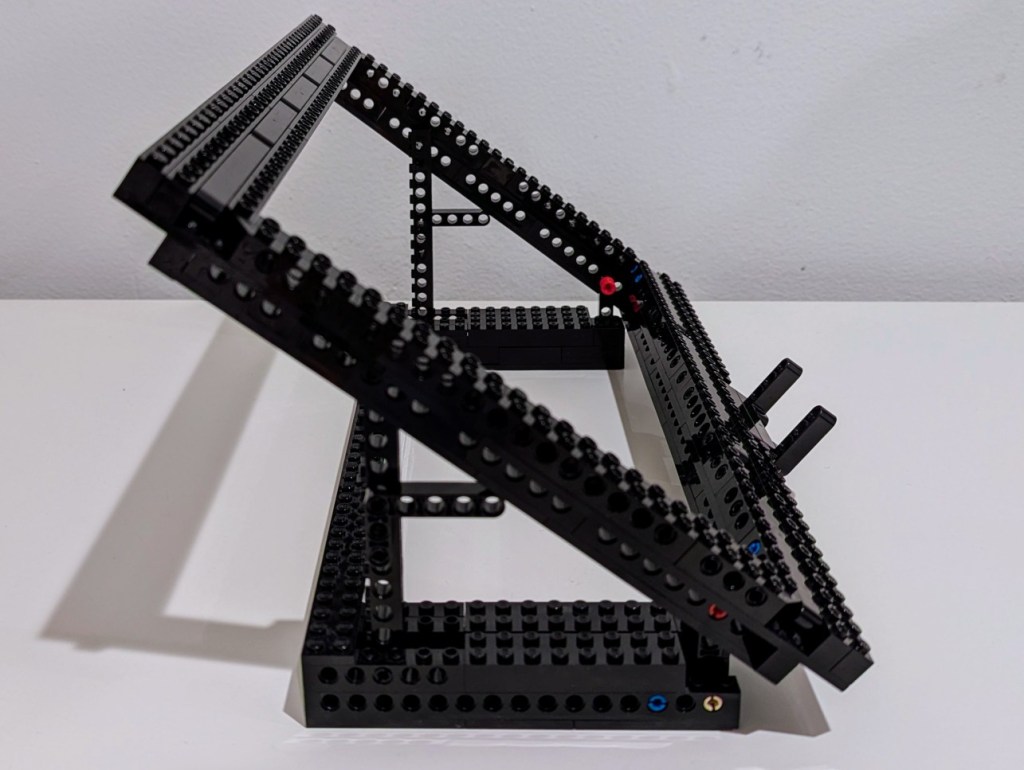
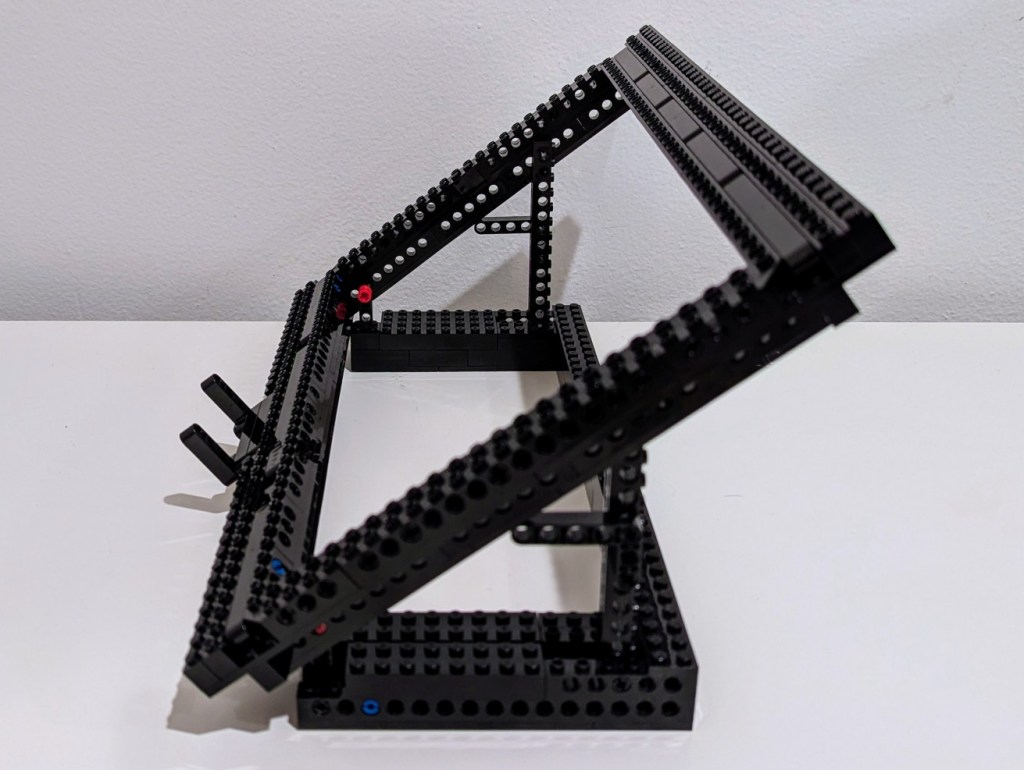
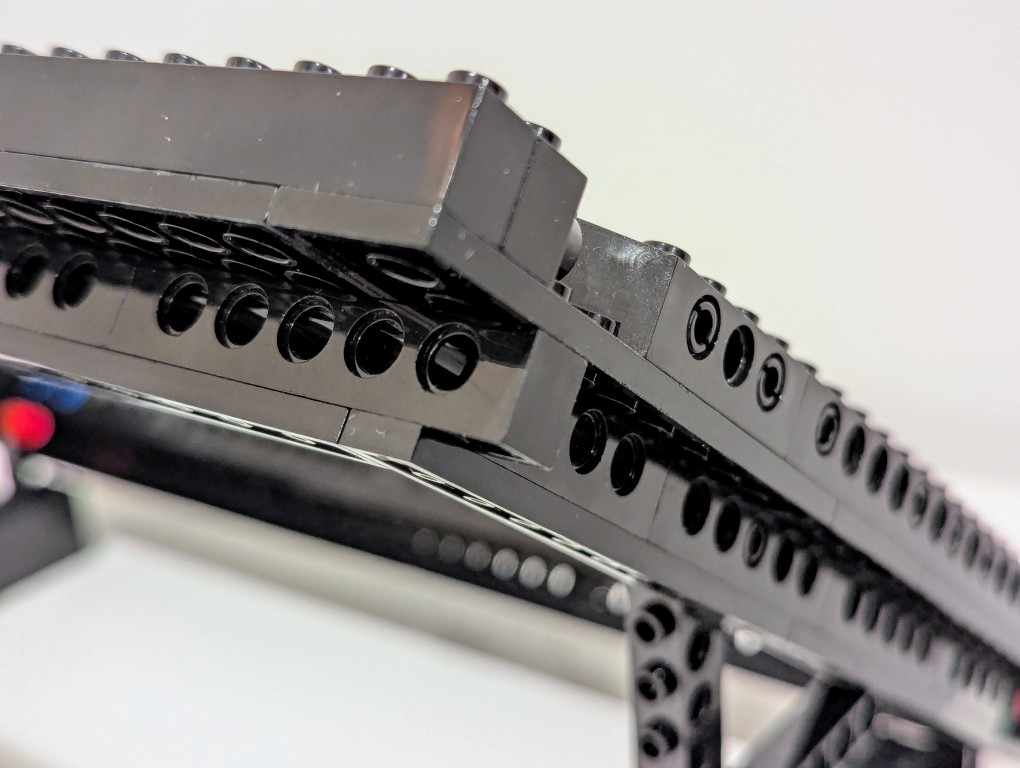
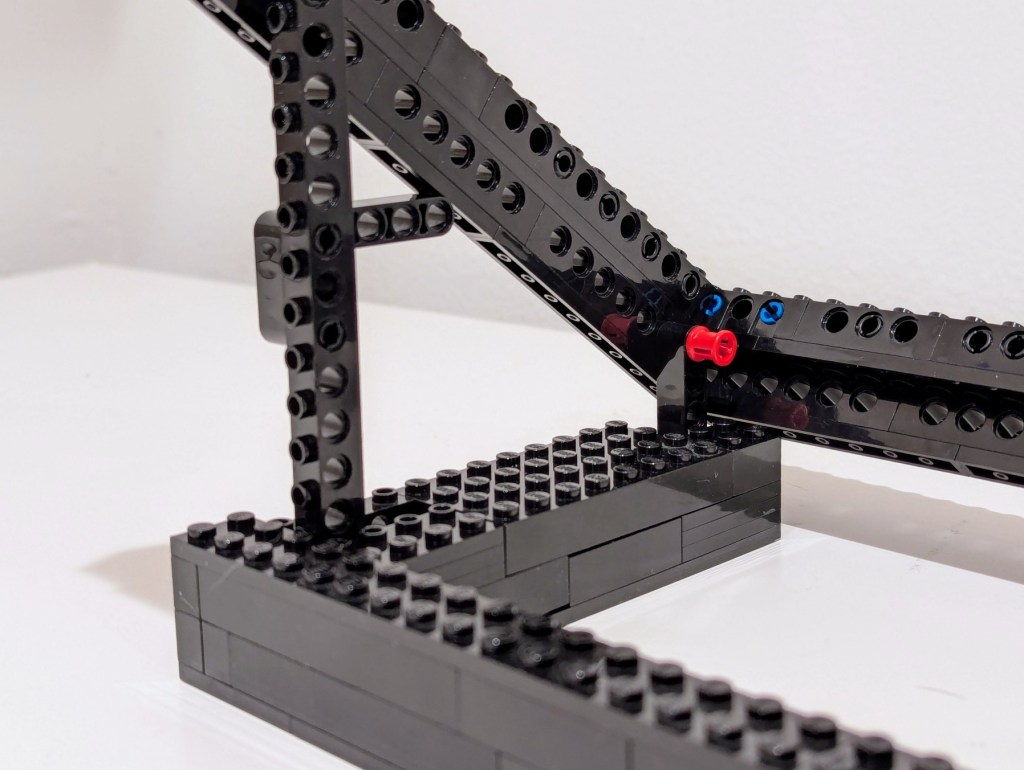
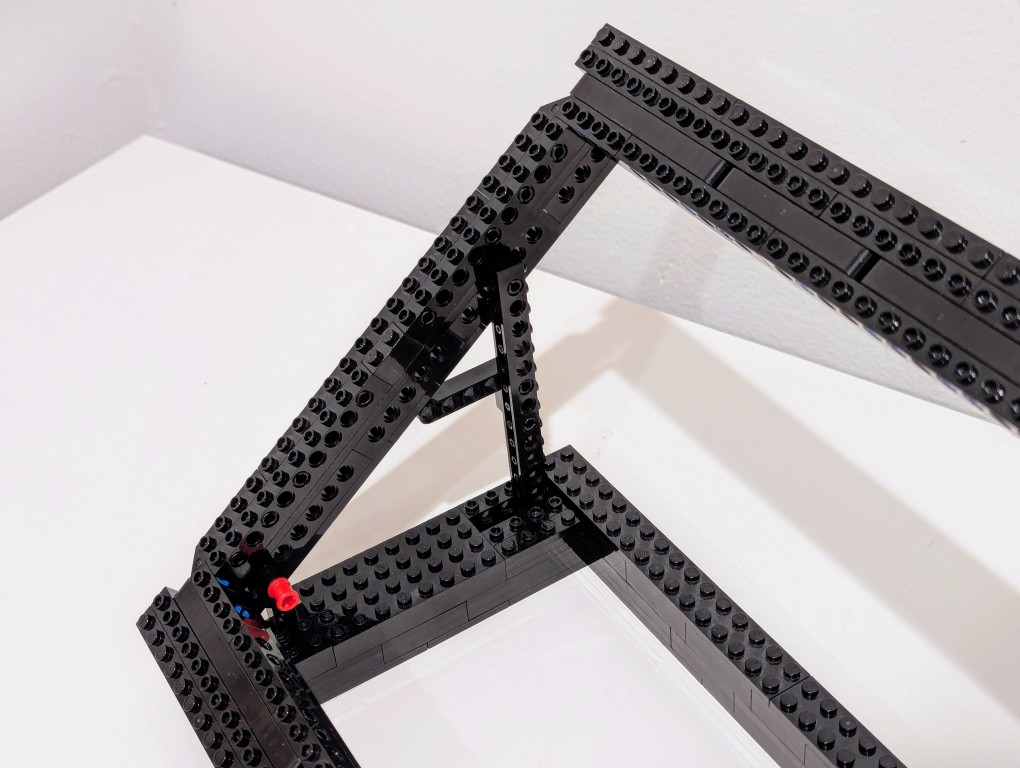
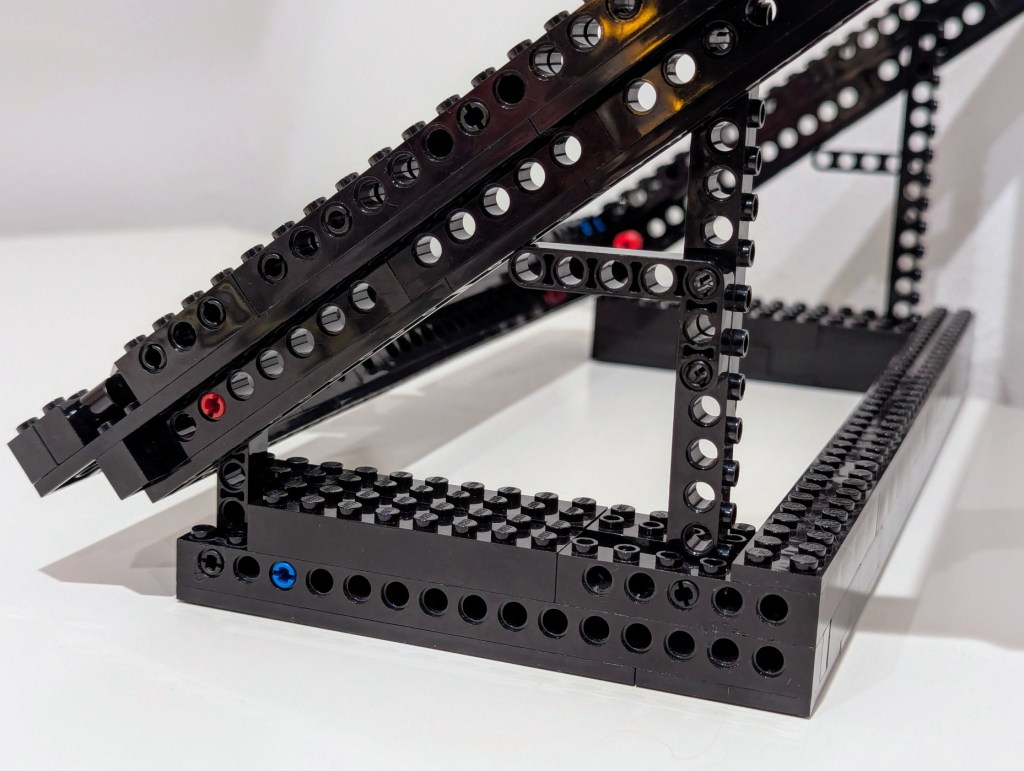
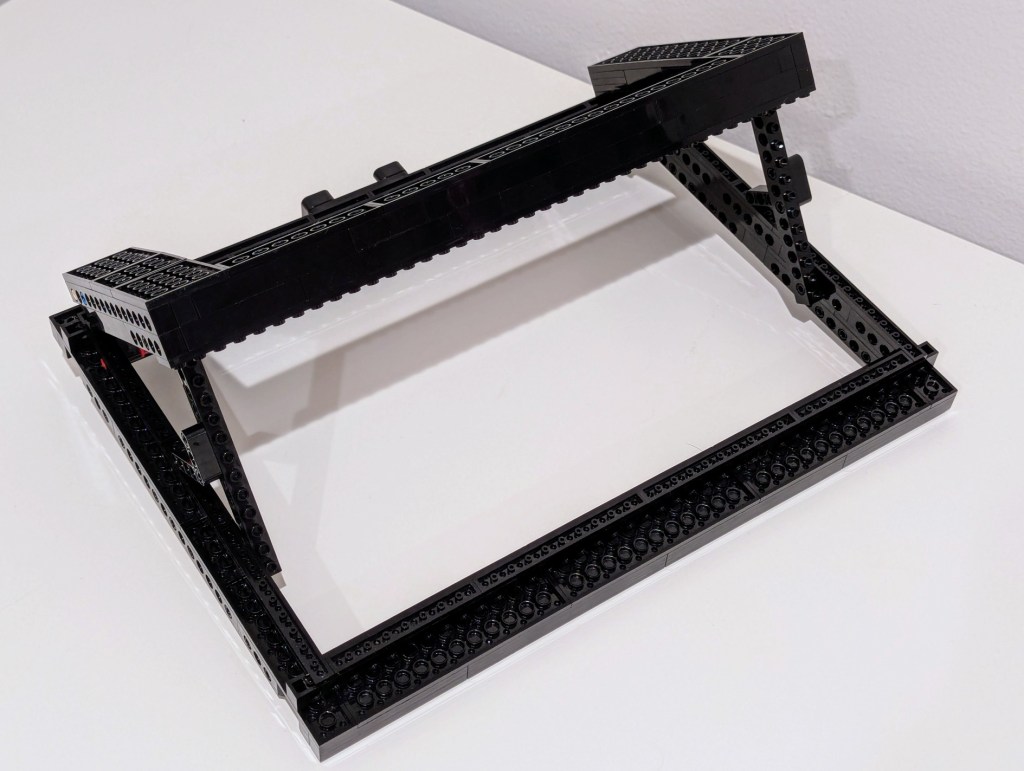
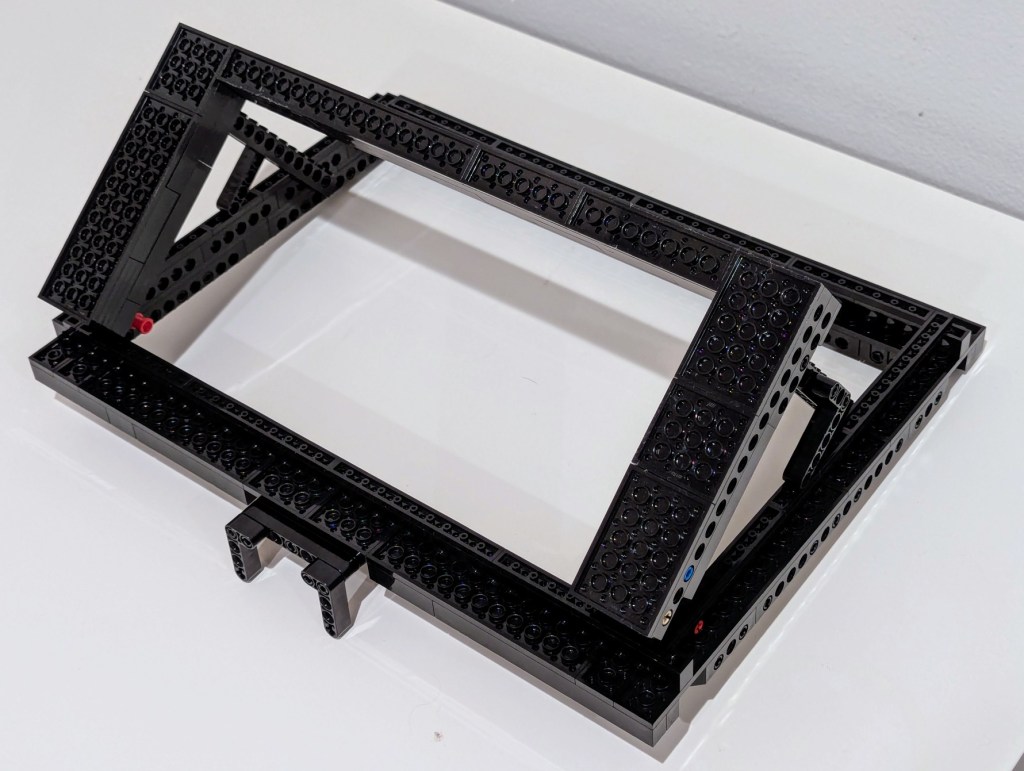
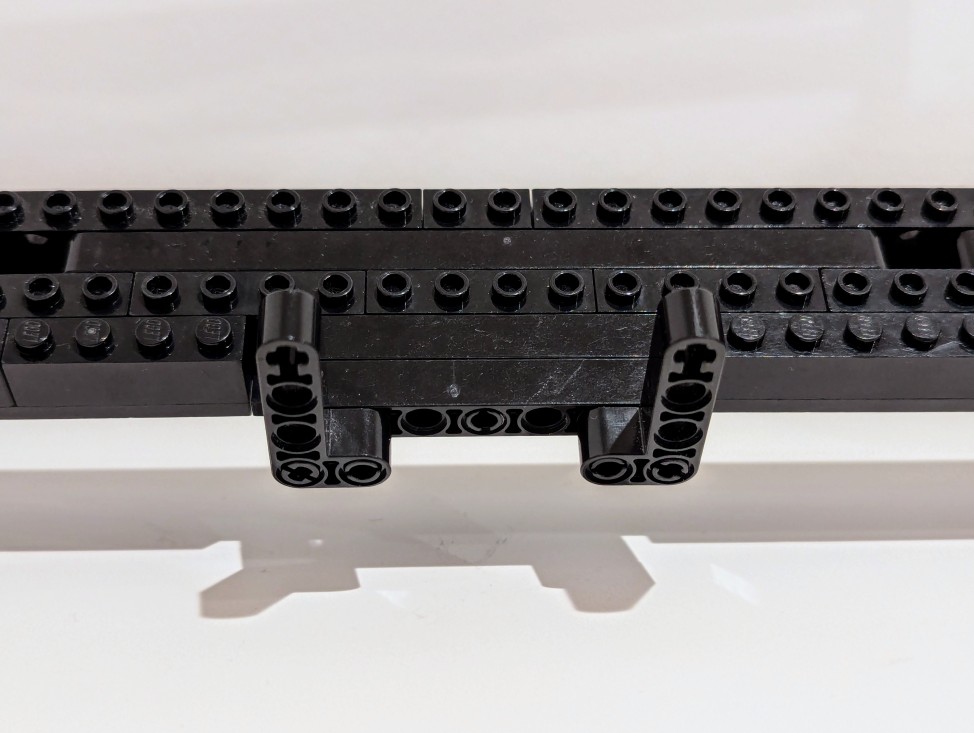
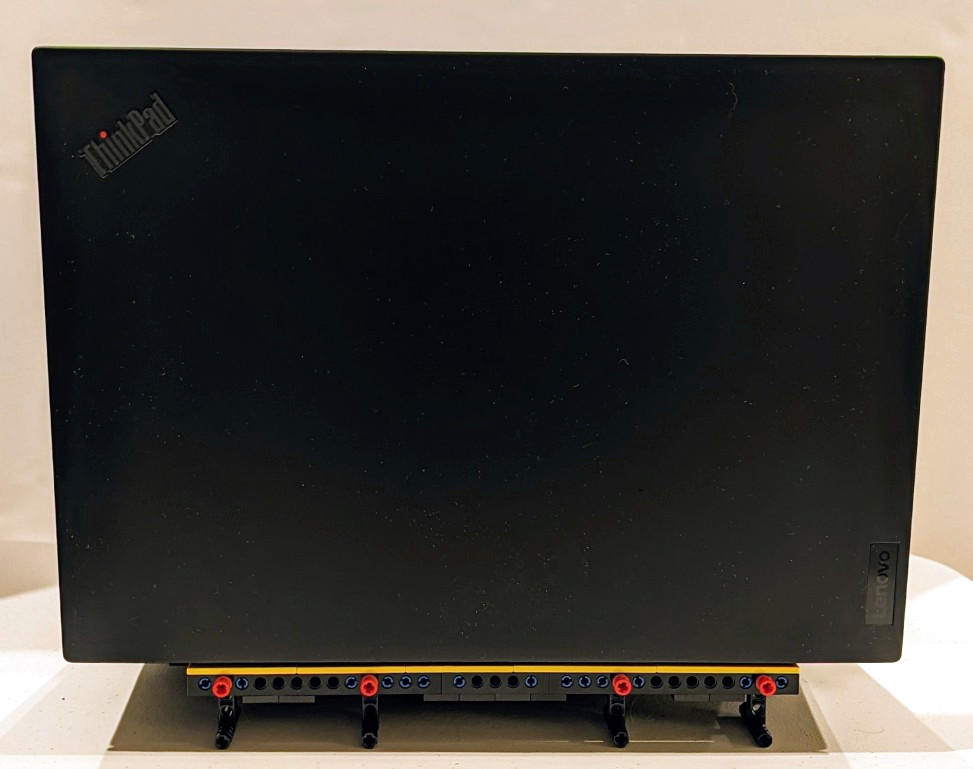
    It plows through all of the work that I throw out at, but it does sound like a jet engine when its two cooling fans spin up. I have found that raising it off the desk by a couple of inches helps tremendously with cooling by increasing air flow. I had been using rigged up stands, but I built a special stand out of LEGO that I will show in detail tomorrow (but there’s a sneak peek in the photos below).

    I can’t sing this laptop’s praises loudly enough! It works well with Debian 12 Bookworm, but it does have some issues with power saving/hibernation, which is a known issue and might have some work around that I haven’t tried yet.

    The one thing that it can’t do without when doing GPU-focused work is it’s chonky 230 watt external power supply. I bring it with me when I know it will eat through its battery doing jobs. I recently upgraded my backpack to a Mystery Ranch 2-Day Assault Pack, which has a built-in sleeve that easily accommodates 16″ laptops like this one (but it can be tricky to use the laptop side egress slot due to the ThinkPad’s thickness).