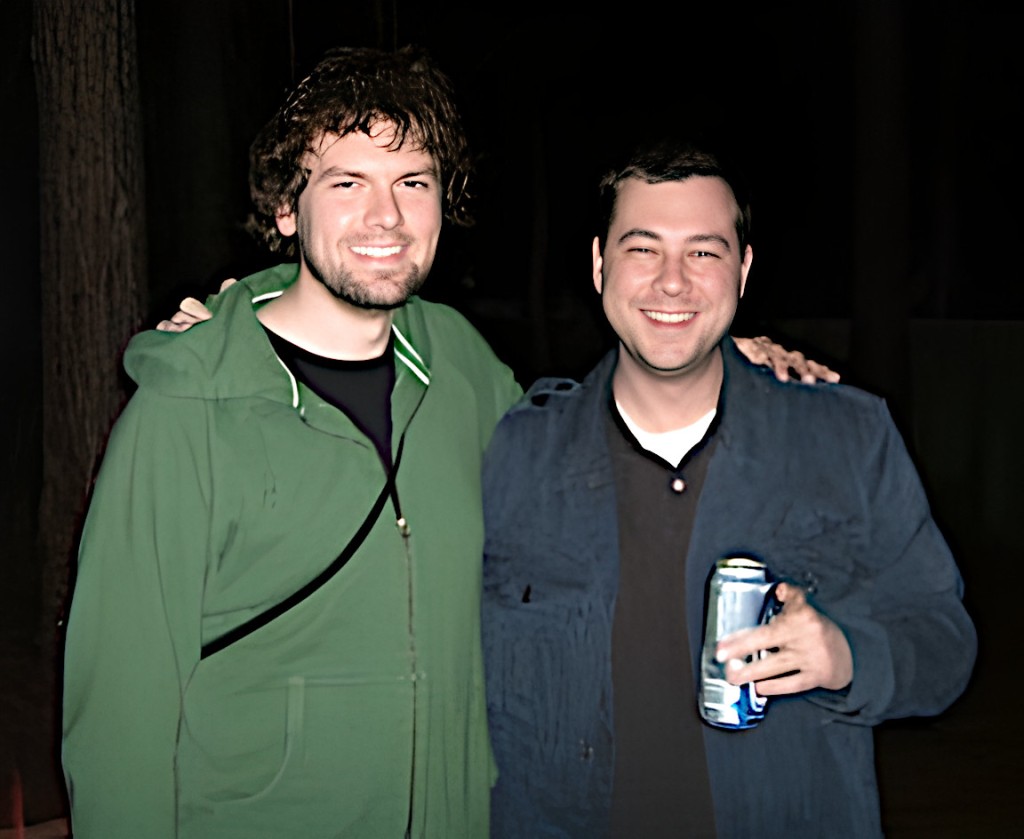
Recently, I was telling my City Tech colleague Kate Falvey about a habit of thought that I have when I encounter things that I would ordinarily want to share with a specific person who I think would be interested in that thing even though that person might have passed away. That kind of thought happens more often with my friend Chris Lee, who passed away in 2016. Our mutual interest in computers, pop culture, and video games was the currency of our friendship over many years that began when he saw me pull out my Apple Powerbook 145B in Mr. Norris’ Graphic Design class at Brunswick High School. Later, after we had a falling out around 2000, he mended the bridge and we became good friends again.
When we were younger, our great ambition was to open a computer repair shop and publicize it with a video of us marching through flames as Rammstein’s “Du Hast” blasts in the background. He pushed the limits of good sense by loading what I believe to be a record number of Control Panels and Extensions that would dance along the bottom of his Mac’s boot screen–at least three full lines of icons at 1024 x 768. He created archives of sound that surpassed mortal lifespans capable of listening to it all. He mastered anything released for the Nintendo GameCube. He had a phenomenal memory for movie dialog–a specialized eidetic memory that would have been a superpower at trivia night.
The last thing that we talked about was how much had gone on in our lives so far. I texted him, “Too bad we don’t have a time traveling DeLorean. We could stop by and blow our younger selves’ minds 😎.” His reply and last text to me was, “I wish I had a DeLorean.”
Not long after that, I got a call from our friend Kenny. Chris had died. He was back in Brunswick where our friendship had started. I couldn’t really write about it then, and even now, it’s difficult. I’m not able to say all that I feel and how I wish that I could share just a few things with Chris again.
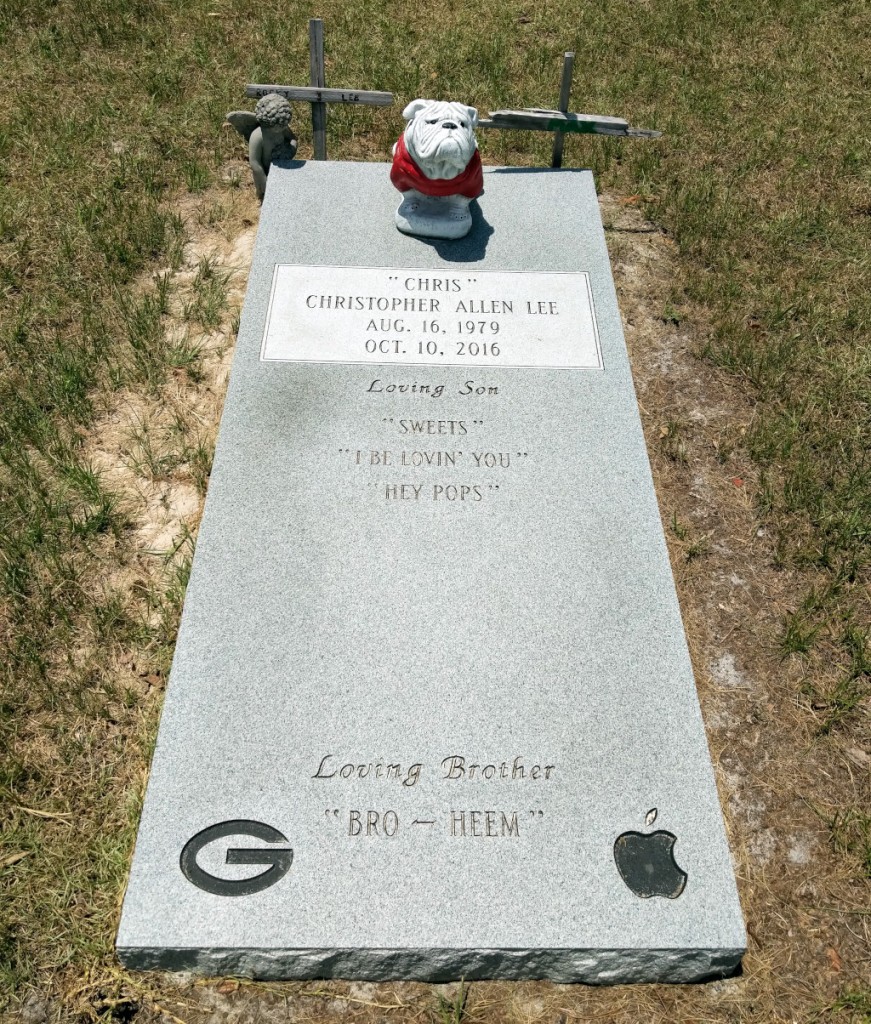
When I visit my parents, I try to visit Chris’s grave in Smyrna Cemetery, which is between Nahunta and Hortense. His grave marker highlights some of his life’s loves, including Apple Computer. Of course, I wish that Chris could hear when I talk, but I know that what I say is only heard by regret.
Lexikon-Sonate 3.0 is a program that generates music algorithmically. Karlheinz Essl, the Austrian composer and performer, began developing this software in 1992 and released it as Shareware. Essl continued developing the software until 2020 and released the latest versions for Windows and MacOS as freeware with a Creative Commons Attribution-NonCommercial-NoDerivs 3.0 License.
In the included Word doc named “About Lexikon-Sonate,” Essel writes that the software is “An Interactive Realtime Composition for Computer-Controlled Piano.” He expands on this in the abstract for the software, “Lexikon-Sonate is a work in progress which was started in 1992. Instead of being a composition in which the structure is fixed by notation, it manifests itself as a computer program that composes the piece – or, more precisely: an excerpt of a virtually endless piano piece – in real time. Lexikon-Sonate lacks two characteristics of a traditional piano piece: 1) there is no pre-composed text to be interpreted, and 2) there is no need for an interpreter. Instead, the instructions for playing the piano – the indication “which key should be pressed how quickly and held down for how long” – are directly generated by a computer program and transmitted immediately to a player piano which executes them. In this paper I will describe from where I started and how I arrived at the concept of an infinite interactive realtime composition.” The rest of the Word doc file is a detailed guide that explains its origins, how it works, and how to use it.
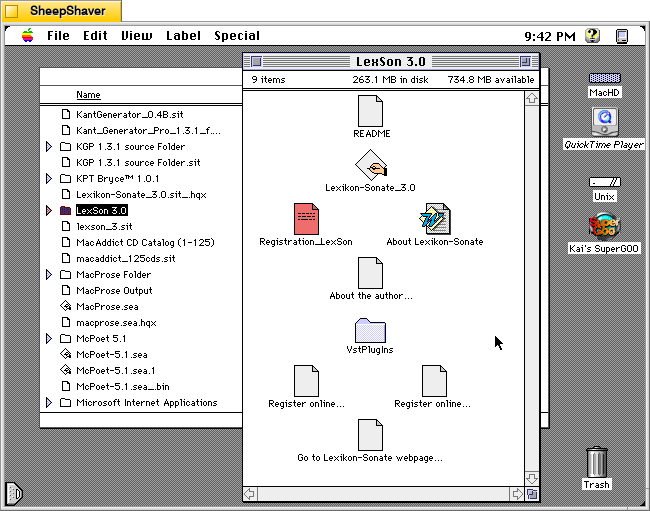
For this post, I tried out Lexikon-Sonate 3.0 on Macintosh System 7.5.5 with Quicktime 4.1.2 installed so that it had access to Quicktime Instruments instead of MIDI output playback.
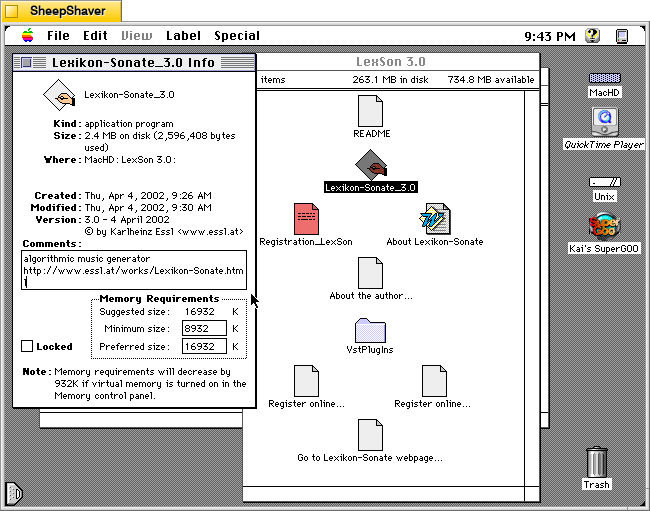
The Lexikon-Sonate_3.0 application Get Info window reports that it is version 3.0 dated 4 April 2002. It is 2.4MB in size, and its minimum memory requirement is 8,932K and its preferred size is 16,932K. The Comments box includes a brief description of “algorithmic music generator” and a link to Essl’s website for Lexikon-Sonate.
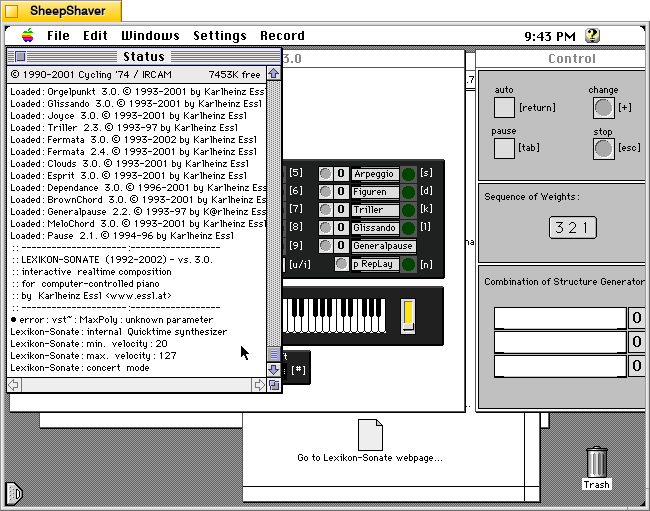
When you first open Lexikon-Sonate, the Status window on the right serves as a console reporting information like settings, loading modules, and the amount of free memory. It falls into the background when the primary interactive windows load below.
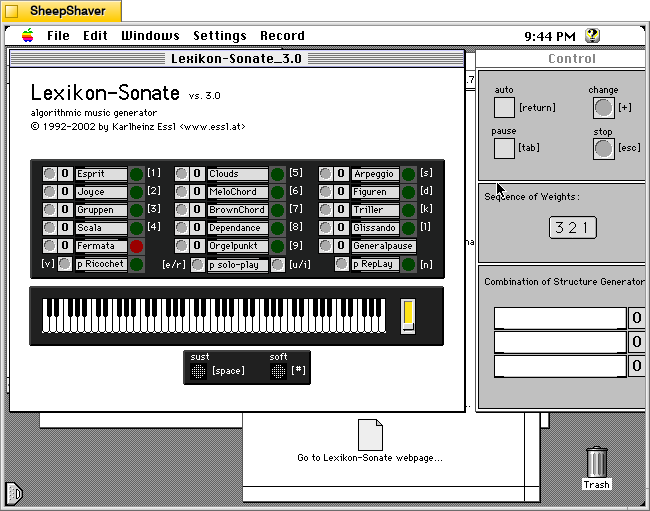
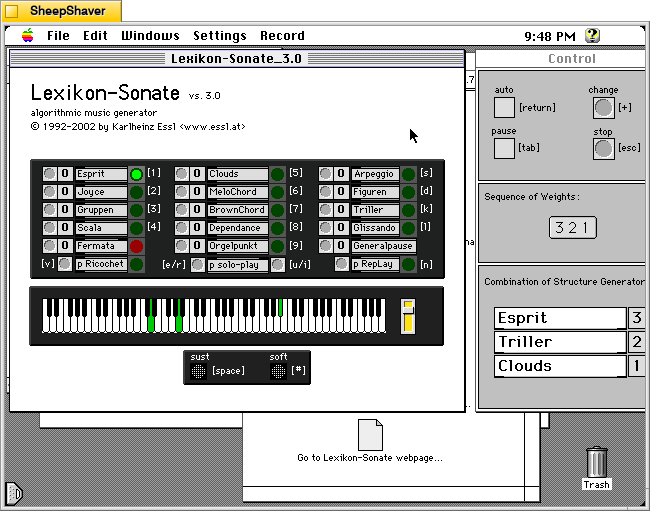
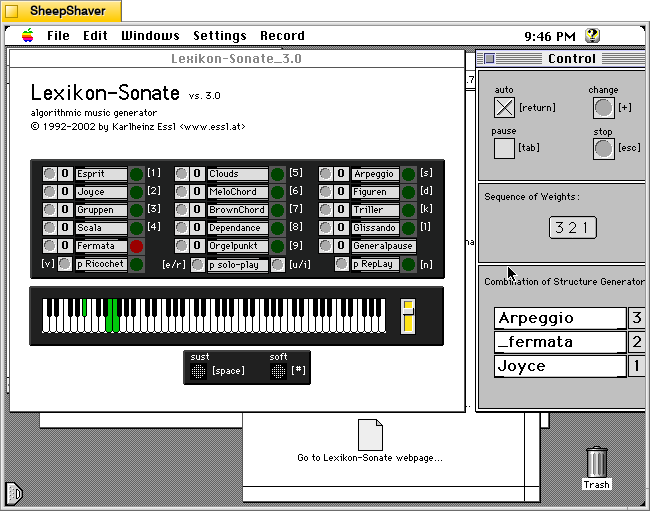
The main Lexikon-Sonate_3.0 window is on the left and the Control window is on the right. The main window shows the available algorithm music generating modules at the top, which can be selected in a sequence of up to 3 by clicking the grey circle to the left of each module. The selected modules will appear in the “Combination of Structure Generator” box at the bottom of the Control window on the right.
As the program begins to play music created by these algorithms, the keys illuminate to show what keys and chords are being played along with the dynamic slider. The sustain and soft pedals can be activated by the user by pressing the Space Bar or # respectively. Pressing the Escape key halts the current music generation.
If the user clicks on “auto” in the Control window or presses the Return key, the software will cycle through modules on its own giving the software total control of the music generation process.
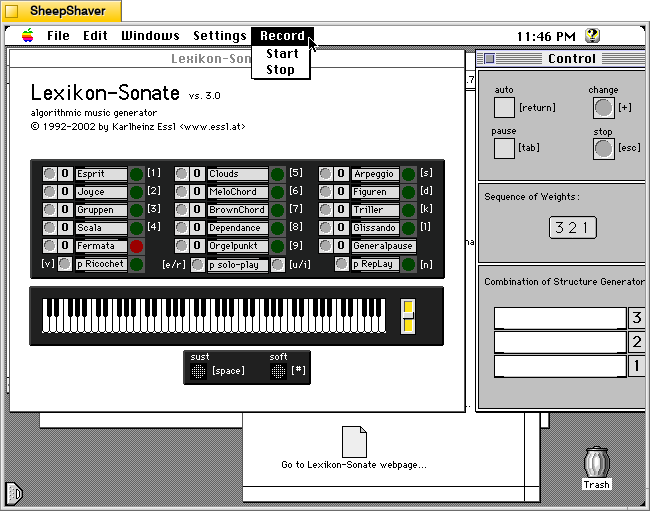
If this version of the software were registered, you have access to the Record > Start or Stop feature.
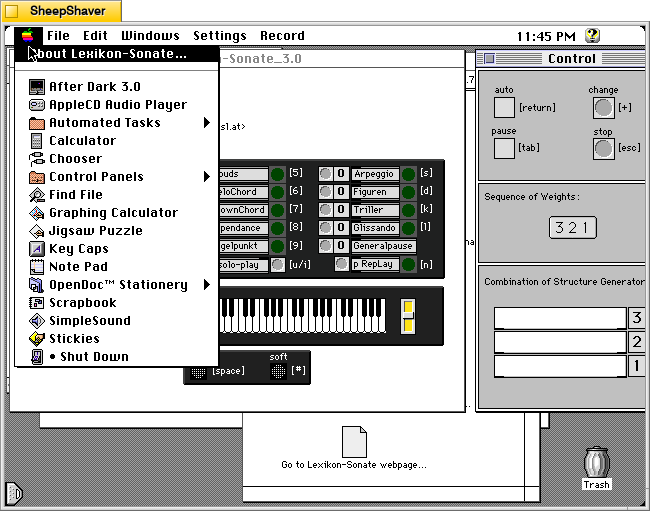
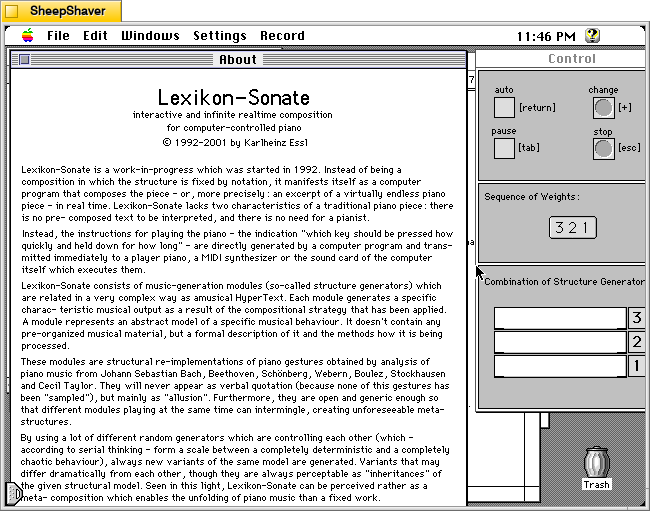
The Apple menu > About Lexikon-Sonate has a detailed window summarizing how the software works.
The descriptive About window in Lexikon-Sonate 3.0.
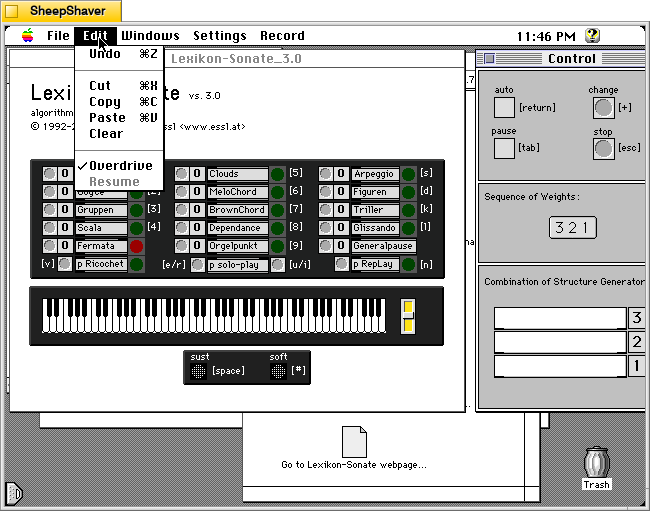
The Edit menu with an option for “Overdrive” pre-selected.
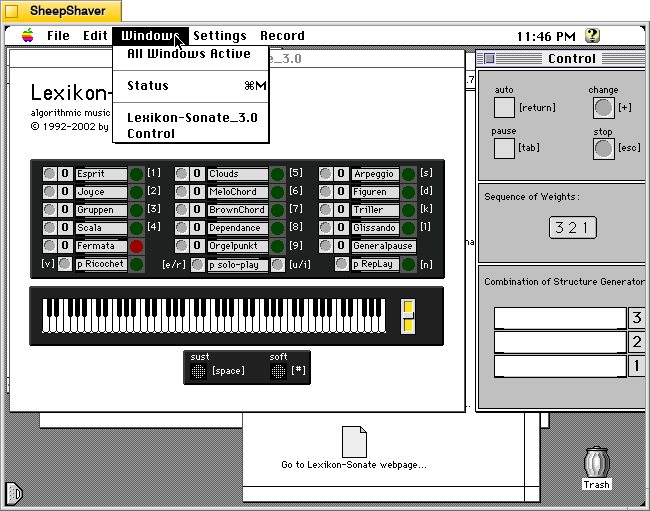
The Windows menu listing its three windows: Status (the console in the background), Lexikon-Sonate_3.0 (main window on the left), and Control (the main control window for starting and stopping play on the right).
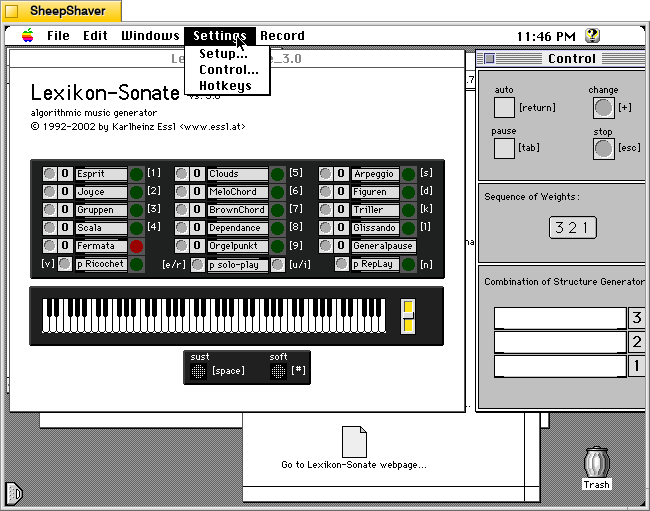
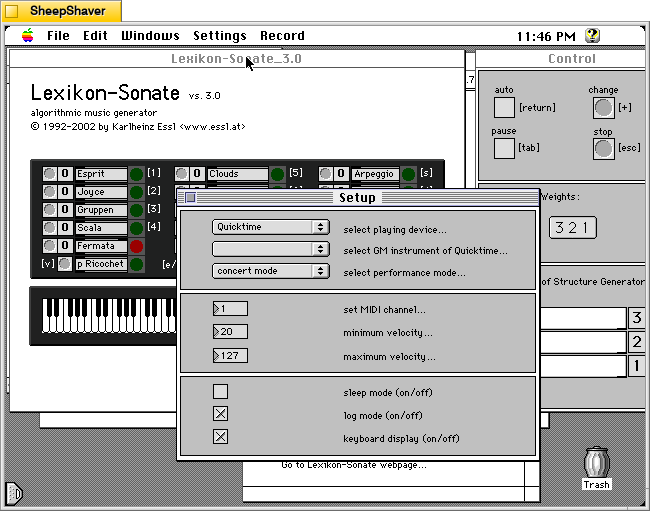
From the Settings menu, Setup opens a new window with settings for playback and MIDI (see below). The Control option opens the Control window. Hotkeys does not seem to do anything on my installation.
Since I don’t have a MIDI device (and they can be difficult to configure with Sheepshaver anyways), I opted to play through Quicktime (automatically selected by default). There are other settings for MIDI and logging on this window, too.
Lexikon-Sonate seems like a remarkable piece of software that I wish that I had known about many years ago. It would have been something I would have enjoyed experimenting with.
Also, Essl has created remarkable recordings and made interesting performances using his software, some of which are shared in videos on his website here.