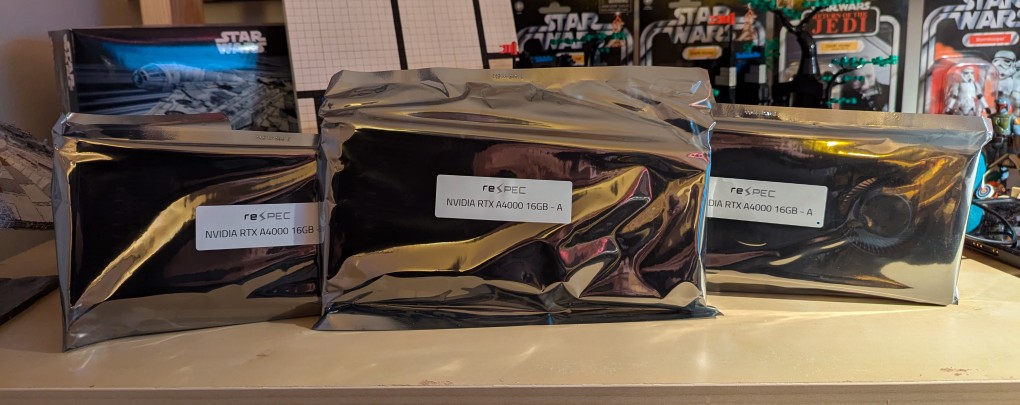
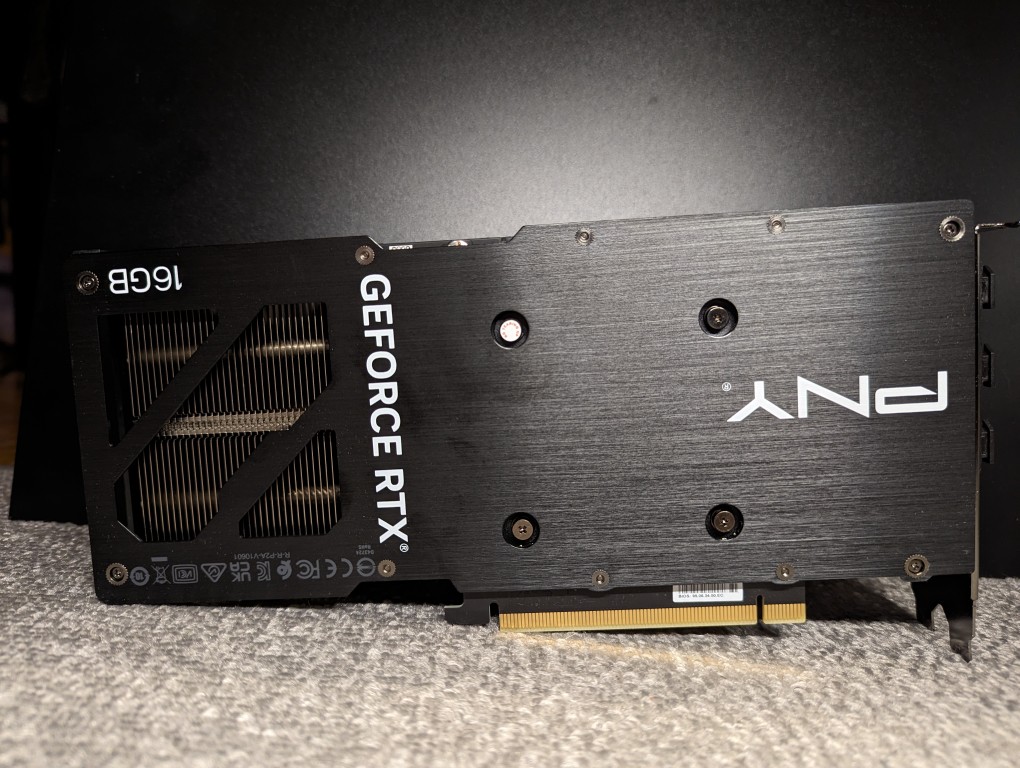
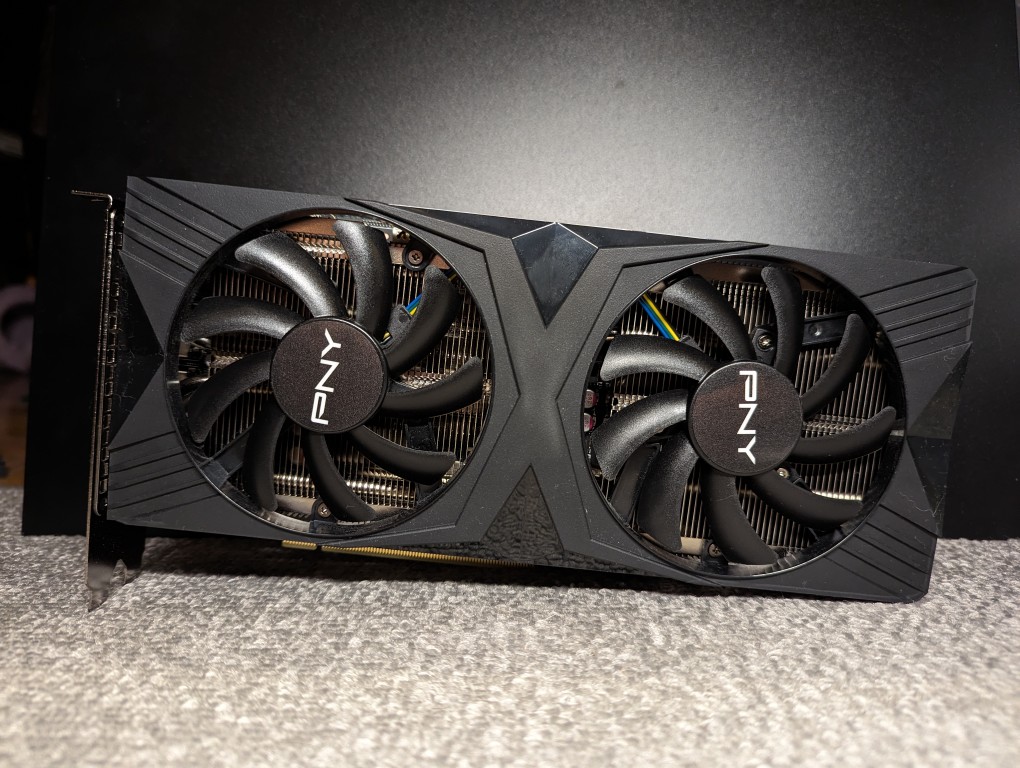
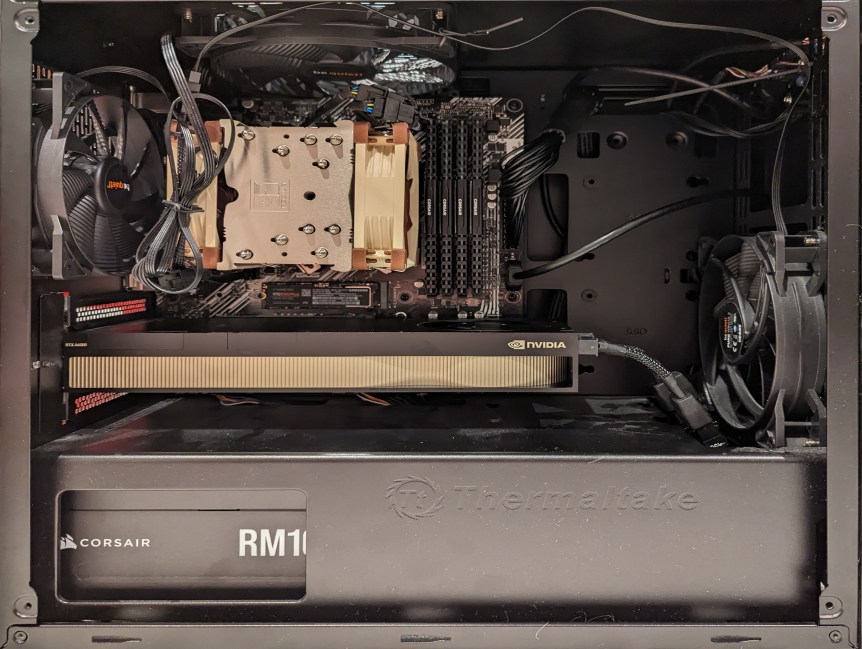
After receiving a new AMD Ryzen 7 7700 CPU earlier this week, I received the three NVIDIA RTX A4000 16GB VRAM video cards pictured above in antistatic bags today for my new AI workstation. Brand new, these cards run just over $1000, but I got these refurbished ones from an eBay seller for just under $600 each. These three video cards will work alongside my NVIDIA RTX 3090 Founders Edition 24GB VRAM video card for a total of 72GB VRAM, which will allow me to run low-or-no quantized large language models at a much faster output rate than I currently can using the 3090 with system RAM. The limited PCIe lanes on the Gigabyte motherboard that I ordered shouldn’t be too limiting as far as inference work is concerned.
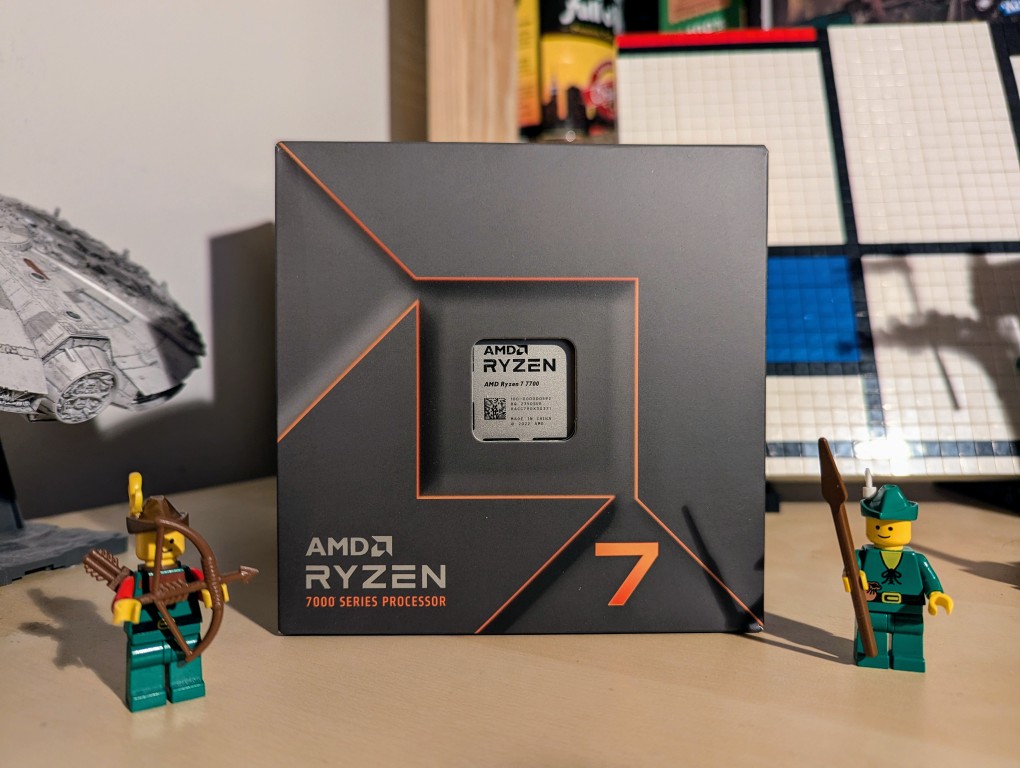
Knowing that tariffs, or a tax ultimately paid by those who buy those imported goods, are coming, I planned out a new workstation for doing LLM and Generative AI work. The first part arrived today: an AMD Ryzen 7 7700 CPU. While I would have certainly loved to build a system around an AMD Threadripper Pro with its 8-channel memory and numerous PCIe slots and plenty of lanes to support maximum throughput, I am just an English professor of simple means, so I opted to build around the least expensive options available to me and using a combination of new and used parts. Therefore, I am upgrading from my current AM4 socket system to an AM5 socket motherboard that supports DDR5 memory and this lower-wattage, non-overclocking CPU. I’m currently waiting on the arrival of a motherboard with 4 PCI slots (spaced to allow the four video cards that I plan to run), three NVIDIA RTX A4000 video cards with 16GB VRAM (used via eBay), 64GB (2 x 32GB) Corsair DDR5 RAM, and an ATX mid-tower case. I’ll use my current drives, 1000 watt power supply, and NVIDIA RTX 3090 Founders Edition video card in the new system. Most of my work focuses on inference, so the slower PCI slots in this build won’t hurt too bad–it should far exceed CPU inference even with faster RAM.
As I documented last year, I made a substantial investment in my computer workstation for doing local text and image generative AI work by upgrading to 128GB DDR4 RAM and swapping out a RTX 3070 8GB video card for NVIDIA’s flagship workstation card, the RTX A6000 48GB video card.
After I used that setup to help me with editing the 66,000 word Yet Another Science Fiction Textbook (YASFT) OER, I decided to sell the A6000 to recoup that money (I sold it for more than I originally paid for it!) and purchase a more modest RTX 4060 Ti 16GB video card. It was challenging for me to justify the cost of the A6000 when I could still work, albeit more slowly, with lesser hardware.
Then, I saw Microcenter begin selling refurbished RTX 3090 24GB Founder Edition video cards. While these cards are three years old and used, they sell for 1/5 the price of an A6000 and have nearly identical specifications to the A6000 except for having only half the VRAM. I thought it would be slightly better than plodding along with the 4060 Ti, so I decided to list that card on eBay and apply the money from its sale to the price of a 3090.
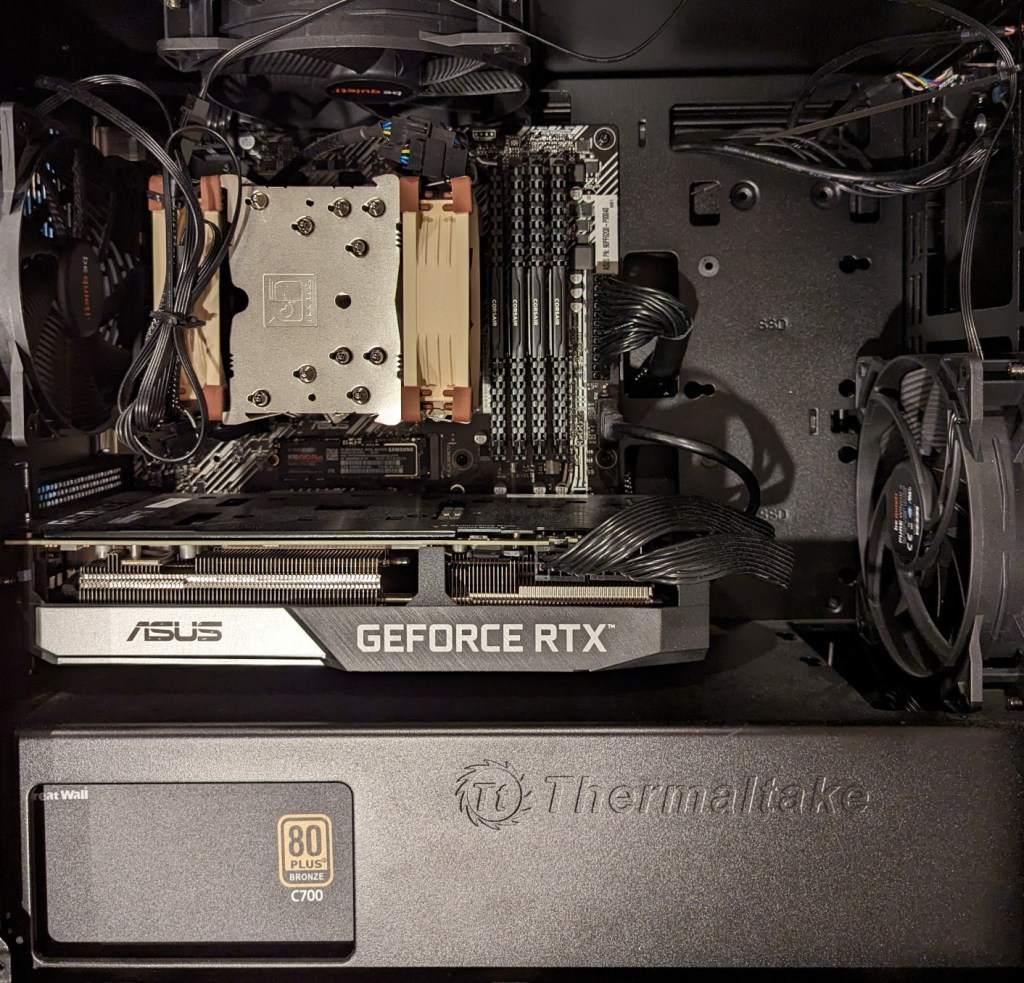
As you can see above, the 3090 is a massive video card–occupying three slots as opposed to only two slots by the 3070, A6000, and 4060 Ti shown below.
The next hardware investment that I plan to make is meant to increase the bandwidth of my system memory. The thing about generative AI–particularly text generative AI–is the need for lots of memory and more memory bandwidth. I currently have dual-channel DDR4-3200 memory (51.2 GB/s bandwidth). If I upgrade to a dual-channel DDR5 system, the bandwidth will increase to a theoretical maximum of 102.4 GB/s. Another option is to go with a server/workstation with a Xeon or Threadripper Pro that supports 8-channel DDR4 memory, which would yield a bandwidth of 204.8 GB/s. Each doubling of bandwidth roughly translates to doubling how many tokens (the constituent word/letter/punctuation components that generative AI systems piece together to create sentences, paragraphs, etc.) are output by a text generative AI using CPU + GPU inference (e.g., llama.cpp). If I keep watching for sales, I can piece together a DDR5 system with new hardware, but if I want to go with an eight-channel memory system, I will have to purchase the hardware used on eBay. I’m able to get work done so I will keep weighing my options and keep an eye out for a good deal.
I’ve been pleased with the performance of the PNY NVIDIA RTX 4060Ti 16GB video card that I got to replace the A6000 (before and after photos here). While the new card has less memory, bandwidth, and horsepower, it does what I need it to do.
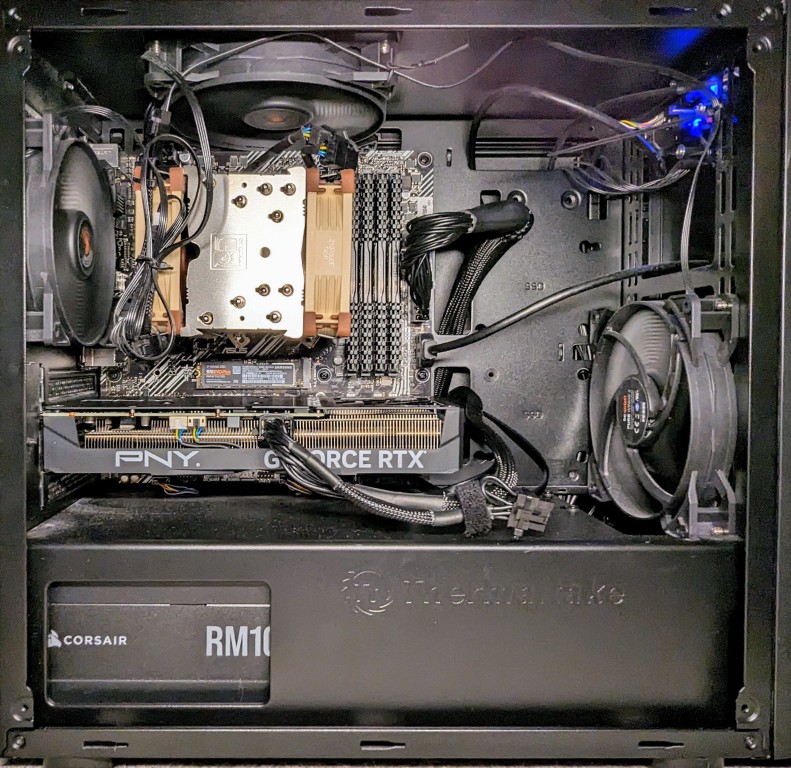
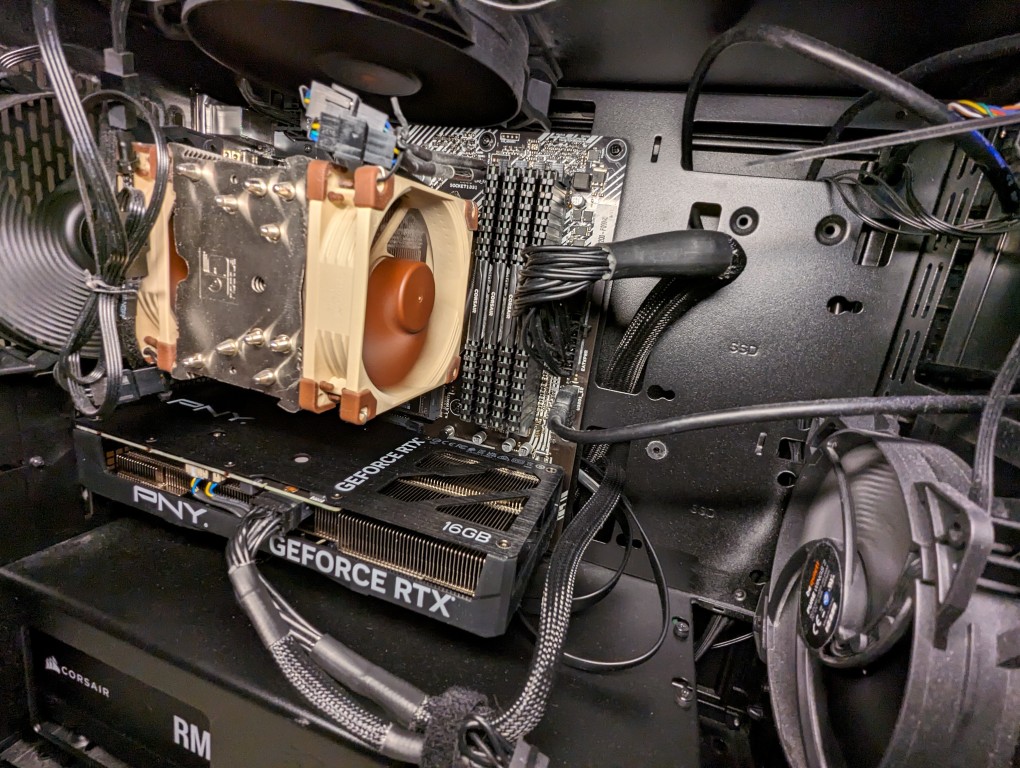
Also, as you can see in the photo above, it’s installed length is the same as my ASUS micro ATX motherboard. The card’s specs state that it is 9.65″ long, which makes sense accounting for the bracket that extends beyond the motherboard at the back of the case. For the space conscious builders, this card is a nice fit for micro ATX builds.
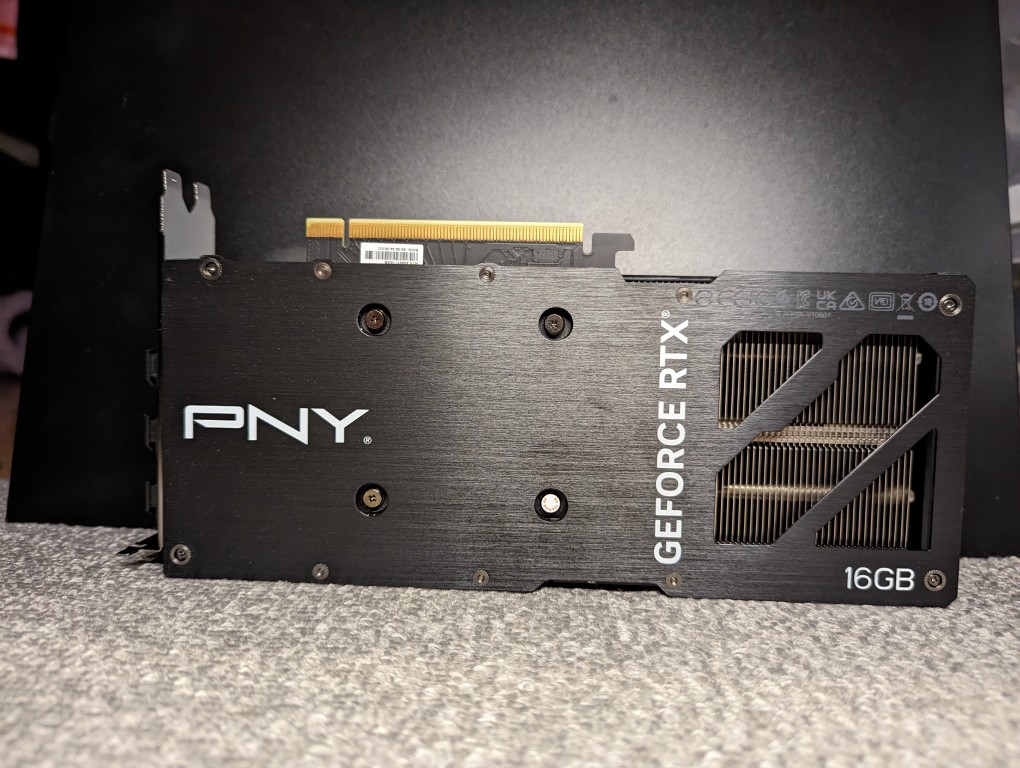
Here are some more photos of the card outside the computer:
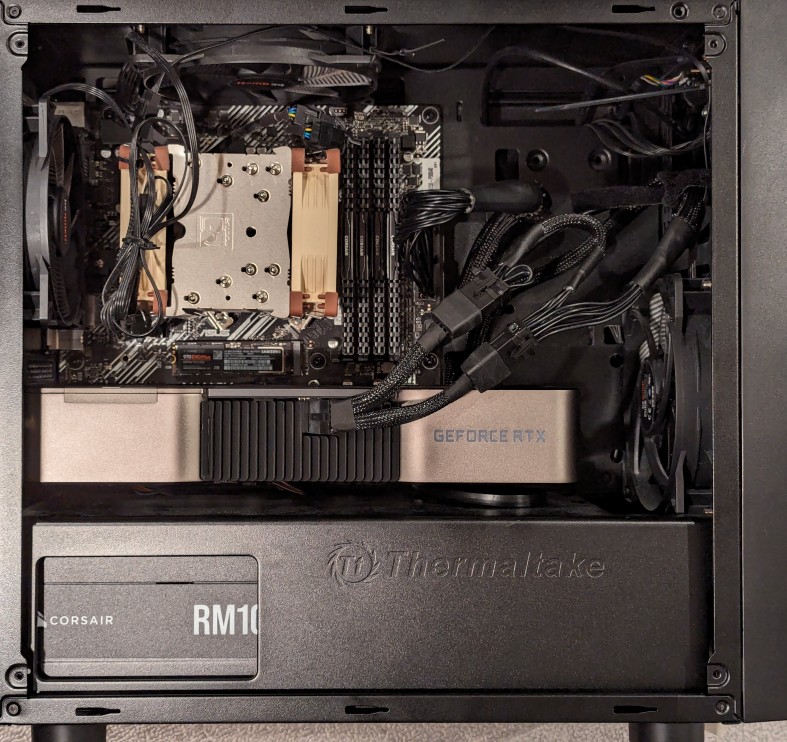
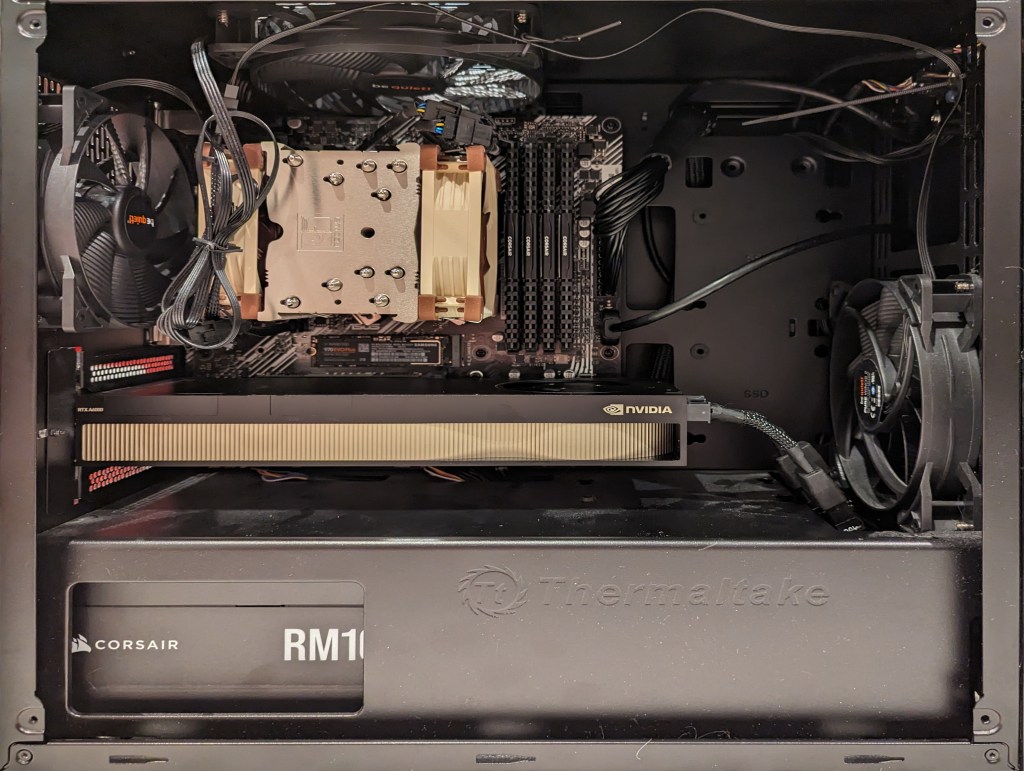
When I swapped out the NVIDIA RTX A6000 48GB (seen above) for the RTX 4060Ti 16GB (seen below), I rerouted the main motherboard power cable and installed extra hard drives in the bottom power supply enclosure.
At peak, the video card power draw has gone from 300w to 140w. The noise of the 4060Ti’s fans is a little more noticeable during full load, perhaps due to it’s open blowing fan design as opposed to the enclosed blower design of the A6000. And, I’ve re-familiarized myself with the memory optimizing features of A1111 for image generation, which I used to have to make use of with my old RTX 3070 8GB video card that I had before upgrading to the A6000. Later this week, I’ll test out how many LLM layers I can load on to the 4060Ti’s 16GB of VRAM with koboldcpp.