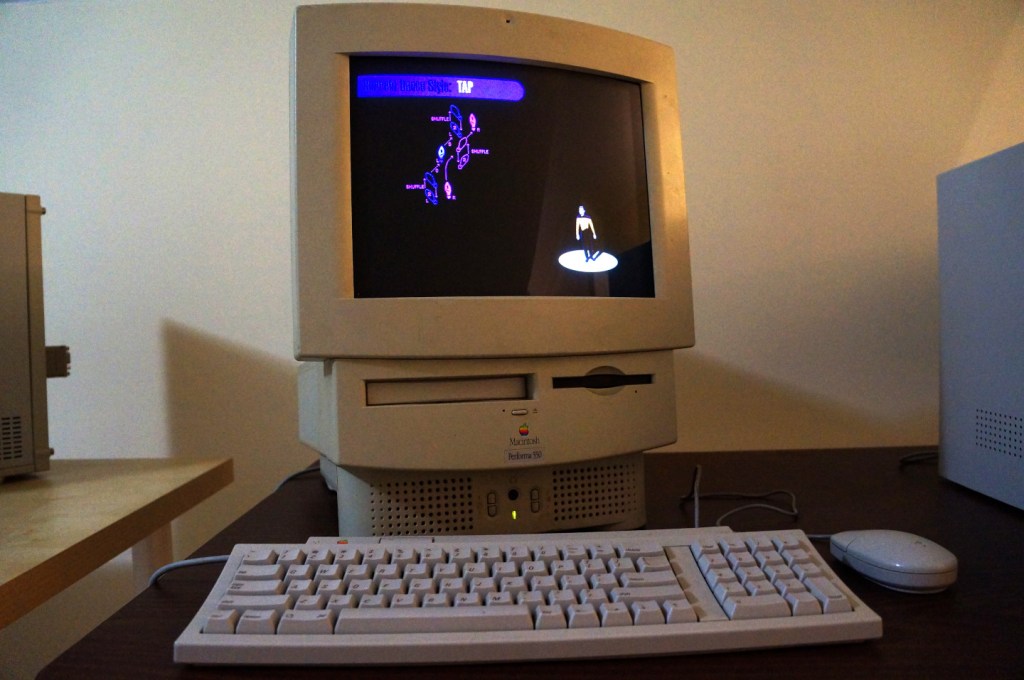
Berkeley System’s After Dark – Star Trek: The Next Generation is one of my favorite pieces of software. It consumes electricity and CPU cycles to create audio and visual experiences that are ostensibly meant to prevent CRT screen burn-in. Put another way, it’s a program meant to solve a bygone era’s technological problem while providing passersby a little bit of entertainment. Above, it is running on the Apple Macintosh Performa 550 that I donated to Georgia Tech and is now housed in the RetroTech Lab at the Georgia Institute of Technology (center-right on landing page). Data’s dancing is protecting the Performa’s built-in 14″ Sony Trinitron monitor. Below are screenshots of the screensaver in action.
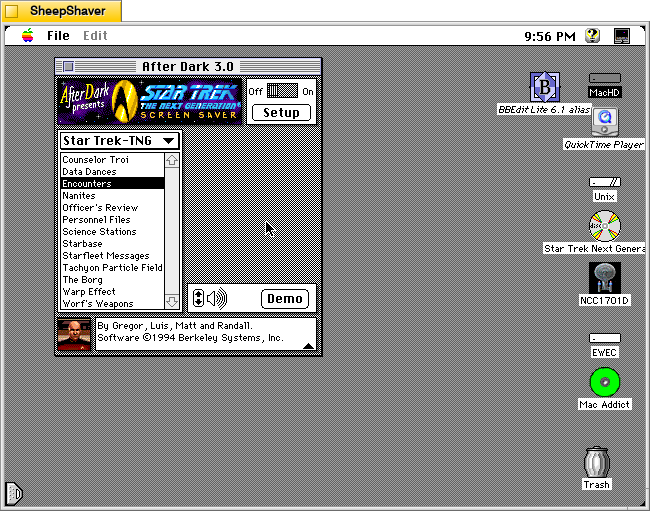
Integrated into the After Dark screensaver system, it has 13 modules: Counselor Troi, Data Dances, Encounters, Nanites, Officer’s Review, Personnel Files, Science Stations, Starbase, Starfleet Messages, Tachyon Particle Field, The Borg, Warp Effect, and Worf’s Weapons.
Counselor Troi
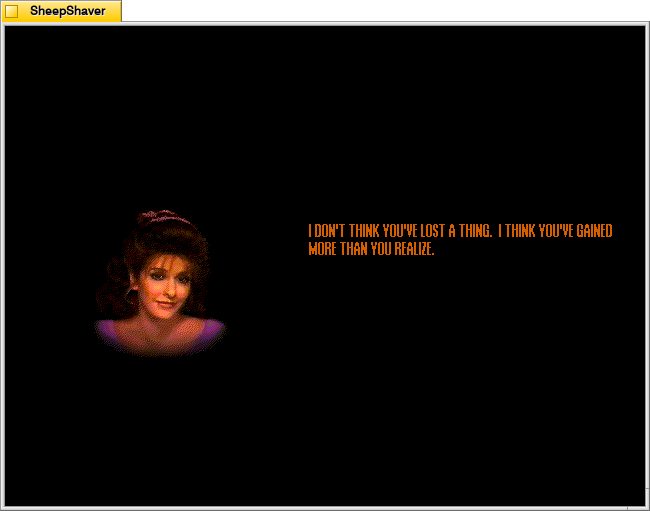
Counselor Troi appears and gives advice and affirmations.
Data Dances
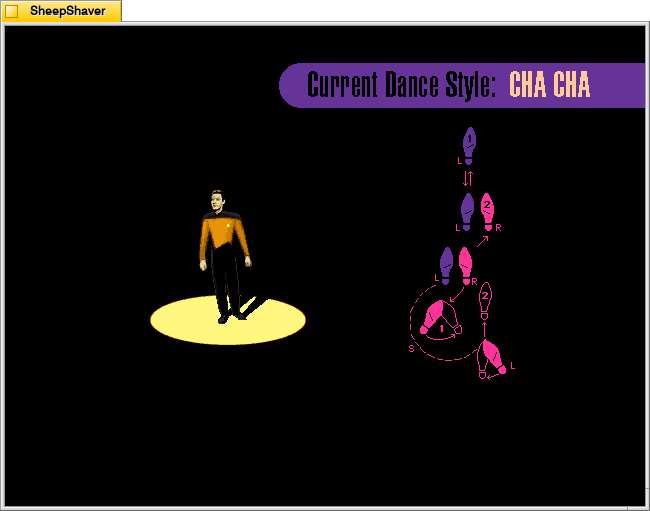
Data appears in the spotlight while the step pattern for different dance styles, such as tap or cha cha, appear to the side. Appropriate music plays and Data dances the steps.
Encounters
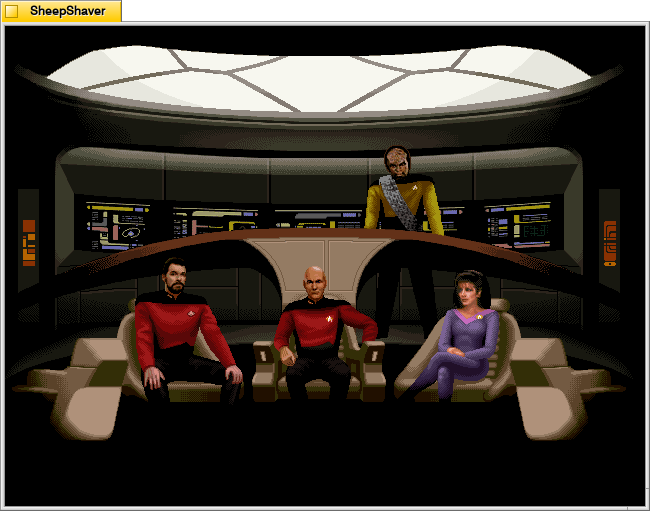
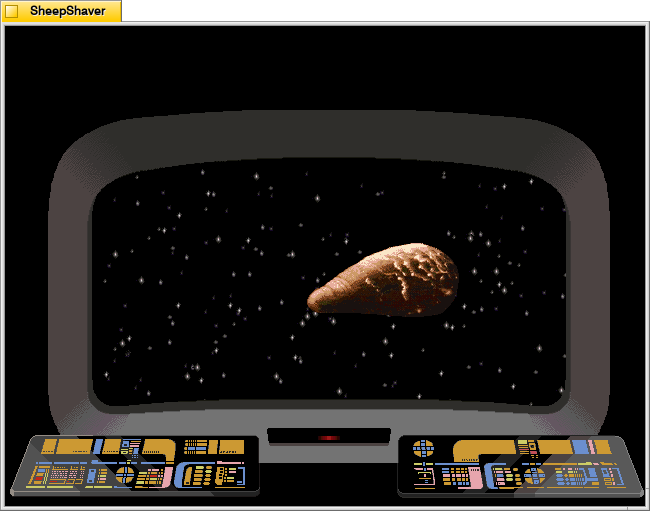
Encounters switches between views of the Enterprise crew on the bridge and what they see on the main viewscreen.
Nanites
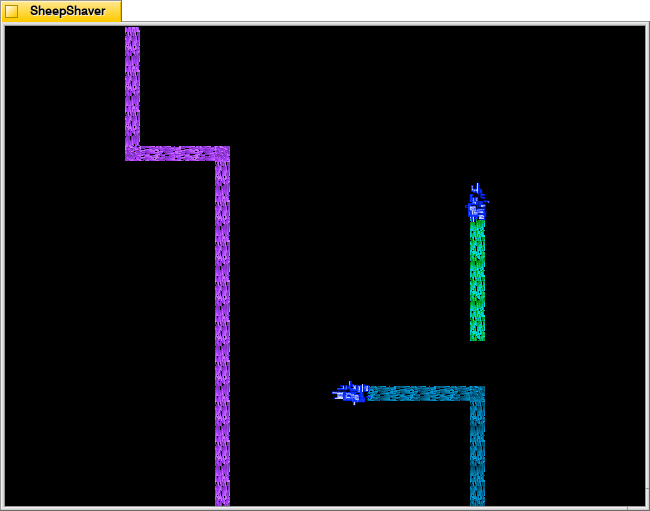
Nanites, an intelligent nanotechnology, devour the screen and self-replicate.
Officer’s Review
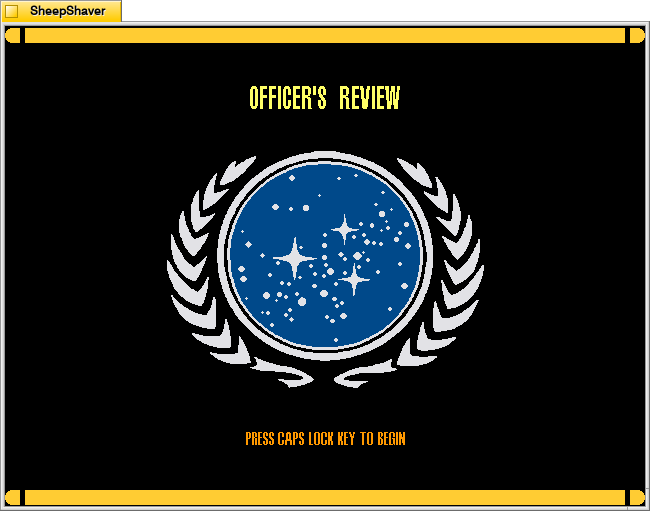
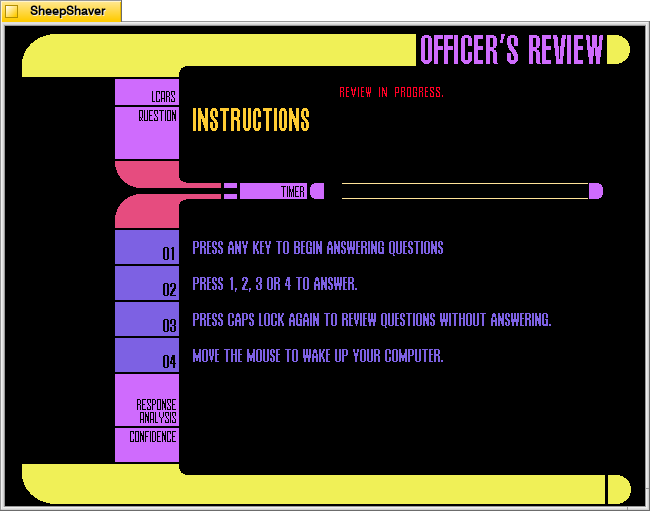
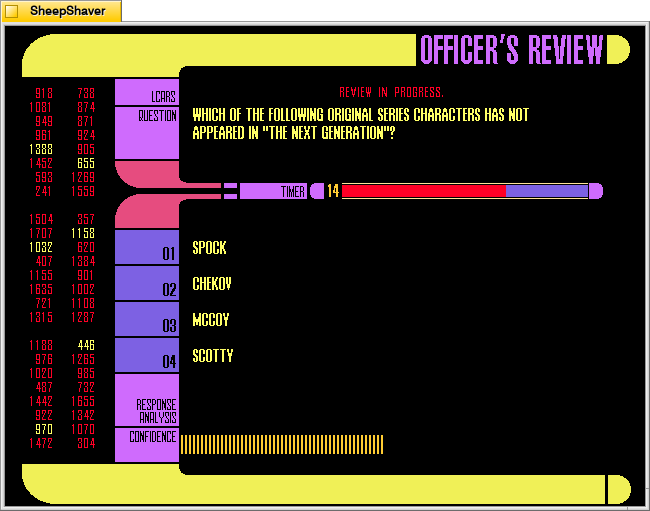
Officer’s Review is a timed Star Trek TNG quiz that uses keyboard inputs that don’t deactivate the screensaver (as mouse movements would).
Personnel Files
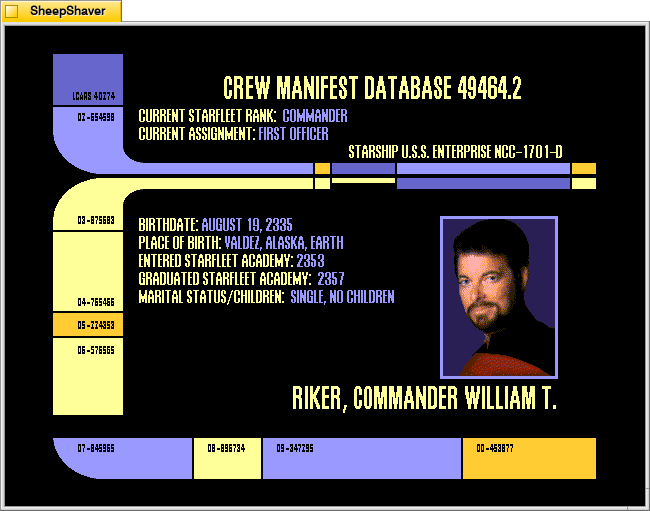
Personnel Files rotates through information screens of different characters on the show.
Science Stations
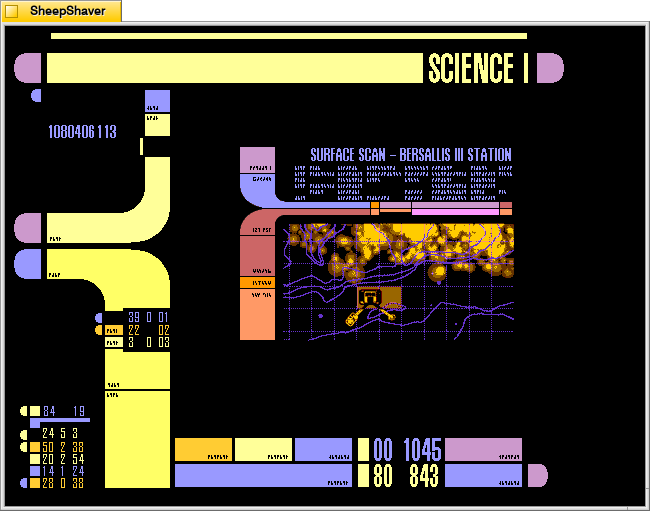
Science Stations displays changing information panels that update and change just like the LCARS science station panels on the bridge.
Starbase
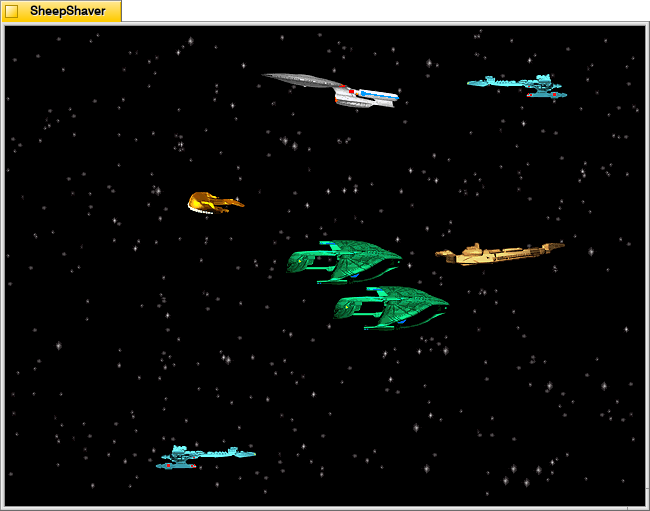
Starbase shows different ships flying through space with an occasional starbase coming into view.
Starfleet Messages
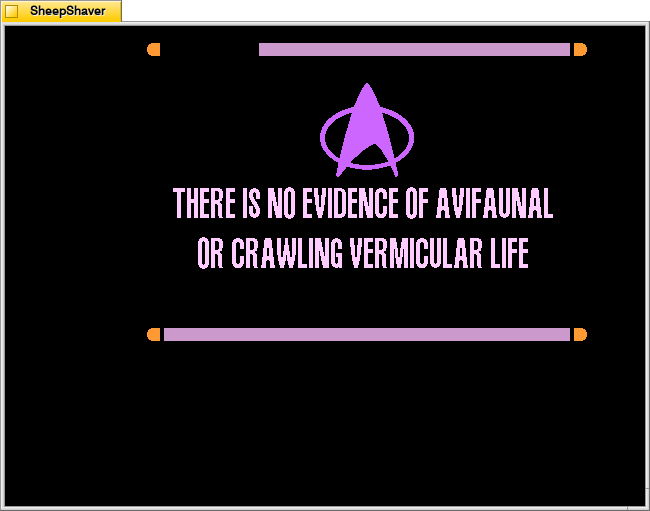
Starfleet Messages show different informational and warning messages that appear in different places on the screen.
Tachyon Particle Field
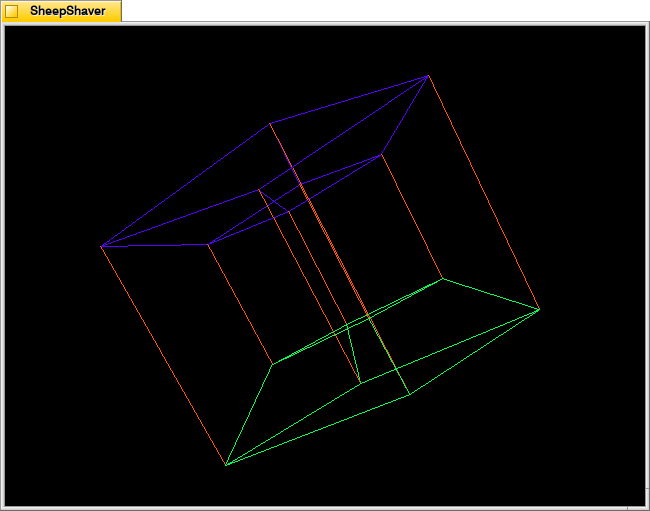
The Tachyon Particle Field looks like a four-dimensional tesseract interacting with three-dimensional space.
The Borg
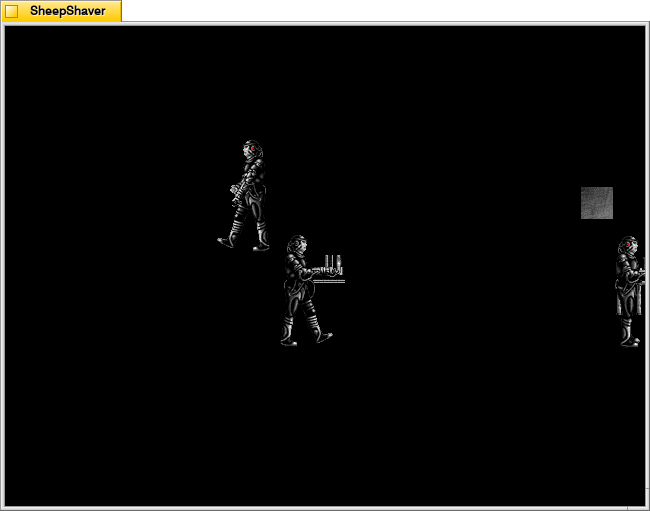
The Borg materialize in different places on the screen to assimilate it using their technology.
Warp Effect
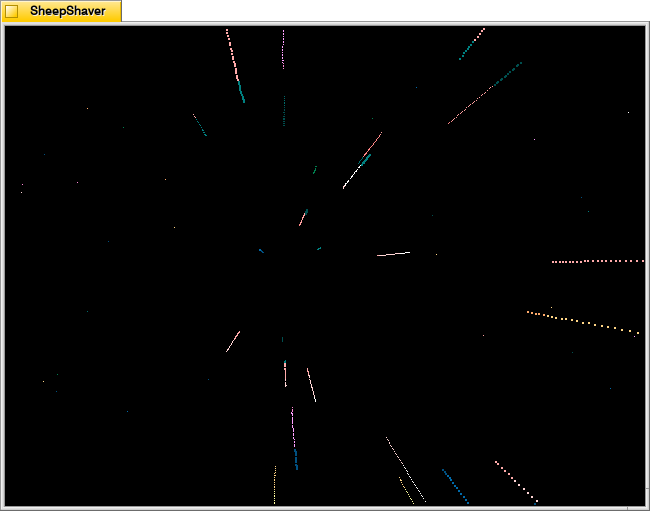
Warp Effect shows the passage of stars while traveling at warp speed.
Worf’s Weapons
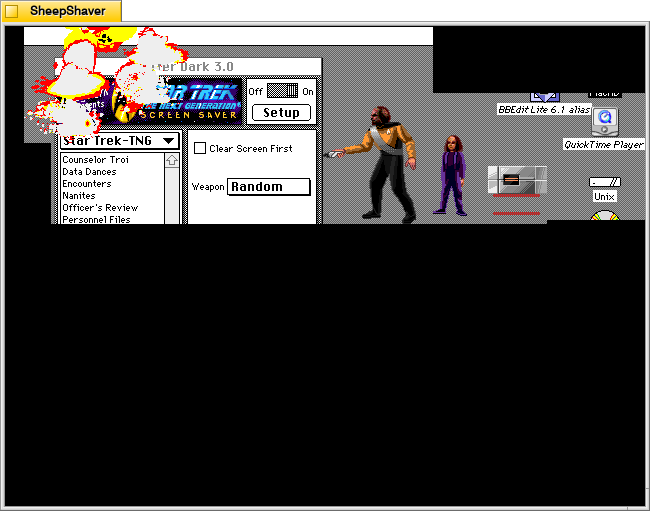
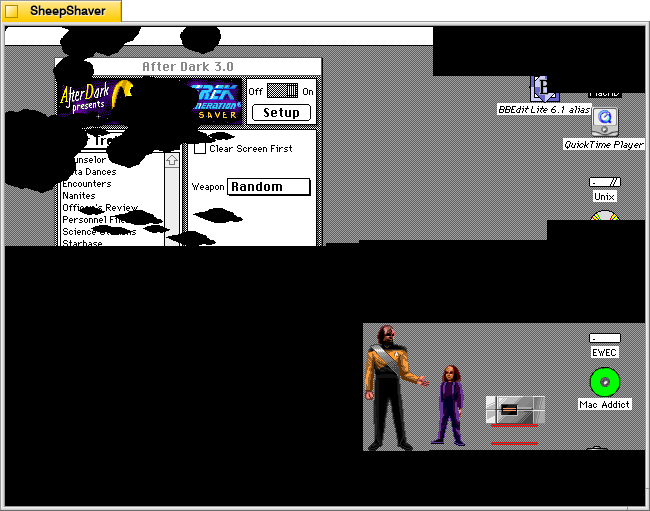
Finally, Worf’s Weapons feature Worf’s son Alexander handing his father different weapons, such as a phaser or bat’leth, to destroy the screen with. Where Worf walks, the underlying screen is revealed. Where he damages the screen, it turns black.
