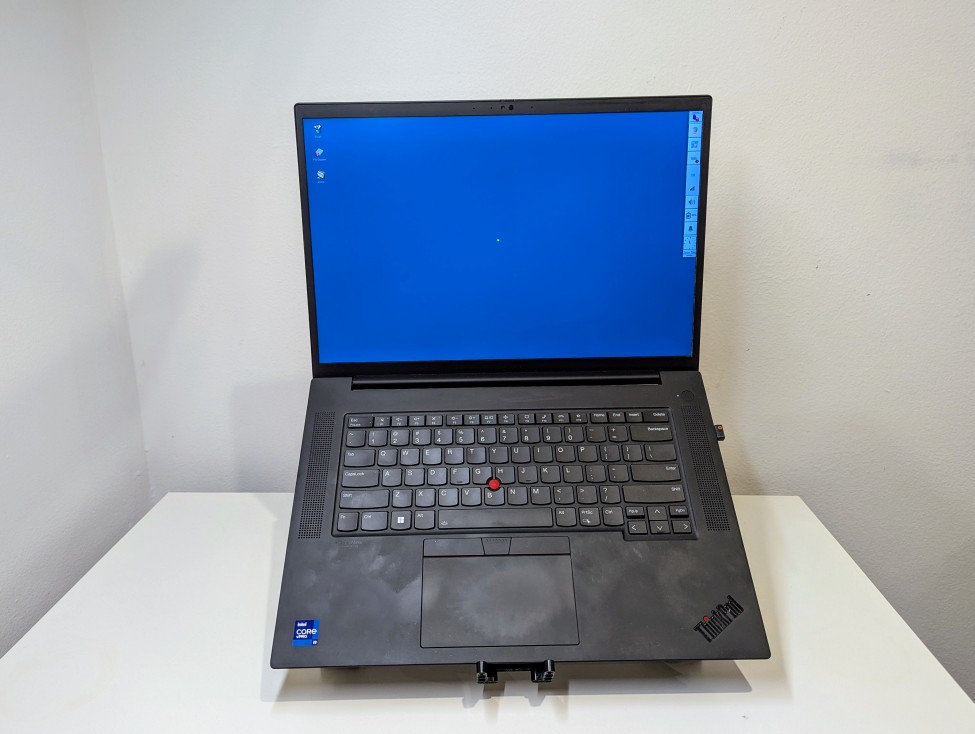
While I’m keeping Debian 13 Trixie on my media center computer, I’ve decided to fallback to Debian 12 Bookworm on my laptop and workstation. The more that I used Trixie on those machines, the more I realized some things that I relied on just weren’t working right. Once that software gets updated, I’ll try Trixie again, but for now, especially while I’m frantically getting things ready for classes to begin next Tuesday, I’ll rely on tried-and-true Bookworm.
Tag: ThinkPad
-
GoRuck GR1 26L, an Outstanding Backpack for Travel and Work That Easily Carries a 16″ Laptop

As I’ve documented here, here, and here, I continue searching for the perfect backpack. While there may not be one backpack that checks all of my boxes, I think that the GoRuck GR1 (26L) checks the most.
I purchased the larger 26L version of the GR1 before the fall semester began. It is the most expensive backpack that I’ve ever purchased, but its design, materials, construction, and “Built in the USA” provenance supported the price.
My original intended use for it was to carry my 16″ Lenovo ThinkPad P1 Gen 4 laptop, charger, water bottle, coffee thermos, and papers to and from the City Tech campus.
Then, after my dad was released from the hospital after a back problem, it became a travel companion for overnight train rides to-and-from NYC (along with a simple barrel duffel bag). It carried my laptop, charger, 8″ Samsung Tab Active3 tablet, its charger, an MRE and snacks, 1 liter of water, overnight clothes, and 1 quart Ziploc bag for toiletries.
So far, it has excelled in both work commuting and long distance train travel. It holds my gear, it’s easy to organize, and it’s constructed tough.
Below are photos of its pockets and their use.

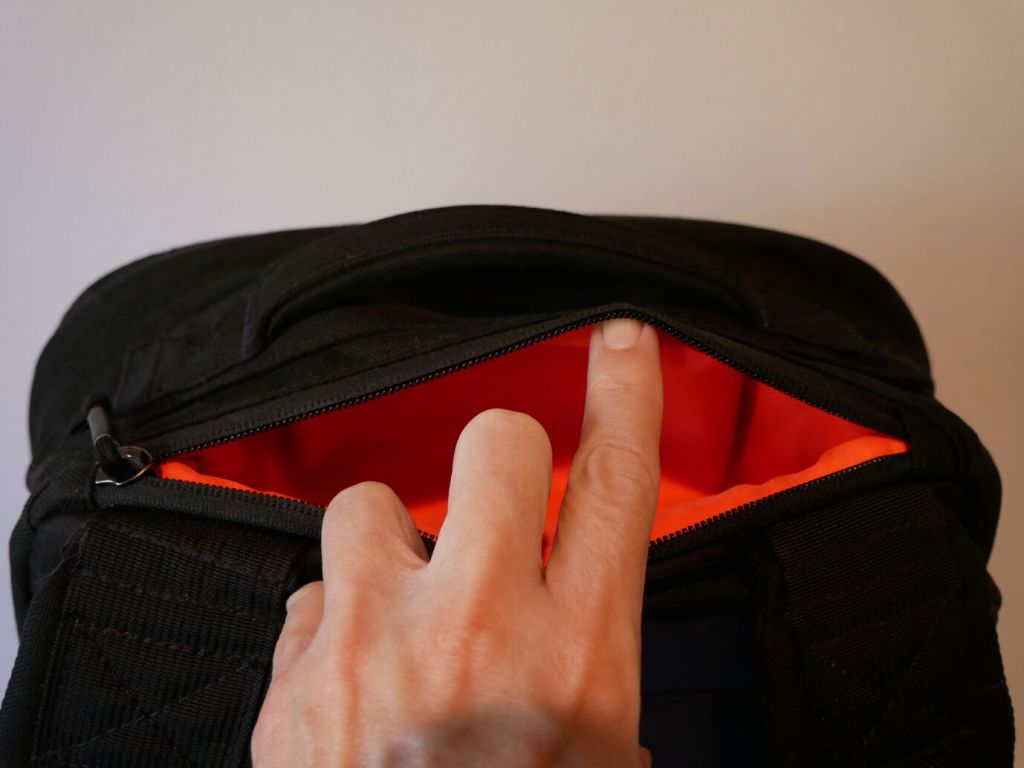
Between the shoulder straps and top hand grab is a pocket that holds my RayBan sunglasses in their case and my reading glasses in a smaller plastic case.

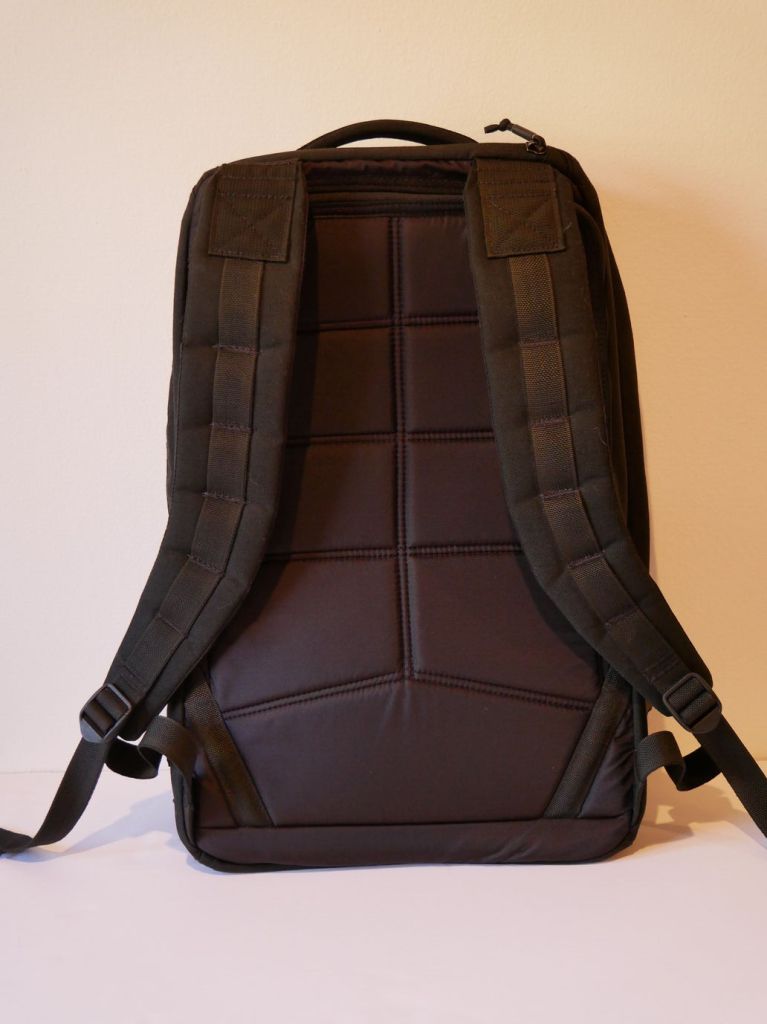
The back of the backpack supports breathing and features a smoother synthetic material than the body of the backpack. It’s advertised as being less aggressive on clothes, which I can confirm.

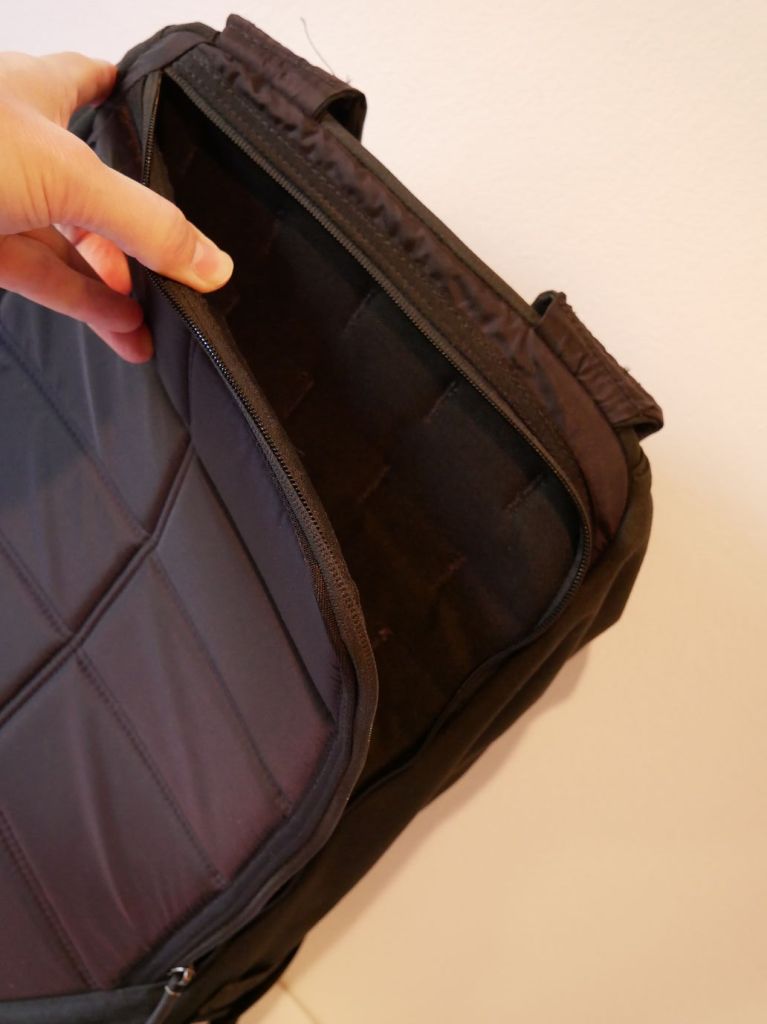
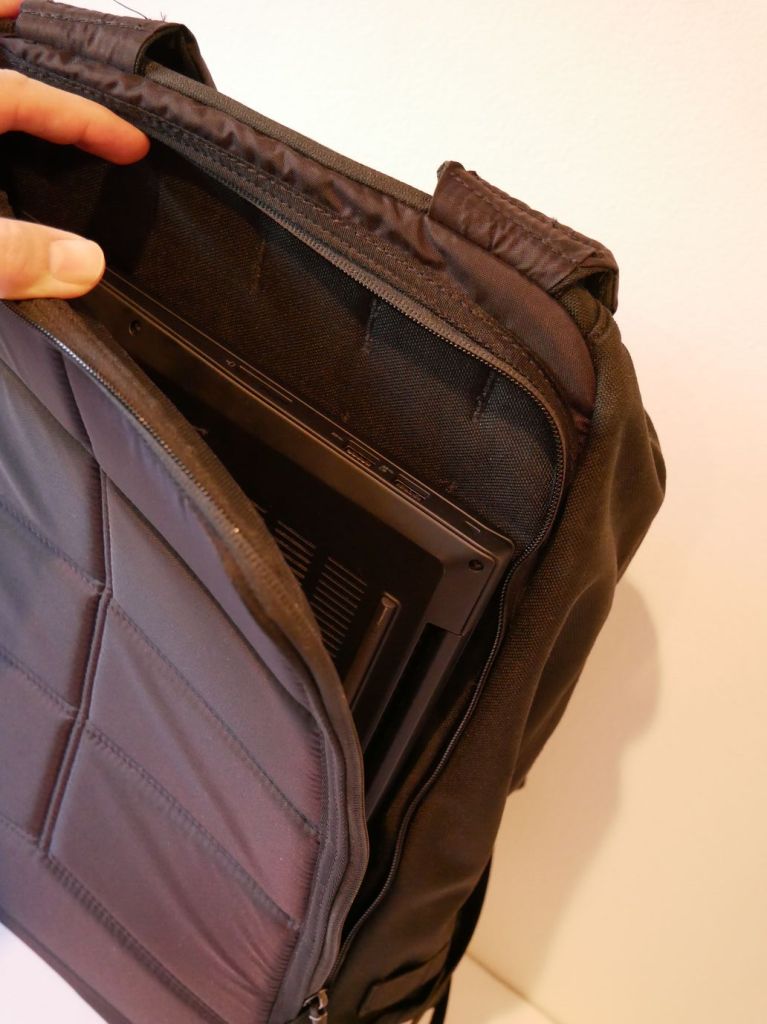
Flipping the shoulder straps around makes the “bomb proof” laptop sleeve more easily accessible. It is advertised as holding up to a 16″ laptop.

You can see above that the laptop sleeve does indeed hold my 16″ Lenovo ThinkPad P1 Gen 4 with room to spare on its width (i.e., the height of the pocket in relation to the backpack) and just a hair of extra space for its depth (i.e., the width of the pocket in relation to the backpack).

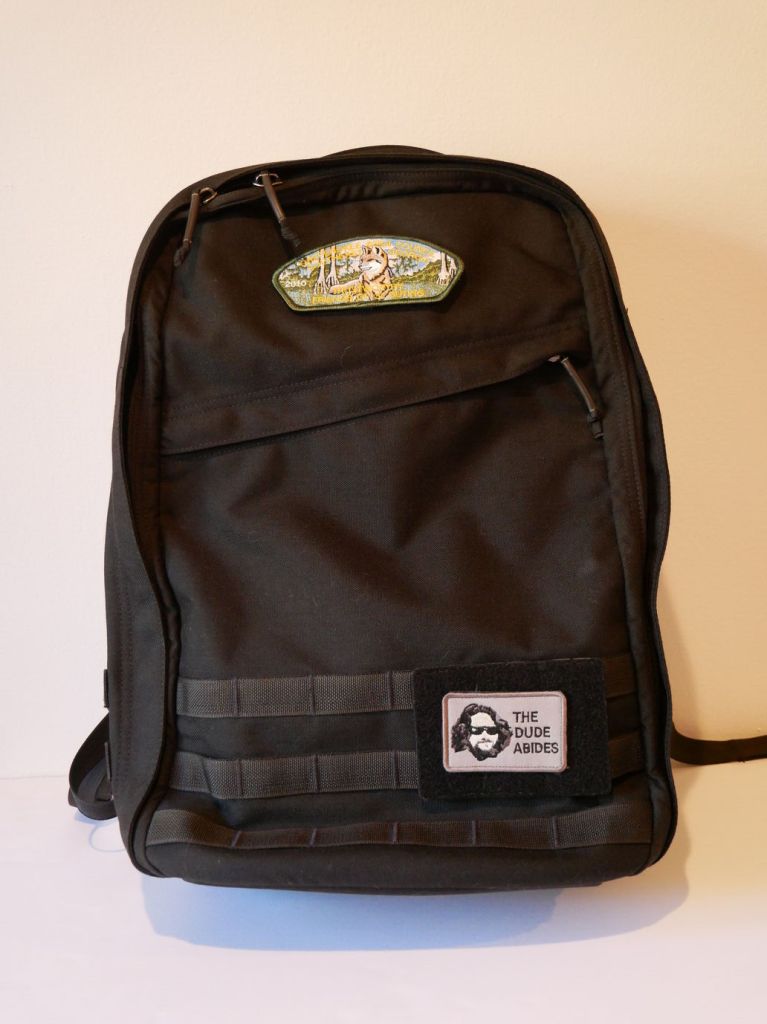
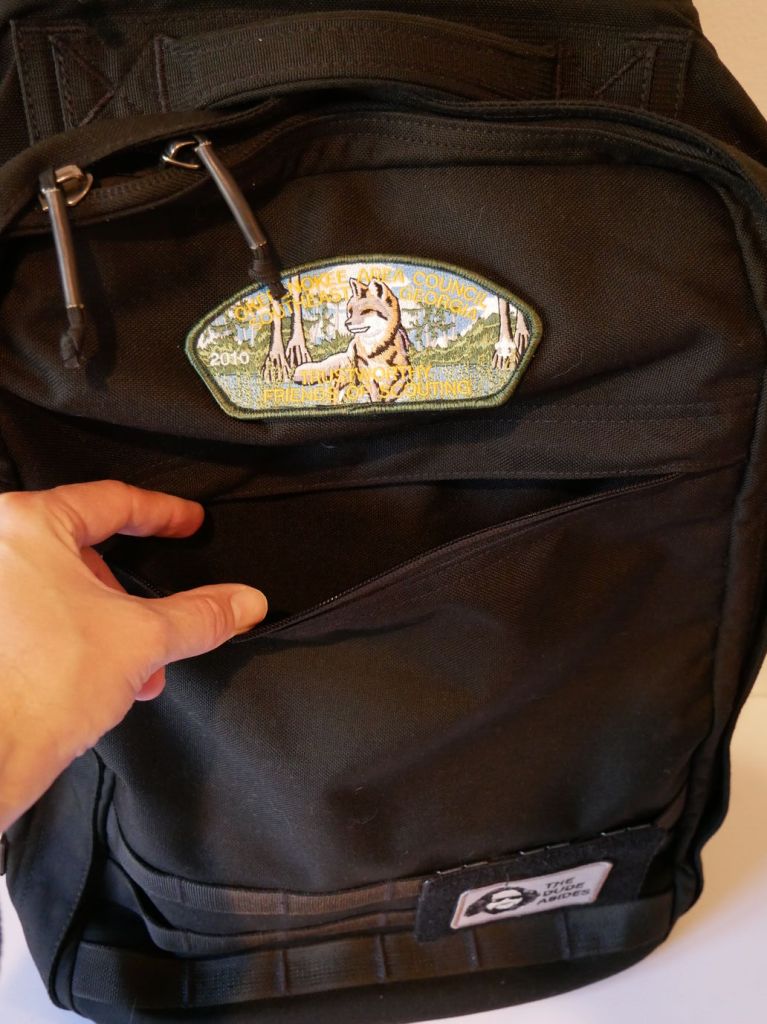
The front zippered diagonal pocket extends from the zipper to the bottom of the pack. It can hold a lot! I keep an Apple Airtag and pocket knife in there. The top of the pack has a 2″ x 3″ hook-and-loop patch area, which I attached one of my Scouting patches to. I added a 3.5″ x 4.5″ hook-and-loop MOLLE panel to the bottom area of my GR1 where I affixed my “The Dude Abides” patch.

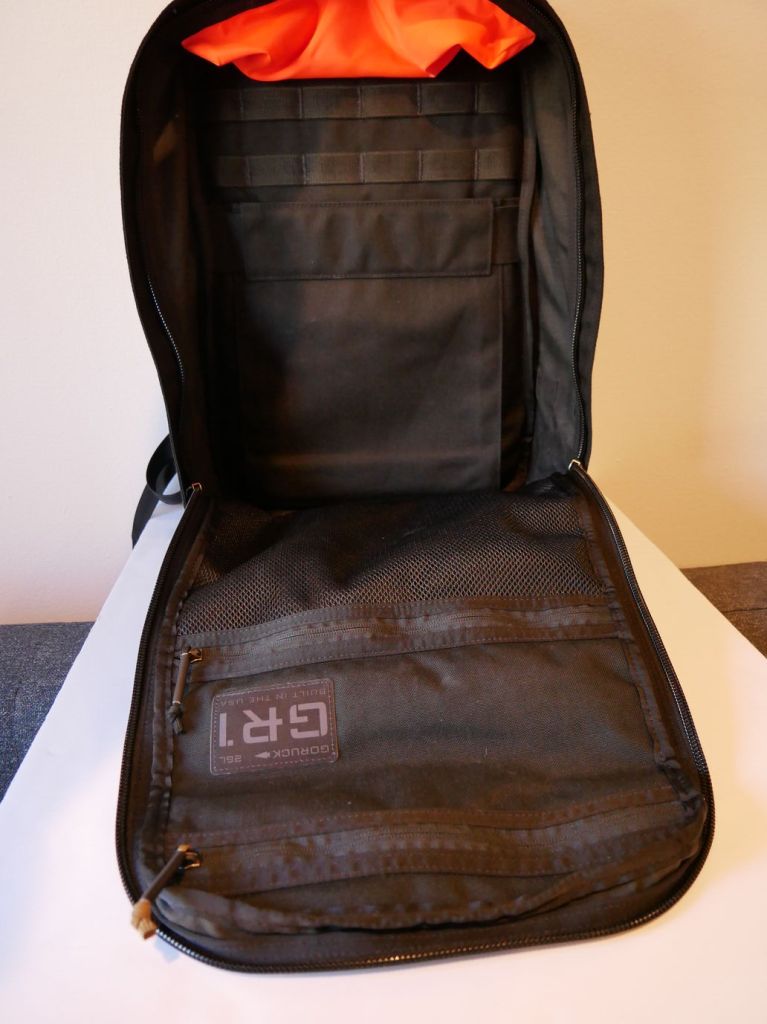
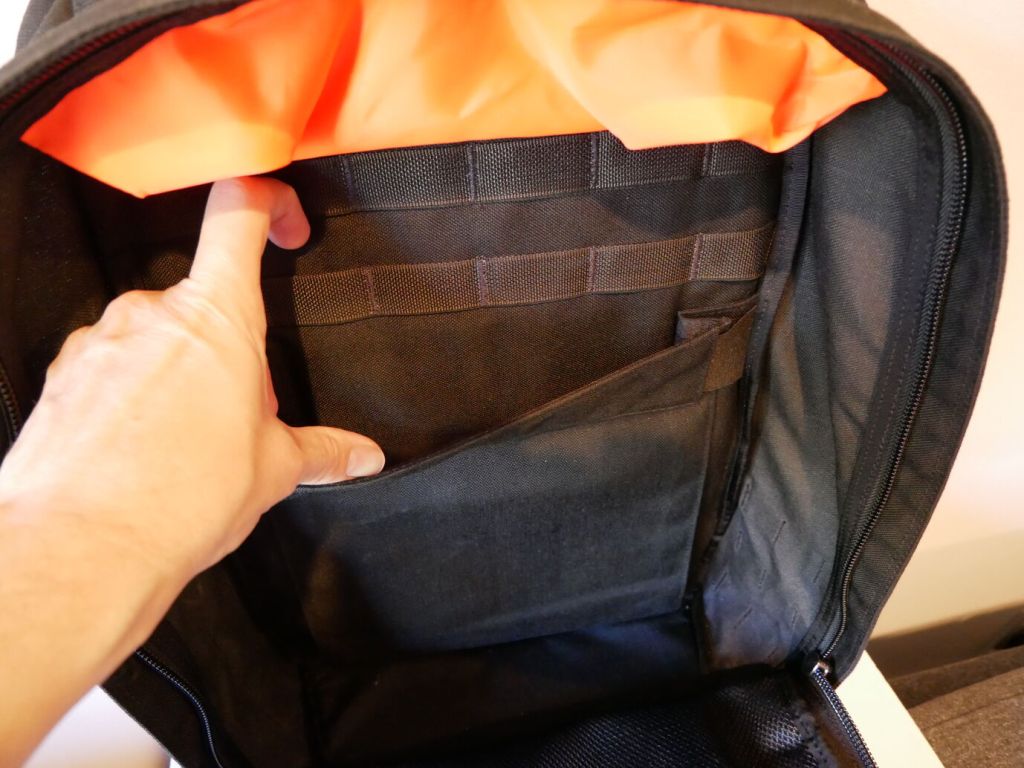
In addition to the MOLLE attachments on the outside of the pack, there is more MOLLE inside for pouches or hook-and-loop panels.

On the back interior of the GR1, there’s an elastic panel that can hold a smaller laptop or tablet. I used it to hold my 8″ Samsung Galaxy Tab Active3 in a hard case with plenty of room to spare.

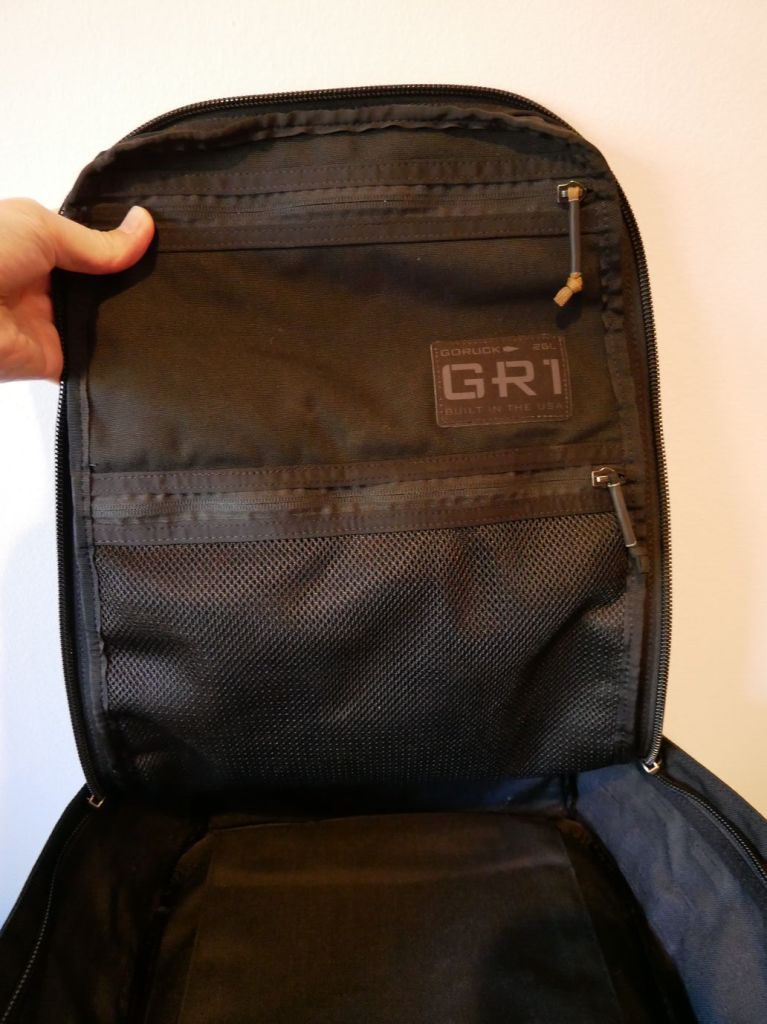
The front flat interior has two zippered pouches. The top one is smaller but opaque. The bottom one is larger but its contents viewable thanks to the netting.

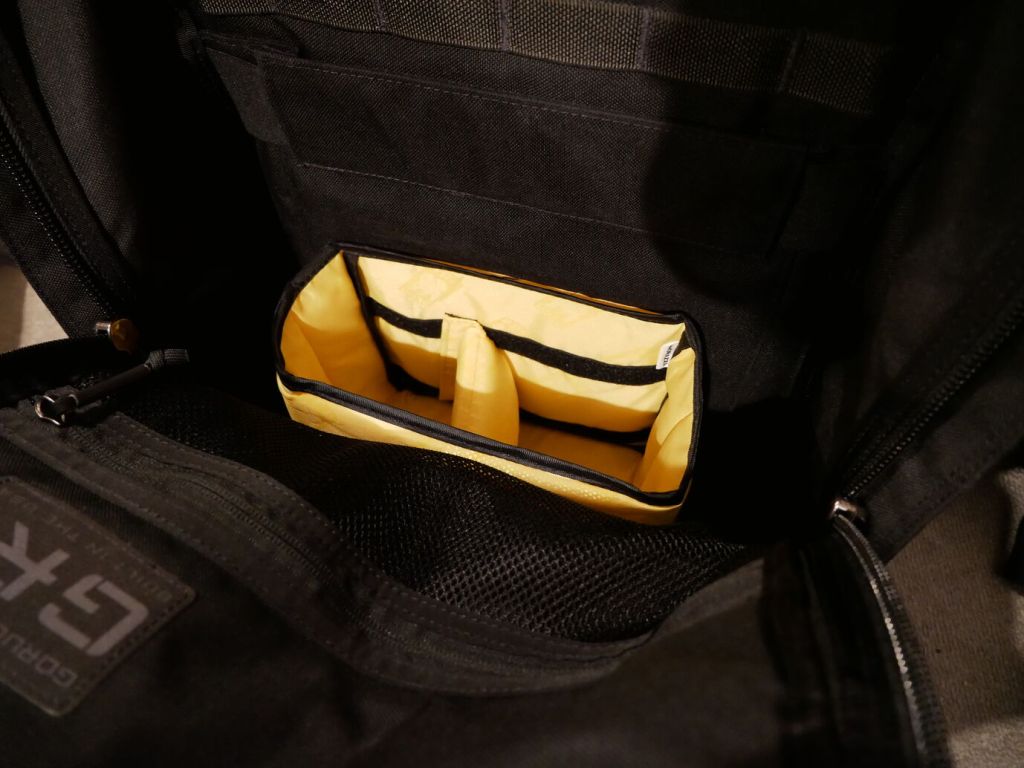
To help with organizing my gear, I dropped the larger half of the yellow, padded Ape Case Cubeze Duo (ACQB 41) with one divider in the bottom of the pack. This creates four areas in the bottom of the pack to keep things from banging around–a thermos, two water bottles, and charging brick for the Lenovo laptop.
The GR1 doesn’t come with a sternum strap, but I haven’t found that it needs one while walking or climbing stairs. Having one less strap to undo or get caught while dangling is okay with me. It’s also easy to put on and take off. However, depending on my load–specifically with the 16″ Lenovo, I bend over to put on my shoes before donning the pack so that I don’t put too much pressure on the laptop within the pack against my arched back.
I’m very happy with the GR1 and look forward to carrying it in the days ahead.
-
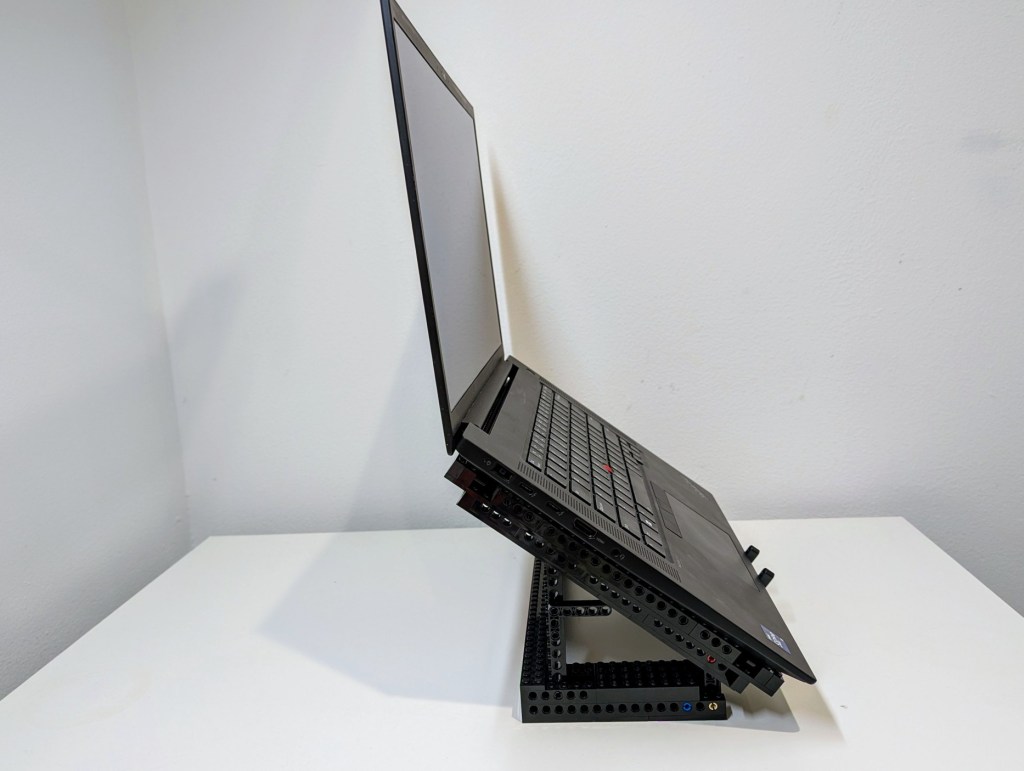
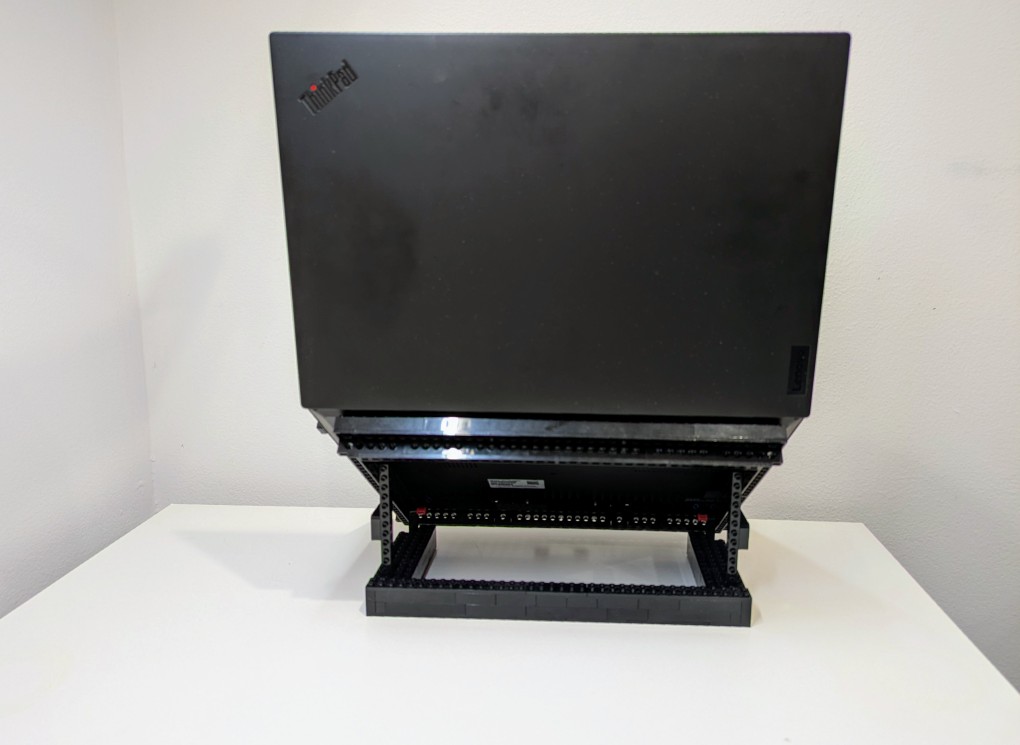
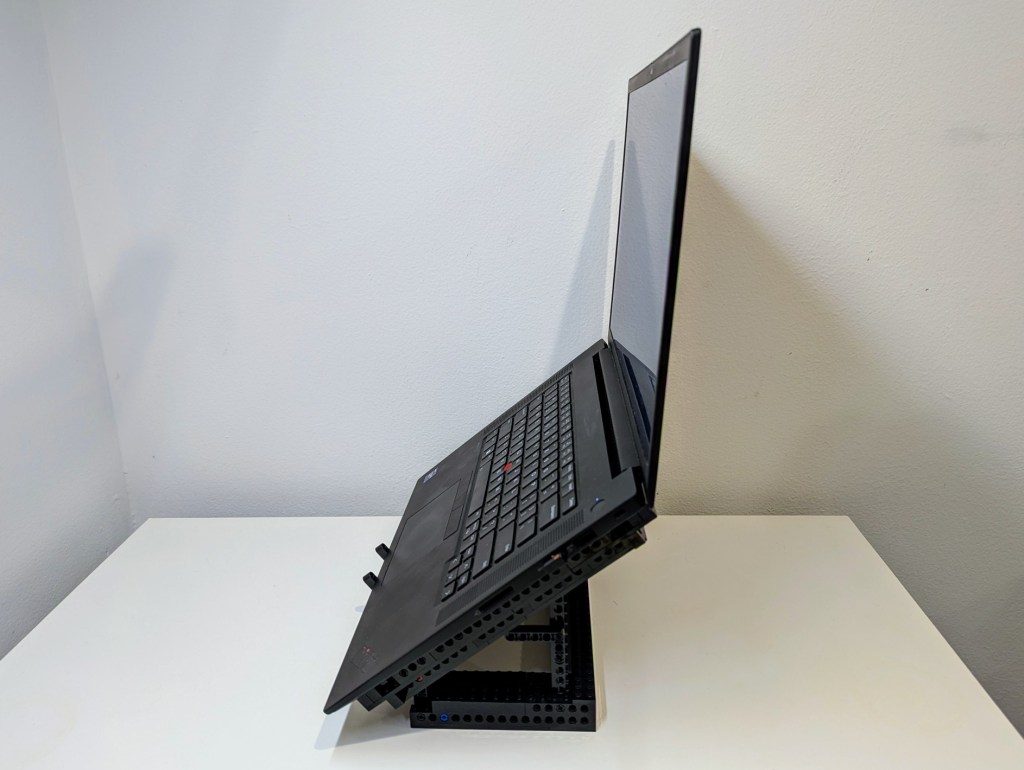
LEGO Folding Cooling Stand for Lenovo ThinkPad P1 Gen 4 Laptop

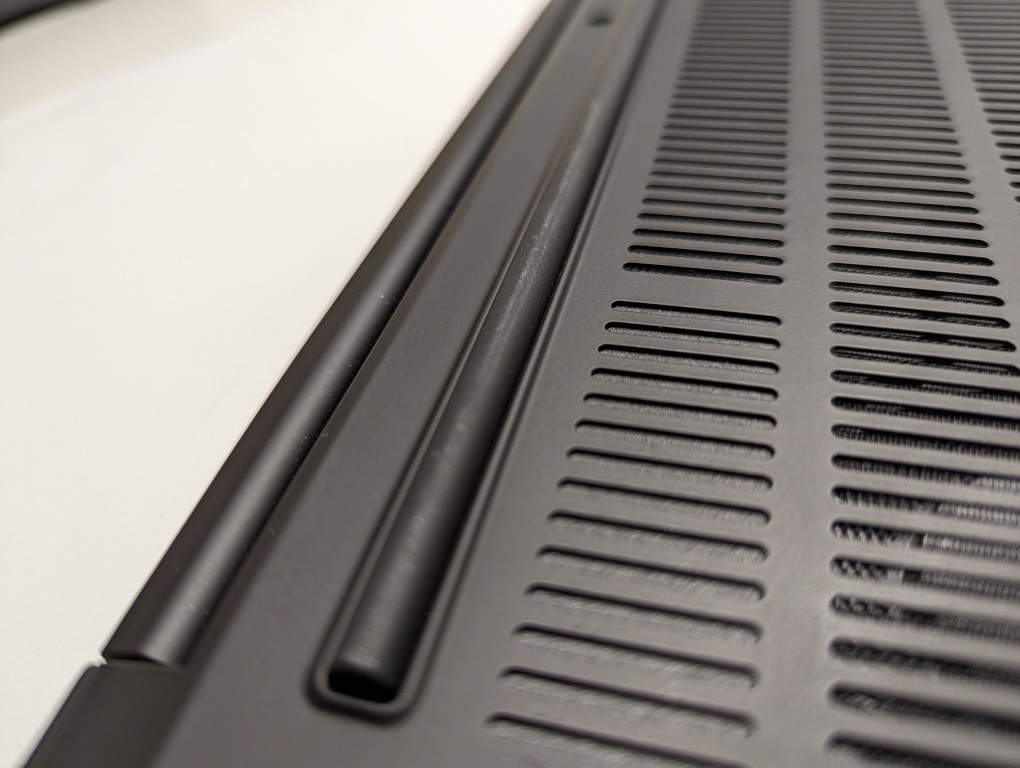
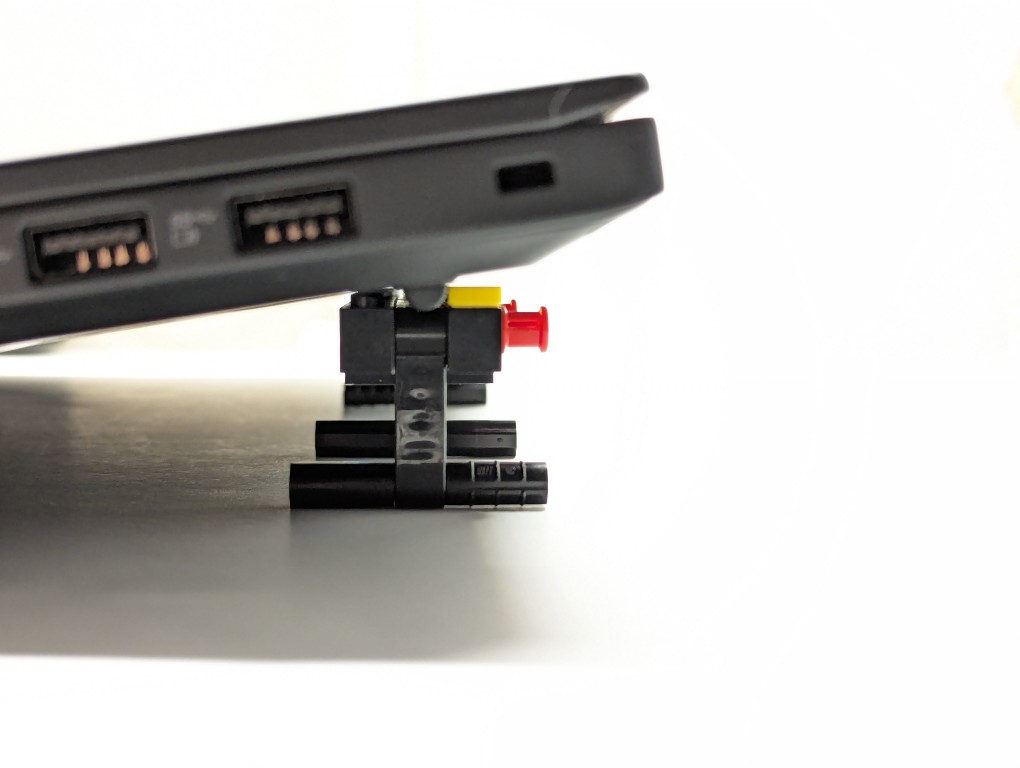
As I wrote about yesterday, my Lenovo ThinkPad P1 Gen 4 maintains lower temperatures when it has improved air flow under its body where the twin cooling fan intakes are. Without raising the laptop, the laptop’s support feet only give it about 3 mm of space underneath it, which chokes the intake fans. Since getting the laptop late last year, I’ve used a variety of at-hand objects–books and small boxes most often–to prop up the back of the laptop when I was stressing the laptop with a heavy workload.

I wanted a permanent solution, but the portable options available in retail are either bulky adjustable metal or plastic platforms or folding 4-point stands. The former takes up a lot of room and those with fans don’t always translate to lower temps, and the latter might not provide the support needed on the ThinkPad P1’s lengthy support foot at the rear of the laptop. So, I turned to LEGO to create a customized stand that gives the ThinkPad the support it needs while also being compact and easily carried in my backpack.

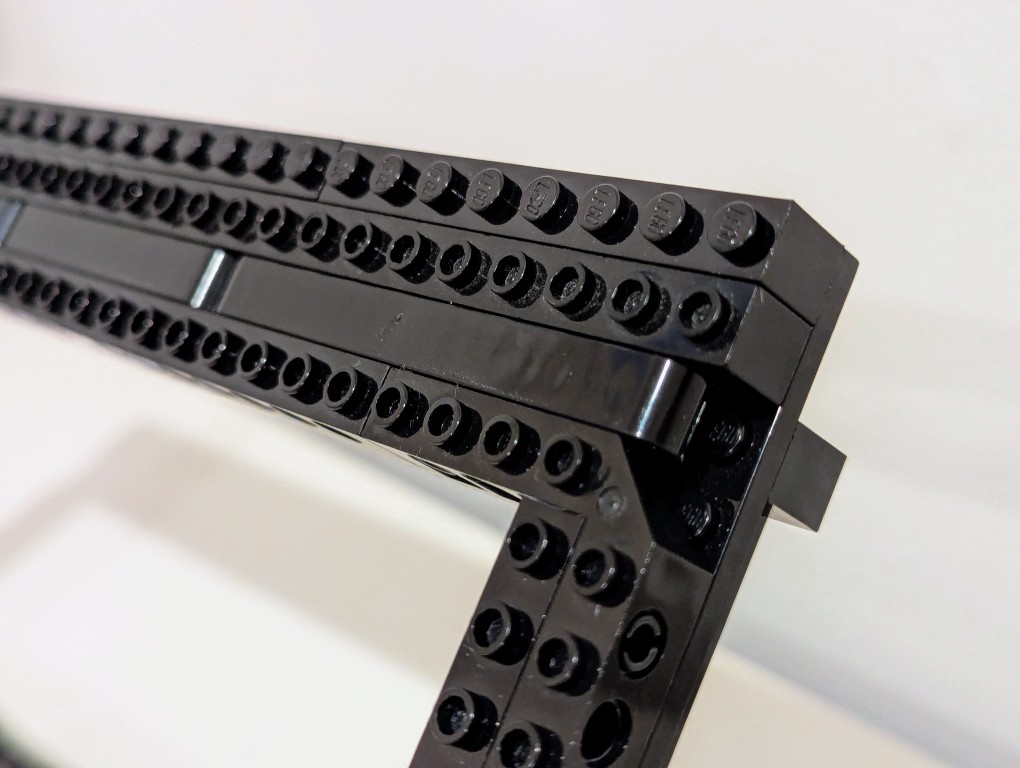
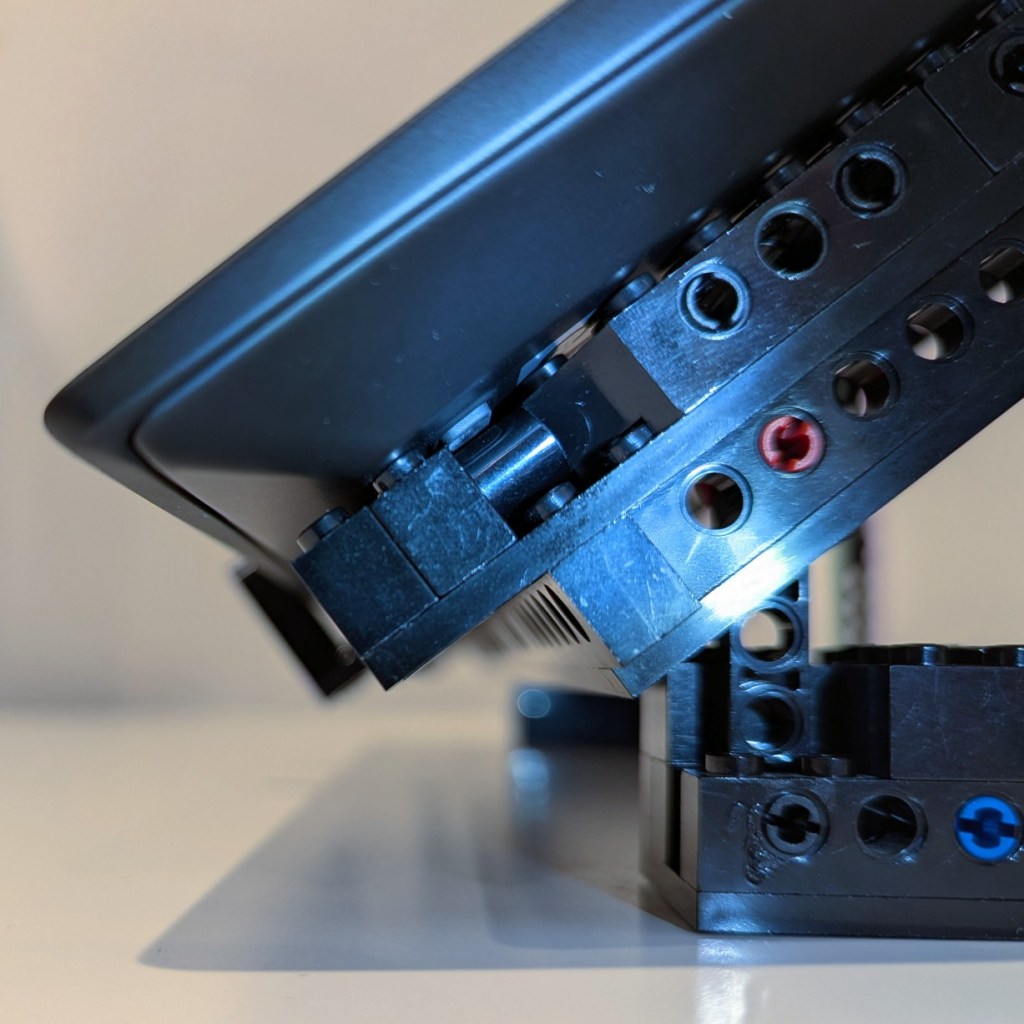
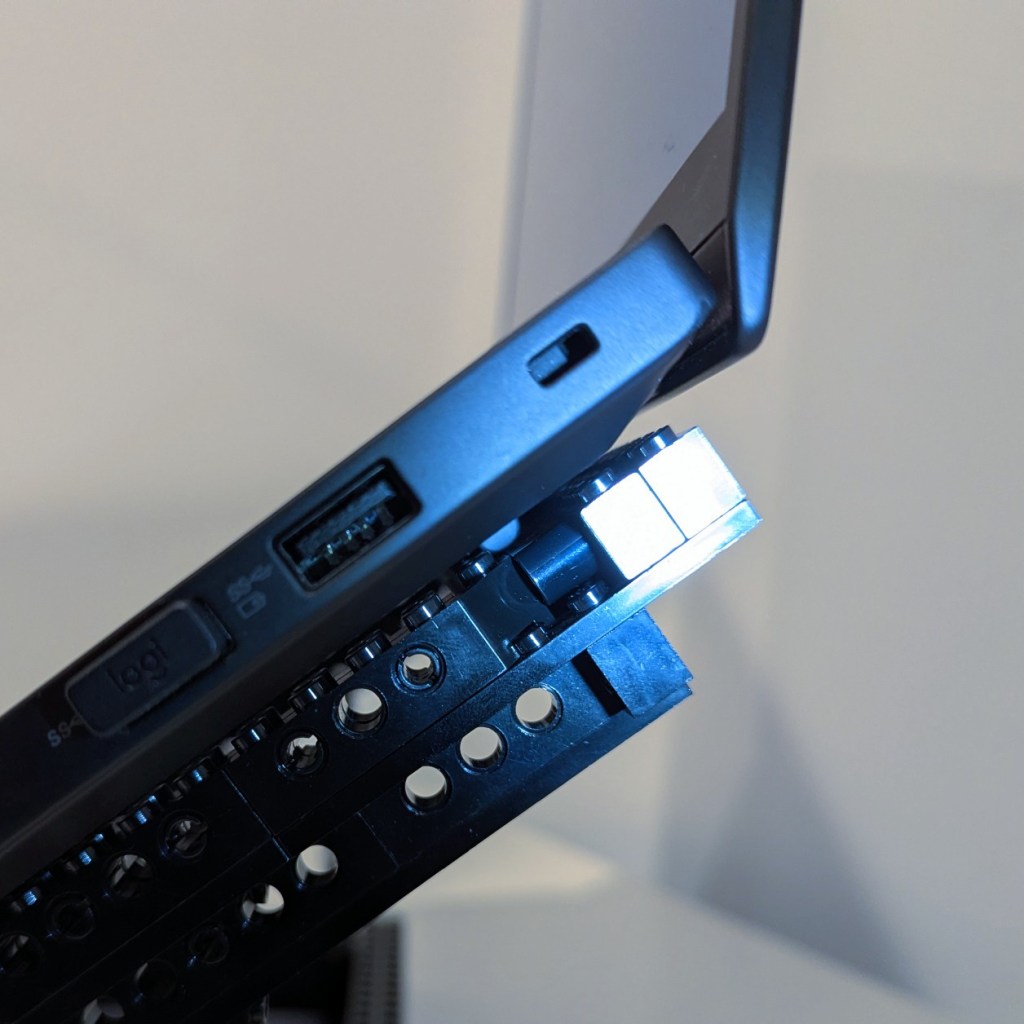
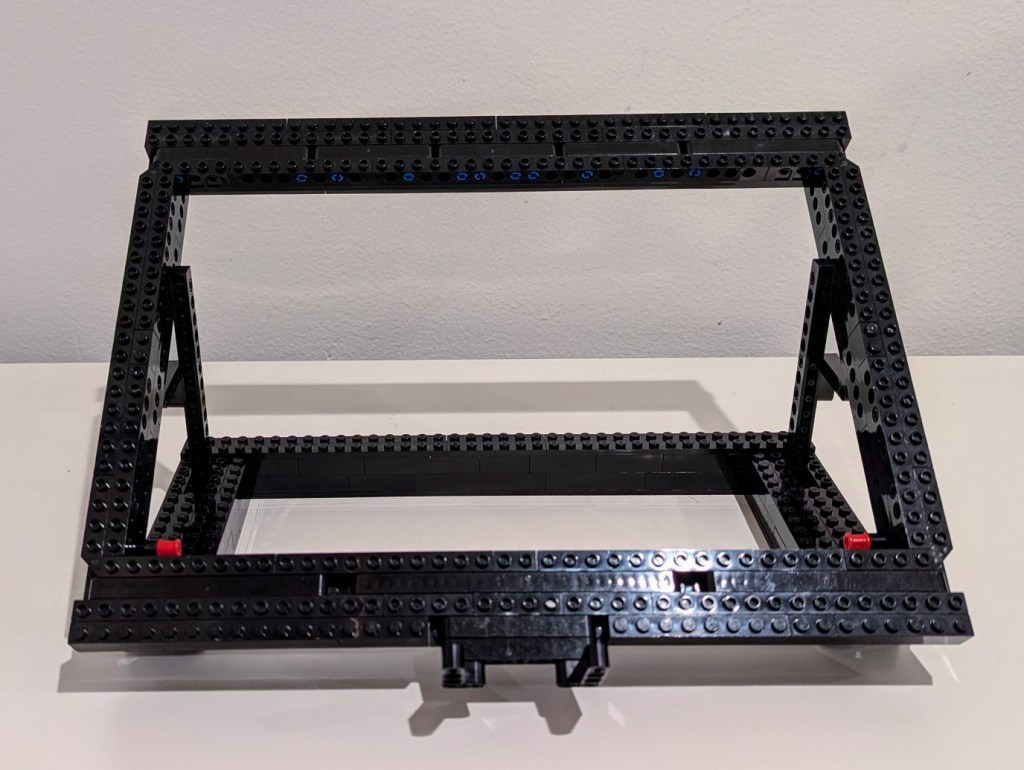
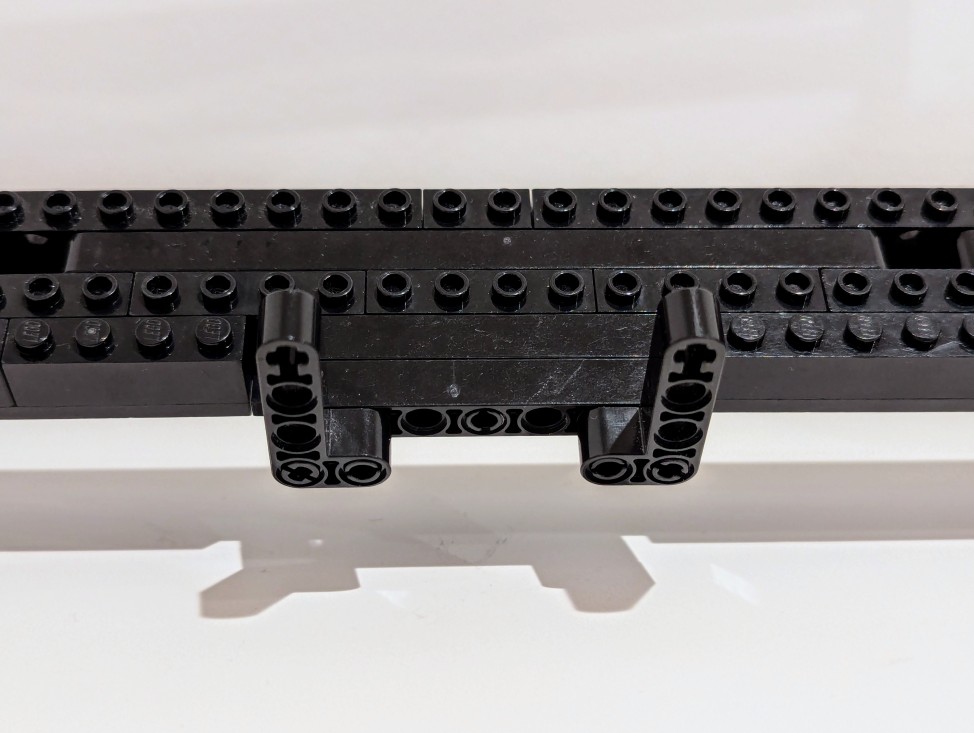
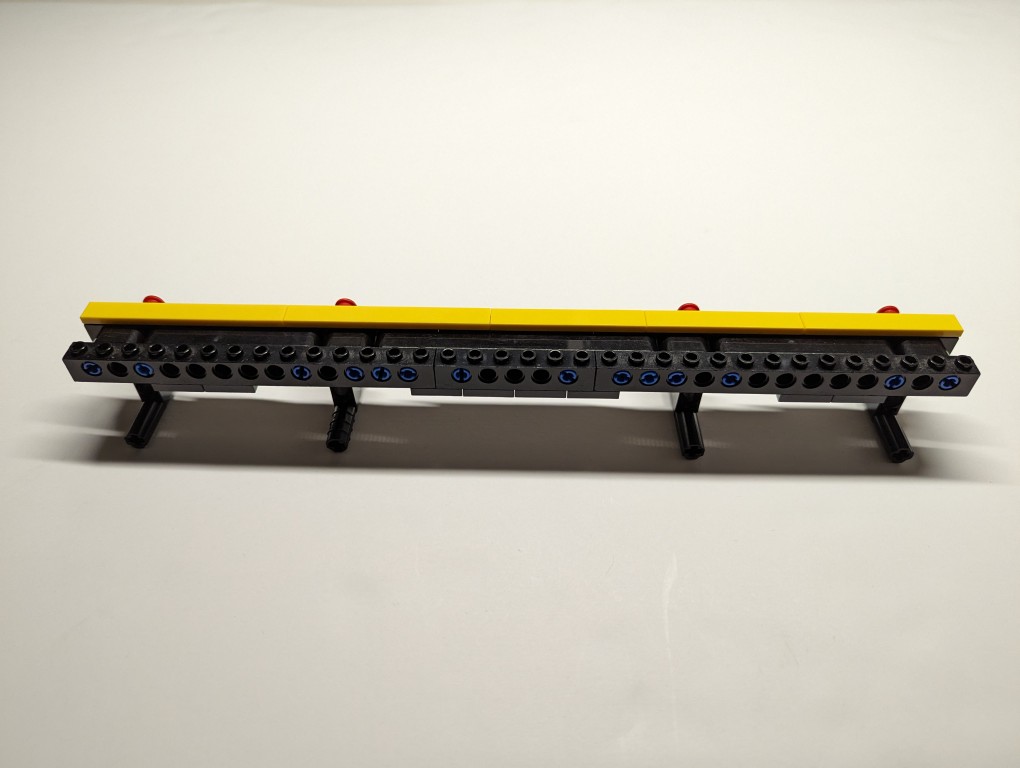
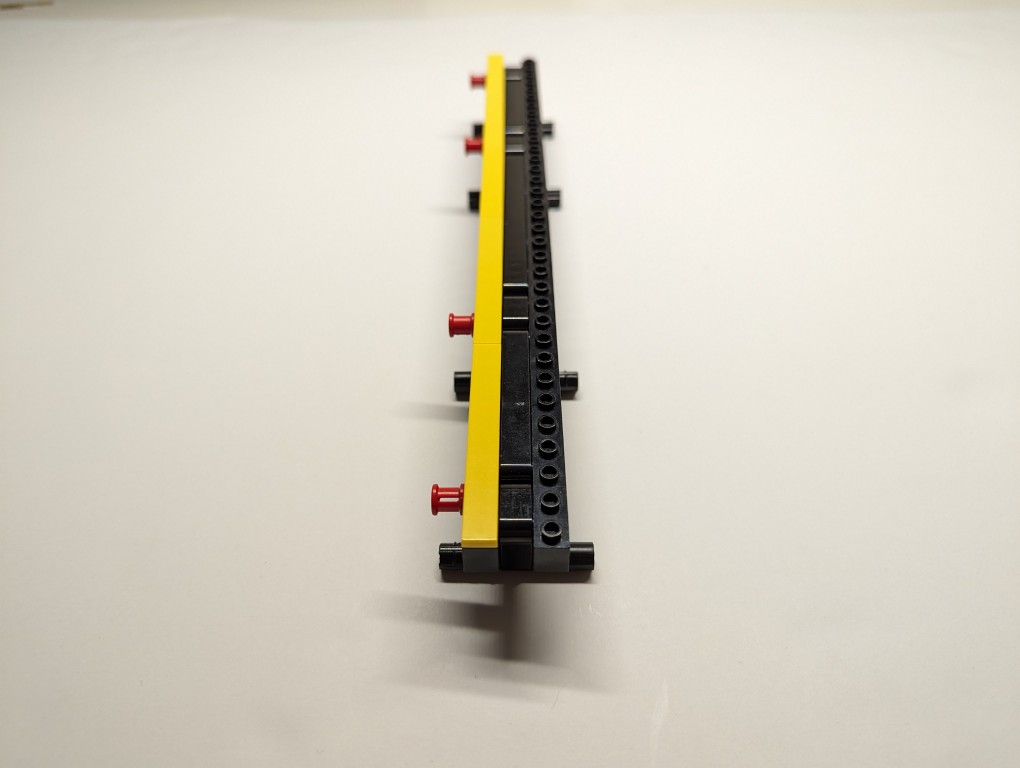
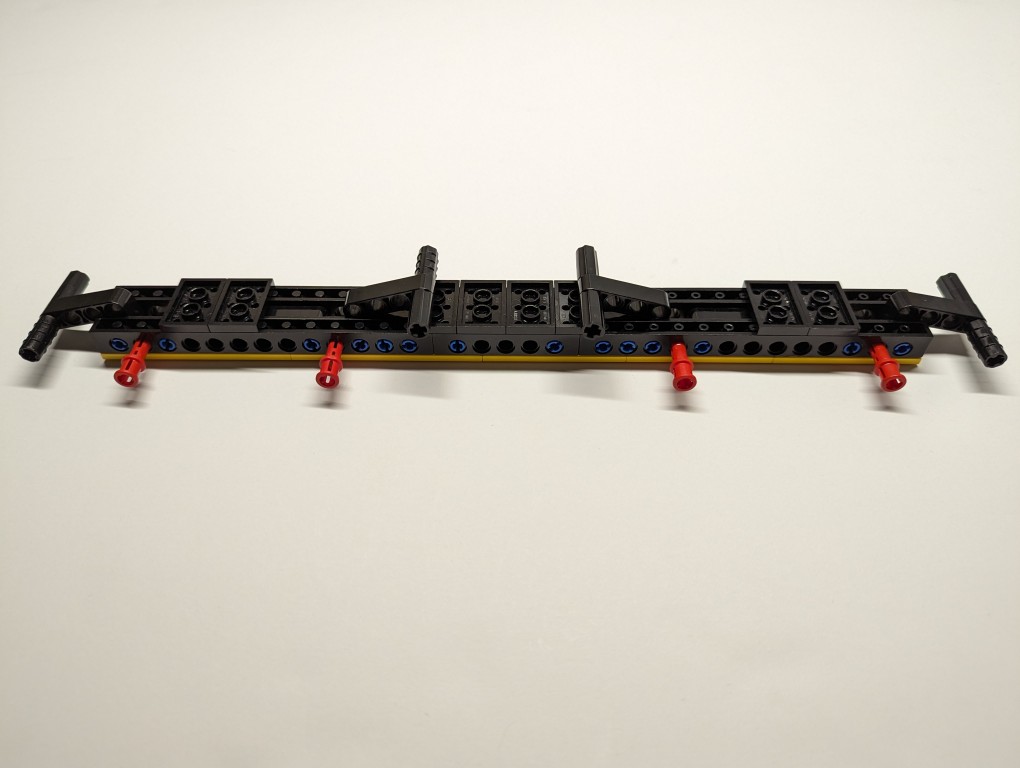
What I made to solve this problem mostly used LEGO Technic elements with some brick elements (plates to provide support underneath its joints and the bright yellow smooth plates on top to orient the stand and provide a stop against the ThinkPad’s support foot).

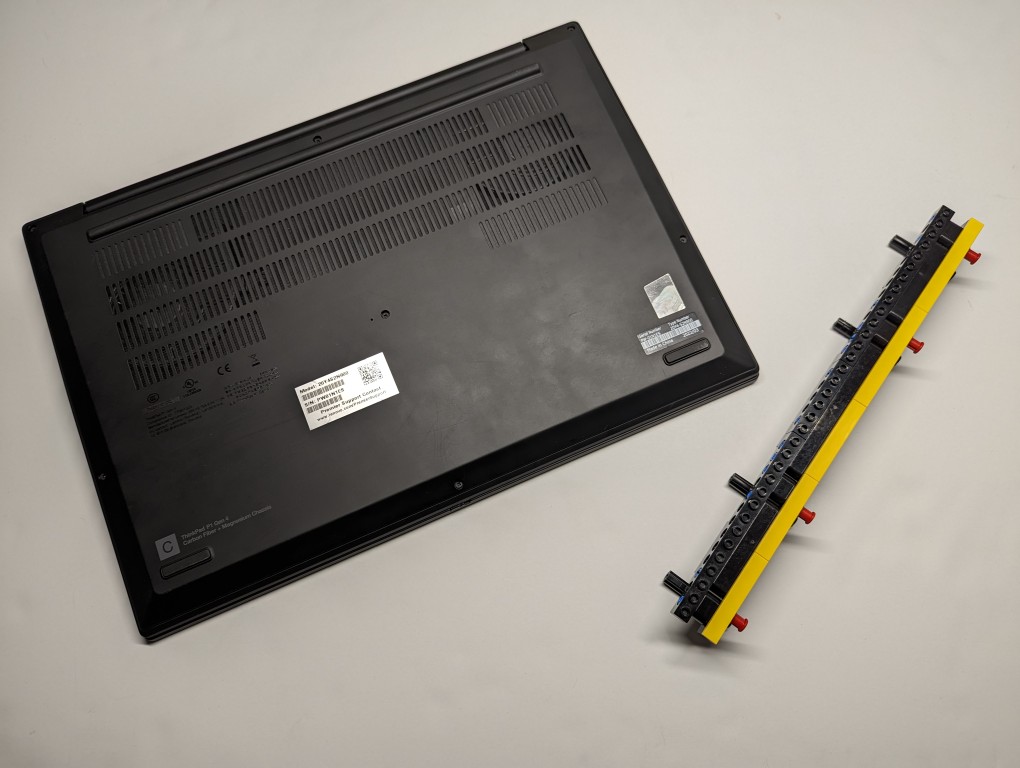
The ThinkPad’s support foot fits perfectly in the center of the stand without the studs toward the front or the flat plate in the back touching the laptop’s body.

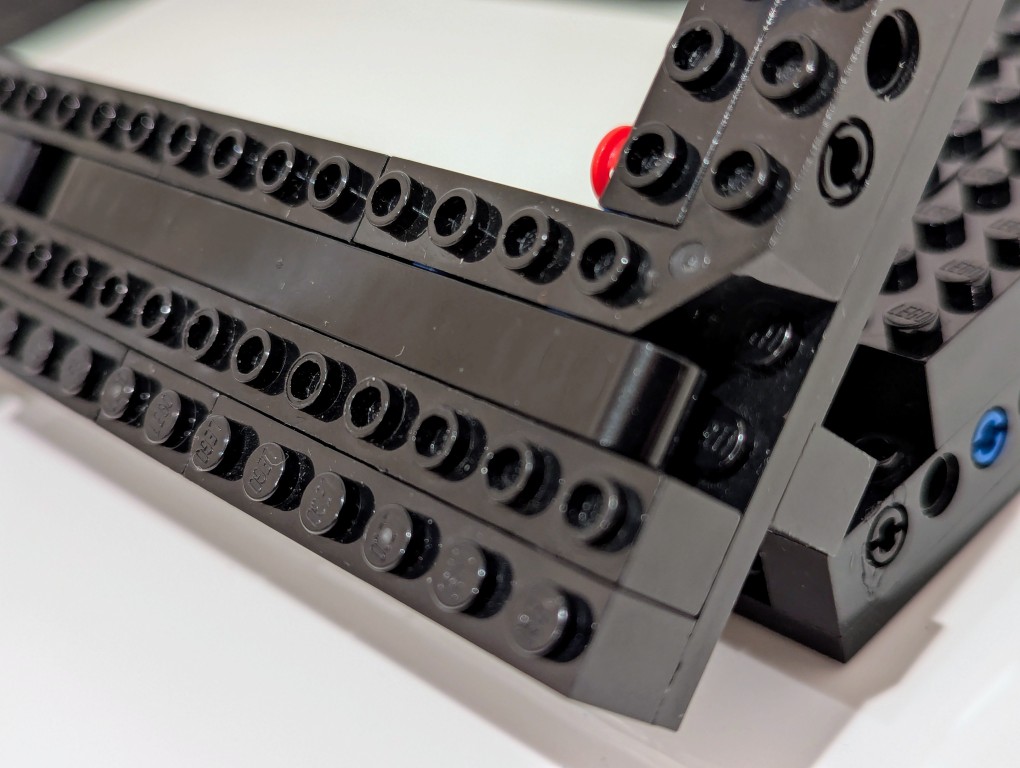
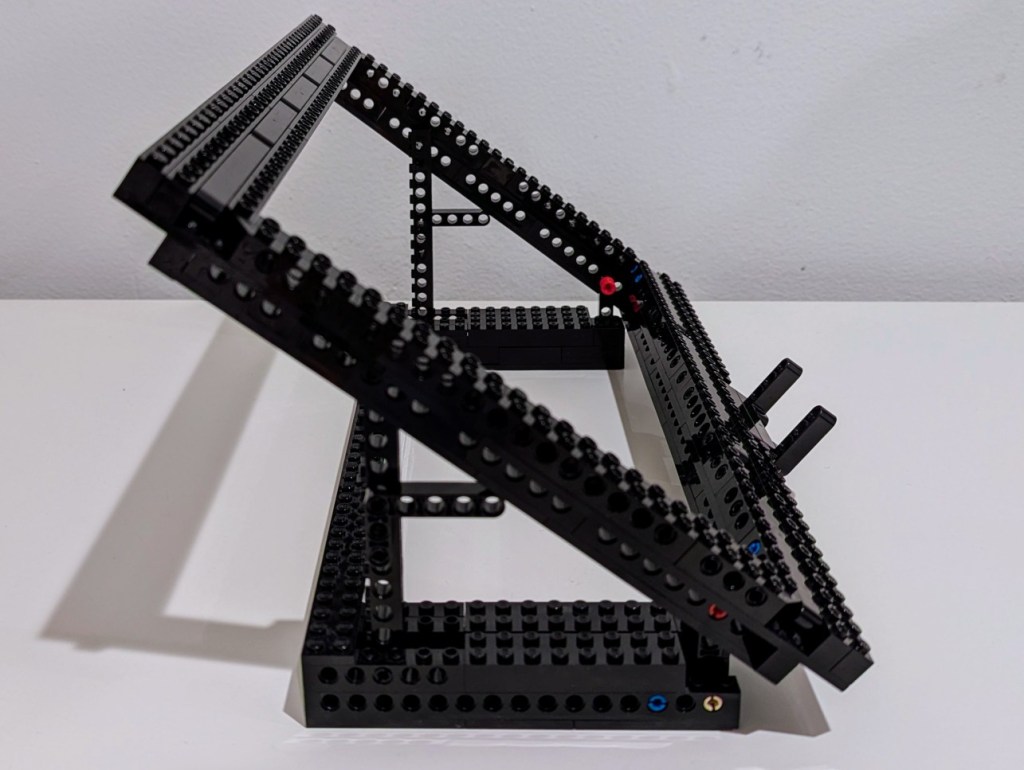
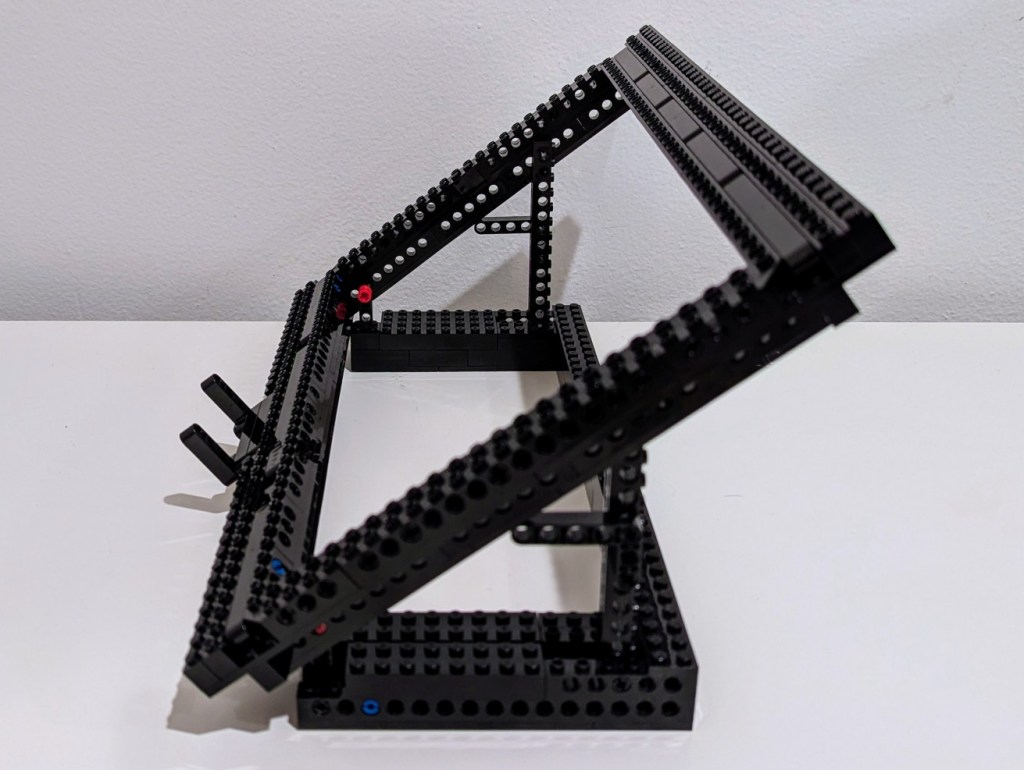
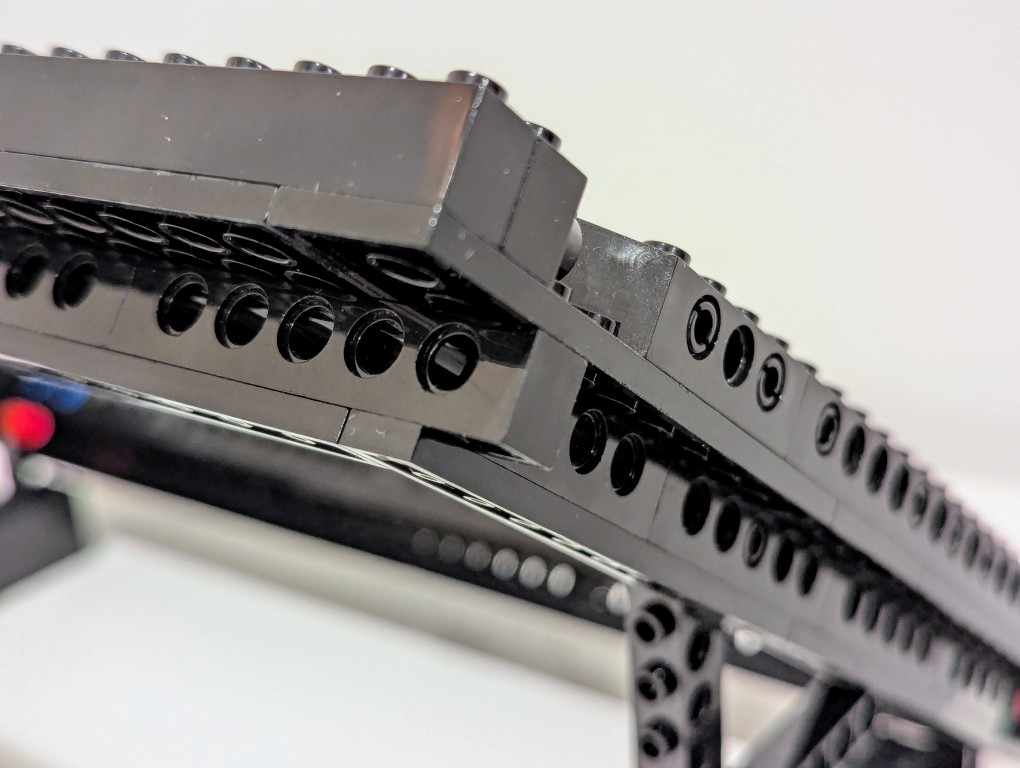
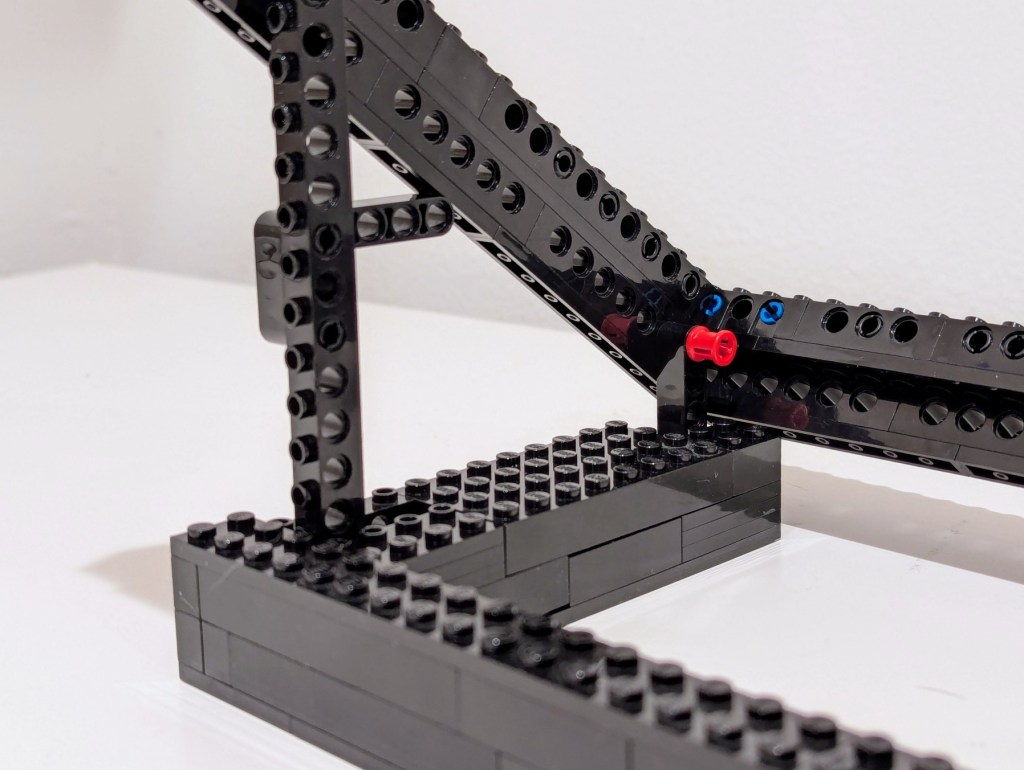
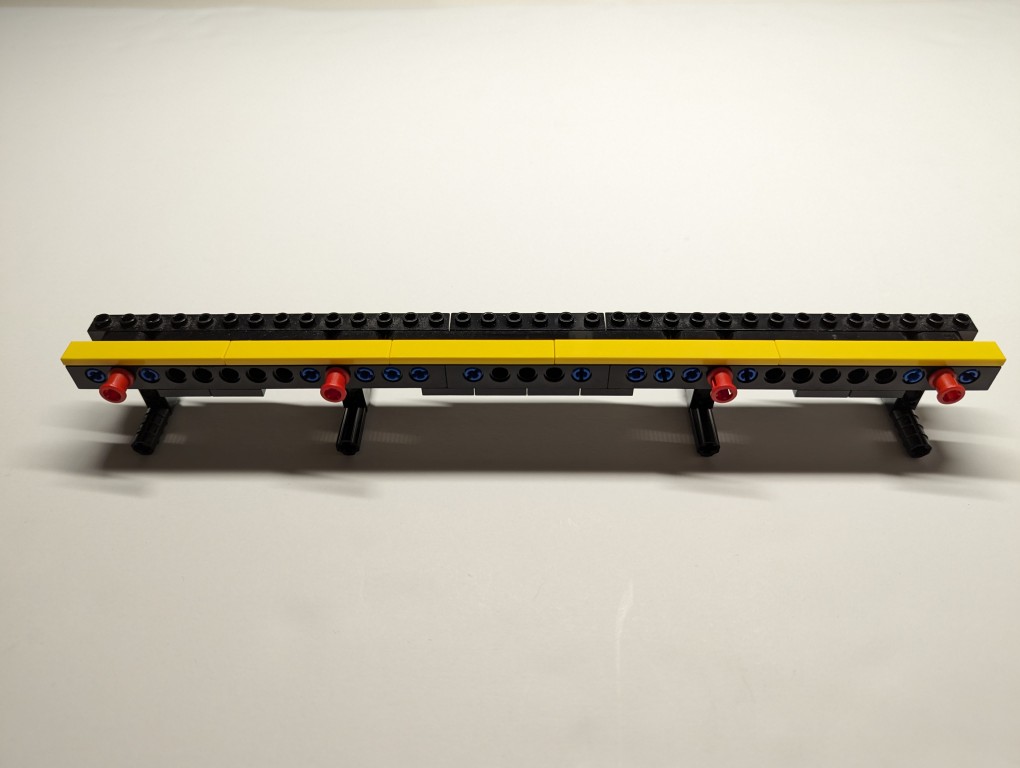
Essentially, the stand is built like a sandwich: the bread is the Technic bricks with holes on either side, and the filling is the Technic liftarms (straight and L-shaped). I used 3-stud wide pins to hold the sandwich together. The red pins are only used to provide stability to the support legs when they are deployed for use.


On the back of the stand, the red pegs can be partially pulled out and the feet folded.

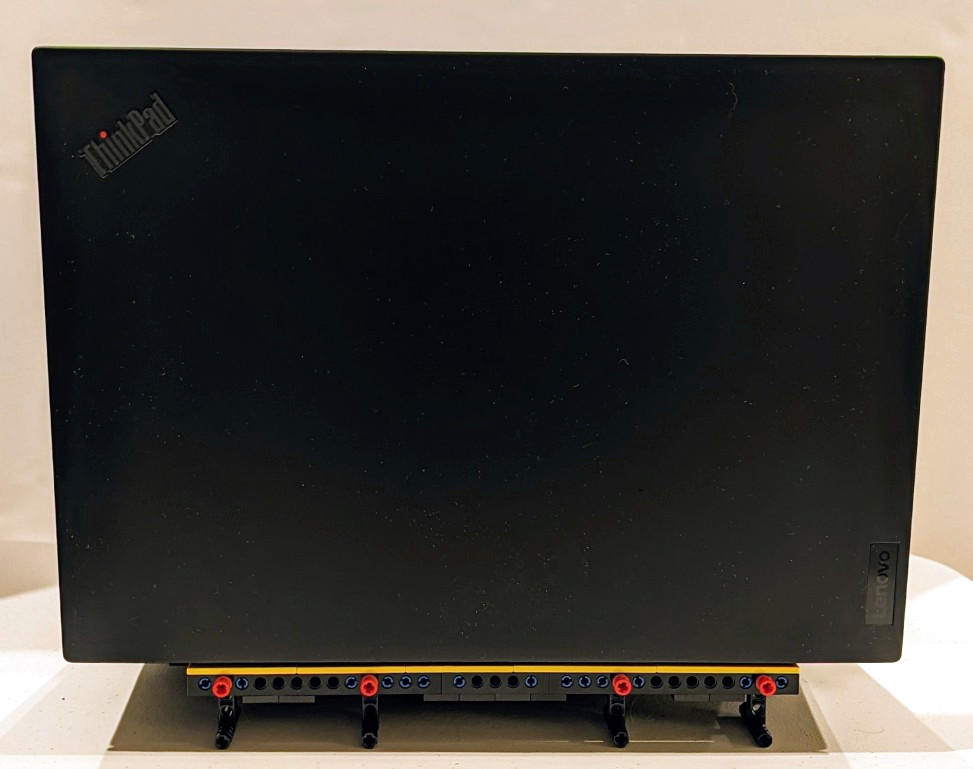
The LEGO stand completely covers the support foot at the rear of the laptop (seen at the top of the photo above). When folded, it easily slips into the backpack that I use to carry this ThinkPad.
LEGO is a versatile, rapid prototyping medium for building art, expressing ideas, and in this case, creating something practical to solve a specific problem.
If you have some LEGO bricks laying around idle, you might stop and think about what problem they might be able to solve for you!
-
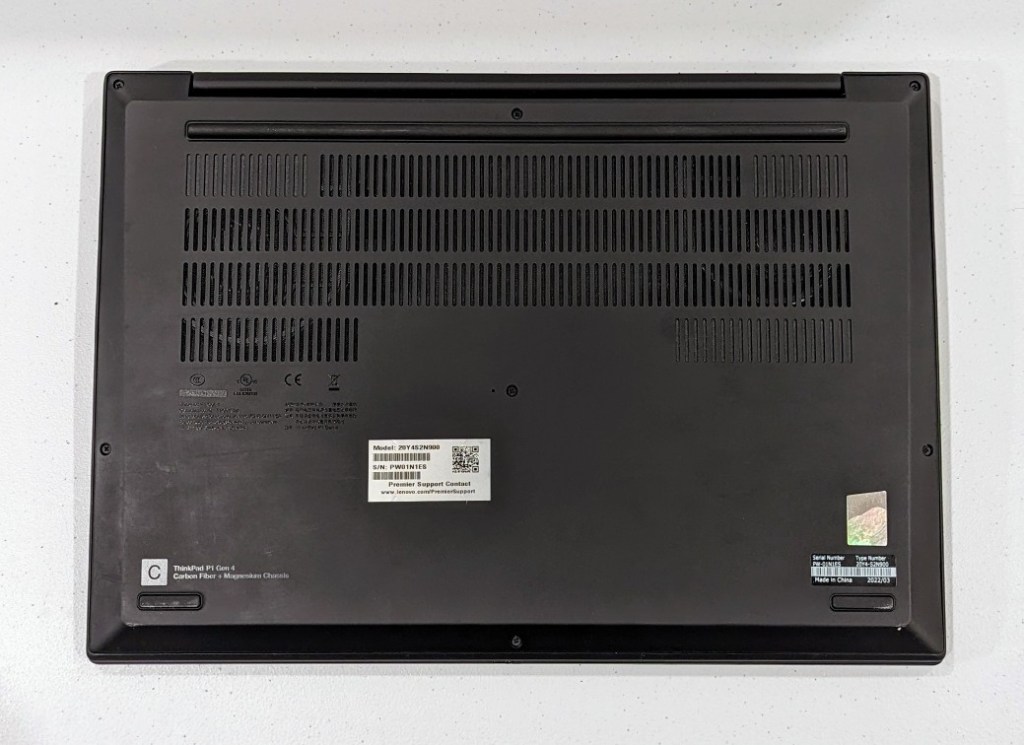
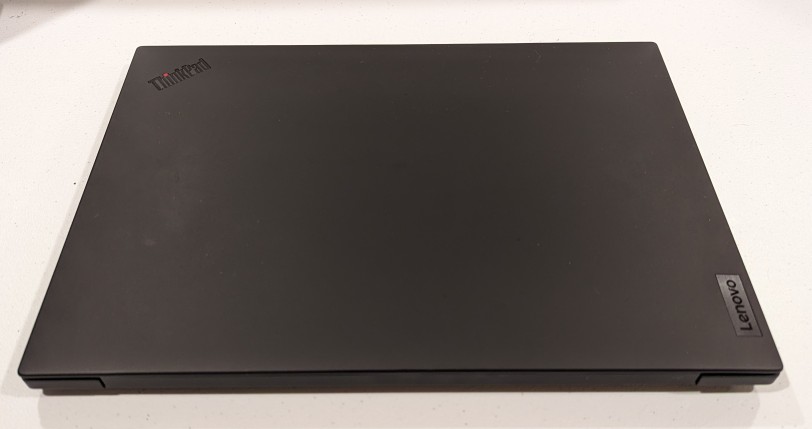
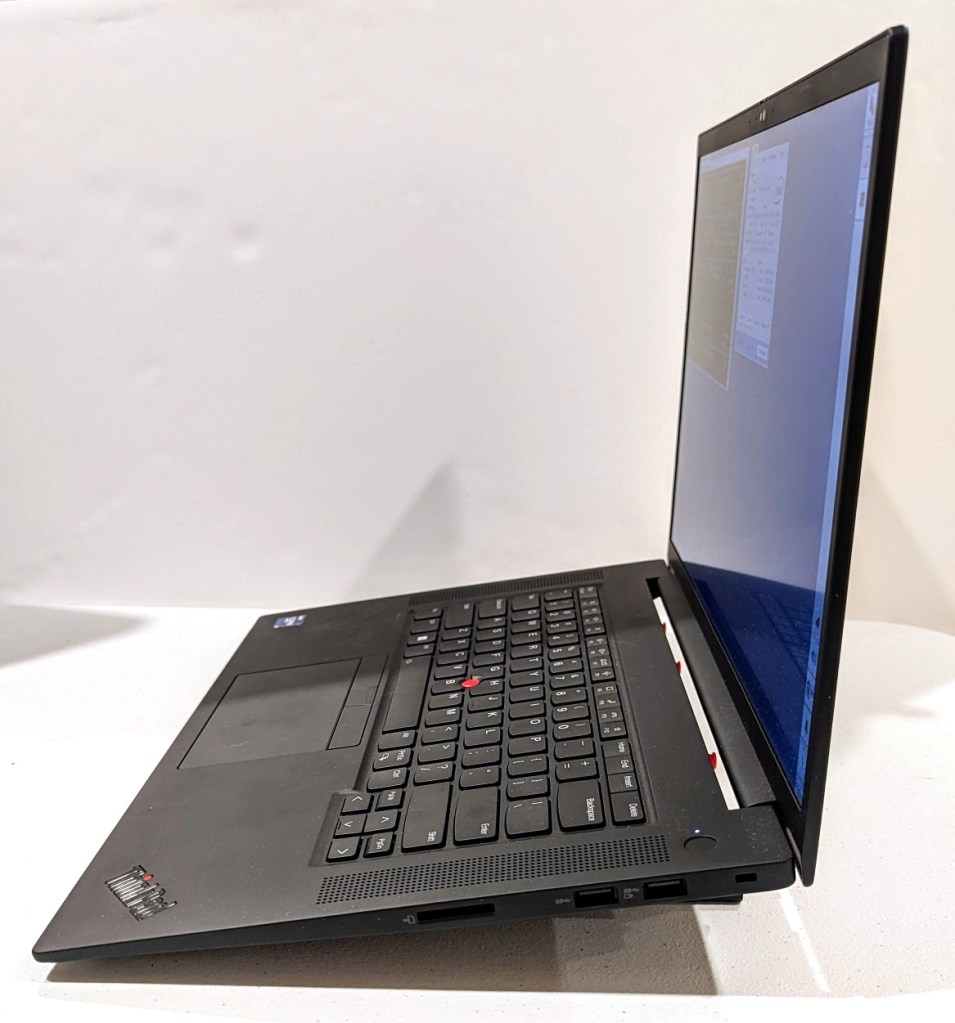
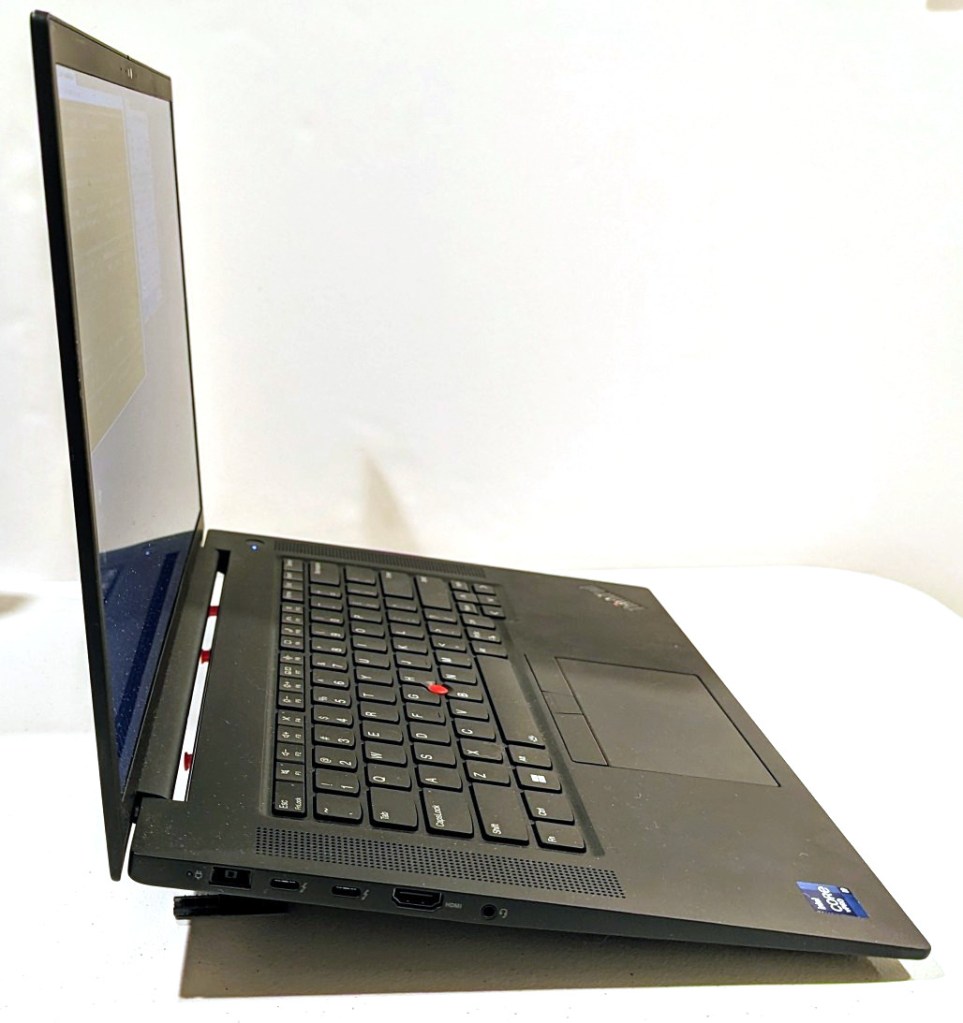
Lenovo ThinkPad P1 Gen 4 Powerhouse Workstation

About halfway through my sabbatical, I needed to visit my parents in Georgia, but I also needed to continue working on my research projects. I didn’t feel safe about lugging my A6000 desktop computer (in checked baggage or shipping), so I followed my own advice and started looking for a used workstation-class laptop.
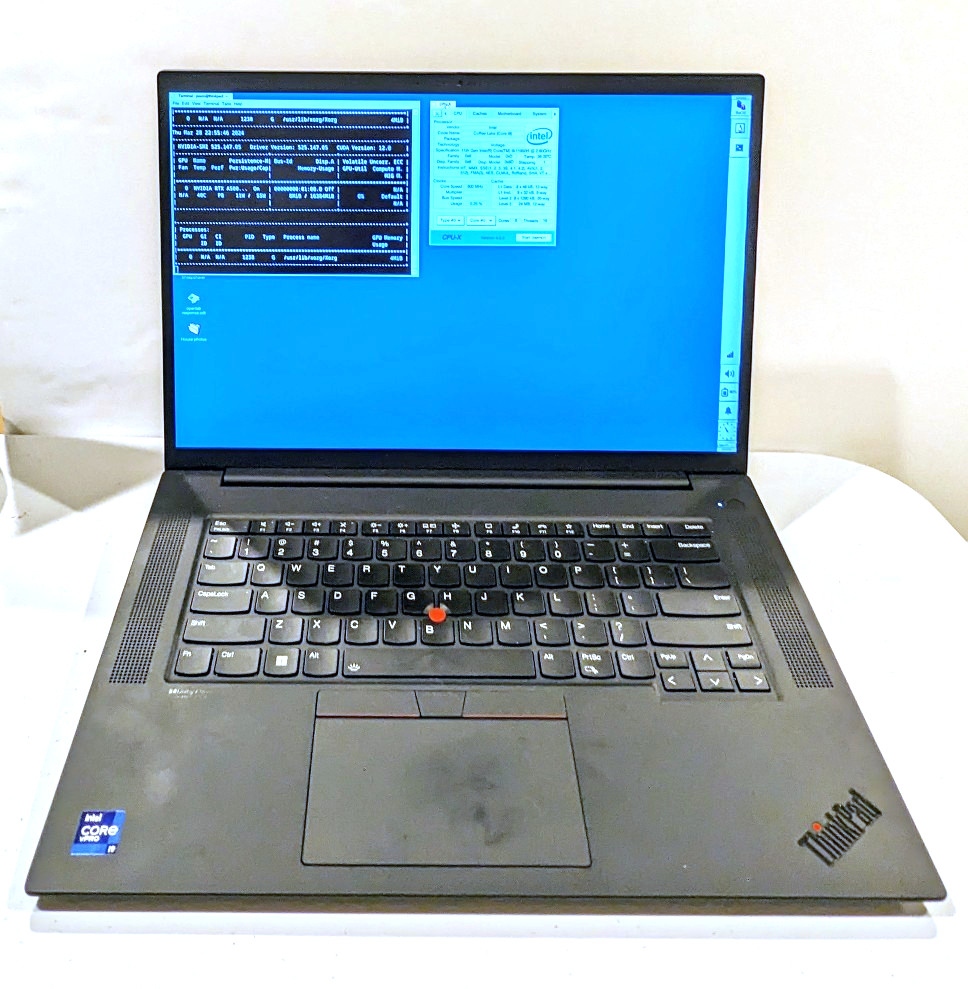
It took a few weeks, but I landed this awesome, practically new Lenovo ThinkPad P1 Gen 4 from a seller on eBay. It has a 16″ QHD+ screen (that I scale down to 1080p for my eyes), an i9-11950H (8 core/16 thread) CPU, 64GB DDR4 RAM, 2TB SSD, and an NVIDIA RTX A5000 16GB discrete video card (Stable Diffusion and llamacpp worked without any hiccups).
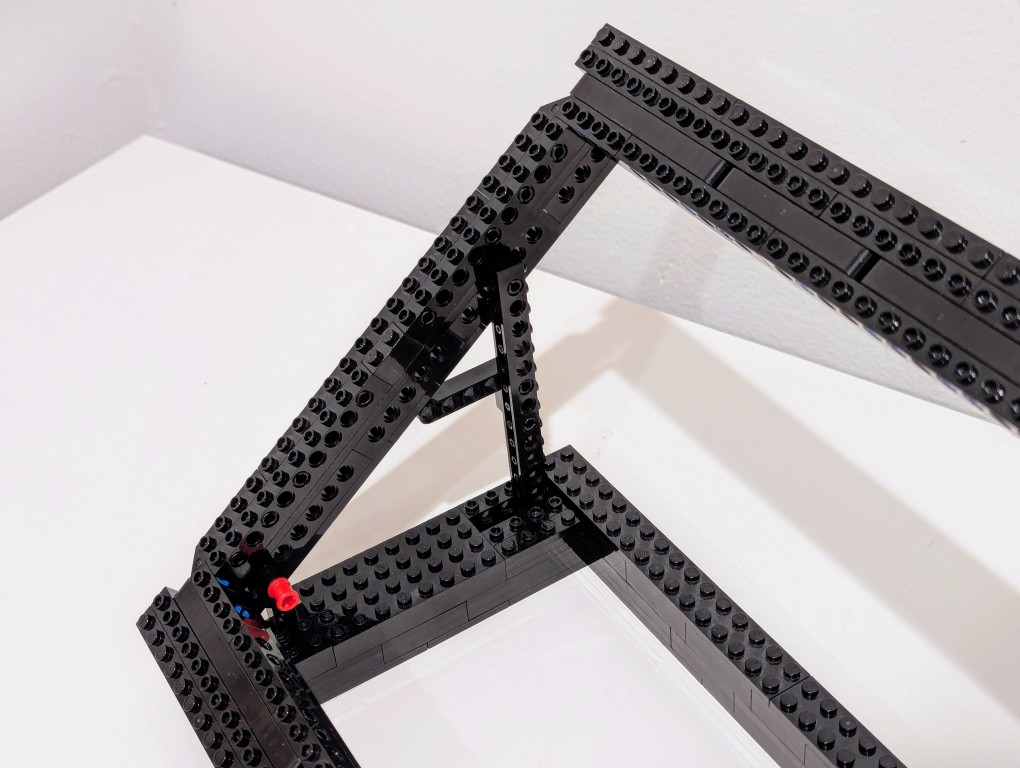
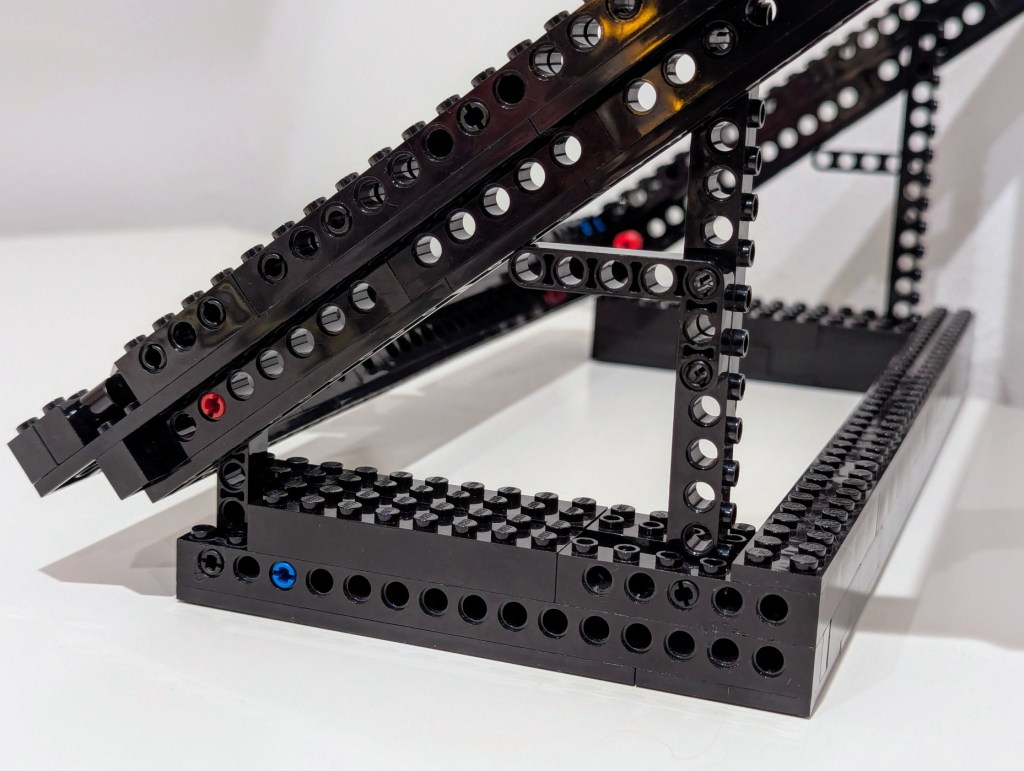
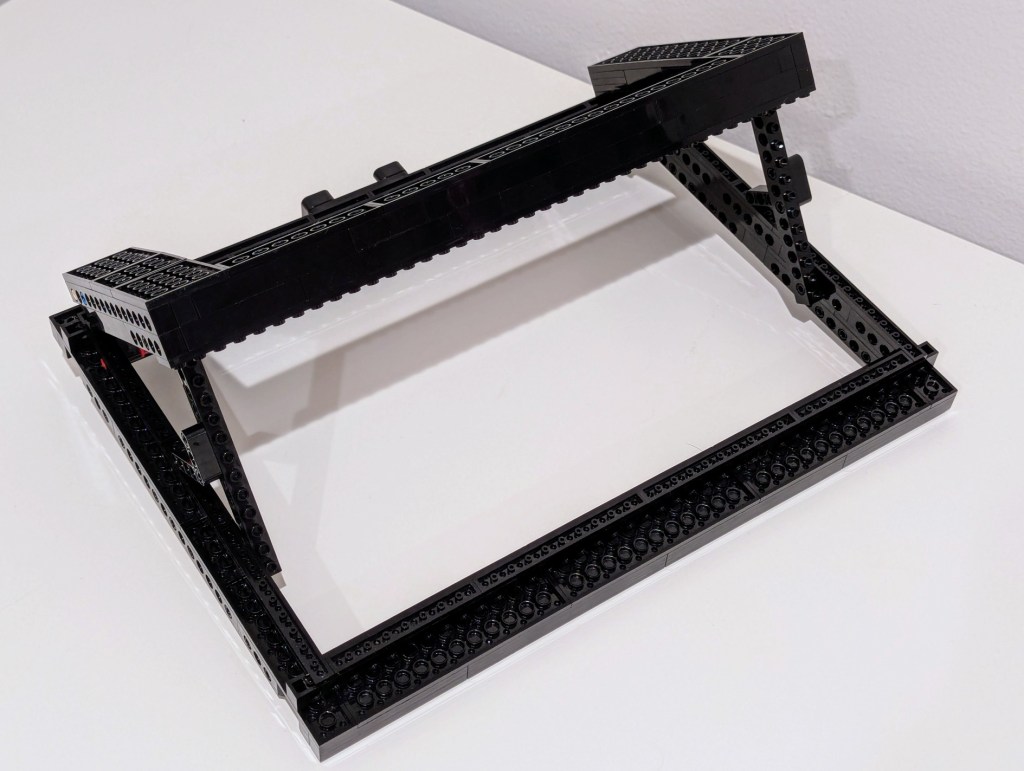
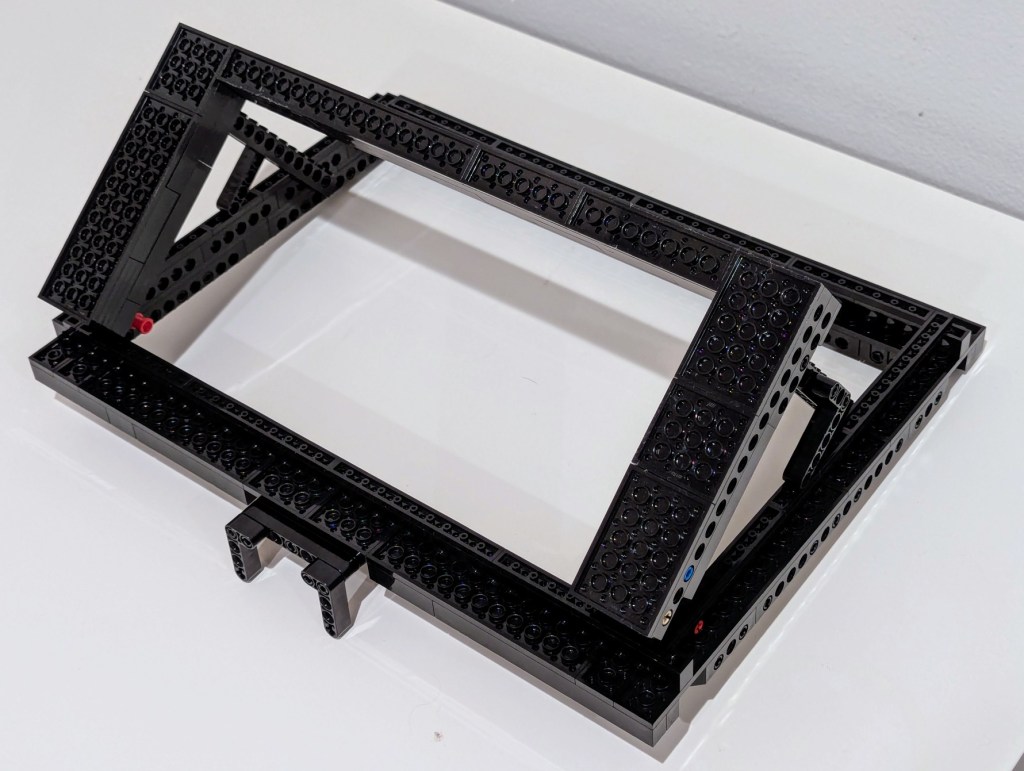
It plows through all of the work that I throw out at, but it does sound like a jet engine when its two cooling fans spin up. I have found that raising it off the desk by a couple of inches helps tremendously with cooling by increasing air flow. I had been using rigged up stands, but I built a special stand out of LEGO that I will show in detail tomorrow (but there’s a sneak peek in the photos below).


I can’t sing this laptop’s praises loudly enough! It works well with Debian 12 Bookworm, but it does have some issues with power saving/hibernation, which is a known issue and might have some work around that I haven’t tried yet.
The one thing that it can’t do without when doing GPU-focused work is it’s chonky 230 watt external power supply. I bring it with me when I know it will eat through its battery doing jobs. I recently upgraded my backpack to a Mystery Ranch 2-Day Assault Pack, which has a built-in sleeve that easily accommodates 16″ laptops like this one (but it can be tricky to use the laptop side egress slot due to the ThinkPad’s thickness).