Tag: Video Games

  • Ditched Roku for a Discounted Origimagic Ryzen 5 Mini PC

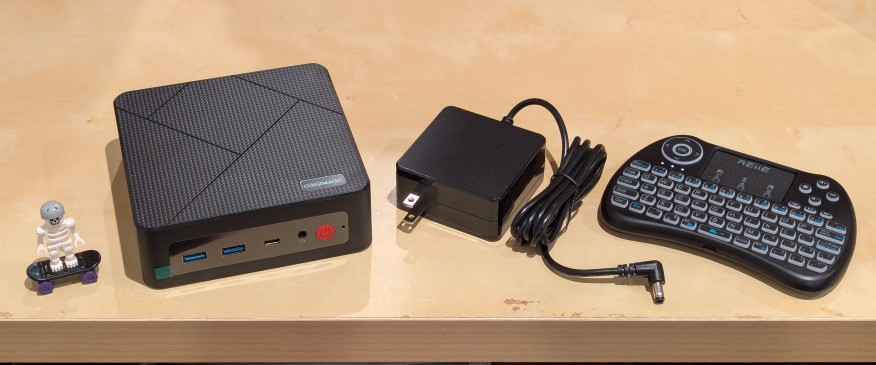
    lego minifigure skeleton on skateboard next to origimagic c4 mini pc, power adapter, and handheld keyboard with trackpad

    I’ve been unhappy with Roku’s increasing advertising through images and now full-motion video and their lack of support for a variety of codecs in their media player app. So, I’ve been looking for awhile for a good deal on a mini pc that could replace the Roku for playing media and also support some light gaming. Also, considering the impending tariffs (i.e., a tax on Americans), I hoped to find something as soon as possible.

    After tracking several mini pcs on Amazon and eBay for a few weeks, I finally pulled the trigger when Amazon offered the Origimagic C4 Mini PC with a Ryzen 5 3550H (4 core, 8 threads) on sale for $153. It’s CPU has a lot more horsepower while using 25 watts of power than Intel’s similarly priced mini pc processors. It came stock with 16GB DDR4 RAM, 512GB PCIe SSD, 1 x Type-C USB, 4 x Type-A USB (3 are USB 3 and 1 is USB 2), headphone jack, HDMI, DisplayPort, and dual ethernet.

    To operate it from the sofa, I got a $10 reiie H9+ Mini Keyboard with Touchpad that uses a wireless USB adapter to connect to the mini pc.
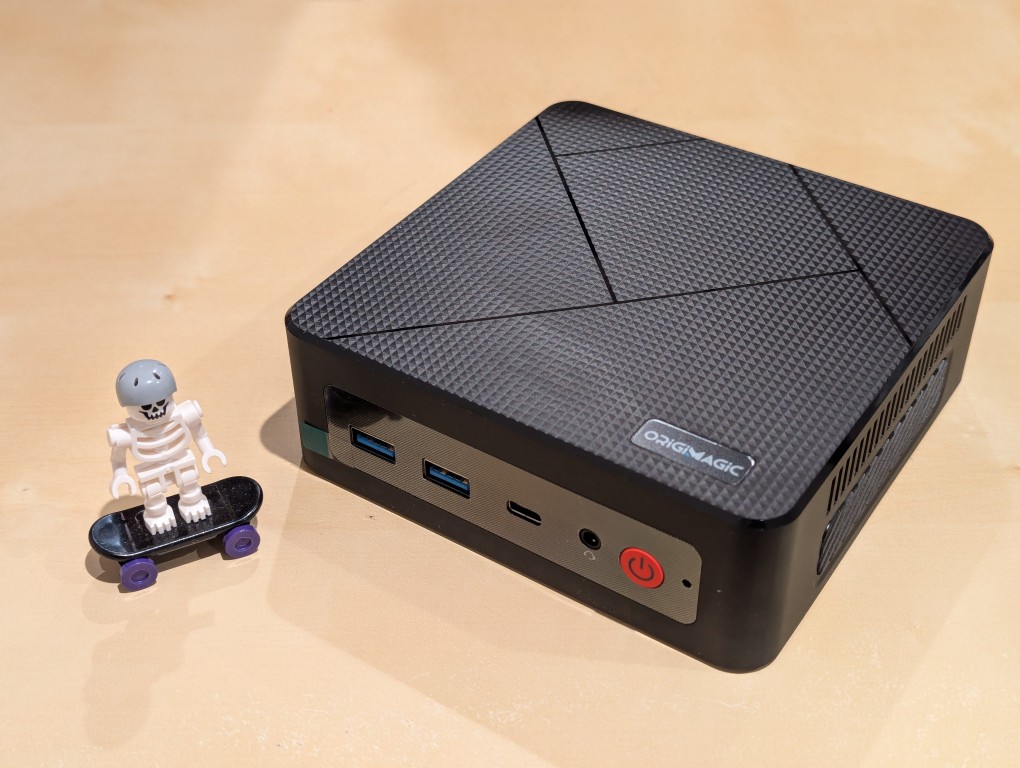
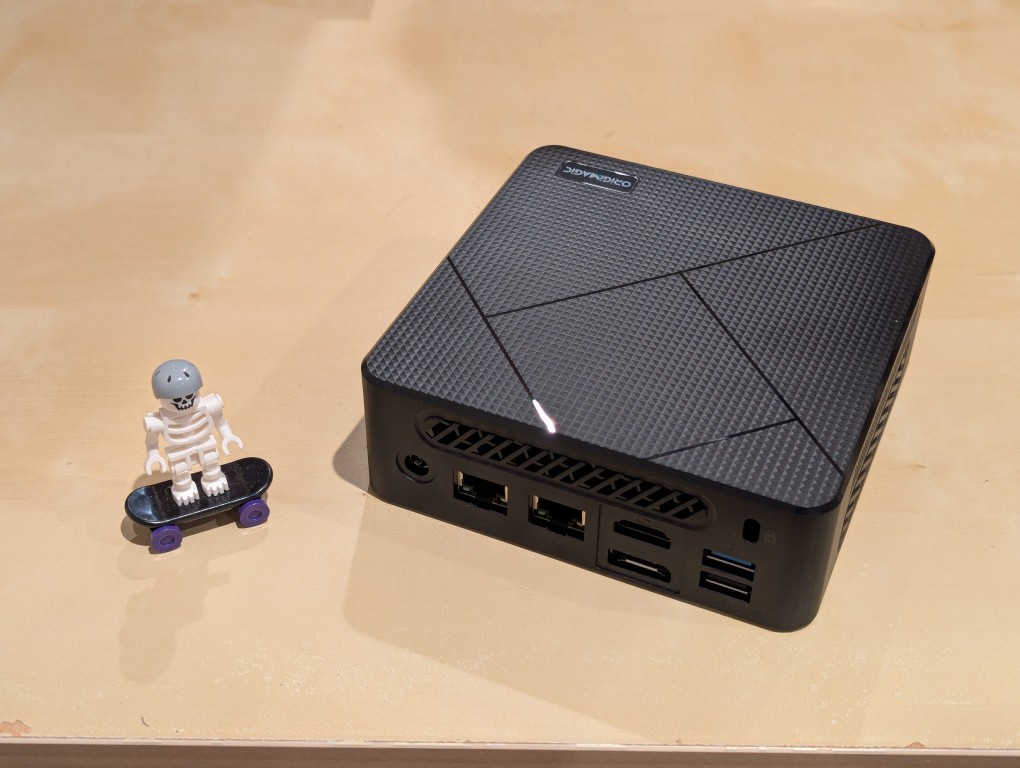
    lego minifigure skeleton on skateboard next to origimagic c4 mini pc
    lego minifigure skeleton on skateboard next to origimagic c4 mini pc

    Before setting anything up, I created a flash drive with Debian 13 Trixie, the latest version that was released over the weekend on Saturday.

    To do this, I inserted a 16GB flash drive into my workstation, but I didn’t mount the device. I downloaded the network install ISO for Debian 13 from here. Then, I ran lsblk in a terminal window to see what device address corresponded to the flash drive. It’s important to not make a mistake here, because it’s easy to overwrite another drive using this method. lsblk lists the devices, which are all in the “/dev/” folder, so when I saw that my flash drive was assigned the address “sdb”, I knew that its full address was “/dev/sdb”. With that info, I then wrote the downloaded Debian 13 netinstall ISO directly to the flash drive using this command:

    sudo cp debian-13.0.0-amd64-netinst.iso /dev/sdb

    After the copying to the flash drive had finished, I ejected it from my workstation and took it over to the mini pc. I plugged in the power adapter, ethernet cable (I arbitrarily picked the one furthest from the power plug), HDMI cable to the TV, the keyboard receiver USB, and the Debian 13 installation flash drive.

    I did experience some frustration with getting the Debian 13 flash drive to boot the mini pc. As soon as the mini pc booted, I was unable to enter BIOS or open the boot menu. Instead, it kept booting into the Windows 11 setup, which I did not want to use. At first, I thought it might be a problem with the tiny wireless keyboard and trackpad, so I switched to my Logitech keyboard and trackball, which are both tied to one Logitech USB receiver. I tried different USB plugs on the front and rear of the mini pc until I was finally able to enter bios (pushing DEL at boot) when the keyboard USB receiver is in the top-right USB port on the rear of the mini pc as shown below (it is a USB3 port). It might have been bad luck on my part with the other ports, so I can’t say this is a peculiarity with this hardware for certain. Nevertheless, it’s good to exhaust all possibilities like this.
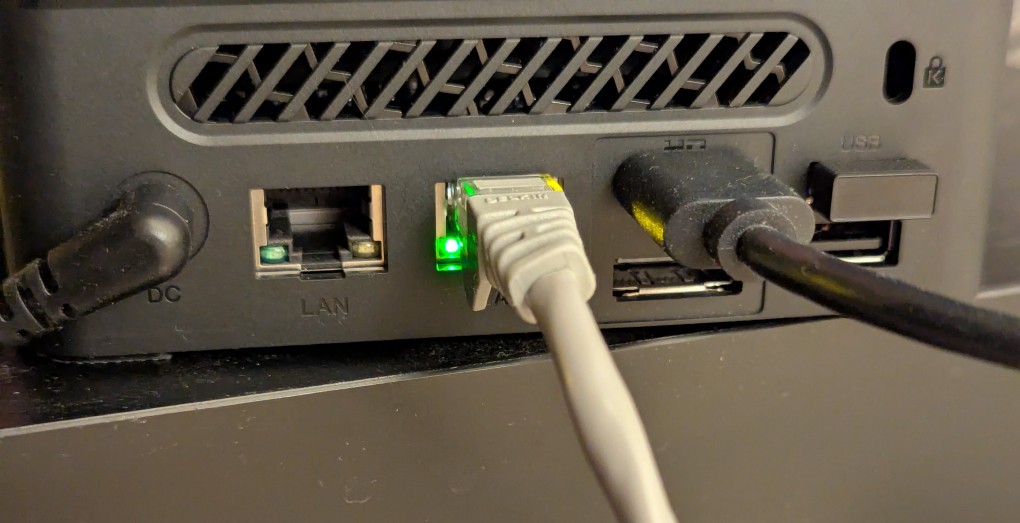
    back of mini pc: power plug, two ethernet ports (one plugged in), HDMI (plugged in), display port, and 2 usb ports (one has a tiny device plugged in)

    Once in the BIOS, there’s not many options except for disabling hardware (I disabled WiFi), turning off Secure Boot and the Trusted Computing Module, and other odds and ends. I saved the settings, rebooted, and went into the Boot Menu (F7), selected the Debian 13 netinstall flash drive, and began the installation (a full nuke-and-pave: erasing the NVMe drive and setting up Debian 13 as the only operating system).

    While I use XFCE on my laptop and workstation, I opted for the GNOME desktop environment on the mini pc, because I thought its screen controls and overall user interface would be easier to see and navigate from across the room. If I don’t like it, I can always install XFCE.

    Because two of the main sources of media for us is Netflix and YouTube, I installed Chrome to handle those sites. I have VLC and Kodi for everything else.
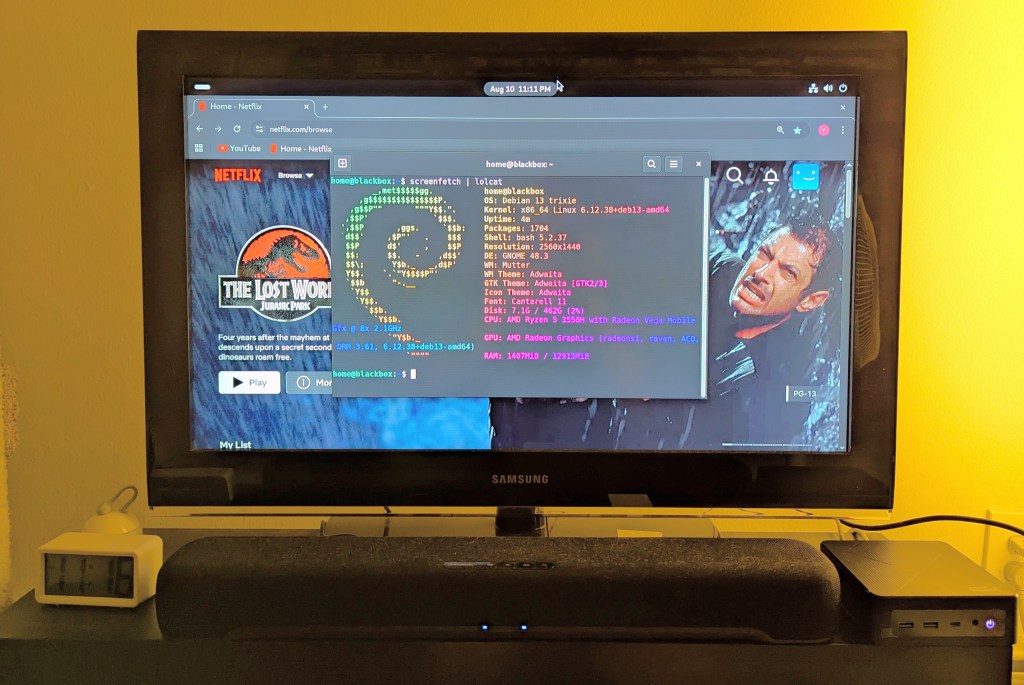
    samsung tv and soundbar with a mini pc on the right side of the tv stand. the screen is showing netflix Jurassic Park the lost world in the background while the foreground terminal shows the pc's info, which is also in the second paragraph above.
  • Ideas for Expanding Yet Another Science Fiction Textbook (YASFT)

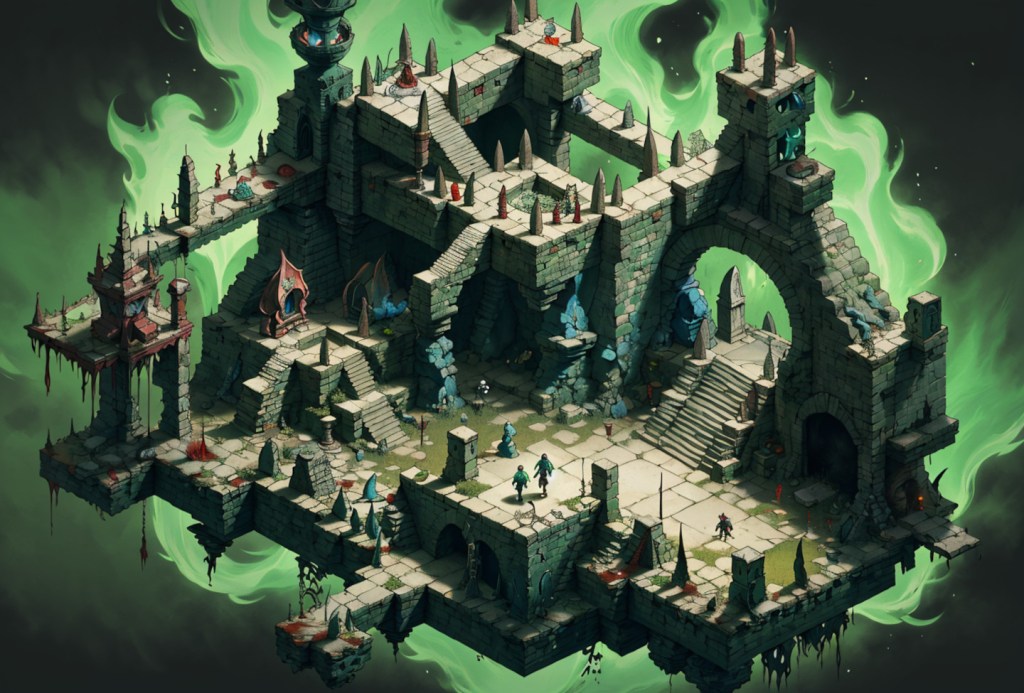
    isometric view of an rpg dungeon with creatures moving around and an ethereal green flame in the background
    Isometric RPG dungeon image created with Stable Diffusion.

    Yesterday, one of my top students visited my virtual office hours on Zoom to talk about their research paper. During our conversation, he made impassioned arguments that I add chapters on Video Games and Table Top Gaming to Yet Another Science Fiction Textbook (YASFT), the OER textbook that I published earlier this year and am teaching with for the first time this semester. He’s right–it does need coverage of those topics not just for completeness but also because it’s how many students make a deeper connection to the genre (with television and film often being an introduction). It’s something that I plan to work on when I get a chance.

  • kkrieger, a First Person Shooter From the Demoscene That’s Only 96K

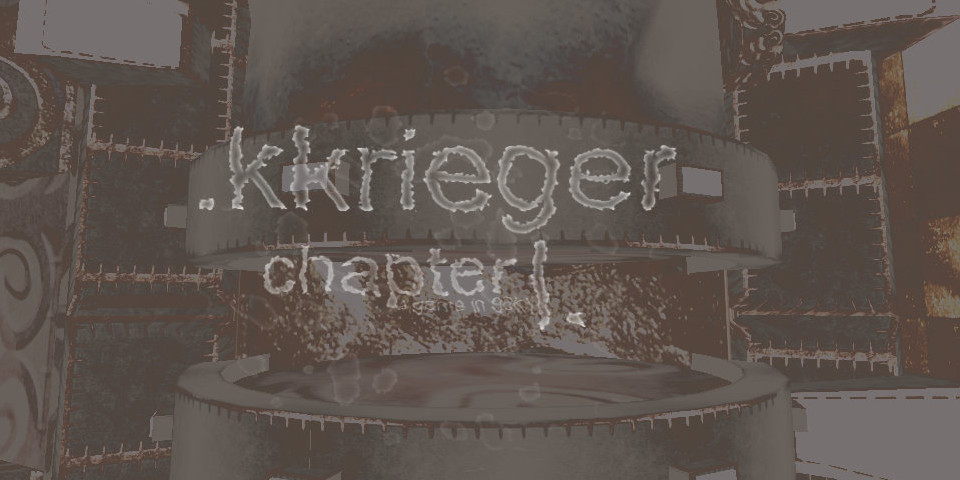
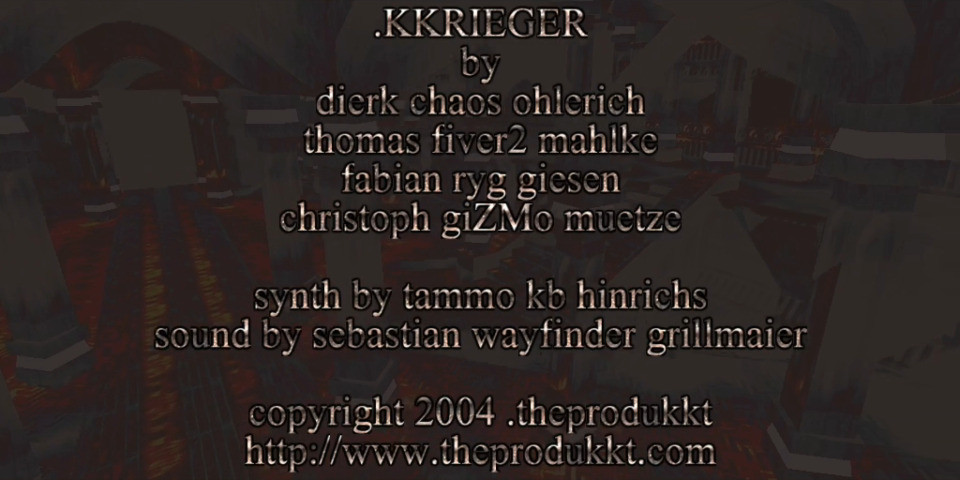
    kkrieger title screen

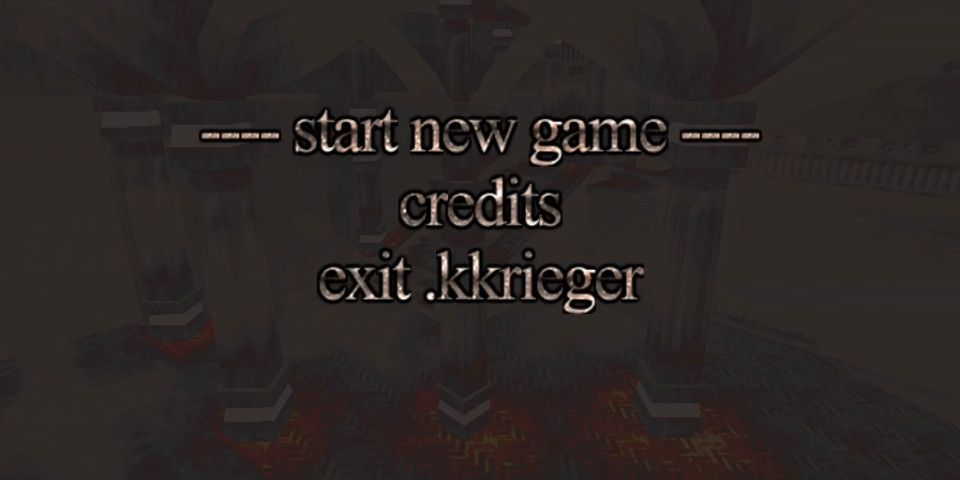
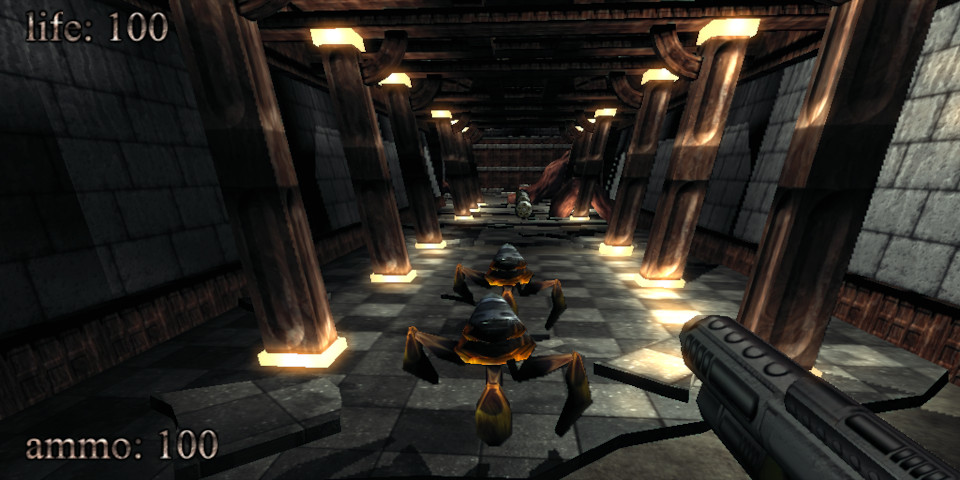
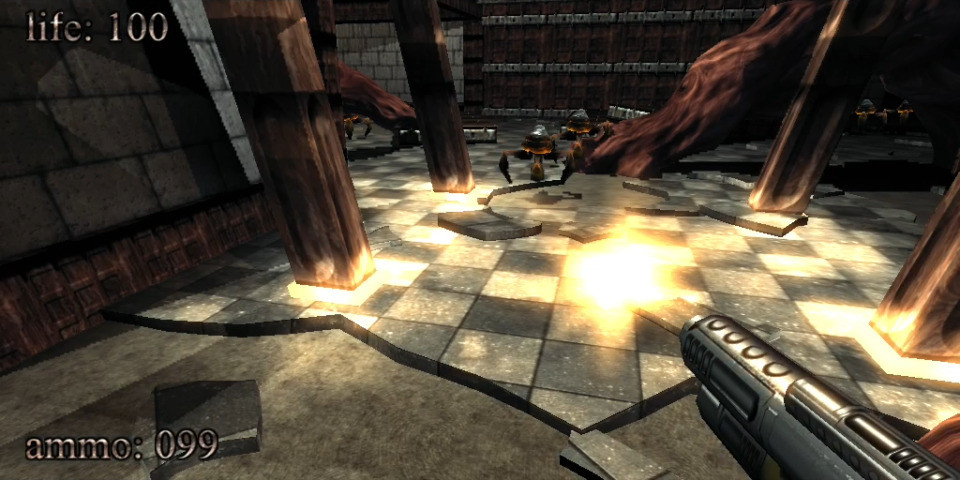
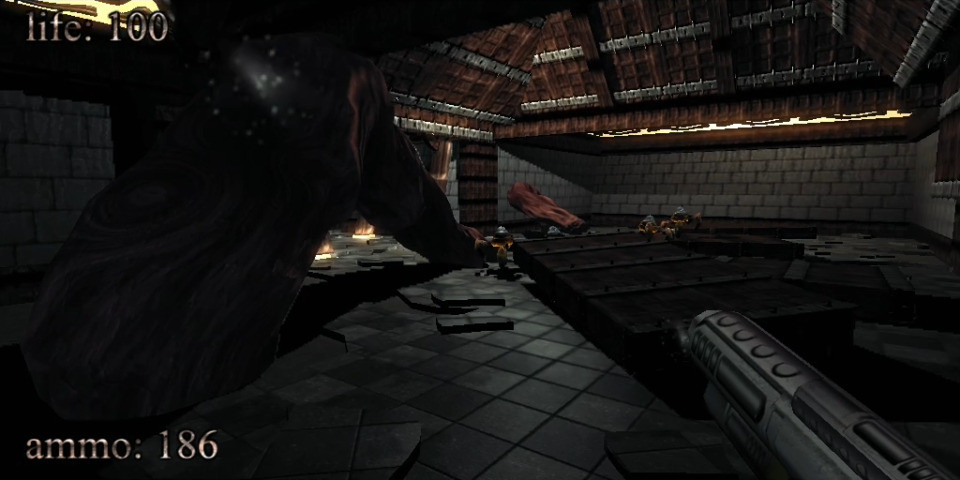
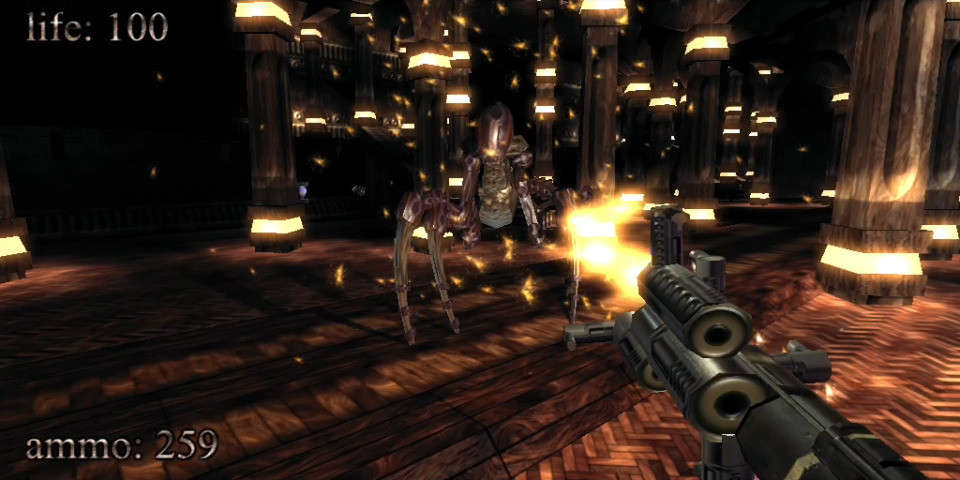
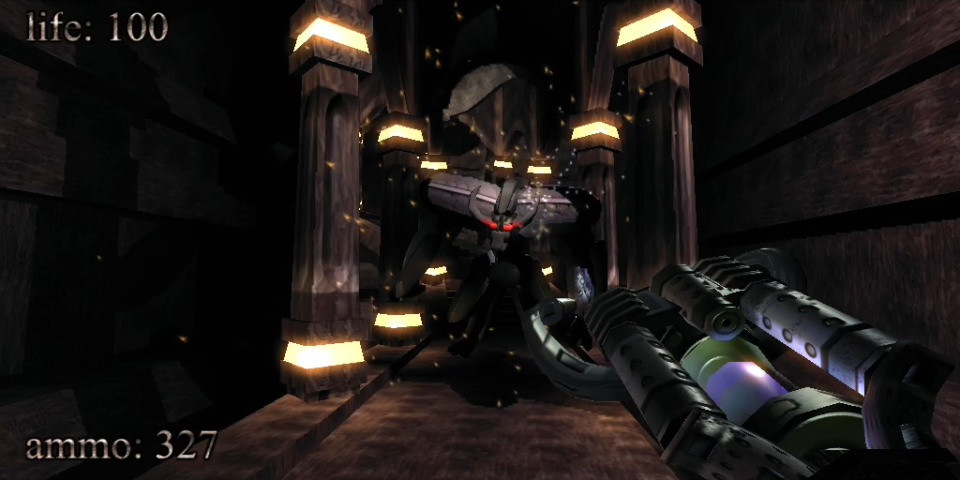
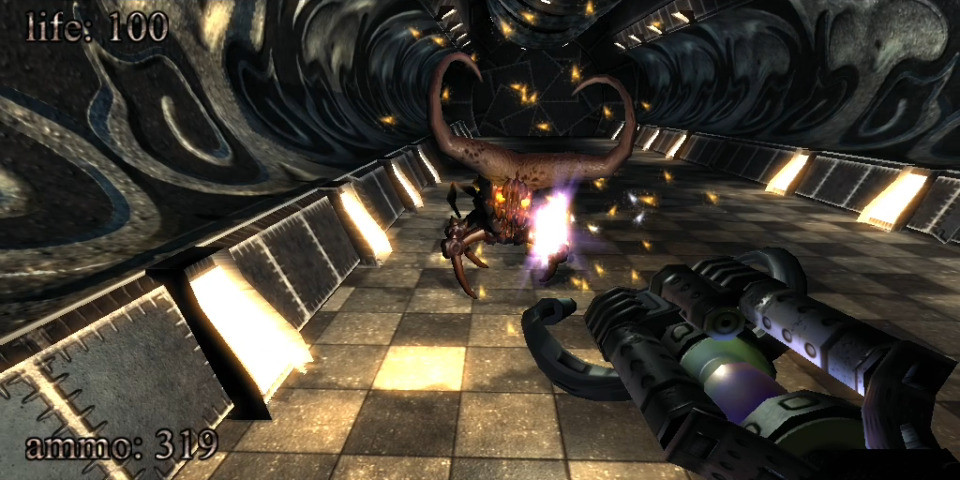
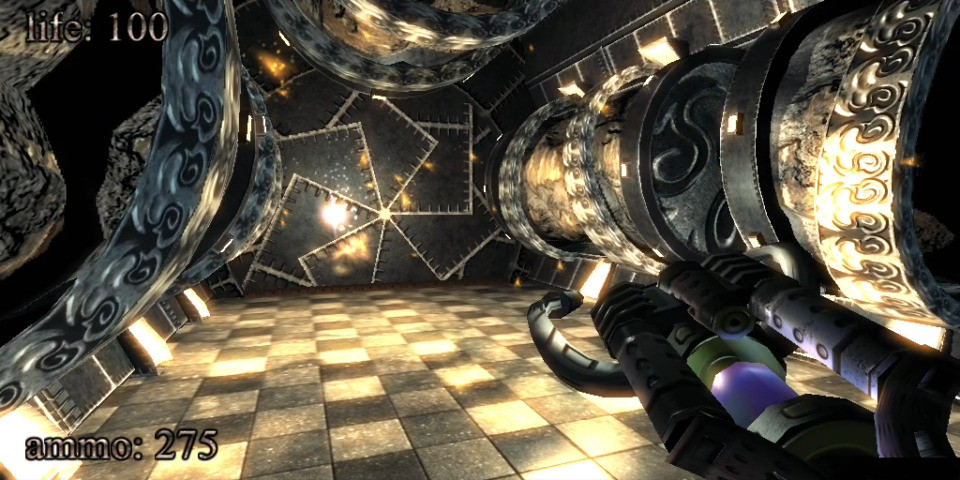
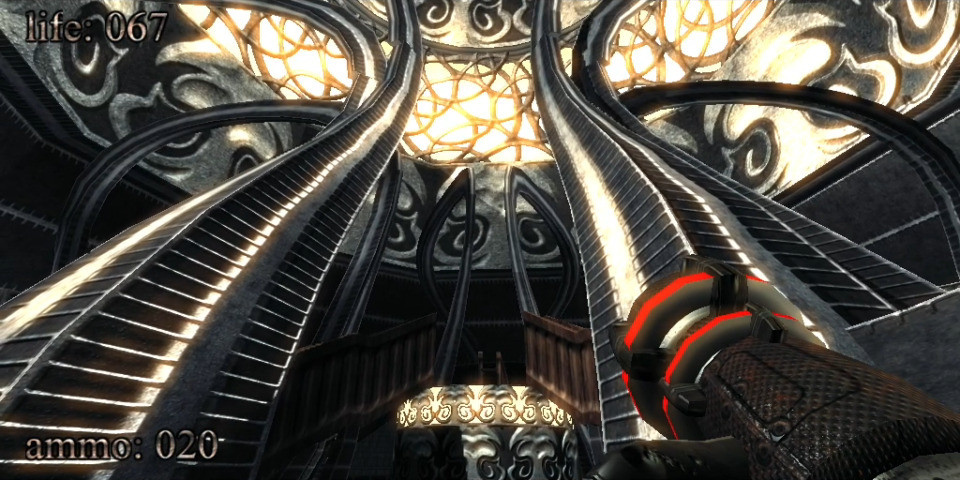
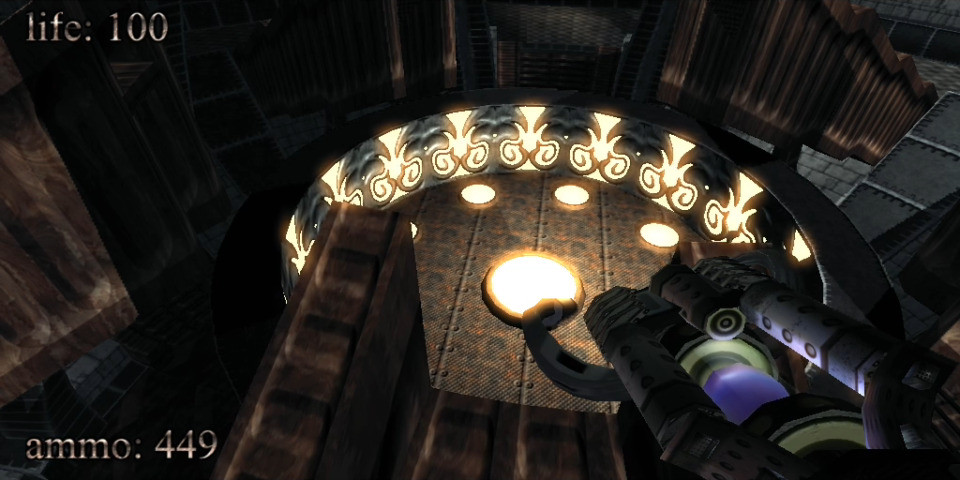
    In 2004, .theprodukkt, a project aiming to use “generative computer graphics” and “procedural content creation,” developed a demoscene-inspired first person shooter (FPS) called .kkrieger that features a complex 3D environment with lighting and shadow effects, a variety of enemies, a selection of weapons, an atmospheric soundtrack, and engaging sound effects. Incredibly, .kkrieger is an astonishingly small 96K! The game uses a clever procedural approach to recreate its main elements at runtime instead of storing those assets in an appropriate file format that would balloon the game’s installation.

    To put .kkrieger’s tiny file size in perspective, consider that Wolfenstein 3D (1992) is 1.3MB installed, Doom (1993) is 4.6MB, Quake (1996) is about 700MB (including its audio CD soundtrack), Unreal Tournament (1999) is about 780MB, Halo: Combat Evolved (2001) is about 700MB, and Half-Life 2 (2004) is about 6GB. Put another way, many of the in-game screenshots that I made and attached to this post in JPEG format are about the same size or larger than the entire kkrieger game!

    To accomplish this feat, .theprodukkt designed the game to run on high-end PC hardware of that era on Microsoft Windows with DirectX 9.0b:

    .kkrieger requires a relatively high-end machine to run properly. To be
    precise: 
    
    - A 1.5GHz Pentium3/Athlon or faster.
    - 512MB of RAM (or more)
    - A Geforce4Ti (or higher) or ATI Radeon8500 (or higher) graphics card
      supporting pixel shaders 1.3, preferably with 128MB or more of VRAM.
    - Some kind of sound hardware
    - DirectX 9.0b 

    In the readme.txt included with the game’s executable, .theprodukkt explains the technical details for .kkrieger:

      In general, if you have any technical questions concerning .kkrieger, either refer to our web site or contact us via email. However past experience shows that there are some rumours and misunderstandings about our work that are very hard to correct, so we'll state the truth here, in written form, for all the world to see :) 
    
    - We do .not. have some kind of magical data compression machine that is able to squeeze hundreds of megabytes of mesh/texture and sound data into 96k. We merely store the individual steps employed by the artists to produce their textures and meshes, in a very compact way. This allows us to get .much. higher data density than is achievable with normal data compression techniques, at some expense in artistic freedom and loading times.
    - .kkrieger is not written in 100% assembler/machine language. Not even nearly. Like the vast majority of game projects being developed today, .kkrieger was mostly written in C++, with some tiny bits of assembler where it is actually advantageous (notably, there are a lot of MMX optimisations in the texture generator). 
    - A kilobyte is, historically, defined to be 1024 (2^10) bytes, not 1000. Thus .kkrieger is a game in 96k even though it's actually 98304 bytes. 
    - The concept of the texture/mesh generators was developed by fiver2. We do .not. want to claim that the techniques we used to develop .kkrieger are new inventions. It´s rather a  selection of useful operations and their parameters to optimise the results. 

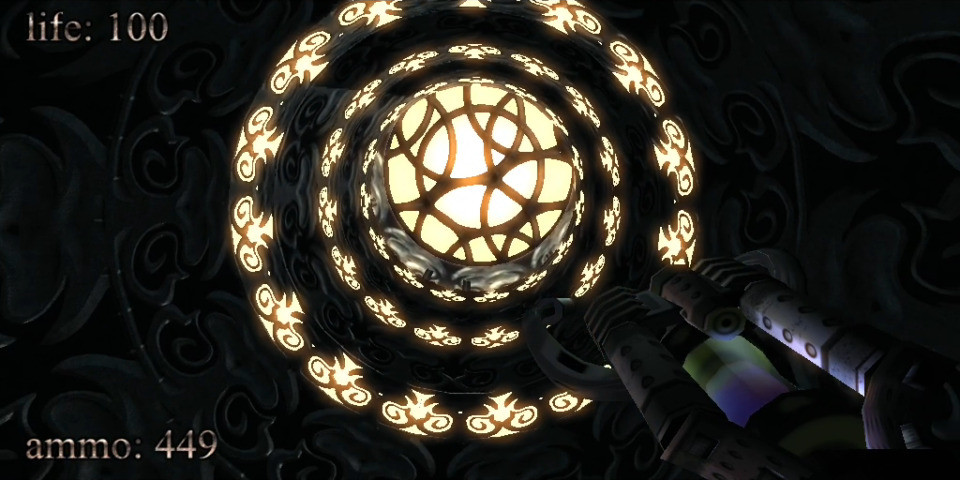
    For this post, I ran .kkrieger on my Ryzen 7 5800X system (NVIDIA RTX 3090 Founder’s Edition, 128GB DDR4 RAM) with 32-bit Wine 8.0-repack-4 for Debian with it set to run in an emulated 1024×768 desktop (to avoid it resetting my display settings and make it easier to capture game play using OBS Studio. It ran smoothly without any glitches. However, it did freeze once during a sequence of running it multiple times. After closing Wine, it successfully ran on the next try. You can download a copy from the link in the first paragraph that leads to a cached copy of the official website in the Internet Archive’s Wayback Machine.

    kkrieger game screen
    kkrieger game screen
    kkrieger game screen
    kkrieger game screen
    kkrieger game screen
    kkrieger game screen
    kkrieger game screen
    kkrieger game screen
    kkrieger game screen
    kkrieger game screen
    kkrieger game screen
    kkrieger game screen
    kkrieger game screen
  • Hacker Cat Loading Up kkrieger on Illicit Computer Hardware

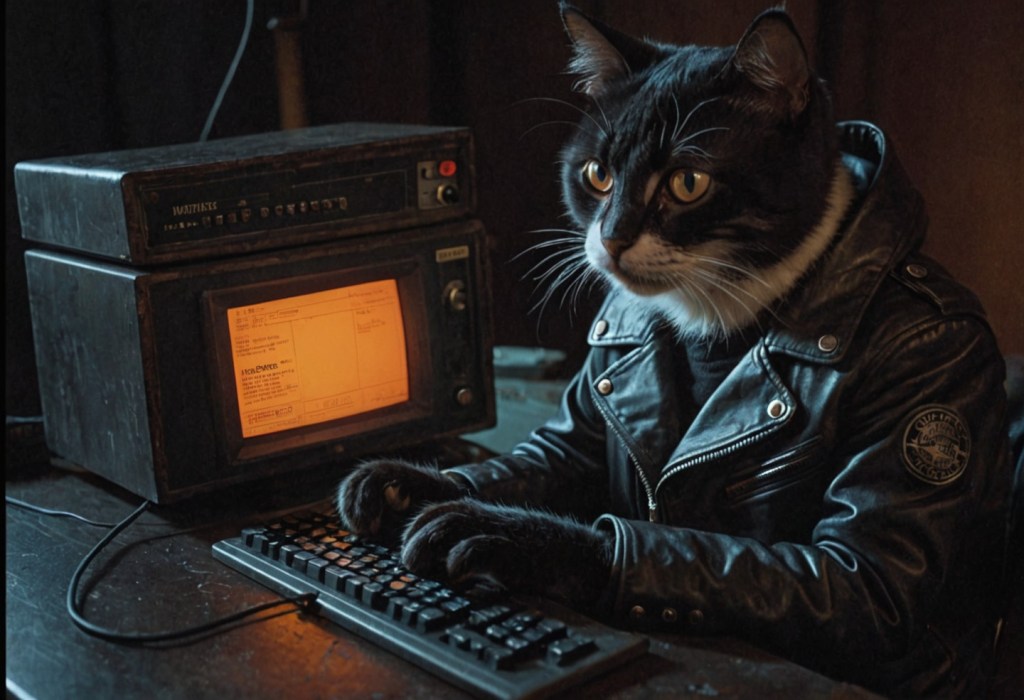
    Anthropomorphic cat typing on a keyboard connected to a cube-shaped computer with built-in CRT Hercules monitor. Image created with Stable Diffusion.

    I made this image of an anthropomorphic cat hacker with Stable Diffusion while thinking about the illicit computer hardware in Vernor Vinge’s “True Names” (1981) and award-winning .kkrieger first person shooter that occupies only 96K disk space and procedurally creates its textures, music, and sound effects at runtime–simply put a phenomenal bit of programming. I got wine setup to run .kkrieger on my computer, so I’m thinking a post about it is in the works.

  • Flying Around Azeroth for Research

    Debian 12 Bookworm desktop that looks like BeOS. World of Warcraft is in the foreground over a number of icons. Oracle VirtualBox is hosting Windows 7 Professional 32-bit, which is running SingleCore Vanilla.

    My current access to Azeroth is kind of convoluted. It’s a little bit like an incantation or prayer that my Undead priest Mordvar might have to speak in order to heal a comrade or hurt a foe.

    I’m running World of Warcraft 1.12 via Wine in the foreground window where you see Mordvar flying a Tawny Wind Rider on a flight path. In the background on the right, I have Windows 7 Professional 32-bit (a copy that I received for free from a Microsoft event in Ohio some years back) running in Oracle VirtualBox. And in Windows 7, I have an old copy of SingleCore Vanilla, a WoW server emulator that I connect to on my local machine.

    This weird assemblage allows me to explore Azeroth for research using admin tools that are otherwise unavailable to normal WoW players.