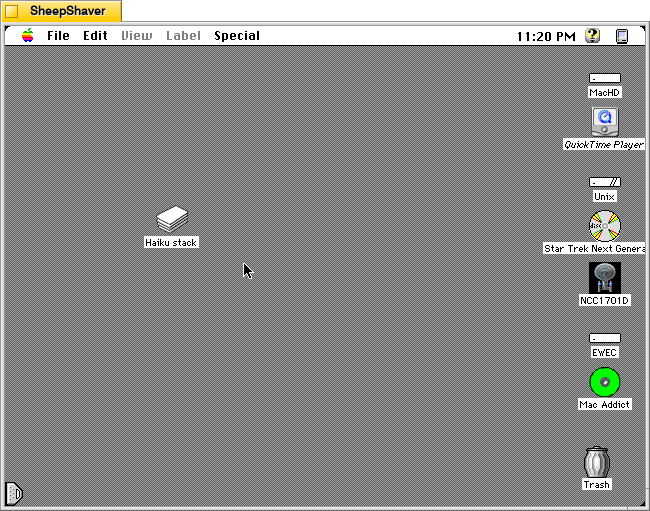
Created by Fuzzy Gerdes, HAIKU 0.2 is a Hypercard stack that assembles haikus from pre-written 5-syllable and 7-syllable phrases. Unlike some of the more advanced haiku generators like Haiku Master 2.2 or McPoet 5.1, which work on a micro, word-level for constructing haikus, HAIKU 0.2 operates on a macro, phrase-level and puts more work on the part of its human user to think of and type up phrases that contain five and seven syllables, which it randomly selects from to create new 5-7-5 haikus.
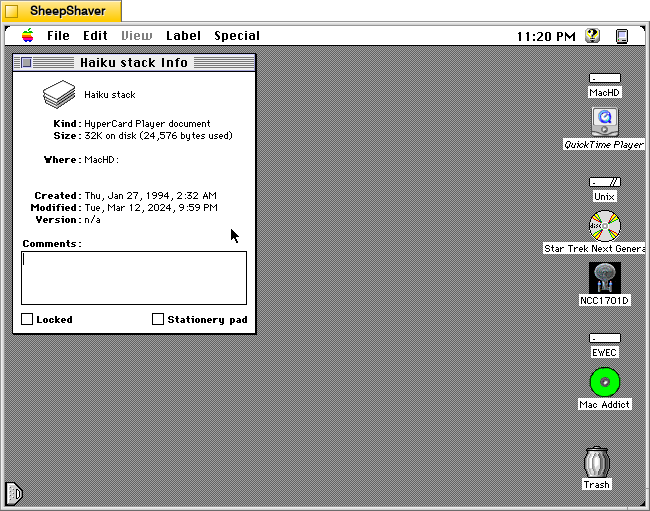
HAIKU 0.2’s file name is “Haiku stack” and it weighs in at 32K on disk (24,576 bytes used).
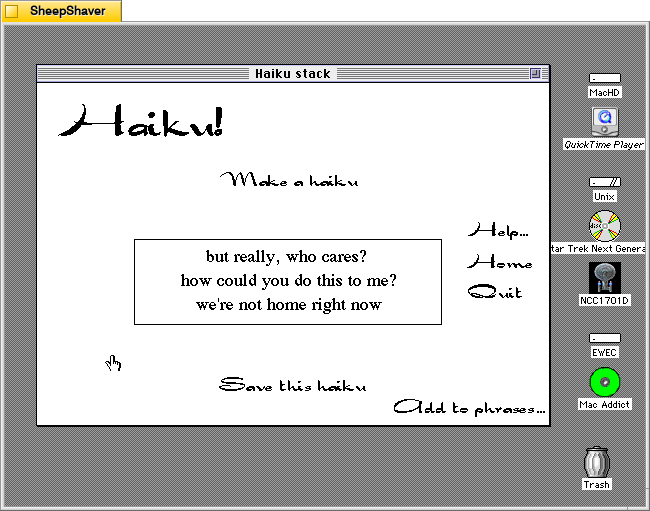
When the user double clicks on Haiku stack, it launches Hypercard Player, which runs the stack and displays HAIKU 0.2’s main composition window. The main options that can be clicked with the mouse are “Make a haiku,” “Help…”, “Home,” “Quit,” “Add to phrases…”, and “Save this haiku.”
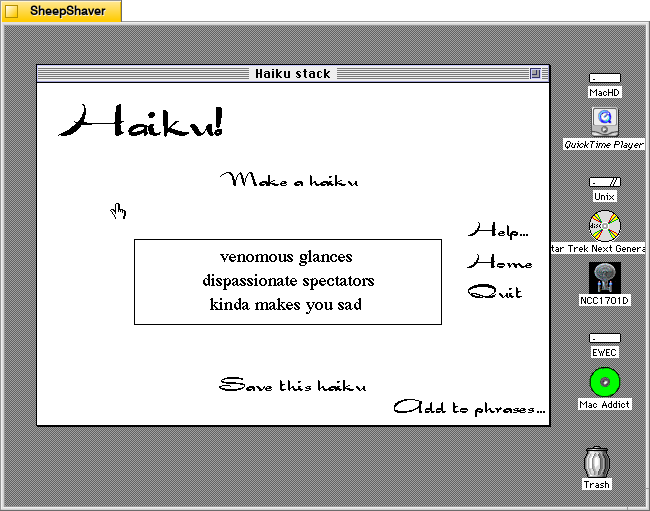
Clicking on “Make a haiku” in the upper, middle portion of the main window creates a new haiku out of randomly selected five and seven syllable phrases stored in the Hypercard stack.
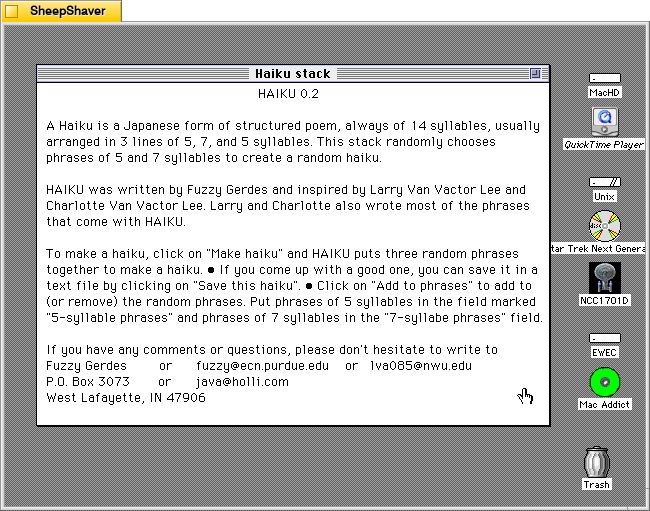
Clicking on Help loads this page, which explains how it works, how to use it, and credits–written by Gerdes and inspired by Larry Van Vactor Lee and Charlotte Van Vactor Lee, who wrote most of the built-in phrases.
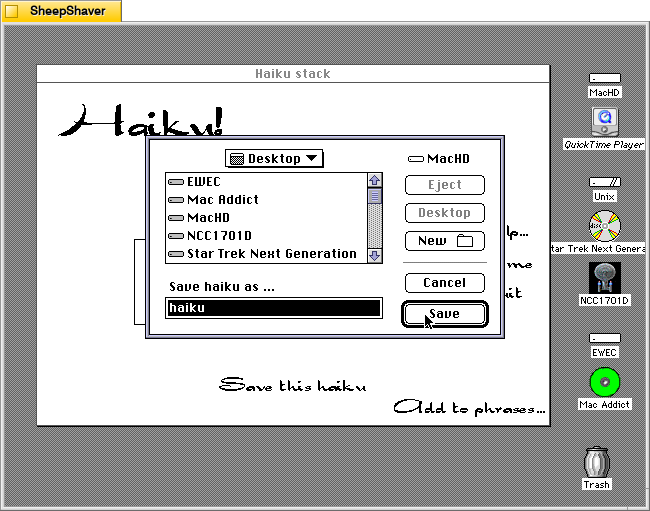
Clicking on “Save this haiku” opens a standard save dialog box for navigating the system’s files and saving a TeachText file of the haiku currently displayed on the main window.
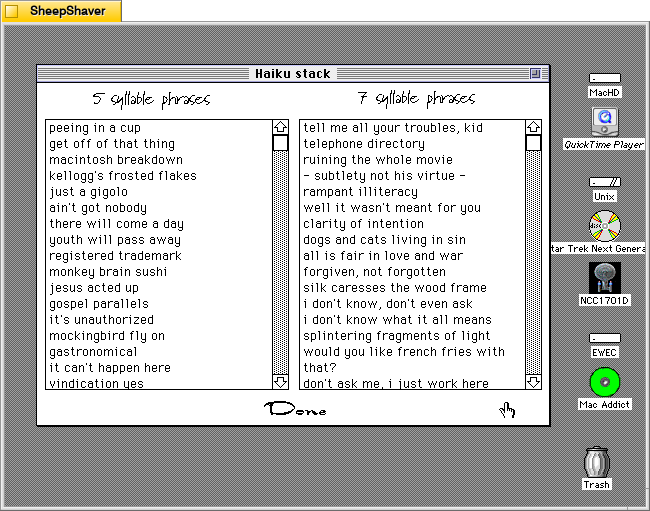
Clicking on “Add to phrases…”, loads this two-column page labeled “5 syllabus phrases” and 7 syllable phrases.”
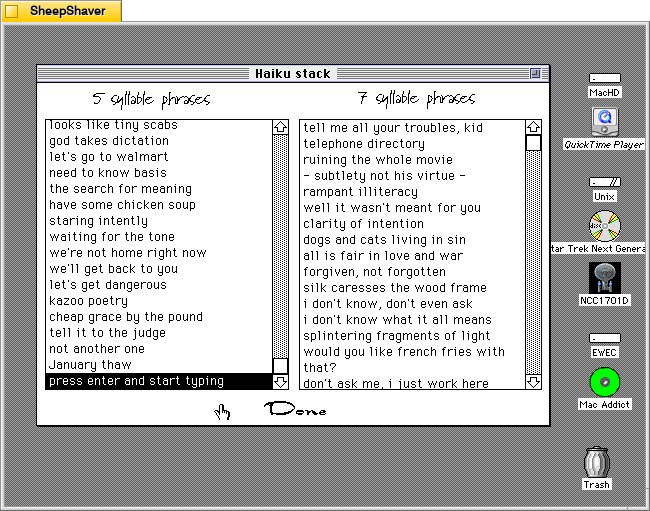
Both columns are editable by clicking on a text line and typing, or the user can scroll to the bottom of the list, press return, and begin entering a new line of text. It doesn’t enforce syllable count–that’s up to the user to count correctly. Clicking “Done” at the bottom of the page returns the user to the main composition page.
Even though this is a simple haiku generator in terms of how it assembles a haiku by randomly pulling from the 5 syllable phrase list, then the 7 syllable phrase list, and again from the 5 syllable phrase list. However, it and the other Hypercard-based text generators demonstrate the extremely easy to build power of Hypercard. A Macintosh computer with Hypercard gave non-programmers and programmers alike a relatively easy-to-use platform for creating interactive hypertext with graphics and programming. So, even though this and other poem generators like it are pulling text from lists based on simple rules and random numbers, it gestures toward equipping human computer users with feature-rich tools to make computers seemingly intelligent to a degree.
