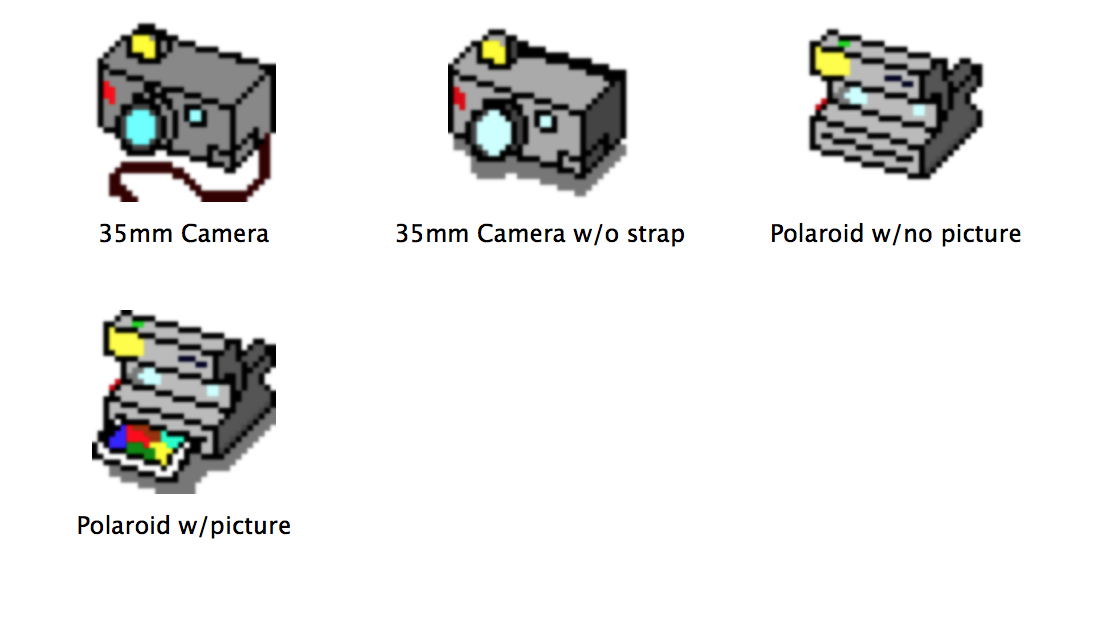
I have been spending some time digging through my past online and conducting personal, digital archaeology. While doing this research, I ran across a collection of Macintosh icons that I made back in 1997 and bundled on Feb. 7, 1997. I likely used ResEdit to make the icons (32 x 32 pixels).
In the archive, I included a Read Me file with my reasoning behind making the icons set. Also, it reminded me of my first email address at Georgia Tech, which was replaced when I returned to complete my studies in 2001. The Read Me file includes this text:
Jason’s Icons v1.0
February 7, 1997
Dear Downloader, These are some icons that I created out of pure desperation to label the folder contents of one of my hard drive partitions. This is how I use them:  After careful consideration I have decided to let other people enjoy the fruit of my labors and perhaps spread a little happiness throughout the world. (Hey, I can dream!) If you do happen to use these icons and have any suggestions for a new set or would just like to say “hi,” please feel free to contact me at my email address listed below.
Sincerely, Jason Woodrow Ellis
gt0567b@prism.gatech.edu
I grouped the icons into these folders (some for reasons lost to me): Cameras, Enjoyment Icons, Internet Metaphor, Office Equipment, Tools of Torture, and Video Equipment.
Jason’s Icons: Enjoyment IconsInternet MetaphorJason’s Icons: Office EquipmentJason’s Icons: Tools of TortureJason’s Icons: Video EquipmentJason’s Icons: Cameras
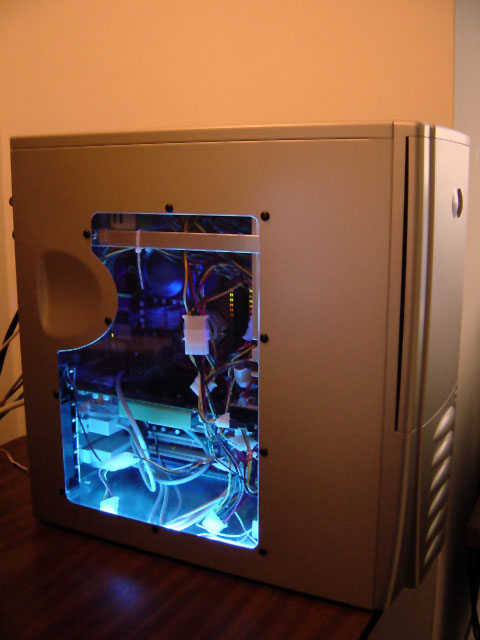
While looking through old files, I came across a Word document file dated April 17, 2004 and titled “New Computer Price List.doc.” The list is for the materials that went into the PC that I built and used before I upgraded to a Power Macintosh G5 a year later. It’s an interesting artifact of that time–not only of the choices and components available, but also of the computer parts companies no longer around (Monarch and CompUSA). Here’s the list:
CPU AMD AthlonXP 2500+ Retail $89.00 Monarch Computers
Motherboard MSI NForce2 K7N2-Delta-ILSR D $118.00 Monarch Computers
RAM Corsair 1GB XMS3200 CL2 Pro $299.99 Microcenter
Hard Drive Western Digital 160GB Special Edition $120.00 Sam’s Club
Optical Drive Sony Combo Drive DVD/CD-RW 52x $89.99 CompUSA
Video Card eVGA Geforce FX 5950 Ultra 256mb $499.00 Microcenter
Case Antec Lanboy w/ 350watt power supply $79.99 CompUSA
Power Supply Antec True 480watt (replaced 350watt) $50.00 Perry (his old PS)
Lighting Cold Cathode Blue Light 2pk $14.99 Microcenter
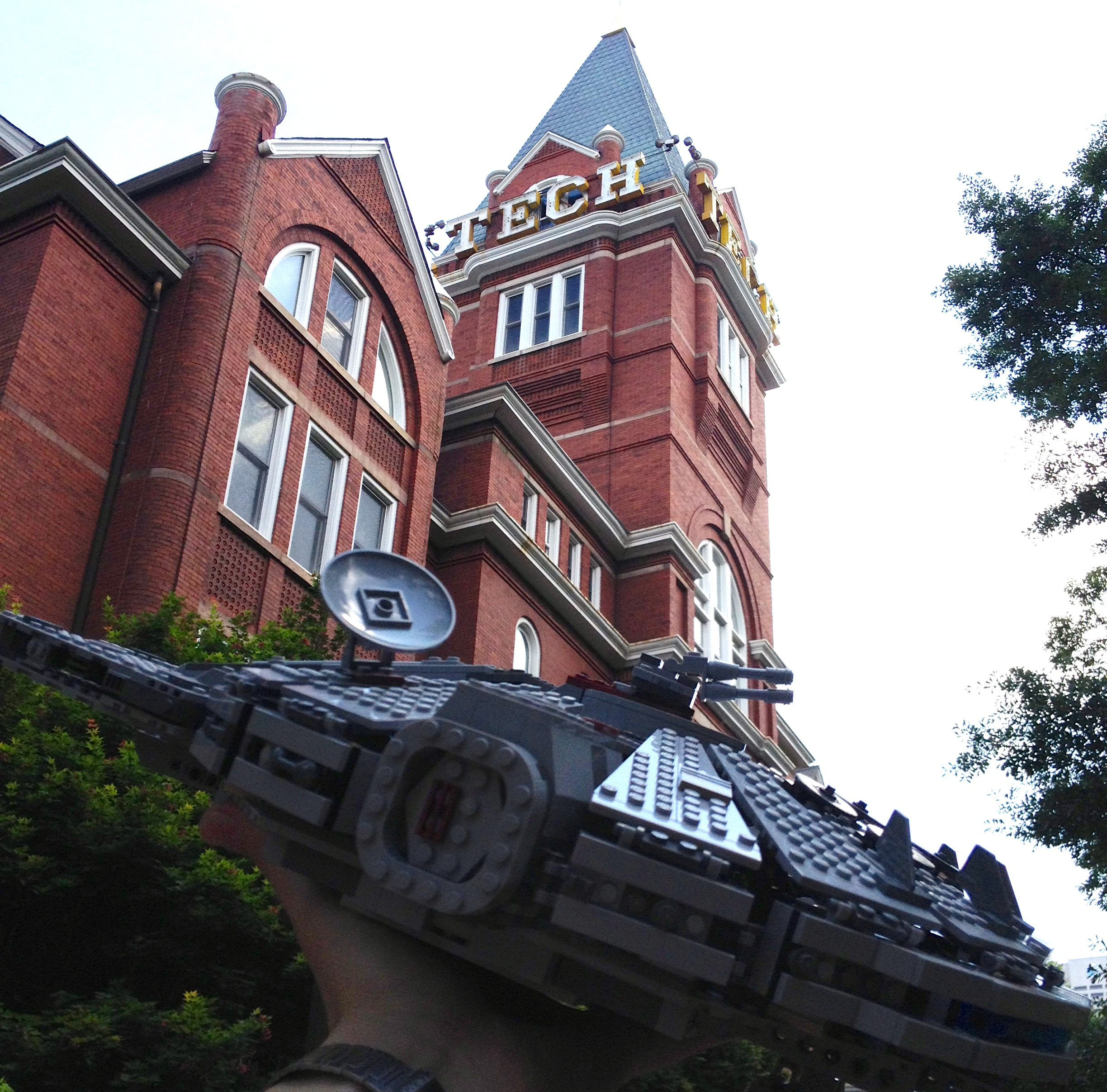
Before closing out the last class that I would teach at Georgia Tech as a Brittain Fellow, I brought a great big container of LEGO bricks to class for my students to explore and enjoy thinking about science fiction with haptics. As I had done last year, I invited my students to think of something from their experience of science fiction that emblematized what science fiction means to them. Put another way, I asked them to build a model of the thing that first comes to mind when they think of science fiction. It could be a robot, blaster, rocket, cyborg, computer, spaceship, etc. Whatever it was, I wanted them to use the available bricks to build an approximation of the thing, present their model to the class, and explain its provenance. I would add to each presentation of a LEGO MOC (my own creation) with additional SF examples and historical relevances.
The challenge to this assignment was that 2/3 of the class were taking the course remotely online. While I invited students to build something and share it on Twitter, few did or were able to do so before class that day. One online student joined us for the on-campus class, which added one more student to the mix and was much appreciated by me and his peers.
After giving instructions and discussing haptics, I gave the students about 25 minutes to find bricks and build their models.
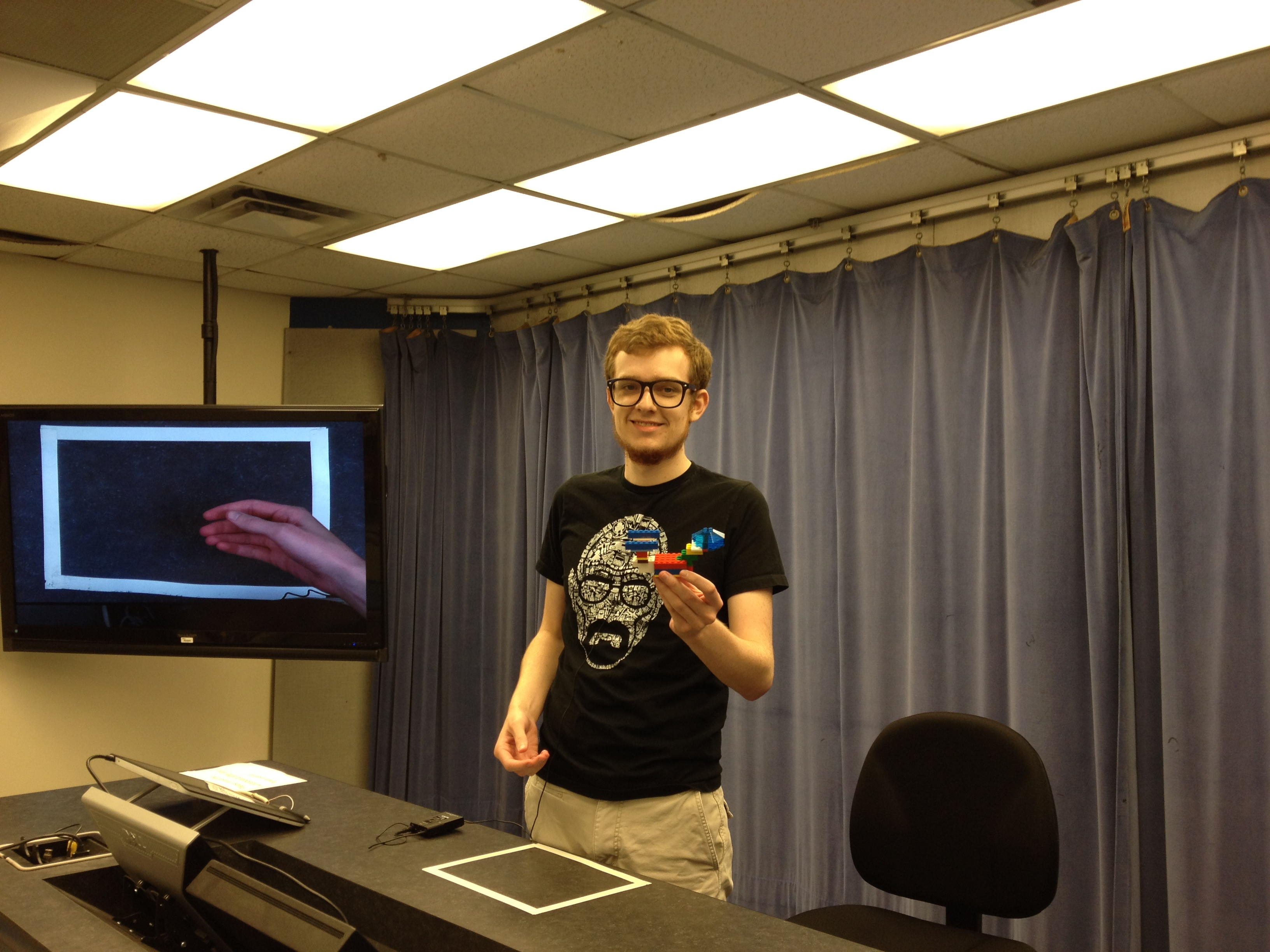
Then, students were invited to come to the front of the class, place their model under the document camera for the benefit of online students, and tell us about their creation and its inspiration to them.
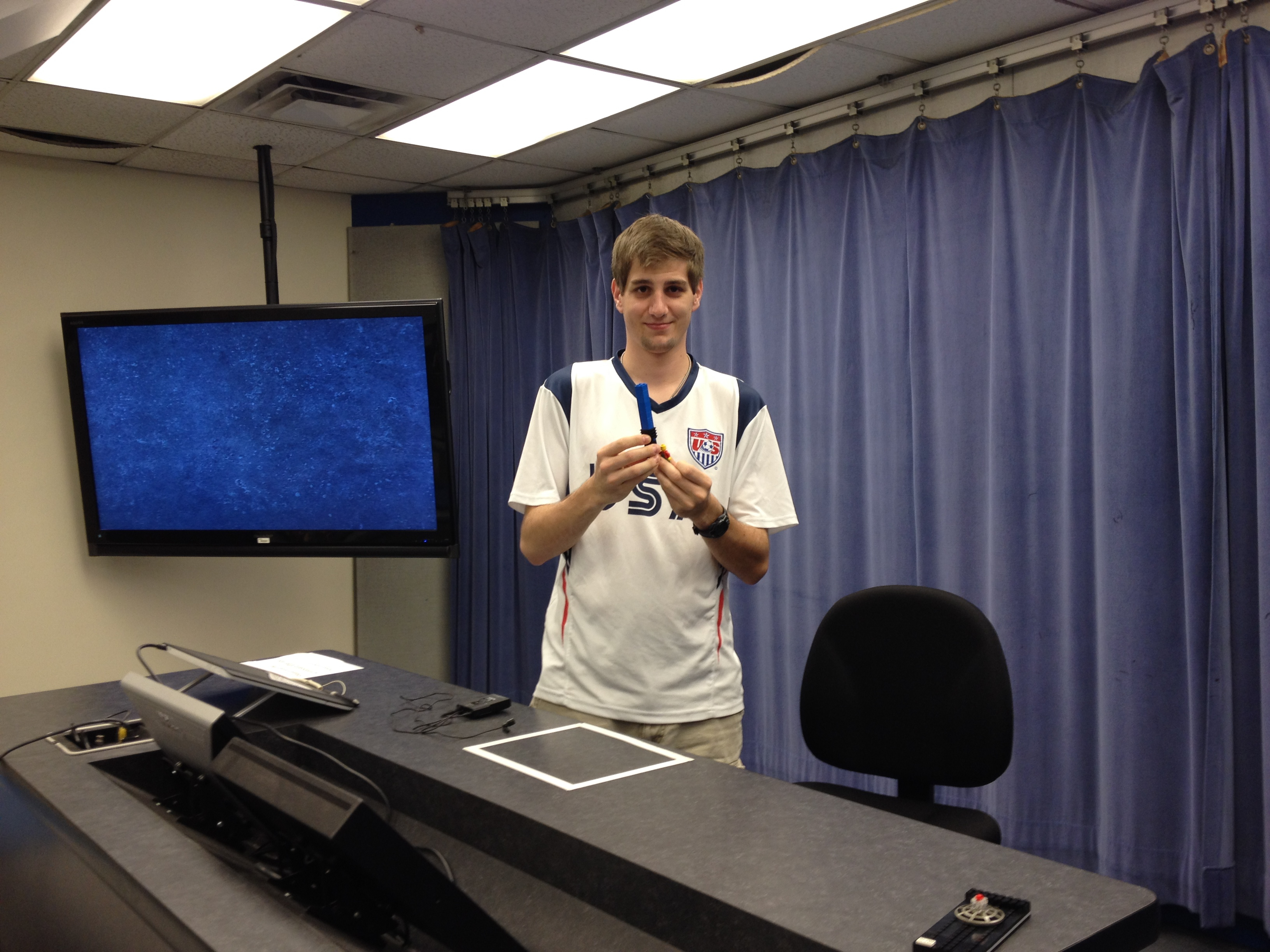
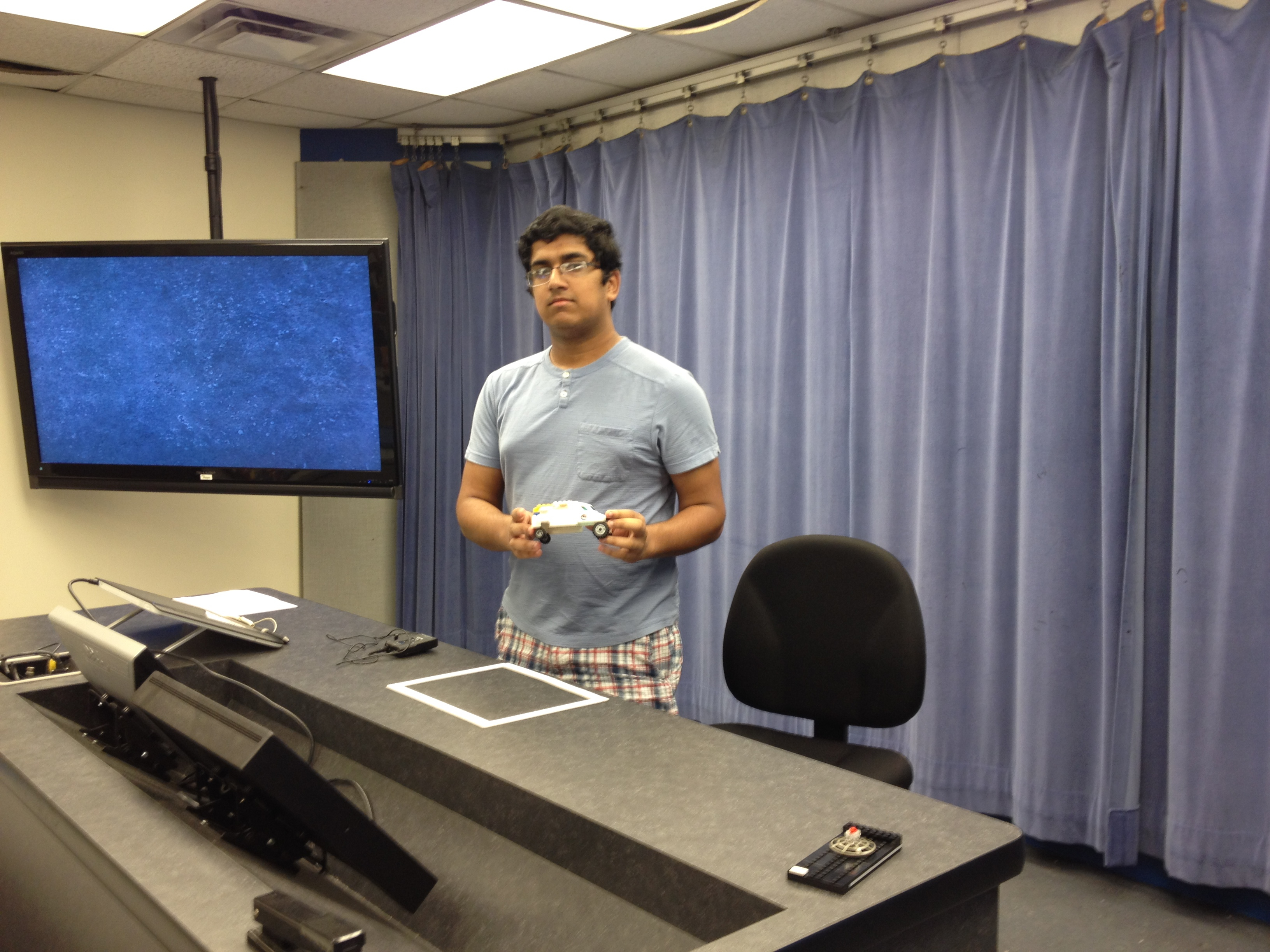
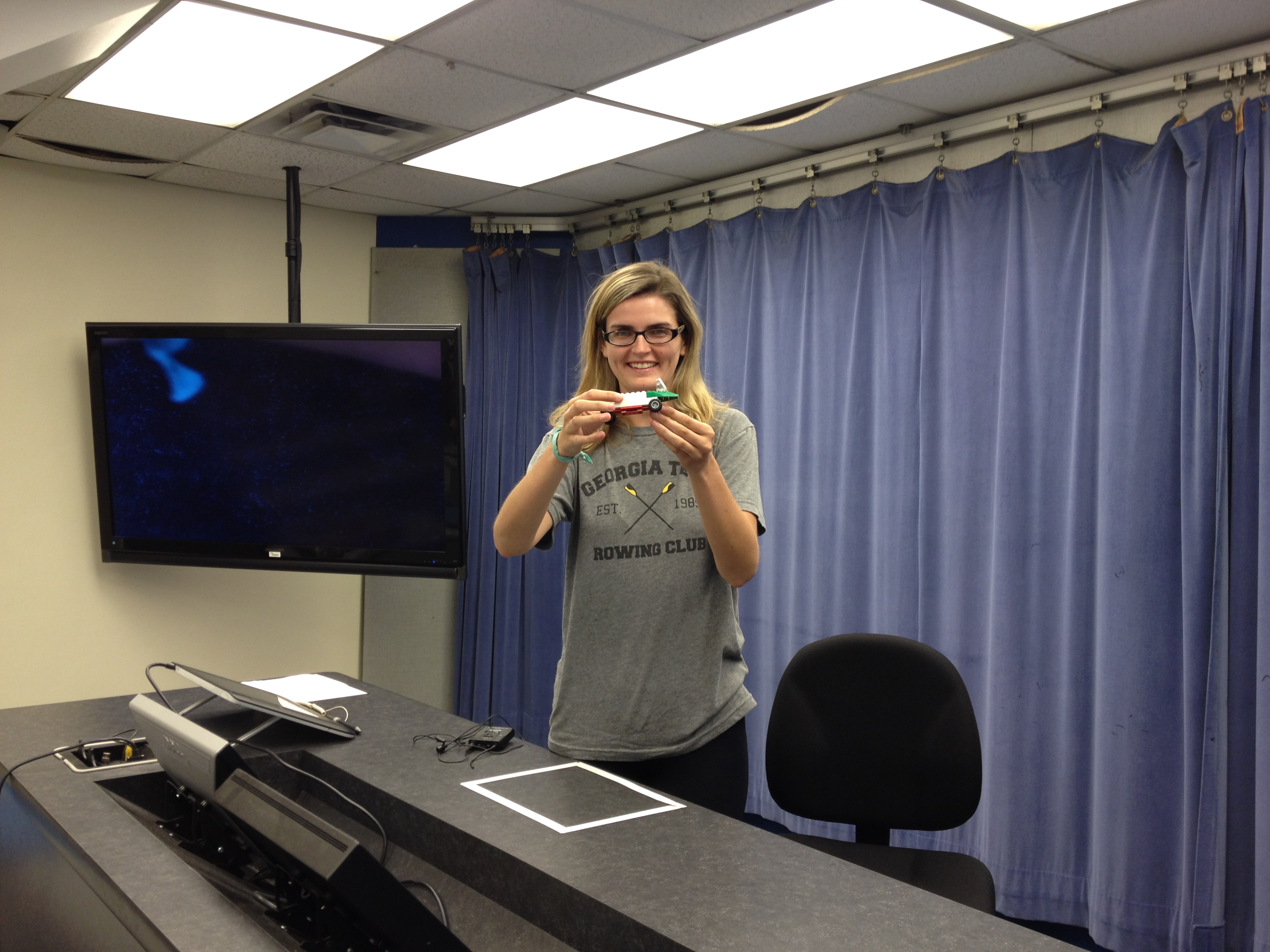
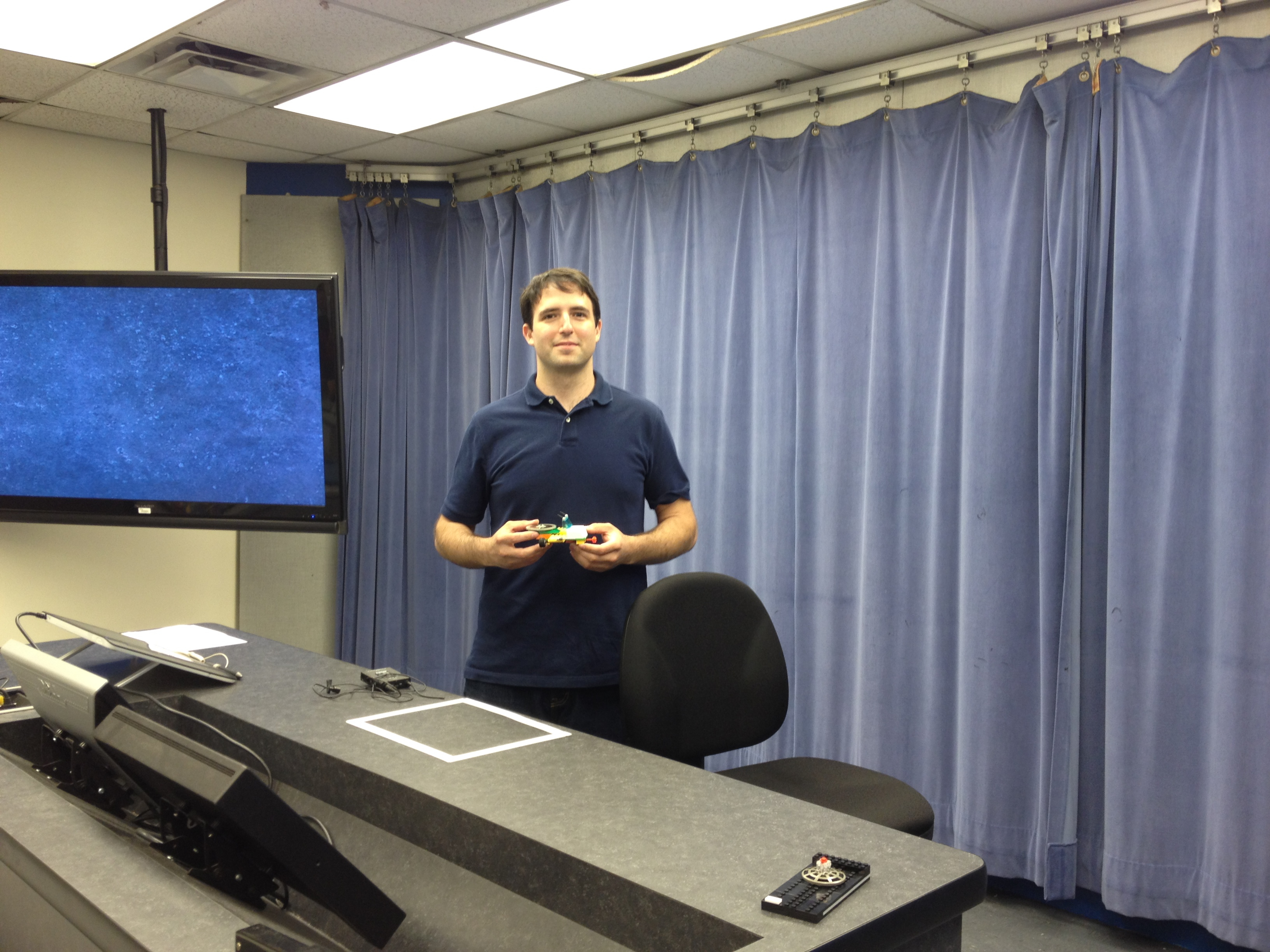
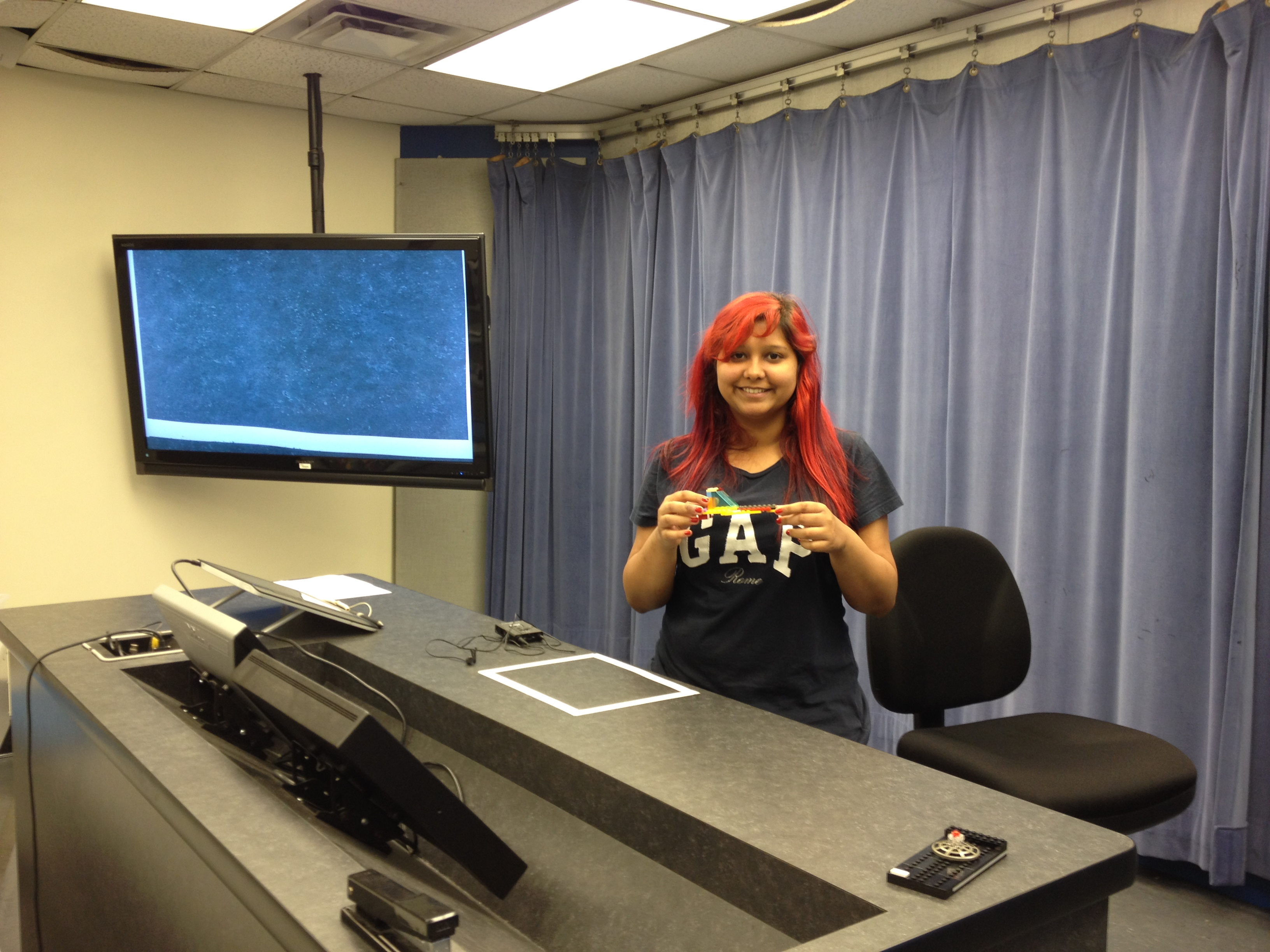
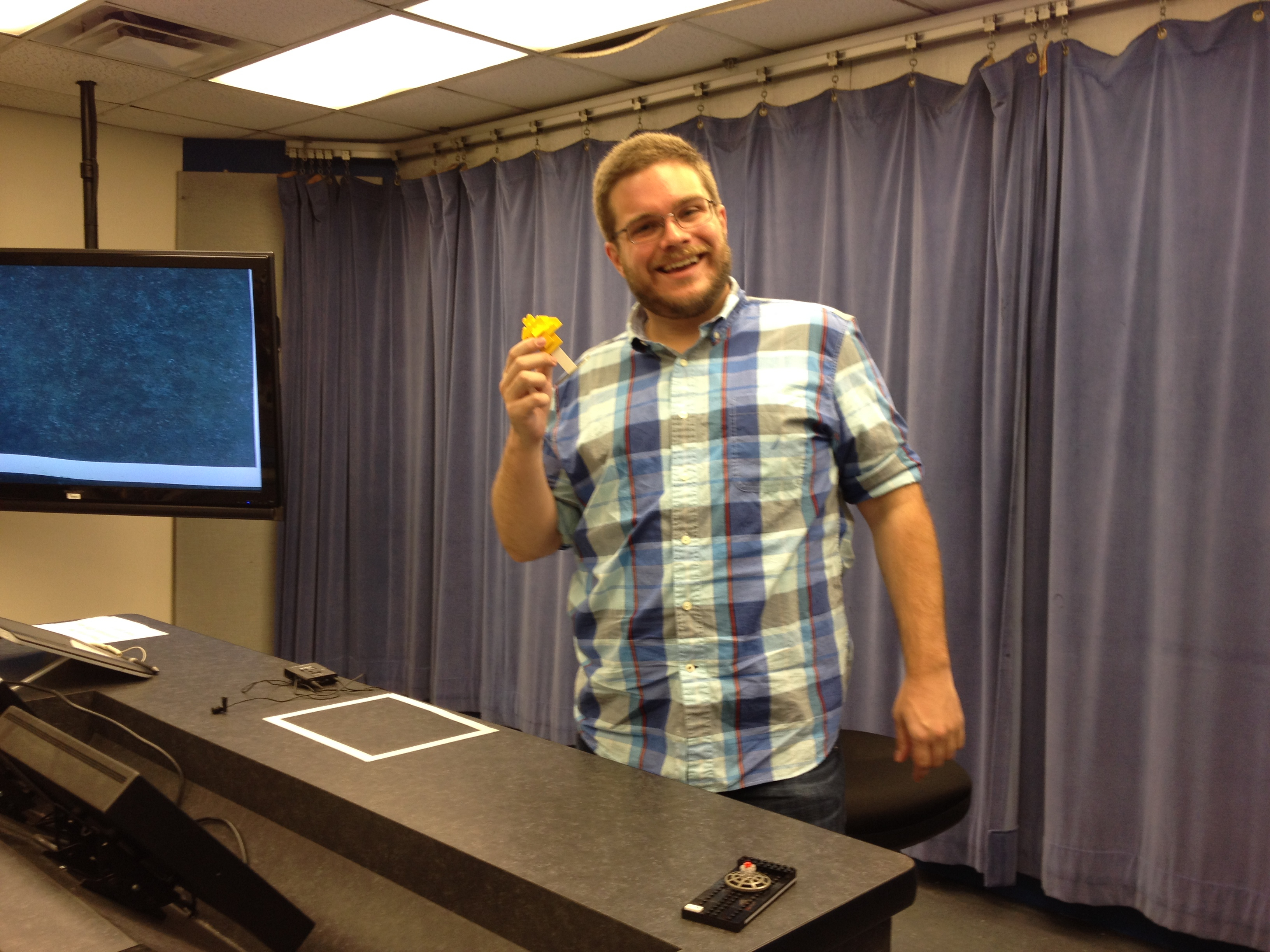
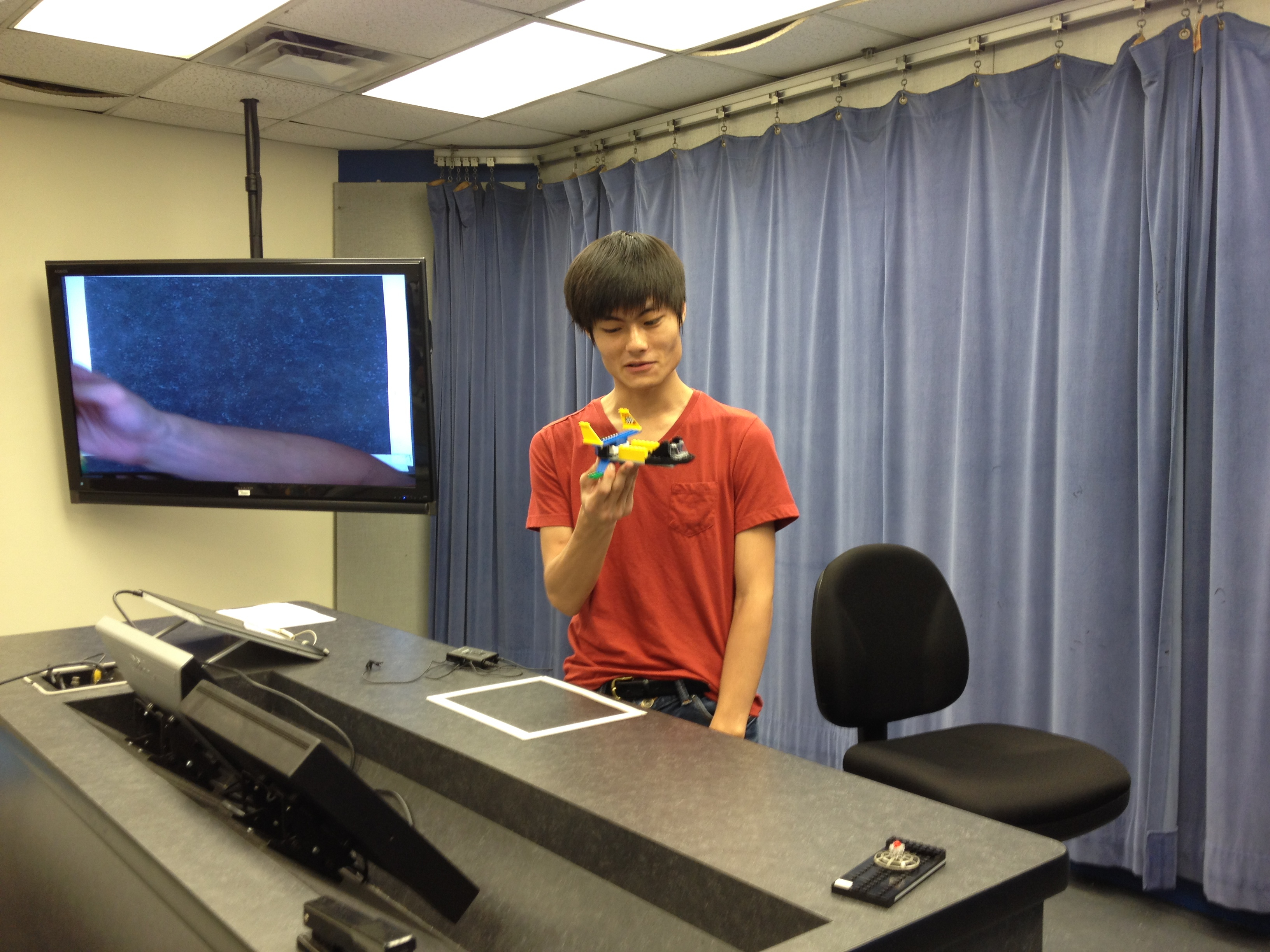
Matthew and his model of the Starship Enterprise NCC-1701-D from Star Trek: The Next Generation.Jarad and his Jedi lightsaber from Star Wars.Aditya and his moon rover.Lauren and her planetary rover.Tyler and his TARDIS.James and his spacecraft.Peter and his flying car.Roxanne and her spacecraft.James and his Daban Urnud ship from Neal Stephenson’s Anathem.Sang and his futuristic aircraft.
I was proud of the creations and connections that my students made during this end-of-semester exercise. Despite a number of same types of SF emblems (air/spacecraft), each student assumed a different approach and had different points of origin for their inspiration. Also, no two models were alike. Each one is a expression of the individual using a three-dimensional modeling art and design form–LEGO.
Besides drawing on different kinds and ways of thinking for this exercise, I know from students comments that they appreciated having a creative outlet in the class beyond their analytical final papers, which are creative in other ways (argumentation, research, prose writing, professional formatting/design, etc.).
Some of them choose to keep their models while others let me keep their models to show future students.
LMC3214, Summer 2014 Class Photo.
Finally, my Science Fiction class would not have been possible without the technical support of Ted Skirvin, who worked with me to use the affordances of the room with my teaching style while accommodating the needs of online students.
Ted Skirvin of Georgia Tech’s Global Learning Center.
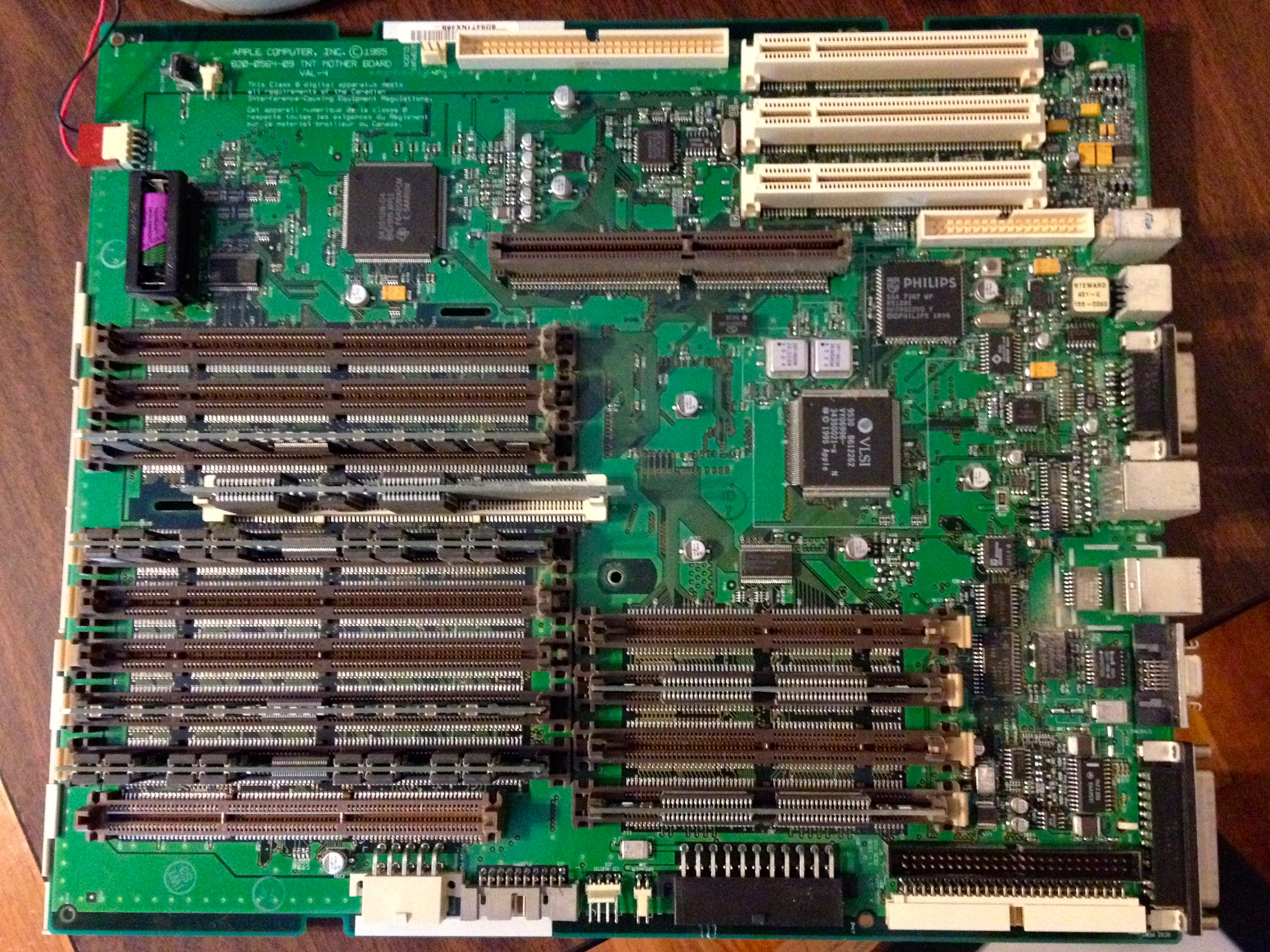
My Power Macintosh 8500 was in very good shape, but like many vintage computers with persistent clocks, it needed a new lithium battery.
To replace the Power Macintosh 8500’s on-board battery (upper left corner of photo), you have to remove the motherboard.
I replaced the battery, installed Mac OS 7.5.5, a number of different software titles (including Apple’s Plaintalk Speech Recognition–I threw in a Plaintalk powered microphone, Project X/Hot Sauce, and Cyberdog). I discovered that the plastic inside the case did not age well. The PowerMac 8500 has a lot of plastic components that are held together with flexible tabs or clips. When I applied a small amoung of pressure on the tip of these clips to release them, most of them would break. Luckily, the case ties together very well, so I only had to piece some parts back together with clear tape (the power button/light assembly) and metal duct tape (one drive plate cover on the front of the case). To help dissipate heat, I added a rear slot fan made by Antec.
I made a video demoing the finalized system, which I’m including embedded below (I apologize for the flicker, but my digital camera doesn’t have enough adjustment features to match the refresh rate on the Apple 14″ Color Display).
In addition to the Power Macintosh 8500, I gave the Archives a box full of software and late-1990s/early-2000s video games for Macintosh. These might help facilitate more connections around campus (Computer Science, Media Studies, and Game Studies).
As I’m leaving soon for City Tech, I believe that we can do more together in our work with vintage computing. I floated the idea of a symposium, conference, or some other kind of connected project. Also, from what little I have learned so far, there’s a lot of investment and interest in computer technology in NYC (and Brooklyn in particular). I am looking forward to making new connections with others studying retrocomputing and New Media. I know that many opportunities await.
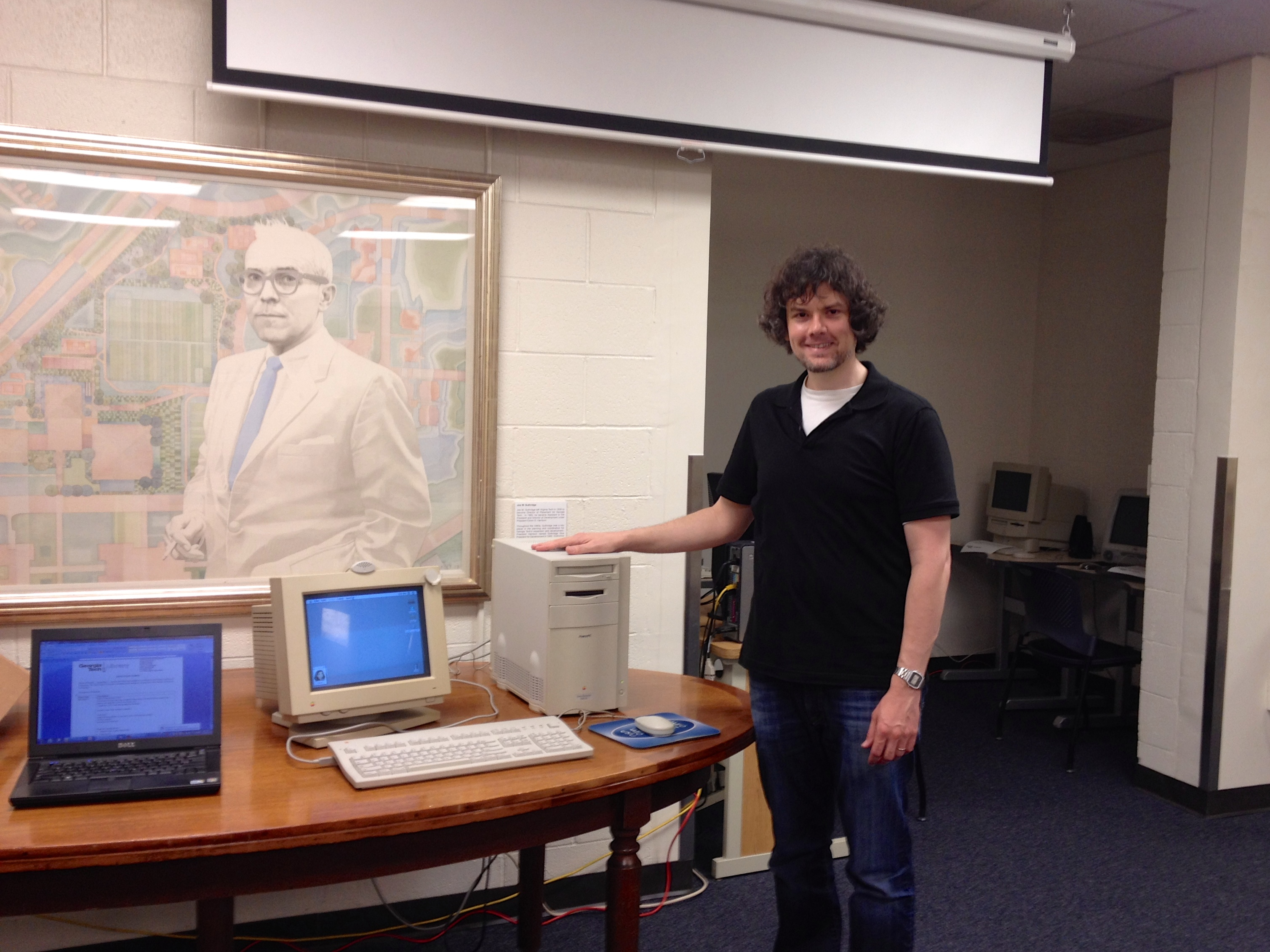
Wendy Hagenmaier, Jason W. Ellis, and Jody Thompson next to Apple Performa 550 and iMac.
Yesterday, I had the pleasure of making the first donation of three computers to the Georgia Tech Library Archives, which is launching its own Retrocomputing Lab for scholars and students to use. The Georgia Tech Library Archives is already well-known for its significant Georgia Tech Science Fiction Collection and other holdings.
I met with Department Head Jody Lloyd Thompson and Digital Collections Archivist Wendy Hagenmaier to setup the three computers and talk about each machine’s provenance and current operation. We set the computers up on the right side as you enter the Georgia Tech Library Archives. This is a temporary location as the Archives makes plans for their use in Archives for the time being and possibly more in the future as part of the on-going Georgia Tech Library renovation project.
Apple Performa 550 and iMac.
From my personal collection–which I am having to cull before moving to Brooklyn for my new job at City Tech, I donated three computers: an Apple Performa 550 (1994), Apple iMac (1999), and Dell Dimension 4100 (2001). Before donating the computers, I refurbished each to be in as factory-fresh condition as possible.
For the Peforma 550, I installed a PDS ethernet NIC and replaced the SCSI hard drive with one that was less noisy than its original one. Then, I installed Mac OS 7.6.1 and some software including the AfterDark Star Trek: The Next Generation screensaver and ClarisWorks, and utilities for working with files and disk images.
For the slot-loading, DV iMac, I replaced the motherboard battery and performed a fresh install of Mac OS 9.2.1. The optical drive suffers from a weak ejection mechanism. I made sure that the bottom plastic bezel fit properly, but reseated it had no effect on improving the drive’s ability to eject discs correctly. I warned the librarians about this, and recommended buying an external, Firewire optical drive and using the paperclip ejection method in the meantime.
Dell Dimension 4100.
For the Dell Dimension 4100, I installed a 3Com NIC donated by Mark Warbington. I installed Windows 98 Second Edition and painstakingly installed the drivers for the components in the Dell (this was a laborious process, because despite having the Service Tag number, some recommended drivers did not work on all of the components).
I provided two sets of speakers–one for the Performa 550 (it’s internal speakers had stopped working about a year ago) and one for the Dell Dimension 4100. In the event of future hardware problems, I gave them spare AGP video cards, optical drives, a 3.5″ floppy disk drive.
Also, I gave them some spare motherboards, controller cards, and hard drives that might be useful for displays in the Library.
The Georgia Tech Library Archives have big plans for making digital archival work and learning an integral component of what they do. If you have functional and working computer hardware or software, you should consider donating it to the Georgia Tech Library Archives, or if you have technical skills for working on older hardware and software, you can donate your expertise and time, too. Contact Jody and Wendy by email or phone here: Georgia Tech Library Archives contact information here.
Oct. 21, 2023 Update: Video link removed as it no longer exists.