Category: City Tech

  • Yorick, a Human Skull and Brain Teaching Aid for Cognition and Neuronarrative Related Lessons

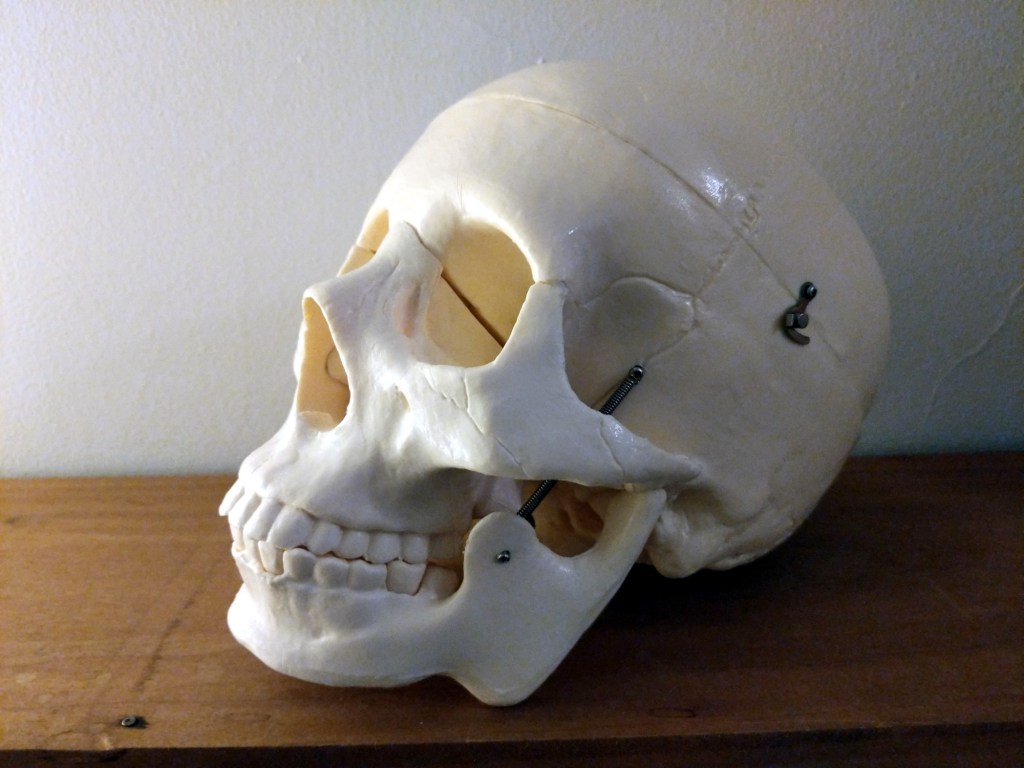
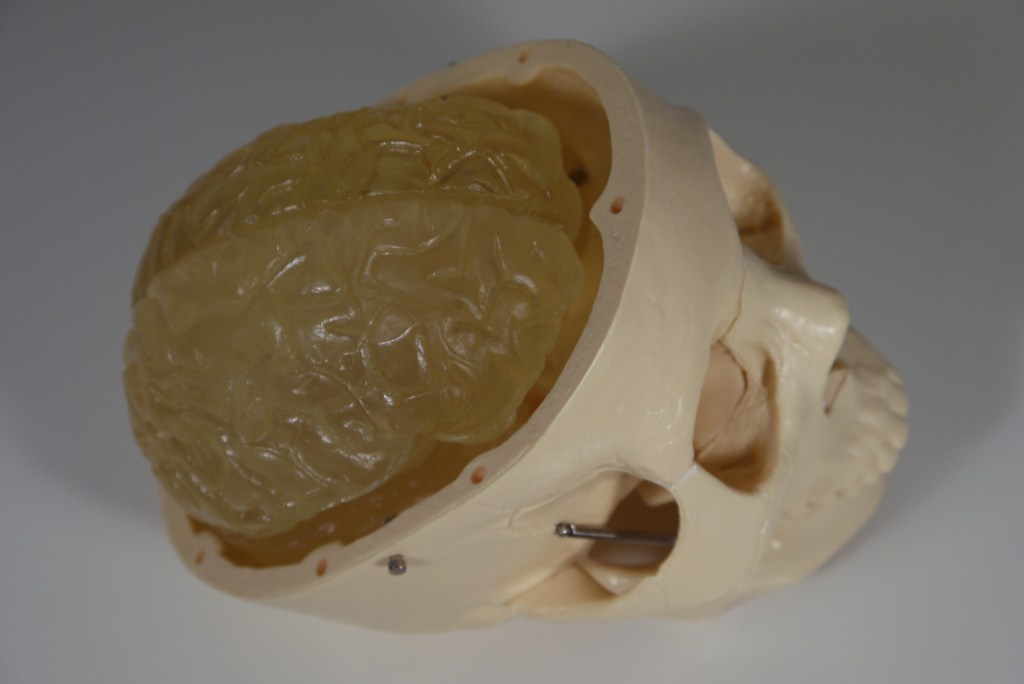
    Anatomically correct human skull with working jaw and brain, front view
        Alas, poor Yorick! I knew him, Horatio: a fellow
        of infinite jest, of most excellent fancy: he hath
        borne me on his back a thousand times; and now, how
        abhorred in my imagination it is! my gorge rims at
        it. Here hung those lips that I have kissed I know
        not how oft. Where be your gibes now? your
        gambols? your songs? your flashes of merriment,
        that were wont to set the table on a roar? Not one
        now, to mock your own grinning? quite chap-fallen?
        Now get you to my lady's chamber, and tell her, let
        her paint an inch thick, to this favour she must
        come; make her laugh at that. -Shakespeare, Hamlet

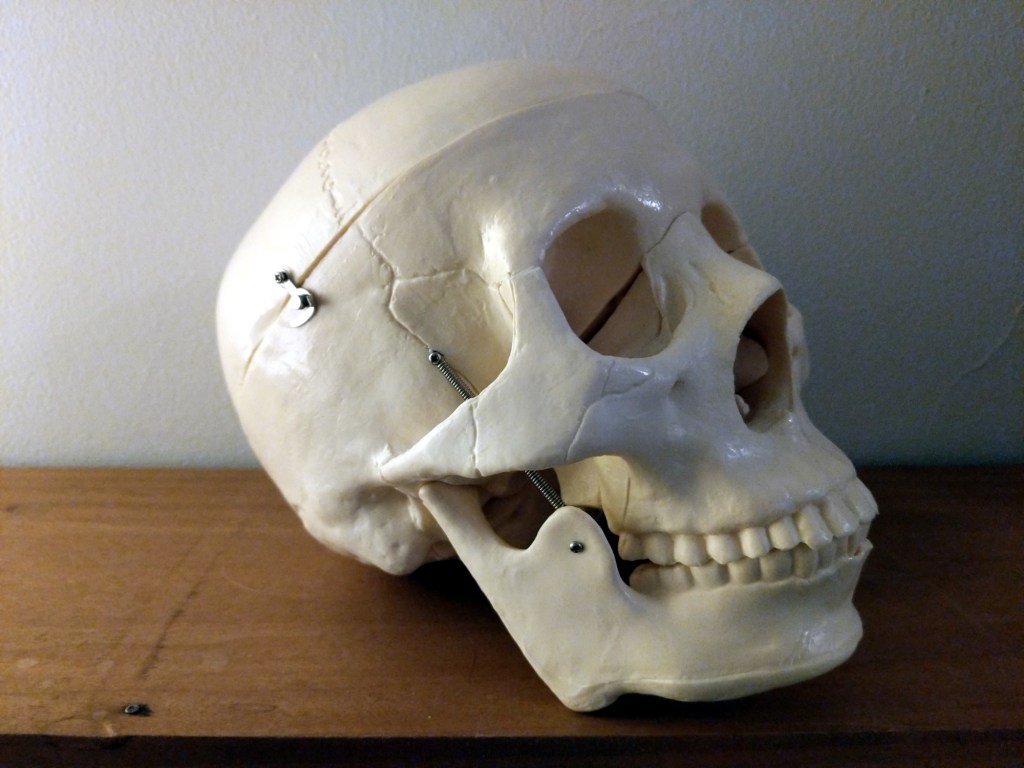
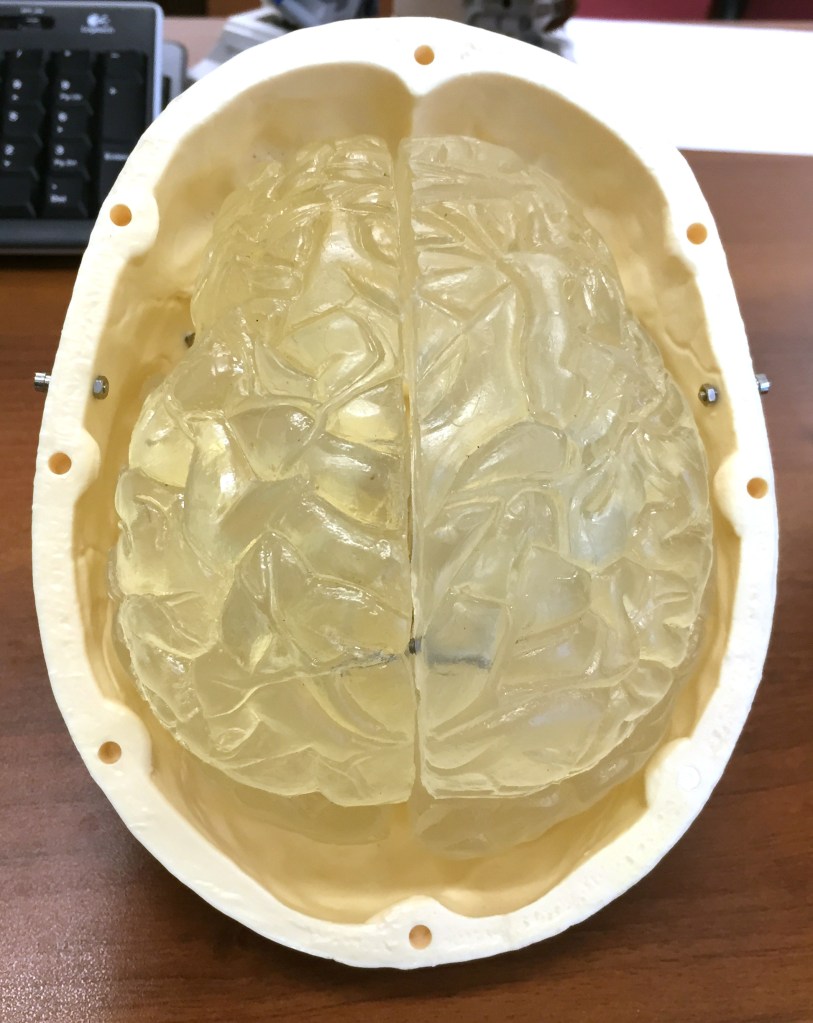
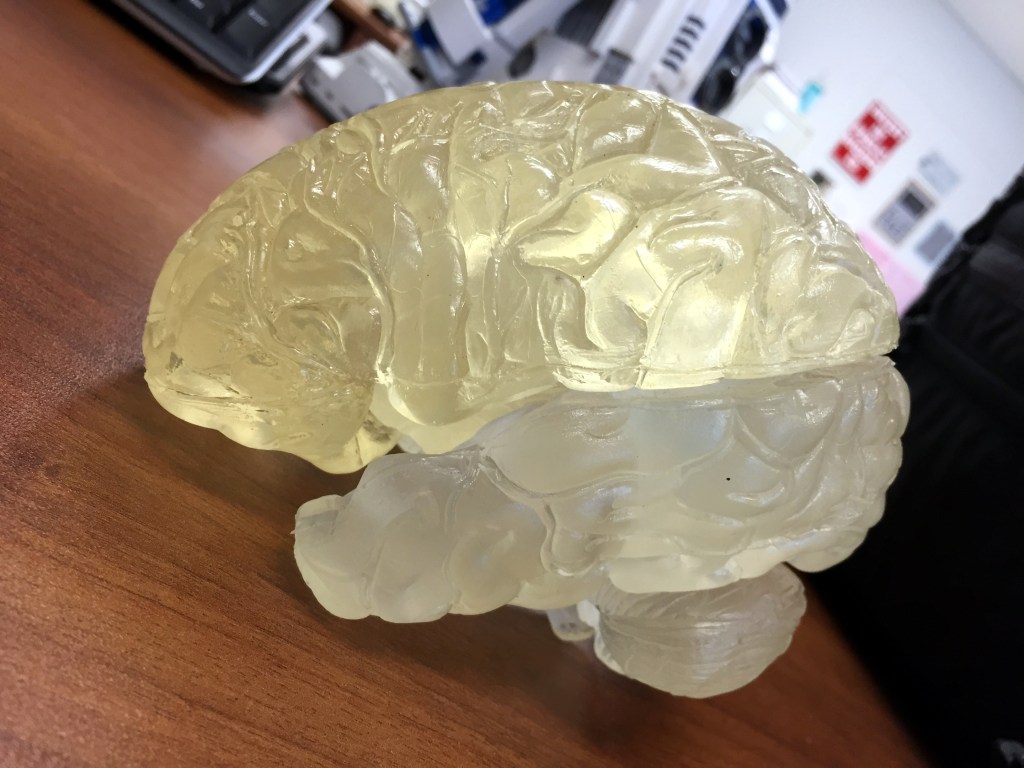
    I bring my trusted skull and brain model nicknamed Yorick to my writing and science fiction classes when I want to talk about something related to cognition–e.g., how our attentional focus works, cognitive costs of switching cognitive tasks, time delay from sensory perception to processing to conscious awareness, where are the speech regions–Broca’s area and Wernicke’s area–located, etc. Yorick’s skull and multi-component brain gives students something that they can see and feel and manipulate when it gets passed around the classroom.

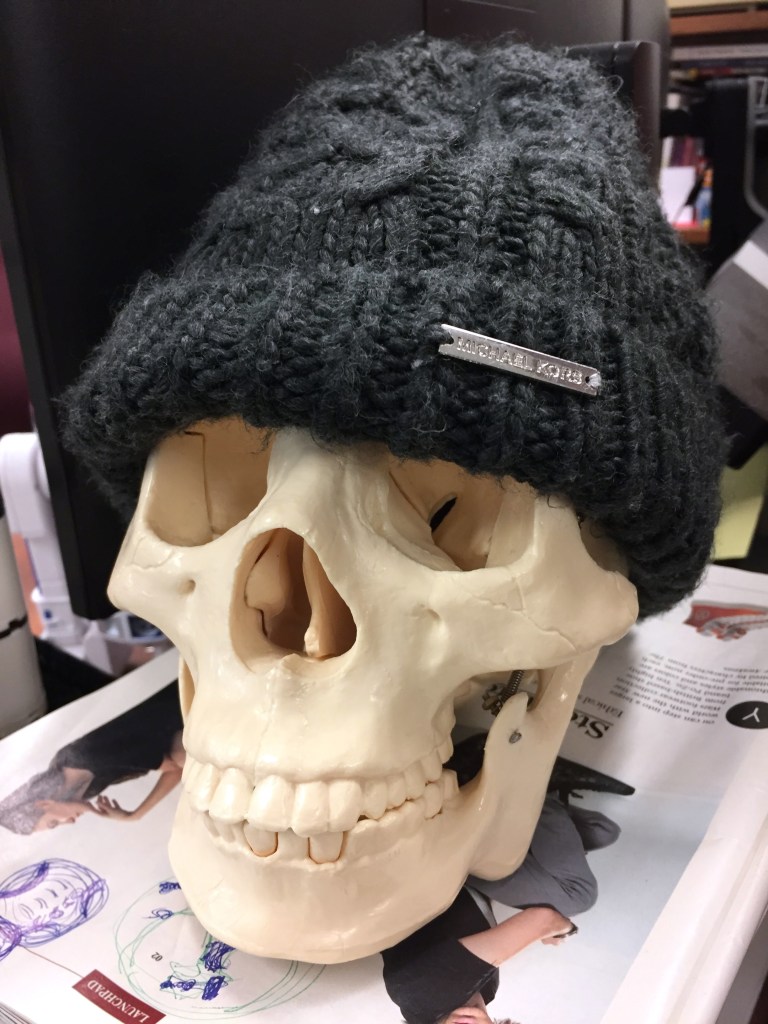
    And when students leave a hat behind, Yorick gets a treat.

    human skull model wearing a knitted Michael Kors hat
  • Star Wars and the Power of Costume Exhibition in NYC 2016

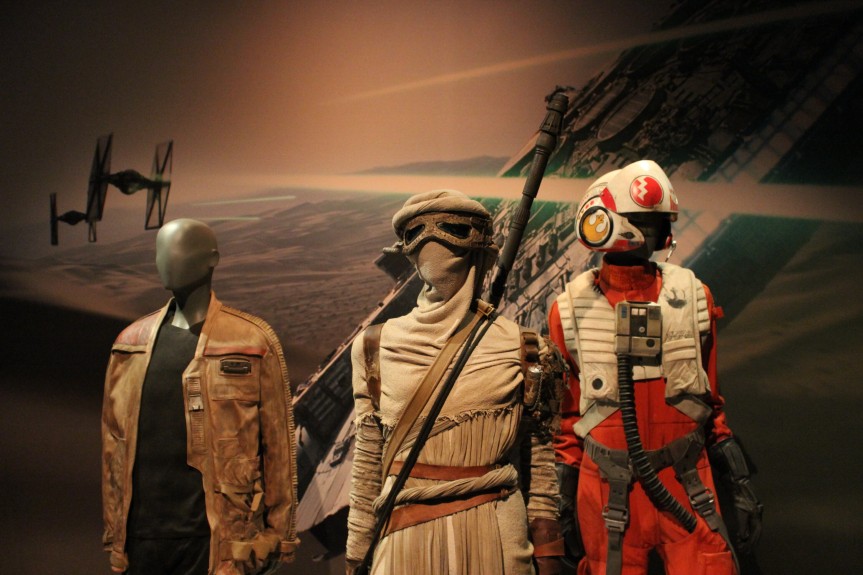
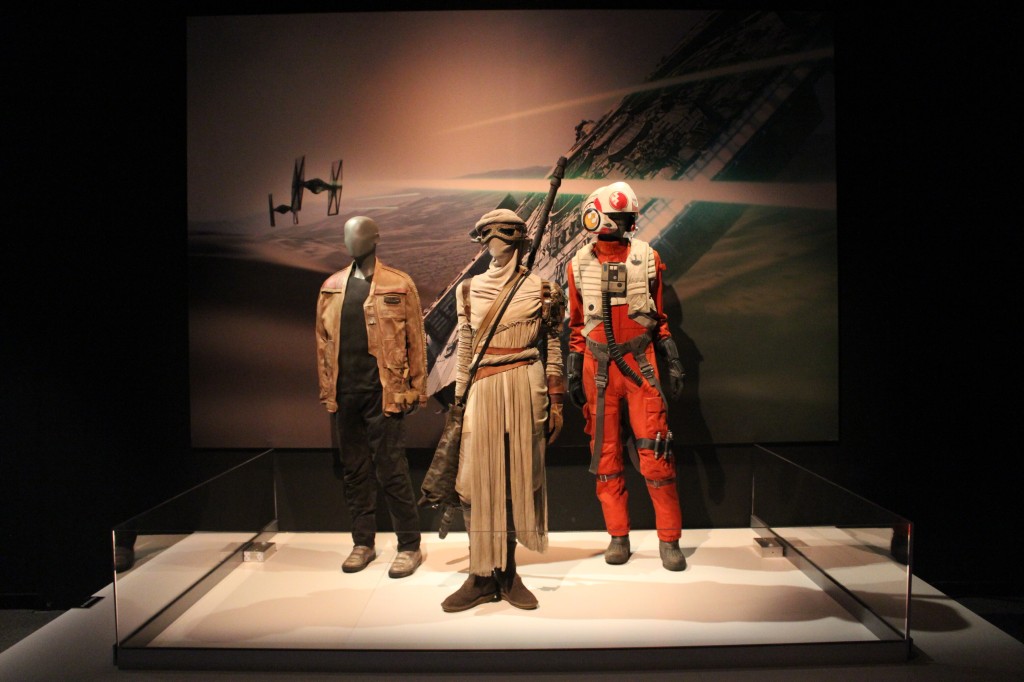
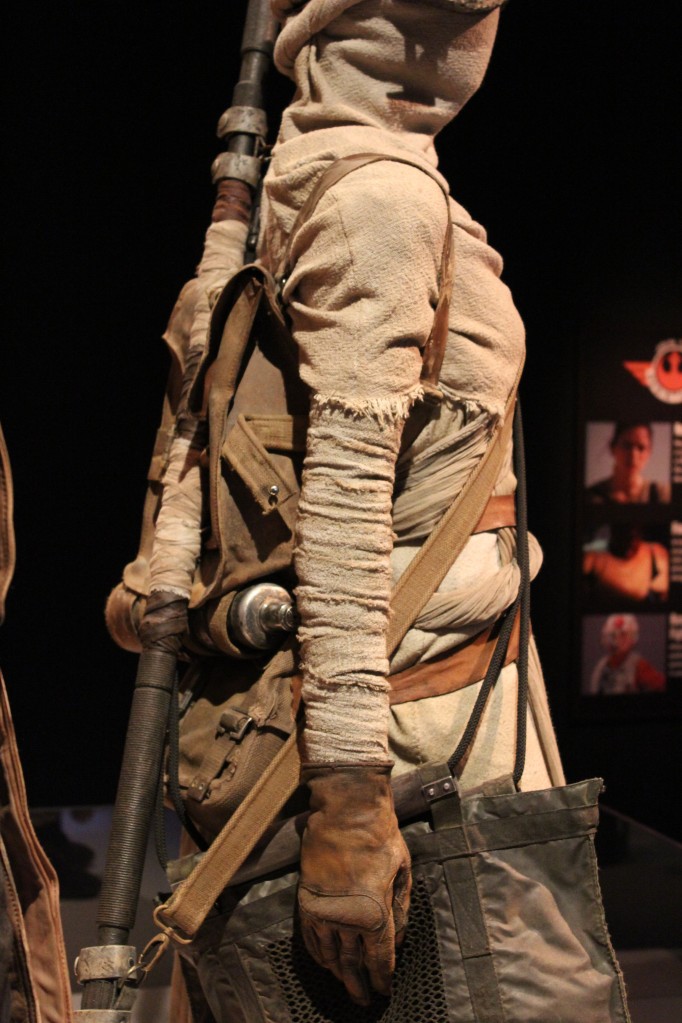
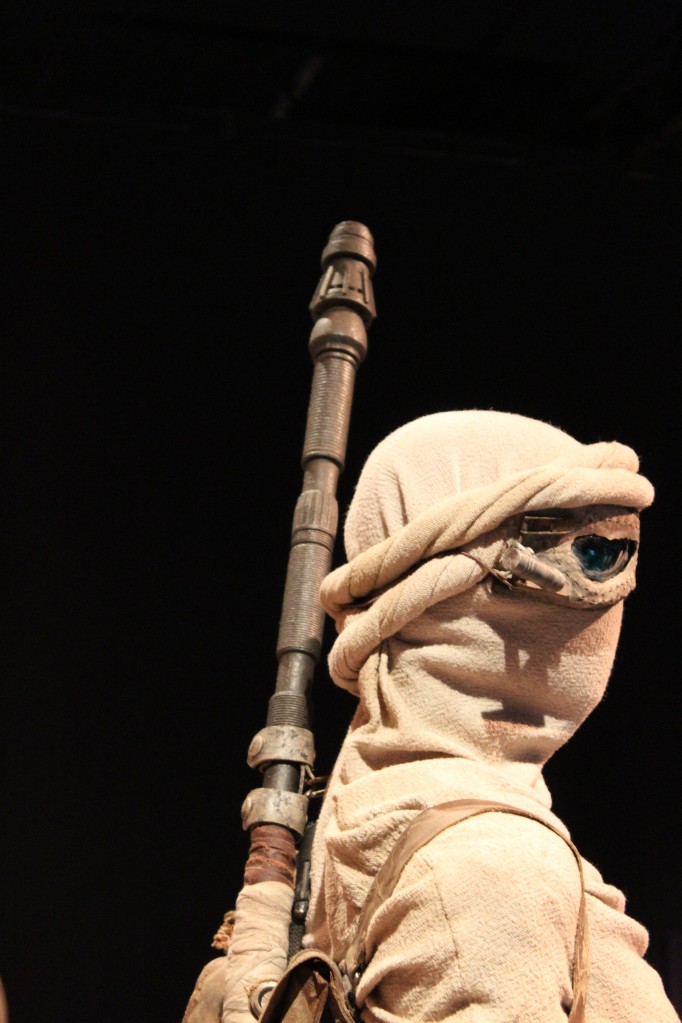
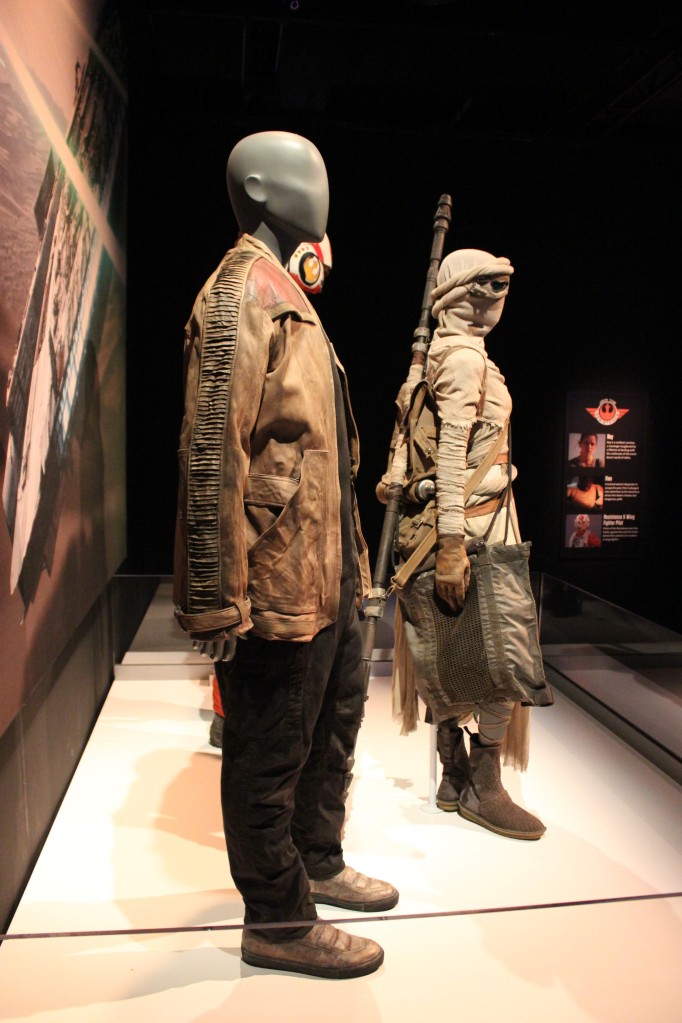
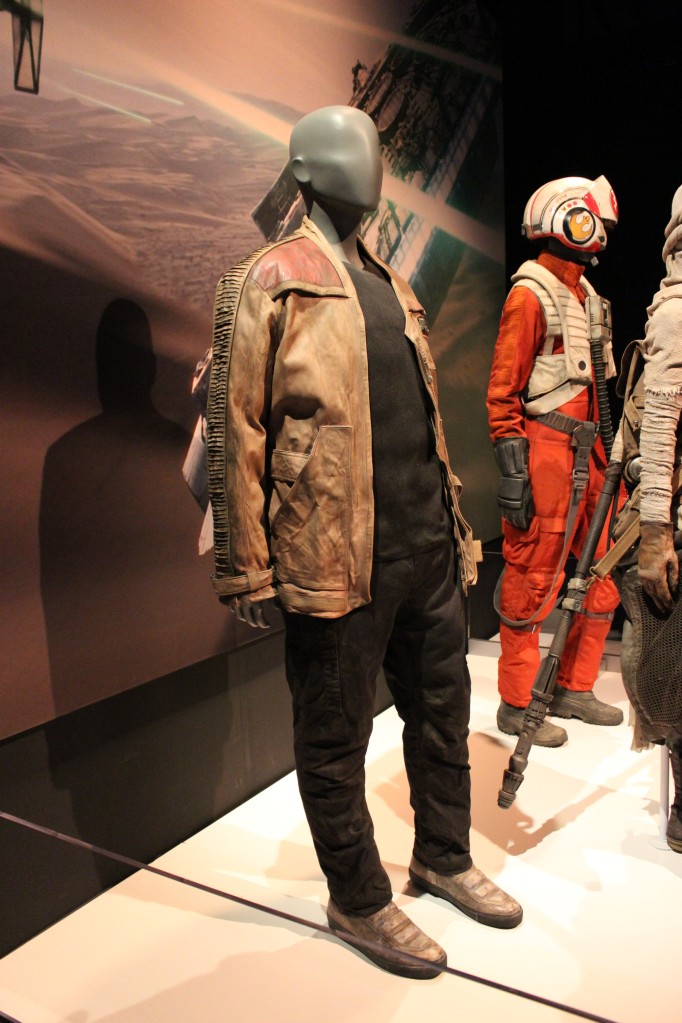
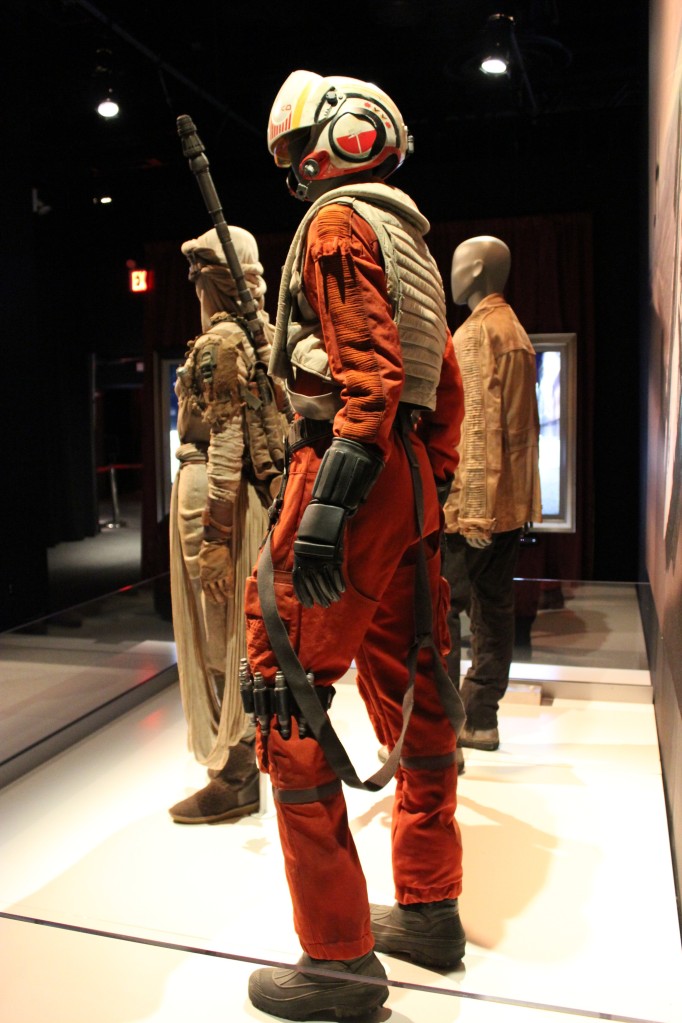
    Finn, Rey, and Poe from The Force Awakens

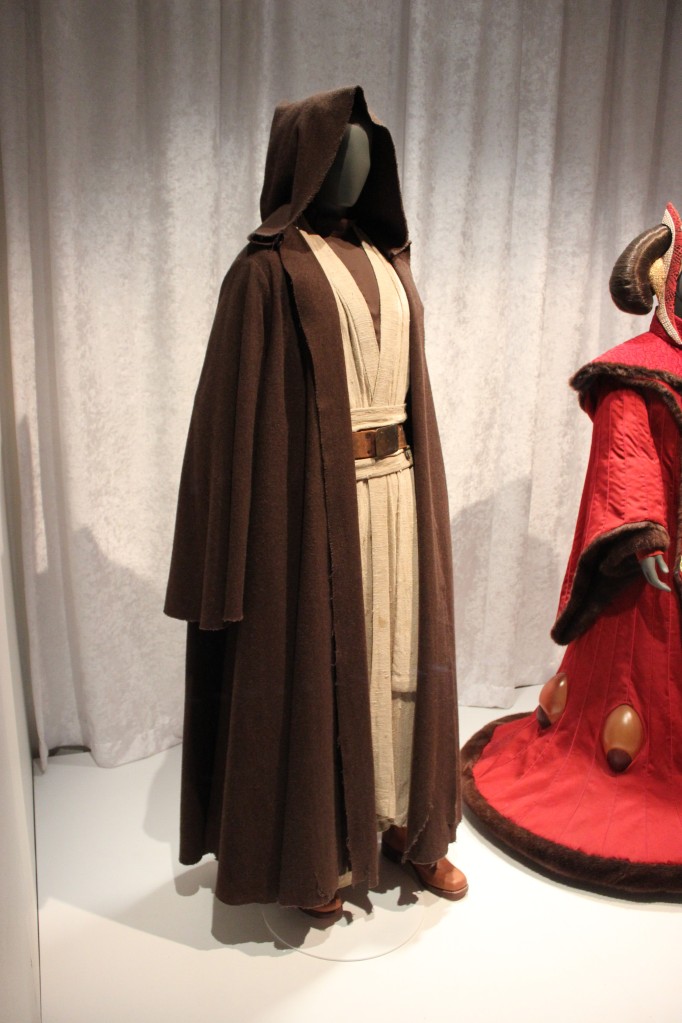
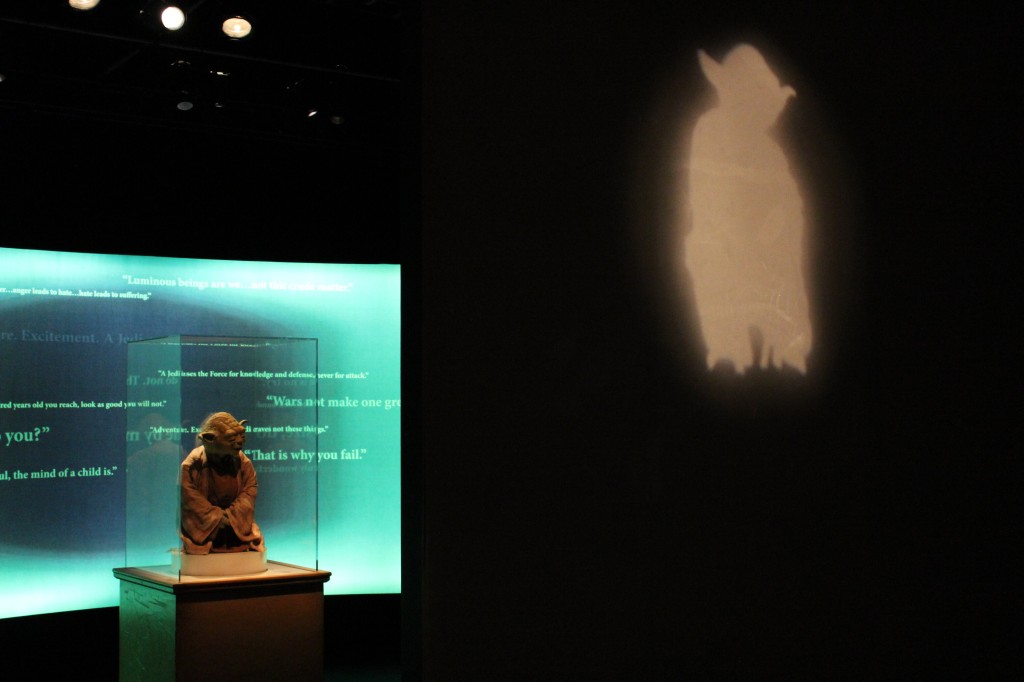
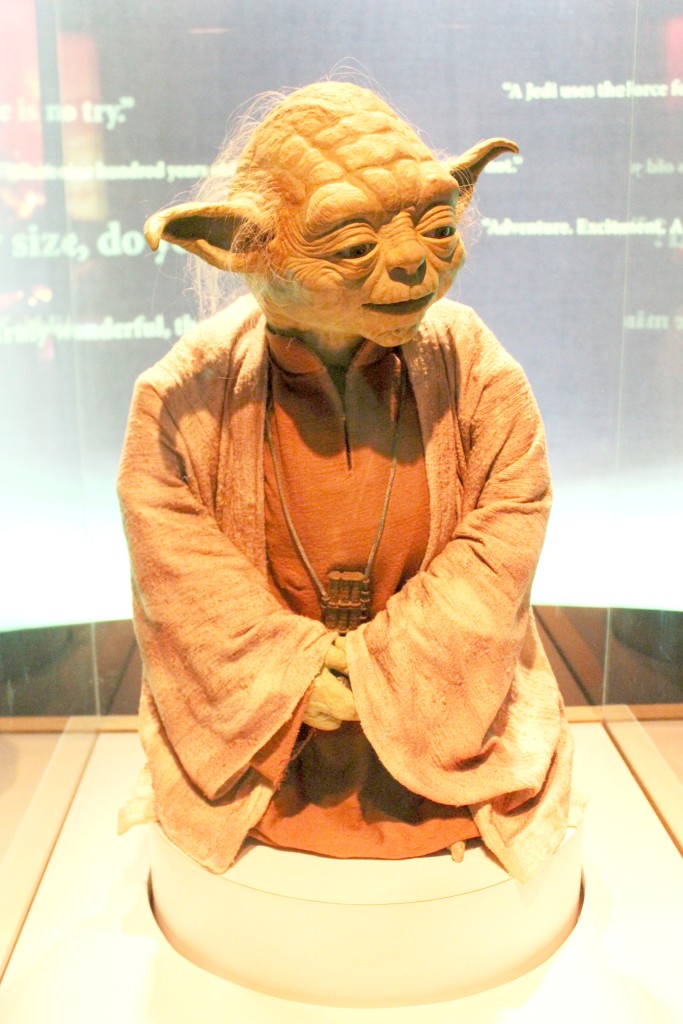
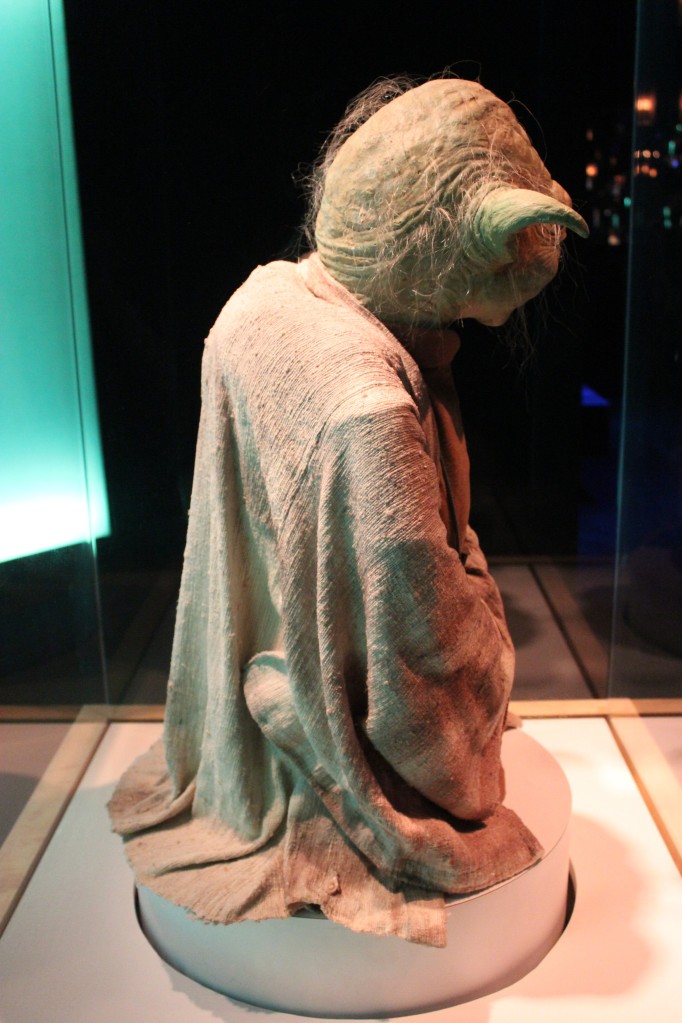
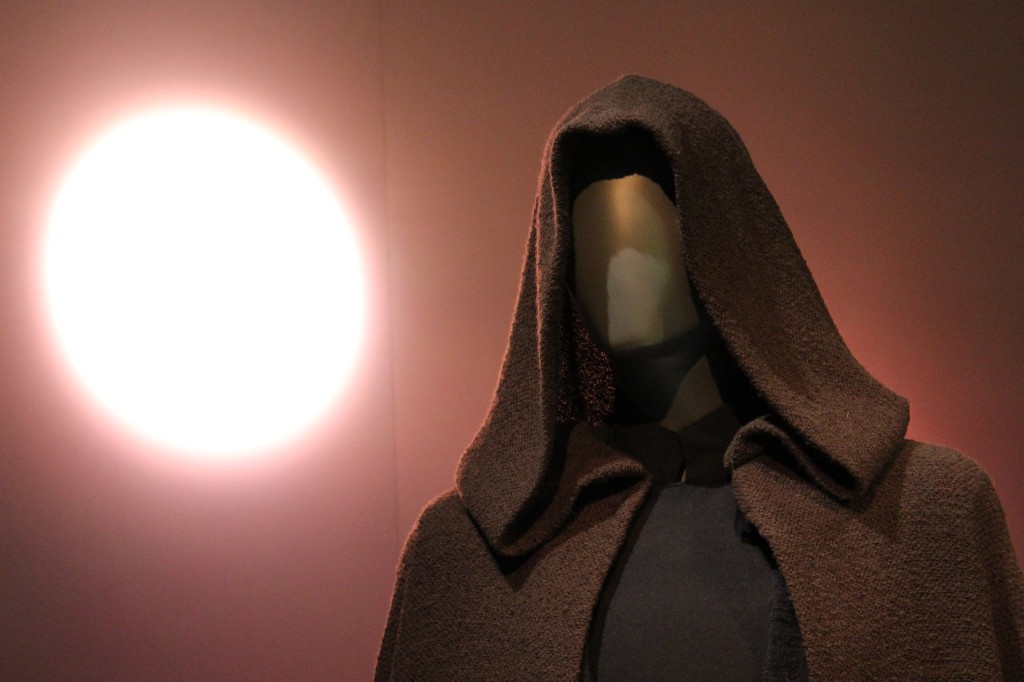
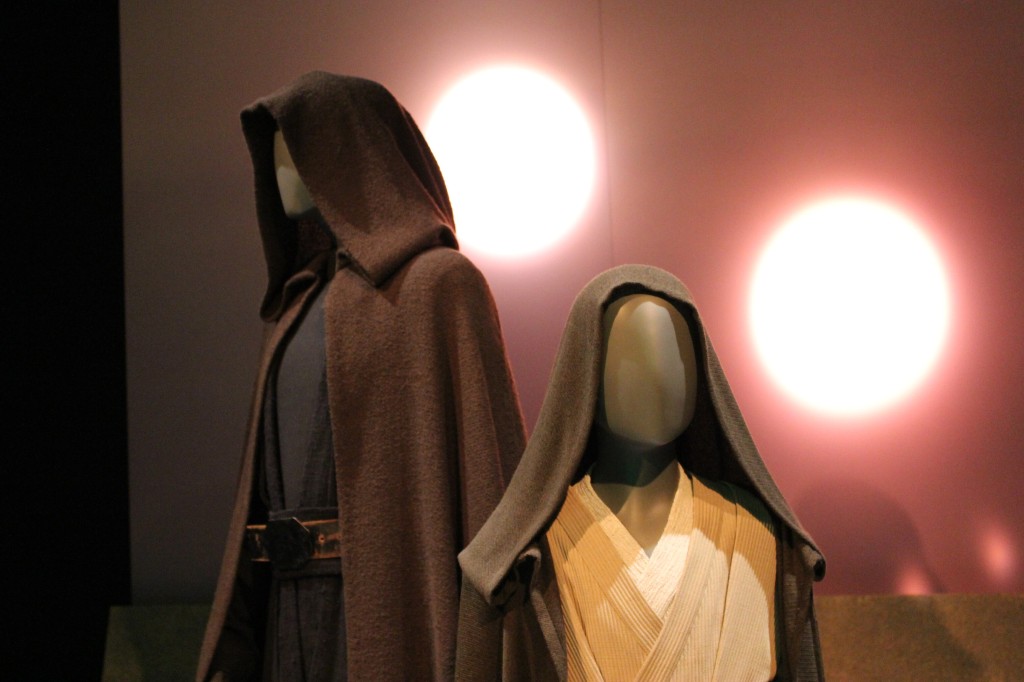
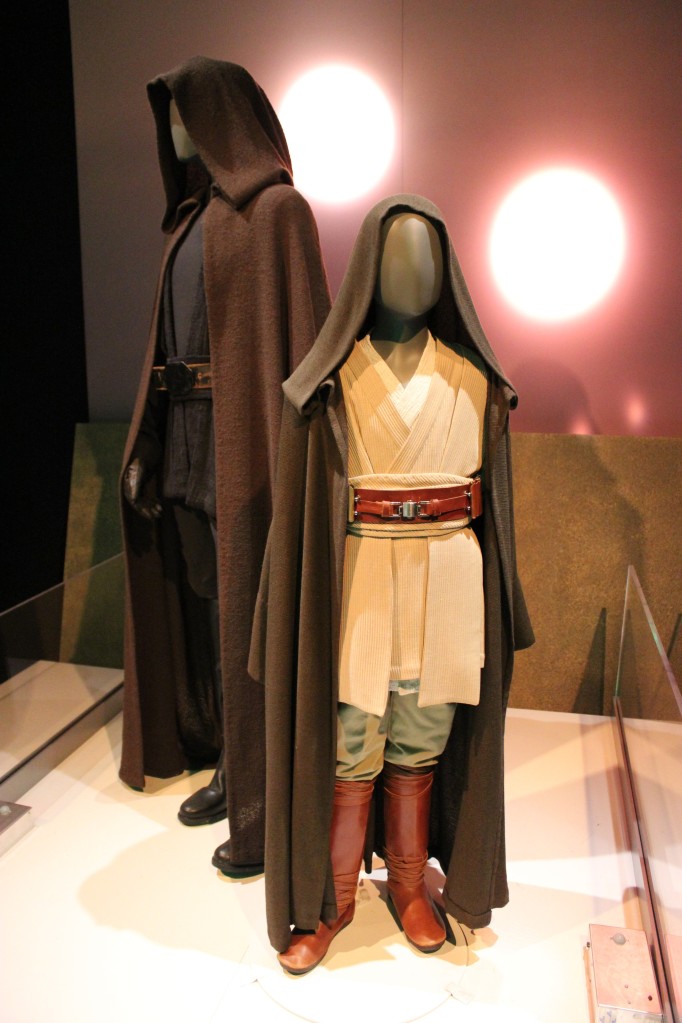
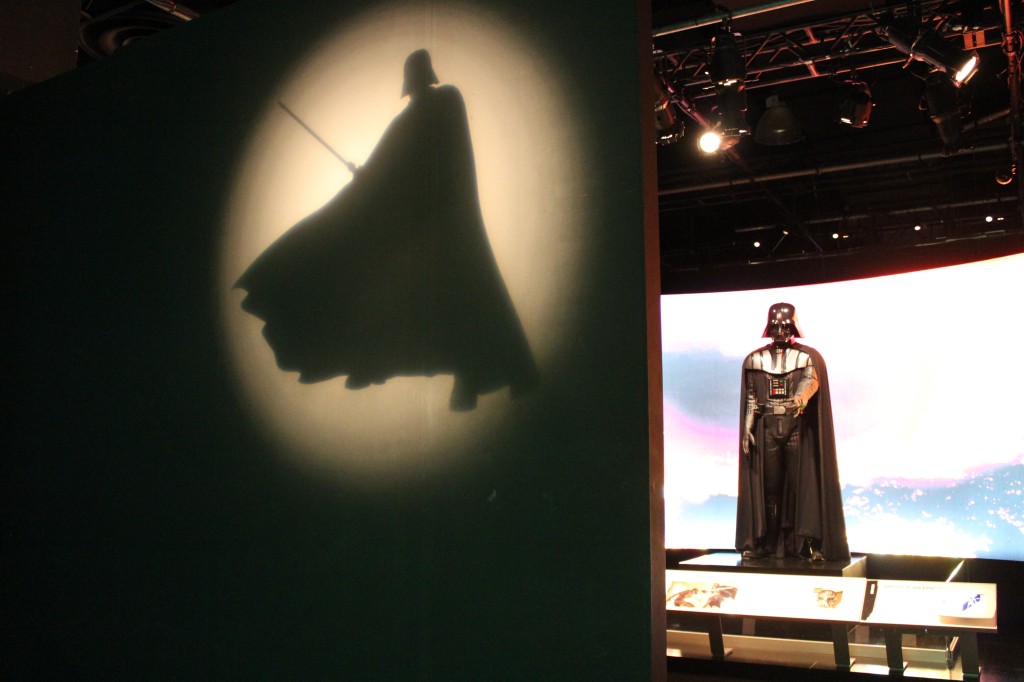
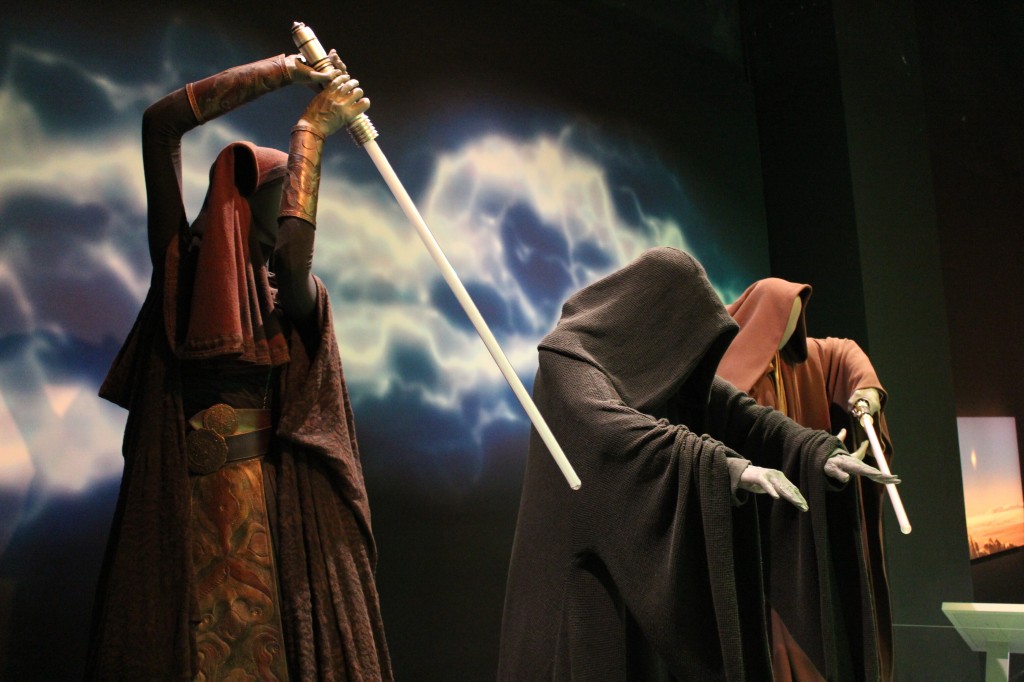
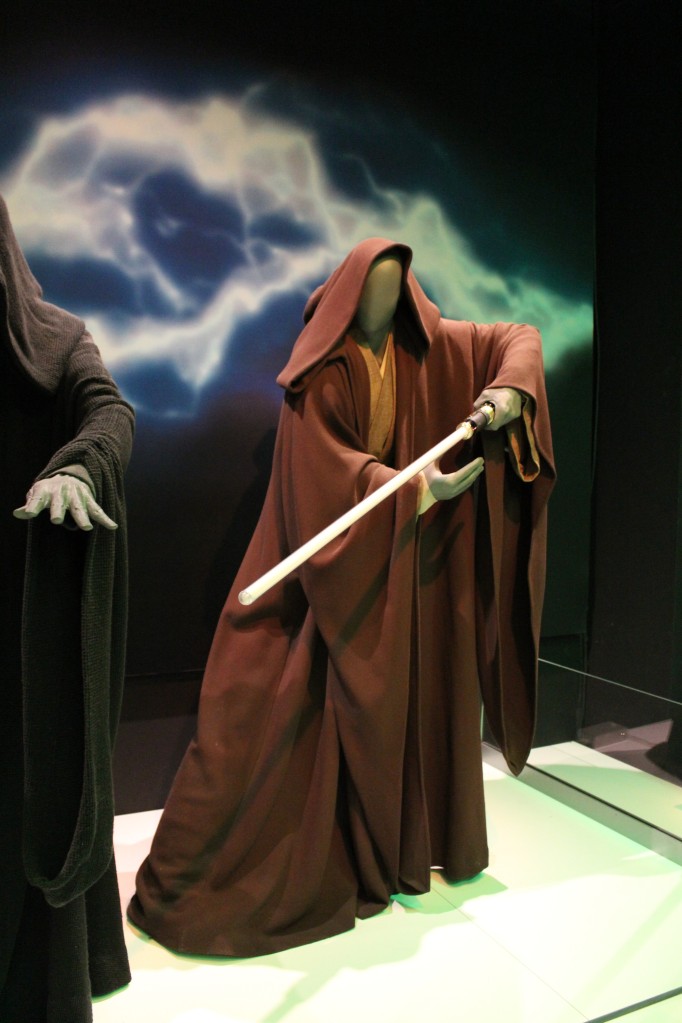
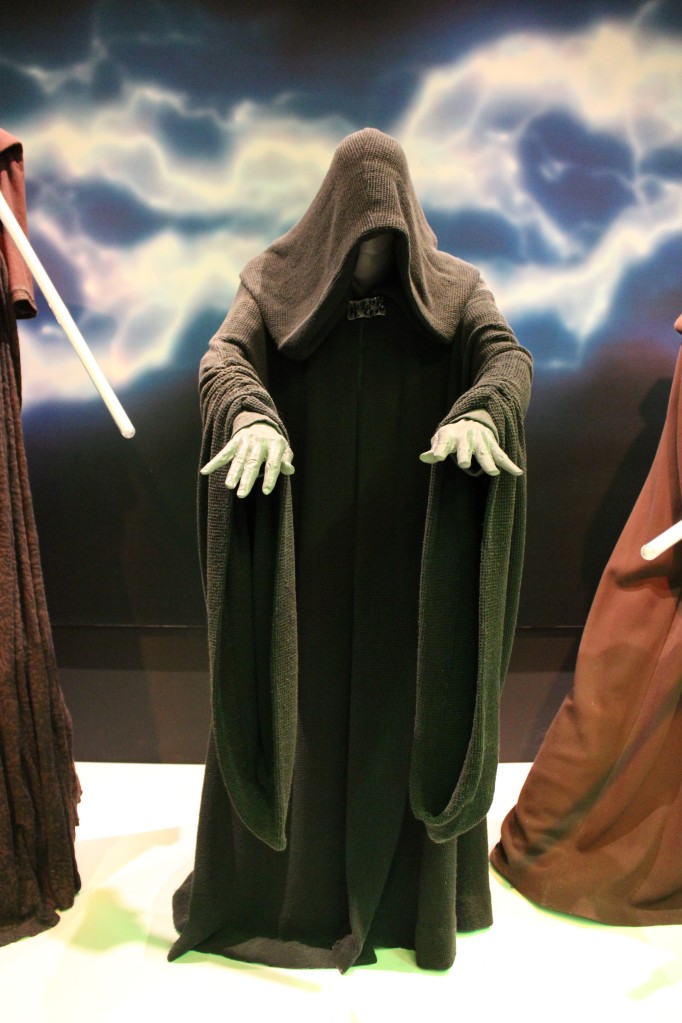
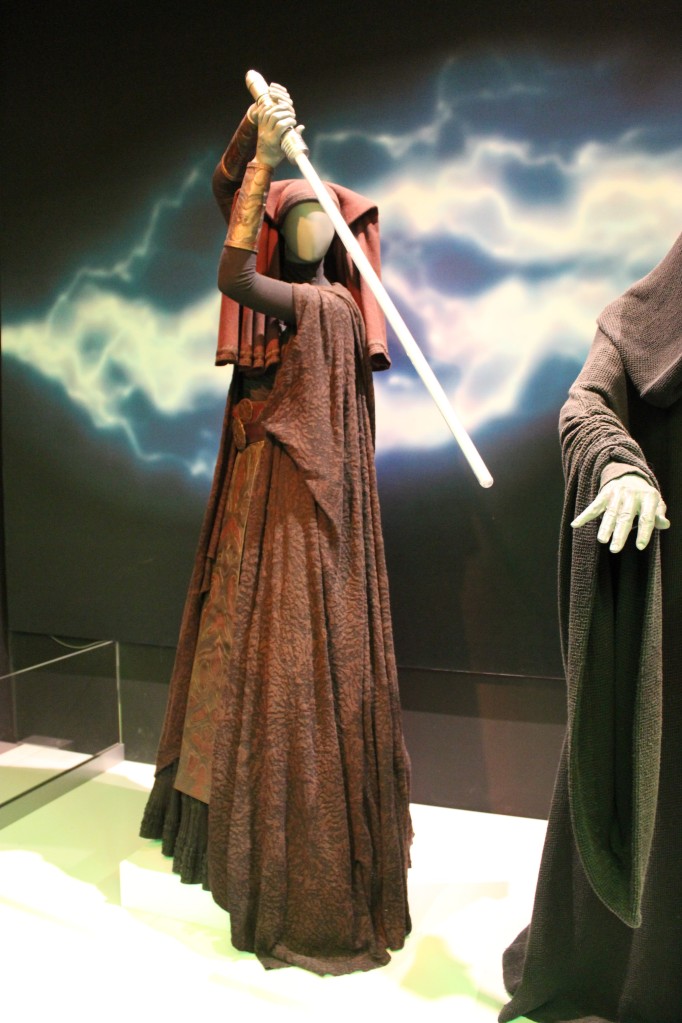
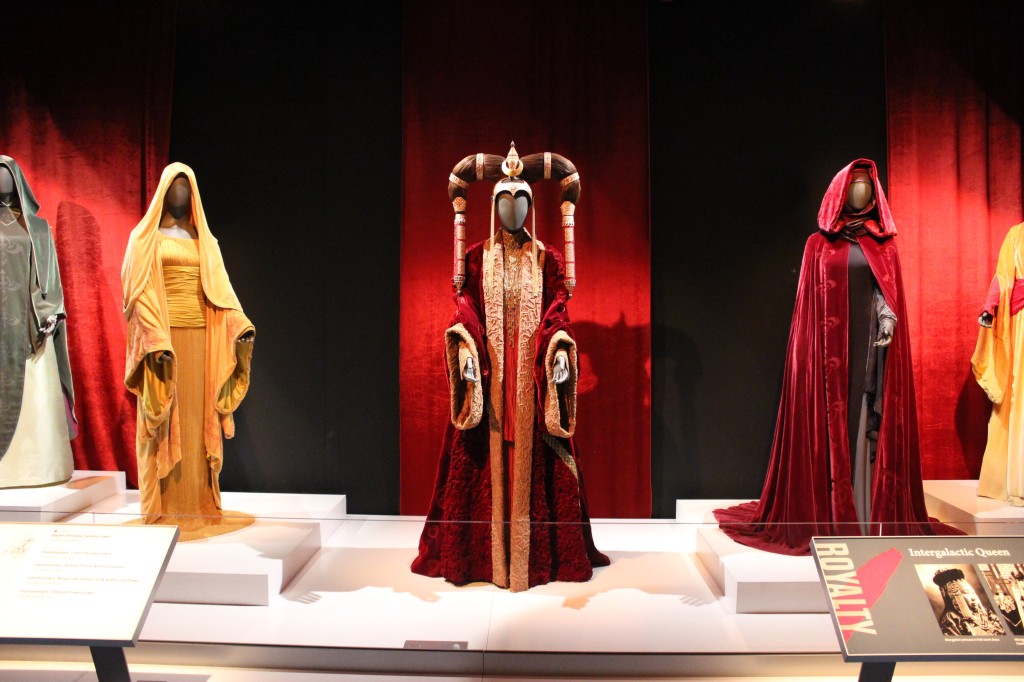
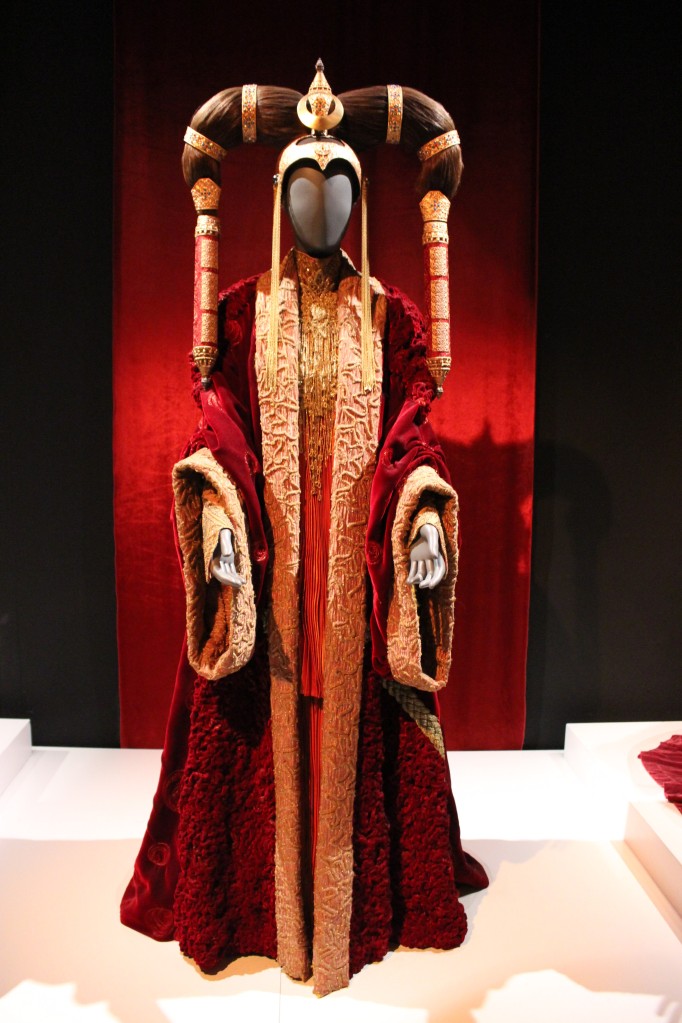
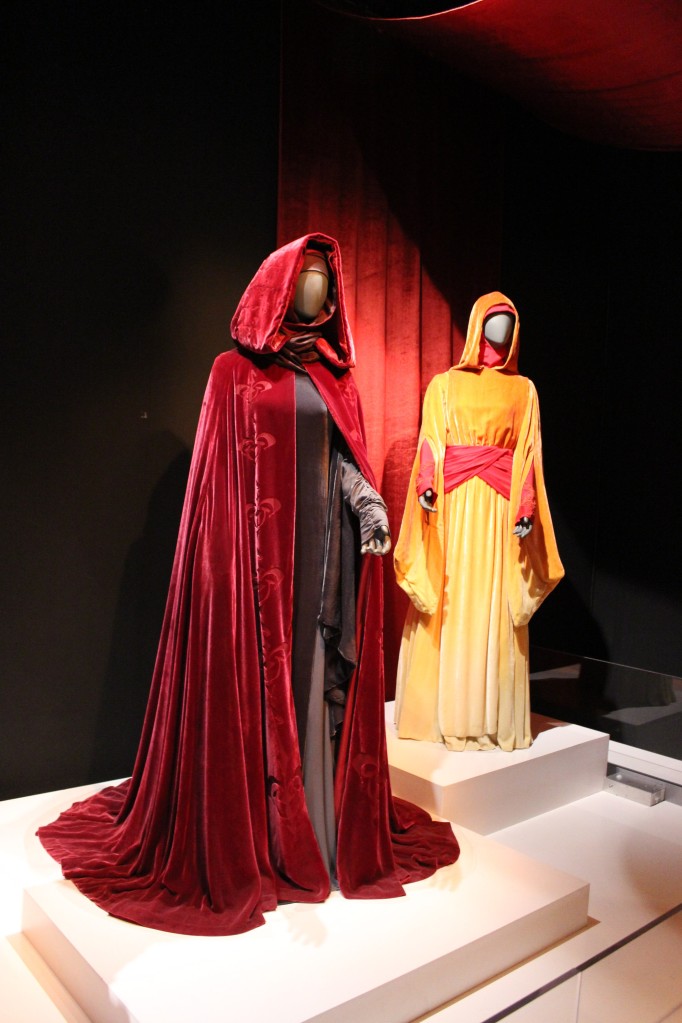
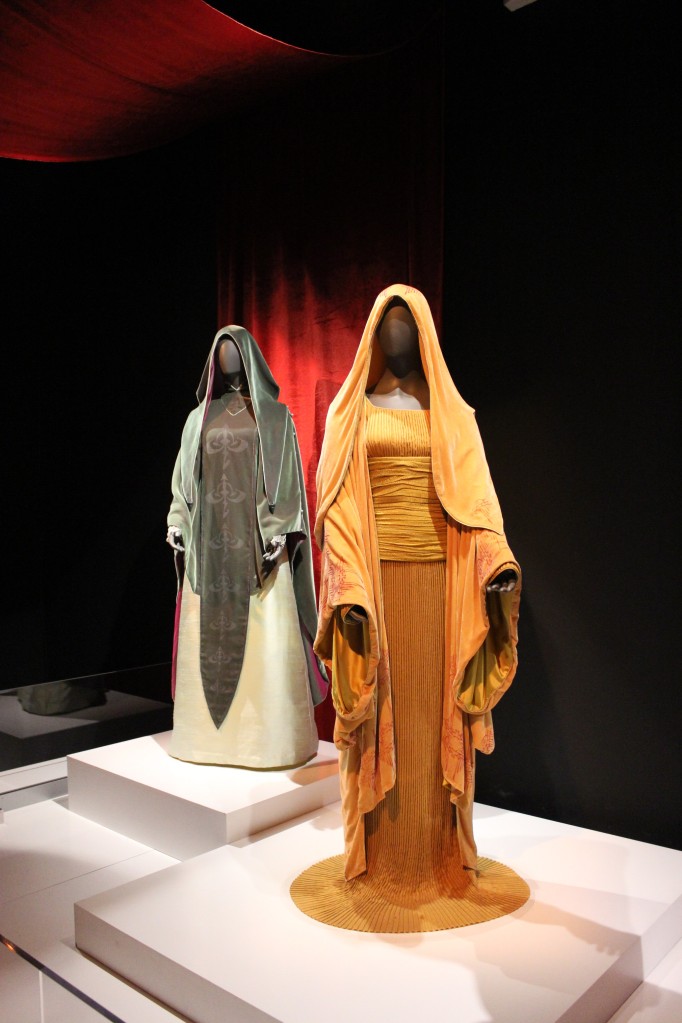
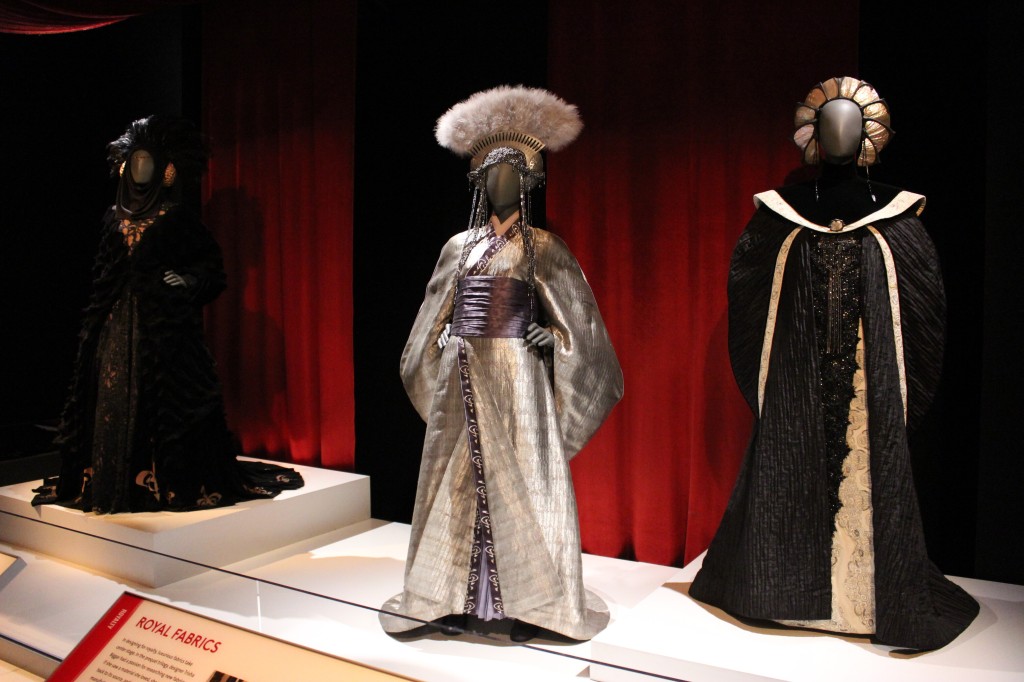
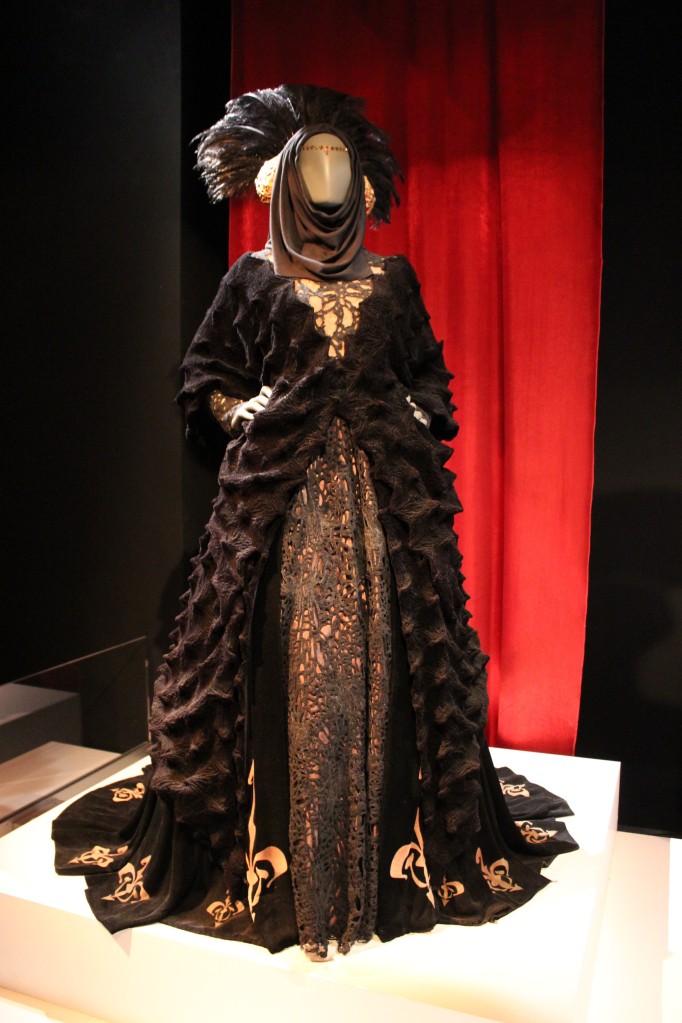
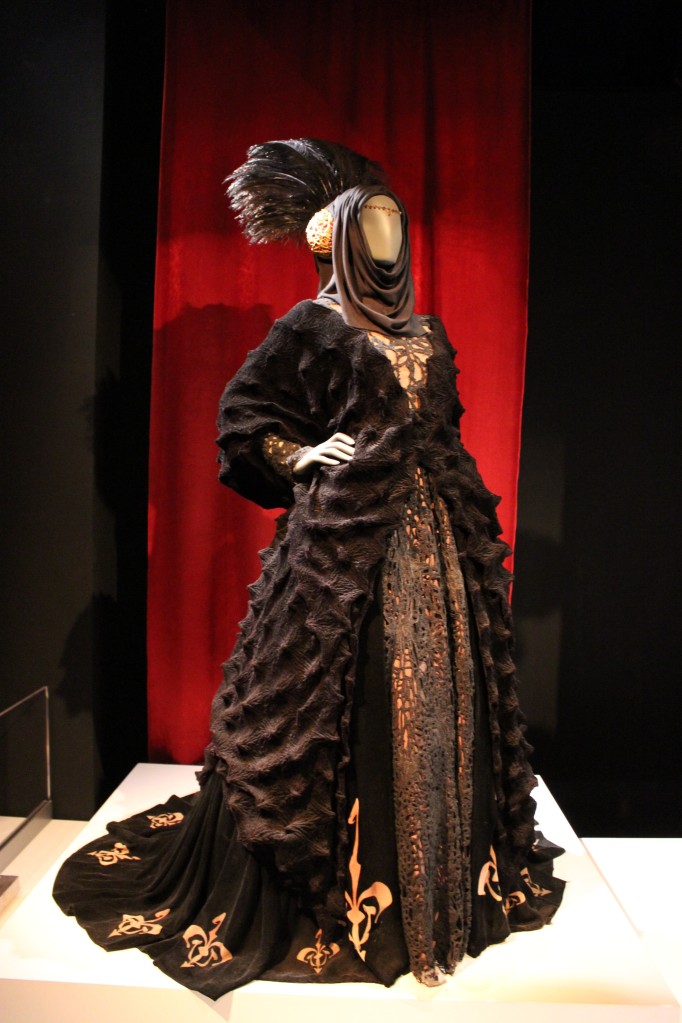
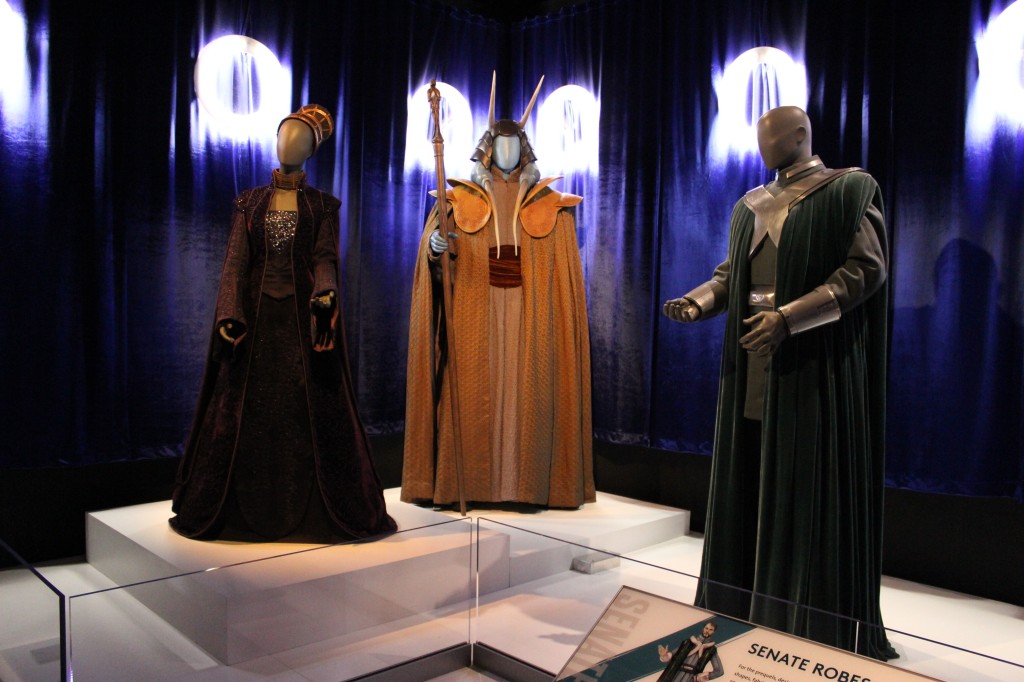
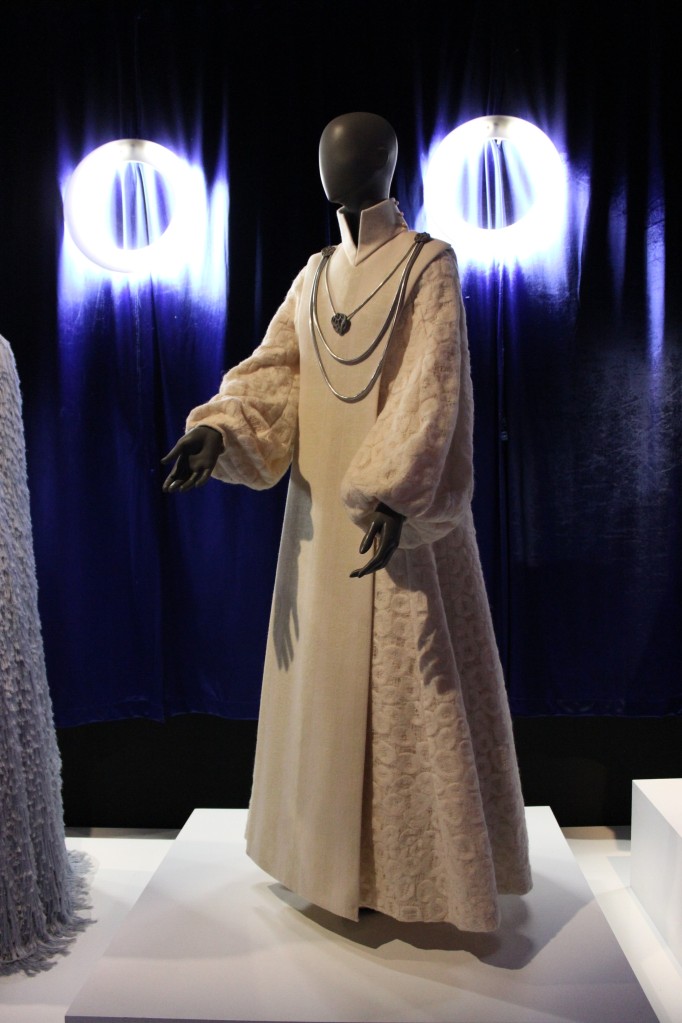
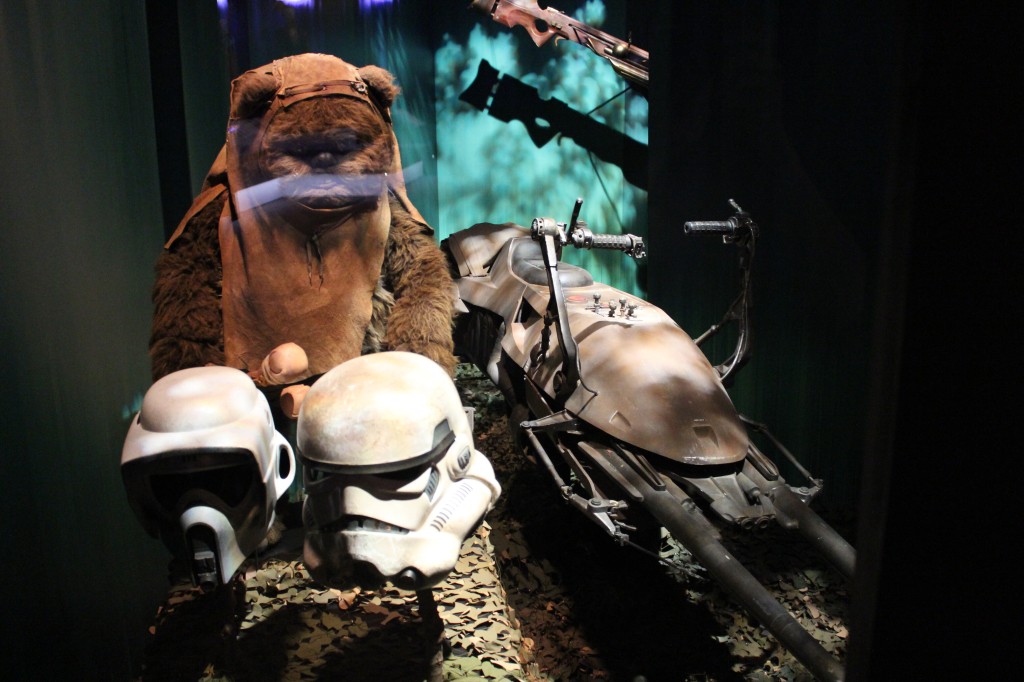
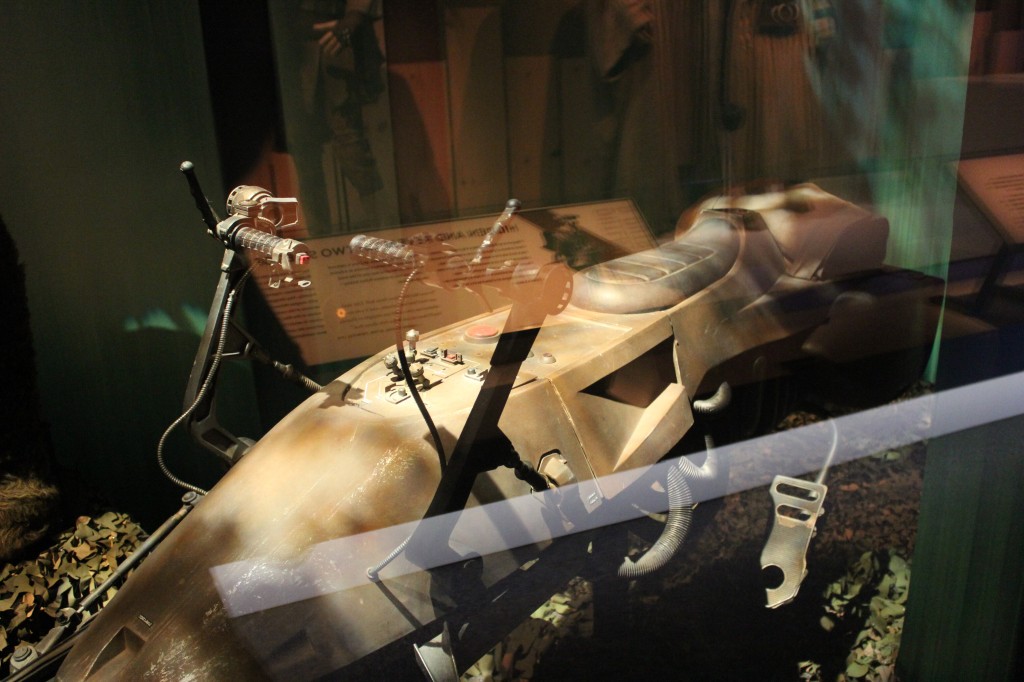
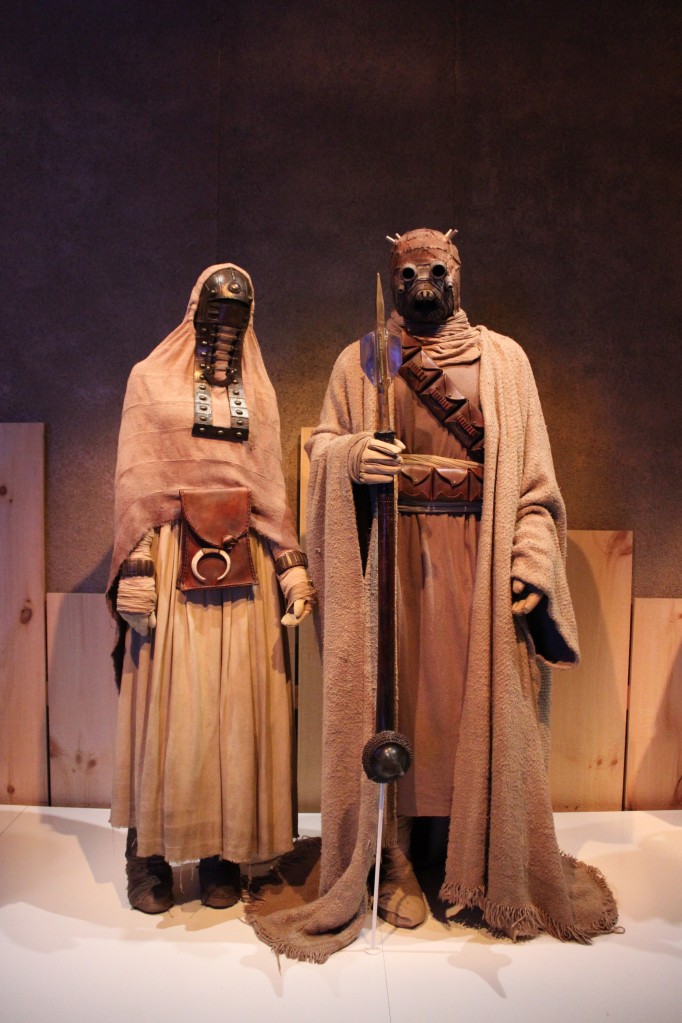
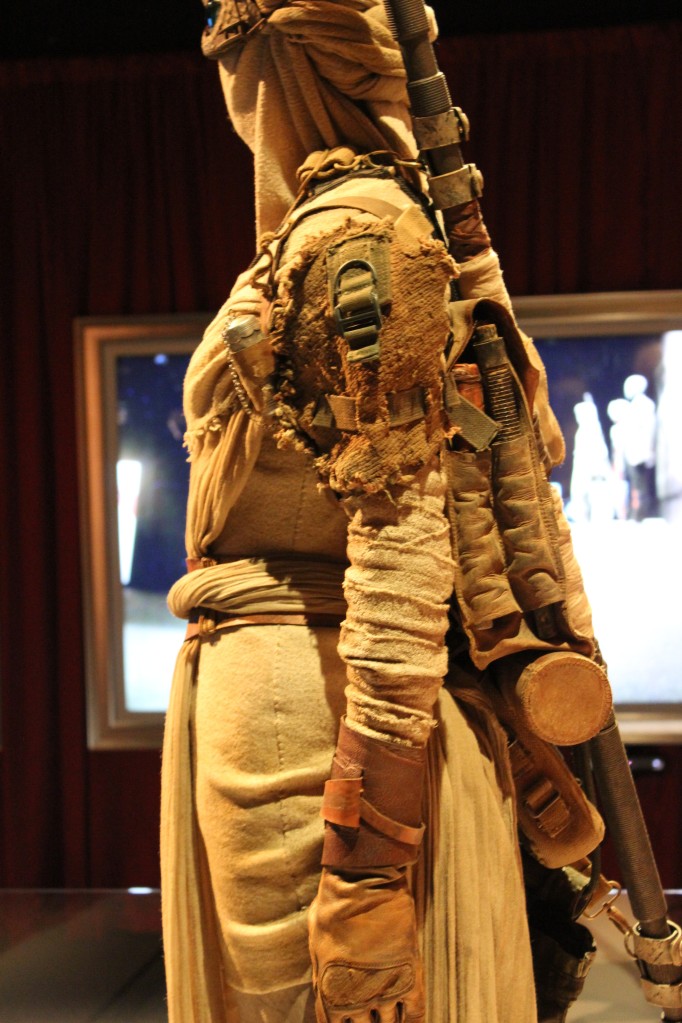
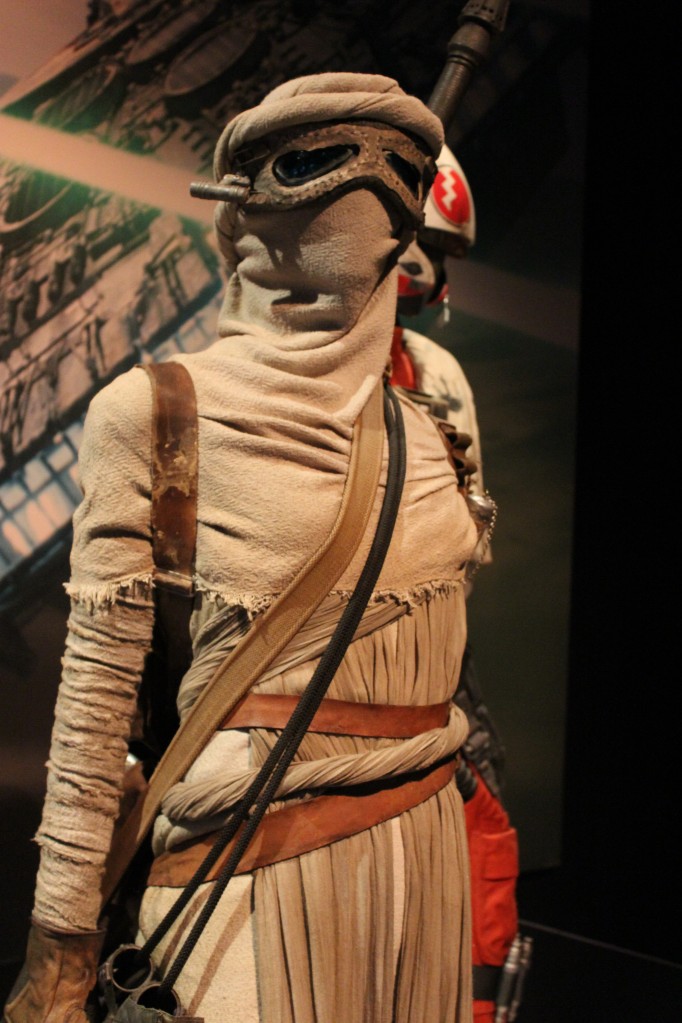
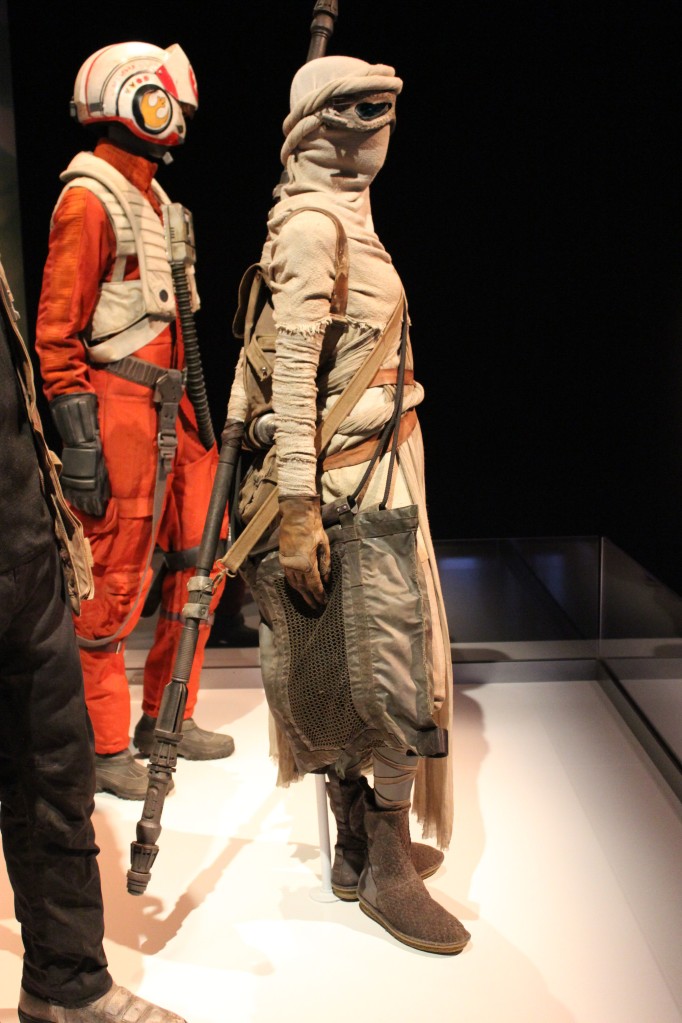
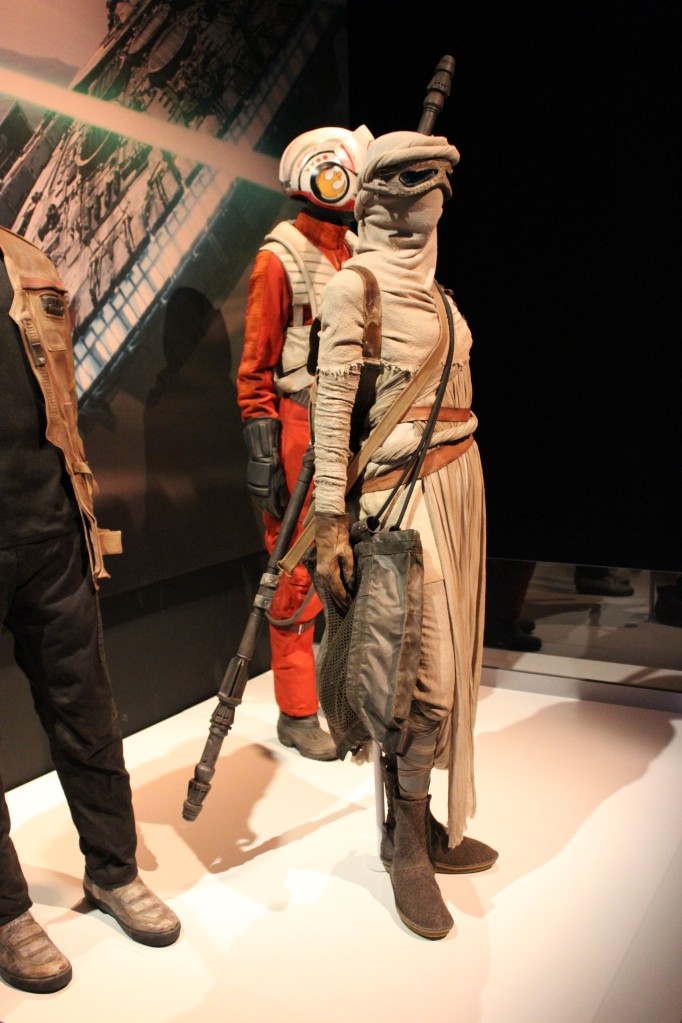
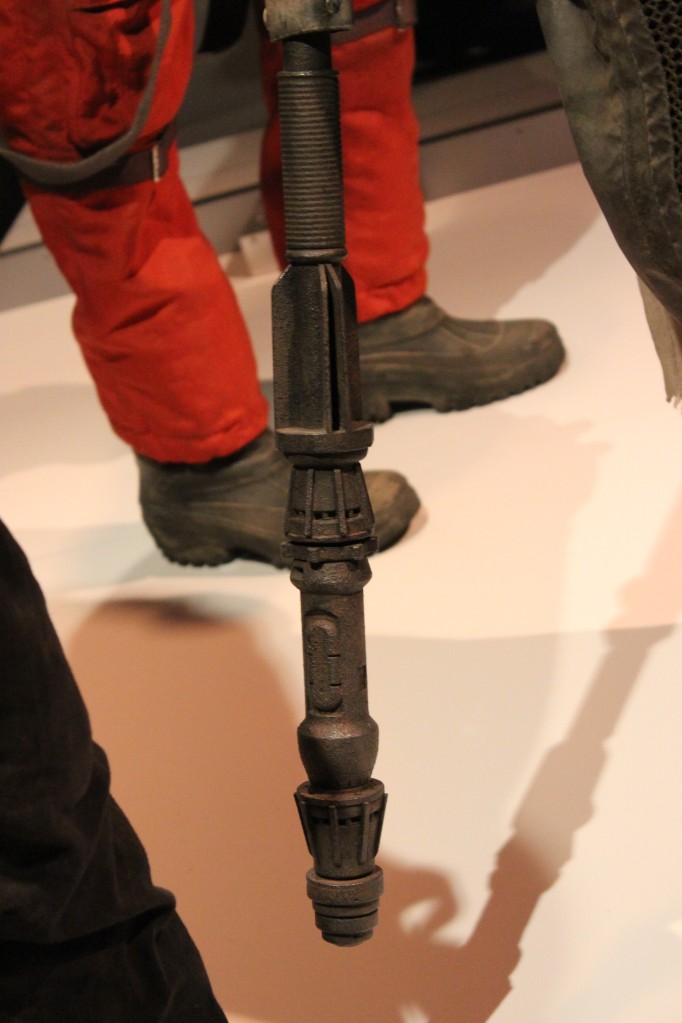
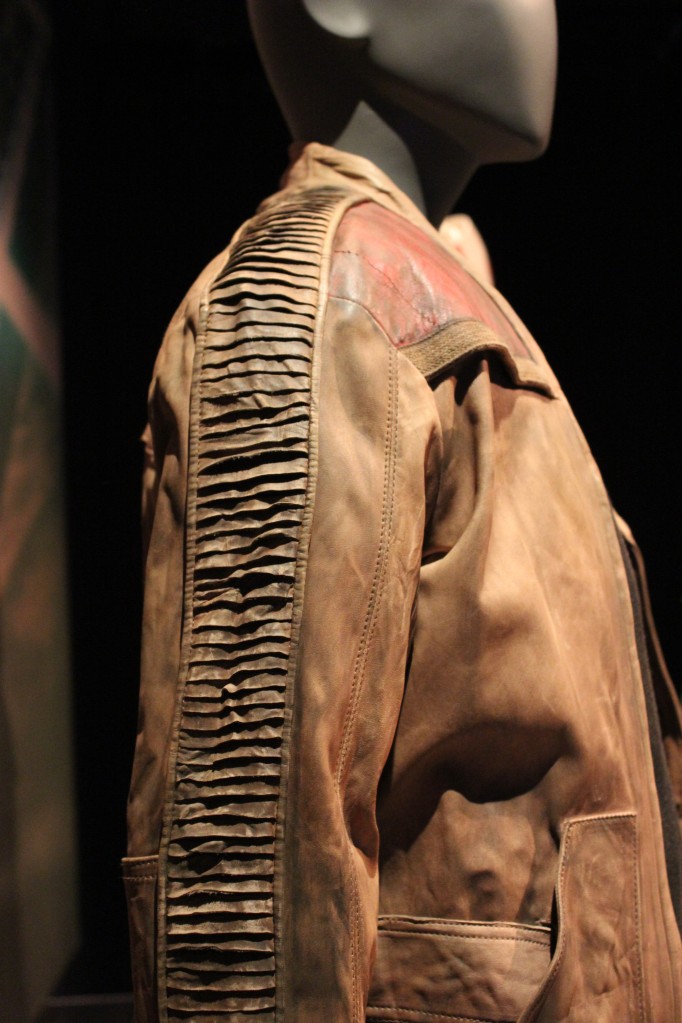
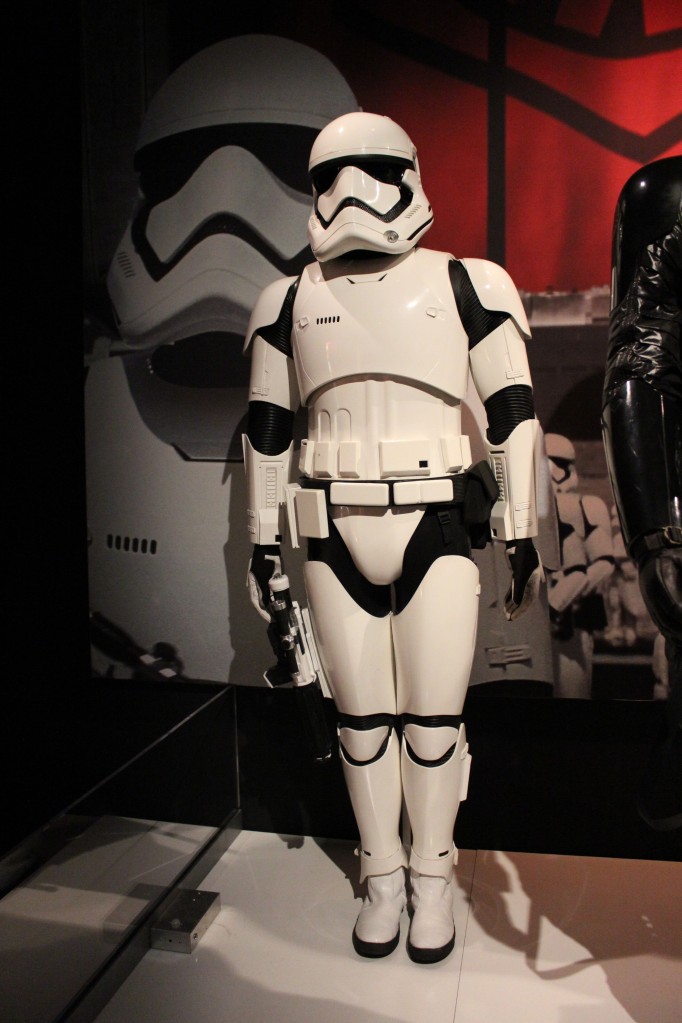
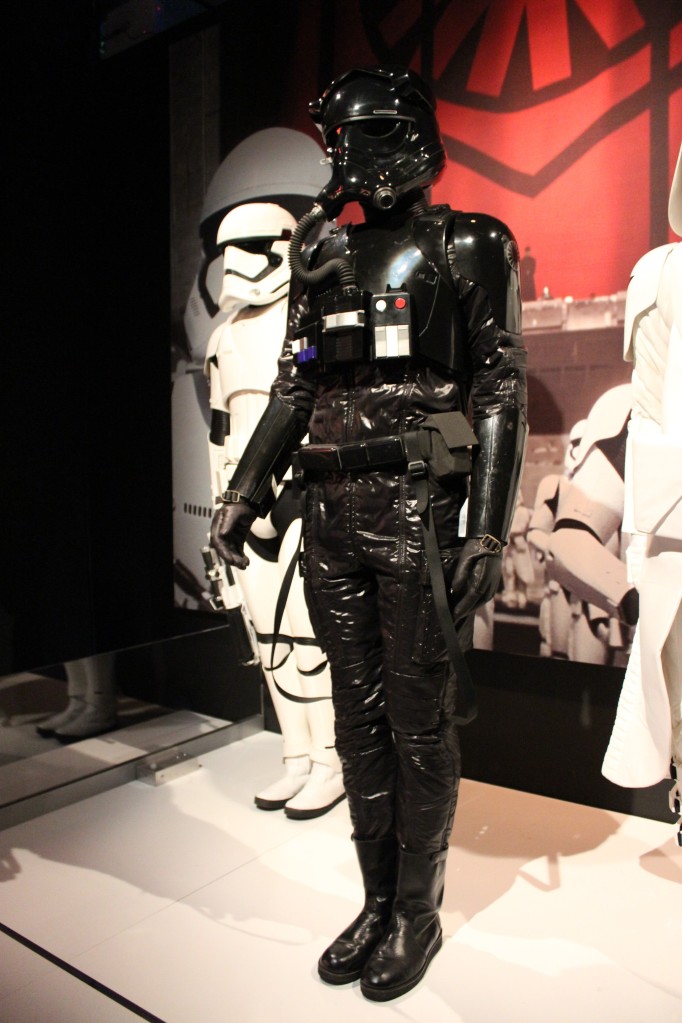
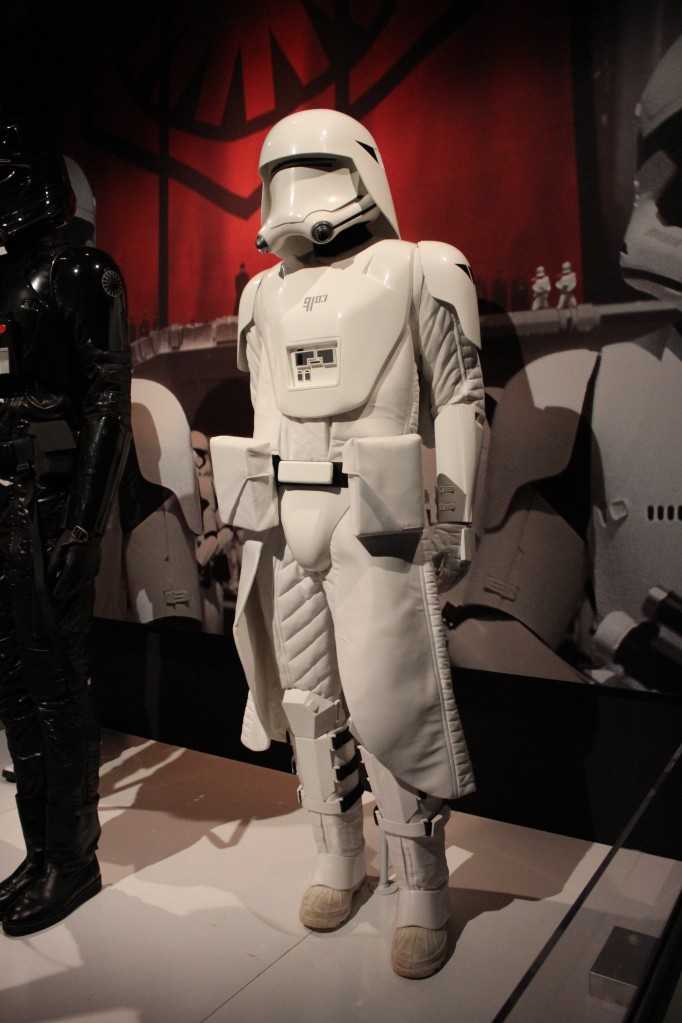
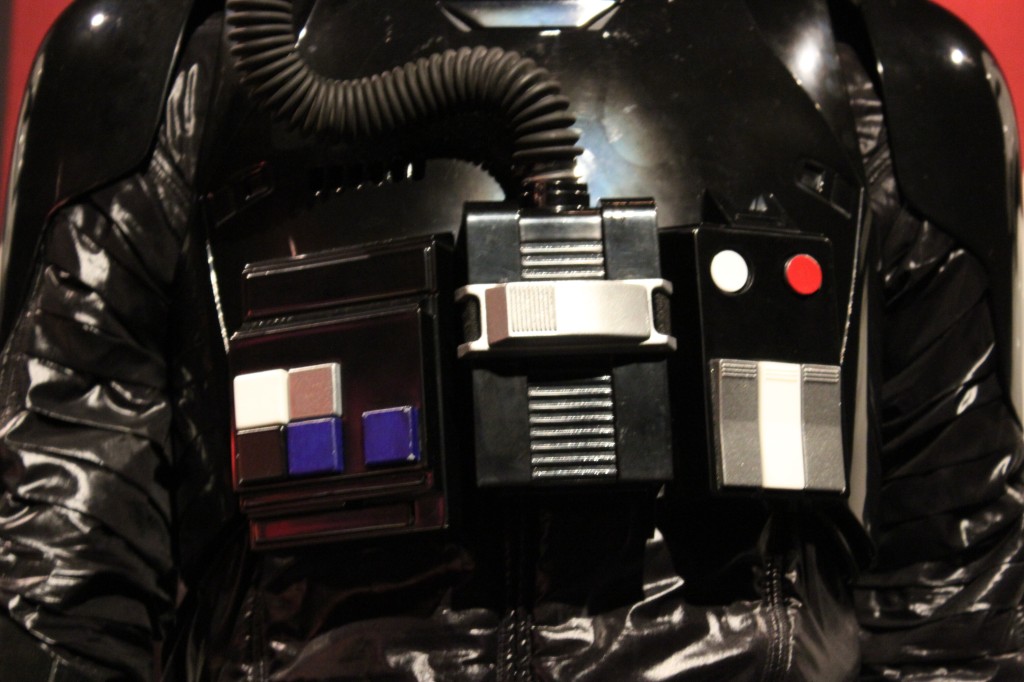
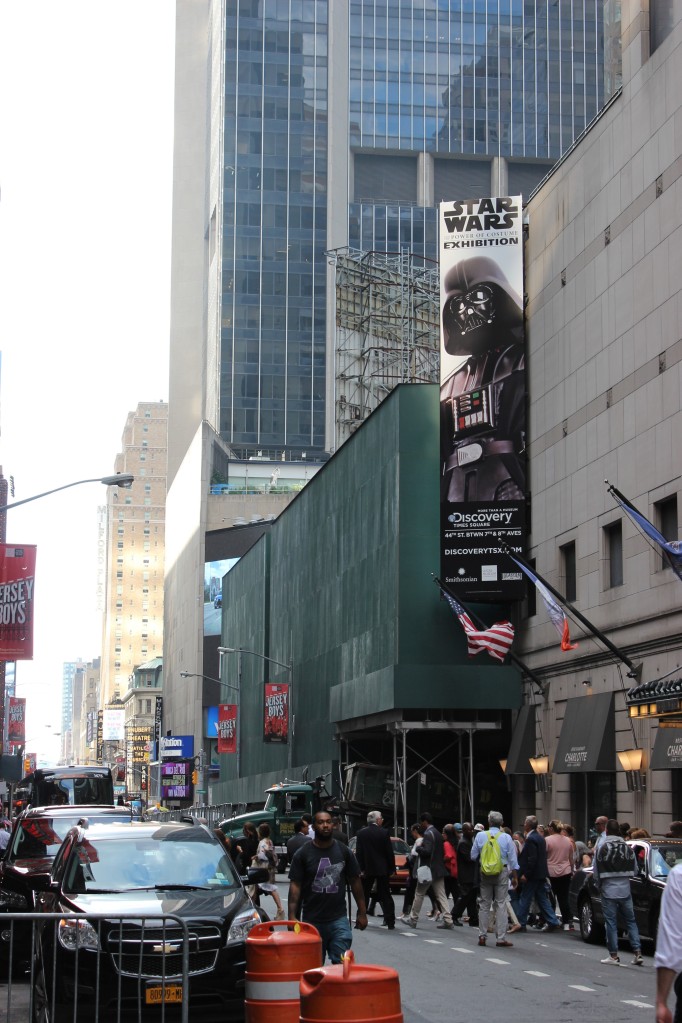
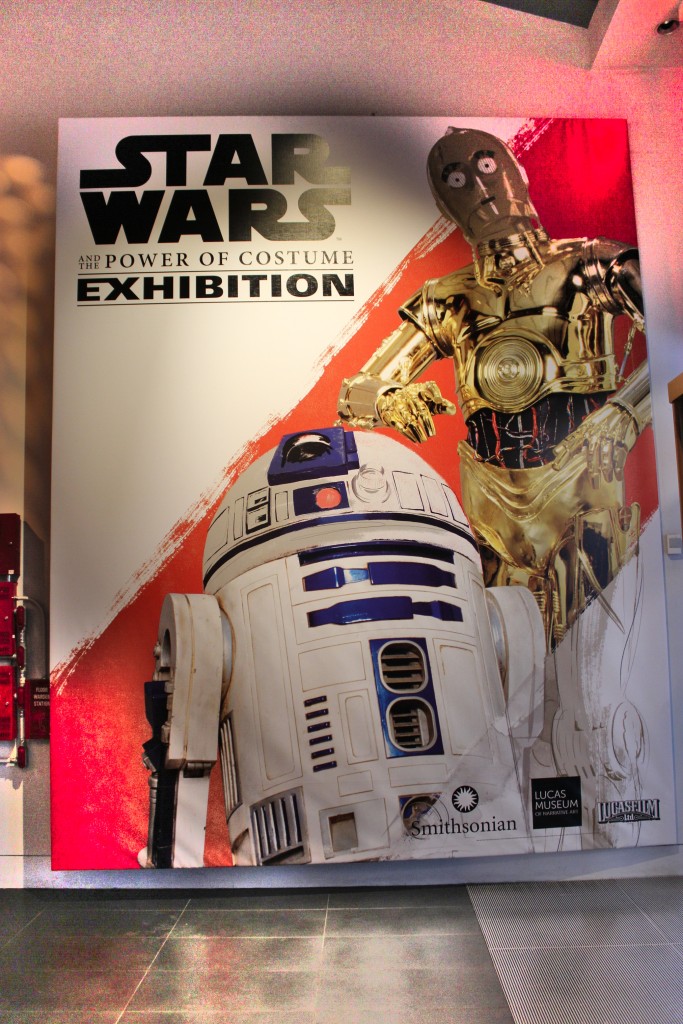
    In a stroke of luck in the lead-up to Sean Scanlan and I publishing our co-edited special issue of New American Notes Online (NANO) on Star Wars Episode VII: The Force Awakens, the Smithsonian and Lucas Museum of Narrative Art traveling exhibition collaboration called Star Wars and the Power of Costume came to New York City. I visited the exhibition with my Canon T3i one summer afternoon in 2016. It was exhilarating to me to be close to the costumes and props from my most loved movie franchise. Also, I imagined how the exhibit must be a goldmine for costuming details for Star Wars cosplay.

    I’m afraid that my photography skills and control over my equipment is left wanting, but I tried my best to capture the costumes and equipment as best as I could for my own enjoyment when revisiting the exhibition via memory conjured by the photos. Now, I’m sharing my photos of the exhibition for your benefit here.

    Also, I attended an earlier Star Wars exhibition in London nine years earlier, which I will post next week as my Flickr album of those photos no longer exists [link added to the London Star Wars Exhibition on 17 Oct. 2023]. It will feature costumes and some vehicles and models. In the meantime, I hope that you enjoy virtually visiting the Power of Costume below.

    Jedi and Sith

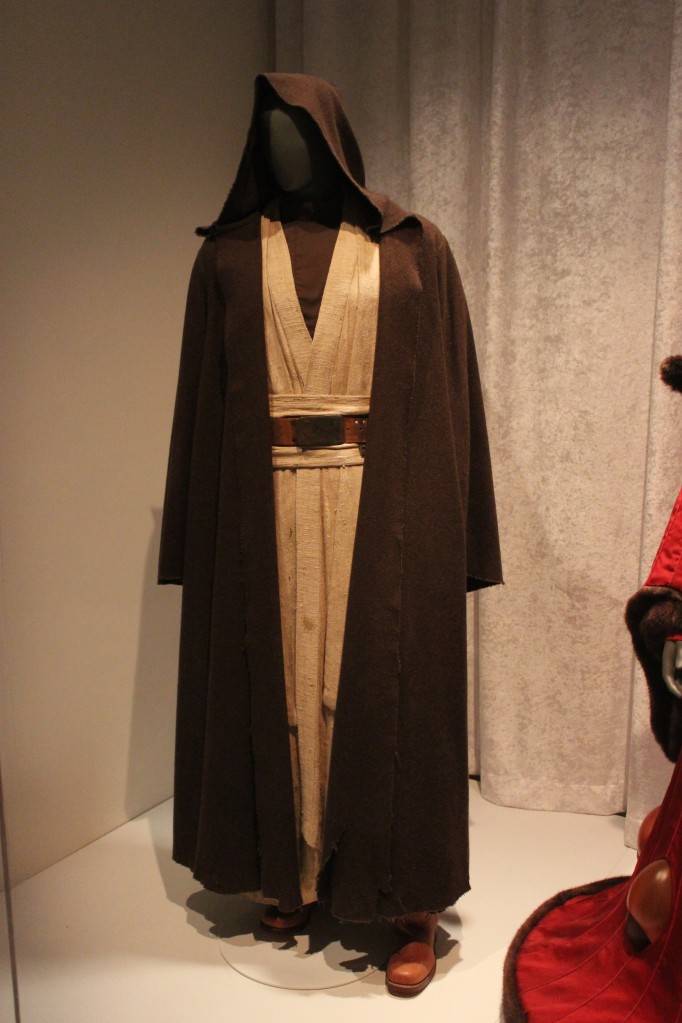
    Obi-Wan Kenobi from A New Hope

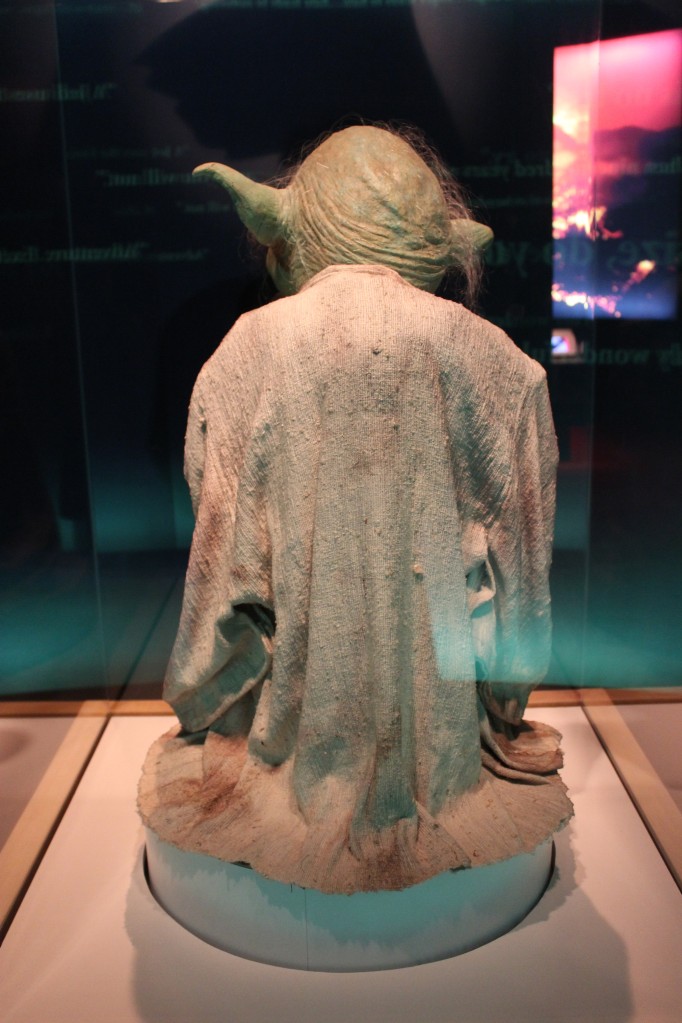
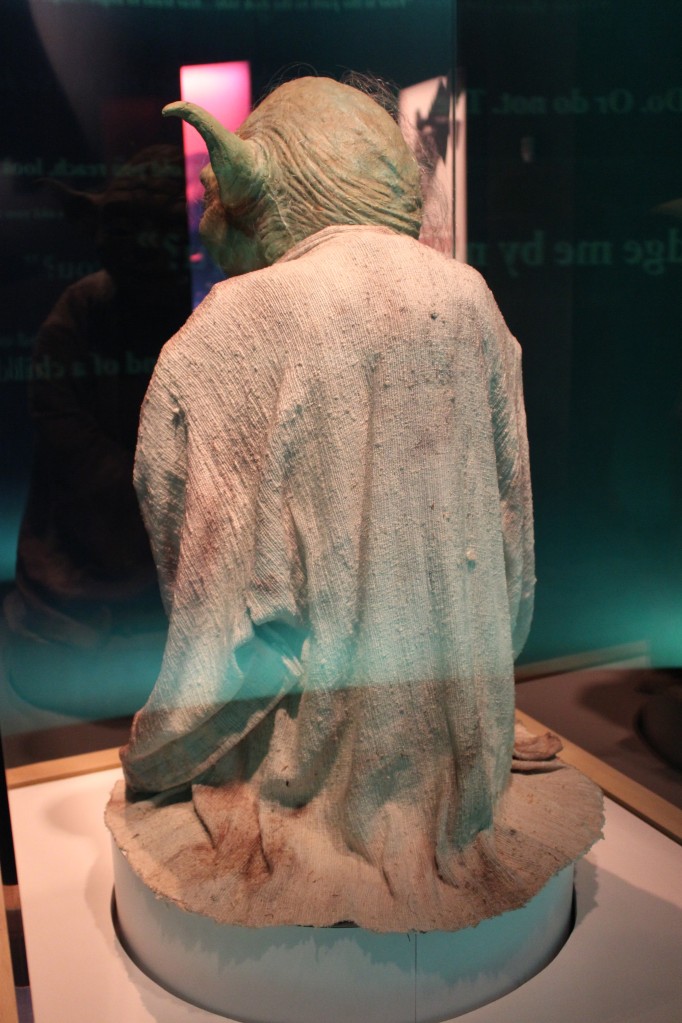
    Yoda

    Yoda area entrance

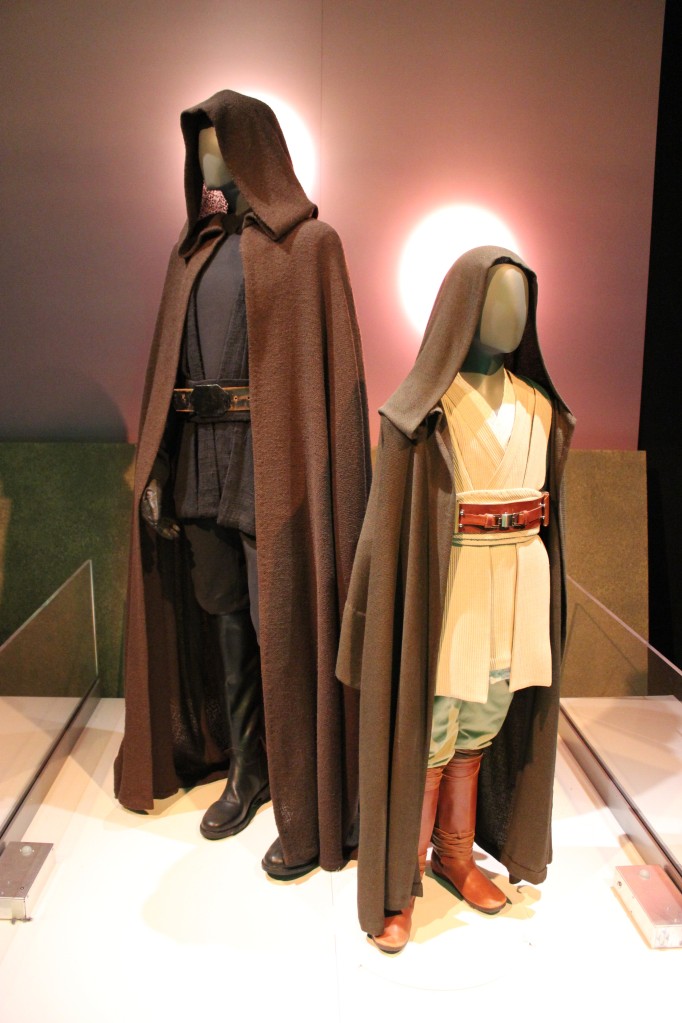
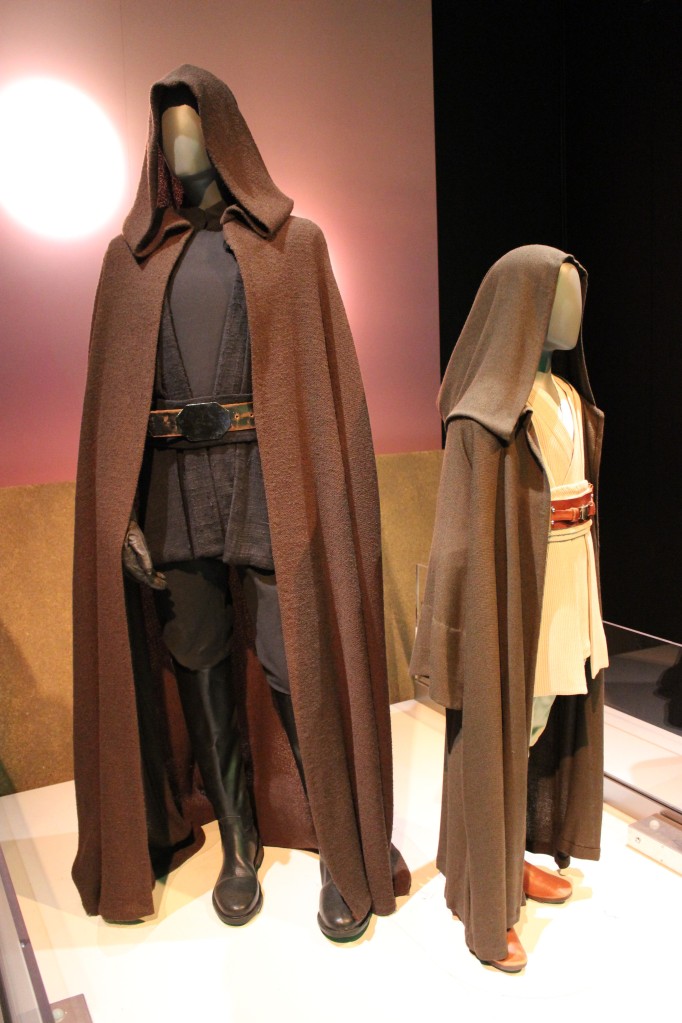
    Jedi Luke Skywalker and Padawan Anakin Skywalker

    Jedi Luke Skywalker and Padawan Anakin Skywalker

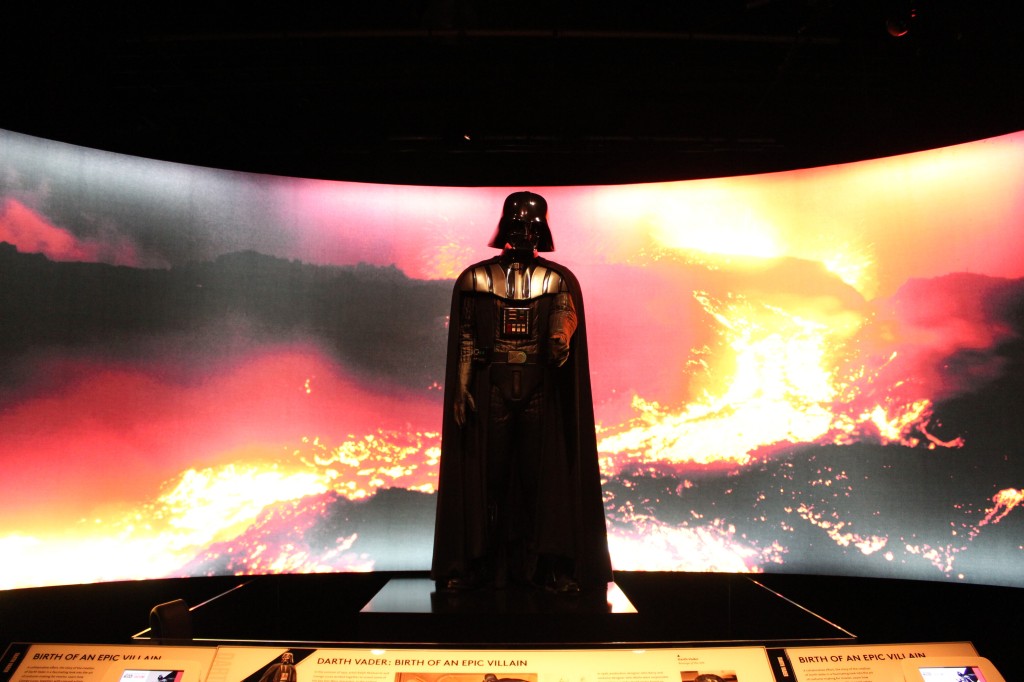
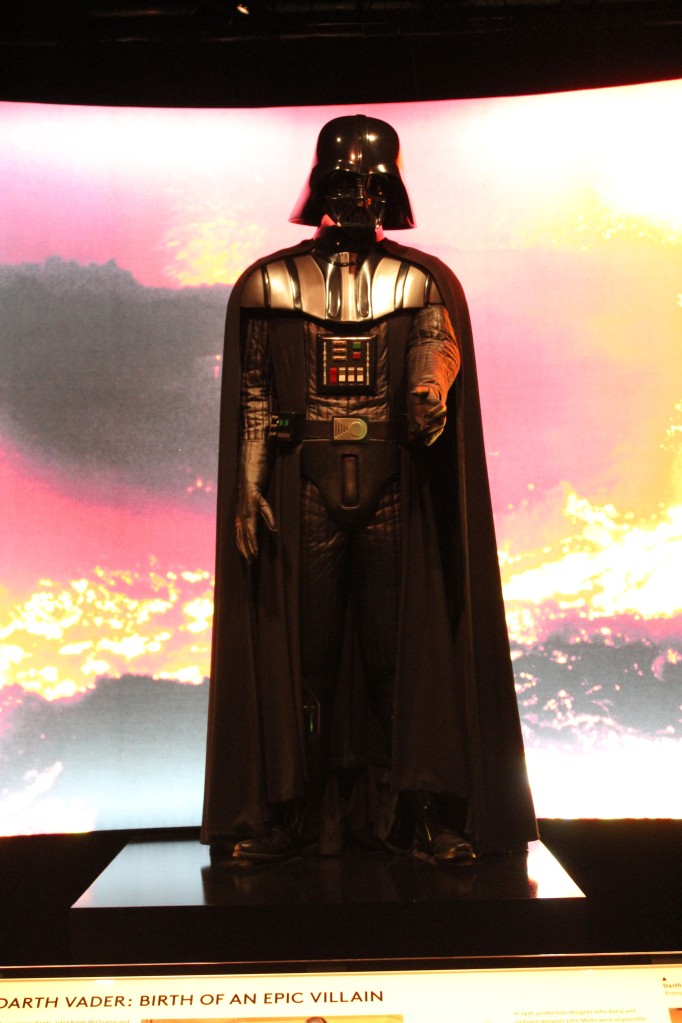
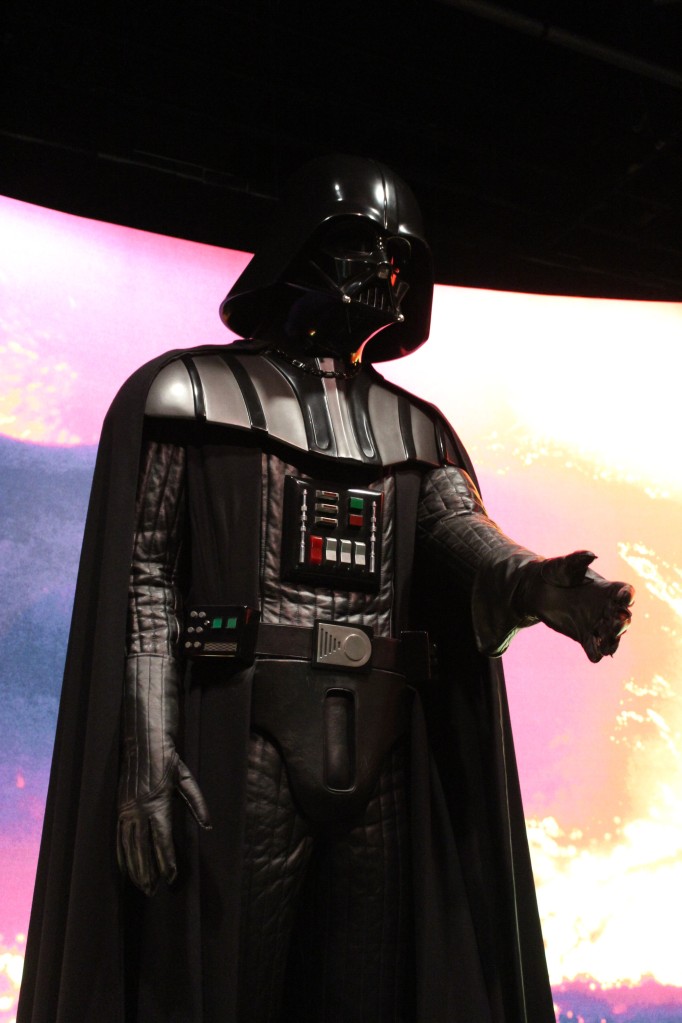
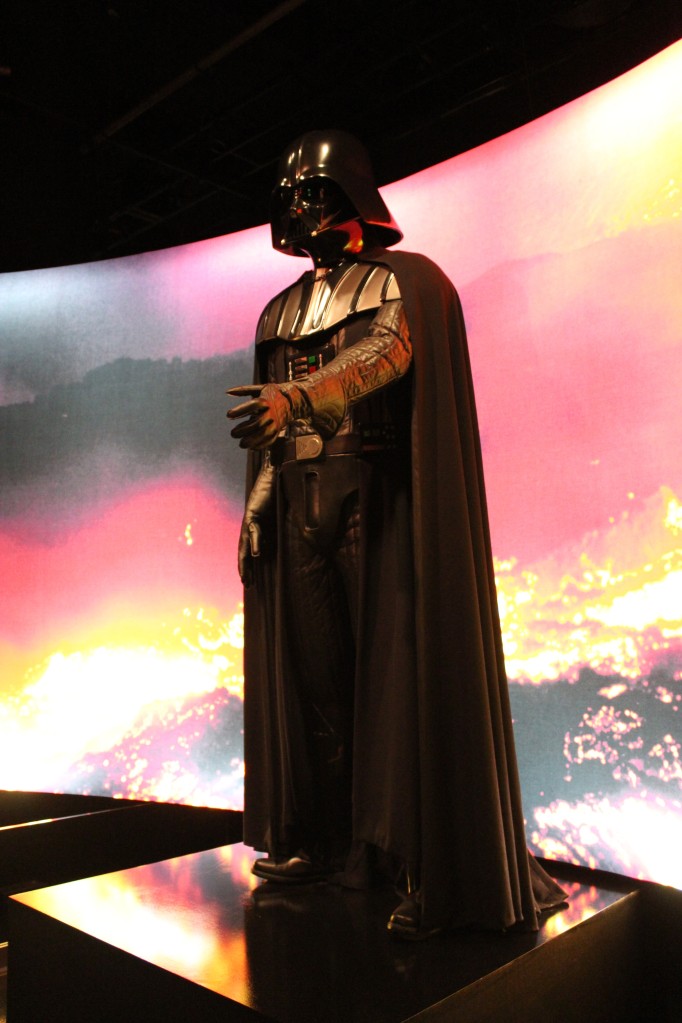
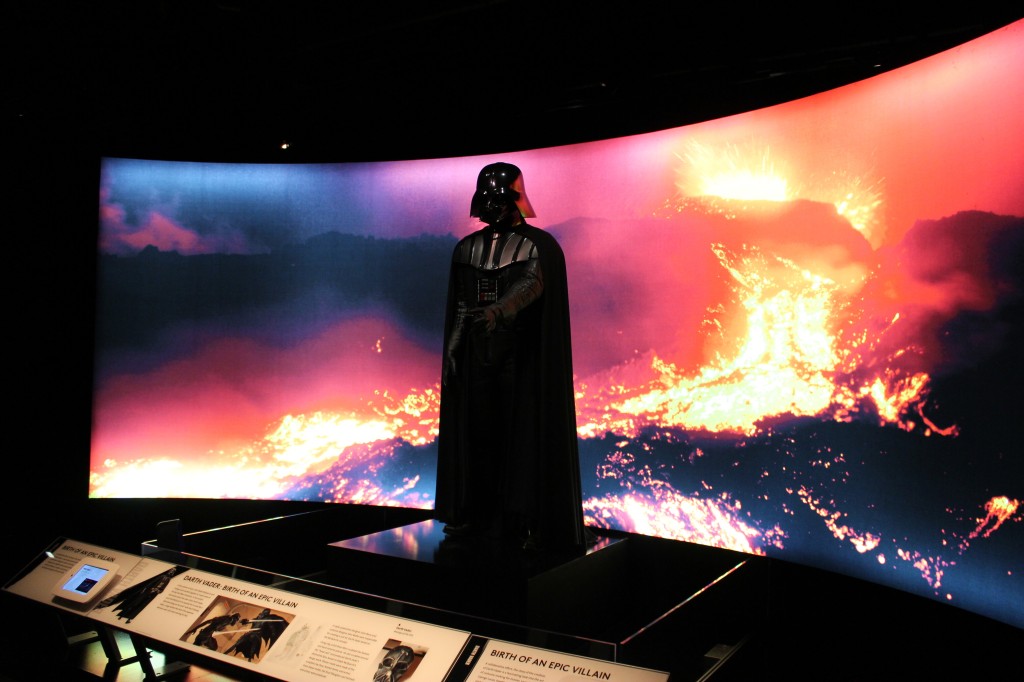
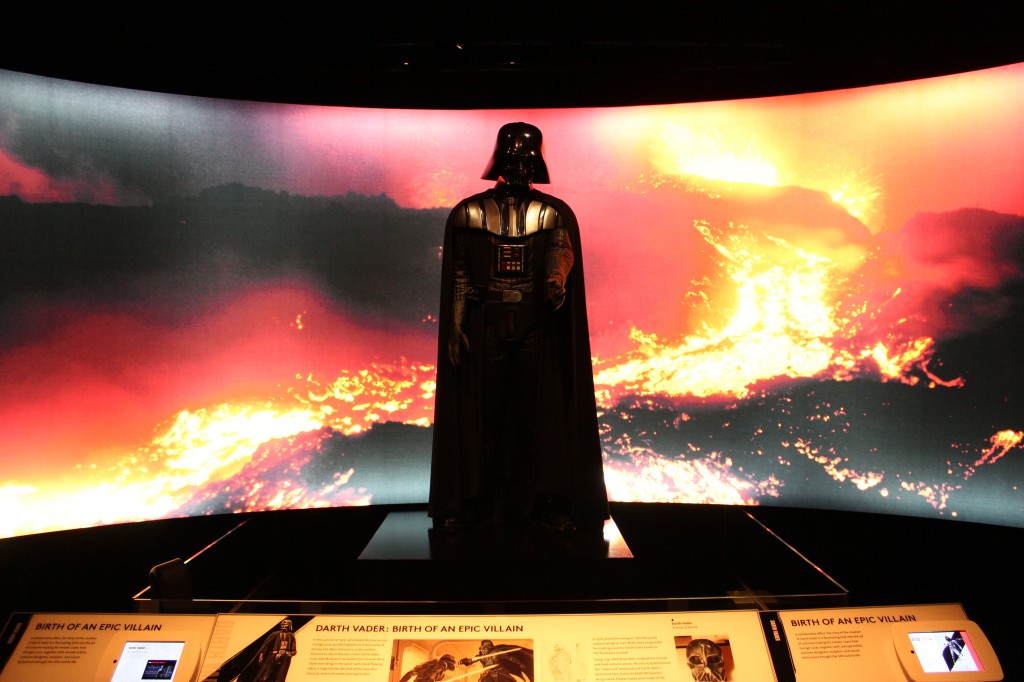
    Darth Vader

    Darth Vader

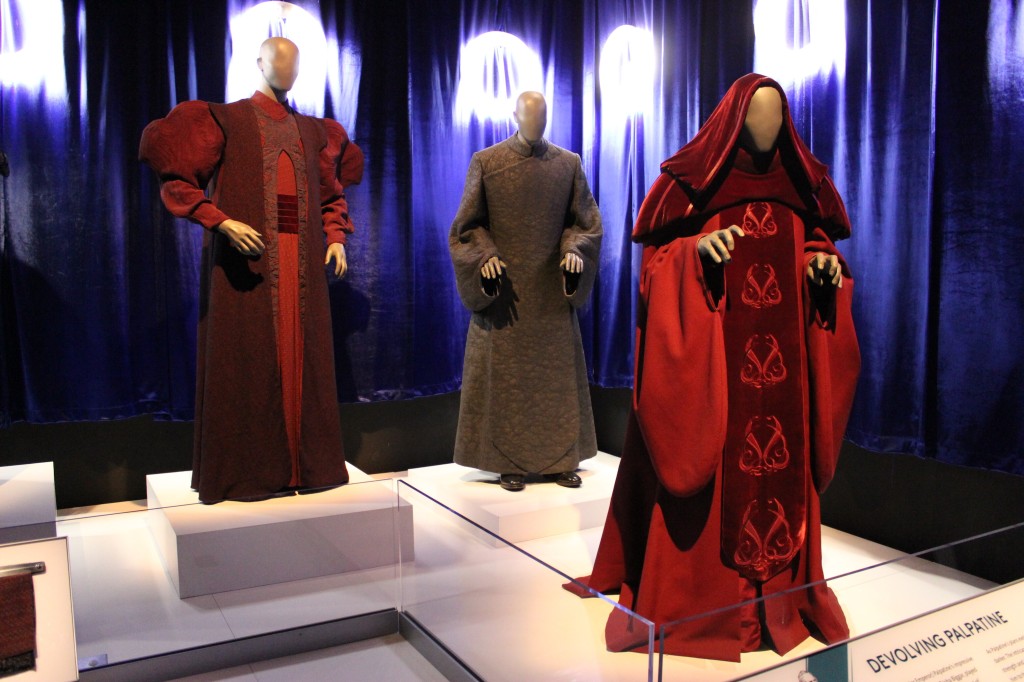
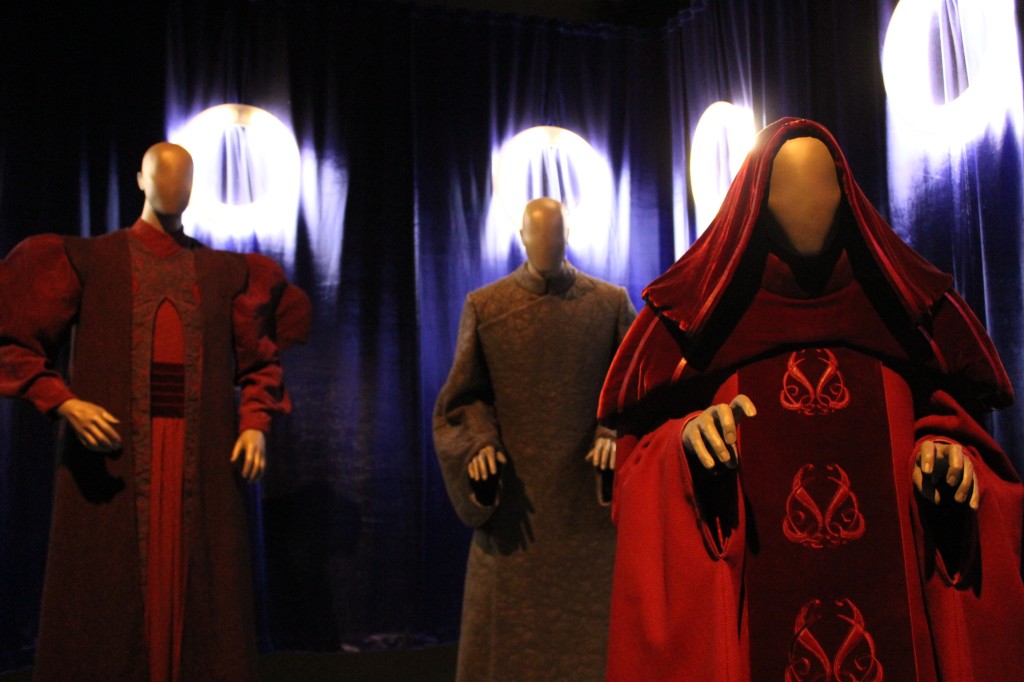
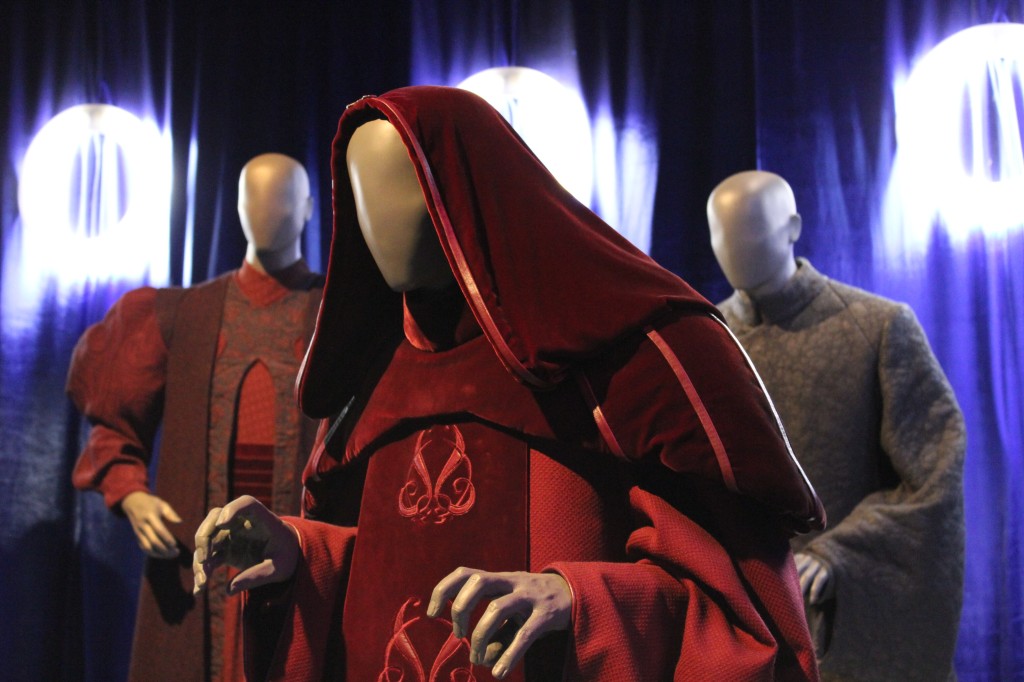
    Palpatine/Darth Sidious

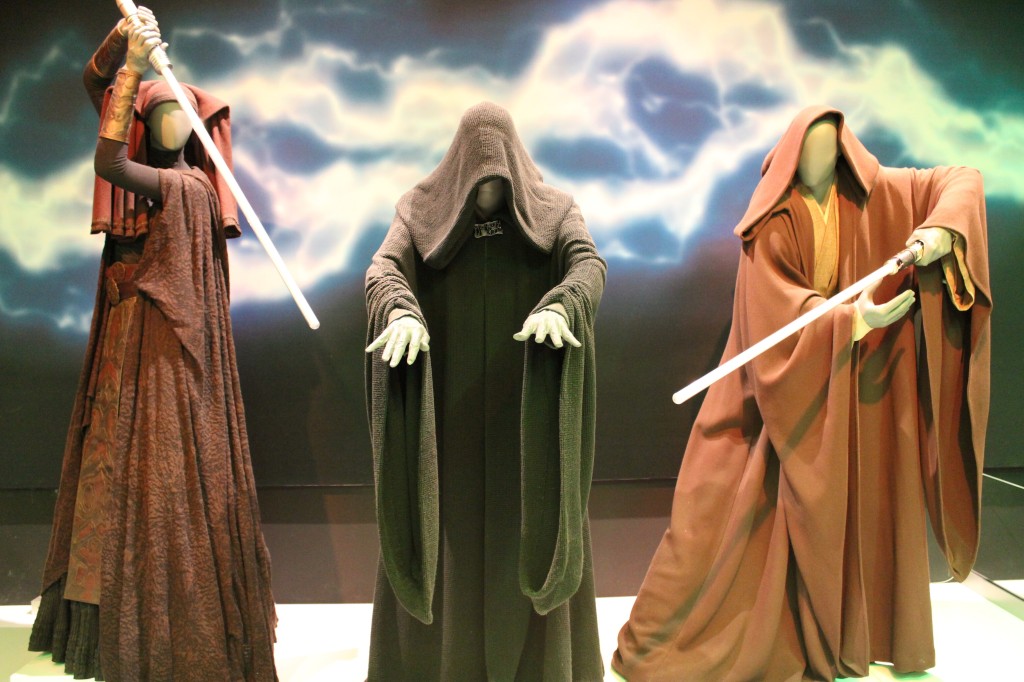
    Luminara Unduli, Emperor Palpatine, and Mace Windu

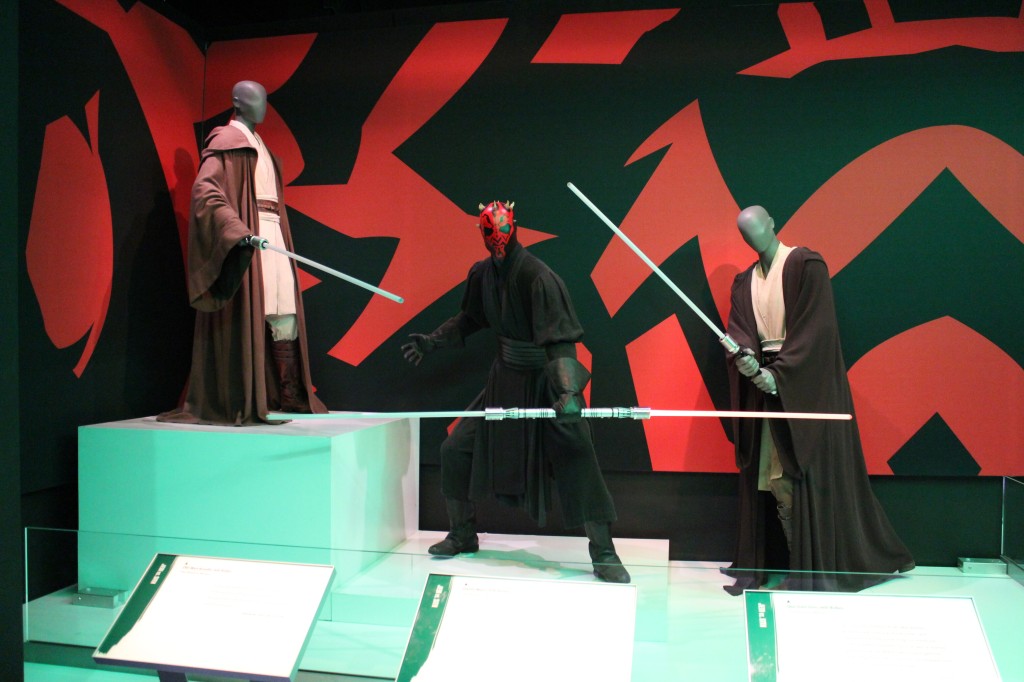
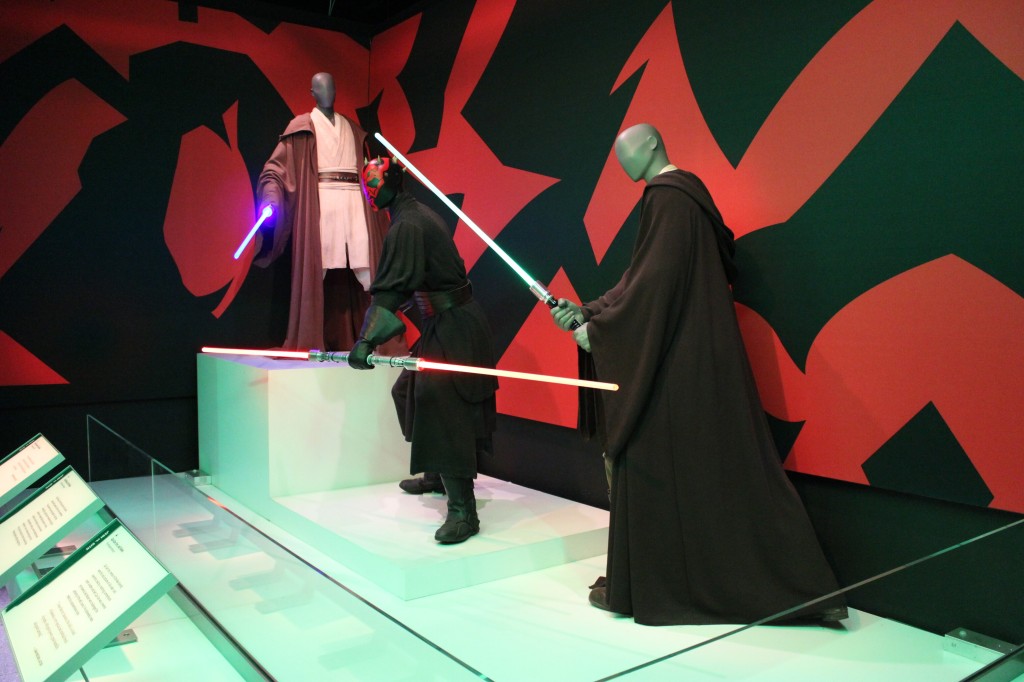
    Qui-Gon Jinn and Obi-Wan Kenobi versus Darth Maul in The Phantom Menace

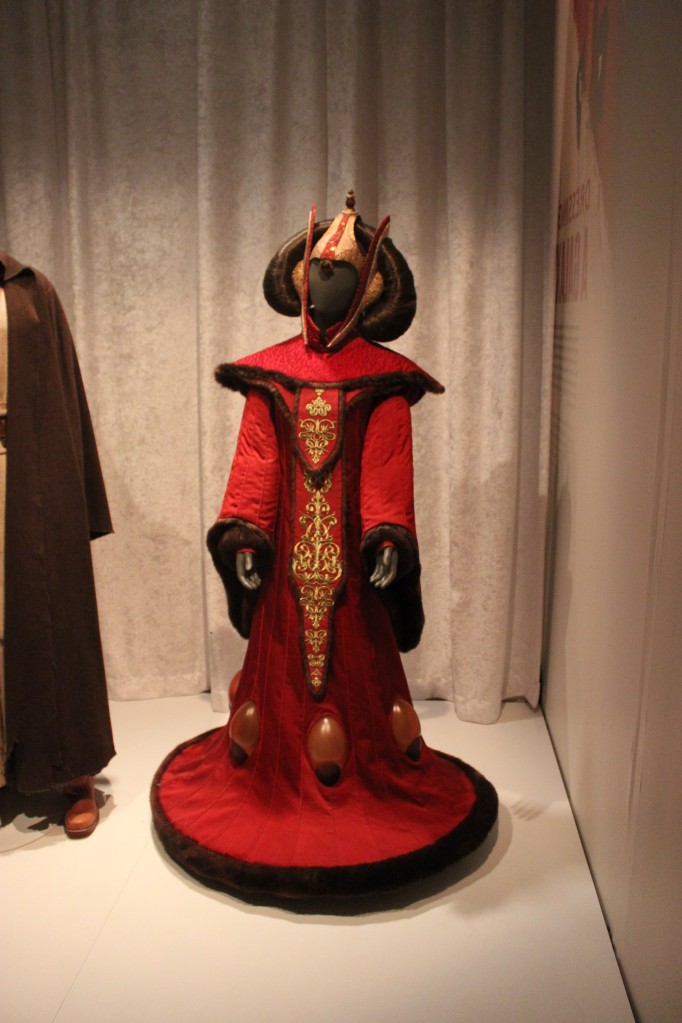
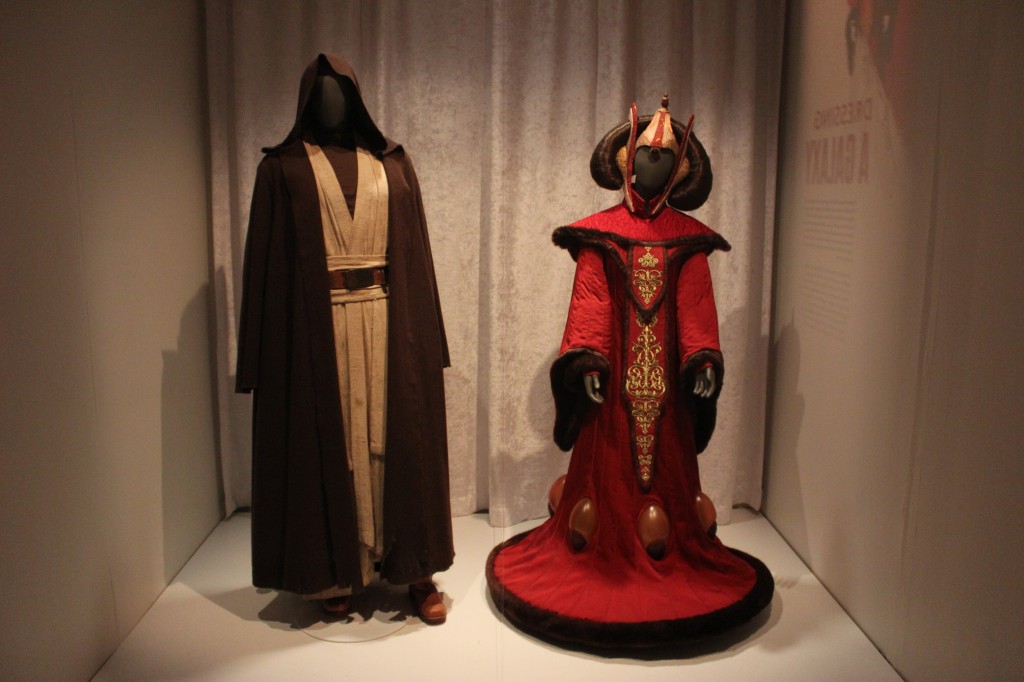
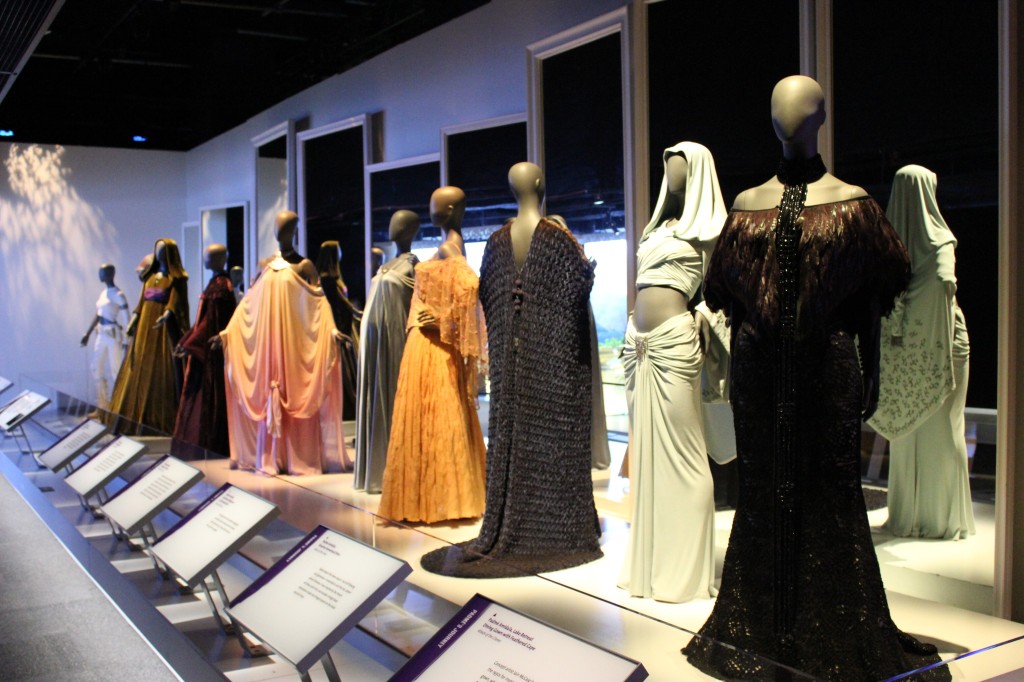
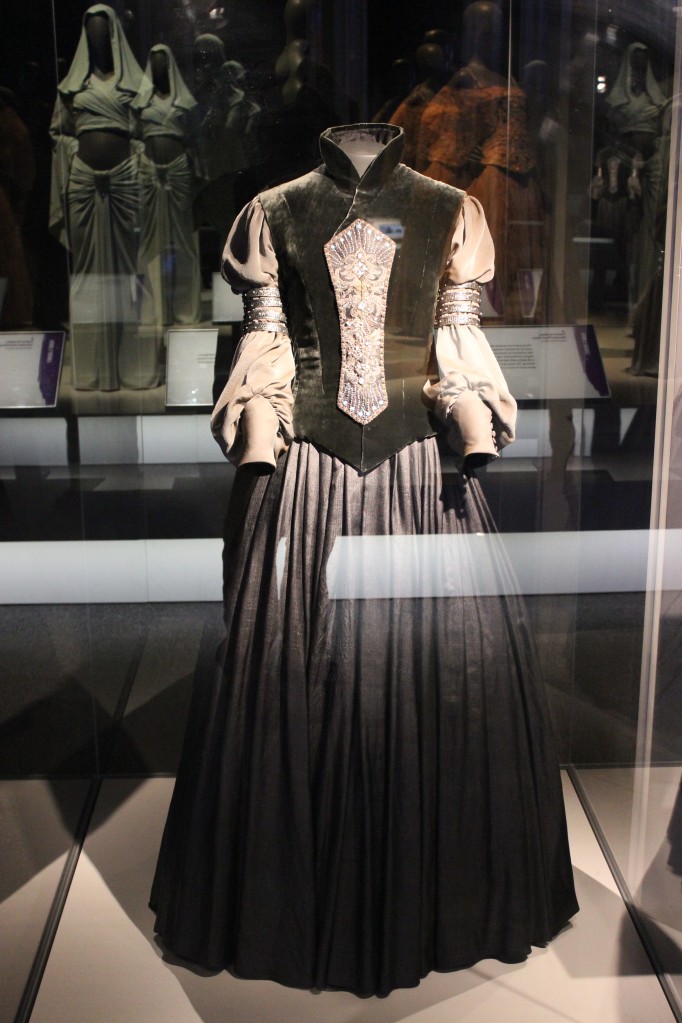
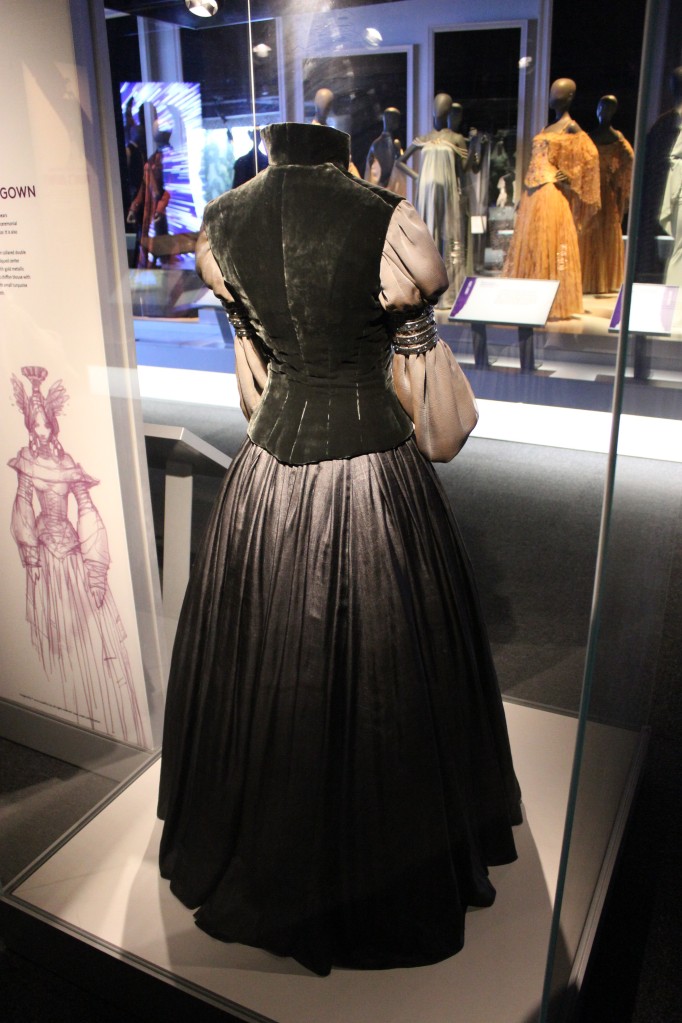
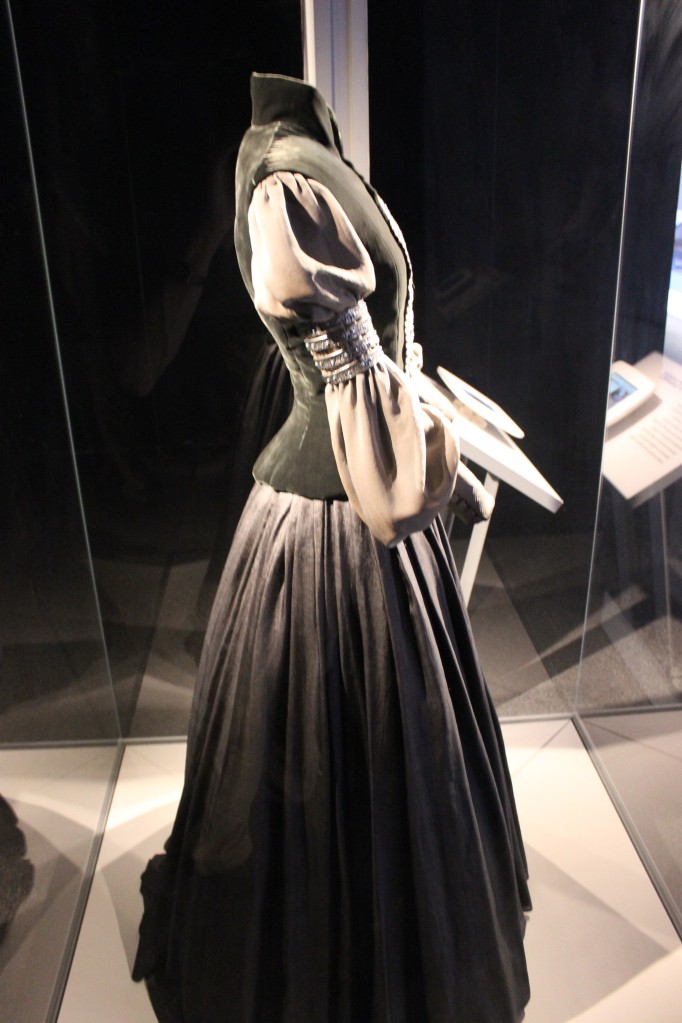
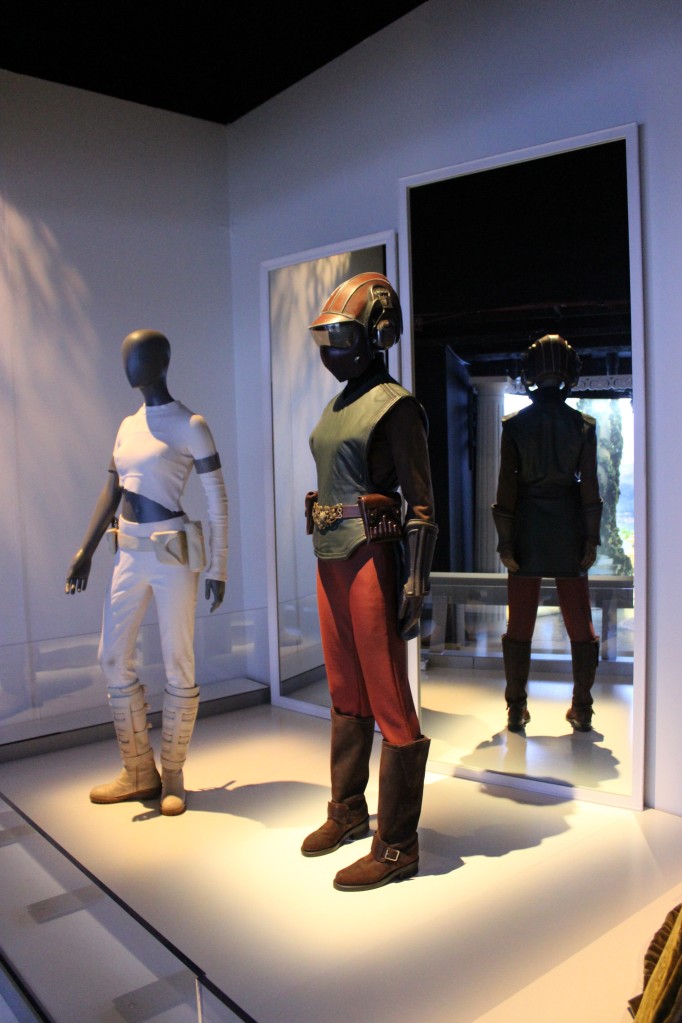
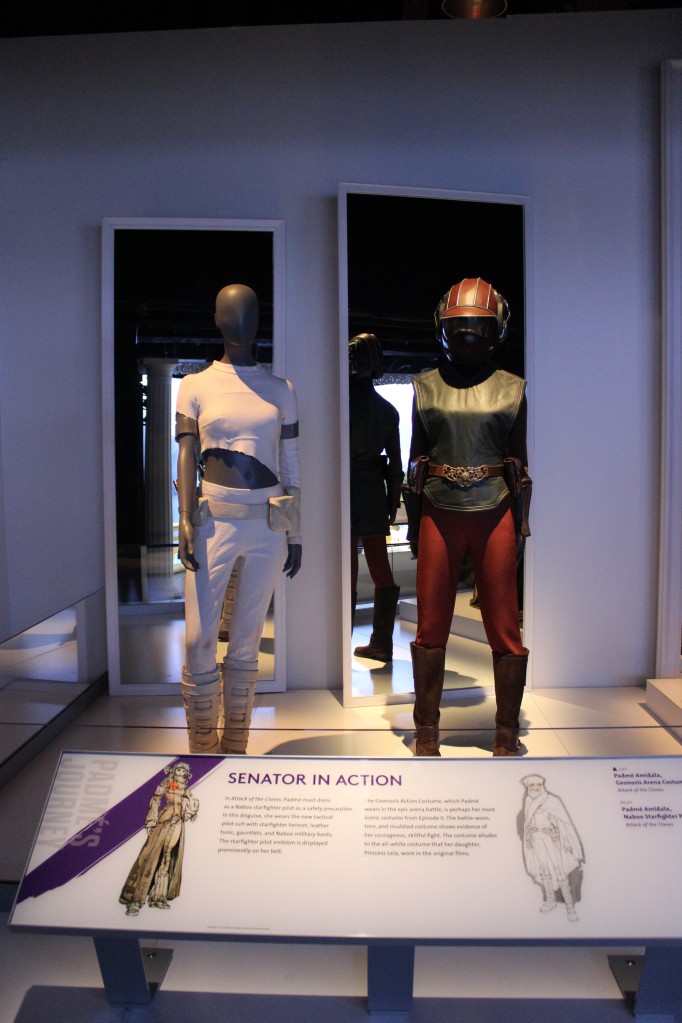
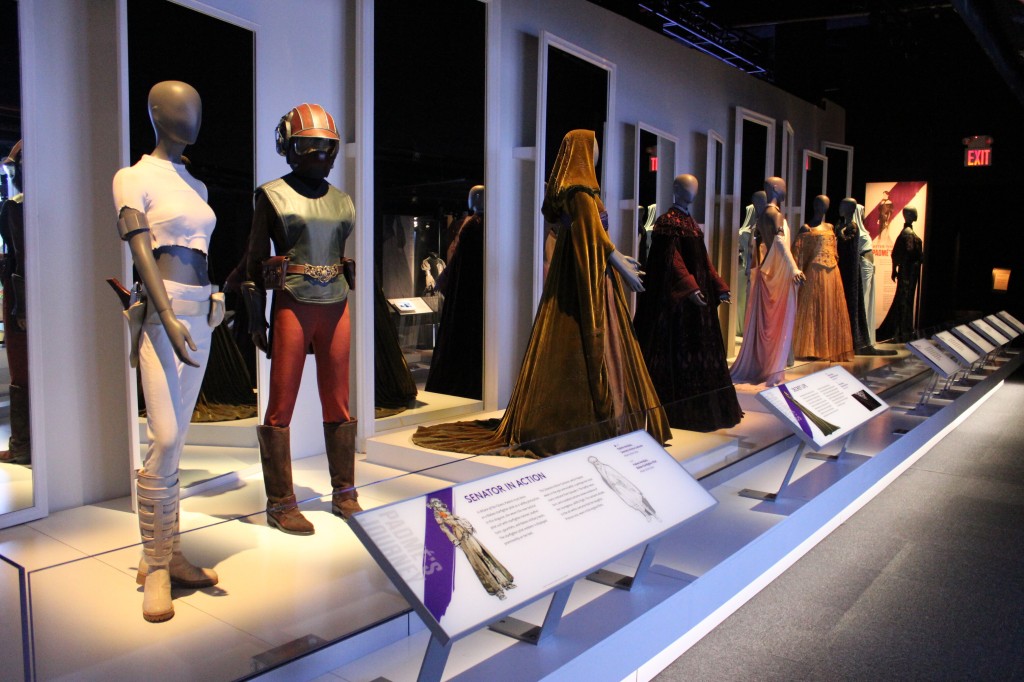
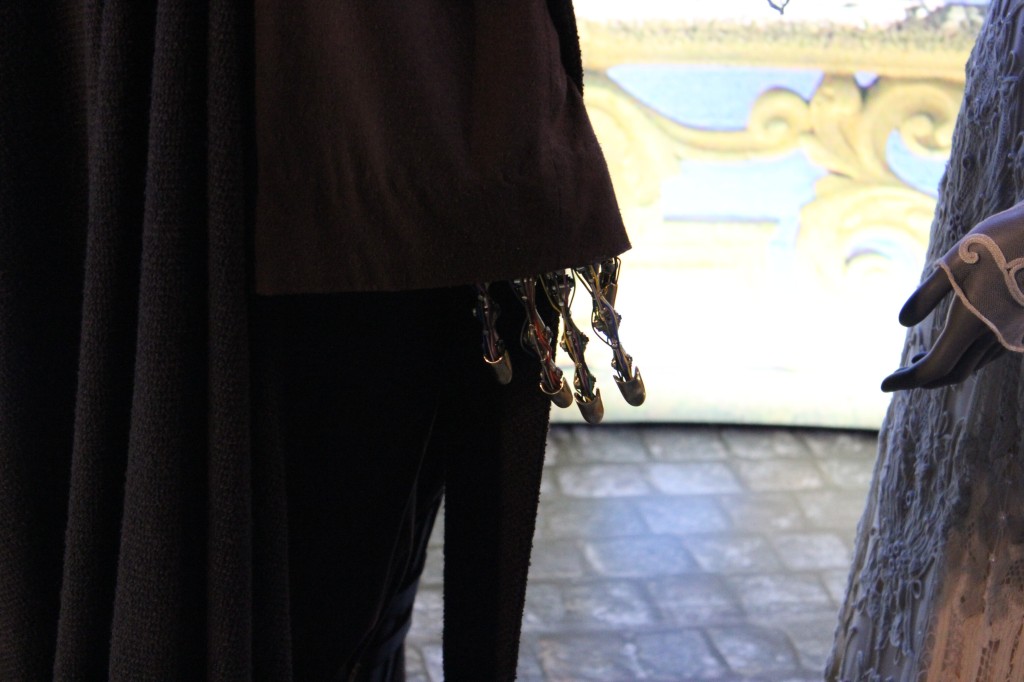
    Padmé Amidala

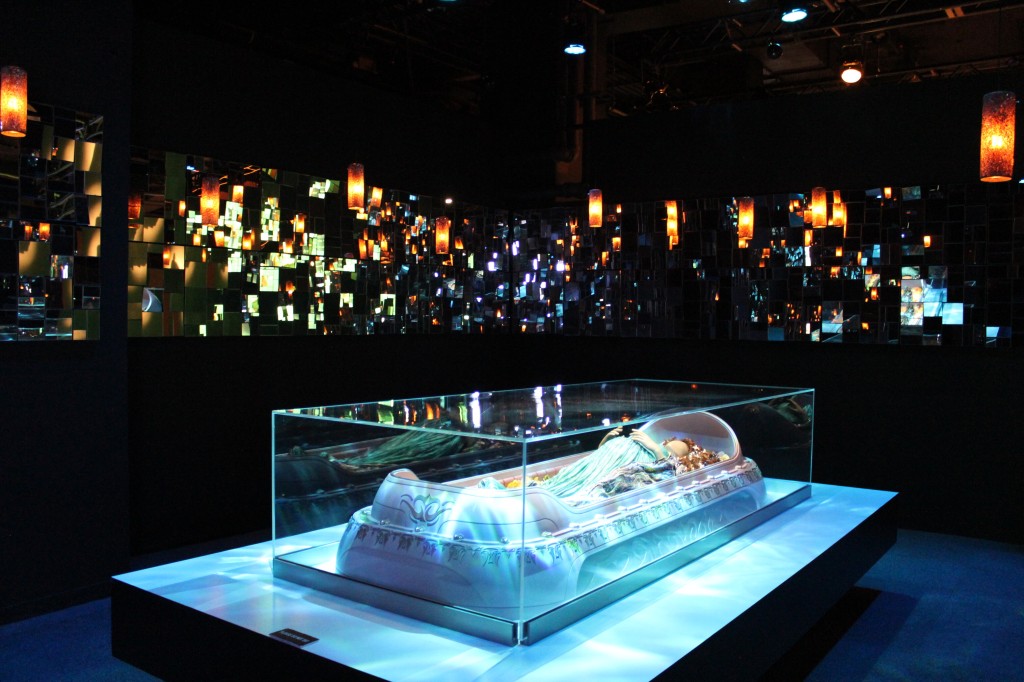
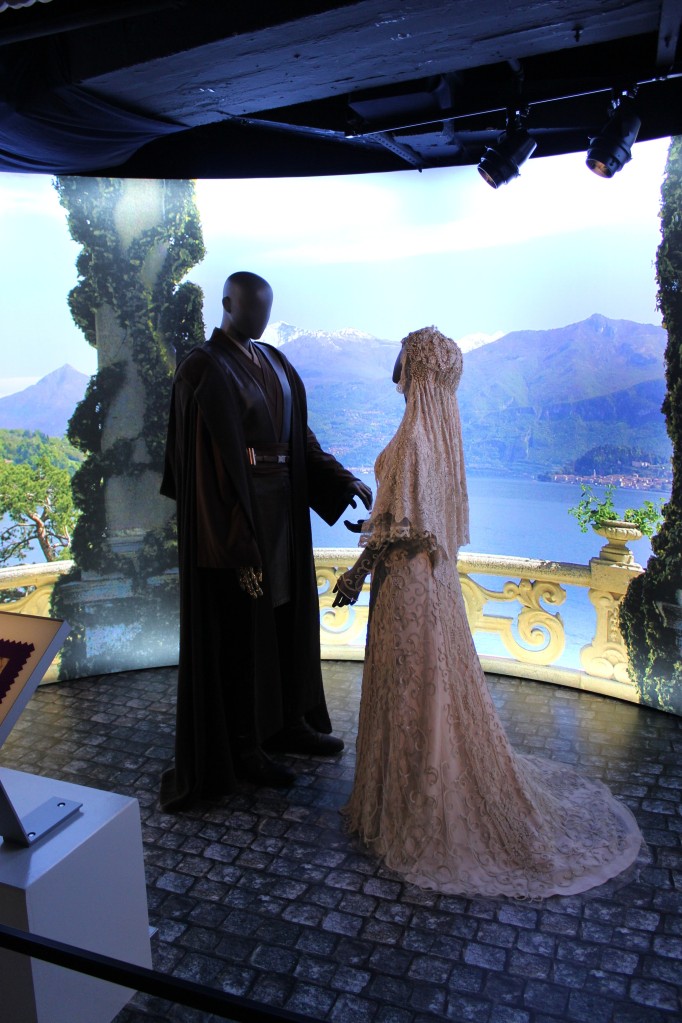
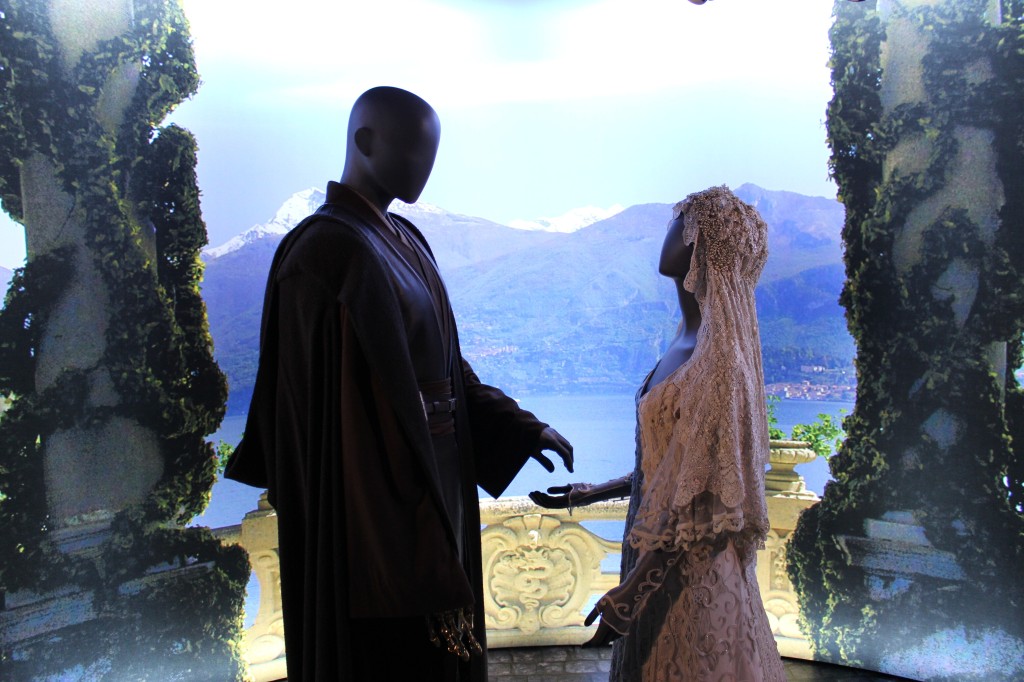
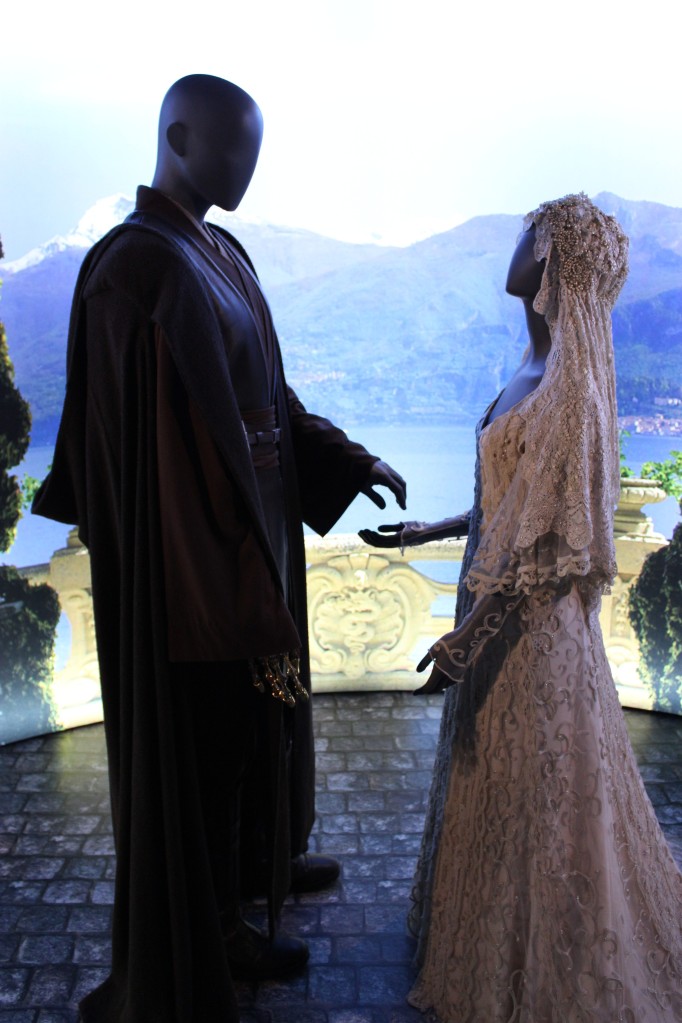
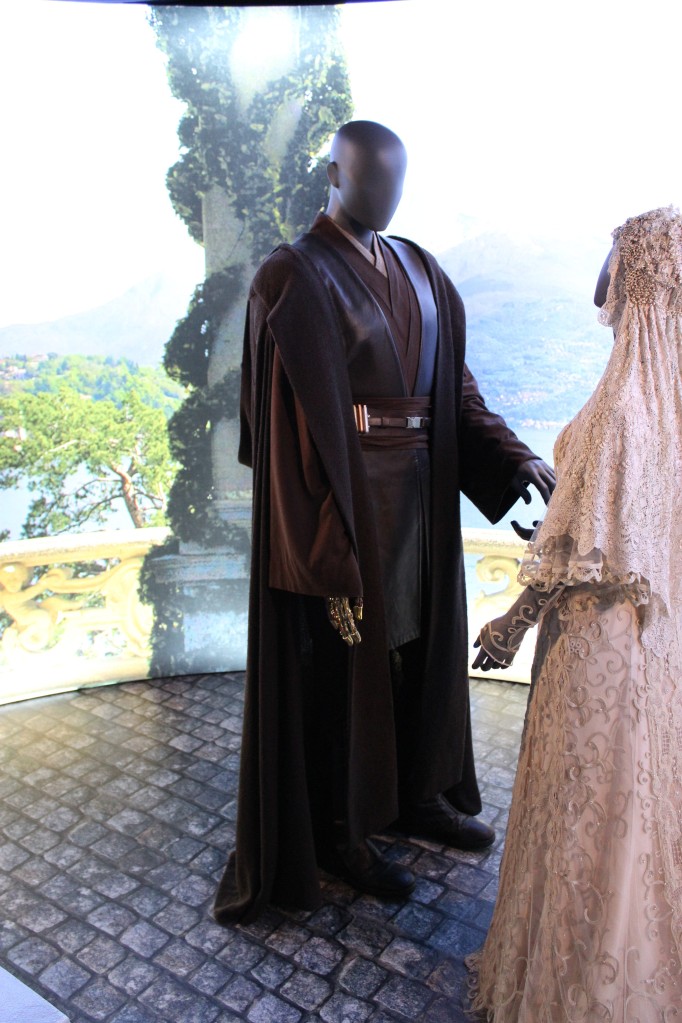
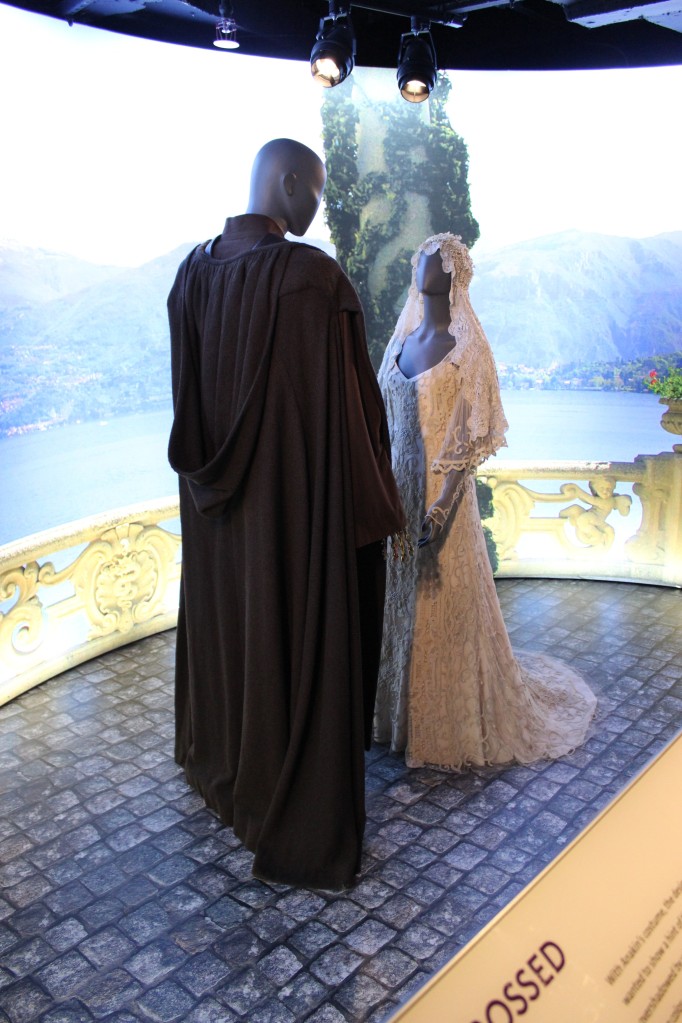
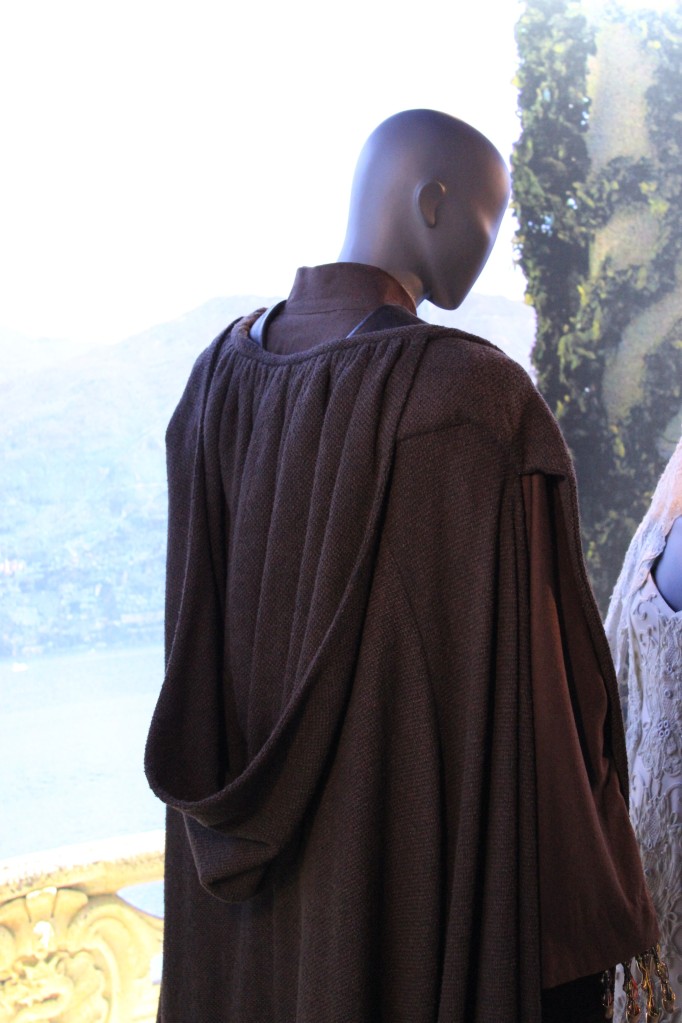
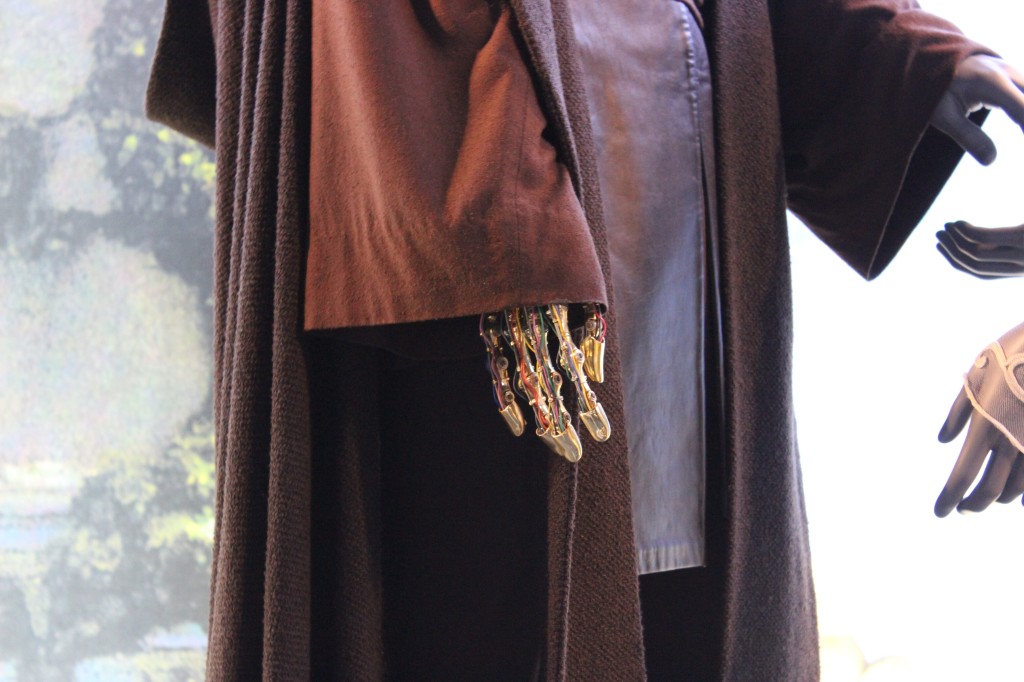
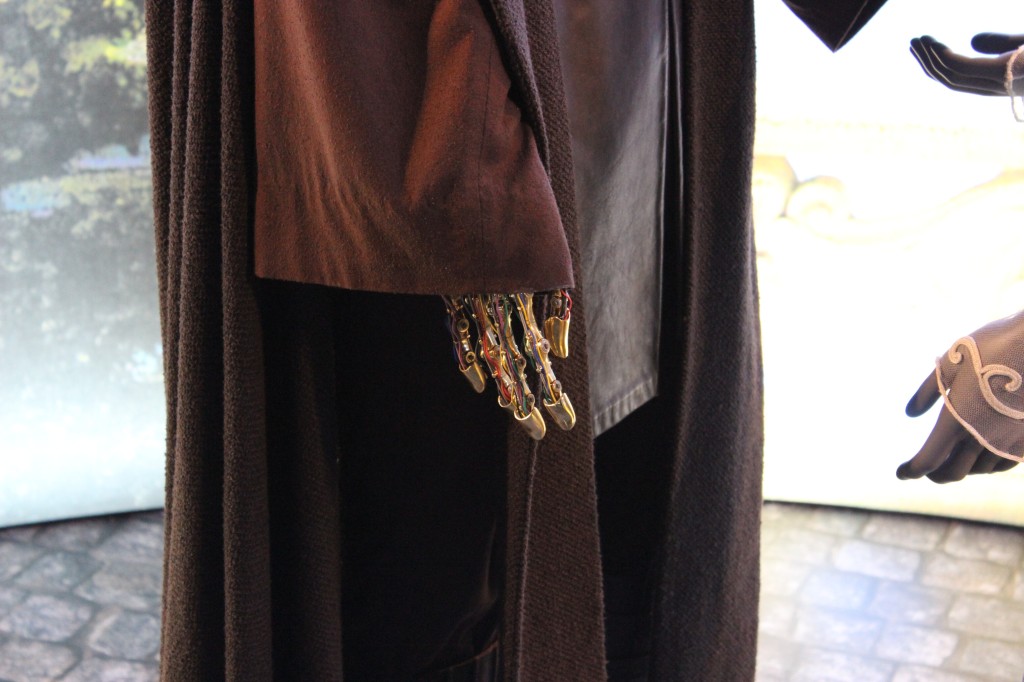
    Padmé Amidala and Anakin Skywalker’s Secret Wedding

    Padmé Amidala and Anakin Skywalker's Secret Wedding

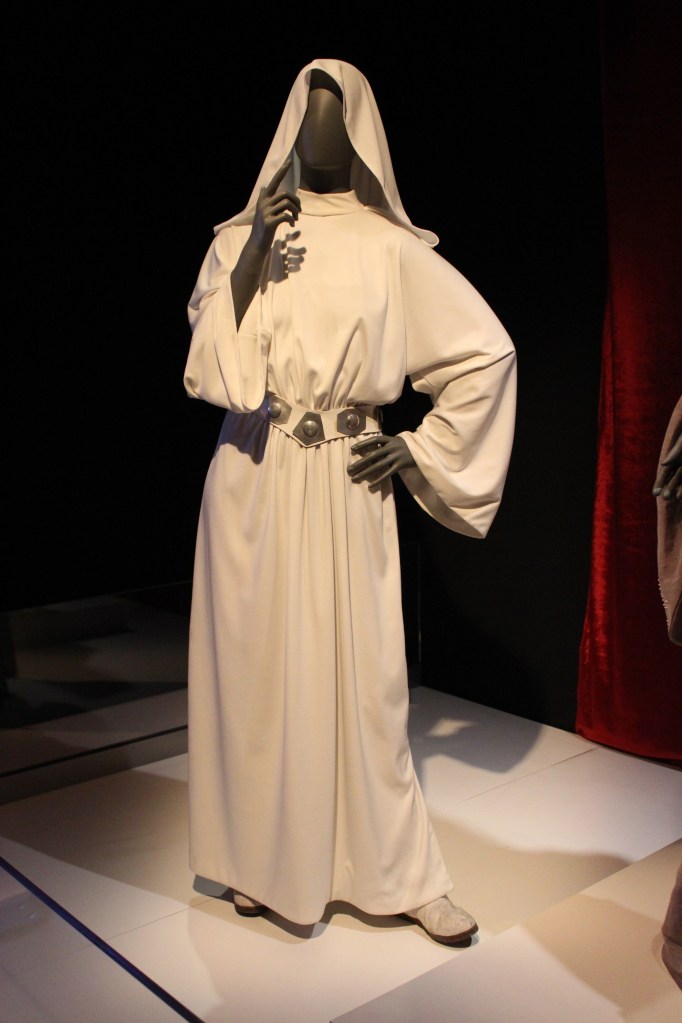
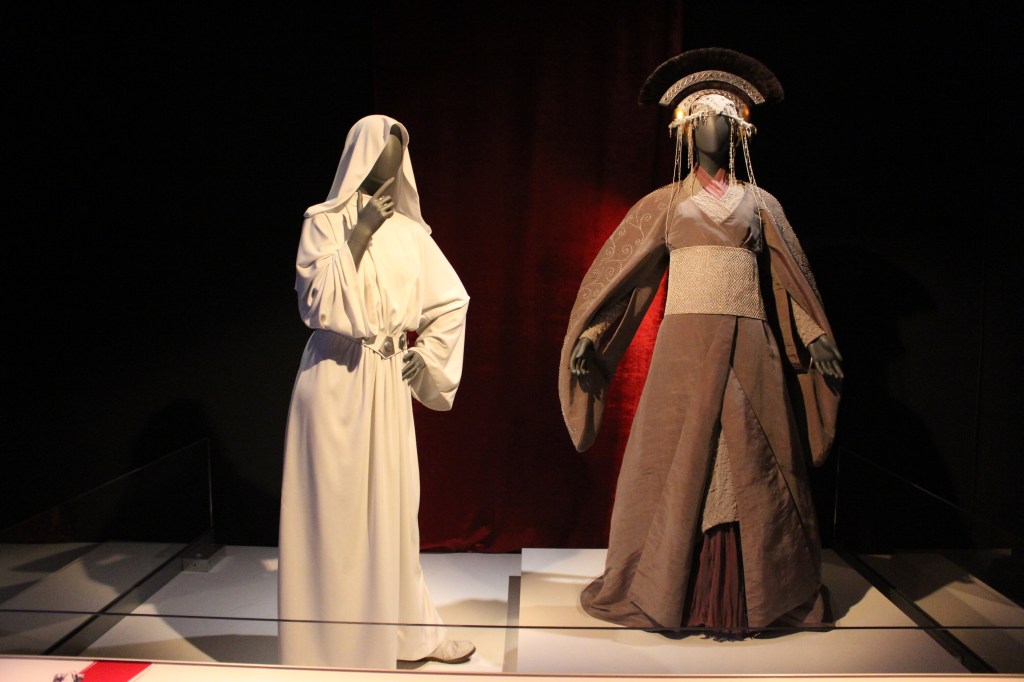
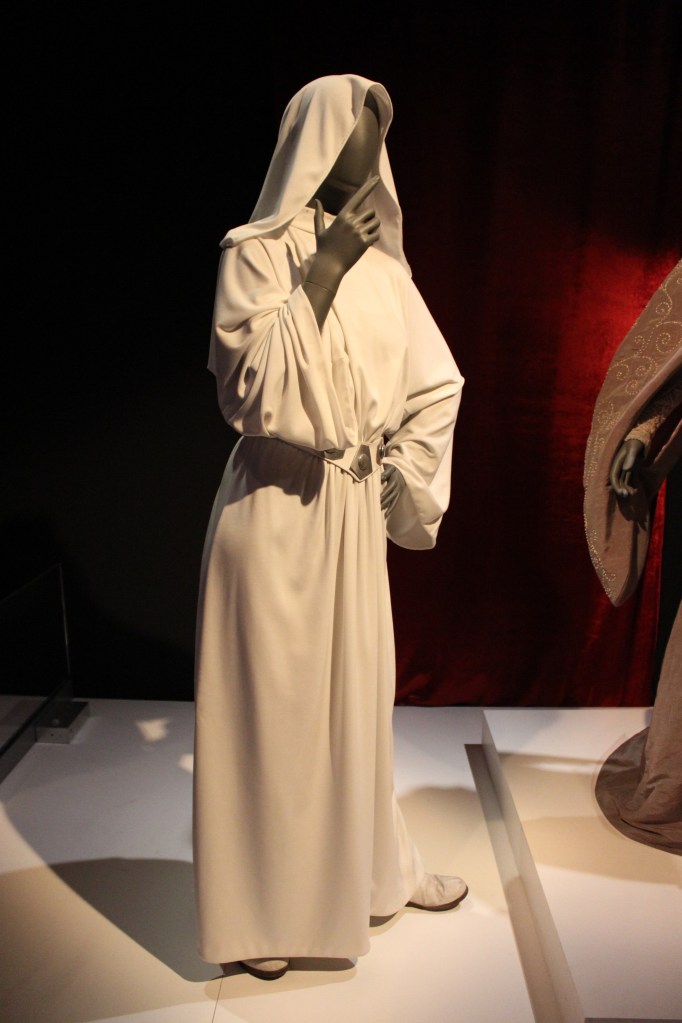
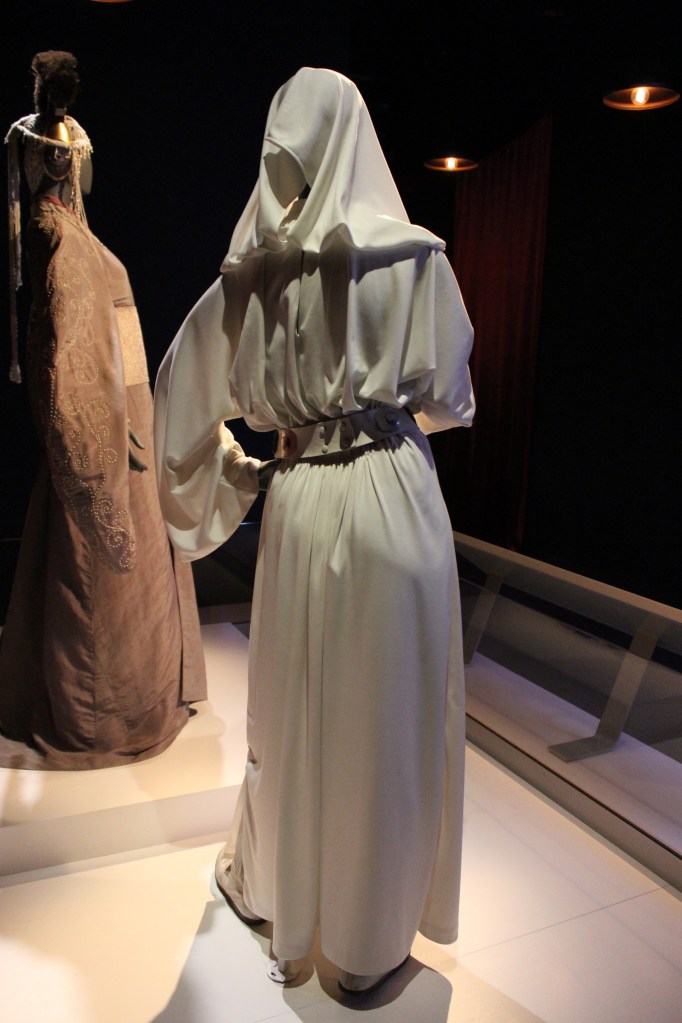
    Princess Leia

    Princess Leia in A New Hope

    Princess Leia in Return of the Jedi

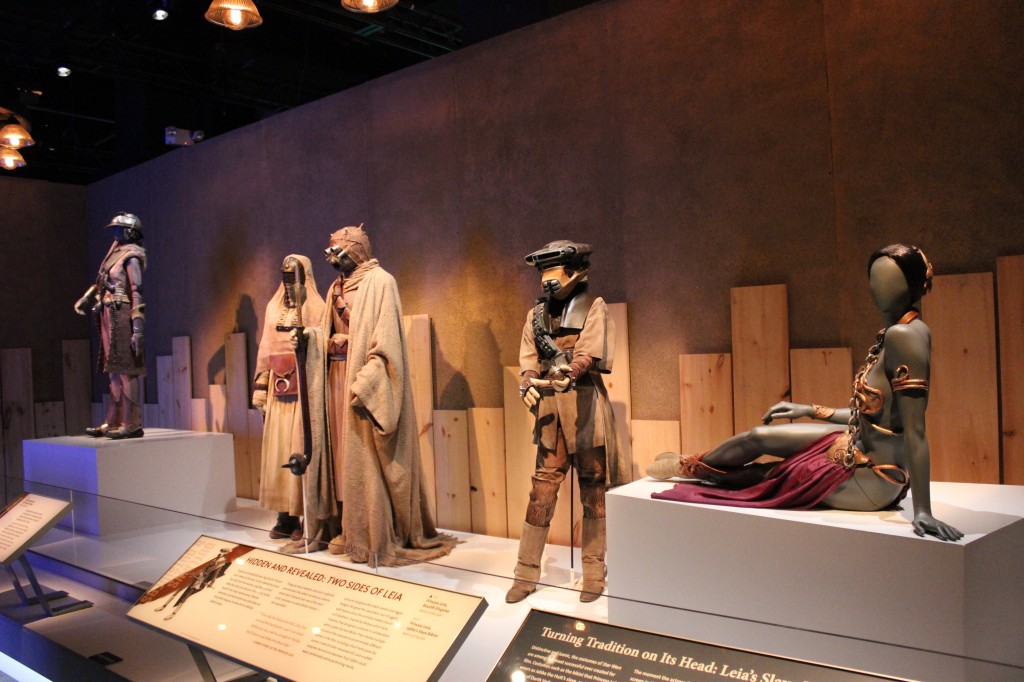
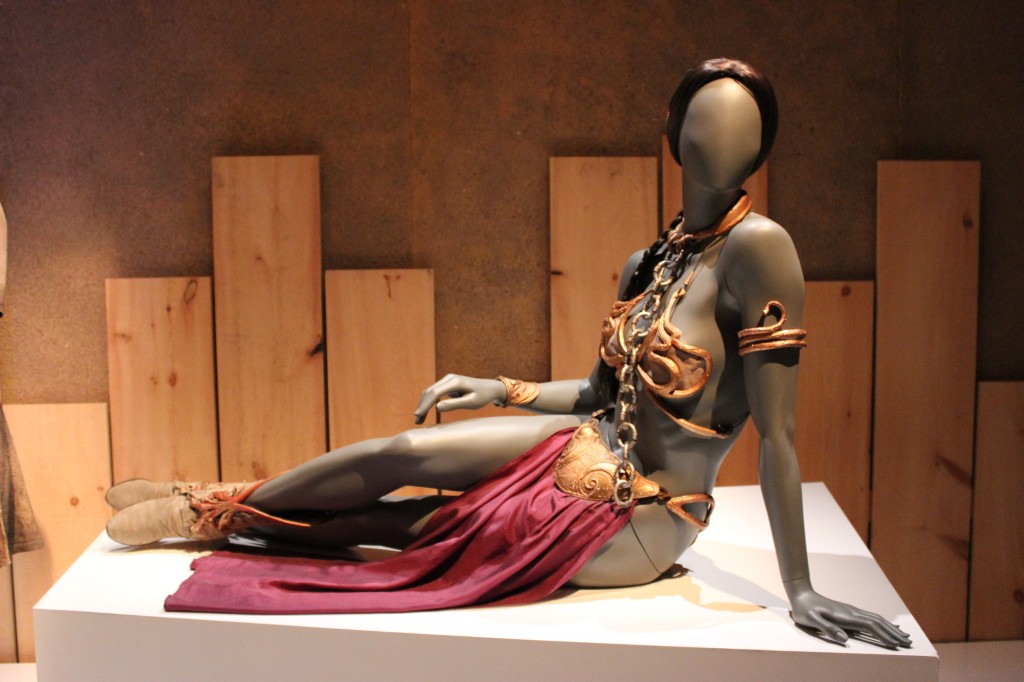
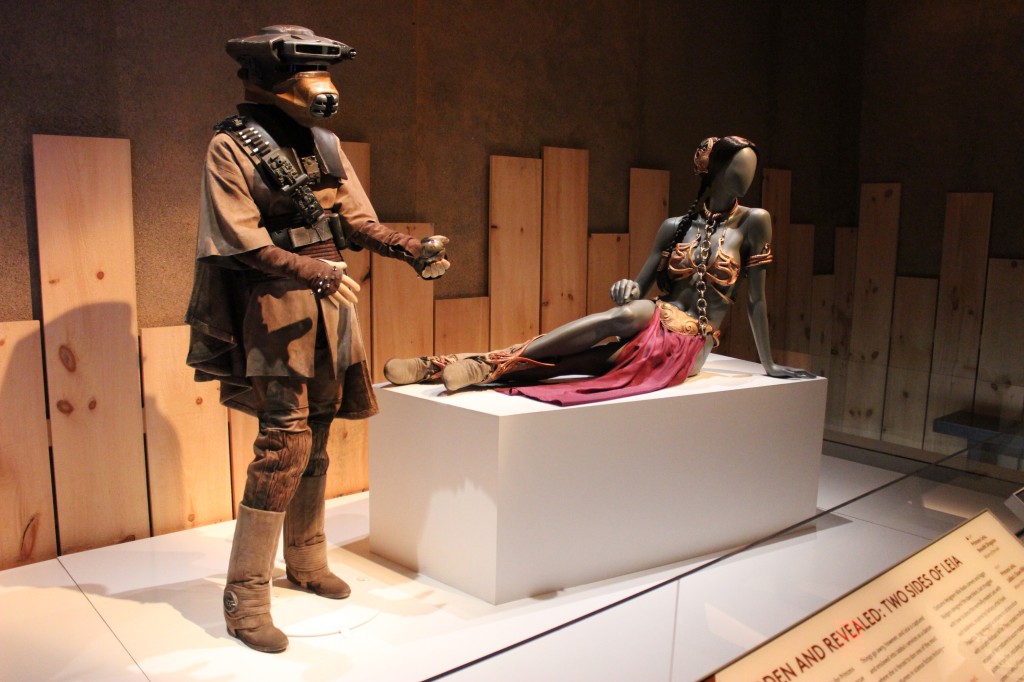
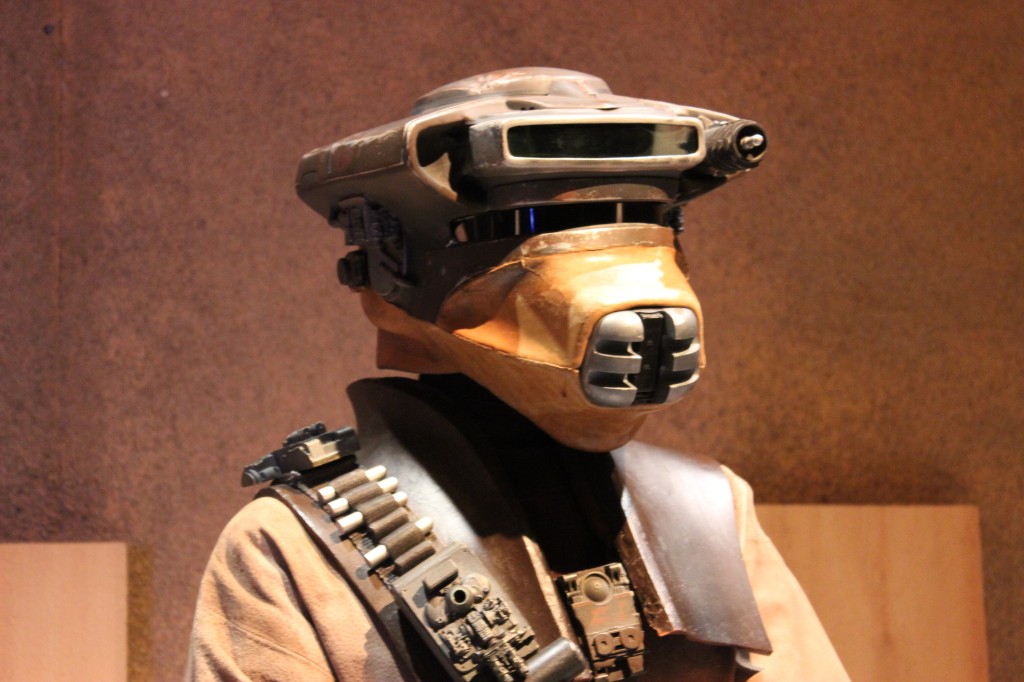
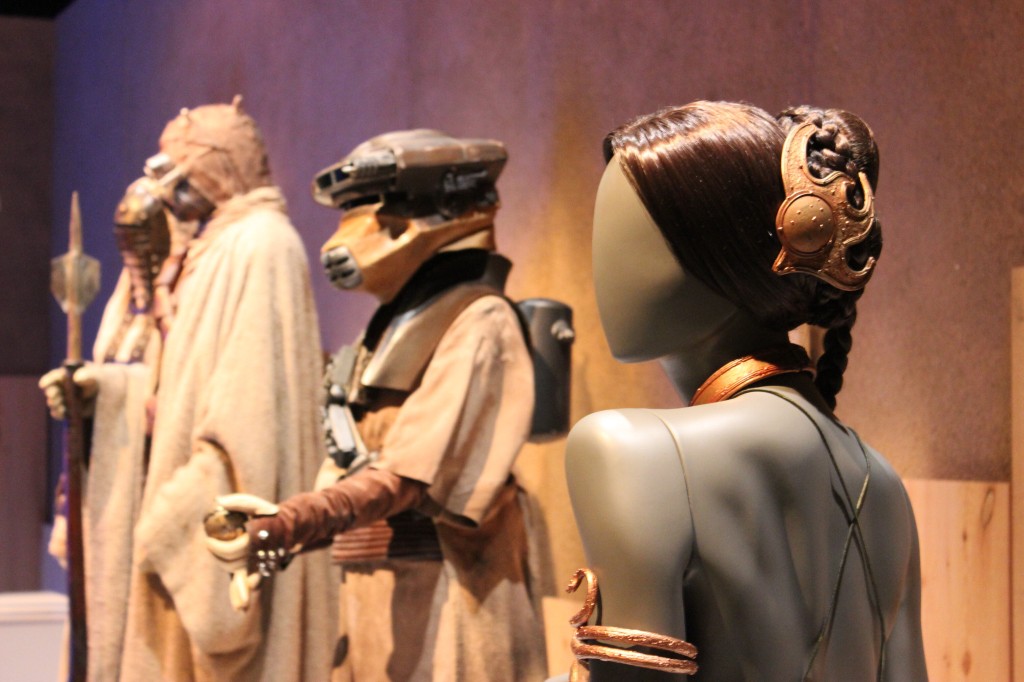
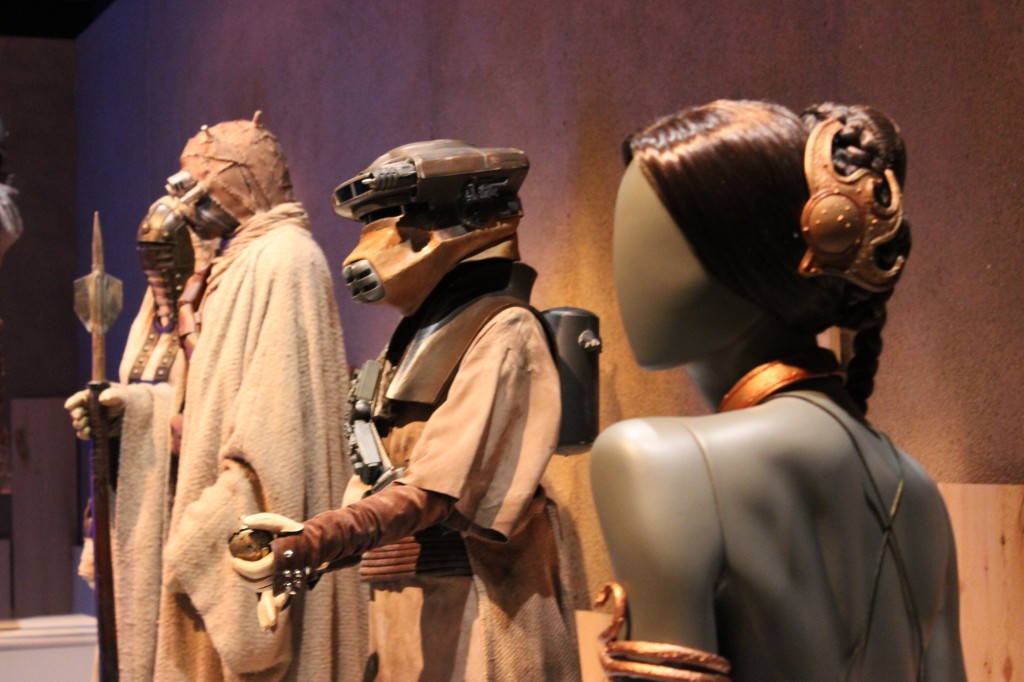
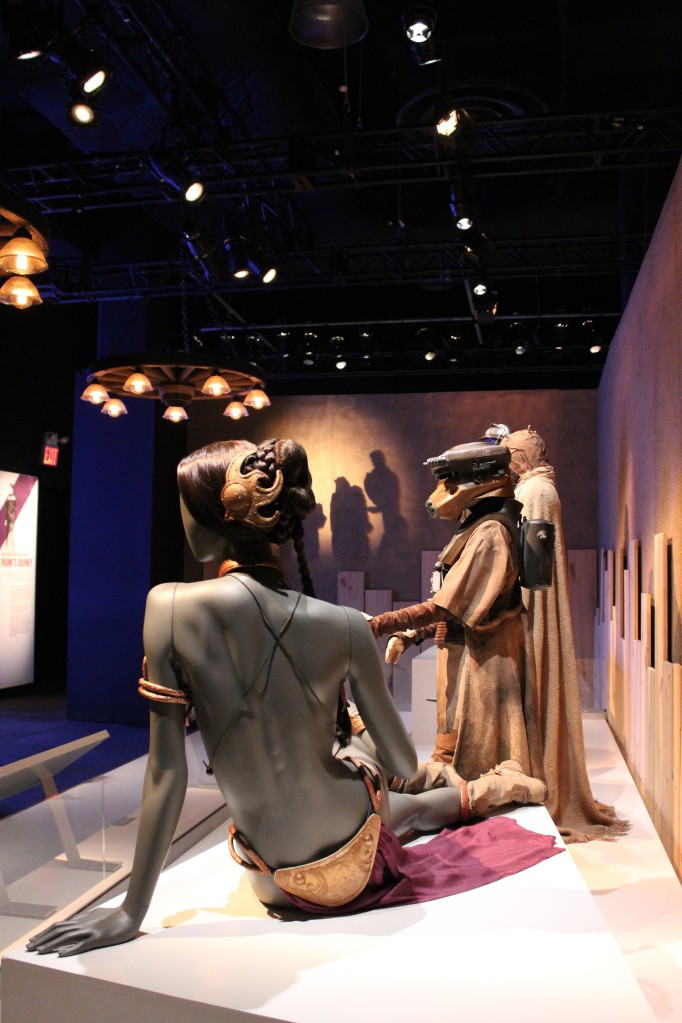
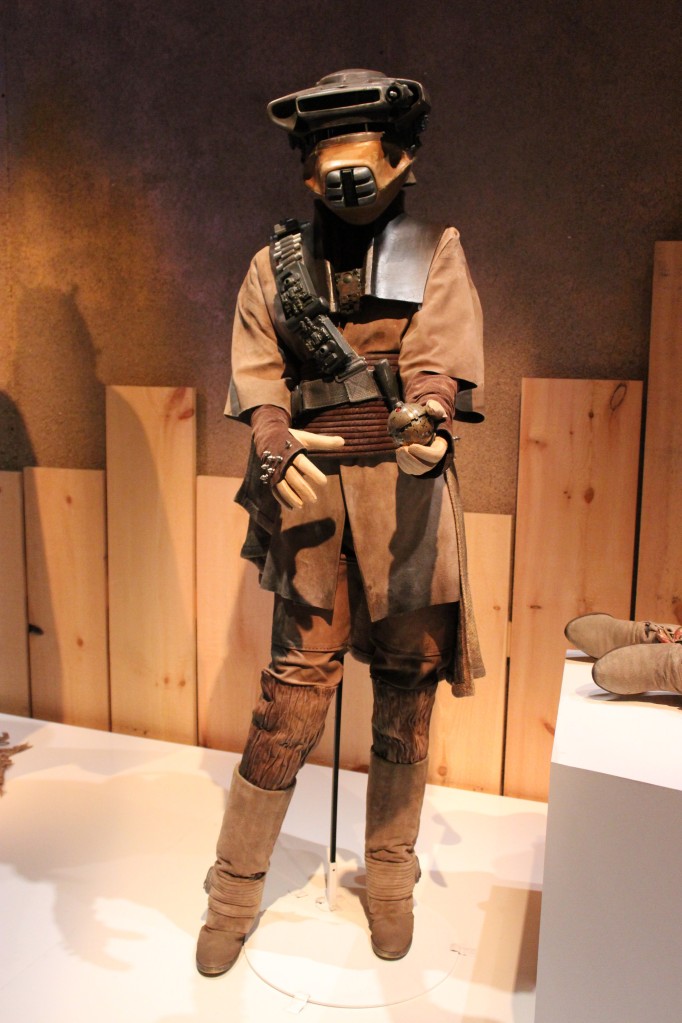
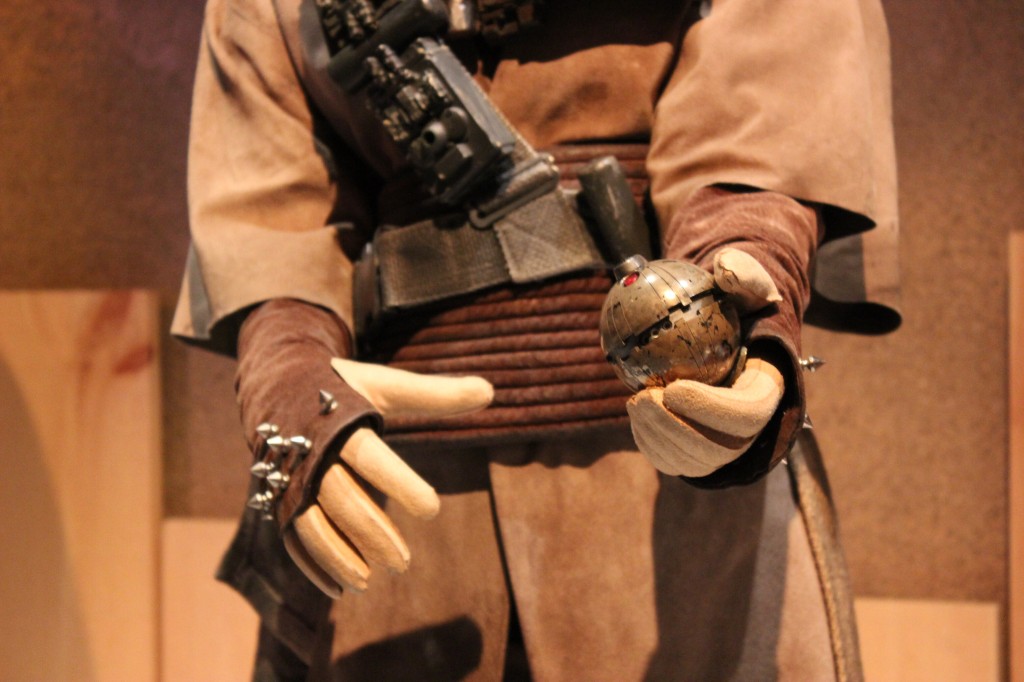
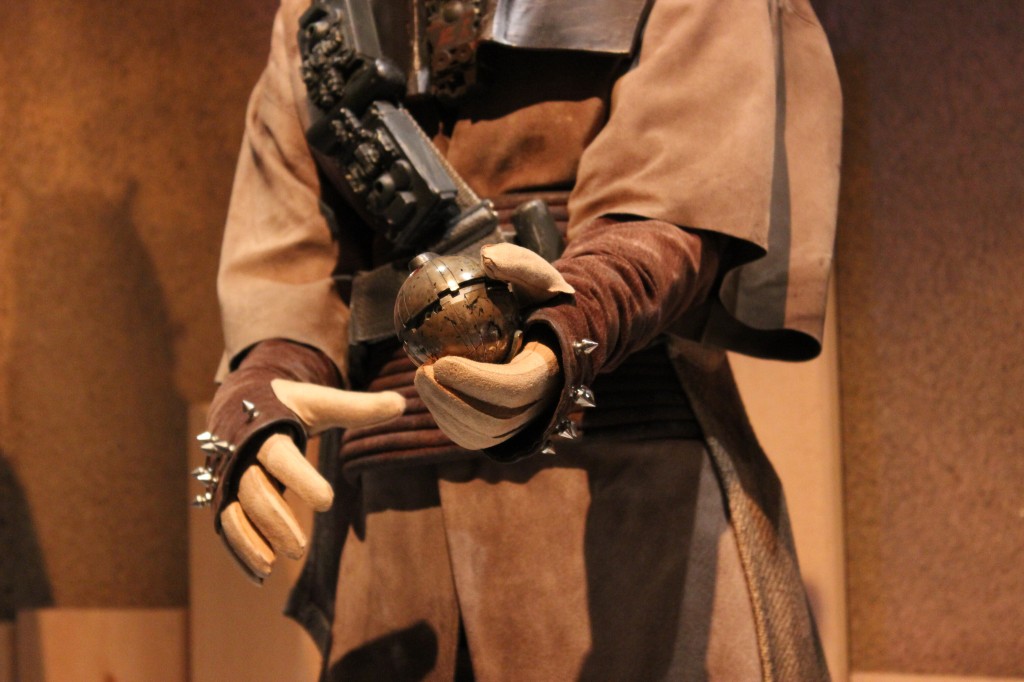
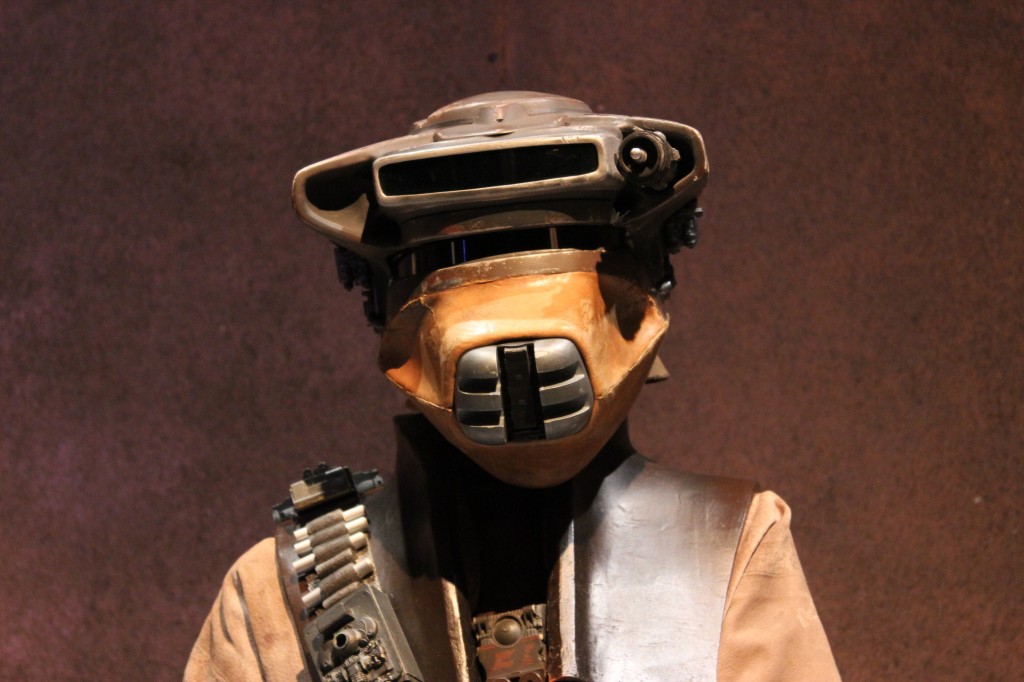
    Zam Wessel, Sandpeople, Boushh, and Slave Leia

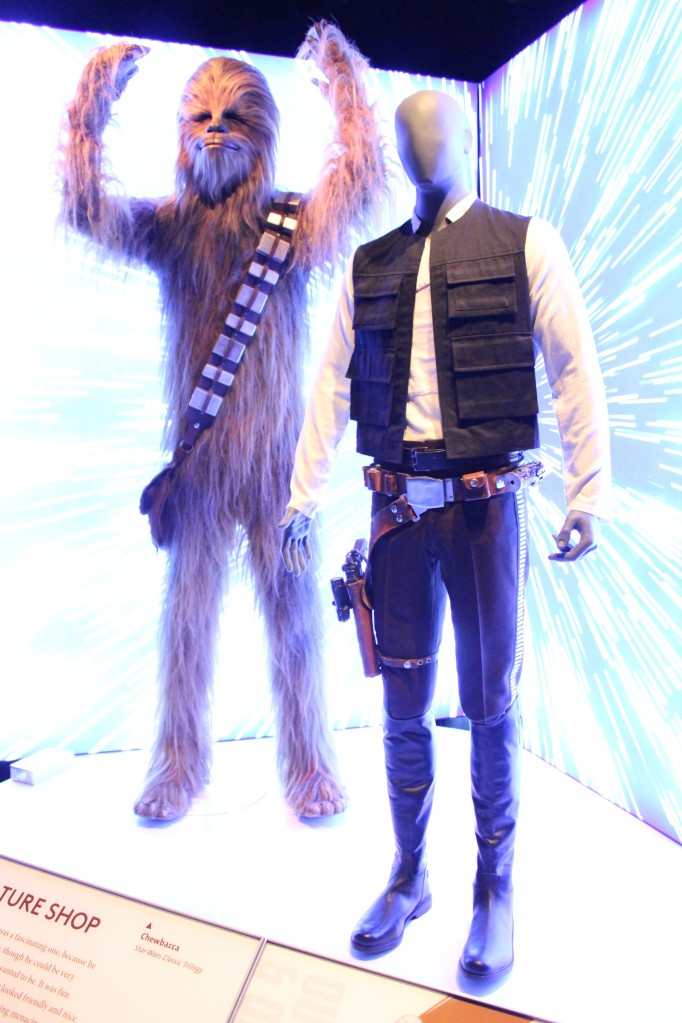
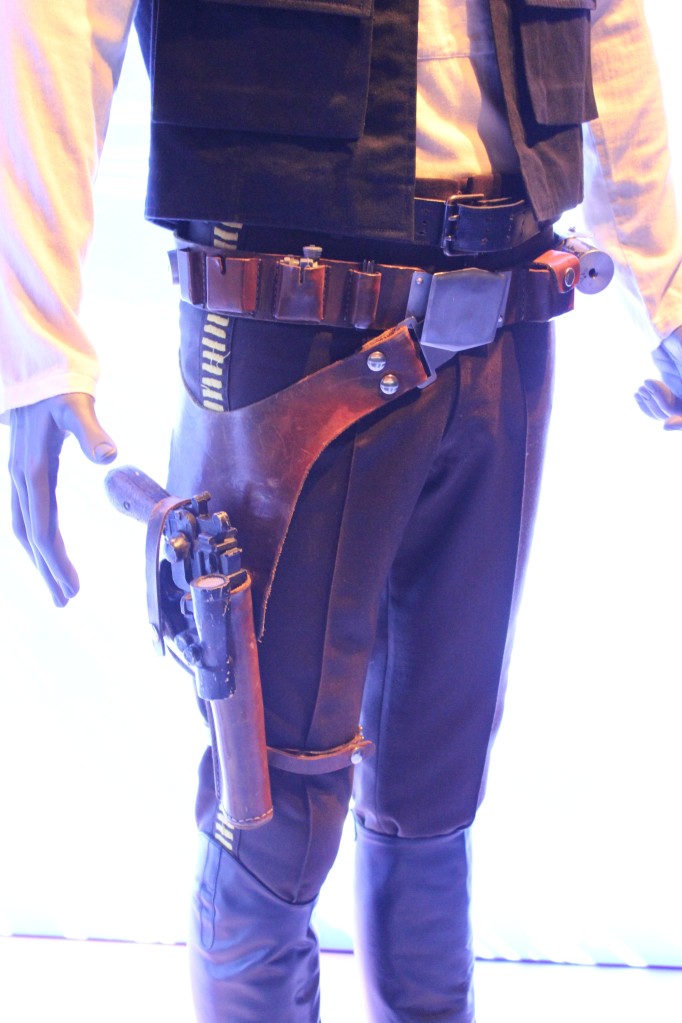
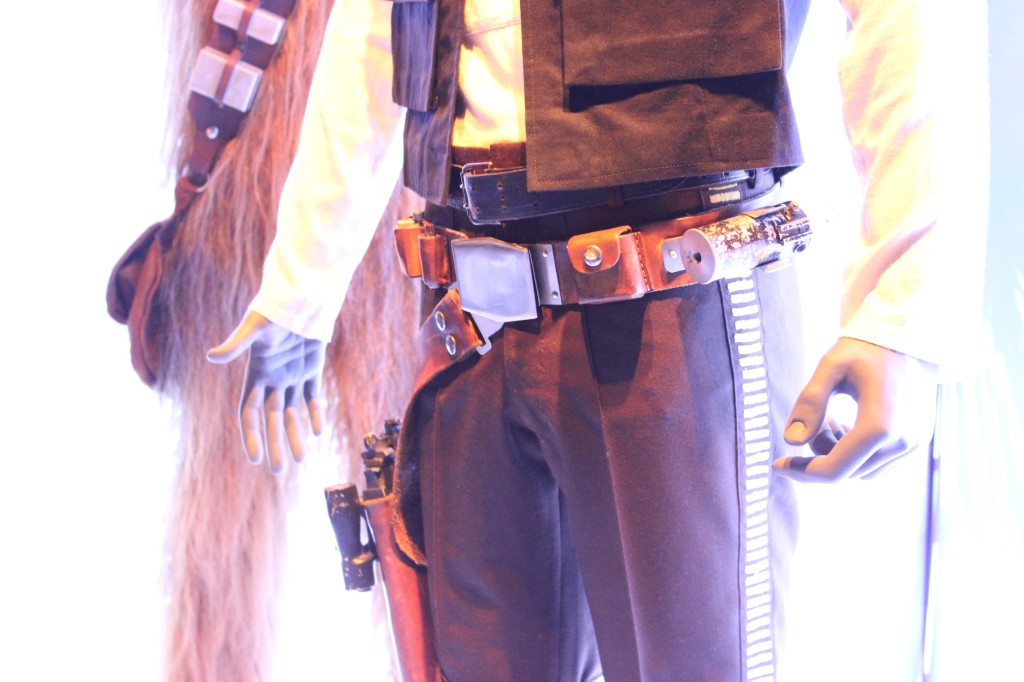
    Han Solo and Chewbacca

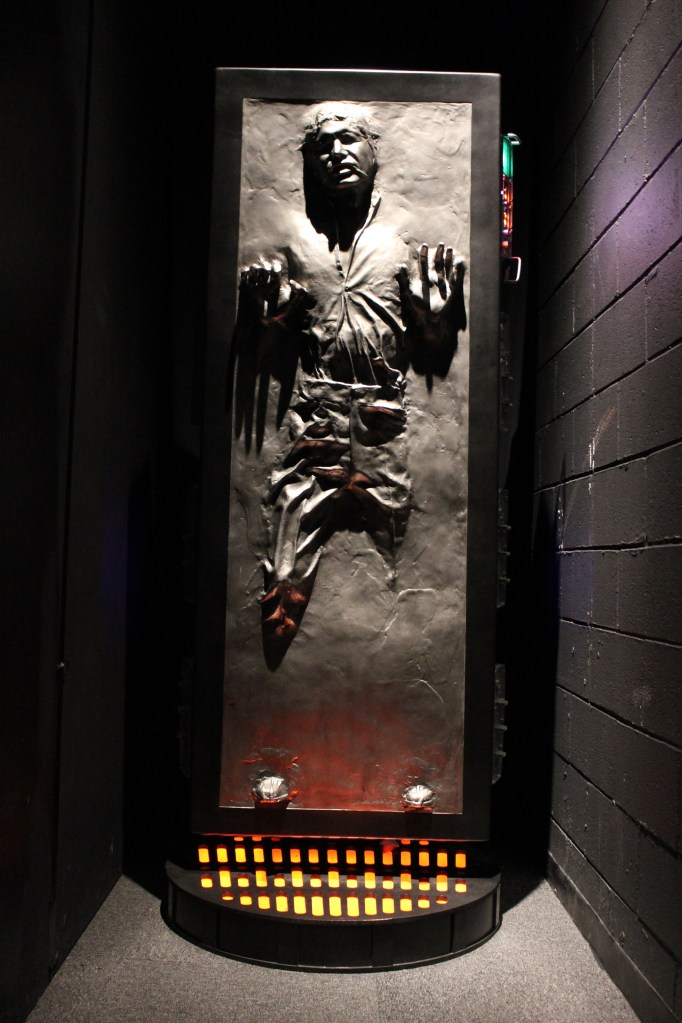
    Han Solo in Carbonite

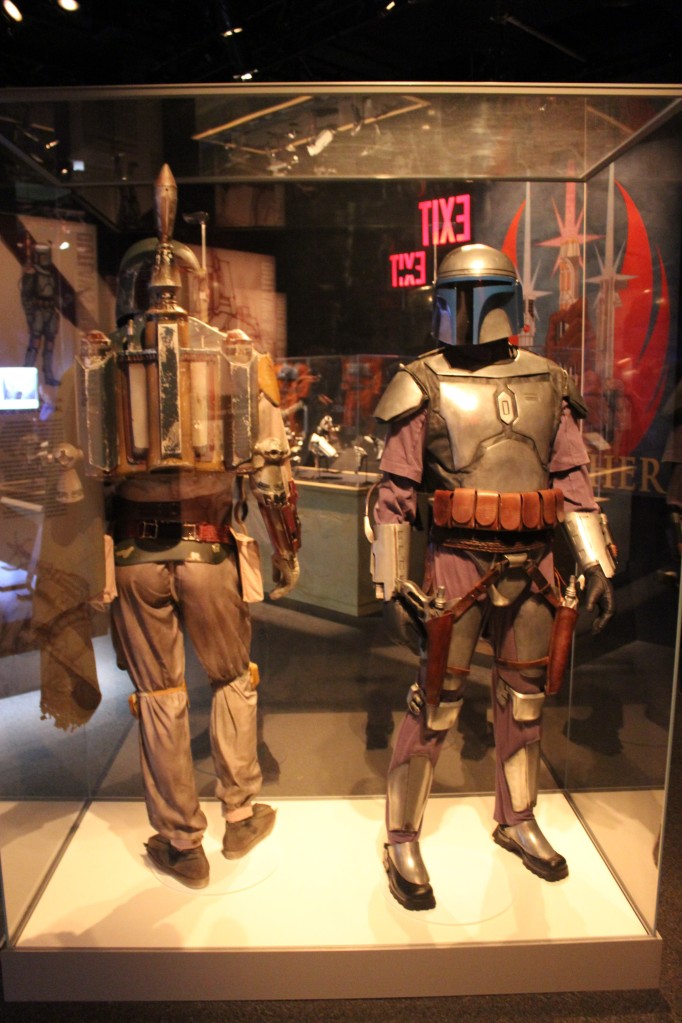
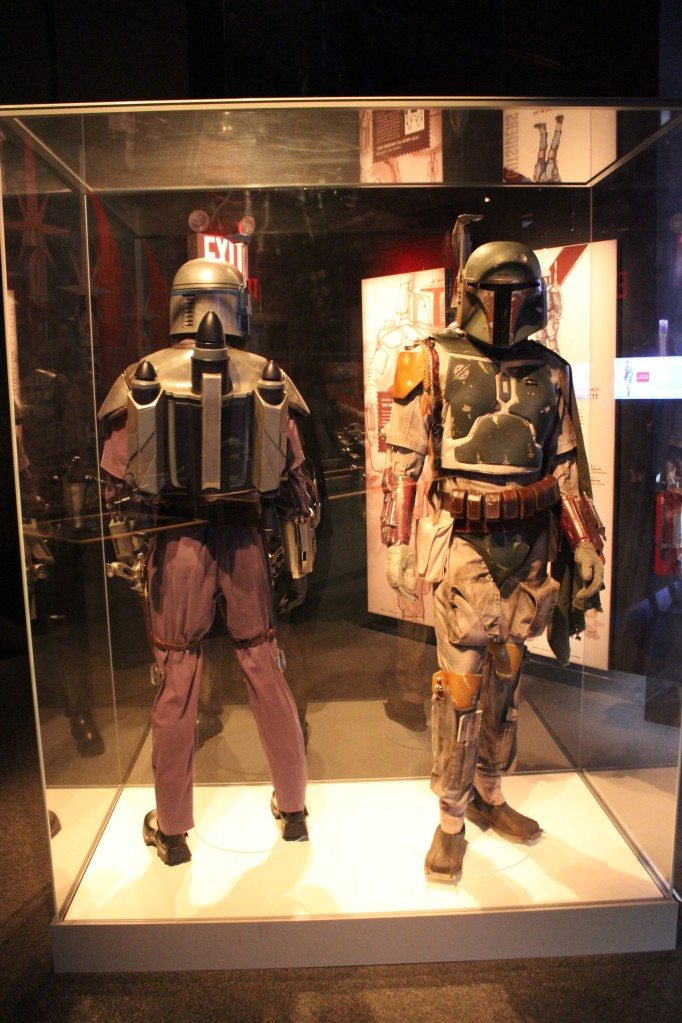
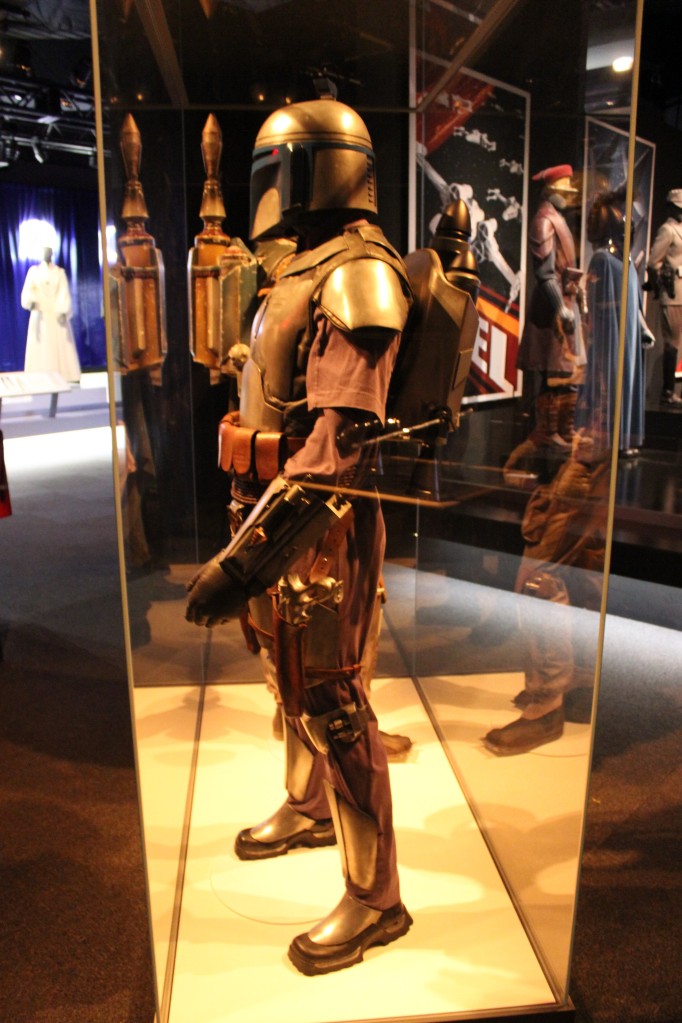
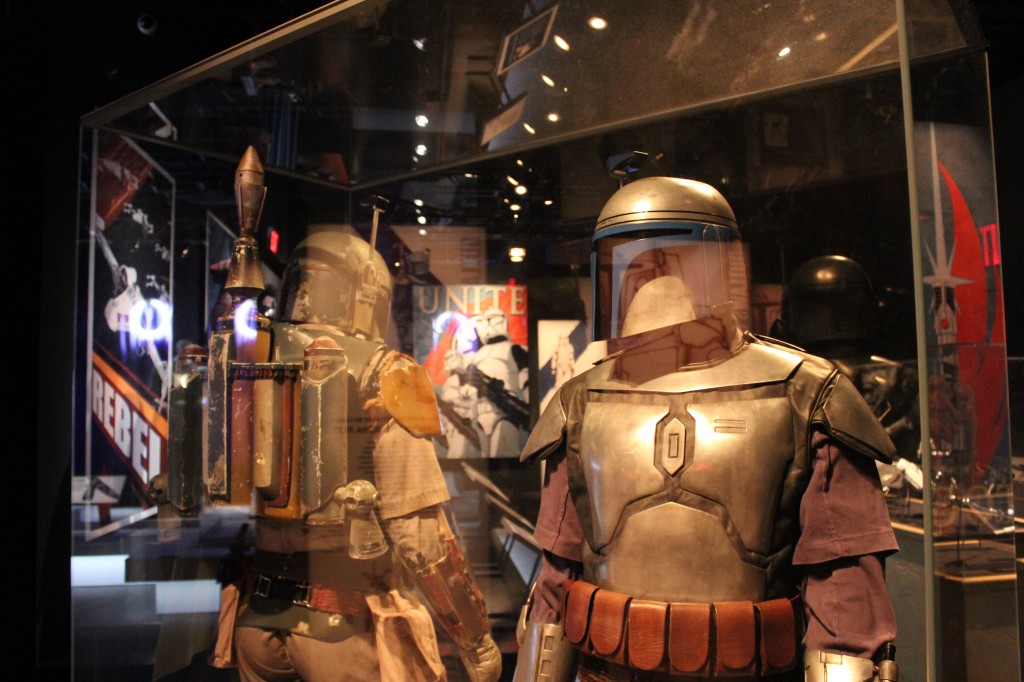
    Bounty Hunters

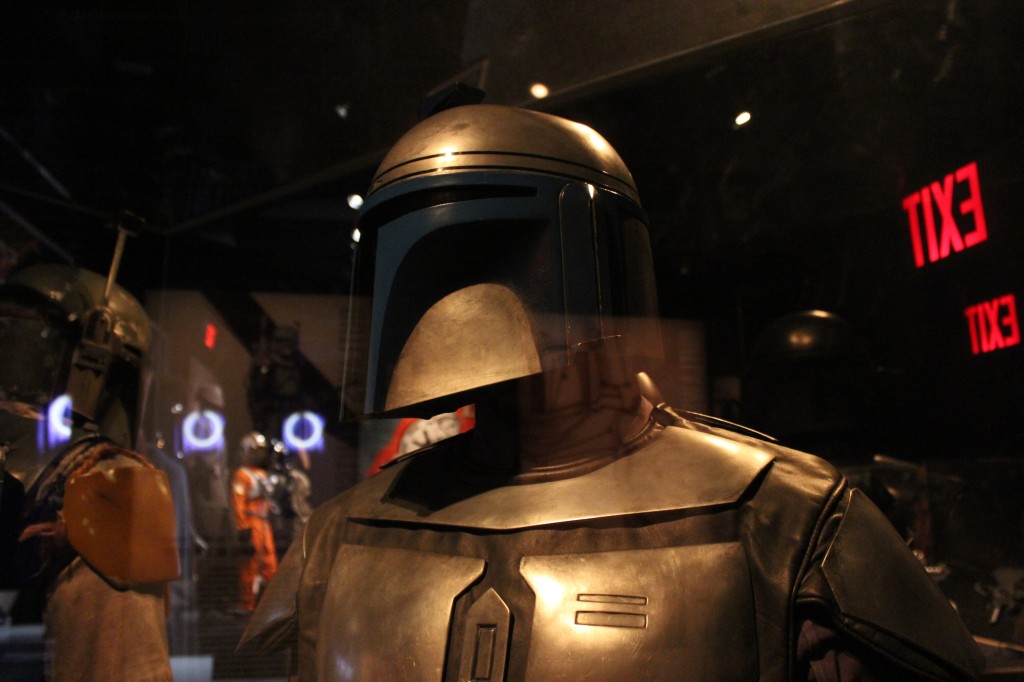
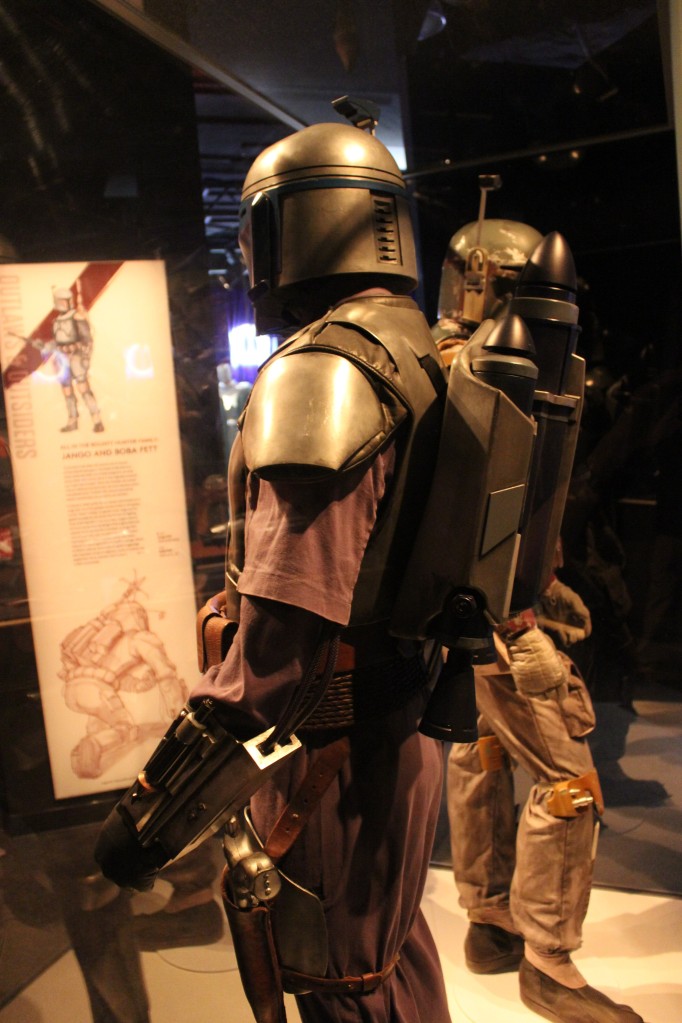
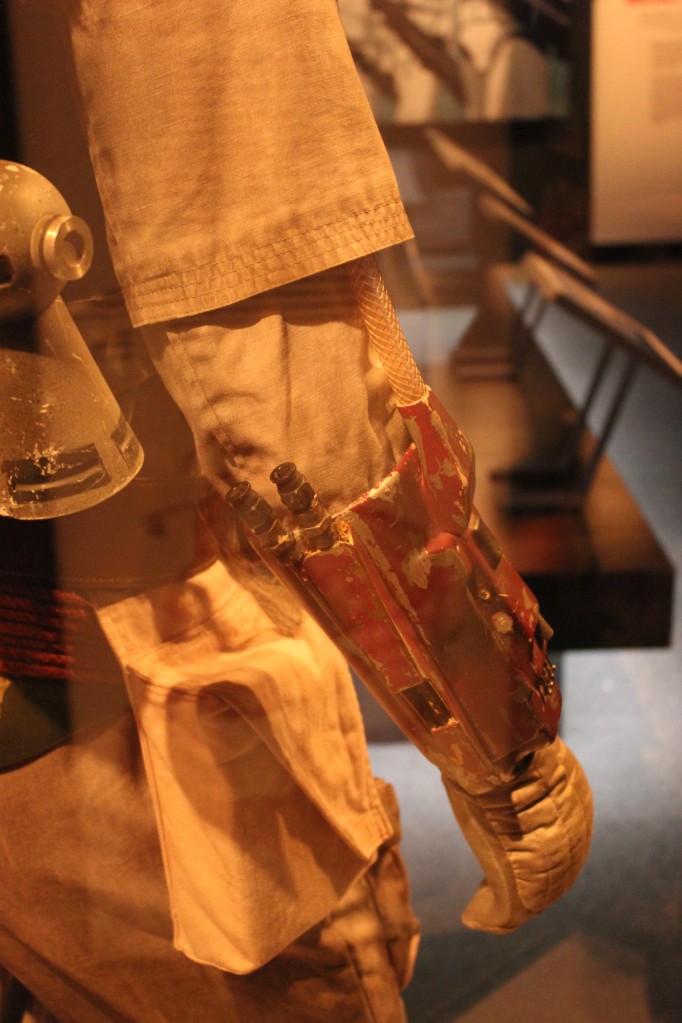
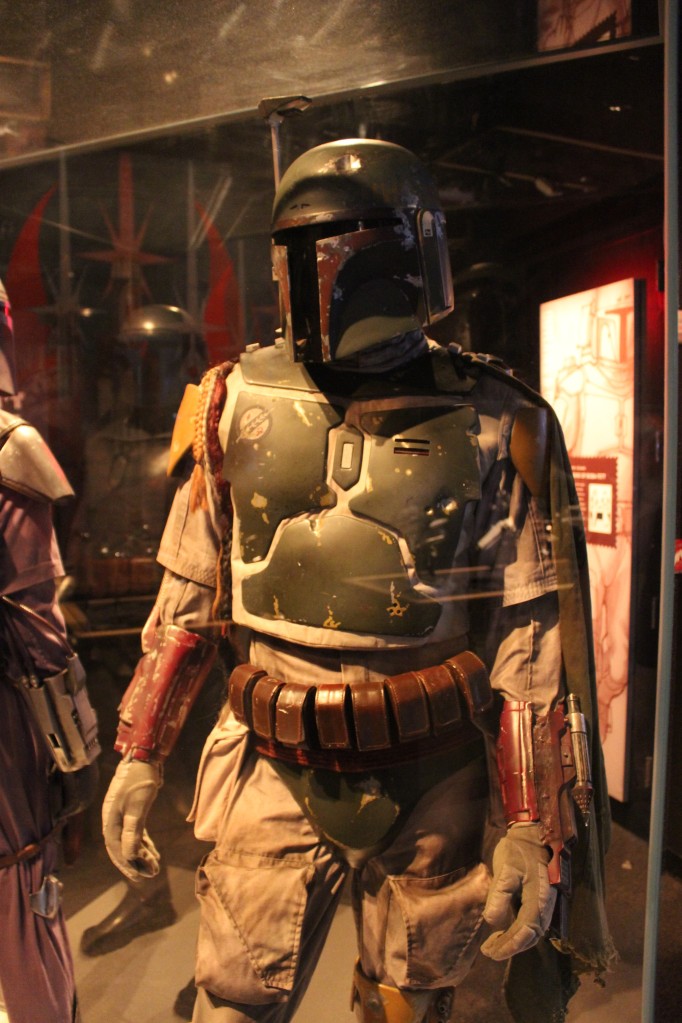
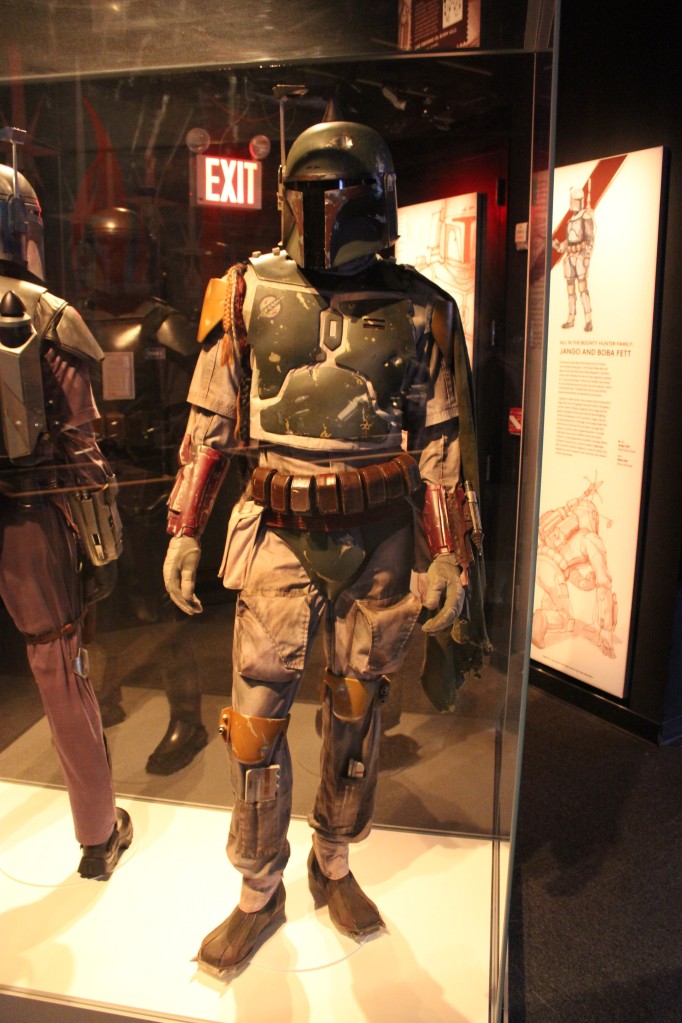
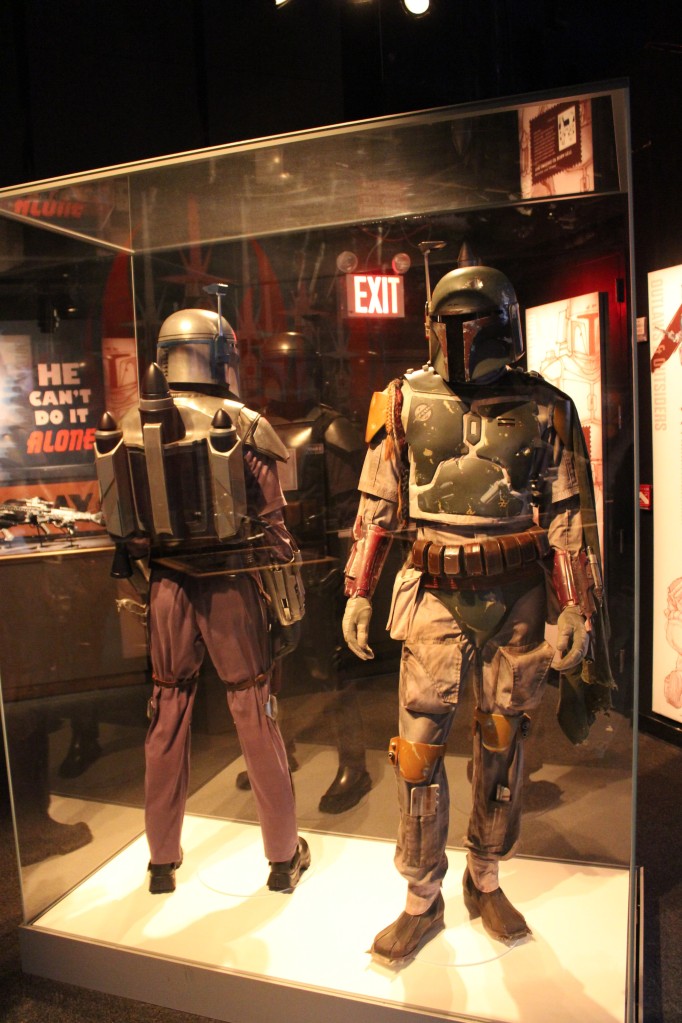
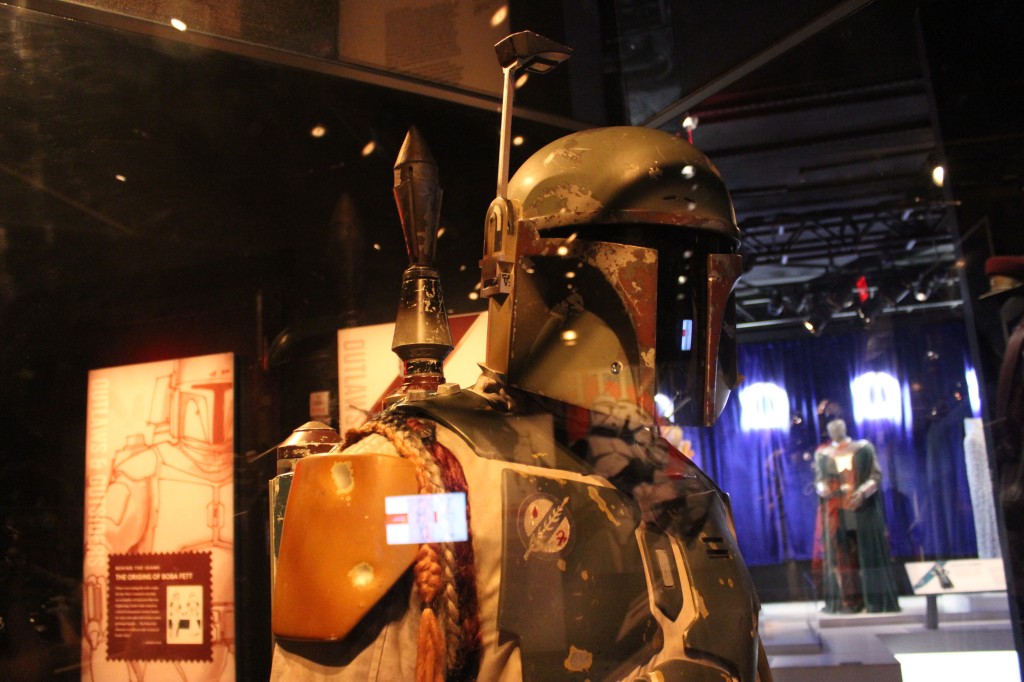
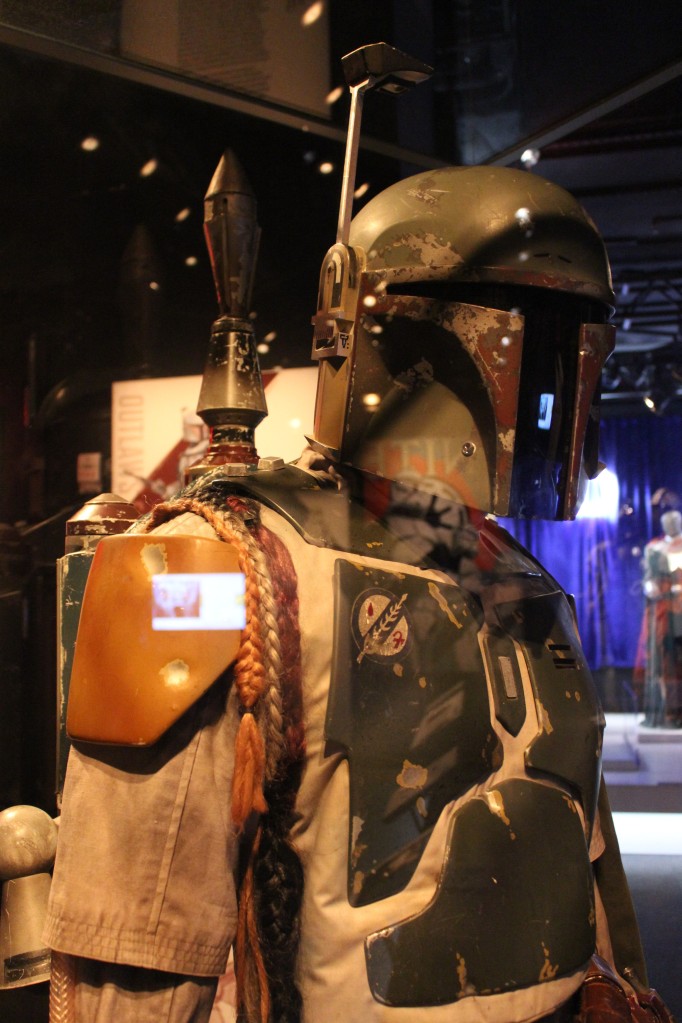
    Jango Fett and Boba Fett

    Jango Fett and Boba Fett

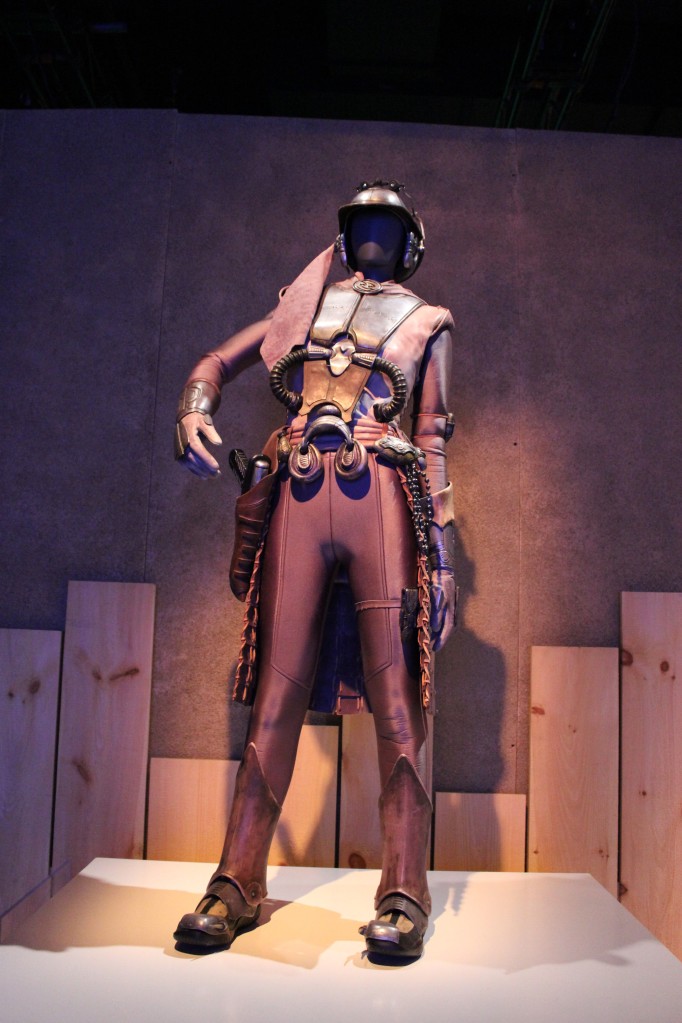
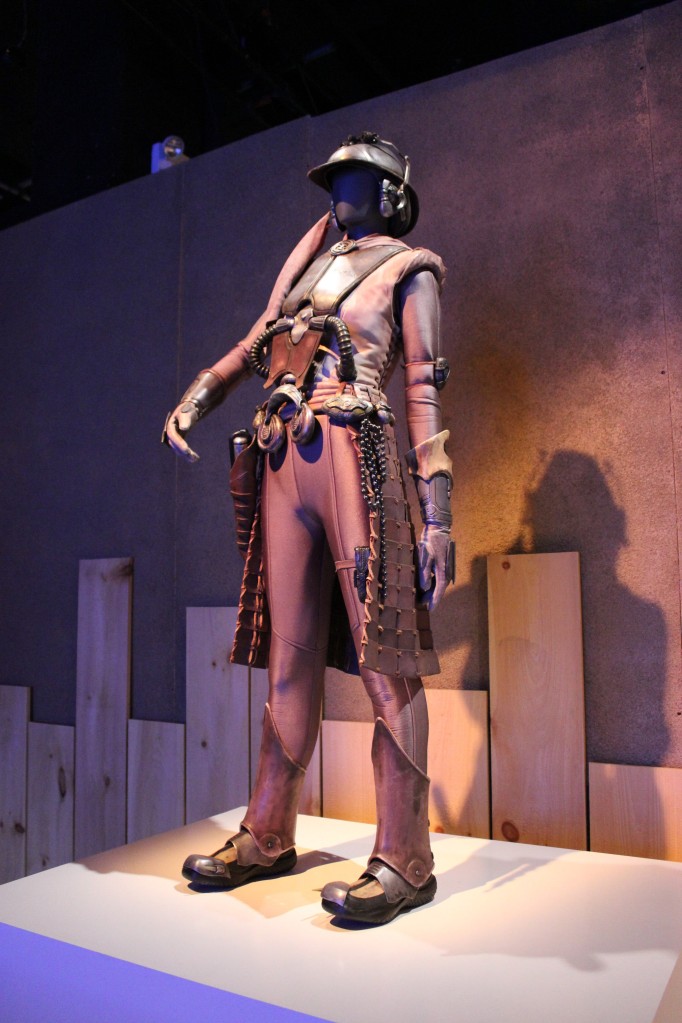
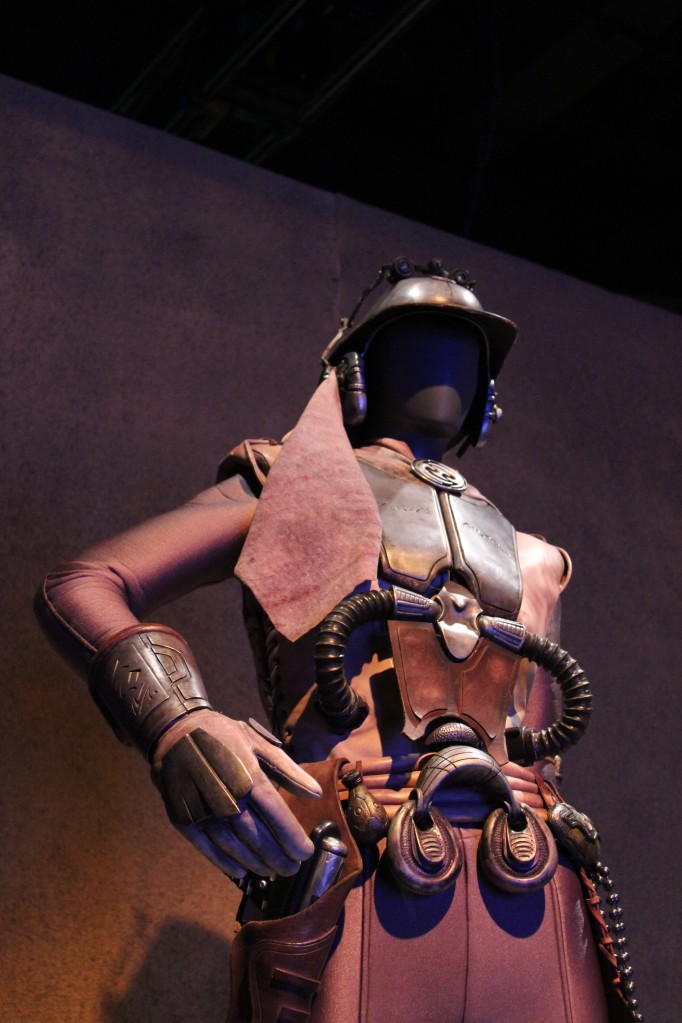
    Zam Wesell

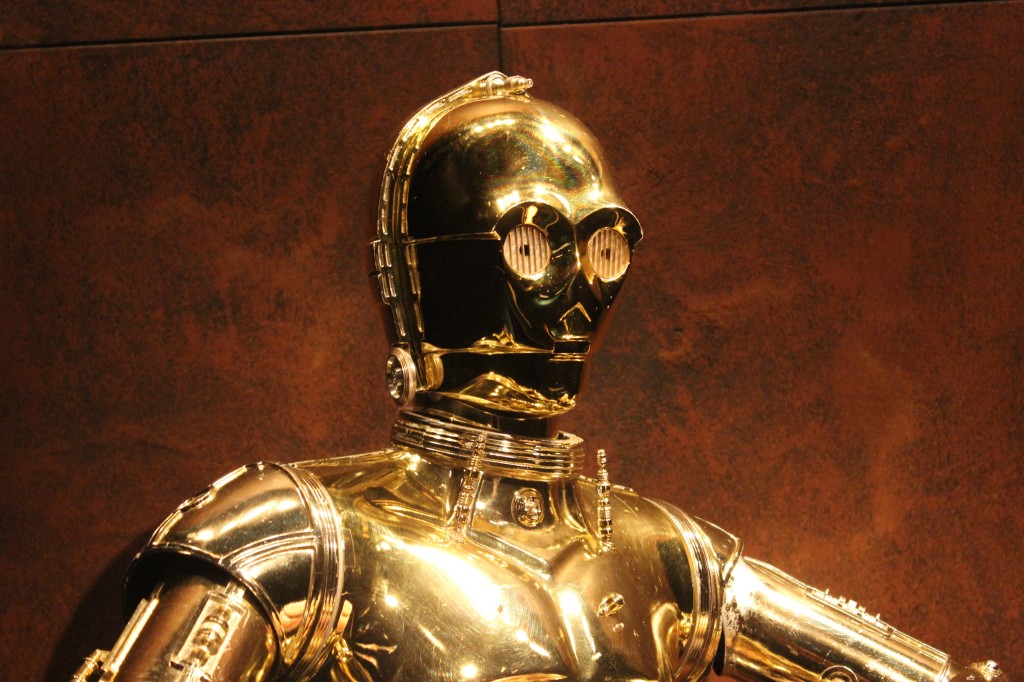
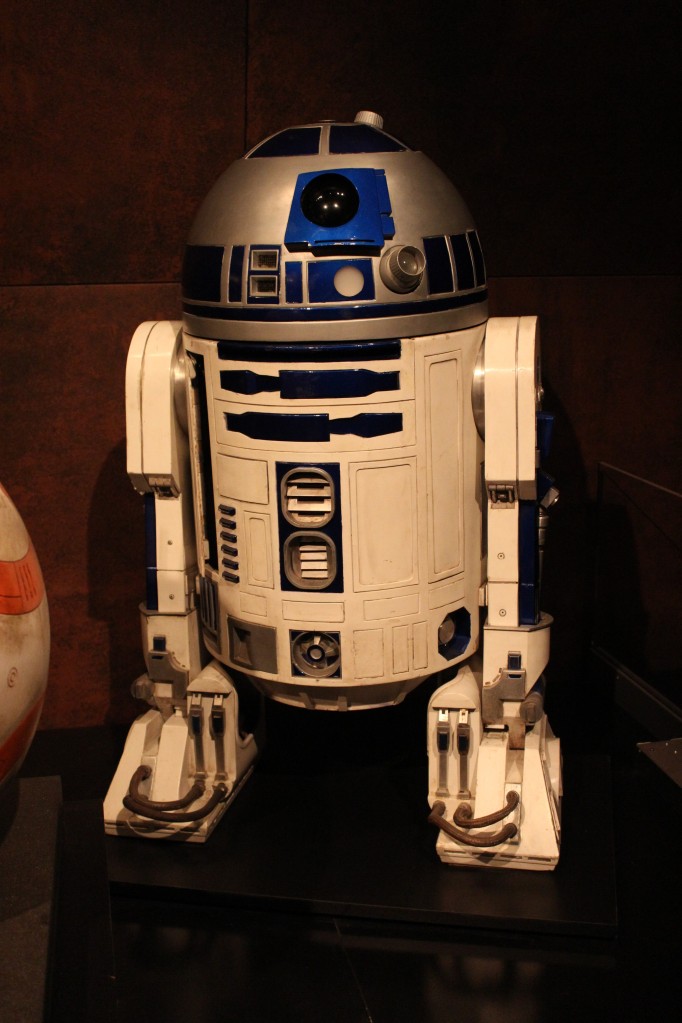
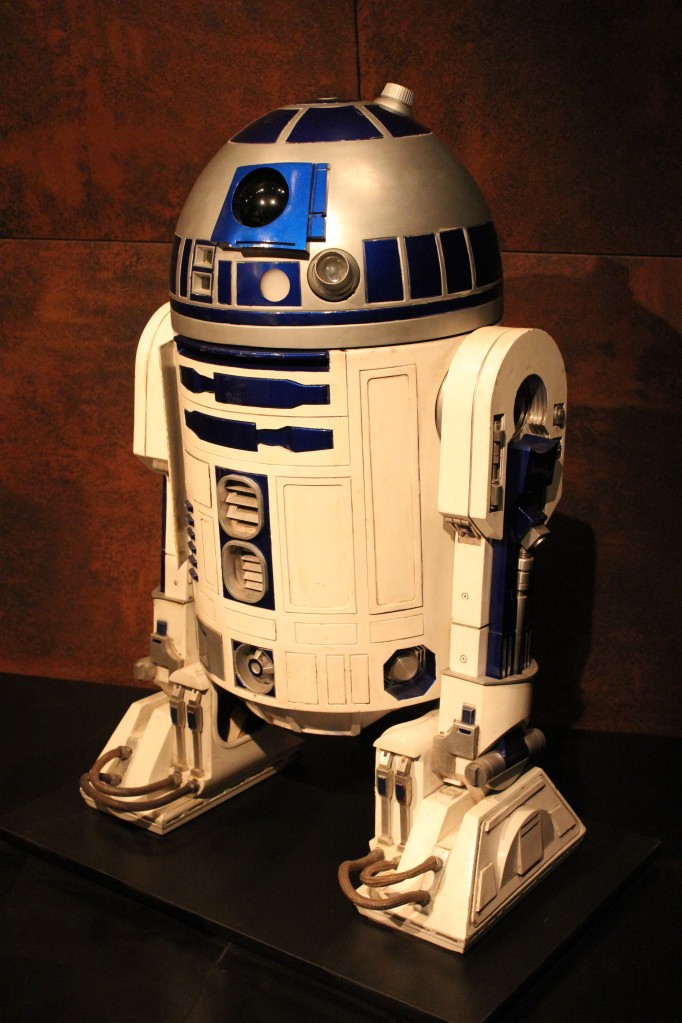
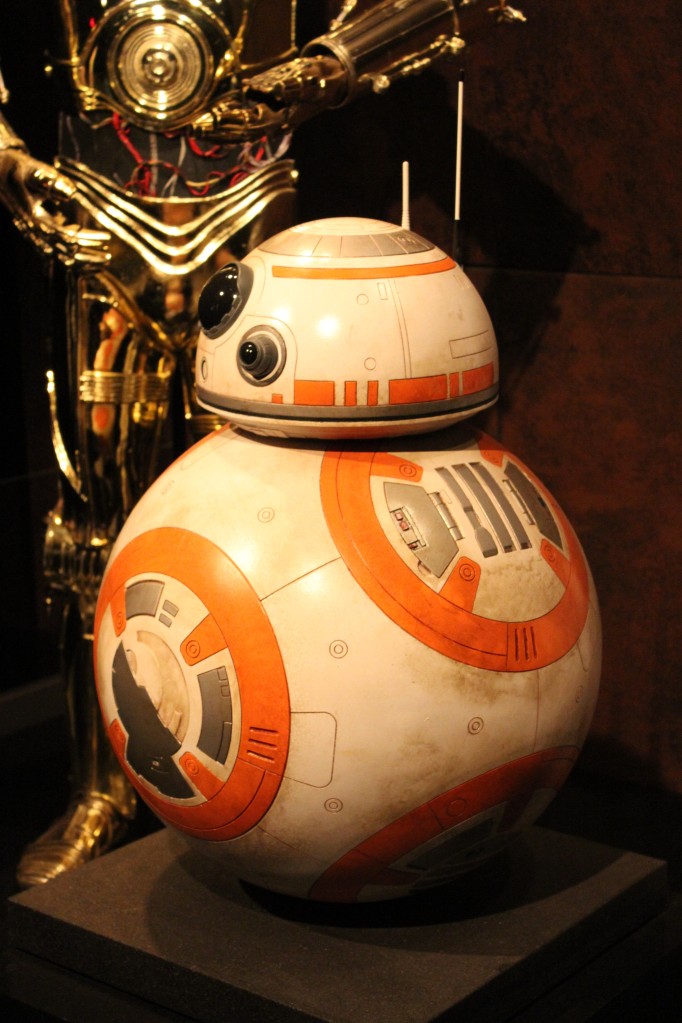
    Droids

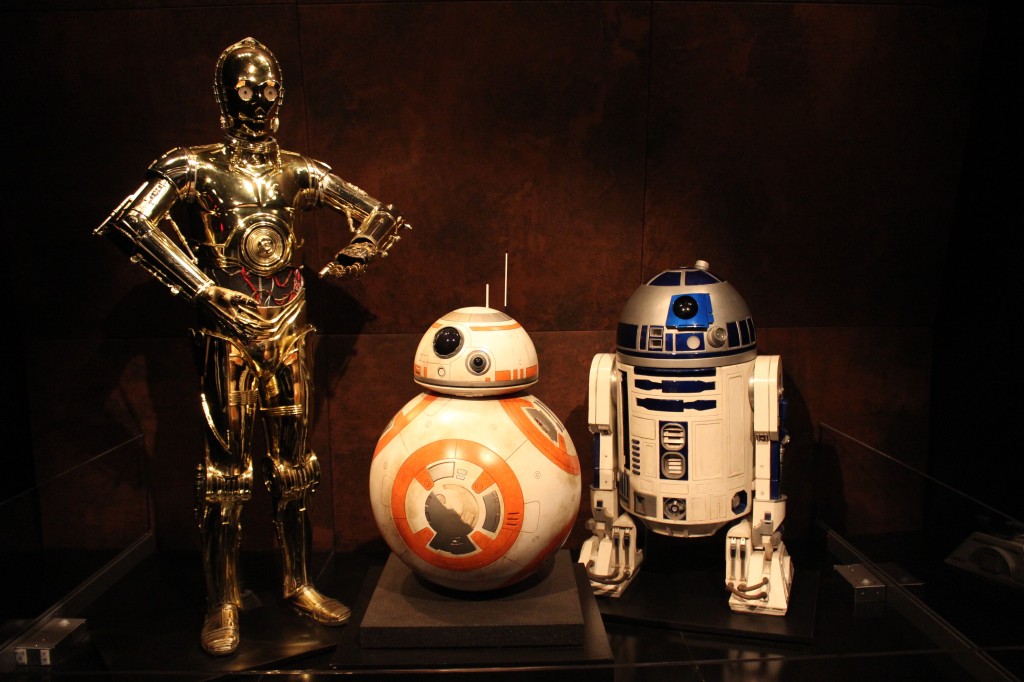
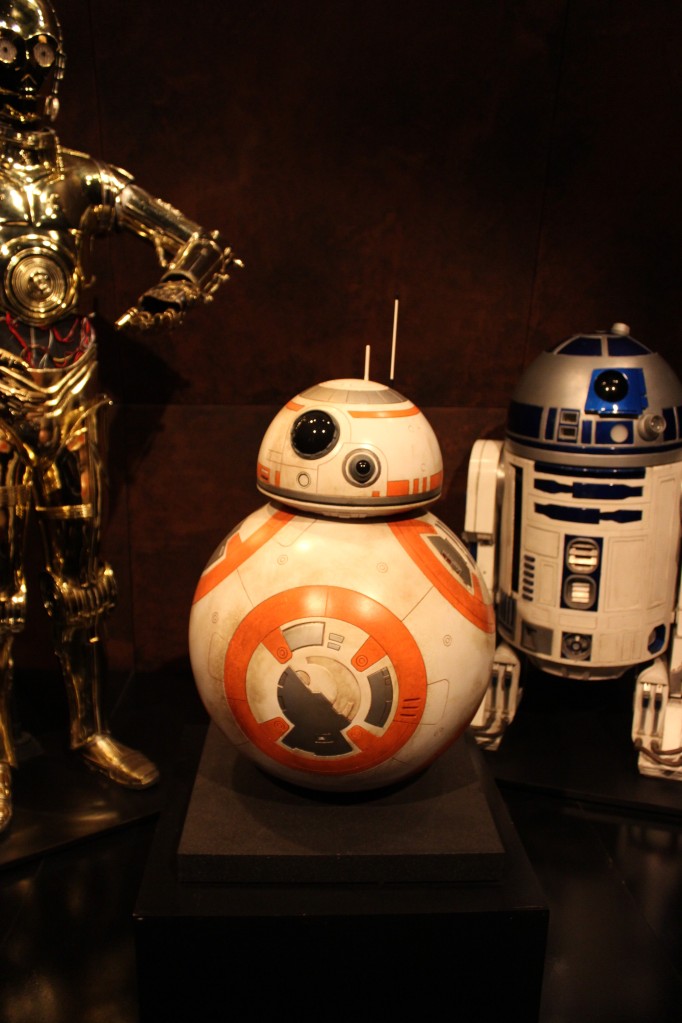
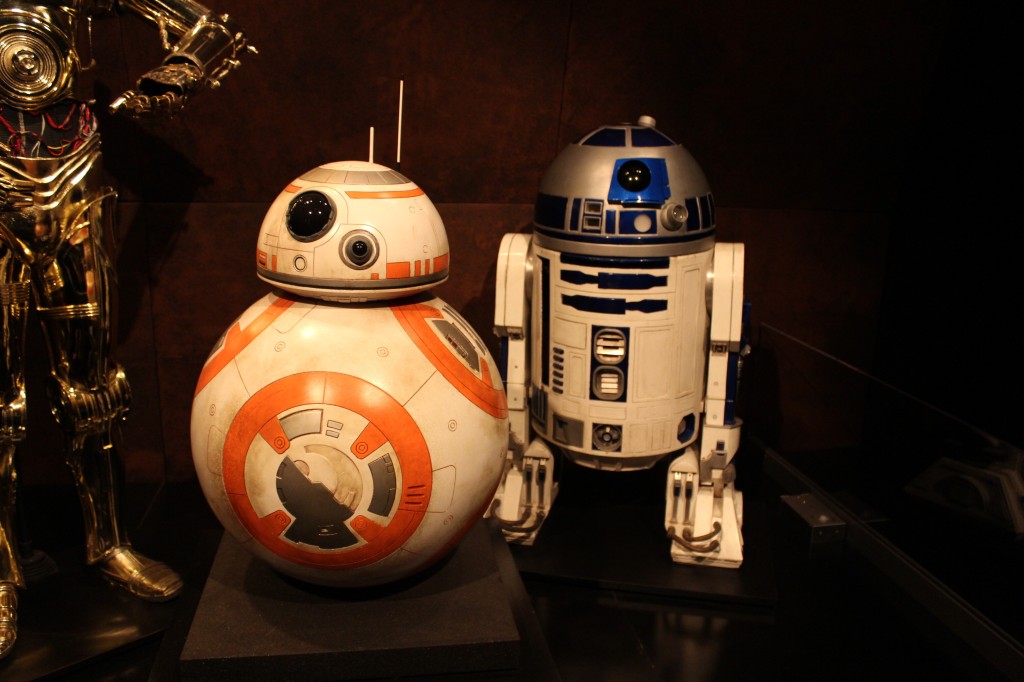
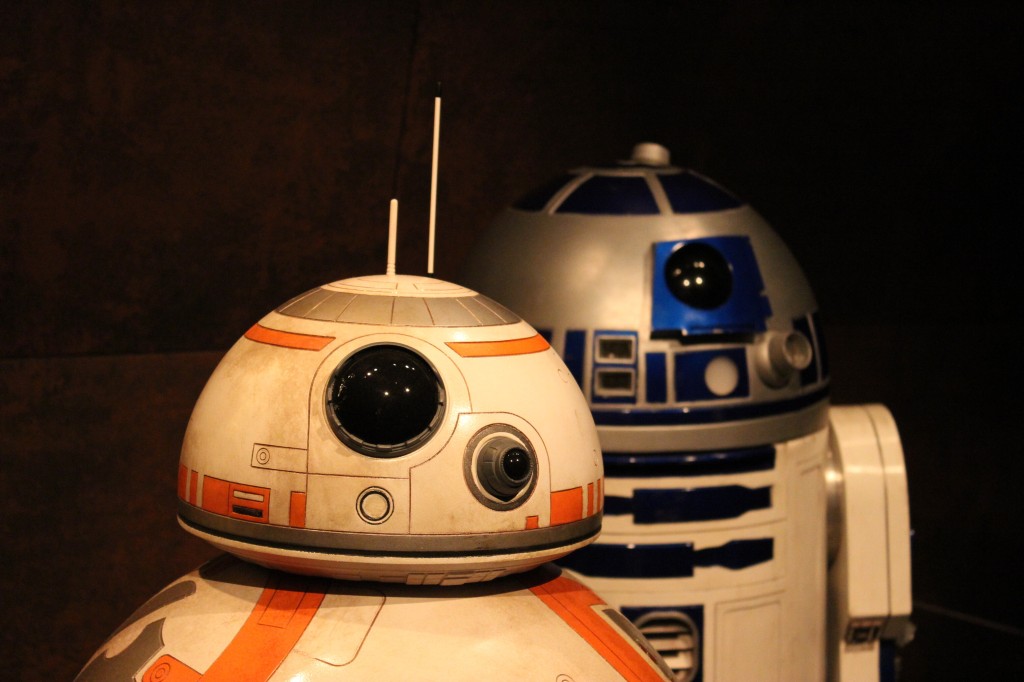
    C-3PO, BB-8, and R2-D2

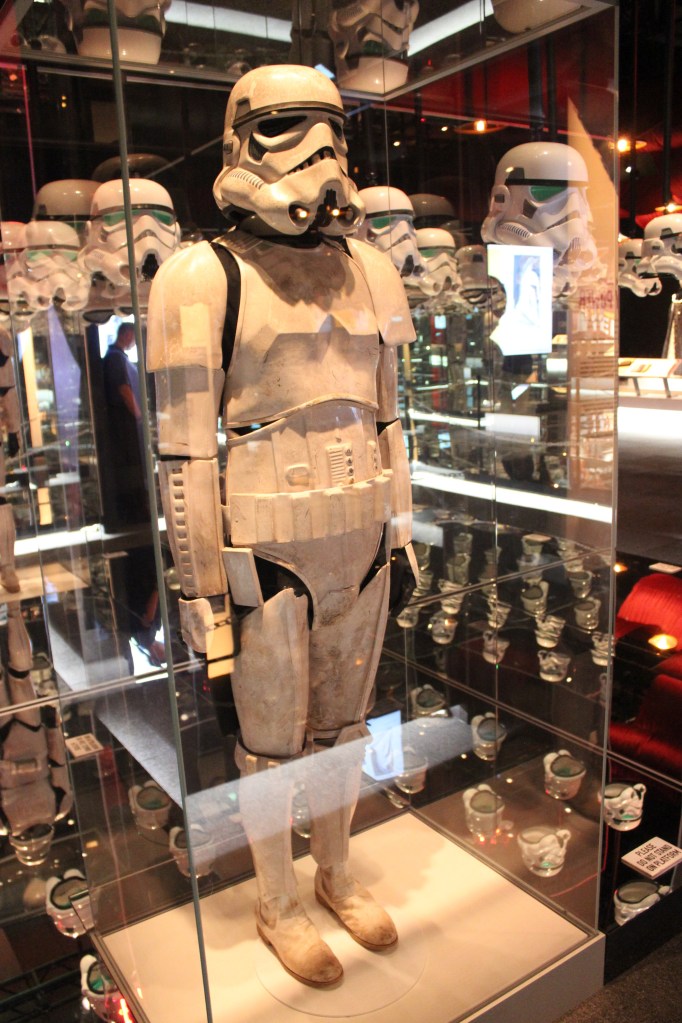
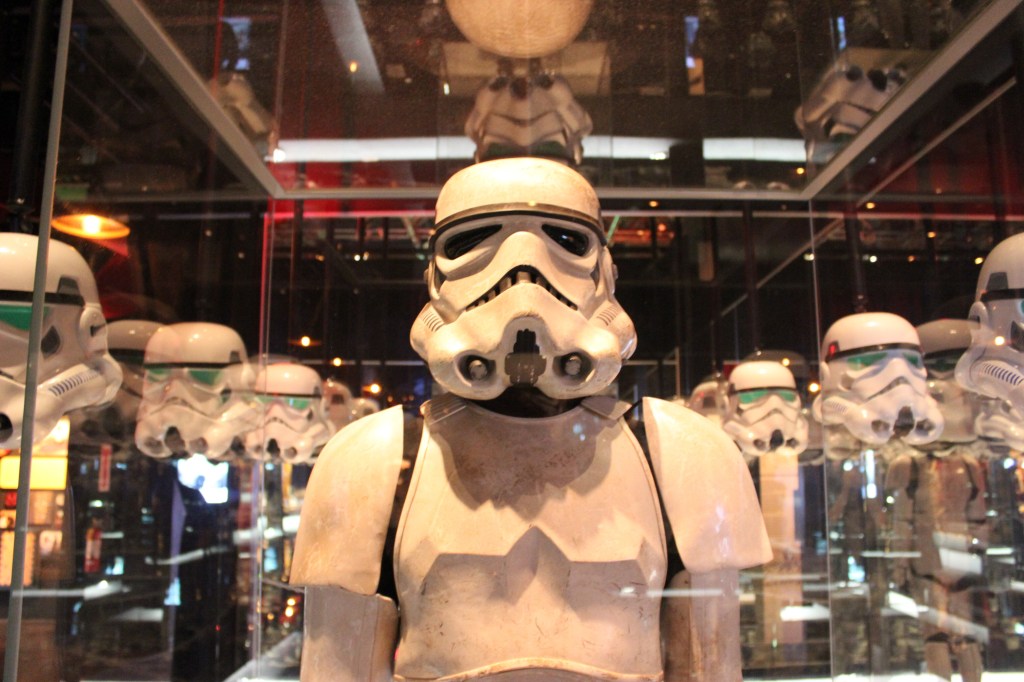
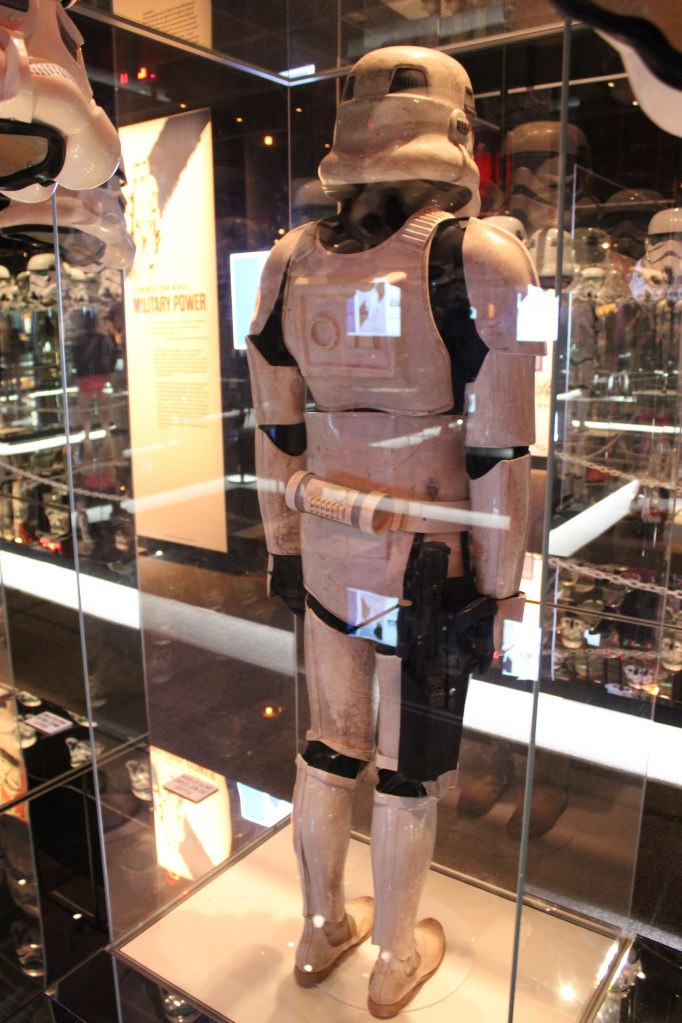
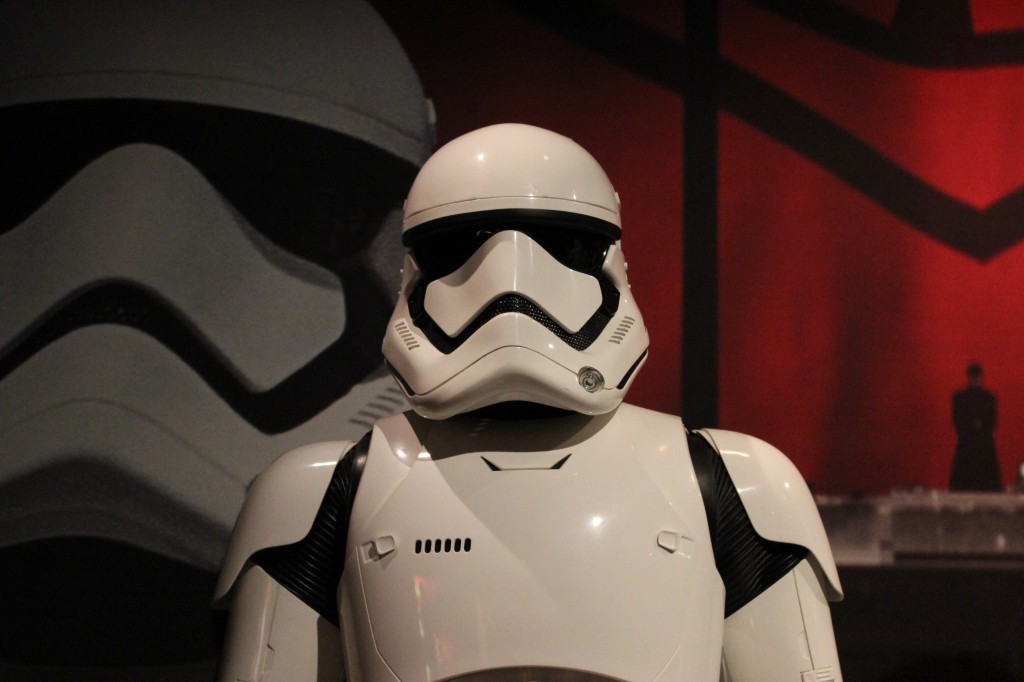
    Stormtrooper

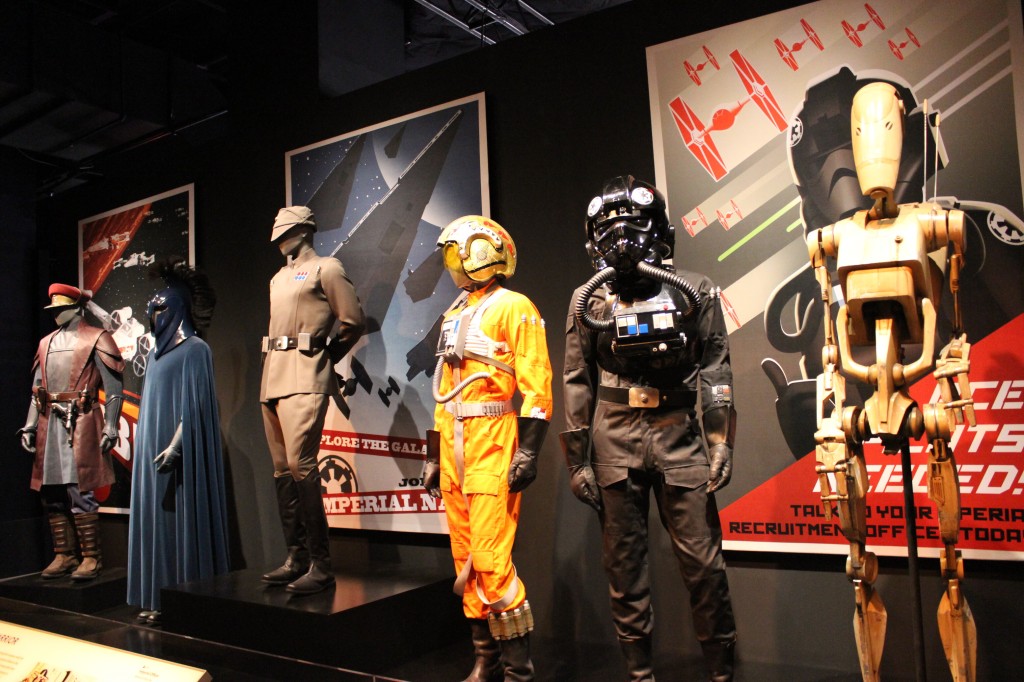
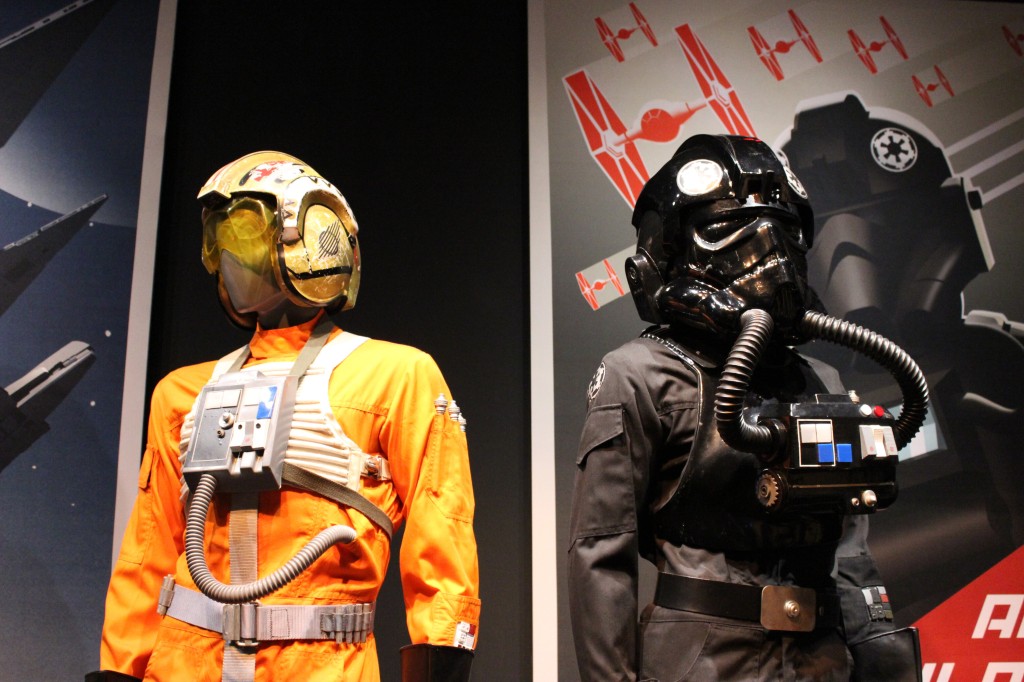
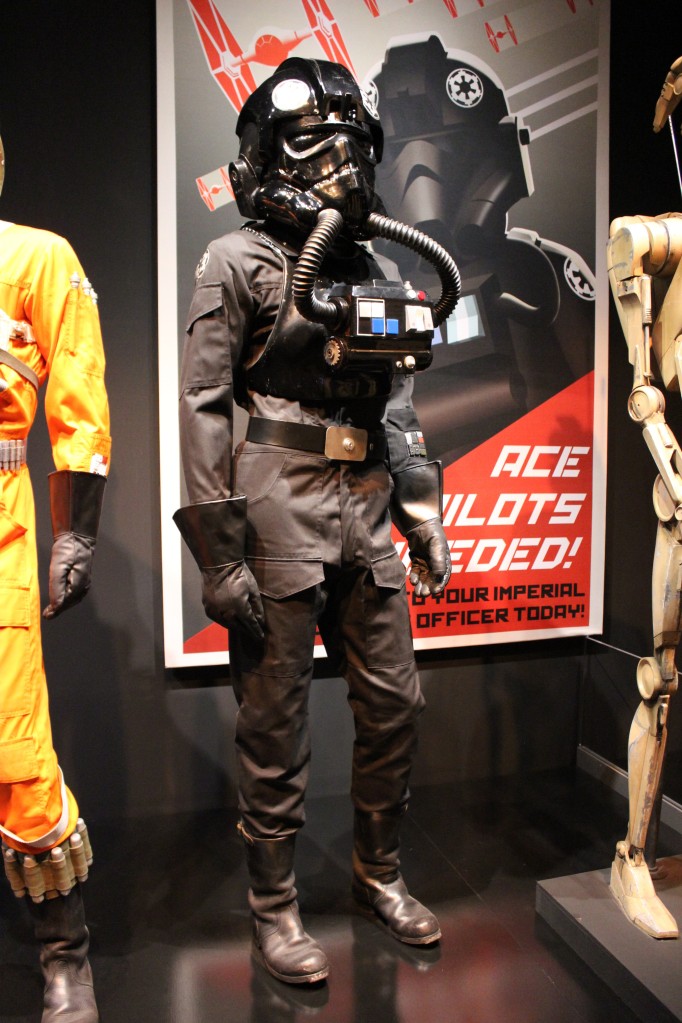
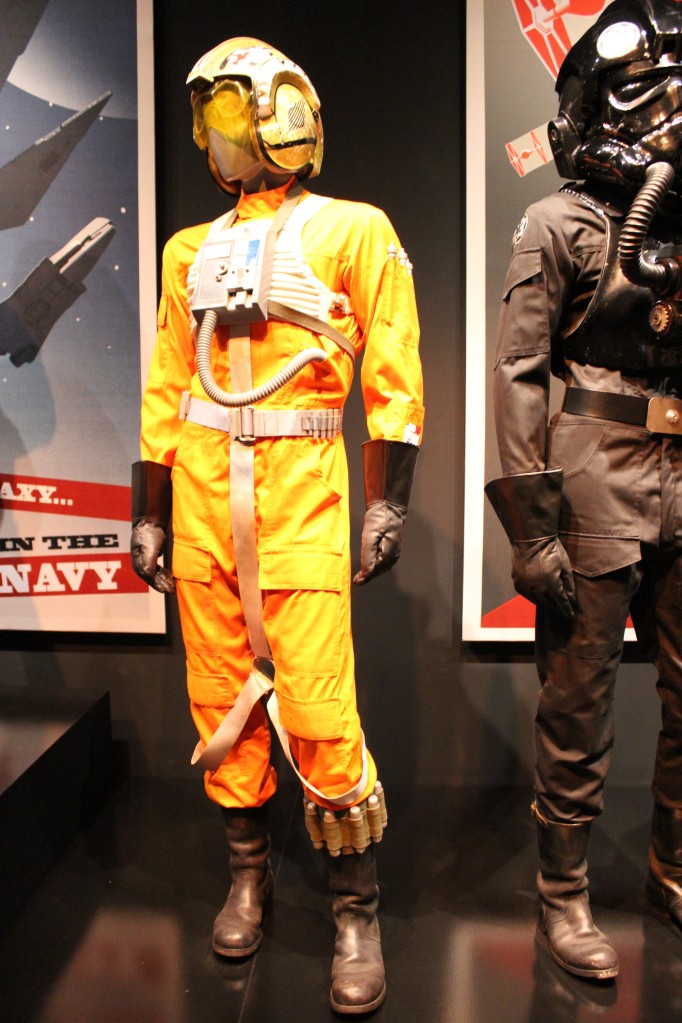
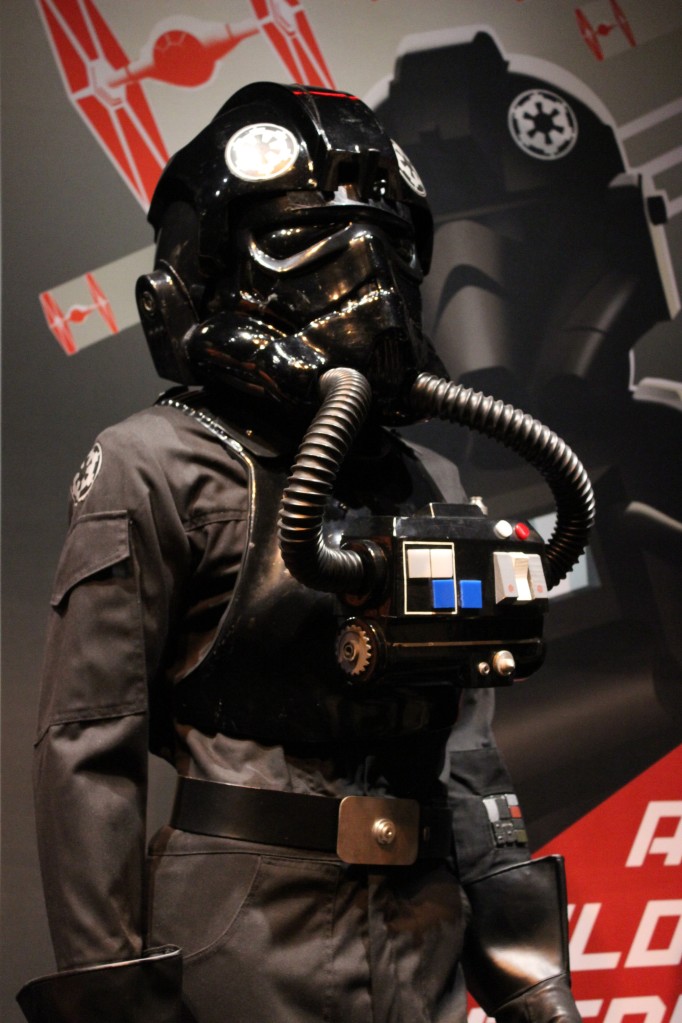
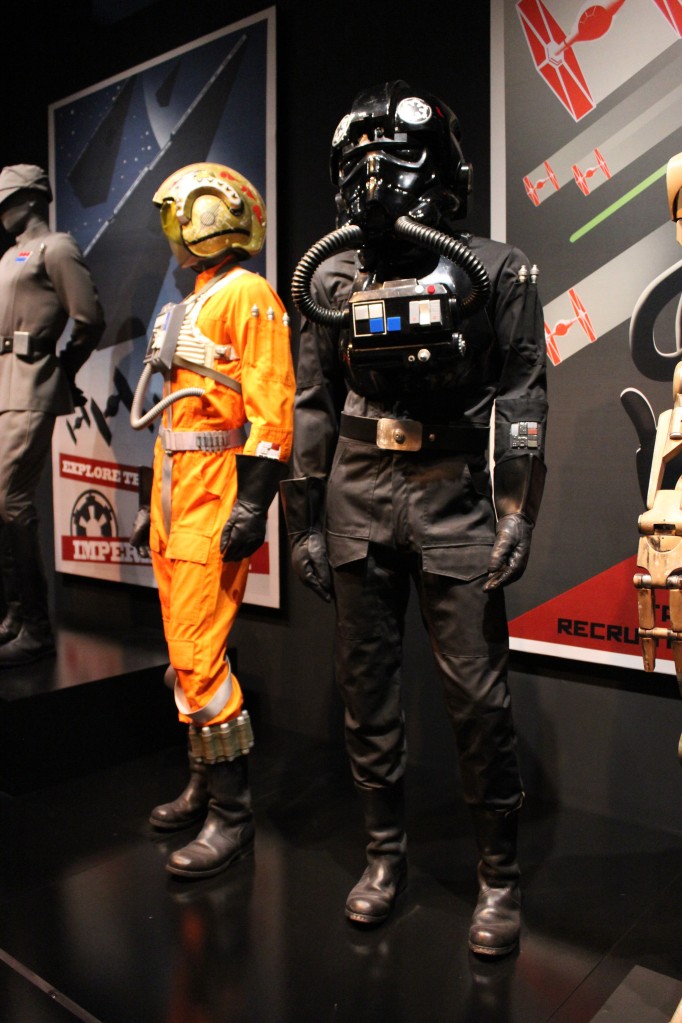
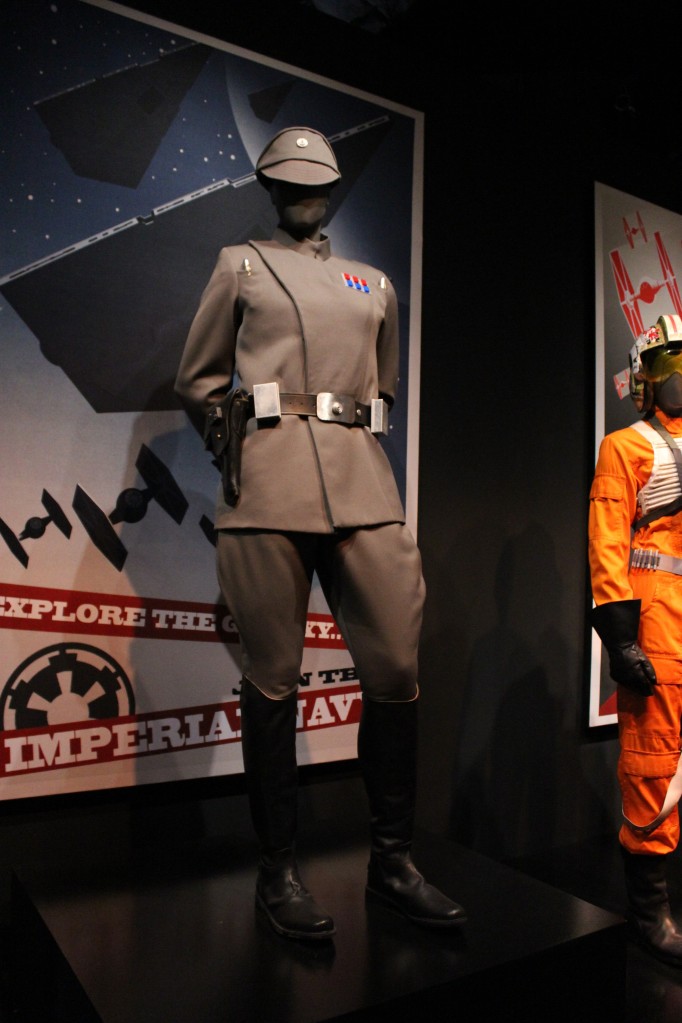
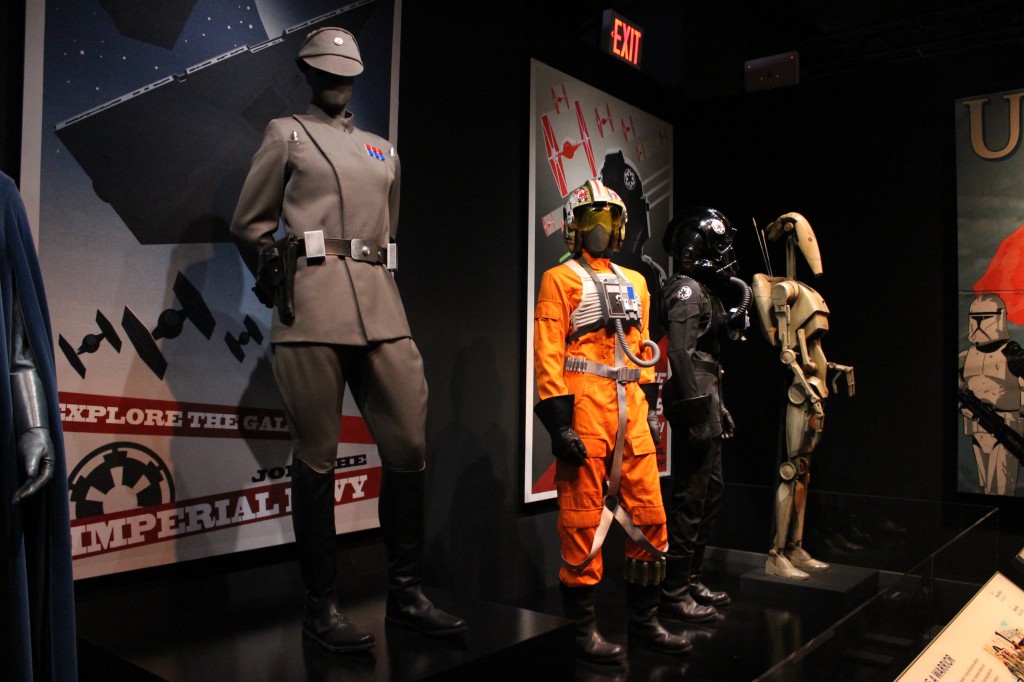
    Queen’s Guard, Chancellor’s Guard, Imperial Officer, X-Wing Pilot, TIE Pilot, and Battle Droid

    Queen's Guard, Chancellor's Guard, Imperial Officer, X-Wing Pilot, TIE Pilot, and Battle Droid

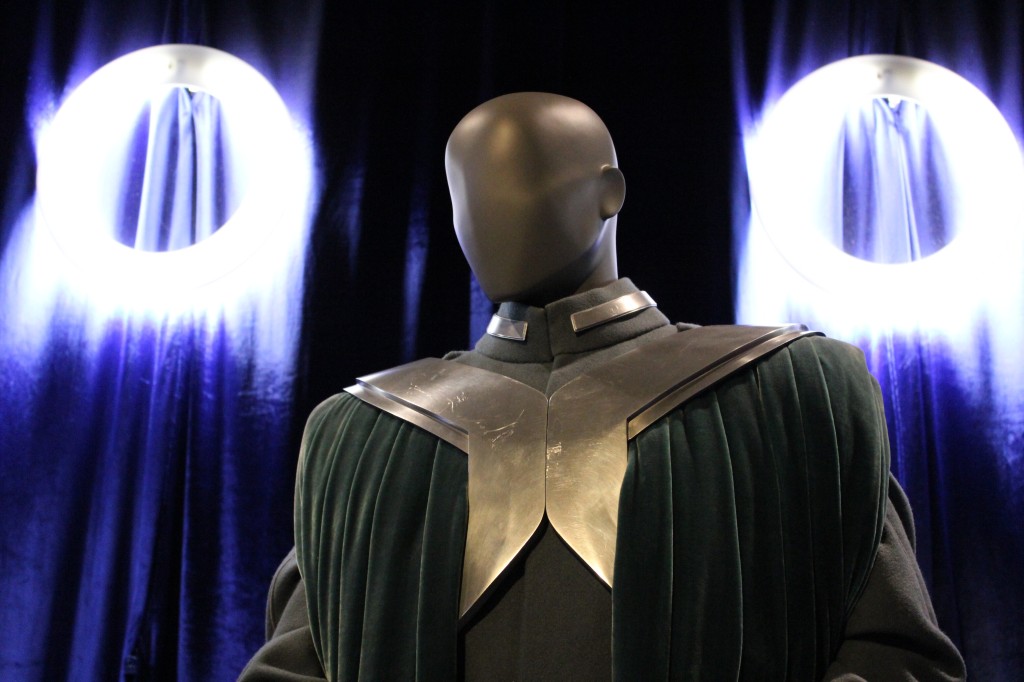
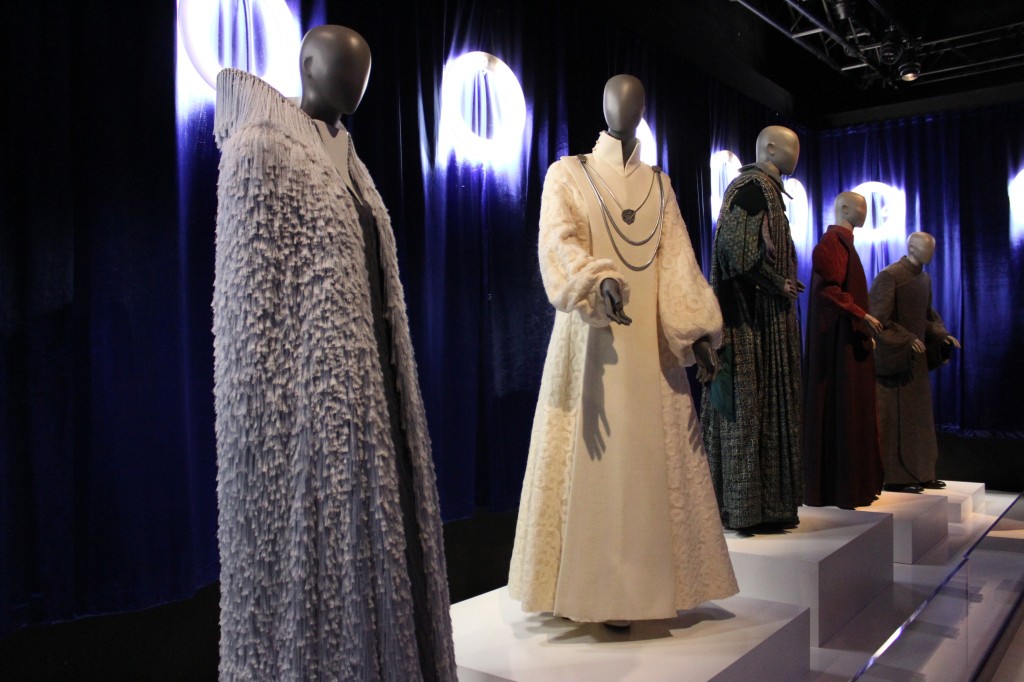
    Republic Senators Bail Organa and Mon Mothma

    Ewok and Speeder Bike

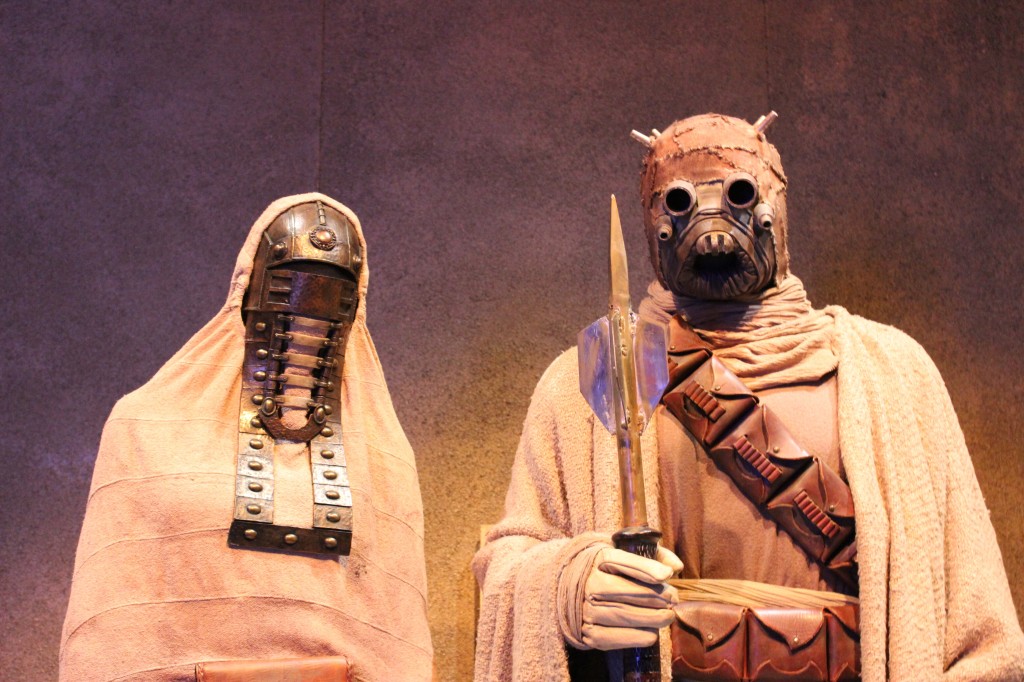
    Sandpeople

    The Force Awakens

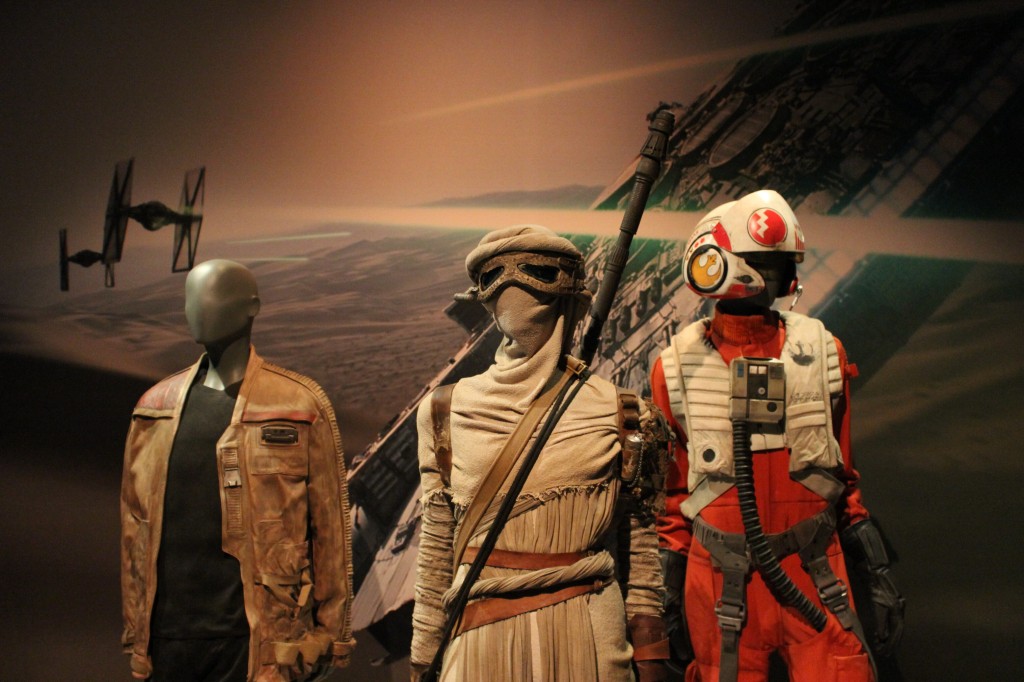
    Finn, Rey, and Poe Dameron

    Finn, Rey, and Poe
    Finn, Rey, and Poe

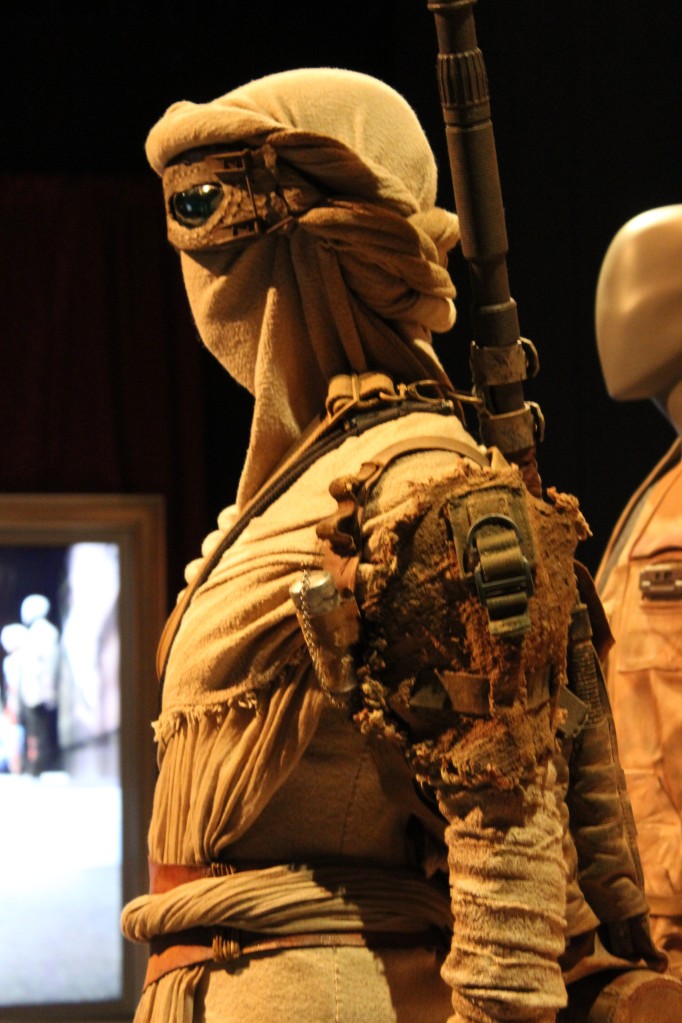
    Rey

    Finn

    Poe

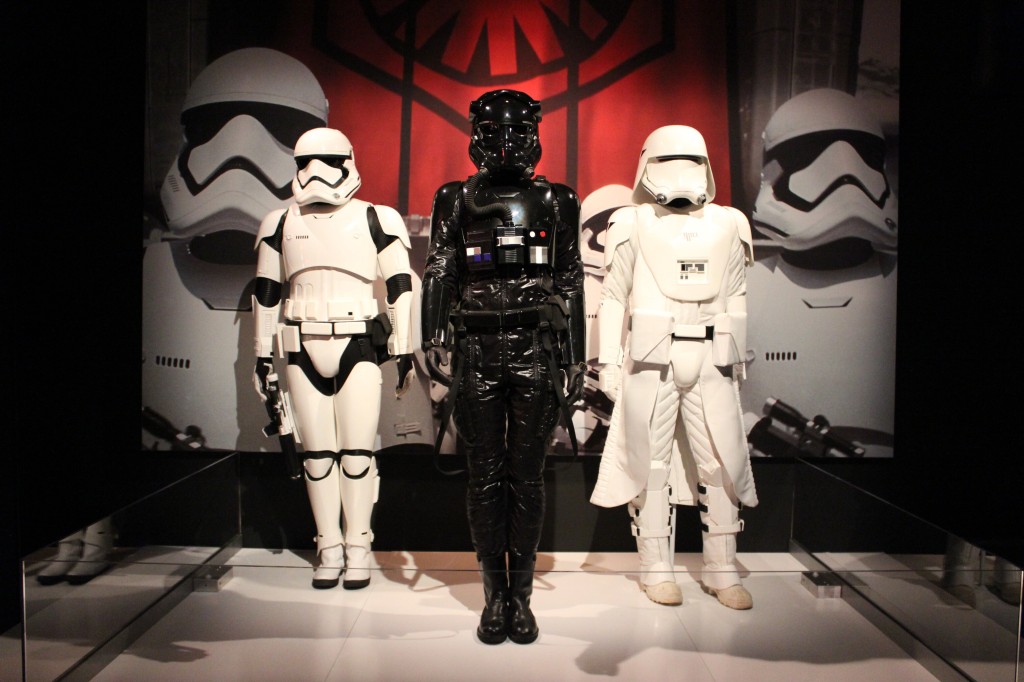
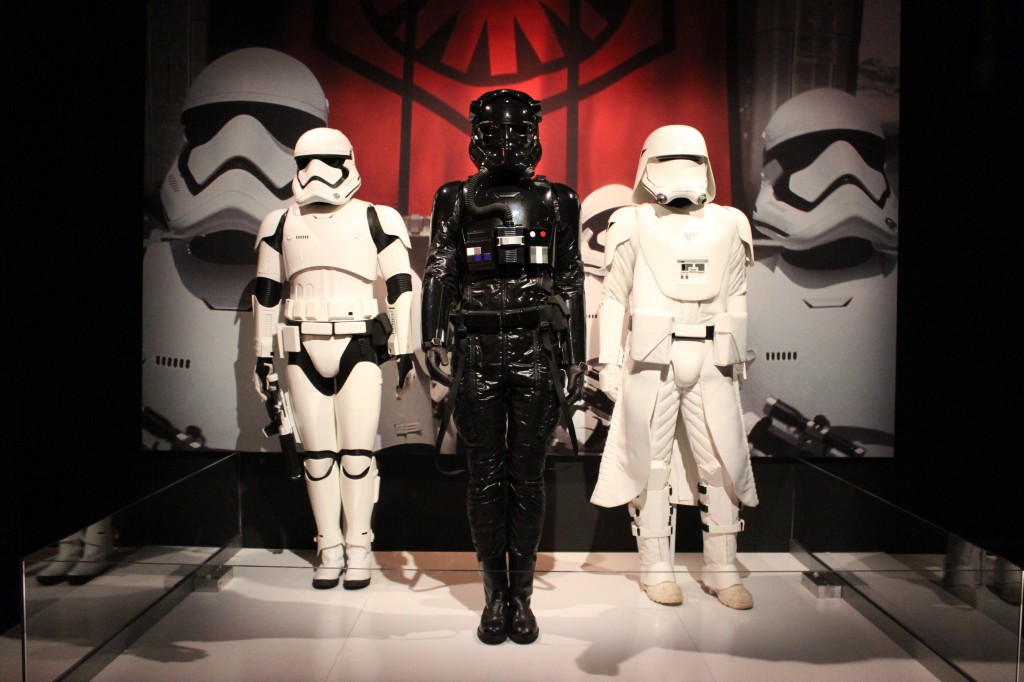
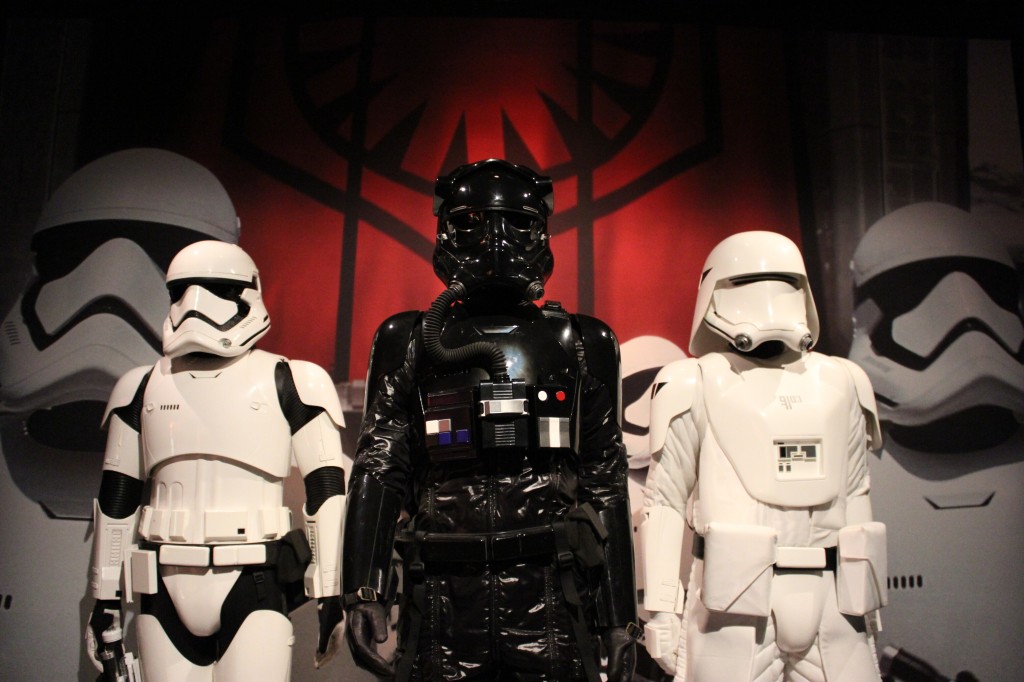
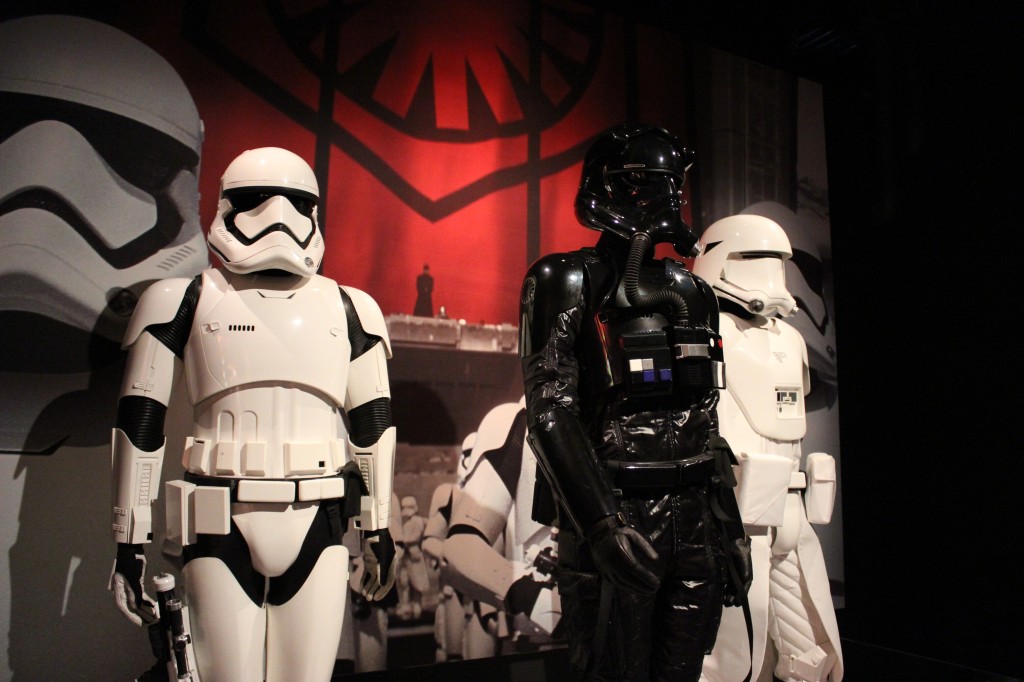
    First Order

    First Order Stormtrooper, TIE Pilot, and Snowtrooper

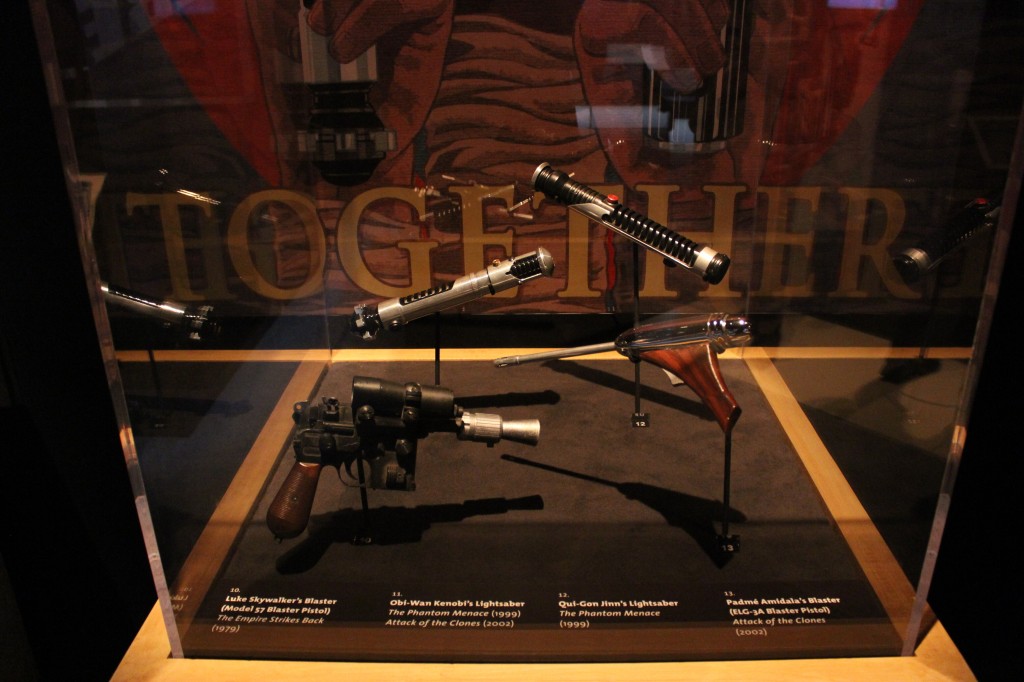
    Weapons and Equipment

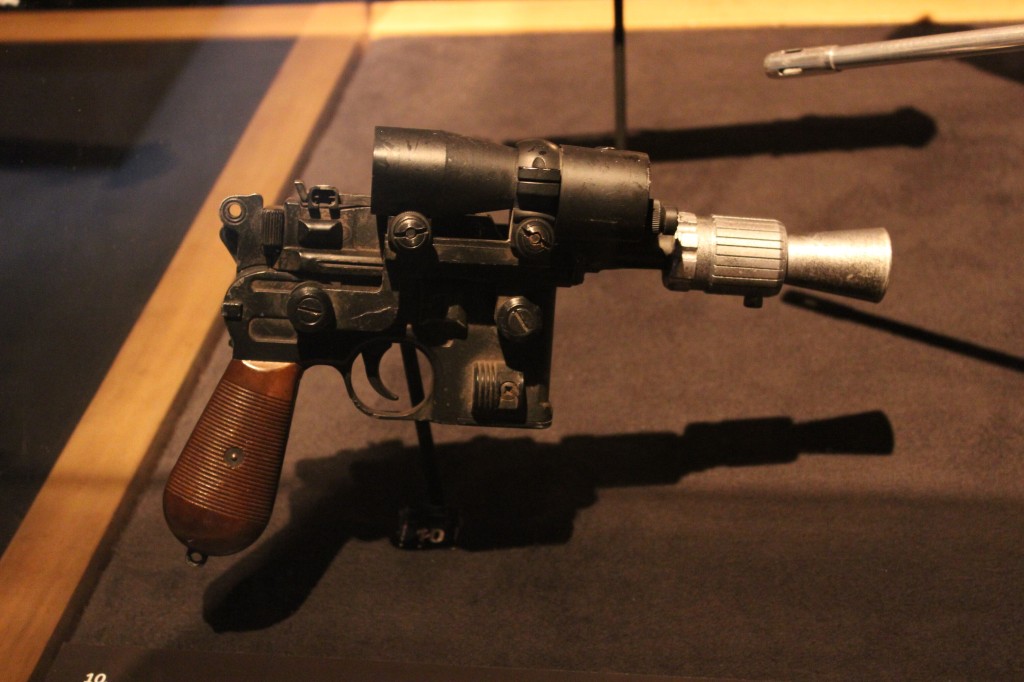
    Luke Skywalker’s Blaster

    Luke Skywalker's blaster

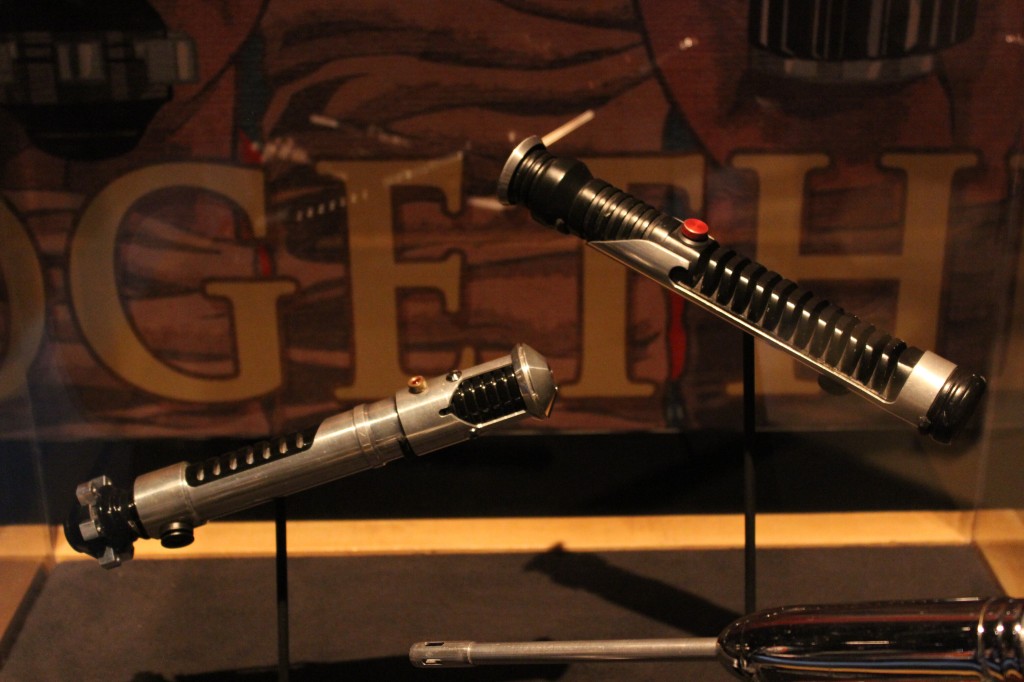
    Obi-Wan Kenobi and Qui-Gon Jinn’s Lightsabers

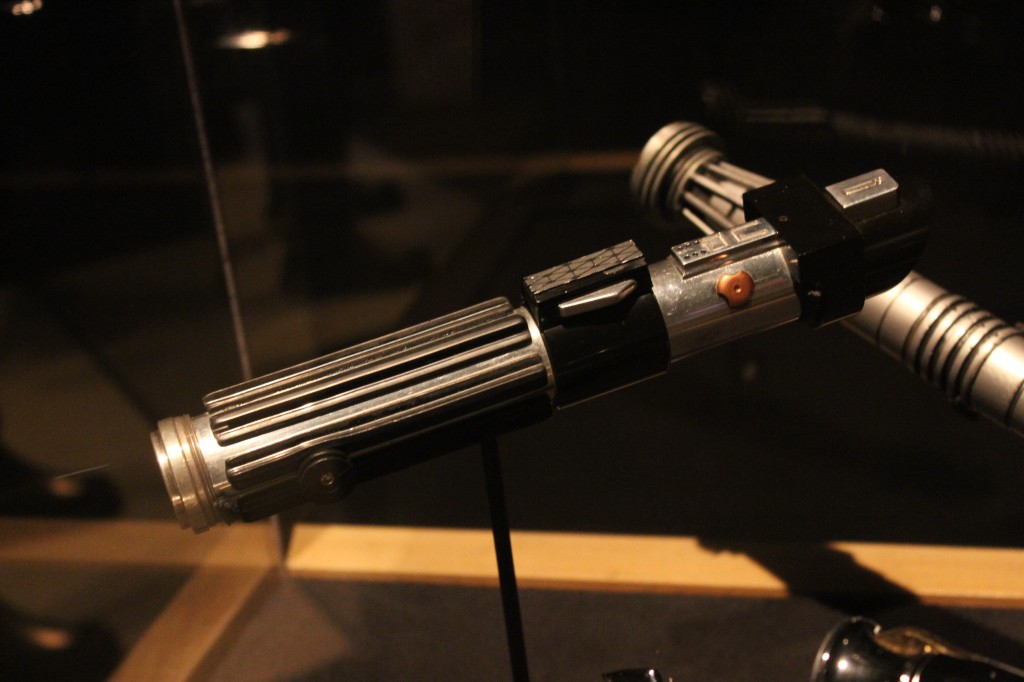
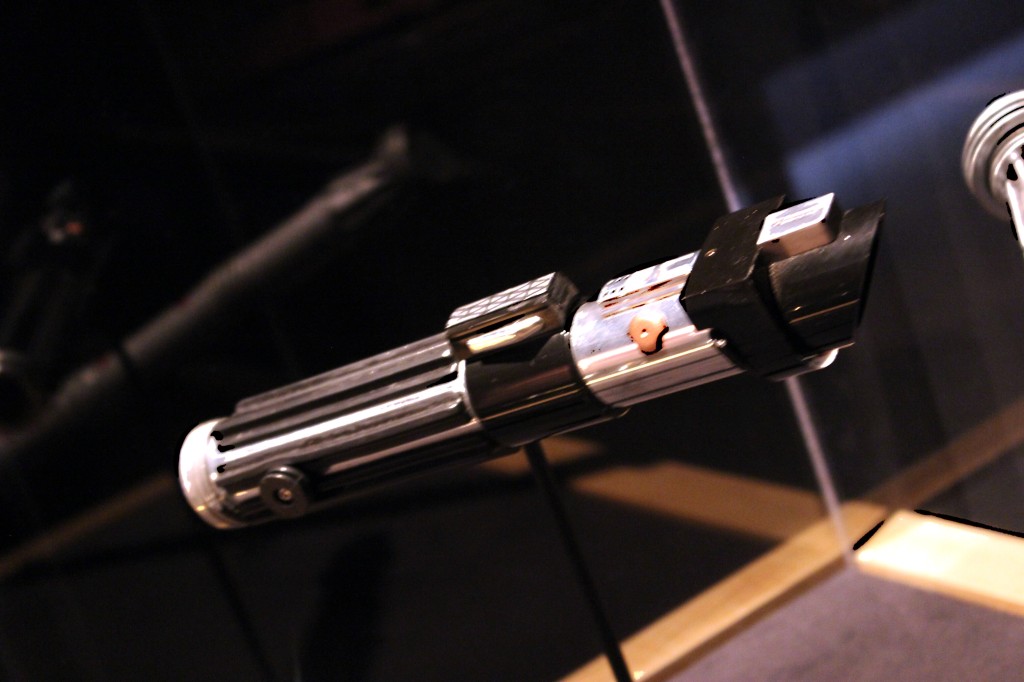
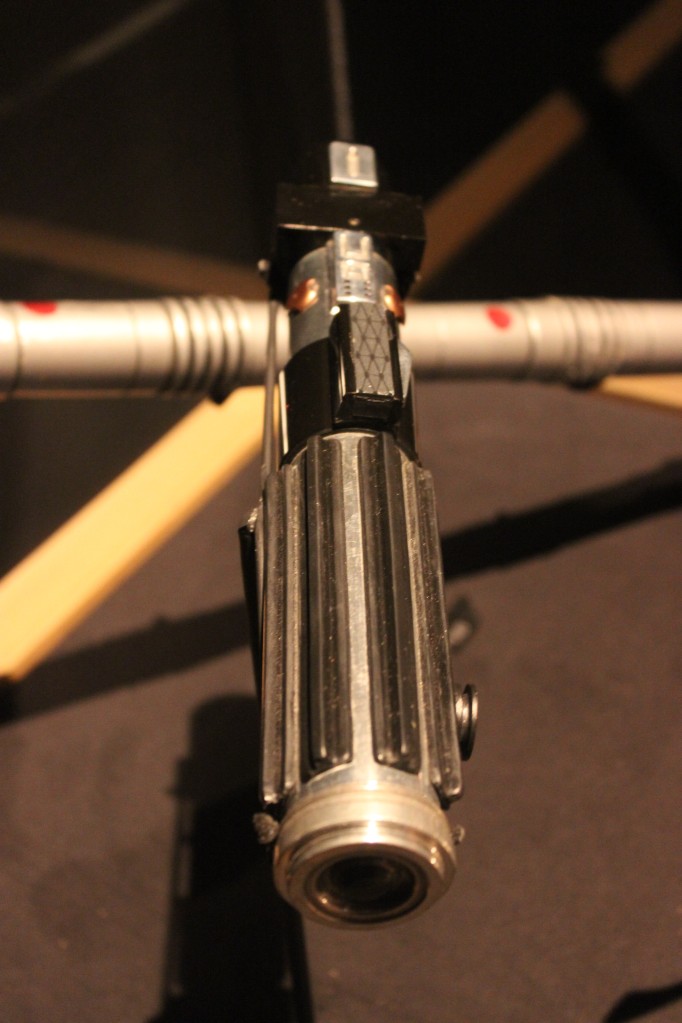
    Darth Vader’s Lightsaber

    Darth Vader's Lightsaber

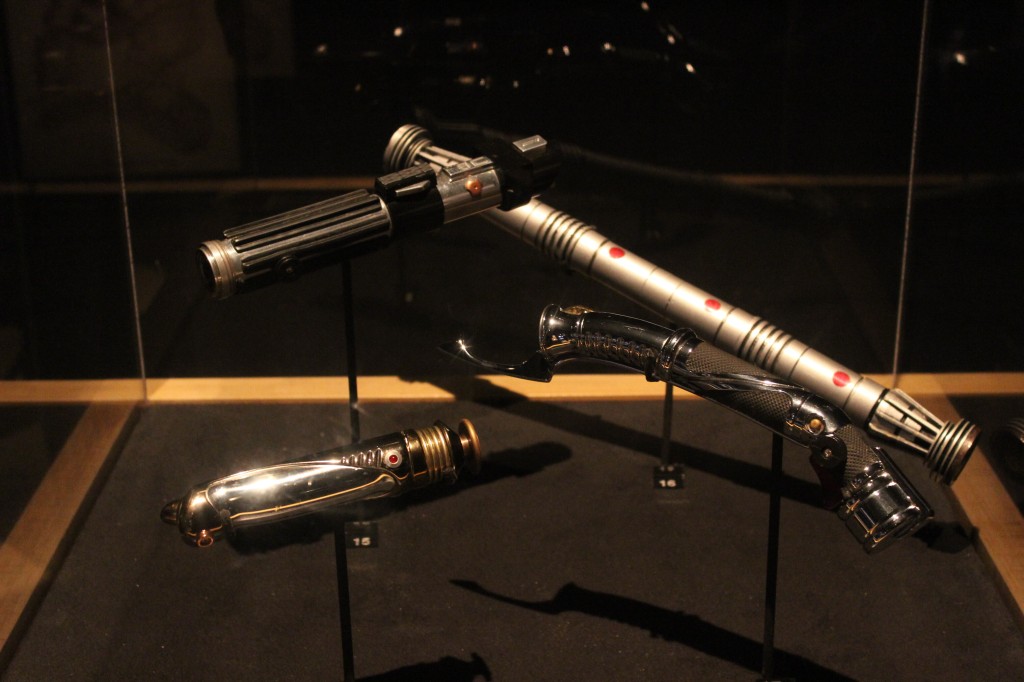
    Sith Lightsabers

    Darth Vader's, Darth Maul's, Count Dooku's, and Emperor Palpatine's Lightsabers

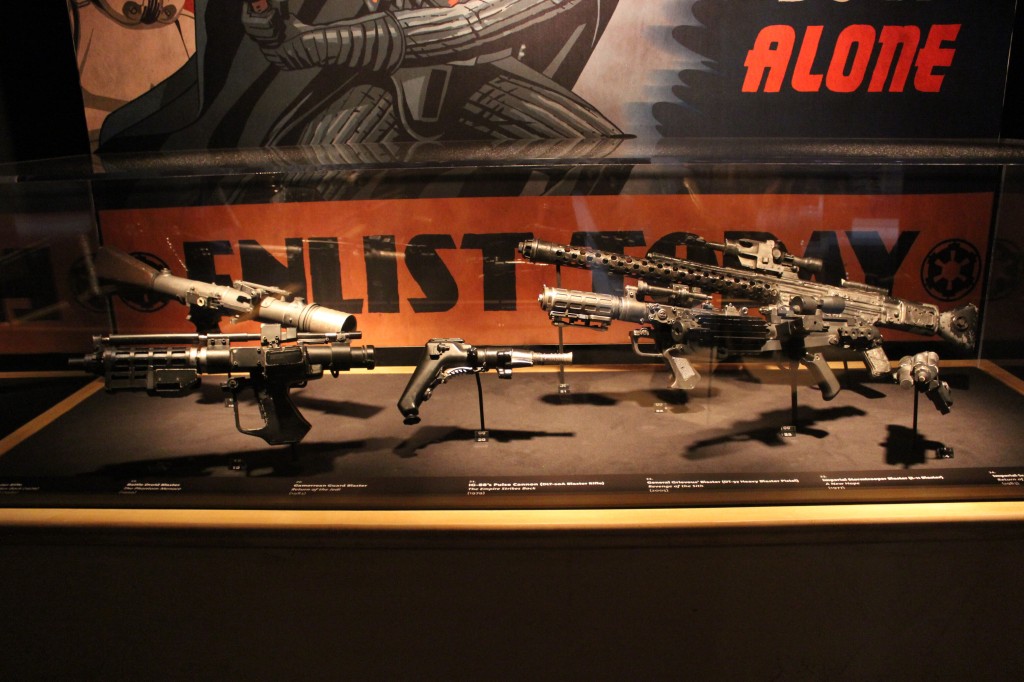
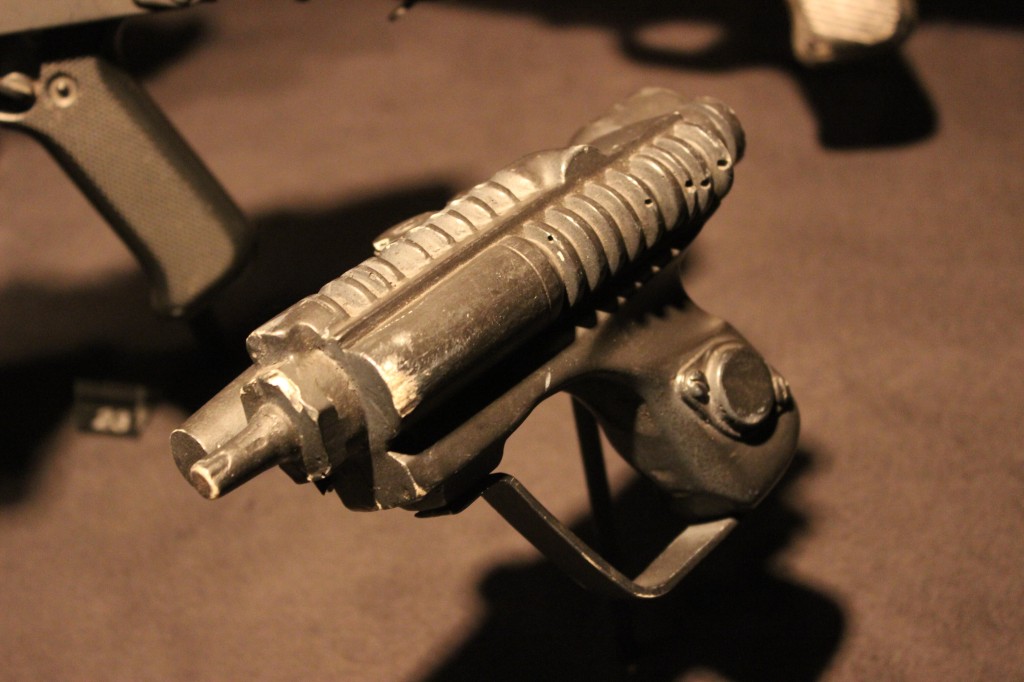
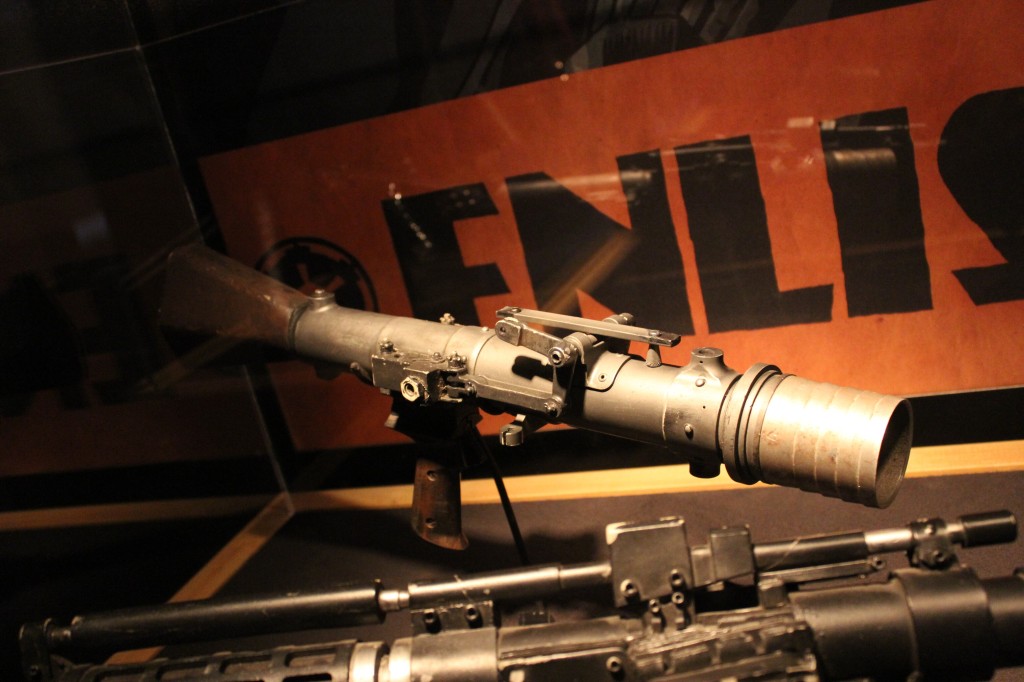
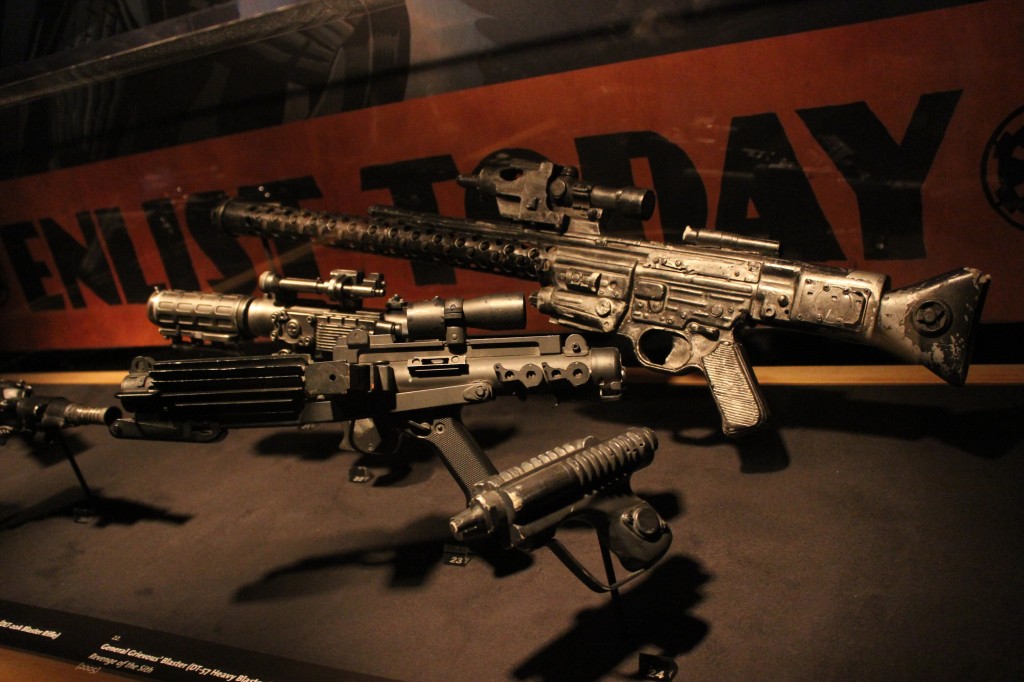
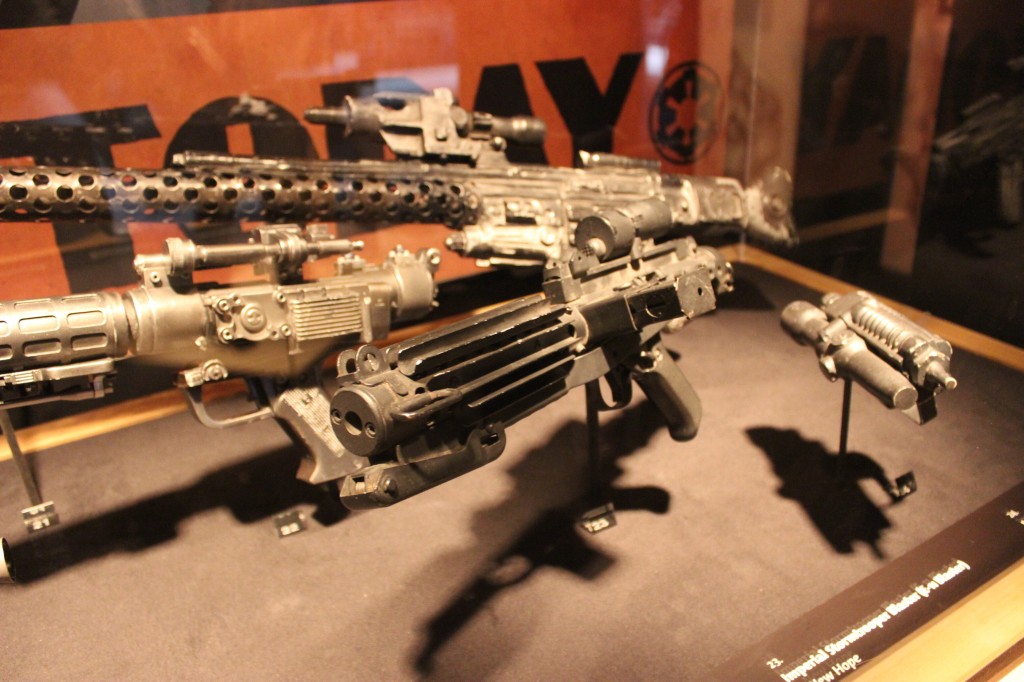
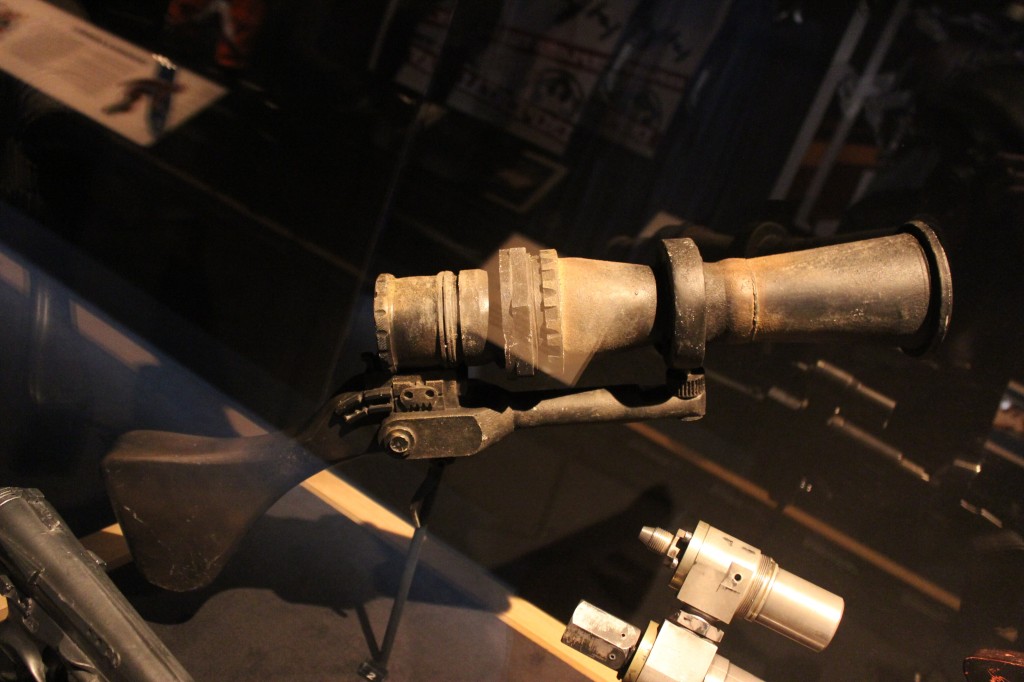
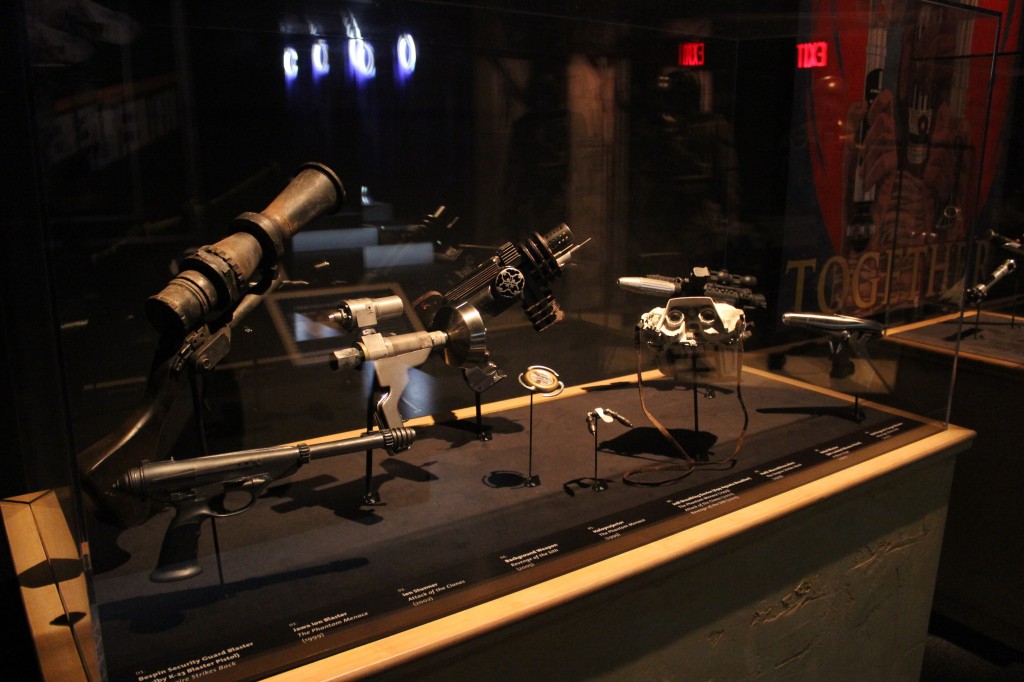
    Villain Blasters and Rifles

    Star Wars blasters and rifles used by the droid army, bounty hunters, and Imperial soldiers

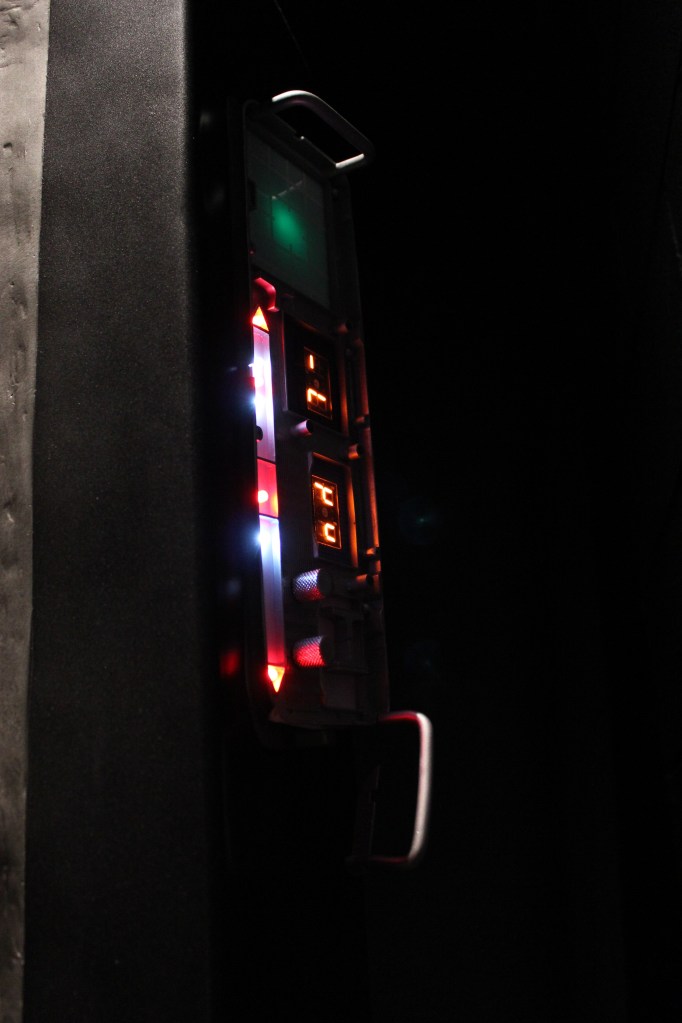
    Other Blasters and Equipment

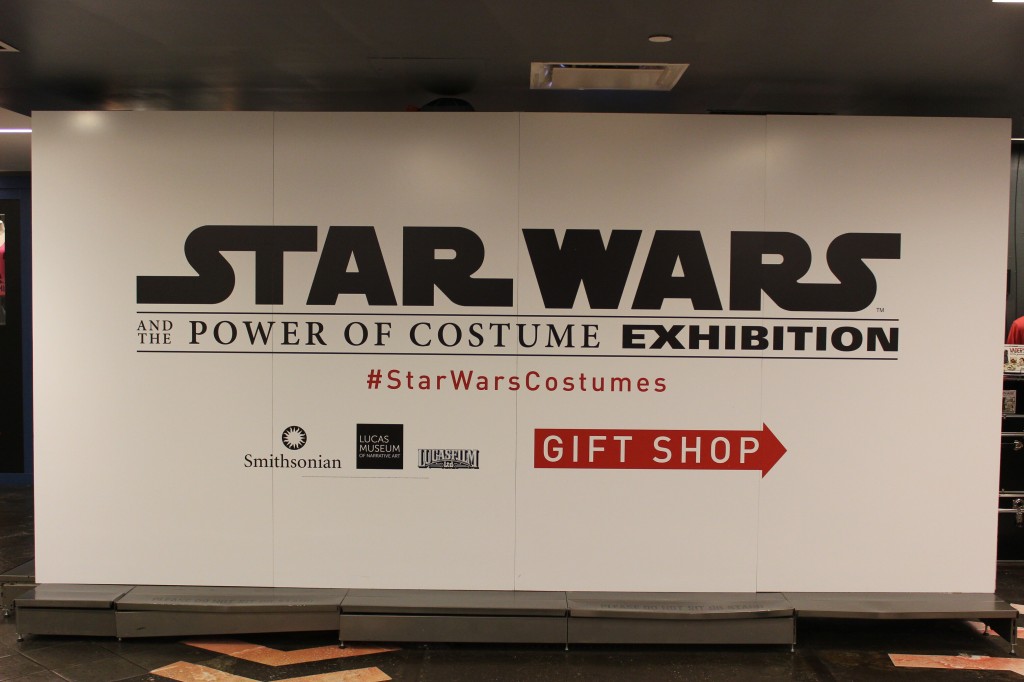
    Signage

  • Mike Flynn (1947-2023)

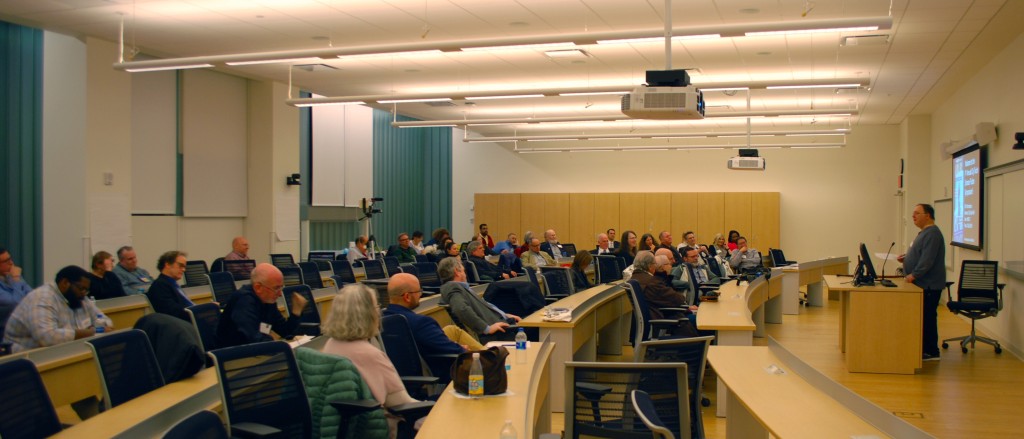
    Mike Flynn delivers the keynote address at the 2019 City Tech Science Fiction Symposium to a rapt audience.

    When you put together an event like a symposium or conference, you need a keynote speaker who can anchor it, pull together its various threads, and share their reputation to elevate the event for the benefit of the audience and participants. Mike Flynn, the author of Eifelheim and “The Forest of Time,” graciously agreed to be all that by closing out the Fourth Annual City Tech Science Fiction Symposium in 2019 that celebrated Astounding/Analog‘s 90th anniversary. He passed away at the end of September. Locus remembers him here, and his family started this thread of memories on Facebook. You can watch his touching keynote address below.

  • Academic Office Evolution 2012-Present

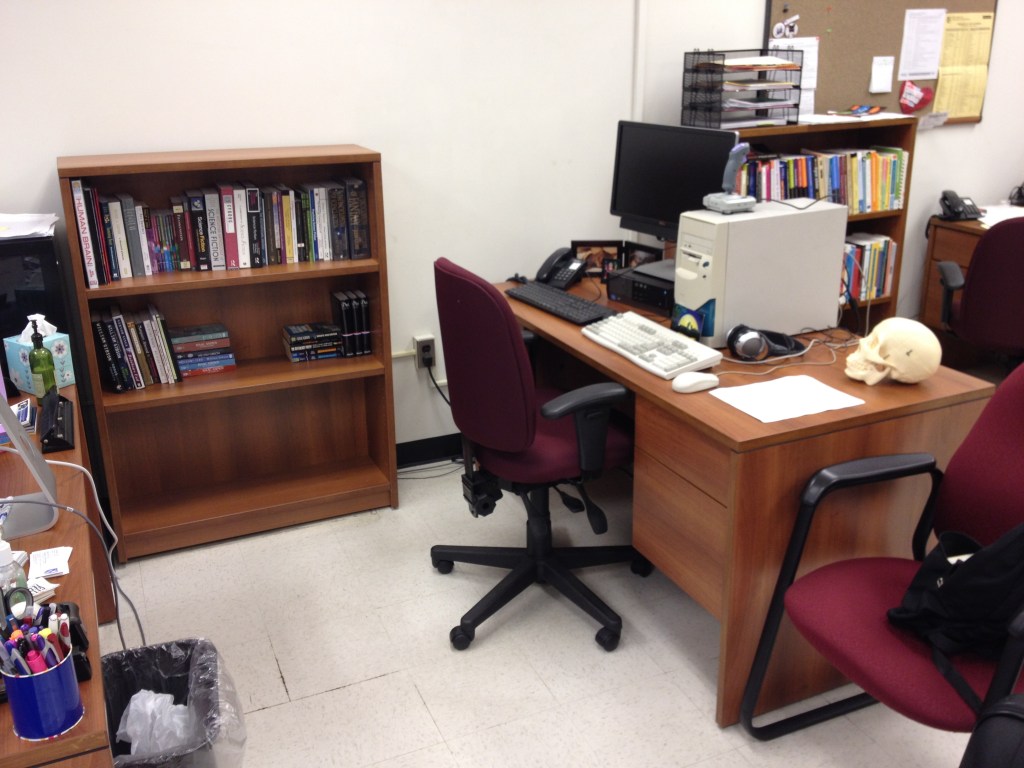
    In my post-PhD academic career, I’ve had two offices–one at the Georgia Institute of Technology and one at the New York City College of Technology, CUNY. Both were/are in shared office spaces. Thankfully, the desks were not shared (a loathsome experience that I had at Mindspring years ago), so I can keep my things on my desk without concern someone will move them or mess with them. Since I spend so much of my life at work, I like to make these spaces my own to make myself and perhaps others happy to be in their proximity. I’ve combed through my photo collection to find the following snapshots of my office spaces over the years.

    2012-2014, Georgia Institute of Technology

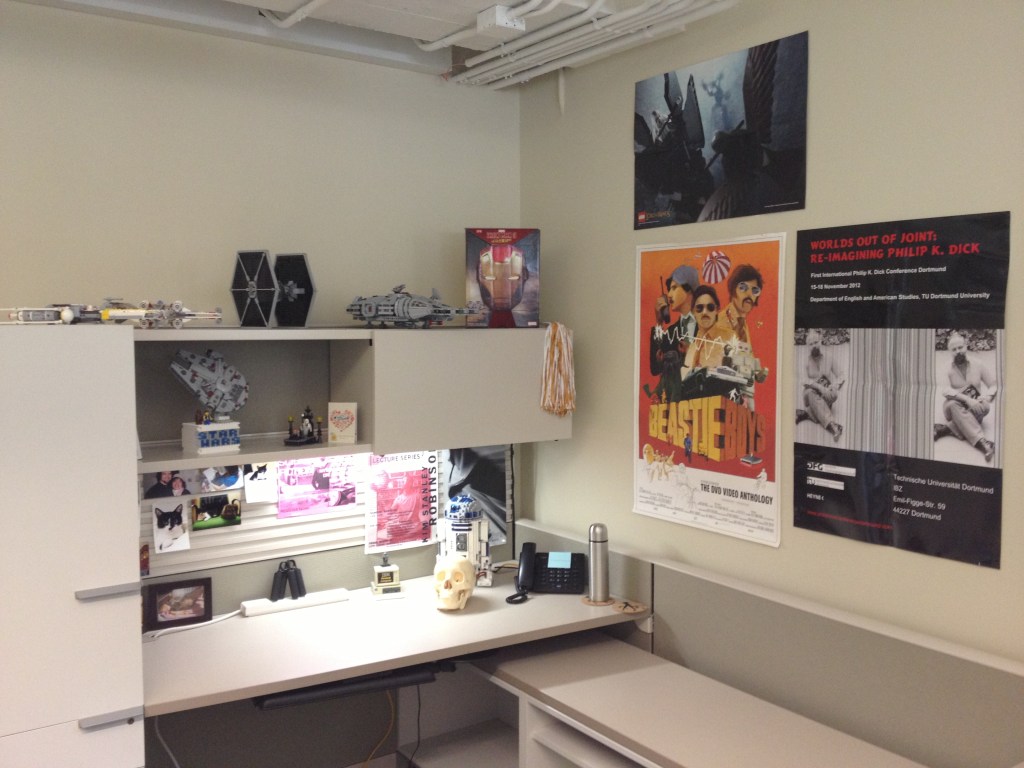
    Fall 2013

    The Brittain Fellows’ office space in the Col. Stephen C. Hall Building has an open floor plan in large rooms with each Brittain Fellow getting a large cubical space with cabinets and shelving. This was a great place to work, collaborate with colleagues, and interact with students during office hours.

    By Fall 2013, I had put up some favorite posters of LEGO LOTR, The Beastie Boys (not realizing that this could foreshadow where I was going next!), and the Philip K. Dick conference that I presented at in Dortmund, Germany. I had some favorite Star Wars LEGO sets and a cool Japanese-imported Iron Man snack box.

    2014-Present, New York City College of Technology, CUNY

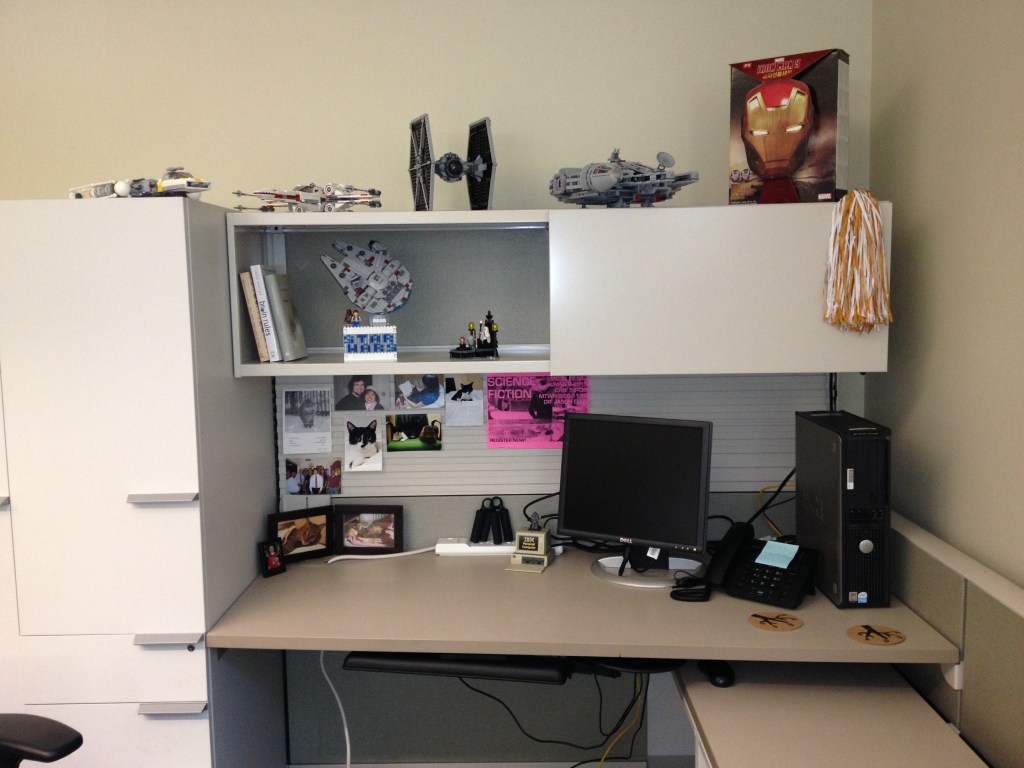
    Fall 2014

    This picture shows my office space within the six-person office that I share at City Tech after I first moved some things in at the beginning of the Fall 2014 semester. Each faculty member gets an allotted square footage of office space within a larger room shared with other faculty members. I have a great cohort of office mates who I have found to be collegial, collaborative, and supportive. It was agreed before I was hired that this office would not employ cubical walls, which might lend itself to a more open atmosphere of conversation and co-working than in other office areas with cubical dividers or fewer number of faculty members.

    Within the next month of Fall 2014, I had added posters to the wall of an Apple I computer board and Star Wars LEGO sets on my desk and bookshelf.

    By the end of the Fall 2014 semester, I had presented a paper at the annual research poster session, which I proudly displayed above my bookshelf.

    Spring 2015

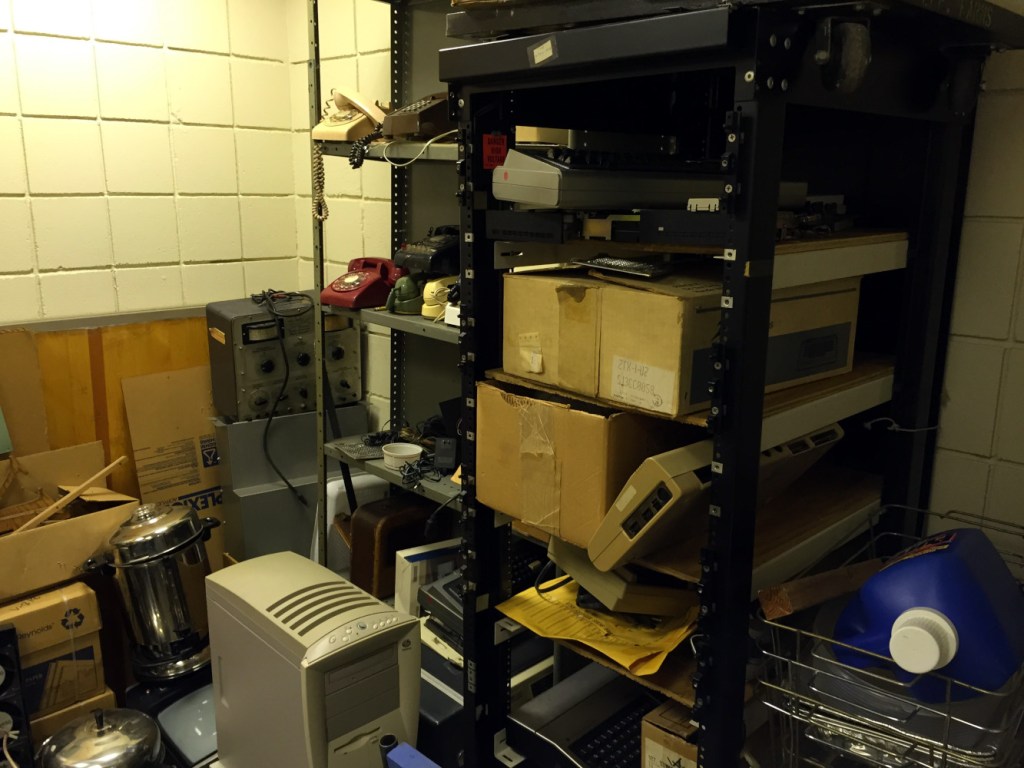
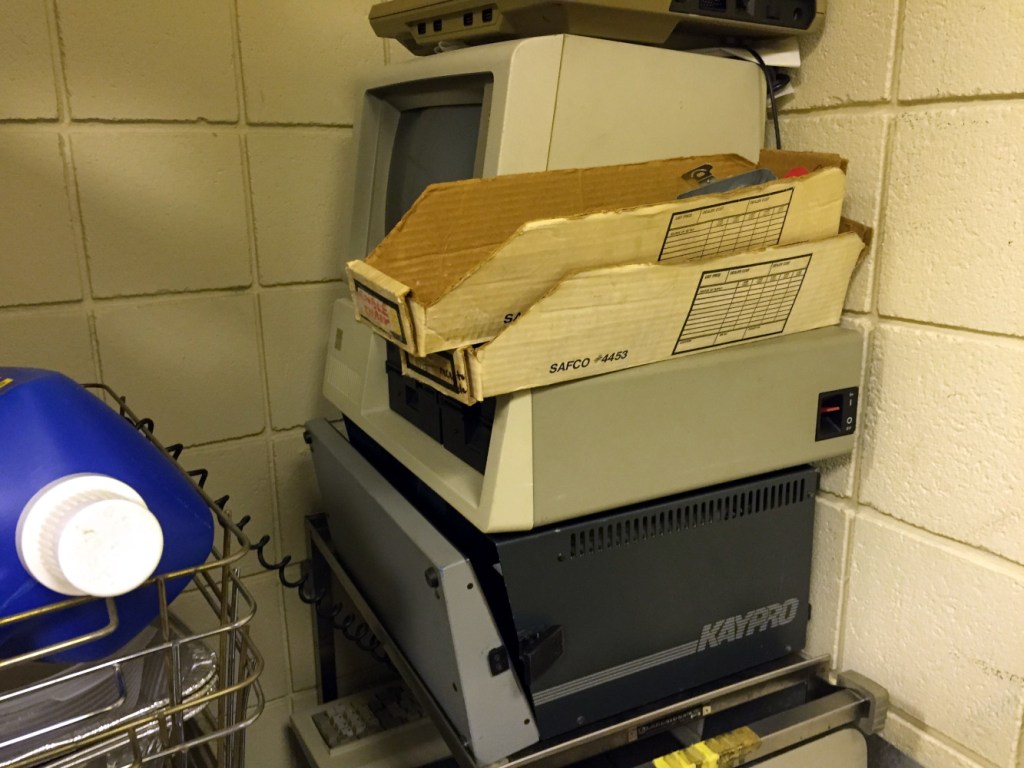
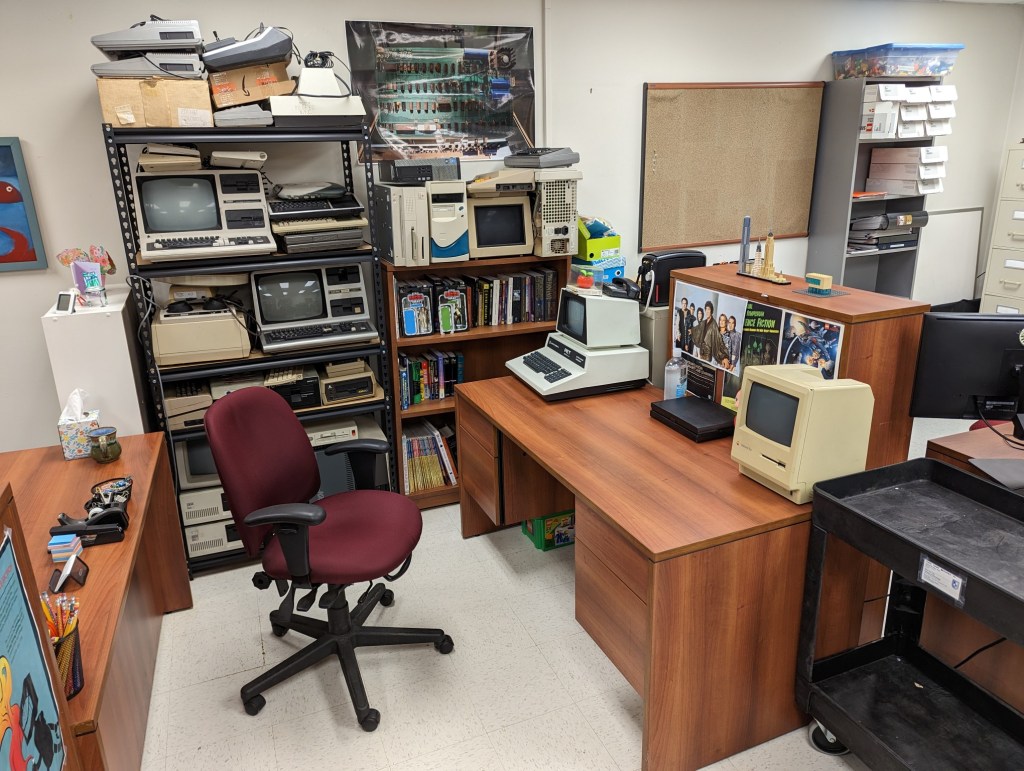
    At the end of Spring 2015, I connected with Stanley Kaplan, a graduate of City Tech in 1969 who has worked as a lab assistant here since then. He had squirreled away these old computers in the Vorhees building.
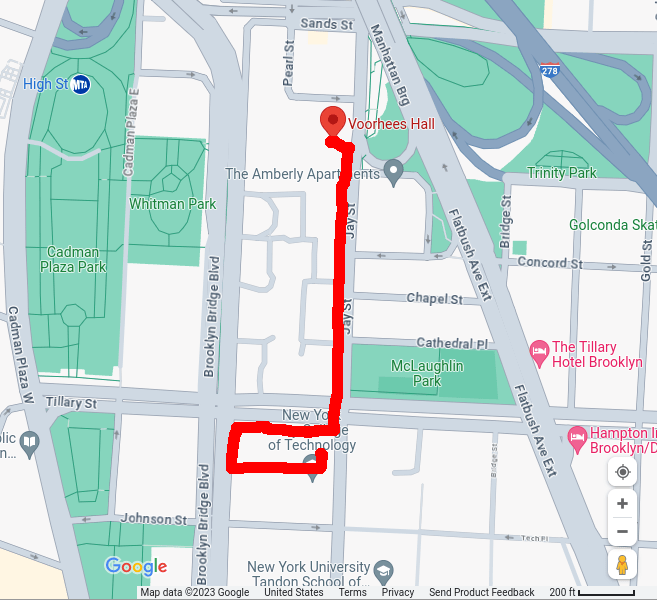
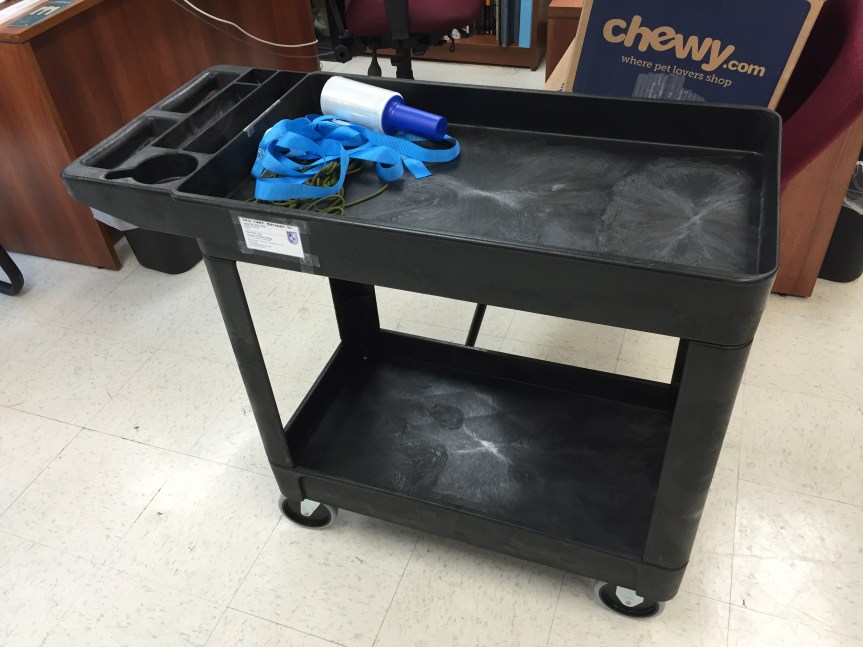
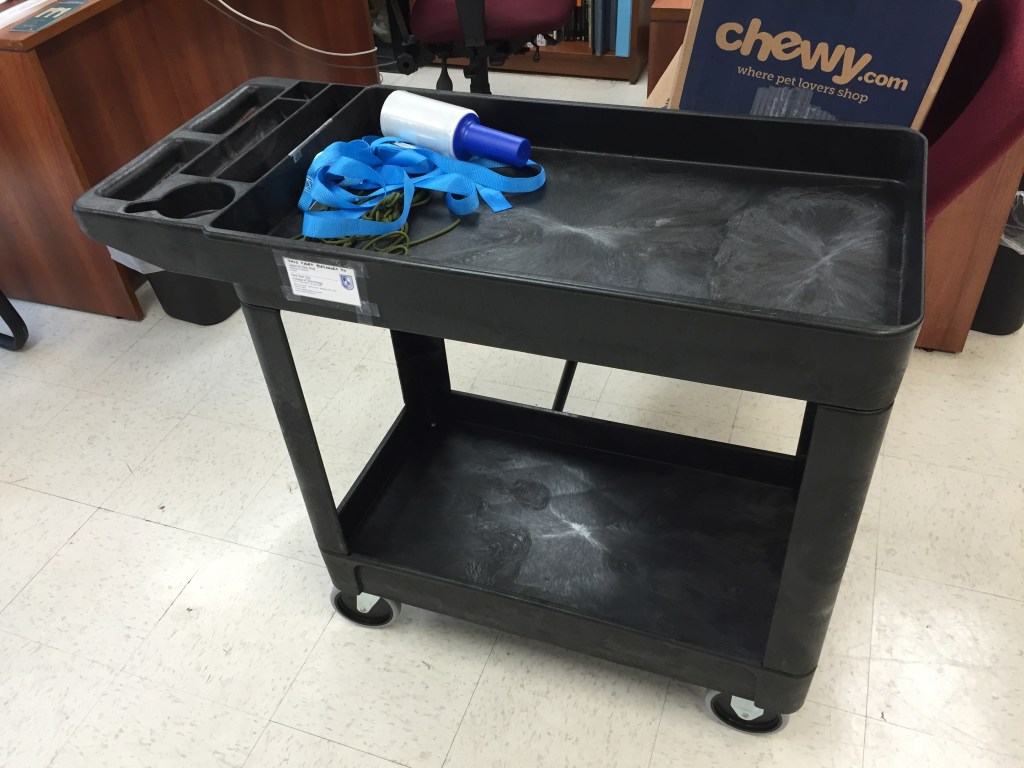
    I purchased the polycarbonate utility cart below to ferry these computers from that building to the Namm Building–a distance of several blocks.
    Summer 2015

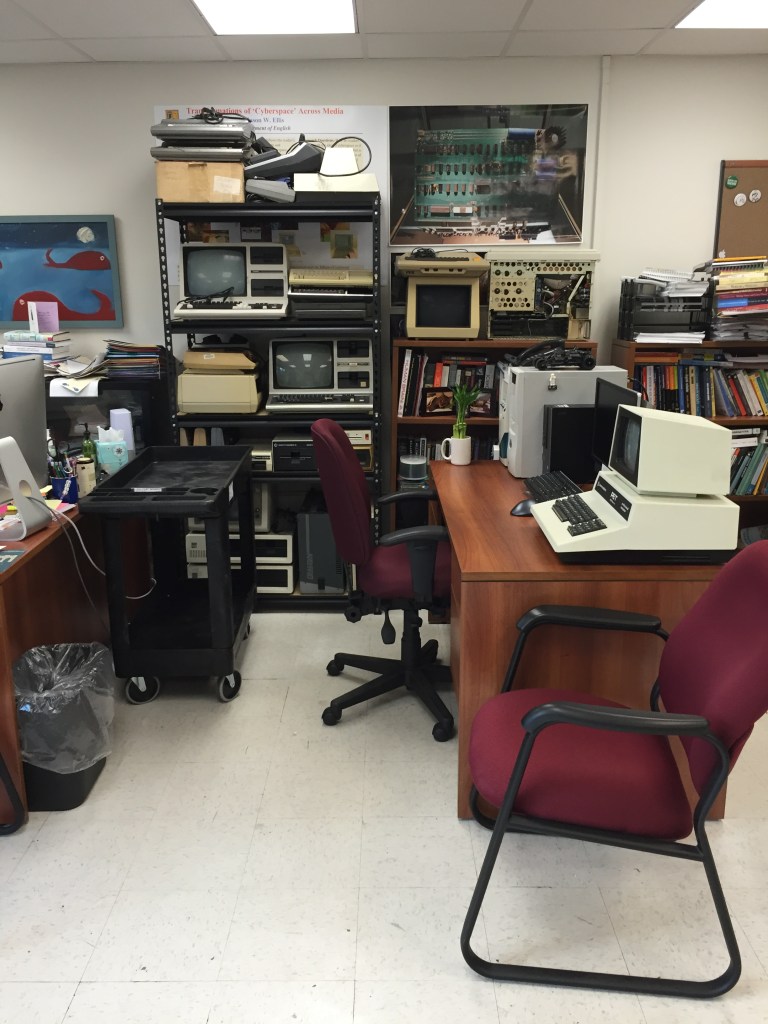
    By the end of Summer 2015, I had purchased a large utility shelf from Lowes, which I setup to hold most of the vintage computers. I positioned it in my bookshelf’s old space and slid the bookshelf over with a little gap to allow me to reach between my desk and the bookshelf for books on it.

    Spring 2016

    In early Spring 2016, Alan Lovegreen and I received 160 boxes of donated books from an anonymous donor in California. Alan had supervised boxing and loading everything in California, and when he returned to Brooklyn, we brought all of the boxes up to our respective offices. Thanks to our understanding colleagues in both of our offices, we were able to store the boxes until the library had cleared enough shelf space for this initial 600-linear foot donation of near-complete runs of the major SF magazines, novels, monographs, and journals.

    In this wide shot revealing all six desks in our shared office from late Spring 2016, you can see that the books have been moved to the library. My desk is the middle one on the left. Patrick is sitting at his desk in front of mine.

    Spring 2017

    By Spring 2017, I was carrying my MacBook Pro to work, so I cleared the center of my desk and daisy-chained the two Dell monitors (I hadn’t used my City Tech-issued Dell desktop since 2014–it’s not pictured here because by this point I had locked it away in my filing cabinet at the front wall of the room).

    The LEGO sets on my desk in 2017 were a MOC of Tony Stark’s workshop and Doctor Who’s TARDIS 21304.

    Also, I use the computers beside my desk to show off some of the postcards that Y and I receive via Postcrossing, which I’ve written about here and here. Admittedly, I have convinced some students that I was a distant friend of the British Royal Family with these!

    Spring 2018

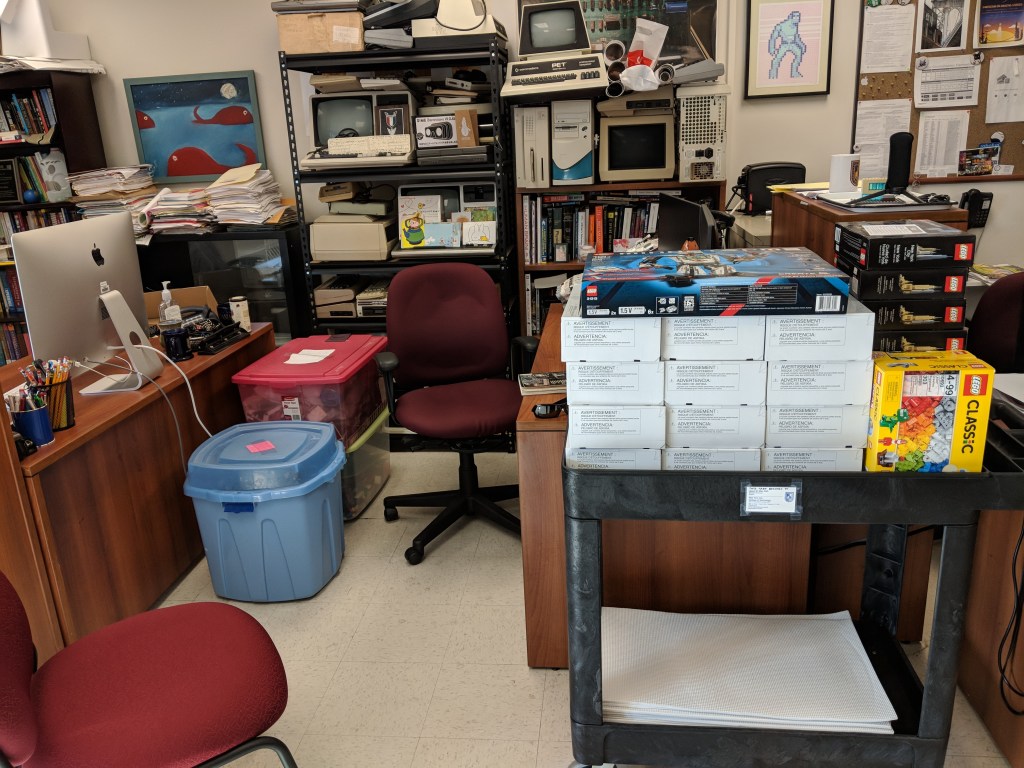
    By the beginning of Spring 2018, my desk area had been overrun not only by the vintage computers but also by LEGO sets that my colleague and officemate to the right of this photo had acquired through grants. You can see that we now use the utility cart to move the LEGO sets around to our classes.

    Fall 2018

    Before the beginning of Fall 2018, I had donated my twin Dell monitors to Patrick so that he could have a super-wide 4-monitor setup on his desk. This opened up my desktop workspace considerably!

    Summer 2019

    At the beginning of Summer 2019, my cousin Ryan Cox gifted me his old clamshell iBook for the Retrocomputing Lab.

    Fall 2019

    By Fall 2019, my desk was once again overrun with LEGO sets–mostly Avengers (including my MOC/MOD Avengers Tower on the left) and some Star Wars. I was using my ThinkPad X220 as my work computer in the office and classroom.

    Then, the pandemic happened, and I rarely visited the office.

    Fall 2022

    During the pandemic, we received a sizable donation of books and magazines from Charlie Seelig and others. By Fall 2022, most of the boxes had accumulated in my office. They are in such pristine shape thanks to the United States Postal Service (sarcasm).

    Spring 2023

    At the end Spring 2023, I moved all of the donated boxes of books into the library and shelved most of them as I wrote about here, here, and here on the Science Fiction at City Tech website. While there is still a lot of stuff in my office space, it is tidy and clean while I am away on sabbatical.

    Reflection

    My office space reflects the ebb and flow of my work and projects. It reflects aspects of my life that I choose to share in the workplace with my colleagues and students. Those reflections are also things that I want to see as a reminder of what brings me joy and happiness. Having more than books and office supplies at my desk makes me glad to inhabit this space while I am at work. On occasion, it has brought some happiness to students and colleagues, too.

  • Buy Used Laptops to Save Money, Obtain Older High Tier Gear, and Reduce Ewaste

    Since Y and I moved to Brooklyn, we’ve focused our XP grind on budgeting, scrounging, and saving.

    At the core of making ends meet is identifying those things that are negotiable and those that are not. For example, coffee is a negotiable for me. I don’t have to have a $4 Starbucks everyday. Instead, I’m happy to get my caffeine fix from discount coffee brewed at home and carried in an efficient Zojirushi thermos. The A6000 video card that I use in my desktop computer is not negotiable. It’s an investment in my work that should pay a dividend in the future.

    While my desktop computer fits into my non-negotiable category, my laptop computer, which I carry to work daily and use for remote work and classroom instruction, is negotiable. My only requirements for a laptop is that it is stable, has a good keyboard and trackpad, and weighs 3 pounds or less. Certainly, there are many new laptops that fit this bill, but there are also many used laptops that also fit this bill. In fact, a used, well-cared for laptop can have a powerful feature set, albeit a few generations old, that can hold its own against today’s computing rigors. This means that a used laptop with high tier features might cost a fraction of what it cost new. Furthermore, getting additional life out of a used laptop will keep it from winding up in ewaste too soon, which is a bonus for the environment and our collective health impacted by ewaste and the industrial impact of processing it.

    My First Used Laptop: ThinkPad X230

    I purchased this ThinkPad X230 on eBay in 2018 (and wrote a review of it here). It looked and worked as if it were brand new. I used it for my remote work, classroom instruction, and travel until early 2020 (just before the pandemic began). By that point, it felt like it was getting long in the tooth for some of my software (e.g., Wolfram Mathematica), so I was thinking about selling it. One day, my colleague Aaron Barlow saw me using it at City Tech and he asked me to let him know if I hear of any similar machines available for sale. I offered him this one, which he bought a week later after I had wiped the drive and reinstalled Windows 10 for him. He got some use out of it for his writing, and his partner continued using it after he passed away.

    My Second Used Laptop: Lenovo ThinkPad X270

    My Lenovo ThinkPad X270 open to the Debian 12 xfce desktop.

    During the long at home time of the pandemic, I didn’t rely on a laptop–I just used my desktop for work and remote instruction, and I read on my Microsoft Surface Go tablet. Then, when it looked like things would be opening up again, I got a Lenovo ThinkPad X270 from a seller on eBay in December 2021. It was slightly lighter and slimmer than the X230 I had before. Also, my computing needs had changed, so I ran Linux Mint on it from the beginning (but I recently switched to Debian 12 Bookworm on it and my desktop). It was also easy to upgrade to a 1TB NVMe drive and 16GB DDR4 RAM.

    NB: After upgrading your computer’s RAM, remember to run a full diagnostic test with memtest86+. Being in a rush, I installed this 16GB RAM module and went directly to work. Unexpectedly, I occasionally experienced random errors and reboots. I should have tested the RAM before using the laptop for work. Once I identified the error, I was able to exchange the RAM for a new module that passed memtest86+ successfully.

    Lenovo Thinkpad X270 disassembled on my desk.

    How to Find Your Own Top-Tier Used Laptop

    • Spend time identifying your non-negotiable and negotiable features on the laptop. Think about how and where you use the laptop. If power outlets are a premium where you are or you simply don’t want to lug around an AC adapter, you will want to prioritize battery capacity. Or, you might need more computing horsepower and have easy access to power outlets, so a speedier model with less battery capacity might be okay for you. Another important consideration is video output (HDMI, mini HDMI, USB-C + dongle/adapter, etc.). I would suggest writing down these lists in two columns so that you can make sure you don’t overlook a non-negotiable feature or miss a negotiable feature that would be nice to have.
    • With your non-negotiable and negotiable lists in hand, look through Wikipedia, Google Searches, and computer seller websites to get a sense of what laptops were available several generations back. With model numbers, you can also search Google, Reddit, and other social media for reviews. You want to be careful to avoid error prone models (e.g., a model that was known to have problem X).
    • While there are deals to be found on Craigslist or Facebook Marketplace, there is more risk purchasing from someone through those services than eBay. The longstanding online auction house has several features built-in to help protect us buyers. First, buyers and sellers rely on the feedback system. You can see what a seller’s feedback is like (switch to their seller feedback to get the best picture of what matters to you as a buyer), and you can see other metrics about what other buyers thought of the seller’s communication, speed to ship, etc. Second, eBay offers buyer protection through their “eBay Money Back Guarantee.” Third, many (but not all) sellers offer returns on the items that they sell. However, you will want to read their terms and conditions carefully before bidding or purchasing an item. And, that is also a general rule: If you have a question about a product, you should message the seller before bidding or purchasing the item.
    • Study listings carefully. While you are looking at all of these listings, spend time studying the photos and descriptions. If a seller is too lazy to write a description of the item for sale, I pass on those. Similarly, if a seller takes too few or blurry photos, I pass on those, too. If a seller says that the item being sold is similar to but not the item pictured, I pass on those. Despite these issues, if you are interested in an item, then that’s the time to message the seller for more details. You can ask for more photos or a description of the item. If the seller responds to your inquiry, that is a good sign, but if they don’t, you should pass.
    • Be patient. Finding a good deal that meets your non-negotiable parameters usually doesn’t happen right away. You need to educate yourself about the currently acceptable prices for the particular hardware that you are looking for. On eBay, you can do this by filtering your searches to “Sold Items.” This will give you an idea about what others are paying for similar items and gives you a metric for a deal that might fall below the currently accepted price for that item.
    • When you get your new, used laptop, feel good about saving some money, getting solidly capable computing equipment, and saving a computer from joining the ewaste environmental catastrophe earlier than its time.