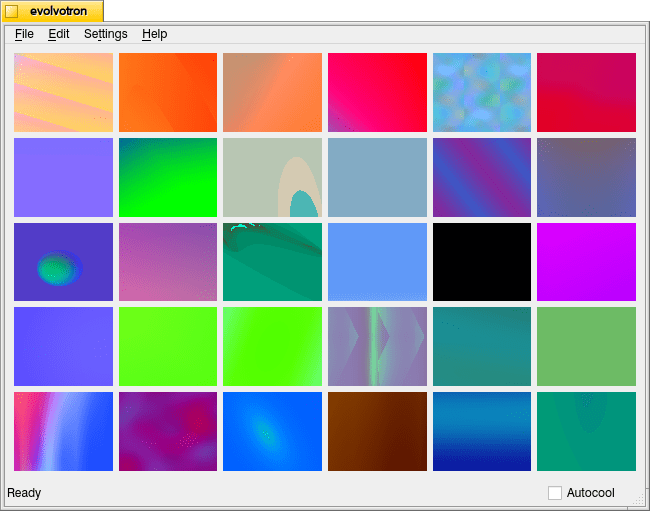
Another such image generator program is Evolvotron. It can generate fractal-based images with different patterns, colors, and shapes.
It has an interactive interface driven by user choices in response to a field of different images–each generated from a different set of parameters. Based on this initial field of images, the user can choose File > Reset (or press R on the keyboard) to generate a new field of images.
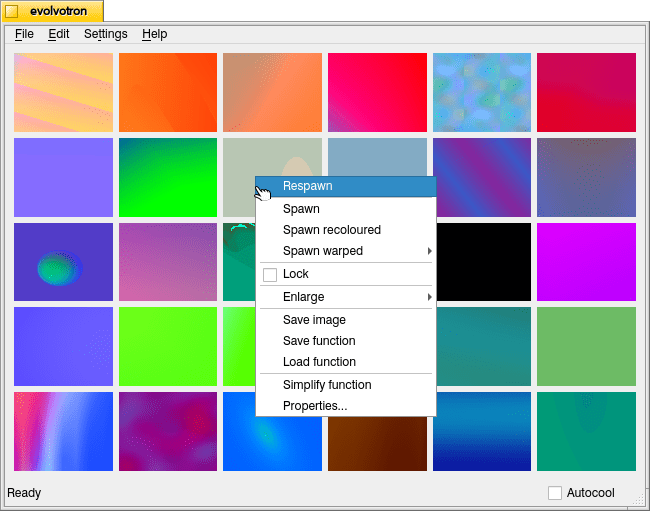
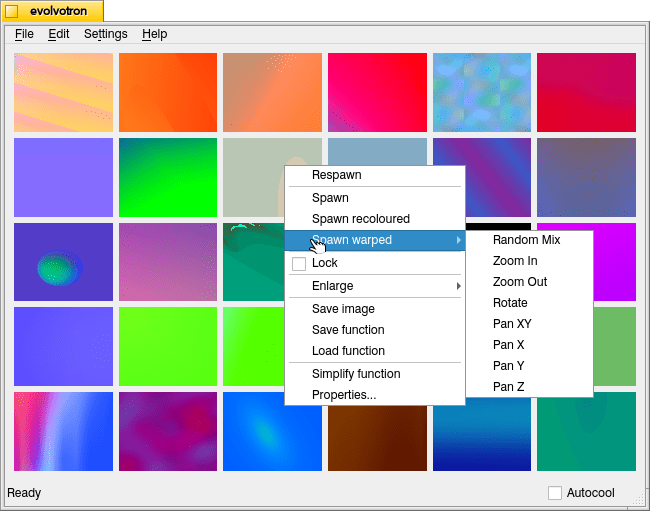
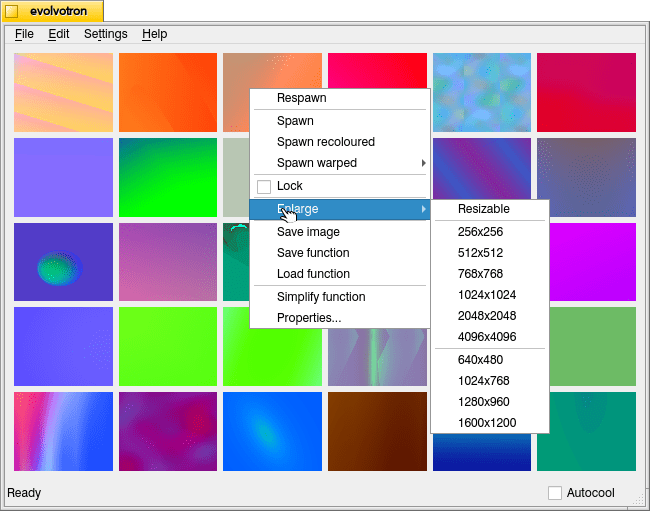
When one of these images is one that the user likes or would like to explore more, they can right click and choose to Respawn (just the one square), Spawn (generate images with adjacent parameters), Spawn recoloured (same originating parameters but different colors), and other functions such as Spawn warped (below), Enlarge (below), and Save.
Below are a few images at 1024 x 1024 that I generated with Evolvotron.
I installed Evolvotron from the Debian 12 repositories. It can also be downloaded for various Linux distributions here, and it is available for MacOS X via Fink.
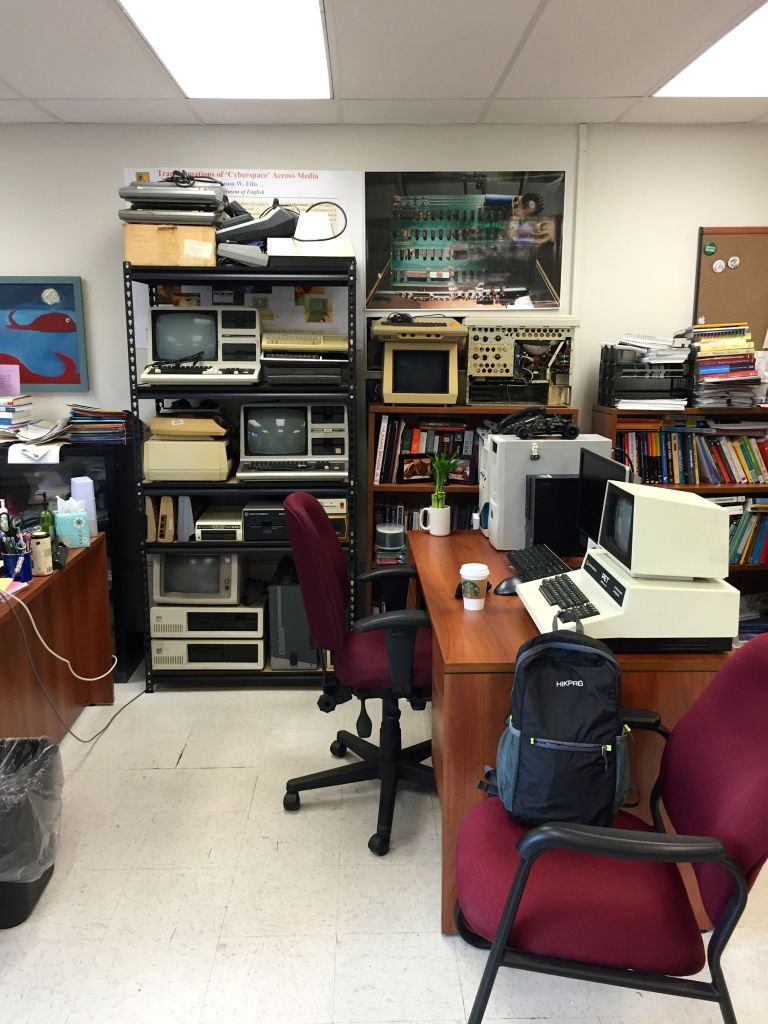
I’ve written some about starting the Retrocomputing Archive at City Tech in my cramped desk area in Namm 520 here and here, but I don’t think I’ve written about how I moved the bulk of the lab’s holdings that belong to City Tech from one building to another.
At a semi-enclosed campus, it might seem relatively easy to move equipment around, but when your campus is like City Tech’s, which is essentially a clusters of buildings on busy, big city streets with security and protocols it can be a real headache. Here’s how the move went down.
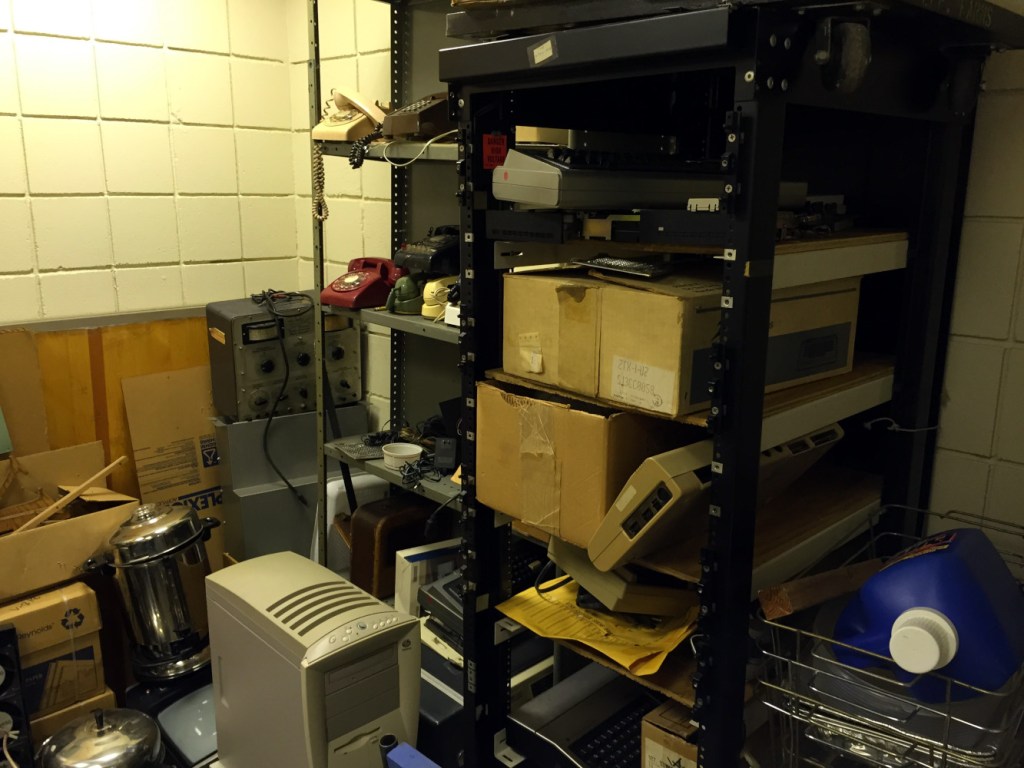
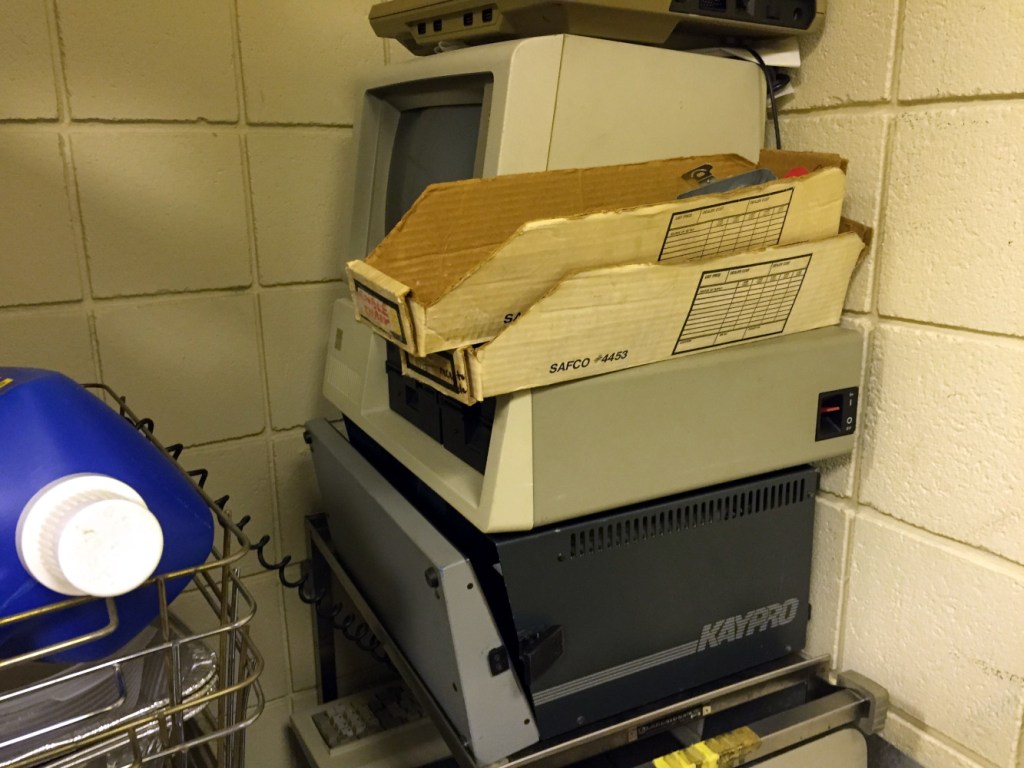
In 2015, I learned through Mary Nilles, my dearly departed English Department colleague, that Stanley Kaplan, Senior CLT Assisting the Dean of the School of Technology and Design, had been keeping a collection of forgotten, vintage computers in a closet on an upper floor in City Tech’s Vorhees Building and the dean wanted the closet cleared out.
I reached out to Stanley who gave me a tour of the large closet’s treasures seen below.
I told him that I definitely wanted to move the computers into my office for the Retrocomputing Archive, but I would need to figure out the logistics of it since I didn’t have a car to move everything from one building to the next and a cart to carry the items from the top of Vorhees to the street and then from the street into the bowels of the Namm building where my office is.
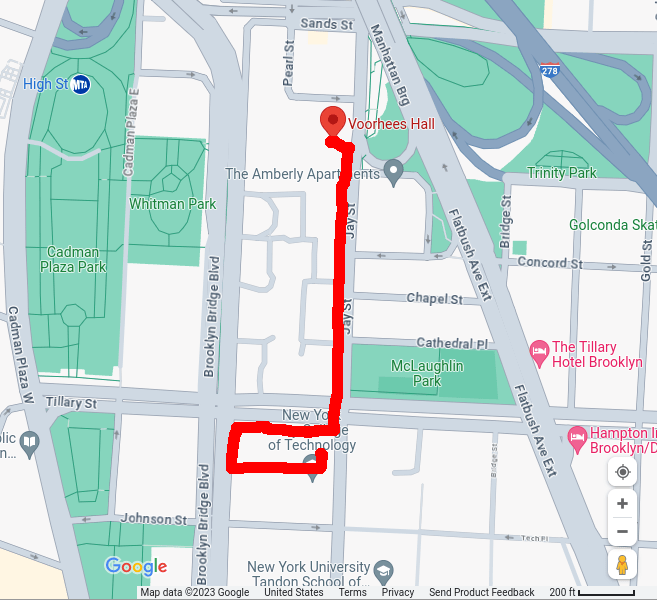
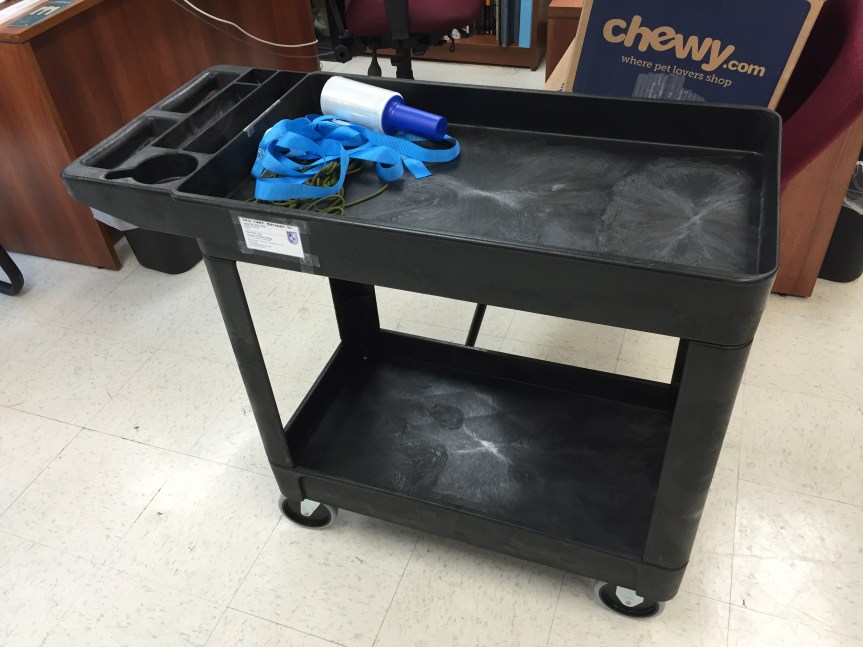
I already had nylon straps and plastic wrap from our move to New York from the year before, which I could use to secure everything on a cart, which I didn’t have. So, I purchased up a heavy duty utility cart from Lowes for about $60 (I just looked and the price is up to $130 now!), and carried it boxed (~35 pounds) across the parking lot, down the street, up the stairs to the above ground subway at 4th Ave/9th St, up the steps at Jay St/Metrotech, two blocks down Jay St into the Namm Building, elevator ride up, and dropped it next to my desk exhausted. I assembled it in the office (I had considered assembling it in the Lowes parking lot, but it would have been too awkward to carry up the steps at the 4th Ave/9th St station.
For each load of computers from Vorhees to Namm, I put the heaviest equipment on the bottom and completely filled the lower shelf space to give it as low a center of gravity as possible. I stacked the top as reasonably as I could. I strapped it down and used the plastic wrap to secure smaller items that might wiggle loose during the rattly trip through Brooklyn.
There were pros and cons about moving the computers from Vorhees to Namm. Leaving Vorhees and walking to Namm on Jay Street is down hill. However, the weight of the computers on the cart made it a strenuous task to hold the cart back from careening down the hill. The sidewalk is also uneven, broken, and pieced together with different kinds of material, which had to be navigated over and around. And, of course, there were the pedestrians, which occasionally made the move like a game of Frogger.
I was able to move the bulk of the equipment in three trips. I might have gone back to pick up a few other things, but the second trip also turned out to be the most stressful. I never had any trouble with security at the entrance of Vorhees. I showed them my faculty identification and told them that I was taking the equipment to Namm. During the first trip into Namm past security, I wasn’t questioned about the equipment. Probably because logically I am bringing things into the building rather than attempting to walk them out, which I imagine happens on occasion.
But, on the second trip into the Namm building, security stopped me and grilled me about what I was doing. Eventually, they led me to the security office on the first floor where I had an unpleasant conversation with the former public safety director about processes, protocols, and policies that admittedly serve a purpose in most cases but in an edge case like this.
Despite the computers no longer appearing in any equipment databases, Stan and I had to fill out overzealous paperwork that had to be signed off exiting and entering a building. Individual items’ serial numbers weren’t checked against the paperwork, so it seems to have been bureaucratic onanism that added unnecessary labor to an already difficult project.
Nevertheless, I moved the equipment into my limited office space and later purchased garage storage shelves to hold most of the larger computers with others on top of my official issued bookshelf and desk and others stacked into my filing cabinet.
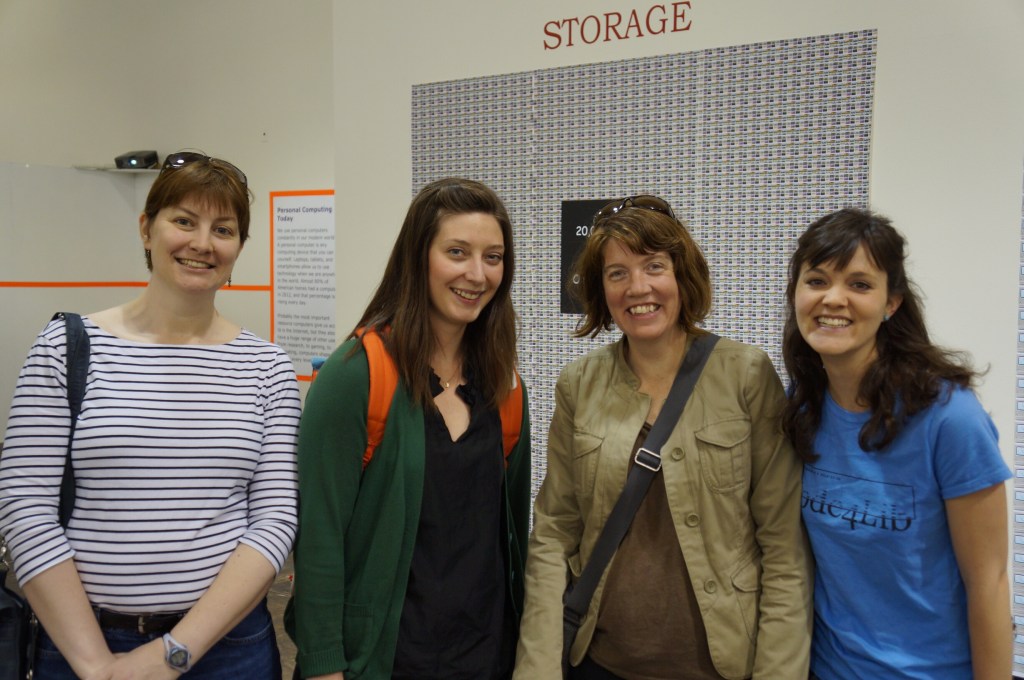
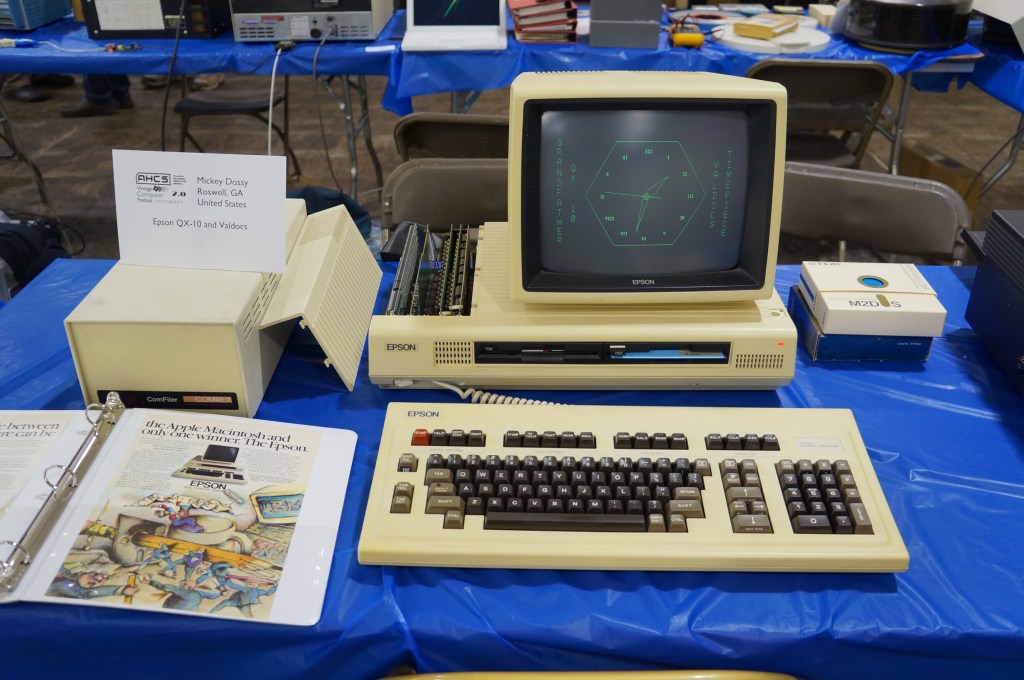
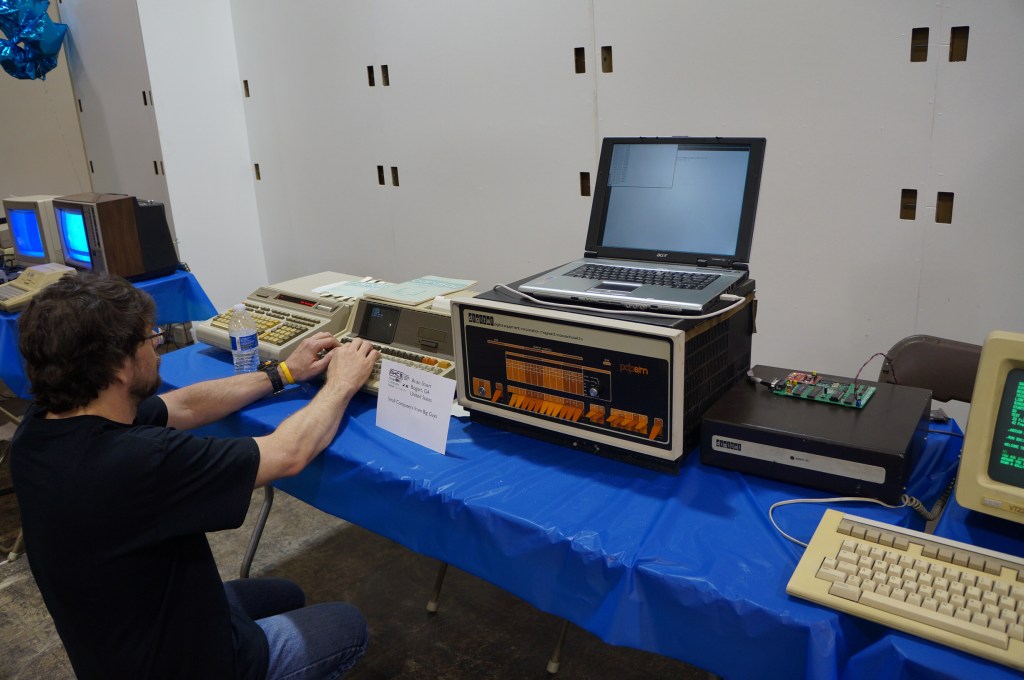
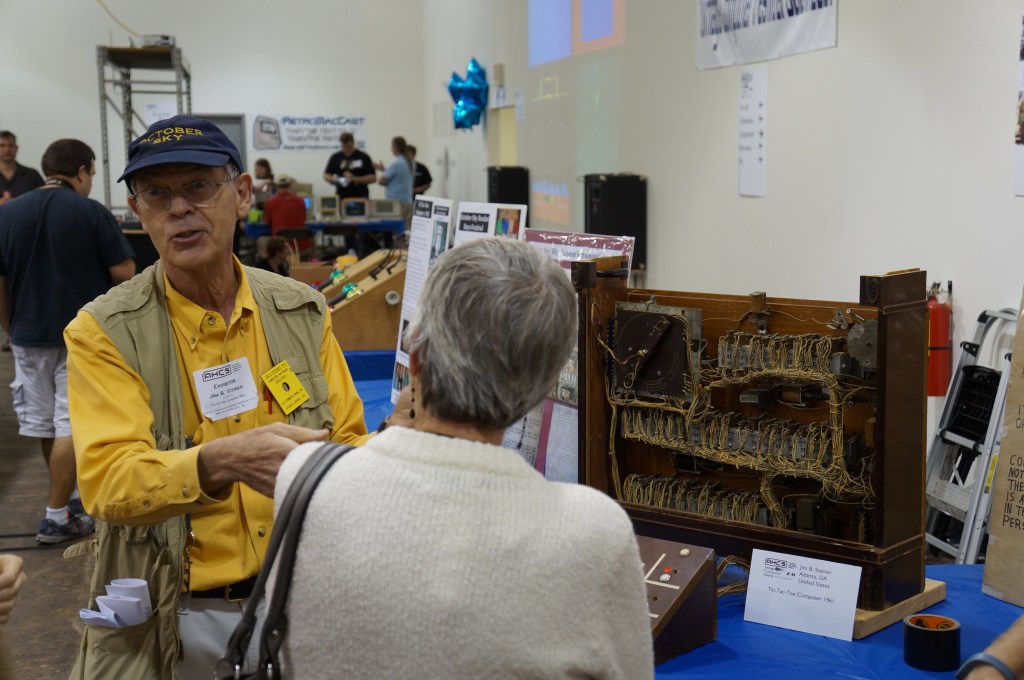
For the second Vintage Computer Festival Southeast (VCFSE 2.0) in 2014, I went with my Georgia Tech Library colleagues Sherri Brown, Lizzy Rolando, Alison Valk, and Wendy Hagenmaier (I wrote about the first VCFSE and shared photos last week here).
For me, it was great to bridge my professional and hobby worlds–one about studying and preserving our software and hardware digital culture and one about geeking out about retrocomputing–fixing it, using it, and playing with it. Sharing this event with my colleagues who were also negotiating these two overlapping worlds made it memorable to me.
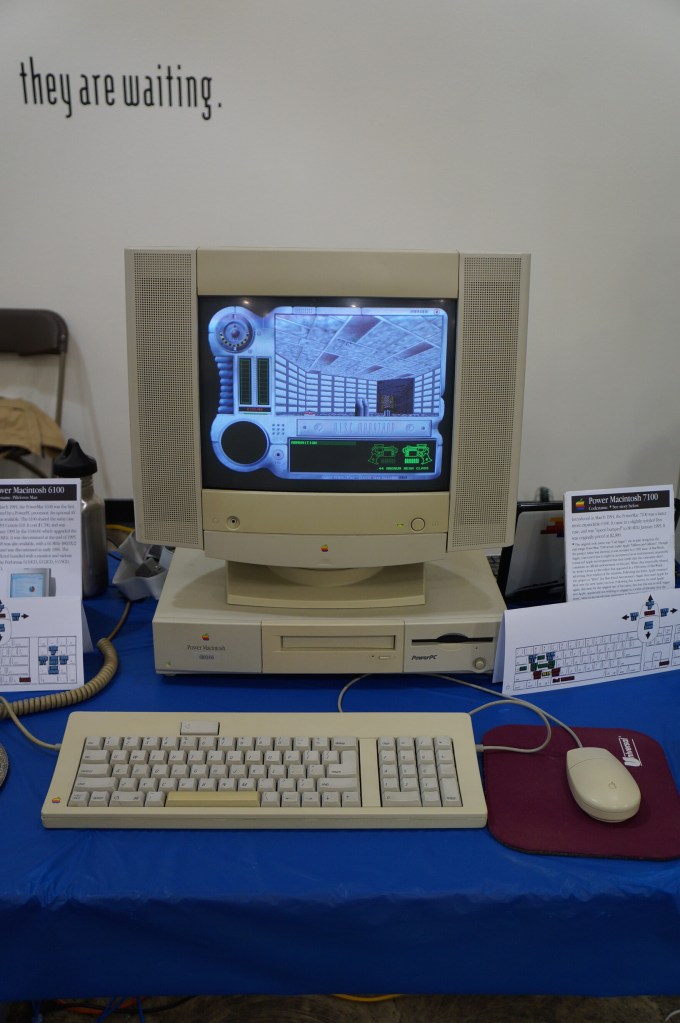
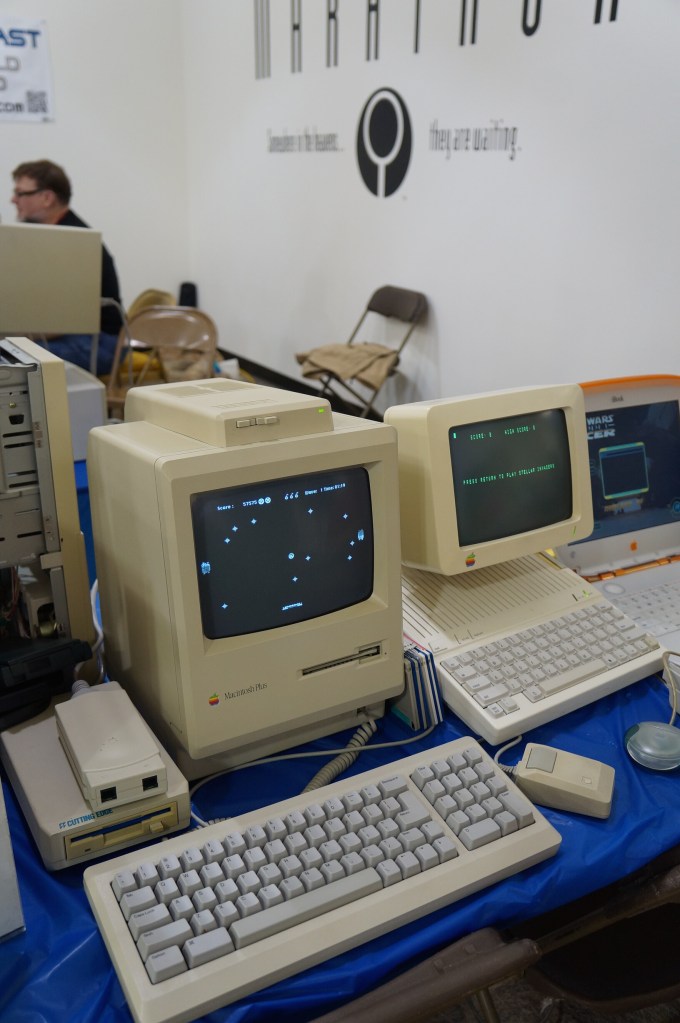
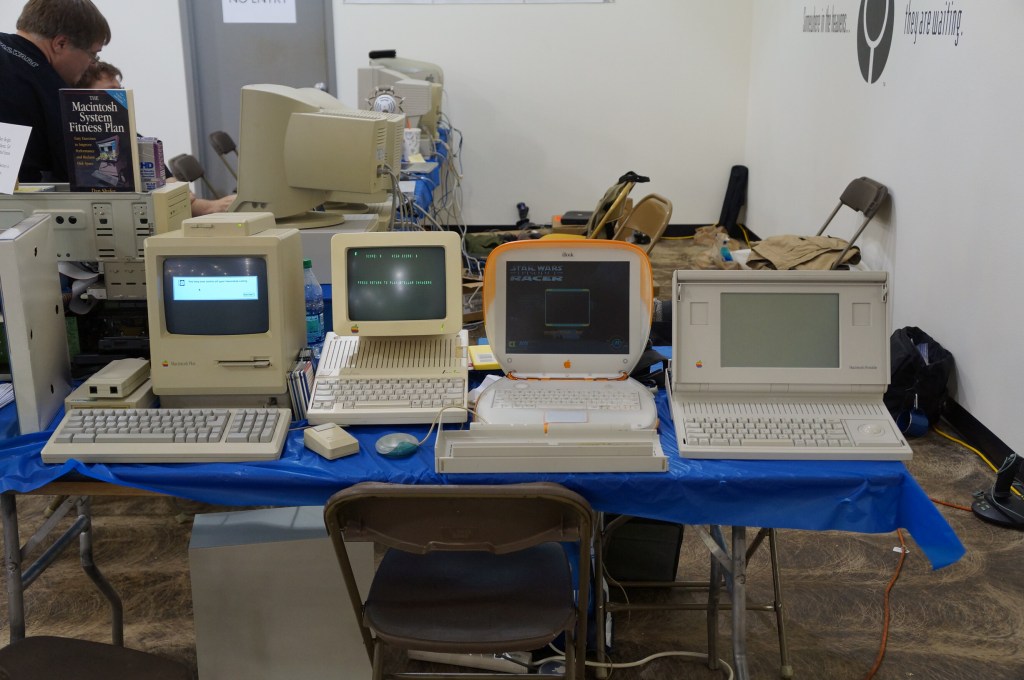
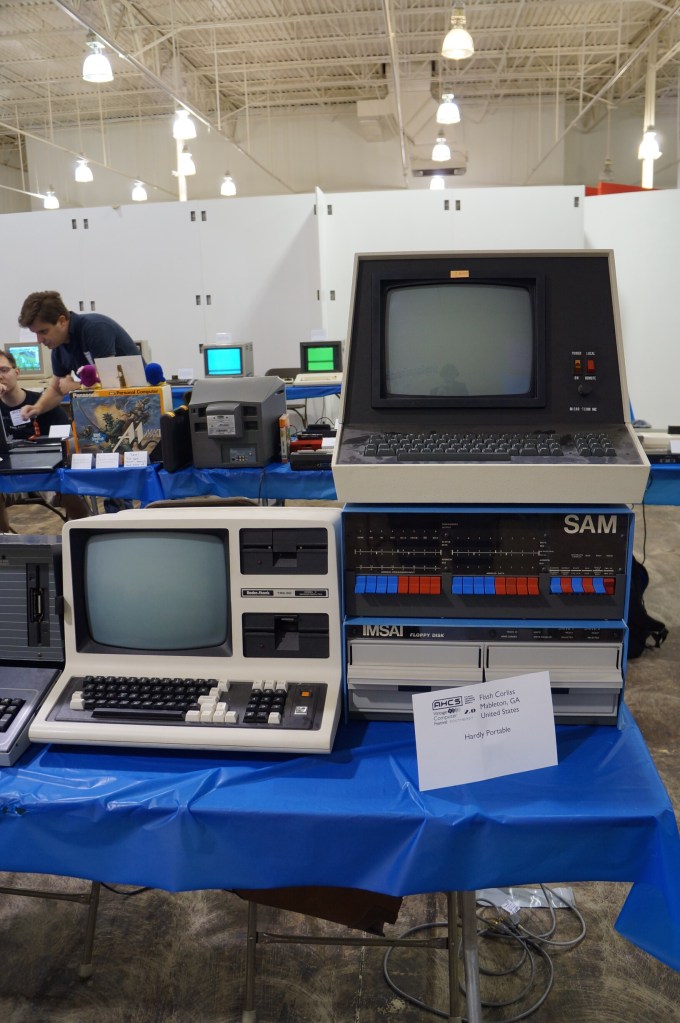
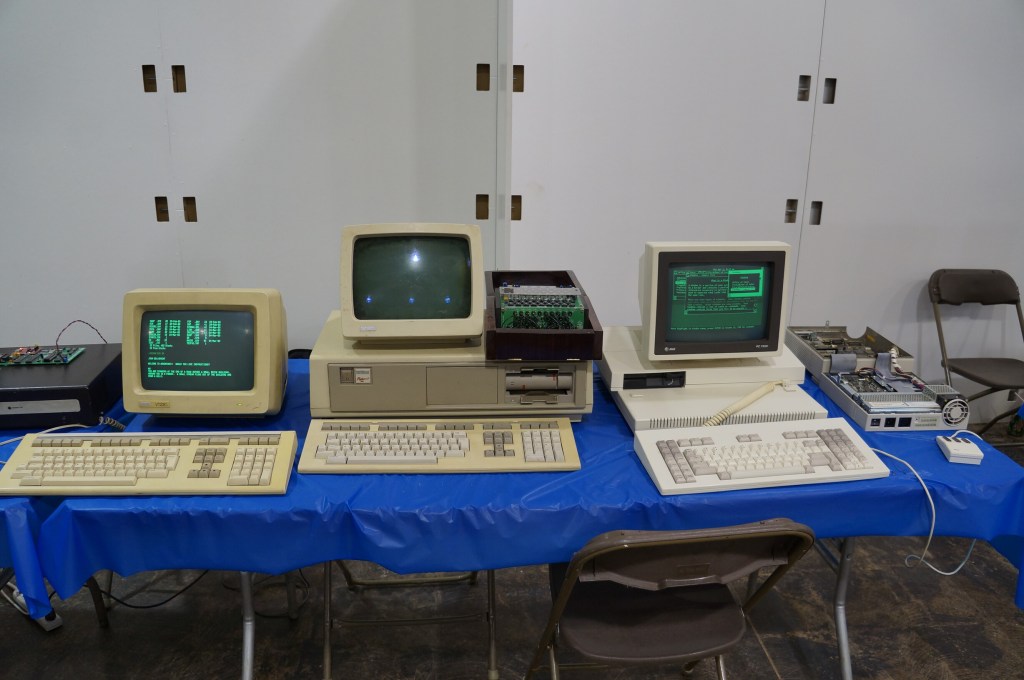
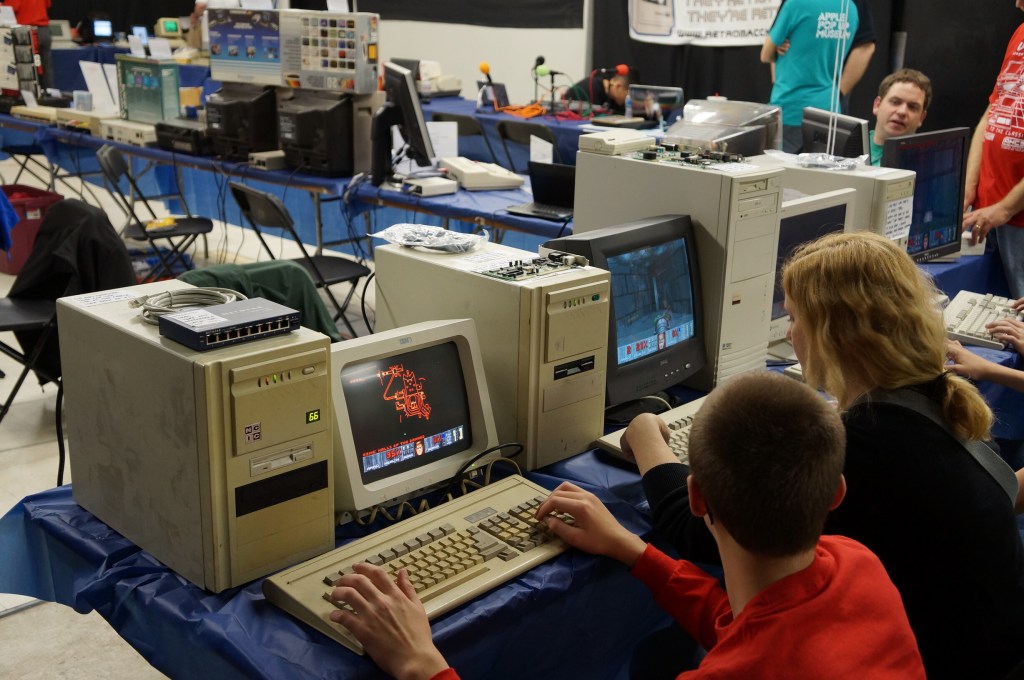
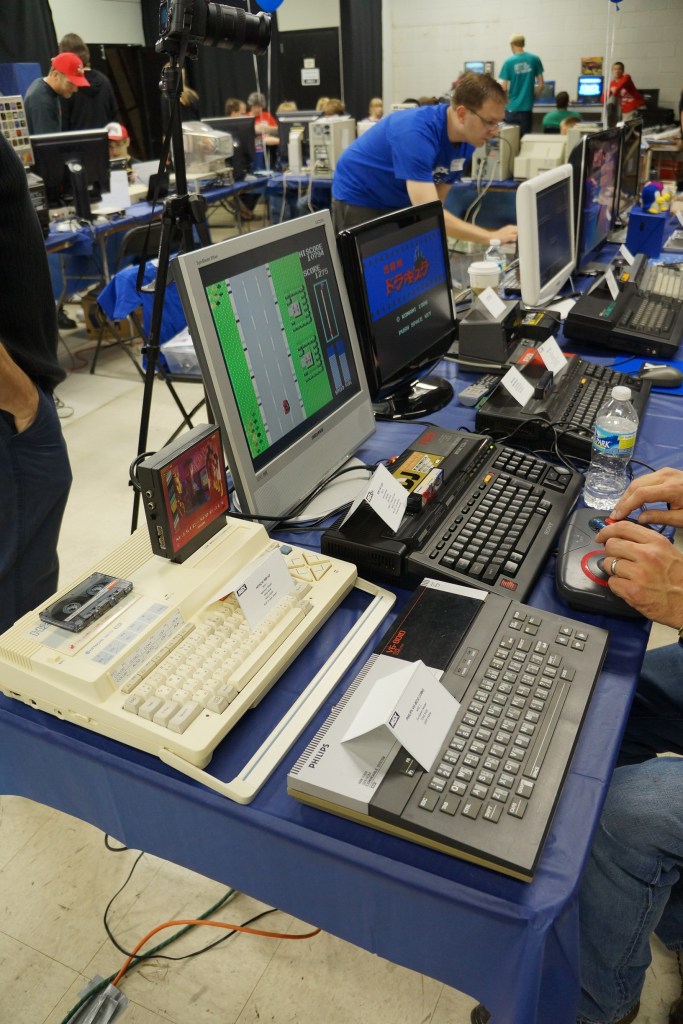
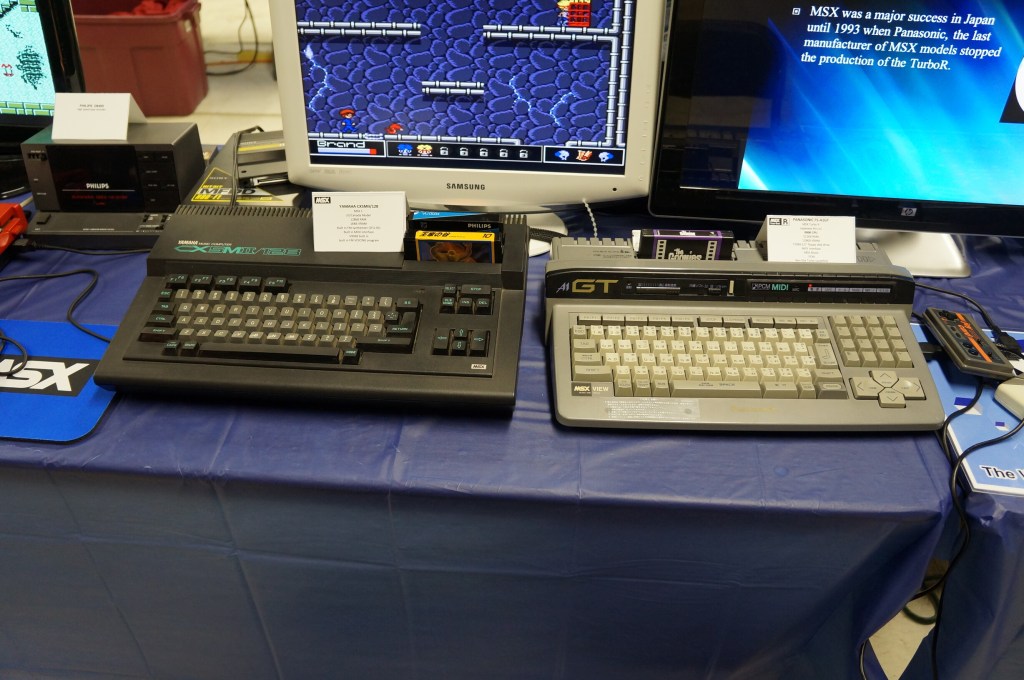
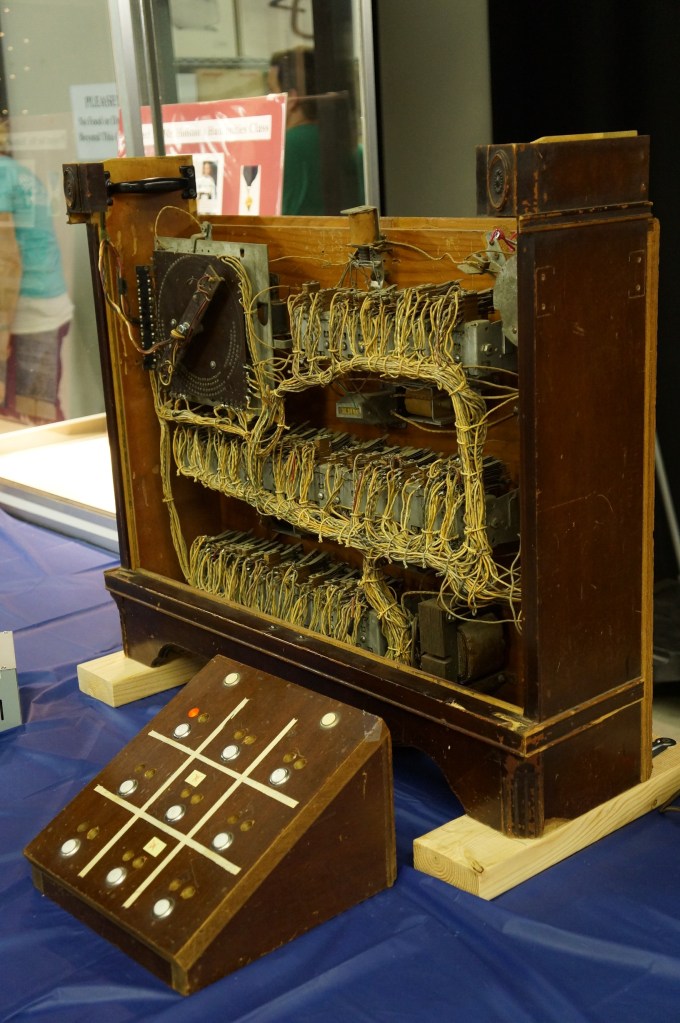
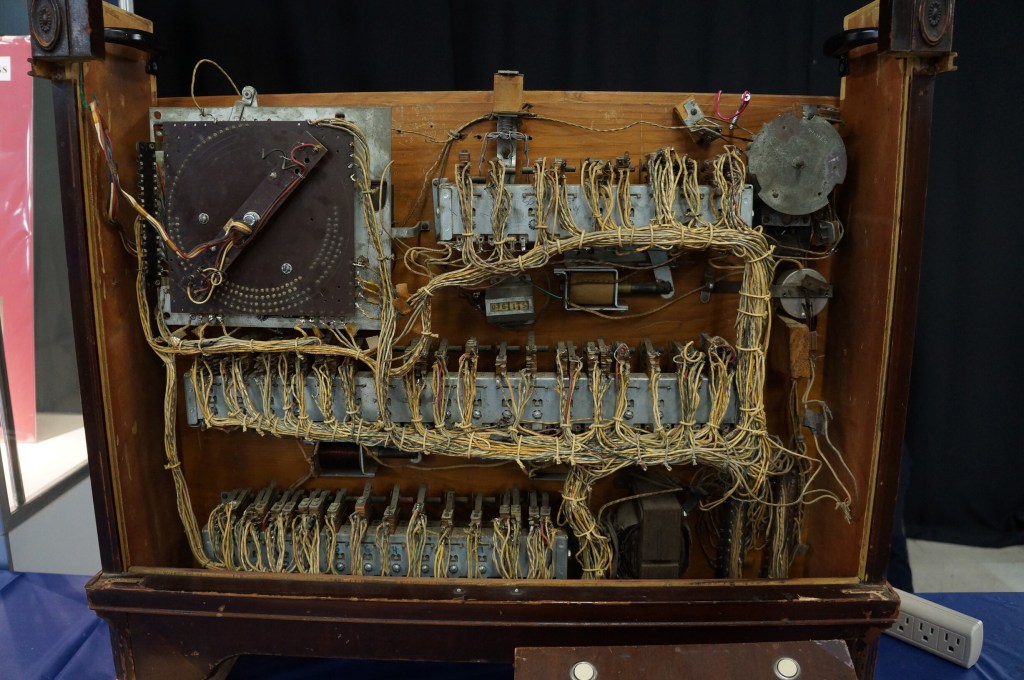
Below, I share photos from the Digital Archivists presentation panel and photos of the Apple Pop-Up Museum and other installed exhibits, and many photos from the individual exhibitor hall.
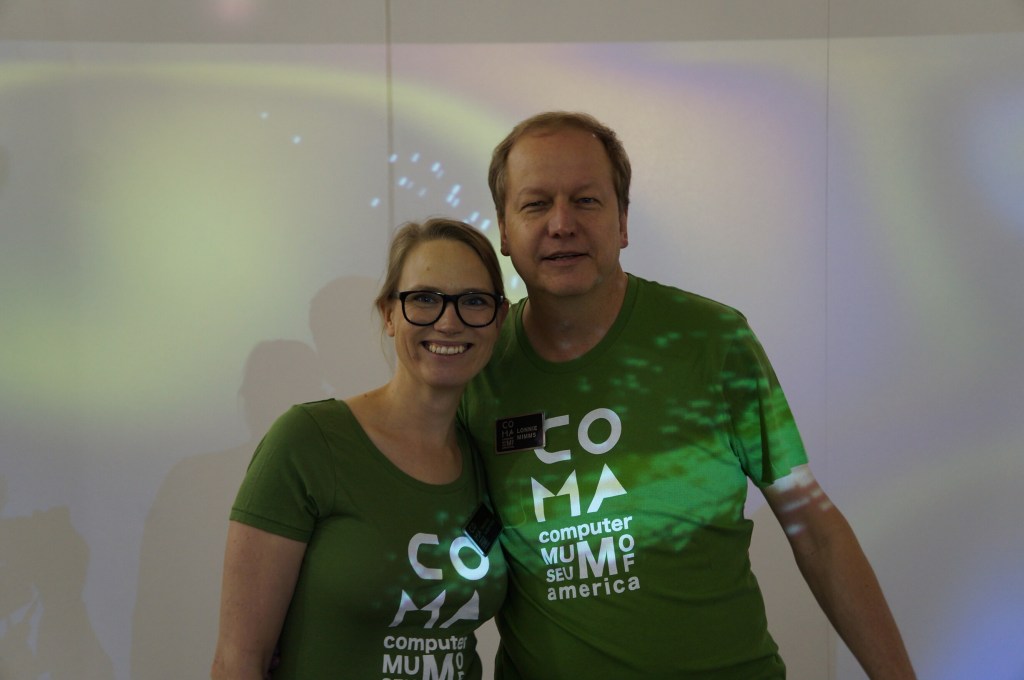
When we first got there, we had a chance to talk with the founder Lonnie Mimms (right) who was wearing a green t-shirt emblazoned with the rebranding for the space as the Computer Museum of America.
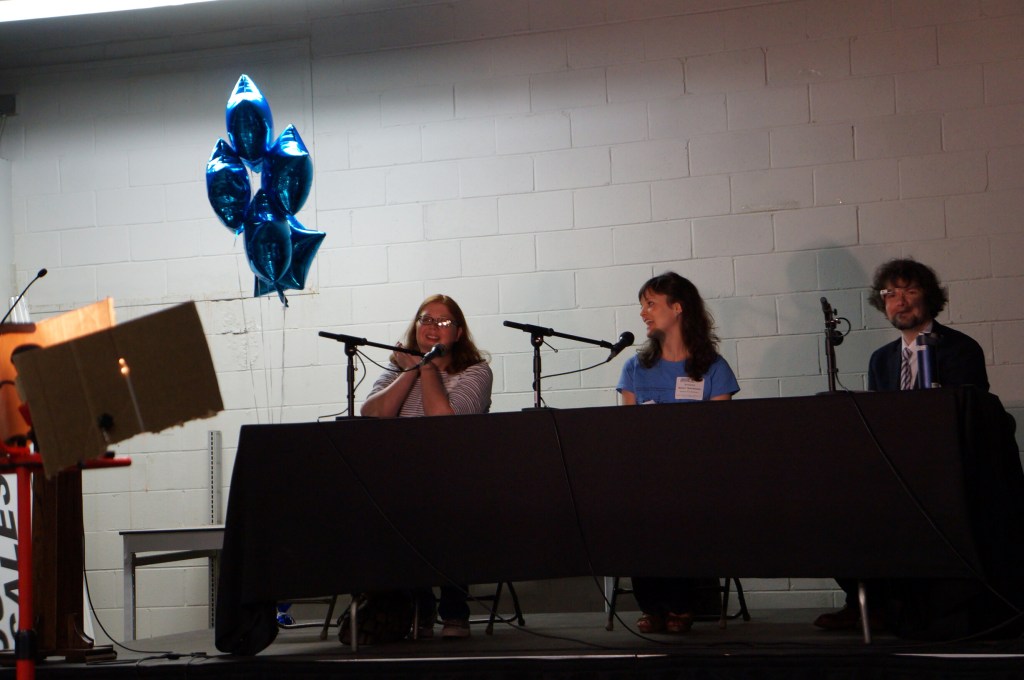
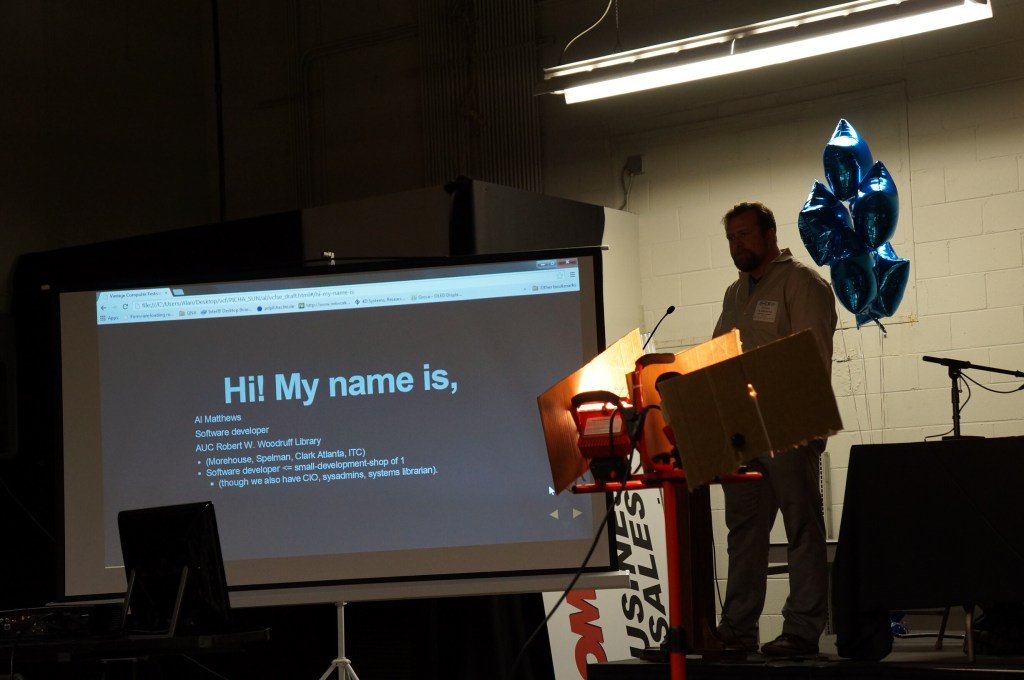
Digital Archivists Panel
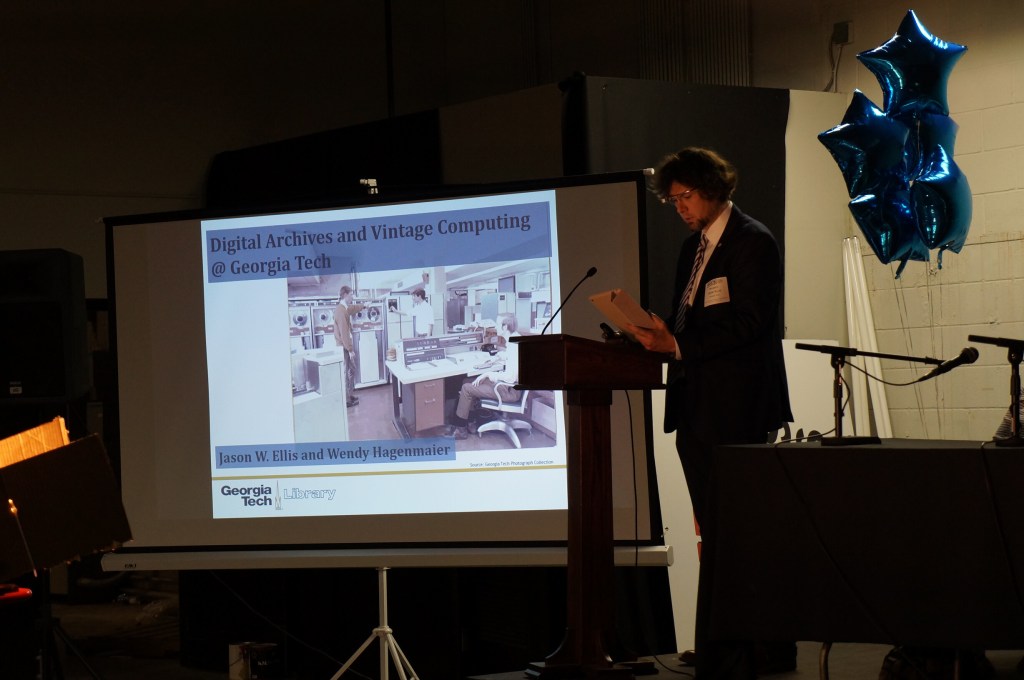
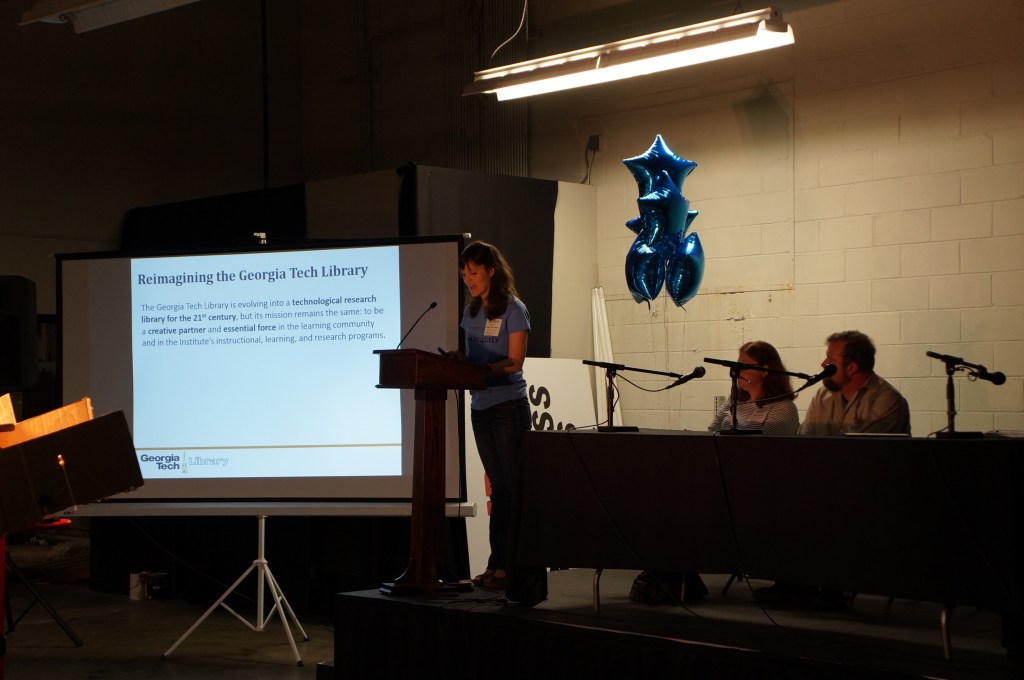
Wendy and I co-presented about “Digital Archives and Vintage Computing at Georgia Tech” during the Digital Archivists panel. Our notes from the event can be found here.
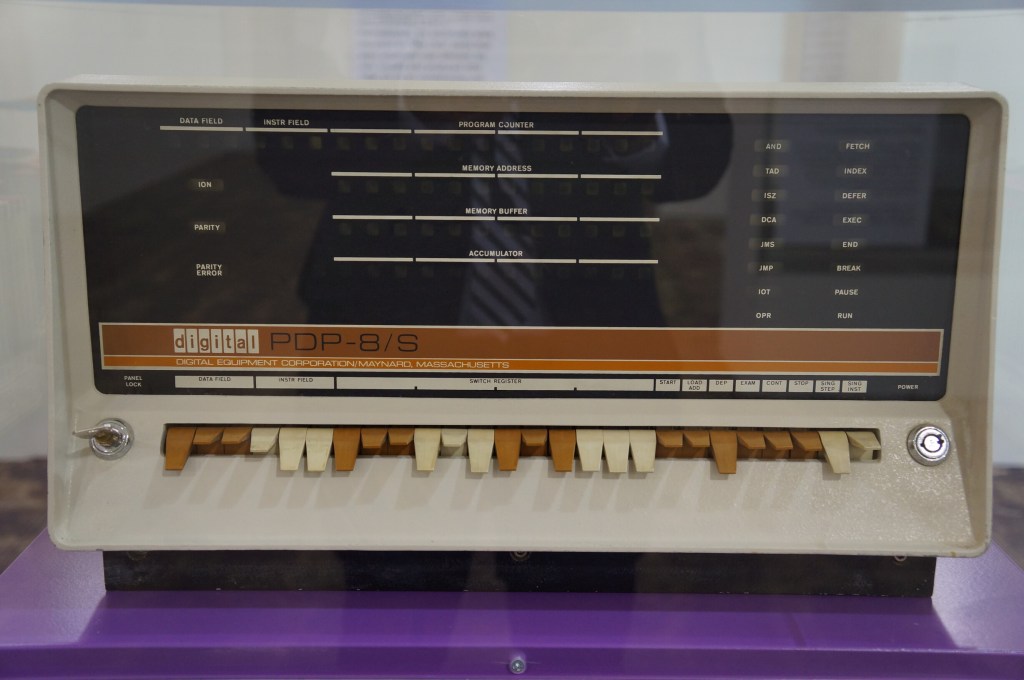
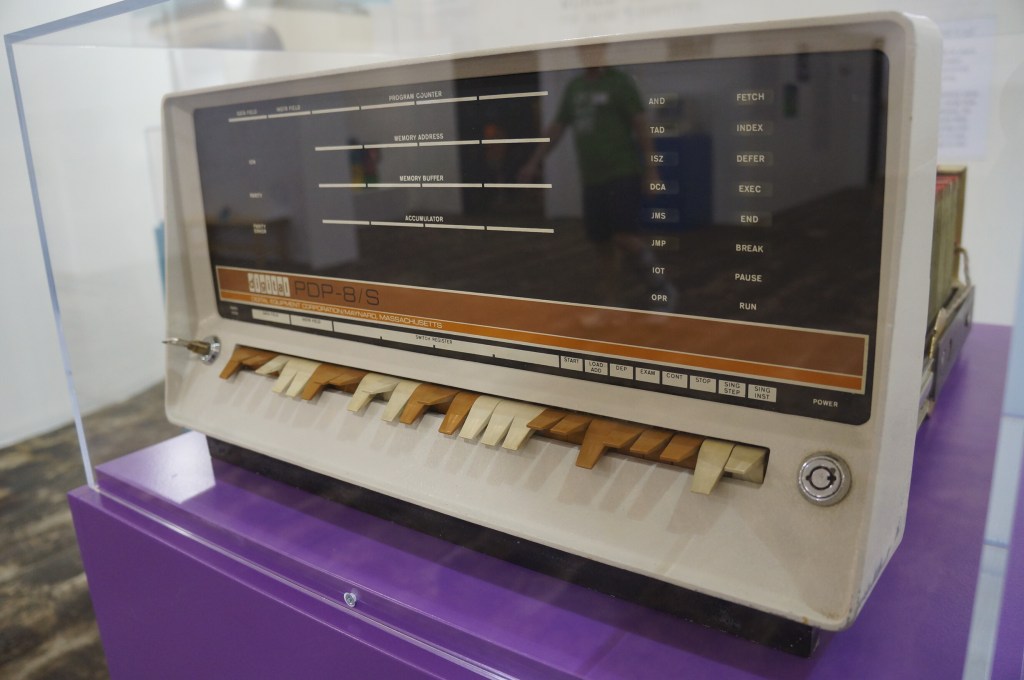
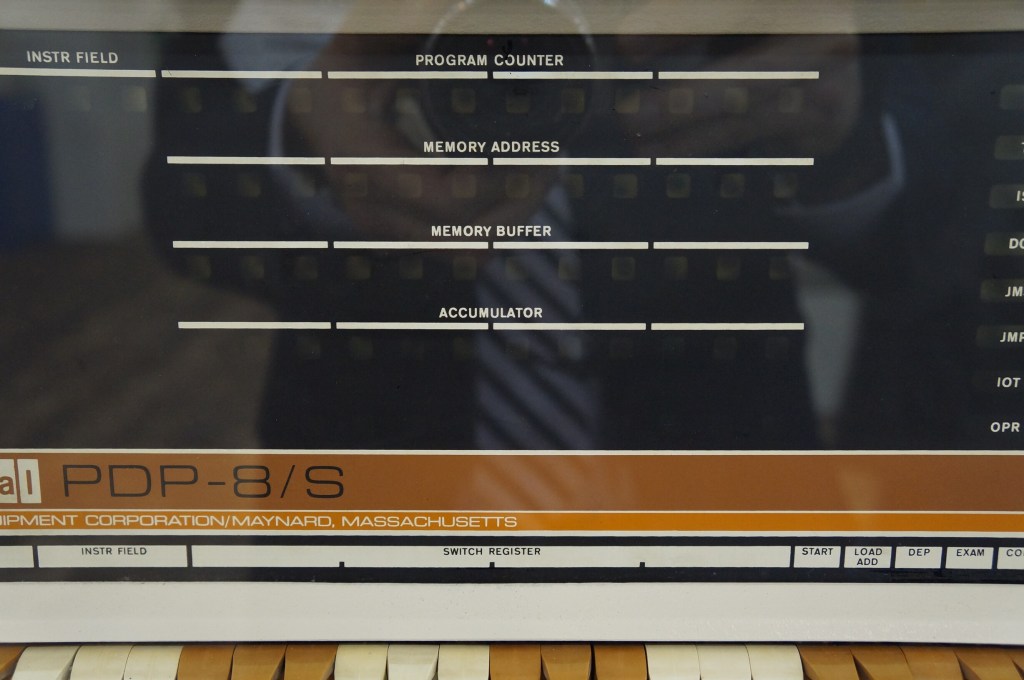
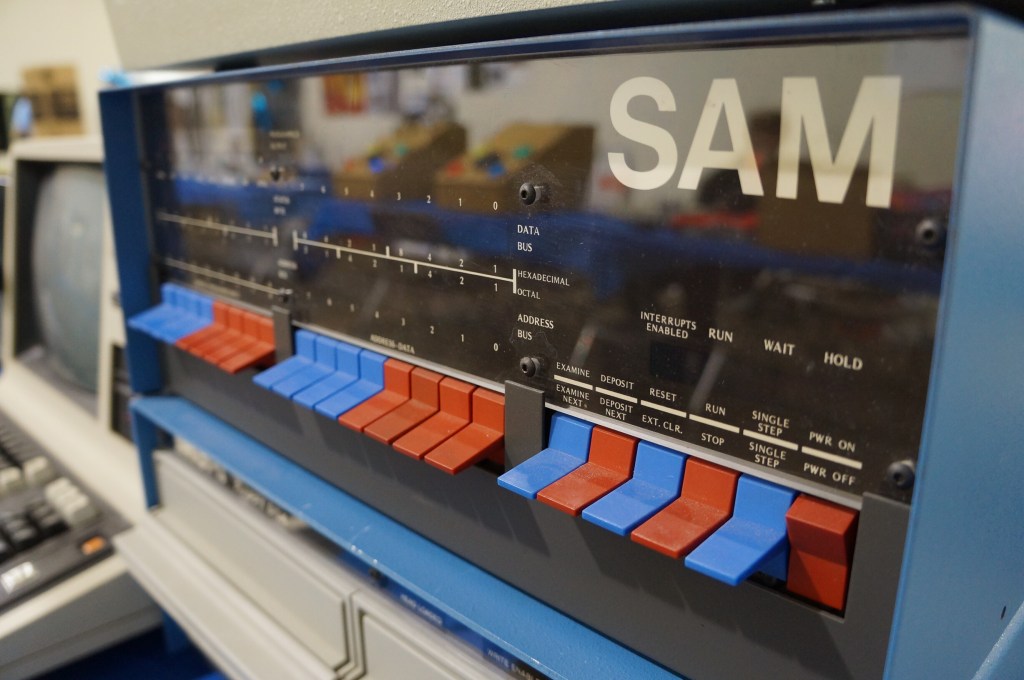
Digital PDP-8
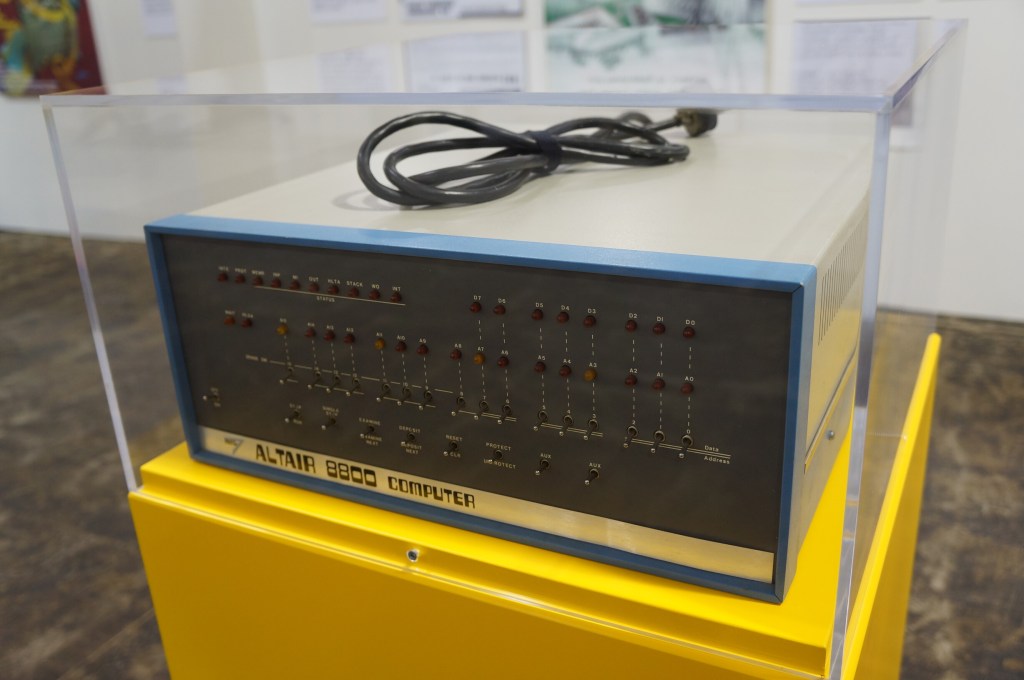
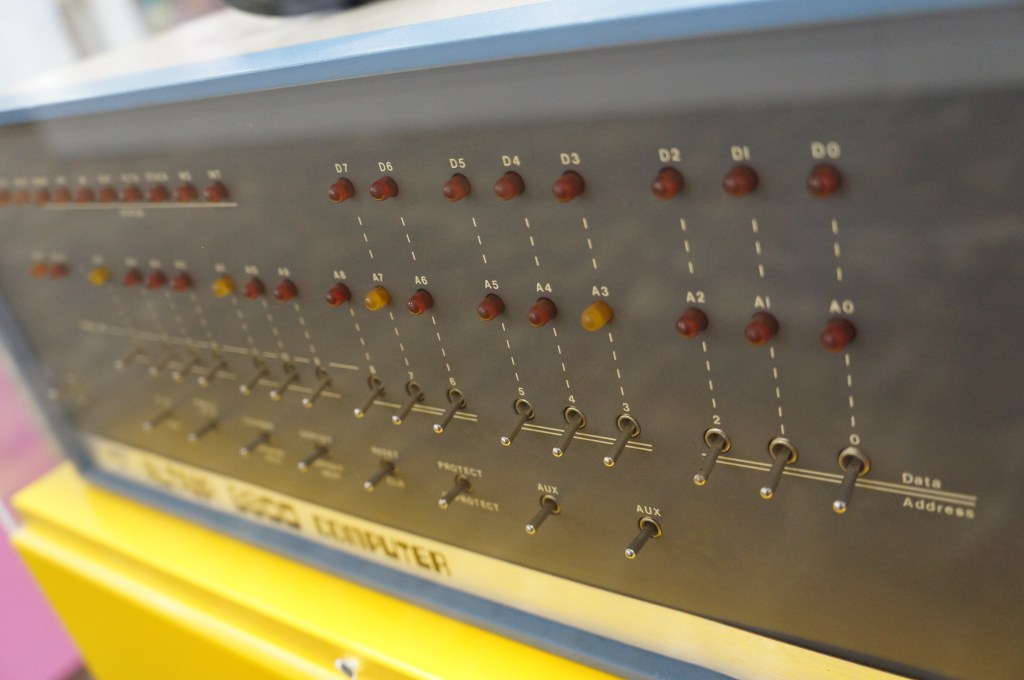
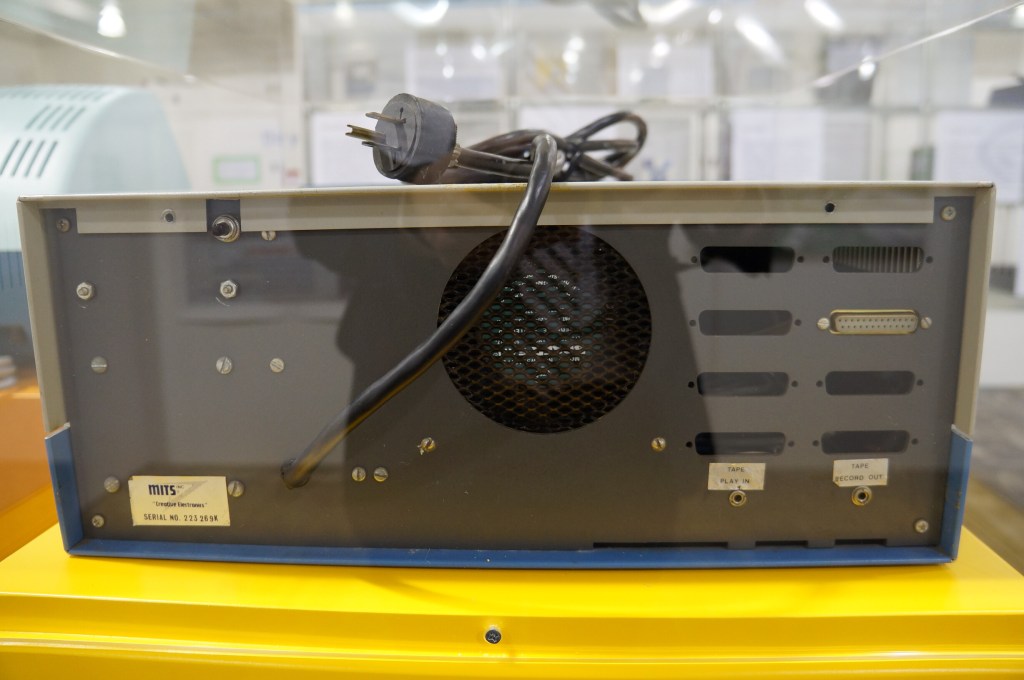
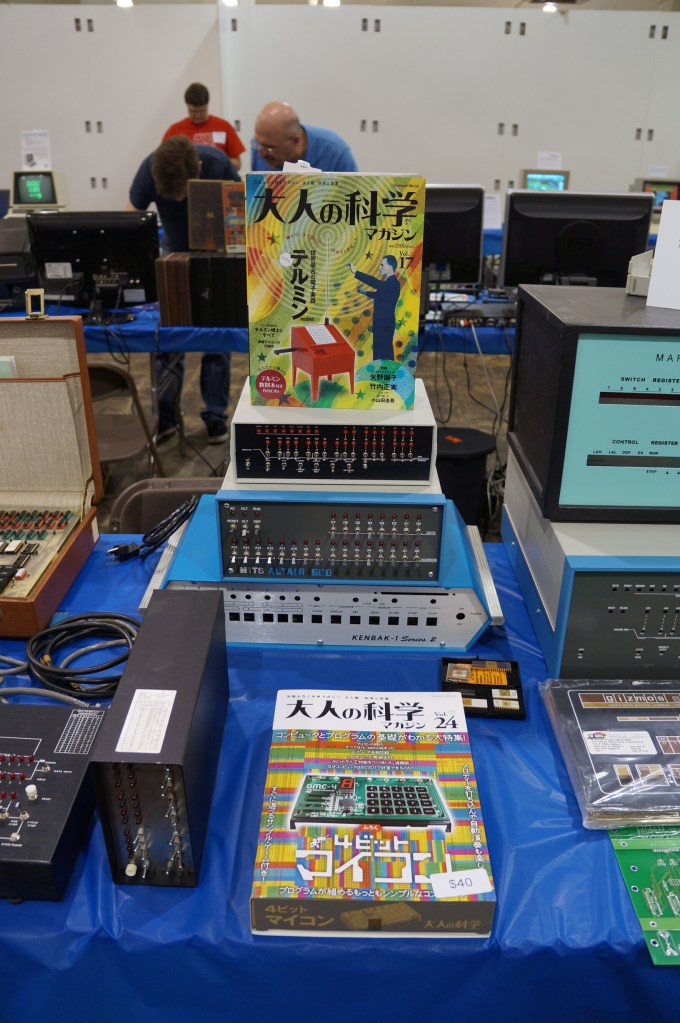
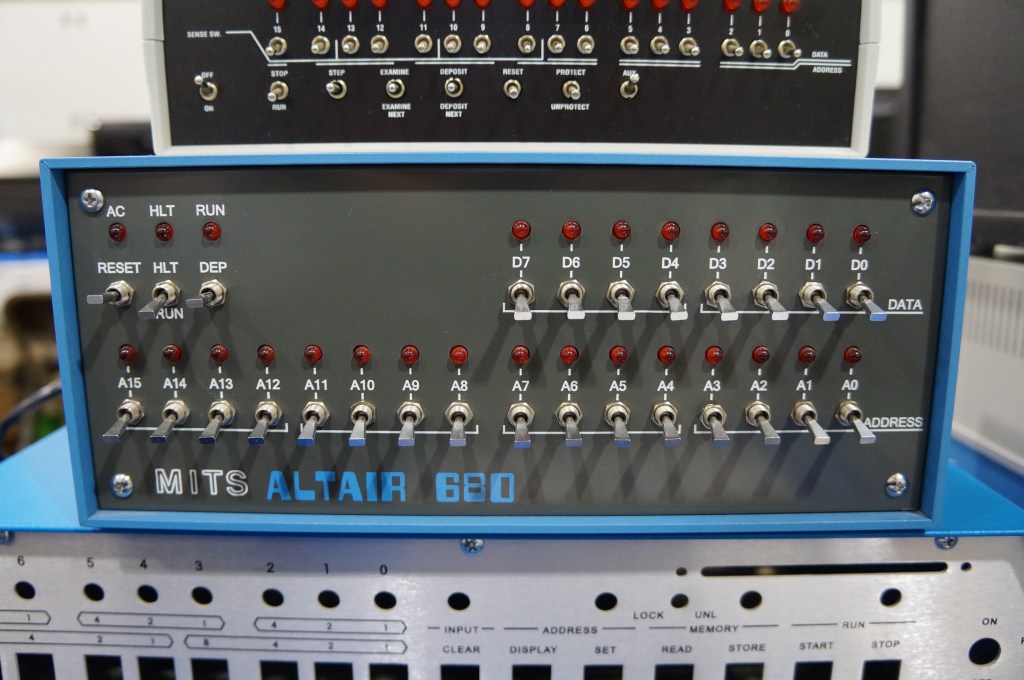
MITS Altair 8800
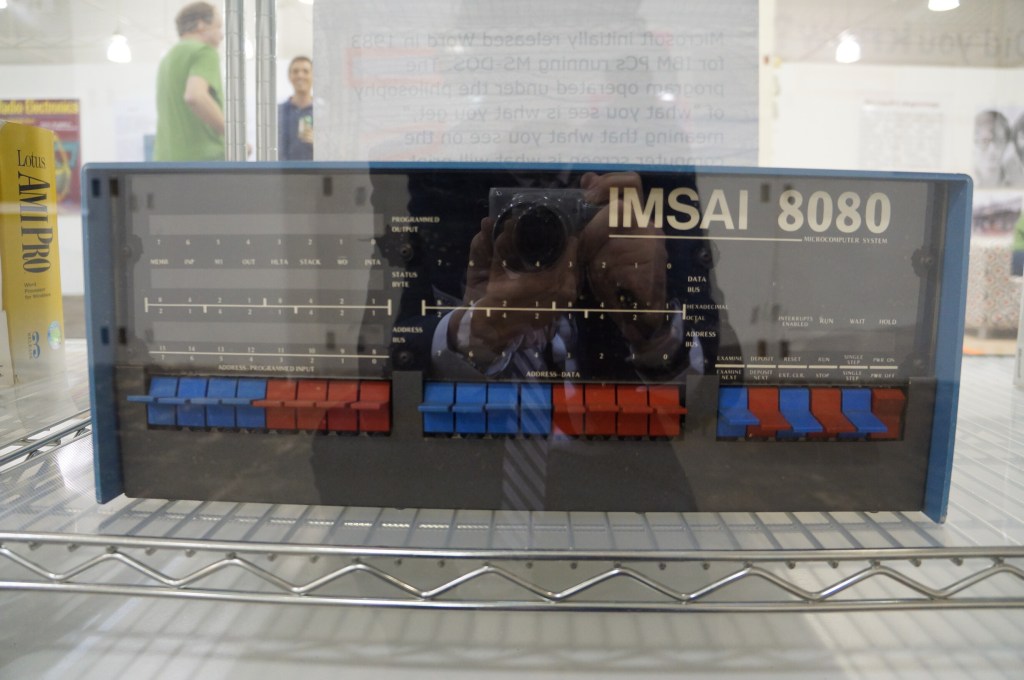
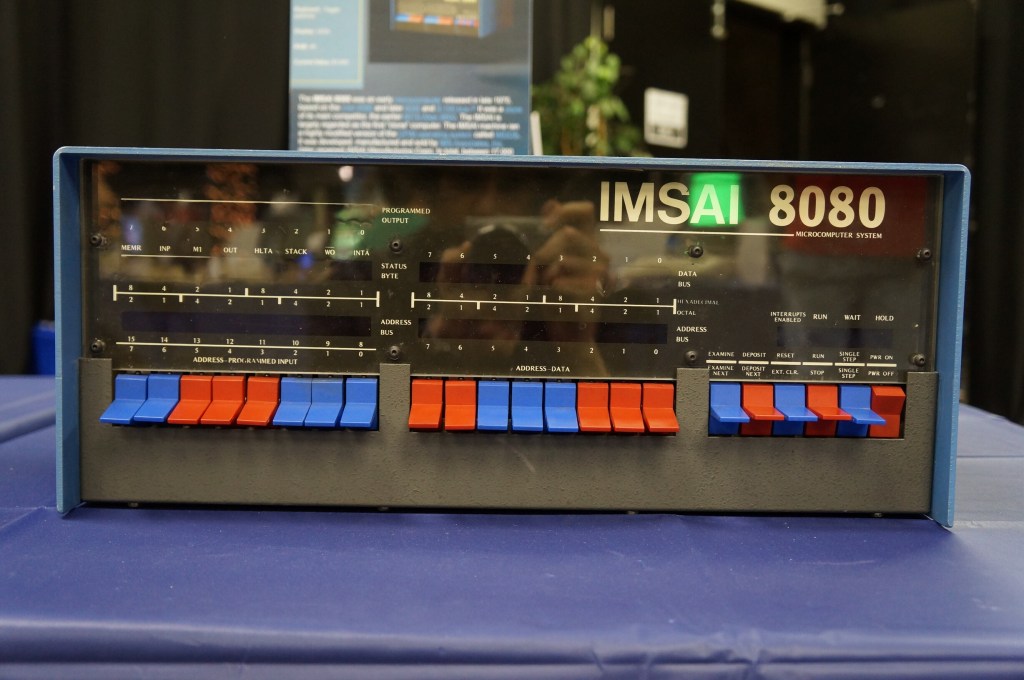
IMSAI 8080
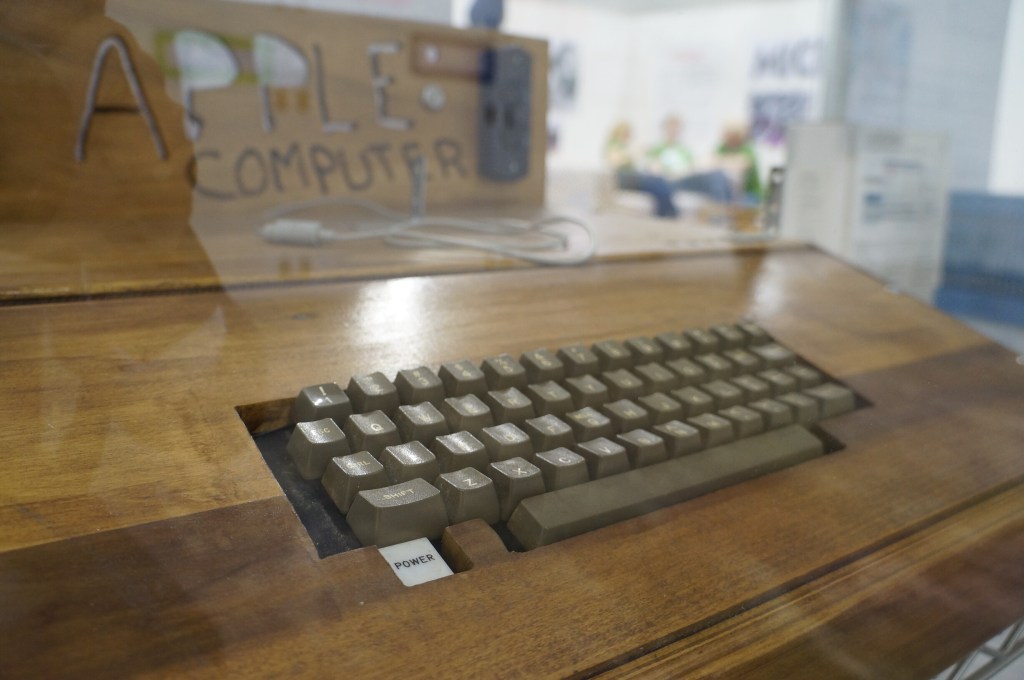
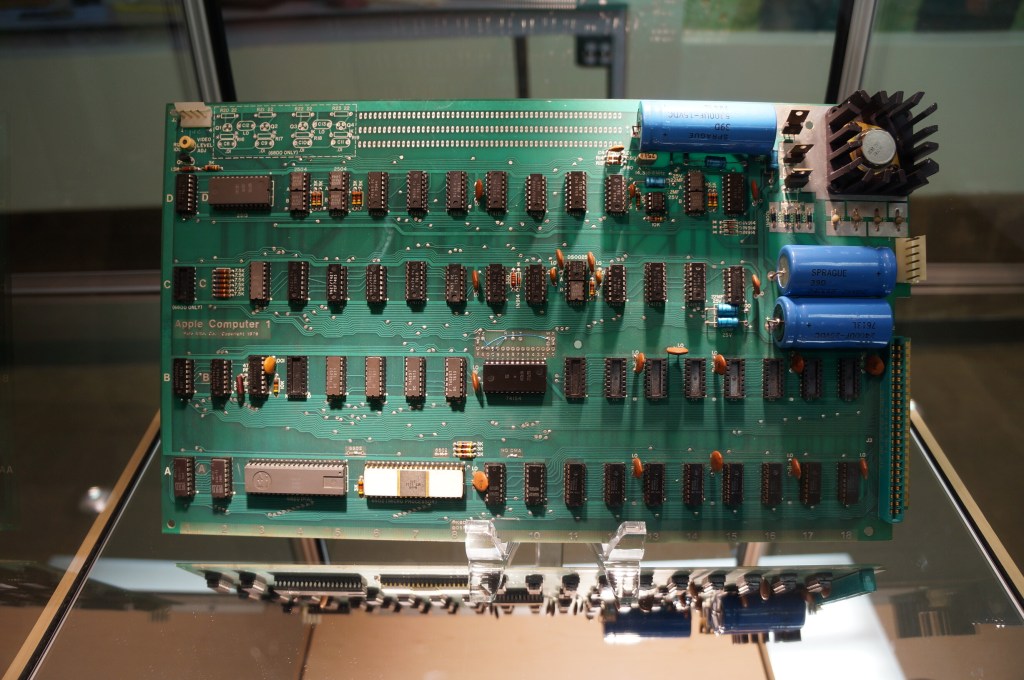
Apple I in Wood Case
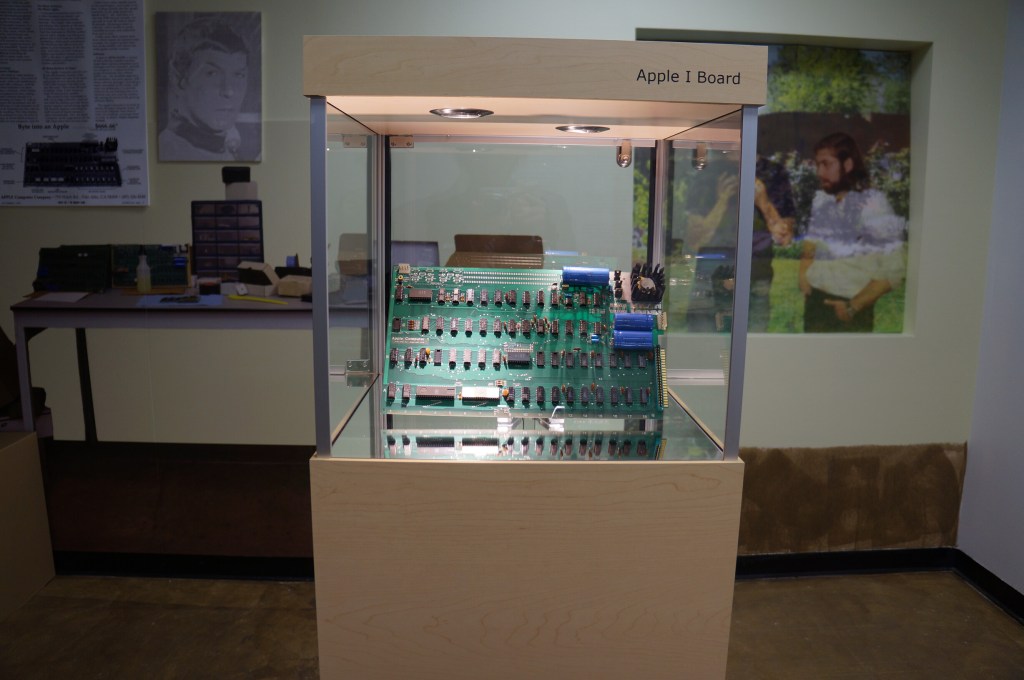
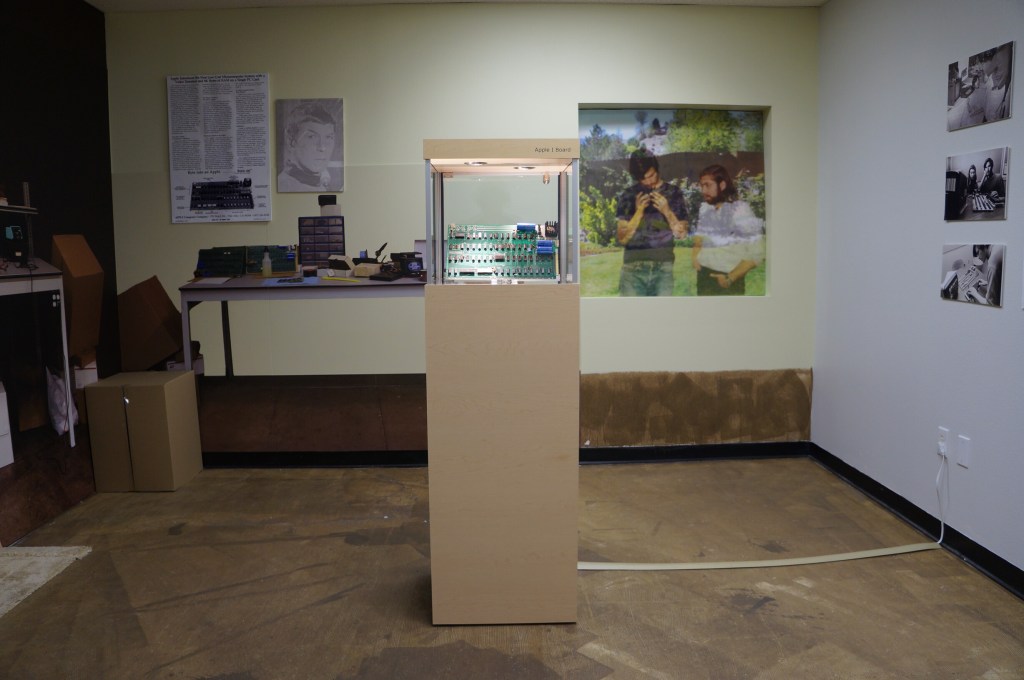
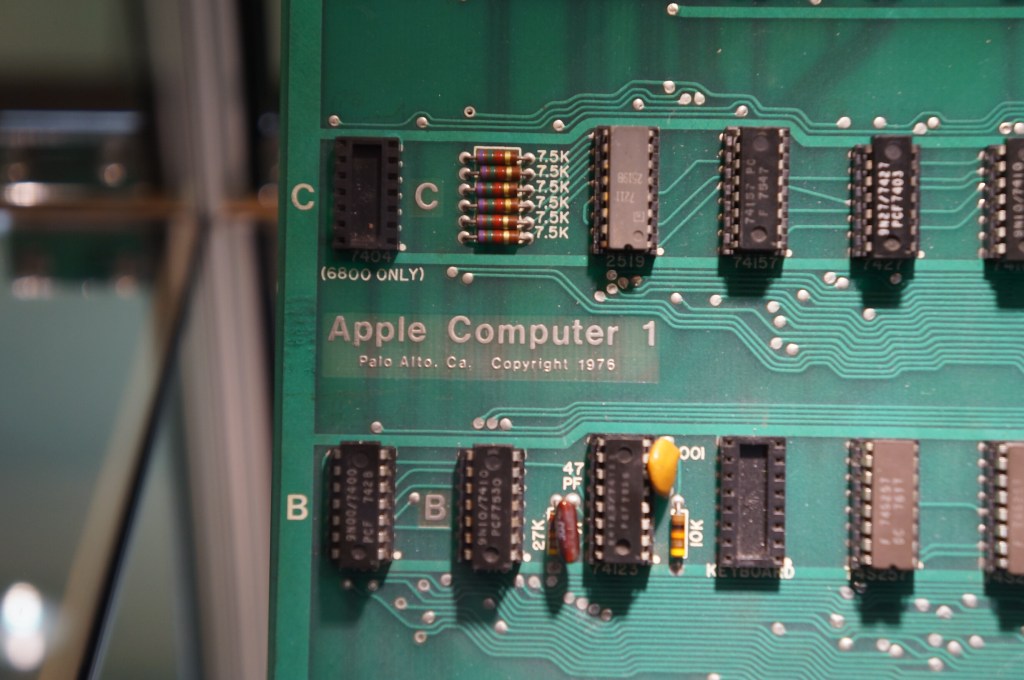
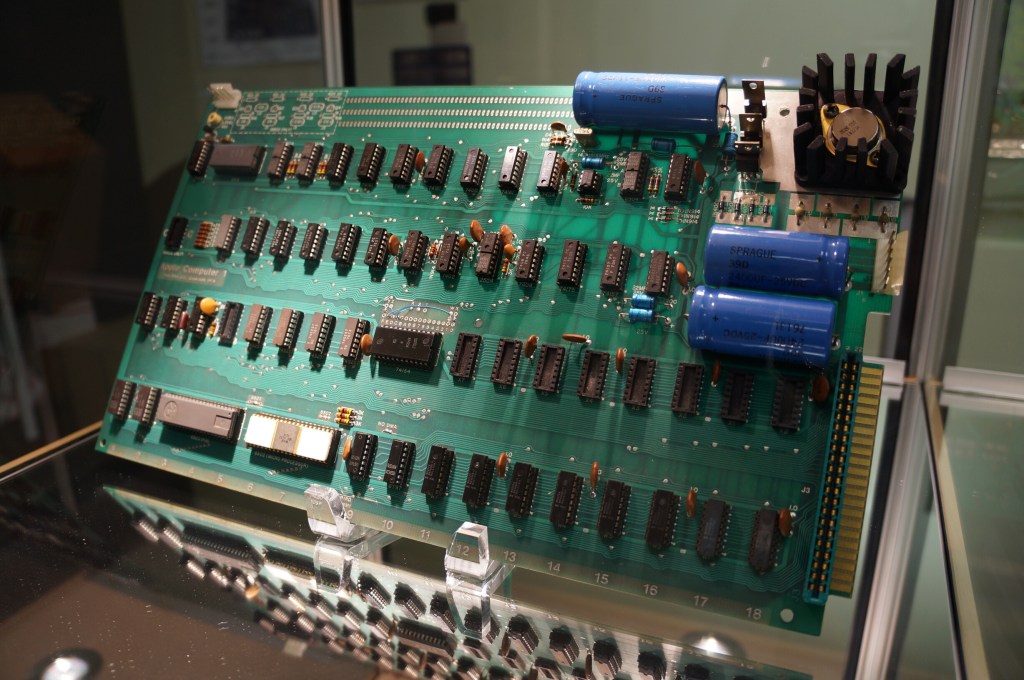
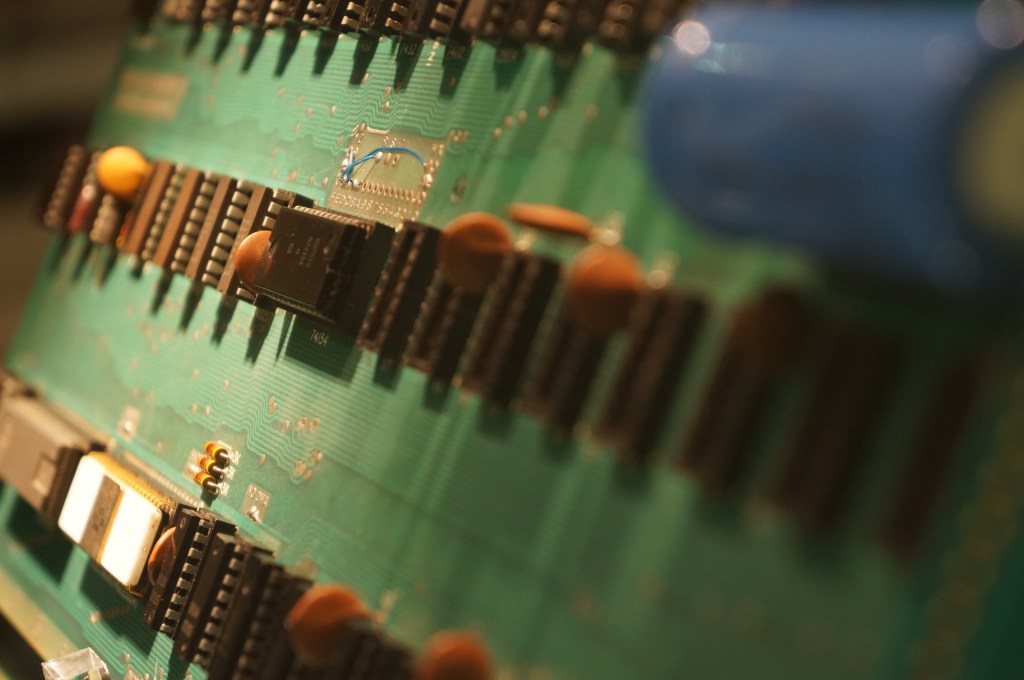
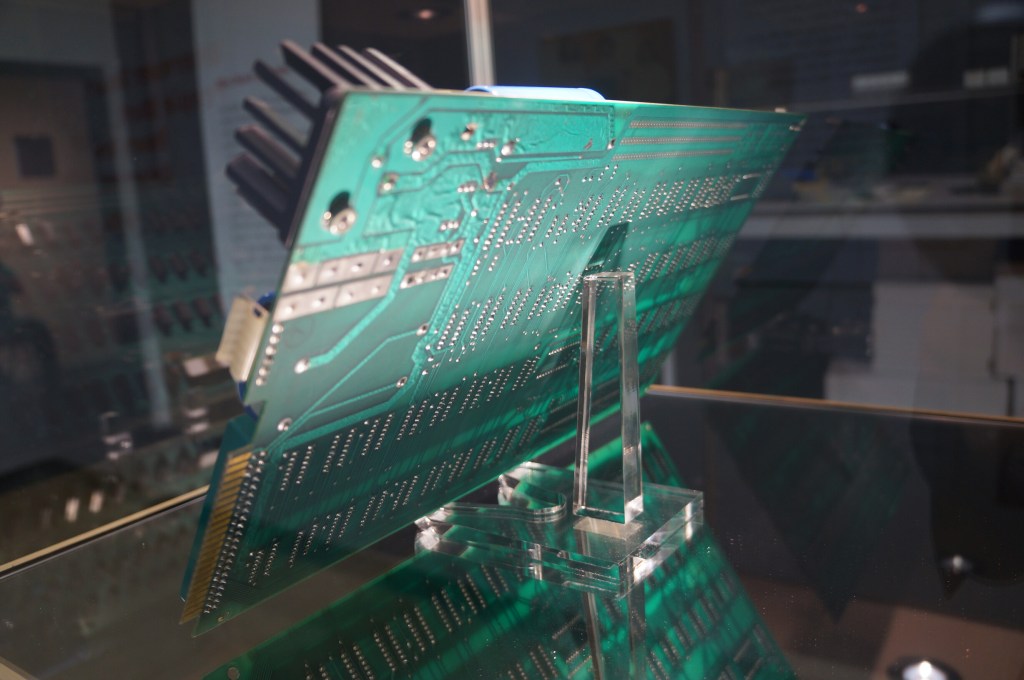
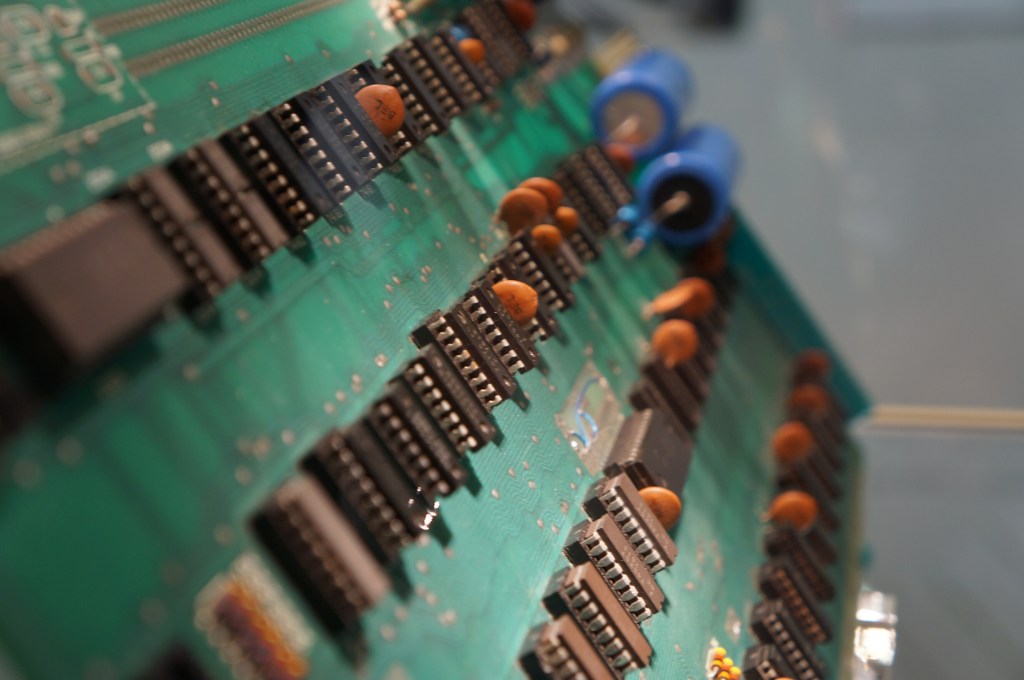
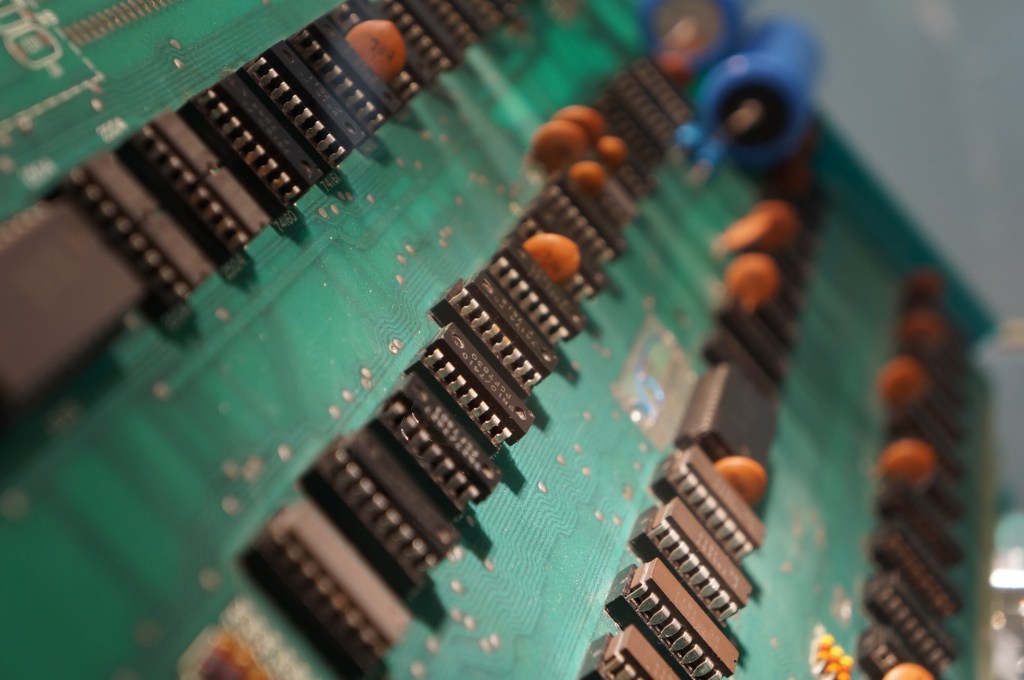
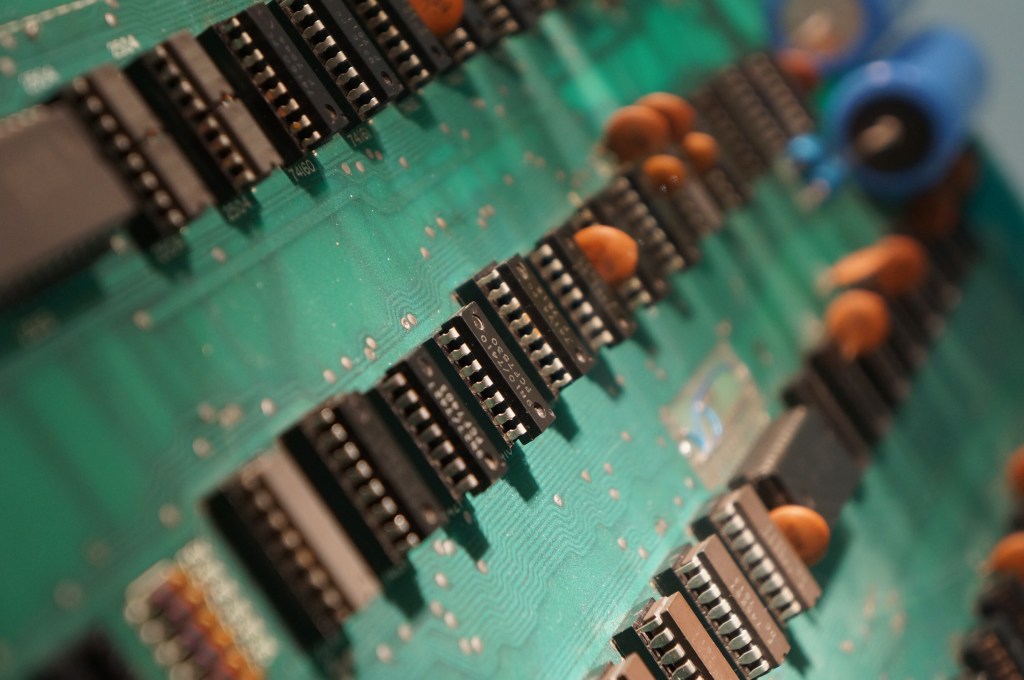
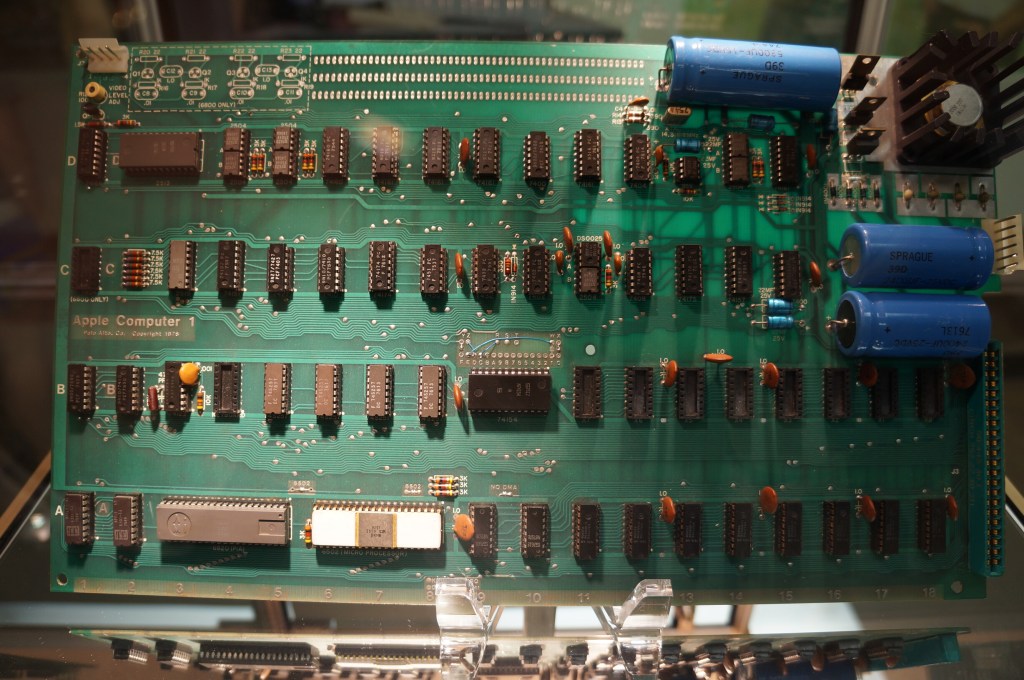
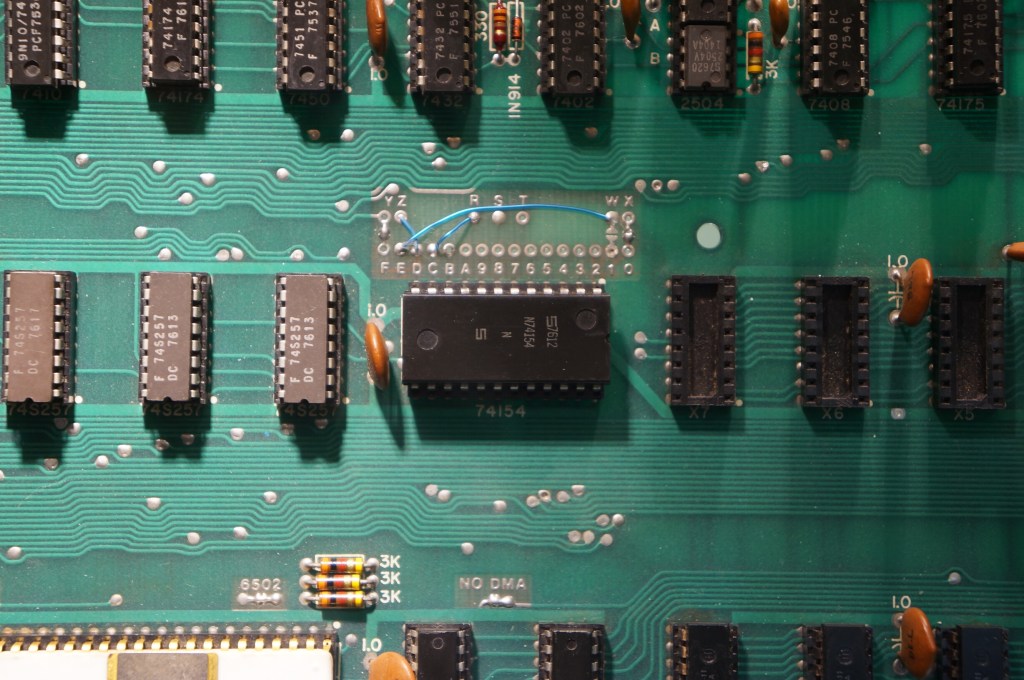
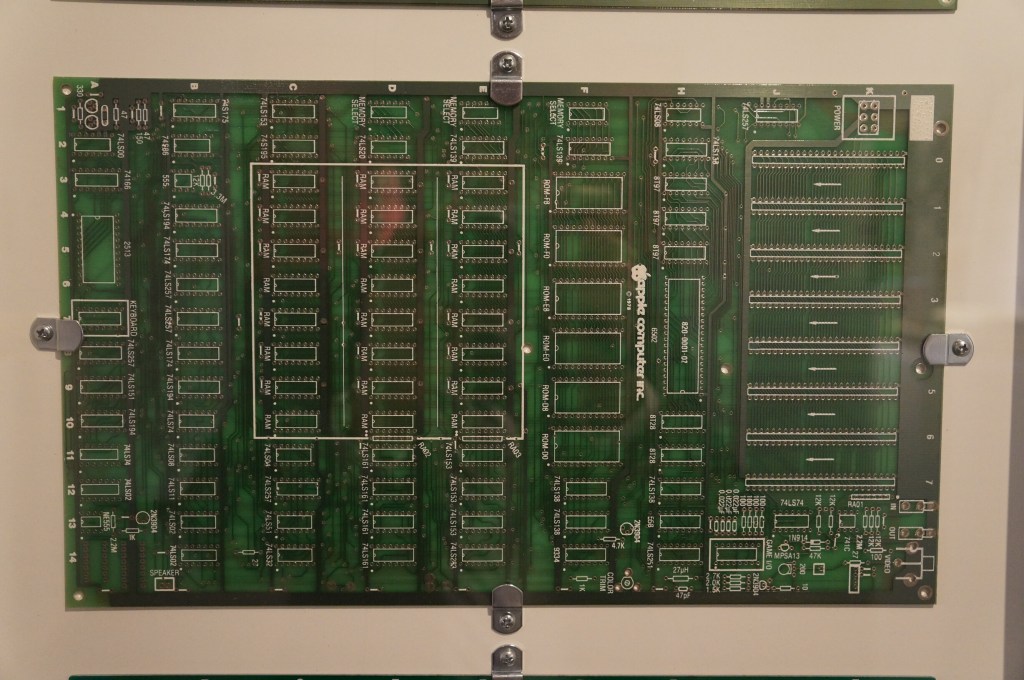
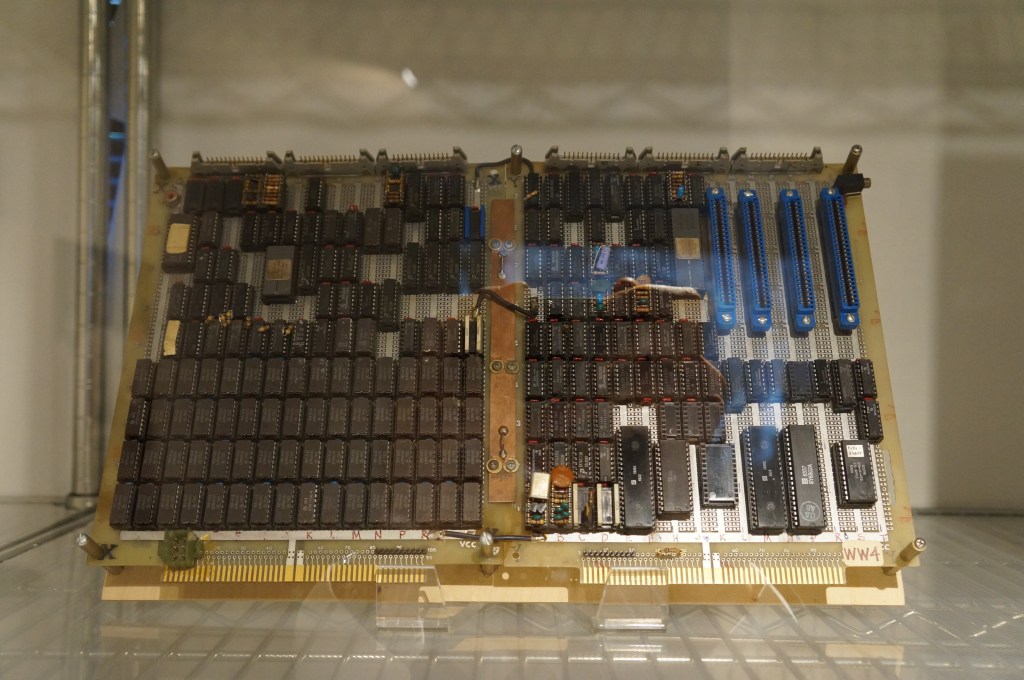
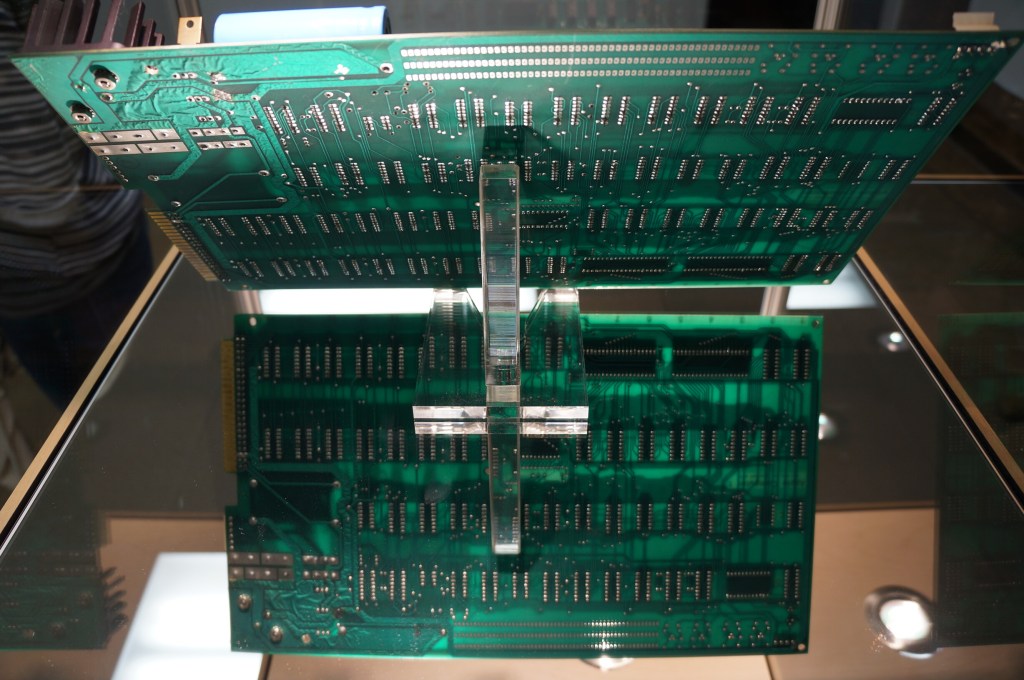
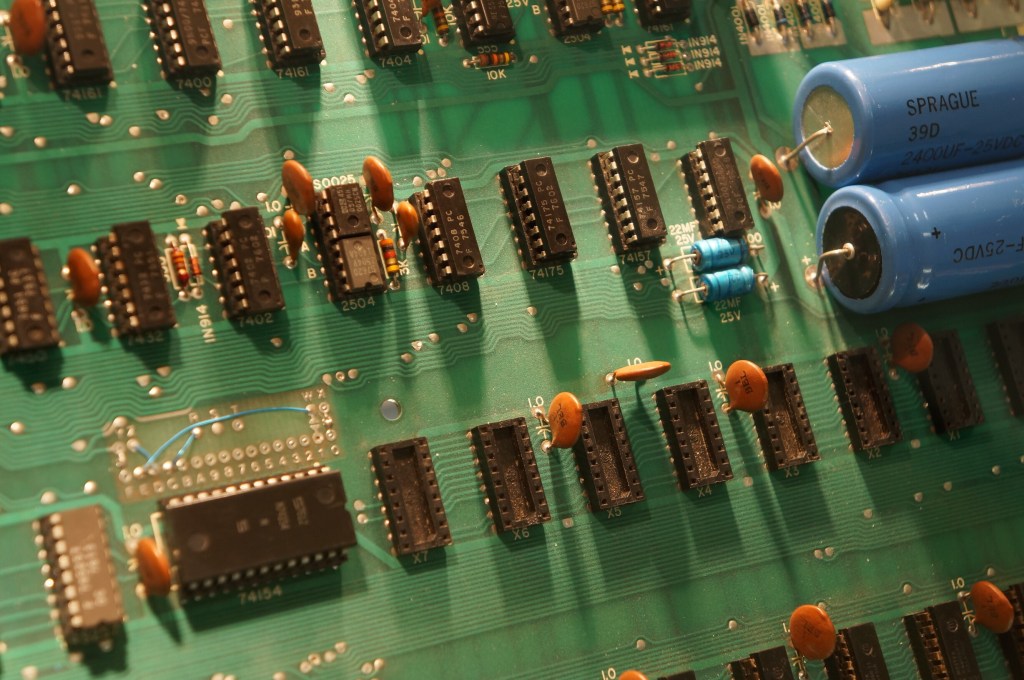
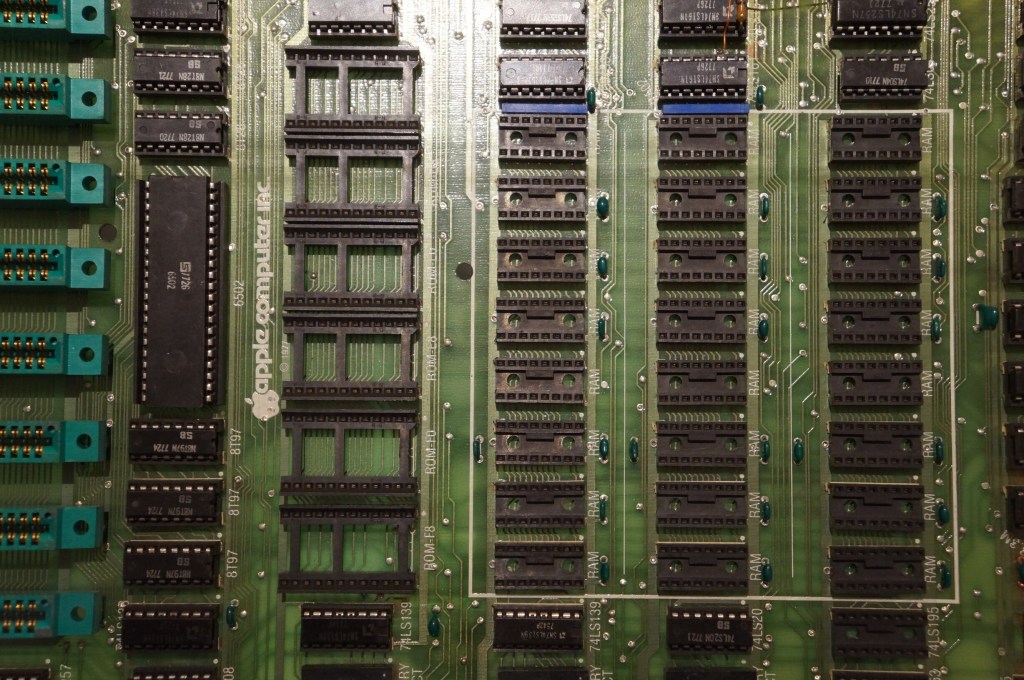
Apple I Motherboard
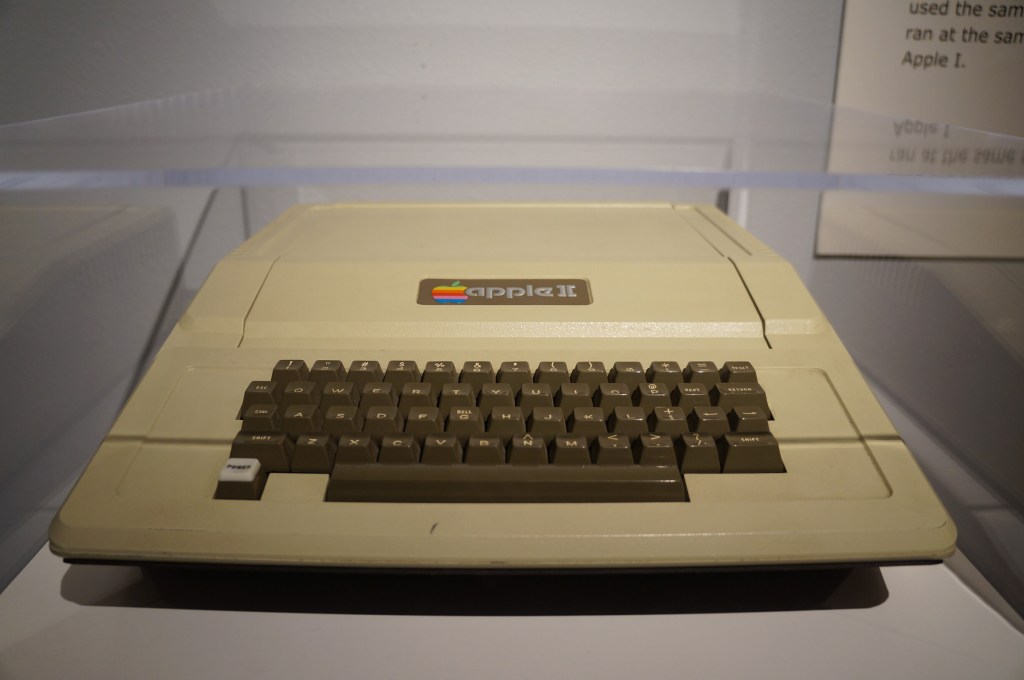
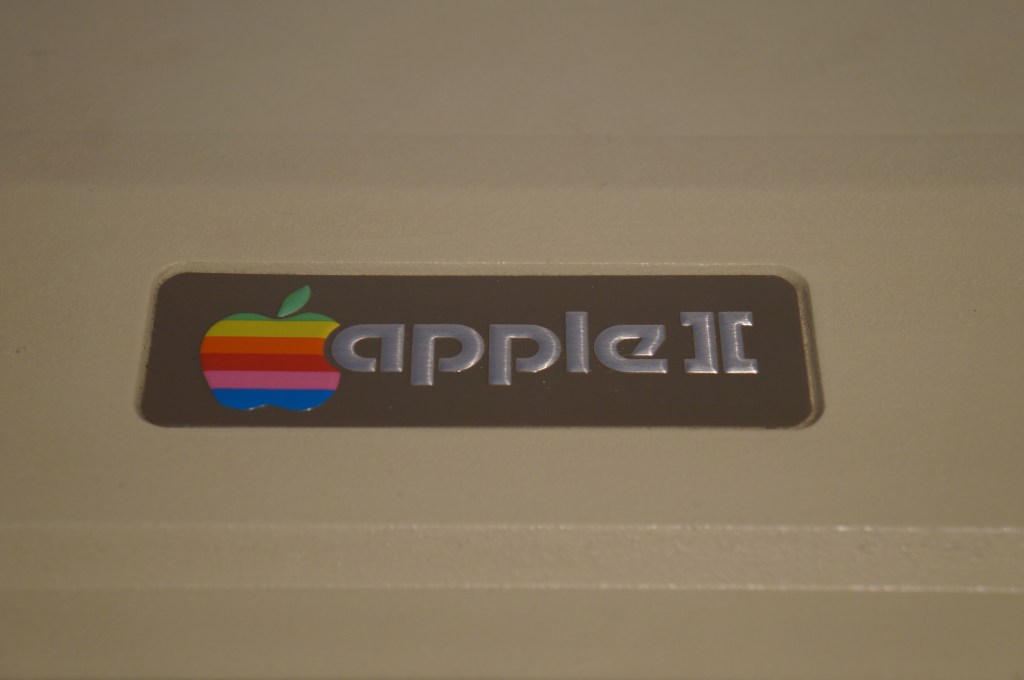
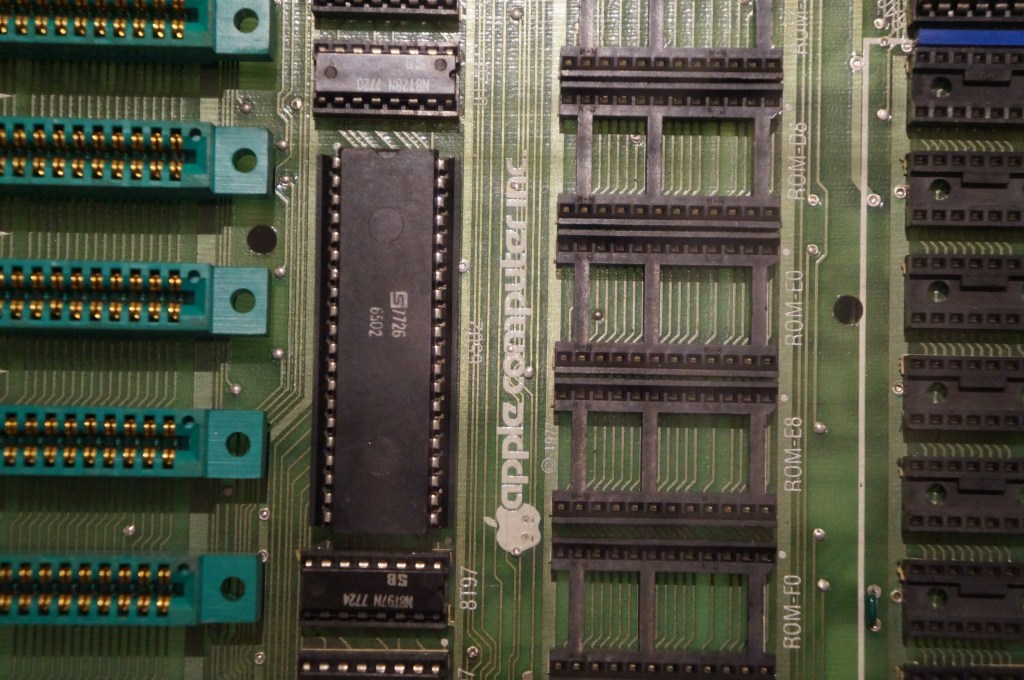
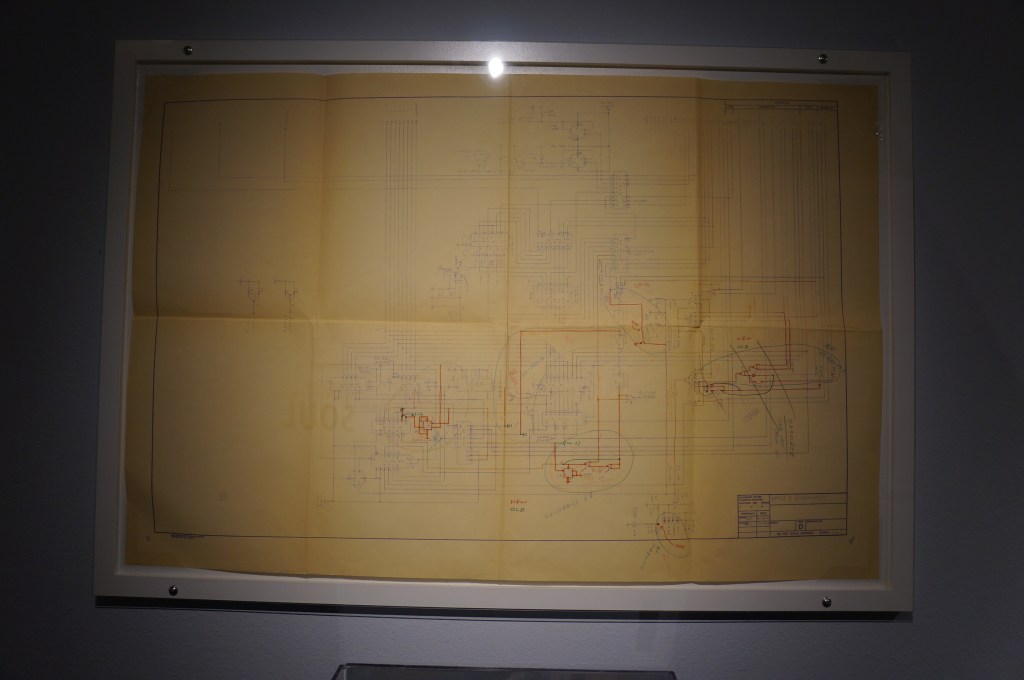
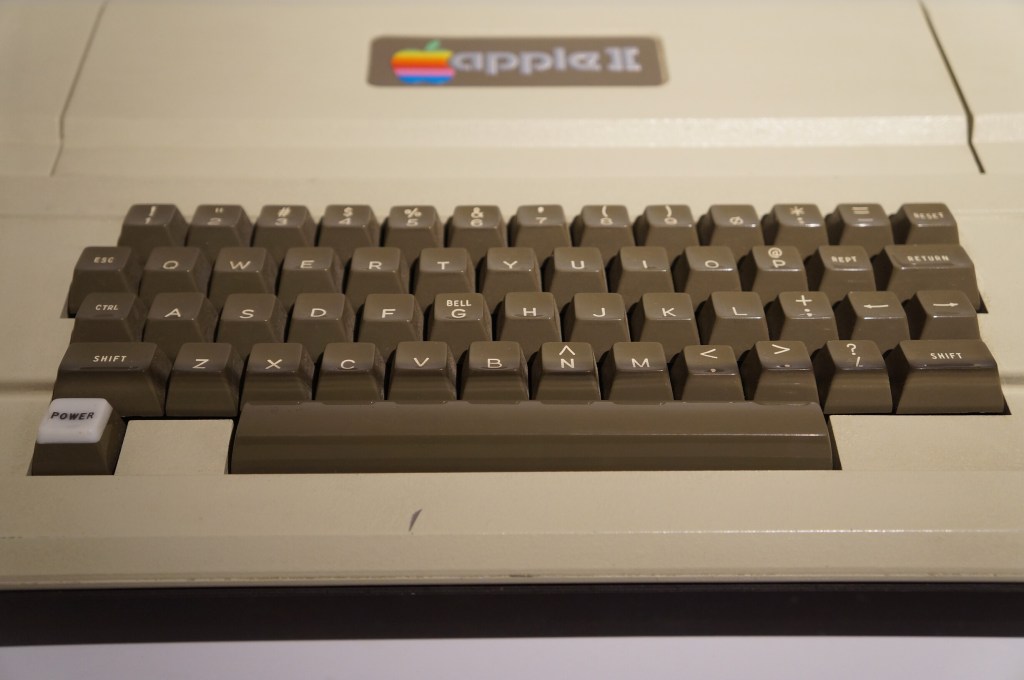
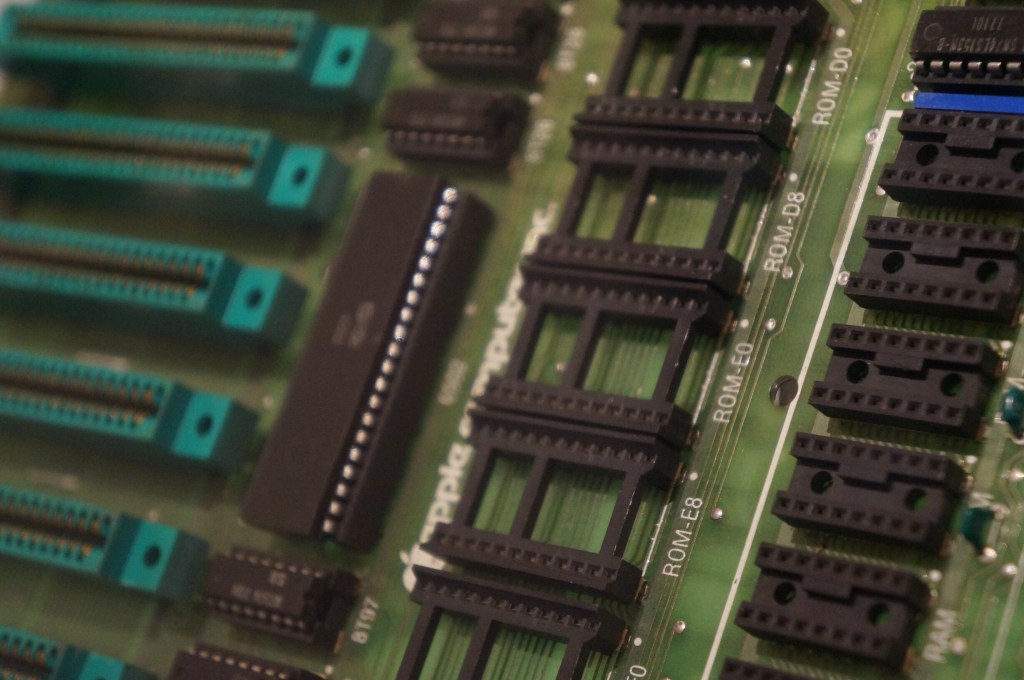
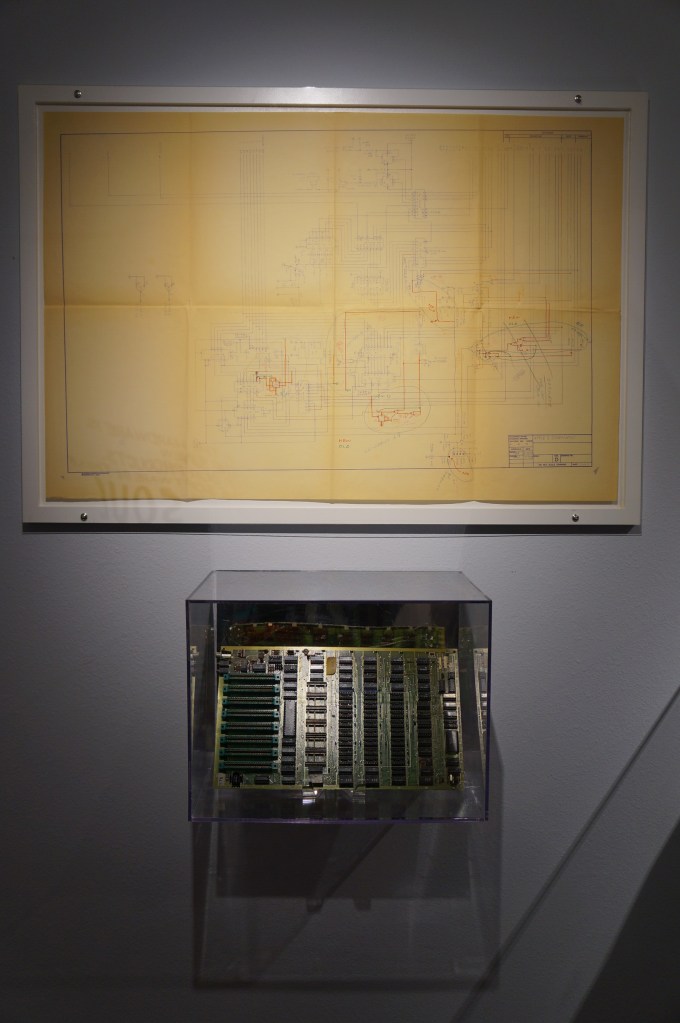
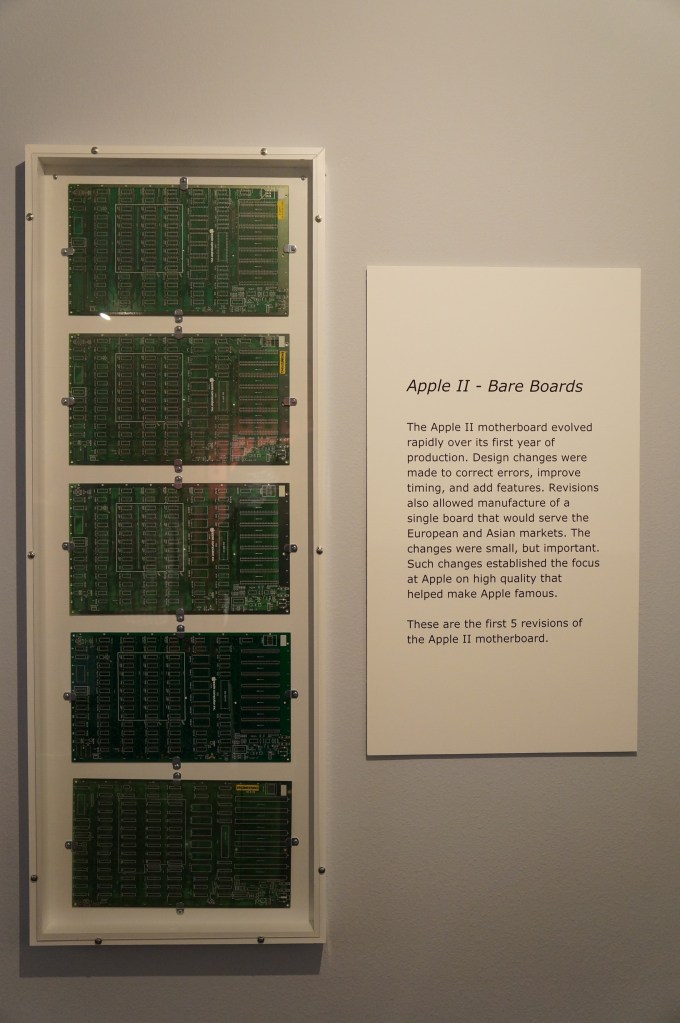
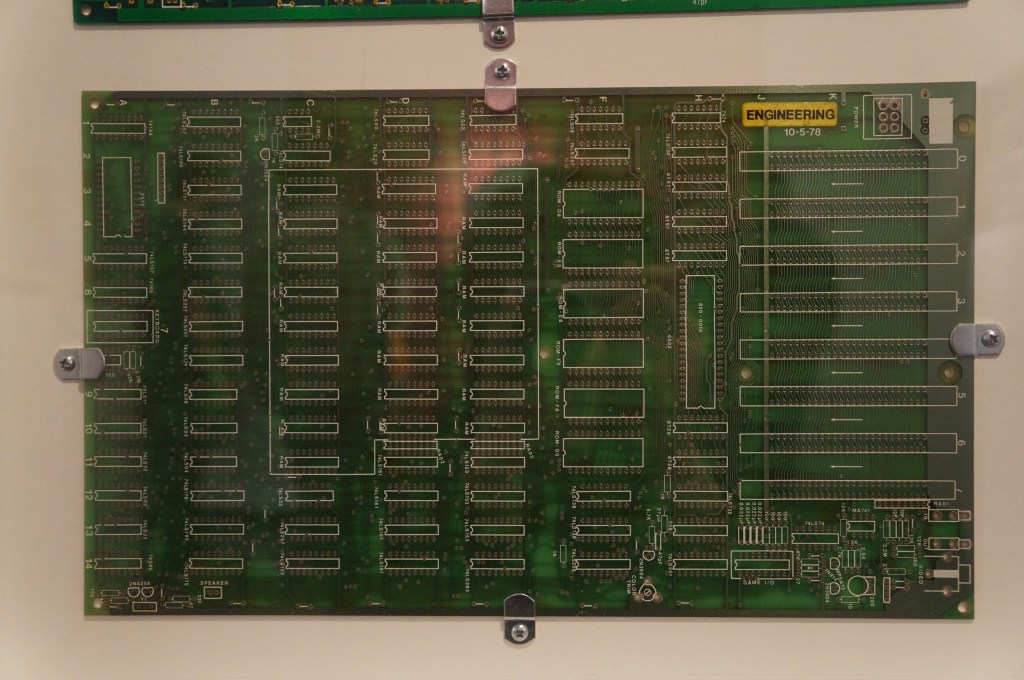
Apple II
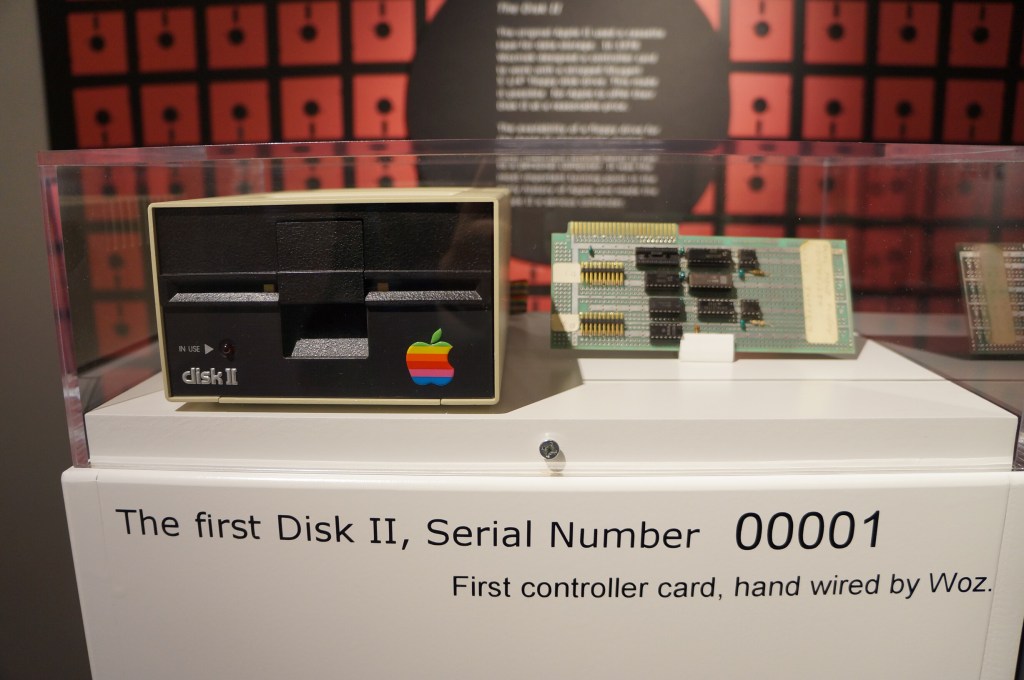
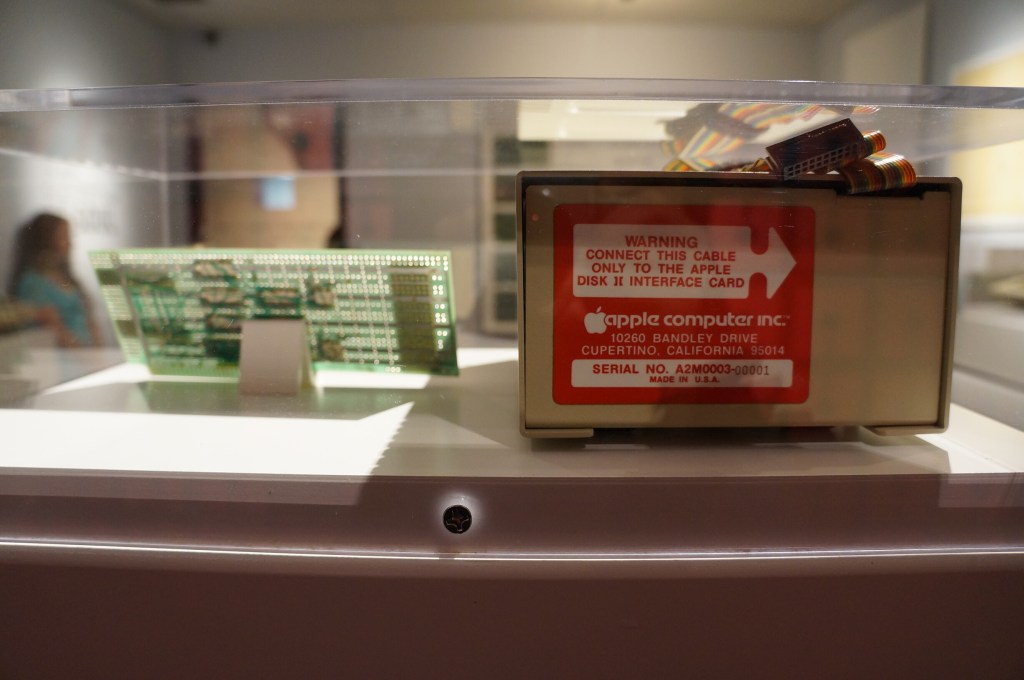
Apple Disk II, Serial Number 00001
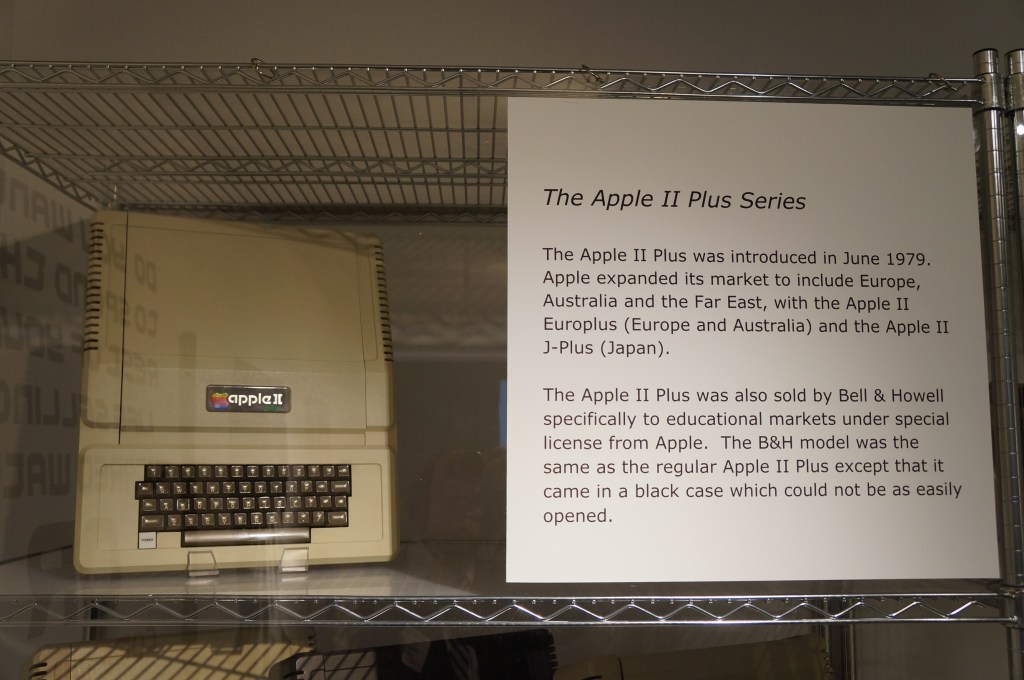
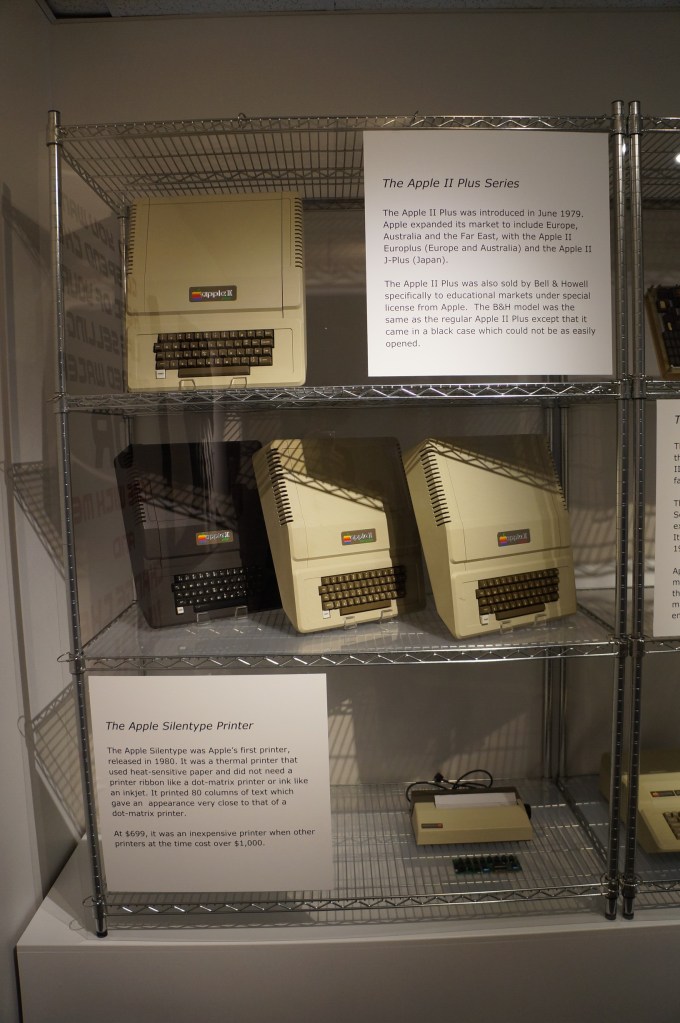
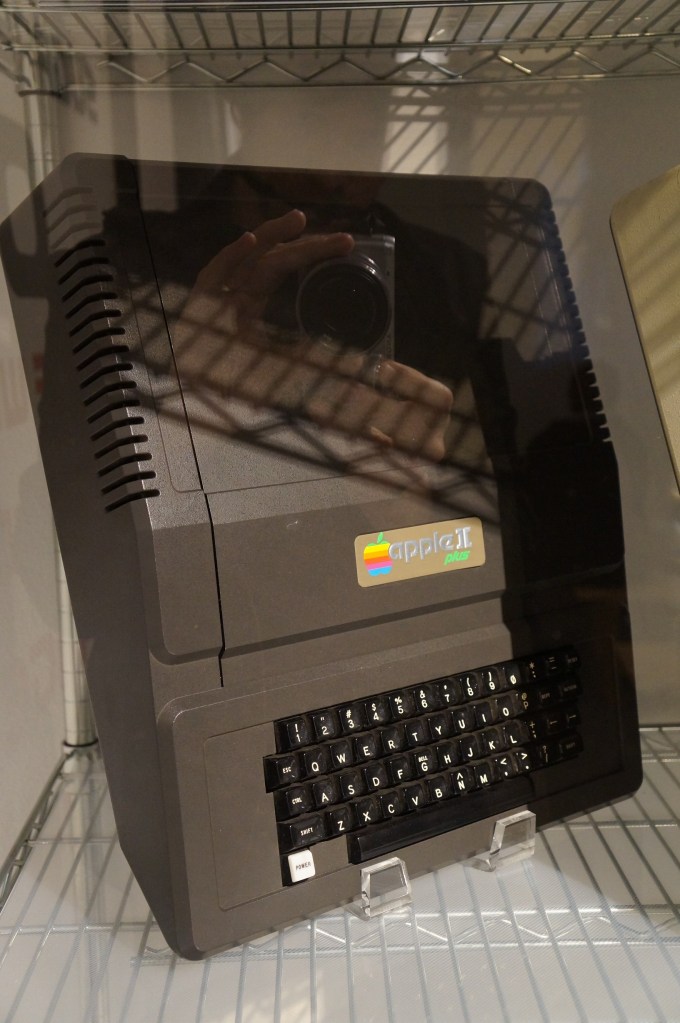
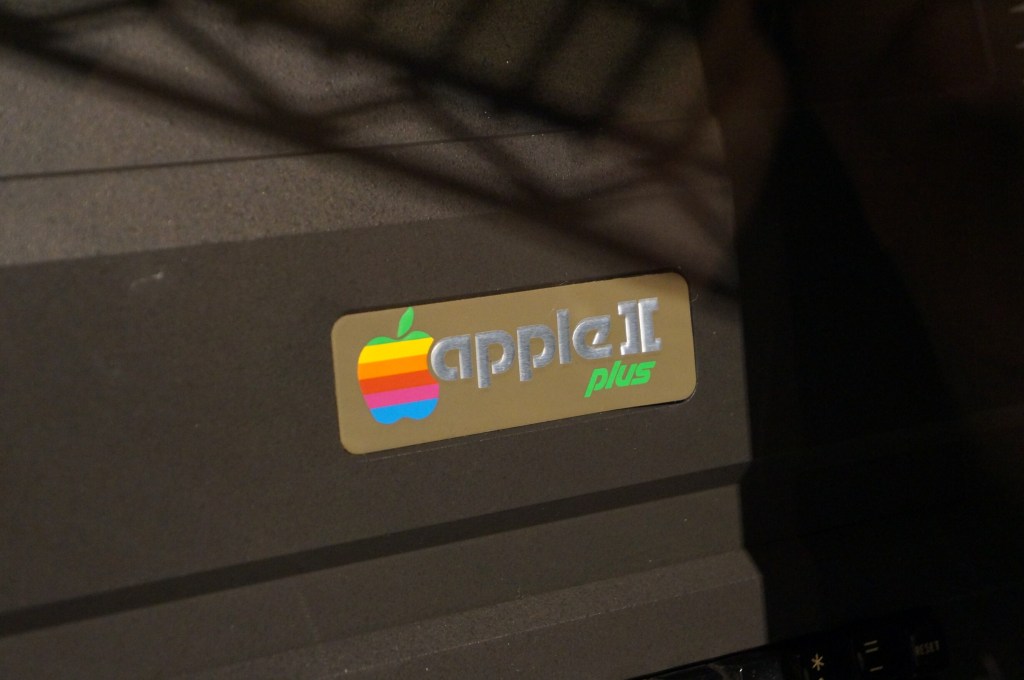
Apple II Plus
Apple IIe
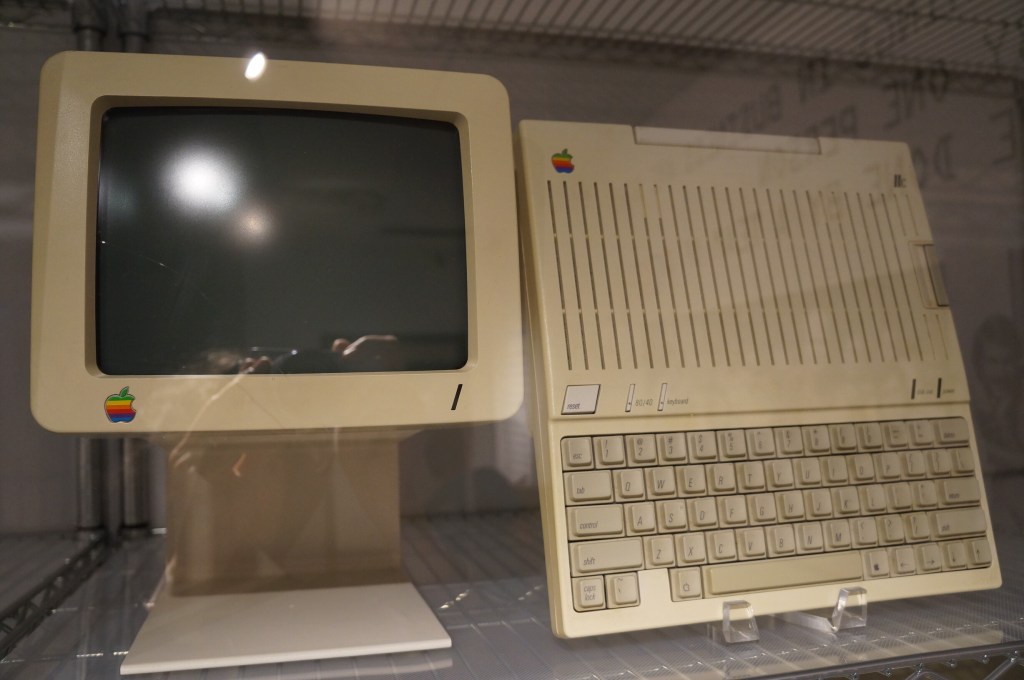
Apple IIc
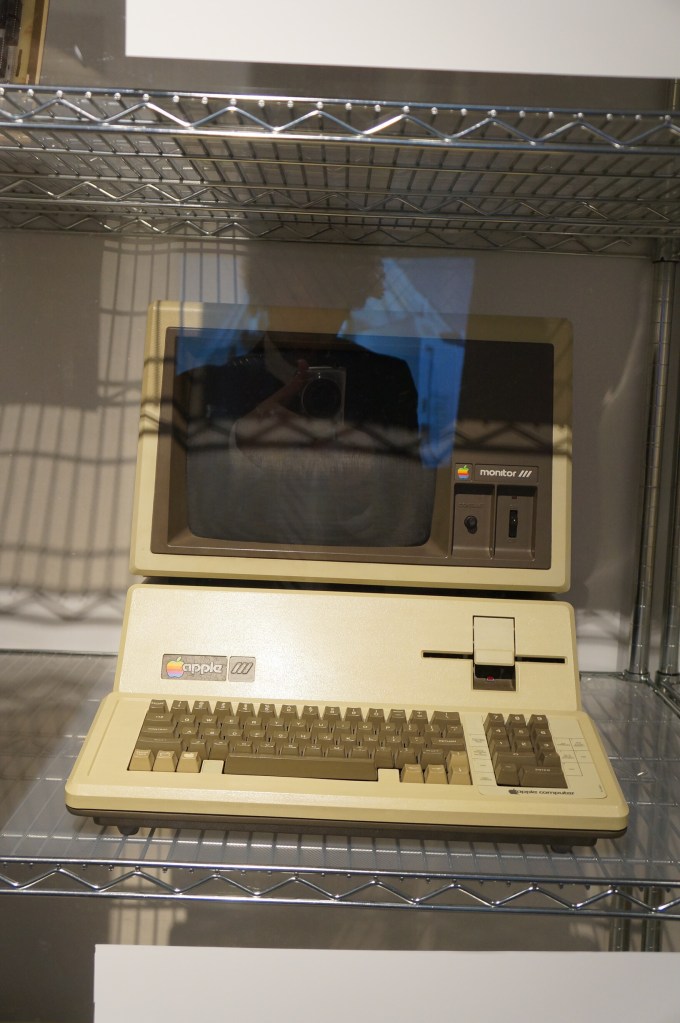
Apple III Prototype Board and Production Model
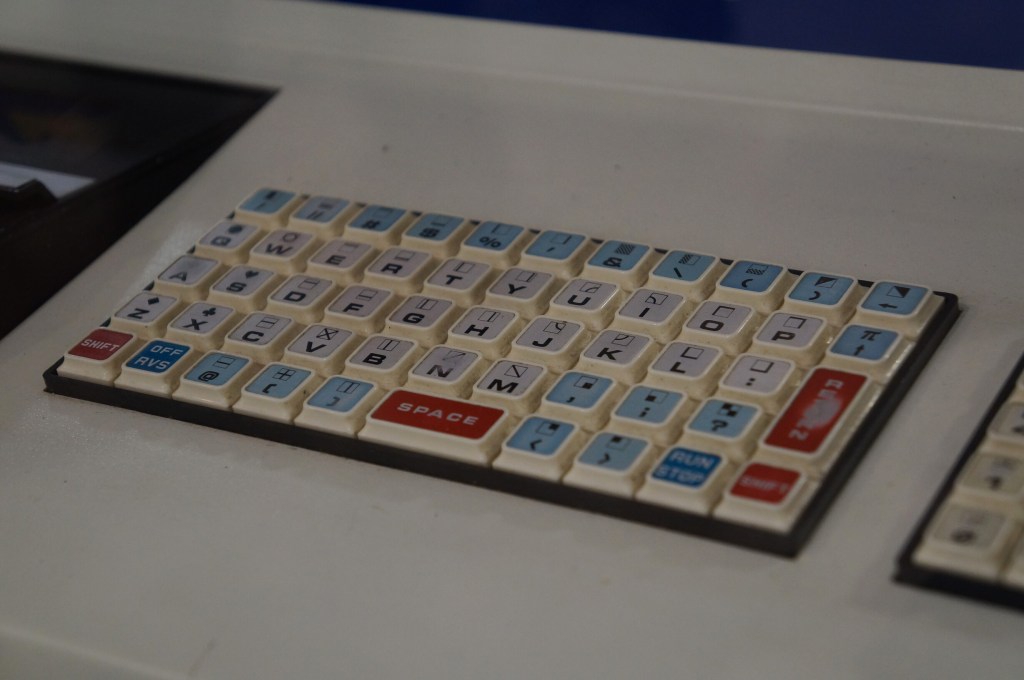
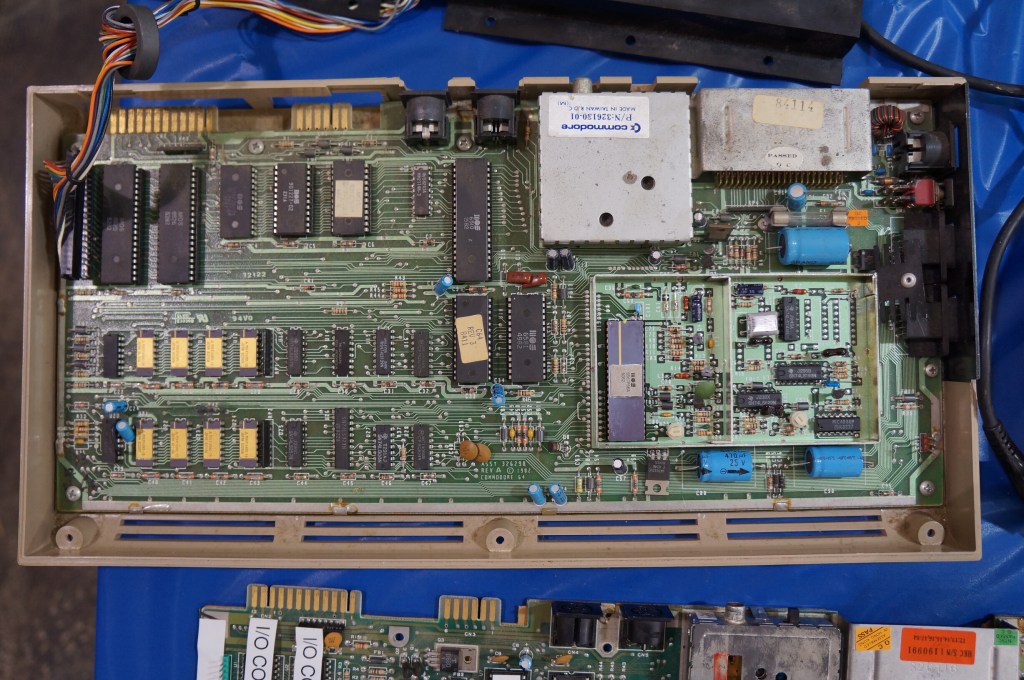
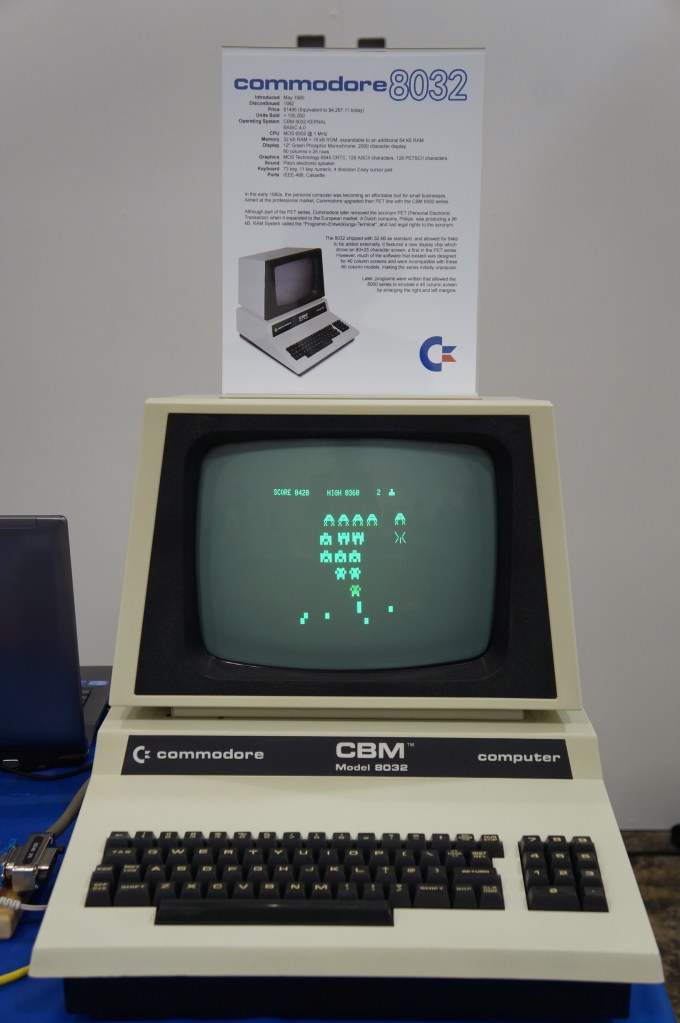
Commodore PET
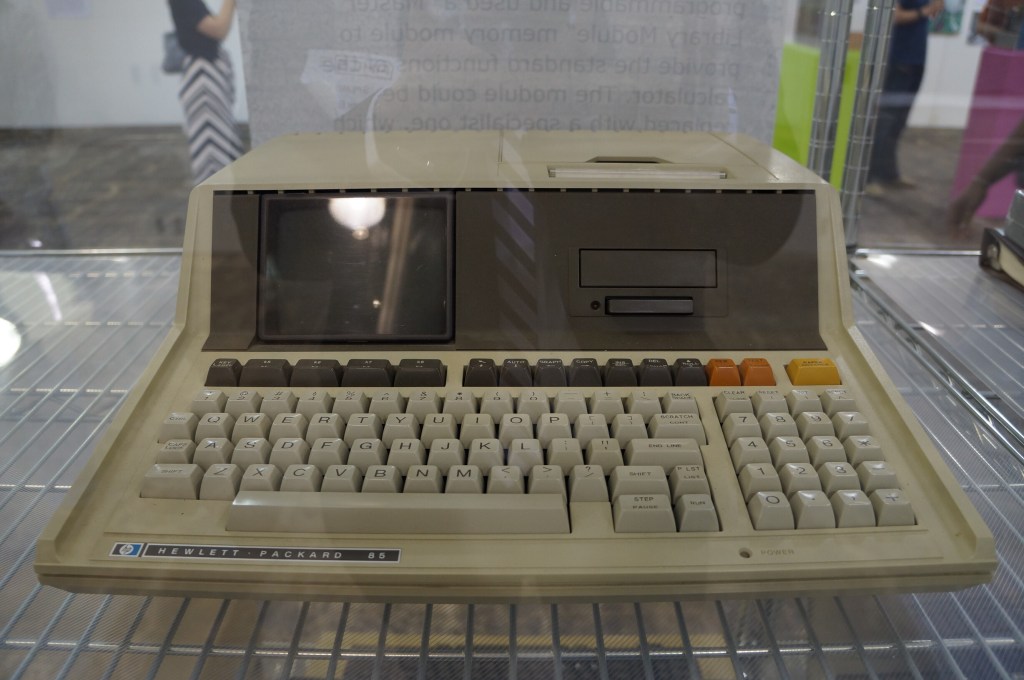
Hewlett Packard 85
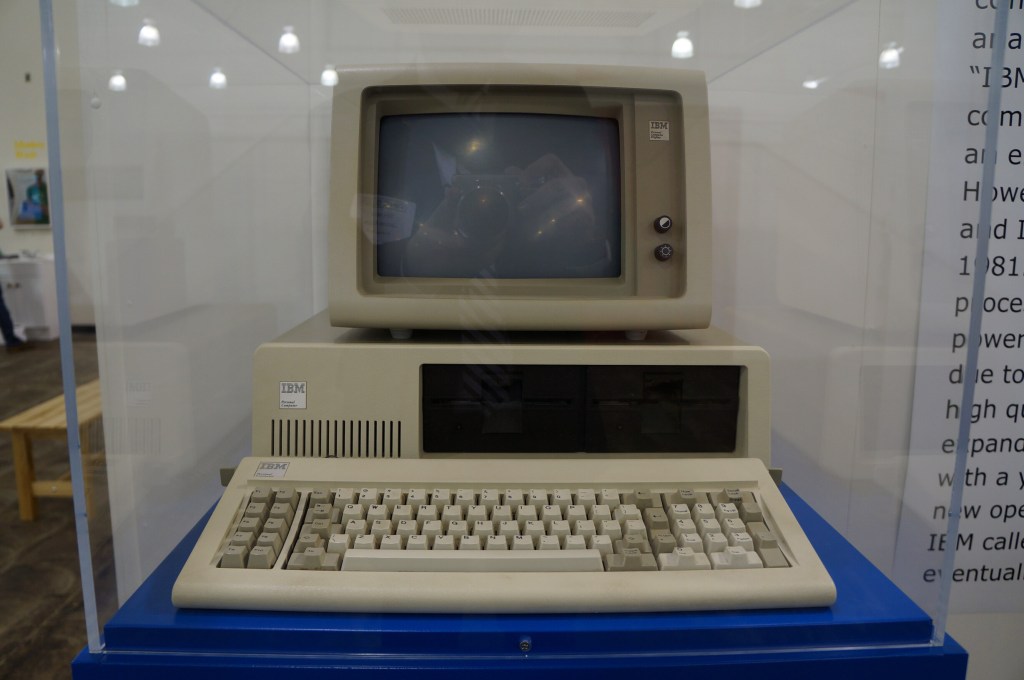
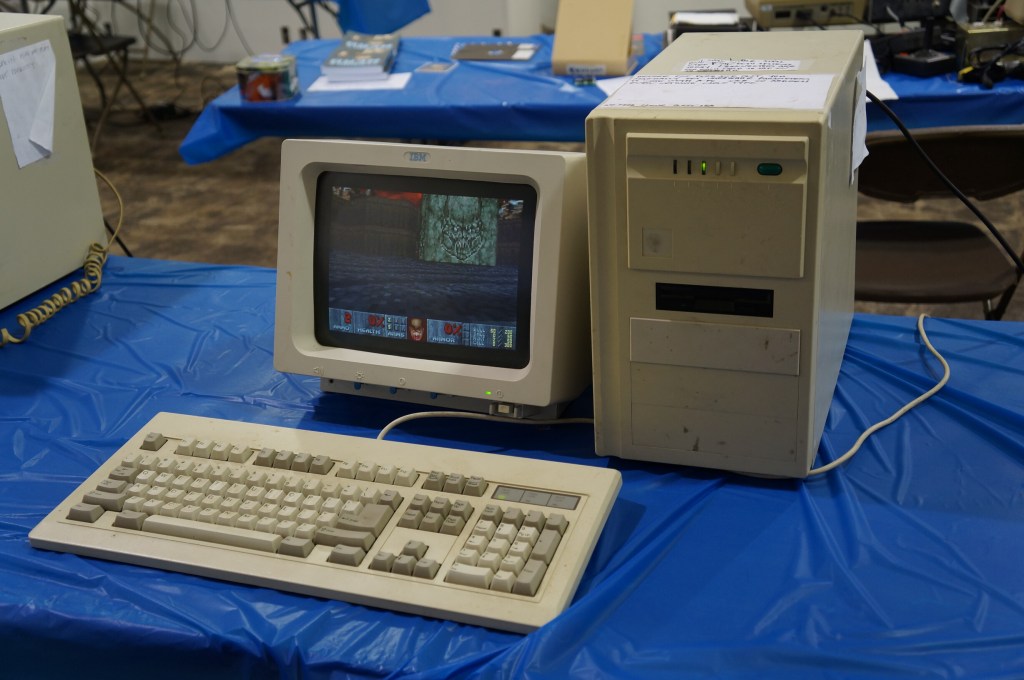
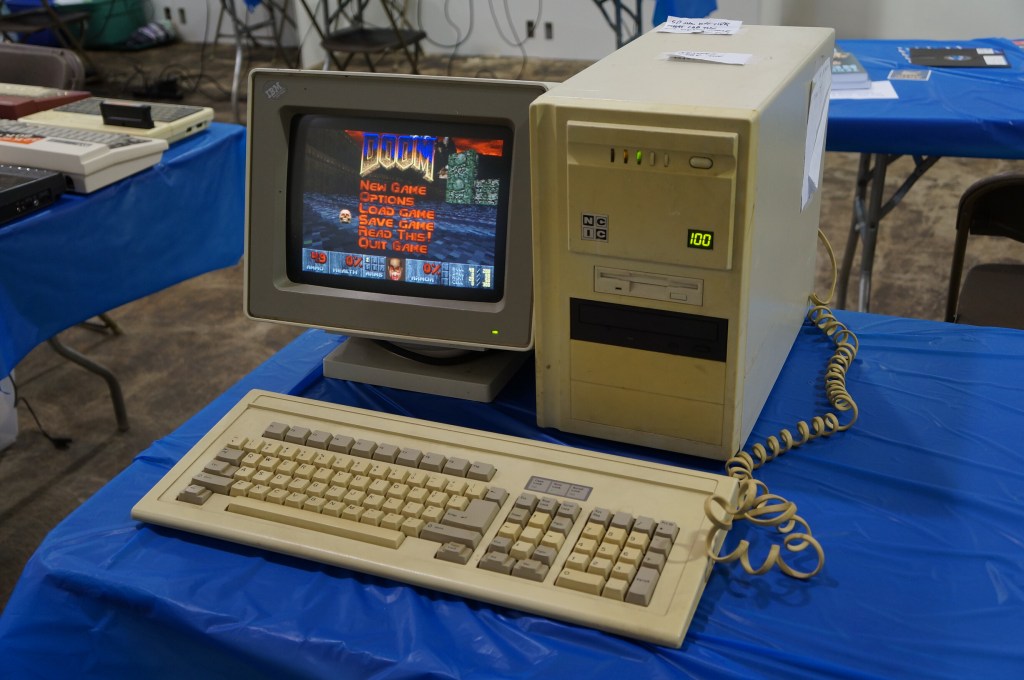
IBM Personal Computer
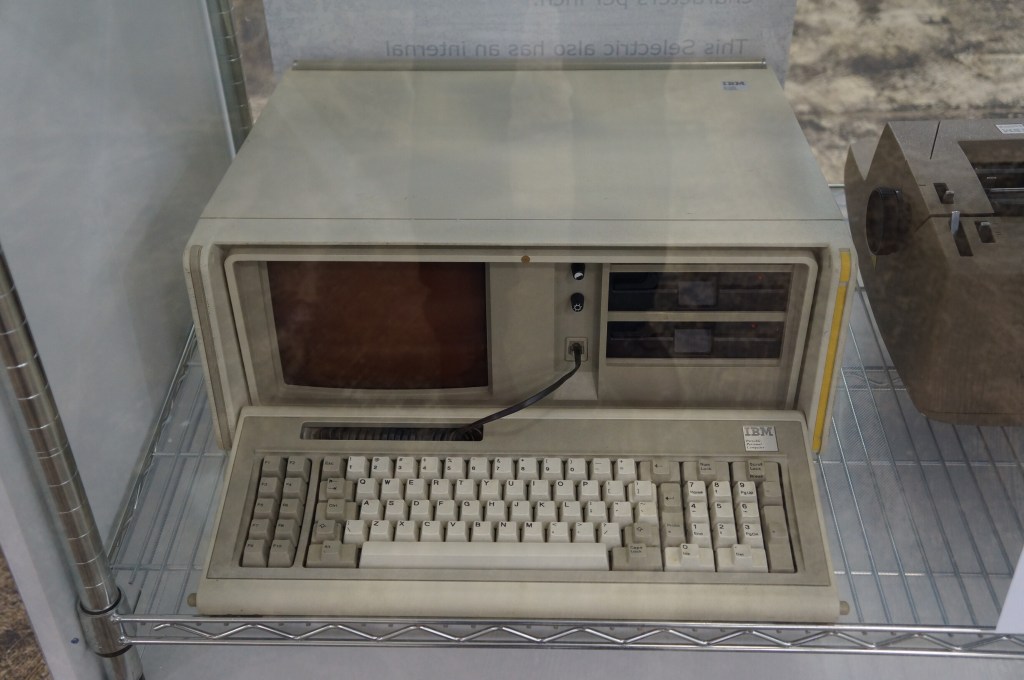
IBM Portable PC
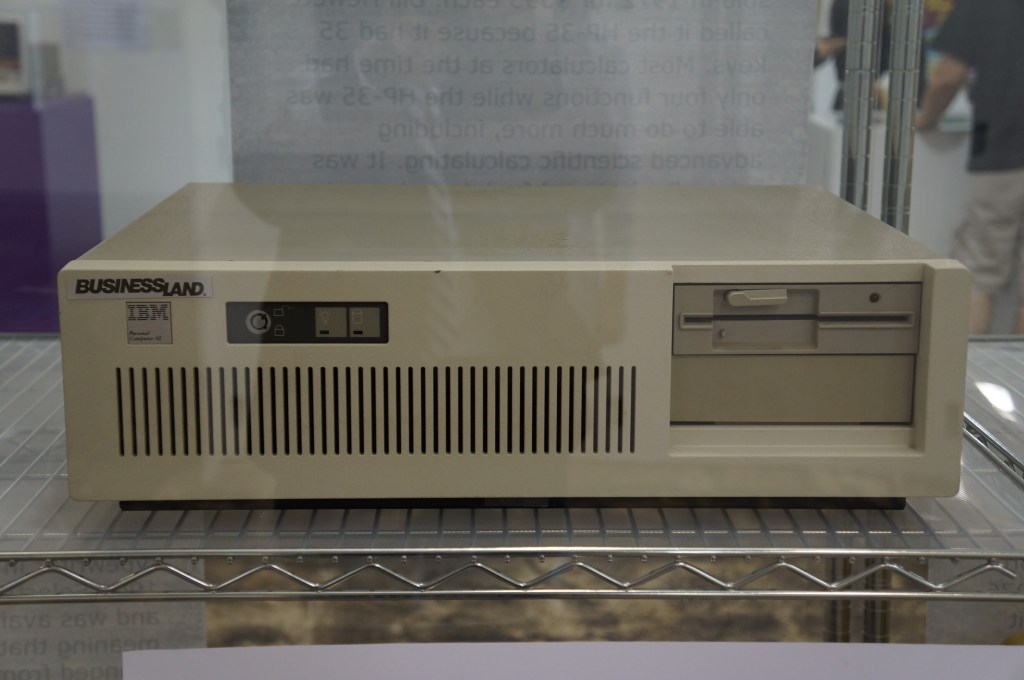
IBM PC AT
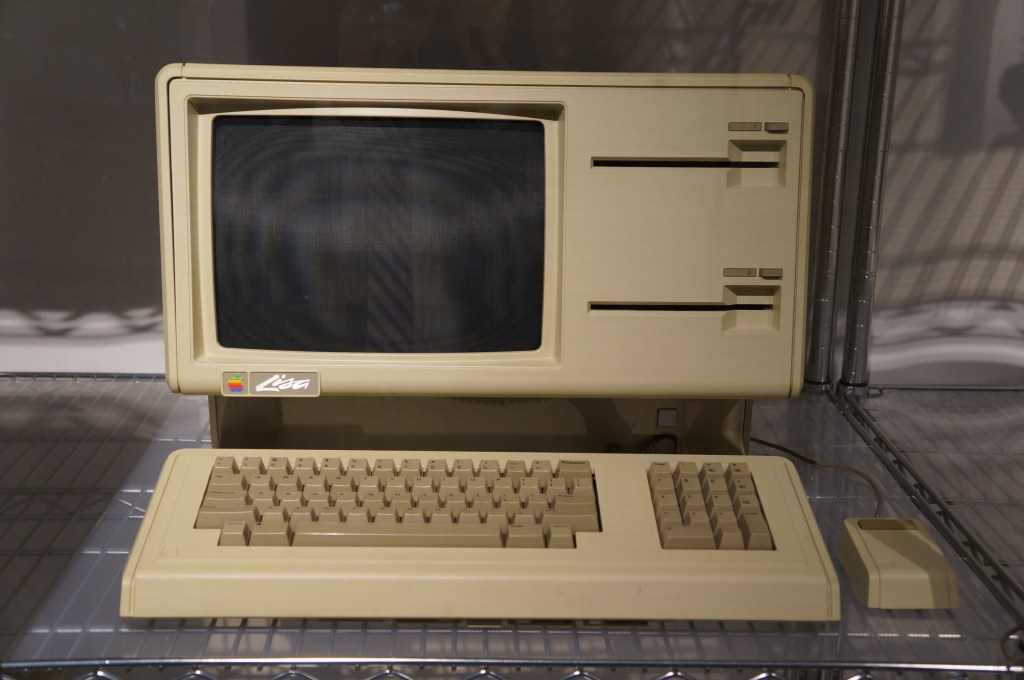
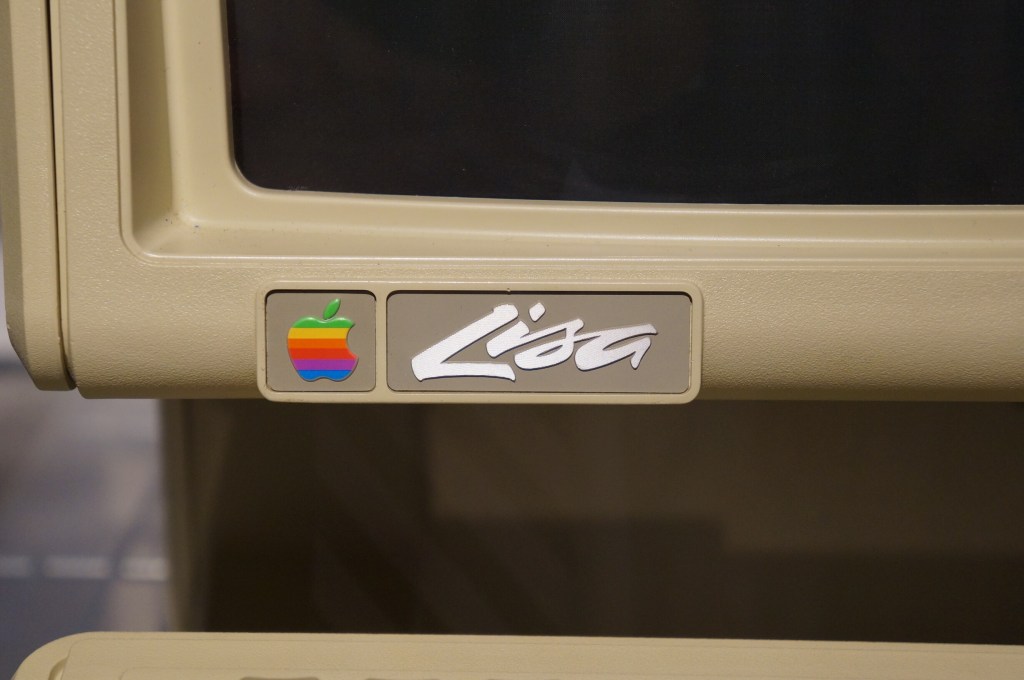
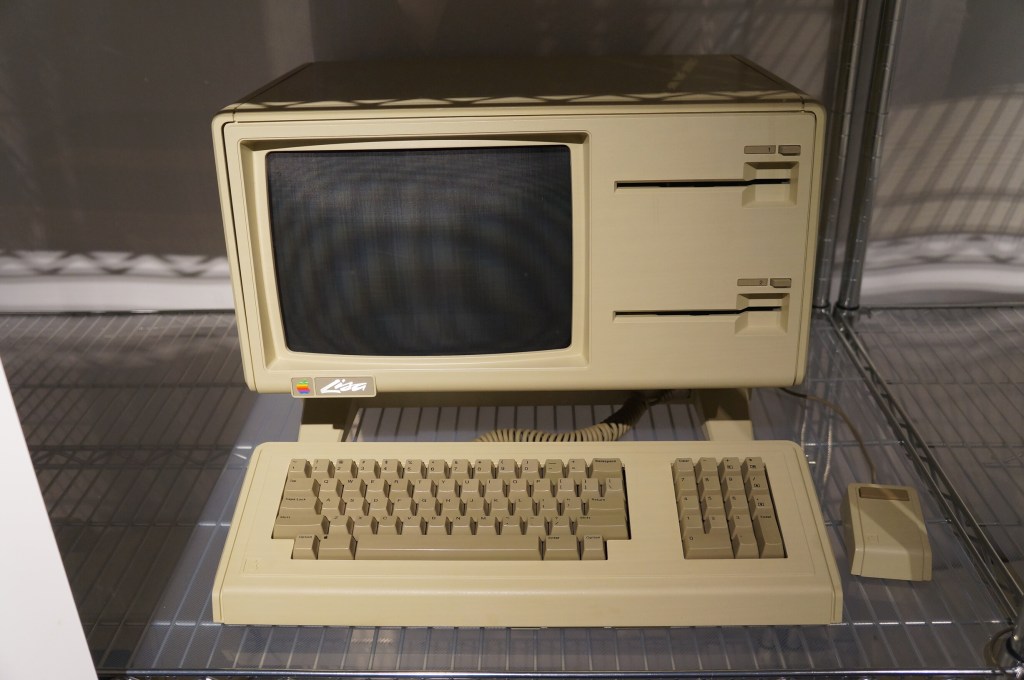
Apple Lisa
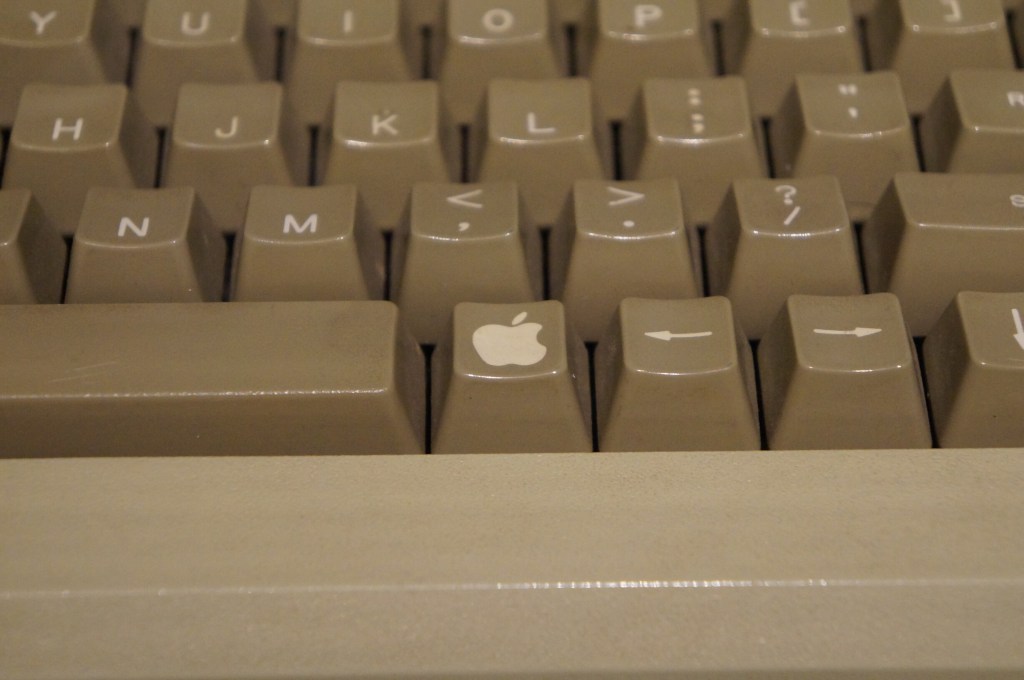
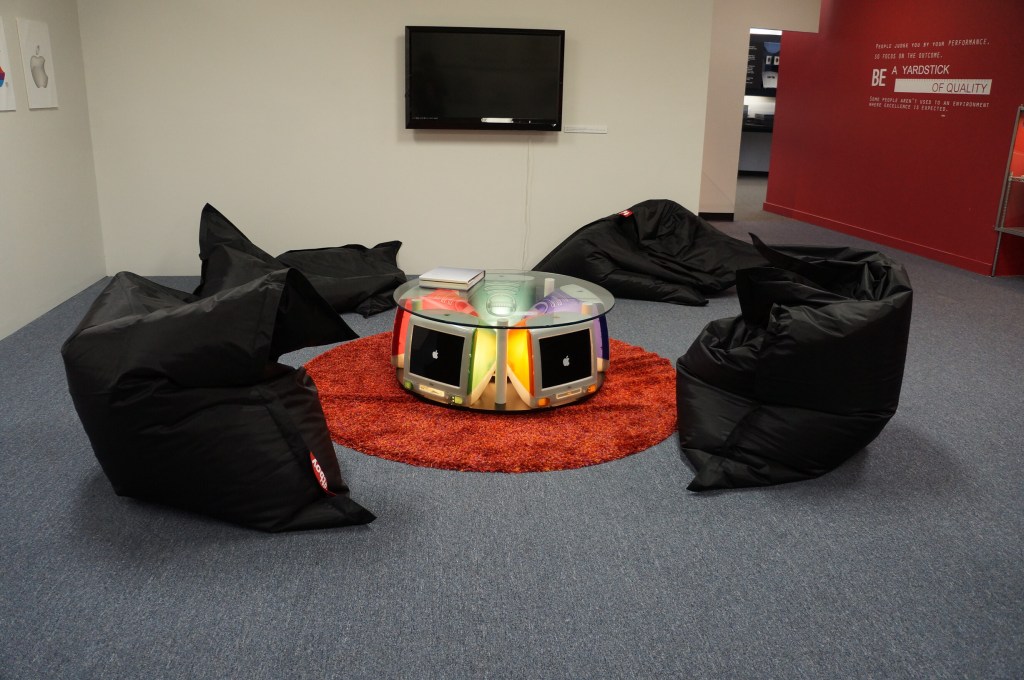
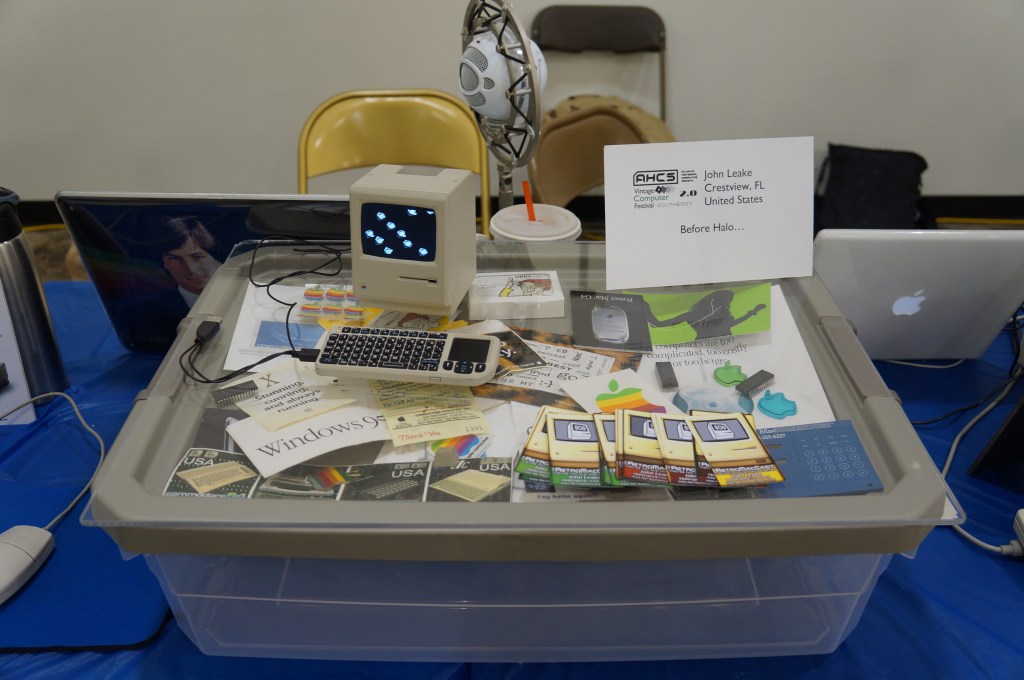
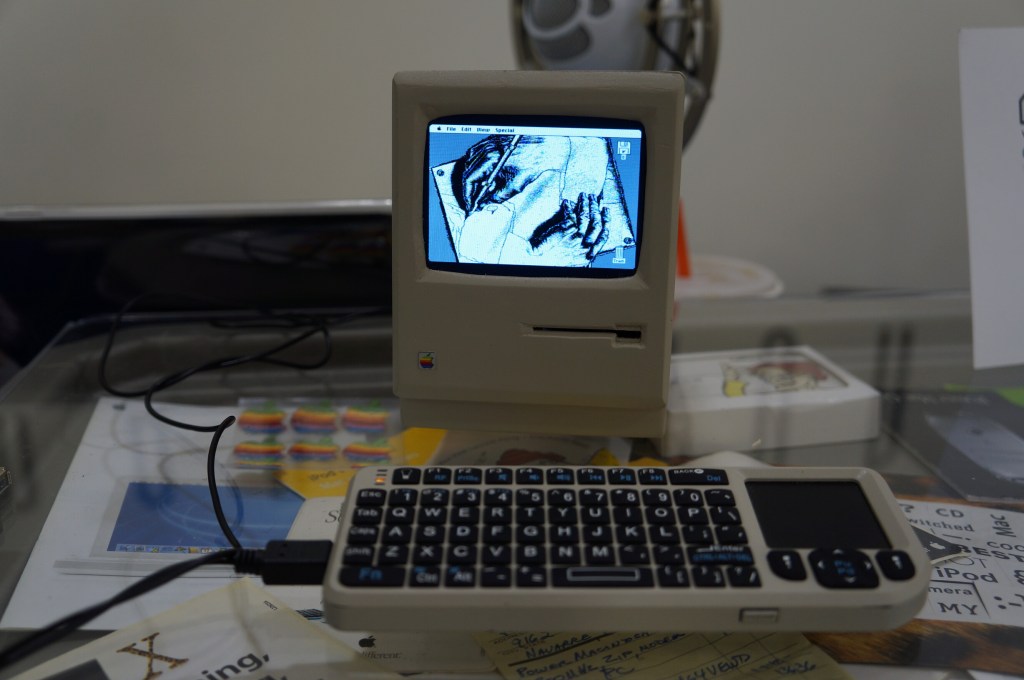
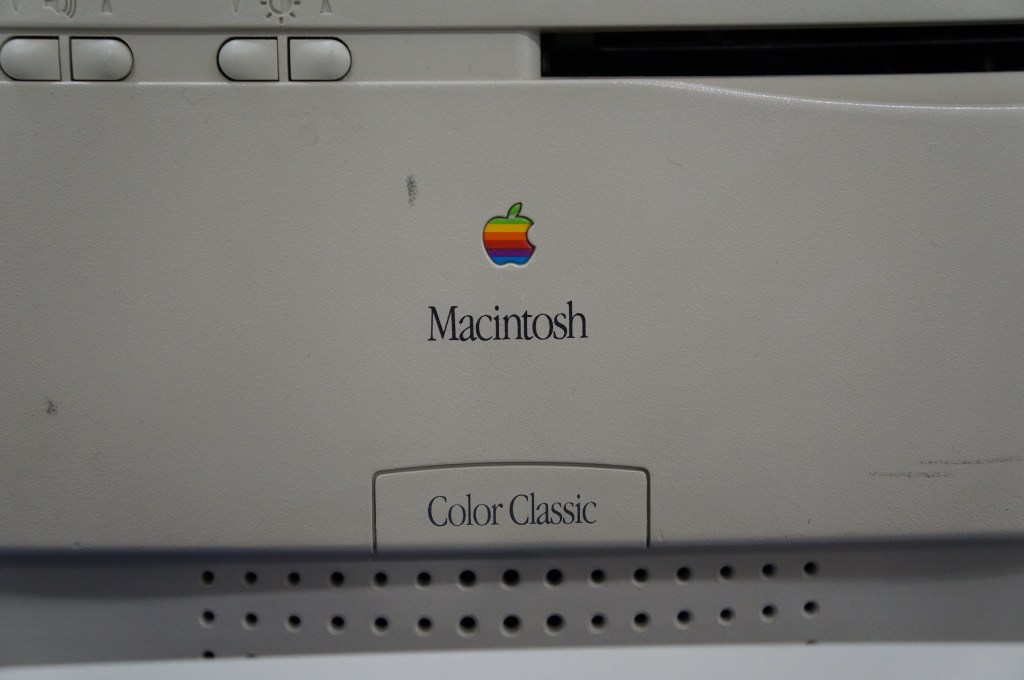
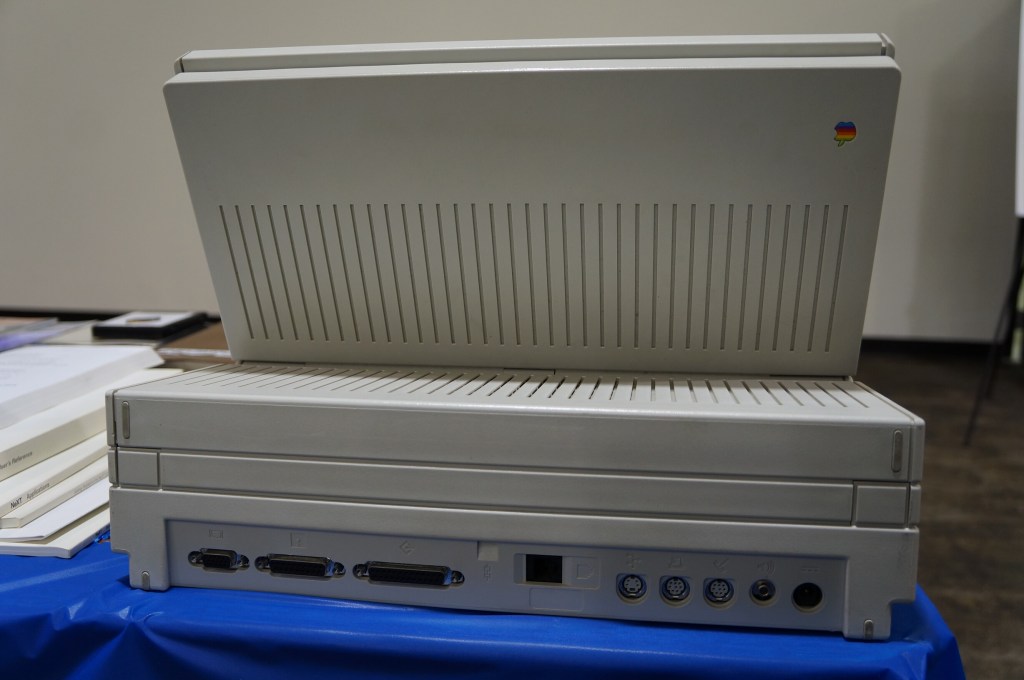
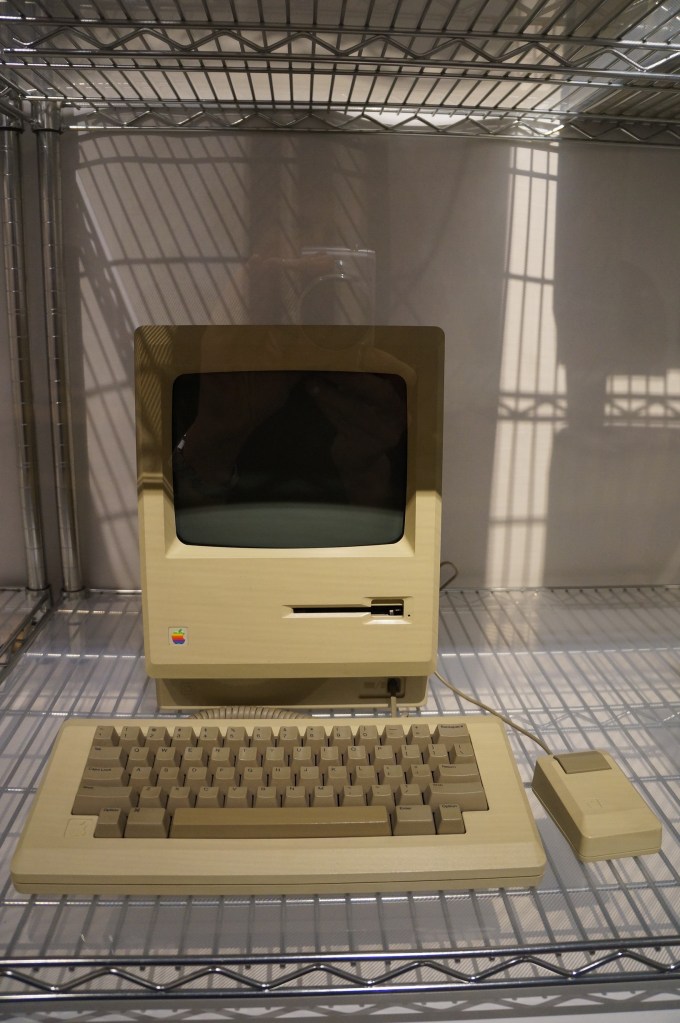
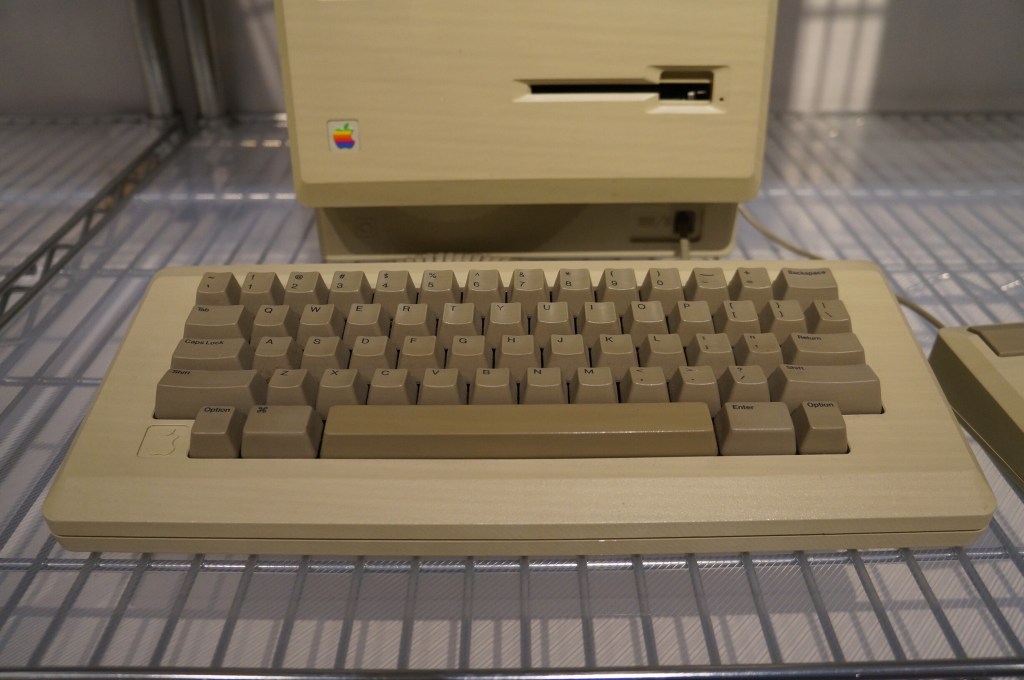
Apple Macintosh
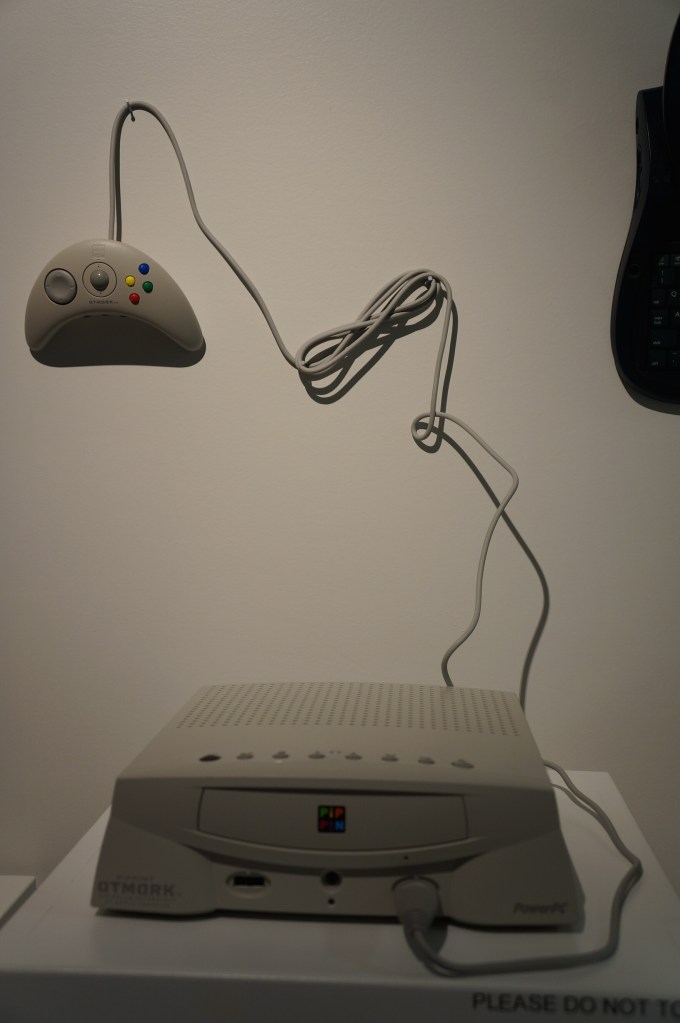
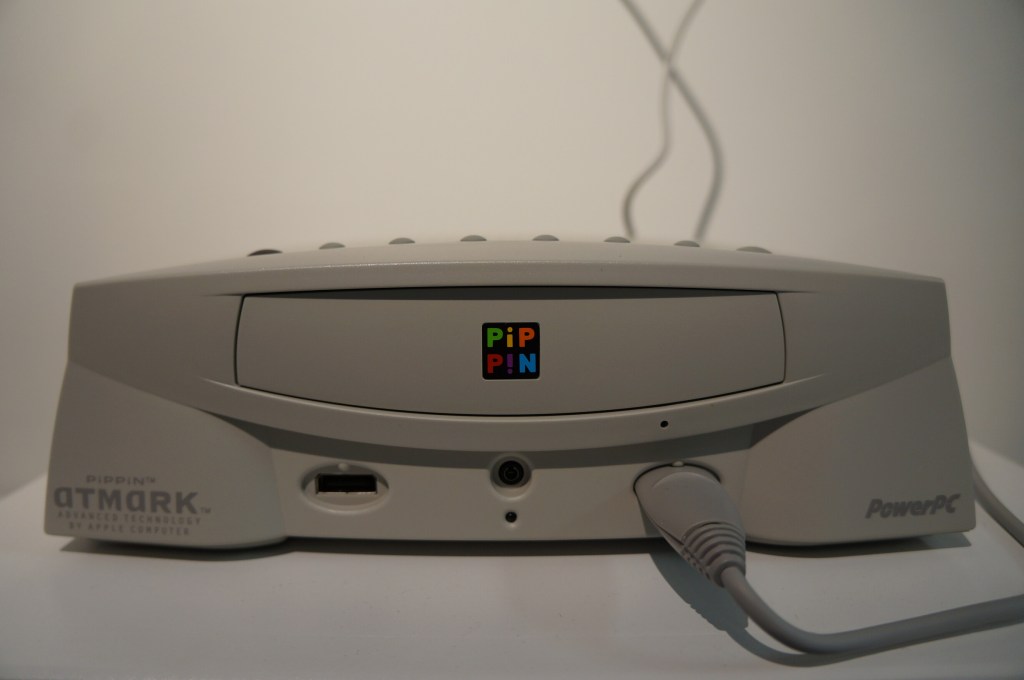
Apple PiPPiN
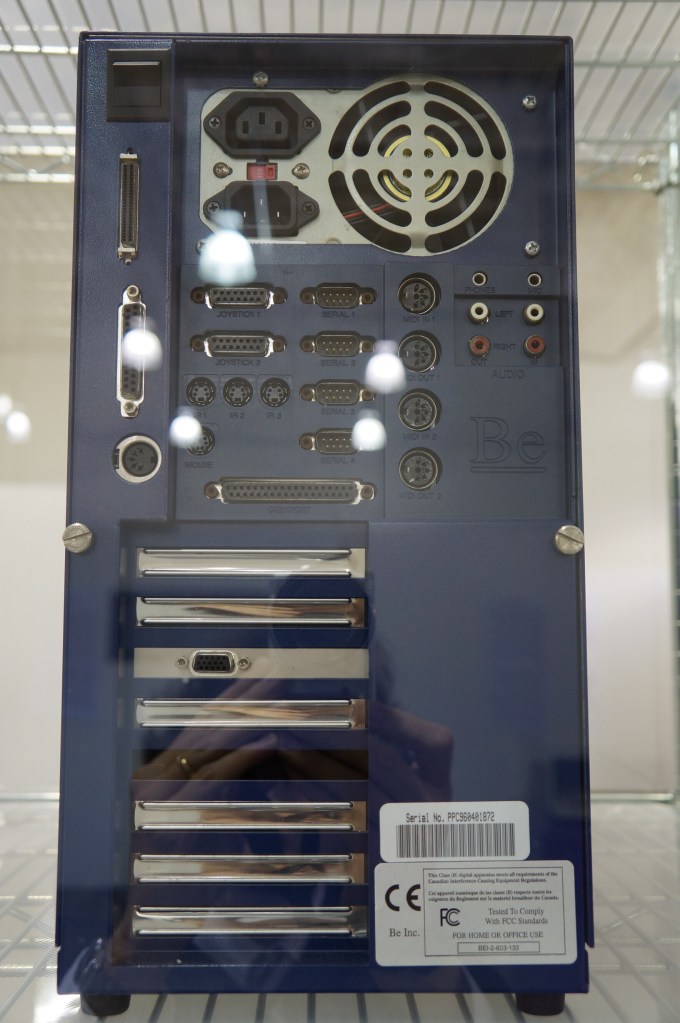
BeBox
As I’ve written before here and here, I really like BeOS, so it was a special joy to see a BeBox in person for the first time at VCFSE 2.0.
On April 20, 2013, I attended the first Vintage Computer Festival Southeast outside Atlanta, Georgia at what is now the Computer Museum of America with my friends Mark, Paul, and Bob. This was the spring of my first full year back in Atlanta after becoming a Brittain Fellow at Georgia Tech in Fall 2012. It was a good day like old times before I went to grad school.
The following year, I co-presented with Wendy Hagenmaier about Vintage Computing at Georgia Tech, which I blogged about here. I will post photos from the 2014 VSFSE next week.
IMSAI 8080 (WarGames)
If you’ve seen the film WarGames (1983), you know what kind of mischief you can get up to with a tricked out version of an IMSAI 8080.
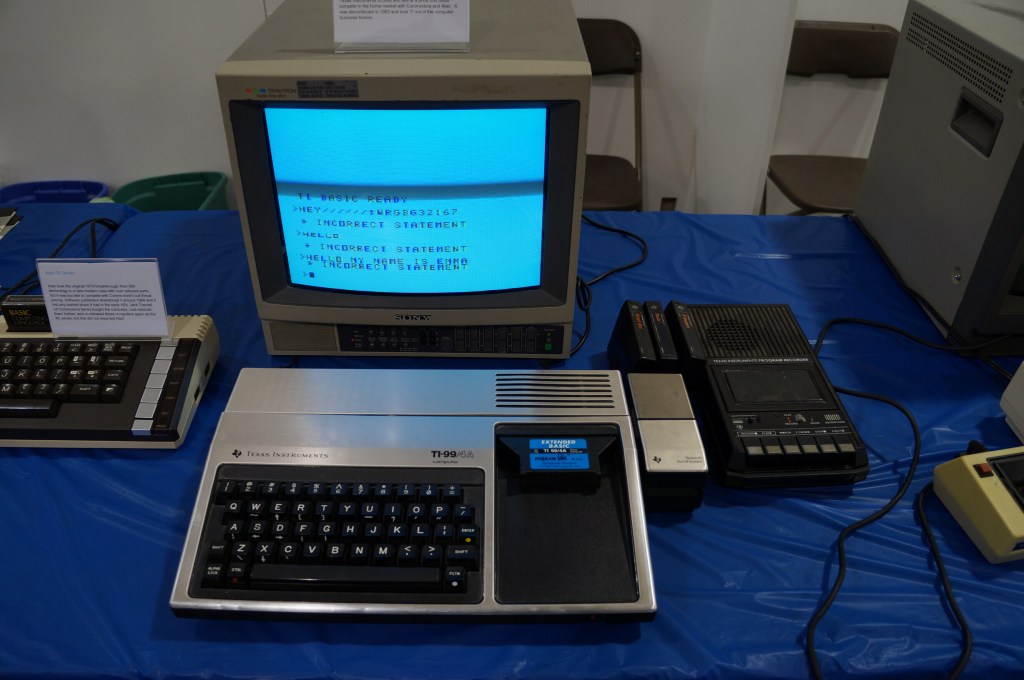
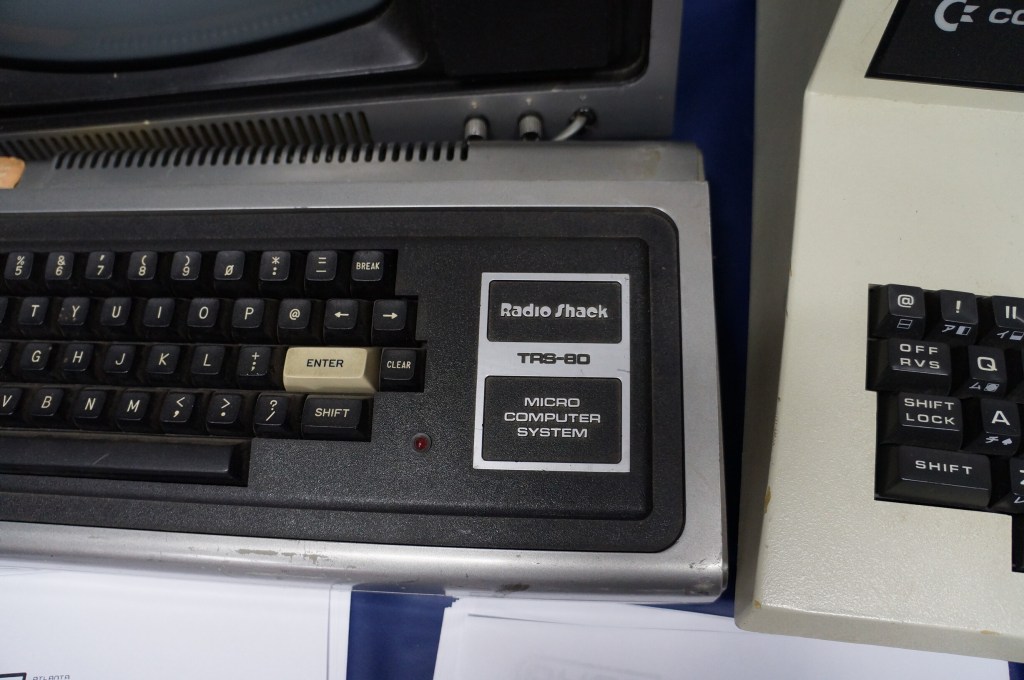
The Big Three: Radio Shack TRS-80, Commodore PET, and Apple II
I often regale my students with tales of the rise of the personal computer with the big three mass manufactured models: Radio Shack’s TRS-80, Commodore’s PET, and Apple’s Apple II (though, it’s actually an Apple IIe pictured below).
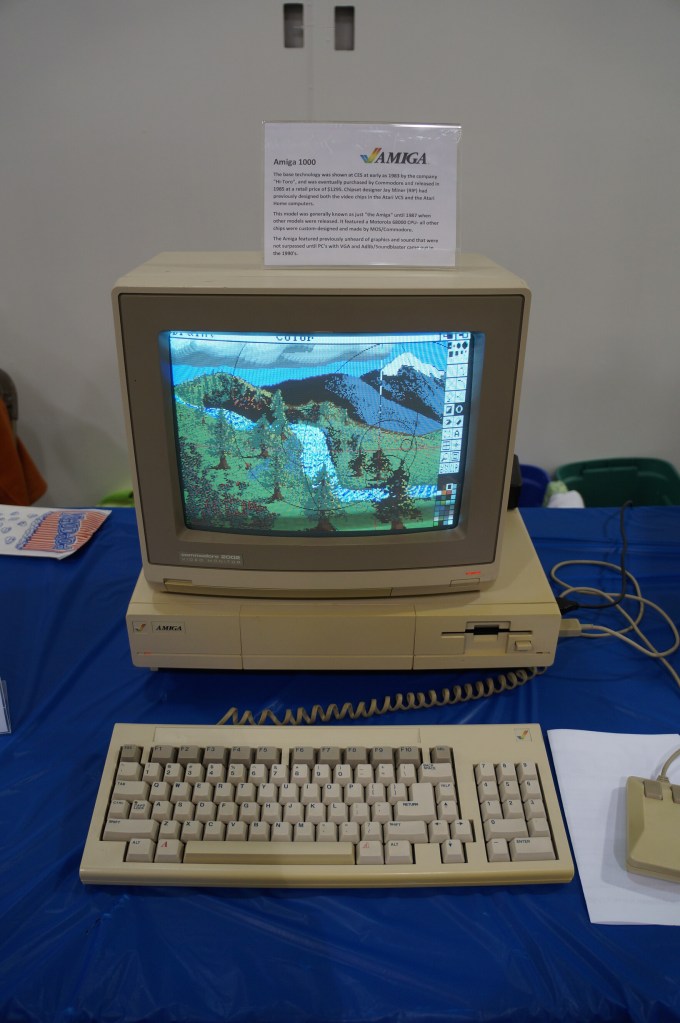
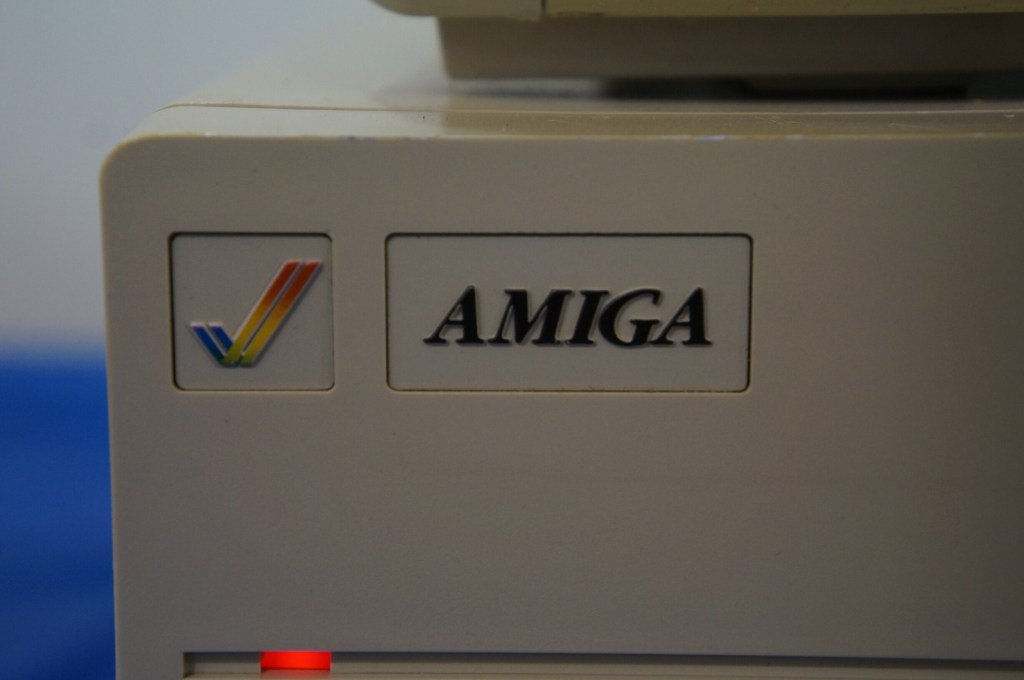
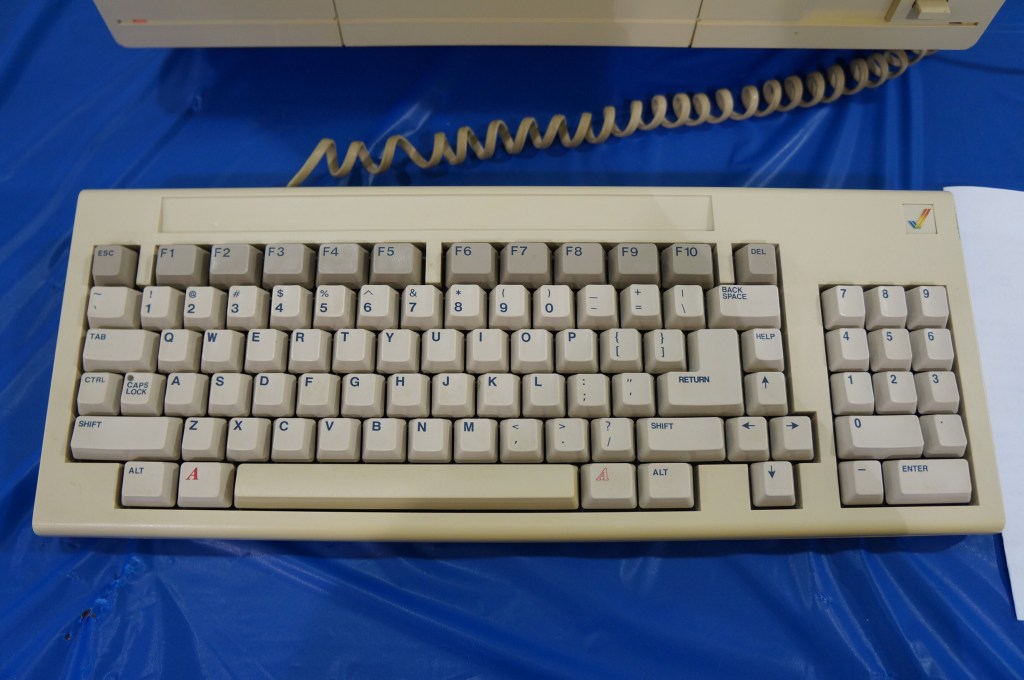
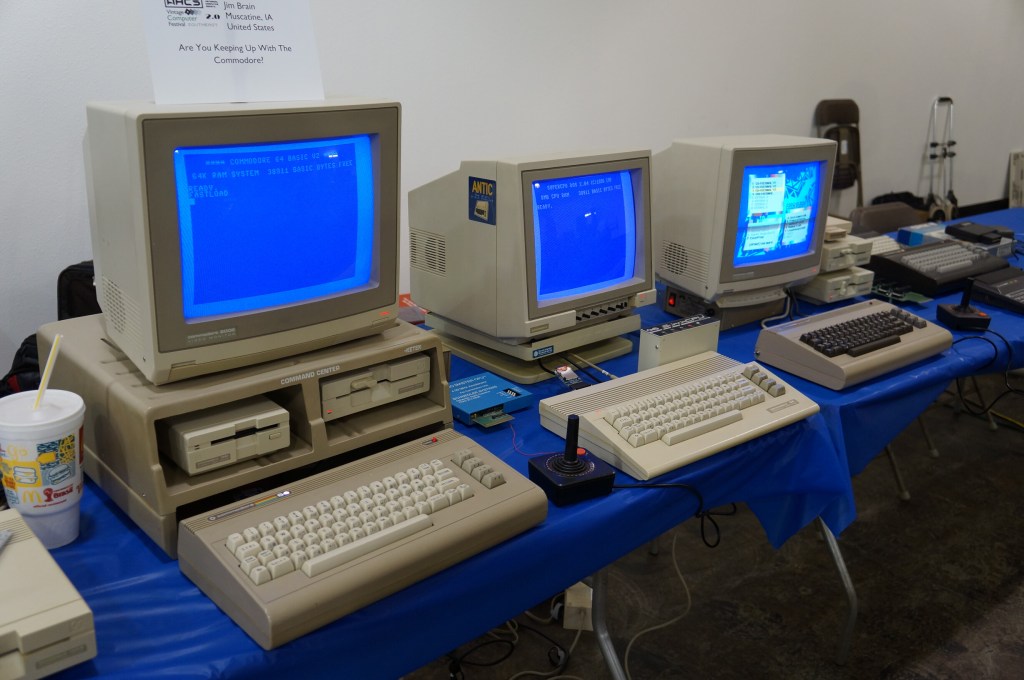
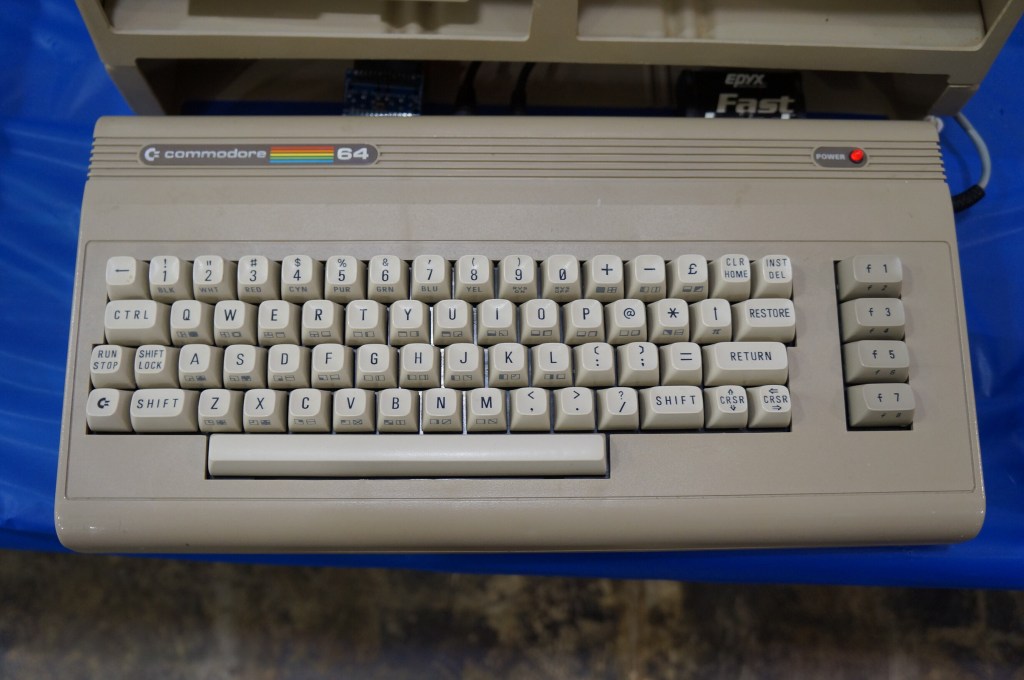
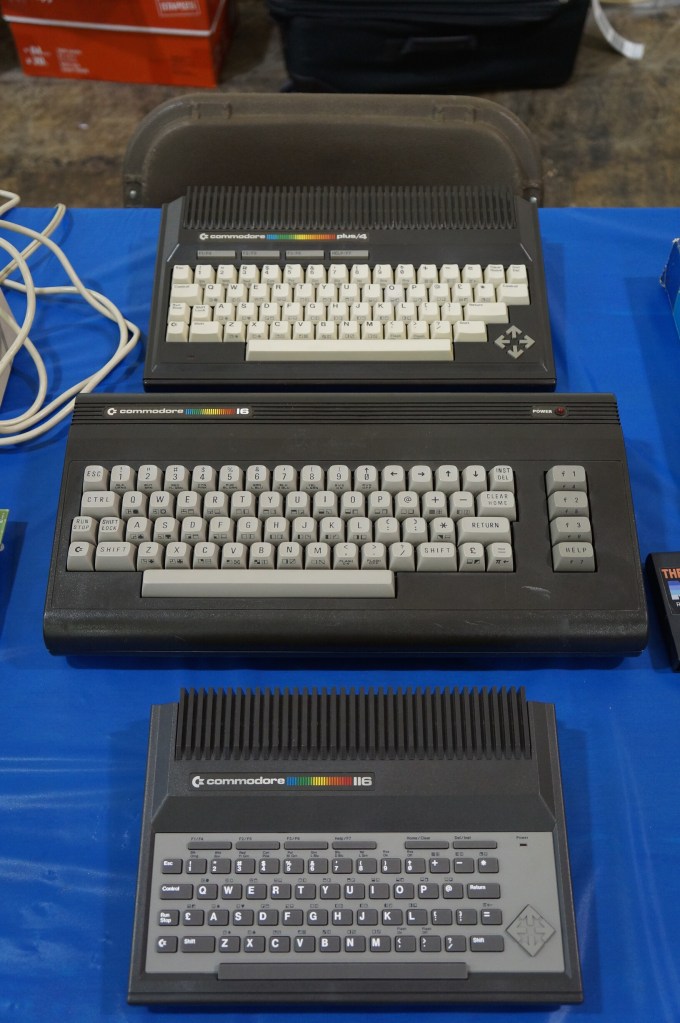
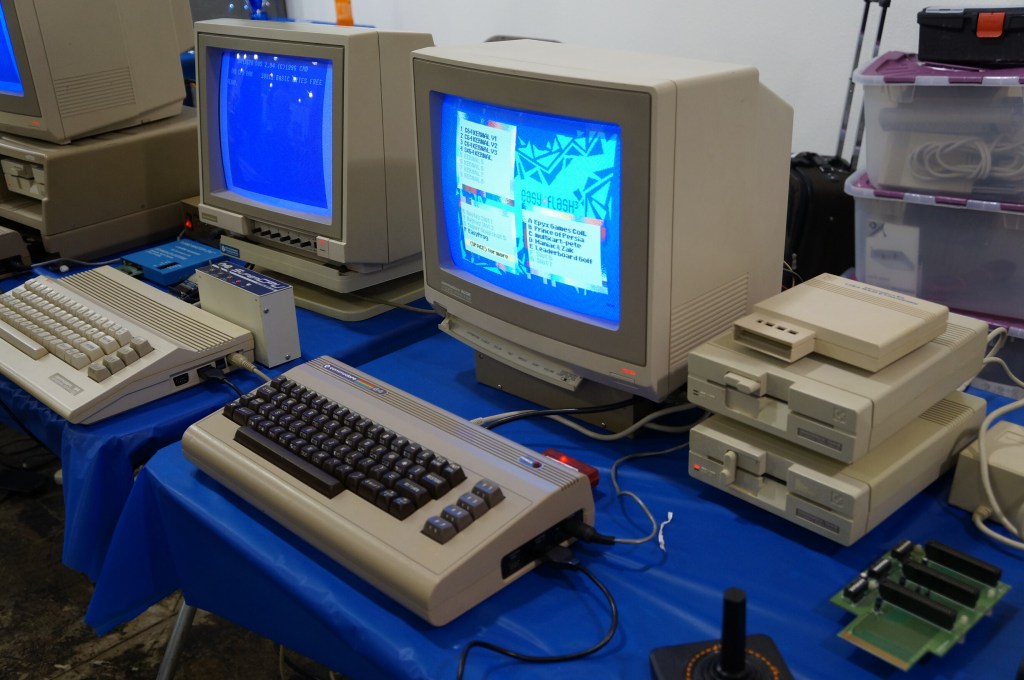
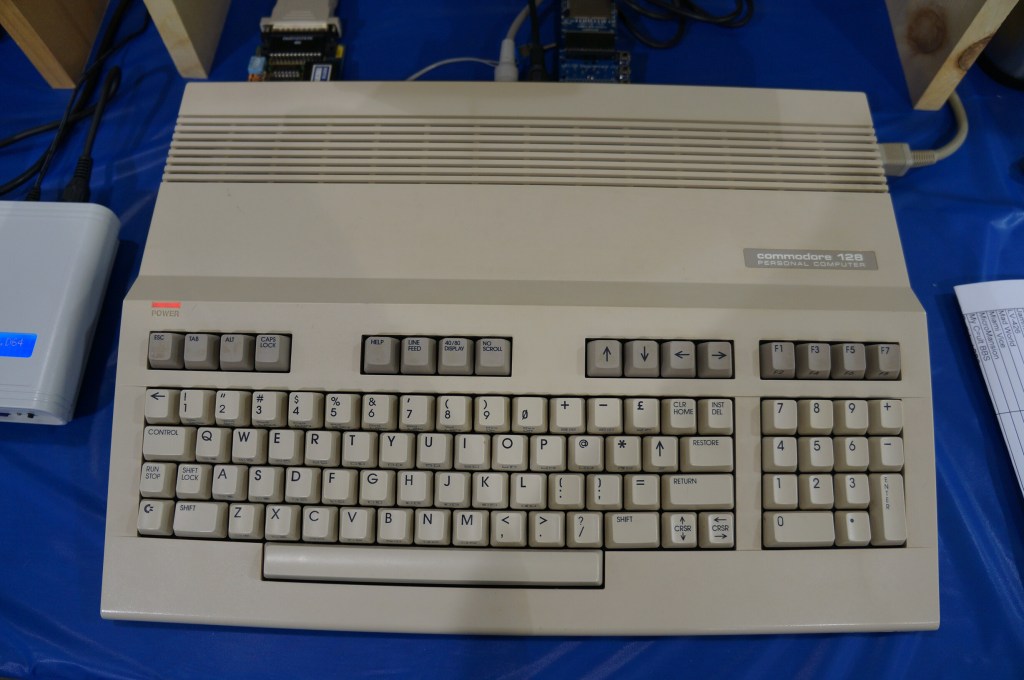
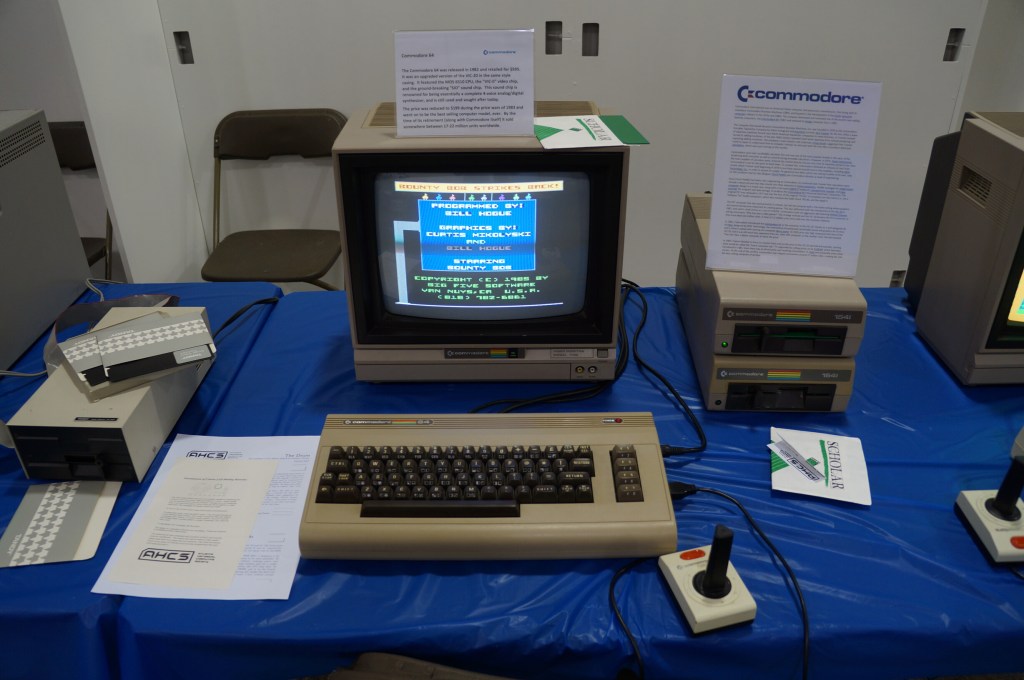
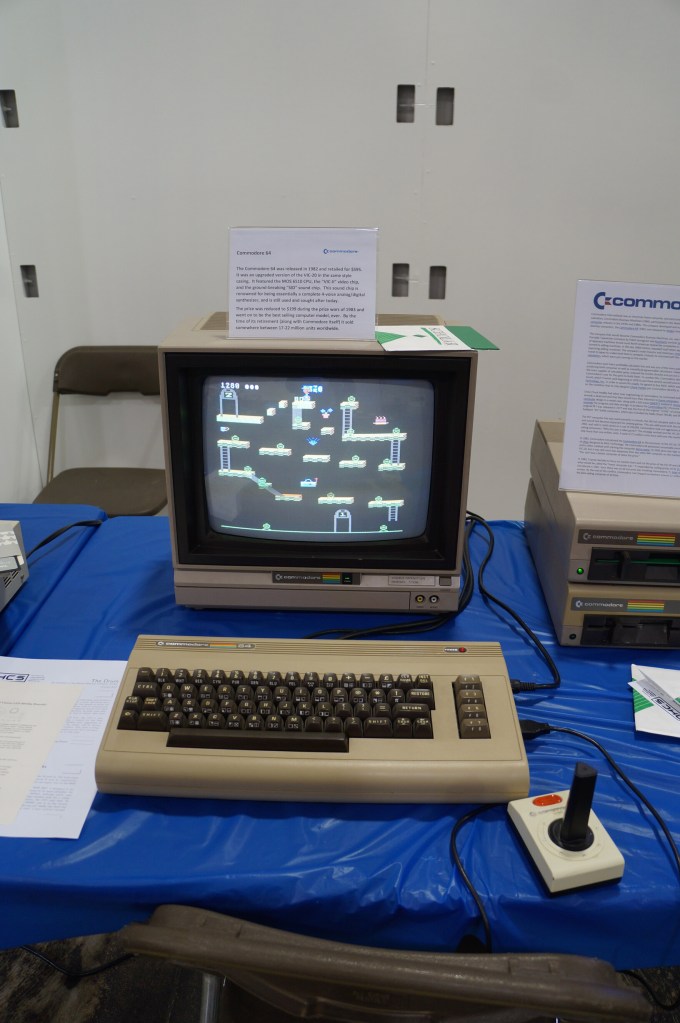
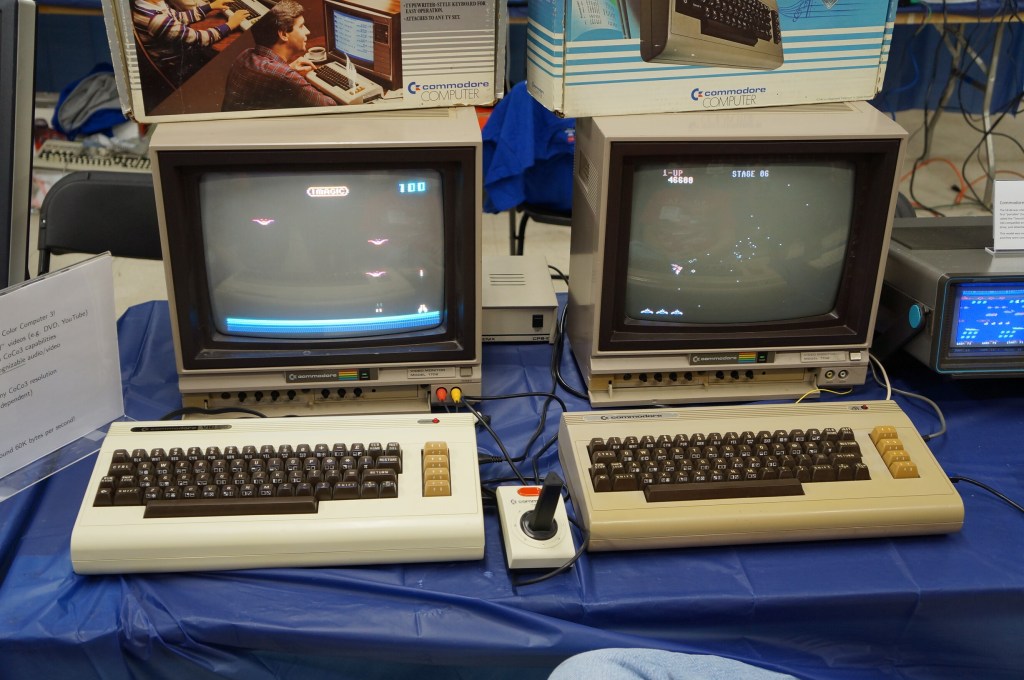
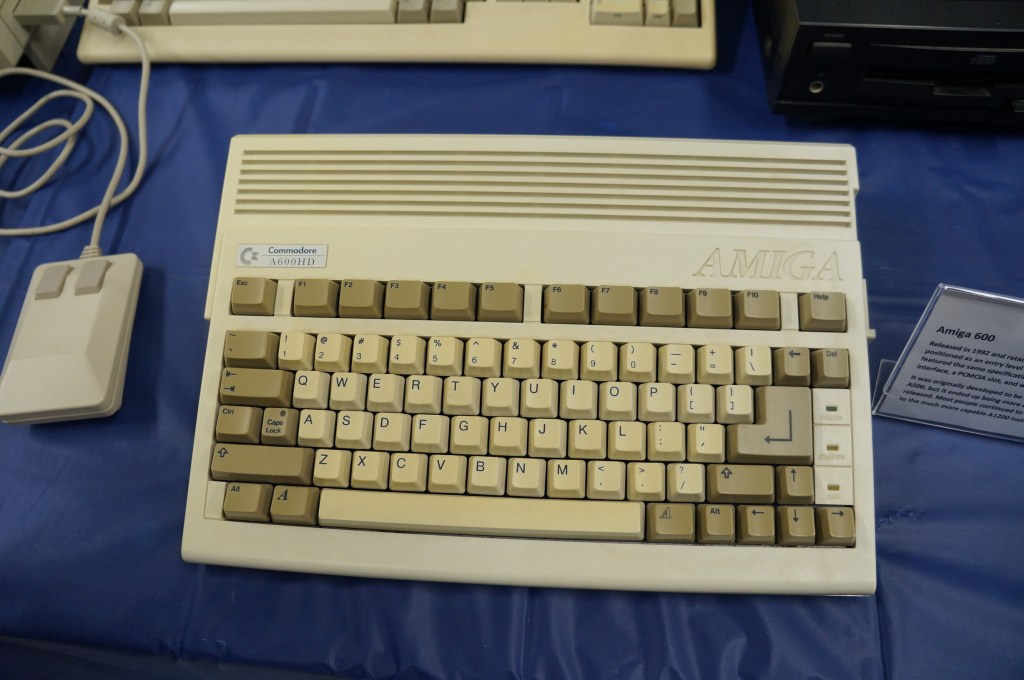
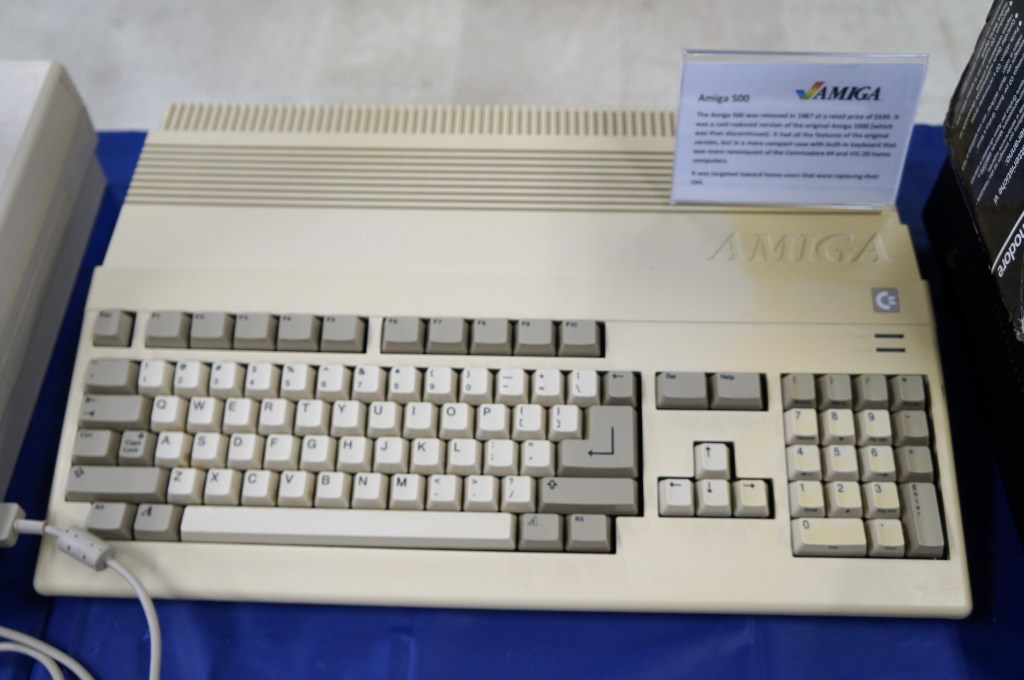
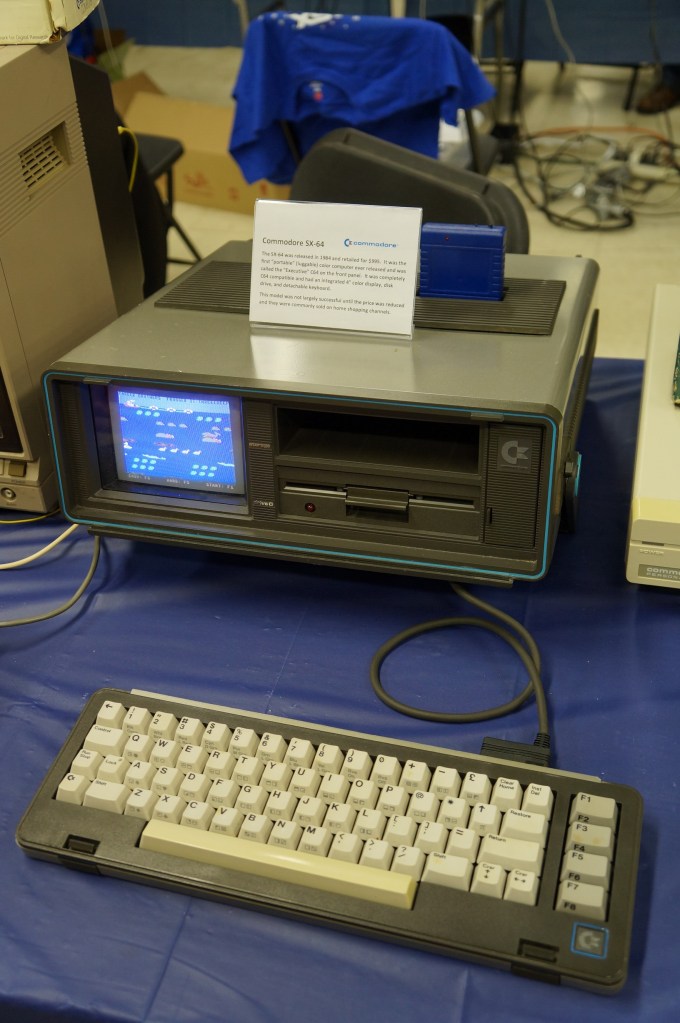
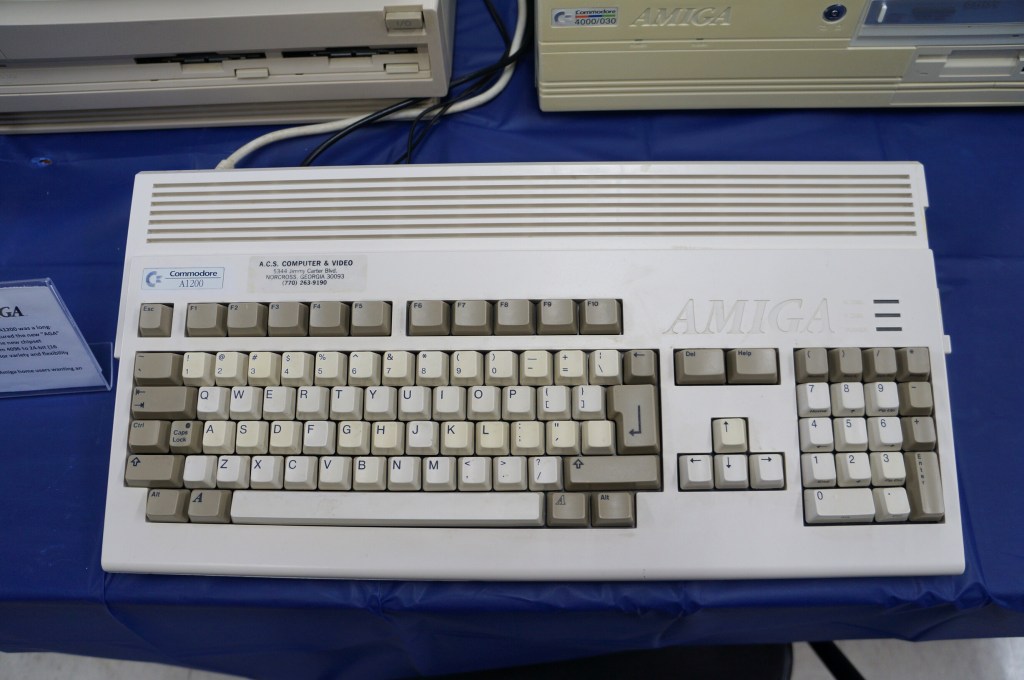
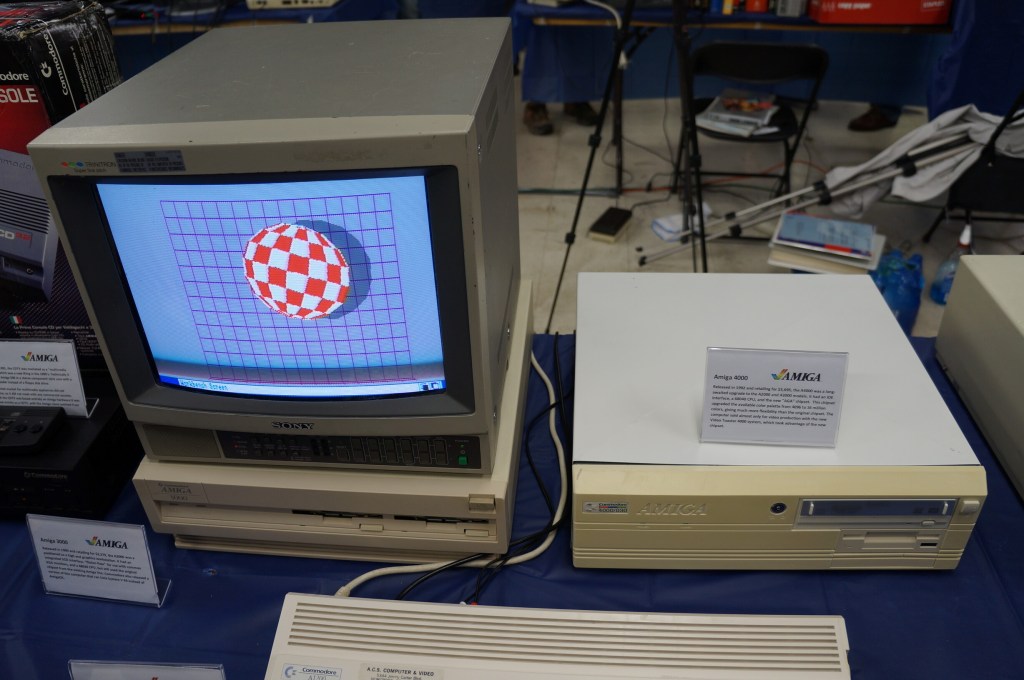
Commodore VIC-20, Commodore 64, and Amiga
I didn’t know anyone with a VIC-20 or Commodore 64 growing up. Mark told me about having a VIC-20 when he was younger. After my trials with the Tandy Color Computer 3, my first GUI-based computer was an Amiga 2000HD. I used it for years for writing, drawing, and gaming until a tree branch attached to a long strand of Spanish moss swung Tarzan-style into my bedroom window and hit the back of the Amiga. It never ran again after that strike.
Years later, I got another Amiga 2000 from someone at a Goodwill auction. He had won the pallet that I wanted that included the Amiga. I don’t remember what I paid him for it, but I stored it at my used computer stall at Duke’s Y’all Come Flea Market in Darien, Georgia. We had a falling out and I abandoned what I still had in the stall, which included the Amiga. I never found out if it still ran or not.
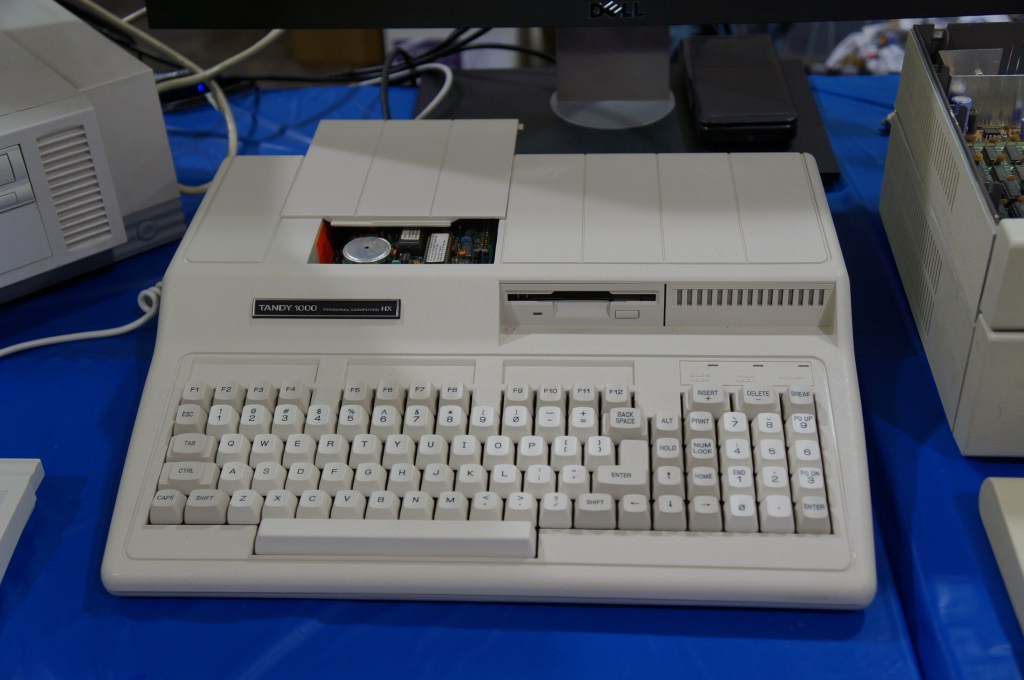
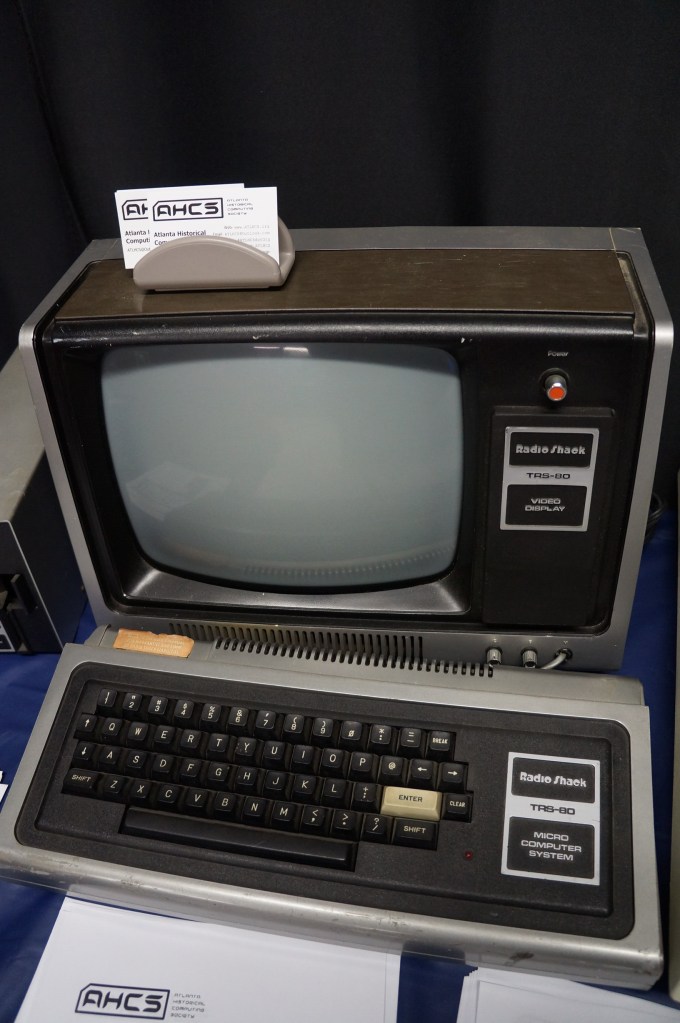
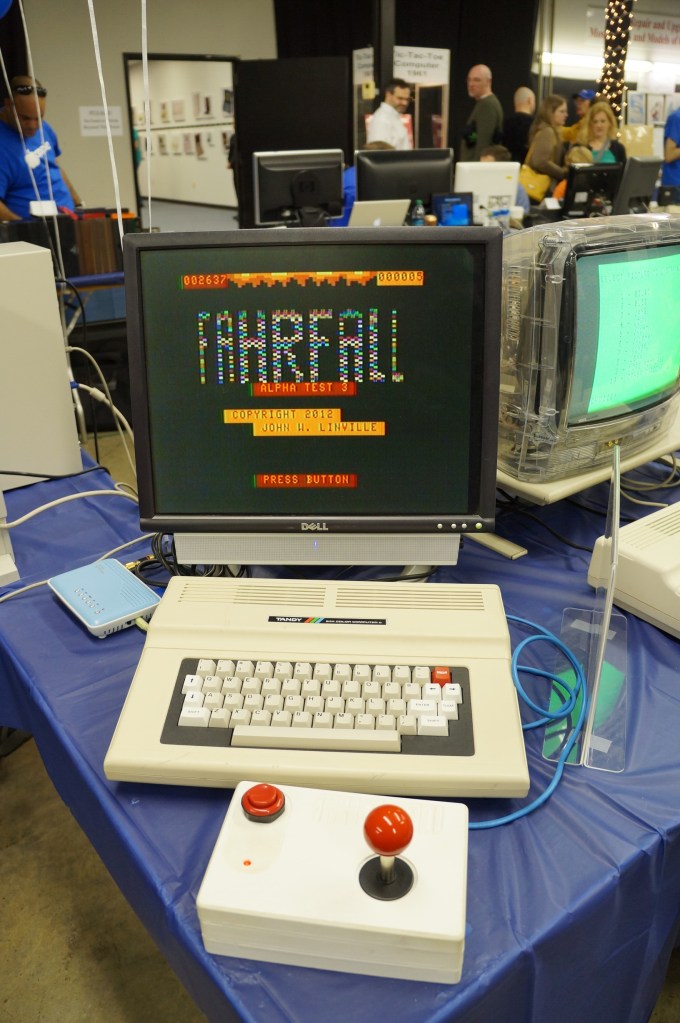
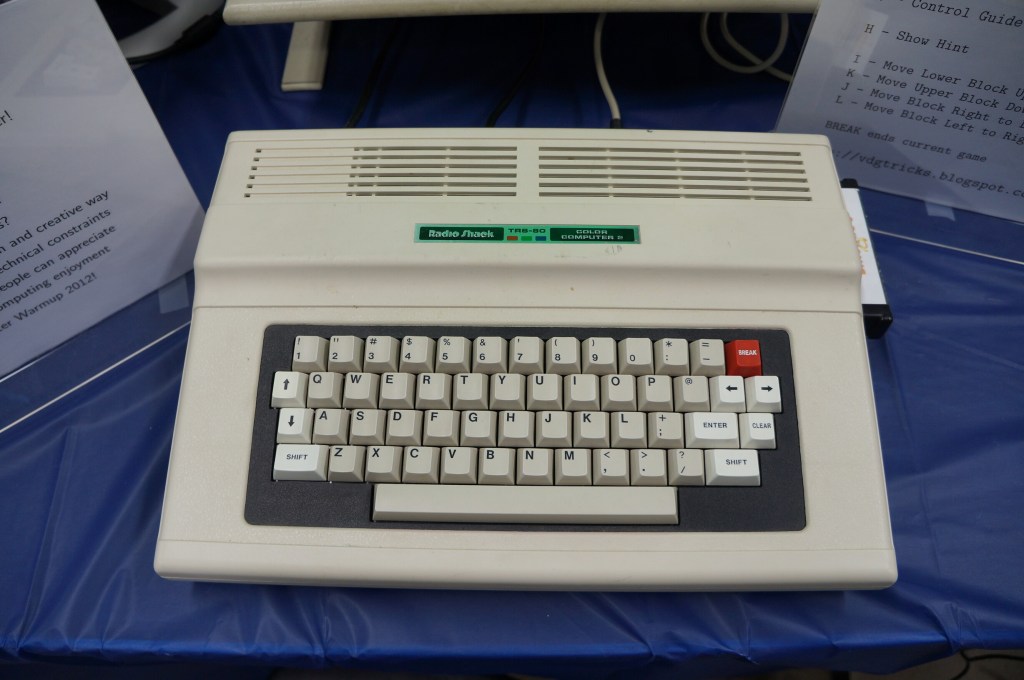
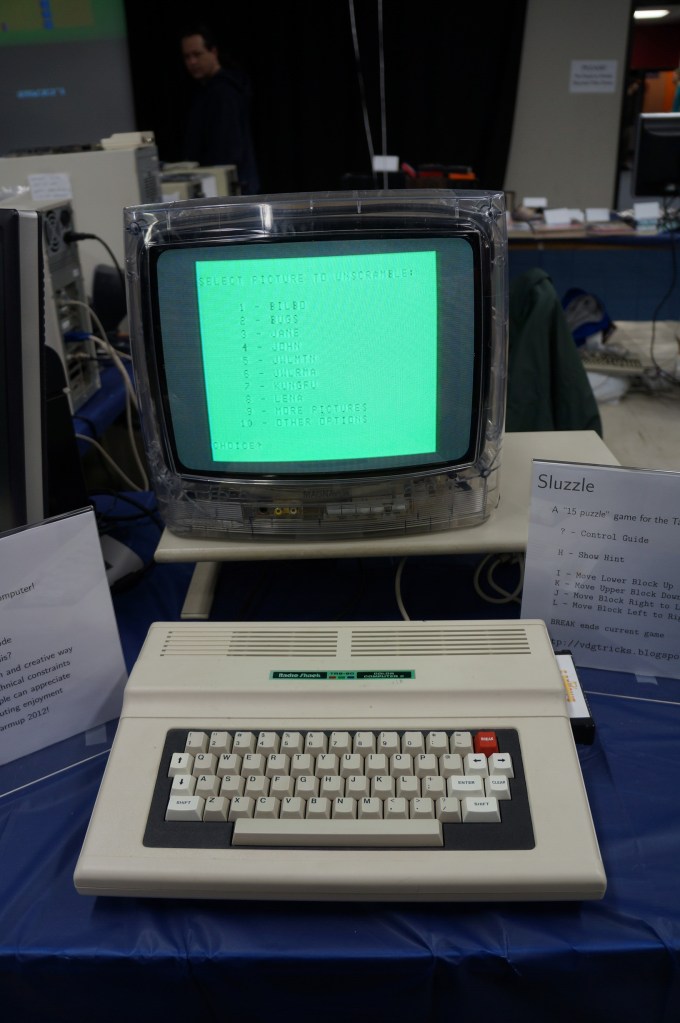
Radio Shack TRS-80 and Color Computer Series
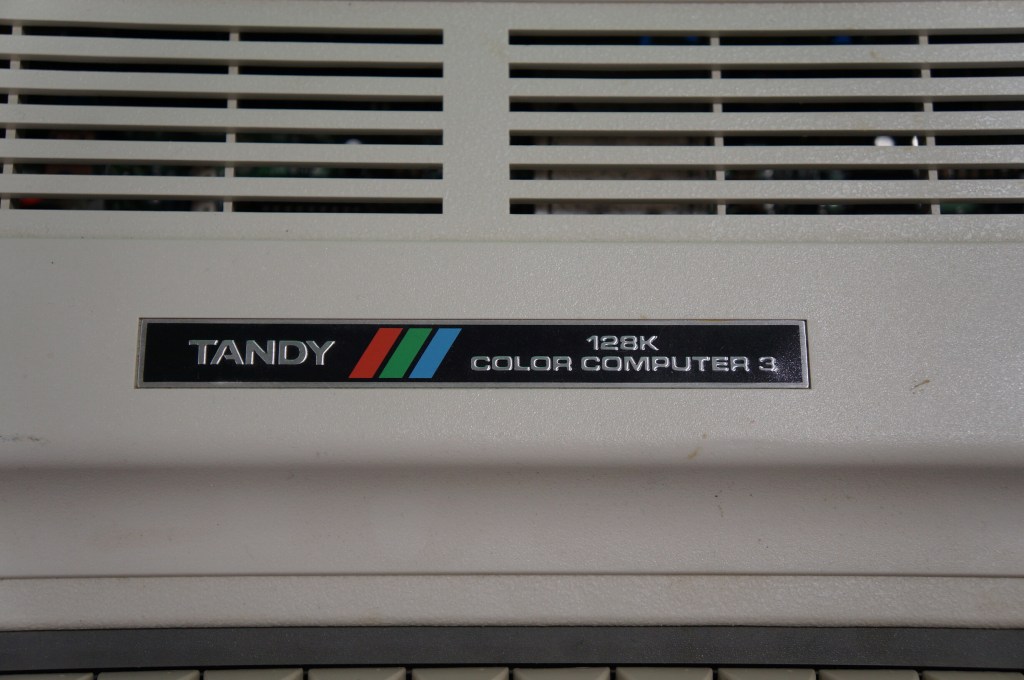
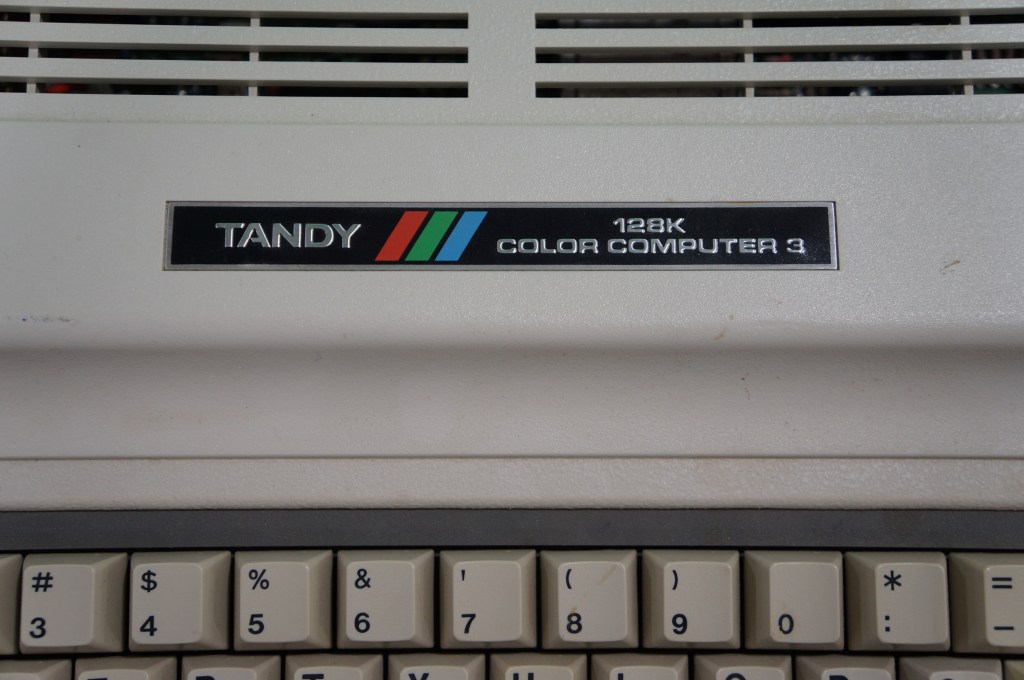
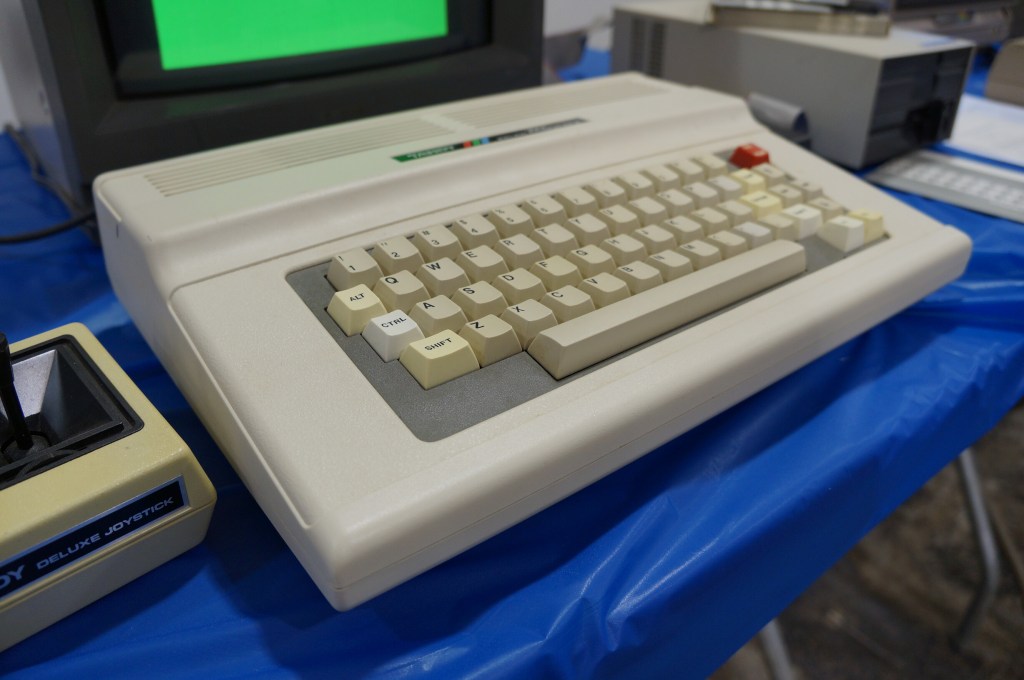
My first desktop computer was a Tandy Color Computer 3 that I hooked up to the family console TV. While I did all that I could with it, I think my mom recognized my frustrations. I wanted to make it work so badly after not having a computer and wanting one for so long. The next Christmas, my folks gave me a Commodore Amiga 2000HD, which was light years ahead of the CC3.
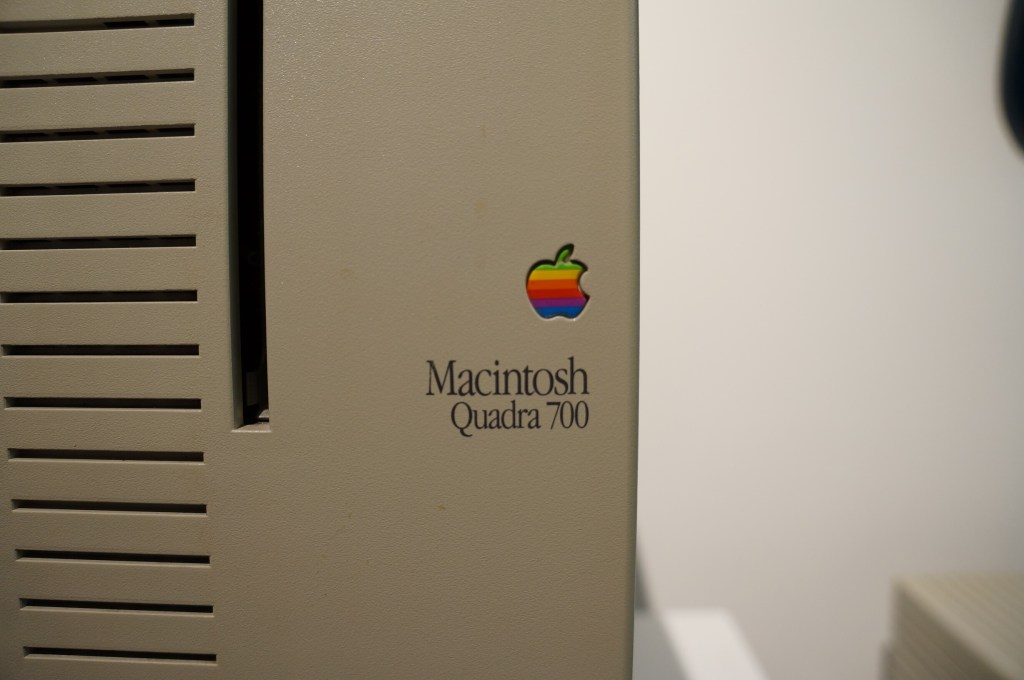
I had a Quadra 700 when I lived in Atlanta with Y. I put it in a box and left it with my folks in Georgia when we moved to NYC. Where it is now is anyone’s guess. There are many hiding places for a small box with this tiny powerhouse of a Mac. I hope to find it again one day.
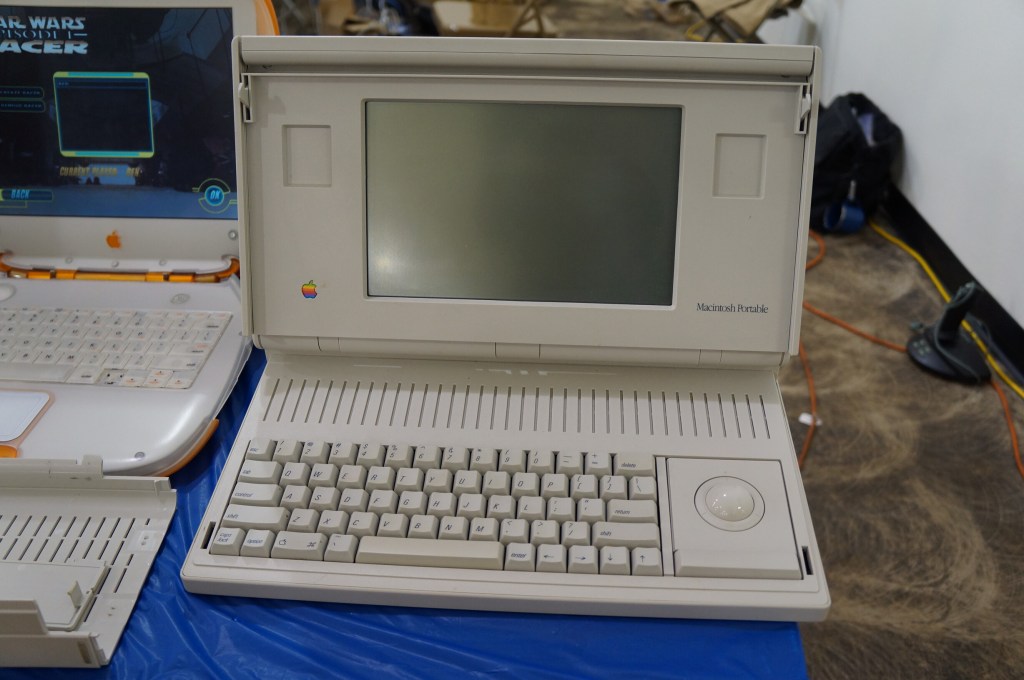
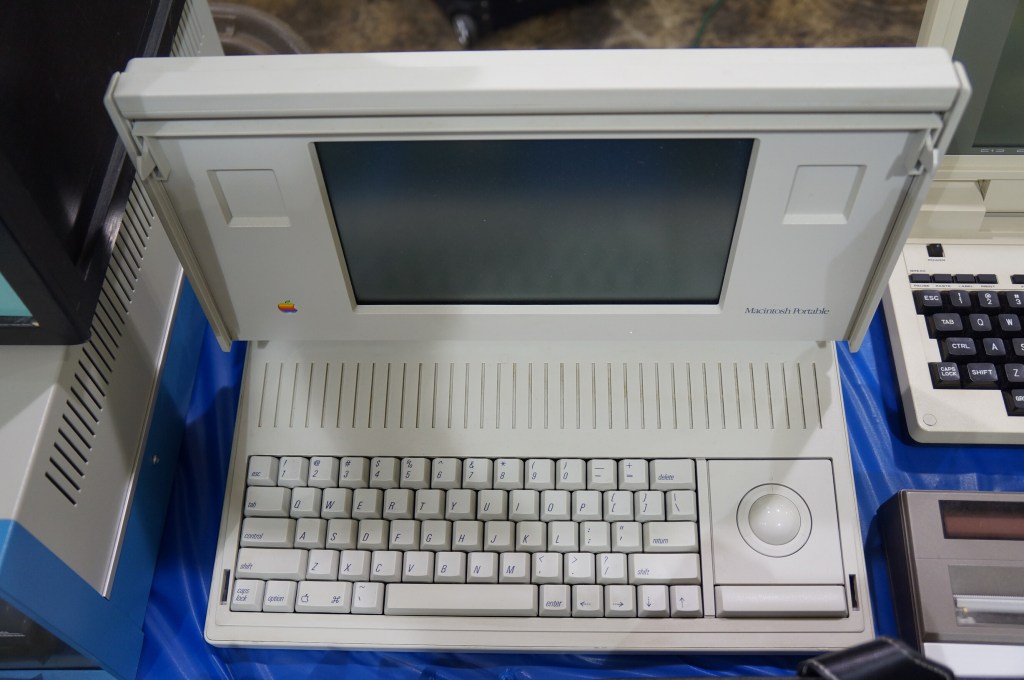
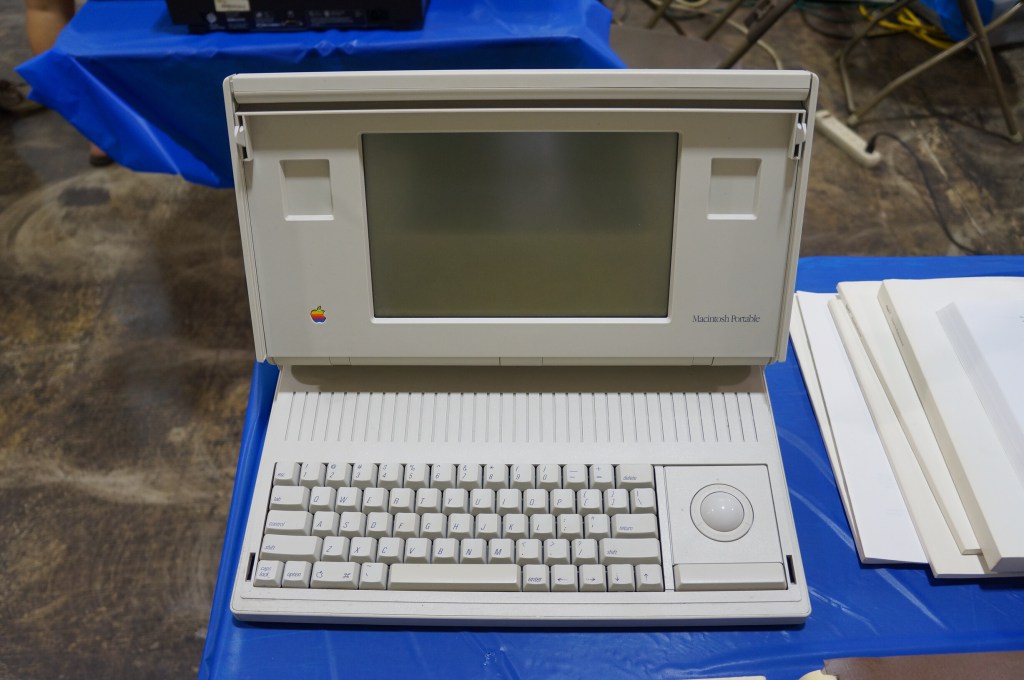
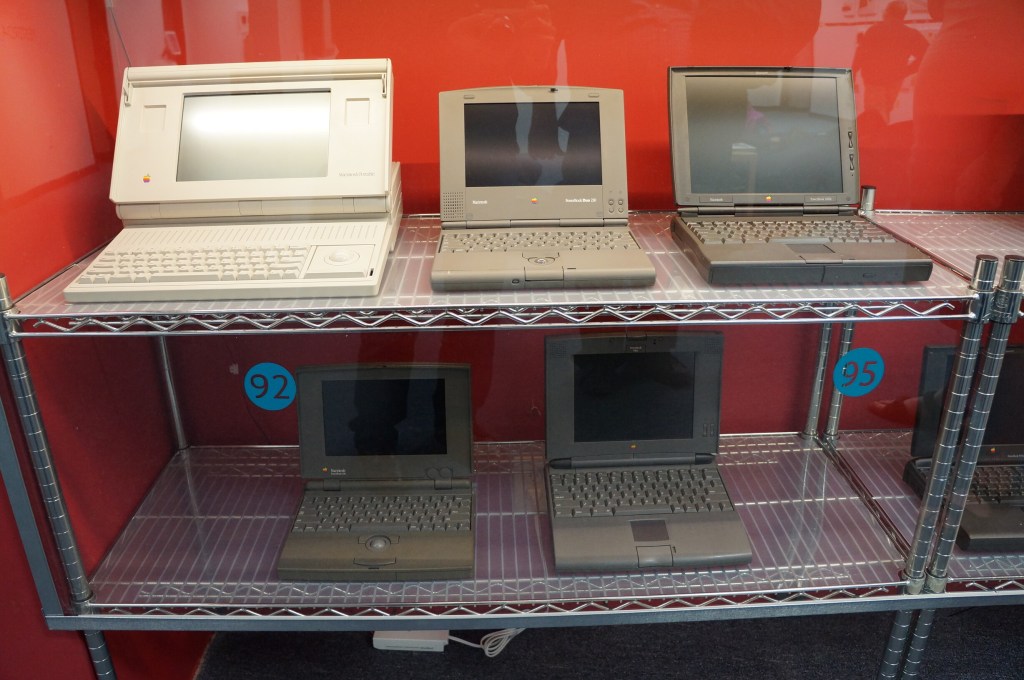
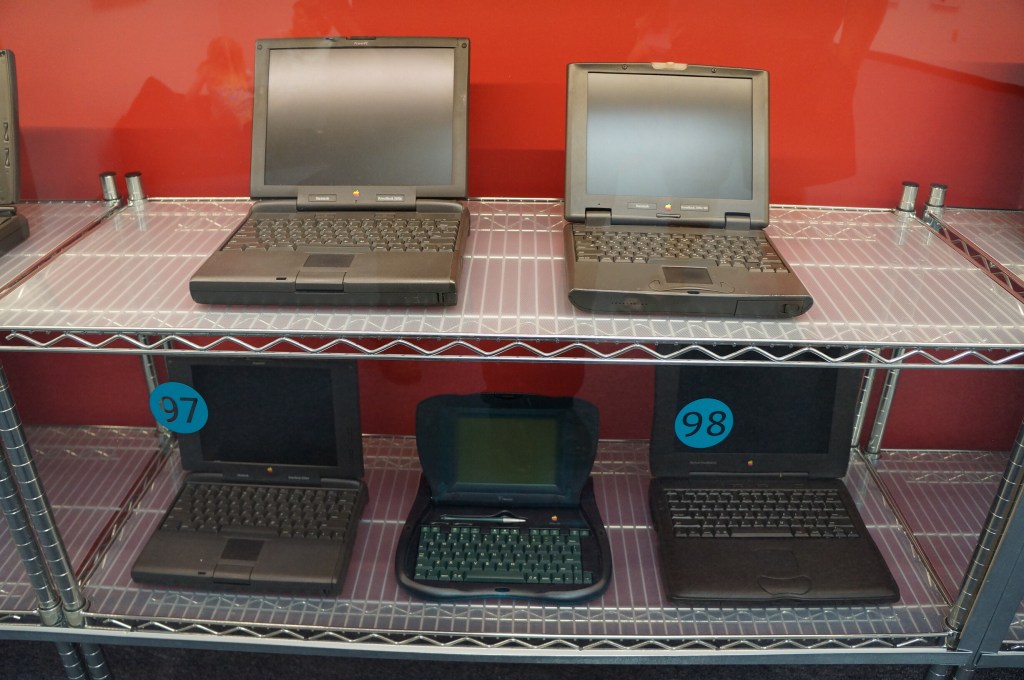
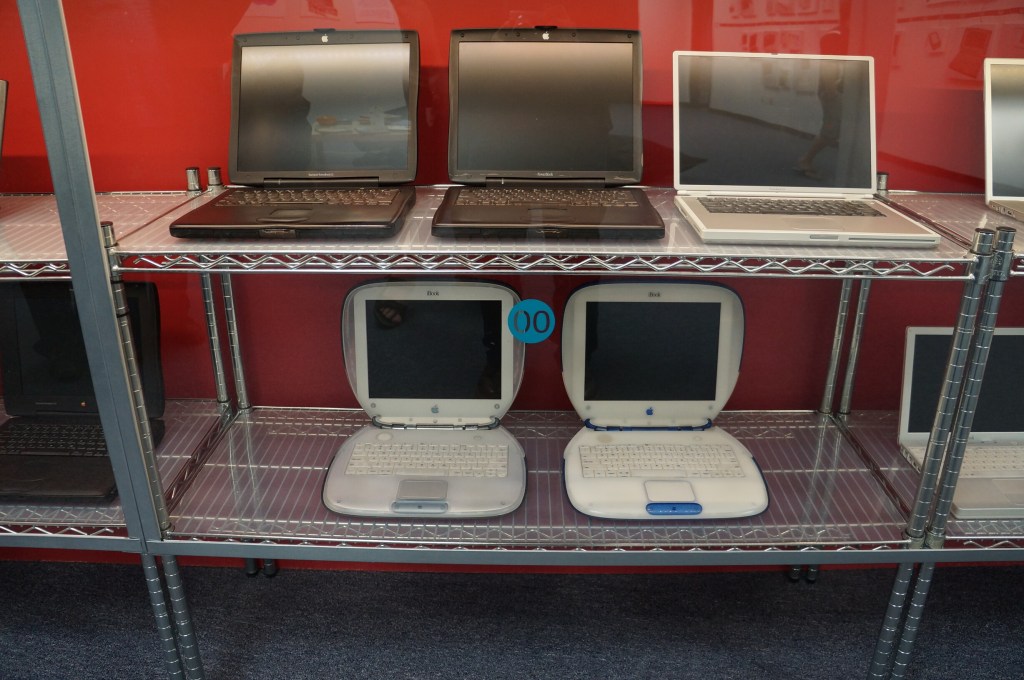
Portable Macintosh and Powerbook Line
My first laptop was a PowerBook 145B, which was my companion during my last two years of high school and the beginning of college of Georgia Tech. Later, I owned a PowerBook G4, iBook G3 (the result of a trade with my friend Kenny), 15″ MacBook Pro (2006), 12″ MacBook (unibody, 2008), and 15″ MacBook Pro (2012–Y still uses it).
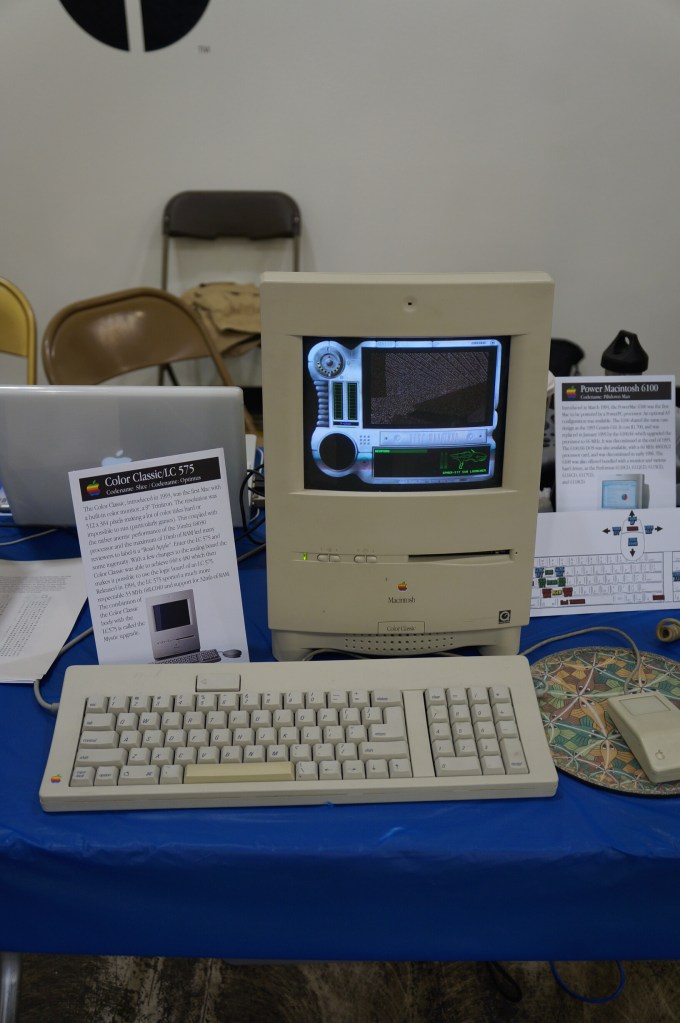
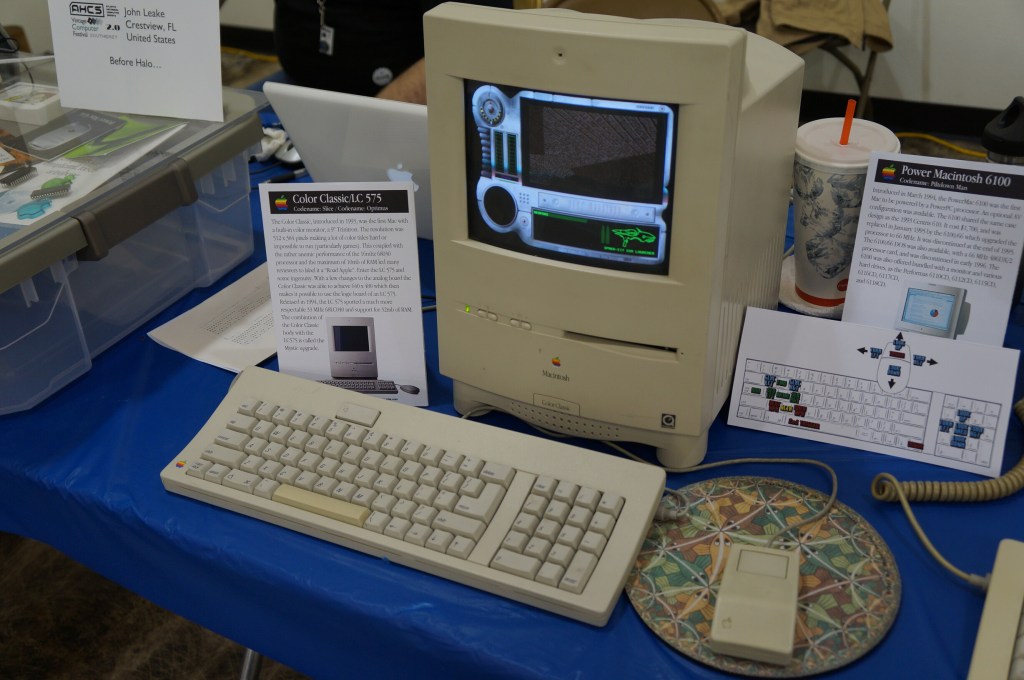
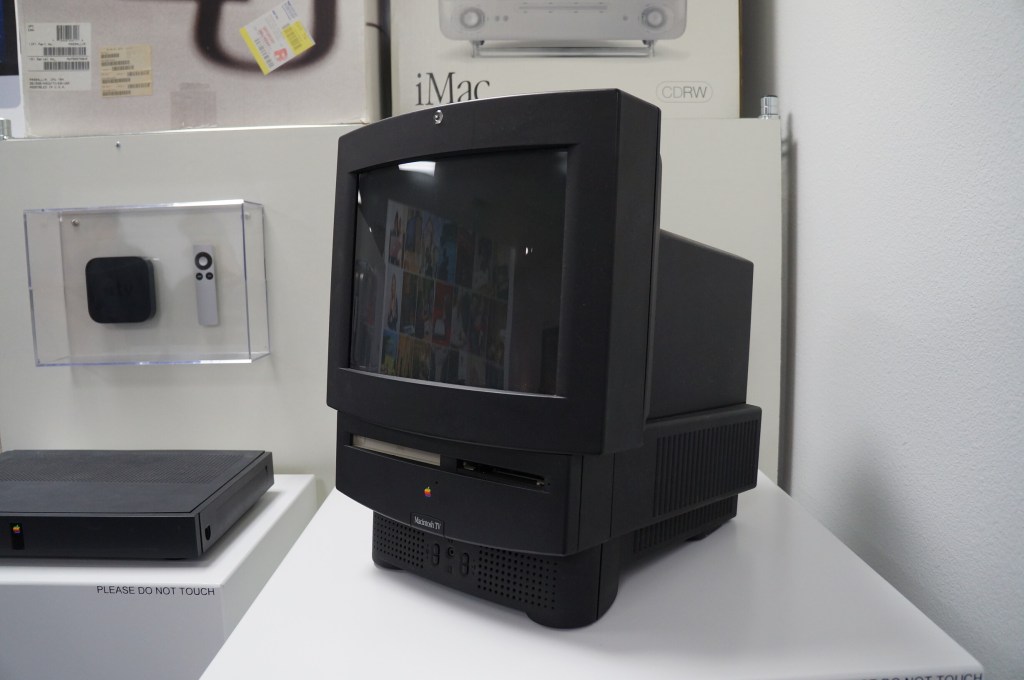
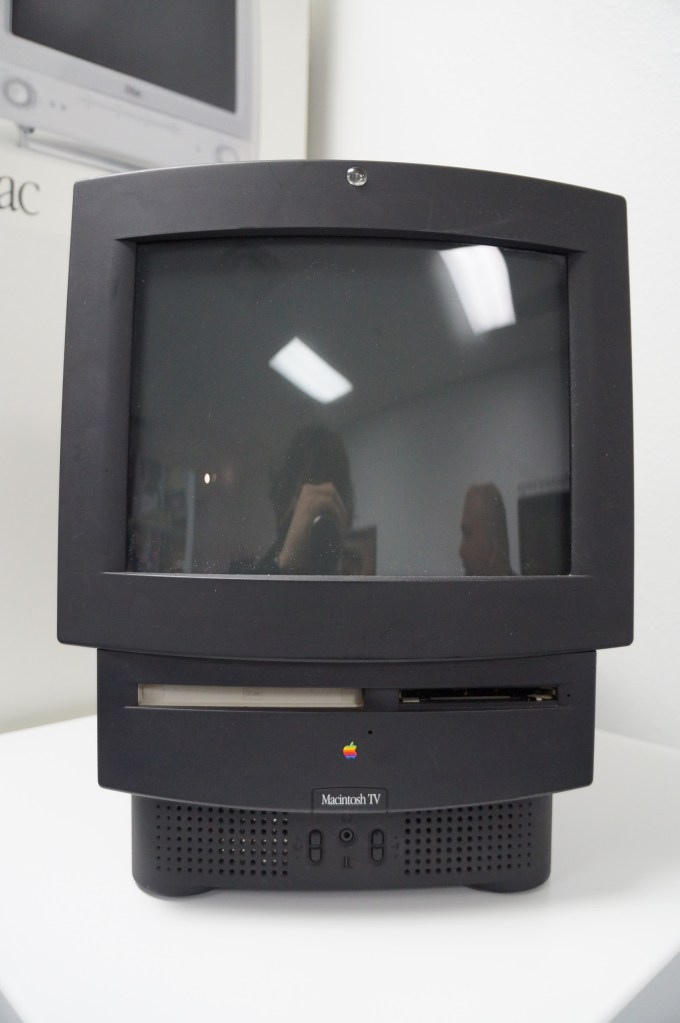
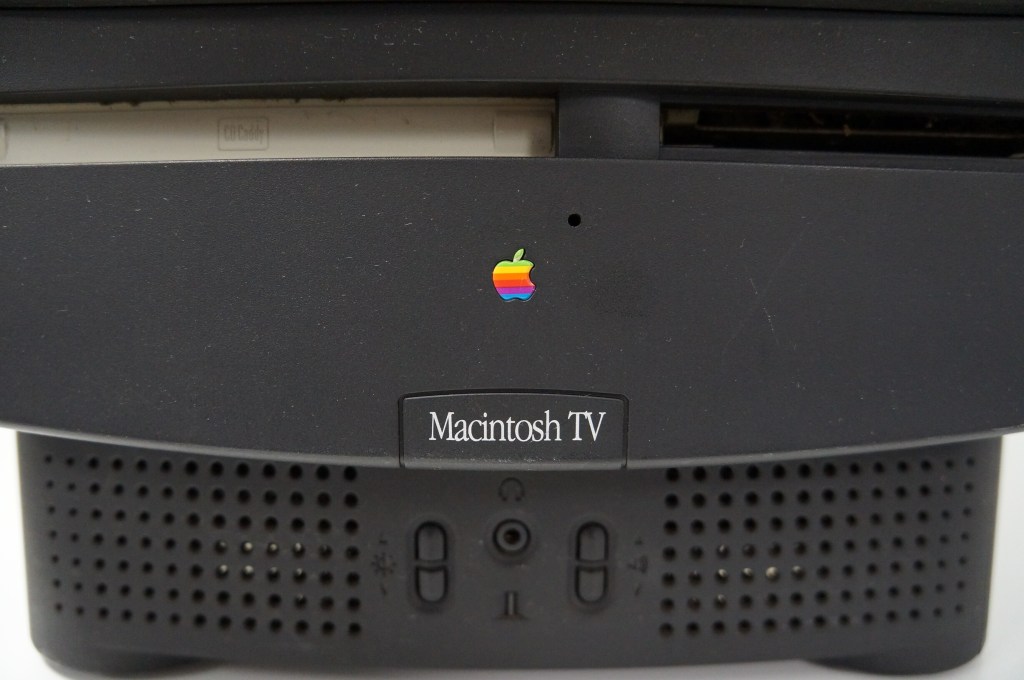
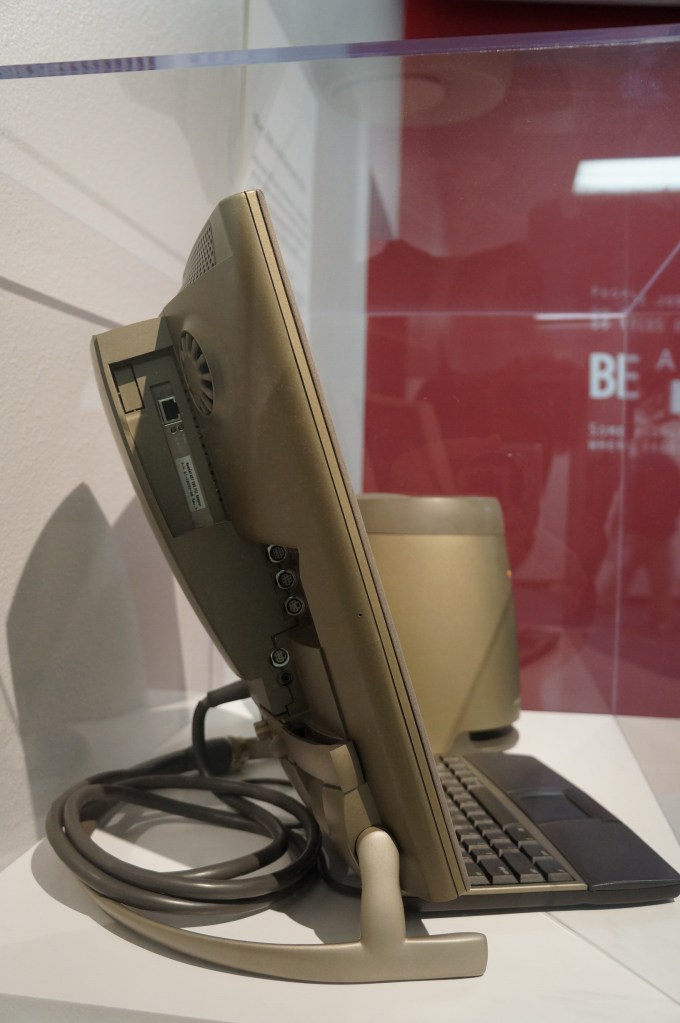
Apple Macintosh TV
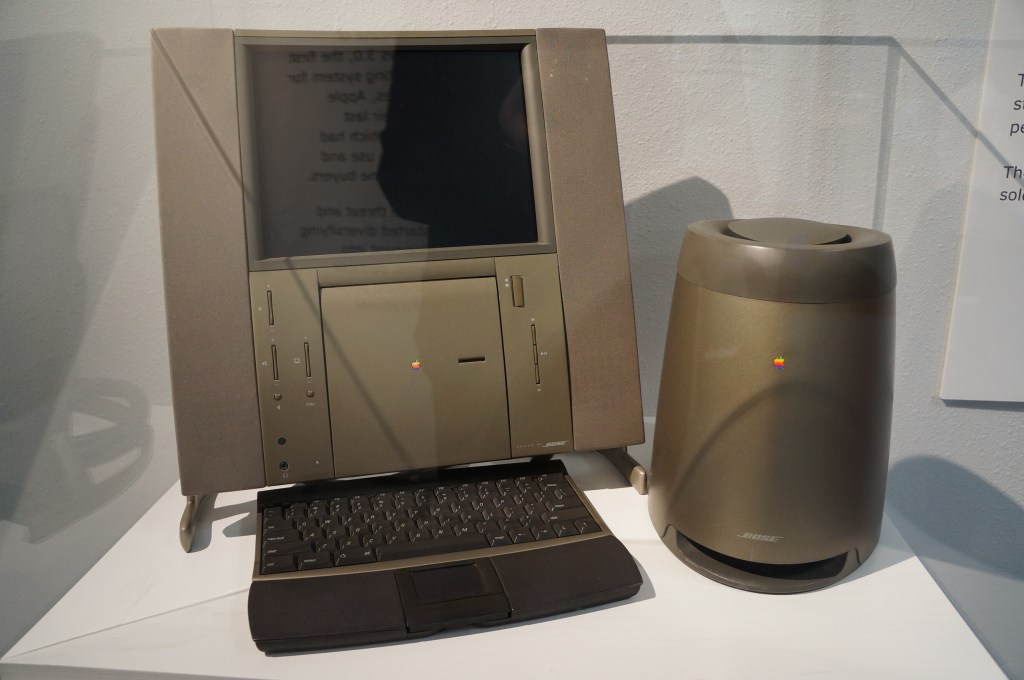
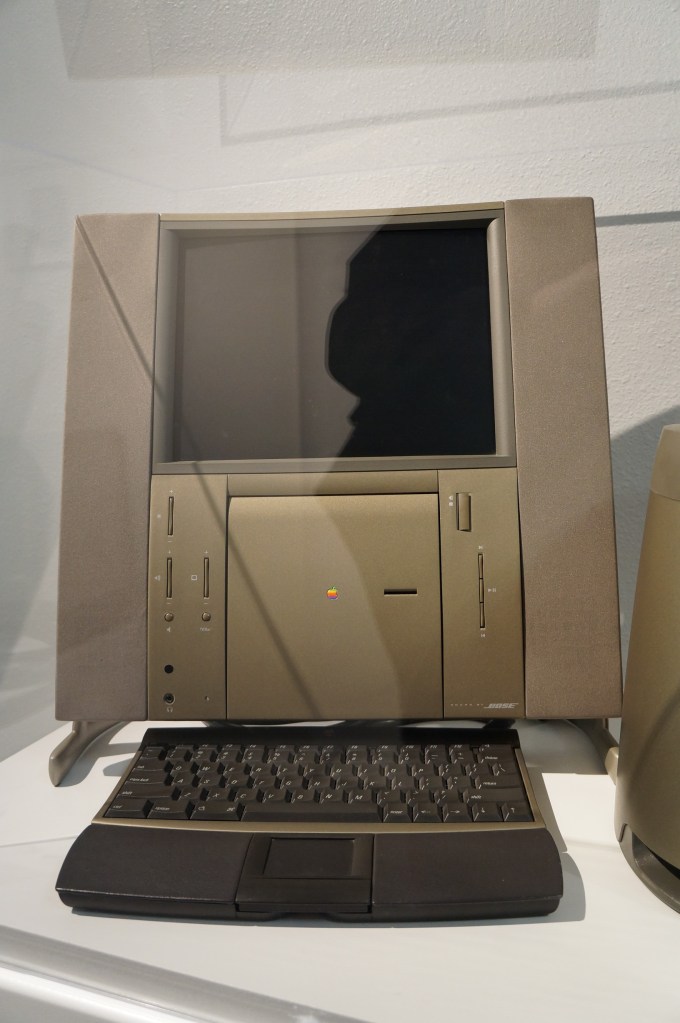
20th Anniversary Macintosh
When the 20th Anniversary Macintosh debuted, my friend Chris and I lusted after it. It was a sexy computer, but it had an out of this world price tag of $10k (though, that included having a technician deliver, setup, and demo the computer in your own home). In retrospect, it was a terrible product that ignored what the original Macintosh represented as an every person’s computer. This computer was about style and prestige and money. A lot about what Apple represents today after Steve Job’s passing seems to be drifting back toward what this computer represents.
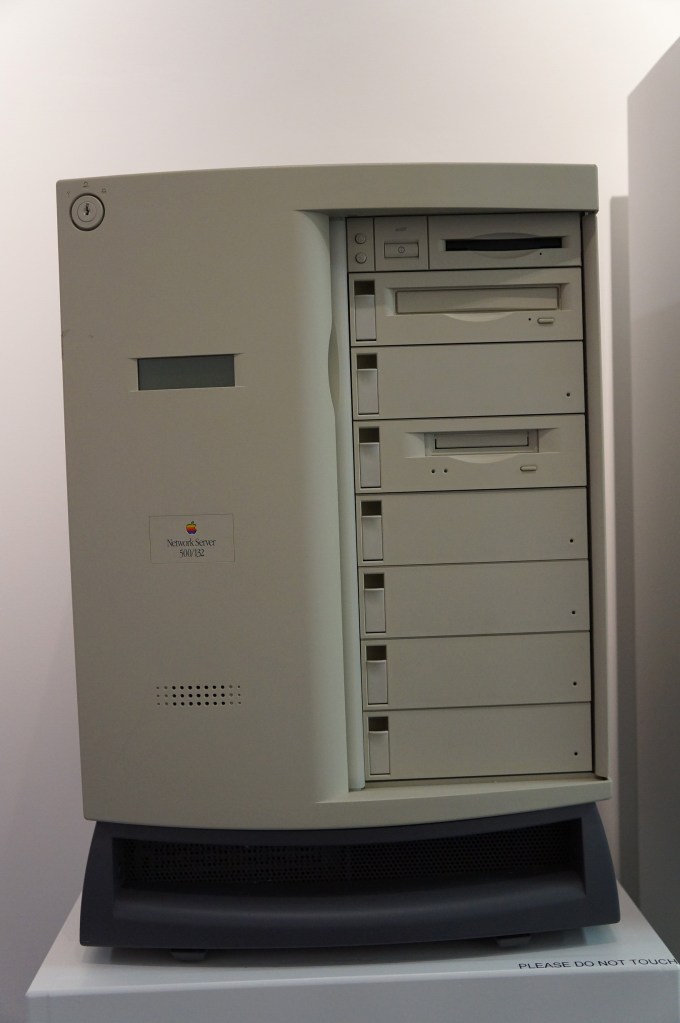
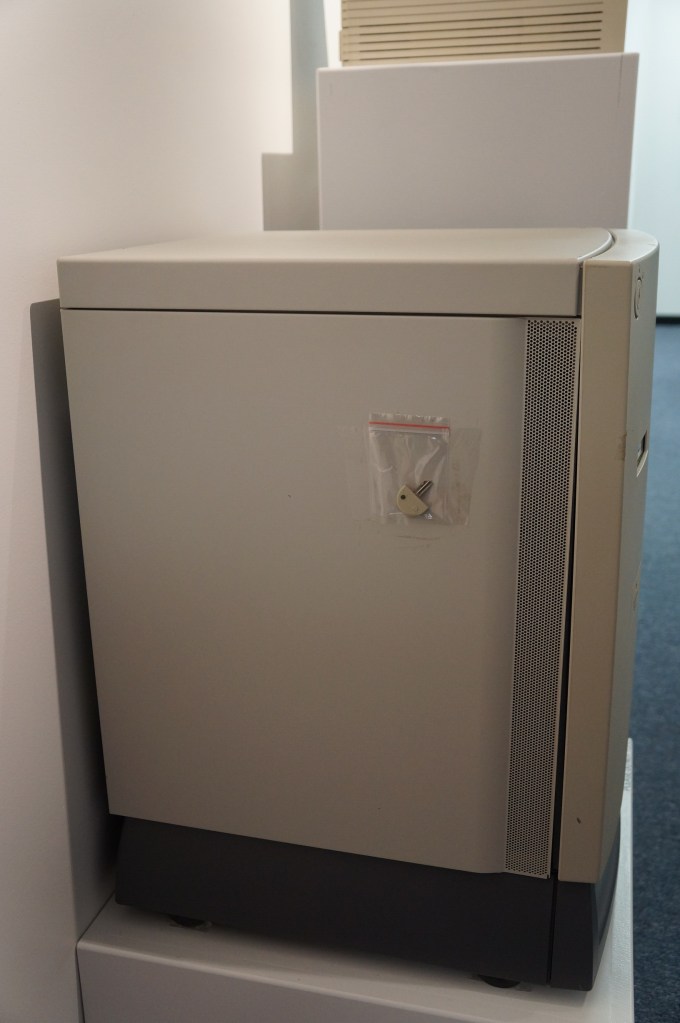
Network Server 500/132
Macintosh Add-Ons
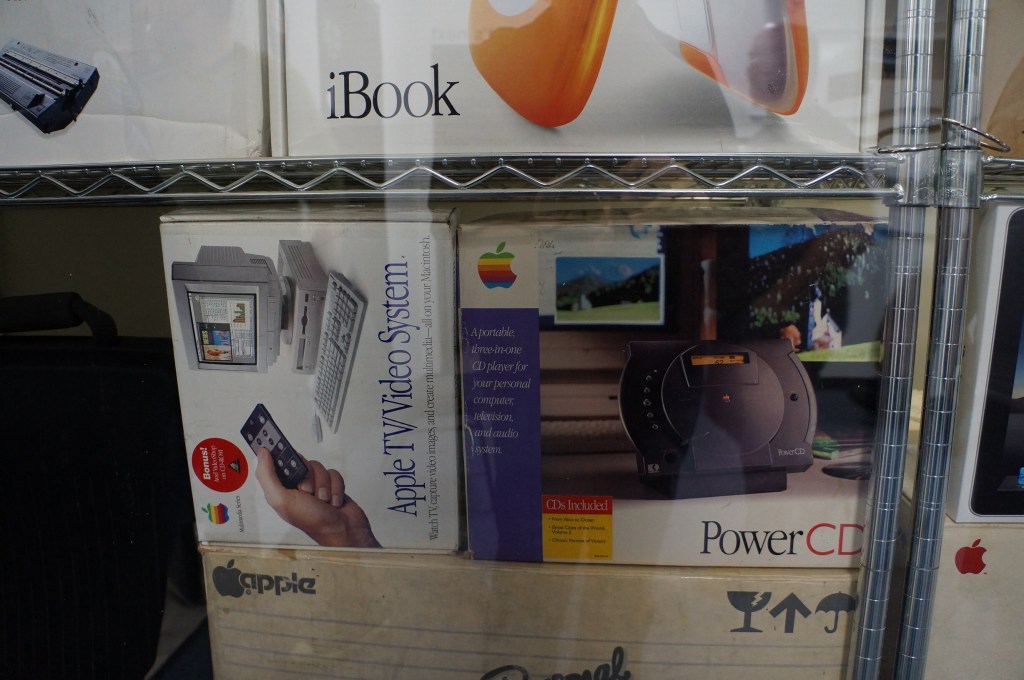
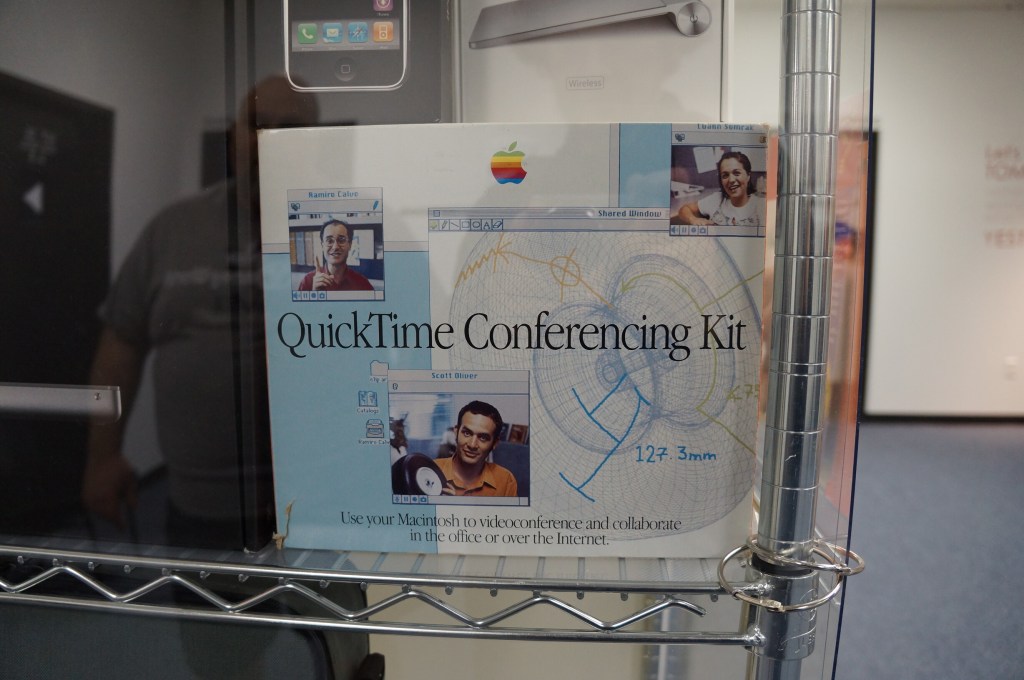
The Apple TV/Video System was an expansion card that gave you a TV tuner and video inputs for your Mac. The PowerCD was an external SCSI CD-ROM drive for Macs that might not have a CD-ROM drive built-in. And the QuickTime Conferencing Kit included a camera and software for video conferencing and collaborative tools like a shared whiteboard–back in 1995.
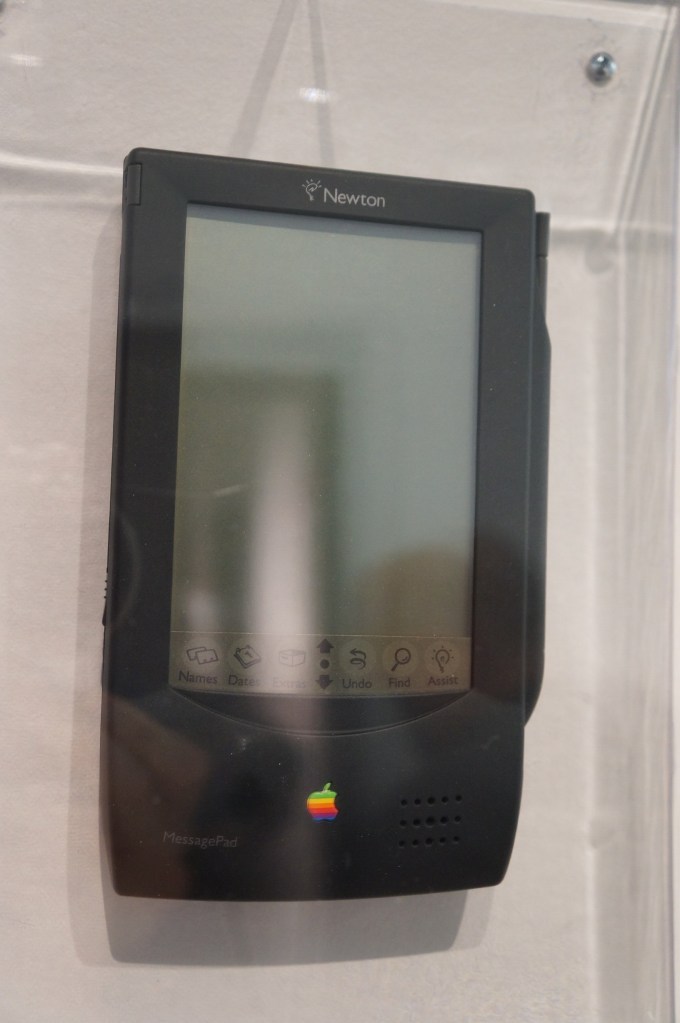
Apple Newton
The thing that used to burn me up when Apple released innovative products like the Newton, popular media like SNL would shit all over them, which would turn the general conversation away from what the products could do and had the potential to do towards the limitations and lack of imagination by those folks who would otherwise never purchase or use those products. It wasn’t criticism. It was product assassination. Had that not happened, I think the Newton would have been in a stronger position that might have let it develop further before getting killed off.
It seems like the Internet and social media provides a force or pressure against these negative megaphones of the past. However, there’s equally a lot of fanboys and cheerleaders who don’t temper their enthusiasm with a little bit of reality.
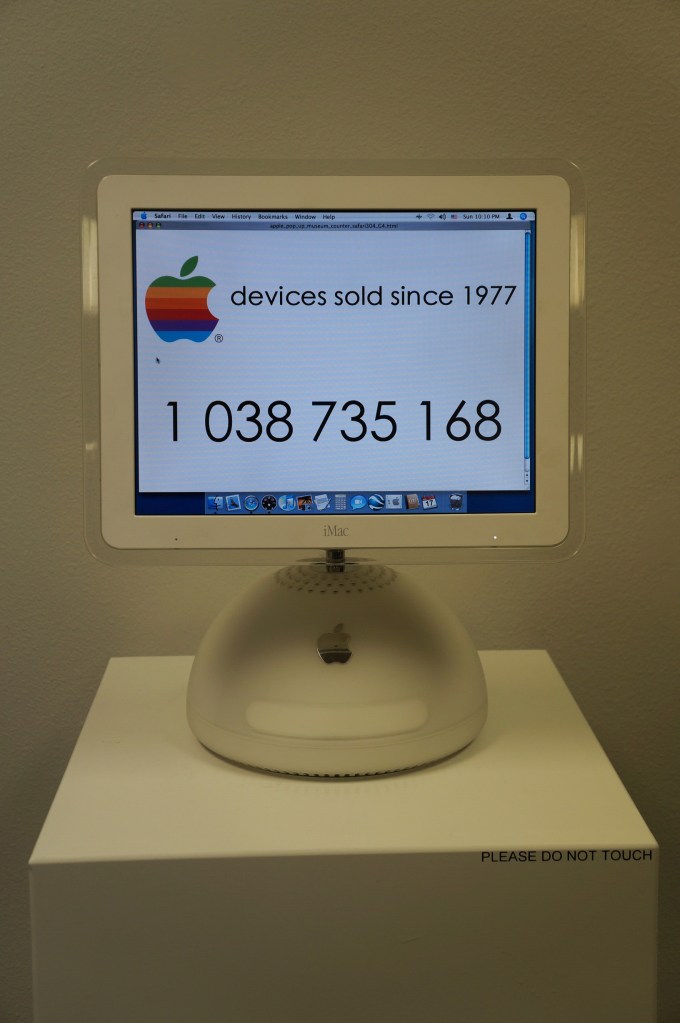
iMacs and G4 Cube
My first experience with an original Bondi Blue iMac was soon after its announcement. I was working at NetlinkIP on St. Simons Island, Georgia when a client called asking for help setting it up. I drove out to a very nice house on the island, unboxed, and configured it to dial up to the Internet. Admittedly, I took longer than was necessary so that I could thoroughly check it out.
Later, my friend Bert got a G4 Cube. Despite its complete lack of internal expandability beyond upgrading its RAM or hard drive, he used his beyond what I think most people would. Every USB port was used for devices or hubs and it was connected to his stereo system. He used it for a lot of graphics and video work and showed how it really was a supercomputer in a small package.
I had a 17″ Luxo iMac for awhile in the early 2000s, but I sold it before I built another desktop PC using an AMD Athlon 2500+ CPU. While I had it though, I liked its crisp 17″ LCD and it was a powerhouse for some of the video editing projects that I did at the time.
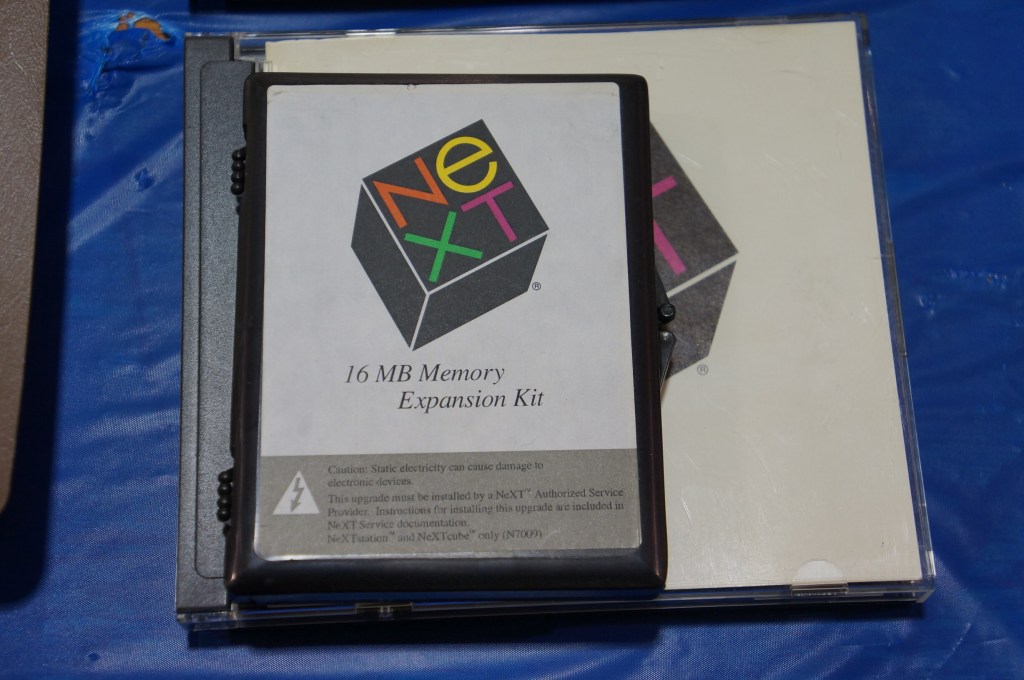
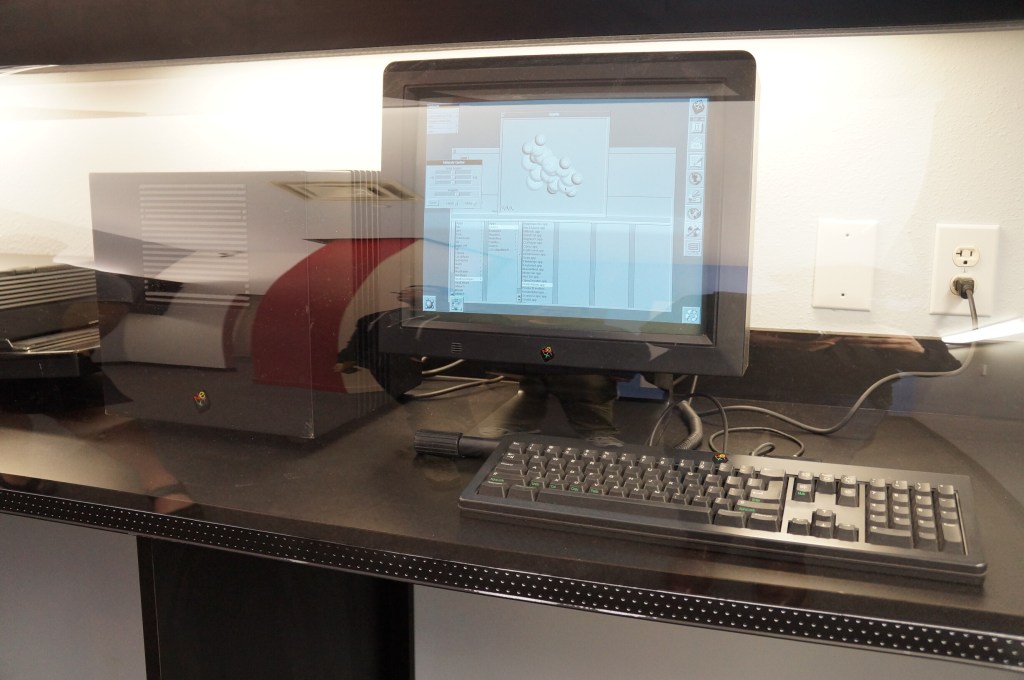
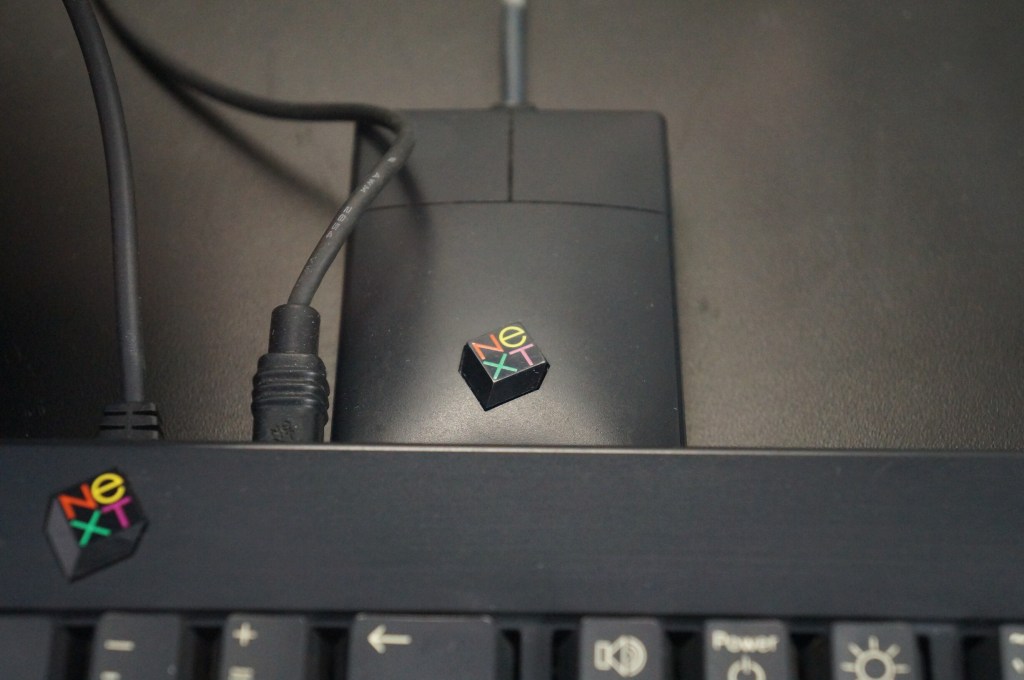
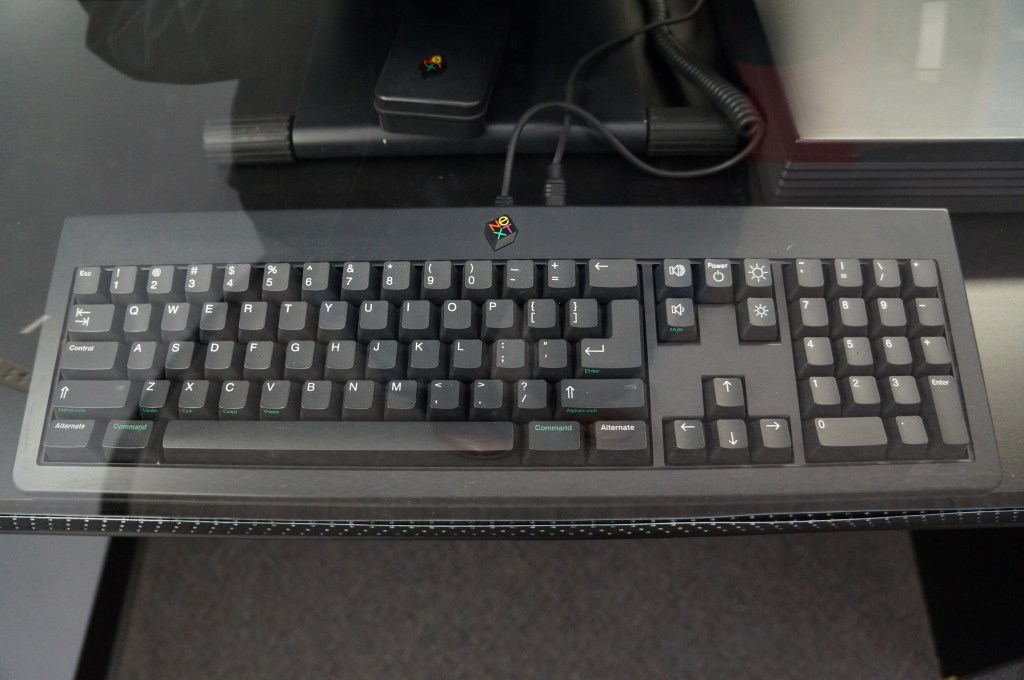
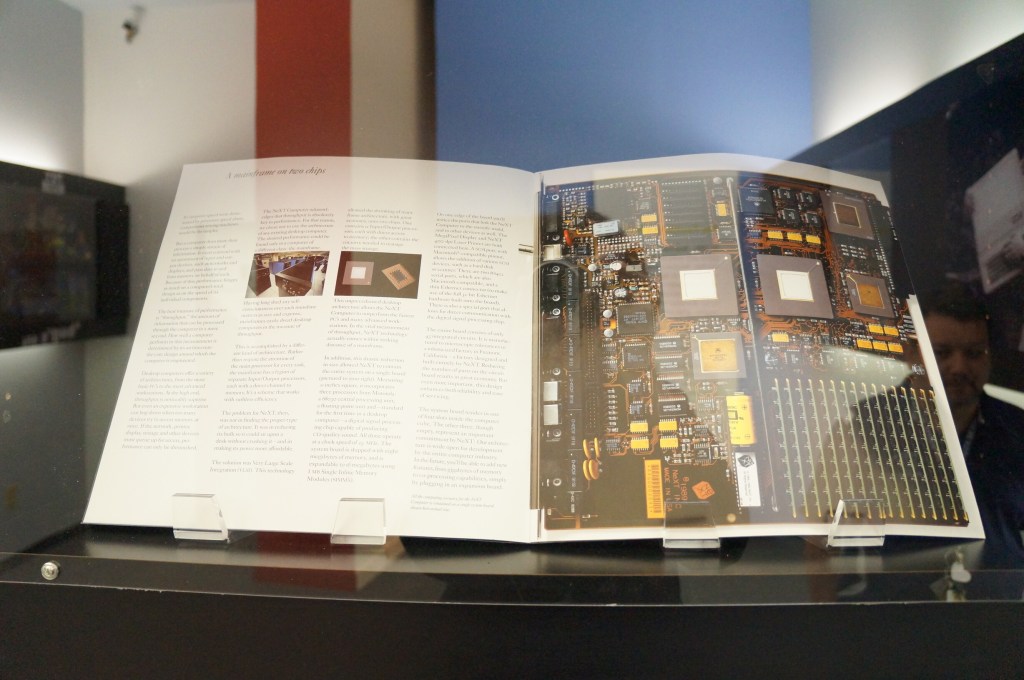
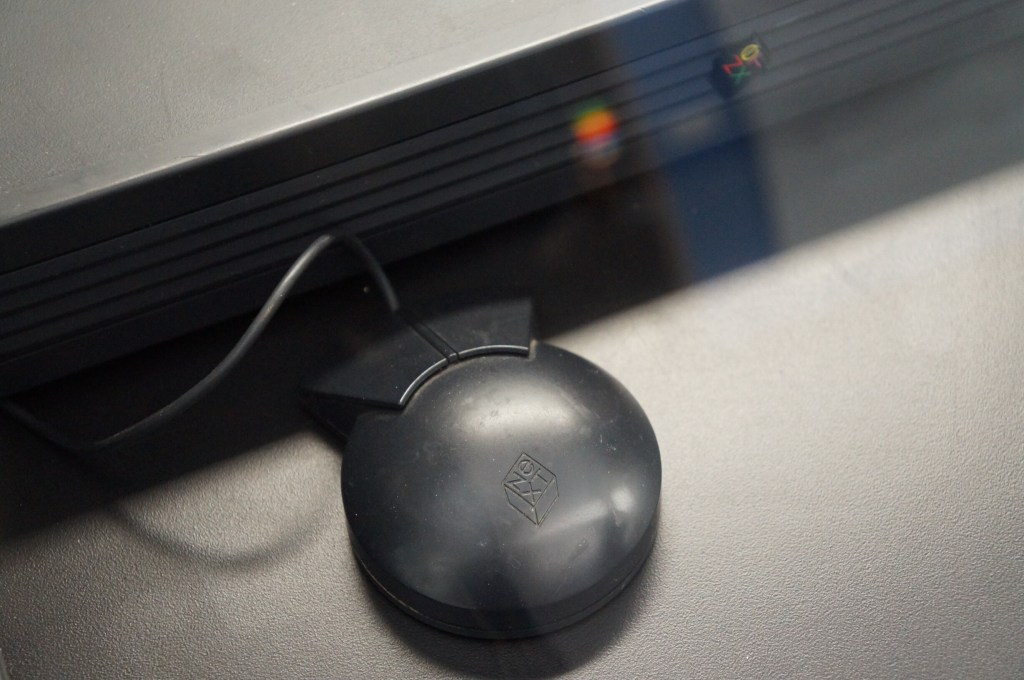
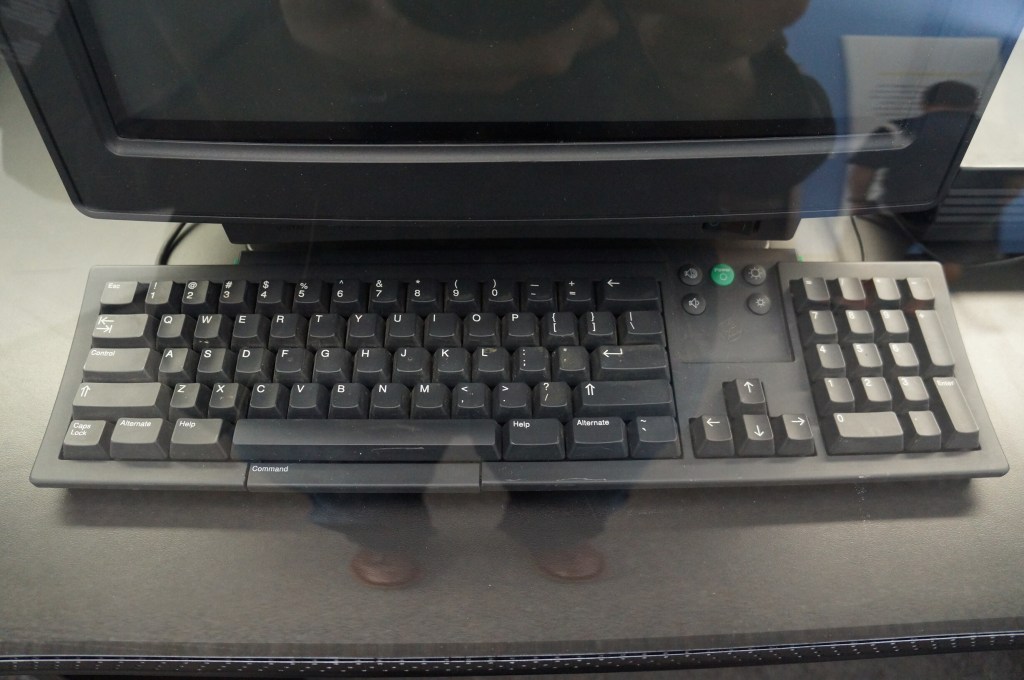
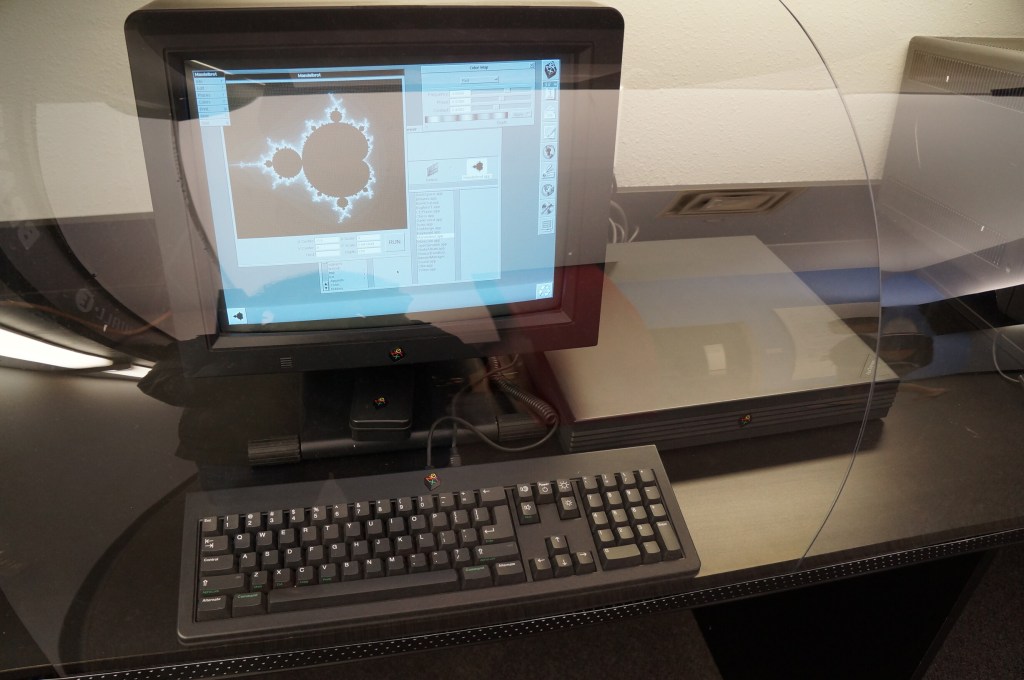
NeXT Computer
Steve Jobs’ second act and the salvation of Apple when the prodigal son returned.
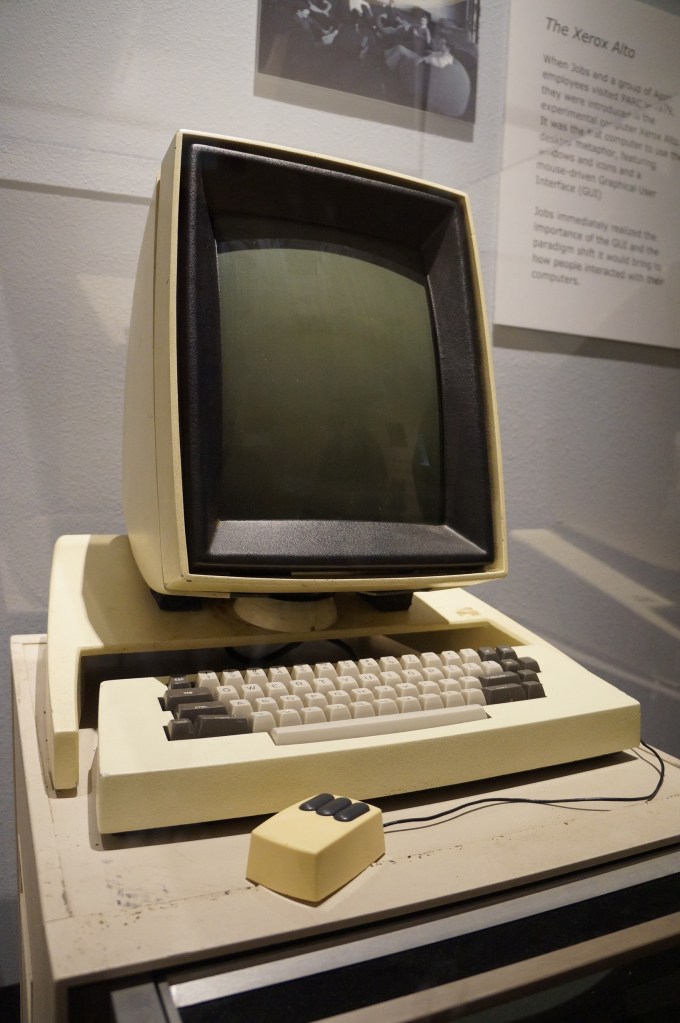
Xerox Alto
This is Xerox’s GUI desktop minicomputer that brought together what Xerox PARC had been developing and demoed to Steve Jobs and his team at Apple that led to the Lisa and eventually the Macintosh.
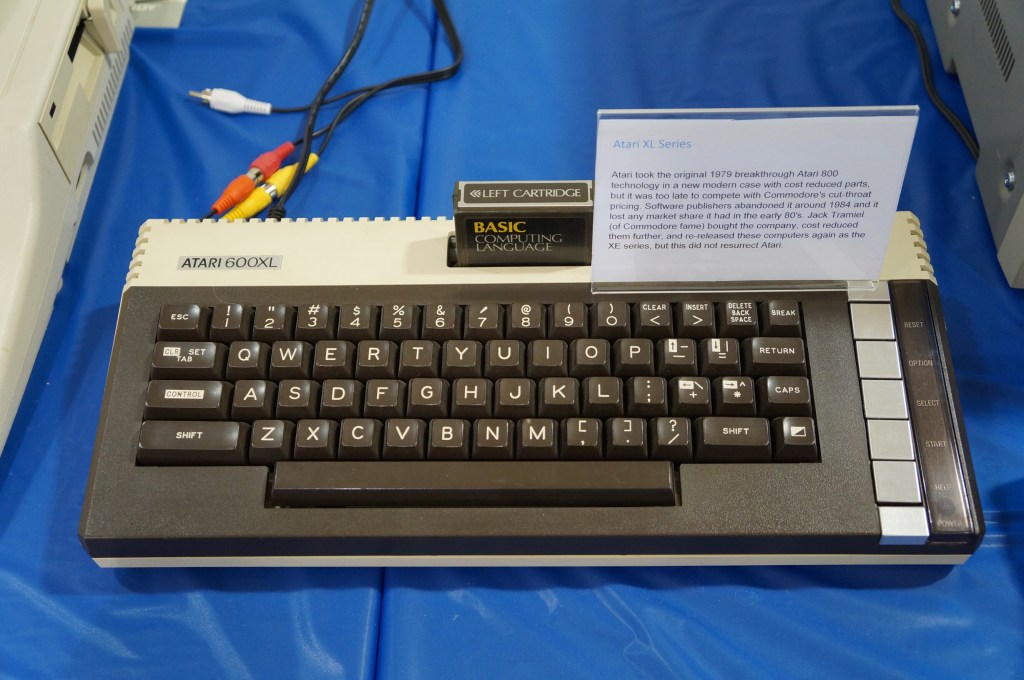
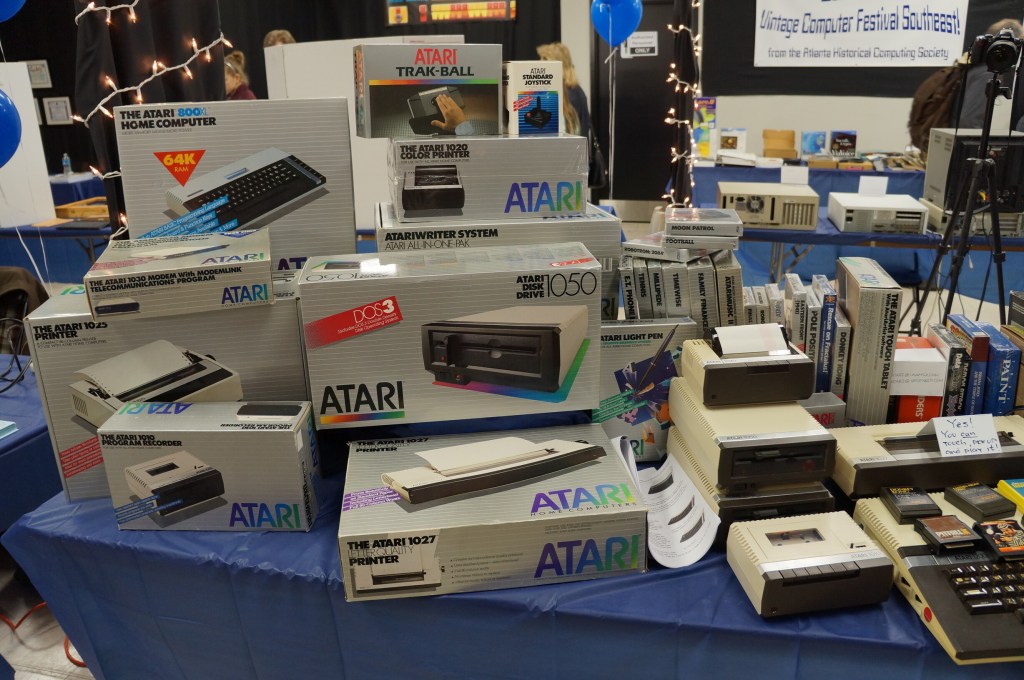
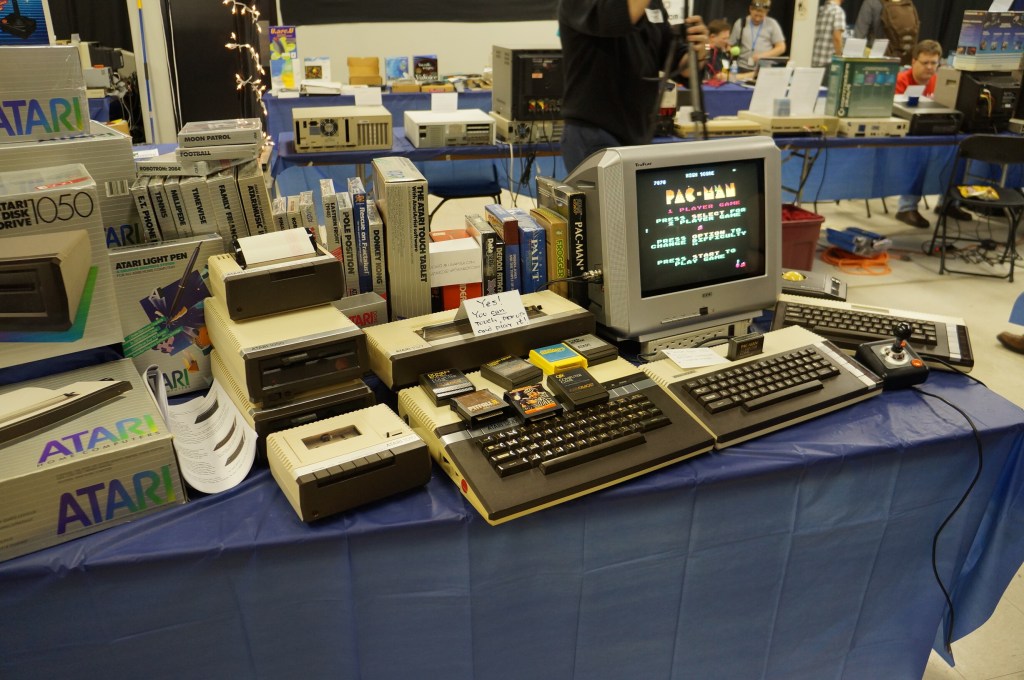
Atari Computer
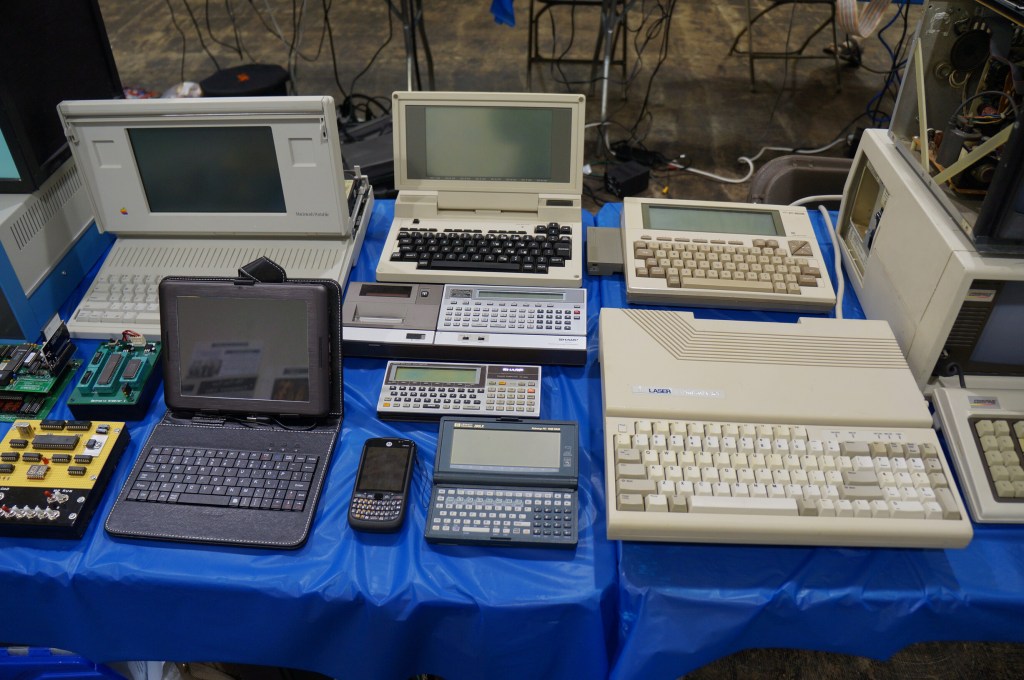
Portable Computing Miscellaneous
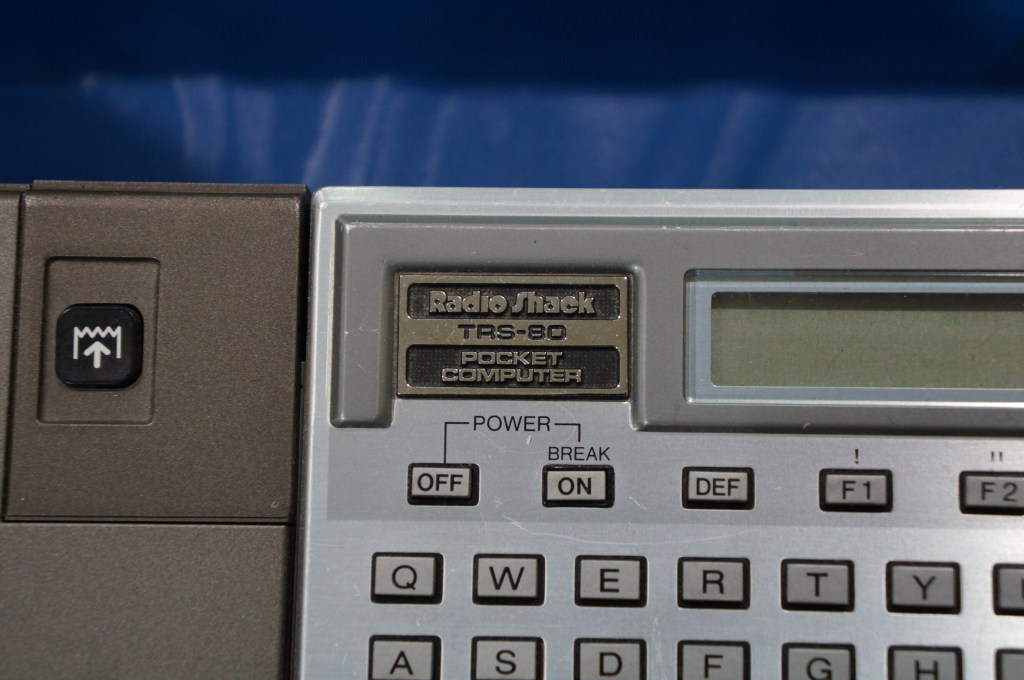
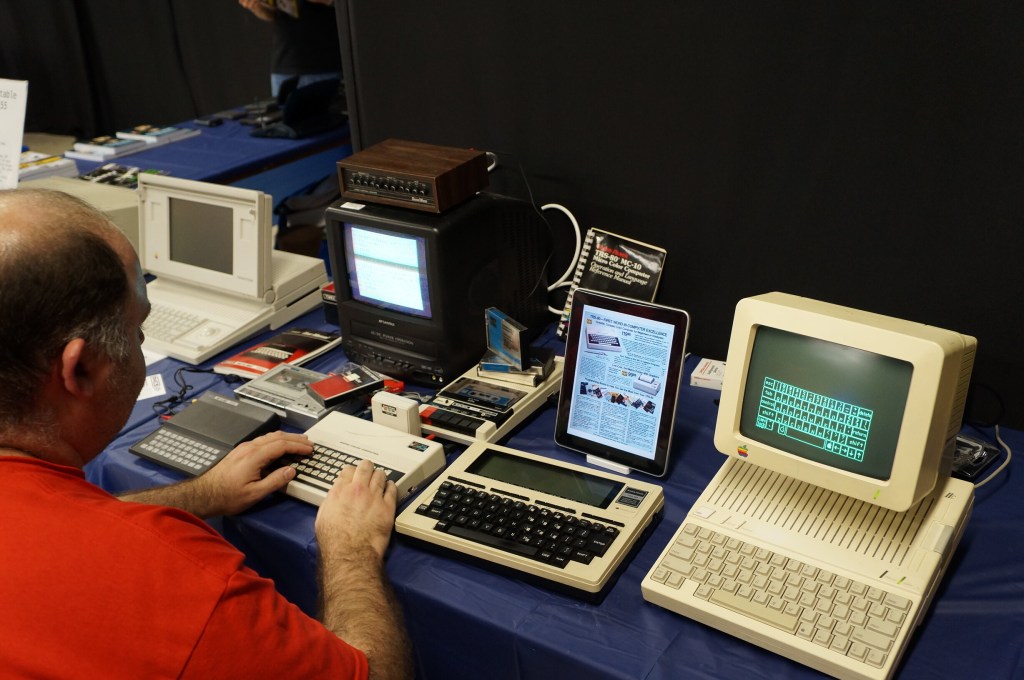
I really like the concept of pocket computers. When I was in middle school, my grandparents gave me a Radio Shack PC-7 Basic Programmable calculator. It looked like a calculator with a built-in soft cover that had a ABC keyboard layout. Considering its programmability, it was the first computer that I owned. The only digital device I had before that was an Atari 2600.
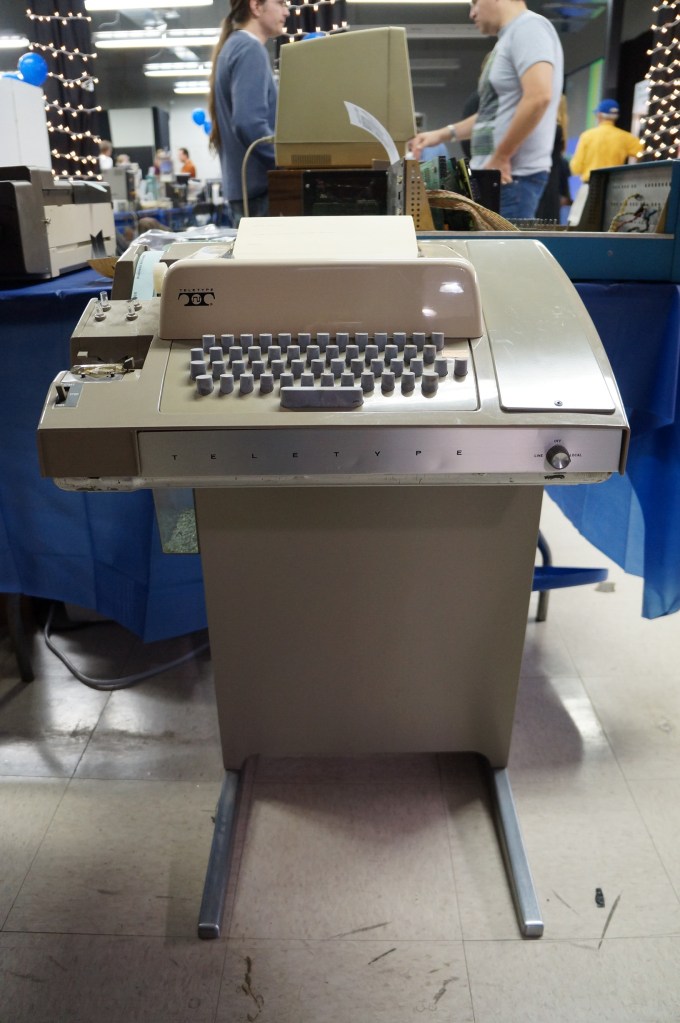
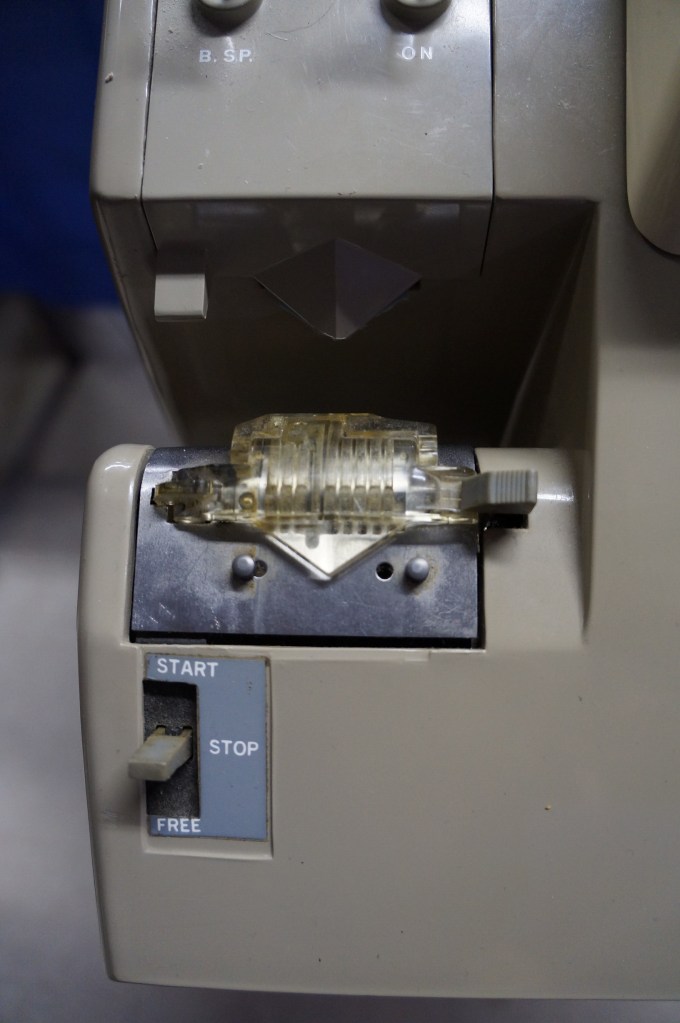
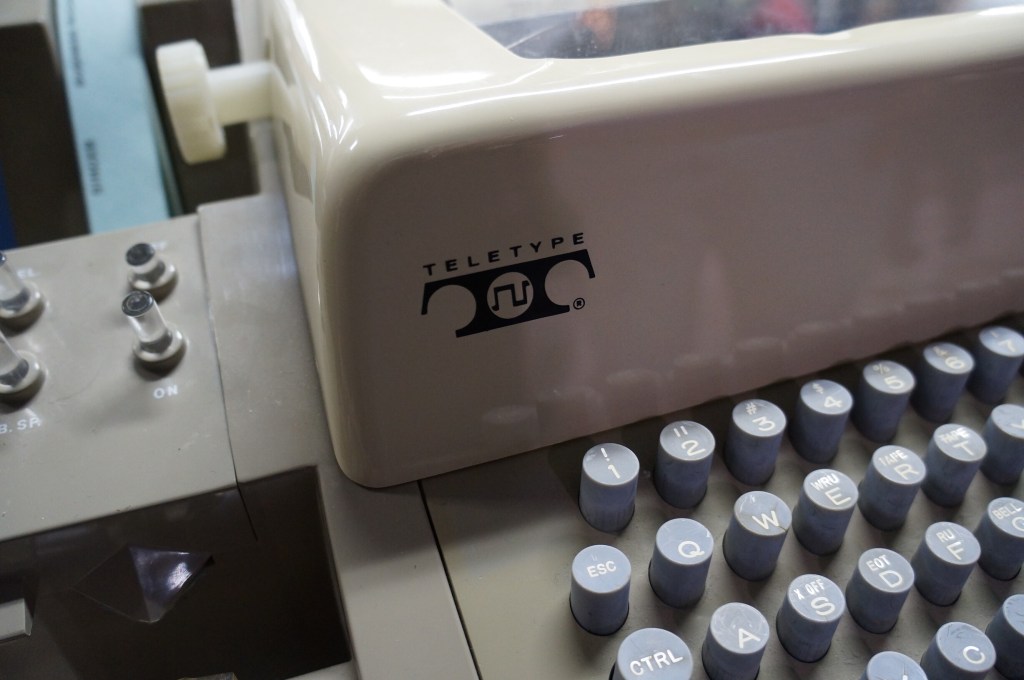
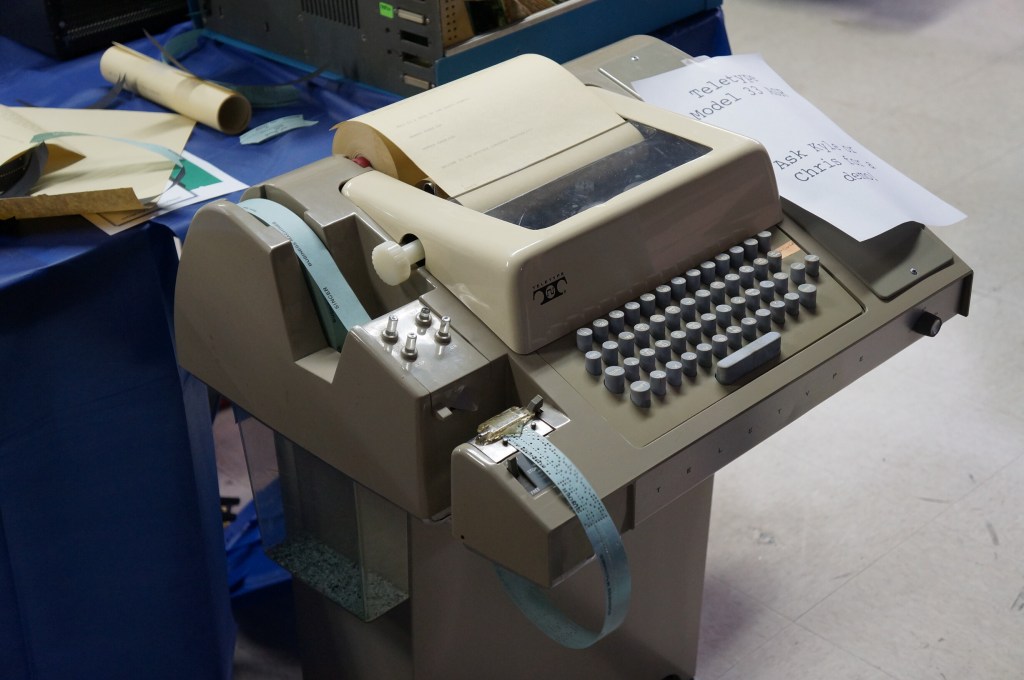
Who needs a display, printer, and program storage when you have a teletype machine like this hooked up to a mainframe or time-share minicomputer?
Captain Crunch Whistles and Tone Generating Blue Box
With the sounds generated by these cereal box toy whistles, which were adapted and expanded electronically with so-called blue boxes, you could commandeer the phone network for your own uses.
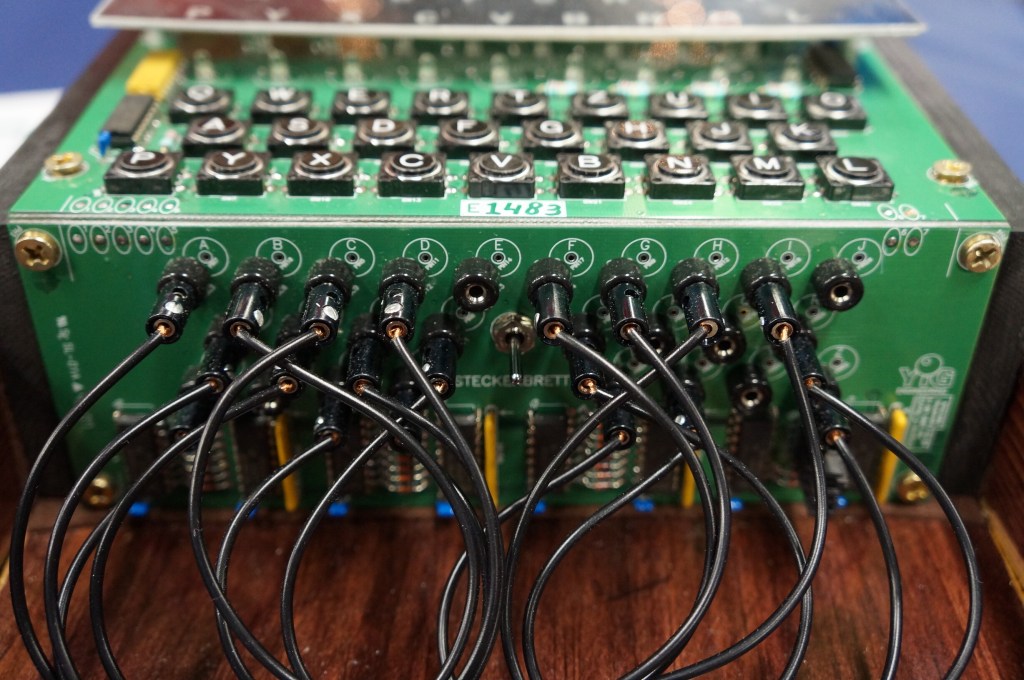
Digital Enigma Machine
This is a digital re-creation of the German Enigma machine used to cyptographically secure their communications during WWII.
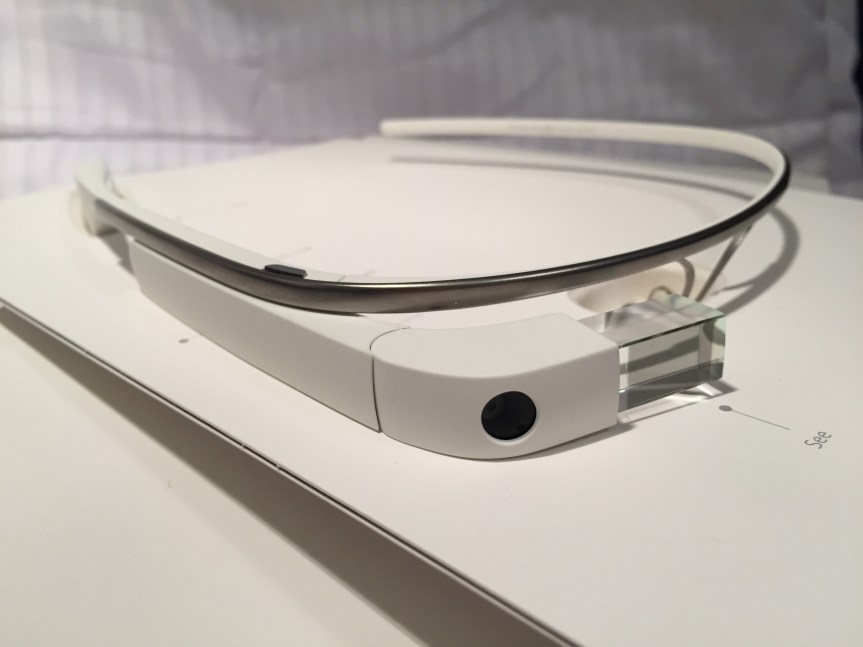
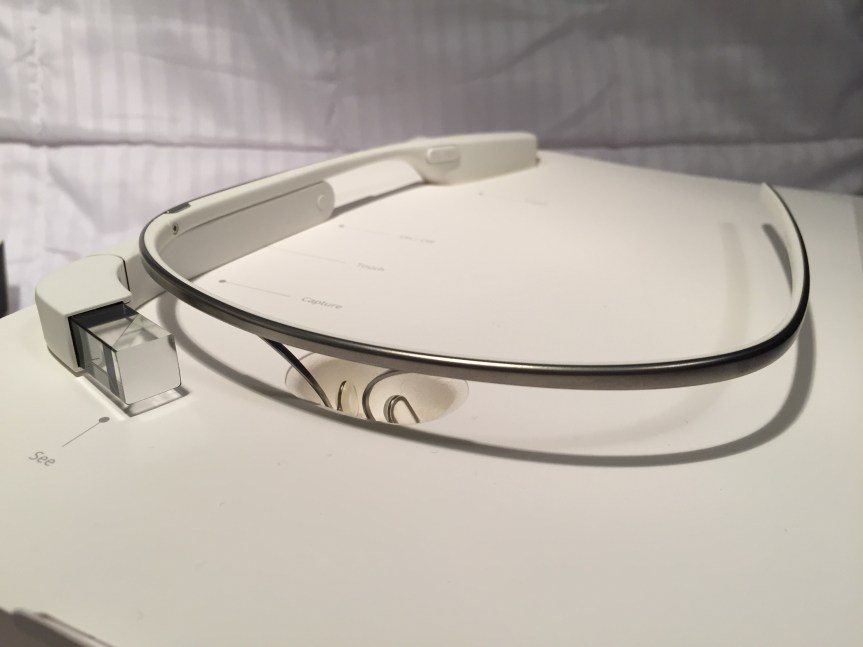
When Google Glass debuted, I thought it was a cool piece of tech. Recording POV video and photos for my maker-oriented work and getting updates unobtrusively in class, meetings, and conferences were its main selling points to me. I wrote about some of my experiments with Google Glass and LEGO here. Unfortunately, it had its hardware and software limitations. One person who I interacted with took extreme umbrage with it. And, Google’s waning support over the years didn’t help either. Eventually, I sold it on eBay as I had stopped using it altogether.
Use in Professional Settings
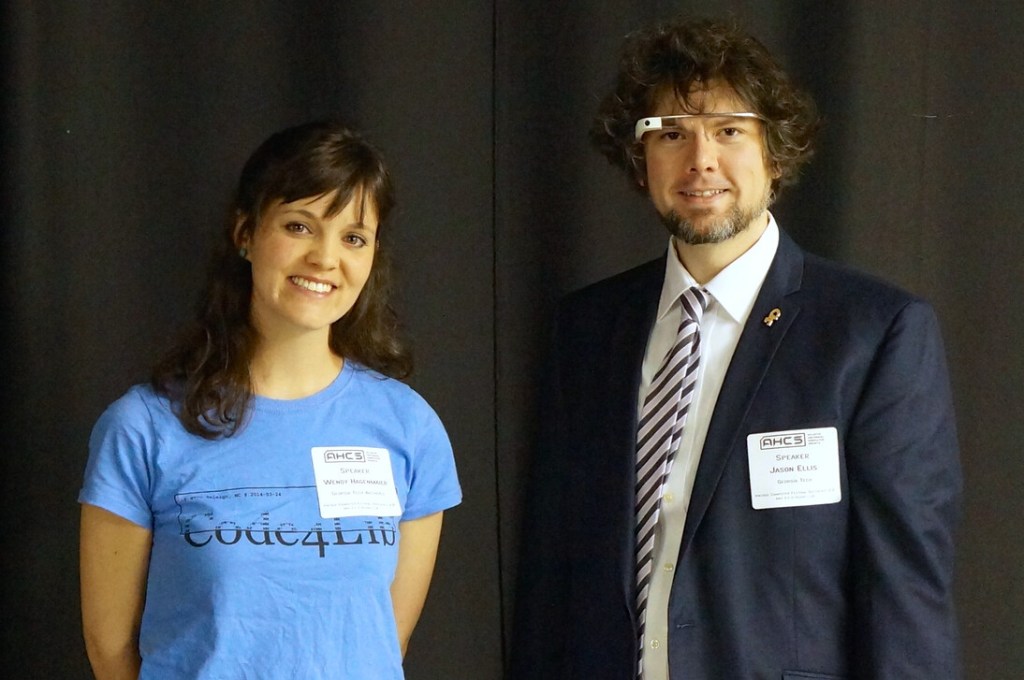
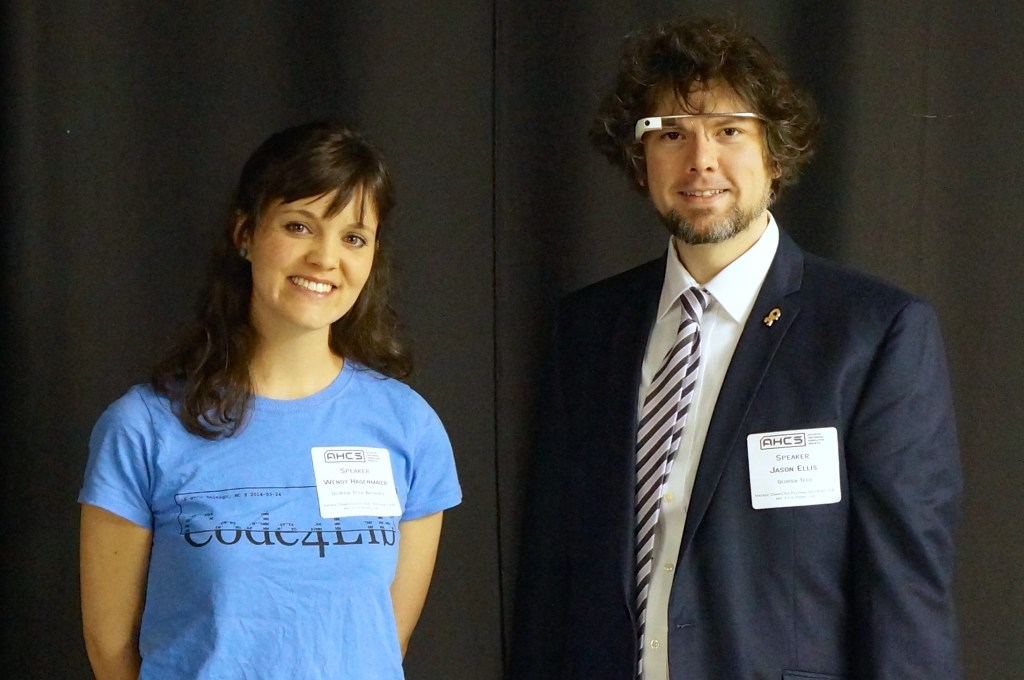
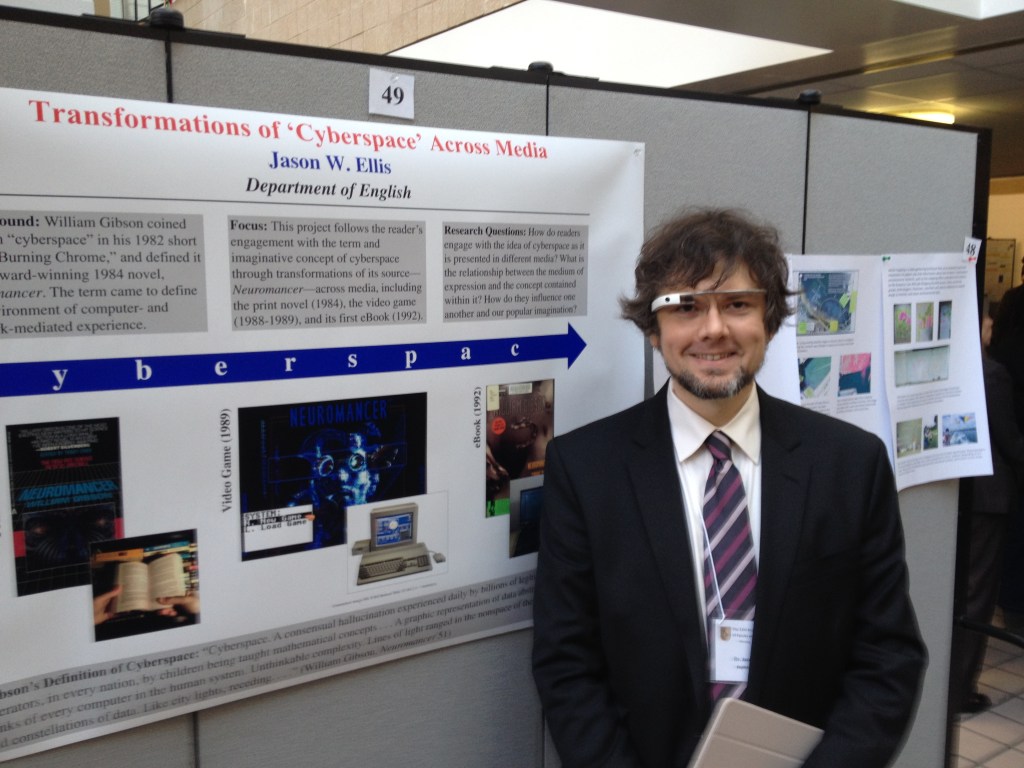
Emily Hagenmaier and me at SEVCF 2.0 in 2014.Wearing Glass at City Tech’s Annual Poster Session in 2014.
When giving presentations that related to interfaces and new media, I often wore Google Glass as a prop, which I would reference in my talk. Had I been very clever, I would have used it like a teleprompter, but it was often easier to read from notes printed or on a tablet in hand.
I did get told off by someone who I didn’t know shortly before my co-presentation with Wendy Hagenmaier on “Digital Archives and Vintage Computing at Georgia Tech” at the Southeast Vintage Computer Festival 2.0 in Roswell, GA on 4 May 2014. I don’t know who she was, but she zeroed in the Glass, got perilously in my face, waved her hand dangerously close to my face and the Glass, and demanded that I stop recording video of her. I stepped backward and tried to explain that it wasn’t recording video or taking photos–I only had it conveying messages from my phone at the time. The thing about the Glass is that the computing unit got very, very hot–uncomfortably hot–if you recorded video for more than a minute or two. Of course, it would eat through its battery, too. So, full time recording wasn’t really possible. It did have a beta feature to take a photo when you blinked, but I never left the feature on as it resulted in lots of useless photos and depleted the battery. She was pissed and was having none of my explanation. Since we weren’t really having a discussion, I just said that I was sorry and walk away. It was an unnerving encounter since she was walking around with the organizer who remained silent during the exchange. Perhaps it had more to do with it being a Google product? What about it being a public space? What about the many other participants carrying smartphones with cameras as well as dedicated point-and-shoot and DSLR cameras? Perhaps she gained her intended effect as I was more cautious about where and when I wore them.
For such an encounter, it would have been nice if the Glass had a built-in lens cover that lets others around the Glass wearer know at a glance if the lens was exposed or not, or if the camera part could have been modular in some way so that the wearer could have the AR but remove the camera when it wasn’t needed.
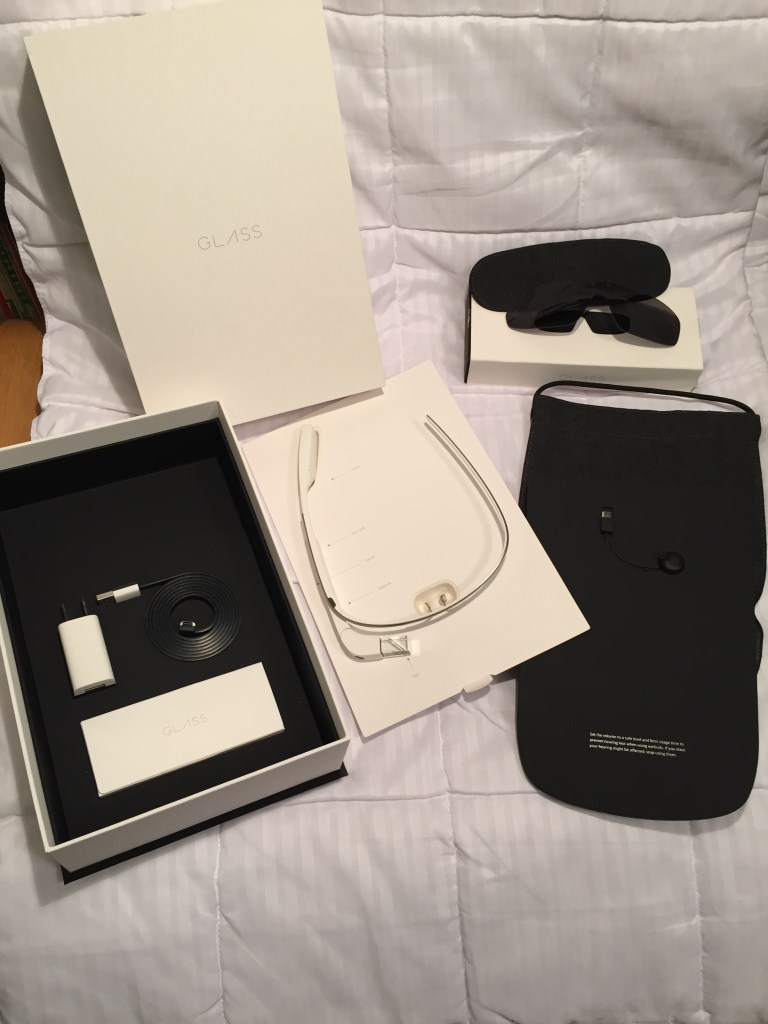
Google Glass Kit
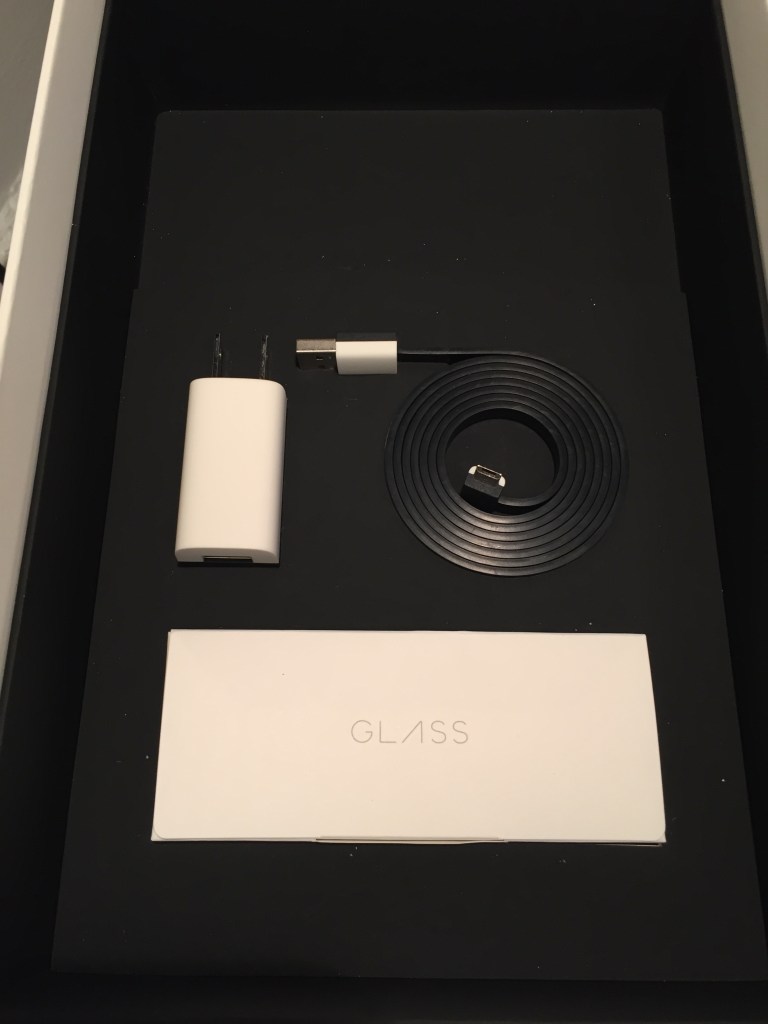
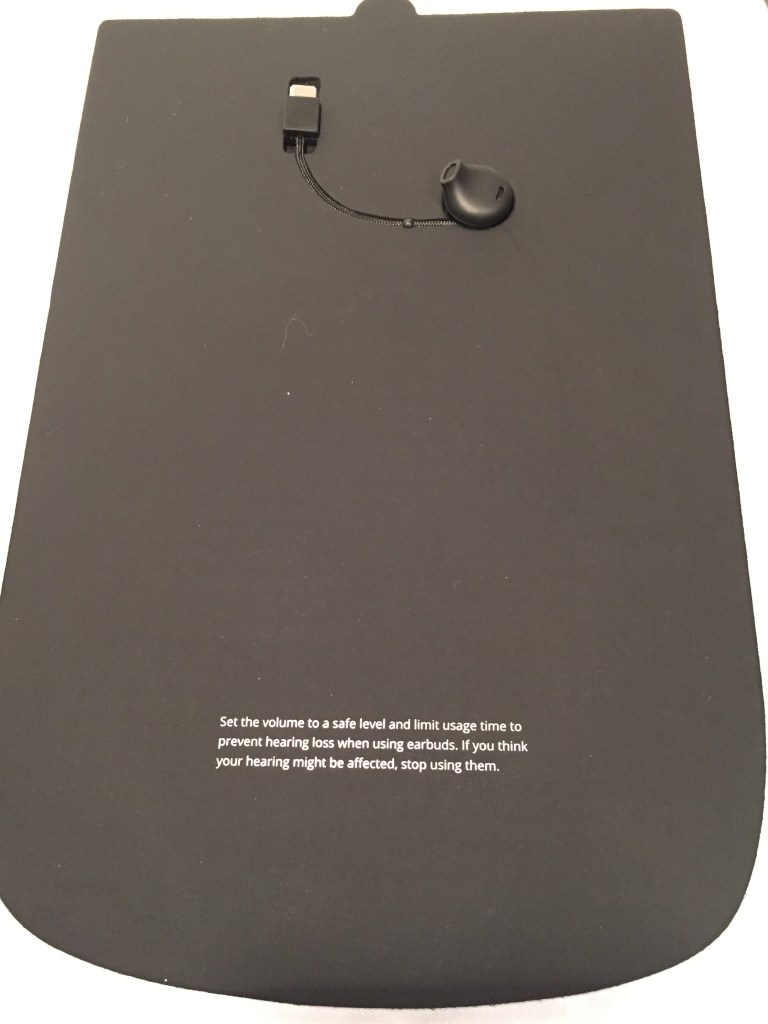
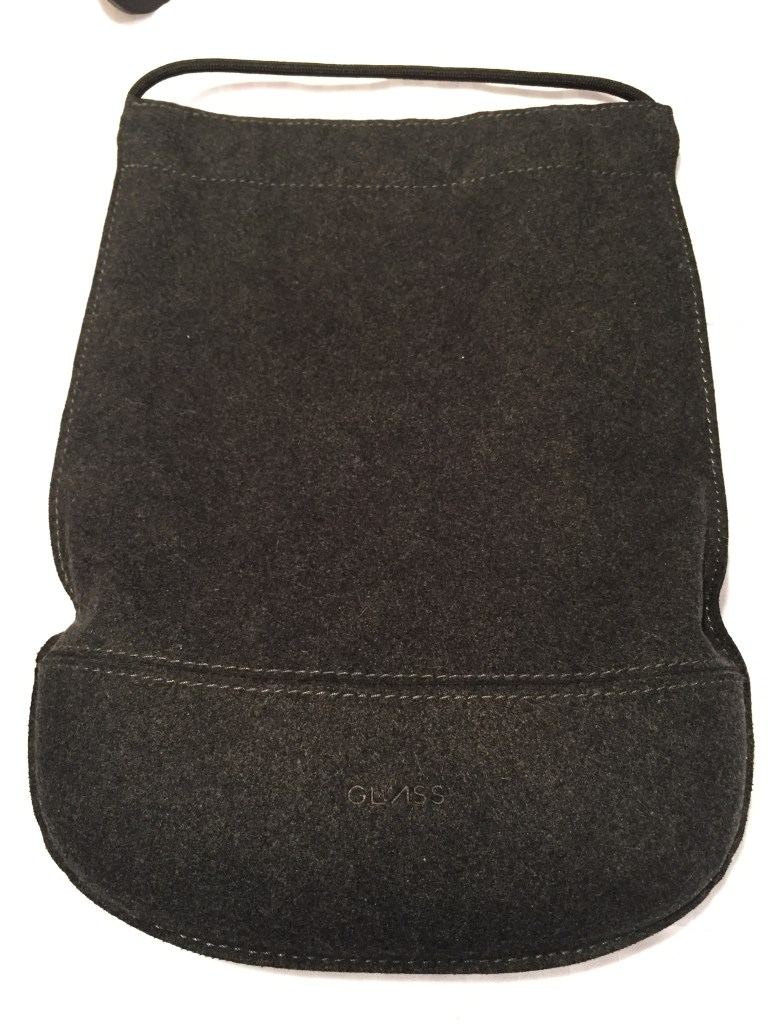
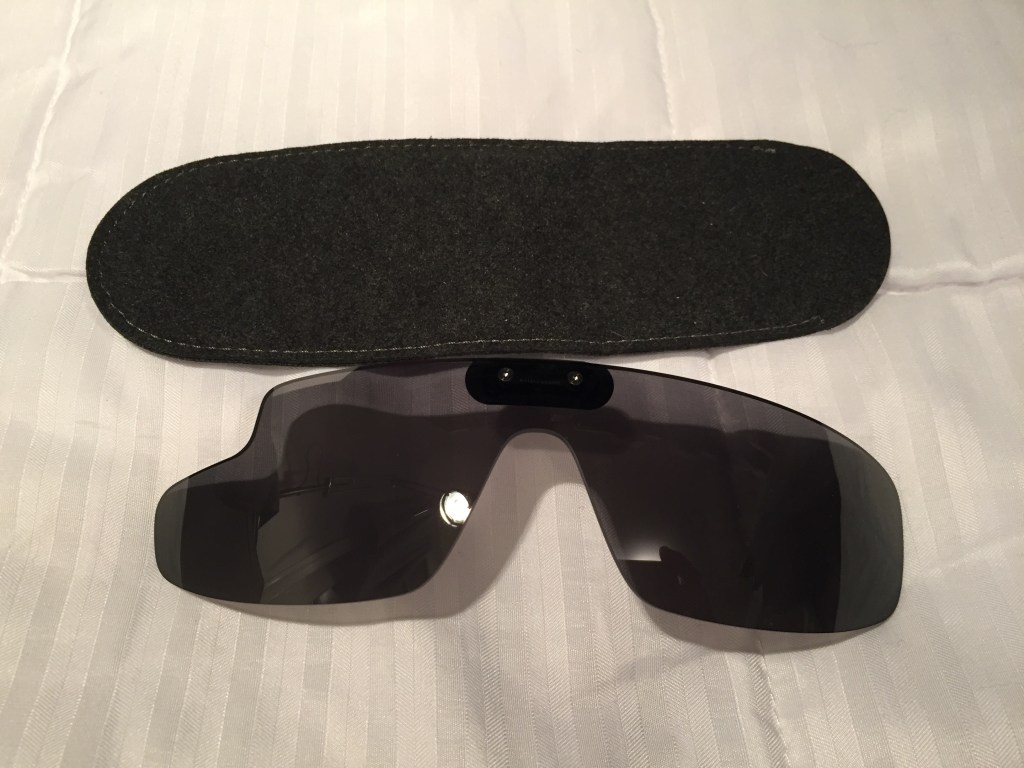
I opted for the Google Glass Explorer kit that included detachable sunglasses. The kit included a single ear speaker that connected to the computing unit on the right side. An AC charger, USB cable, and felt carrying cases for the Glass and sunglasses were included, too.
Before Its Time?
Wearable technology like this seems inevitable. Good hardware and software design combined with killer apps/features would make this an invaluable tool, I think. The battery life and heat problems were downplayed during the initial public release, but they were real problems that robbed Glass of the bare minimum of functionality that it deserved. Had Google cracked those two issues, the software could have been developed further on a stable hardware platform.
The lack of apps, poor battery life, heat production, and trouble with the voice activated features made me decide to resell it. Thankfully, I was able to recoup most of the cost when I sold it a year later.
There seems to be steady interests in AR. Microsoft’s Hololens is neat, but it isn’t something that you can wear around all day. Apple’s upcoming Vision Pro looks cool, too, but it will be something aimed for specific use cases and not be a wearable augmentation to our daily, digital interaction with the world like Glass. Snap’s next generation of Spectacles seems like a high-tech version of Glass with full vision overlay, but it might be too opaque for all day and indoor use. Will something else come along to fulfill the promise of Glass?
Catching the prismatic projected image on the Google Glass’ heads-up display in the mirror.