Category: Computers

  • Vintage Computer Festival Southeast (VCFSE 2.0) 2014

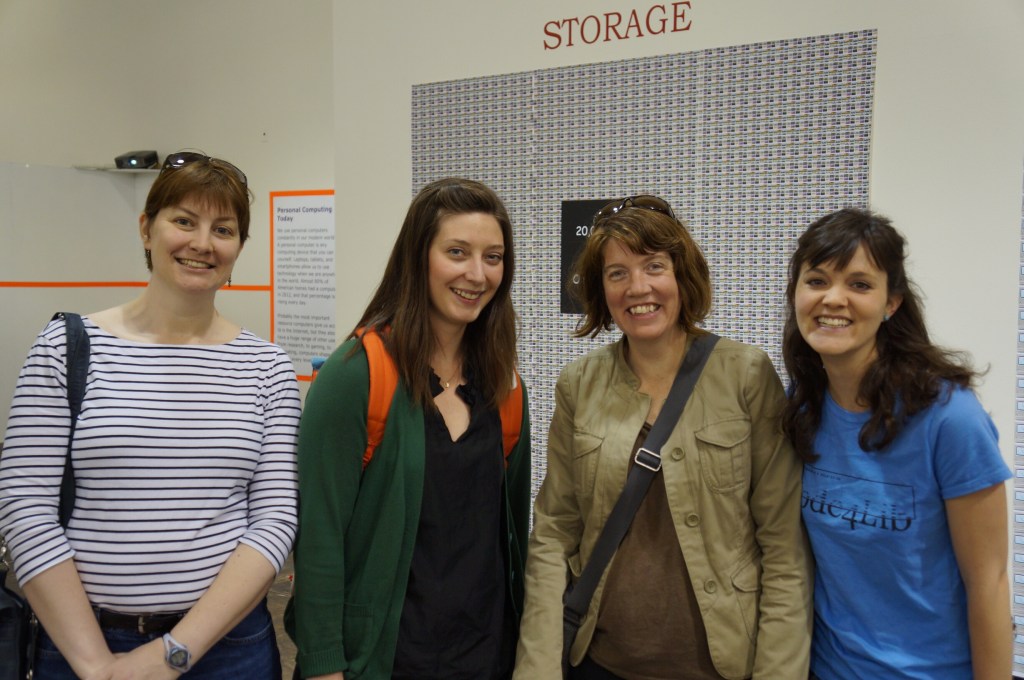
    Georgia Tech Librarians Sherri Brown, Lizzy Rolando, Alison Valk, and Wendy Hagenmaier

    For the second Vintage Computer Festival Southeast (VCFSE 2.0) in 2014, I went with my Georgia Tech Library colleagues Sherri Brown, Lizzy Rolando, Alison Valk, and Wendy Hagenmaier (I wrote about the first VCFSE and shared photos last week here).

    For me, it was great to bridge my professional and hobby worlds–one about studying and preserving our software and hardware digital culture and one about geeking out about retrocomputing–fixing it, using it, and playing with it. Sharing this event with my colleagues who were also negotiating these two overlapping worlds made it memorable to me.

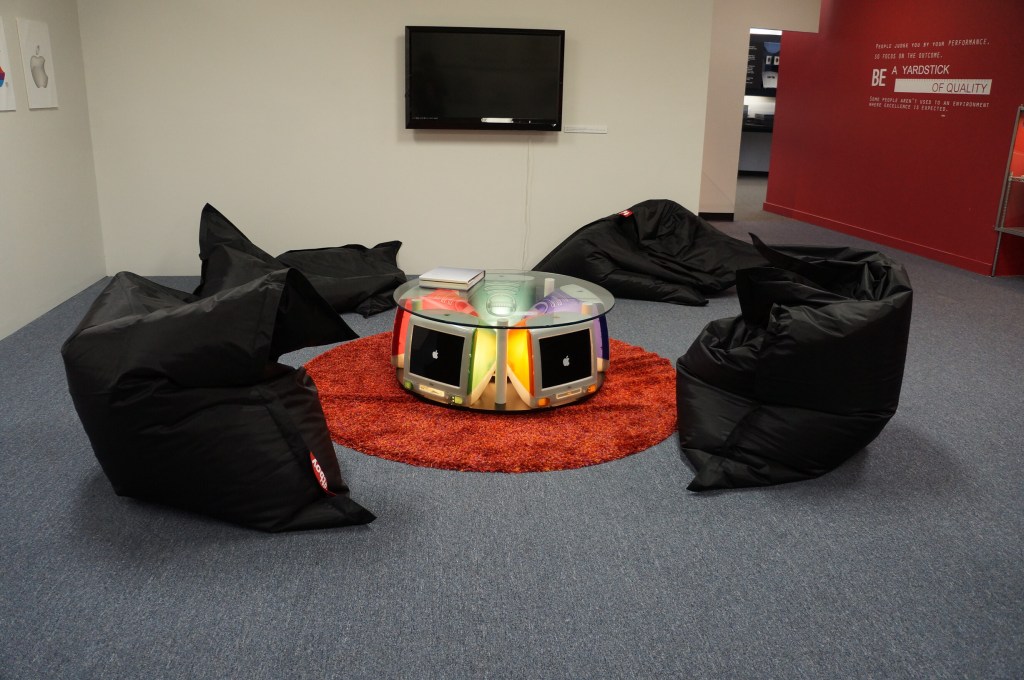
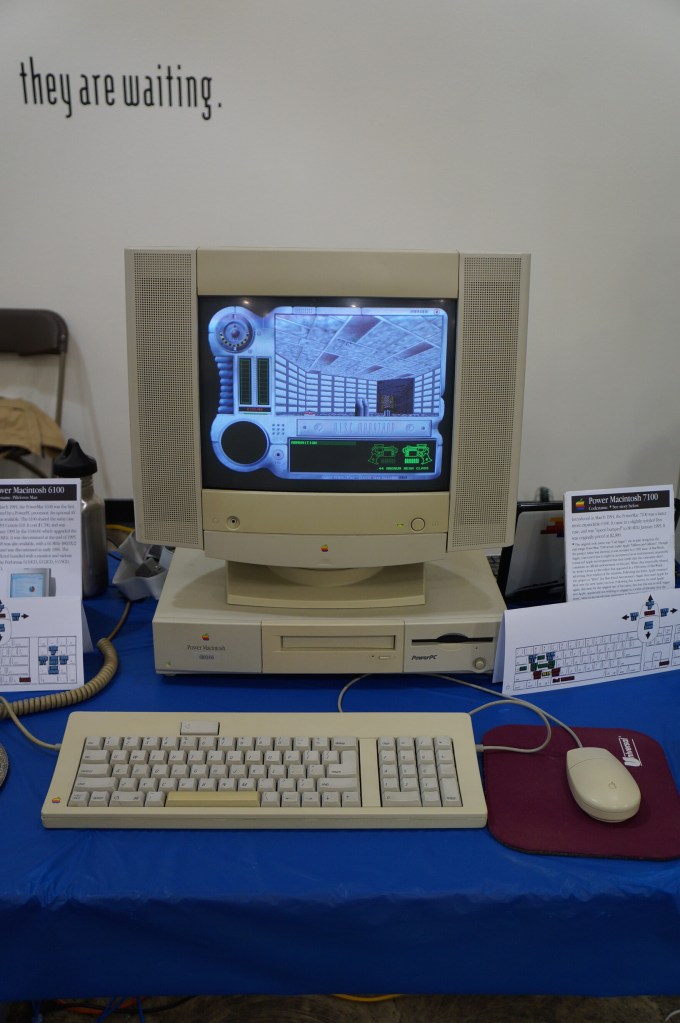
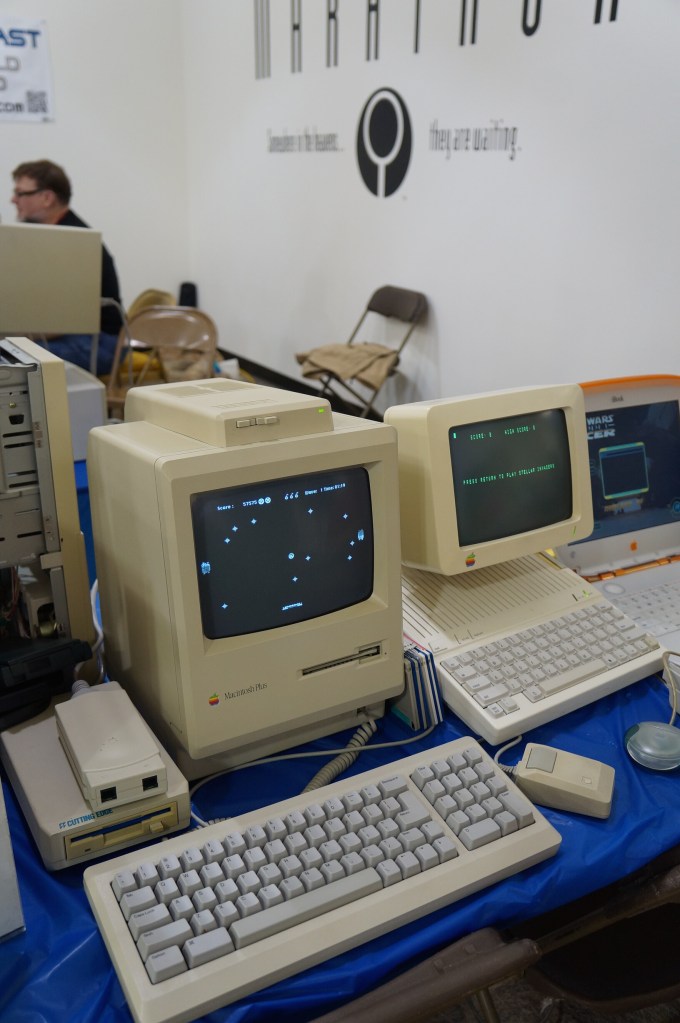
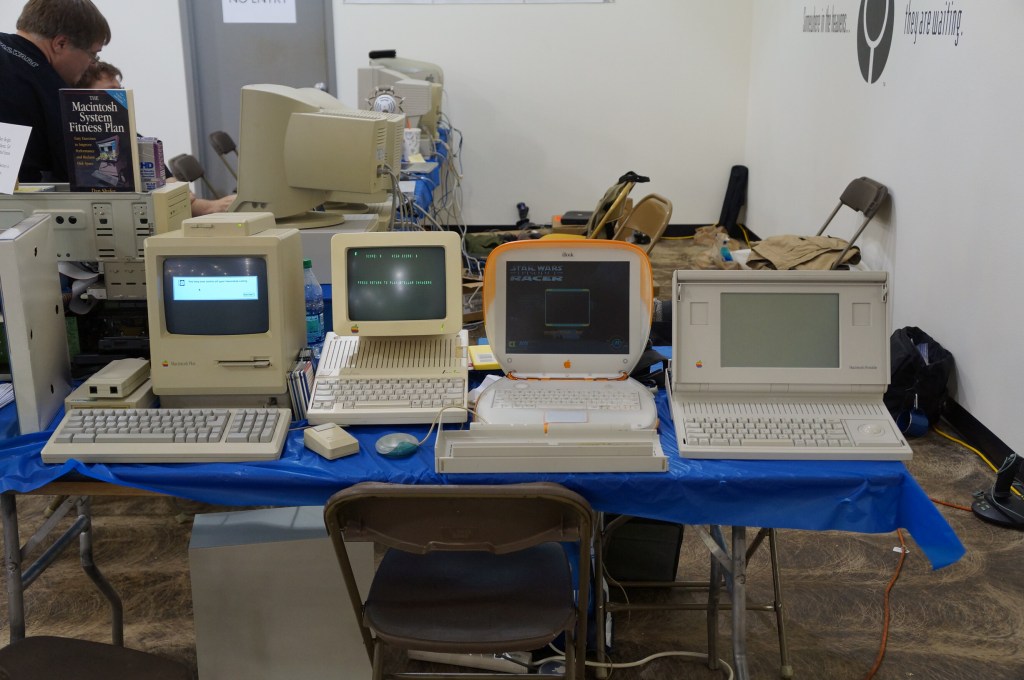
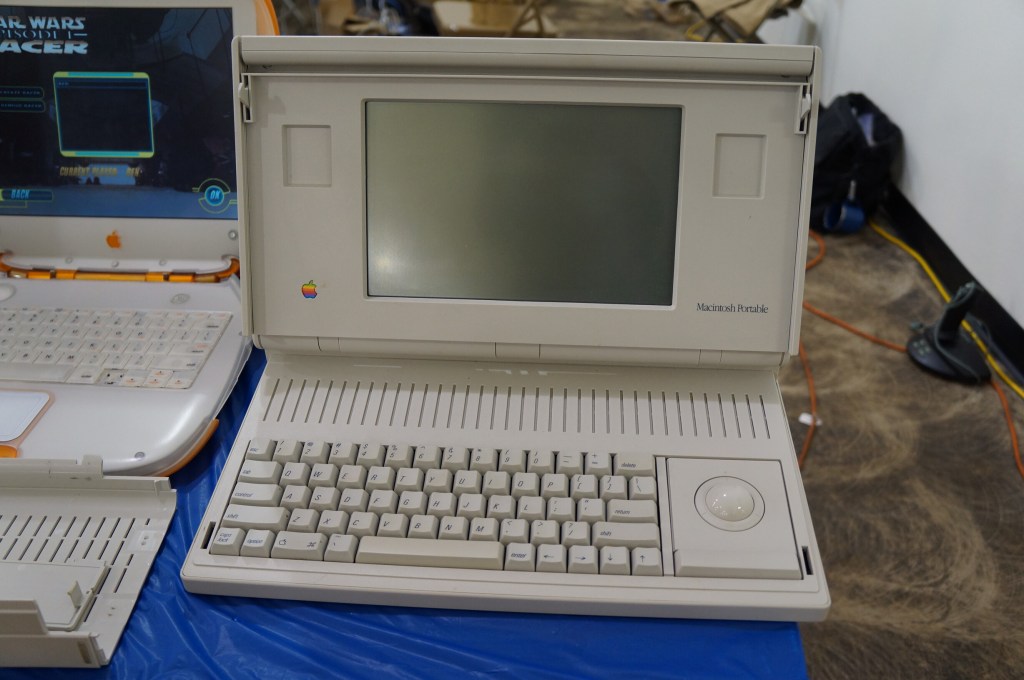
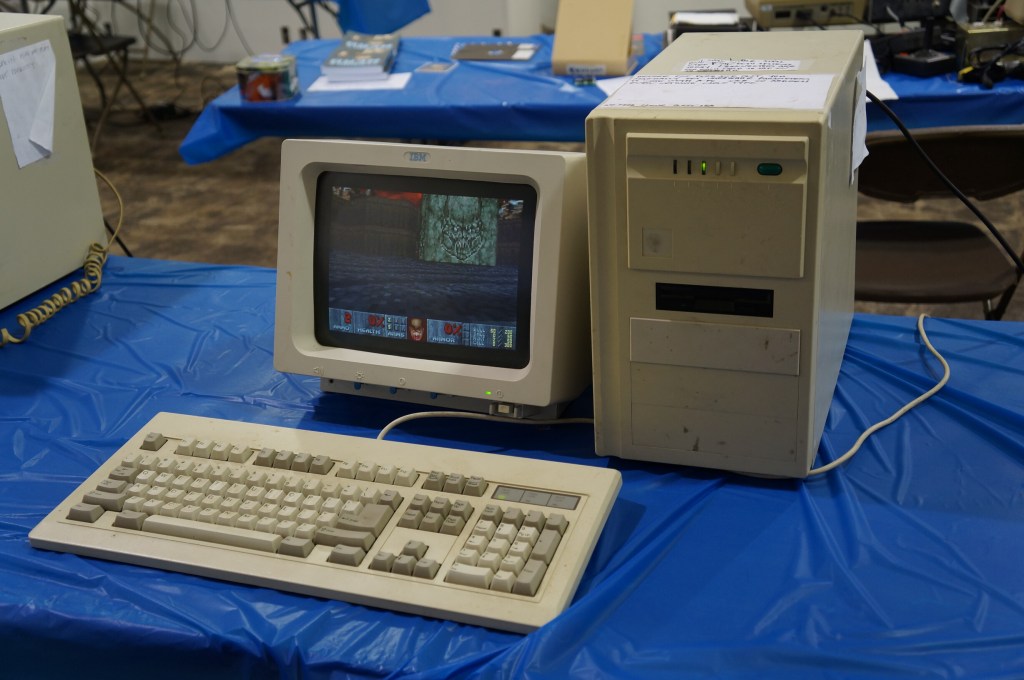
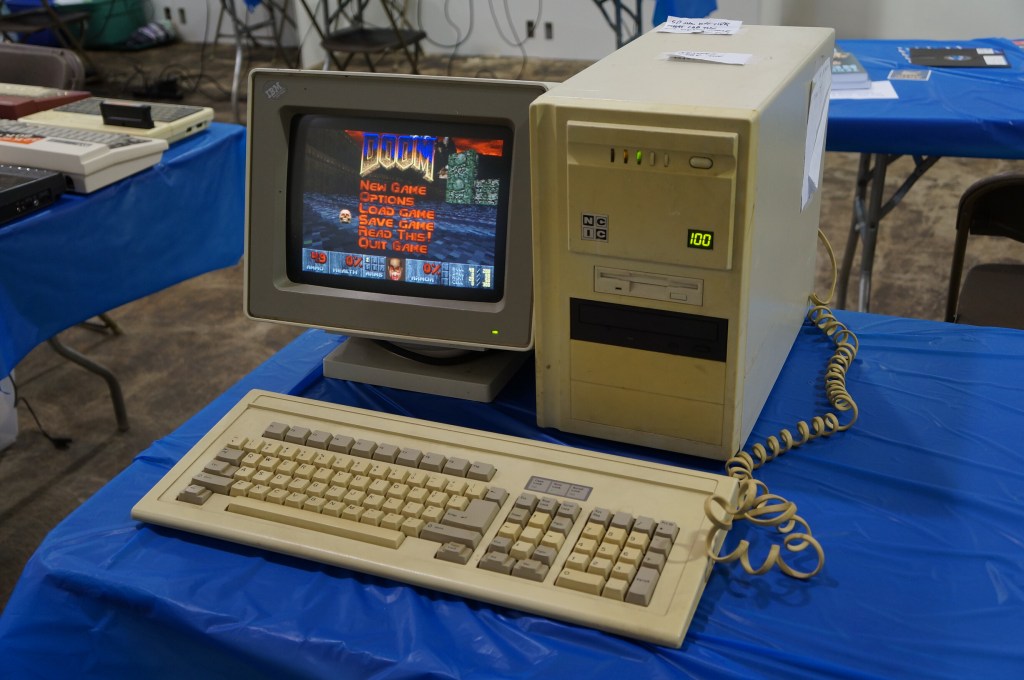
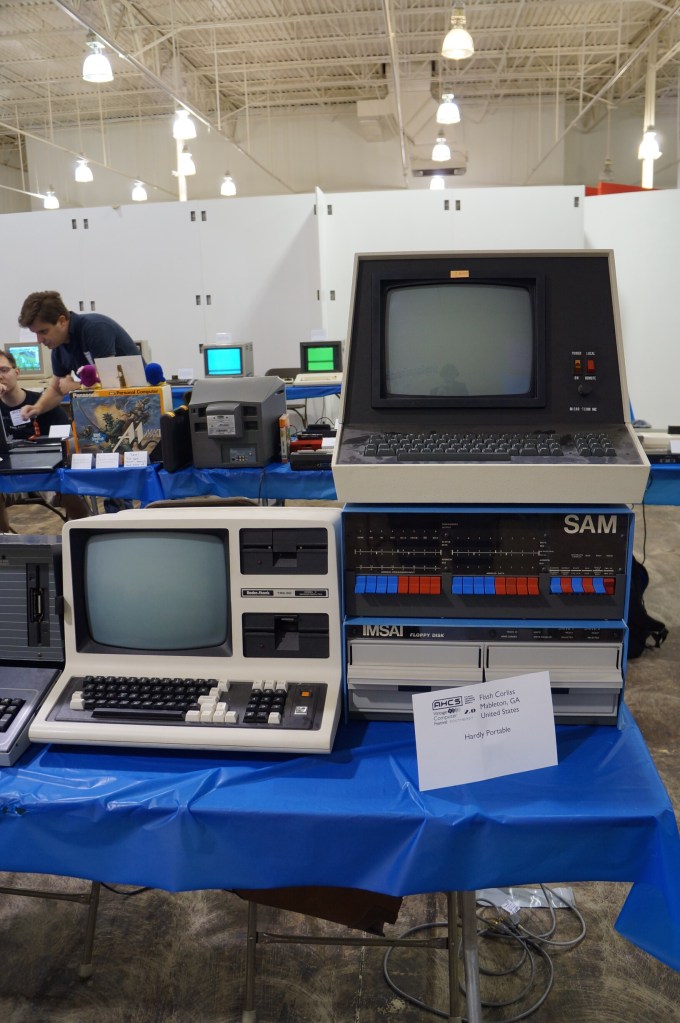
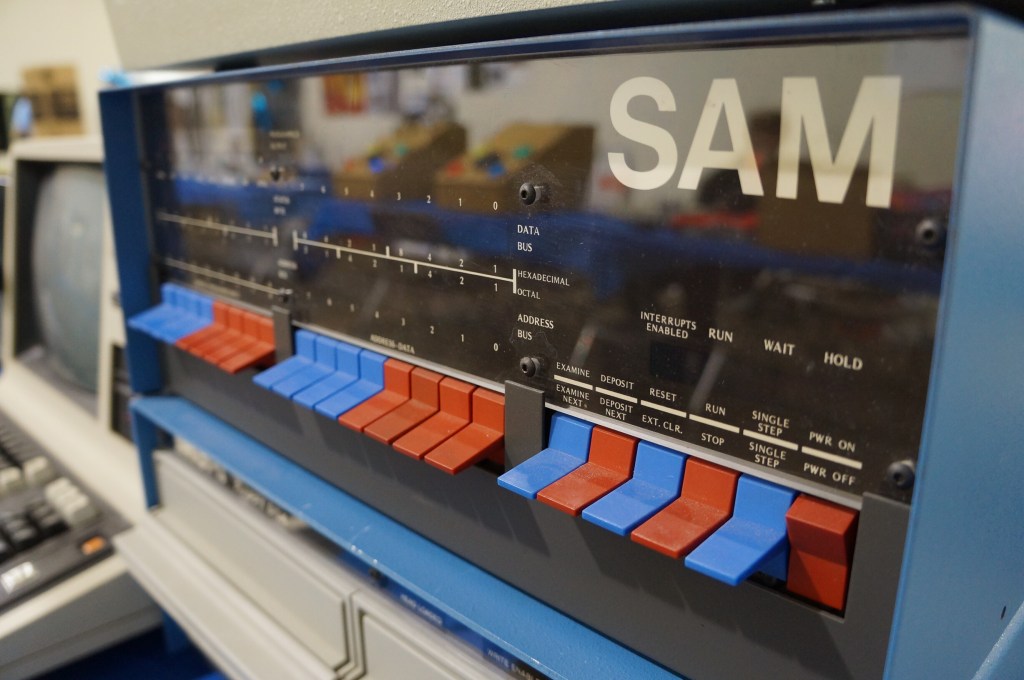
    Below, I share photos from the Digital Archivists presentation panel and photos of the Apple Pop-Up Museum and other installed exhibits, and many photos from the individual exhibitor hall.

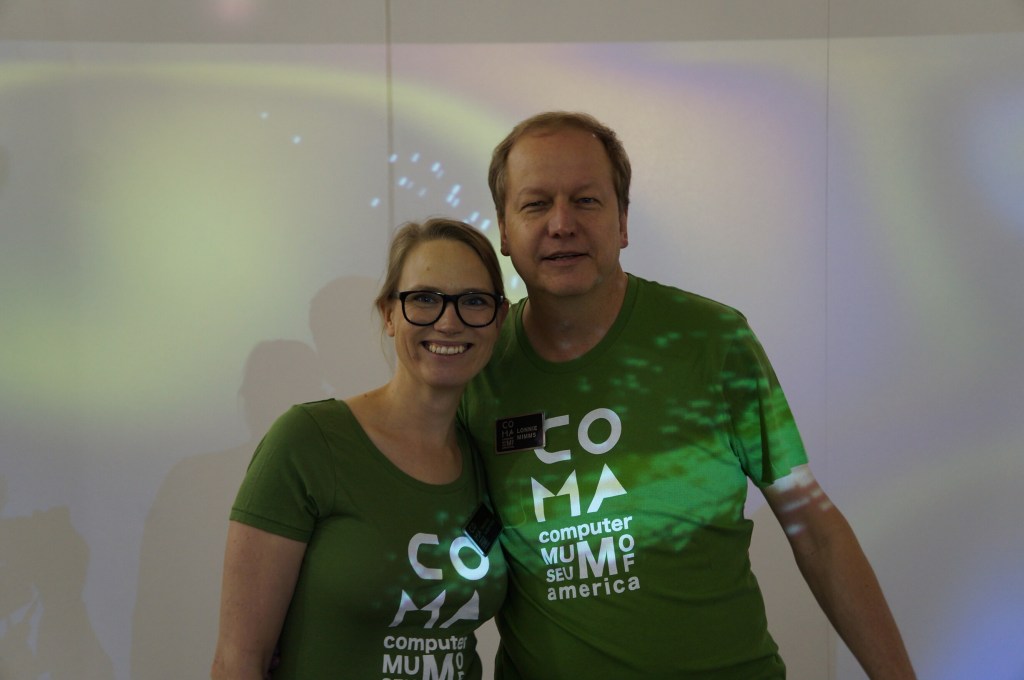
    When we first got there, we had a chance to talk with the founder Lonnie Mimms (right) who was wearing a green t-shirt emblazoned with the rebranding for the space as the Computer Museum of America.

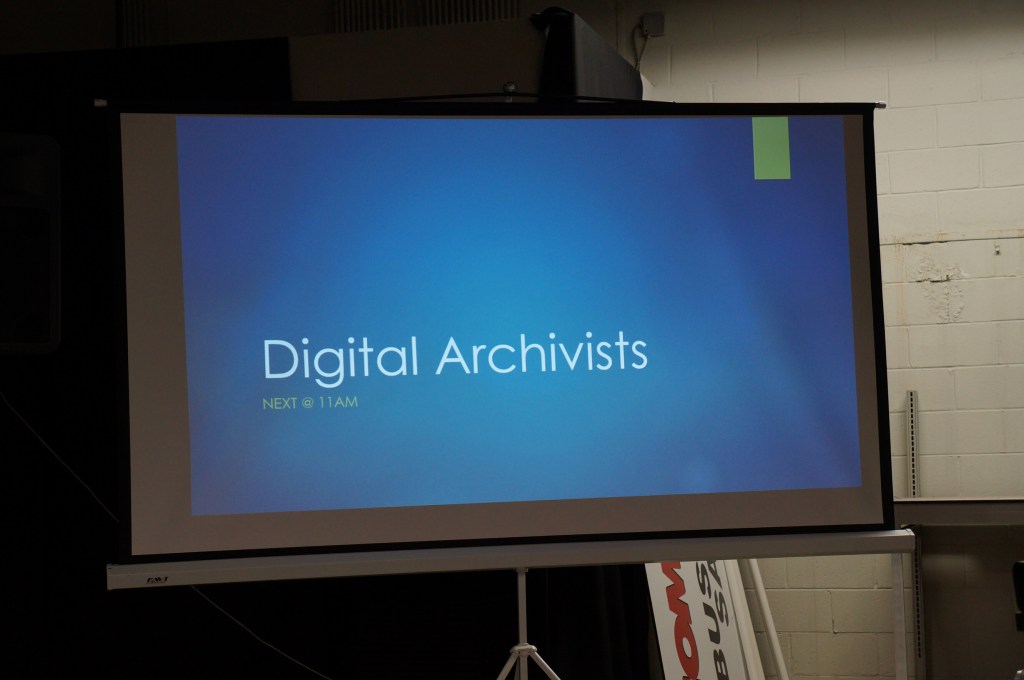
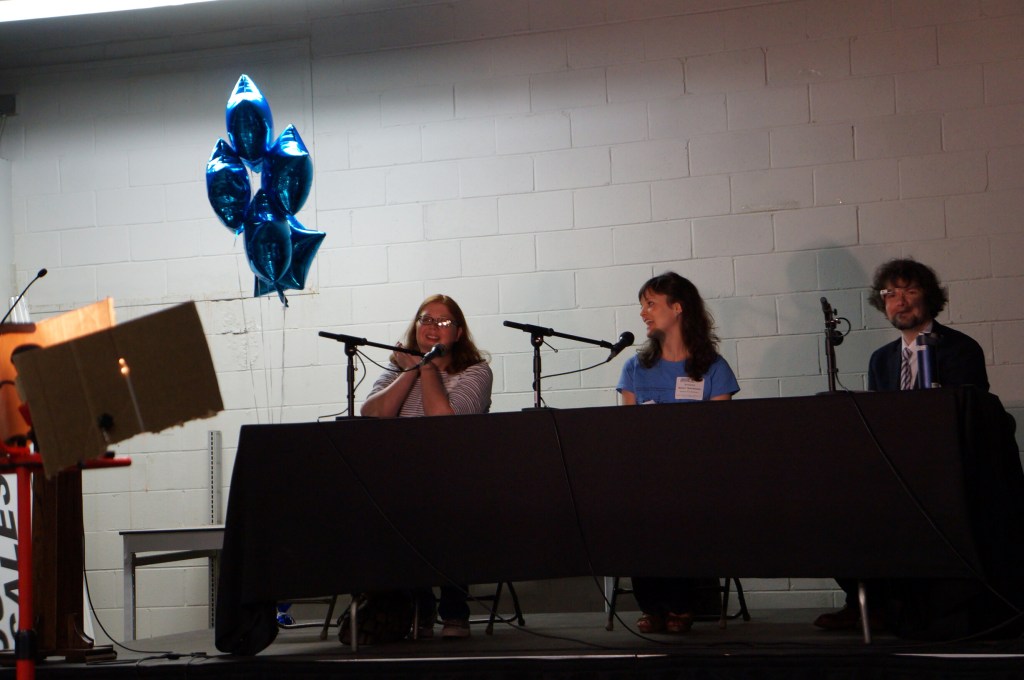
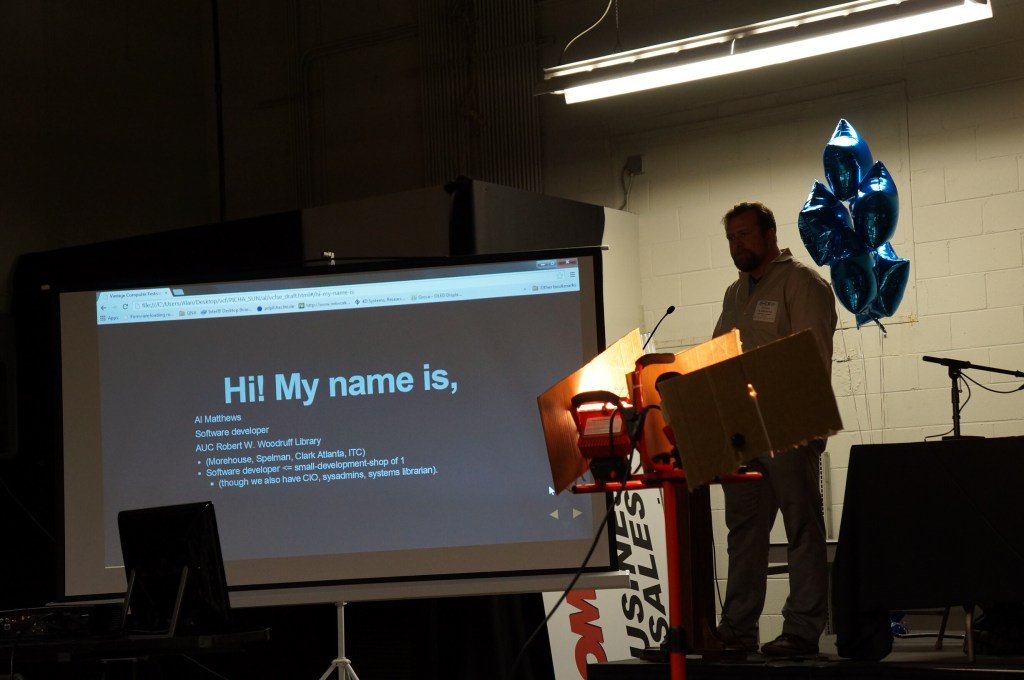
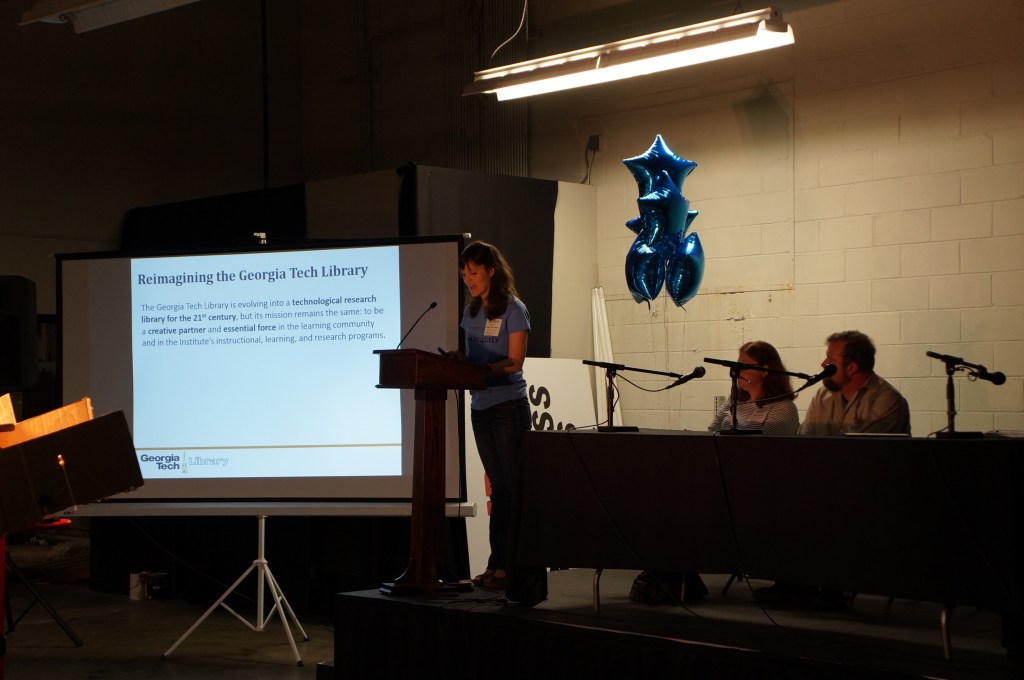
    Digital Archivists Panel

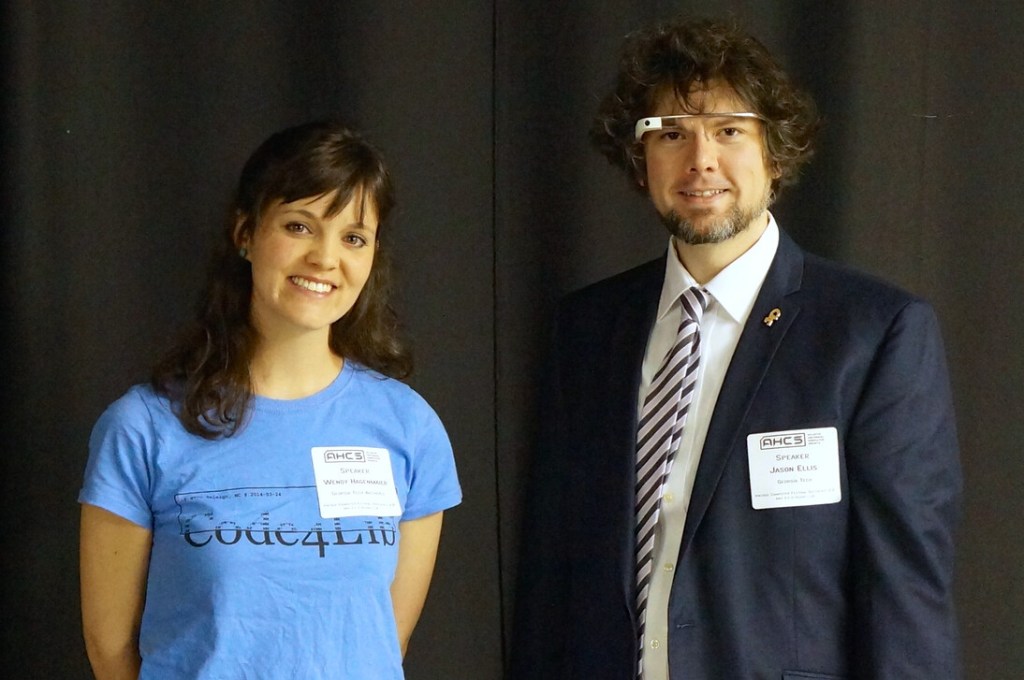
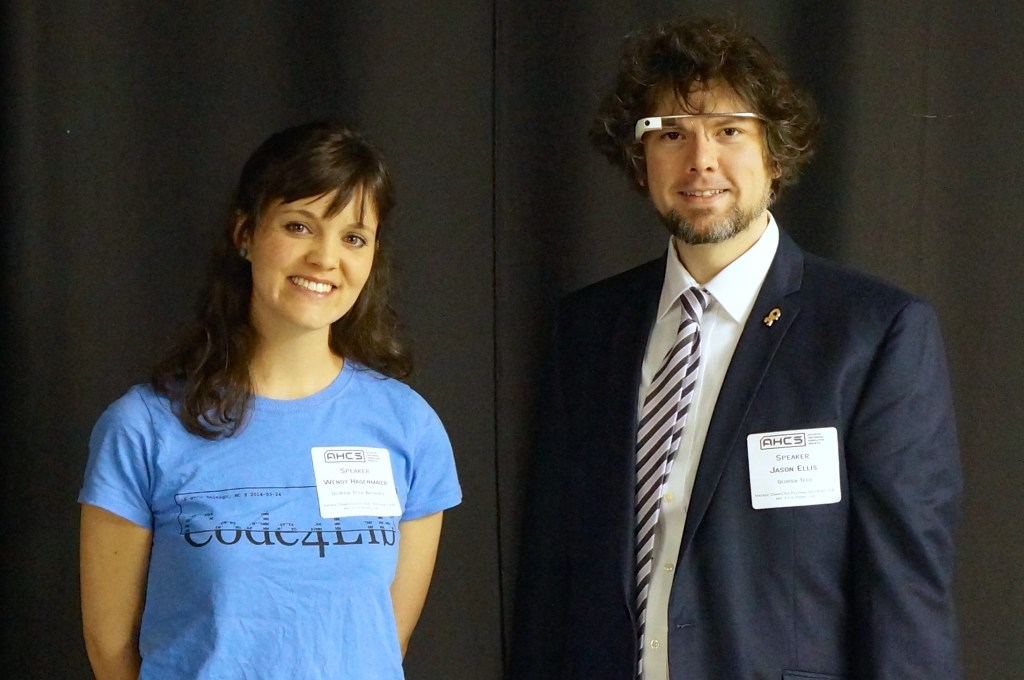
    Wendy Hagenmaier and Jason Ellis after the Digital Archivist panel.

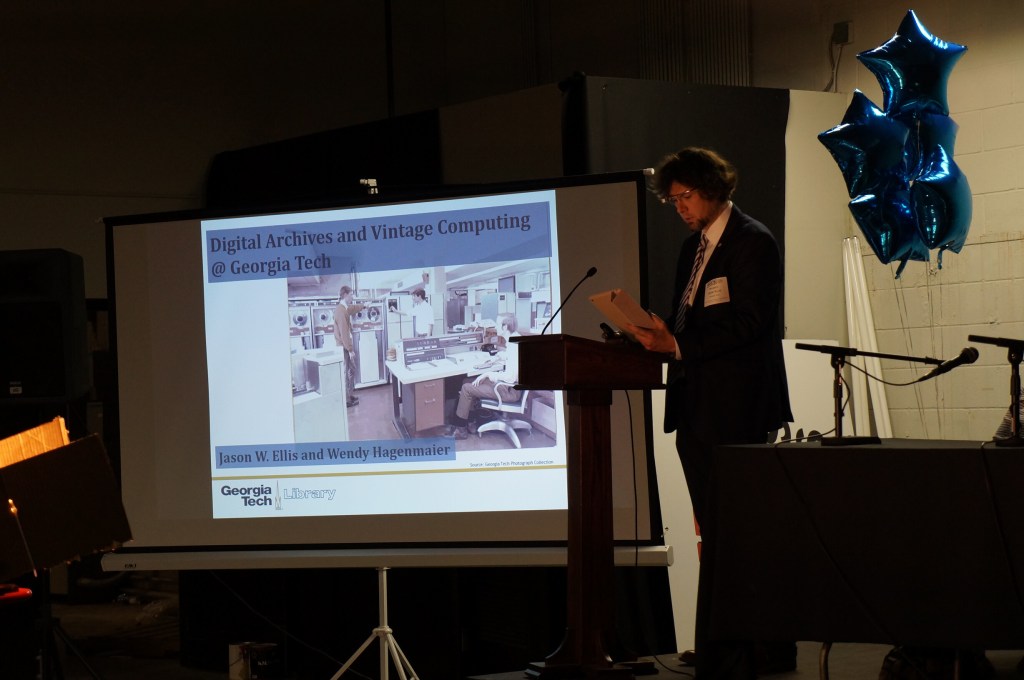
    Wendy and I co-presented about “Digital Archives and Vintage Computing at Georgia Tech” during the Digital Archivists panel. Our notes from the event can be found here.

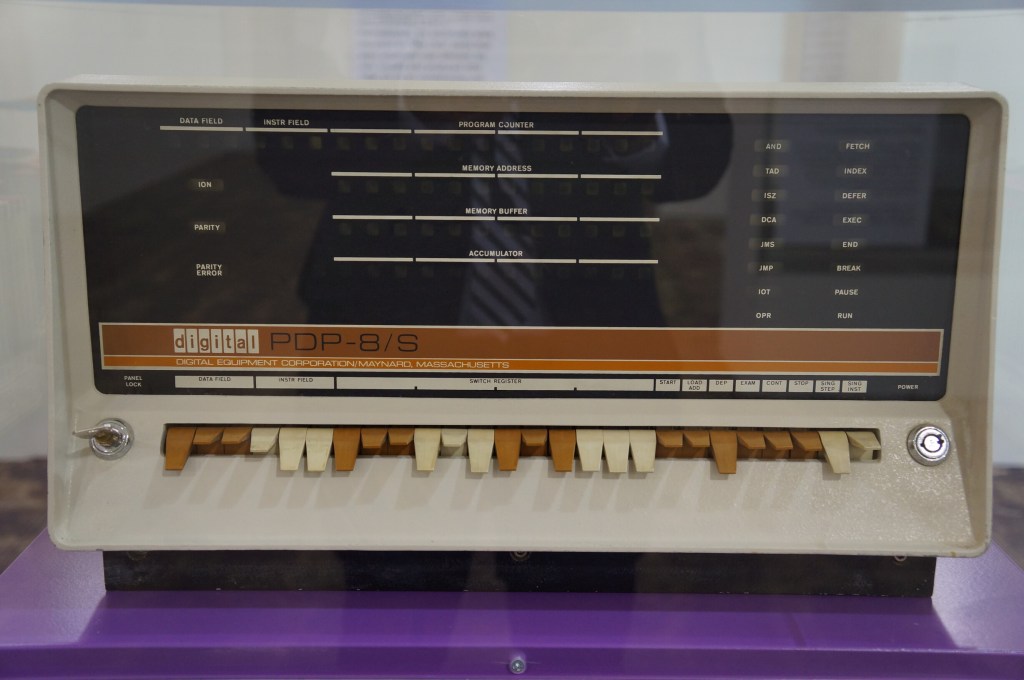
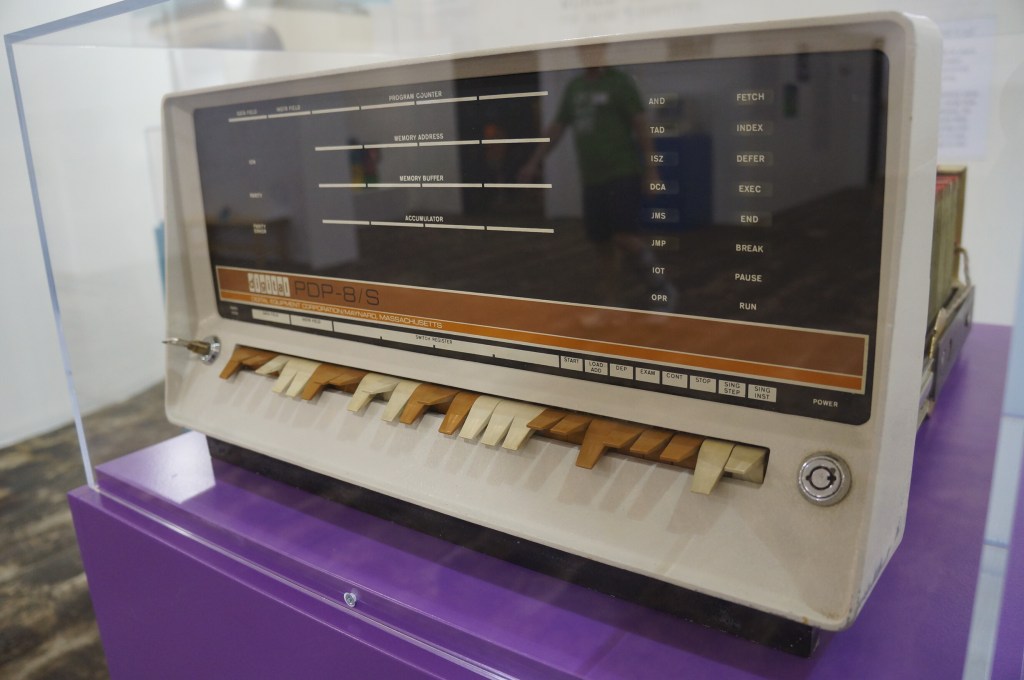
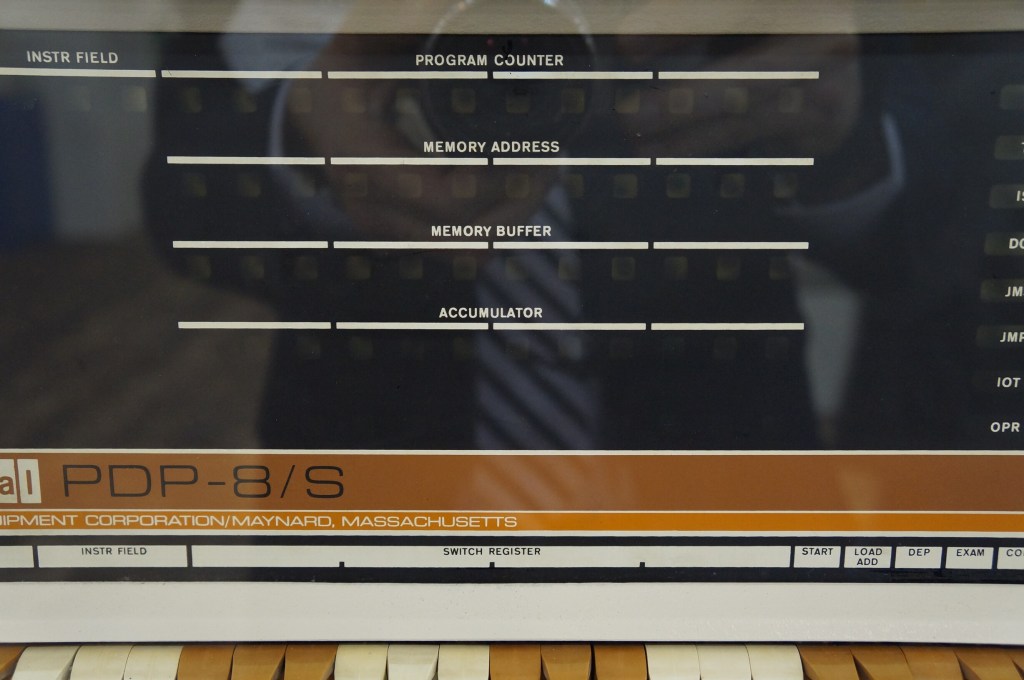
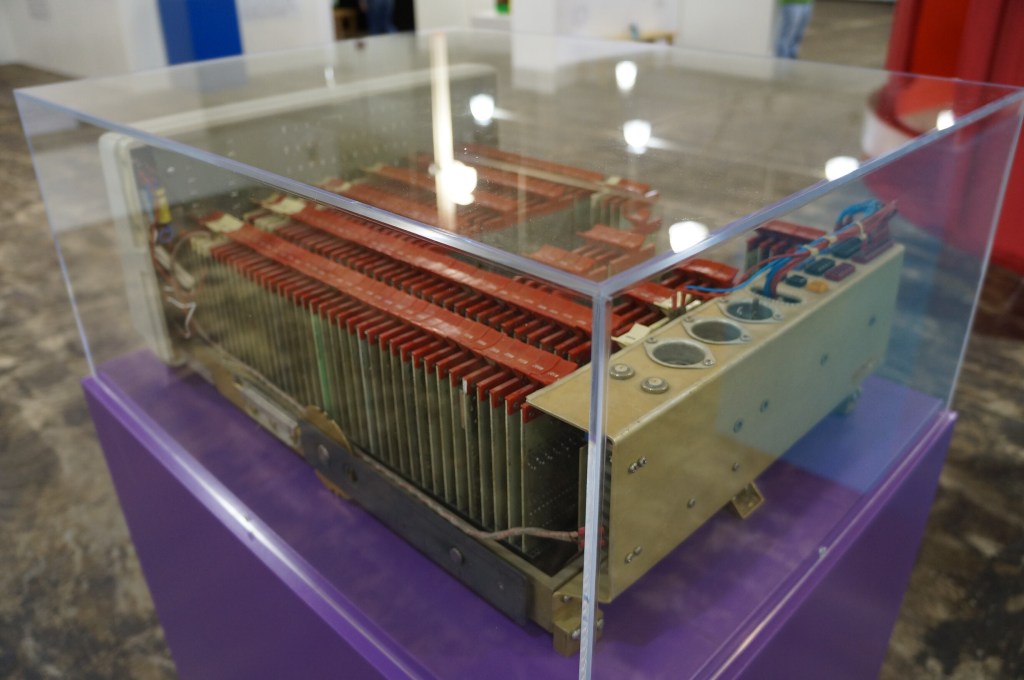
    Digital PDP-8

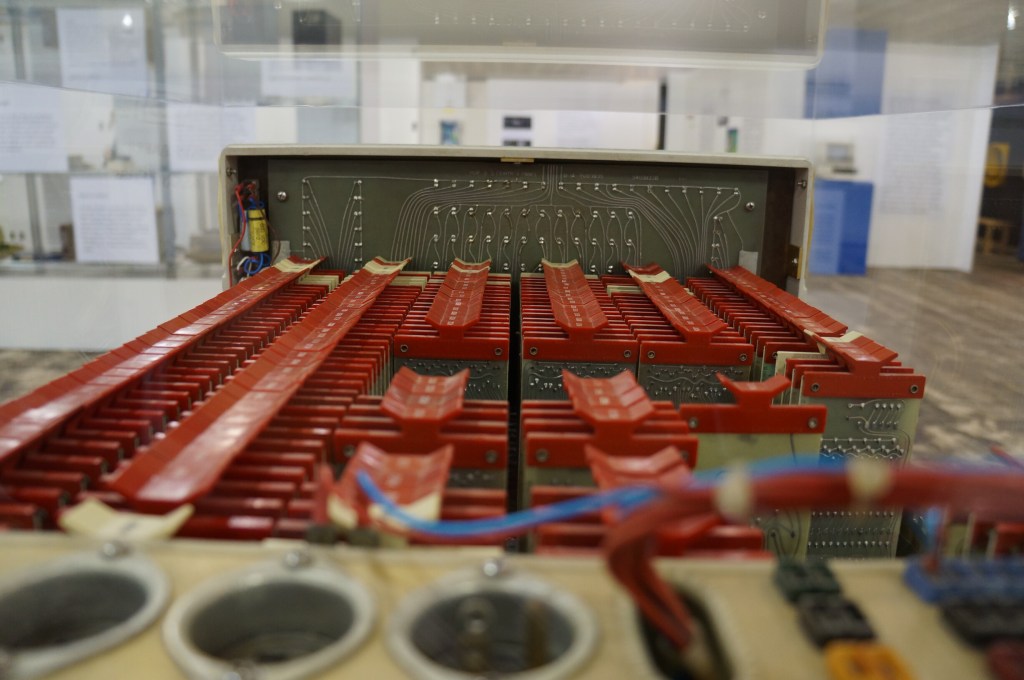
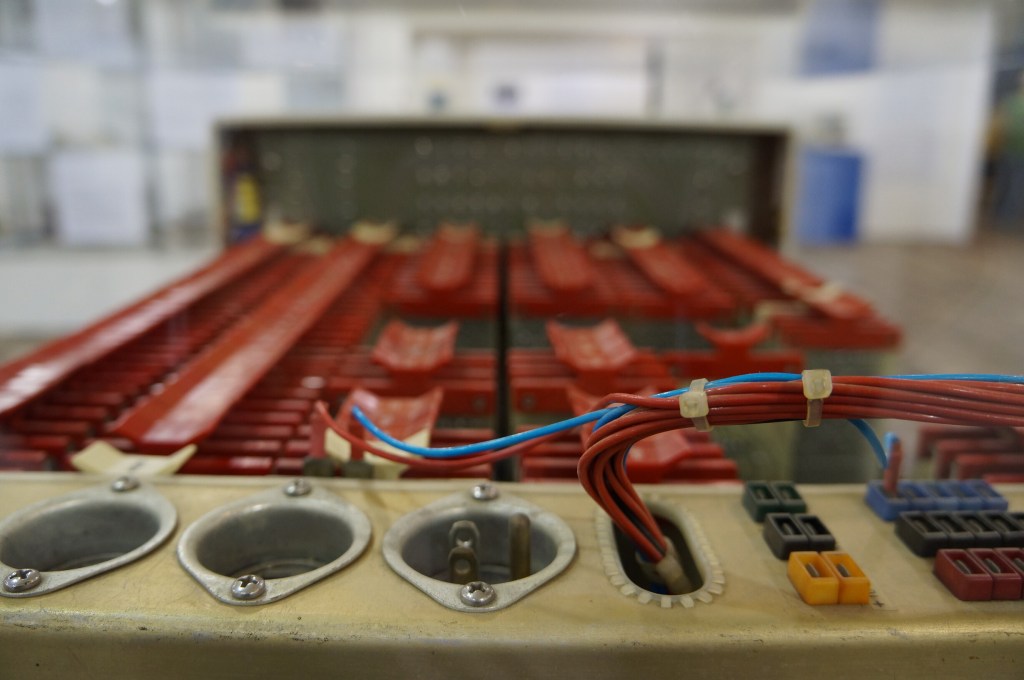
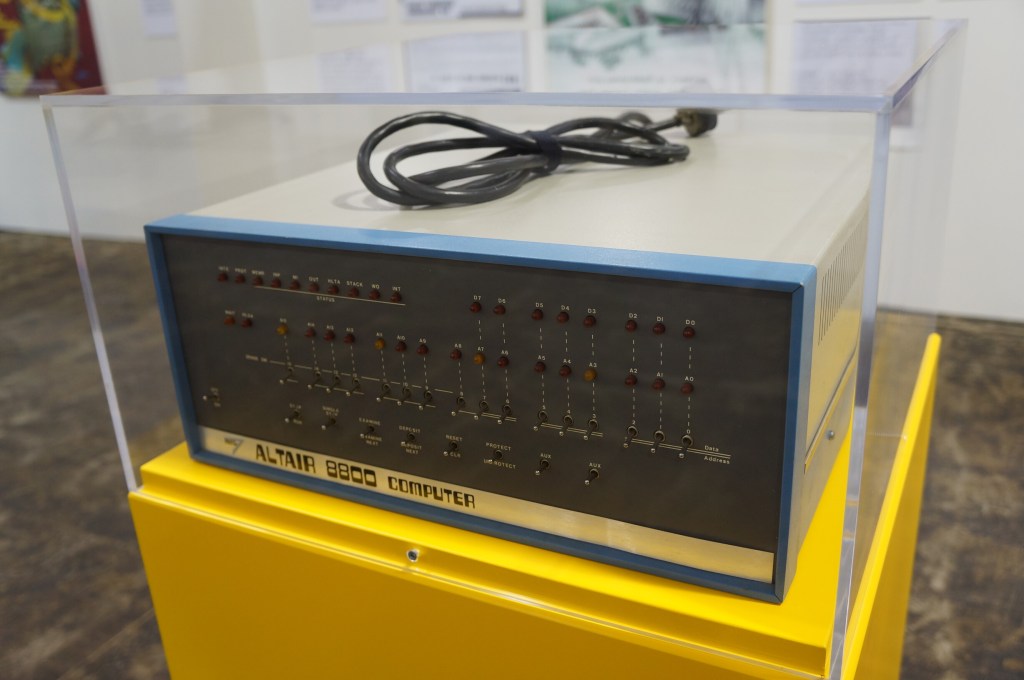
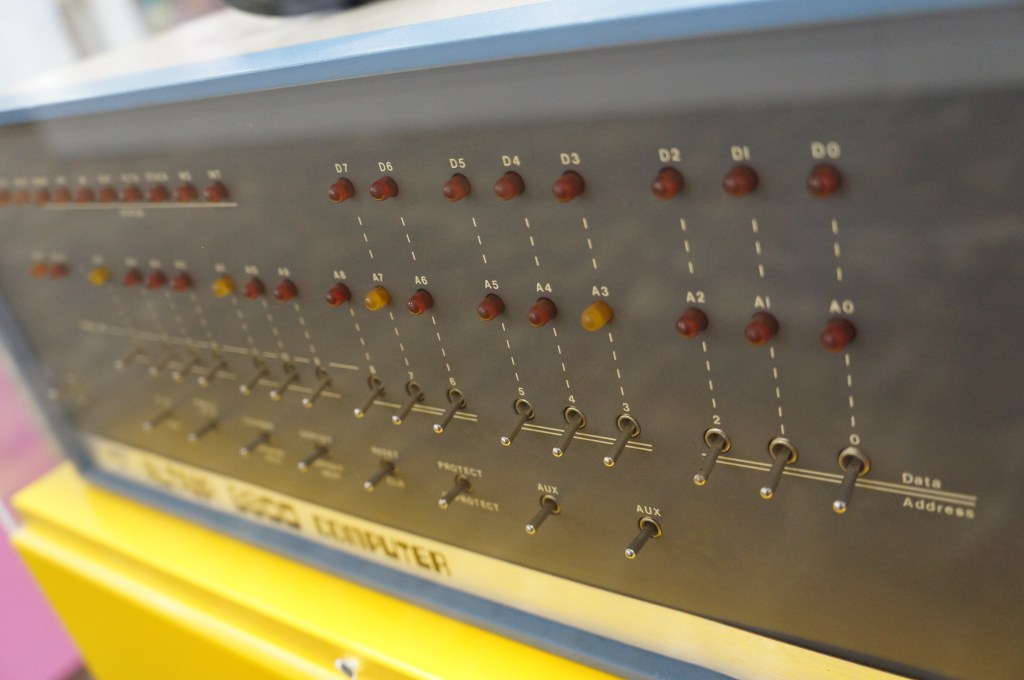
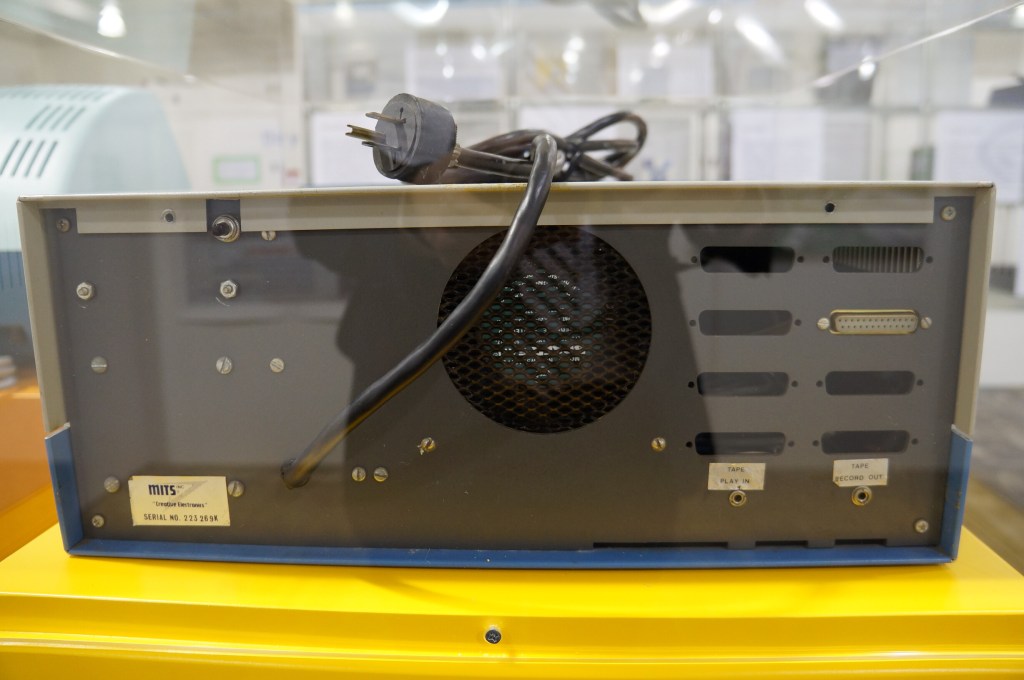
    MITS Altair 8800

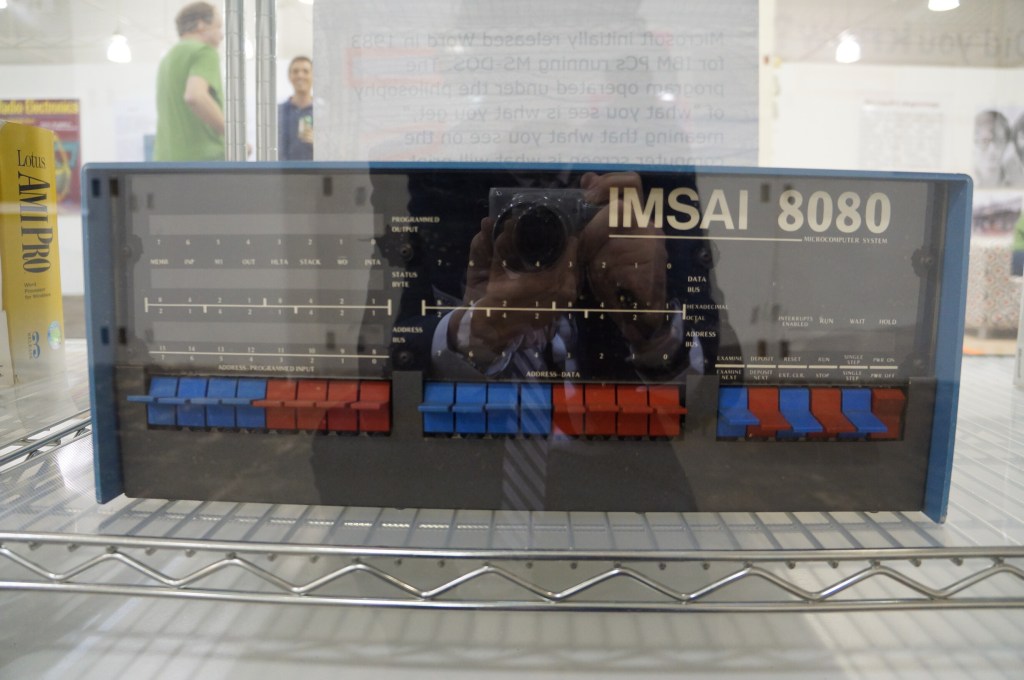
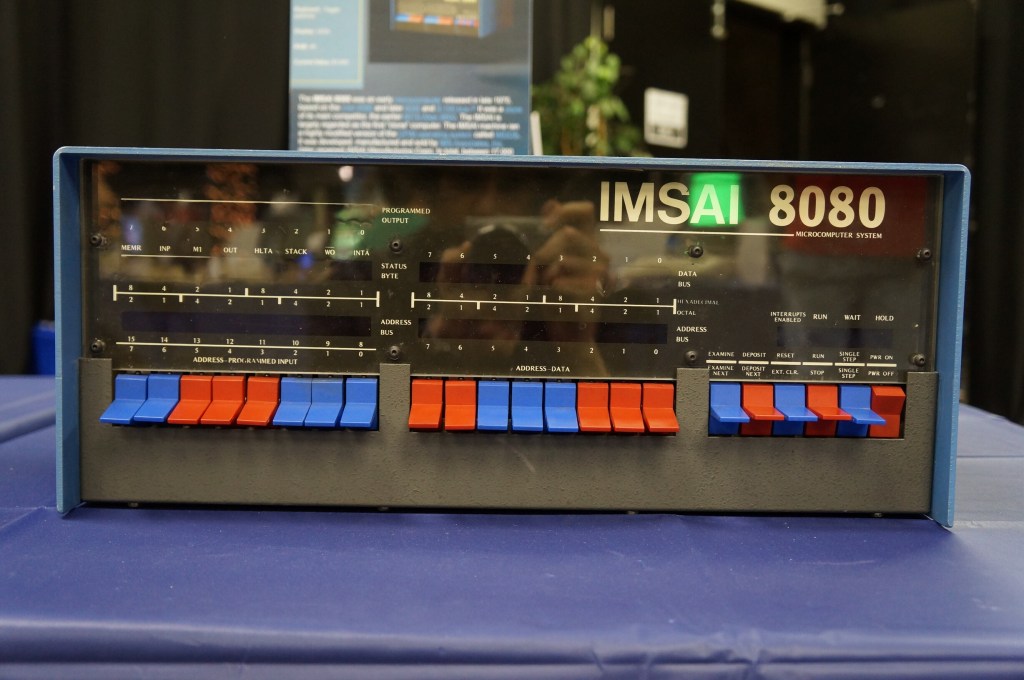
    IMSAI 8080

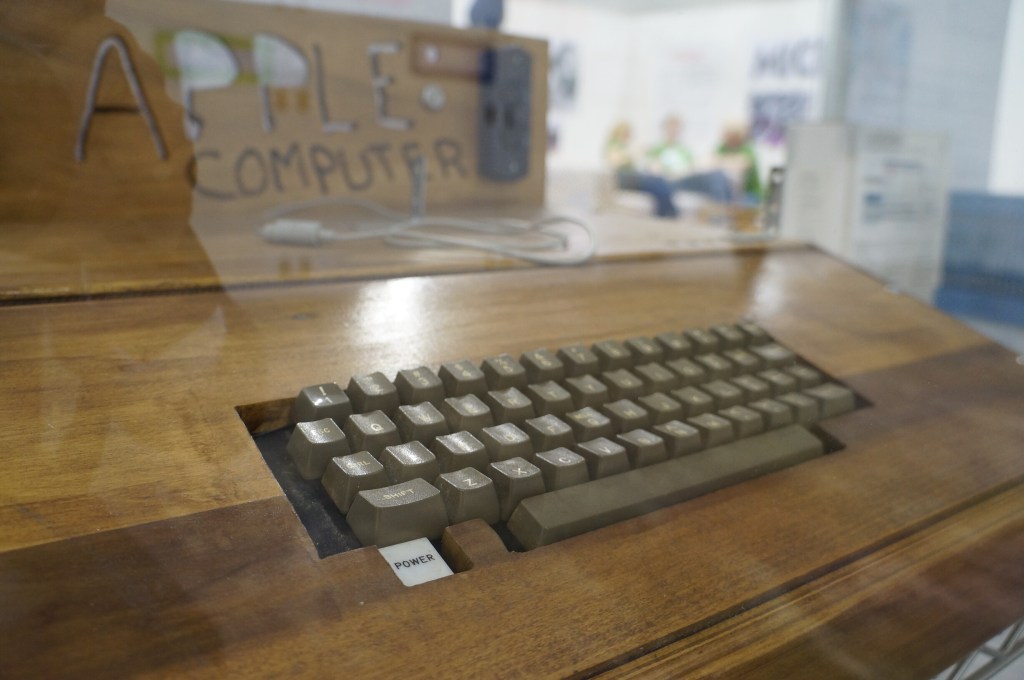
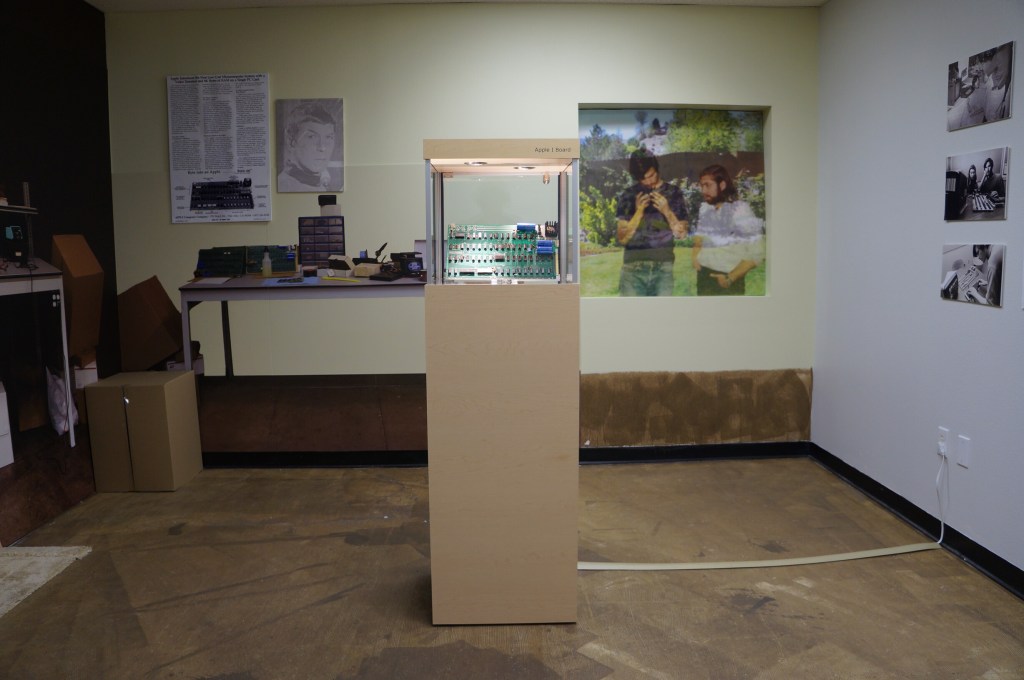
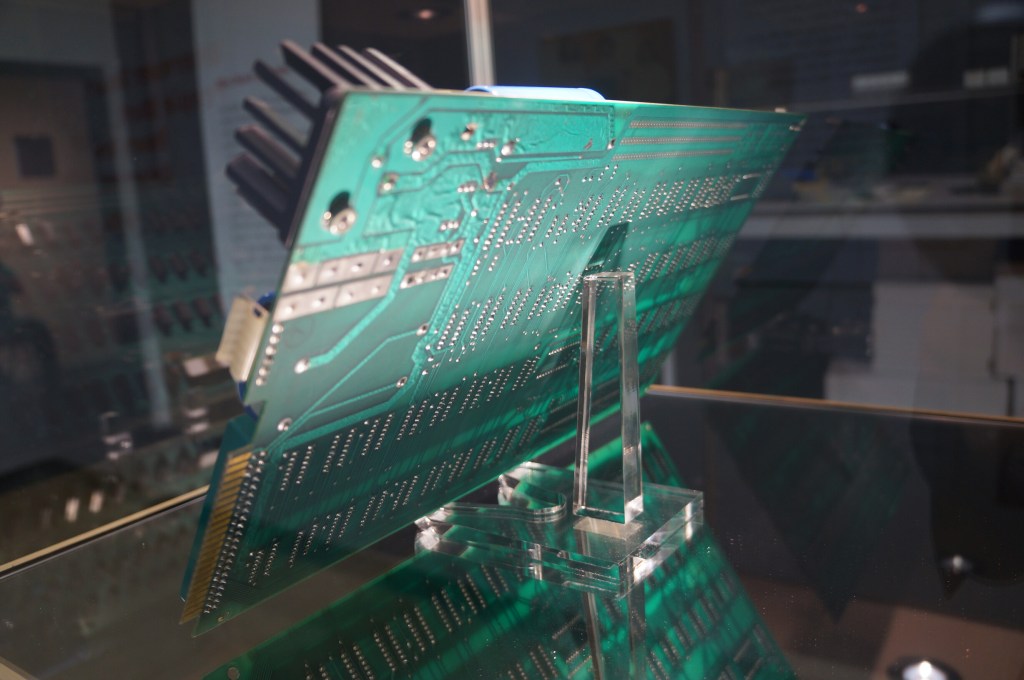
    Apple I in Wood Case

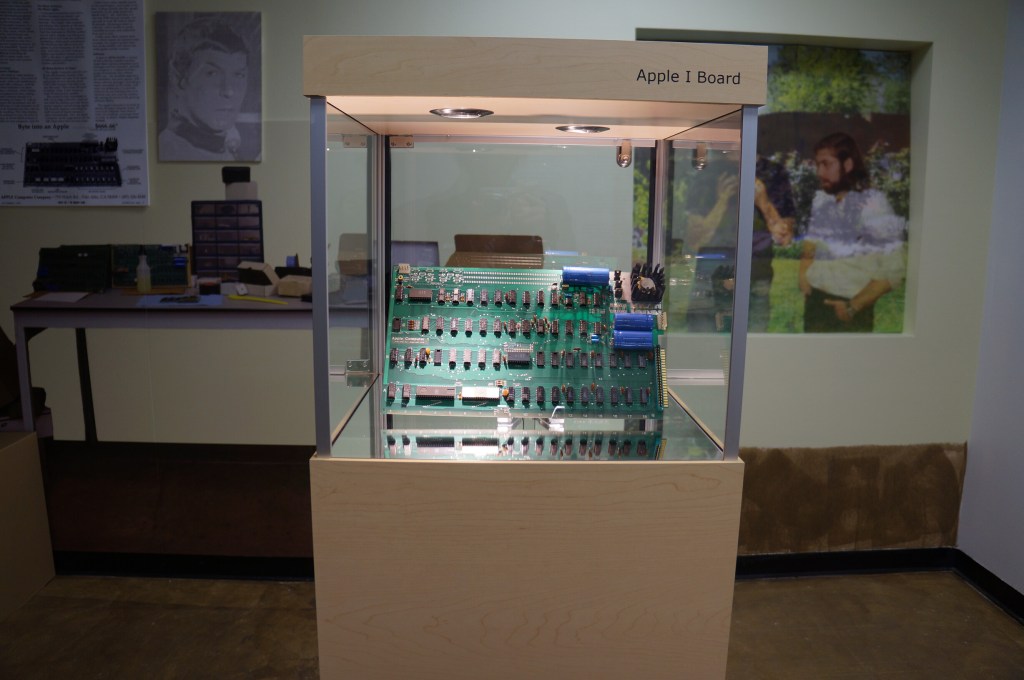
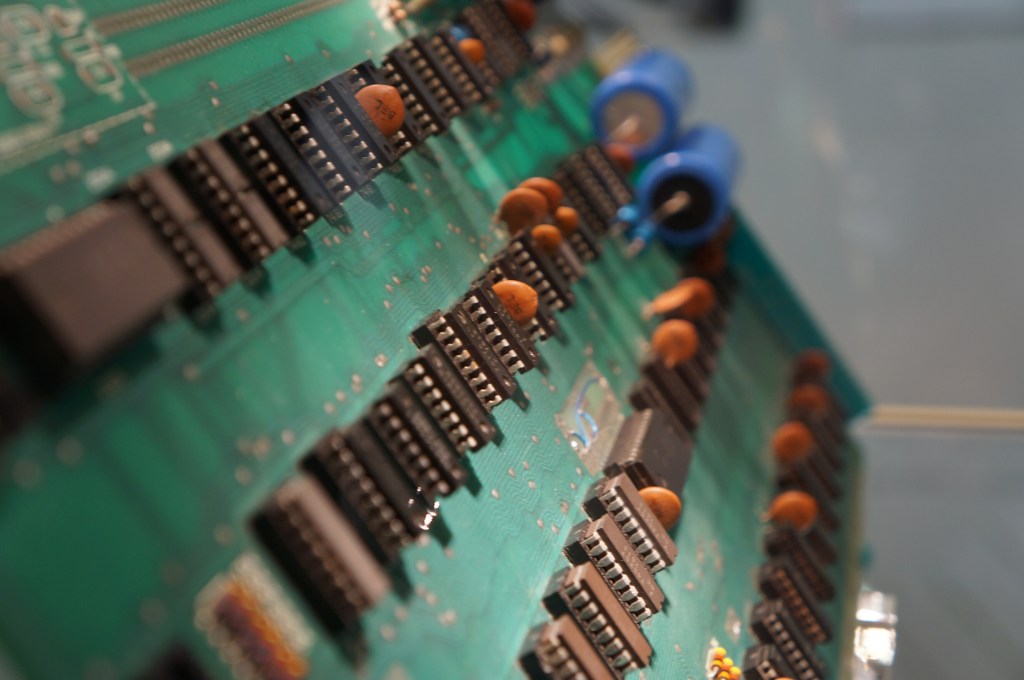
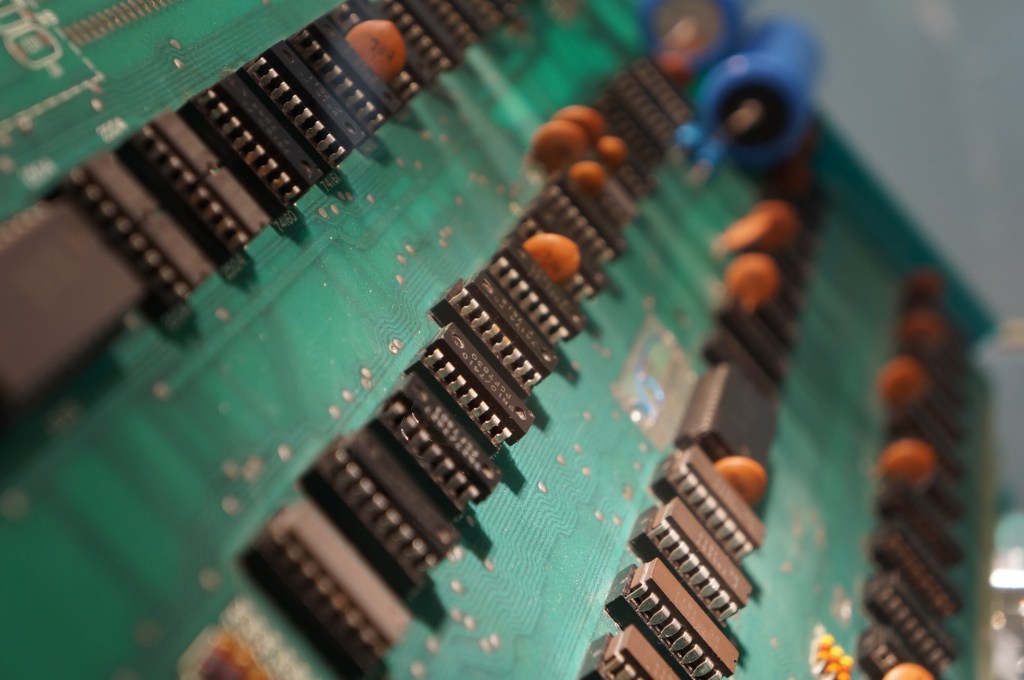
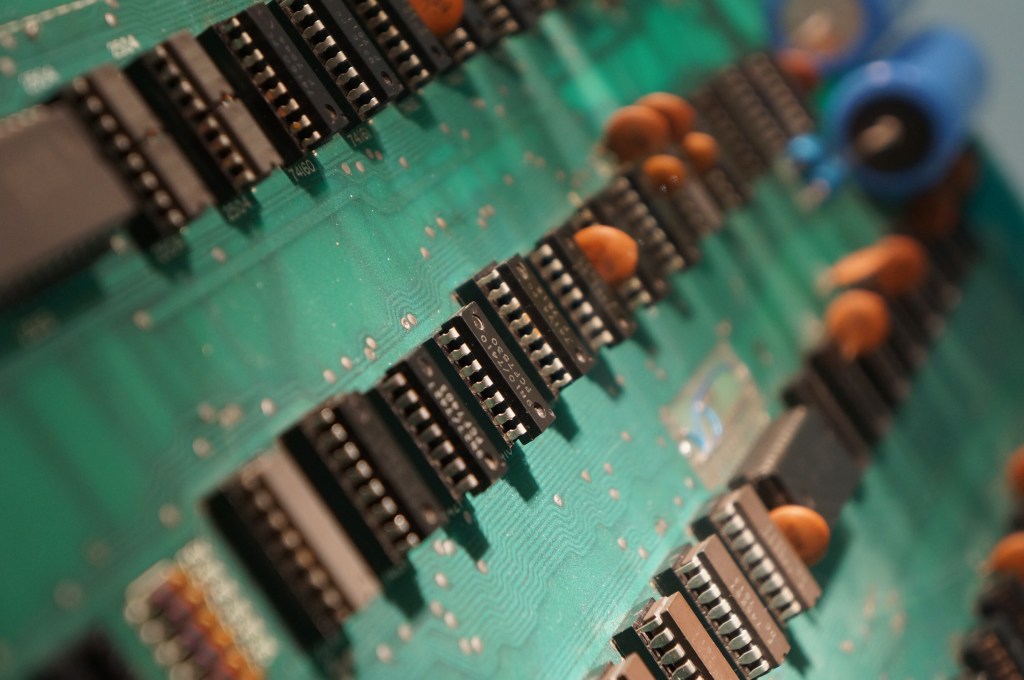
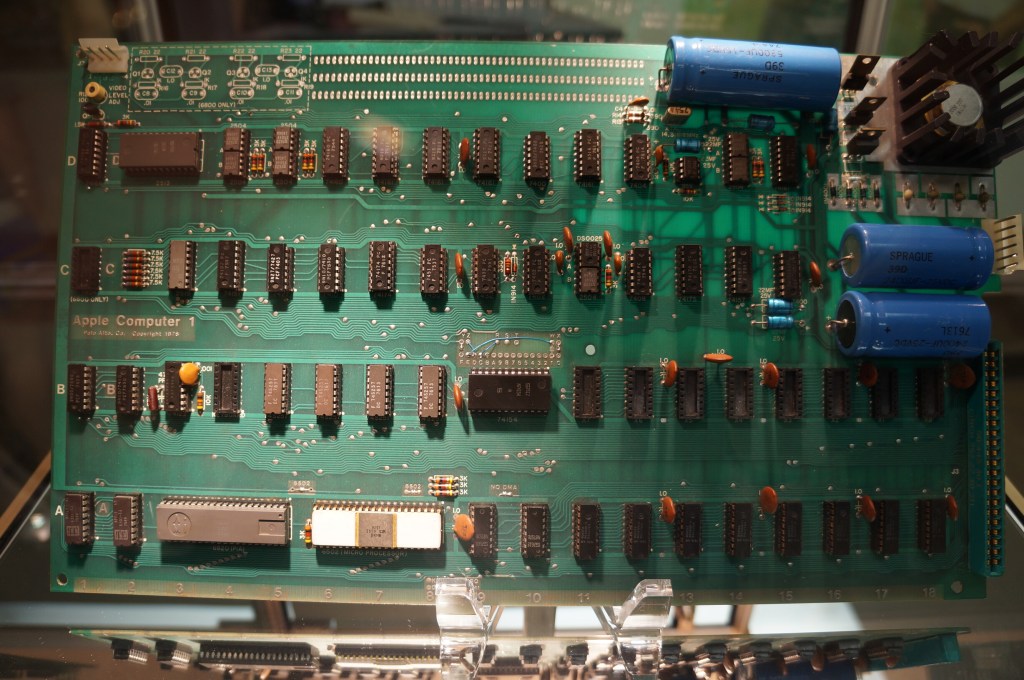
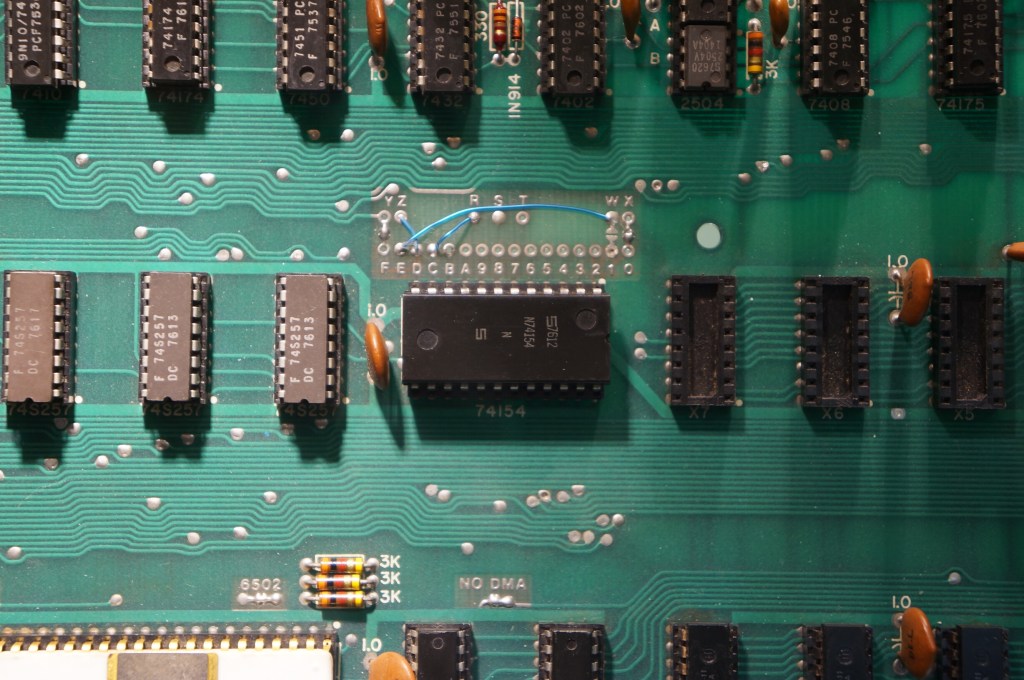
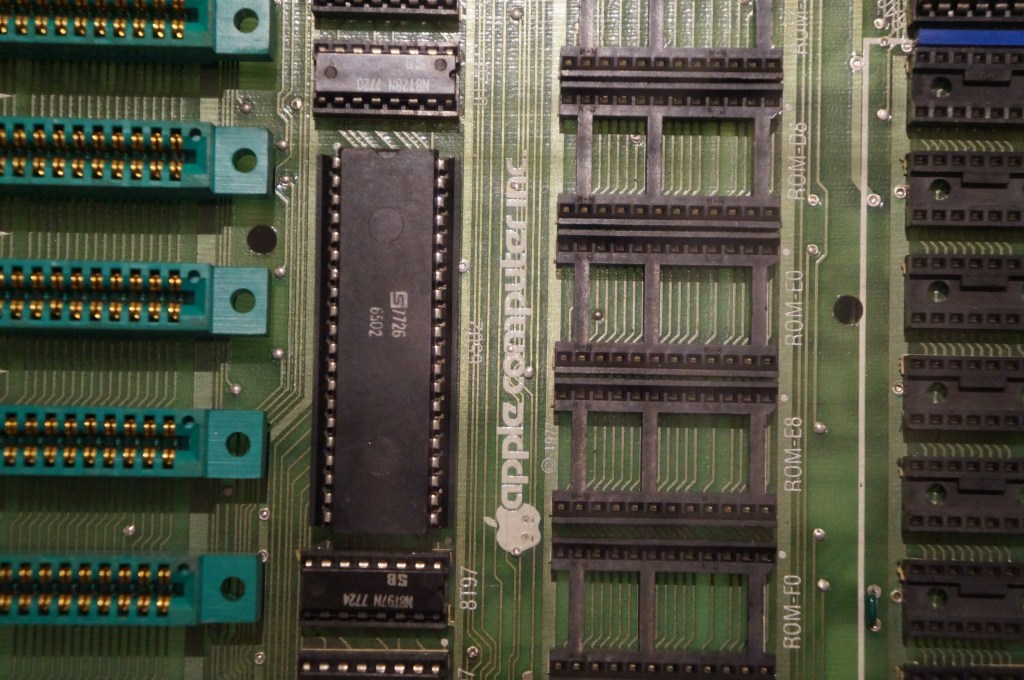
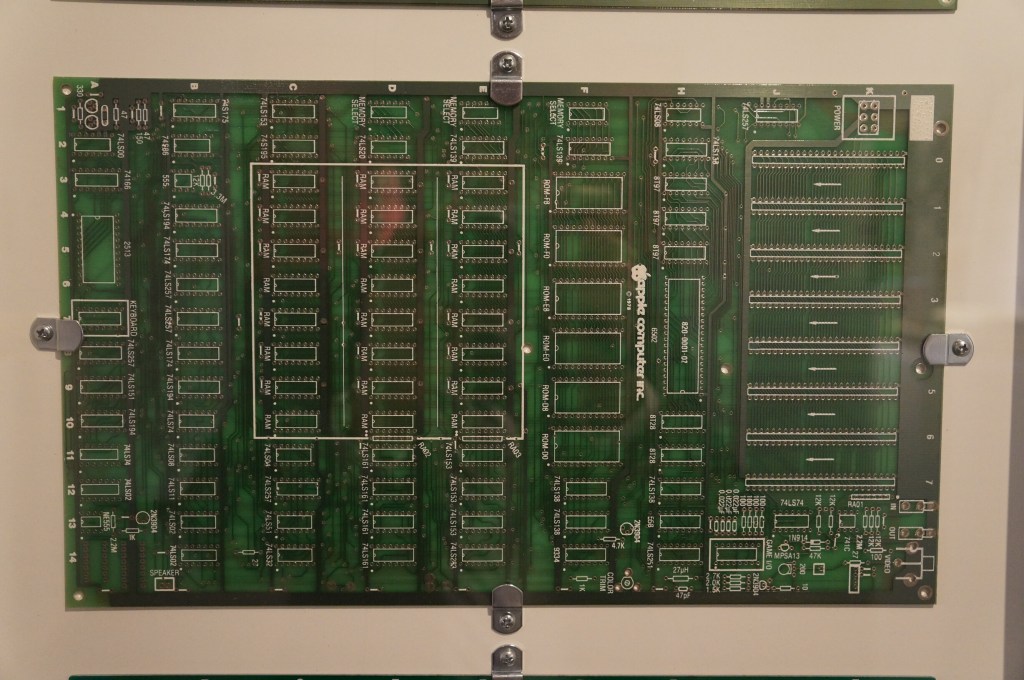
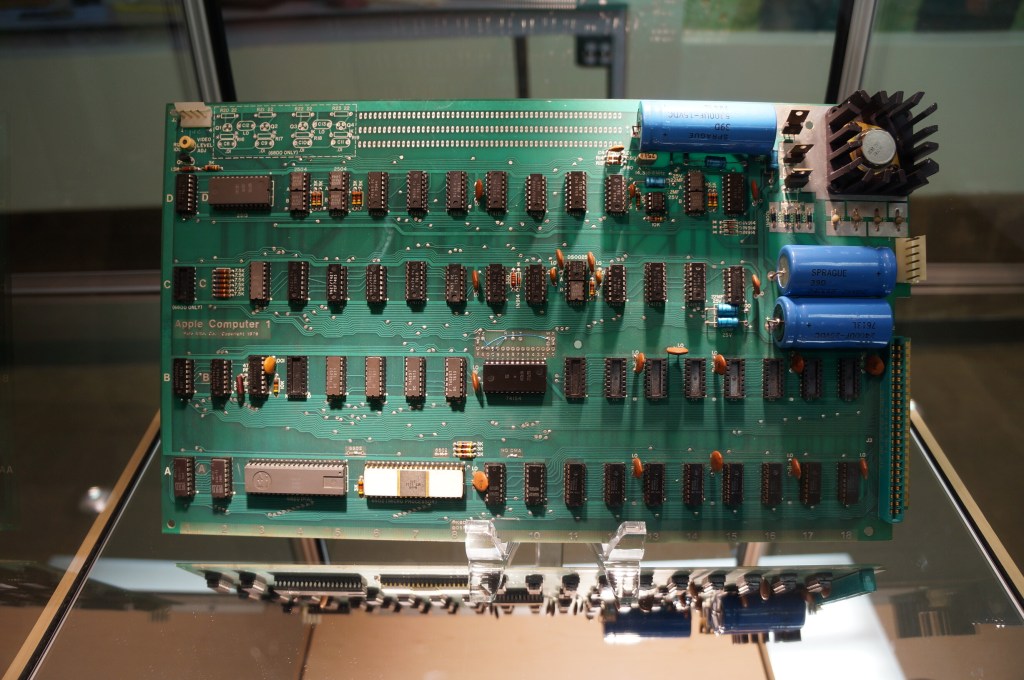
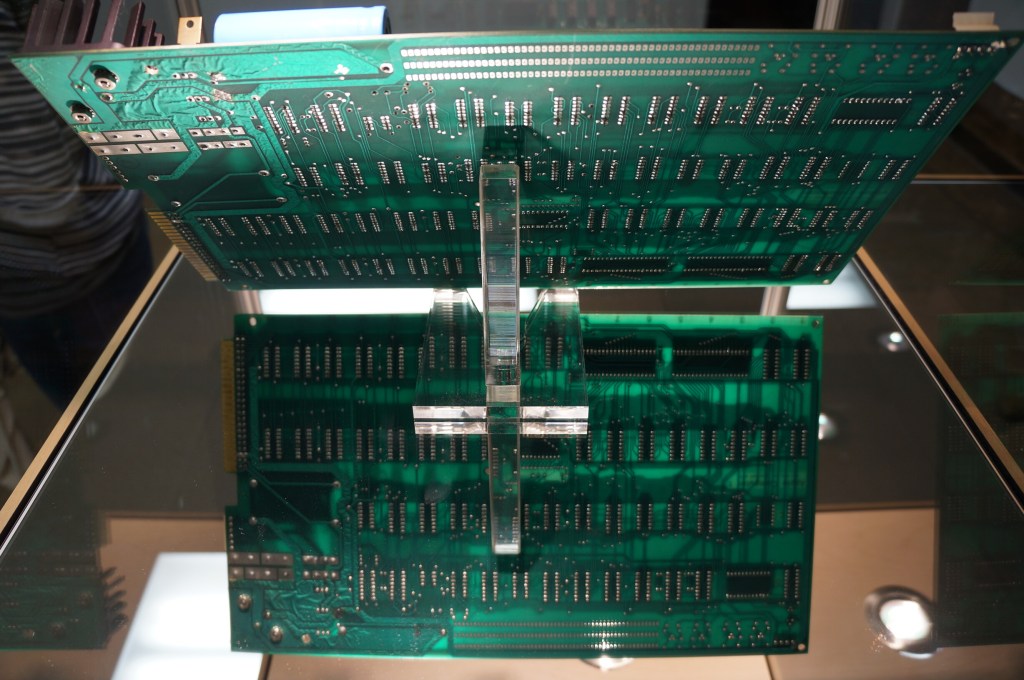
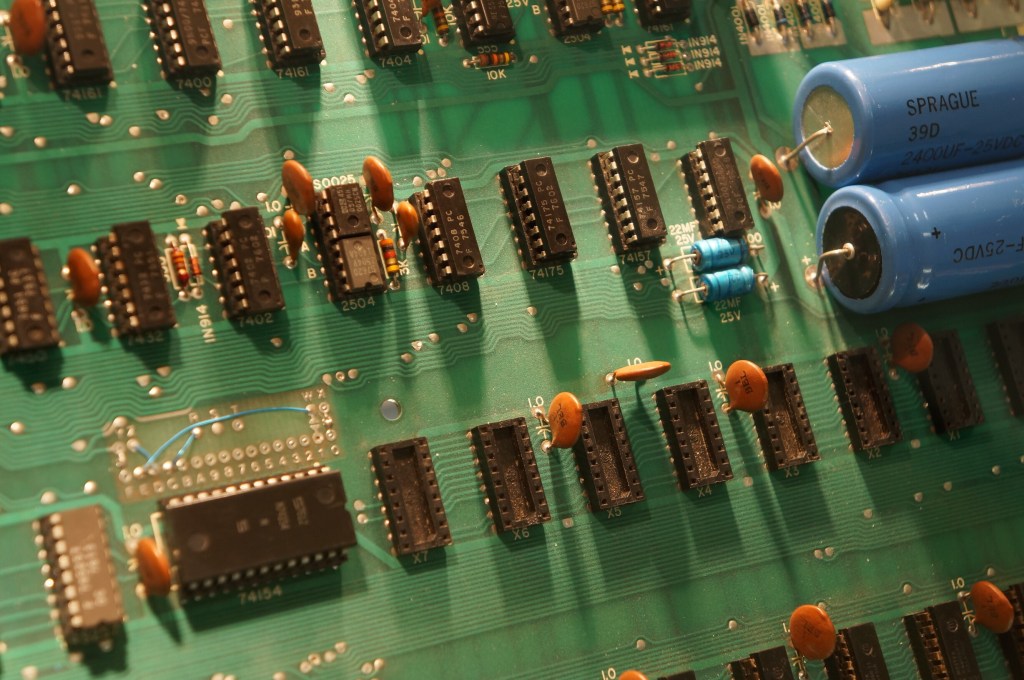
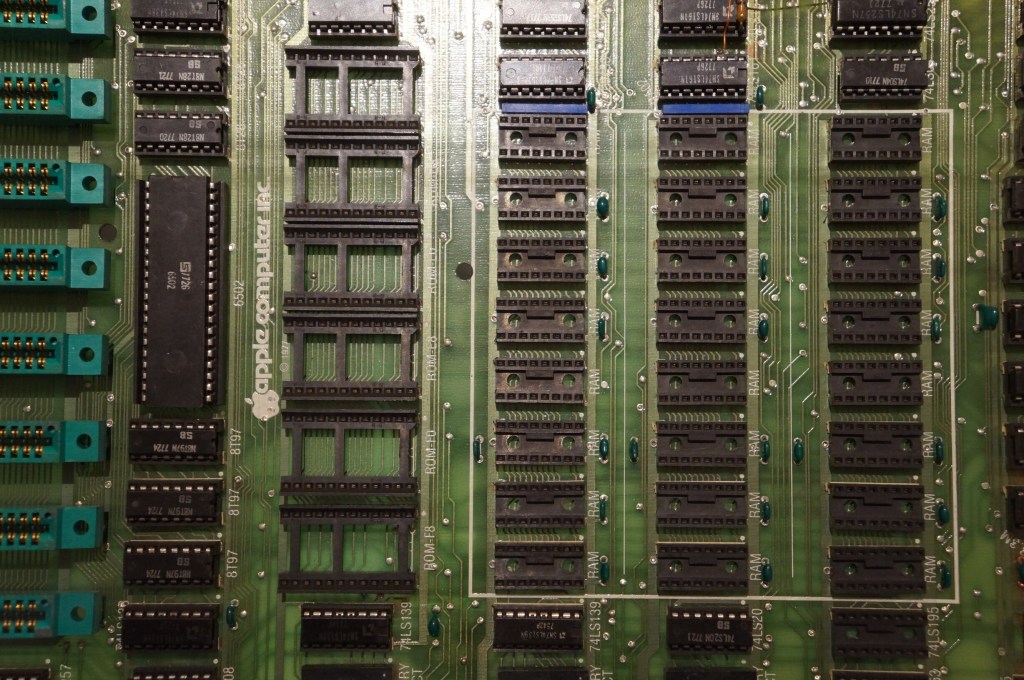
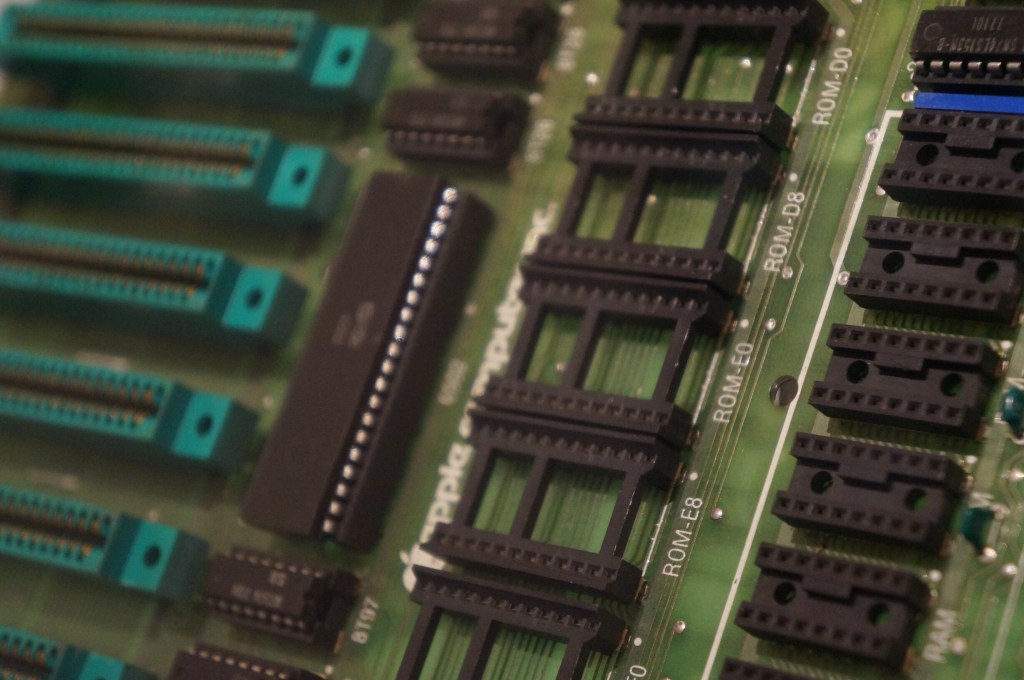
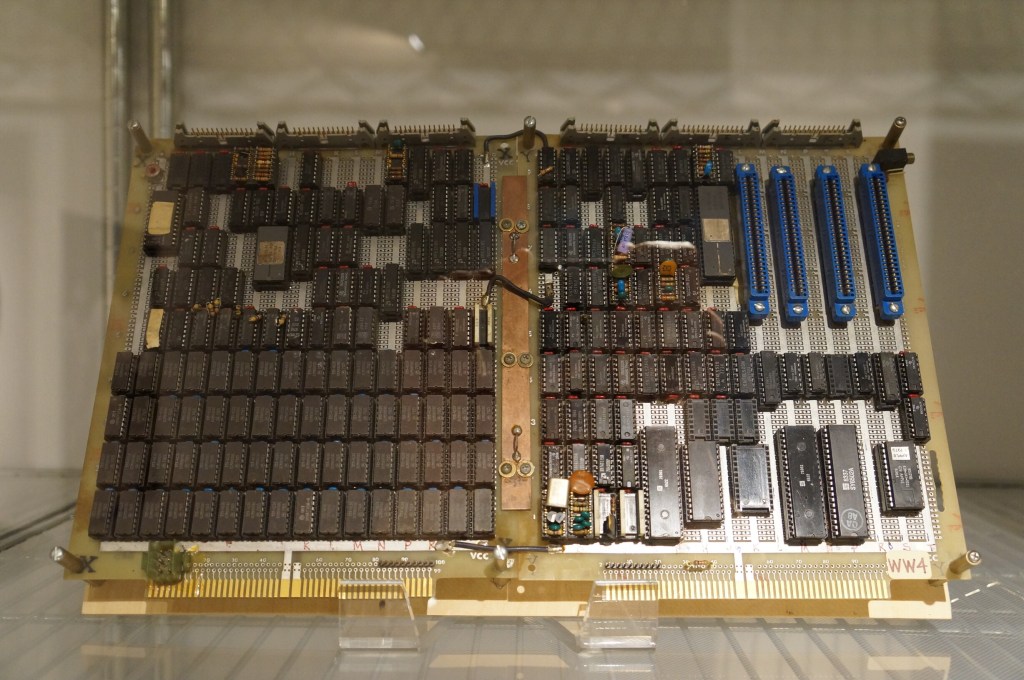
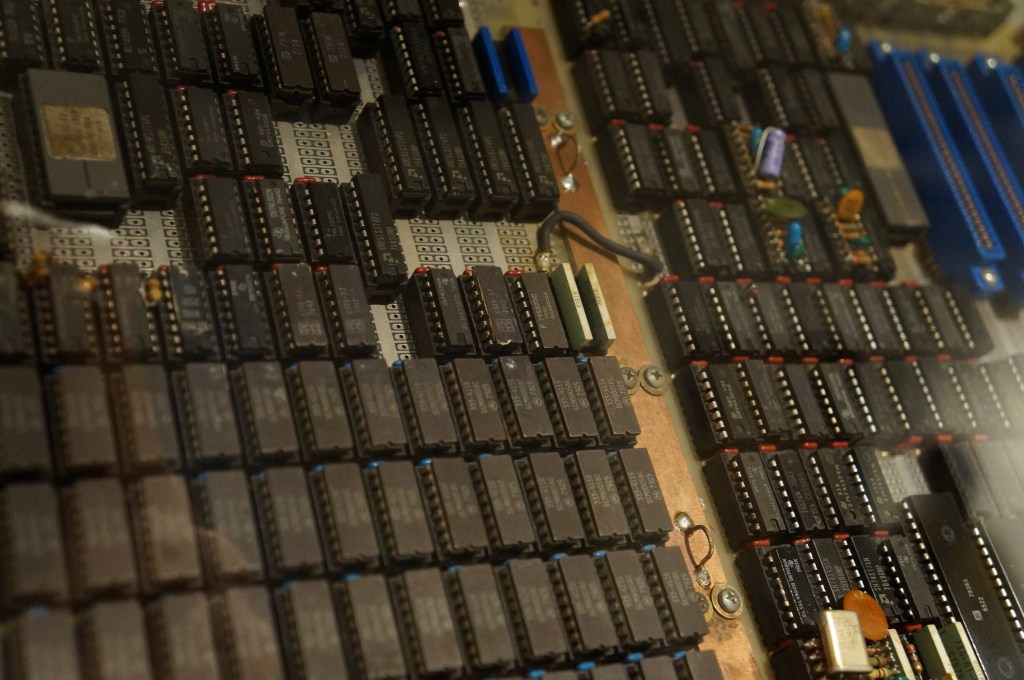
    Apple I Motherboard

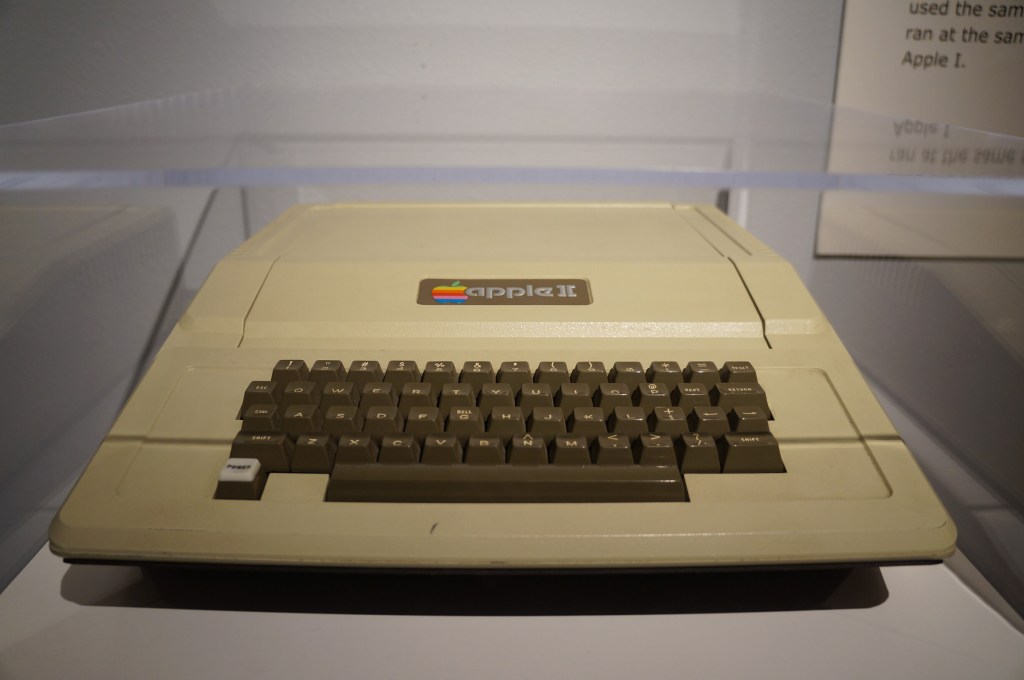
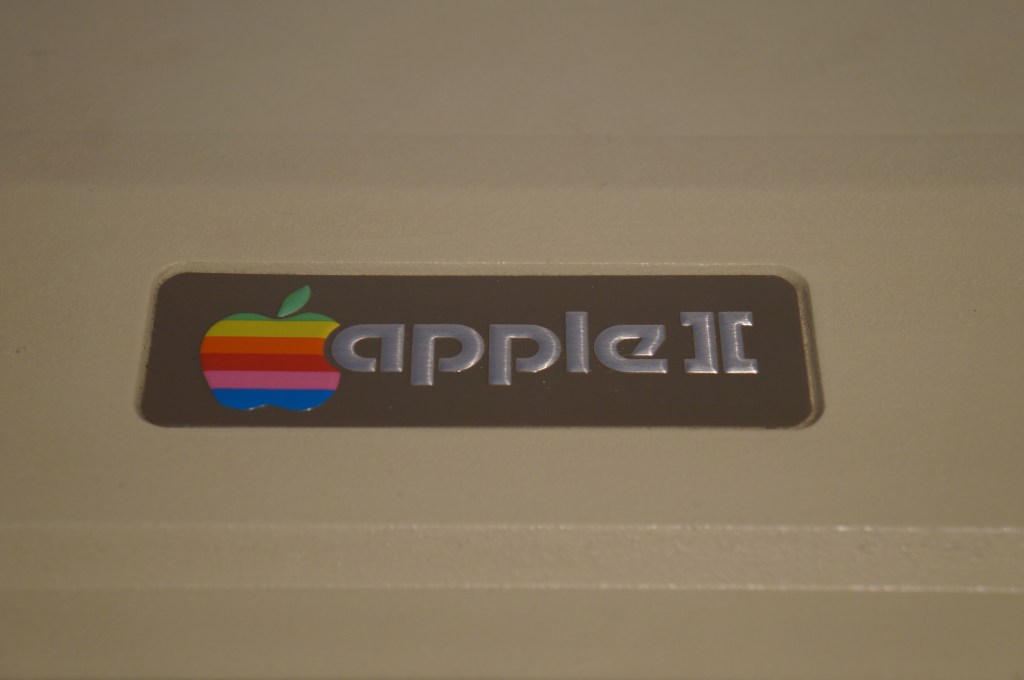
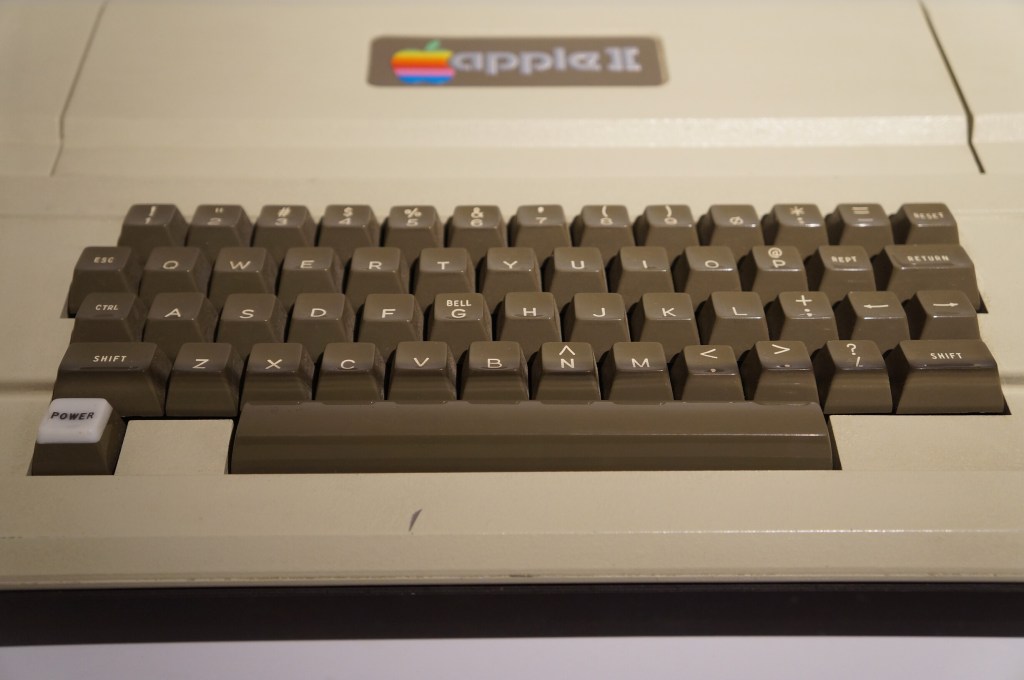
    Apple II

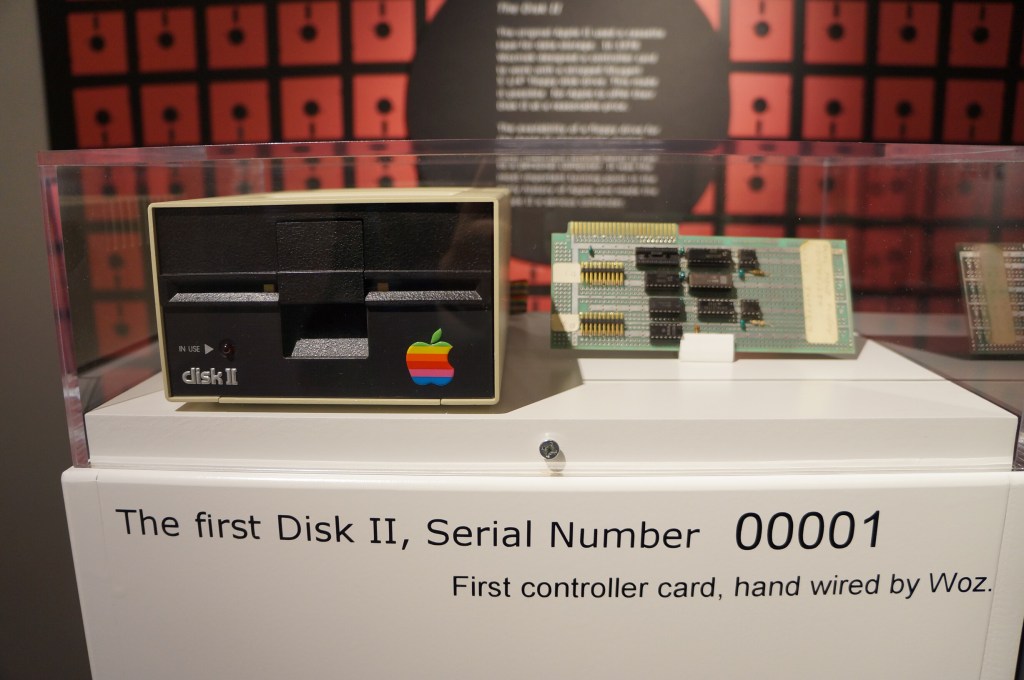
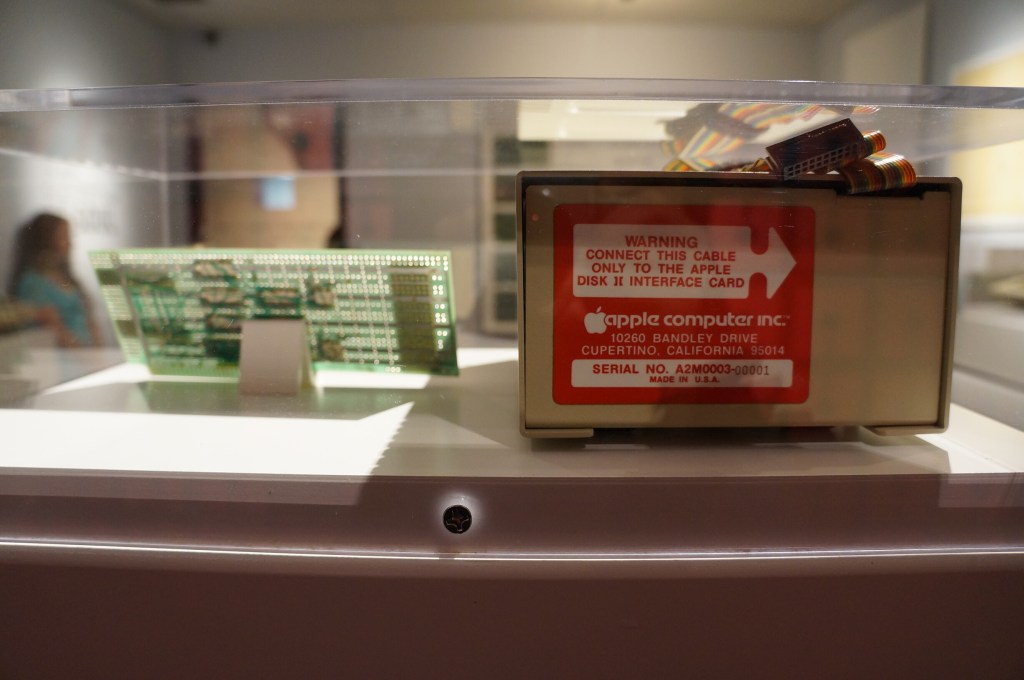
    Apple Disk II, Serial Number 00001

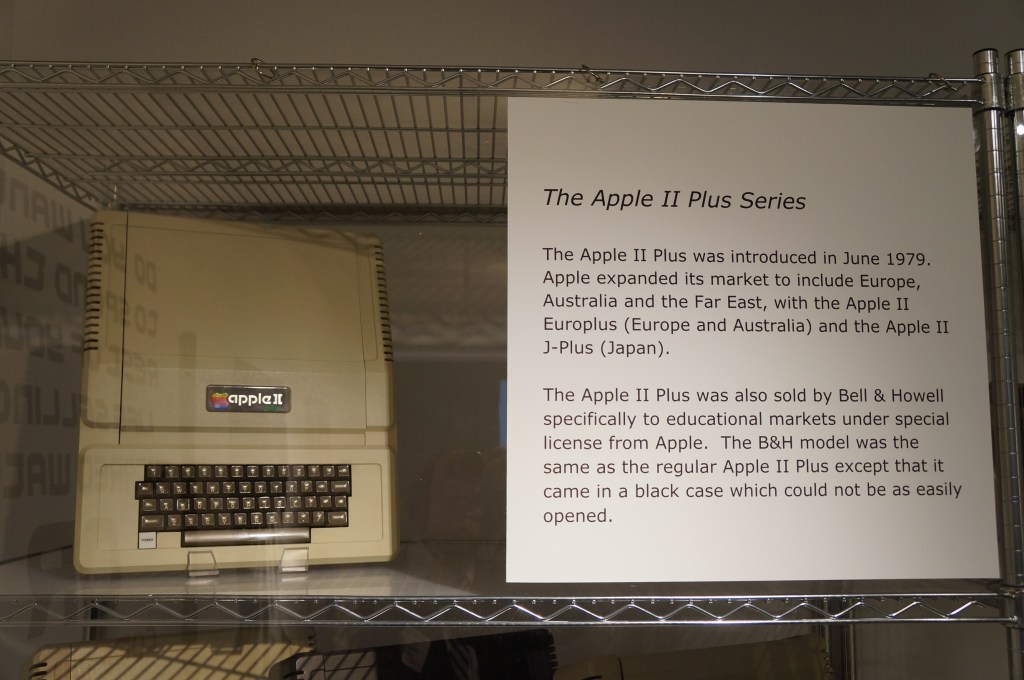
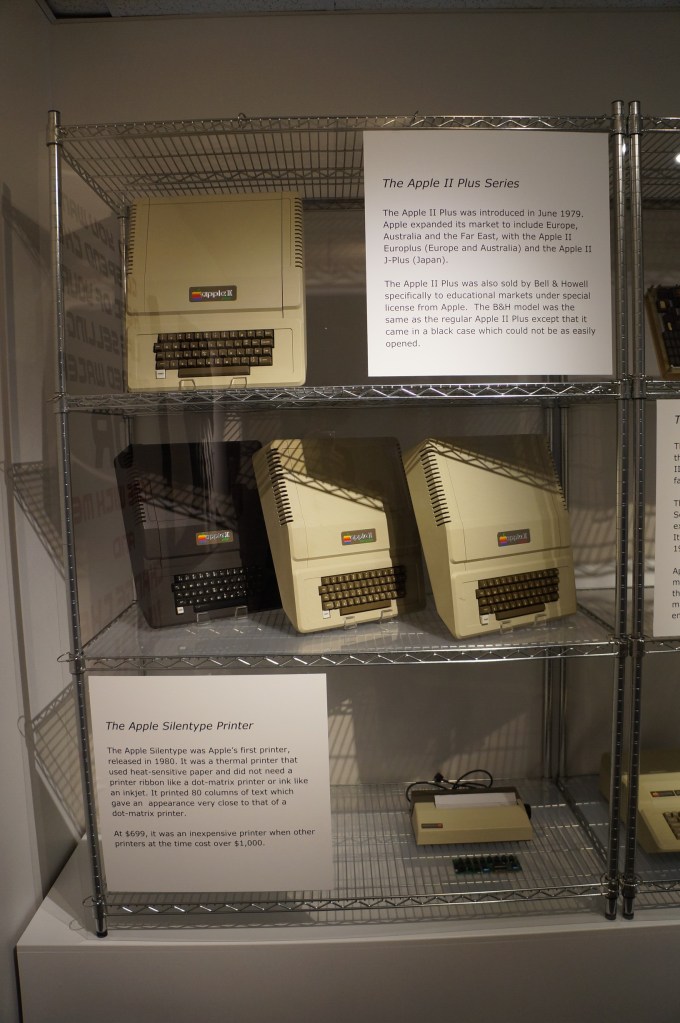
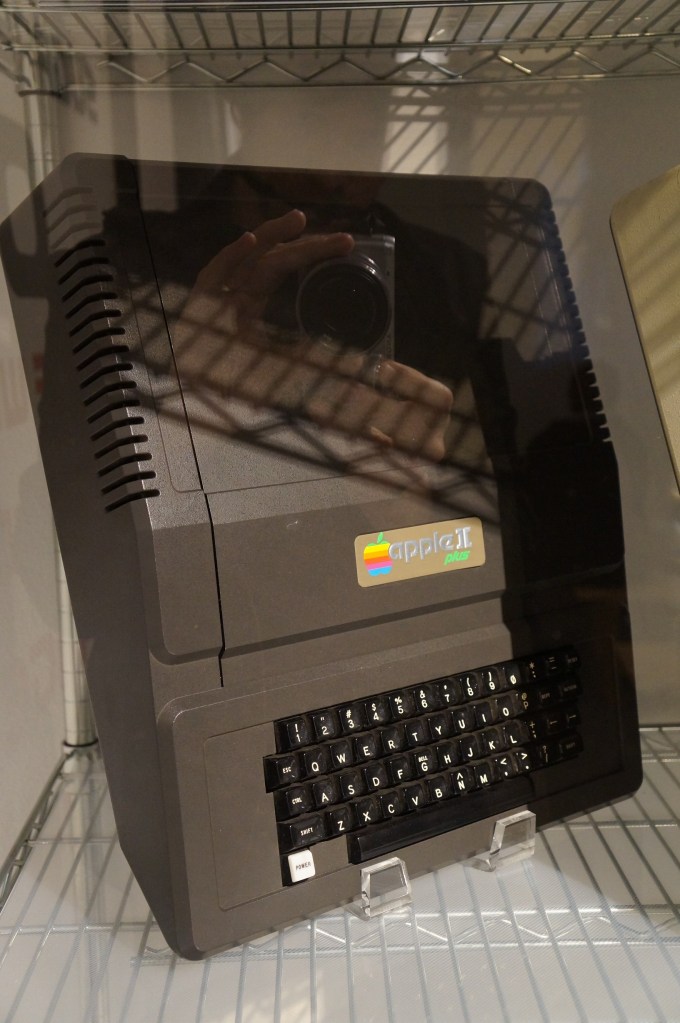
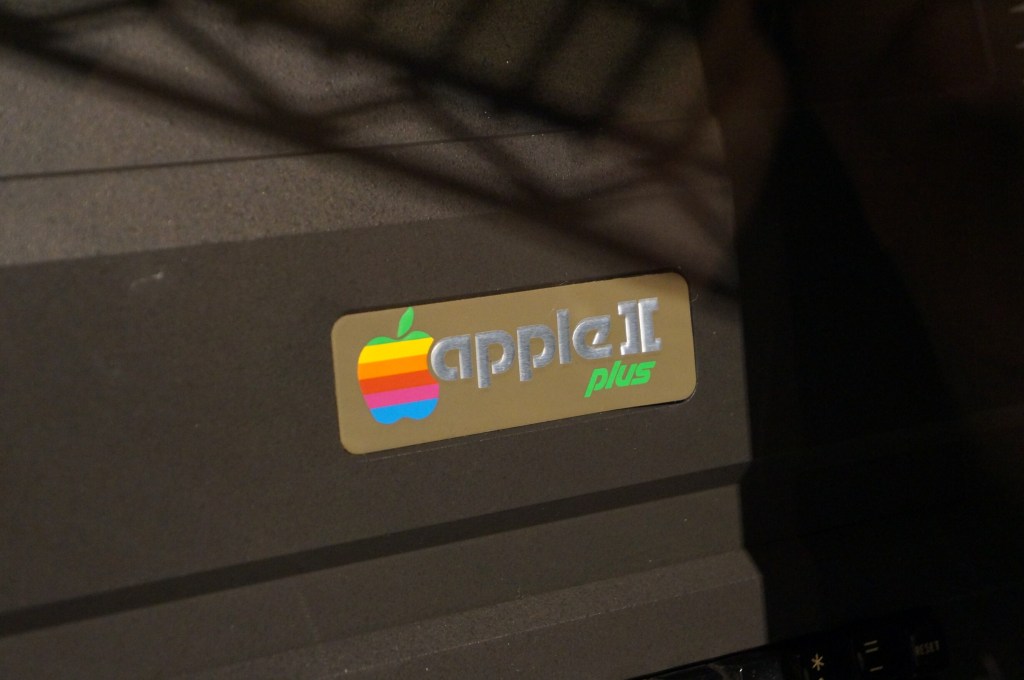
    Apple II Plus

    Apple IIe

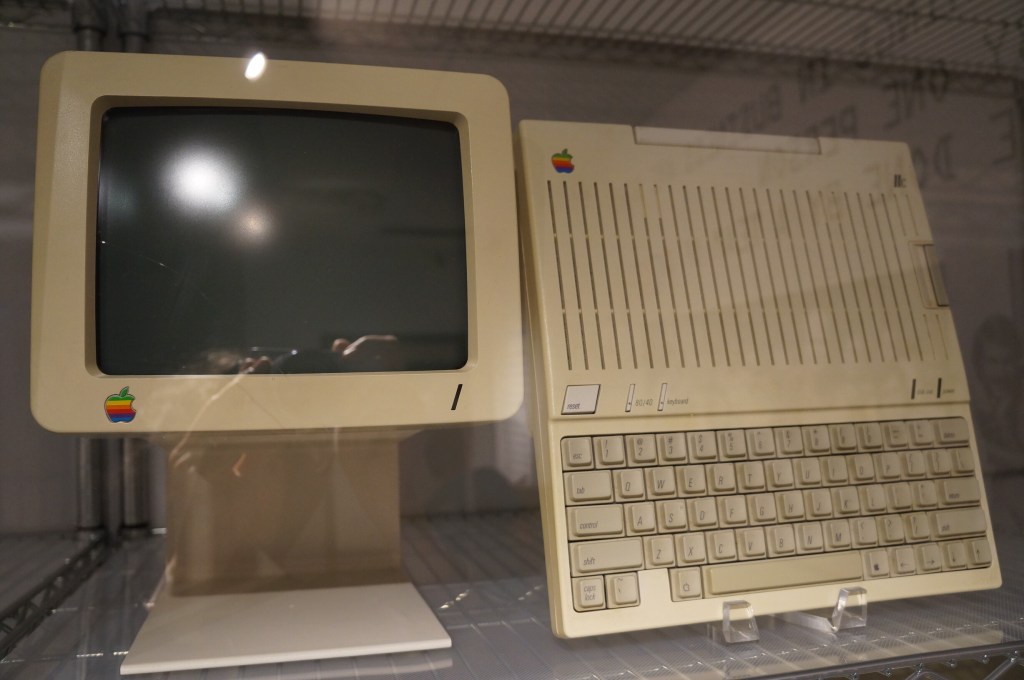
    Apple IIc

    Apple IIc with Monitor

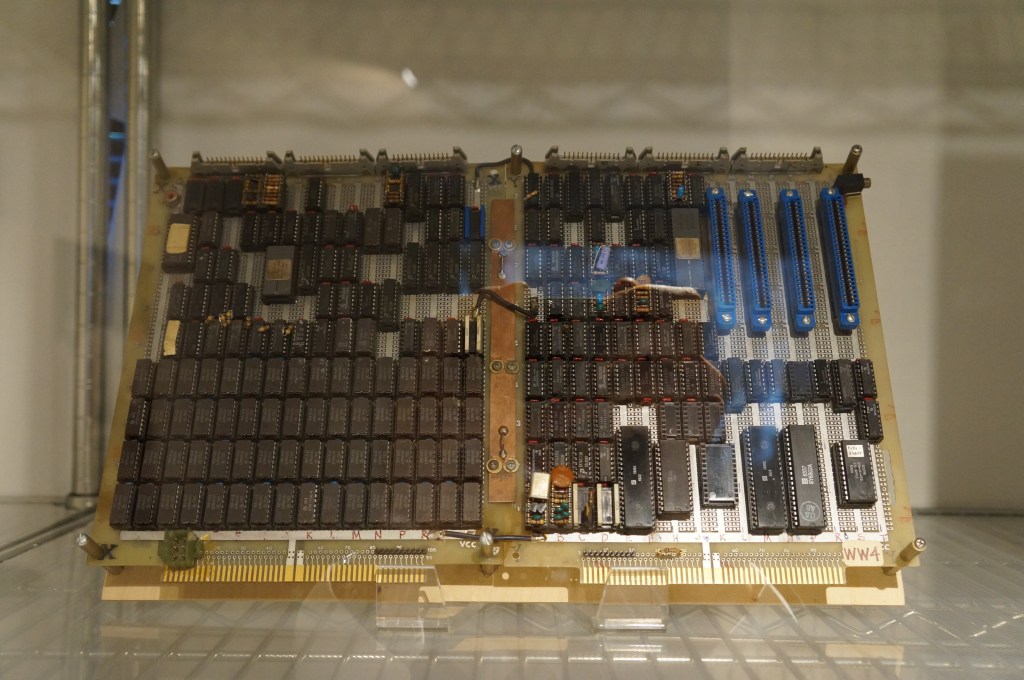
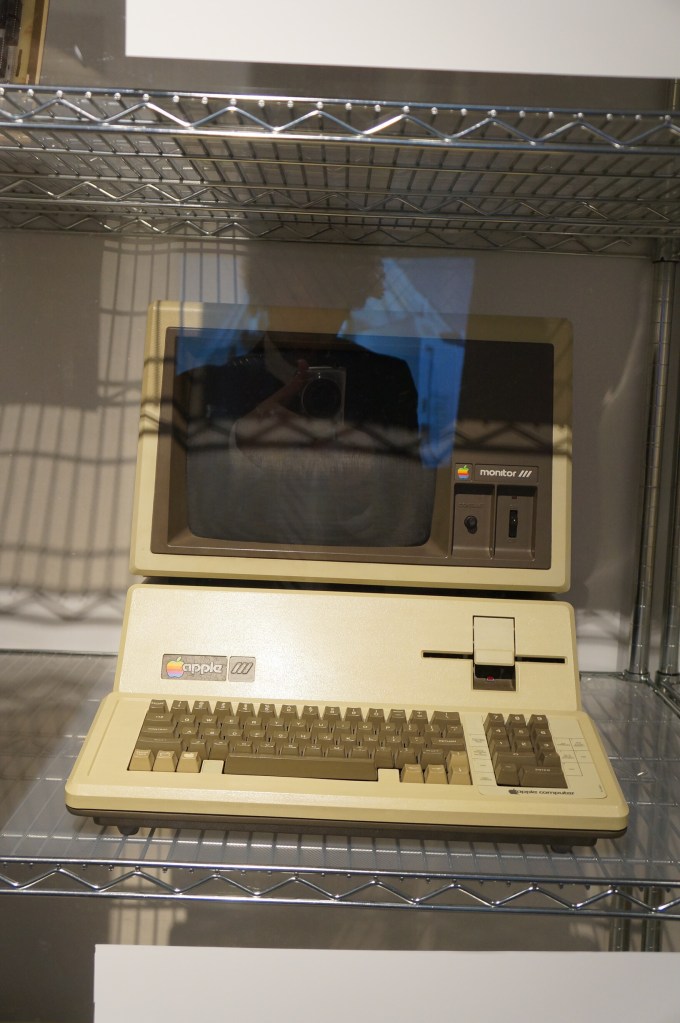
    Apple III Prototype Board and Production Model

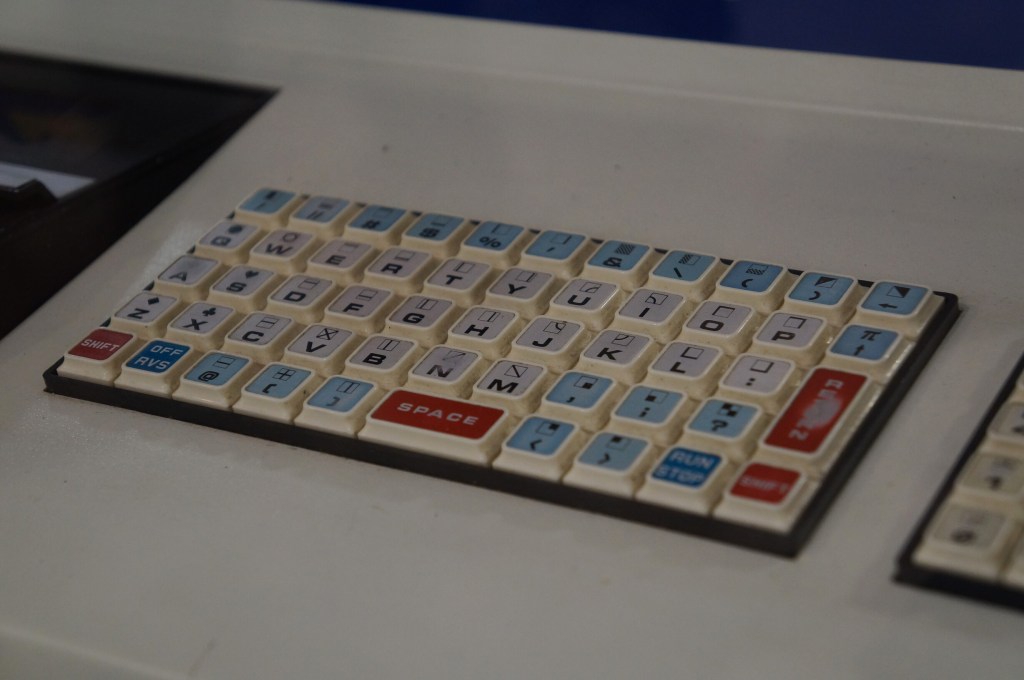
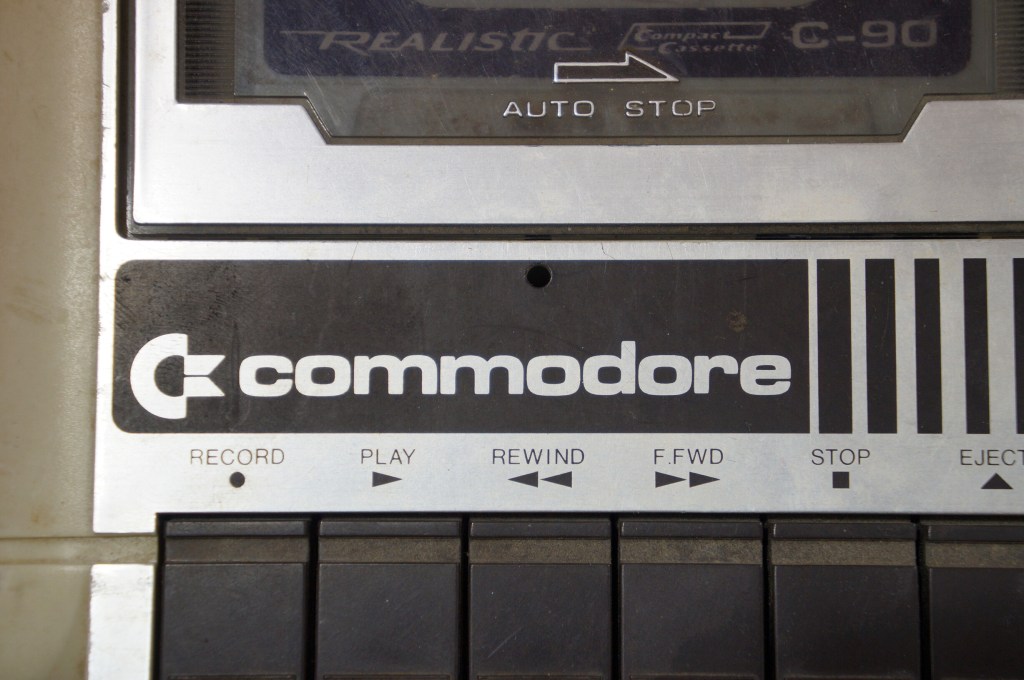
    Commodore PET

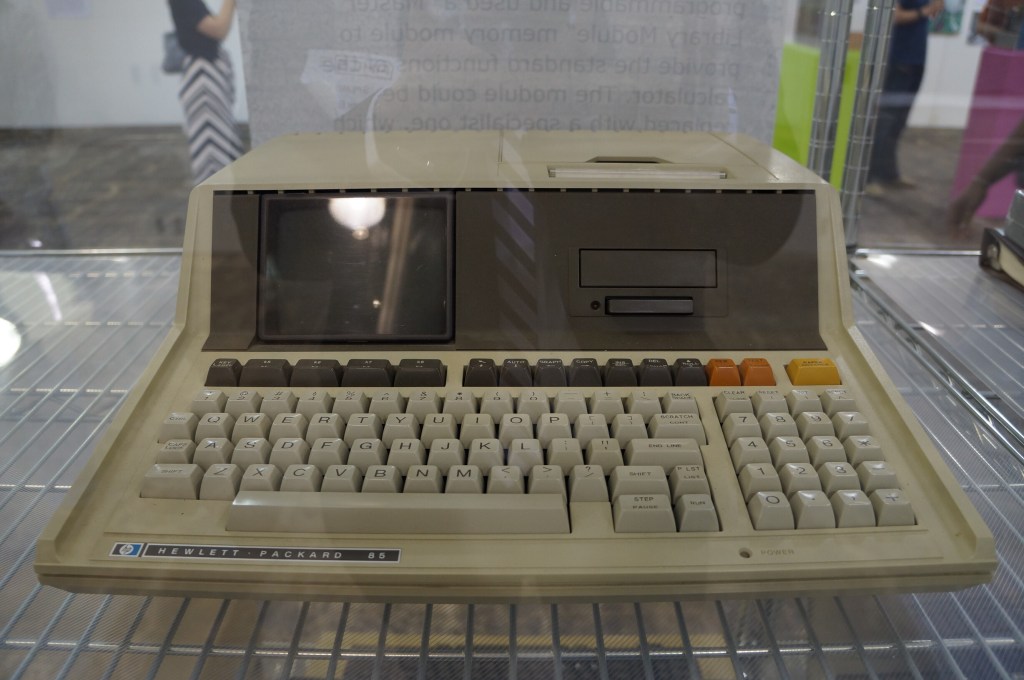
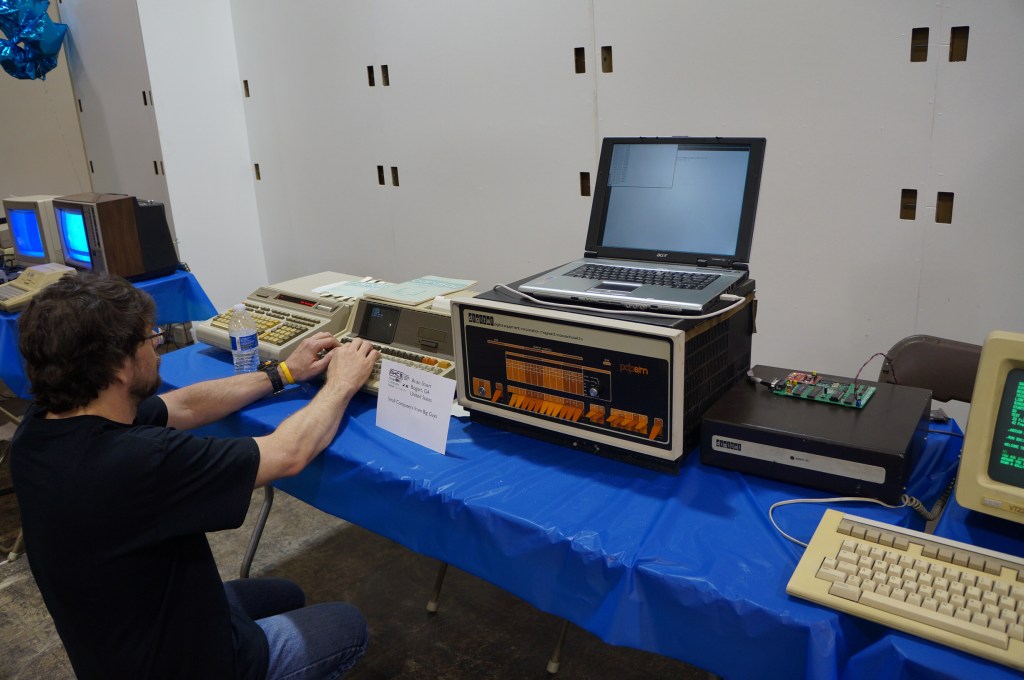
    Hewlett Packard 85

    VCFSE 2.0, Computer Displays, Hewlett Packard 85

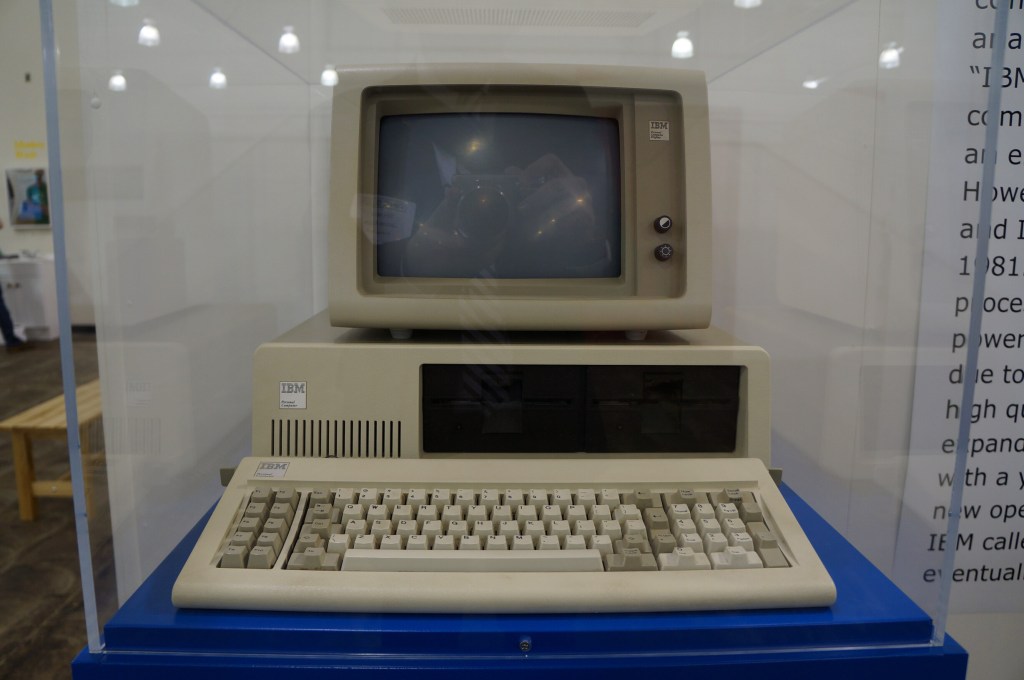
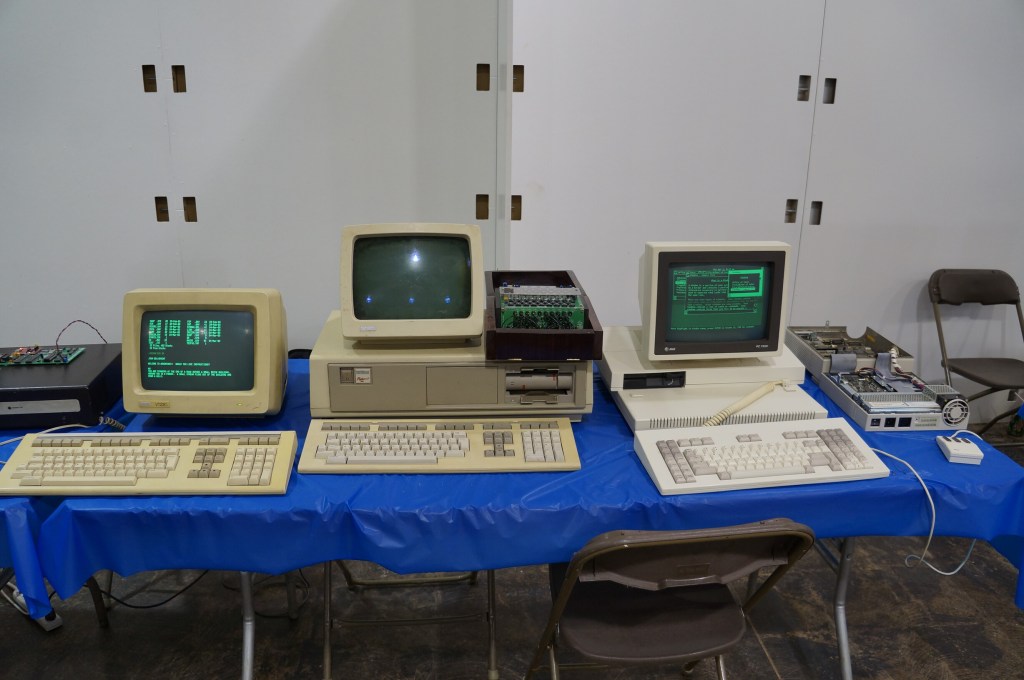
    IBM Personal Computer

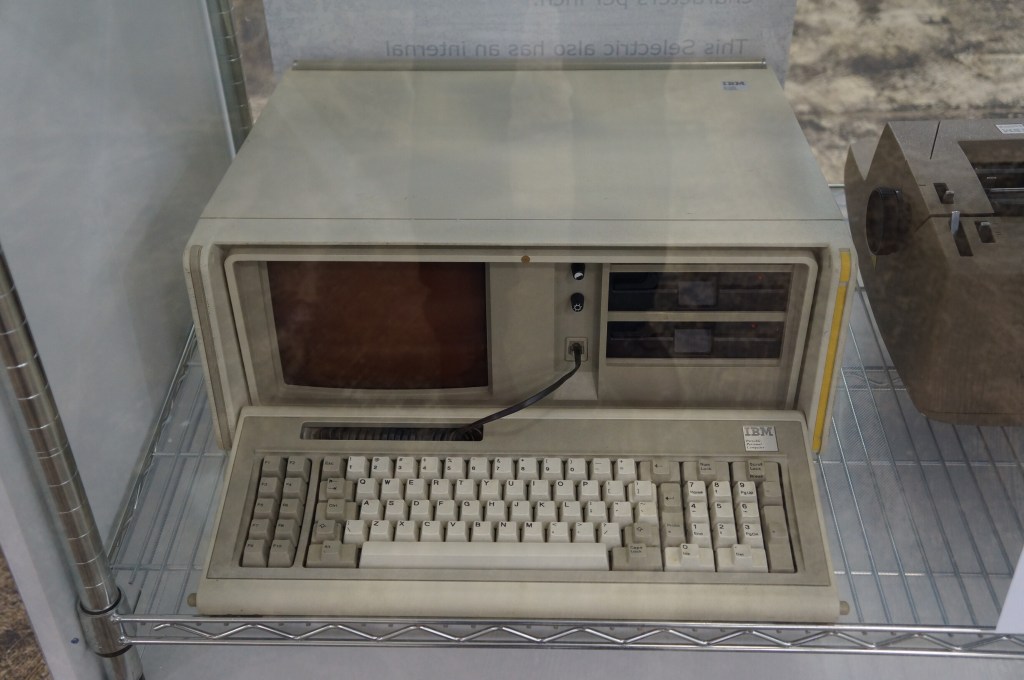
    IBM Portable PC

    VCFSE 2.0, Computer Displays, IBM Portable PC

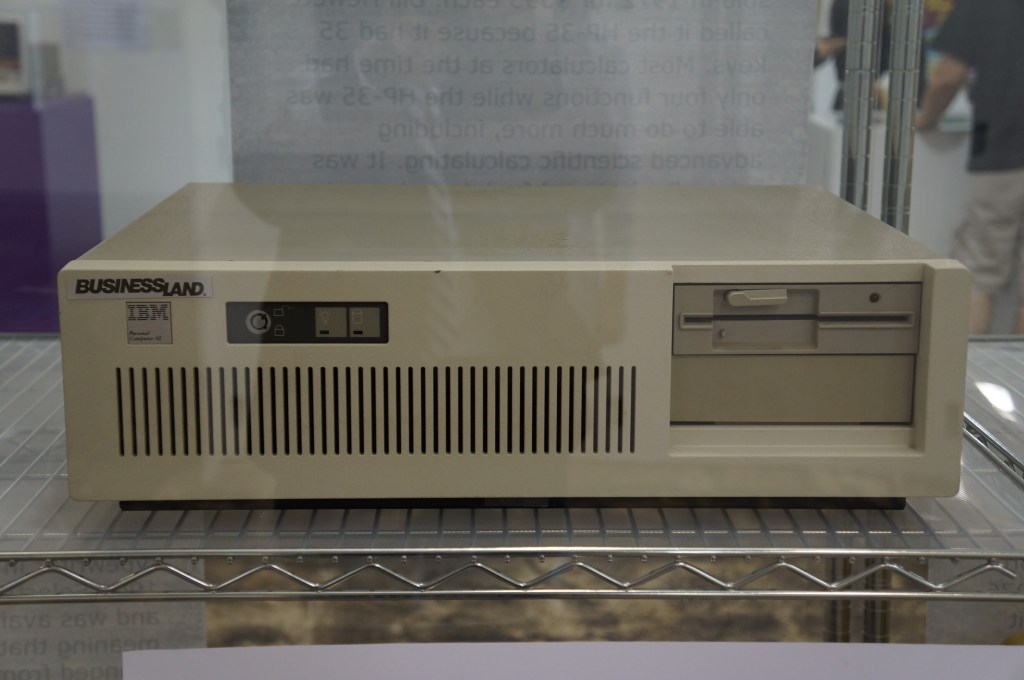
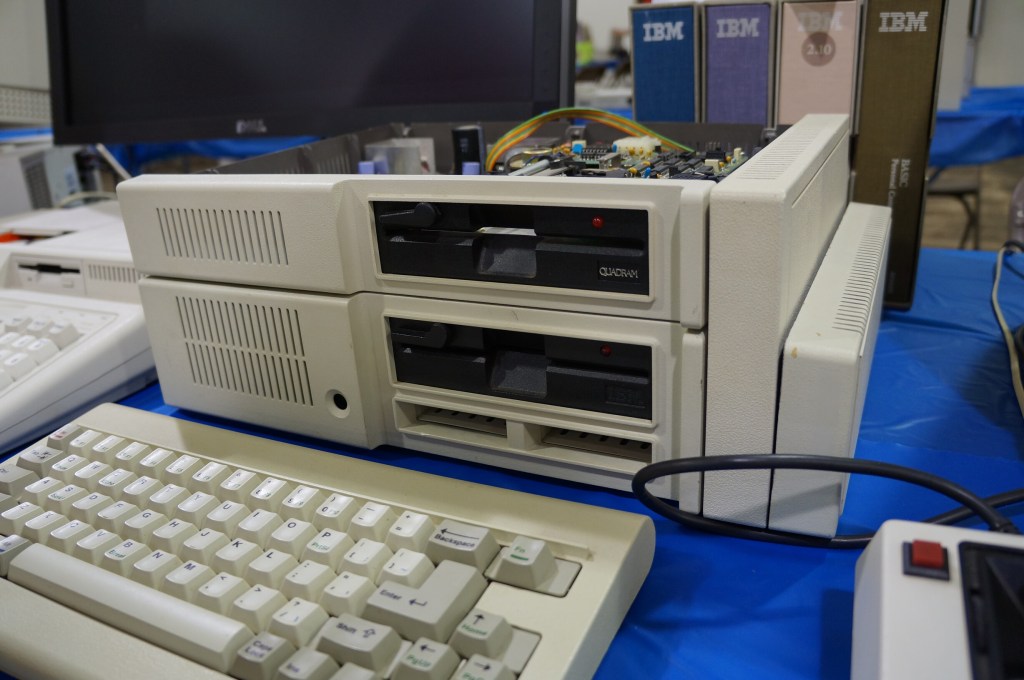
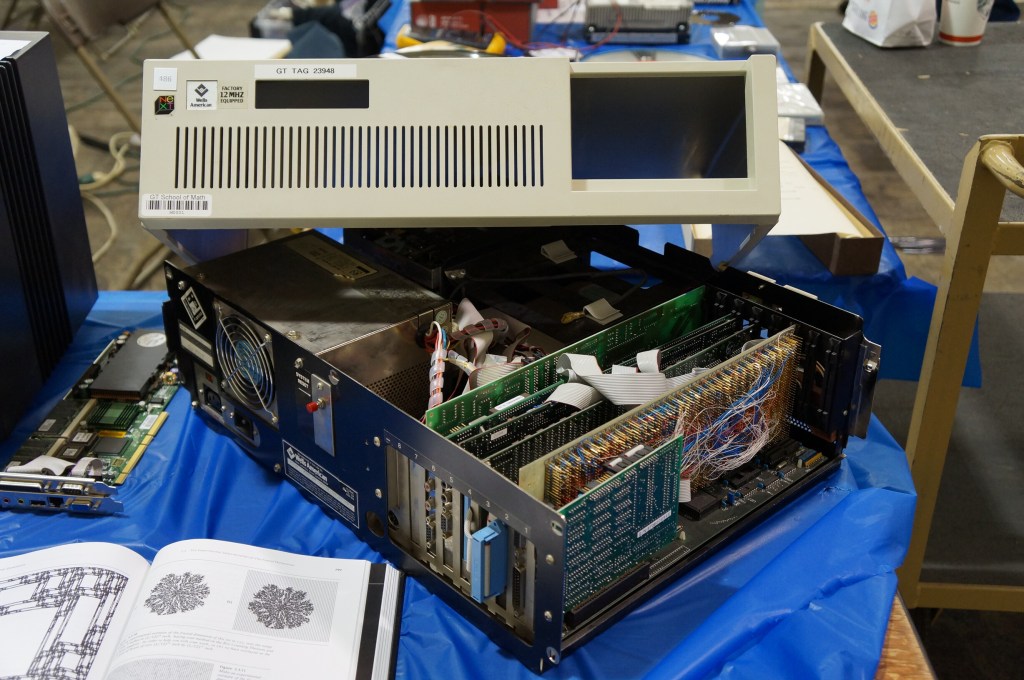
    IBM PC AT

    VCFSE 2.0, Exhibition Hall,

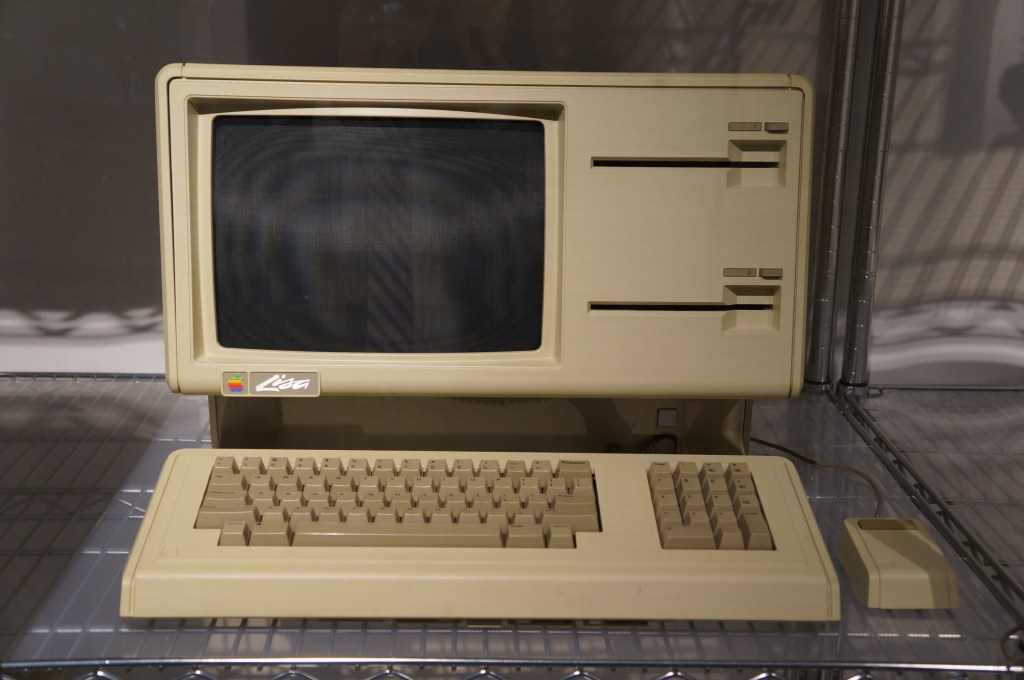
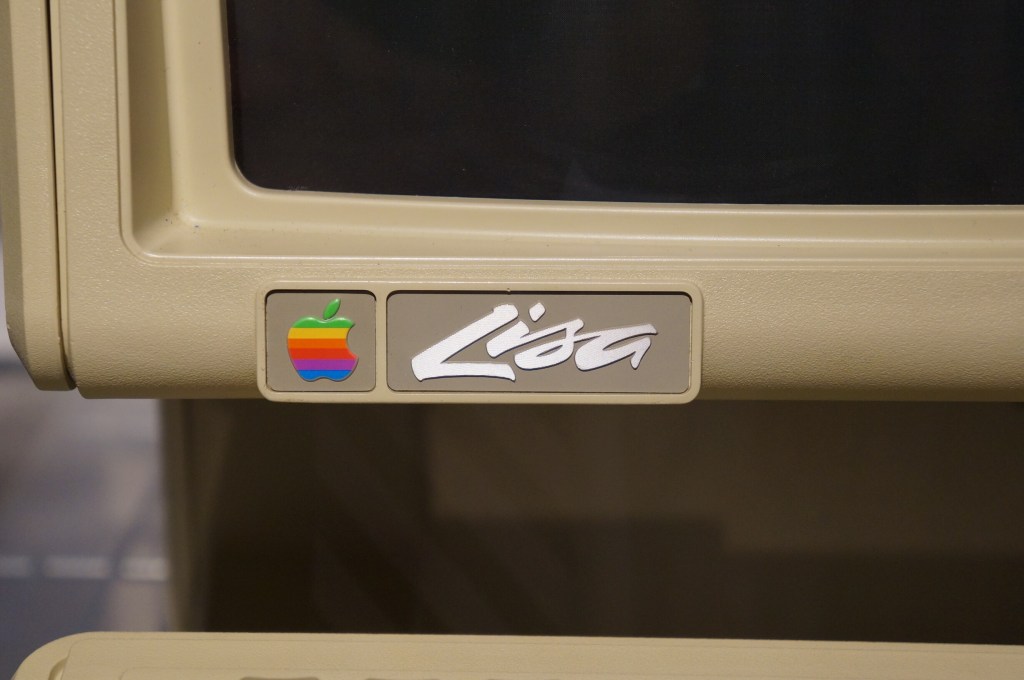
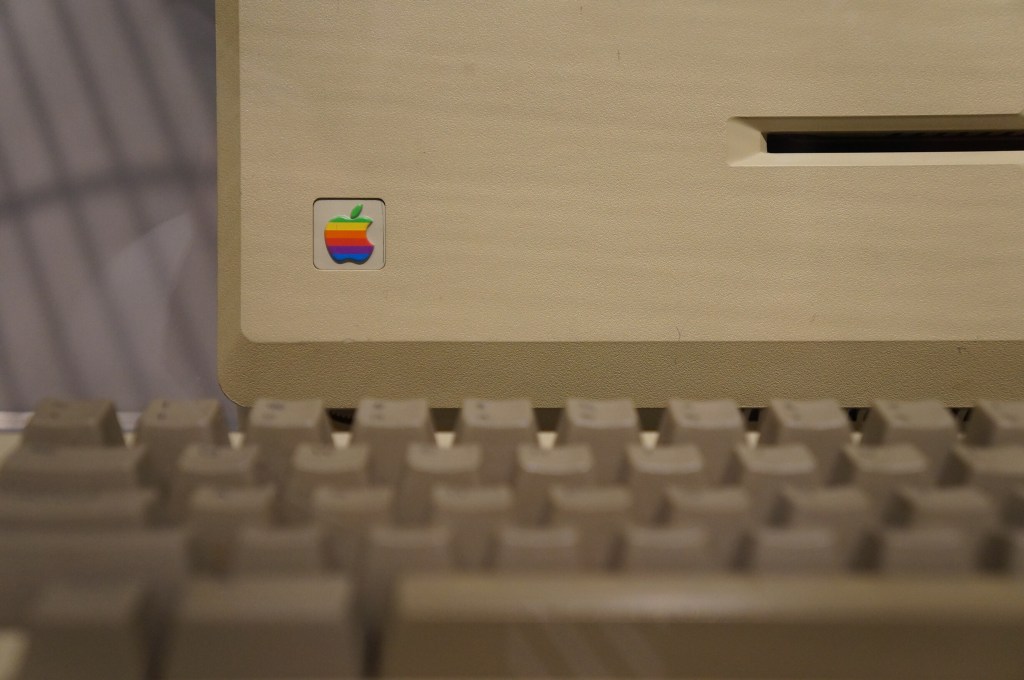
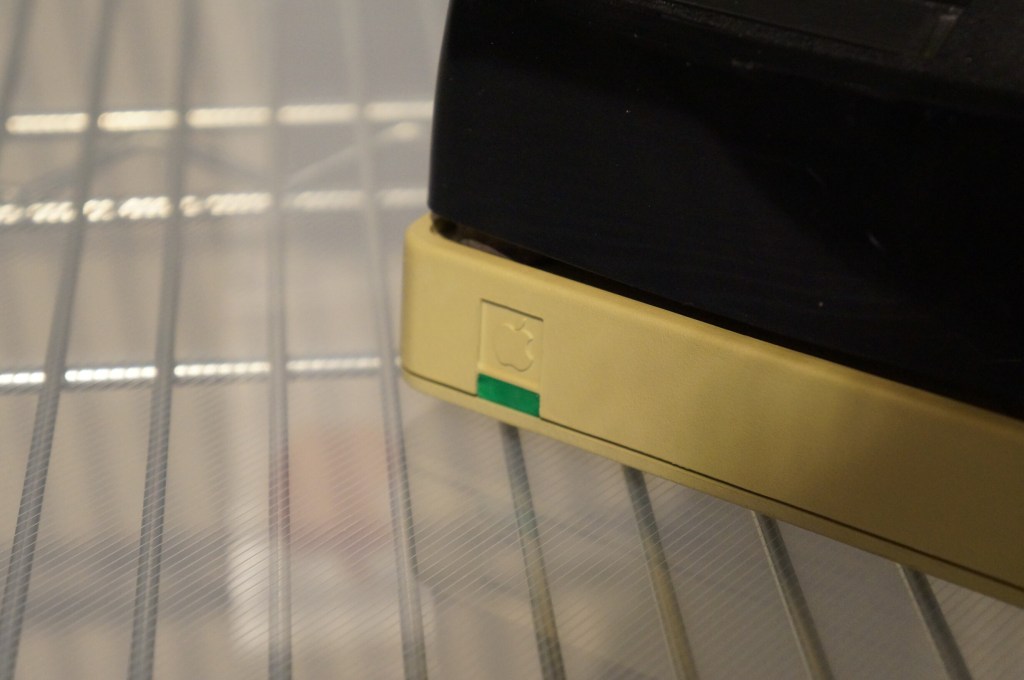
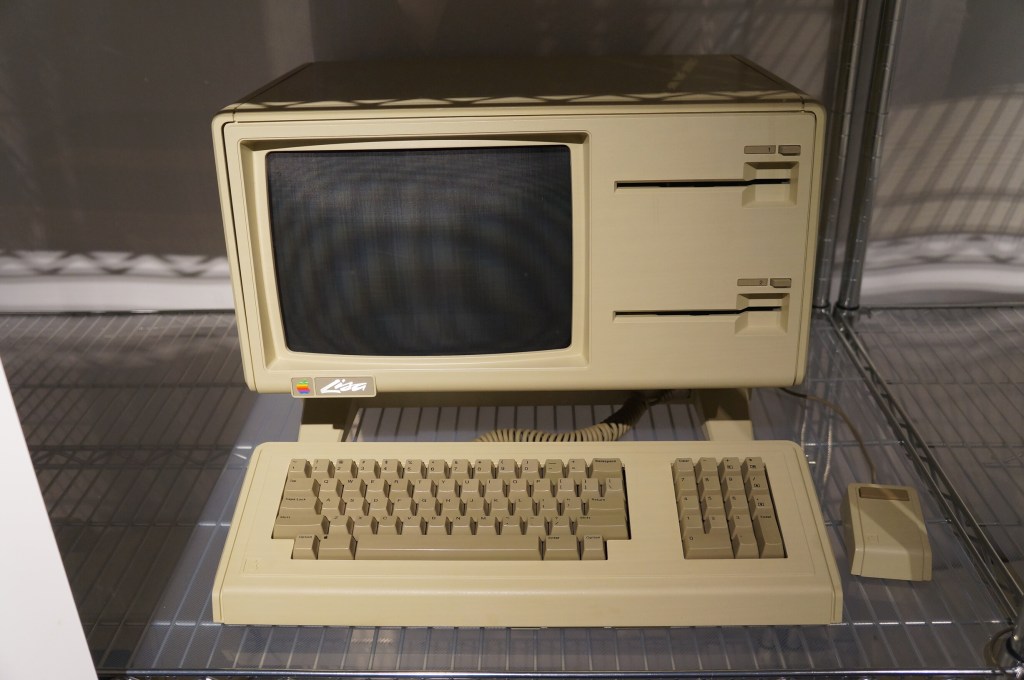
    Apple Lisa

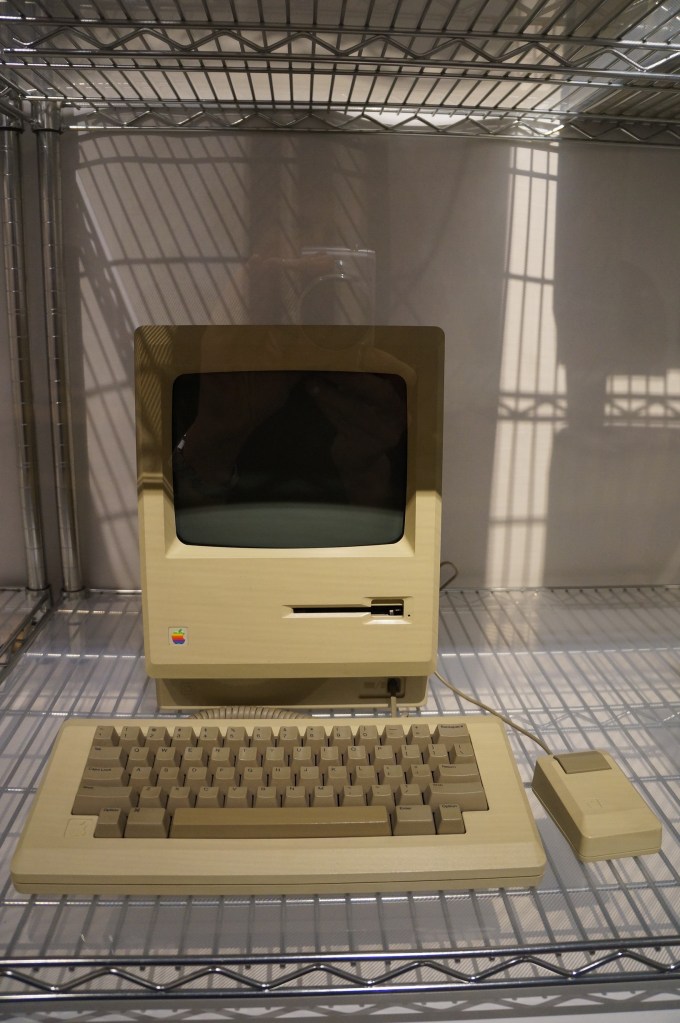
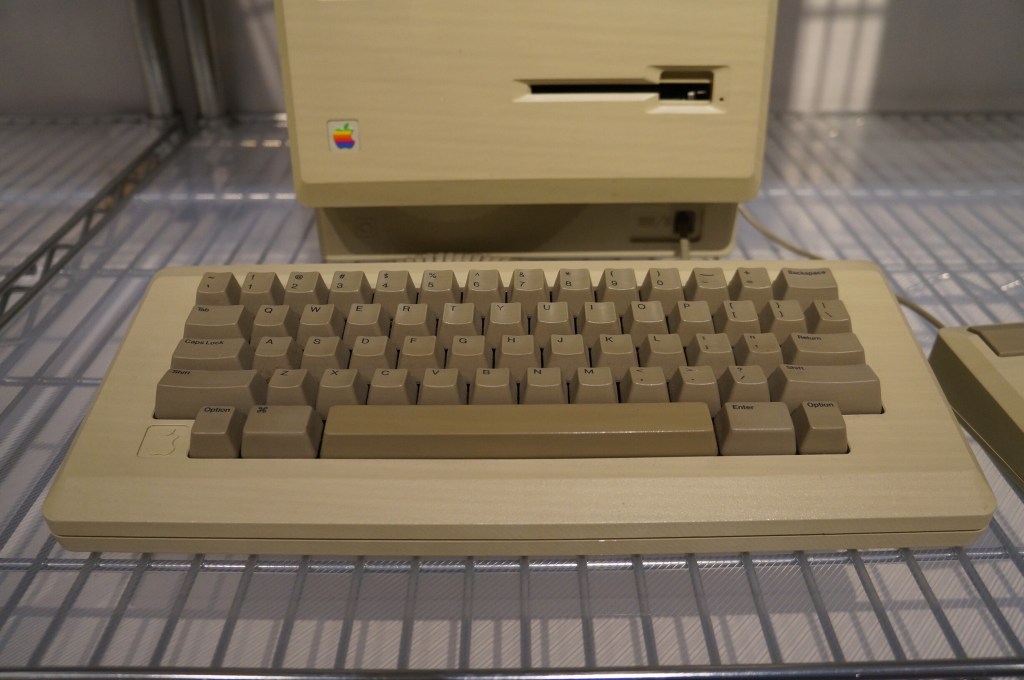
    Apple Macintosh

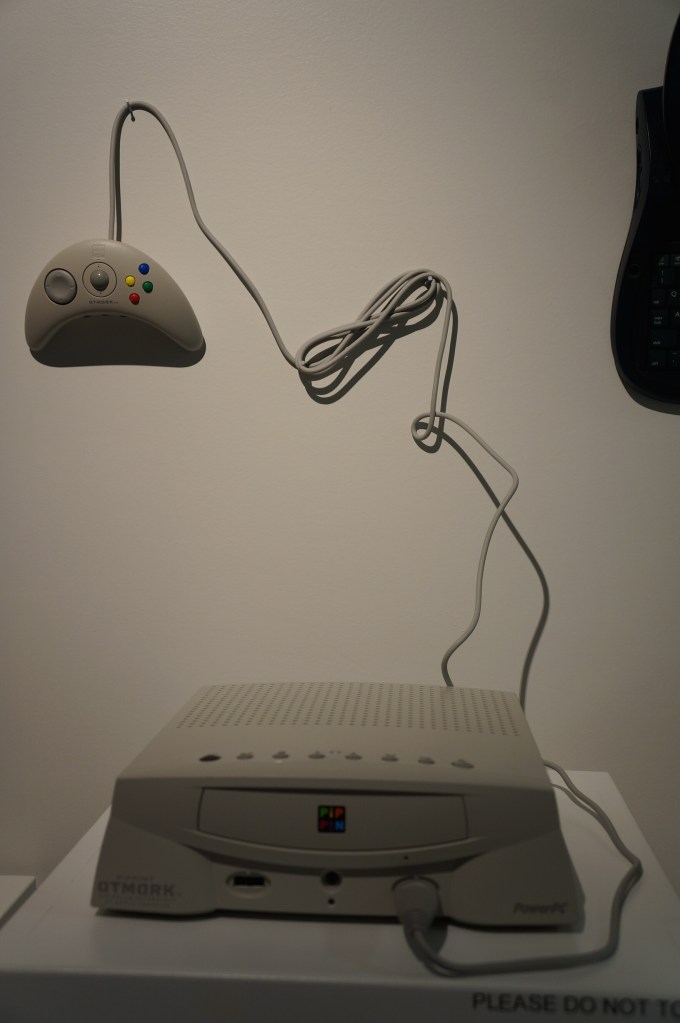
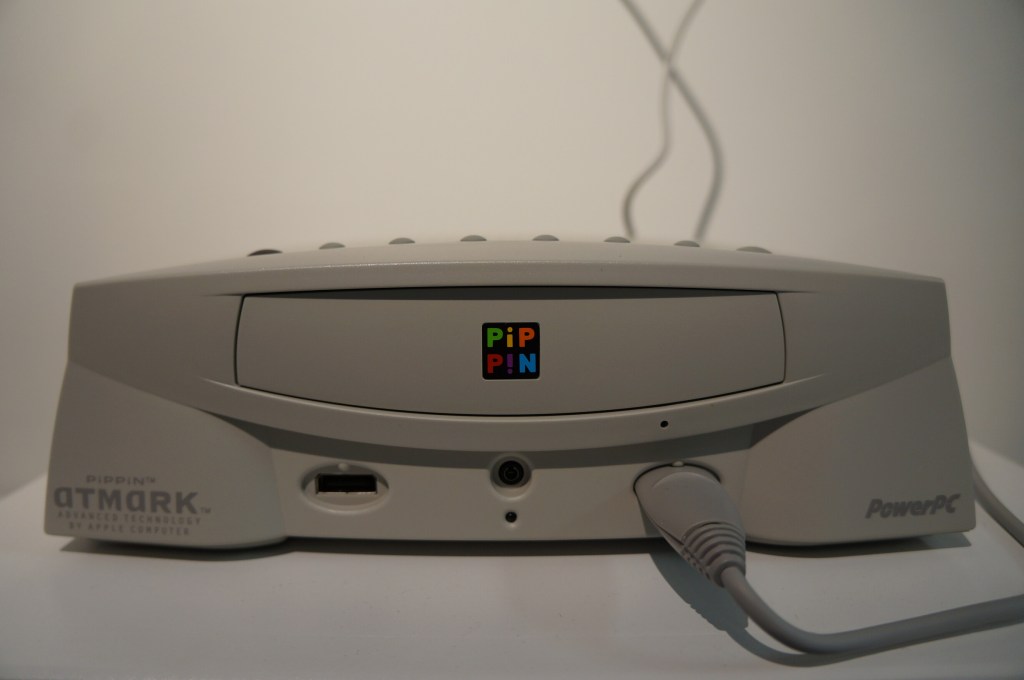
    Apple PiPPiN

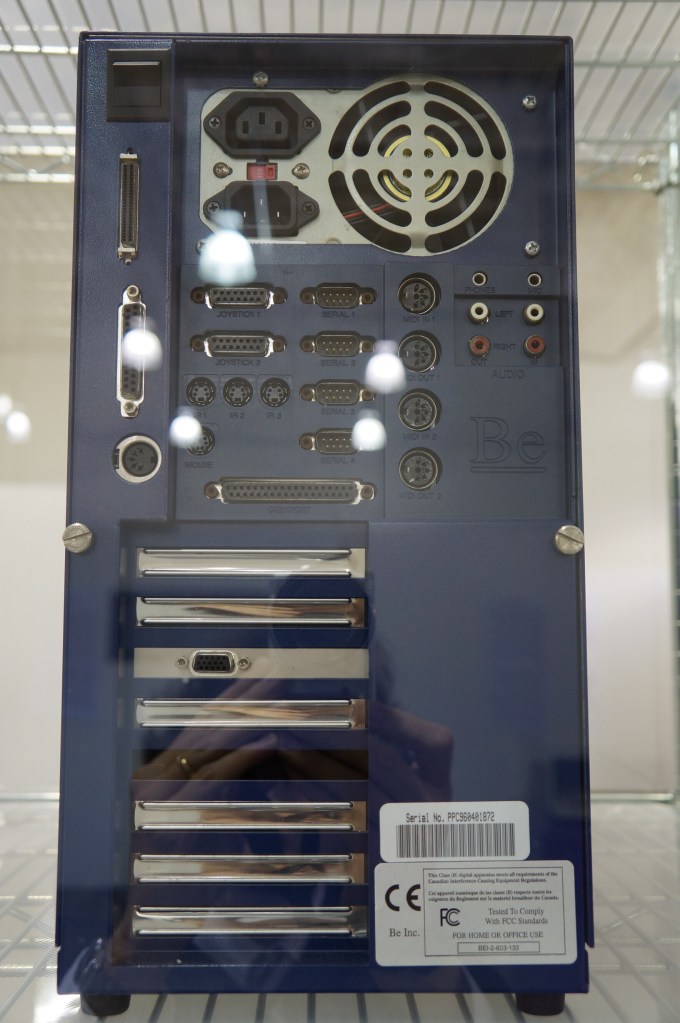
    BeBox

    As I’ve written before here and here, I really like BeOS, so it was a special joy to see a BeBox in person for the first time at VCFSE 2.0.

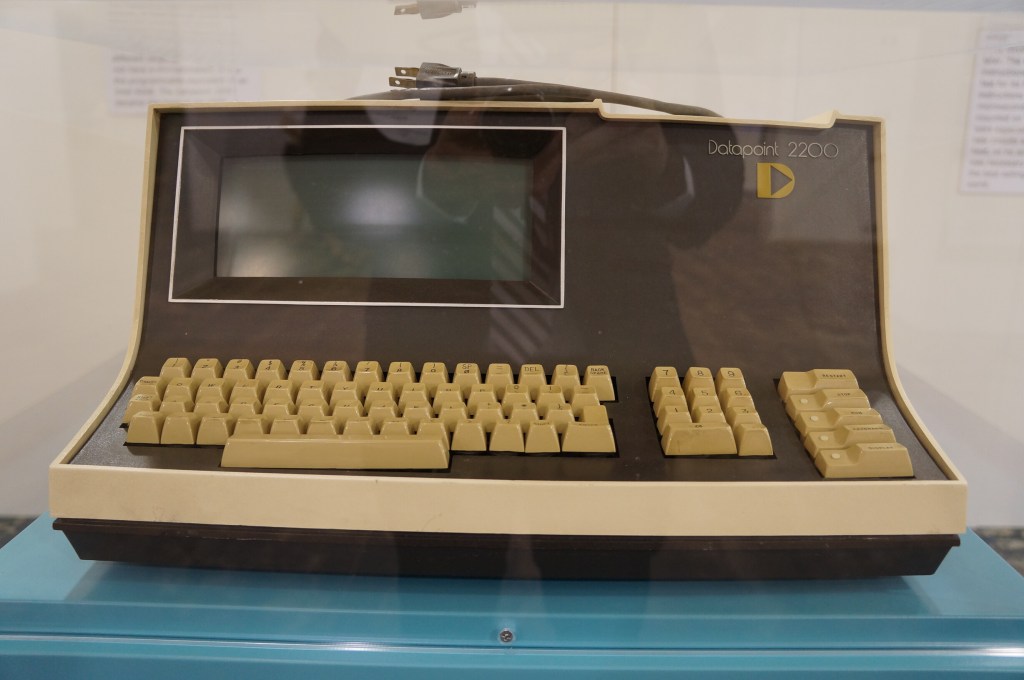
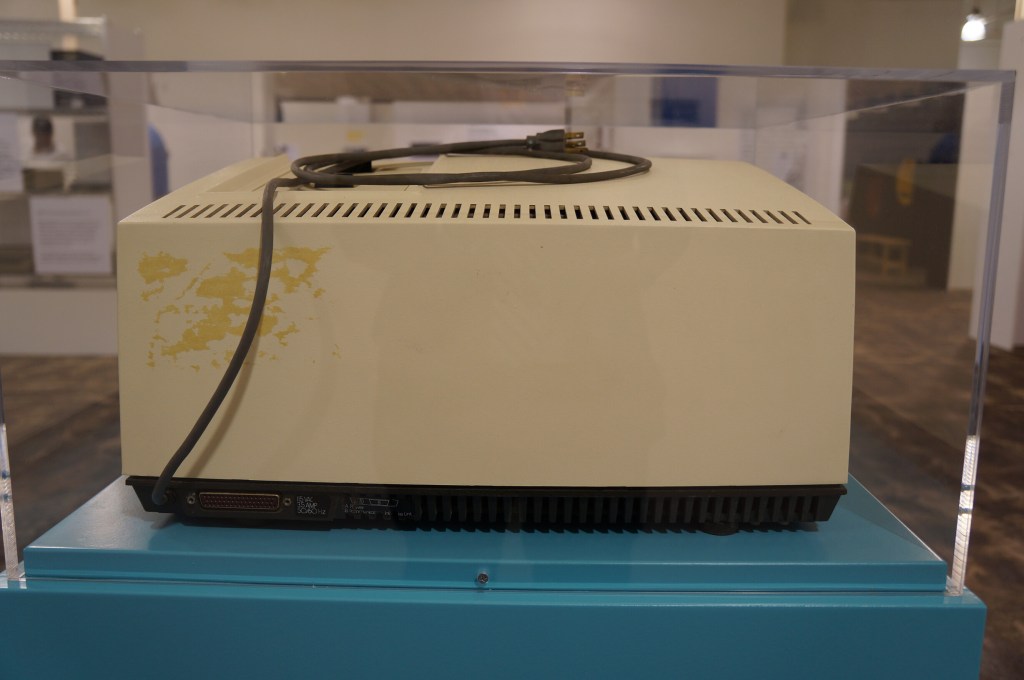
    Datapoint 2200

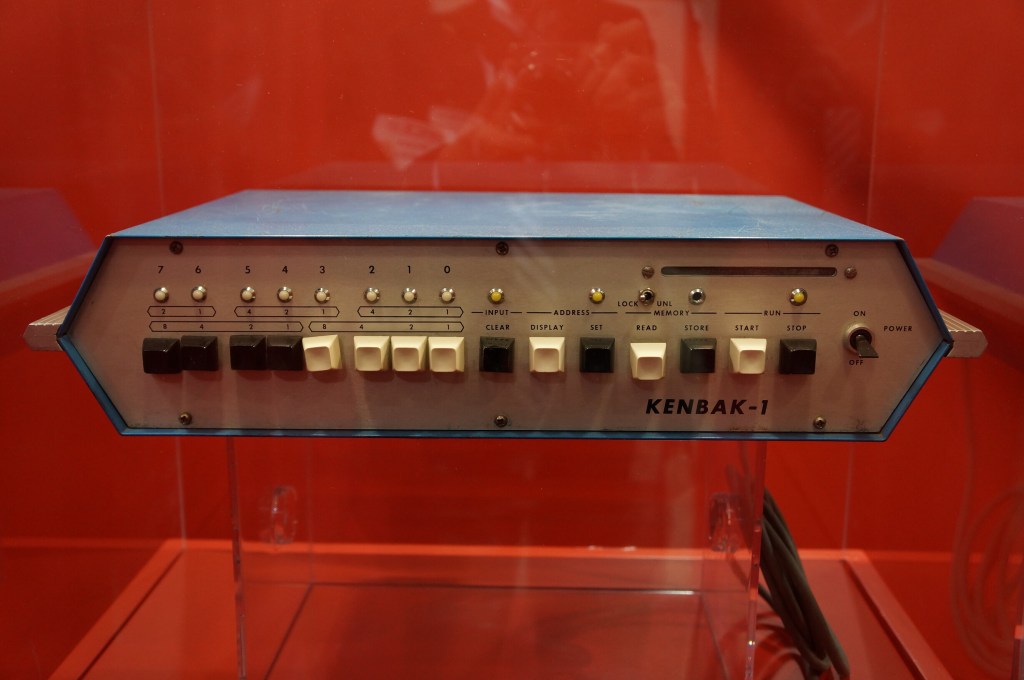
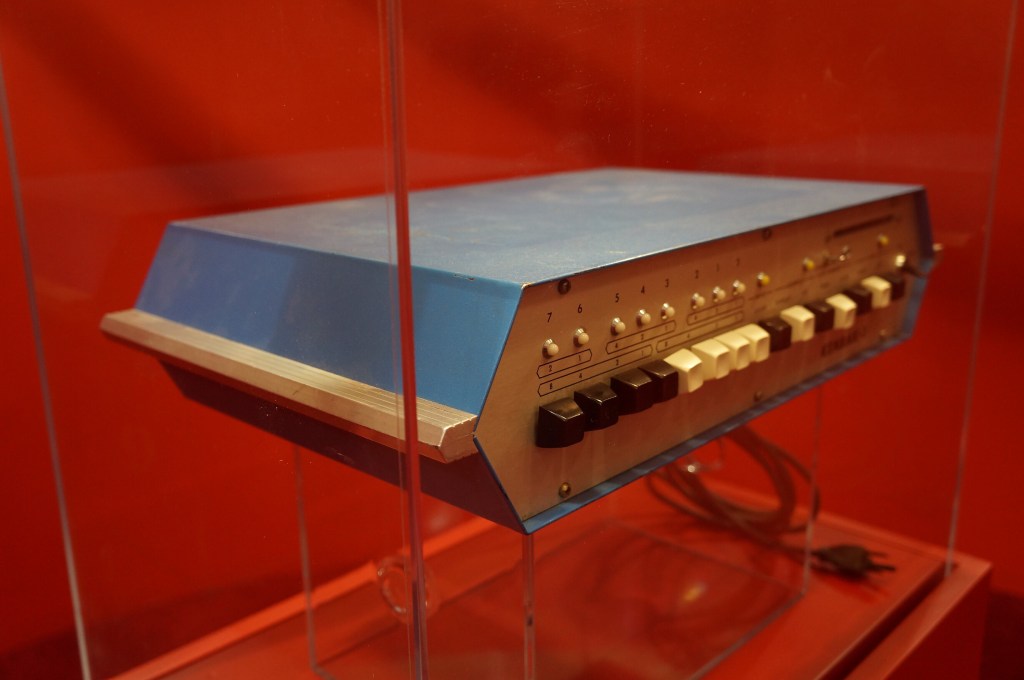
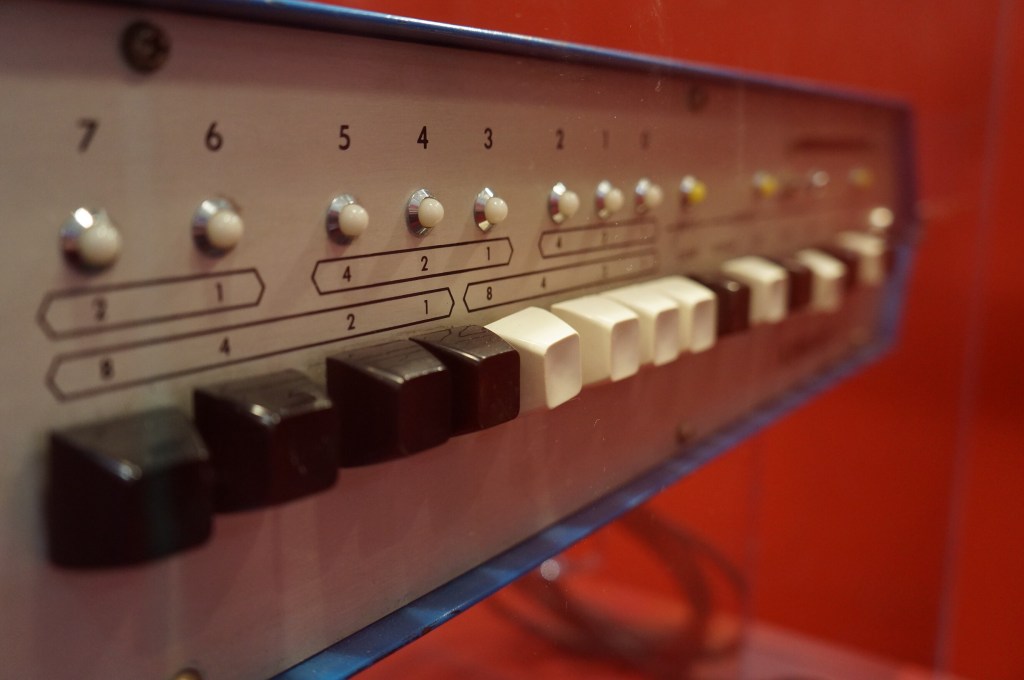
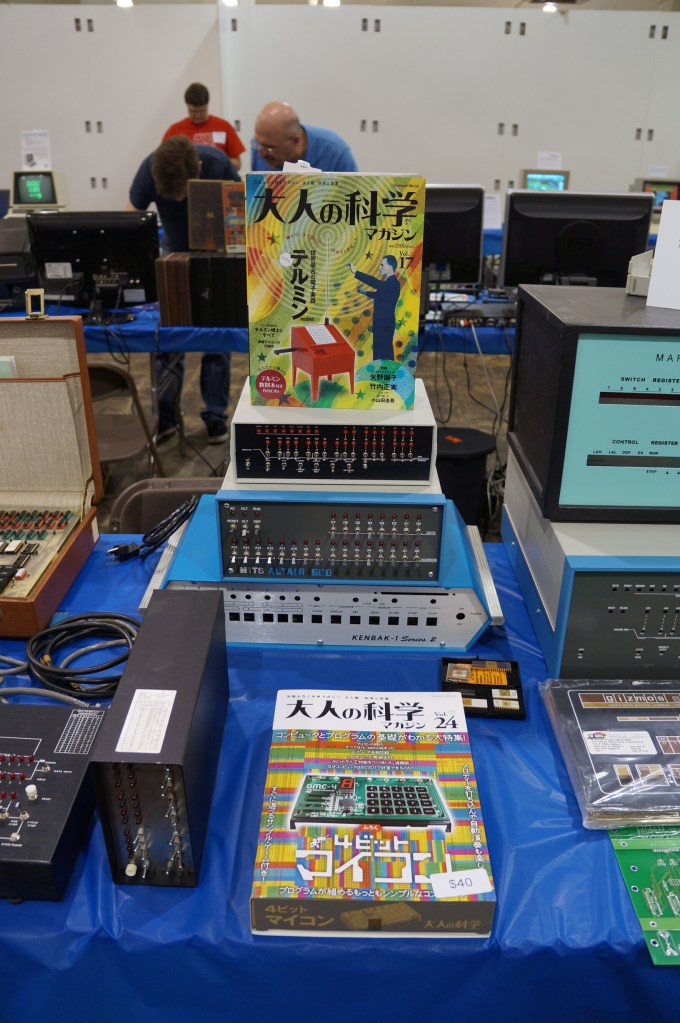
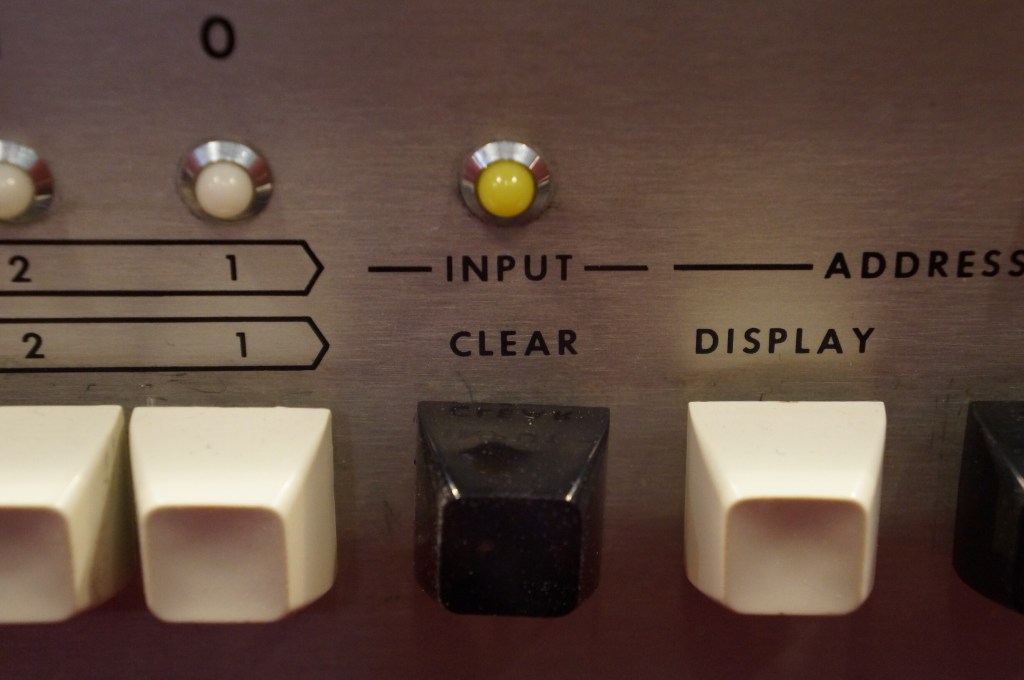
    Kenbak-1

    Miscellaneous Displays

    Exhibition Hall

    MITS Altair 8800 in Operation

    VCFSE 2.0, Exhibition Hall, MITS Altair 8800 Running

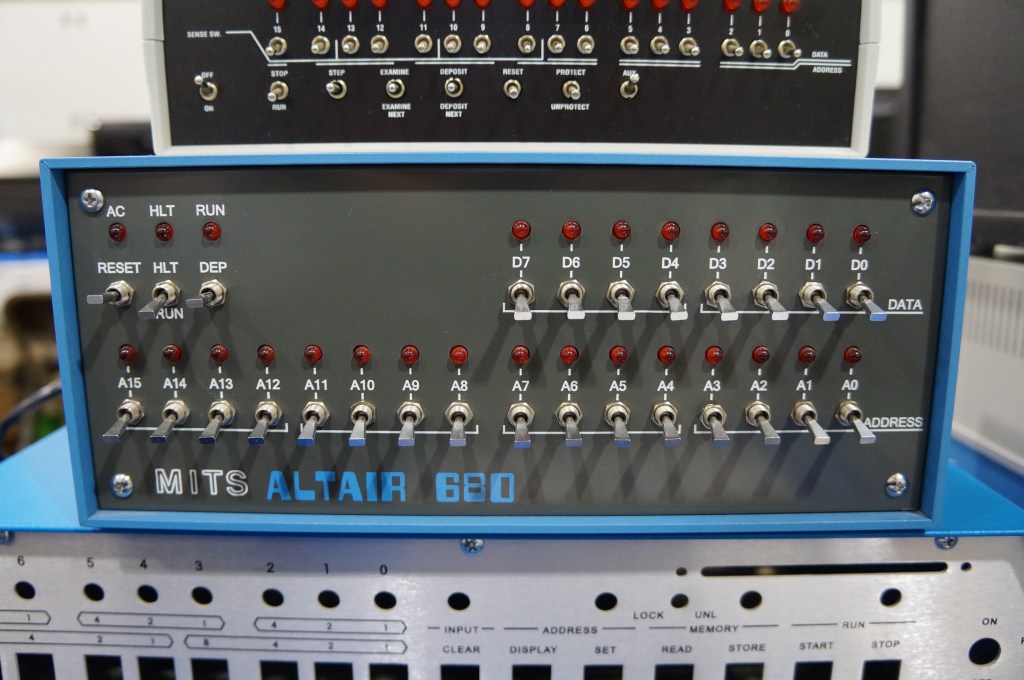
    MITS Altair 680

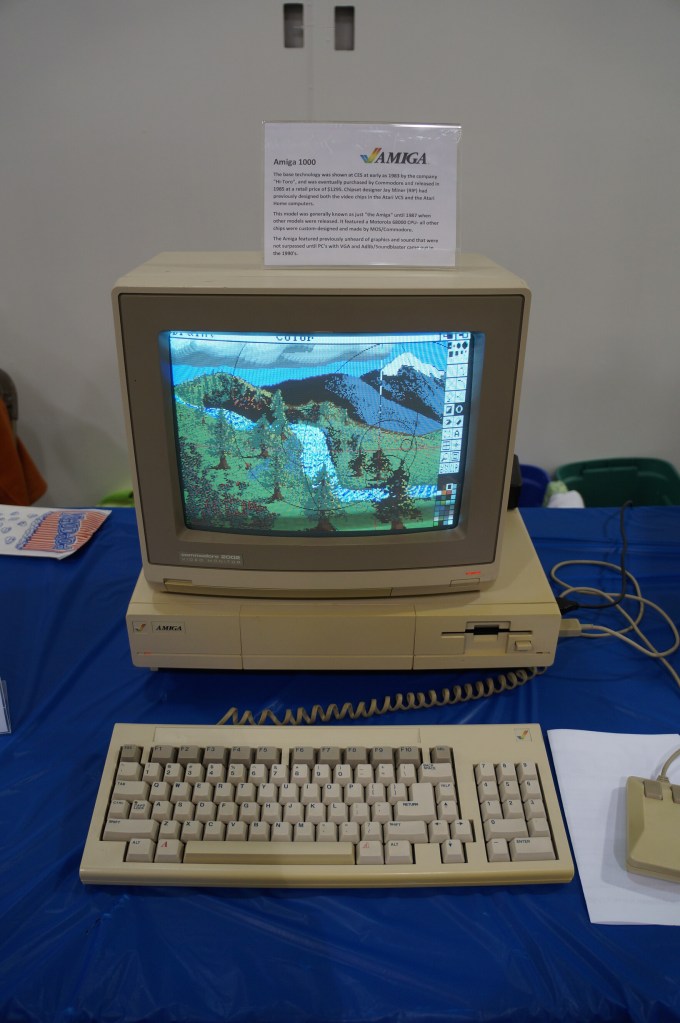
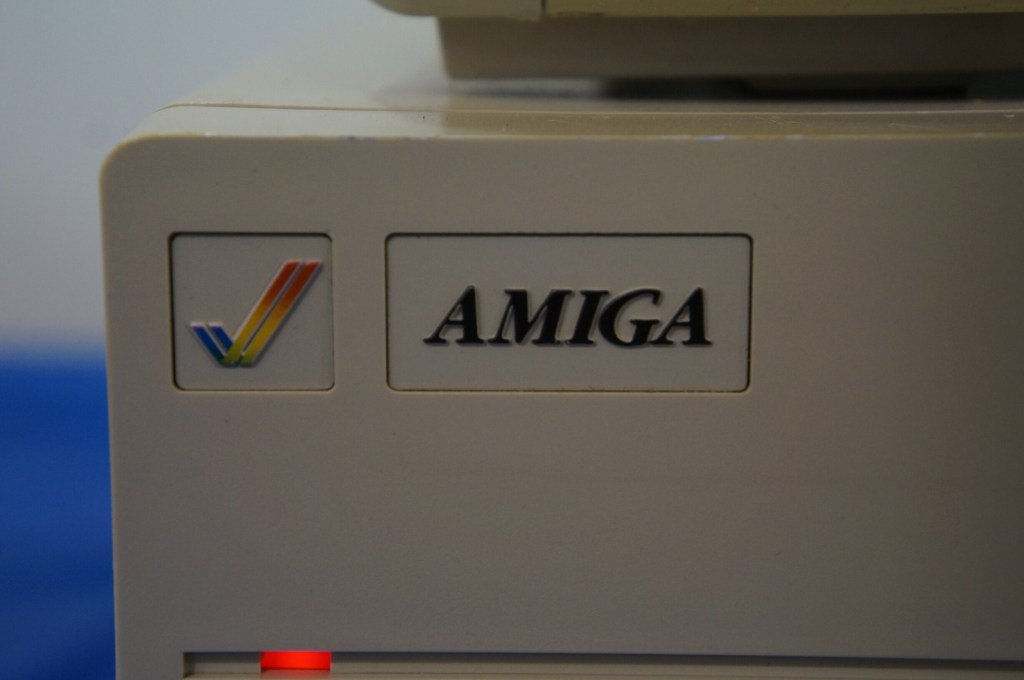
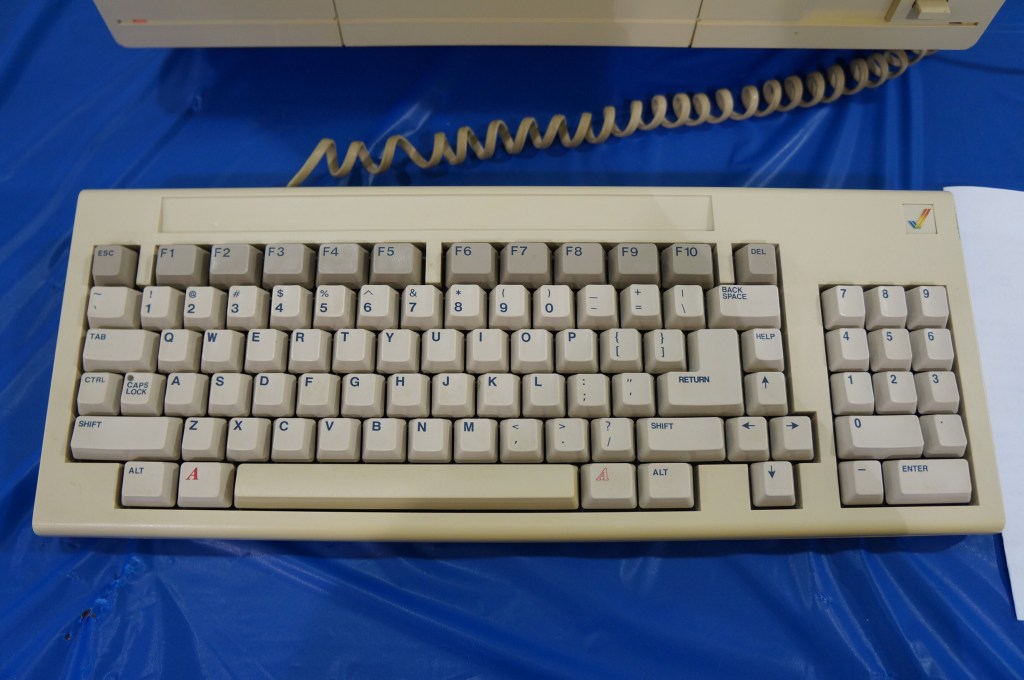
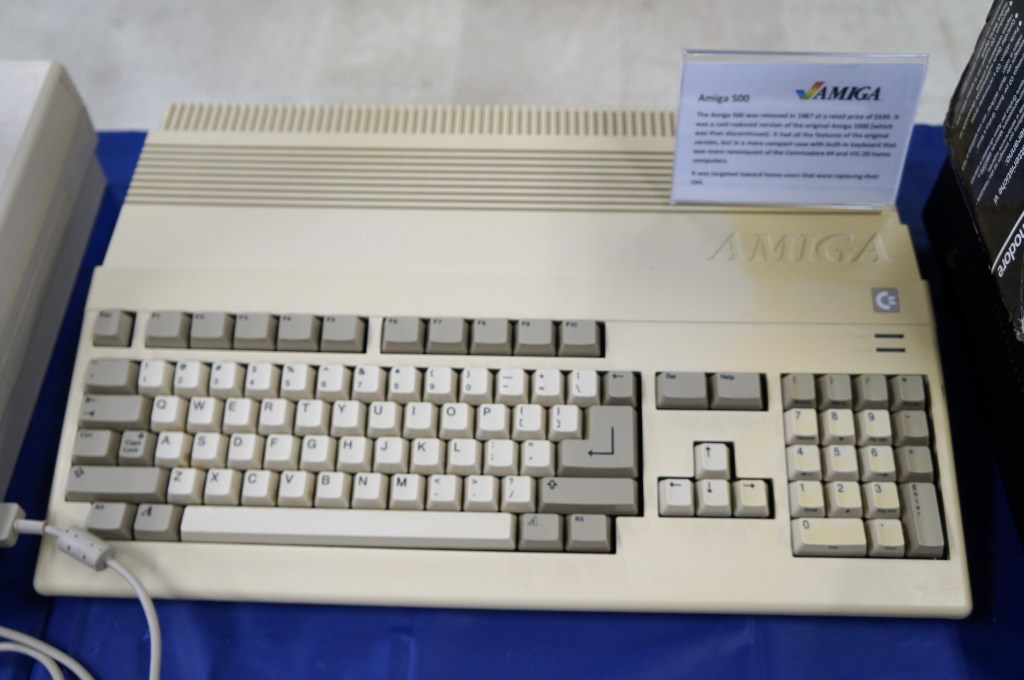
    Amiga 1000

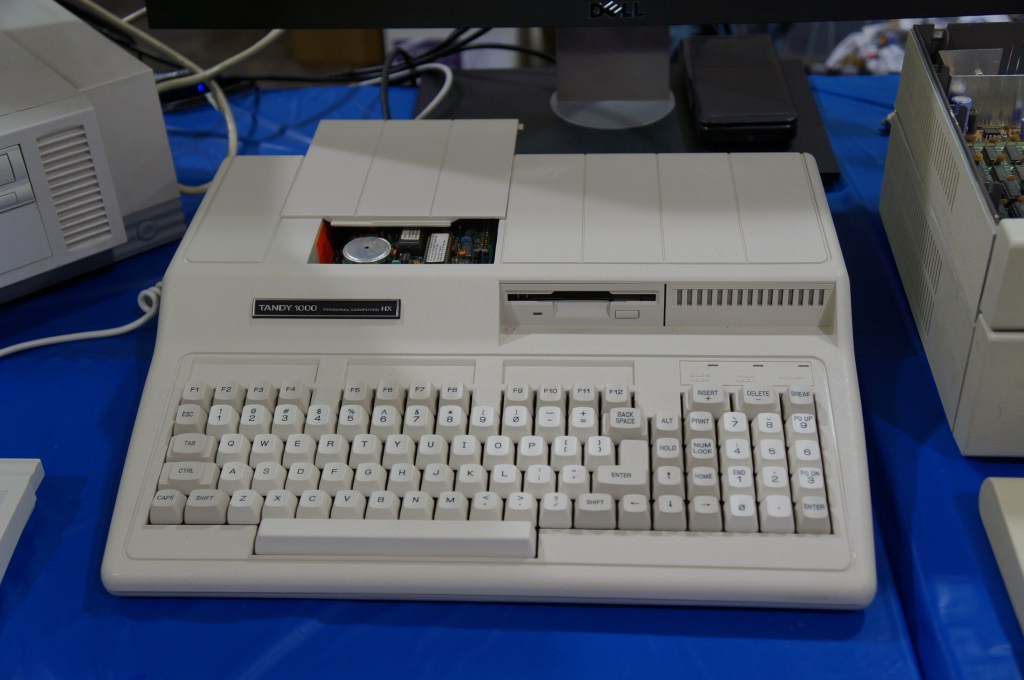
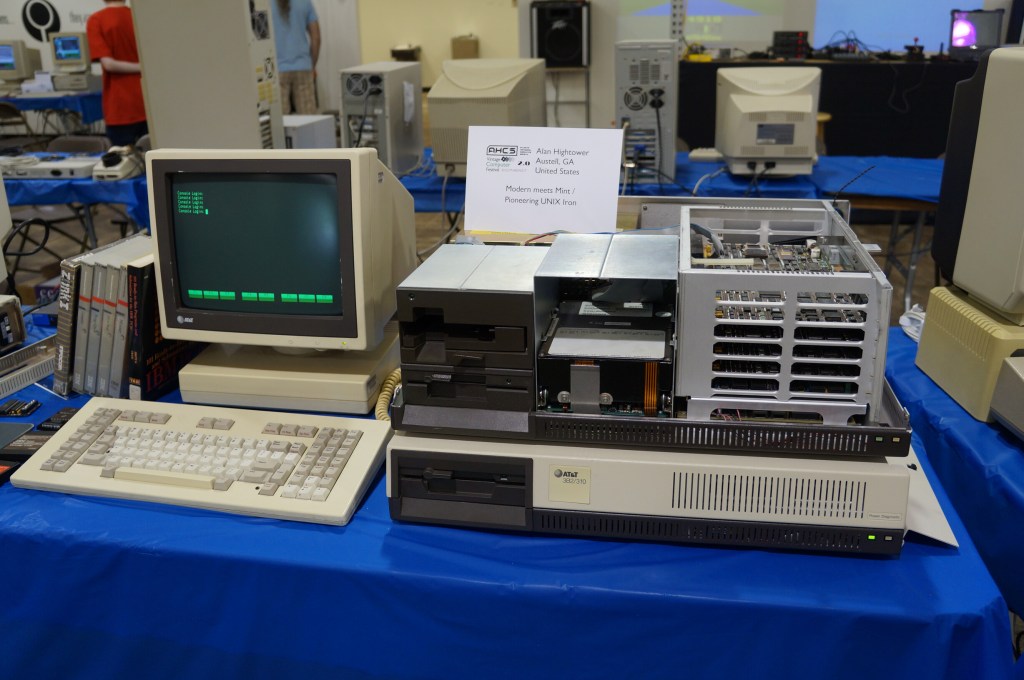
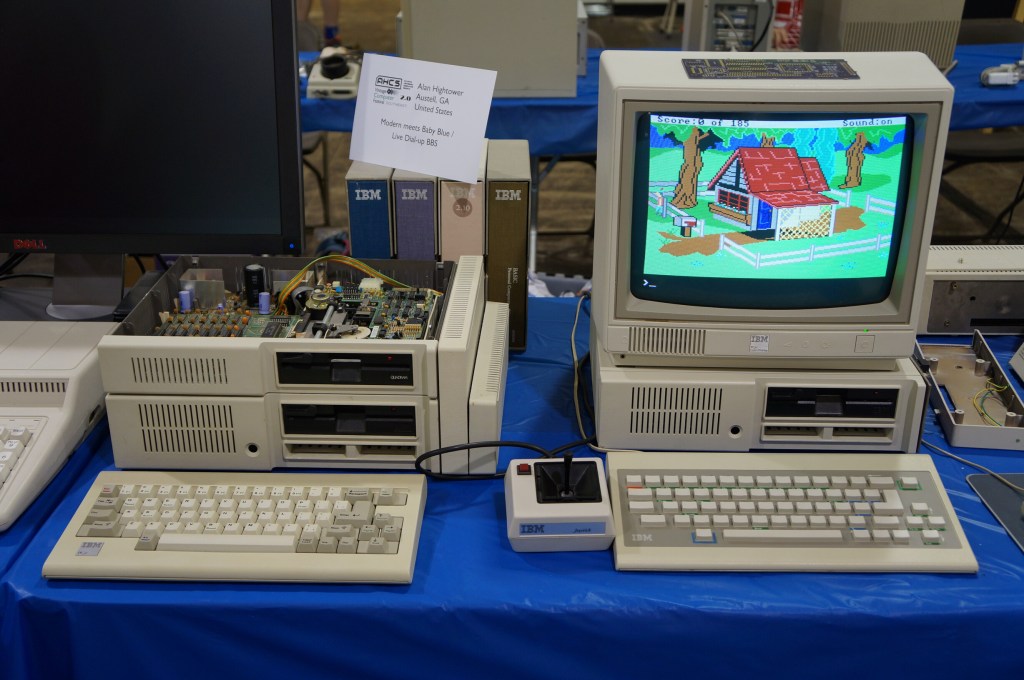
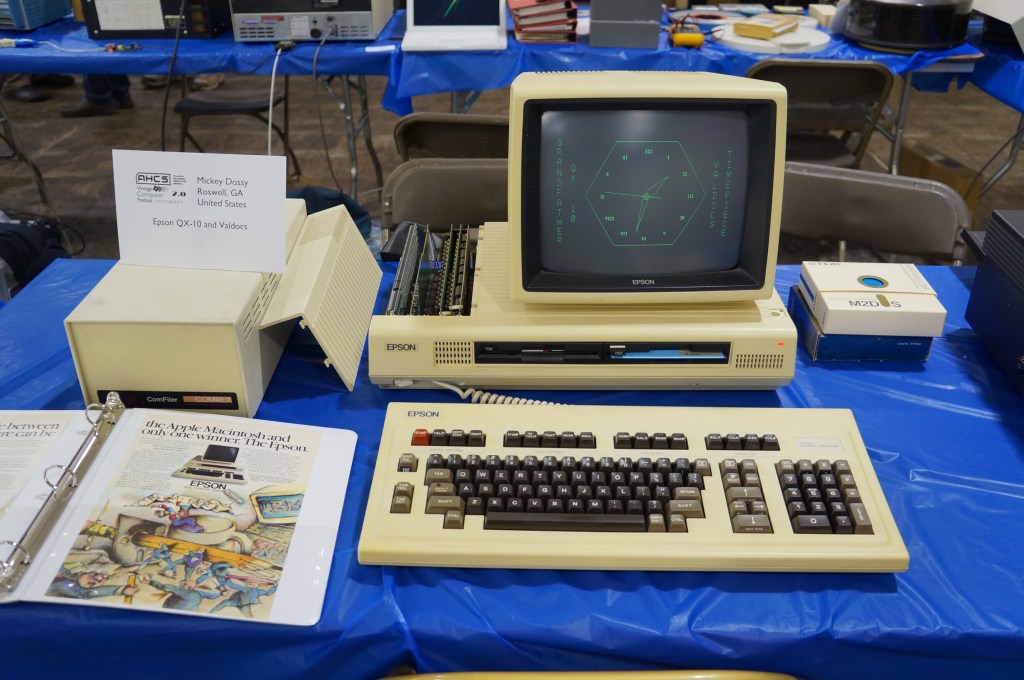
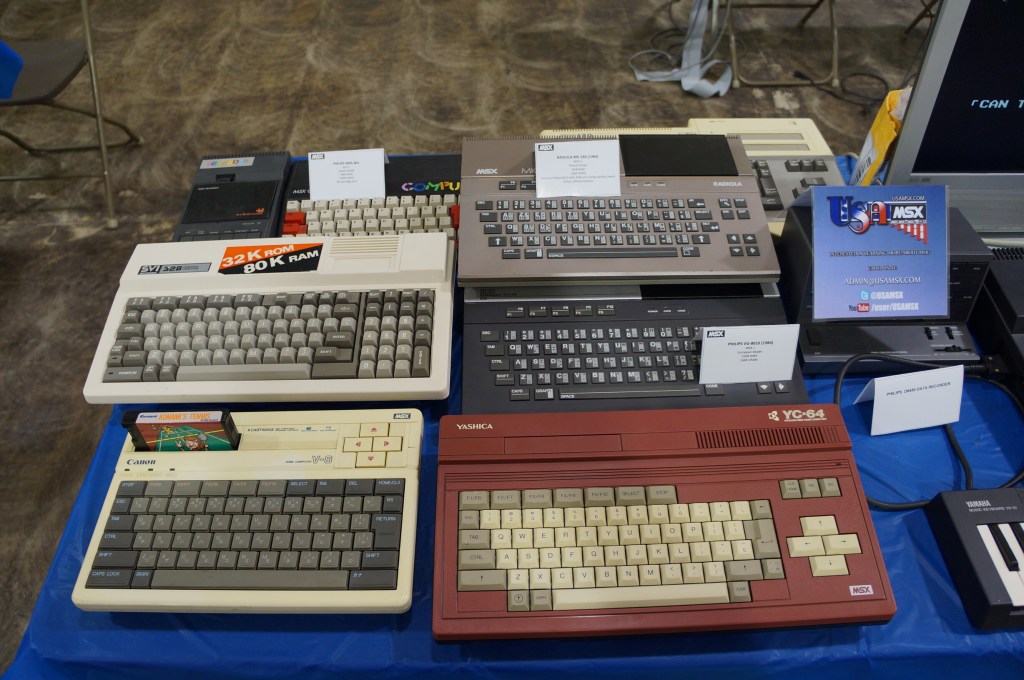
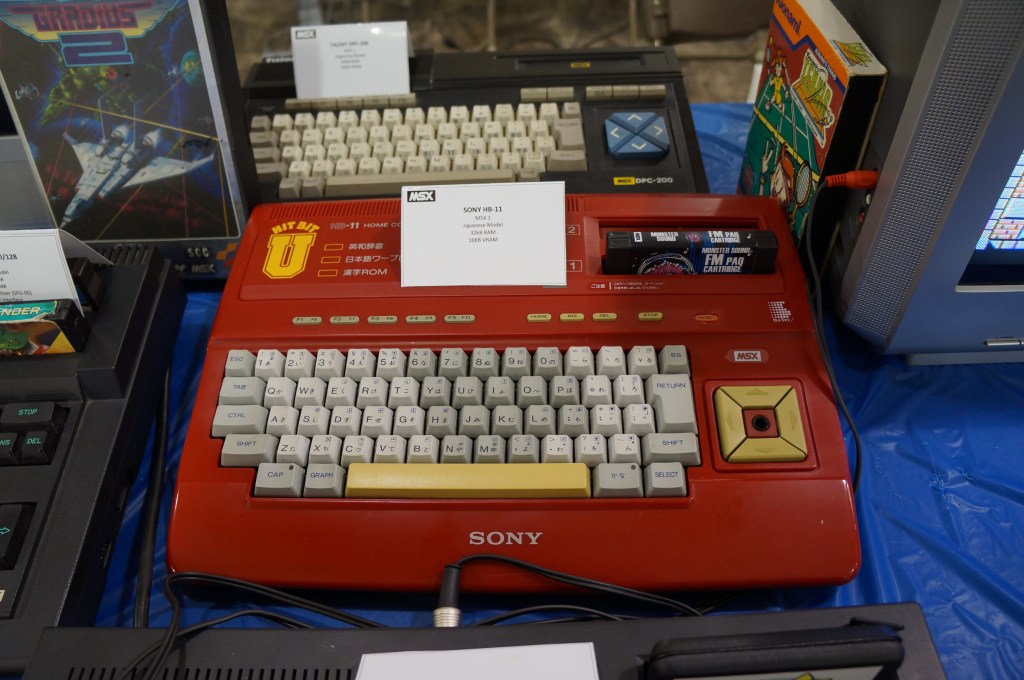
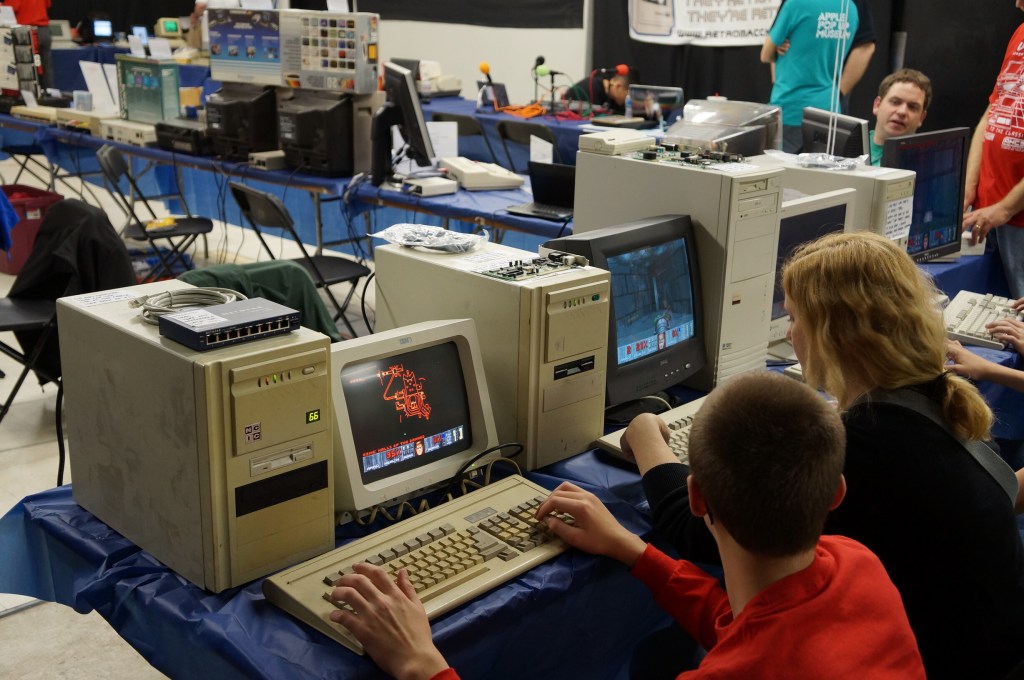
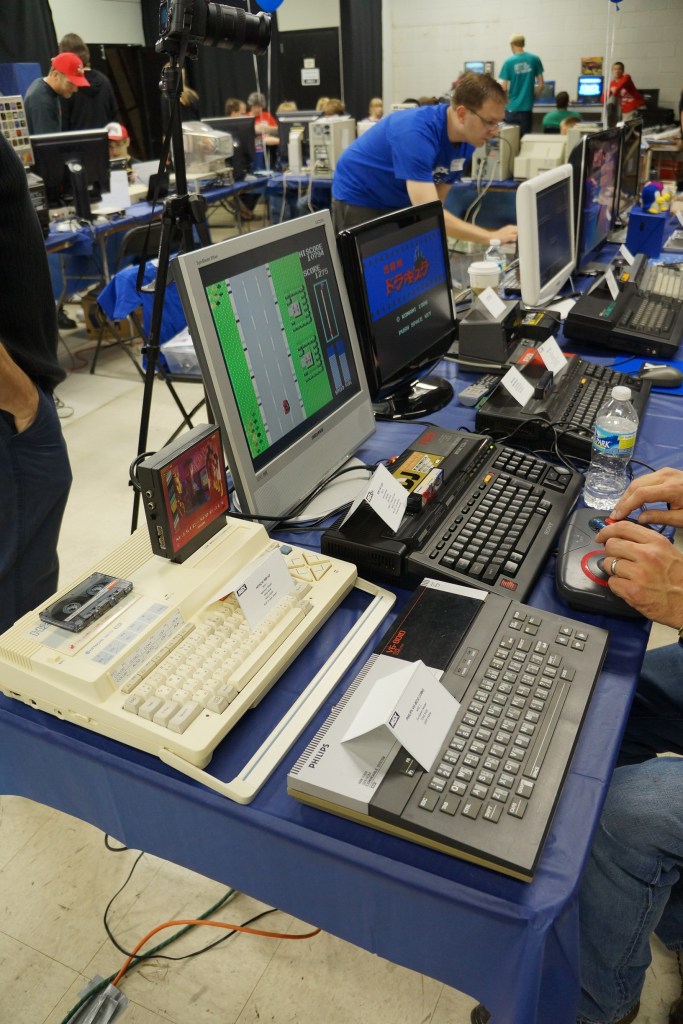
    Miscellaneous Computers in the Exhibition Hall

  • Vintage Computer Festival Southeast (VCFSE) 2013

    Bob, Paul, and Mark outside the 2013 Vintage Computer Festival Southeast

    On April 20, 2013, I attended the first Vintage Computer Festival Southeast outside Atlanta, Georgia at what is now the Computer Museum of America with my friends Mark, Paul, and Bob. This was the spring of my first full year back in Atlanta after becoming a Brittain Fellow at Georgia Tech in Fall 2012. It was a good day like old times before I went to grad school.

    The following year, I co-presented with Wendy Hagenmaier about Vintage Computing at Georgia Tech, which I blogged about here. I will post photos from the 2014 VSFSE next week.

    IMSAI 8080 (WarGames)

    If you’ve seen the film WarGames (1983), you know what kind of mischief you can get up to with a tricked out version of an IMSAI 8080.

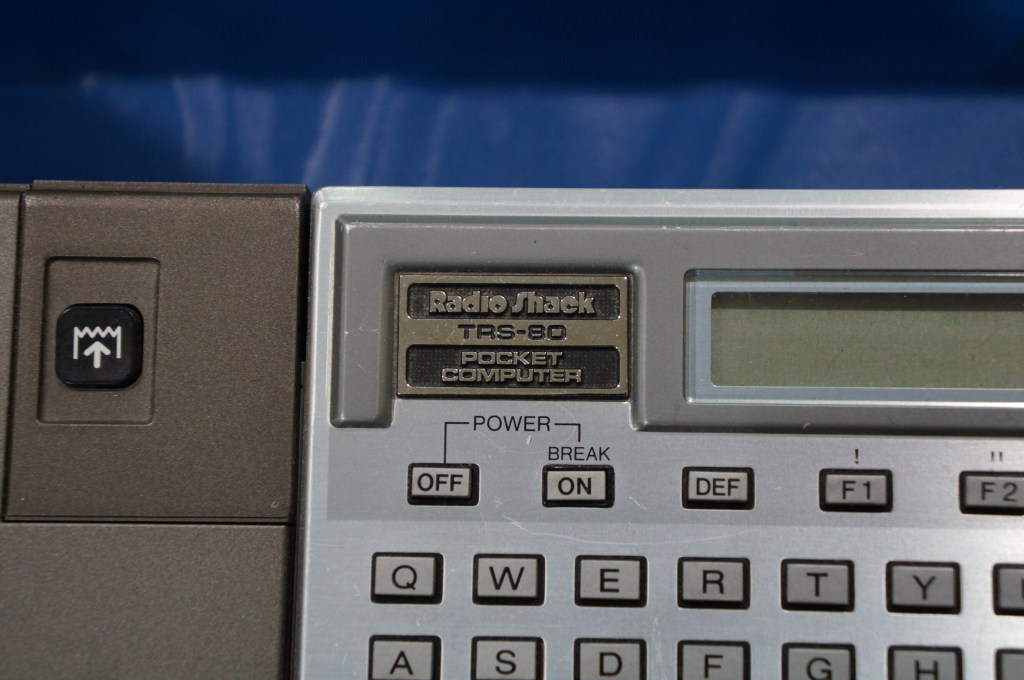
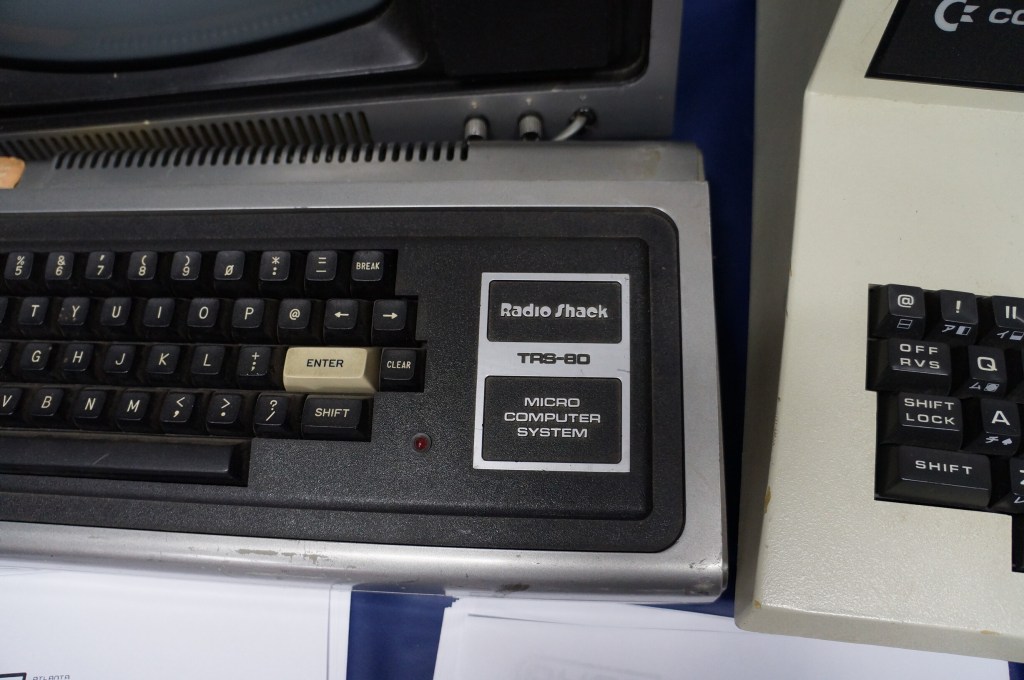
    The Big Three: Radio Shack TRS-80, Commodore PET, and Apple II

    I often regale my students with tales of the rise of the personal computer with the big three mass manufactured models: Radio Shack’s TRS-80, Commodore’s PET, and Apple’s Apple II (though, it’s actually an Apple IIe pictured below).

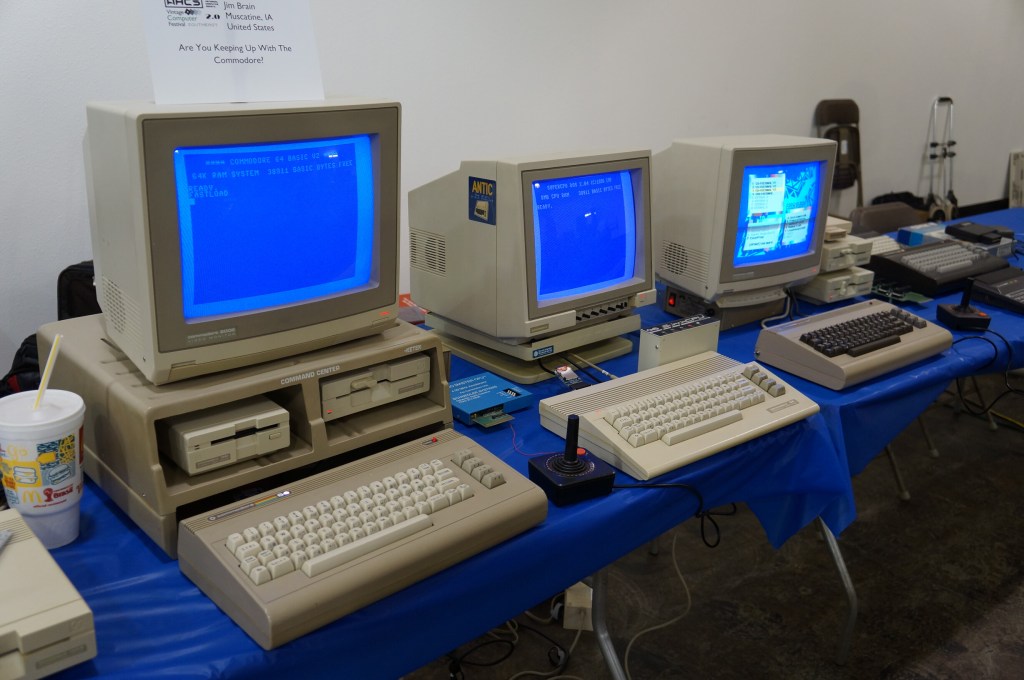
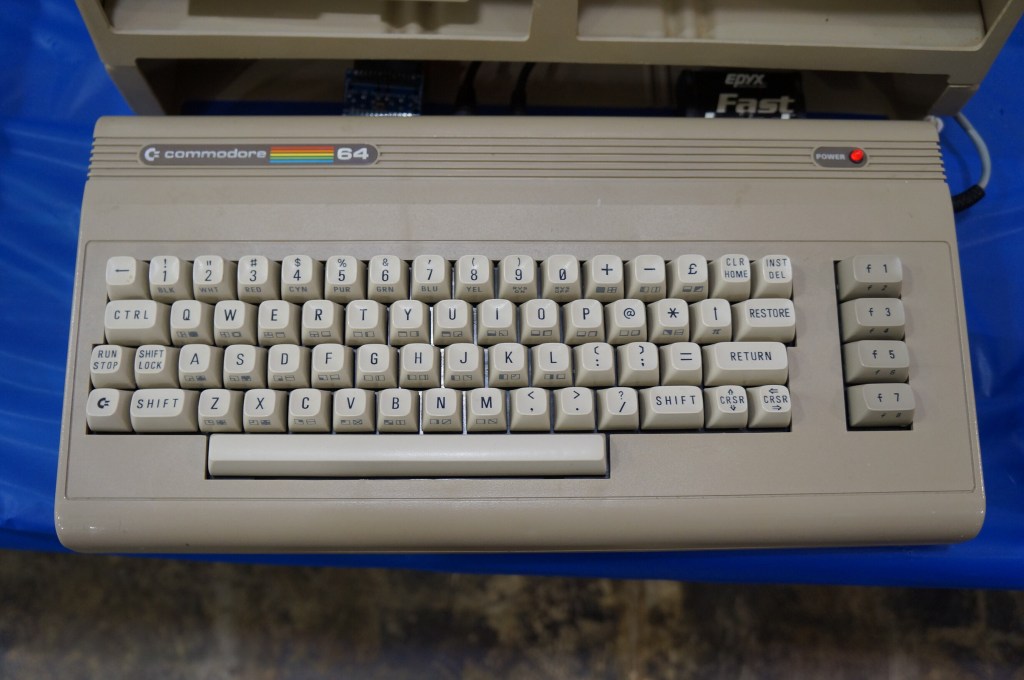
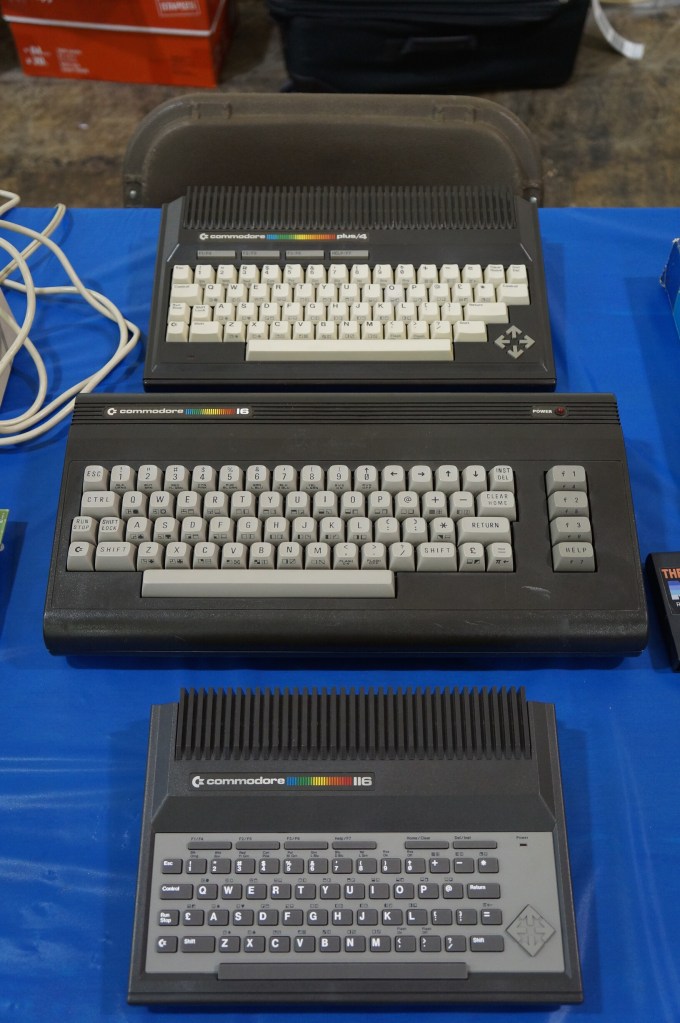
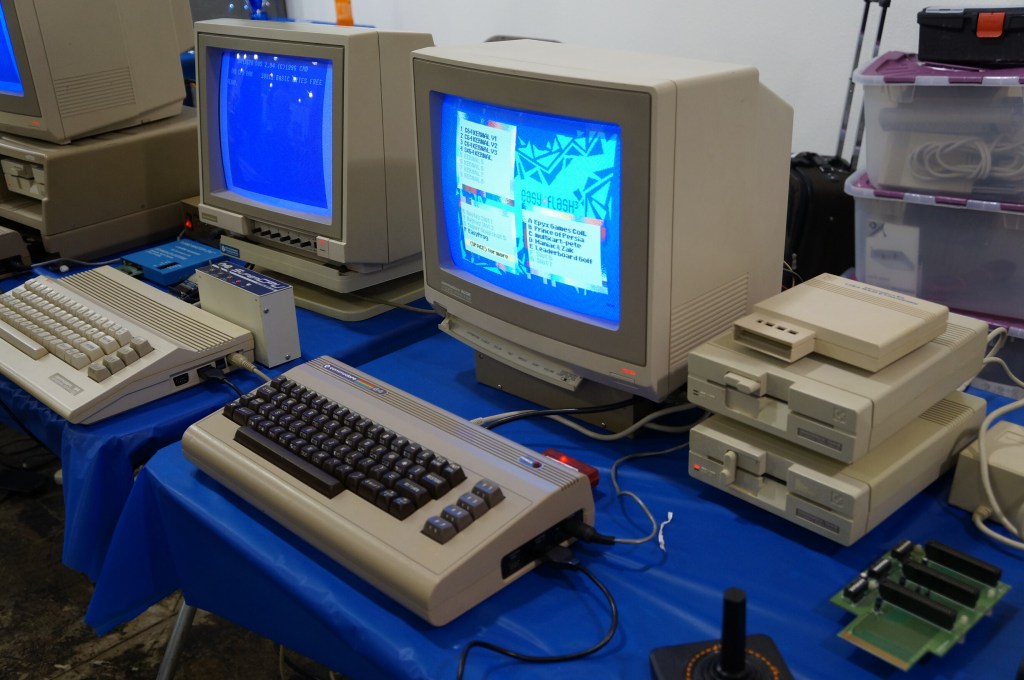
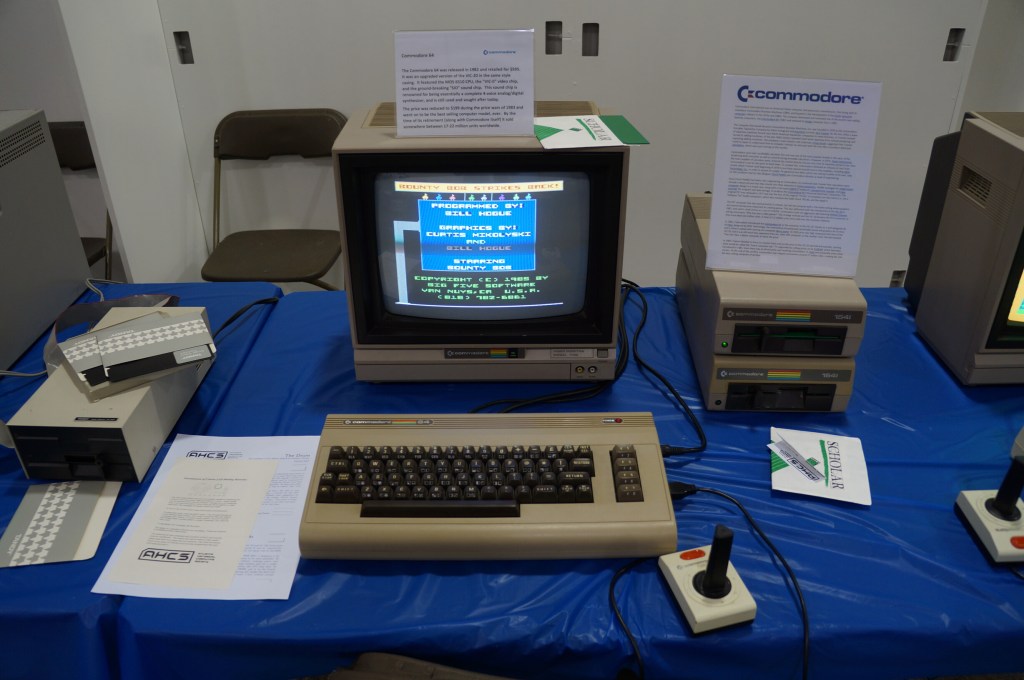
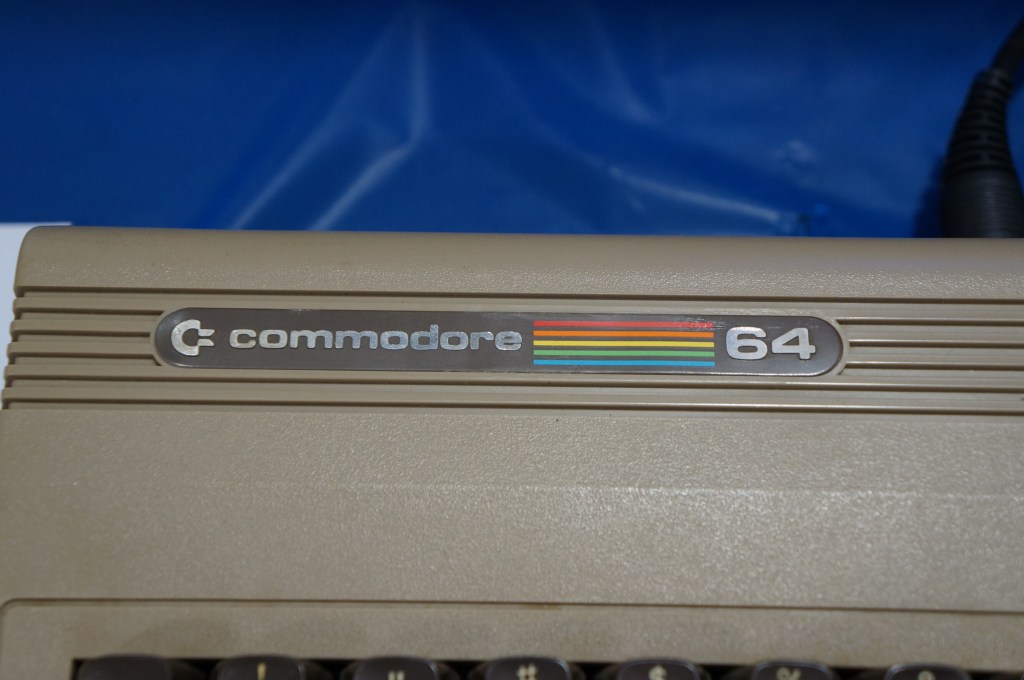
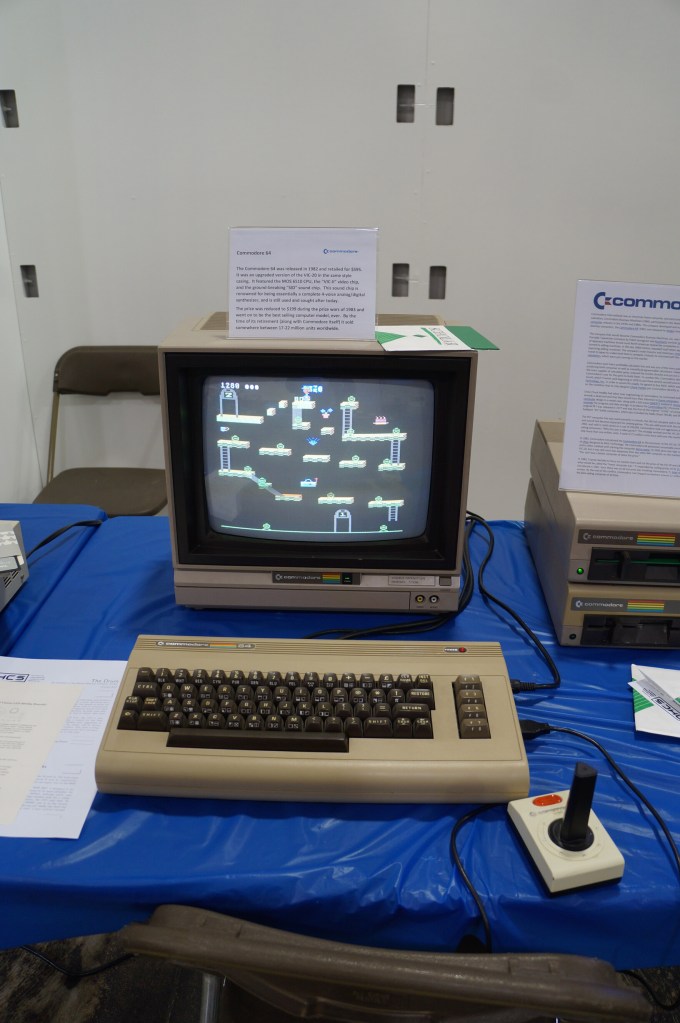
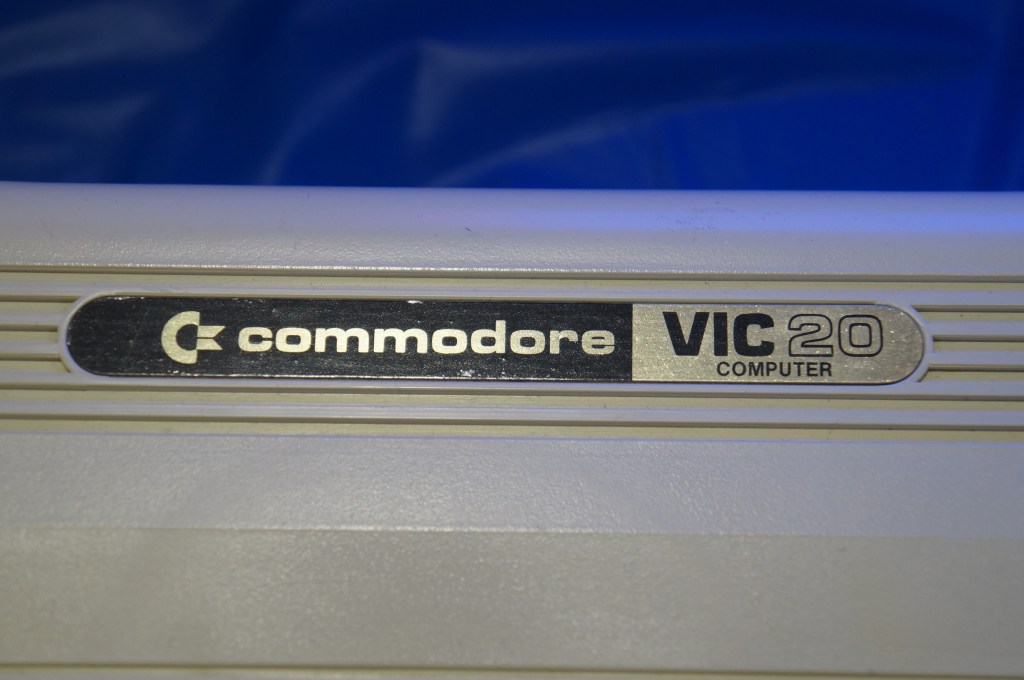
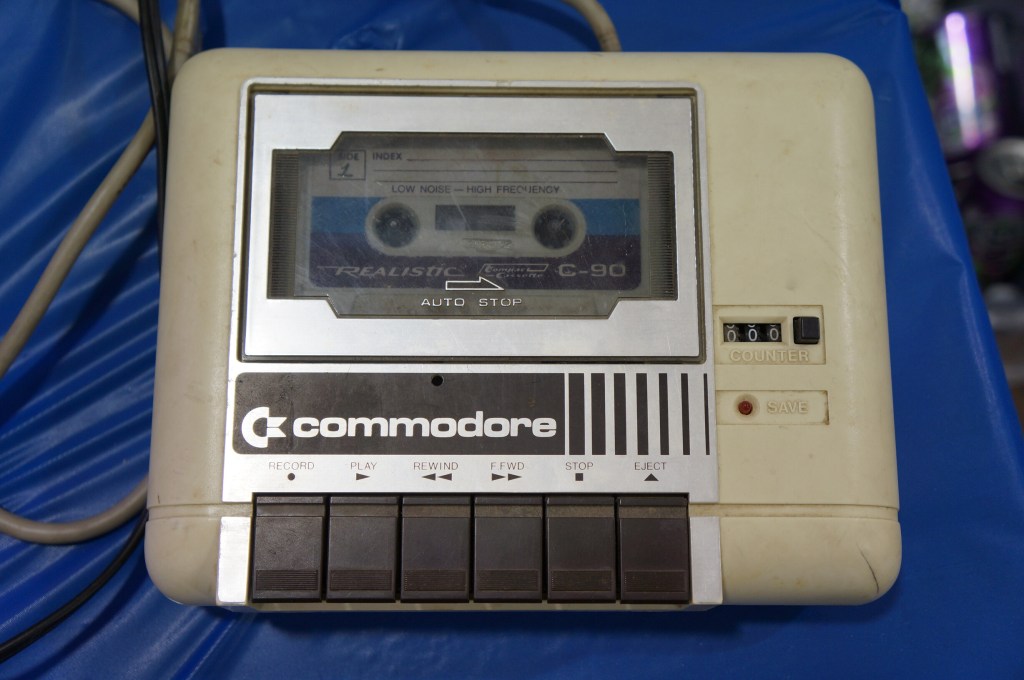
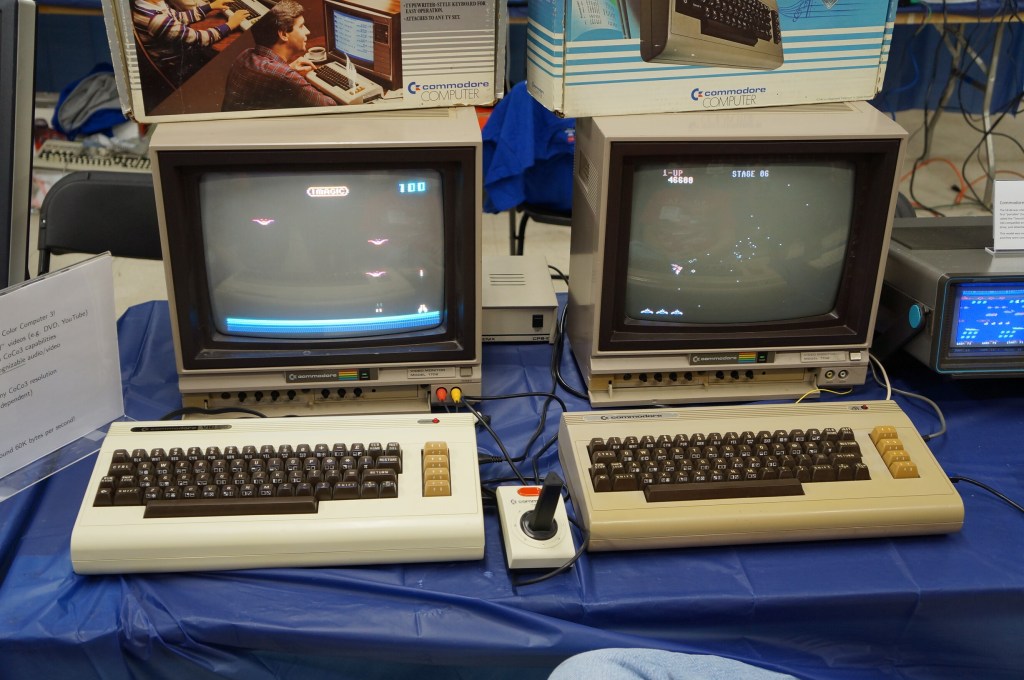
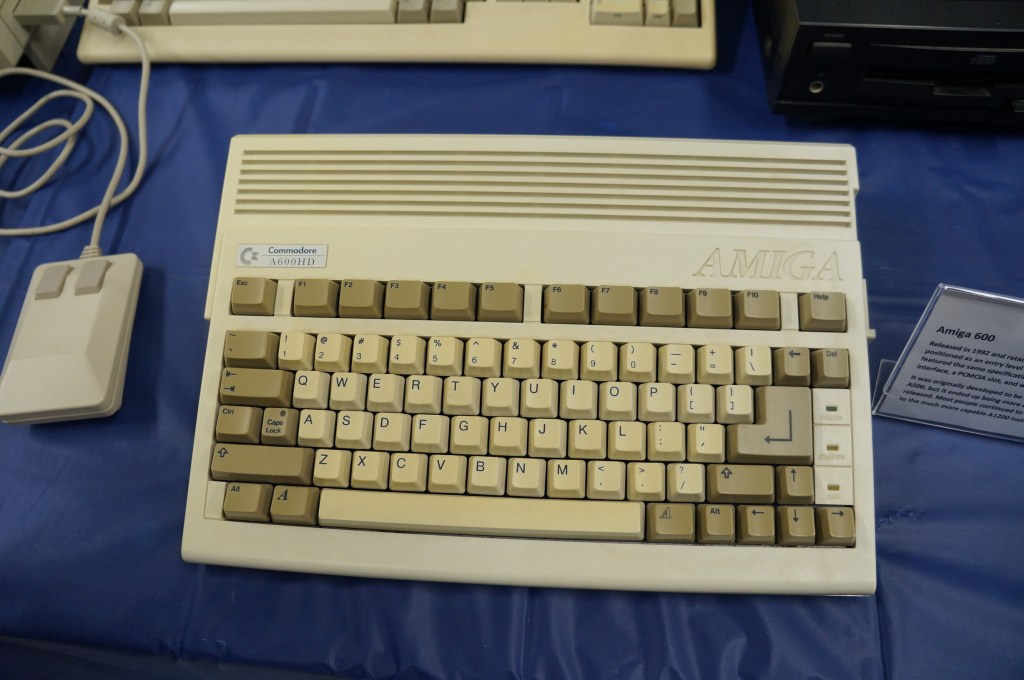
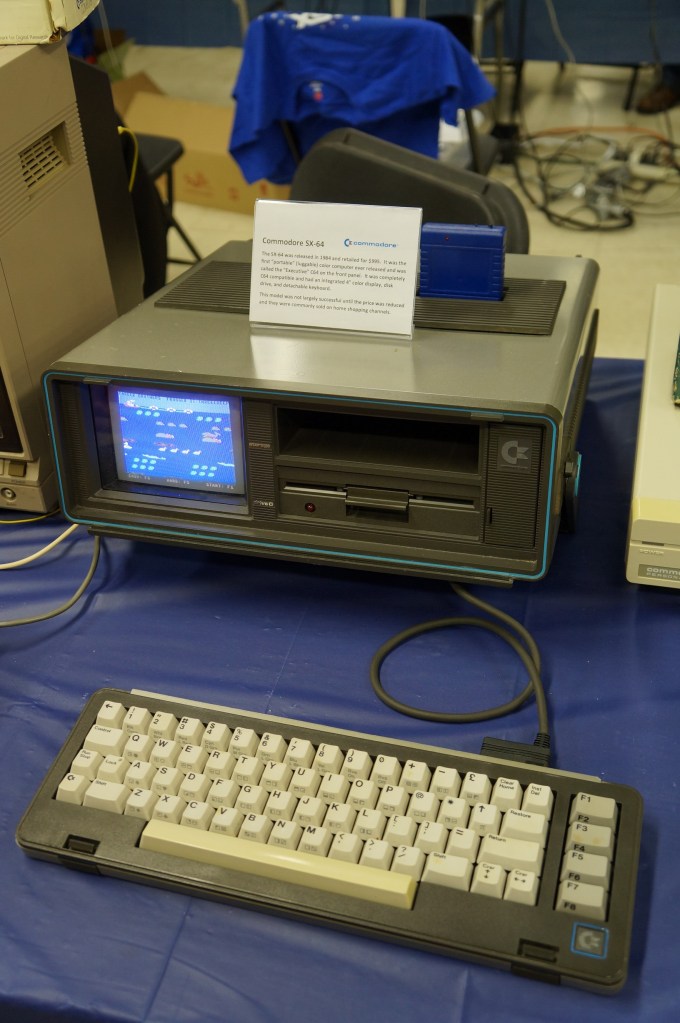
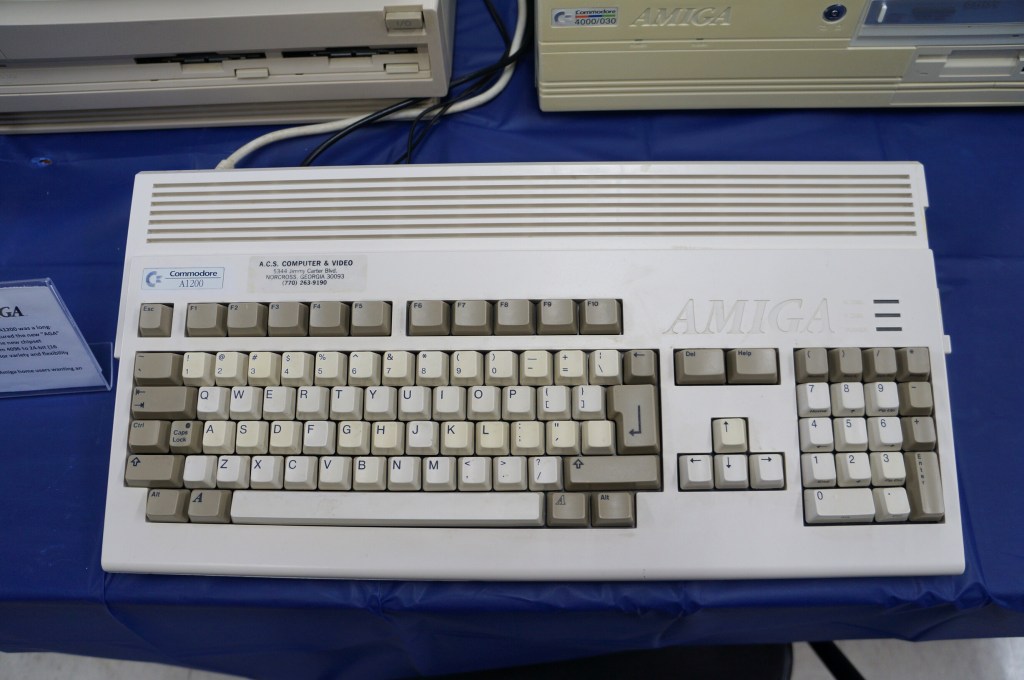
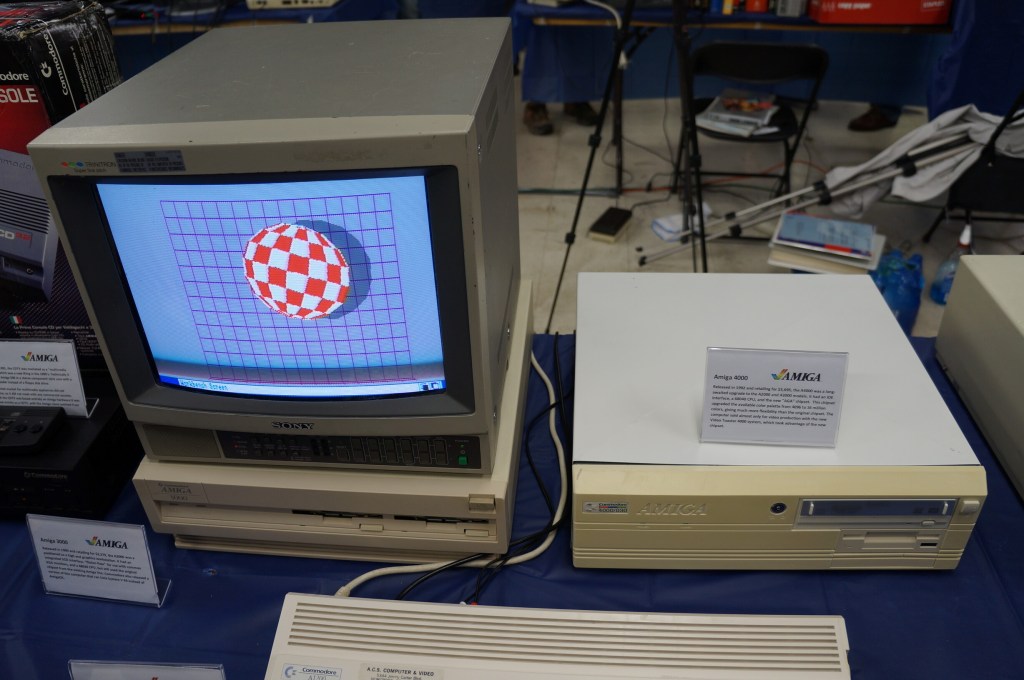
    Commodore VIC-20, Commodore 64, and Amiga

    I didn’t know anyone with a VIC-20 or Commodore 64 growing up. Mark told me about having a VIC-20 when he was younger. After my trials with the Tandy Color Computer 3, my first GUI-based computer was an Amiga 2000HD. I used it for years for writing, drawing, and gaming until a tree branch attached to a long strand of Spanish moss swung Tarzan-style into my bedroom window and hit the back of the Amiga. It never ran again after that strike.

    Years later, I got another Amiga 2000 from someone at a Goodwill auction. He had won the pallet that I wanted that included the Amiga. I don’t remember what I paid him for it, but I stored it at my used computer stall at Duke’s Y’all Come Flea Market in Darien, Georgia. We had a falling out and I abandoned what I still had in the stall, which included the Amiga. I never found out if it still ran or not.
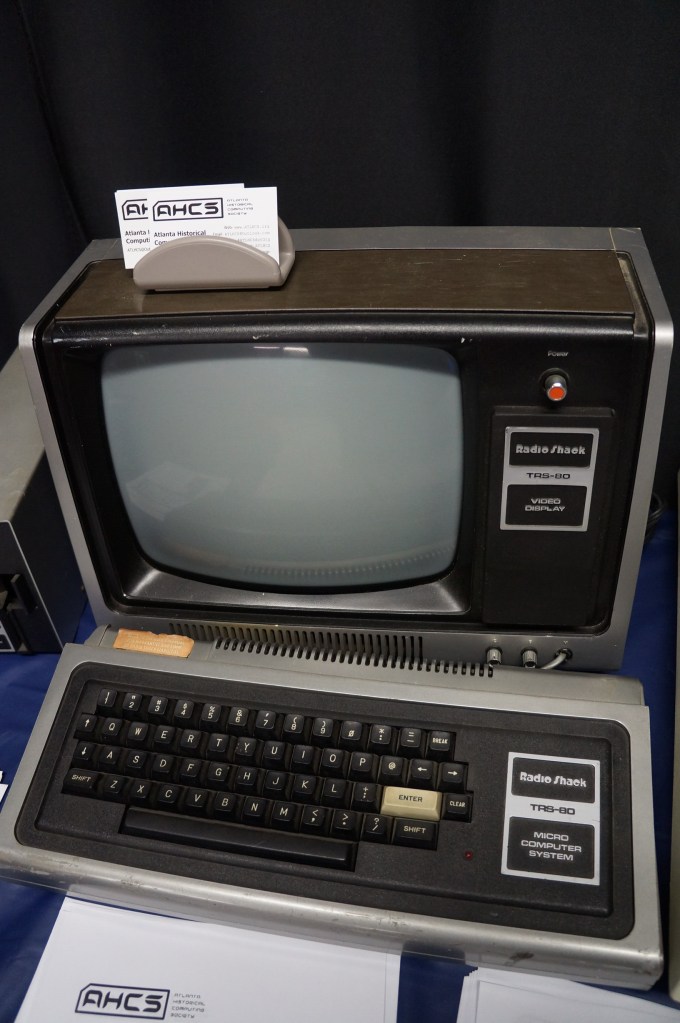
    Radio Shack TRS-80 and Color Computer Series

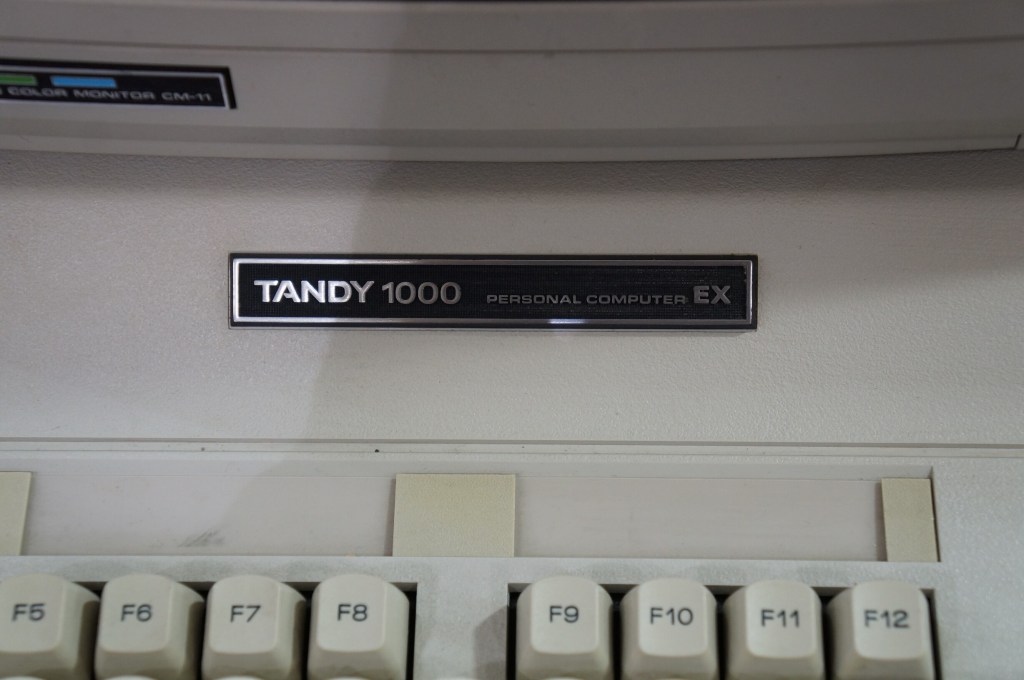
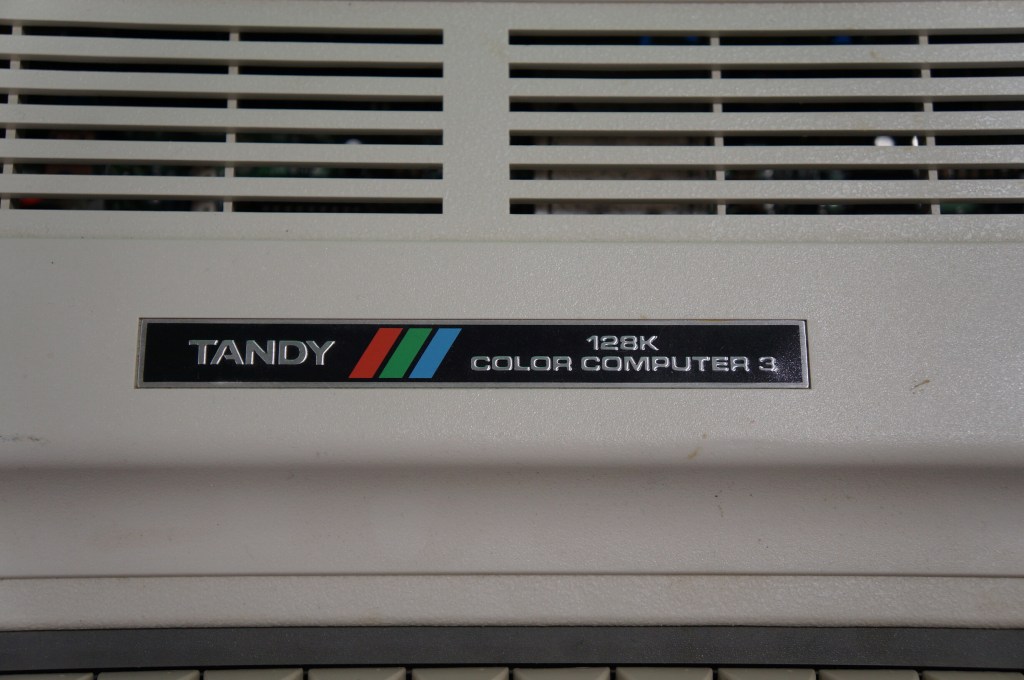
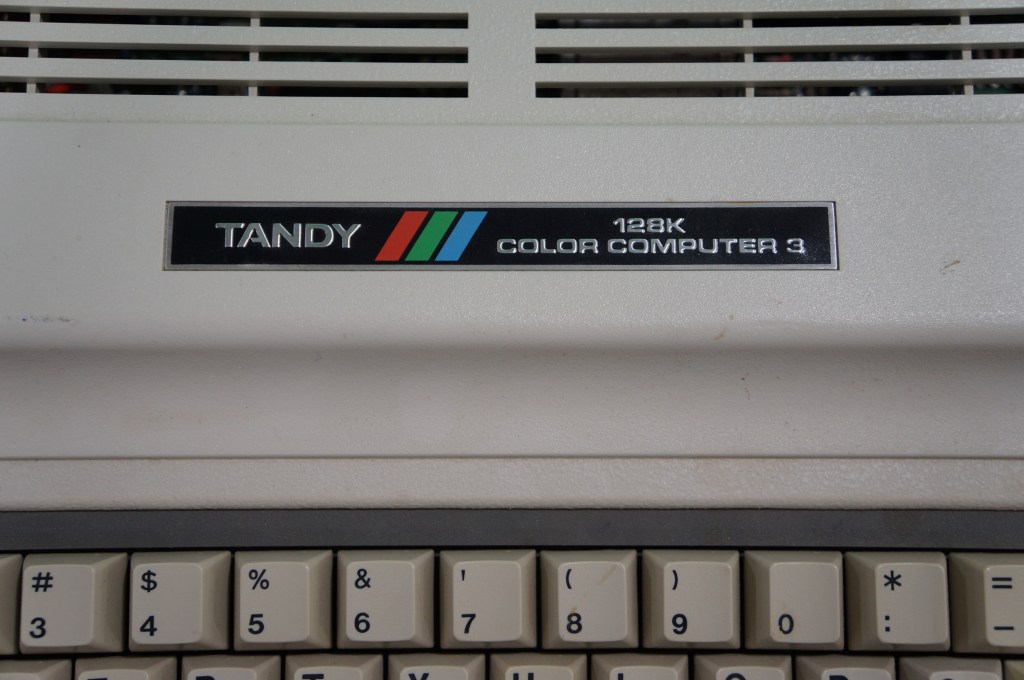
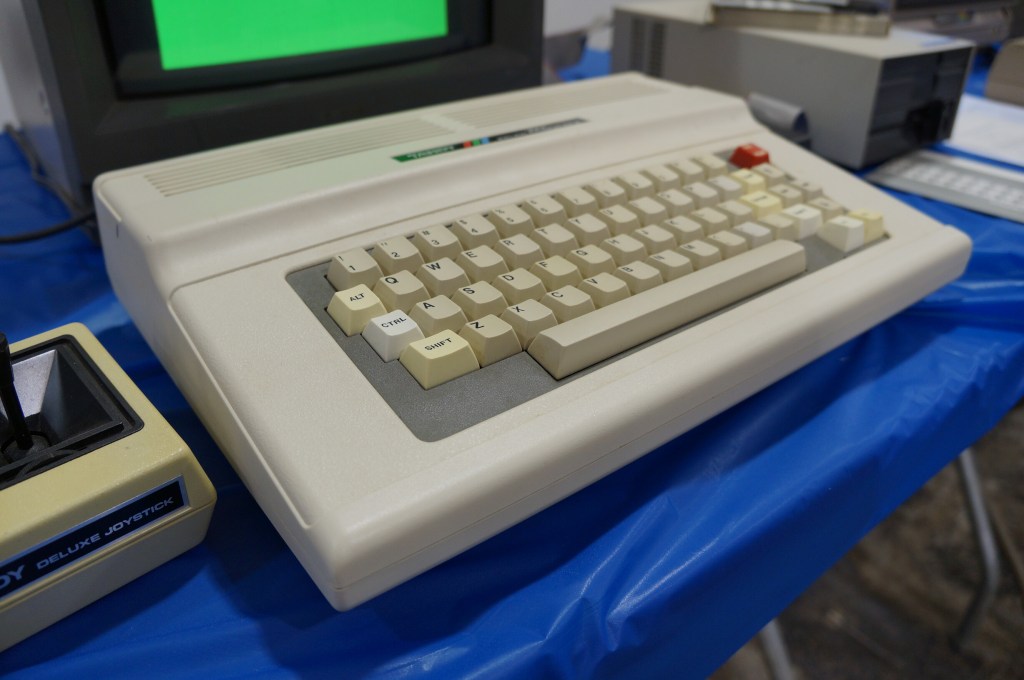
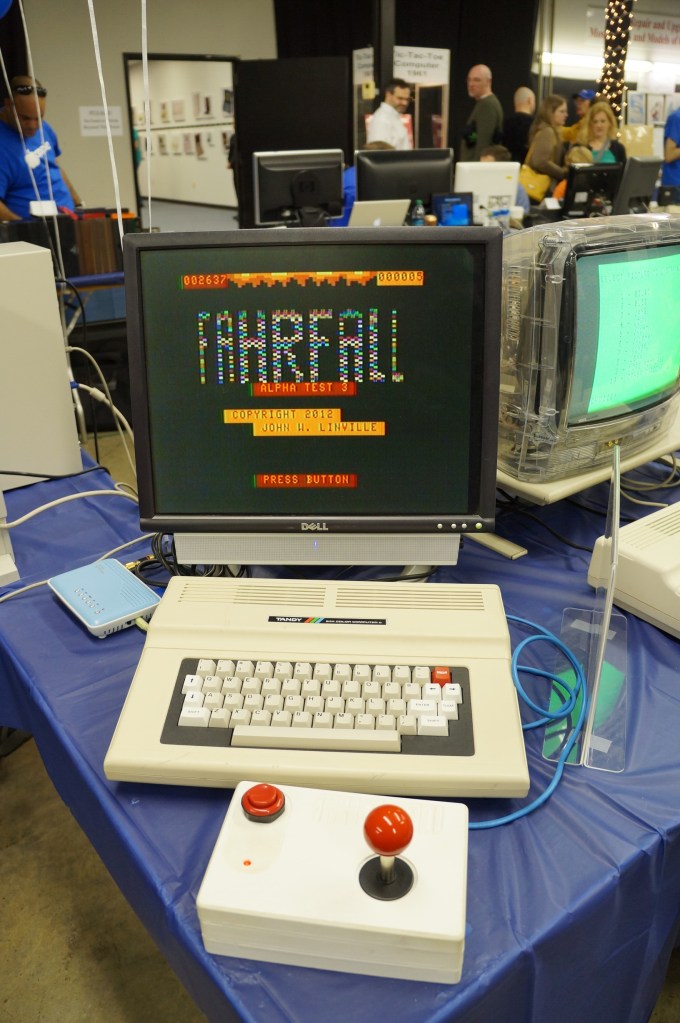
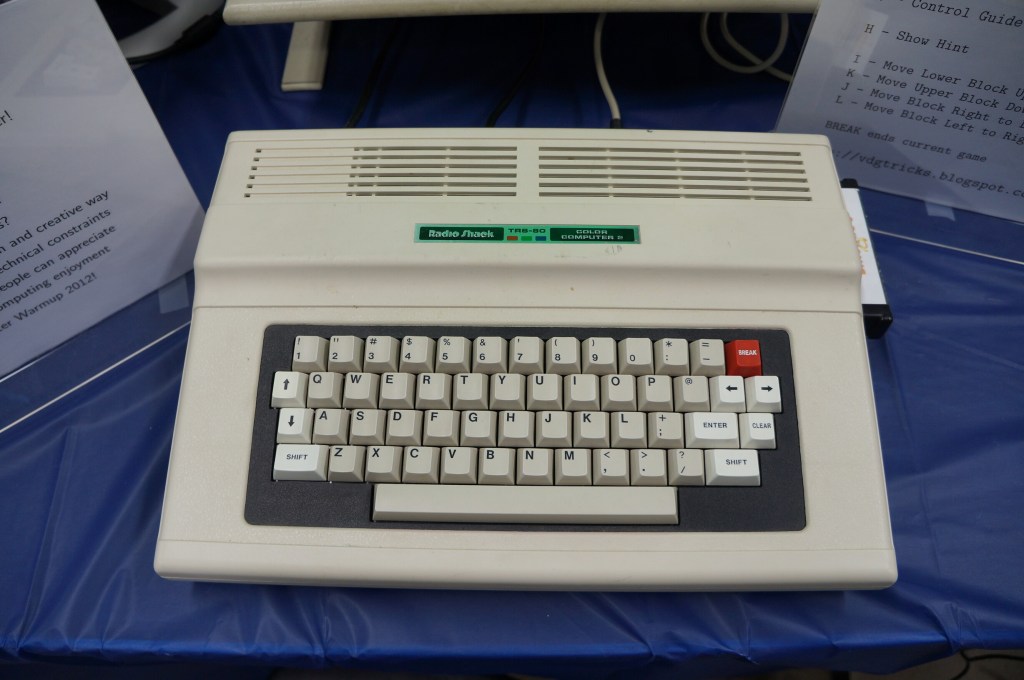
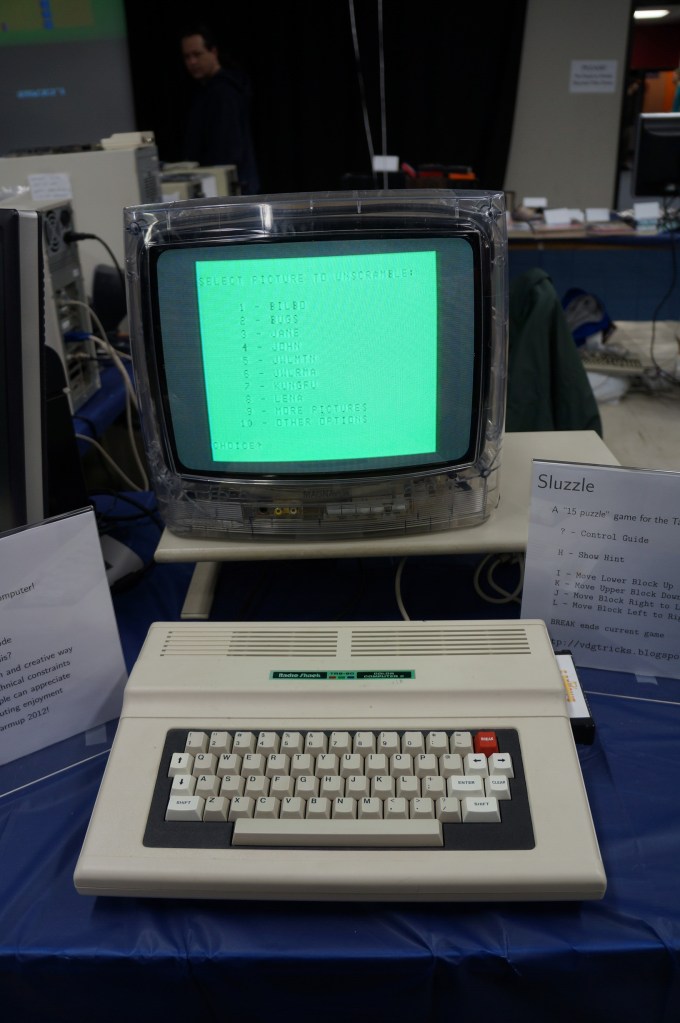
    My first desktop computer was a Tandy Color Computer 3 that I hooked up to the family console TV. While I did all that I could with it, I think my mom recognized my frustrations. I wanted to make it work so badly after not having a computer and wanting one for so long. The next Christmas, my folks gave me a Commodore Amiga 2000HD, which was light years ahead of the CC3.

    Radio Shack TRS-80

    Apple Computer (Pre-Macintosh Era)

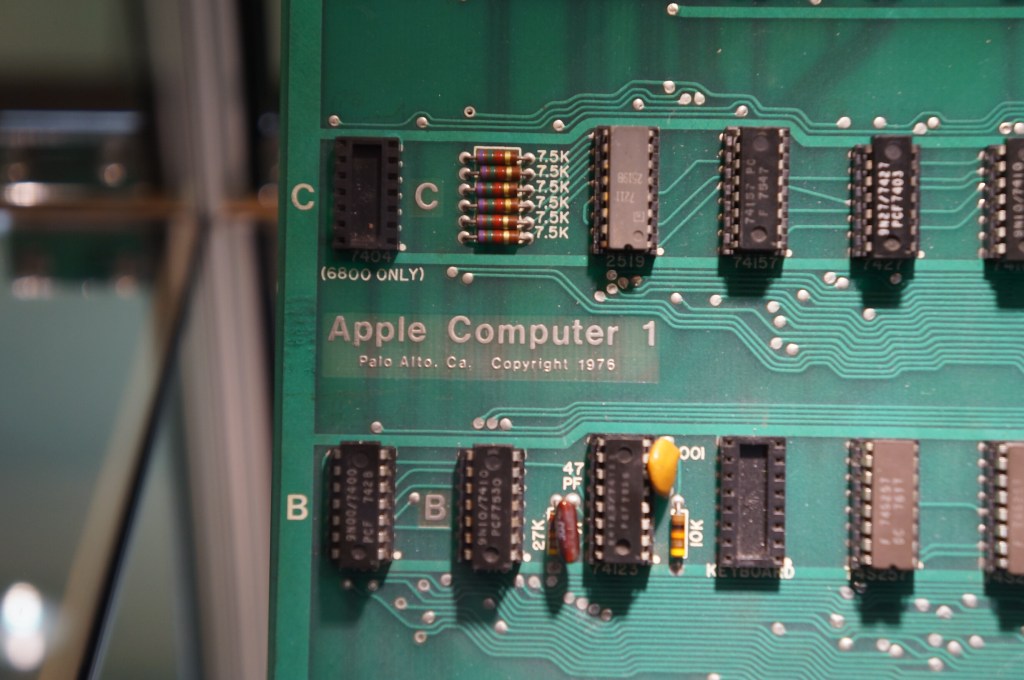
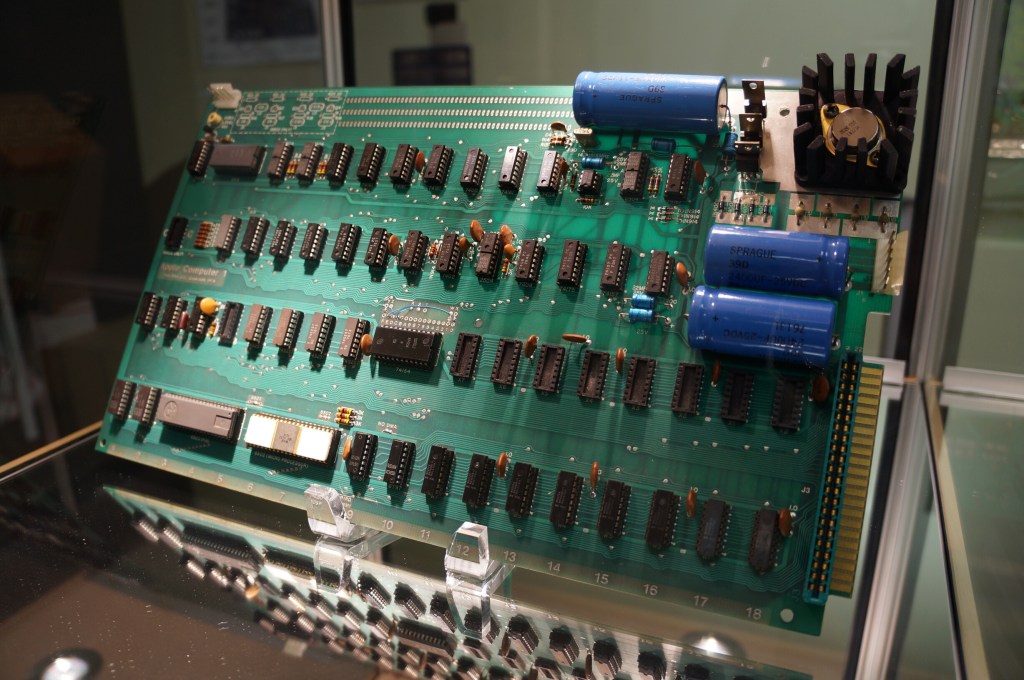
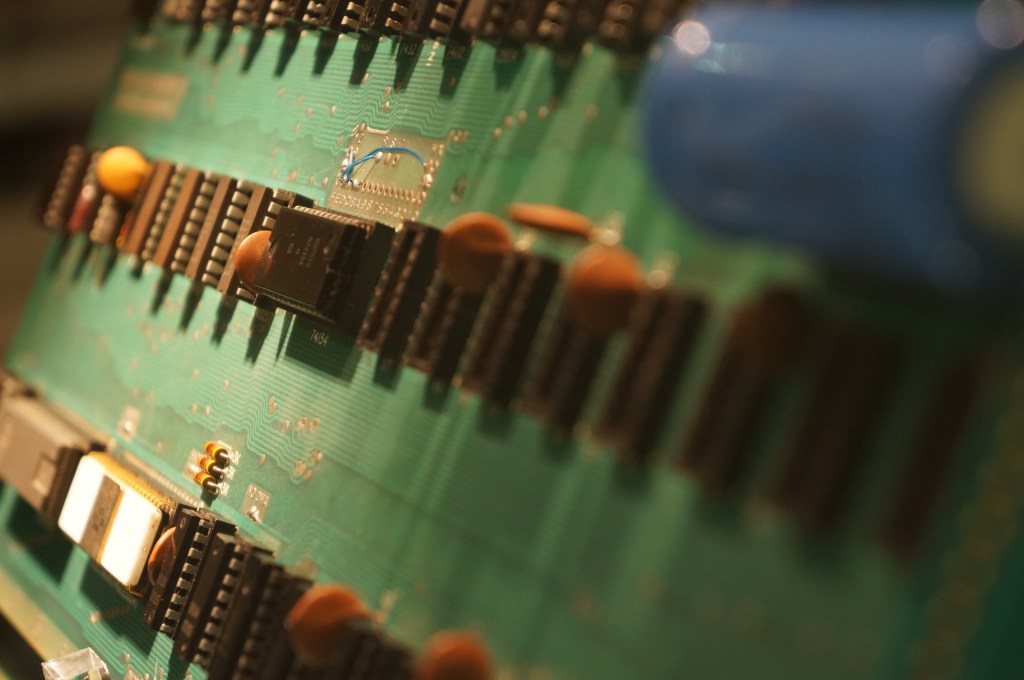
    Apple I

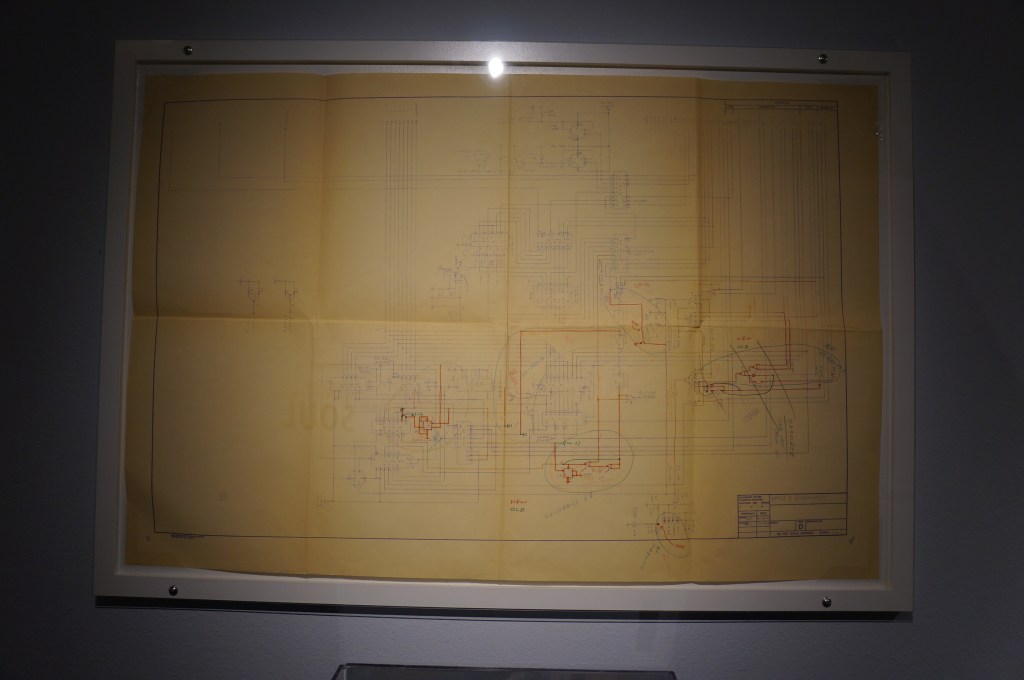
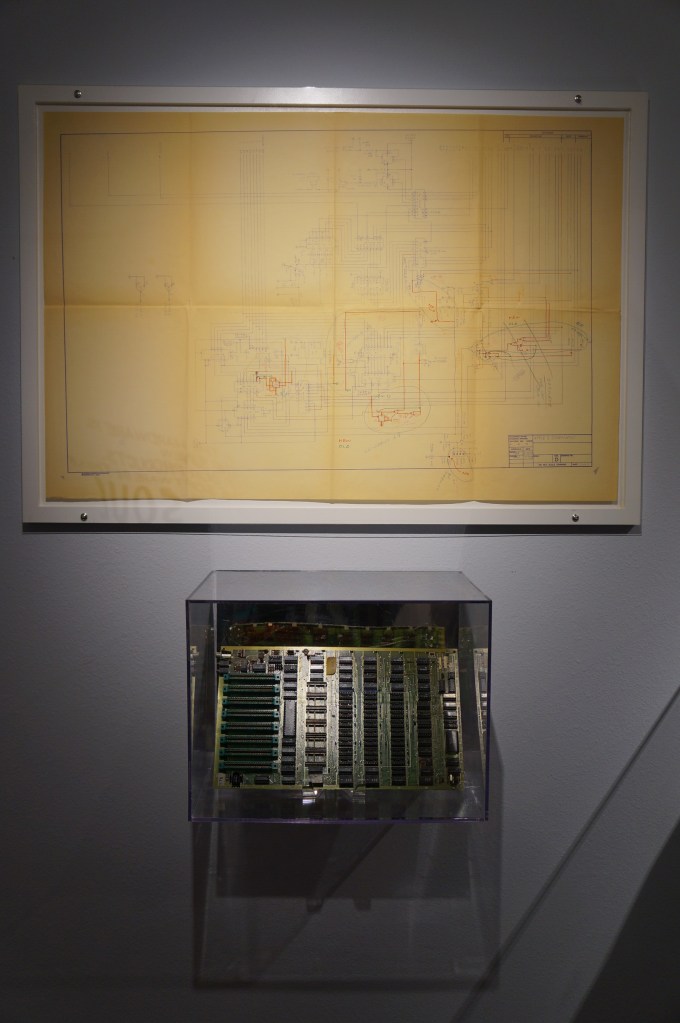
    I have a large print out of this original Apple I motherboard hanging over my desk at City Tech.

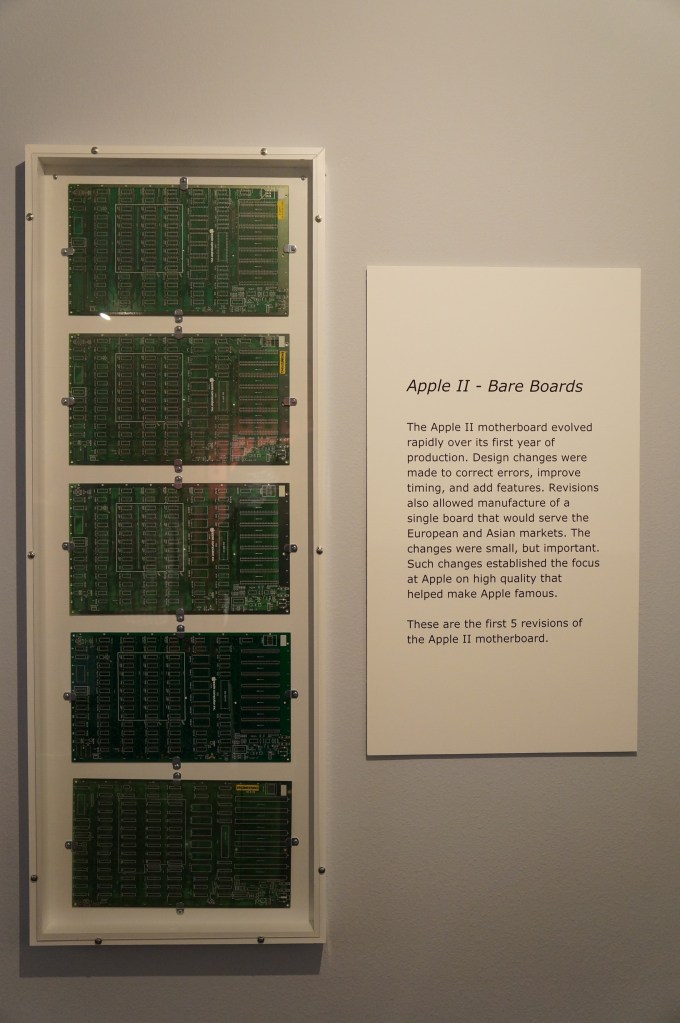
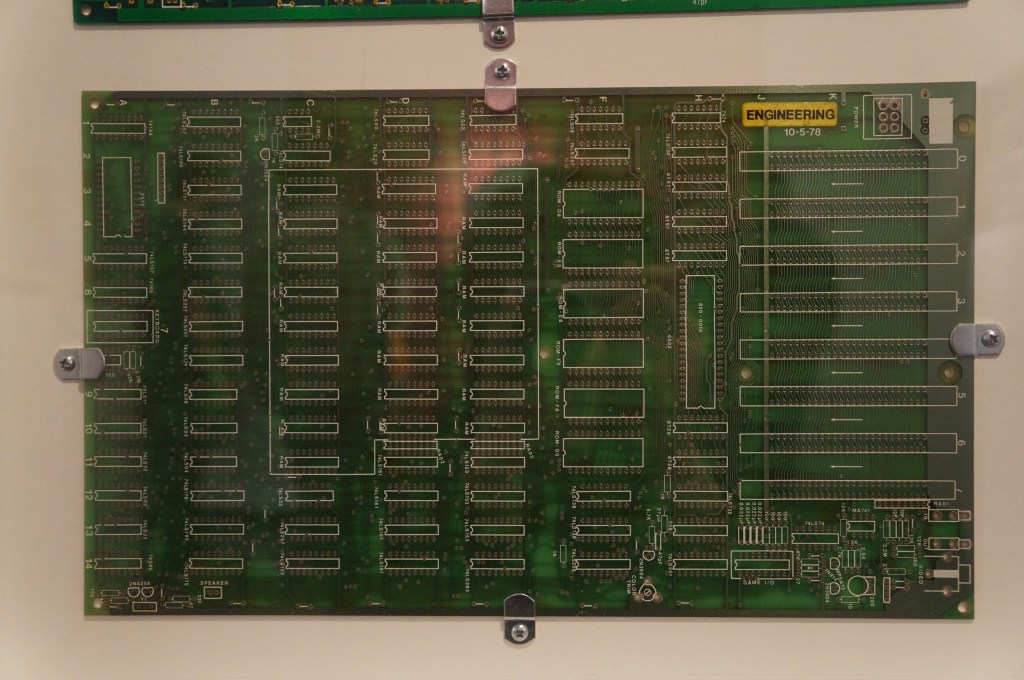
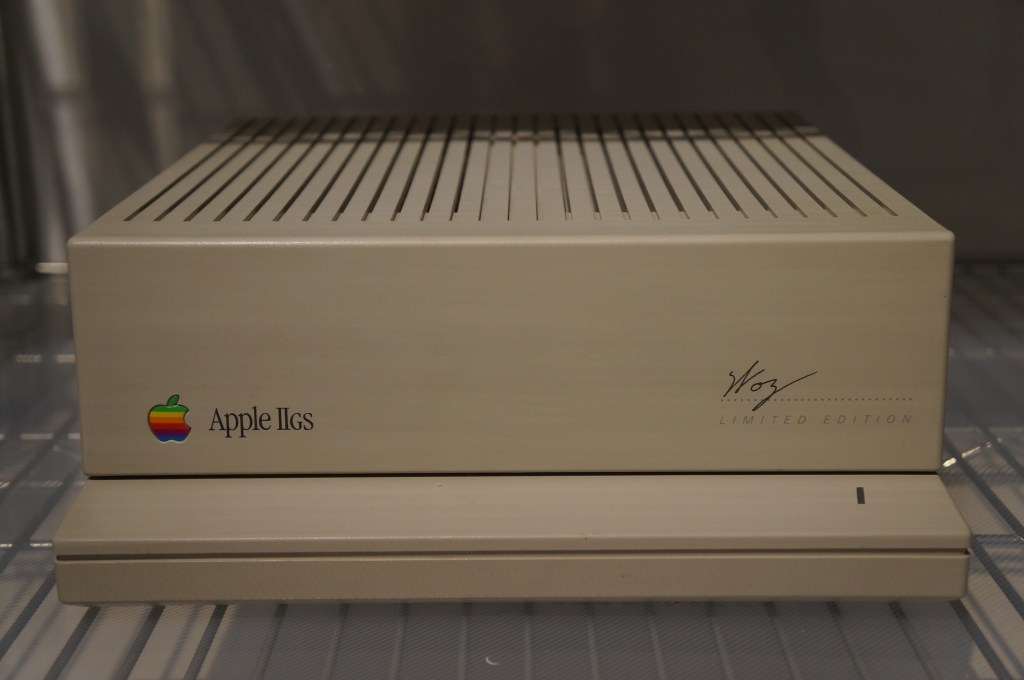
    Apple II, IIGS, II Plus, and III

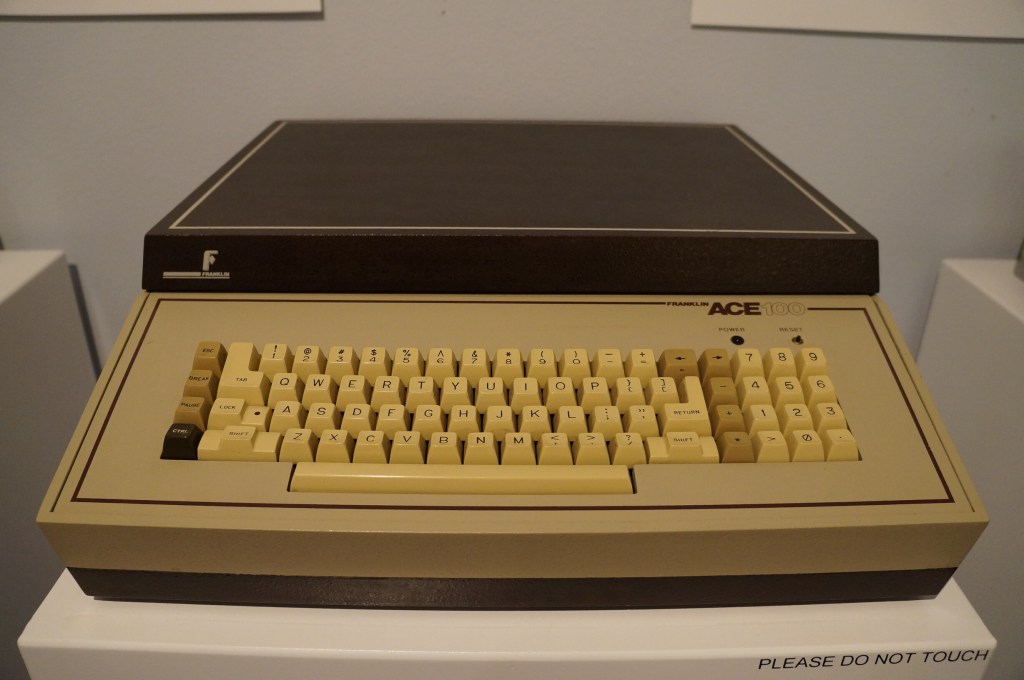
    Apple II Knockoffs

    Apple Modem for Apple II

    Apple Computer (Lisa)

    Apple Computer (Macintosh Era)

    Macintosh

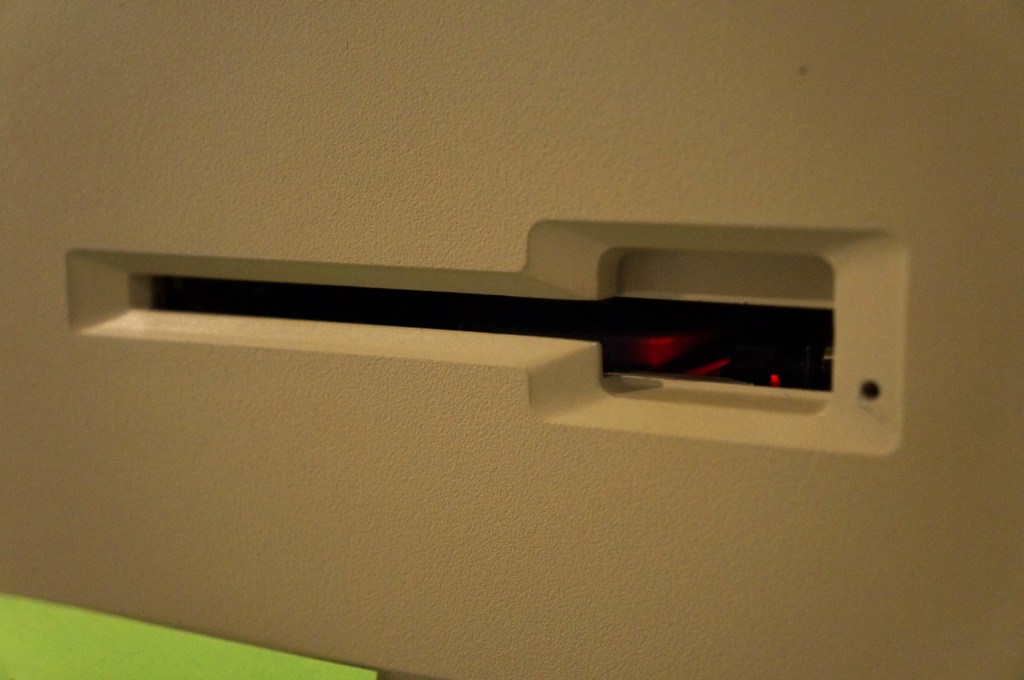
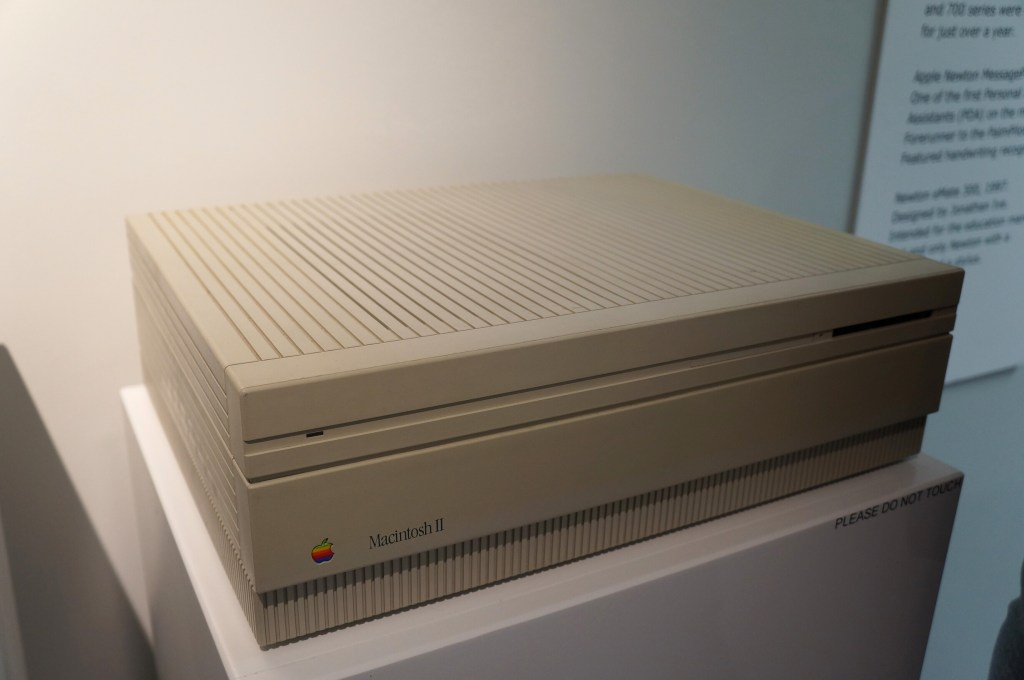
    Macintosh II

    Macintosh II

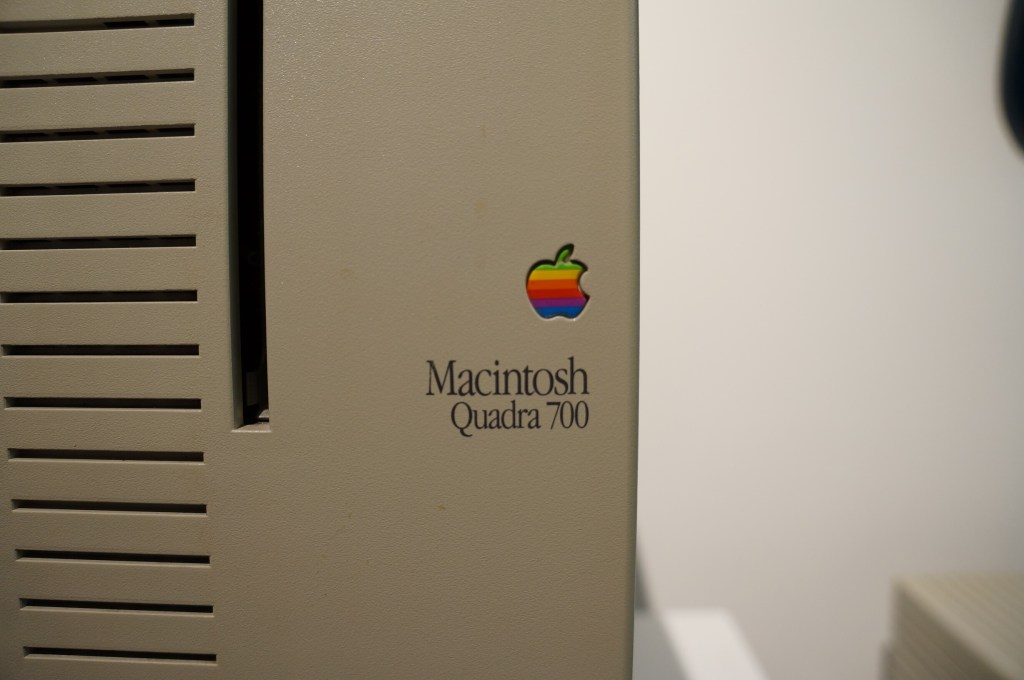
    Quadra 700

    I had a Quadra 700 when I lived in Atlanta with Y. I put it in a box and left it with my folks in Georgia when we moved to NYC. Where it is now is anyone’s guess. There are many hiding places for a small box with this tiny powerhouse of a Mac. I hope to find it again one day.

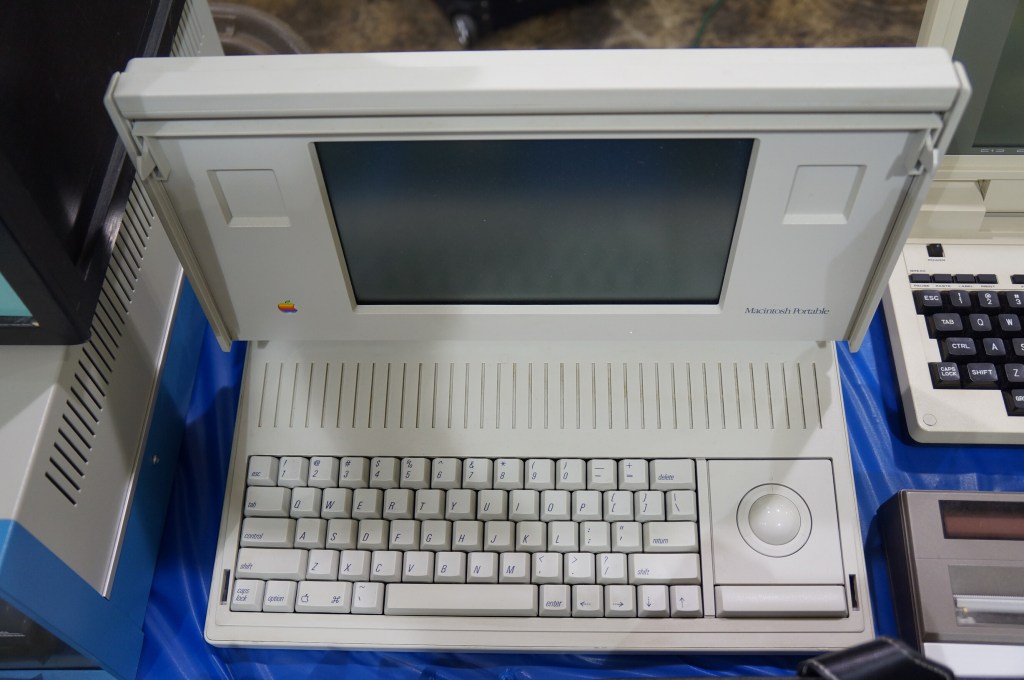
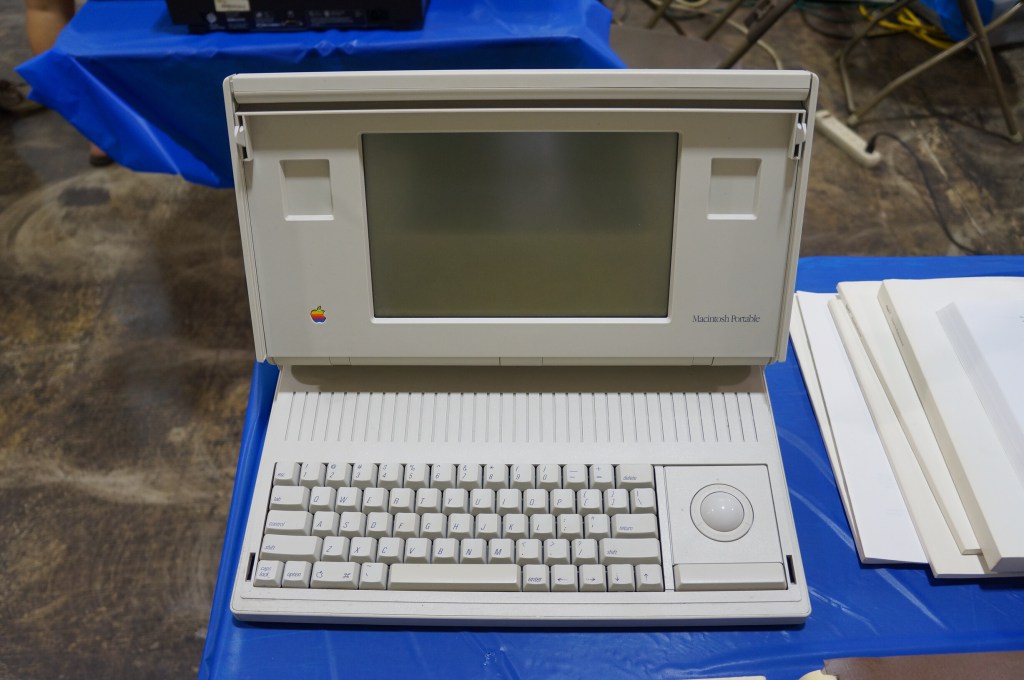
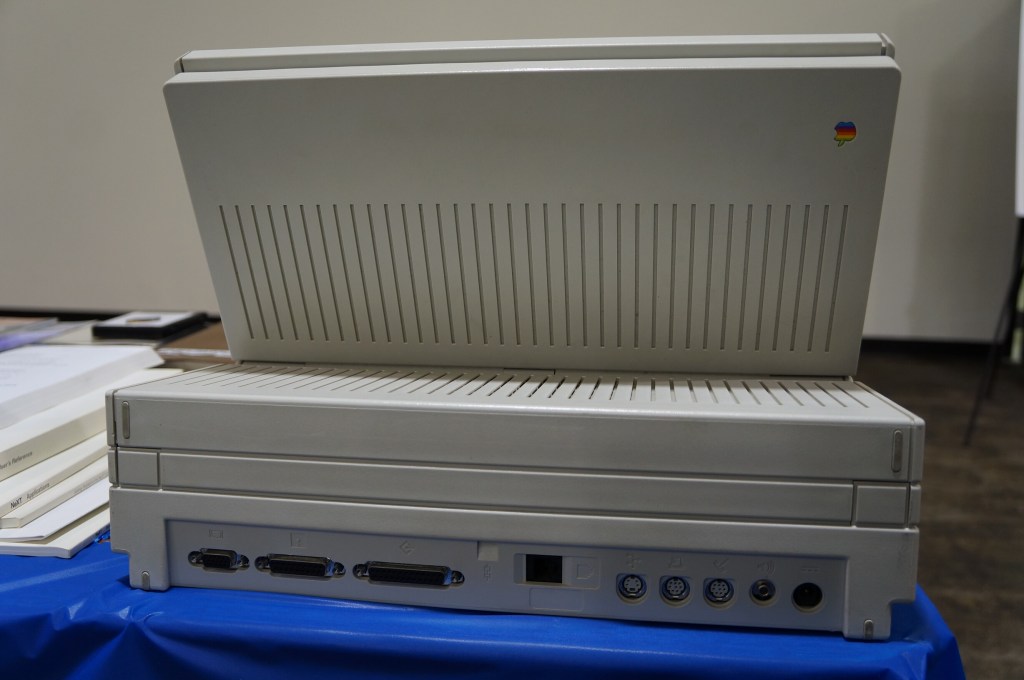
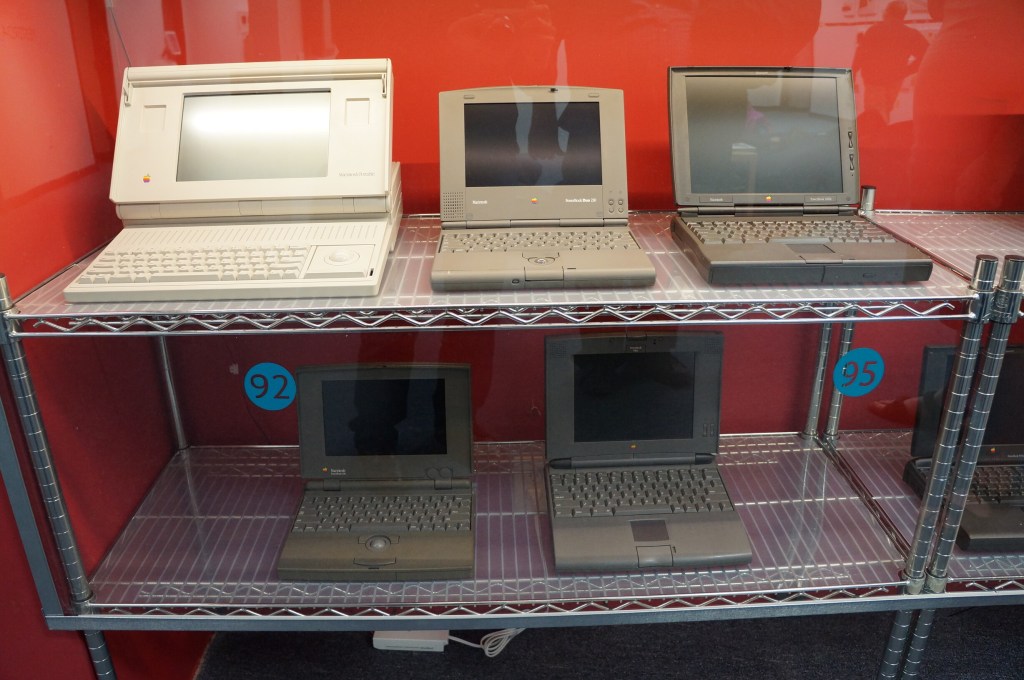
    Portable Macintosh and Powerbook Line

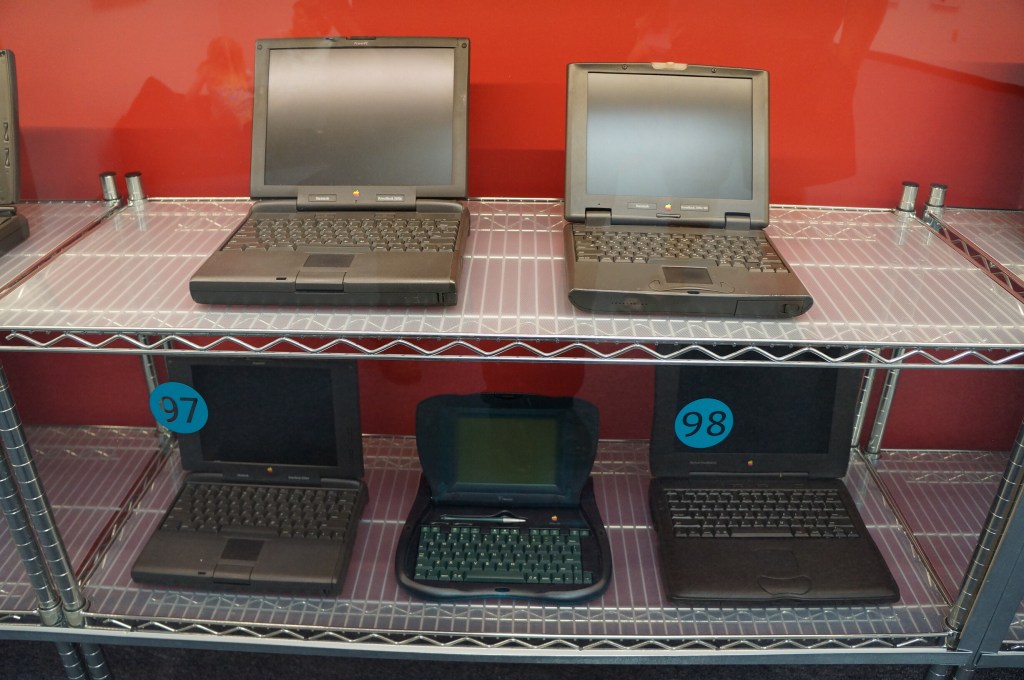
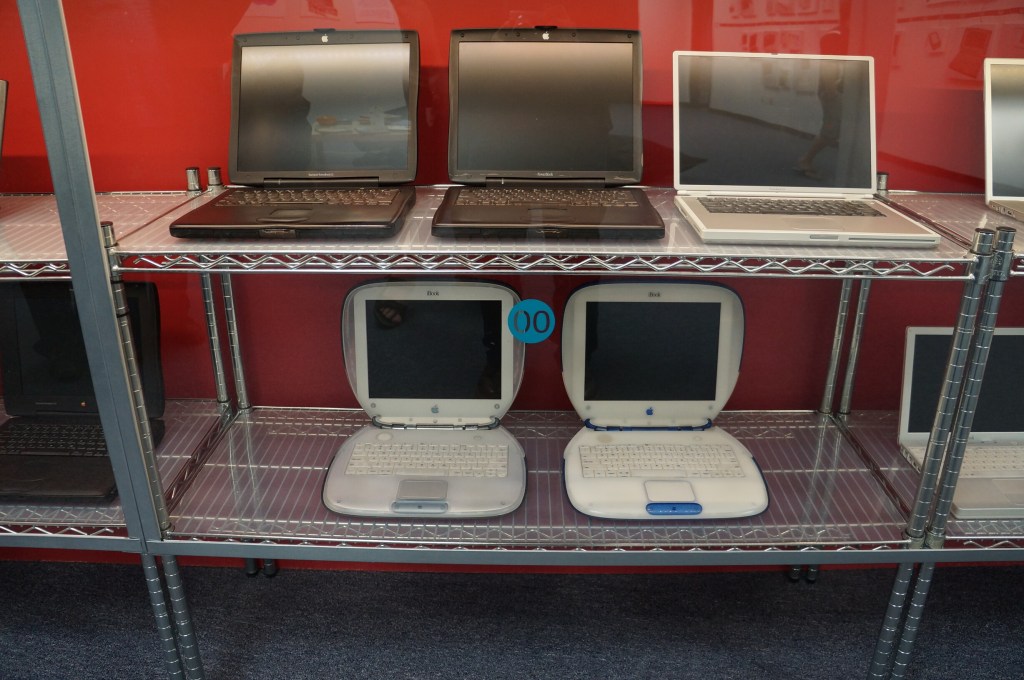
    My first laptop was a PowerBook 145B, which was my companion during my last two years of high school and the beginning of college of Georgia Tech. Later, I owned a PowerBook G4, iBook G3 (the result of a trade with my friend Kenny), 15″ MacBook Pro (2006), 12″ MacBook (unibody, 2008), and 15″ MacBook Pro (2012–Y still uses it).

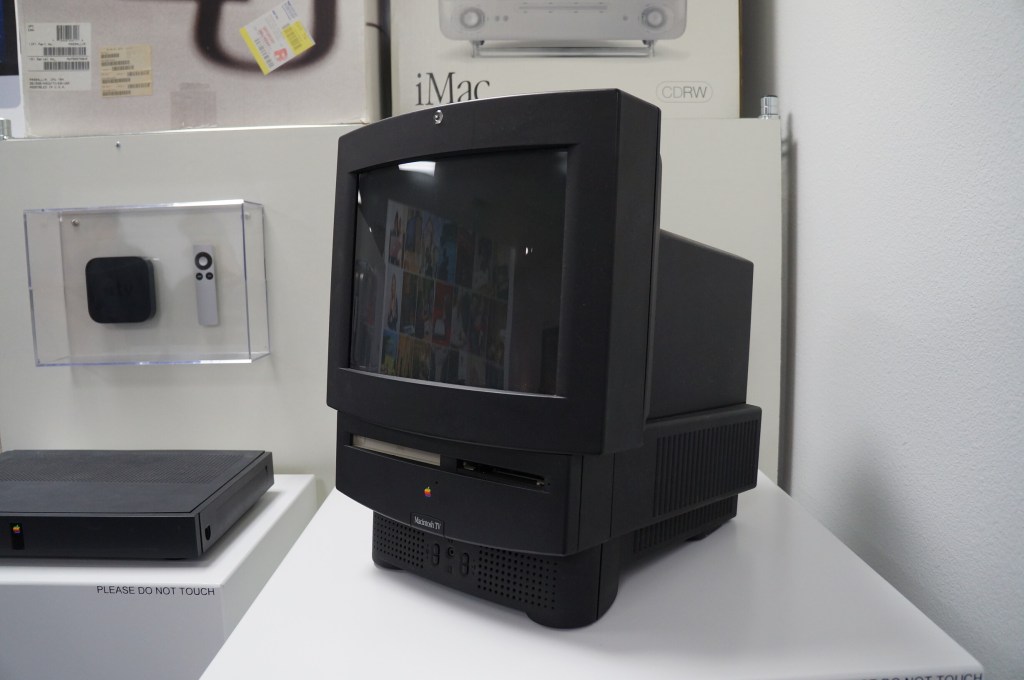
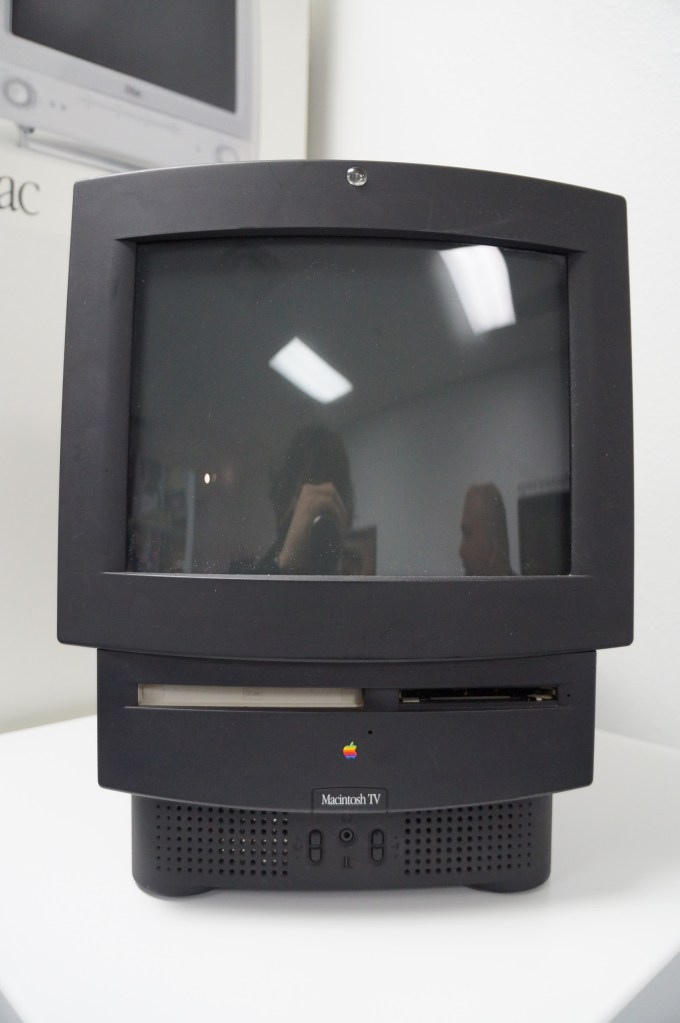
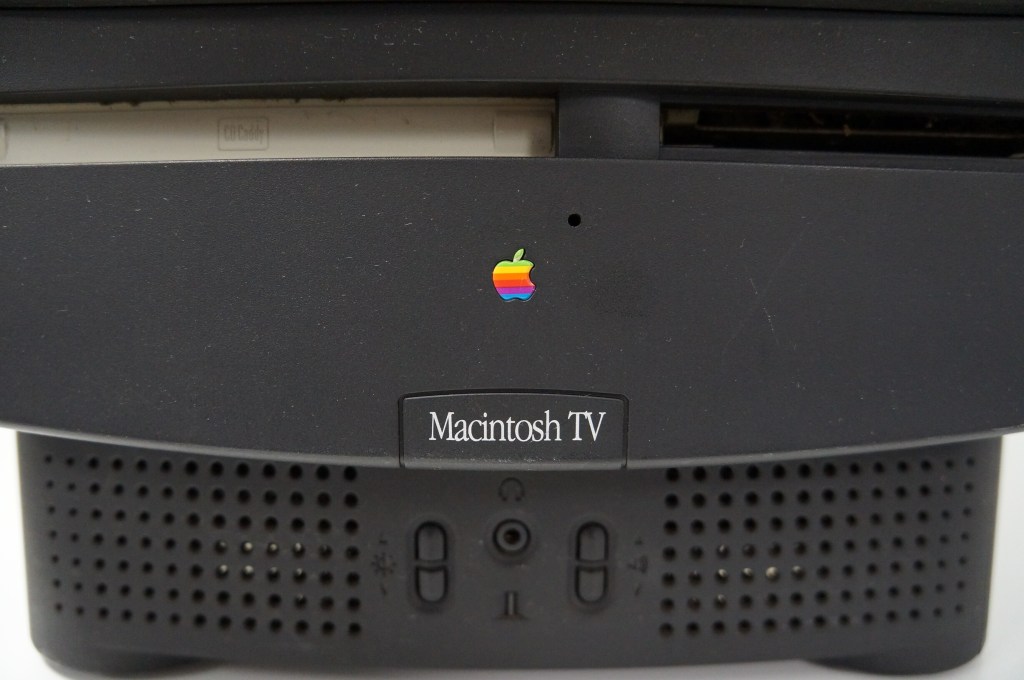
    Apple Macintosh TV

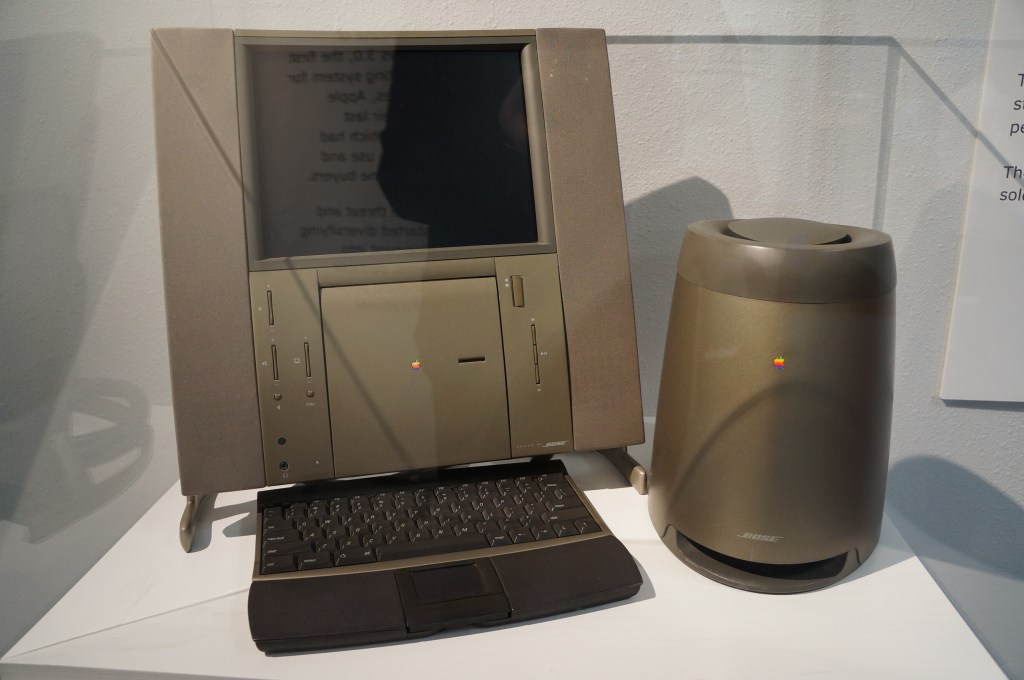
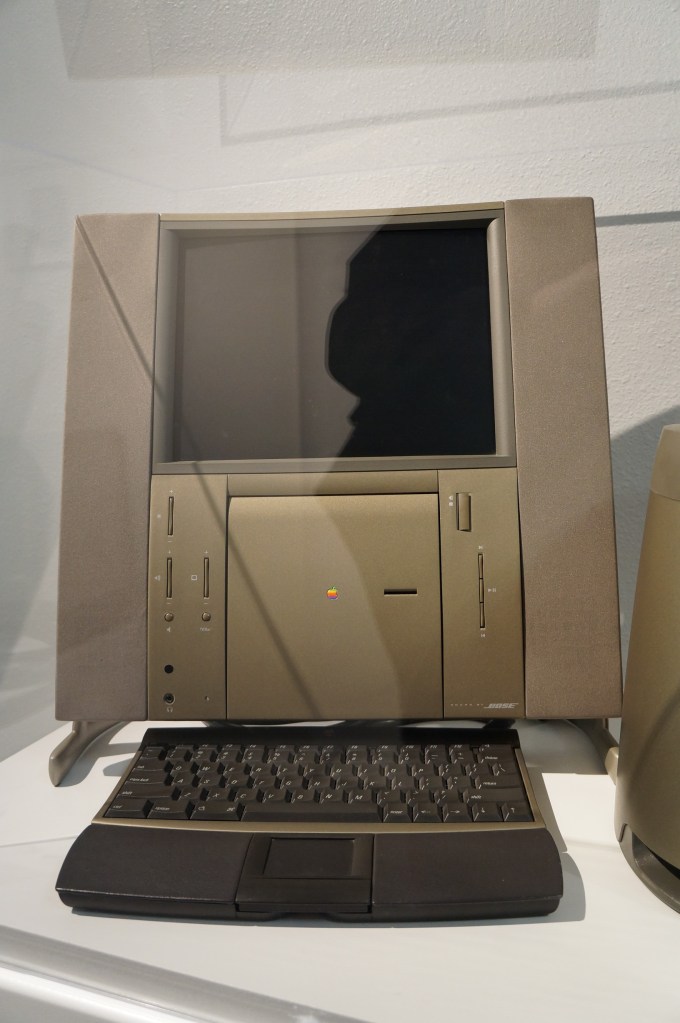
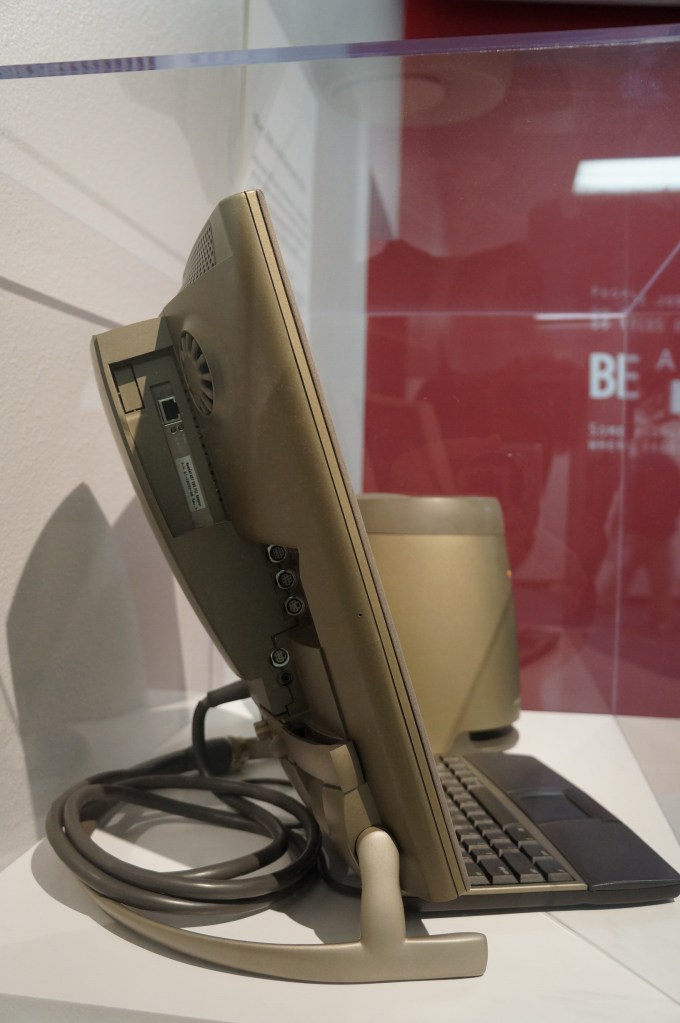
    20th Anniversary Macintosh

    When the 20th Anniversary Macintosh debuted, my friend Chris and I lusted after it. It was a sexy computer, but it had an out of this world price tag of $10k (though, that included having a technician deliver, setup, and demo the computer in your own home). In retrospect, it was a terrible product that ignored what the original Macintosh represented as an every person’s computer. This computer was about style and prestige and money. A lot about what Apple represents today after Steve Job’s passing seems to be drifting back toward what this computer represents.

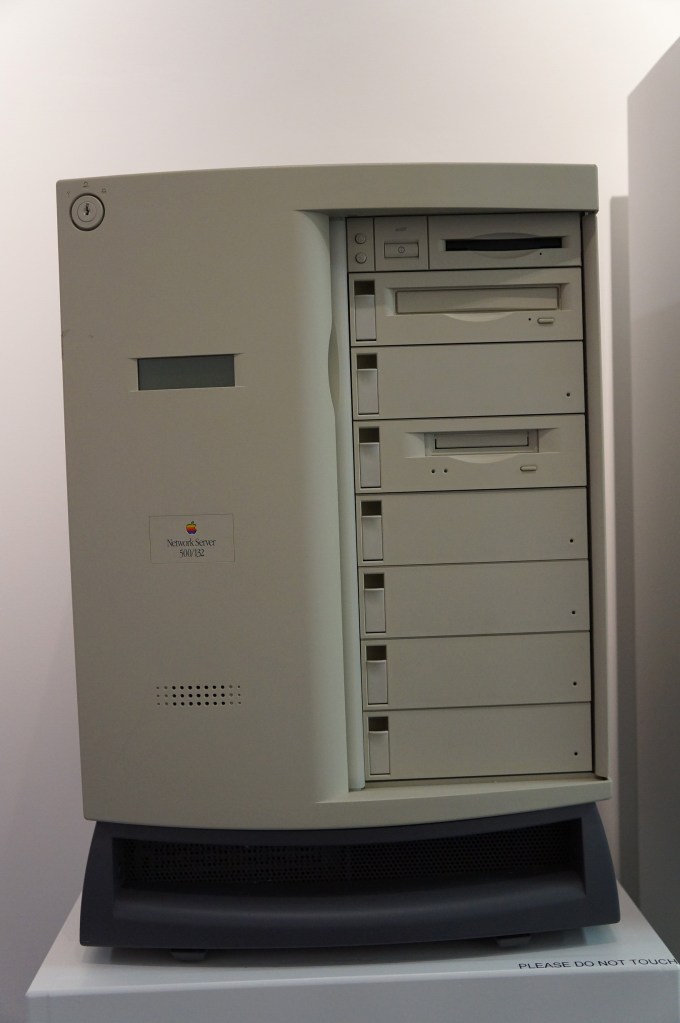
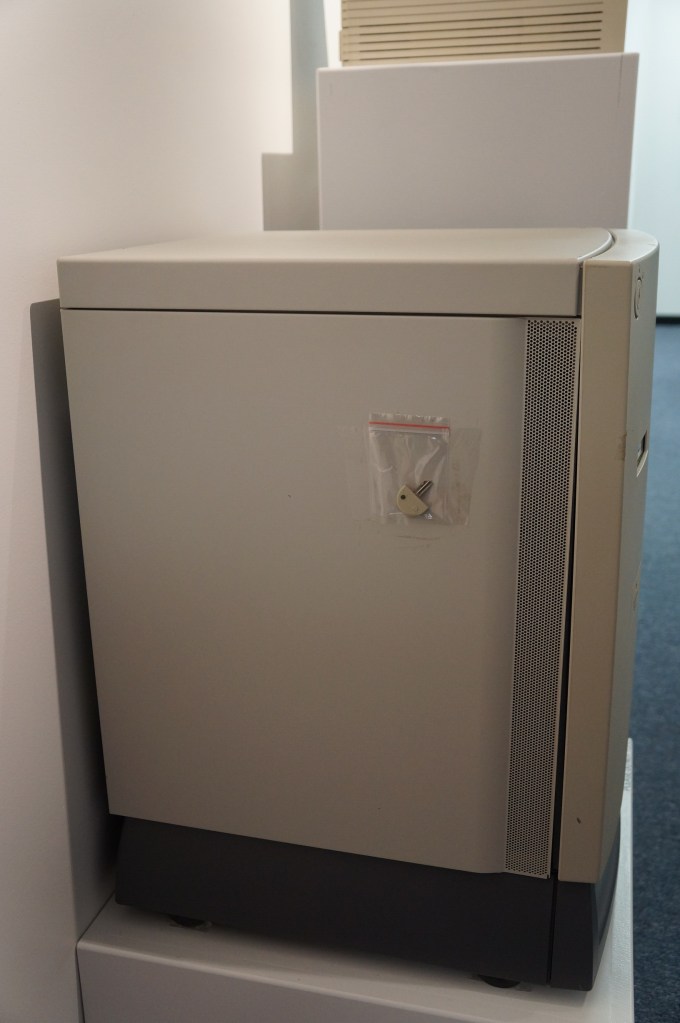
    Network Server 500/132

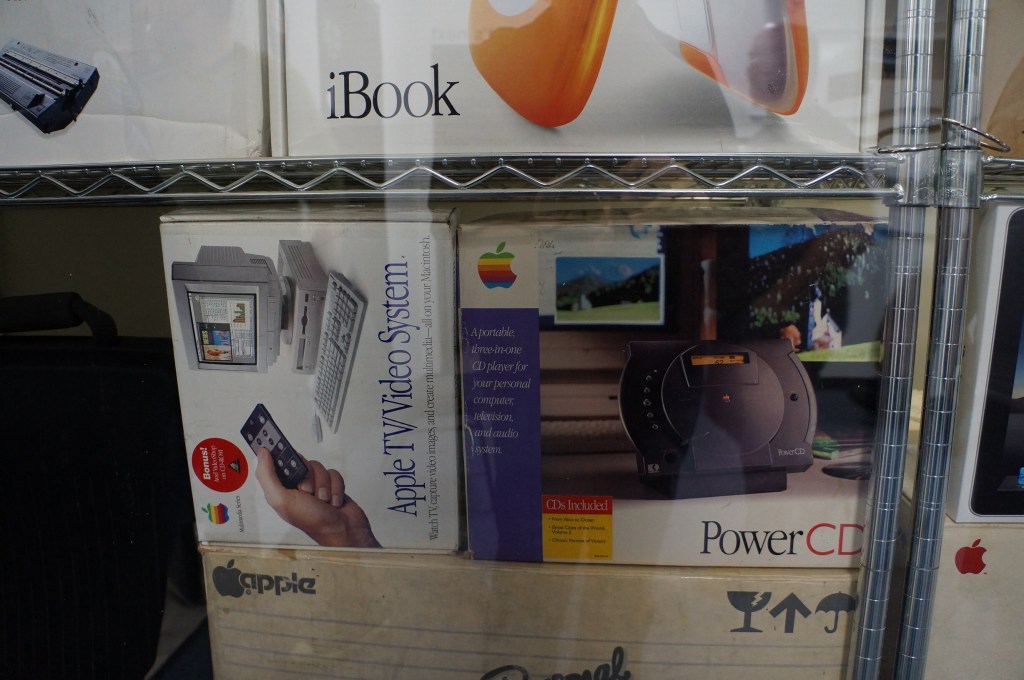
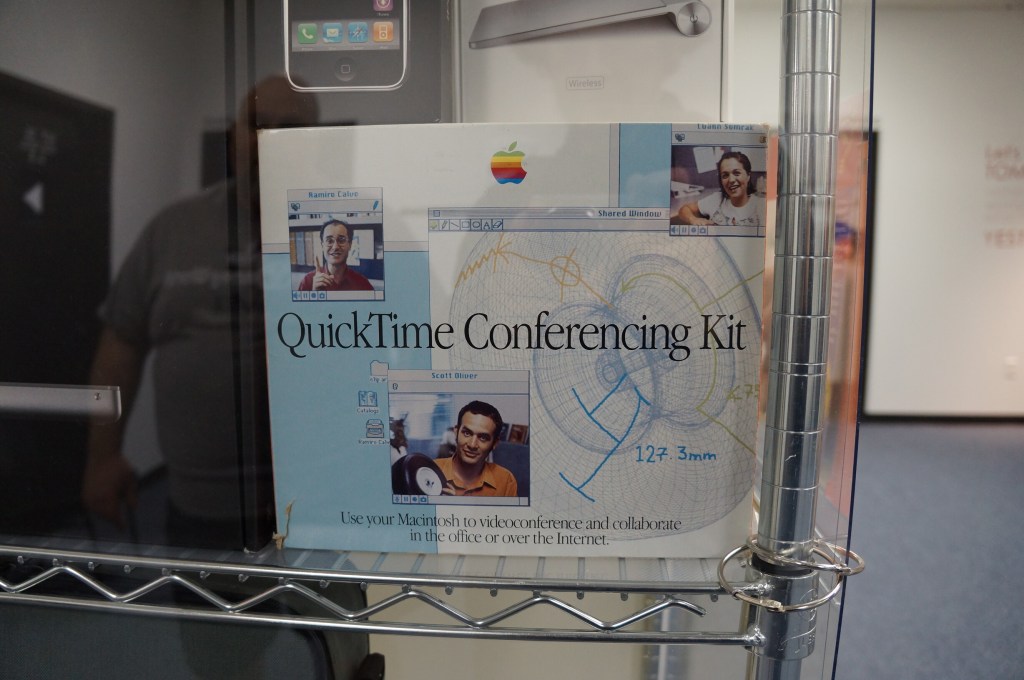
    Macintosh Add-Ons

    The Apple TV/Video System was an expansion card that gave you a TV tuner and video inputs for your Mac. The PowerCD was an external SCSI CD-ROM drive for Macs that might not have a CD-ROM drive built-in. And the QuickTime Conferencing Kit included a camera and software for video conferencing and collaborative tools like a shared whiteboard–back in 1995.

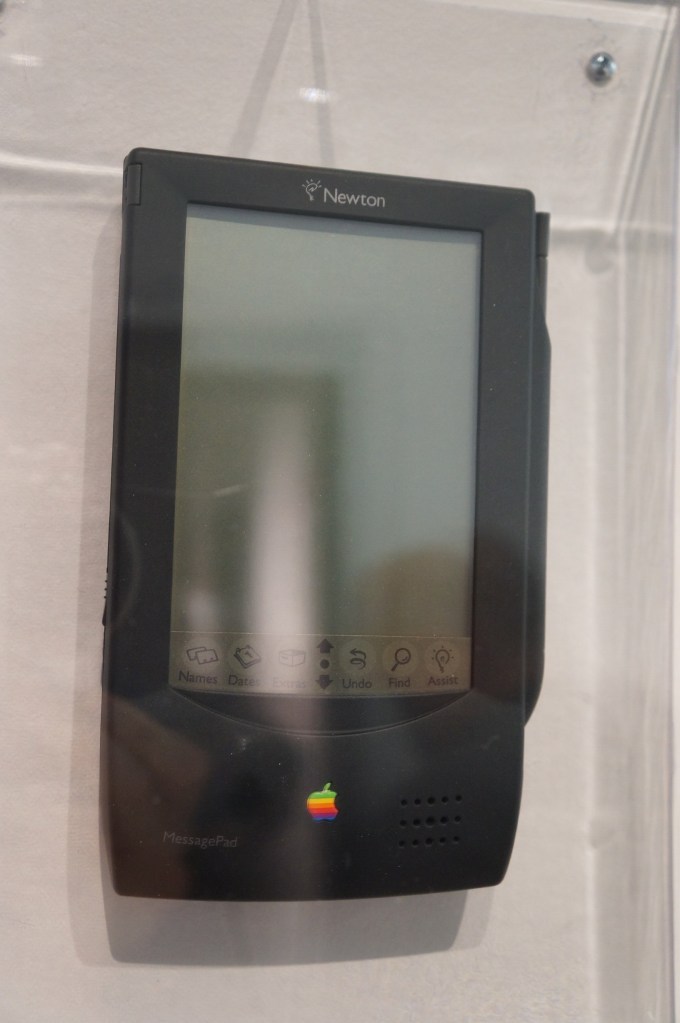
    Apple Newton

    The thing that used to burn me up when Apple released innovative products like the Newton, popular media like SNL would shit all over them, which would turn the general conversation away from what the products could do and had the potential to do towards the limitations and lack of imagination by those folks who would otherwise never purchase or use those products. It wasn’t criticism. It was product assassination. Had that not happened, I think the Newton would have been in a stronger position that might have let it develop further before getting killed off.
    It seems like the Internet and social media provides a force or pressure against these negative megaphones of the past. However, there’s equally a lot of fanboys and cheerleaders who don’t temper their enthusiasm with a little bit of reality.

    Apple Newton

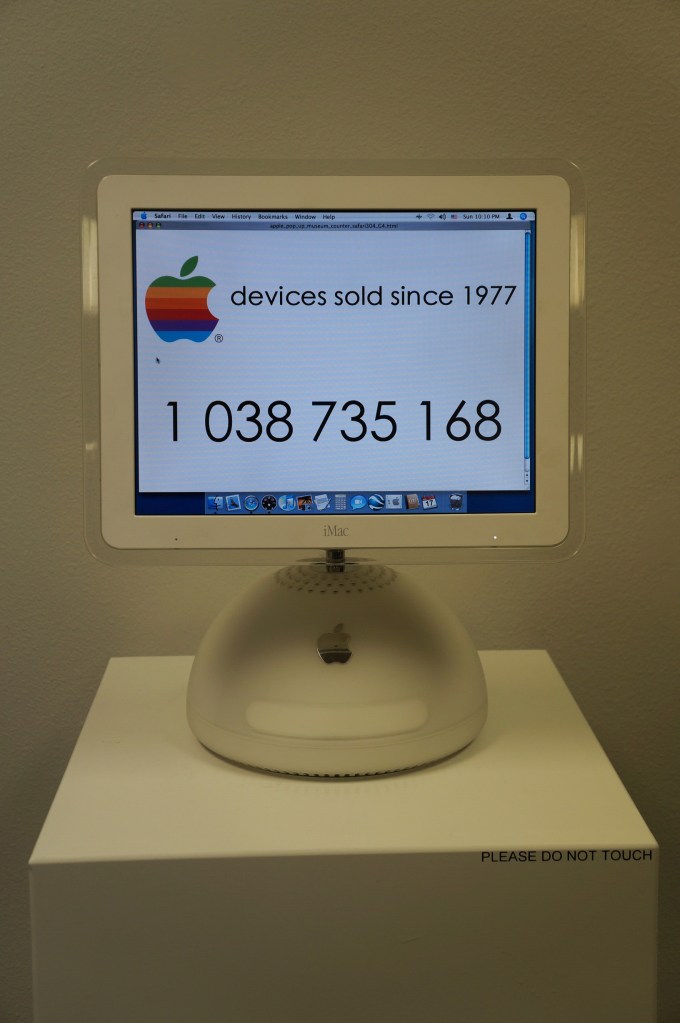
    iMacs and G4 Cube

    My first experience with an original Bondi Blue iMac was soon after its announcement. I was working at NetlinkIP on St. Simons Island, Georgia when a client called asking for help setting it up. I drove out to a very nice house on the island, unboxed, and configured it to dial up to the Internet. Admittedly, I took longer than was necessary so that I could thoroughly check it out.

    Later, my friend Bert got a G4 Cube. Despite its complete lack of internal expandability beyond upgrading its RAM or hard drive, he used his beyond what I think most people would. Every USB port was used for devices or hubs and it was connected to his stereo system. He used it for a lot of graphics and video work and showed how it really was a supercomputer in a small package.

    I had a 17″ Luxo iMac for awhile in the early 2000s, but I sold it before I built another desktop PC using an AMD Athlon 2500+ CPU. While I had it though, I liked its crisp 17″ LCD and it was a powerhouse for some of the video editing projects that I did at the time.

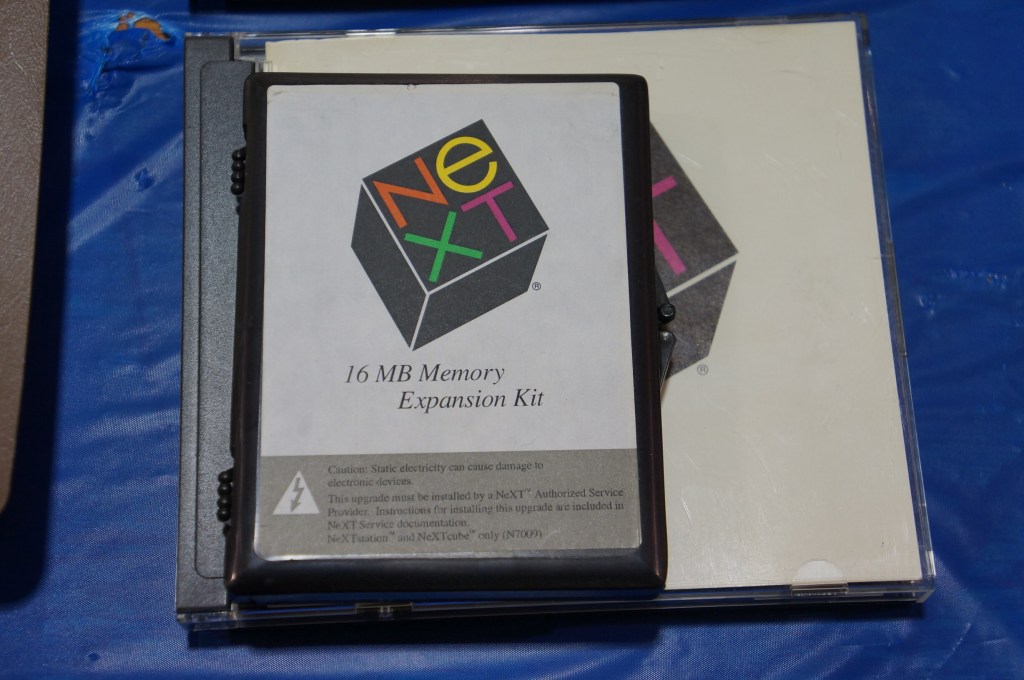
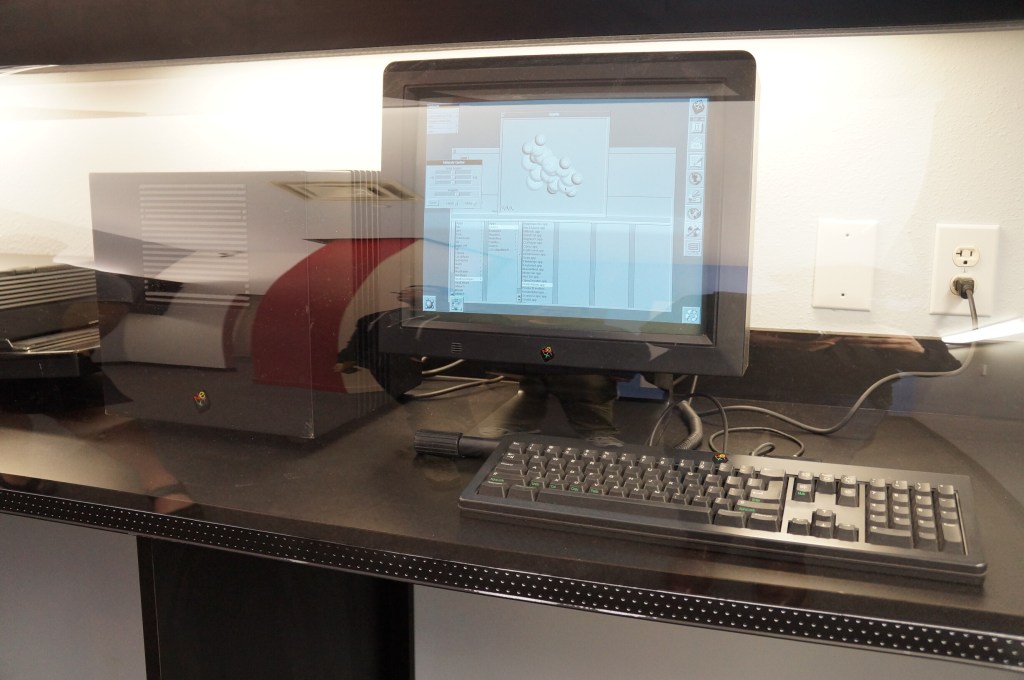
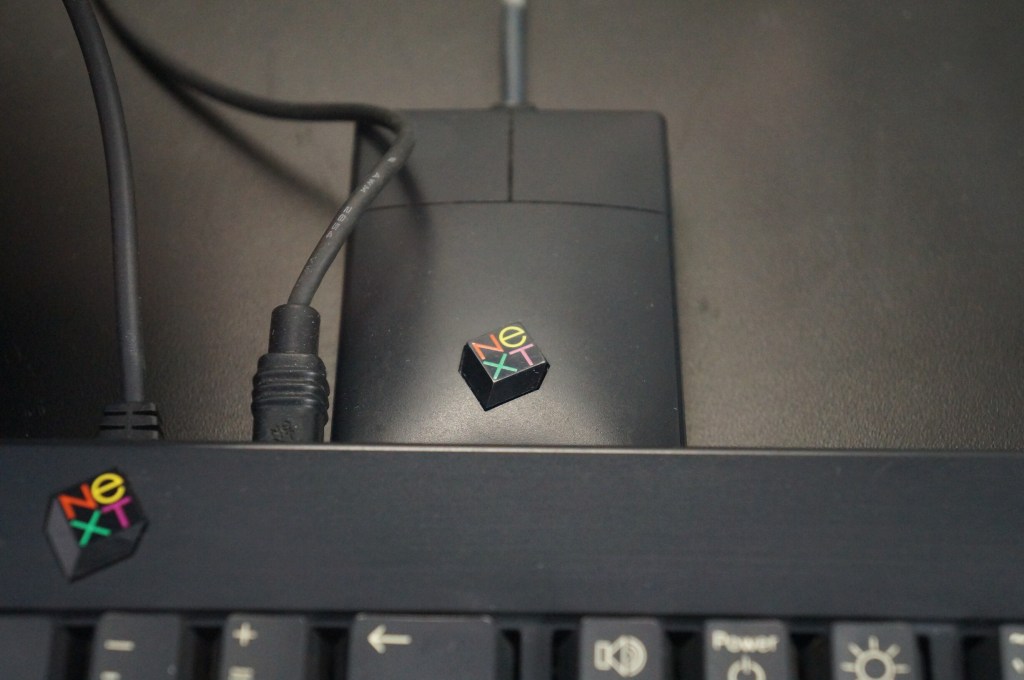
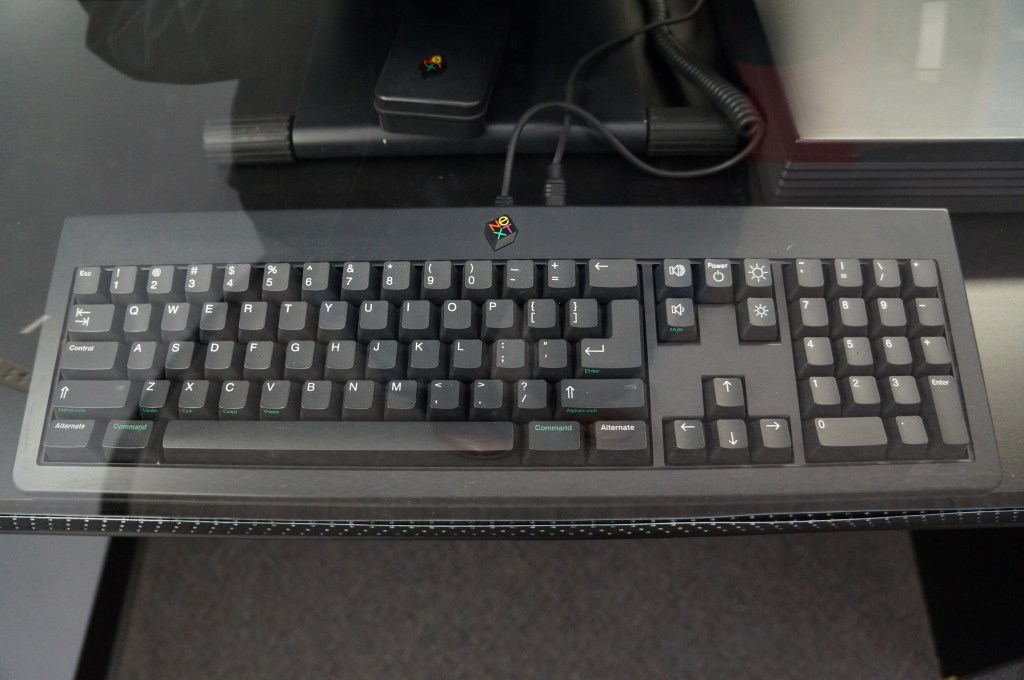
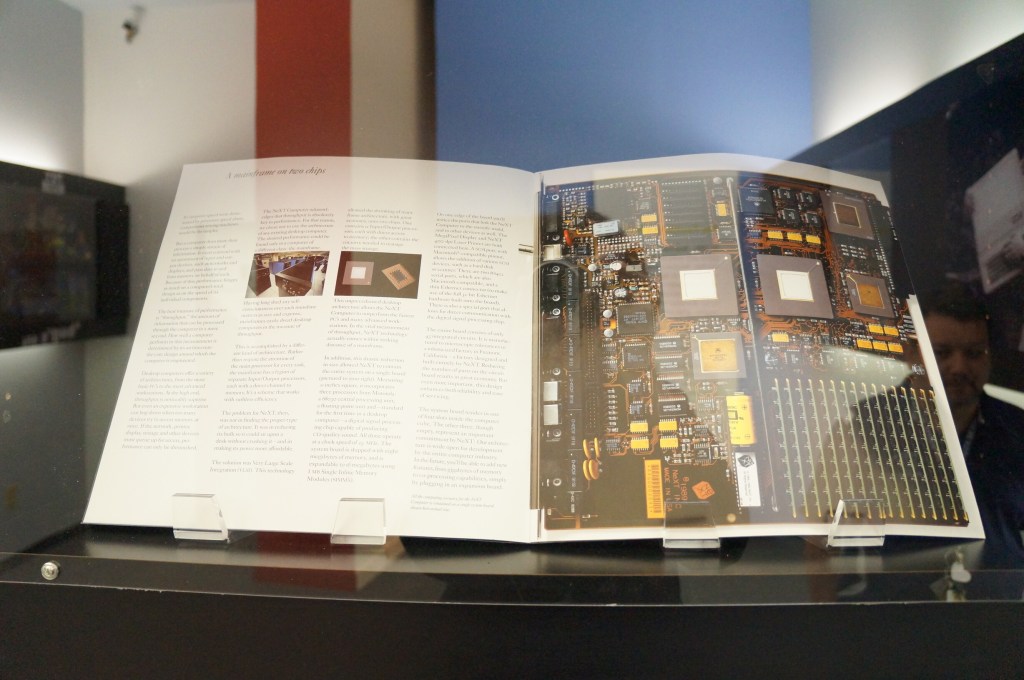
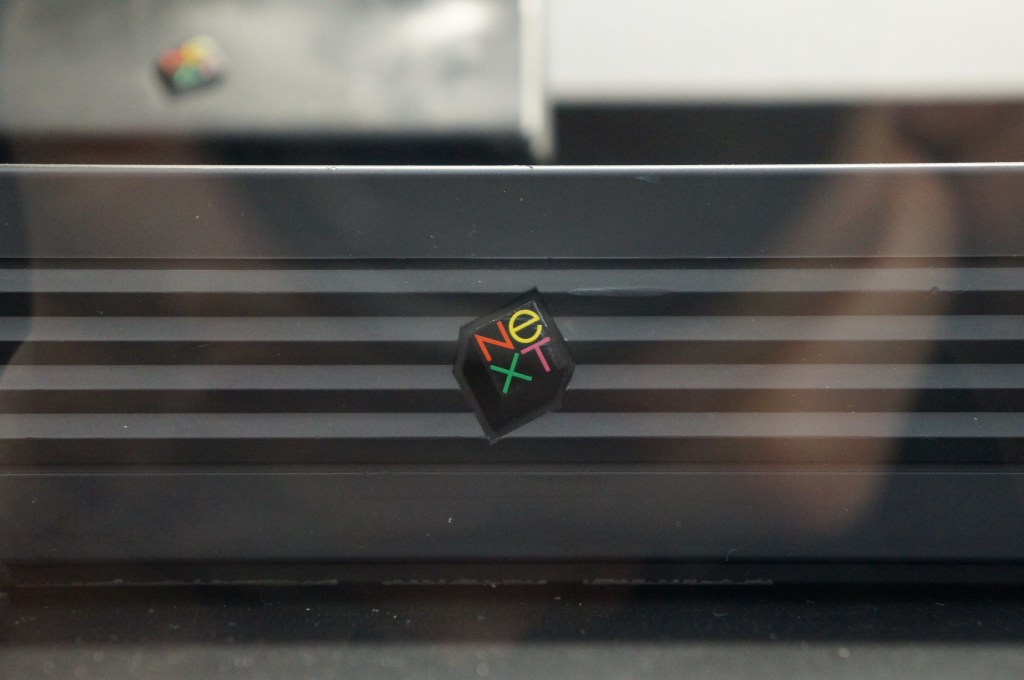
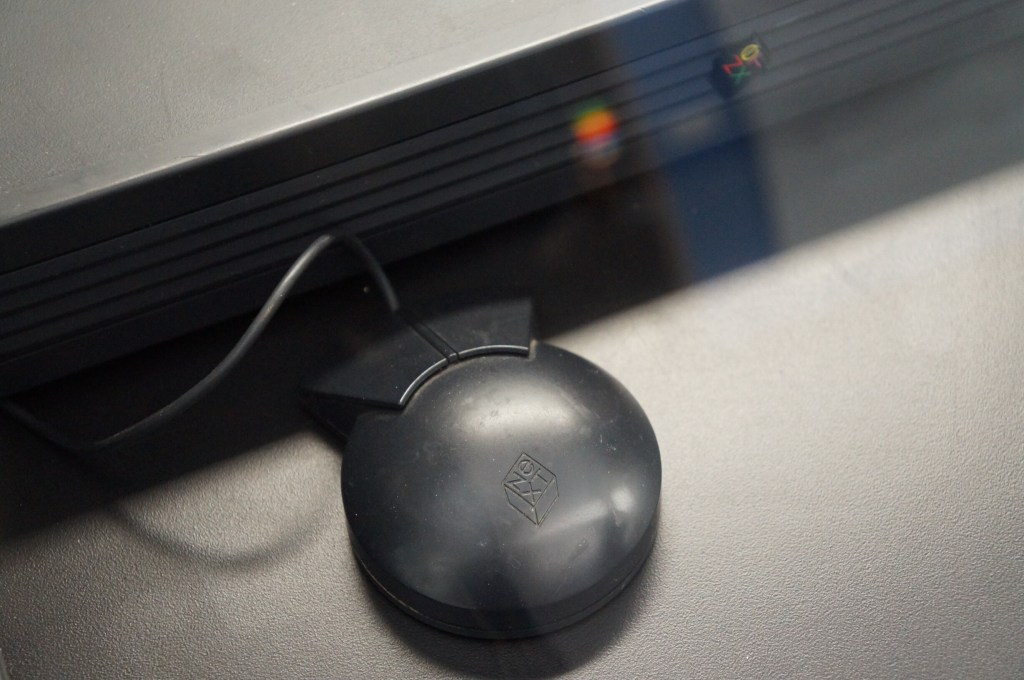
    NeXT Computer

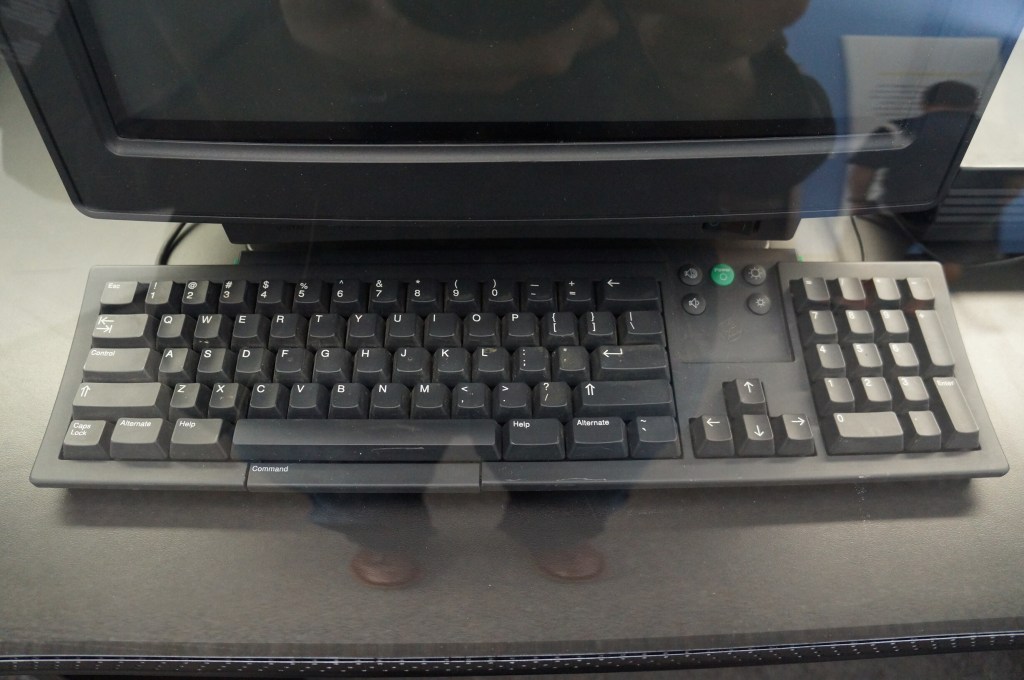
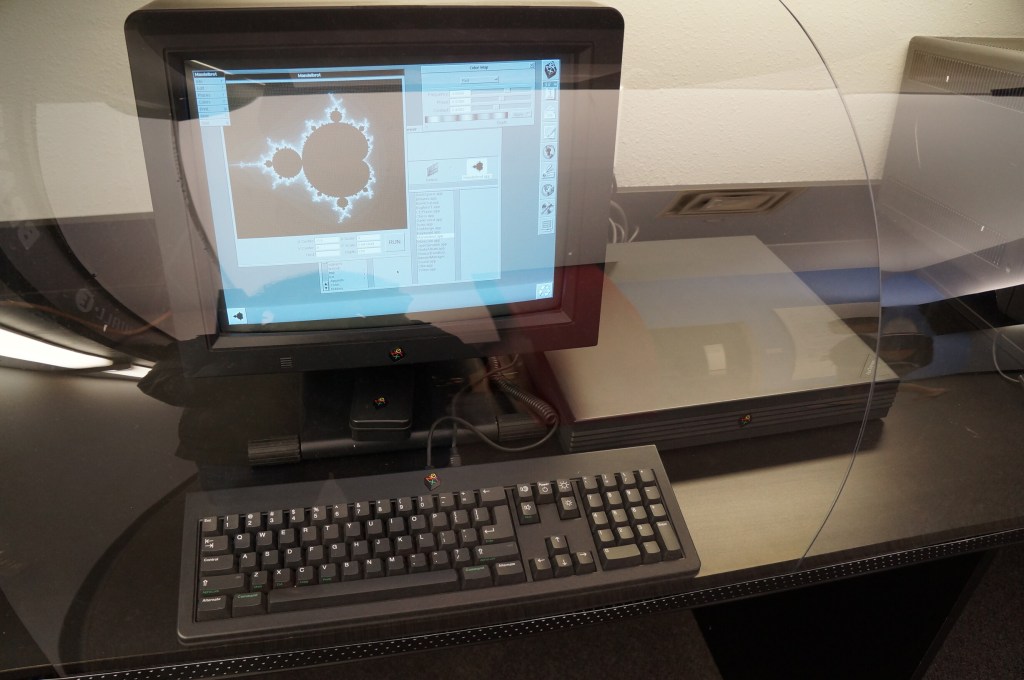
    Steve Jobs’ second act and the salvation of Apple when the prodigal son returned.

    NeXTcube Workstation

    Xerox Alto

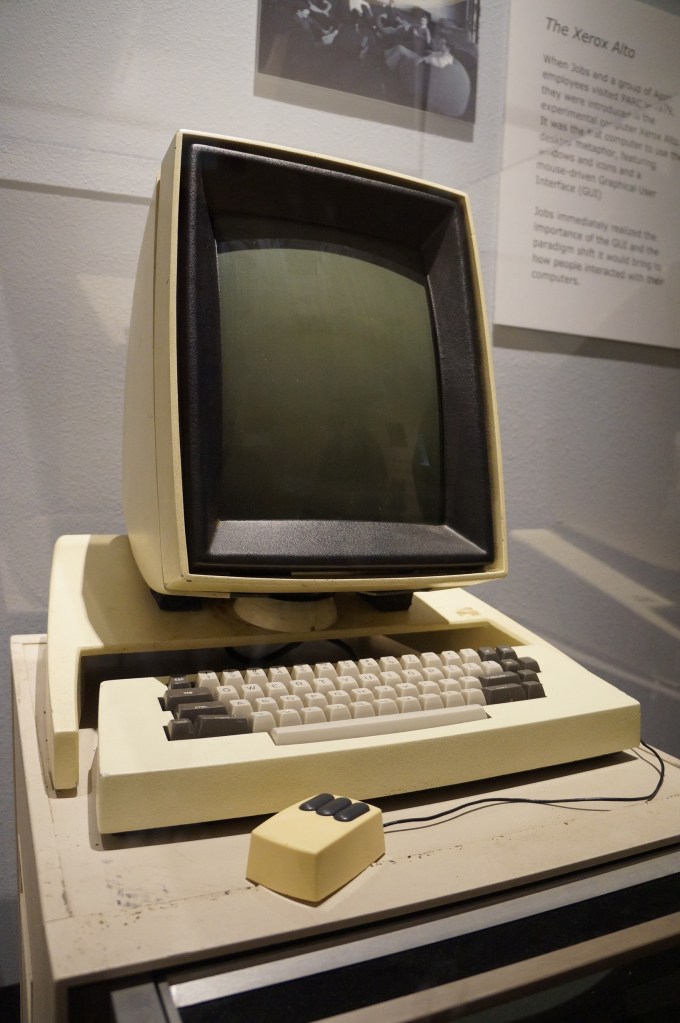
    This is Xerox’s GUI desktop minicomputer that brought together what Xerox PARC had been developing and demoed to Steve Jobs and his team at Apple that led to the Lisa and eventually the Macintosh.

    Xerox Alto

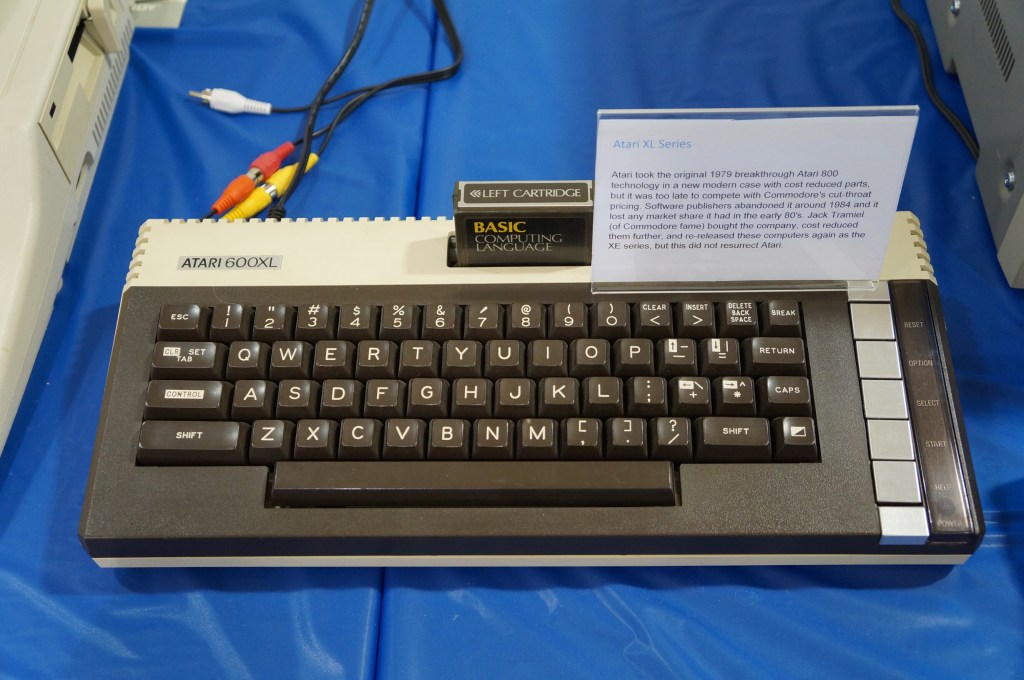
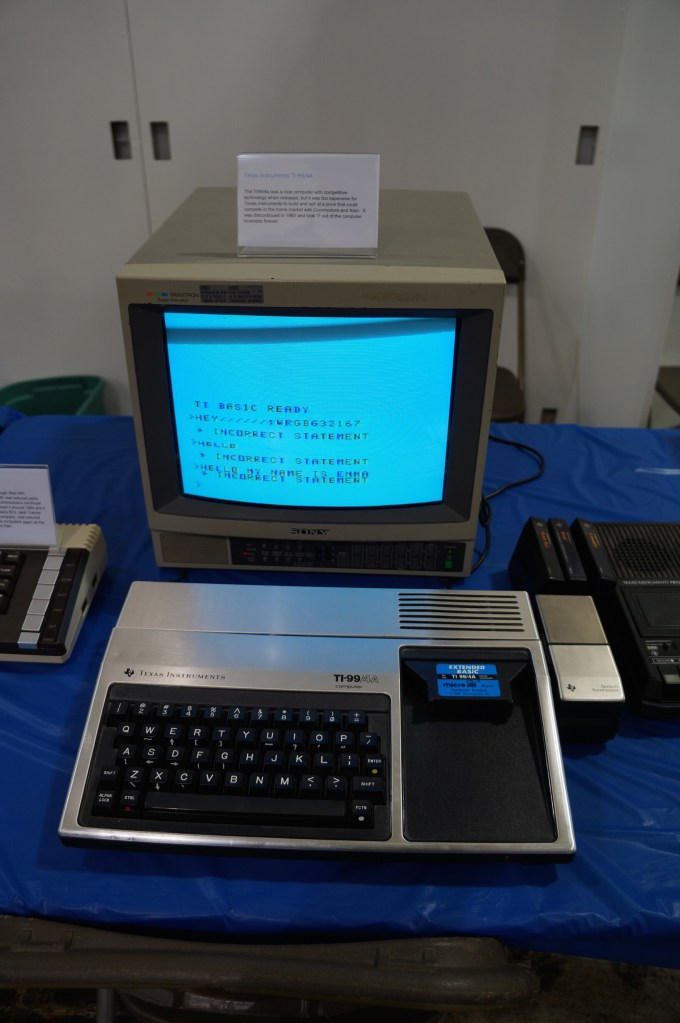
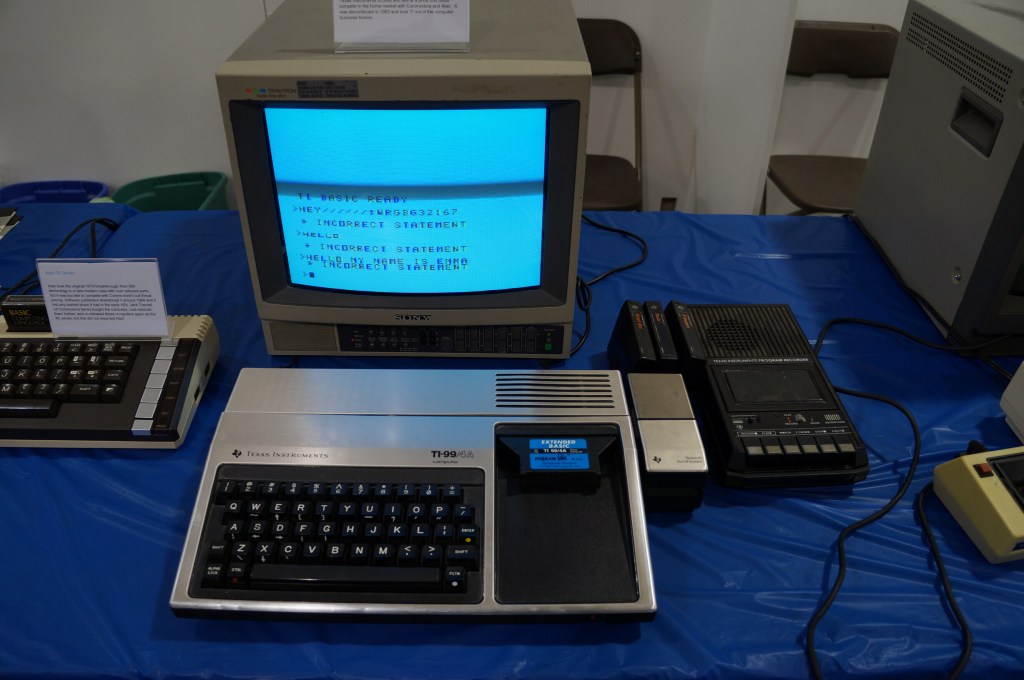
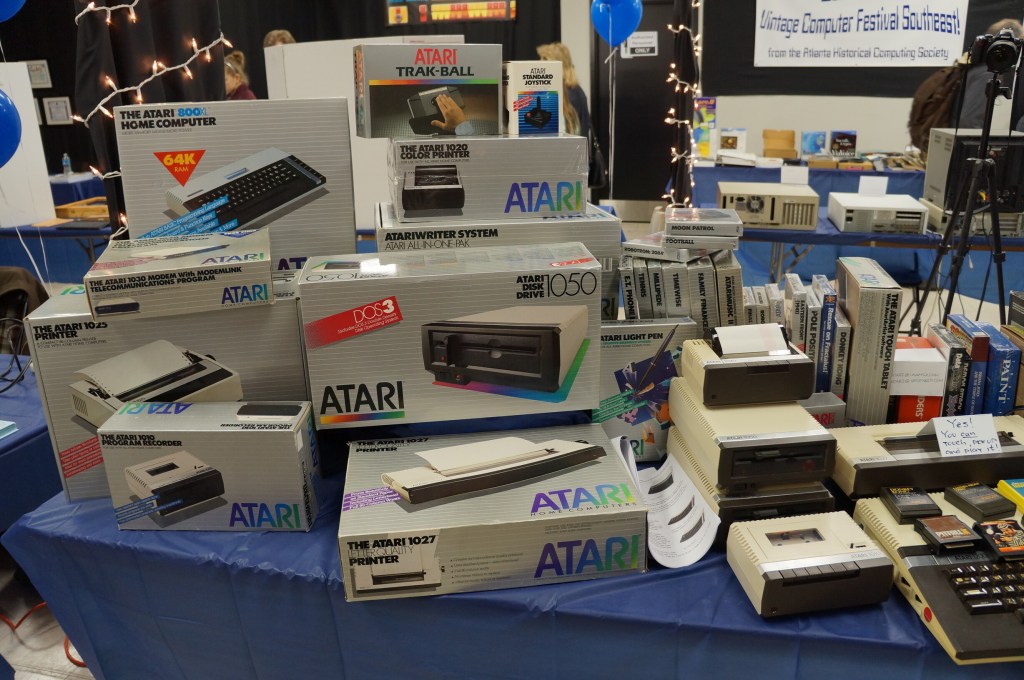
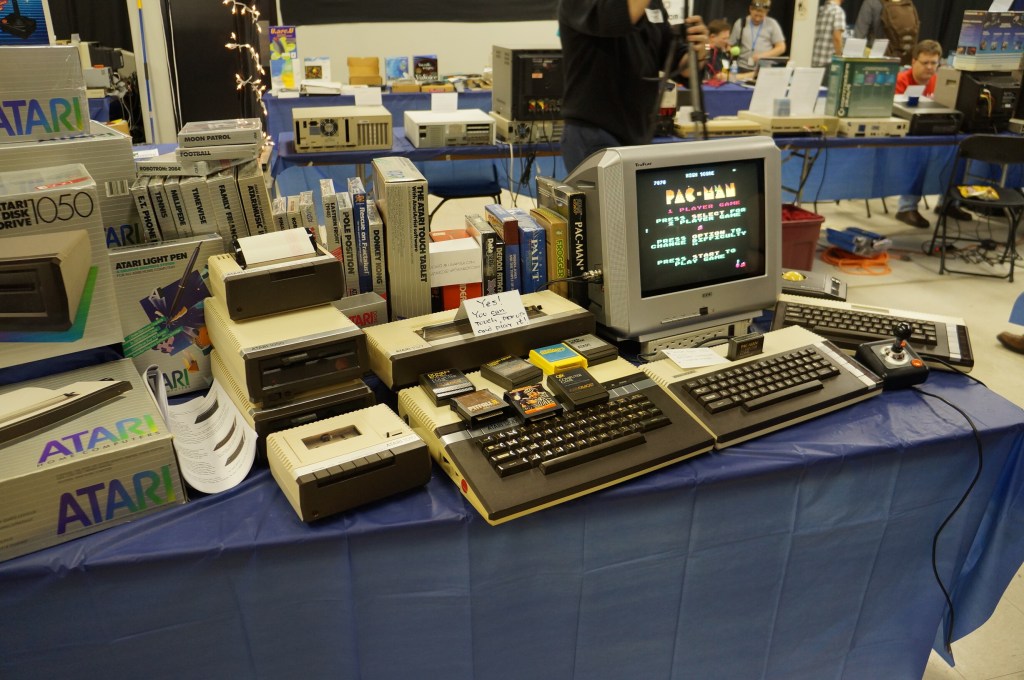
    Atari Computer

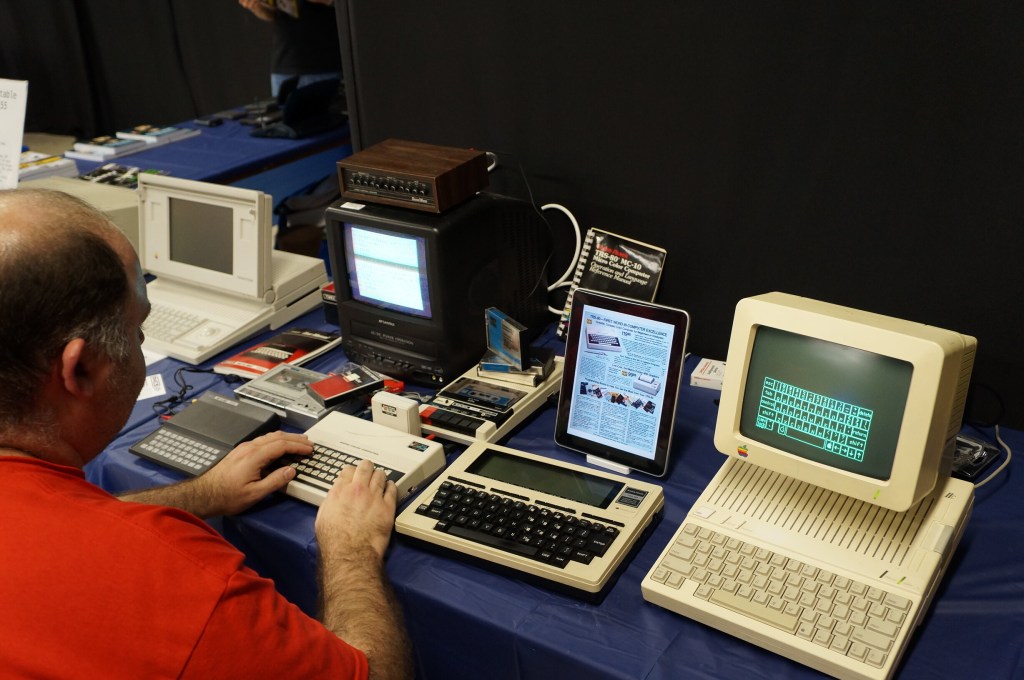
    Portable Computing Miscellaneous

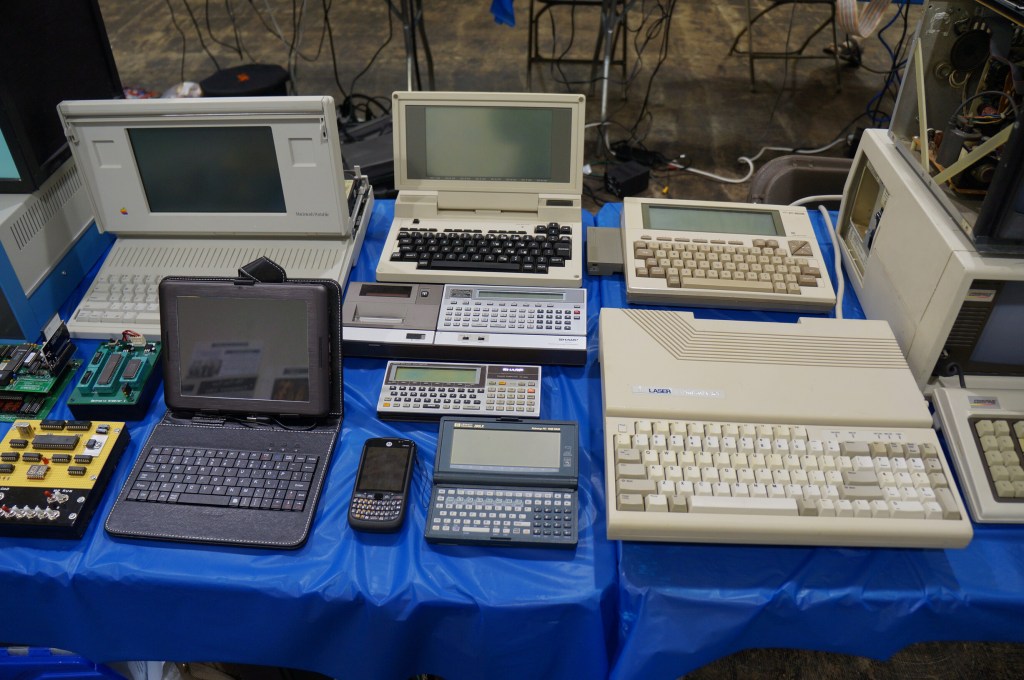
    I really like the concept of pocket computers. When I was in middle school, my grandparents gave me a Radio Shack PC-7 Basic Programmable calculator. It looked like a calculator with a built-in soft cover that had a ABC keyboard layout. Considering its programmability, it was the first computer that I owned. The only digital device I had before that was an Atari 2600.

    Miscellaneous Computer Demos

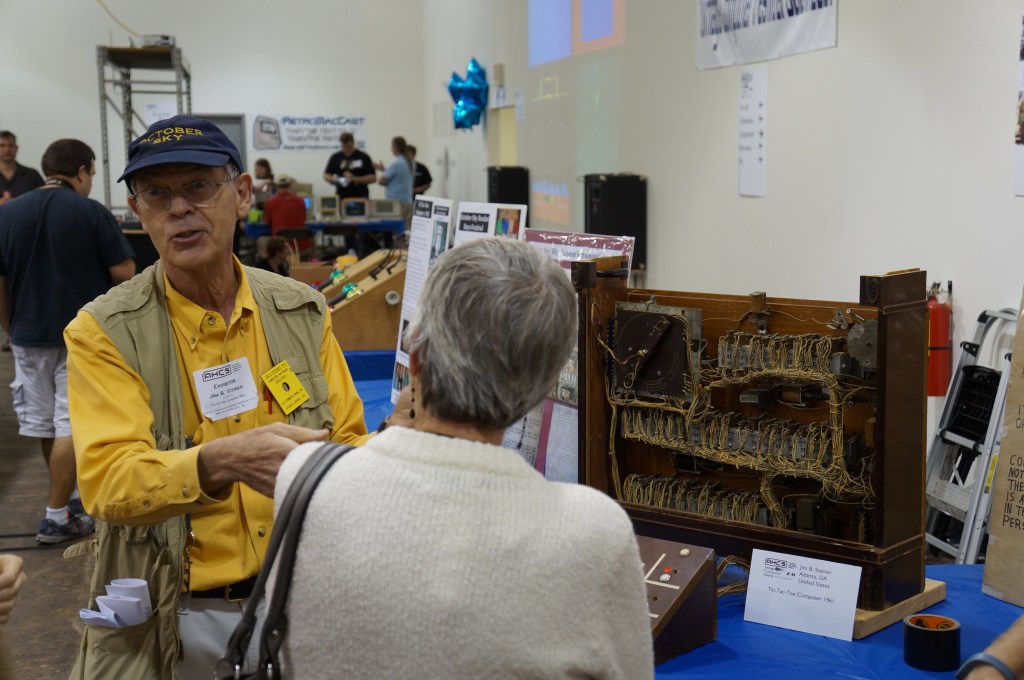
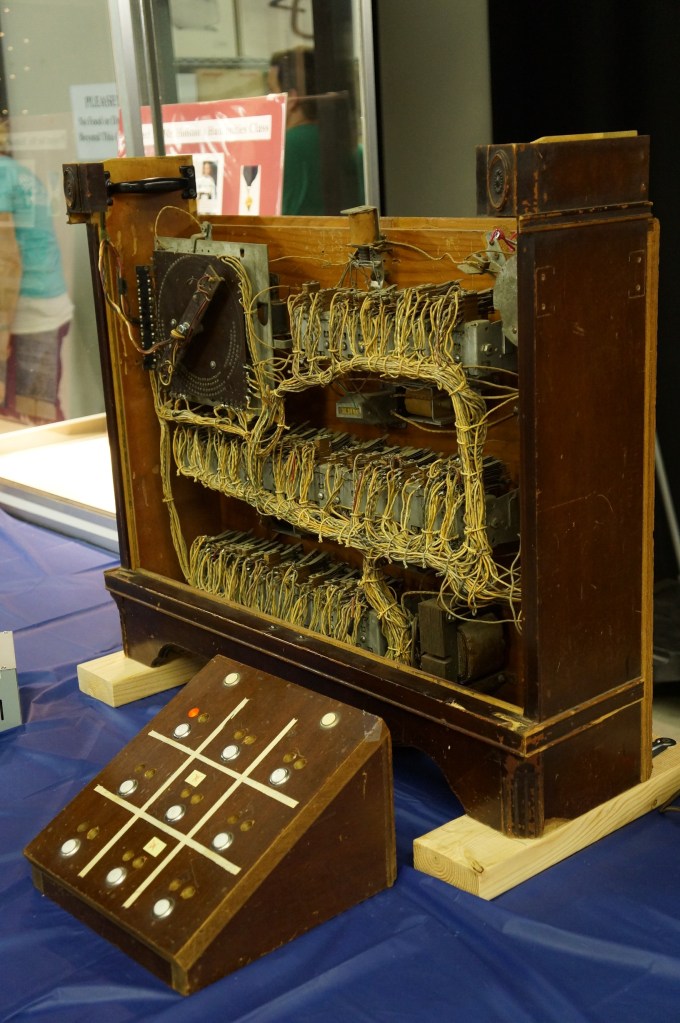
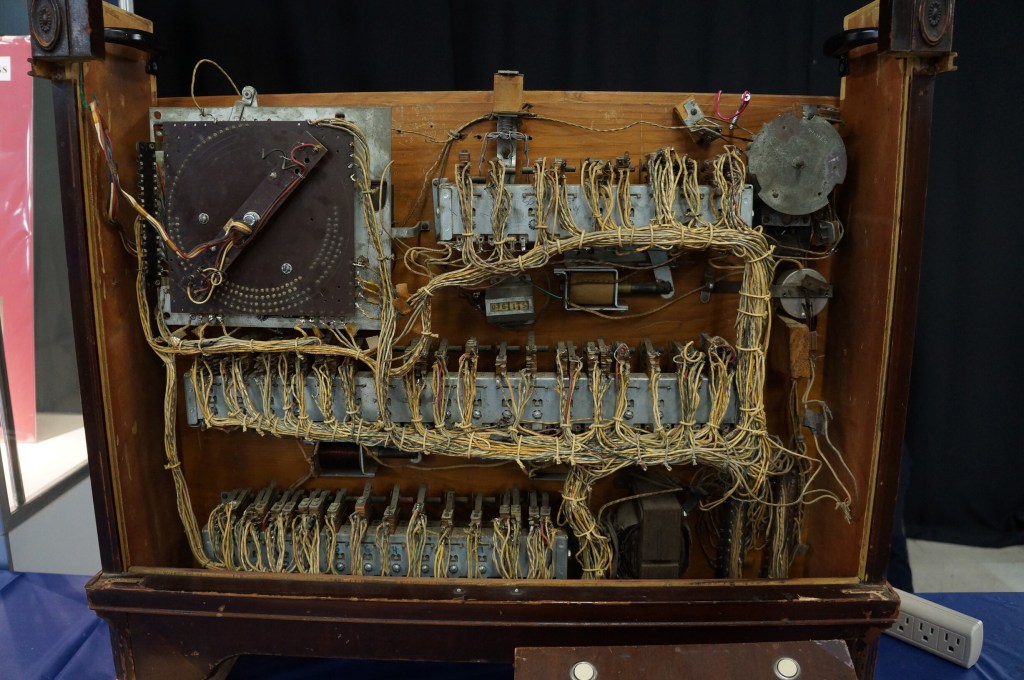
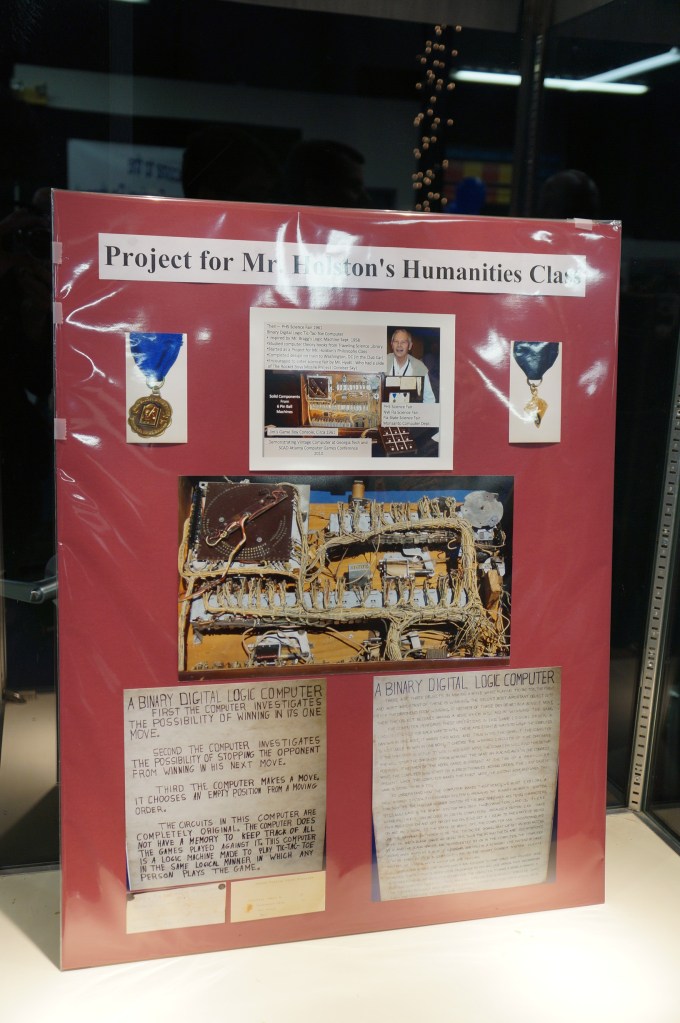
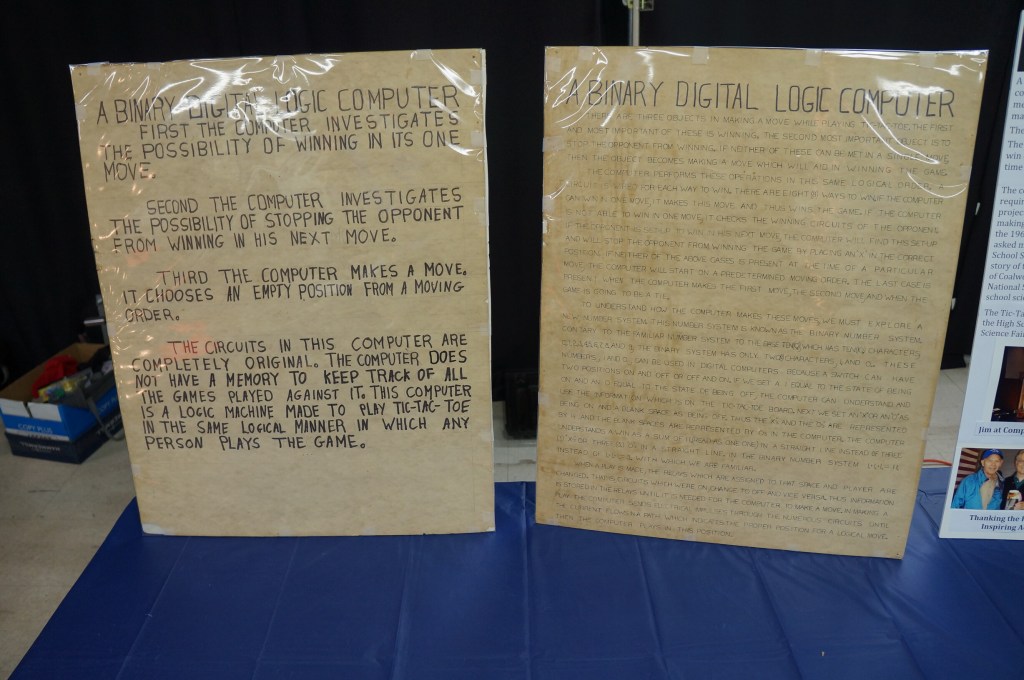
    Jim Steiner’s Tic-Tac-Toe Computer Built in 1961

    Pictured below with his tic-tac-toe computer that demonstrates binary digital logic, Jim Stiner’s creation still works. Before we left the VCF, I enjoyed speaking with Mr. Steiner about his project inspired by a humanities class. I was reminded of Steve Job’s 2011 special event demo for the iPad 2 where he talks about Apple’s DNA marries technology with the liberal arts. That concept seemed apt for Mr. Steiner’s project, too.

    Jim Steiner and his Tic-Tac-Toe Computer

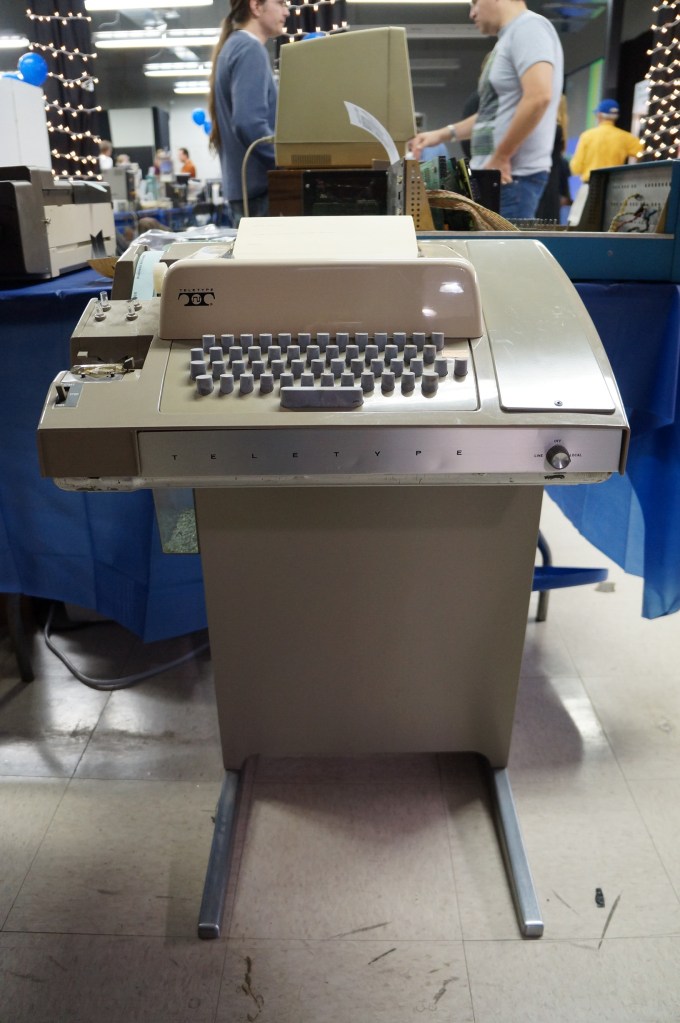
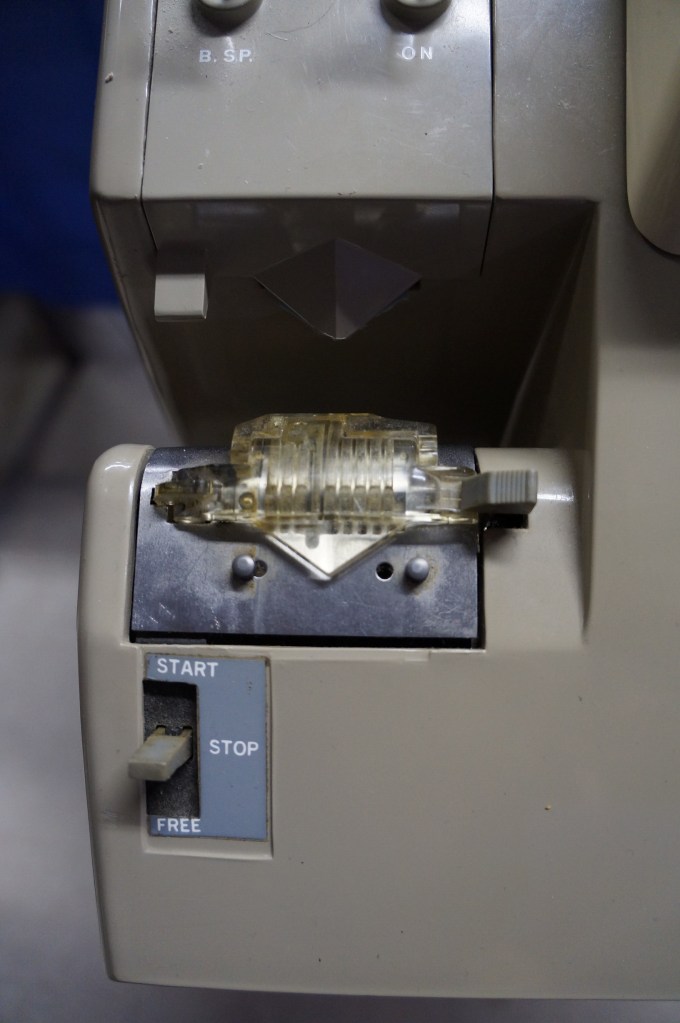
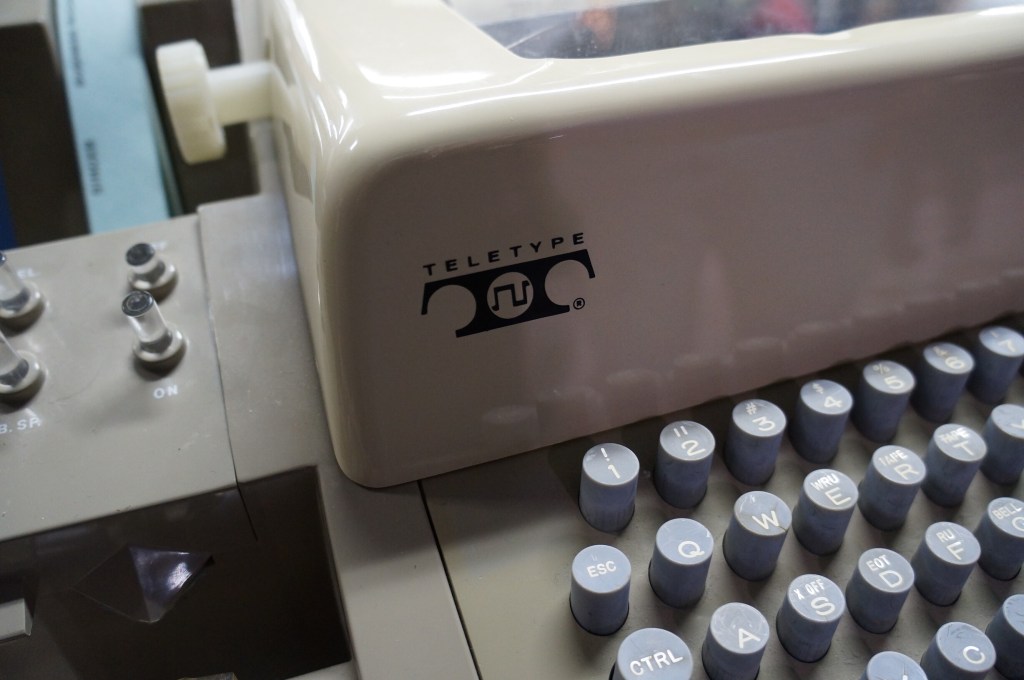
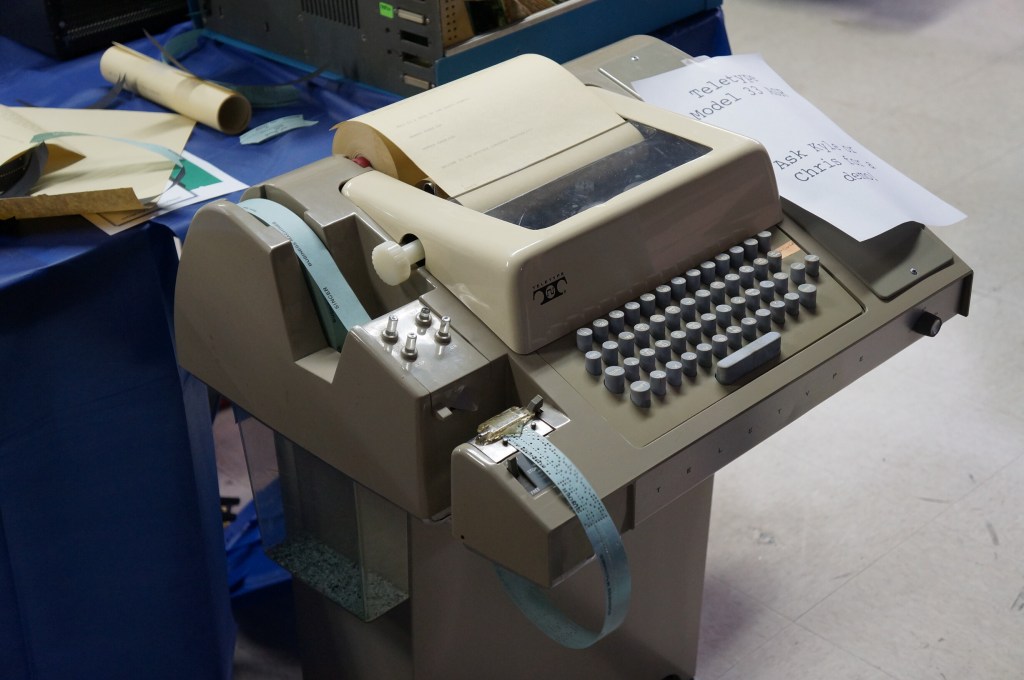
    Teletype Terminal Model 33

    Who needs a display, printer, and program storage when you have a teletype machine like this hooked up to a mainframe or time-share minicomputer?

    Captain Crunch Whistles and Tone Generating Blue Box

    With the sounds generated by these cereal box toy whistles, which were adapted and expanded electronically with so-called blue boxes, you could commandeer the phone network for your own uses.

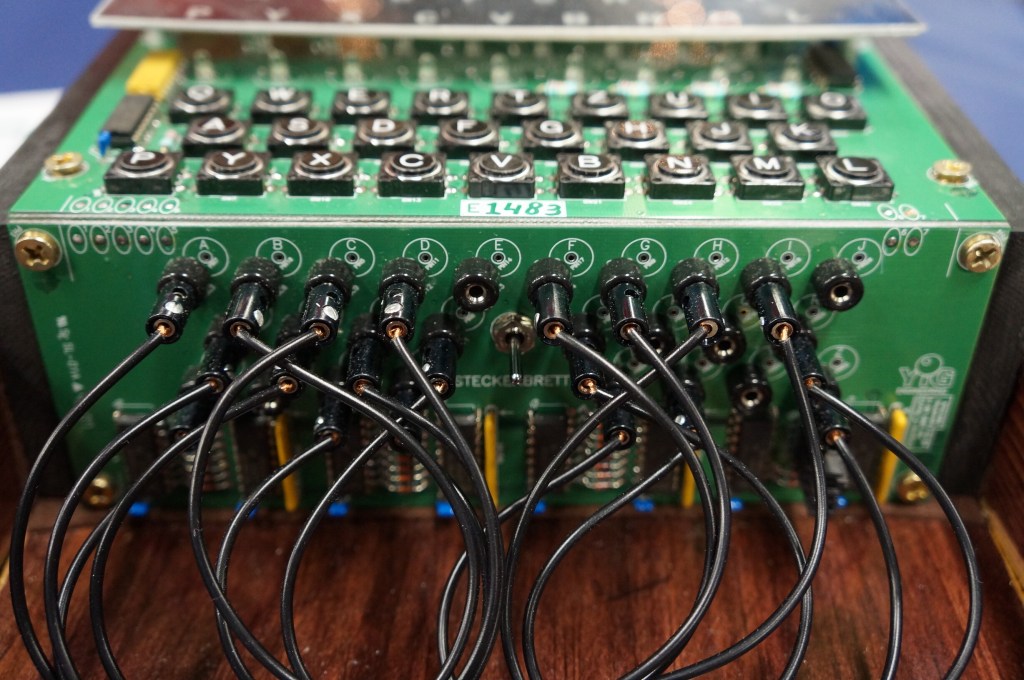
    Digital Enigma Machine

    This is a digital re-creation of the German Enigma machine used to cyptographically secure their communications during WWII.

  • Google Glass, POV, and Augmented Reality

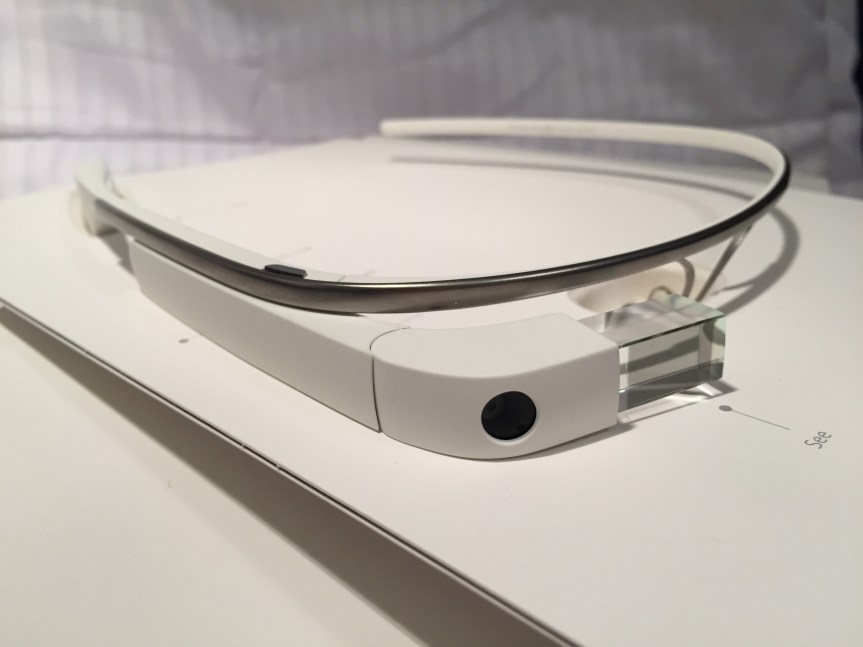
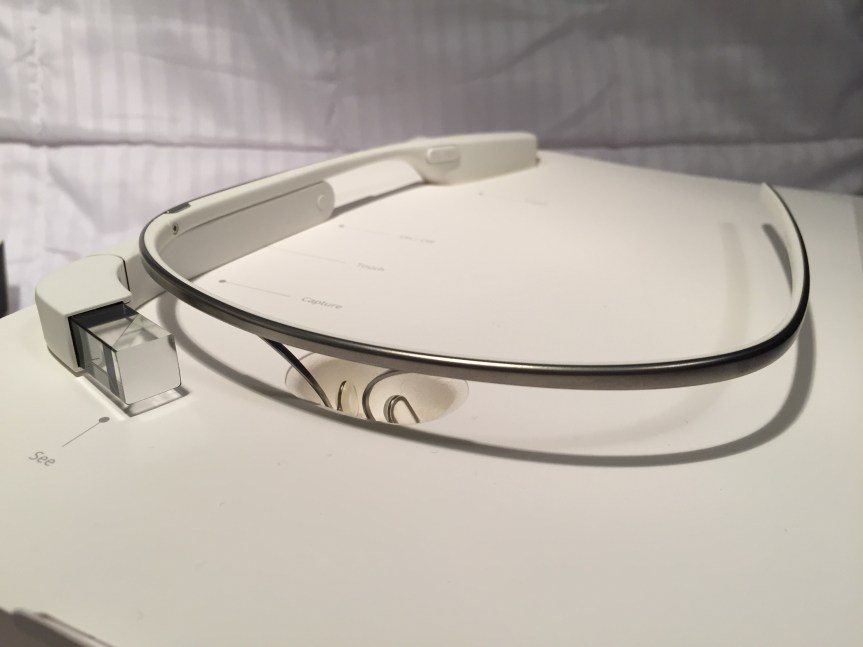
    When Google Glass debuted, I thought it was a cool piece of tech. Recording POV video and photos for my maker-oriented work and getting updates unobtrusively in class, meetings, and conferences were its main selling points to me. I wrote about some of my experiments with Google Glass and LEGO here. Unfortunately, it had its hardware and software limitations. One person who I interacted with took extreme umbrage with it. And, Google’s waning support over the years didn’t help either. Eventually, I sold it on eBay as I had stopped using it altogether.

    Use in Professional Settings

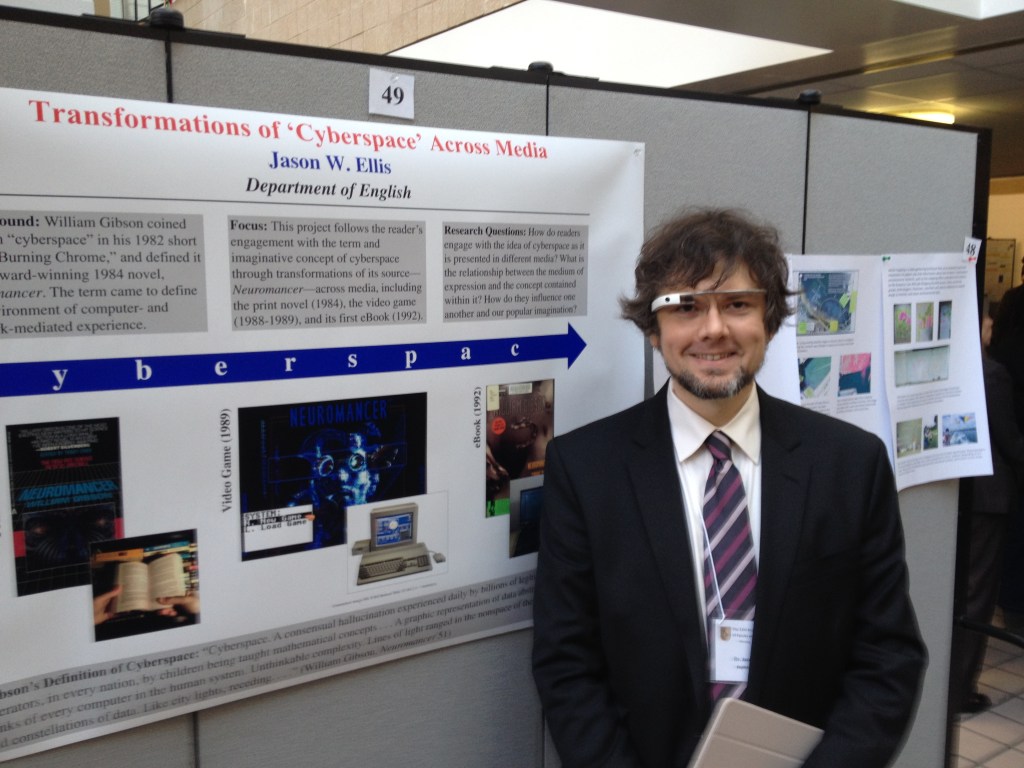
    When giving presentations that related to interfaces and new media, I often wore Google Glass as a prop, which I would reference in my talk. Had I been very clever, I would have used it like a teleprompter, but it was often easier to read from notes printed or on a tablet in hand.

    I did get told off by someone who I didn’t know shortly before my co-presentation with Wendy Hagenmaier on “Digital Archives and Vintage Computing at Georgia Tech” at the Southeast Vintage Computer Festival 2.0 in Roswell, GA on 4 May 2014. I don’t know who she was, but she zeroed in the Glass, got perilously in my face, waved her hand dangerously close to my face and the Glass, and demanded that I stop recording video of her. I stepped backward and tried to explain that it wasn’t recording video or taking photos–I only had it conveying messages from my phone at the time. The thing about the Glass is that the computing unit got very, very hot–uncomfortably hot–if you recorded video for more than a minute or two. Of course, it would eat through its battery, too. So, full time recording wasn’t really possible. It did have a beta feature to take a photo when you blinked, but I never left the feature on as it resulted in lots of useless photos and depleted the battery. She was pissed and was having none of my explanation. Since we weren’t really having a discussion, I just said that I was sorry and walk away. It was an unnerving encounter since she was walking around with the organizer who remained silent during the exchange. Perhaps it had more to do with it being a Google product? What about it being a public space? What about the many other participants carrying smartphones with cameras as well as dedicated point-and-shoot and DSLR cameras? Perhaps she gained her intended effect as I was more cautious about where and when I wore them.

    For such an encounter, it would have been nice if the Glass had a built-in lens cover that lets others around the Glass wearer know at a glance if the lens was exposed or not, or if the camera part could have been modular in some way so that the wearer could have the AR but remove the camera when it wasn’t needed.

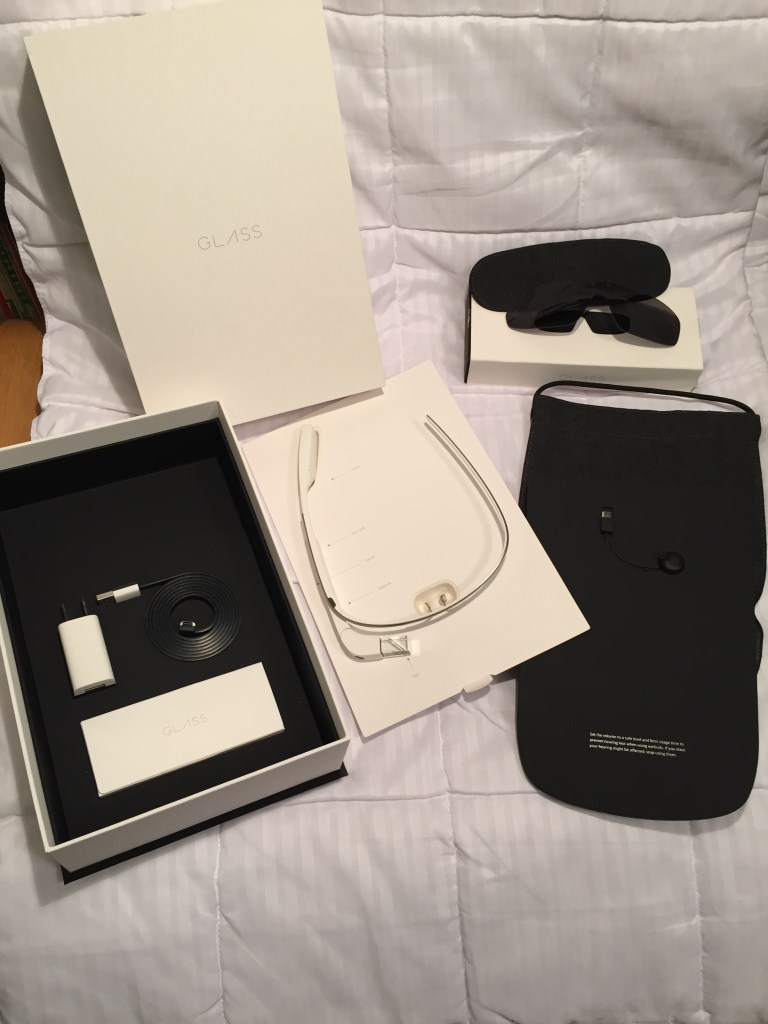
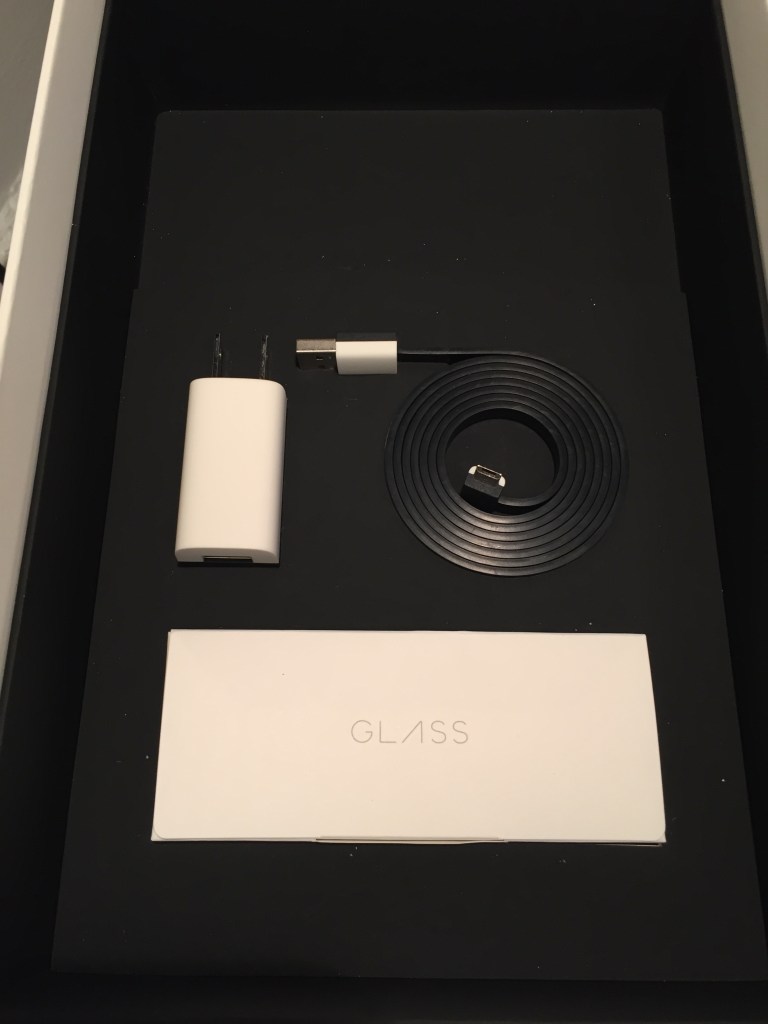
    Google Glass Kit

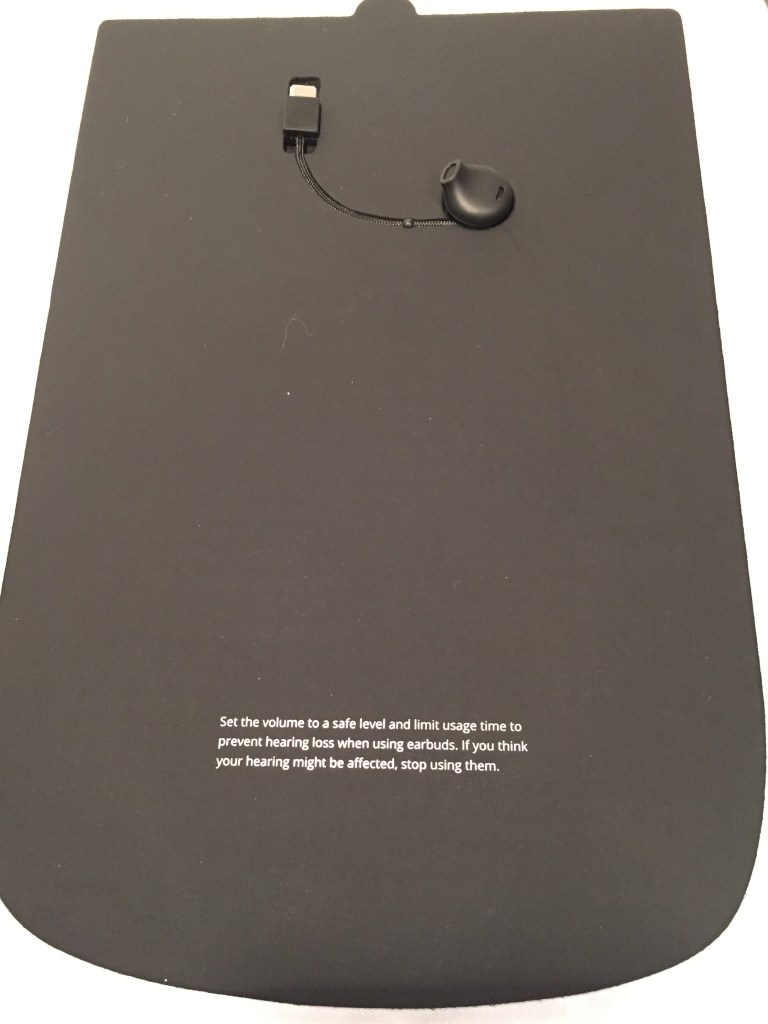
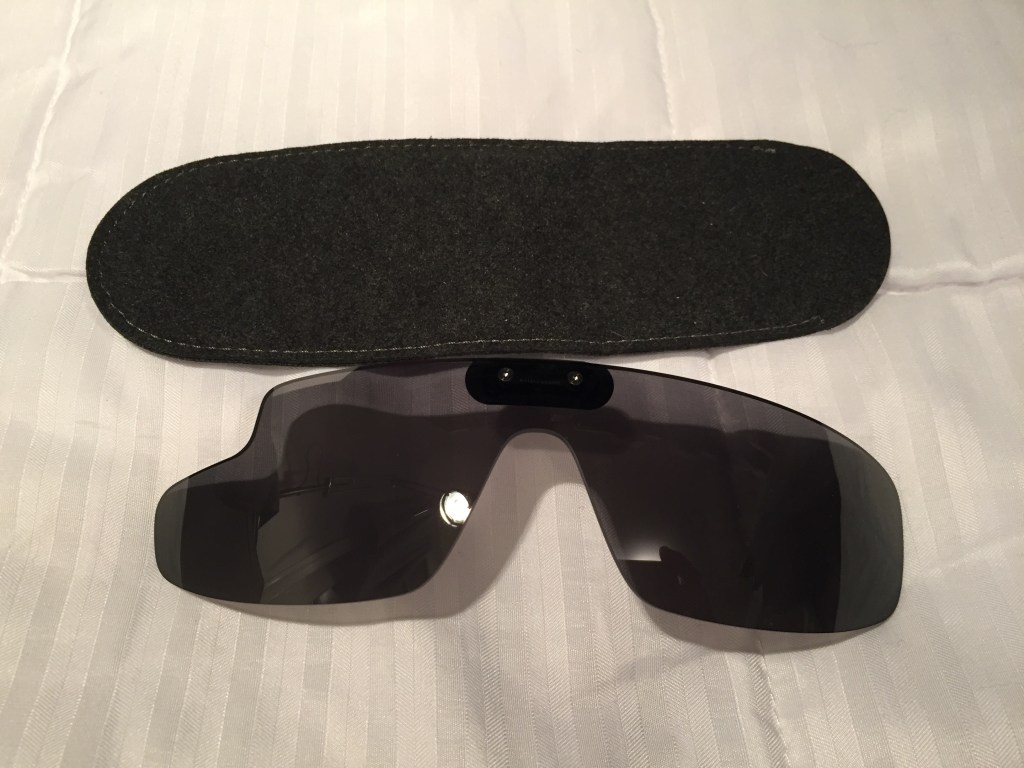
    I opted for the Google Glass Explorer kit that included detachable sunglasses. The kit included a single ear speaker that connected to the computing unit on the right side. An AC charger, USB cable, and felt carrying cases for the Glass and sunglasses were included, too.

    Before Its Time?

    Wearable technology like this seems inevitable. Good hardware and software design combined with killer apps/features would make this an invaluable tool, I think. The battery life and heat problems were downplayed during the initial public release, but they were real problems that robbed Glass of the bare minimum of functionality that it deserved. Had Google cracked those two issues, the software could have been developed further on a stable hardware platform.

    The lack of apps, poor battery life, heat production, and trouble with the voice activated features made me decide to resell it. Thankfully, I was able to recoup most of the cost when I sold it a year later.

    There seems to be steady interests in AR. Microsoft’s Hololens is neat, but it isn’t something that you can wear around all day. Apple’s upcoming Vision Pro looks cool, too, but it will be something aimed for specific use cases and not be a wearable augmentation to our daily, digital interaction with the world like Glass. Snap’s next generation of Spectacles seems like a high-tech version of Glass with full vision overlay, but it might be too opaque for all day and indoor use. Will something else come along to fulfill the promise of Glass?

    Catching the prismatic projected image on the Google Glass’ heads-up display in the mirror.

  • Virtual Reality is Trying VR Again and Again

    Over the years, I’ve tried as best as I could to get interested in virtual reality (VR). The idea of VR excites me to no end. However, the reality of VR so far continues to underwhelm and frustrate me. The two biggest concerns that I have had are with eye fatigue, user interface design, and poor tracking and interaction with virtual environments. Below are some of the hits and misses that I’ve had experience with in commercial VR.

    2009: VFX1 Headgear

    The VFX1 Headgear was a bittersweet discovery. When I was much younger, I lusted over it when I saw it advertised in computer magazines in the mid-1990s. Unfortunately, it was priced out of my league and I didn’t know anyone who could afford one either.

    Fast-forward to my being a grad student at Kent State. One late afternoon as I was leaving the Satterfield Building–home of the English Department–I glanced at the recycling bins under the stairway by the exit and I saw a really big box emblazoned with the VFX1 Headgear on the side. Curious and expecting to find an empty box, I was shocked when I picked up the box and felt its weight. I opened it and discovered the headset inside. I brought it home and found the headset, cables, and manual, but there was no software or controller card. I was never able to find out who had thrown out the VFX1. I had hoped that I could find the person and see if they might still have that controller card in their computer, but I had no luck. I also tried to find the controller card through other venues–Craigslist, eBay, talking with vintage computer collectors–but I always struck out. I ended up selling it before we moved to Atlanta. Had I got it working, it would have not been an HD VR experience, but I had hoped to experience what it had been like when it launched.

    2015: Cardboard VR

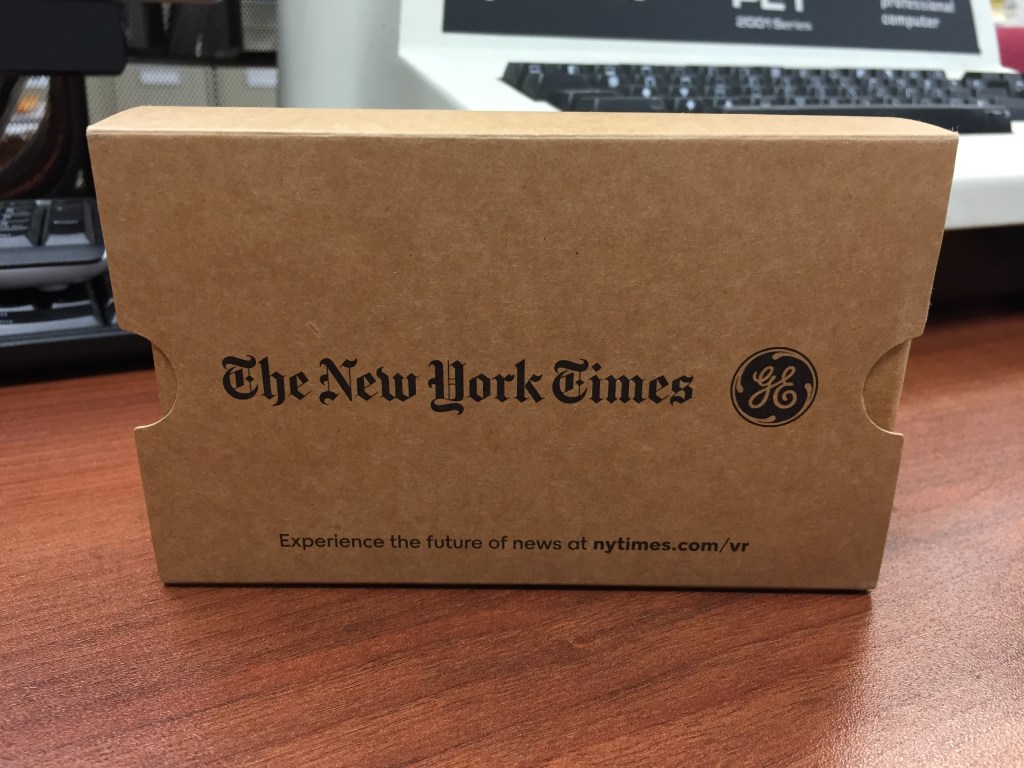
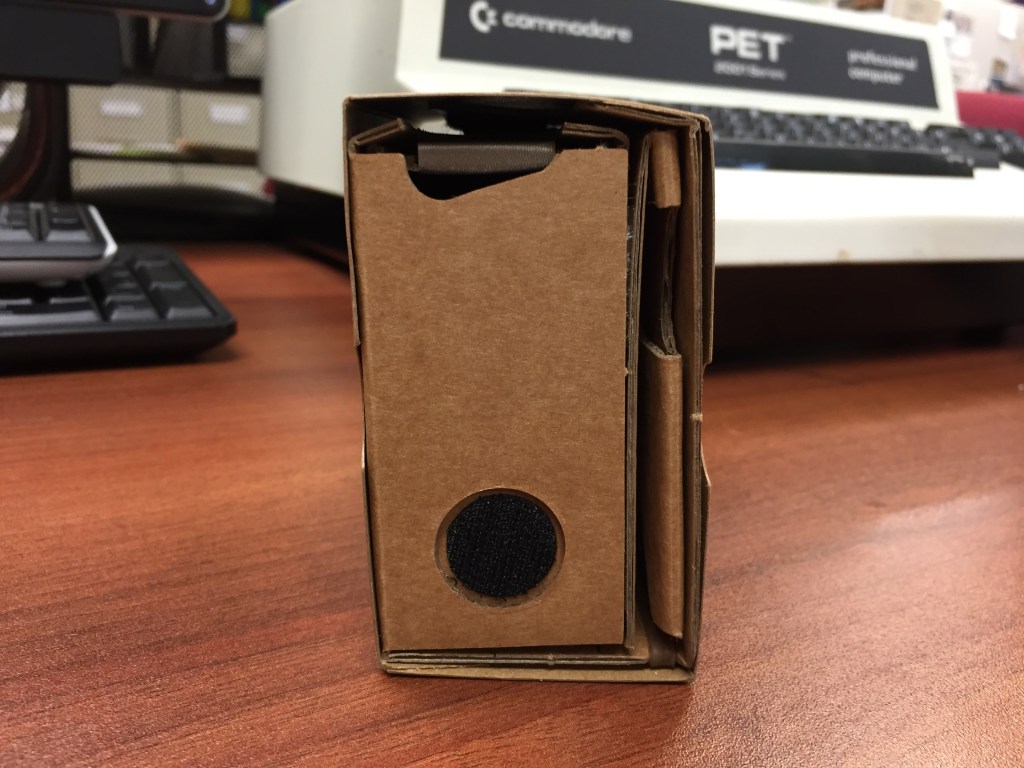
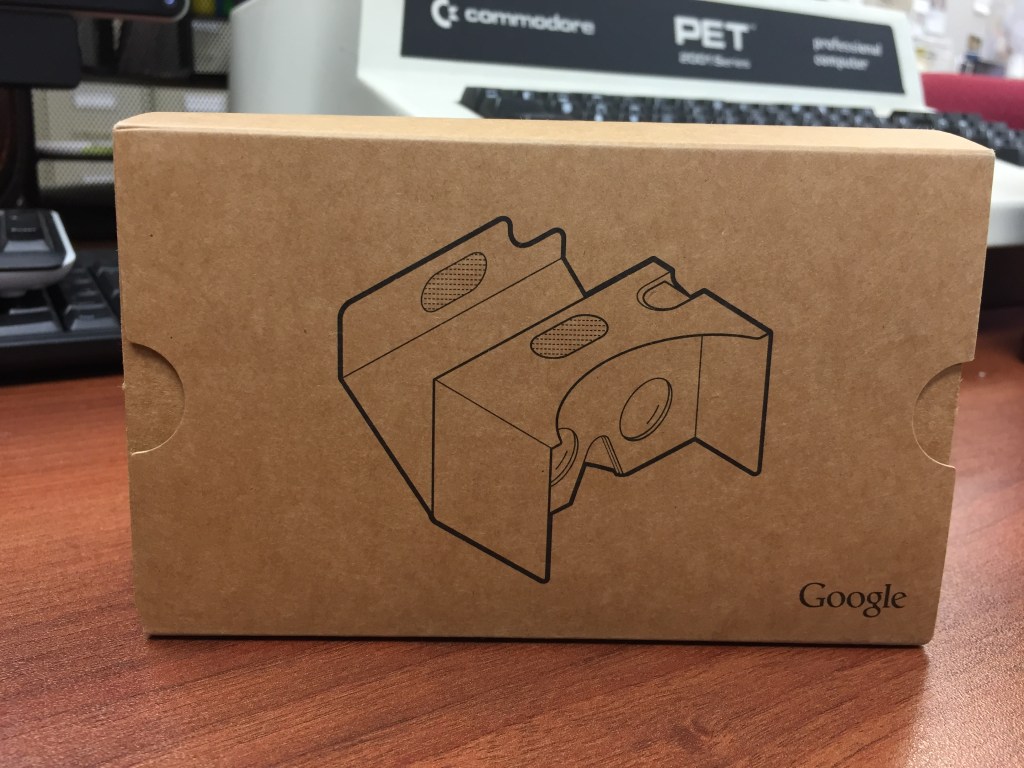
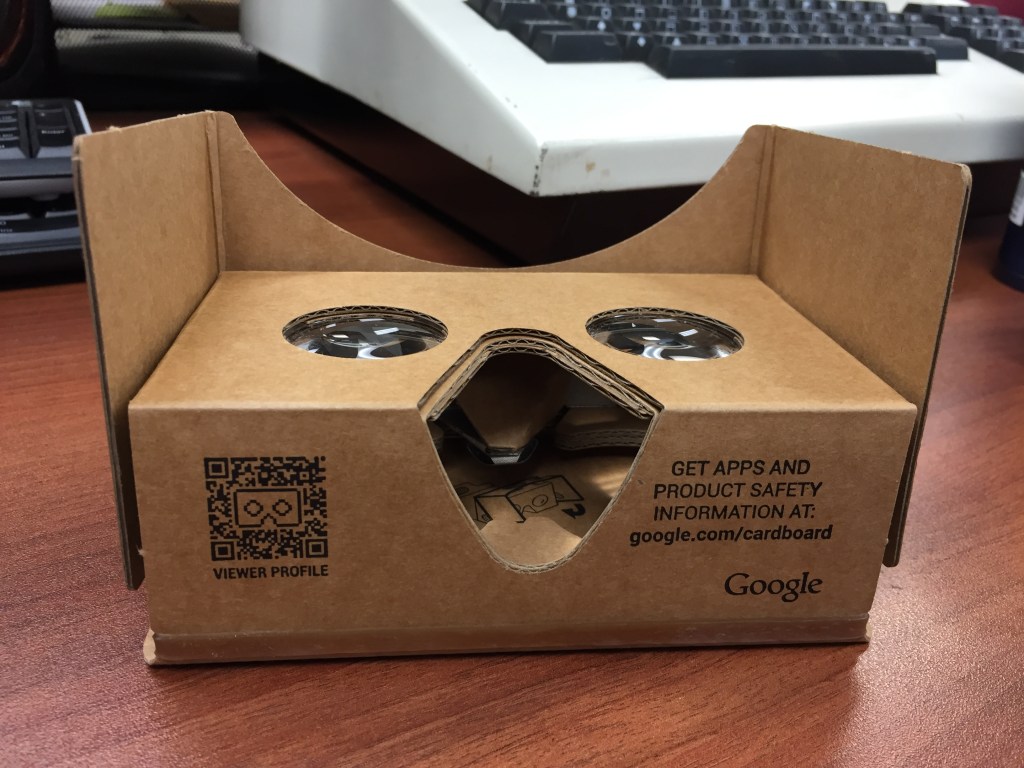
    These Google-designed cardboard VR headsets are my favorites of all VR considering the simplicity of their setup and operation as well as cost. Also, they enabled me to easily introduce VR to my students–whether we used my phone or theirs. It just worked and gave immersive visual-focused with some sound experiences. I was let down when their development stopped.

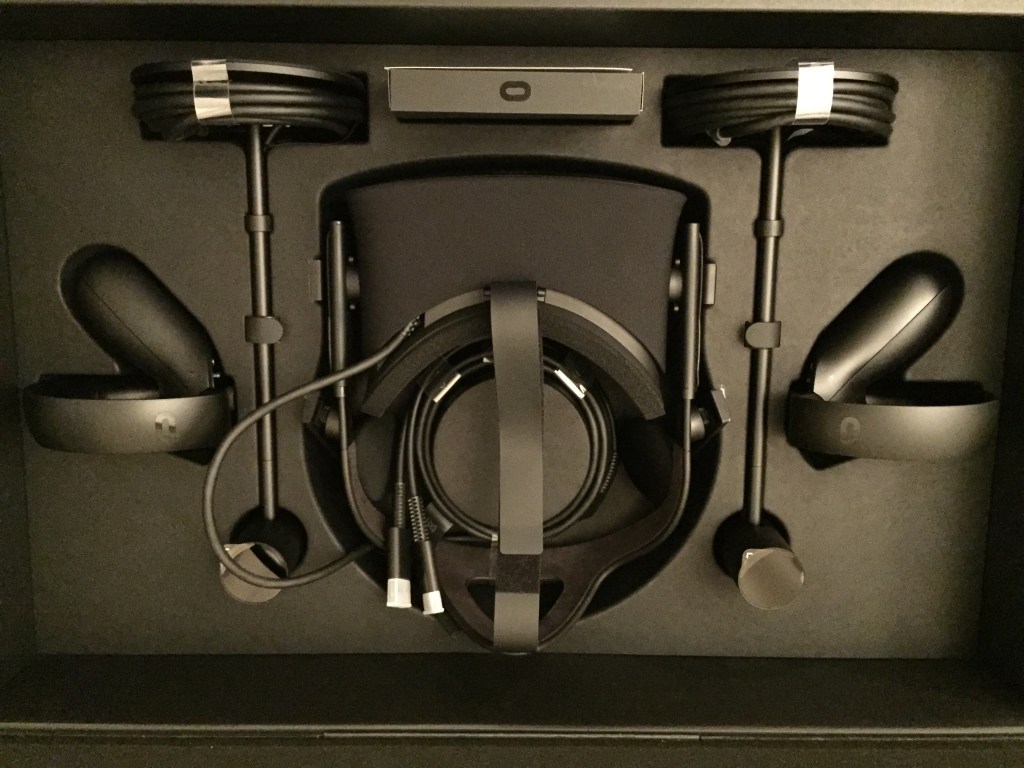
    2017: Oculus Rift CV1

    Best Buy ran a sale on the Oculus Rift CV1, so I decided to give more substantive and immersive VR a try. In this particular configuration, I had an NVIDIA GTX 1060 6GB video card running the Oculus Rift. I was never able to get the focus 100% for my eyes and my small apartment’s limited space didn’t give me a lot of room to work in. Also, I had some real problems with interacting with environments and objects in games. Despite what changes I made to the Constellation tracking units, there were gaps between what I tried to do and what the software/hardware thought that I was doing. I ended up selling the set on eBay where I was able to recoup the cost.

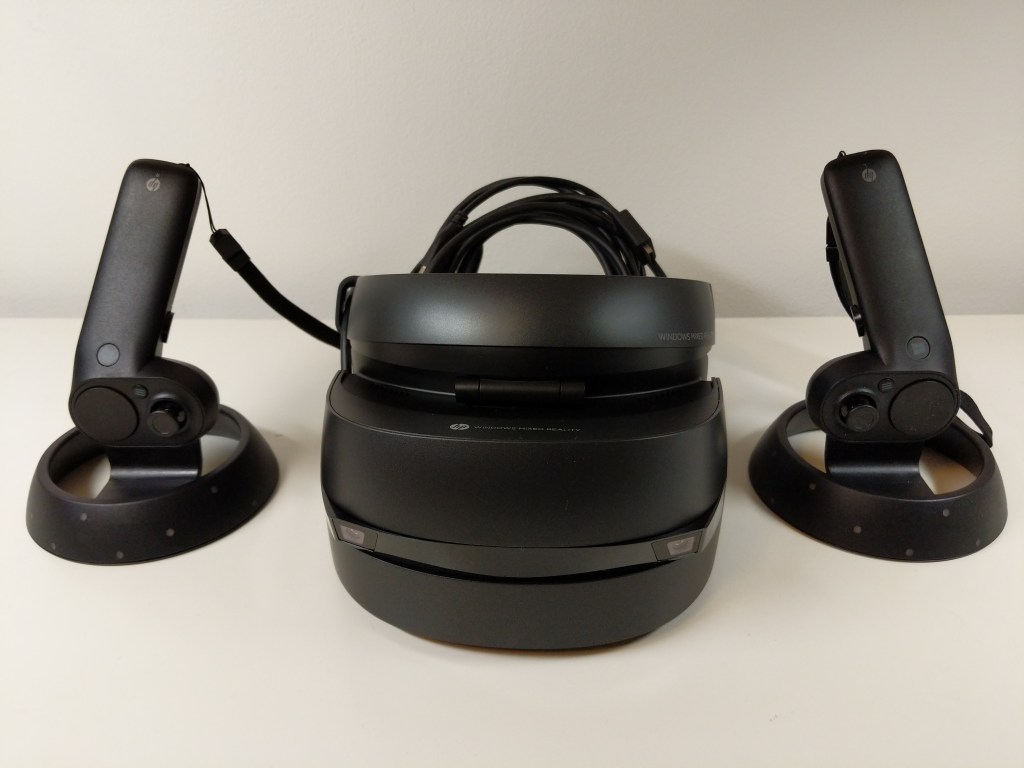
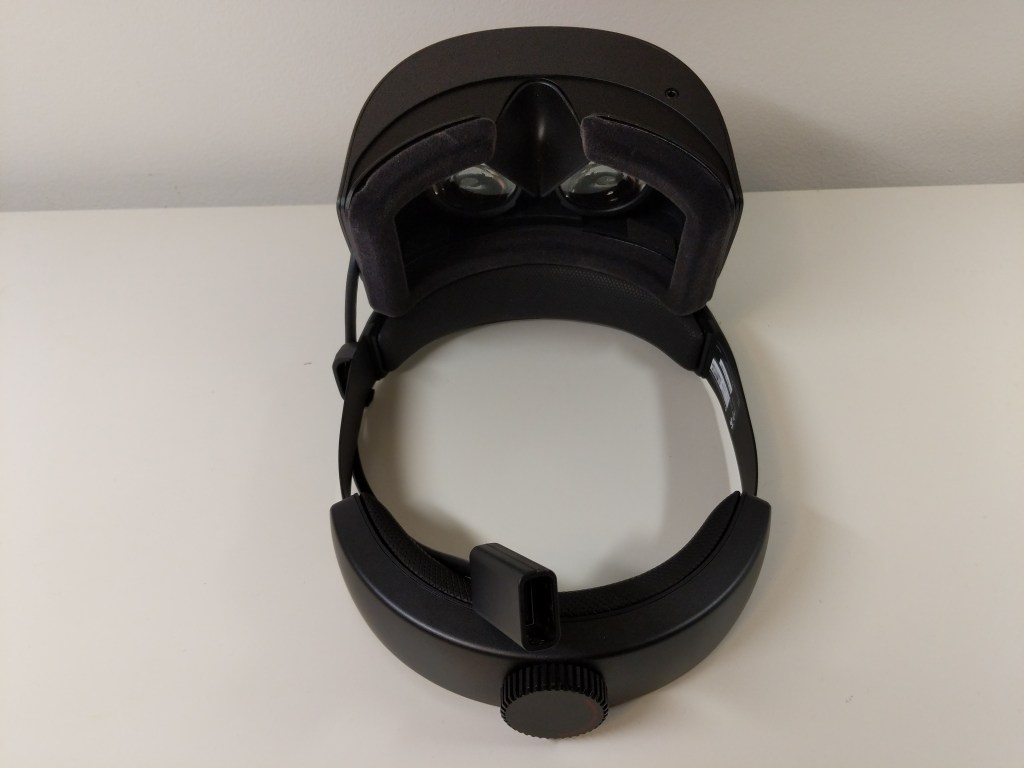
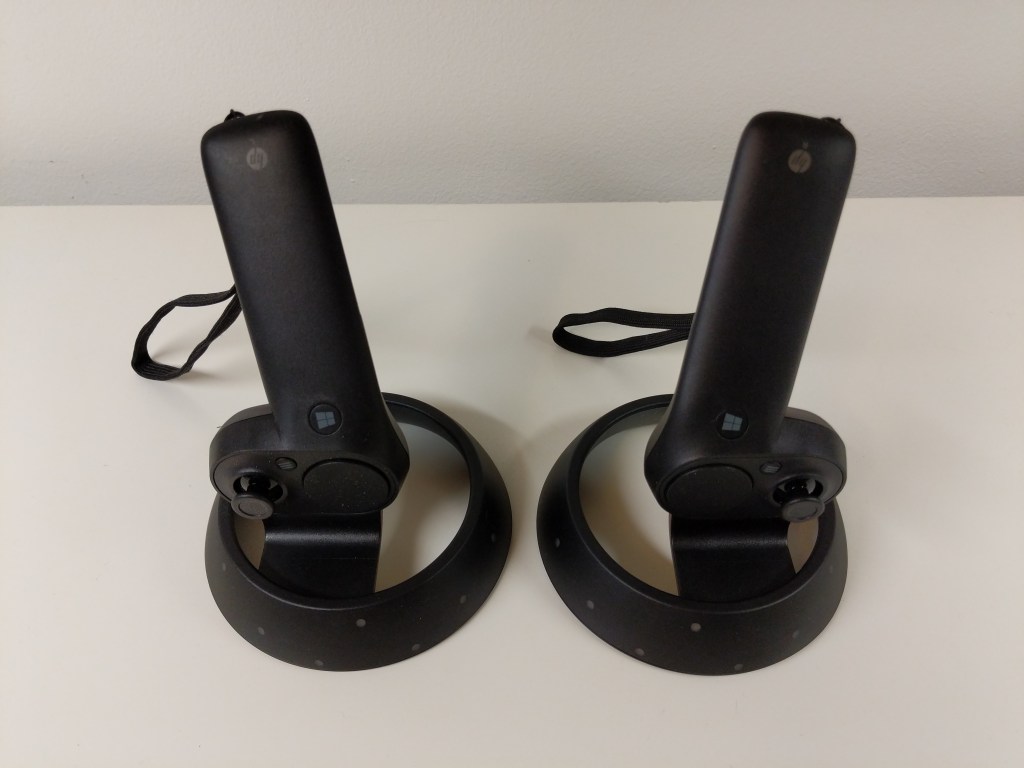
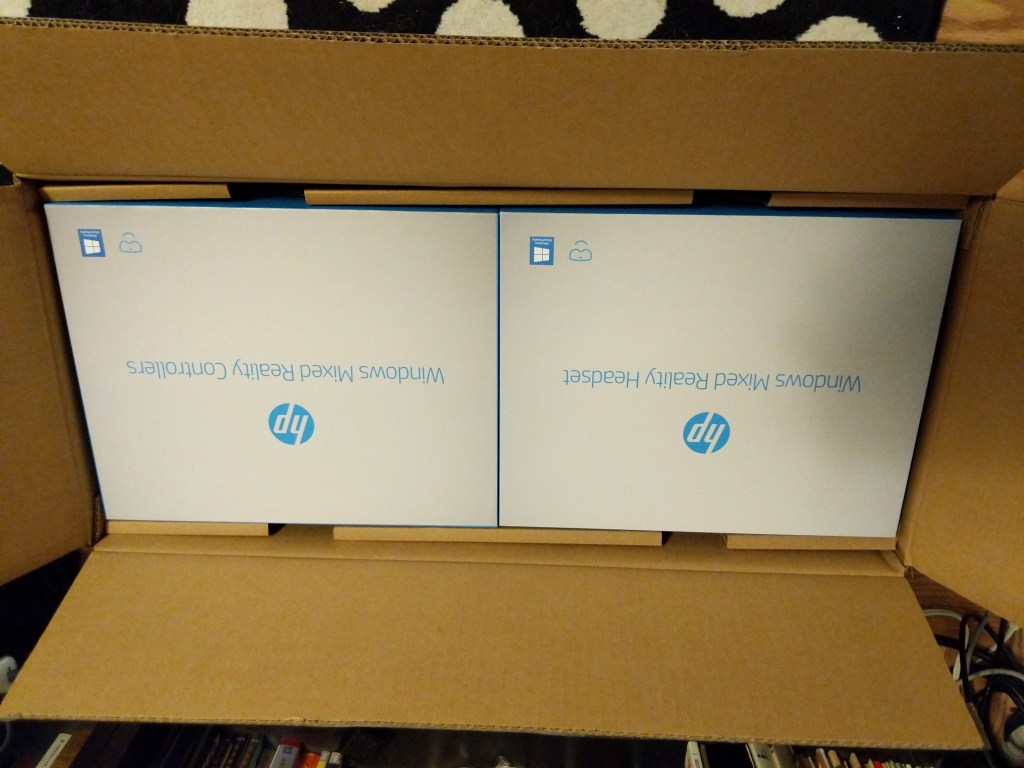
    2019-2020: HP Windows Mixed Reality Headset

    When the local Microcenter had a stack of HP Windows Mixed Reality Headset and Controller Sets on sale for the bargain basement price of $129.99, I immediately bought one thinking that it couldn’t hurt to try this higher resolution than the Oculus Rift CV1 set at such a low price and I could resell it on eBay for more than I paid for it if it doesn’t work out. I am happy to report that I was able to get better visual acuity with the HP headset than the Oculus. However, it’s inside-out tracking presented the same kind of problems that the Oculus’ opposite style tracking had when it came to my interacting with virtual environments and objects. The frustrations of reaching not far enough or too far repeatedly was eventually too much. I boxed it back up and put it for sale on eBay.

    Future VR?

    I would like to try VR again in the future, but it might have to wait until I can move out of NYC. There just isn’t enough space in the apartments that I can afford for two people and a cat to comfortably coexist in a space large enough to accommodate movement-in-space VR. Of course, playing shooters or simulators in which I sit down while peering around with the headset on would be fine (analogous to the VFX1), but I would like to experience VR beyond that and interact within space. In the meantime, I’ll keep following VR developments until I can try again.

  • Ten Suggestions on Teaching With/About Generative Artificial Intelligence (AI) in the Writing Classroom

    Anthropomorphic cat wearing suit and tie, and standing in front of a chalkboard. Image created with Stable Diffusion.
    Anthropomorphic cat wearing suit and tie, and standing in front of a chalkboard. Image created with Stable Diffusion.
    I’ve been spending a lot of time studying and using generative AI technologies and thinking about their pedagogical implications, and over the summer, I invested more energy into taking intensive online classes relating to generative AI on LinkedIn Learning, which I wrote about here and here. The suggestions below are a distillation of some of the important ideas that I have learned and plan to implement after my sabbatical this year concludes. Readings associated with these points can be found on my extensive generative AI pedagogy bibliography. Maybe you will find some of these helpful to your thinking for your own classes as we make our way into the science fictional future together!
    1. Build ethical and legal issues of generative AI into every discussion and assignment. Of course, a separate module or a whole course can be focused on these topics, but students need to see how ethical and legal issues are tightly woven into how these technologies are developed, the challenges that they present, and how to be prepared to avoid, mitigate, or resolve those challenges. By weaving ethical and legal issues into the quotidian, it helps students think critically about these issues throughout the learning process and it avoids the conclusion that ethics and legal concerns are just an afterthought.
    2. Show students how bias in generative AI is real. Since generative AI is trained on datasets of work created by people, the AI systems will reflect the biases inherent in the content of the dataset and the ways different people might be represented in the dataset (e.g., more books by white male authors and fewer by writers of color or women writers). Bias is unfortunately baked in. Help students explore how these biases reveal themselves insidiously, might be discovered through prompting, and how to mitigate them (if possible) in the way they use generative AI as a part of their workflow.
    3. Help students become responsible generative AI users. Students need to be taught how to document, cite, and acknowledge the use of AI in their work at school and later in the workplace. This can refute earlier use of ChatGPT and similar sites that fueled what some might consider plagiarism or cheating. Helping students see how it’s okay to use these tools when allowed and properly documented helps them see how they are a tool to support their work rather than a way to avoid working.
    4. Reveal how generative AI technologies are designed, developed, and operated. By learning how generative AI is built and deployed, students get to see how the sausage is made. They will learn that generative AI isn’t magical or all knowing or perfect. Instead, they will realize that years of research and development in mathematics and computer science led to the current state of the art with these technologies, which is still lacking. They will discover the limitations of what these technologies offer (e.g., text generating AI primarily performs sentence completion and has no understanding of what it is doing, or its training data has gaps, deficiencies, biases, etc. that directly affect the text generated). This can be paired with lessons on how large language models are trained, how they are a black box in terms of how they work, and initiatives to build explainable artificial intelligence (XAI).
    5. Approach generative AI as another layer for students’ digital literacy development. Considering AI’s biases, falsehoods, so-called hallucinations, and off-topic responses, pairing generative AI with instruction on vetting information, using research tools (online and off), and applying one’s own skepticism will combat the notion of AI’s trustworthiness, expertise, and authoritativeness. Also, it gives students another source for comparing, contrasting, and verifying when checking facts and establishing reliability of various sources of information.
    6. Introduce generative AI as a new tool for students to add to writing and creative workflows. Some students might like to think that generative AI is a one-stop shop, but we can reveal to them how it can support different elements within a larger creative framework that depends on their cognition, imagination, and effort to produce deliverables. It can aid with ideation, brainstorming, planning, and outlining, as well as handling less important writing tasks, such as replying to an email or DM. An important corollary to this is the fact that prompt engineering is a skill unto itself that students have to learn and develop. In some cases, figuring out the best prompt might require more time, energy, and collaboration with others to accomplish than had the students done the writing output themselves.
    7. Refocus on editing, revision, and the writing process to incorporate generative AI text into student work. One way to accomplish this is teaching students higher level editing and revision tasks using AI generated text as the material for editing. Another way is to teach students how to use editing tools, such as those built into Microsoft Word, Google Docs, and LibreOffice, to work with the text generated by AI.
    8. Harness generative AI as a learning tool to support student experimentation and discovery by example. Students can ask the generative AI to summarize their writing, rewrite their writing for different audiences, turn outlines into paragraphs, etc. However, for students to gain some benefit from this, there needs to be a reflective writing exercise that gives the student an opportunity to dissect what the AI did to the student’s original composition and then based on what the student learns in reflection, they attempt their own new composition with the same goal as that given to the generative AI. The AI’s output can be combined with the student’s reflection and composition for evaluation by peers or the instructor, depending on how you are providing feedback to students on their work.
    9. Recognize writing students as technical communicators, because they use generative AI technology in their writing processes. I am thinking of part of the Society for Technical Communication’s definition of tech comm: “Communicating by using technology, such as web pages, help files, or social media sites.” Using AI to create outputs or as a part of the writing process means that students are using technology to communicate in a deeper way than how we might have thought of this before. Acknowledging this with students might make more of them aware of this as a career path or how they might leverage their communication skills as they transition into the workplace.
    10. Warn students about the possible jeopardy they face by providing their writing, prompts, questions, and personal identifying information to online-based generative AI tools like ChatGPT. Anything you type into the system is saved and associated with you. This means that your inputs might be used to train and fine tune future versions of the generative AI system, and the data collected about you based on what you type and how you use the system might be utilized by the system provider or sold to third parties (e.g., for advertising, adjusting insurance rates, making loan decisions, etc.). This can be connected to a larger discussion of how to protect one’s self online, practice privacy best practices, employ obfuscation techniques, etc. Teaching students how to use their own locally hosted LLMs, such as Meta’s LLaMA and its derivatives. This gives them more control over how their data, and it gives them the option to fine tune their local model to better fit their needs.