Category: Computers

  • Thinking About My Friend Chris Lee: Macintosh Aficionado, Music Guru, and Eidetic Memory Man for Movie Dialog

    Chris hanging out in Brunswick. This was my second photo with my Sony Cybershot 2MP camera.

    Recently, I was telling my City Tech colleague Kate Falvey about a habit of thought that I have when I encounter things that I would ordinarily want to share with a specific person who I think would be interested in that thing even though that person might have passed away. That kind of thought happens more often with my friend Chris Lee, who passed away in 2016. Our mutual interest in computers, pop culture, and video games was the currency of our friendship over many years that began when he saw me pull out my Apple Powerbook 145B in Mr. Norris’ Graphic Design class at Brunswick High School. Later, after we had a falling out around 2000, he mended the bridge and we became good friends again.
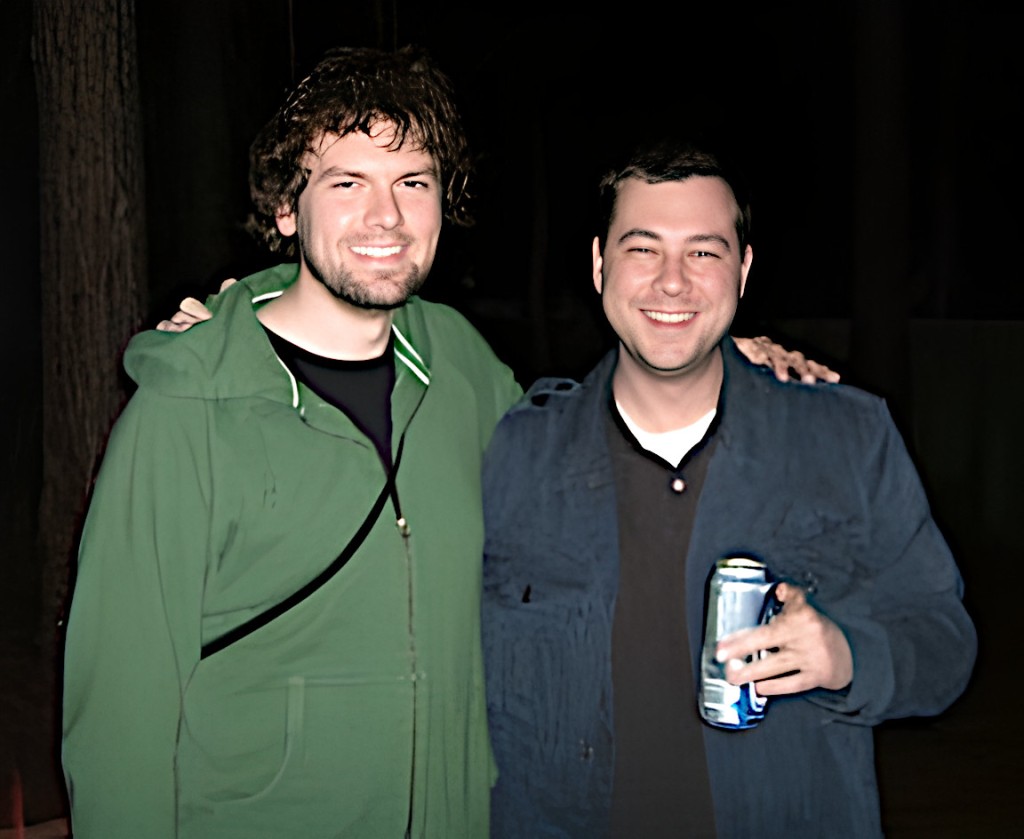
    Me in a green hoodie and Chris in a blue jacket outdoors at night.

    When we were younger, our great ambition was to open a computer repair shop and publicize it with a video of us marching through flames as Rammstein’s “Du Hast” blasts in the background. He pushed the limits of good sense by loading what I believe to be a record number of Control Panels and Extensions that would dance along the bottom of his Mac’s boot screen–at least three full lines of icons at 1024 x 768. He created archives of sound that surpassed mortal lifespans capable of listening to it all. He mastered anything released for the Nintendo GameCube. He had a phenomenal memory for movie dialog–a specialized eidetic memory that would have been a superpower at trivia night.
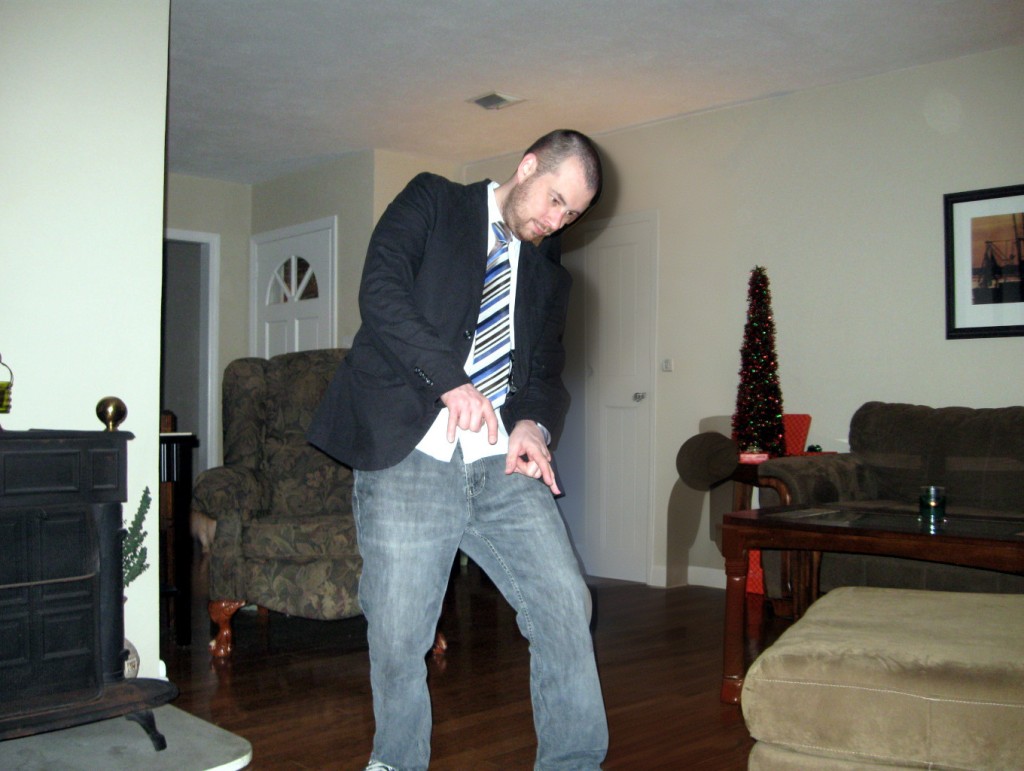
    Chris Lee dancing in his parents' living room.

    The last thing that we talked about was how much had gone on in our lives so far. I texted him, “Too bad we don’t have a time traveling DeLorean. We could stop by and blow our younger selves’ minds 😎.” His reply and last text to me was, “I wish I had a DeLorean.”
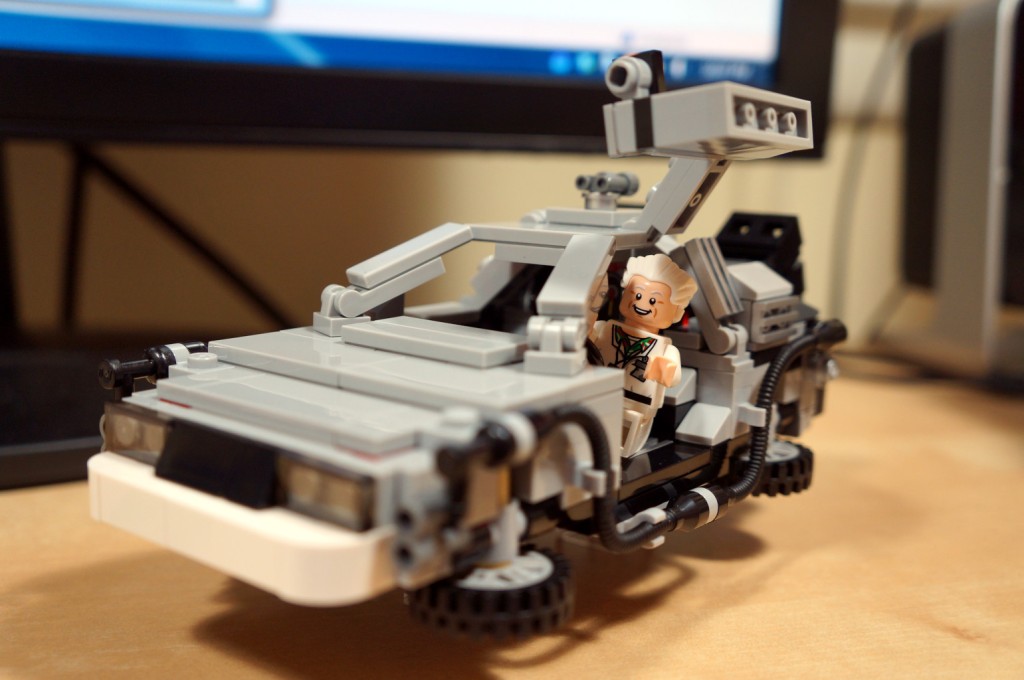
    LEGO time travel DeLorean with the driver side door open and Doc Brown hanging out.

    Not long after that, I got a call from our friend Kenny. Chris had died. He was back in Brunswick where our friendship had started. I couldn’t really write about it then, and even now, it’s difficult. I’m not able to say all that I feel and how I wish that I could share just a few things with Chris again.
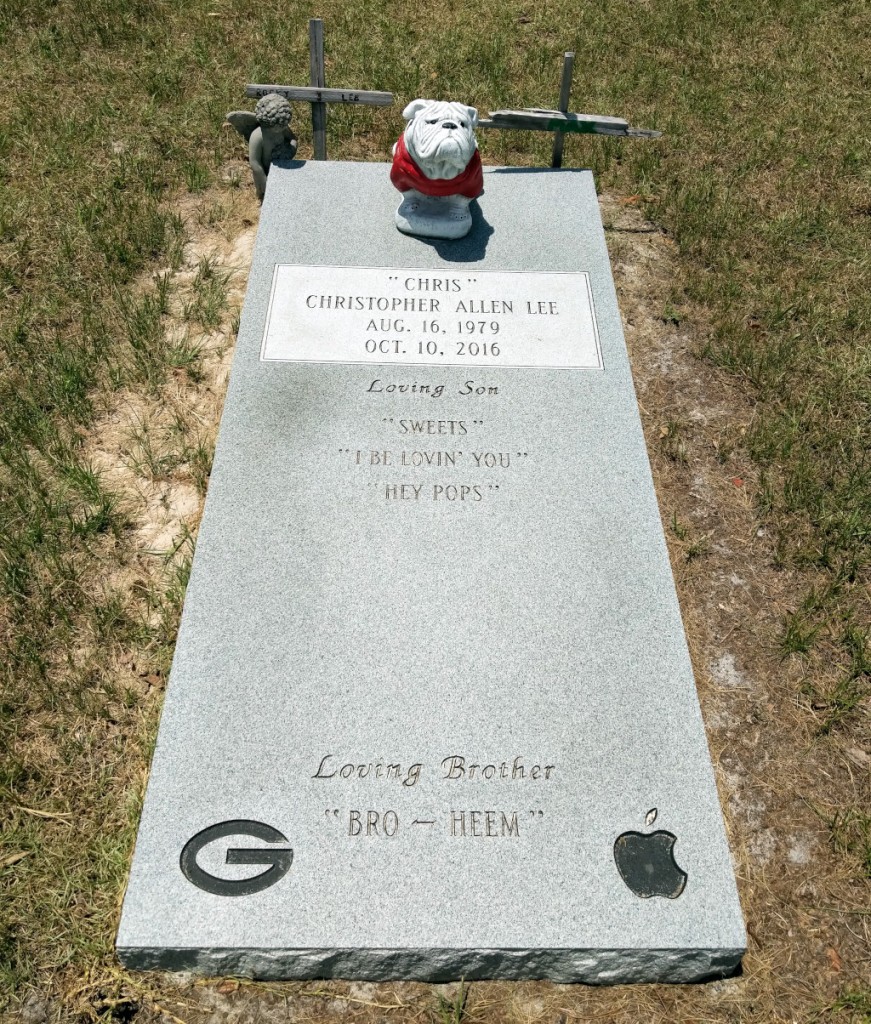
    Chris Lee's grave stone embossed with UGA's G logo and the Apple Computer apple with a bite taken out logo.

    When I visit my parents, I try to visit Chris’s grave in Smyrna Cemetery, which is between Nahunta and Hortense. His grave marker highlights some of his life’s loves, including Apple Computer. Of course, I wish that Chris could hear when I talk, but I know that what I say is only heard by regret.
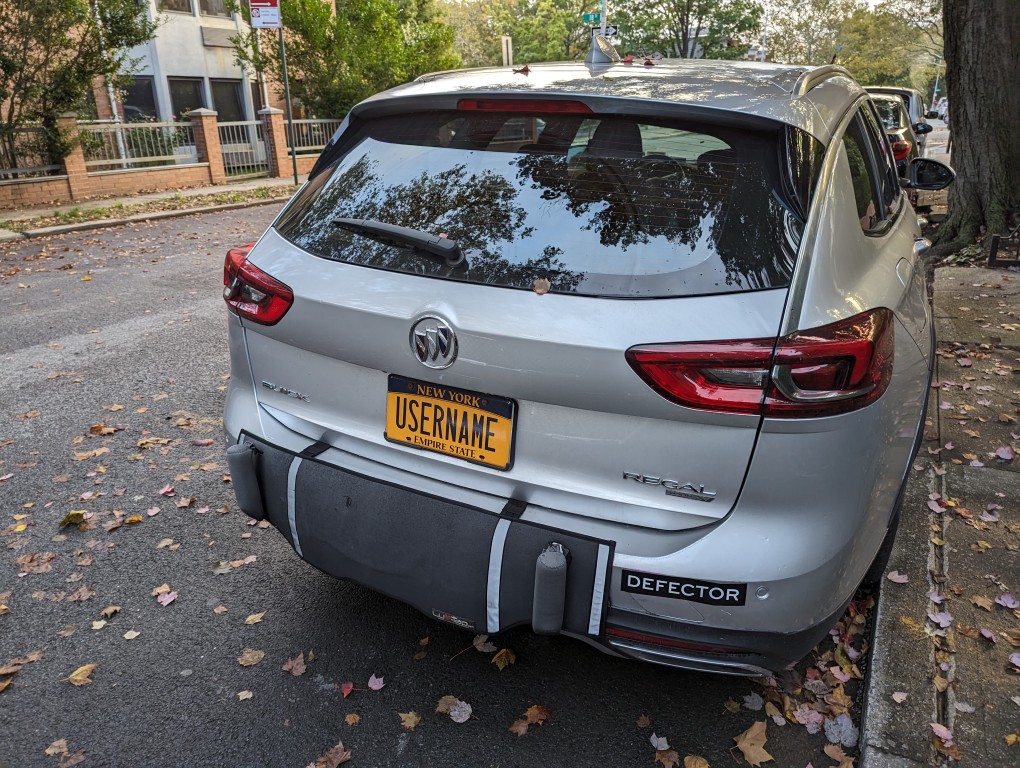

  • Username License Plate in New York

    Buick hatchback with a New York license plate with the word "USERNAME"

    If I had a nickle for every time I’ve said, “Now, enter your username . . .”

  • First Anniversary of My Generative Artificial Intelligence (AI) and Pedagogy Bibliography and Resource List

    Artificial intelligence in a giant room of computers. Image generated with Stable Diffusion.

    Tomorrow is the first anniversary of the Generative Artificial Intelligence (AI) and Pedagogy Bibliography and Resource List.

    I first launched it on 13 April 2023 when I was directing the Professional and Technical Writing (PTW) Program at City Tech before going on my current research sabbatical.

    The motivation for the resource was two fold: I wanted to learn all that I could about generative AI for my professional work as a teacher and scholar, and I needed to understand the changes taking place due to these new technologies for the benefit of my students who had already expressed concern and wonder about it.

    I launched it with more than 150 MLA-formatted citations of books, collections, and articles related to AI and generative AI with an emphasis on teaching but also including useful background and area specific sources.

    Now, it has over 550 citations! It also includes a growing list of online resources with direct links!

    I’ll keep adding to it periodically, and if you have some sources that I haven’t included but should, drop me a line (my email address is in the sidebar to the right).

  • AT&T Cable Route

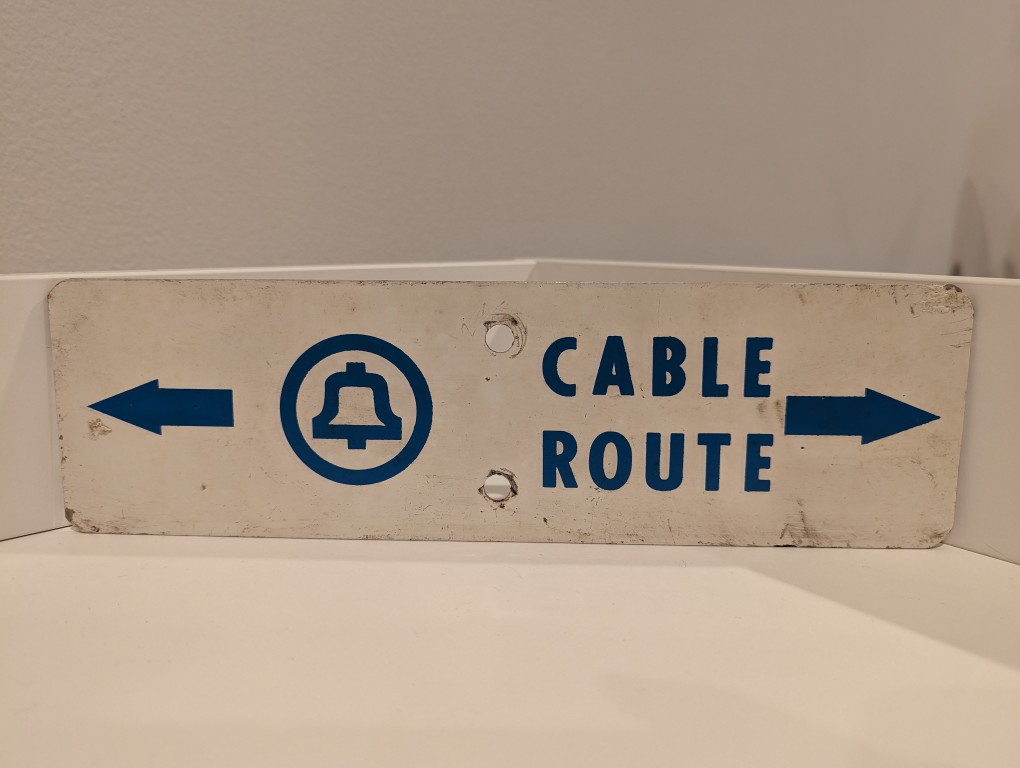
    AT&T Cable Route metal sign

    Long before AT&T was having massive data breaches, they were burying cables and putting up these signs in the back country to warn would-be diggers from slicing through buried copper or fiber optic cables.

  • LEGO Folding Cooling Stand for Lenovo ThinkPad P1 Gen 4 Laptop

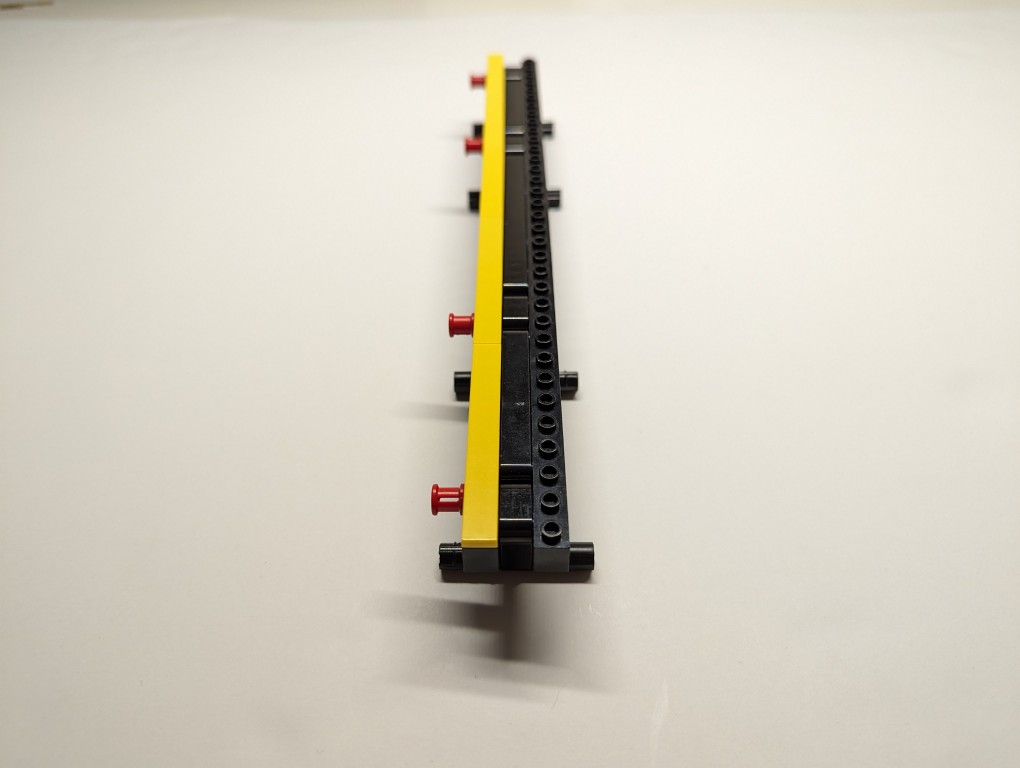
    LEGO Folding Cooling Stand for Lenovo ThinkPad P1 Gen 4 Laptop

    As I wrote about yesterday, my Lenovo ThinkPad P1 Gen 4 maintains lower temperatures when it has improved air flow under its body where the twin cooling fan intakes are. Without raising the laptop, the laptop’s support feet only give it about 3 mm of space underneath it, which chokes the intake fans. Since getting the laptop late last year, I’ve used a variety of at-hand objects–books and small boxes most often–to prop up the back of the laptop when I was stressing the laptop with a heavy workload.

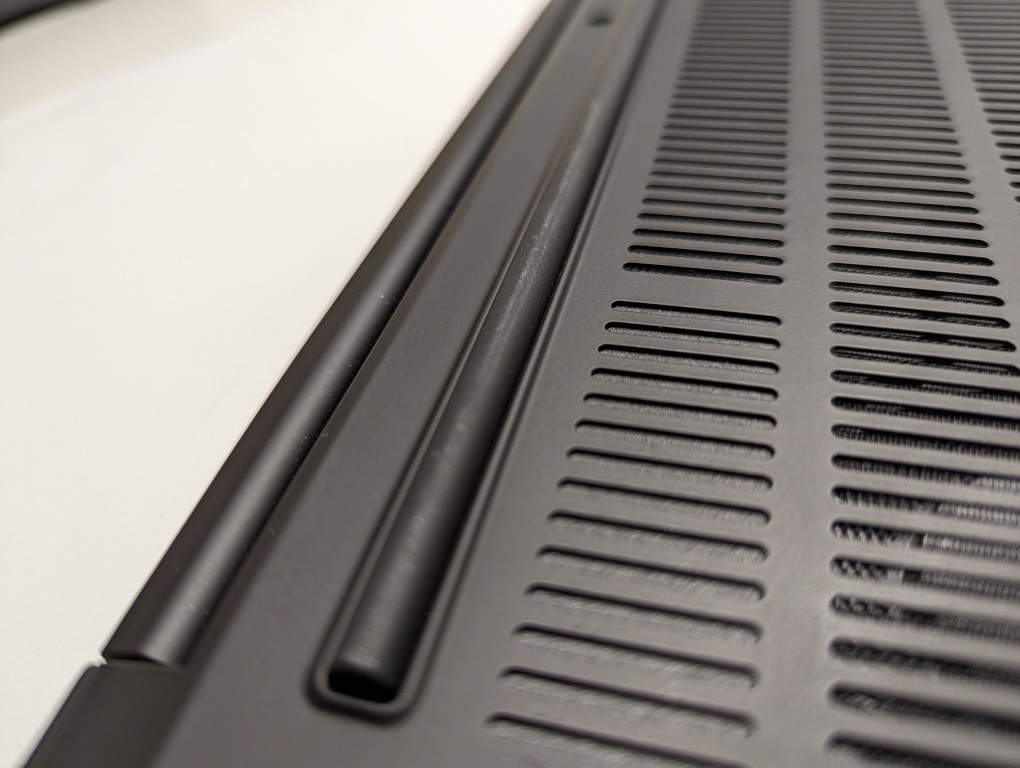
    ThinkPad P1 Gen 4 rear support foot that runs about 80% of the width of the laptop.

    I wanted a permanent solution, but the portable options available in retail are either bulky adjustable metal or plastic platforms or folding 4-point stands. The former takes up a lot of room and those with fans don’t always translate to lower temps, and the latter might not provide the support needed on the ThinkPad P1’s lengthy support foot at the rear of the laptop. So, I turned to LEGO to create a customized stand that gives the ThinkPad the support it needs while also being compact and easily carried in my backpack.

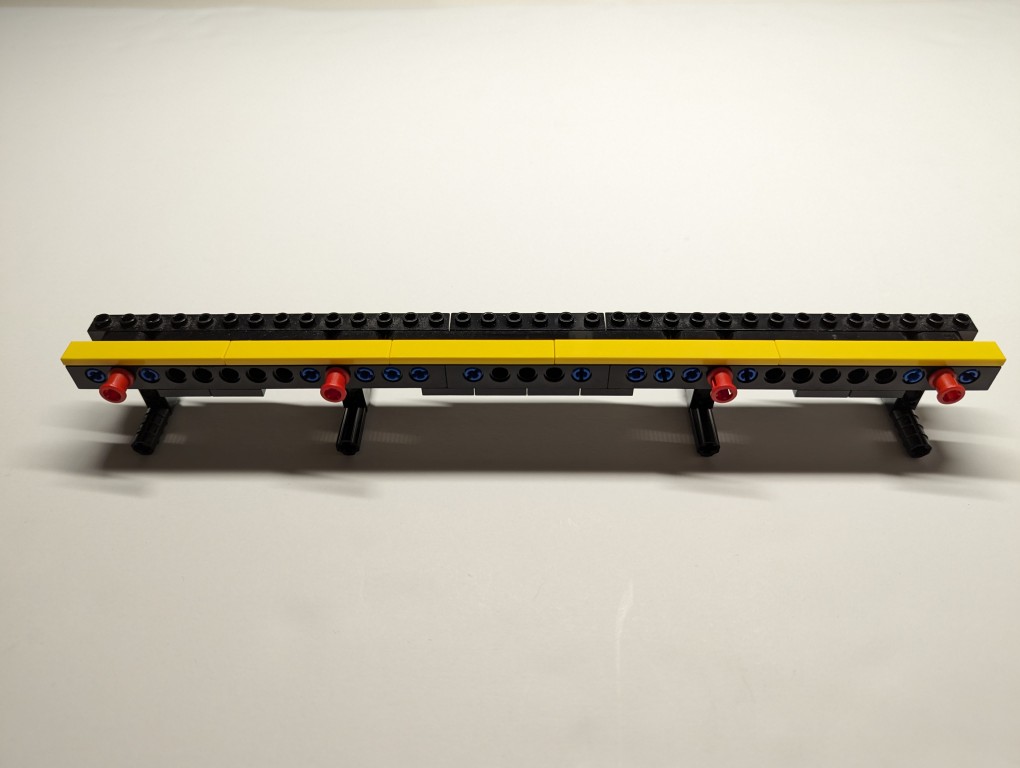
    LEGO Folding Cooling Stand for Lenovo ThinkPad P1 Gen 4 Laptop

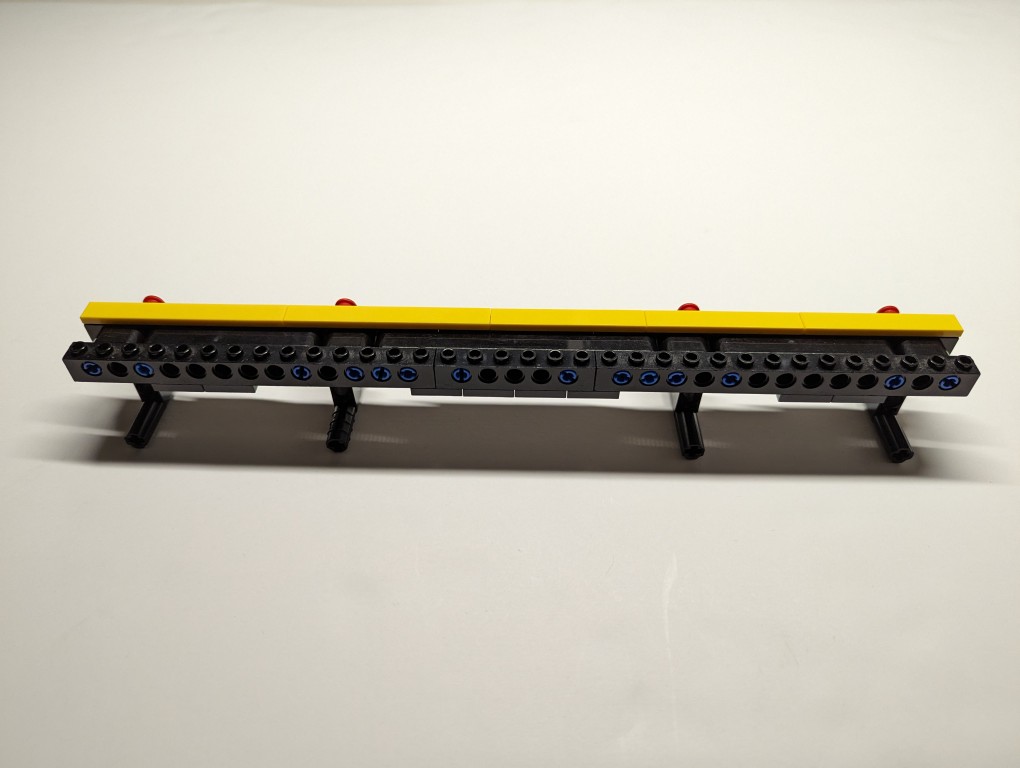
    What I made to solve this problem mostly used LEGO Technic elements with some brick elements (plates to provide support underneath its joints and the bright yellow smooth plates on top to orient the stand and provide a stop against the ThinkPad’s support foot).

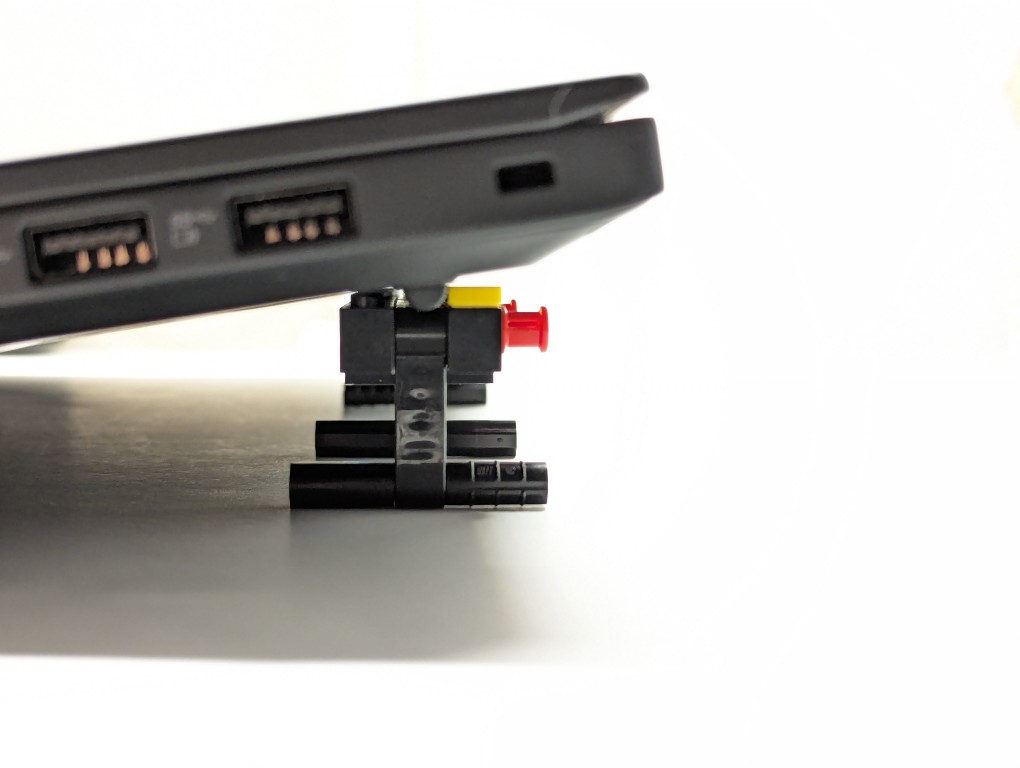
    LEGO Folding Cooling Stand for Lenovo ThinkPad P1 Gen 4 Laptop holding up the laptop, side view.

    The ThinkPad’s support foot fits perfectly in the center of the stand without the studs toward the front or the flat plate in the back touching the laptop’s body.

    LEGO Folding Cooling Stand for Lenovo ThinkPad P1 Gen 4 Laptop

    Essentially, the stand is built like a sandwich: the bread is the Technic bricks with holes on either side, and the filling is the Technic liftarms (straight and L-shaped). I used 3-stud wide pins to hold the sandwich together. The red pins are only used to provide stability to the support legs when they are deployed for use.

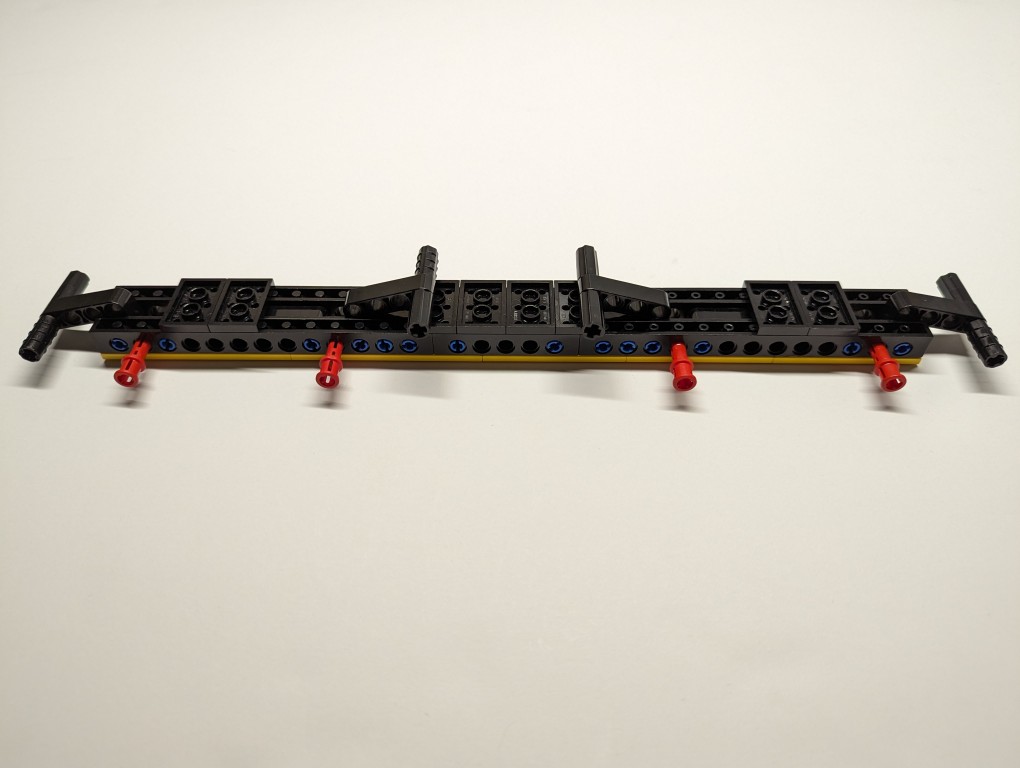
    LEGO Folding Cooling Stand for Lenovo ThinkPad P1 Gen 4 Laptop
    LEGO Folding Cooling Stand for Lenovo ThinkPad P1 Gen 4 Laptop with legs folded

    On the back of the stand, the red pegs can be partially pulled out and the feet folded.

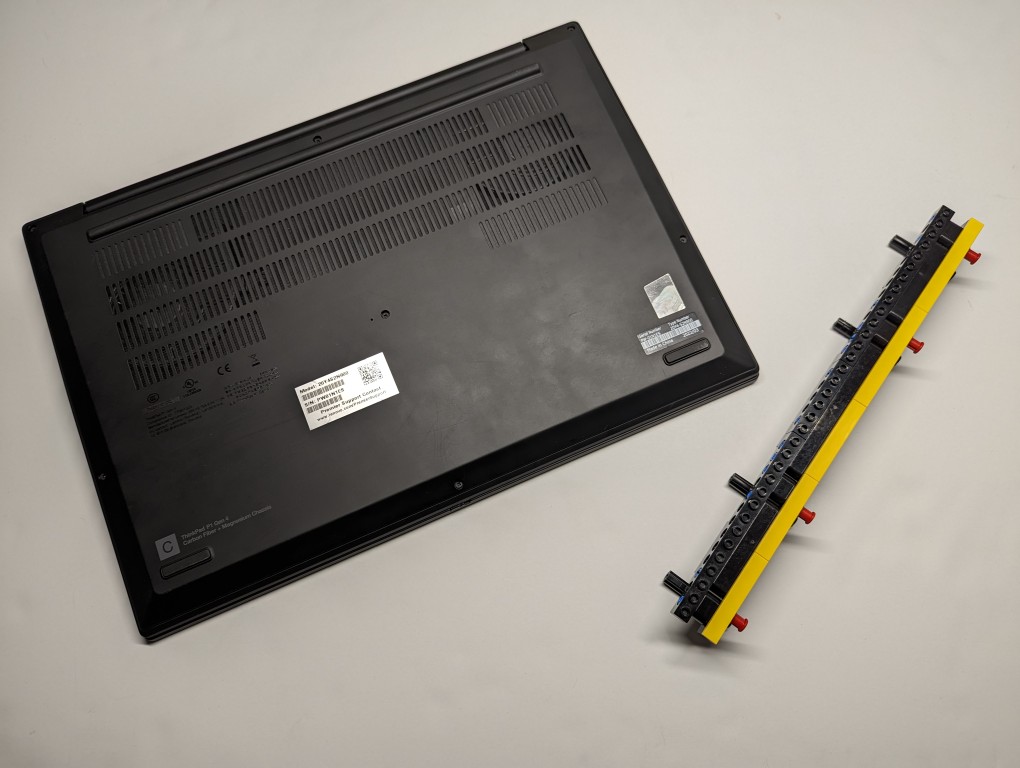
    LEGO Folding Cooling Stand for Lenovo ThinkPad P1 Gen 4 Laptop shown side by side.

    The LEGO stand completely covers the support foot at the rear of the laptop (seen at the top of the photo above). When folded, it easily slips into the backpack that I use to carry this ThinkPad.

    LEGO is a versatile, rapid prototyping medium for building art, expressing ideas, and in this case, creating something practical to solve a specific problem.

    If you have some LEGO bricks laying around idle, you might stop and think about what problem they might be able to solve for you!