Category: Movies

  • My Humble Star Wars Collection

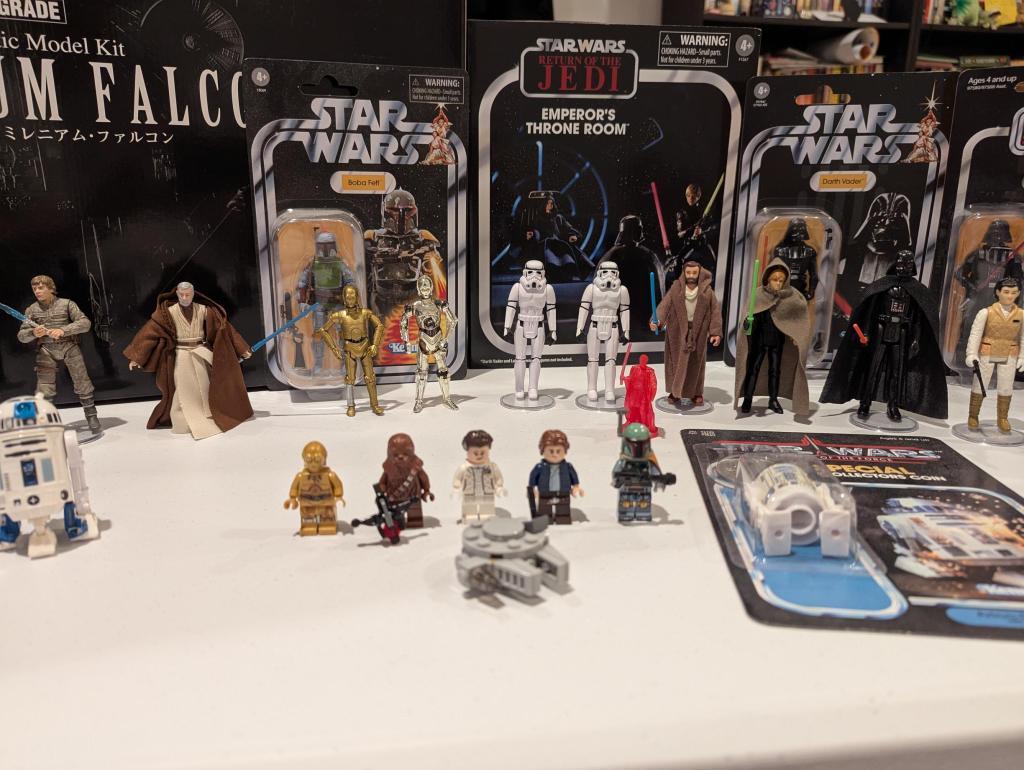
    star wars action figure collection of assorted figures, vehicles, playsets, and models
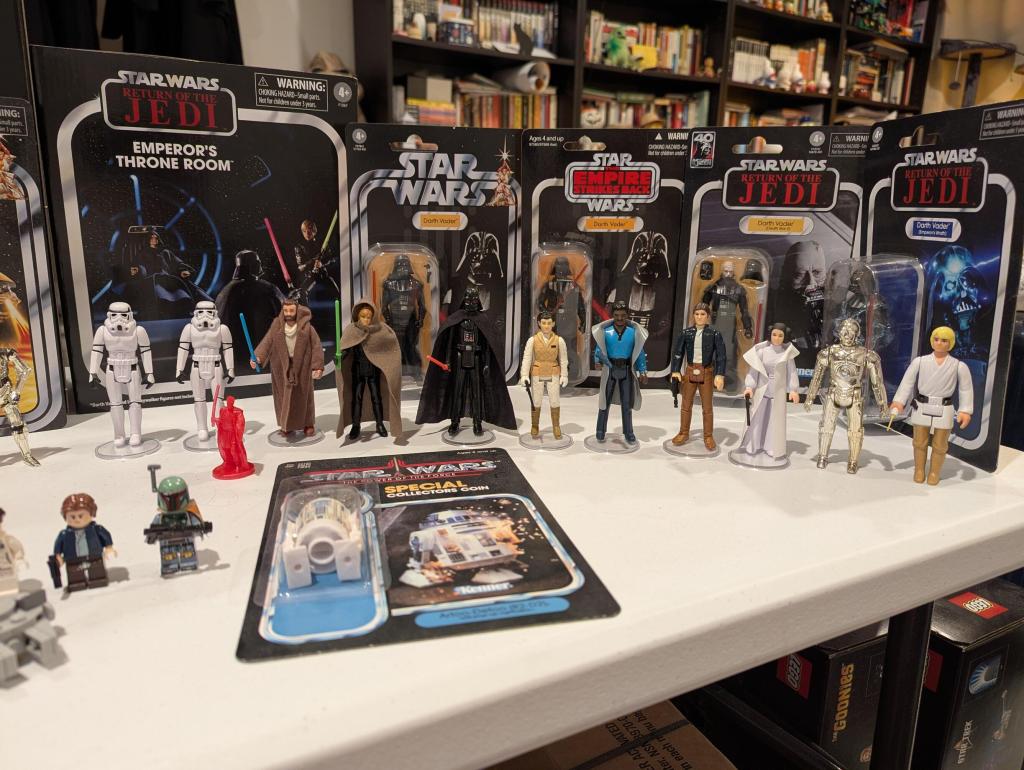
    star wars action figure collection of assorted figures, vehicles, playsets, and models


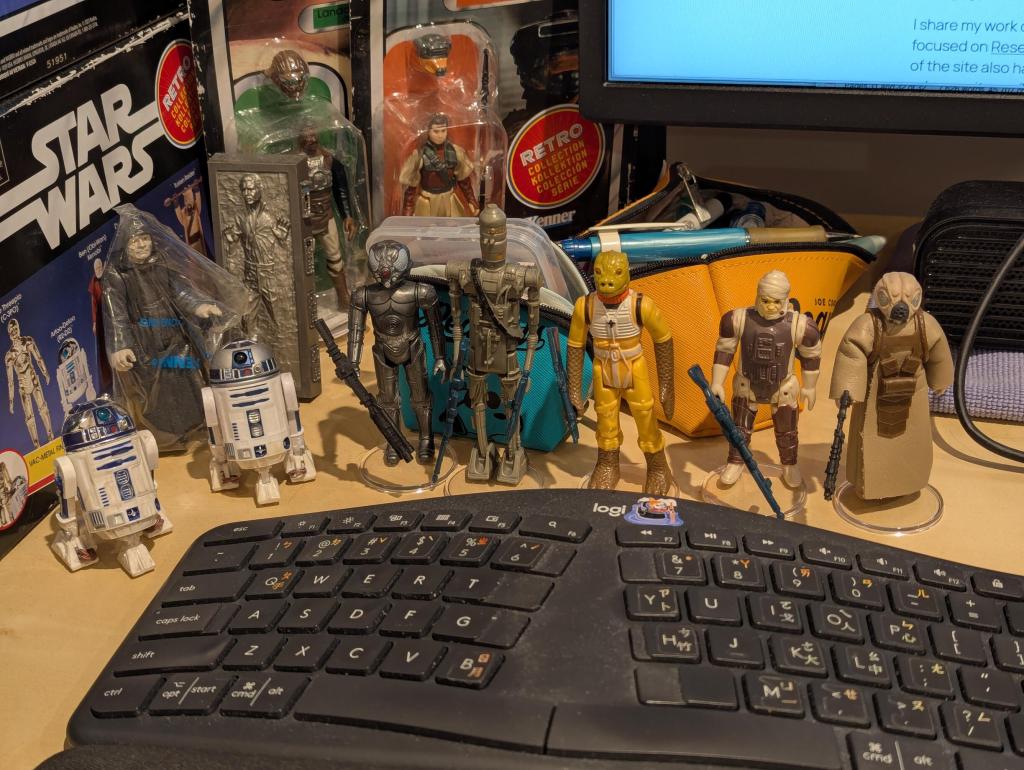
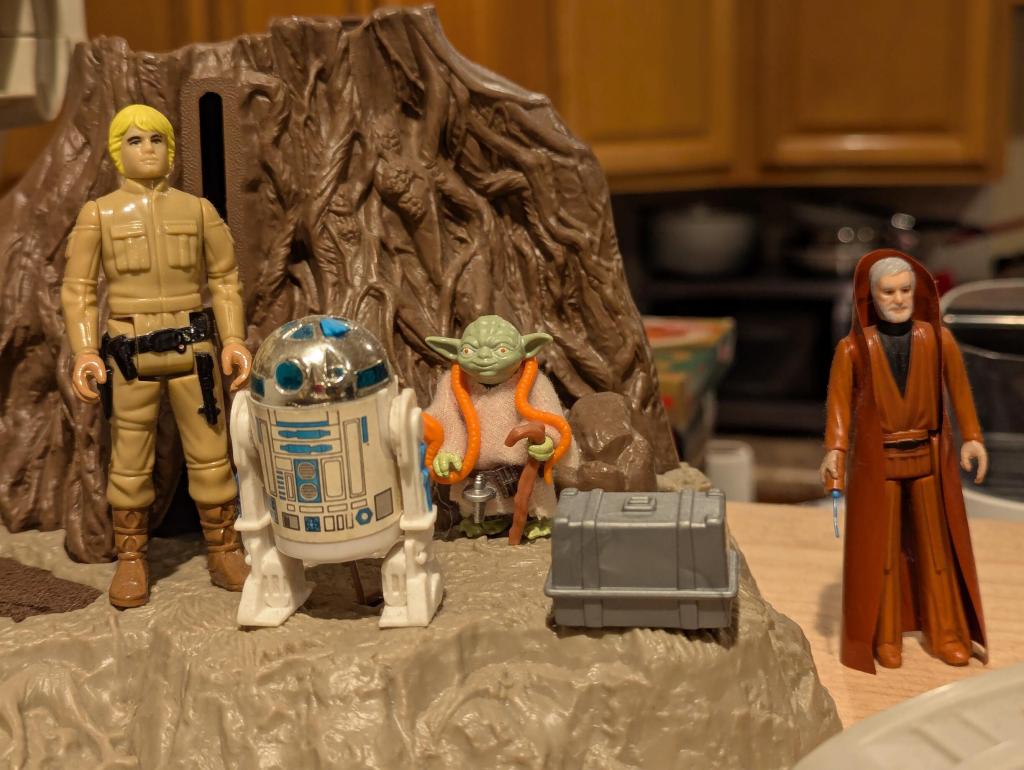
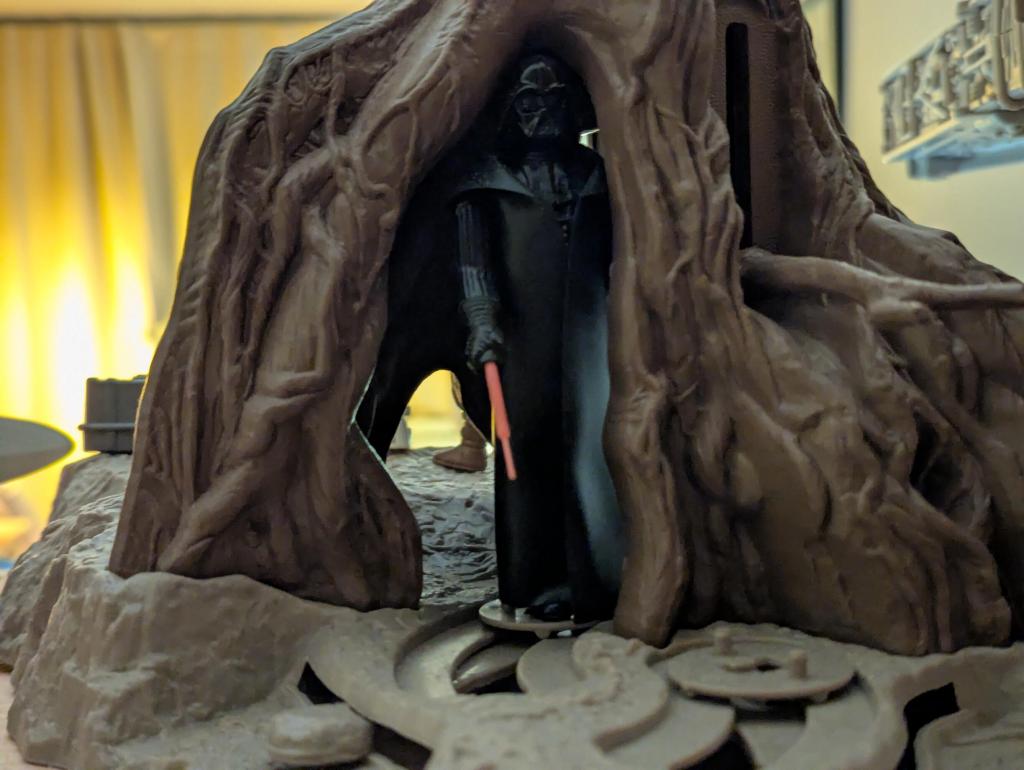
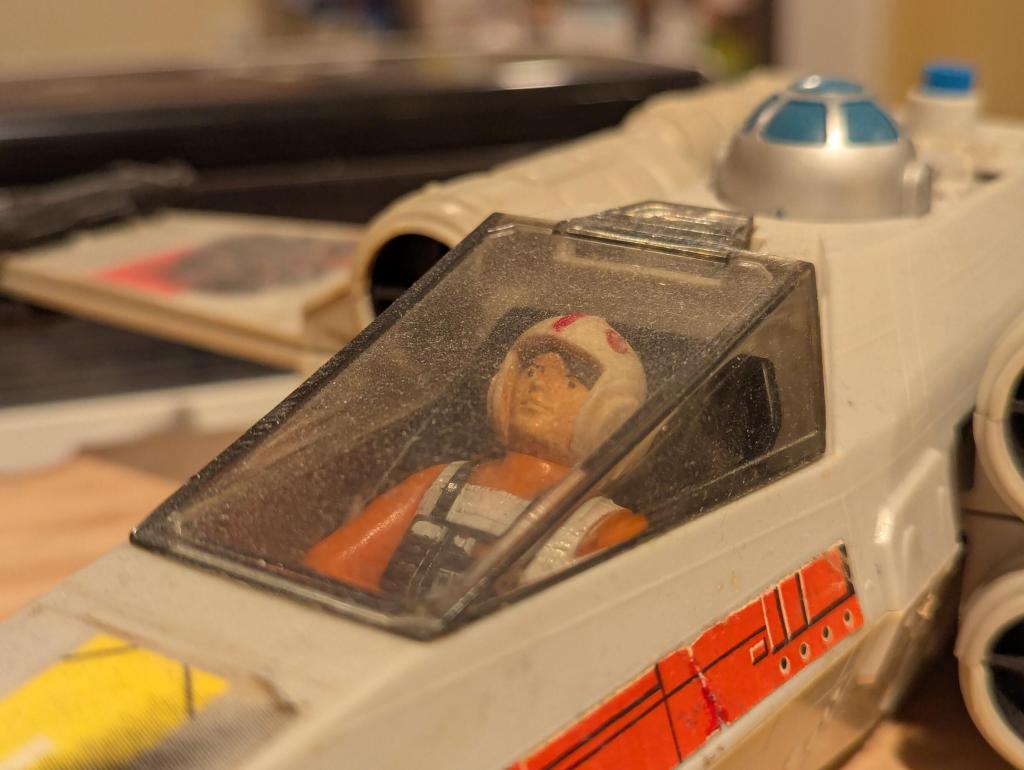
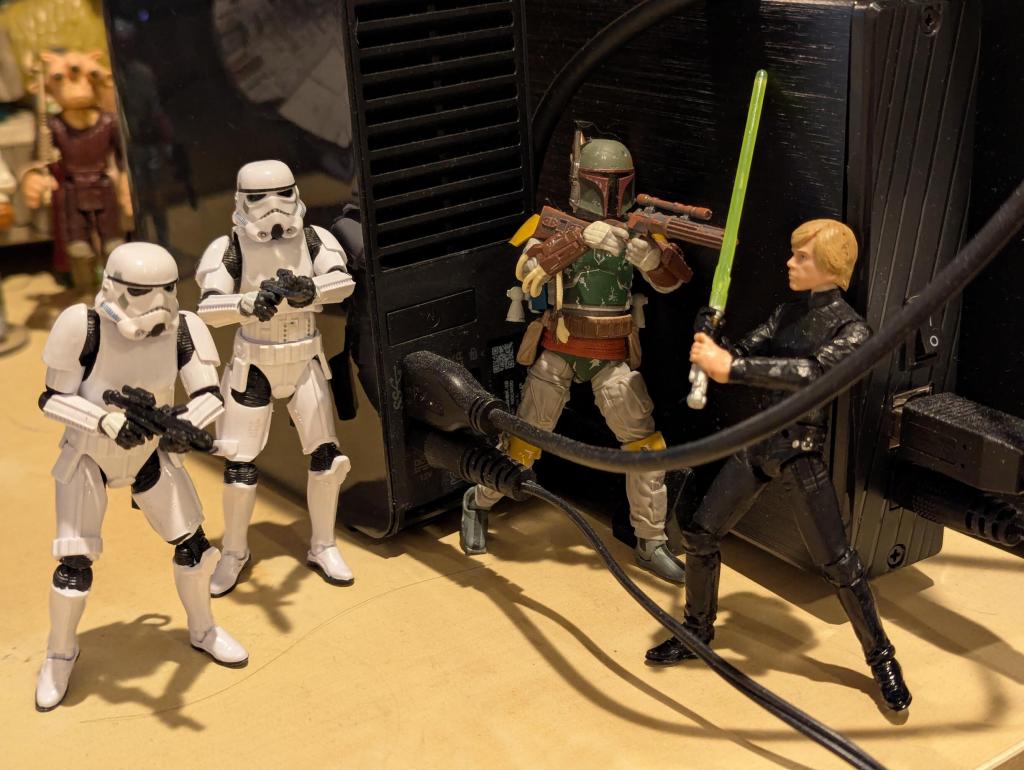
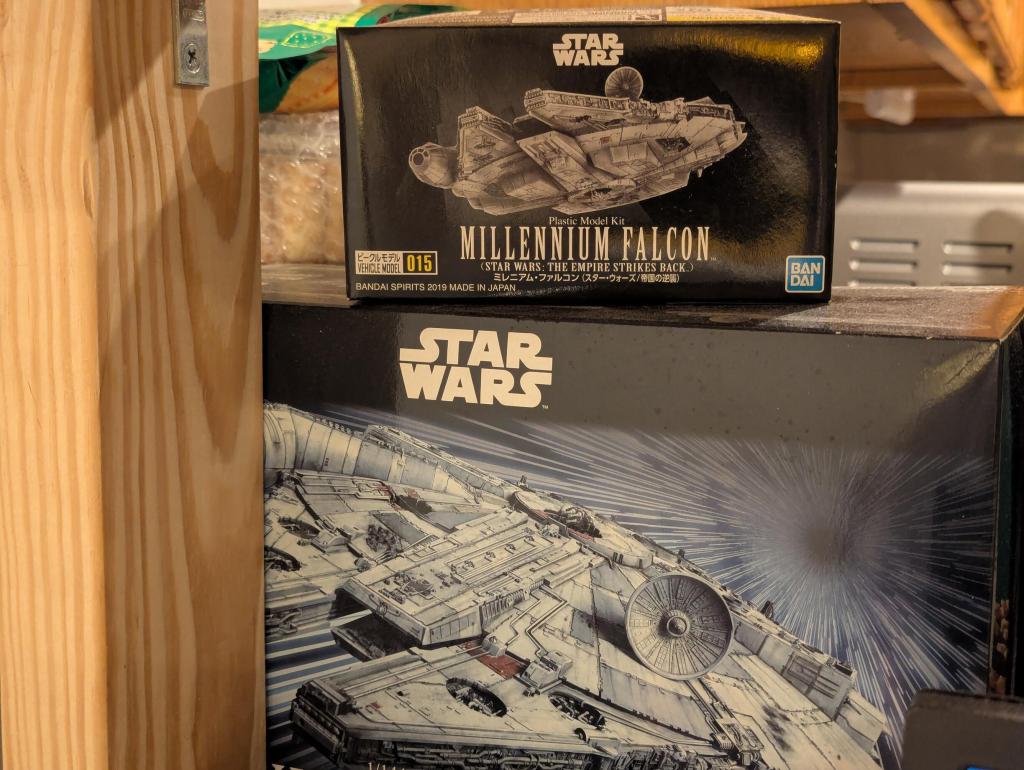
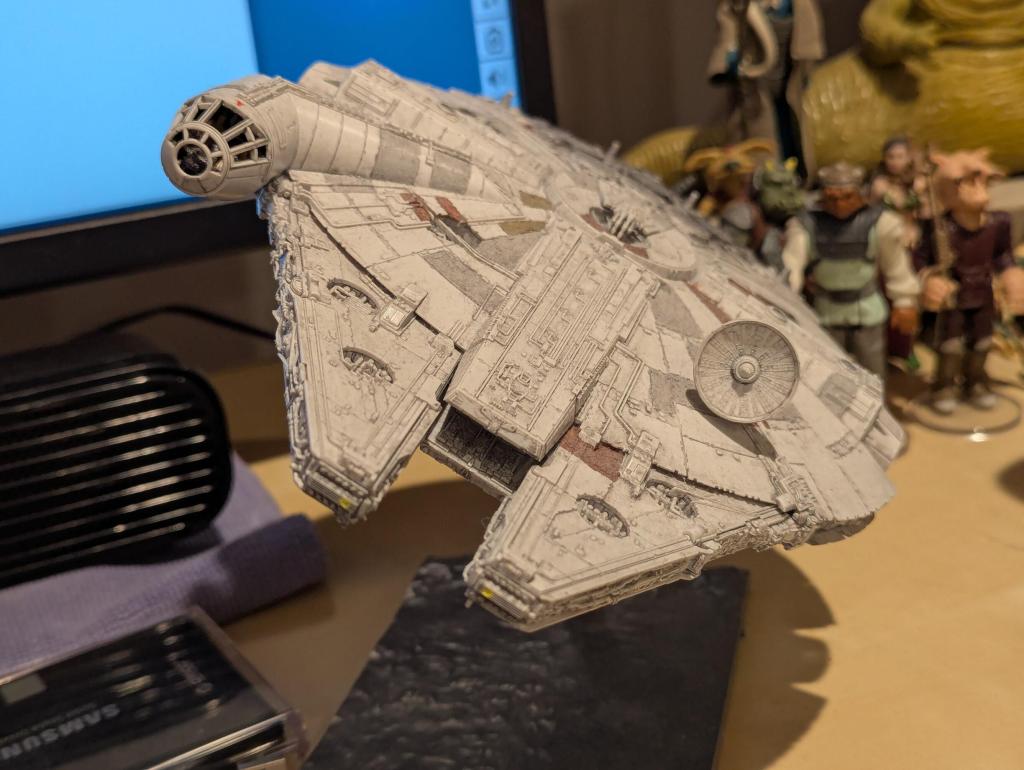
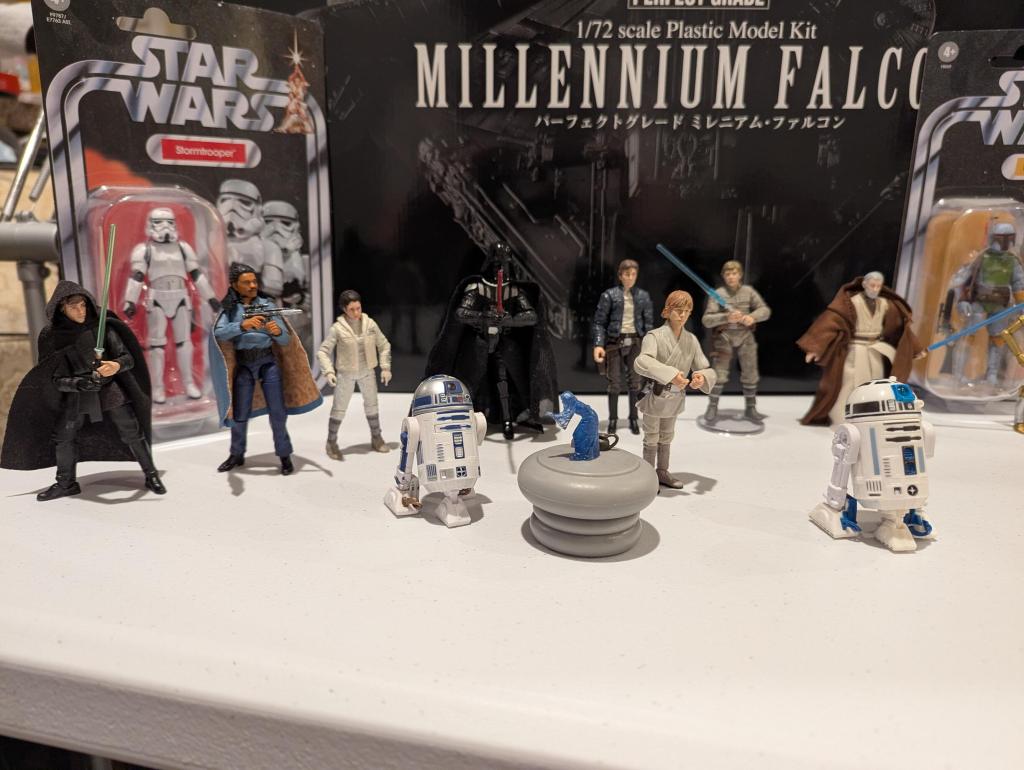
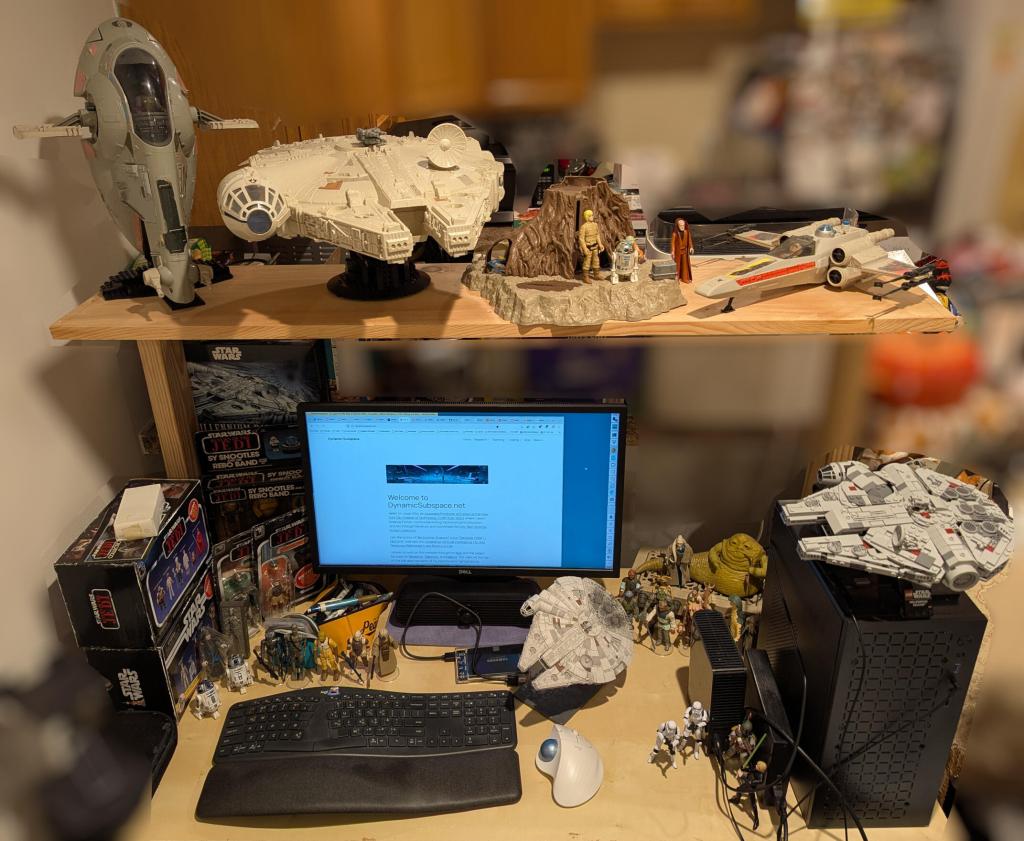
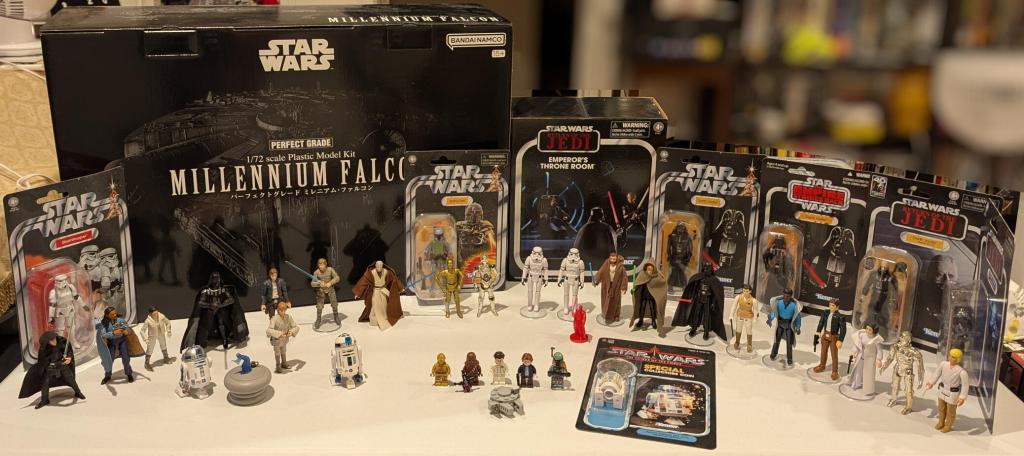
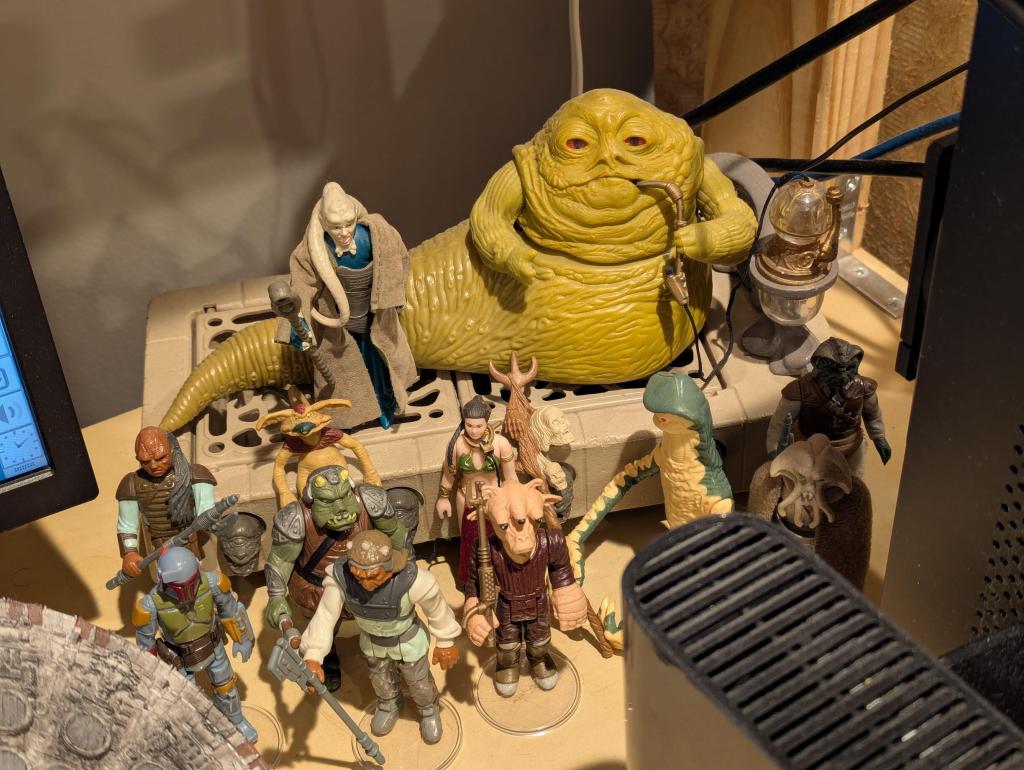
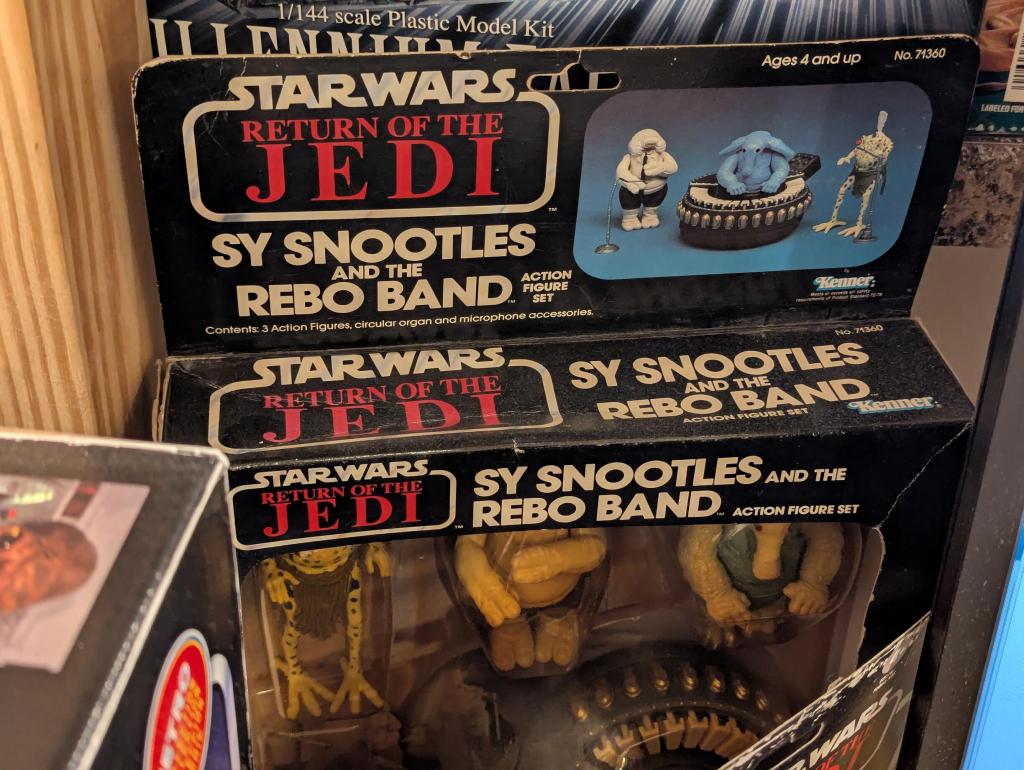
    Panning around my desk at home is the Star Wars version of the original opening toThe Ray Bradbury Theater. My favorites are the Kenner line of action figures. To the left of my computer monitor is Sy Snootles and the Rebo Band set, which is sealed in its original box and blister pack, but the cover plastic has yellowed and Max Rebo’s skin has faded to a lighter blue. To the right and behind my home-built mini-AI workstation is Jabba the Hutt smoking hooka and reclining on his throne. Klatuu, Amanaman, Bib Fortuna and others mill about. Slave Leia, a Kenner-inspired action figure by Stan Solo Creations, completes the scene. A 1/144 scale Bandai Millennium Falcon (ESB version) swoops away from Jabba’s den around my computer. Directly in front of my keyboard are The Emperor safely sealed in a mail-away baggie, and bearing arms in a row are the bounty hunters contracted by Darth Vader aboard The Executor to locate the Millennium Falcon—Zuccuss, IG-88, Bossk, Dengar, and 4-LOM, but wait, Boba Fett should be here. Oh, he’s just above my monitor in the cockpit of Slave I that is posed mid-flight thanks to a LEGO Technics stand that I built for it. To its right is the Millennium Falcon on another custom LEGO display stand. The Dagobah Playset completes the shelf with Luke, R2-D2, Yoda, and Obi-Wan Kenobi looking across at an X-Wing Fighter with Battle Damage stickers applied (Darth Vader awaits hidden in the Cave of Evil). To the right of my trackball are two Stormtrooper from Hasbro’s updated 3 3/4”-line called The Vintage Collection that I fondly think of as Tag and Bink. To my right is The Emperor’s Thone Room playset and the huge box containing an unassembled Bandai Perfect Grade 1/72 scale Millennium Falcon (ANH version).

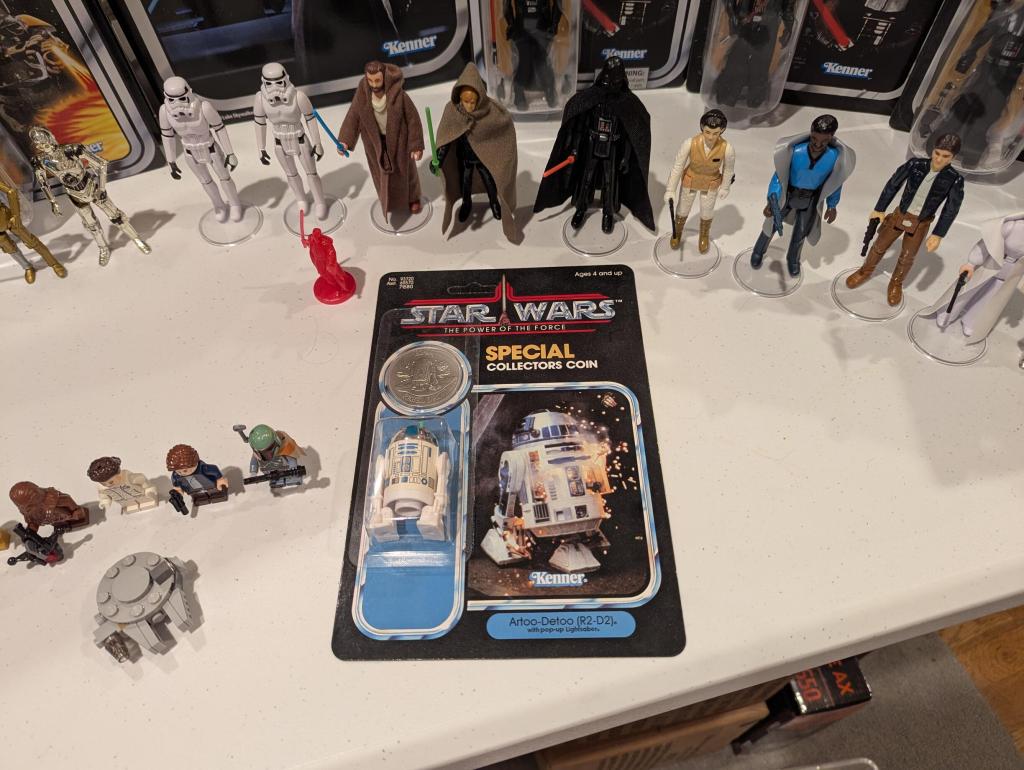
    Living in a one-bedroom apartment in Brooklyn requires creativity when it comes to one’s hobbies. My simple solution for my Star Wars collecting is to surround my desk area with my action figures and models. I have a mixture of original Kenner 3.75″ action figures, vehicles, and playsets; Hasbro re-issued “Retro Collection” figures; Stan Solo Creations re-issues and originals; Hasbro modern 3.75″ figures including “The Vintage Collection;” LEGO minifigures and sets, and Bandai Millennium Falcon models (1:350, 1:144, and 1:72 scale–the middle one is built, the other two remain to be assembled and painted).
    star wars action figure collection of assorted figures, vehicles, playsets, and models
    star wars action figure collection of assorted figures, vehicles, playsets, and models
    star wars action figure collection of assorted figures, vehicles, playsets, and models
    star wars action figure collection of assorted figures, vehicles, playsets, and models
    star wars action figure collection of assorted figures, vehicles, playsets, and models
    star wars action figure collection of assorted figures, vehicles, playsets, and models
    star wars action figure collection of assorted figures, vehicles, playsets, and models
    star wars action figure collection of assorted figures, vehicles, playsets, and models
    star wars action figure collection of assorted figures, vehicles, playsets, and models
    star wars action figure collection of assorted figures, vehicles, playsets, and models
    star wars action figure collection of assorted figures, vehicles, playsets, and models
    star wars action figure collection of assorted figures, vehicles, playsets, and models
    star wars action figure collection of assorted figures, vehicles, playsets, and models

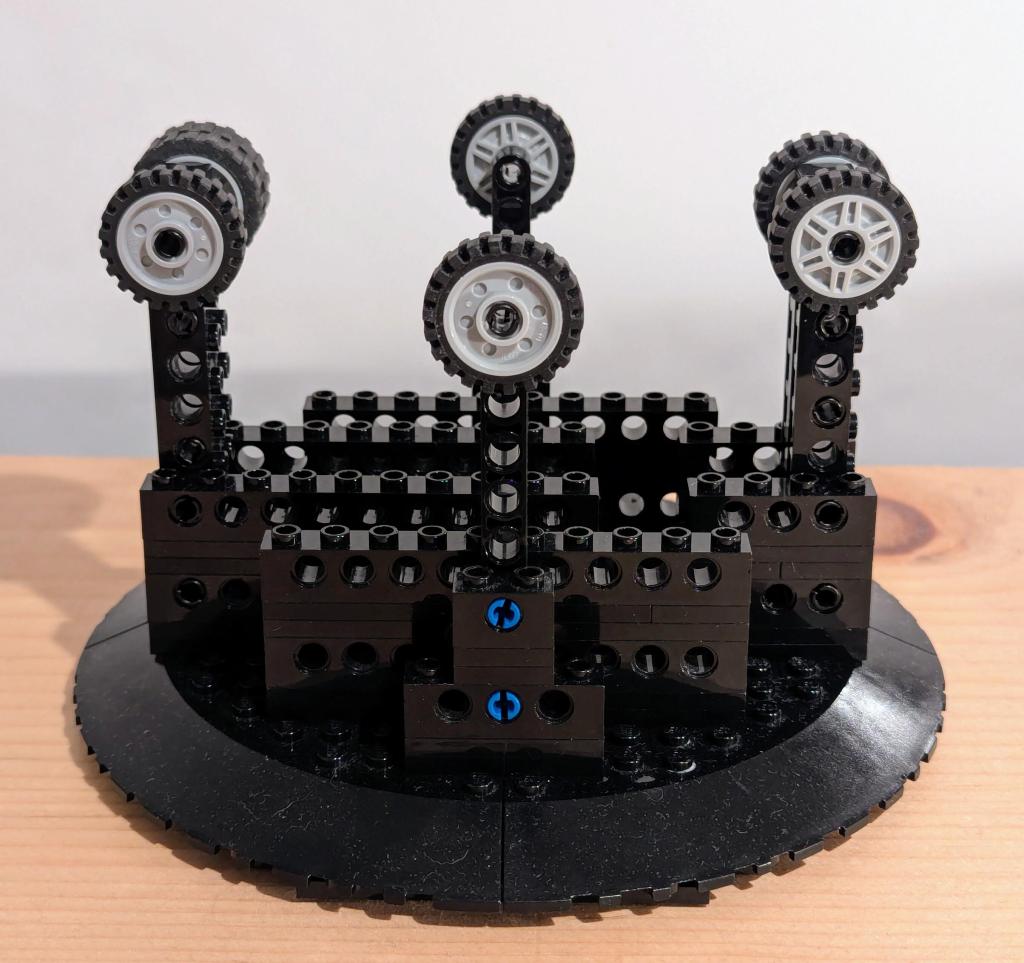
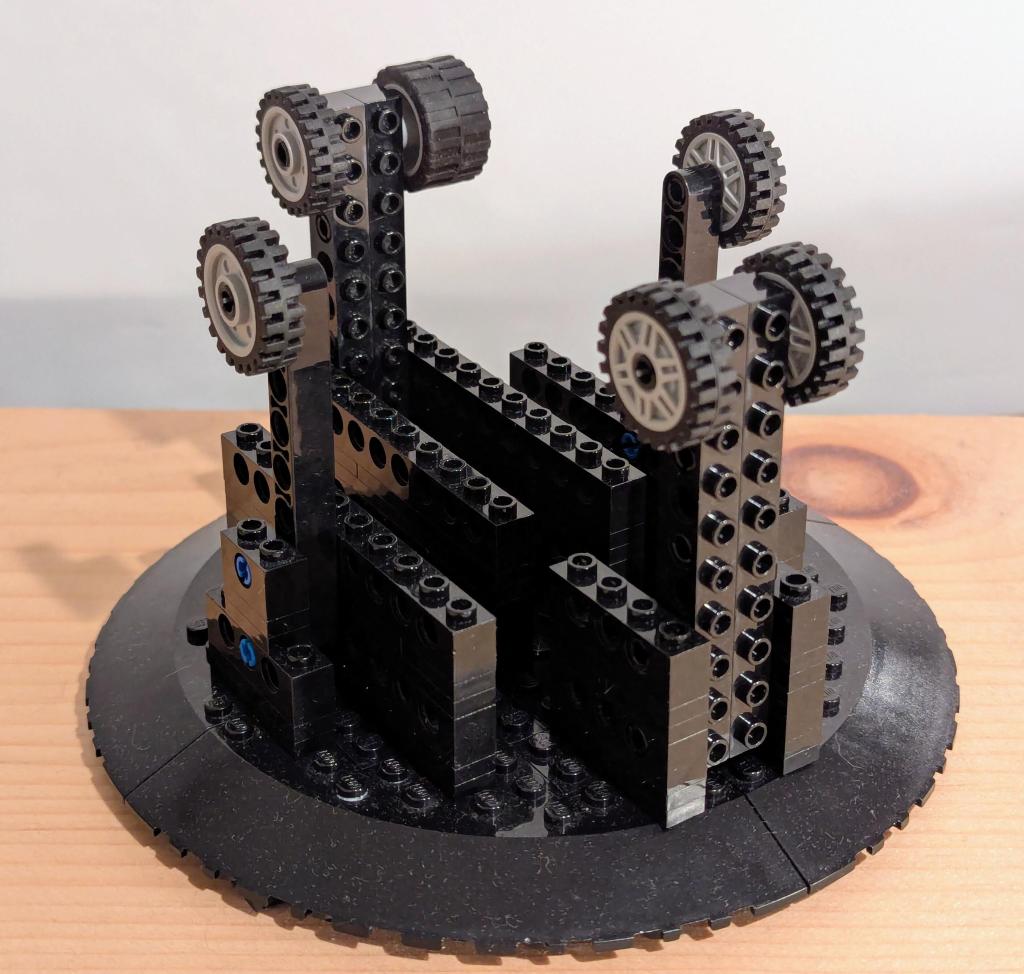
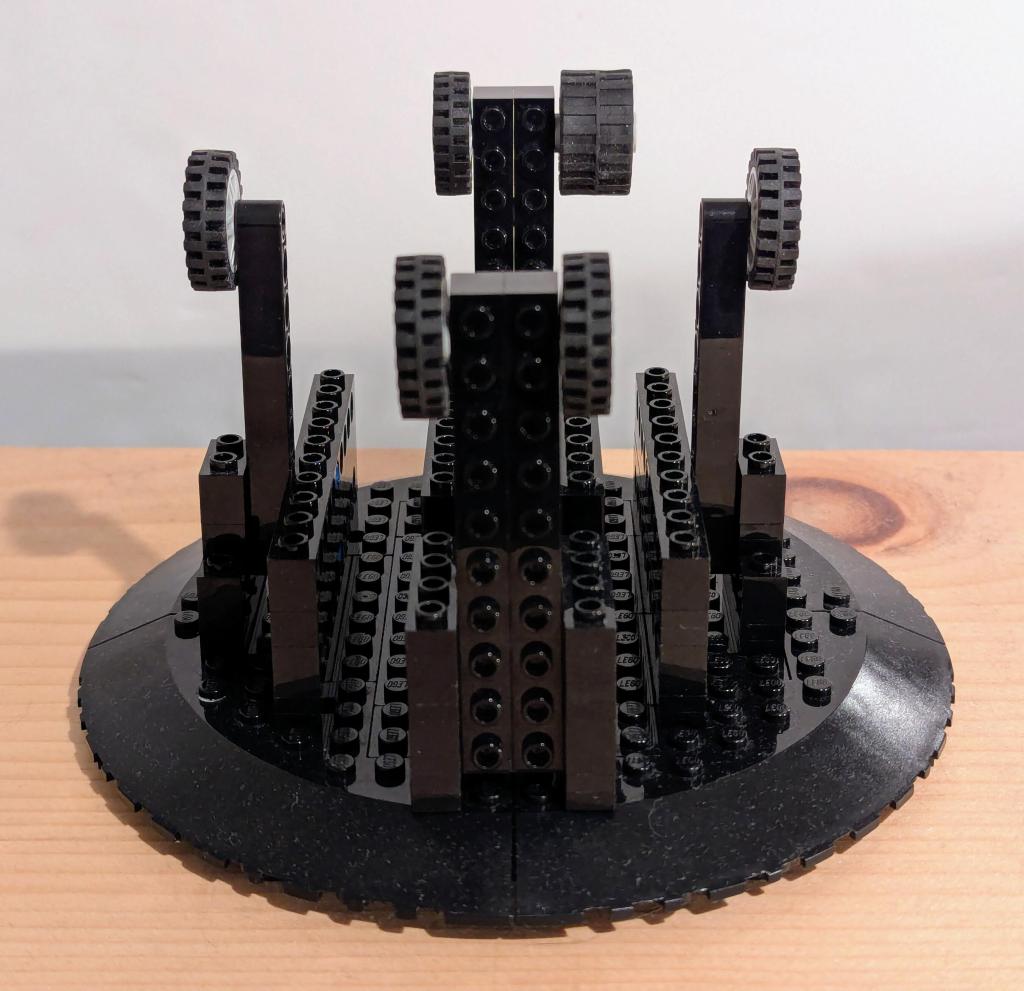
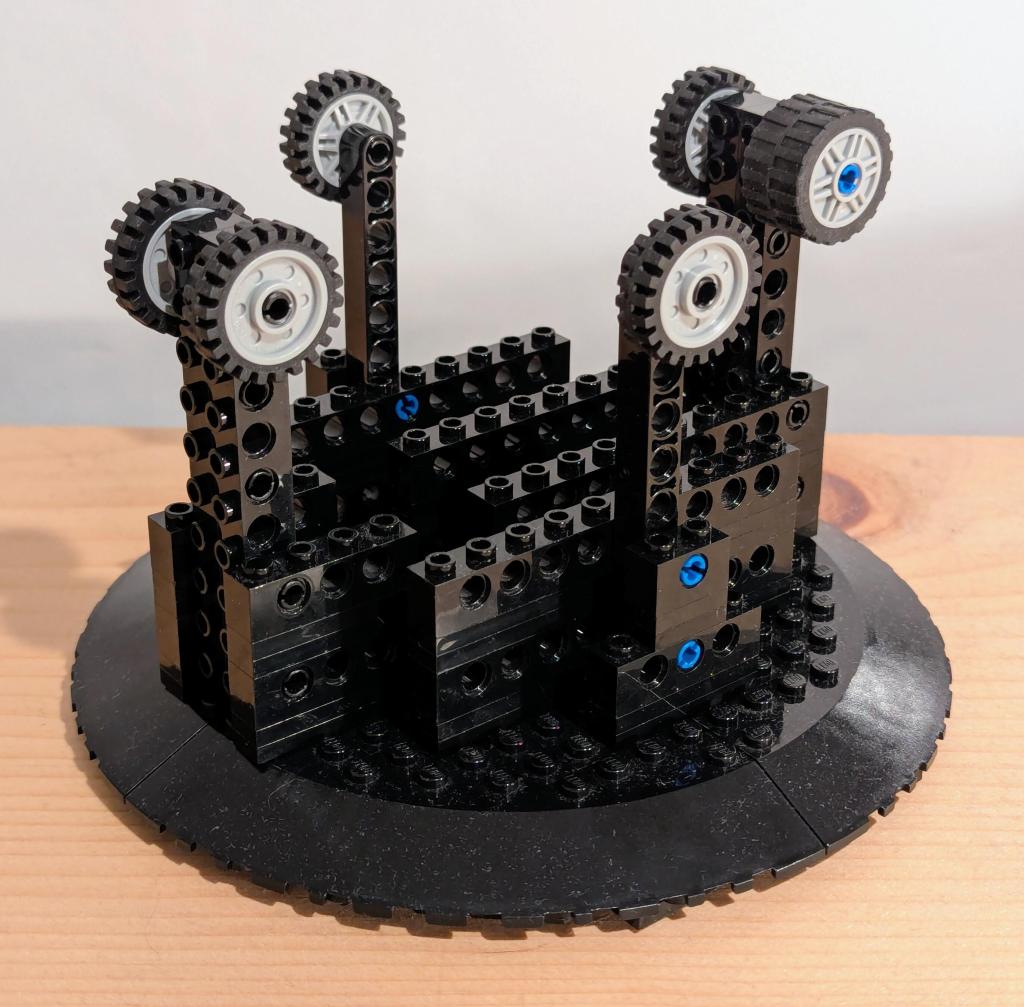
  • DIY LEGO Display Stands for Kenner’s 1979 Millennium Falcon and 1981 Slave I Vehicles in Flight

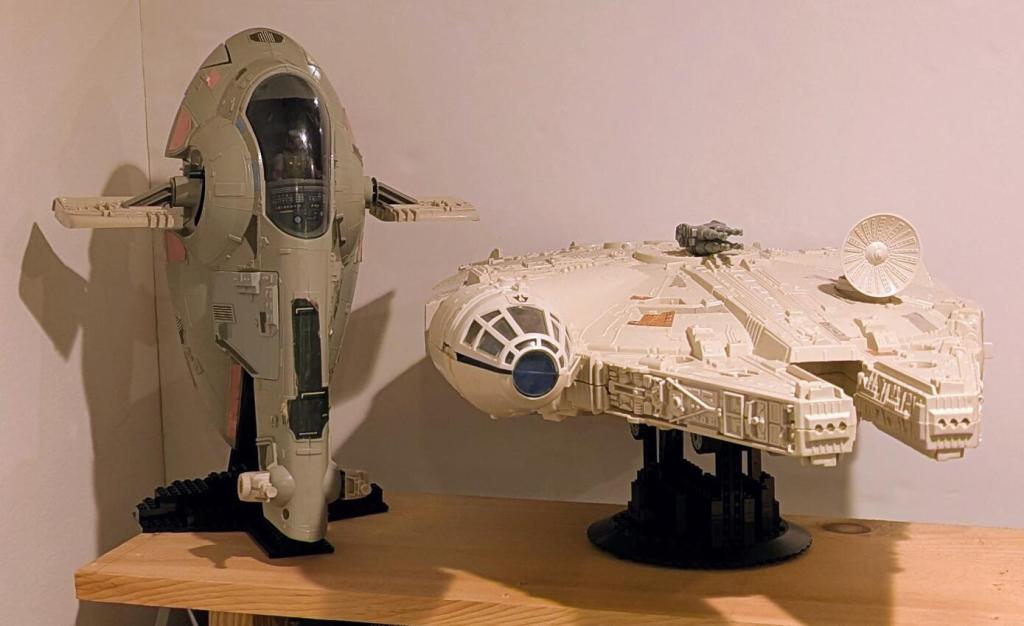
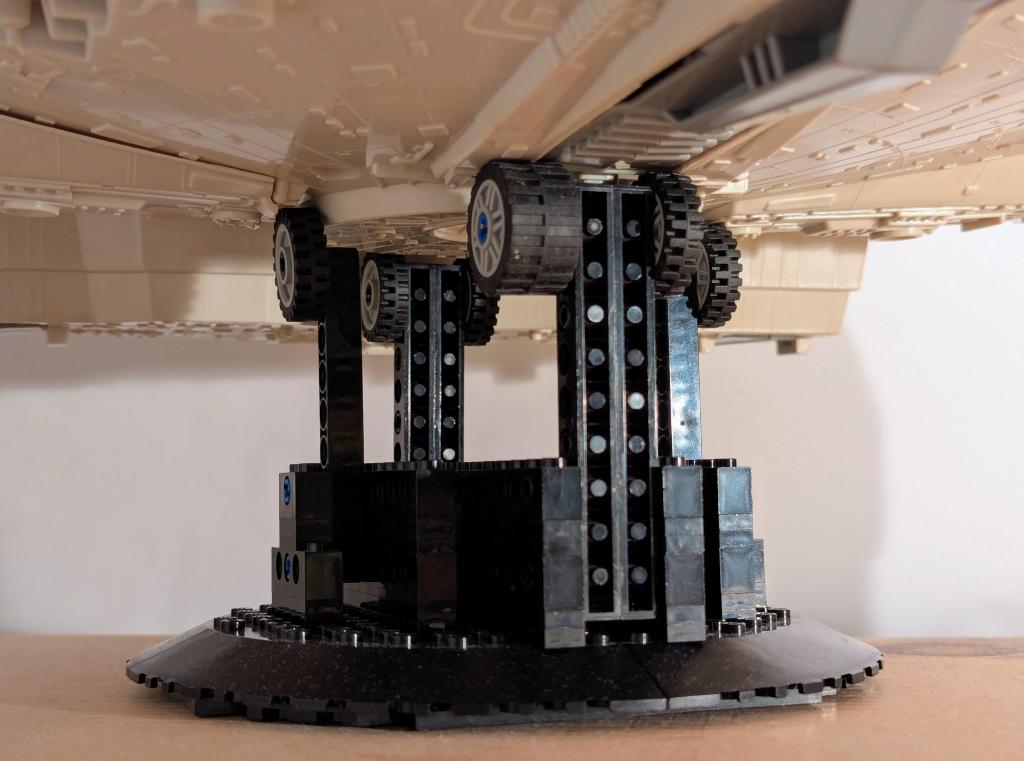
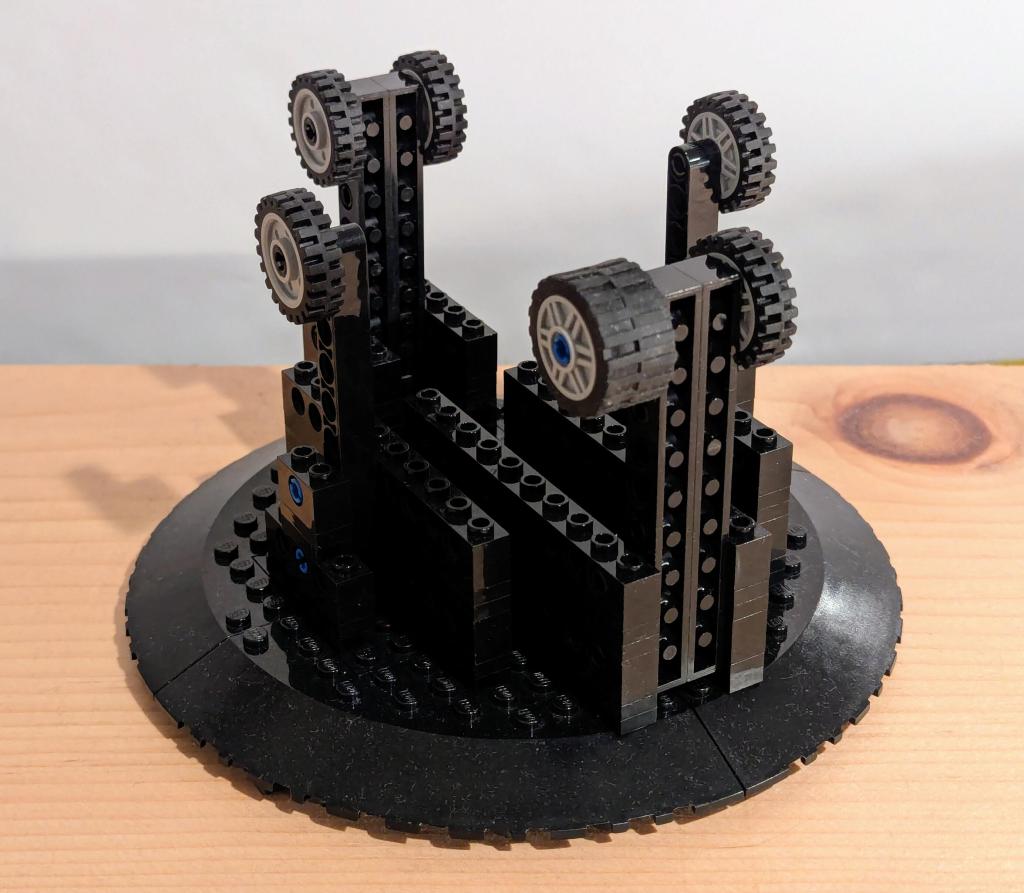
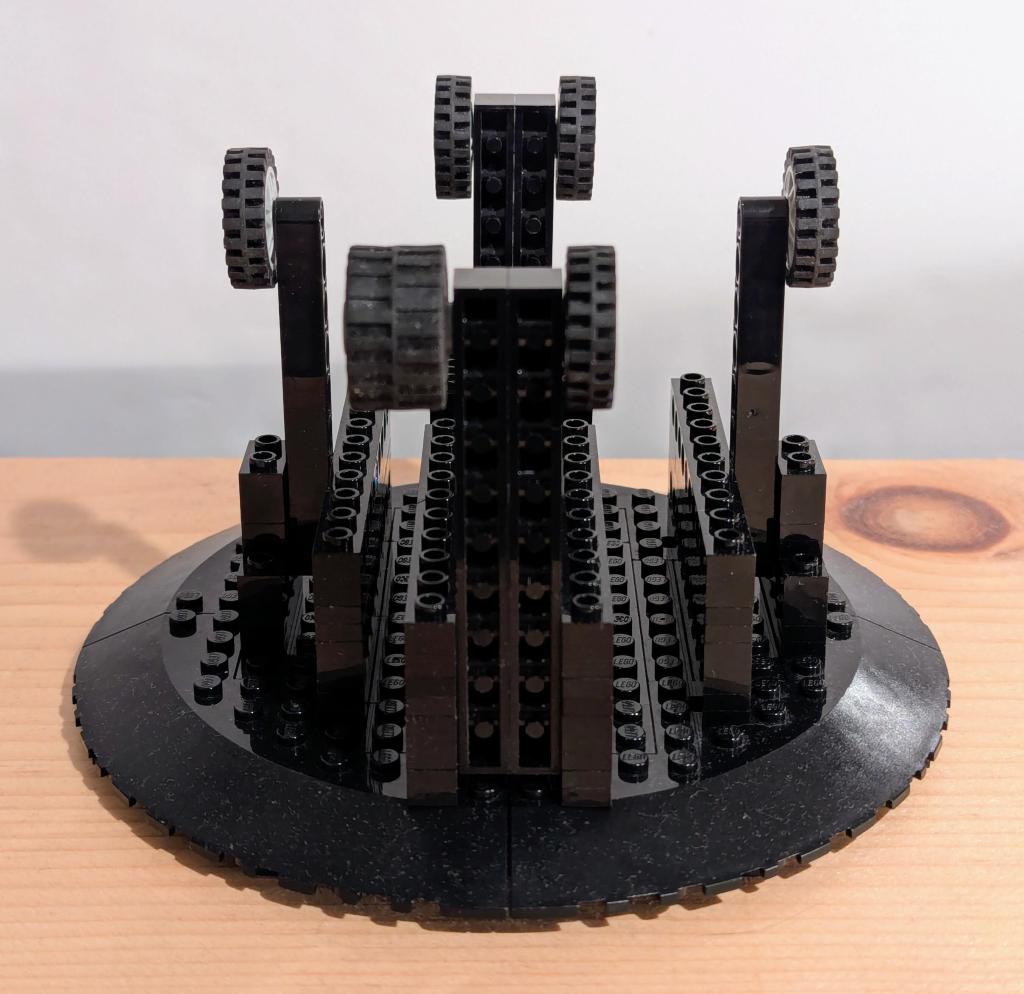
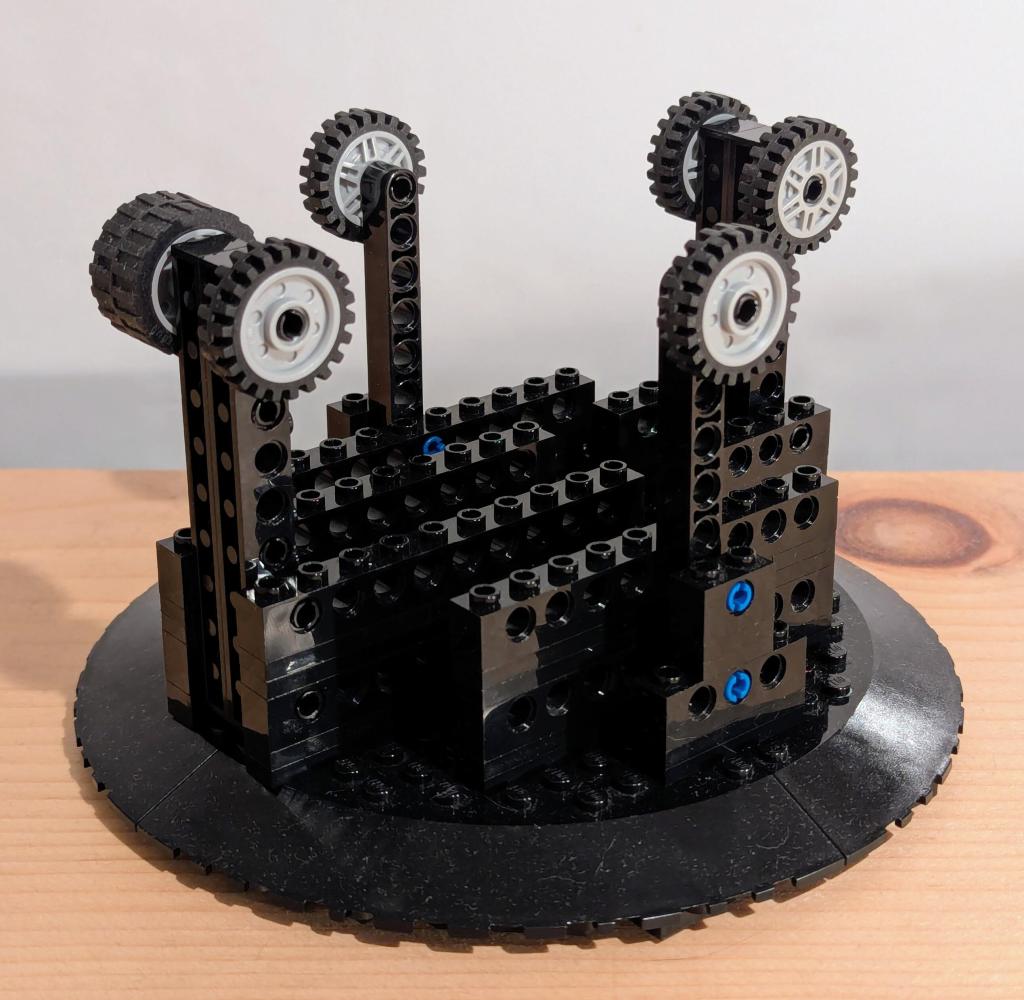
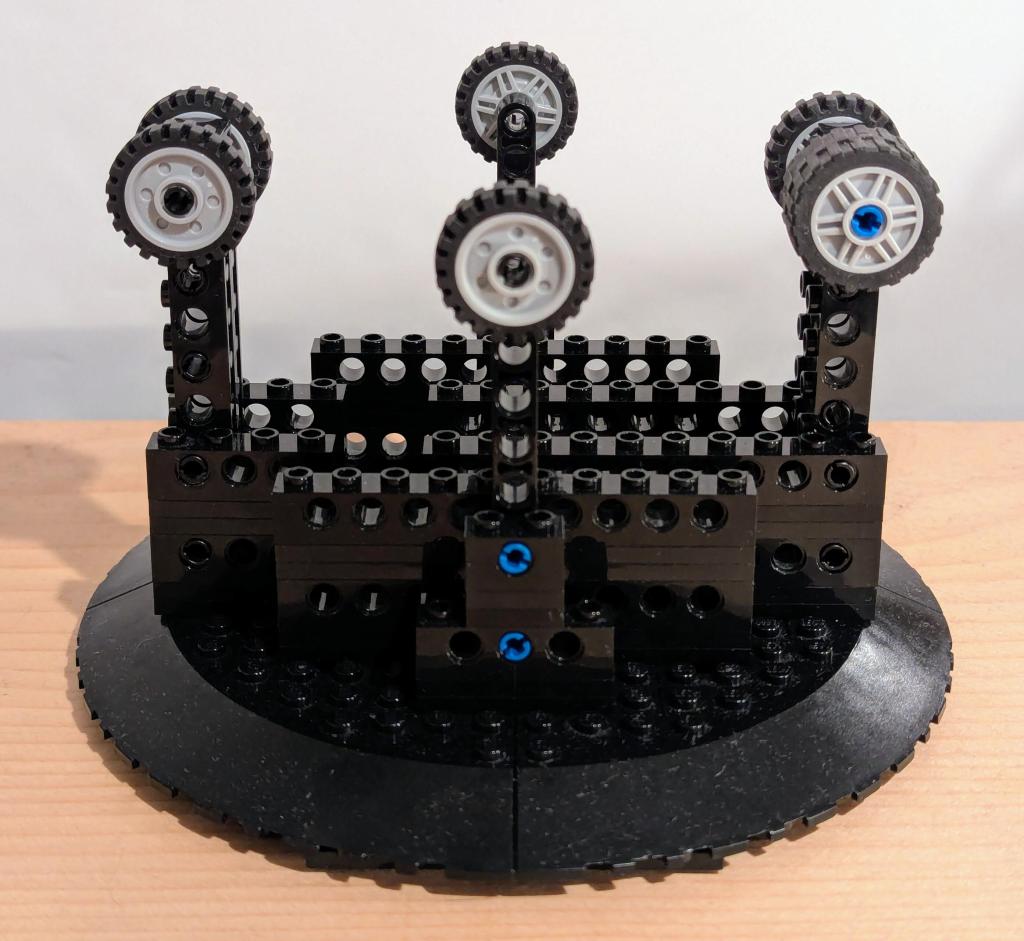
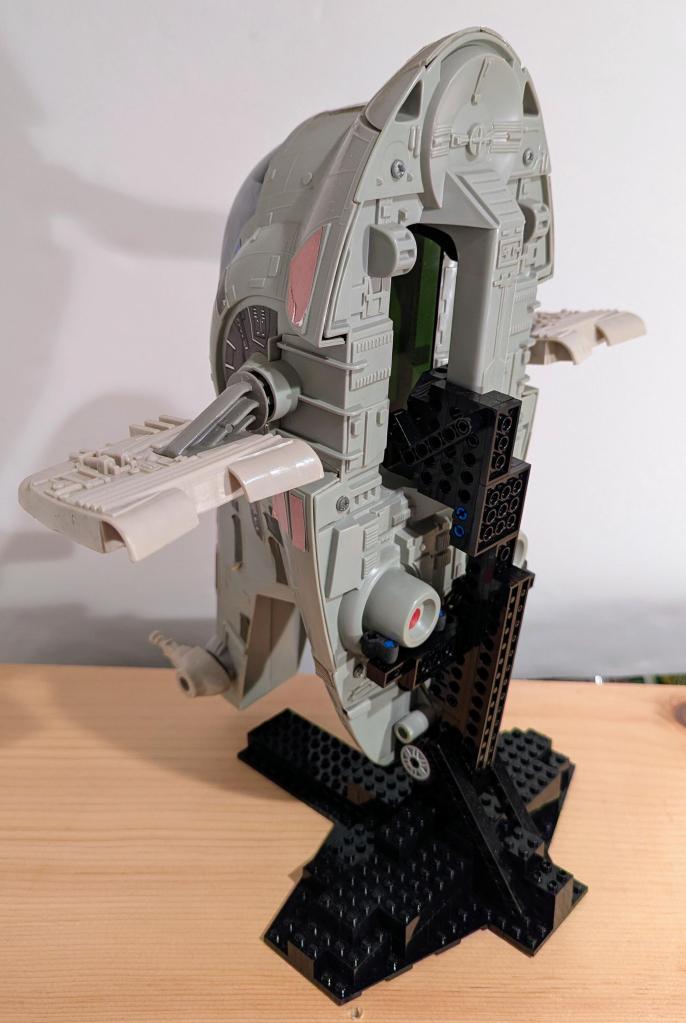
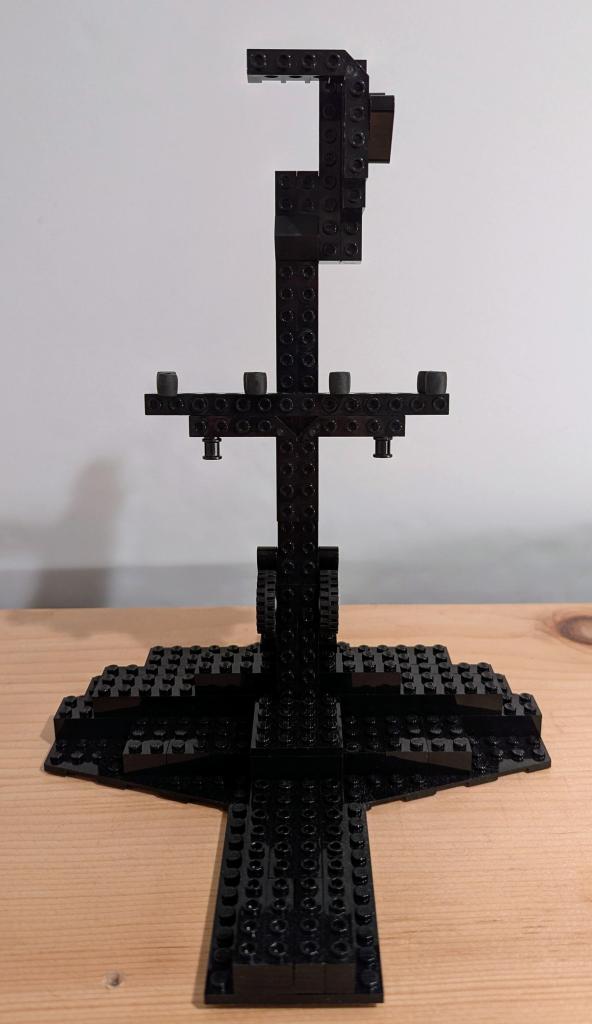
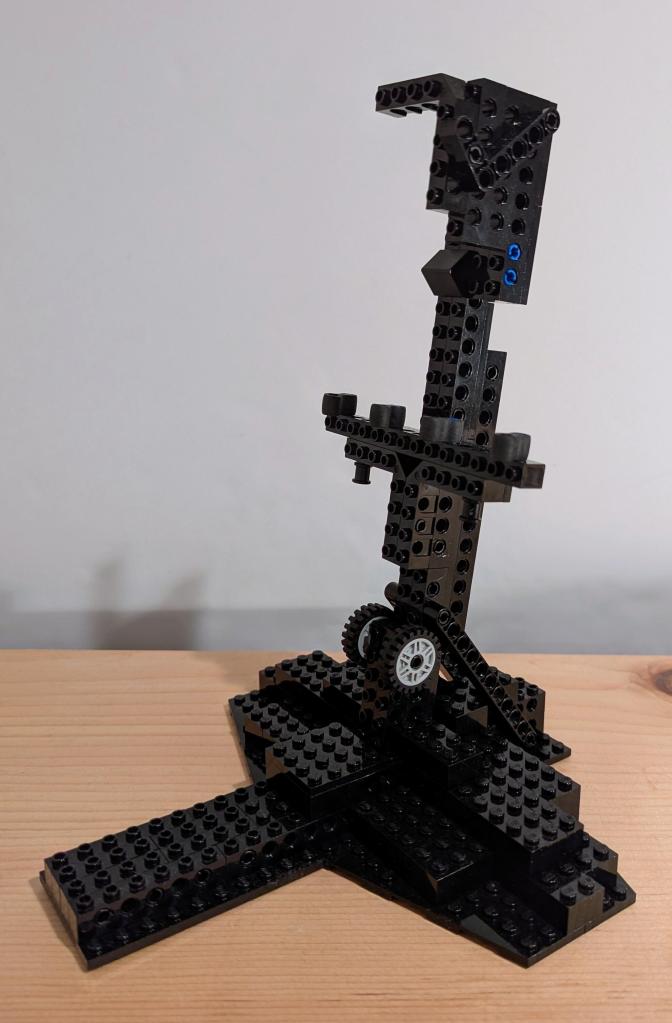
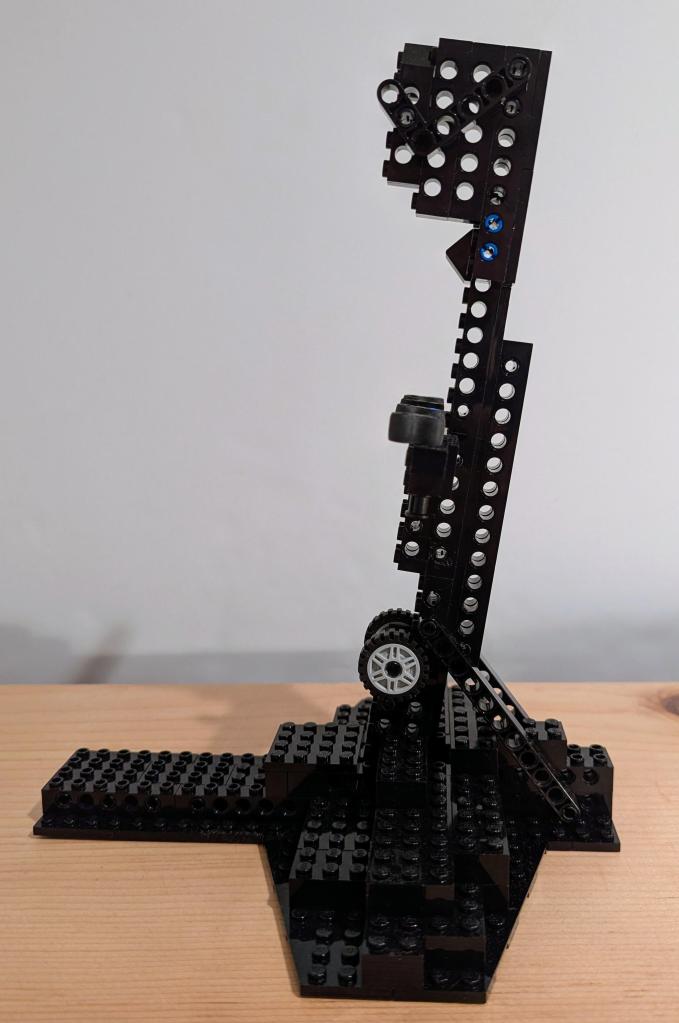
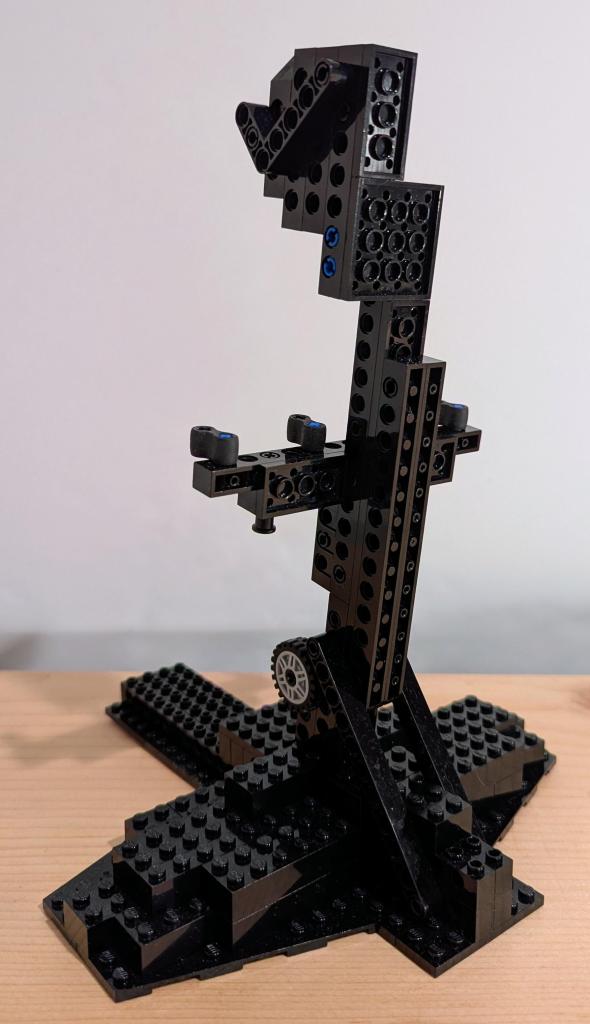
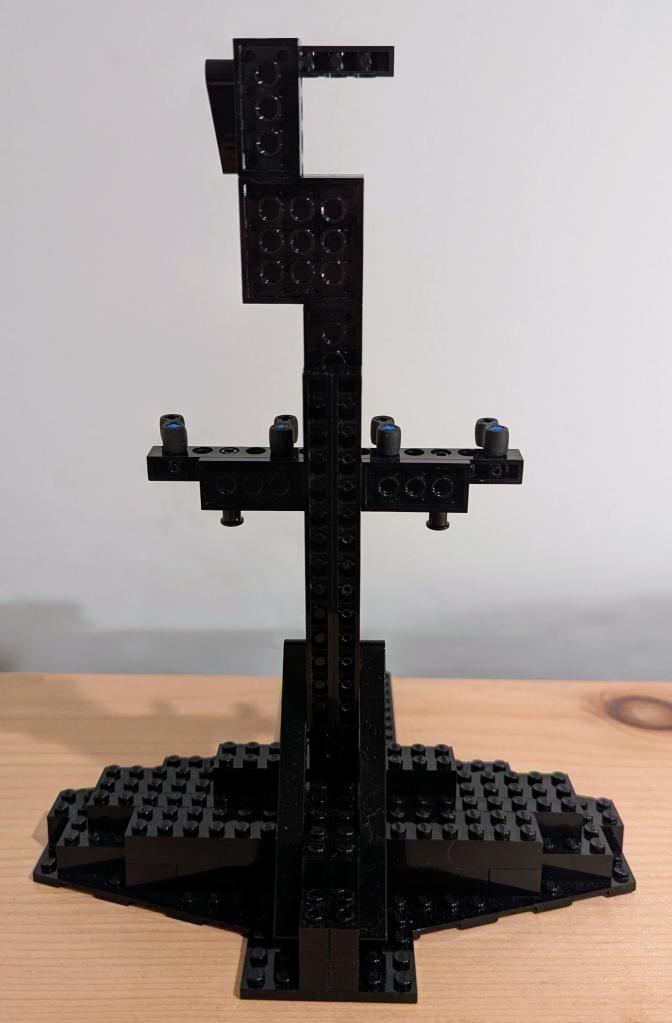
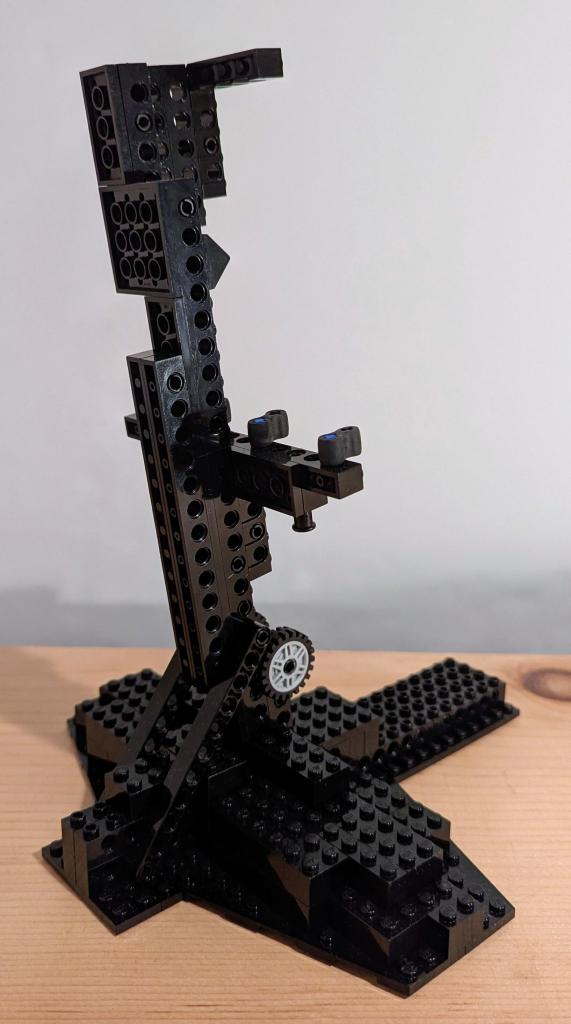
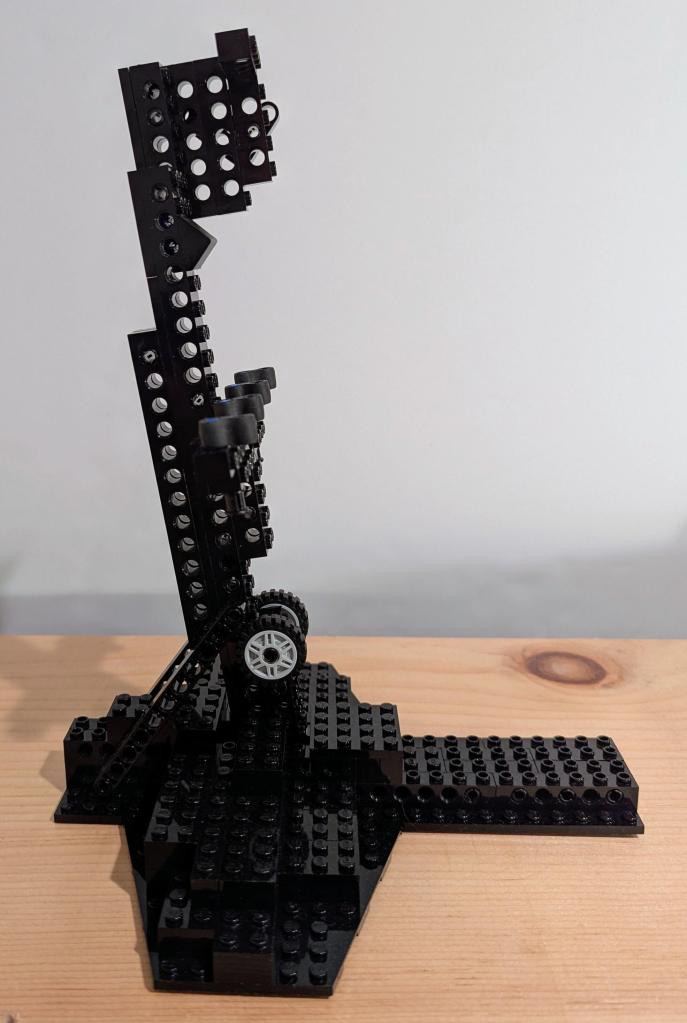
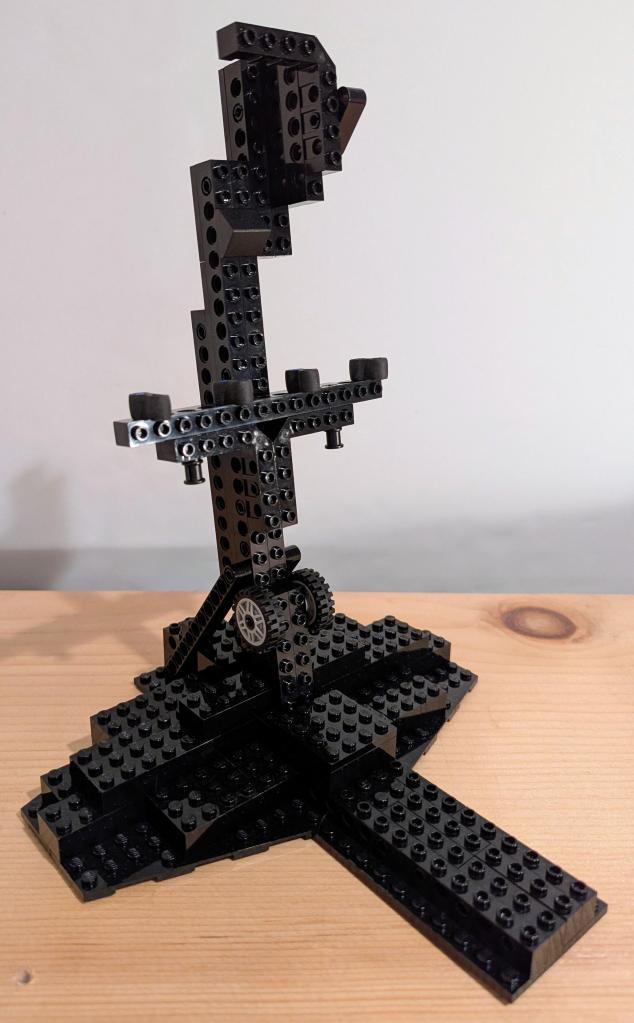
    I wanted to display my Kenner Millennium Falcon, which I’ve had for awhile, and my recently acquired Slave I on a shelf above my desk at home. While I liked seeing them on the shelf above my desk–Falcon with gear down and Slave I resting on its base–I thought displaying them in flight would look a lot cooler. There are aftermarket displays, including some nice ones that are clear acrylic, but since I have so much LEGO on-hand, I figured I should use what I have instead of purchasing something new. Below, I’m including detailed photos of each stand in case you are interested in building your own.

    LEGO Flight Display Stand for Kenner Millennium Falcon (1979)

    The Falcon display stand presented an interesting problem. Due to its asymmetrical design (with cockpit stuck off on its forward right quadrant), getting it to balance from the center gunner platform was difficult. Also, I didn’t want to build the stand with a wider width so that I could avoid putting any weight on the fragile loading ramp piece. A very simple solution presented itself when I ran out of single-stud wide tires. Putting a two-stud wide tire on the front support arm in the direction of the cockpit substantially balanced the Falcon so that it doesn’t wobble or move on the stand at all even while I’m typing on my keyboard below it on my desk.

    LEGO Flight Display Stand for Kenner Slave I (1981)

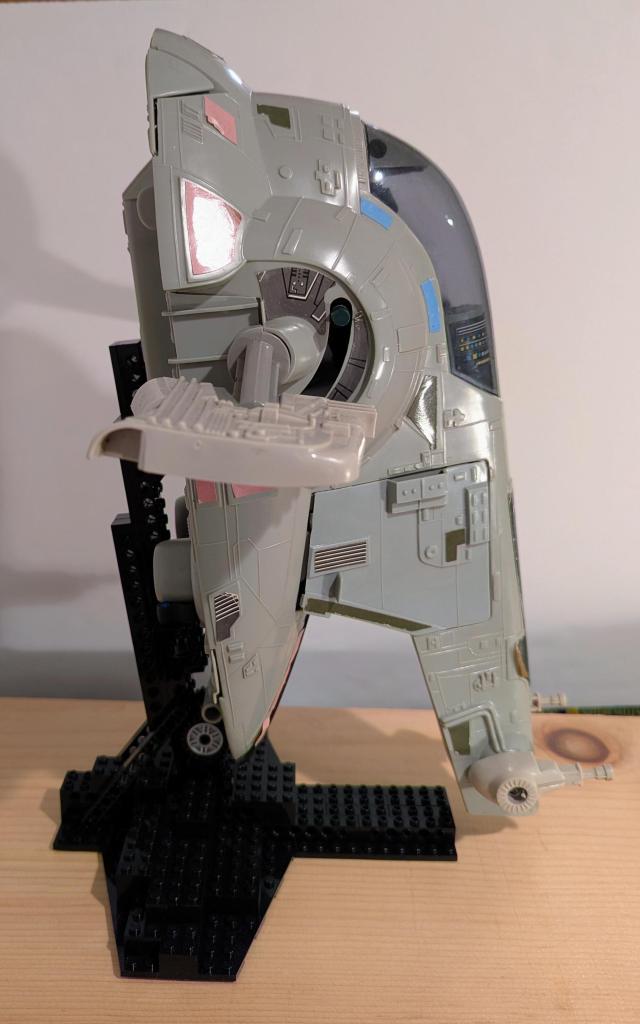
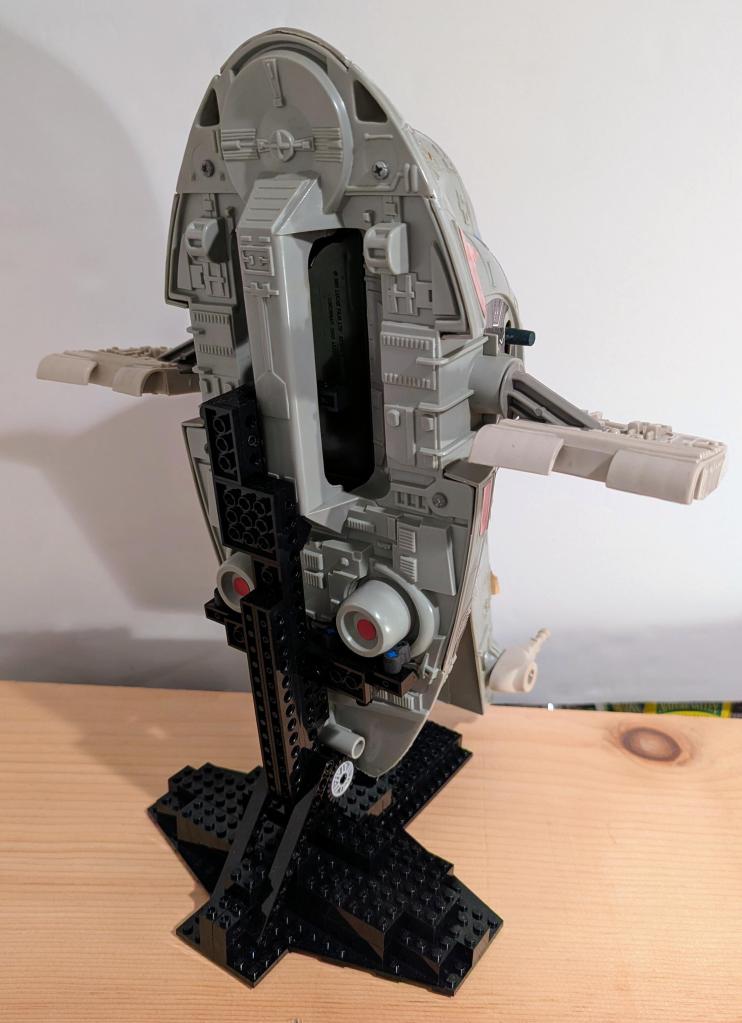
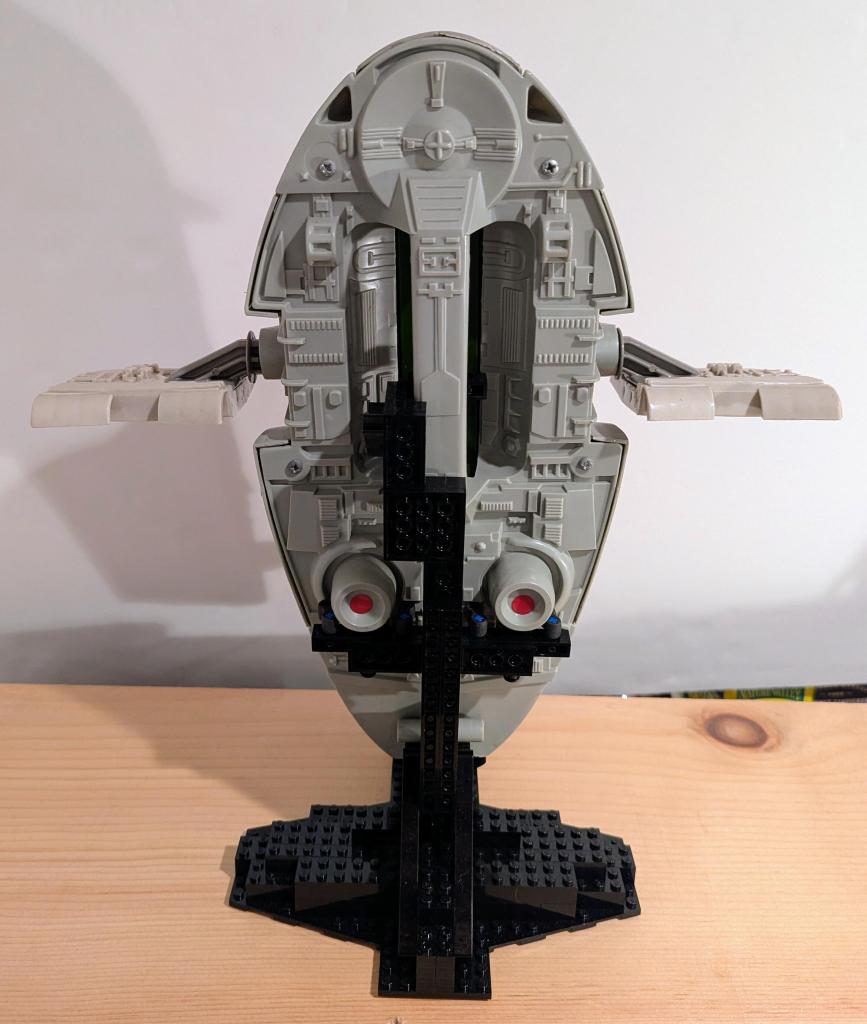
    Slave I’s unique design presented its own unique challenges for building an in-flight display stand. It is designed to be in flight mode by someone grasping the handle on the back of its base. The straight forward approach would be to build a long arm with a hook or some assemblage to “grasp” around the handle. When I was testing this out, I didn’t have enough long black 1 x n Technic bricks to construct a stable and supported arm (needing at least a sandwich of Technic bricks over and under a 2 x n plate).
    I opted to build a shorter support arm that would contact with Slave I in three places–hook around the bottom of the handle for stability, 4 x Technic, Axle Connector Double – Flexible Rubber holding the weight under the two bottom engine exhausts, and two 1-stud wide tires under the screw assembly that holds the base at the loading ramp together.
    Due to its center of gravity, I angled the arm back a couple of degrees and built the display stand’s base wide, short in the back, and long in the front.

  • Ditched Roku for a Discounted Origimagic Ryzen 5 Mini PC

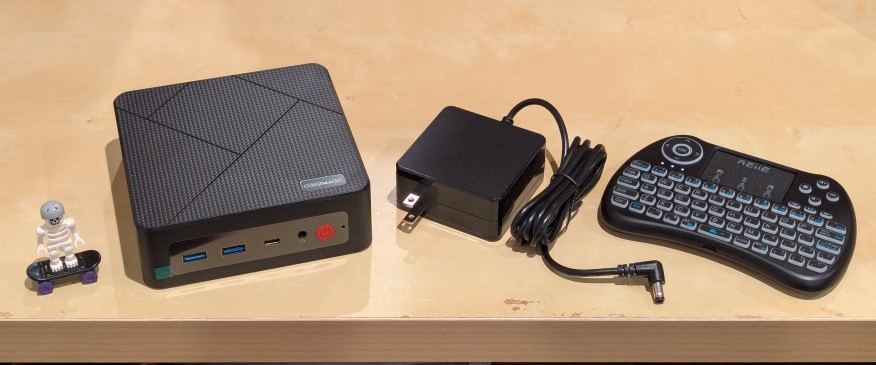
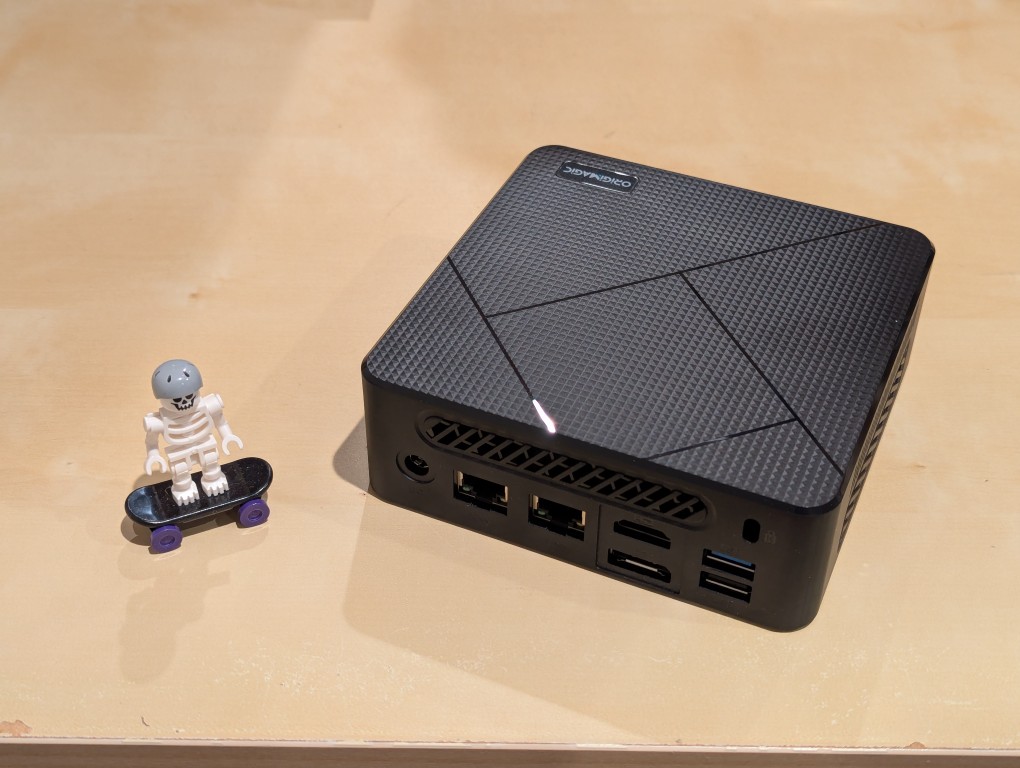
    lego minifigure skeleton on skateboard next to origimagic c4 mini pc, power adapter, and handheld keyboard with trackpad

    I’ve been unhappy with Roku’s increasing advertising through images and now full-motion video and their lack of support for a variety of codecs in their media player app. So, I’ve been looking for awhile for a good deal on a mini pc that could replace the Roku for playing media and also support some light gaming. Also, considering the impending tariffs (i.e., a tax on Americans), I hoped to find something as soon as possible.

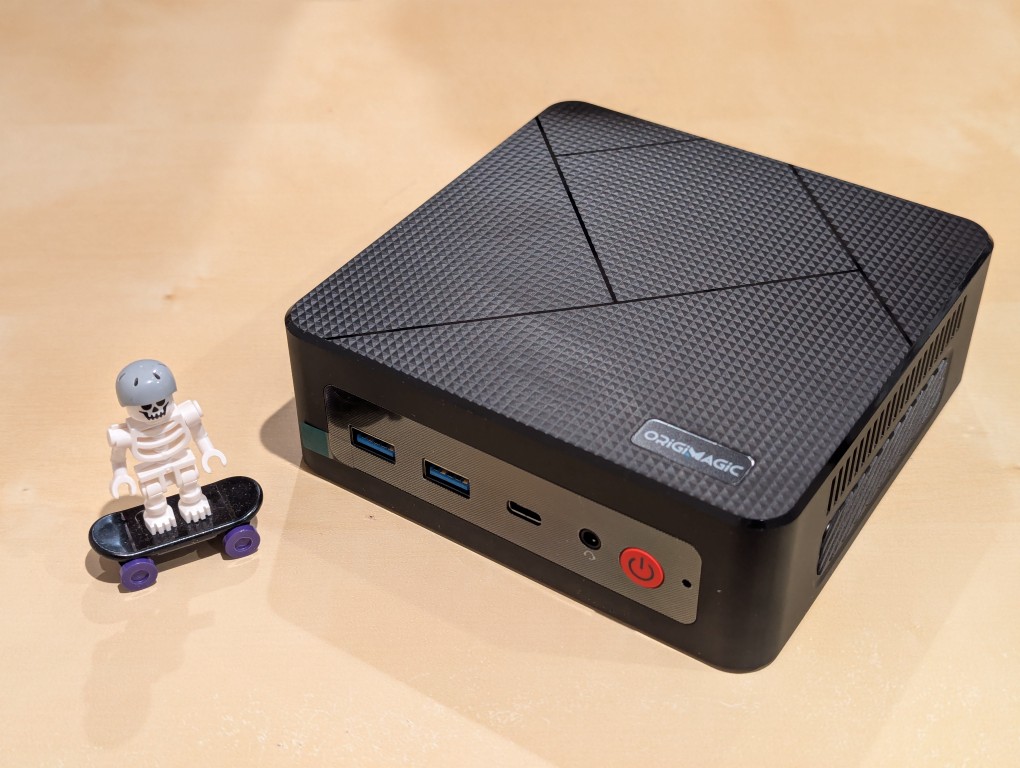
    After tracking several mini pcs on Amazon and eBay for a few weeks, I finally pulled the trigger when Amazon offered the Origimagic C4 Mini PC with a Ryzen 5 3550H (4 core, 8 threads) on sale for $153. It’s CPU has a lot more horsepower while using 25 watts of power than Intel’s similarly priced mini pc processors. It came stock with 16GB DDR4 RAM, 512GB PCIe SSD, 1 x Type-C USB, 4 x Type-A USB (3 are USB 3 and 1 is USB 2), headphone jack, HDMI, DisplayPort, and dual ethernet.

    To operate it from the sofa, I got a $10 reiie H9+ Mini Keyboard with Touchpad that uses a wireless USB adapter to connect to the mini pc.

    lego minifigure skeleton on skateboard next to origimagic c4 mini pc
    lego minifigure skeleton on skateboard next to origimagic c4 mini pc

    Before setting anything up, I created a flash drive with Debian 13 Trixie, the latest version that was released over the weekend on Saturday.

    To do this, I inserted a 16GB flash drive into my workstation, but I didn’t mount the device. I downloaded the network install ISO for Debian 13 from here. Then, I ran lsblk in a terminal window to see what device address corresponded to the flash drive. It’s important to not make a mistake here, because it’s easy to overwrite another drive using this method. lsblk lists the devices, which are all in the “/dev/” folder, so when I saw that my flash drive was assigned the address “sdb”, I knew that its full address was “/dev/sdb”. With that info, I then wrote the downloaded Debian 13 netinstall ISO directly to the flash drive using this command:

    sudo cp debian-13.0.0-amd64-netinst.iso /dev/sdb

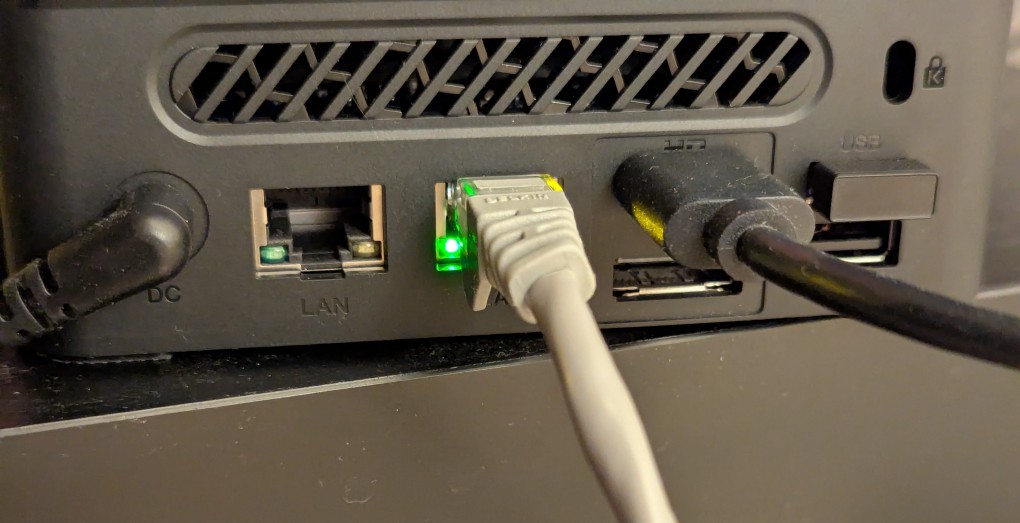
    After the copying to the flash drive had finished, I ejected it from my workstation and took it over to the mini pc. I plugged in the power adapter, ethernet cable (I arbitrarily picked the one furthest from the power plug), HDMI cable to the TV, the keyboard receiver USB, and the Debian 13 installation flash drive.

    I did experience some frustration with getting the Debian 13 flash drive to boot the mini pc. As soon as the mini pc booted, I was unable to enter BIOS or open the boot menu. Instead, it kept booting into the Windows 11 setup, which I did not want to use. At first, I thought it might be a problem with the tiny wireless keyboard and trackpad, so I switched to my Logitech keyboard and trackball, which are both tied to one Logitech USB receiver. I tried different USB plugs on the front and rear of the mini pc until I was finally able to enter bios (pushing DEL at boot) when the keyboard USB receiver is in the top-right USB port on the rear of the mini pc as shown below (it is a USB3 port). It might have been bad luck on my part with the other ports, so I can’t say this is a peculiarity with this hardware for certain. Nevertheless, it’s good to exhaust all possibilities like this.
    back of mini pc: power plug, two ethernet ports (one plugged in), HDMI (plugged in), display port, and 2 usb ports (one has a tiny device plugged in)

    Once in the BIOS, there’s not many options except for disabling hardware (I disabled WiFi), turning off Secure Boot and the Trusted Computing Module, and other odds and ends. I saved the settings, rebooted, and went into the Boot Menu (F7), selected the Debian 13 netinstall flash drive, and began the installation (a full nuke-and-pave: erasing the NVMe drive and setting up Debian 13 as the only operating system).

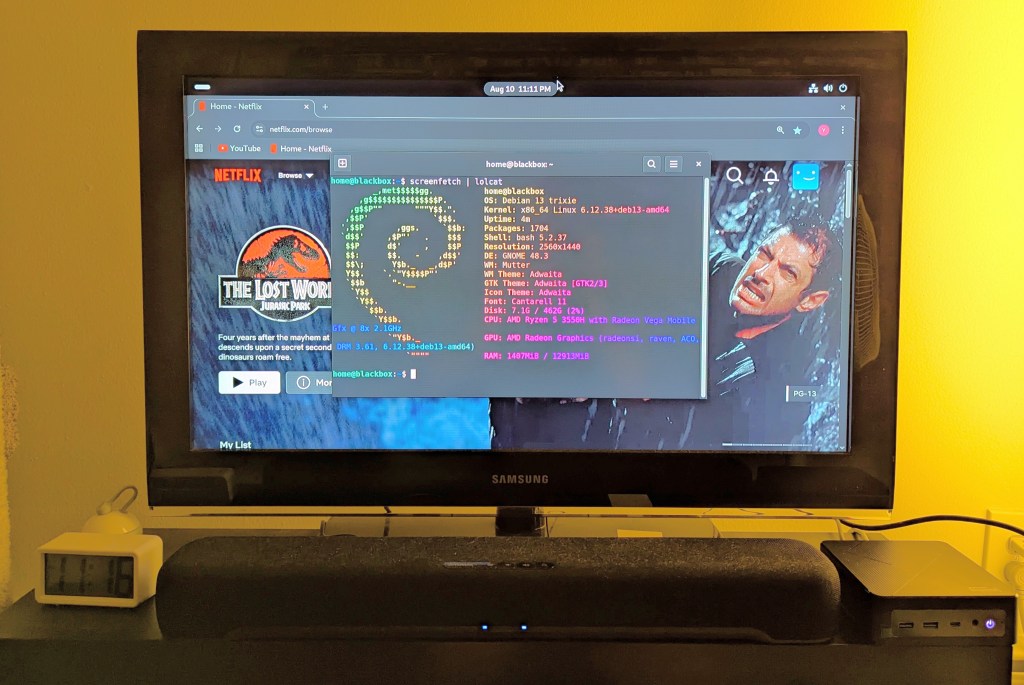
    While I use XFCE on my laptop and workstation, I opted for the GNOME desktop environment on the mini pc, because I thought its screen controls and overall user interface would be easier to see and navigate from across the room. If I don’t like it, I can always install XFCE.

    Because two of the main sources of media for us is Netflix and YouTube, I installed Chrome to handle those sites. I have VLC and Kodi for everything else.

    samsung tv and soundbar with a mini pc on the right side of the tv stand. the screen is showing netflix Jurassic Park the lost world in the background while the foreground terminal shows the pc's info, which is also in the second paragraph above.
  • Green-Wood Cemetery’s Ghostface is Buried in Snow

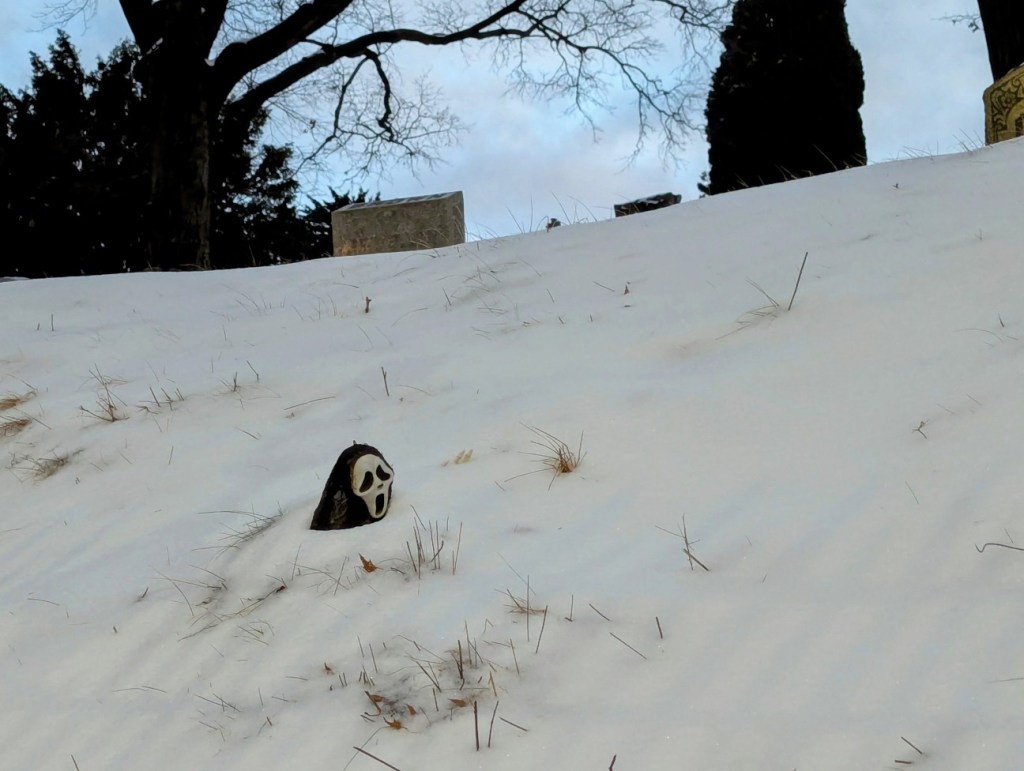
    ghostface from the film scream is buried in snow with only his head poking through the snow drift

    Ghostface is buried in a snowdrift in Green-Wood Cemetery. He’s seen better days.

  • Star Wars and the Power of Costume Exhibition in NYC 2016

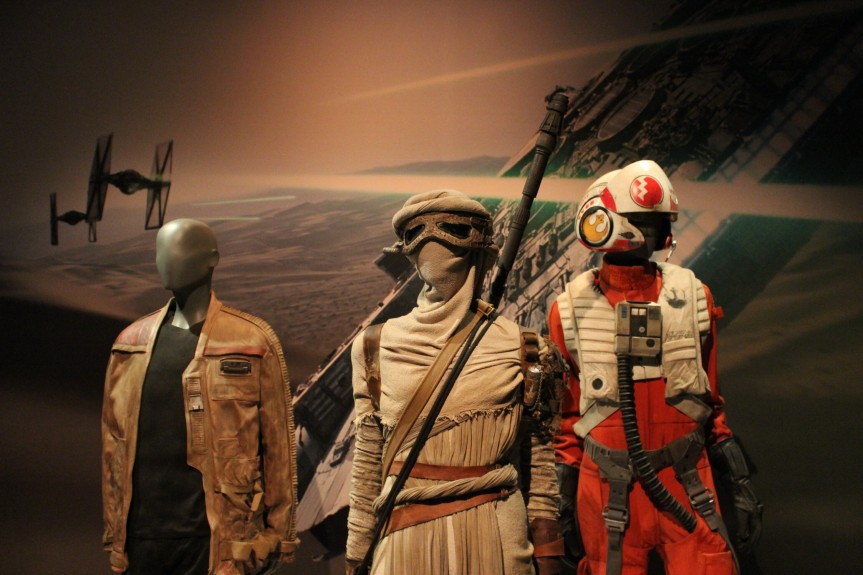
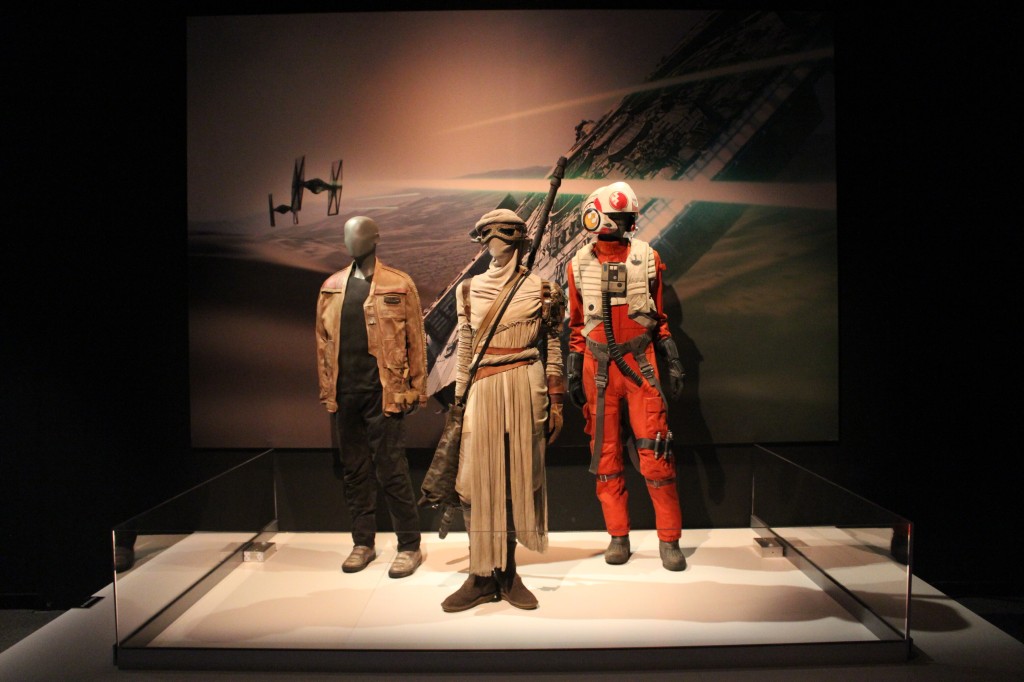
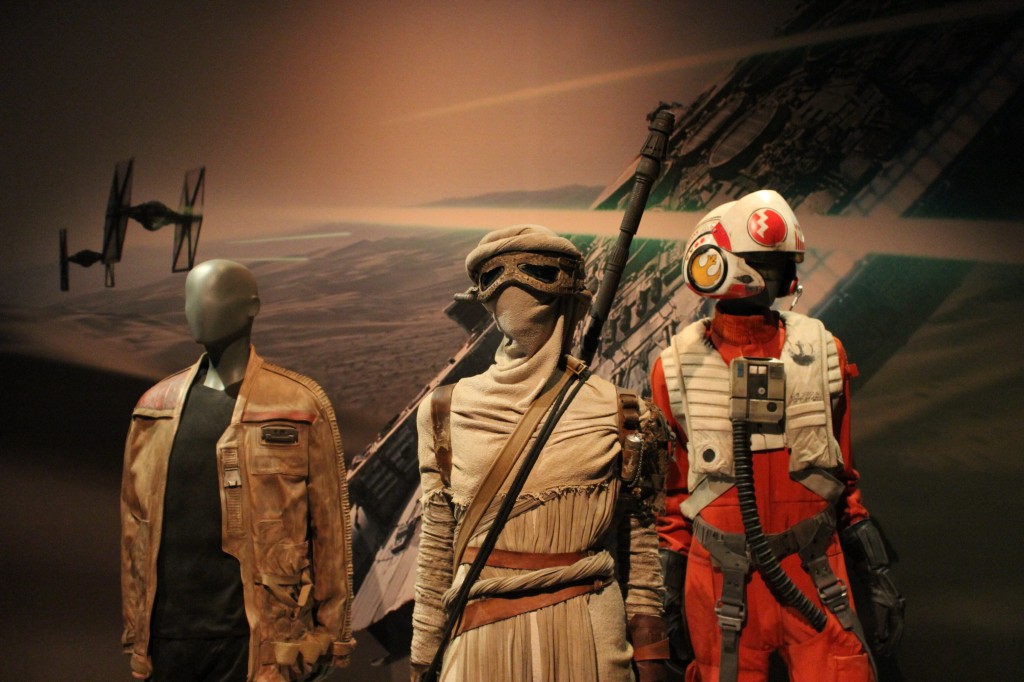
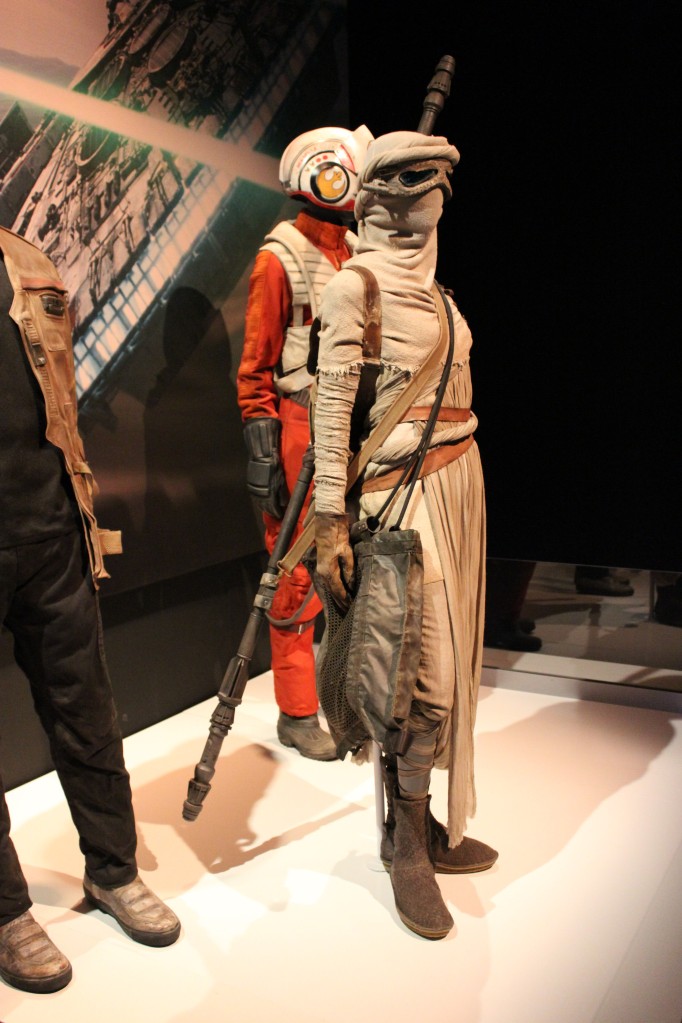
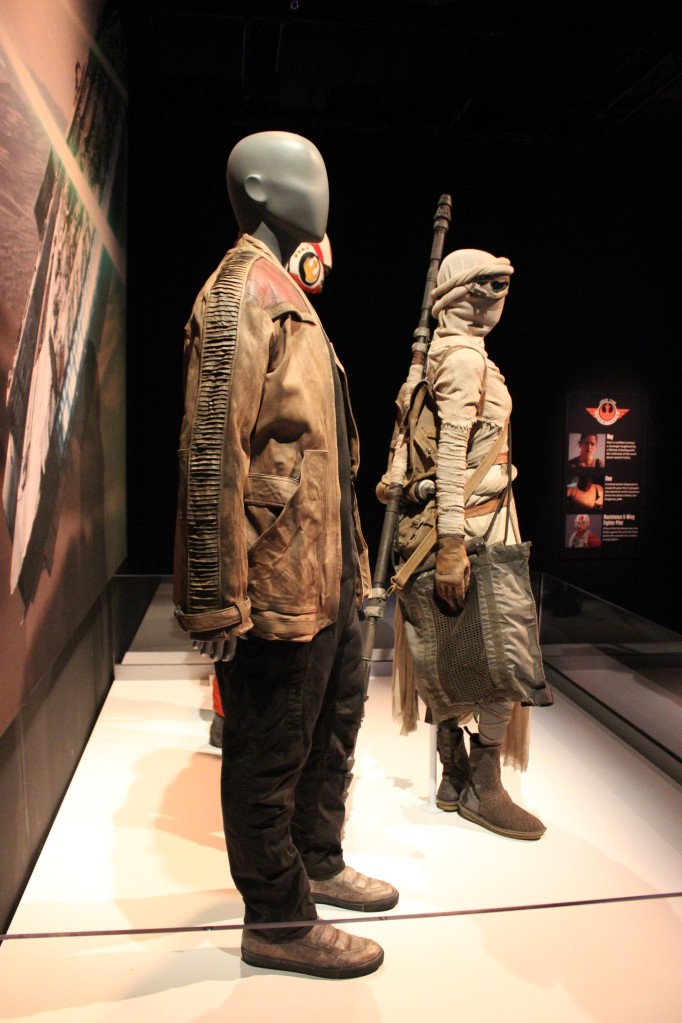
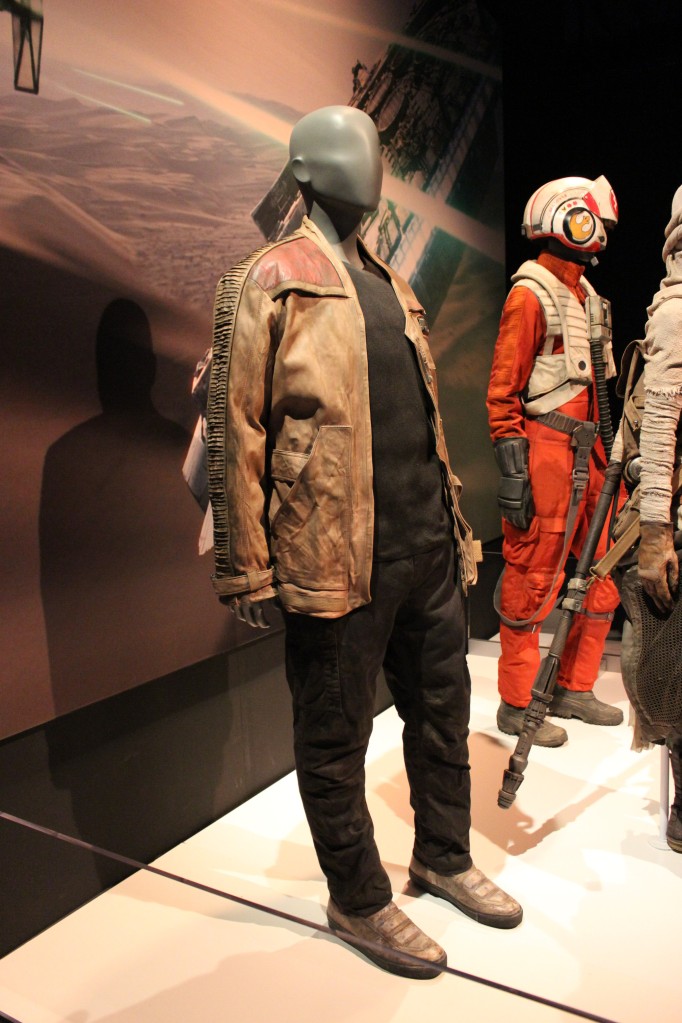
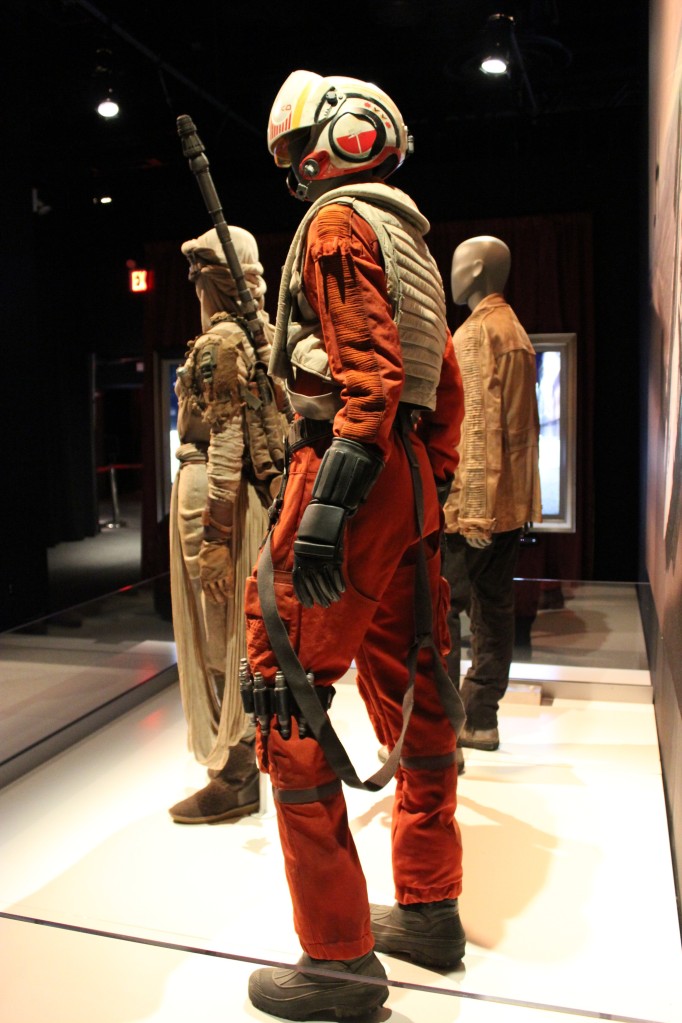
    Finn, Rey, and Poe from The Force Awakens

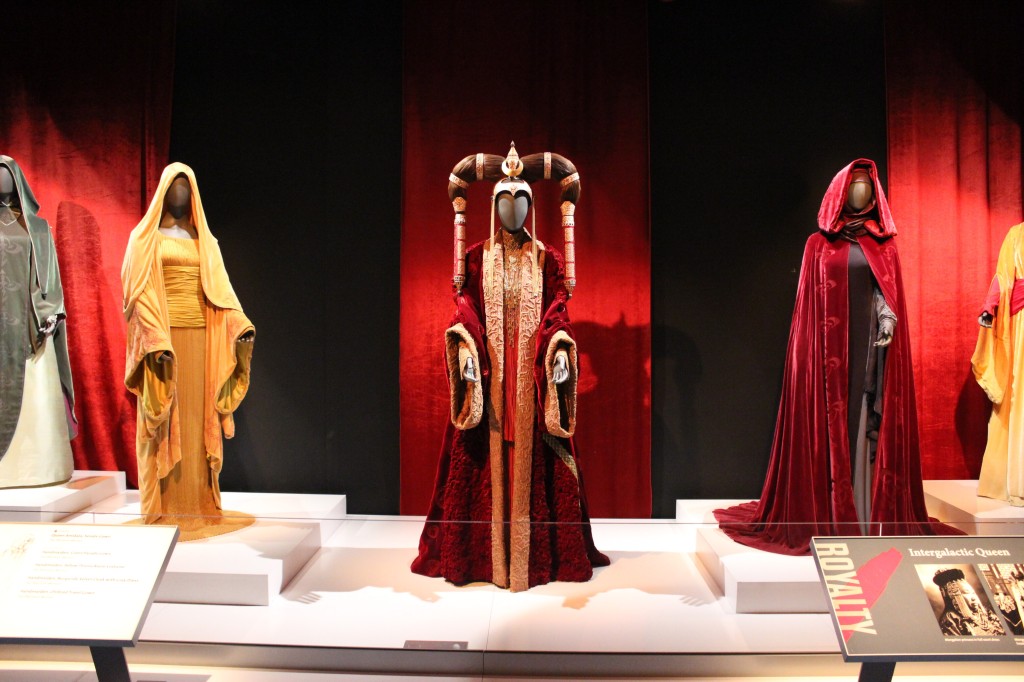
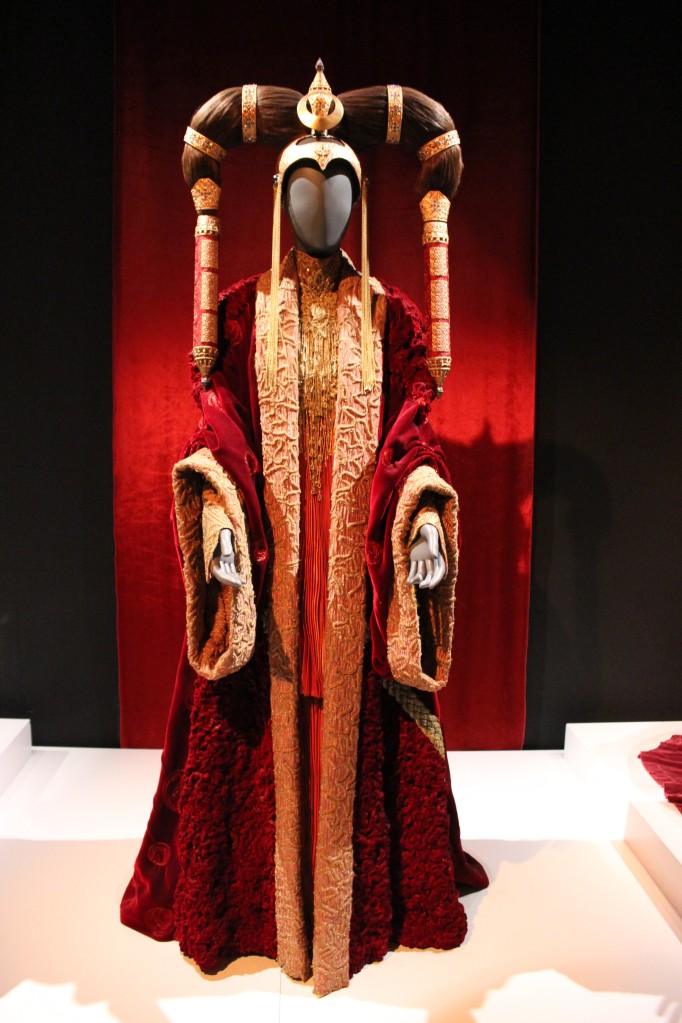
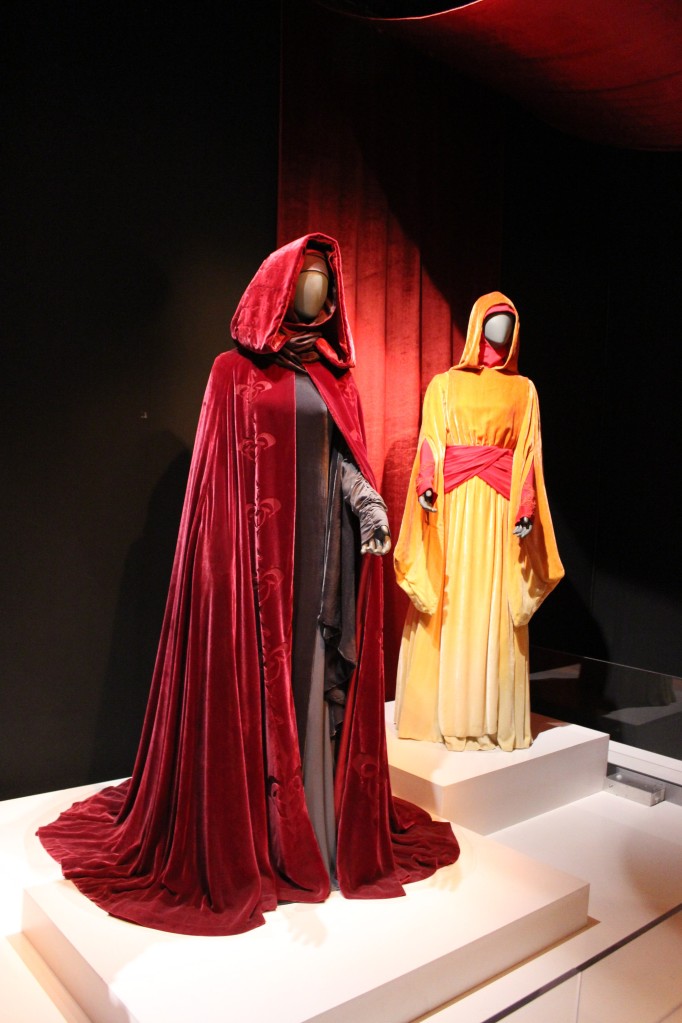
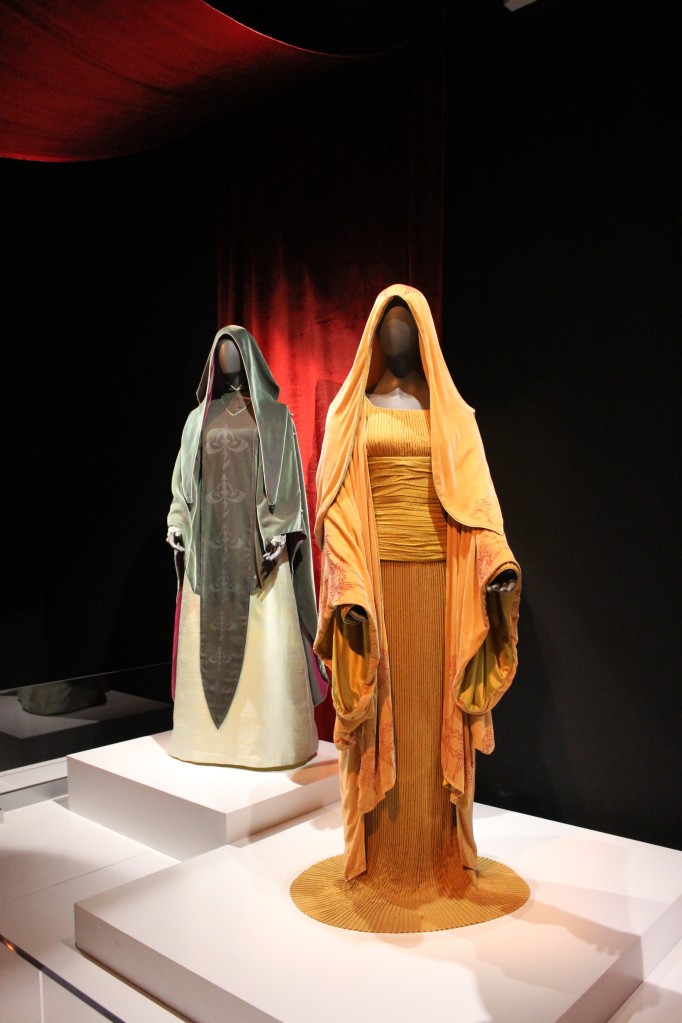
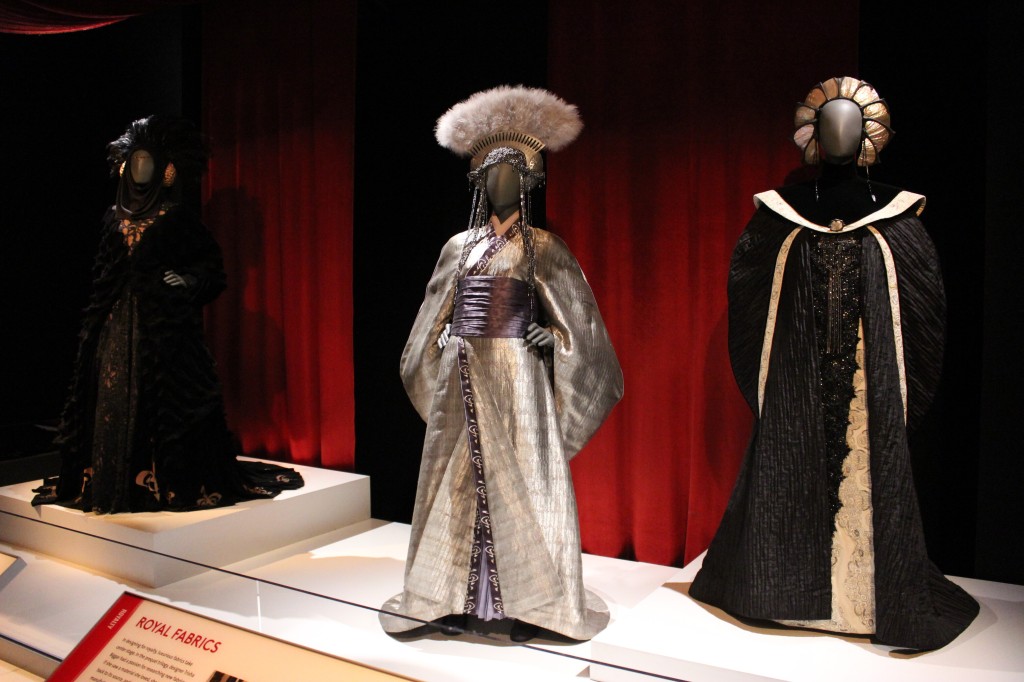
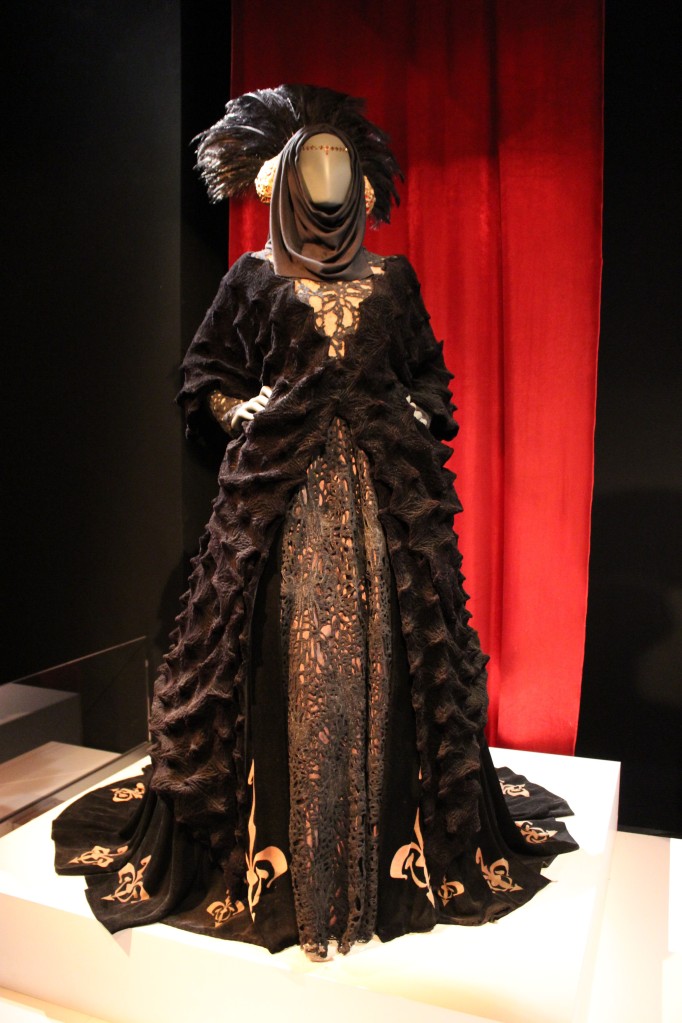
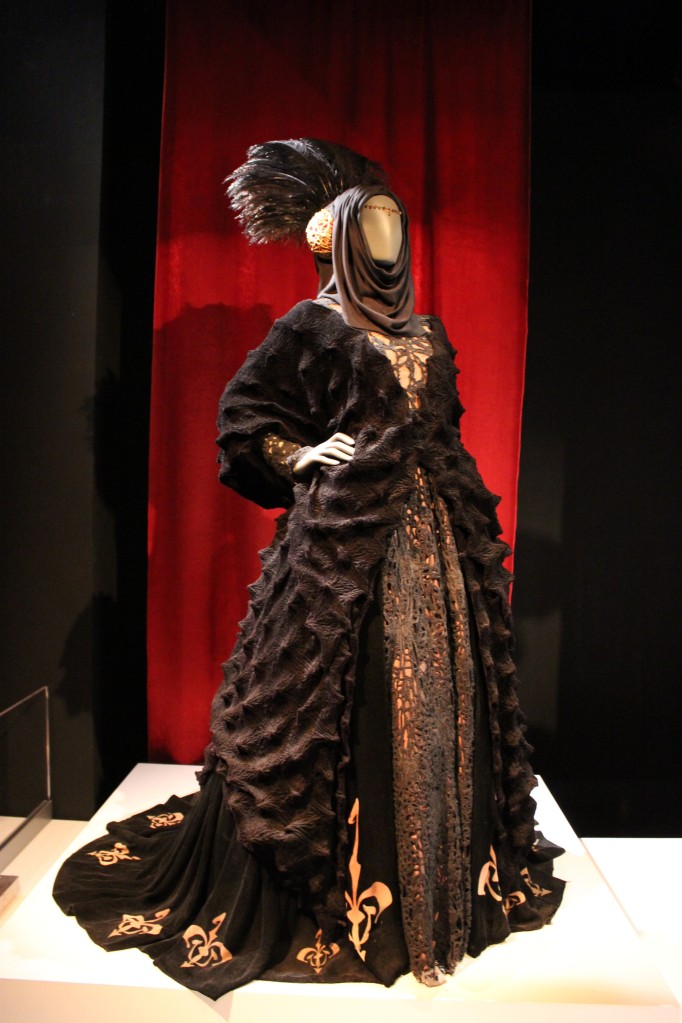
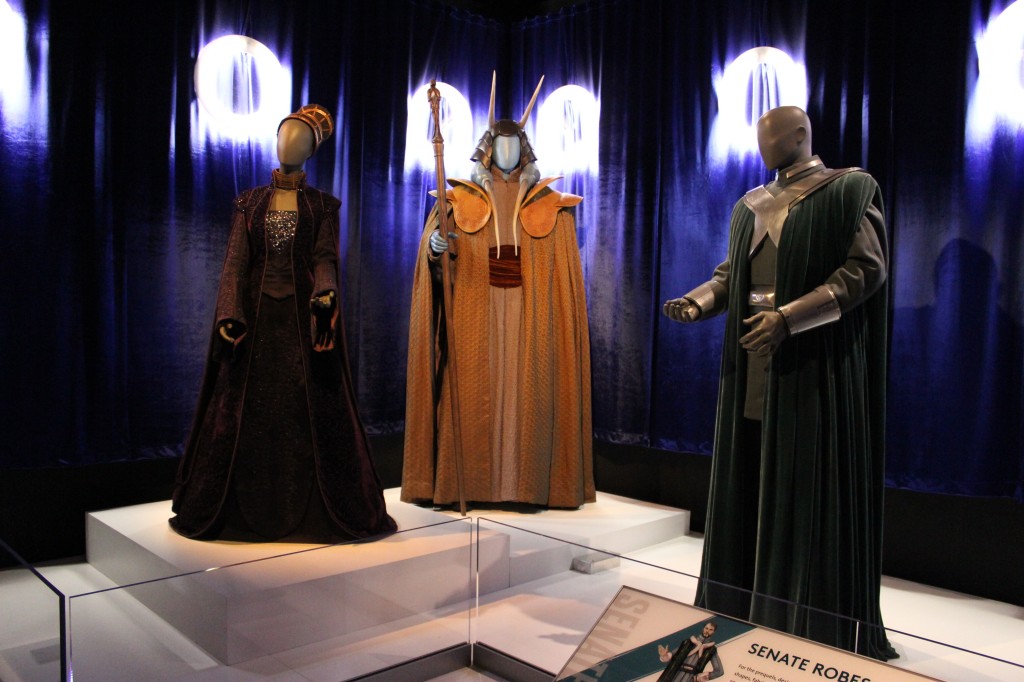
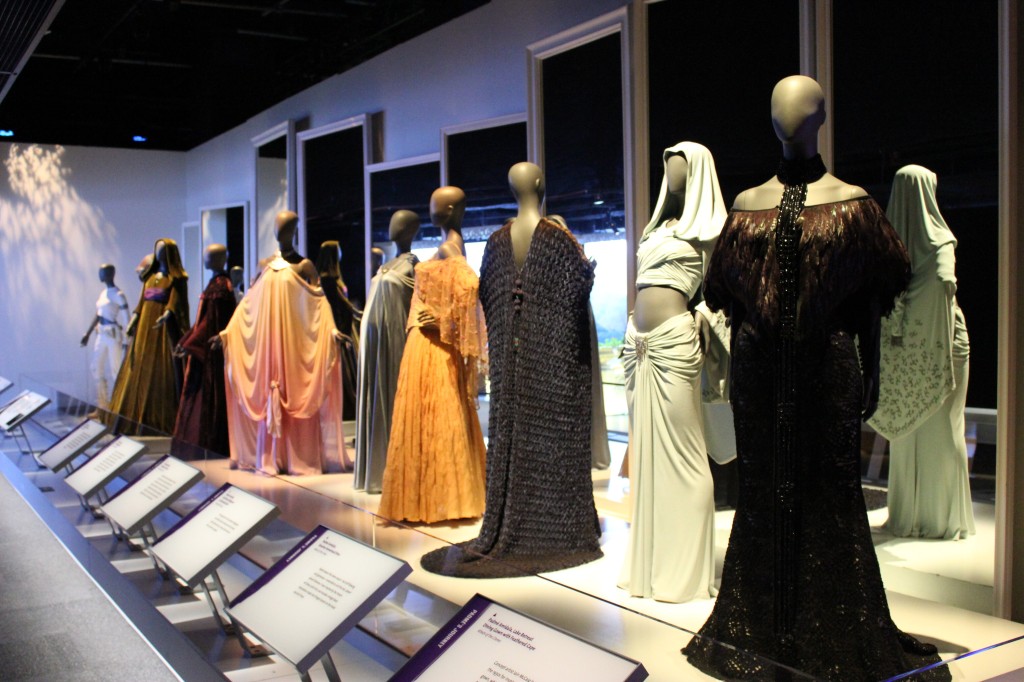
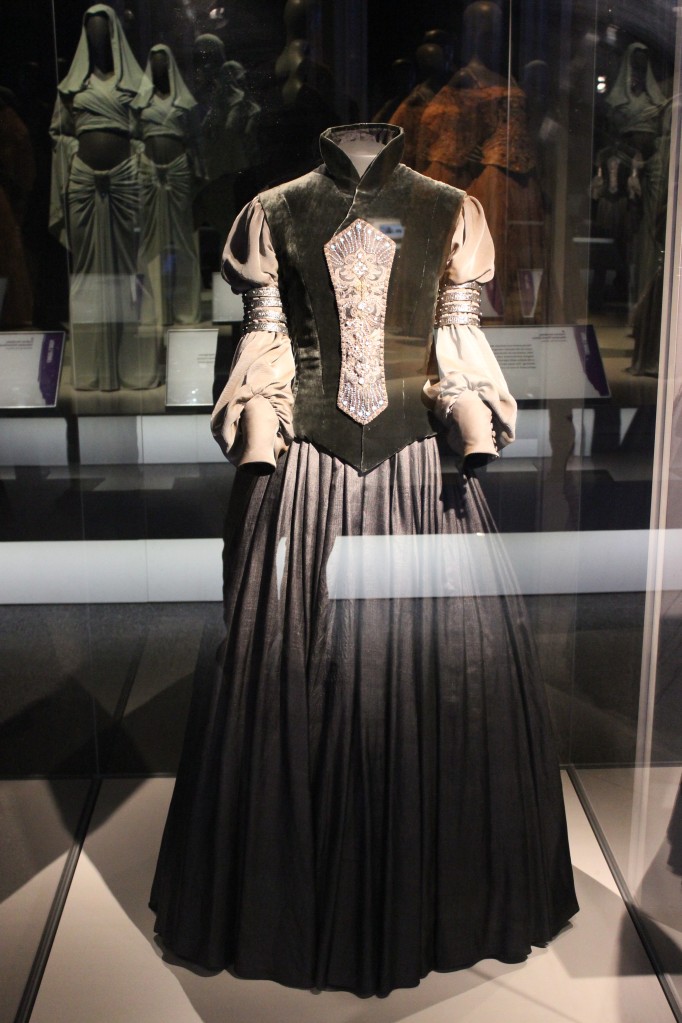
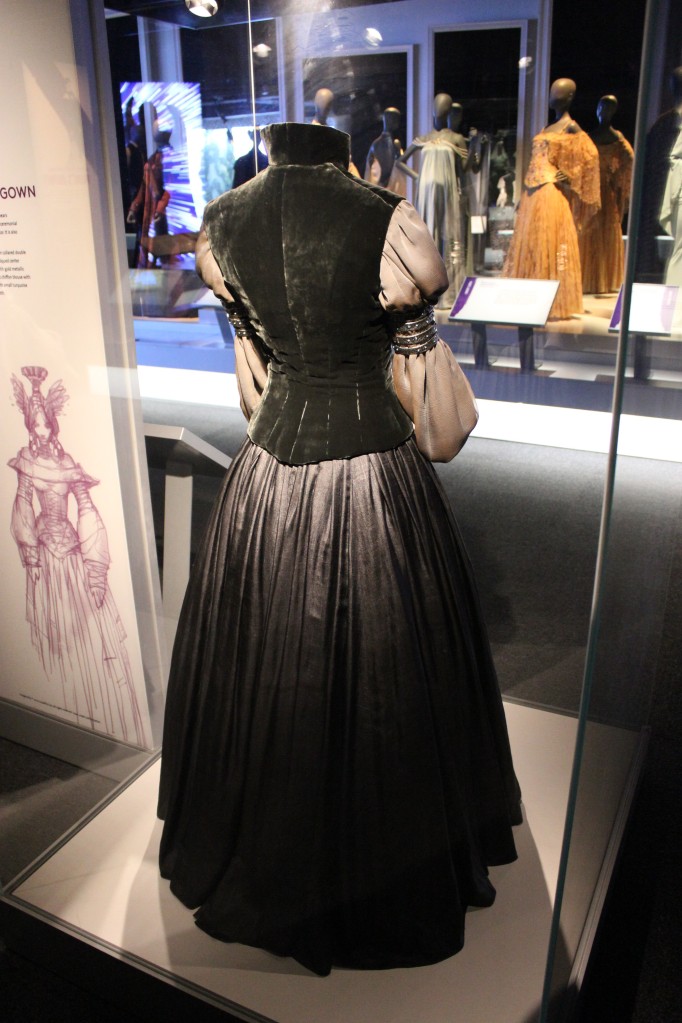
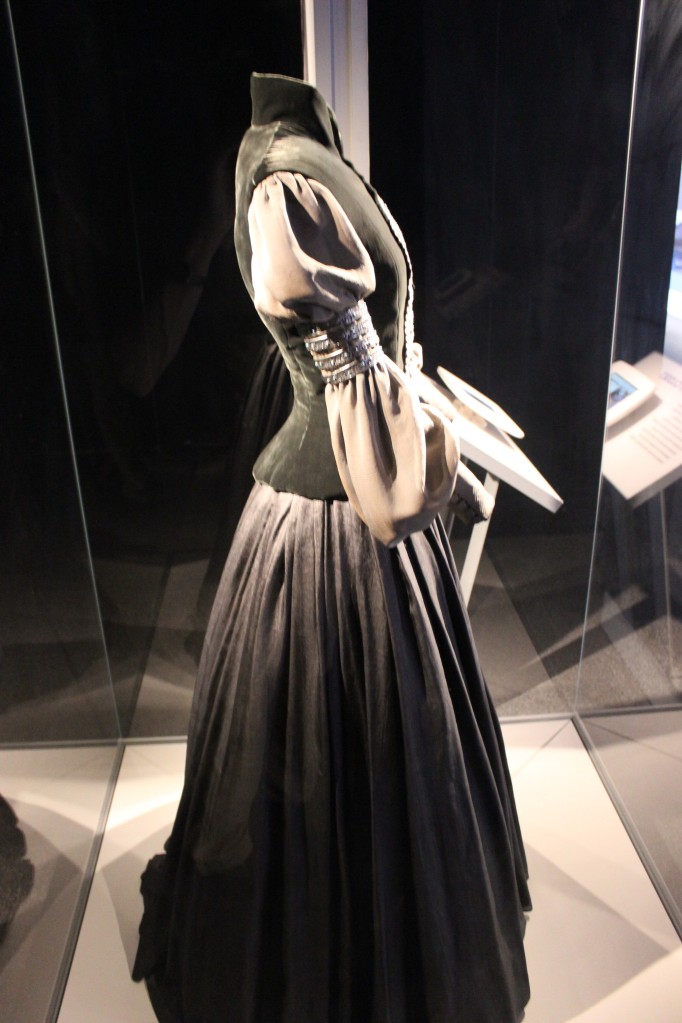
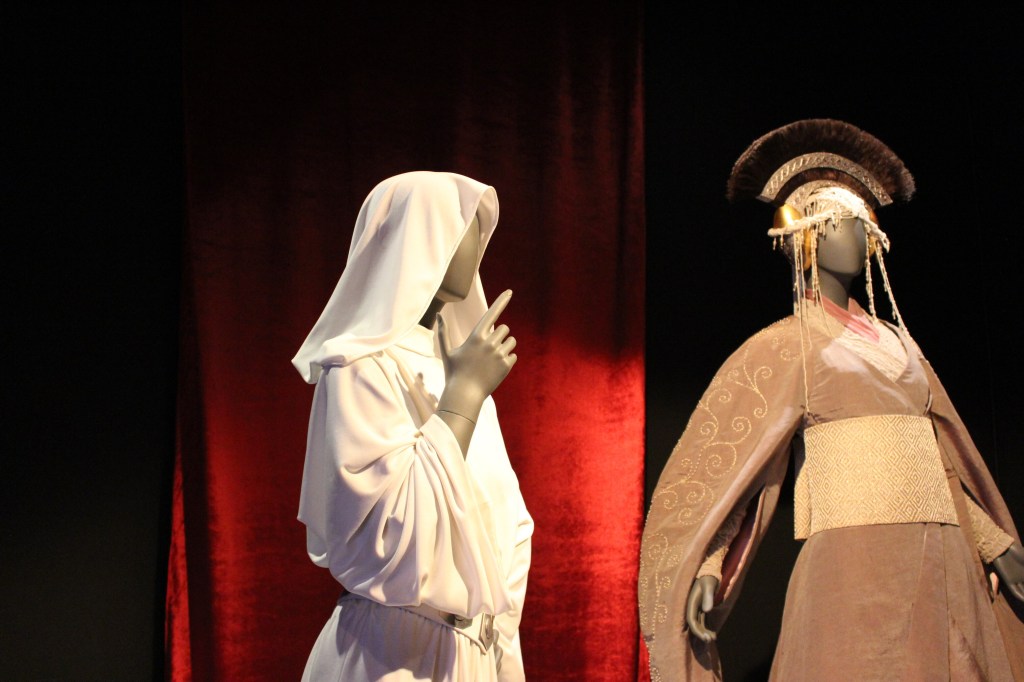
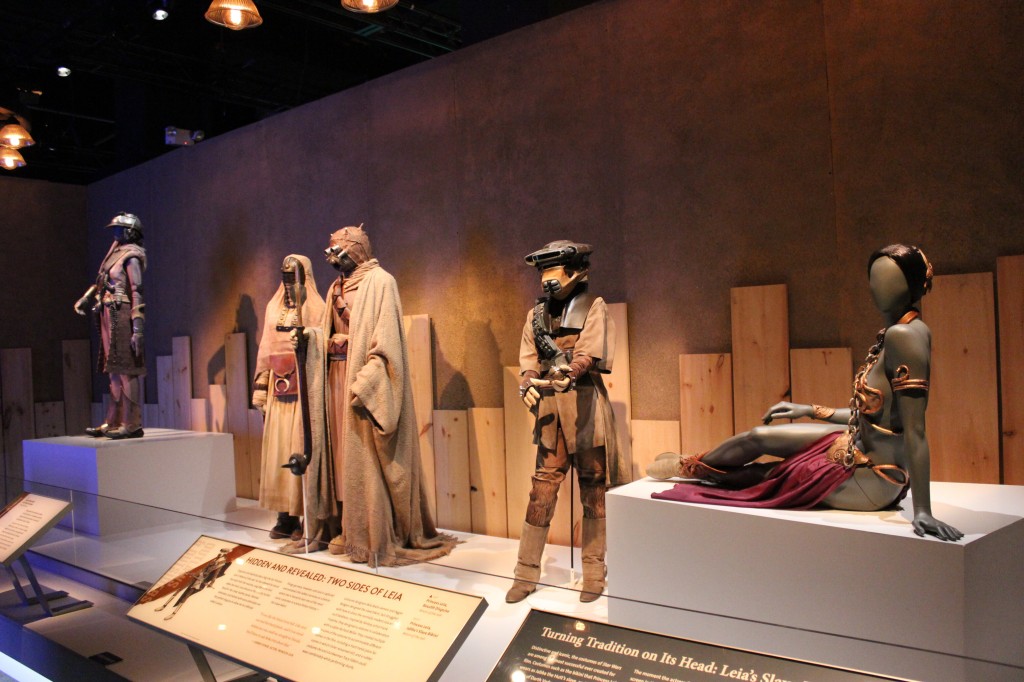
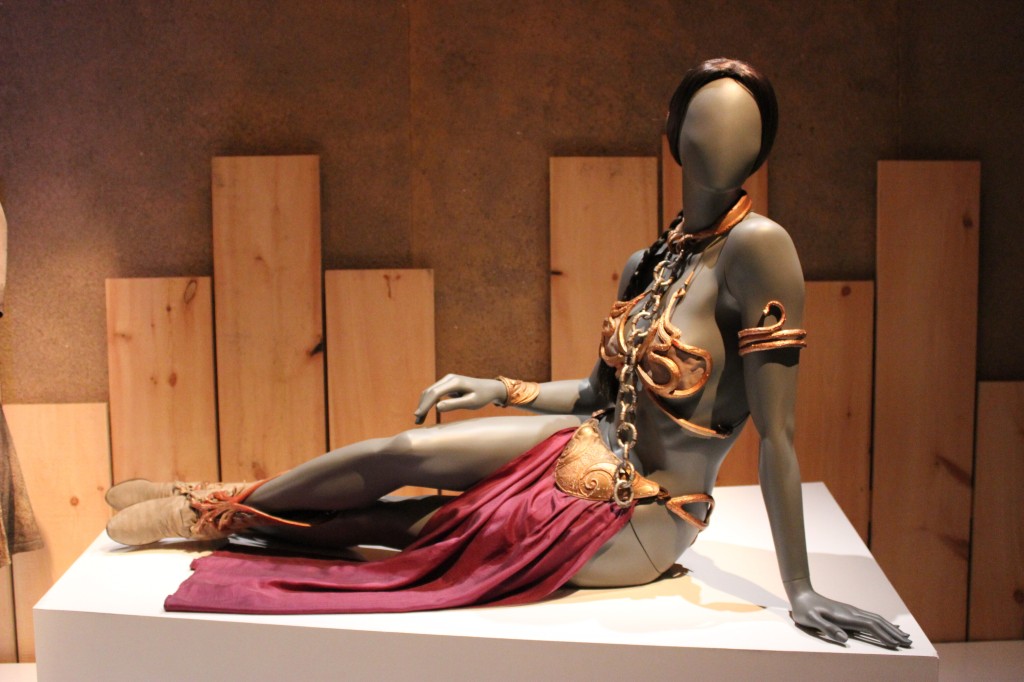
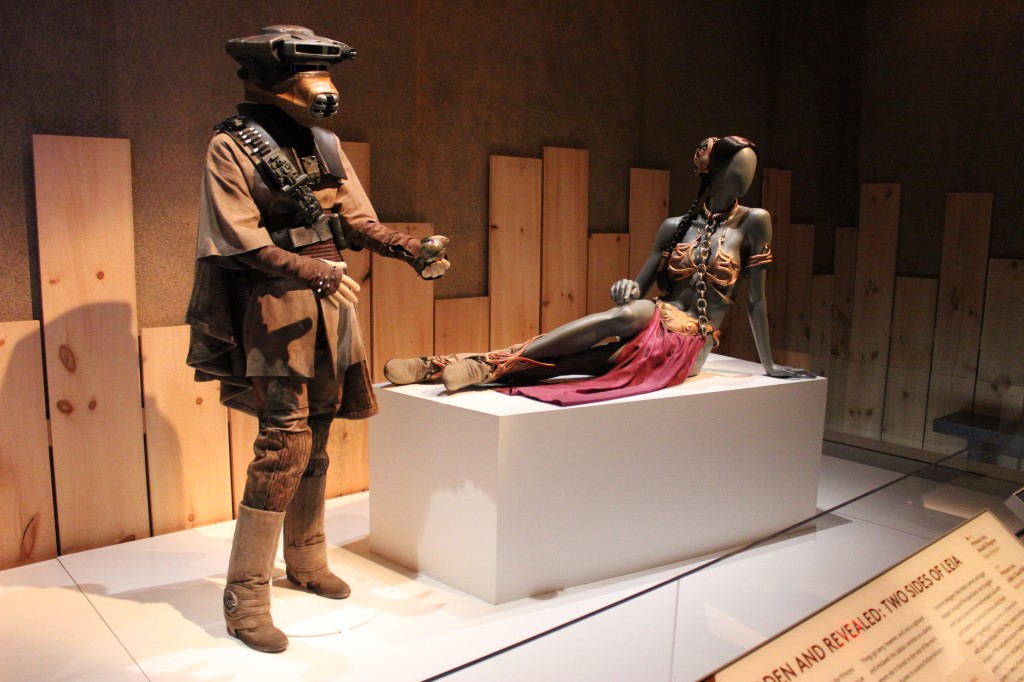
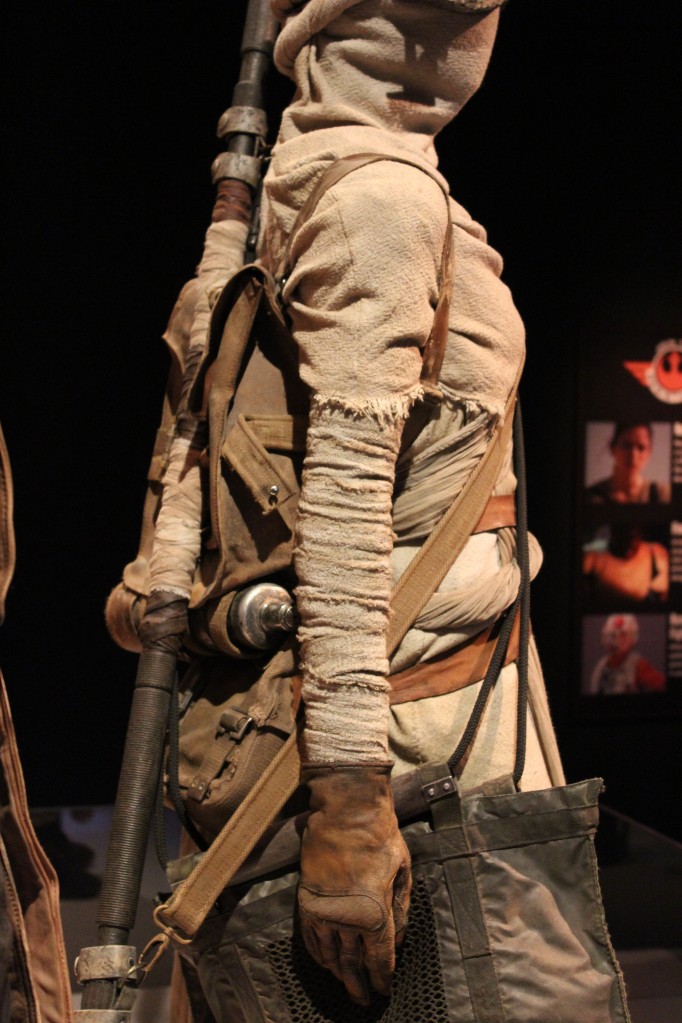
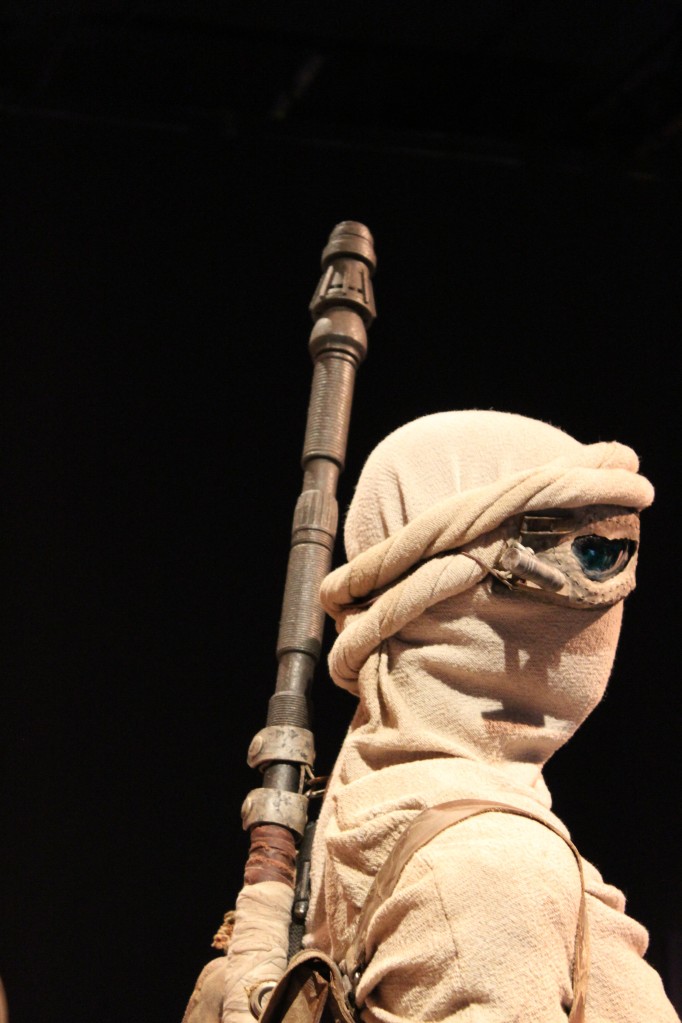
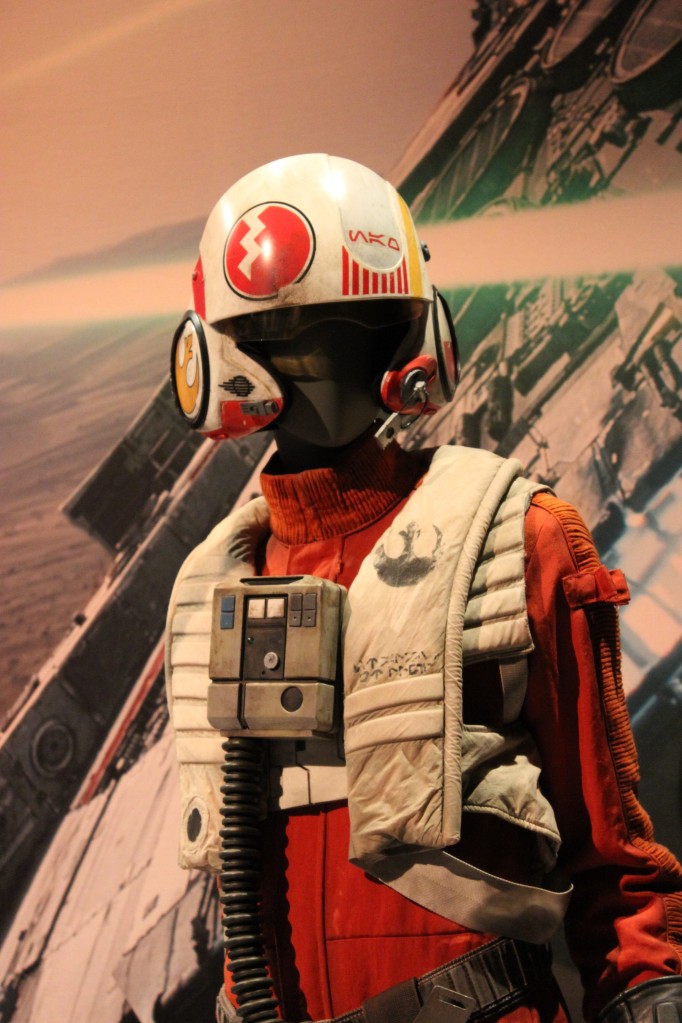
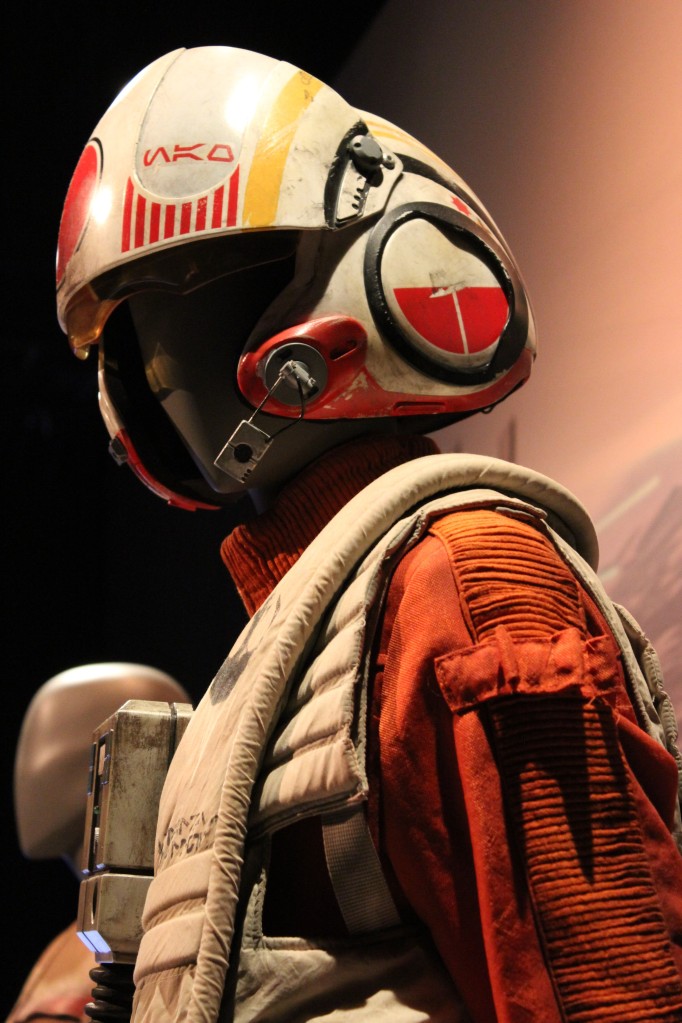
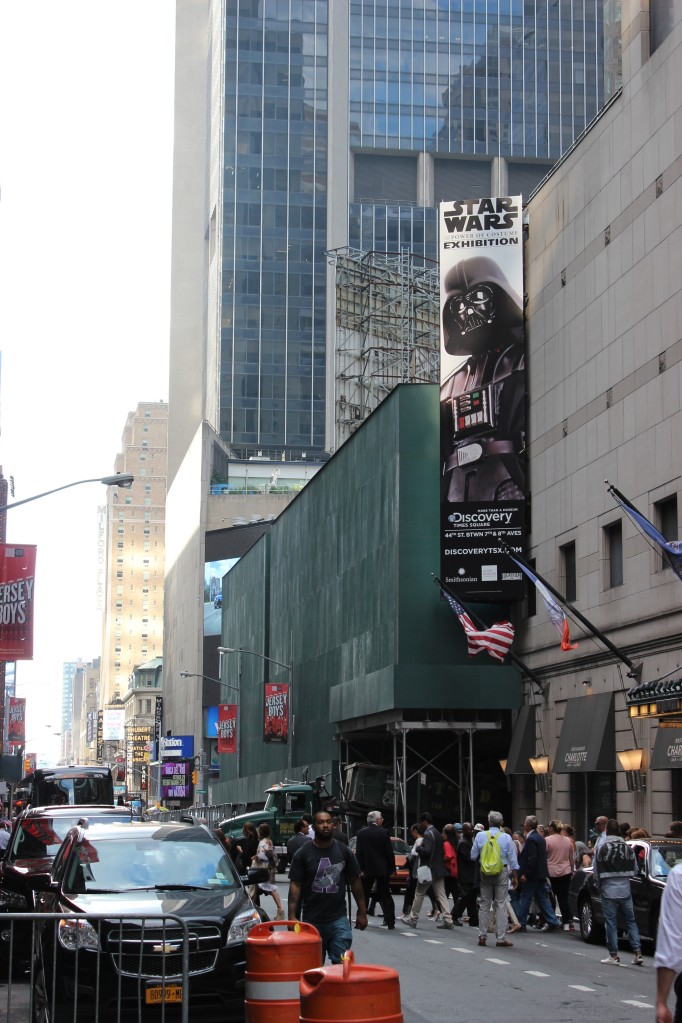
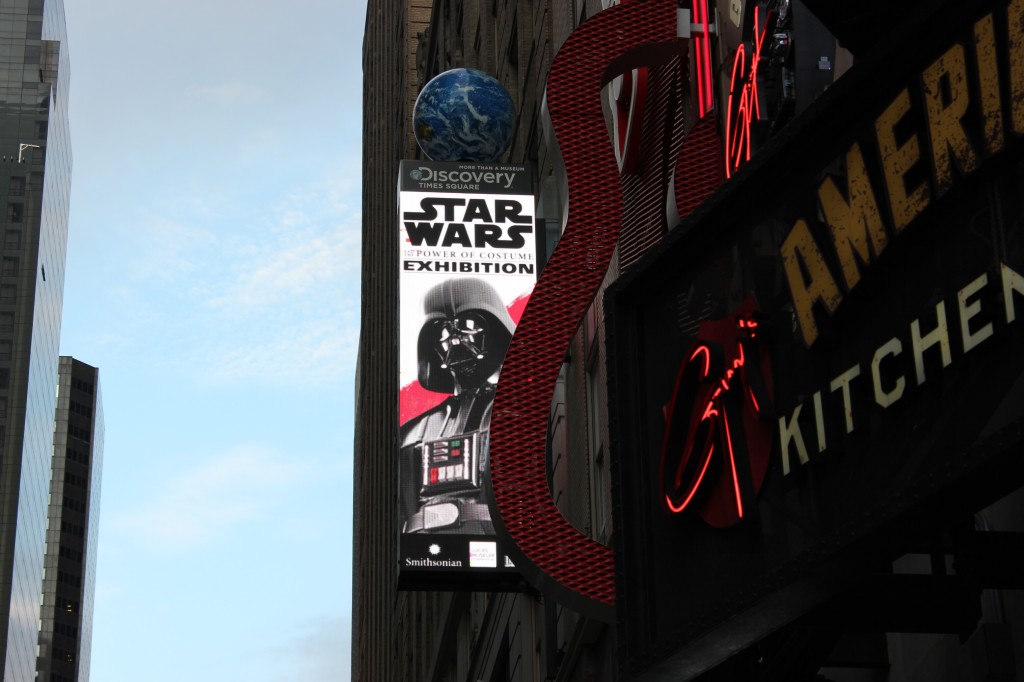
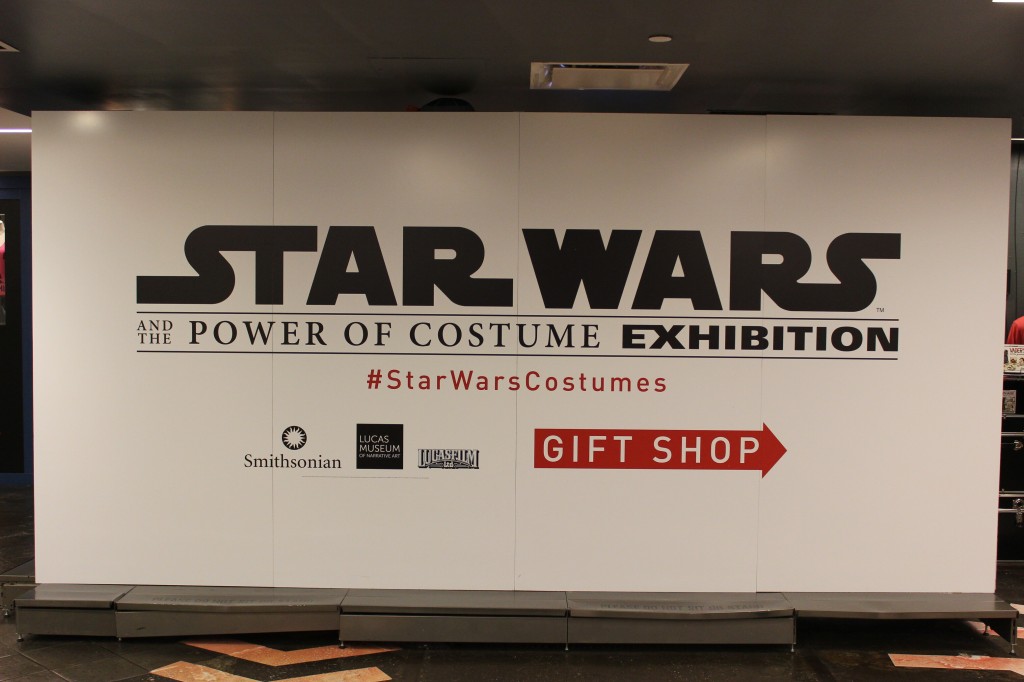
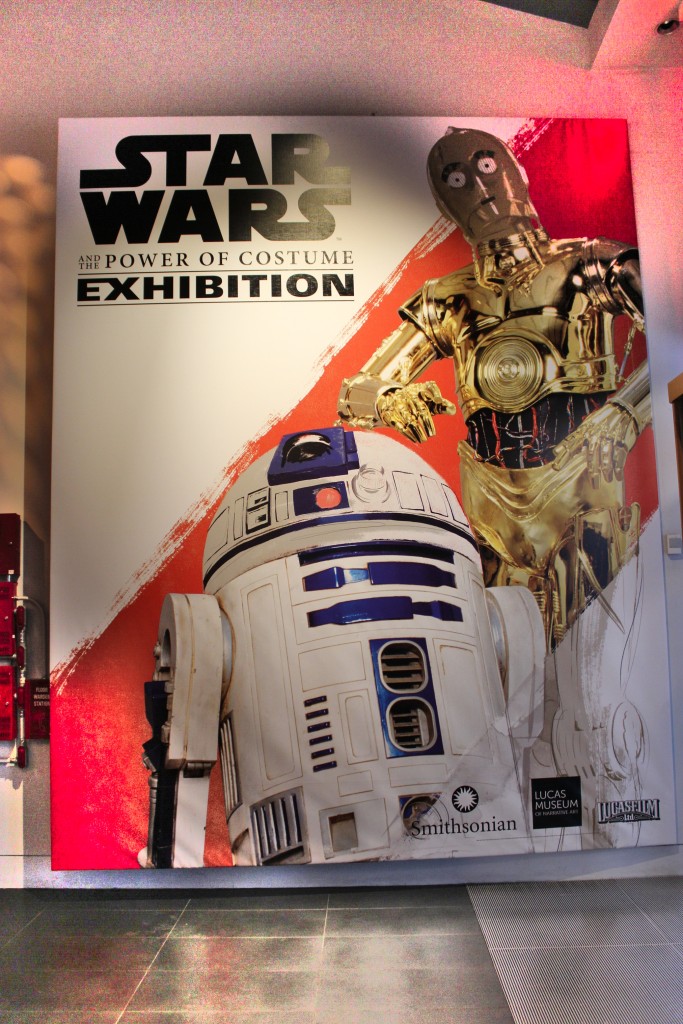
    In a stroke of luck in the lead-up to Sean Scanlan and I publishing our co-edited special issue of New American Notes Online (NANO) on Star Wars Episode VII: The Force Awakens, the Smithsonian and Lucas Museum of Narrative Art traveling exhibition collaboration called Star Wars and the Power of Costume came to New York City. I visited the exhibition with my Canon T3i one summer afternoon in 2016. It was exhilarating to me to be close to the costumes and props from my most loved movie franchise. Also, I imagined how the exhibit must be a goldmine for costuming details for Star Wars cosplay.

    I’m afraid that my photography skills and control over my equipment is left wanting, but I tried my best to capture the costumes and equipment as best as I could for my own enjoyment when revisiting the exhibition via memory conjured by the photos. Now, I’m sharing my photos of the exhibition for your benefit here.

    Also, I attended an earlier Star Wars exhibition in London nine years earlier, which I will post next week as my Flickr album of those photos no longer exists [link added to the London Star Wars Exhibition on 17 Oct. 2023]. It will feature costumes and some vehicles and models. In the meantime, I hope that you enjoy virtually visiting the Power of Costume below.

    Jedi and Sith

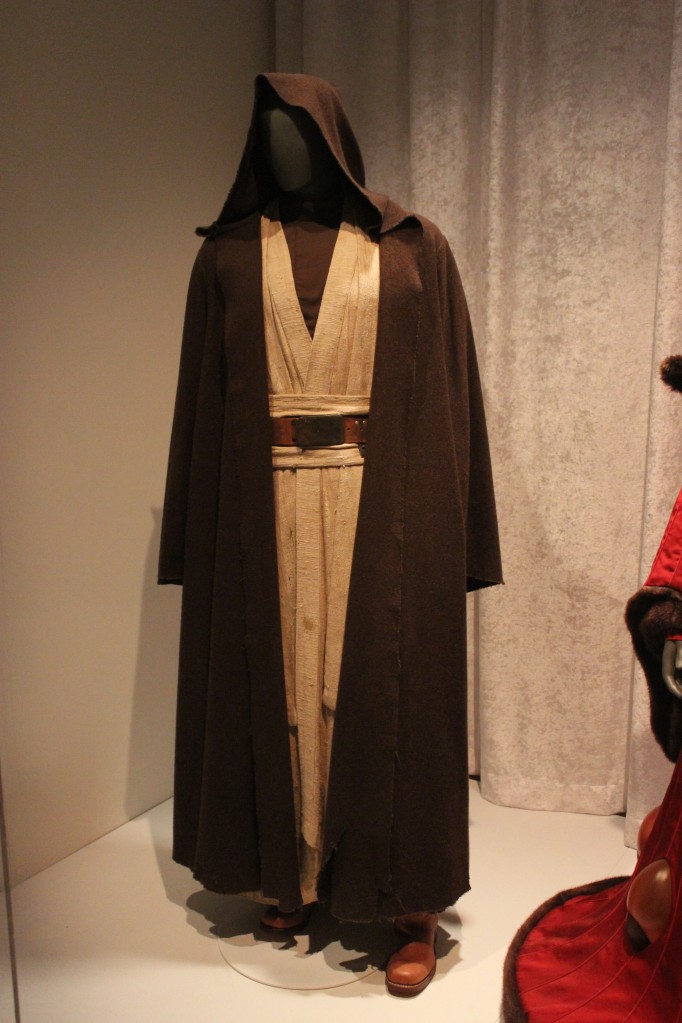
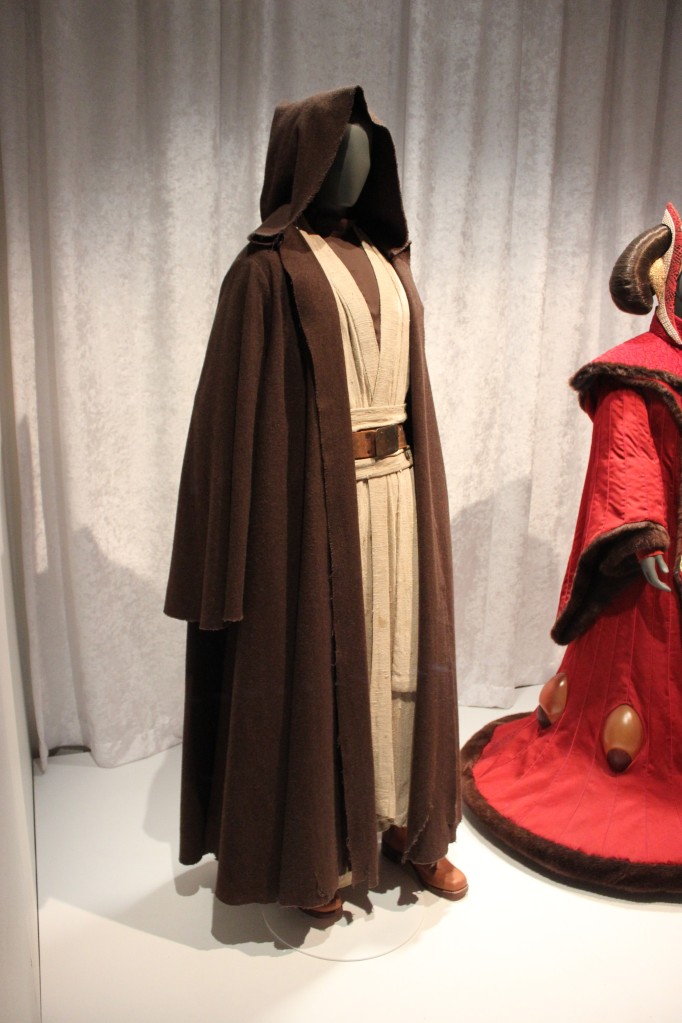
    Obi-Wan Kenobi from A New Hope

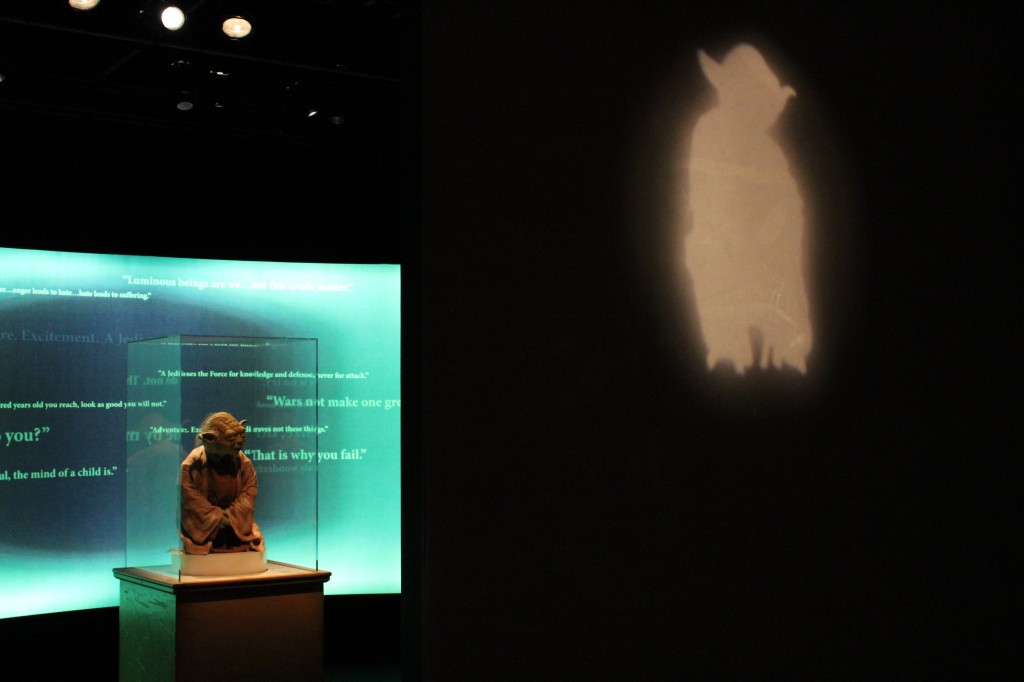
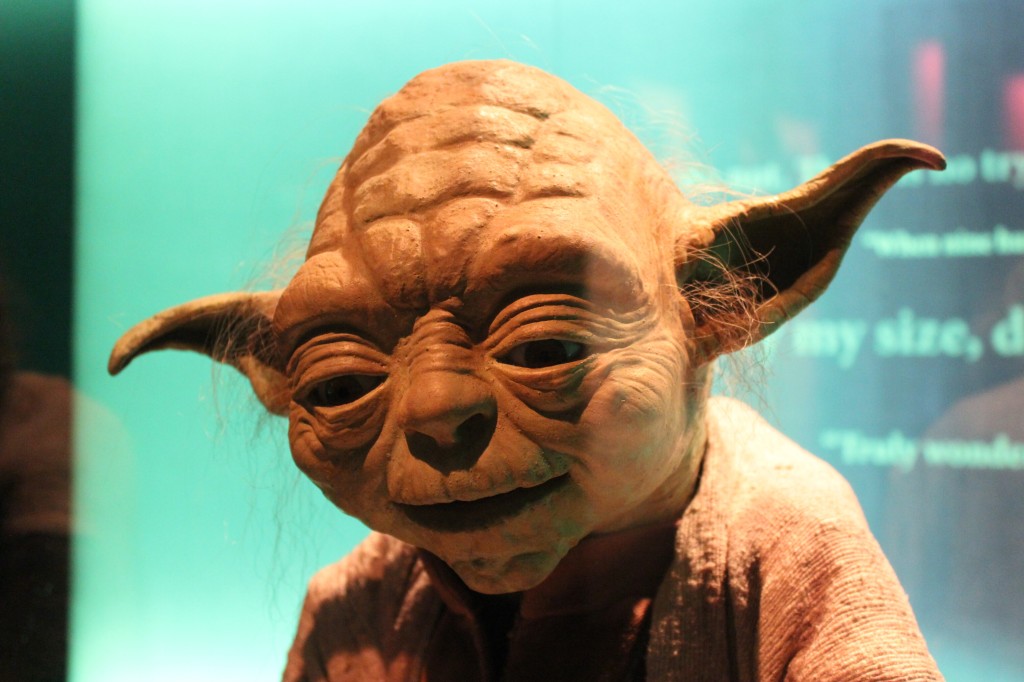
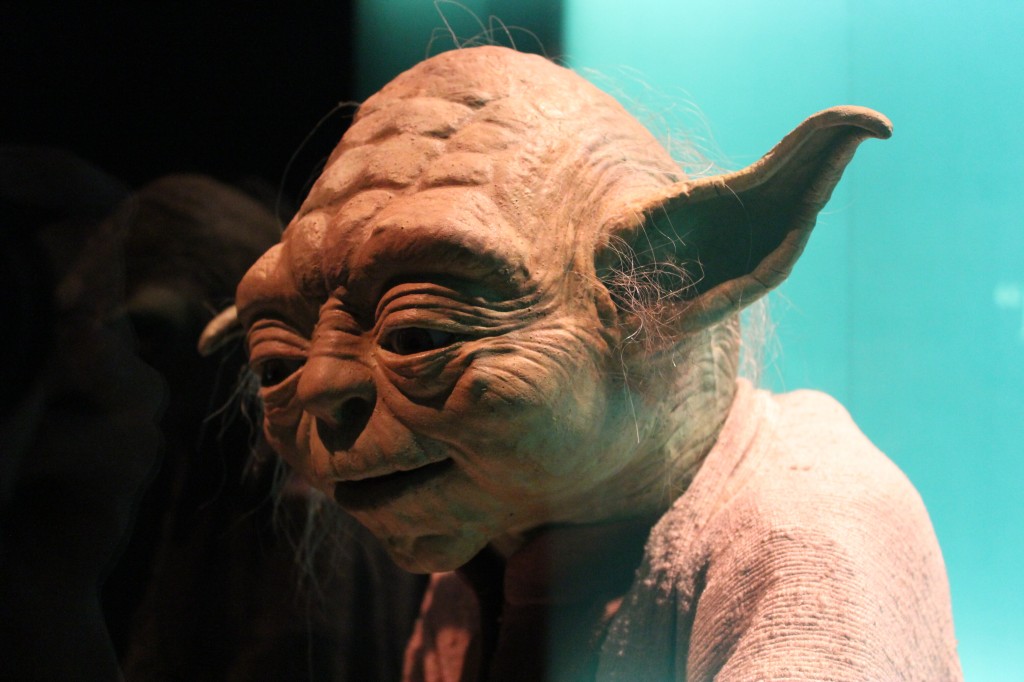
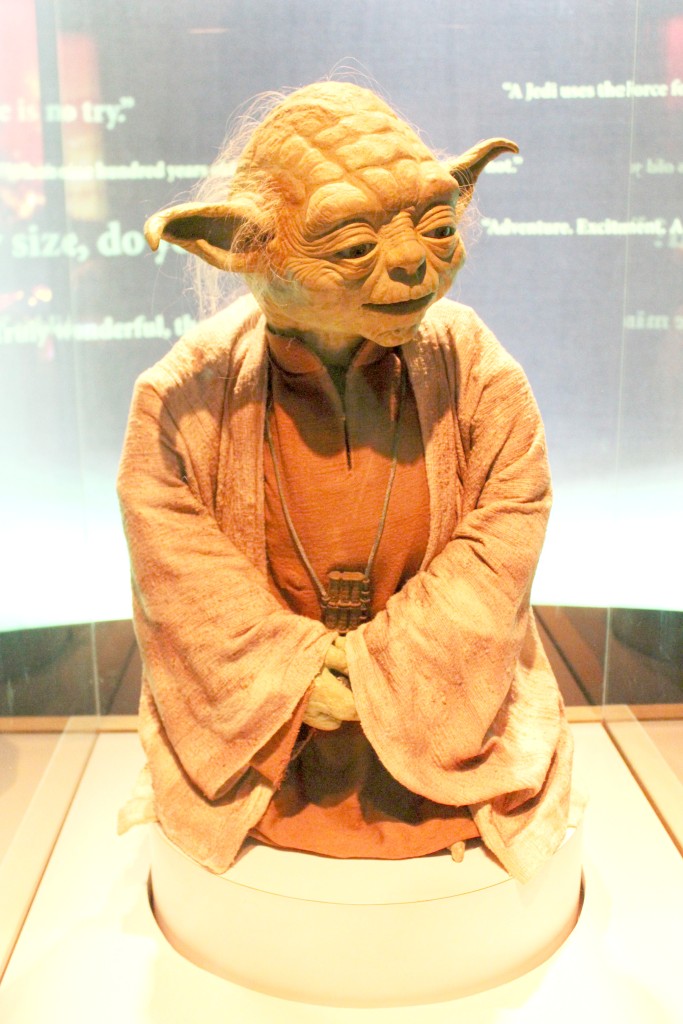
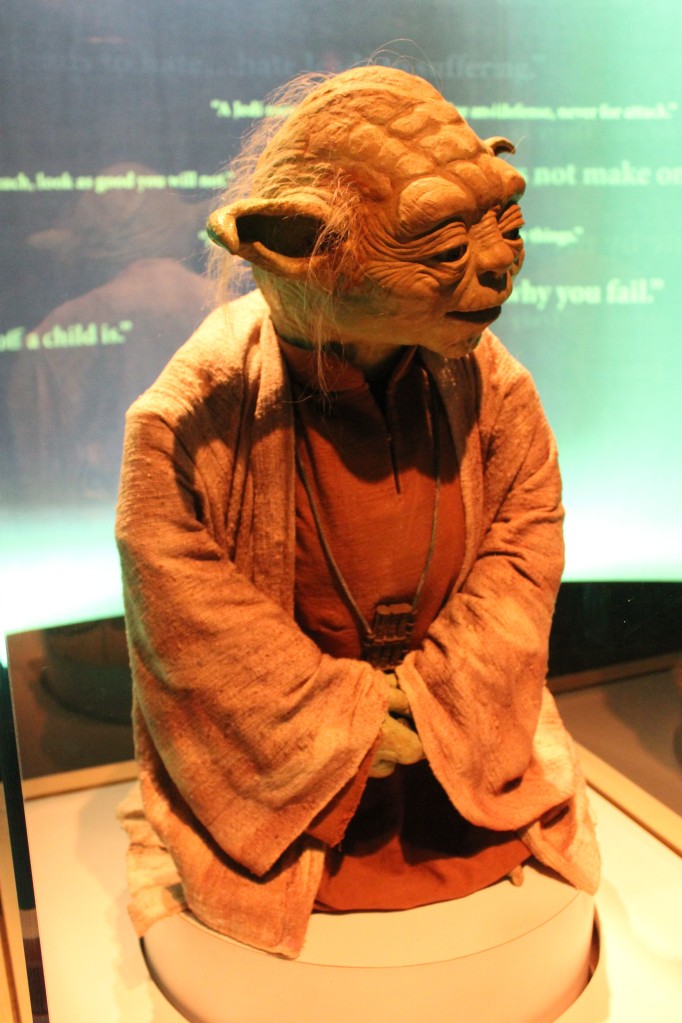
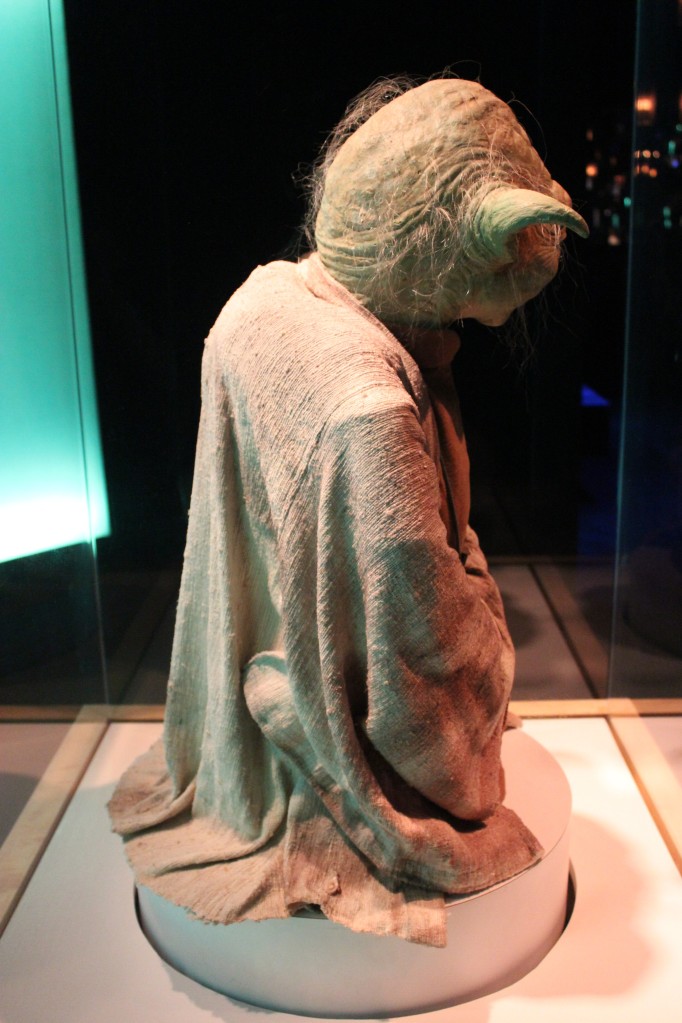
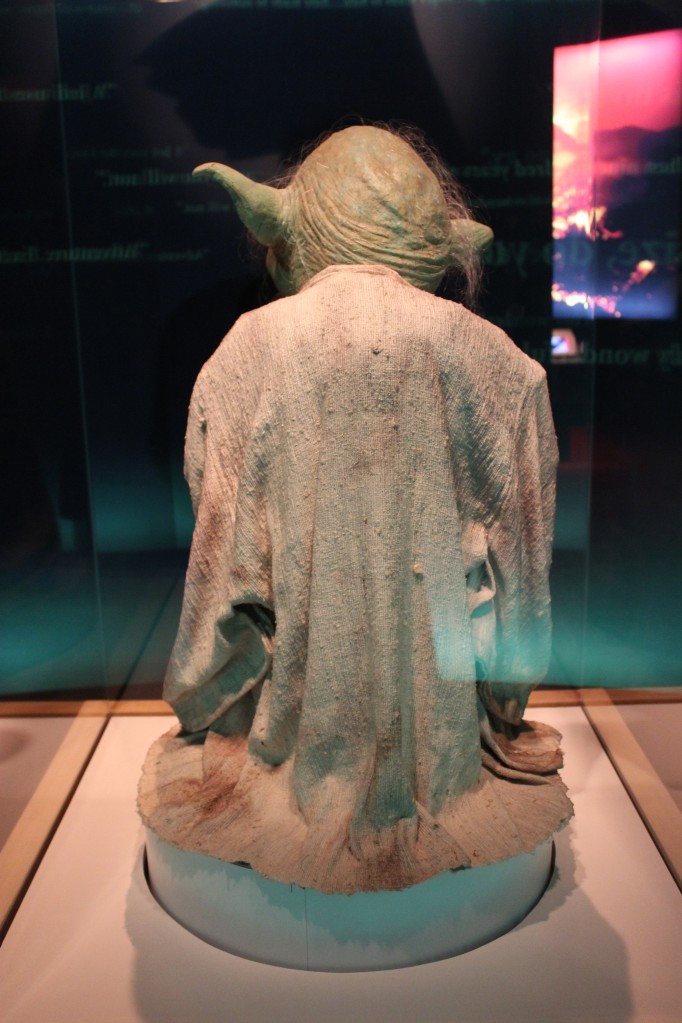
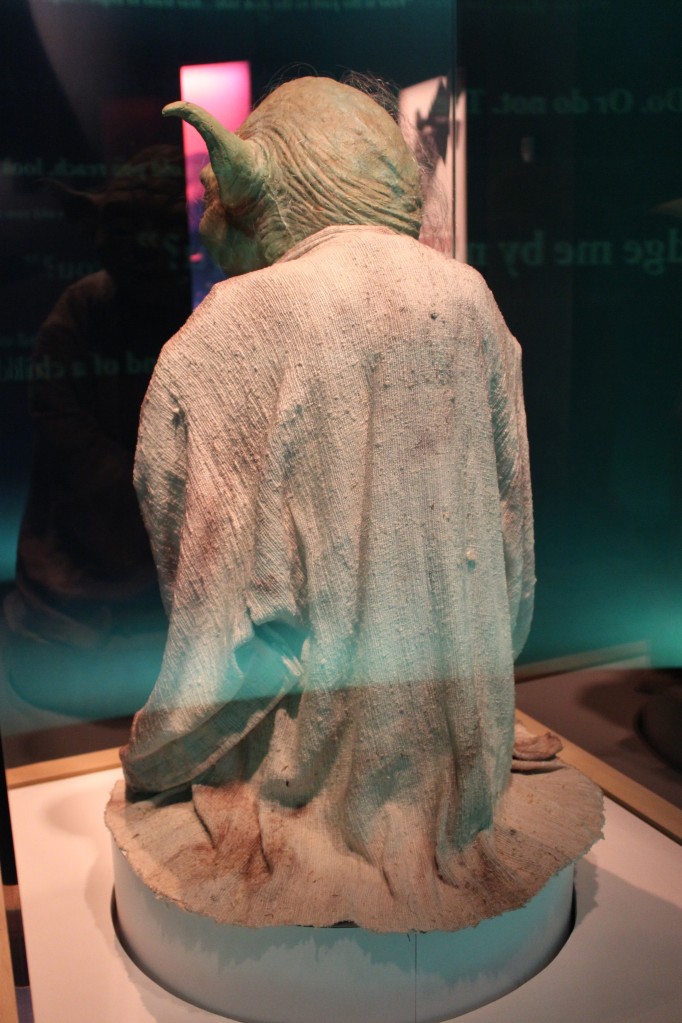
    Yoda

    Yoda area entrance

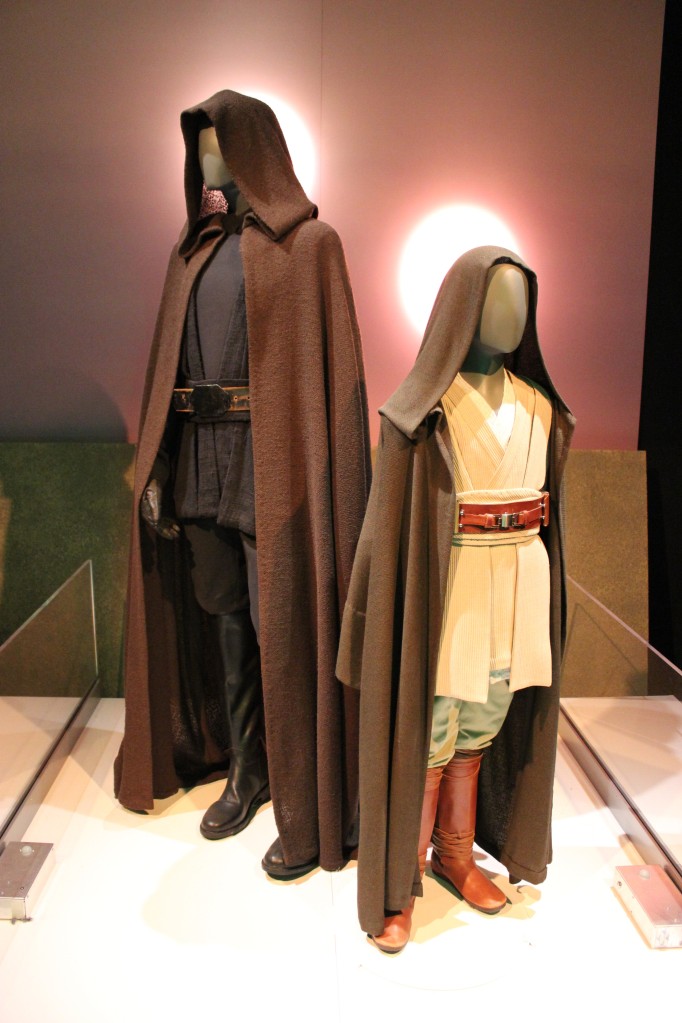
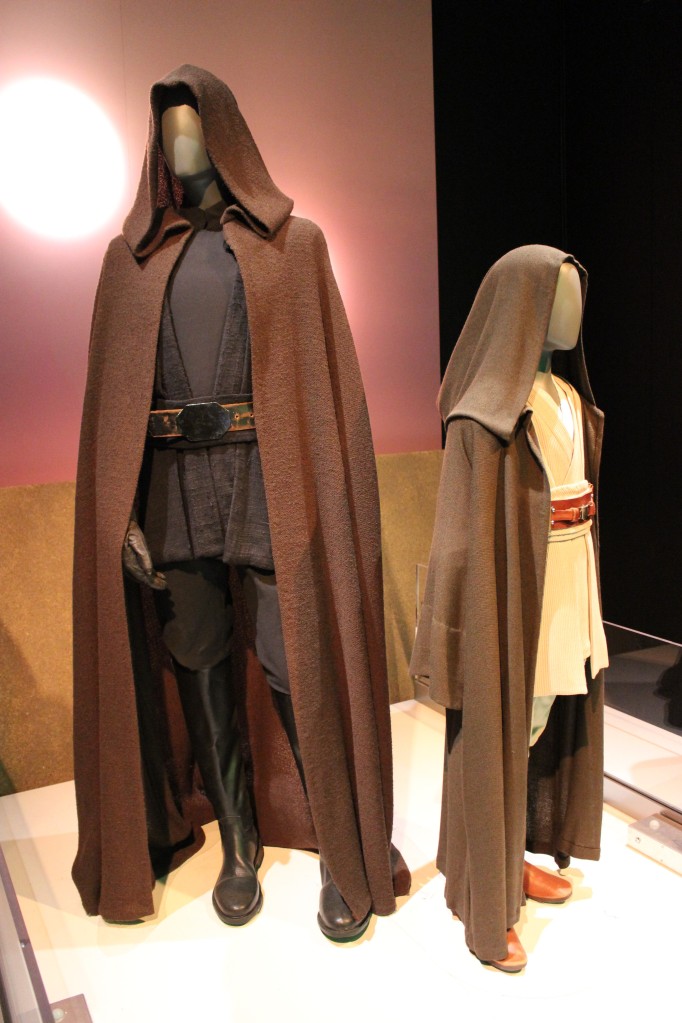
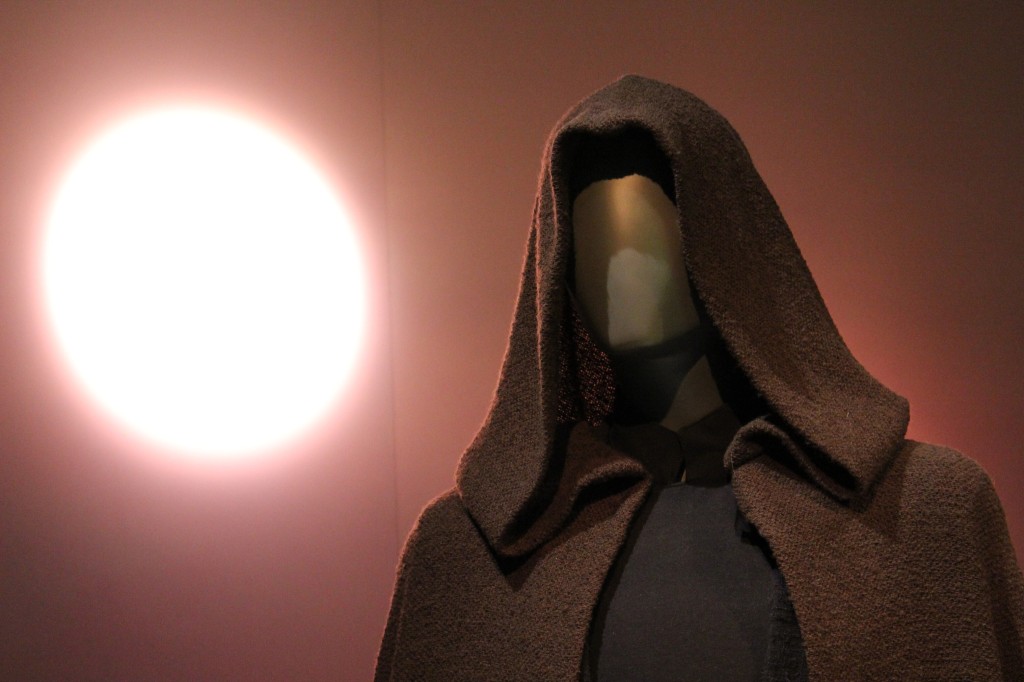
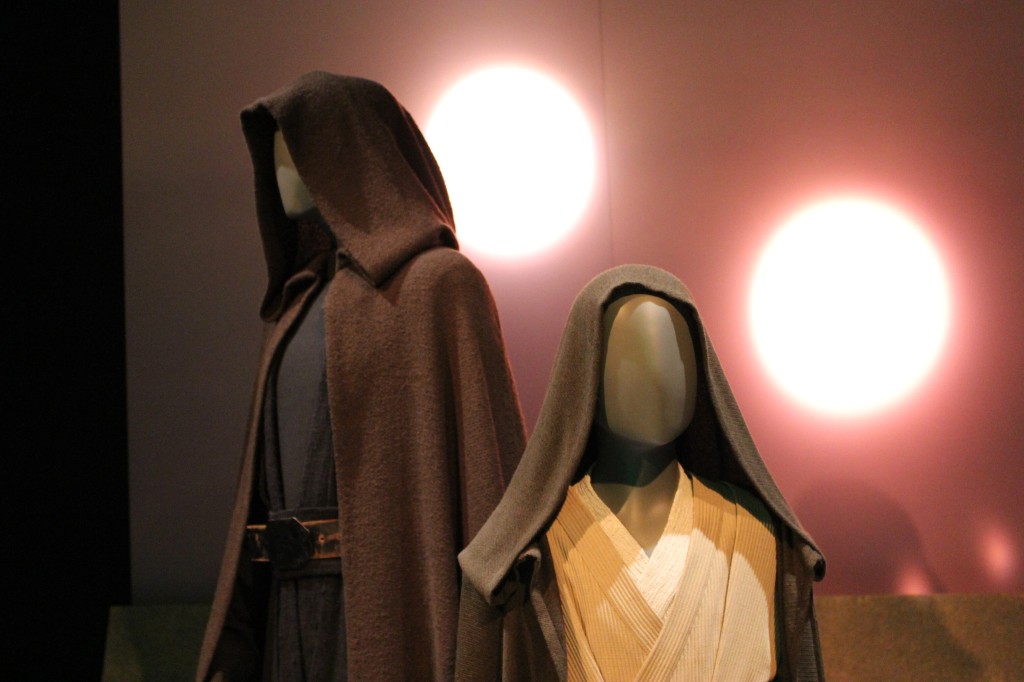
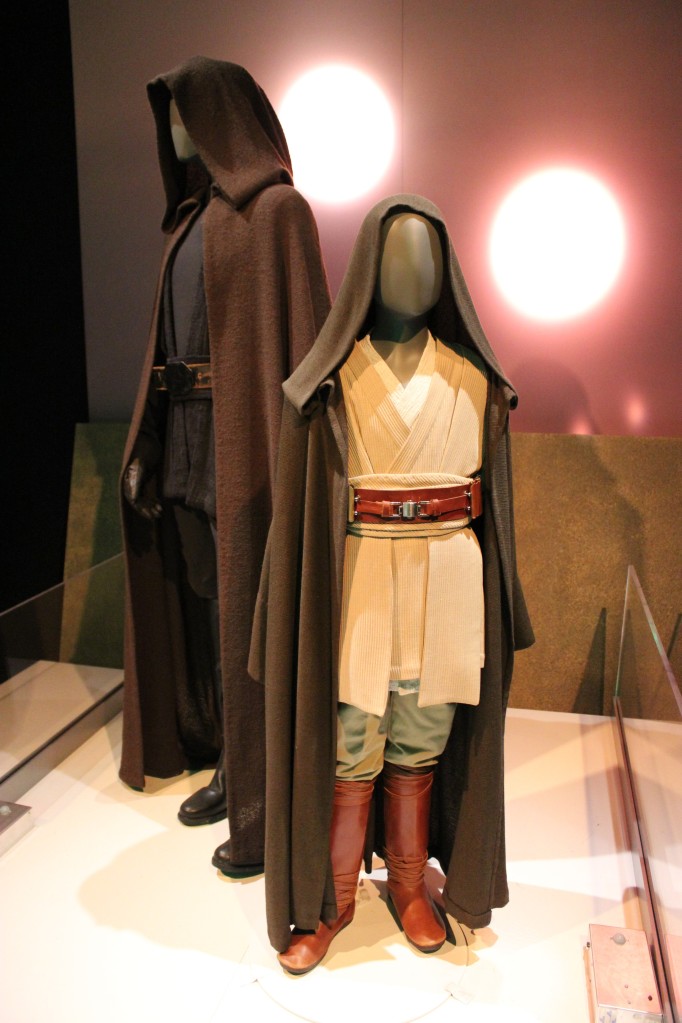
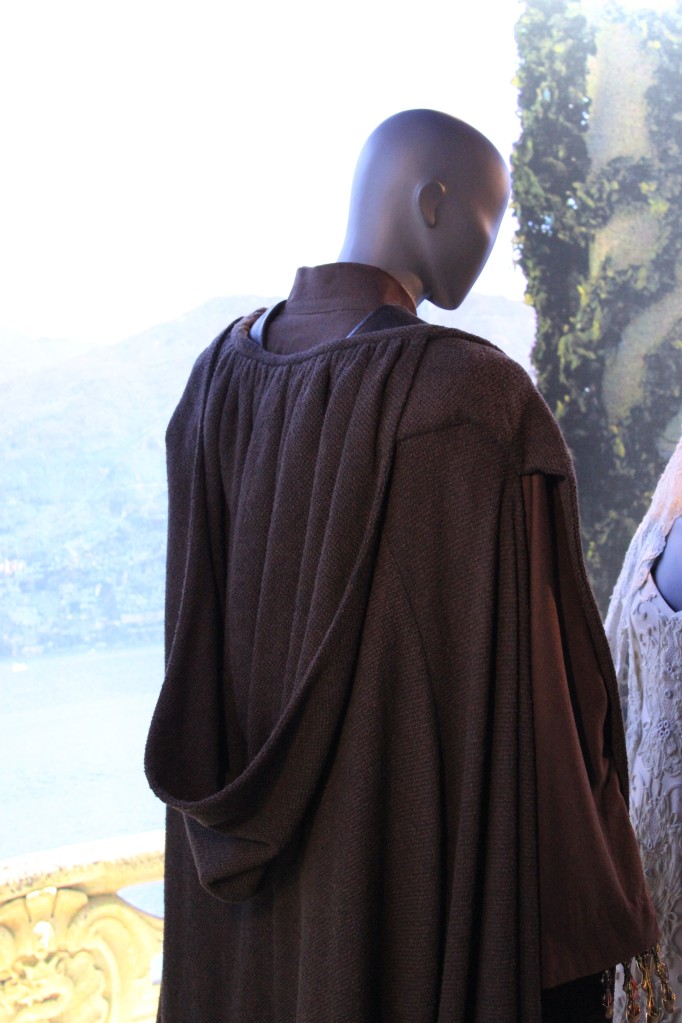
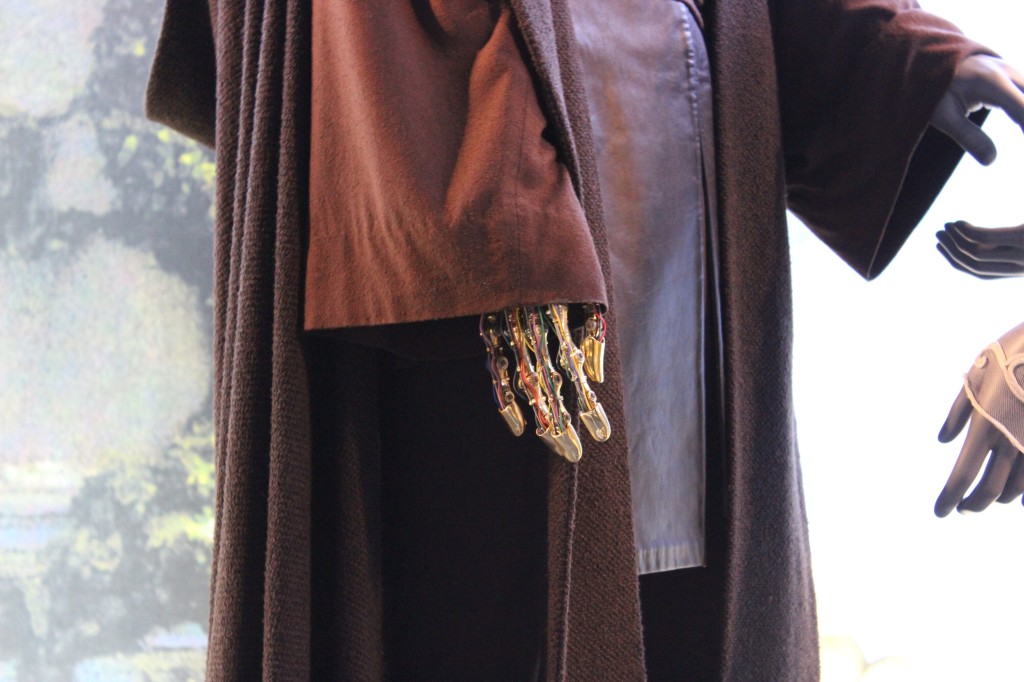
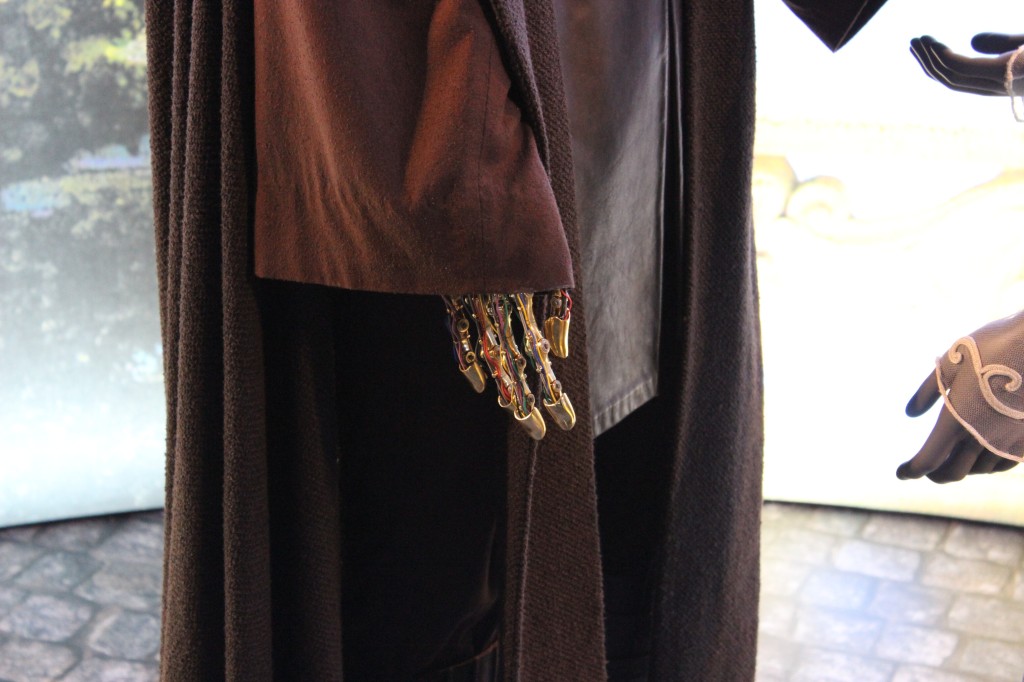
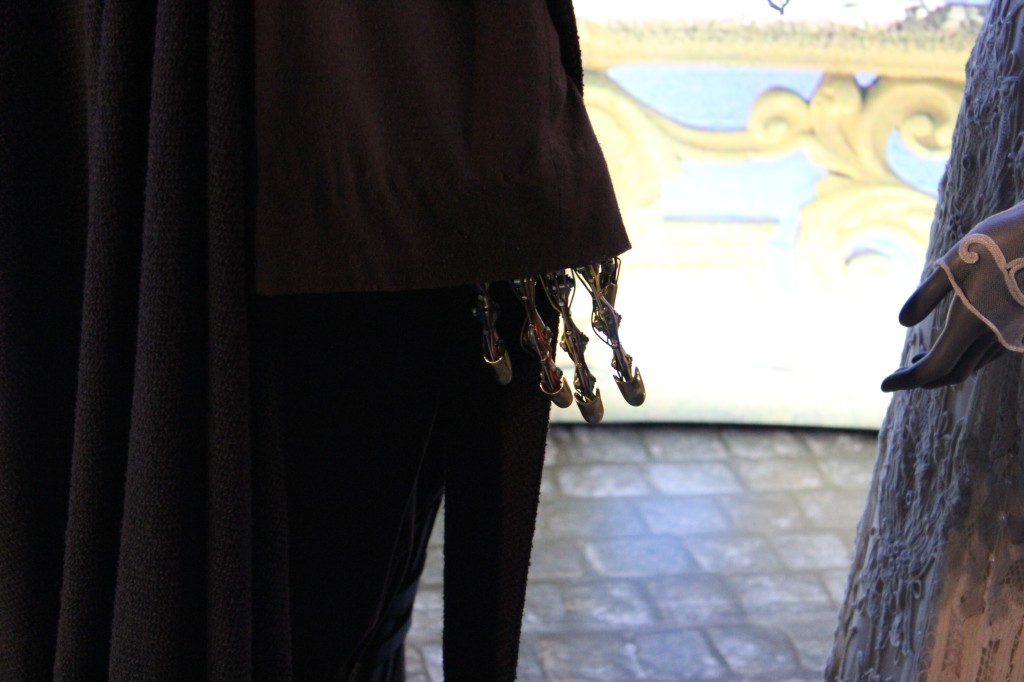
    Jedi Luke Skywalker and Padawan Anakin Skywalker

    Jedi Luke Skywalker and Padawan Anakin Skywalker

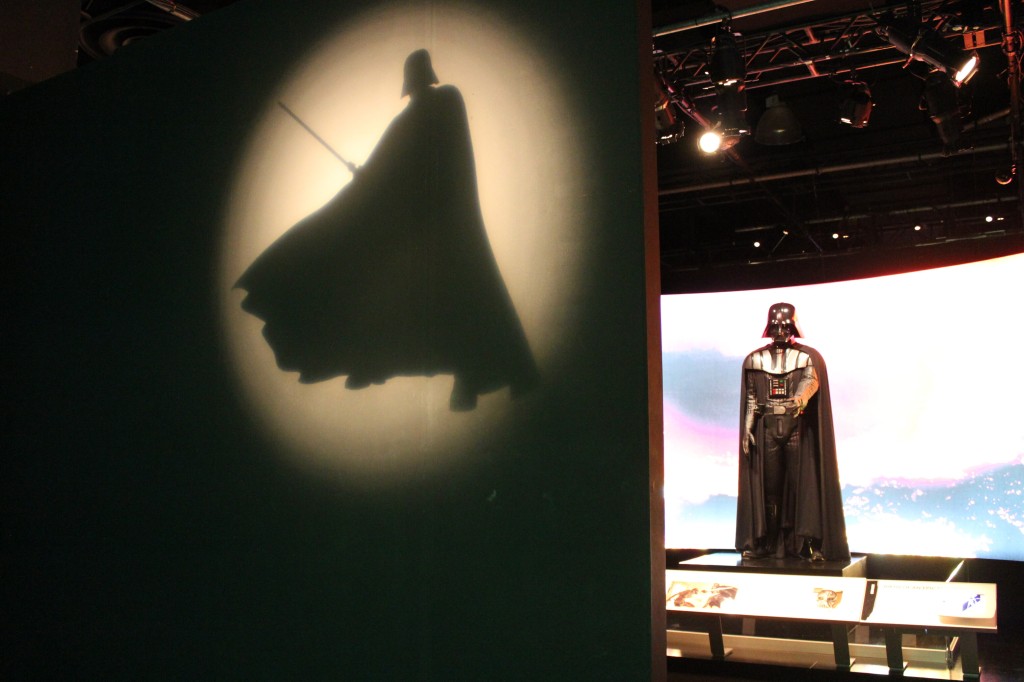
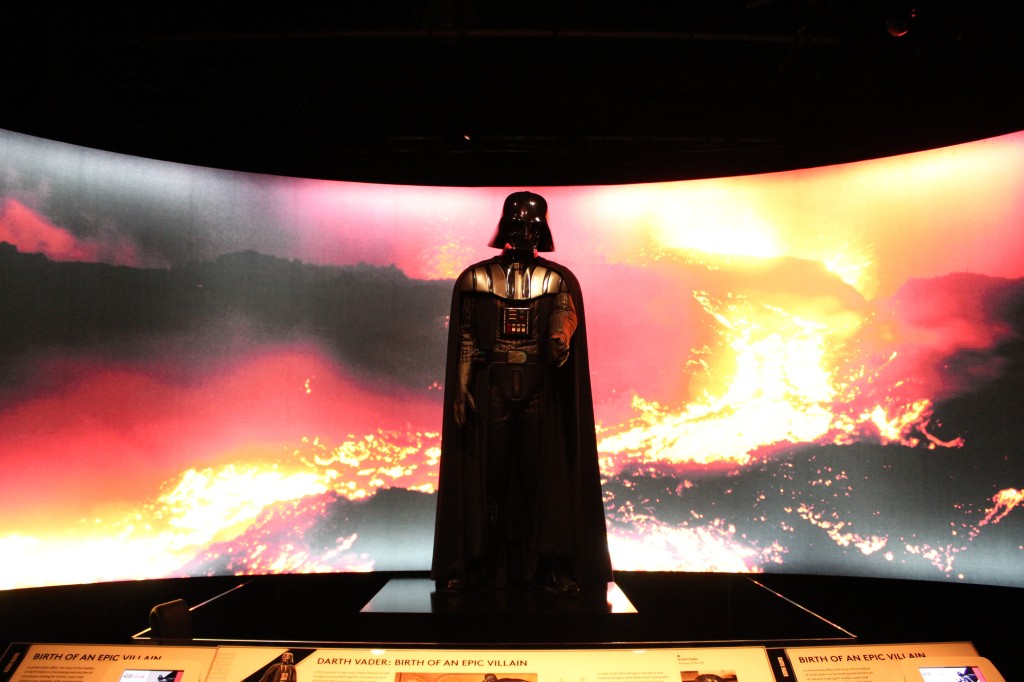
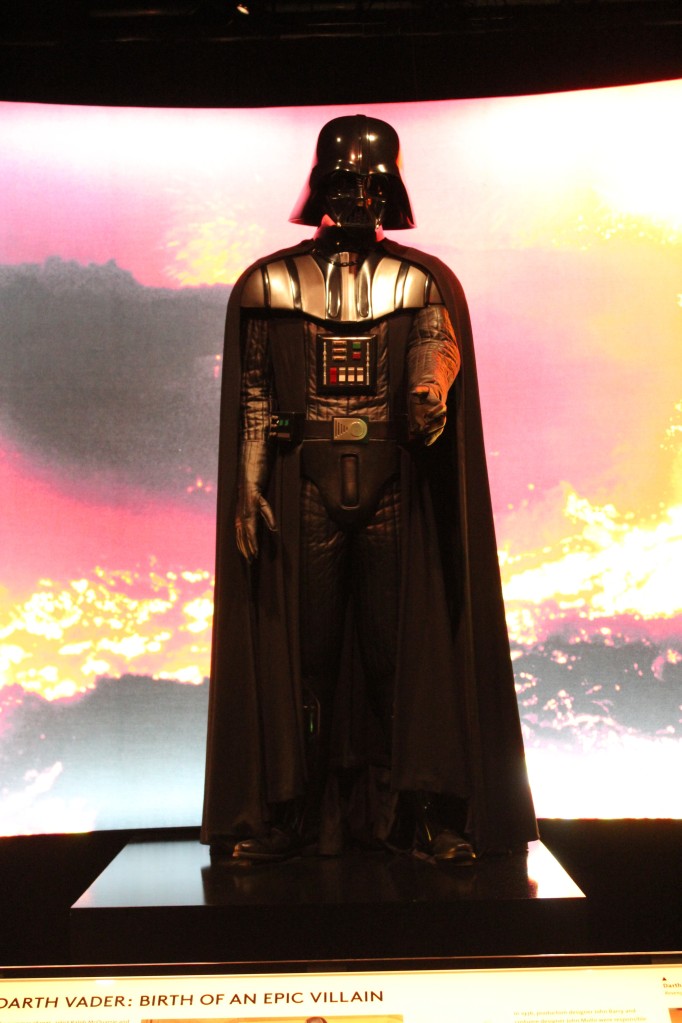
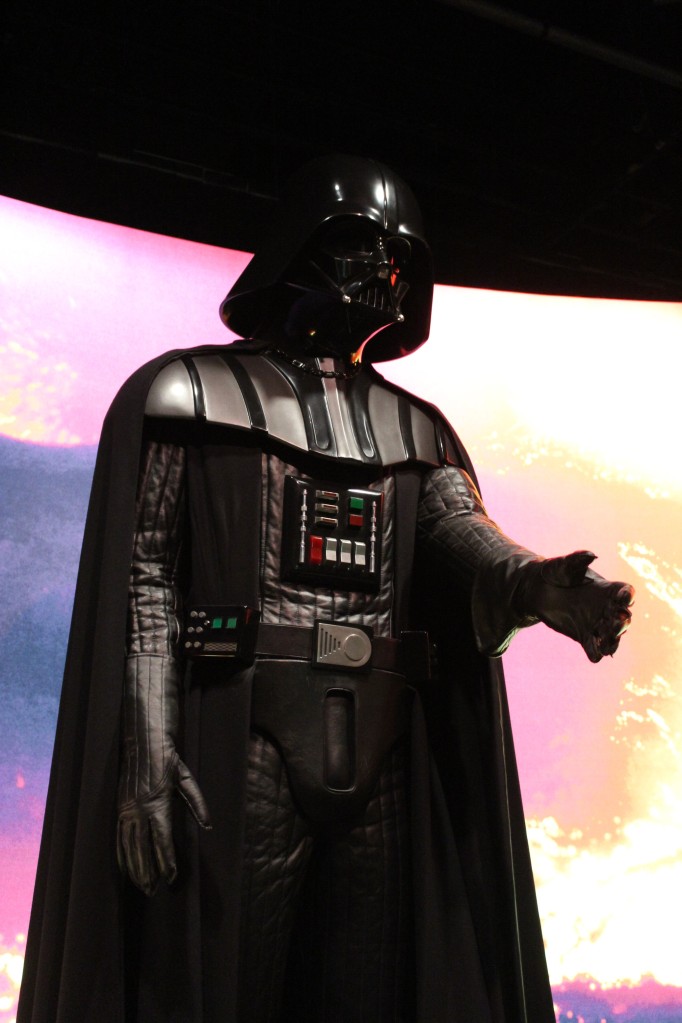
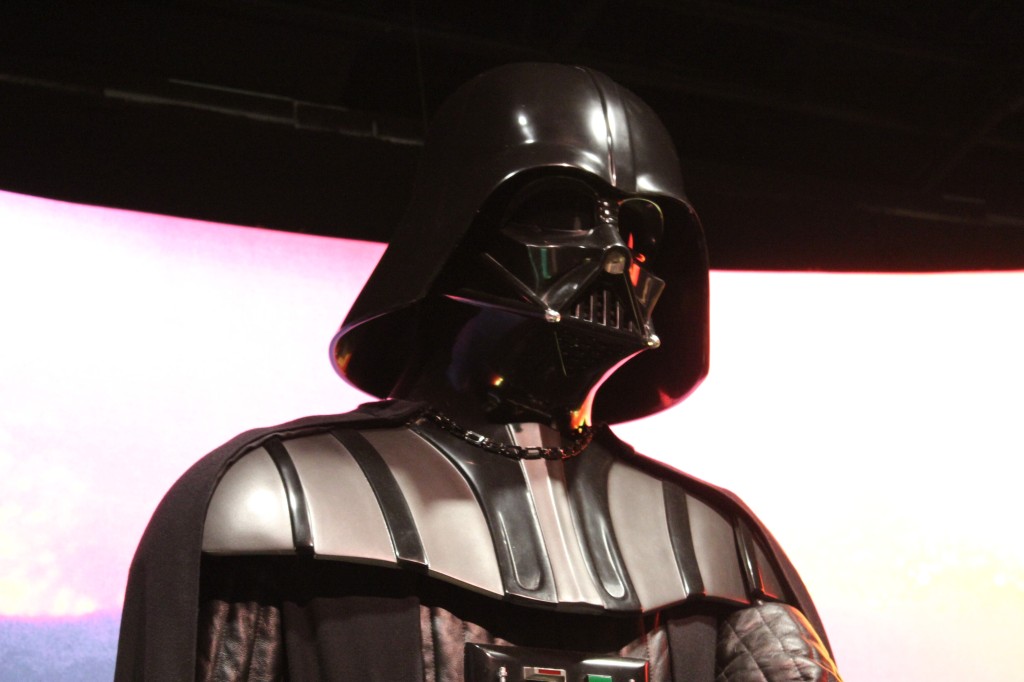
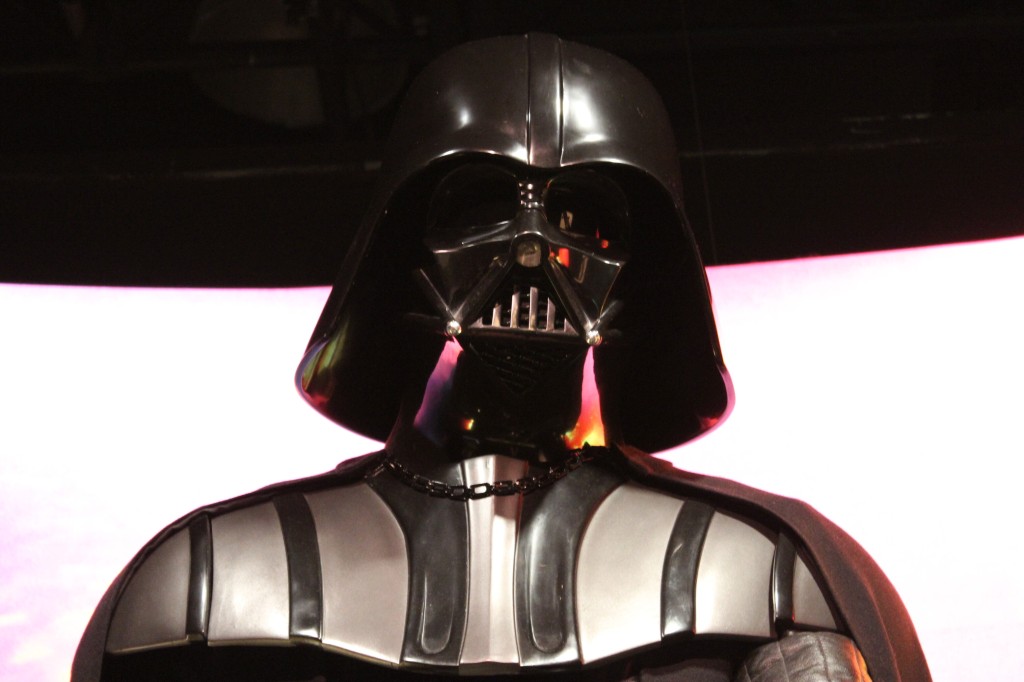
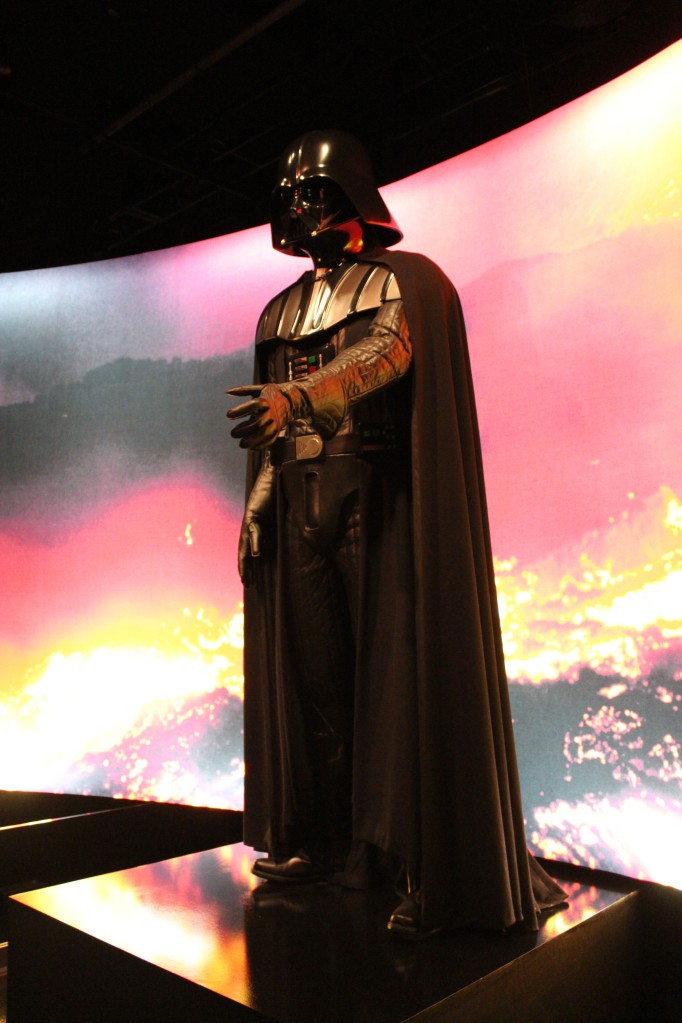
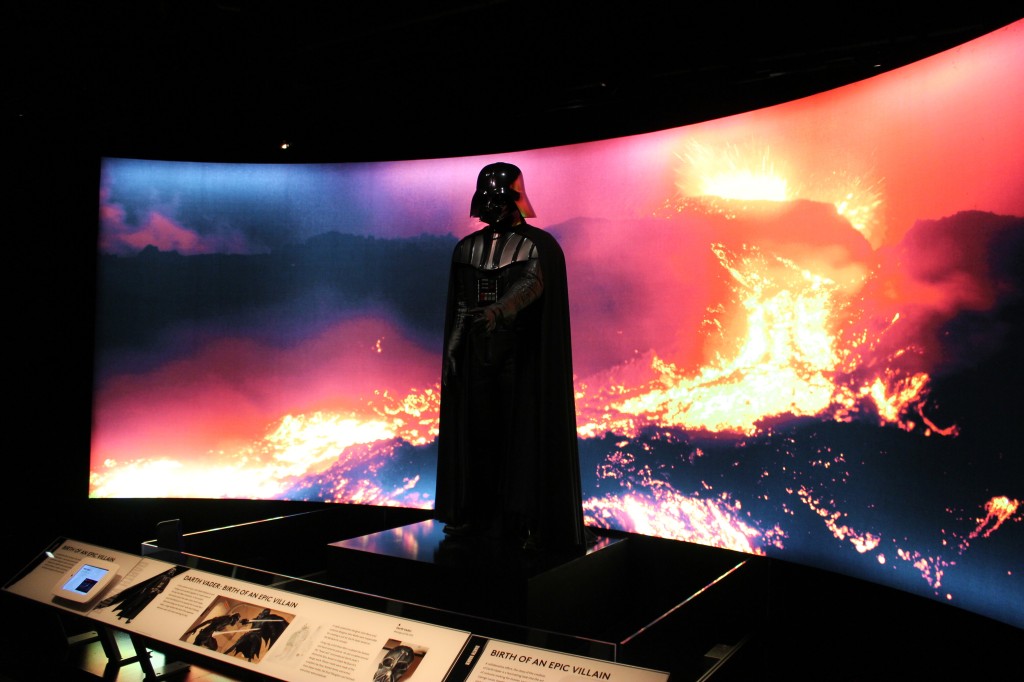
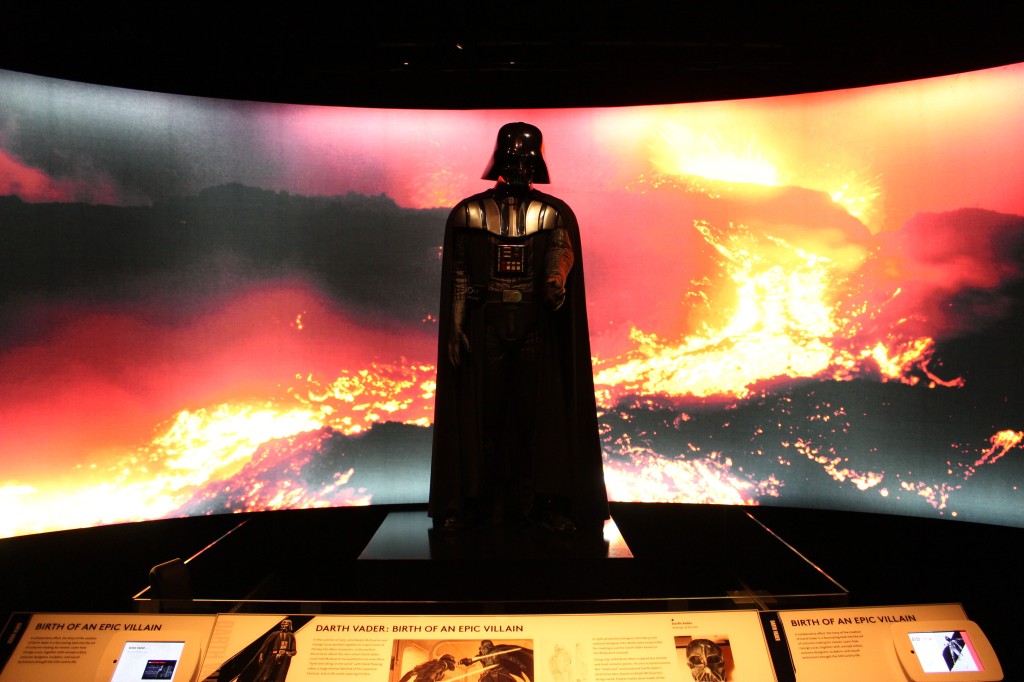
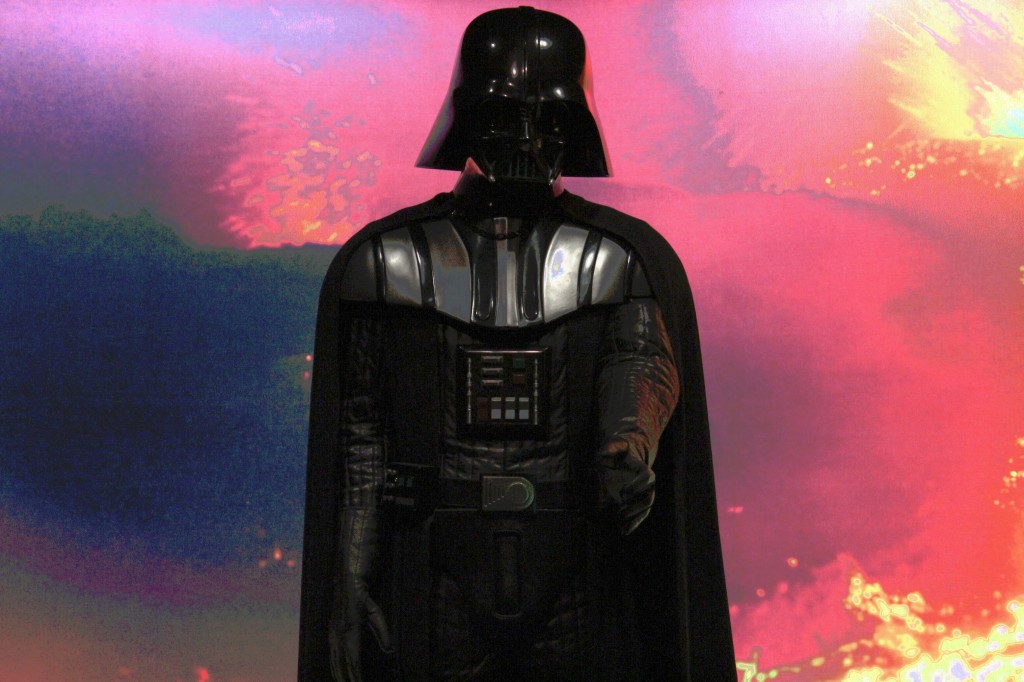
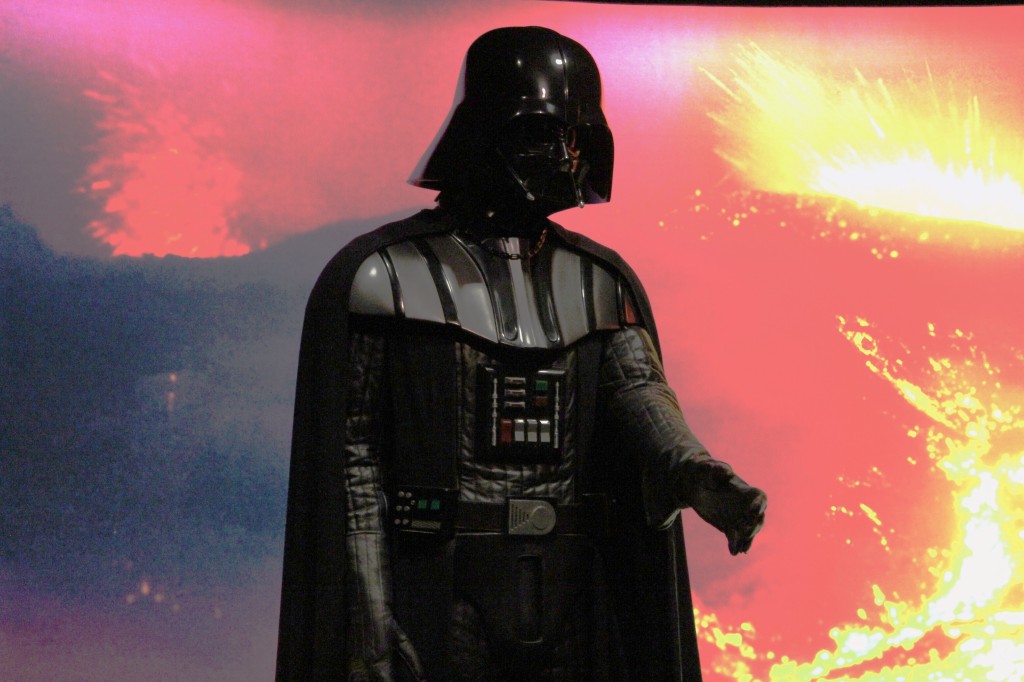
    Darth Vader

    Darth Vader

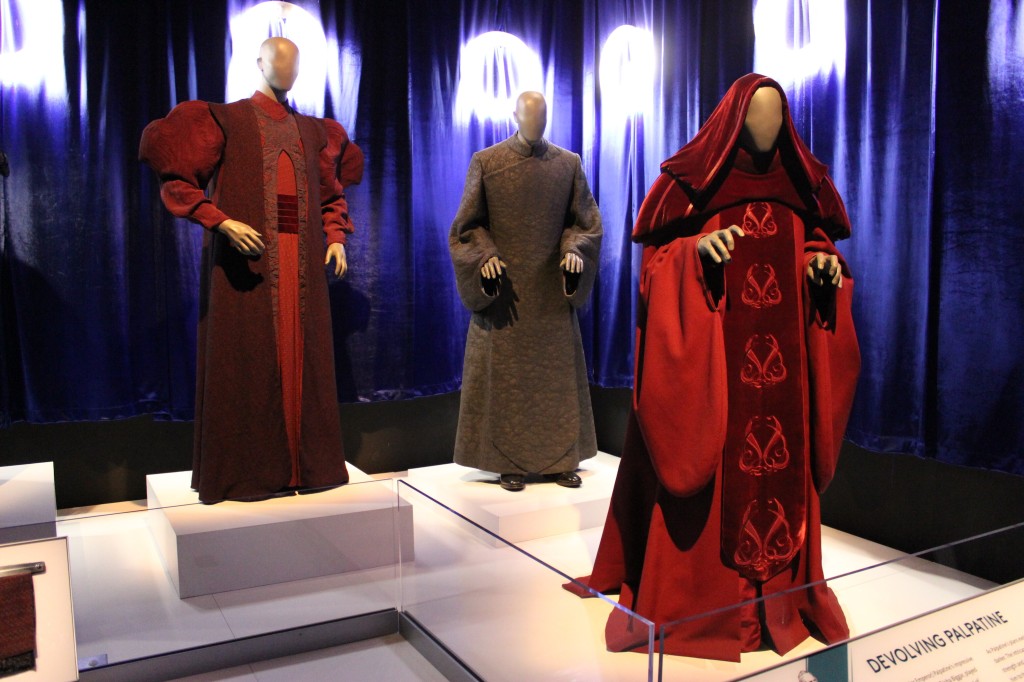
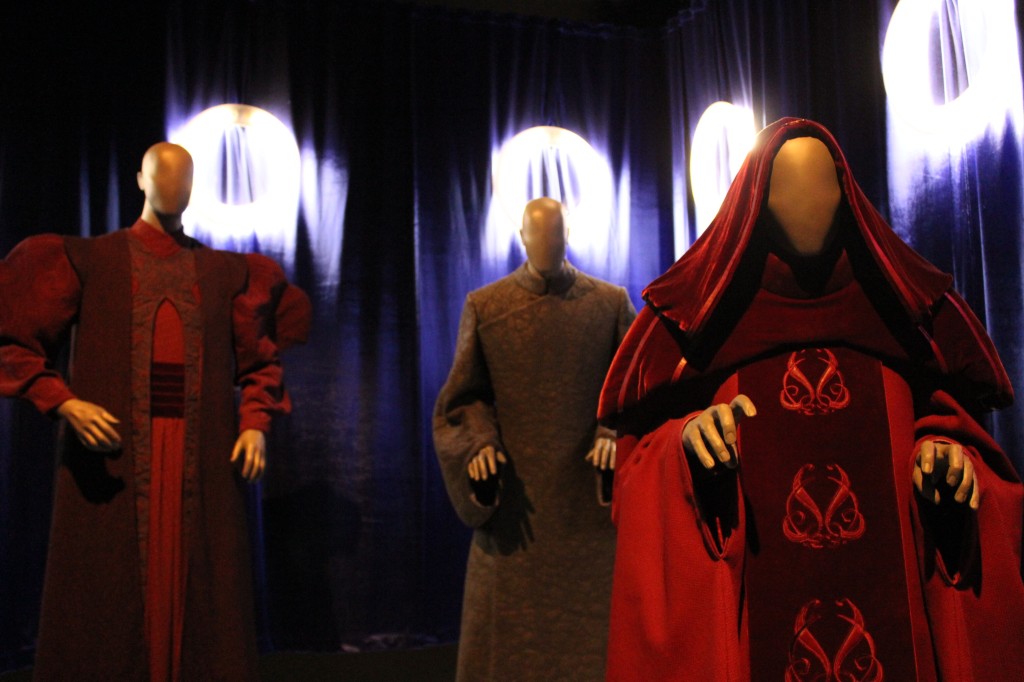
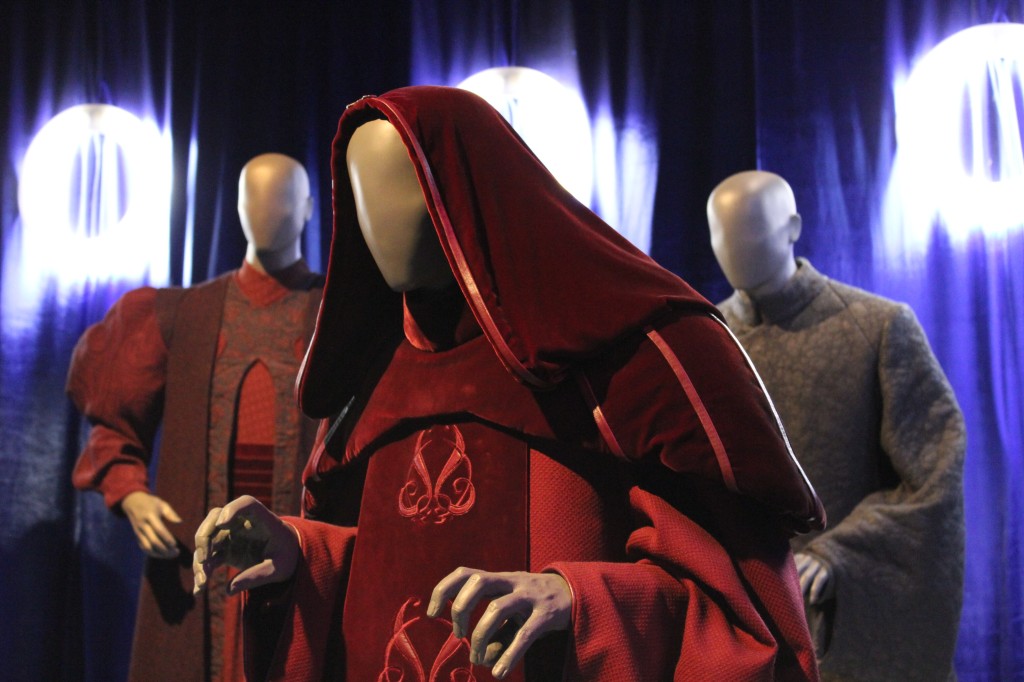
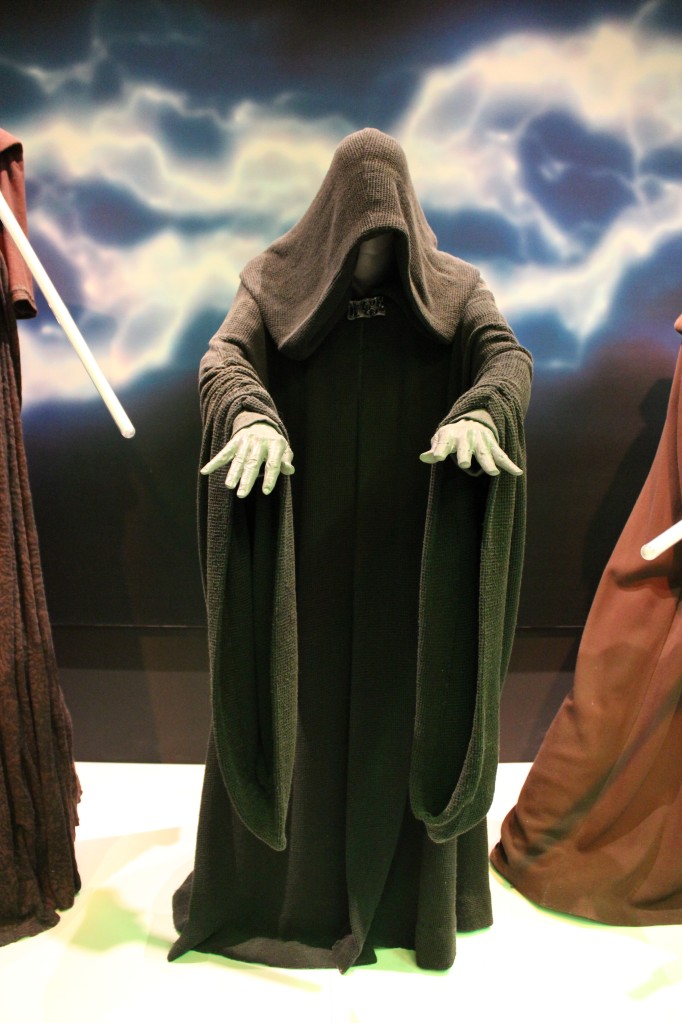
    Palpatine/Darth Sidious

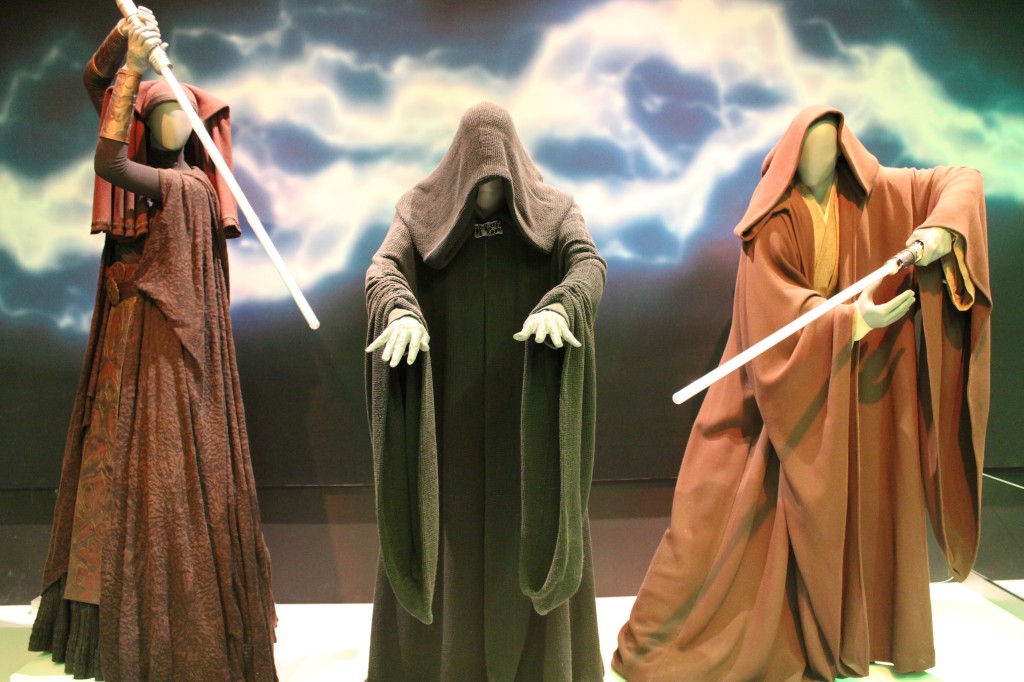
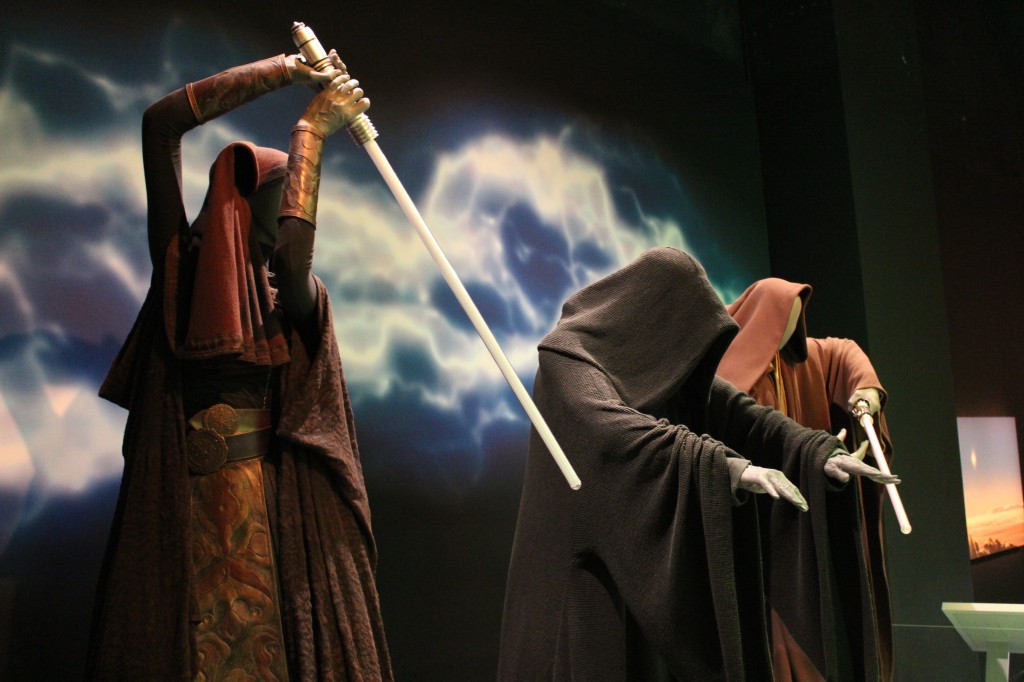
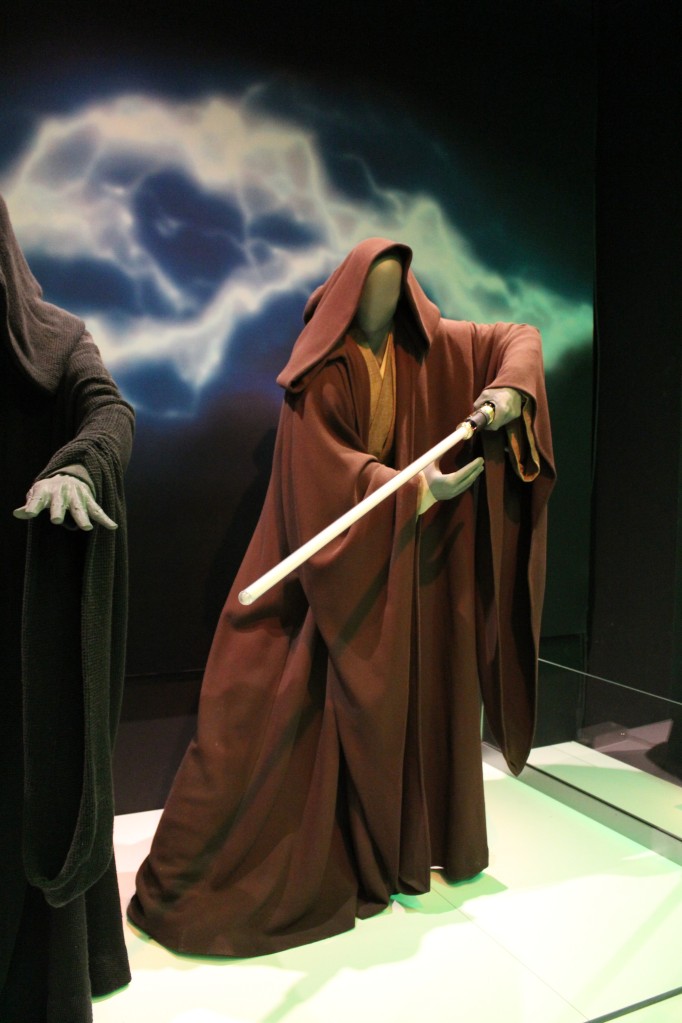
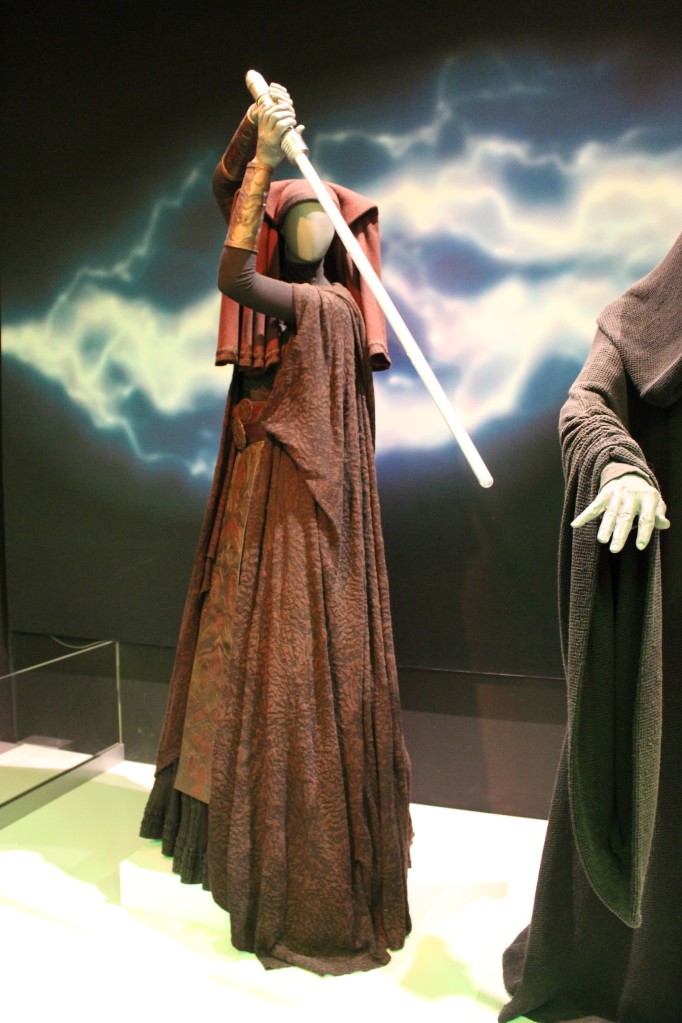
    Luminara Unduli, Emperor Palpatine, and Mace Windu

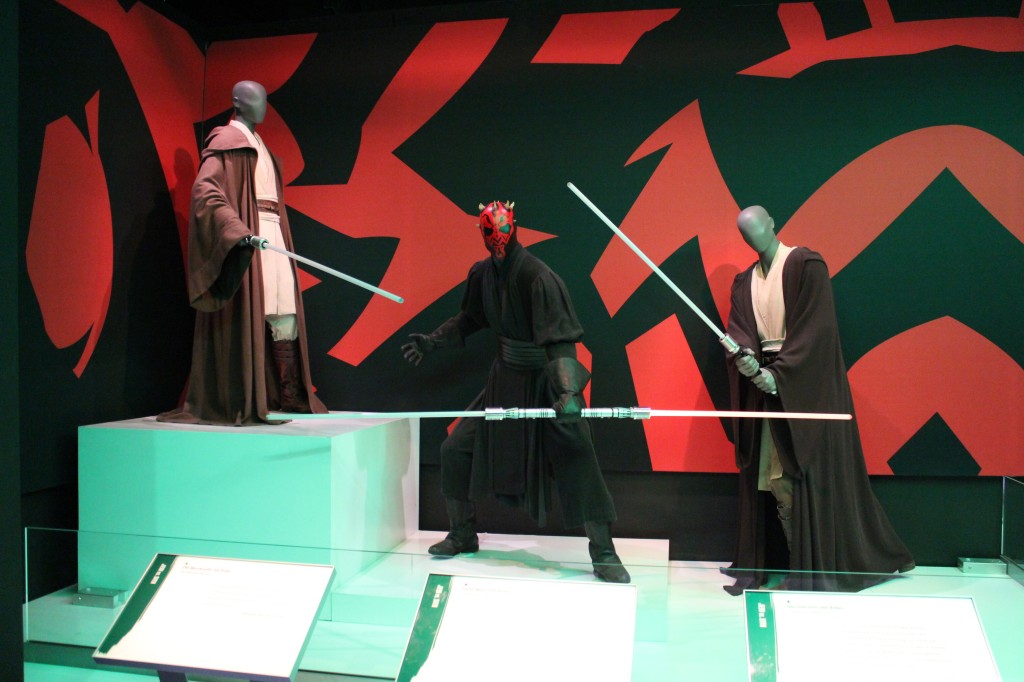
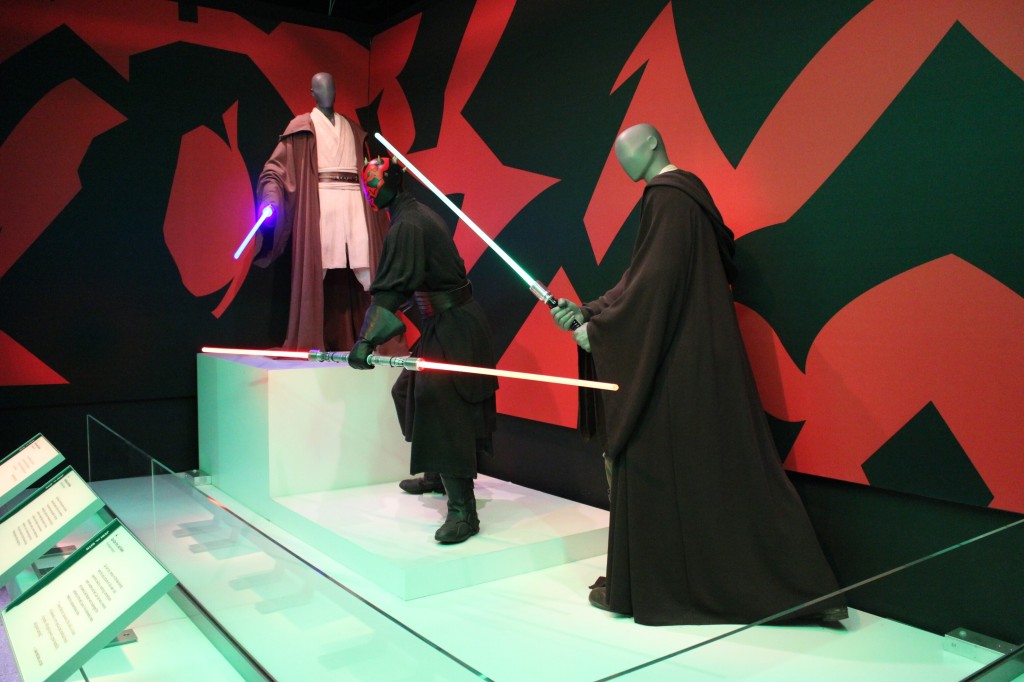
    Qui-Gon Jinn and Obi-Wan Kenobi versus Darth Maul in The Phantom Menace

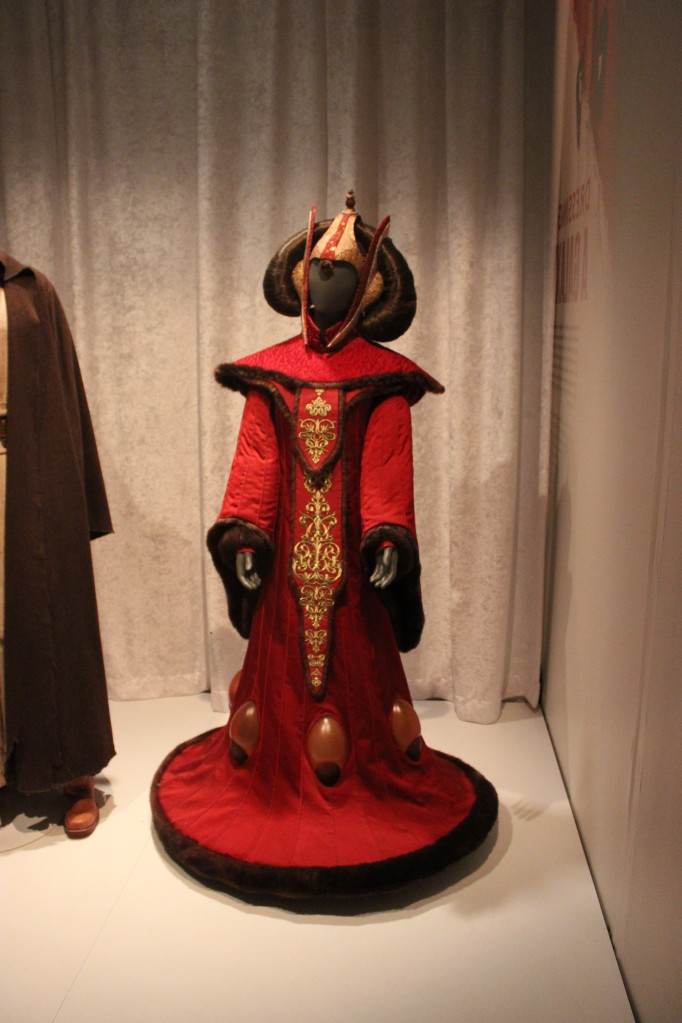
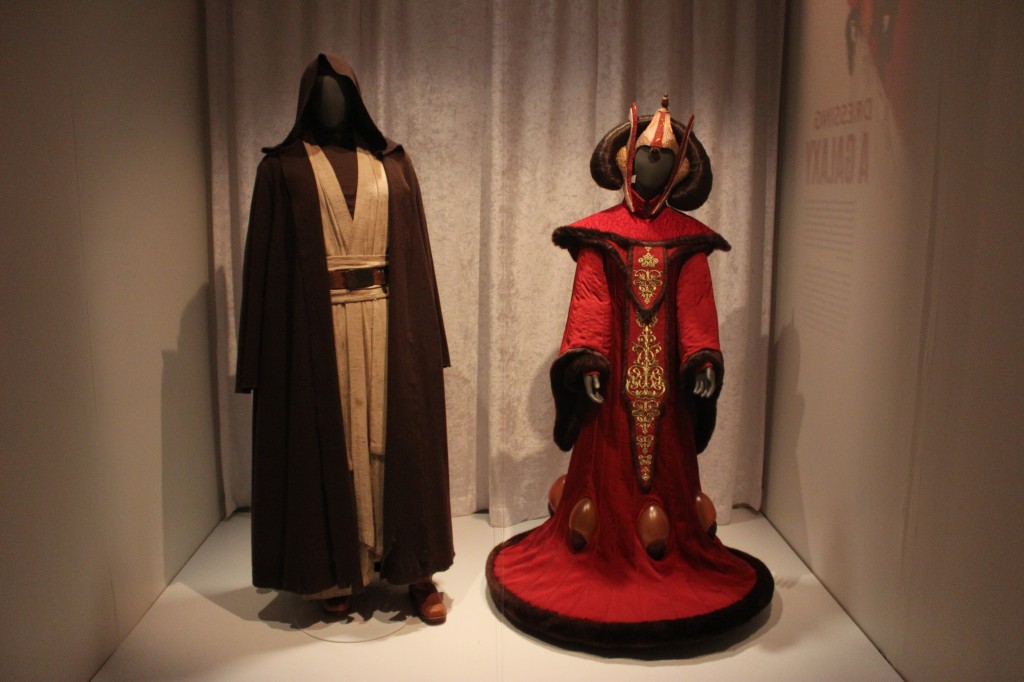
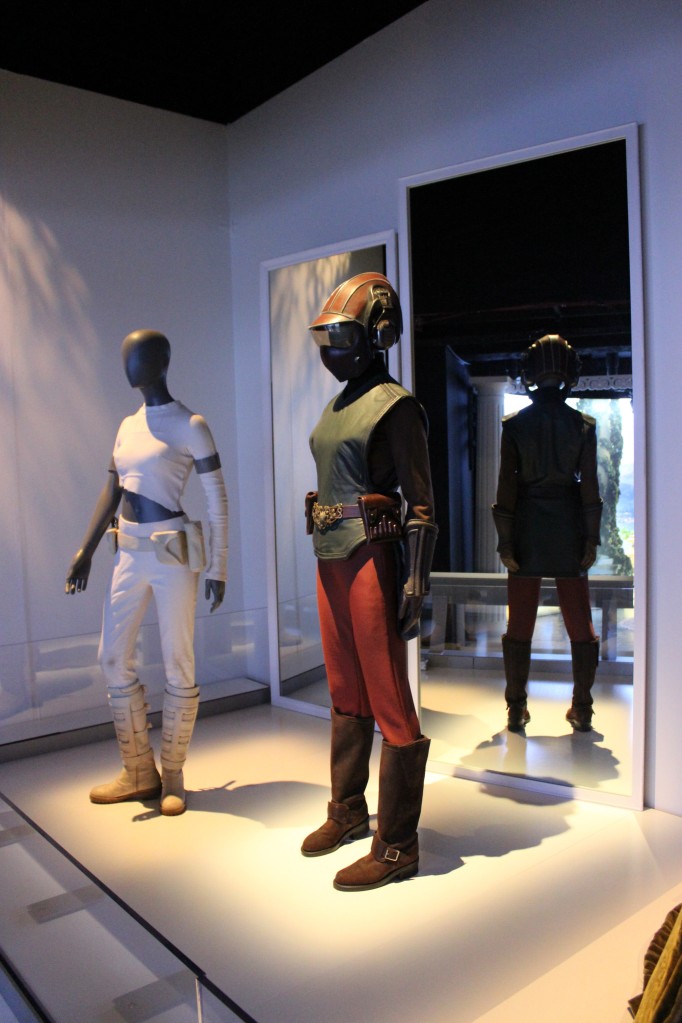
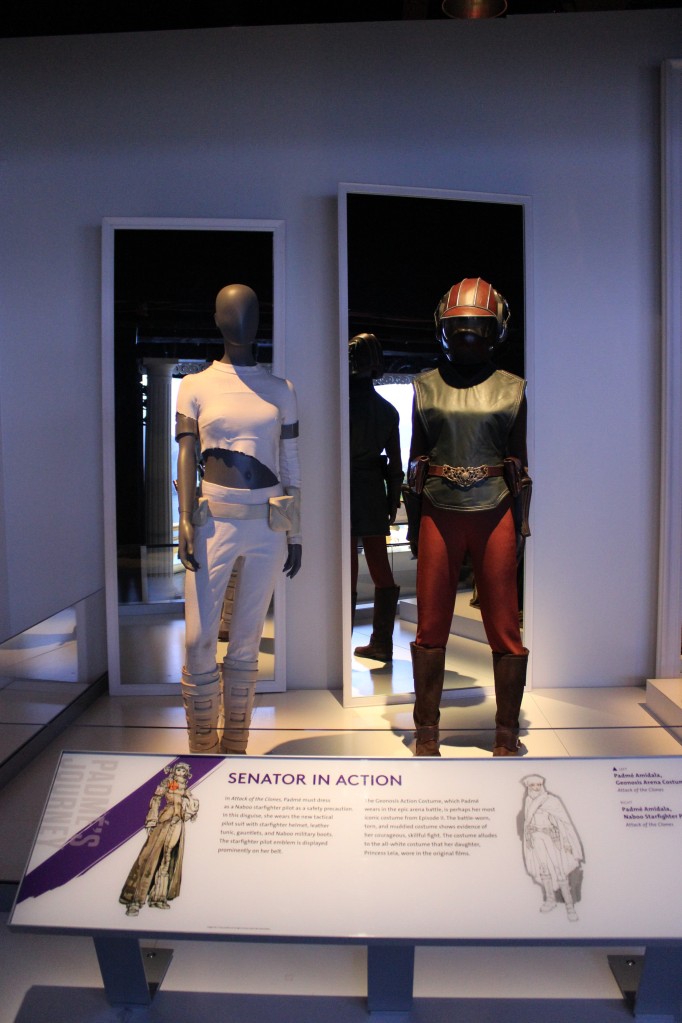
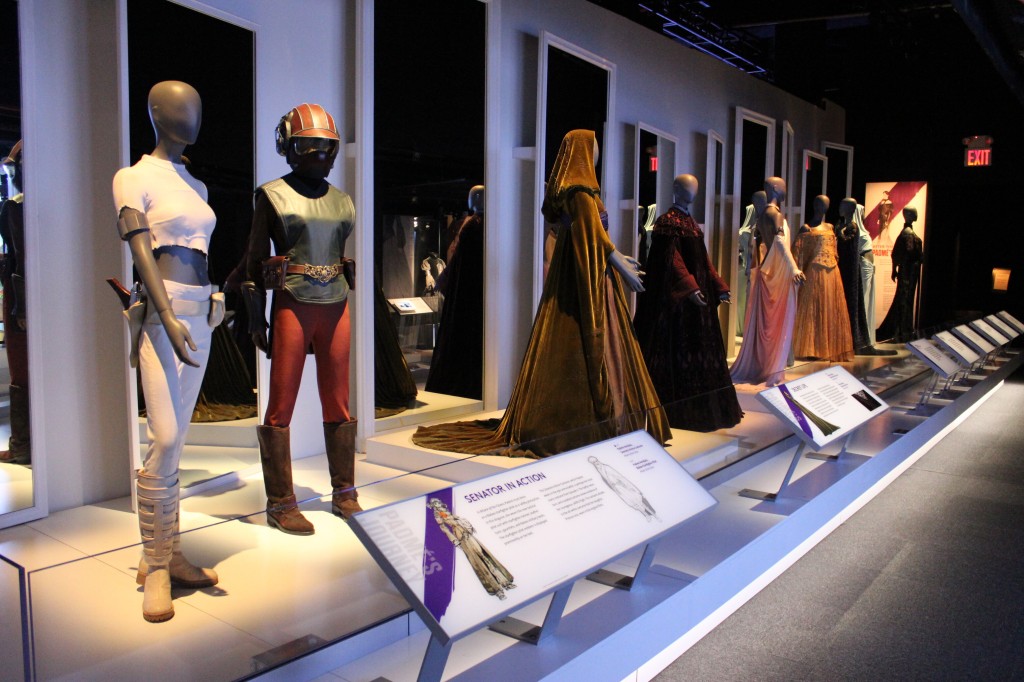
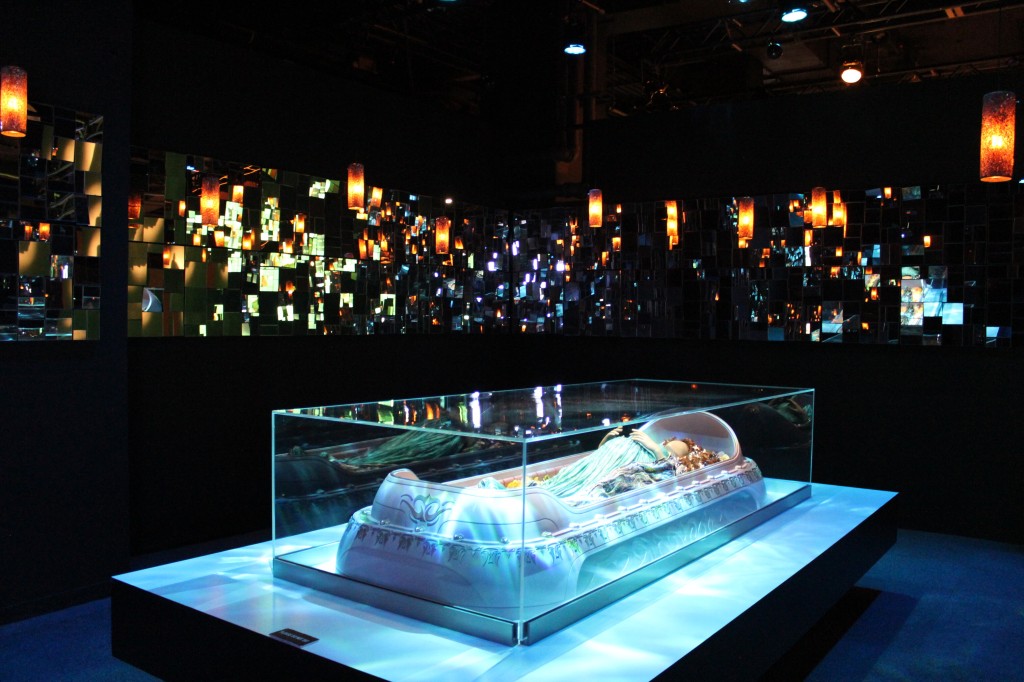
    Padmé Amidala

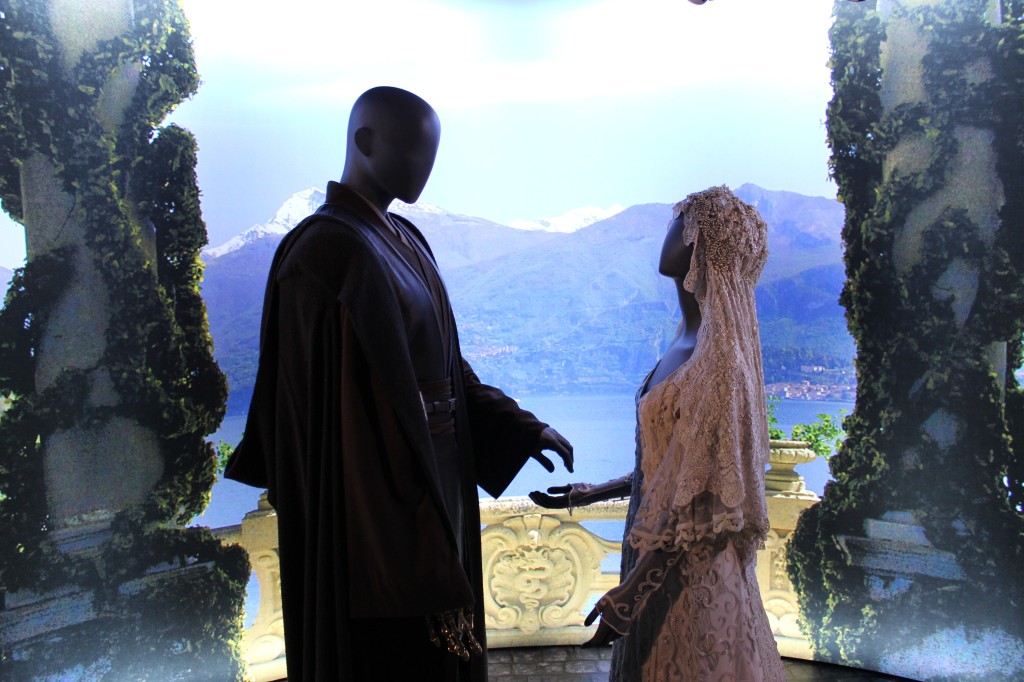
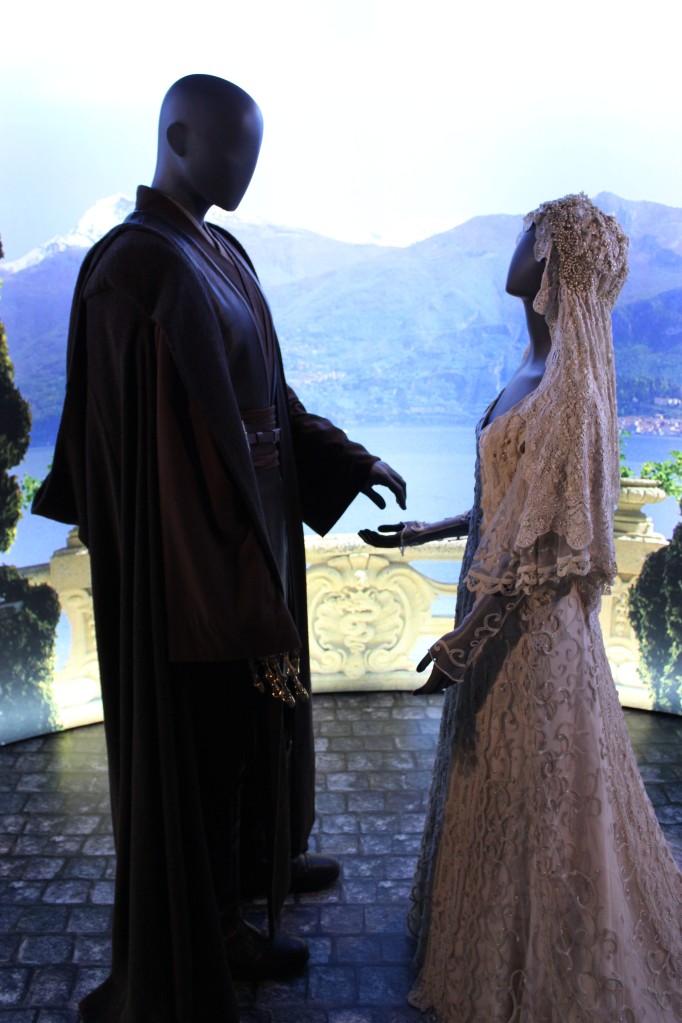
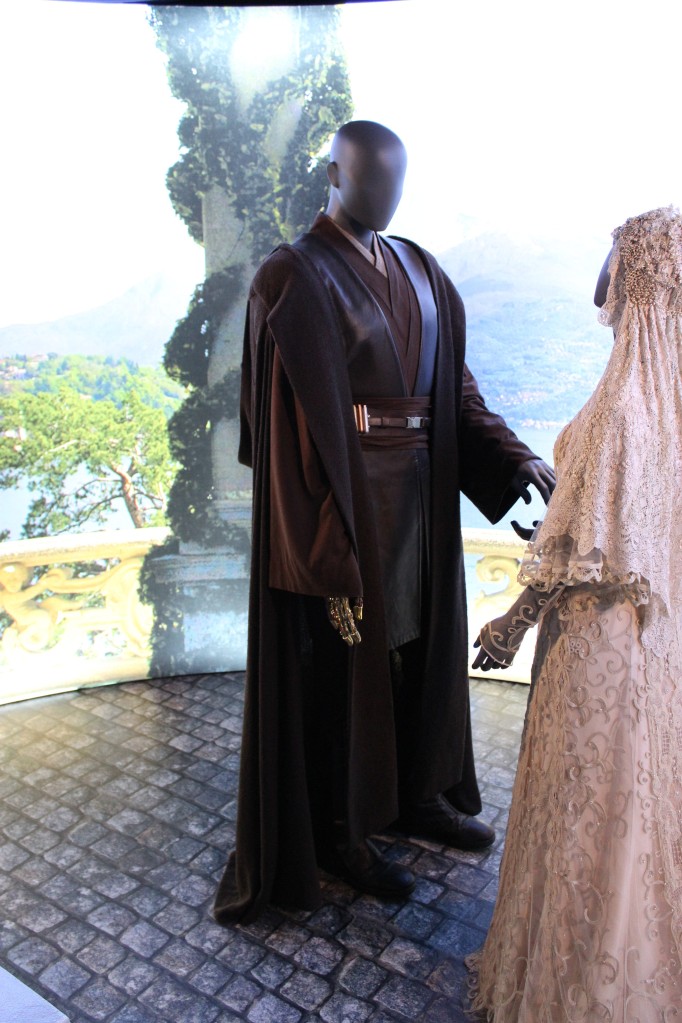
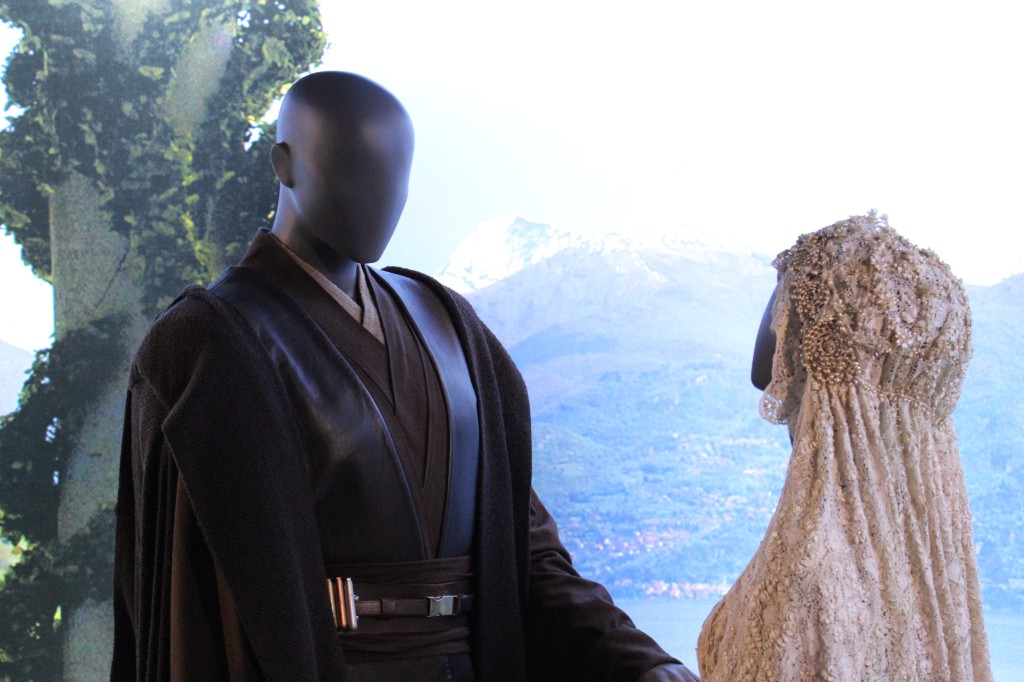
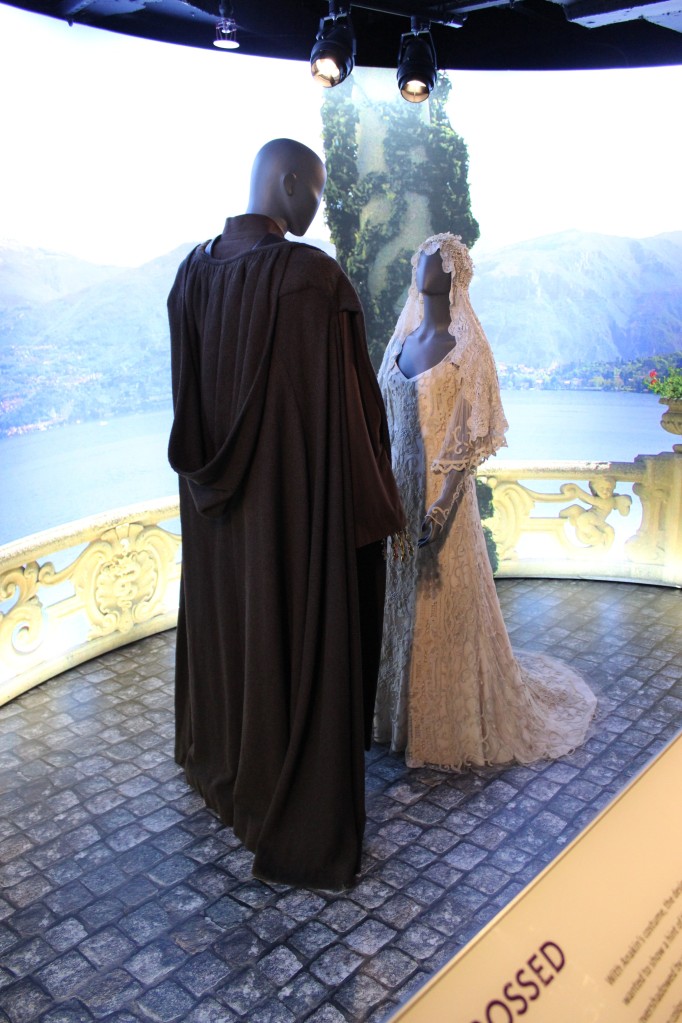
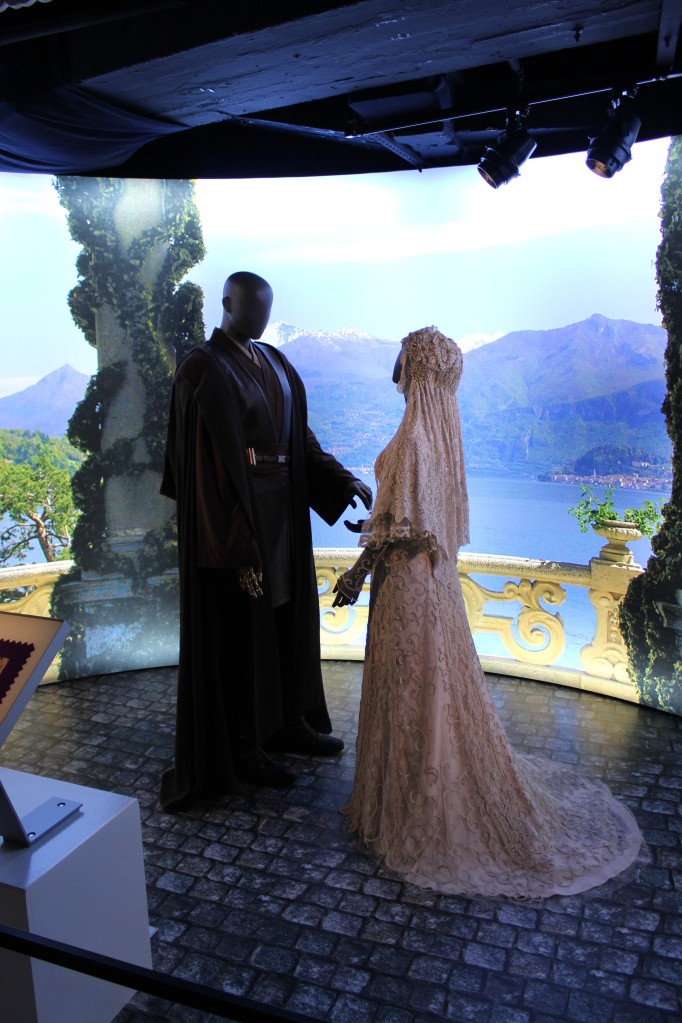
    Padmé Amidala and Anakin Skywalker’s Secret Wedding

    Padmé Amidala and Anakin Skywalker's Secret Wedding

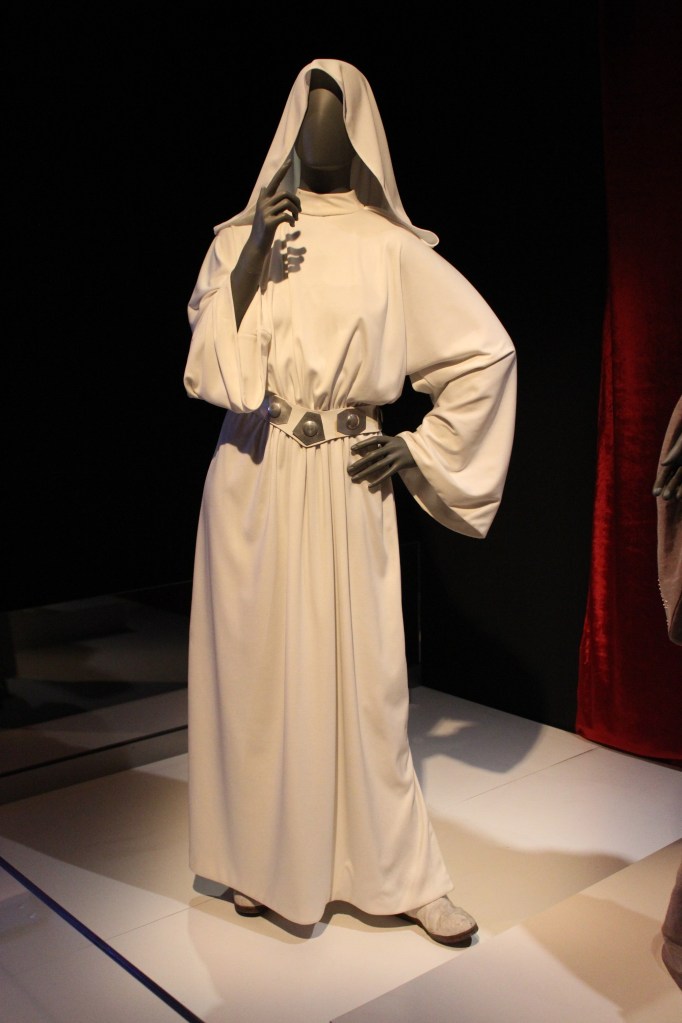
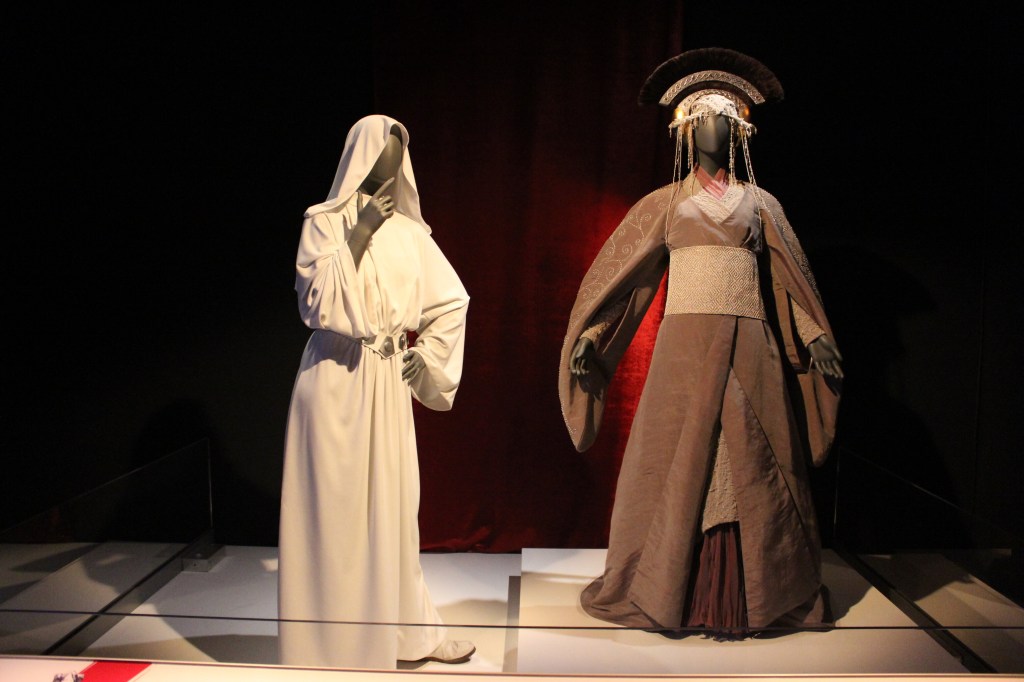
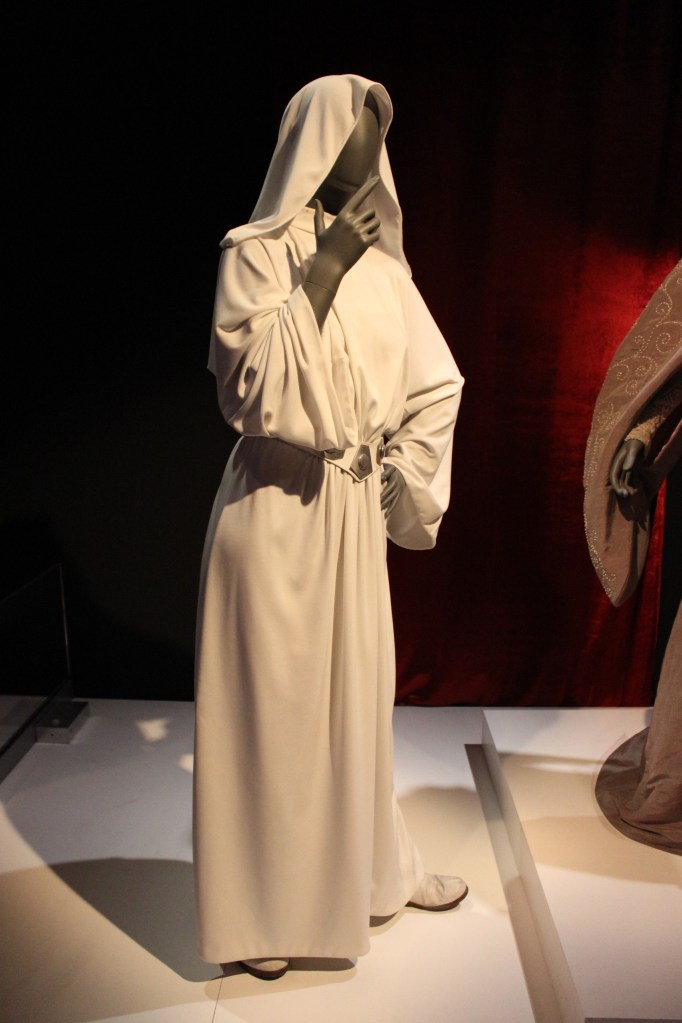
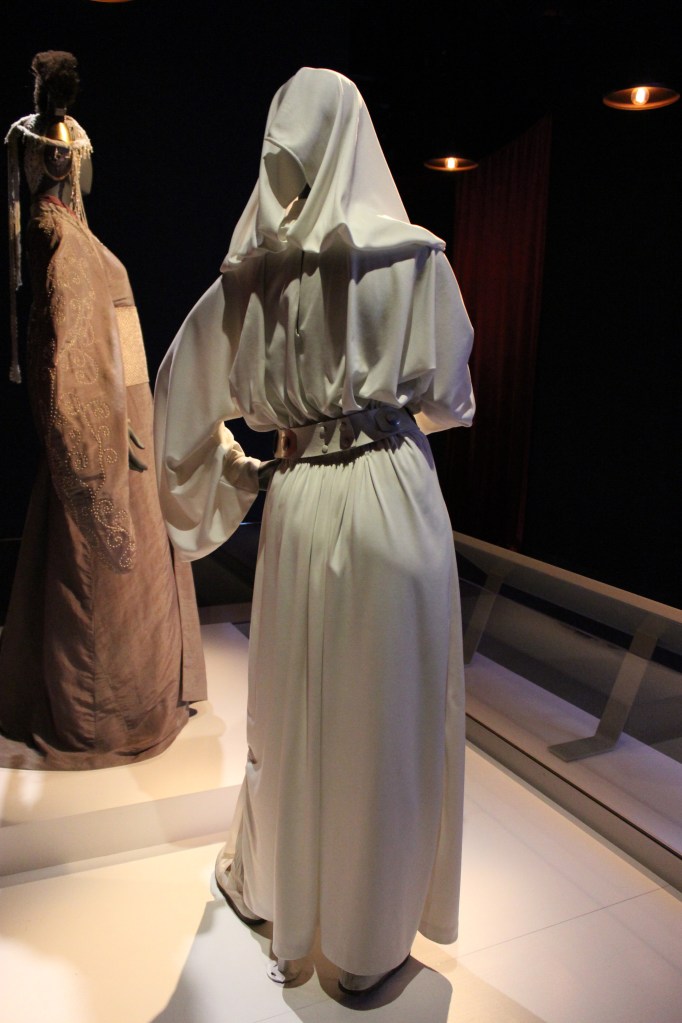
    Princess Leia

    Princess Leia in A New Hope

    Princess Leia in Return of the Jedi

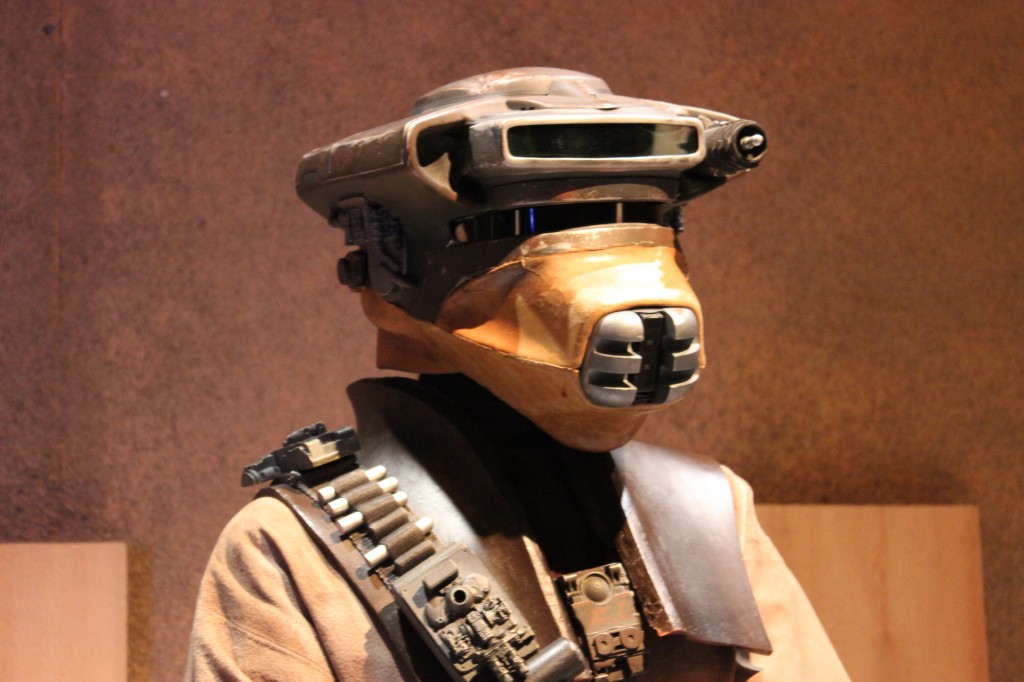
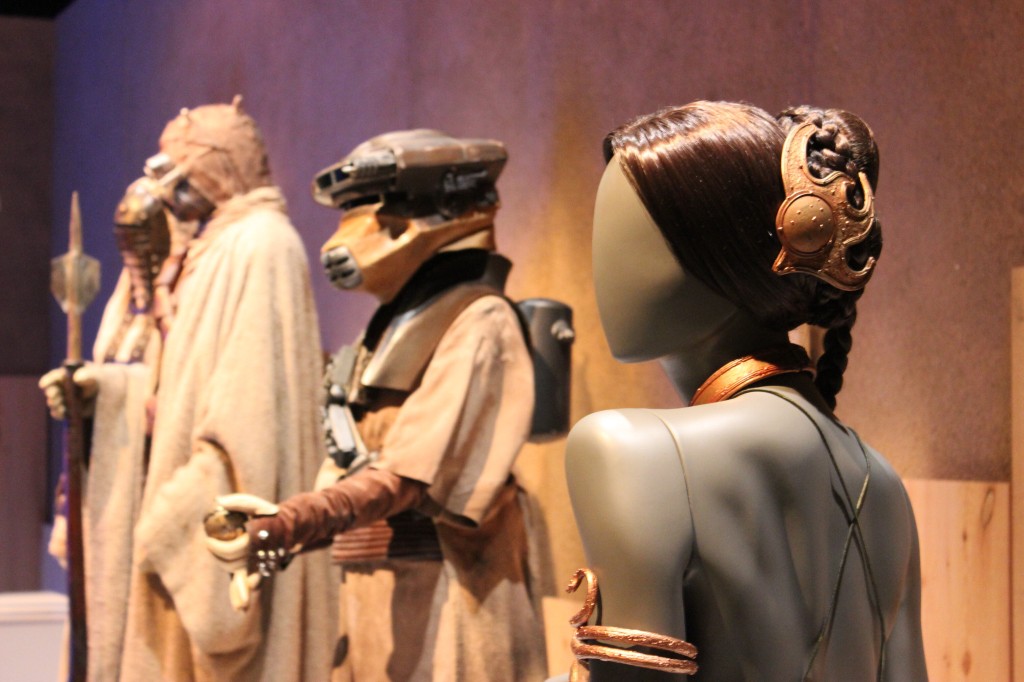
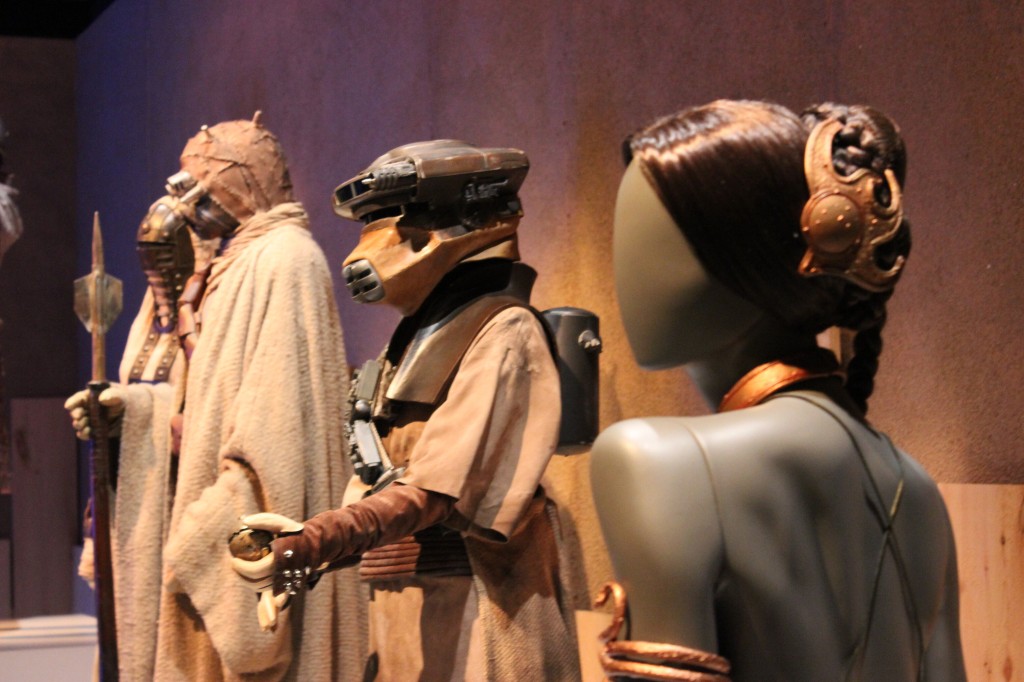
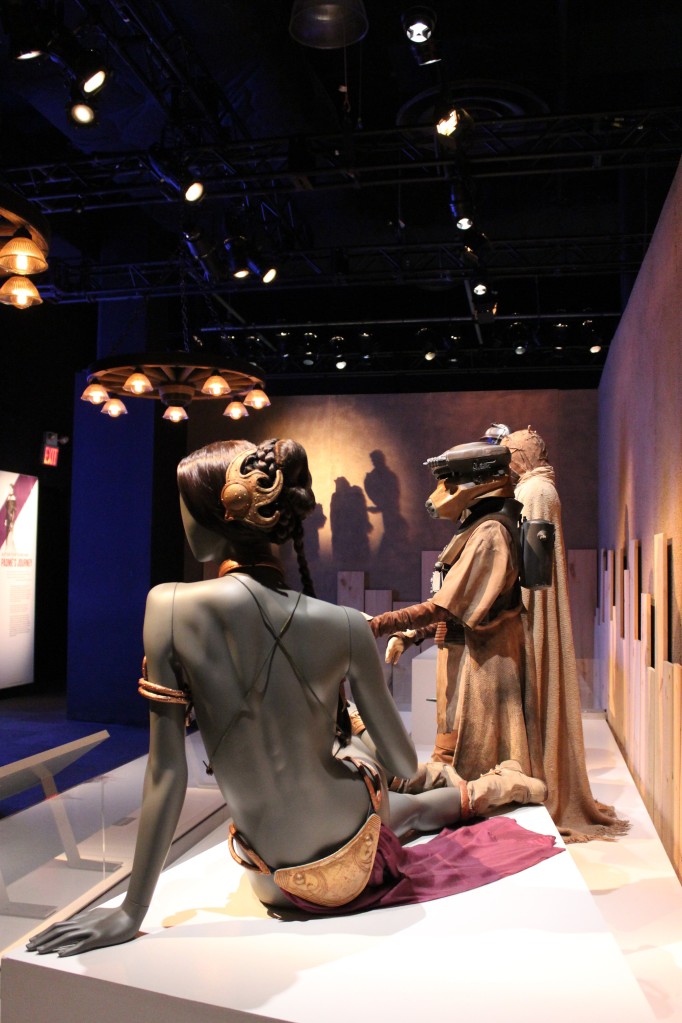
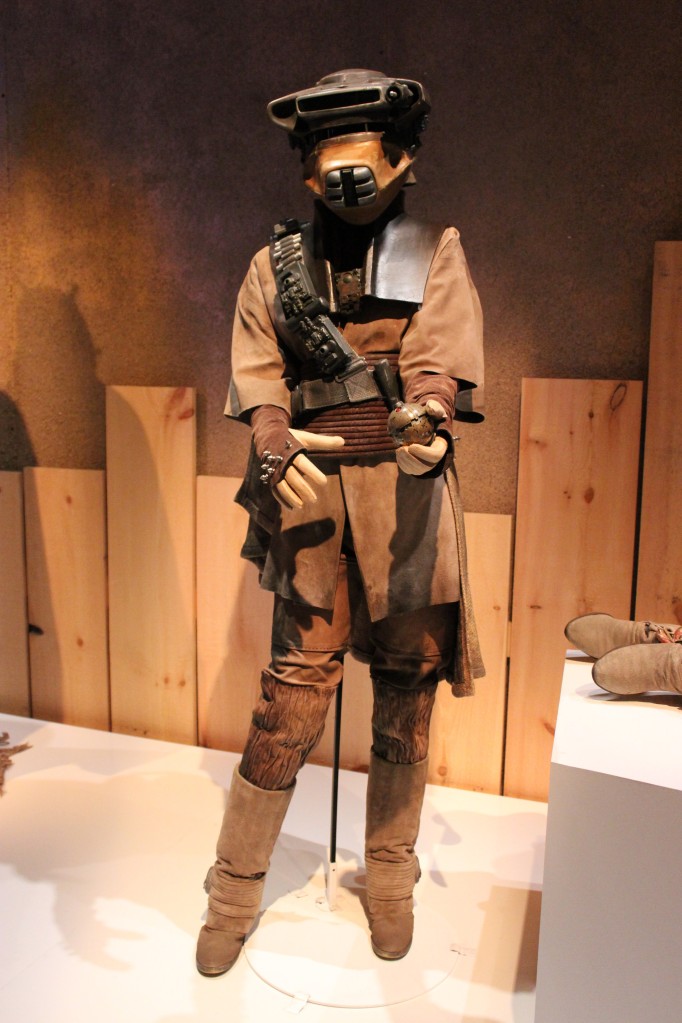
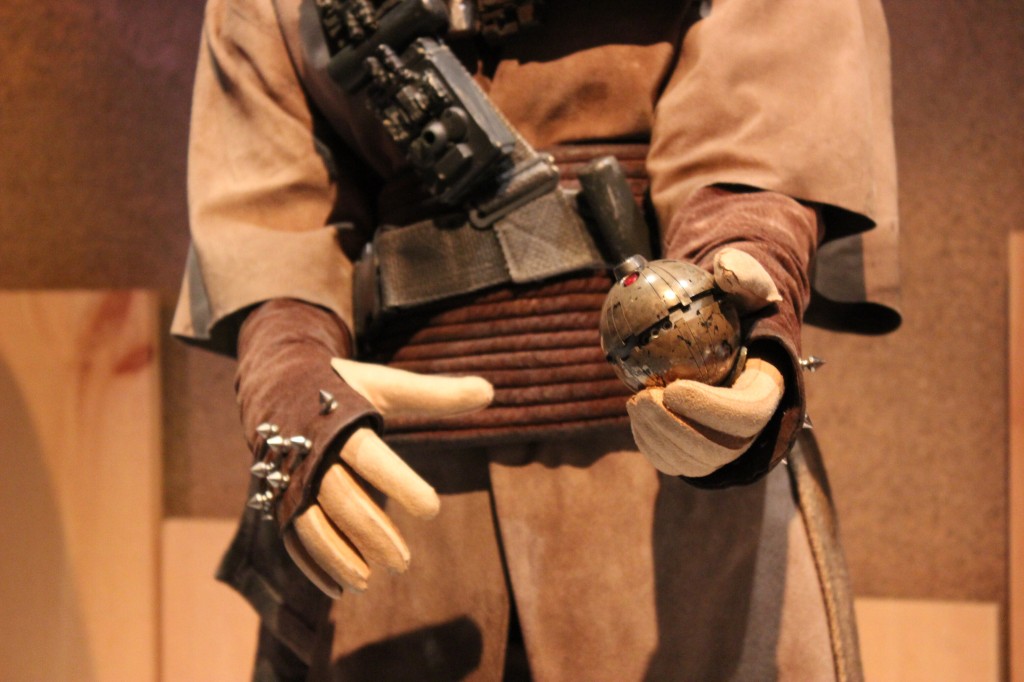
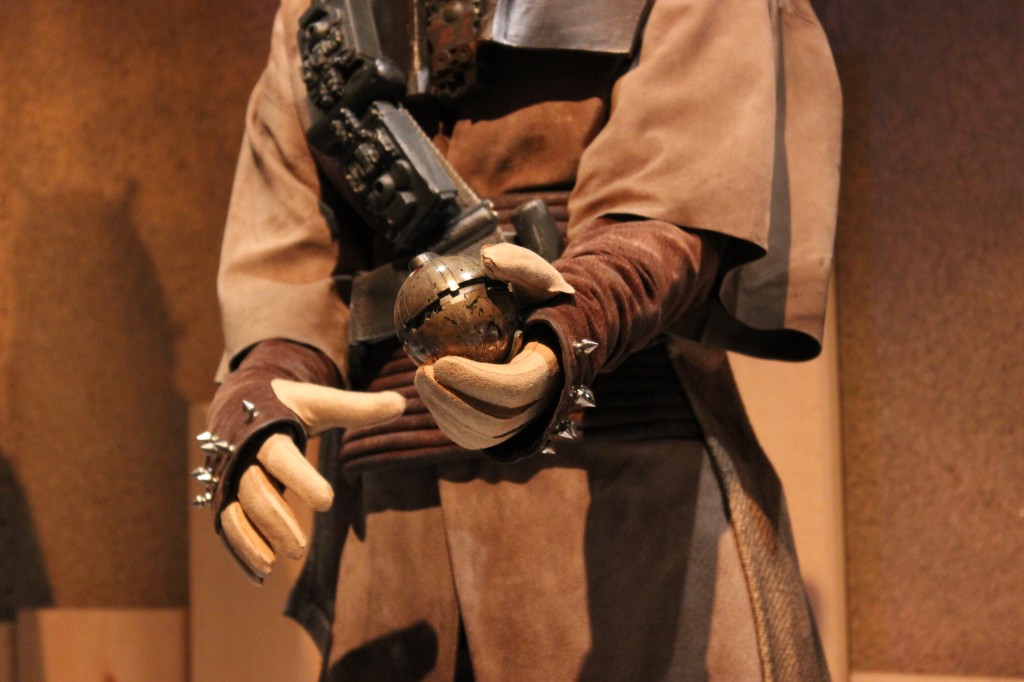
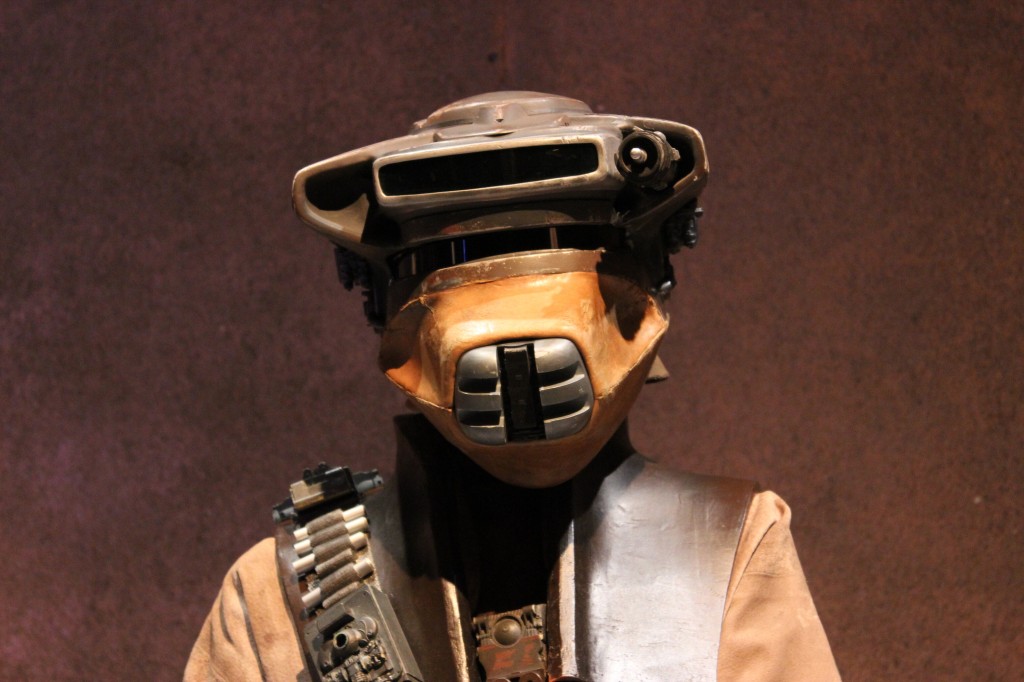
    Zam Wessel, Sandpeople, Boushh, and Slave Leia

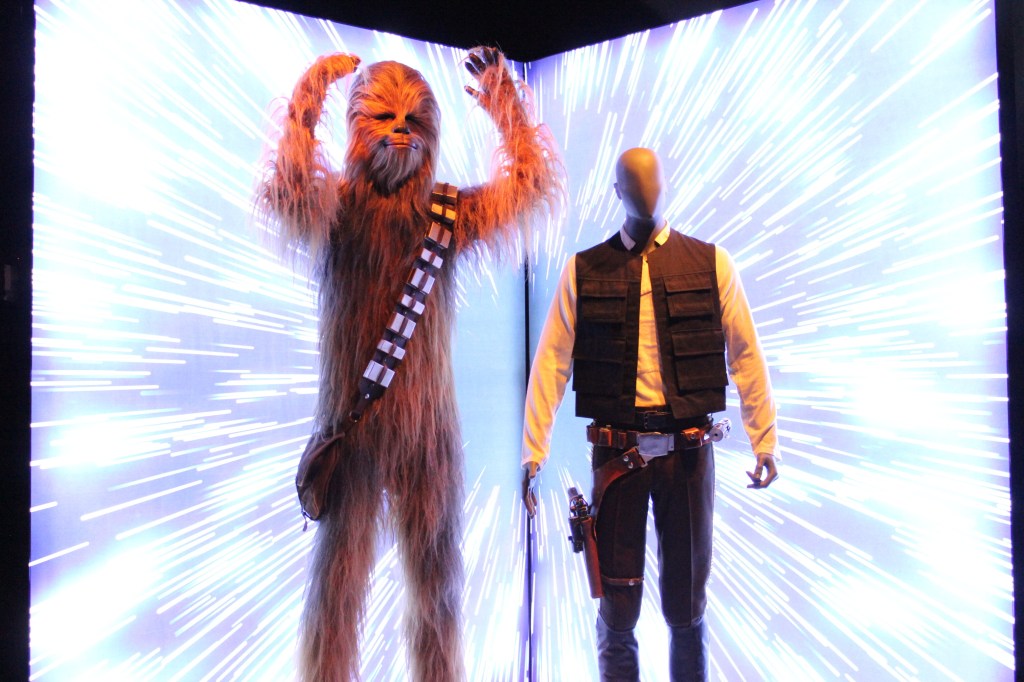
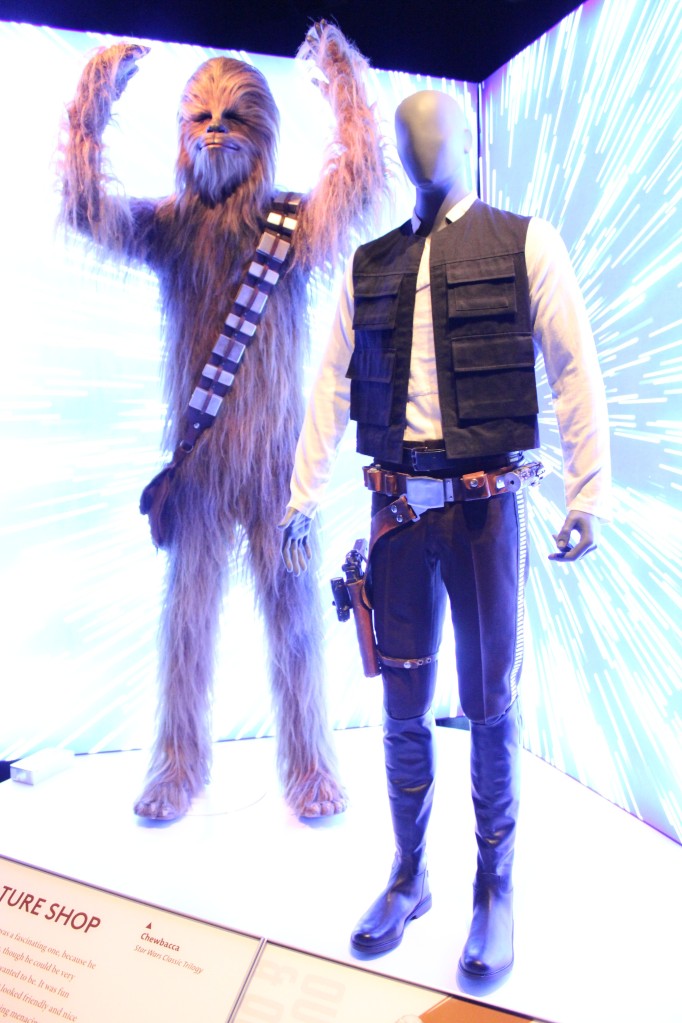
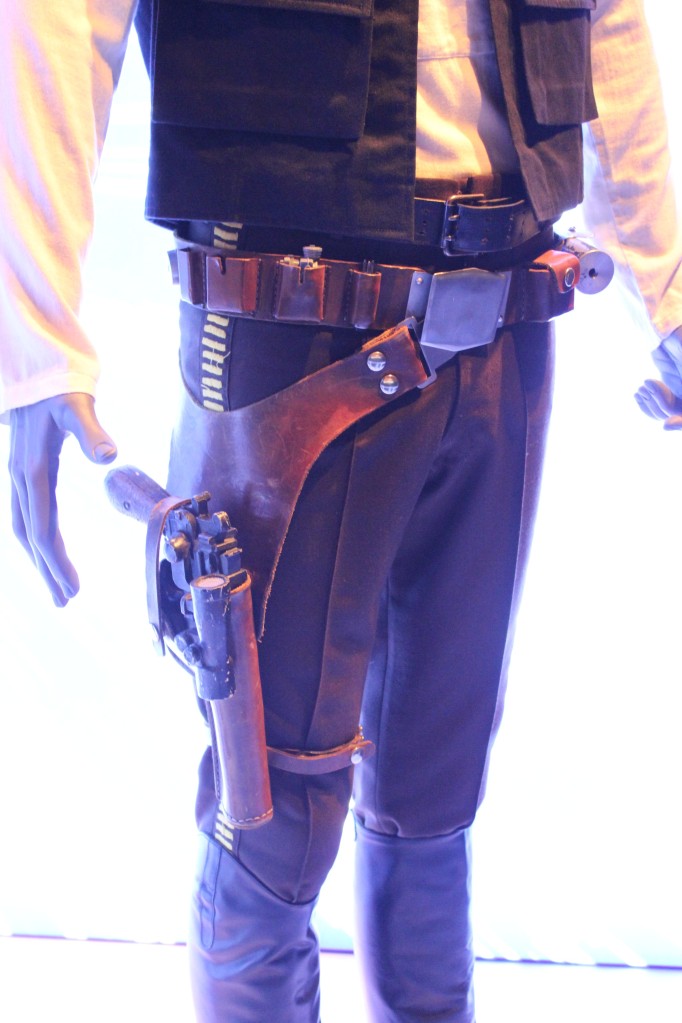
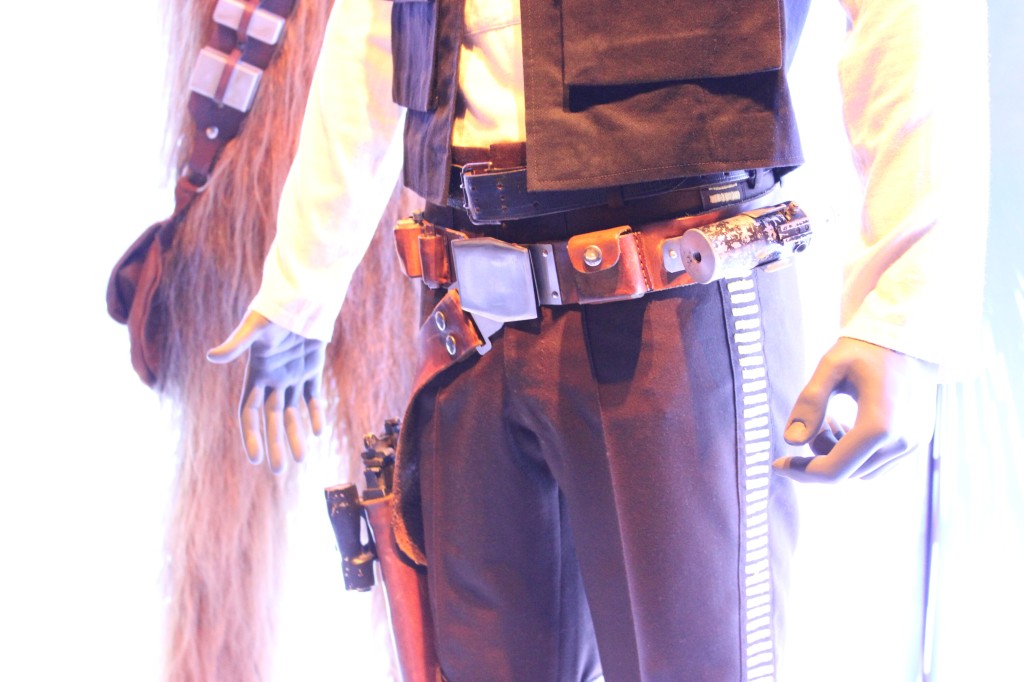
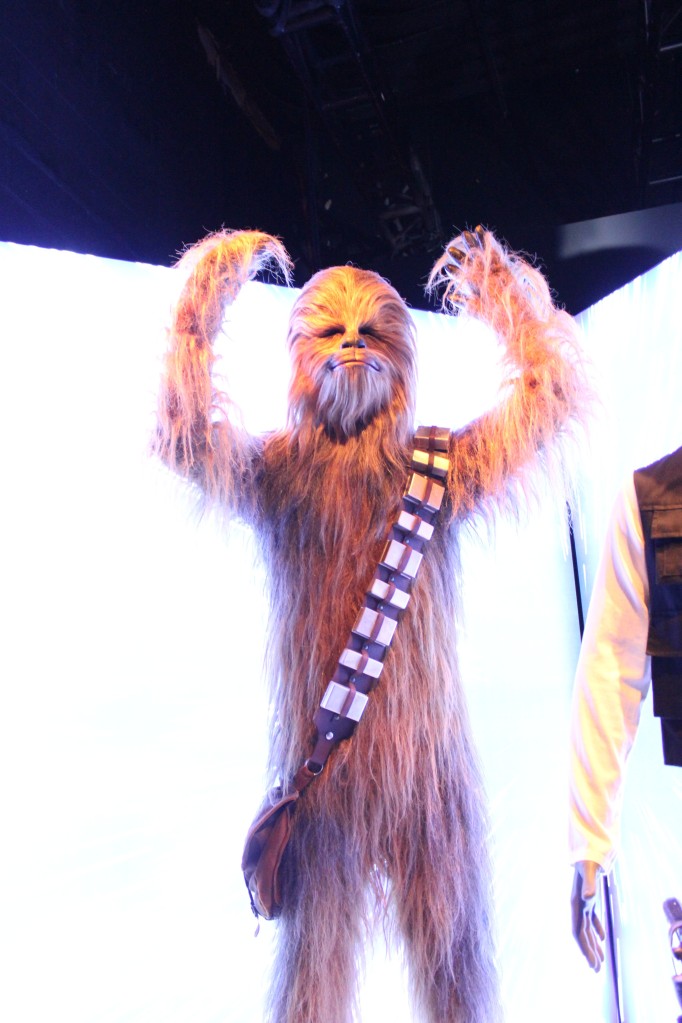
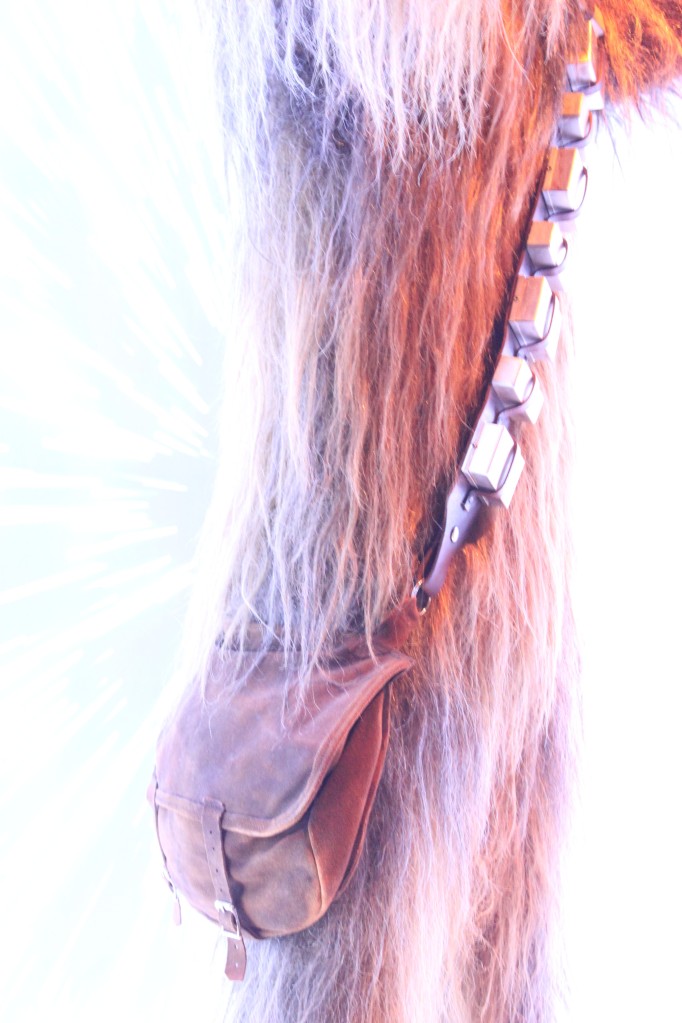
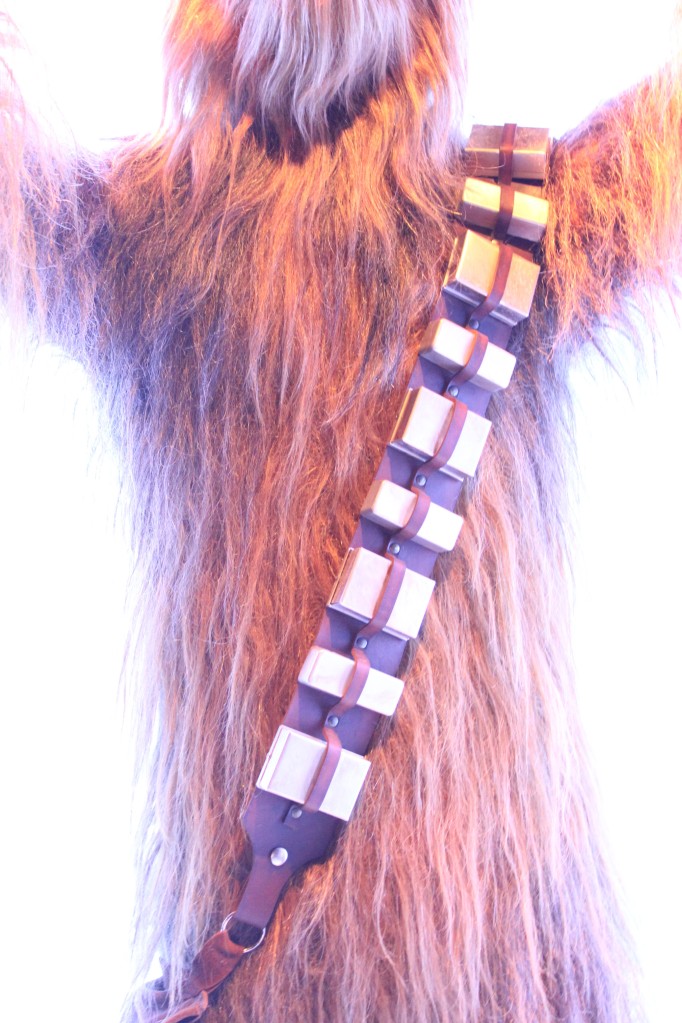
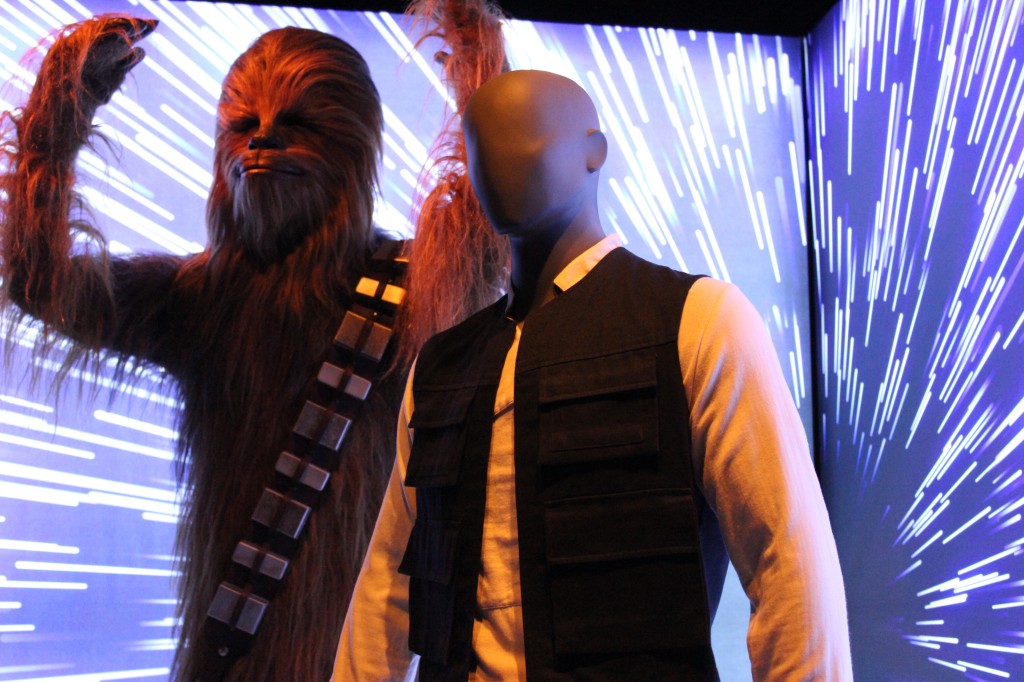
    Han Solo and Chewbacca

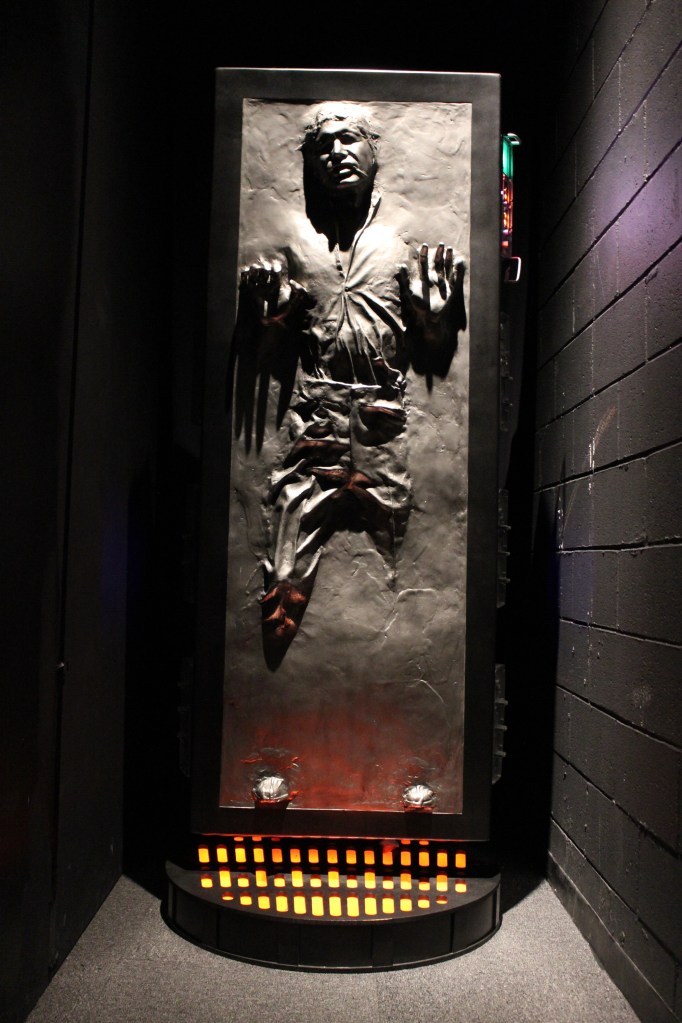
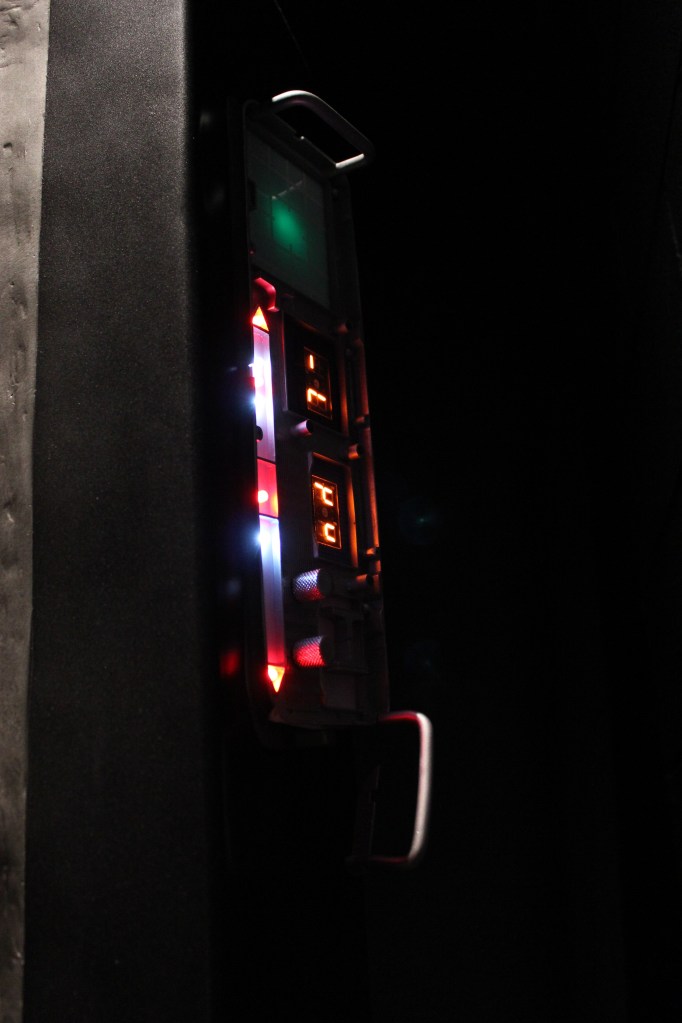
    Han Solo in Carbonite

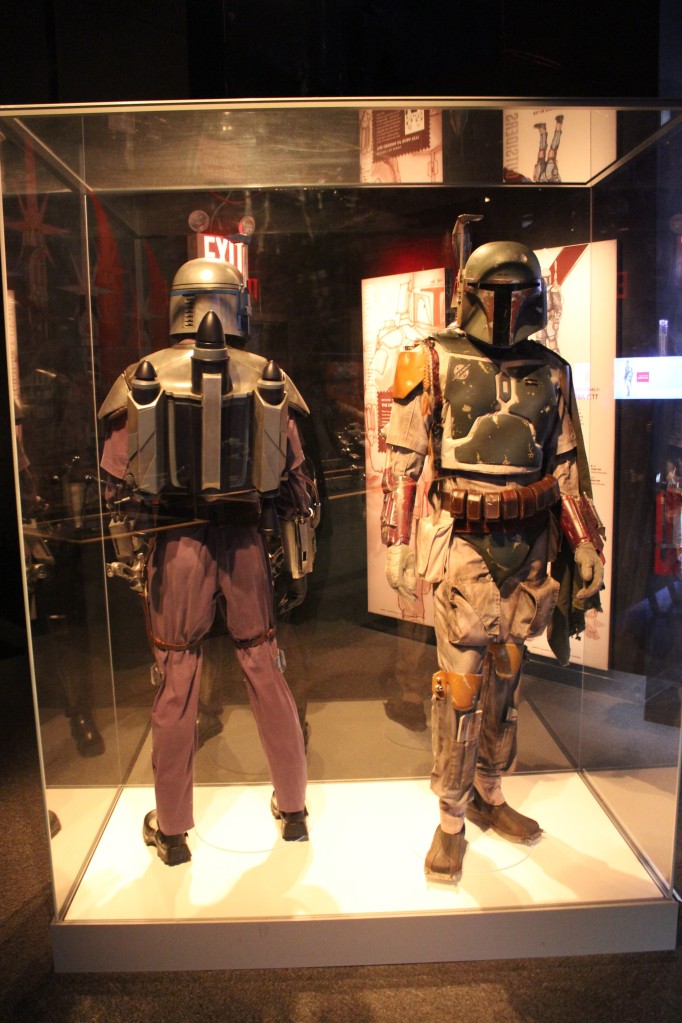
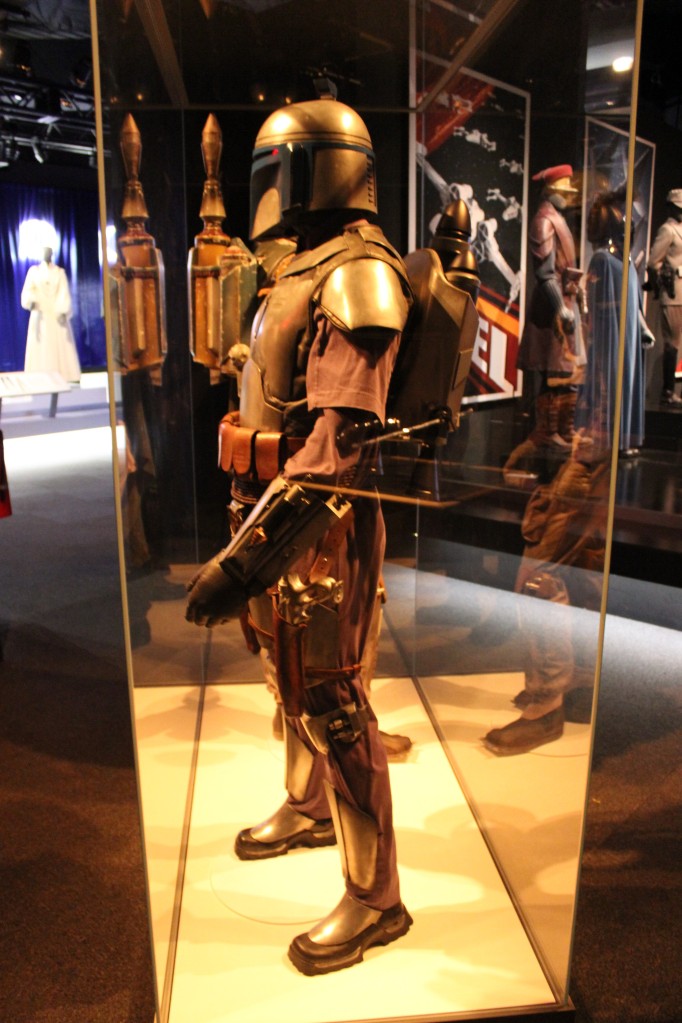
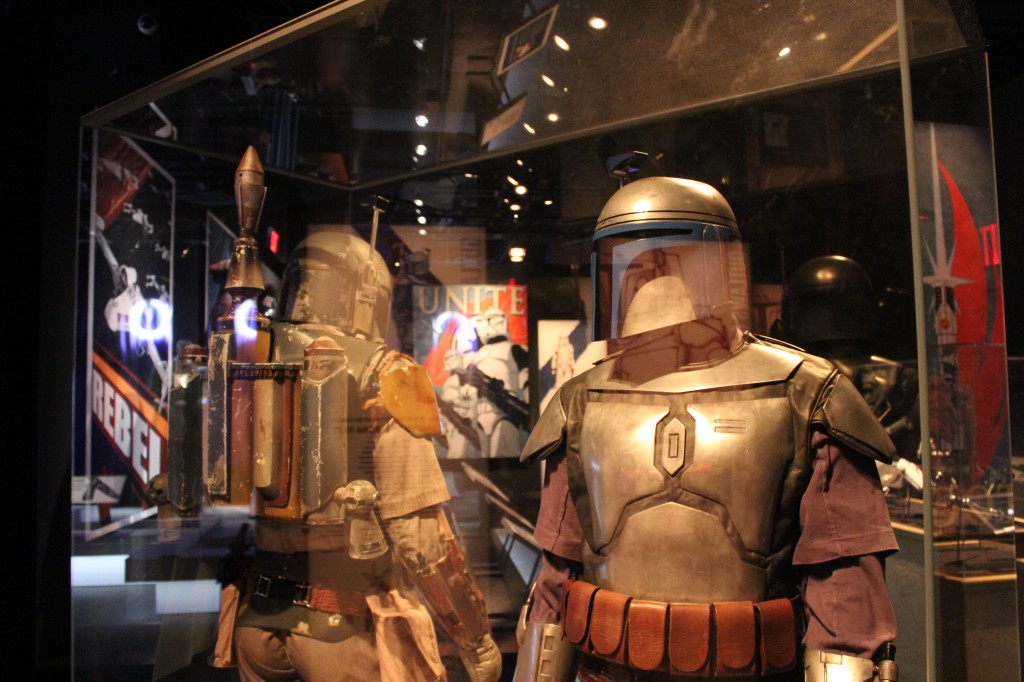
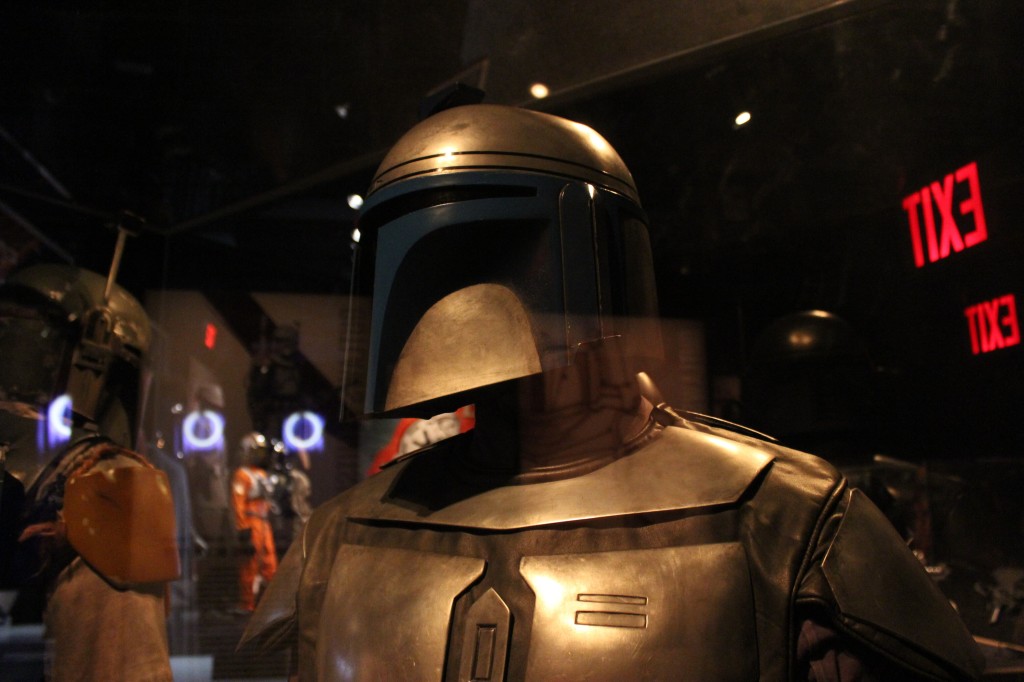
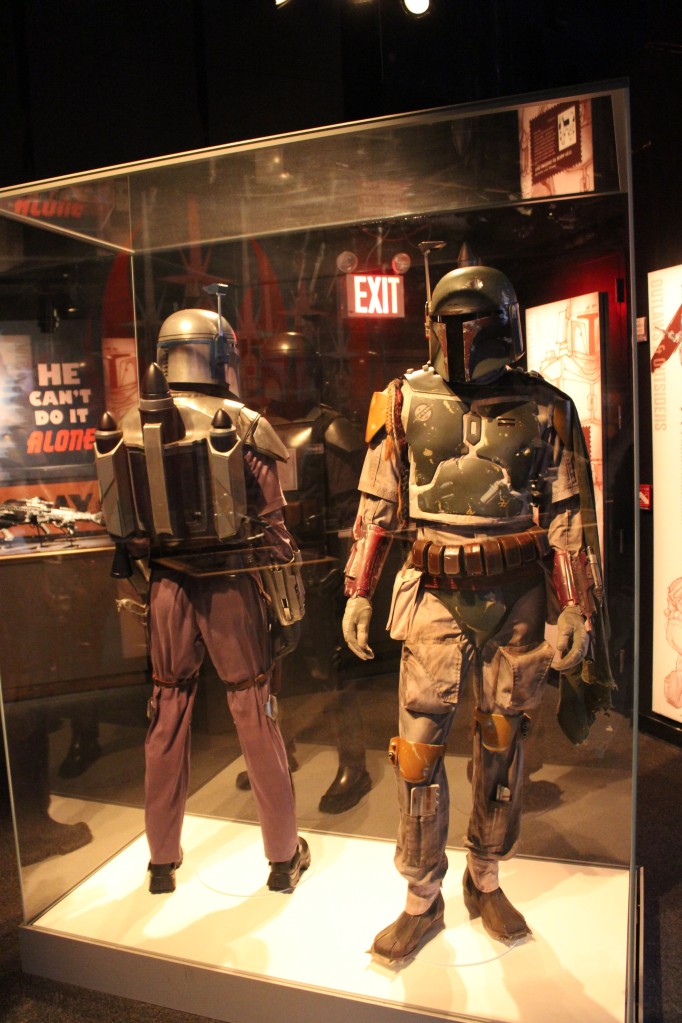
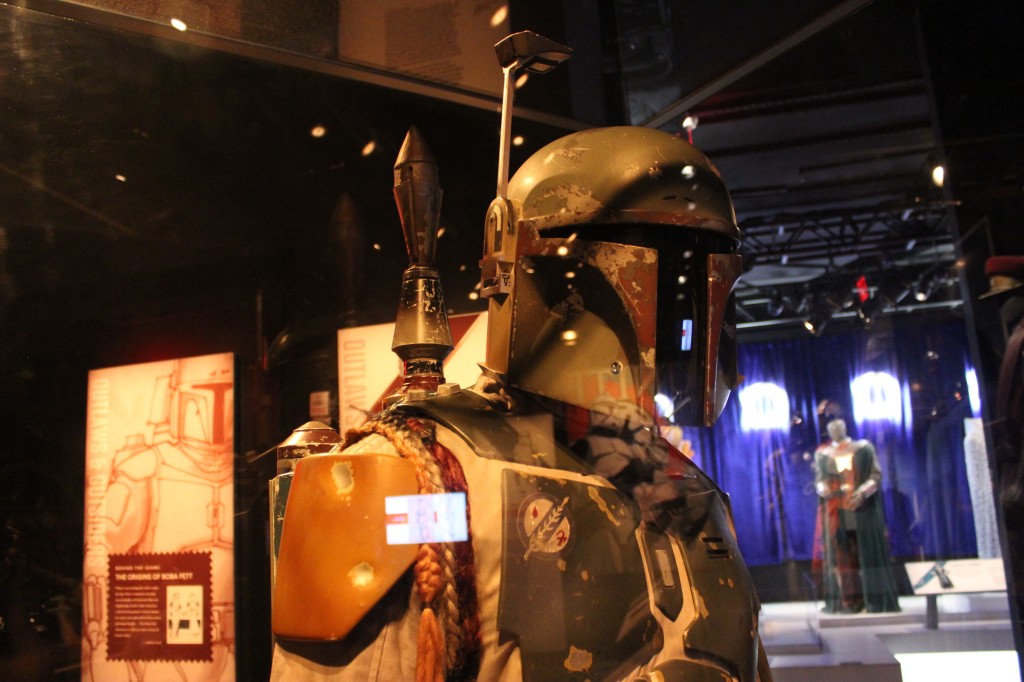
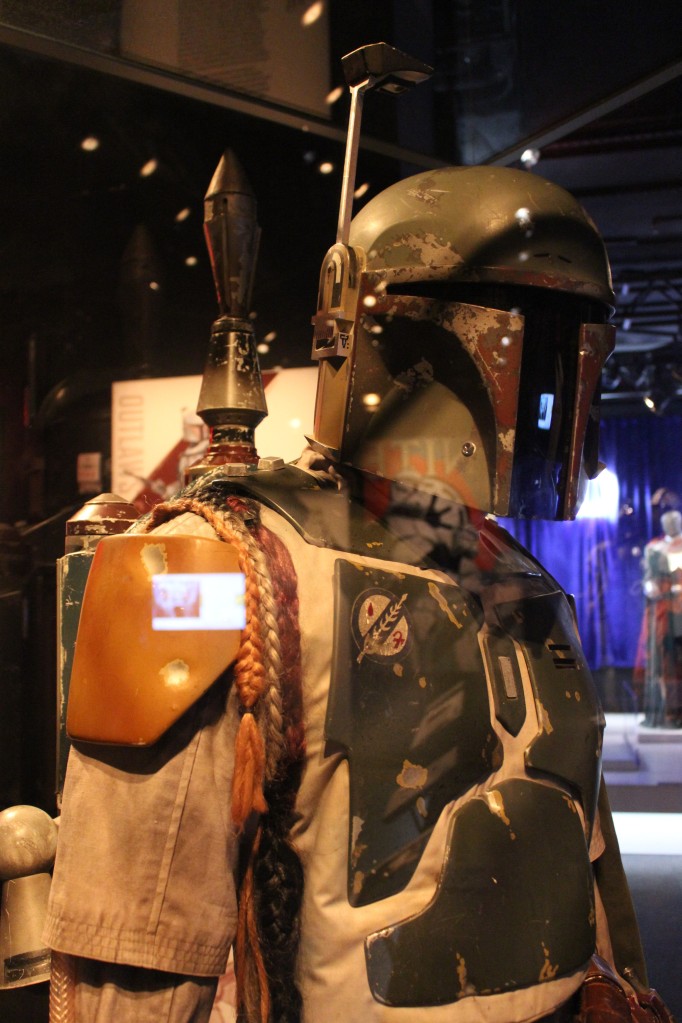
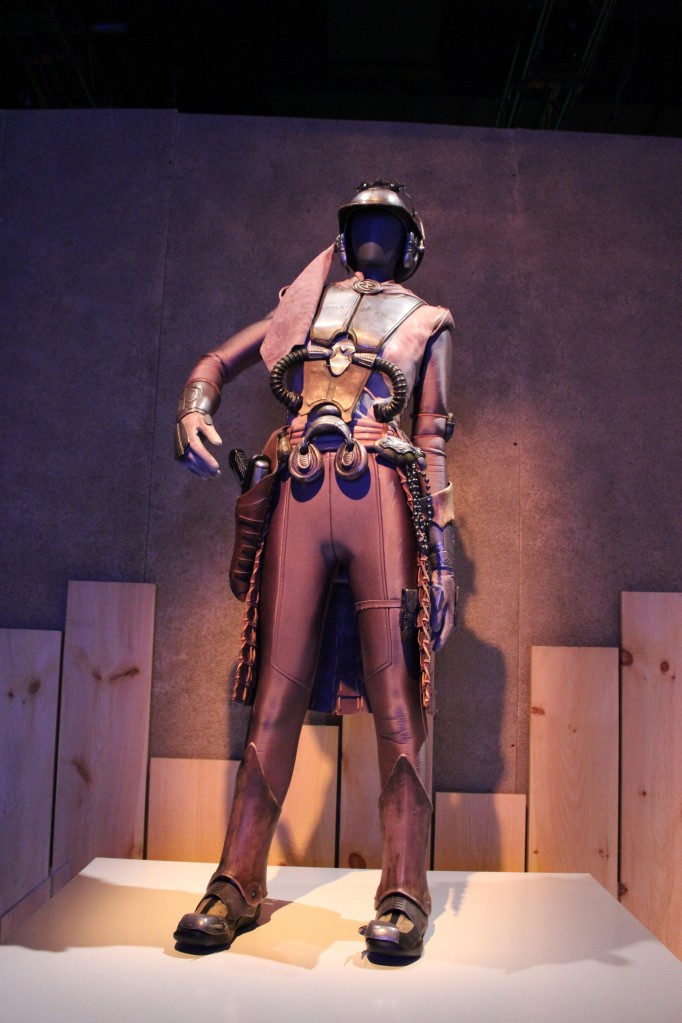
    Bounty Hunters

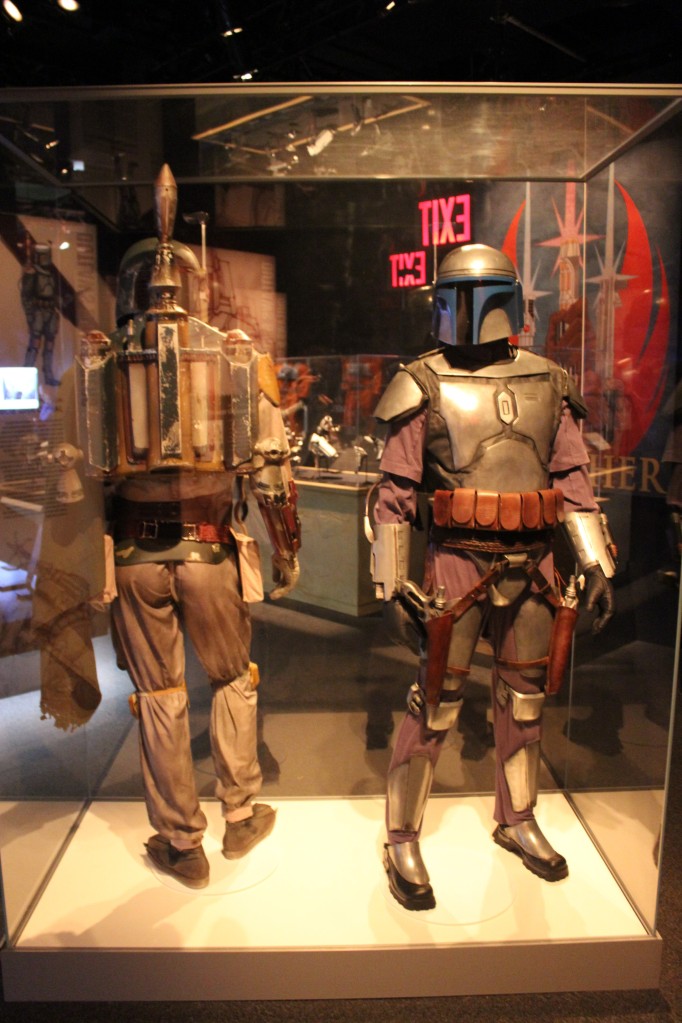
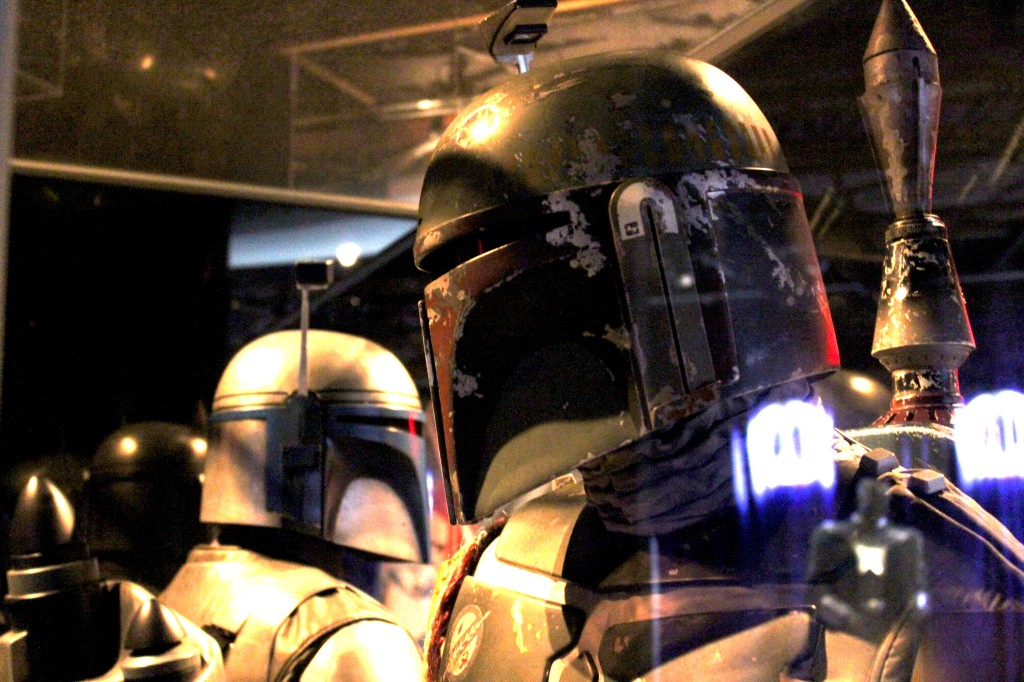
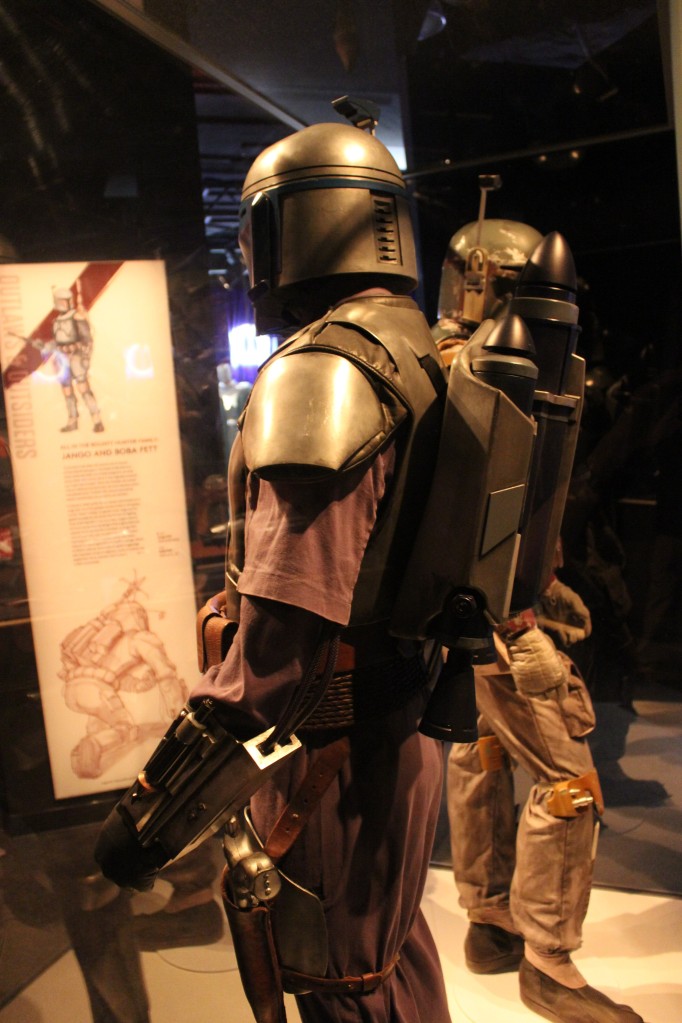
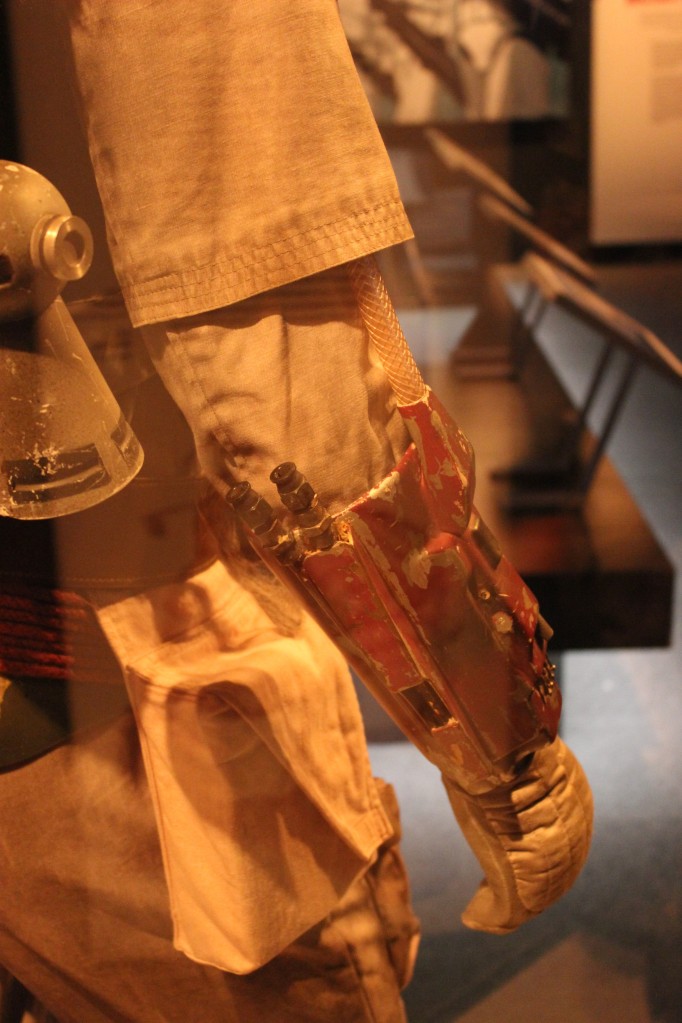
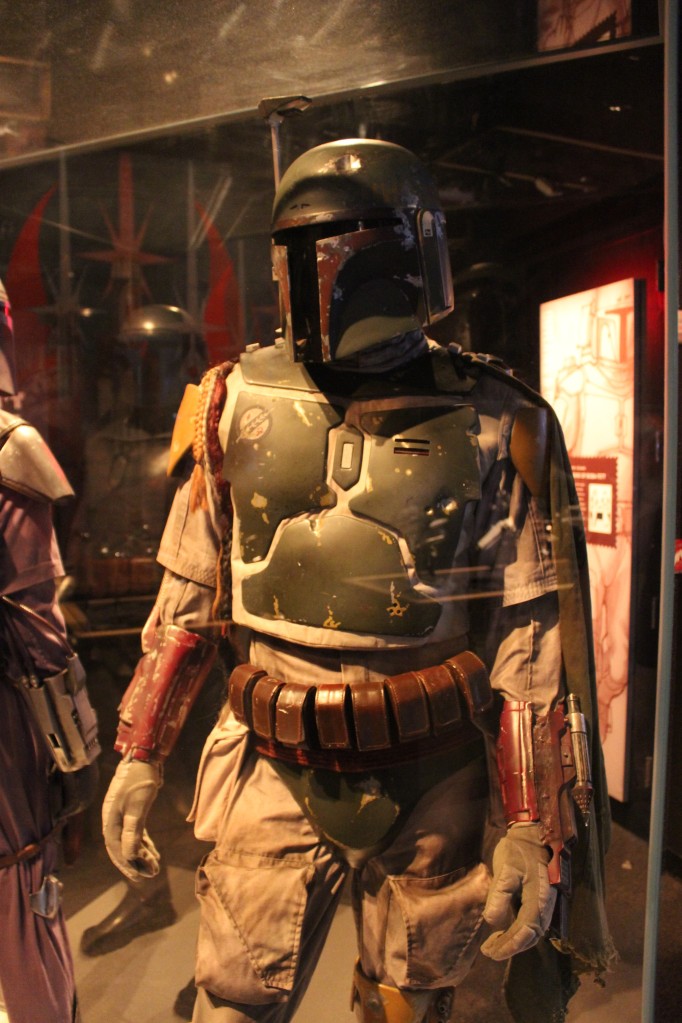
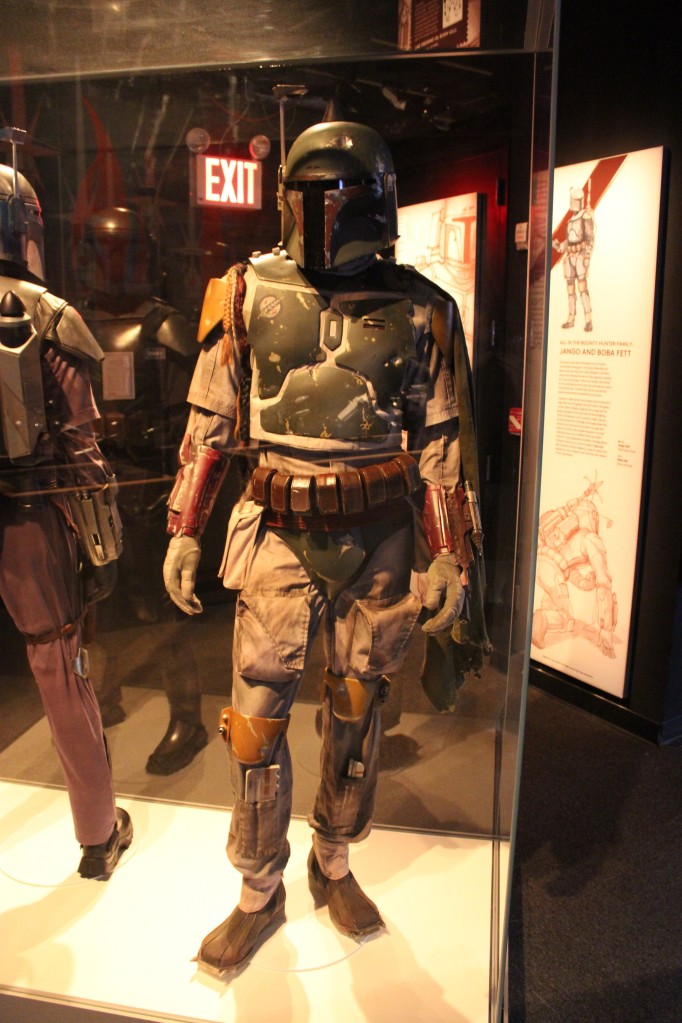
    Jango Fett and Boba Fett

    Jango Fett and Boba Fett

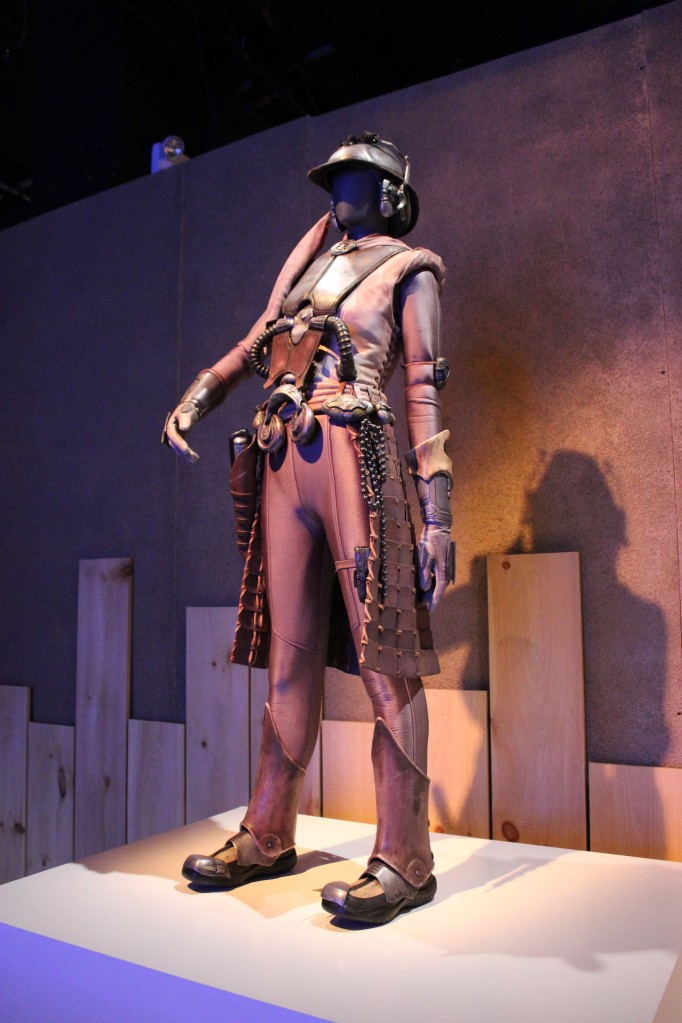
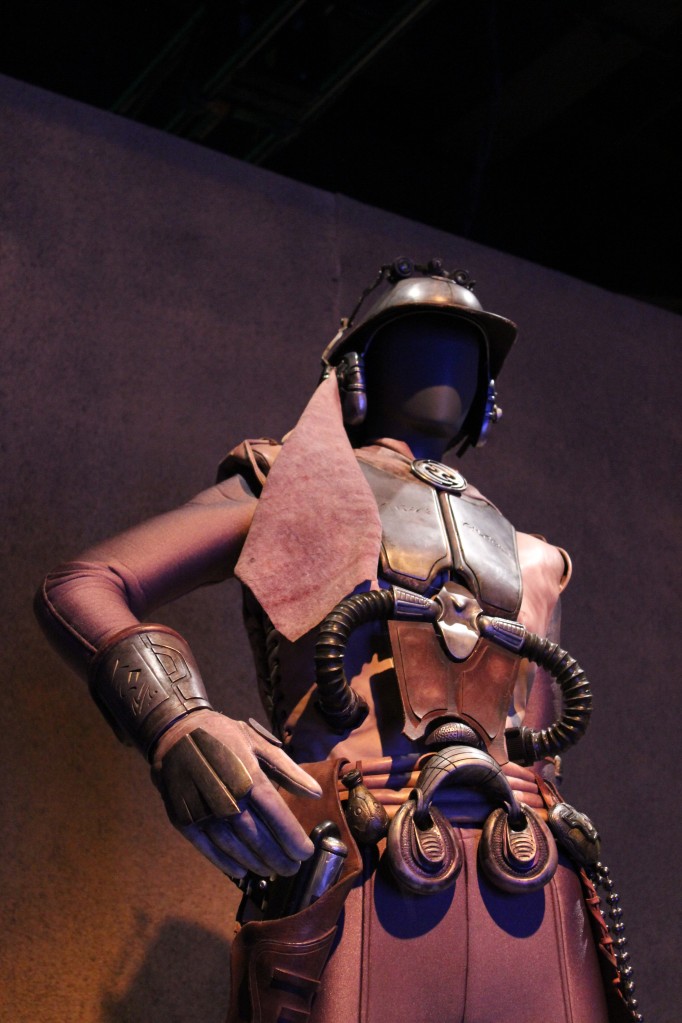
    Zam Wesell

    Droids

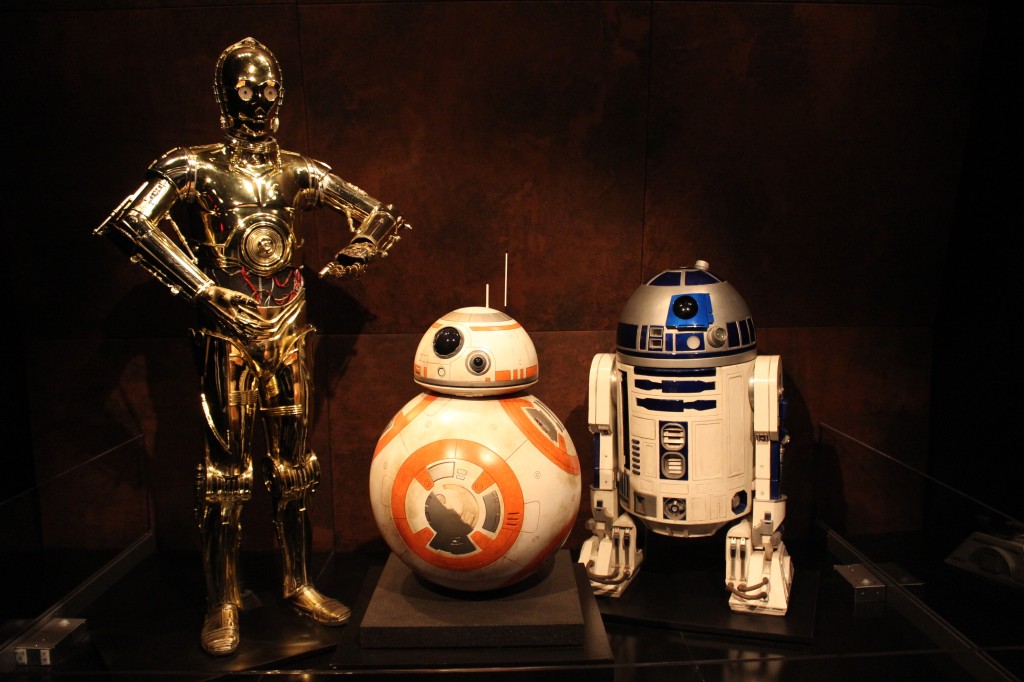
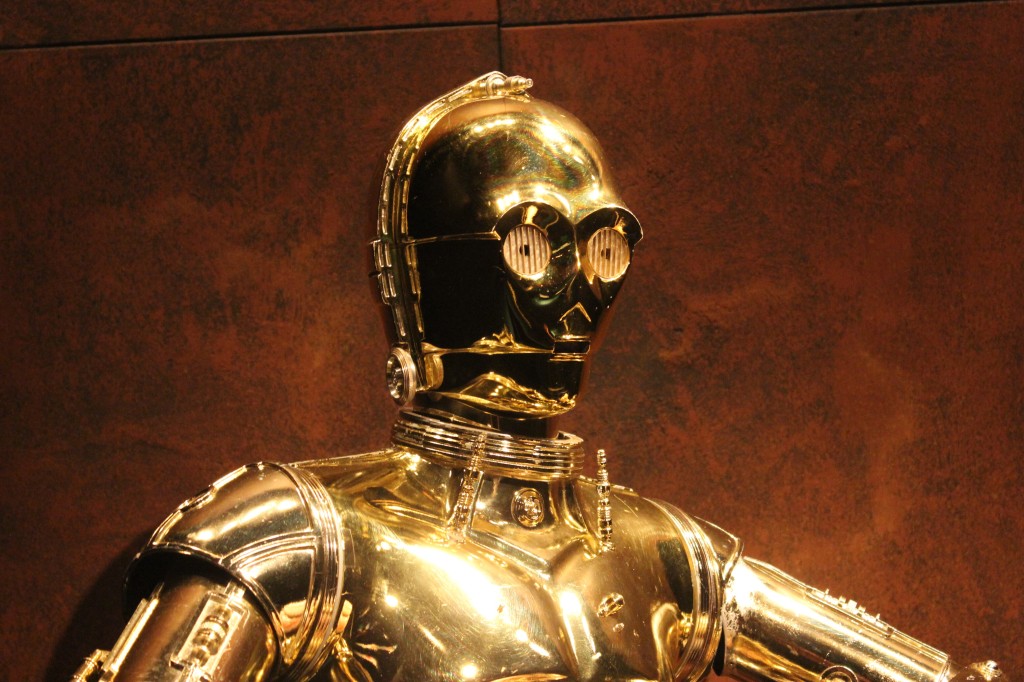
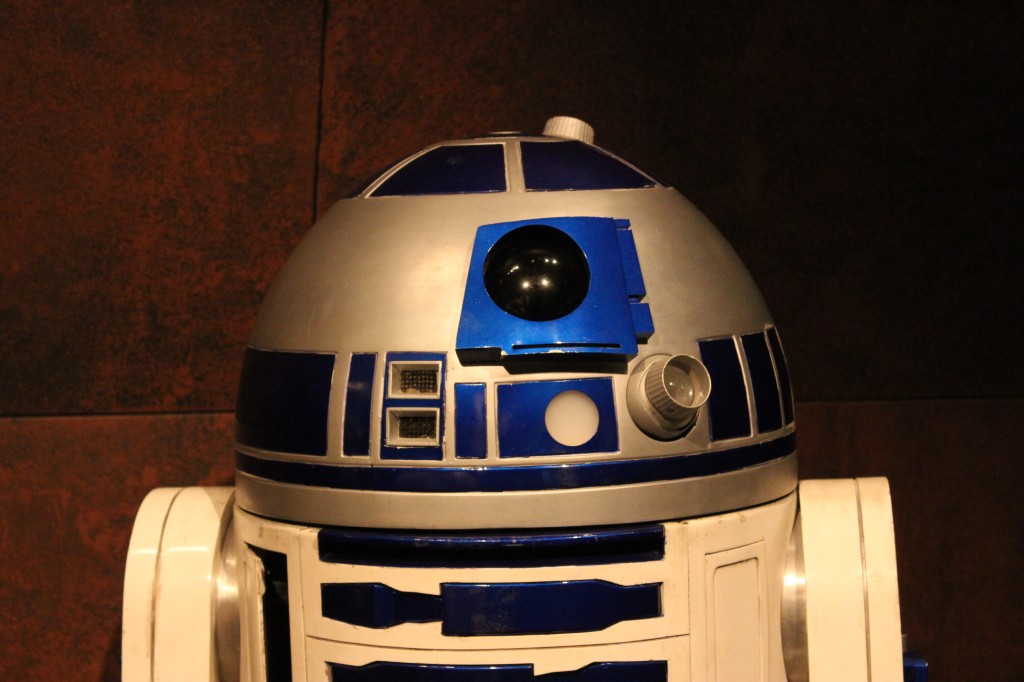
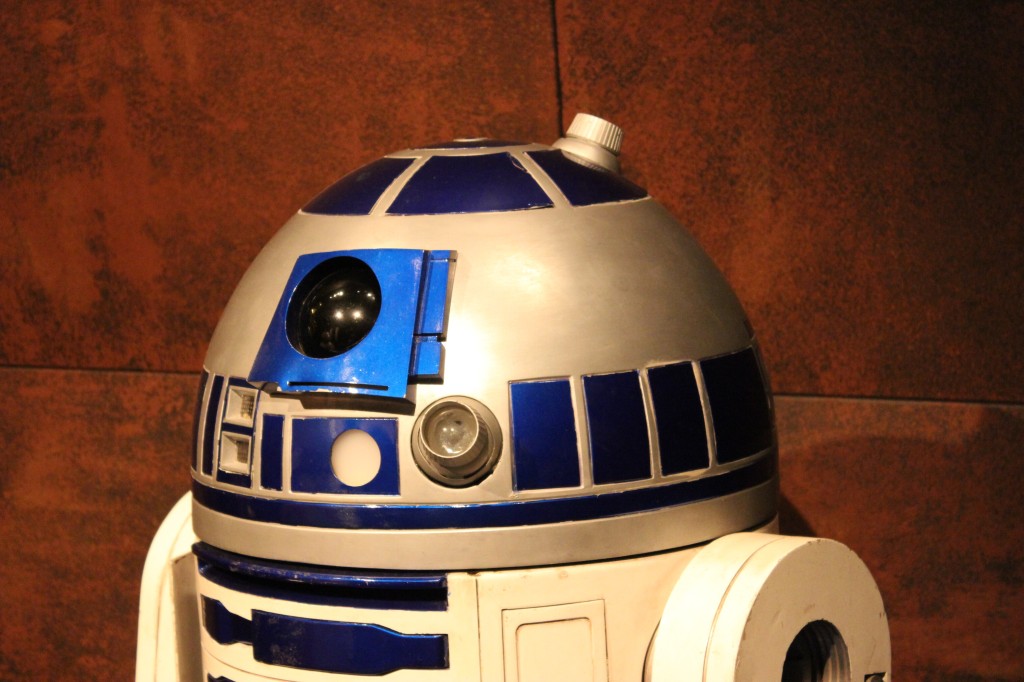
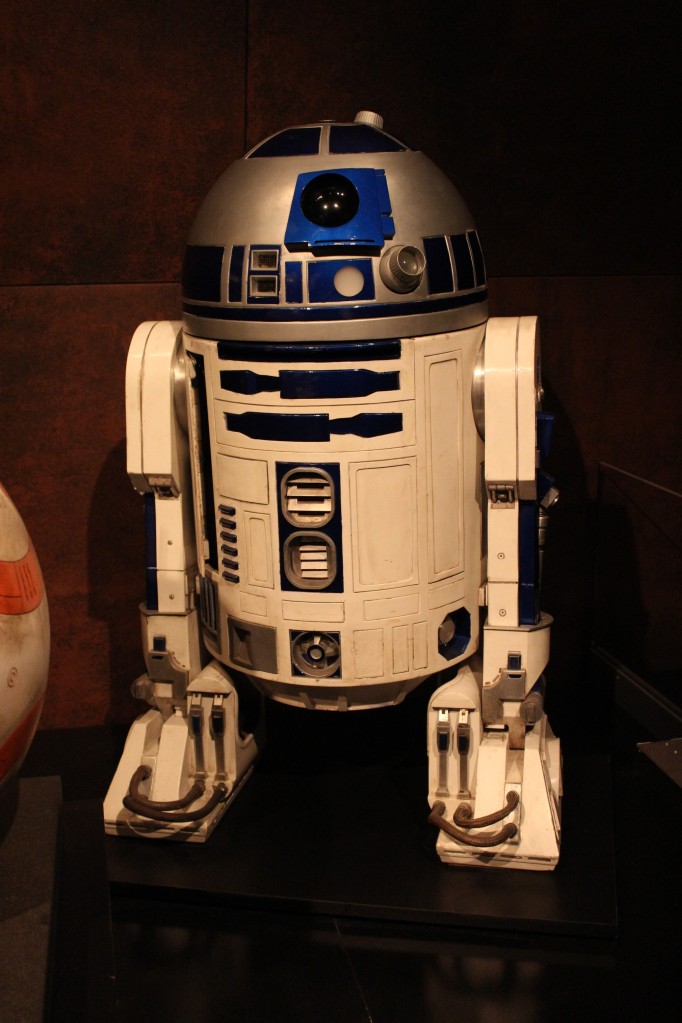
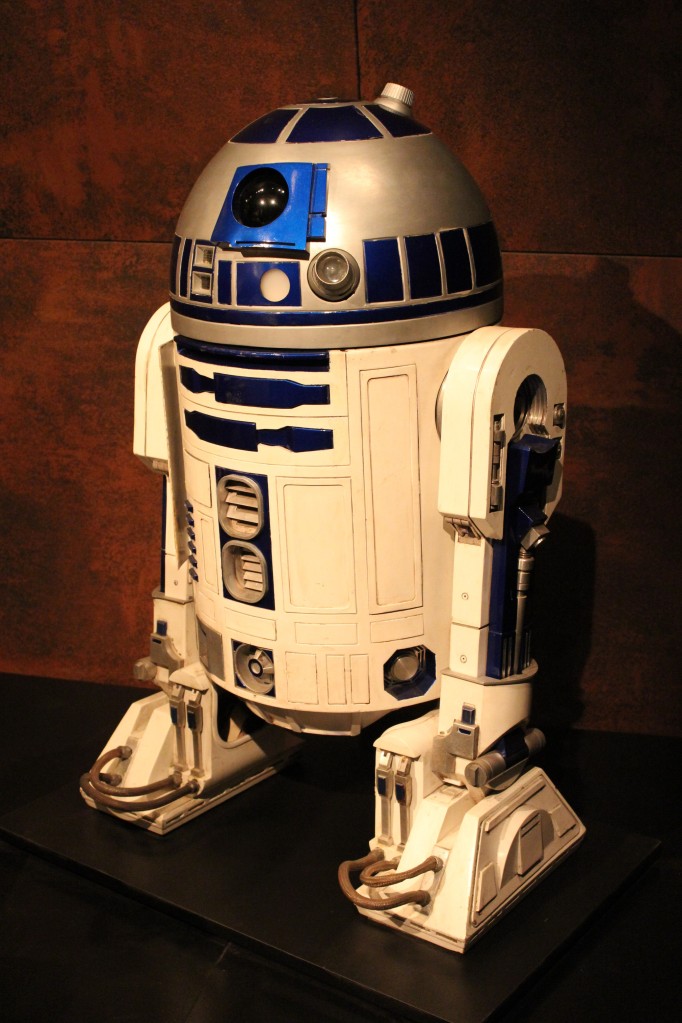
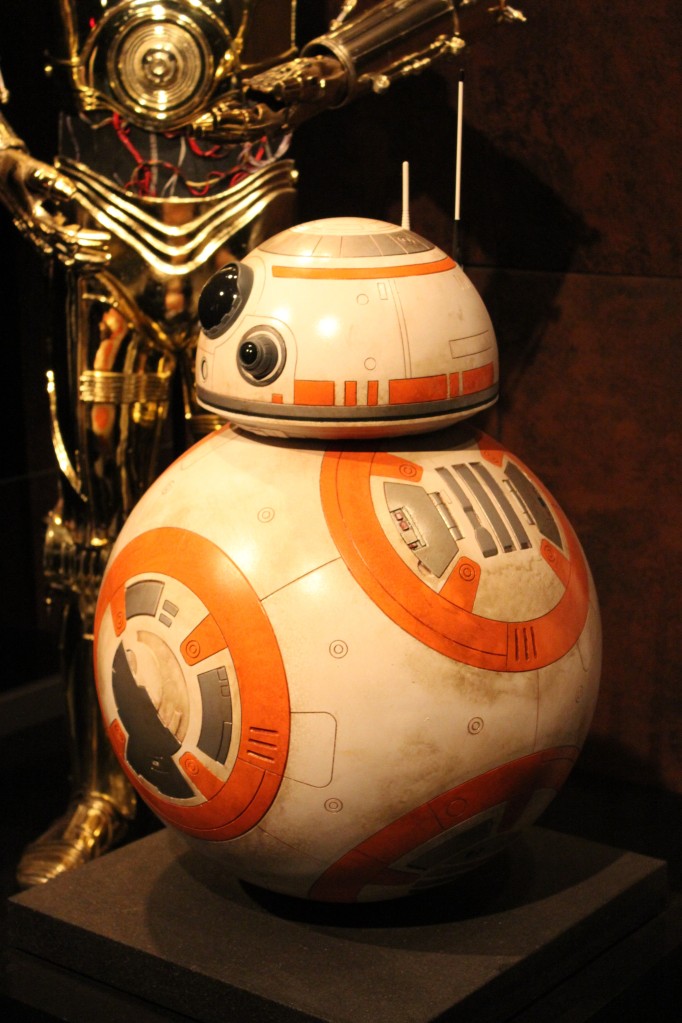
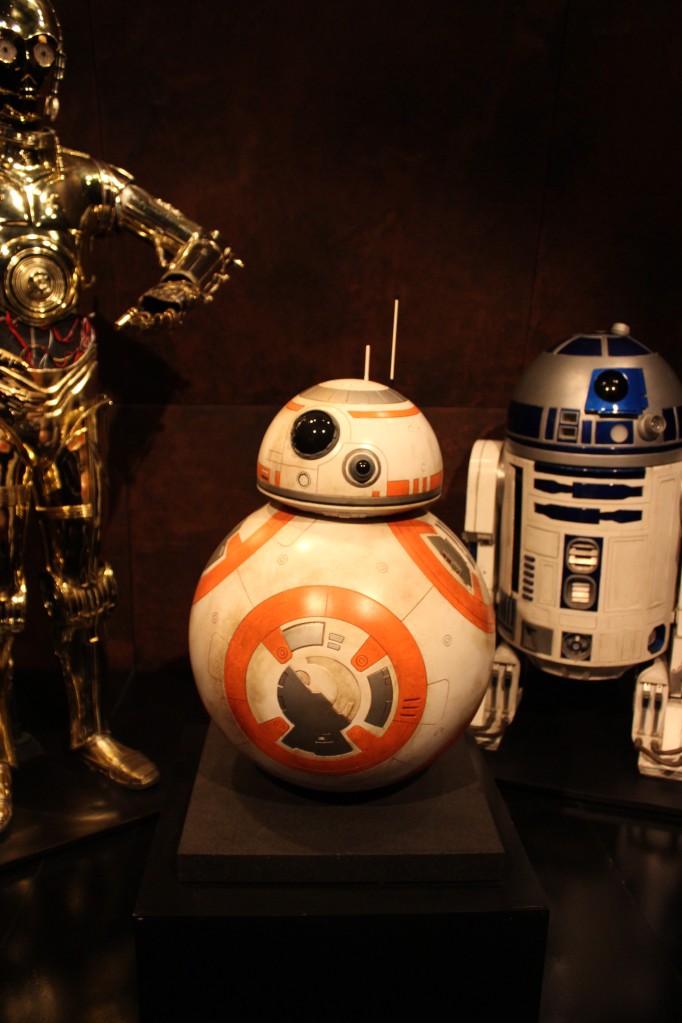
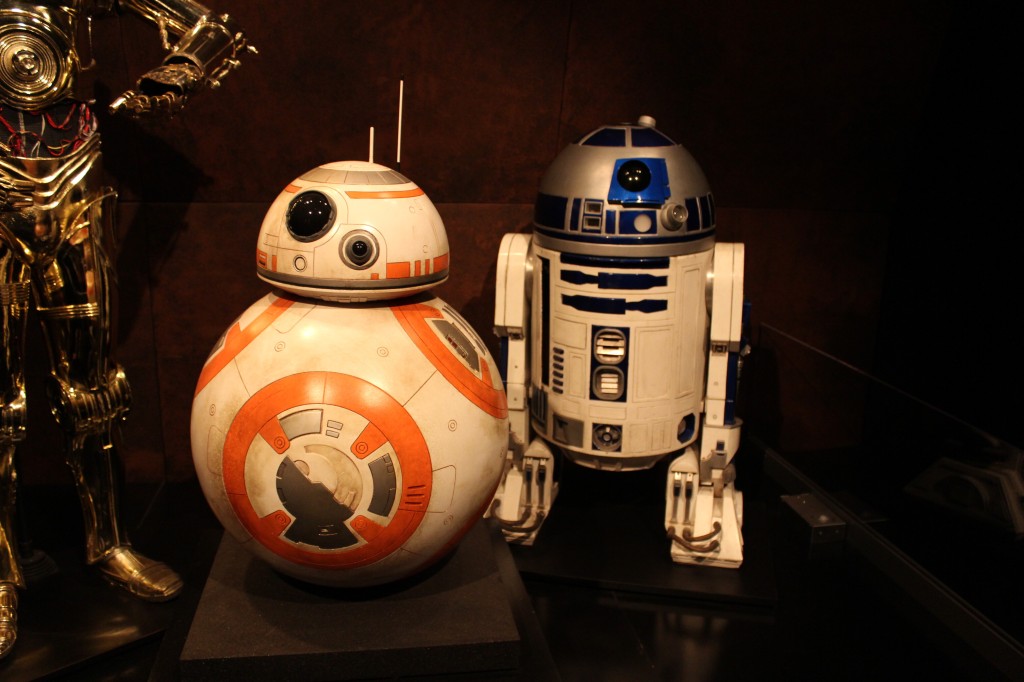
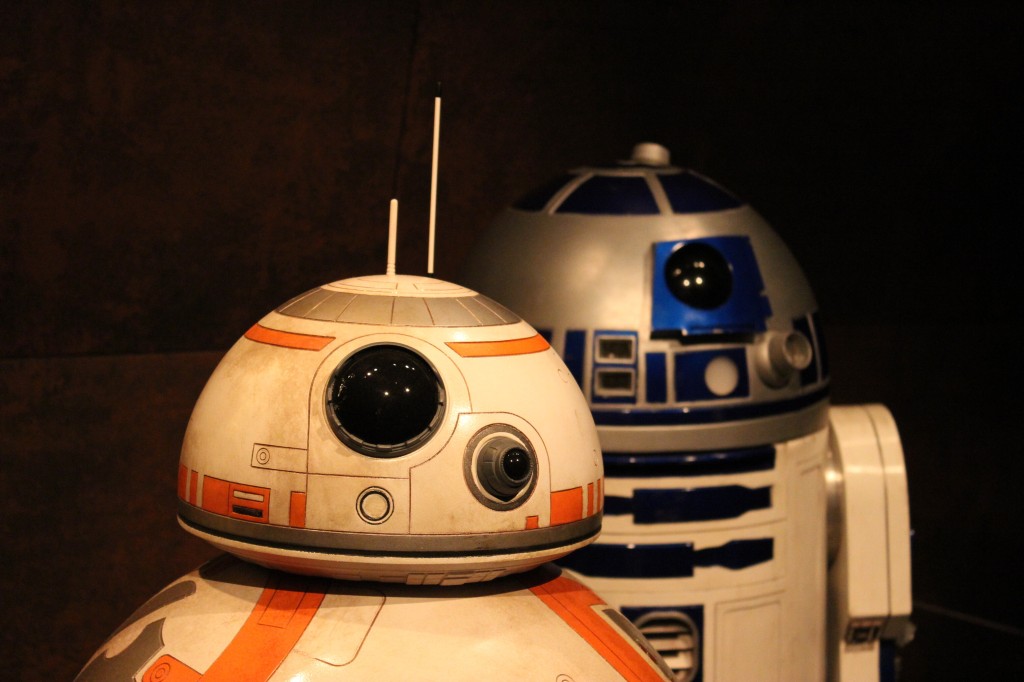
    C-3PO, BB-8, and R2-D2

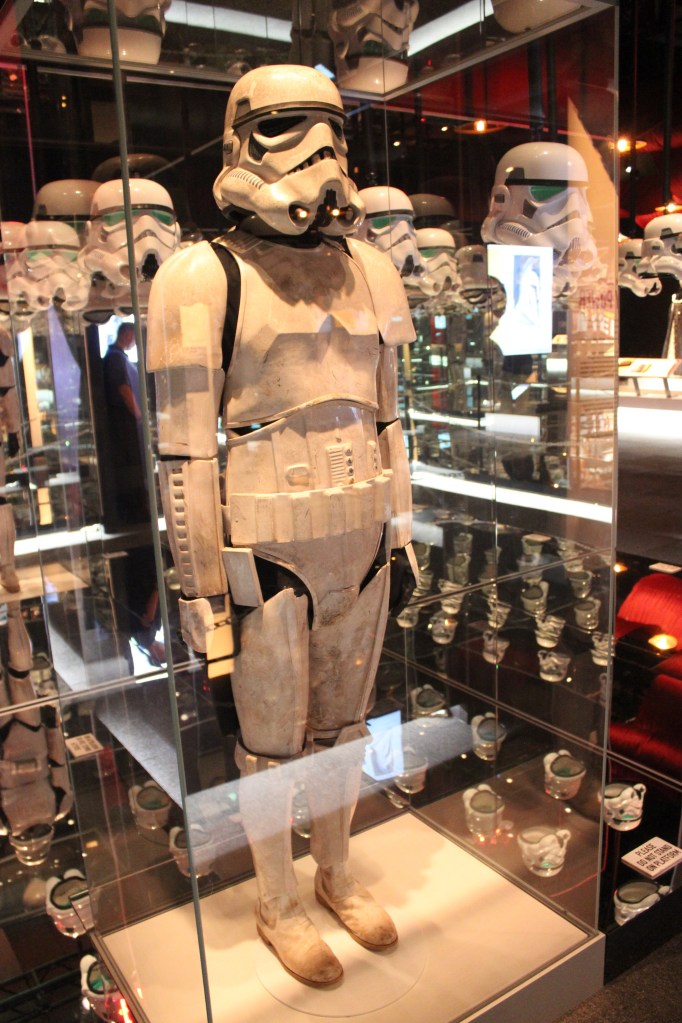
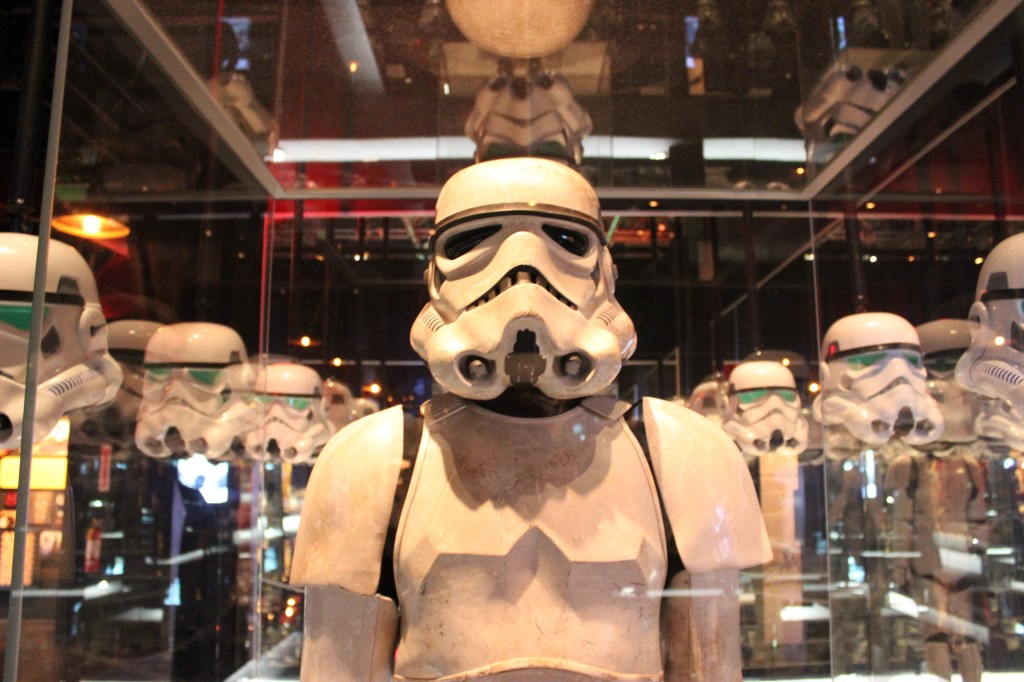
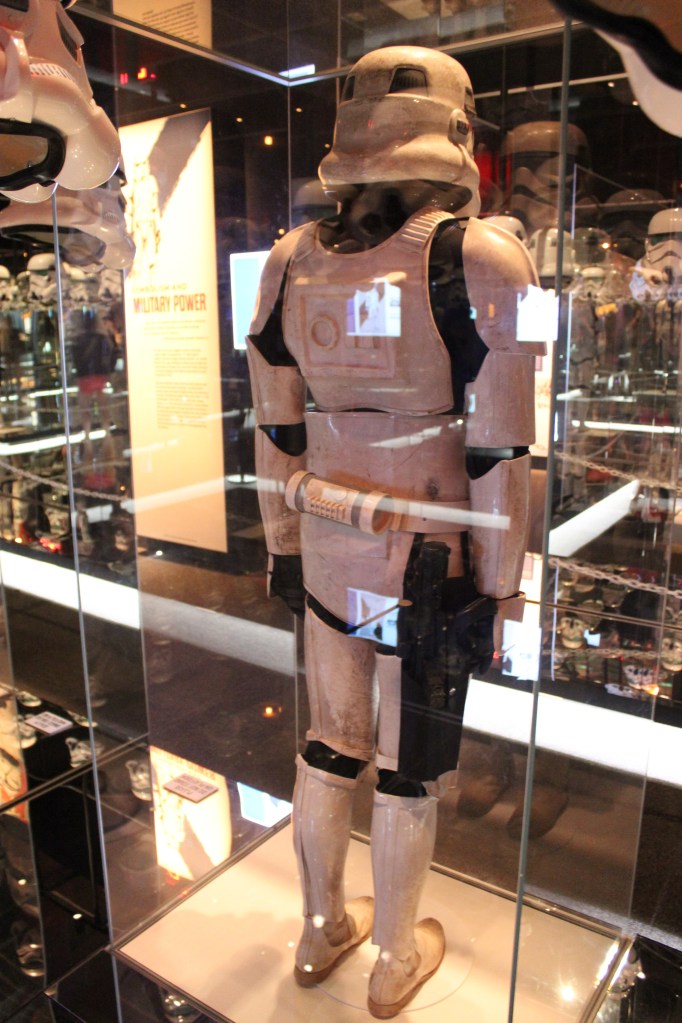
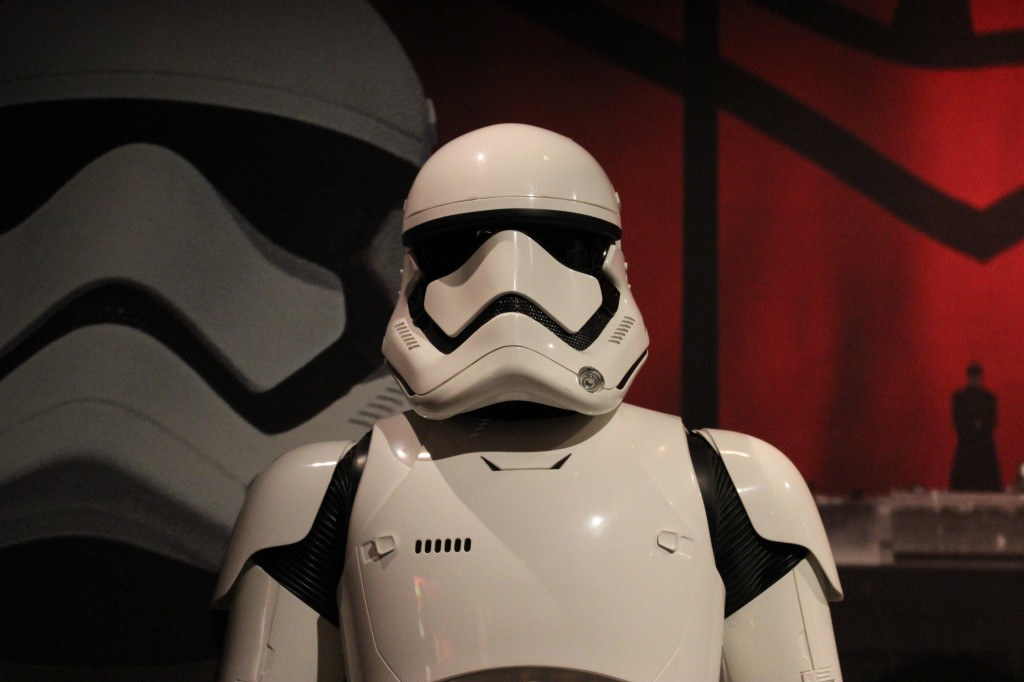
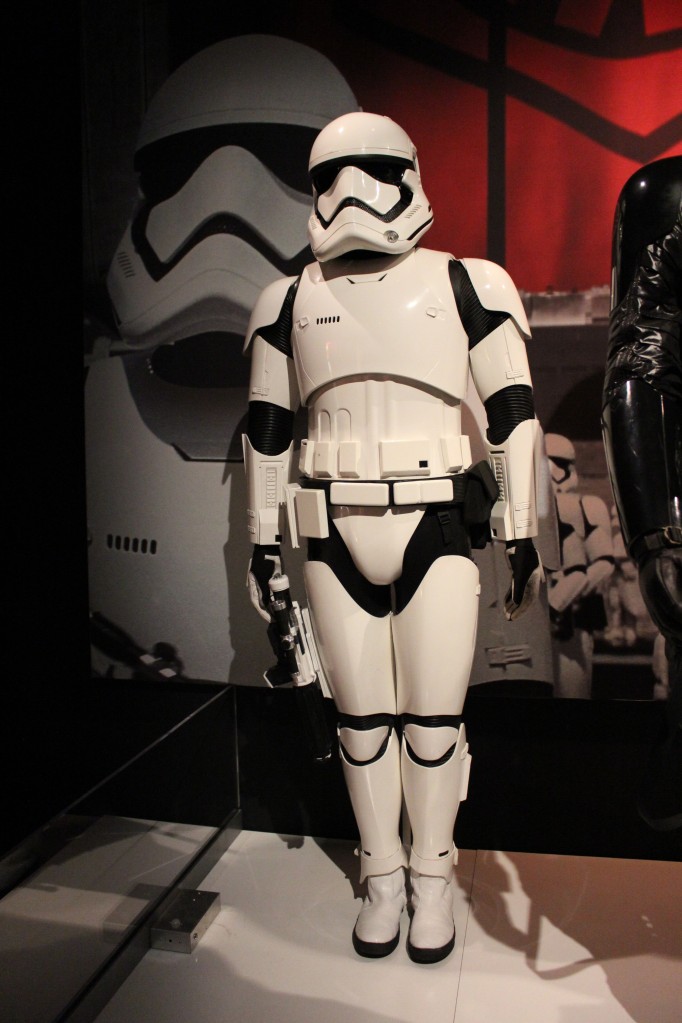
    Stormtrooper

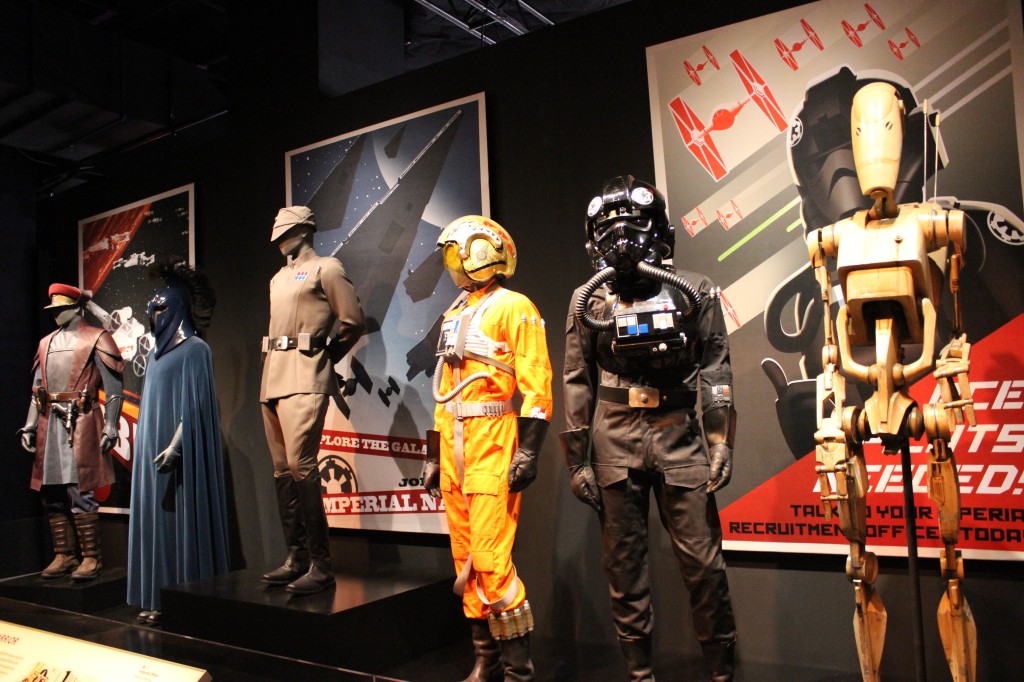
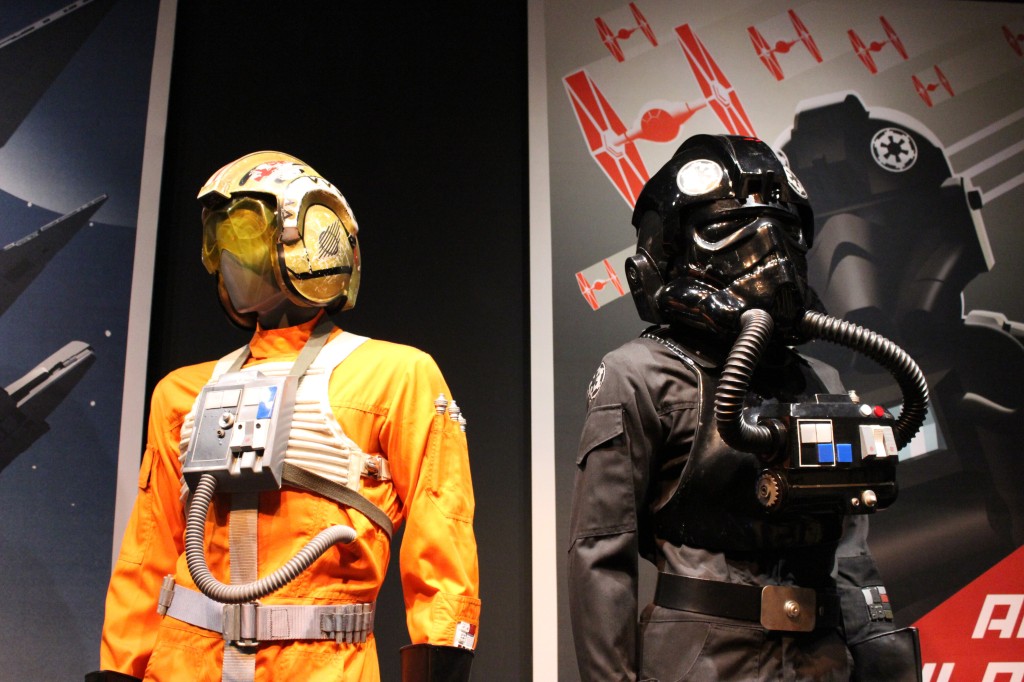
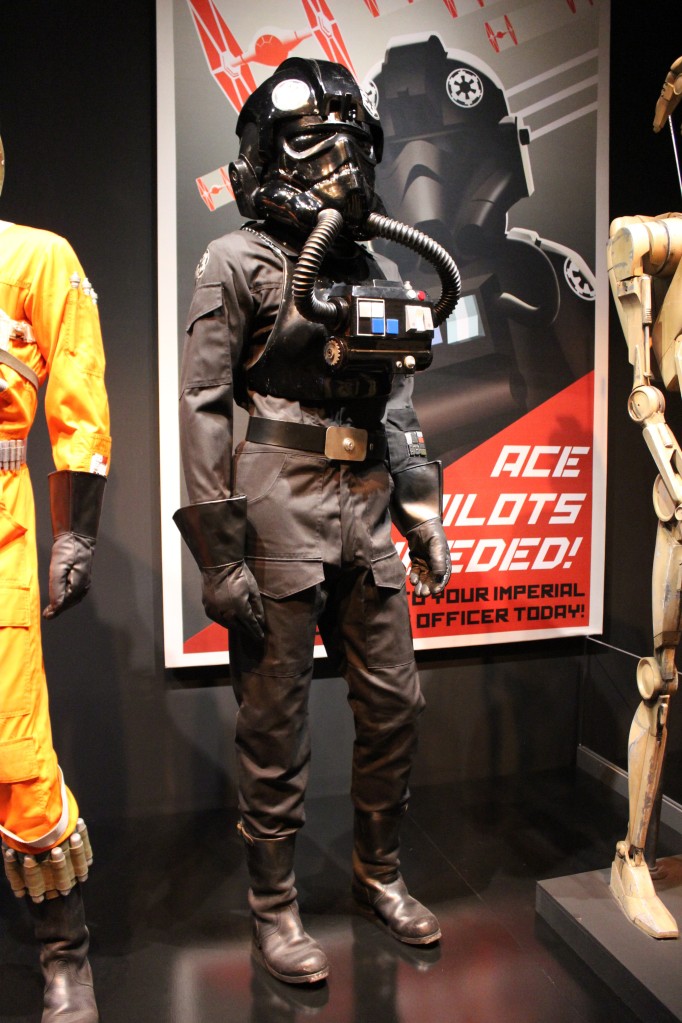
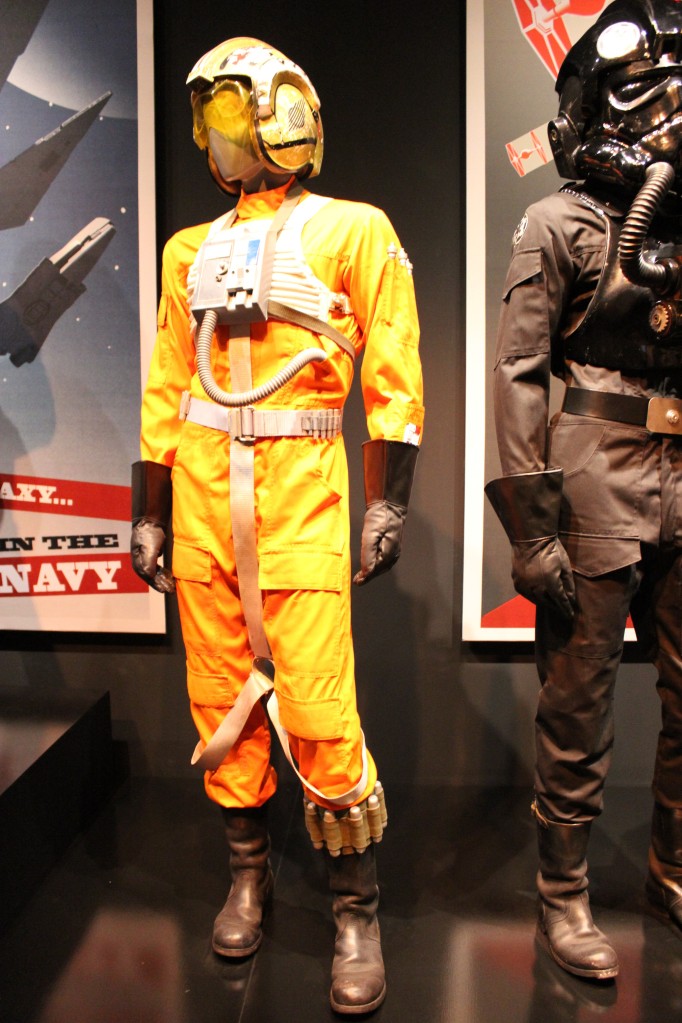
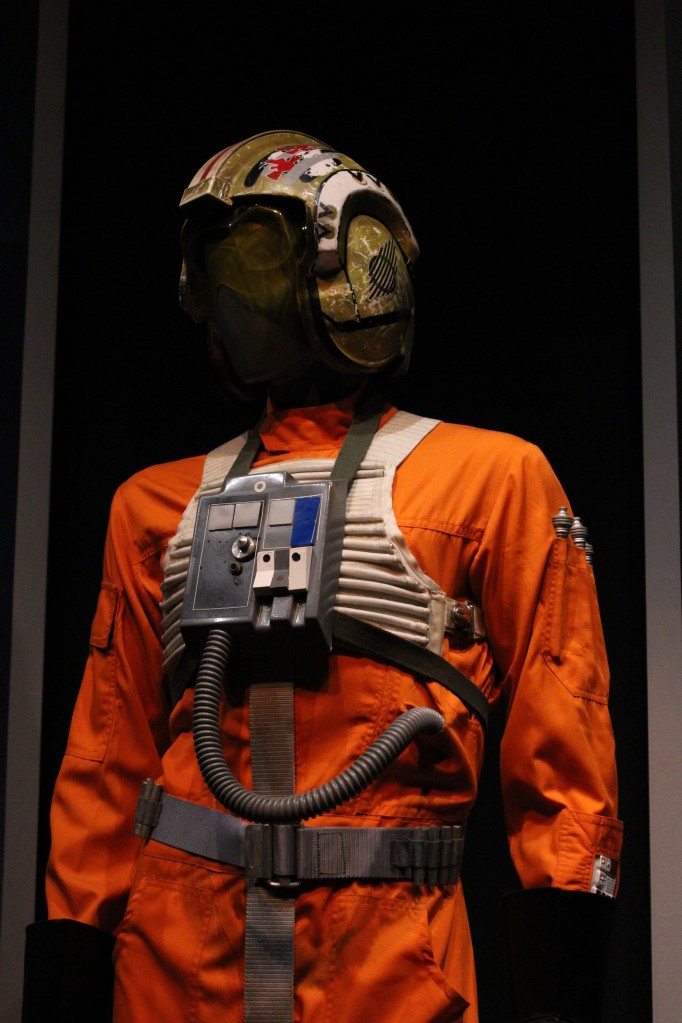
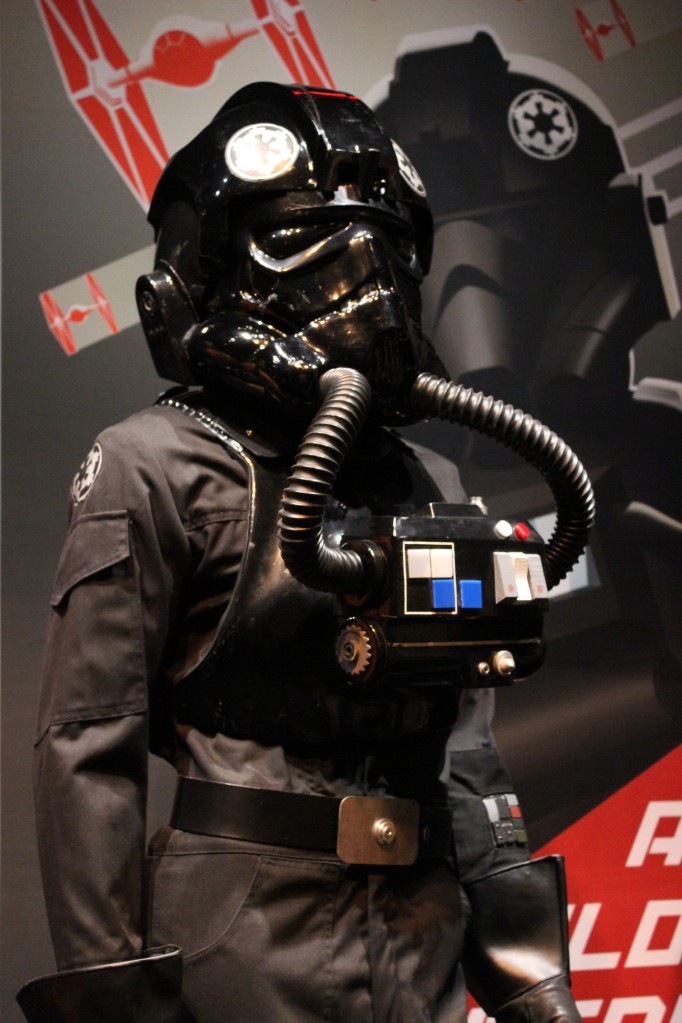
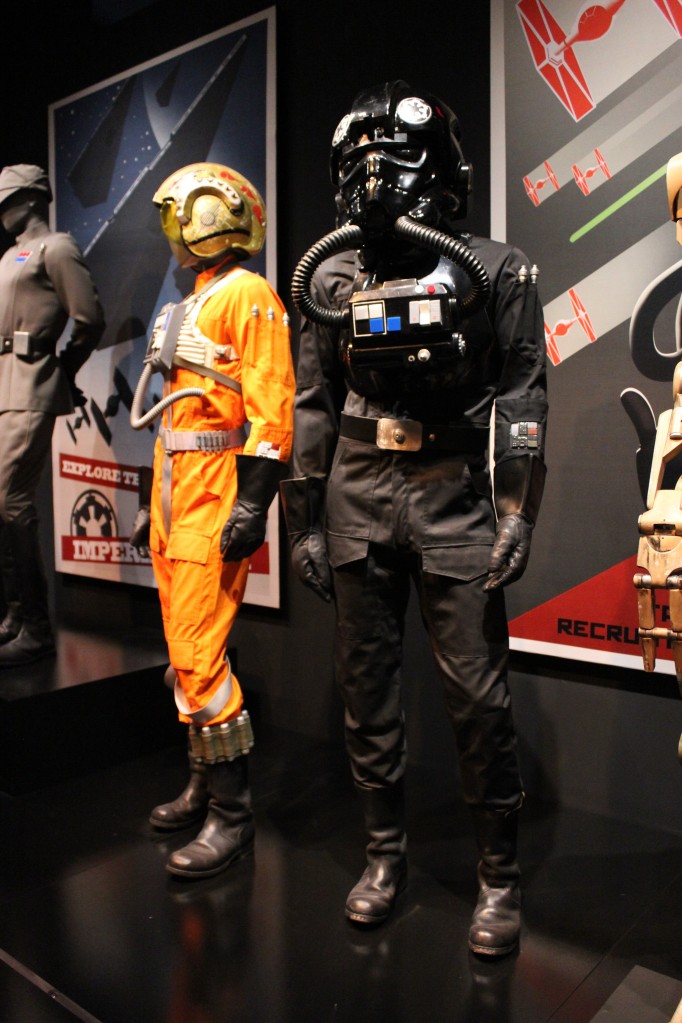
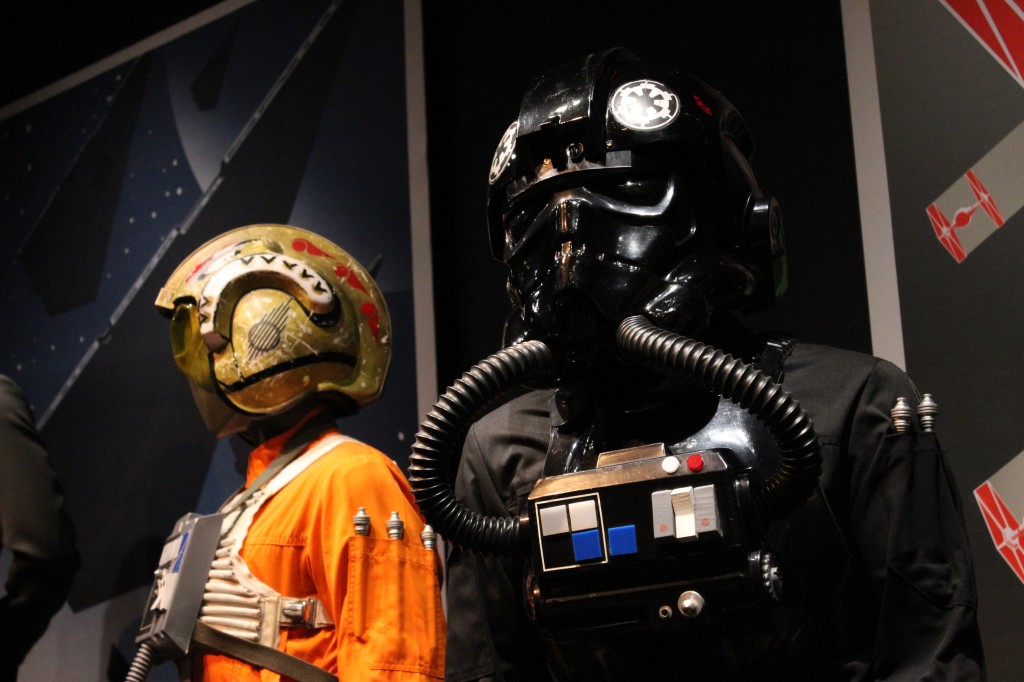
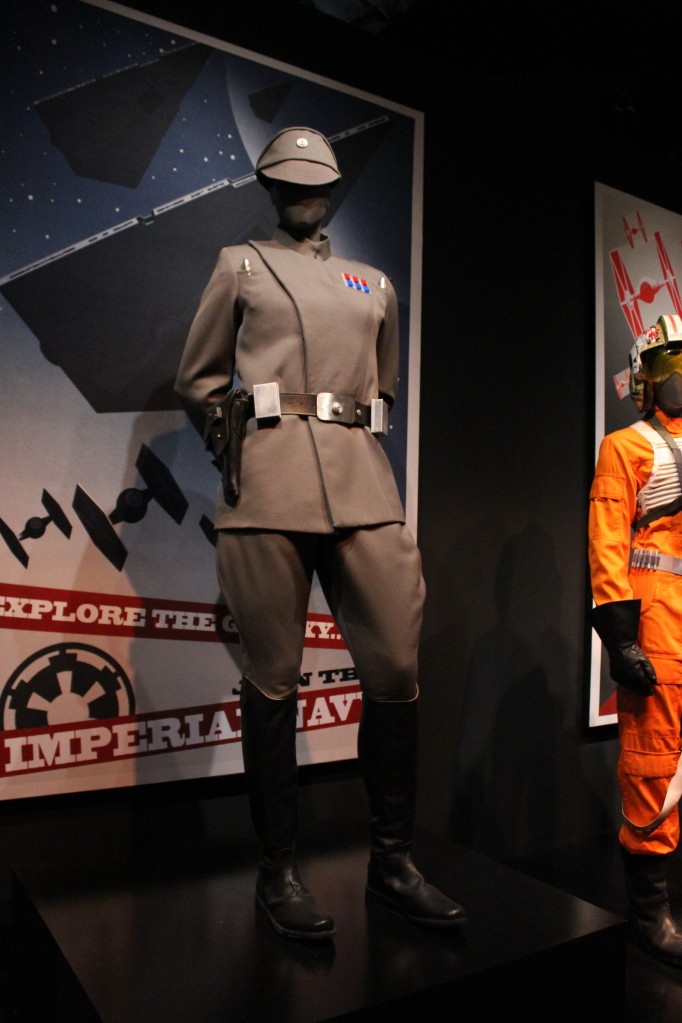
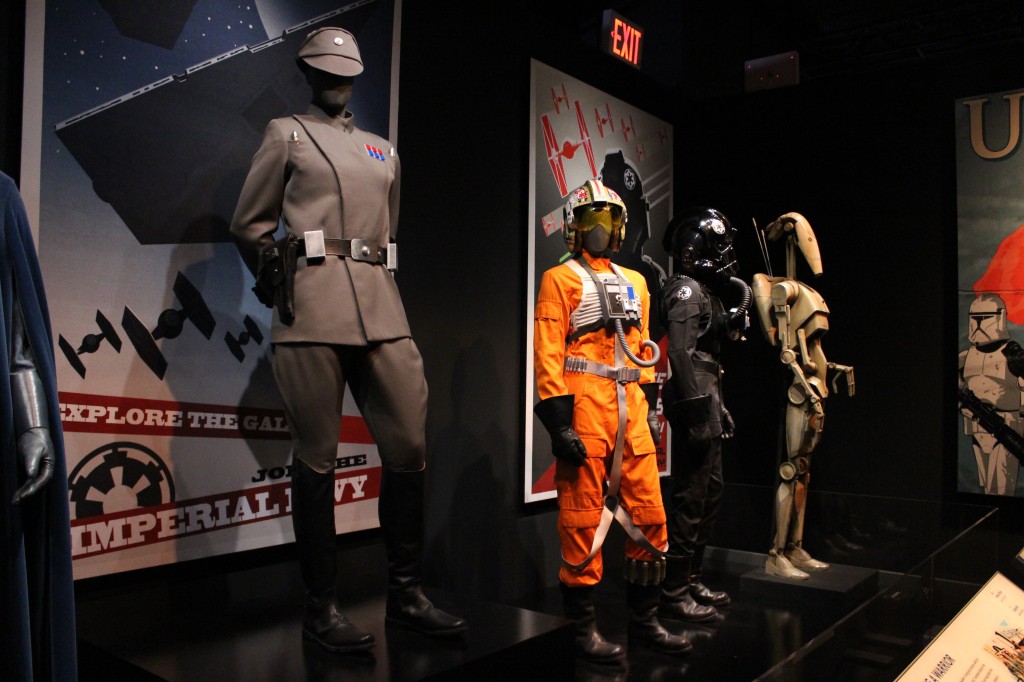
    Queen’s Guard, Chancellor’s Guard, Imperial Officer, X-Wing Pilot, TIE Pilot, and Battle Droid

    Queen's Guard, Chancellor's Guard, Imperial Officer, X-Wing Pilot, TIE Pilot, and Battle Droid

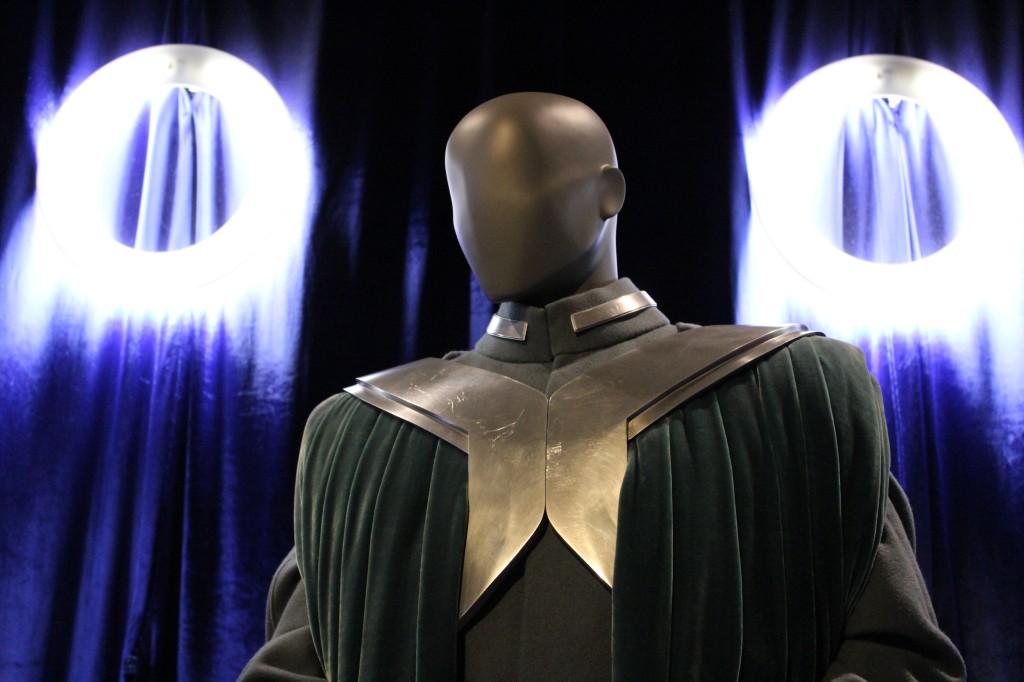
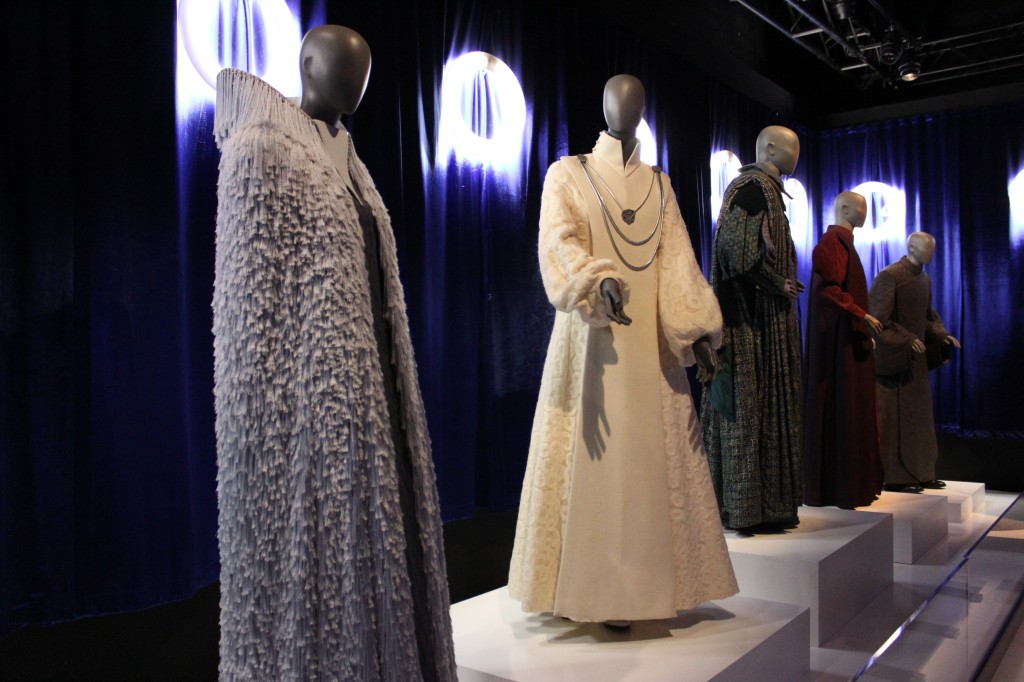
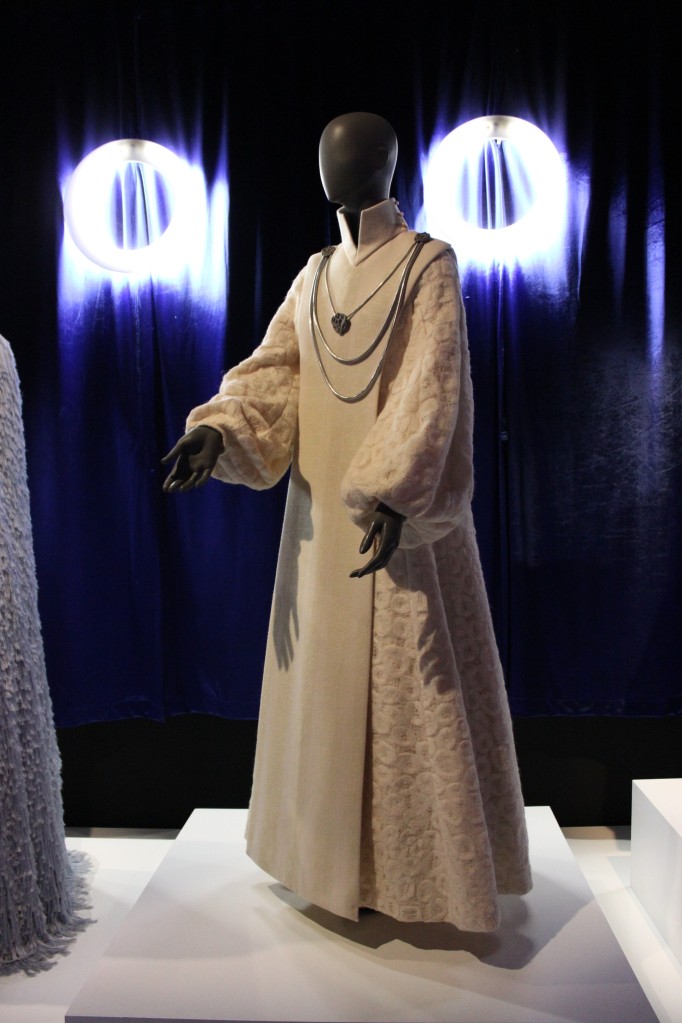
    Republic Senators Bail Organa and Mon Mothma

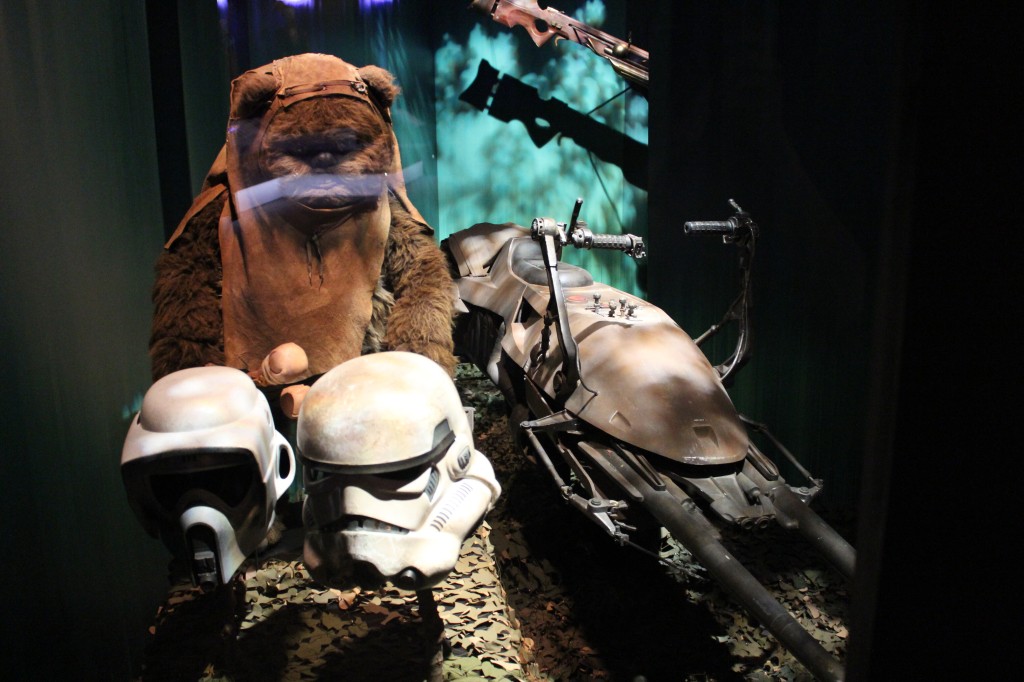
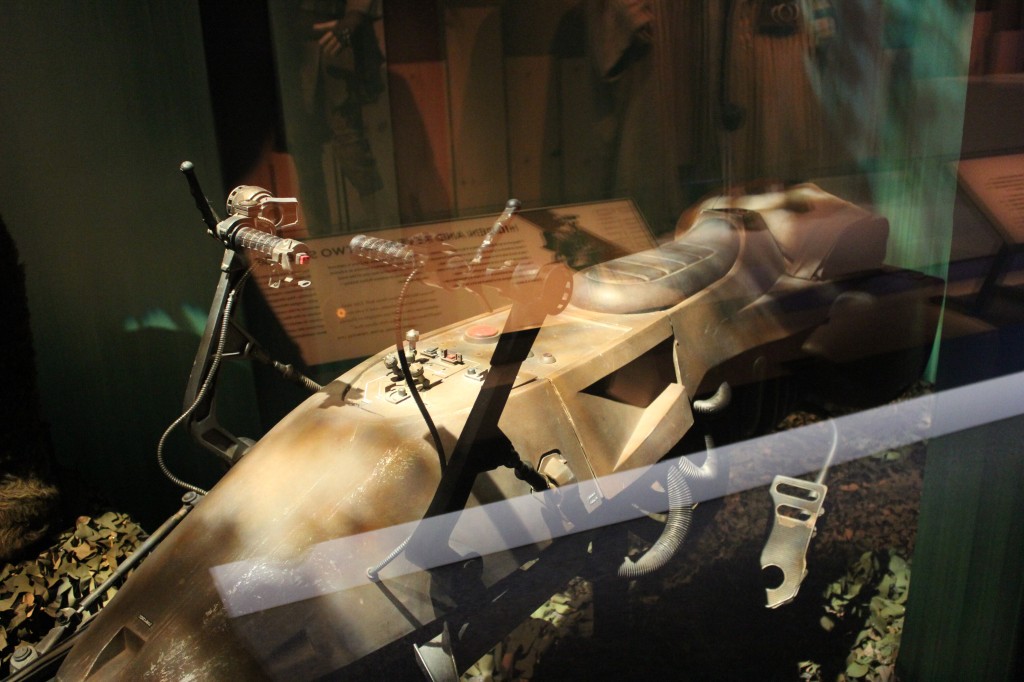
    Ewok and Speeder Bike

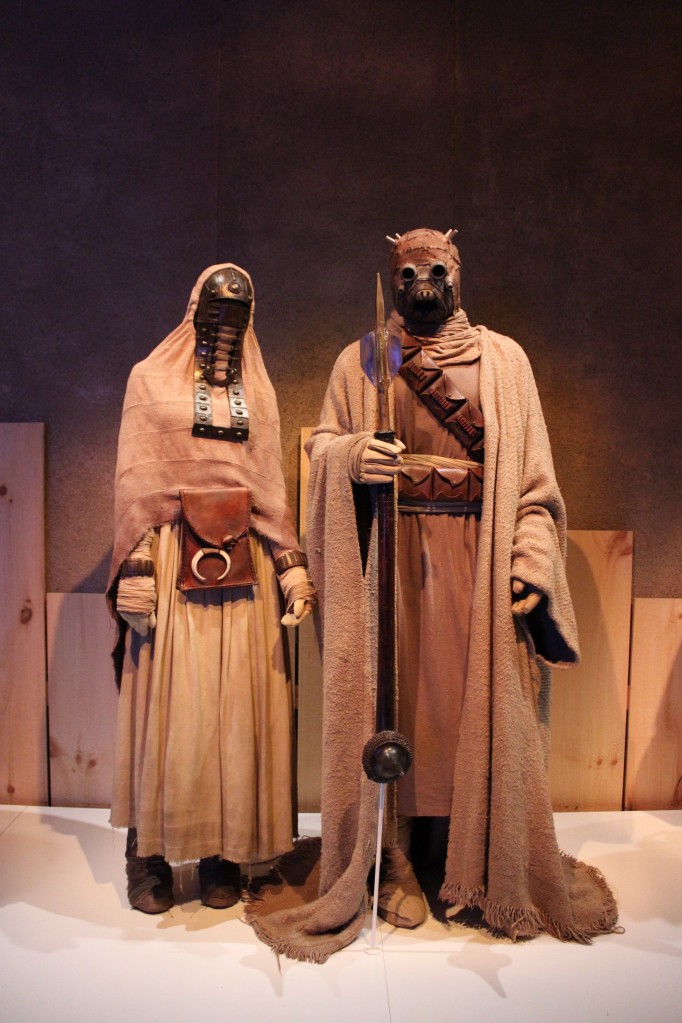
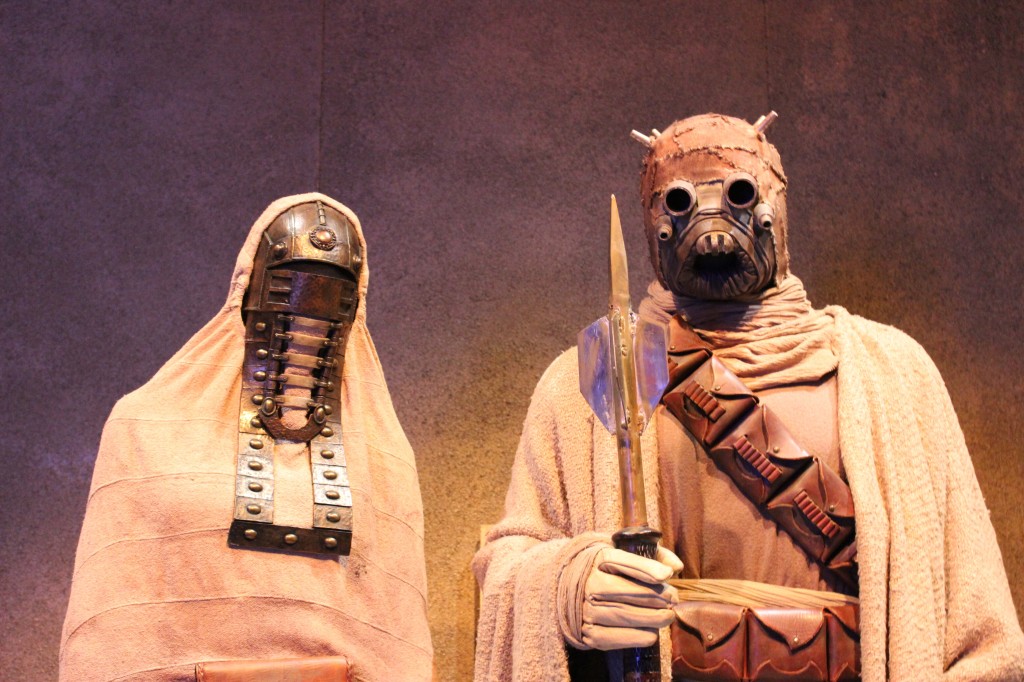
    Sandpeople

    The Force Awakens

    Finn, Rey, and Poe Dameron

    Finn, Rey, and Poe
    Finn, Rey, and Poe

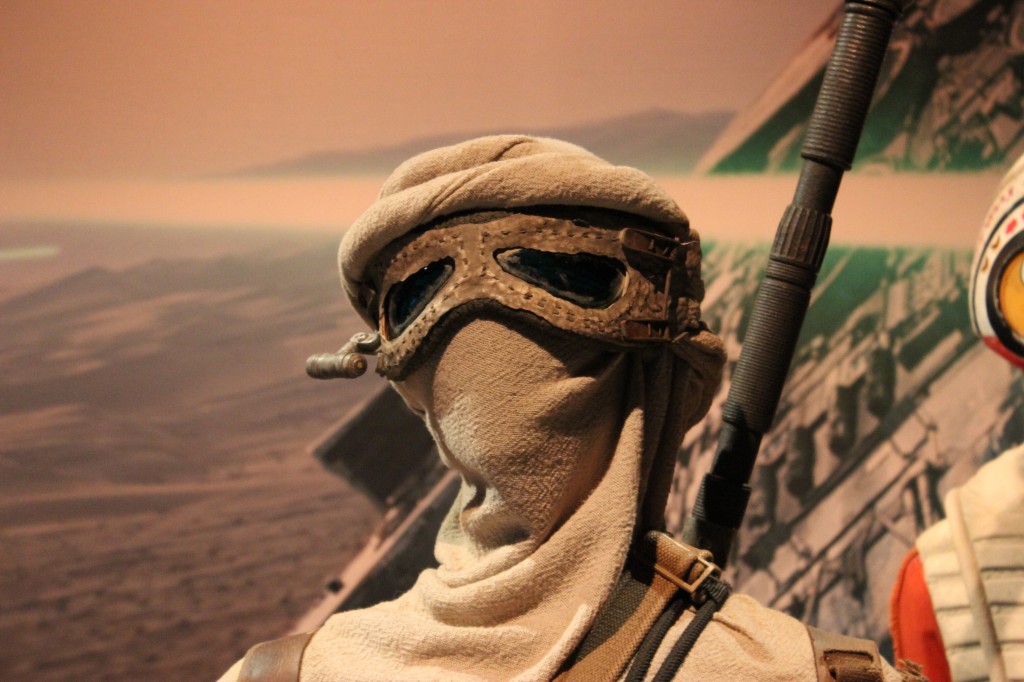
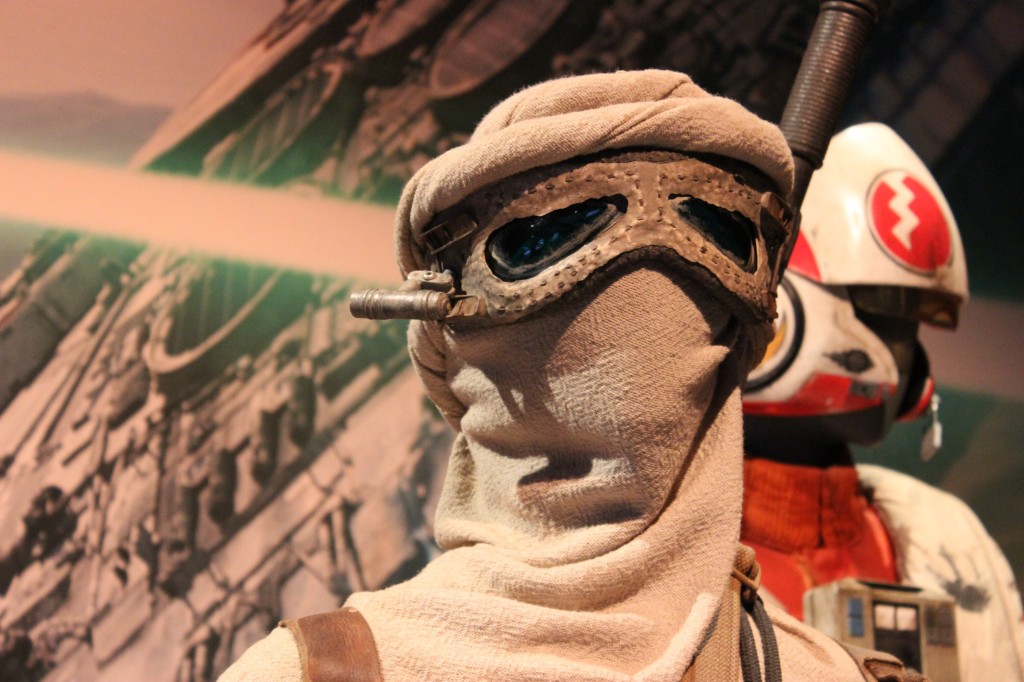
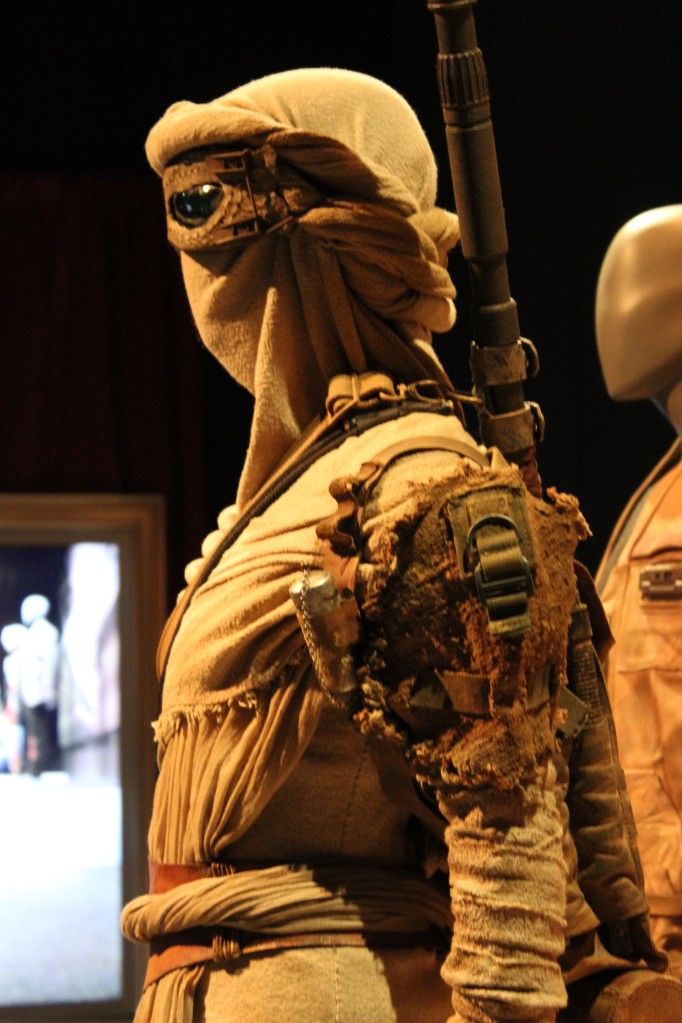
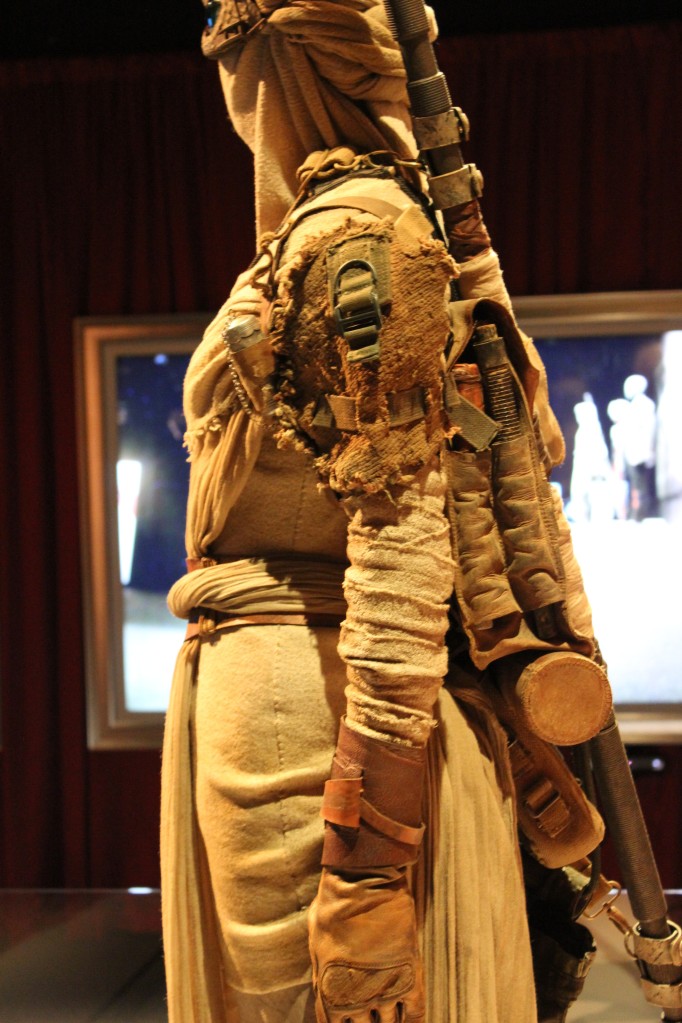
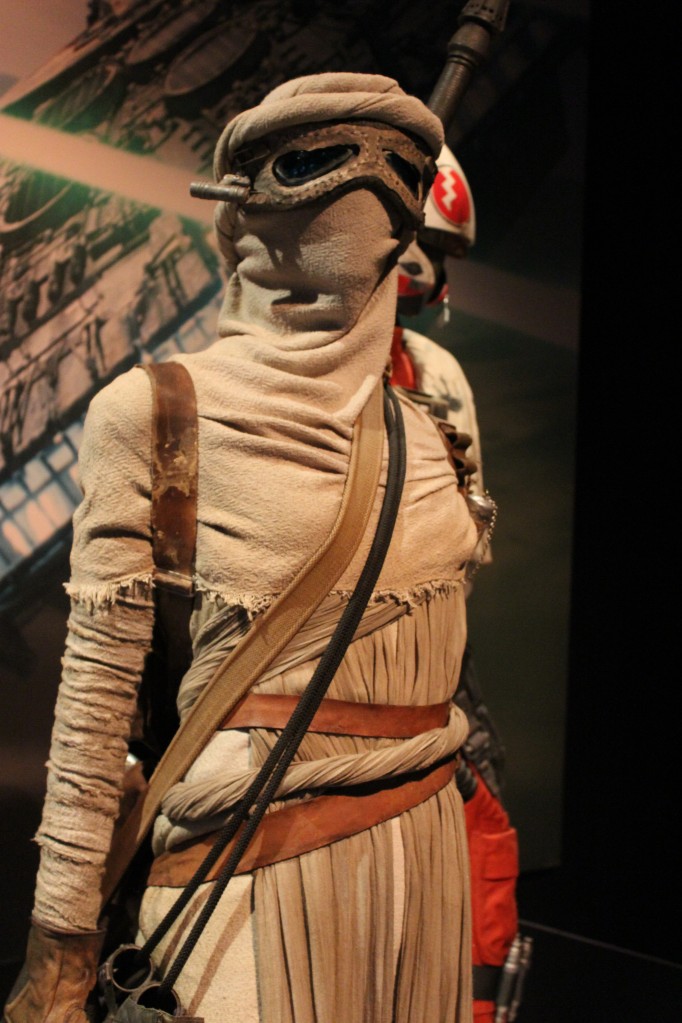
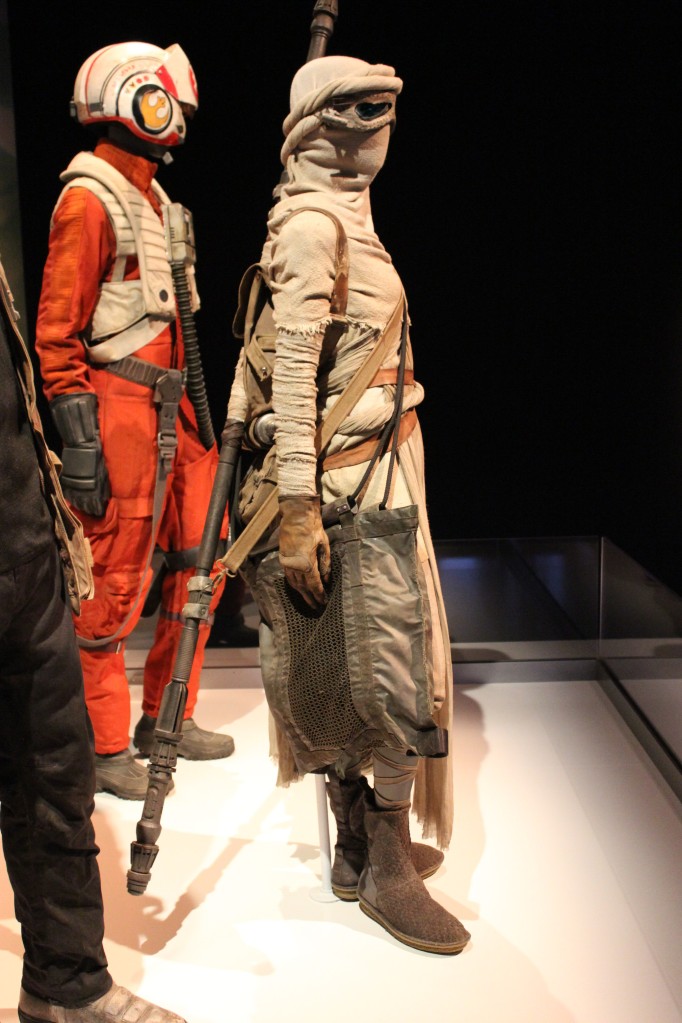
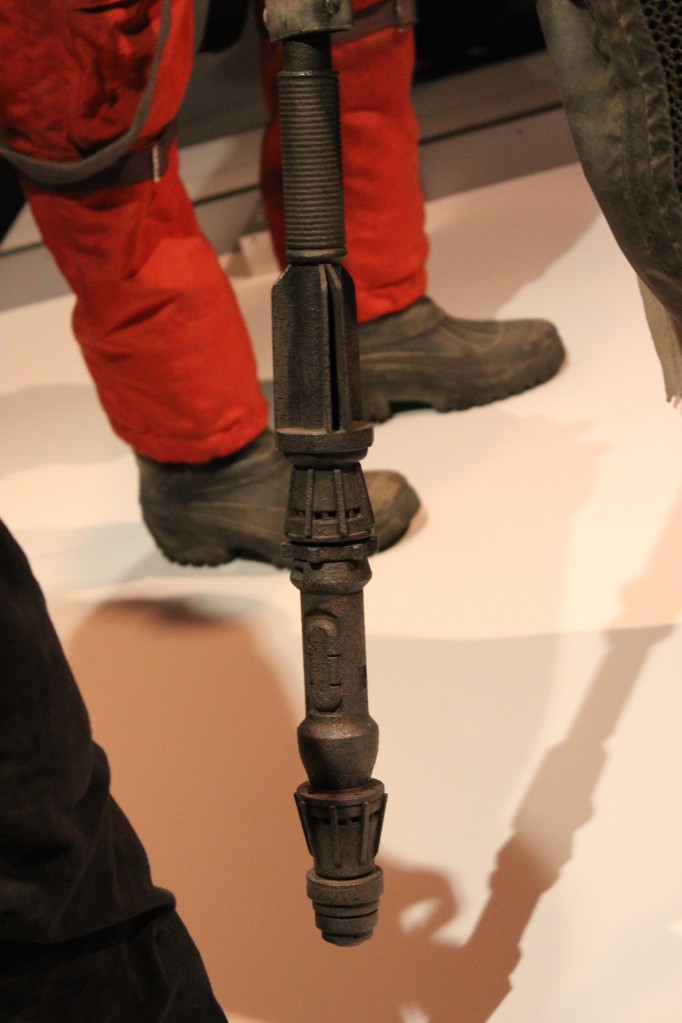
    Rey

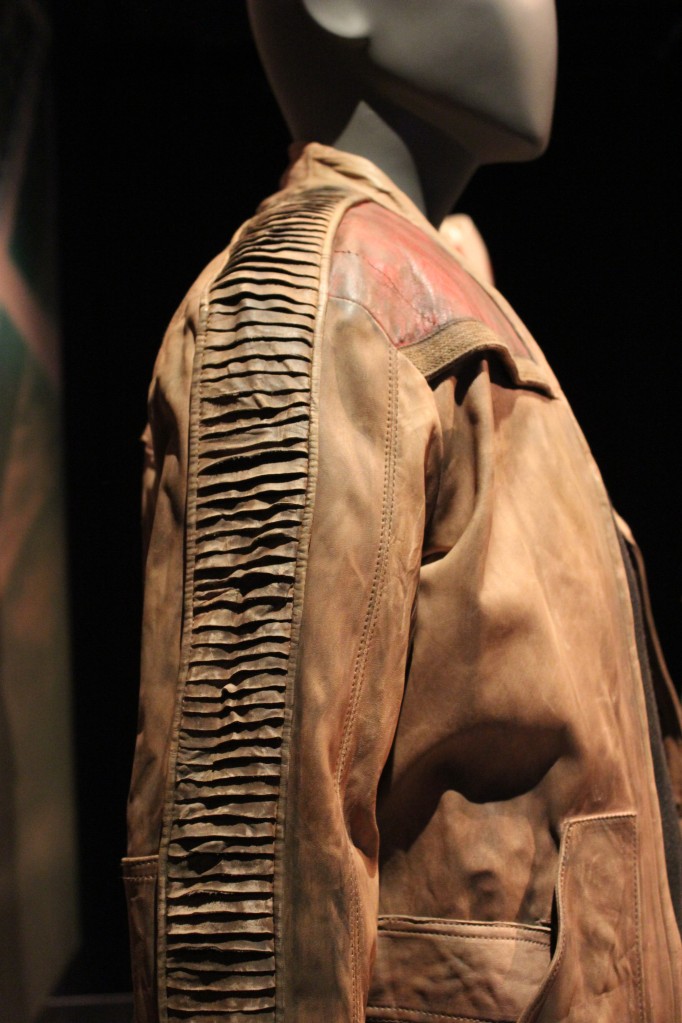
    Finn

    Poe

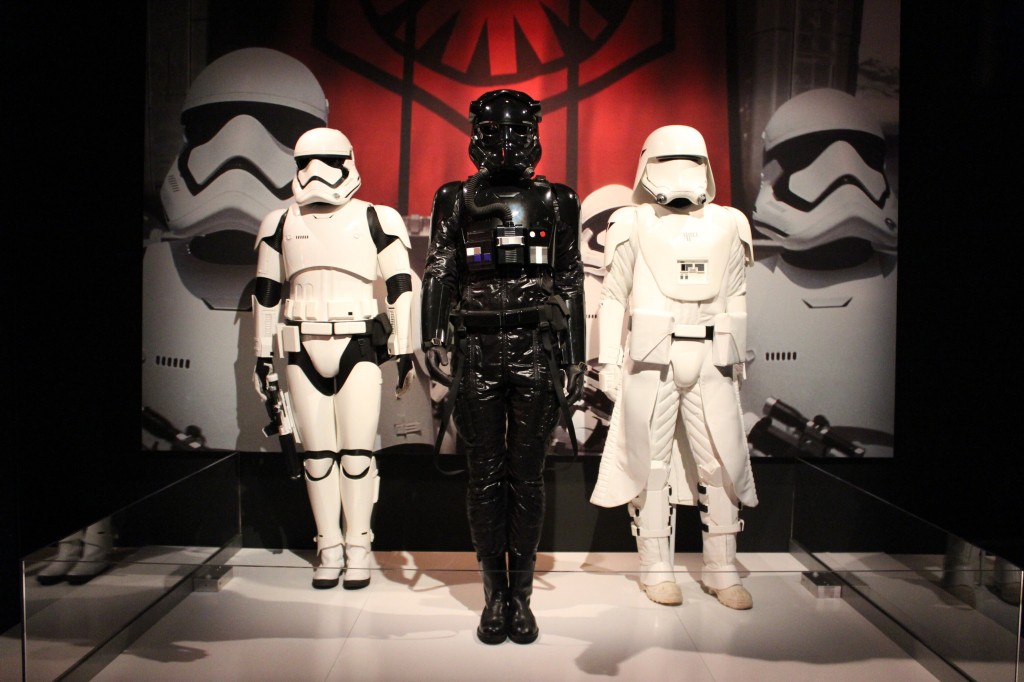
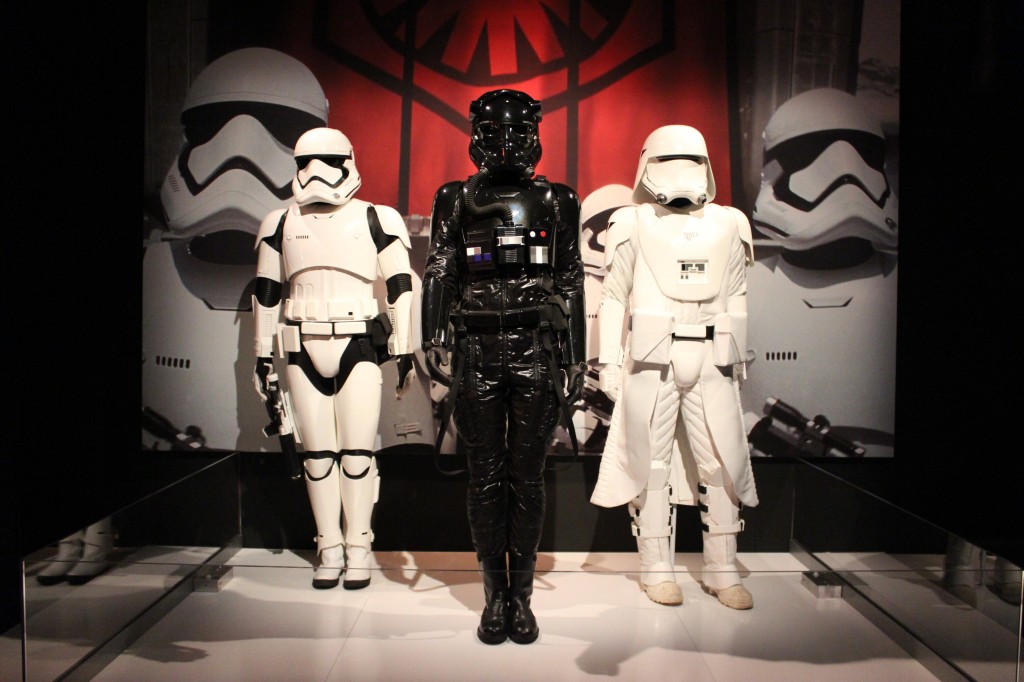
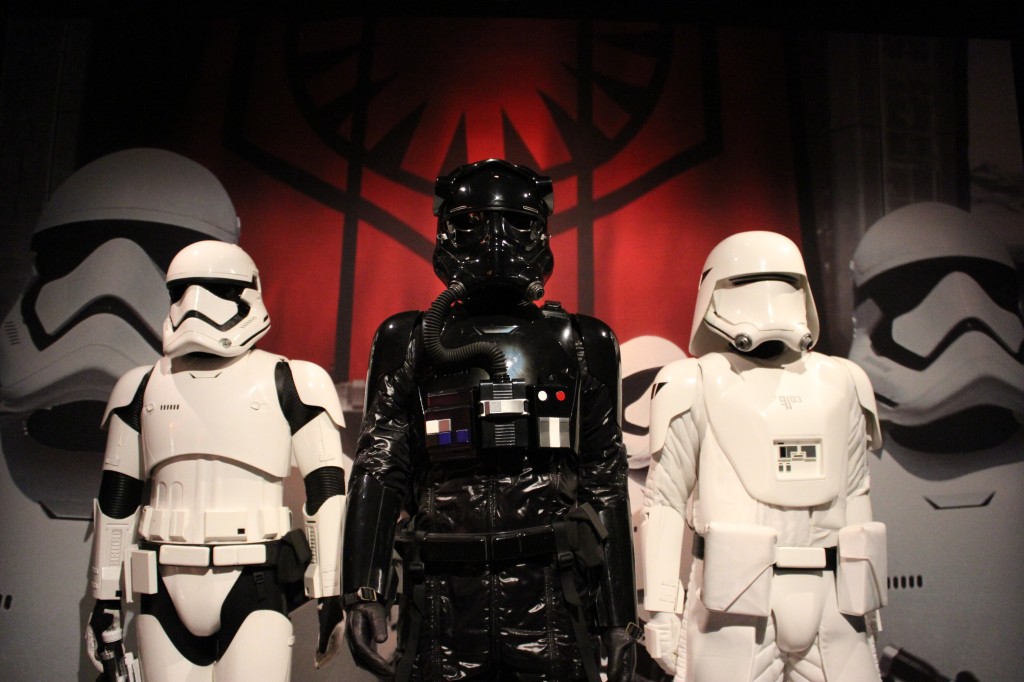
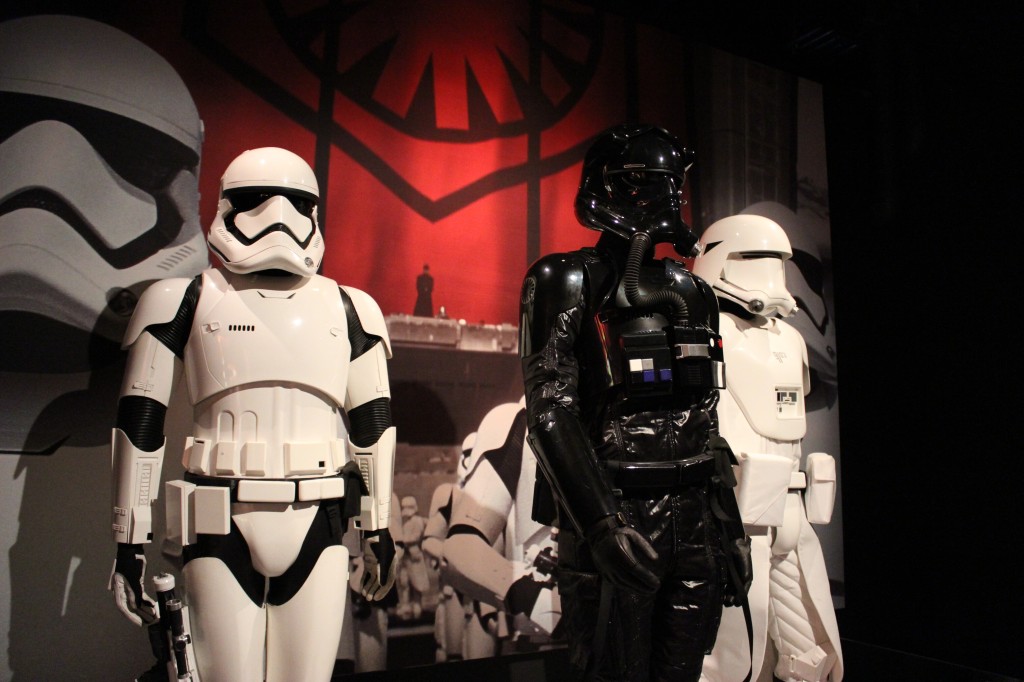
    First Order

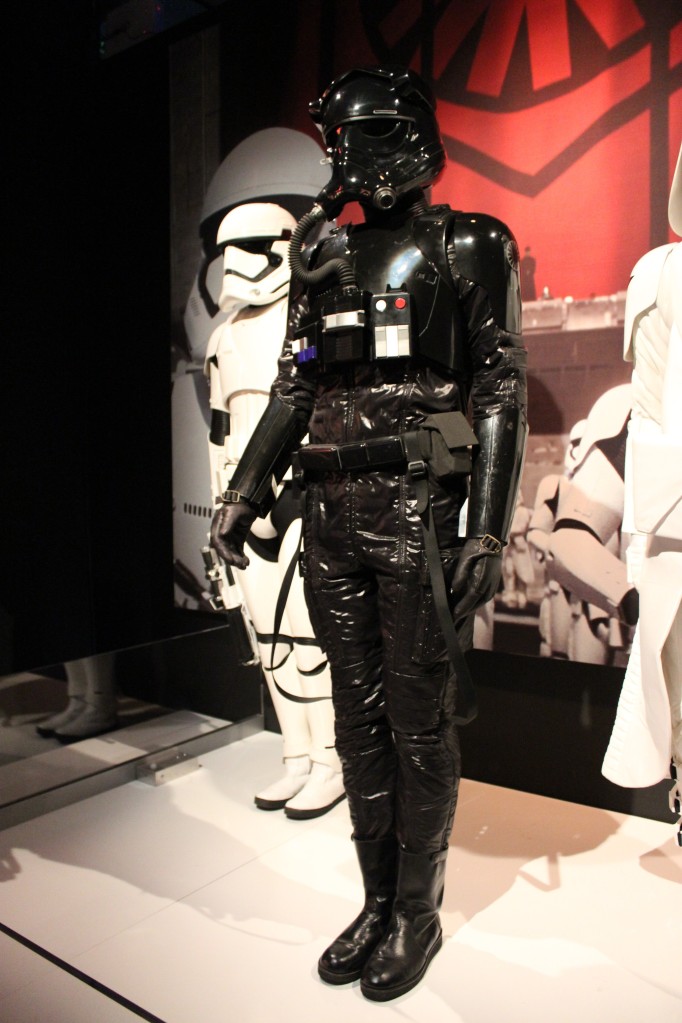
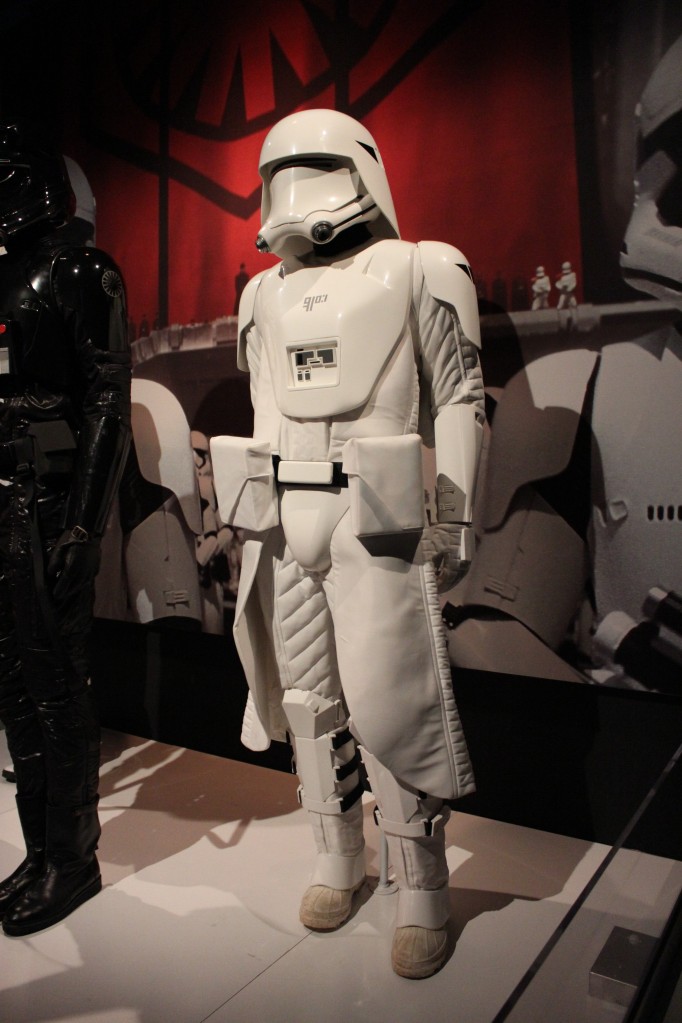
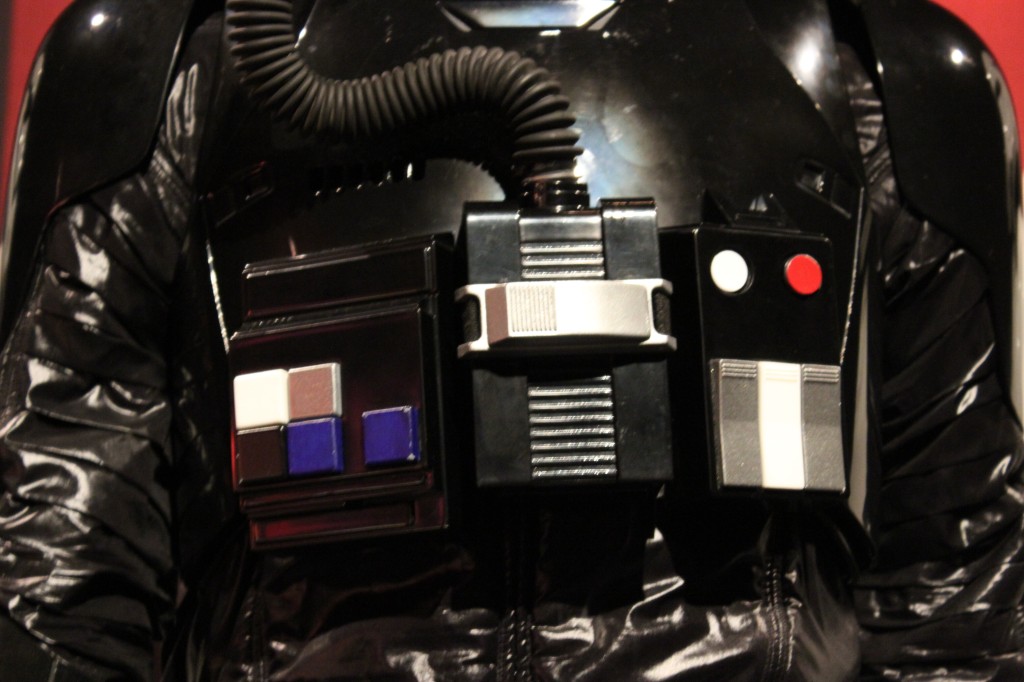
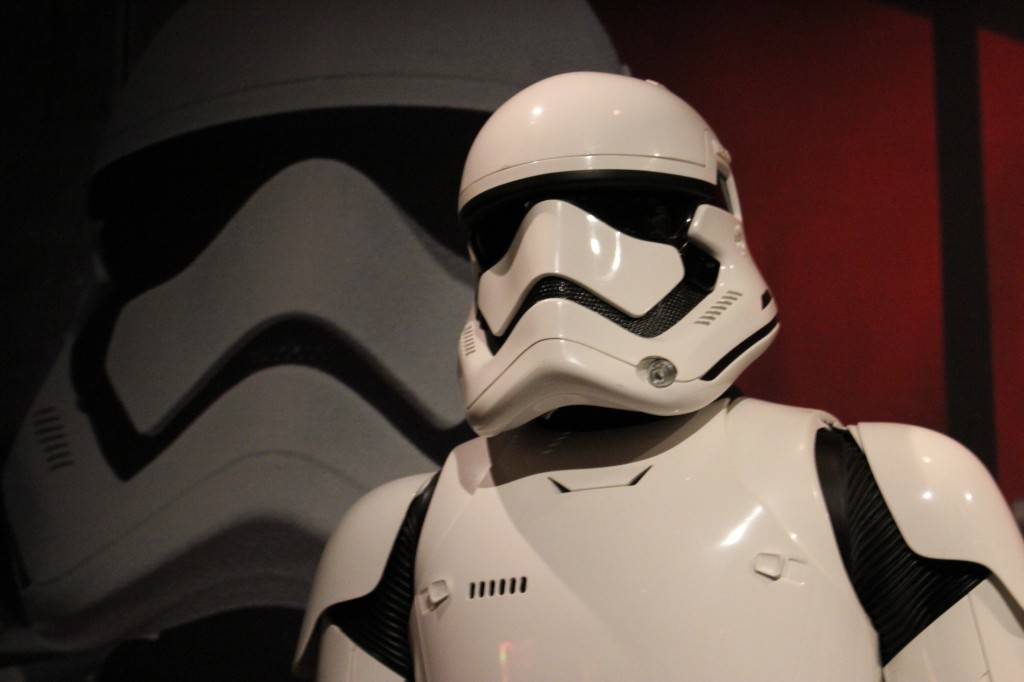
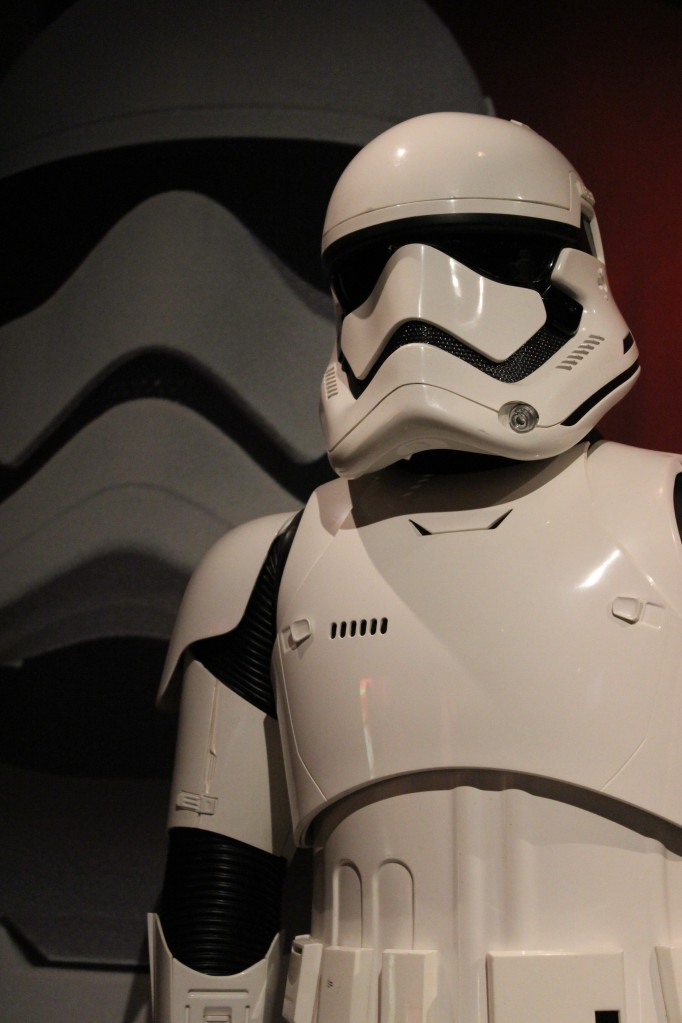
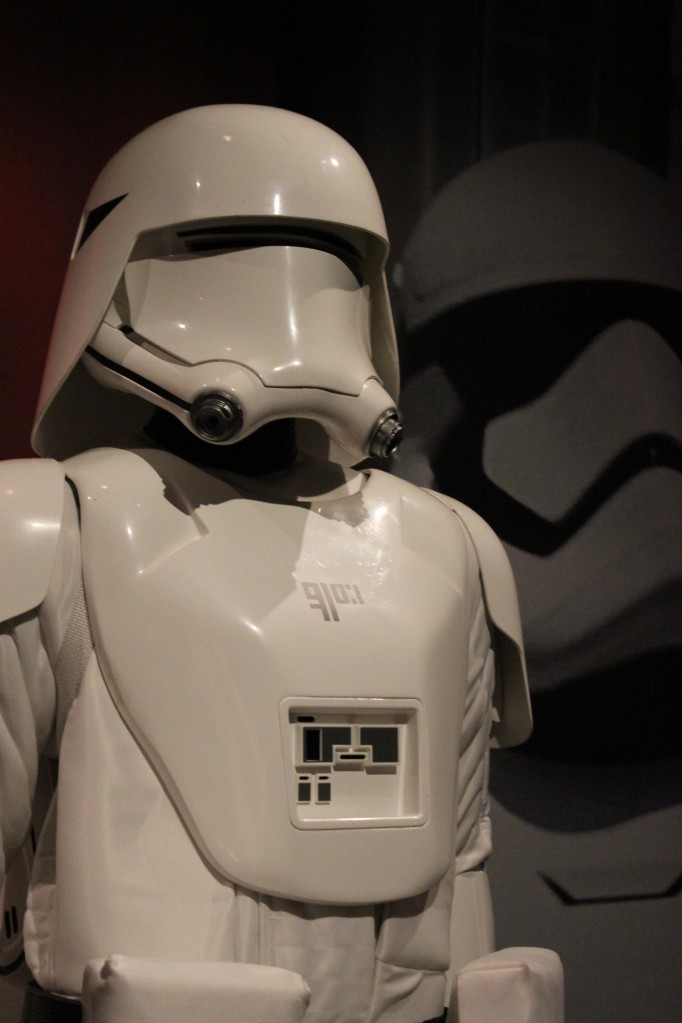
    First Order Stormtrooper, TIE Pilot, and Snowtrooper

    Weapons and Equipment

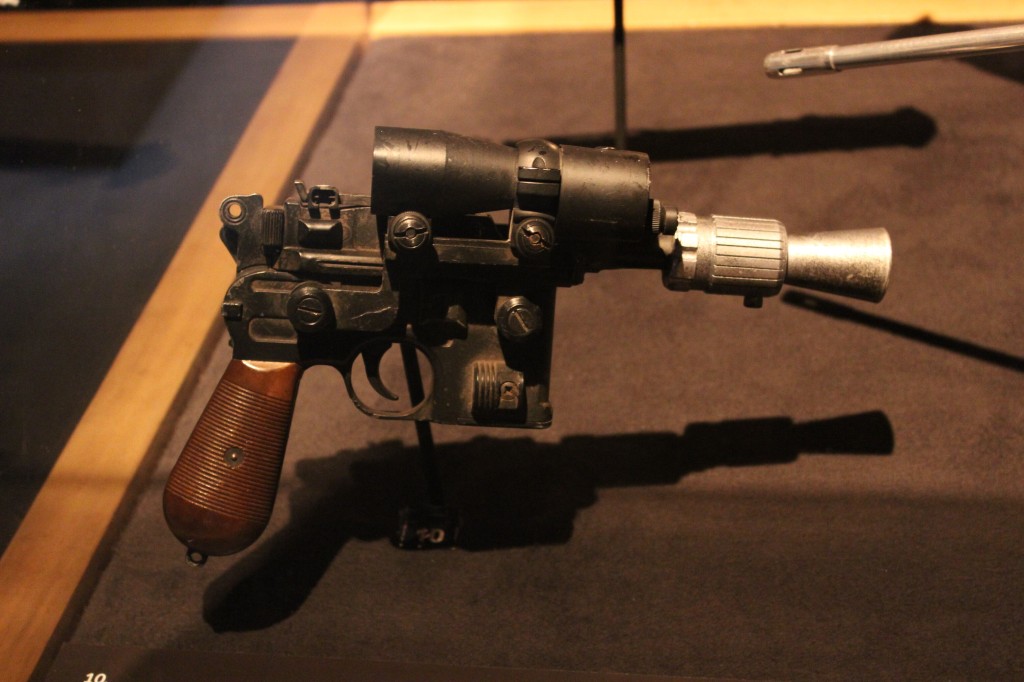
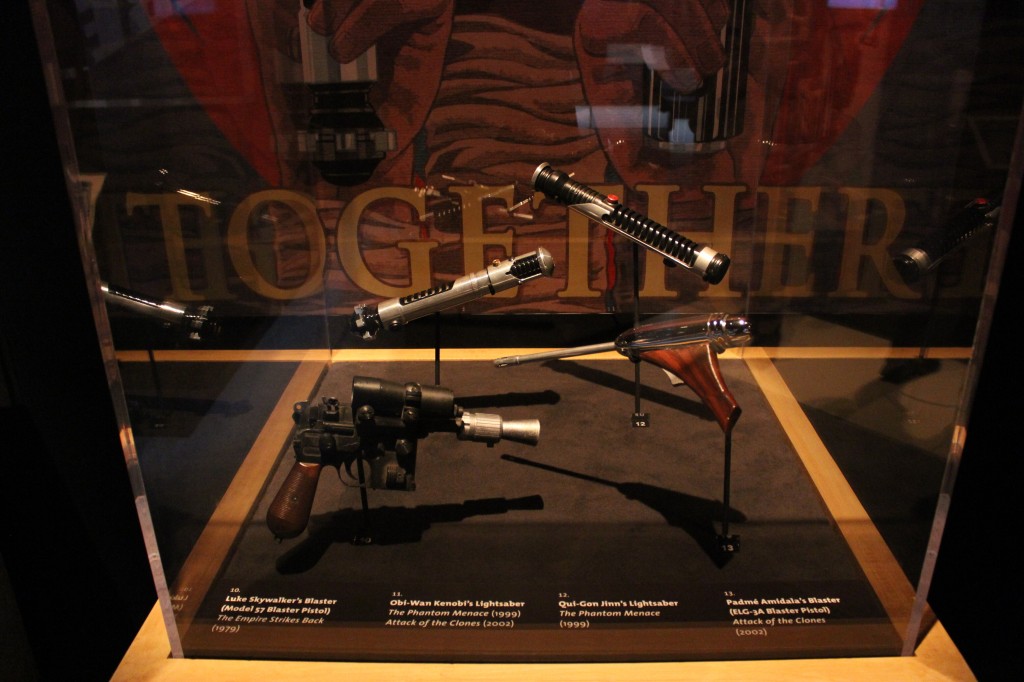
    Luke Skywalker’s Blaster

    Luke Skywalker's blaster

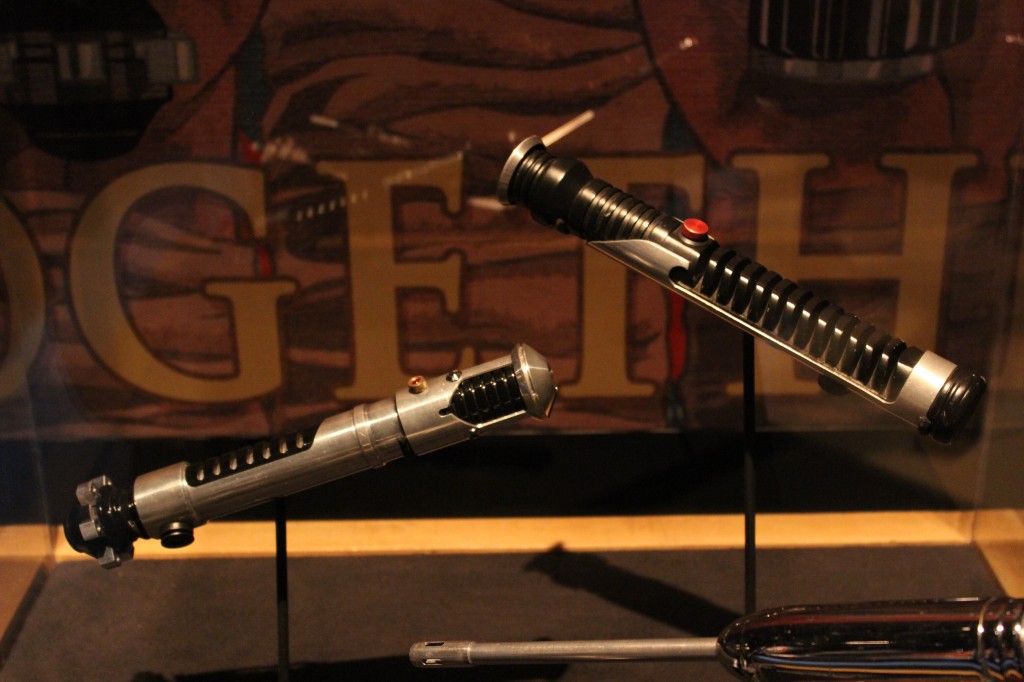
    Obi-Wan Kenobi and Qui-Gon Jinn’s Lightsabers

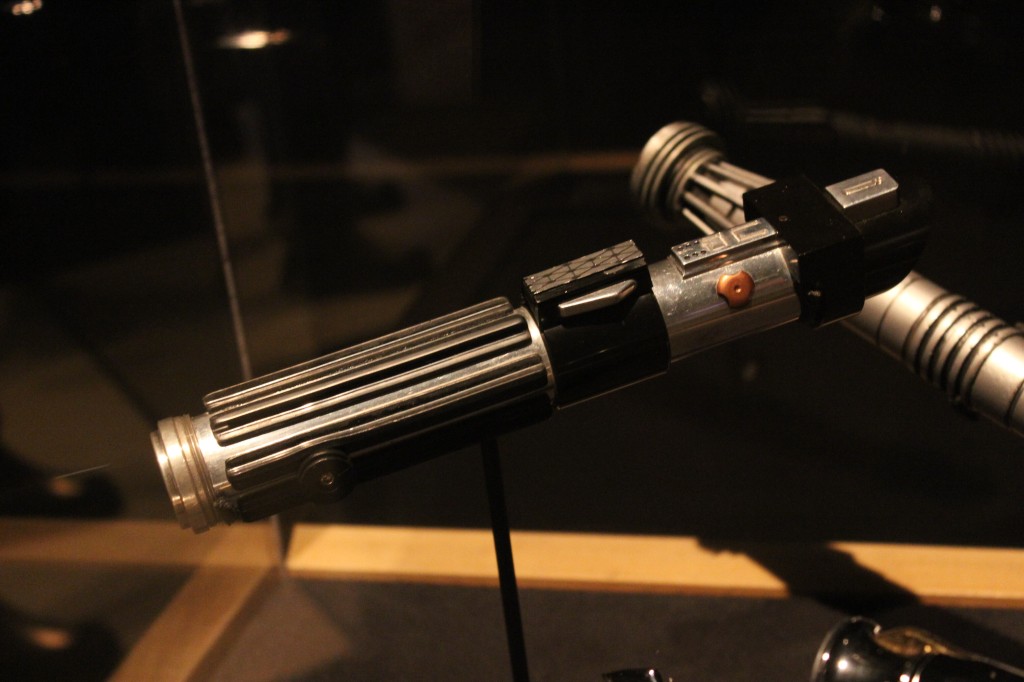
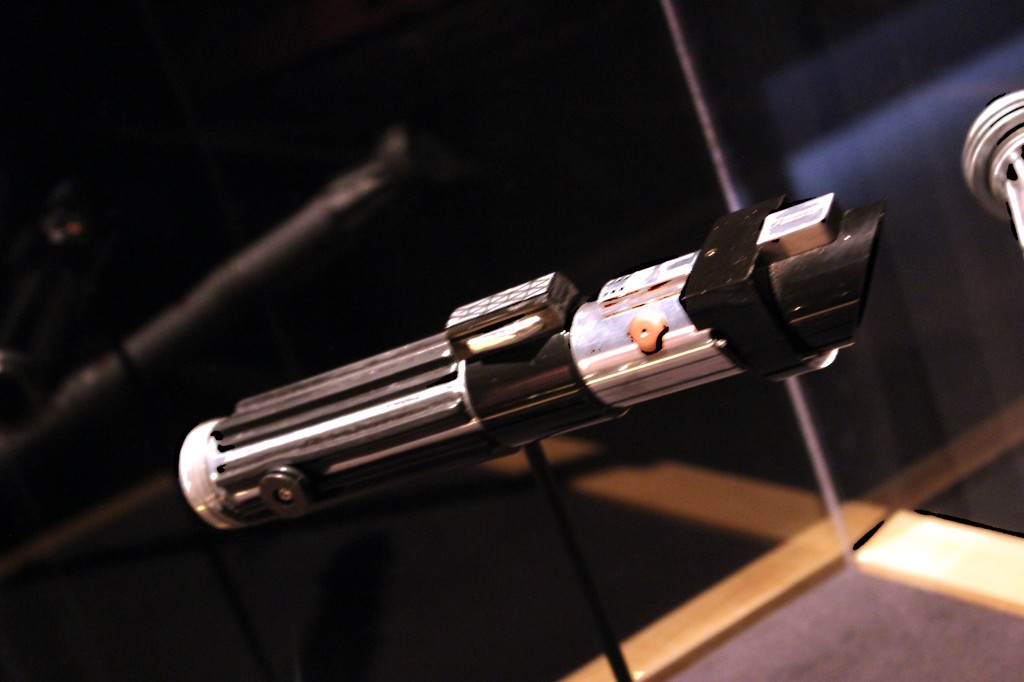
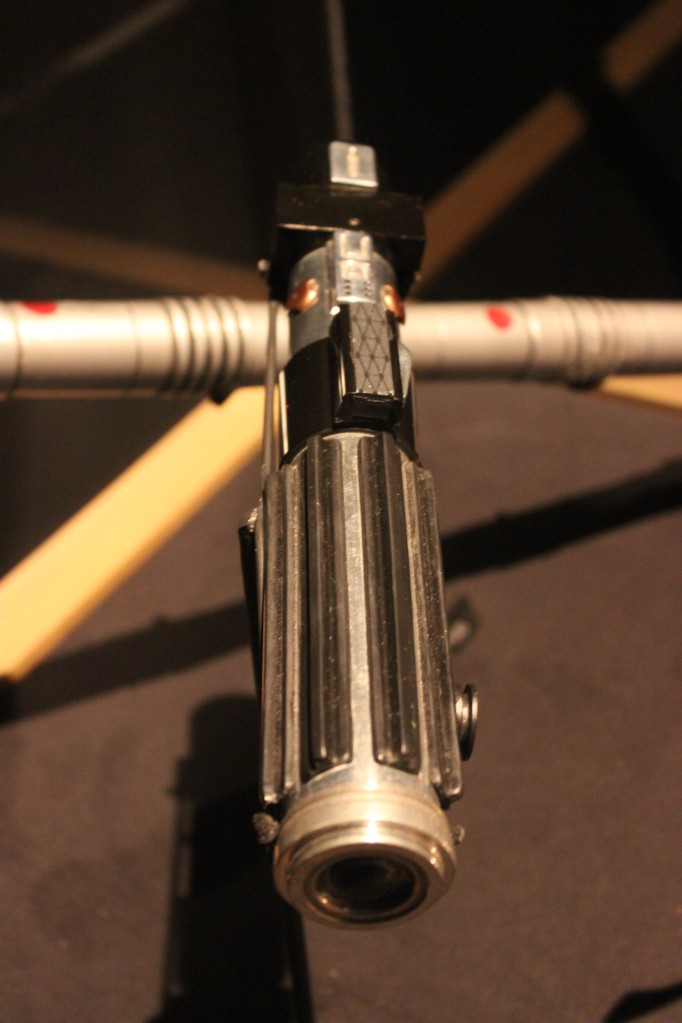
    Darth Vader’s Lightsaber

    Darth Vader's Lightsaber

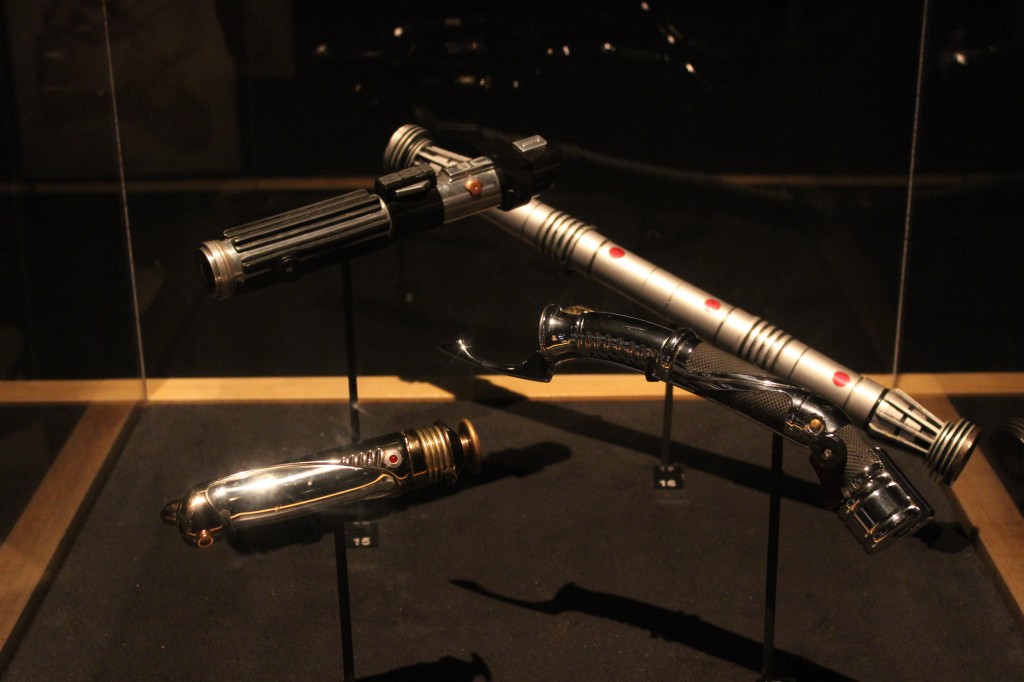
    Sith Lightsabers

    Darth Vader's, Darth Maul's, Count Dooku's, and Emperor Palpatine's Lightsabers

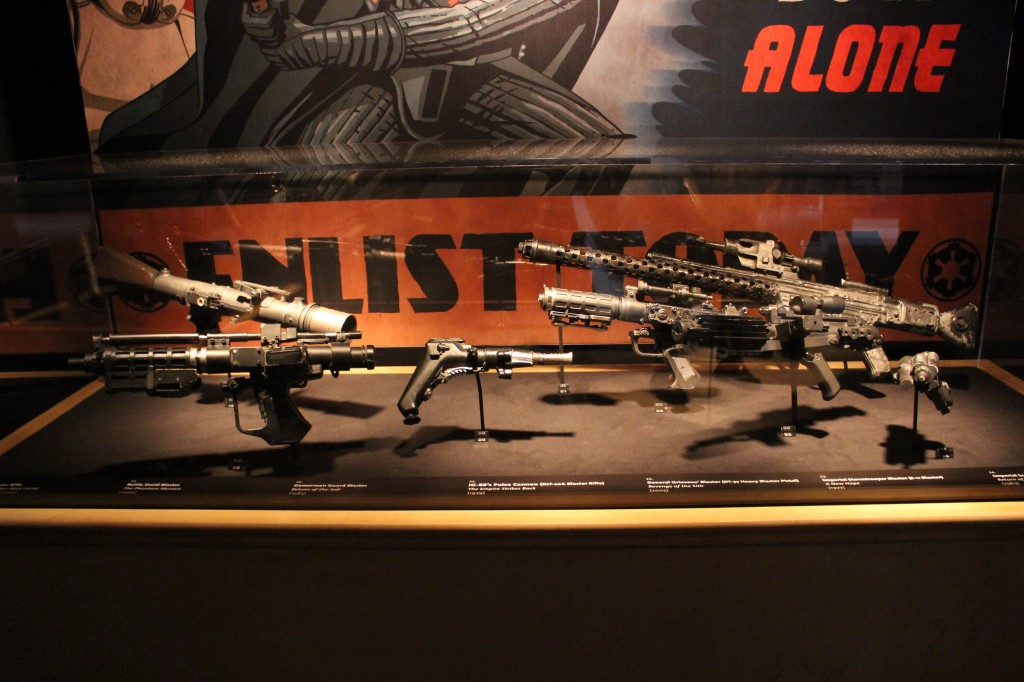
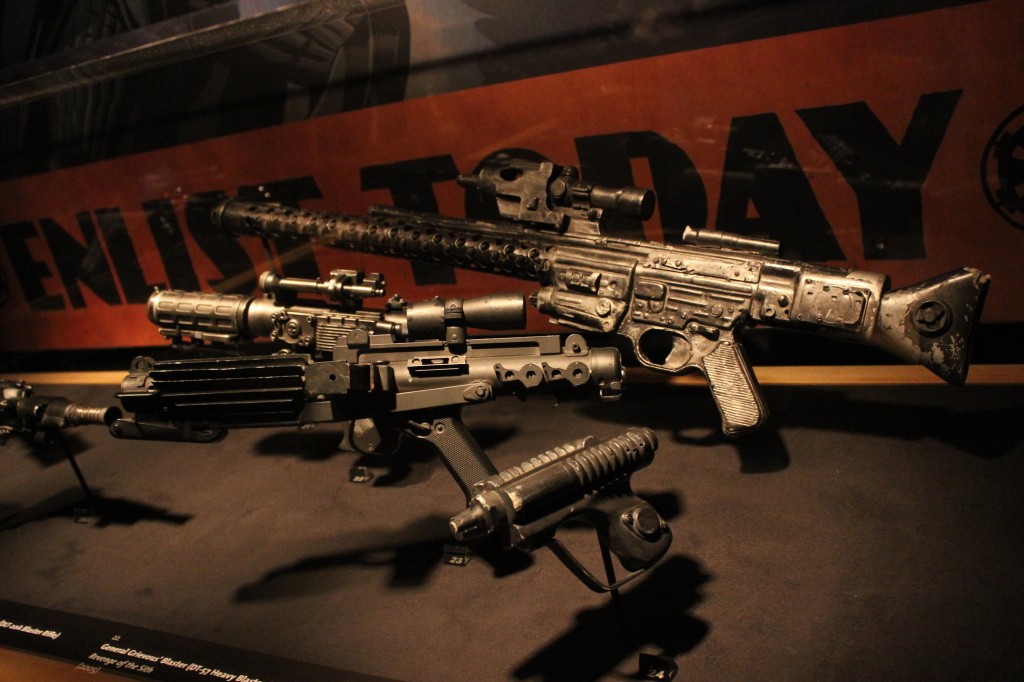
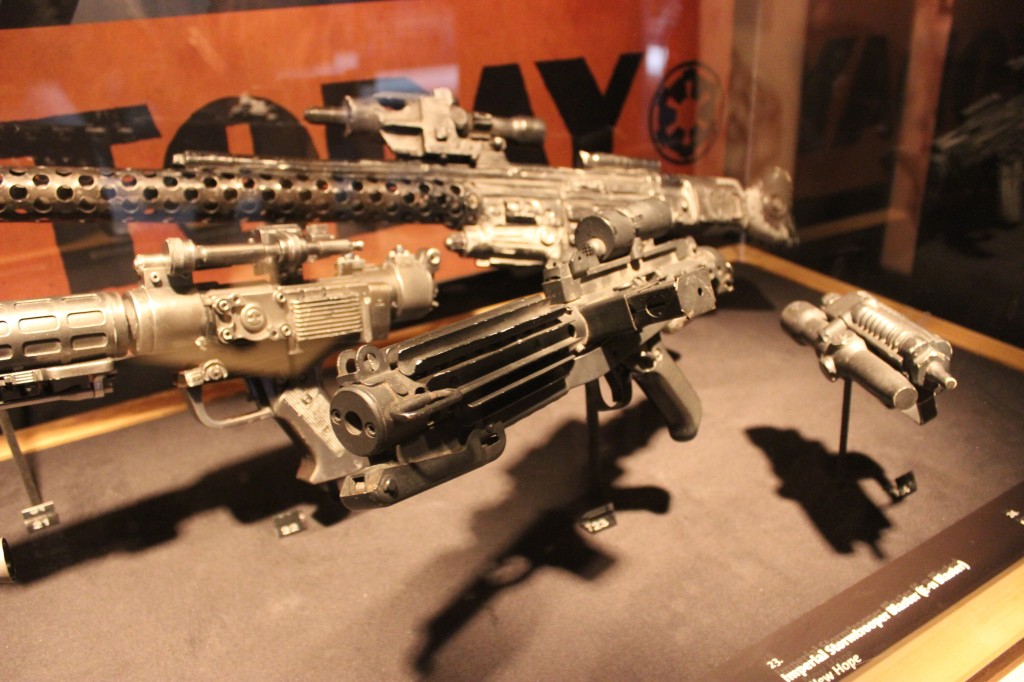
    Villain Blasters and Rifles

    Star Wars blasters and rifles used by the droid army, bounty hunters, and Imperial soldiers

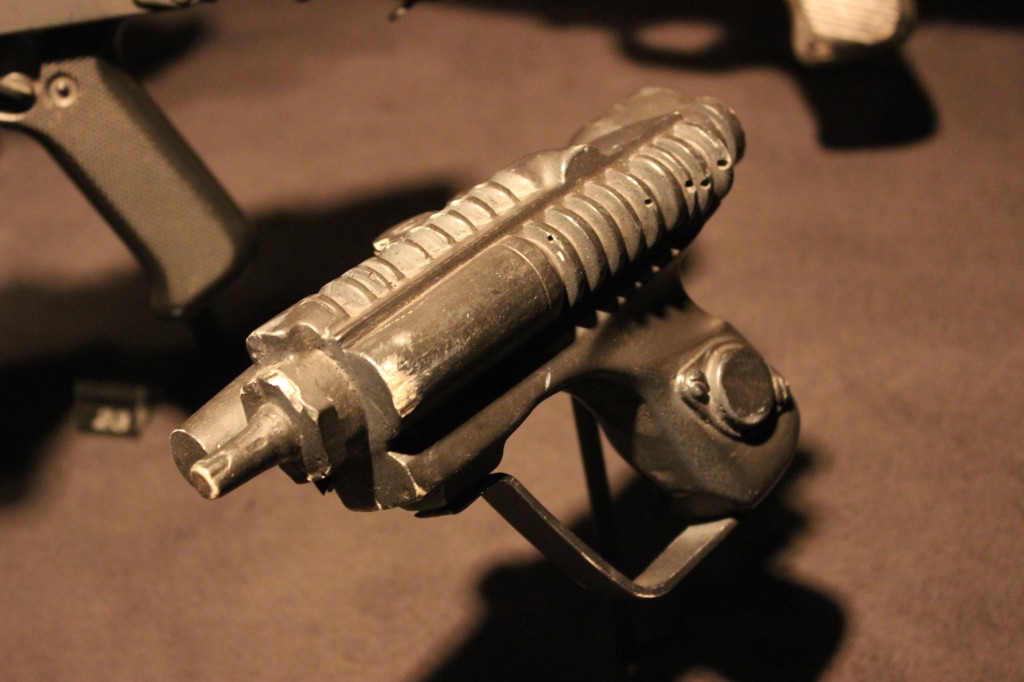
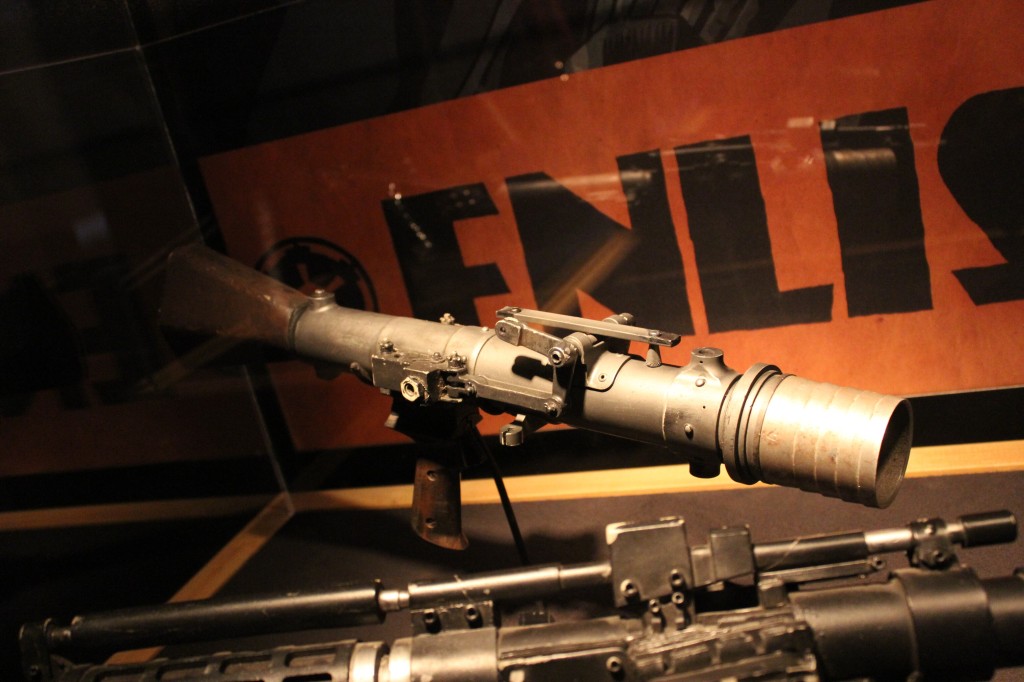
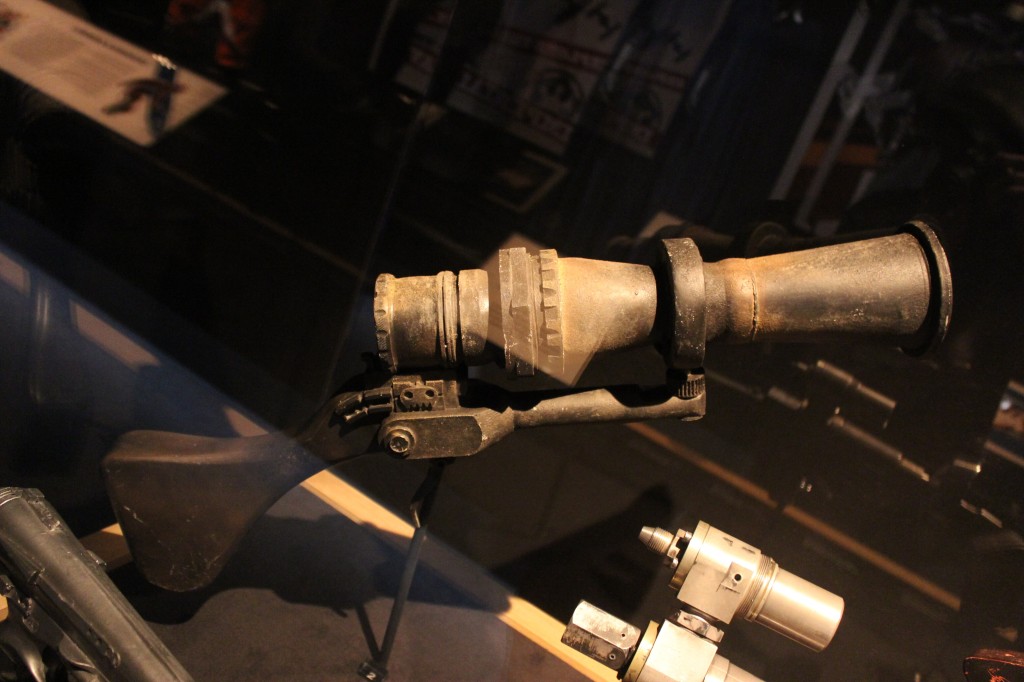
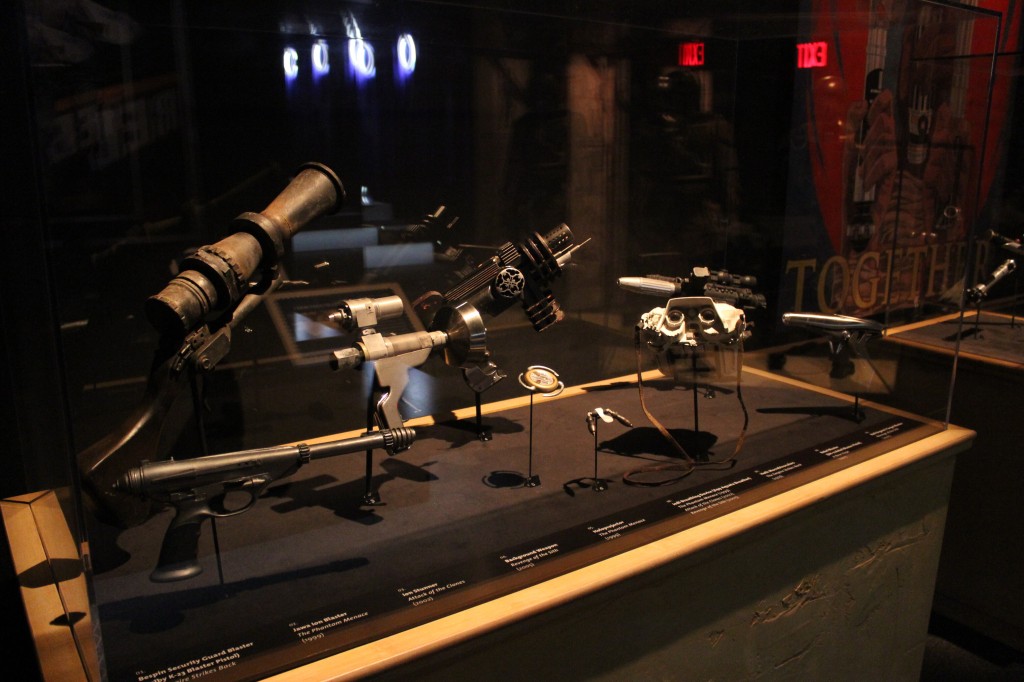
    Other Blasters and Equipment

    Signage