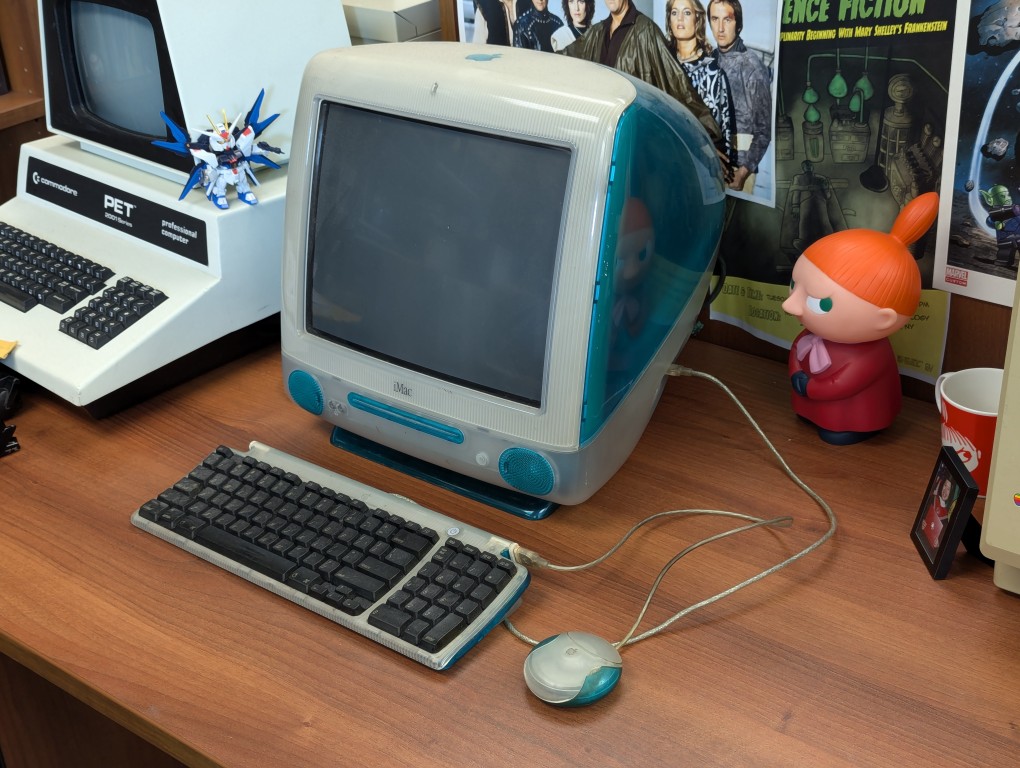
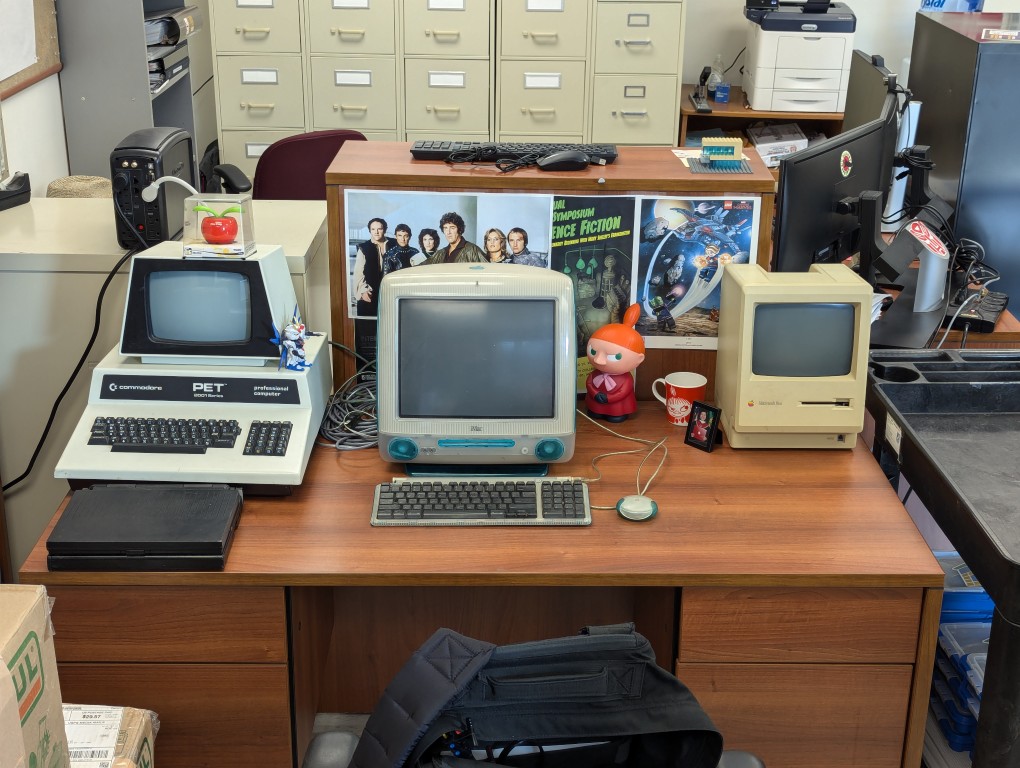
Last year, Pat Ruddin, a kind and tenacious colleague, passed away. Also a Macintosh aficionado, she kept this original Bondi Blue iMac in her office on a filing cabinet. When I came back from my sabbatical, it had made its way to my desk where I maintain the Retrocomputing at City Tech collection of vintage computers. It’s a prestigious addition to the collection, and a marvelous remembrance of Pat.
My first on-site job at NetlinkIP on St. Simons Island, Georgia was to go to a big, fancy house and setup their original iMac. Soon thereafter, my friend Chris Lee got an iMac, too. I think that I still had my Power Macintosh 8500 at that time. When I got a job at Mindspring in Atlanta, I upgraded to a Blue and White G3, which I later traded to Chris for a Dual G4 (this was a surprising and gracious offer that rekindled our friendship after drifting apart).
Pat’s iMac doesn’t boot up now, but I think it will make a great project for rejuvenation.
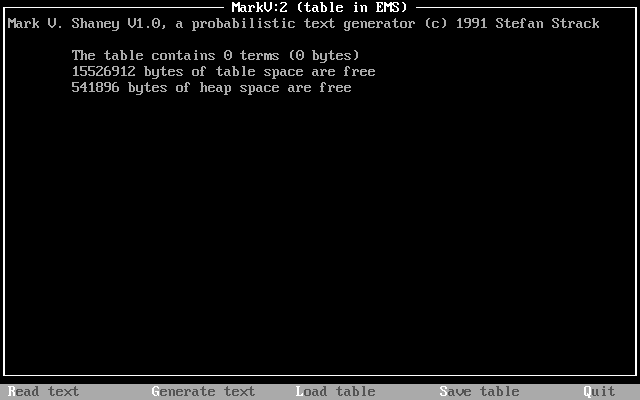
MARKV.EXE (44,365 bytes) was developed in 1991 by Stefan Strack, who is now a Professor of Neuroscience and Pharmacology at the University of Iowa. In the MARKV.DOC (10,166 bytes) file that accompanied the executable, Strack writes, “Mark V. Shaney featured in the “Computer Recreations” column by A.K.Dewdney in Scientific American. The original program (for a main-frame, I believe) was written by Bruce Ellis based on an idea by Don P. Mitchell. Dewdney tells the amusing story of a riot on net.singles when Mark V. Shaney’s ramblings were unleashed” (par. 2). Dewdney’s article on the MARKV.EXE program appears in the June 1989 issue of Scientific American. The article that Strack mentions is available in the Internet Archive here. A followup with reader responses, including a reader’s experiment with rewriting Dewdney’s June 1989 article with MARKV.EXE, is in the January 1990 issue here.
The program works by the user feeding a text into MARKV.EXE, which is “read.” This generates a hashed table of probabilistic weights for the words in the original text, which can be saved. The program then uses that table and an initial numerical seed value to generate text until it encounters the last word in the input text or the user presses Escape. The larger the text (given memory availability) , the more interesting its output text, because more data allows it to generate better probability weights for word associations (i.e., what word has a higher chance to follow a given word). Full details about how the program works can be found in the highly detailed and well-organized MARKV.DOC file included with the executable.
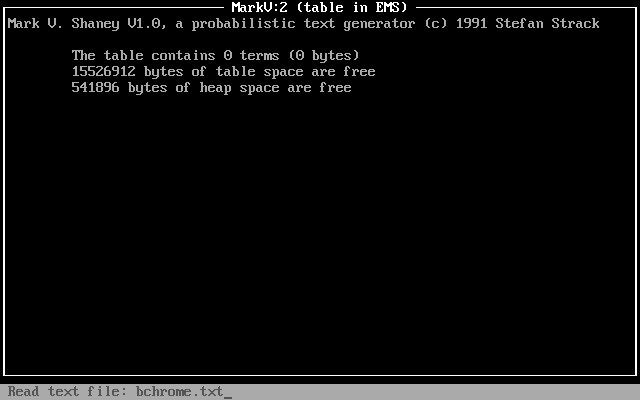
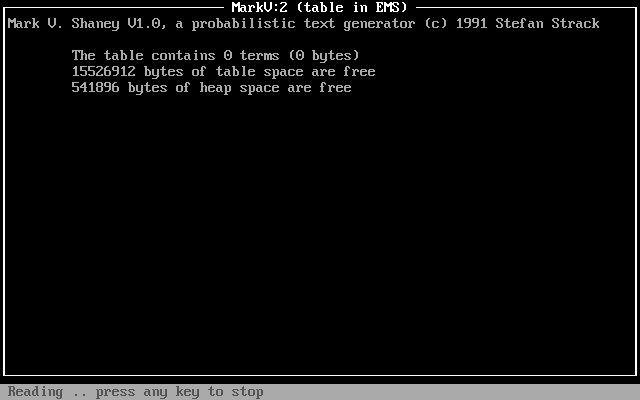
Using DOSBox on Debian 12 Bookworm, I experimented by having MARKV.EXE read William Gibson’s “Burning Chrome” (1982). I pressed “R” for “Read,” entered the name of the text file (bchrome.txt), and pressed enter.
The program reported “reading” for a few minutes (running DOSBox at default settings).
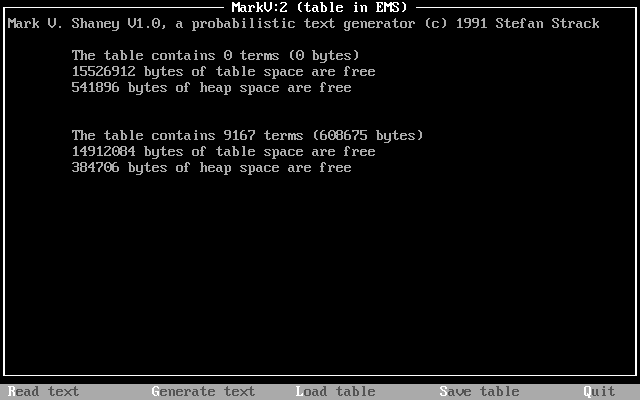
After completing its “reading,” the program reported stats on the table that it created using bchrome.txt: 9167 terms (608,675 bytes).
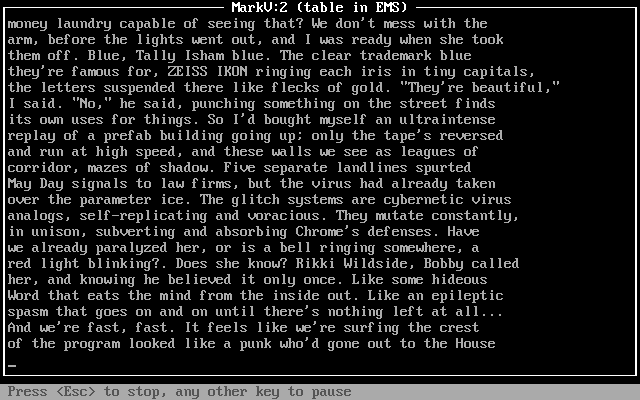
I pressed “G” and the program began to generate text based on its table of probabilities generated from the bchrome.txt text file, which contained the short story, “Burning Chrome.” While the generated text flows across the screen, there are options to press “Esc” to stop or any other key to pause.
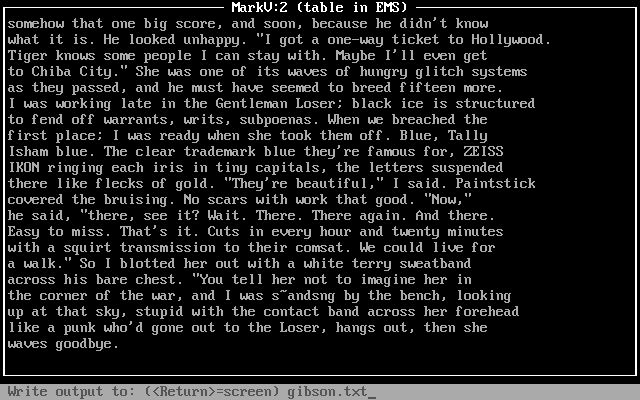
After it completed writing the generated text to the screen, I pressed “S” to save the generated text and it prompted me to type in a file name for the saved generated text: gibson.txt.
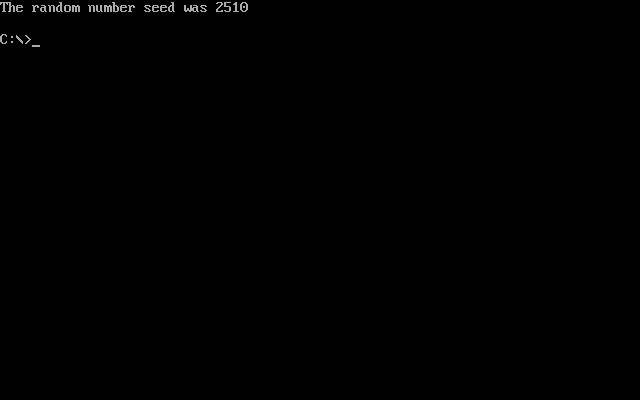
Pressing “S” gives the user an option to save the table for future use. I went with the default name, MARKKOV.MKV (not to be confused with a modern Matroska container file). This file can be loaded in MARKV.EXE on subsequent runs by pressing “L” and entering the name of the table. When the user presses “Q”, the program exits back to DOS and displays a message, “The random number seed was x,” where x is a random number used in the generation of text. If repeatability is important to the user, you’ll want to make a note of that number and use it with the -s modifier when running MARKV.EXE again (e.g., markv.exe -s2510).
Mark V. Shaney’s implementation of a Markov chain that builds a table of next word probability on a small text sample is one example of the predecessors to large language models (LLMs) like LLaMA and ChatGPT. However, Mark V. Shaney’s word association probabilities is far simpler than the much more complicated neural networks of LLMs (especially considering attention) with many orders of magnitude more parameters trained on gargantuan data sets. Nevertheless, Mark V. Shaney is one aspect of the bigger picture of artificial intelligence and machine learning development that led to where we are now.
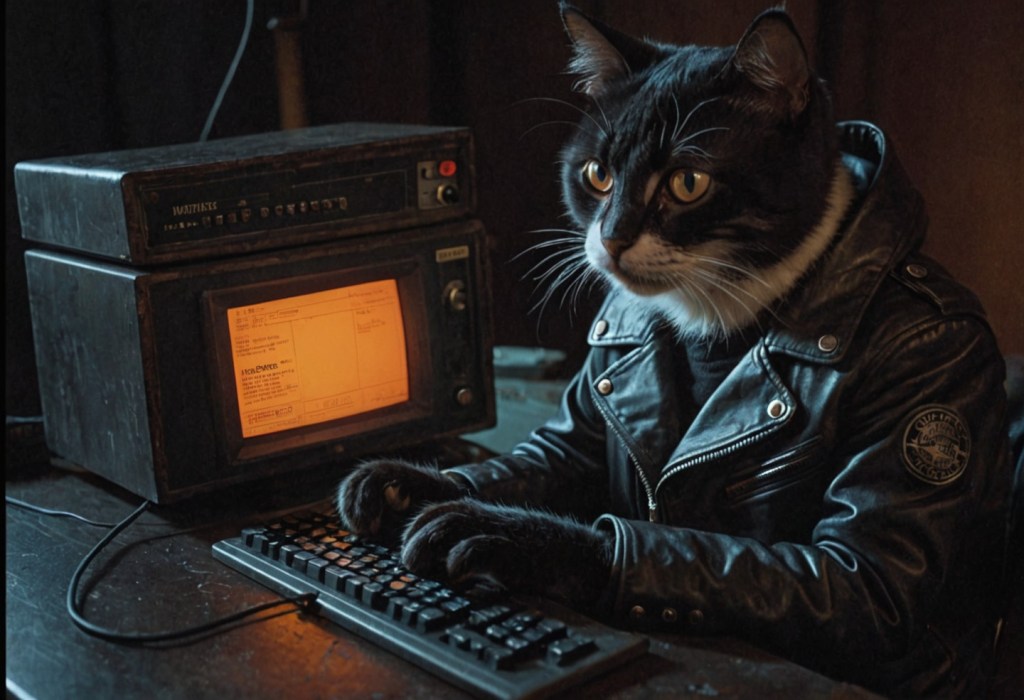
I made this image of an anthropomorphic cat hacker with Stable Diffusion while thinking about the illicit computer hardware in Vernor Vinge’s “True Names” (1981) and award-winning .kkrieger first person shooter that occupies only 96K disk space and procedurally creates its textures, music, and sound effects at runtime–simply put a phenomenal bit of programming. I got wine setup to run .kkrieger on my computer, so I’m thinking a post about it is in the works.
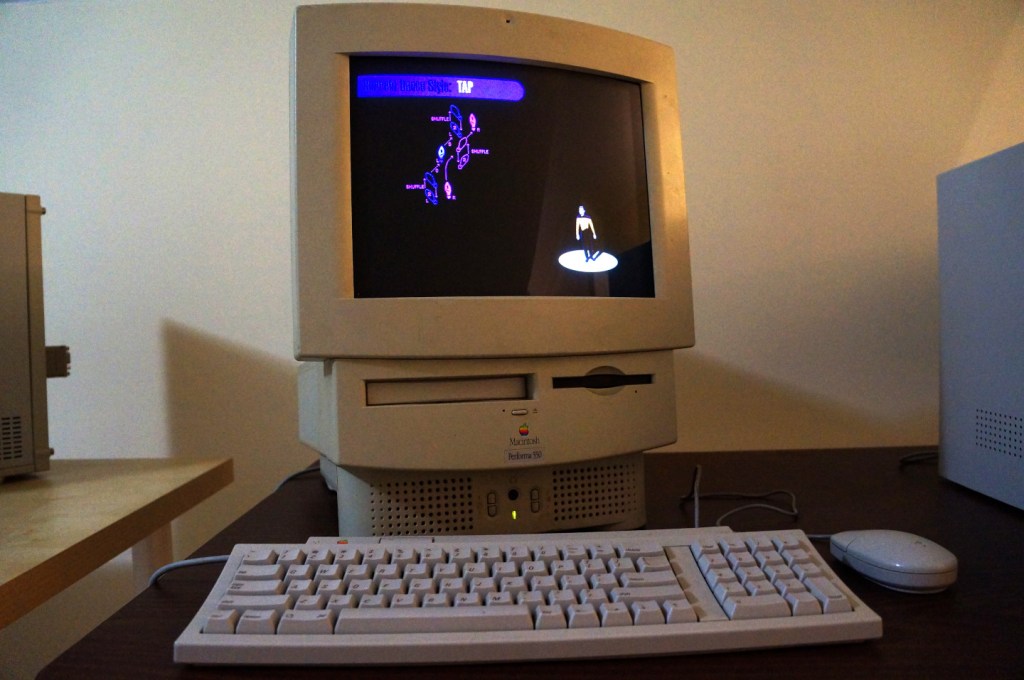
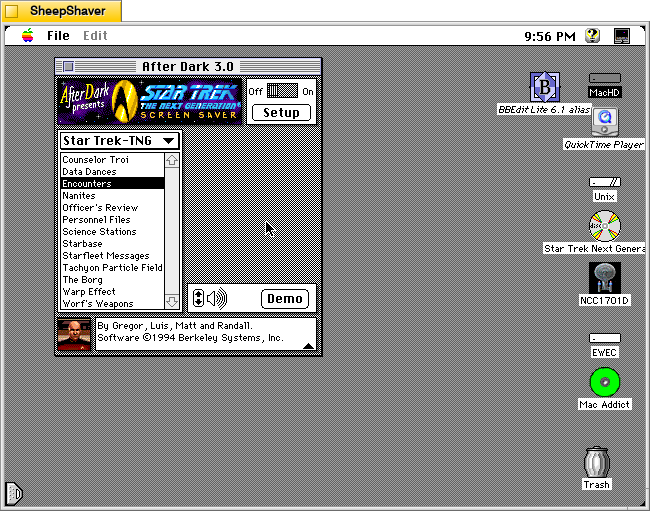
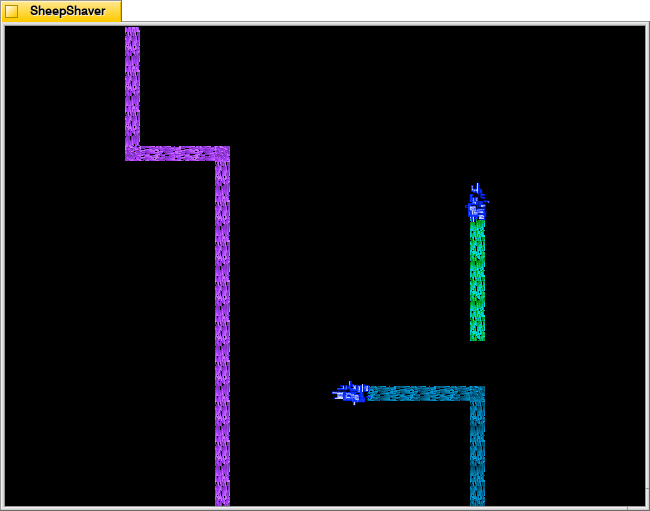
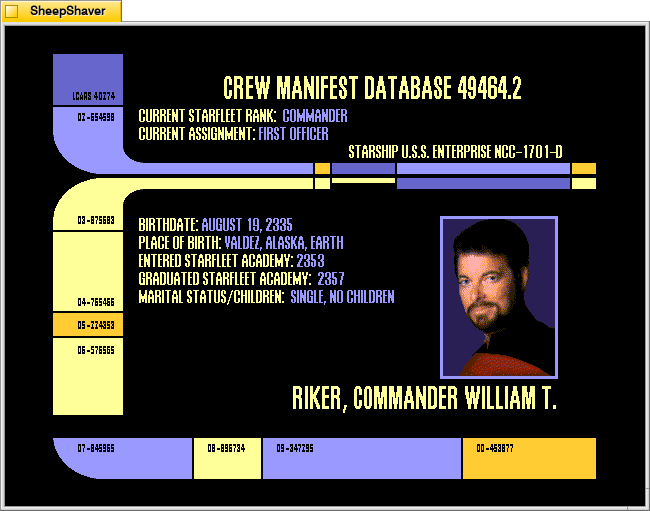
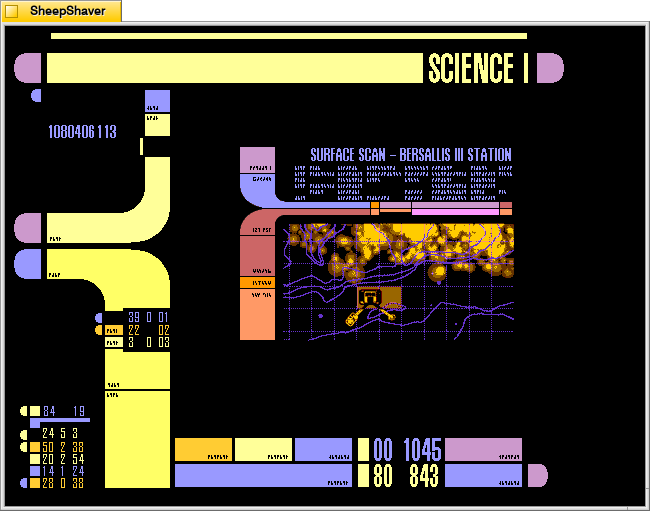
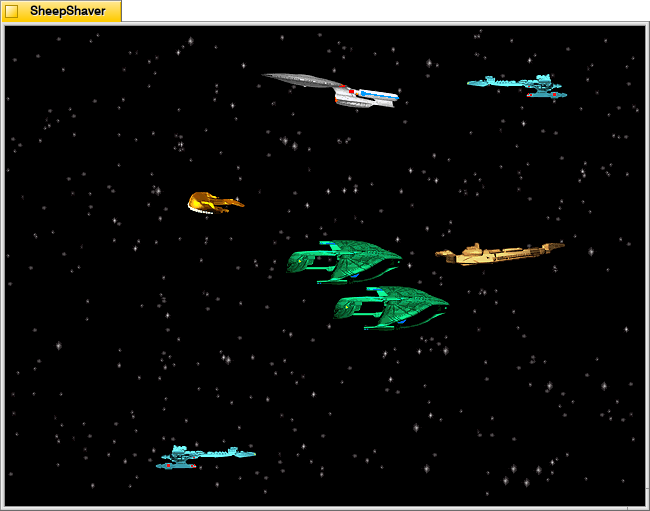
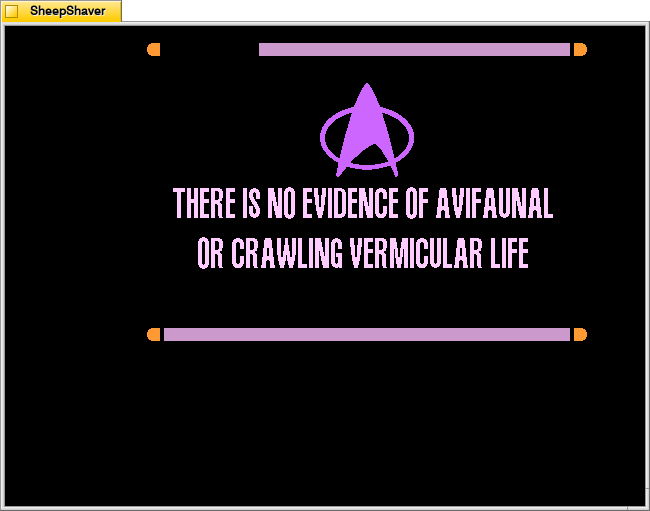
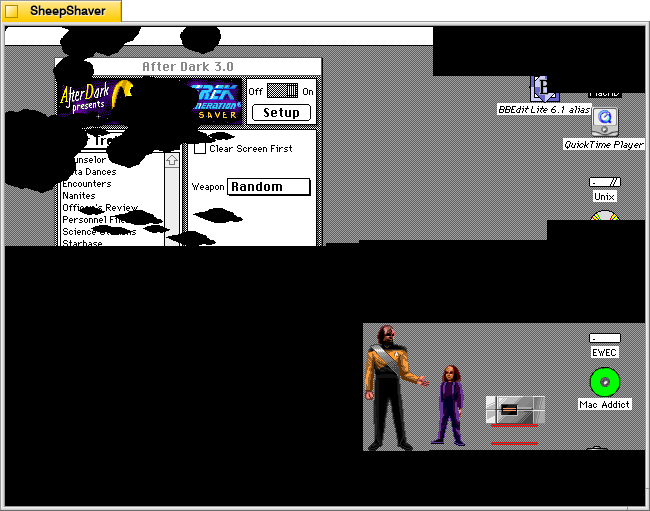
Berkeley System’s After Dark – Star Trek: The Next Generation is one of my favorite pieces of software. It consumes electricity and CPU cycles to create audio and visual experiences that are ostensibly meant to prevent CRT screen burn-in. Put another way, it’s a program meant to solve a bygone era’s technological problem while providing passersby a little bit of entertainment. Above, it is running on the Apple Macintosh Performa 550 that I donated to Georgia Tech and is now housed in the RetroTech Lab at the Georgia Institute of Technology (center-right on landing page). Data’s dancing is protecting the Performa’s built-in 14″ Sony Trinitron monitor. Below are screenshots of the screensaver in action.
Integrated into the After Dark screensaver system, it has 13 modules: Counselor Troi, Data Dances, Encounters, Nanites, Officer’s Review, Personnel Files, Science Stations, Starbase, Starfleet Messages, Tachyon Particle Field, The Borg, Warp Effect, and Worf’s Weapons.
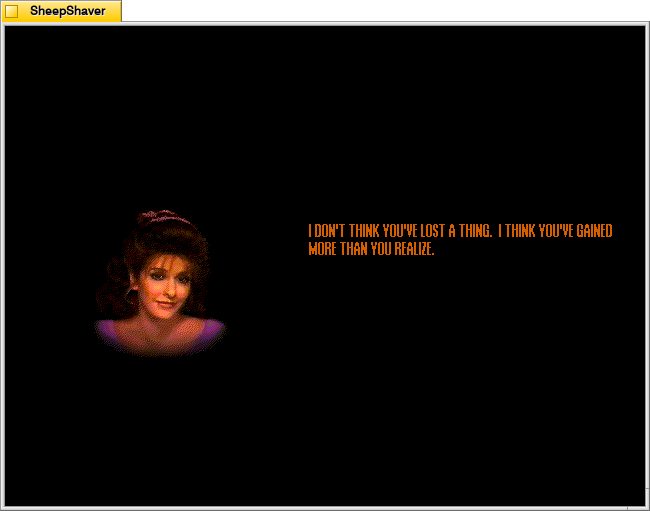
Counselor Troi
Counselor Troi appears and gives advice and affirmations.
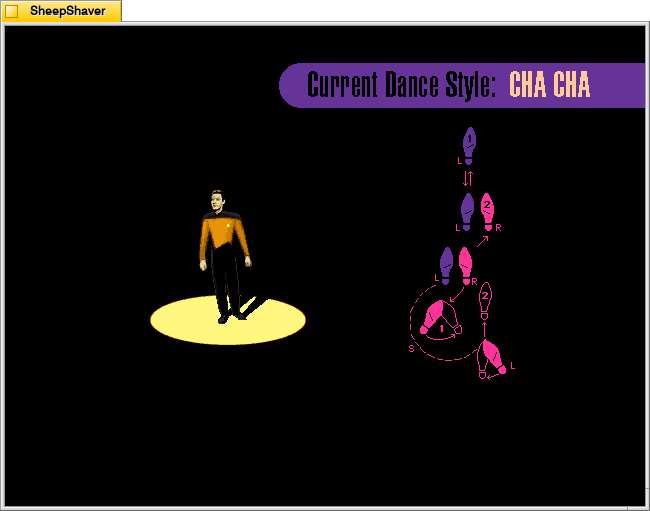
Data Dances
Data appears in the spotlight while the step pattern for different dance styles, such as tap or cha cha, appear to the side. Appropriate music plays and Data dances the steps.
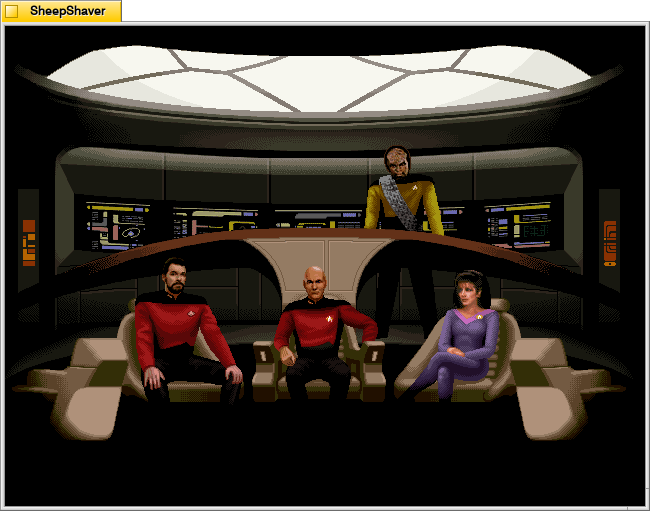
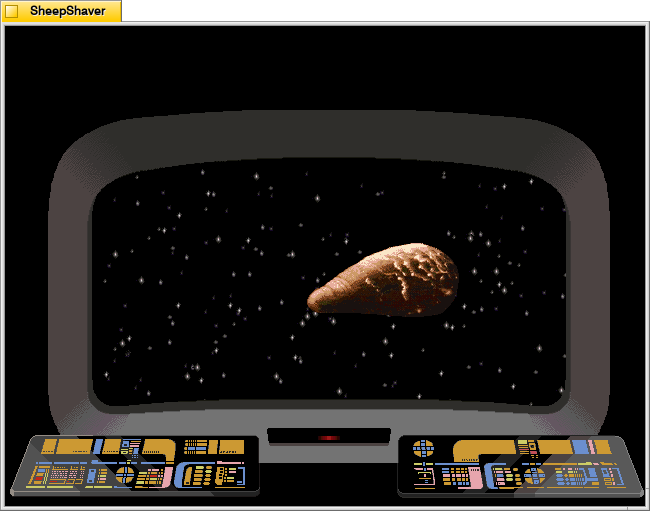
Encounters
Encounters switches between views of the Enterprise crew on the bridge and what they see on the main viewscreen.
Nanites
Nanites, an intelligent nanotechnology, devour the screen and self-replicate.
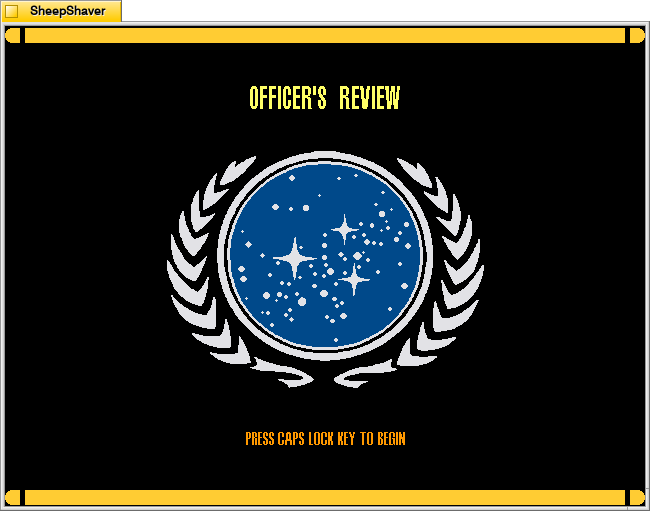
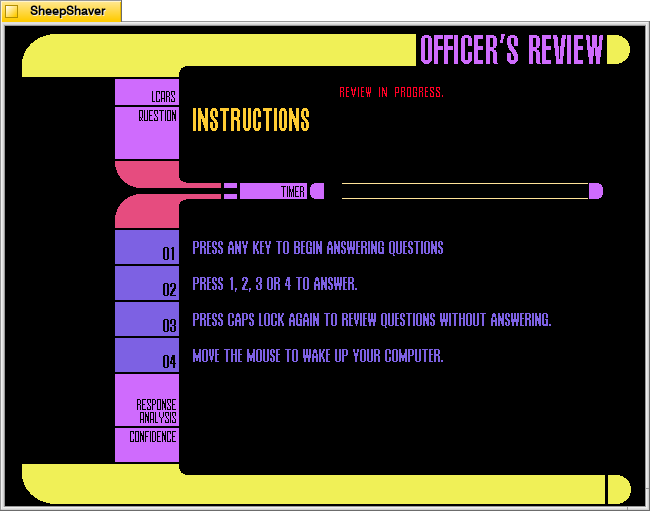
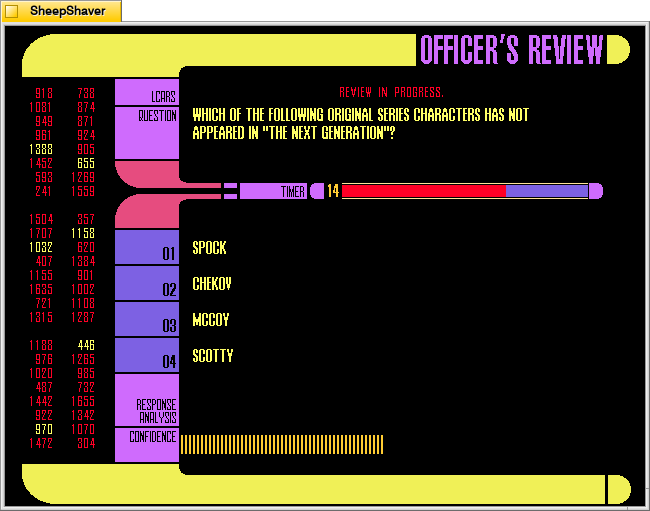
Officer’s Review
Officer’s Review is a timed Star Trek TNG quiz that uses keyboard inputs that don’t deactivate the screensaver (as mouse movements would).
Personnel Files
Personnel Files rotates through information screens of different characters on the show.
Science Stations
Science Stations displays changing information panels that update and change just like the LCARS science station panels on the bridge.
Starbase
Starbase shows different ships flying through space with an occasional starbase coming into view.
Starfleet Messages
Starfleet Messages show different informational and warning messages that appear in different places on the screen.
Tachyon Particle Field
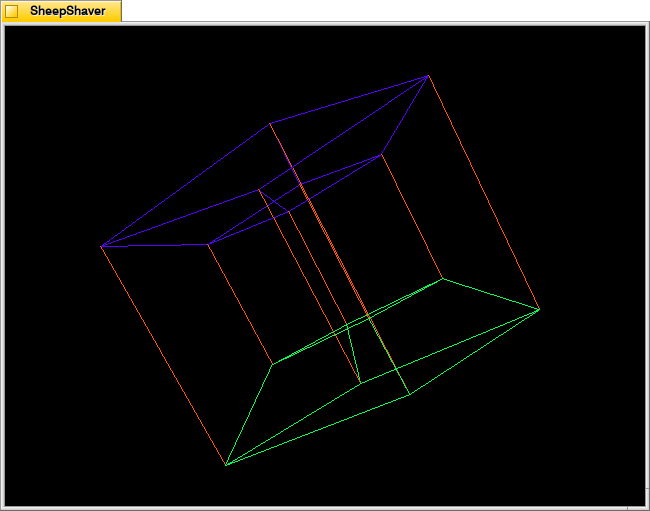
The Tachyon Particle Field looks like a four-dimensional tesseract interacting with three-dimensional space.
The Borg
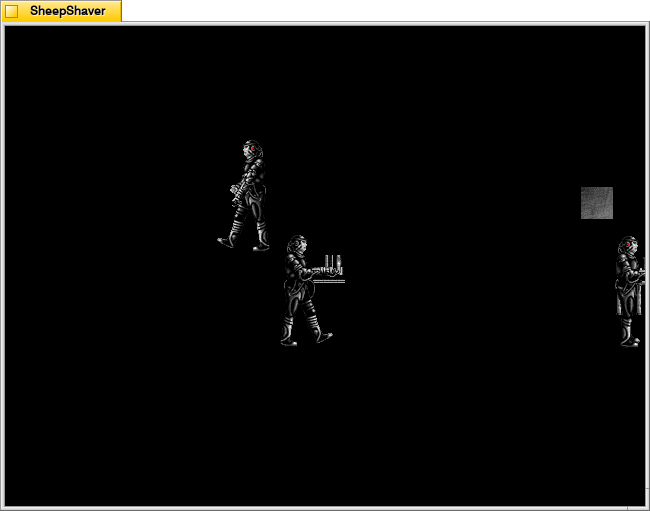
The Borg materialize in different places on the screen to assimilate it using their technology.
Warp Effect
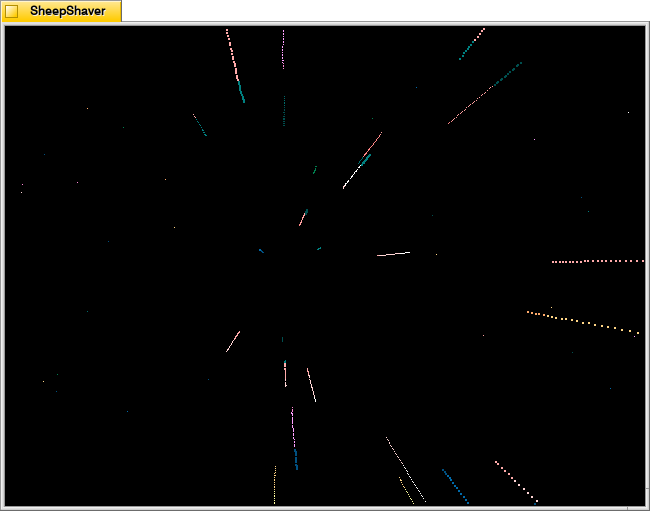
Warp Effect shows the passage of stars while traveling at warp speed.
Worf’s Weapons
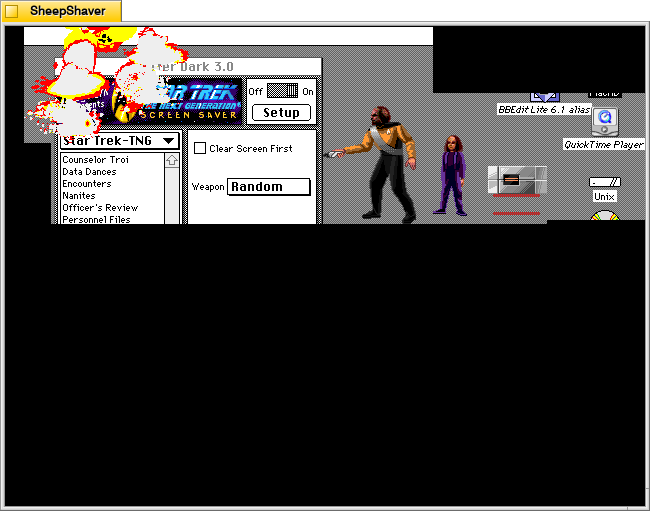
Finally, Worf’s Weapons feature Worf’s son Alexander handing his father different weapons, such as a phaser or bat’leth, to destroy the screen with. Where Worf walks, the underlying screen is revealed. Where he damages the screen, it turns black.
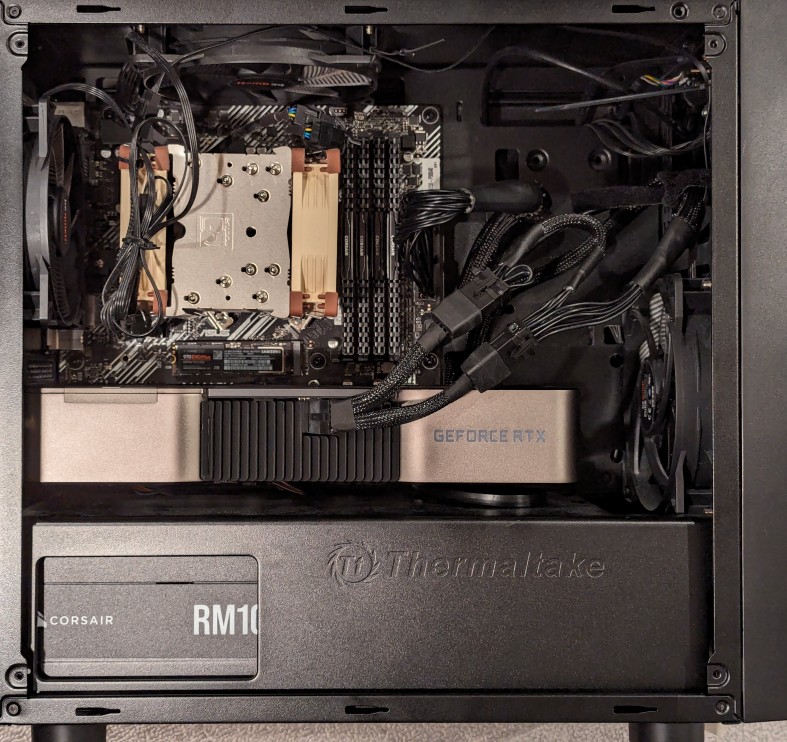
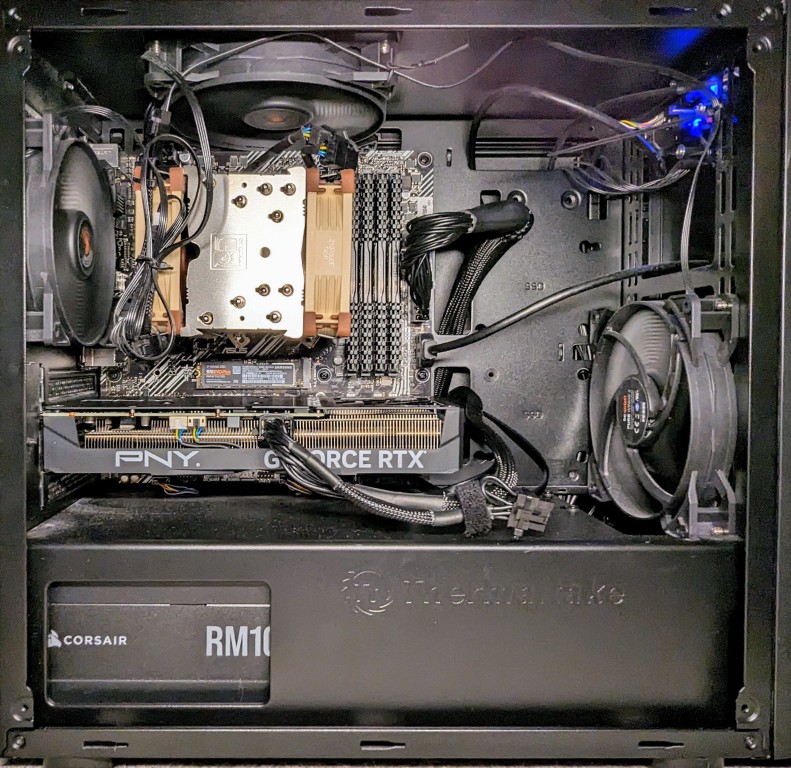
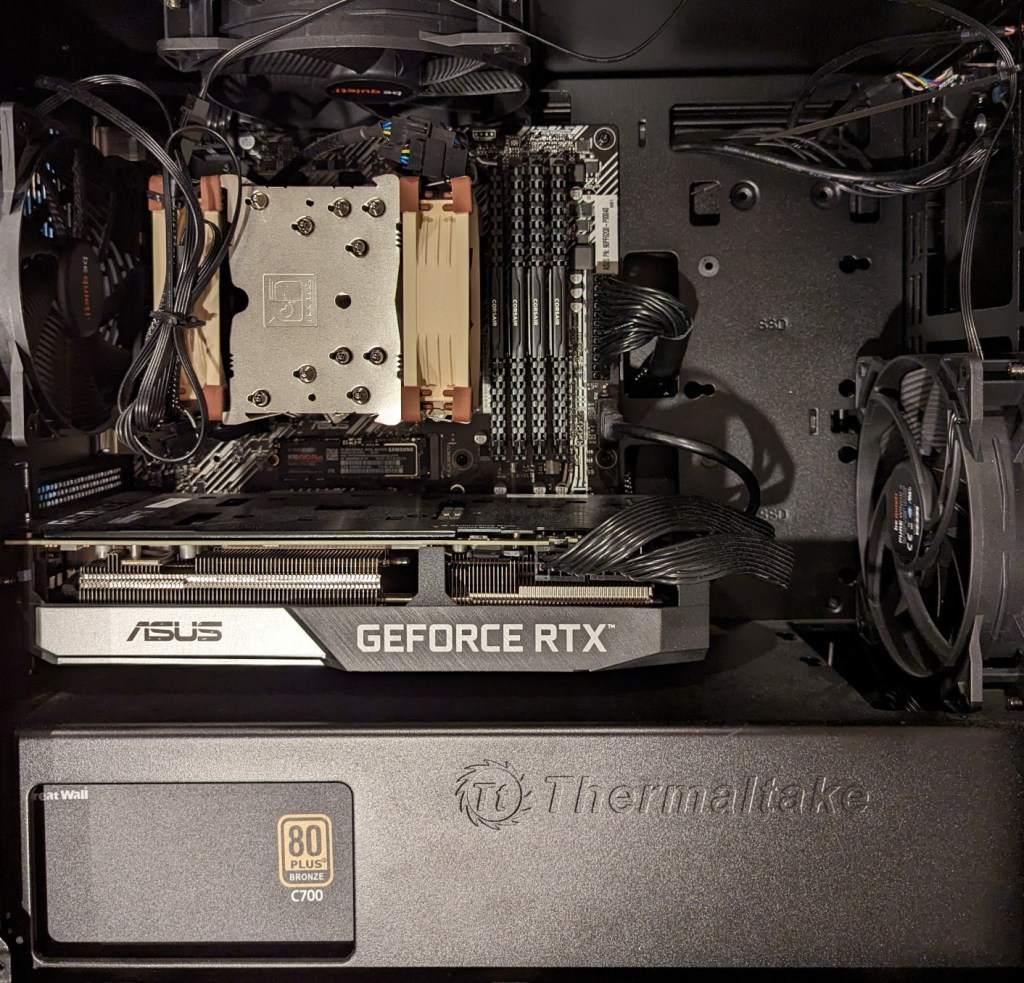
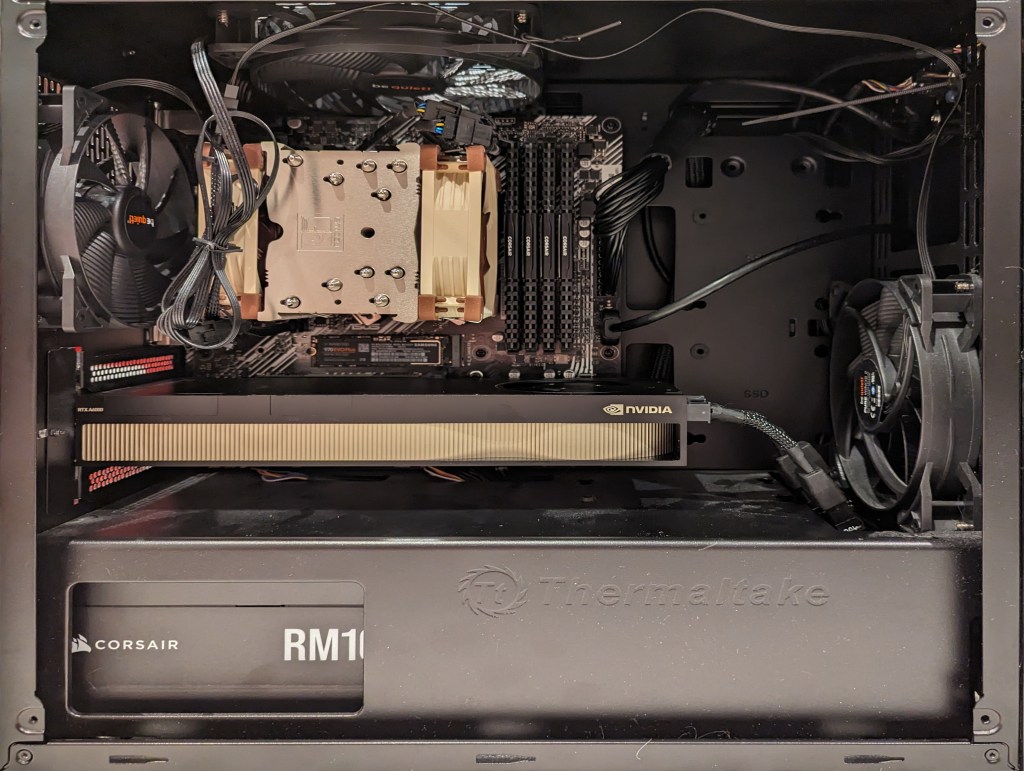
As I documented last year, I made a substantial investment in my computer workstation for doing local text and image generative AI work by upgrading to 128GB DDR4 RAM and swapping out a RTX 3070 8GB video card for NVIDIA’s flagship workstation card, the RTX A6000 48GB video card.
After I used that setup to help me with editing the 66,000 word Yet Another Science Fiction Textbook (YASFT) OER, I decided to sell the A6000 to recoup that money (I sold it for more than I originally paid for it!) and purchase a more modest RTX 4060 Ti 16GB video card. It was challenging for me to justify the cost of the A6000 when I could still work, albeit more slowly, with lesser hardware.
Then, I saw Microcenter begin selling refurbished RTX 3090 24GB Founder Edition video cards. While these cards are three years old and used, they sell for 1/5 the price of an A6000 and have nearly identical specifications to the A6000 except for having only half the VRAM. I thought it would be slightly better than plodding along with the 4060 Ti, so I decided to list that card on eBay and apply the money from its sale to the price of a 3090.
As you can see above, the 3090 is a massive video card–occupying three slots as opposed to only two slots by the 3070, A6000, and 4060 Ti shown below.
The next hardware investment that I plan to make is meant to increase the bandwidth of my system memory. The thing about generative AI–particularly text generative AI–is the need for lots of memory and more memory bandwidth. I currently have dual-channel DDR4-3200 memory (51.2 GB/s bandwidth). If I upgrade to a dual-channel DDR5 system, the bandwidth will increase to a theoretical maximum of 102.4 GB/s. Another option is to go with a server/workstation with a Xeon or Threadripper Pro that supports 8-channel DDR4 memory, which would yield a bandwidth of 204.8 GB/s. Each doubling of bandwidth roughly translates to doubling how many tokens (the constituent word/letter/punctuation components that generative AI systems piece together to create sentences, paragraphs, etc.) are output by a text generative AI using CPU + GPU inference (e.g., llama.cpp). If I keep watching for sales, I can piece together a DDR5 system with new hardware, but if I want to go with an eight-channel memory system, I will have to purchase the hardware used on eBay. I’m able to get work done so I will keep weighing my options and keep an eye out for a good deal.