Tag: Lego

  • Ditched Roku for a Discounted Origimagic Ryzen 5 Mini PC

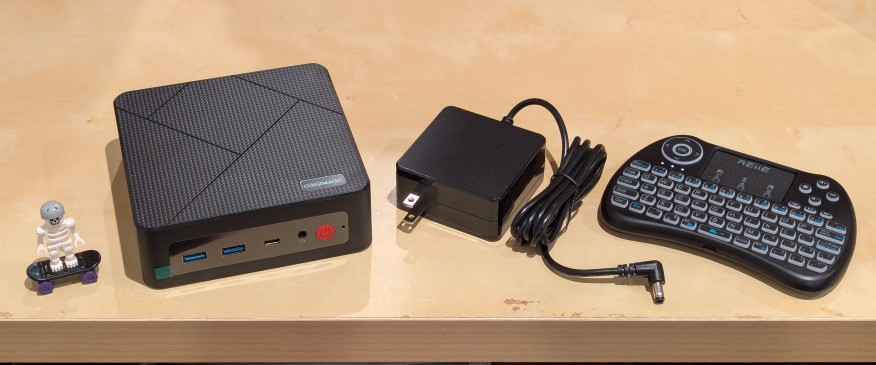
    lego minifigure skeleton on skateboard next to origimagic c4 mini pc, power adapter, and handheld keyboard with trackpad

    I’ve been unhappy with Roku’s increasing advertising through images and now full-motion video and their lack of support for a variety of codecs in their media player app. So, I’ve been looking for awhile for a good deal on a mini pc that could replace the Roku for playing media and also support some light gaming. Also, considering the impending tariffs (i.e., a tax on Americans), I hoped to find something as soon as possible.

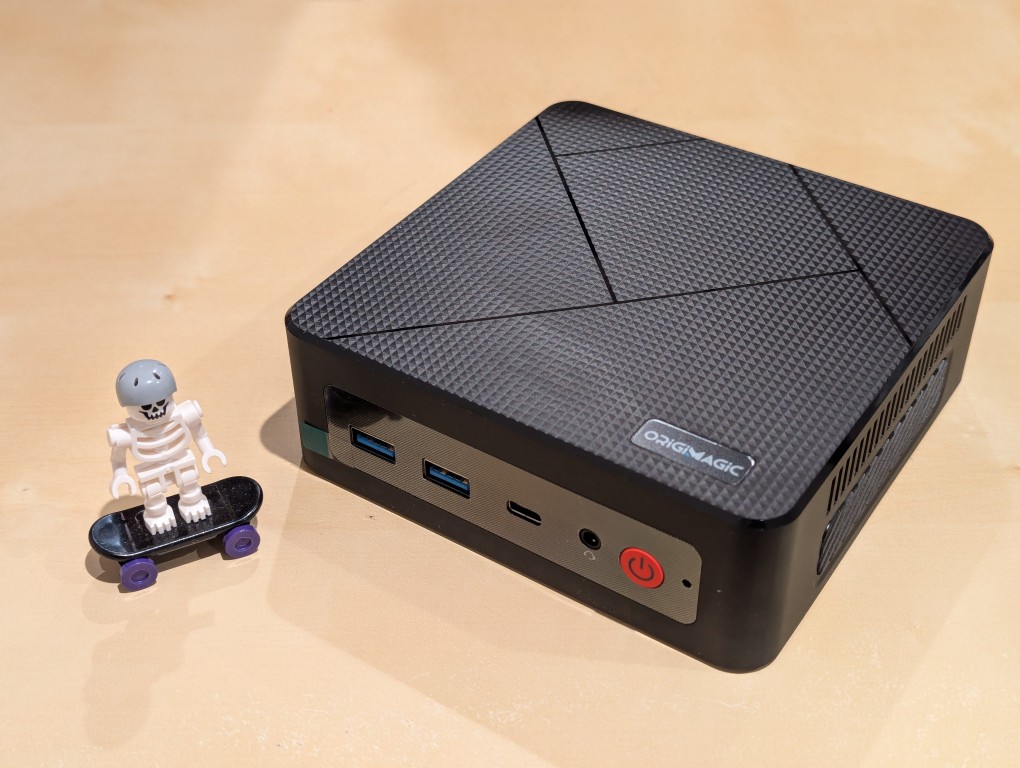
    After tracking several mini pcs on Amazon and eBay for a few weeks, I finally pulled the trigger when Amazon offered the Origimagic C4 Mini PC with a Ryzen 5 3550H (4 core, 8 threads) on sale for $153. It’s CPU has a lot more horsepower while using 25 watts of power than Intel’s similarly priced mini pc processors. It came stock with 16GB DDR4 RAM, 512GB PCIe SSD, 1 x Type-C USB, 4 x Type-A USB (3 are USB 3 and 1 is USB 2), headphone jack, HDMI, DisplayPort, and dual ethernet.

    To operate it from the sofa, I got a $10 reiie H9+ Mini Keyboard with Touchpad that uses a wireless USB adapter to connect to the mini pc.

    lego minifigure skeleton on skateboard next to origimagic c4 mini pc
    lego minifigure skeleton on skateboard next to origimagic c4 mini pc

    Before setting anything up, I created a flash drive with Debian 13 Trixie, the latest version that was released over the weekend on Saturday.

    To do this, I inserted a 16GB flash drive into my workstation, but I didn’t mount the device. I downloaded the network install ISO for Debian 13 from here. Then, I ran lsblk in a terminal window to see what device address corresponded to the flash drive. It’s important to not make a mistake here, because it’s easy to overwrite another drive using this method. lsblk lists the devices, which are all in the “/dev/” folder, so when I saw that my flash drive was assigned the address “sdb”, I knew that its full address was “/dev/sdb”. With that info, I then wrote the downloaded Debian 13 netinstall ISO directly to the flash drive using this command:

    sudo cp debian-13.0.0-amd64-netinst.iso /dev/sdb

    After the copying to the flash drive had finished, I ejected it from my workstation and took it over to the mini pc. I plugged in the power adapter, ethernet cable (I arbitrarily picked the one furthest from the power plug), HDMI cable to the TV, the keyboard receiver USB, and the Debian 13 installation flash drive.

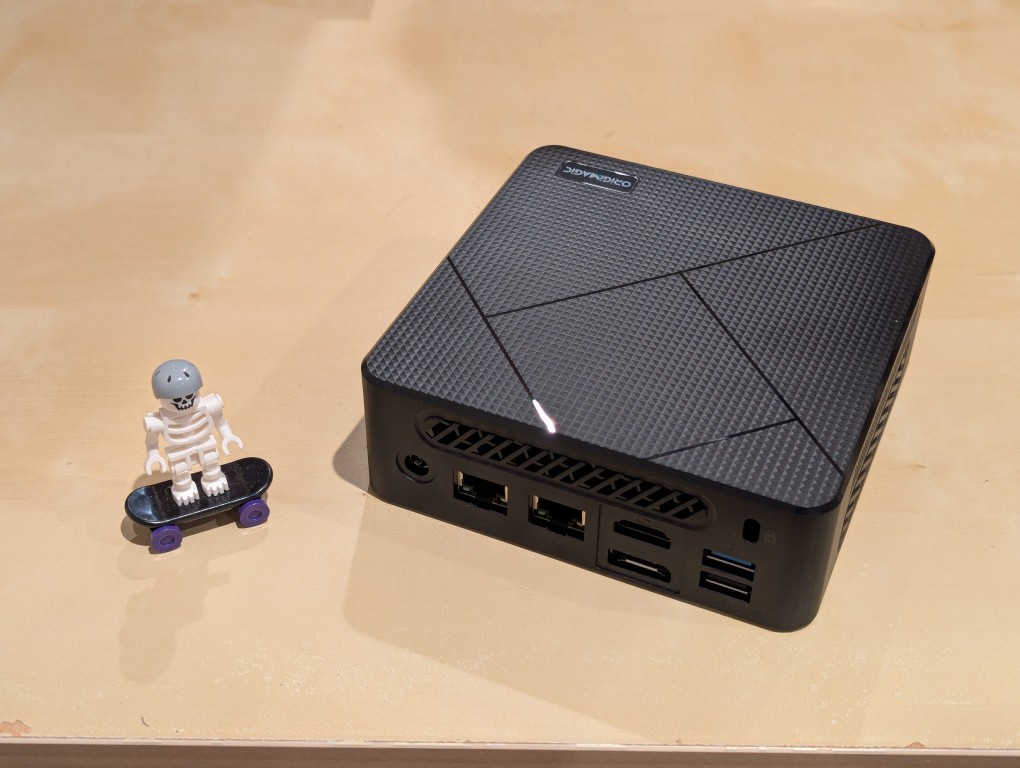
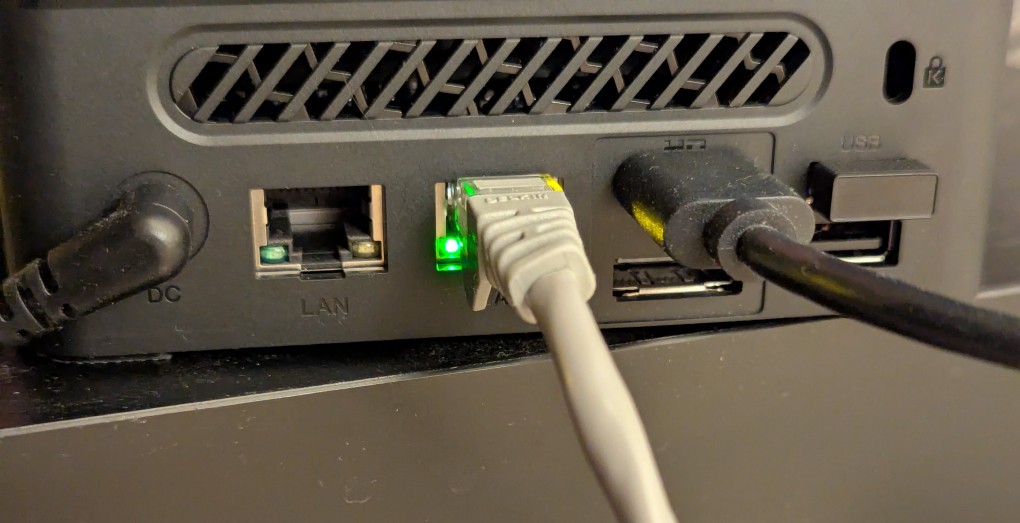
    I did experience some frustration with getting the Debian 13 flash drive to boot the mini pc. As soon as the mini pc booted, I was unable to enter BIOS or open the boot menu. Instead, it kept booting into the Windows 11 setup, which I did not want to use. At first, I thought it might be a problem with the tiny wireless keyboard and trackpad, so I switched to my Logitech keyboard and trackball, which are both tied to one Logitech USB receiver. I tried different USB plugs on the front and rear of the mini pc until I was finally able to enter bios (pushing DEL at boot) when the keyboard USB receiver is in the top-right USB port on the rear of the mini pc as shown below (it is a USB3 port). It might have been bad luck on my part with the other ports, so I can’t say this is a peculiarity with this hardware for certain. Nevertheless, it’s good to exhaust all possibilities like this.

    back of mini pc: power plug, two ethernet ports (one plugged in), HDMI (plugged in), display port, and 2 usb ports (one has a tiny device plugged in)

    Once in the BIOS, there’s not many options except for disabling hardware (I disabled WiFi), turning off Secure Boot and the Trusted Computing Module, and other odds and ends. I saved the settings, rebooted, and went into the Boot Menu (F7), selected the Debian 13 netinstall flash drive, and began the installation (a full nuke-and-pave: erasing the NVMe drive and setting up Debian 13 as the only operating system).

    While I use XFCE on my laptop and workstation, I opted for the GNOME desktop environment on the mini pc, because I thought its screen controls and overall user interface would be easier to see and navigate from across the room. If I don’t like it, I can always install XFCE.

    Because two of the main sources of media for us is Netflix and YouTube, I installed Chrome to handle those sites. I have VLC and Kodi for everything else.

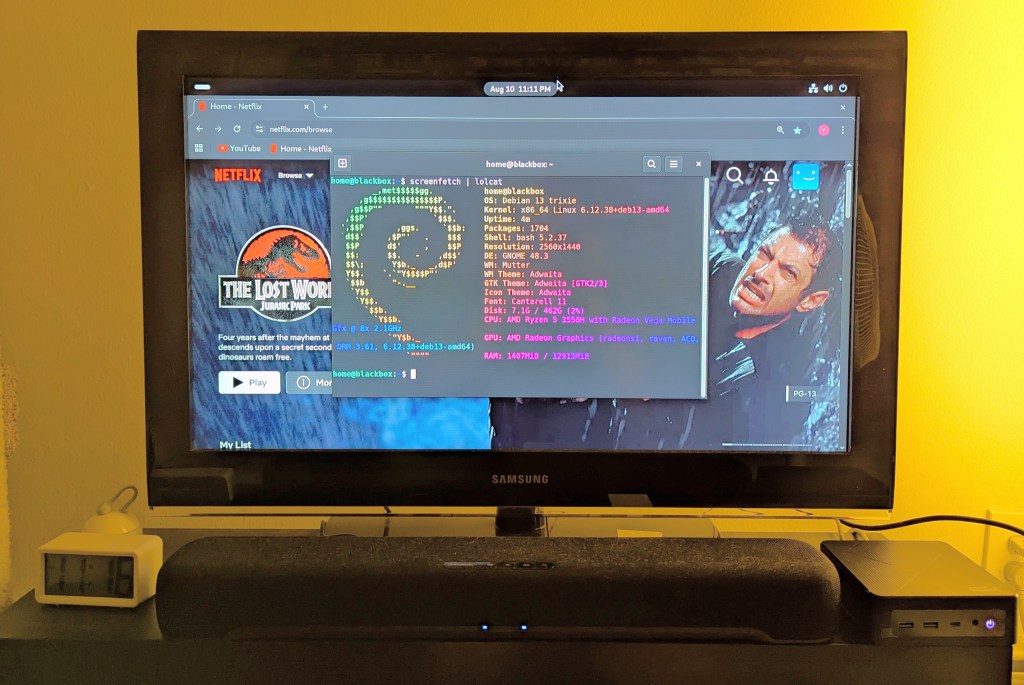
    samsung tv and soundbar with a mini pc on the right side of the tv stand. the screen is showing netflix Jurassic Park the lost world in the background while the foreground terminal shows the pc's info, which is also in the second paragraph above.
  • How I Shot the LEGO Pride Flag Photo

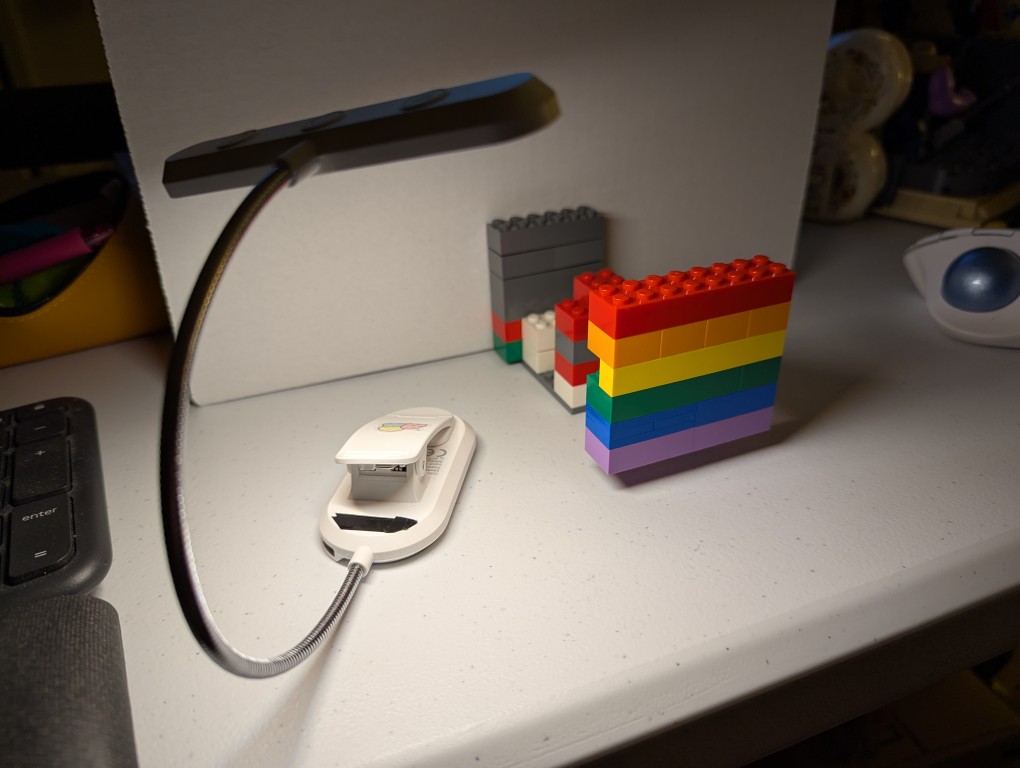
    lego bricks resembling the pride flag are connected to a mix of other hidden lego bricks in front of a white cardboard box and illuminated by a book reading light

    On Monday, I posted happy wishes for Pride Month with a photo that I made of a LEGO Pride Flag.

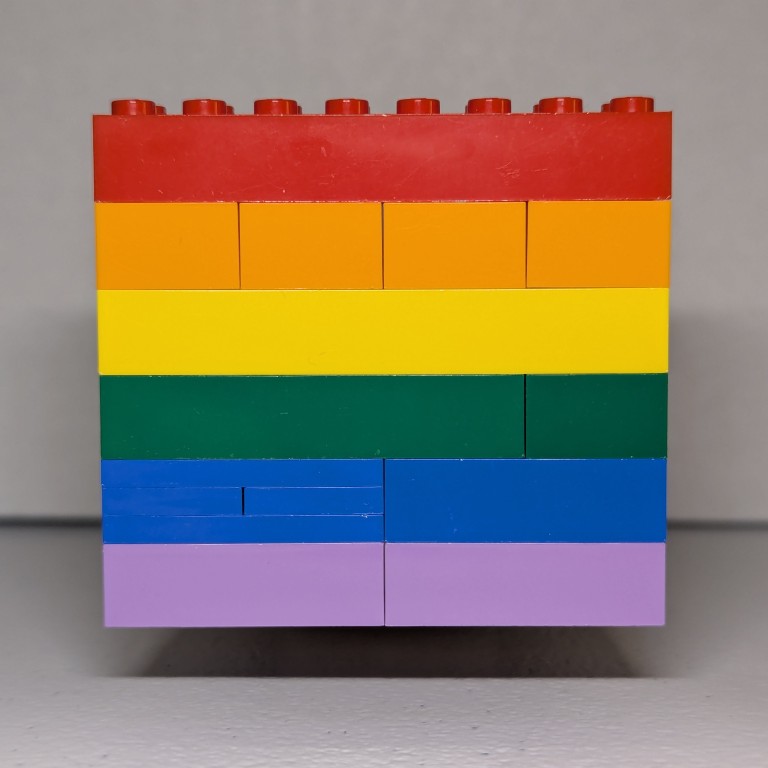
    To create the photo, I first dug through my boxes of LEGO to find 8 stud wide bricks that matched as close as possible to the Rainbow Flag’s approximation of ROYGBIV: red, orange, yellow, green, blue, and purple.

    My first shots had the flag resting on the table some distance in front of a white cardboard box, which served as a neutral background. For lighting, I held a USB rechargable book reading light belonging to Y just above my smartphone to avoid casting a shadow from the camera.

    I didn’t like how these turned out, because the flag was kind of boring just sitting there. So, I thought about levitating it like in Monday’s post.

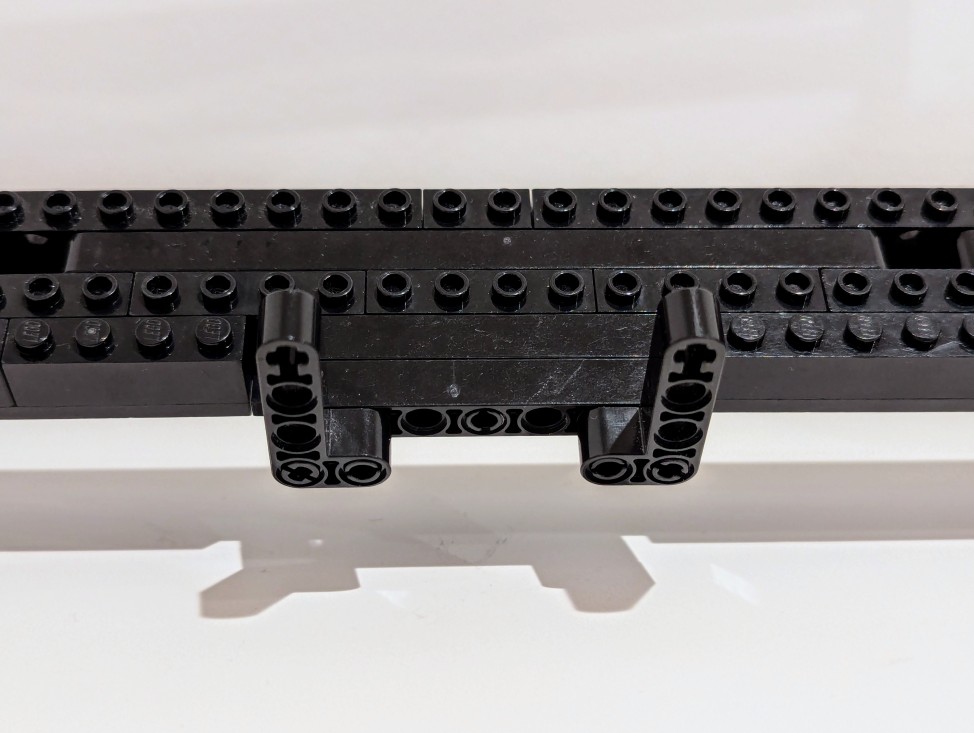
    To levitate the flag, I built a counter-weighted assembling of 6-stud wide bricks with an armature that connected behind the yellow bricks in the Pride Flag. I built this armature one brick higher than the flat to give it the illusion of floating in midair.

  • Happy Pride Month!

    red, orange, yellow, green, blue, and purple pride flag made out of lego bricks in front of a white background

    I want to wish my LGBTQIA+ friends, coworkers, students, and people of the world a Happy Pride Month! It’s a celebration of those folks’ accomplishments and contributions, and remembrance of the hard work, struggle, and loss for liberation that unfortunately still isn’t over. I stand with LGBTQIA+ folks in the fight for liberty and equality for all.

  • Learning Technical Communication with LEGO

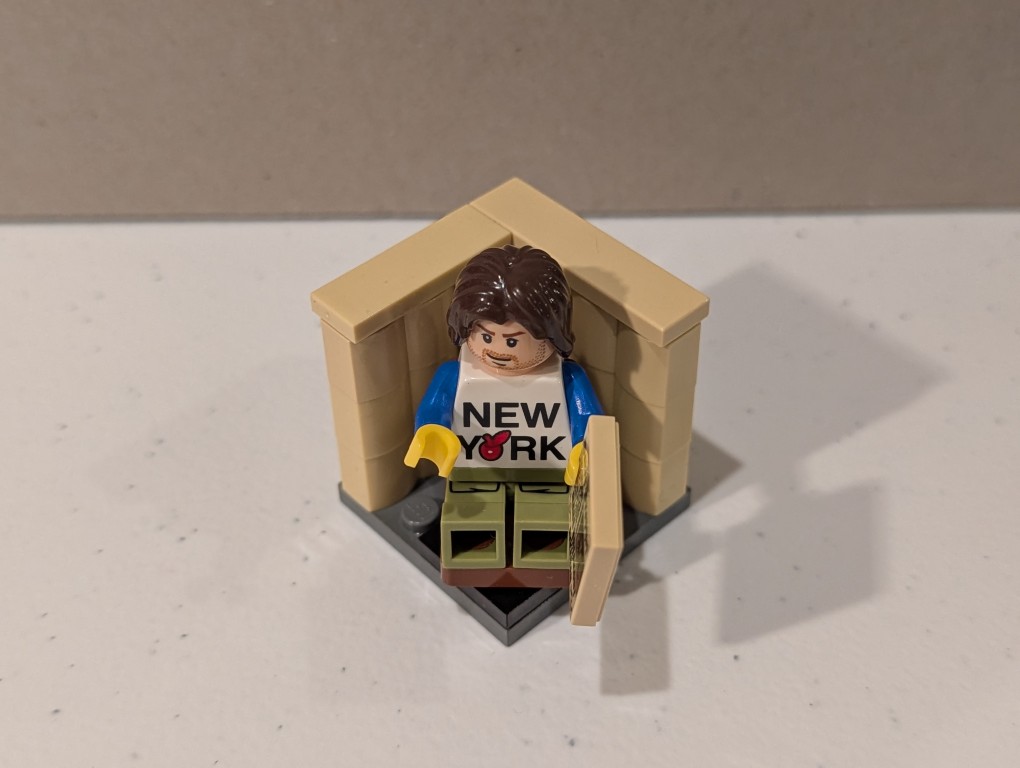
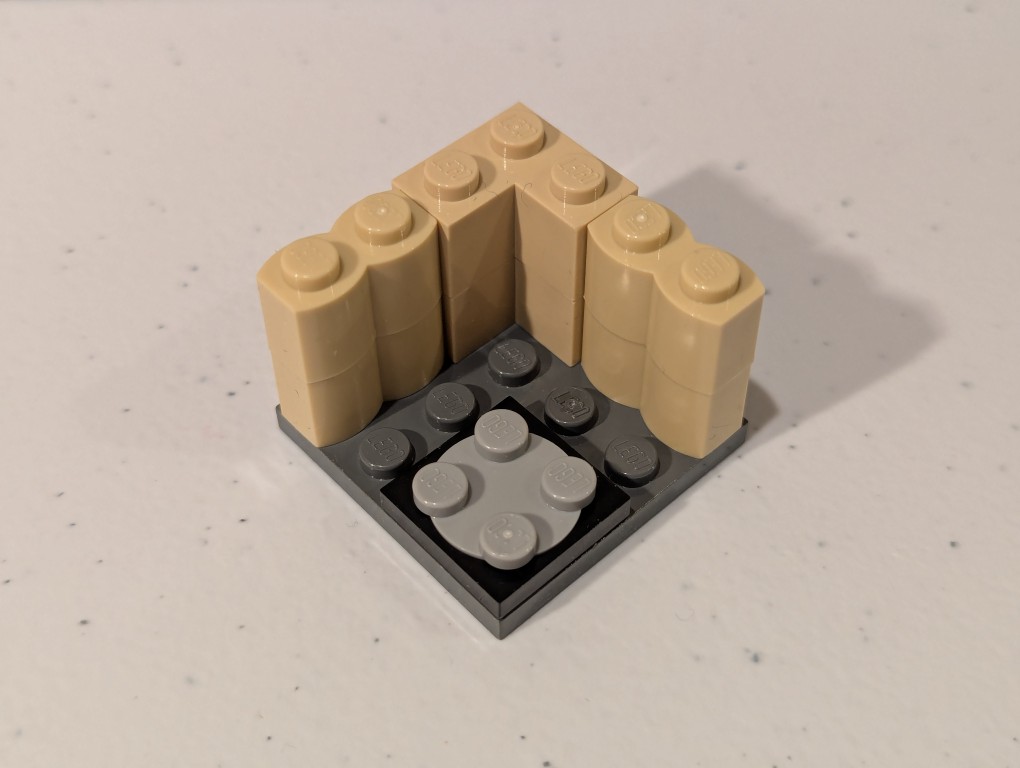
    a lego mini figure sitting and reading in a tiny corner made out of bricks

    Between the melees, try to find some joy and peace. I’ll be doing that with my Professional and Technical Writing students today. I’ll bring LEGO to class for a bit of educational play that combines the use of their imagination, haptics, educational knowledge, organizational thinking, and writing skill.

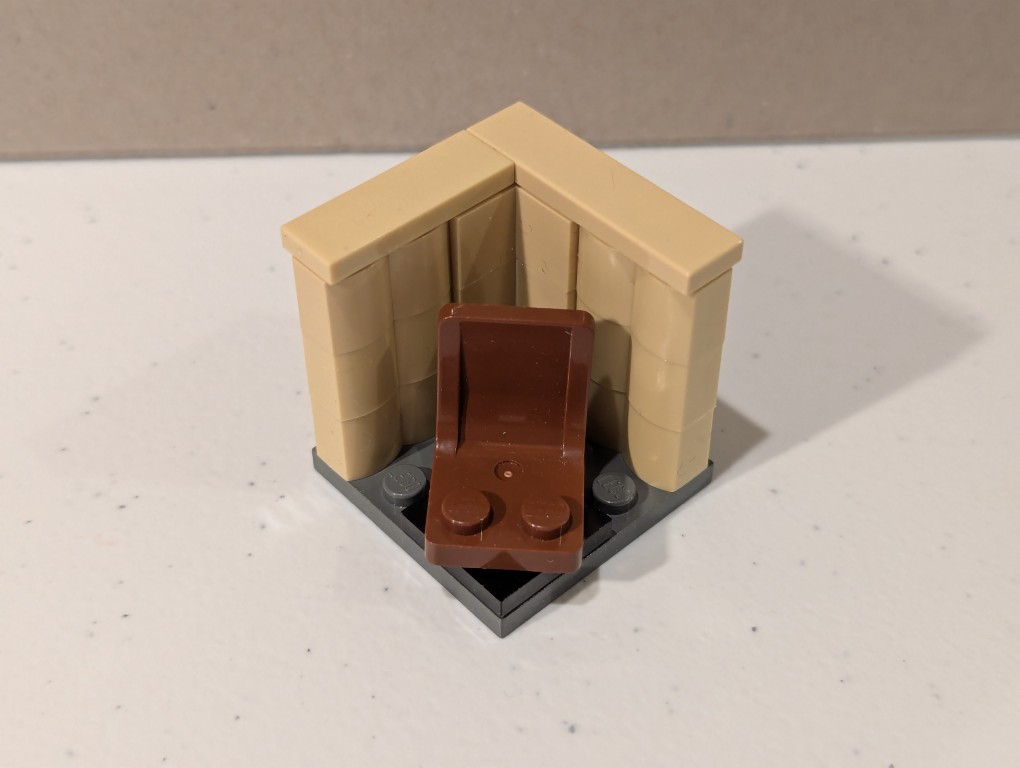
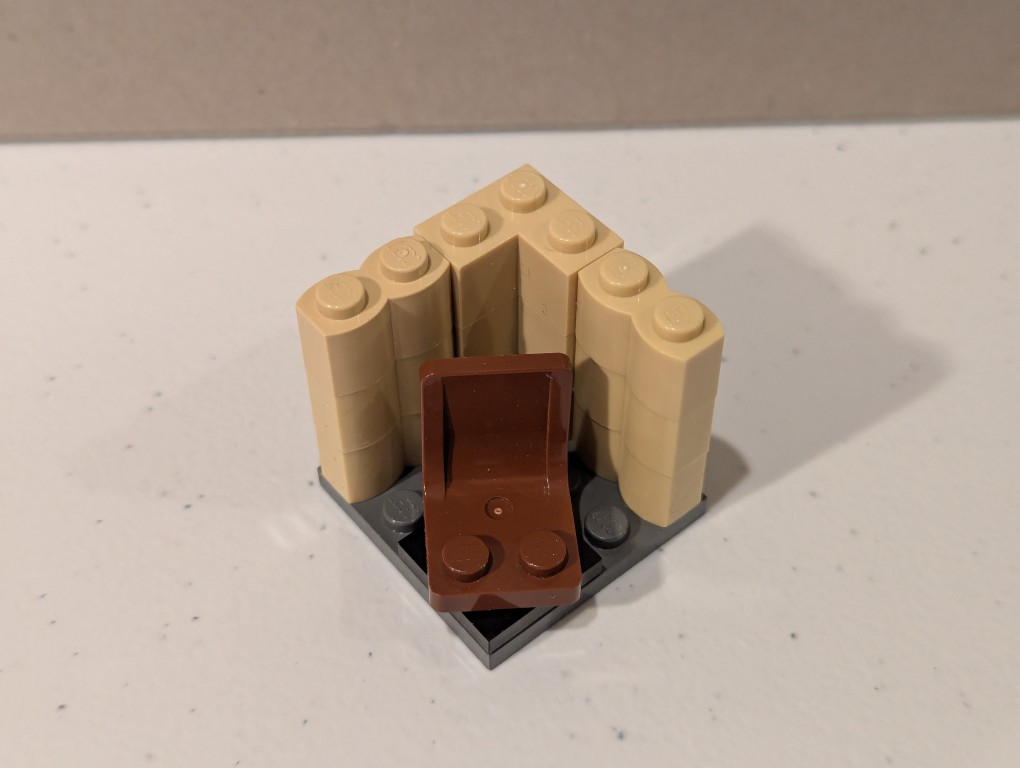
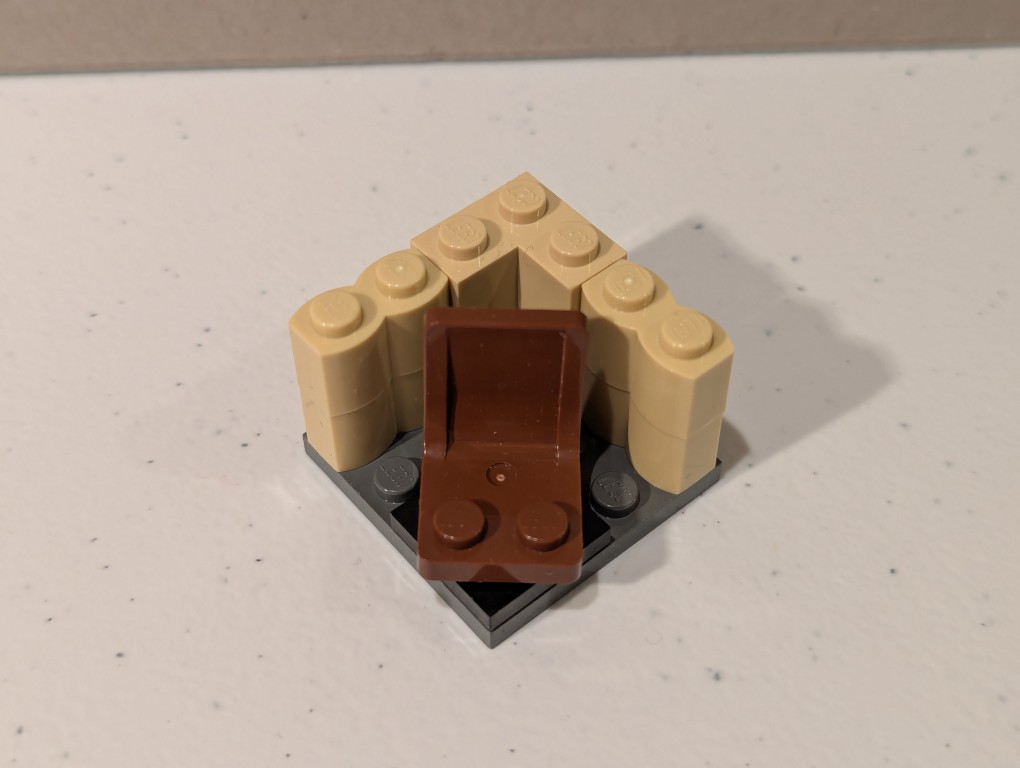
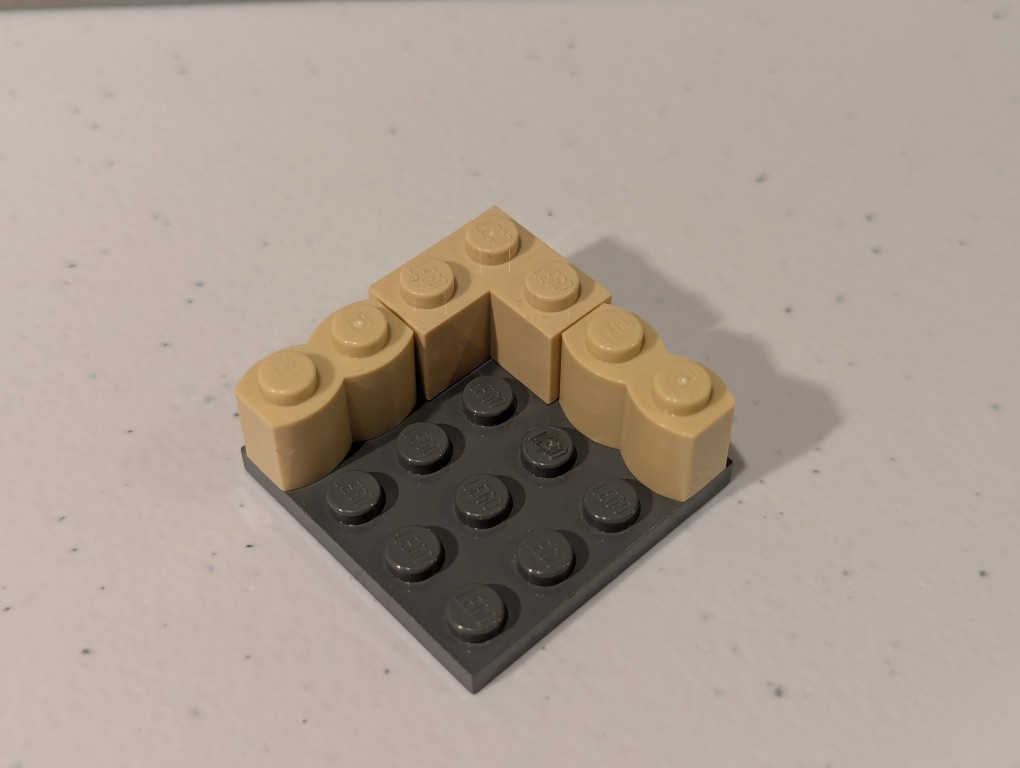
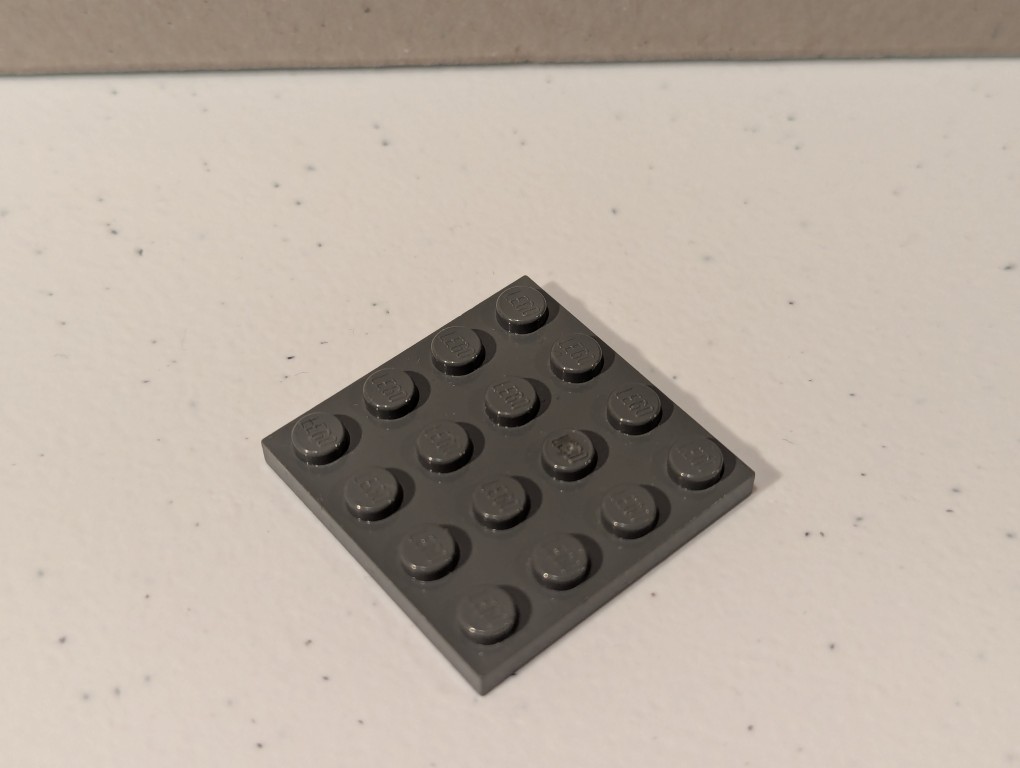
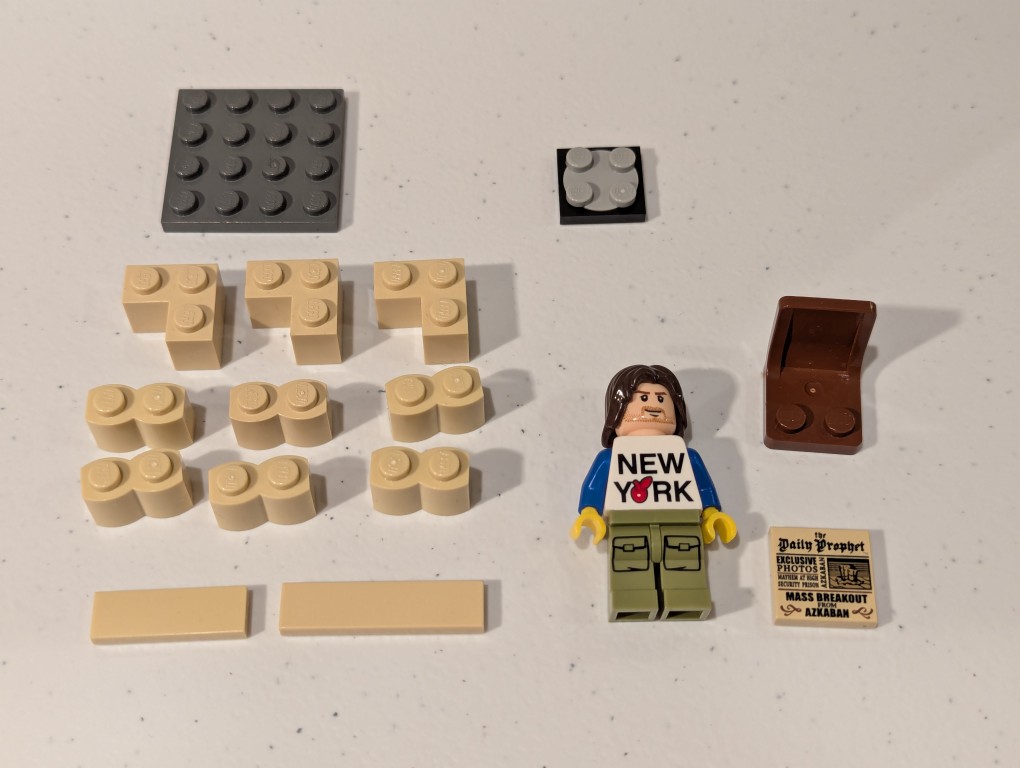
    They will design a small model that represents something about their specialization (e.g., Biology, Psychology, Computer Science, Fashion Design, etc.) and then write an instruction manual like this example that I made for them based on the model above that I call a “Quiet Reading Corner.” Scroll down to see it deconstruct, which I presented in reverse in my instruction manual.

    a lego mini figure sitting and reading in a tiny corner made out of bricks deconstructed
    a lego mini figure sitting and reading in a tiny corner made out of bricks deconstructed
    a lego mini figure sitting and reading in a tiny corner made out of bricks deconstructed
    a lego mini figure sitting and reading in a tiny corner made out of bricks deconstructed
    a lego mini figure sitting and reading in a tiny corner made out of bricks deconstructed
    a lego mini figure sitting and reading in a tiny corner made out of bricks deconstructed
    a lego mini figure sitting and reading in a tiny corner made out of bricks deconstructed

  • New CPU, New Computer Build Begins

    boxed amd ryzen 7 7700 cpu on a desk, lego forestmen on either side, millennium falcon and mondrian painting in lego in background

    Knowing that tariffs, or a tax ultimately paid by those who buy those imported goods, are coming, I planned out a new workstation for doing LLM and Generative AI work. The first part arrived today: an AMD Ryzen 7 7700 CPU. While I would have certainly loved to build a system around an AMD Threadripper Pro with its 8-channel memory and numerous PCIe slots and plenty of lanes to support maximum throughput, I am just an English professor of simple means, so I opted to build around the least expensive options available to me and using a combination of new and used parts. Therefore, I am upgrading from my current AM4 socket system to an AM5 socket motherboard that supports DDR5 memory and this lower-wattage, non-overclocking CPU. I’m currently waiting on the arrival of a motherboard with 4 PCI slots (spaced to allow the four video cards that I plan to run), three NVIDIA RTX A4000 video cards with 16GB VRAM (used via eBay), 64GB (2 x 32GB) Corsair DDR5 RAM, and an ATX mid-tower case. I’ll use my current drives, 1000 watt power supply, and NVIDIA RTX 3090 Founders Edition video card in the new system. Most of my work focuses on inference, so the slower PCI slots in this build won’t hurt too bad–it should far exceed CPU inference even with faster RAM.