Tag: retrocomputing

  • Kant Generator Pro 1.3.1, a Modular Text Generator Originally Made to Create Psuedo-Kantian Philosophical Writing

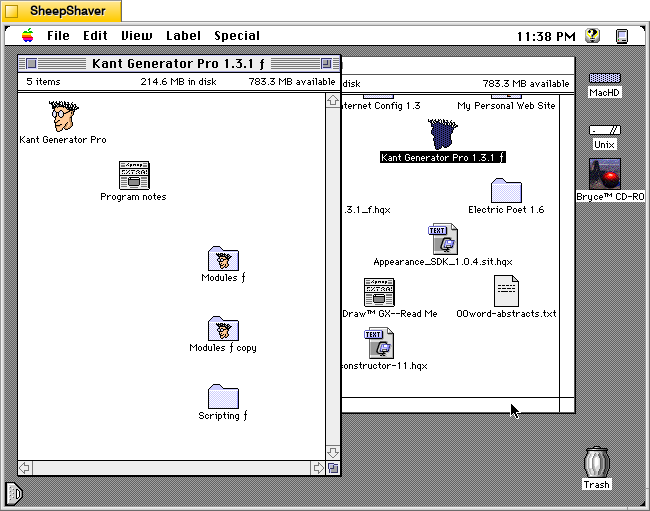
    Kant Generator Pro 1.3.1 folder and icon group on Macintosh System 7.5.5

    Continuing my exploration of non-artificial intelligence (non-AI) programs that can generate images (see KPT Bryce and Evolvotron) and text (see Electric Poet 1.6), I discovered this really innovative piece of text generating software by Mark Pilgrim called Kant Generator Pro 1.3.1 for Macintosh 68k computers.

    The Kant Generator Pro folder, which includes the Kant Generator Pro application, Program Notes file, and folders for its text generating modules and scripting, is only 560K. The Kant Generator Pro application is 176K and it has a suggested RAM size of 1,024K. The copy that I downloaded from Macintosh Garden here had the minimum RAM size set at 512K and the Preferred size set to 11,024K.

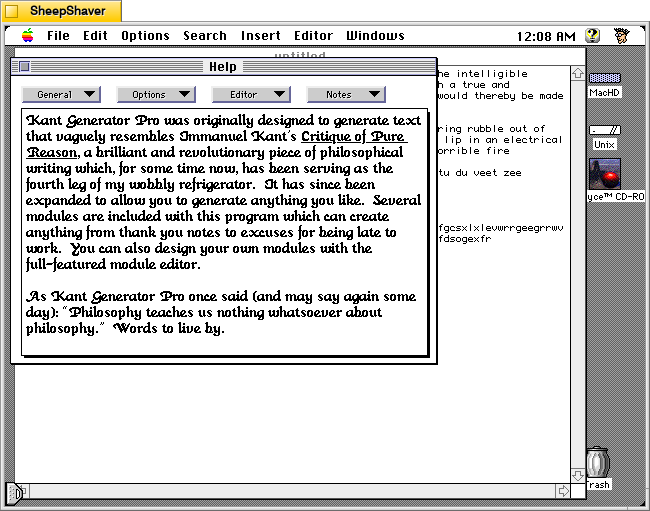
    According to the program’s built-in Help (shown in a screenshot down the page):

    Kant Generator Pro was originally designed to generate text that vaguely resembles Immanuel Kant's Critique of Pure Reason, a brilliant and revolutionary piece of philosophical writing which, for some time now, has been serving as the fourth leg of my wobbly refrigerator. It has since been expanded to allow you to generate anything you like. Several modules are include with this program which can create anything from thank you notes to excuses for being late to work. You can also design your own modules with the full-featured module editor. 

    And on a saved copy of Pilgrim’s personal website from 21 Dec. 1996, he writes the following about Kant Generator Pro:

    Purpose: to generate pseudo-Kantian philosophy based on Kant's vocabulary and sentence structure in the "Critique of Pure Reason". Anyone who has been subjected to Kant (voluntarily or otherwise) will appreciate the humor in the gibberish this program outputs. Also includes a module editor so you can create your own generation modules.
    
    Kant Generator is quickly becoming my most popular program (although it is still in third place behind Startup Screen Picker and Shutdown FX), especially among philosophy students, graduates, and professors. When I showed it (off) to my professor for my Kant course, he immediately started describing something he had written years ago to achieve a similar result, though by a completely different method. Other professors from across the country have praised it, saying they will use it in their introductory philosophy courses to 'stimulate interest in philosophy'. I guess every little bit helps.
    
    I am slowly but steadily adding more modules to Kant Generator Pro. Version 1.1 added a Husserl module, as well as "thank you" note module (which occurred to me while procrastinating writing my Christmas thank you notes). Version 1.2 added an "excuses" module, written by Mike W. Miller. Version 1.3 added a Swedish Kant module, which is just the original Kant module with all the references and instantiations converted into Swedish Chef talk. (Yes, I used the code from Chef, and yes, I automated the process to cycle through all the instantiations and convert them, and no, you can't have the code. Just what we need is people running around converting all their KGP modules to Swedish Chef, or WAREZ, or Fudd...) Version 1.3 also added scripting support; anyone who wants to set up a WWW page and call Kant Generator Pro with a CGI interface through AppleScript has my permission as long as you send me your CGI interfacing code.
    
    It's very exciting to have other people writing modules for Kant Generator Pro, if nothing else because it means I don't have to do anything for the program to keep improving. Suggestions for future philosopher modules (or anything else) are always appreciated, although I am reluctant to write modules of philosophers I haven't studied myself. Satire is the sincerest form of flattery, but also the most difficult... 

    The source code for Kant Generator Pro is also available bundled with the application in the Info-Mac repository here.

    Below, I’ll annotate screenshots of the application running on an installation of Macintosh System Software 7.5.5 on the PPC emulator SheepShaver hosted by Debian 12 Bookworm with the Xfce Haiku Alpha window theme active.
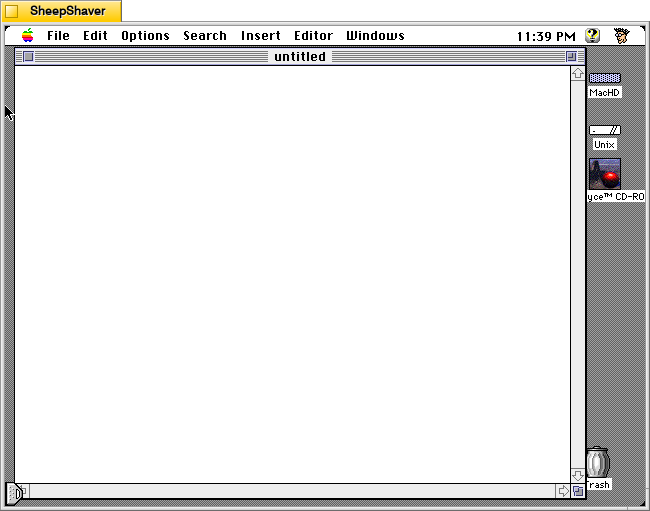
    Kant Generator Pro for Macintosh, Composing Window after launch

    After opening Kant Generator Pro, the user is presented with a text entry window much like in any text or word processing software. One can enter text, but to have the program generate text, one needs to use the menus: first, to select the text generation module from the Options menu, and then, to select from the type of text to generate from the Insert menu.

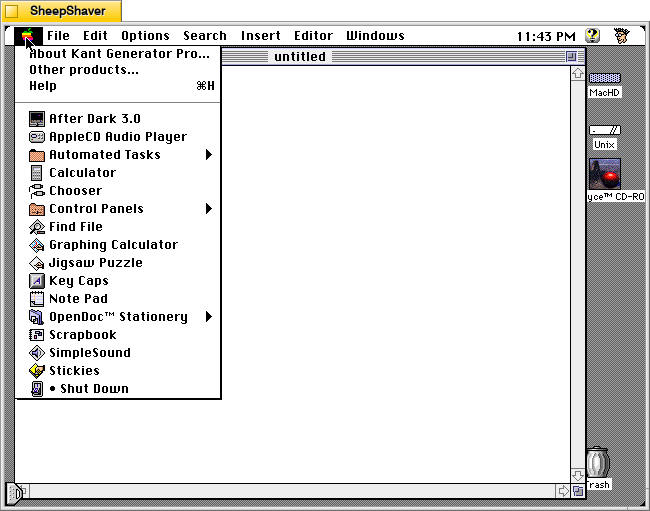
    Kant Generator Pro for Macintosh, Apple menu

    Clicking on the Apple menu gives you options for About Kant Generator Pro, Other products, and Help.

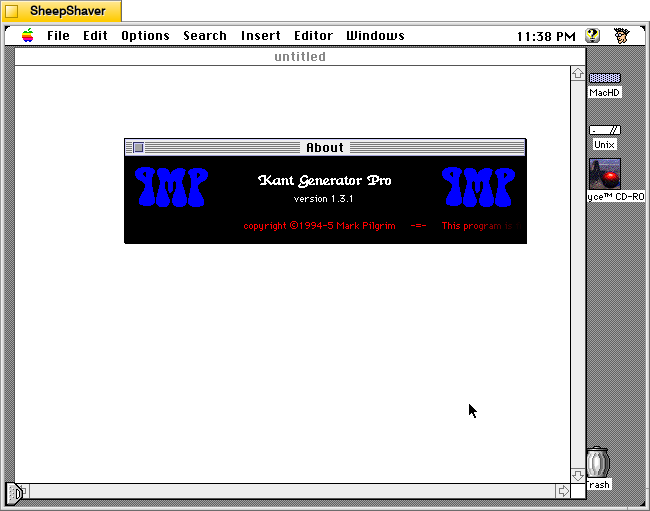
    Kant Generator Pro for Macintosh, About window

    Opening the About window from the Apple menu features a scrolling credits and copyright notice.

    Kant Generator Pro for Macintosh, Apple menu > Help

    Selecting Help from the Apple menu provides lots of useful information about how to use Kant Generator Pro to generate text, how to edit the modules that it uses for text generation, and technical information about the design of the program.

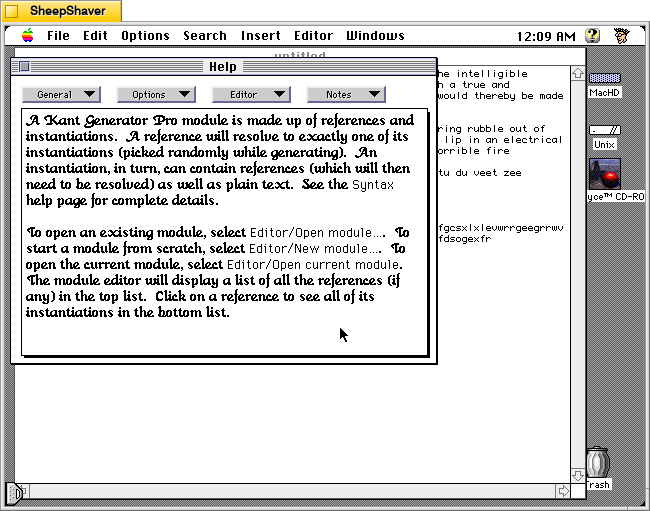
    Kant Generator Pro for Macintosh, Apple menu > Help > Editor > Getting Started

    Choosing Editor > Getting Started on the Help window shows the information displayed above. Like Electric Poet, which I wrote about yesterday here, Kant Generator Pro relies on randomness, but unlike Electric Poet, Kant Generator Pro relies on more structure in building relationships between words and strings of text by editing a given Module (like Electric Poet’s Library). But where Kant Generator Pro gets really interesting is in how the responses can be engineered while editing the Module to reference and nest references within references.

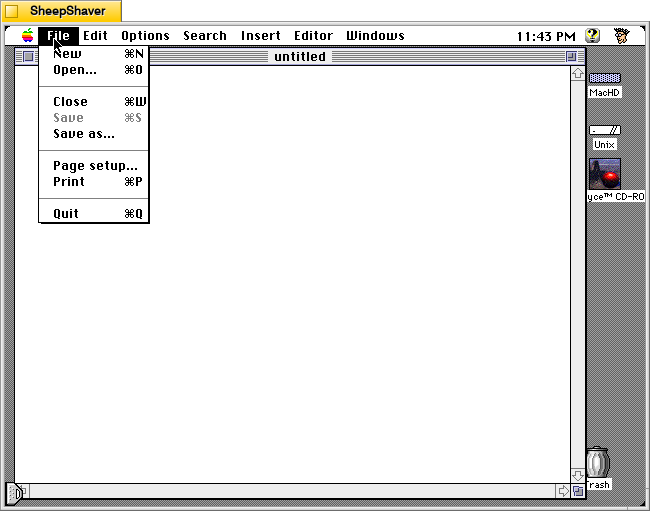
    Kant Generator Pro for Macintosh, File menu

    The File menu gives you access to basic file operations.

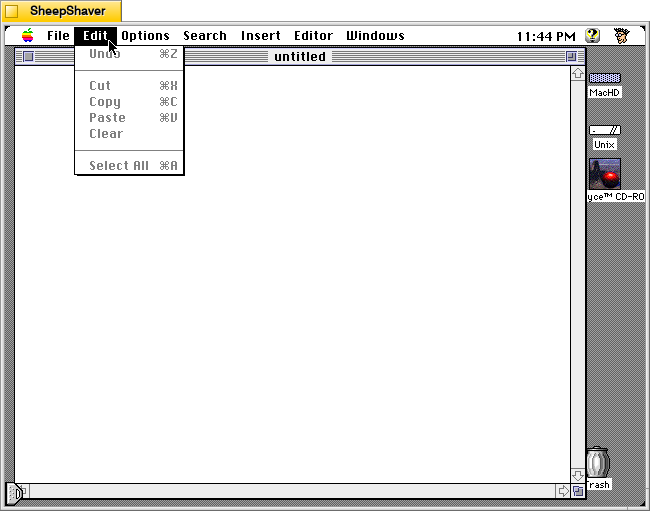
    Kant Generator Pro for Macintosh, Edit menu

    The Edit menu has basic edit operations.

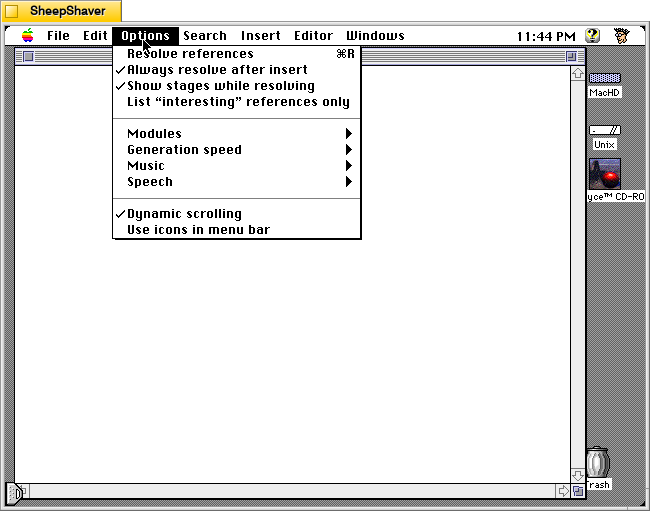
    Kant Generator Pro for Macintosh, Options menu

    The Options menu controls Kant Generator Pro’s primary feature–the Module used for text generation, but it also gives the user options for how fast it generates text, whether music is played or not while generating text, and to speak the generated text a voice with Apple’s Text-to-Speech technology.

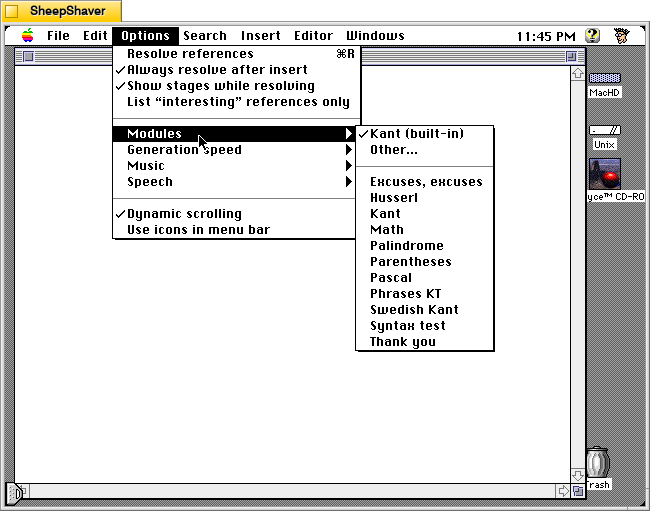
    Kant Generator Pro for Macintosh, Options > Modules

    In the Options menu > Modules, the user chooses the text generator module to use. The Program Notes file (dated 26 Jun. 1995) included with the application describes the included modules:

    Kant Generator Pro has the built-in capability to generate enormous amounts of Kantian gibberish, but if you'd like to play with generating your own text, it also lets you create, edit, and use external modules.  There are several modules included in this release:
    
    Kant: this is exactly the same as the built-in Kant module, except that you can edit it.  The most general reference is &section.
    
    Swedish Kant: this is the same as the Kant module, except that all references names and text have been converted to mock Swedish Chef (as featured in my program Dialectic, which should be available wherever you got this package).  The most general reference is &secshun.
    
    Husserl: a module which emulates Edmund Husserl, a 20th-century phenomenologist.  The most general reference is &section.
    
    Thank You: a module which generates thank-you notes for all occasions.  The most general reference is &thank-you-note.
    
    Excuses, excuses: a module which generates for excuses explaining exactly why you can't come to work.  The most general reference is &Yet-Another-Excuse.  Written by Mike W. Miller.
    
    Math: a module which generates algebraic equations using +, -, *, /, parentheses, and three variables X, Y, and Z.  The most general reference is &term.  Written by David Scheidt (the same friend who discovered that he had 19 copies of the GPL).
    
    Palindrome: a modules which generates palindromes (strings which spell the same backwards and forwards).  The most general (and only) reference is &palindrome.  Written by David Scheidt.
    
    Pascal: a module which generates syntactically correct statements in the Pascal programming language.  The most general reference is &pstate.  Written by David Scheidt.
    
    Parentheses: a module which generates strings of balanced parentheses.  The most general reference is &balanced-parens.  Written by David Scheidt.
    
    Syntax test: this is a sample module which gives examples of the different forms of syntax which Kant Generator Pro can deal with.  All the references are relevant, but you won't get much out of them unless you look at them in the module editor first.
    
    If you'd like to create your own modules, poking around with these should be enough to get you started.  There are several pages of help in the Kant Generator Pro application which talk about building modules, and I also support balloon help for all the menus.  If you're still confused, drop me a line (my e-mail address is in the application's help section) and I'll try to help.
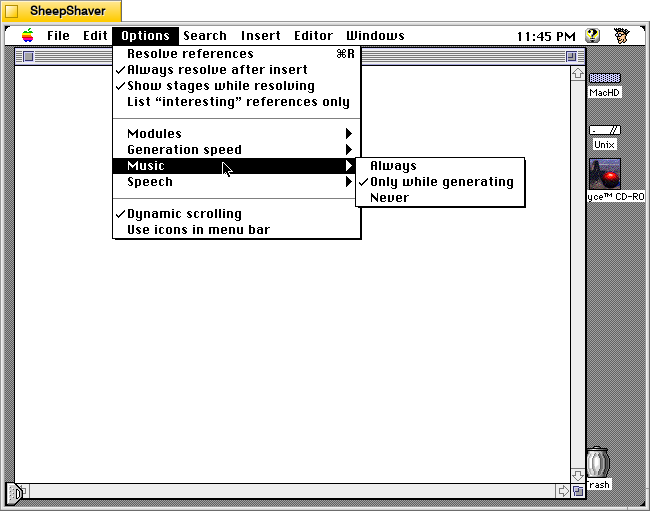
    Kant Generator Pro for Macintosh, Options > Music

    The Options menu > Music has options for Always, Only while generating, and Never.

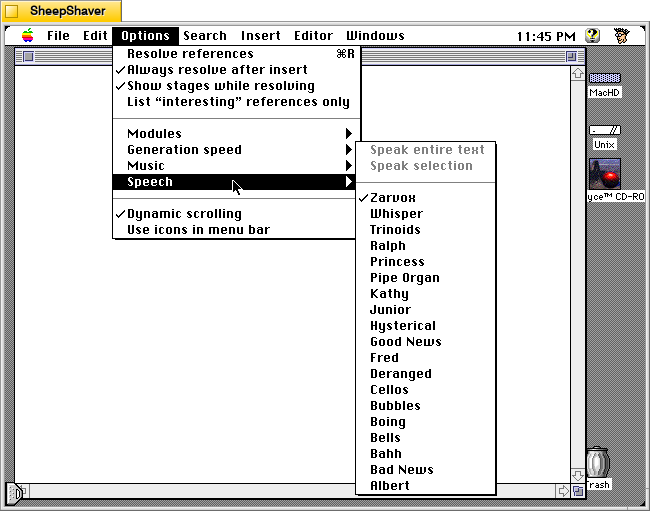
    Kant Generator Pro for Macintosh, Options > Speech menu

    The Options menu > Speech selection pulls available voices from Apple’s Text-to-Speech (if installed on the Macintosh) to give users an opportunity to have the generated text read aloud.

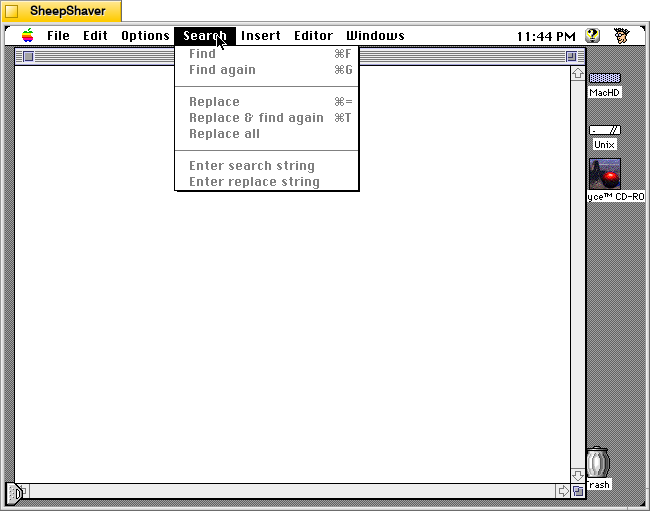
    Kant Generator Pro for Macintosh, Search menu

    The Search menu gives users an easy way to find and replace text in the text generation window (but not the Editor window shown further below).

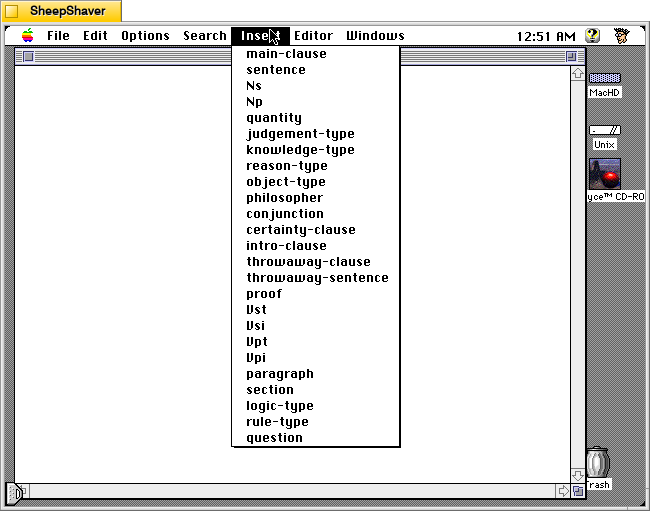
    The Insert menu changes based on which Module the user selects after opening Kant Generator Pro. This menu is what directs Kant Generator Pro to generate text based on the text corpus and engineered relationships in the Module. Kant Generator Pro uses randomness to piece together options within the corpus and those established relationships to string words together into phrases, sentences, paragraphs, and sections. The above options in the Insert menu are for the Kant Module.

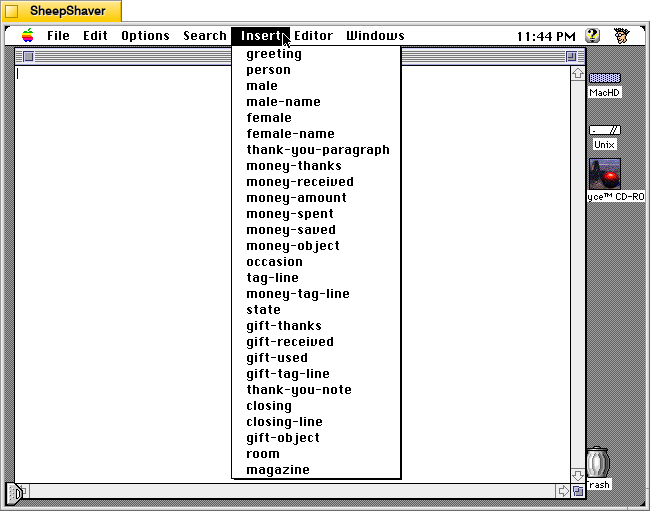
    Kant Generator Pro for Macintosh, Insert menu

    The Insert menu options shown above are for the Thank You Module.

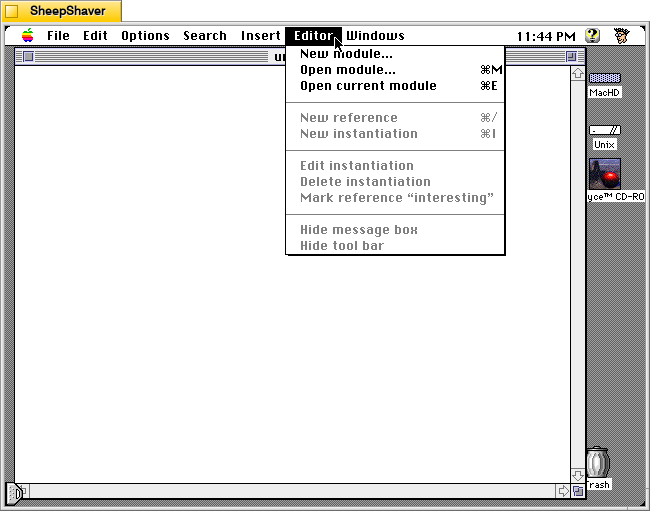
    Kant Generator Pro for Macintosh, Editor menu

    The Editor menu gives options to create a new module or open a module in the Editor window.

    Kant Generator Pro for Macintosh, Editor window

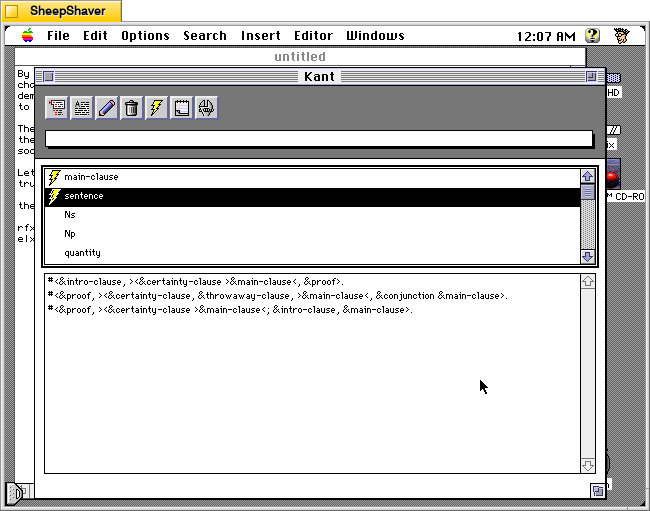
    The Editor window for a Module is where the end user can construct new References (top pane) and Instantiations (lower pane). You can see in the lower pane how References string together other References and Instantiations within References to give the generated text structure.

    Kant Generator Pro for Macintosh, Windows menu

    The Window menu allows the user to switch between multiple open files in different windows.

    Kant Generator Pro for Macintosh, Kant module | Insert > sentence

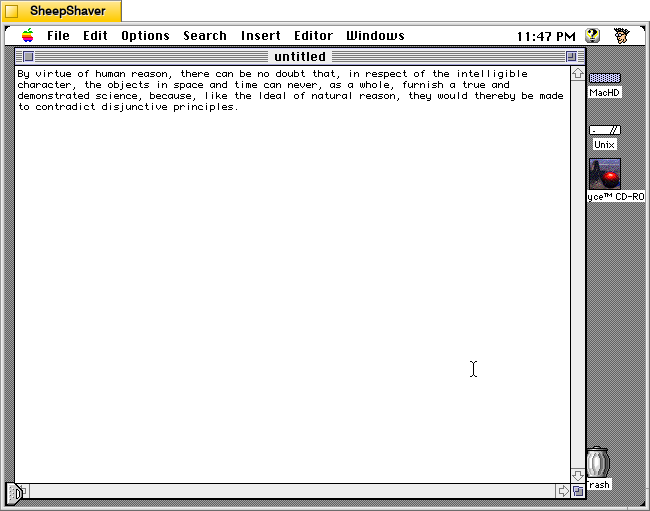
    Using the Kant Module, I used the application to generate the sentence above.

    Kant Generator Pro for Macintosh, Excuses module | Insert > sentence

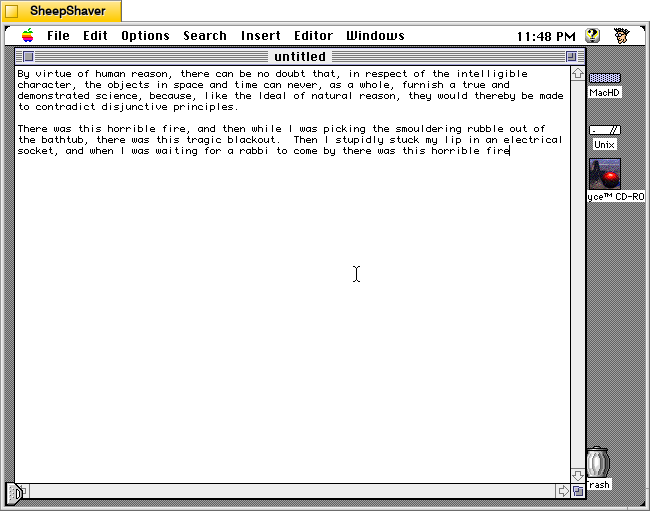
    Using the Excuses, excuses Module, I used the program to generate the above outlandish excuse.

    Kant Generator Pro for Macintosh, Thank You module | Insert > paragraph

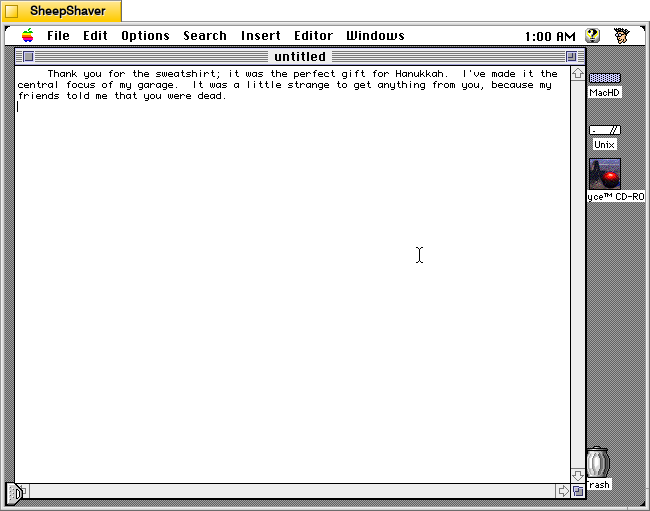
    Finally, using the Thank You Module, I generated the rather strange gift thank you.

    Like Electric Poet and large language model (LLM) artificial intelligence today, there is some trial-and-error involved. Electric Poet and Kant Generator Pro rely on a corpus of text, a system of relationships, and randomness to select what word or phrase goes next given a set of rules. In a sense, LLMs aren’t that much different except in scale. Based on a given LLM’s training, the relationships between words (or tokens) are far more complex. The hidden layers of an LLM construct relationships that are not simply 1-to-1. Analogous to neurons in our brains, the connections and weights for each connection between tokens are vast and labyrinthine.

    Nevertheless, I can imagine Electric Poet and Kant Generator Pro being used today–over 25 years after being first developed in the latter’s case–as a tool to help students think about how text generation can work in a very simplified manner. This can be paired with sentence diagramming of some of their own writing, which can be duplicated within Kant Generator Pro as a “Me” Module that can reproduce one’s own writing. Then, students can advance to more complicated topics with how LLMs are trained on big data to create models that are magnitudes more sophisticated than their Library for Electric Poet or Module for Kant Generator Pro. Throughout the process, an important reminded needs to be reinforced–there is no intelligence in these Macintosh programs or LLMs as they currently exist. The old and the new generate text based on rules applied to models–the former being simple and the latter being much more complex, but in both cases not having awareness or self-direction. Though, it seems like we are going in the direction of self-awareness and self-direction far more quickly than seems safe to me.

  • Electric Poet 1.6, a Macintosh Poetry Generator Program

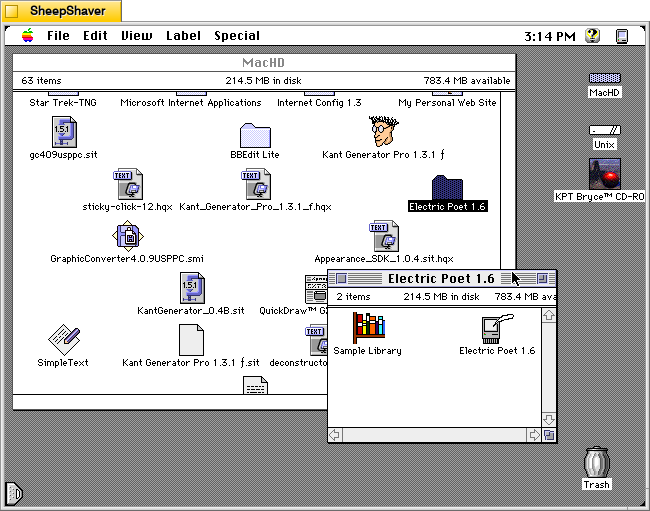
    Electric Poet 1.6 for Macintosh, Icon Group

    Like I’ve written before about image generation software such as KPT Bryce and Evolvotron, which employ fractals instead of artificial intelligence (AI) to generate landscapes and abstract images respectively, there are also text generating programs that use a variety of coding tricks to string words together in a far less complex manner than those used by large language model (LLM) AI systems today. Nevertheless, these precursors to generative AI deserve our attention to explore how they work and what they might have been and still used for.

    One such text generating program is Electric Poet 1.6 by Niklas Frykholm. It is a program that is only 48K in size, uses 600K of RAM, and is built to run on 68K-based Macintosh computers. For testing and creating the screenshots below, I used SheepShaver running System Software 7.5.5.

    In his abstract for the Info-Mac Archive (available in a viewable format here or as a part of the entire Info-Mac archive here), Frykholm writes, “Electric Poet can use an ordinary text file as a mould for creating its own litterary [sic] works. This works best with abstract poetry where it’s sometimes hard to tell real from bogus.”

    On 28 Sept. 1996 on his personal website, he writes, “Electric Poet is a fusion between my interest in computers and my interest in poetry. It is an attempt to write a program, capable of creating its own literary works. The Electric Poet takes the works of a biologic poet (as a TEXT-file) and rearranges them in a random but controlled manner. Heres a poem written by the program:

    often
    and closer to the chasm
    until you still have been squeezed by the mysterious event
    it showed clearly for the trouble
    and the progress
    about my desktop”

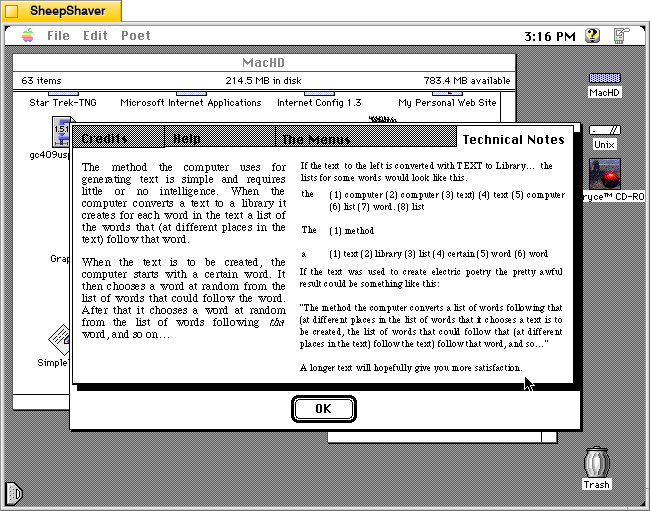
    And according to Frykholm’s “Technical Notes” on the program’s About window, “The method the computer uses for generating text is simple and requires little or no intelligence. When the computer converts a text to a library it creates for each word in the text a list of the words that (at different places in the text) follow that word.”

    “When the text is to be created, the computer starts with a certain word. It then chooses a word at random from the list of words that could follow the world. After that it chooses a word at random from the list of words following that word, and so on . . .”

    Essentially, Electric Poet is a clever piece of software that uses word relationships within a given text to create text based on random selections within that set of relationships.

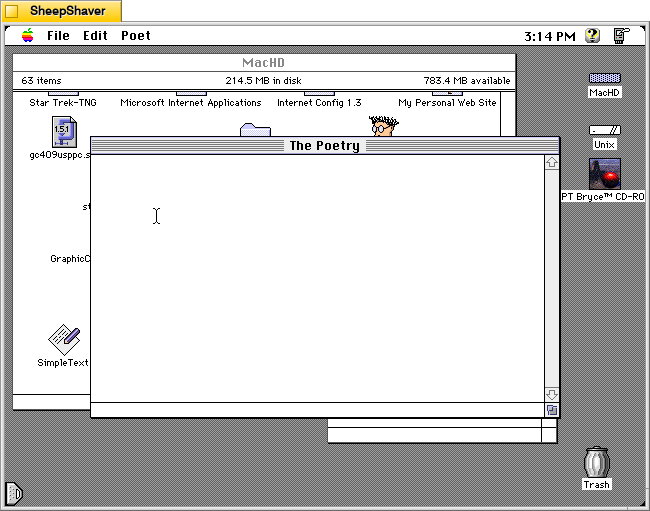
    Electric Poet 1.6 for Macintosh, Program's "The Poetry" window

    After double clicking on Electric Poet 1.6 in the icon group shown at the top of the page, the program presents “The Poetry” window with a blinking cursor. To have the program generate poetry, the user needs to open a Library from the File menu and then choose “Generate Text” from the Poet menu.

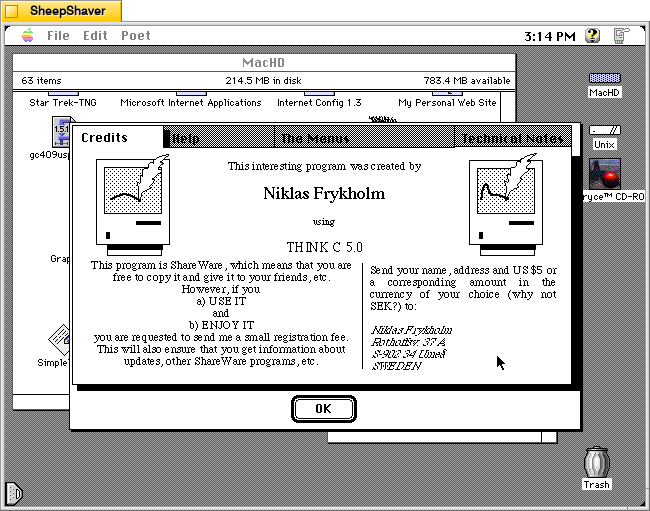
    Electric Poet 1.6 for Macintosh, About Window > Credits

    Opening the “About Electric Poet” from the Apple menu gives the user a super helpful set of tabs that gives you information for registering the shareware program, help using the software, an explanation of the menu items, and technical notes about how the program works to generate text.

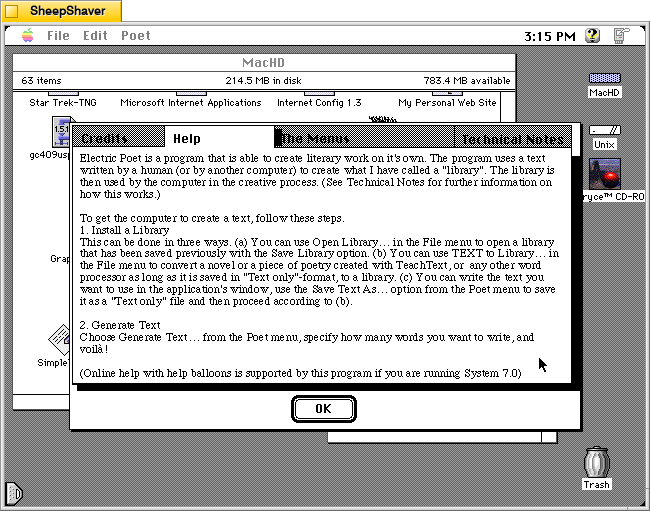
    Electric Poet 1.6 for Macintosh, About Window > Help

    The About Electric Poet’s Help tab breaks down what the user needs to do so that the program generates text. The first step is to “install” or open a Library. While Electric Poet comes with a sample Library based on the script for the film Star Wars, most users would probably want to create their own Library, which is easy enough to do. Once the Library is created and loaded, Electric Poet can then generate text from the Poet menu.

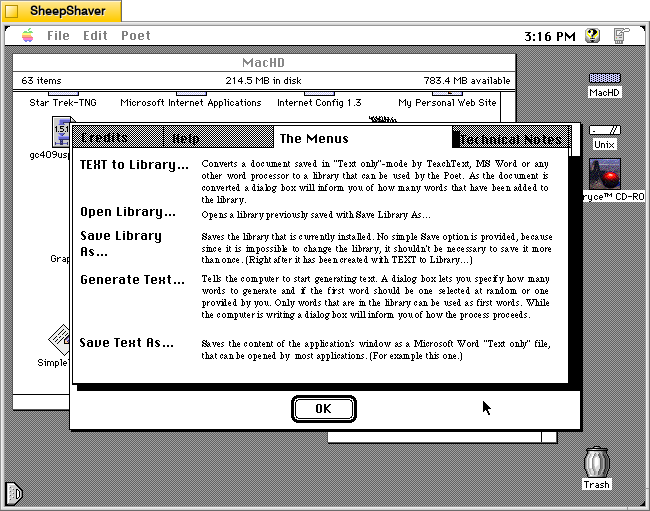
    Electric Poet 1.6 for Macintosh, About Window > The Menus

    The About Electric Poet’s The Menu tab gives further explanation about what each menu option does in the program.

    Electric Poet 1.6 for Macintosh, About Window > Technical Notes

    The About Electric Poet’s Technical Notes provides details about how it uses lists of words and the words that follow immediately after those words as a corpus of random selections linked to adjacent words. This is the magic that makes this program generate text. It uses lists of adjacent words and random selection to thread together sentences and phrases.

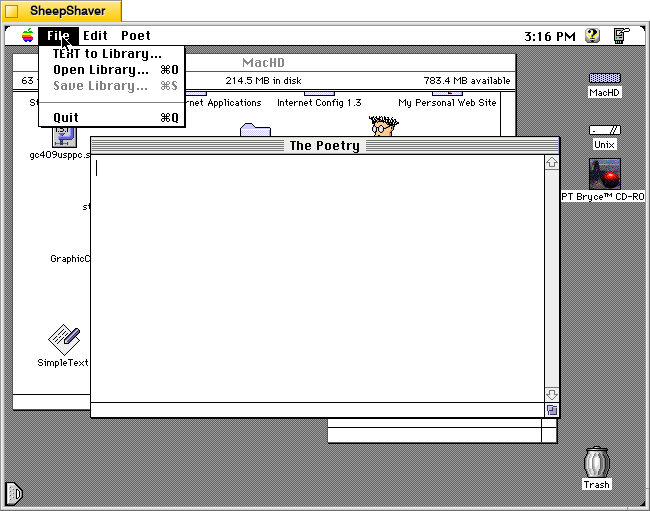
    Electric Poet 1.6 for Macintosh, File menu options

    To get started with Electric Poet, the File menu gives you access to opening a Library or creating a Library from “TEXT to Library.” It’s important to note that you need to have your text file in Teach Text format before attempting to create your own Library. I discovered that when opening a raw text file the program would create a list of words (as it would normally when creating a Library), but then the program would lock up and while I could still move the mouse, I could no longer use the menu, switch programs, or activate the Finder. I would have to kill the SheepShaver process on Debian and relaunch. I observed this same behavior when running Electric Poet on the 68k emulator Basilisk II.

    To avoid this problem, open your raw text file in BBEdit or another full-featured text editor (if it is larger than 32K–the Teach Text limit), copy an excerpt to the Clipboard, and then go into Teach Text, paste the text, and save it as a file. Then, use “TEXT to Library” in Electric Poet to create a Library from that Teach Text-saved file.

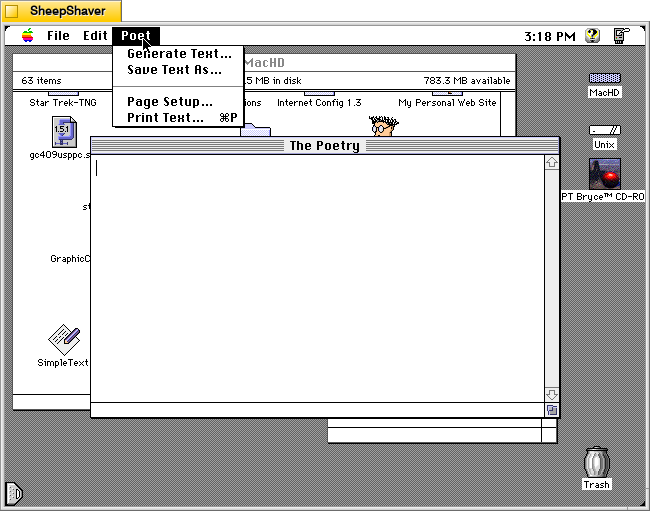
    Electric Poet 1.6 for Macintosh, Poet menu options

    Once you’ve opened your Library file, you can now use the Poet menu to “Generate Text.”

    Electric Poet 1.6 for Macintosh, Poet menu > Generate Text window

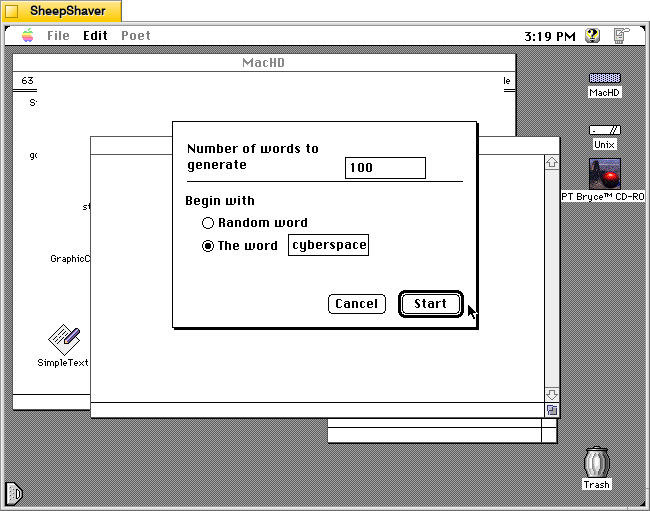
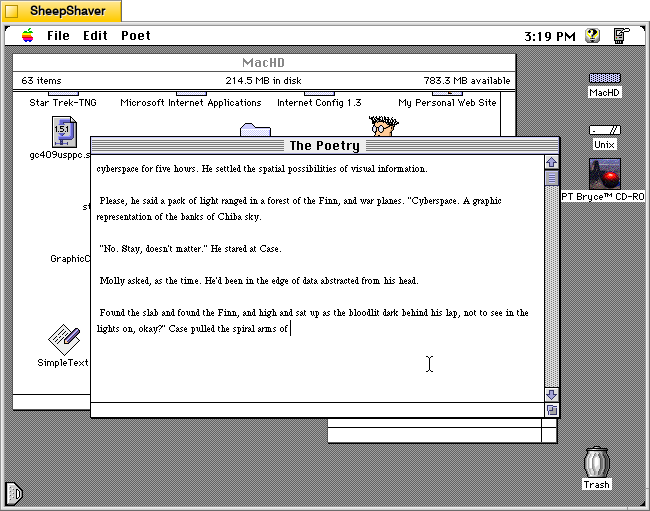
    The “Generate Text” menu option presents you with these controls before generating some text in “The Poetry” window. It allows you to choose how many words to generate and the option to begin with a random word or a specific word. If you choose a specific word, bear in mind that it is case sensitive. For example, I tried beginning with “Cyberspace,” but the word was not found in the Library. I tried with “cyberspace” and it generated text as shown below.

    Electric Poet 1.6 for Macintosh, Output in The Poetry window

    Above, is a sample of text generated from “The Shopping Expedition,” the third chapter of William Gibson’s Neuromancer (1984). This example is just one run. Subsequent runs will yield very different results. In this regard, it is like using Stable Diffusion or LLaMA in that many iterations are often required to generate an output that is desired by the end user.

    Soon, I’ll post about Kant Generator Pro, another Macintosh text generator program that creates pseudo-sense/technobabble text (writing like the philosopher Kant) as well as form generated writing, such as thank you notes. The form generated writing that Kant Generator Pro can do is aligned with one of the kinds of writing large language models are supposed to be able to help us with–emails, follow-ups, etc.

  • Reflecting on Moving a Hoard of Vintage Computers Through Brooklyn’s Streets

    My office space filled with vintage computers in Namm 520 at City Tech where I store the City Tech Retrocomputing Archive.
    My Retrocomputing Office Space

    I’ve written some about starting the Retrocomputing Archive at City Tech in my cramped desk area in Namm 520 here and here, but I don’t think I’ve written about how I moved the bulk of the lab’s holdings that belong to City Tech from one building to another.

    At a semi-enclosed campus, it might seem relatively easy to move equipment around, but when your campus is like City Tech’s, which is essentially a clusters of buildings on busy, big city streets with security and protocols it can be a real headache. Here’s how the move went down.

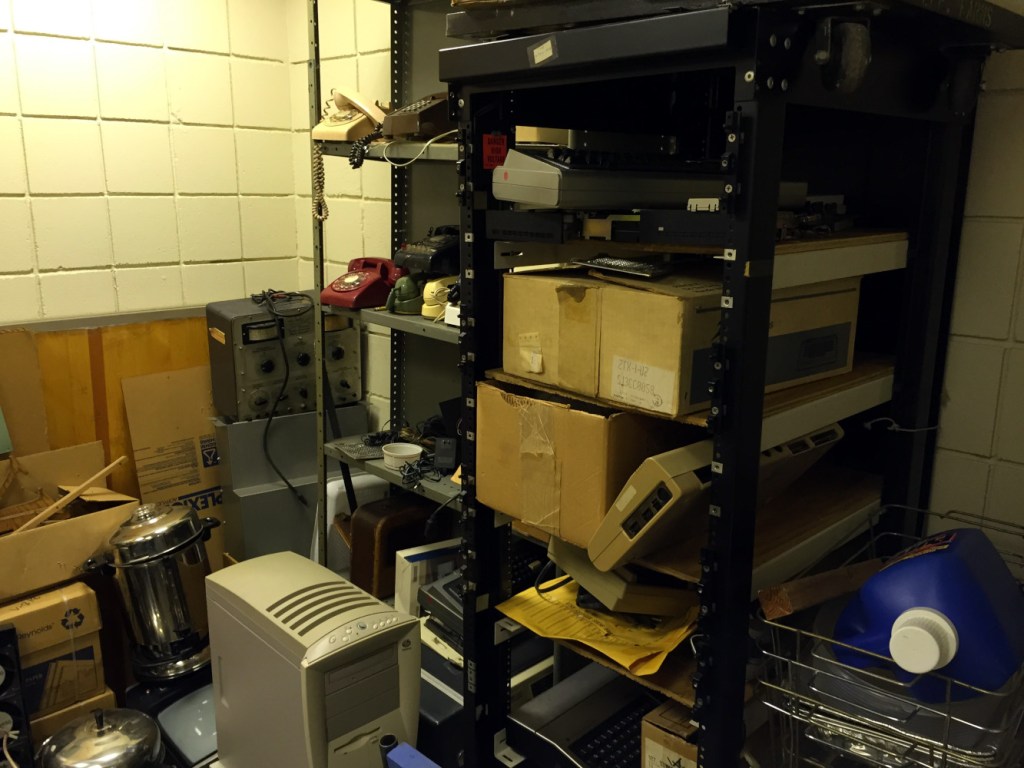
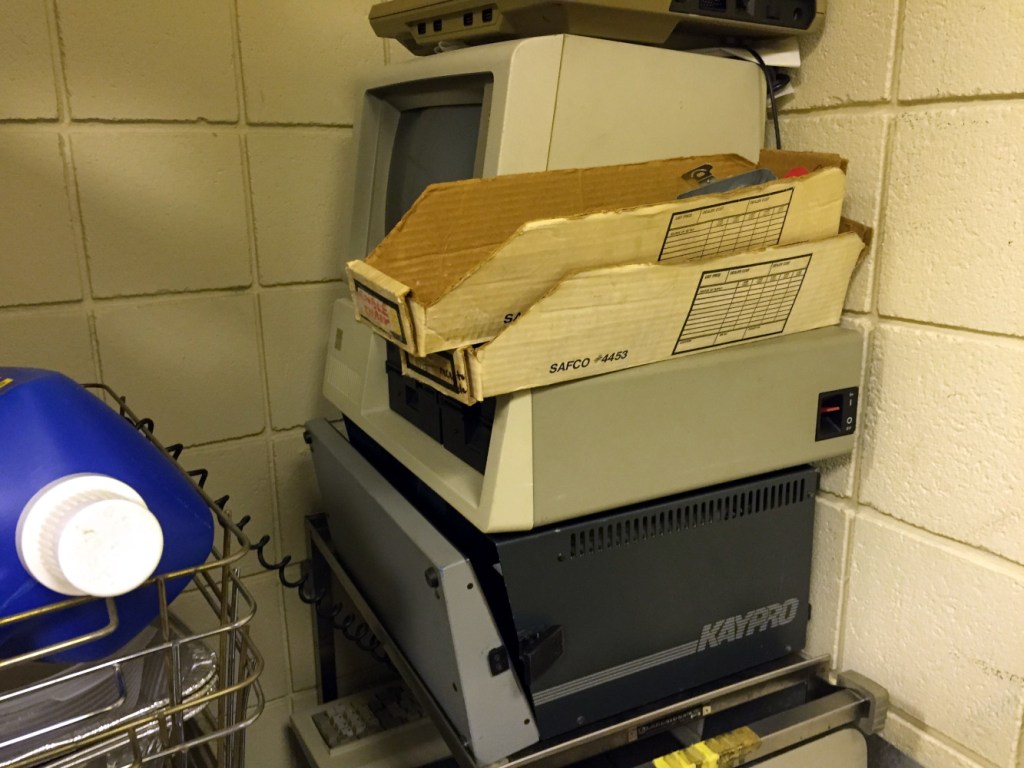
    In 2015, I learned through Mary Nilles, my dearly departed English Department colleague, that Stanley Kaplan, Senior CLT Assisting the Dean of the School of Technology and Design, had been keeping a collection of forgotten, vintage computers in a closet on an upper floor in City Tech’s Vorhees Building and the dean wanted the closet cleared out.

    I reached out to Stanley who gave me a tour of the large closet’s treasures seen below.

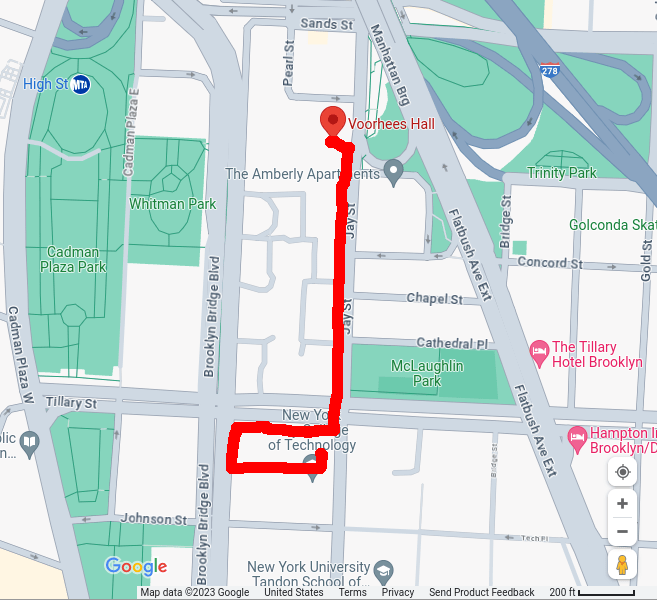
    I told him that I definitely wanted to move the computers into my office for the Retrocomputing Archive, but I would need to figure out the logistics of it since I didn’t have a car to move everything from one building to the next and a cart to carry the items from the top of Vorhees to the street and then from the street into the bowels of the Namm building where my office is.

    Red line indicates the path that I walked from Vorhees to the Namm Building--including my path within the Namm complex and its elevators.

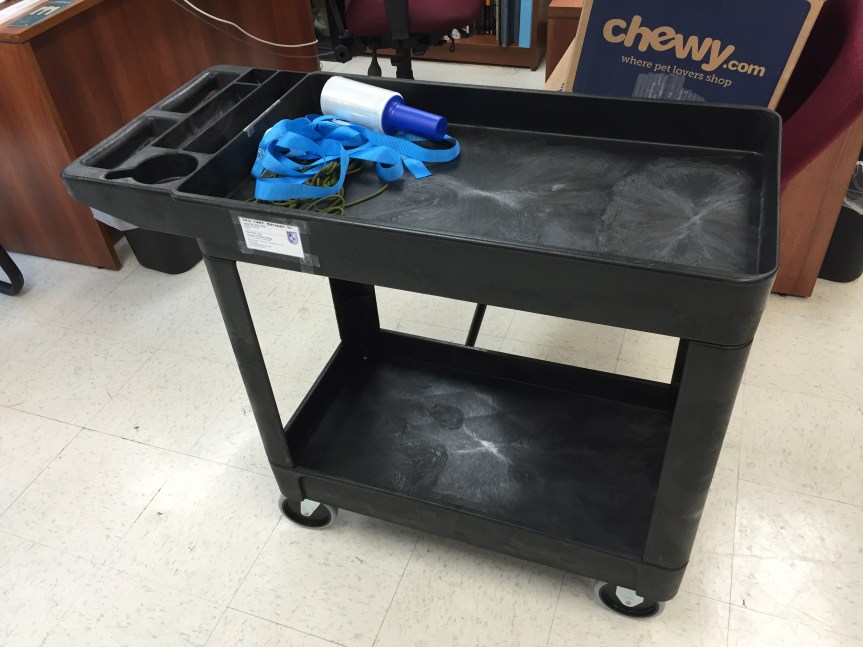
    I already had nylon straps and plastic wrap from our move to New York from the year before, which I could use to secure everything on a cart, which I didn’t have. So, I purchased up a heavy duty utility cart from Lowes for about $60 (I just looked and the price is up to $130 now!), and carried it boxed (~35 pounds) across the parking lot, down the street, up the stairs to the above ground subway at 4th Ave/9th St, up the steps at Jay St/Metrotech, two blocks down Jay St into the Namm Building, elevator ride up, and dropped it next to my desk exhausted. I assembled it in the office (I had considered assembling it in the Lowes parking lot, but it would have been too awkward to carry up the steps at the 4th Ave/9th St station.

    Utility cart

    For each load of computers from Vorhees to Namm, I put the heaviest equipment on the bottom and completely filled the lower shelf space to give it as low a center of gravity as possible. I stacked the top as reasonably as I could. I strapped it down and used the plastic wrap to secure smaller items that might wiggle loose during the rattly trip through Brooklyn.

    There were pros and cons about moving the computers from Vorhees to Namm. Leaving Vorhees and walking to Namm on Jay Street is down hill. However, the weight of the computers on the cart made it a strenuous task to hold the cart back from careening down the hill. The sidewalk is also uneven, broken, and pieced together with different kinds of material, which had to be navigated over and around. And, of course, there were the pedestrians, which occasionally made the move like a game of Frogger.

    I was able to move the bulk of the equipment in three trips. I might have gone back to pick up a few other things, but the second trip also turned out to be the most stressful. I never had any trouble with security at the entrance of Vorhees. I showed them my faculty identification and told them that I was taking the equipment to Namm. During the first trip into Namm past security, I wasn’t questioned about the equipment. Probably because logically I am bringing things into the building rather than attempting to walk them out, which I imagine happens on occasion.

    But, on the second trip into the Namm building, security stopped me and grilled me about what I was doing. Eventually, they led me to the security office on the first floor where I had an unpleasant conversation with the former public safety director about processes, protocols, and policies that admittedly serve a purpose in most cases but in an edge case like this.

    Despite the computers no longer appearing in any equipment databases, Stan and I had to fill out overzealous paperwork that had to be signed off exiting and entering a building. Individual items’ serial numbers weren’t checked against the paperwork, so it seems to have been bureaucratic onanism that added unnecessary labor to an already difficult project.

    Nevertheless, I moved the equipment into my limited office space and later purchased garage storage shelves to hold most of the larger computers with others on top of my official issued bookshelf and desk and others stacked into my filing cabinet.

    And, the utility cart came in handy when we received the first 160 box donation that inaugurated the City Tech Science Fiction Collection.

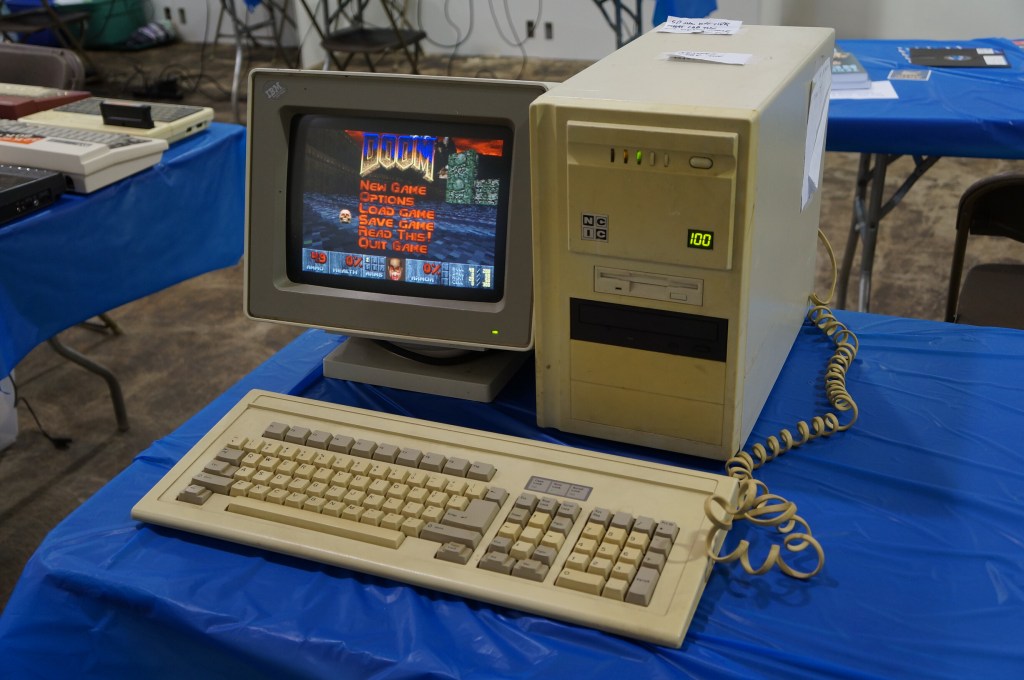
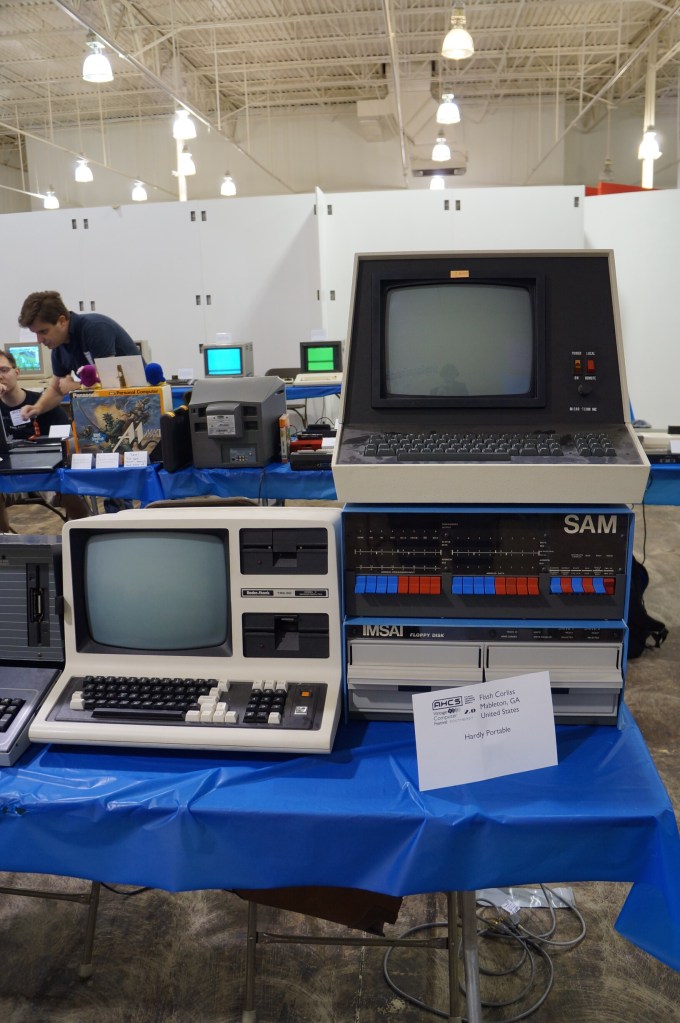
  • Vintage Computer Festival Southeast (VCFSE 2.0) 2014

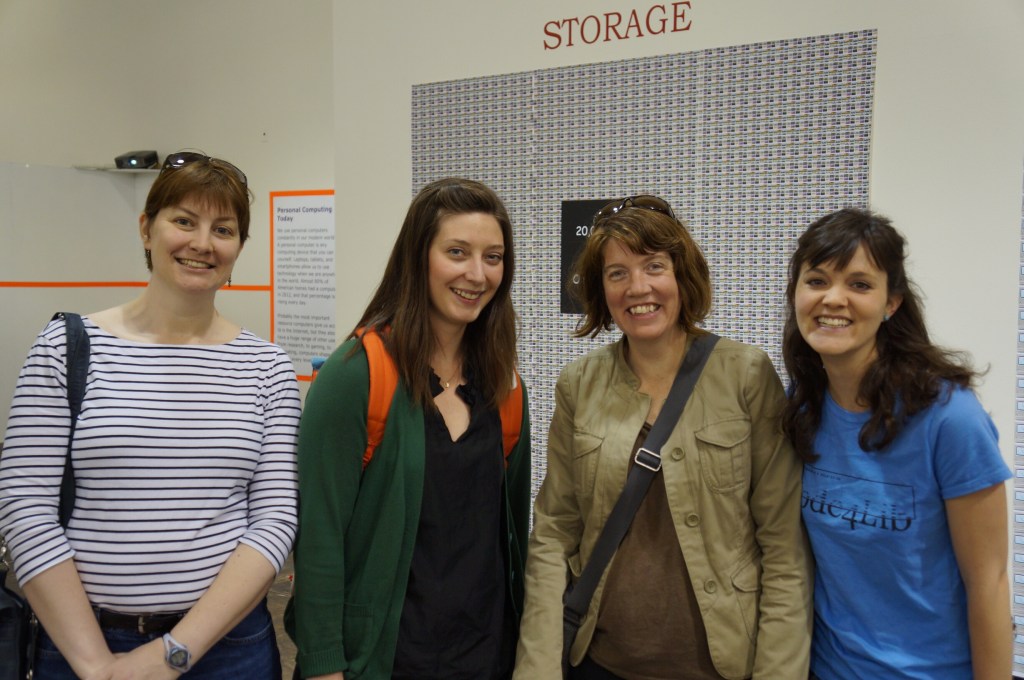
    Georgia Tech Librarians Sherri Brown, Lizzy Rolando, Alison Valk, and Wendy Hagenmaier

    For the second Vintage Computer Festival Southeast (VCFSE 2.0) in 2014, I went with my Georgia Tech Library colleagues Sherri Brown, Lizzy Rolando, Alison Valk, and Wendy Hagenmaier (I wrote about the first VCFSE and shared photos last week here).

    For me, it was great to bridge my professional and hobby worlds–one about studying and preserving our software and hardware digital culture and one about geeking out about retrocomputing–fixing it, using it, and playing with it. Sharing this event with my colleagues who were also negotiating these two overlapping worlds made it memorable to me.

    Below, I share photos from the Digital Archivists presentation panel and photos of the Apple Pop-Up Museum and other installed exhibits, and many photos from the individual exhibitor hall.

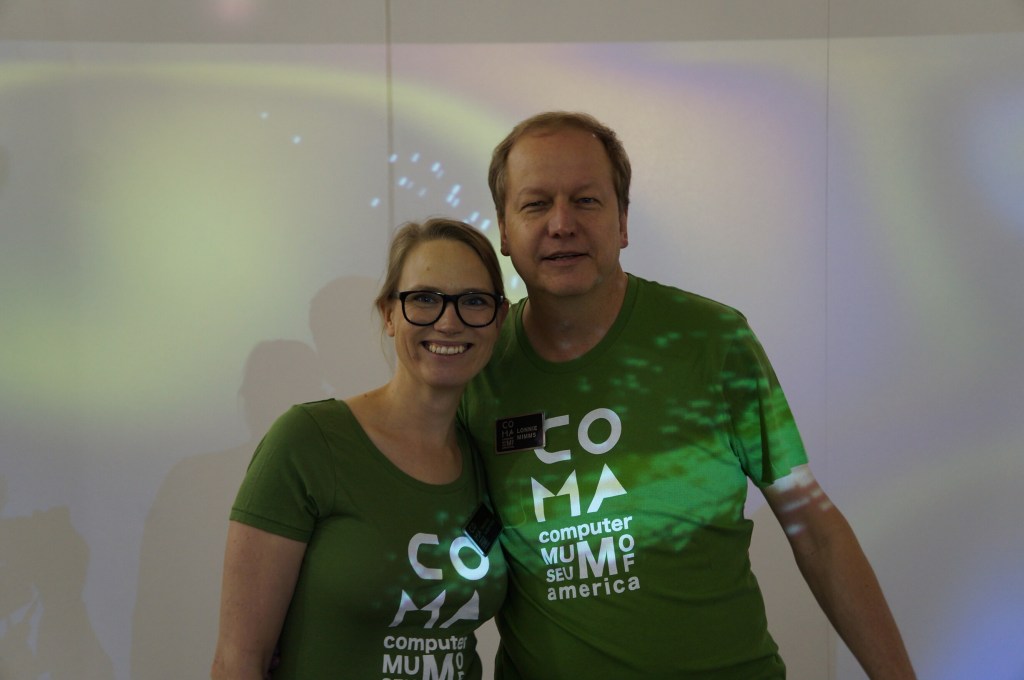
    When we first got there, we had a chance to talk with the founder Lonnie Mimms (right) who was wearing a green t-shirt emblazoned with the rebranding for the space as the Computer Museum of America.

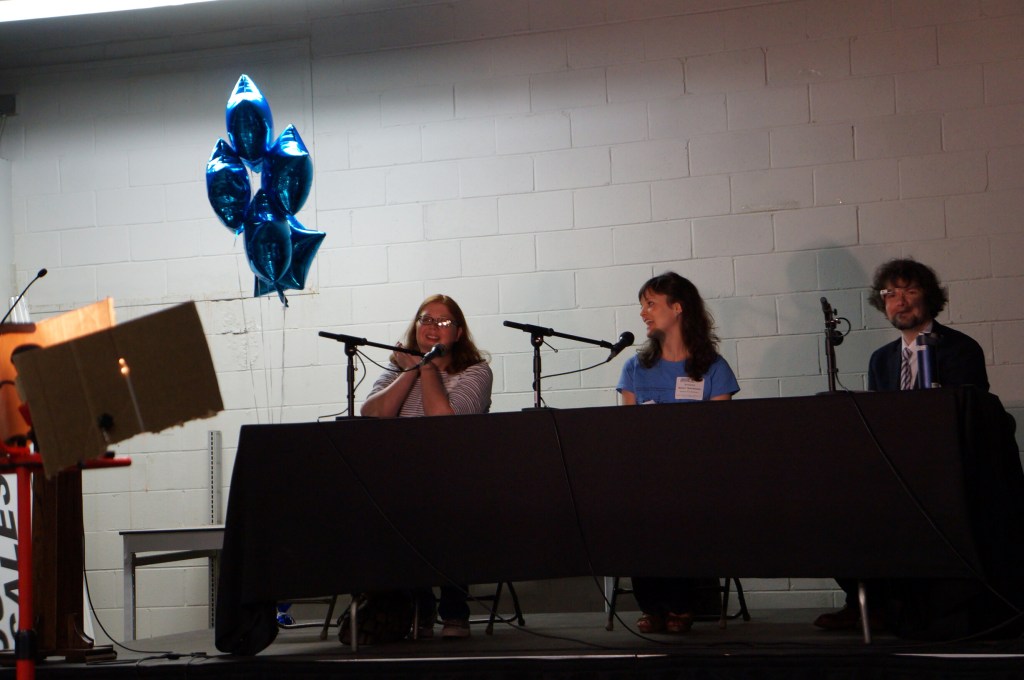
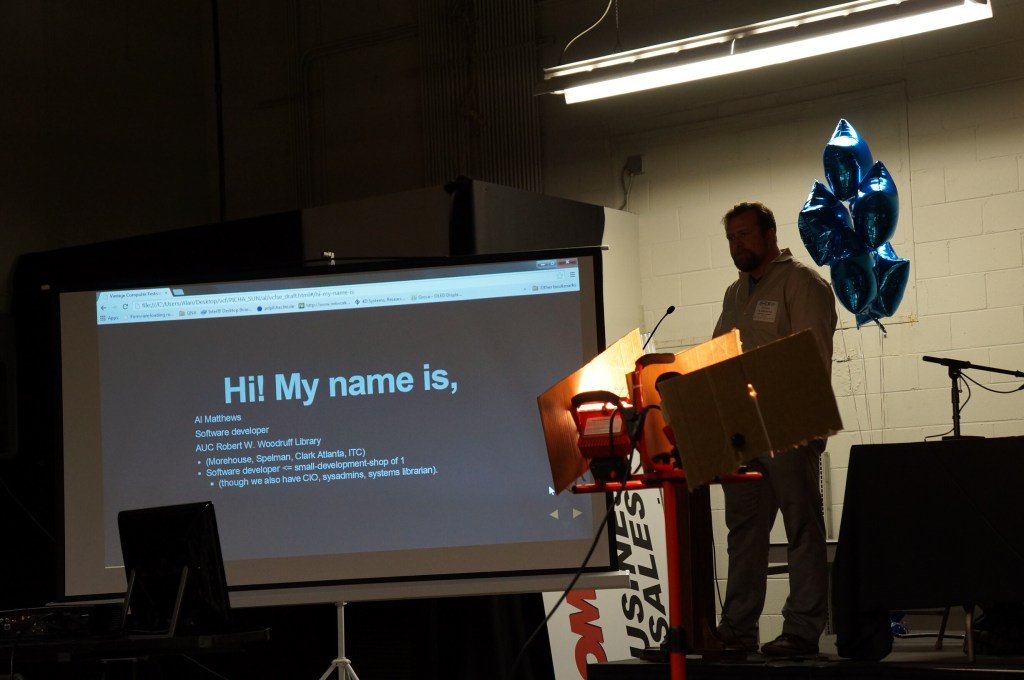
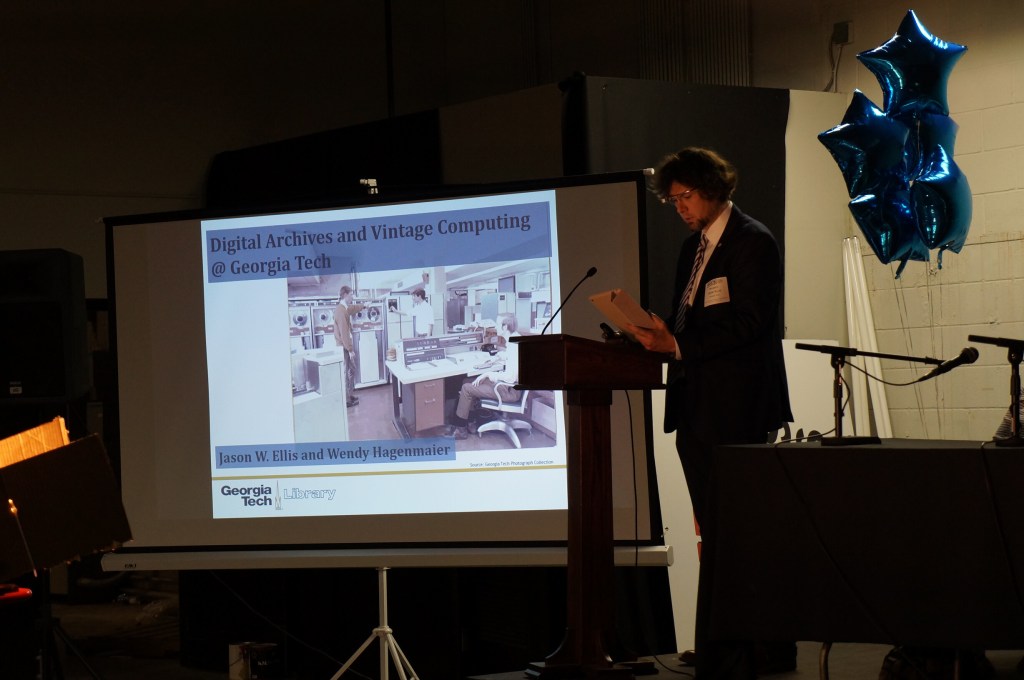
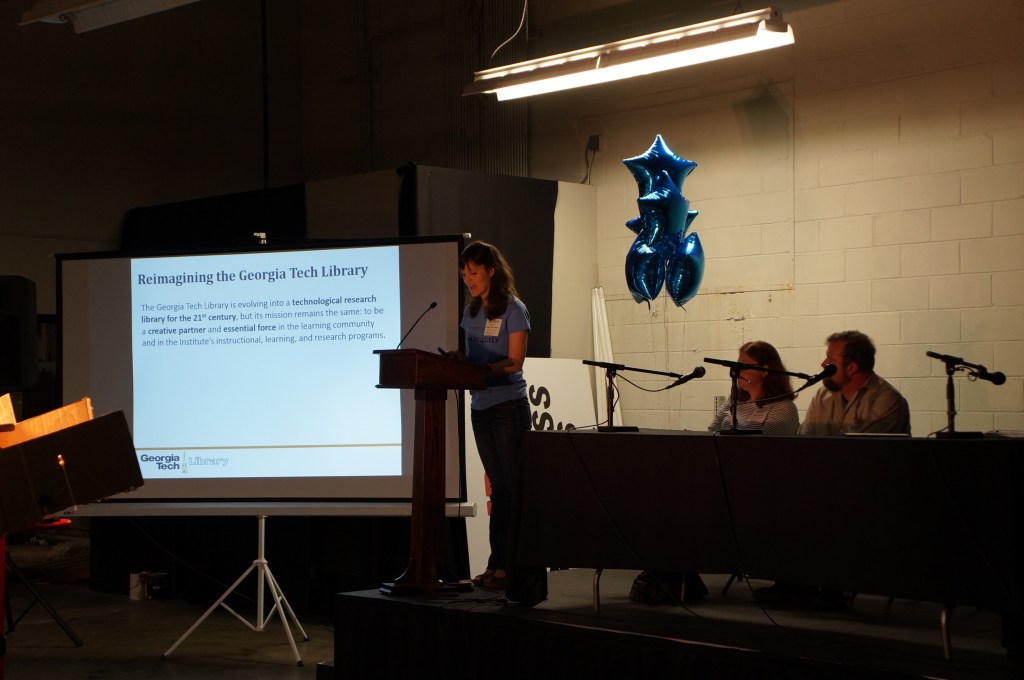
    Digital Archivists Panel

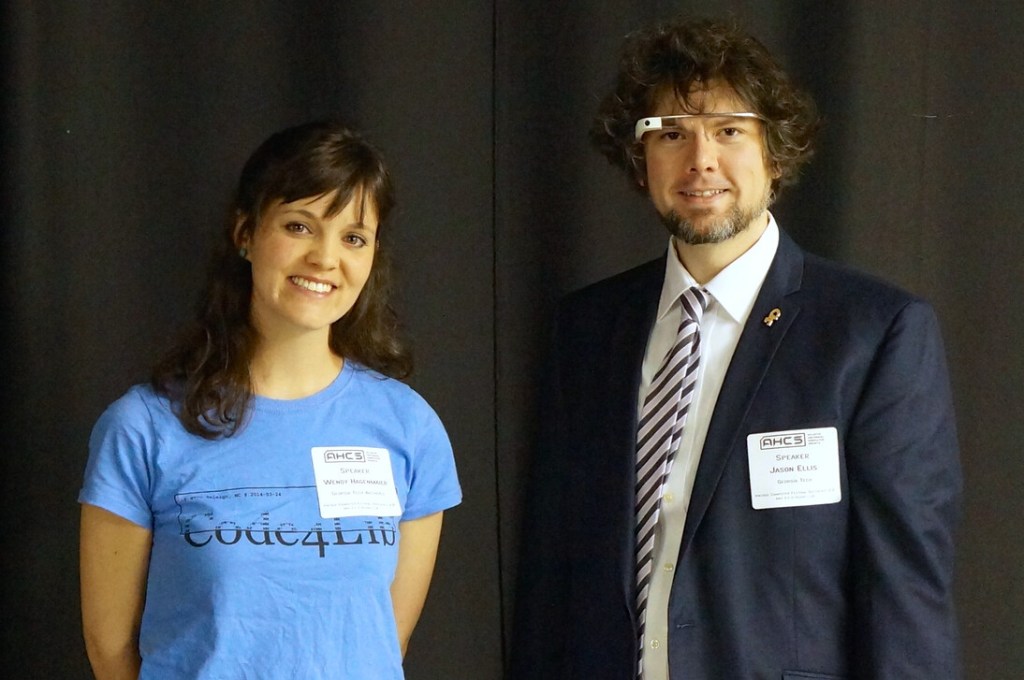
    Wendy Hagenmaier and Jason Ellis after the Digital Archivist panel.

    Wendy and I co-presented about “Digital Archives and Vintage Computing at Georgia Tech” during the Digital Archivists panel. Our notes from the event can be found here.

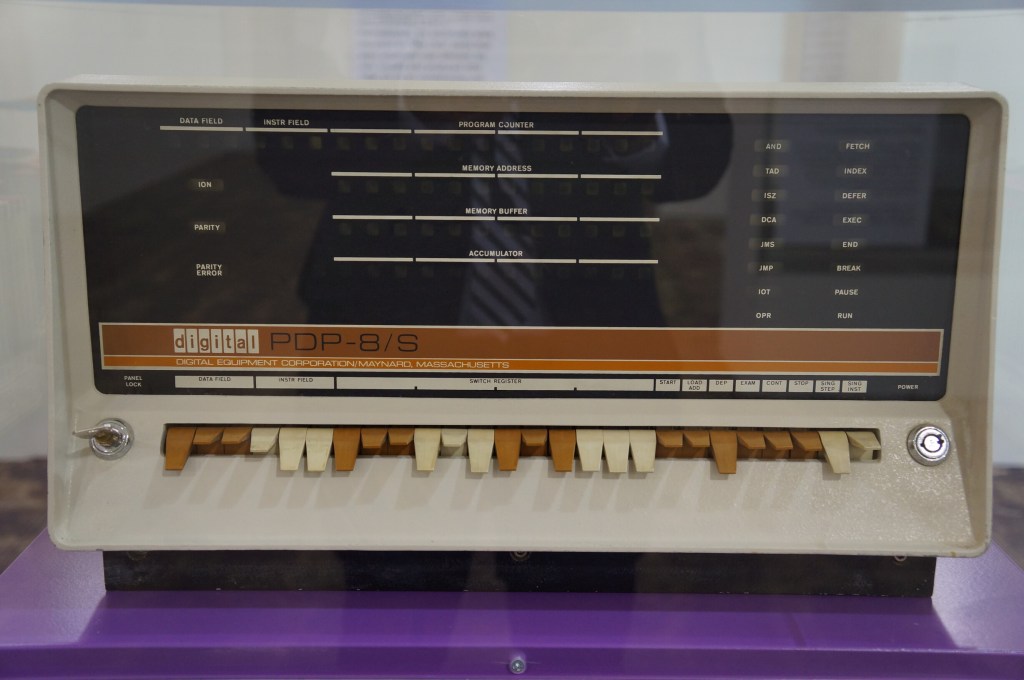
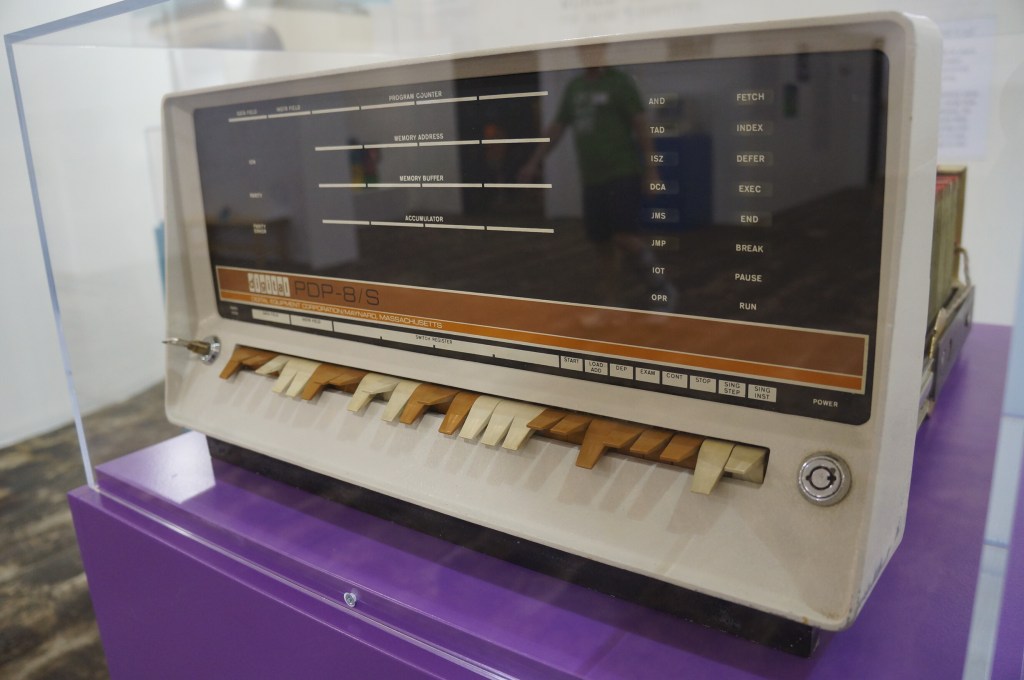
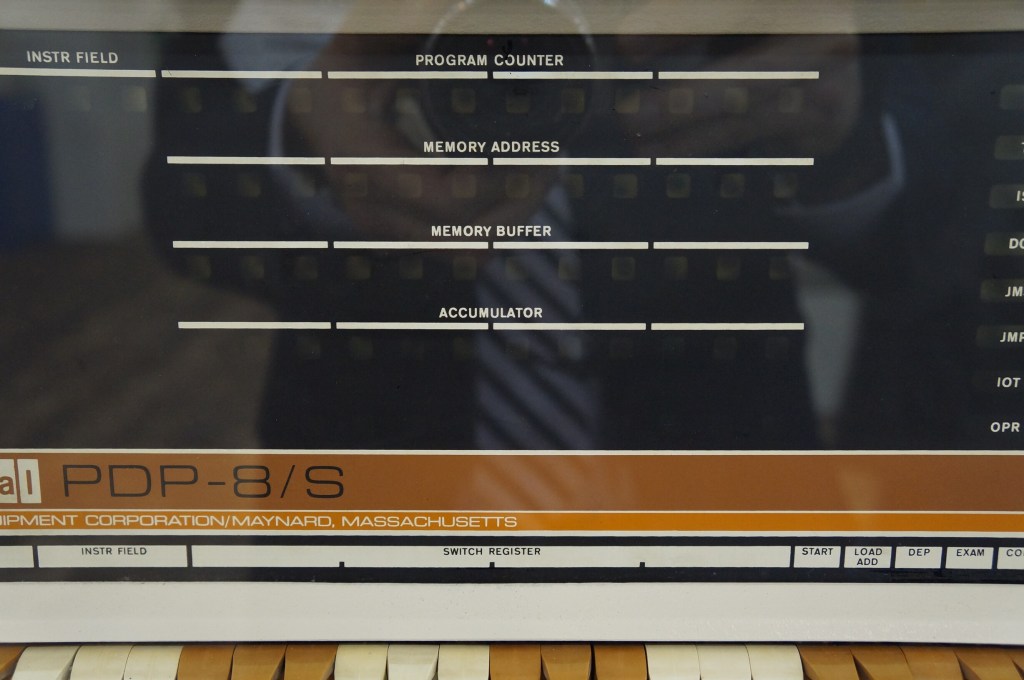
    Digital PDP-8

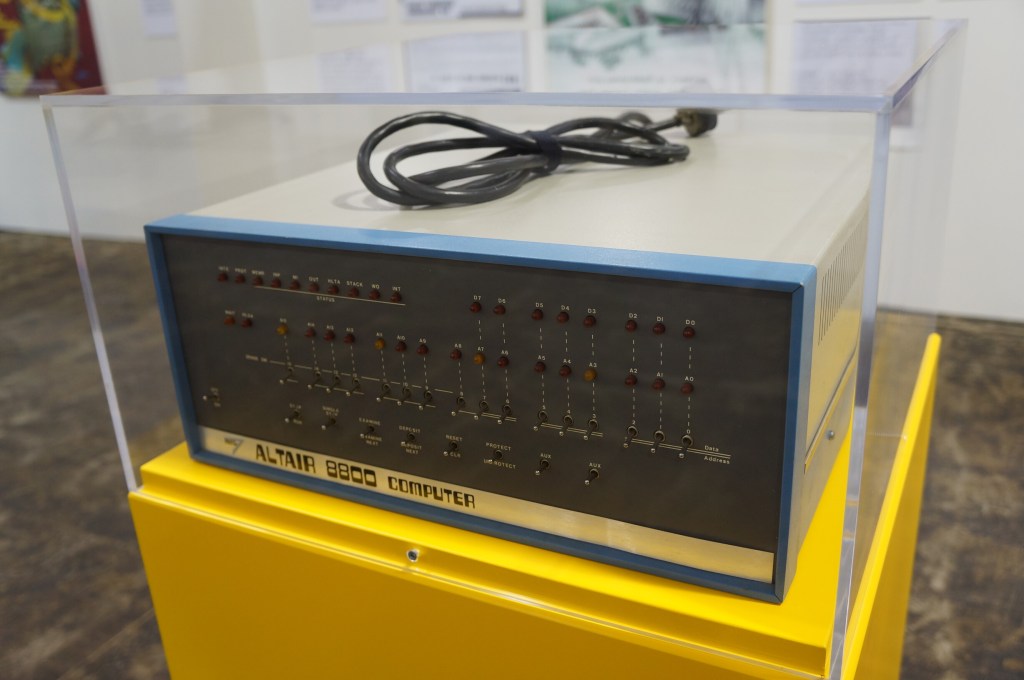
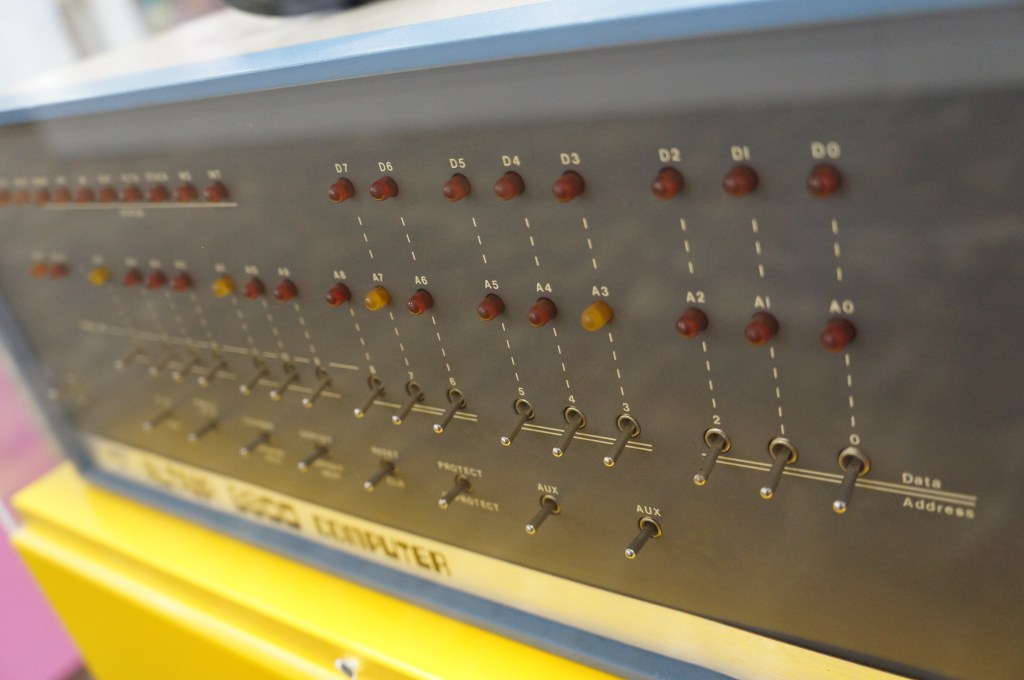
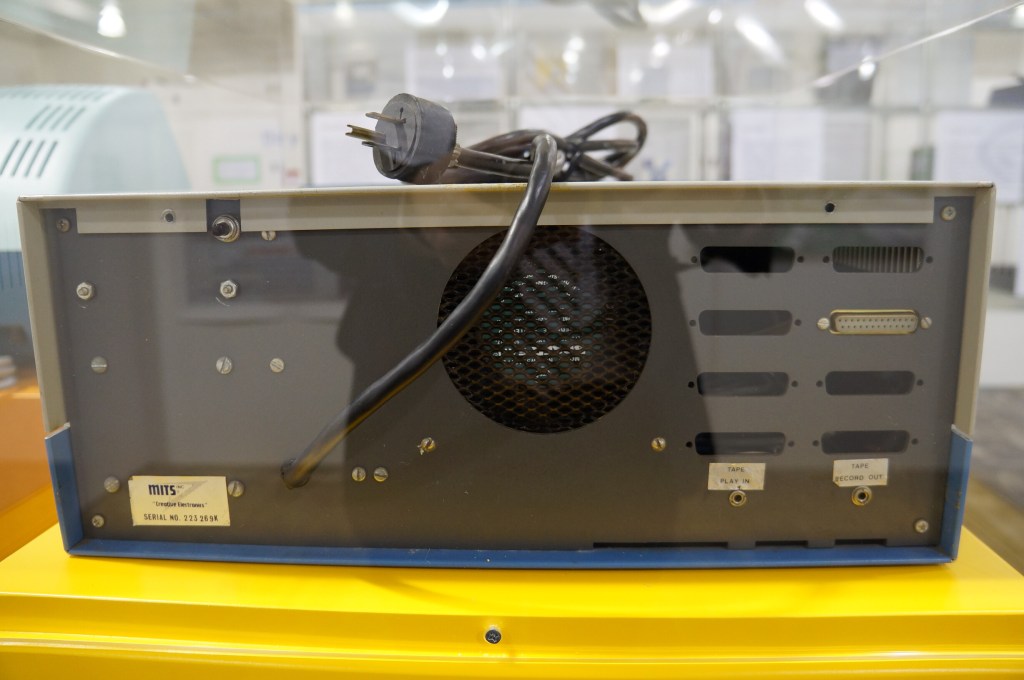
    MITS Altair 8800

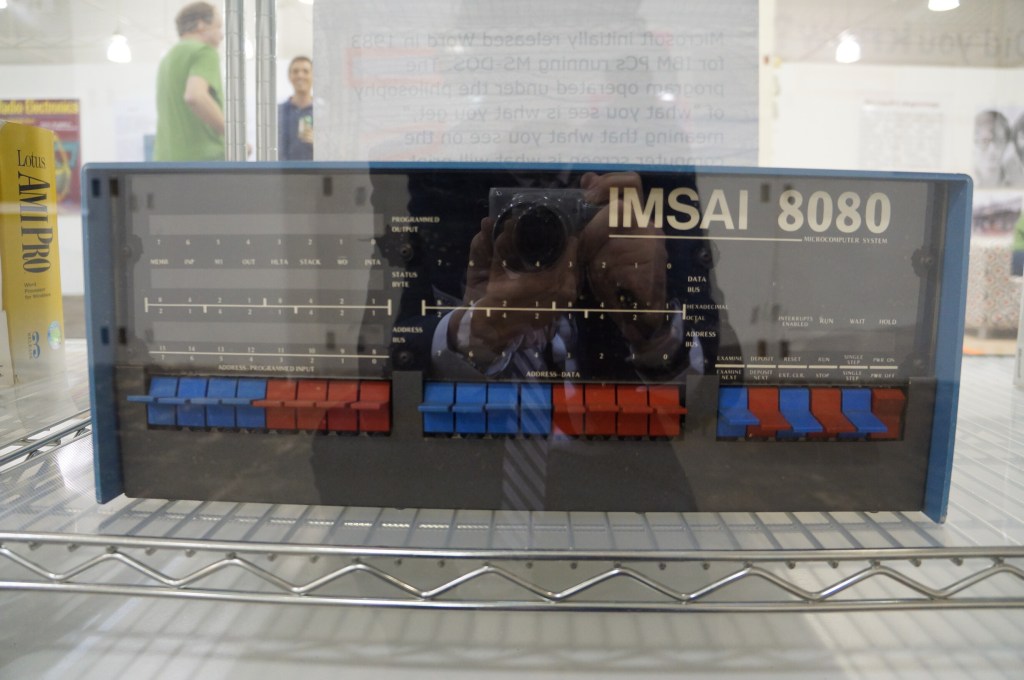
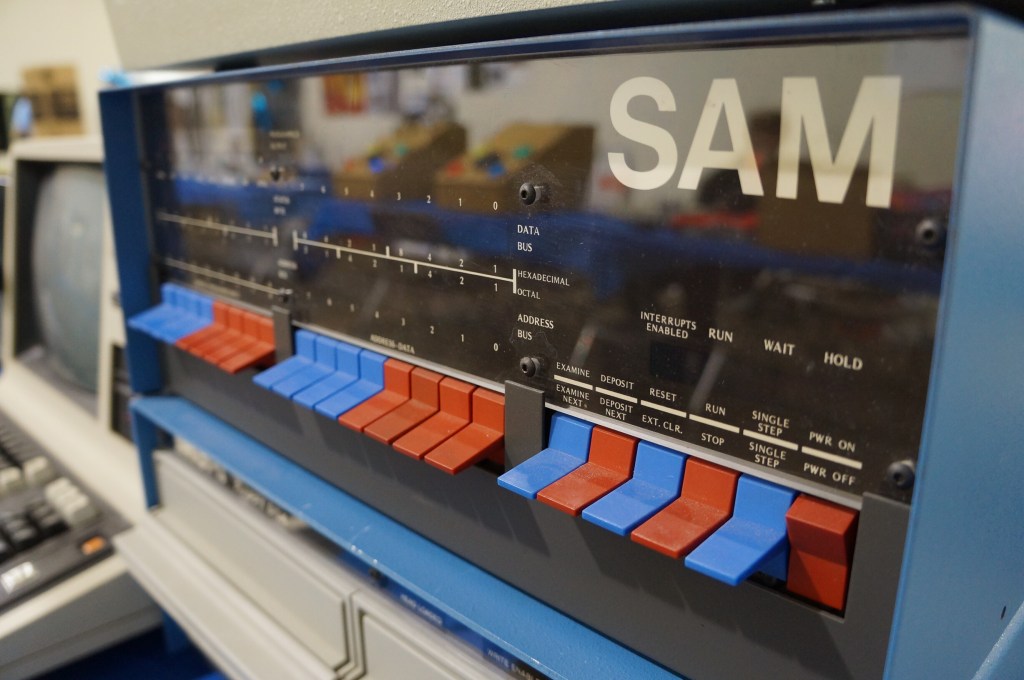
    IMSAI 8080

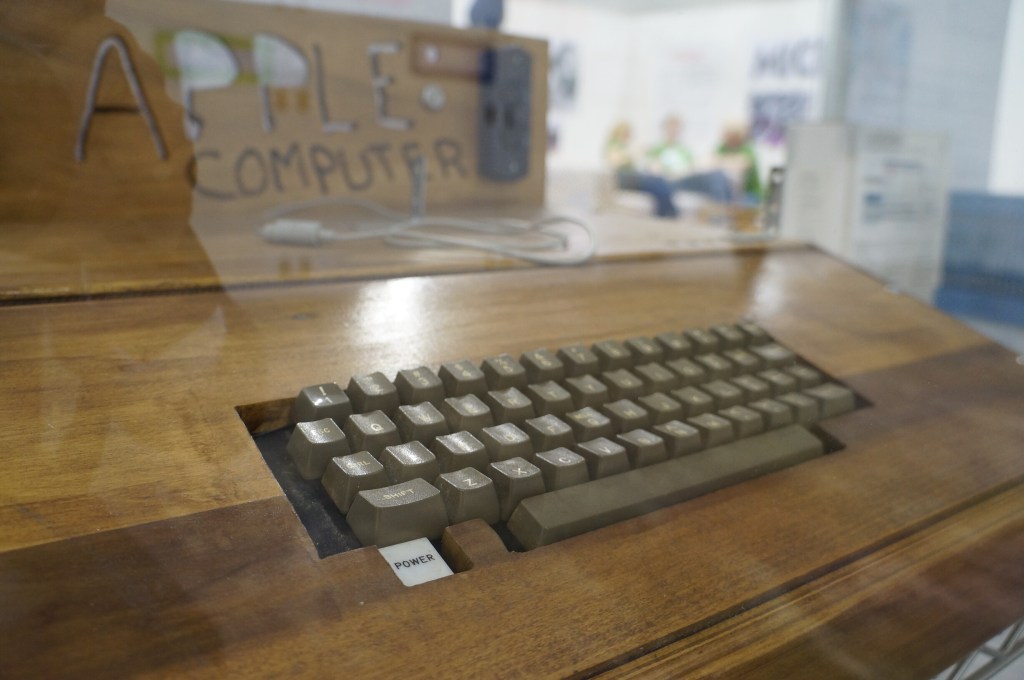
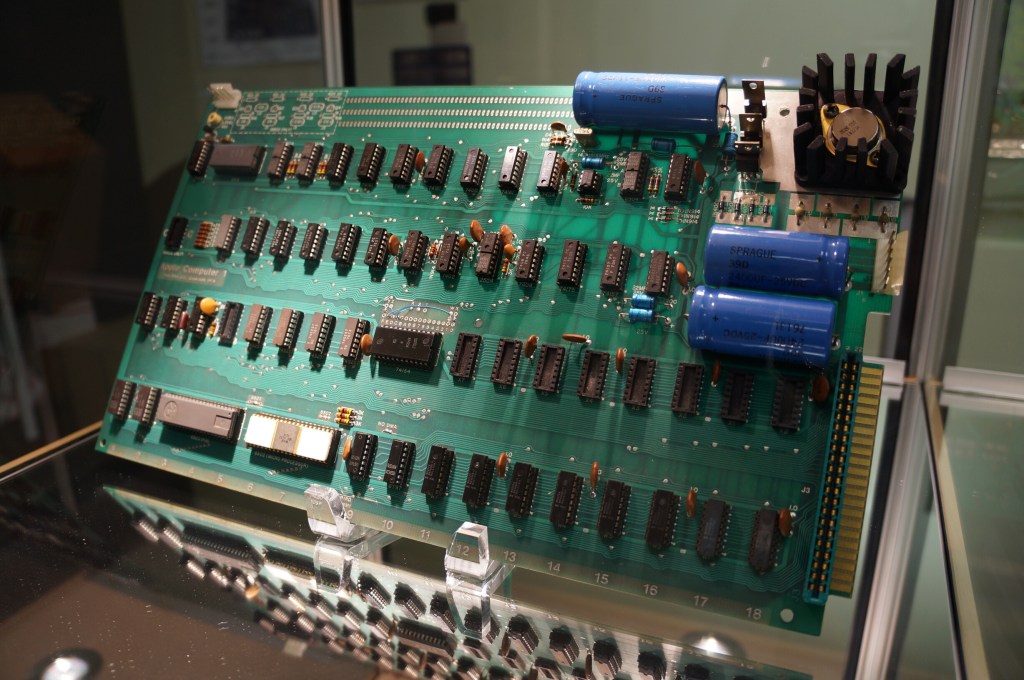
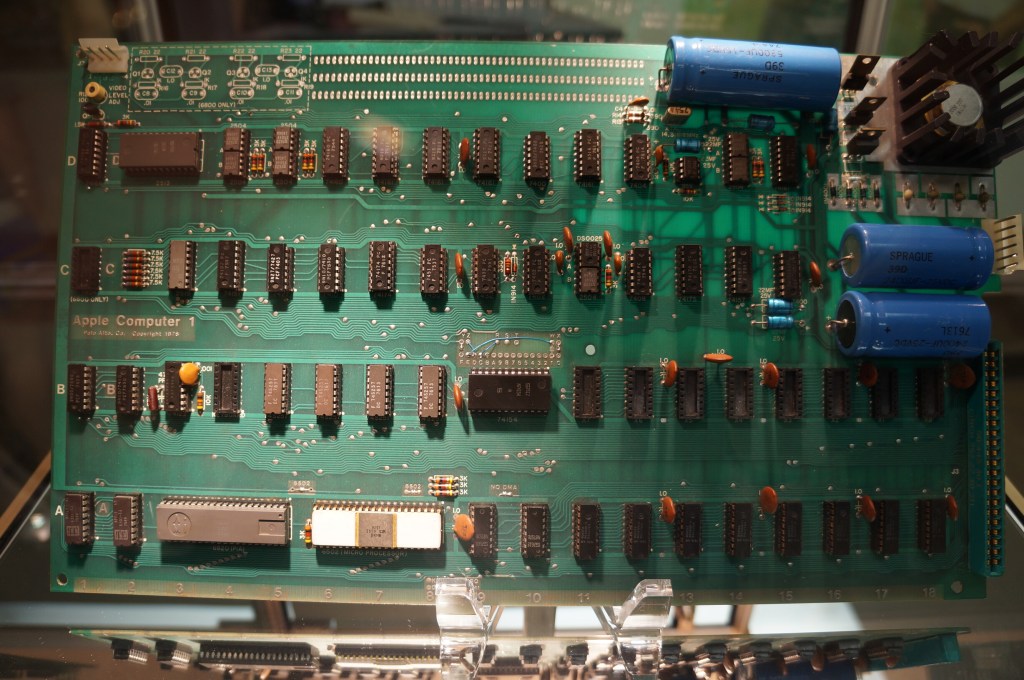
    Apple I in Wood Case

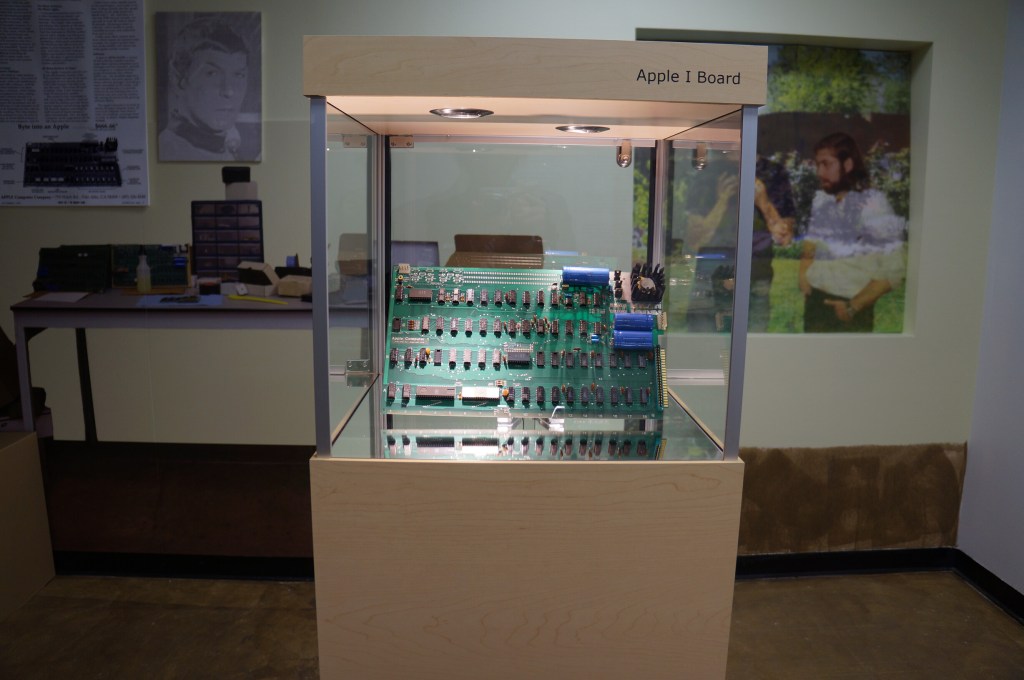
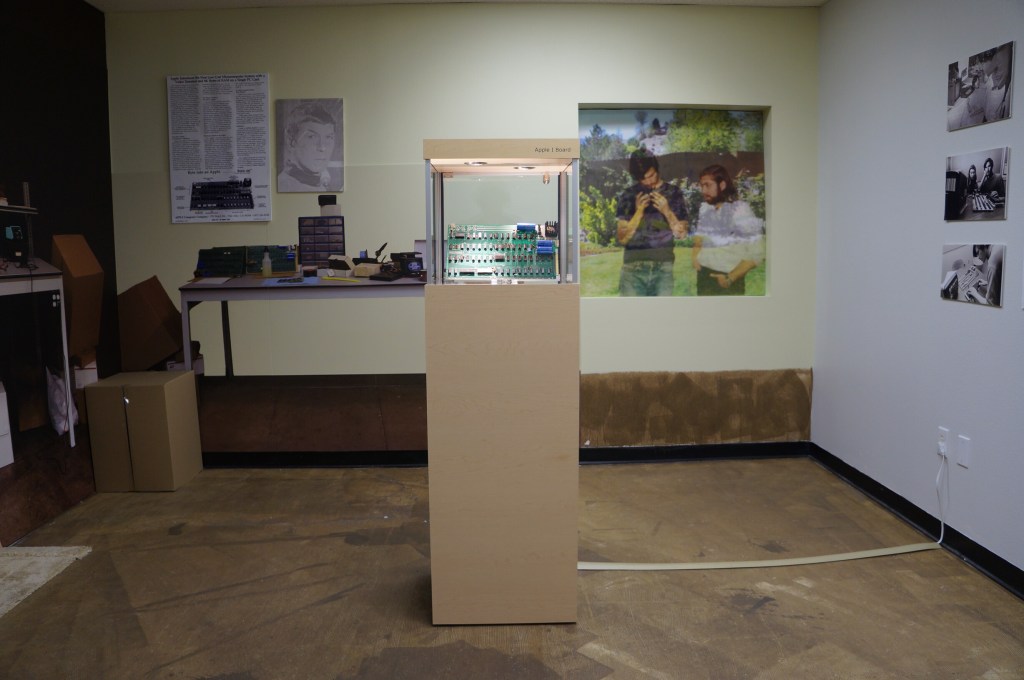
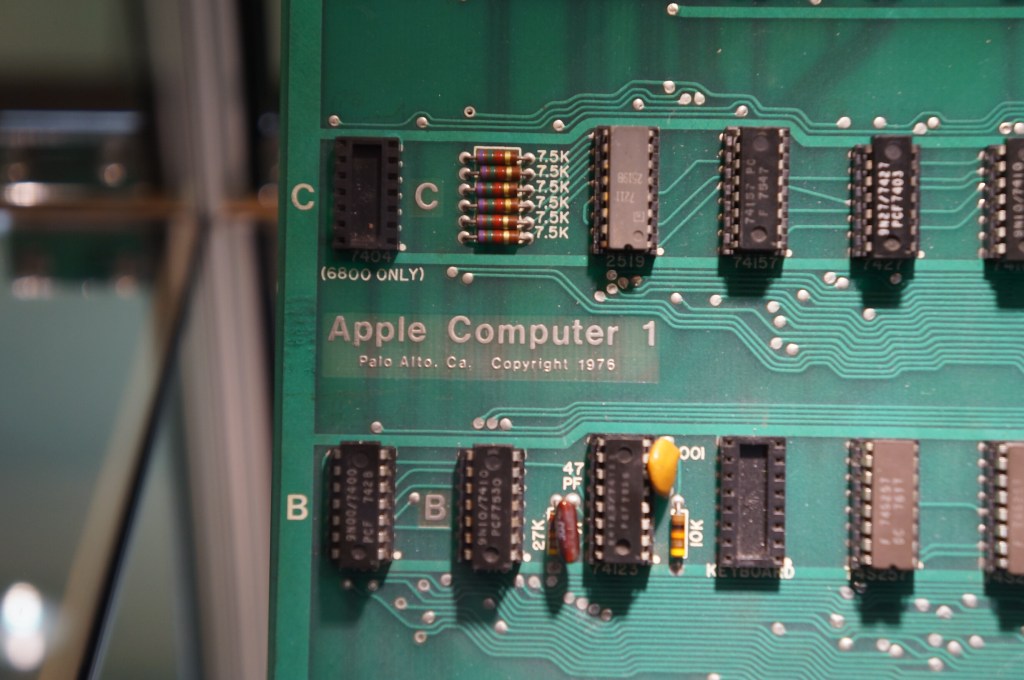
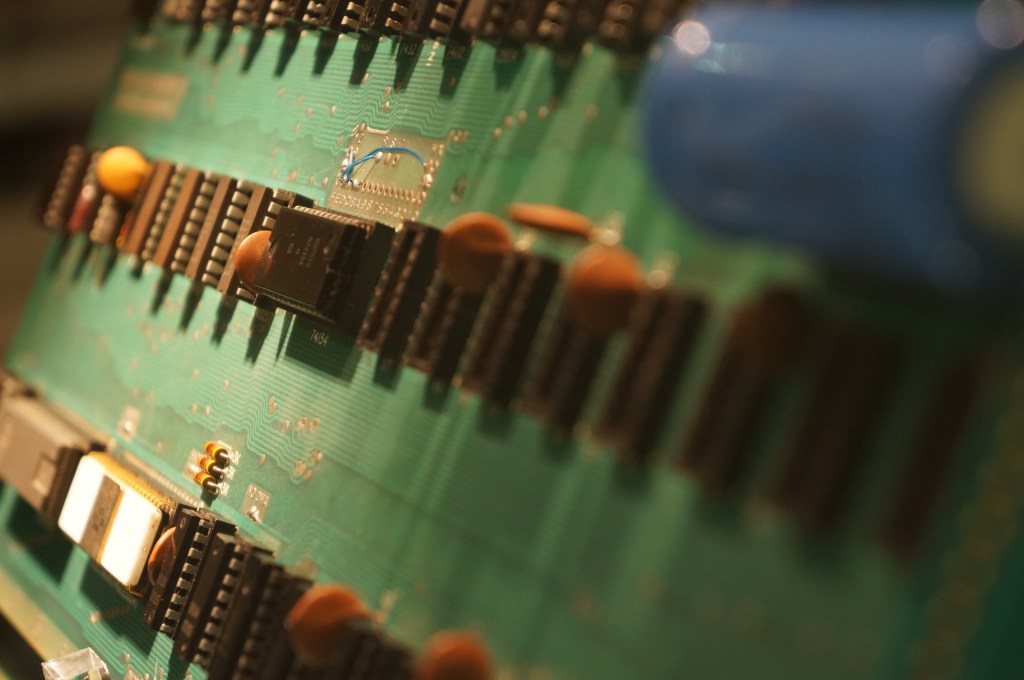
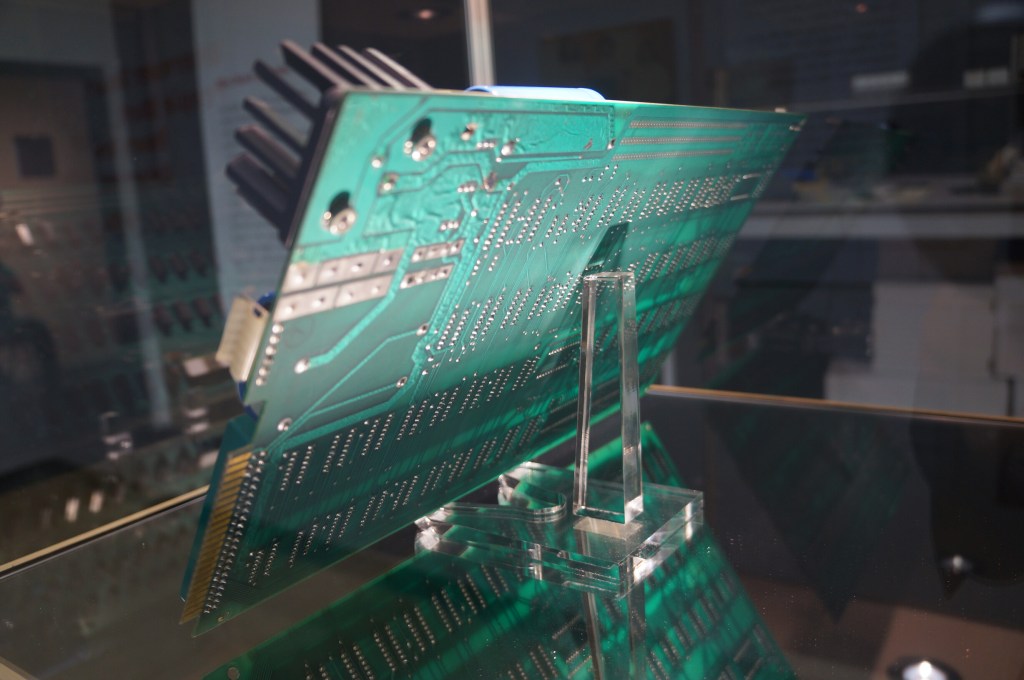
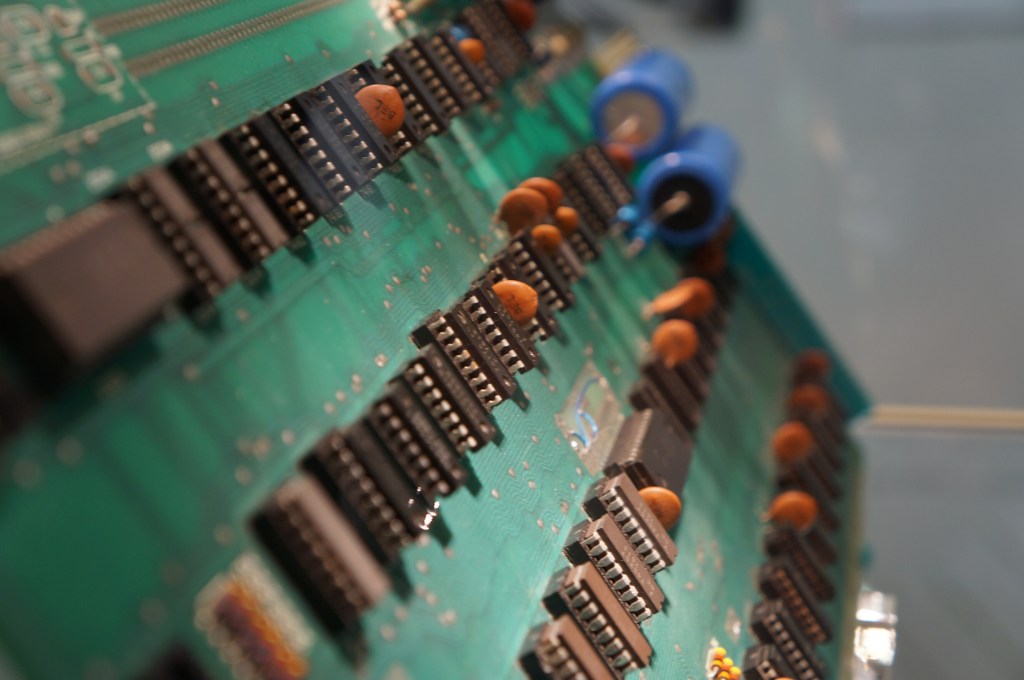
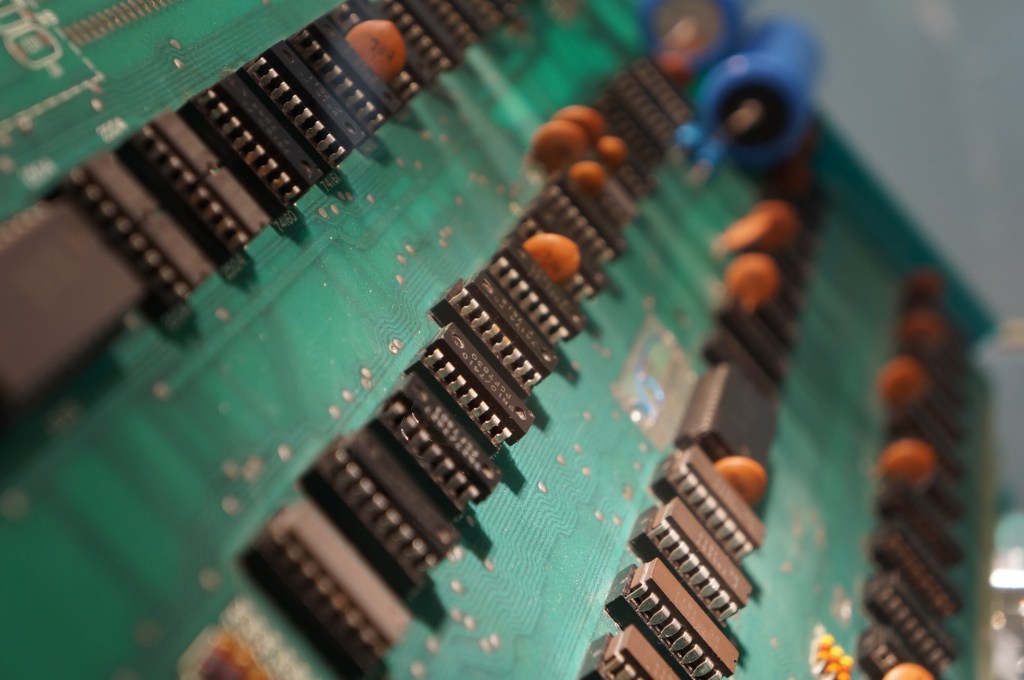
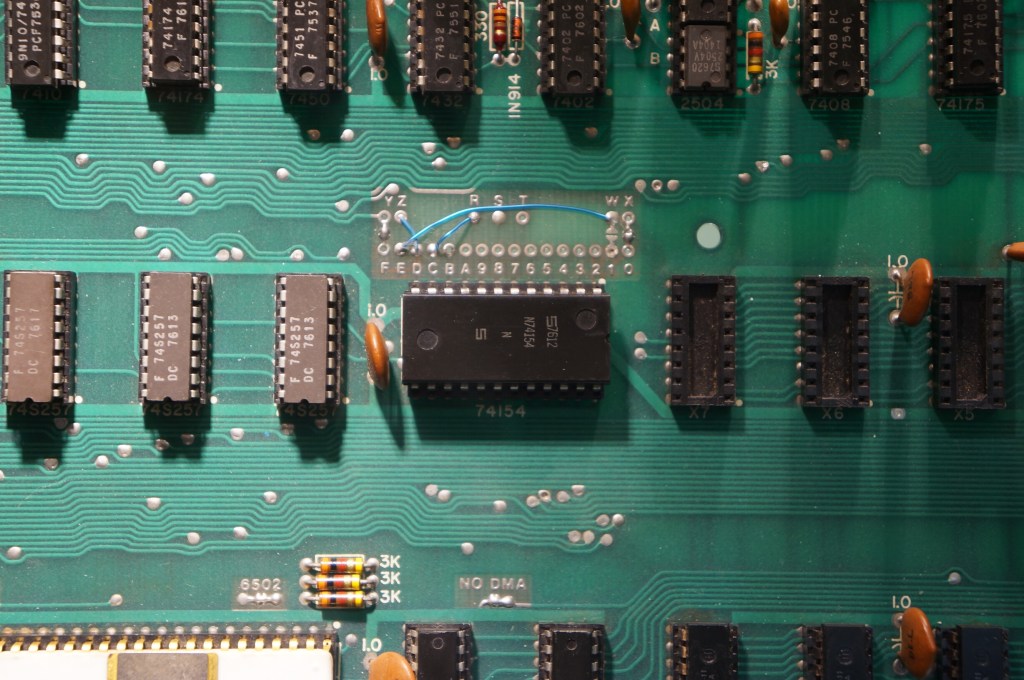
    Apple I Motherboard

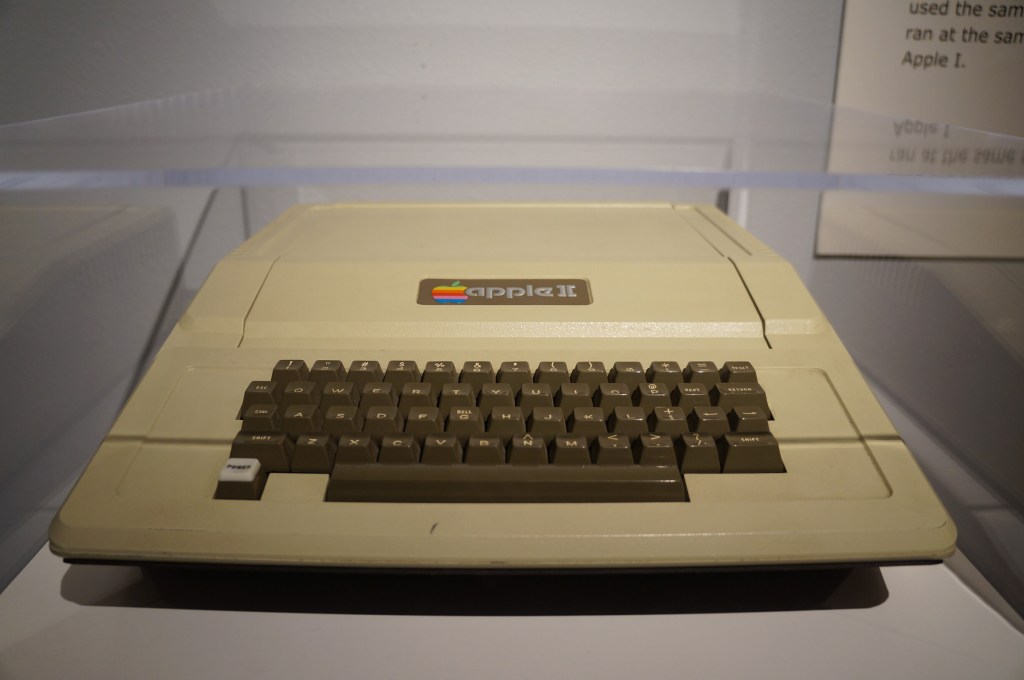
    Apple II

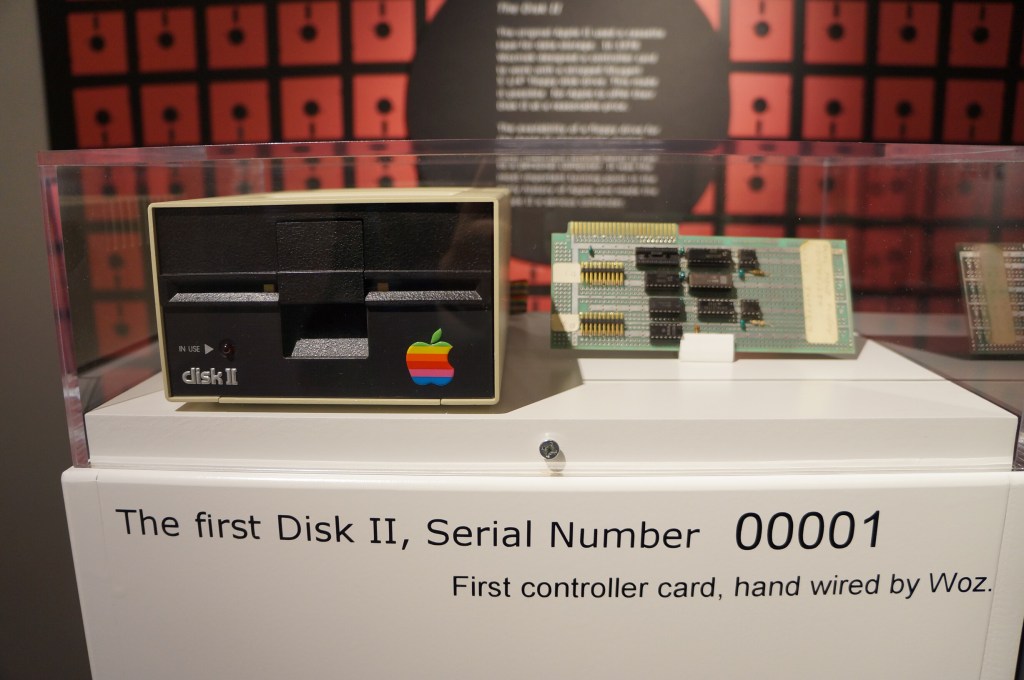
    Apple Disk II, Serial Number 00001

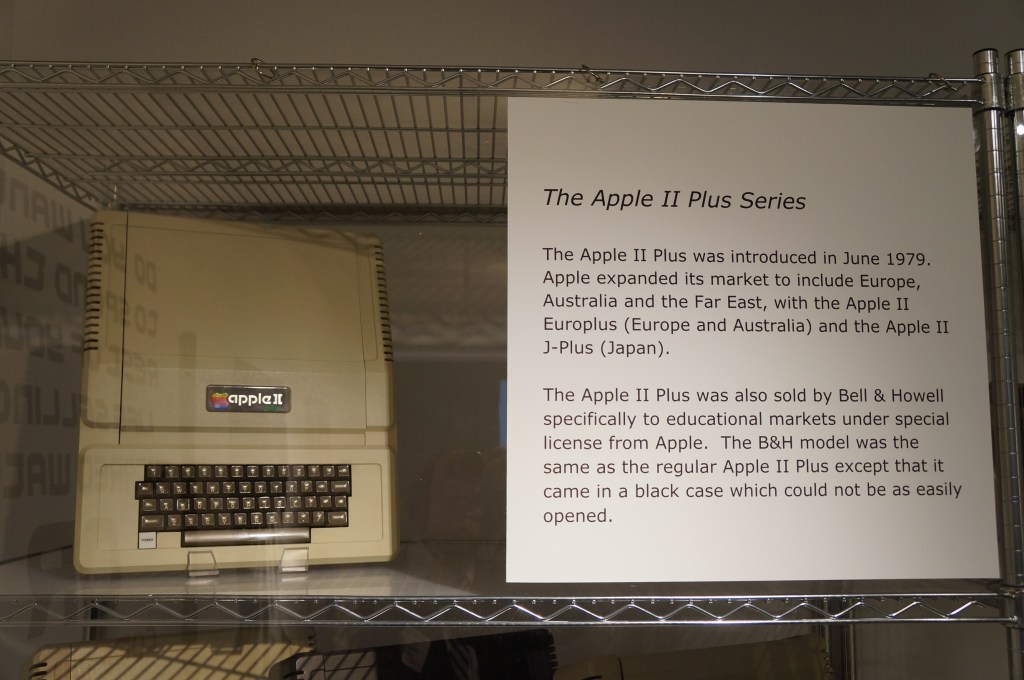
    Apple II Plus

    Apple IIe

    Apple IIc

    Apple IIc with Monitor

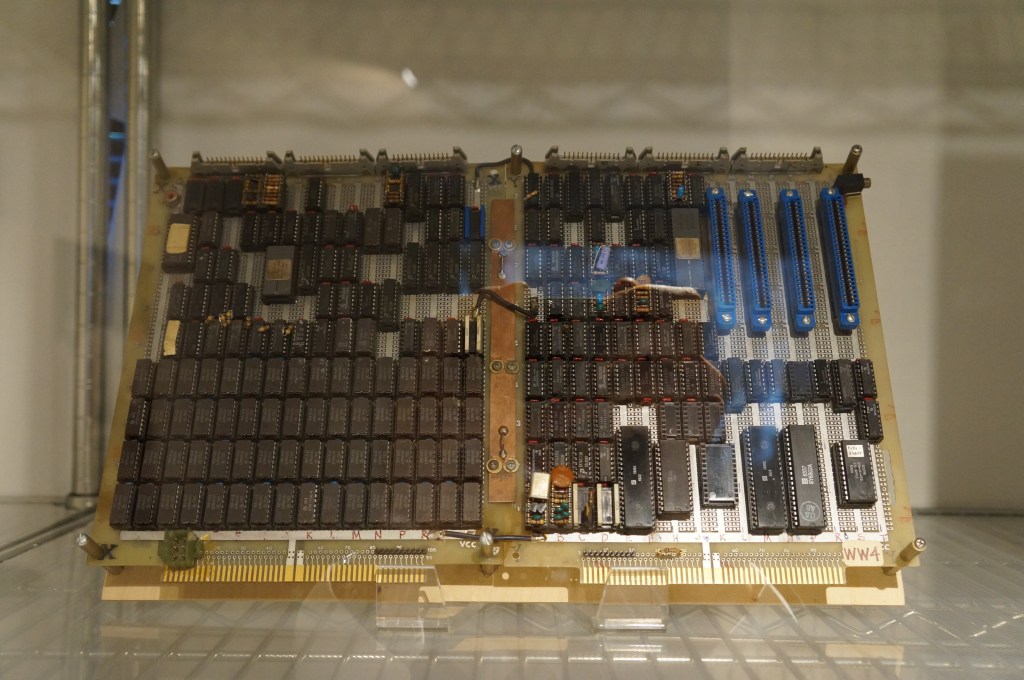
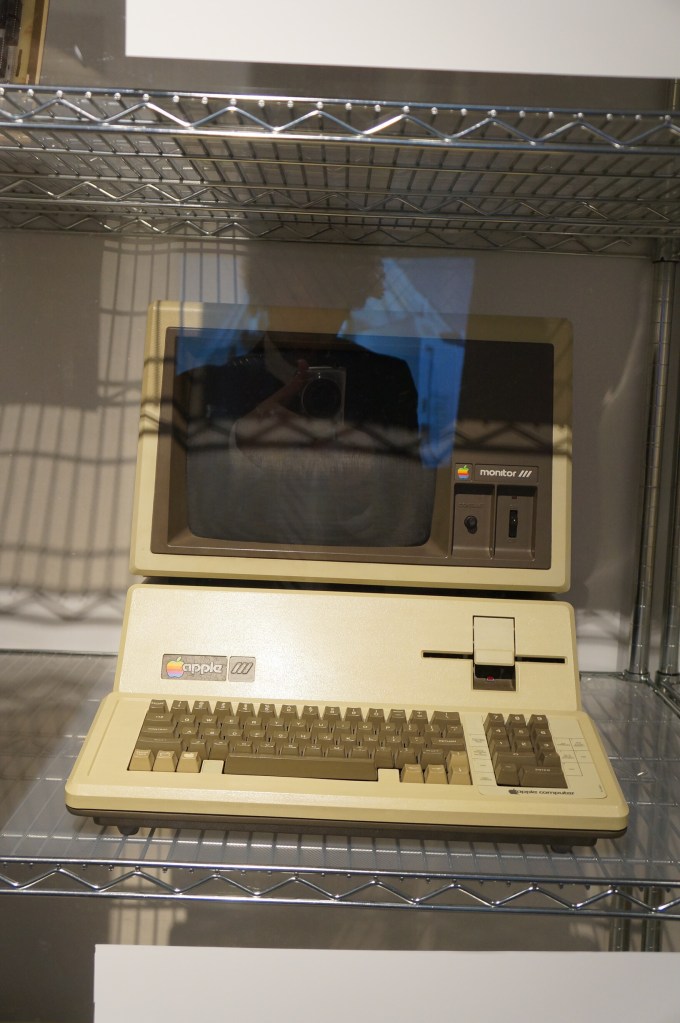
    Apple III Prototype Board and Production Model

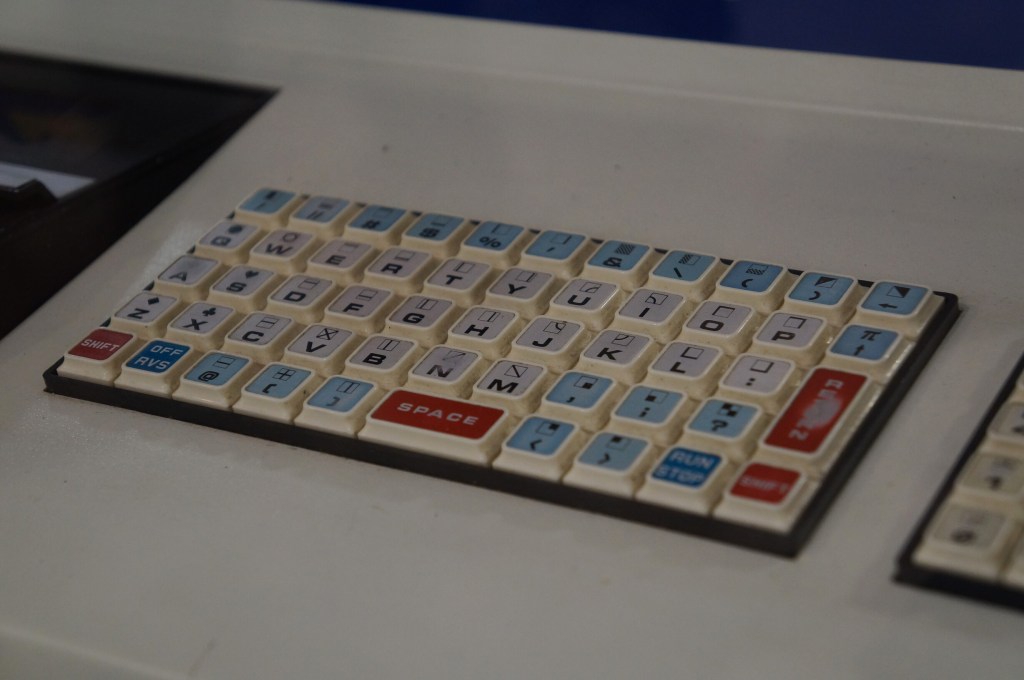
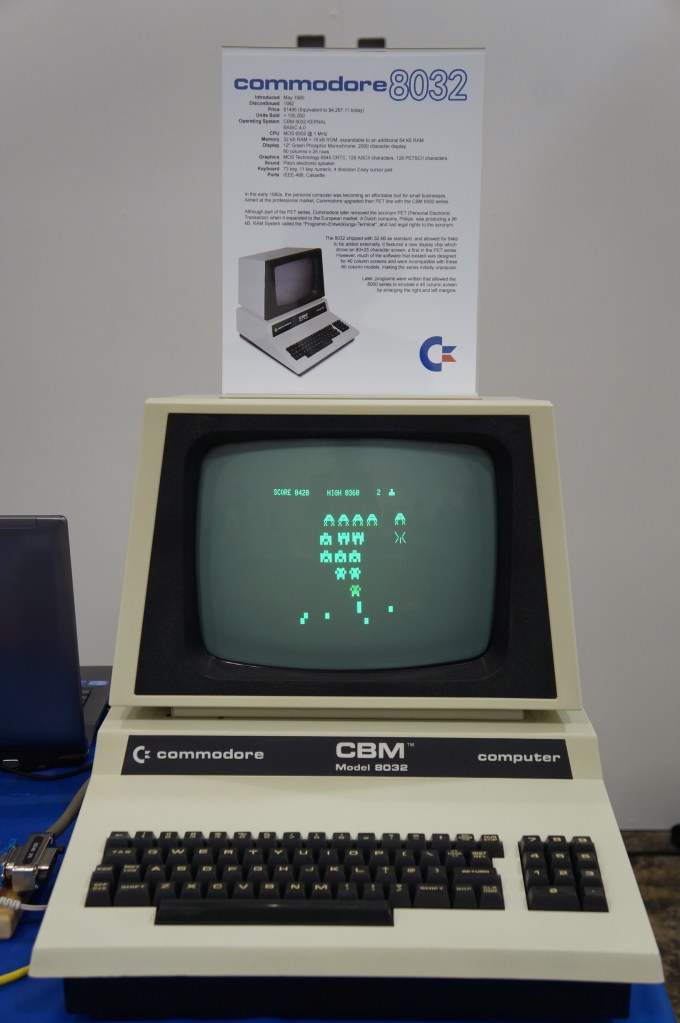
    Commodore PET

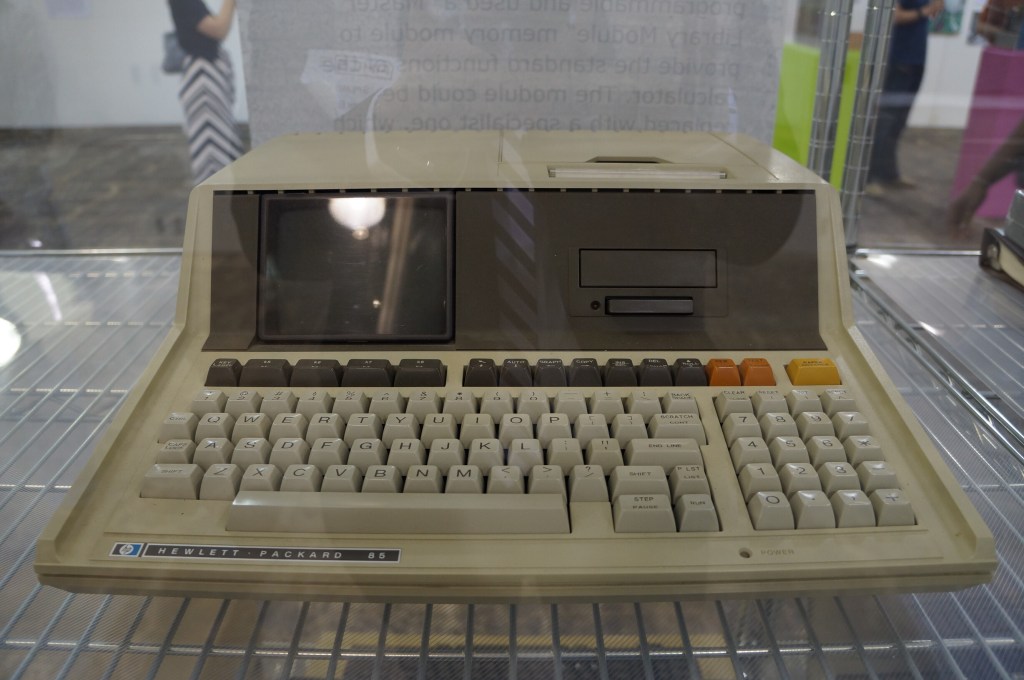
    Hewlett Packard 85

    VCFSE 2.0, Computer Displays, Hewlett Packard 85

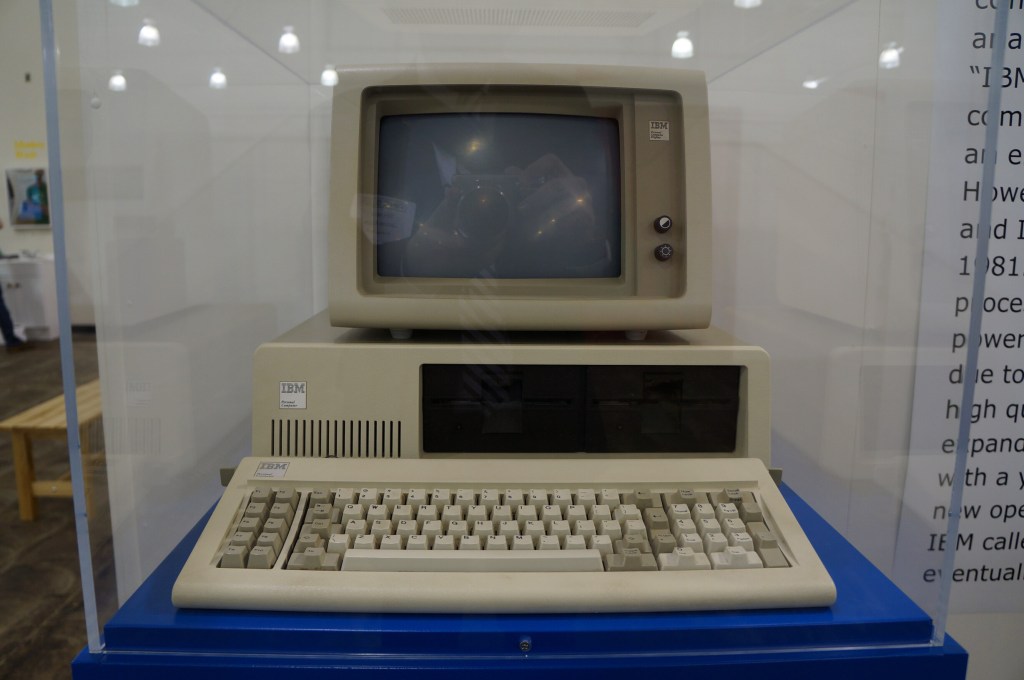
    IBM Personal Computer

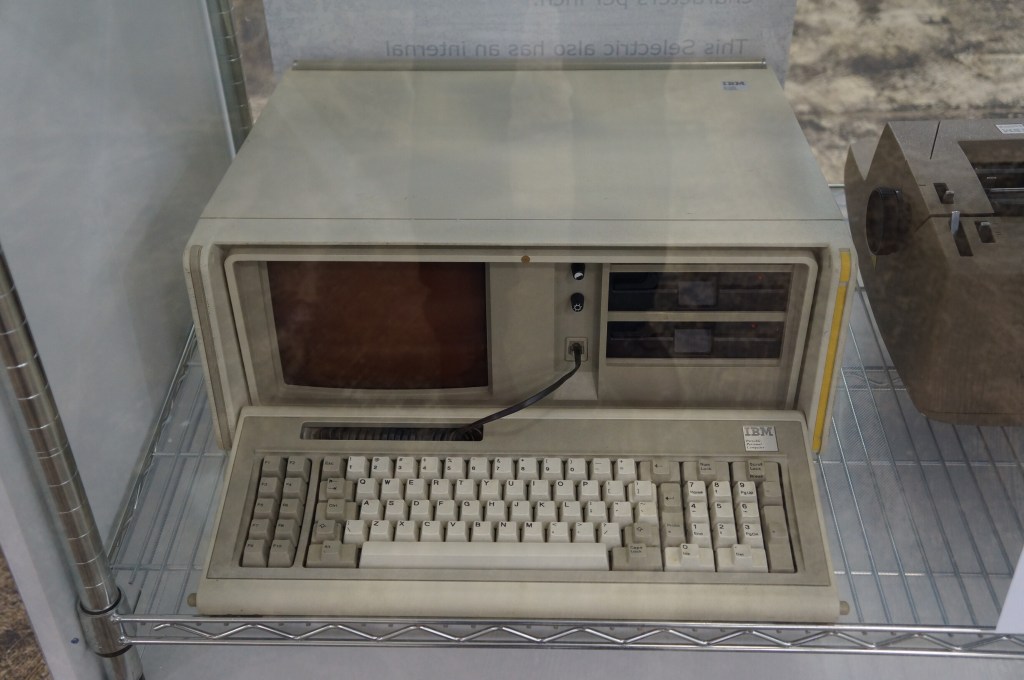
    IBM Portable PC

    VCFSE 2.0, Computer Displays, IBM Portable PC

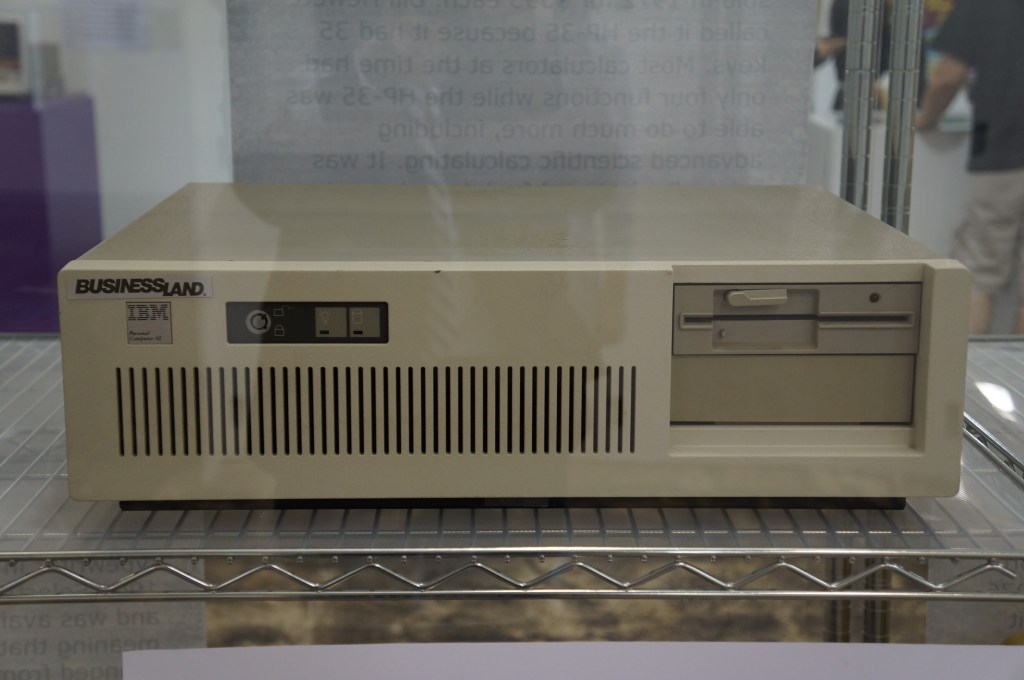
    IBM PC AT

    VCFSE 2.0, Exhibition Hall,

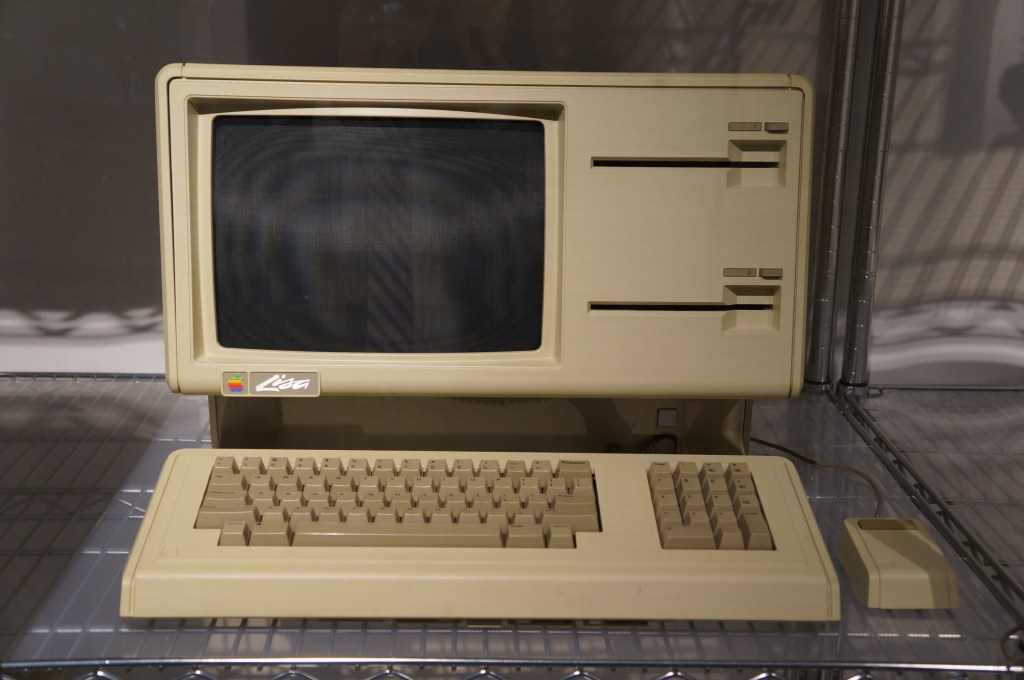
    Apple Lisa

    Apple Macintosh

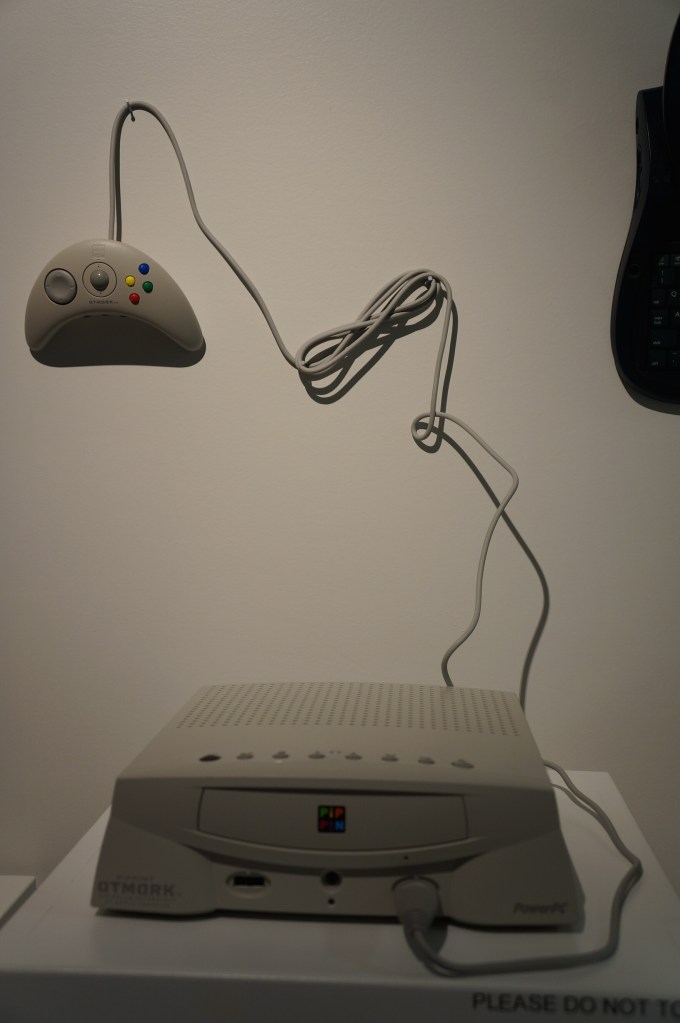
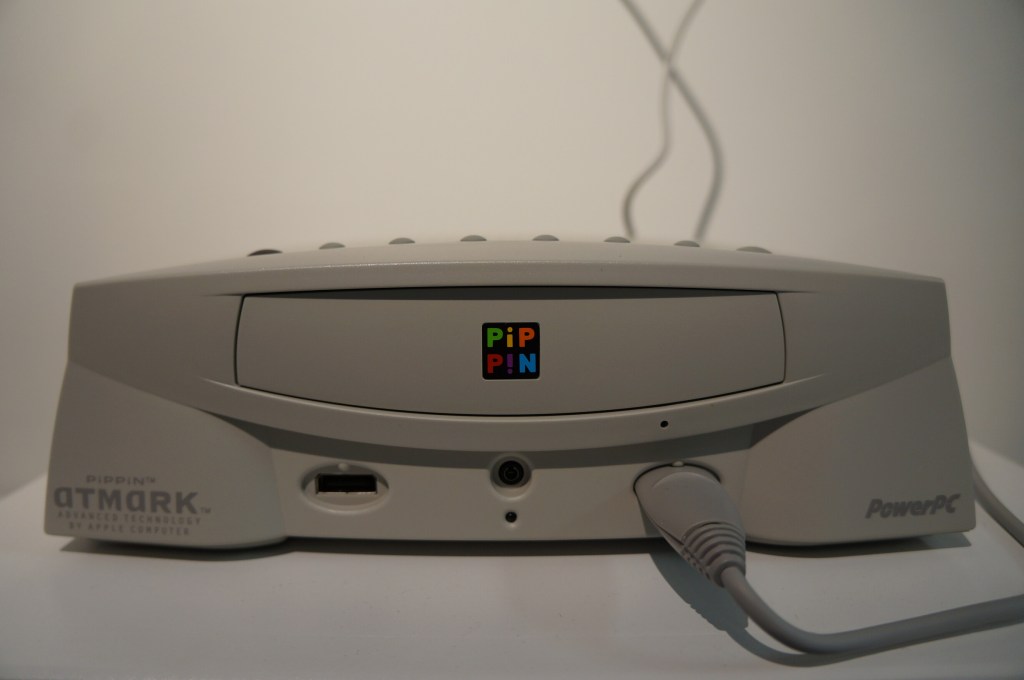
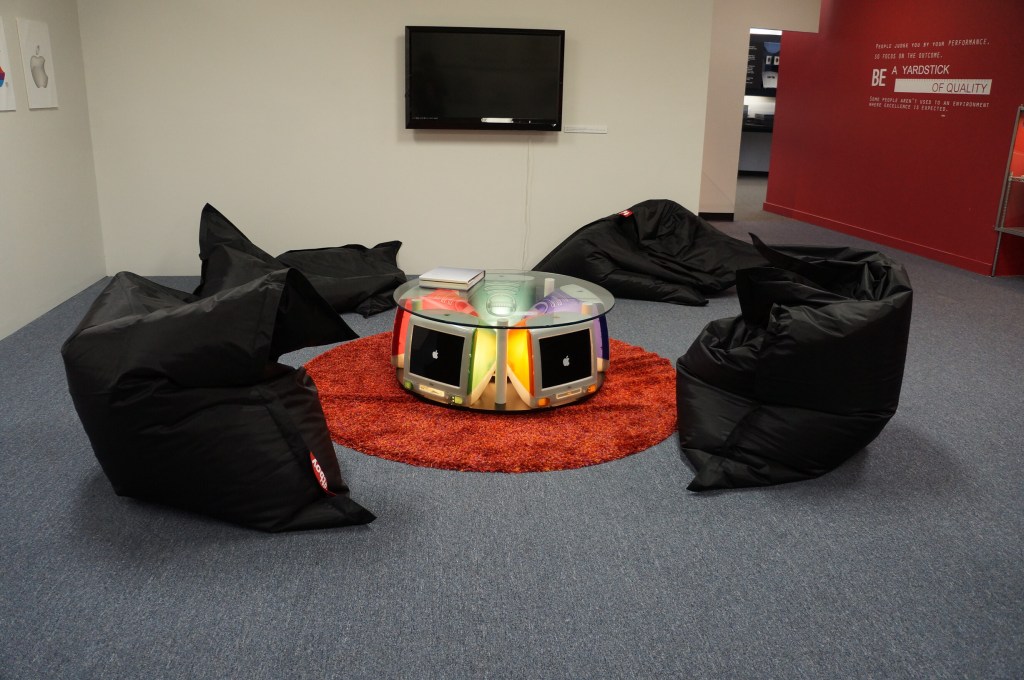
    Apple PiPPiN

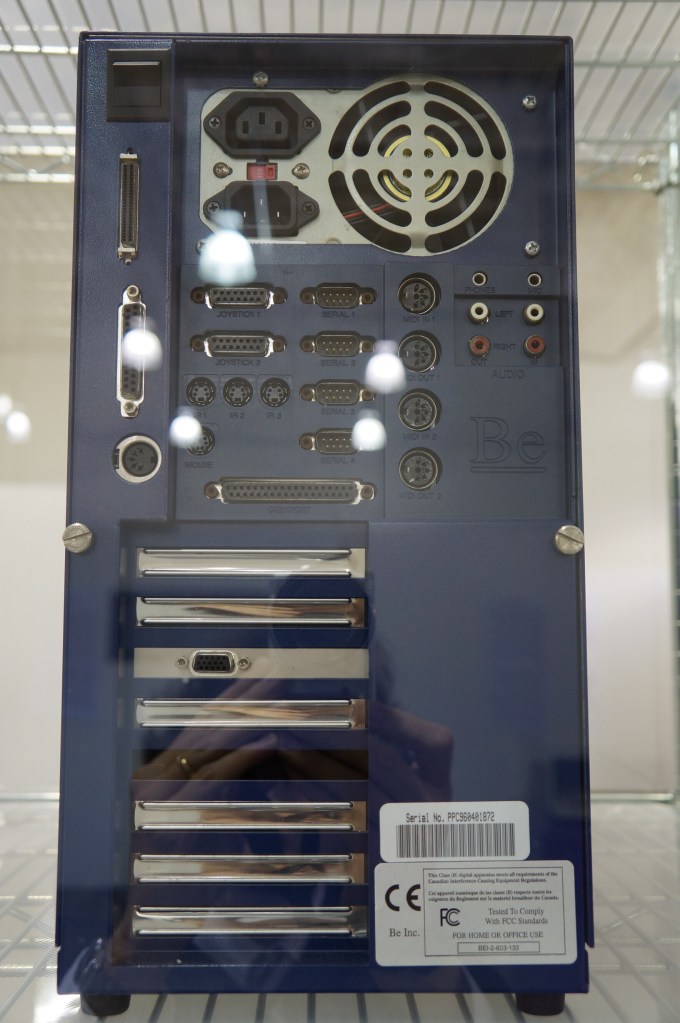
    BeBox

    As I’ve written before here and here, I really like BeOS, so it was a special joy to see a BeBox in person for the first time at VCFSE 2.0.

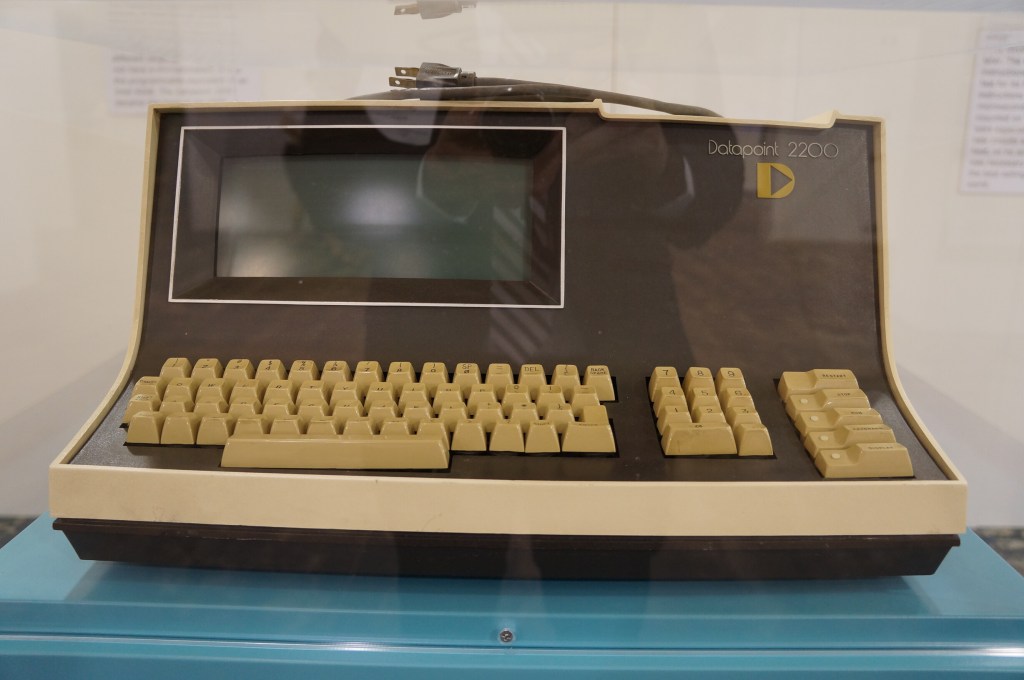
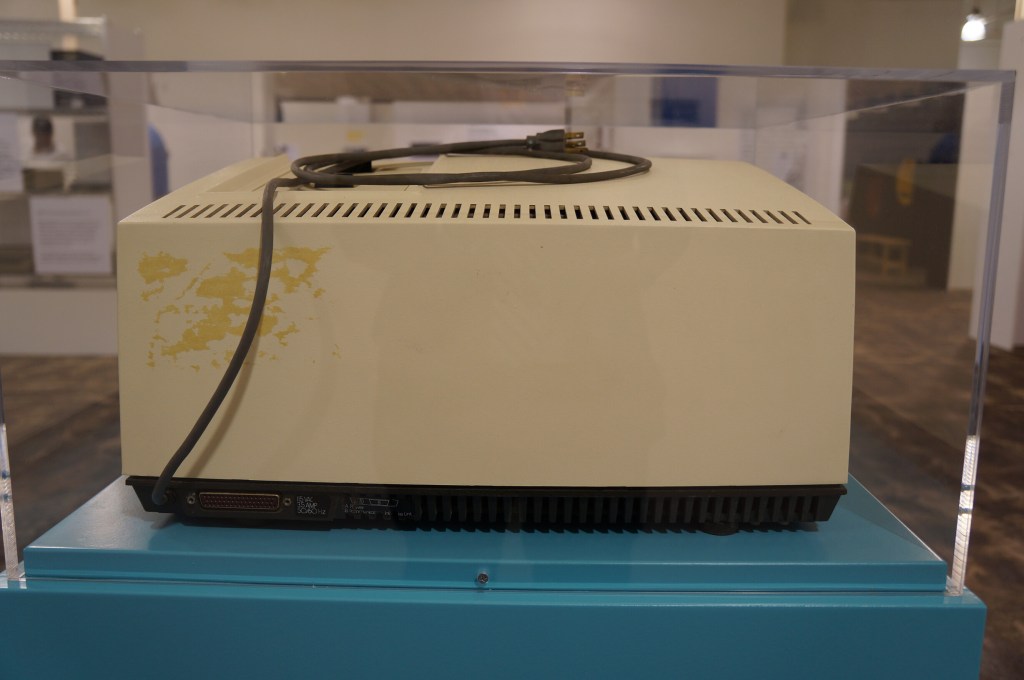
    Datapoint 2200

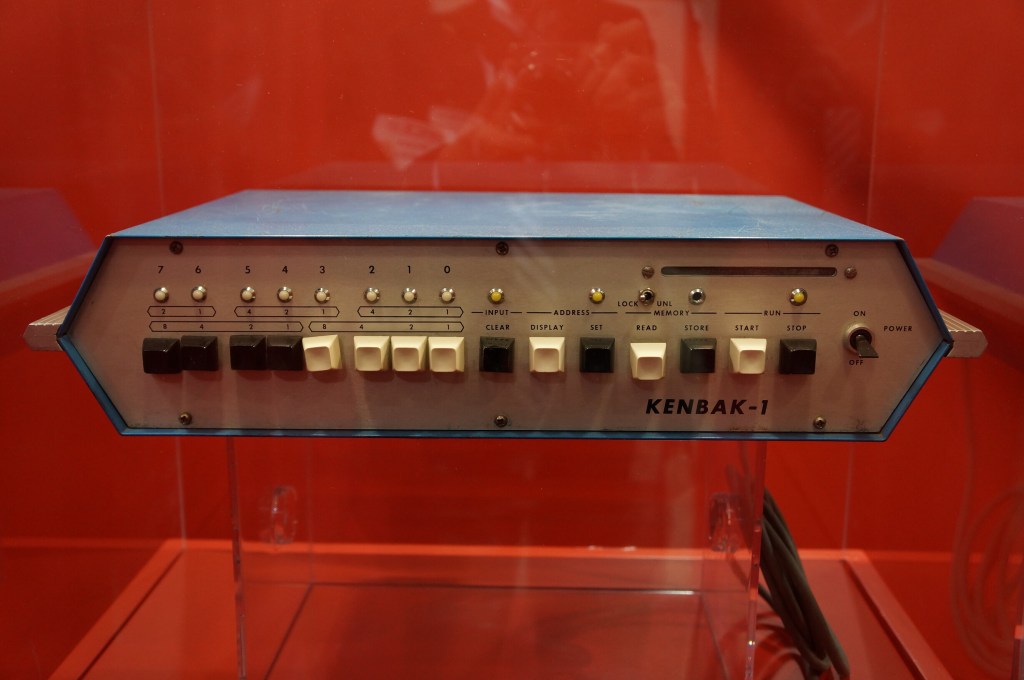
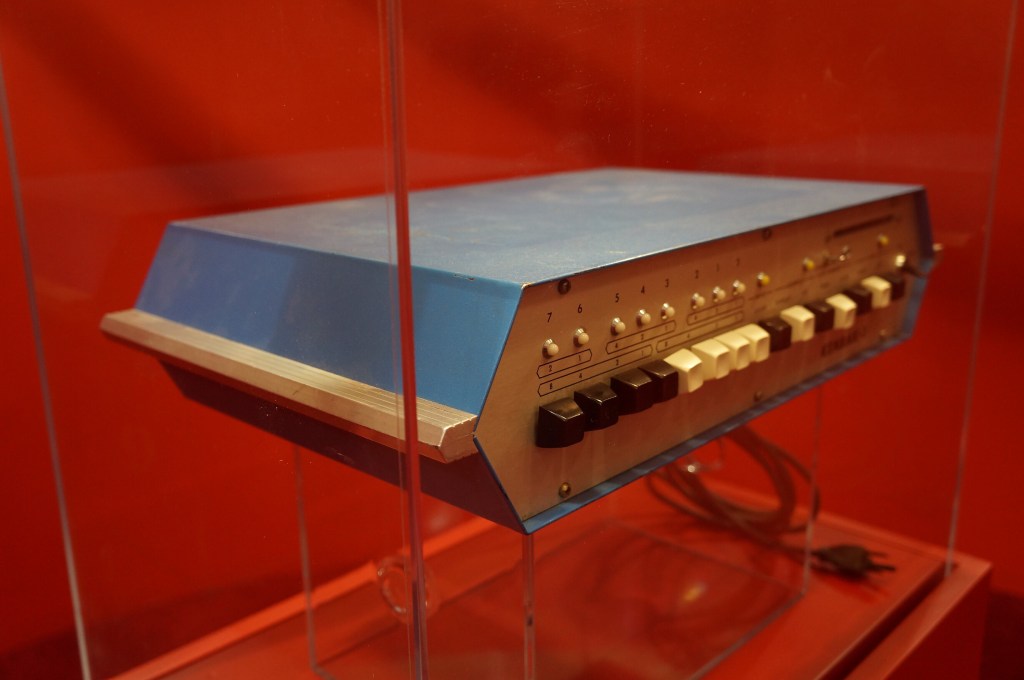
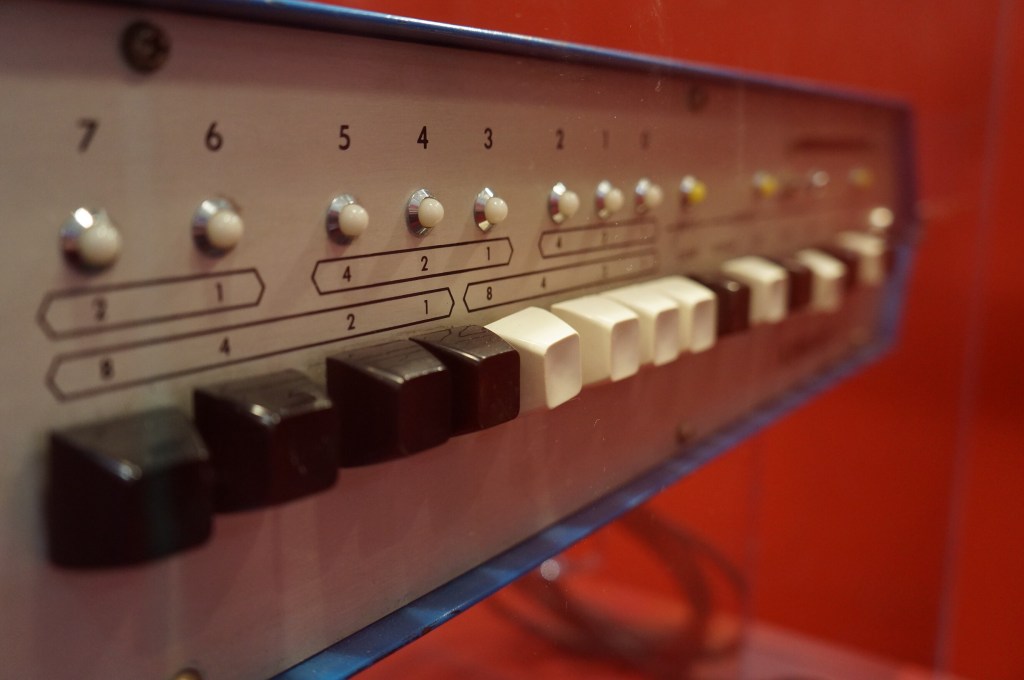
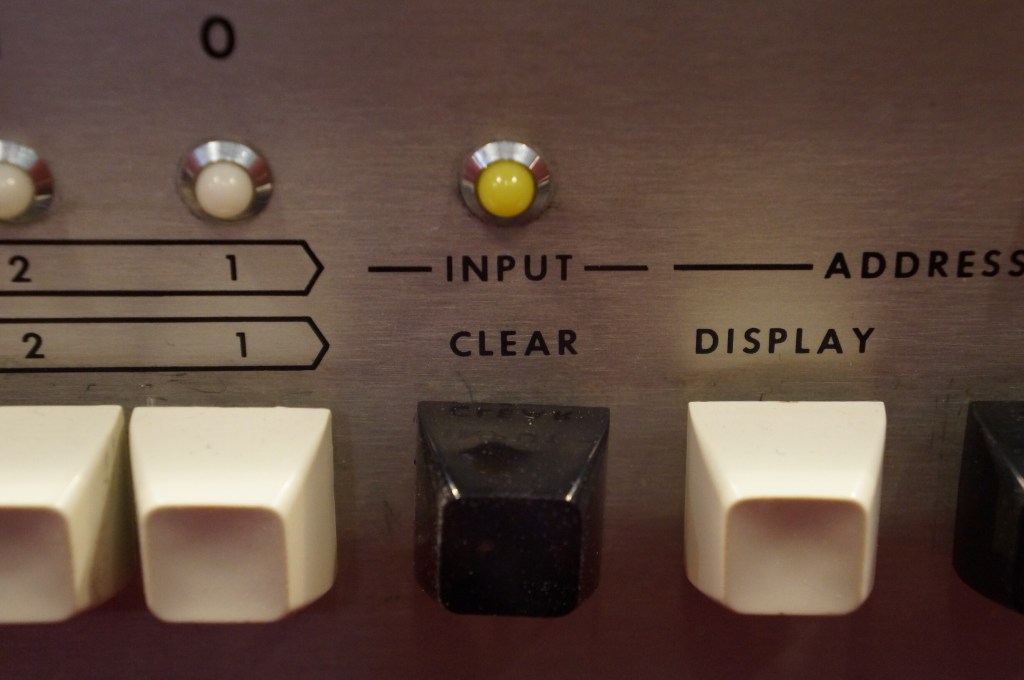
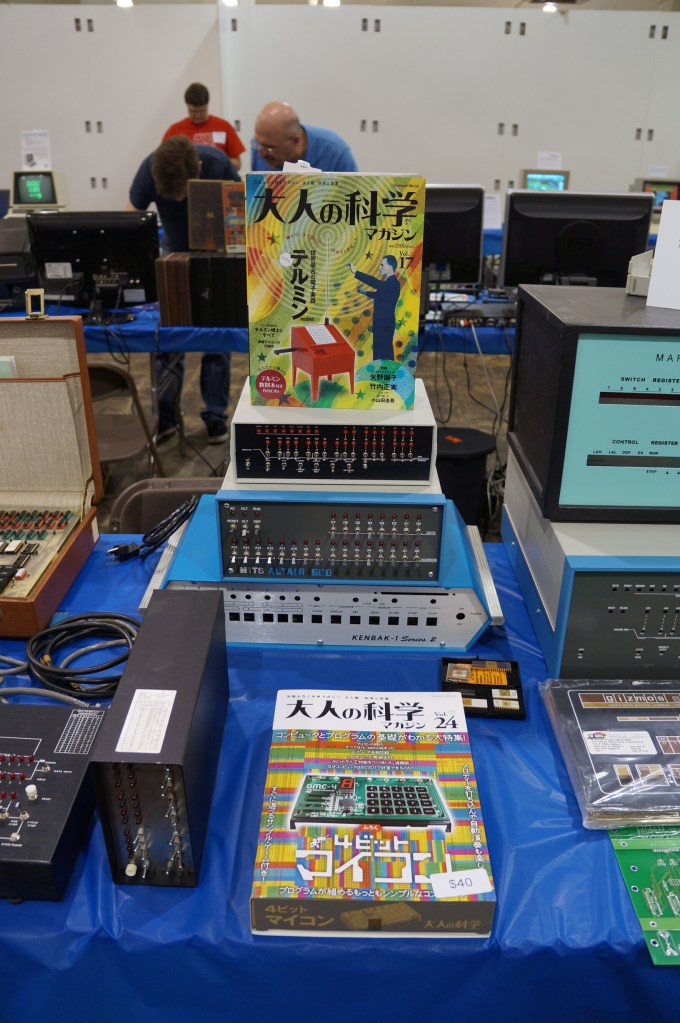
    Kenbak-1

    Miscellaneous Displays

    Exhibition Hall

    MITS Altair 8800 in Operation

    VCFSE 2.0, Exhibition Hall, MITS Altair 8800 Running

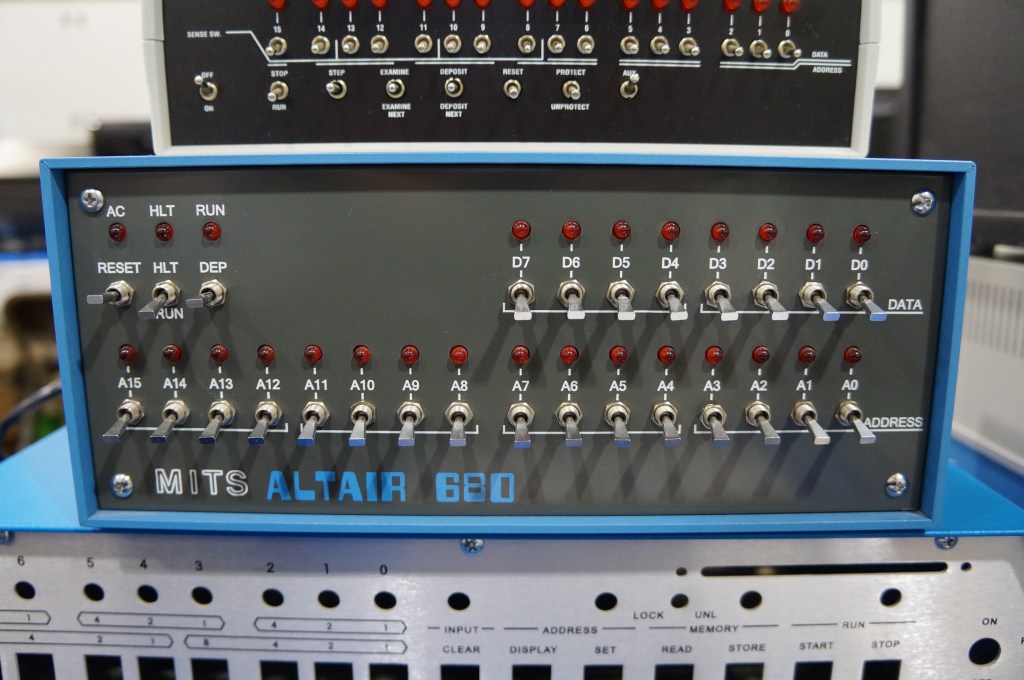
    MITS Altair 680

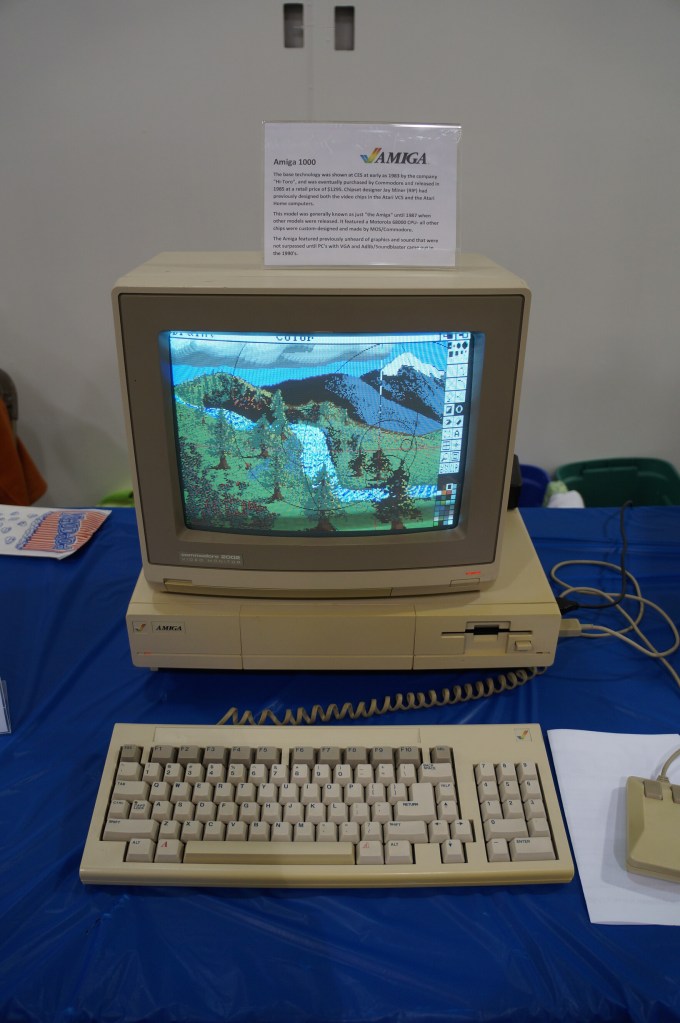
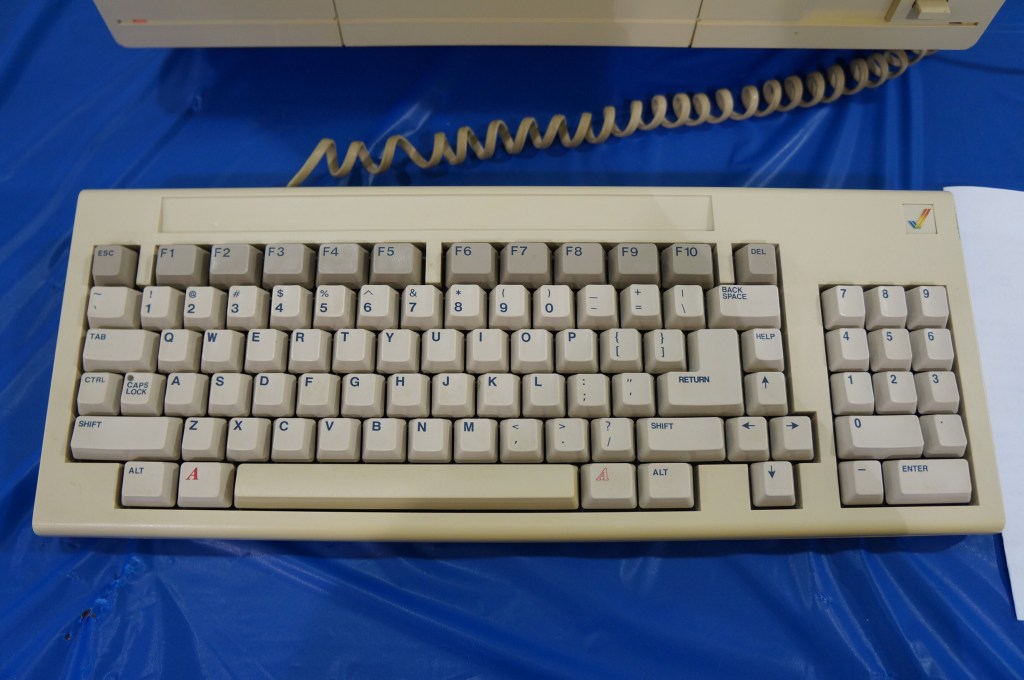
    Amiga 1000

    Miscellaneous Computers in the Exhibition Hall

  • Vintage Computer Festival Southeast (VCFSE) 2013

    Bob, Paul, and Mark outside the 2013 Vintage Computer Festival Southeast

    On April 20, 2013, I attended the first Vintage Computer Festival Southeast outside Atlanta, Georgia at what is now the Computer Museum of America with my friends Mark, Paul, and Bob. This was the spring of my first full year back in Atlanta after becoming a Brittain Fellow at Georgia Tech in Fall 2012. It was a good day like old times before I went to grad school.

    The following year, I co-presented with Wendy Hagenmaier about Vintage Computing at Georgia Tech, which I blogged about here. I will post photos from the 2014 VSFSE next week.

    IMSAI 8080 (WarGames)

    If you’ve seen the film WarGames (1983), you know what kind of mischief you can get up to with a tricked out version of an IMSAI 8080.

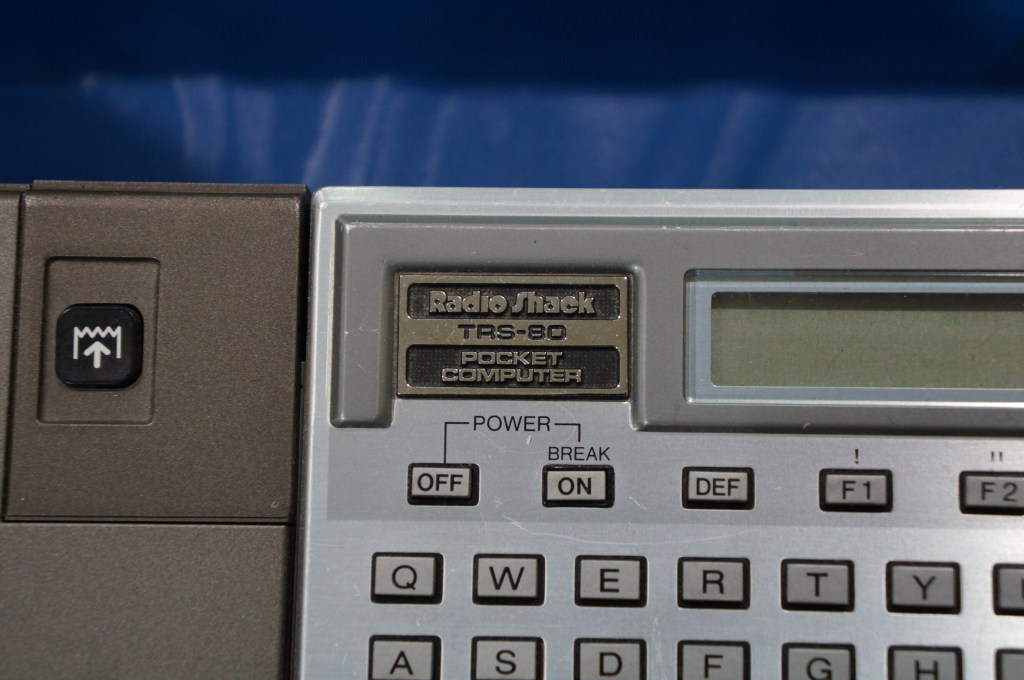
    The Big Three: Radio Shack TRS-80, Commodore PET, and Apple II

    I often regale my students with tales of the rise of the personal computer with the big three mass manufactured models: Radio Shack’s TRS-80, Commodore’s PET, and Apple’s Apple II (though, it’s actually an Apple IIe pictured below).

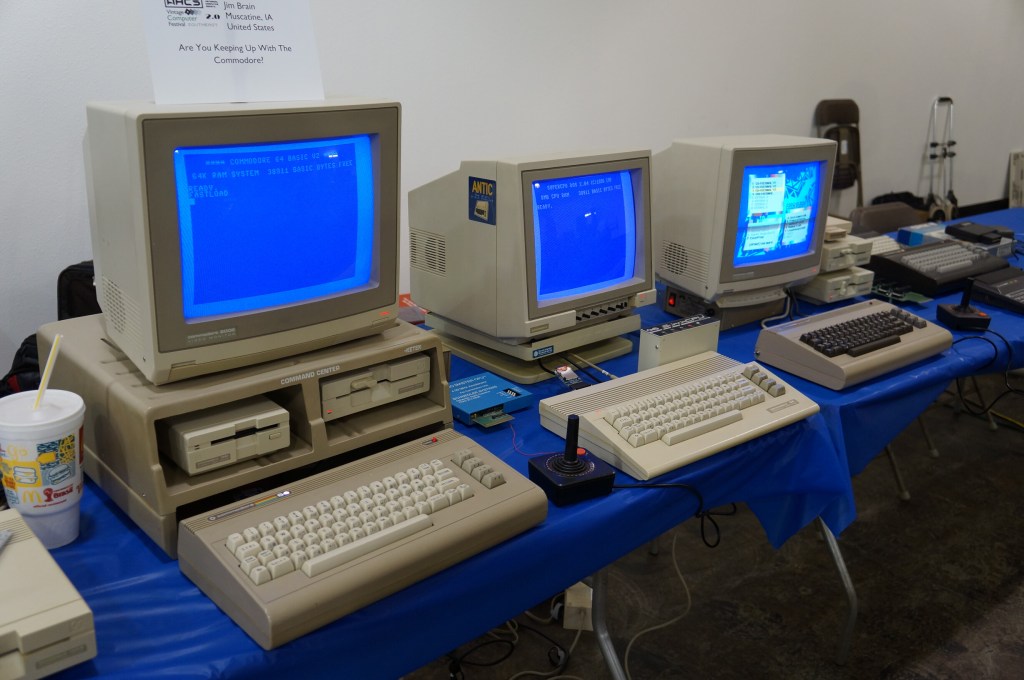
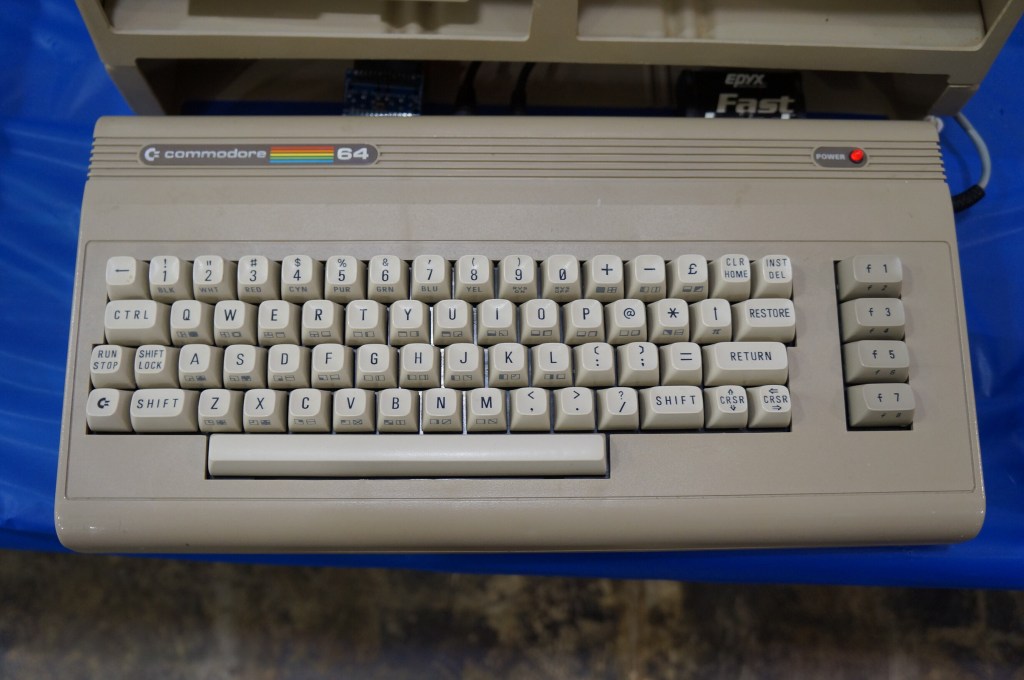
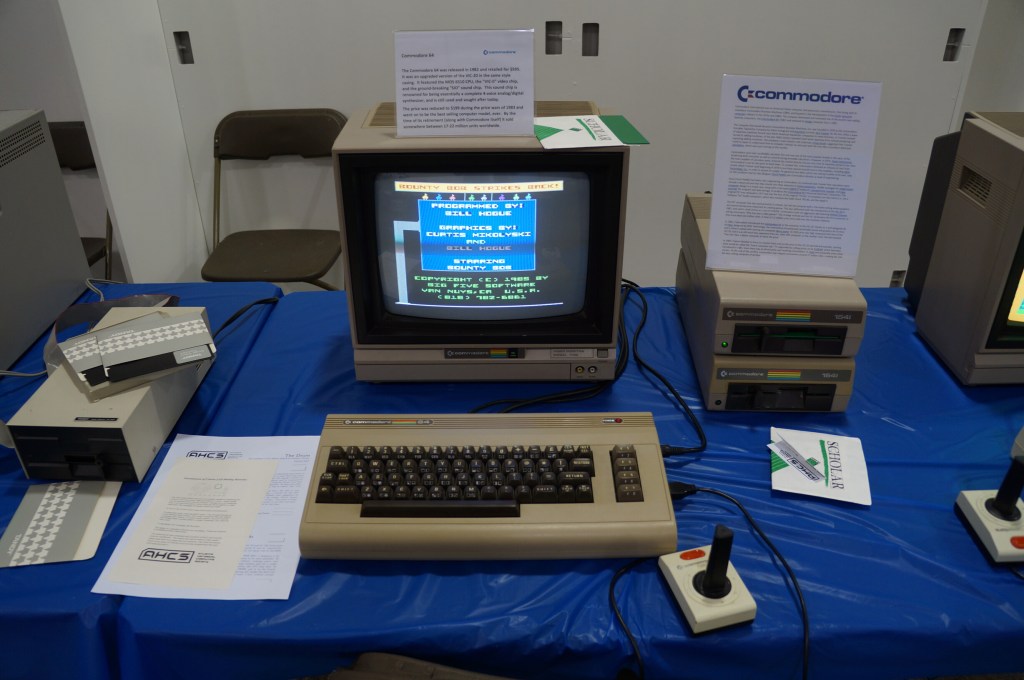
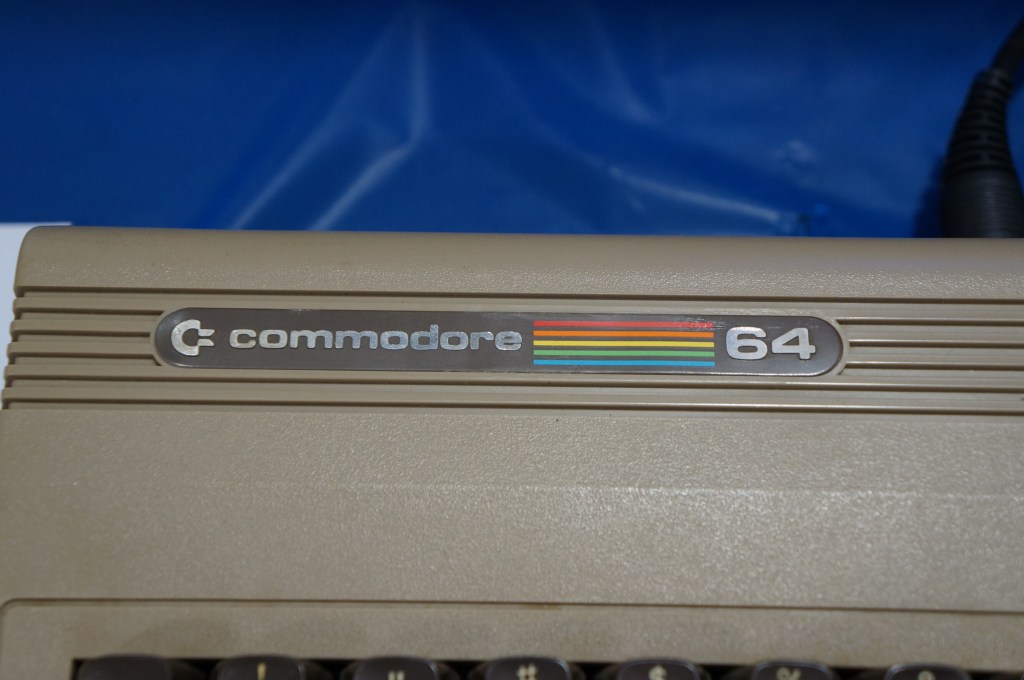
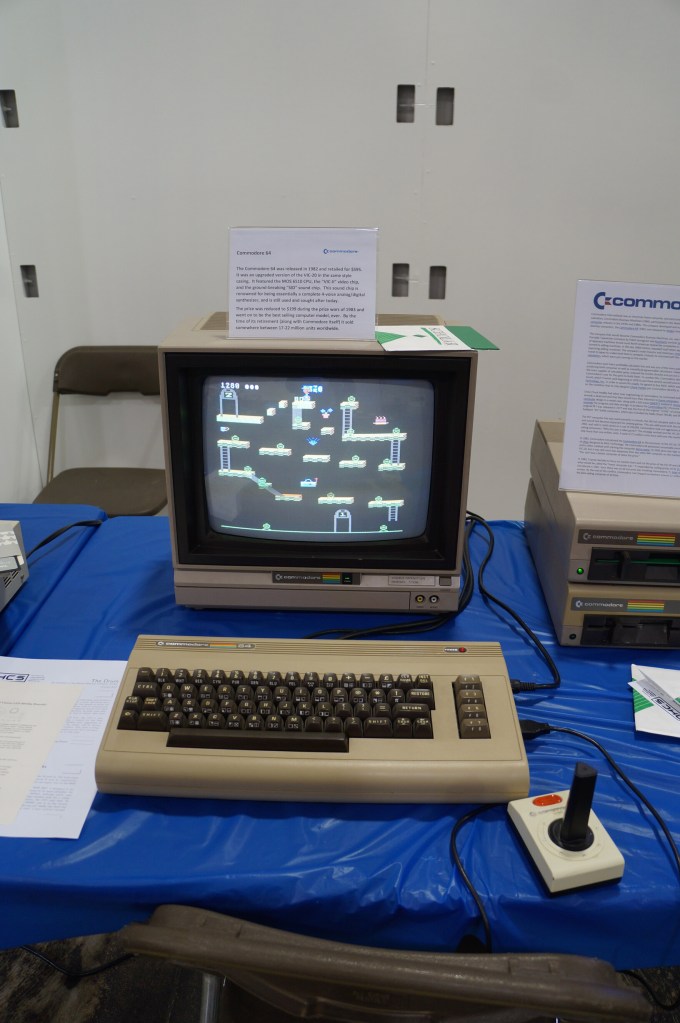
    Commodore VIC-20, Commodore 64, and Amiga

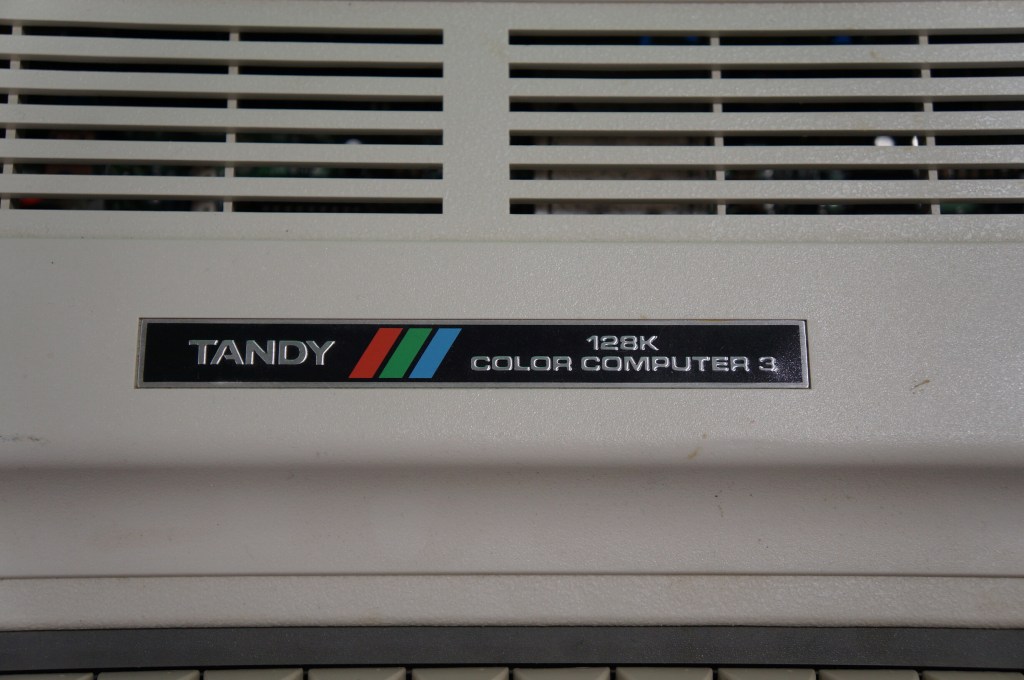
    I didn’t know anyone with a VIC-20 or Commodore 64 growing up. Mark told me about having a VIC-20 when he was younger. After my trials with the Tandy Color Computer 3, my first GUI-based computer was an Amiga 2000HD. I used it for years for writing, drawing, and gaming until a tree branch attached to a long strand of Spanish moss swung Tarzan-style into my bedroom window and hit the back of the Amiga. It never ran again after that strike.

    Years later, I got another Amiga 2000 from someone at a Goodwill auction. He had won the pallet that I wanted that included the Amiga. I don’t remember what I paid him for it, but I stored it at my used computer stall at Duke’s Y’all Come Flea Market in Darien, Georgia. We had a falling out and I abandoned what I still had in the stall, which included the Amiga. I never found out if it still ran or not.

    Radio Shack TRS-80 and Color Computer Series

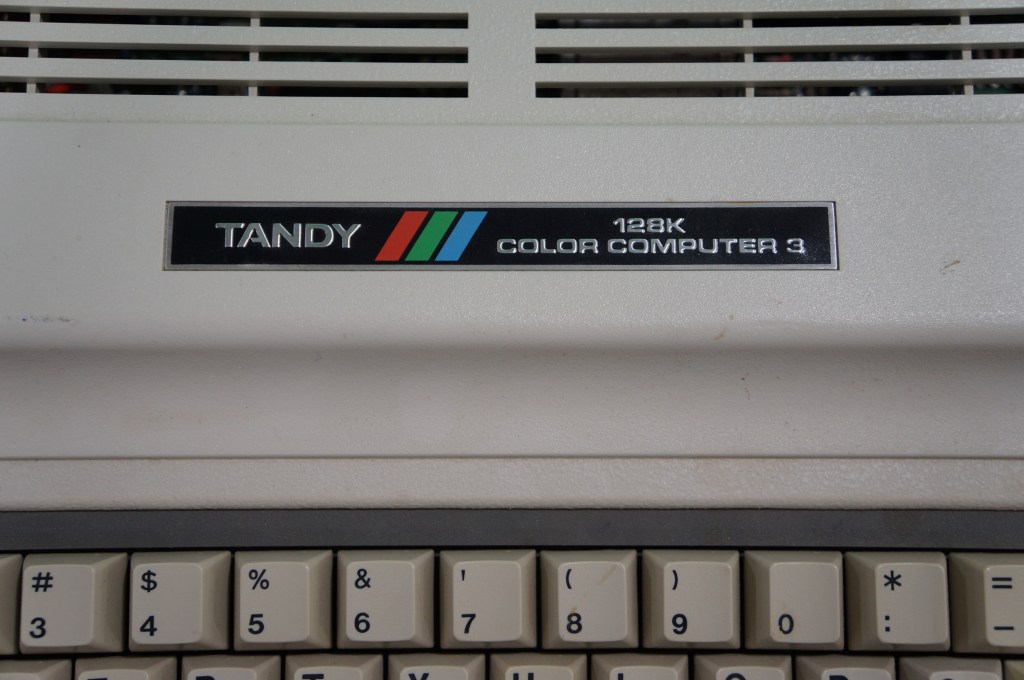
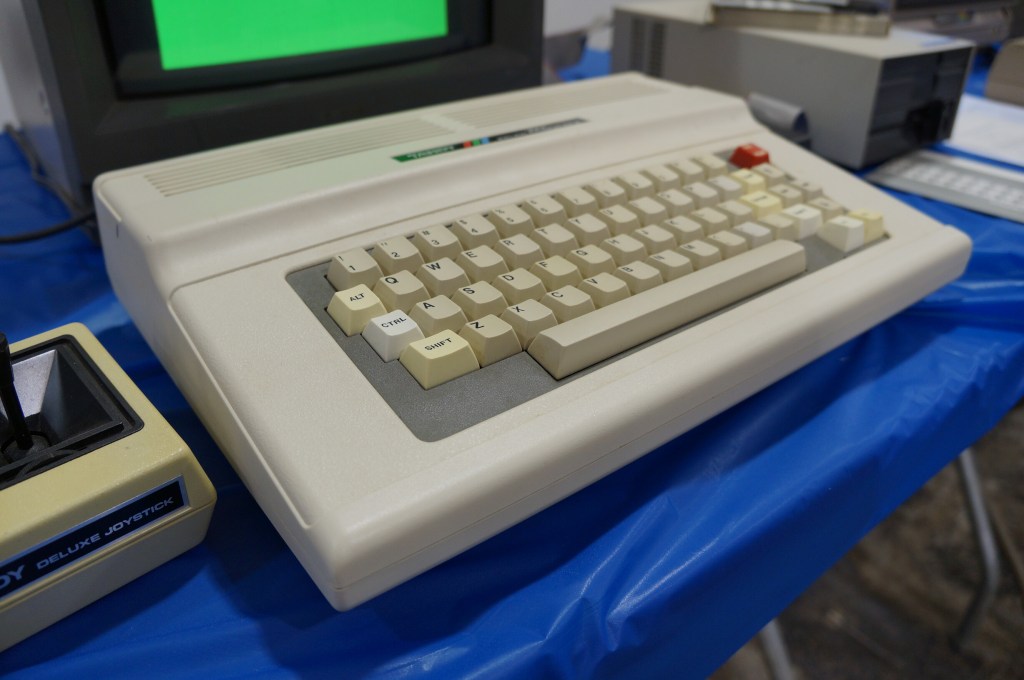
    My first desktop computer was a Tandy Color Computer 3 that I hooked up to the family console TV. While I did all that I could with it, I think my mom recognized my frustrations. I wanted to make it work so badly after not having a computer and wanting one for so long. The next Christmas, my folks gave me a Commodore Amiga 2000HD, which was light years ahead of the CC3.

    Radio Shack TRS-80

    Apple Computer (Pre-Macintosh Era)

    Apple I

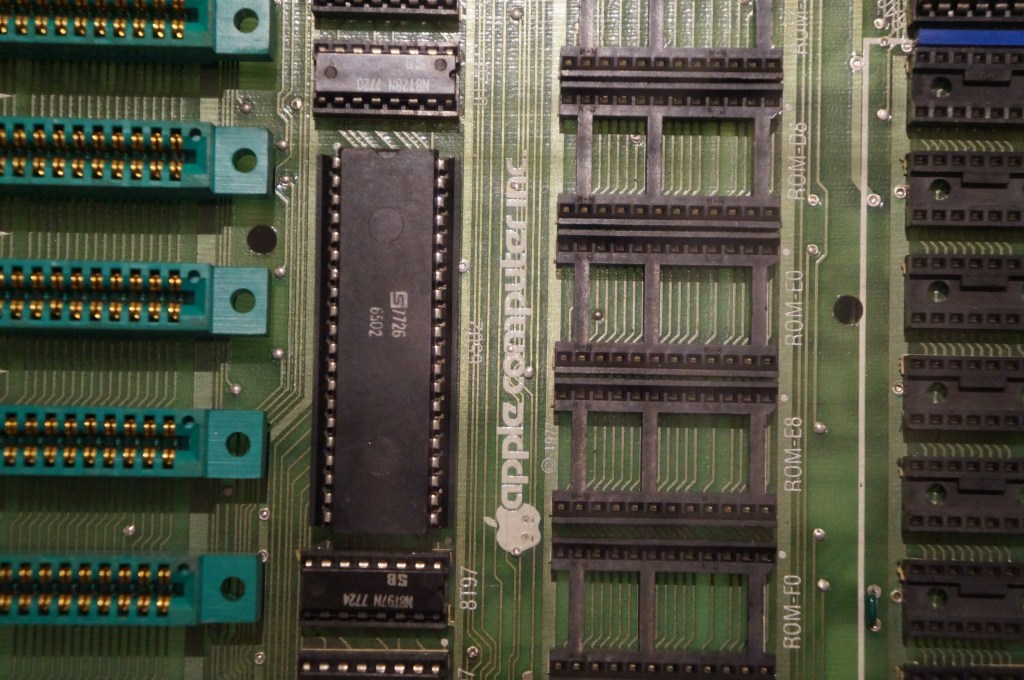
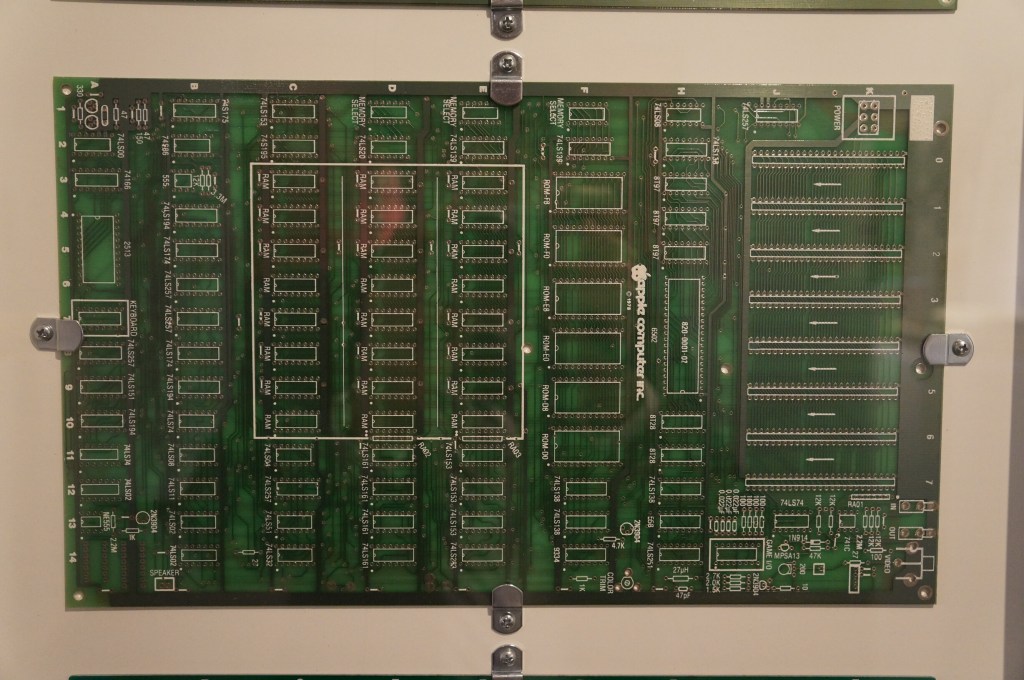
    I have a large print out of this original Apple I motherboard hanging over my desk at City Tech.

    Apple II, IIGS, II Plus, and III

    Apple II Knockoffs

    Apple Modem for Apple II

    Apple Computer (Lisa)

    Apple Computer (Macintosh Era)

    Macintosh

    Macintosh II

    Macintosh II

    Quadra 700

    I had a Quadra 700 when I lived in Atlanta with Y. I put it in a box and left it with my folks in Georgia when we moved to NYC. Where it is now is anyone’s guess. There are many hiding places for a small box with this tiny powerhouse of a Mac. I hope to find it again one day.

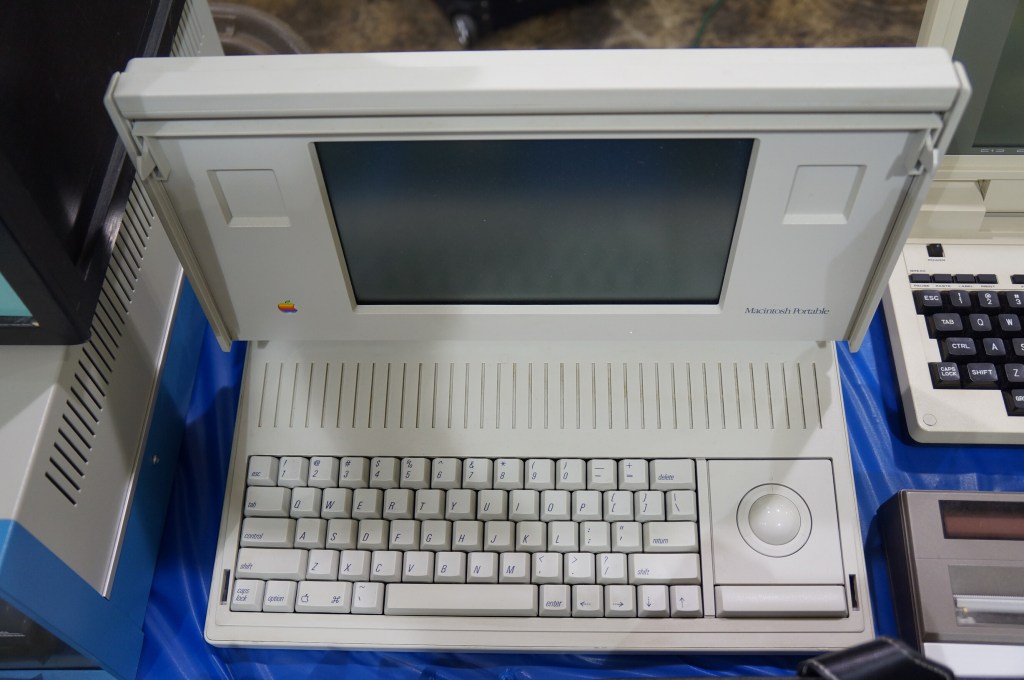
    Portable Macintosh and Powerbook Line

    My first laptop was a PowerBook 145B, which was my companion during my last two years of high school and the beginning of college of Georgia Tech. Later, I owned a PowerBook G4, iBook G3 (the result of a trade with my friend Kenny), 15″ MacBook Pro (2006), 12″ MacBook (unibody, 2008), and 15″ MacBook Pro (2012–Y still uses it).

    Apple Macintosh TV

    20th Anniversary Macintosh

    When the 20th Anniversary Macintosh debuted, my friend Chris and I lusted after it. It was a sexy computer, but it had an out of this world price tag of $10k (though, that included having a technician deliver, setup, and demo the computer in your own home). In retrospect, it was a terrible product that ignored what the original Macintosh represented as an every person’s computer. This computer was about style and prestige and money. A lot about what Apple represents today after Steve Job’s passing seems to be drifting back toward what this computer represents.

    Network Server 500/132

    Macintosh Add-Ons

    The Apple TV/Video System was an expansion card that gave you a TV tuner and video inputs for your Mac. The PowerCD was an external SCSI CD-ROM drive for Macs that might not have a CD-ROM drive built-in. And the QuickTime Conferencing Kit included a camera and software for video conferencing and collaborative tools like a shared whiteboard–back in 1995.

    Apple Newton

    The thing that used to burn me up when Apple released innovative products like the Newton, popular media like SNL would shit all over them, which would turn the general conversation away from what the products could do and had the potential to do towards the limitations and lack of imagination by those folks who would otherwise never purchase or use those products. It wasn’t criticism. It was product assassination. Had that not happened, I think the Newton would have been in a stronger position that might have let it develop further before getting killed off.

    It seems like the Internet and social media provides a force or pressure against these negative megaphones of the past. However, there’s equally a lot of fanboys and cheerleaders who don’t temper their enthusiasm with a little bit of reality.

    Apple Newton

    iMacs and G4 Cube

    My first experience with an original Bondi Blue iMac was soon after its announcement. I was working at NetlinkIP on St. Simons Island, Georgia when a client called asking for help setting it up. I drove out to a very nice house on the island, unboxed, and configured it to dial up to the Internet. Admittedly, I took longer than was necessary so that I could thoroughly check it out.

    Later, my friend Bert got a G4 Cube. Despite its complete lack of internal expandability beyond upgrading its RAM or hard drive, he used his beyond what I think most people would. Every USB port was used for devices or hubs and it was connected to his stereo system. He used it for a lot of graphics and video work and showed how it really was a supercomputer in a small package.

    I had a 17″ Luxo iMac for awhile in the early 2000s, but I sold it before I built another desktop PC using an AMD Athlon 2500+ CPU. While I had it though, I liked its crisp 17″ LCD and it was a powerhouse for some of the video editing projects that I did at the time.

    NeXT Computer

    Steve Jobs’ second act and the salvation of Apple when the prodigal son returned.

    NeXTcube Workstation

    Xerox Alto

    This is Xerox’s GUI desktop minicomputer that brought together what Xerox PARC had been developing and demoed to Steve Jobs and his team at Apple that led to the Lisa and eventually the Macintosh.

    Xerox Alto

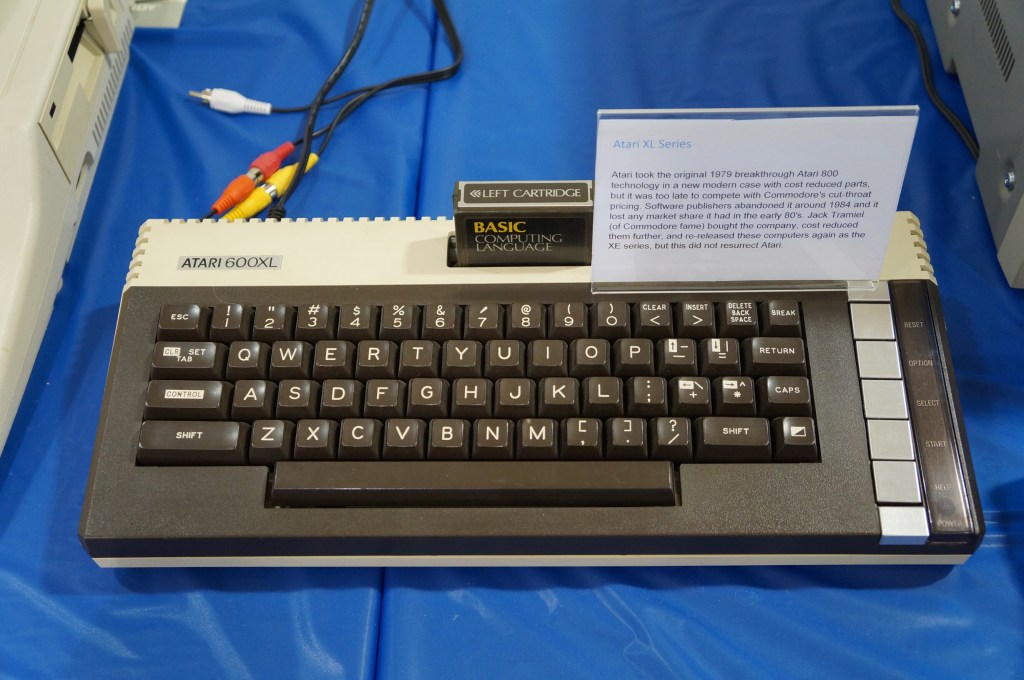
    Atari Computer

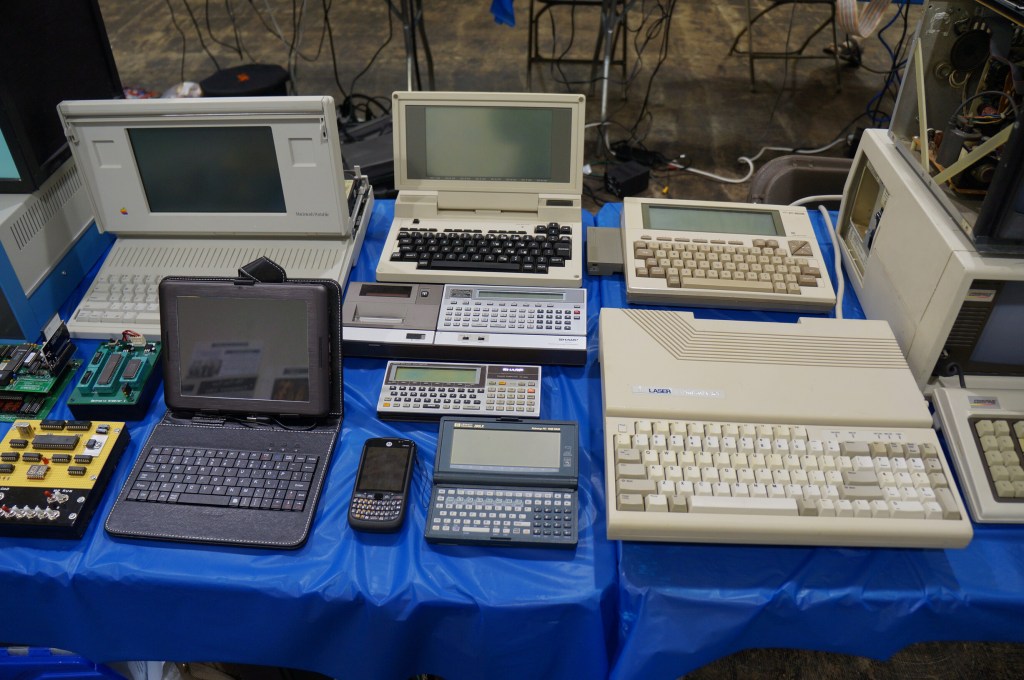
    Portable Computing Miscellaneous

    I really like the concept of pocket computers. When I was in middle school, my grandparents gave me a Radio Shack PC-7 Basic Programmable calculator. It looked like a calculator with a built-in soft cover that had a ABC keyboard layout. Considering its programmability, it was the first computer that I owned. The only digital device I had before that was an Atari 2600.

    Miscellaneous Computer Demos

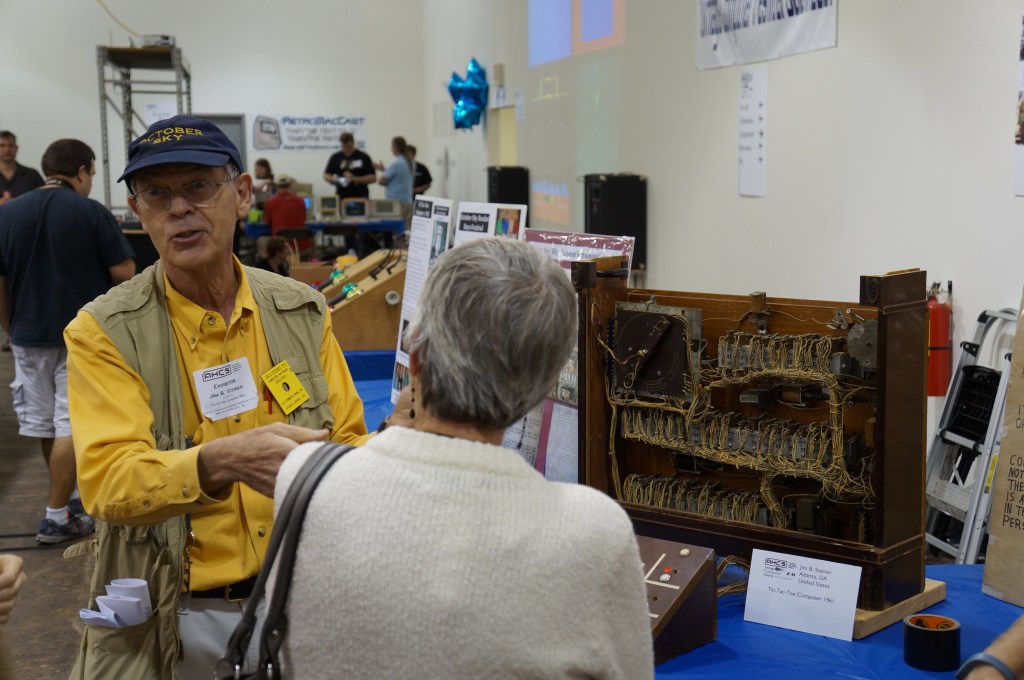
    Jim Steiner’s Tic-Tac-Toe Computer Built in 1961

    Pictured below with his tic-tac-toe computer that demonstrates binary digital logic, Jim Stiner’s creation still works. Before we left the VCF, I enjoyed speaking with Mr. Steiner about his project inspired by a humanities class. I was reminded of Steve Job’s 2011 special event demo for the iPad 2 where he talks about Apple’s DNA marries technology with the liberal arts. That concept seemed apt for Mr. Steiner’s project, too.

    Jim Steiner and his Tic-Tac-Toe Computer

    Teletype Terminal Model 33

    Who needs a display, printer, and program storage when you have a teletype machine like this hooked up to a mainframe or time-share minicomputer?

    Captain Crunch Whistles and Tone Generating Blue Box

    With the sounds generated by these cereal box toy whistles, which were adapted and expanded electronically with so-called blue boxes, you could commandeer the phone network for your own uses.

    Digital Enigma Machine

    This is a digital re-creation of the German Enigma machine used to cyptographically secure their communications during WWII.