Tag: retrocomputing

  • Vintage Computer Festival Southeast (VCFSE) 2013

    Bob, Paul, and Mark outside the 2013 Vintage Computer Festival Southeast

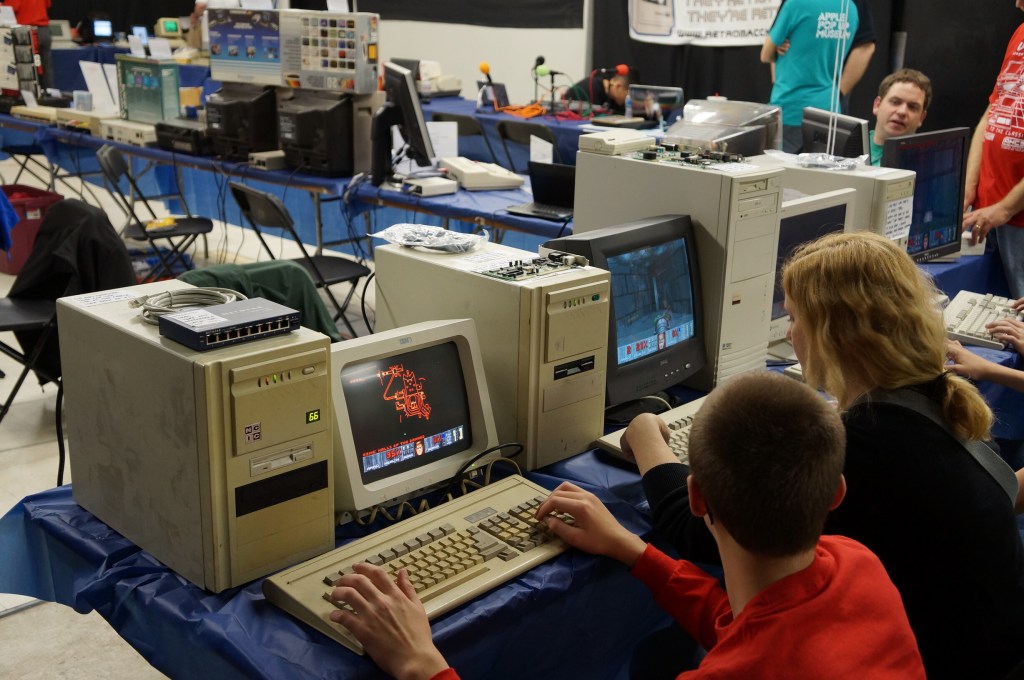
    On April 20, 2013, I attended the first Vintage Computer Festival Southeast outside Atlanta, Georgia at what is now the Computer Museum of America with my friends Mark, Paul, and Bob. This was the spring of my first full year back in Atlanta after becoming a Brittain Fellow at Georgia Tech in Fall 2012. It was a good day like old times before I went to grad school.

    The following year, I co-presented with Wendy Hagenmaier about Vintage Computing at Georgia Tech, which I blogged about here. I will post photos from the 2014 VSFSE next week.

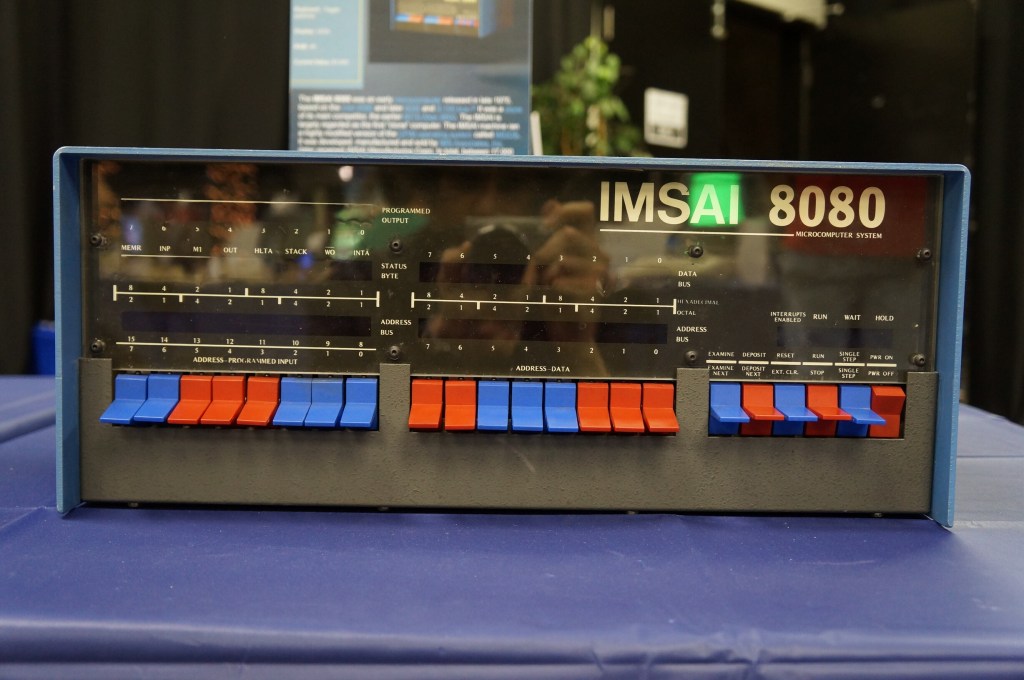
    IMSAI 8080 (WarGames)

    If you’ve seen the film WarGames (1983), you know what kind of mischief you can get up to with a tricked out version of an IMSAI 8080.
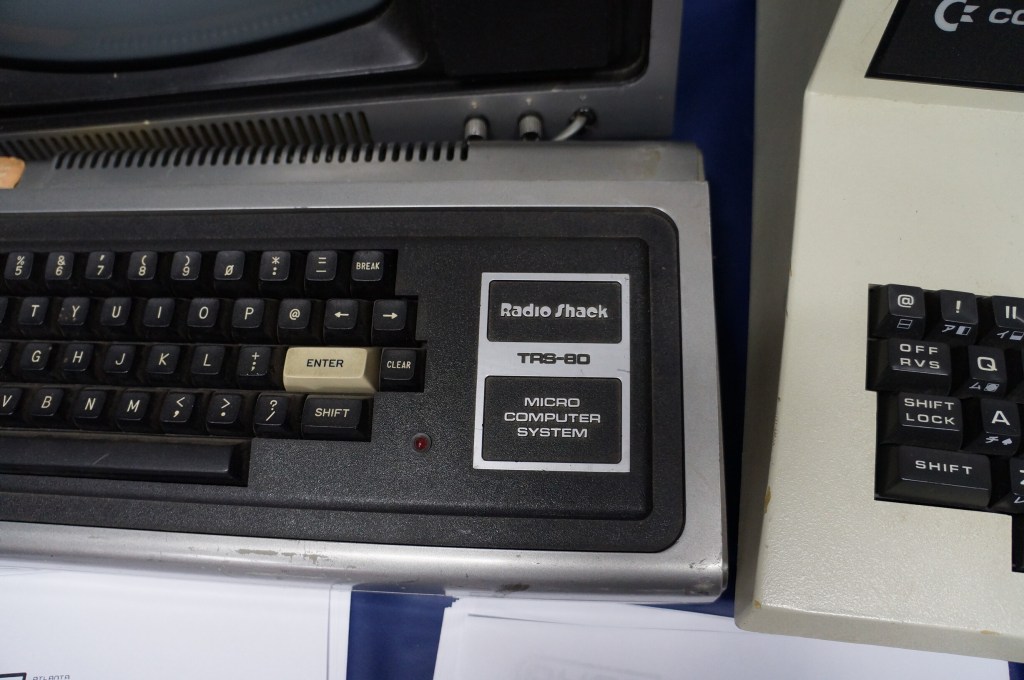
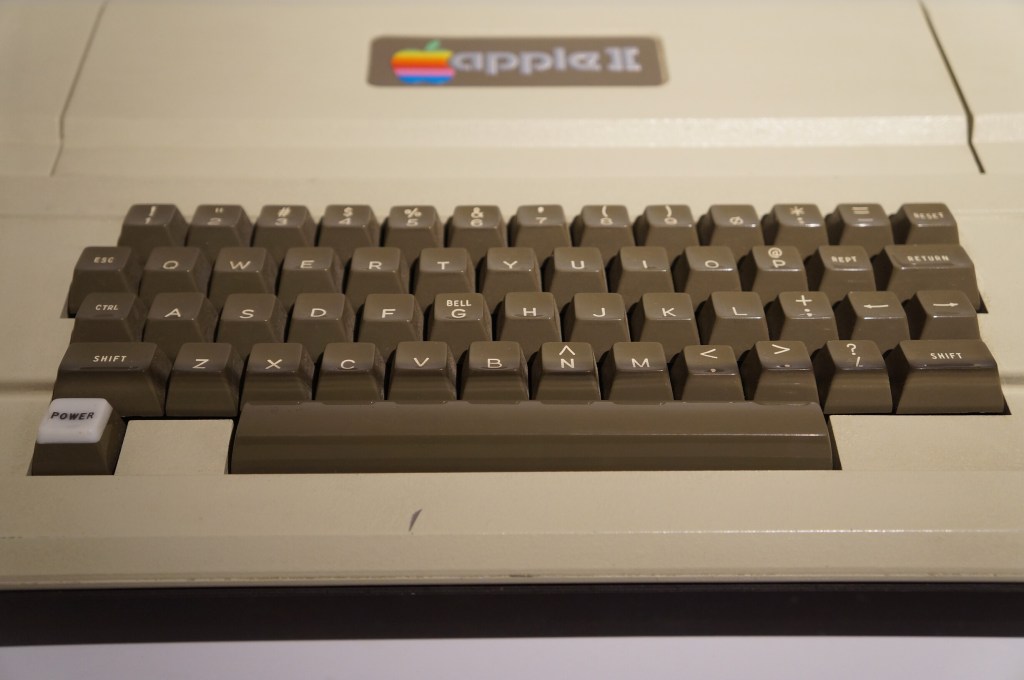
    The Big Three: Radio Shack TRS-80, Commodore PET, and Apple II

    I often regale my students with tales of the rise of the personal computer with the big three mass manufactured models: Radio Shack’s TRS-80, Commodore’s PET, and Apple’s Apple II (though, it’s actually an Apple IIe pictured below).

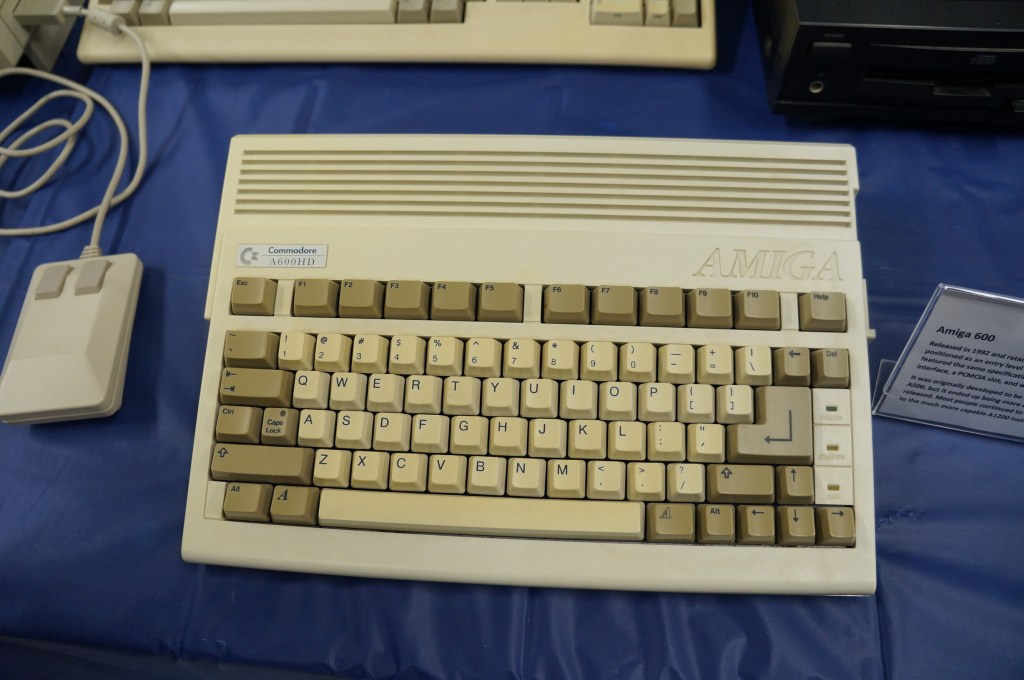
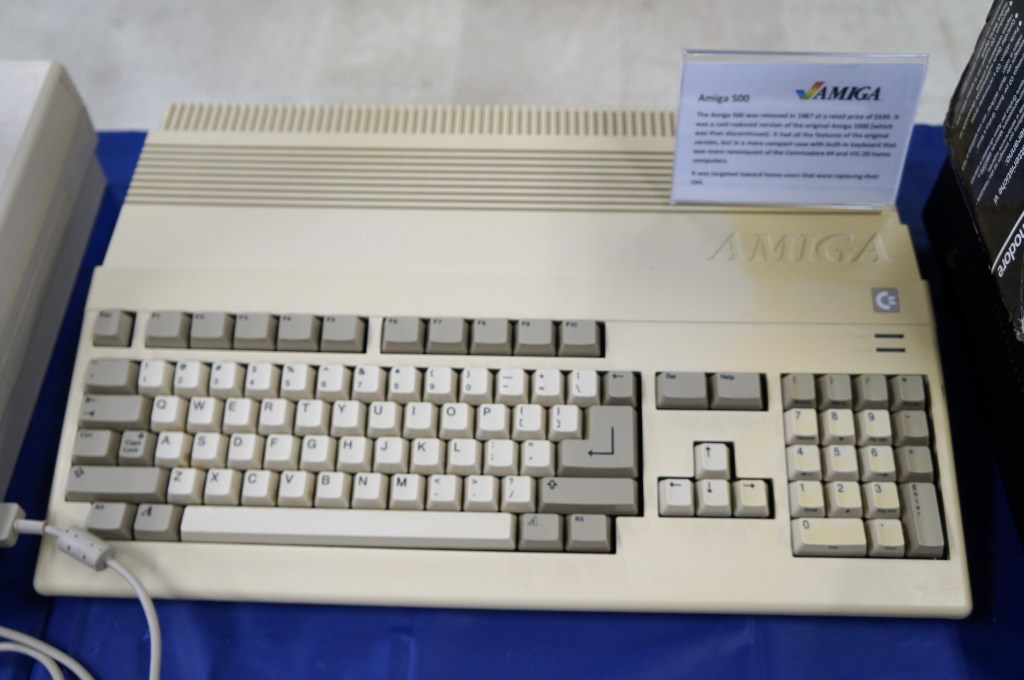
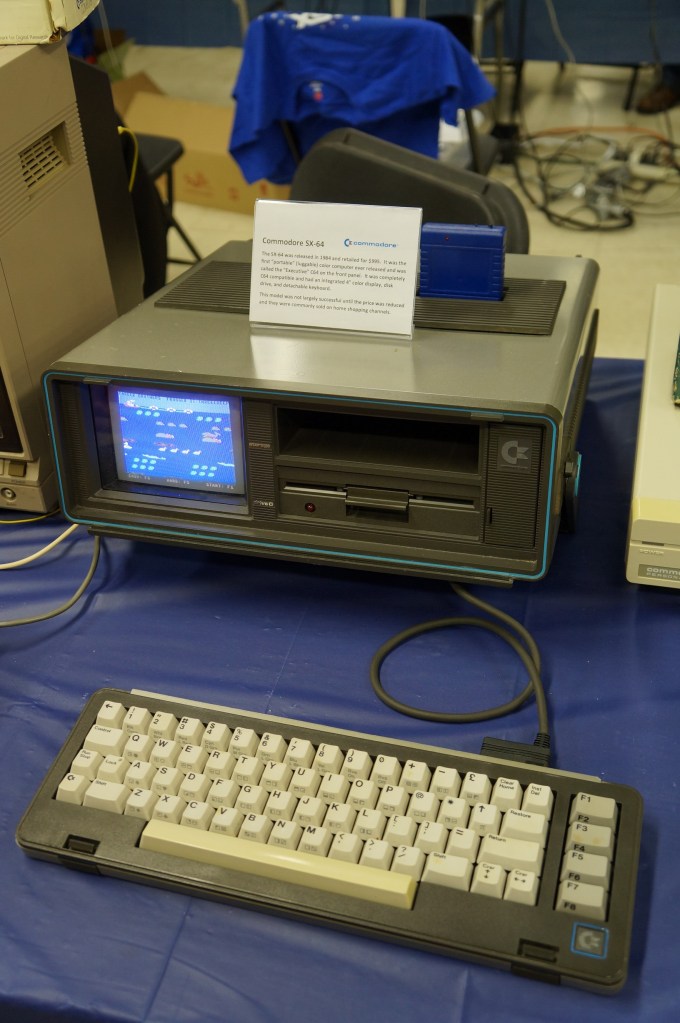
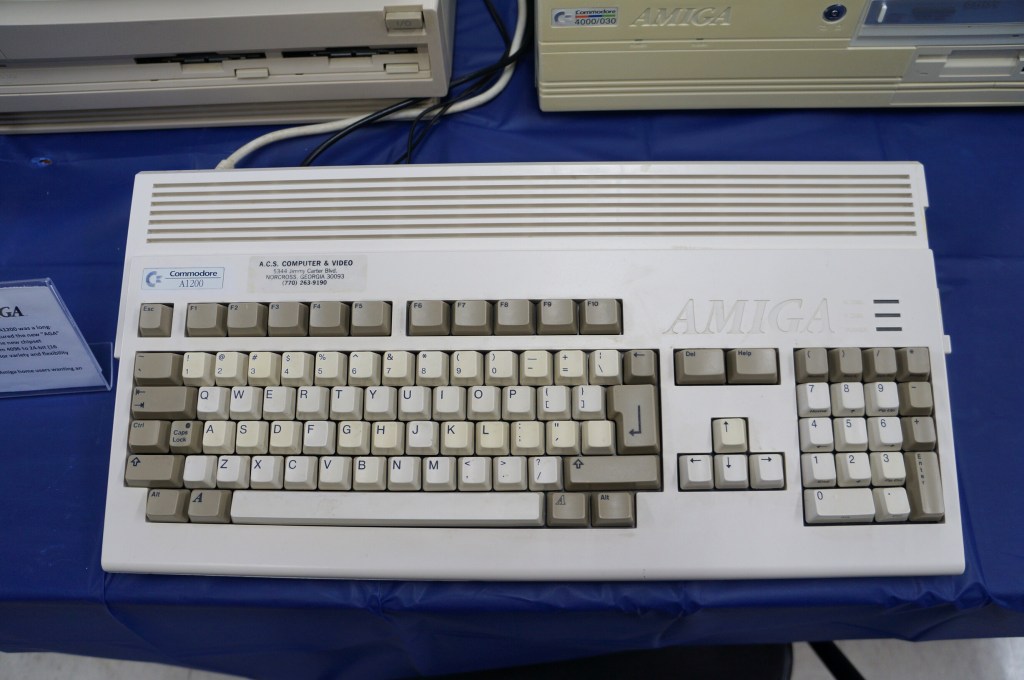
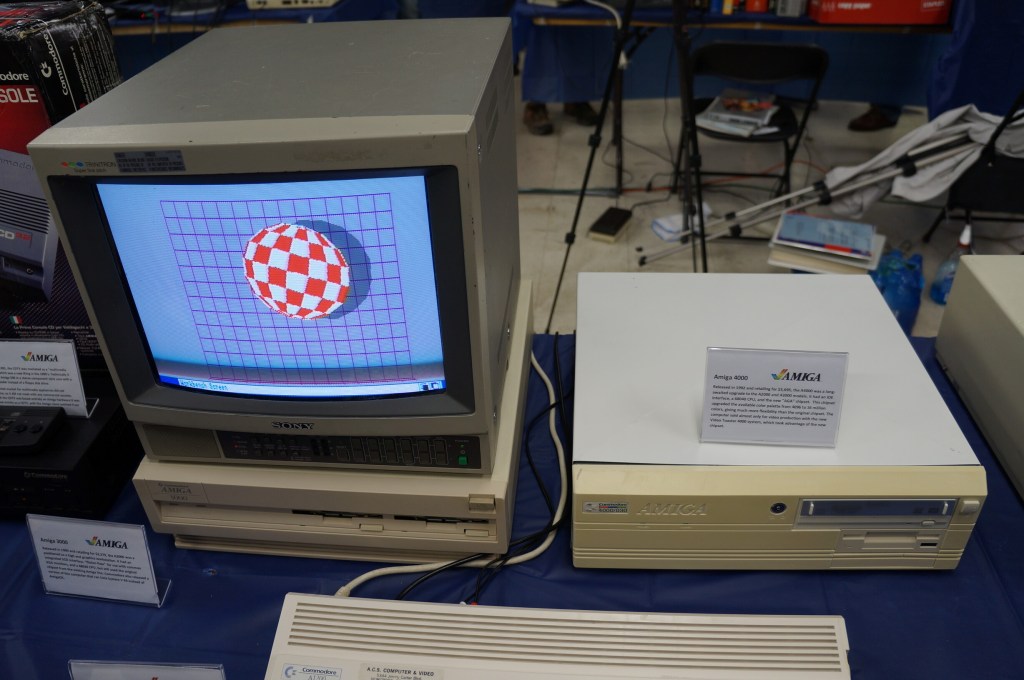
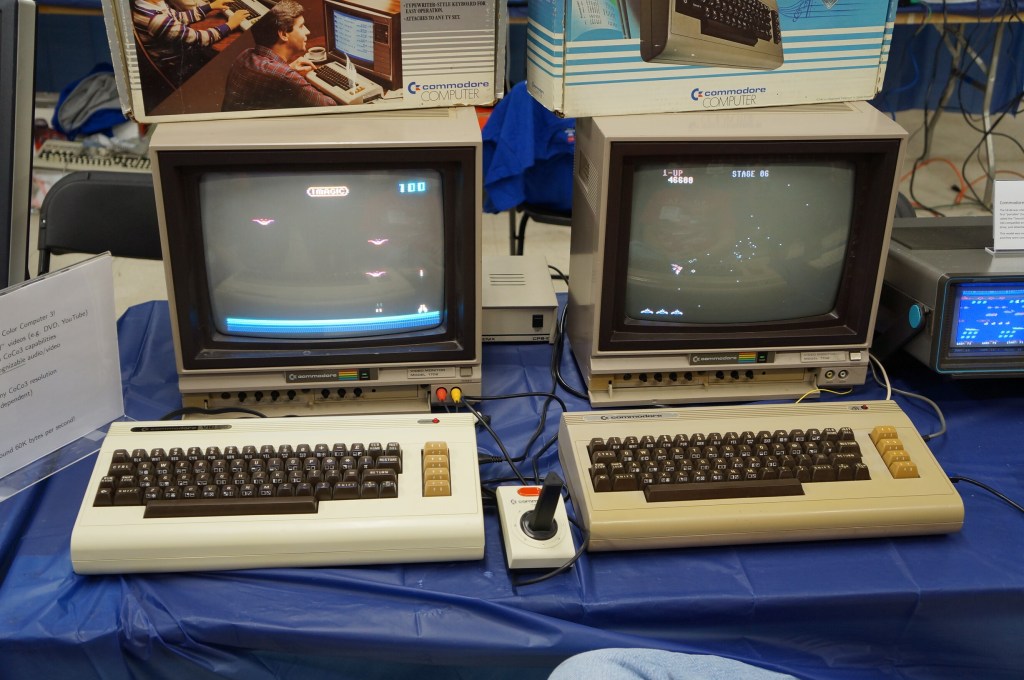
    Commodore VIC-20, Commodore 64, and Amiga

    I didn’t know anyone with a VIC-20 or Commodore 64 growing up. Mark told me about having a VIC-20 when he was younger. After my trials with the Tandy Color Computer 3, my first GUI-based computer was an Amiga 2000HD. I used it for years for writing, drawing, and gaming until a tree branch attached to a long strand of Spanish moss swung Tarzan-style into my bedroom window and hit the back of the Amiga. It never ran again after that strike.

    Years later, I got another Amiga 2000 from someone at a Goodwill auction. He had won the pallet that I wanted that included the Amiga. I don’t remember what I paid him for it, but I stored it at my used computer stall at Duke’s Y’all Come Flea Market in Darien, Georgia. We had a falling out and I abandoned what I still had in the stall, which included the Amiga. I never found out if it still ran or not.
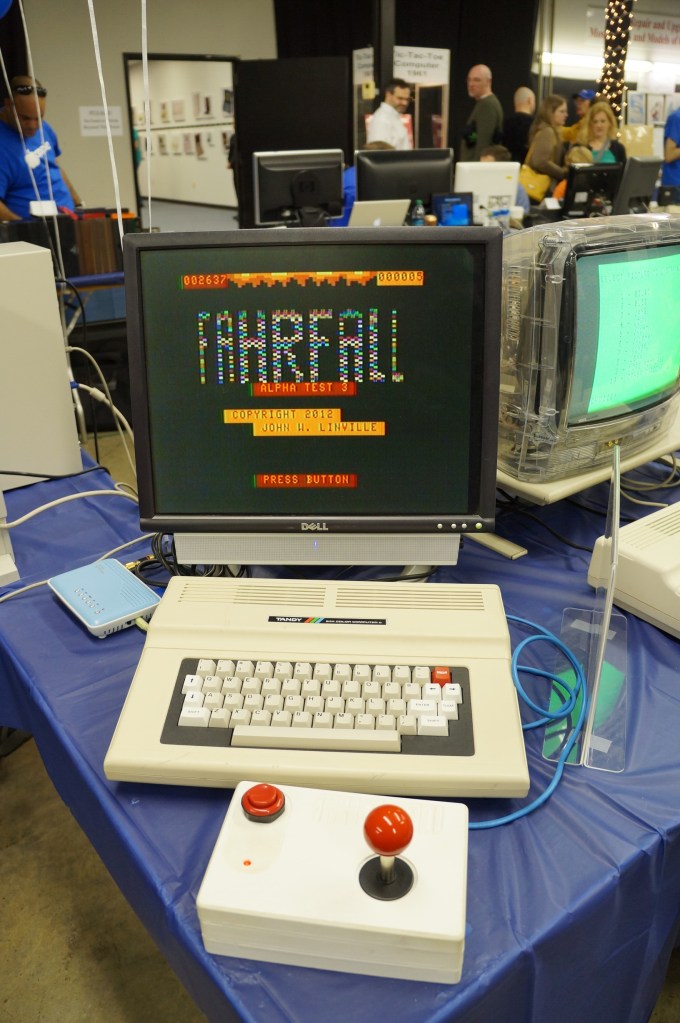
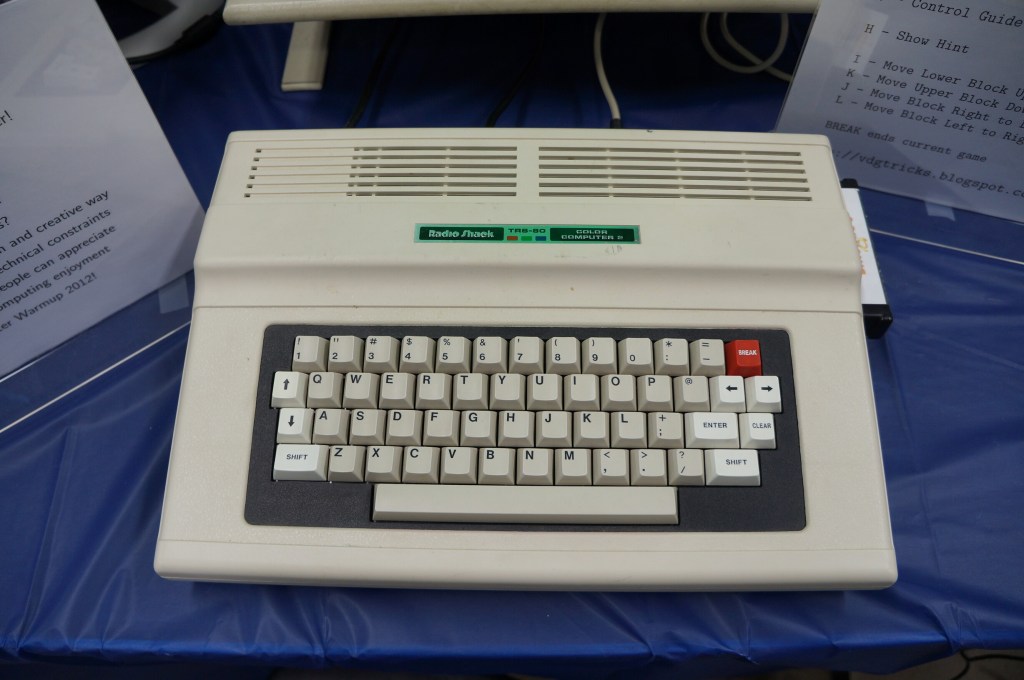
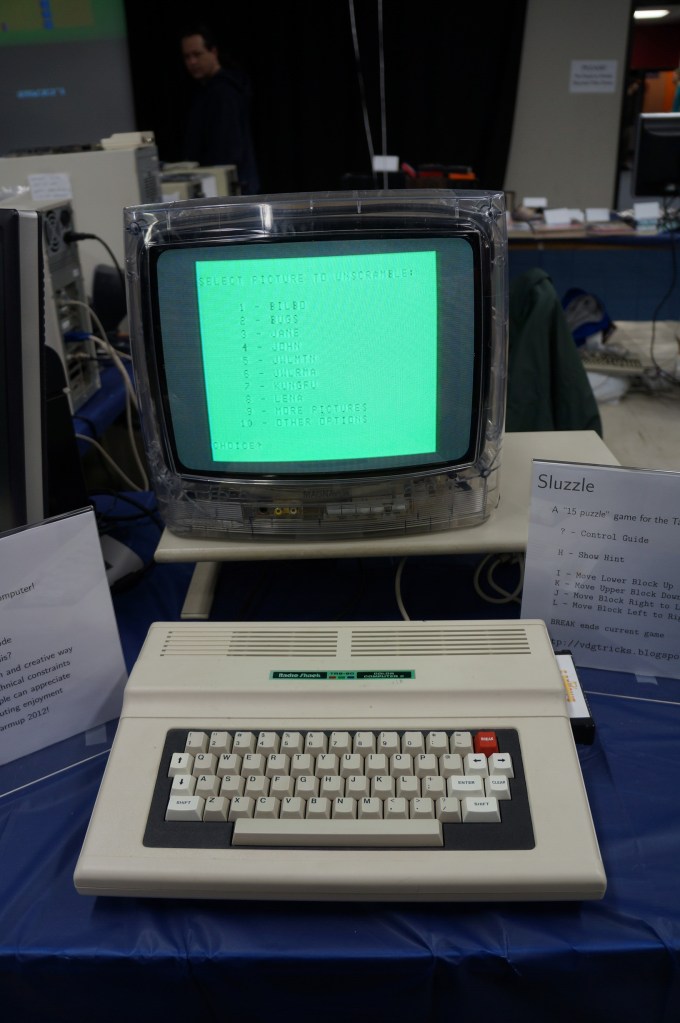
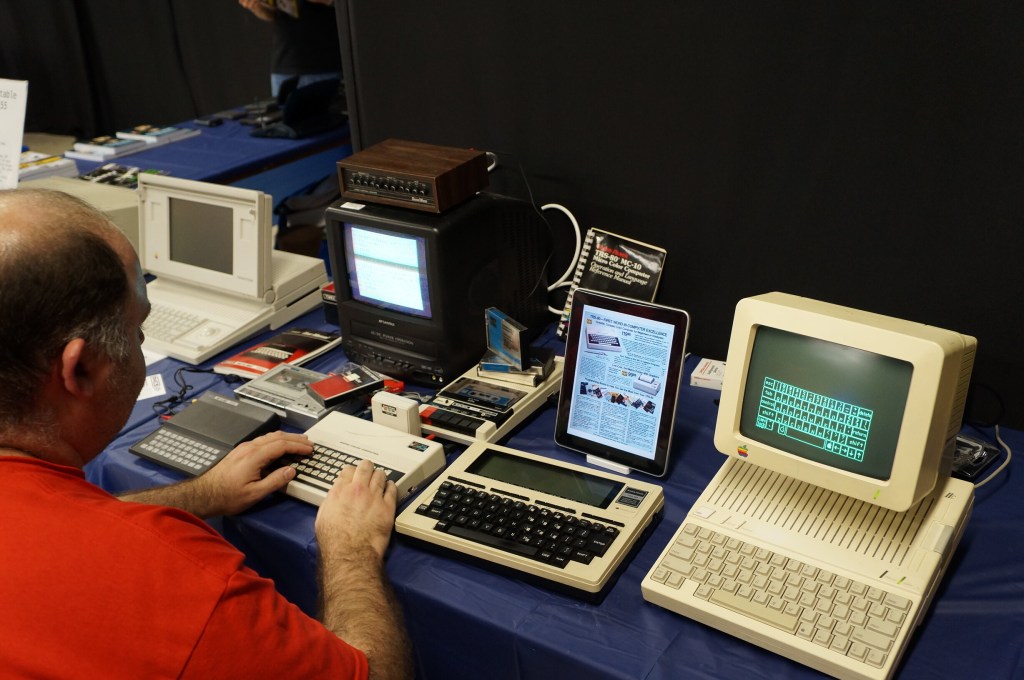
    Radio Shack TRS-80 and Color Computer Series

    My first desktop computer was a Tandy Color Computer 3 that I hooked up to the family console TV. While I did all that I could with it, I think my mom recognized my frustrations. I wanted to make it work so badly after not having a computer and wanting one for so long. The next Christmas, my folks gave me a Commodore Amiga 2000HD, which was light years ahead of the CC3.
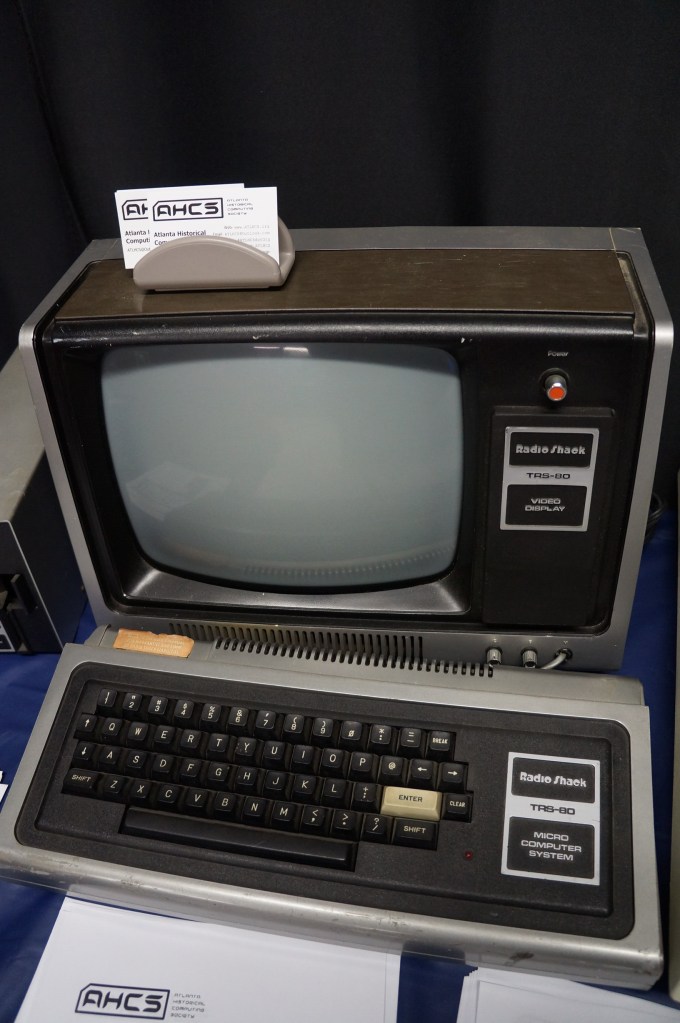
    Radio Shack TRS-80

    Apple Computer (Pre-Macintosh Era)

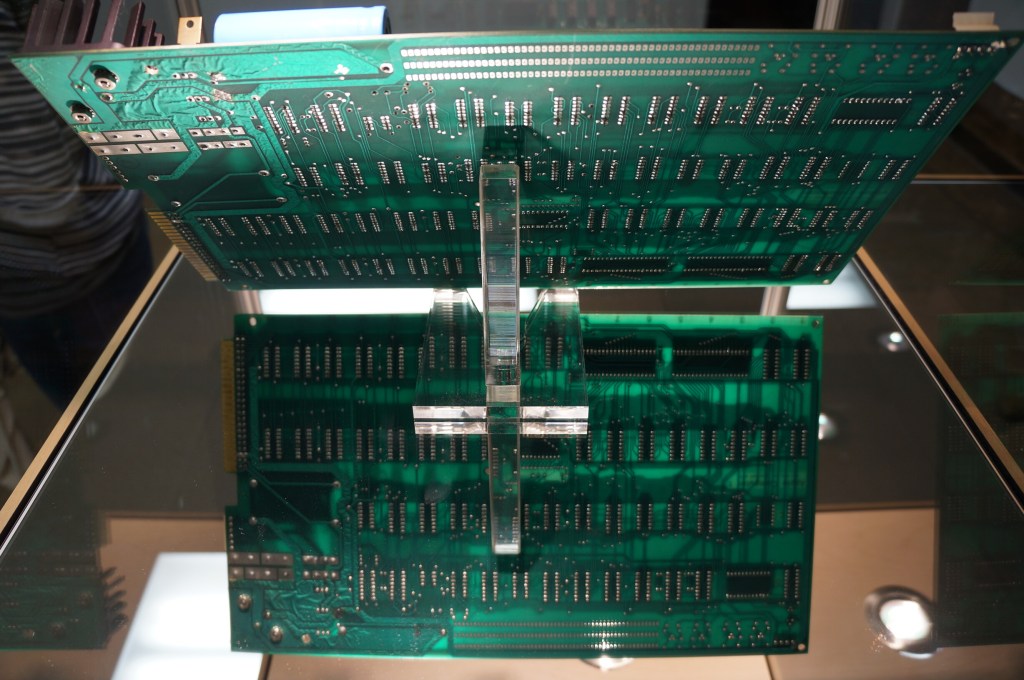
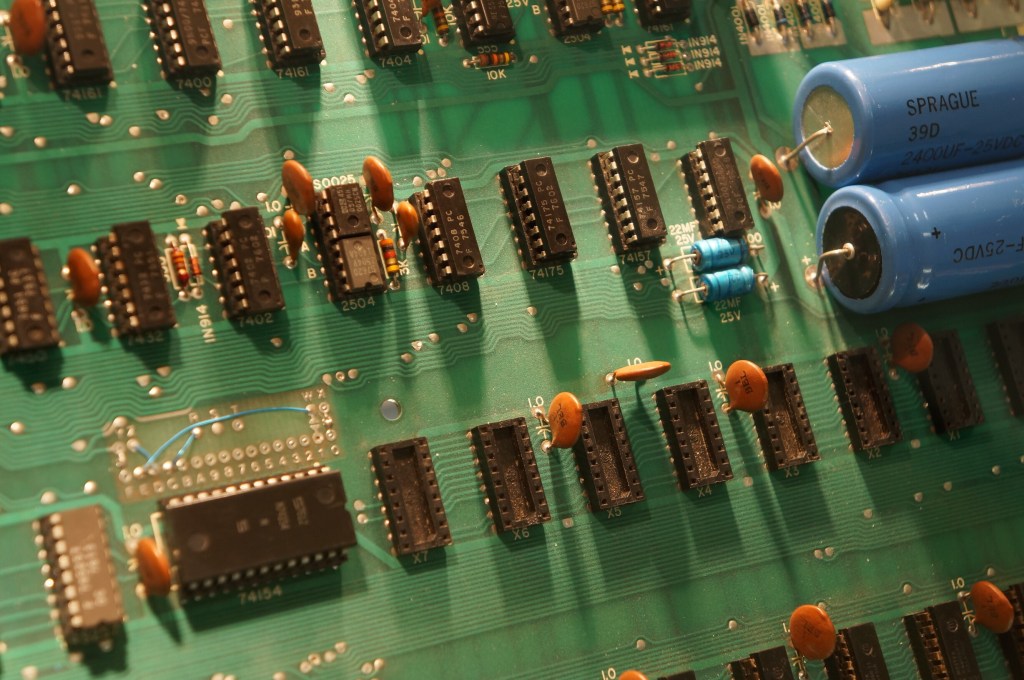
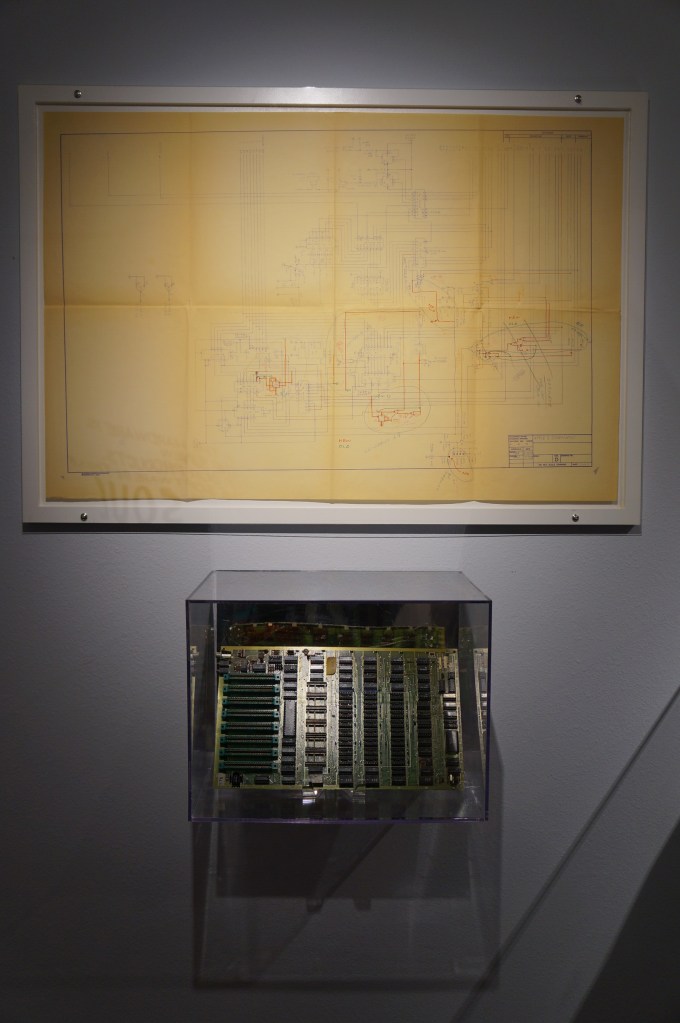
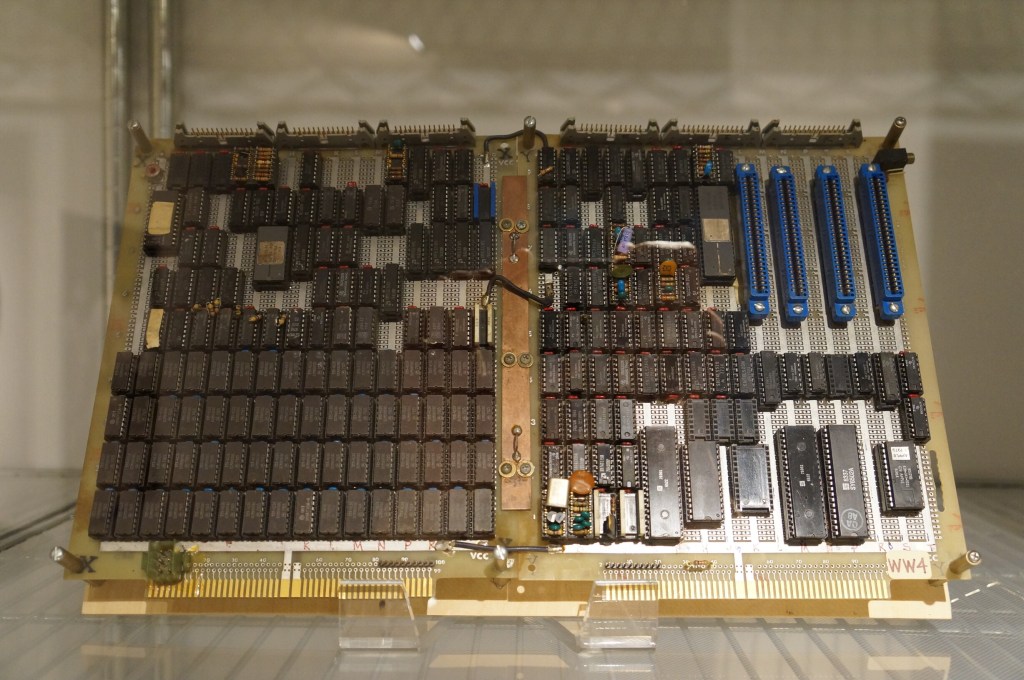
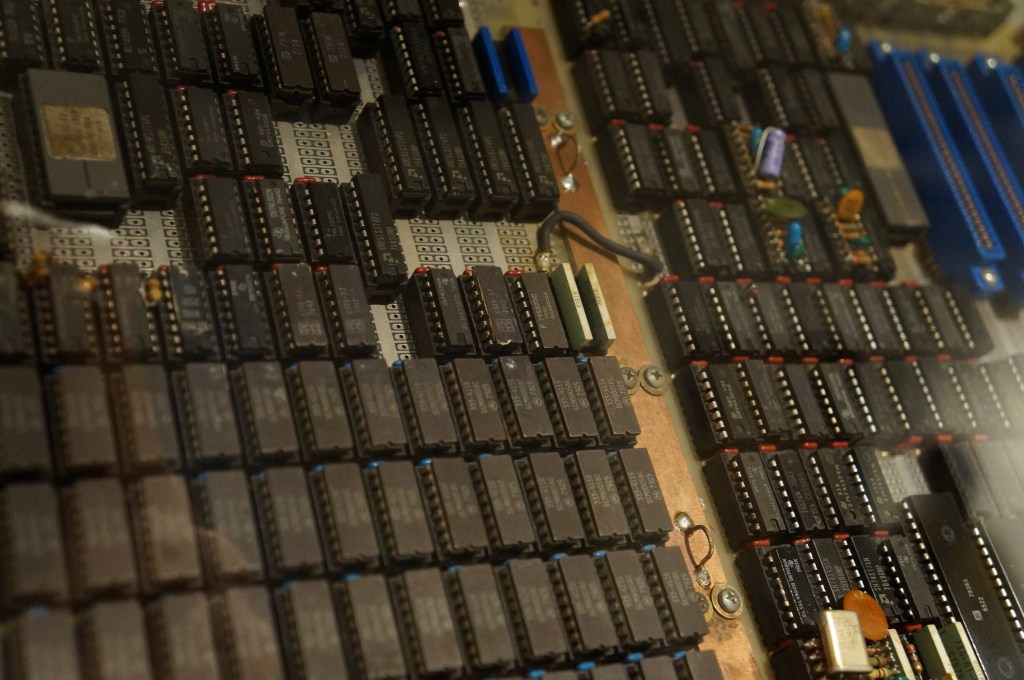
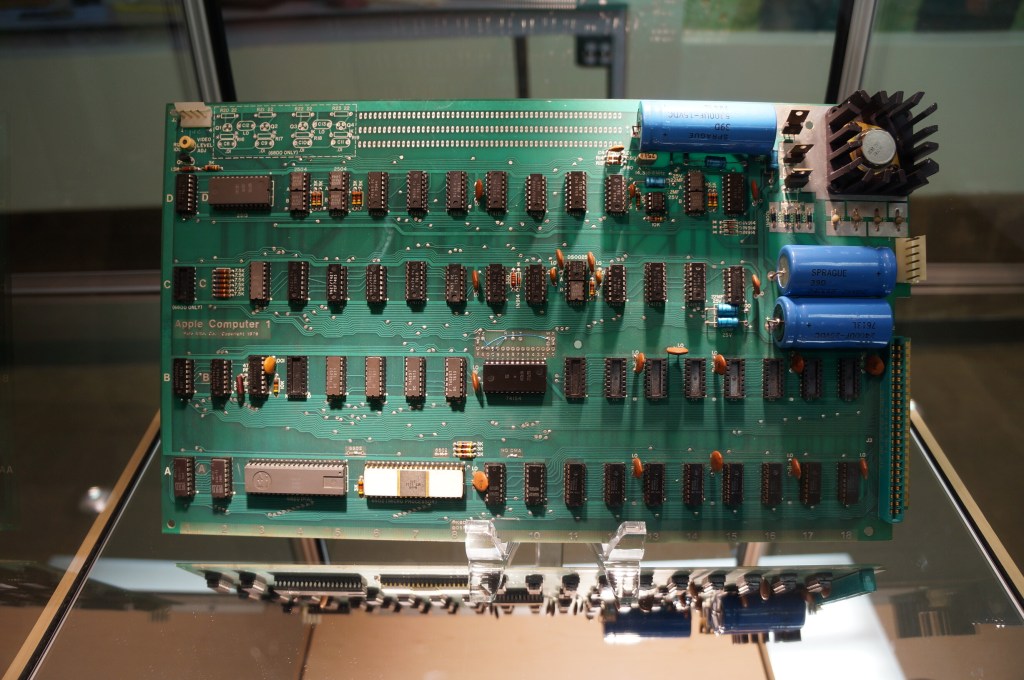
    Apple I

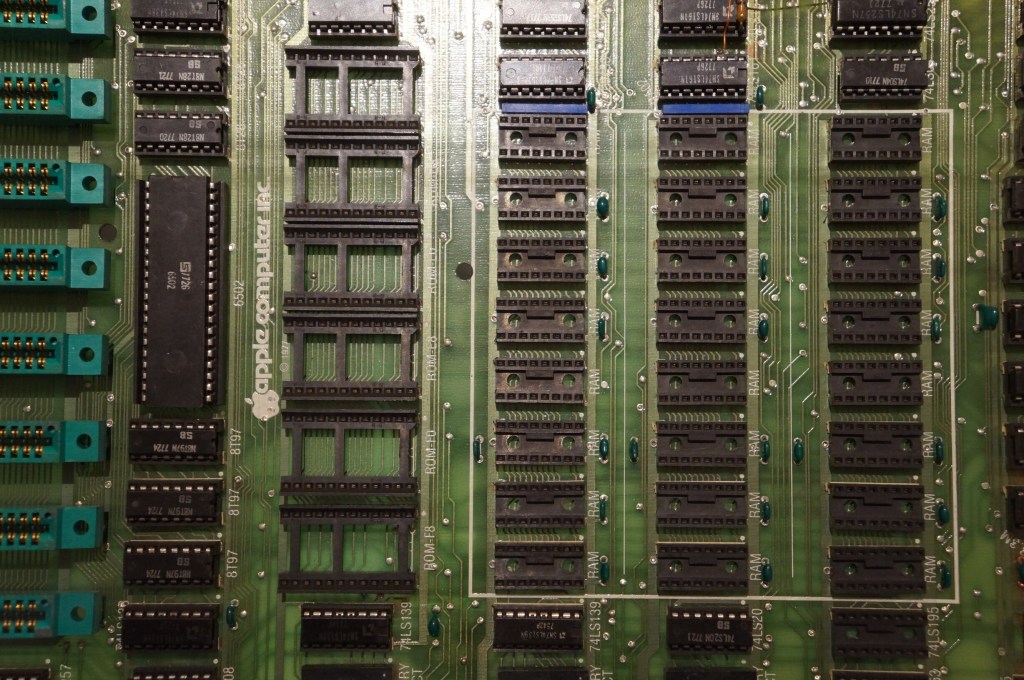
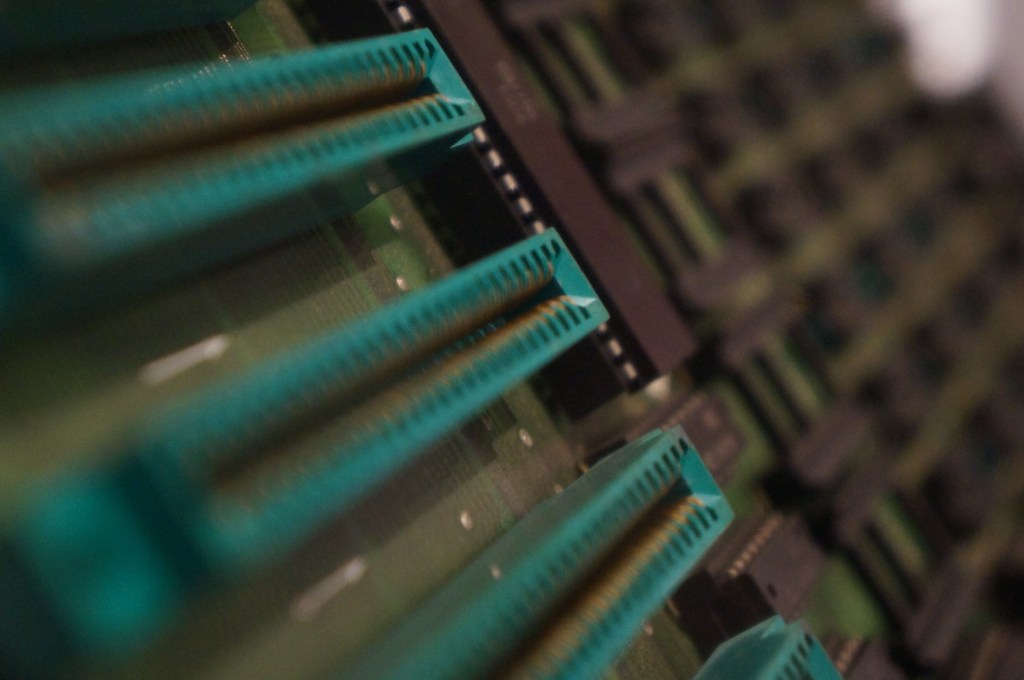
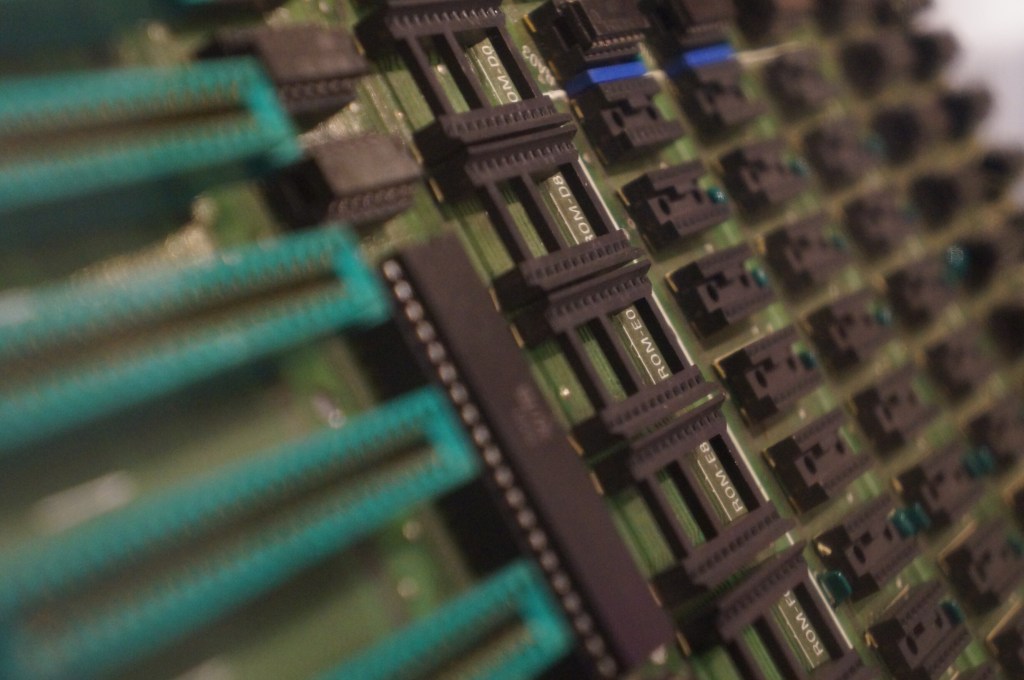
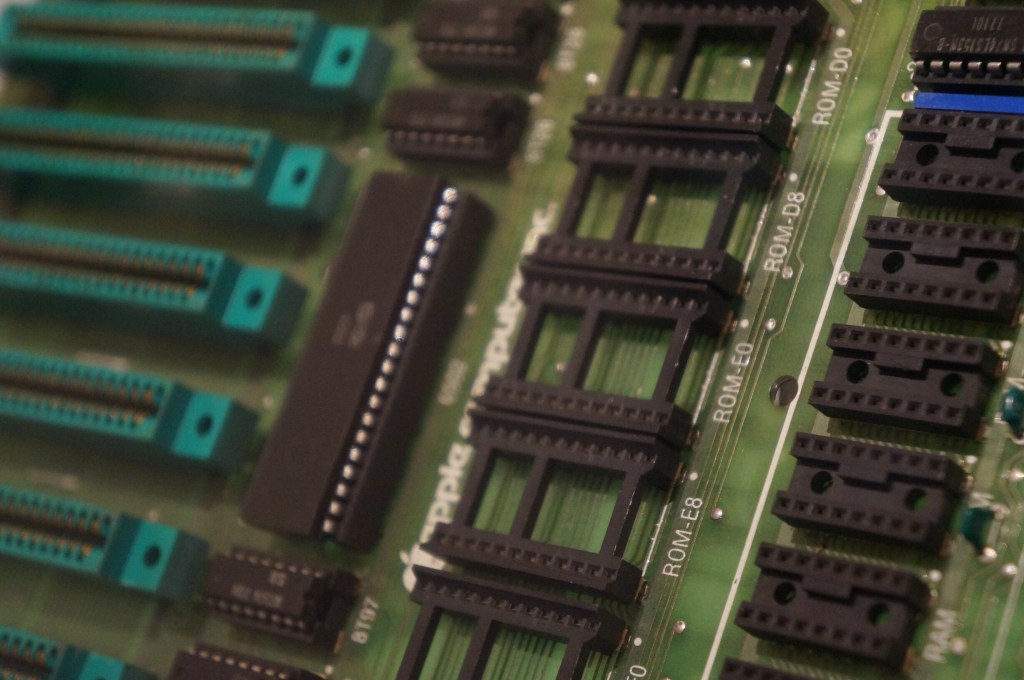
    I have a large print out of this original Apple I motherboard hanging over my desk at City Tech.
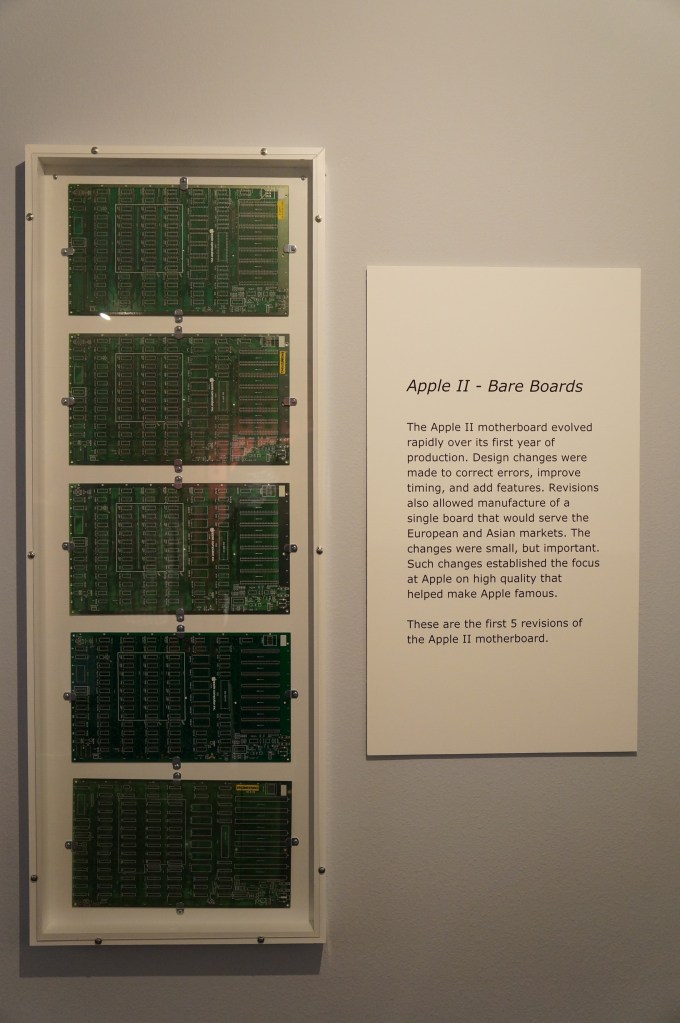
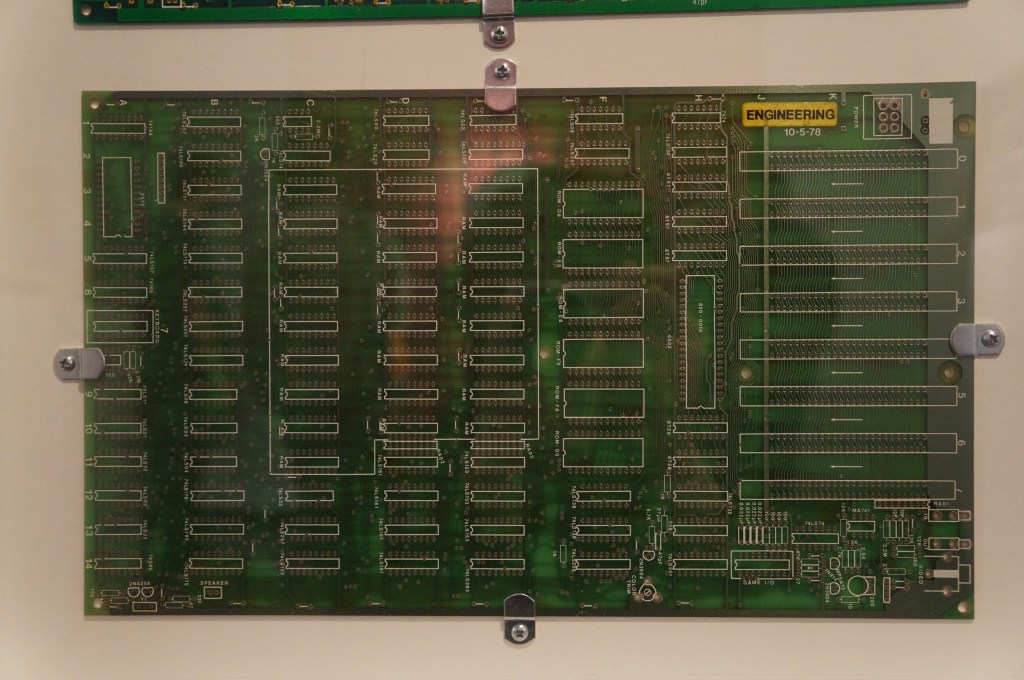
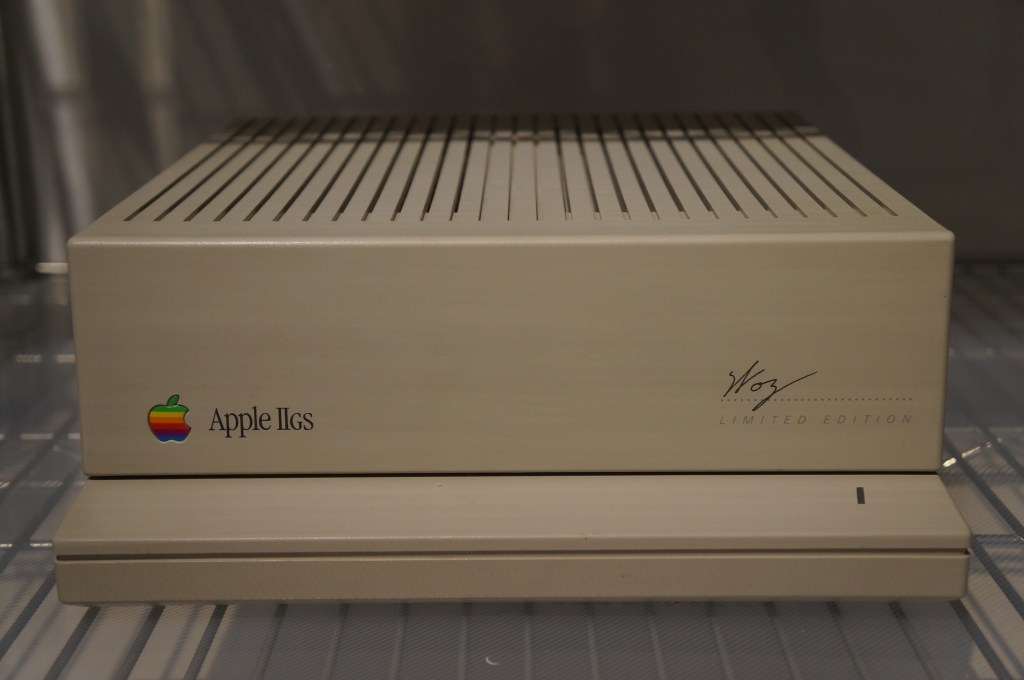
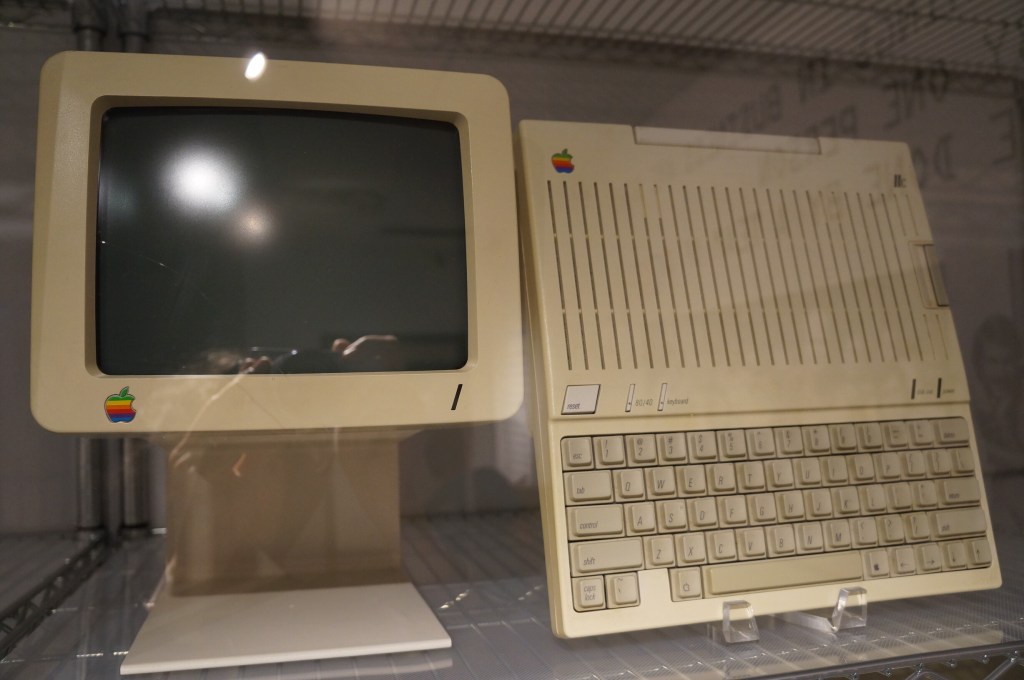
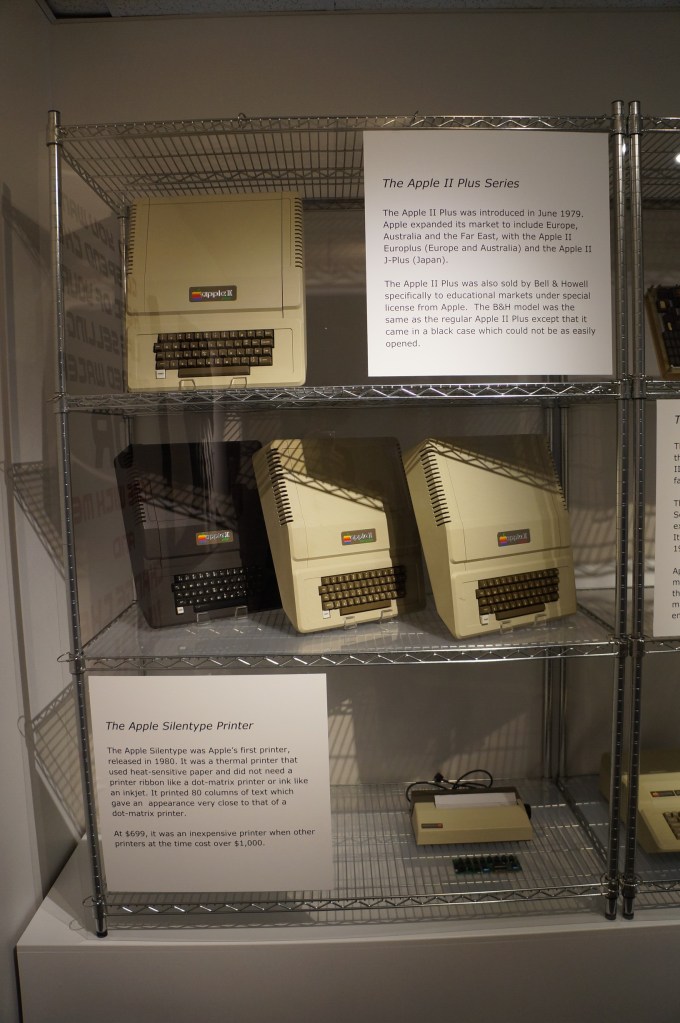
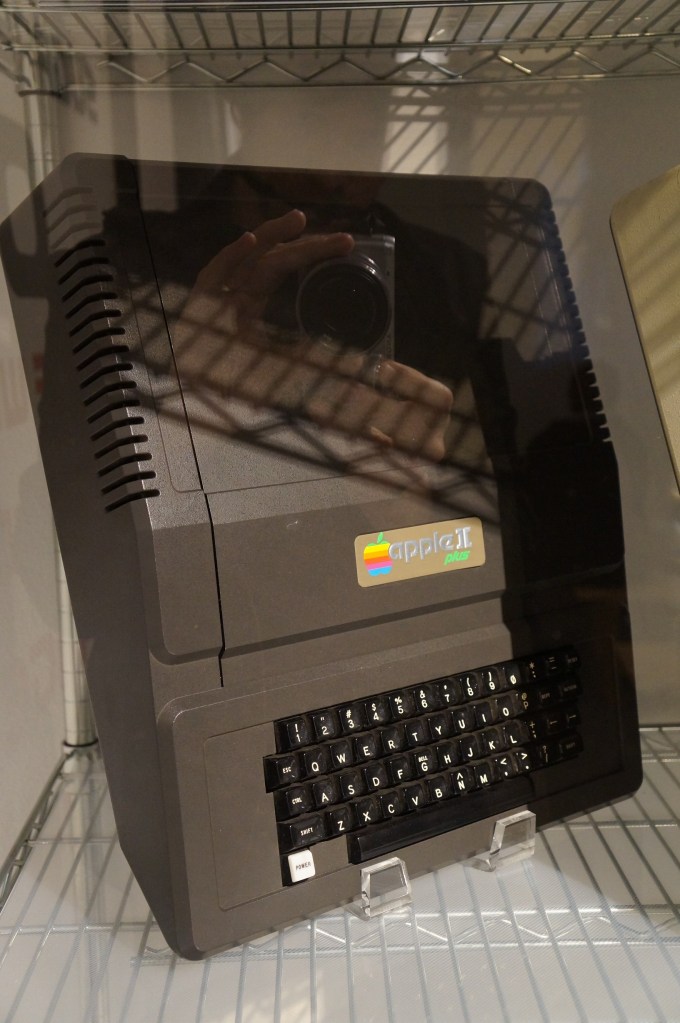
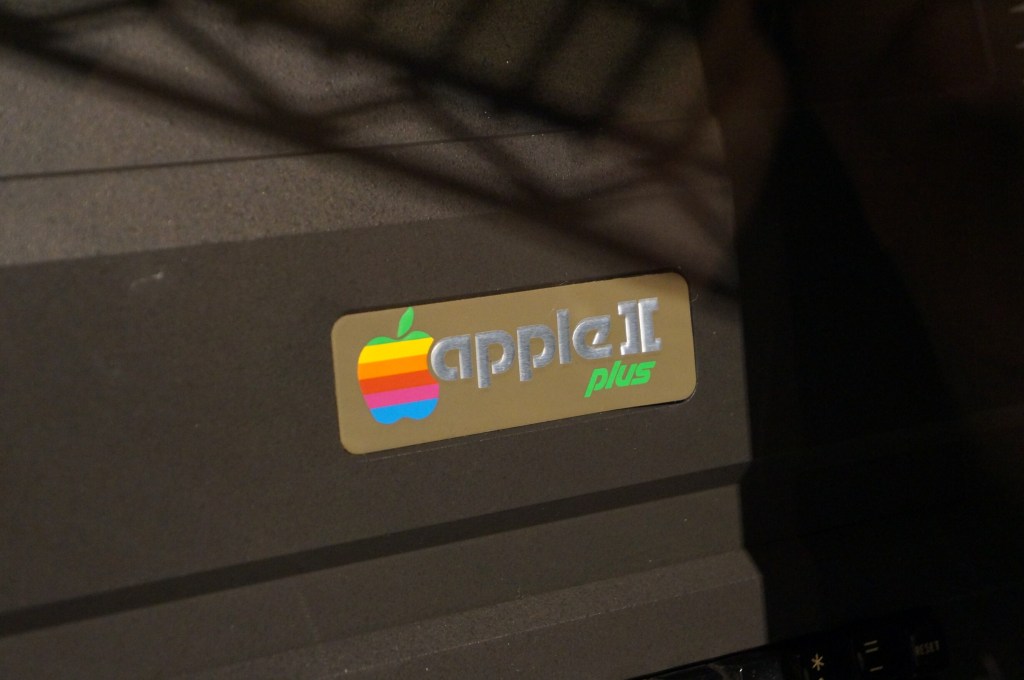
    Apple II, IIGS, II Plus, and III

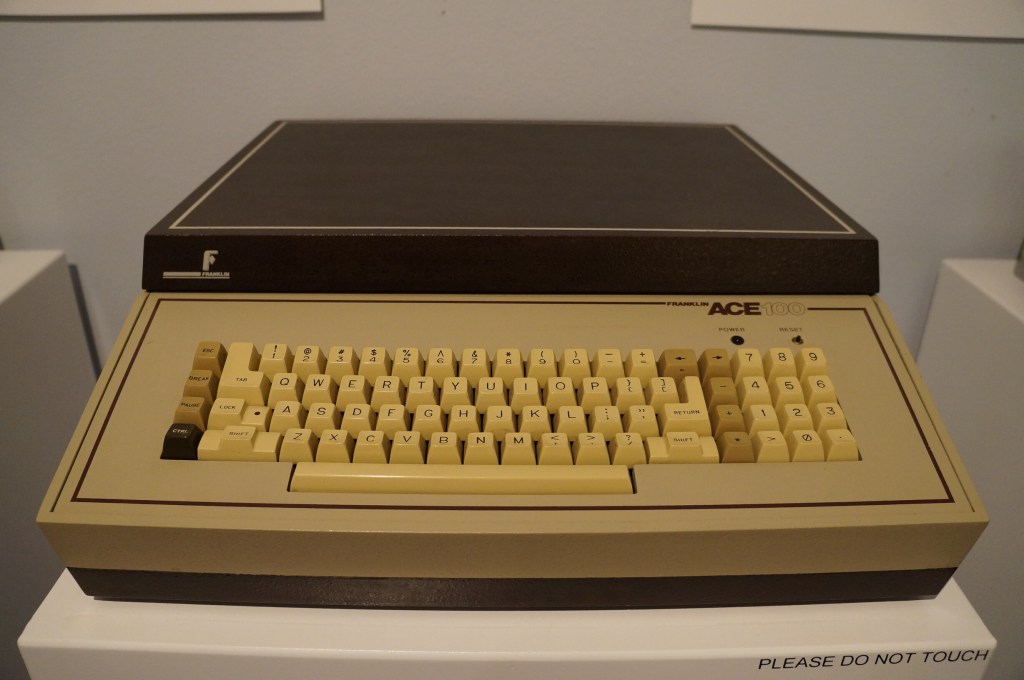
    Apple II Knockoffs

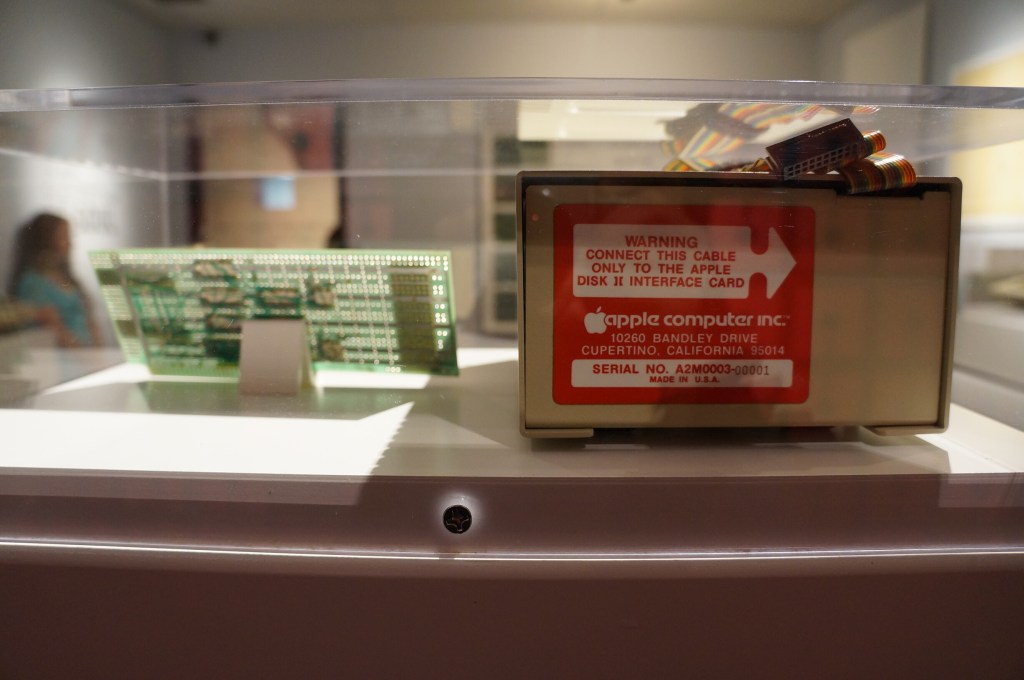
    Apple Modem for Apple II

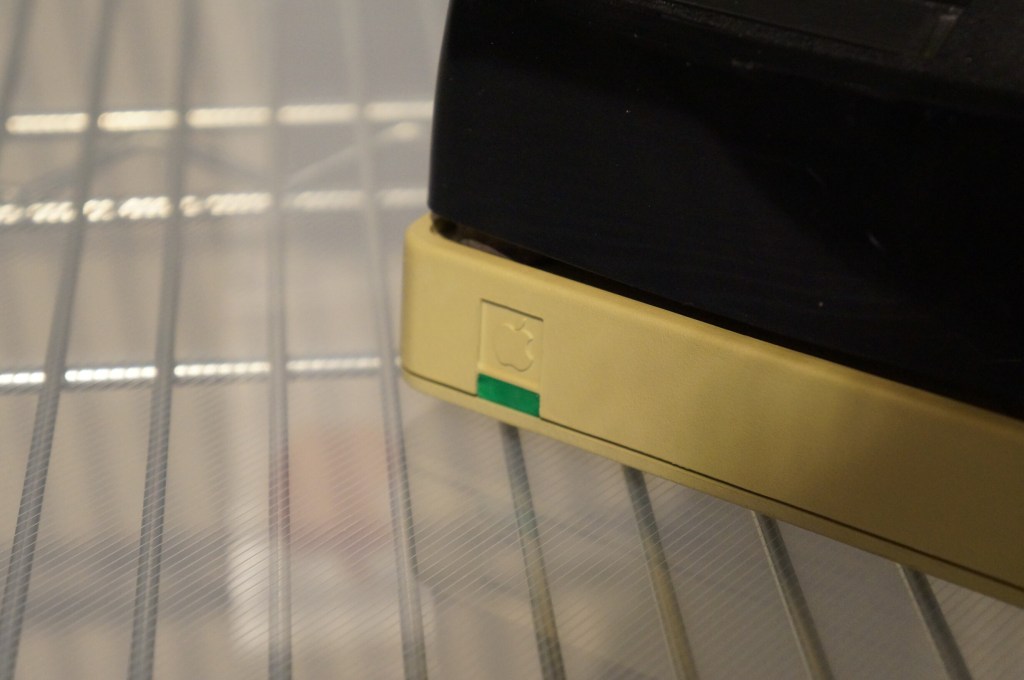
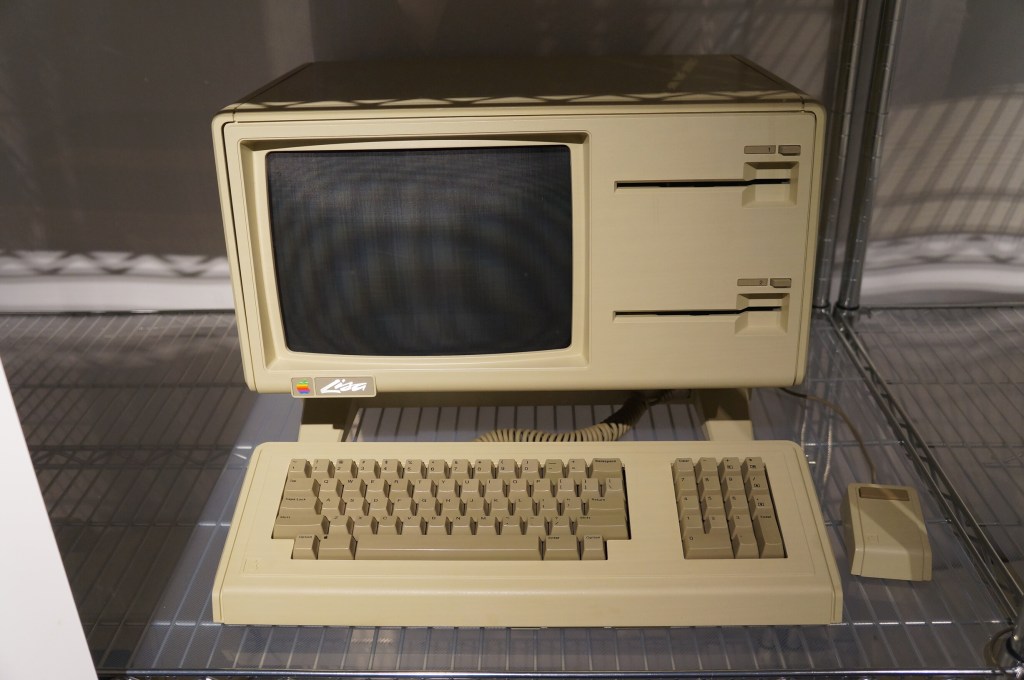
    Apple Computer (Lisa)

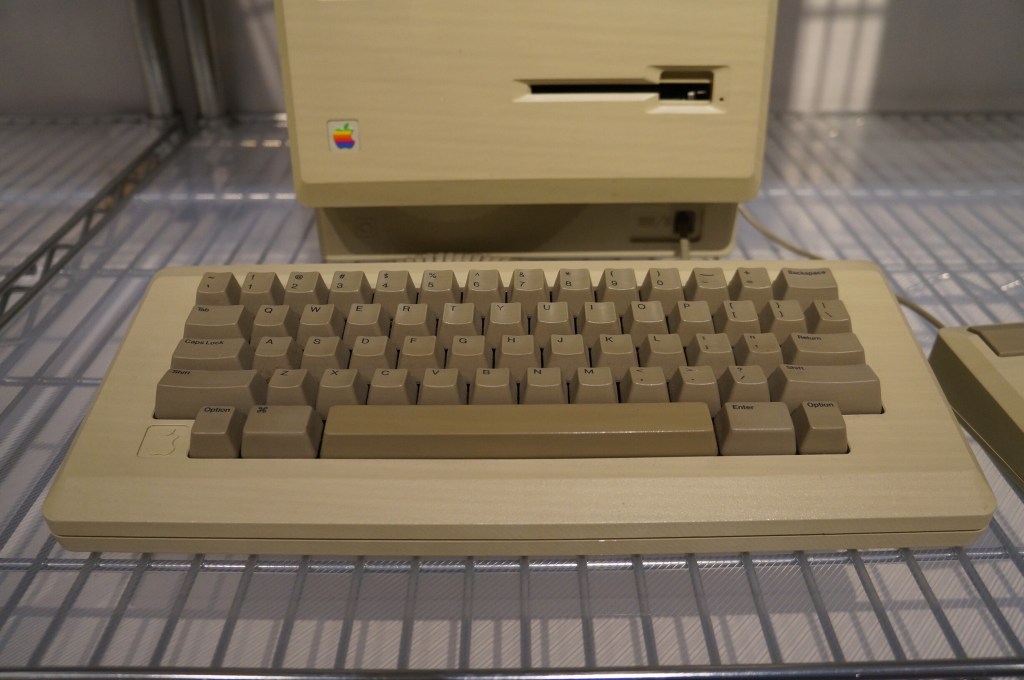
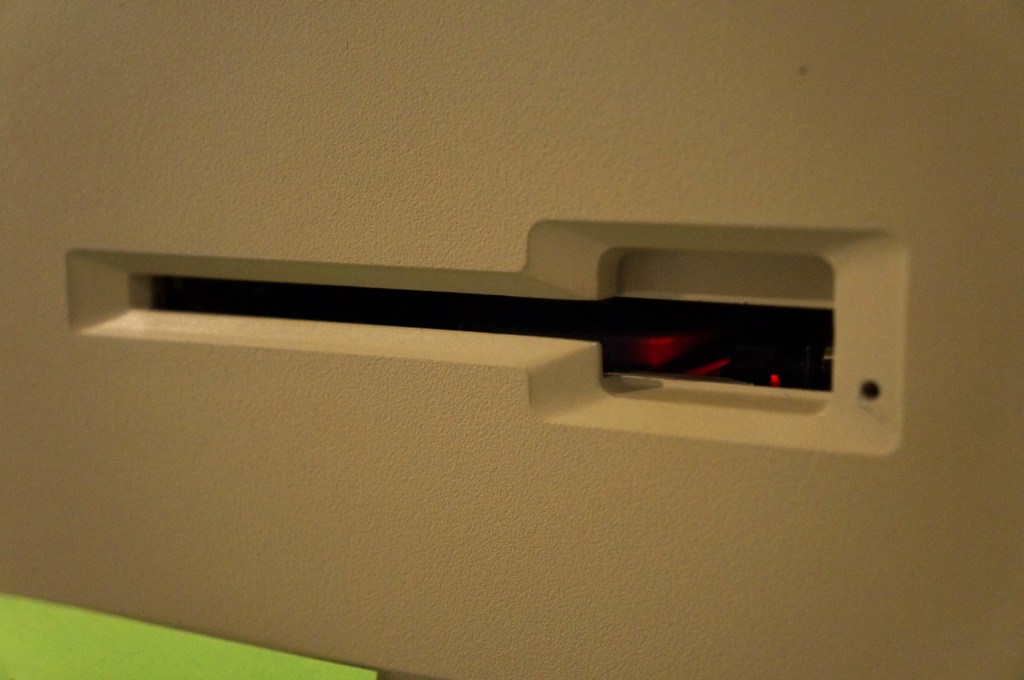
    Apple Computer (Macintosh Era)

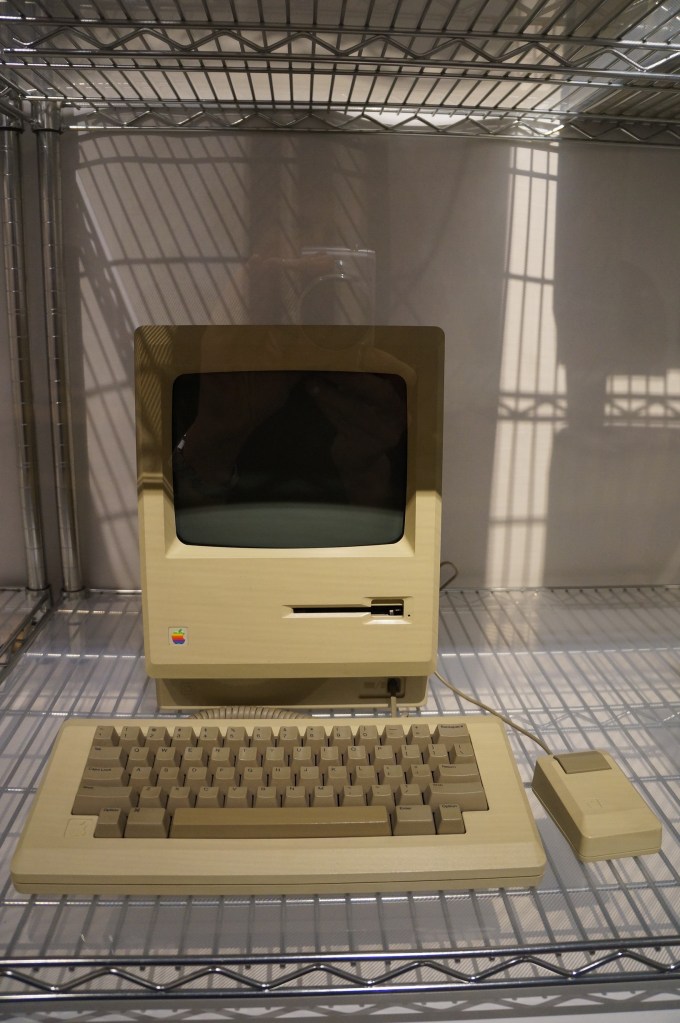
    Macintosh
    Macintosh II
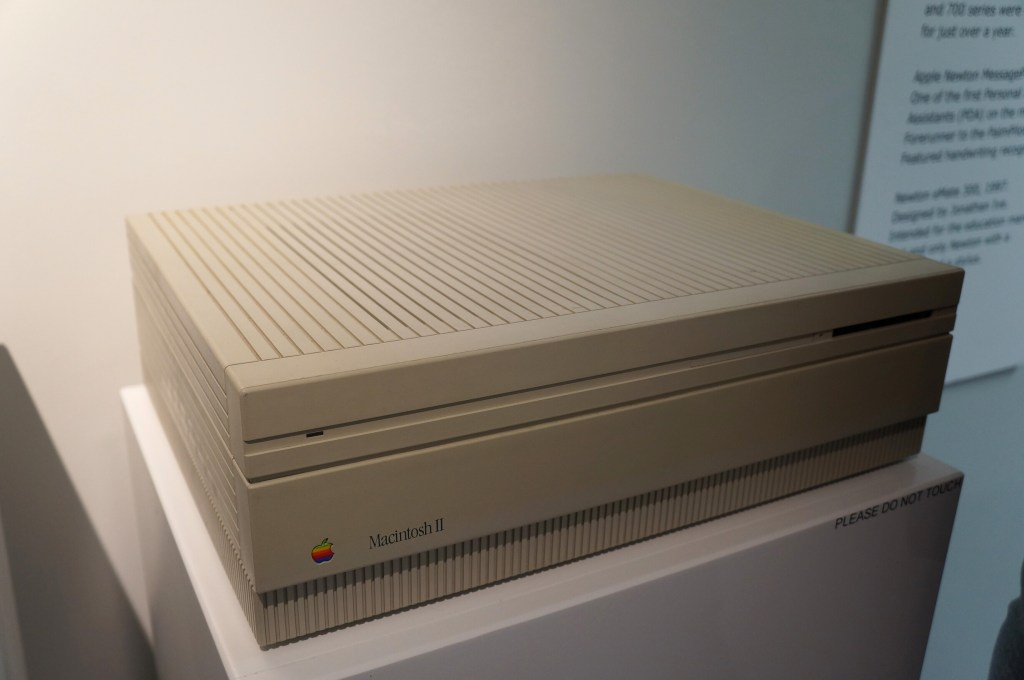
    Macintosh II

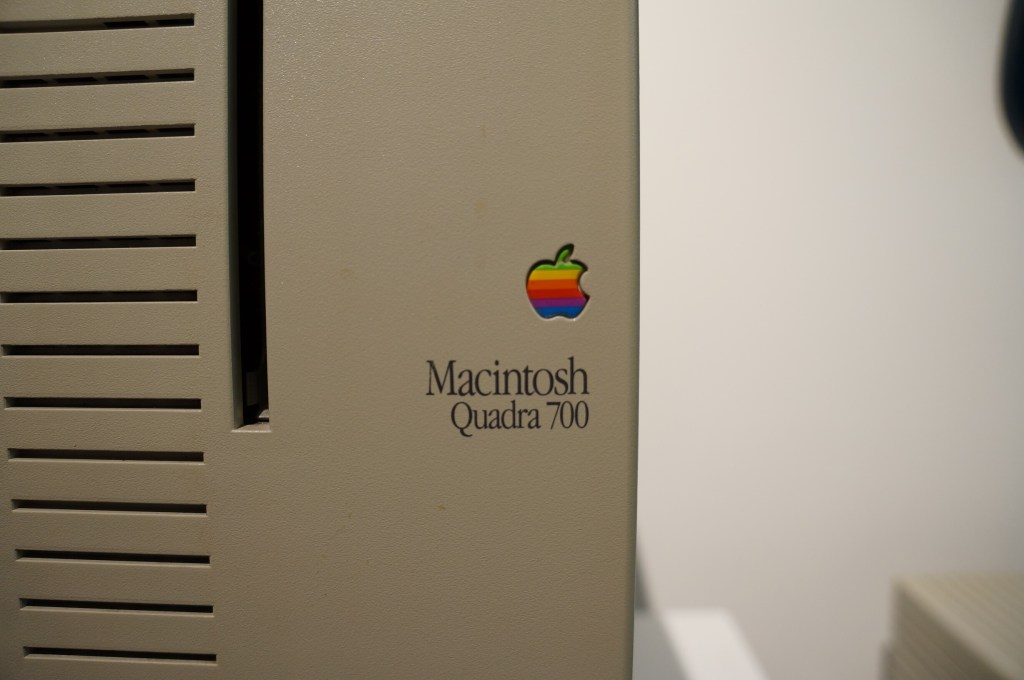
    Quadra 700

    I had a Quadra 700 when I lived in Atlanta with Y. I put it in a box and left it with my folks in Georgia when we moved to NYC. Where it is now is anyone’s guess. There are many hiding places for a small box with this tiny powerhouse of a Mac. I hope to find it again one day.

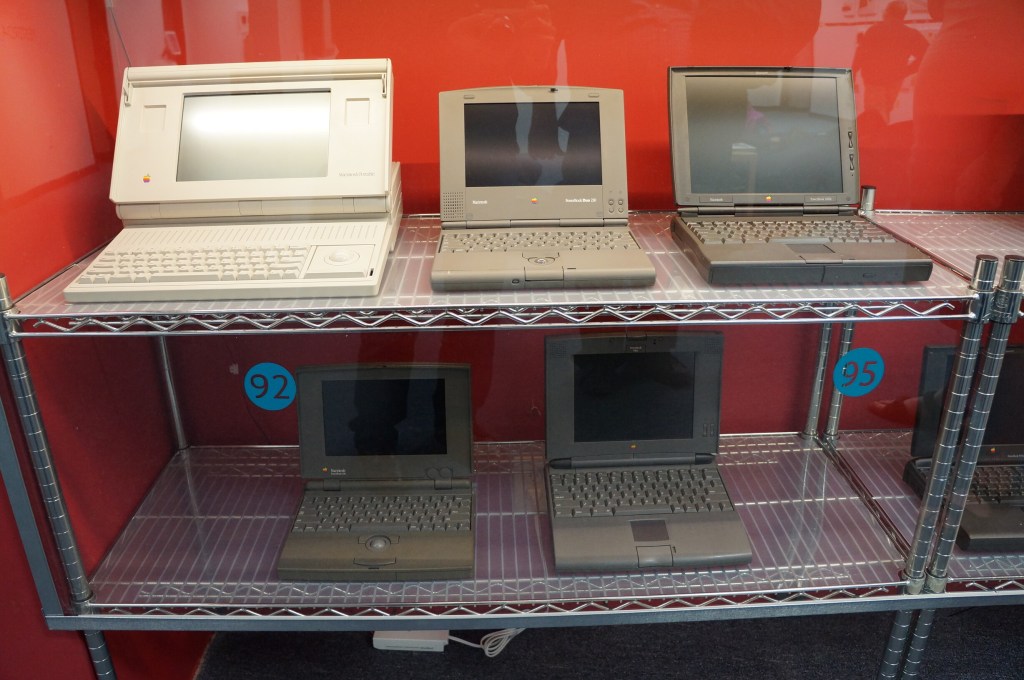
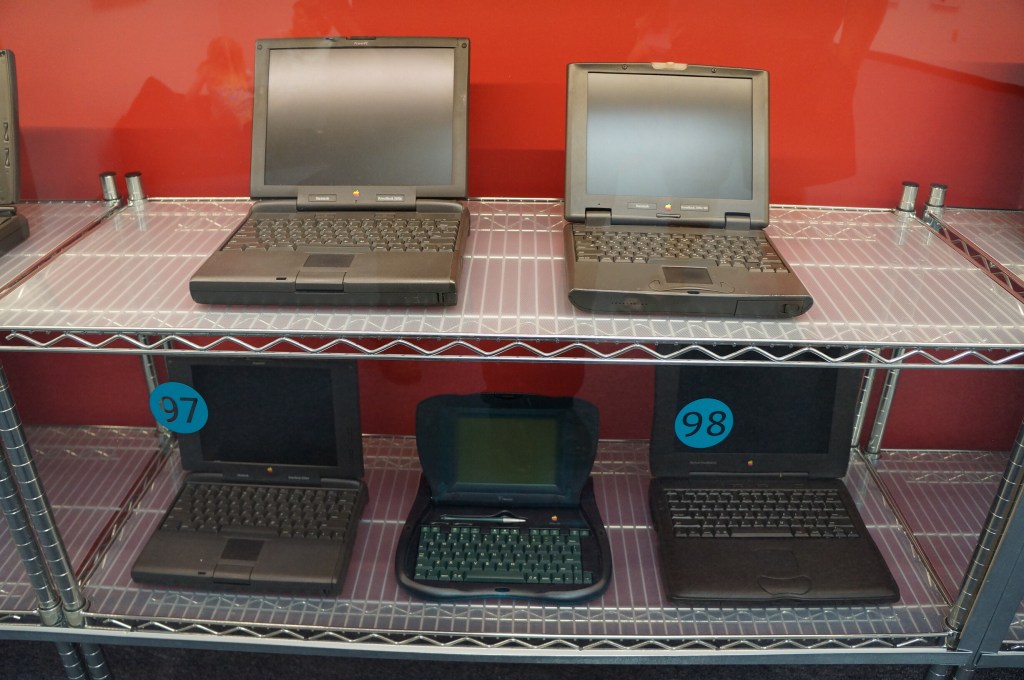
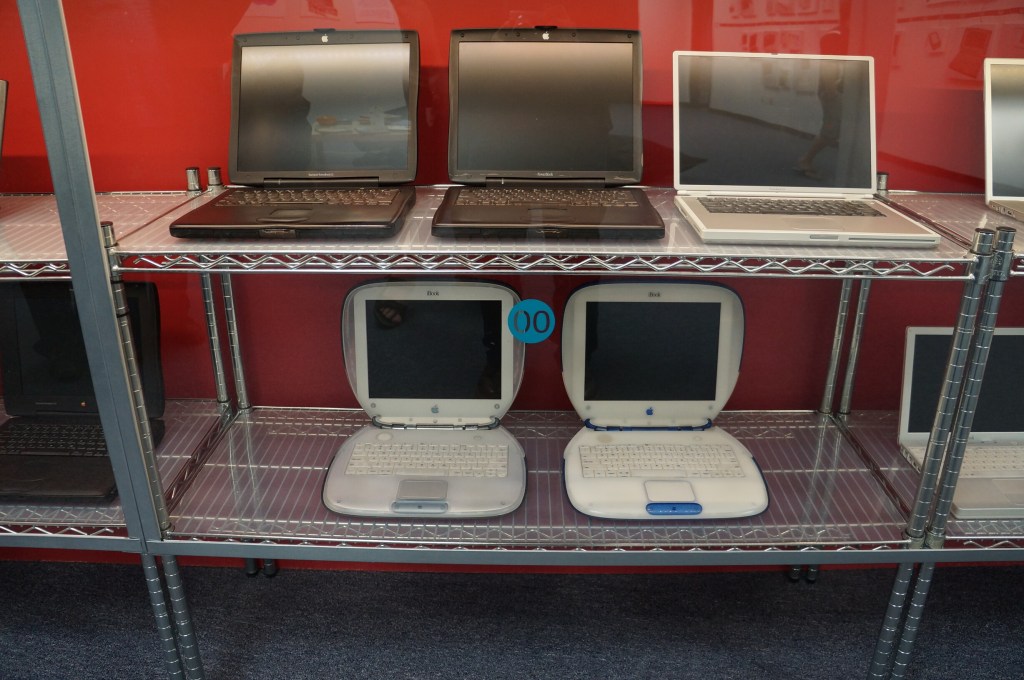
    Portable Macintosh and Powerbook Line

    My first laptop was a PowerBook 145B, which was my companion during my last two years of high school and the beginning of college of Georgia Tech. Later, I owned a PowerBook G4, iBook G3 (the result of a trade with my friend Kenny), 15″ MacBook Pro (2006), 12″ MacBook (unibody, 2008), and 15″ MacBook Pro (2012–Y still uses it).

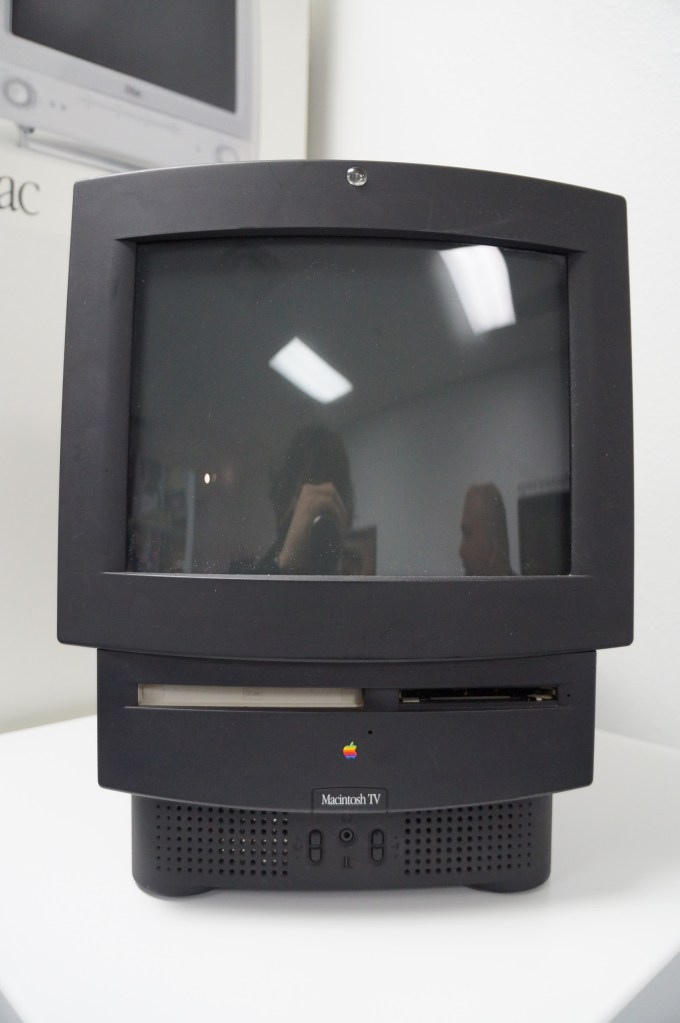
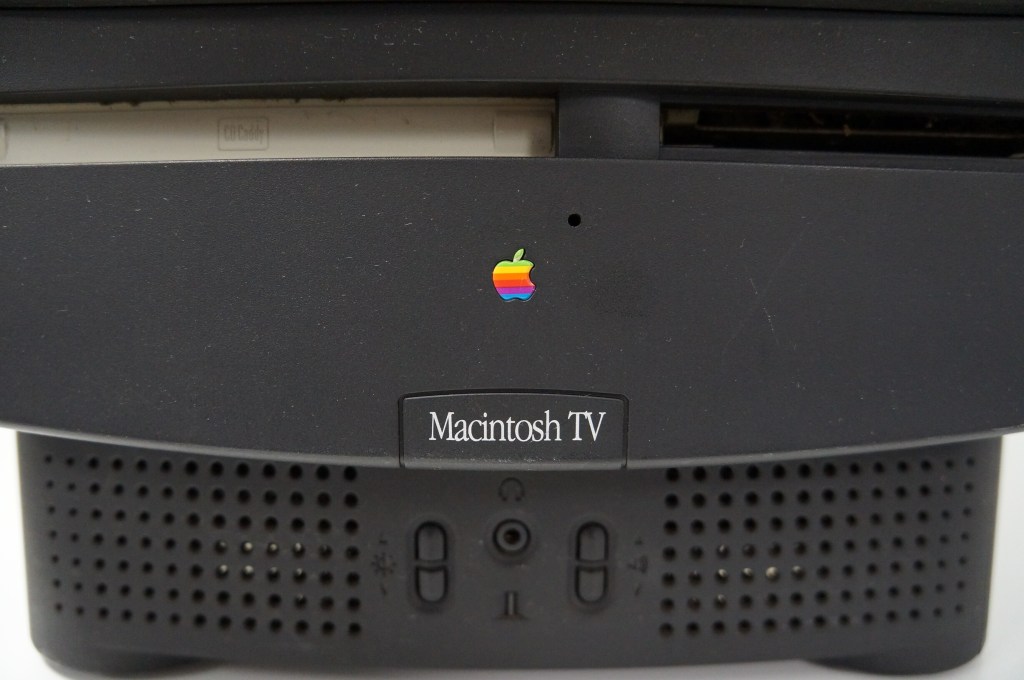
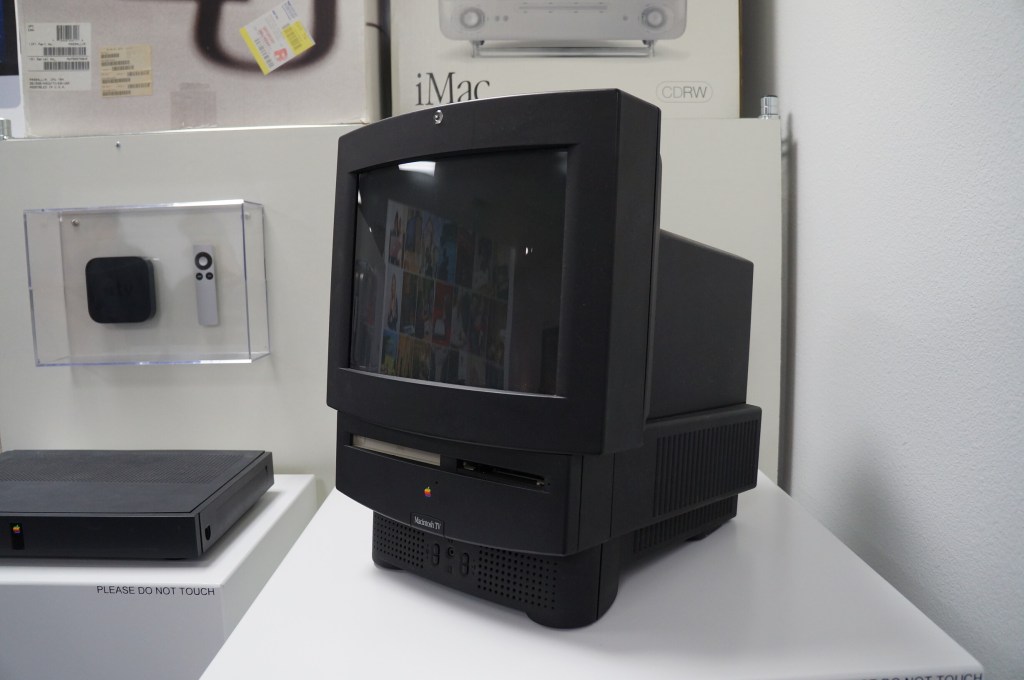
    Apple Macintosh TV
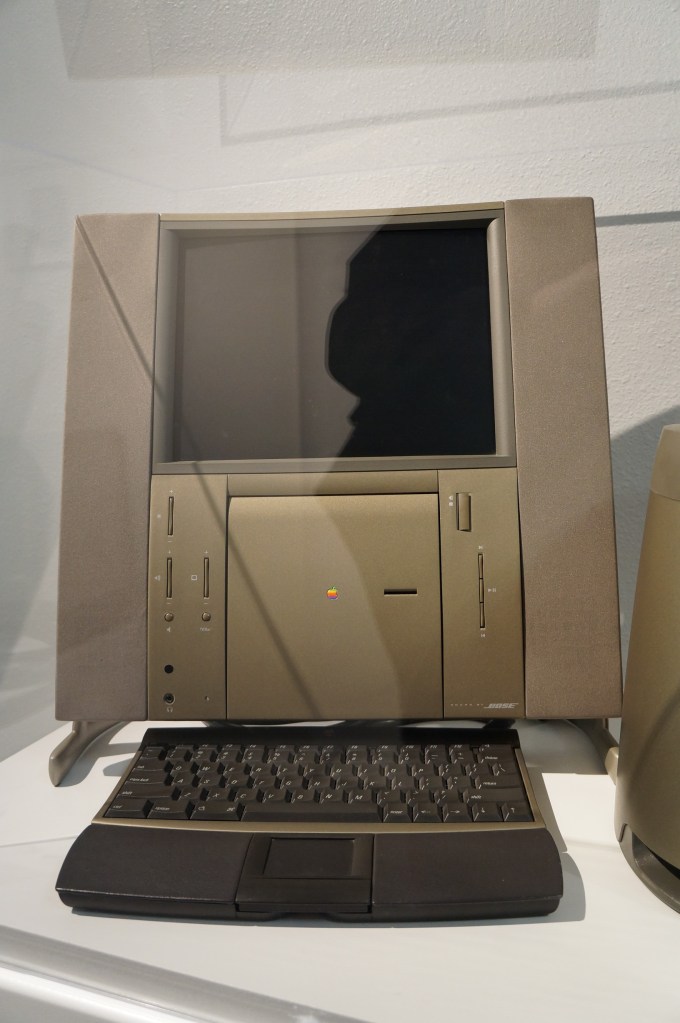
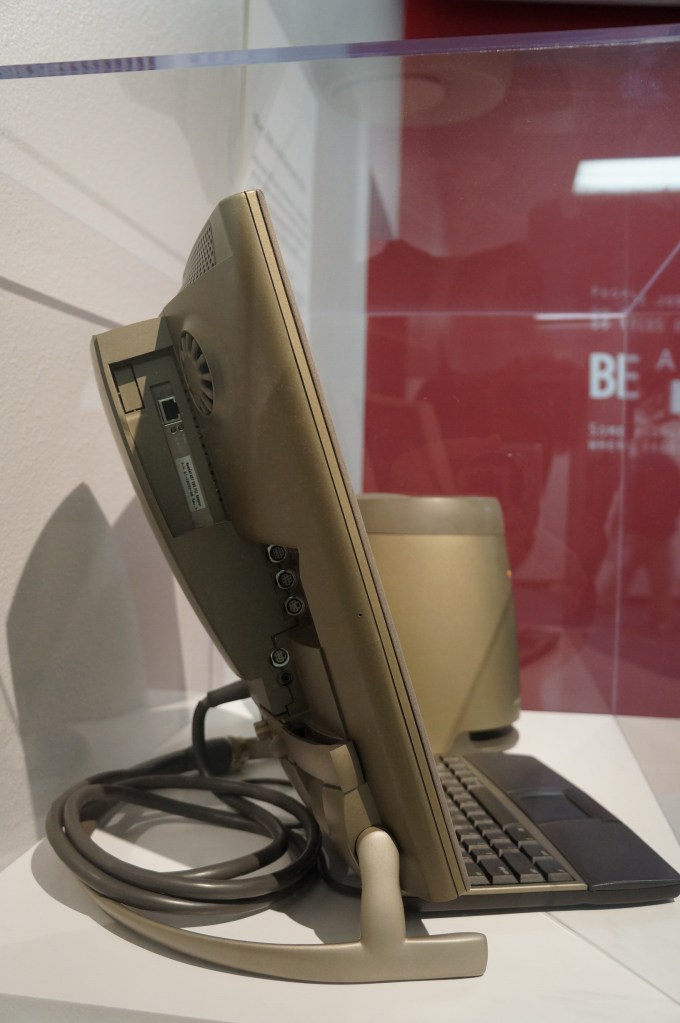
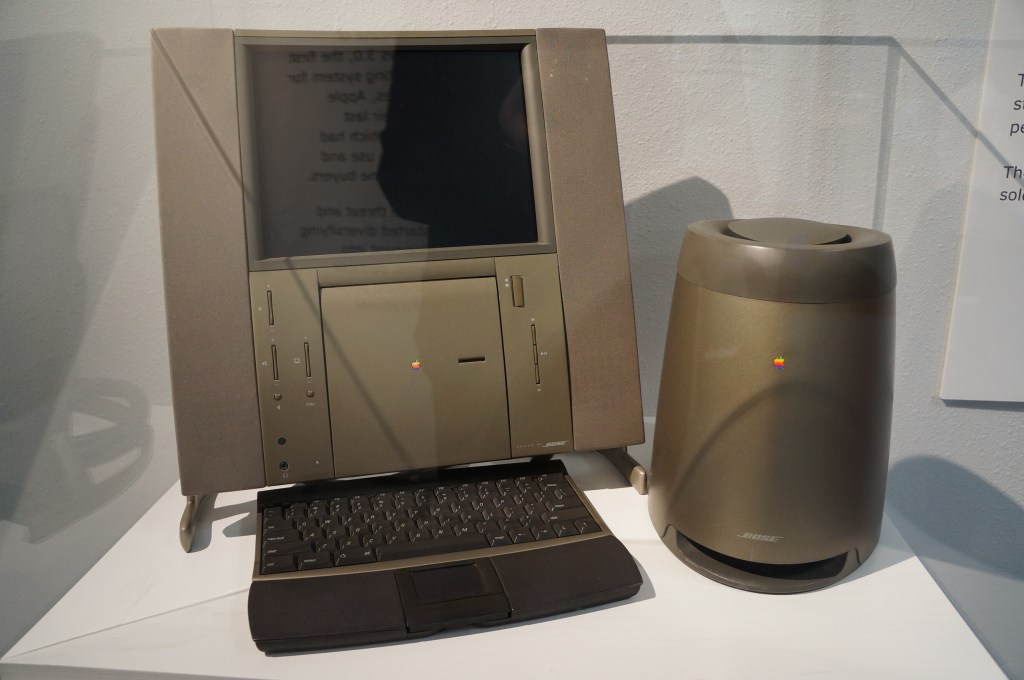
    20th Anniversary Macintosh

    When the 20th Anniversary Macintosh debuted, my friend Chris and I lusted after it. It was a sexy computer, but it had an out of this world price tag of $10k (though, that included having a technician deliver, setup, and demo the computer in your own home). In retrospect, it was a terrible product that ignored what the original Macintosh represented as an every person’s computer. This computer was about style and prestige and money. A lot about what Apple represents today after Steve Job’s passing seems to be drifting back toward what this computer represents.
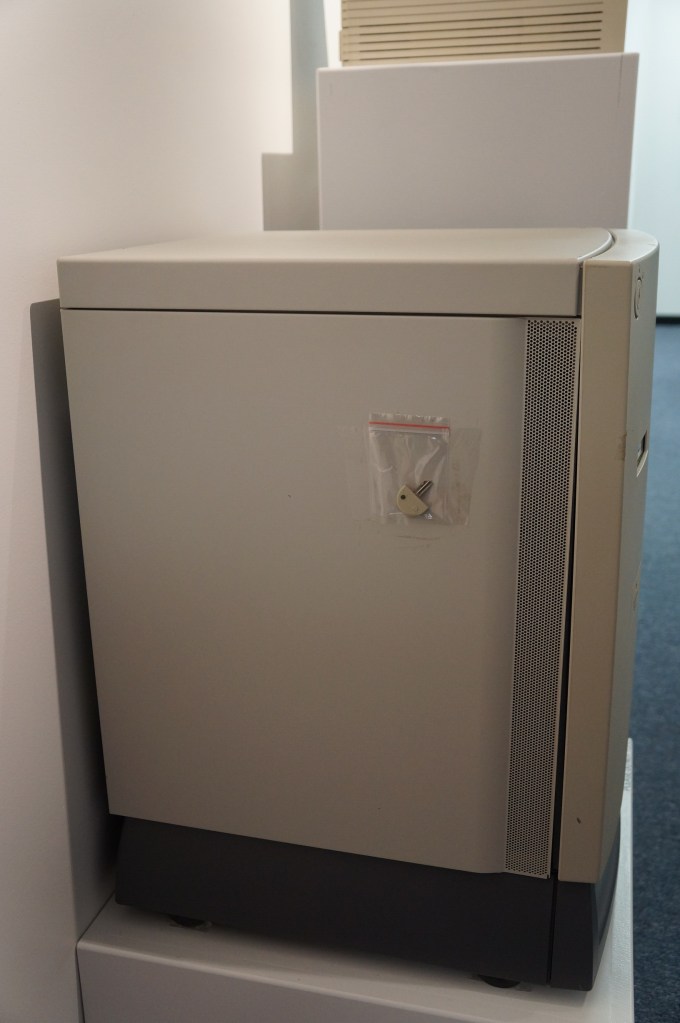
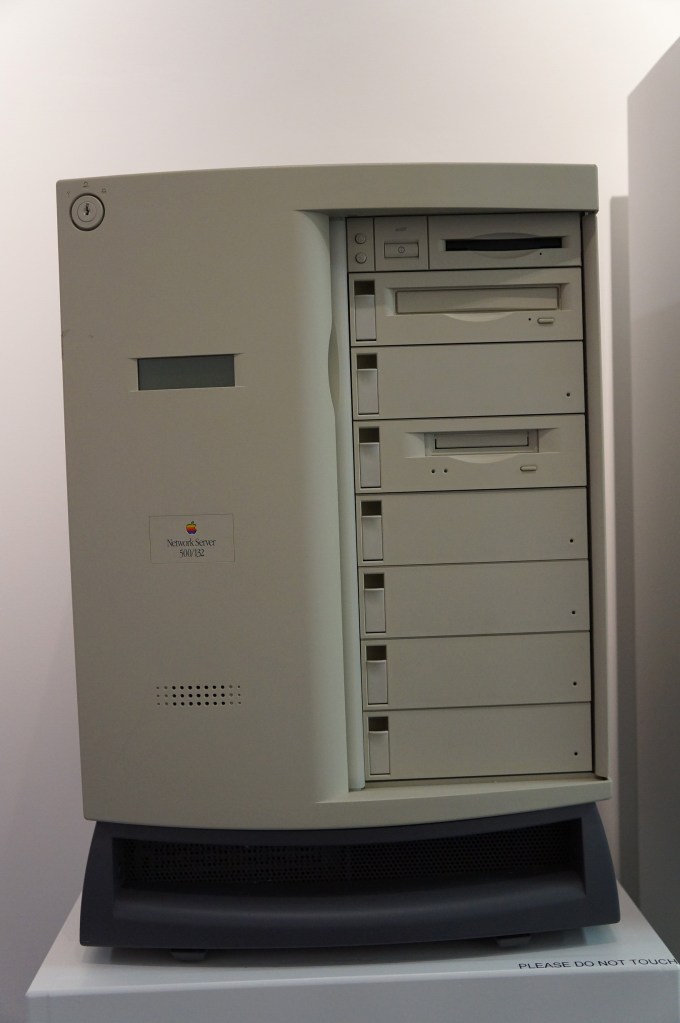
    Network Server 500/132
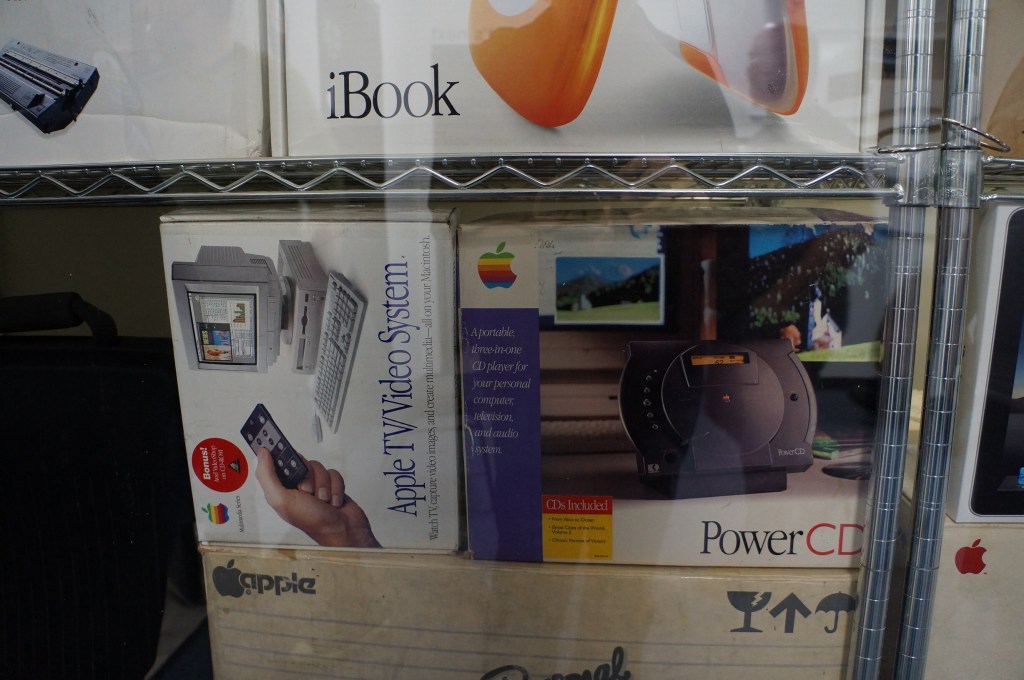
    Macintosh Add-Ons

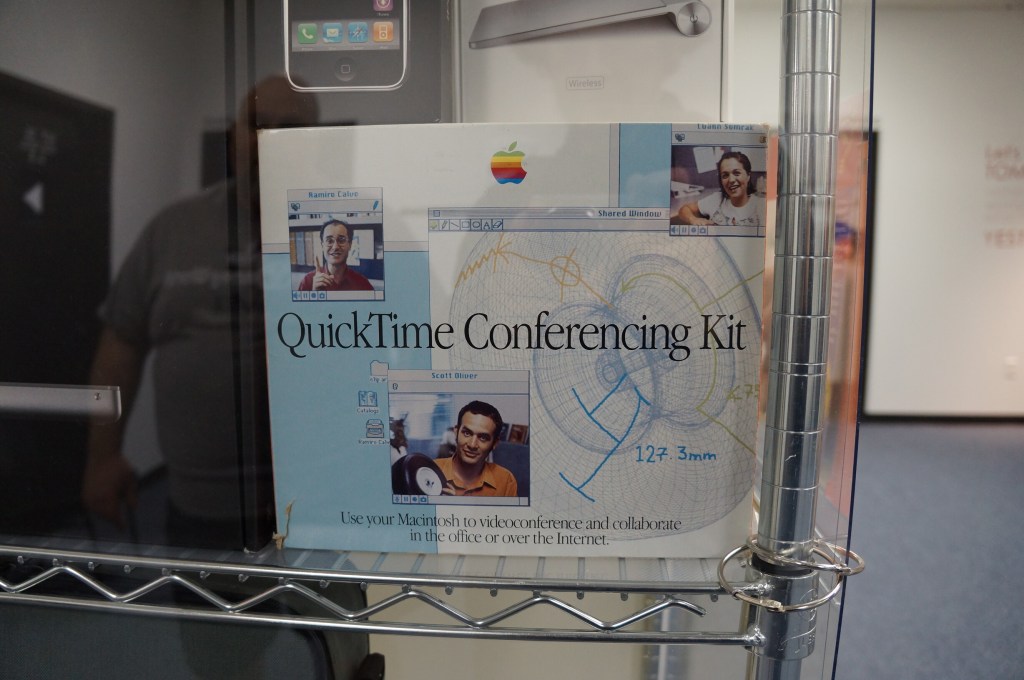
    The Apple TV/Video System was an expansion card that gave you a TV tuner and video inputs for your Mac. The PowerCD was an external SCSI CD-ROM drive for Macs that might not have a CD-ROM drive built-in. And the QuickTime Conferencing Kit included a camera and software for video conferencing and collaborative tools like a shared whiteboard–back in 1995.
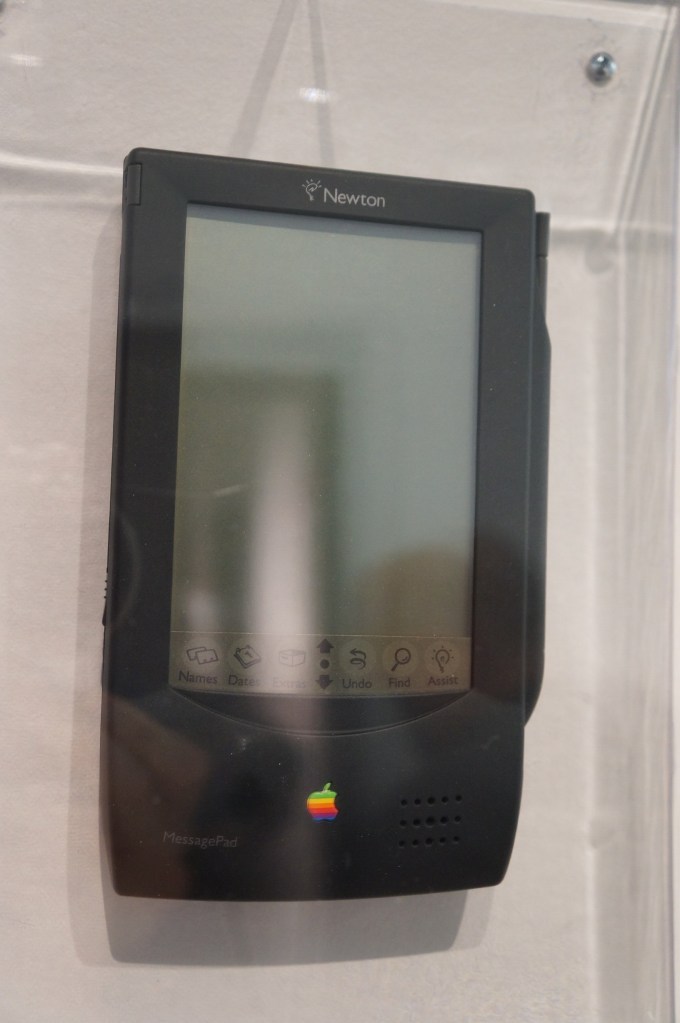
    Apple Newton

    The thing that used to burn me up when Apple released innovative products like the Newton, popular media like SNL would shit all over them, which would turn the general conversation away from what the products could do and had the potential to do towards the limitations and lack of imagination by those folks who would otherwise never purchase or use those products. It wasn’t criticism. It was product assassination. Had that not happened, I think the Newton would have been in a stronger position that might have let it develop further before getting killed off.

    It seems like the Internet and social media provides a force or pressure against these negative megaphones of the past. However, there’s equally a lot of fanboys and cheerleaders who don’t temper their enthusiasm with a little bit of reality.
    Apple Newton

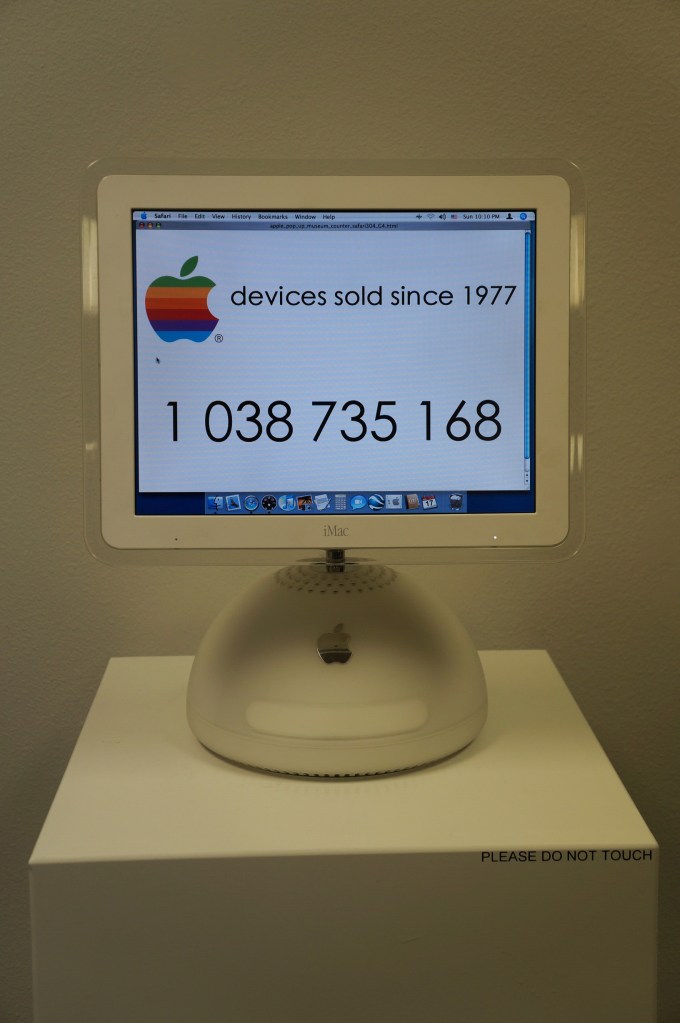
    iMacs and G4 Cube

    My first experience with an original Bondi Blue iMac was soon after its announcement. I was working at NetlinkIP on St. Simons Island, Georgia when a client called asking for help setting it up. I drove out to a very nice house on the island, unboxed, and configured it to dial up to the Internet. Admittedly, I took longer than was necessary so that I could thoroughly check it out.

    Later, my friend Bert got a G4 Cube. Despite its complete lack of internal expandability beyond upgrading its RAM or hard drive, he used his beyond what I think most people would. Every USB port was used for devices or hubs and it was connected to his stereo system. He used it for a lot of graphics and video work and showed how it really was a supercomputer in a small package.

    I had a 17″ Luxo iMac for awhile in the early 2000s, but I sold it before I built another desktop PC using an AMD Athlon 2500+ CPU. While I had it though, I liked its crisp 17″ LCD and it was a powerhouse for some of the video editing projects that I did at the time.

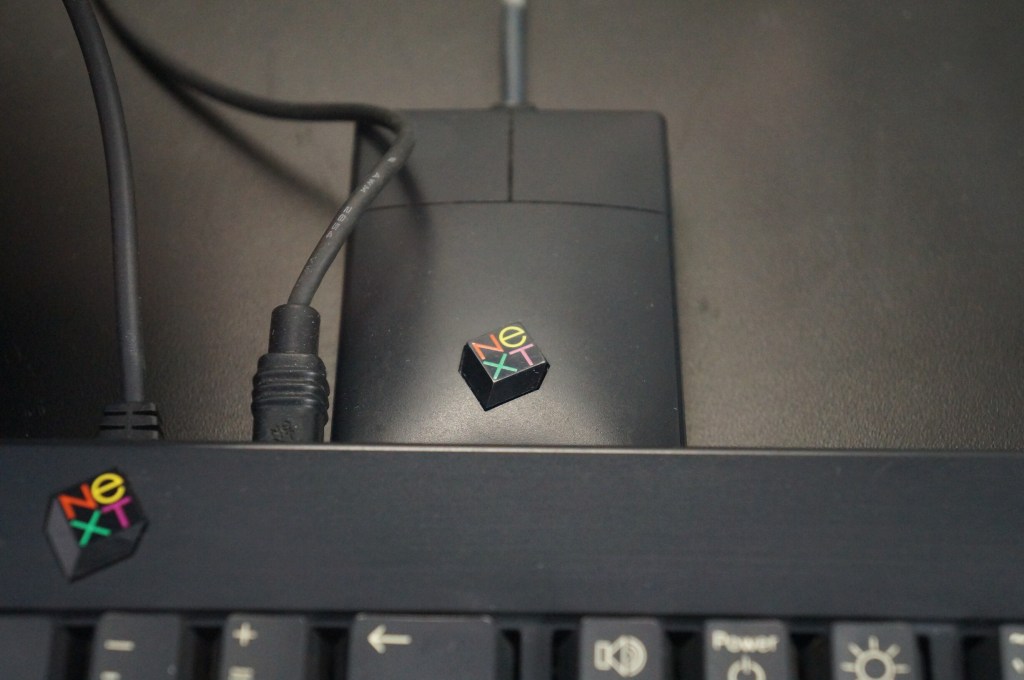
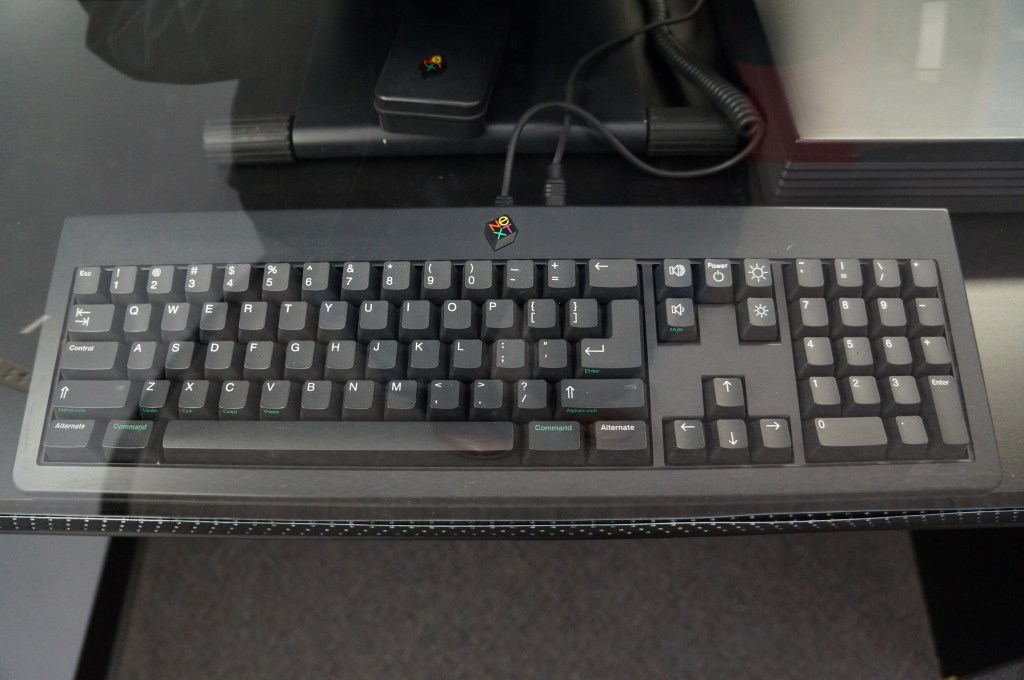
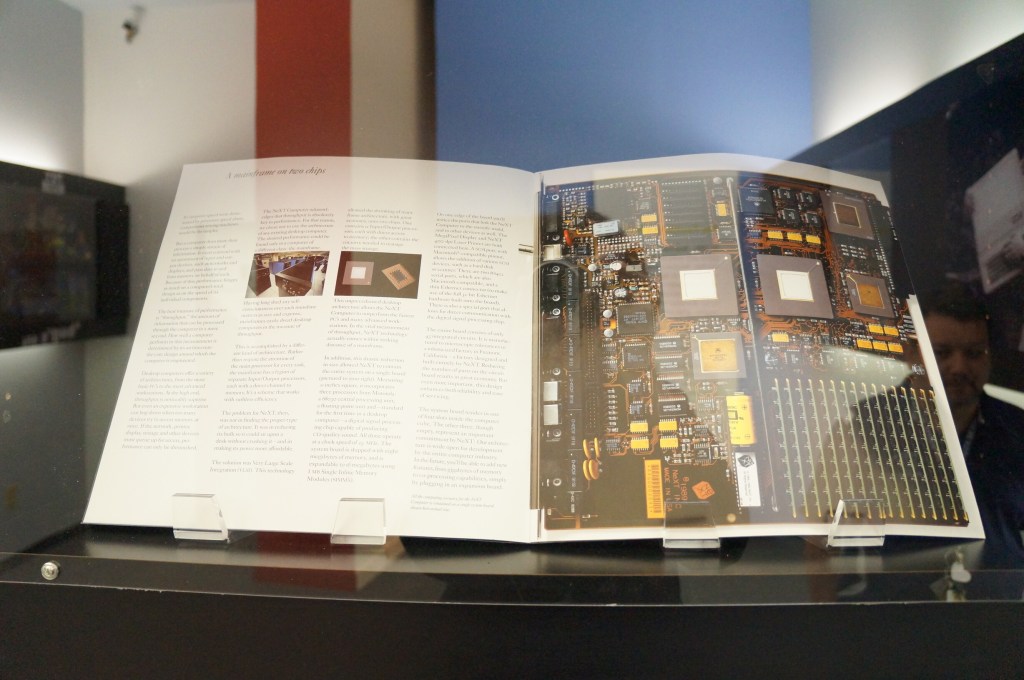
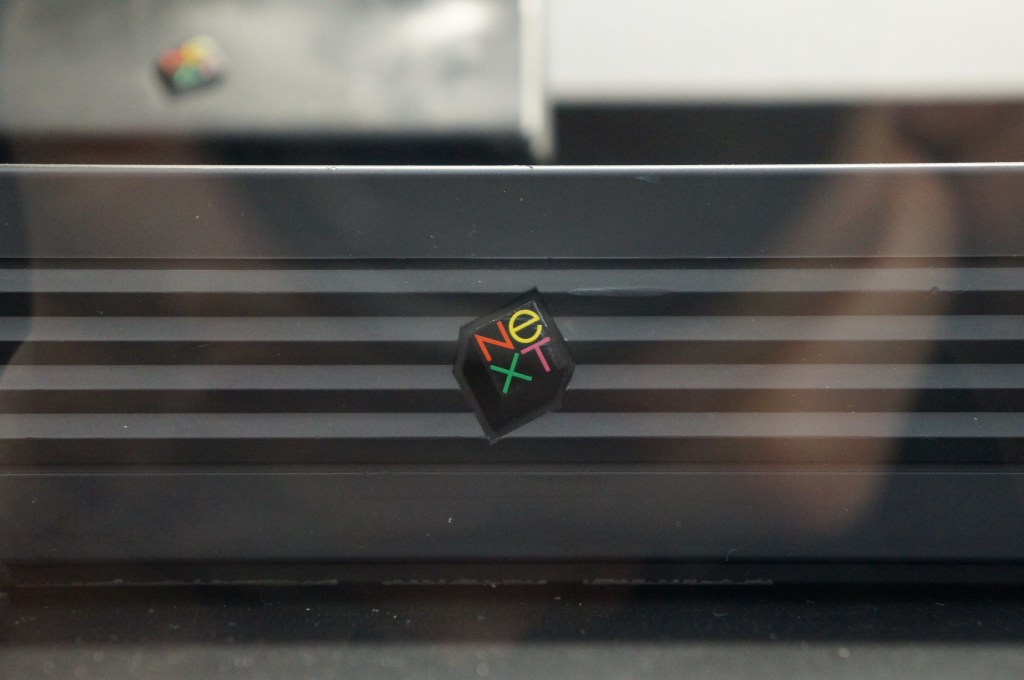
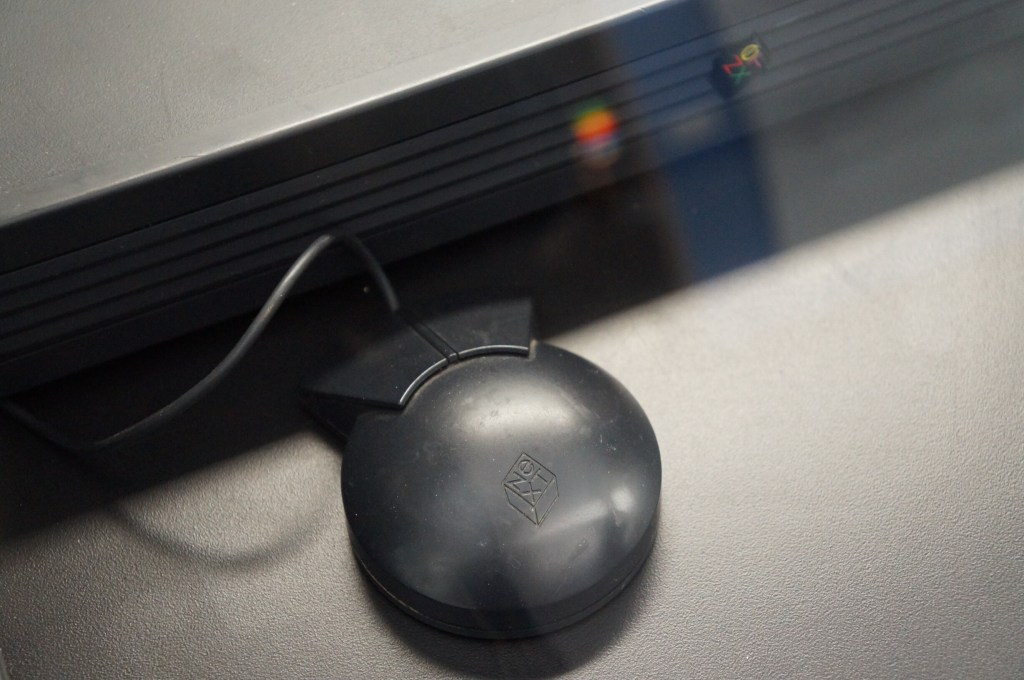
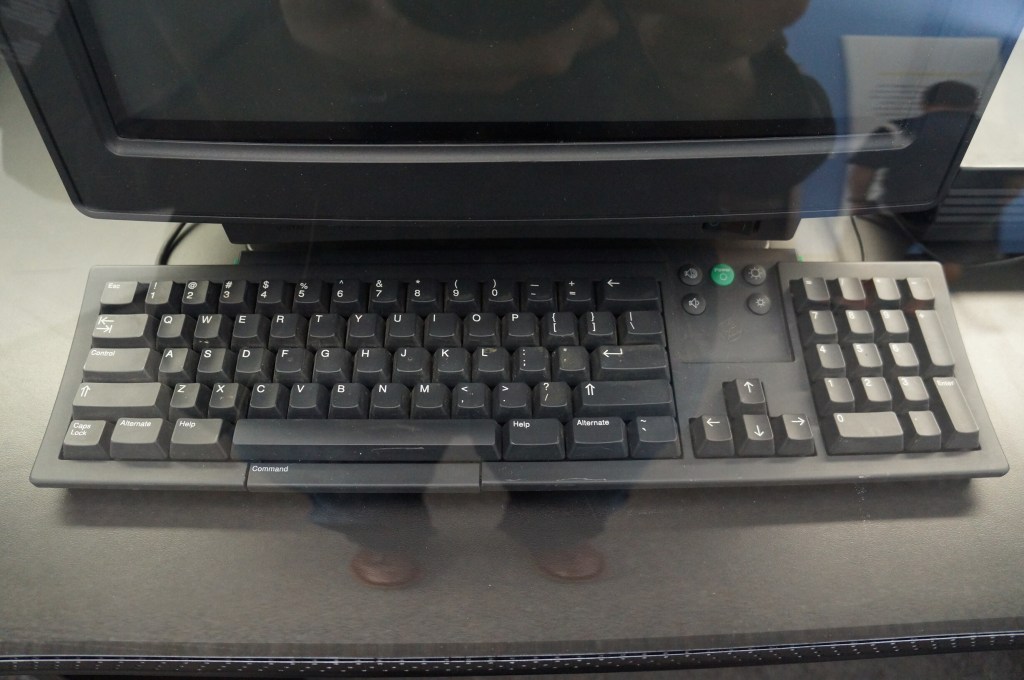
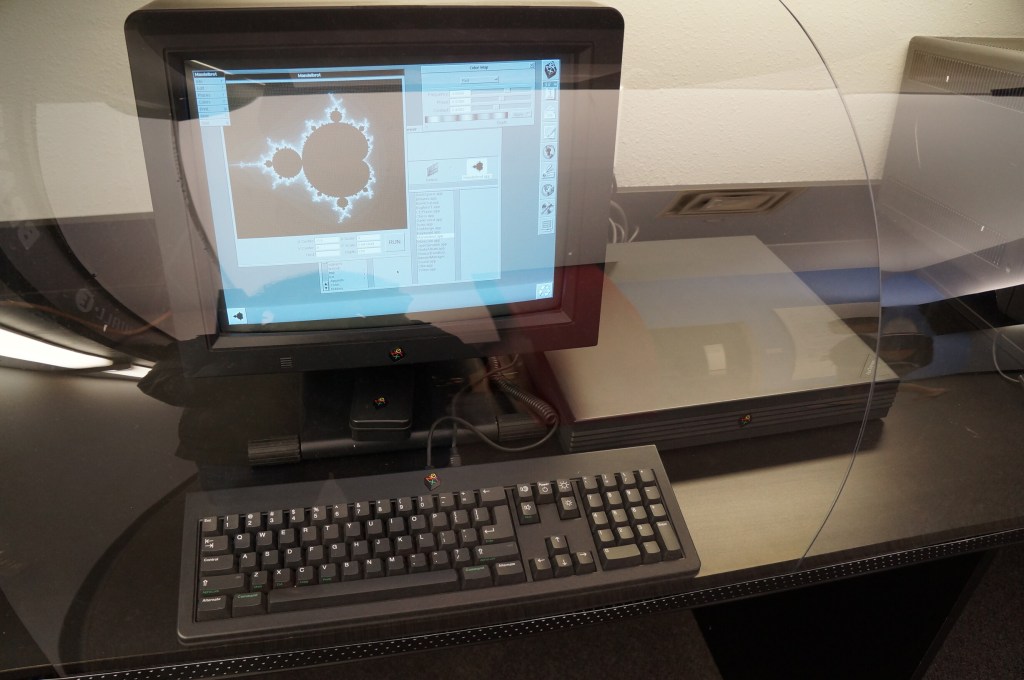
    NeXT Computer

    Steve Jobs’ second act and the salvation of Apple when the prodigal son returned.
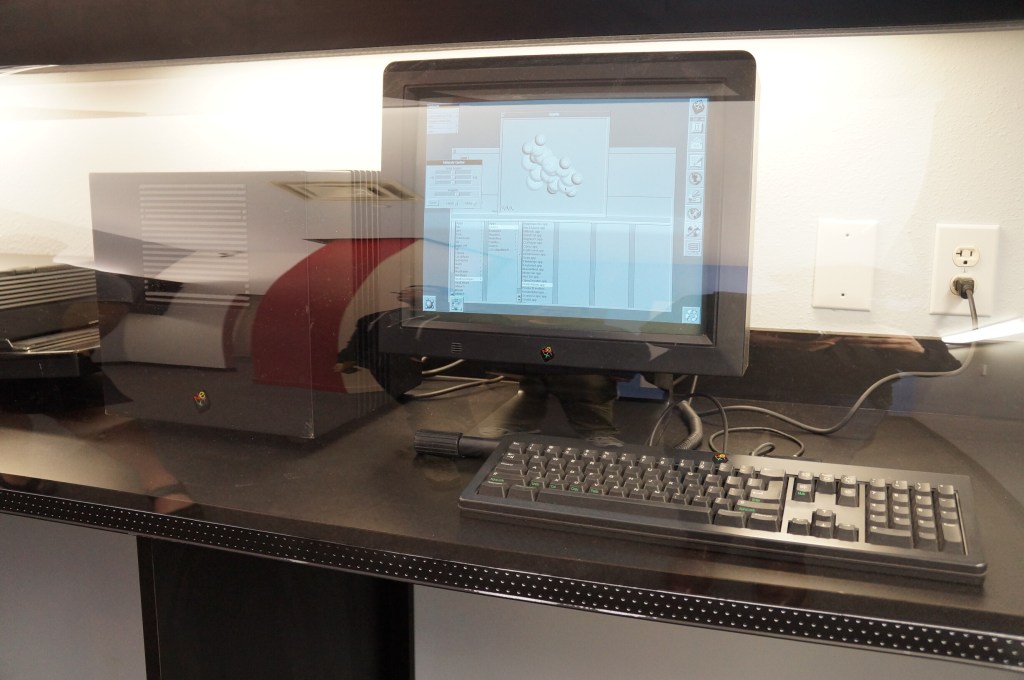
    NeXTcube Workstation

    Xerox Alto

    This is Xerox’s GUI desktop minicomputer that brought together what Xerox PARC had been developing and demoed to Steve Jobs and his team at Apple that led to the Lisa and eventually the Macintosh.

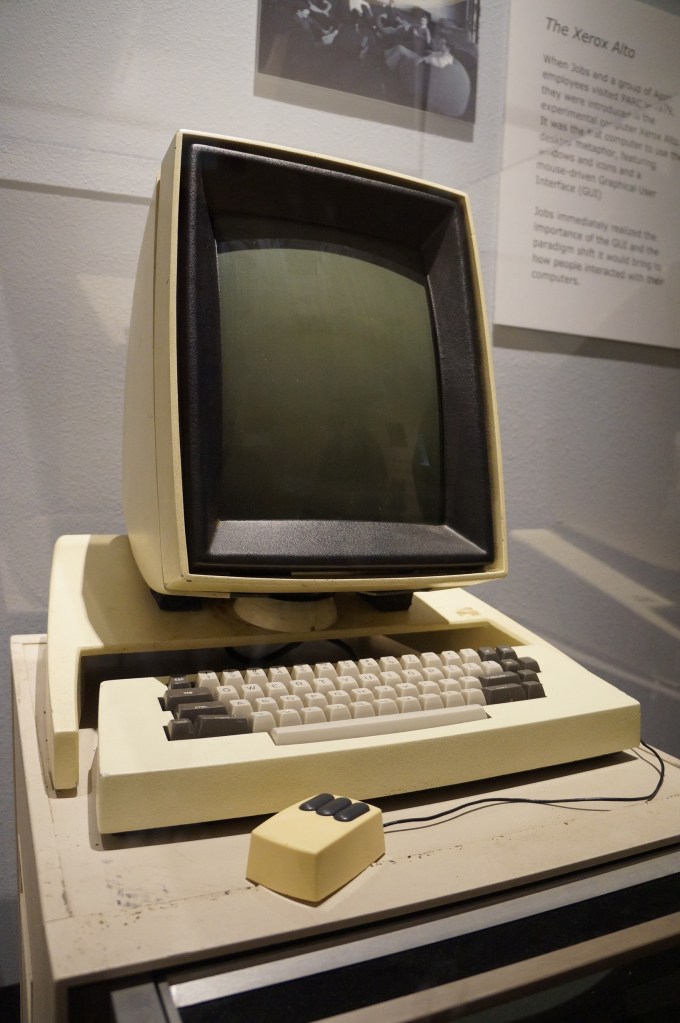
    Xerox Alto

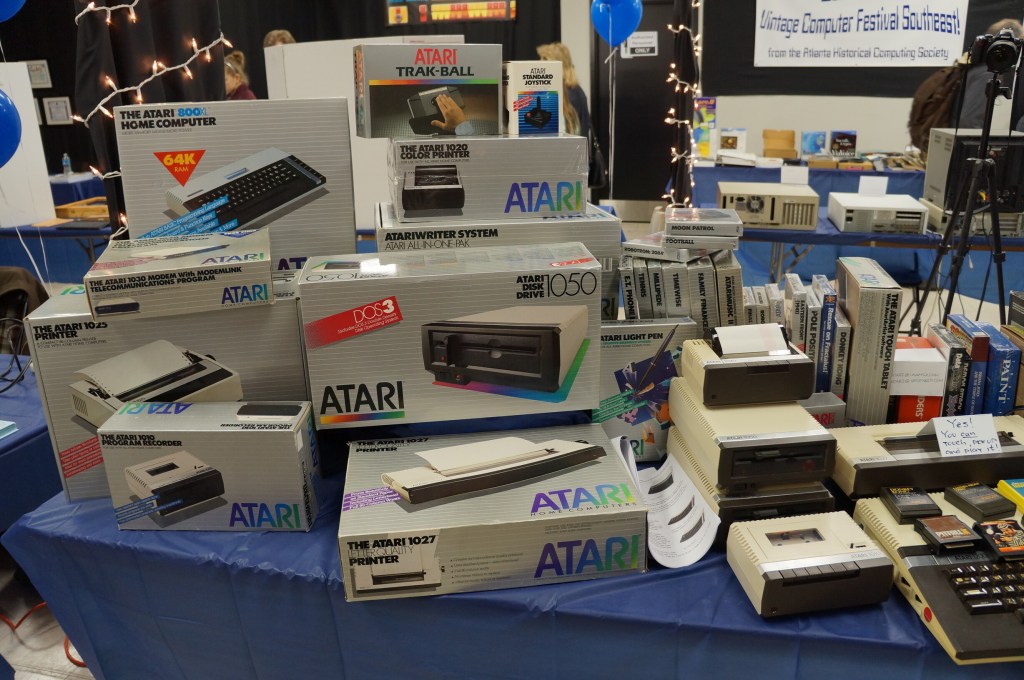
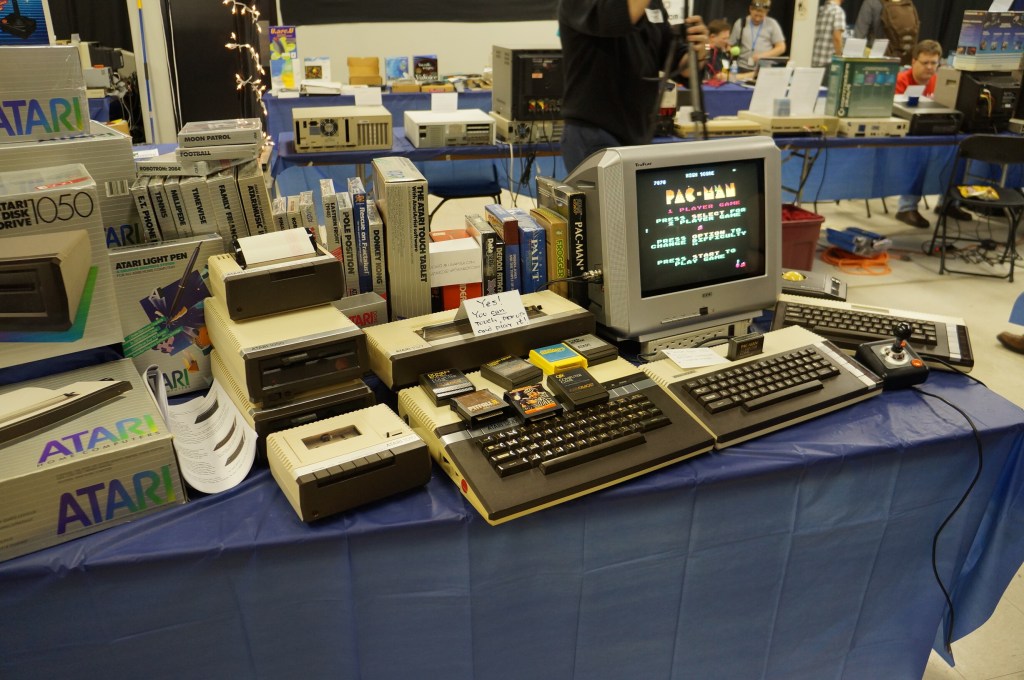
    Atari Computer

    Portable Computing Miscellaneous

    I really like the concept of pocket computers. When I was in middle school, my grandparents gave me a Radio Shack PC-7 Basic Programmable calculator. It looked like a calculator with a built-in soft cover that had a ABC keyboard layout. Considering its programmability, it was the first computer that I owned. The only digital device I had before that was an Atari 2600.

    Miscellaneous Computer Demos
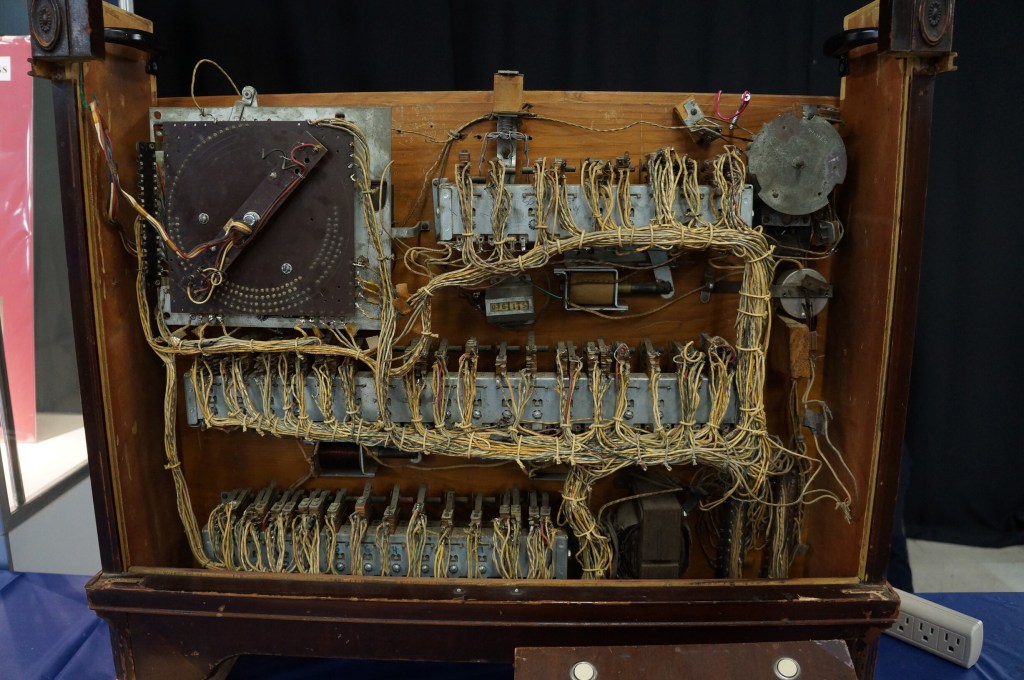
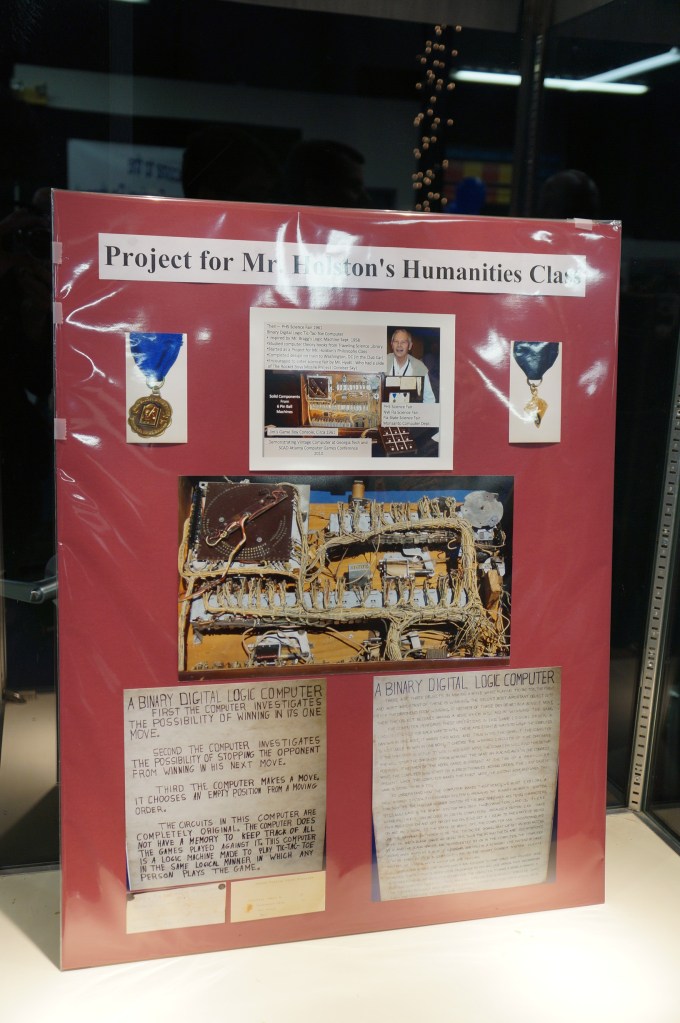
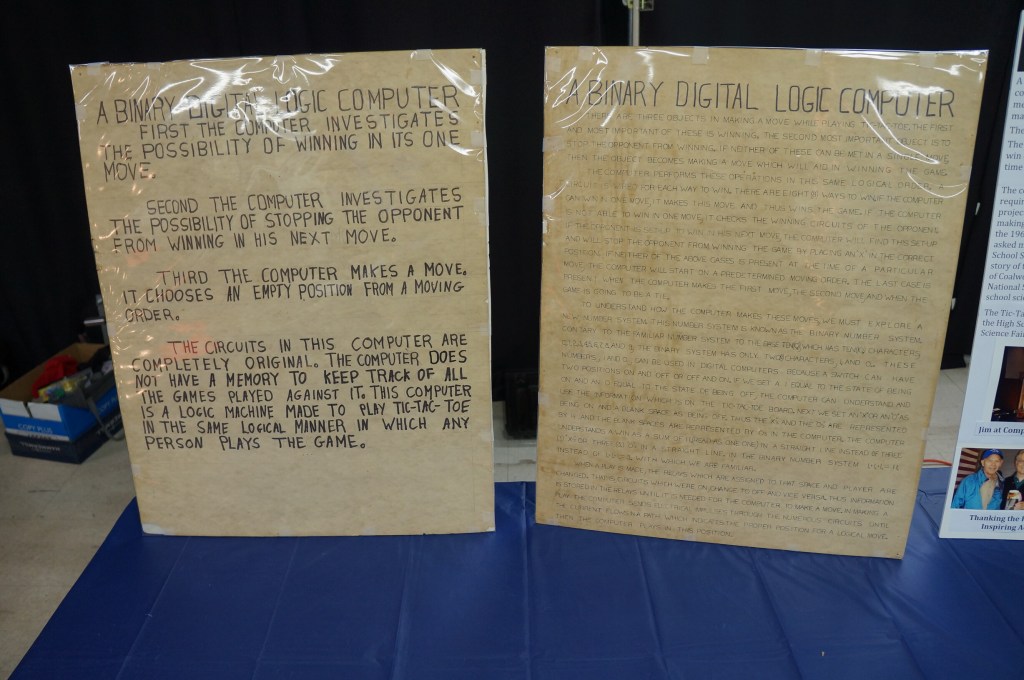
    Jim Steiner’s Tic-Tac-Toe Computer Built in 1961

    Pictured below with his tic-tac-toe computer that demonstrates binary digital logic, Jim Stiner’s creation still works. Before we left the VCF, I enjoyed speaking with Mr. Steiner about his project inspired by a humanities class. I was reminded of Steve Job’s 2011 special event demo for the iPad 2 where he talks about Apple’s DNA marries technology with the liberal arts. That concept seemed apt for Mr. Steiner’s project, too.

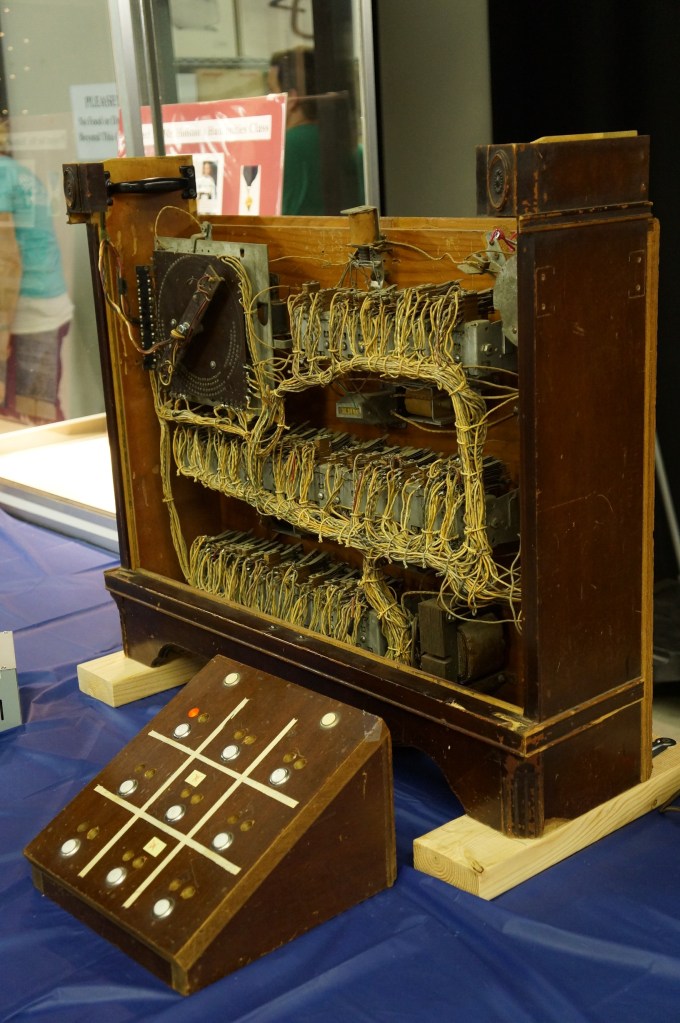
    Jim Steiner and his Tic-Tac-Toe Computer

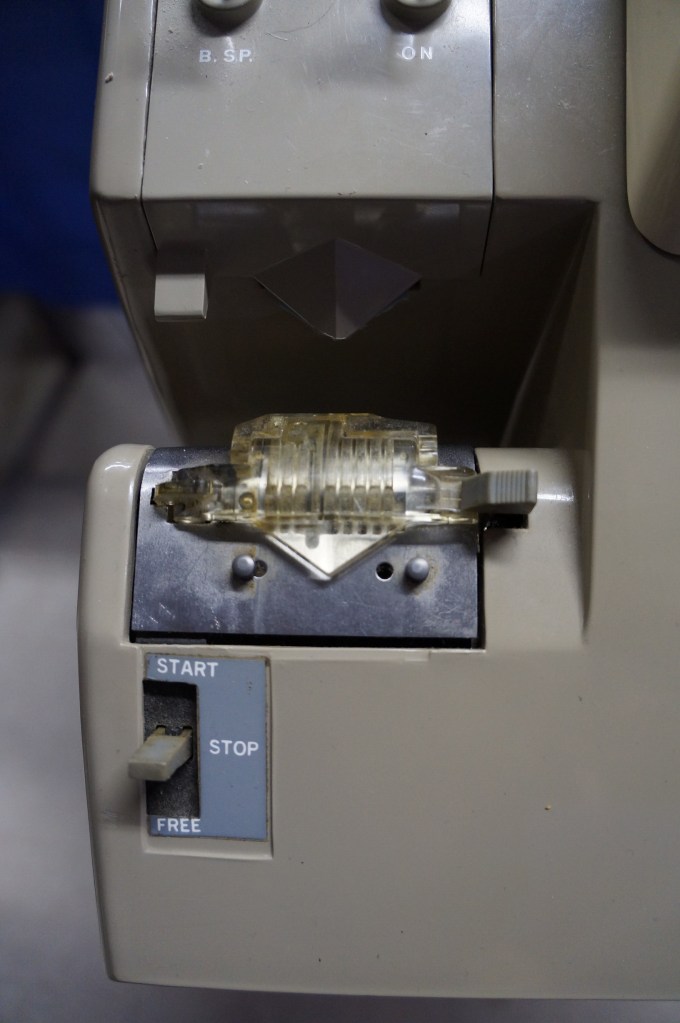
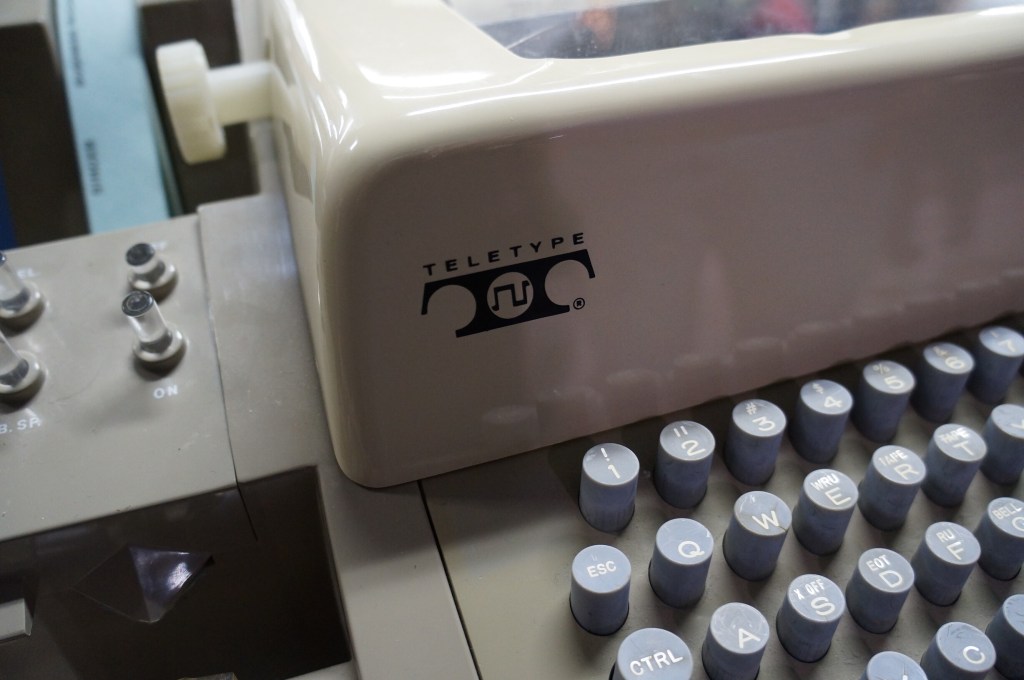
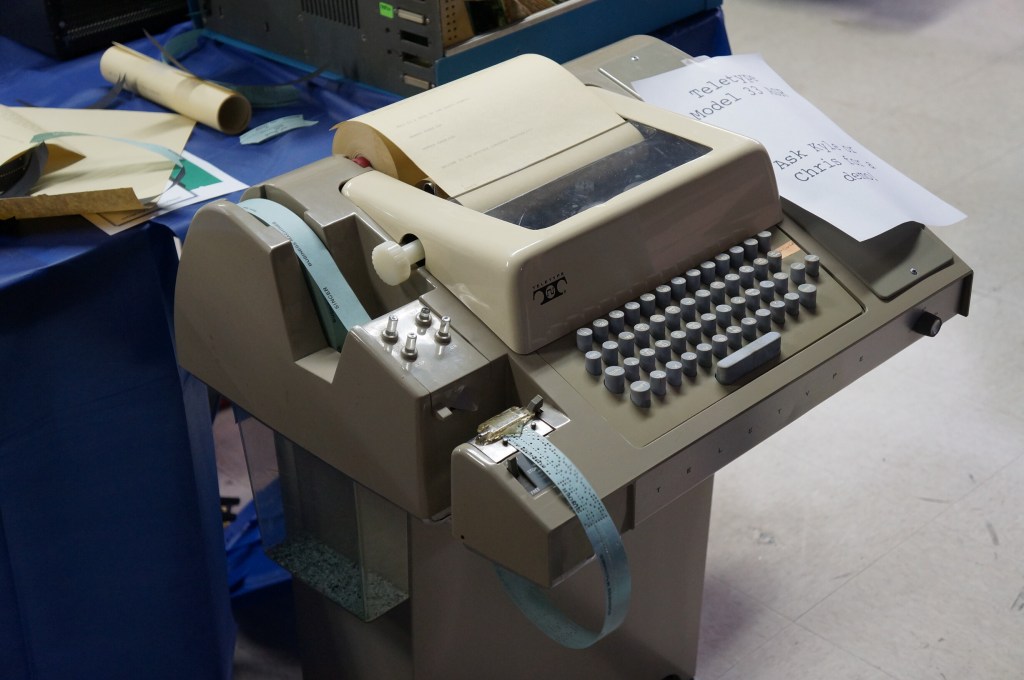
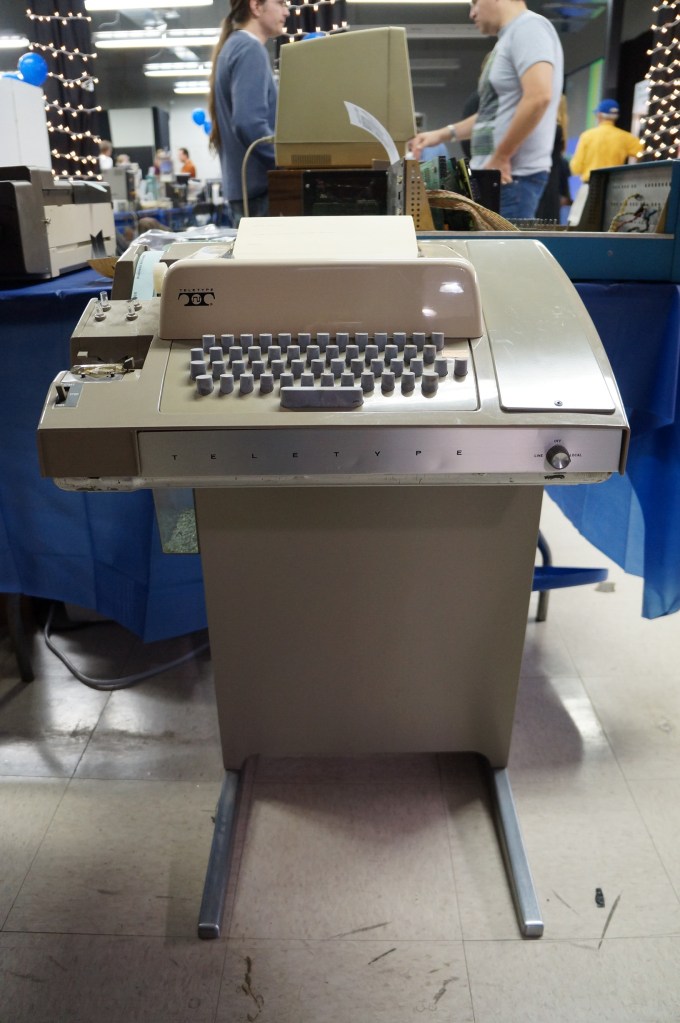
    Teletype Terminal Model 33

    Who needs a display, printer, and program storage when you have a teletype machine like this hooked up to a mainframe or time-share minicomputer?

    Captain Crunch Whistles and Tone Generating Blue Box

    With the sounds generated by these cereal box toy whistles, which were adapted and expanded electronically with so-called blue boxes, you could commandeer the phone network for your own uses.

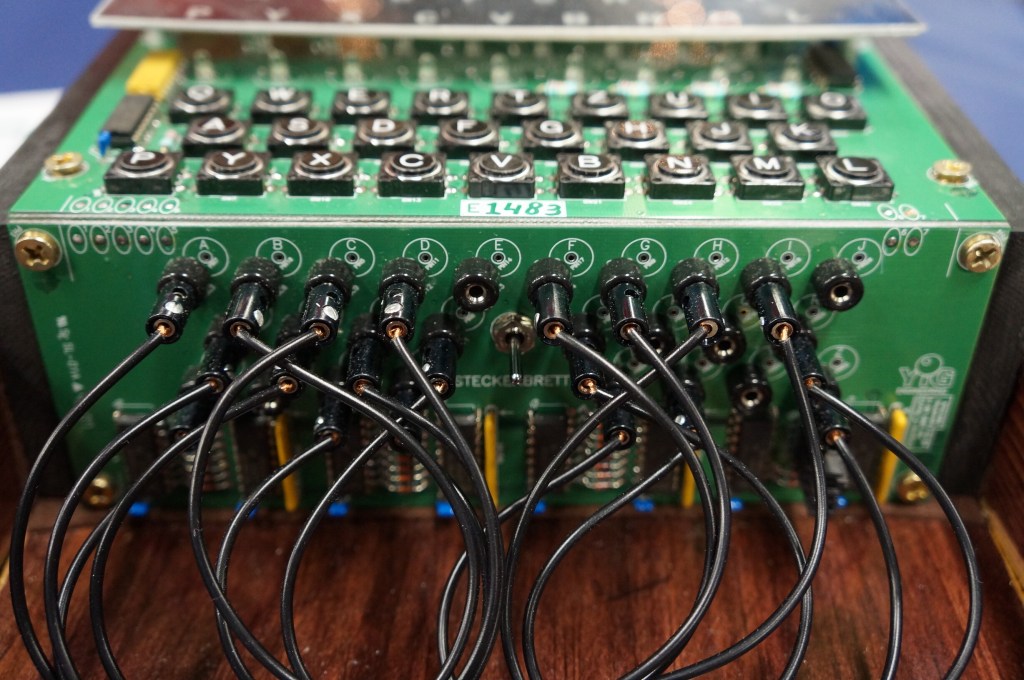
    Digital Enigma Machine

    This is a digital re-creation of the German Enigma machine used to cyptographically secure their communications during WWII.

  • Retrocomputing at City Tech Site Updated with Software Inventory

    IMG_20180716_152750
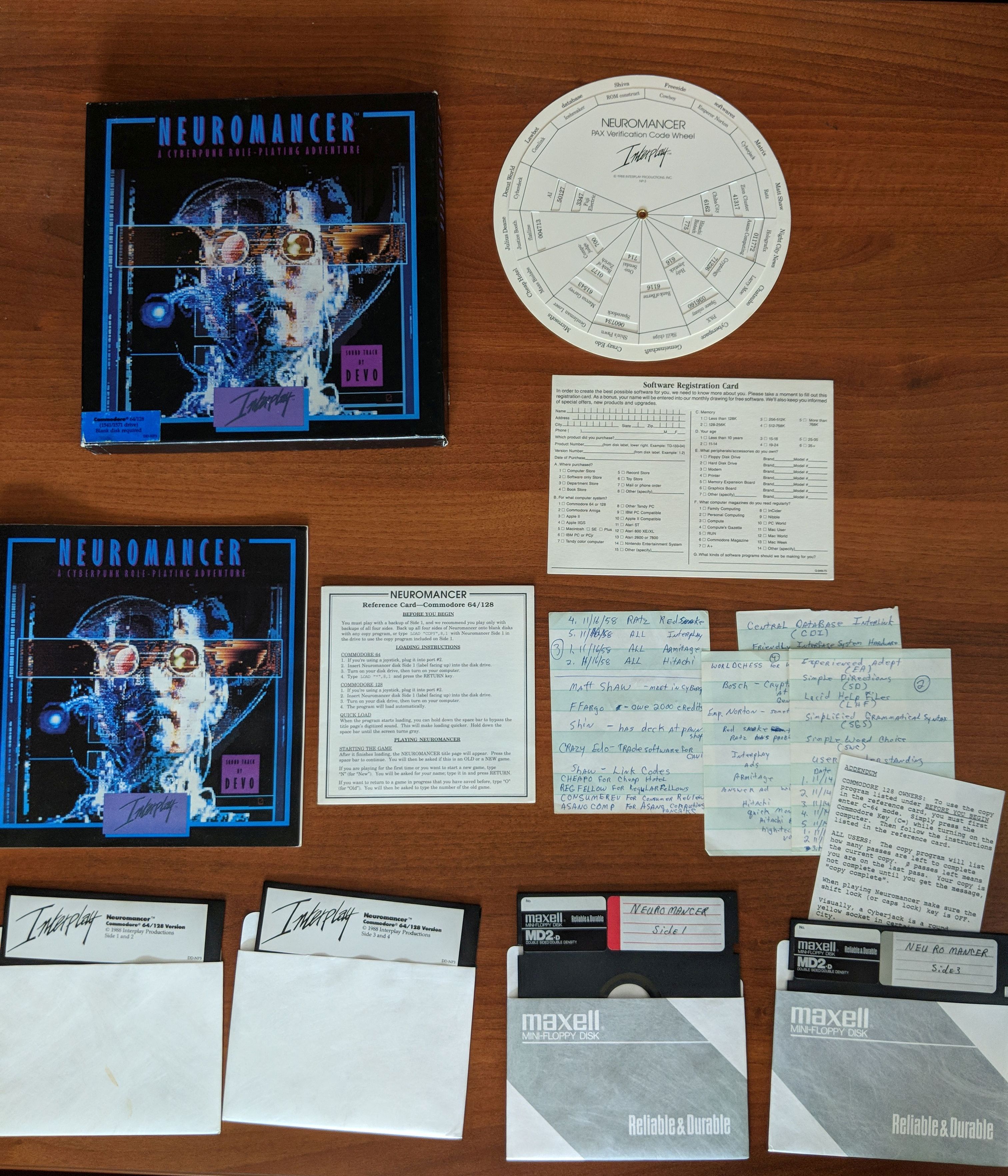
    Neuromancer for Commodore 64/128. Item in City Tech’s Retrocomputing Archive.

    Recently, I posted about the new OpenLab site that I launched for “Retrocomputing at City Tech.” On the site, I included a photographic inventory of the computing hardware and peripherals that I have on-hand in my office in Namm 520. Now, I’ve added to the site with a second page that inventories a majority of the software that is in the vintage computing archive. The software archive includes games (like Neuromancer pictured above, Star Wars X-Wing and TIE Fighter, and Star Trek 25th Anniversary), productivity software (such as Microsoft Office 2004), encyclopedias (Comptons, Groliers, and Microsoft Encarta), and operating systems (Windows 95, Macintosh System 7.5, Mac OS X 10.0-10.3 and 10.5). Follow the link above to see all of the software on its original media followed by textual descriptions.

  • Retro-Review of Used Lenovo ThinkPad X230 Sourced from eBay

    IMG_20180716_141139

    I’ve wanted an IBM ThinkPad since I first saw my boss’ at Netlink in the fall of 1998. But, while I’ve been invested in PCs over the years tangentially, I reserved Macs as my primary desktop or laptop computing platform, which combined with the premium price on IBM and then Lenovo ThinkPads kept me in the Apple premium category. Put another way, I could afford one but not both.

    Apple, as I’ve confided with friends, is diverging from my computing interests and needs. While design has been an important part of Apple’s DNA since the Apple II (arguably even earlier if we consider Woz’s design aesthetics for the Apple I motherboard layout), its increasing emphasis on fashion and accessorization and seeming less technological investment and innovation in its desktop and laptop computers have soured my allegiance to the company and its computers.

    So, I thought about how to try out a different kind of PC laptop–one that I had wanted but could not afford when it was originally released–and make an investment in extending the life of what some folks might consider an obsolete or recyclable computer.

    Within this framework, I wanted a laptop to take the place of the MacBook Pro that I had sold on eBay awhile back while the resell value was still high before rumored price reductions as product refreshes roll in. It needed to be relatively lightweight and have a small footprint. Also, it needed to have good battery life. And of course, it needed to run the software that I use on my home-built desktop PC.

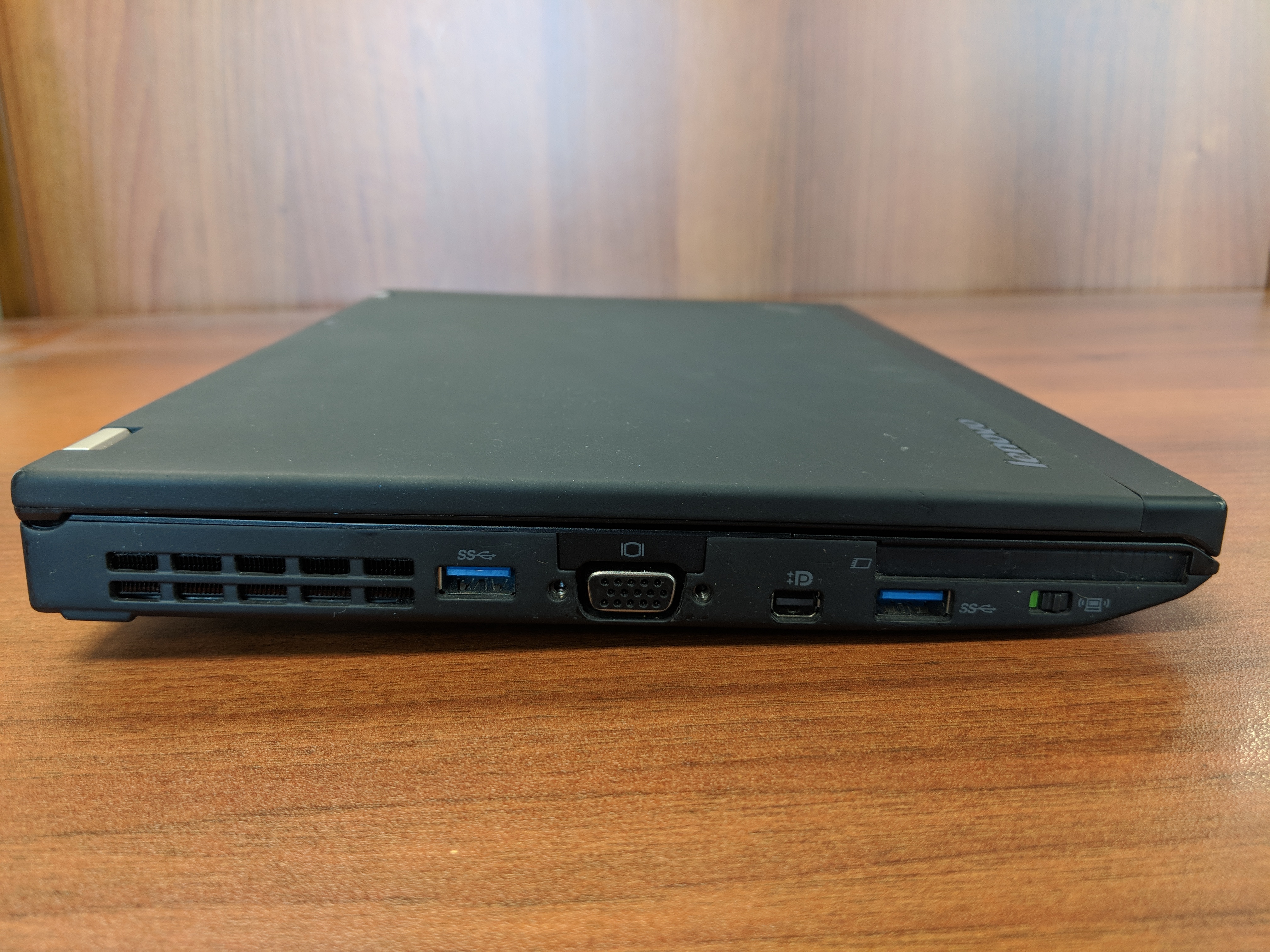
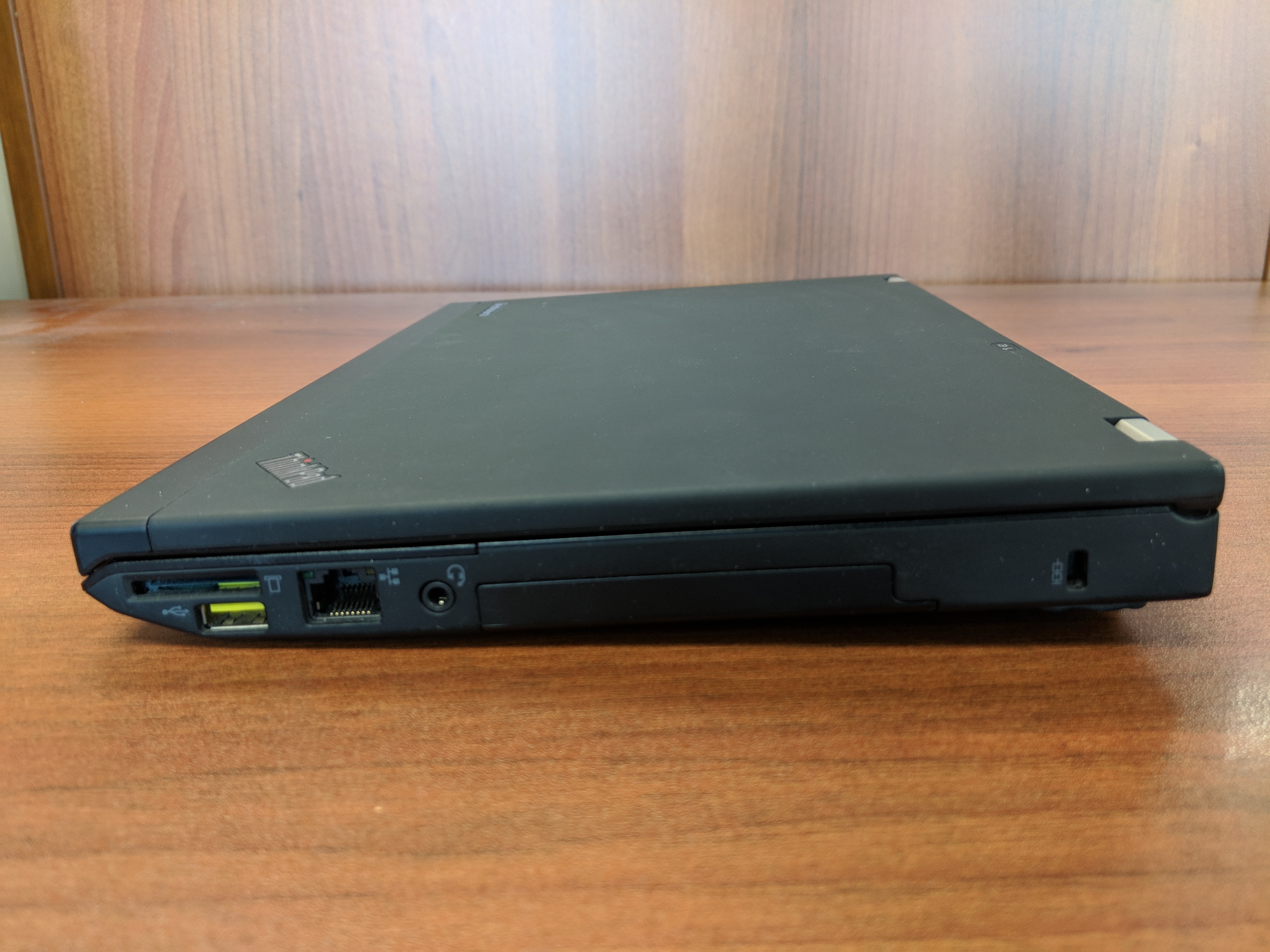
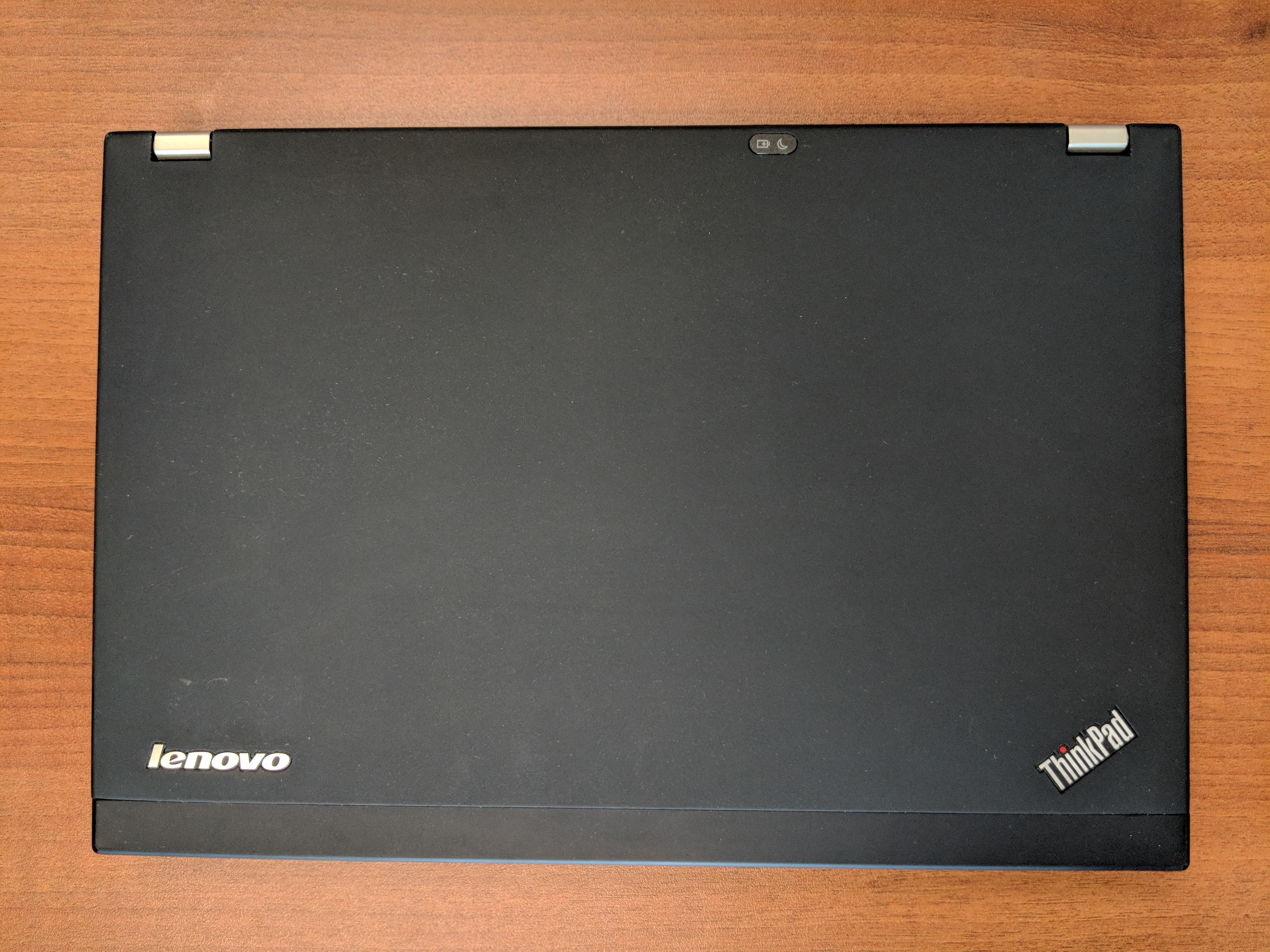
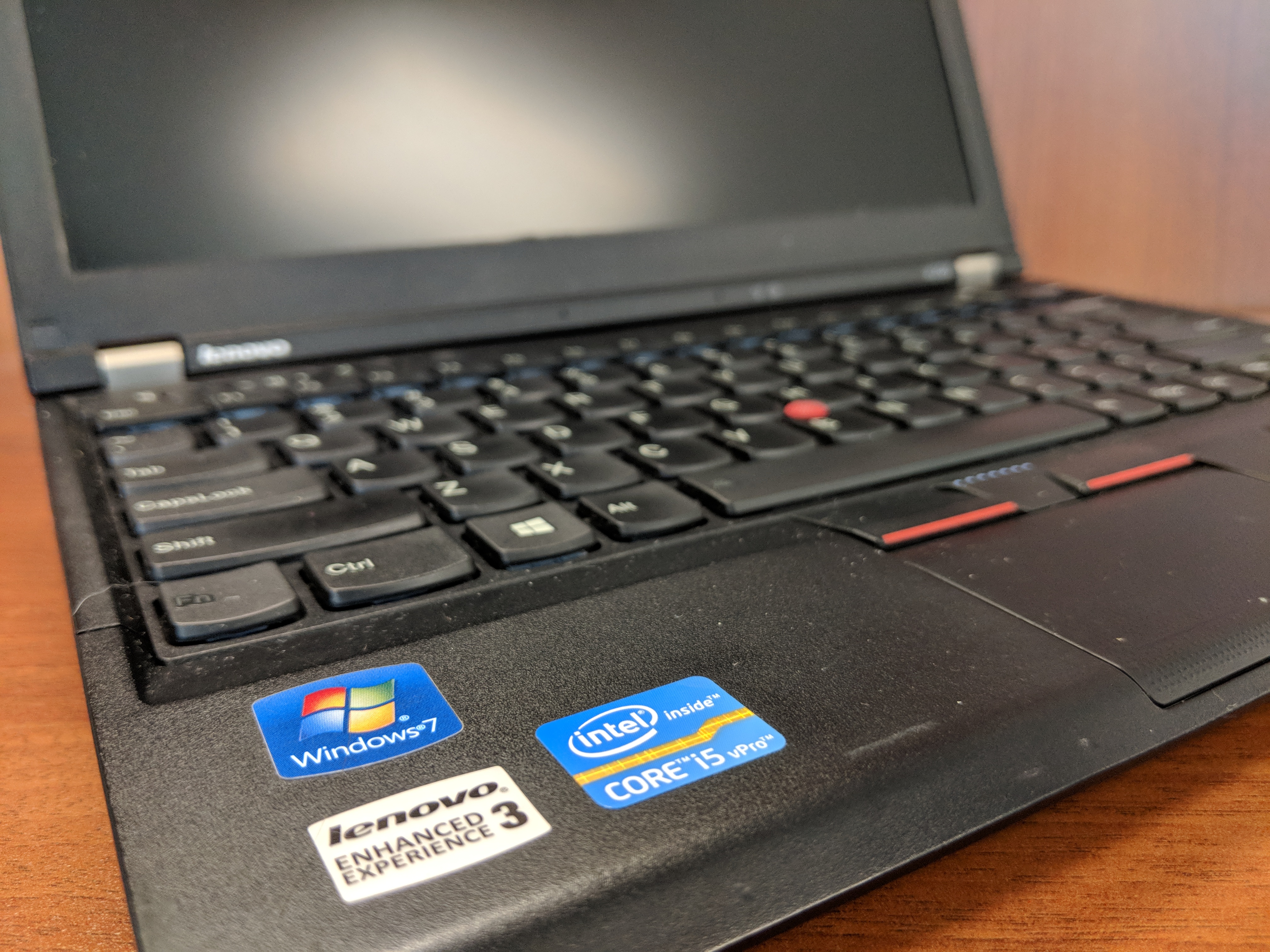
    Eventually, I decided to purchase a very well taken care of Lenovo ThinkPad X230 on eBay. Originally released in 2012 for a lot more than what I paid for it, this ThinkPad model features an Intel Core i5 3320M Ivy Bridge CPU running at 2.6GHz with 2 cores and supporting 4 threads. It has 8GB DDR3 RAM and a 180 GB SSD. In addition to built-in WiFi, it has an ethernet port, 3 USB 3.0 connectors, an SD Card reader, VGA and Display port connectors, and a removable battery.

    From a user interface perspective, it has a chiclet keyboard which responds well to typing quickly. Its touchpad leaves a little to be desired in terms of responding to some gestures like scrolling, but its red pointing nub and paddle-style mouse buttons at the top of the touchpad are exquisite. It includes some feature buttons like a speaker mute button next to volume keys above the function key row, and on the left side there is a radio on/off switch for the WiFi and Bluetooth.

    Initially, I tried out the ThinkPad X230 with Ubuntu, and everything seemed to work out of the box (though, I added TLP for advanced power management). However, I switched back to Windows 10 Professional with a full nuke-and-pave installation, because I have some software that is far easier to run natively in Windows instead of through Wine or virtualization in Linux.

    In Windows 10 Professional, the ThinkPad X230 meets all of my productivity needs. I use LibreOffice for most things, but I also rely on Google Docs in Chrome for some tasks (like inventorying the City Tech Science Fiction Collection). The WiFi works well even at City Tech, which has one of the most cantankerous wireless networks I’ve encountered. At home, I use it on my lap to browse while watching TV.

    The X230 is snappy and quick despite its age. Of course, the SSD and ample RAM support increased input/output for the older CPU. Chrome, LibreOffice, and Windows Explorer respond without hesitation. It easily plays downloaded Solo: A Star Wars Story 1080p trailers in VLC, too.

    With the included 6 cell 45N1022 battery, it runs for several hours (this is a used battery, so its capacity might be lower than one that is brand new). I purchased a 9 cell 45N1175 battery, which I’m testing out now. With the 6 cell battery, it is just shy of 3 pounds, and with the 9 cell battery is a little over 3 pounds. I’m hoping that between the two of them that I can get plenty of work done on the go without being tethered to a power outlet.

    Future tests include running World of Warcraft and watching full length movies. The display’s viewing angles could be better, but I’m willing to accept them as they are as I can adjust the brightness and display gamma easily using keyboard shortcuts and the Intel Display Adapter software to minimize its poorer display quality as compared to the latest HiDPI displays available now.

    I’m tickled to use the Lenovo ThinkPad X230 as my main laptop. Now, I can say that I’m a proud ThinkPad owner instead of a zealous Apple user.

    At the bottom of this post, I’ve included more photos of the X230.

    If you’re considering a new computer, I would, based on this and my other vintage computing experiences, suggest that you consider trading up for a used or refurbished machine. Getting a used computer keeps that computer out of a landfill or being destroyed for its rare metals, and it might be an opportunity to try out a computer that you might have missed on its first time around.

  • Retrocomputing at City Tech

    retrocomputing-at-city-tech

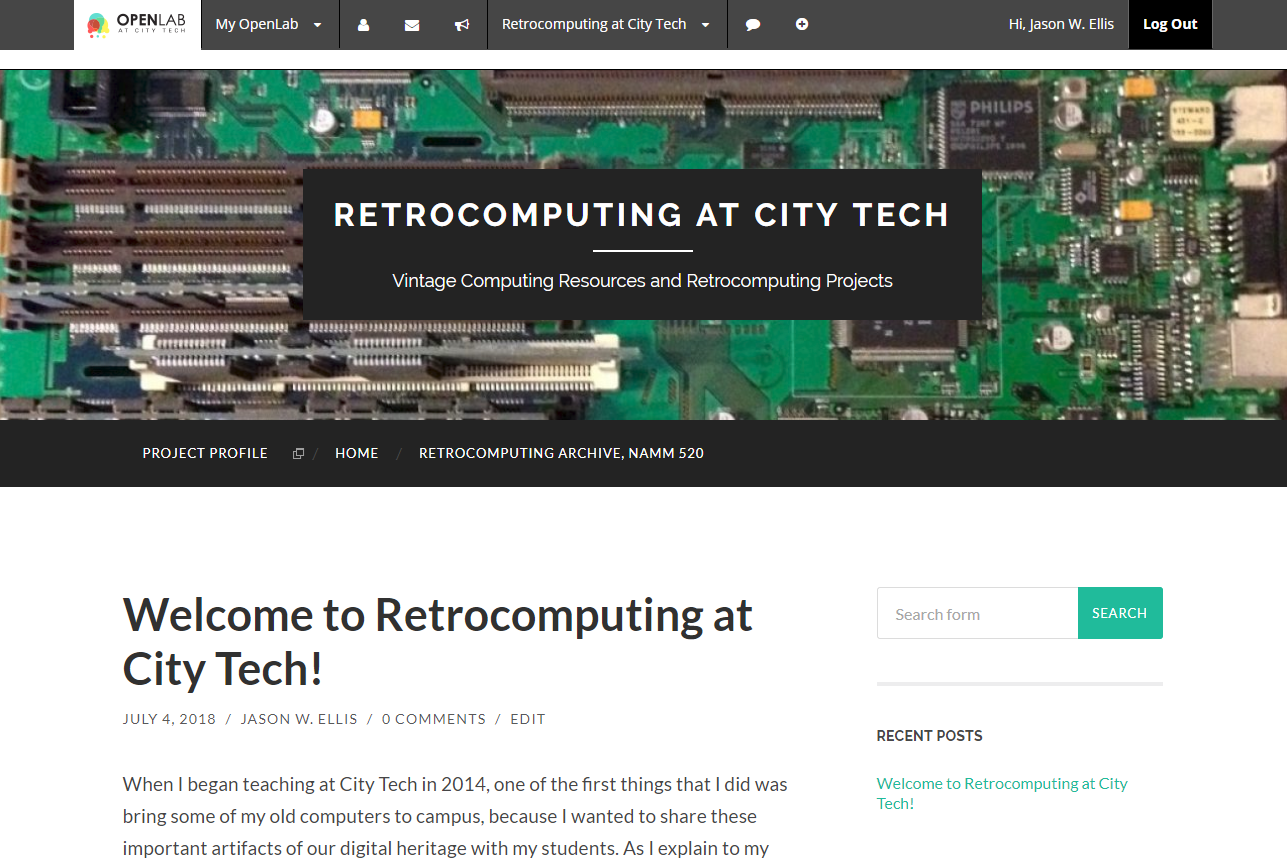
    In addition to working on a book review today, I created a new OpenLab site for Retrocomputing at City Tech. In addition to recording how I use vintage computers in the classroom and in research, the new OpenLab site contains a catalog of my vintage computing archive. I populated this catalog with most of the hardware, but I plan to granulize it further and create a catalog of my software. This, of course, will take time. At least there is a place for me to record these things now within the auspices of the work that I do at City Tech. I updated my previous Retrocomputing Lab page on this site with a link to the updated site on OpenLab.

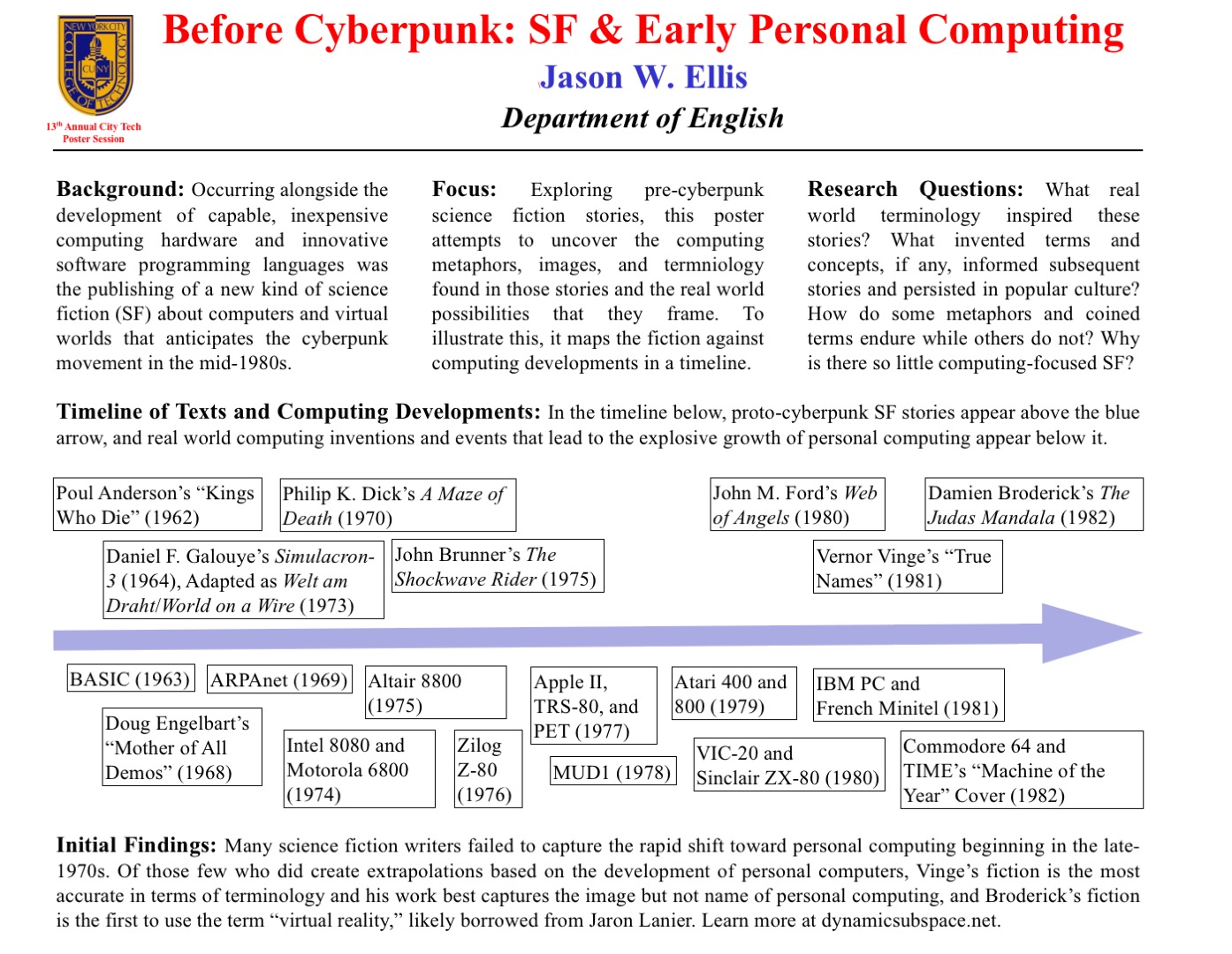
  • Before Cyberpunk: Science Fiction and Early Personal Computing (for the 13th City Tech Poster Session)

    ellis-40x31_poster-template-landscape

    For the New York City College of Technology, CUNY’s 13th Annual Research Poster Session, I created the poster embedded above to illustrate my current research on pre-cyberpunk science fiction (SF) about computing and personal computing. The poster discusses my focus and provides a timeline with SF about computing matched with key technological innovations that made the personal computing revolution in the late-1970s possible.

    What I am interested in is the fact that William Gibson’s “cyberspace” captured the popular imagination about the metaphorical place where computing, processing, navigating, interacting, and communicating occurs, but some of the very good SF about computing that predates Gibson’s coining the term cyberspace failed to leave an indelible impression. Certainly, these stories were read and circulated, but the reach of their images and metaphors seem to have been limited in scope as compared to Gibson’s writing.

    One of the ideas that I have had since creating the poster is that the idea of hidden computing or outlaw computing is something central to Vernor Vinge’s “True Names.” This, of course, features large in Gibson’s fictions, and it is the image that I am looking for in other SF of this transitional era.

    At the poster session, I will carry my Raspberry Pi-based touchscreen-computer-in-a-Suntory-box-from-Japan to demonstrate the idea of hidden computing. I will post a step-by-step instruction post soon about assembling the Raspberry Pi-based computer and offer some additional thoughts about how I would like to use them in my technical communication classes.

    In this post, I want to provide some of my notes and links to relevant resources as a record of the initial research that I did in preparation of this poster. It is my hope that it might lead to conversations and collaborations in the future.


    Fiction Sources

    Murray Leinster’s “A Logic Named Joe” (1946): Home computers connected to a large scale network. [Couldn’t fit within poster dimensions, but a significant work that needs mentioning.]

    Isaac Asimov’s “The Fun They Had” (1951): Children discovering a print book are agog at what it represents while their classroom/desktop teaching computers flash mathematical fractions at them. [Couldn’t fit within poster dimensions, but another important work in this genealogy.]

    Poul Anderson’s “Kings Who Die” (1962): Human-computer interface, according to Asimov and Greenberg in The Great SF Stories #24, “one of the first stories to address this question” (69).

    Daniel F. Galouye’s Simulacron-3 (1964): Also published as Counterfeit World. Adapted as Welt am Draht/World on a Wire (1973). Simulated reality for artificial beings programmed to believe (except in the case of one character) that they are real and living in the “real world.”

    Philip K. Dick’s A Maze of Death (1970): A crew in a disabled spacecraft while awhile their remaining lives in a computer generated virtual world.

    John Brunner’s The Shockwave Rider (1975): Computer programming and hacking. First use of the term “worm” to describe a type of self-propagating computer program set loose on the computer network. Protagonist as outlaw.

    [Five year gap during the personal computing revolution. Were the SF writers playing with their new personal computers?]

    John M. Ford’s Web of Angels (1980): The “Web” is a communication and computing network connecting humanity. “Webspinners” are an elite group of programmers who can manipulate the Web in unique and unexpected ways. Protagonist as outlaw.

    Vernor Vinge’s “True Names” (1981): Computing power hidden from view of a watchful government–literally under the floor boards. Early MMORPG/virtual reality experience of what was later called cyberspace. Protagonist as outlaw.

    Damien Broderick’s The Judas Mandala (1982): First SF to use the terms “virtual reality” and “virtual matrix.” Protagonist as conspirator/outlaw?


    Nonfiction Sources

    Cavallaro, Dani. Cyberpunk and Cyberculture: Science Fiction and the Work of William Gibson. New Brunswick, NJ: Athlone Press, 2000. Print.

    Ferro, David L. and Eric G. Swedin. Eds. Science Fiction and Computing: Essays on Interlinked Domains. Jefferson, NC: McFarland, 2011. Print.

    Kay, Alan C. “A Personal Computer for Children of All Ages.” ACM ’72 Proceedings of the ACM Annual Conference – Volume 1. New York: ACM, 1972. n.p. Web. 18 Nov. 2015.

    Mowshowitz, Abbe. Inside Information: Computers in Fiction. Reading, MA: Addison-Wesley, 1977. Print.

    Murphy, Graham J. and Sherryl Vint. Beyond Cyberpunk: New Critical Perspectives. New York: Routledge, 2010. Print.

    Slusser, George Edgar and TA Shippey. Eds. Fiction 2000: Cyberpunk and the Future of Narrative. Athens: University of Georgia Press, 1992. Print.

    Stableford, Brian. Science Fact and Science Fiction: An Encyclopedia. New York: Routledge, 2006. Print.

    Timeline of Computer History. Computer History Museum, 2015. Web. 18 Nov. 2015.

    Warrick, Patricia. The Cybernetic Imagination in Science Fiction. Cambridge: MIT, 1980. Print.