I mentioned this to my students the other day, but I wasn’t able to find a photo of what I was talking about. Now I have, so I’ll show it to them in class tomorrow.
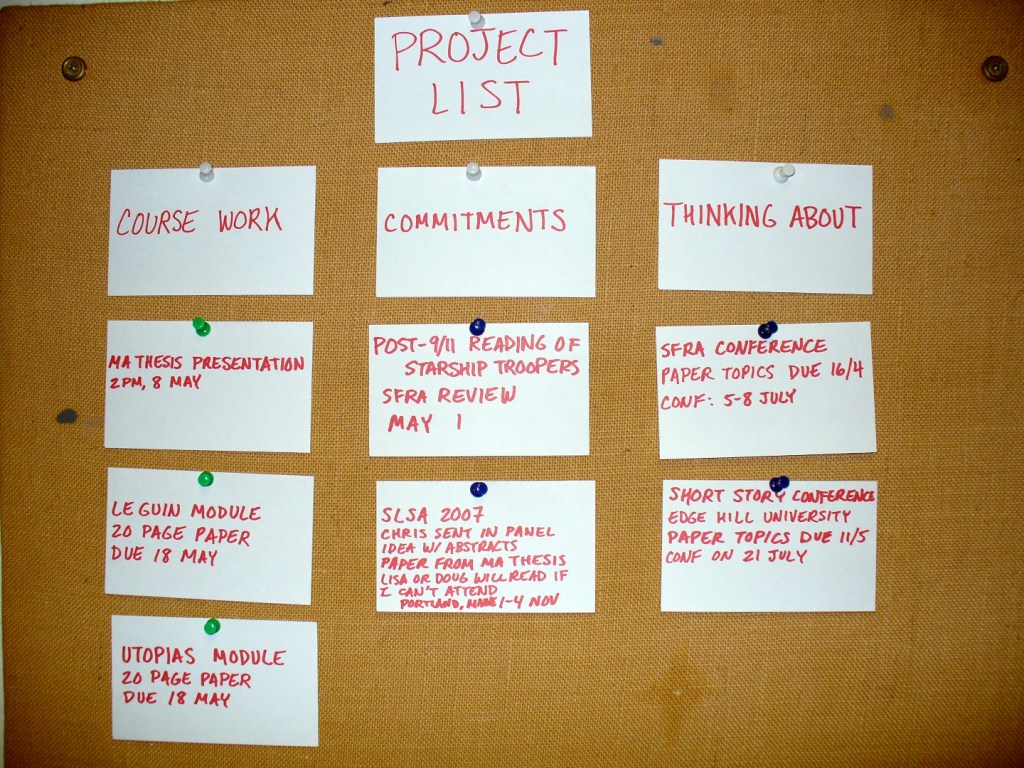
This is my project board while I was an MA student at the University of Liverpool. My monk’s cell had a felt-covered corkboard that I repurposed as a project scheduler by writing upcoming work and ideas on 3″ x 5″ index cards and pinning them into one of three columnar categories: Course Work, or assignments and readings in my classes; Commitments, or work product deliverables like writing a book review or preparing a conference presentation; and Thinking About, or projects and ideas that I was considering but hadn’t committed myself to yet.
This board was the key to my academic success at that time, because it gave me a way of tracking the work that I had coming up and I could see at a glance from my desk what needed to be prioritized to keep my output going.
Over time, the board became quite full of index cards. It was always satisfying to take a card off the board when that task had been completed.
Using a daily planner or a calendar app can serve a similar purpose. Whatever method and tool that works best for you, make a commitment to stick with it so that it can keep you on track for success.
Toward the end of lecture, when I was talking about lessons learned from Hart-Davidson’s essay, which includes being a life-long learner and keeping up-to-date on changing technologies of writing and communication, Prof. Sarah Schmerler, a City Tech English department colleague with a shared interest in Generative AI technologies, stopped by and participated in the class discussion with my students. It was informal and impromptu, but I think my students enjoyed their perspective and lived experience. I enjoyed our conversation during and after class.
I wanted to jot down some of the conversation and additional thoughts spun off from the conversation here:
How can you expect to be a good writer without learning, at least in part, from reading many examples of writing by others?
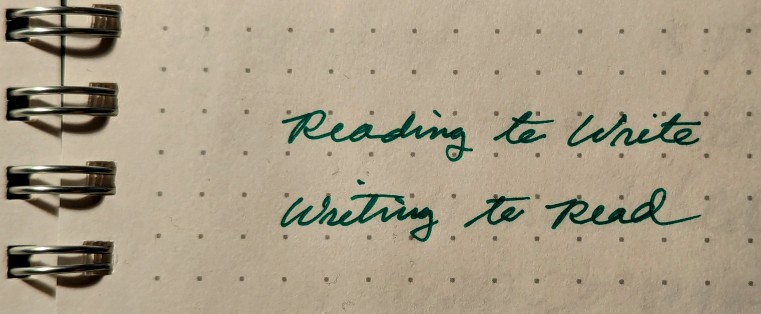
Writing is reading in reverse. Instead of the words coming into you from the world, you are sending the words out into the world.
Reading and writing go hand-in-hand. Developing skill in one, enriches the other.
Reading heuristics, such as lateral reading and vertical reading, can support getting as much as possible out of one’s reading time, energy, and needs (e.g., is this for a research thesis vs. learning enough about something for a journalistic article).
Our needs–enjoyment, learning, work, etc.–play a key role in what strategies (large scale) and tactics (smaller scale) we employ to accomplish reading goals.
Reading can be a passive exercise, but active reading that engages the text and combines cognition, reasoning, and imagination yields the greatest returns in terms of understanding, analysis, and memory.
Isolation, quiet contemplation, and dedicated time can aid the development of reading and writing.
Teaching writing requires a rethink on how we approach reading and how important reading is to developing writing skill.
Students do lots of different kinds of reading, which we as educators can tap into and help the student connect their reading interests to writing development. Furthermore, it can open doors to other kinds of reading that they were not previously aware of. Knowing where they are and interested can lead to possibilities and knowledge that were around them but unseen. Browsing and finding the neighborhood, in Prof. Schmerler’s terms, connects students to new reading opportunities.
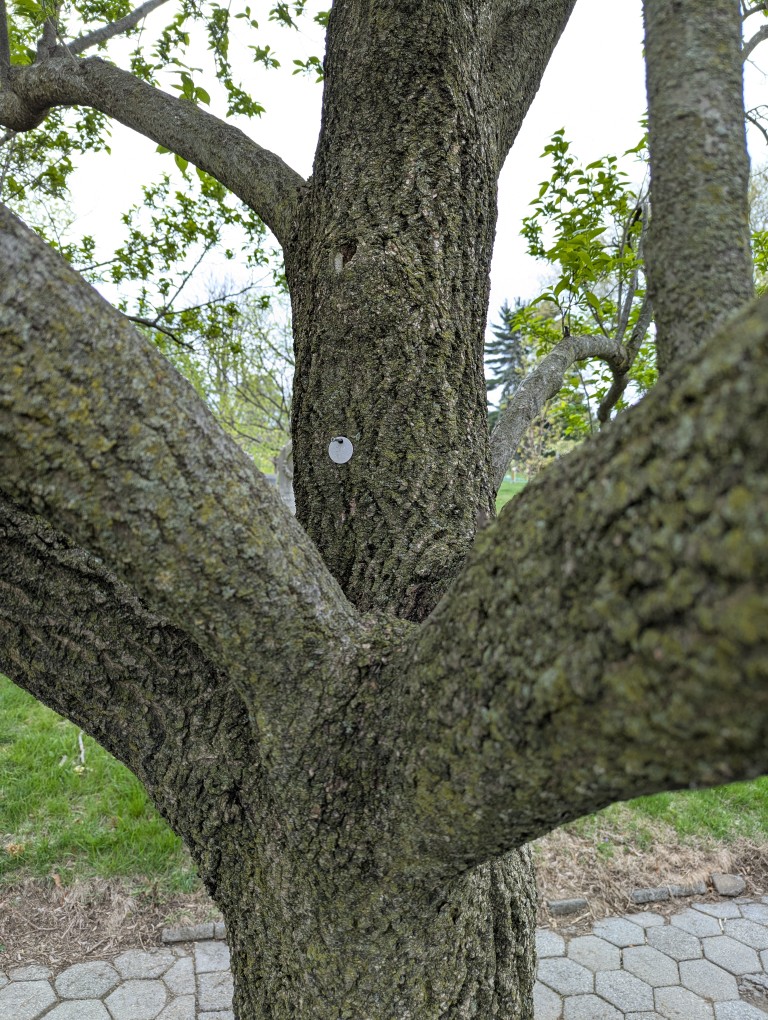
While taking a walk in Green-Wood Cemetery this past weekend, Y and I discovered that our friend Wage the Uglydoll had gone missing! We first met him last year and visited him on occasion. He had been in his tree all through the winter and the beginning of spring this year. The last time that we saw him was in March 2025. Maybe he found a new home or went on a vacation. Wherever he is, we hope that he is safe.
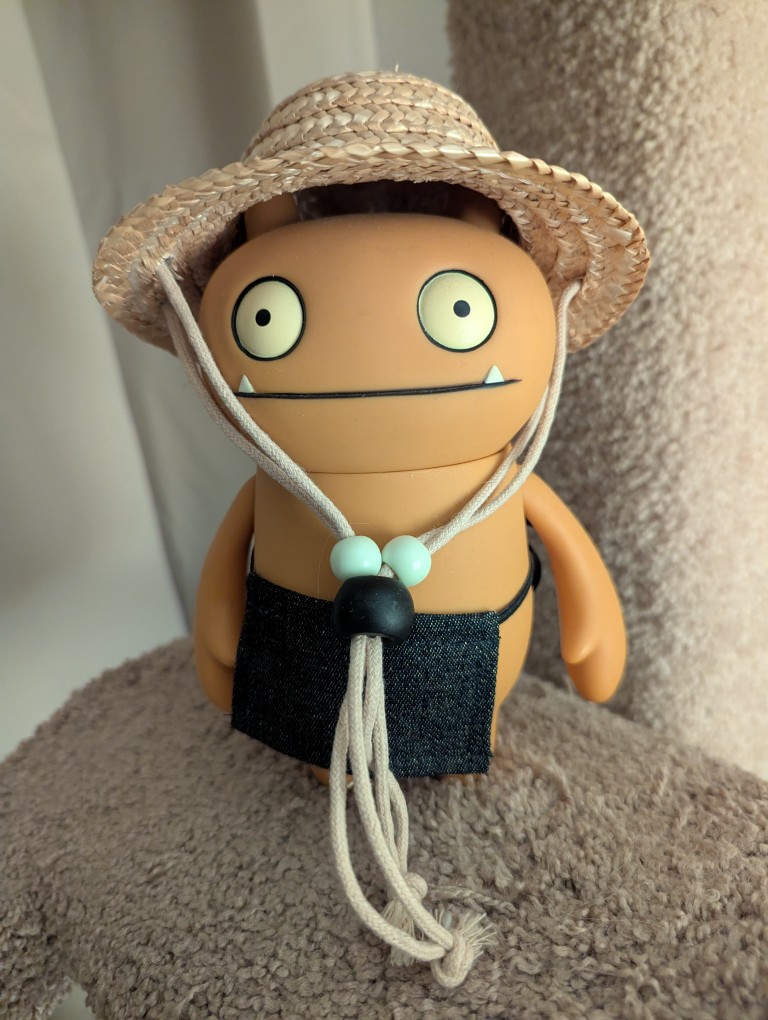
Below is a picture of Wage’s cousin, Country Wage, who lives with us and is a friend to our Mose.
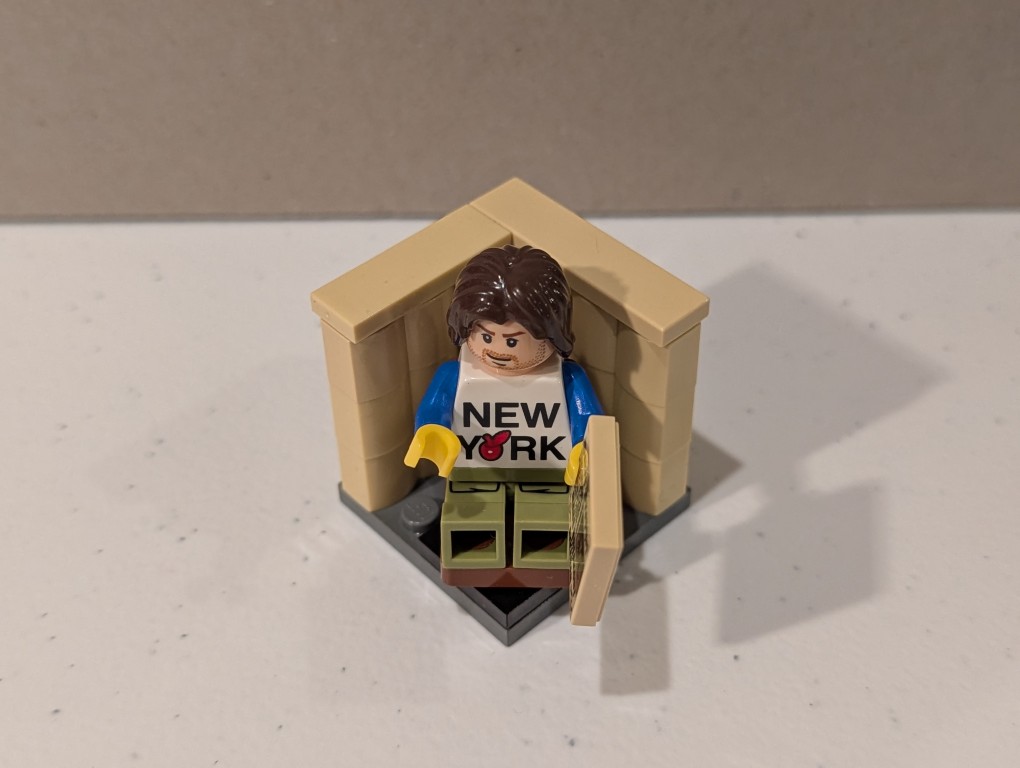
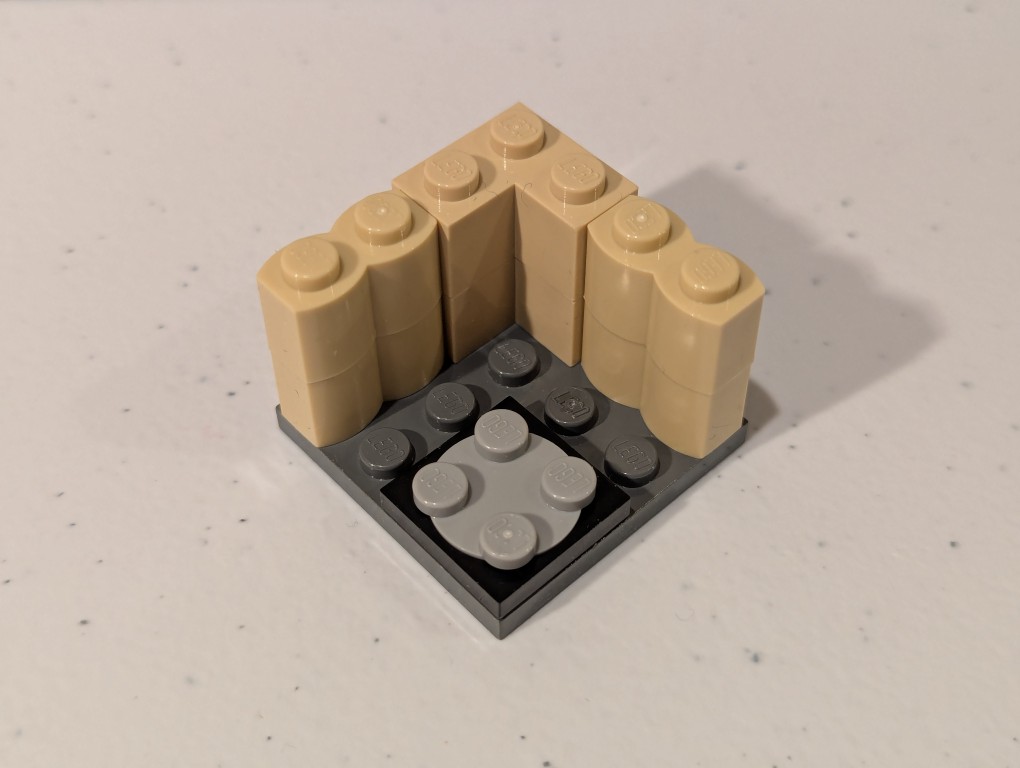
Between the melees, try to find some joy and peace. I’ll be doing that with my Professional and Technical Writing students today. I’ll bring LEGO to class for a bit of educational play that combines the use of their imagination, haptics, educational knowledge, organizational thinking, and writing skill.
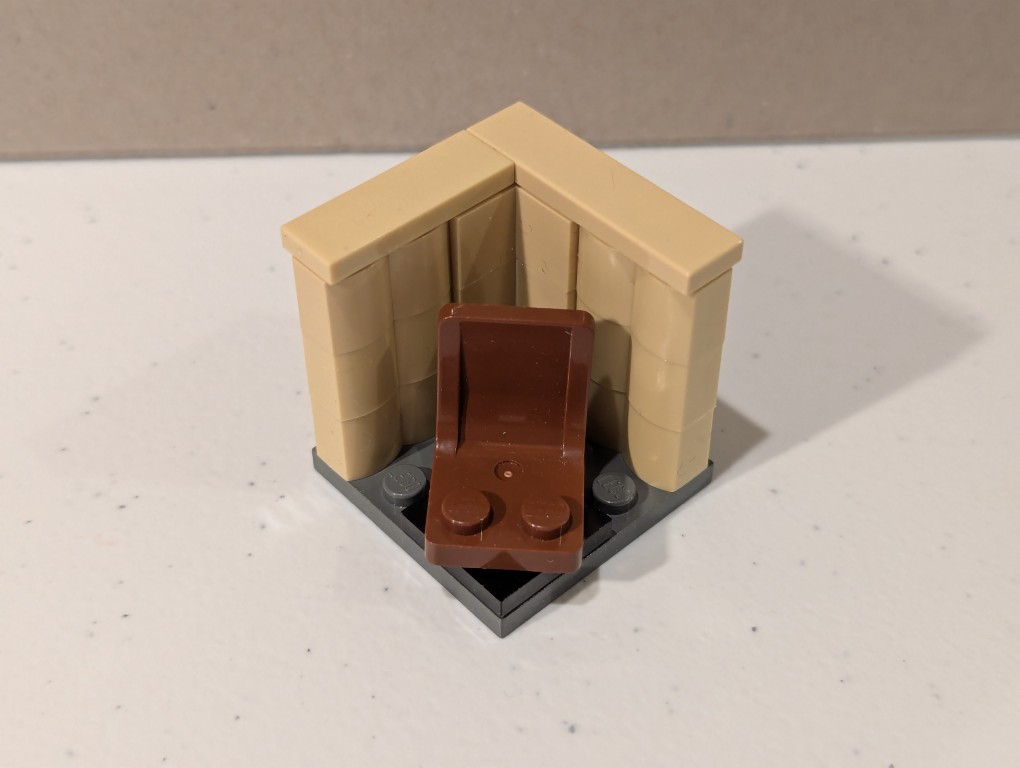
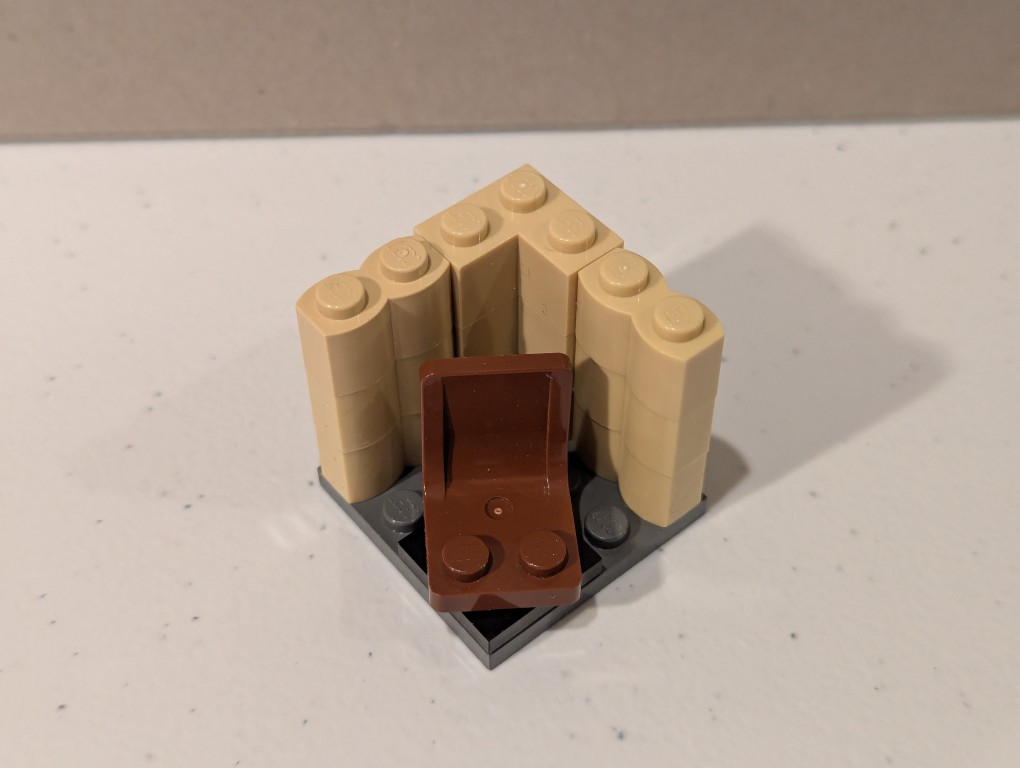
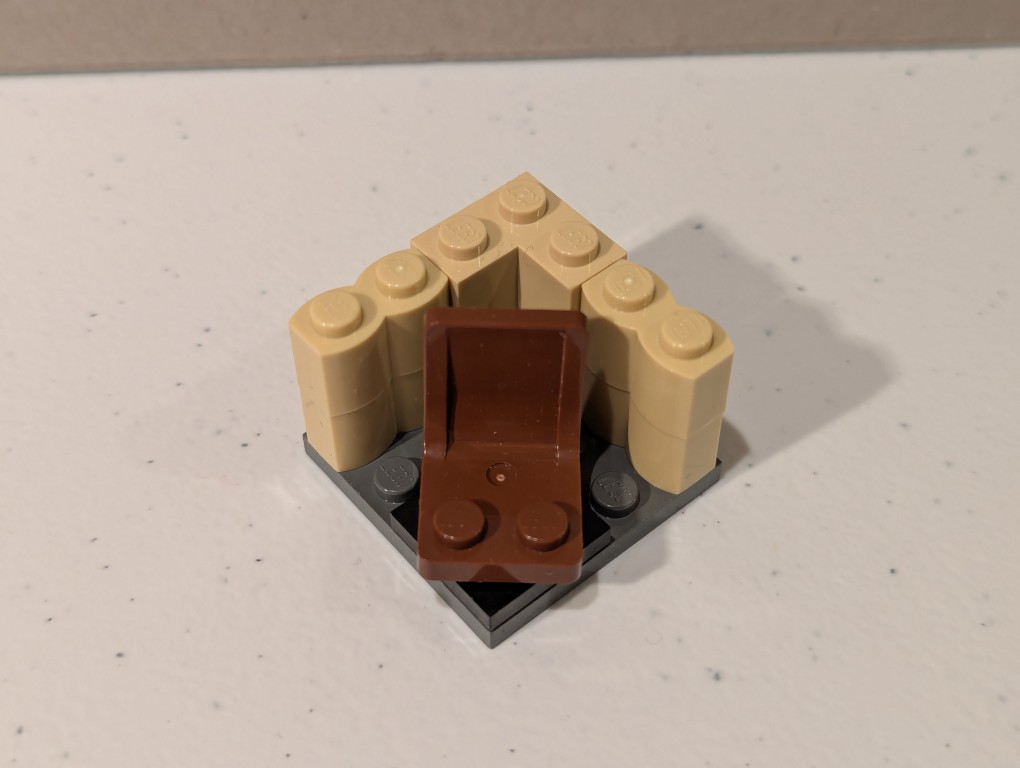
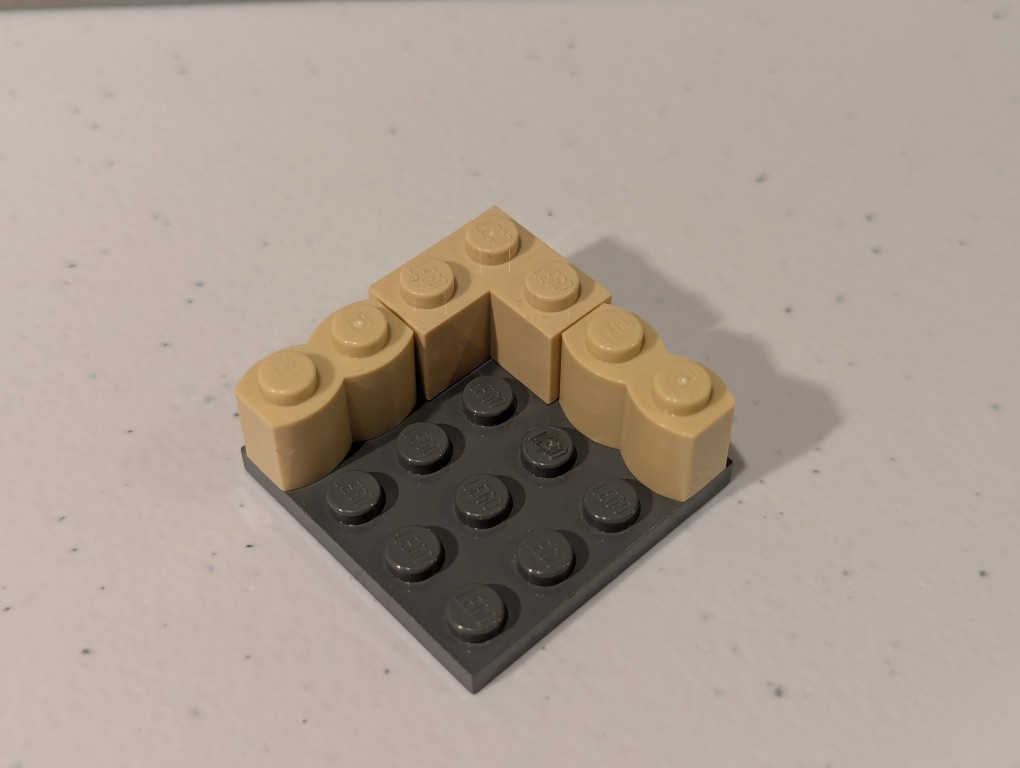
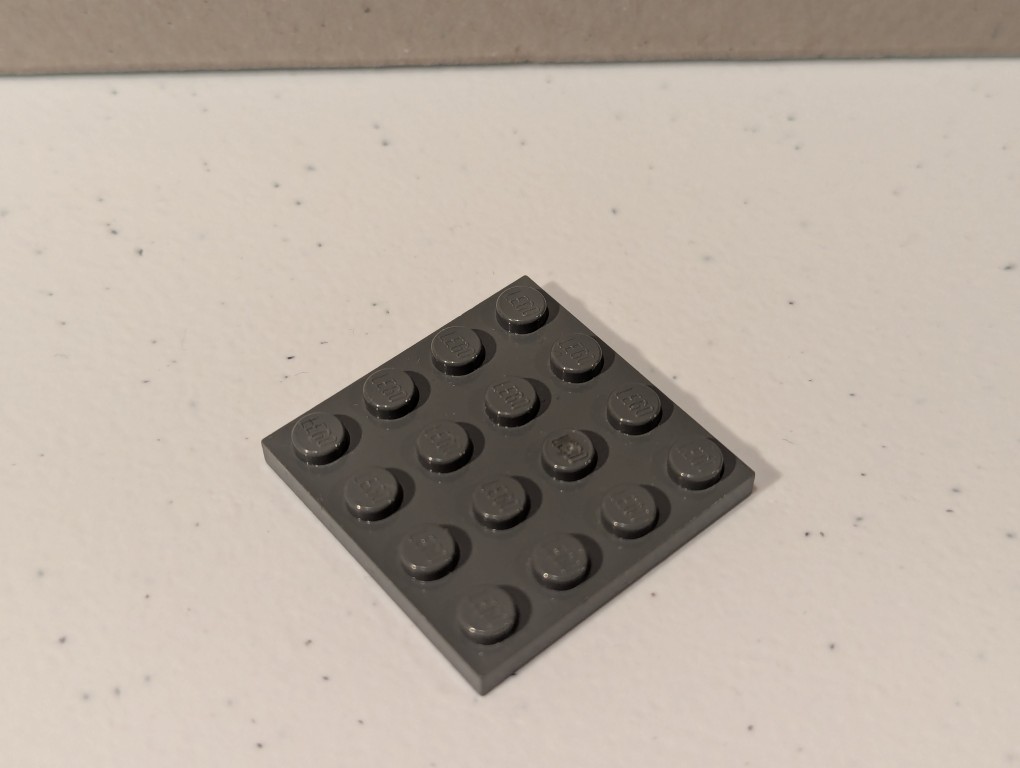
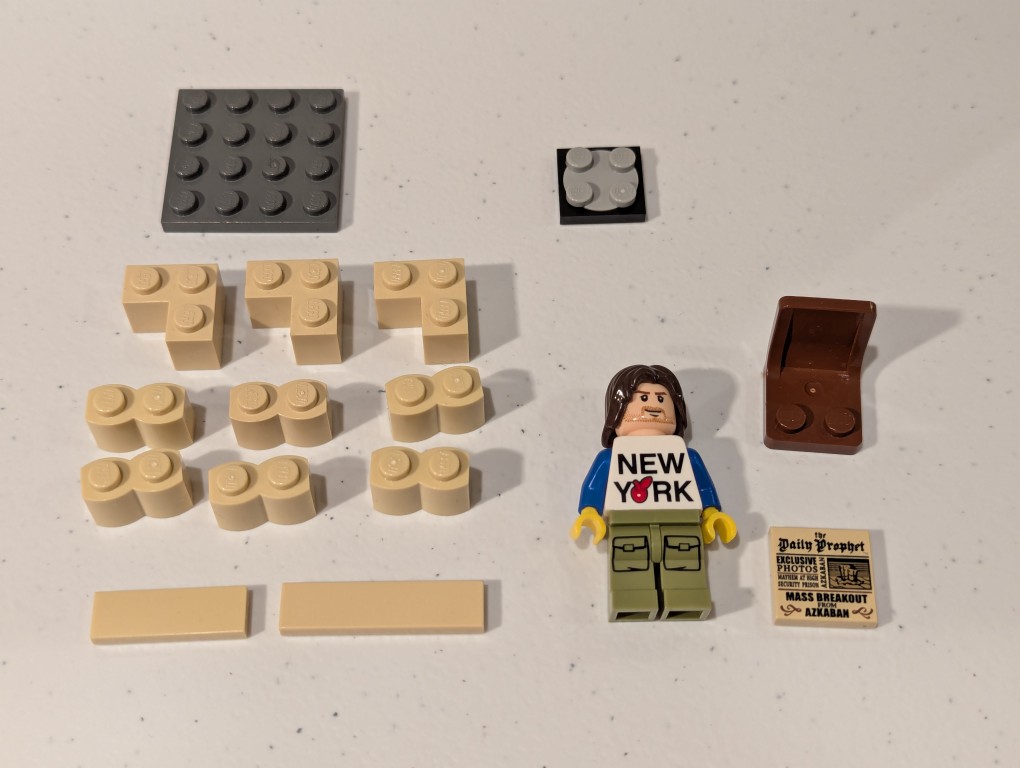
They will design a small model that represents something about their specialization (e.g., Biology, Psychology, Computer Science, Fashion Design, etc.) and then write an instruction manual like this example that I made for them based on the model above that I call a “Quiet Reading Corner.” Scroll down to see it deconstruct, which I presented in reverse in my instruction manual.
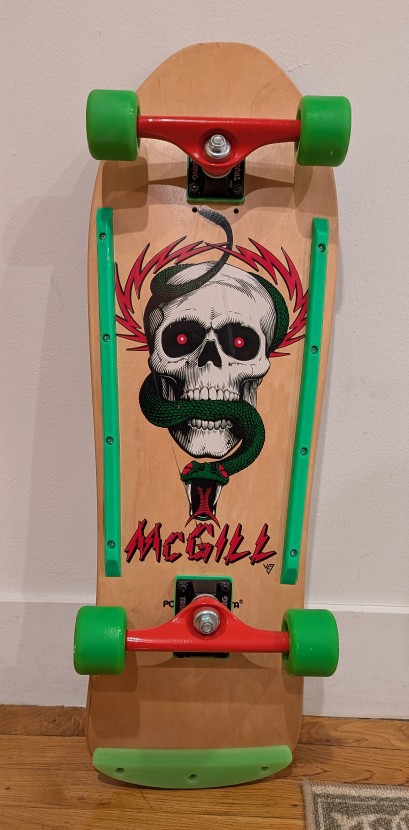
Before the tariffs (are a tax) and plummeting markets, I wanted to liquidate some of my belongings to have more cash on hand because [waves hand]. As a part of that, I sold my prized possession: a 1989 Powell Peralta Mike McGill woodgrain complete skateboard this past weekend on eBay. It’s in transit to the buyer now.
My maternal grandmother and grandfather–Wilma and Papa Gerald–gifted me the McGill after I picked it out and its hardware from a full-page mail order ad in Transworld Skateboarding magazine. Everything arrived in a big, long box. I needed help to apply the grip tape and install the trucks, wheels, and bearings. I took it out to ride as soon as it was ready.
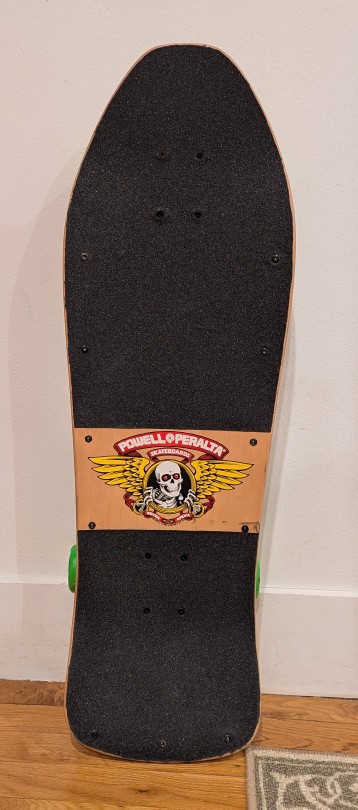
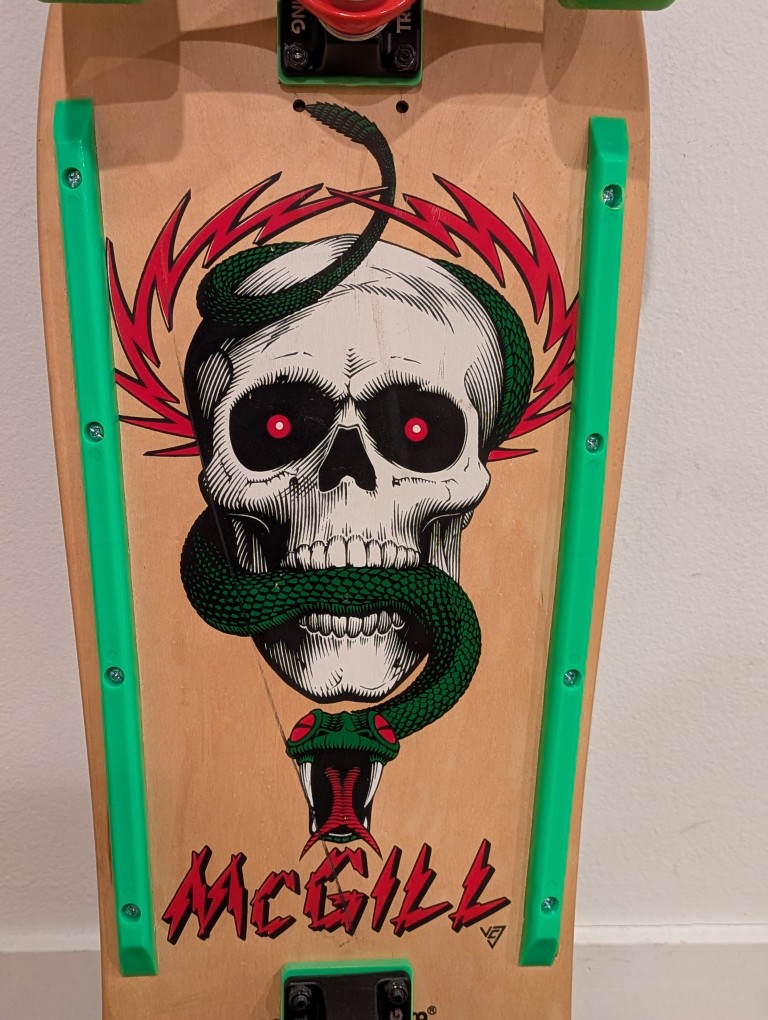
I loved the artwork of the skull and snake by Vernon Courtlandt Johnson. He did most of the major artwork for Powell Peralta during that era, including the “Ripper” logo on the top of the deck.
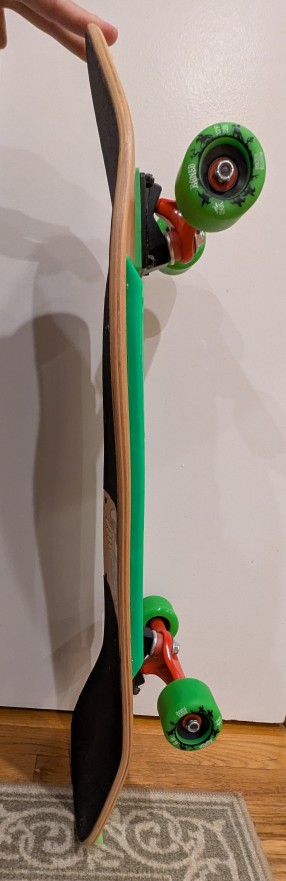
Due to the age of the skateboard deck and how it might have been stored over the years before I got it, it had developed a twist, which you can see in the picture above. While the deck is concave, toward the front of the deck, it can been seen to have a rightward twist toward the camera. It wasn’t too bad and for normal riding it probably wouldn’t be noticeable.
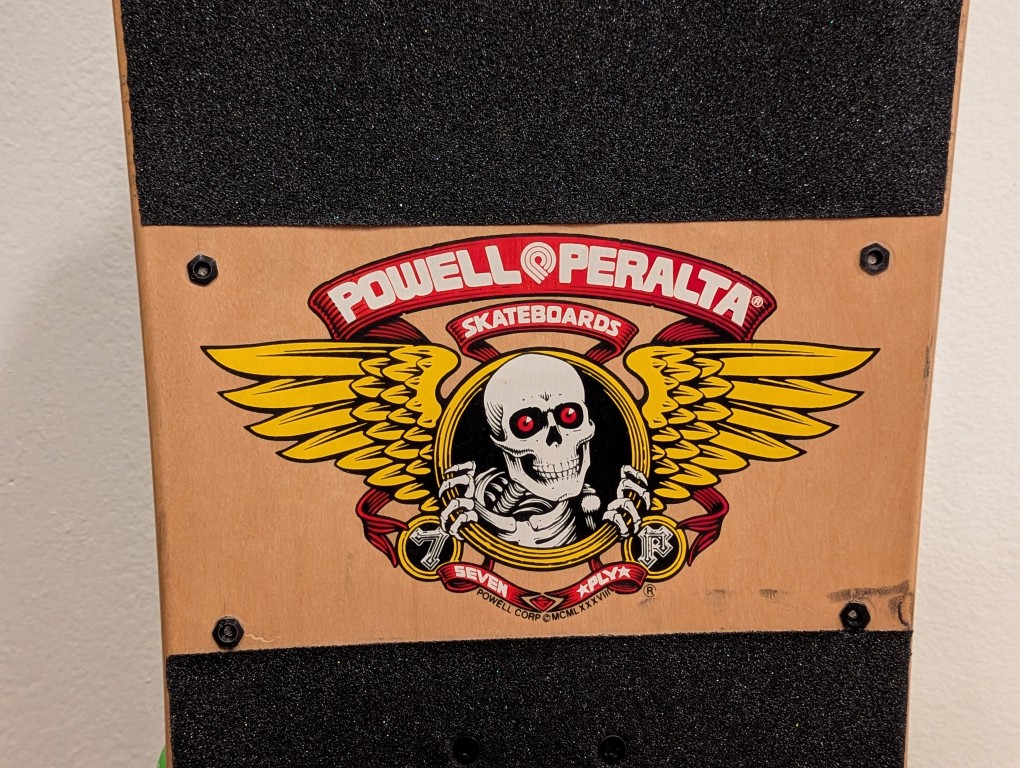
With this one that I assembled with new hardware, I applied the grip tap but left the Powell Peralta logo on the top of the deck exposed like I did with my original one.
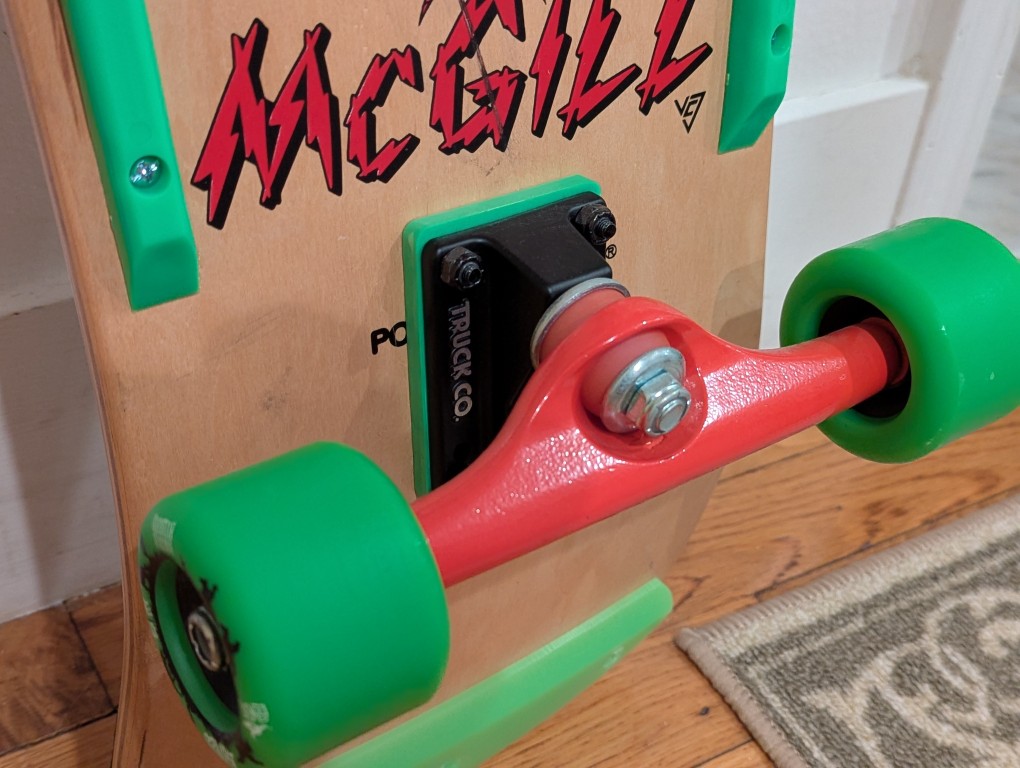
I got the same brand trucks like I used to have–Gullwing. However, I went with 9″ wide Shadows instead of the Pro III’s that I used to have. I figured that if I rode this skateboard, it would just be for leisurely getting around and therefore didn’t need something higher end. Going for a matching color scheme, I added 1/4″ risers in neon green.
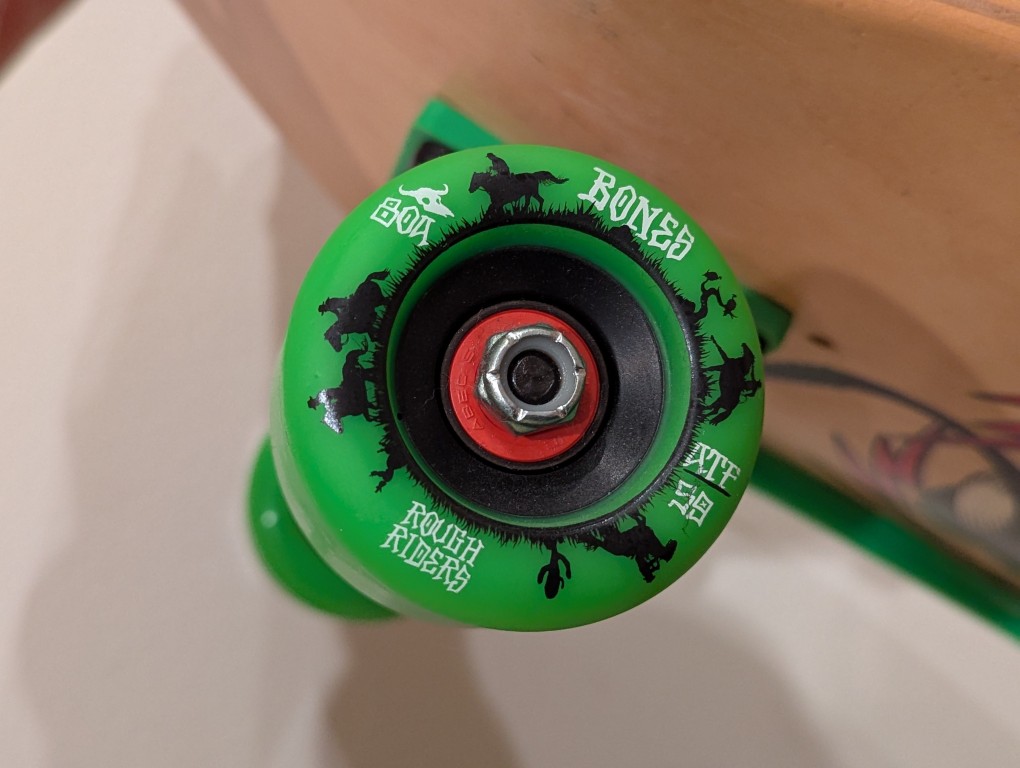
Again, thinking about how I might use this skateboard for riding on the street, I got large, soft wheels. These are Bones’ Rough Riders with a 80A hardness, 59mm diameter, and all-terrain formula. The bearings are generic ABEC5 with spacers in-between.
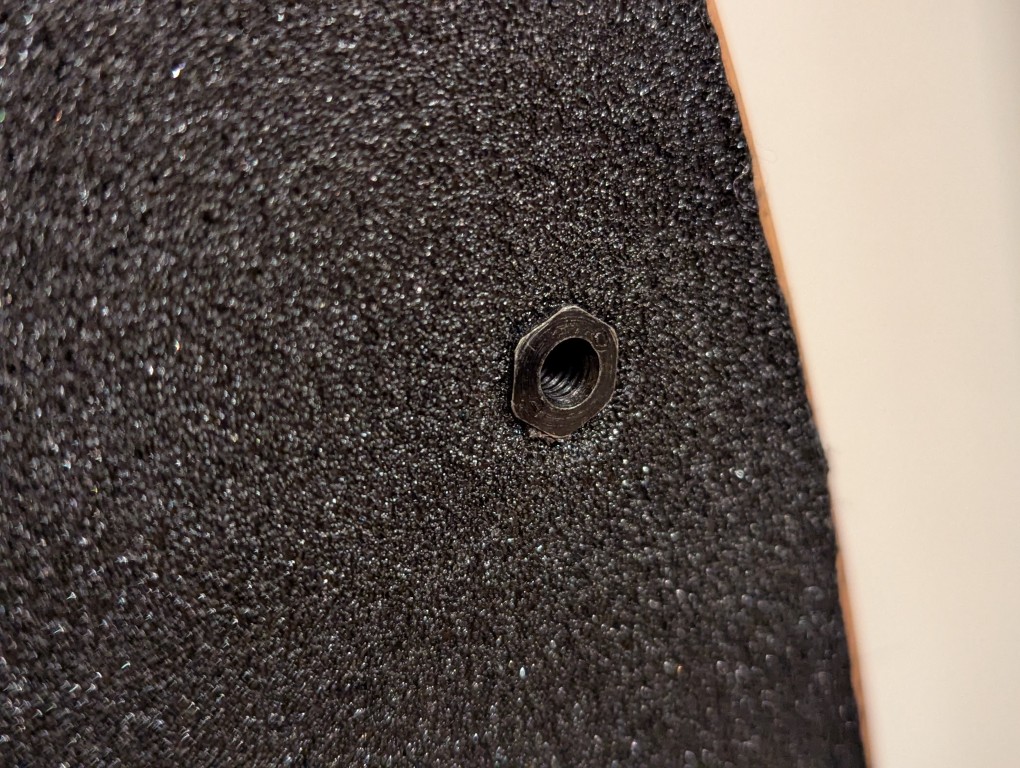
For the tail guard and rails, I installed them using “Rat Nuts” (aka T-Bolts or Sex Bolts) so that none of the hardware dug into the wood–the top sleeve passes through a hole and a screw meets it from the bottom. The rails were a generic brand with a hole pattern that matched those already on the board. The tail guard was an authentic Powell Peralta 9″ Tail Bone that I found for sale as new-old-stock.