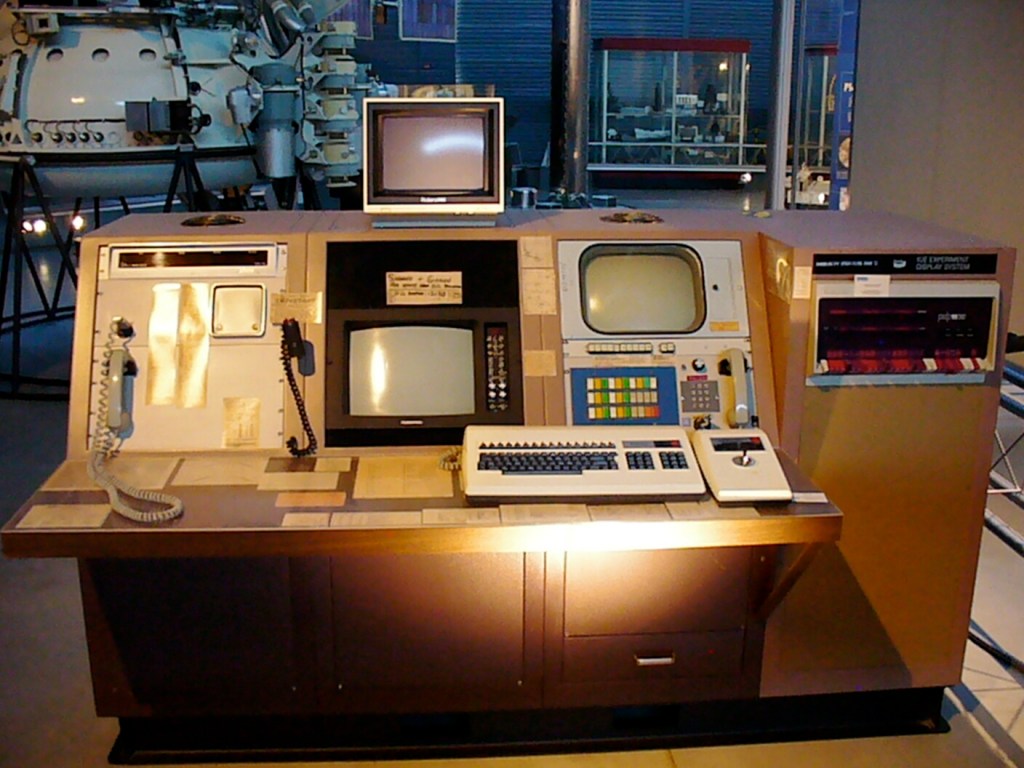
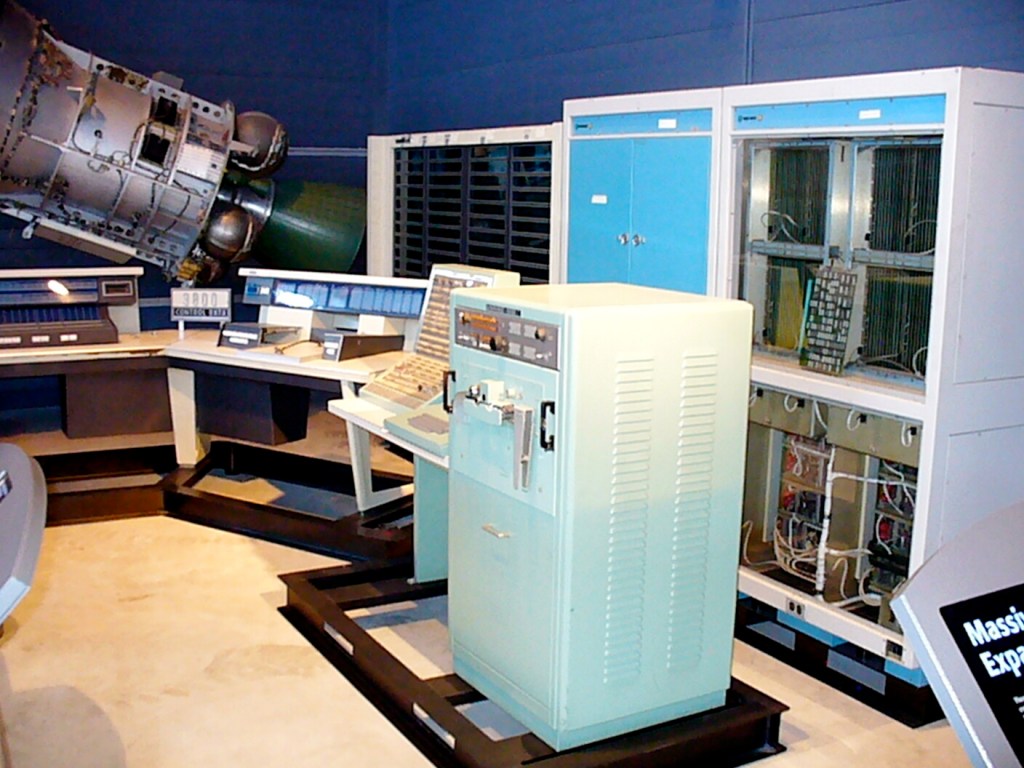
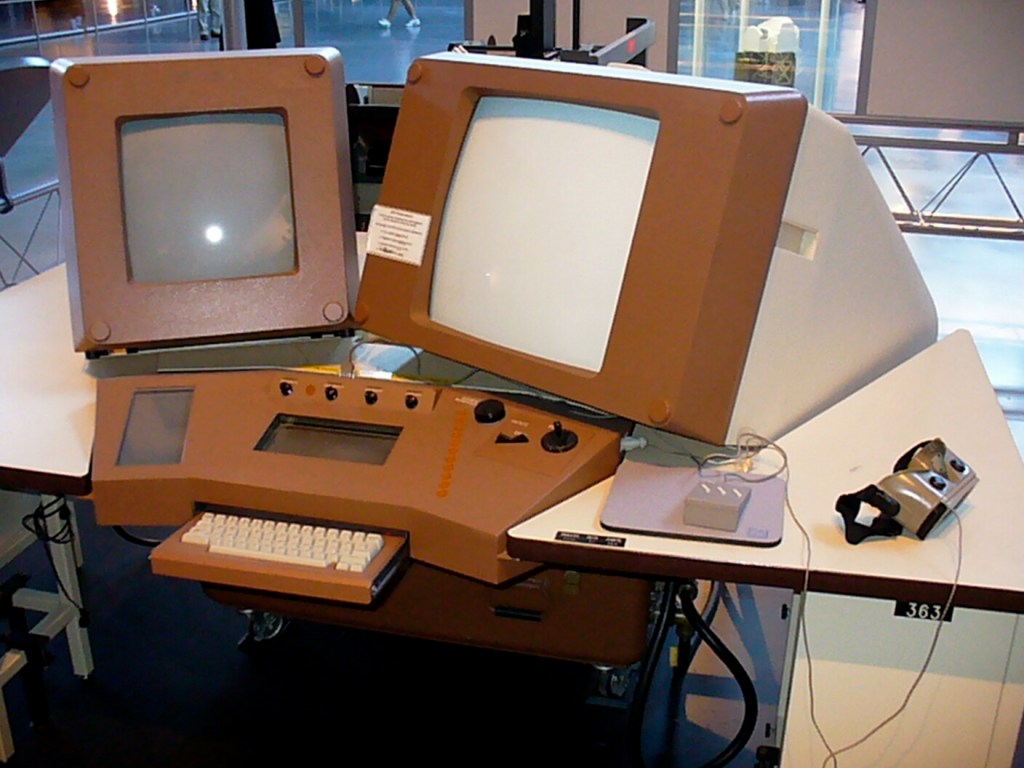
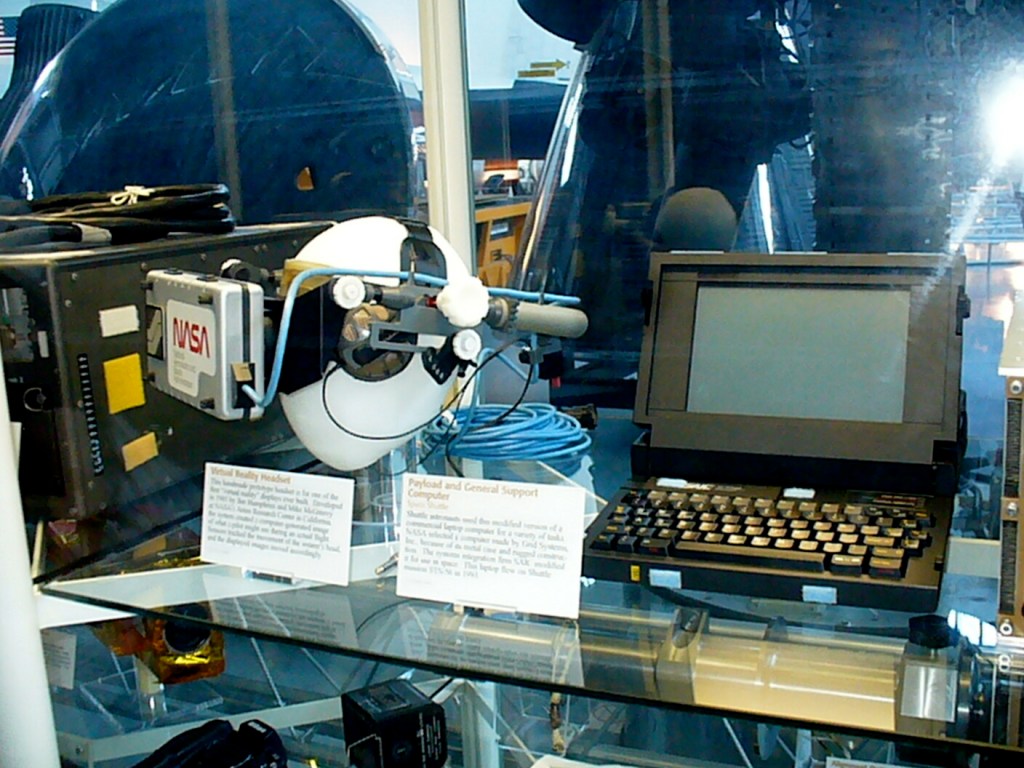
I think of museums of technology, like the NASM, as a kind of technical communication medium. Of course, the work of the displays, diagrams, multimedia, and explanatory text are different kinds of technical communication created to facilitate learning, contextualization, and curiosity. But, the museum as a whole–the system of the museum and its totality, its holism–is a giant technical communication medium, too.
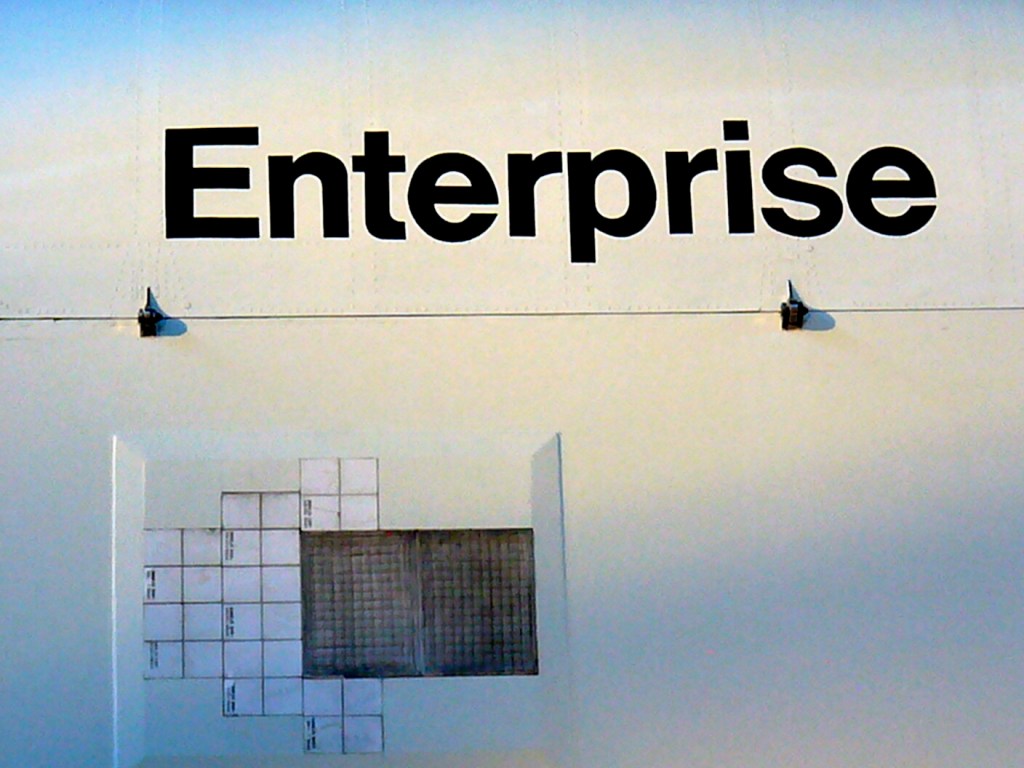
Most of the exhibits seemed similar to the last time that I had visited Washington in the late 1980s, but one notable change is the restoration of the shooting model of Star Trek’s USS-1701 Enterprise, which used to hang in the air but it now at eye-level and encased in plastic (last photos below).
After our visit, the NASM did a big renovation of the museum on the National Mall and the Udvar-Hazy Center (i.e., the replacement of Space Shuttle Enterprise with Discovery).
Above and below, you can see Charles Lindbergh’s Atlantic-crossing Spirit of St. Louis. More pictures of the historic air and spacecraft on display follow.
Spirit of St. Louis
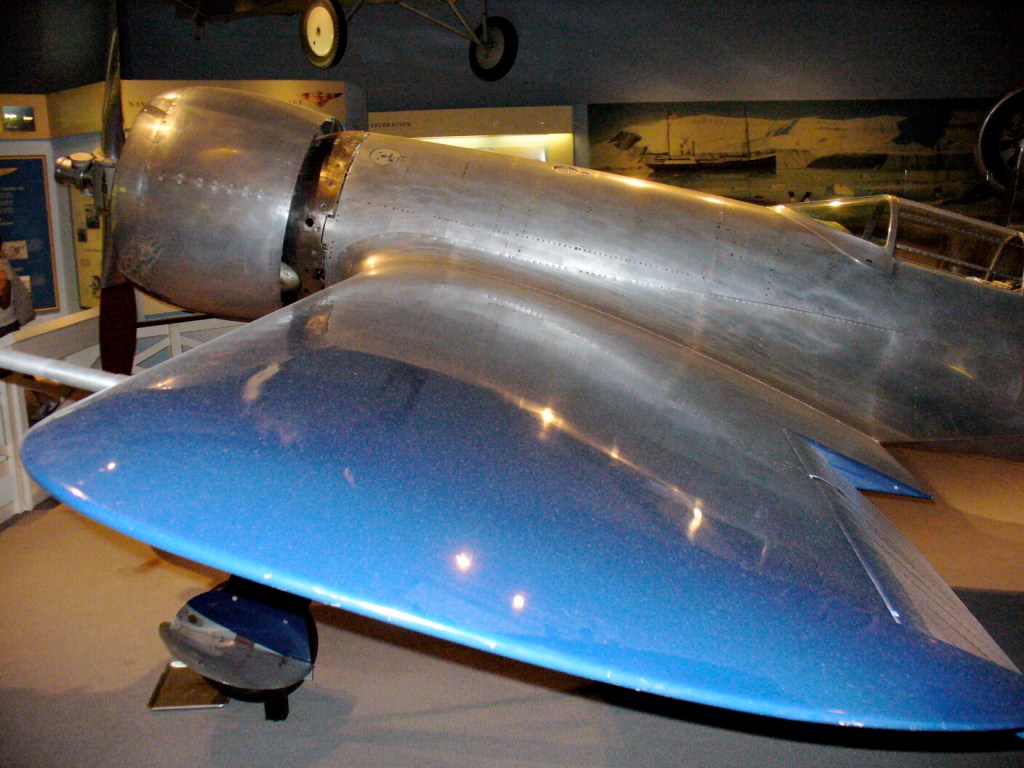
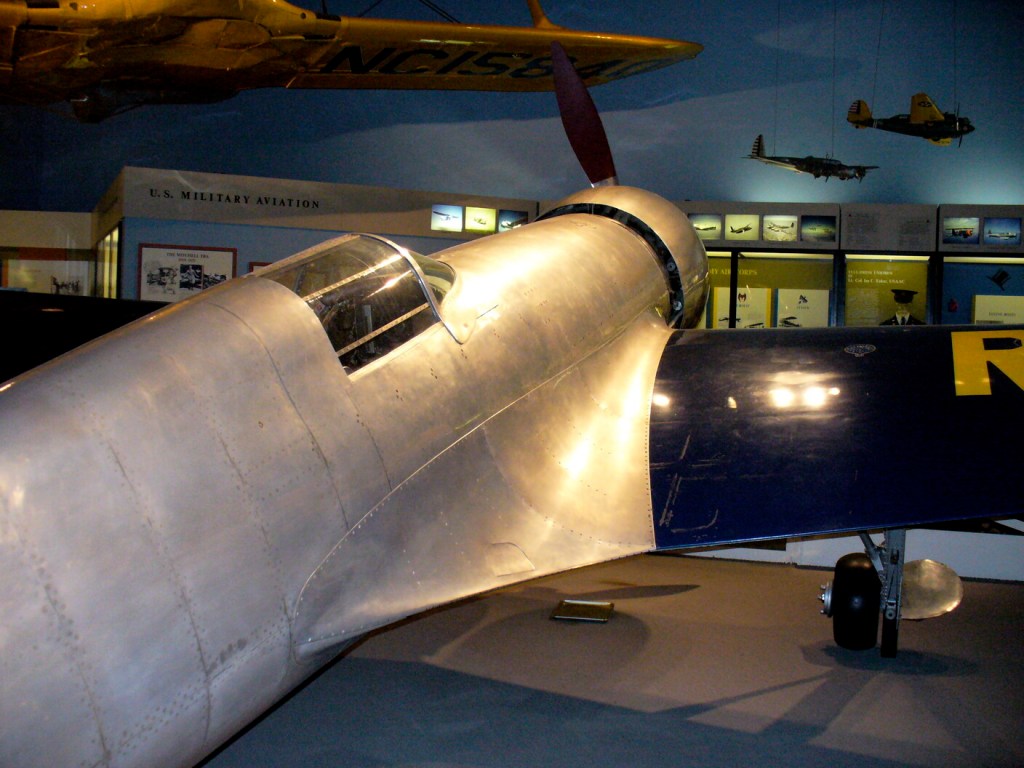
Hughes H-1 Racer
Supermarine Spitfire HF. Mk. VIIc
North American P-51D Mustang
Messerschmitt Bf 109 G-6/R3
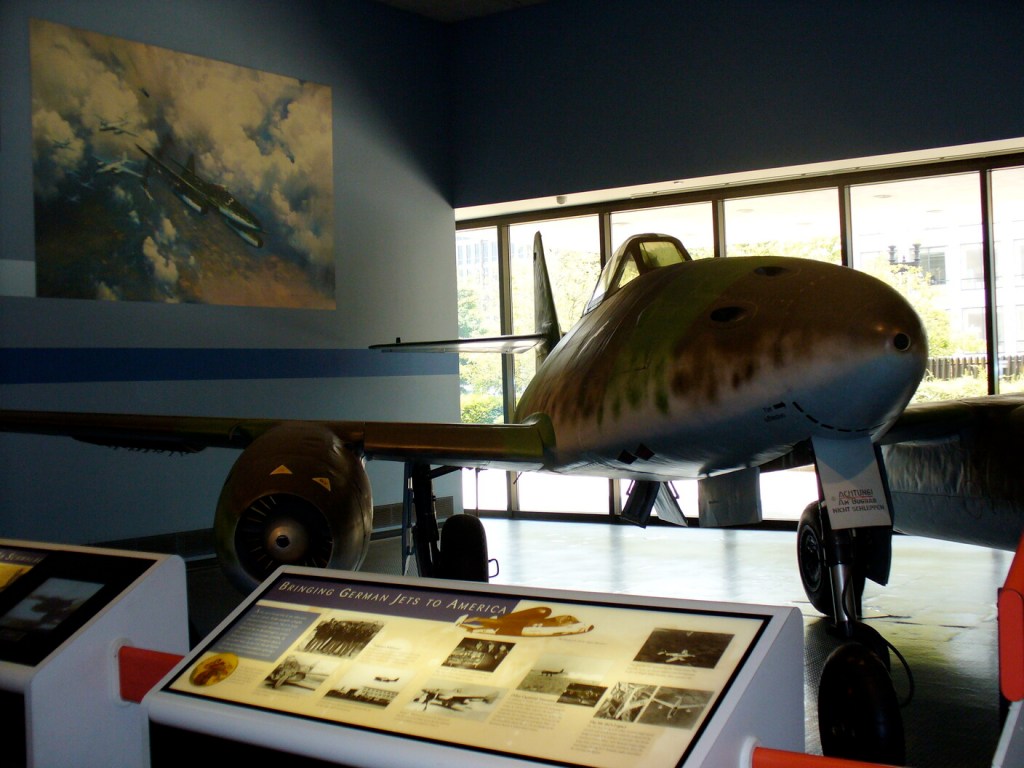
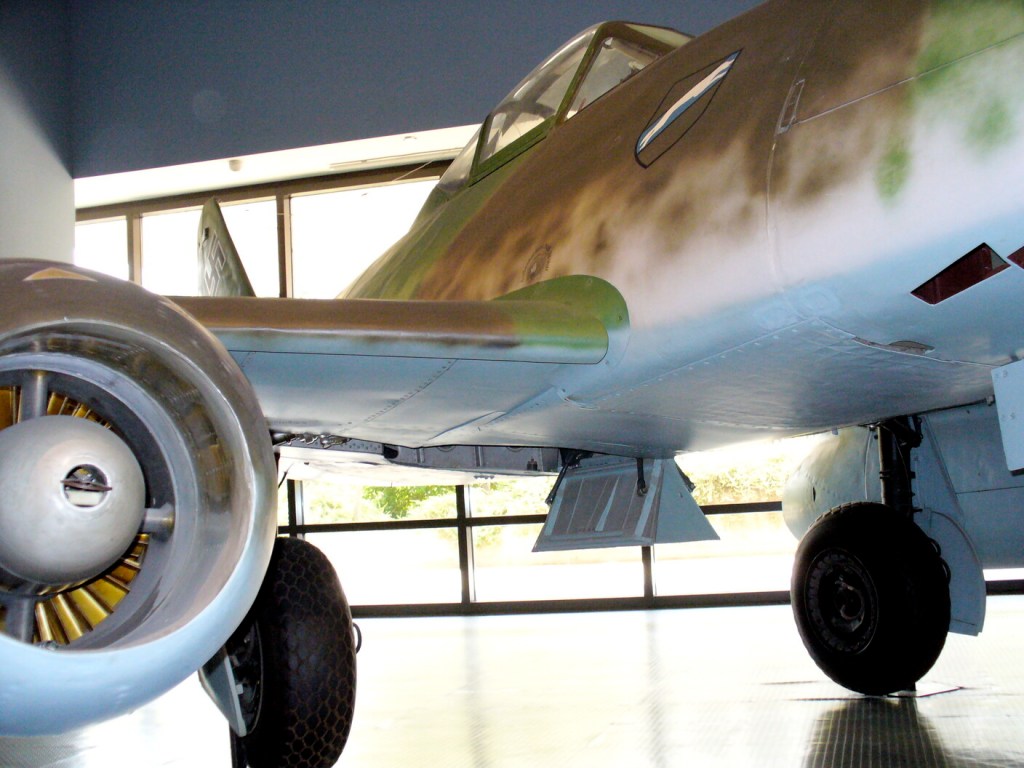
Messerschmitt Me 262 A-1a Schwalbe (Swallow)
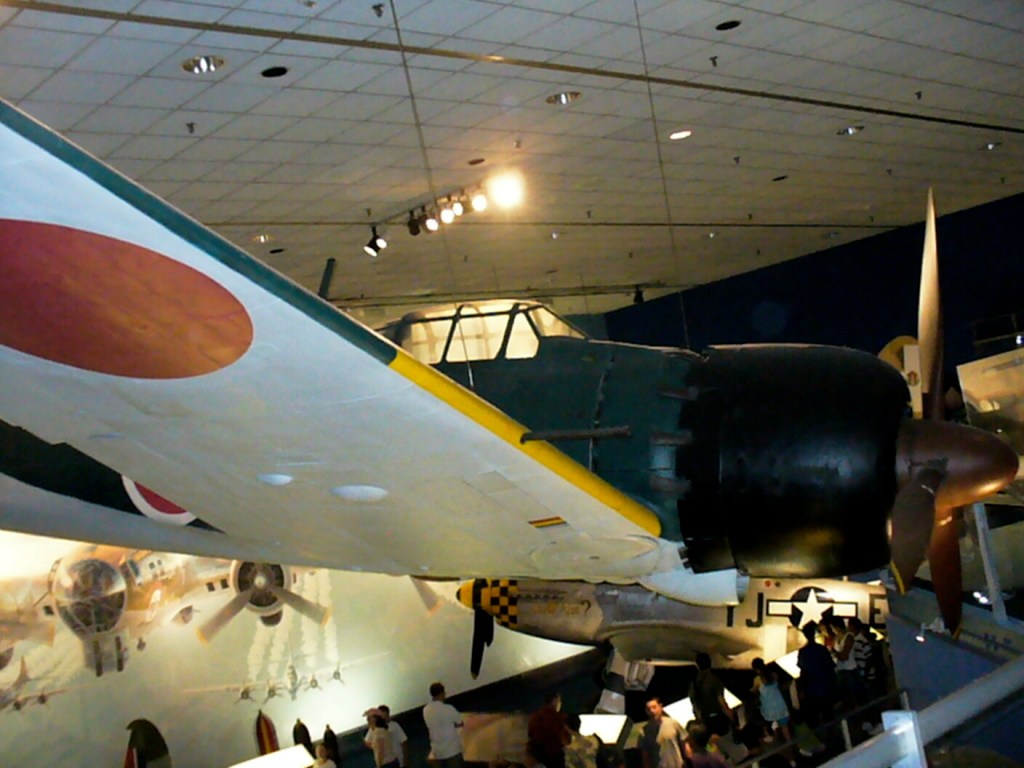
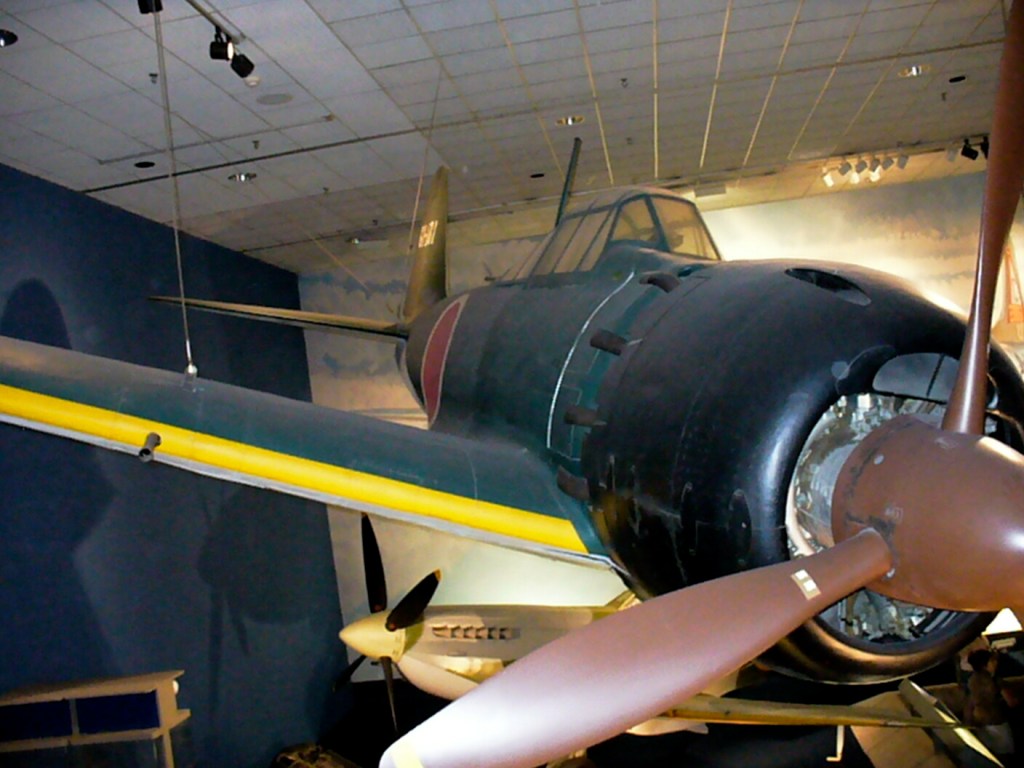
Mitsubishi A6M5 Reisen (Zero Fighter) Model 52 ZEKE
North American X-15
Douglas D-558-2
Lockheed F-104 Starfighter
Grumman X-29 full-scale model
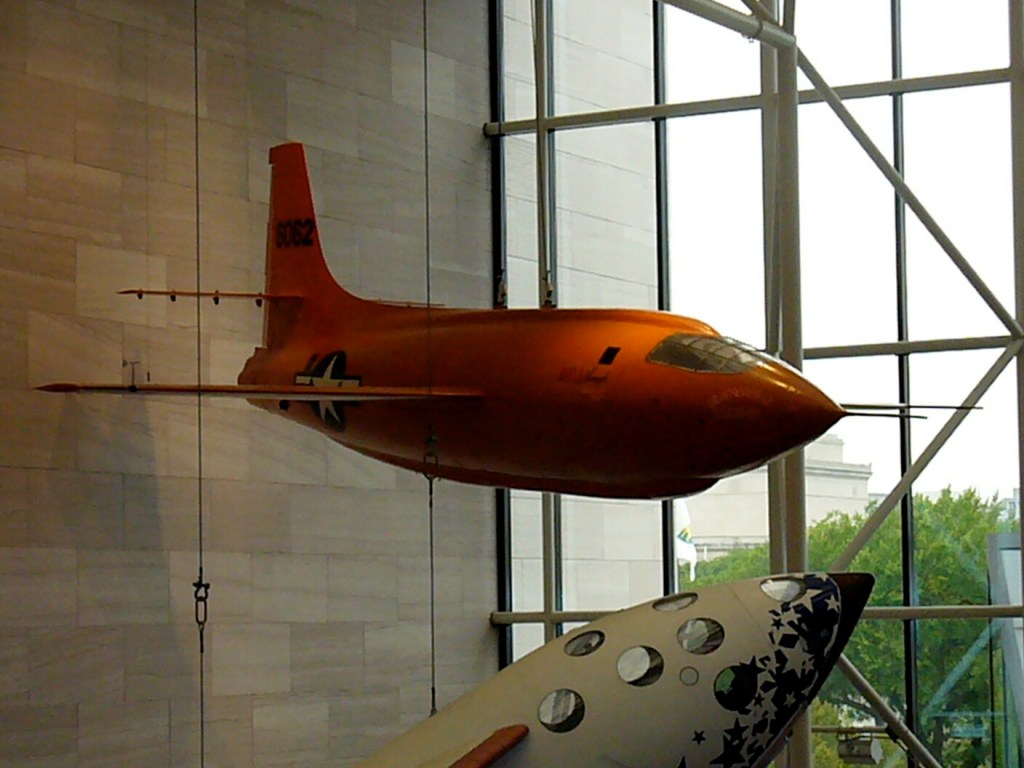
SpaceShipOne and Bell X-1
SpaceShipOne
Bell X-1
John Glenn’s Spacesuit
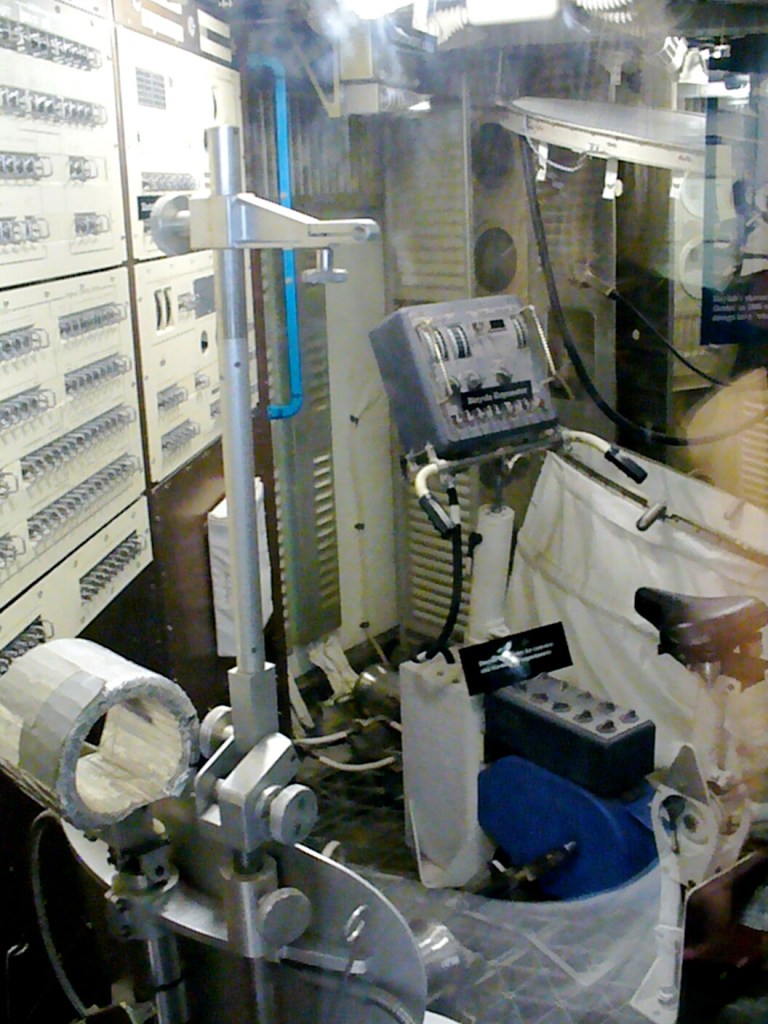
Space Capsule Interior
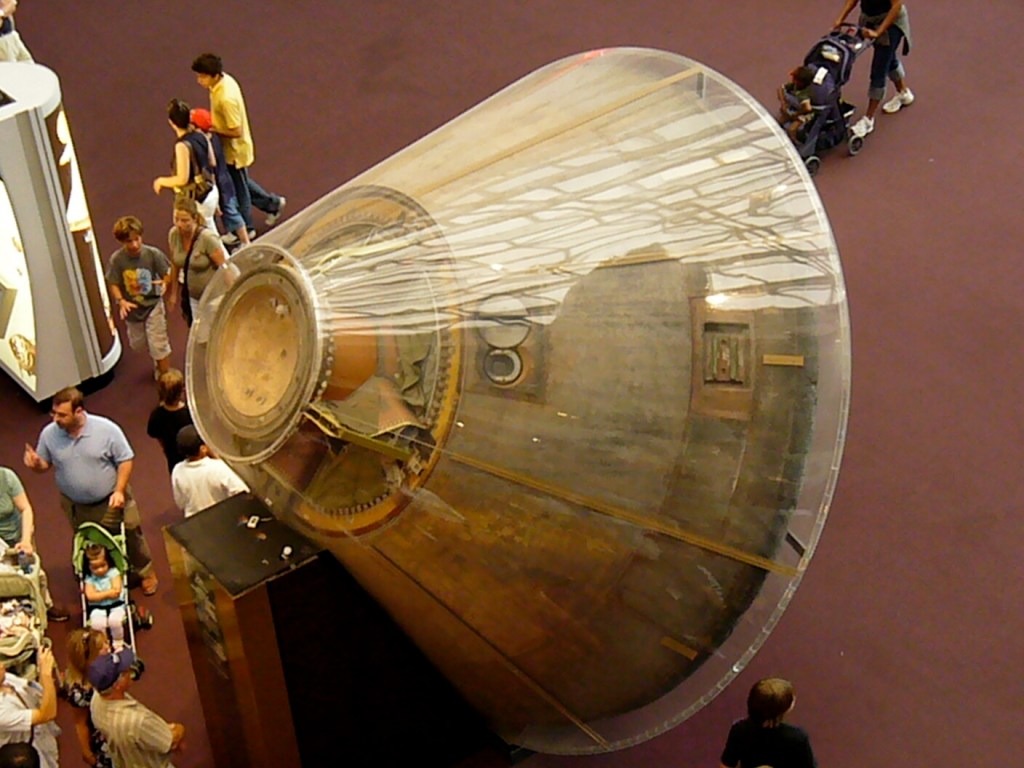
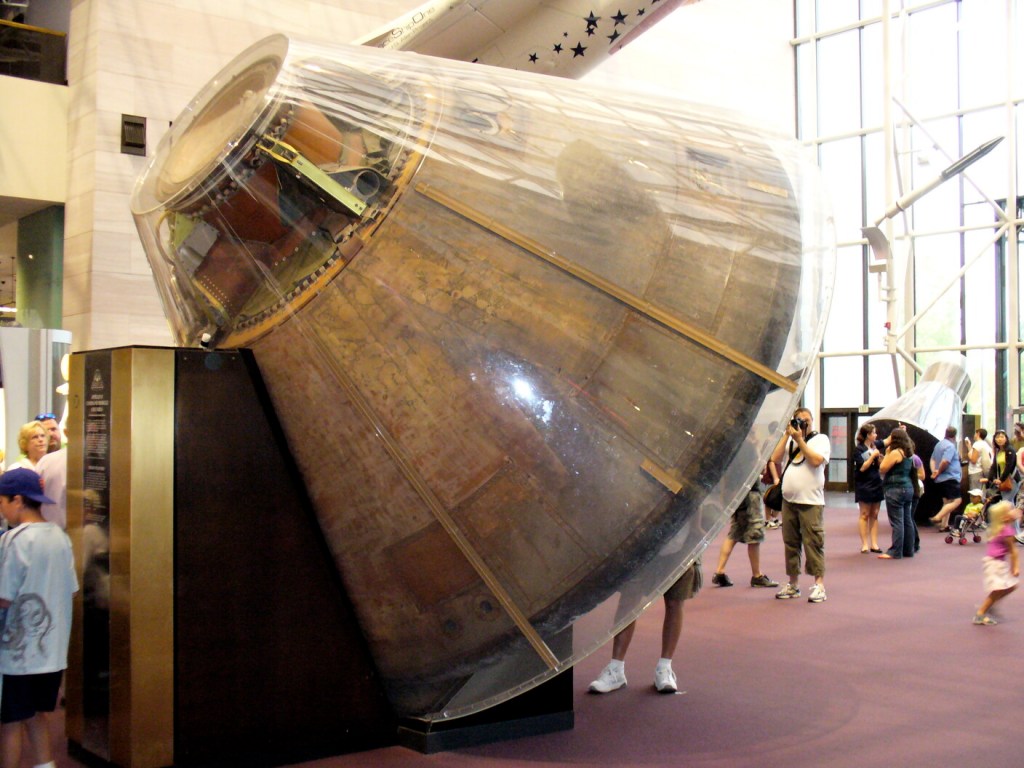
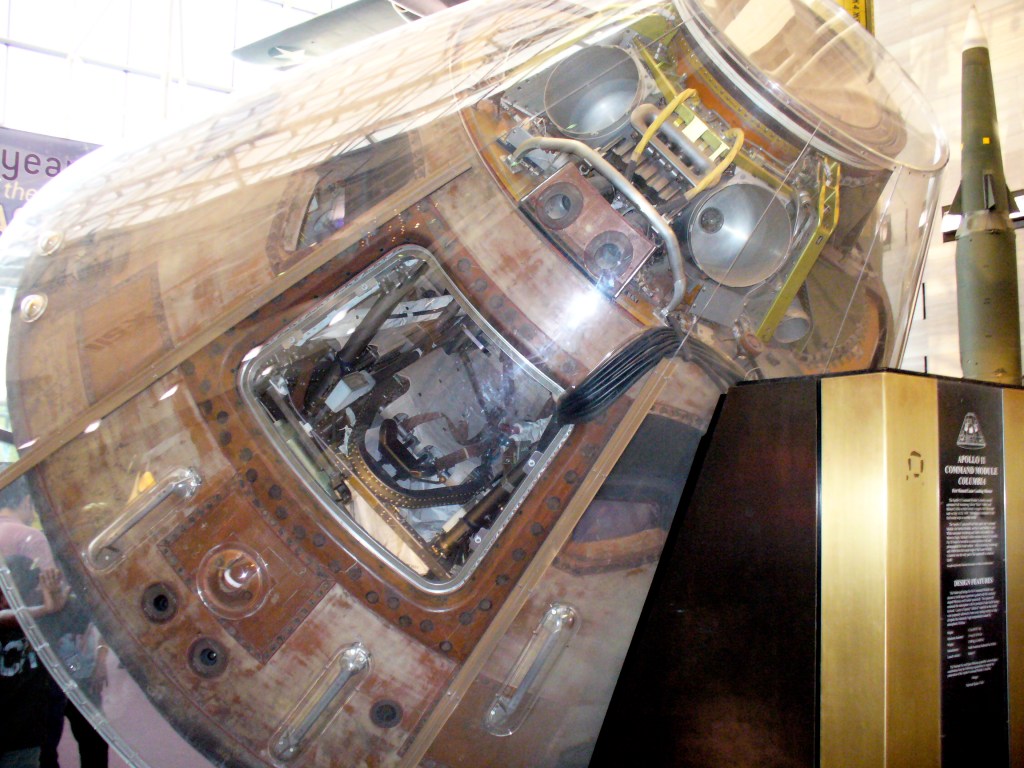
Apollo 11 Command Module
Apollo Command Module Console
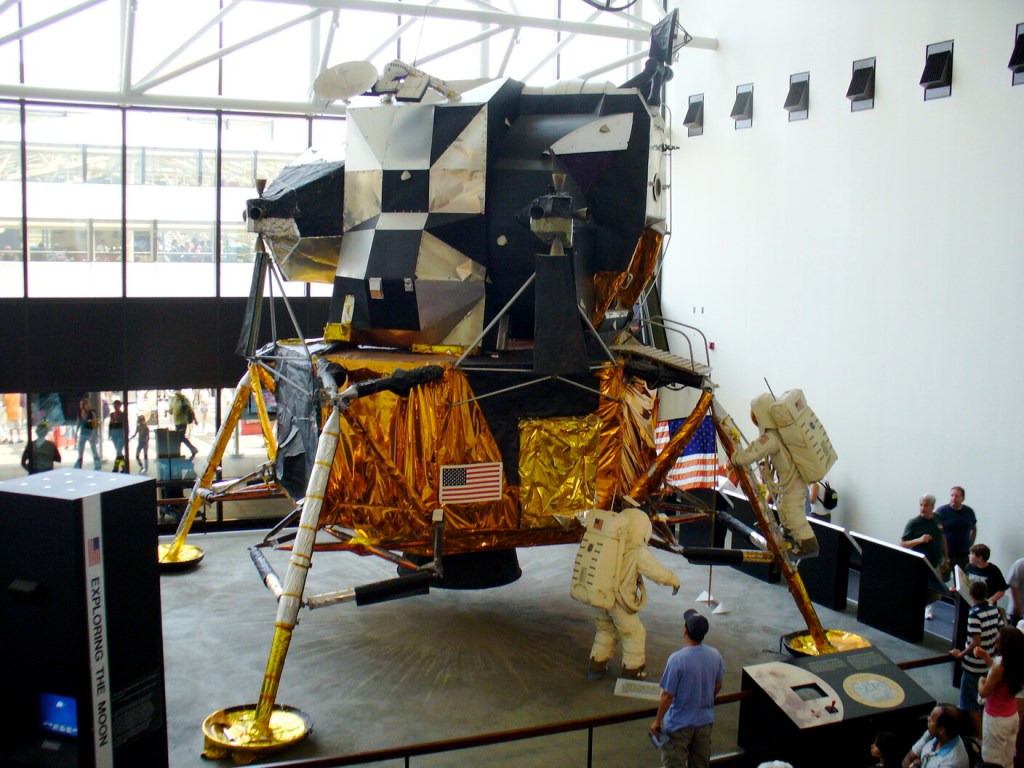
Lunar Module LM-2
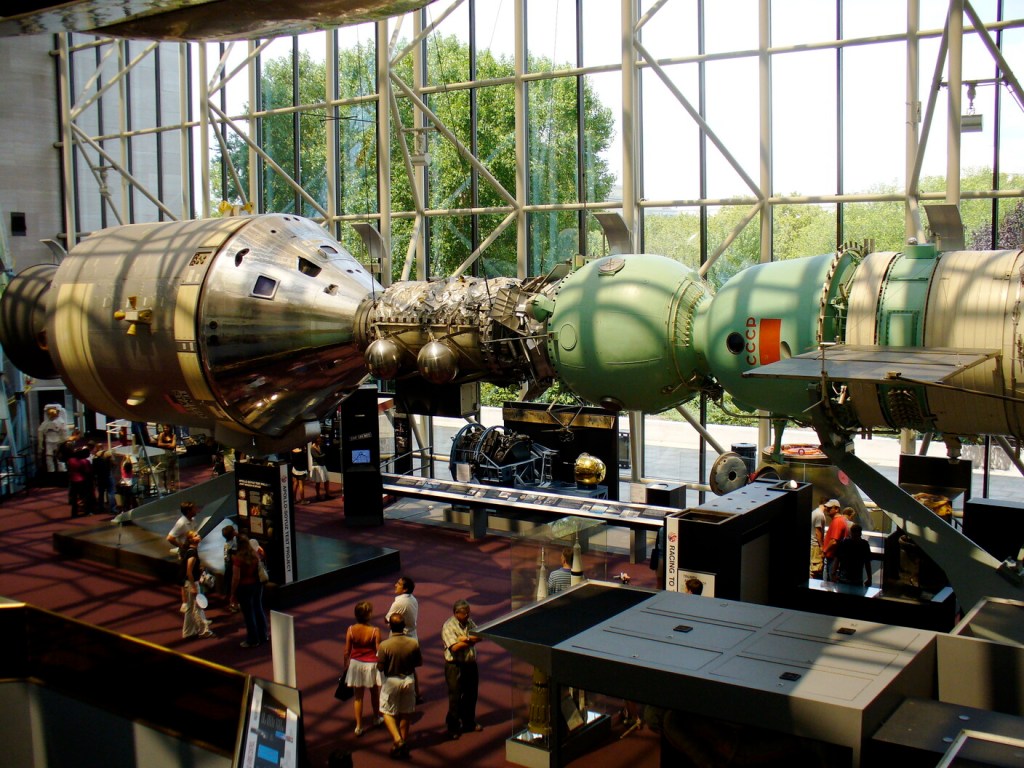
Apollo-Soyuz Rendezvous Recreation
V-2 Rocket, Skylab, and V-1 Rocket
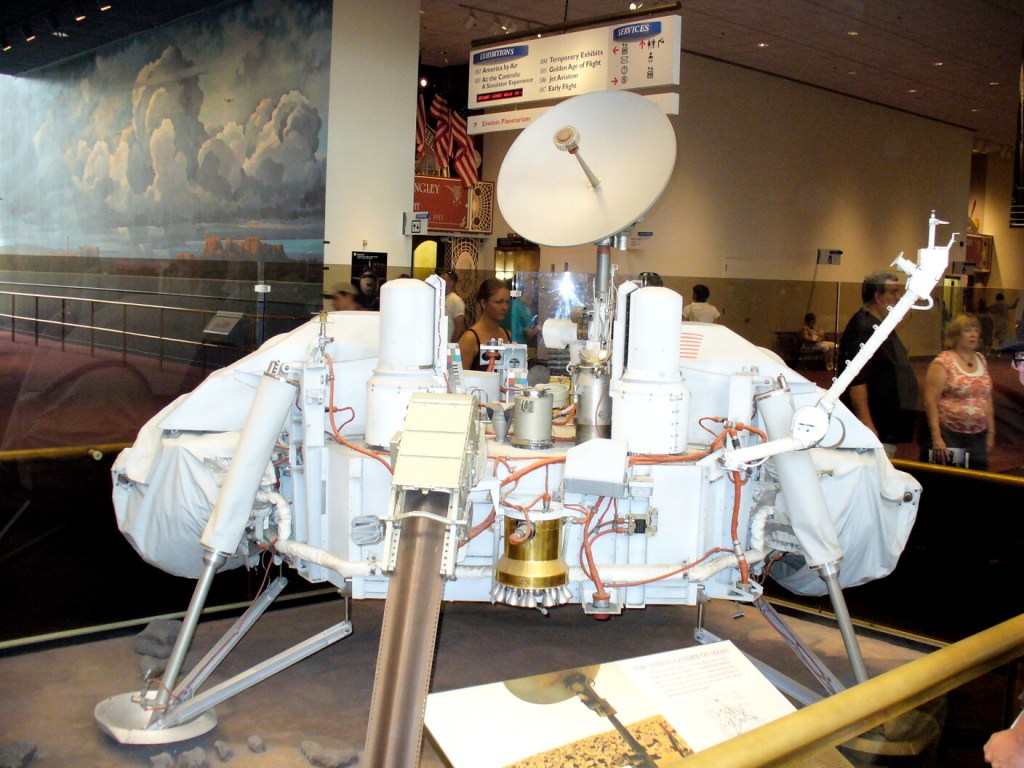
Viking Mars Lander
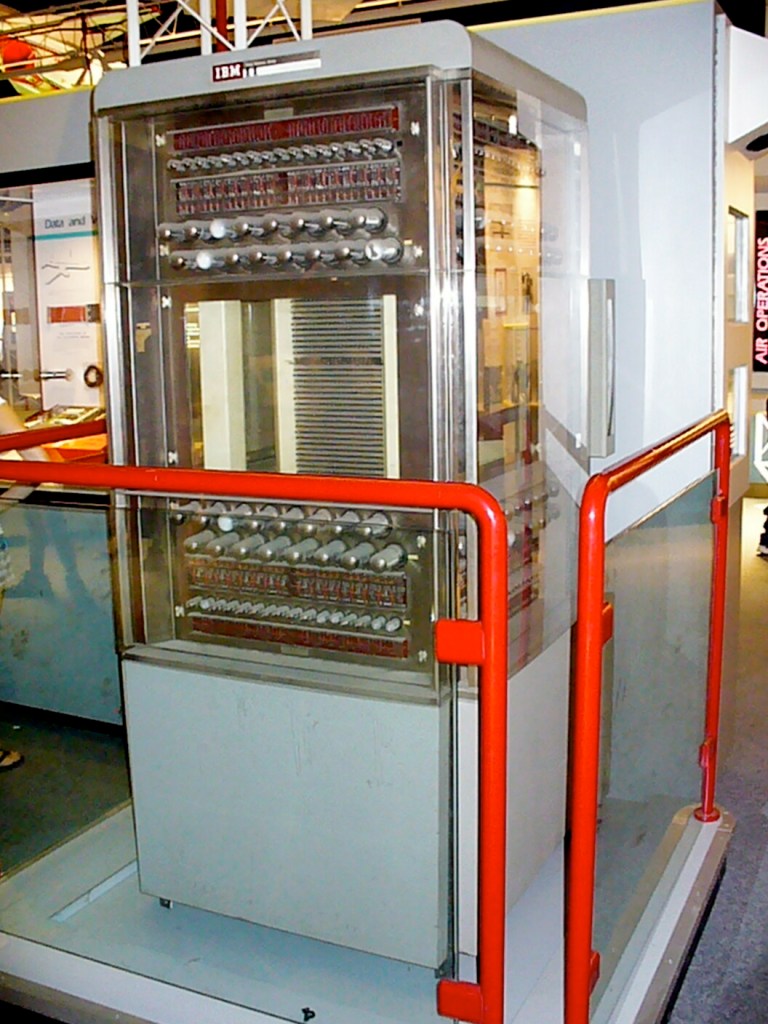
SAGE Core Memory Unit 11, IBM AN/FSQ-7
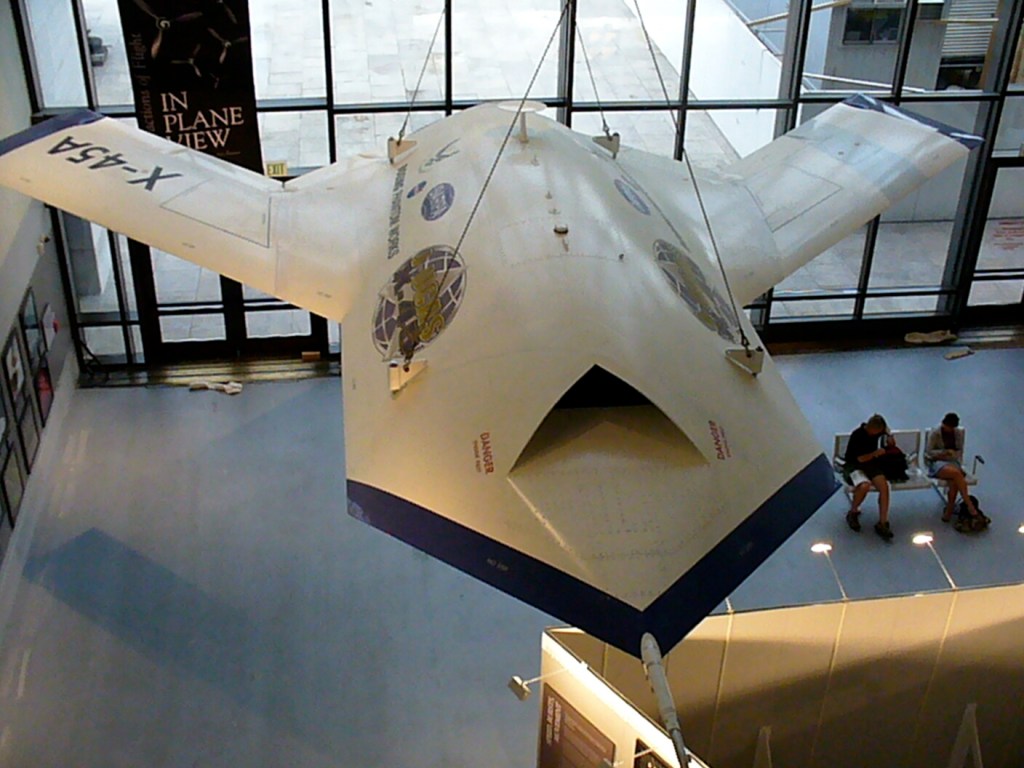
Boeing X-45A Unmanned Vehicle
Star Trek Shooting Model of the USS-1701 Enterprise
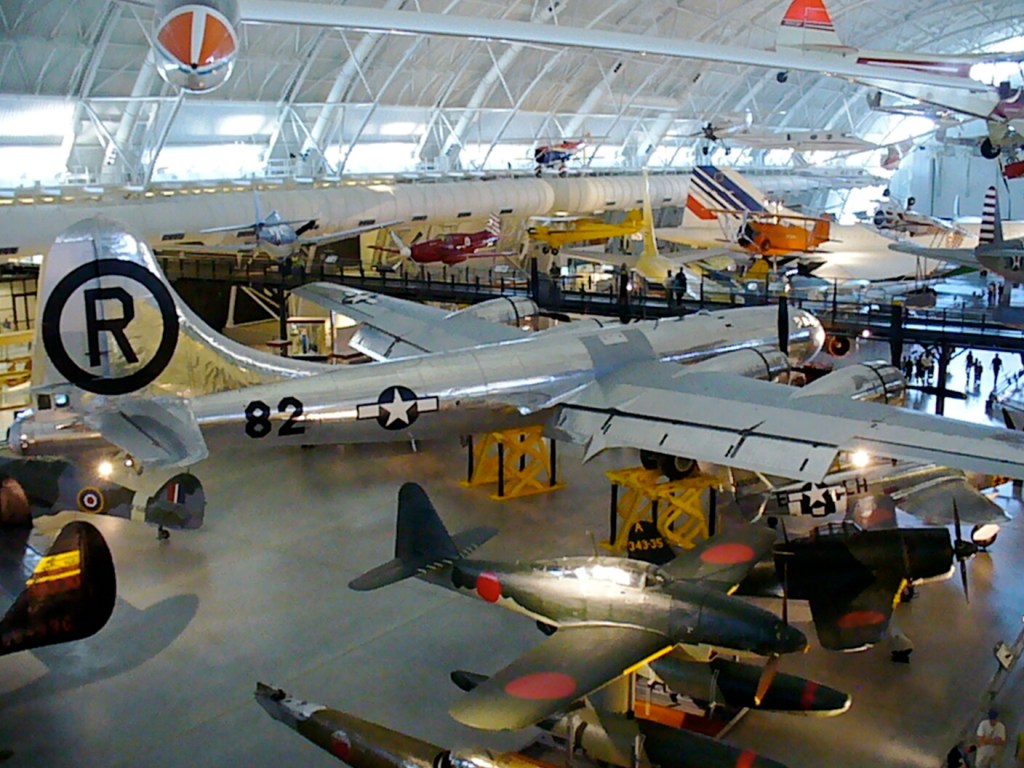
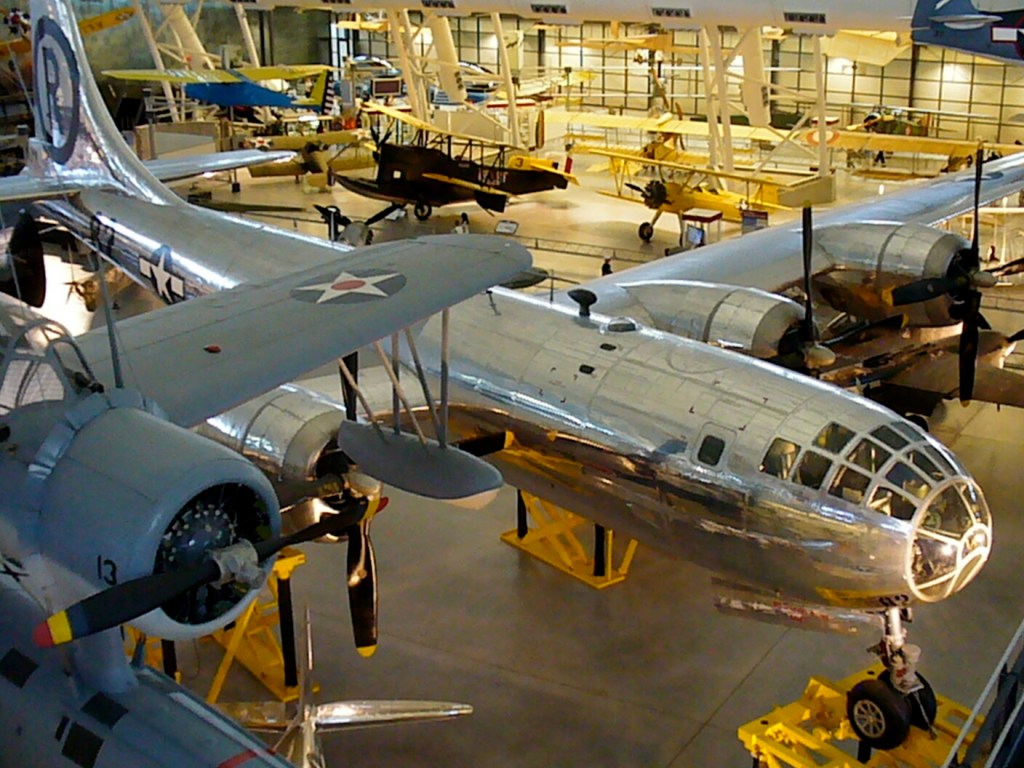
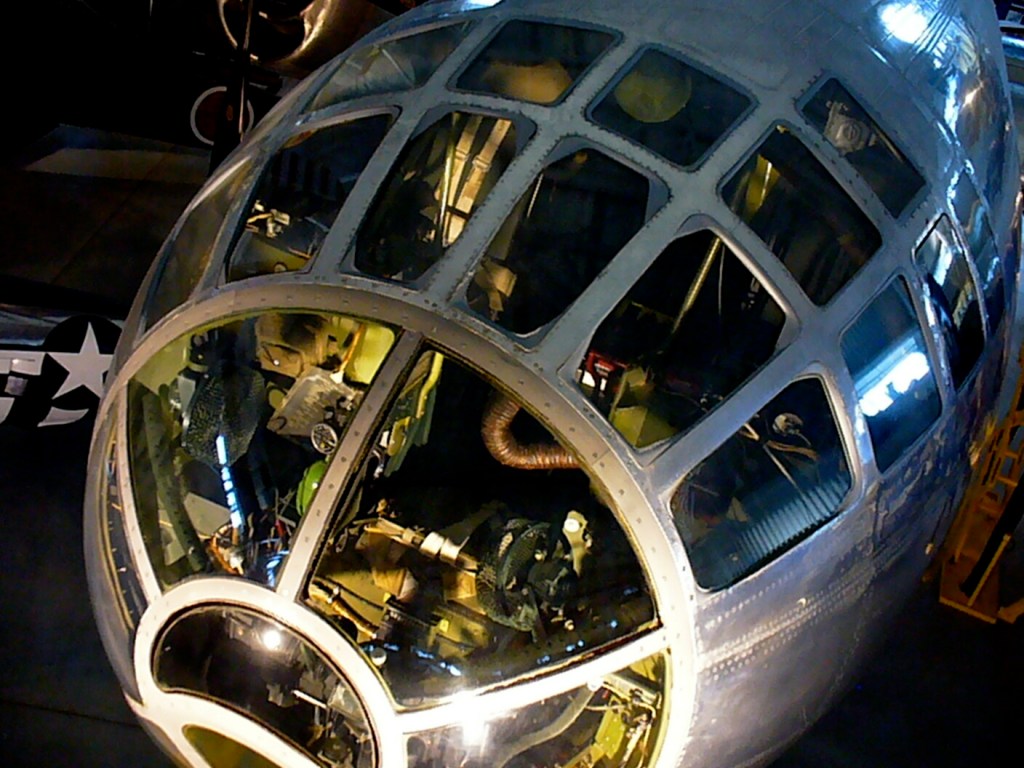
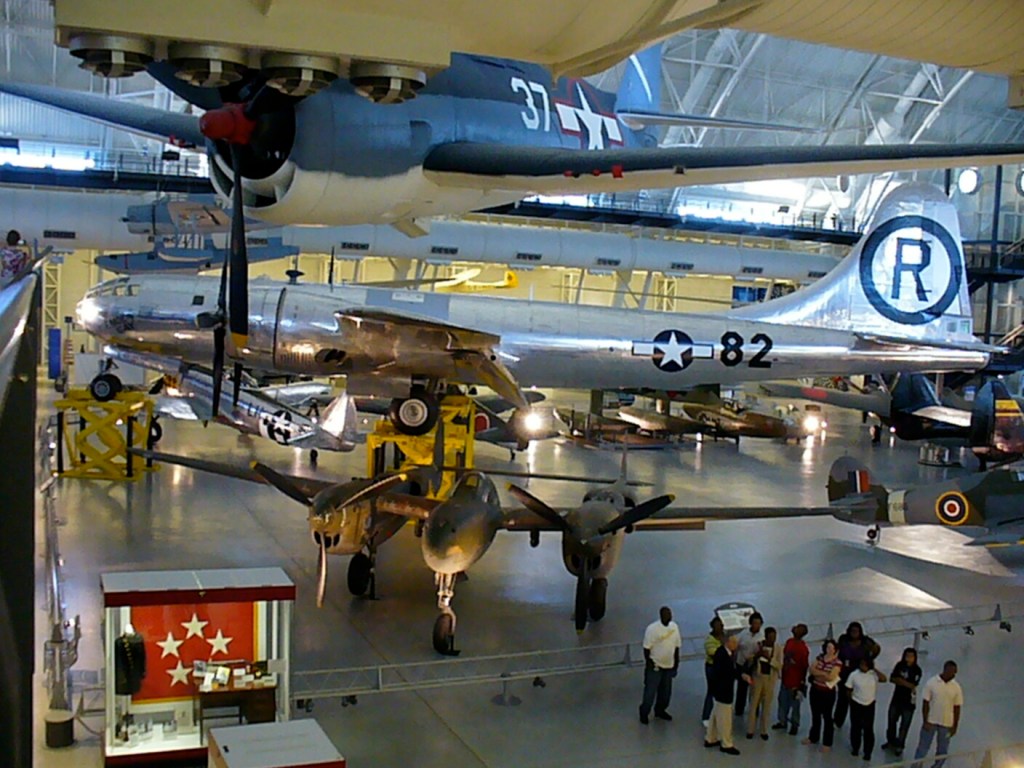
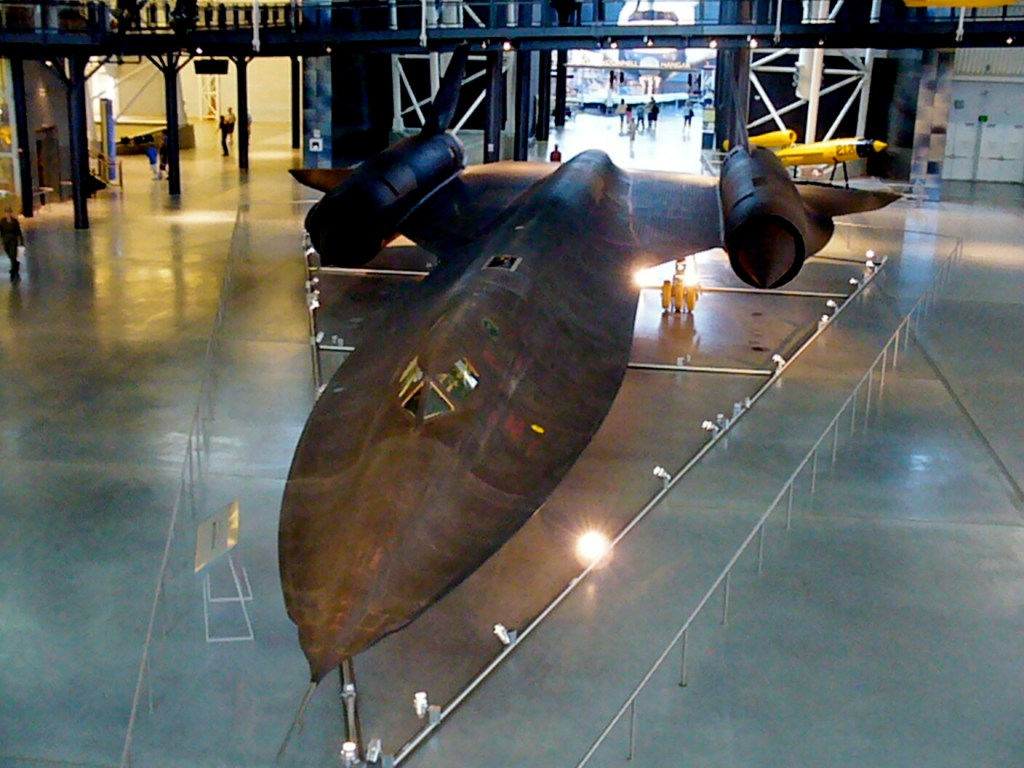
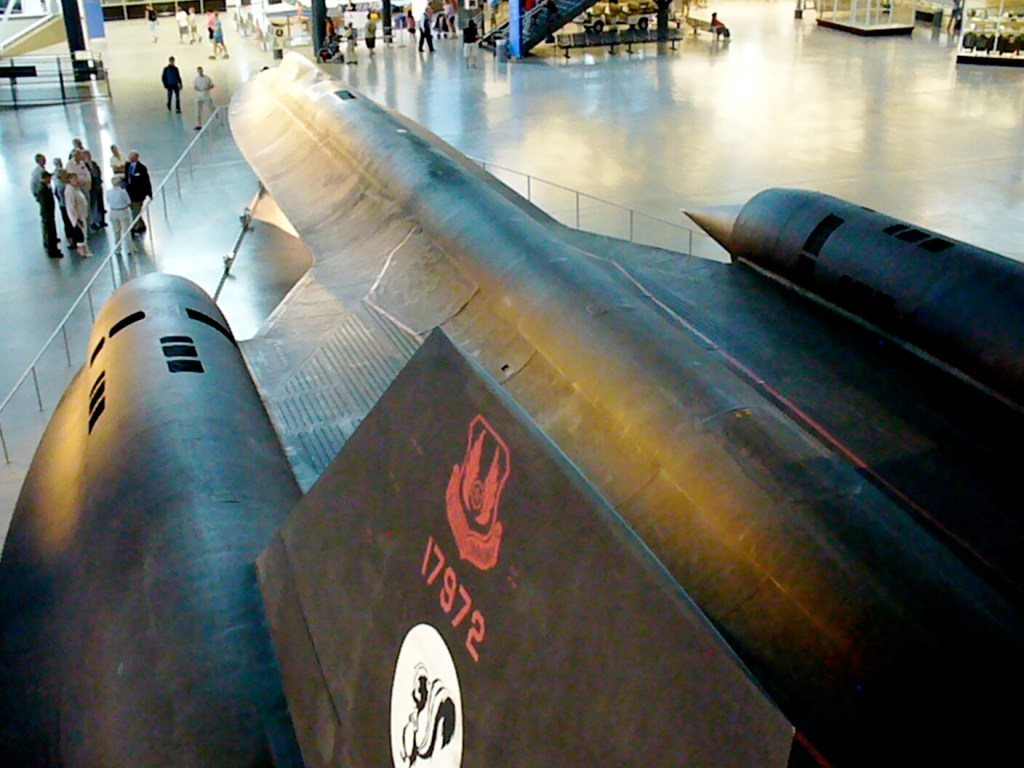
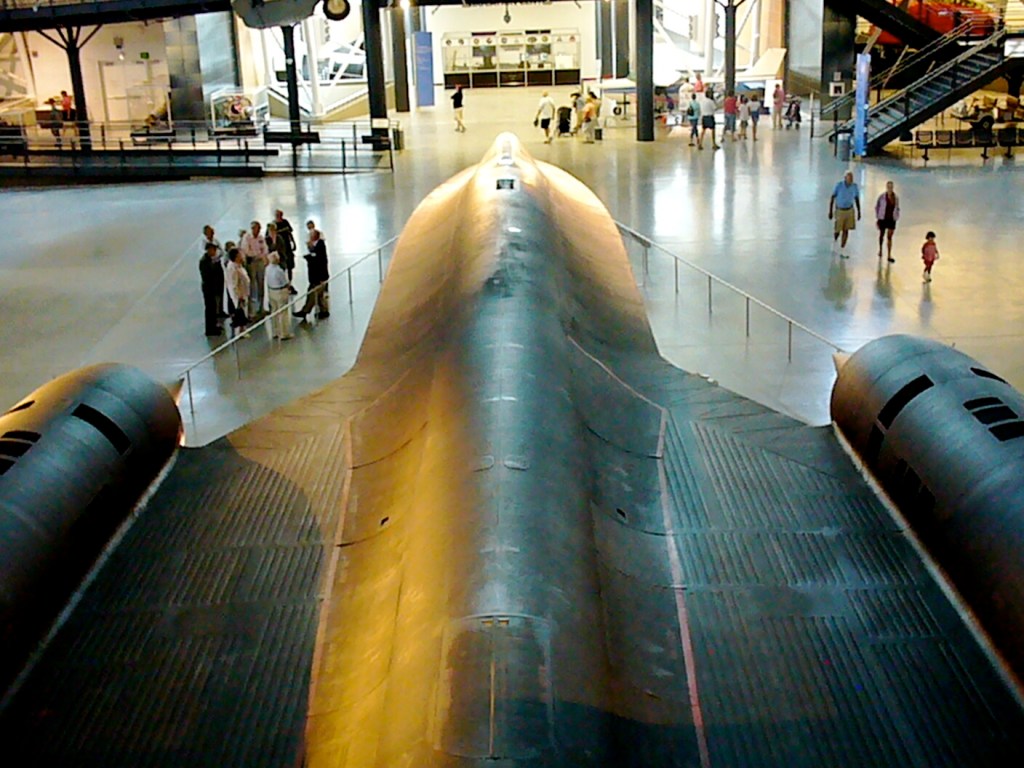
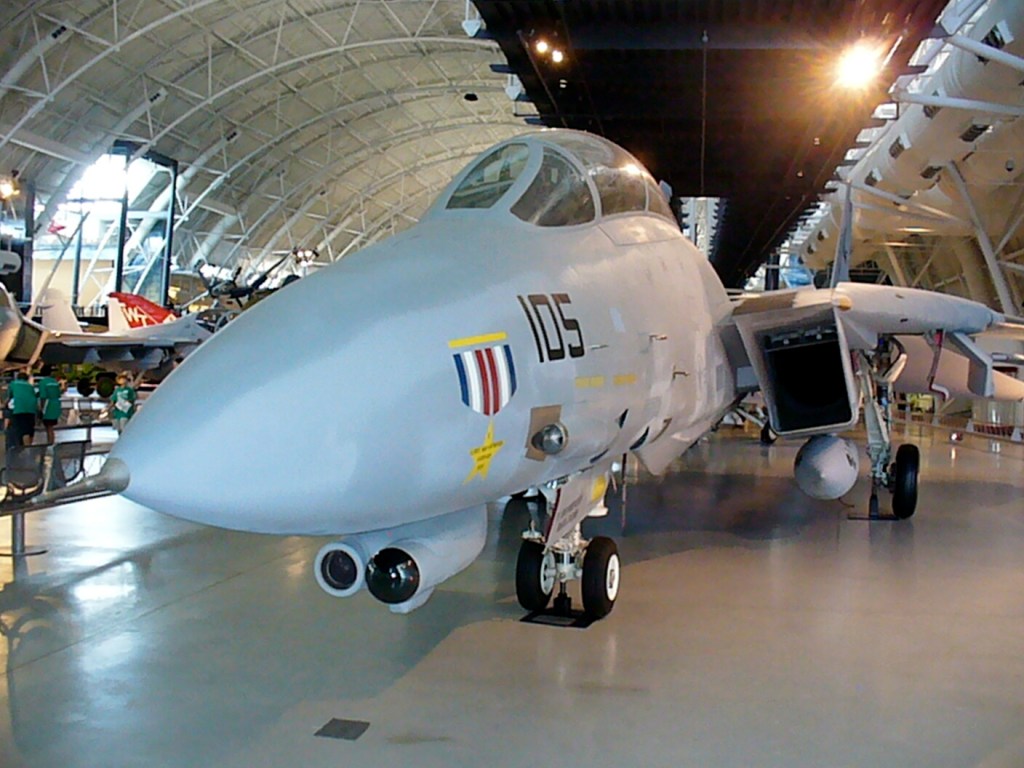
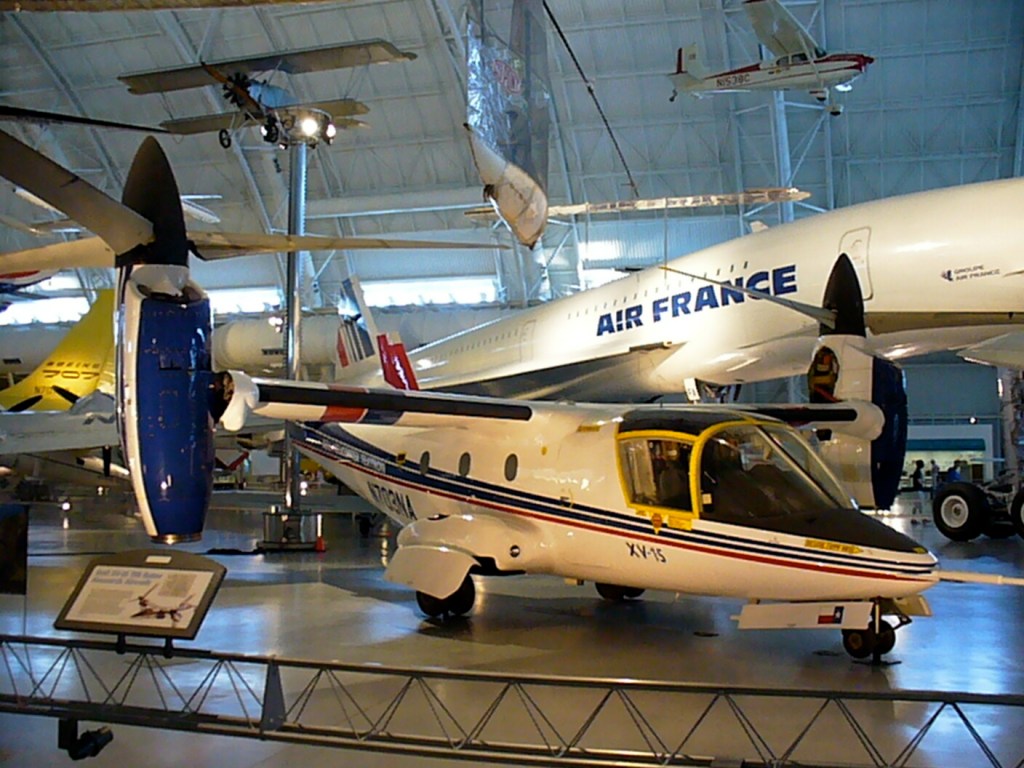
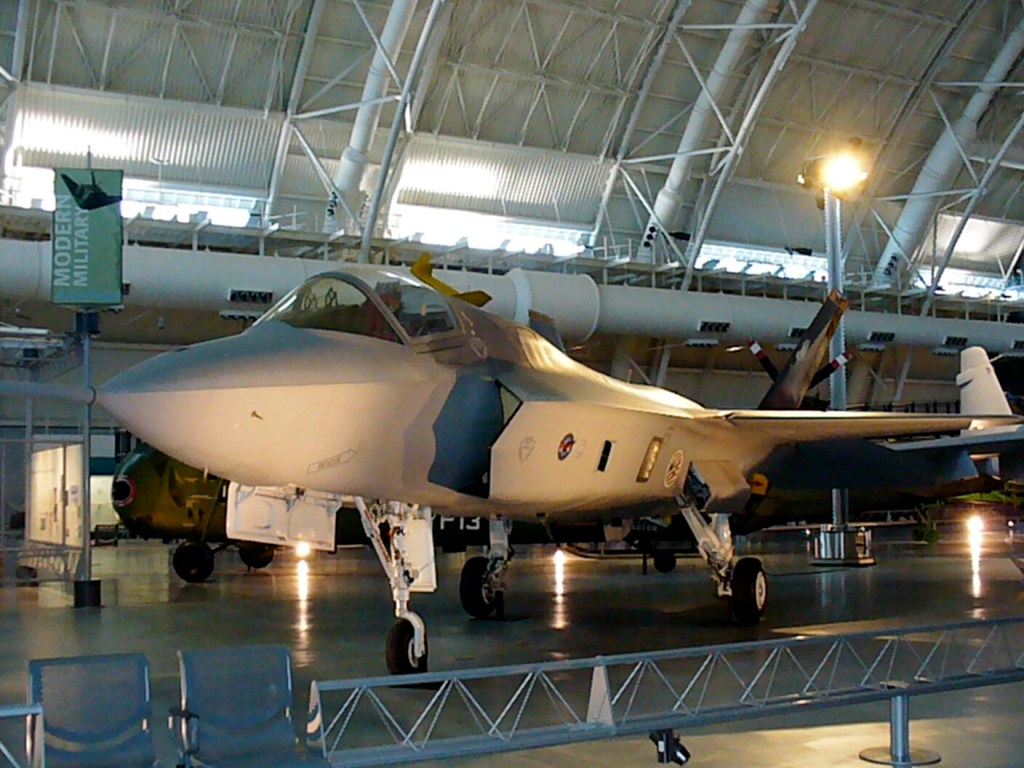
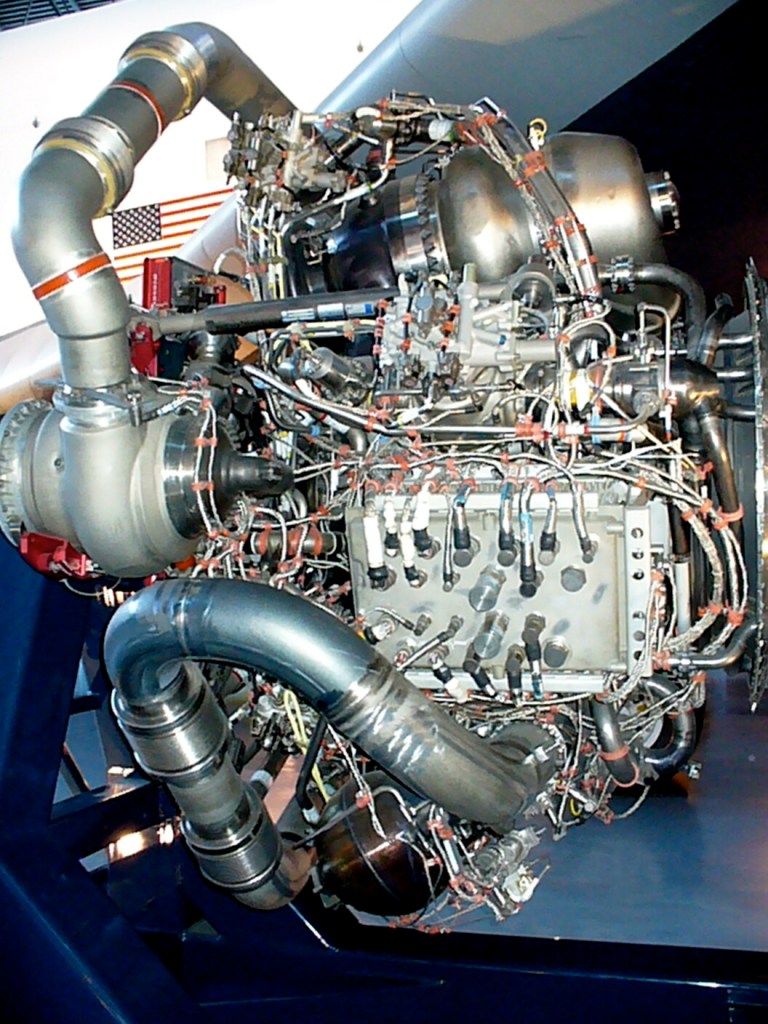
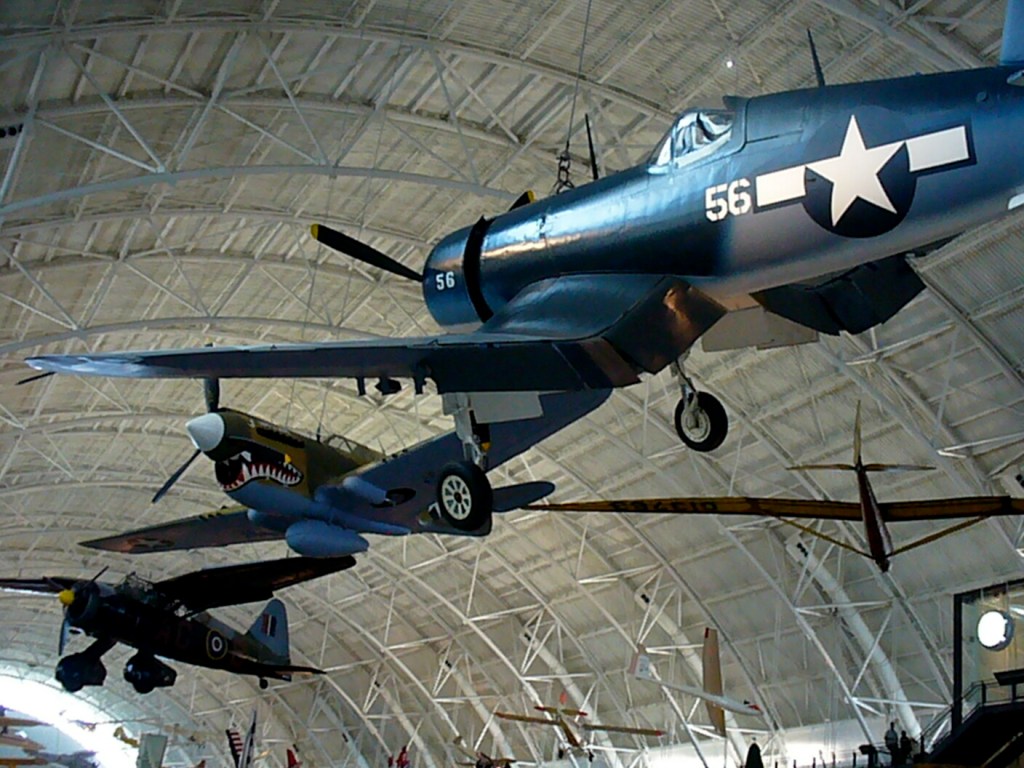
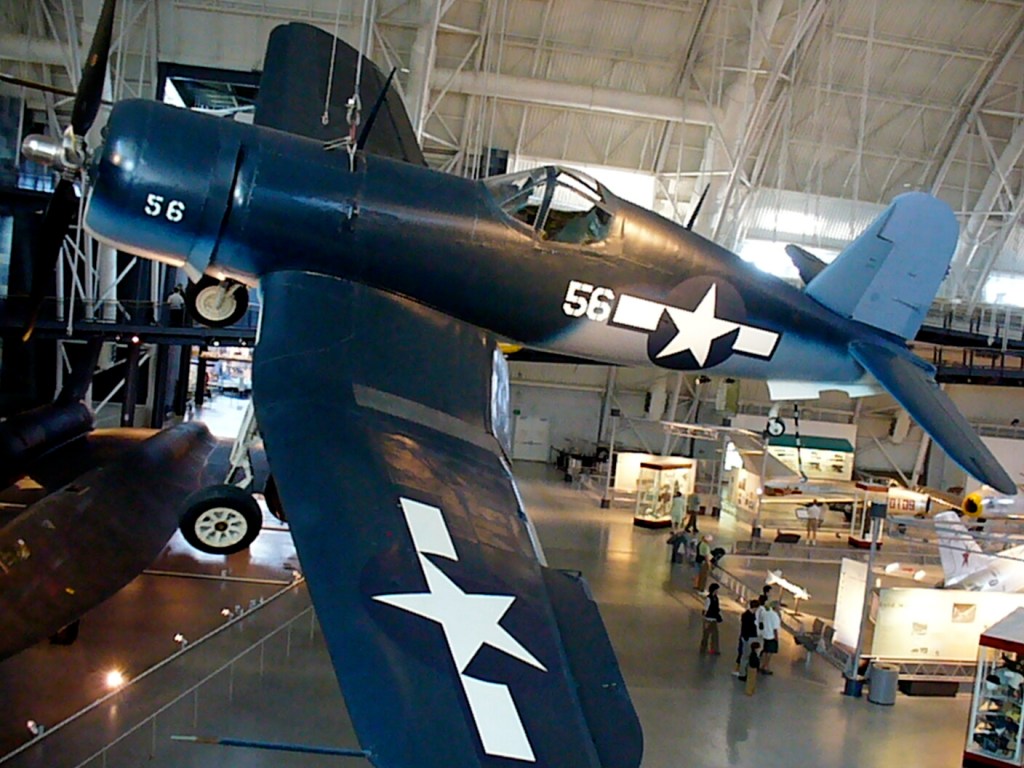
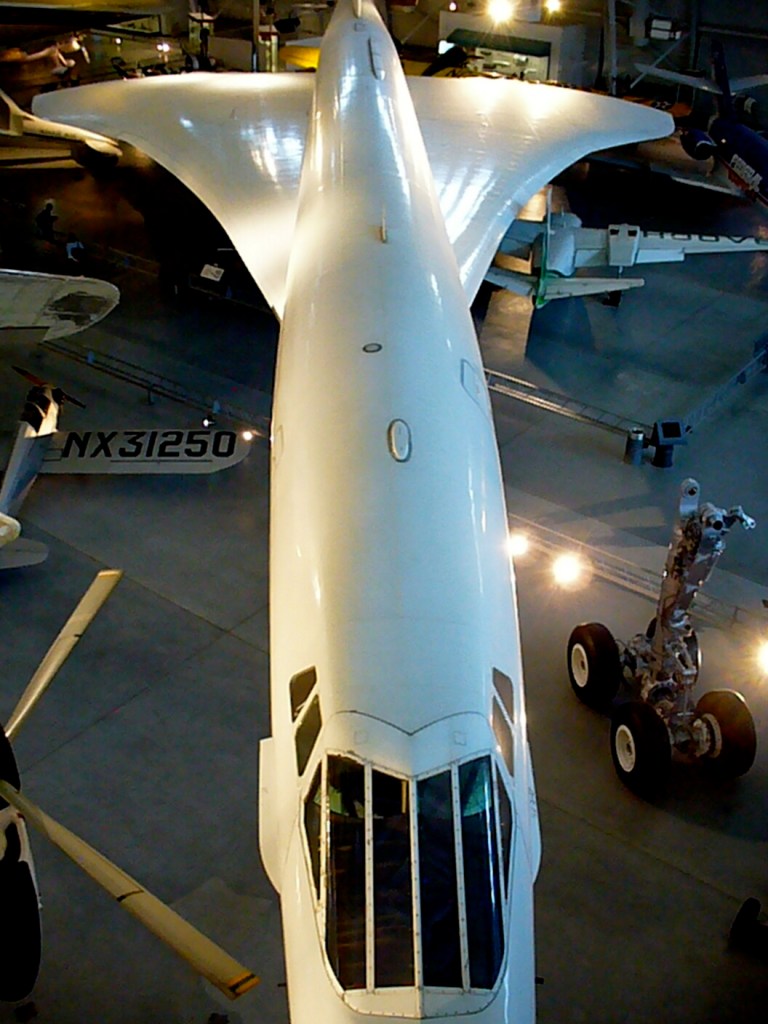
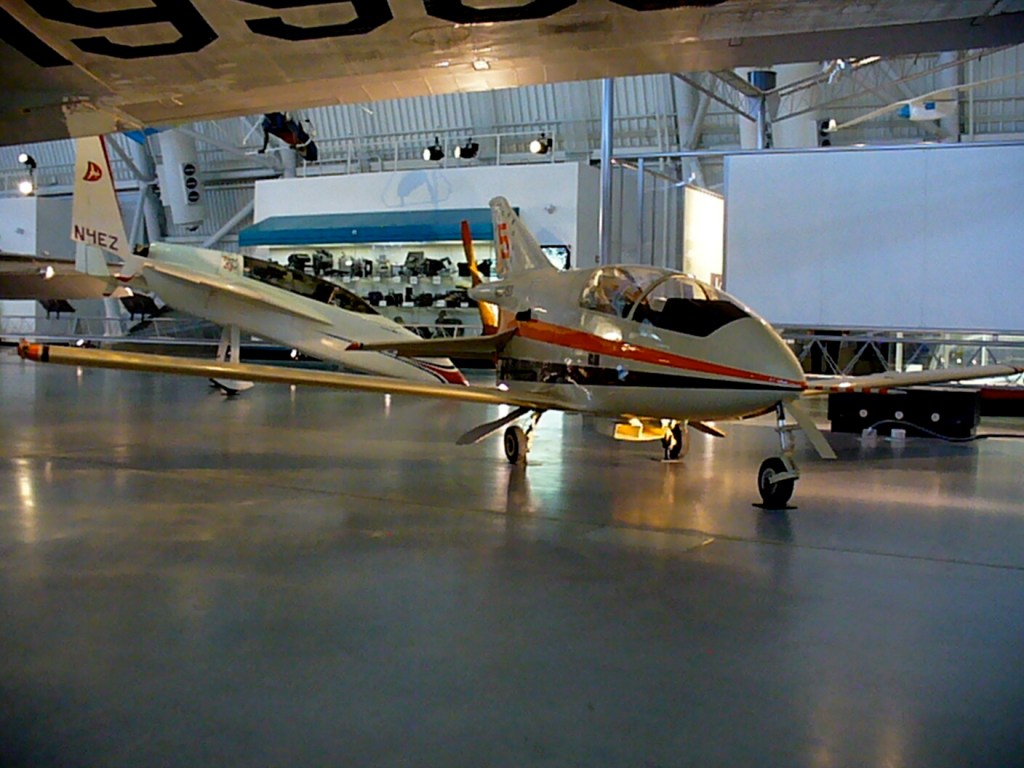
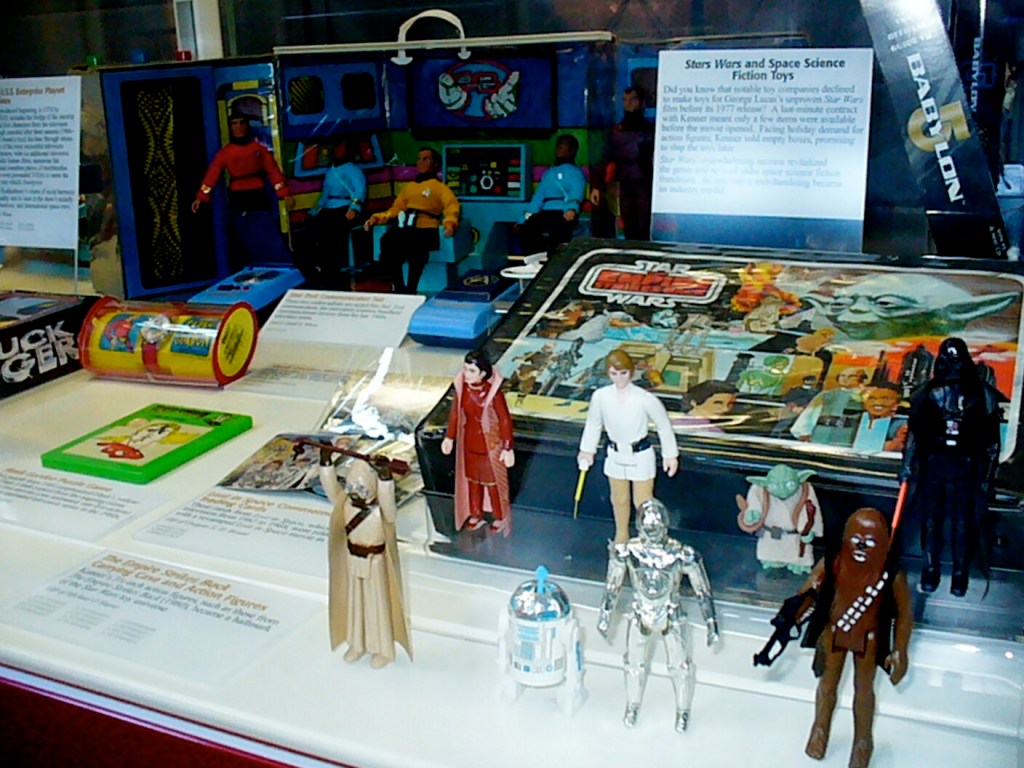
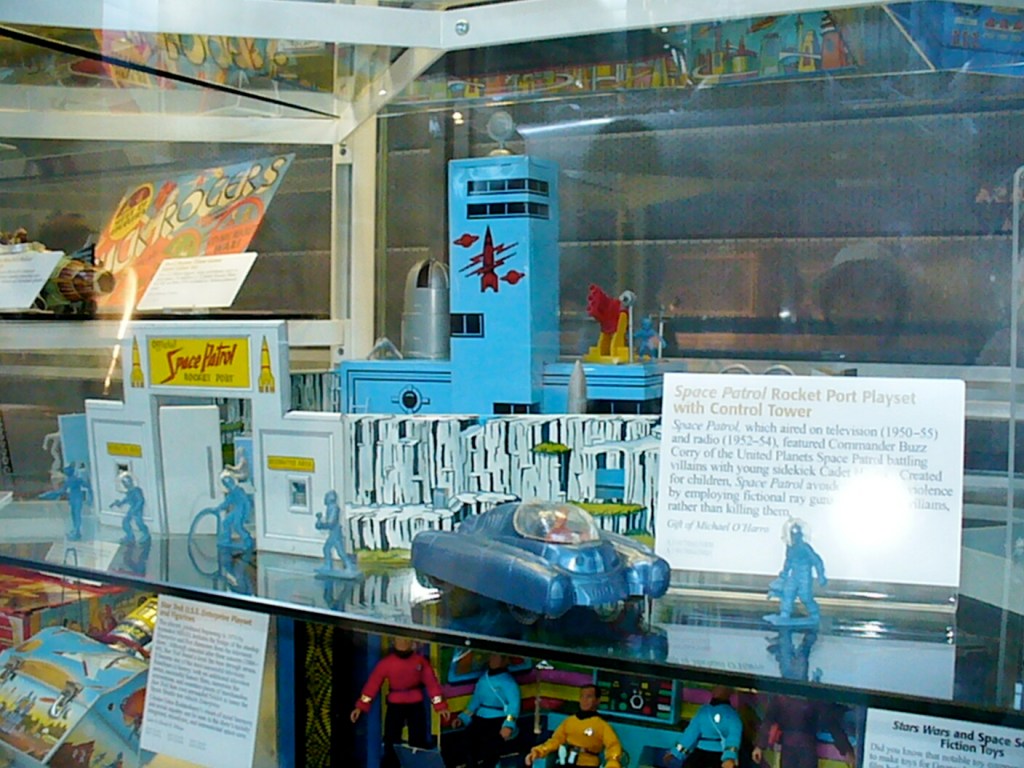
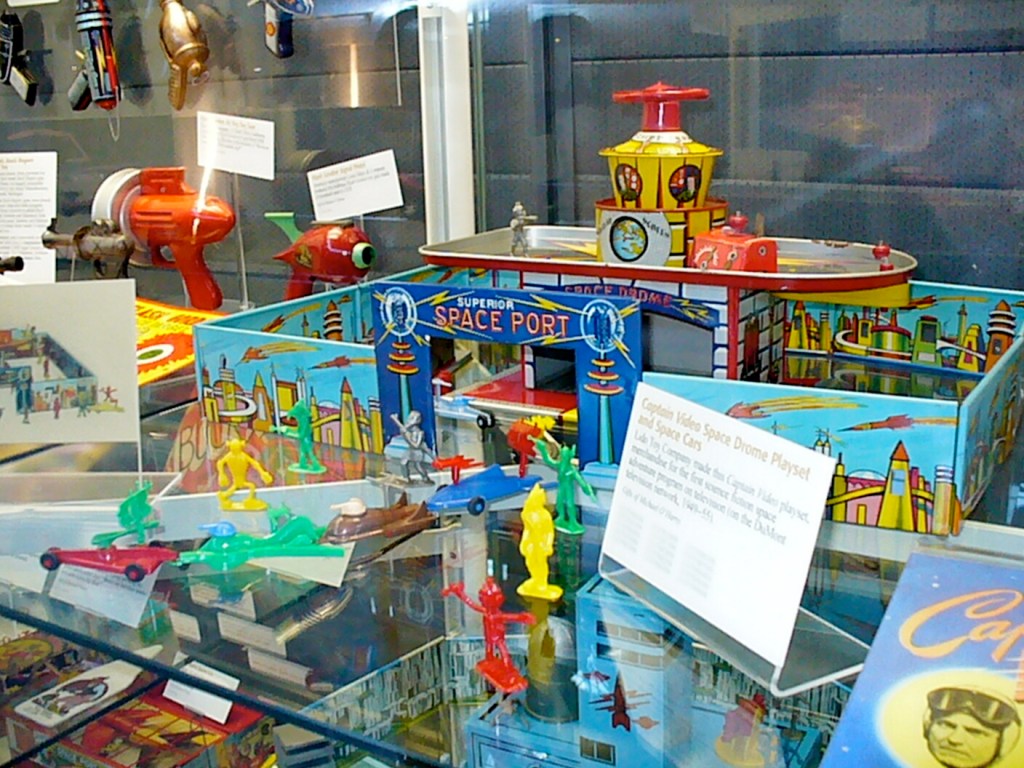
In August 2008, Y and I visited Washington, DC. One of our stops was the Steven F. Udvar-Hazy Center of the National Air and Space Museum, which holds some amazing aerospace artifacts including the B-29 Enola Gay, an SR-71 Blackbird, and Space Shuttle Enterprise. There are also many military aircraft, space related artifacts, robots (and rovers), computers, toys, and even a Hugo Award. Below, I’ve included photos grouped around an artifact or theme, but they are not arranged in a particular order–kind of like meandering around such a huge museum.
Enola Gay B-29
Lockheed SR-71 Blackbird
Grumman F-14 Tomcat
Lockheed T-33A-5-LO Shooting Star
Bell XV-15 Tilt Rotor Research Aircraft
Lockheed Martin X-35B STOVL
NASA Space Shuttle Enterprise
Mars Pathfinder and Sojourner Rover
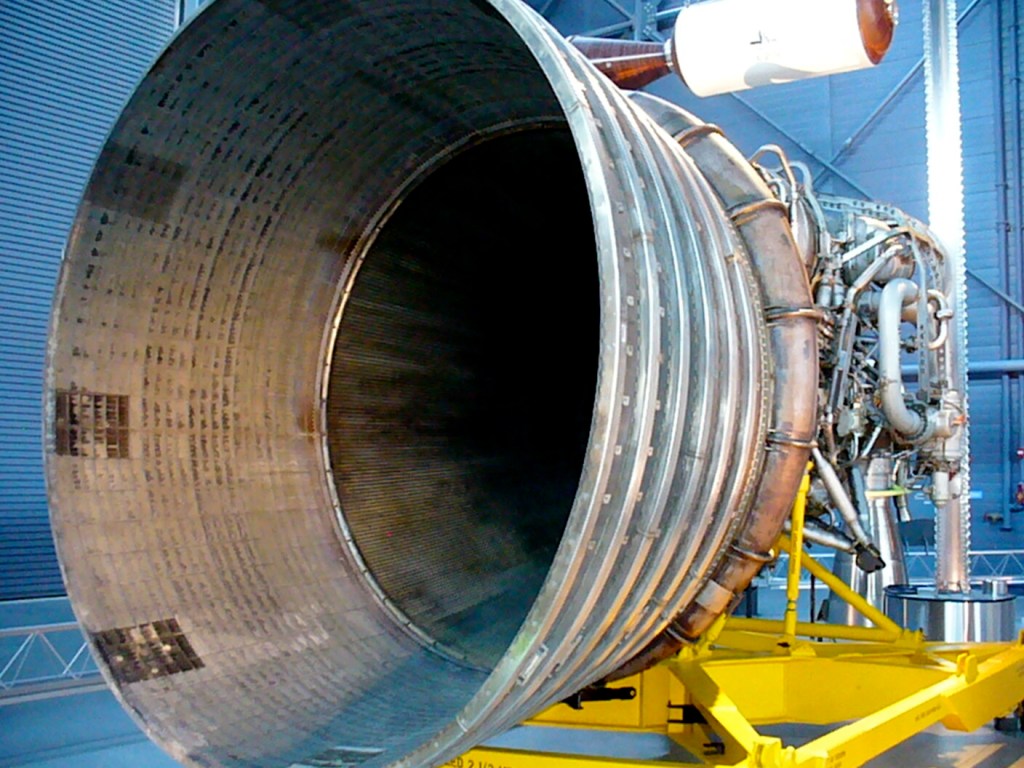
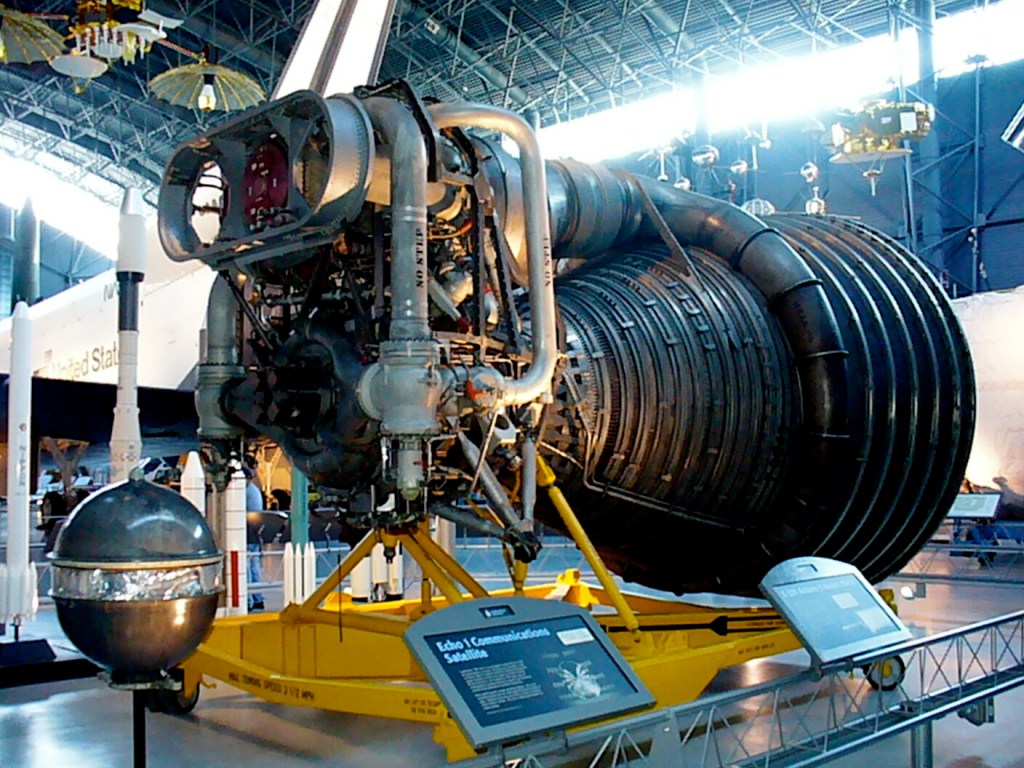
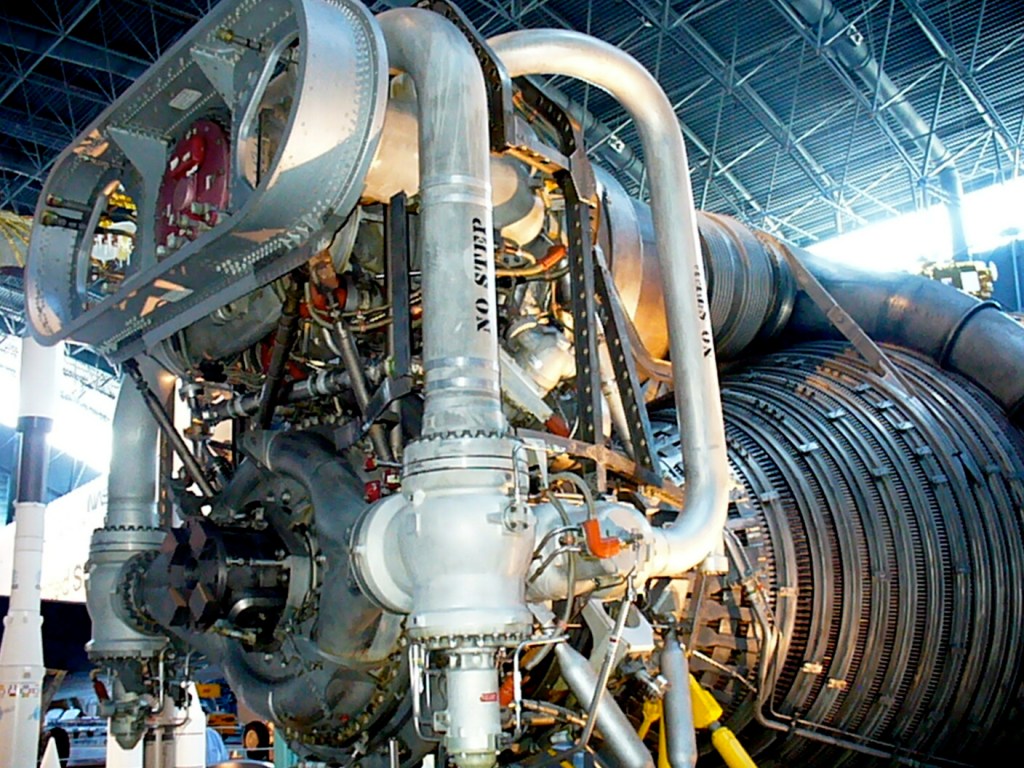
Rocketdyne F-1 Rocket Motor
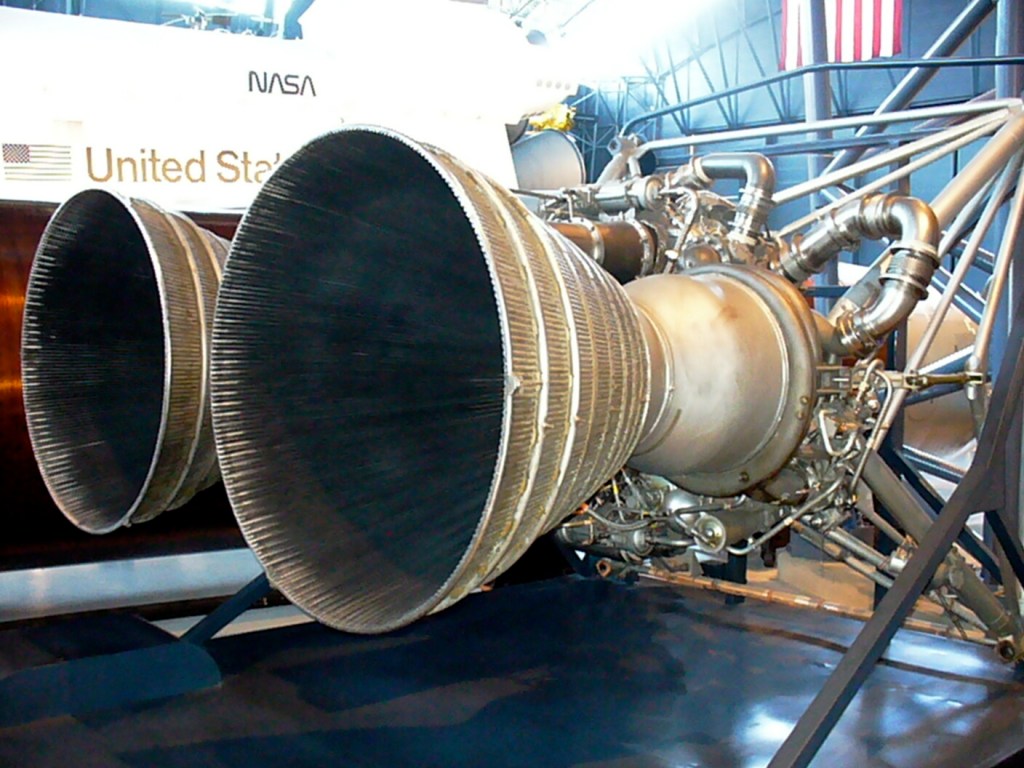
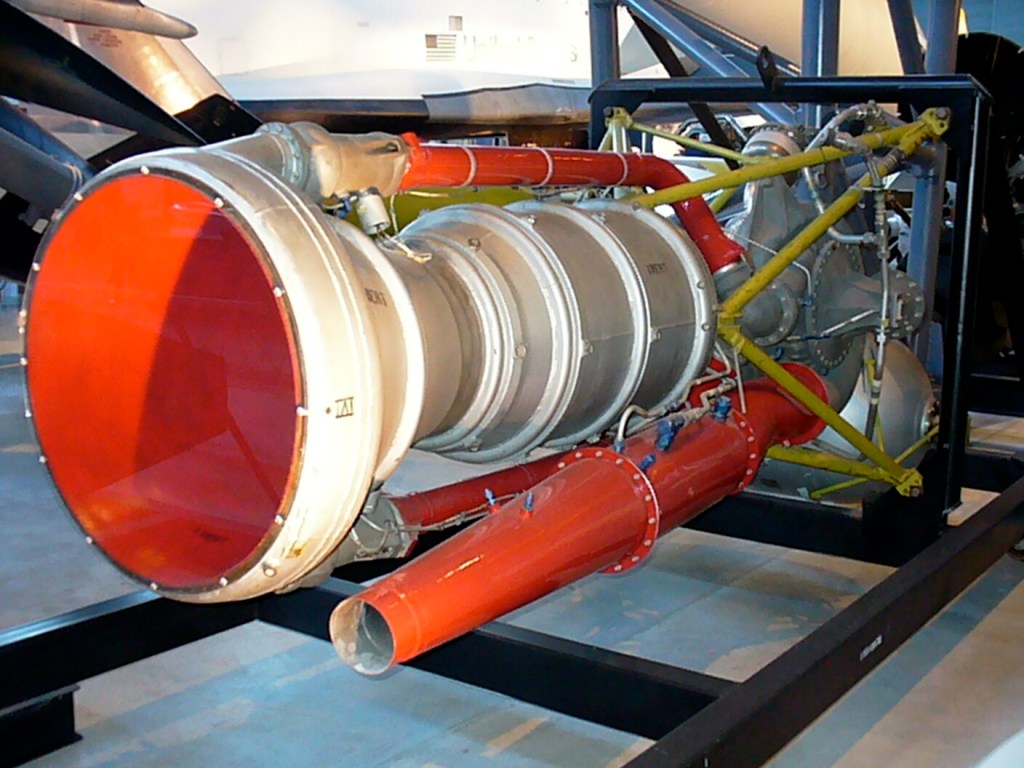
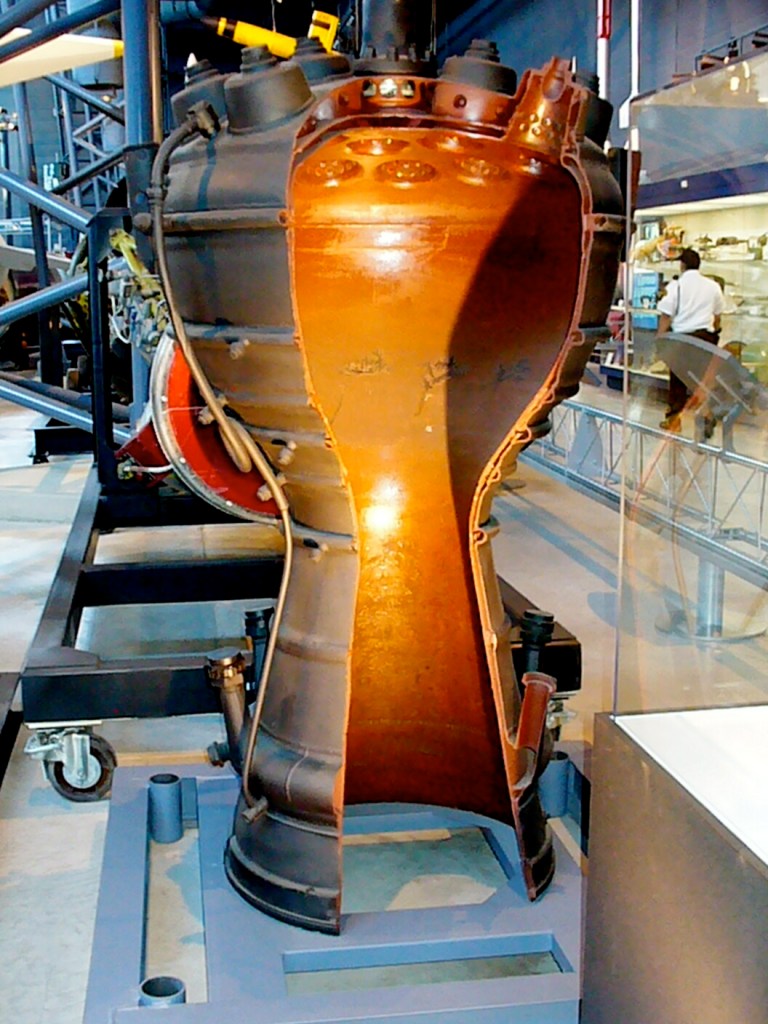
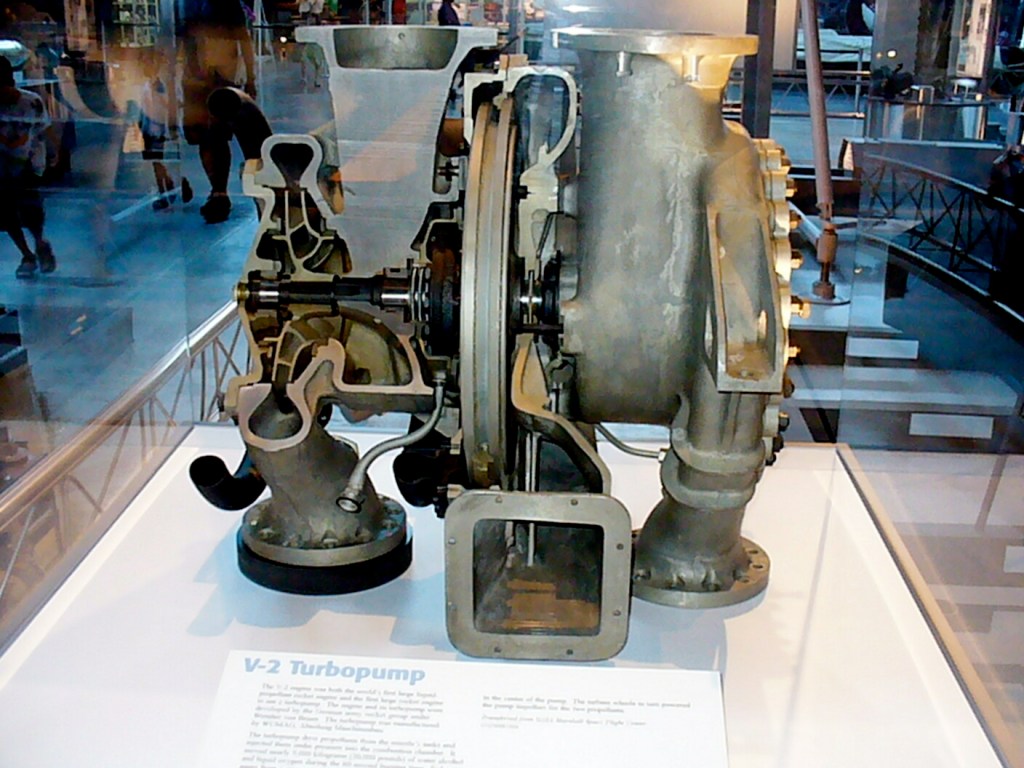
Various Rocket Motors and V-2 Turbopump
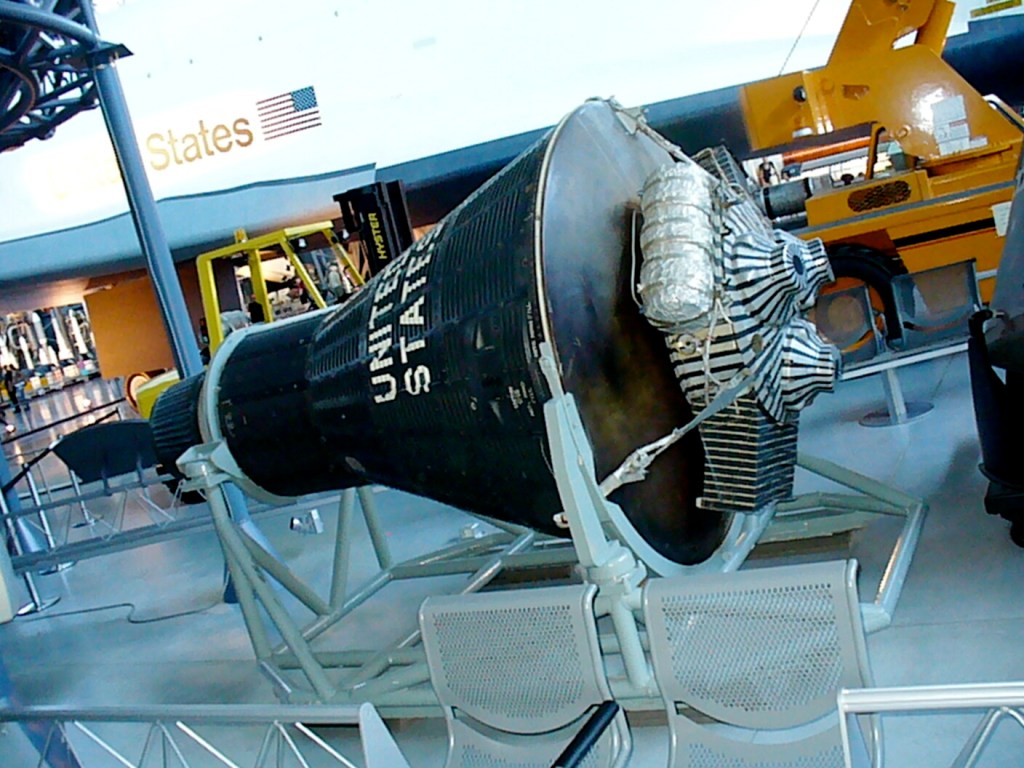
Early Space Capsules
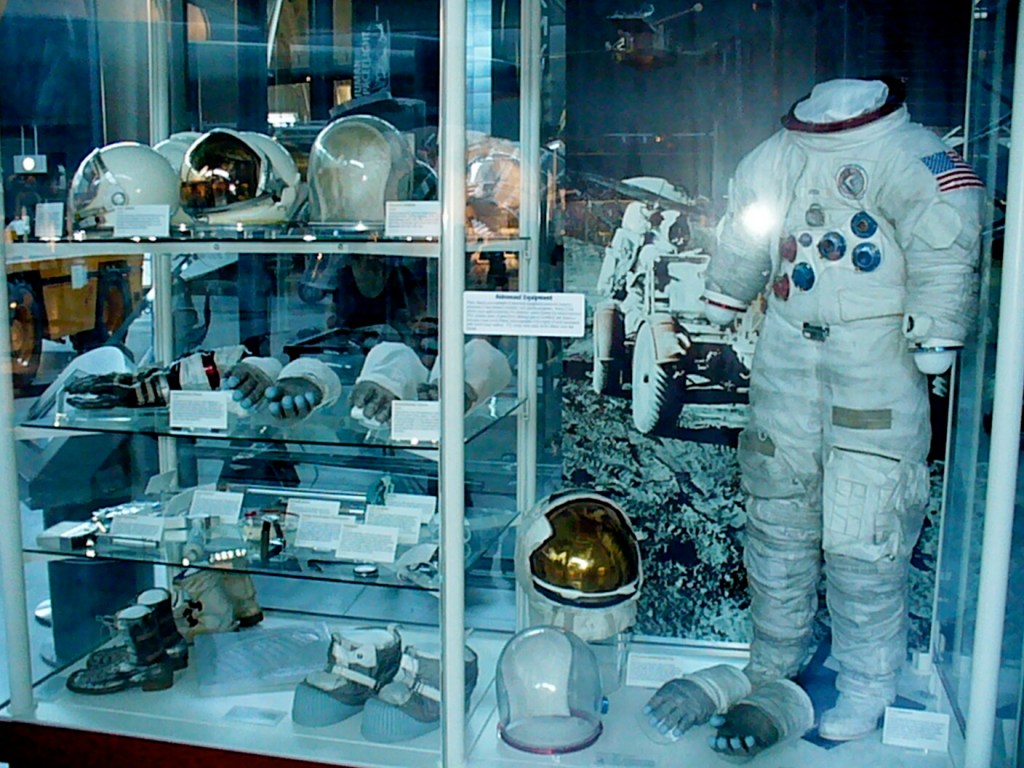
Apollo Spacesuit and Helmets and Gloves
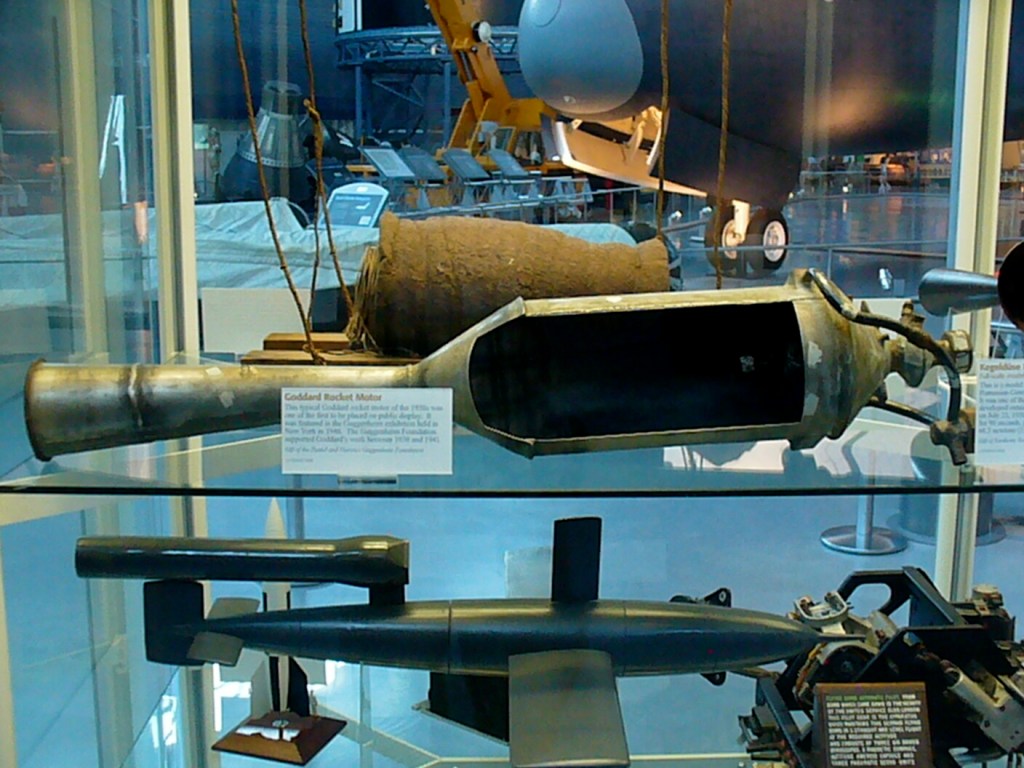
Robert Goddard Rocket Motor
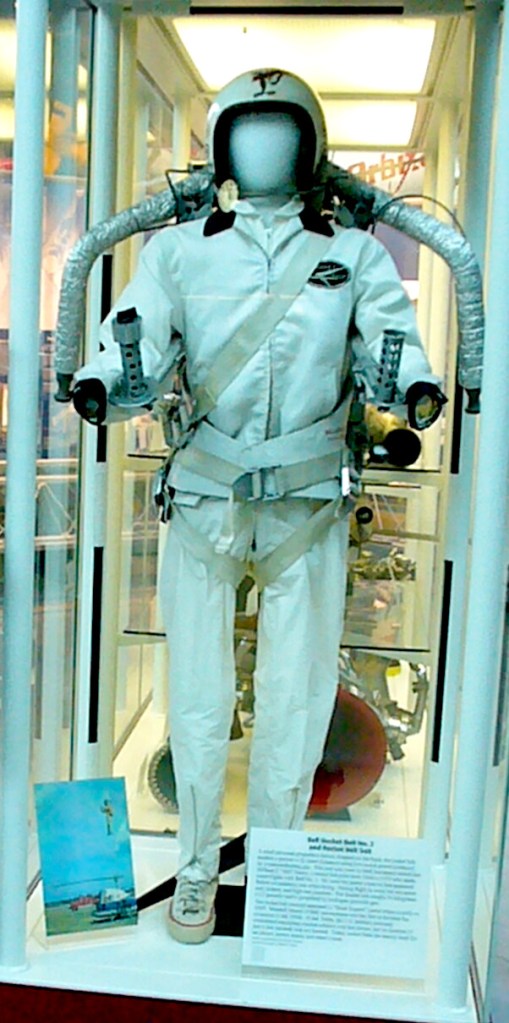
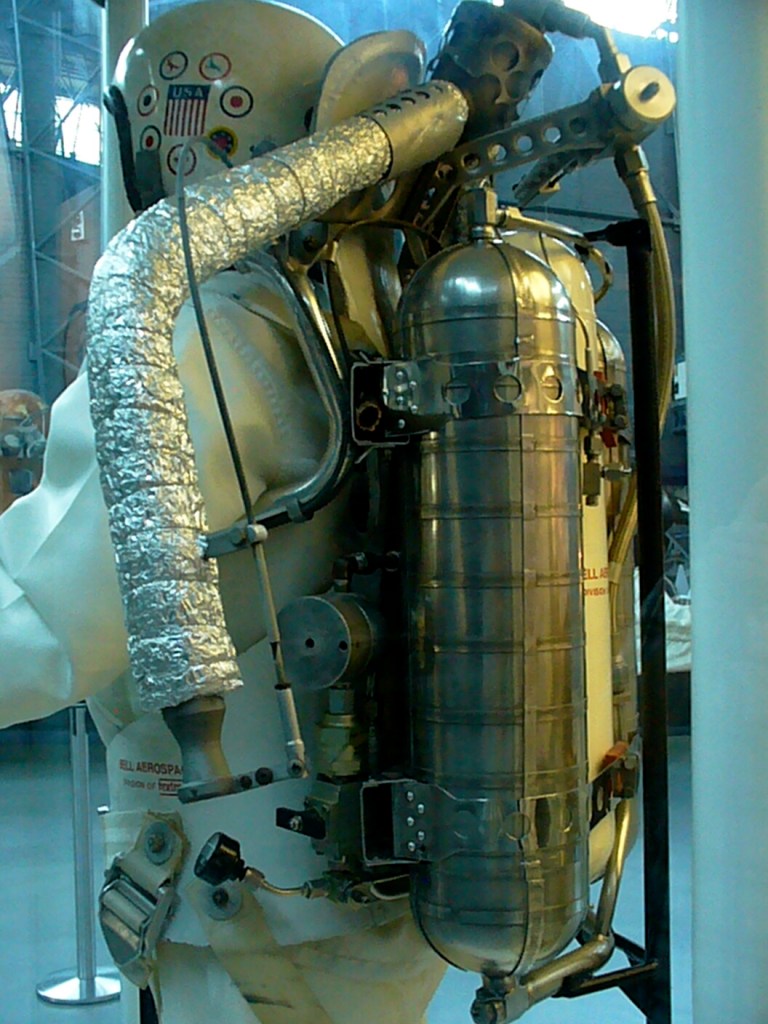
Bell Rocket Belt
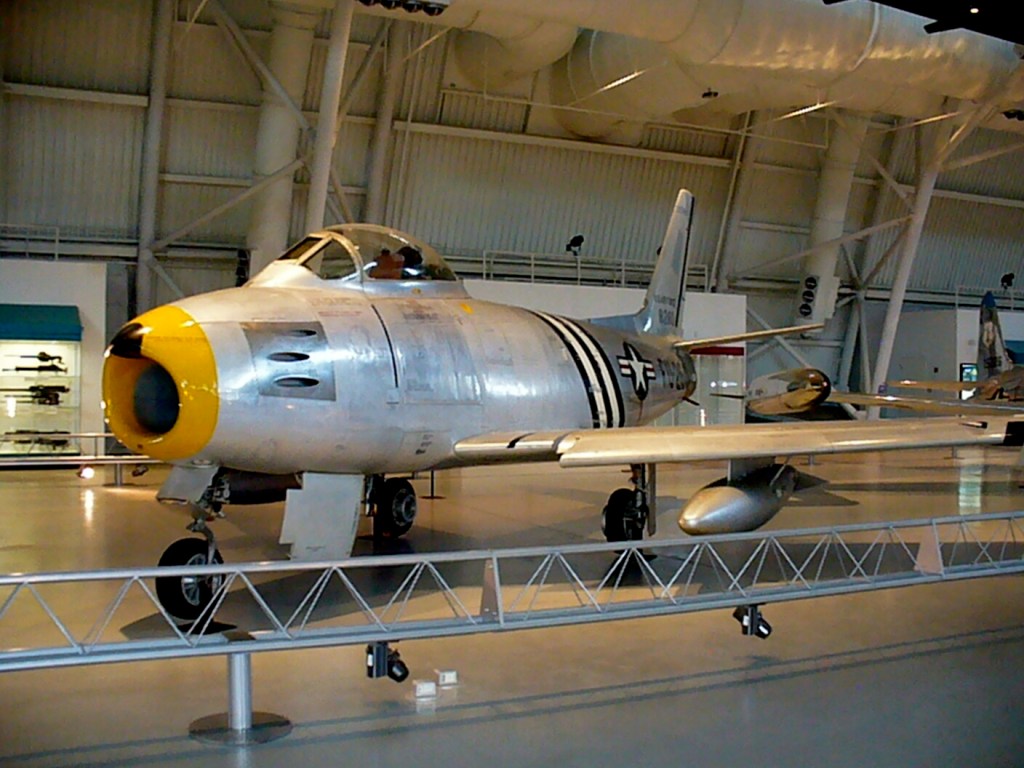
North American F-86 Sabre
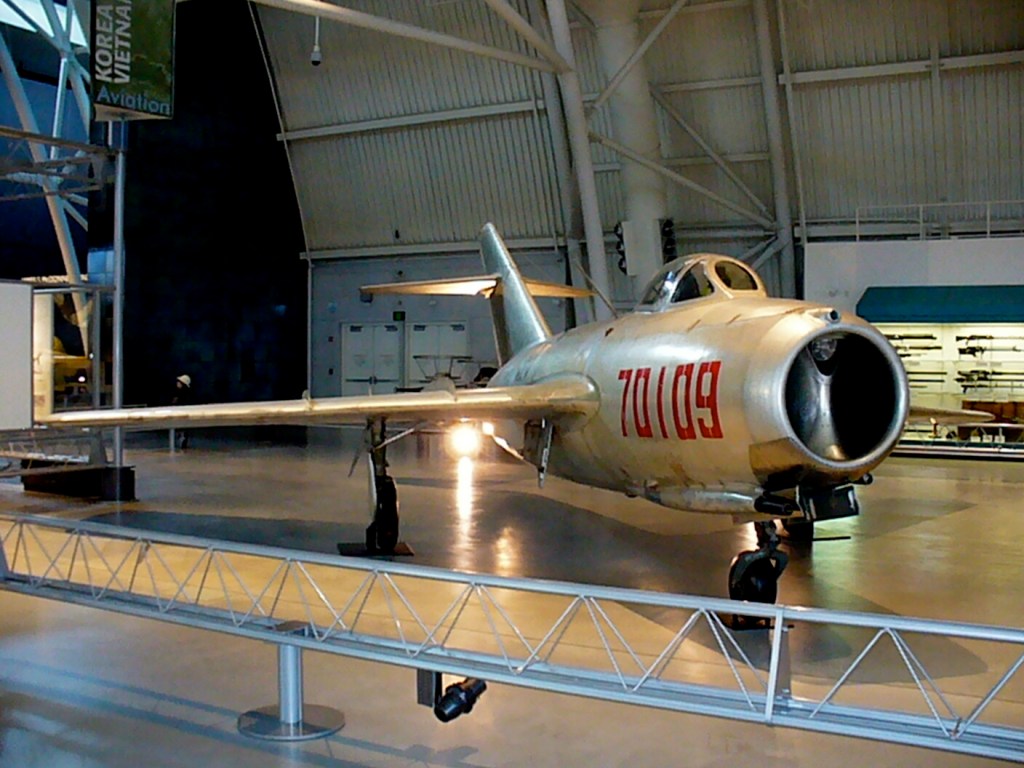
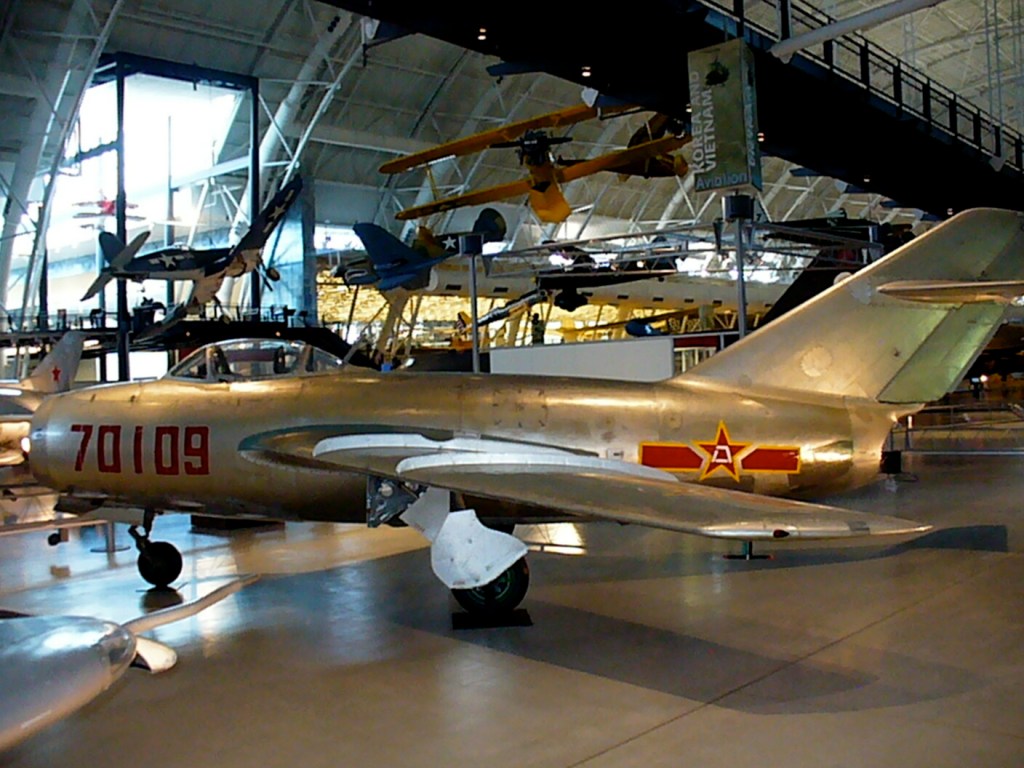
Mikoyan-Gurevich MiG-15
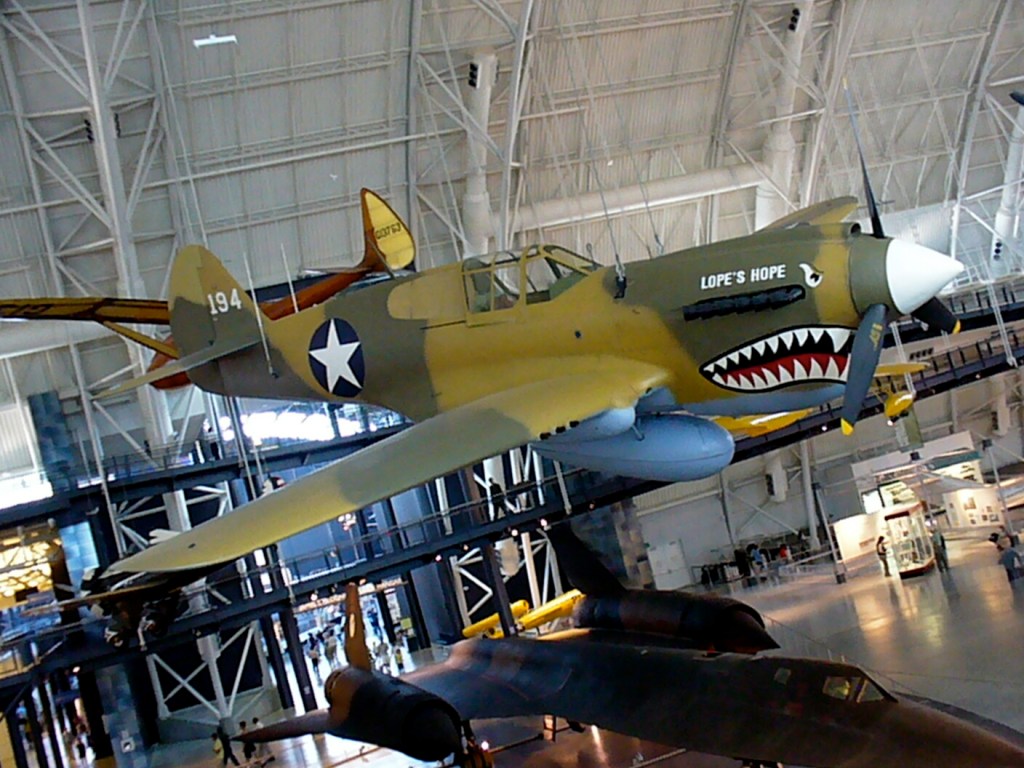
Curtiss P-40 Warhawk
Vought F4U Corsair
Lockheed P-38 Lightning
Aérospatiale/BAC Concorde
Scaled Composites Model 311 Virgin Atlantic GlobalFlyer
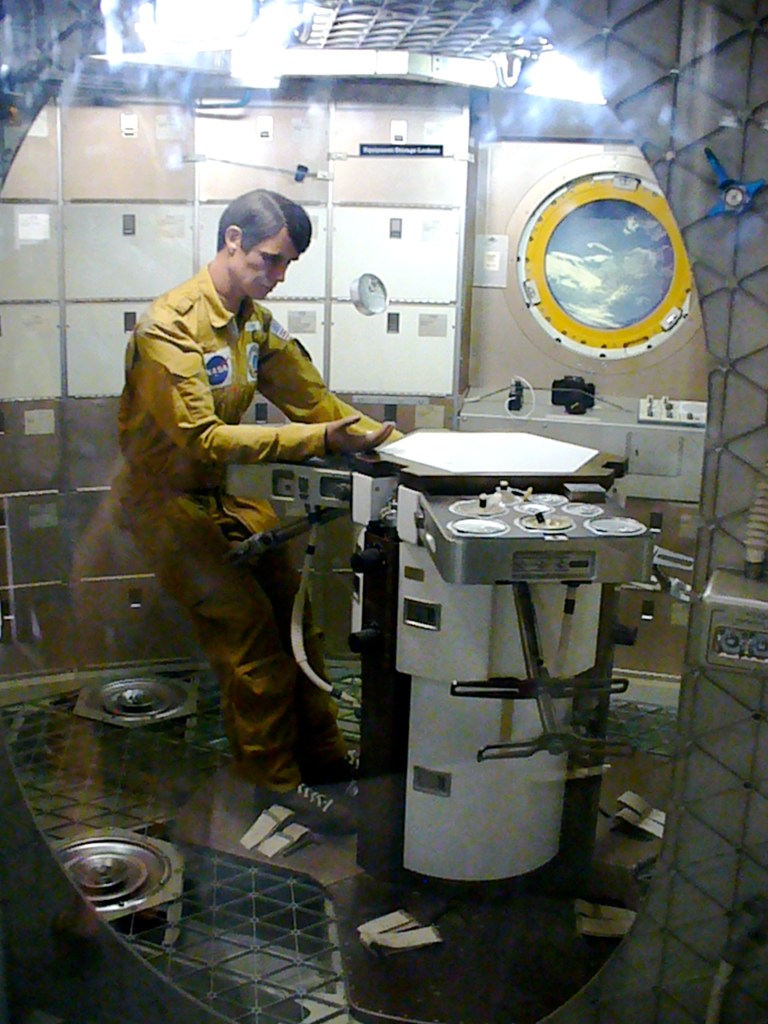
Skylab Orbital Workshop Interior, Smithsonian Air and Space Museum, Washington, DC. Photo taken in 2008.
As I wrote last week here, I reached out to Steve Lenzen via postal mail about Space Station L-4, the Earth Sciences Educational Program from 1977, after I found his contact information on an archived version of GPN’s website. He worked at GPN from 1976 to 2006, and he co-founded Destination Education. He kindly replied to me via email with important details about the history of GPN and why it might be impossible to find a copy of the series. He explains:
"The series was produced by Children's Television International, which was owned by Ray Gladfelter. When Ray was "winding down" his career, GPN took over distribution because Ray was an old friend of our director at the time. When Ray died, many, many years ago his old friend had also retired and GPN ceased distribution. Actually, GPN had ceased distribution years before that because there was no demand."

"Back when Ray produced the series many or most of the PBS Stations broadcast programs specifically designed for use in the classroom. This mode of getting educational programming into the classroom was started before the age of VHS and Betamax. The introduction of Betamax and then VHS is what led to the "death" of 16mm film and subsequently PBS stations airing a block of programs designed specifically for in classroom use. Starting in the late 80's, teachers were demanding that PBS Stations air only new, up-to-date programs depicting current hair styles, clothes, etc. If a series did not meet this criteria, teachers did not want it."

"Due to the lack of storage space, once a series was pulled from distribution GPN destroyed the submaster it had. The copyright holder/producer usually had a master. Space Station L-4 was pulled out of distribution long before advent of DVD which meant it cost of lot of money to keep old master, usually 2" Quad, 1" Helical, or Betamax in storage. As a result, the copyright owner also destroyed their copy."

"After Ray's death, his son . . . took control of Children's Television International. . . . The company, CTI, was, out of business by then so all he could do was find a place to give the tapes or destroy them."
My next move is to reach out to Ray Gladfelter’s son. I will report back with any developments.
From L to R: V-2 Rocket, WAC Corporal Sounding Rocket, Skylab Orbital Workshop, and V-1 Cruise Missile (hanging), National Air and Space Museum, Washington, DC, 2008.
My friend Mark and I have been on a decade’s long quest to find copies of Space Station L-4 (1977), an educational Earth Sciences television program produced, written, and directed by Paul Lally, who I interviewed in 2013 about the show, and distributed by Children’s Television International (CTI).
Unfortunately, we have not yet been able to obtain copies of Space Station L-4.
Obvious starting places like Google, YouTube, Bing, Yandex, etc. yield no video, screenshots, or substantive information.
I’ve tried interlibrary loan requests without any success.
Most recently, I discovered video order directories including Bowker’s Complete Video Directory and The Video Source Book in the Internet Archive that list the series and individual episodes, which were available for order from CTI in Virginia (apparently no longer exists and a more recent San Diego address seems defunct but there is a branch of this organization that seems to remain incorporated in Maryland) and GPN in Lincoln, NE (also no longer exists–the owner retired). I am sending letters to the agent listed for the Maryland branch of CTI and Steve Lenzen of GPN in the hope of them having stock available or a reference to who might have tapes for sale.
Below, I’m pasting the series and episode information from Bowker’s Complete Video Directory 1998, pp. 2158-2159 in the hope that it might lead someone with info about how to obtain the series to my website and who would be kind enough to reach out by email to my address in the info box to the right or via my social media links on the About page.
Space Station L-4. 16 cass. (1977). Science—Environmental Studies. 240 min. Rights: Group; Broadcast. Viewers imagine themselves on space station L-4, 440 miles above the earth. Their mission: to study & monitor life support systems for planet Earth & share this information with all countries needing assistance. By dramatically demonstrating modern equipment, techniques & methods of scientific investigation this video teaches how we are seeking to safeguard the future of our natural environment & prepare for human survival. GPN. tchr's. guide: $3.50; VHS, Set (Order #: E374):
$351.20.

Space Station L-4, Vol. 1: The Changing Earth; Earth Measurement; Atmosphere; Water. Science—General. B&W and Color. 60 min. Juvenile.Ages: 9-13. G. Made-for-Video Movie. Children’s Television International. VHS (Order #: ST-1): $79.95.

Space Station L-4, No. 1: The Changing Earth. (1977). Science—Environmental Studies. 15 min, Rights: Group; Broadcast. Develops an awareness within students that the earth is constantly changing. GPN. tchr's. guide: $3.50; VHS (Order #: E374): $29.95.

Space Station L-4, Vol. 2: Soil; Earth Limits; Energy; Gravity. Science—General. B&W and Color. 60 min. Juvenile.Ages: 9-13. G. Made-for-Video Movie. Children’s Television International. VHS (Order #: ST-2): $79.95.

Space Station L-4, No. 2: Earth Measurement. (1977). Technology. 15 min. Rights: Group; Broadcast. Demonstrates how technological advances enable us to increase the accuracy of measurements. GPN. tchr’s. guide: $3.50; VHS (Order #: E374): $29.95.

Space Station L-4, Vol. 3: Human Life Support; ‘Human Communication; The Order of Nature; Cycles. Science—General. B&W and Color. 60 min. Juvenile Ages: 9-13. G. Made-for-Video Movie. Children's Television International. VHS (Order #: ST-3): $79.95.

Space Station L-4, No. 3: Atmosphere. (1977). ‘Science—Environmental Studies. 15 min. Rights: Group; Broadcast. Helps students understand the effects of the interaction between the earth's surface & living things. GPN. tchr's. guide: $3.50; VHS (Order #: E374): $29.95.

Space Station L-4, Vol. 4: Things in Motion; Reach ‘Up; Reach Out; Reach Far Out. Science—General. B&W and Color. 60 min. Juvenile. Ages: 9-13. G. Made-for-Video Movie. Children’s Television International. VHS (Order #: ST-4): $79.95.

Space Station L-4, No. 4: Water. (1977). Science—Environmental Studies. 15 min. Rights: Group; Broadcast. Presents the interrelationship between water, the earth's surface & living things. GPN. tchr’s. guide: $3.50; VHS (Order #: E374): $29.95.

Space Station L-4, No. 5: Soil. (1977). Science—Environmental Studies. 15 min. Rights: Group; Broadcast. Continues to demonstrate the interrelationship to ecology by looking at how soil, water & living things affect each other. GPN. tchr’s. guide: $3.50; VHS (Order #: E374): $29.95.

Space Station L-4, No. 6: Earth Limits. (1977). Science—Environmental Studies. 15 min. Rights: Group; Broadcast. Shows students that the earth & its components are finite resources. GPN. tchr's. guide: $3.50; VHS (Order #: E374): $29.95.

Space Station L-4, No. 7: Energy. (1977). Science—Environmental Studies. 15 min. Rights: Group; Broadcast. Reveals that the sun is our energy source. GPN. tchr’s. guide: $3.50; VHS (Order #: £374): $29.95

Space Station L-4, No. 8: Gravity. (1977). Science—General. 15 min. Rights: Group; Broadcast. Shows students how man & his environment are both affected by gravity. GPN. tchr's. guide: $3.50; VHS (Order #: E374): $29.95.

Space Station L-4, No. 9: Human Life Support. (1977). Science—Environmental Studies. 15 min. Rights: Group; Broadcast. Makes us aware that we all interact with our environment. GPN. tchr’s. guide: $3.50; VHS (Order #: E374): $29.95.

Space Station L-4, No. 10: Human Communications. (1977). Anthropology. 15 min. Rights: Group; Broadcast. Develops an awareness of humans as communicators. GPN. tchr's. guide: $3.50: VHS (Order #: E374): $29.95.

Space Station L-4, No. 11: The Order of Nature. (1977). Science—Environmental Studies. 15 min. Rights: Group; Broadcast. Promotes the observable patterns in nature. GPN. tchr’s. guide: $3.50; VHS (Order #: E374): $29.95.

Space Station L-4, No. 12: Cycles. (1977). Science—Environmental Studies. 15 min. Rights: Group; Broadcast. Develops student understanding of physical & biological cycles that naturally occur. GPN. tchr’s. guide: $3.50; VHS (Order #: E374): $29.95.

Space Station L-4, No. 13: Things in Motion. (1977). Science—-Environmental Studies. 15 min. Rights: Group; Broadcast. Helps students understand that we increase our use of fuels as we explore space. GPN. tchr's. guide: $3.50; VHS (Order #: E374): $29.95.

Space Station L-4, No. 14: Reach Up. (1977). Science—Environmental Studies. Exploration. 15 min. Rights: Group, Broadcast. Demonstrates how we have increased our knowledge of the environment through space exploration. GPN. tchr's. guide: $3.50; VHS (Order #: E374): $29.95.

Space Station L-4, No. 15: Reach Out. (1977). Science—Environmental Studies. Space Exploration. 15 min. Rights: Group; Broadcast. Enables viewers to better understand how our explorations of space have actually changed the dimensions of environmental research. GPN. tchr's guide: $3.50; VHS (Order #: E374): $29.95

Space Station L-4, No. 16: Reach Far Out. (1977). Science—Astronomy. Space Exploration. 15 min. Rights: Group; Broadcast. Takes viewers one step further in the search & inquiry process by showing how we are looking for life in outerspace. GPN. tchr’s. guide: $3.50; VHS (Order #:E374): $29.95.
If you know where I might find a copy of Space Station L-4, please send me an email at my address to the right or via my social media links on the About page. Thank you!
Anthropomorphic cat wearing suit and tie, and standing in front of a chalkboard. Image created with Stable Diffusion.
I’ve been spending a lot of time studying and using generative AI technologies and thinking about their pedagogical implications, and over the summer, I invested more energy into taking intensive online classes relating to generative AI on LinkedIn Learning, which I wrote about here and here. The suggestions below are a distillation of some of the important ideas that I have learned and plan to implement after my sabbatical this year concludes. Readings associated with these points can be found on my extensive generative AI pedagogy bibliography. Maybe you will find some of these helpful to your thinking for your own classes as we make our way into the science fictional future together!
Build ethical and legal issues of generative AI into every discussion and assignment. Of course, a separate module or a whole course can be focused on these topics, but students need to see how ethical and legal issues are tightly woven into how these technologies are developed, the challenges that they present, and how to be prepared to avoid, mitigate, or resolve those challenges. By weaving ethical and legal issues into the quotidian, it helps students think critically about these issues throughout the learning process and it avoids the conclusion that ethics and legal concerns are just an afterthought.
Show students how bias in generative AI is real. Since generative AI is trained on datasets of work created by people, the AI systems will reflect the biases inherent in the content of the dataset and the ways different people might be represented in the dataset (e.g., more books by white male authors and fewer by writers of color or women writers). Bias is unfortunately baked in. Help students explore how these biases reveal themselves insidiously, might be discovered through prompting, and how to mitigate them (if possible) in the way they use generative AI as a part of their workflow.
Help students become responsible generative AI users. Students need to be taught how to document, cite, and acknowledge the use of AI in their work at school and later in the workplace. This can refute earlier use of ChatGPT and similar sites that fueled what some might consider plagiarism or cheating. Helping students see how it’s okay to use these tools when allowed and properly documented helps them see how they are a tool to support their work rather than a way to avoid working.
Reveal how generative AI technologies are designed, developed, and operated. By learning how generative AI is built and deployed, students get to see how the sausage is made. They will learn that generative AI isn’t magical or all knowing or perfect. Instead, they will realize that years of research and development in mathematics and computer science led to the current state of the art with these technologies, which is still lacking. They will discover the limitations of what these technologies offer (e.g., text generating AI primarily performs sentence completion and has no understanding of what it is doing, or its training data has gaps, deficiencies, biases, etc. that directly affect the text generated). This can be paired with lessons on how large language models are trained, how they are a black box in terms of how they work, and initiatives to build explainable artificial intelligence (XAI).
Approach generative AI as another layer for students’ digital literacy development. Considering AI’s biases, falsehoods, so-called hallucinations, and off-topic responses, pairing generative AI with instruction on vetting information, using research tools (online and off), and applying one’s own skepticism will combat the notion of AI’s trustworthiness, expertise, and authoritativeness. Also, it gives students another source for comparing, contrasting, and verifying when checking facts and establishing reliability of various sources of information.
Introduce generative AI as a new tool for students to add to writing and creative workflows. Some students might like to think that generative AI is a one-stop shop, but we can reveal to them how it can support different elements within a larger creative framework that depends on their cognition, imagination, and effort to produce deliverables. It can aid with ideation, brainstorming, planning, and outlining, as well as handling less important writing tasks, such as replying to an email or DM. An important corollary to this is the fact that prompt engineering is a skill unto itself that students have to learn and develop. In some cases, figuring out the best prompt might require more time, energy, and collaboration with others to accomplish than had the students done the writing output themselves.
Refocus on editing, revision, and the writing process to incorporate generative AI text into student work. One way to accomplish this is teaching students higher level editing and revision tasks using AI generated text as the material for editing. Another way is to teach students how to use editing tools, such as those built into Microsoft Word, Google Docs, and LibreOffice, to work with the text generated by AI.
Harness generative AI as a learning tool to support student experimentation and discovery by example. Students can ask the generative AI to summarize their writing, rewrite their writing for different audiences, turn outlines into paragraphs, etc. However, for students to gain some benefit from this, there needs to be a reflective writing exercise that gives the student an opportunity to dissect what the AI did to the student’s original composition and then based on what the student learns in reflection, they attempt their own new composition with the same goal as that given to the generative AI. The AI’s output can be combined with the student’s reflection and composition for evaluation by peers or the instructor, depending on how you are providing feedback to students on their work.
Recognize writing students as technical communicators, because they use generative AI technology in their writing processes. I am thinking of part of the Society for Technical Communication’s definition of tech comm: “Communicating by using technology, such as web pages, help files, or social media sites.” Using AI to create outputs or as a part of the writing process means that students are using technology to communicate in a deeper way than how we might have thought of this before. Acknowledging this with students might make more of them aware of this as a career path or how they might leverage their communication skills as they transition into the workplace.
Warn students about the possible jeopardy they face by providing their writing, prompts, questions, and personal identifying information to online-based generative AI tools like ChatGPT. Anything you type into the system is saved and associated with you. This means that your inputs might be used to train and fine tune future versions of the generative AI system, and the data collected about you based on what you type and how you use the system might be utilized by the system provider or sold to third parties (e.g., for advertising, adjusting insurance rates, making loan decisions, etc.). This can be connected to a larger discussion of how to protect one’s self online, practice privacy best practices, employ obfuscation techniques, etc. Teaching students how to use their own locally hosted LLMs, such as Meta’s LLaMA and its derivatives. This gives them more control over how their data, and it gives them the option to fine tune their local model to better fit their needs.