As I wrote about yesterday, my Lenovo ThinkPad P1 Gen 4 maintains lower temperatures when it has improved air flow under its body where the twin cooling fan intakes are. Without raising the laptop, the laptop’s support feet only give it about 3 mm of space underneath it, which chokes the intake fans. Since getting the laptop late last year, I’ve used a variety of at-hand objects–books and small boxes most often–to prop up the back of the laptop when I was stressing the laptop with a heavy workload.
I wanted a permanent solution, but the portable options available in retail are either bulky adjustable metal or plastic platforms or folding 4-point stands. The former takes up a lot of room and those with fans don’t always translate to lower temps, and the latter might not provide the support needed on the ThinkPad P1’s lengthy support foot at the rear of the laptop. So, I turned to LEGO to create a customized stand that gives the ThinkPad the support it needs while also being compact and easily carried in my backpack.
What I made to solve this problem mostly used LEGO Technic elements with some brick elements (plates to provide support underneath its joints and the bright yellow smooth plates on top to orient the stand and provide a stop against the ThinkPad’s support foot).
The ThinkPad’s support foot fits perfectly in the center of the stand without the studs toward the front or the flat plate in the back touching the laptop’s body.
Essentially, the stand is built like a sandwich: the bread is the Technic bricks with holes on either side, and the filling is the Technic liftarms (straight and L-shaped). I used 3-stud wide pins to hold the sandwich together. The red pins are only used to provide stability to the support legs when they are deployed for use.
On the back of the stand, the red pegs can be partially pulled out and the feet folded.
The LEGO stand completely covers the support foot at the rear of the laptop (seen at the top of the photo above). When folded, it easily slips into the backpack that I use to carry this ThinkPad.
LEGO is a versatile, rapid prototyping medium for building art, expressing ideas, and in this case, creating something practical to solve a specific problem.
If you have some LEGO bricks laying around idle, you might stop and think about what problem they might be able to solve for you!
Jef Raskin, who wrote the user manual for the Apple II and founded the team that would go on to launch the Macintosh computer among other accomplishments, was an important figure in the first phase of the personal computer industry. Toward the end of his interview in Lammers’ book, she asks him about AI:
INTERVIEWER: What do you feel artificial-intelligence programs can contribute to society?
RASKIN: Artificial intelligence teaches us a lot about ourselves and about knowledge. Any reasonable artificial-intelligence program will not fit on a very inexpensive machine, at least not these days.
Real artificial intelligence is something like religion. People used to say that just above the sky were heaven and angels. Then you get a rocket ship out there, and now you know that’s not true. So they change their tune. As soon as you accomplish something, it is no longer artificial intelligence.
At one point, it was thought that chess-playing programs encompassed artificial intelligence. When I was a graduate student, you could get a Ph.D. in artificial intelligence by learning to program chess. Now you can buy a chess player for $29.95 and nobody calls it artificial intelligence. It’s just a little algorithm that plays chess.
First, there’s a problem of definition. Then it gets more complicated. People say that programs should understand natural language, but our utterances are too inexact for a computer, or anybody, to figure out what is meant to be done; that’s why we have programming languages. If anyone’s ever worked from a spec prepared in English, they know that you can’t write a program from it because it’s not exact. So if human beings can’t do it, there is almost no way we can expect to make a machine do that kind of thing. When you’re dealing with so-called artificial-intelligence programs, the computers have got to learn a vocabulary. Let’s say you have five commands and you want the machine to understand any possible English equivalent to them. But it won’t understand any English equivalent: One person might say, “Get employee number,” while an Englishman might say, “Would you be so kind as to locate the numerical designation for our employee.’ That’s exactly the complaint AI people are trying to solve.
A lot of the promise of artificial intelligence is misunderstood. What artificial intelligence has already taught us about the nature of languages is wonderful. So, do I think artificial intelligence is worthwhile? Absolutely. Do I think it’s going to turn out great products? A few. Do I think it’s going to fulfill the promise that you read about in the popular press? Not at all. Will I be putting a lot of money into artificial intelligence? Nope (qtd. in Lammers 243-244).
Lammers, Susan. “Jef Raskin.” Programmers at Work: Interviews with 19 Programmers Who Shaped the Computer Industry. Microsoft Press, 1989, pp. 227-245.
What he said has some resonance today. There seems to be the same kind of effect in computers that we see in other fields. For lack of a better phrase, it’s the “so, what have you done lately?” question. Once one hurdle is accomplished, its importance or significance gets erased by the passage of time and people’s attention. Deep Blue beat Kasparov at chess? Great, what’s next? AlphaGo beat Lee Sedol at Go? Okay, what’s next? ChatGPT can do your homework? Super, what’s next? With each milestone, the preceding success seems diminished and becomes the $29.95 chess player that Raskin refers to above.
However, as AI’s capabilities increase, it seems to be edging further toward ubiquity. It’s already ever present in many aspects of our lives, such as business, finance, advertising, and photography, that we are not necessarily cognizant of or paying attention to. Now, it’s creeping into computer and smartphone operating systems (similar to Don Crabb’s observations that I wrote about yesterday) and some of the software that we use for daily productivity (email, word processing, and integrated development environments for programming). Perhaps its the eventual ubiquity of AI that will make it feel mundane instead of a radical technological development as imagined in the heady cyberpunk era represented most clearly by William Gibson’s Neuromancer (1984).
But, there’s something else that Raskin talks about in his interview that has some relevance to AI. After he left Apple when Steve Jobs took over the Macintosh project, he founded Information Appliance, Inc. to build and market an add-on card for the Apple IIe called the SwyftCard. This card contained a ROM for an all-in-one piece of software that contained word processing, communication, calculation, printing, and programming capabilities. He explains:
Watch this. There is no disk in the drive, and I want to type a message, “Remember to bring home some milk.” How do you like that? I turn it on and start typing. No need for commands, no insert, no getting to the editor, I can just start typing.
Now I want to print the message and put it in my pocket, so I can use it later. I press a single key, and it prints. Isn’t that convenient . . . .
We can do calculations easily. Before, whenever I was using the word processor and wanted to do a calculation, I’d get out my pocket calculator and have to use a separate calculating program, or get up SideKick; on the Mac, you call up the calculator and paste it into your document. We also have telecommunications capability.
INTERVIEWER: All in the same program?
RASKIN: Sure. There is no difference between all the applications. What’s a word processor? You use it to generate text, move it around, change it if you make a mistake, and find things. What’s a telecommunications package? You use it to generate text, or receive text generated by someone else. Instead of it coming in from a keyboard or out from a printer, it comes in or out over a telephone line. And what’s a calculator? You use it to generate numbers, which are just text, and the answer should come back into your text. So, one day it dawned on me, if these applications do the same thing, why not have one little program that does them all?
INTERVIEWER: Well, what is this product you’ve developed to cover all of these features?
{Raskin holds up a simple card.]
RASKIN: It’s called a SwyftCard (qtd. in Lammers 233).
Lammers, Susan. “Jef Raskin.” Programmers at Work: Interviews with 19 Programmers Who Shaped the Computer Industry. Microsoft Press, 1989, pp. 227-245.
It seems to me that we’re heading toward a great collapsing of software into generative AI. As large language models learn more with increasing amounts of training data, they reveal new capabilities that emerge from the resulting trained models. Will we type and eventually talk to our computers to tell it what we want to accomplish without having to worry about having x, y, or z programs installed because the AI can do those things in an all-in-one fashion as the Nth degree of Raskin’s SwyftCard? Time, of course, will tell.
While searching around for early uses of algorithmic text, image, and music generating software from yesteryear (which I have been documenting on this page), I stumbled upon Don Crabb’s Guide to Macintosh System 7.5.5 (1996), which is a guide to using Apple’s System Software 7.5 on Macintosh and Power Macintosh computers in the mid-1990s.
In Chapter 5, “The Multimedia is the Message,” he writes the following prophetic passages that point to right about where we are now with giving generative AI access to our files so that we can chat with an AI about the contents of those files–for ideation, brainstorming, summation, search, discovering patterns, etc. Crabb had an idea that combined Apple’s then innovative OpenDoc technology, which flips the computing metaphor from application-centric to document-centric and that facilitates different Editors (aka programs) to work on/within different Documents or create new Documents via Stationary files, with the power of artificial intelligence to observe, learn, and collaborate with computer users. The foundation of his idea is what he calls the Open Desktop Architecture (ODA) and the Omniscient Sage. He writes:
The Multimedia/OpenDoc Desktop
The future of the Macintosh Desktop will reside in something I call Open desktop Architecture (ODA)— as Apple ought to articulate it and we ought to use it in the form of a new Multimedia/OpenDoc desktop.
Back in May of 1994 at the Worldwide Developer’s Conference, Don Norman— Apple Fellow and Interface Guru Extraordinaire— told us about one possible future Mac interface (AKA Finder) based on Apple Guide, that would become truly active in its assistance features and orientation. My Open Desktop Architecture relies on this same active assistance to make it fly, but it adds the OpenDoc document-centric idea of computing (see chapter 6 for more details) and the liberal use of multimedia data.
The Omniscient Sage
To start with, though, we need a basic interface metaphor in mind for our new desktop. I call my metaphor The Omniscient Sage. Corny sounding? You bet. But highly descriptive. The Omniscient Sage watches what you do on your Mac without being judgmental.
The role of the Omniscient Sage is to watch, assimilate, correlate, and then assist. Active assistance based on observation, analysis, and planning at a level as far above Apple Guide 1.0 as the it was above Balloon Help. Active assistance based on the artificial intelligence work that’s been modeled and executed over the last five years. Active assistance based on a world of OpenDoc files and apps.
Crabb, Don. Guide to Macintosh System 7.5.5. Hayden Books, 1996, p. 253.
Crabb’s Omniscient Sage seems science fictional thinking back to that period of time. This was the era when Apple was on the ropes and nearly down for the count. Then, Steve Jobs returned with NeXTSTEP, which delivered all of the things that Apple had led us to believe was forthcoming in OS 8 codenamed Copland. However, Jobs also killed OpenDoc at Apple.
Could the Omniscient Sage have been built on top of Mac OS X? While working towards OS X, Apple developed Apple Guide/Macintosh Guide as a robust help system that worked with AppleScript to guide the user along steps, and it could change based on the observed state of the software that the user needed help with. Yet, it was running on rails and therefore couldn’t adapt and adjust outside of those prescribed steps. Given advancements and R&D maybe this could have advanced towards something like Crabb imagined. But, when Mac OS X launched, the help system was much simpler as a web rendering engine and HTML.
Unfortunately, Crabb didn’t get to see how close we are now to his vision of the Omniscient Sage. He died in 2000 at the age of 44.
When Y and I lived in Atlanta, our house had a downstairs bedroom that we used for an office. However, it was an odd room. The kitchen and downstairs bathroom had tiled floors, and the rest of the downstairs–dining room, living room, and den–had hardwood floors. That downstairs bedroom had medium pile carpet. When our friend Masaya asked if he could visit us, we thought it was a good opportunity to refinish the downstairs bedroom as a guest room with hardwood floors. Here’s how we refinished its floor to match the stain of the rest of the downstairs.
First, I pulled up the carpet in the closet and a corner of the room to verify that it was the same kind of oak flooring as the rest of the downstairs. Having verified this, I began cutting and rolling the carpet and padding.
The padding had been glued down–thankfully not over the entire floor–but enough that I had to scrape some of it and the glue off the wood flooring using a paint scraper. However, I went slow and carefully to make sure that I didn’t gouge the wood with the tool. Whatever I didn’t get up, I knew that I could sand down eventually.
Then, I used a hammer to pull up the carpet tack strips around the edges of the room and vacuumed the floor clean.
For the next step, I went to the local Home Depot Rental Office to rent a stand-up belt sander for floors. This thing weighed about 100 pounds. It’s weight combined with a handle operated mechanism to engage the sanding belt against the floor and pull it forward made quick work of sanding the floor and removing all old paint, glue, and stains. As the wood wasn’t in too bad of shape, I used a fine grit sandpaper. Also note that when you use a floor sander like this, you want to move in the direction of the boards and give each pass a little overlap for an even finish across the whole floor. Also, you can see that I have the windows open. Even though the sander has a bag to catch the sawdust, it can’t catch it all. Open your windows and cover outlets and air returns to keep that dust from getting into places it shouldn’t be.
Halfway through, I changed out the belt for a fresh one. This probably wasn’t necessary, but I might have noticed some change in the sanded floor’s finish by this point in the project.
After using the belt sander over the whole floor, I saw some spots that needed additional work. When I did these spots, I went over the entire run as just using it in one spot might leave a dip in the floor. As I worked, I used the shop vac to keep the floor as clean as possible from the extra sawdust produced by the sander. And, around the edges of the room and inside the edges of the closets, we used a handheld orbital sander and sanding blocks to sand the 2″ or so on all sides that the belt sander was unable to reach due to its design.
After returning the belt sander to Home Depot, we cleaned the floor again and applied water to the wood with cloths to “pop the grain.” This makes the wood more receptive to the stain so less is needed to achieve the results that you want.
Before, we had taken photos of the existing hardwood floors in the house using natural light to capture the best image of the stain. We took this to Home Depot and matched it to a water-based stain and polyurethane combo so that we could finish the floor as soon as possible and give it time to cure and air out before moving furniture back in anticipation of our friend’s arrival.
With the wood damp, I stirred the stain/poly combo according to the instructions on the can and poured out some into a paint tray. Then, I dipped a foam paint/finish applicator into the stain/poly and gently worked it into the wood in the direction of the boards.
Once completed, give the floor enough time to air out and cure before moving things back in. If you don’t have to walk on it, just wait until its met the cure time as this will give you the strongest possible finish.
I didn’t want to pull up the baseboard, so I went back after the floor’s finish had cured and repainted the baseboard (putting down plastic, taping the edge, and putting enough coats to hide the stain that hit it). In hindsight, I should have taped the baseboard to protect it. However, the best option is to pull up the baseboard and reinstall after refinishing the floor.
We were very happy with the results. It was ready for our friend’s visit and we used it as an office again after he returned to Japan.
In March 2019, I met up with my buddy Alan Lovegreen to visit the Intrepid Museum, a WWII-era air craft carrier that had been repurposed as an air and space museum moored on the west side of Manhattan.
Alan and I had been hired the same year to work at City Tech in the English Department. While he was there, we worked together to inaugurate the City Tech Science Fiction Collection. Soon after that, he moved back to California for a new job. He was back in NYC to give a talk, so we picked a cool place to meet up.
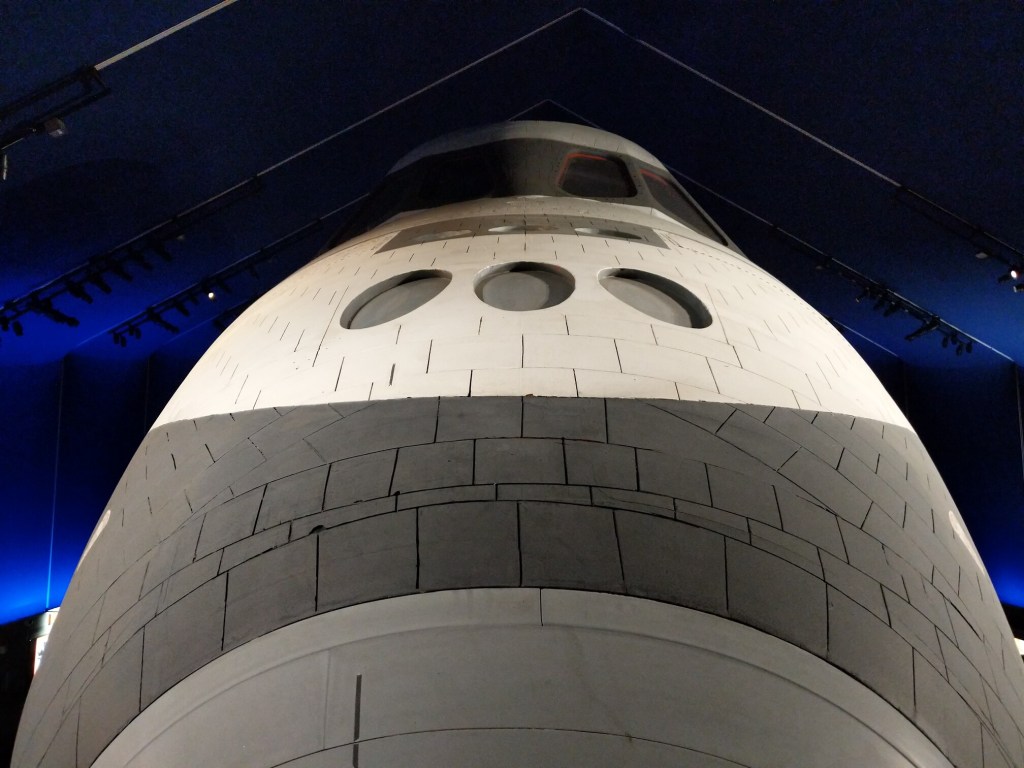

Some exhibits overlap those at the Smithsonian National Air and Space Museum and its Steven P. Udvar-Hazy Center that I wrote about last week, such as the latter also having a Concorde airliner. Also notable is that the Space Shuttle Enterprise, which had been at the Udvar-Hazy Center, is now at the Intrepid Museum. Space Shuttle Discovery is now at the Udvar-Hazy Center. But, some similar looking aircraft are actually experimental or specialized versions, such as the Intrepid’s Lockheed A-12 compared with the Udvar-Hazy Center’s SR-71 Blackbird. There’s also some other unique displays involving LEGO: a 1:40 scale model of the Intrepid and a 50,000 brick mosaic image of the Space Shuttle Enterprise flying over New York City atop a Boeing 747.
We couldn’t have picked a better day to go. It was a cool and clear day, so we spent most of our time on the outside exhibits on the flight deck and hanger deck, but we also went under the water line to explore the submarine USS Growler tied up at the same pier (I’ll post pictures of the Growler tomorrow).
Flight Deck
Conning Tower
Bell 309 KingCobra
Bell UH-1A Iroquois “Huey”
McDonnell Douglas AV-8B Harrier II
McDonnell Douglas F-4 Phantom II
Mikoyan-Gurevich MiG-17
Mikoyan-Gurevich MiG-21
Northrop T-38 Talon
Grumman F-11 Blue Angels
Lockheed A-12
Grumman F-14D Super Tomcat
Grumman F-9 Cougar
Israel Aircraft Industries Kfir/F-21A
General Dynamics F-16 Fighting Falcon
Anti-Aircraft Batteries
Hanger Deck and Interior
North American FJ-3
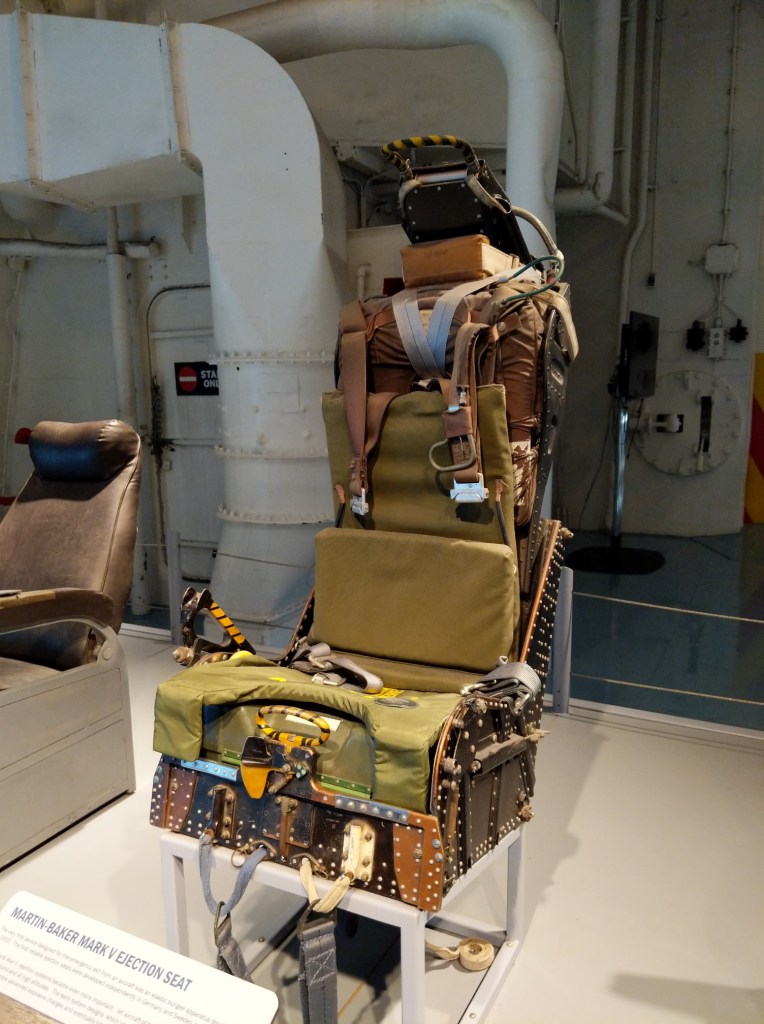
Martin-Baker Mark V Ejection Seat
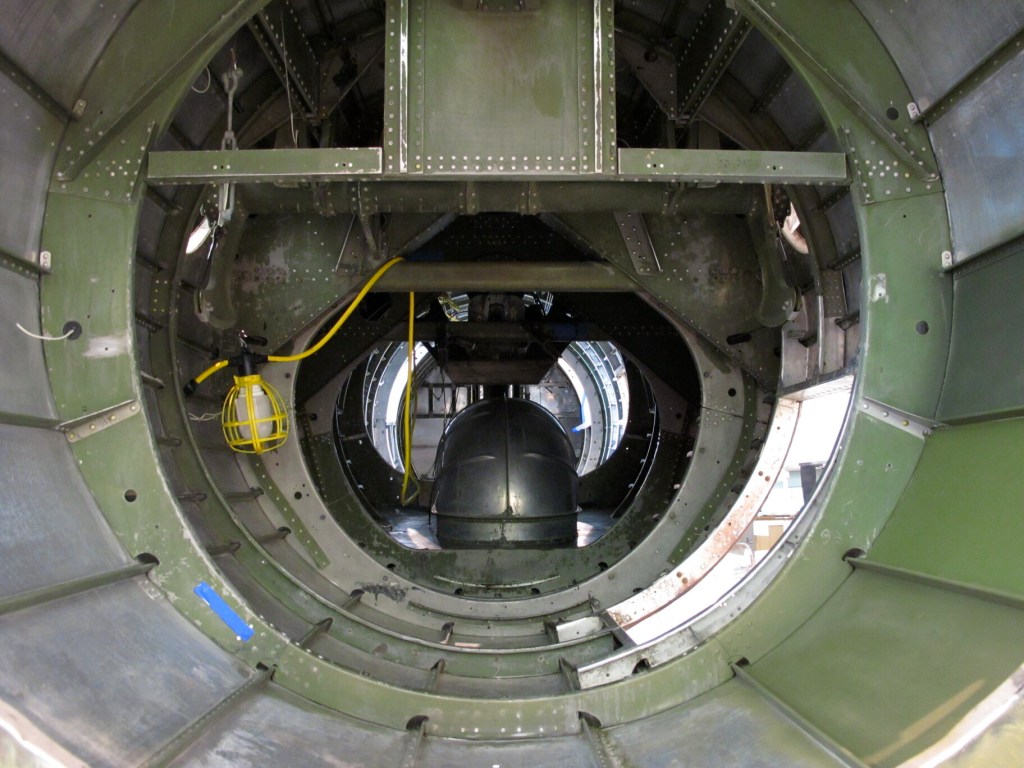
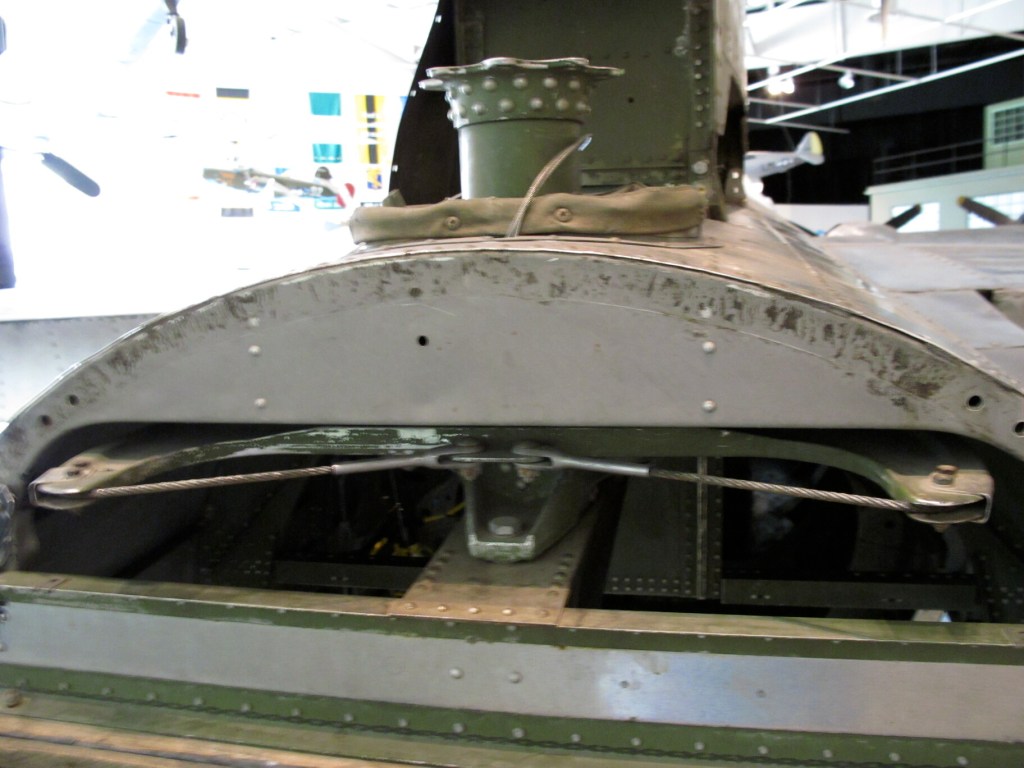
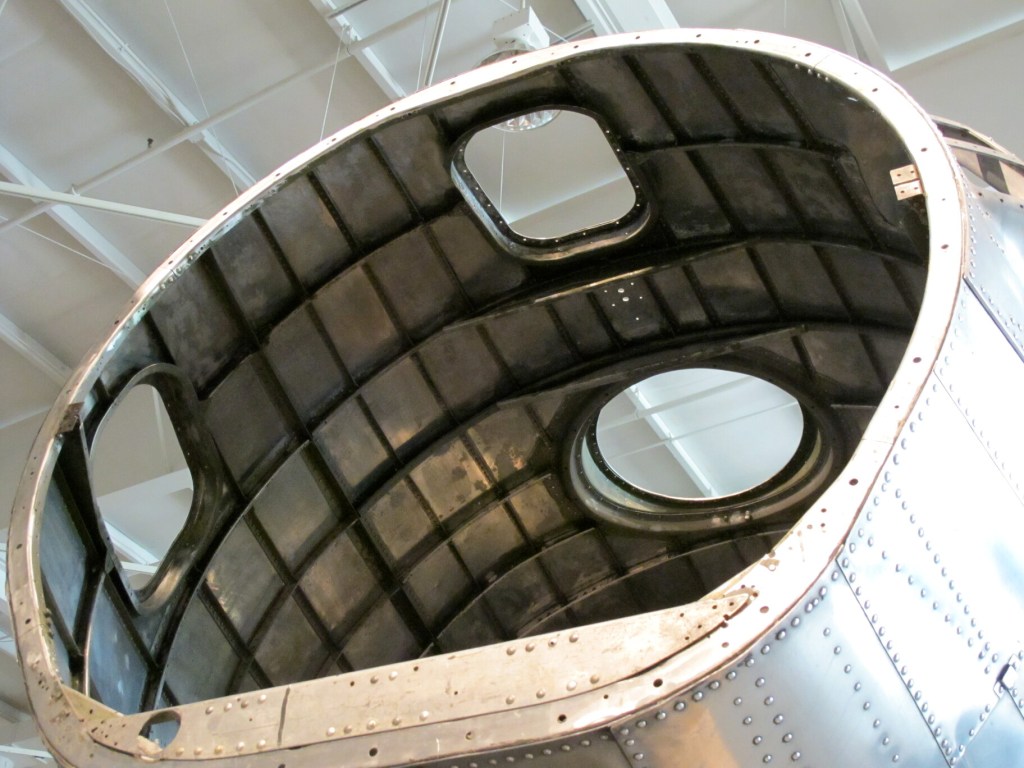
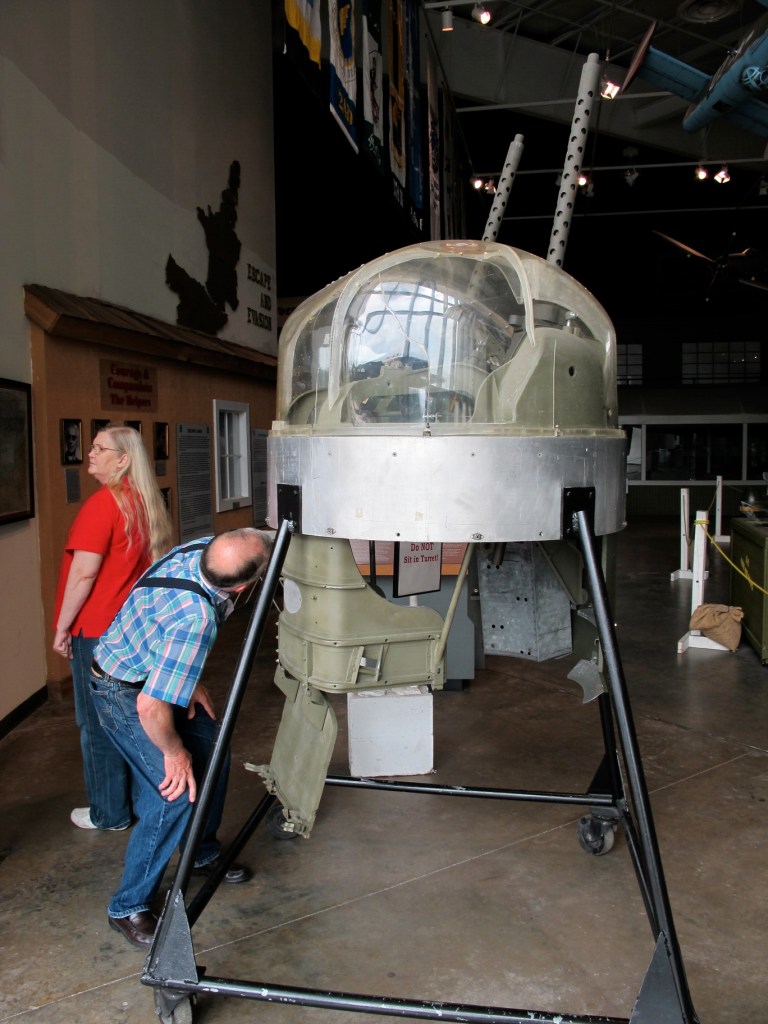
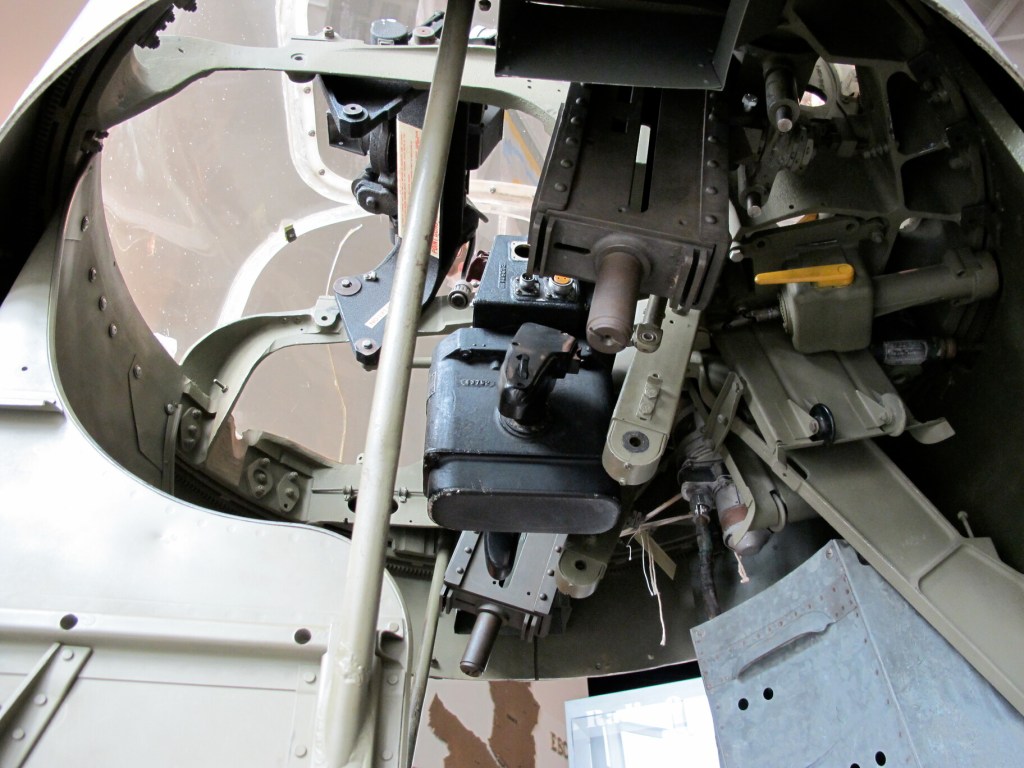
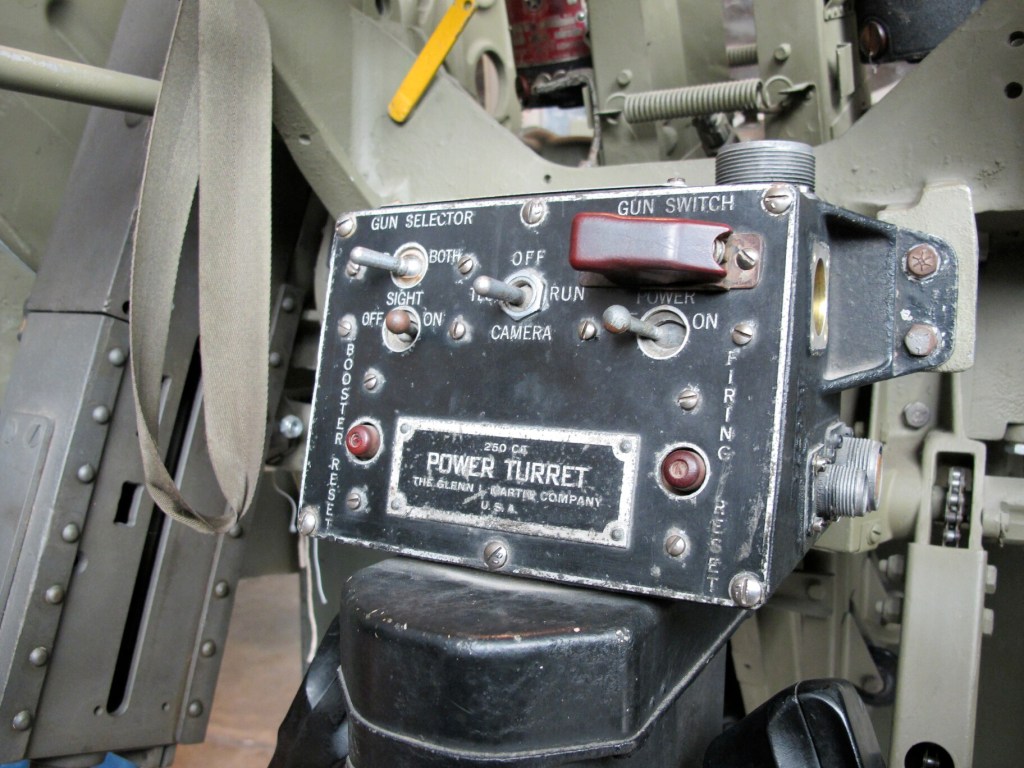
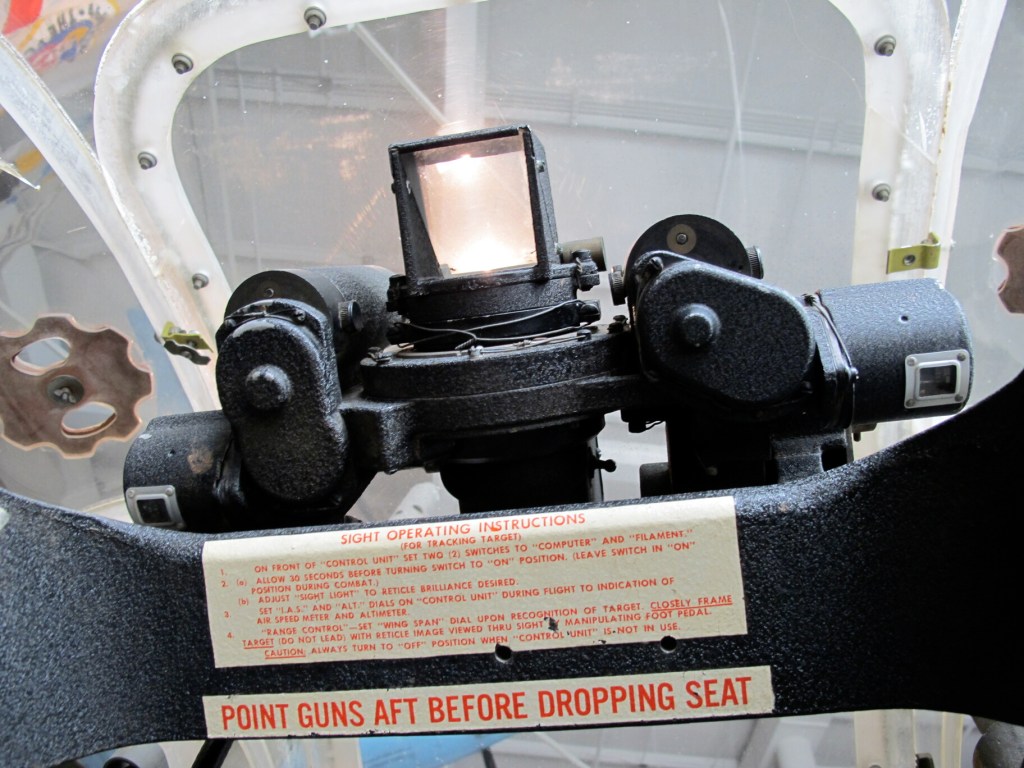
Grumman Avenger Ball Turret
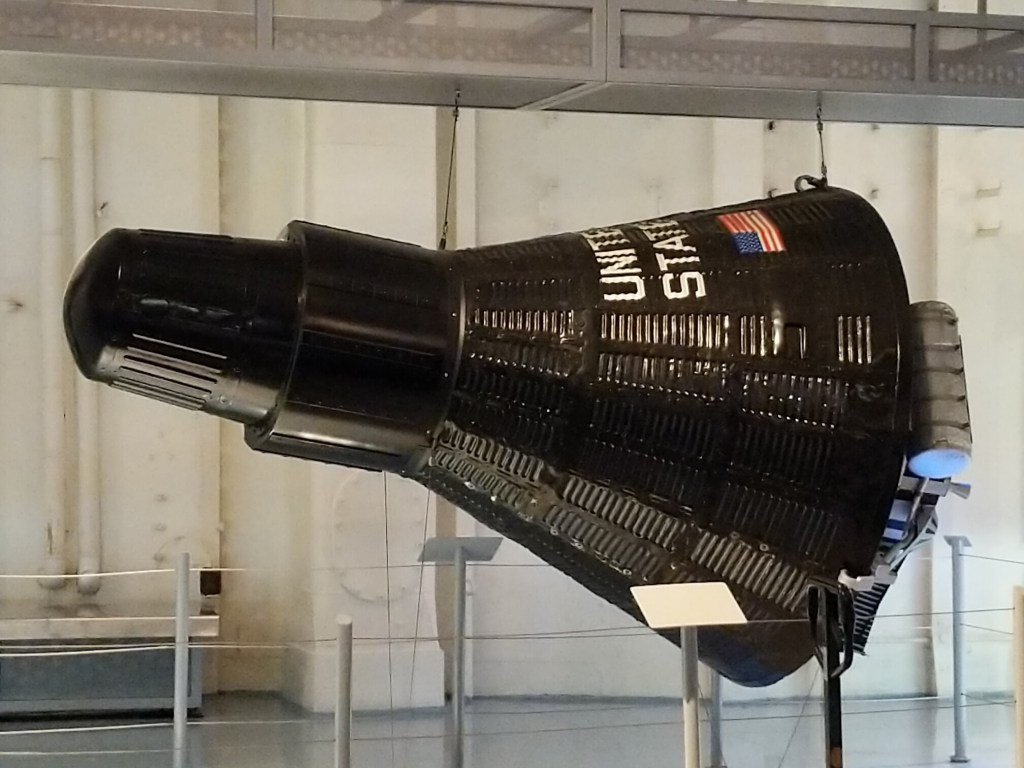
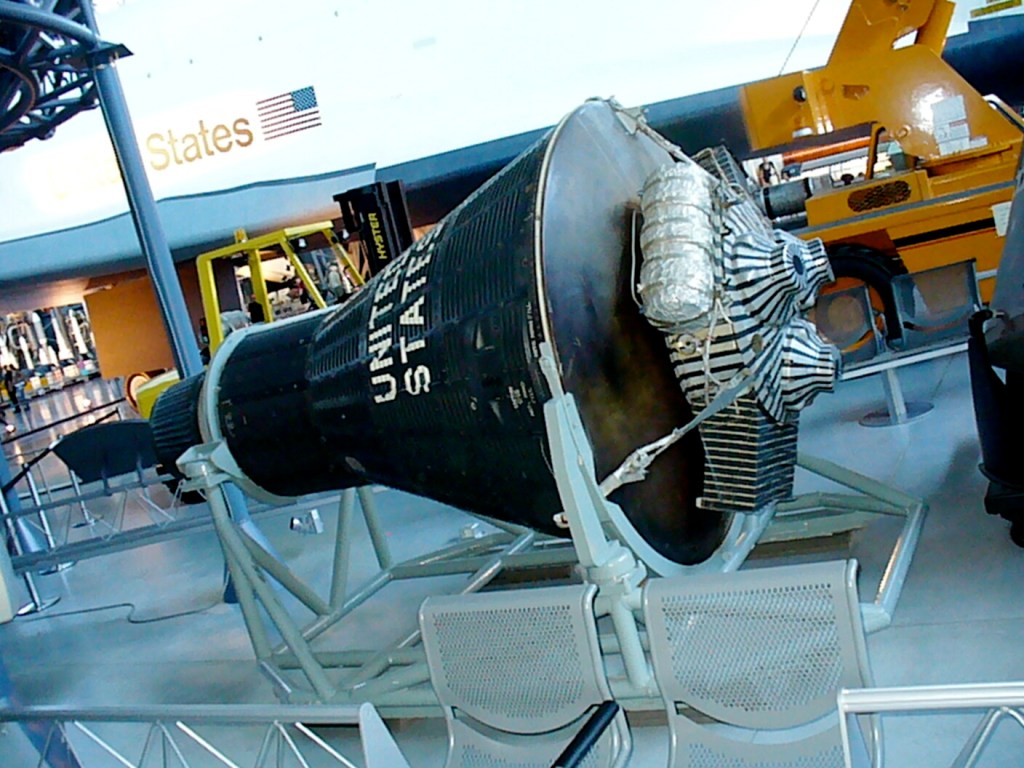
Mercury Capsule
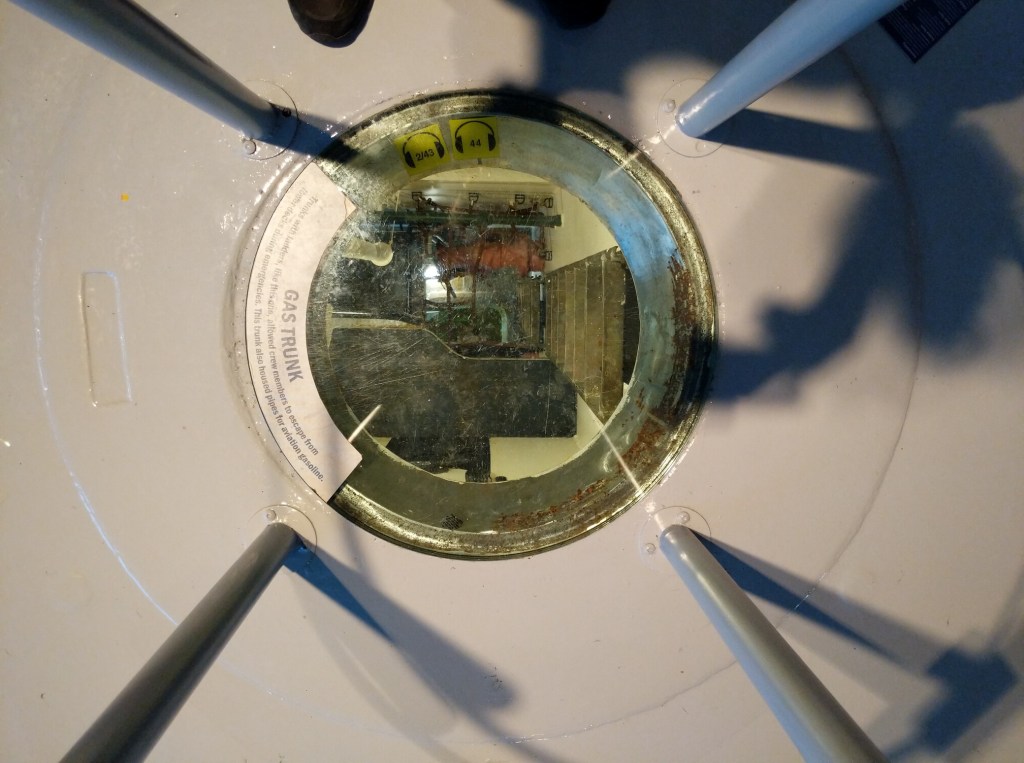
Ship Interior
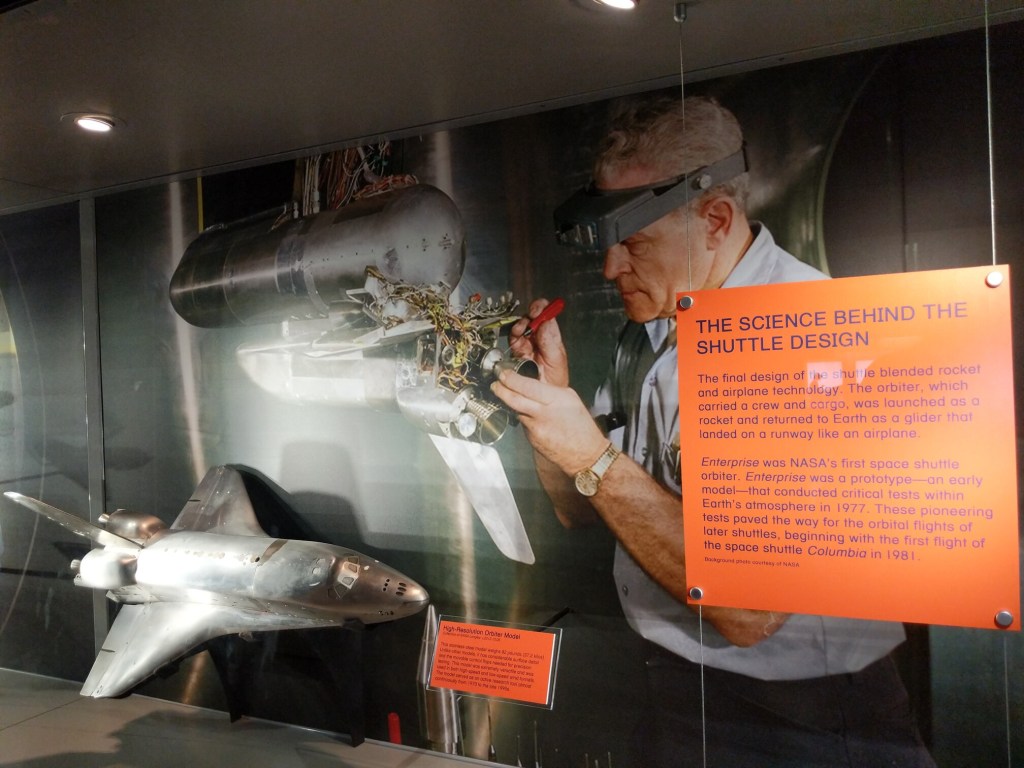
Space Shuttle Enterprise and Exhibit Area
The LEGO mosaic that capped off the Enterprise exhibit area was a cooperative construction project let by Ed Diment, who created the scale model of the USS Intrepid (below). The mosaic above depicts the Space Shuttle Enterprise’s flight over NYC before its arrival at JFK and eventual move to the Intrepid. It was constructed out of 50,000 LEGO bricks by hundreds of children and adults between July 26-28, 2013.
LEGO Build of the USS Intrepid
Built by Ed Diment, this recreation of the USS Intrepid with LEGO bricks is a 1:40 scale model. It is 22 feet long, 4 feet wide, and over 4 1/2 feet tall. It weighs 550 pounds and contains 250,000 pieces!