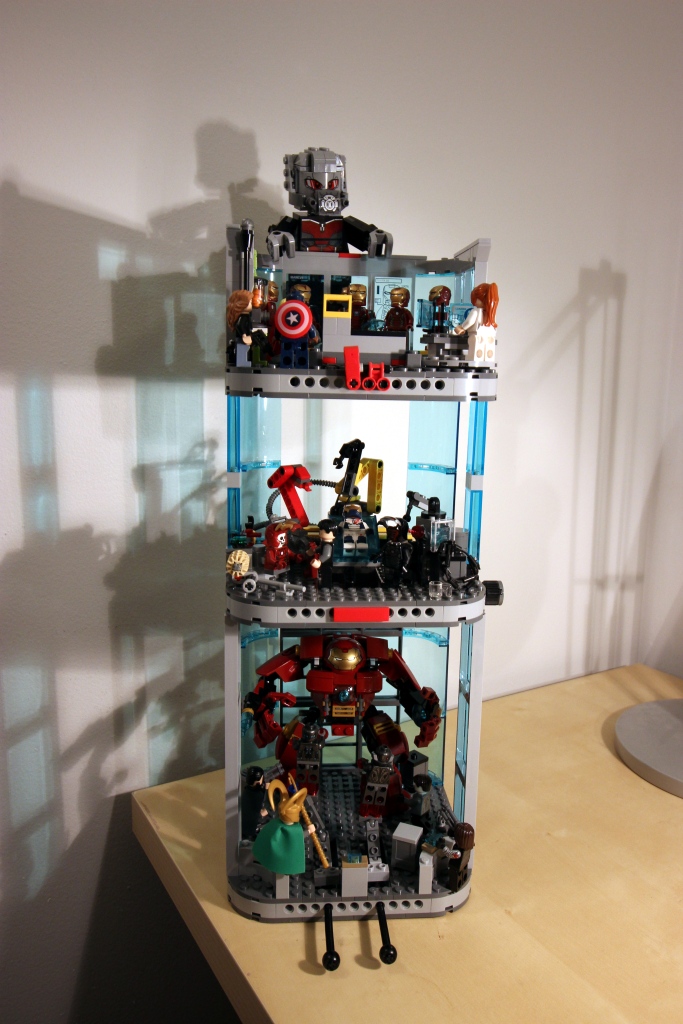
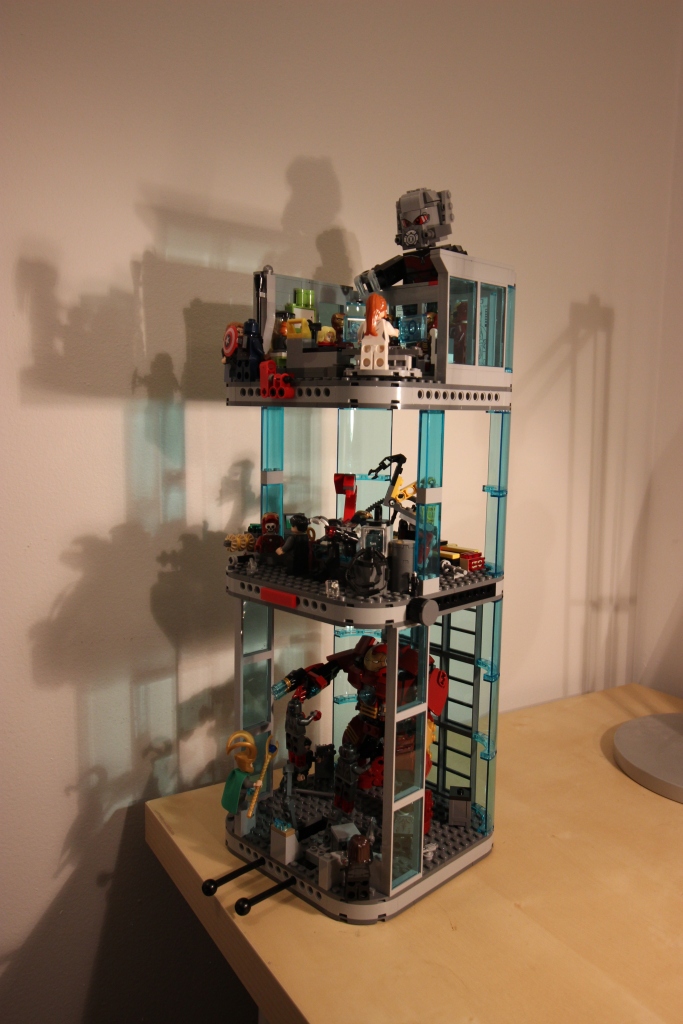
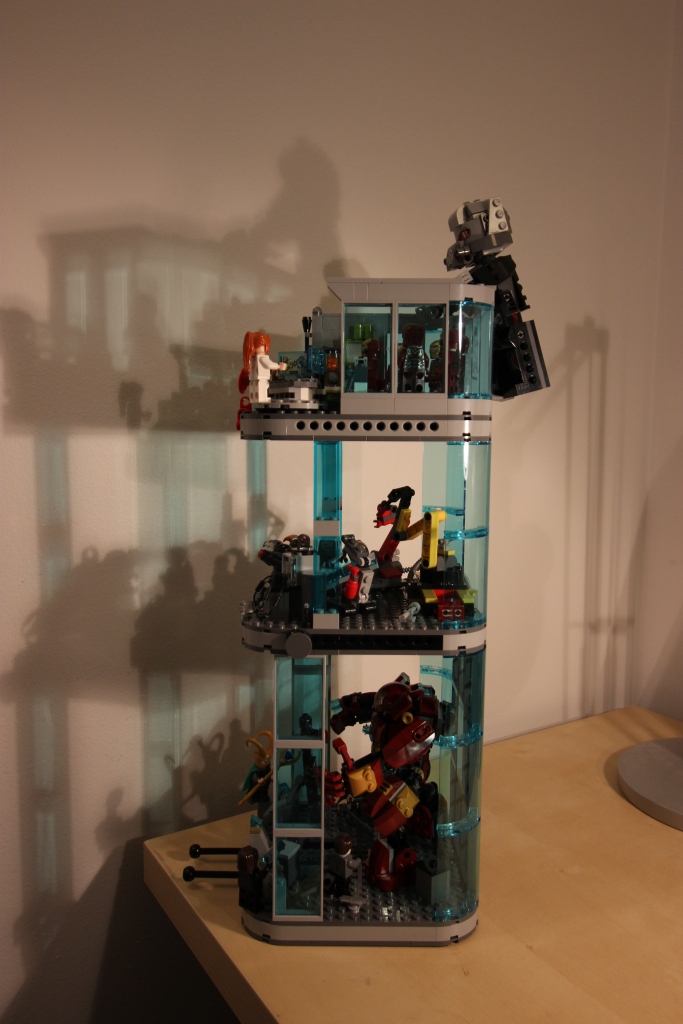
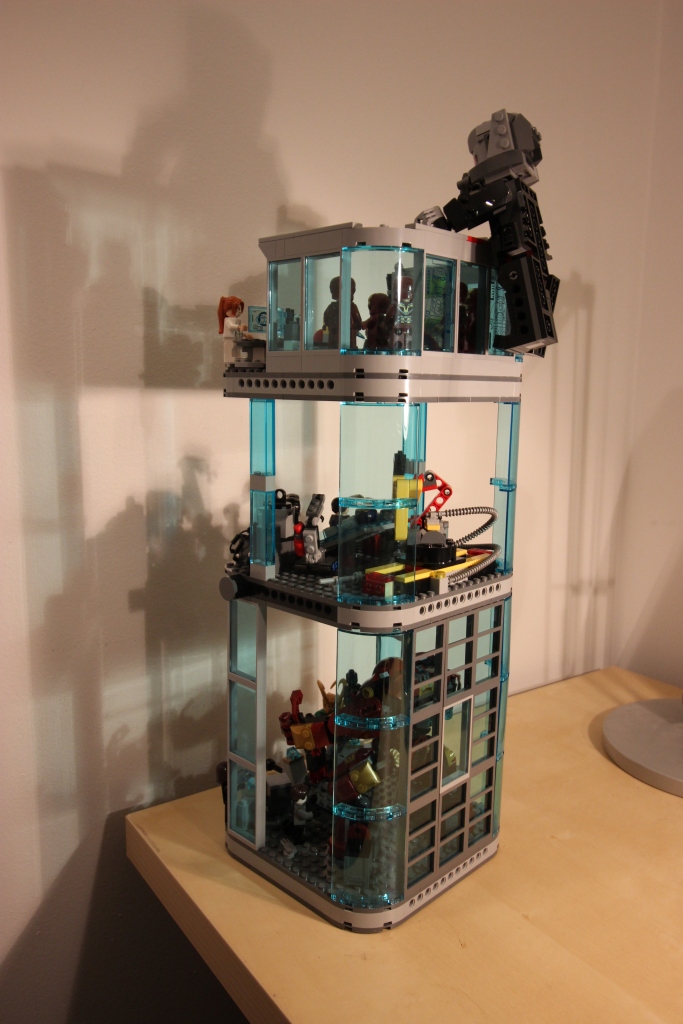
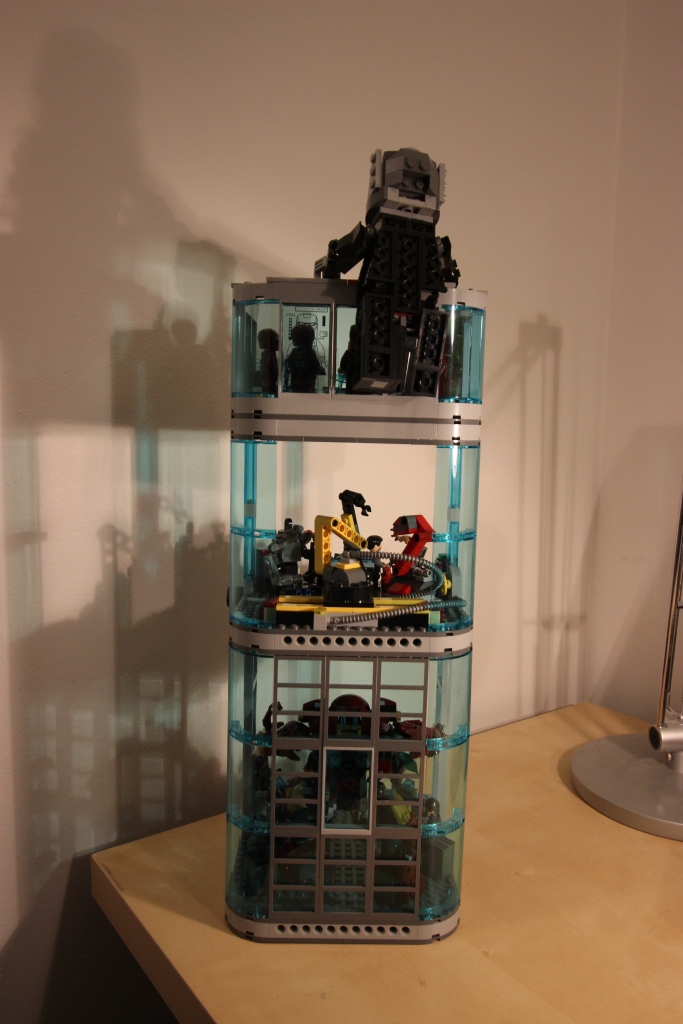
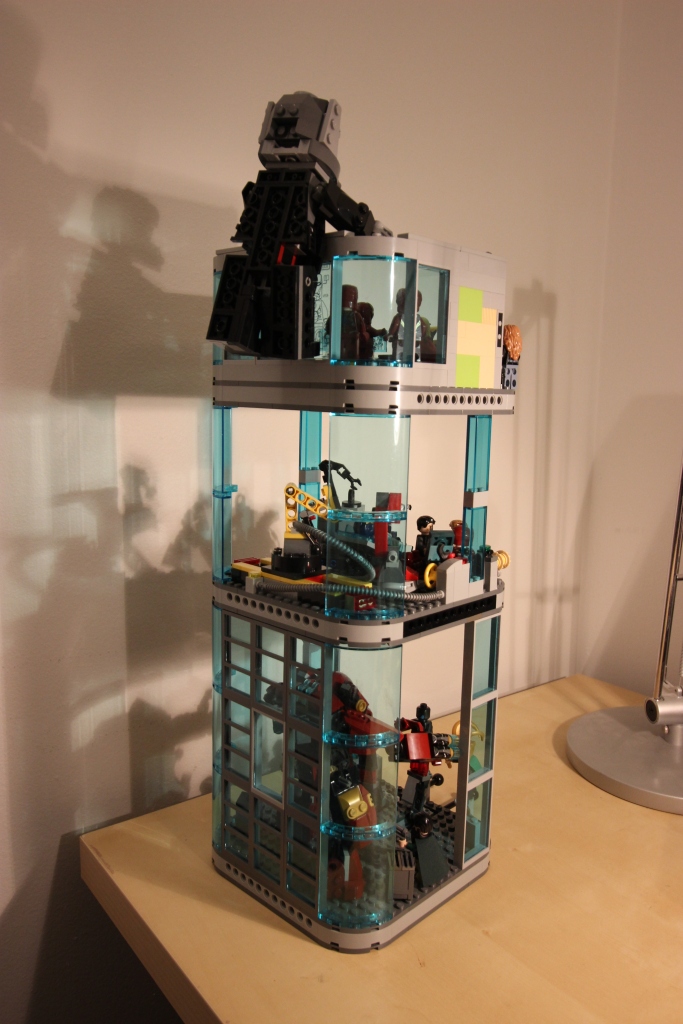
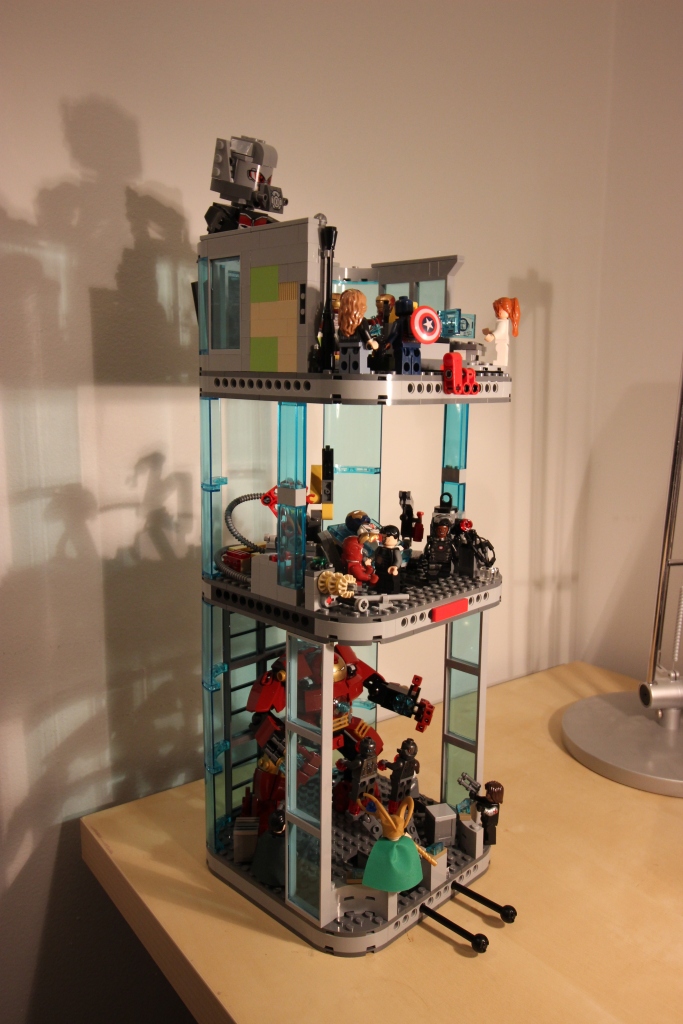
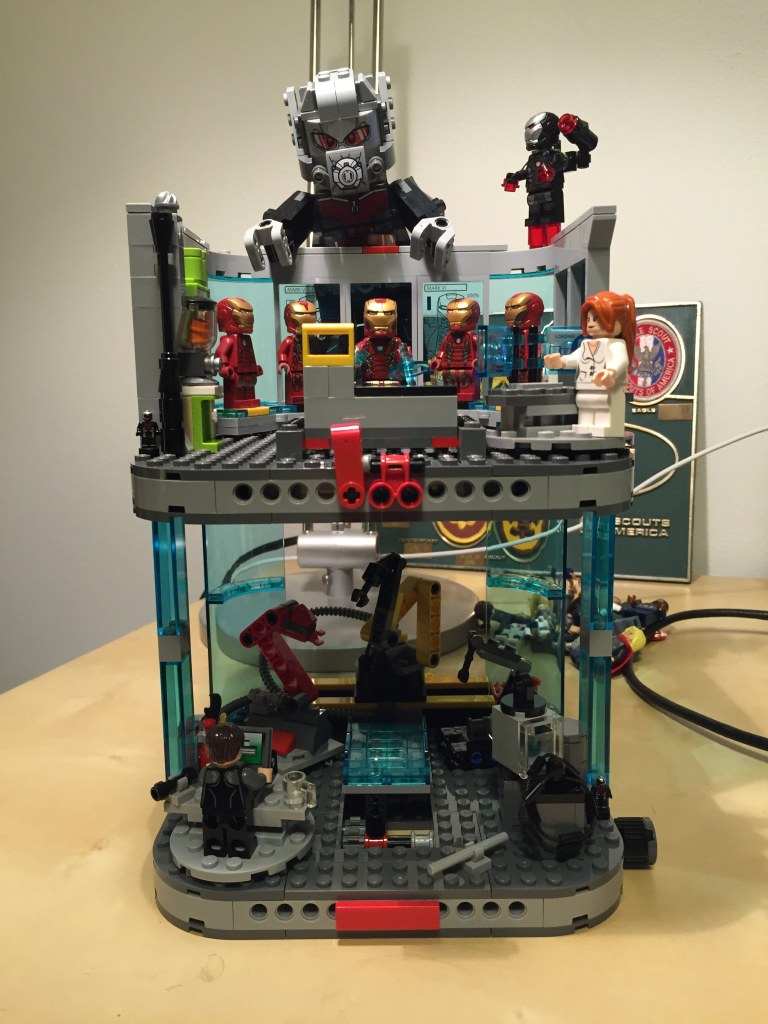
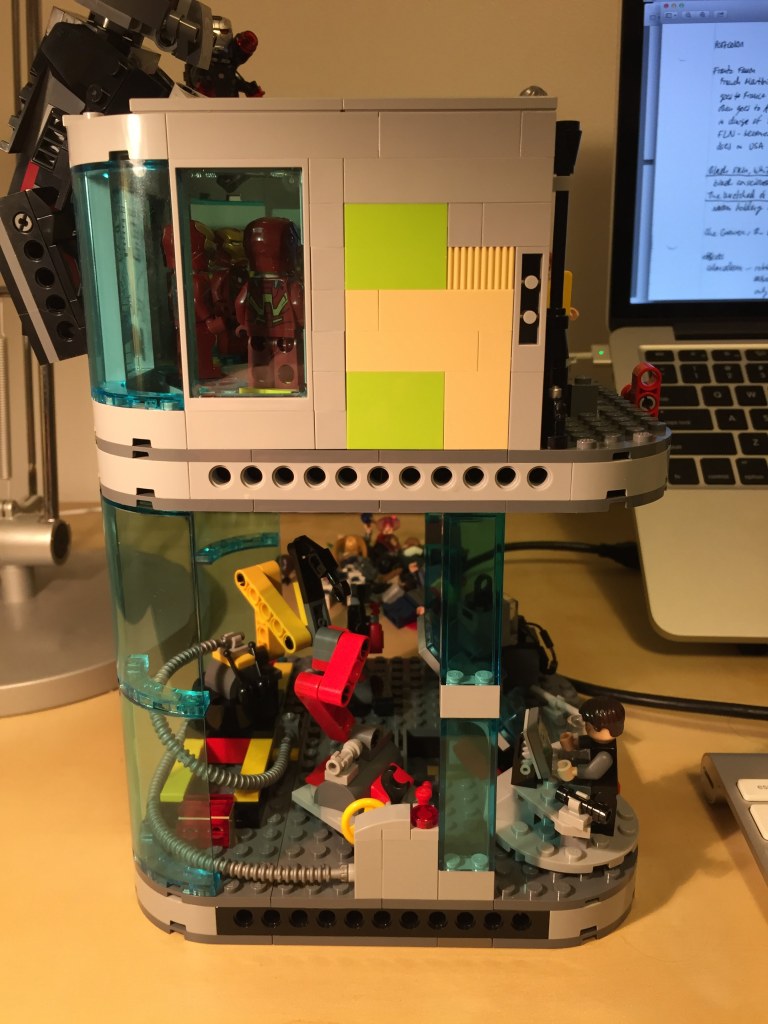
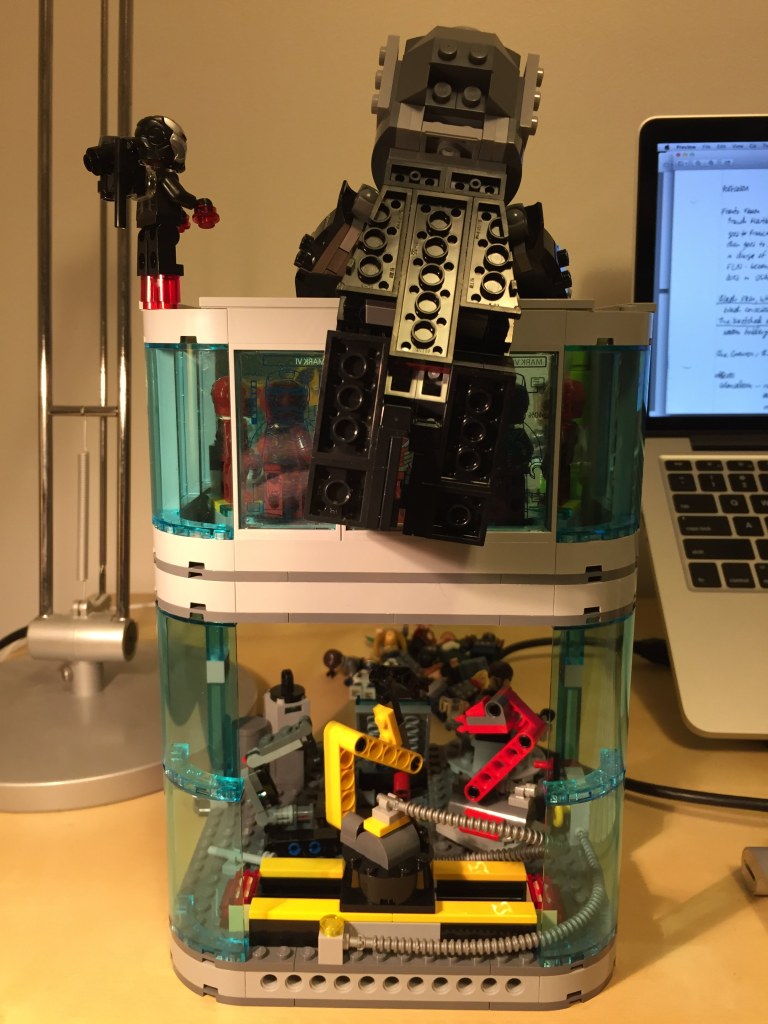
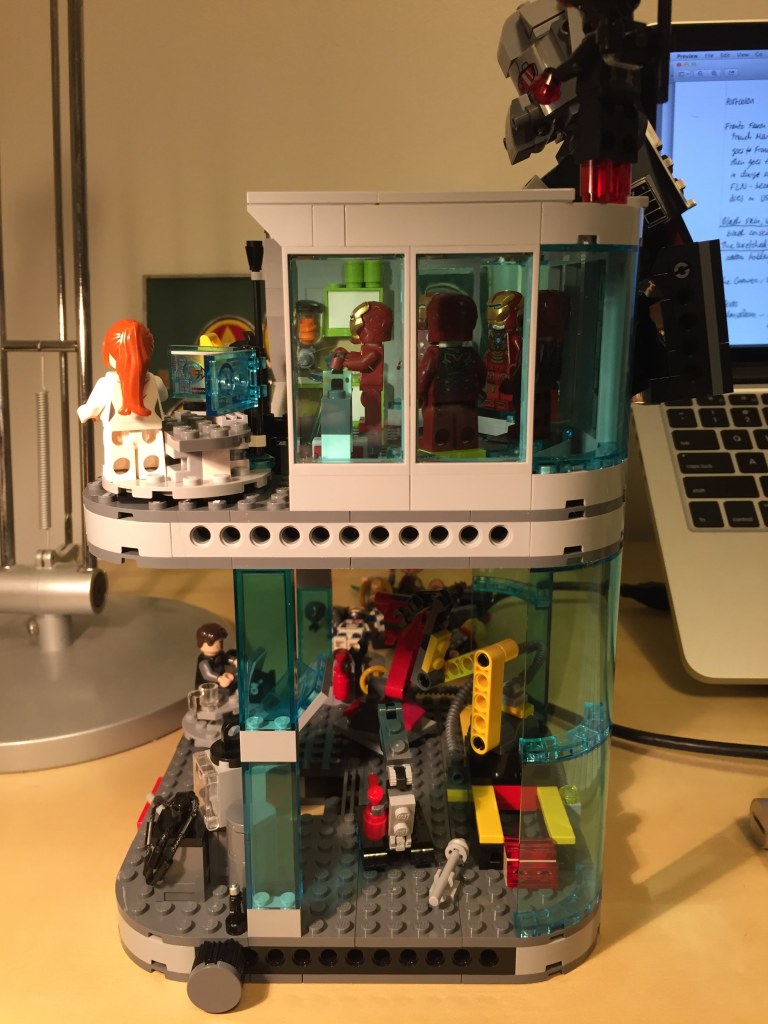
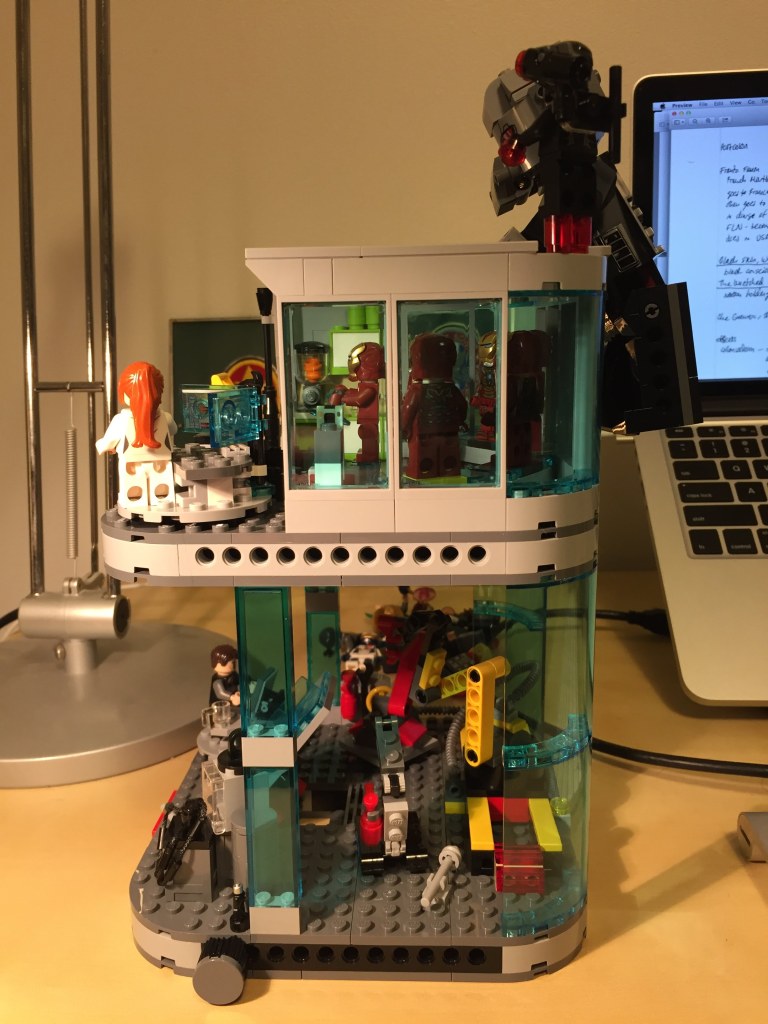
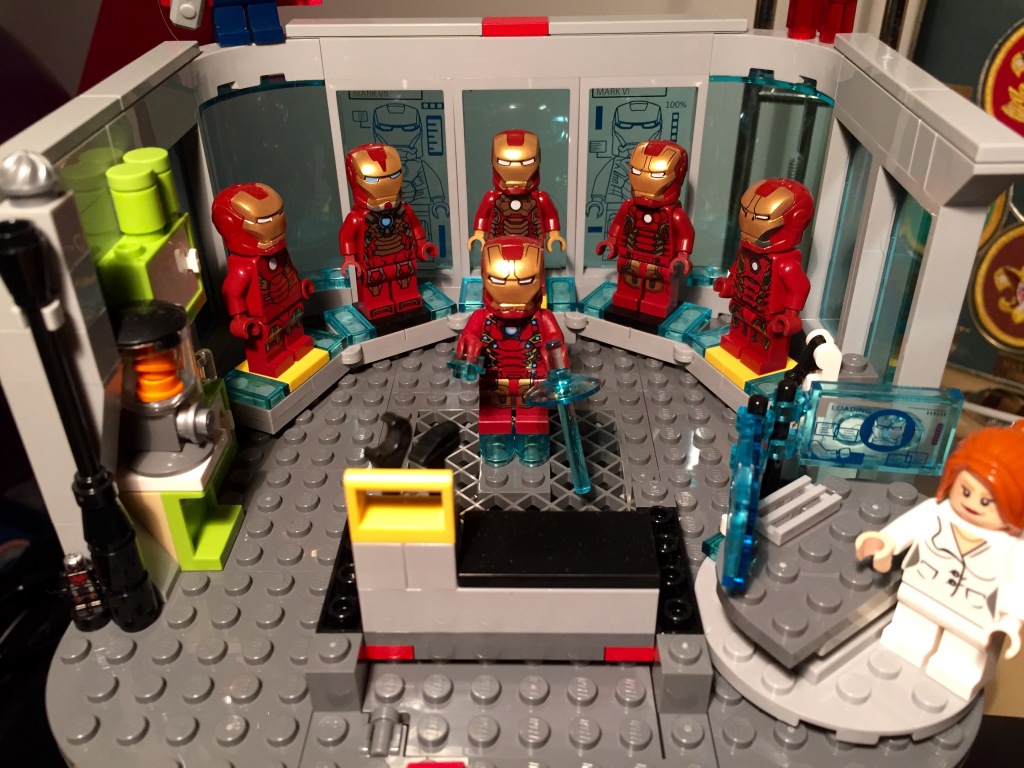
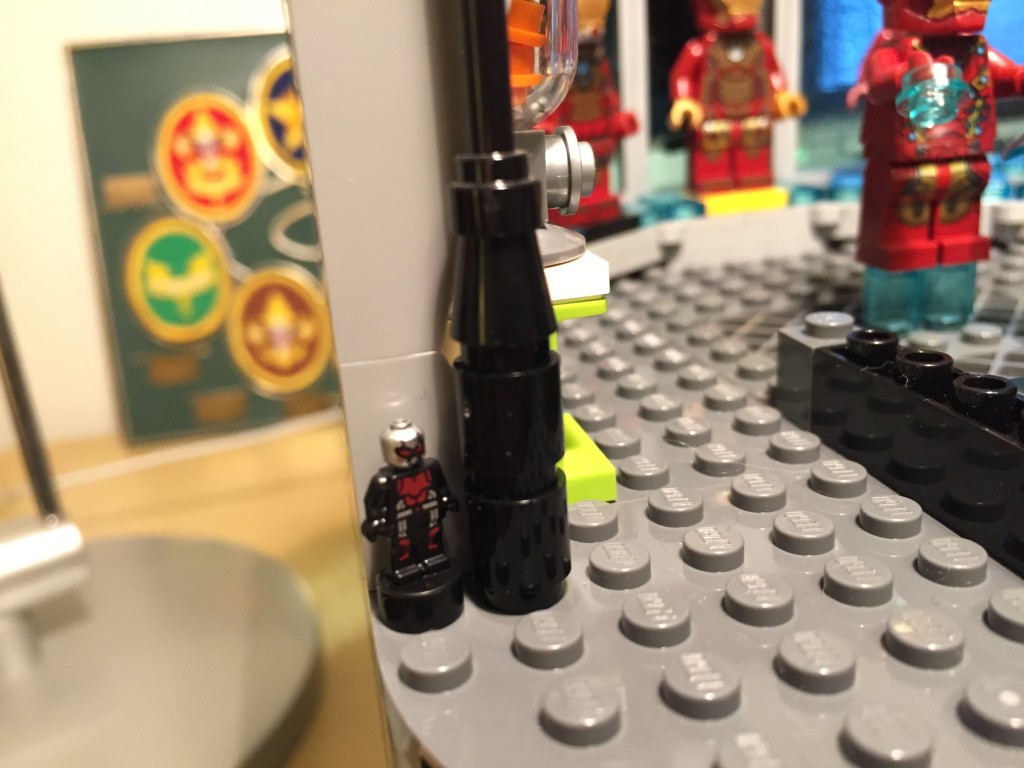
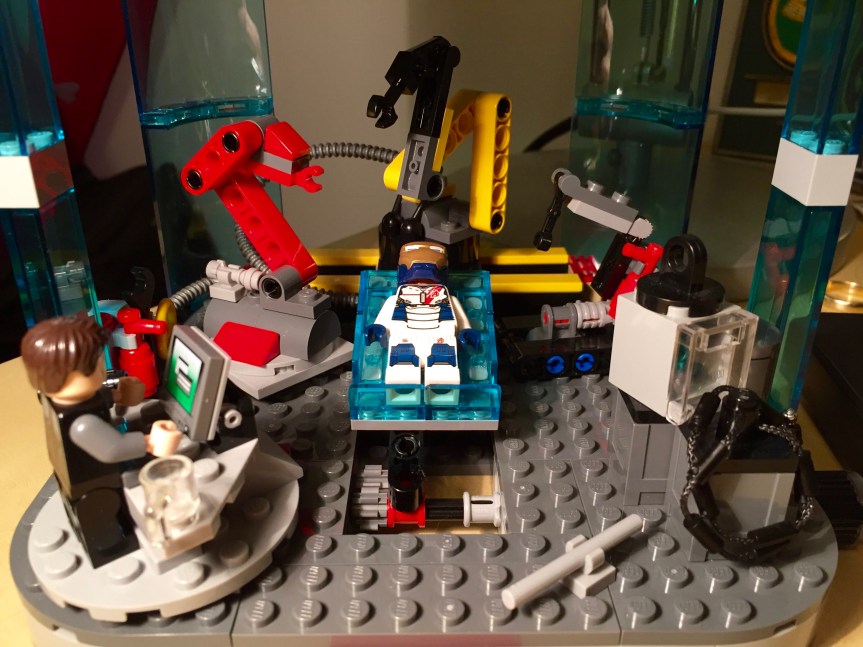
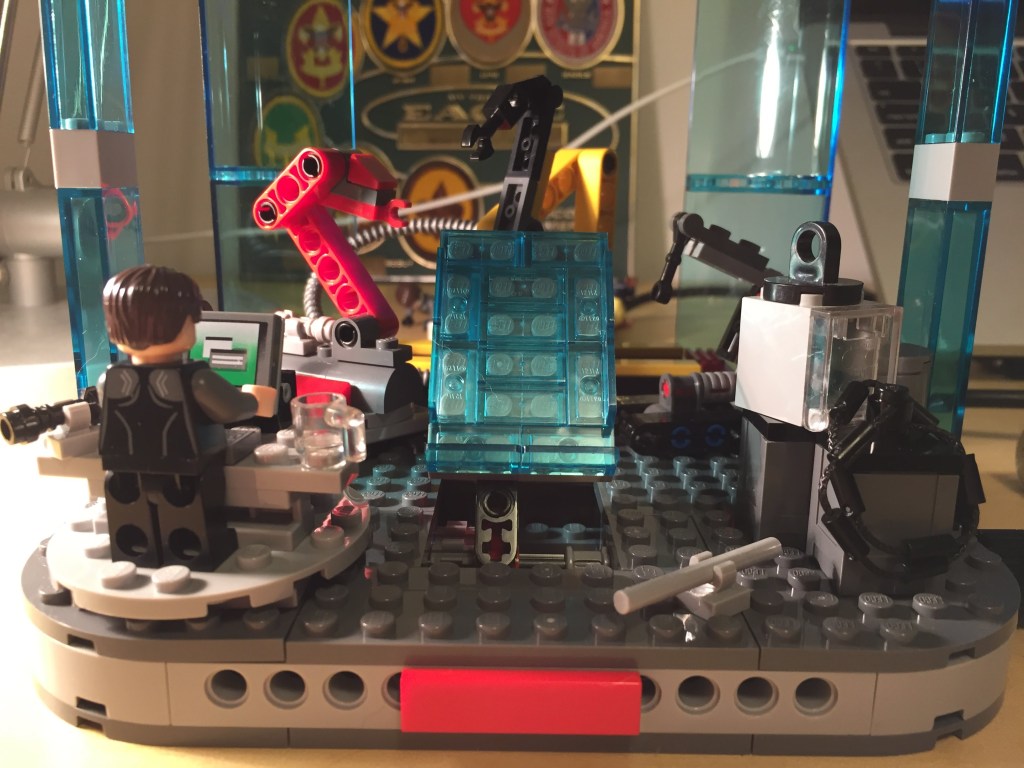
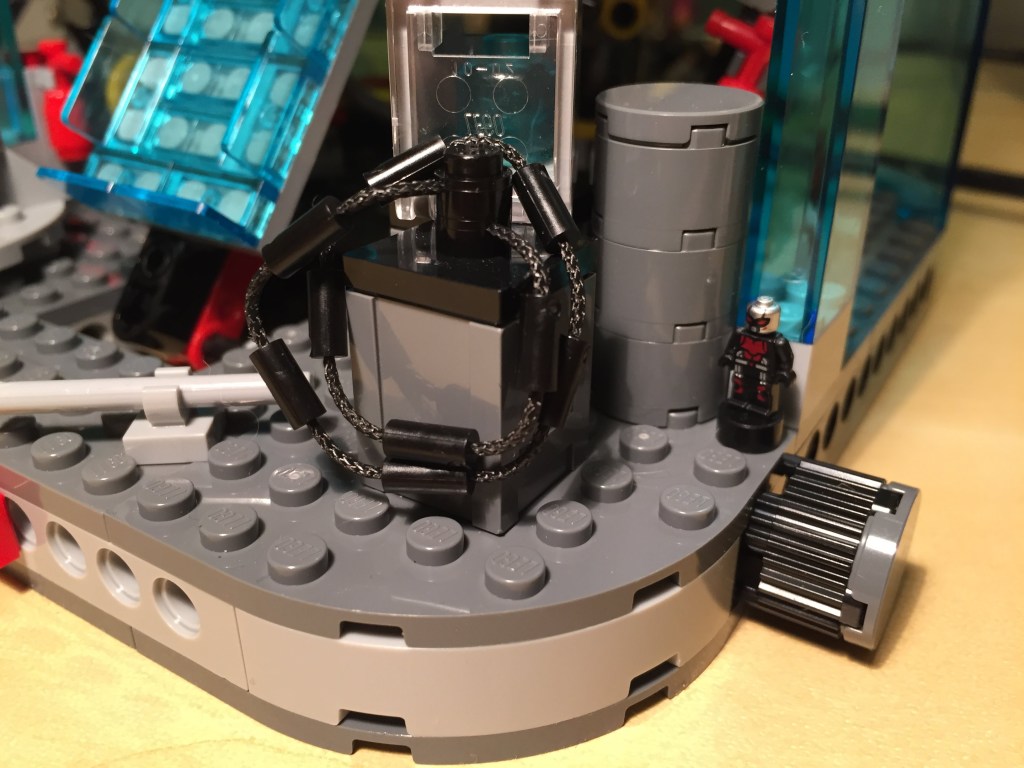
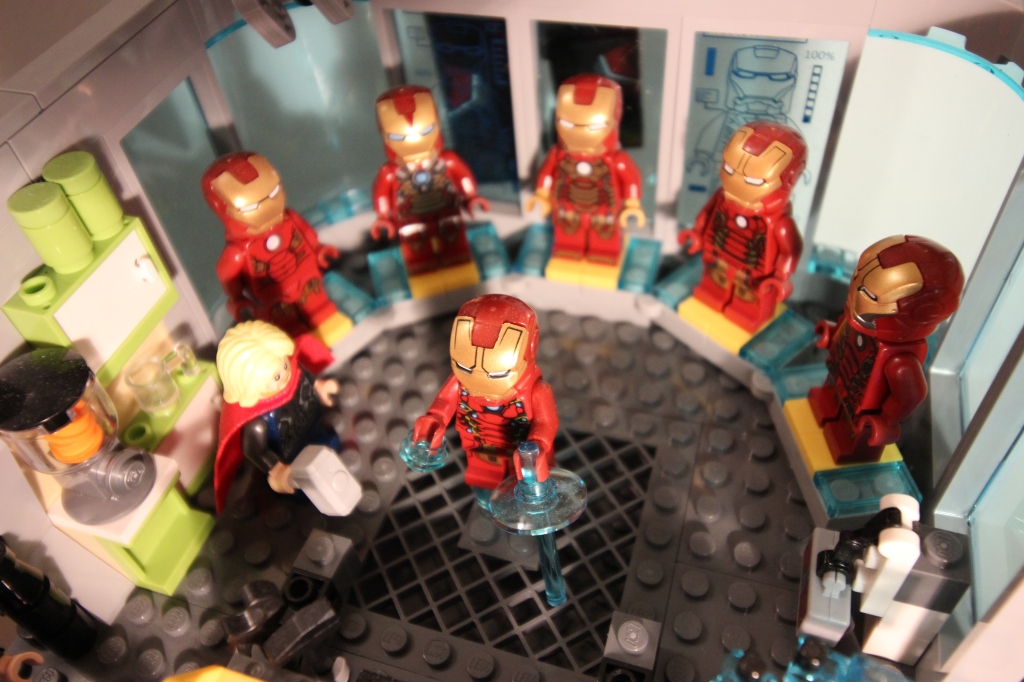
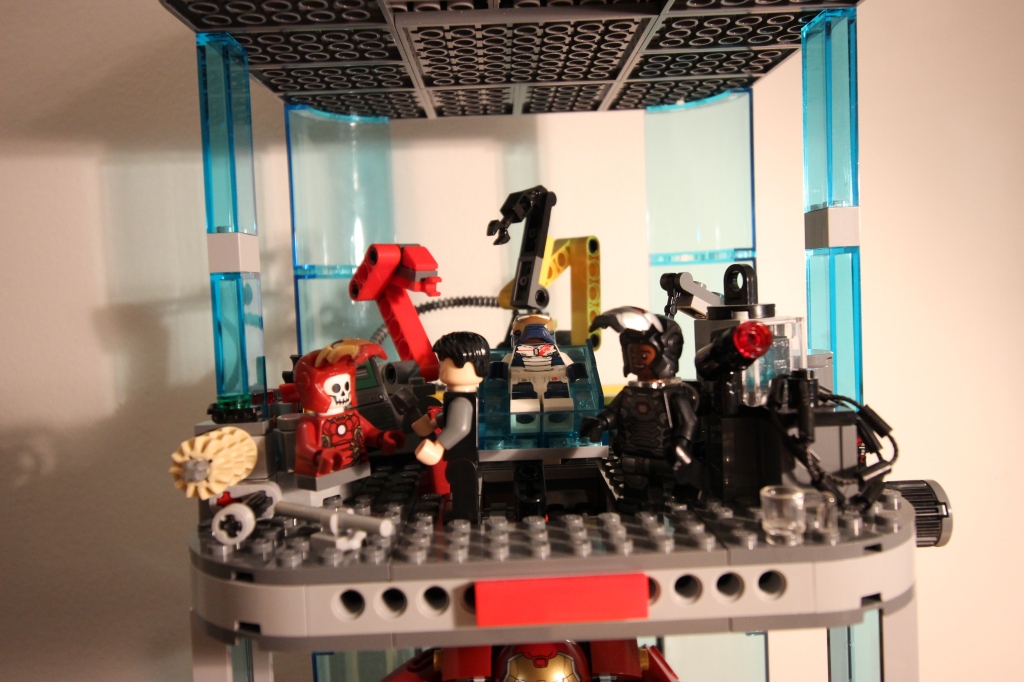
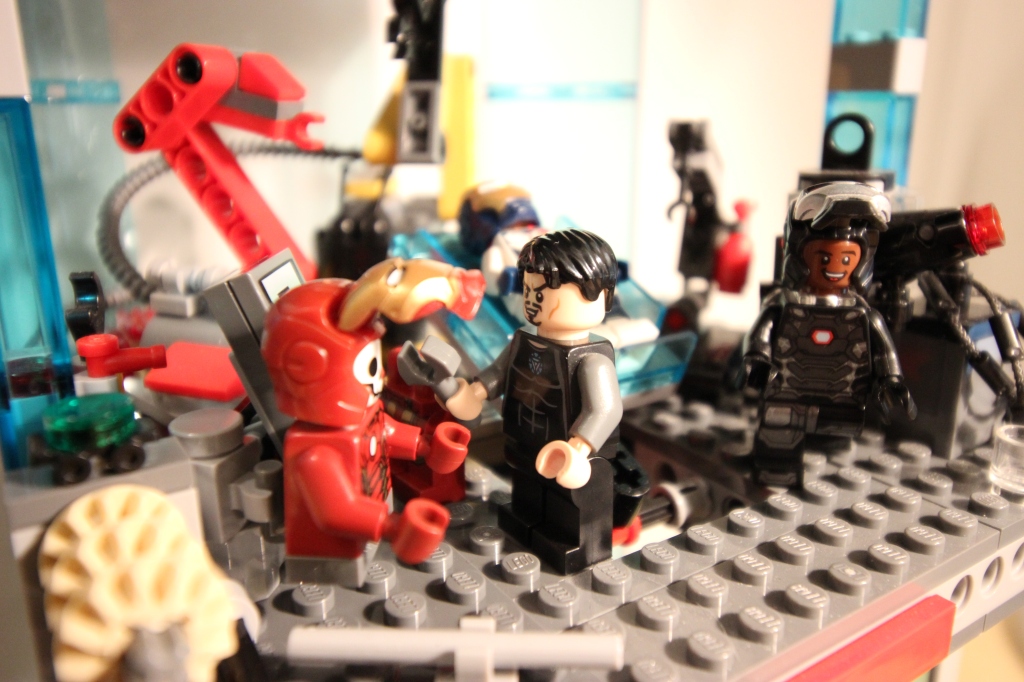
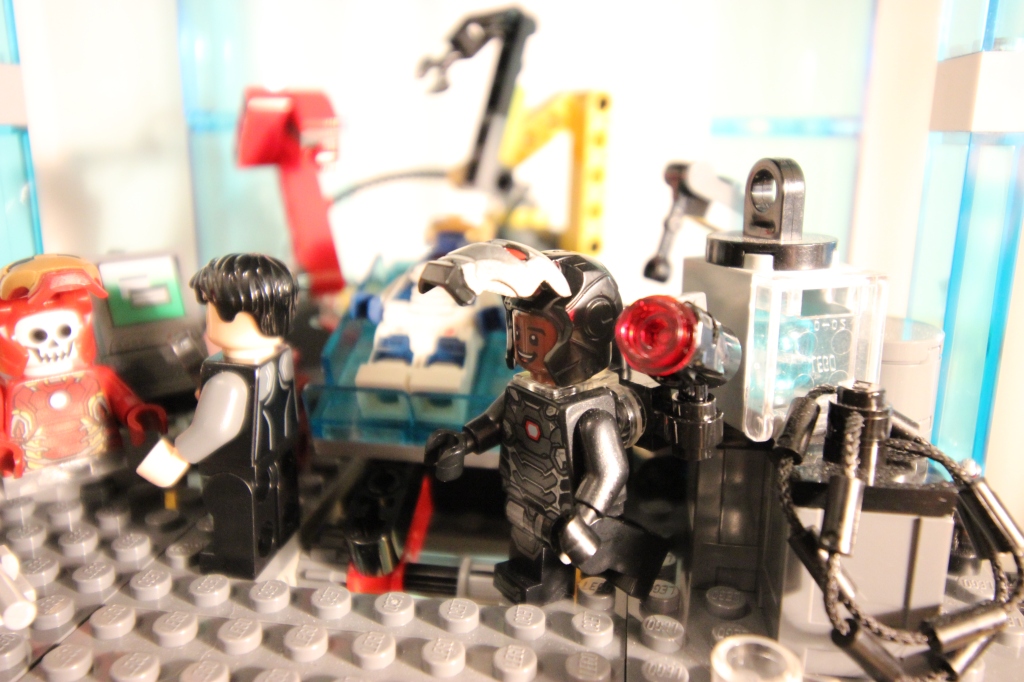
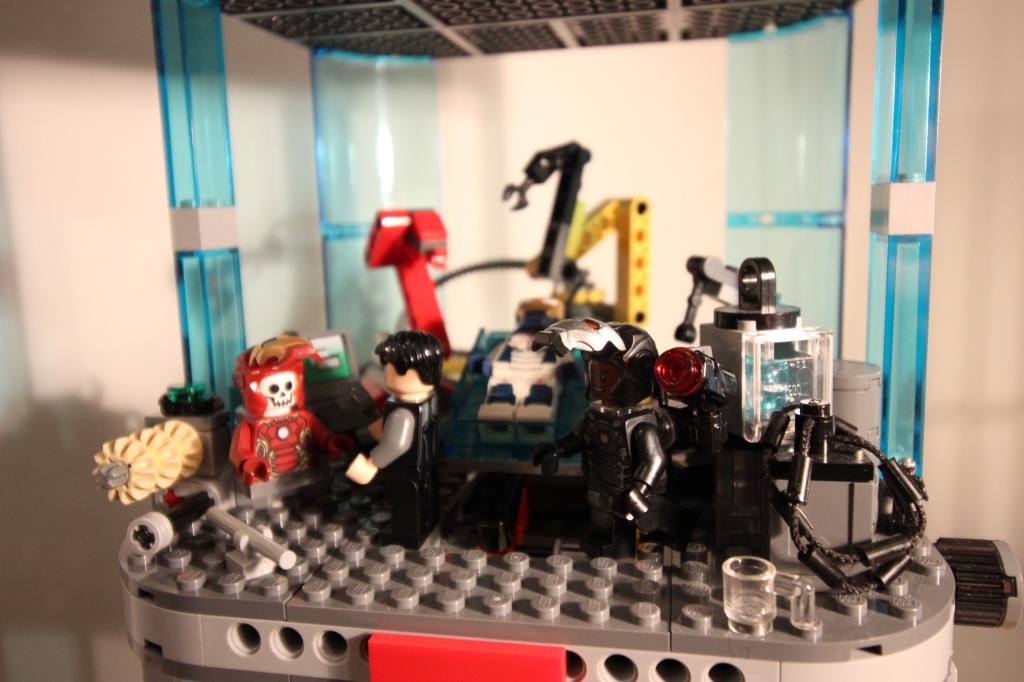
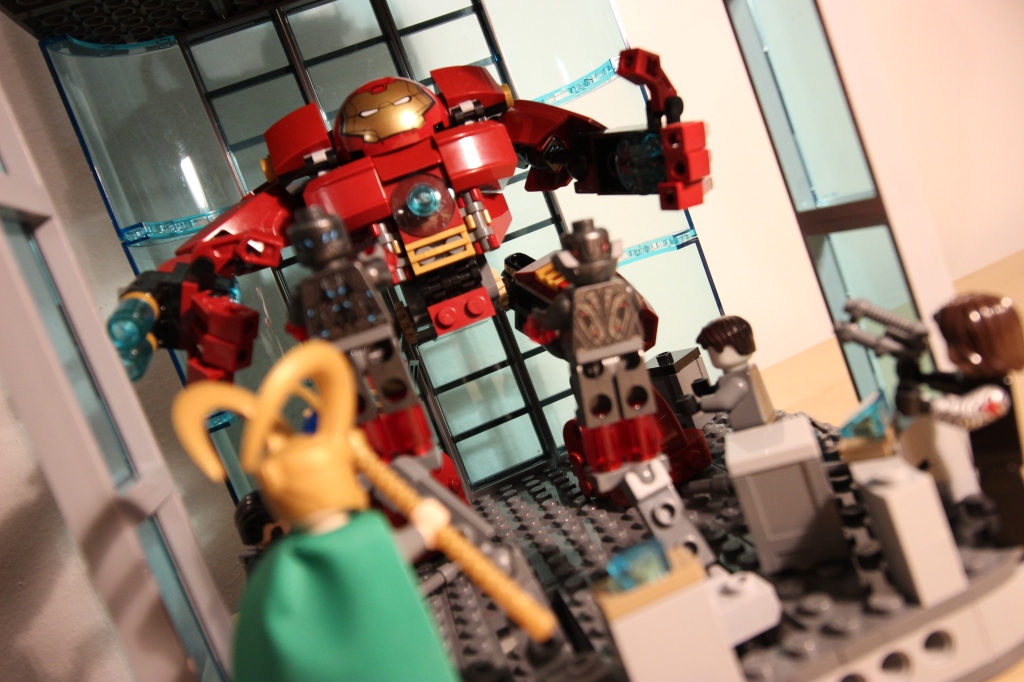
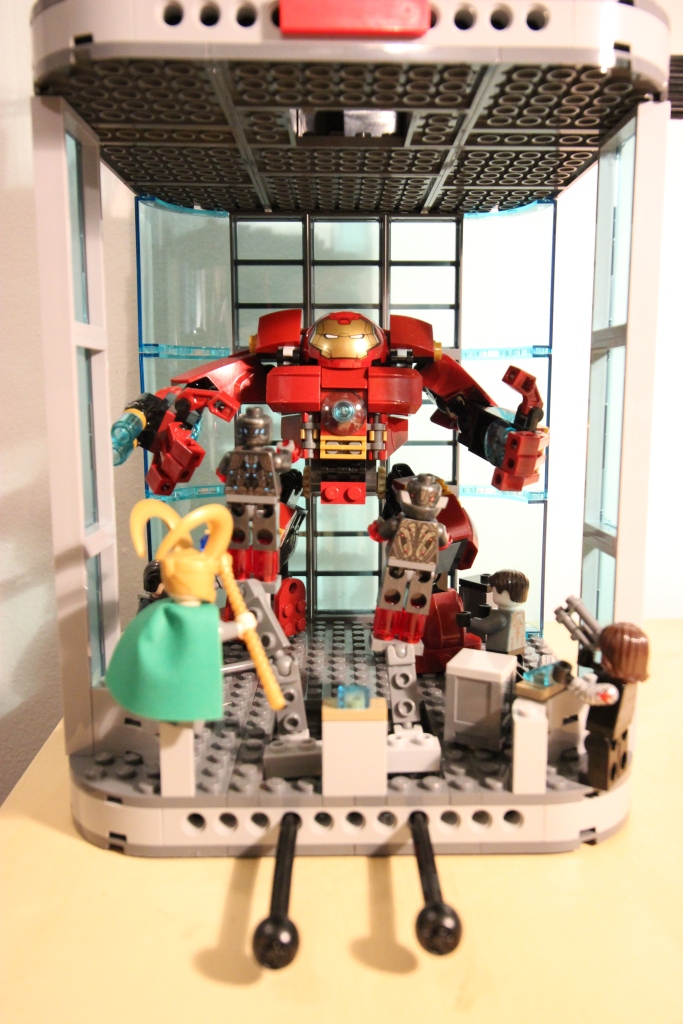
I built this gargantuan three-level Stark Tower LEGO MOC (my own creation) to bring together three concept spaces: Iron Man’s Hall of Armor, Tony Stark’s Workshop, and an X-Men Danger Room-like testing area. Also, it was a model that didn’t take up too much desk space, so I got the enjoyment of seeing it while working without it monopolizing my desk. I wasn’t going for accuracy to something canon-established. Instead, I was mashing up some different ideas into a single model with a high degree of built-in playability. Eventually, I disassembled it and used many of its bricks to create the taller Avengers Tower MOC that I built and wrote about here.
Two-Level Origin
The first iteration of the mode was only two-levels tall and focused on the Hall of Armor and Workshop.
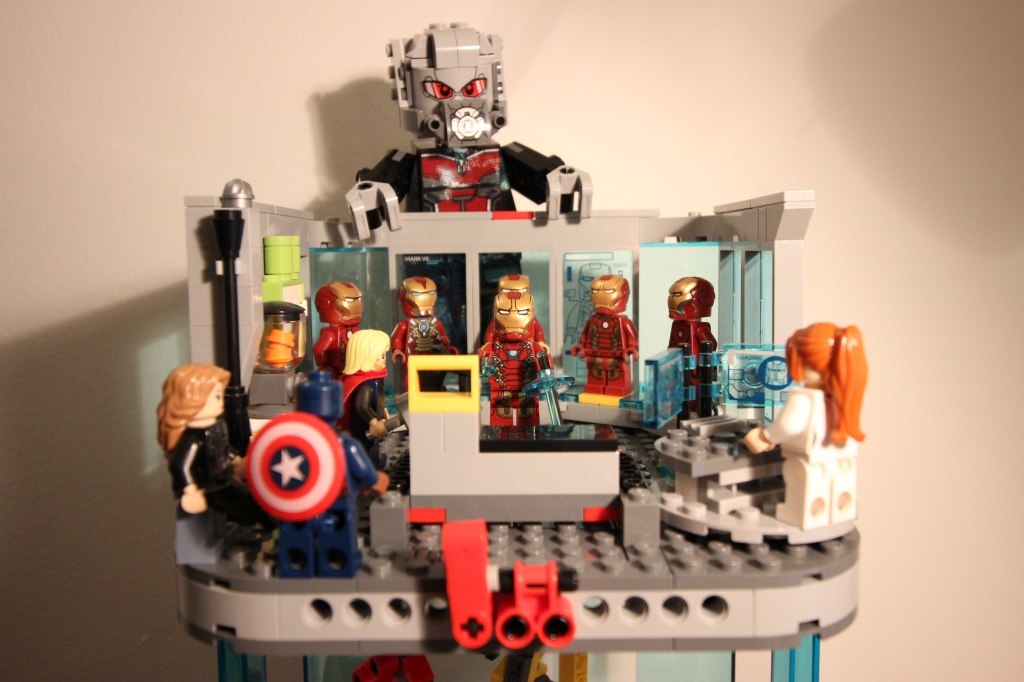
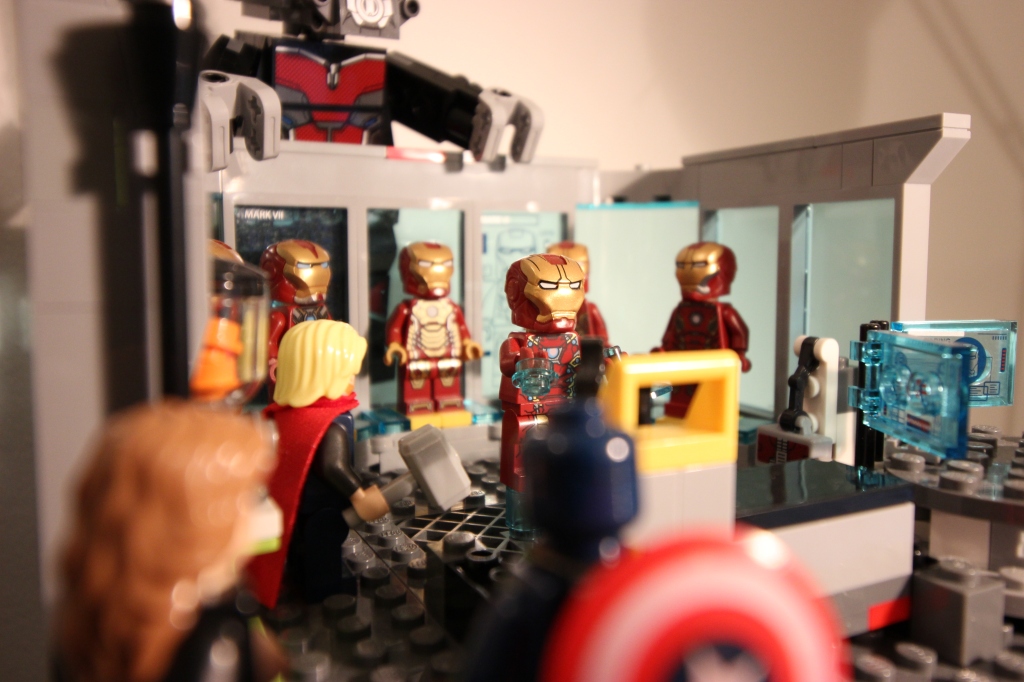
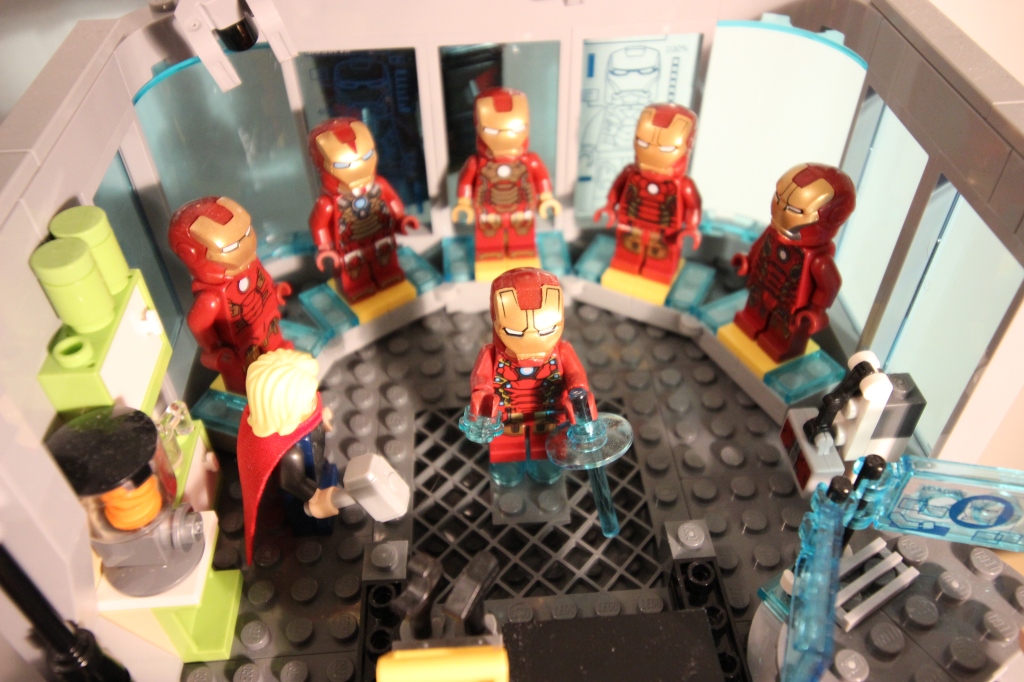
Top Level: Hall of Armor
Armor Display
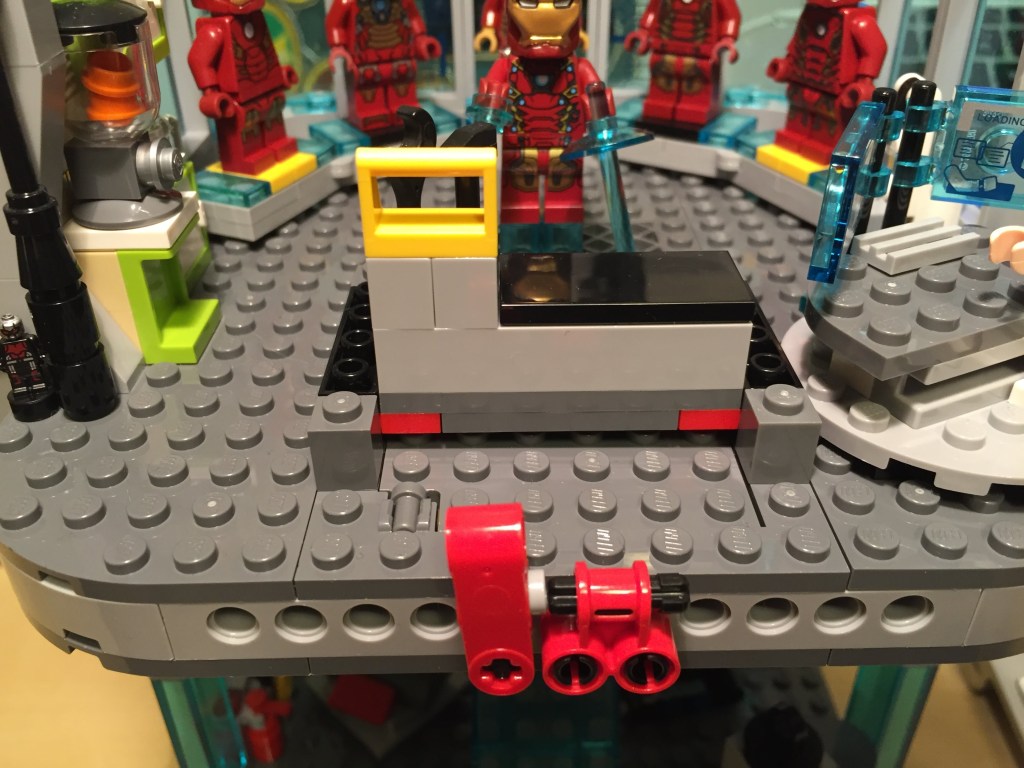
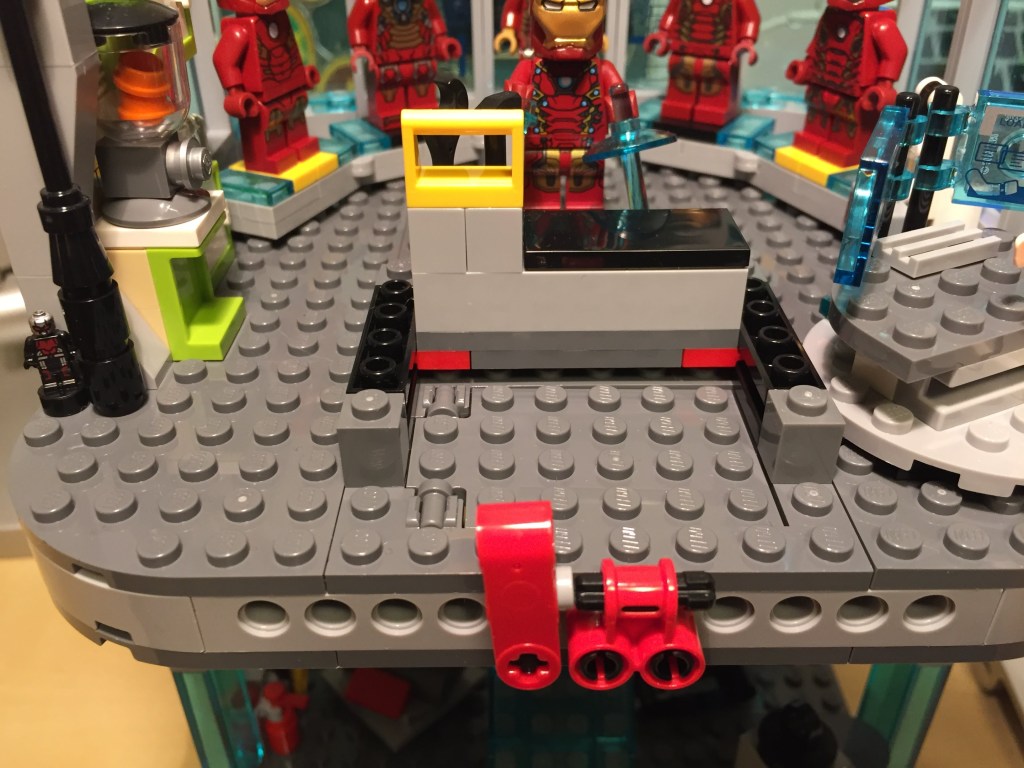
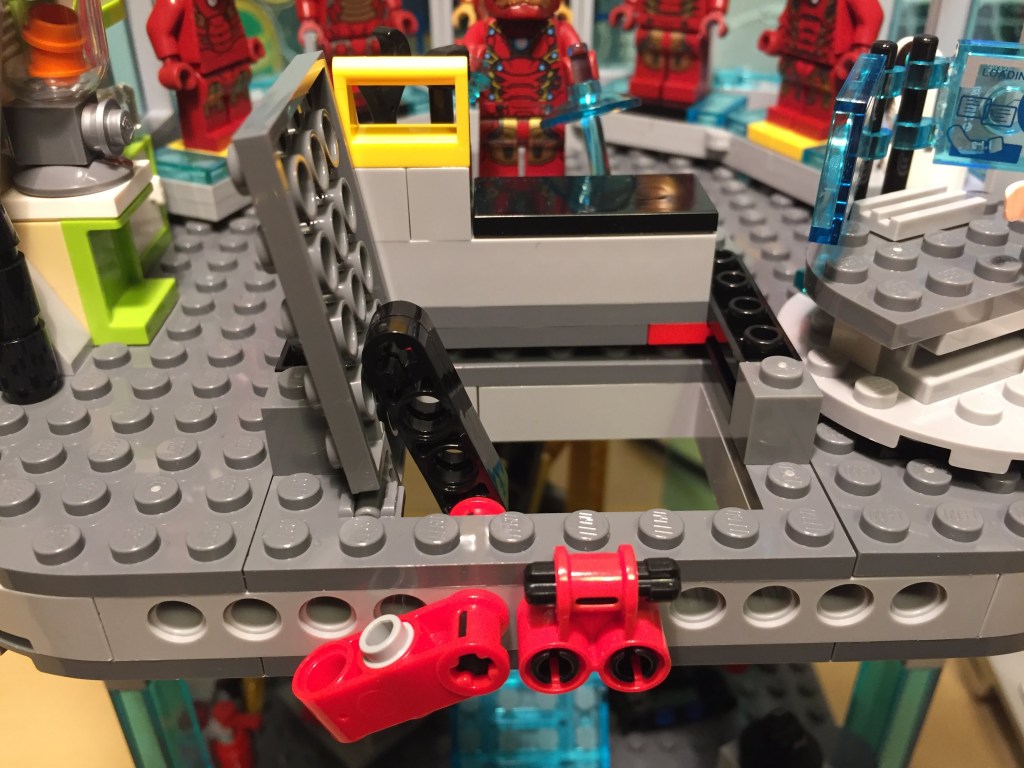
Trap Door
Ant-Man Hides in the Shadows
Bottom Level: Workshop
The Slab with Rotator Knob
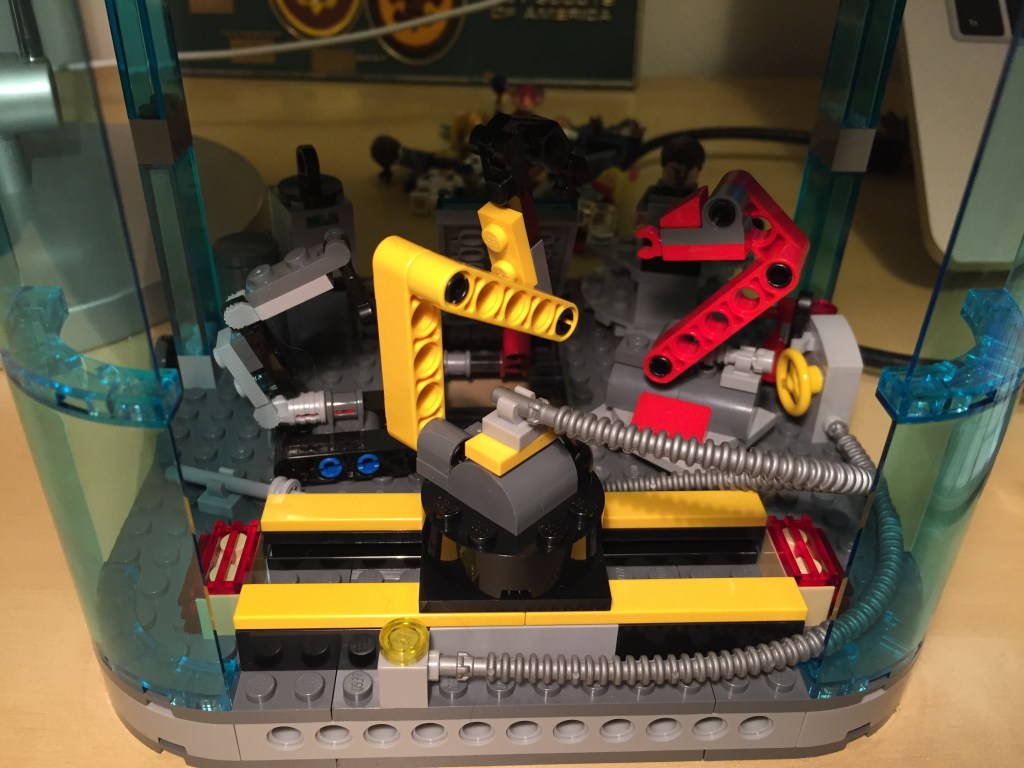
Industrial Robot on Slider
Three-Level Expansion
But, I thought adding a high ceiling level for testing and training, kind of like The X-Men’s Danger Room, would be cool. So, the build grew in height to enclose the Hulkbuster Armor facing off against Loki, the Winter Soldier, the Mandarin, Ultron, and an Extremis soldier.
Hall of Armor Updates
Workshop Updates
Danger Room
The knobs at the bottom center move the armatures forward and back for Ultron and one of his familiars.
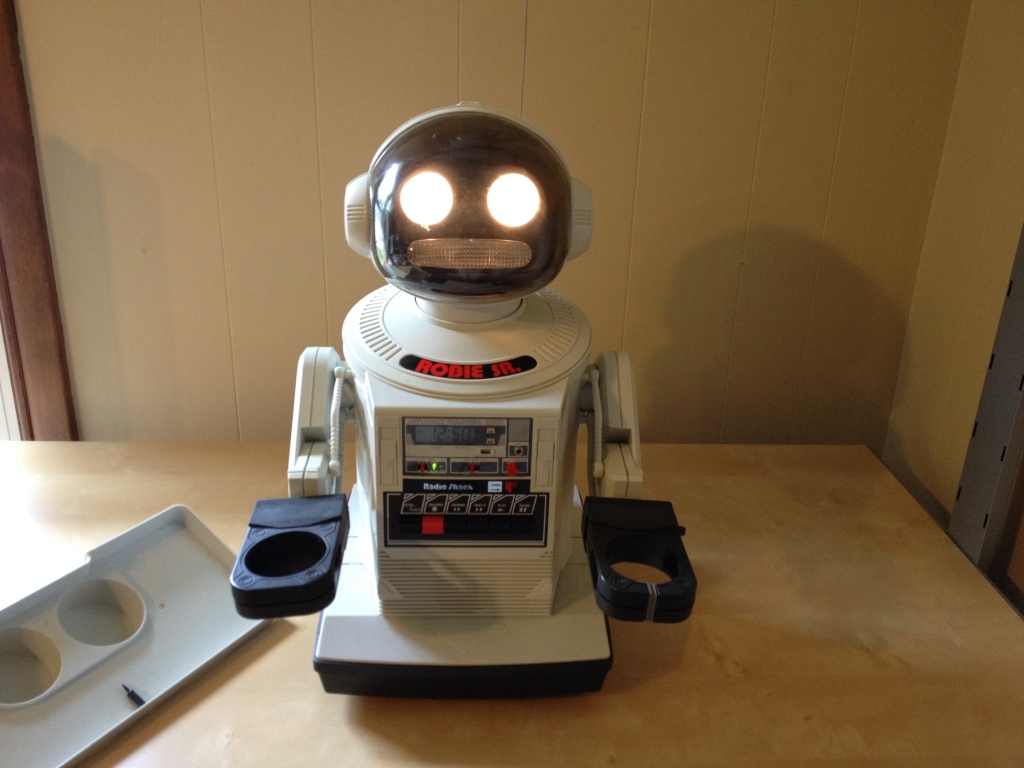
It is a less advanced version of Tomy’s Hearoid and OOM models. Robie Sr. can be remote controlled by a handheld transmitter that doubles as a walkie-talkie so that you can speak through Robie Sr.’s built-in speaker. Also, movements can be recorded to a cassette tape that can be played back to repeat the movements on command or by an internal alarm clock. He can grip items in his left hand, and he includes a tray supported by both hands for carrying larger or awkward items. You can read more details about Robie Sr.’s functions and features in the owner’s manual available at TheOldRobots.com here.
When I was a kid, I wanted one of these robots badly! I imagined it was like having R2-D2 as a friendly companion. Omnibot 2000 was the most advanced consumer robot that I was aware of at that time. Robie Sr. was a close second to my childhood imagination. The Heathkit Hero was the most astromech-like robot on the market at the time, but it was lightyears beyond my affordability and technical skill.
I remember playing for hours with a friend’s Armatron–imagining being the robot brain controlling the rattling rumble of gears moving the waldo arm according to my joystick maneuvers.
Patience and saved searches on eBay eventually led me to find this Robie Sr. to experience what this little robot was capable of. I brought him to my classes and had him in my office at school. Some students thought Robie Sr. was cool, but he didn’t seem to fire their imagination like he did me years before.
My Robie Sr. now belongs to someone else. When we were downsizing before moving to Brooklyn, I had to let go of him and put him up on eBay. Hopefully, he is continuing to live his best robot life with his new family.
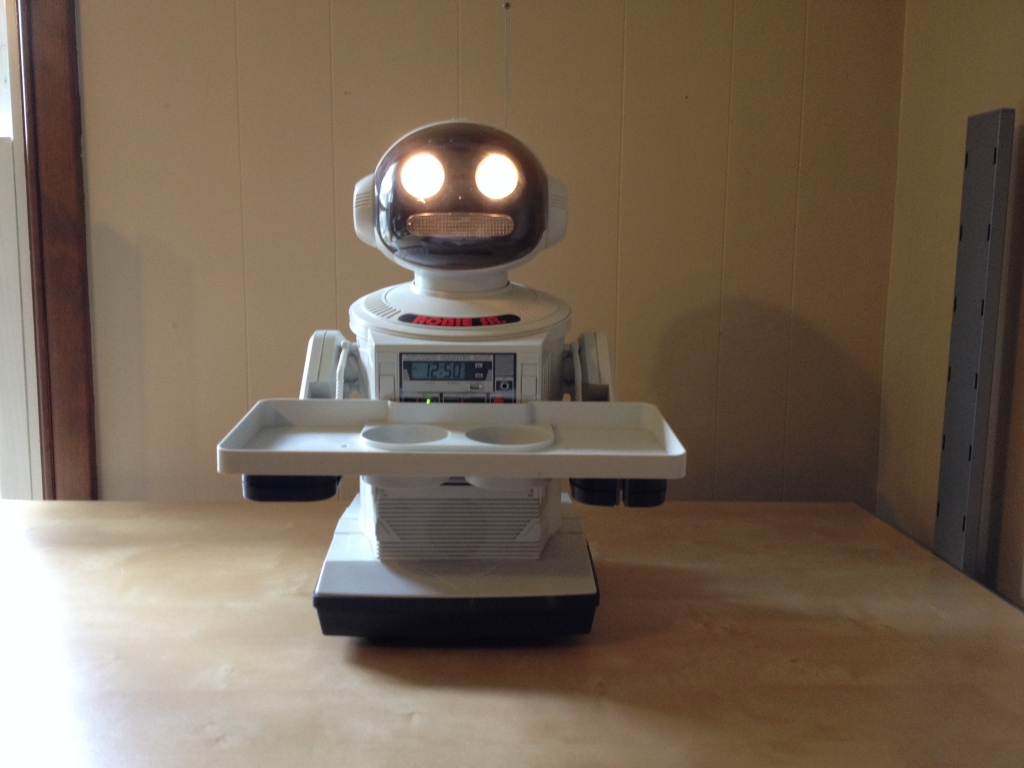
Robie Sr. comes with a tray that can be held by both hands.
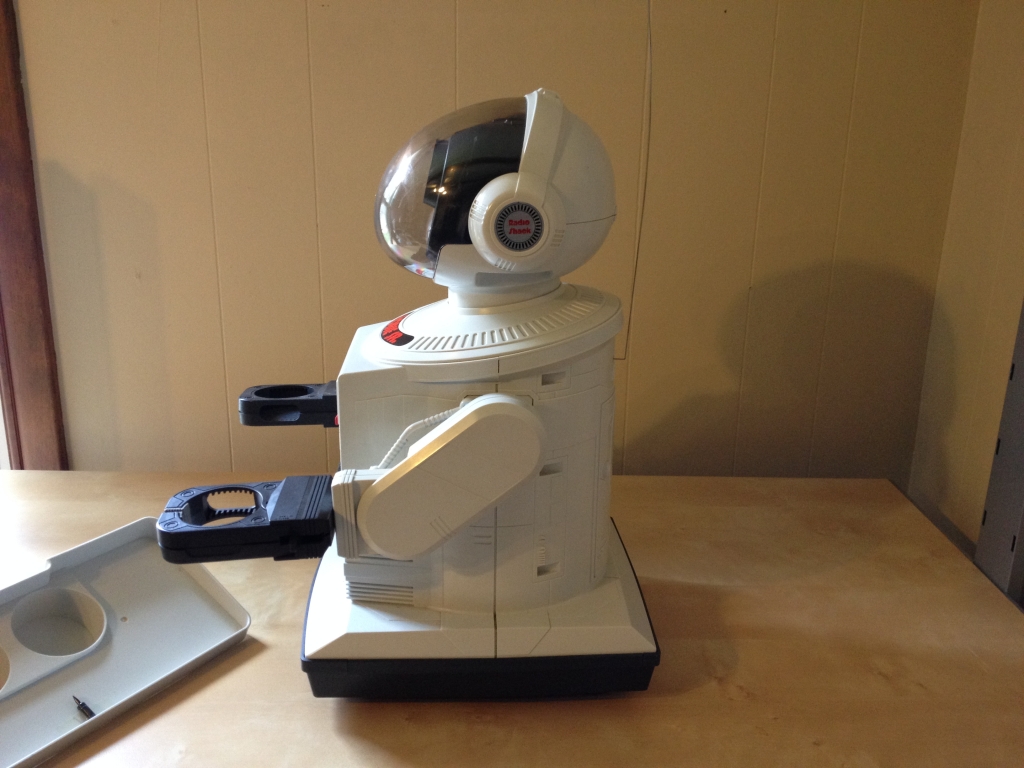
Left view with arm rotated to the height needed to hold a tray.
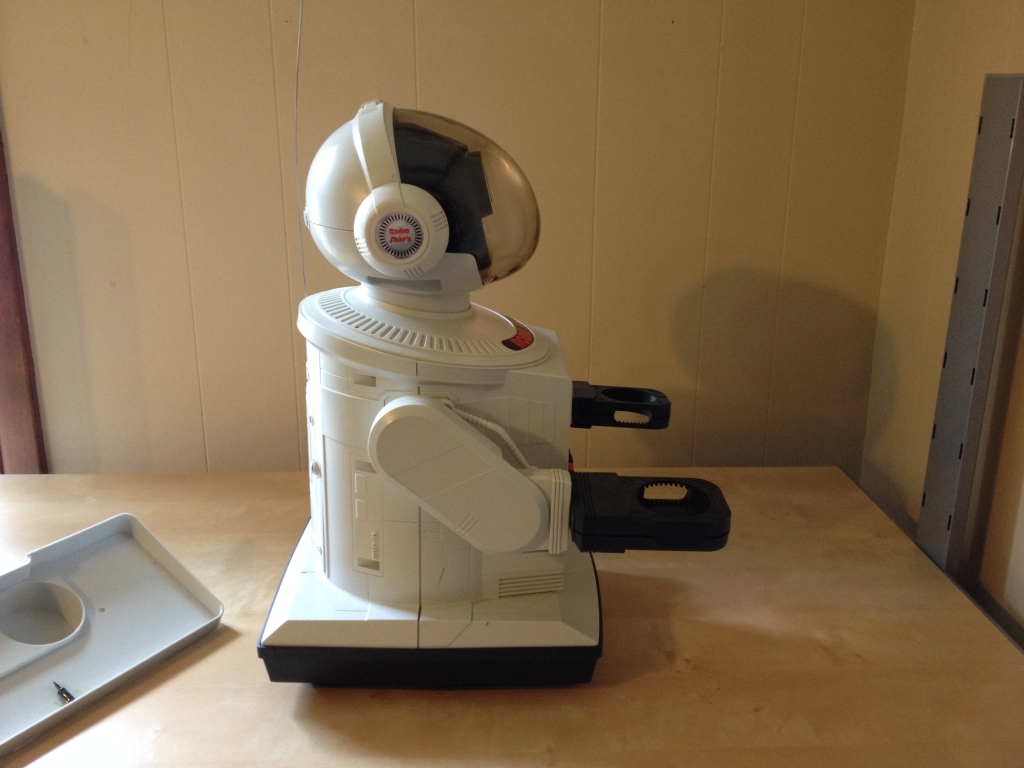
Right view with arm rotated to the height needed to hold a tray.
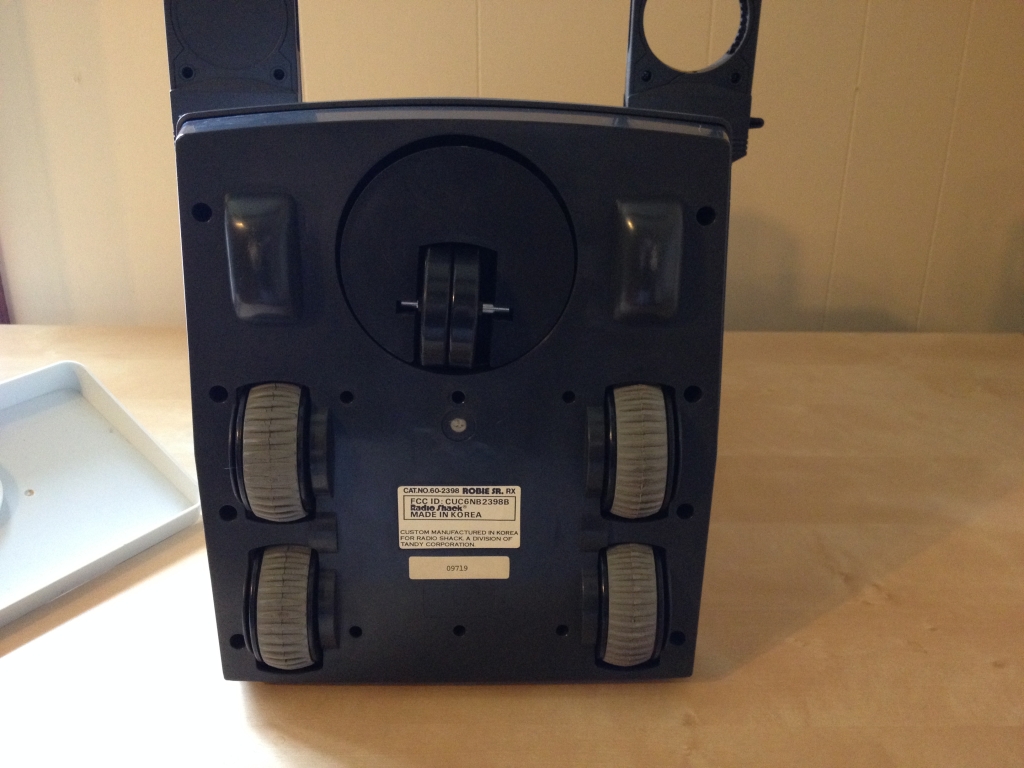
Bottom view of Robie Sr. Its wheels are for locomotion and tank-like steering. The black front wheel (at the top of photo) provides support and rotates based on the motion of the grey wheels.
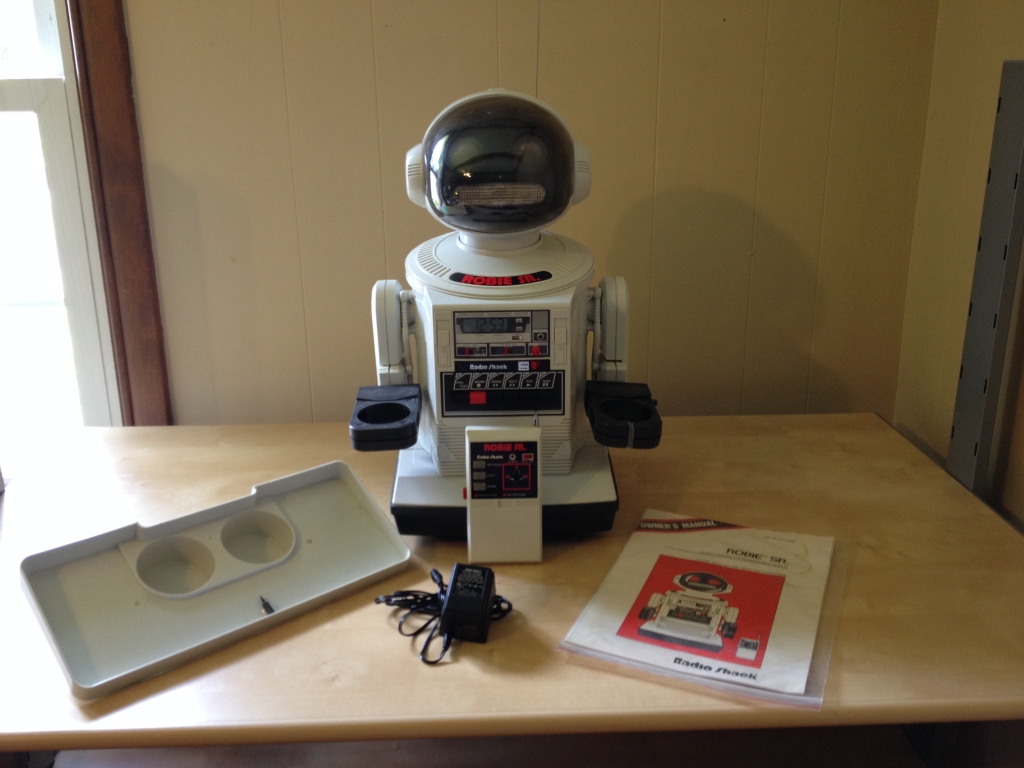
Robie Sr. is pictured here with his tray, AC battery charger, remote control, and owner’s manual.
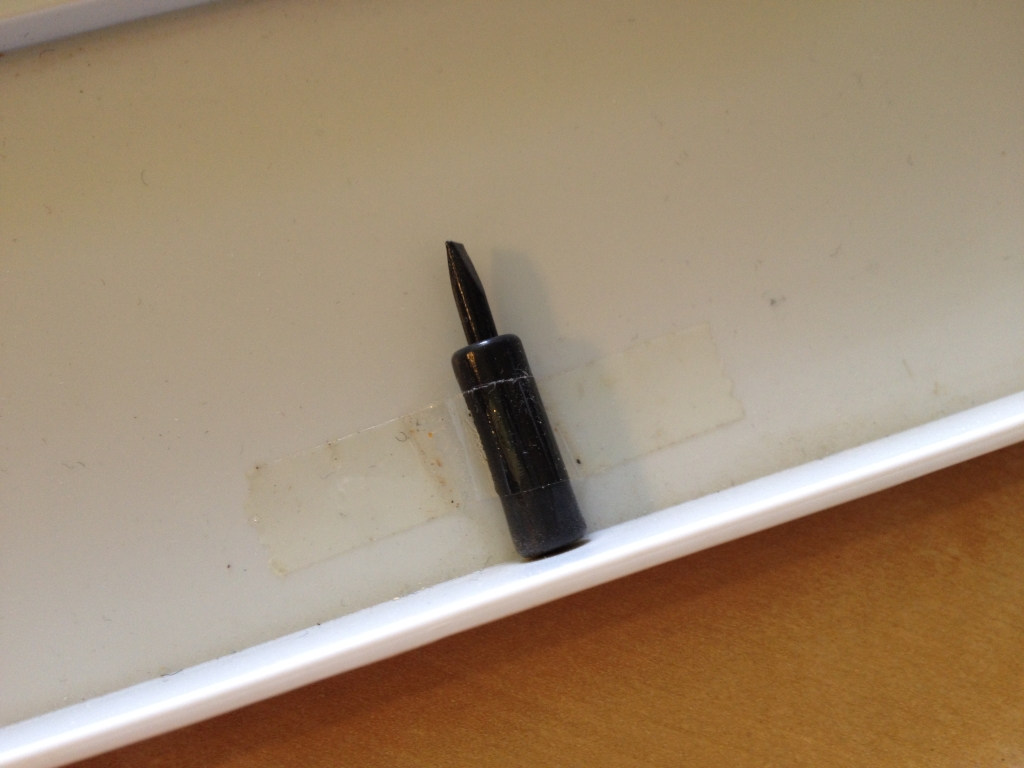
This screw is used for adjusting the steering alignment.
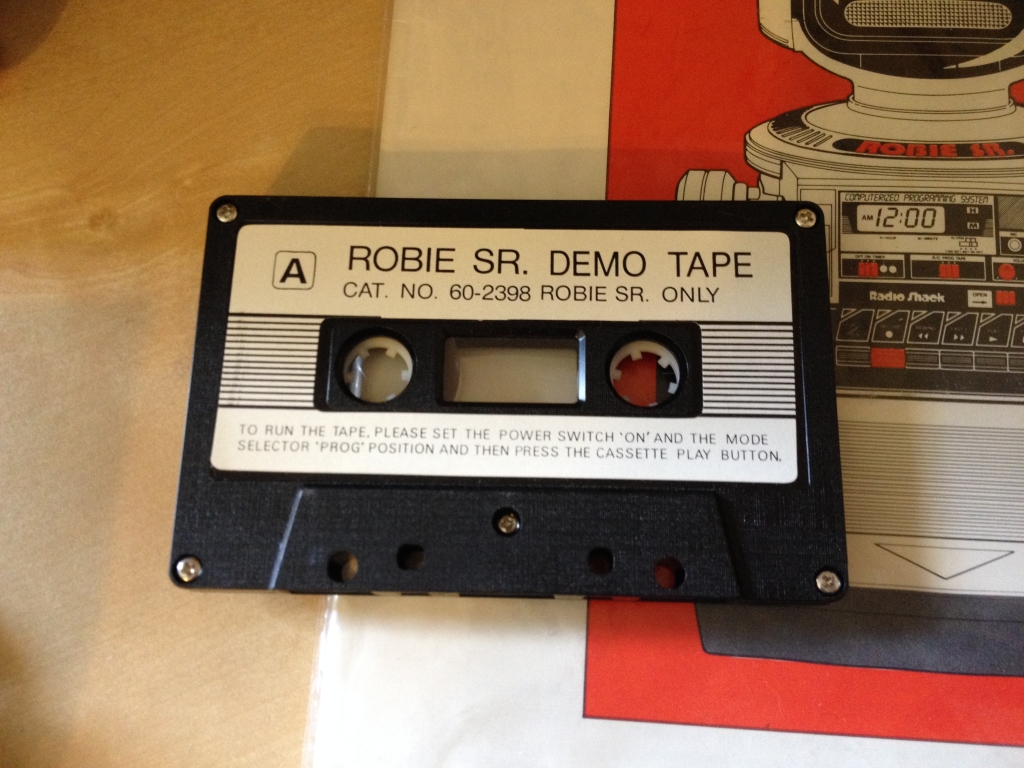
The Robie Sr. Demo Tape has a preprogrammed set of instructions for the robot to perform. To use it, you slide the cassette Open lever on the cassette tape deck on Robie Sr.’s torso, this slides the cassette tape mechanism out, place the cassette inside, push the deck back into Robie Sr.’s torso, and then push the Play button.
To recharge Robie Sr.’s big ass battery, the robot needs to be plugged into the included AC charging adapter.
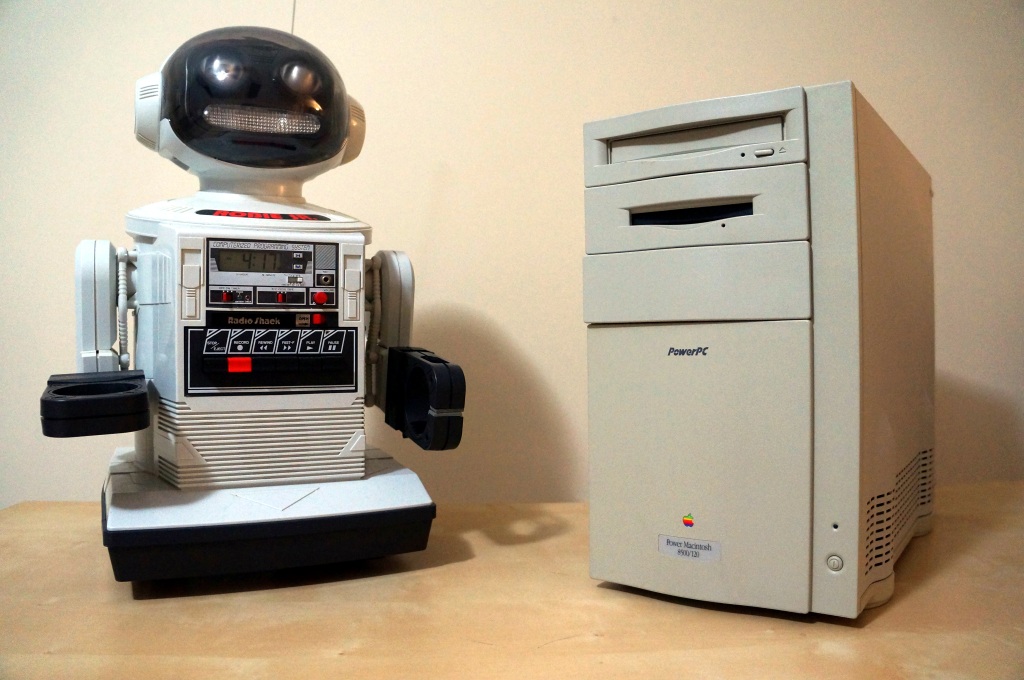
For comparison, Robie Sr. is taller than an Apple Power Macintosh 8500/120. Also, the robot is about 9 years older than this Power Mac model.
Finally, here is Robie Sr. in action! Y and I made this video to show at a friend’s overseas wedding that we were unable to attend. The audio is in Mandarin for the most part. The story is that Robie Sr. needs to deliver a special message. Our dearly departed cat Miao Miao takes the message from Robie and gives it to us, and we read the message to our friends.
When Google Glass debuted, I thought it was a cool piece of tech. Recording POV video and photos for my maker-oriented work and getting updates unobtrusively in class, meetings, and conferences were its main selling points to me. I wrote about some of my experiments with Google Glass and LEGO here. Unfortunately, it had its hardware and software limitations. One person who I interacted with took extreme umbrage with it. And, Google’s waning support over the years didn’t help either. Eventually, I sold it on eBay as I had stopped using it altogether.
Use in Professional Settings
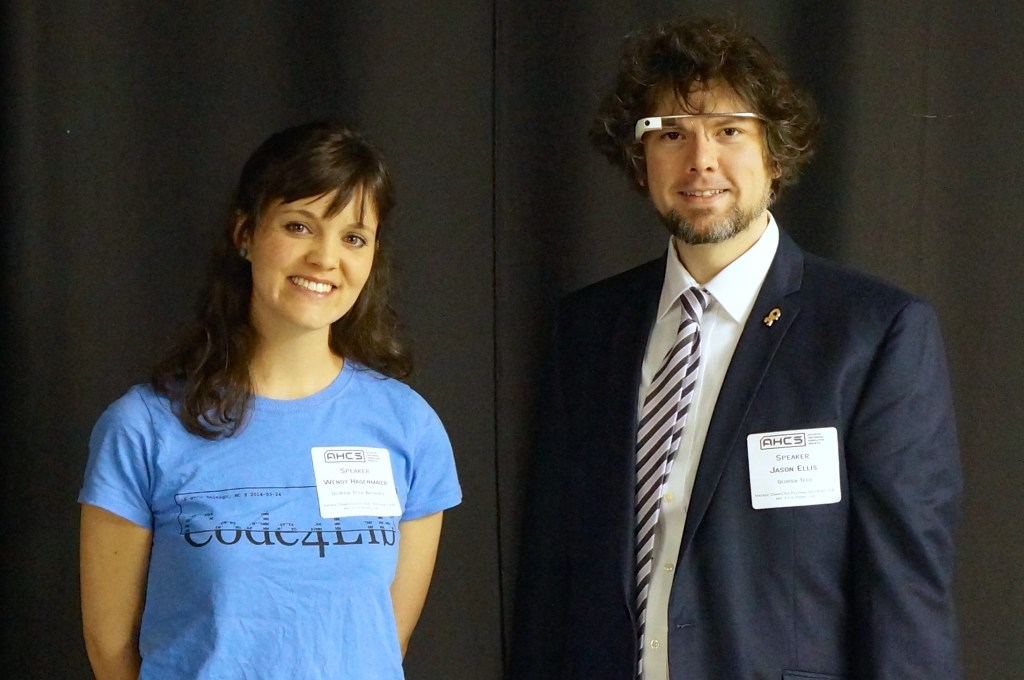
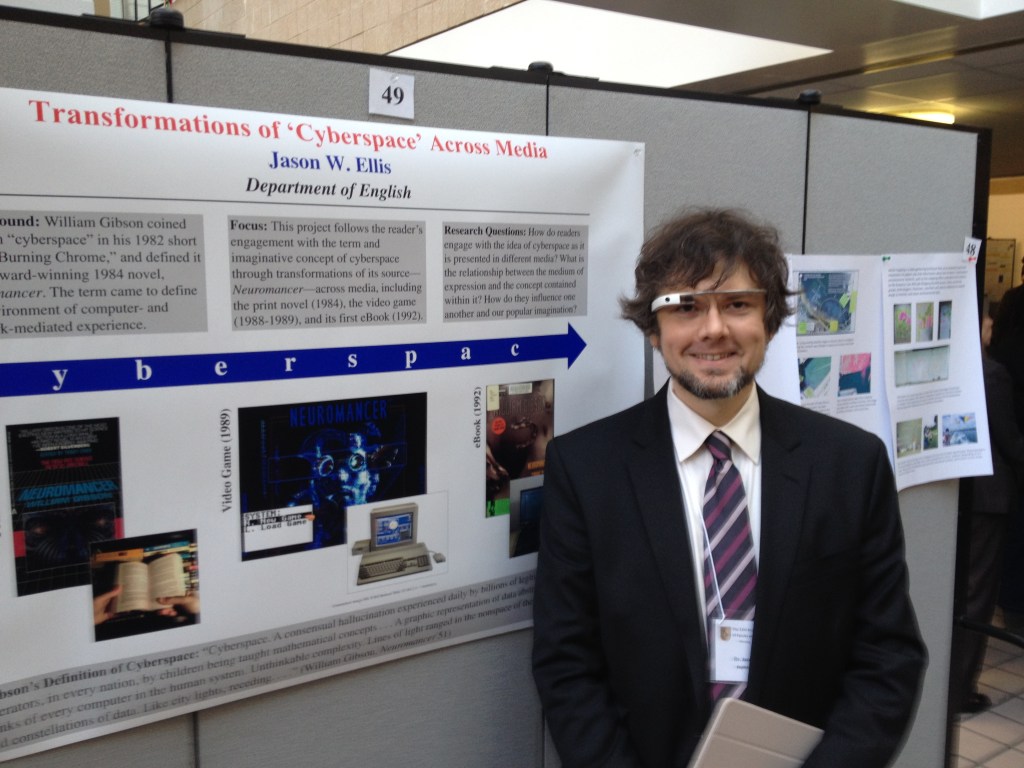
Emily Hagenmaier and me at SEVCF 2.0 in 2014.Wearing Glass at City Tech’s Annual Poster Session in 2014.
When giving presentations that related to interfaces and new media, I often wore Google Glass as a prop, which I would reference in my talk. Had I been very clever, I would have used it like a teleprompter, but it was often easier to read from notes printed or on a tablet in hand.
I did get told off by someone who I didn’t know shortly before my co-presentation with Wendy Hagenmaier on “Digital Archives and Vintage Computing at Georgia Tech” at the Southeast Vintage Computer Festival 2.0 in Roswell, GA on 4 May 2014. I don’t know who she was, but she zeroed in the Glass, got perilously in my face, waved her hand dangerously close to my face and the Glass, and demanded that I stop recording video of her. I stepped backward and tried to explain that it wasn’t recording video or taking photos–I only had it conveying messages from my phone at the time. The thing about the Glass is that the computing unit got very, very hot–uncomfortably hot–if you recorded video for more than a minute or two. Of course, it would eat through its battery, too. So, full time recording wasn’t really possible. It did have a beta feature to take a photo when you blinked, but I never left the feature on as it resulted in lots of useless photos and depleted the battery. She was pissed and was having none of my explanation. Since we weren’t really having a discussion, I just said that I was sorry and walk away. It was an unnerving encounter since she was walking around with the organizer who remained silent during the exchange. Perhaps it had more to do with it being a Google product? What about it being a public space? What about the many other participants carrying smartphones with cameras as well as dedicated point-and-shoot and DSLR cameras? Perhaps she gained her intended effect as I was more cautious about where and when I wore them.
For such an encounter, it would have been nice if the Glass had a built-in lens cover that lets others around the Glass wearer know at a glance if the lens was exposed or not, or if the camera part could have been modular in some way so that the wearer could have the AR but remove the camera when it wasn’t needed.
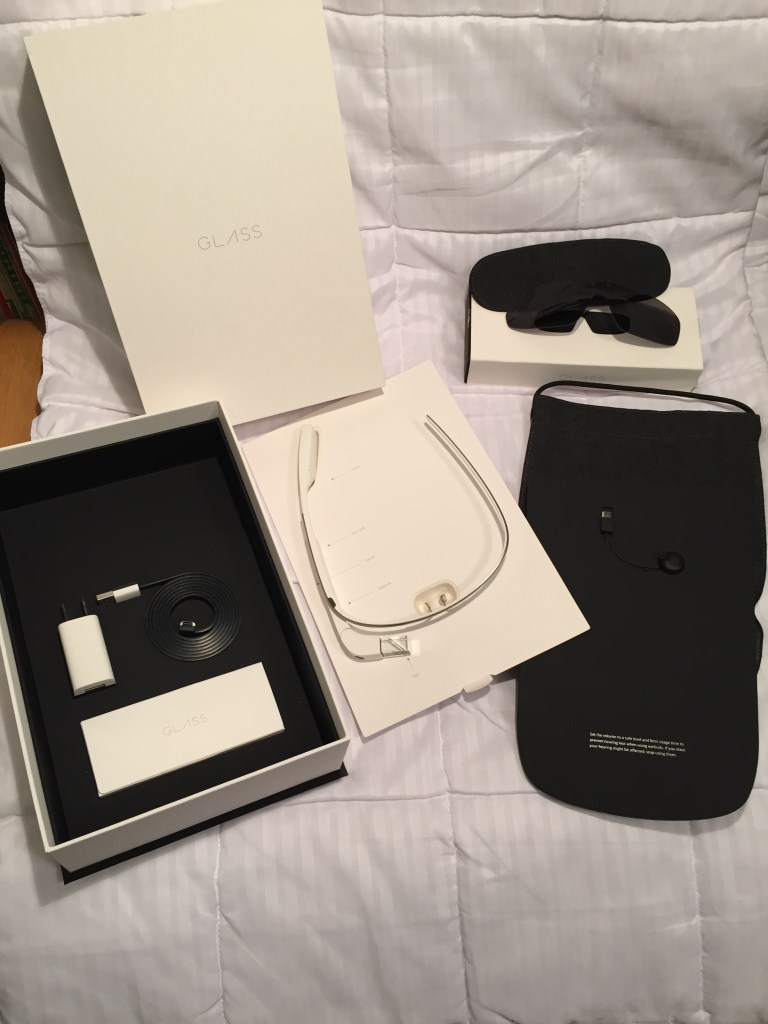
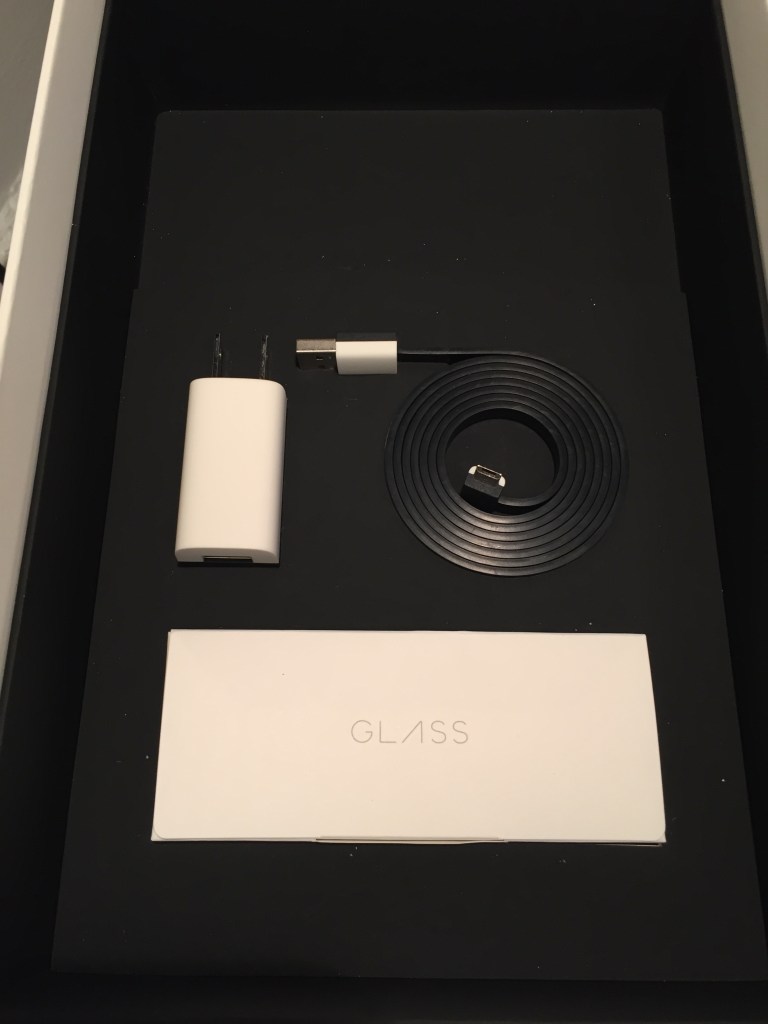
Google Glass Kit
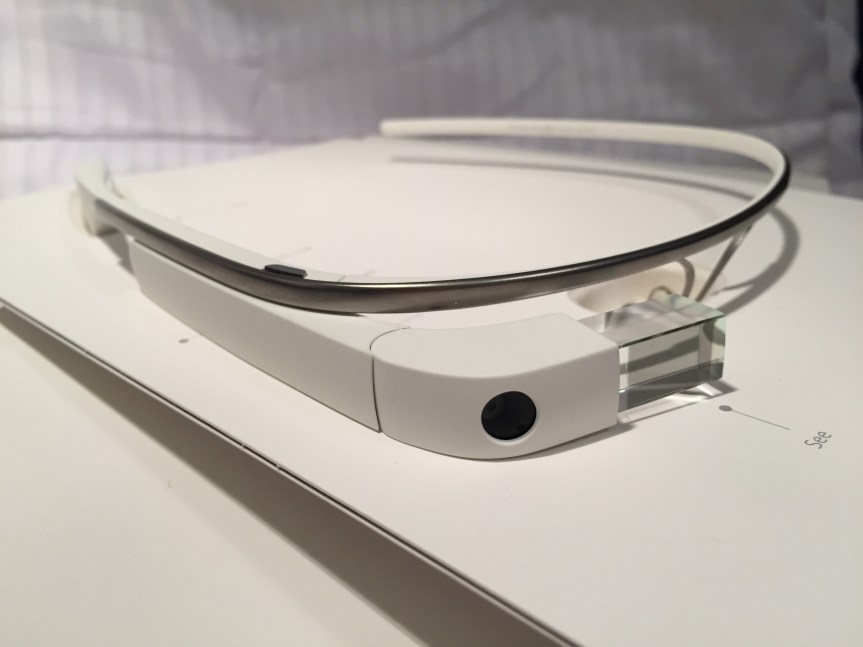
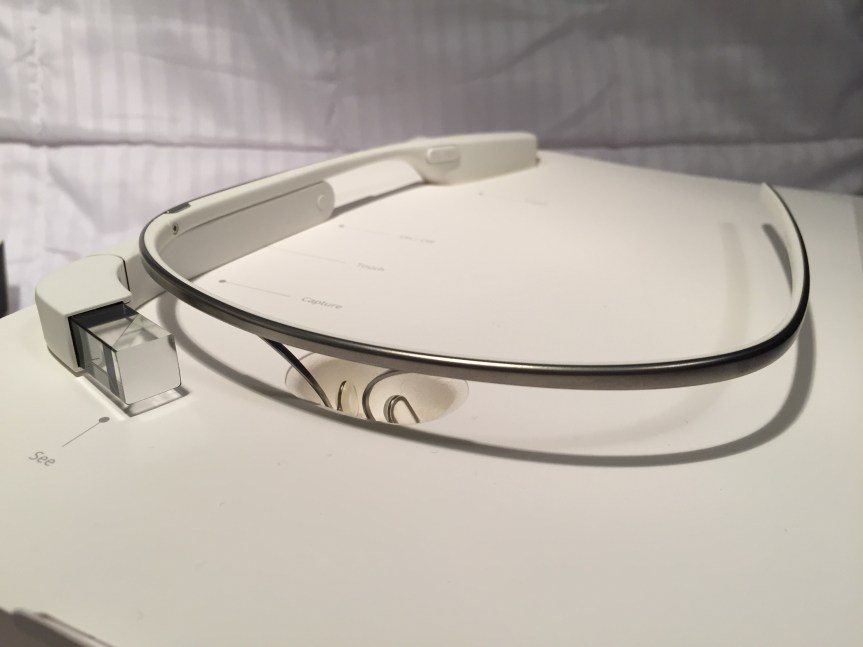
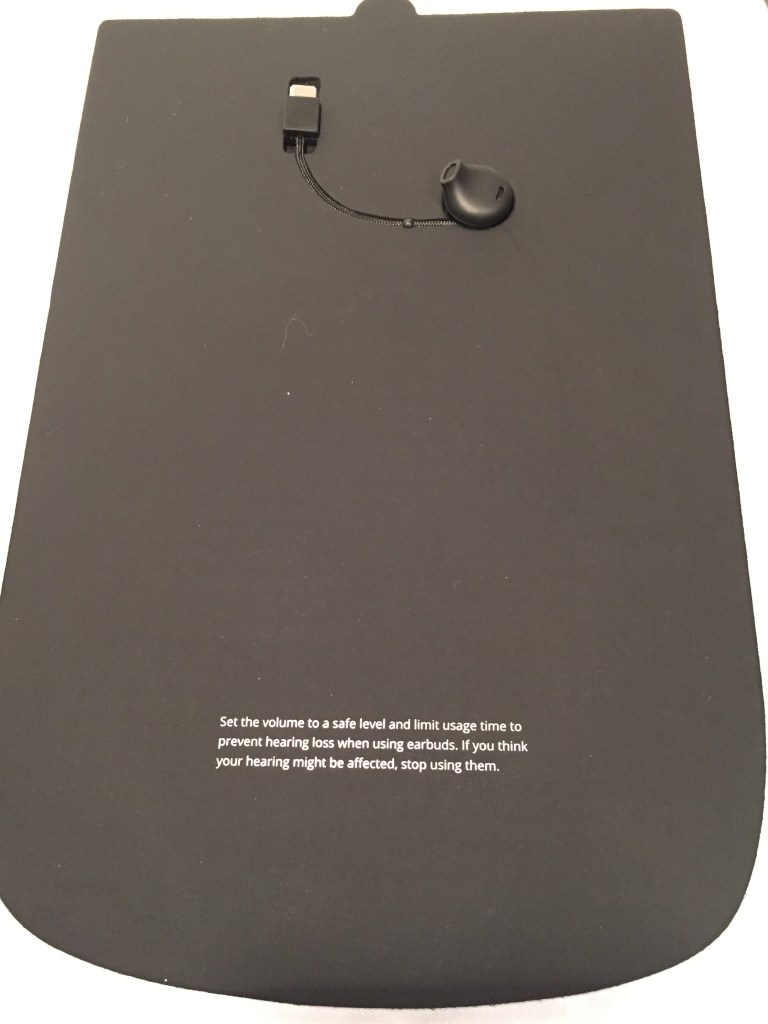
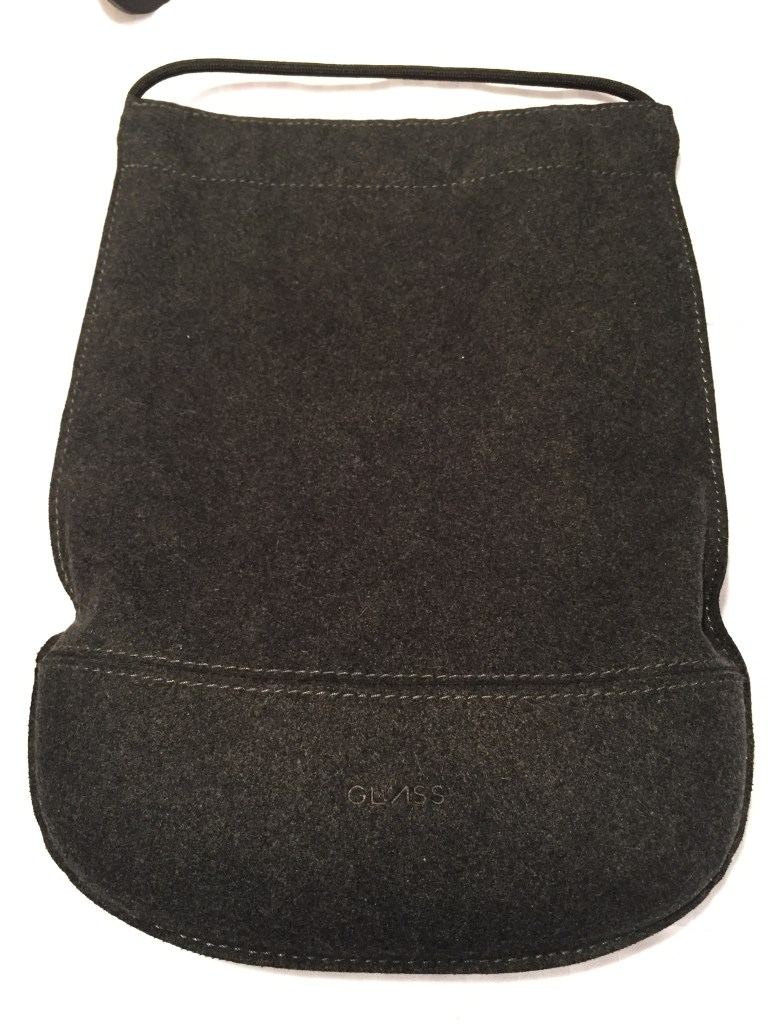
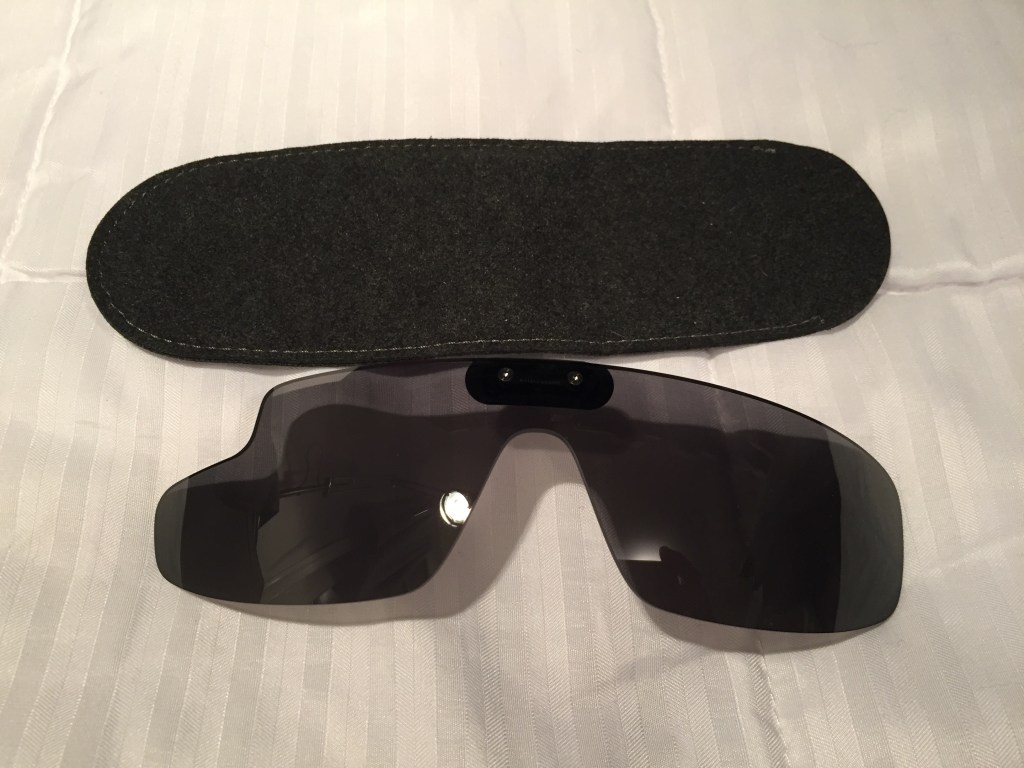
I opted for the Google Glass Explorer kit that included detachable sunglasses. The kit included a single ear speaker that connected to the computing unit on the right side. An AC charger, USB cable, and felt carrying cases for the Glass and sunglasses were included, too.
Before Its Time?
Wearable technology like this seems inevitable. Good hardware and software design combined with killer apps/features would make this an invaluable tool, I think. The battery life and heat problems were downplayed during the initial public release, but they were real problems that robbed Glass of the bare minimum of functionality that it deserved. Had Google cracked those two issues, the software could have been developed further on a stable hardware platform.
The lack of apps, poor battery life, heat production, and trouble with the voice activated features made me decide to resell it. Thankfully, I was able to recoup most of the cost when I sold it a year later.
There seems to be steady interests in AR. Microsoft’s Hololens is neat, but it isn’t something that you can wear around all day. Apple’s upcoming Vision Pro looks cool, too, but it will be something aimed for specific use cases and not be a wearable augmentation to our daily, digital interaction with the world like Glass. Snap’s next generation of Spectacles seems like a high-tech version of Glass with full vision overlay, but it might be too opaque for all day and indoor use. Will something else come along to fulfill the promise of Glass?
Catching the prismatic projected image on the Google Glass’ heads-up display in the mirror.
I haven’t stopped. While I want to protect myself from getting ill, I also don’t want to run the risk of passing on the virus to others who are unable to get vaccinated or have compromised immune systems.
Protecting Ourselves from COVID is Like Playing World of Warcraft
I think about mask wearing and vaccination and social distancing like I would playing World of Warcraft. A mask, like any armor, cannot protect you 100% from all potential damage, but if it is used in the right way, in the right circumstances, it significantly decreases your chance of bodily damage. Vaccination is akin to resistance to specific types of magic. It doesn’t make you invincible to that specific kind of magic, but if you are hit by it, having resistance reduces how badly you are injured. And, social distancing is like avoiding aggro or attracting enemy attackers. Don’t be like Leeroy Jenkins and charge directly into danger! Avoiding situations or using social distancing in situations where the virus might be passed around gives you a chance to fight another day!
N95s That I Wear
I recently switched to wearing 3M’s 9105 Vflex mask. It is flat packed and gives you a large space around your nose and mouth. The side handles are good for gripping when putting it on or taking it off. When you are hot and sweating, it maintains form and stays comfortable. I find it a good compromise between the other two I wear described below.
This past year, I’ve mostly been wearing 3M’s 9205+ Aura. It is flat packed and smaller than the 9105. However, it feels soggy when you’re sweating. It’s elastic bands are less resilient than those on the 9105 or the 8210.
When I was teaching, I preferred to wear the old school 8210. It’s tough, but bulky as it doesn’t pack flat. When you’re sweating, this mask maintains its shape and doesn’t get uncomfortable. However, it’s elastic bands do not have long life—the rubber gets stretched and will break after repeated wearing more quickly than the 9105 but lasts longer than the 9205.
Over the years, I’ve tried as best as I could to get interested in virtual reality (VR). The idea of VR excites me to no end. However, the reality of VR so far continues to underwhelm and frustrate me. The two biggest concerns that I have had are with eye fatigue, user interface design, and poor tracking and interaction with virtual environments. Below are some of the hits and misses that I’ve had experience with in commercial VR.
2009: VFX1 Headgear
The VFX1 Headgear was a bittersweet discovery. When I was much younger, I lusted over it when I saw it advertised in computer magazines in the mid-1990s. Unfortunately, it was priced out of my league and I didn’t know anyone who could afford one either.
Fast-forward to my being a grad student at Kent State. One late afternoon as I was leaving the Satterfield Building–home of the English Department–I glanced at the recycling bins under the stairway by the exit and I saw a really big box emblazoned with the VFX1 Headgear on the side. Curious and expecting to find an empty box, I was shocked when I picked up the box and felt its weight. I opened it and discovered the headset inside. I brought it home and found the headset, cables, and manual, but there was no software or controller card. I was never able to find out who had thrown out the VFX1. I had hoped that I could find the person and see if they might still have that controller card in their computer, but I had no luck. I also tried to find the controller card through other venues–Craigslist, eBay, talking with vintage computer collectors–but I always struck out. I ended up selling it before we moved to Atlanta. Had I got it working, it would have not been an HD VR experience, but I had hoped to experience what it had been like when it launched.
2015: Cardboard VR
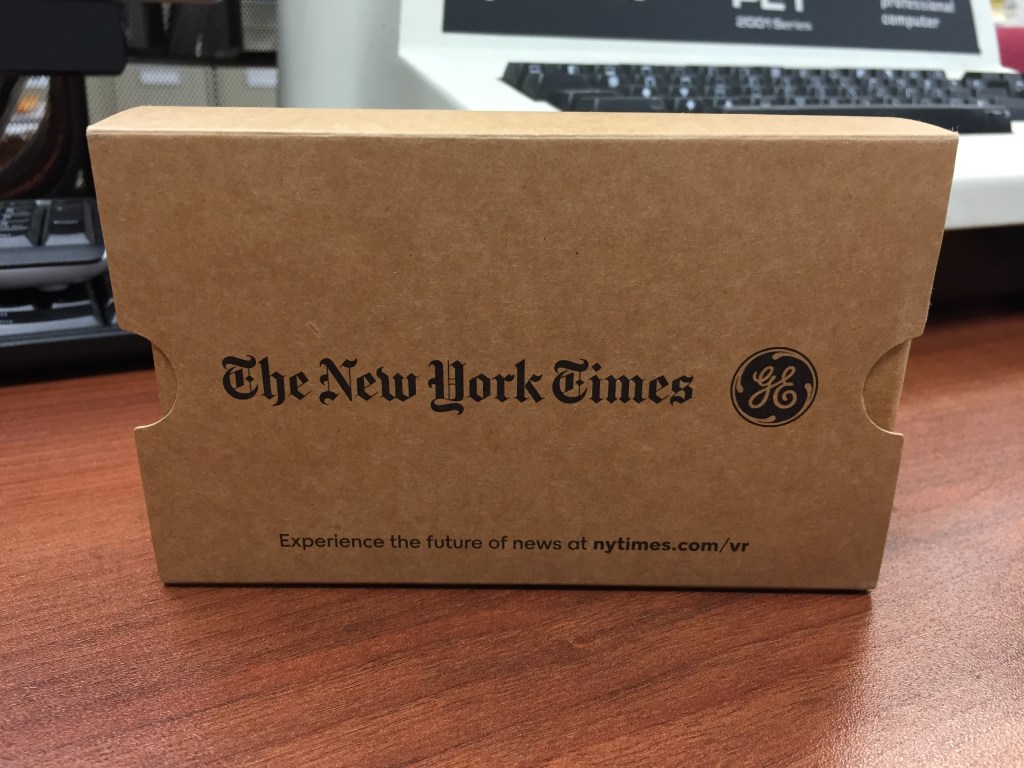
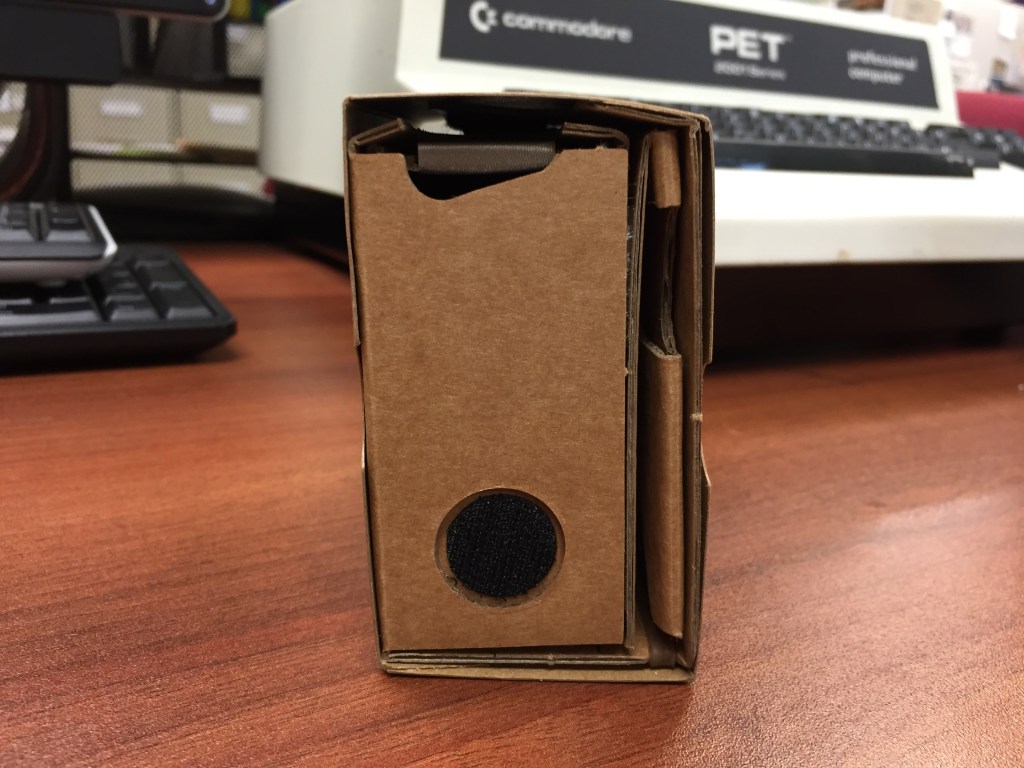
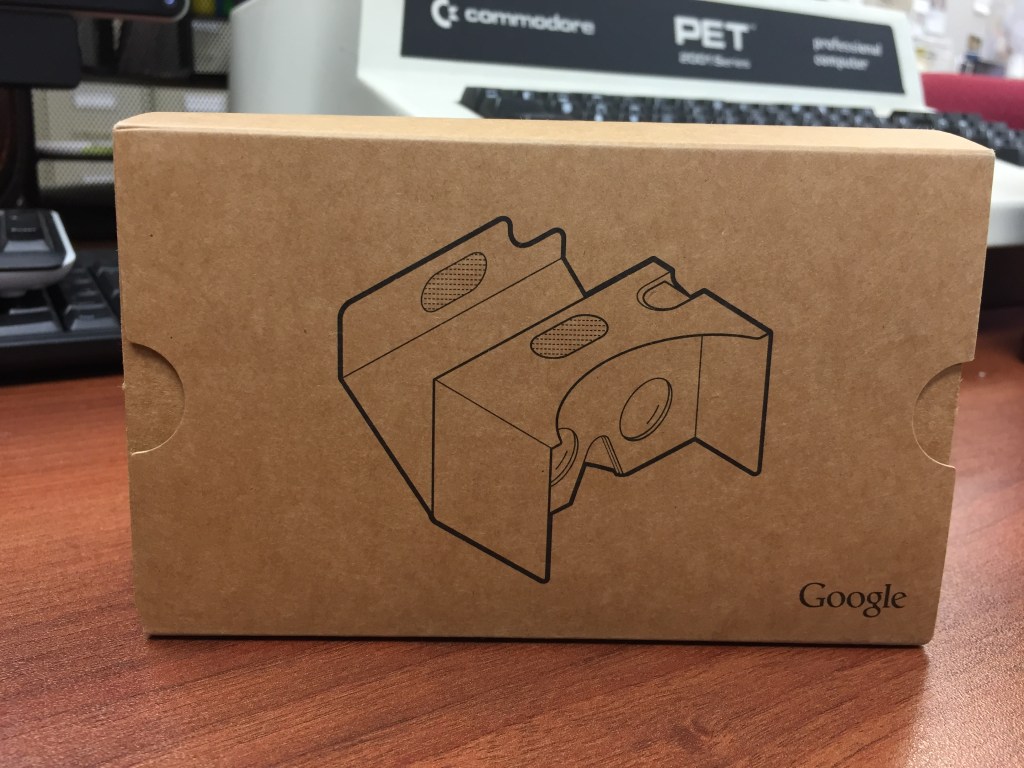
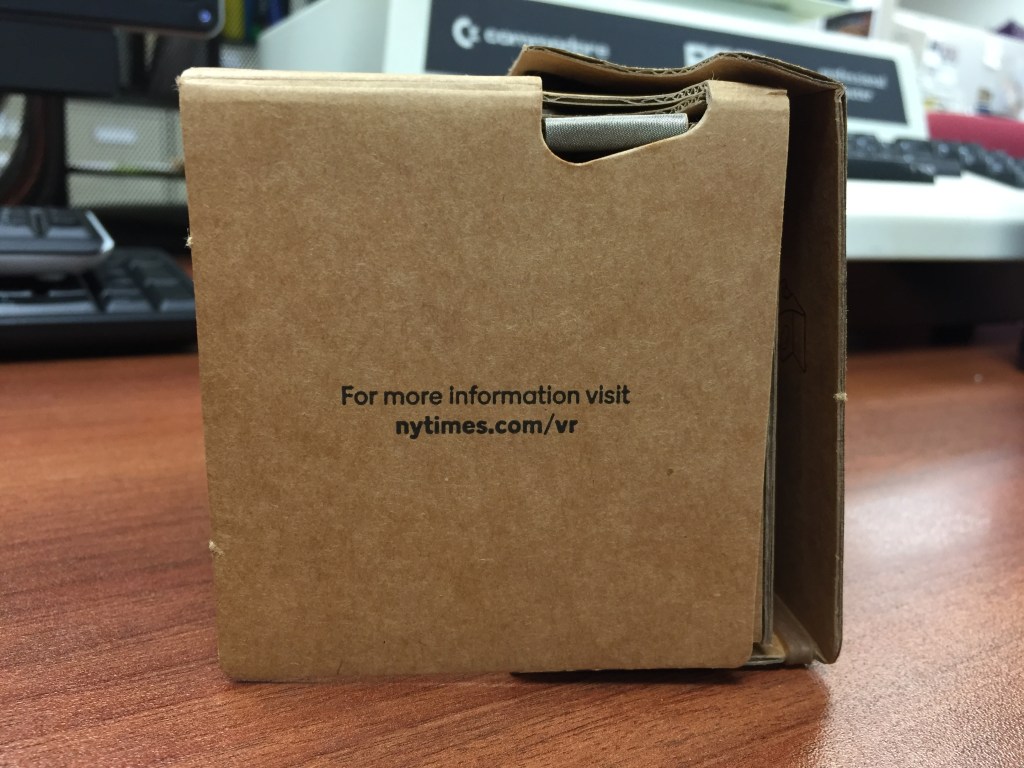
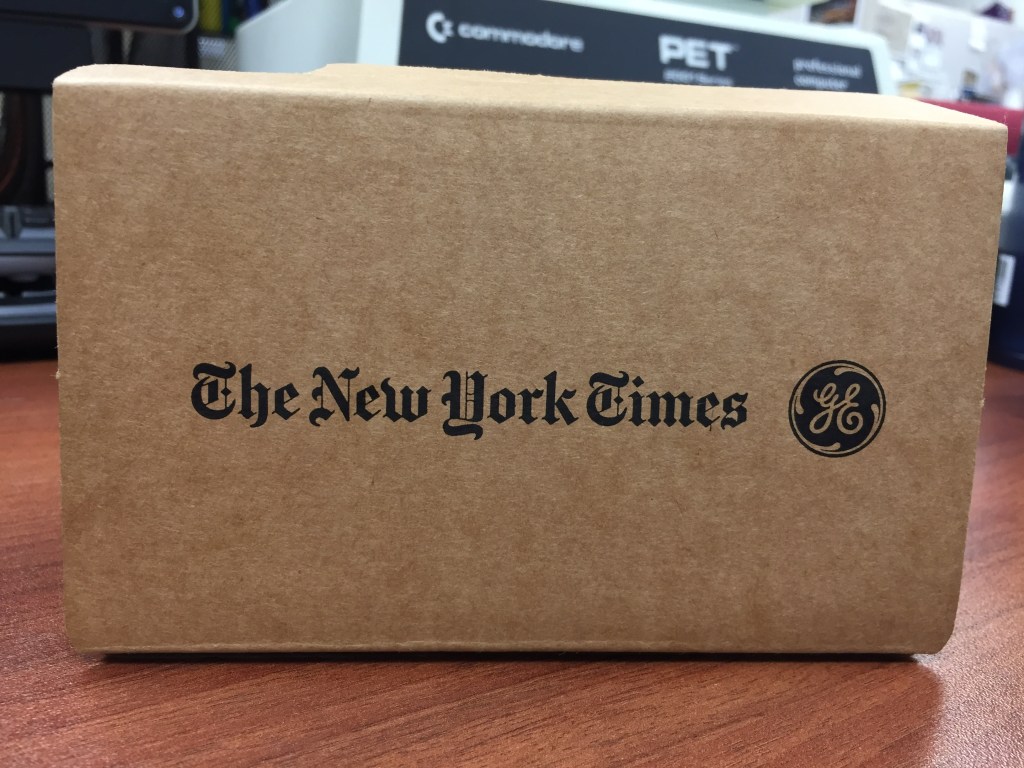
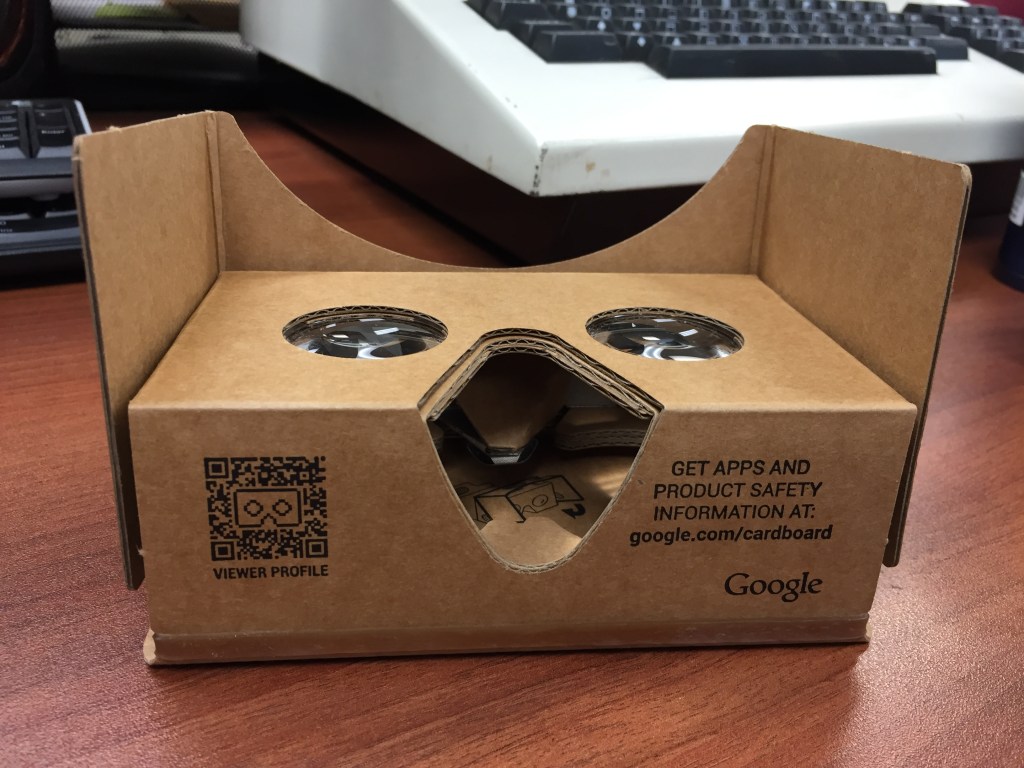
These Google-designed cardboard VR headsets are my favorites of all VR considering the simplicity of their setup and operation as well as cost. Also, they enabled me to easily introduce VR to my students–whether we used my phone or theirs. It just worked and gave immersive visual-focused with some sound experiences. I was let down when their development stopped.
2017: Oculus Rift CV1
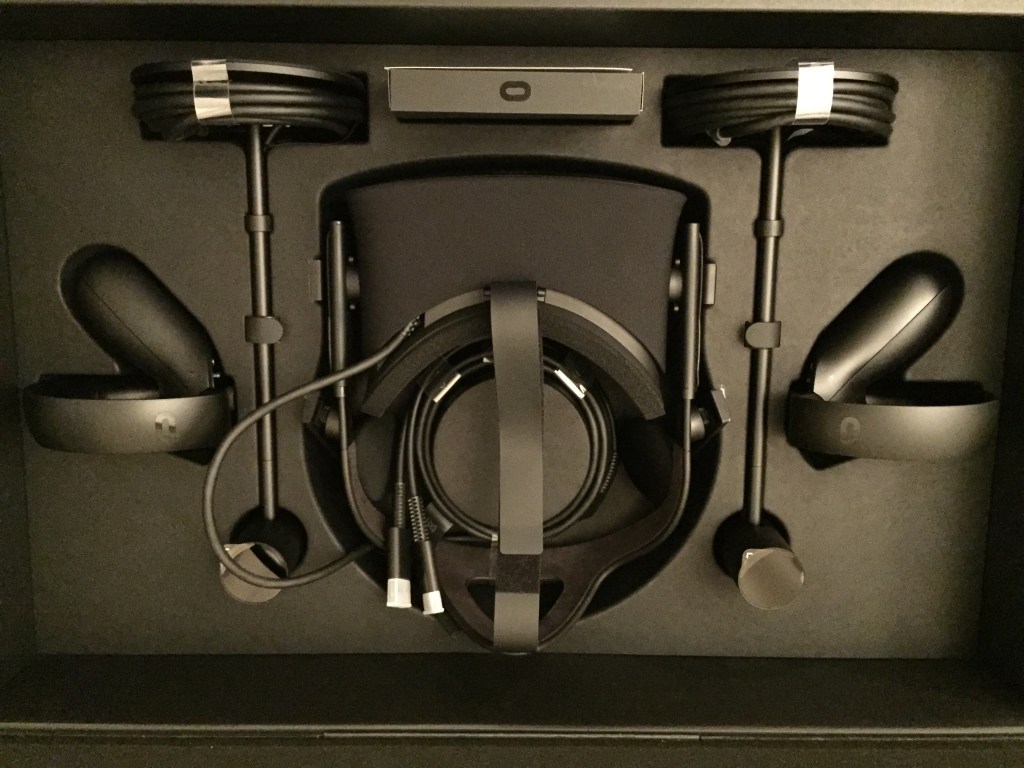
Best Buy ran a sale on the Oculus Rift CV1, so I decided to give more substantive and immersive VR a try. In this particular configuration, I had an NVIDIA GTX 1060 6GB video card running the Oculus Rift. I was never able to get the focus 100% for my eyes and my small apartment’s limited space didn’t give me a lot of room to work in. Also, I had some real problems with interacting with environments and objects in games. Despite what changes I made to the Constellation tracking units, there were gaps between what I tried to do and what the software/hardware thought that I was doing. I ended up selling the set on eBay where I was able to recoup the cost.
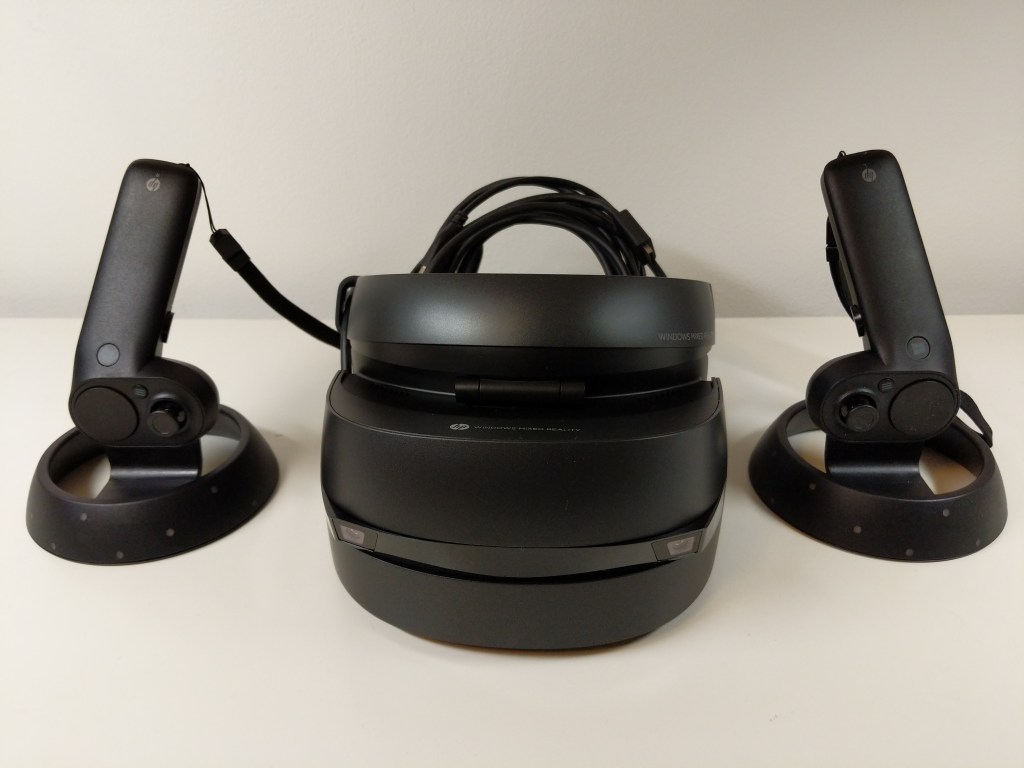
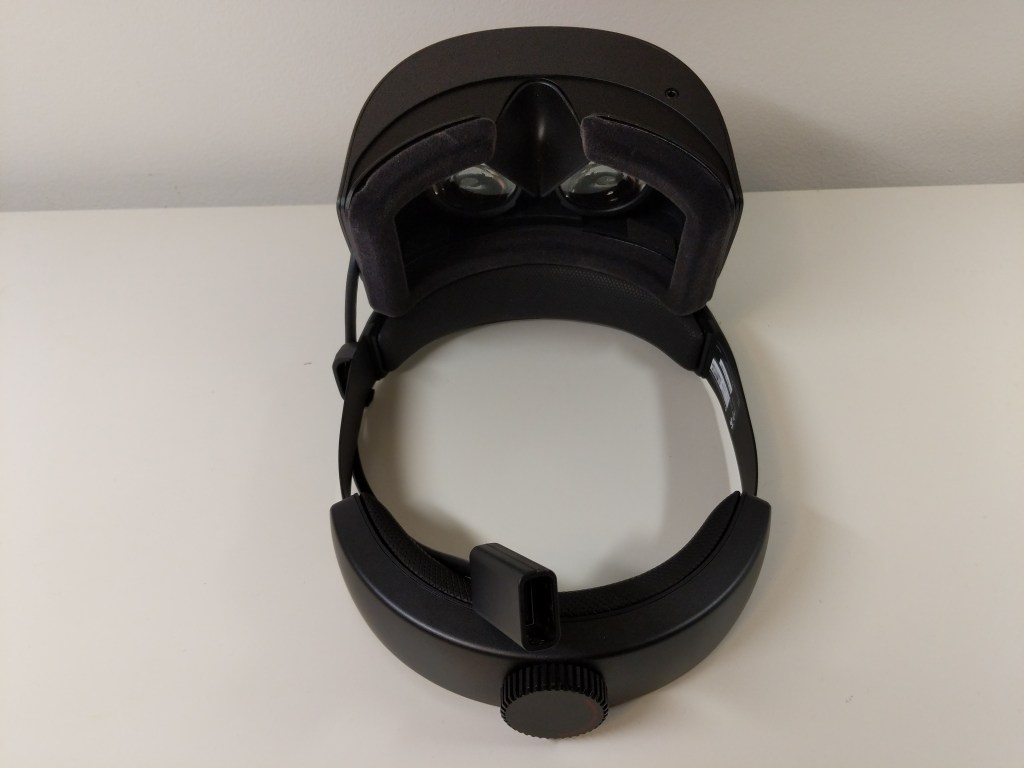
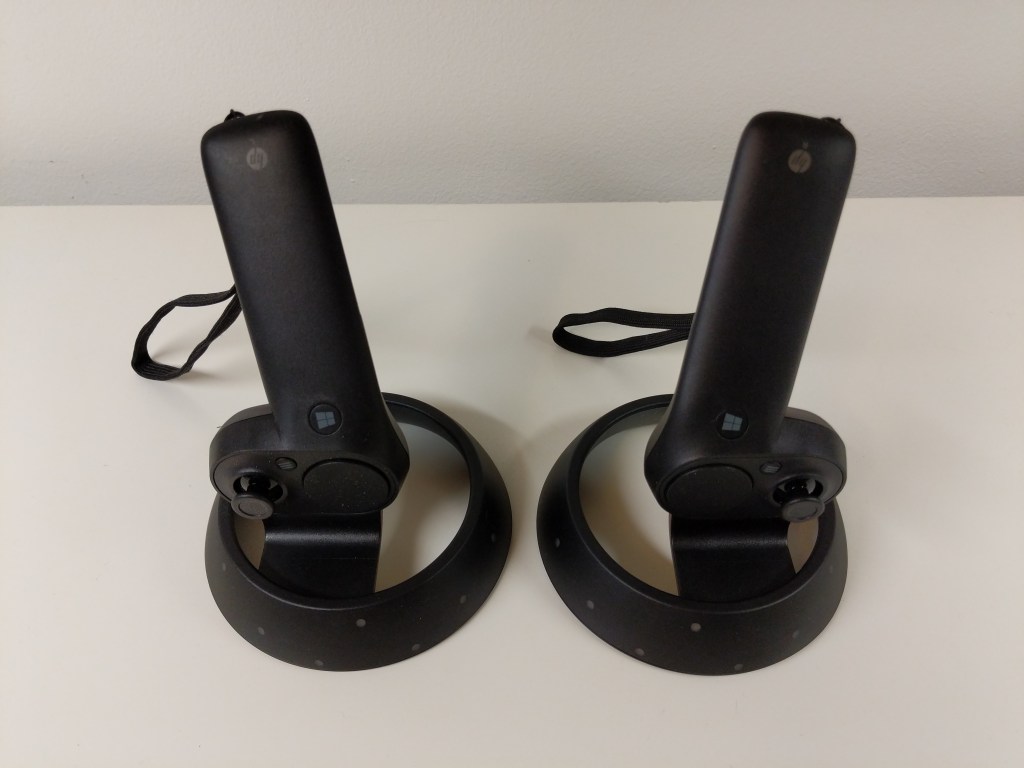
2019-2020: HP Windows Mixed Reality Headset
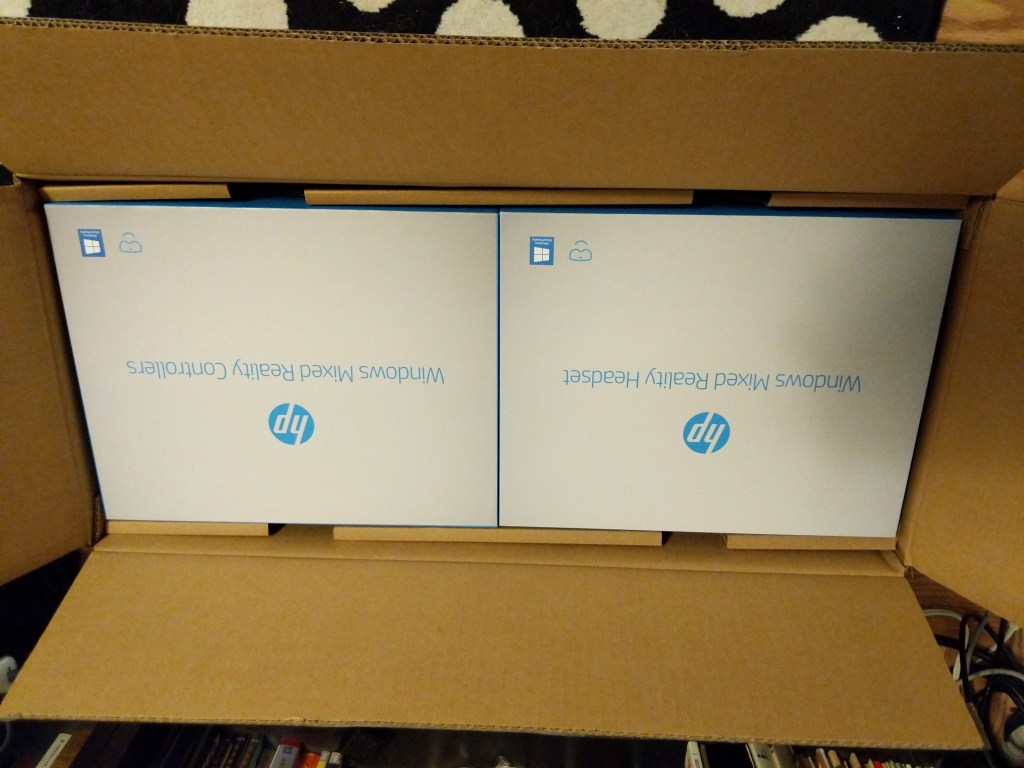
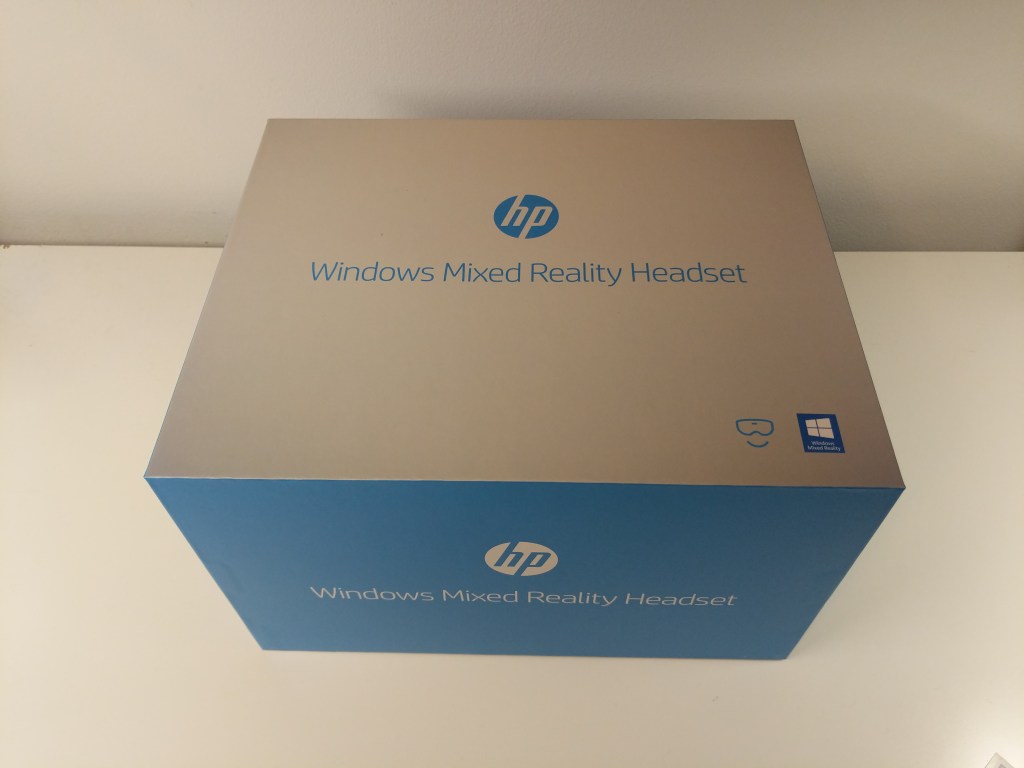
When the local Microcenter had a stack of HP Windows Mixed Reality Headset and Controller Sets on sale for the bargain basement price of $129.99, I immediately bought one thinking that it couldn’t hurt to try this higher resolution than the Oculus Rift CV1 set at such a low price and I could resell it on eBay for more than I paid for it if it doesn’t work out. I am happy to report that I was able to get better visual acuity with the HP headset than the Oculus. However, it’s inside-out tracking presented the same kind of problems that the Oculus’ opposite style tracking had when it came to my interacting with virtual environments and objects. The frustrations of reaching not far enough or too far repeatedly was eventually too much. I boxed it back up and put it for sale on eBay.
Future VR?
I would like to try VR again in the future, but it might have to wait until I can move out of NYC. There just isn’t enough space in the apartments that I can afford for two people and a cat to comfortably coexist in a space large enough to accommodate movement-in-space VR. Of course, playing shooters or simulators in which I sit down while peering around with the headset on would be fine (analogous to the VFX1), but I would like to experience VR beyond that and interact within space. In the meantime, I’ll keep following VR developments until I can try again.