Over the years, I’ve tried as best as I could to get interested in virtual reality (VR). The idea of VR excites me to no end. However, the reality of VR so far continues to underwhelm and frustrate me. The two biggest concerns that I have had are with eye fatigue, user interface design, and poor tracking and interaction with virtual environments. Below are some of the hits and misses that I’ve had experience with in commercial VR.
2009: VFX1 Headgear
The VFX1 Headgear was a bittersweet discovery. When I was much younger, I lusted over it when I saw it advertised in computer magazines in the mid-1990s. Unfortunately, it was priced out of my league and I didn’t know anyone who could afford one either.
Fast-forward to my being a grad student at Kent State. One late afternoon as I was leaving the Satterfield Building–home of the English Department–I glanced at the recycling bins under the stairway by the exit and I saw a really big box emblazoned with the VFX1 Headgear on the side. Curious and expecting to find an empty box, I was shocked when I picked up the box and felt its weight. I opened it and discovered the headset inside. I brought it home and found the headset, cables, and manual, but there was no software or controller card. I was never able to find out who had thrown out the VFX1. I had hoped that I could find the person and see if they might still have that controller card in their computer, but I had no luck. I also tried to find the controller card through other venues–Craigslist, eBay, talking with vintage computer collectors–but I always struck out. I ended up selling it before we moved to Atlanta. Had I got it working, it would have not been an HD VR experience, but I had hoped to experience what it had been like when it launched.
2015: Cardboard VR
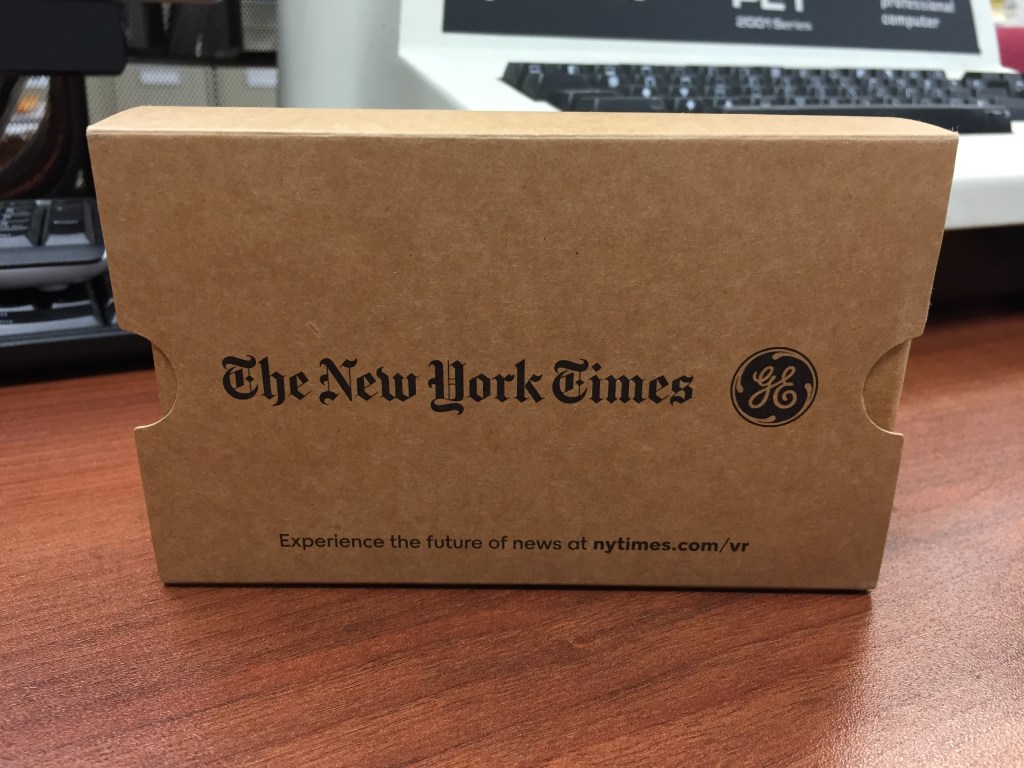
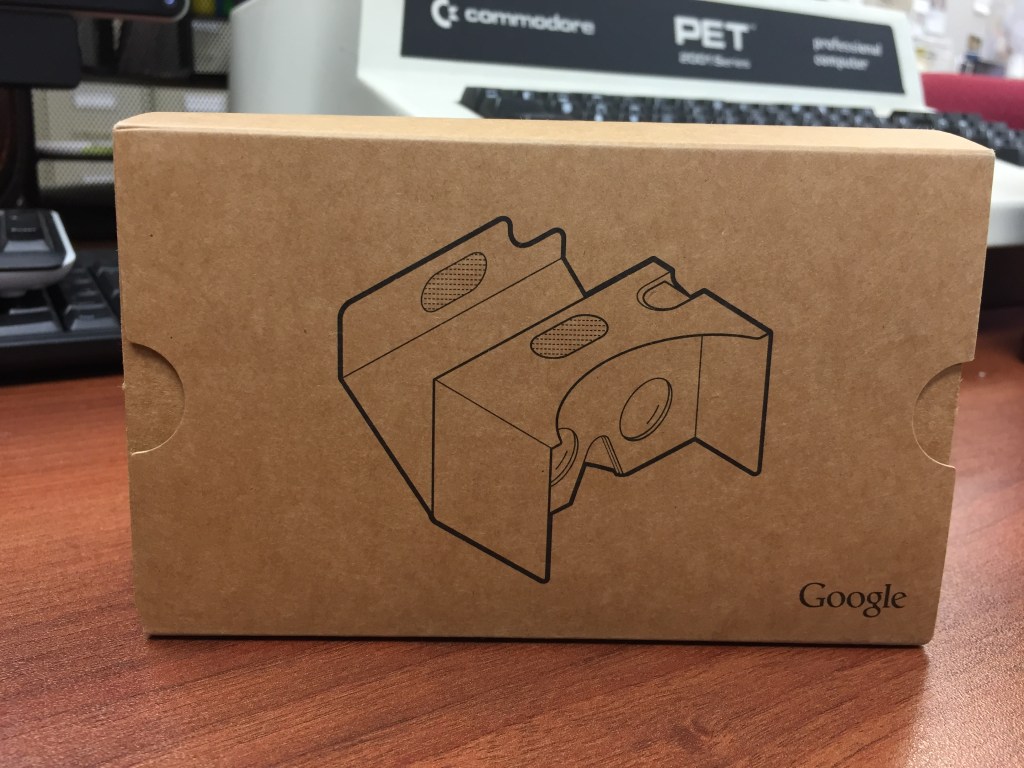
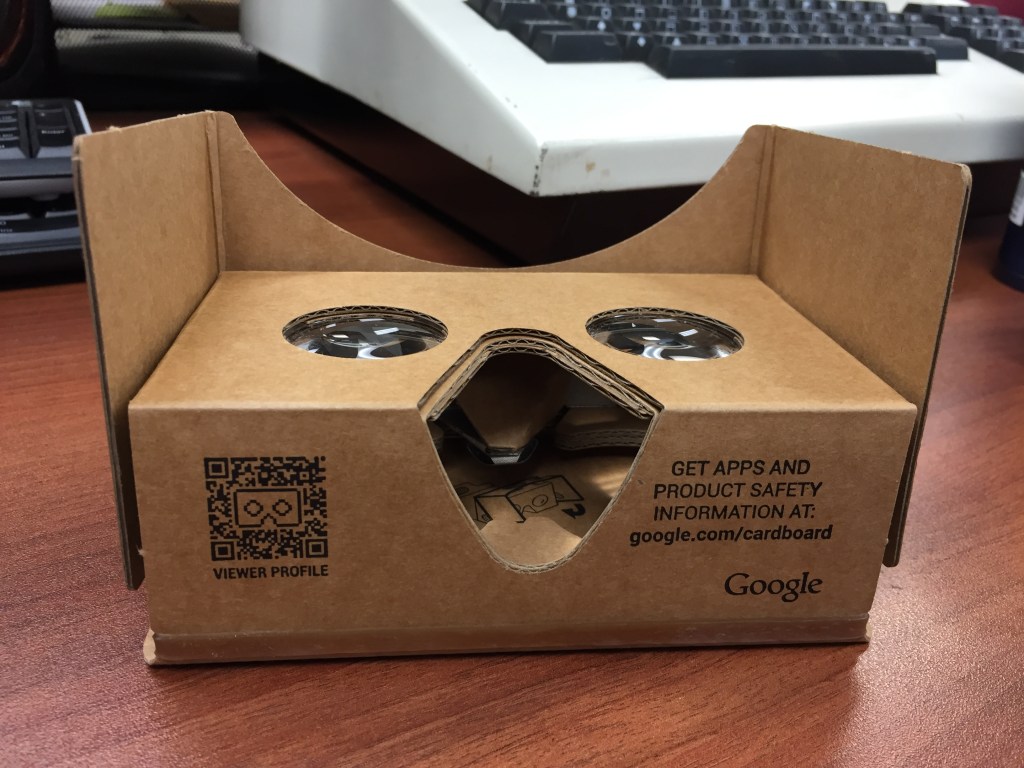
These Google-designed cardboard VR headsets are my favorites of all VR considering the simplicity of their setup and operation as well as cost. Also, they enabled me to easily introduce VR to my students–whether we used my phone or theirs. It just worked and gave immersive visual-focused with some sound experiences. I was let down when their development stopped.
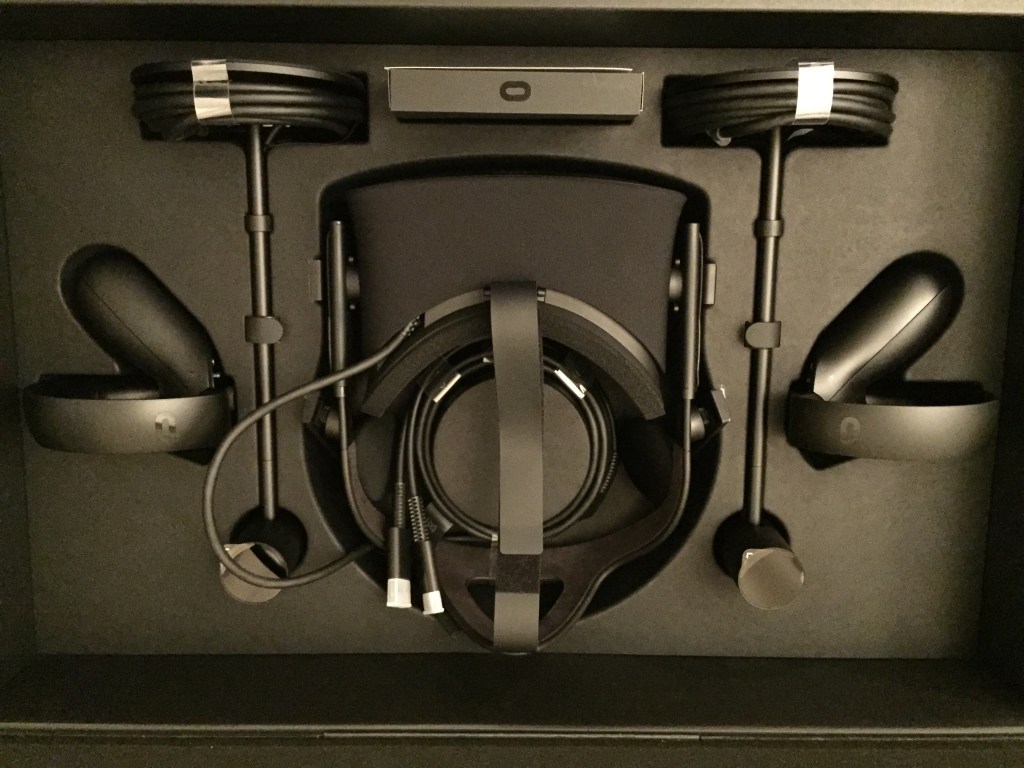
2017: Oculus Rift CV1
Best Buy ran a sale on the Oculus Rift CV1, so I decided to give more substantive and immersive VR a try. In this particular configuration, I had an NVIDIA GTX 1060 6GB video card running the Oculus Rift. I was never able to get the focus 100% for my eyes and my small apartment’s limited space didn’t give me a lot of room to work in. Also, I had some real problems with interacting with environments and objects in games. Despite what changes I made to the Constellation tracking units, there were gaps between what I tried to do and what the software/hardware thought that I was doing. I ended up selling the set on eBay where I was able to recoup the cost.
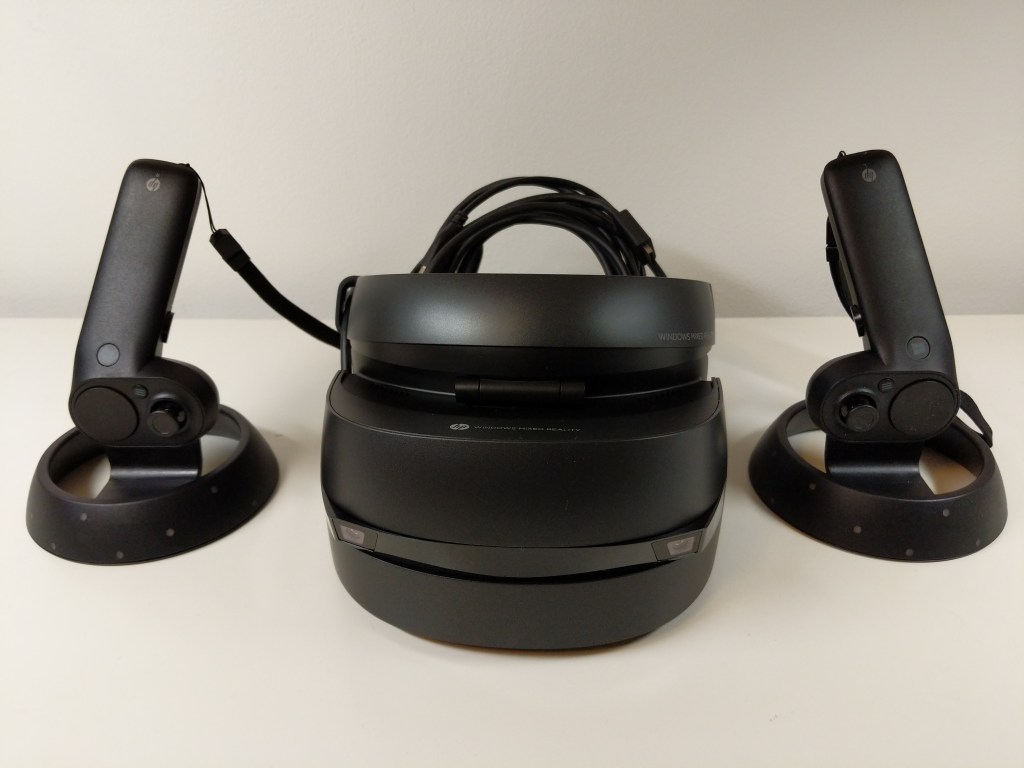
2019-2020: HP Windows Mixed Reality Headset
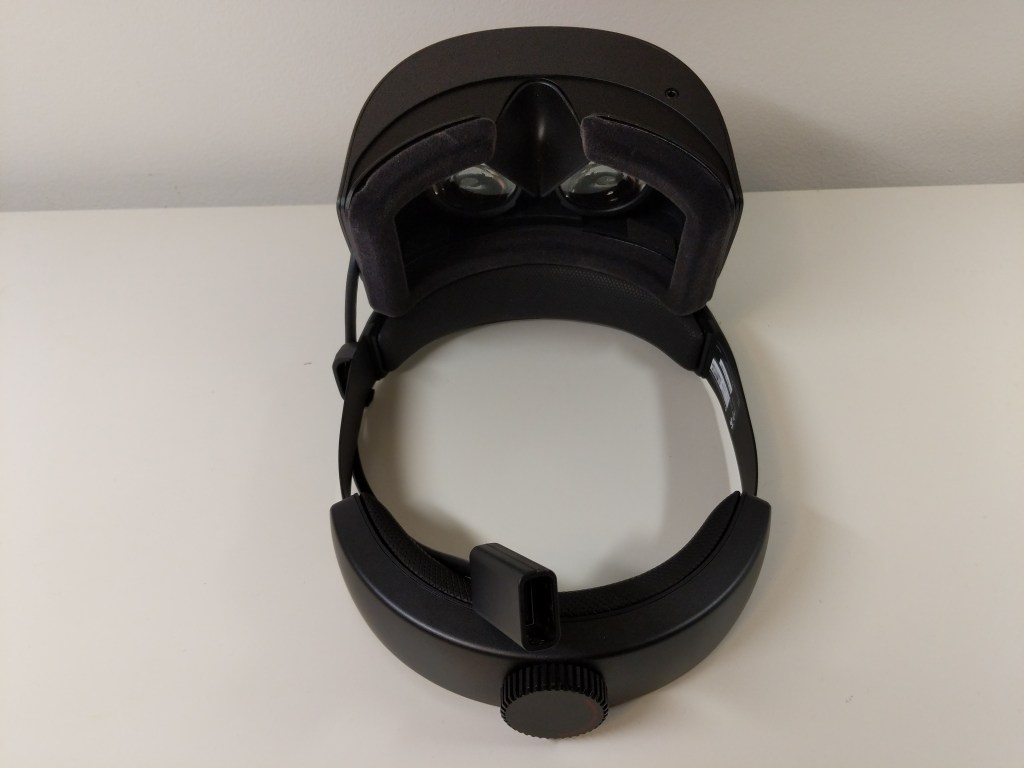
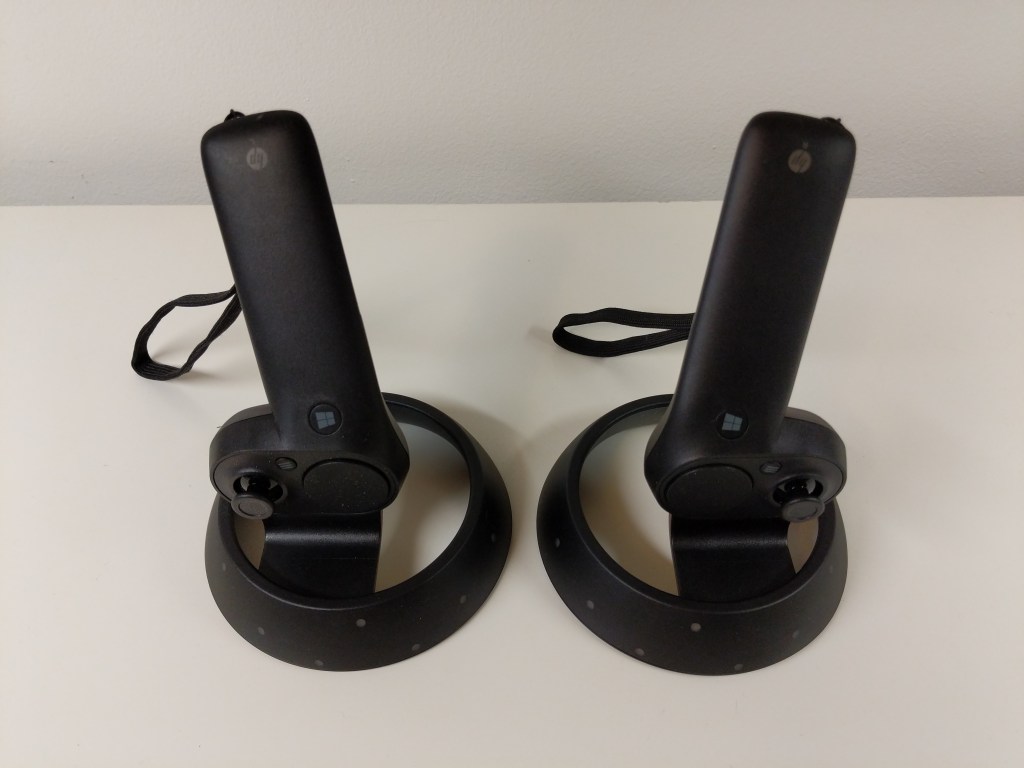
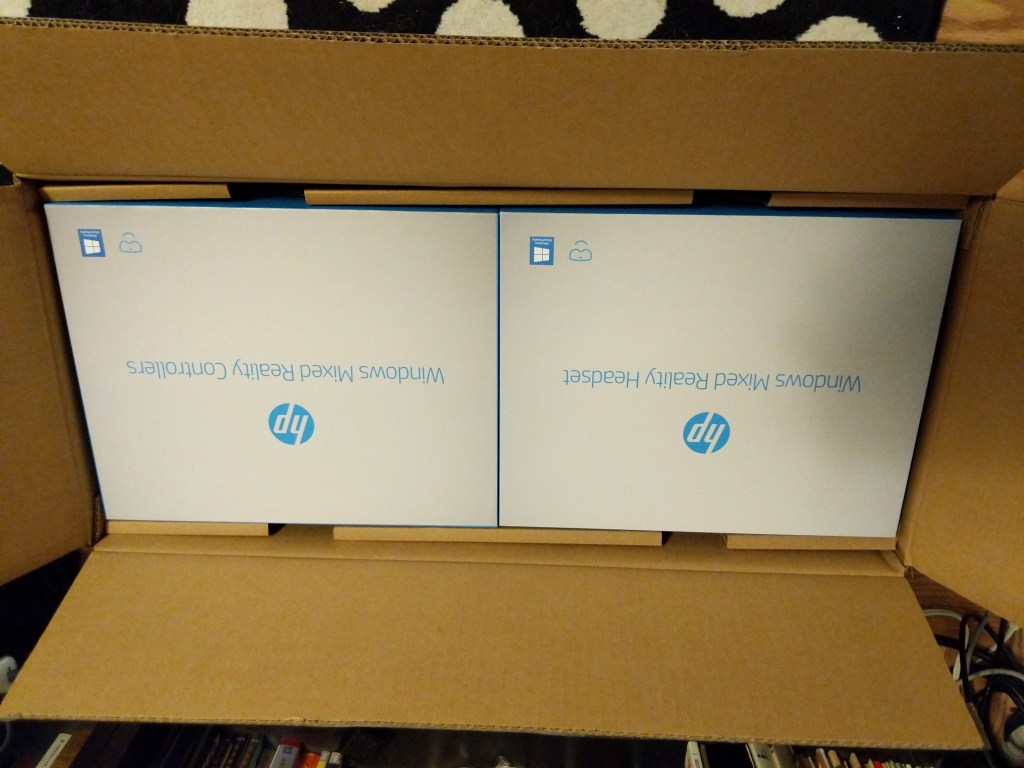
When the local Microcenter had a stack of HP Windows Mixed Reality Headset and Controller Sets on sale for the bargain basement price of $129.99, I immediately bought one thinking that it couldn’t hurt to try this higher resolution than the Oculus Rift CV1 set at such a low price and I could resell it on eBay for more than I paid for it if it doesn’t work out. I am happy to report that I was able to get better visual acuity with the HP headset than the Oculus. However, it’s inside-out tracking presented the same kind of problems that the Oculus’ opposite style tracking had when it came to my interacting with virtual environments and objects. The frustrations of reaching not far enough or too far repeatedly was eventually too much. I boxed it back up and put it for sale on eBay.
Future VR?
I would like to try VR again in the future, but it might have to wait until I can move out of NYC. There just isn’t enough space in the apartments that I can afford for two people and a cat to comfortably coexist in a space large enough to accommodate movement-in-space VR. Of course, playing shooters or simulators in which I sit down while peering around with the headset on would be fine (analogous to the VFX1), but I would like to experience VR beyond that and interact within space. In the meantime, I’ll keep following VR developments until I can try again.
Anthropomorphic cat wearing suit and tie, and standing in front of a chalkboard. Image created with Stable Diffusion.
I’ve been spending a lot of time studying and using generative AI technologies and thinking about their pedagogical implications, and over the summer, I invested more energy into taking intensive online classes relating to generative AI on LinkedIn Learning, which I wrote about here and here. The suggestions below are a distillation of some of the important ideas that I have learned and plan to implement after my sabbatical this year concludes. Readings associated with these points can be found on my extensive generative AI pedagogy bibliography. Maybe you will find some of these helpful to your thinking for your own classes as we make our way into the science fictional future together!
Build ethical and legal issues of generative AI into every discussion and assignment. Of course, a separate module or a whole course can be focused on these topics, but students need to see how ethical and legal issues are tightly woven into how these technologies are developed, the challenges that they present, and how to be prepared to avoid, mitigate, or resolve those challenges. By weaving ethical and legal issues into the quotidian, it helps students think critically about these issues throughout the learning process and it avoids the conclusion that ethics and legal concerns are just an afterthought.
Show students how bias in generative AI is real. Since generative AI is trained on datasets of work created by people, the AI systems will reflect the biases inherent in the content of the dataset and the ways different people might be represented in the dataset (e.g., more books by white male authors and fewer by writers of color or women writers). Bias is unfortunately baked in. Help students explore how these biases reveal themselves insidiously, might be discovered through prompting, and how to mitigate them (if possible) in the way they use generative AI as a part of their workflow.
Help students become responsible generative AI users. Students need to be taught how to document, cite, and acknowledge the use of AI in their work at school and later in the workplace. This can refute earlier use of ChatGPT and similar sites that fueled what some might consider plagiarism or cheating. Helping students see how it’s okay to use these tools when allowed and properly documented helps them see how they are a tool to support their work rather than a way to avoid working.
Reveal how generative AI technologies are designed, developed, and operated. By learning how generative AI is built and deployed, students get to see how the sausage is made. They will learn that generative AI isn’t magical or all knowing or perfect. Instead, they will realize that years of research and development in mathematics and computer science led to the current state of the art with these technologies, which is still lacking. They will discover the limitations of what these technologies offer (e.g., text generating AI primarily performs sentence completion and has no understanding of what it is doing, or its training data has gaps, deficiencies, biases, etc. that directly affect the text generated). This can be paired with lessons on how large language models are trained, how they are a black box in terms of how they work, and initiatives to build explainable artificial intelligence (XAI).
Approach generative AI as another layer for students’ digital literacy development. Considering AI’s biases, falsehoods, so-called hallucinations, and off-topic responses, pairing generative AI with instruction on vetting information, using research tools (online and off), and applying one’s own skepticism will combat the notion of AI’s trustworthiness, expertise, and authoritativeness. Also, it gives students another source for comparing, contrasting, and verifying when checking facts and establishing reliability of various sources of information.
Introduce generative AI as a new tool for students to add to writing and creative workflows. Some students might like to think that generative AI is a one-stop shop, but we can reveal to them how it can support different elements within a larger creative framework that depends on their cognition, imagination, and effort to produce deliverables. It can aid with ideation, brainstorming, planning, and outlining, as well as handling less important writing tasks, such as replying to an email or DM. An important corollary to this is the fact that prompt engineering is a skill unto itself that students have to learn and develop. In some cases, figuring out the best prompt might require more time, energy, and collaboration with others to accomplish than had the students done the writing output themselves.
Refocus on editing, revision, and the writing process to incorporate generative AI text into student work. One way to accomplish this is teaching students higher level editing and revision tasks using AI generated text as the material for editing. Another way is to teach students how to use editing tools, such as those built into Microsoft Word, Google Docs, and LibreOffice, to work with the text generated by AI.
Harness generative AI as a learning tool to support student experimentation and discovery by example. Students can ask the generative AI to summarize their writing, rewrite their writing for different audiences, turn outlines into paragraphs, etc. However, for students to gain some benefit from this, there needs to be a reflective writing exercise that gives the student an opportunity to dissect what the AI did to the student’s original composition and then based on what the student learns in reflection, they attempt their own new composition with the same goal as that given to the generative AI. The AI’s output can be combined with the student’s reflection and composition for evaluation by peers or the instructor, depending on how you are providing feedback to students on their work.
Recognize writing students as technical communicators, because they use generative AI technology in their writing processes. I am thinking of part of the Society for Technical Communication’s definition of tech comm: “Communicating by using technology, such as web pages, help files, or social media sites.” Using AI to create outputs or as a part of the writing process means that students are using technology to communicate in a deeper way than how we might have thought of this before. Acknowledging this with students might make more of them aware of this as a career path or how they might leverage their communication skills as they transition into the workplace.
Warn students about the possible jeopardy they face by providing their writing, prompts, questions, and personal identifying information to online-based generative AI tools like ChatGPT. Anything you type into the system is saved and associated with you. This means that your inputs might be used to train and fine tune future versions of the generative AI system, and the data collected about you based on what you type and how you use the system might be utilized by the system provider or sold to third parties (e.g., for advertising, adjusting insurance rates, making loan decisions, etc.). This can be connected to a larger discussion of how to protect one’s self online, practice privacy best practices, employ obfuscation techniques, etc. Teaching students how to use their own locally hosted LLMs, such as Meta’s LLaMA and its derivatives. This gives them more control over how their data, and it gives them the option to fine tune their local model to better fit their needs.
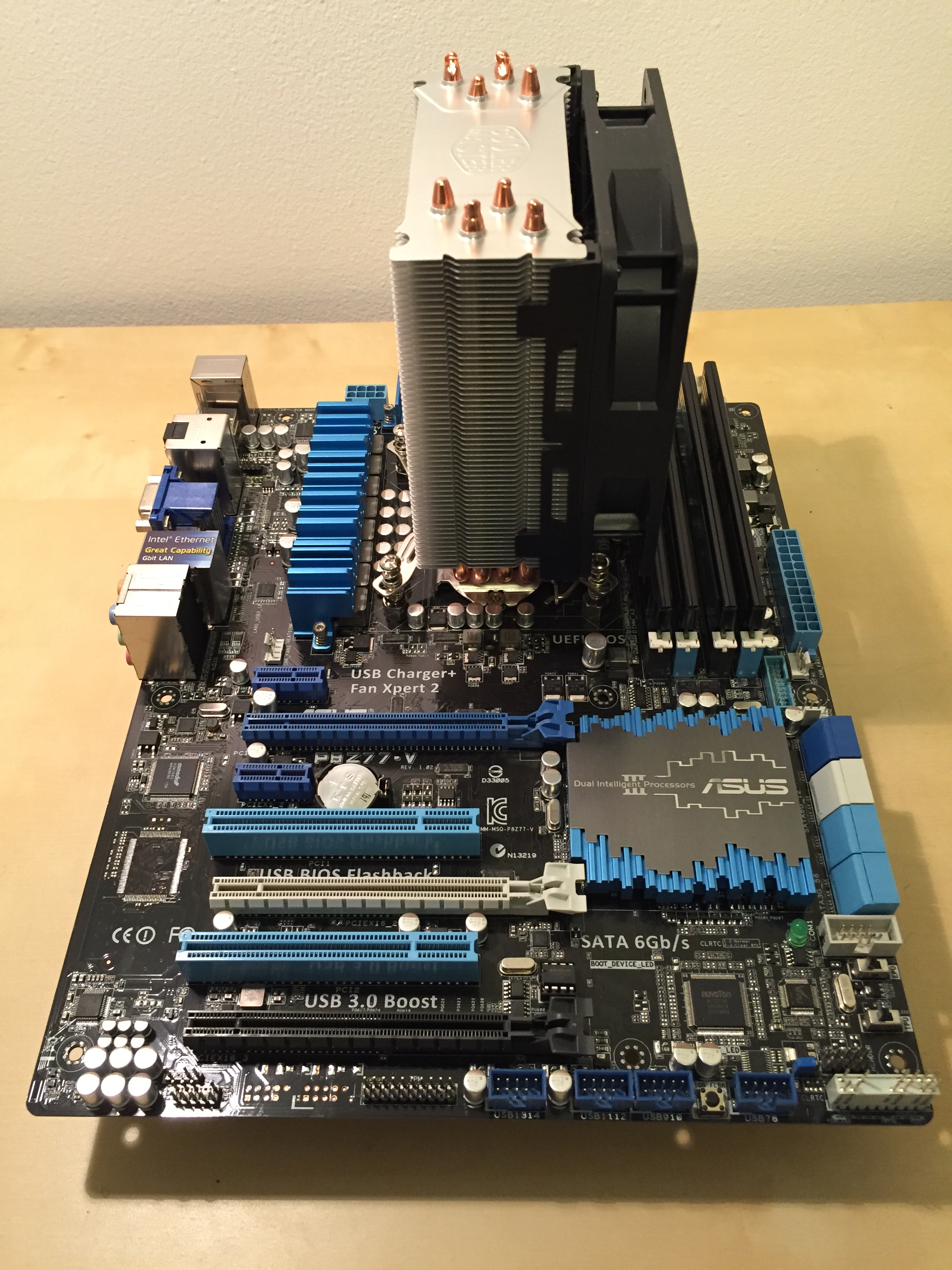
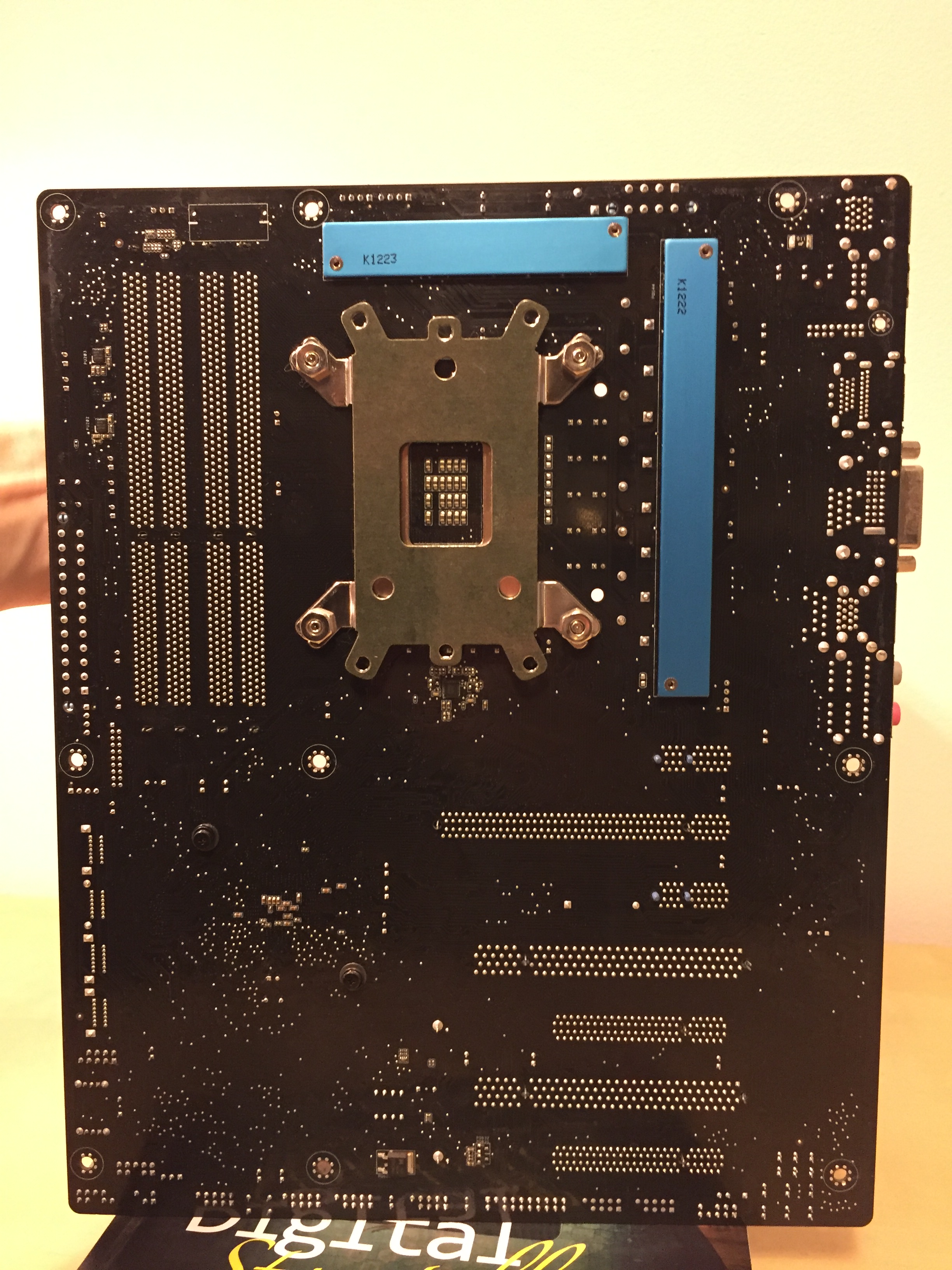
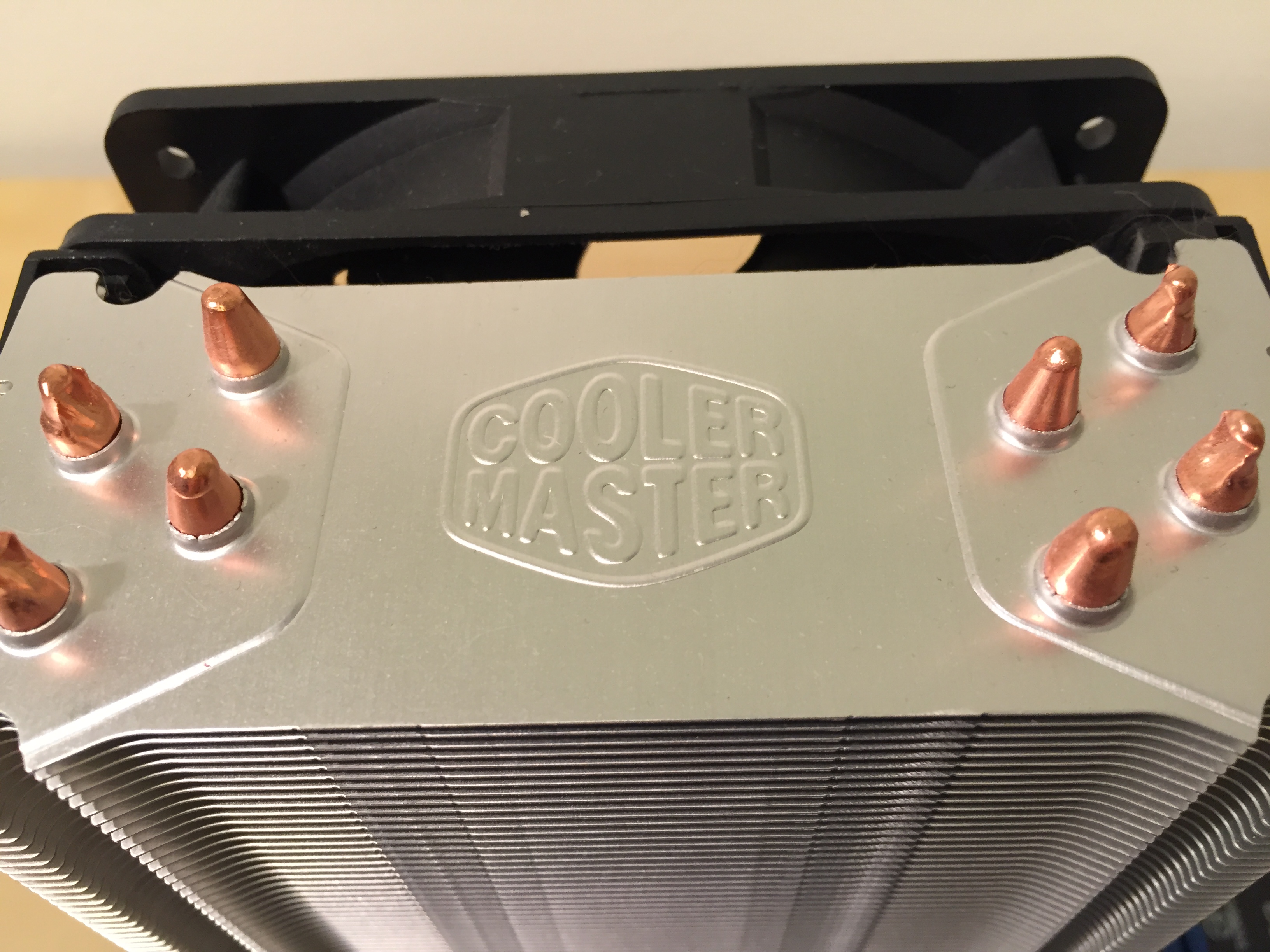
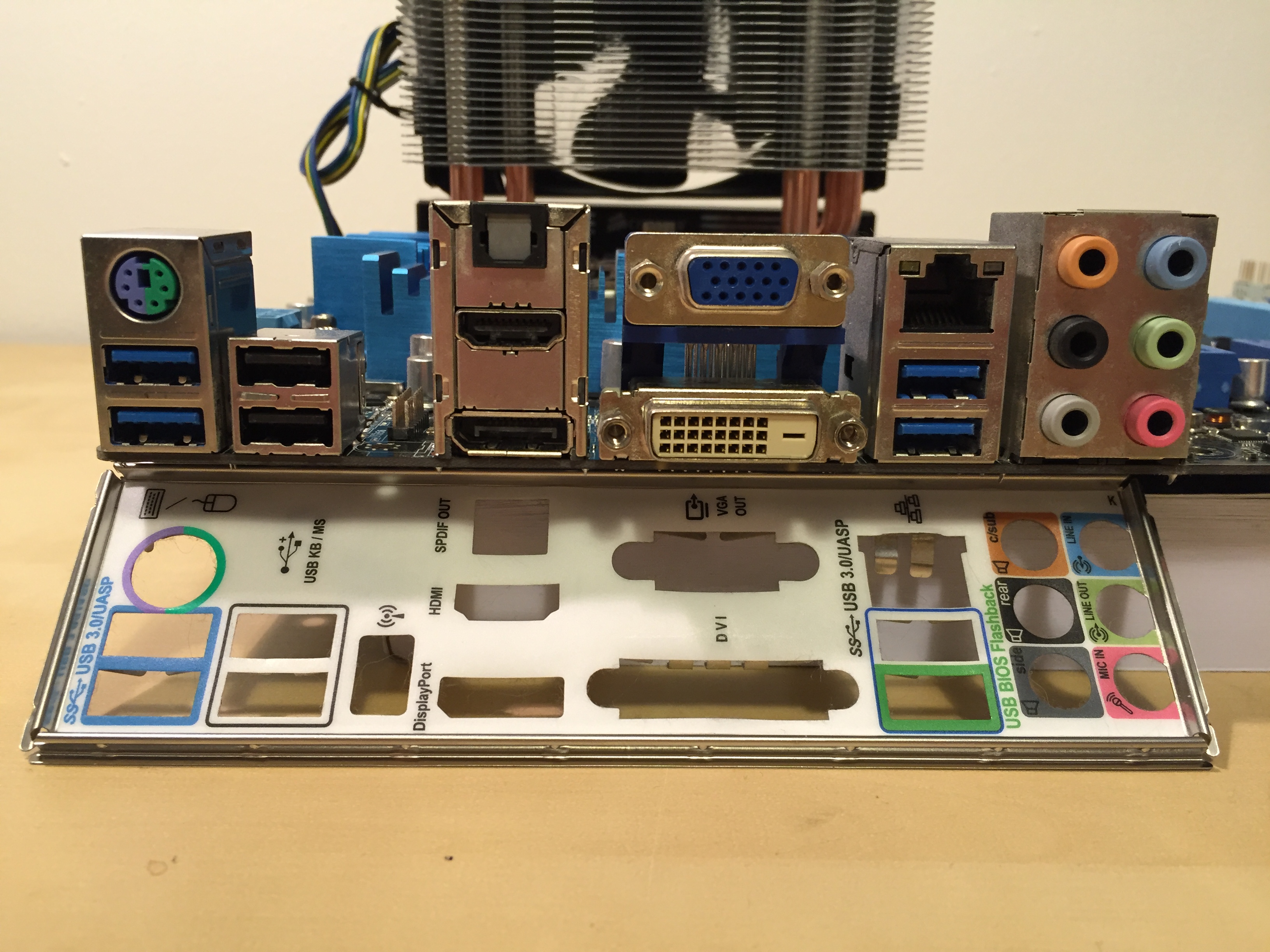
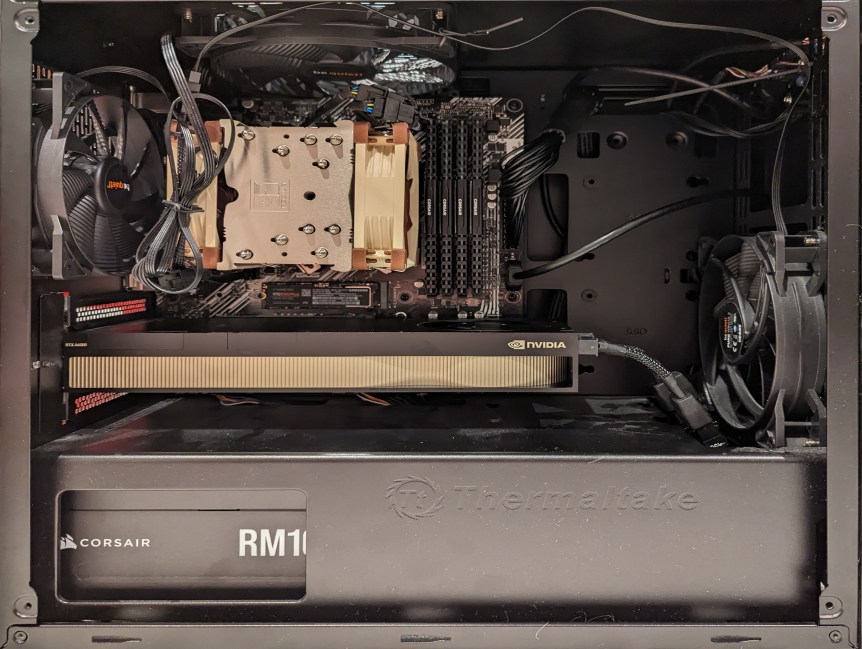
Gradient blend of my most recent desktop computer from before (left) to now (right).
“In nova fert animus mutatas dicere formas / corpora.” “It is my design to speak of forms changed into new bodies.” –Ovid, Metamorphoses: Translated into English Prose, Published by G. And W.B. Whittaker, London, 1822, p. 1.
As much as I wish that I had a hoard of computers in a basement or attic, I don’t. It’s not for a lack of want to keep my old computers. It’s always been a financial consideration–sell the old to help finance the new (or used = new to me). While an errant tree limb destroyed my first practical computer–an Amiga 2000HD, I’ve been selling my old computers to help pay for newer ones and upgrades since I was in high school when I sold my 486 DX2/66MHz system before going off to Georgia Tech in 1995.
For someone who values and enjoys working on vintage computer systems, it’s a bitter pill to swallow that I have to do this. However, it also means that my computers often take on a Frankenstein monster-like existence of becoming–morphing from one system into another via upgrades and reconfigurations.
I wanted to share some background on my most recent desktop computers from the past 10 years or so as a way to reflect on this practice of tinkering and changing that produces more capable and powerful computer over time. Sometimes, a shift in architecture or new work requirements calls for a change. Sometimes, it’s wanting to try something new.
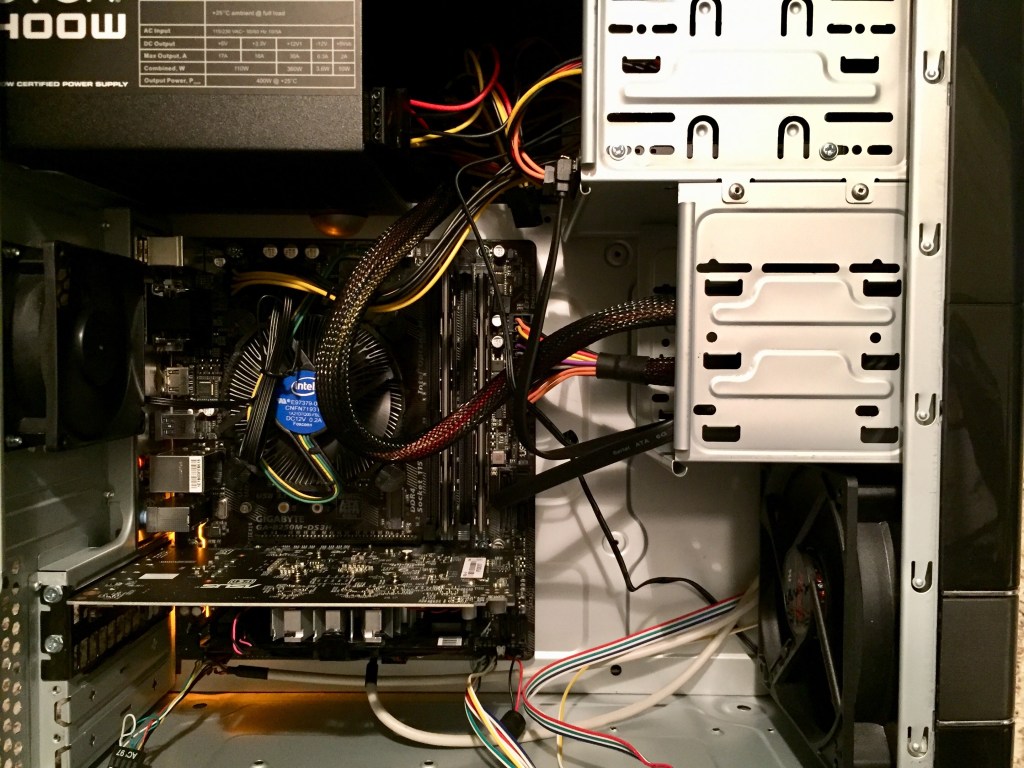
2012: Intel i7-2700K in Corsair Case
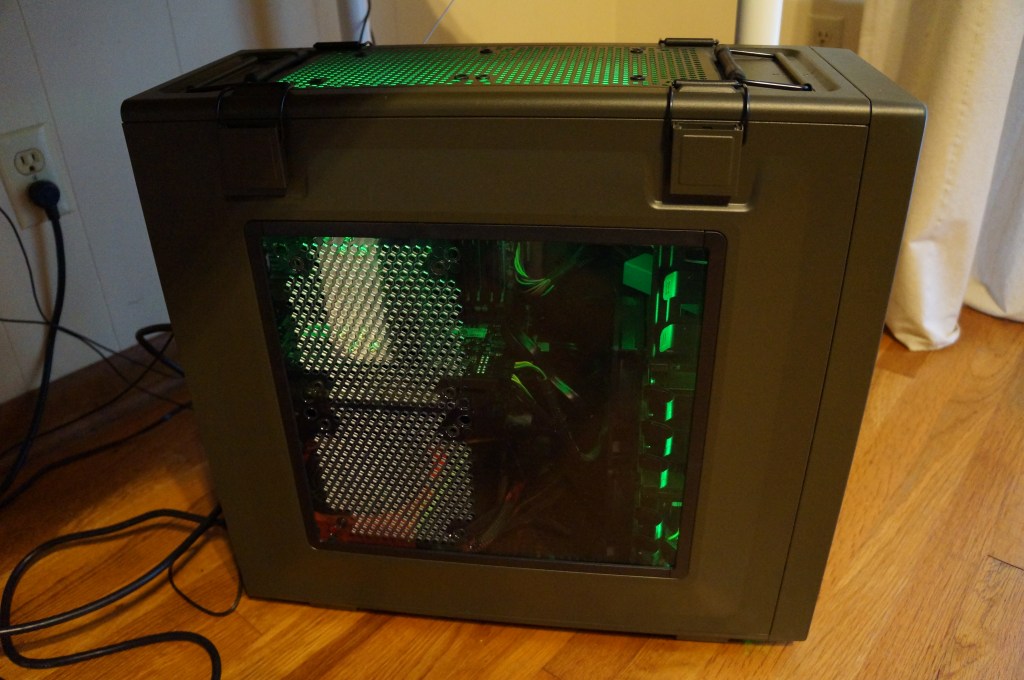
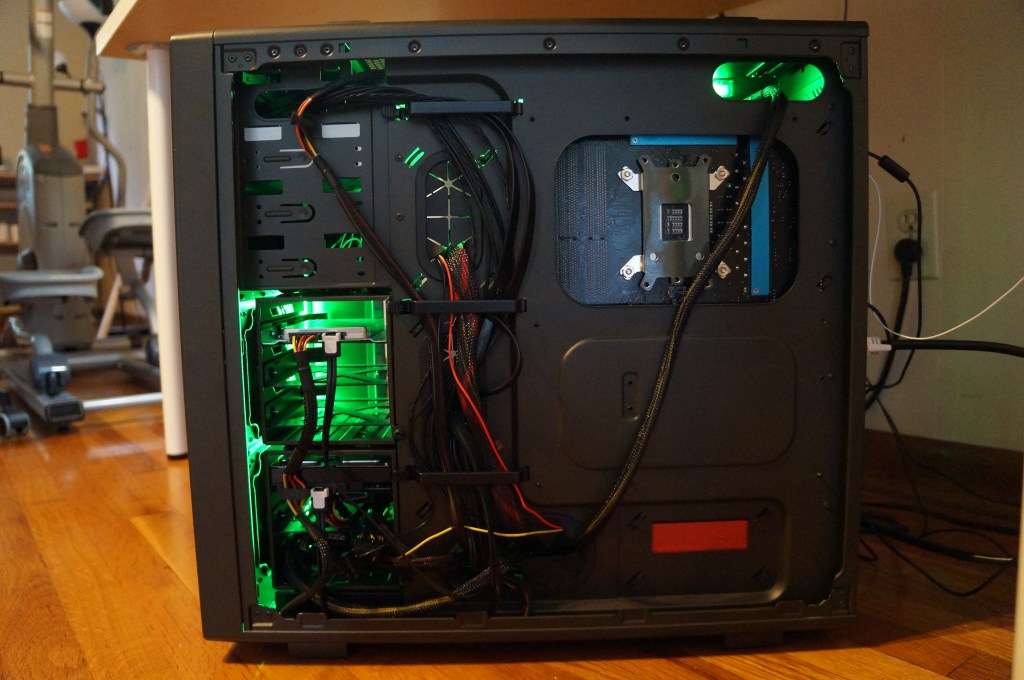
I wrote about turning this computer, which I had originally intended to use with Windows 7, into a “Customac” or “Hackintosh,” meaning a PC that ran MacOS X, here and here. I built the computer using on sale gear from the Microcenter in Duluth, GA. The 50 cal. ammo box case by Corsair and green cold cathode light tubes were its two extravagances.
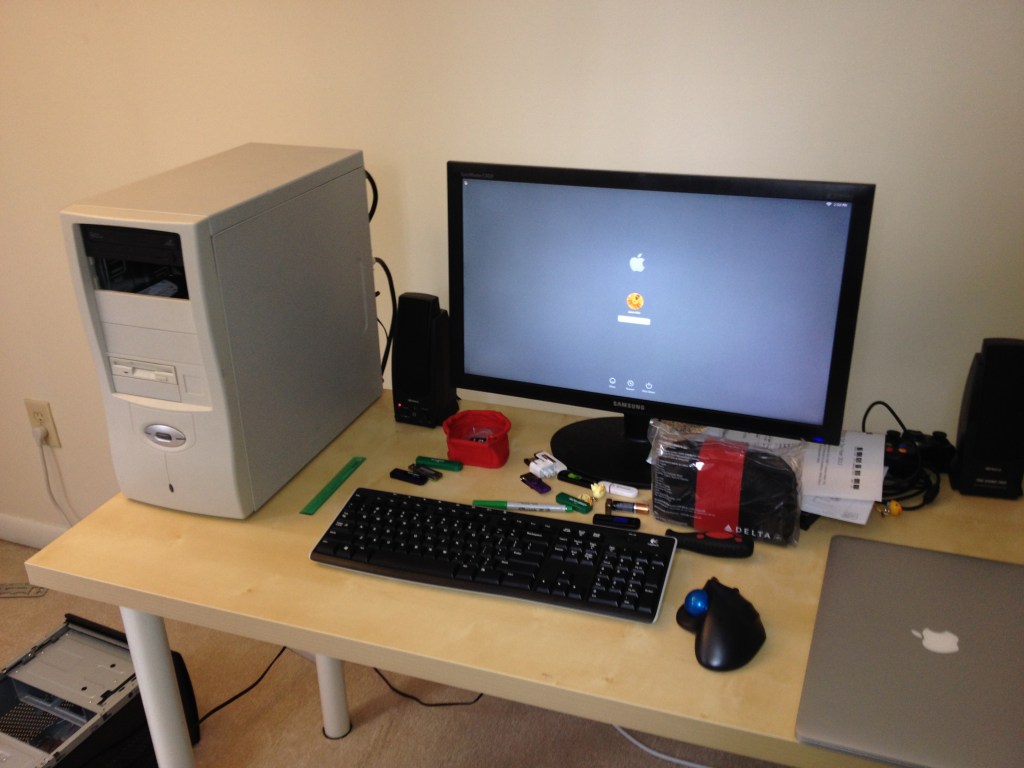
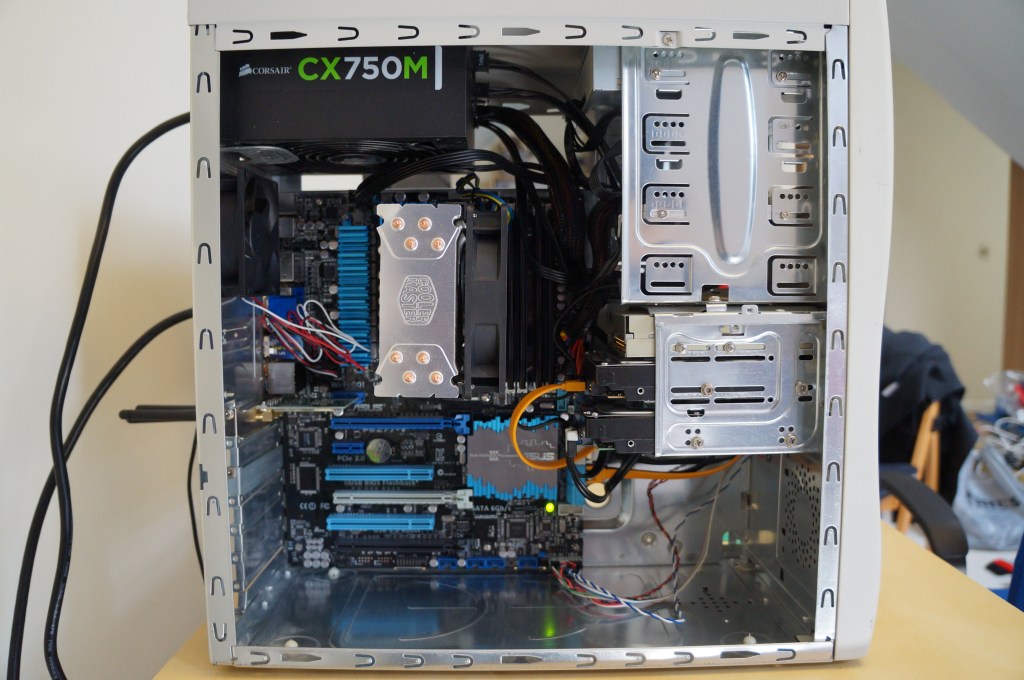
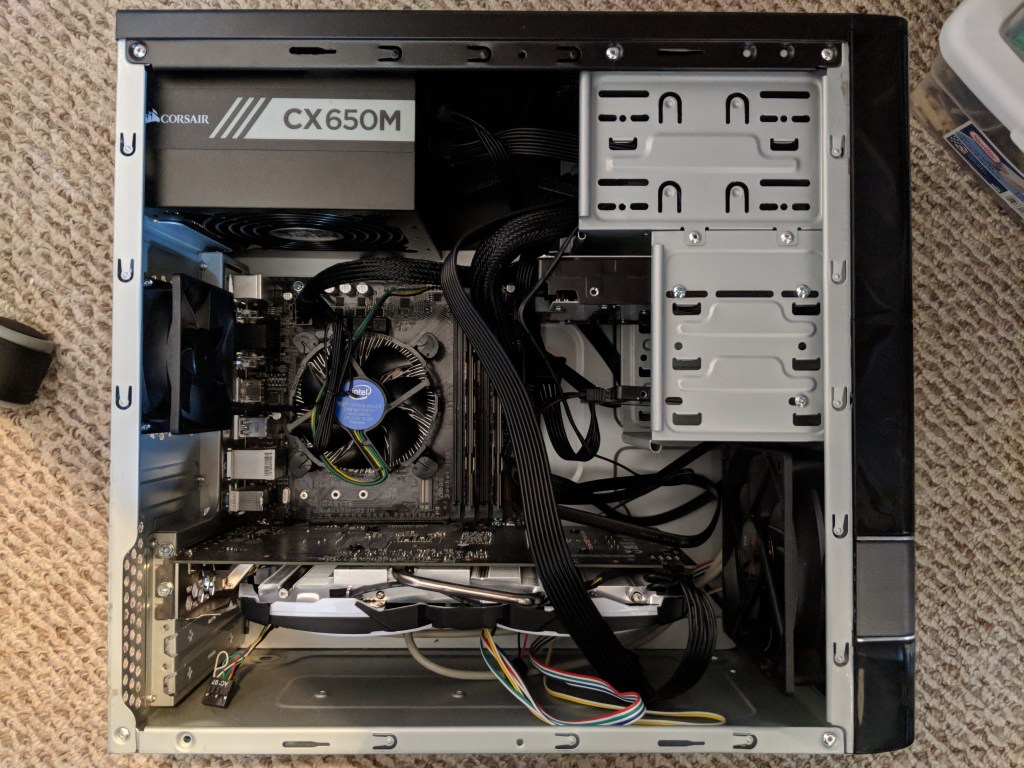
2014: i7-2700K in Retro Sleeper Case
Before moving to Brooklyn to start my job at City Tech, I asked my friend Mark with help finding a beige ATX case that I could transplant my i7-2700K system into. What the kids call a “sleeper case,” or a retro-styled case but sporting contemporary computing kit. By this point, I had jettisoned the video card and relied on the CPU’s built-in graphics as this simplified using it as a Hackintosh.
After moving to Brooklyn, I switched from MacOS X, which was becoming more troublesome with Apple ID-connected software with Hacintoshes, to Linux Mint.
I had a Sapphire video card of some sort, but I can’t recall what it was now.
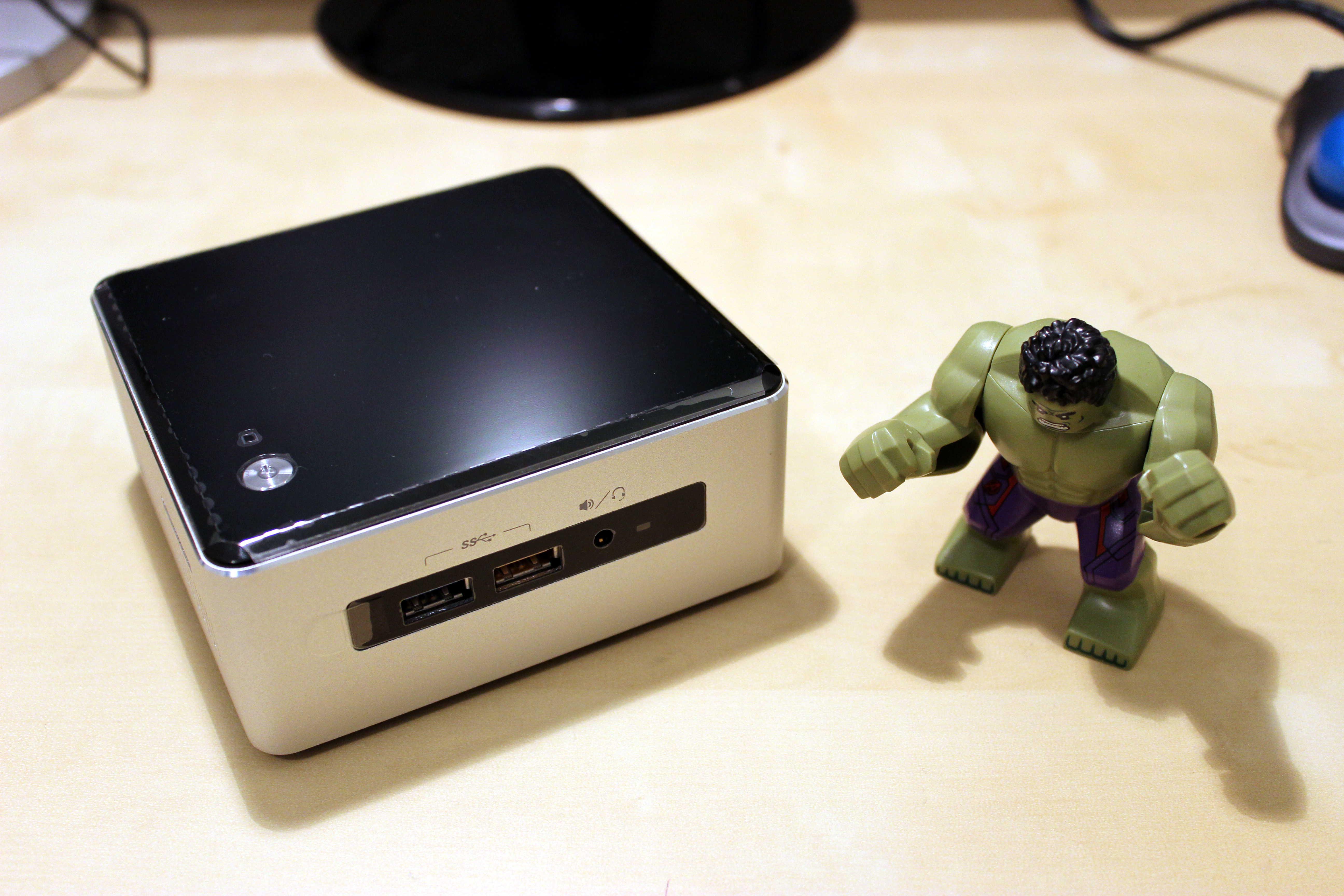
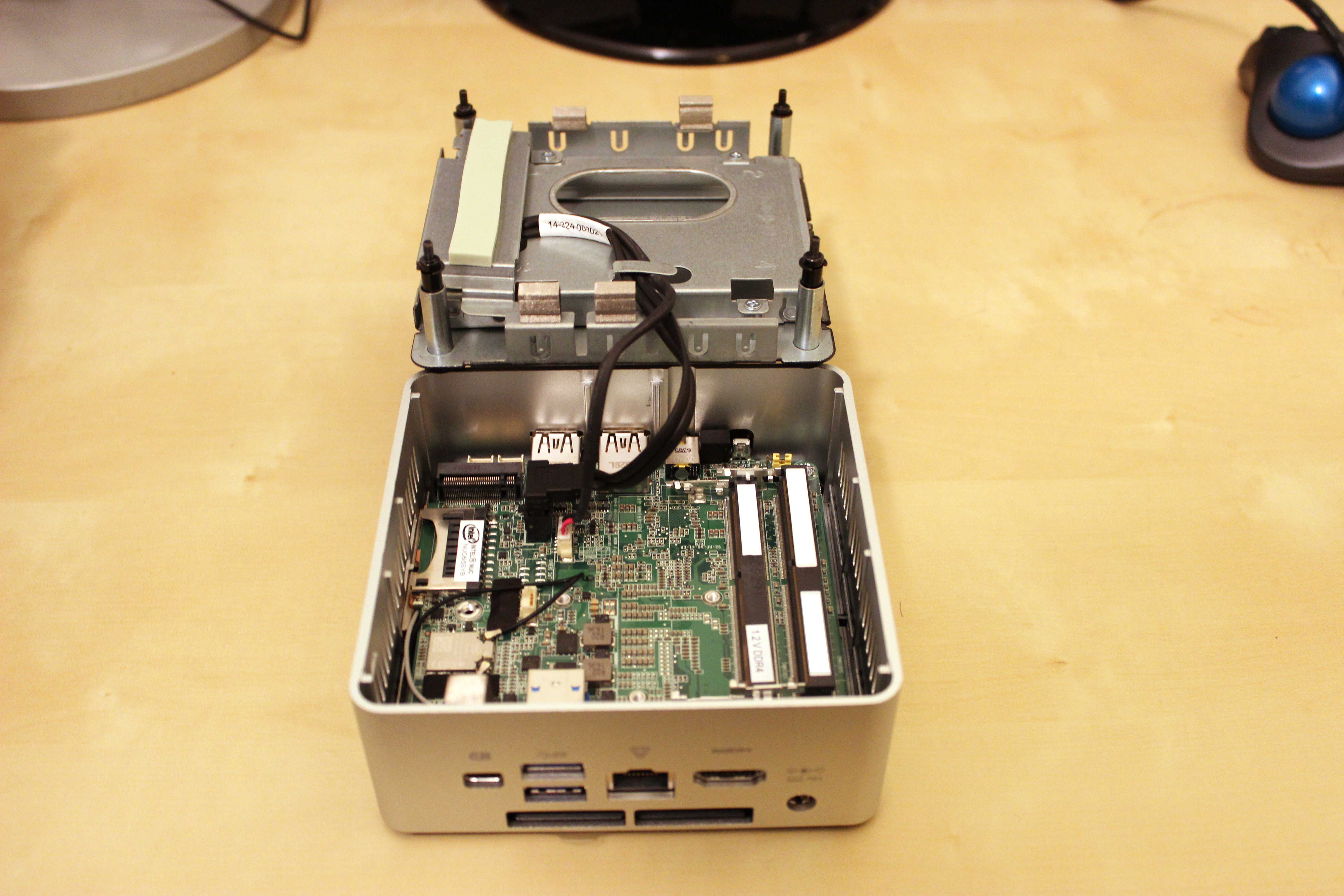
2016: Intel NUC 6I5SYH with i5-6260U CPU
I carried the i7-2700K sleeper system to City Tech to use in my office space. This left me with only a MacBook to use at home. When I saw the Brooklyn Microcenter offer an i5-based NUC for sale, I thought that would fulfill my computing needs at home and be a new kind of miniature computing experience for me. I wrote about my initial setup of it here. I was surprised by its capabilities, but new computing needs led me to build a new computer.
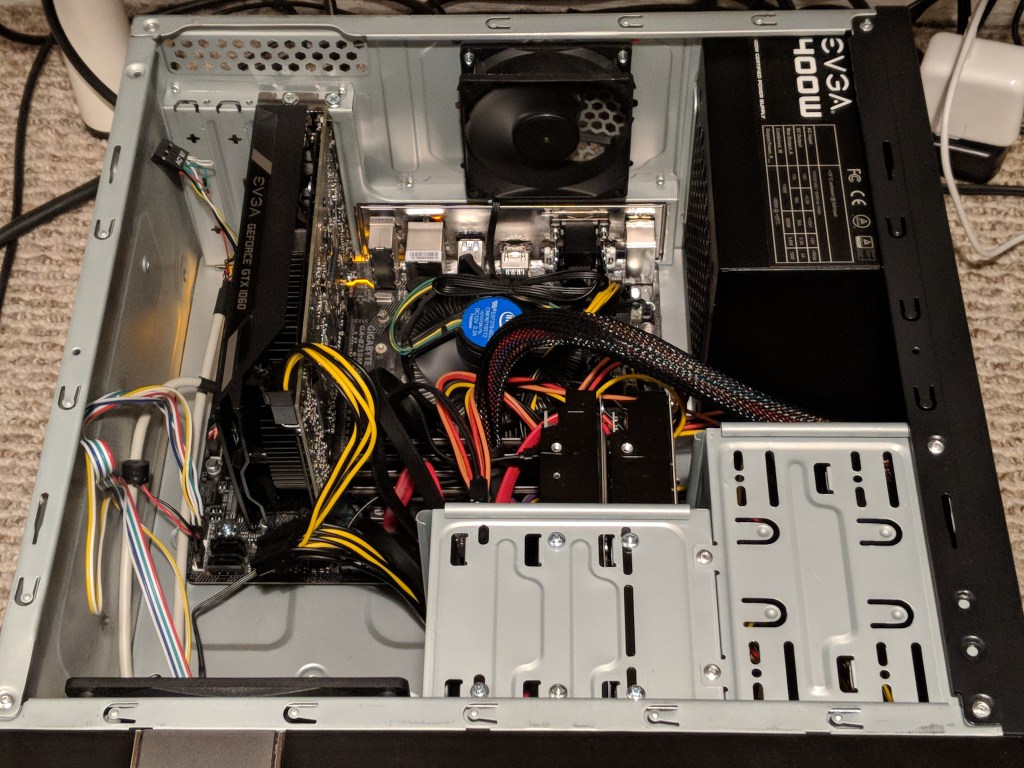
2017: Homebuilt Computer with i7-7700 CPU
I wrote about building, pricing, and benchmarking the first iteration of this i7-7700 based computer here. There were several needs that prompted me to build this machine: I run my own self-hosted instance of World of Warcraft Vanilla and experience some fan-built 3D experiences based in the Star Wars and Star Trek universes. The i5 NUC didn’t have the horsepower for this, so I sold it and built this new computer.
Later, I wanted to try out virtual reality, so when Best Buy had a sale on the Oculus Rift, I purchased a beefier NVIDIA GTX 1060 video card and VR headset (I’ll write about this more soon).
I wasn’t happy with the Oculus Rift in my small apartment space, so I sold it and the MSI Geforce GTX 1060 video card. Then, when Microcenter ran an insane deal on HP’s Mixed Reality headset, I picked it up and an EVGA Geforce GTX 1060 to try VR again (more on this soon).
Long story short: I struck out with VR again, so I sold the 1060 video card and HP mixed reality headset and settled on the built-in video graphics, which is fine for most things on a day-to-day basis.
2020: Pandemic and Upgrades
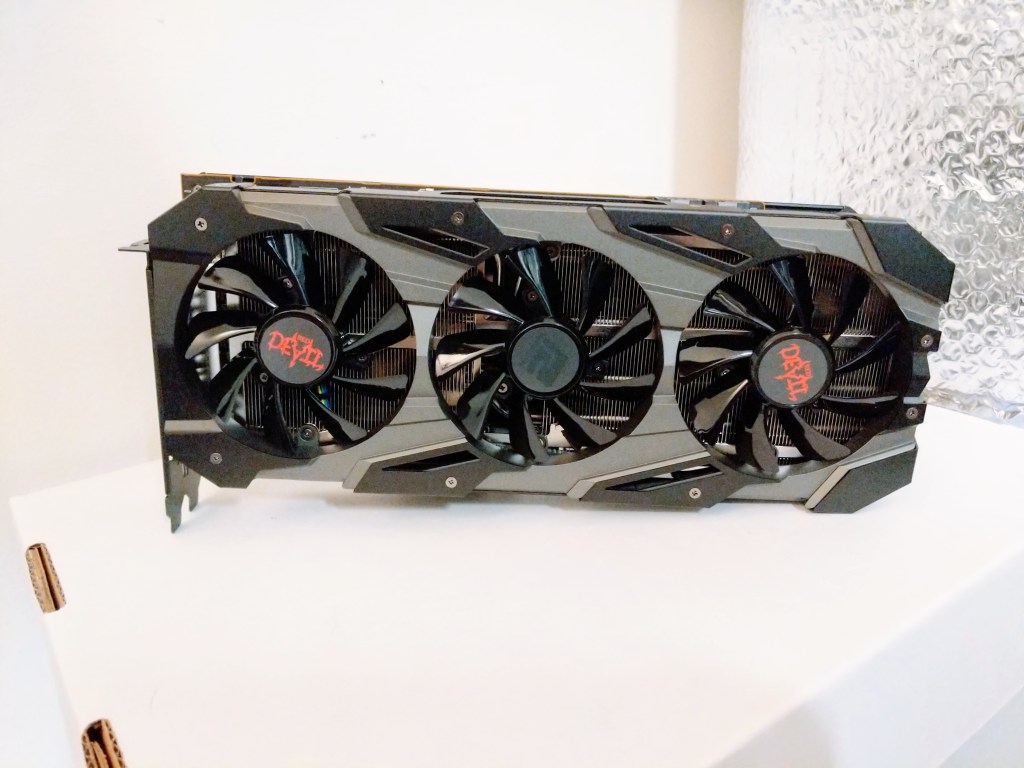
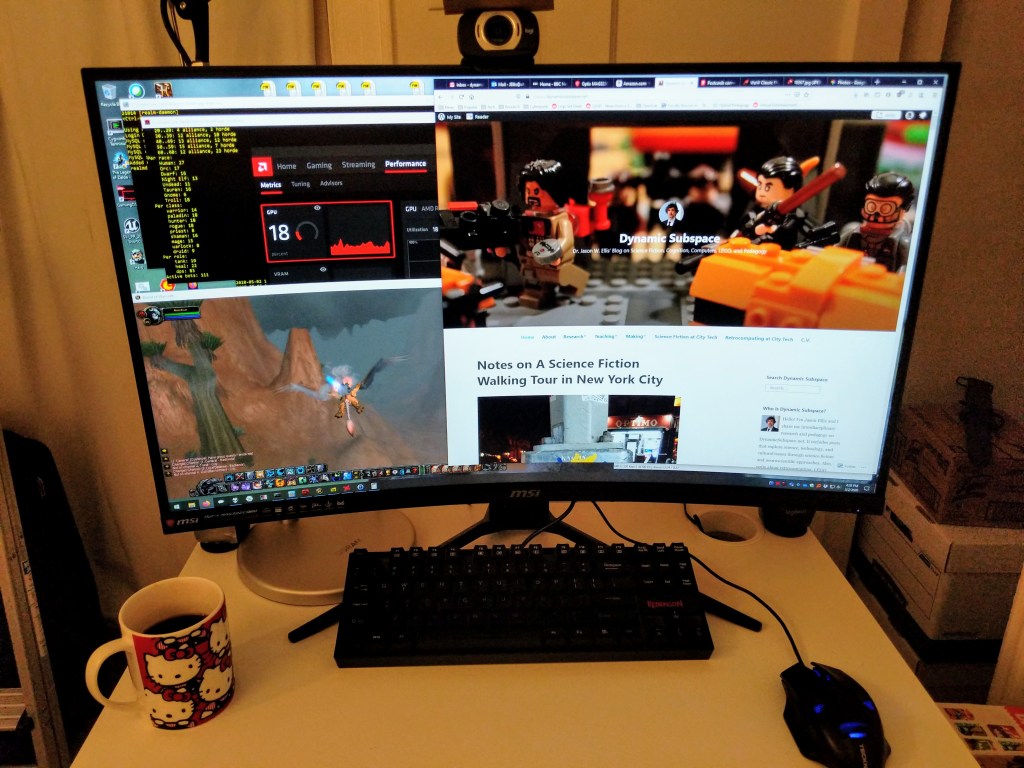
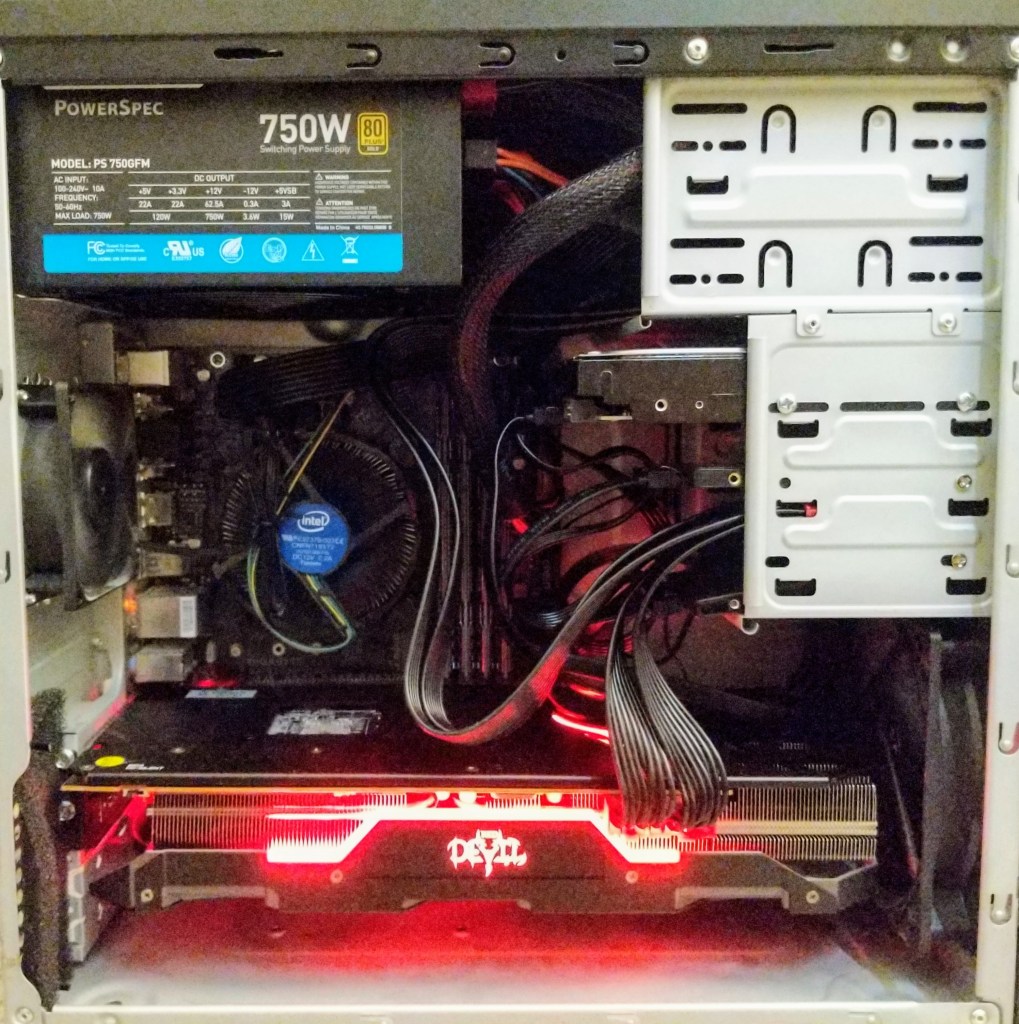
Then, the pandemic hit in 2020 and I was doing everything with my computer–lecturing, video editing, running online symposia, etc. So, I used my first pandemic Economic Impact Payment to purchase a Powercolor Red Devil AMD RX5700XT video card and an MSI 32″ curved LCD monitor to support my online, video-focused existence at that time.
My small micro ATX case wasn’t an ideal solution for the thermal needs of the RX5700XT video card, so I transplanted the computer into a more spacious Corsair Carbide Series 100R case.
And, I added a cool 5.25″ drawer insert to keep my flash drives and other on-hand media.
Before selling it, I had swapped out the RX5700XT video card for an MSI AMD RX550 and sold the RX5700XT for a profit due to the beginnings of the video card shortage during the cryptomining boom during the pandemic.
2021, early: Lenovo IdeaCentre 5 with Ryzen 4700G
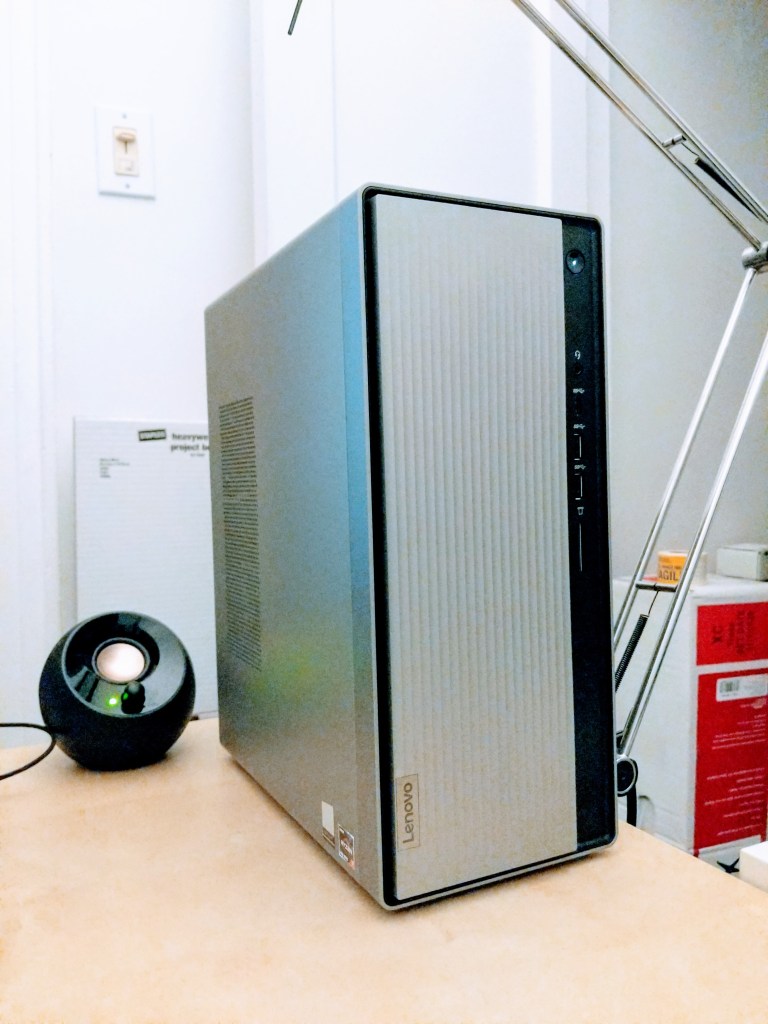
Even though the RX5700XT video card was great, I ran into some cases where video card processing workflows produced workflows that I wasn’t happy with. I didn’t want to change software, so I figured the easier solution was to shift to tried-and-true CPU-focused workflows on a processor with more horsepower than the i7-7700. I opted for the least expensive Ryzen 7 system that I could find–a Lenovo IdeaCentre 5 with Ryzen 4700G. It was easy to modify and make strategic upgrades to for my needs. I wrote about purchasing this system on sale and upgrading its CPU cooler here and then improving its CPU cooling a few months later here.
2021, late: Asus ROG G15DK with Ryzen 7 5800X
While I enjoyed the Lenovo IdeaCentre 5, I began seeing new 3D demos and games released that I was interested in checking out. Lenovo’s big shortcoming was its proprietary power supply. If I had been able to swap it for a more powerful one, I could have got a video card and made the upgrade. Unfortunately, there are tales across the Internet of a mismatched PSU or adapter killing someone’s Lenovo desktop. Therefore, I began looking for a good deal on a complete system with a similar 8 core/16 thread system with a beefy video card. Granted, this was at the height of the video card shortage, so I remained patient and studied the market while waiting to pounce on this deal when I saw it.
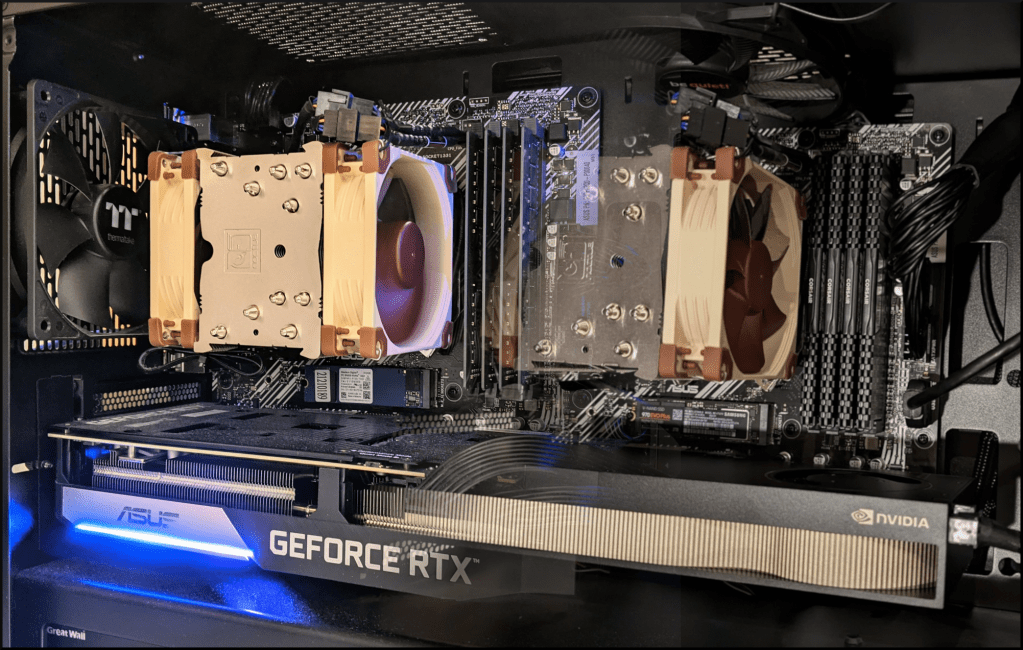
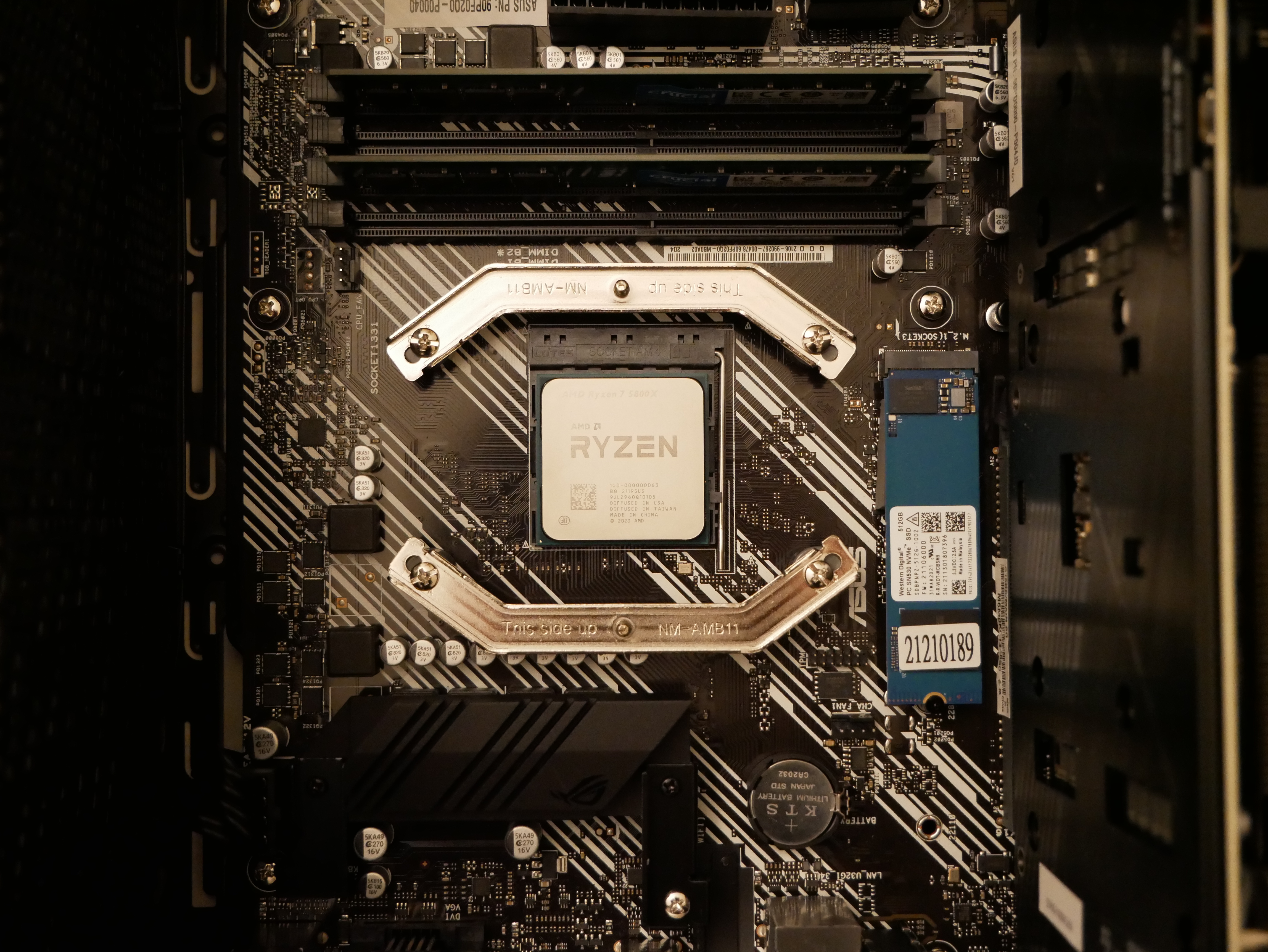
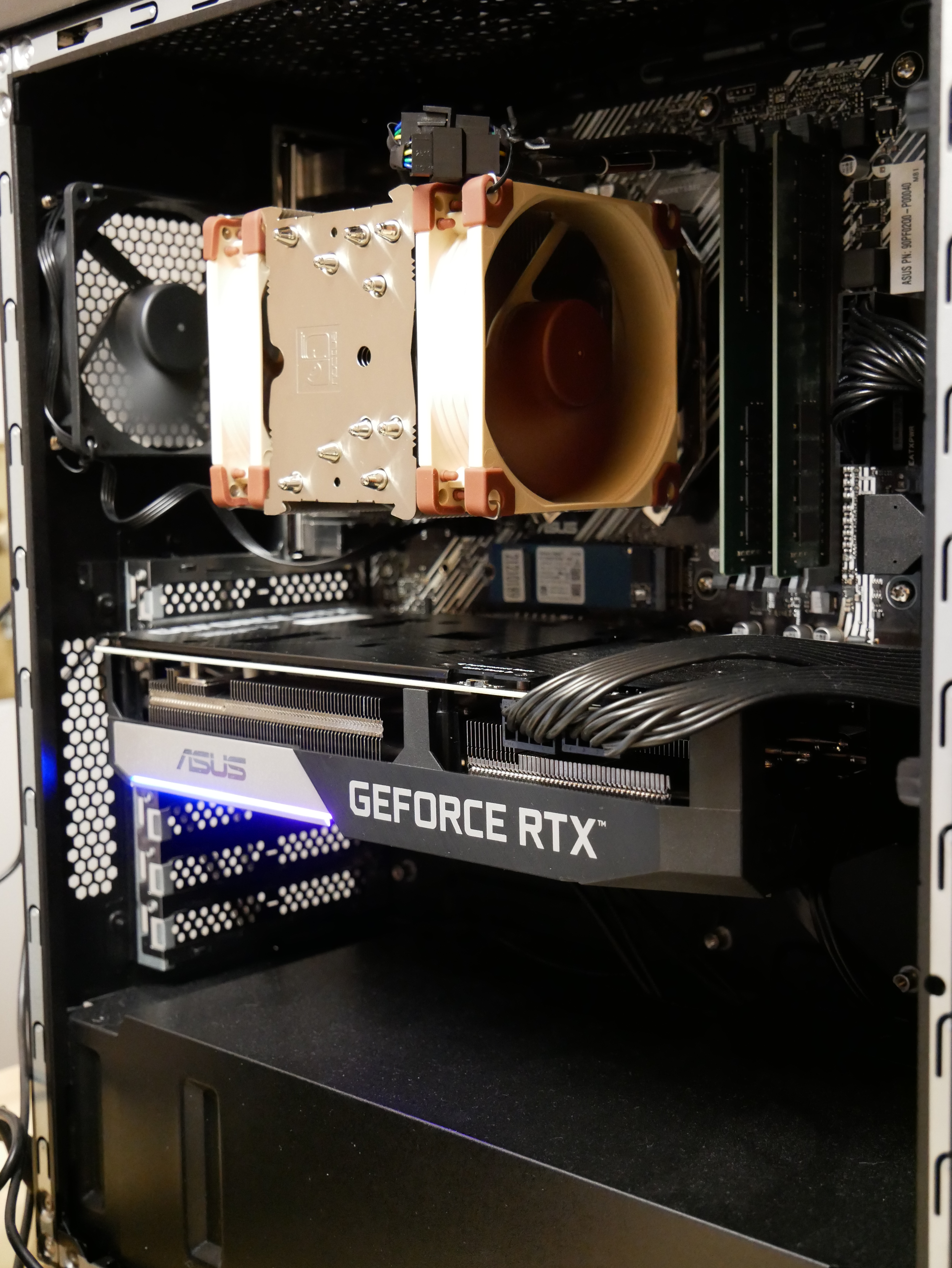
The Asus ROG G15DK came with a motherboard similarly speced to an Asus PRIME B550M-K with an AMD Ryzen 7 5800X 8-Core/16-Thread CPU, 16GB RAM, 512GB NVMe boot drive, WiFi (occupying second NVMe slot), and NVIDIA RTX 3070 8GB video card. I swapped the 32GB of RAM from the Lenovo with the 16GB of RAM in the Asus, pulled out the WiFi card to free up the second NVMe slot, and ripped out the disco lighting that was pre-installed in the case.
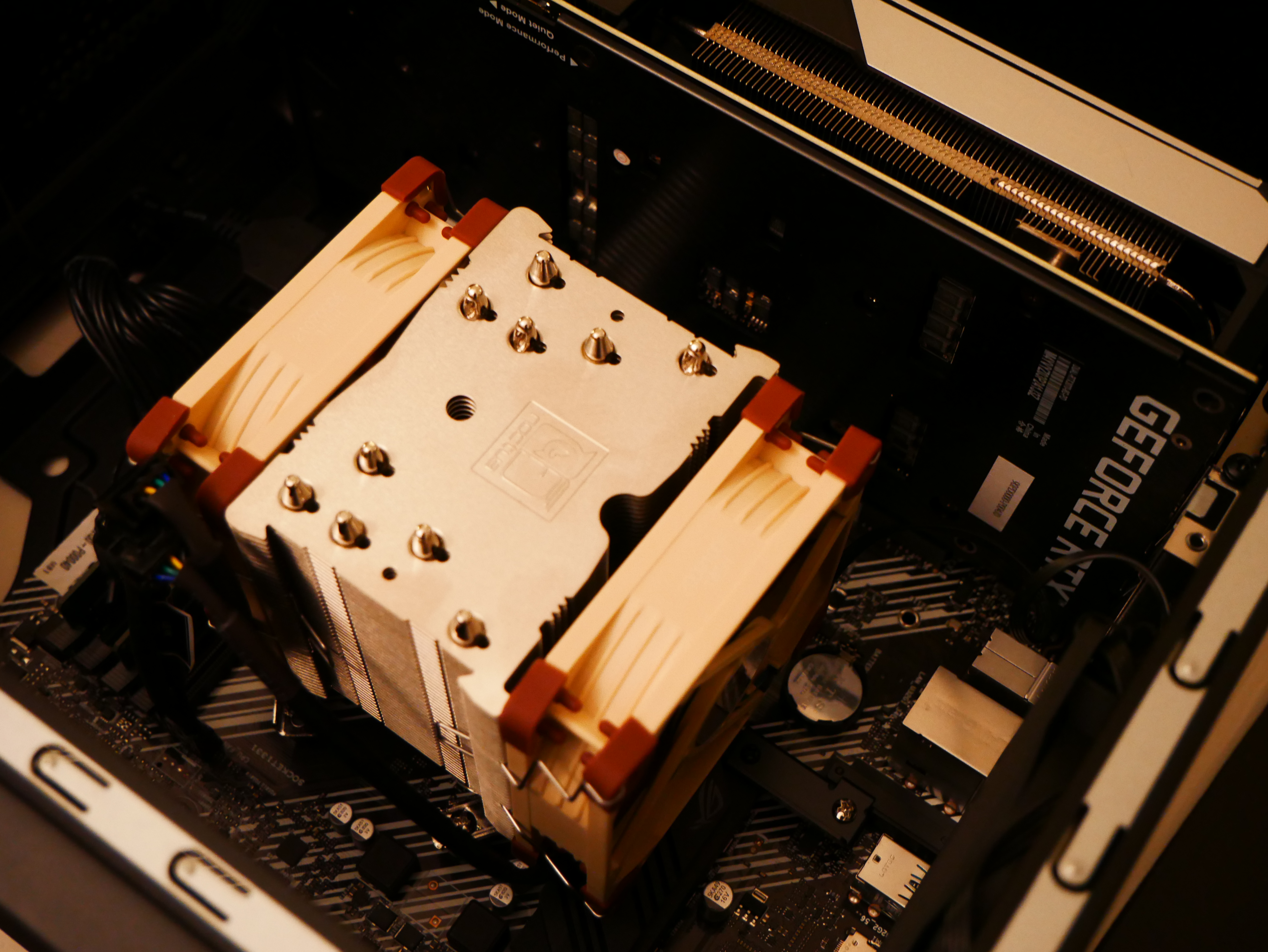
Then, the next big upgrade that I made was to change out the inadequate 3-heatpipe cooling tower supplied by Asus for a 5-heatpipe Noctua NH-U9S, which I added an additional fan to for a push-pull configuration.
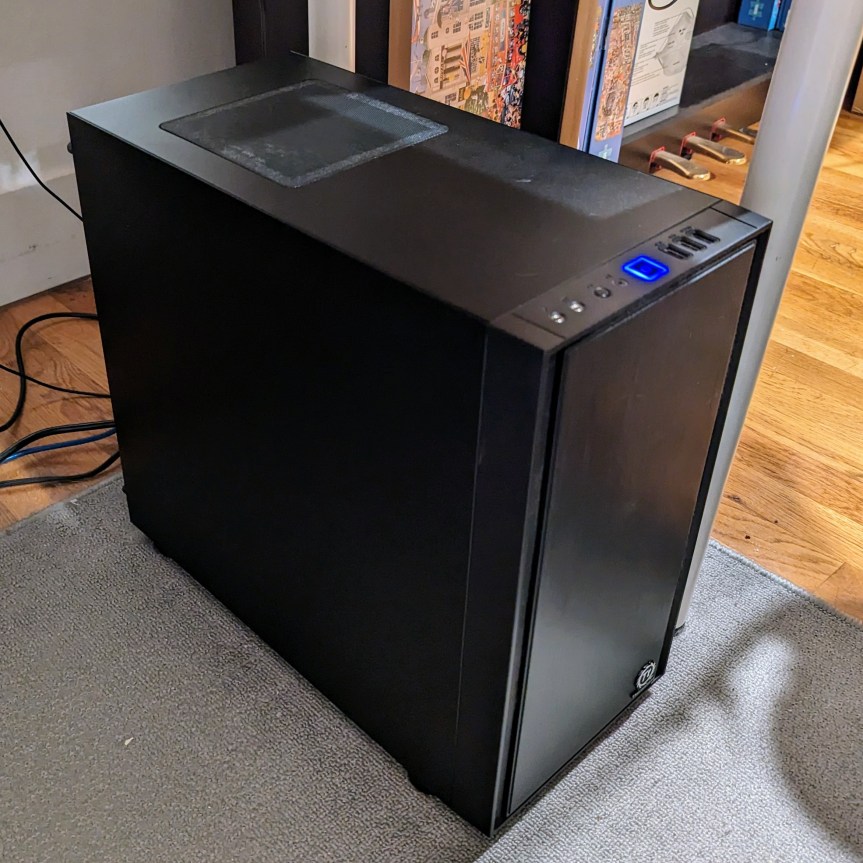
Later, I transplanted the computer into a less flashy case without a glass side panel–the Thermaltake Versa H17.
As DDR4 RAM prices improved, I upgraded from 32GB to 64GB to 128GB. And, as SSD prices plummeted, I upgraded the system drive from a 512GB nvme drive to a 2TB Samsung 970 EVO Plus drive as I had described earlier here.
2023: Current Form with NVIDIA RTX A6000
As I wrote here, the most significant upgrade to my computer–or any computer that I have ever owned for that matter–has been the NVIDIA RTX A6000 video card for AI and machine learning work that I am doing now.
2023: Free i7-6700K Bonus System
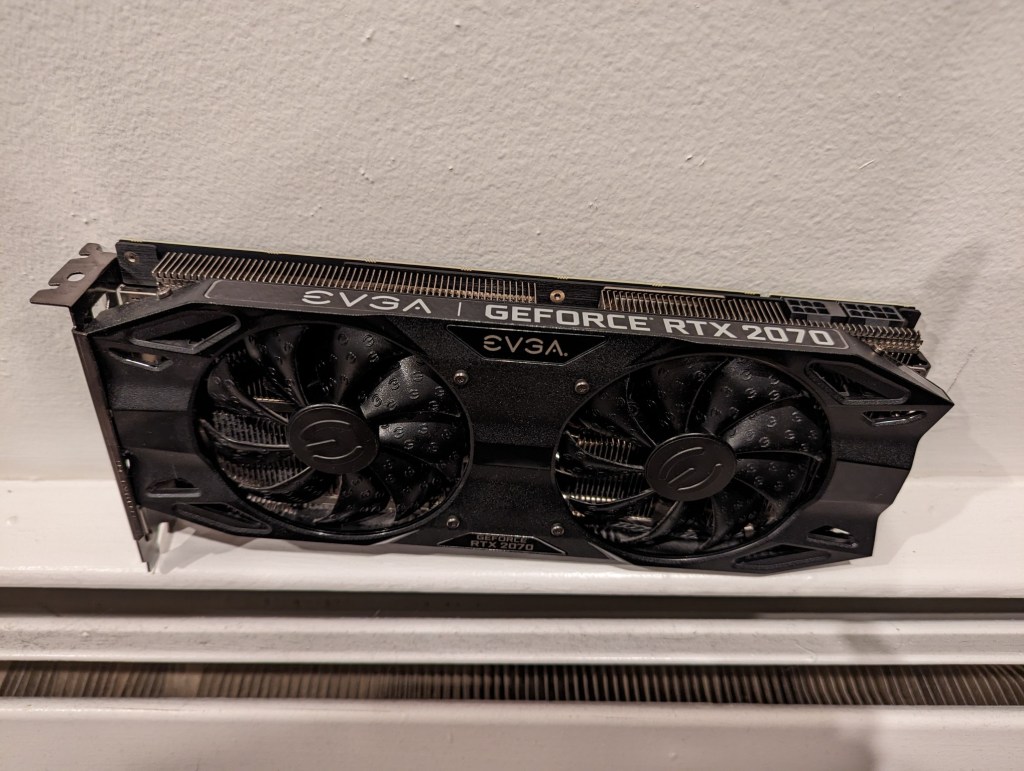
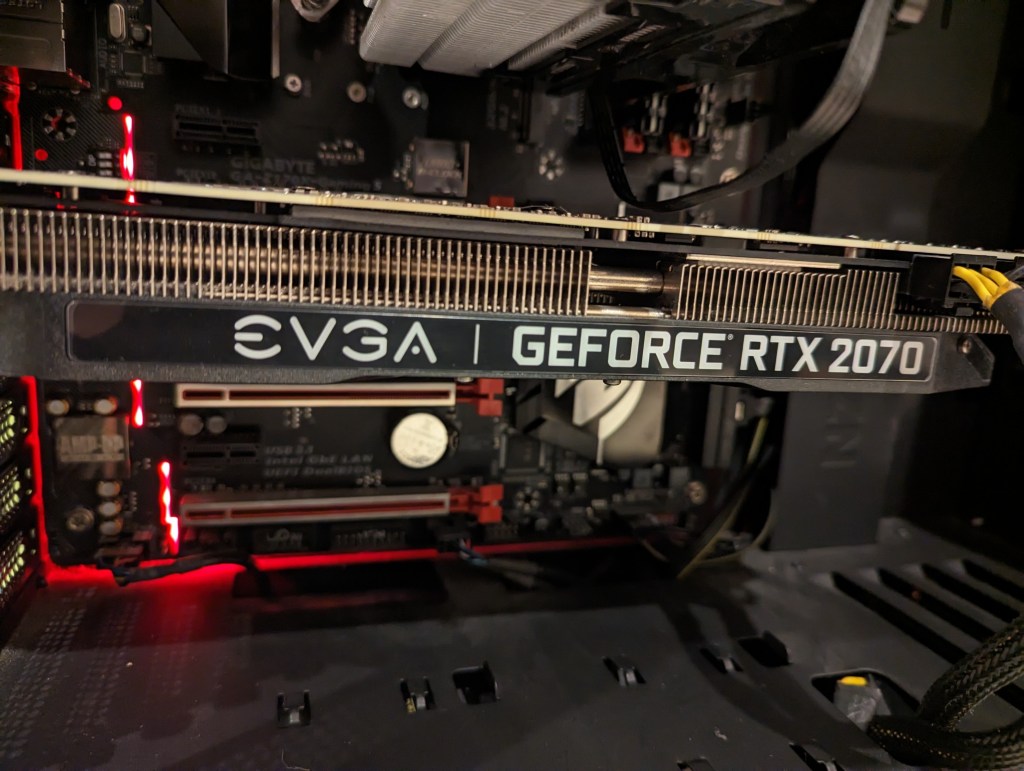
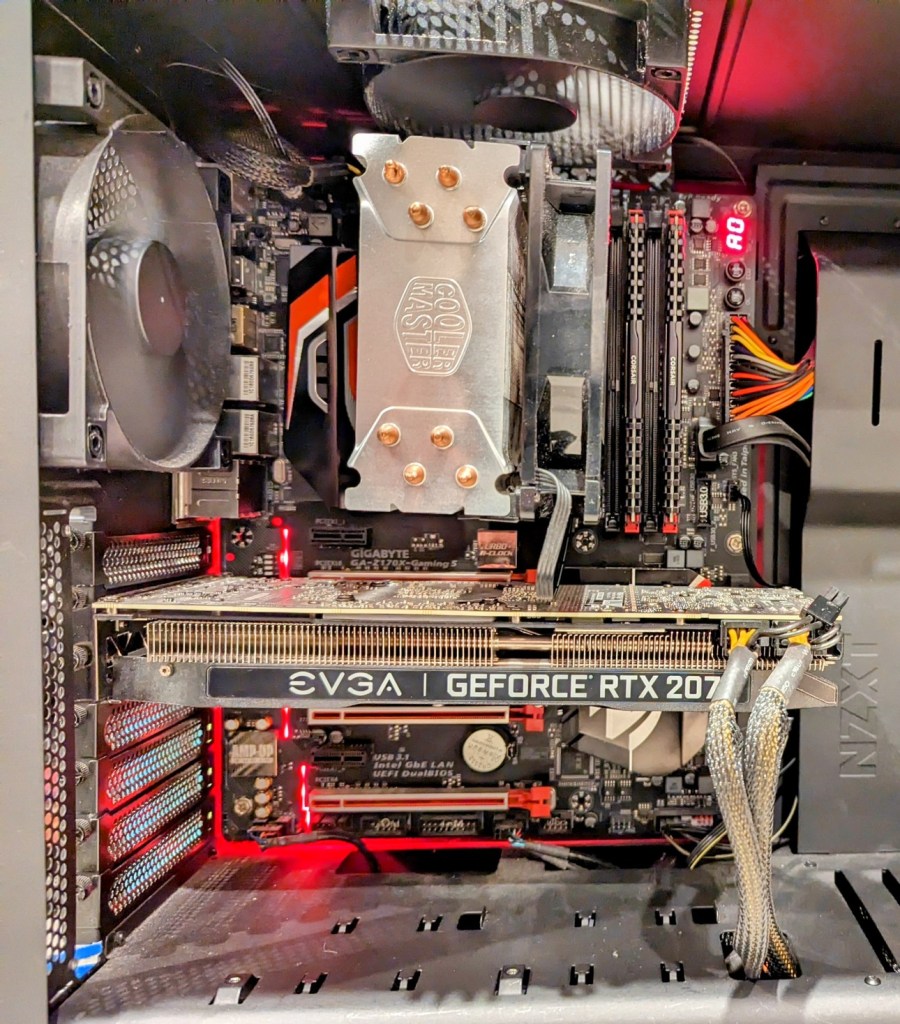
In early 2023, someone in my apartment building left this computer in the lobby with a post-it note that said, “Works! No HD.” I didn’t look the gift horse in the mouth! I carried it up the 4 flights of stairs and got to work cleaning it up and checking it out. It had an i7-6700K CPU, 16GB of DDR4-3000 XMP RAM, and EVGA Geforce RTX 2070 8GB video card on a Gigabyte GA-Z170X-Gaming 5 motherboard. I installed a spare SSD and HDD in it, ran memtest86+, and stress tested the still impressive EVGA Geforce RTX 2070 8GB video card. Everything checked out! I sold the RTX 2070 on eBay to help pay for the A6000 video card in my primary system. And, I kept this computer to serve as a media center PC (the built-in graphics work great after making the fix for screen tearing found here). Thank you to whoever gave away such a wonderful machine!
Reflections
As Ovid shows us, things change form and function and purpose. This is very true in my experience of computers. I would have liked to have held on to my computers longer–changing them further through upgrades and reconfigurations. However, I always thought at the time that I had a good reason to do the things that I did–sell one computer to help pay for a new one, or switch from a larger computer to a smaller one (or vice versa). Nevertheless, I can see that sometimes my reasons might have been motivated more by a desire for change, that perhaps using or learning a new computer might move me forward in my work or curiosity or explorations. I don’t think that’s always been the end result, but it might have played a part in the musical chairs of my computing life.
Another thing that I’ve noticed looking at these photos is how sloppy I have been with cable management. Perhaps this is a manifestation of other aspects of my life. A hurry to use rather than perfect the tools of my work, and a worry that too much tweaking when something is operational bodes well for future stability. I admit that I am nervous when working on computers because of problems with some of my earliest computers–some problems brought on by me and other problems instigated by others. The money that I put into my computers is a lot for my meager salary in an extremely high cost of living environment. Every metamorphosing change that I’ve documented in this post cost me in dollars and time and energy–the latter two involving studying, considering, weighing options, etc. You can ask Y, I don’t rush into things that I buy for myself. I have to know that I’m making the best possible decision at that moment after crushing days and weeks of self-doubt and second guessing.
But, as you can see, I’ve had some adventures building, tinkering, and upgrading computers with this post showing the most recent 10 years or so. I’ll work on another post showing some of my earlier computers, but unfortunately, the record is not nearly as complete due to my not taking as many photos back then as I try to do now. When I do, I’ll write about my Amiga 2000HD, 486DX2/66, Powerbook 145B, PowerMacintosh 8500, Blue and White G3, Dual G4, and more. Stay tuned!
Since Y and I moved to Brooklyn, we’ve focused our XP grind on budgeting, scrounging, and saving.
At the core of making ends meet is identifying those things that are negotiable and those that are not. For example, coffee is a negotiable for me. I don’t have to have a $4 Starbucks everyday. Instead, I’m happy to get my caffeine fix from discount coffee brewed at home and carried in an efficient Zojirushi thermos. The A6000 video card that I use in my desktop computer is not negotiable. It’s an investment in my work that should pay a dividend in the future.
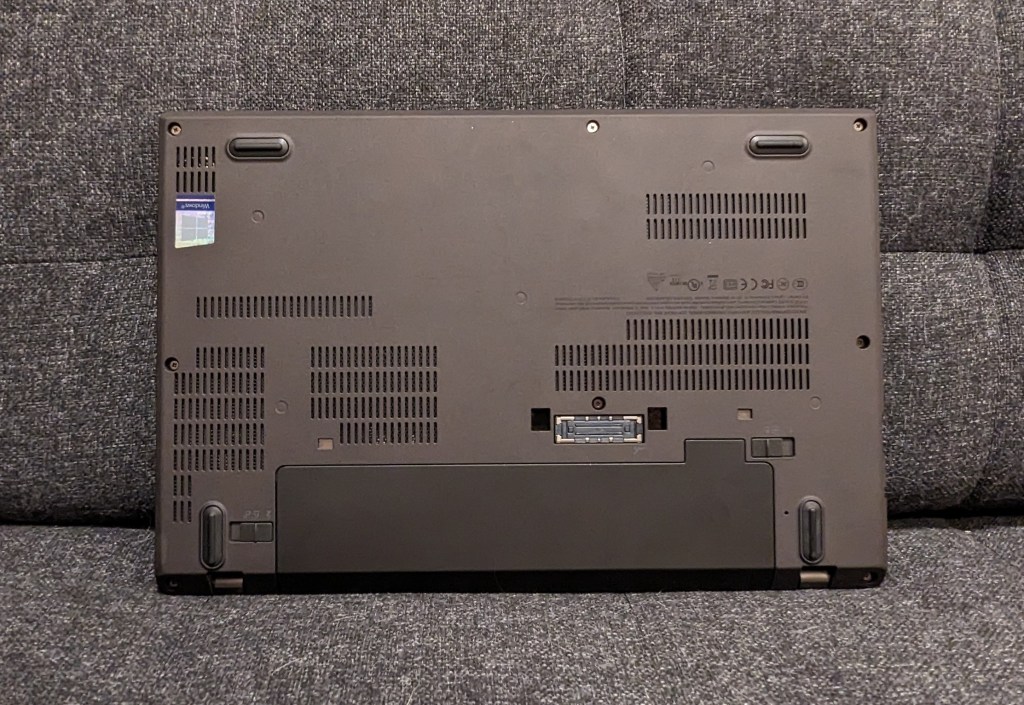
While my desktop computer fits into my non-negotiable category, my laptop computer, which I carry to work daily and use for remote work and classroom instruction, is negotiable. My only requirements for a laptop is that it is stable, has a good keyboard and trackpad, and weighs 3 pounds or less. Certainly, there are many new laptops that fit this bill, but there are also many used laptops that also fit this bill. In fact, a used, well-cared for laptop can have a powerful feature set, albeit a few generations old, that can hold its own against today’s computing rigors. This means that a used laptop with high tier features might cost a fraction of what it cost new. Furthermore, getting additional life out of a used laptop will keep it from winding up in ewaste too soon, which is a bonus for the environment and our collective health impacted by ewaste and the industrial impact of processing it.
My First Used Laptop: ThinkPad X230
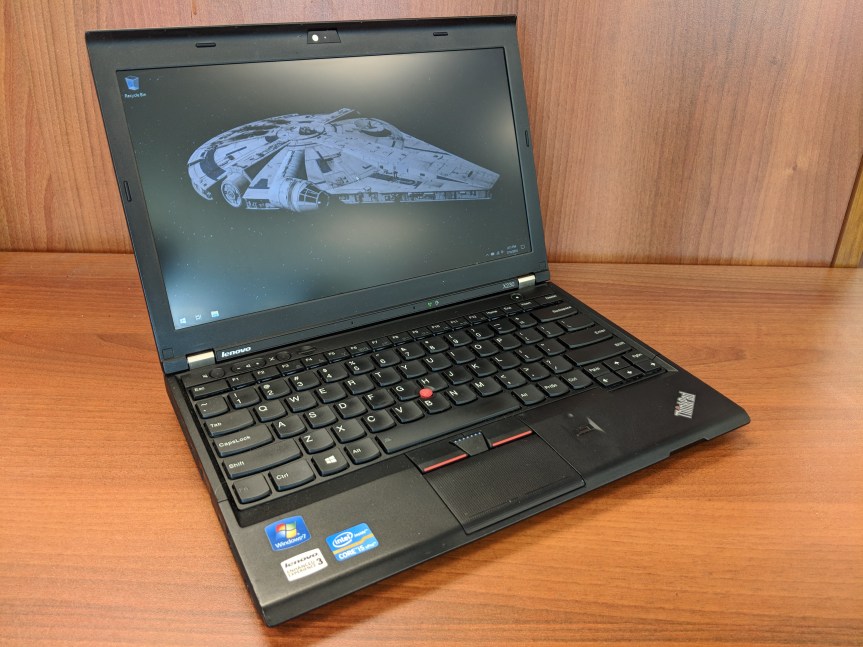
I purchased this ThinkPad X230 on eBay in 2018 (and wrote a review of it here). It looked and worked as if it were brand new. I used it for my remote work, classroom instruction, and travel until early 2020 (just before the pandemic began). By that point, it felt like it was getting long in the tooth for some of my software (e.g., Wolfram Mathematica), so I was thinking about selling it. One day, my colleague Aaron Barlow saw me using it at City Tech and he asked me to let him know if I hear of any similar machines available for sale. I offered him this one, which he bought a week later after I had wiped the drive and reinstalled Windows 10 for him. He got some use out of it for his writing, and his partner continued using it after he passed away.
My Second Used Laptop: Lenovo ThinkPad X270
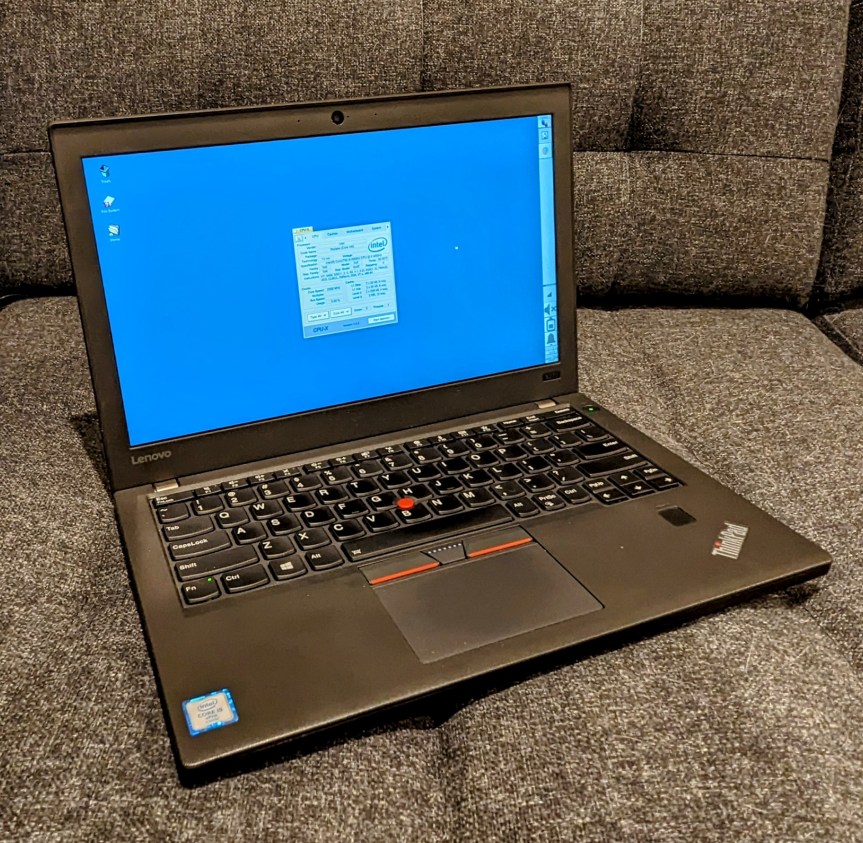
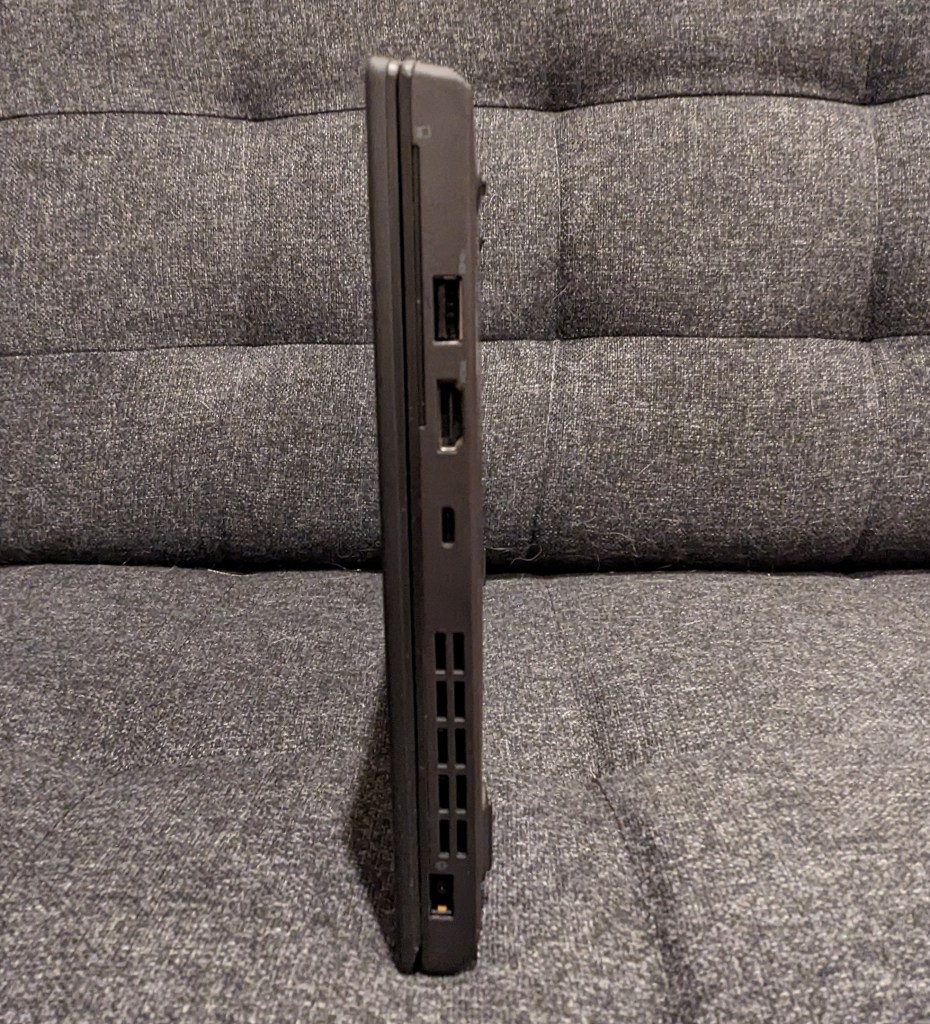
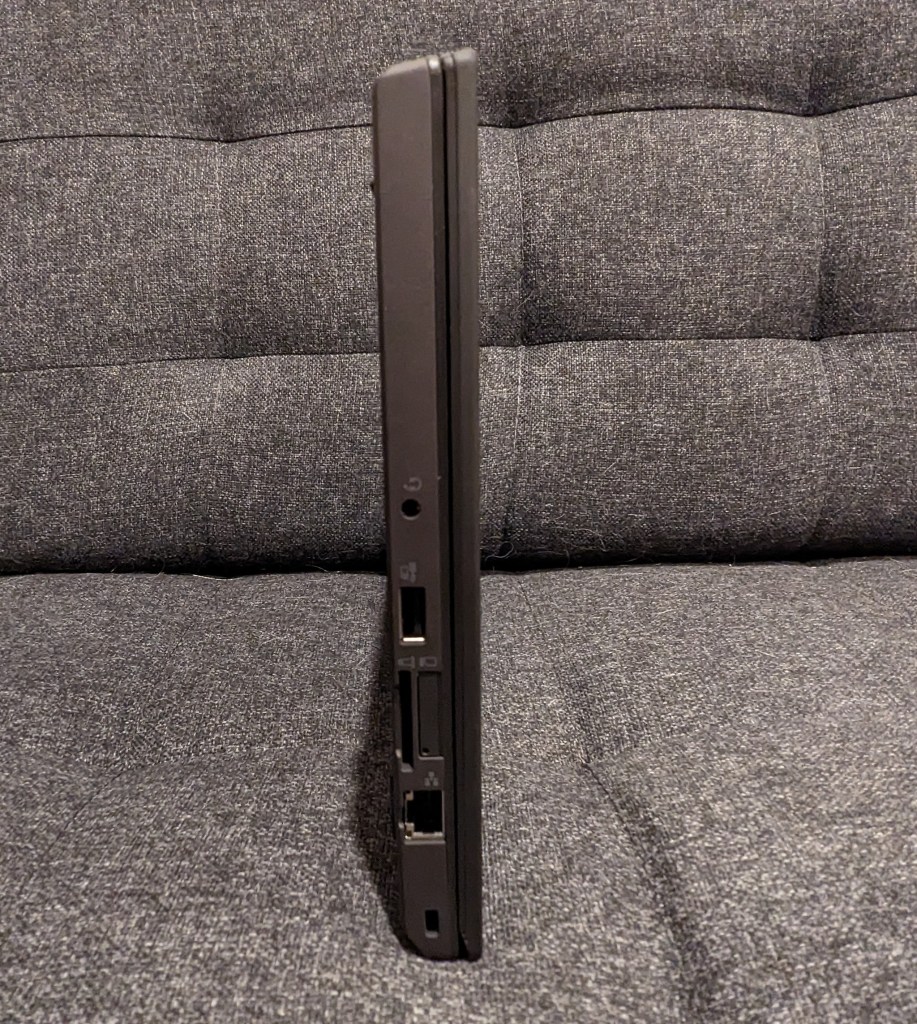
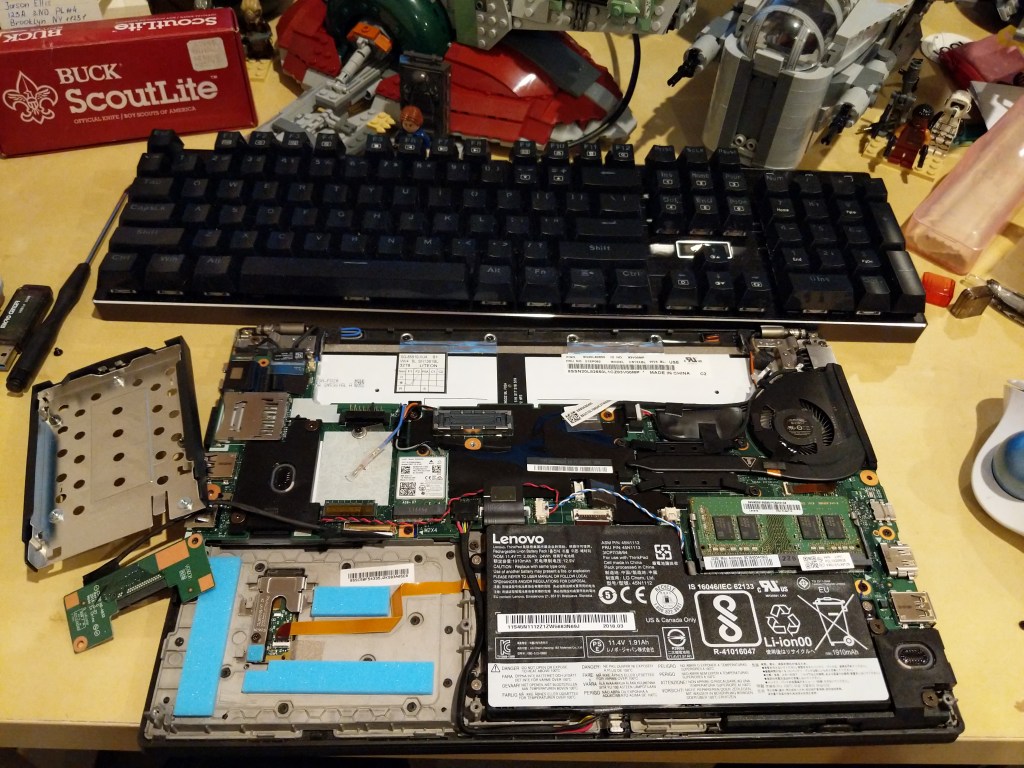
During the long at home time of the pandemic, I didn’t rely on a laptop–I just used my desktop for work and remote instruction, and I read on my Microsoft Surface Go tablet. Then, when it looked like things would be opening up again, I got a Lenovo ThinkPad X270 from a seller on eBay in December 2021. It was slightly lighter and slimmer than the X230 I had before. Also, my computing needs had changed, so I ran Linux Mint on it from the beginning (but I recently switched to Debian 12 Bookworm on it and my desktop). It was also easy to upgrade to a 1TB NVMe drive and 16GB DDR4 RAM.
NB: After upgrading your computer’s RAM, remember to run a full diagnostic test with memtest86+. Being in a rush, I installed this 16GB RAM module and went directly to work. Unexpectedly, I occasionally experienced random errors and reboots. I should have tested the RAM before using the laptop for work. Once I identified the error, I was able to exchange the RAM for a new module that passed memtest86+ successfully.
How to Find Your Own Top-Tier Used Laptop
Spend time identifying your non-negotiable and negotiable features on the laptop. Think about how and where you use the laptop. If power outlets are a premium where you are or you simply don’t want to lug around an AC adapter, you will want to prioritize battery capacity. Or, you might need more computing horsepower and have easy access to power outlets, so a speedier model with less battery capacity might be okay for you. Another important consideration is video output (HDMI, mini HDMI, USB-C + dongle/adapter, etc.). I would suggest writing down these lists in two columns so that you can make sure you don’t overlook a non-negotiable feature or miss a negotiable feature that would be nice to have.
With your non-negotiable and negotiable lists in hand, look through Wikipedia, Google Searches, and computer seller websites to get a sense of what laptops were available several generations back. With model numbers, you can also search Google, Reddit, and other social media for reviews. You want to be careful to avoid error prone models (e.g., a model that was known to have problem X).
While there are deals to be found on Craigslist or Facebook Marketplace, there is more risk purchasing from someone through those services than eBay. The longstanding online auction house has several features built-in to help protect us buyers. First, buyers and sellers rely on the feedback system. You can see what a seller’s feedback is like (switch to their seller feedback to get the best picture of what matters to you as a buyer), and you can see other metrics about what other buyers thought of the seller’s communication, speed to ship, etc. Second, eBay offers buyer protection through their “eBay Money Back Guarantee.” Third, many (but not all) sellers offer returns on the items that they sell. However, you will want to read their terms and conditions carefully before bidding or purchasing an item. And, that is also a general rule: If you have a question about a product, you should message the seller before bidding or purchasing the item.
Study listings carefully. While you are looking at all of these listings, spend time studying the photos and descriptions. If a seller is too lazy to write a description of the item for sale, I pass on those. Similarly, if a seller takes too few or blurry photos, I pass on those, too. If a seller says that the item being sold is similar to but not the item pictured, I pass on those. Despite these issues, if you are interested in an item, then that’s the time to message the seller for more details. You can ask for more photos or a description of the item. If the seller responds to your inquiry, that is a good sign, but if they don’t, you should pass.
Be patient. Finding a good deal that meets your non-negotiable parameters usually doesn’t happen right away. You need to educate yourself about the currently acceptable prices for the particular hardware that you are looking for. On eBay, you can do this by filtering your searches to “Sold Items.” This will give you an idea about what others are paying for similar items and gives you a metric for a deal that might fall below the currently accepted price for that item.
When you get your new, used laptop, feel good about saving some money, getting solidly capable computing equipment, and saving a computer from joining the ewaste environmental catastrophe earlier than its time.
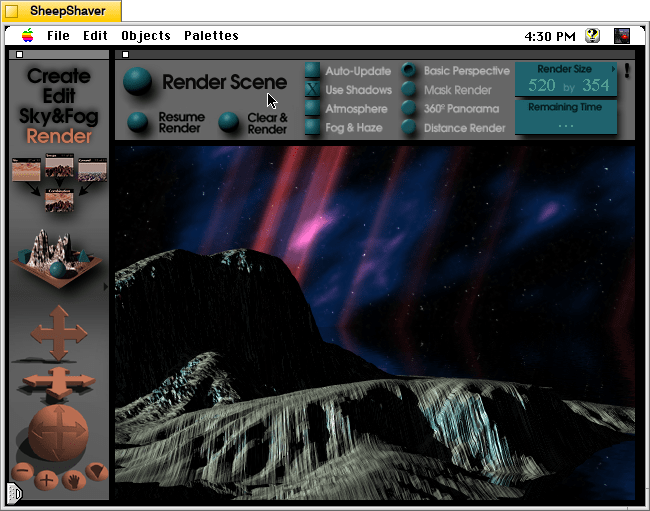
Outer space scene rendered in KPT Bryce 1.0.1 on Mac OS 7.5.5.
A conversation on LinkedIn yesterday with a former Professional and Technical Writing student about user experience (UX) and generative artificial intelligence (AI) technologies reminded me of the UX innovations around an earlier exciting period of potential for computers creating art: KPT Bryce, a three-dimensional fractal landscape ray trace rendering program for Mac OS released in 1994. It was one of the first programs that I purchased for my PowerMacintosh 8500/120 (I wrote about donating a similar machine to the Georgia Tech Library’s RetroTech Lab in 2014 here). Much like today when I think about generative AI, my younger self thought that the future had arrived, because my computer could create art with only a modicum of input from me thanks to this new software that brought together 3D modeling, ray tracing, fractal mathematics, and a killer user interface (UI).
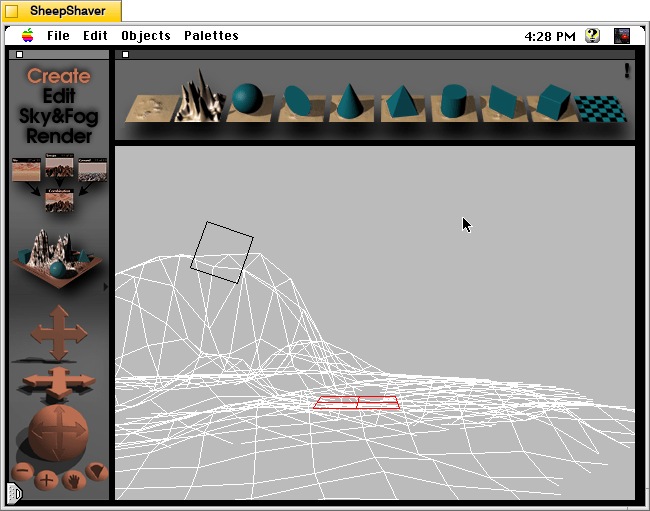
Besides KPT Bryce’s functionality to render scenes like the one that I made for this post (above), what was great about it was its user interface, which made editing and configuring your scene before rendering in an intuitive and easy-to-conceptualize manner. As you might imagine, 3D rendering software in the mid-1990s was far less intuitive than today (e.g., I remember a college classmate spending hours tweaking a text-based description of a scene that would then take hours to render in POVRay in 1995), so KPT Bryce’s easy of use broke down barriers to using 3D rendering software and it opened new possibilities for average computer users to leverage their computers for visual content creation. It was a functionality and UX revolution.
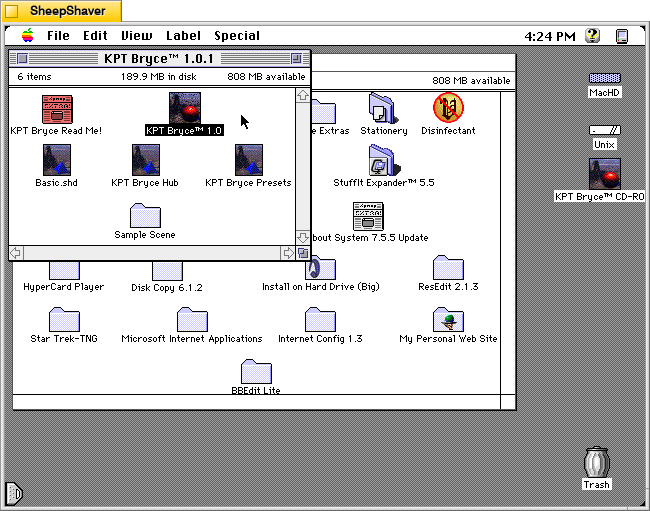
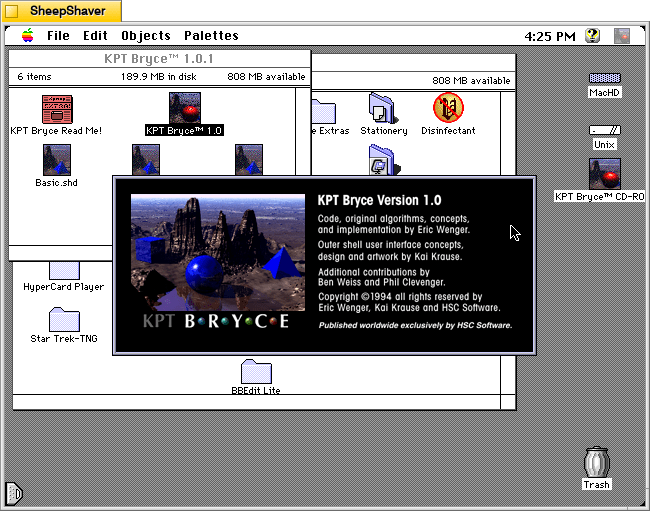
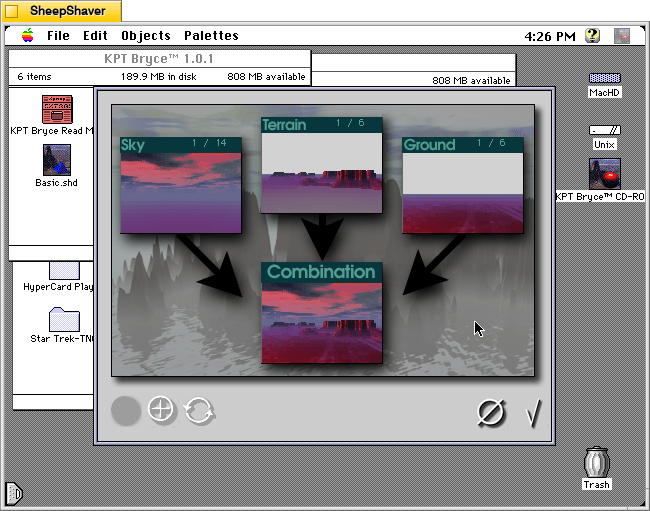
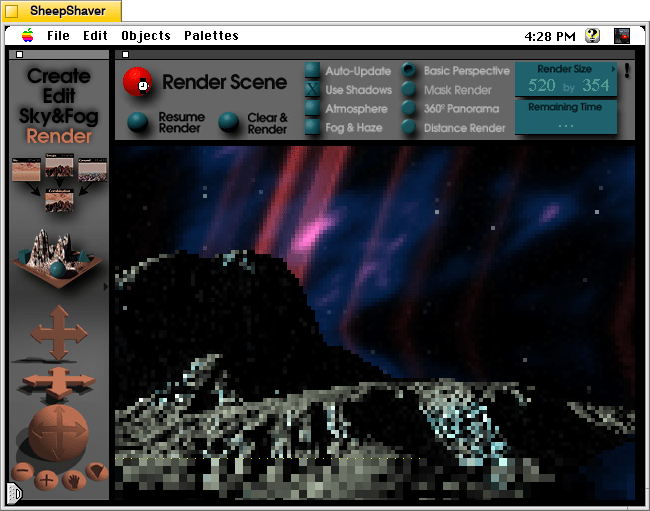
Below, I am including some screenshots of KPT Bryce 1.0.1 emulated on an installation of Mac OS 7.5.5 on SheepShaver (N.B. I am not running SheepShaver on BeOS–I’ve modified my Debian 12 Bookworm xfce installation to have the look-and-feel of BeOS/Haiku as I documented here).
KPT Bryce 1.0 program folder copied to the computer’s hard drive from the KPT Bryce CD-ROM.KPT Bryce 1.0 launch screen.KPT Bryce initial scene randomizer/chooser. Note the UI elements on the lower window border.KPT Bryce’s scene editor opens after making initial selections. KPT Bryce’s rendering screen–note the horizontal dotted yellow line indicating the progression of that iterative ray tracing pass on the scene.KPT Bryce rendering completed. It can be saved as an image by clicking on File > Save As Pict.