Category: Technical Communication

  • A Visit to the Museum of Aviation at Robins Air Force Base, April 2024

    Entrance, Museum of Aviation, Robins Air Force Base, Warner Robins, GA.

    A few weeks, I had an opportunity to spend an afternoon at the Museum of Aviation at Robins Air Force Base in Warner Robins, Georgia before taking country roads south to visit my folks.

    The Museum of Aviation is HUGE! There are four buildings (some with multiple floors) full of planes, drones, helicopters, support vehicles, equipment, and exhibits. There is a VR experience and other interactive exhibits. The four buildings are surrounded by additional aircraft that you can walk around (I walked 1.6 miles while I was there). Admission is free (but donations are accepted).

    The museum is staffed by experienced volunteers/retired servicemen who are friendly and glad to talk and answer questions. They are also doing restoration work in the exhibit areas.

    I was chuffed by the whole experience!

    If you are an aircraft enthusiast, you owe it to yourself to visit here.

    Below, I’m posting some of the hundreds of photos that I took there.

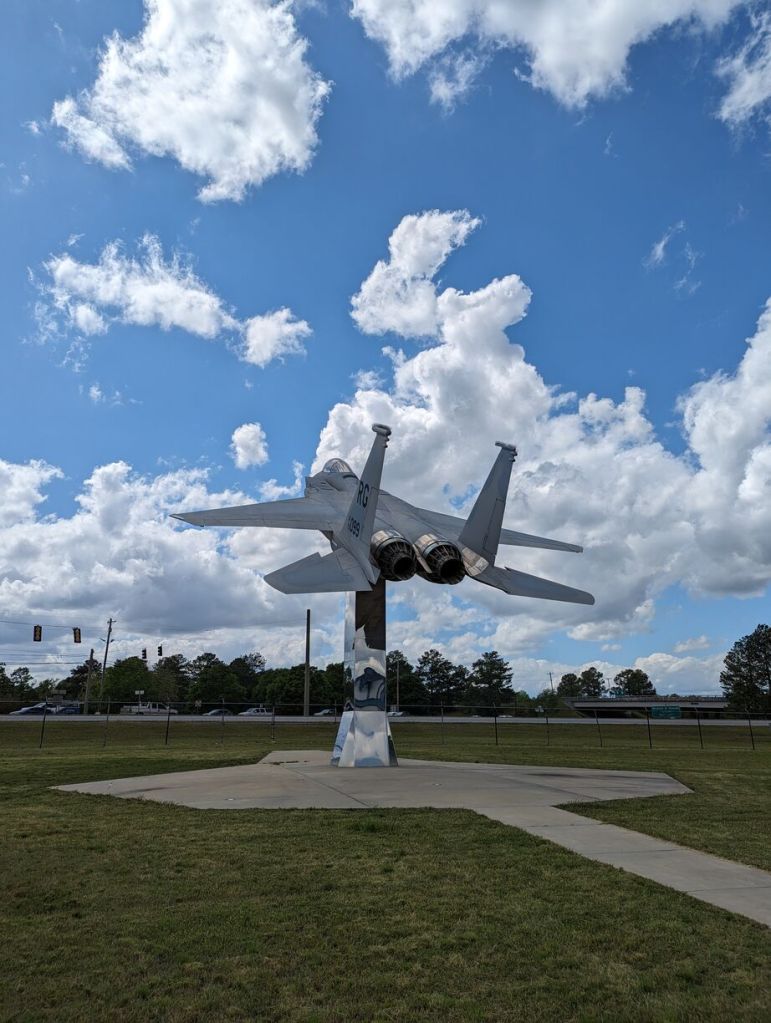
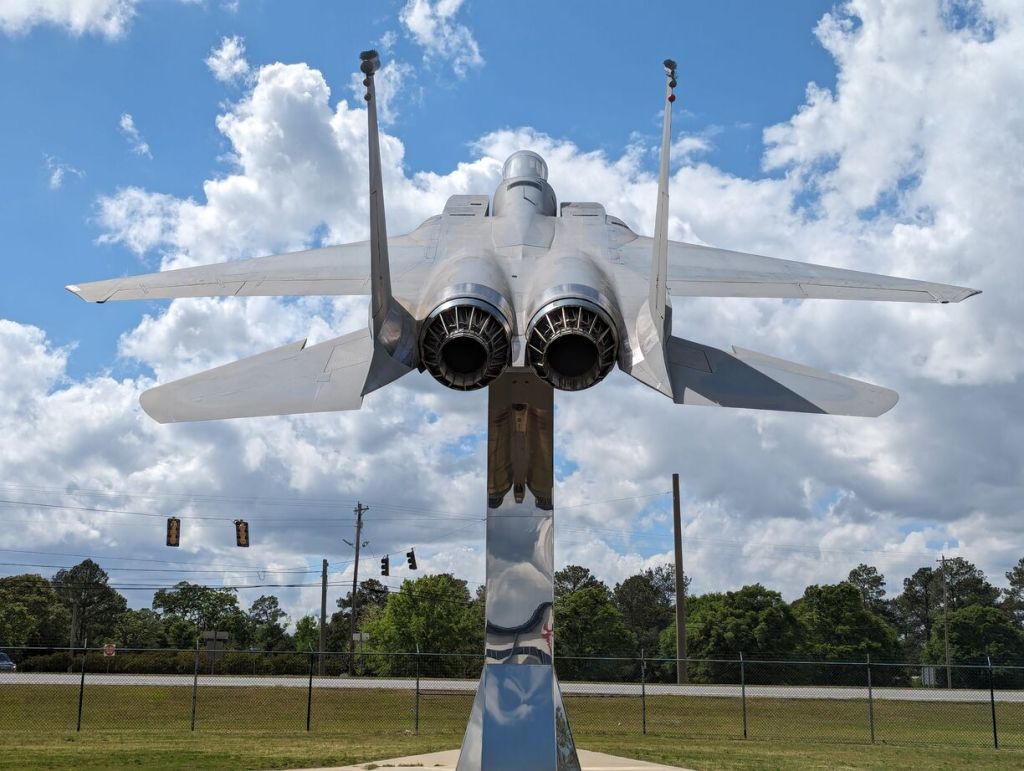
    McDonnell Douglas F-15 Eagle on Pedestal Outside

    F-15 on pedestal in front, Museum of Aviation, Robins Air Force Base, Warner Robins, GA.
    F-15 on pedestal in front, Museum of Aviation, Robins Air Force Base, Warner Robins, GA.
    F-15 on pedestal in front, Museum of Aviation, Robins Air Force Base, Warner Robins, GA.
    F-15 on pedestal in front, Museum of Aviation, Robins Air Force Base, Warner Robins, GA.
    F-15 on pedestal in front, Museum of Aviation, Robins Air Force Base, Warner Robins, GA.
    F-15 on pedestal in front, Museum of Aviation, Robins Air Force Base, Warner Robins, GA.

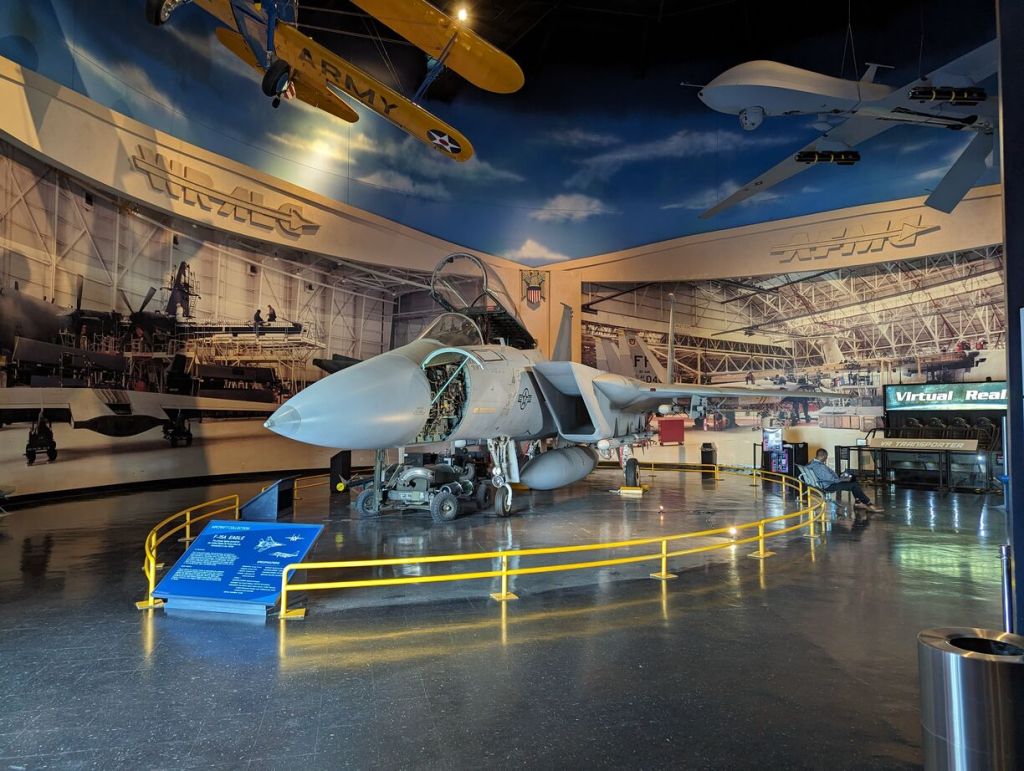
    McDonnell Douglas F-15 Eagle Wheels Down and Service Compartments Open In Main Building

    F-15 with wheels down on display in main building, Museum of Aviation, Robins Air Force Base, Warner Robins, GA.
    F-15 with wheels down on display in main building, Museum of Aviation, Robins Air Force Base, Warner Robins, GA.
    F-15 with wheels down on display in main building, Museum of Aviation, Robins Air Force Base, Warner Robins, GA.
    F-15 with wheels down on display in main building, Museum of Aviation, Robins Air Force Base, Warner Robins, GA.
    F-15 with wheels down on display in main building, Museum of Aviation, Robins Air Force Base, Warner Robins, GA.
    F-15 with wheels down on display in main building, Museum of Aviation, Robins Air Force Base, Warner Robins, GA.
    F-15 with wheels down on display in main building, Museum of Aviation, Robins Air Force Base, Warner Robins, GA.

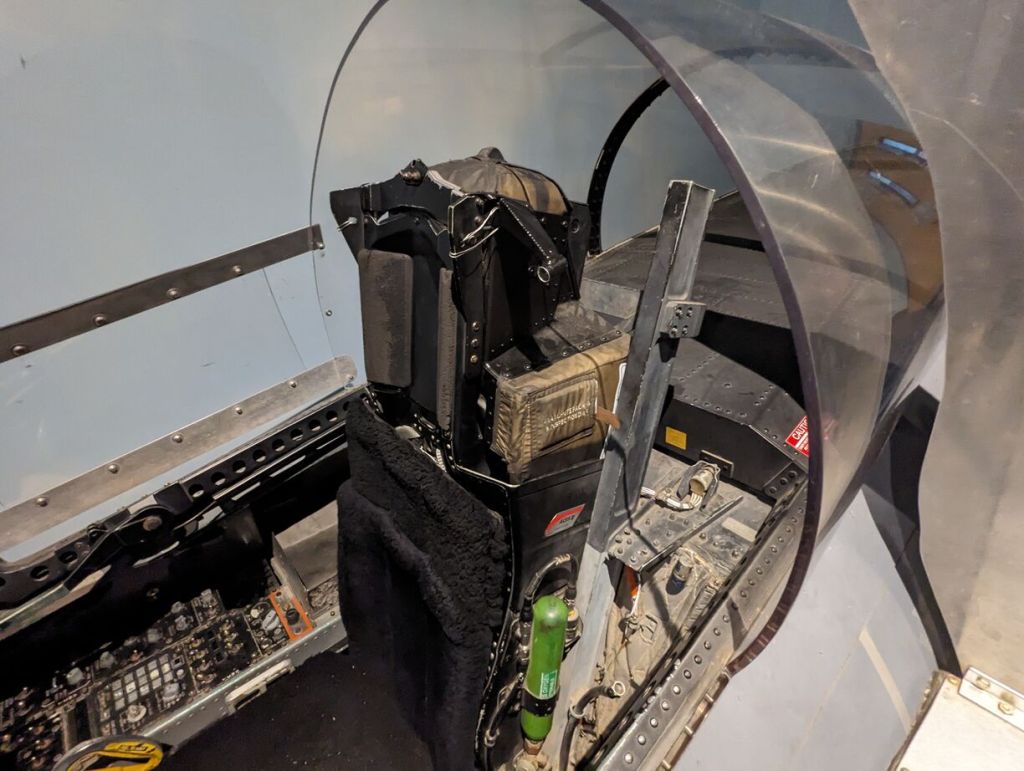
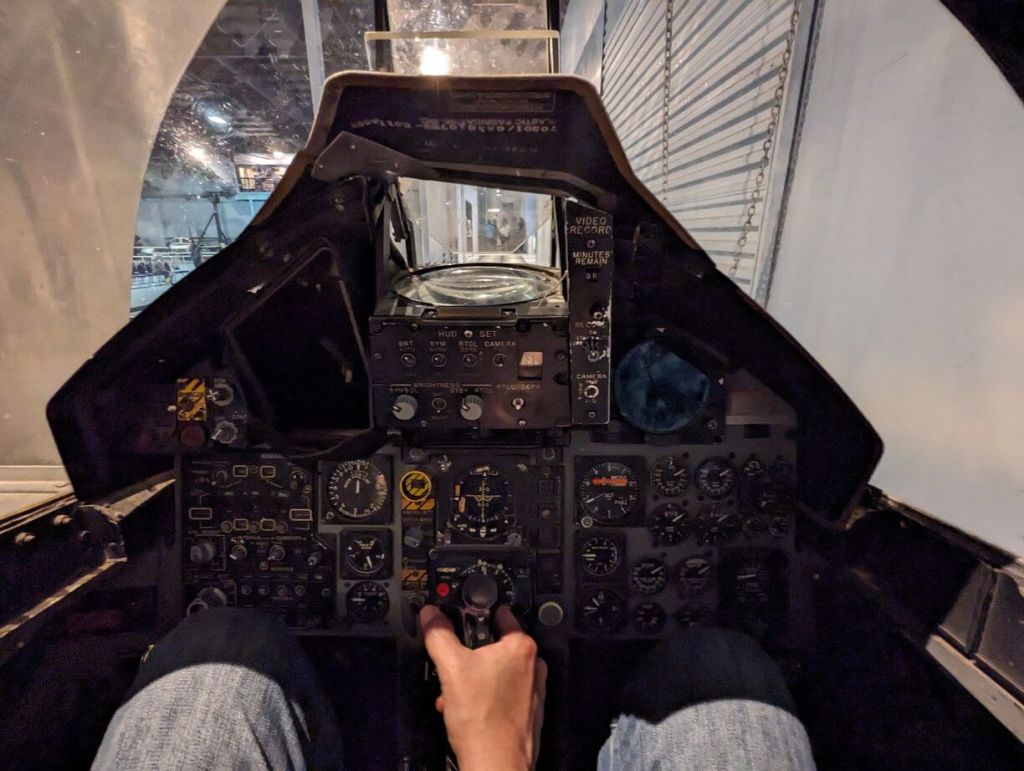
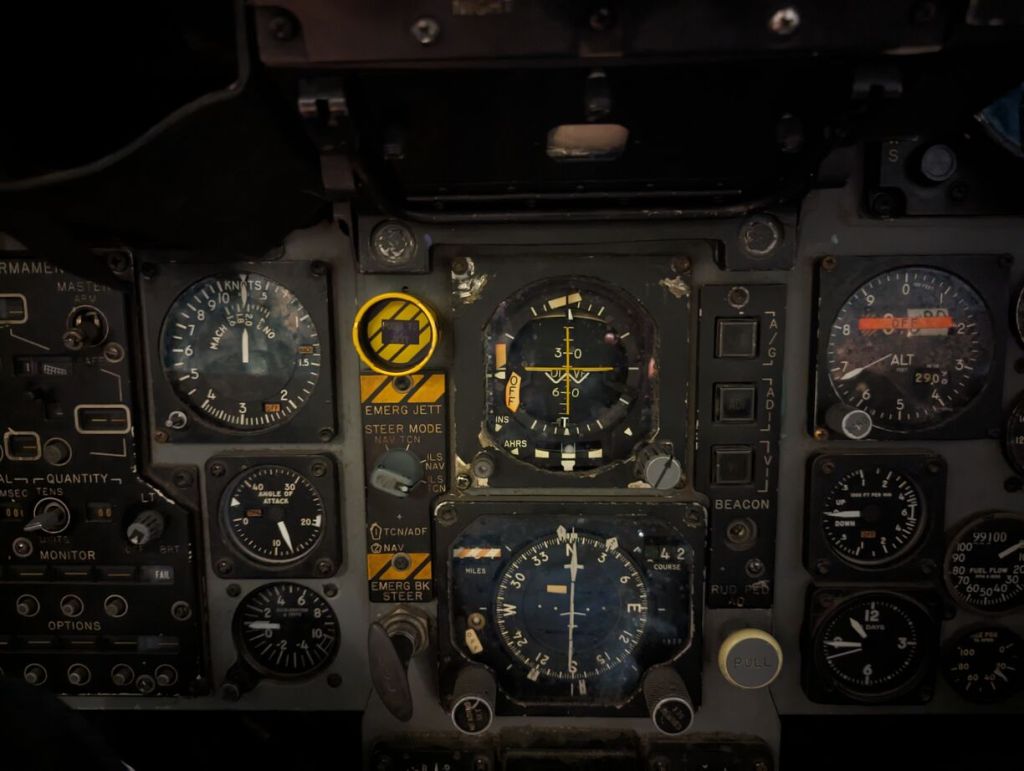
    McDonnell Douglas F-15 Eagle Cockpit

    F-15 Cockpit, Museum of Aviation, Robins Air Force Base, Warner Robins, GA.
    F-15 Cockpit, Museum of Aviation, Robins Air Force Base, Warner Robins, GA.
    F-15 Cockpit, Museum of Aviation, Robins Air Force Base, Warner Robins, GA.
    F-15 Cockpit, Museum of Aviation, Robins Air Force Base, Warner Robins, GA.
    F-15 Cockpit, Museum of Aviation, Robins Air Force Base, Warner Robins, GA.
    F-15 Cockpit, Museum of Aviation, Robins Air Force Base, Warner Robins, GA.
    F-15 Cockpit, Museum of Aviation, Robins Air Force Base, Warner Robins, GA.
    F-15 Cockpit, Museum of Aviation, Robins Air Force Base, Warner Robins, GA.
    F-15 Cockpit, Museum of Aviation, Robins Air Force Base, Warner Robins, GA.

    Pratt & Whitney F-15 Engine

    F-15 Engine, Museum of Aviation, Robins Air Force Base, Warner Robins, GA.

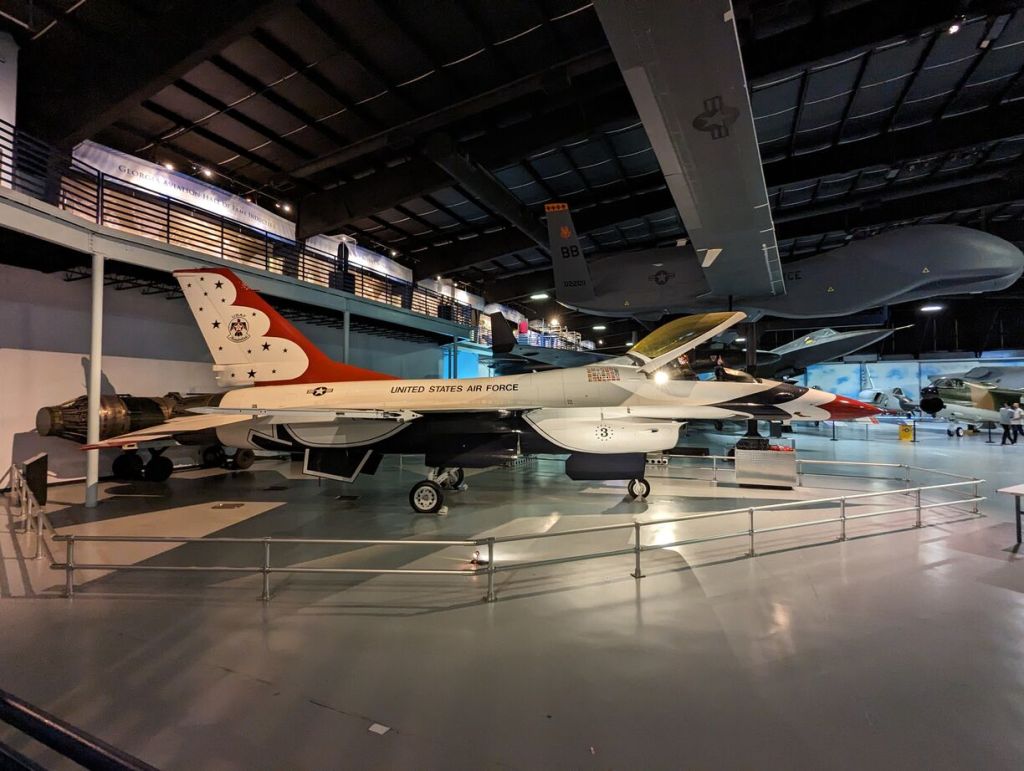
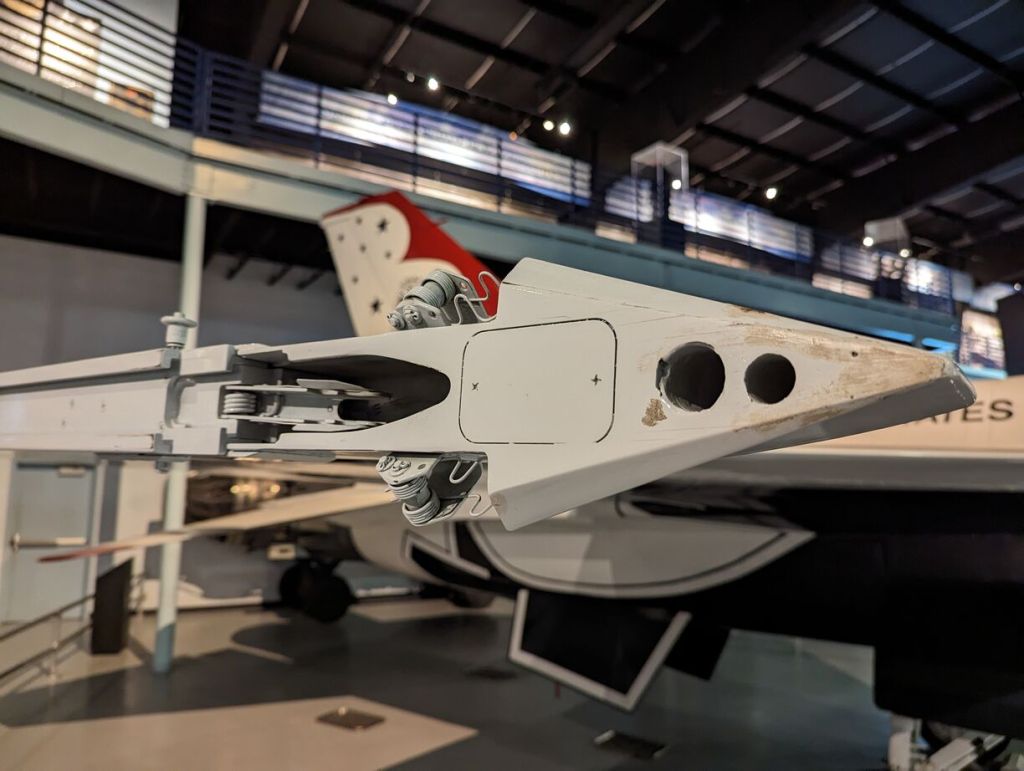
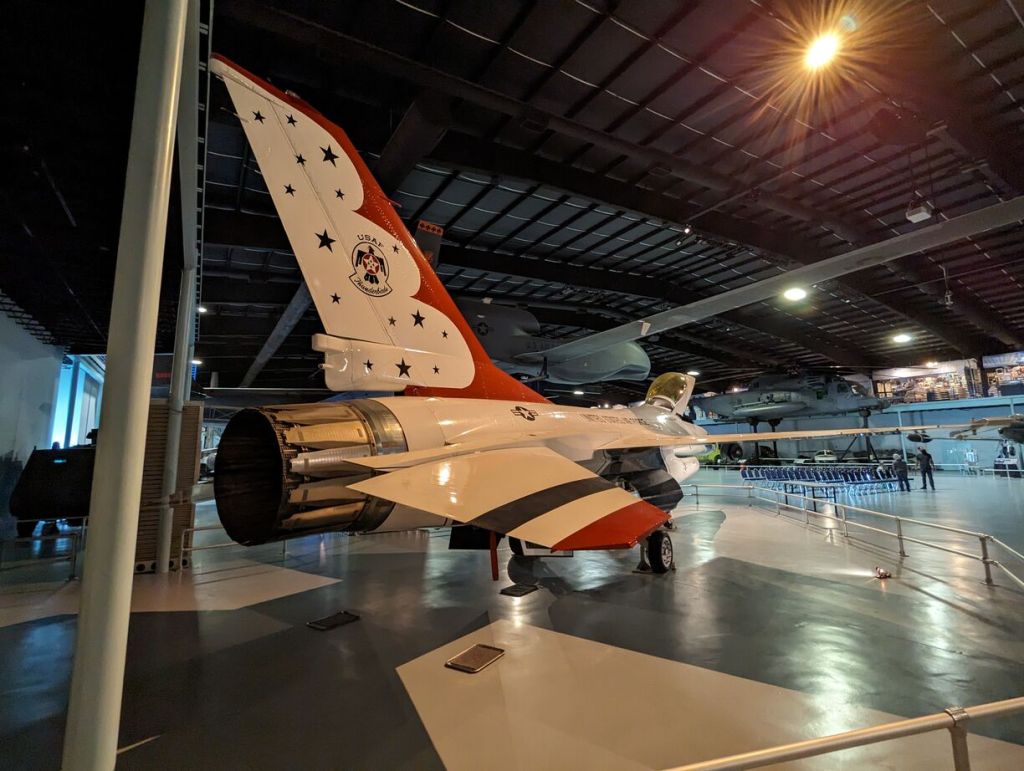
    General Dynamics F-16 Fighting Falcon (Thunderbirds)

    General Dynamics F-16 Fighting Falcon (Thunderbirds), Museum of Aviation, Robins Air Force Base, Warner Robins, GA.
    General Dynamics F-16 Fighting Falcon (Thunderbirds), Museum of Aviation, Robins Air Force Base, Warner Robins, GA.
    General Dynamics F-16 Fighting Falcon (Thunderbirds), Museum of Aviation, Robins Air Force Base, Warner Robins, GA.
    General Dynamics F-16 Fighting Falcon (Thunderbirds), Museum of Aviation, Robins Air Force Base, Warner Robins, GA.
    General Dynamics F-16 Fighting Falcon (Thunderbirds), Museum of Aviation, Robins Air Force Base, Warner Robins, GA.
    General Dynamics F-16 Fighting Falcon (Thunderbirds), Museum of Aviation, Robins Air Force Base, Warner Robins, GA.
    General Dynamics F-16 Fighting Falcon (Thunderbirds), Museum of Aviation, Robins Air Force Base, Warner Robins, GA.
    General Dynamics F-16 Fighting Falcon (Thunderbirds), Museum of Aviation, Robins Air Force Base, Warner Robins, GA.
    General Dynamics F-16 Fighting Falcon (Thunderbirds), Museum of Aviation, Robins Air Force Base, Warner Robins, GA.

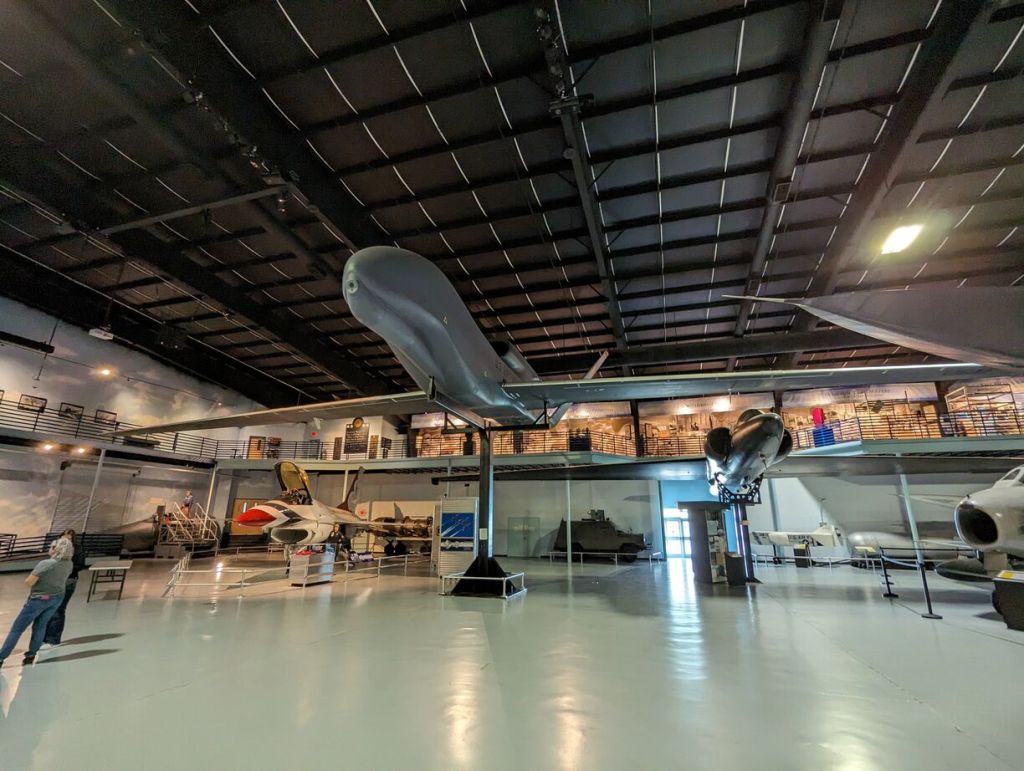
    Northrop Grumman RQ-4 Global Hawk

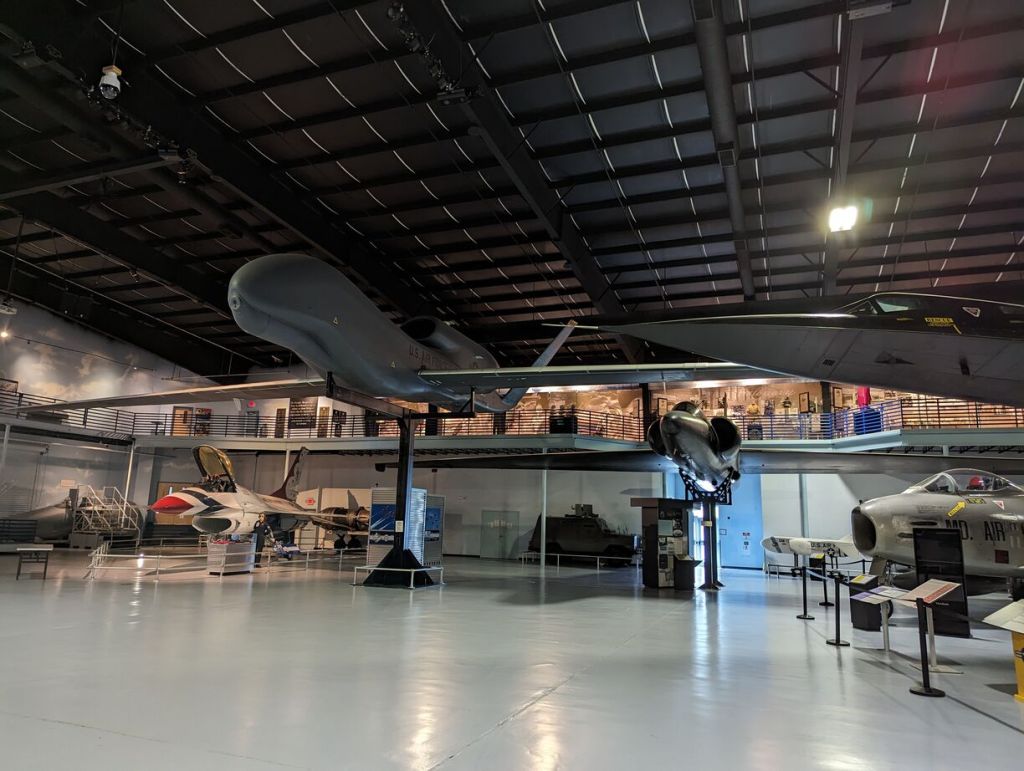
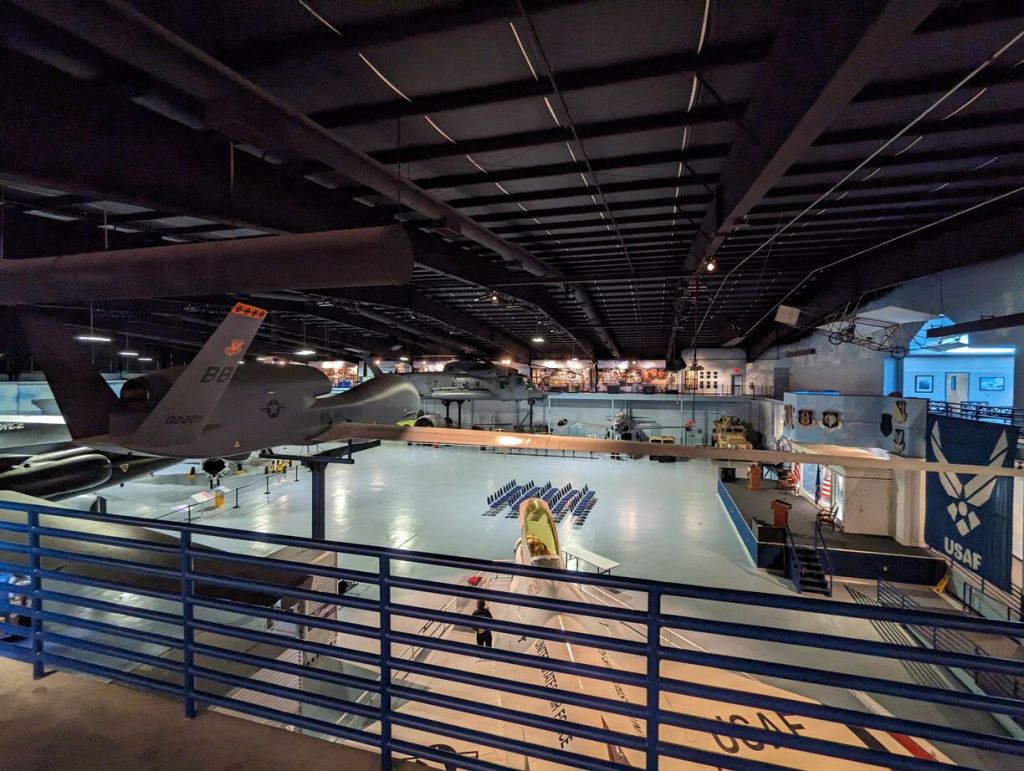
    Northrop Grumman RQ-4 Global Hawk, Museum of Aviation, Robins Air Force Base, Warner Robins, GA.
    Northrop Grumman RQ-4 Global Hawk, Museum of Aviation, Robins Air Force Base, Warner Robins, GA.
    Northrop Grumman RQ-4 Global Hawk, Museum of Aviation, Robins Air Force Base, Warner Robins, GA.
    Northrop Grumman RQ-4 Global Hawk, Museum of Aviation, Robins Air Force Base, Warner Robins, GA.
    Northrop Grumman RQ-4 Global Hawk, Museum of Aviation, Robins Air Force Base, Warner Robins, GA.
    Northrop Grumman RQ-4 Global Hawk, Museum of Aviation, Robins Air Force Base, Warner Robins, GA.
    Northrop Grumman RQ-4 Global Hawk, Museum of Aviation, Robins Air Force Base, Warner Robins, GA.

    Lockheed C-130 Hercules and Its Weapons and Equipment

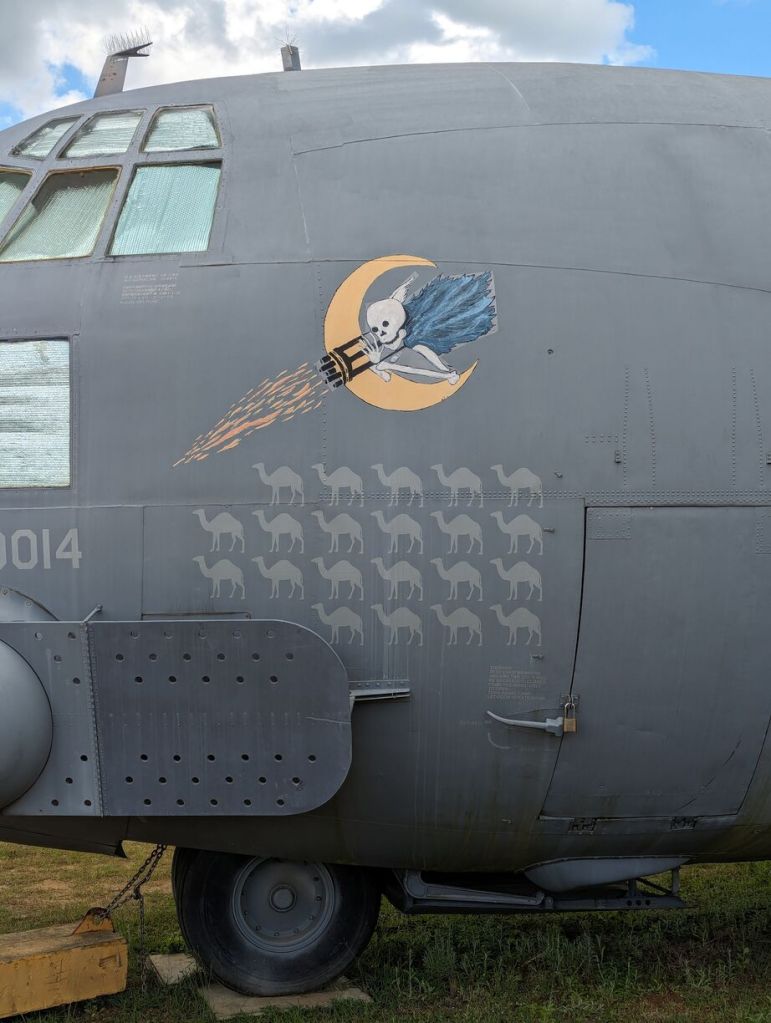
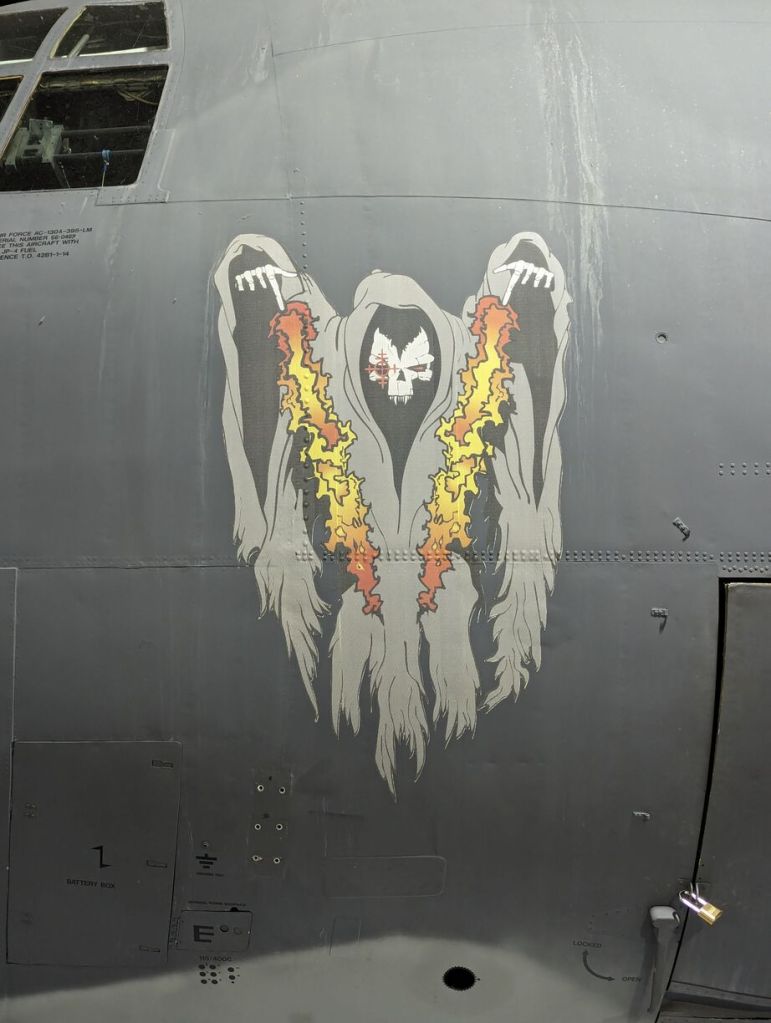
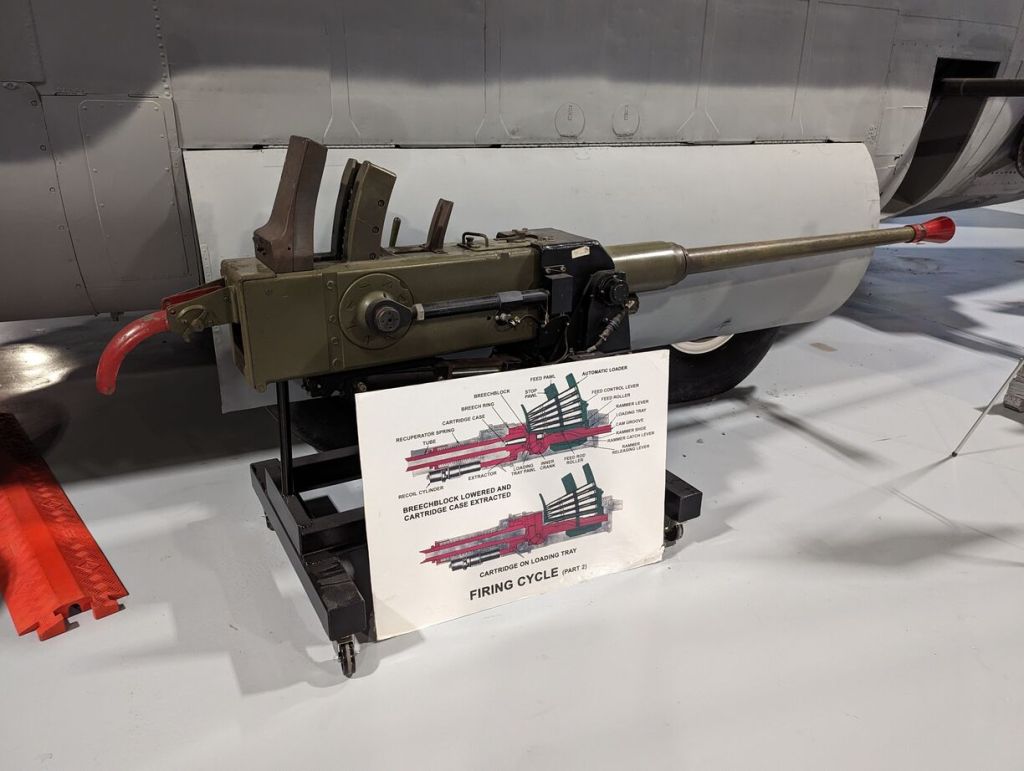
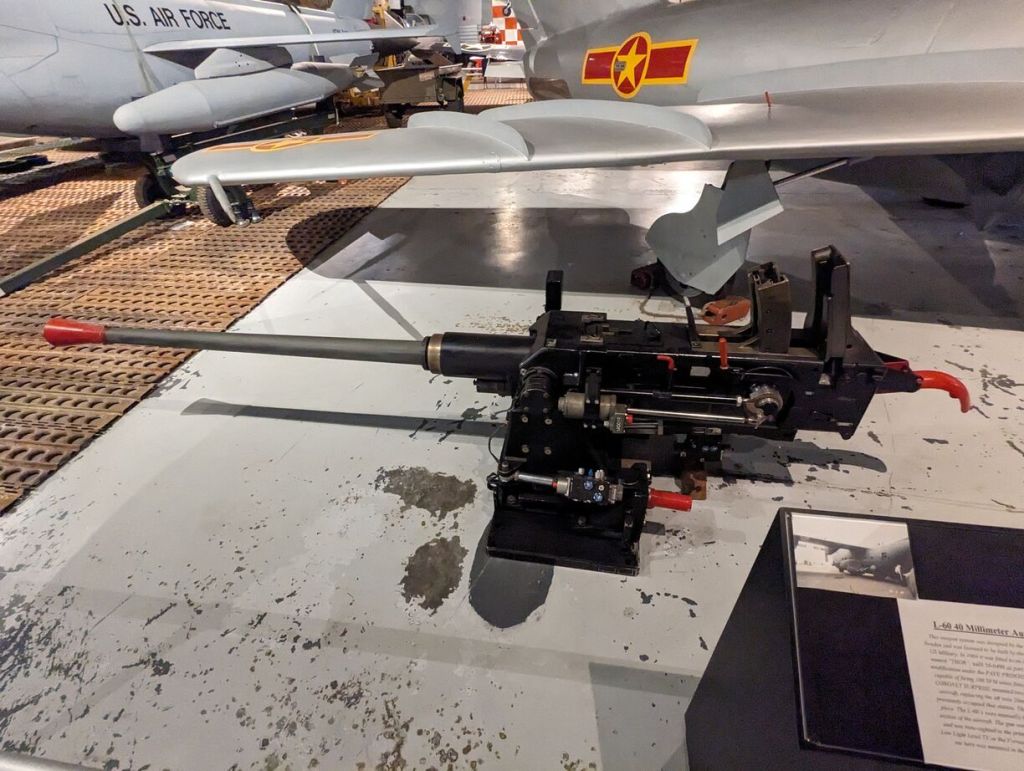
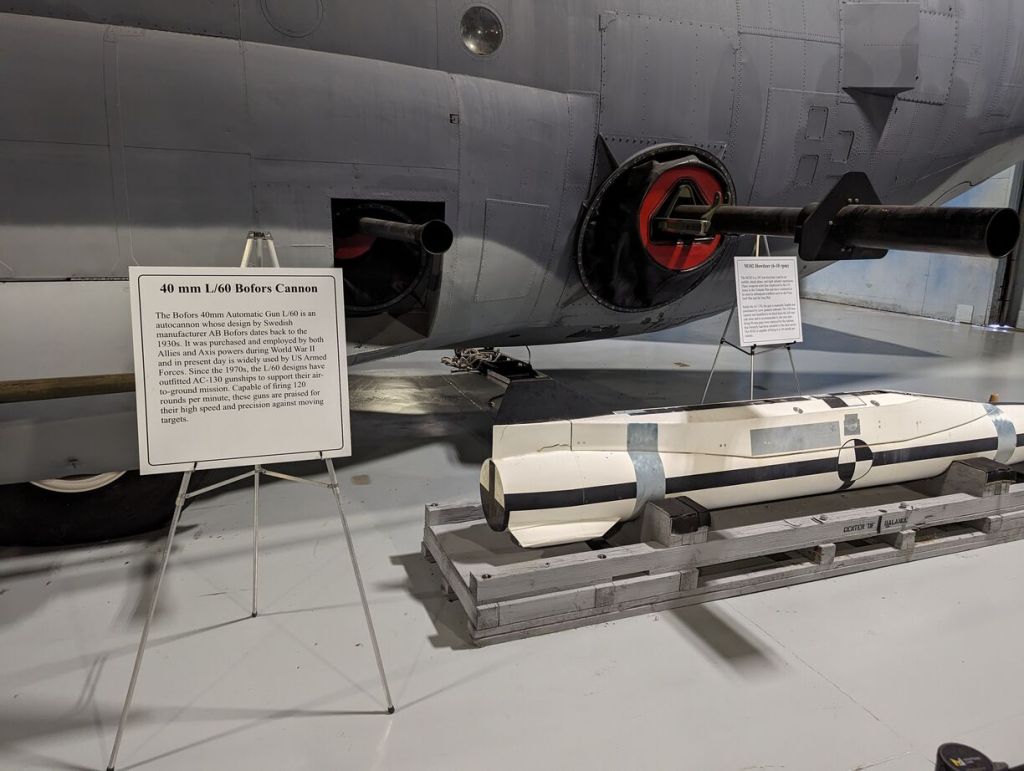
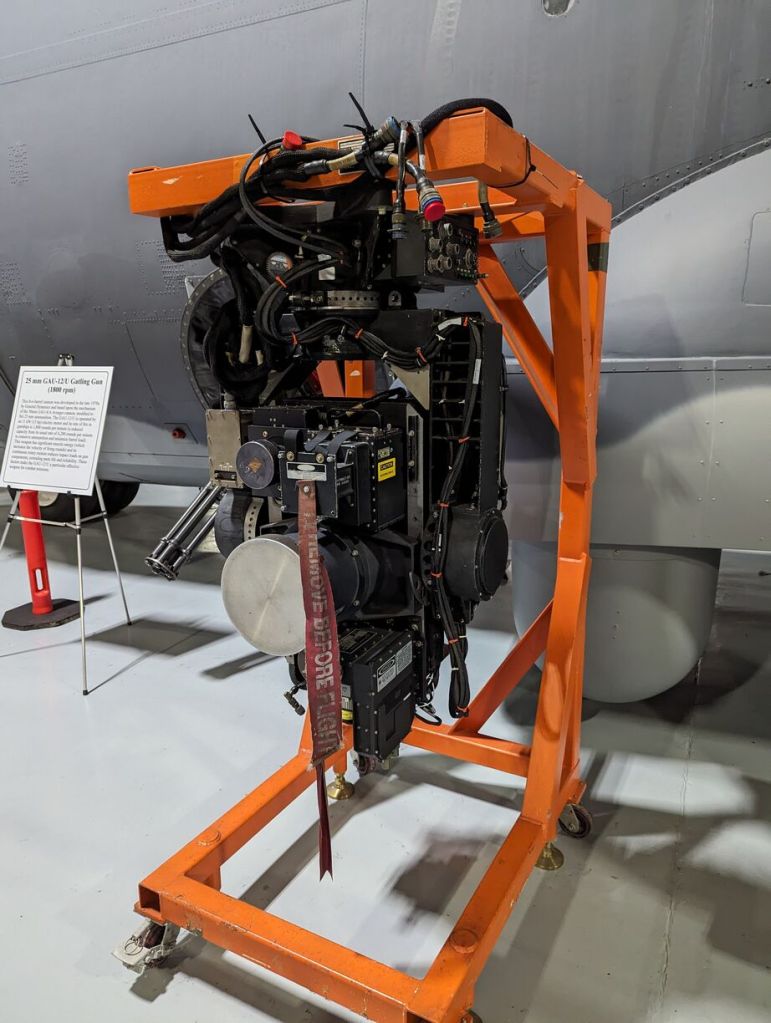
    Lockheed C-130 Hercules and Its Weapons and Equipment, Museum of Aviation, Robins Air Force Base, Warner Robins, GA.
    Lockheed C-130 Hercules and Its Weapons and Equipment, Museum of Aviation, Robins Air Force Base, Warner Robins, GA.
    Lockheed C-130 Hercules and Its Weapons and Equipment, Museum of Aviation, Robins Air Force Base, Warner Robins, GA.
    Lockheed C-130 Hercules and Its Weapons and Equipment, Museum of Aviation, Robins Air Force Base, Warner Robins, GA.
    Lockheed C-130 Hercules and Its Weapons and Equipment, Museum of Aviation, Robins Air Force Base, Warner Robins, GA.
    Lockheed C-130 Hercules and Its Weapons and Equipment, Museum of Aviation, Robins Air Force Base, Warner Robins, GA.
    Lockheed C-130 Hercules and Its Weapons and Equipment, Museum of Aviation, Robins Air Force Base, Warner Robins, GA.
    Lockheed C-130 Hercules and Its Weapons and Equipment, Museum of Aviation, Robins Air Force Base, Warner Robins, GA.
    Lockheed C-130 Hercules and Its Weapons and Equipment, Museum of Aviation, Robins Air Force Base, Warner Robins, GA.
    Lockheed C-130 Hercules and Its Weapons and Equipment, Museum of Aviation, Robins Air Force Base, Warner Robins, GA.
    Lockheed C-130 Hercules and Its Weapons and Equipment, Museum of Aviation, Robins Air Force Base, Warner Robins, GA.
    Lockheed C-130 Hercules and Its Weapons and Equipment, Museum of Aviation, Robins Air Force Base, Warner Robins, GA.
    Lockheed C-130 Hercules and Its Weapons and Equipment, Museum of Aviation, Robins Air Force Base, Warner Robins, GA.
    Lockheed C-130 Hercules and Its Weapons and Equipment, Museum of Aviation, Robins Air Force Base, Warner Robins, GA.
    Lockheed C-130 Hercules and Its Weapons and Equipment, Museum of Aviation, Robins Air Force Base, Warner Robins, GA.
    Lockheed C-130 Hercules and Its Weapons and Equipment, Museum of Aviation, Robins Air Force Base, Warner Robins, GA.

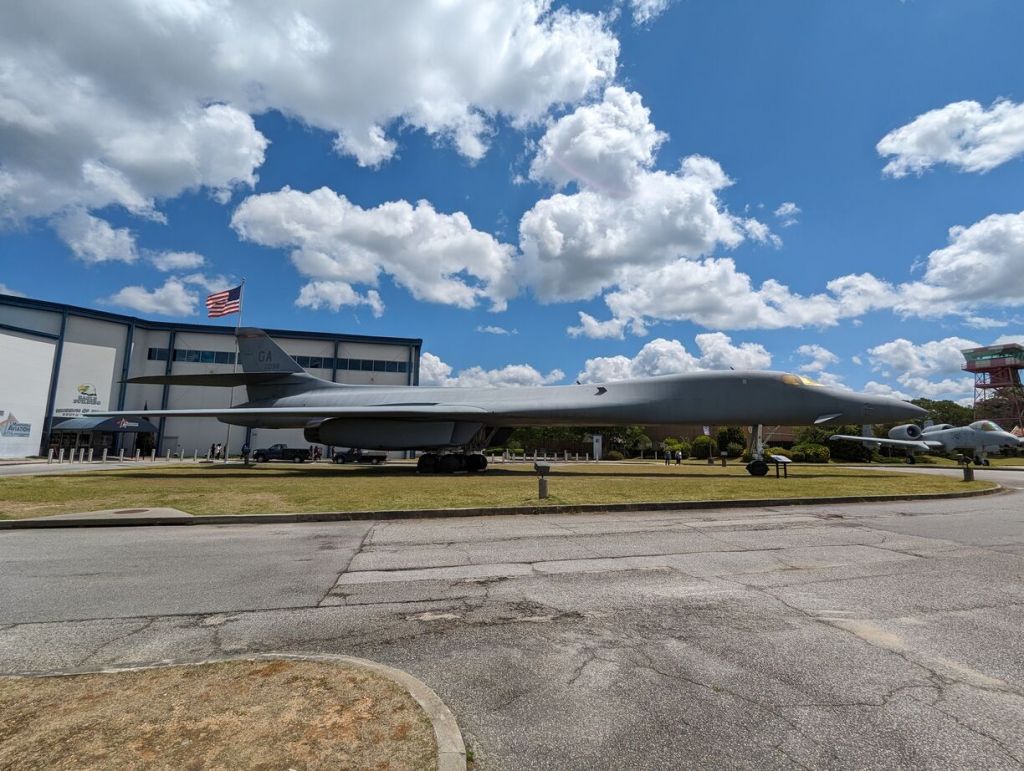
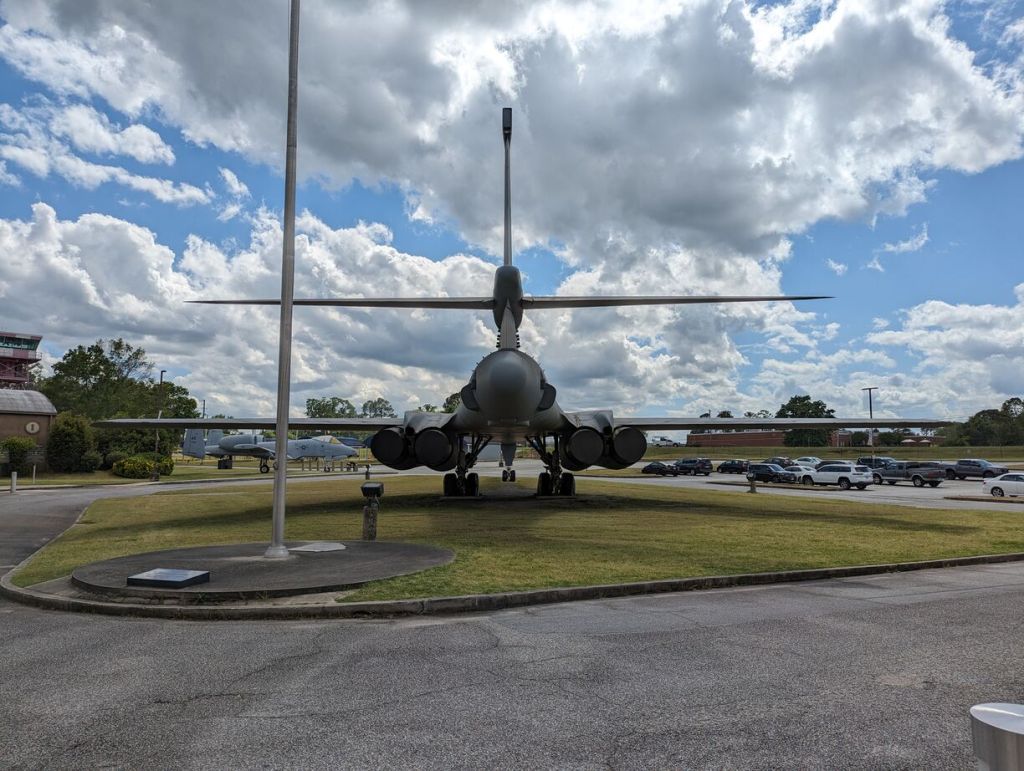
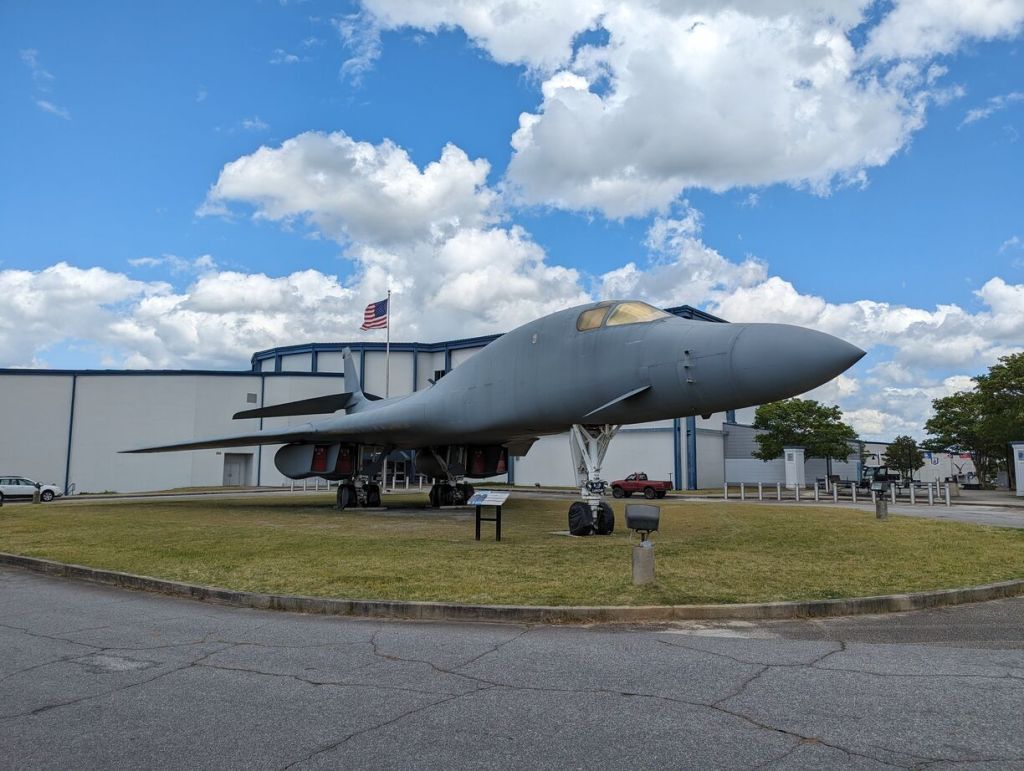
    Rockwell B-1 Lancer

    Rockwell B-1 Lancer, Museum of Aviation, Robins Air Force Base, Warner Robins, GA.
    Rockwell B-1 Lancer, Museum of Aviation, Robins Air Force Base, Warner Robins, GA.
    Rockwell B-1 Lancer, Museum of Aviation, Robins Air Force Base, Warner Robins, GA.
    Rockwell B-1 Lancer, Museum of Aviation, Robins Air Force Base, Warner Robins, GA.
    Rockwell B-1 Lancer, Museum of Aviation, Robins Air Force Base, Warner Robins, GA.

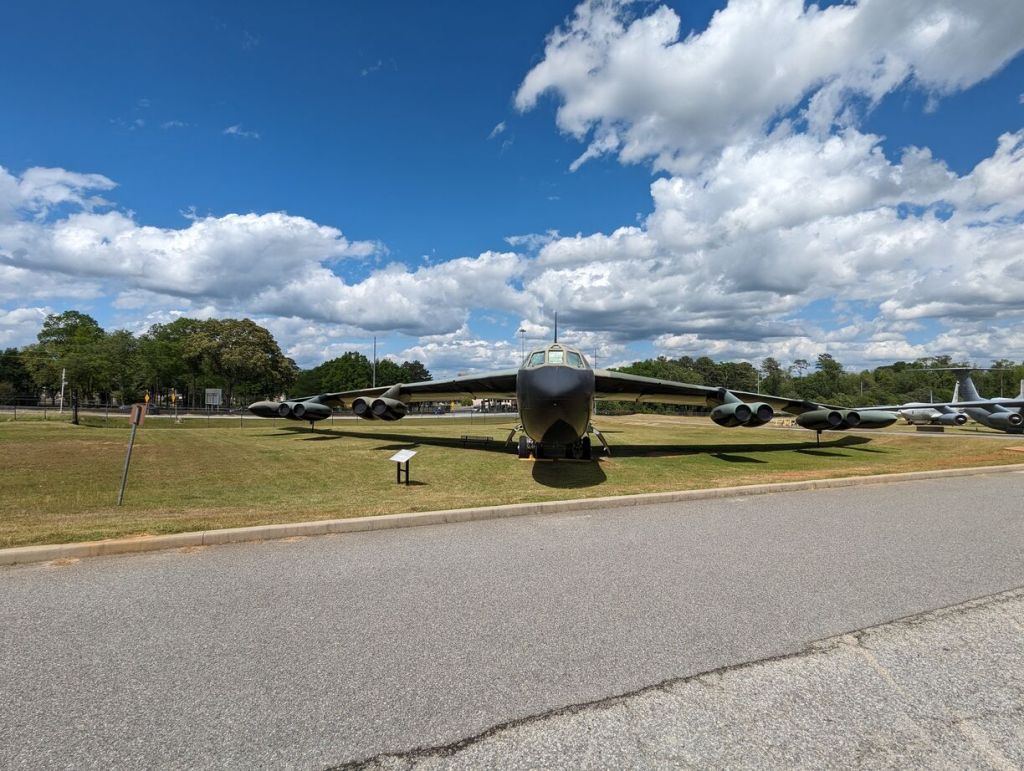
    Boeing B-52 Stratofortress

    Boeing B-52 Stratofortress, Museum of Aviation, Robins Air Force Base, Warner Robins, GA.
    Boeing B-52 Stratofortress, Museum of Aviation, Robins Air Force Base, Warner Robins, GA.
    Boeing B-52 Stratofortress, Museum of Aviation, Robins Air Force Base, Warner Robins, GA.
    Boeing B-52 Stratofortress, Museum of Aviation, Robins Air Force Base, Warner Robins, GA.
    Boeing B-52 Stratofortress, Museum of Aviation, Robins Air Force Base, Warner Robins, GA.
    Boeing B-52 Stratofortress, Museum of Aviation, Robins Air Force Base, Warner Robins, GA.

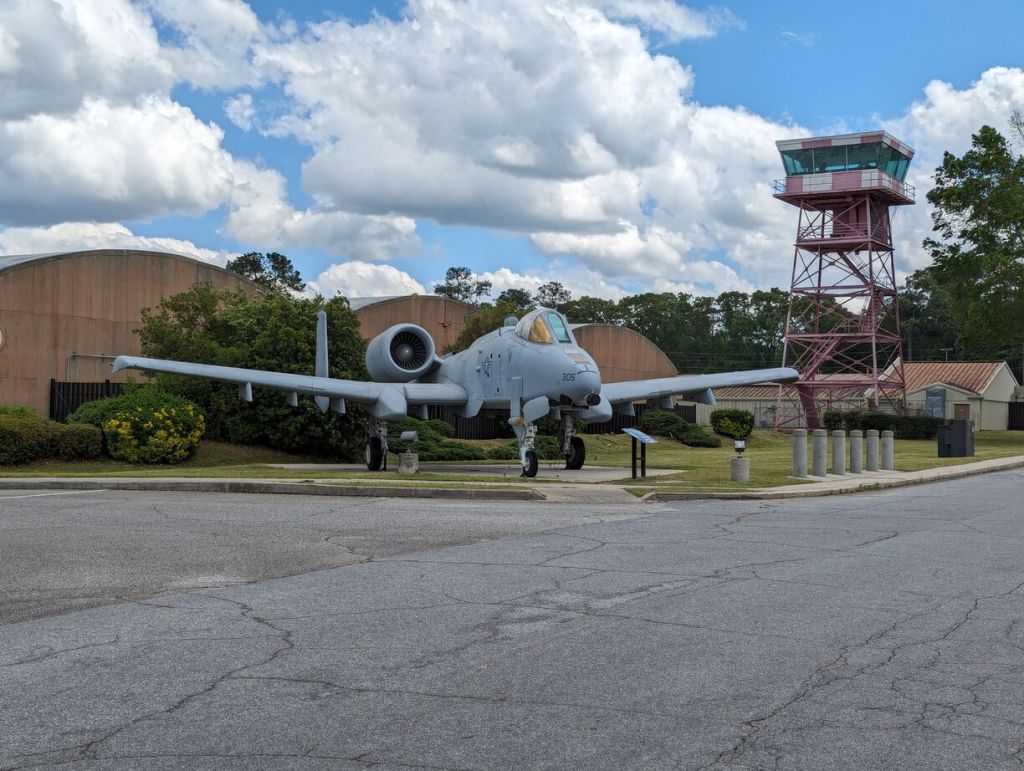
    Fairchild Republic A-10 Thunderbolt II

    Fairchild Republic A-10 Thunderbolt II, Museum of Aviation, Robins Air Force Base, Warner Robins, GA.

    McDonnell Douglas F-4 Phantom II

    McDonnell Douglas F-4 Phantom II, Museum of Aviation, Robins Air Force Base, Warner Robins, GA.
    McDonnell Douglas F-4 Phantom II, Museum of Aviation, Robins Air Force Base, Warner Robins, GA.
    McDonnell Douglas F-4 Phantom II, Museum of Aviation, Robins Air Force Base, Warner Robins, GA.

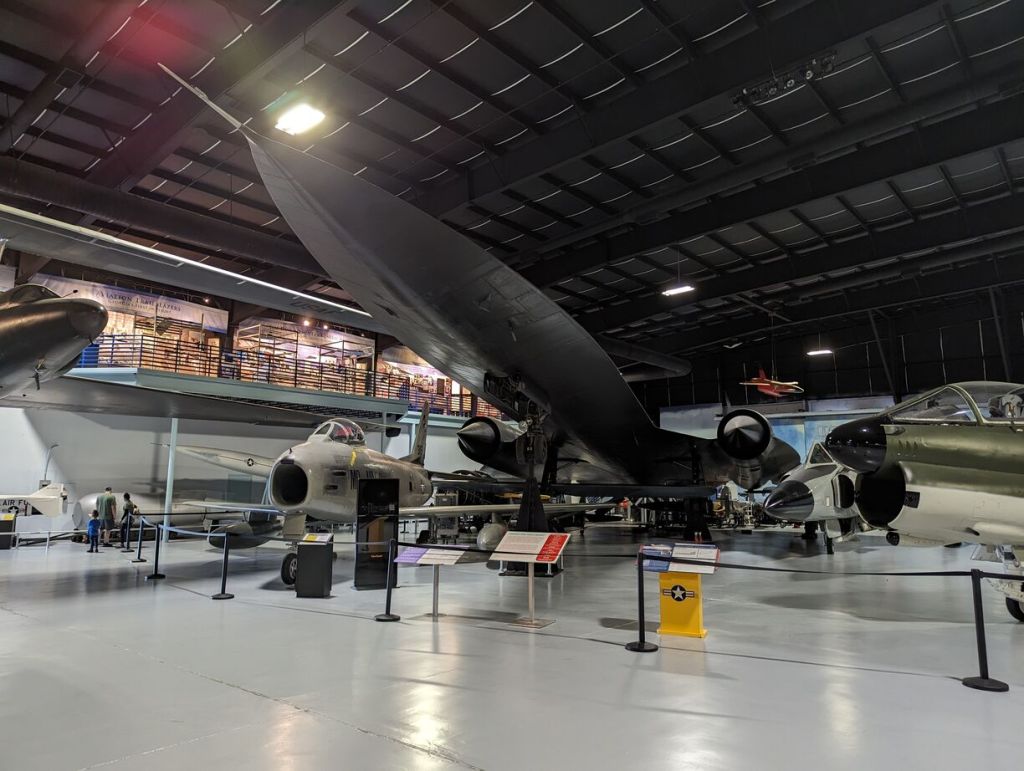
    Lockheed SR-71 Blackbird

    Lockheed SR-71 Blackbird, Museum of Aviation, Robins Air Force Base, Warner Robins, GA.
    Lockheed SR-71 Blackbird, Museum of Aviation, Robins Air Force Base, Warner Robins, GA.

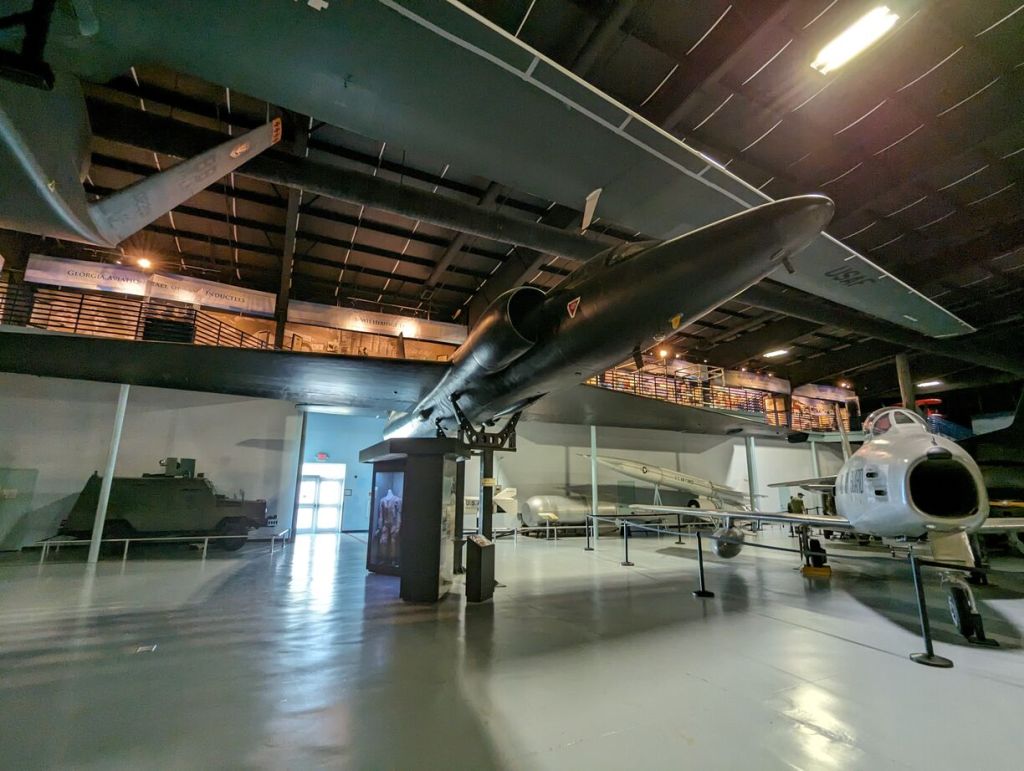
    Lockheed U-2

    Lockheed U-2, Museum of Aviation, Robins Air Force Base, Warner Robins, GA.
    Lockheed U-2, Museum of Aviation, Robins Air Force Base, Warner Robins, GA.
    Lockheed U-2, Museum of Aviation, Robins Air Force Base, Warner Robins, GA.

    Republic F-105 Thunderchief

    Republic F-105 Thunderchief, Museum of Aviation, Robins Air Force Base, Warner Robins, GA.
    Republic F-105 Thunderchief, Museum of Aviation, Robins Air Force Base, Warner Robins, GA.

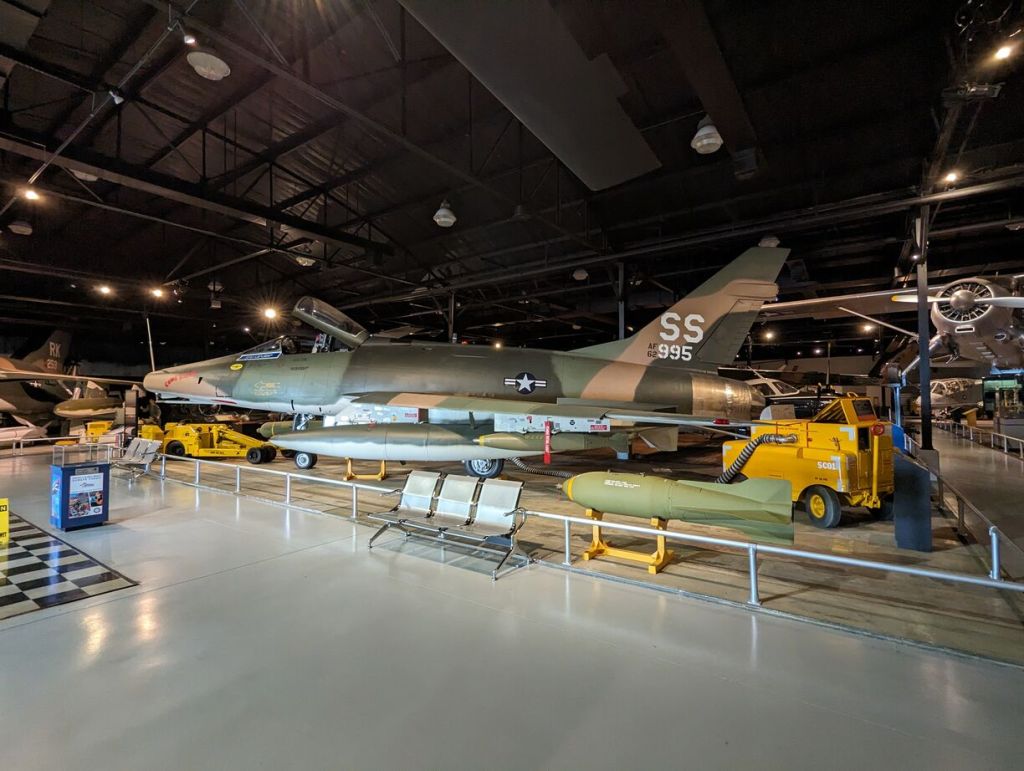
    Convair F-102 Delta Dagger and Convair F-106 Delta Dart

    Convair F-102 Delta Dagger and F-106 Delta Dart, Museum of Aviation, Robins Air Force Base, Warner Robins, GA.

    McDonnell F-101 Voodoo

    McDonnell F-101 Voodoo, Museum of Aviation, Robins Air Force Base, Warner Robins, GA.

    McDonnell RF-101

    McDonnell RF-101, Museum of Aviation, Robins Air Force Base, Warner Robins, GA.

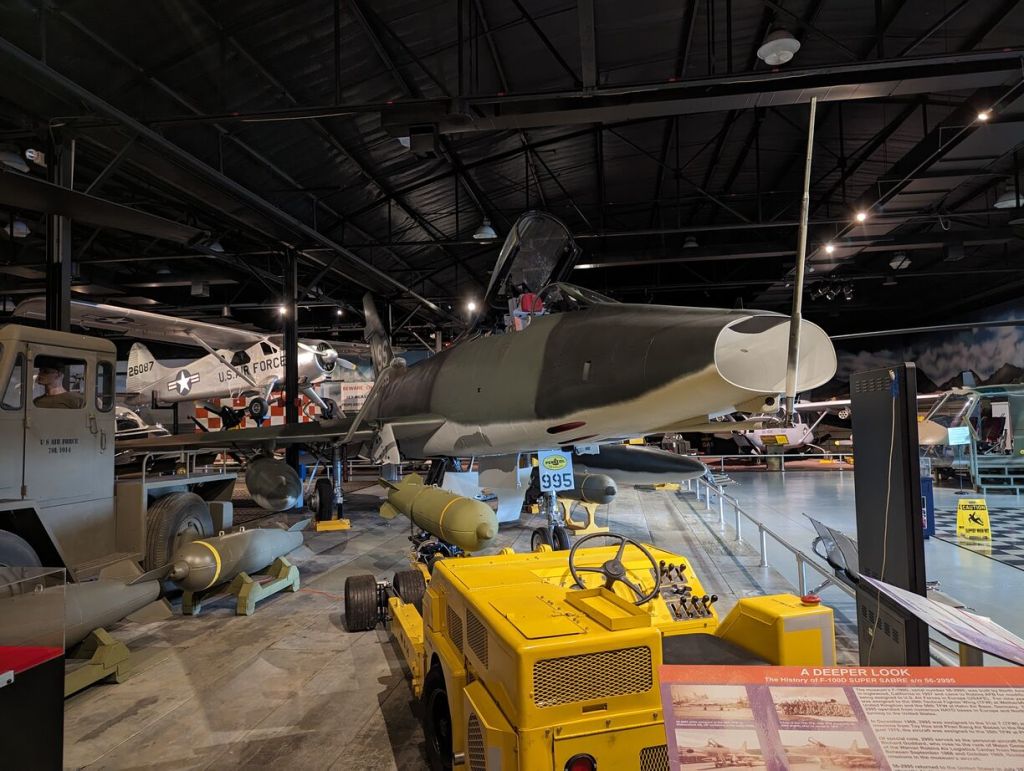
    North American F-100 Super Sabre

    North American F-100 Super Sabre Museum of Aviation, Robins Air Force Base, Warner Robins, GA.
    North American F-100 Super Sabre Museum of Aviation, Robins Air Force Base, Warner Robins, GA.
    North American F-100 Super Sabre Museum of Aviation, Robins Air Force Base, Warner Robins, GA.
    North American F-100 Super Sabre Museum of Aviation, Robins Air Force Base, Warner Robins, GA.

    Republic F-84 Thunderjet

    North American F-86 Sabre

    North American F-86 Sabre, Museum of Aviation, Robins Air Force Base, Warner Robins, GA.
    North American F-86 Sabre, Museum of Aviation, Robins Air Force Base, Warner Robins, GA.

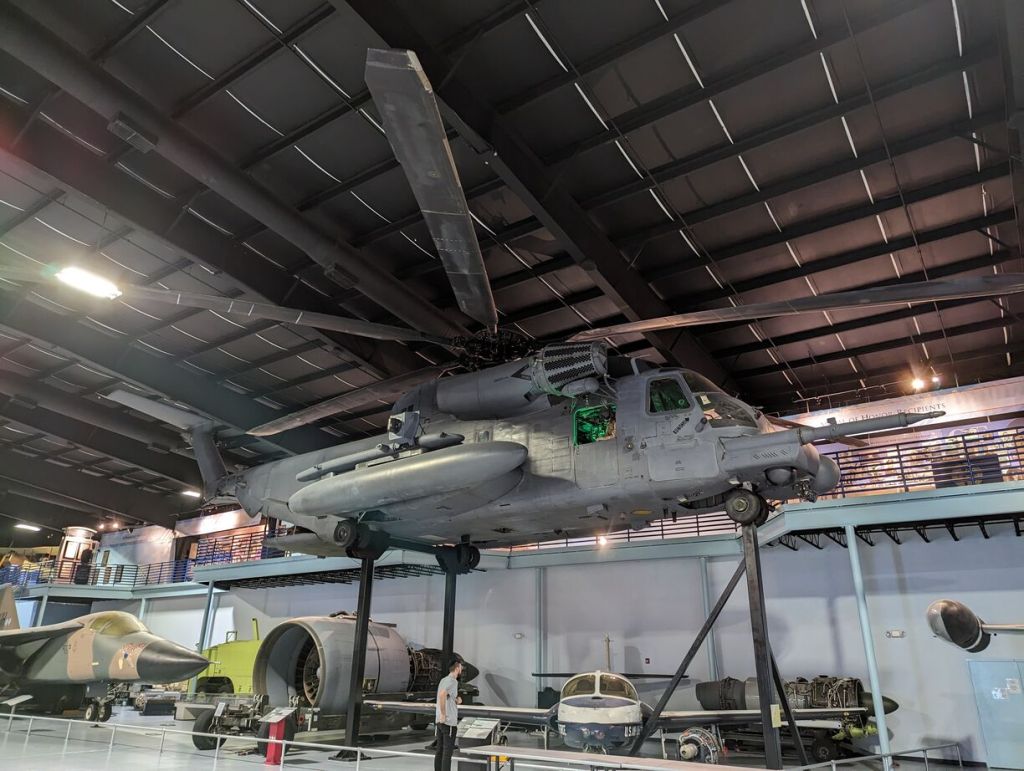
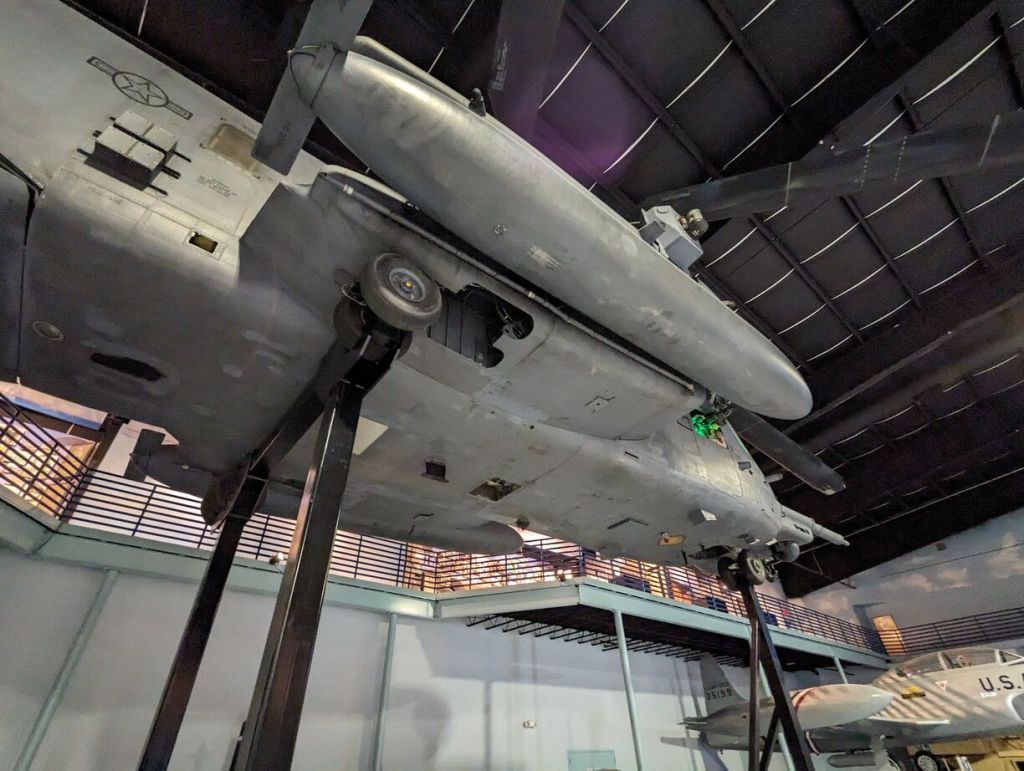
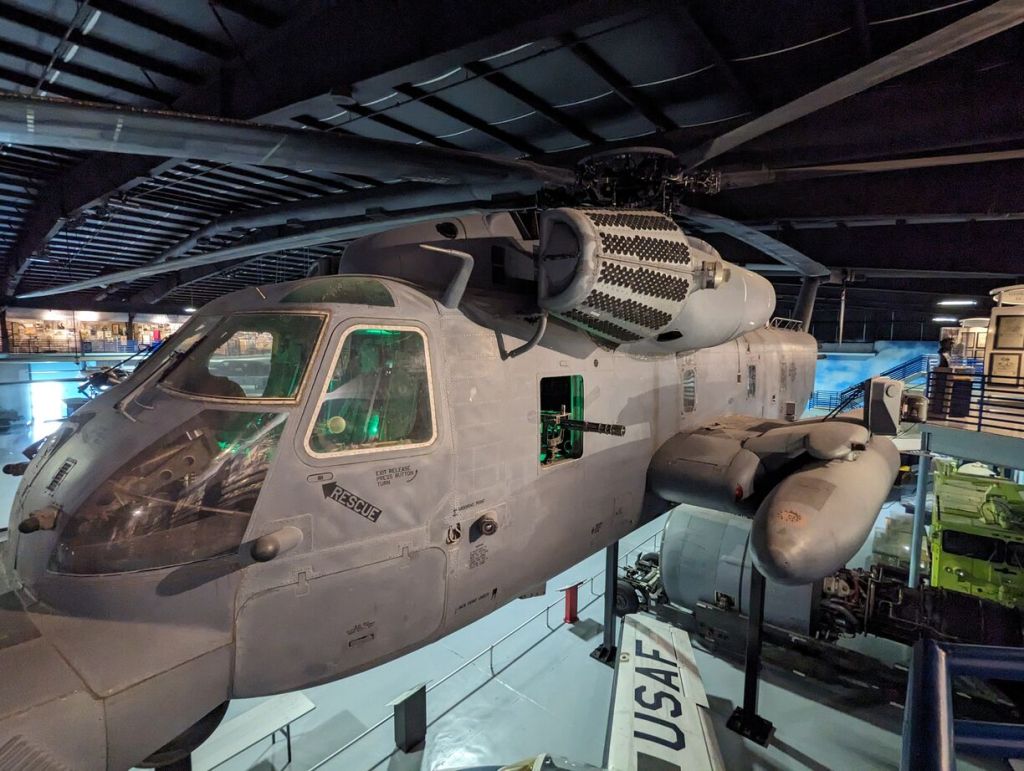
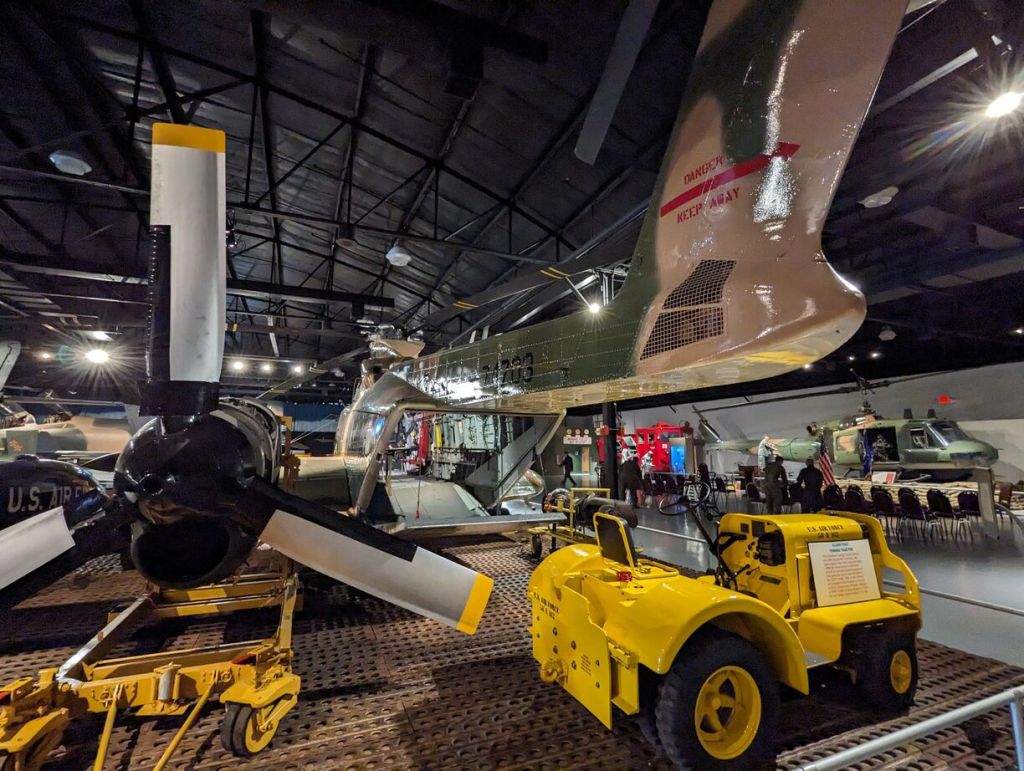
    Sikorsky MH-53M Pave Low IV

    Sikorsky MH-53M Pave Low IV, Museum of Aviation, Robins Air Force Base, Warner Robins, GA.
    Sikorsky MH-53M Pave Low IV, Museum of Aviation, Robins Air Force Base, Warner Robins, GA.
    Sikorsky MH-53M Pave Low IV, Museum of Aviation, Robins Air Force Base, Warner Robins, GA.
    Sikorsky MH-53M Pave Low IV, Museum of Aviation, Robins Air Force Base, Warner Robins, GA.
    Sikorsky MH-53M Pave Low IV, Museum of Aviation, Robins Air Force Base, Warner Robins, GA.
    Sikorsky MH-53M Pave Low IV, Museum of Aviation, Robins Air Force Base, Warner Robins, GA.

    Sikorsky HH-3E Jolly Green Giant

    Sikorsky HH-3E Jolly Green Giant, Museum of Aviation, Robins Air Force Base, Warner Robins, GA.
    Sikorsky HH-3E Jolly Green Giant, Museum of Aviation, Robins Air Force Base, Warner Robins, GA.
    Sikorsky HH-3E Jolly Green Giant, Museum of Aviation, Robins Air Force Base, Warner Robins, GA.

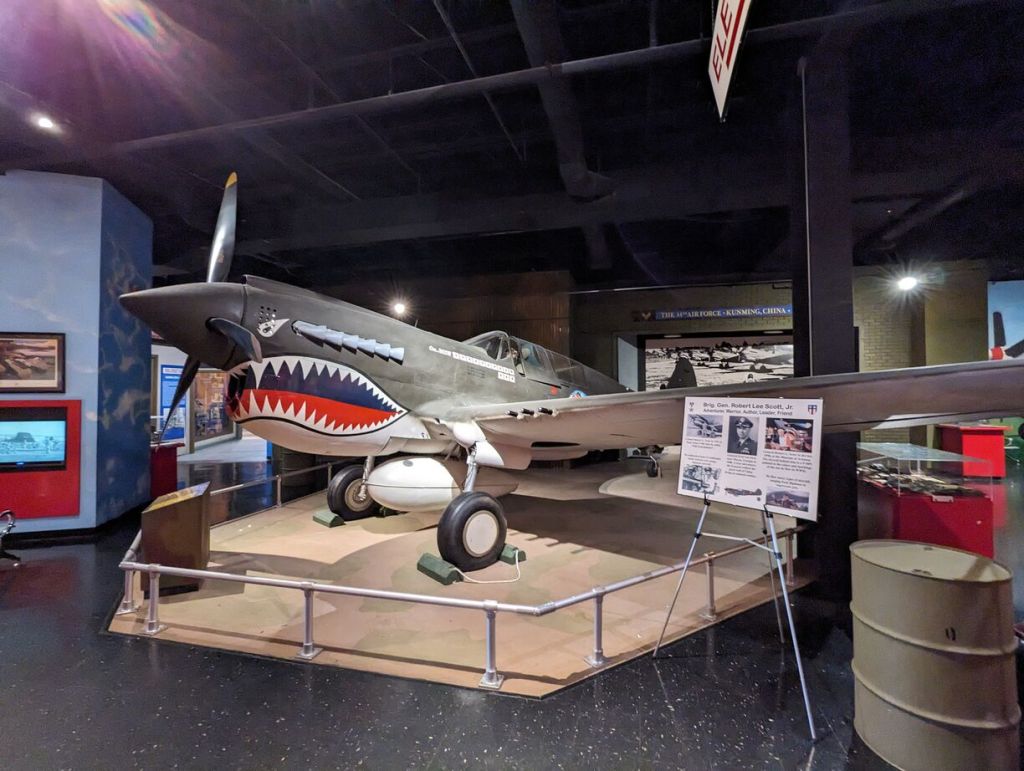
    Curtiss P-40 Warhawk

    Curtiss P-40 Warhawk, Museum of Aviation, Robins Air Force Base, Warner Robins, GA.

    North American P-51 Mustang

    North American P-51 Mustang, Museum of Aviation, Robins Air Force Base, Warner Robins, GA.
    North American P-51 Mustang, Museum of Aviation, Robins Air Force Base, Warner Robins, GA.
    North American P-51 Mustang, Museum of Aviation, Robins Air Force Base, Warner Robins, GA.

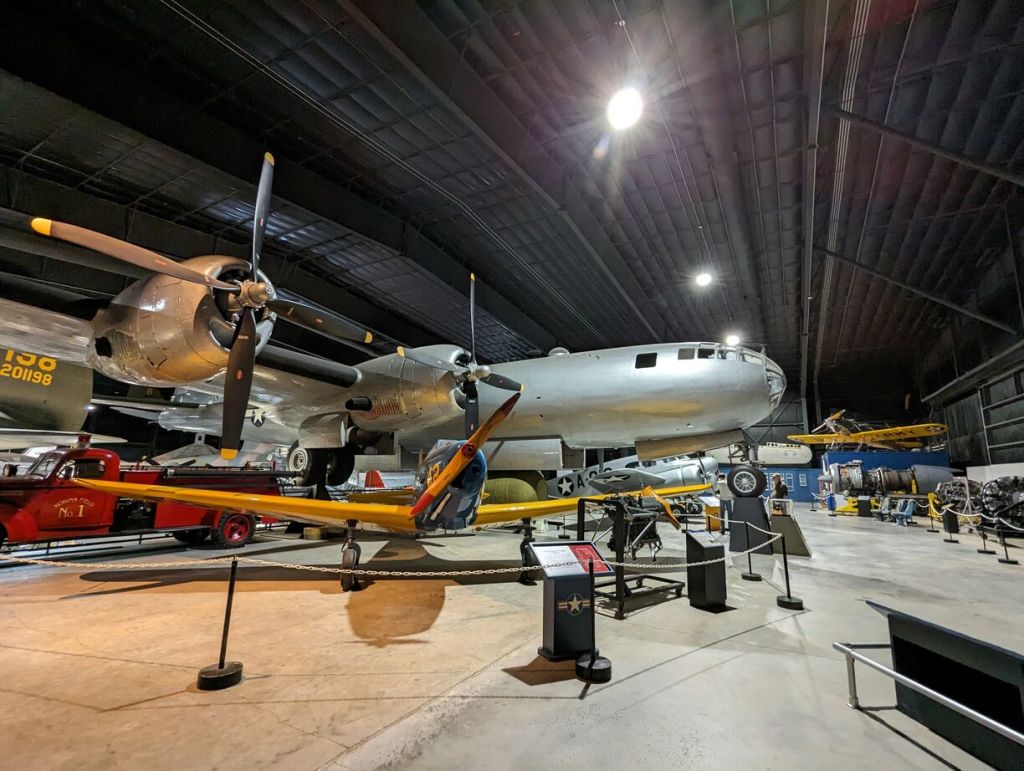
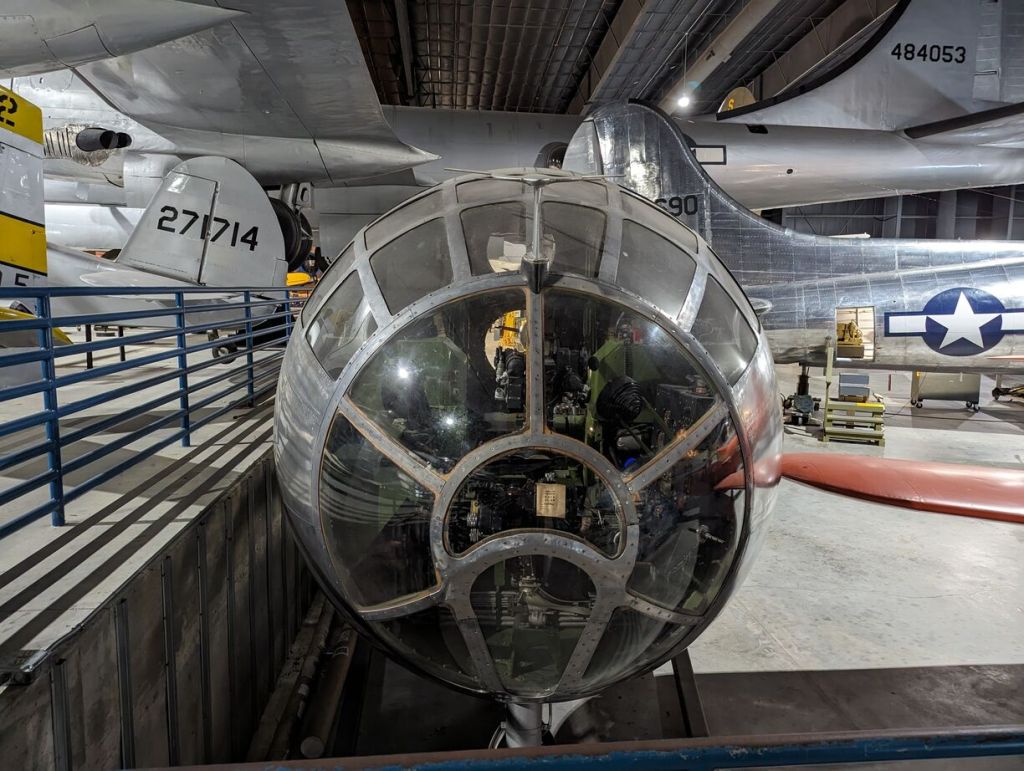
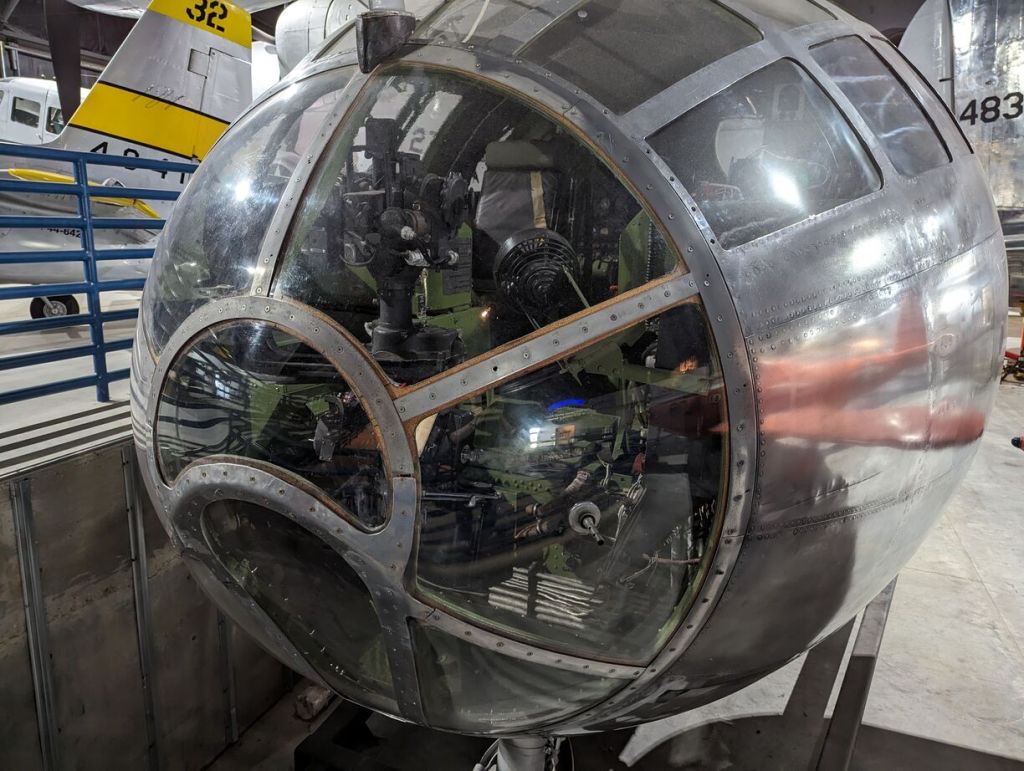
    Boeing B-29 Superfortress

    Boeing B-29 Superfortress, Museum of Aviation, Robins Air Force Base, Warner Robins, GA.
    Boeing B-29 Superfortress, Museum of Aviation, Robins Air Force Base, Warner Robins, GA.
    Boeing B-29 Superfortress, Museum of Aviation, Robins Air Force Base, Warner Robins, GA.
    Boeing B-29 Superfortress, Museum of Aviation, Robins Air Force Base, Warner Robins, GA.
    Boeing B-29 Superfortress, Museum of Aviation, Robins Air Force Base, Warner Robins, GA.
    Boeing B-29 Superfortress, Museum of Aviation, Robins Air Force Base, Warner Robins, GA.
    Boeing B-29 Superfortress, Museum of Aviation, Robins Air Force Base, Warner Robins, GA.
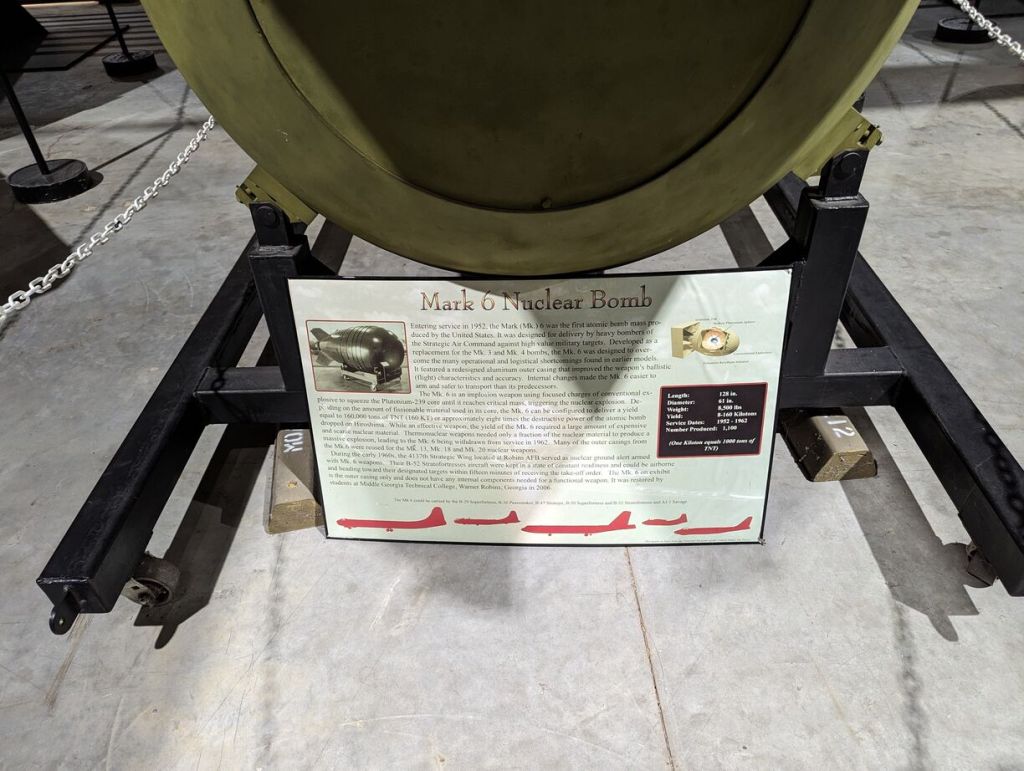
    Mark 6 Nuclear Bomb under Boeing B-29 Superfortress, Museum of Aviation, Robins Air Force Base, Warner Robins, GA.
    Mark 6 Nuclear Bomb under Boeing B-29 Superfortress, Museum of Aviation, Robins Air Force Base, Warner Robins, GA.

    Curtiss JN Jenny with Snoopy (Maybe his Sopwith Camel was being serviced!)

    Curtiss JN Jenny, Museum of Aviation, Robins Air Force Base, Warner Robins, GA.

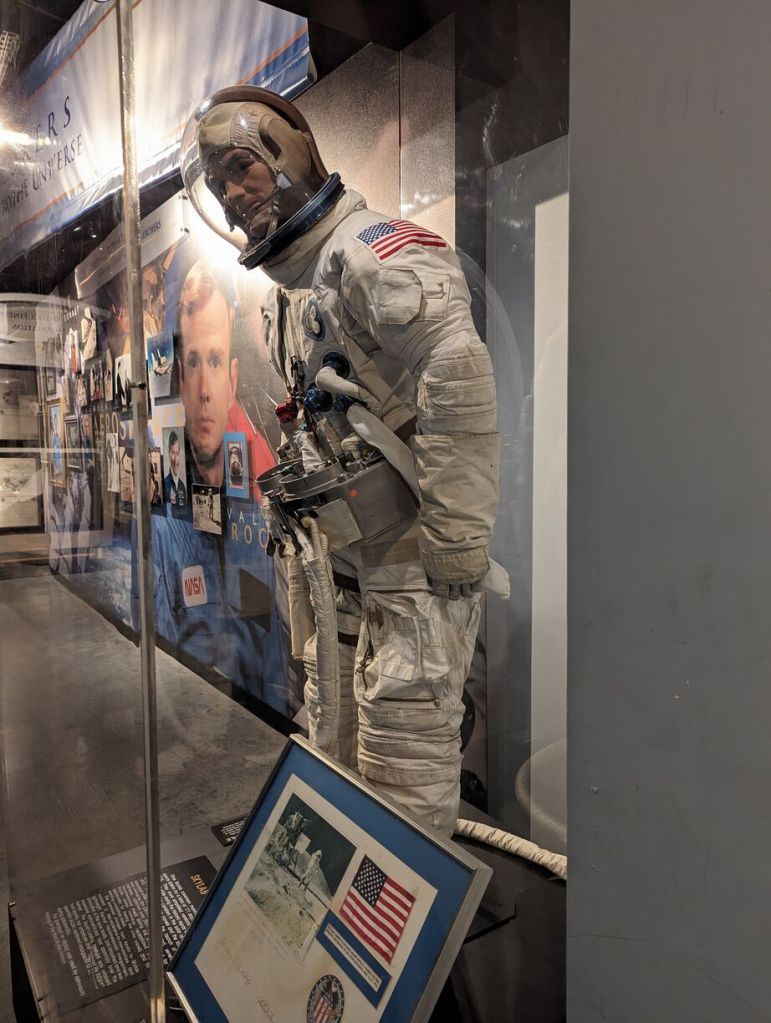
    Space Lab Spacesuit

    Space Lab Spacesuit, Museum of Aviation, Robins Air Force Base, Warner Robins, GA.
    Space Lab Spacesuit, Museum of Aviation, Robins Air Force Base, Warner Robins, GA.
    Space Lab Spacesuit, Museum of Aviation, Robins Air Force Base, Warner Robins, GA.
    Space Lab Spacesuit, Museum of Aviation, Robins Air Force Base, Warner Robins, GA.
    Space Lab Spacesuit, Museum of Aviation, Robins Air Force Base, Warner Robins, GA.

    Explosive Ordinance Disposal (EOD)

    Explosive Ordinance Disposal (EOD), Museum of Aviation, Robins Air Force Base, Warner Robins, GA.
    Explosive Ordinance Disposal (EOD), Museum of Aviation, Robins Air Force Base, Warner Robins, GA.
    Explosive Ordinance Disposal (EOD), Museum of Aviation, Robins Air Force Base, Warner Robins, GA.
    Explosive Ordinance Disposal (EOD), Museum of Aviation, Robins Air Force Base, Warner Robins, GA.
    Explosive Ordinance Disposal (EOD), Museum of Aviation, Robins Air Force Base, Warner Robins, GA.

    Eugene Jacques Bullard, First African-American Fighter Pilot Statue

    Eugene Jacques Bullard, Museum of Aviation, Robins Air Force Base, Warner Robins, GA.

    Walking Around Back

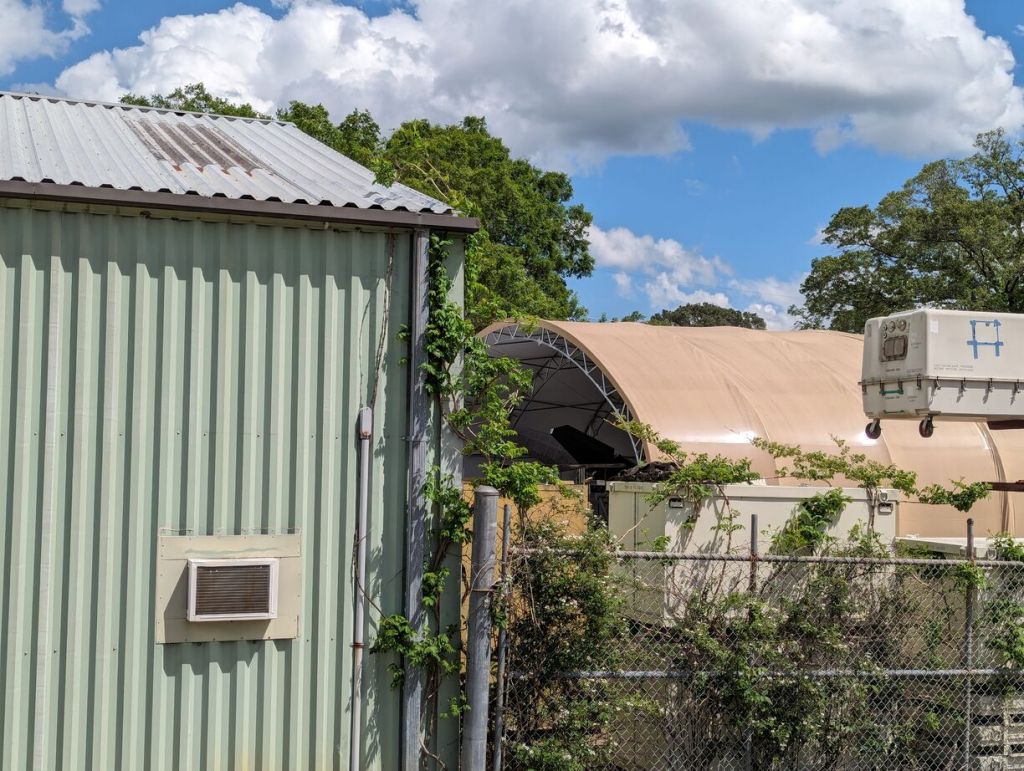
    Planes parked around the back of the museum, Museum of Aviation, Robins Air Force Base, Warner Robins, GA.

    Is That a Lockheed F-117 Nighthawk Ruddervator Behind the Museum???

    Is that a Lockheed F-117 Nighthawk ruddervator?, Museum of Aviation, Robins Air Force Base, Warner Robins, GA.

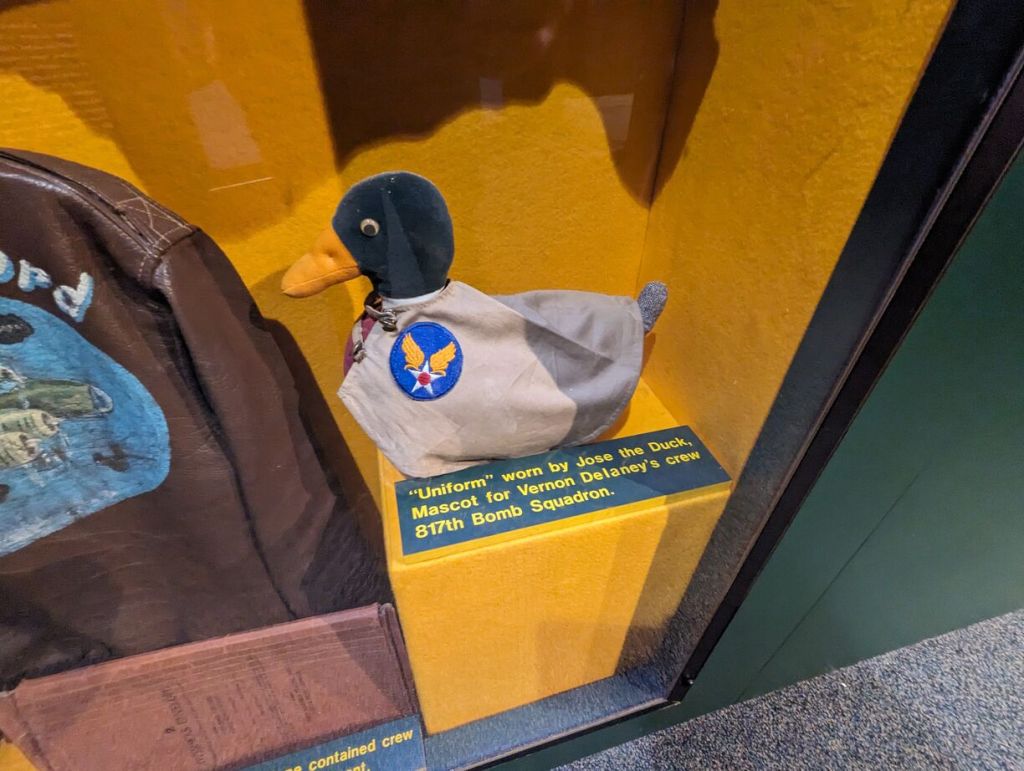
    Jose the Duck’s Uniform, Vernon Delaney’s B-17 crew of the 817th Bomb Squadron

    Jose the Duck's Uniform, Vernon Delaney's B-17 crew of the 817th Bomb Squadron, Museum of Aviation, Robins Air Force Base, Warner Robins, GA.
  • AT&T Cable Route

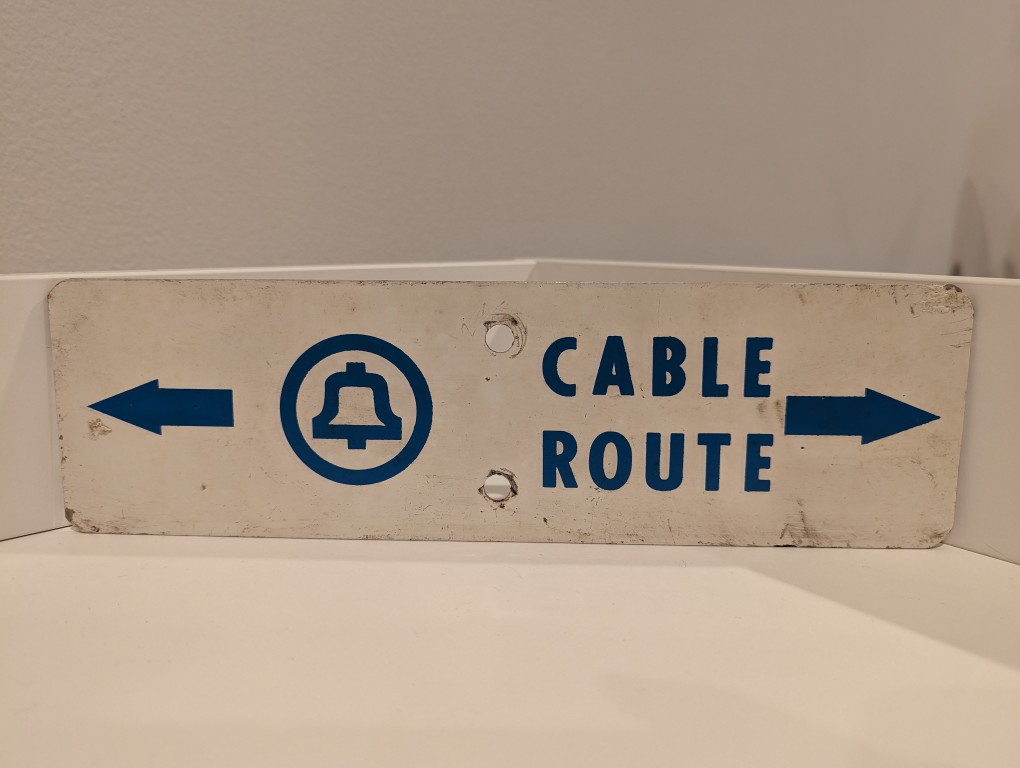
    AT&T Cable Route metal sign

    Long before AT&T was having massive data breaches, they were burying cables and putting up these signs in the back country to warn would-be diggers from slicing through buried copper or fiber optic cables.

  • LEGO Folding Cooling Stand for Lenovo ThinkPad P1 Gen 4 Laptop

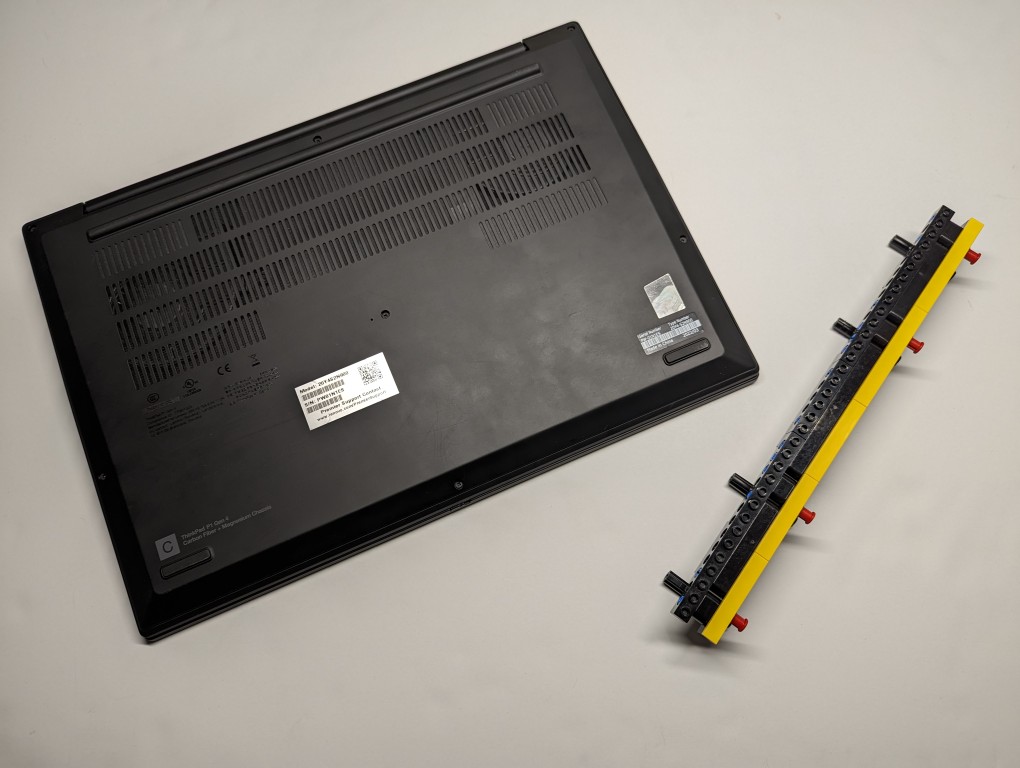
    LEGO Folding Cooling Stand for Lenovo ThinkPad P1 Gen 4 Laptop

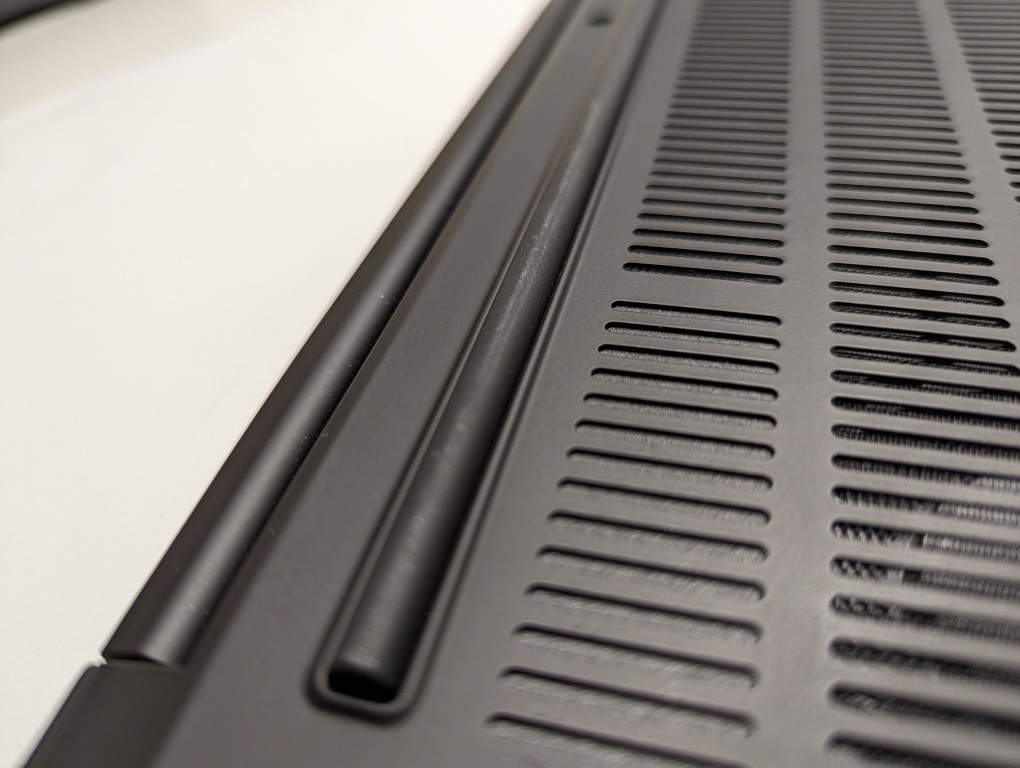
    As I wrote about yesterday, my Lenovo ThinkPad P1 Gen 4 maintains lower temperatures when it has improved air flow under its body where the twin cooling fan intakes are. Without raising the laptop, the laptop’s support feet only give it about 3 mm of space underneath it, which chokes the intake fans. Since getting the laptop late last year, I’ve used a variety of at-hand objects–books and small boxes most often–to prop up the back of the laptop when I was stressing the laptop with a heavy workload.

    ThinkPad P1 Gen 4 rear support foot that runs about 80% of the width of the laptop.

    I wanted a permanent solution, but the portable options available in retail are either bulky adjustable metal or plastic platforms or folding 4-point stands. The former takes up a lot of room and those with fans don’t always translate to lower temps, and the latter might not provide the support needed on the ThinkPad P1’s lengthy support foot at the rear of the laptop. So, I turned to LEGO to create a customized stand that gives the ThinkPad the support it needs while also being compact and easily carried in my backpack.

    LEGO Folding Cooling Stand for Lenovo ThinkPad P1 Gen 4 Laptop

    What I made to solve this problem mostly used LEGO Technic elements with some brick elements (plates to provide support underneath its joints and the bright yellow smooth plates on top to orient the stand and provide a stop against the ThinkPad’s support foot).

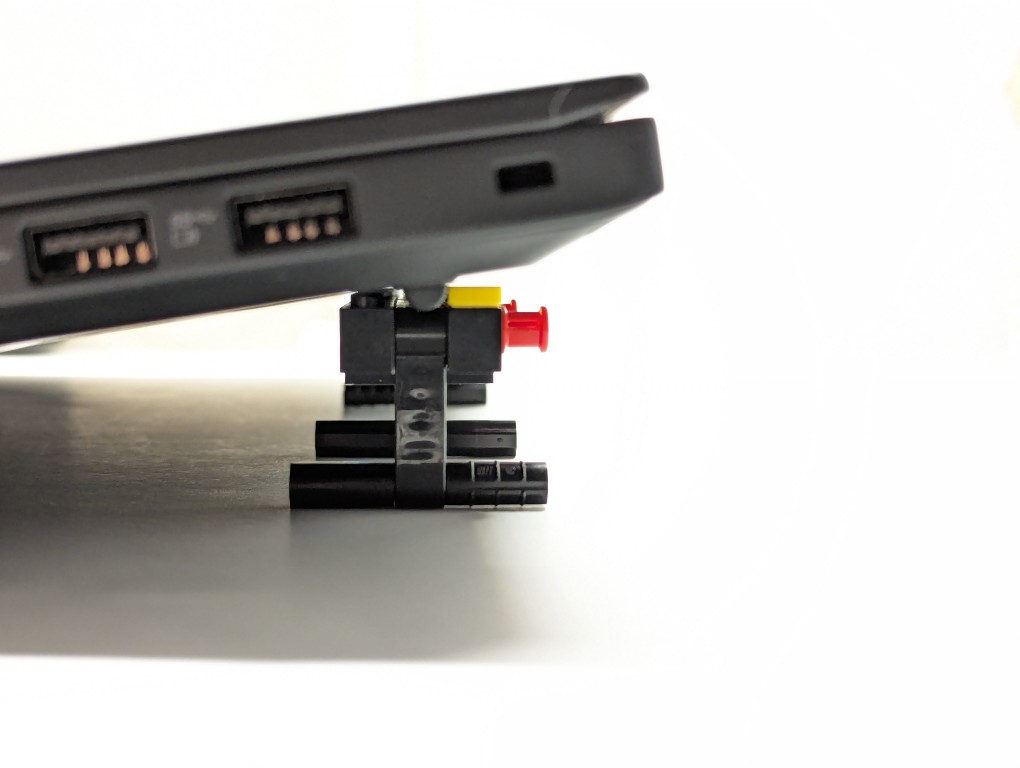
    LEGO Folding Cooling Stand for Lenovo ThinkPad P1 Gen 4 Laptop holding up the laptop, side view.

    The ThinkPad’s support foot fits perfectly in the center of the stand without the studs toward the front or the flat plate in the back touching the laptop’s body.

    LEGO Folding Cooling Stand for Lenovo ThinkPad P1 Gen 4 Laptop

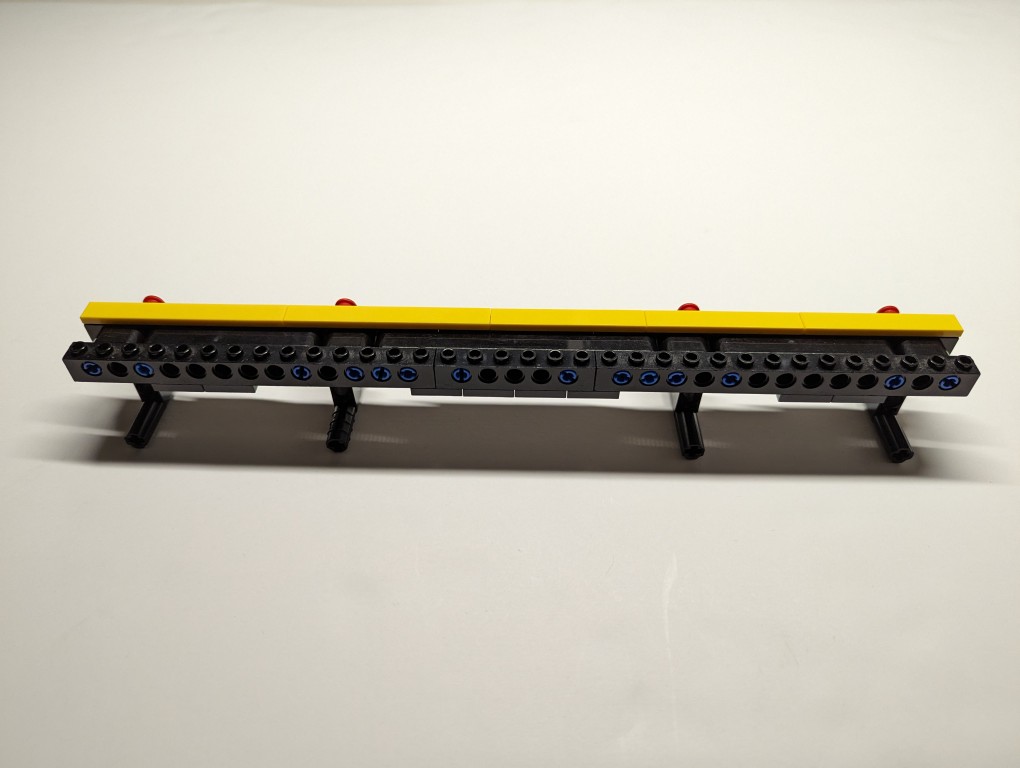
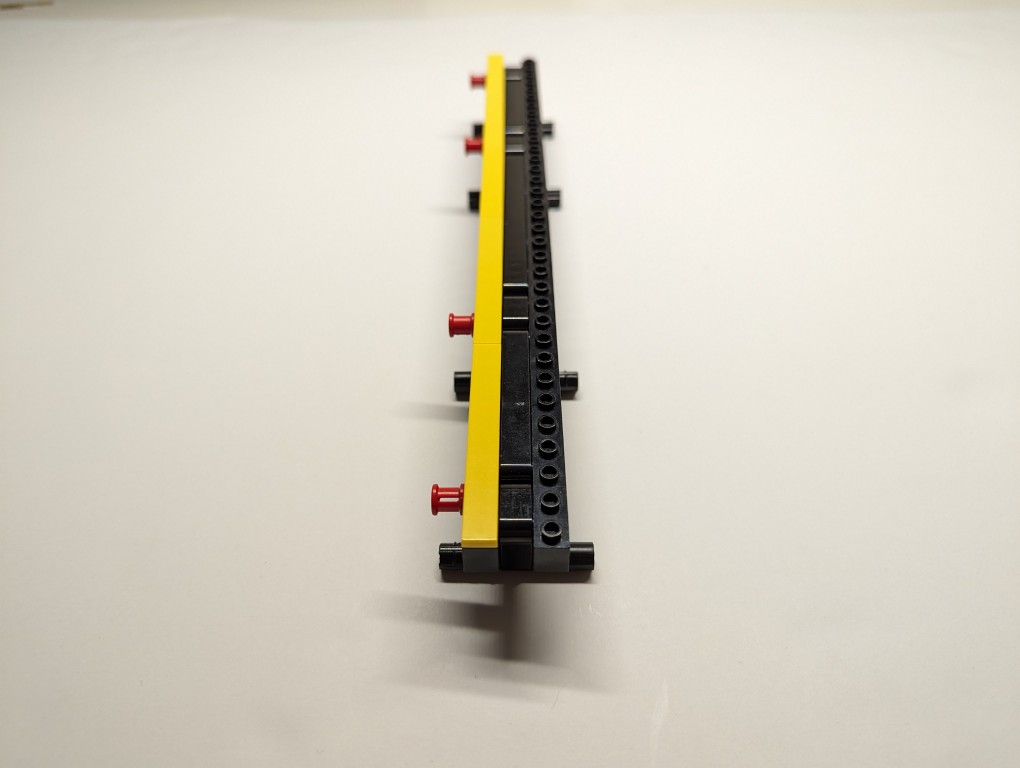
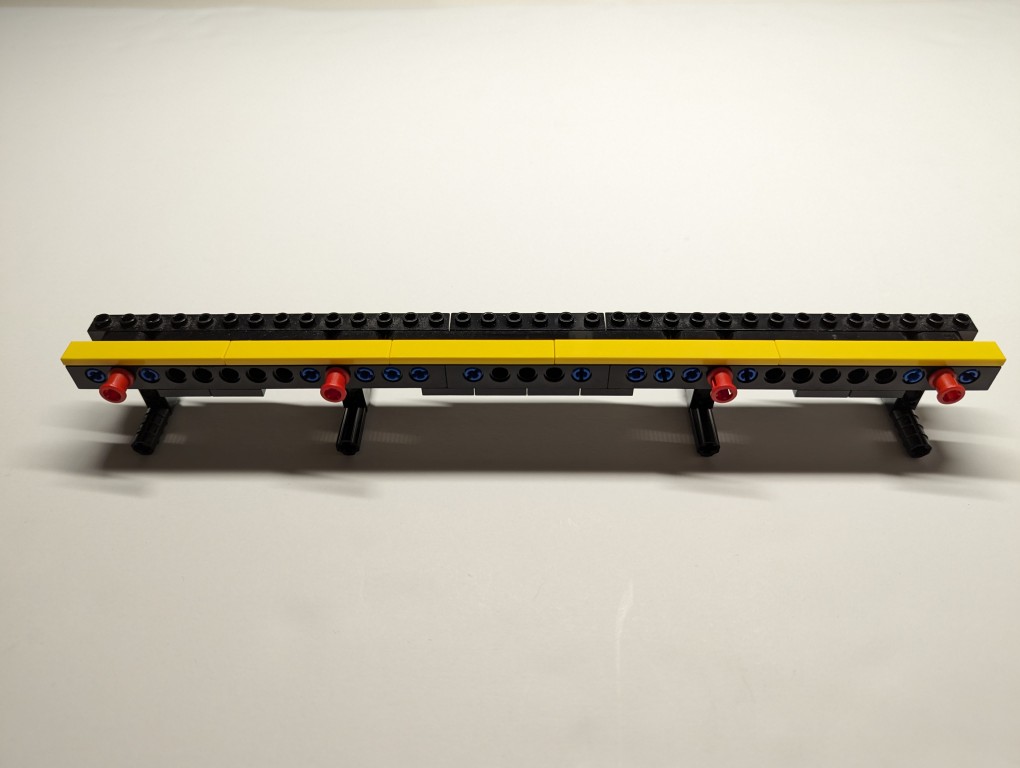
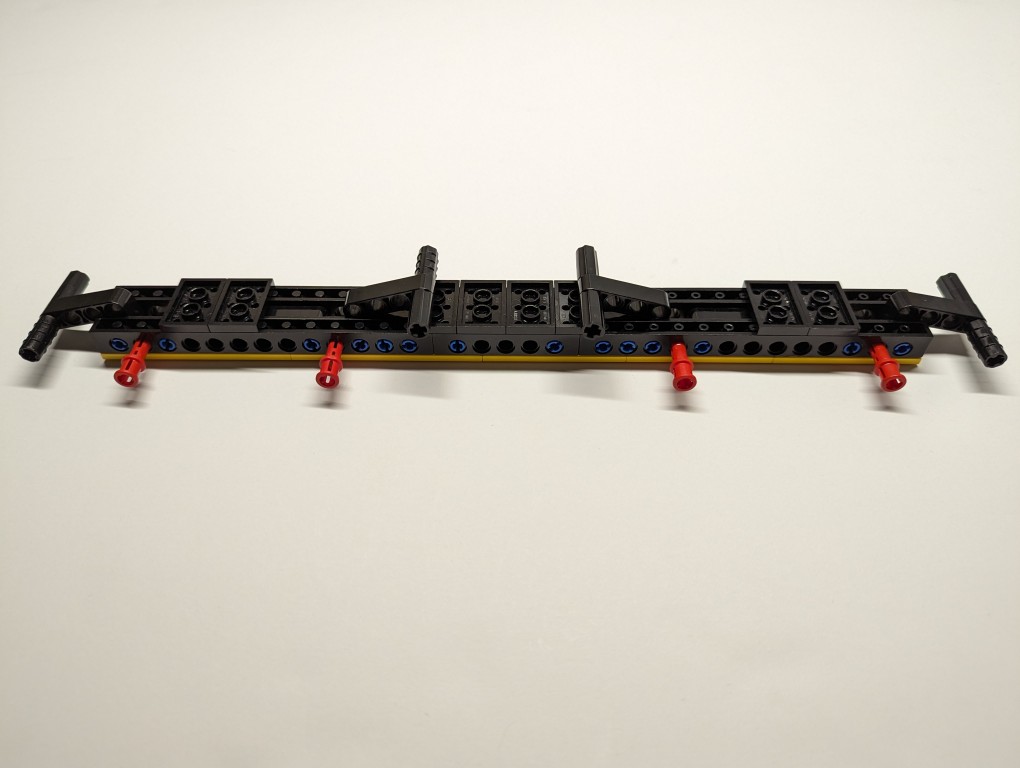
    Essentially, the stand is built like a sandwich: the bread is the Technic bricks with holes on either side, and the filling is the Technic liftarms (straight and L-shaped). I used 3-stud wide pins to hold the sandwich together. The red pins are only used to provide stability to the support legs when they are deployed for use.

    LEGO Folding Cooling Stand for Lenovo ThinkPad P1 Gen 4 Laptop
    LEGO Folding Cooling Stand for Lenovo ThinkPad P1 Gen 4 Laptop with legs folded

    On the back of the stand, the red pegs can be partially pulled out and the feet folded.

    LEGO Folding Cooling Stand for Lenovo ThinkPad P1 Gen 4 Laptop shown side by side.

    The LEGO stand completely covers the support foot at the rear of the laptop (seen at the top of the photo above). When folded, it easily slips into the backpack that I use to carry this ThinkPad.

    LEGO is a versatile, rapid prototyping medium for building art, expressing ideas, and in this case, creating something practical to solve a specific problem.

    If you have some LEGO bricks laying around idle, you might stop and think about what problem they might be able to solve for you!
  • Jef Raskin on Artificial Intelligence and All-In-One Software

    Composite illustration of Jef Raskin and a Macintosh computer. Create with Stable Diffusion.

    After discovering Don Crabb’s thoughts on AI, which I wrote about yesterday here, I did a little more digging in the Internet Archive. This turned up an incredible treasure trove of files collected by David Craig called Apple Lisa Document and Media Collection, which included a photocopy of Jef Raskin’s interview in the amazing book by Susan Lammers titled Programmers at Work, which can be checked out for reading on archive.org here or online at this website created by Lammers).

    Jef Raskin, who wrote the user manual for the Apple II and founded the team that would go on to launch the Macintosh computer among other accomplishments, was an important figure in the first phase of the personal computer industry. Toward the end of his interview in Lammers’ book, she asks him about AI:

    INTERVIEWER: What do you feel artificial-intelligence programs can contribute to society?

    RASKIN: Artificial intelligence teaches us a lot about ourselves and about knowledge. Any reasonable artificial-intelligence program will not fit on a very inexpensive machine, at least not these days.

    Real artificial intelligence is something like religion. People used to say that just above the sky were heaven and angels. Then you get a rocket ship out there, and now you know that’s not true. So they change their tune. As soon as you accomplish something, it is no longer artificial intelligence.

    At one point, it was thought that chess-playing programs encompassed artificial intelligence. When I was a graduate student, you could get a Ph.D. in artificial intelligence by learning to program chess. Now you can buy a chess player for $29.95 and nobody calls it artificial intelligence. It’s just a little algorithm that plays chess.

    First, there’s a problem of definition. Then it gets more complicated. People say that programs should understand natural language, but our utterances are too inexact for a computer, or anybody, to figure out what is meant to be done; that’s why we have programming languages. If anyone’s ever worked from a spec prepared in English, they know that you can’t write a program from it because it’s not exact. So if human beings can’t do it, there is almost no way we can expect to make a machine do that kind of thing. When you’re dealing with so-called artificial-intelligence programs, the computers have got to learn a vocabulary. Let’s say you have five commands and you want the machine to understand any possible English equivalent to them. But it won’t understand any English equivalent: One person might say, “Get employee number,” while an Englishman might say, “Would you be so kind as to locate the numerical designation for our employee.’ That’s exactly the complaint AI people are trying to solve.

    A lot of the promise of artificial intelligence is misunderstood. What artificial intelligence has already taught us about the nature of languages is wonderful. So, do I think artificial intelligence is worthwhile? Absolutely. Do I think it’s going to turn out great products? A few. Do I think it’s going to fulfill the promise that you read about in the popular press? Not at all. Will I be putting a lot of money into artificial intelligence? Nope (qtd. in Lammers 243-244).

    Lammers, Susan. “Jef Raskin.” Programmers at Work: Interviews with 19 Programmers Who Shaped the Computer Industry. Microsoft Press, 1989, pp. 227-245.

    What he said has some resonance today. There seems to be the same kind of effect in computers that we see in other fields. For lack of a better phrase, it’s the “so, what have you done lately?” question. Once one hurdle is accomplished, its importance or significance gets erased by the passage of time and people’s attention. Deep Blue beat Kasparov at chess? Great, what’s next? AlphaGo beat Lee Sedol at Go? Okay, what’s next? ChatGPT can do your homework? Super, what’s next? With each milestone, the preceding success seems diminished and becomes the $29.95 chess player that Raskin refers to above.

    However, as AI’s capabilities increase, it seems to be edging further toward ubiquity. It’s already ever present in many aspects of our lives, such as business, finance, advertising, and photography, that we are not necessarily cognizant of or paying attention to. Now, it’s creeping into computer and smartphone operating systems (similar to Don Crabb’s observations that I wrote about yesterday) and some of the software that we use for daily productivity (email, word processing, and integrated development environments for programming). Perhaps its the eventual ubiquity of AI that will make it feel mundane instead of a radical technological development as imagined in the heady cyberpunk era represented most clearly by William Gibson’s Neuromancer (1984).

    But, there’s something else that Raskin talks about in his interview that has some relevance to AI. After he left Apple when Steve Jobs took over the Macintosh project, he founded Information Appliance, Inc. to build and market an add-on card for the Apple IIe called the SwyftCard. This card contained a ROM for an all-in-one piece of software that contained word processing, communication, calculation, printing, and programming capabilities. He explains:

    Watch this. There is no disk in the drive, and I want to type a message, “Remember to bring home some milk.” How do you like that? I turn it on and start typing. No need for commands, no insert, no getting to the editor, I can just start typing.

    Now I want to print the message and put it in my pocket, so I can use it later. I press a single key, and it prints. Isn’t that convenient . . . .

    We can do calculations easily. Before, whenever I was using the word processor and wanted to do a calculation, I’d get out my pocket calculator and have to use a separate calculating program, or get up SideKick; on the Mac, you call up the calculator and paste it into your document. We also have telecommunications capability.

    INTERVIEWER: All in the same program?

    RASKIN: Sure. There is no difference between all the applications. What’s a word processor? You use it to generate text, move it around, change it if you make a mistake, and find things. What’s a telecommunications package? You use it to generate text, or receive text generated by someone else. Instead of it coming in from a keyboard or out from a printer, it comes in or out over a telephone line. And what’s a calculator? You use it to generate numbers, which are just text, and the answer should come back into your text. So, one day it dawned on me, if these applications do the same thing, why not have one little program that does them all?

    INTERVIEWER: Well, what is this product you’ve developed to cover all of these features?

    {Raskin holds up a simple card.]

    RASKIN: It’s called a SwyftCard (qtd. in Lammers 233).

    Lammers, Susan. “Jef Raskin.” Programmers at Work: Interviews with 19 Programmers Who Shaped the Computer Industry. Microsoft Press, 1989, pp. 227-245.

    It seems to me that we’re heading toward a great collapsing of software into generative AI. As large language models learn more with increasing amounts of training data, they reveal new capabilities that emerge from the resulting trained models. Will we type and eventually talk to our computers to tell it what we want to accomplish without having to worry about having x, y, or z programs installed because the AI can do those things in an all-in-one fashion as the Nth degree of Raskin’s SwyftCard? Time, of course, will tell.

  • Don Crabb’s “Omniscient Sage” Imagined in Guide to System 7.5

    While searching around for early uses of algorithmic text, image, and music generating software from yesteryear (which I have been documenting on this page), I stumbled upon Don Crabb’s Guide to Macintosh System 7.5.5 (1996), which is a guide to using Apple’s System Software 7.5 on Macintosh and Power Macintosh computers in the mid-1990s.

    In Chapter 5, “The Multimedia is the Message,” he writes the following prophetic passages that point to right about where we are now with giving generative AI access to our files so that we can chat with an AI about the contents of those files–for ideation, brainstorming, summation, search, discovering patterns, etc. Crabb had an idea that combined Apple’s then innovative OpenDoc technology, which flips the computing metaphor from application-centric to document-centric and that facilitates different Editors (aka programs) to work on/within different Documents or create new Documents via Stationary files, with the power of artificial intelligence to observe, learn, and collaborate with computer users. The foundation of his idea is what he calls the Open Desktop Architecture (ODA) and the Omniscient Sage. He writes:

    The Multimedia/OpenDoc Desktop

    The future of the Macintosh Desktop will reside in something I call Open desktop Architecture (ODA)— as Apple ought to articulate it and we ought to use it in the form of a new Multimedia/OpenDoc desktop.

    Back in May of 1994 at the Worldwide Developer’s Conference, Don Norman— Apple Fellow and Interface Guru Extraordinaire— told us about one possible future Mac interface (AKA Finder) based on Apple Guide, that would become truly active in its assistance features and orientation. My Open Desktop Architecture relies on this same active assistance to make it fly, but it adds the OpenDoc document-centric idea of computing (see chapter 6 for more details) and the liberal use of multimedia data.

    The Omniscient Sage

    To start with, though, we need a basic interface metaphor in mind for our new desktop. I call my metaphor The Omniscient Sage. Corny sounding? You bet. But highly descriptive. The Omniscient Sage watches what you do on your Mac without being judgmental.

    The role of the Omniscient Sage is to watch, assimilate, correlate, and then assist. Active assistance based on observation, analysis, and planning at a level as far above Apple Guide 1.0 as the it was above Balloon Help. Active assistance based on the artificial intelligence work that’s been modeled and executed over the last five years. Active assistance based on a world of OpenDoc files and apps.

    Crabb, Don. Guide to Macintosh System 7.5.5. Hayden Books, 1996, p. 253.

    Crabb’s Omniscient Sage seems science fictional thinking back to that period of time. This was the era when Apple was on the ropes and nearly down for the count. Then, Steve Jobs returned with NeXTSTEP, which delivered all of the things that Apple had led us to believe was forthcoming in OS 8 codenamed Copland. However, Jobs also killed OpenDoc at Apple.

    Could the Omniscient Sage have been built on top of Mac OS X? While working towards OS X, Apple developed Apple Guide/Macintosh Guide as a robust help system that worked with AppleScript to guide the user along steps, and it could change based on the observed state of the software that the user needed help with. Yet, it was running on rails and therefore couldn’t adapt and adjust outside of those prescribed steps. Given advancements and R&D maybe this could have advanced towards something like Crabb imagined. But, when Mac OS X launched, the help system was much simpler as a web rendering engine and HTML.

    Unfortunately, Crabb didn’t get to see how close we are now to his vision of the Omniscient Sage. He died in 2000 at the age of 44.