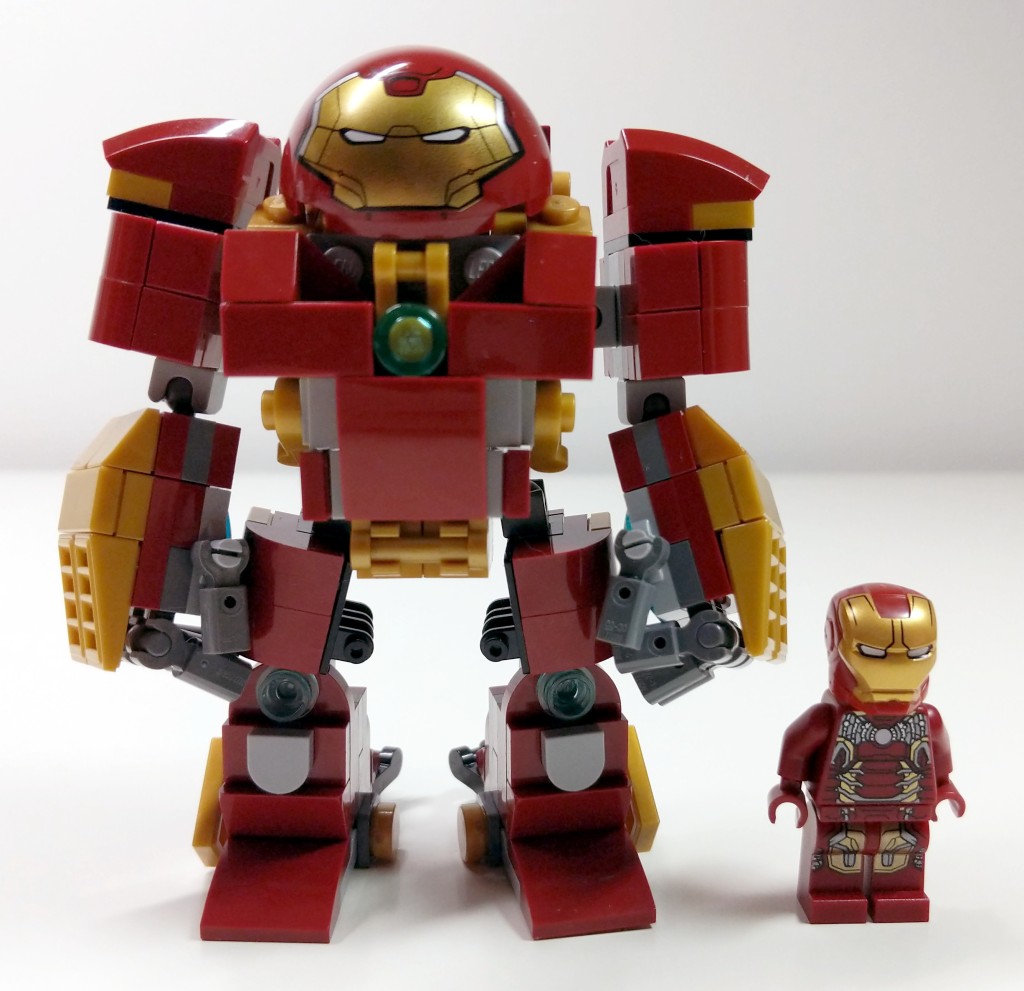
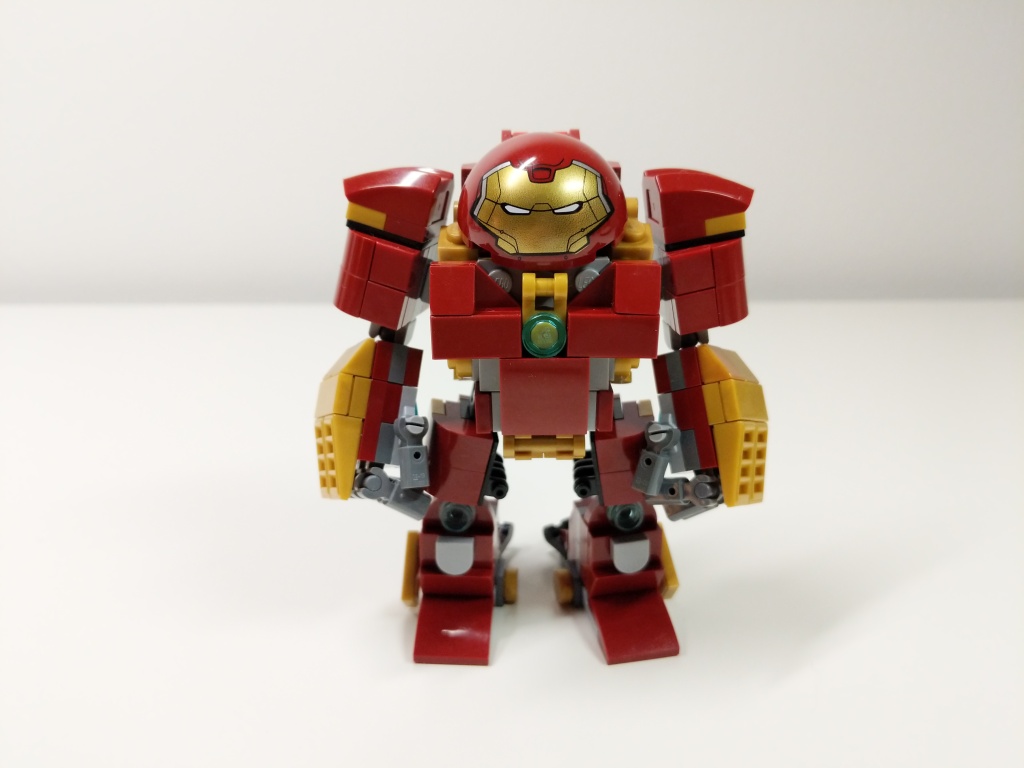
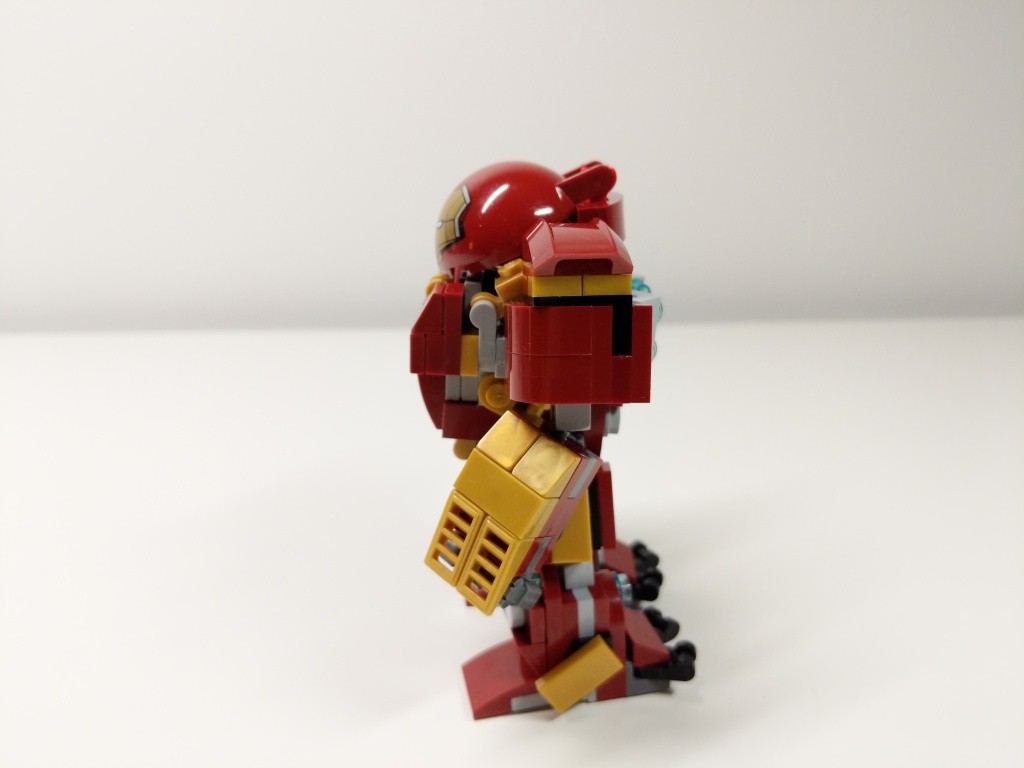
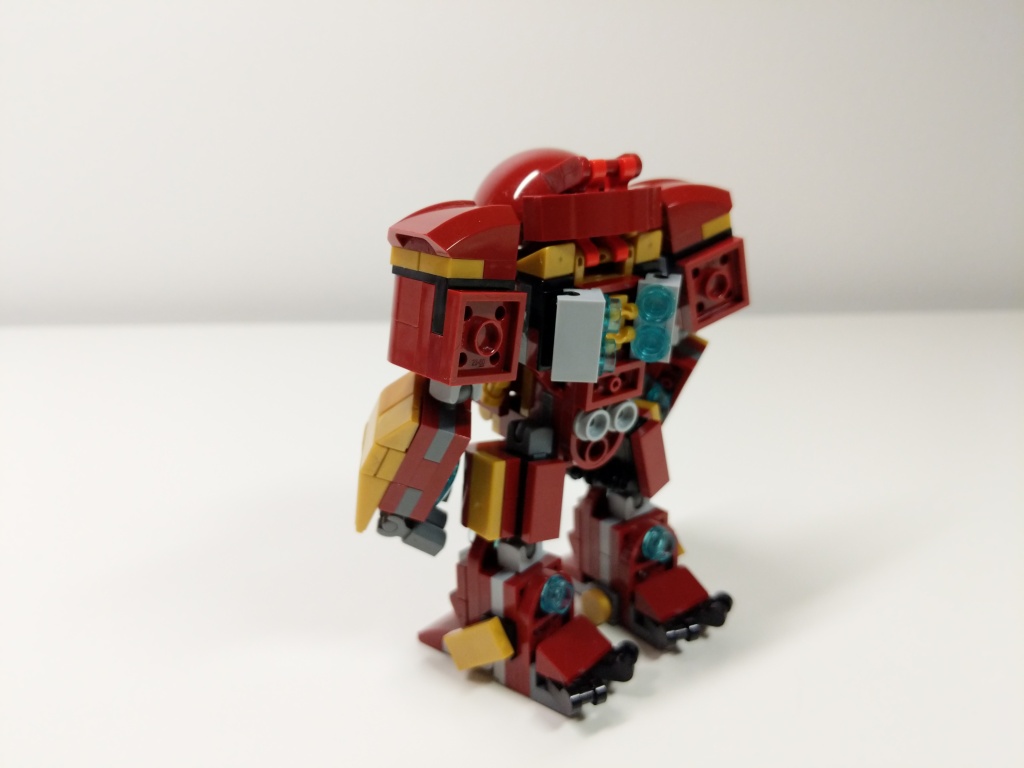
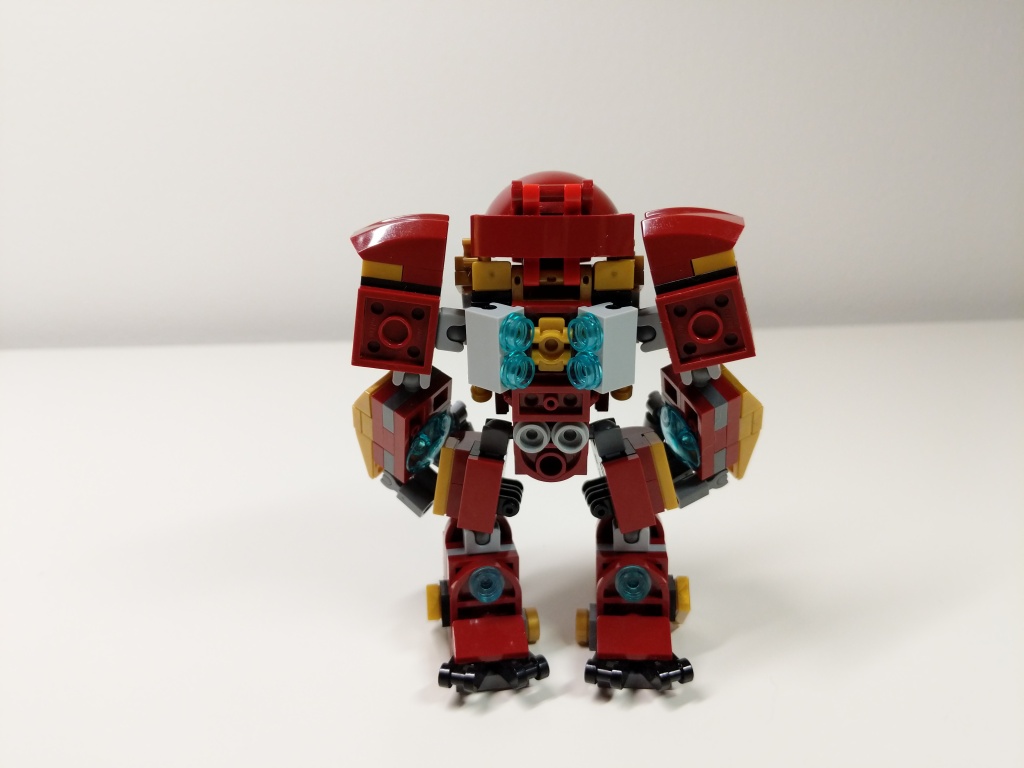
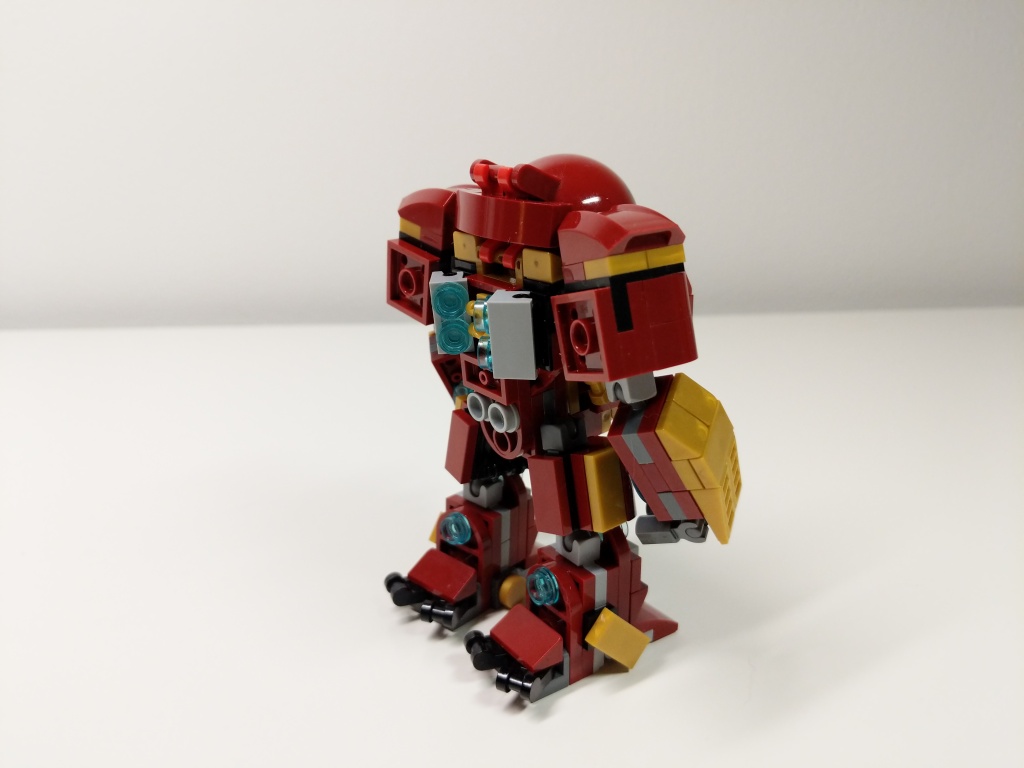
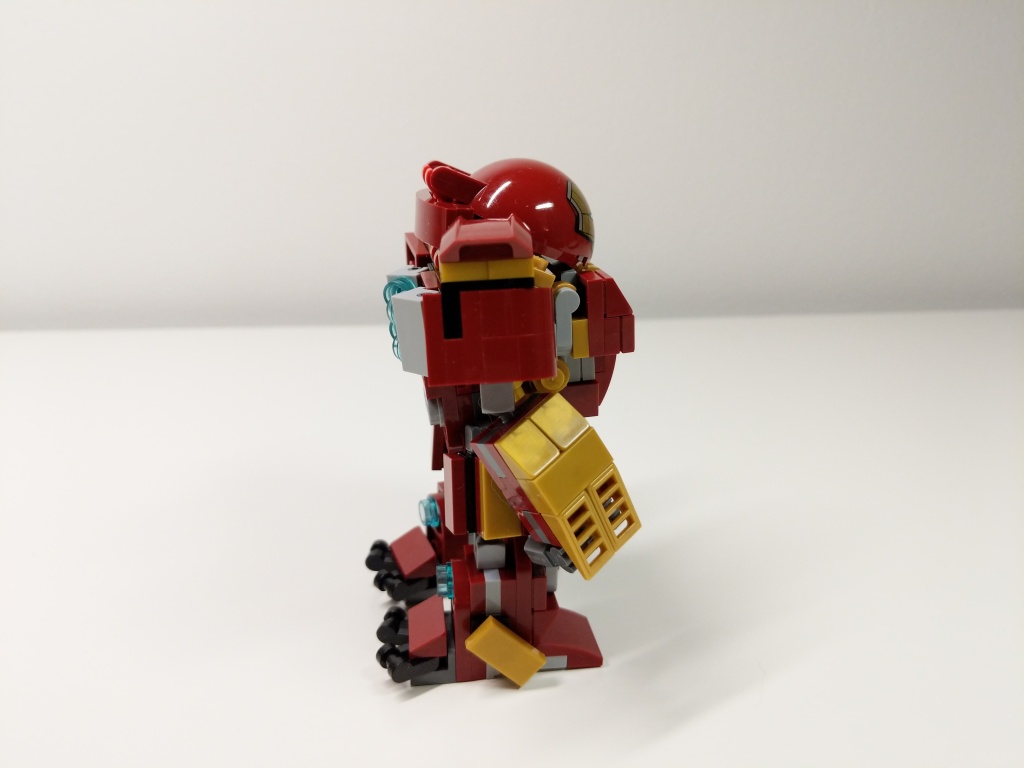
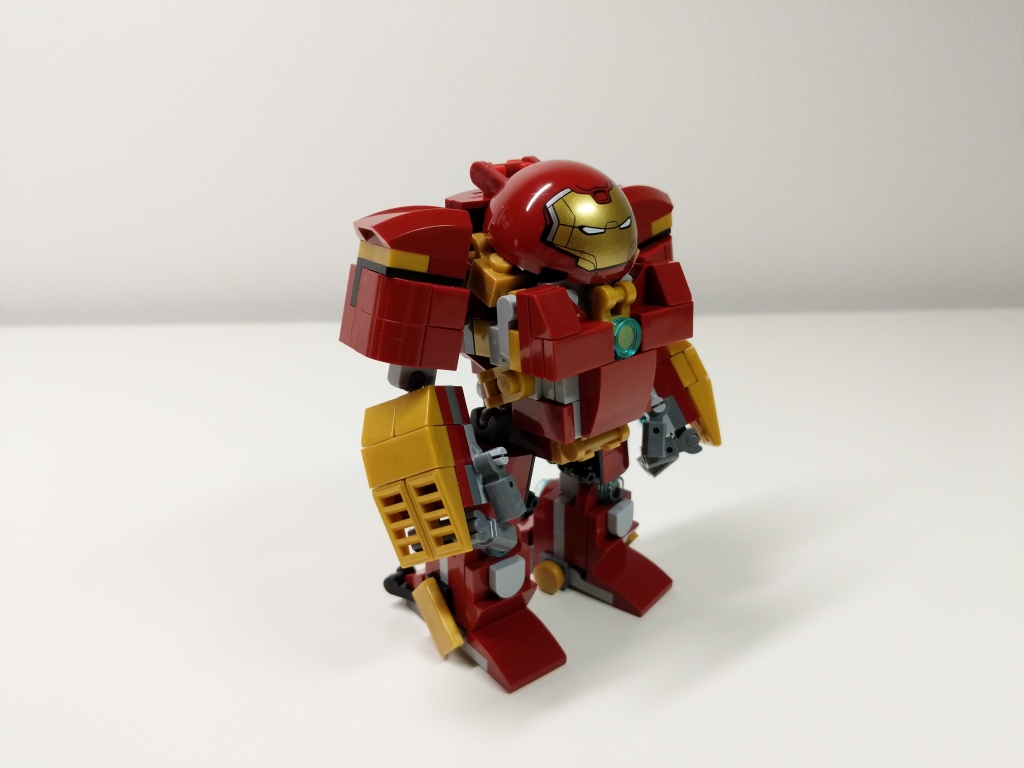
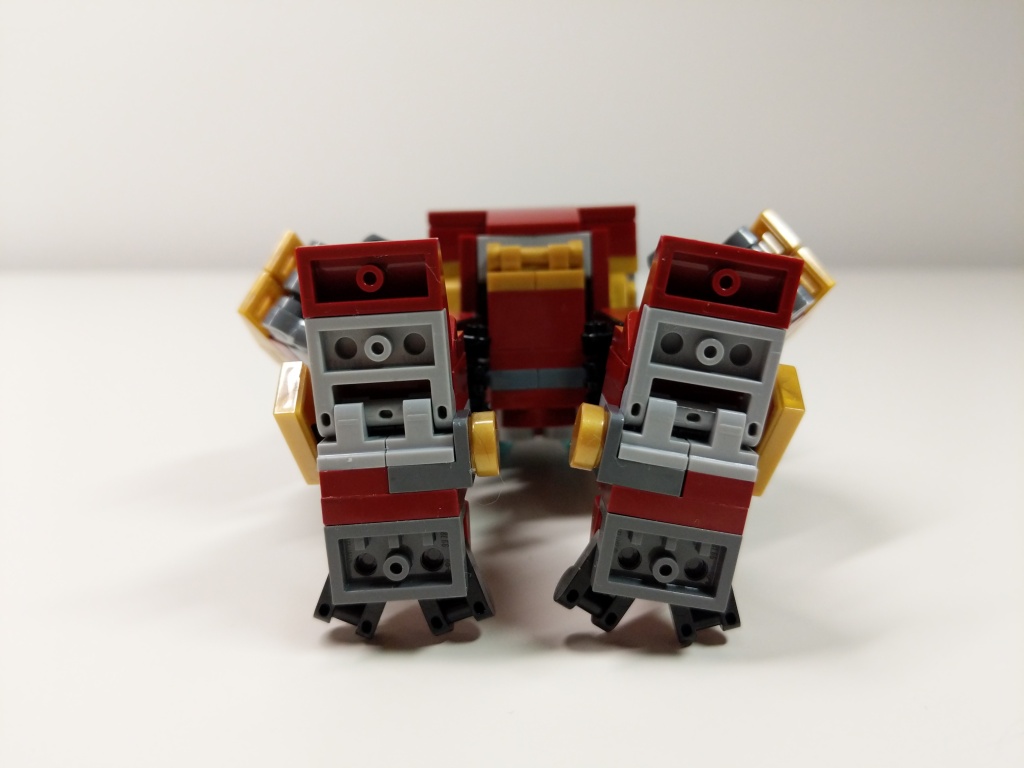
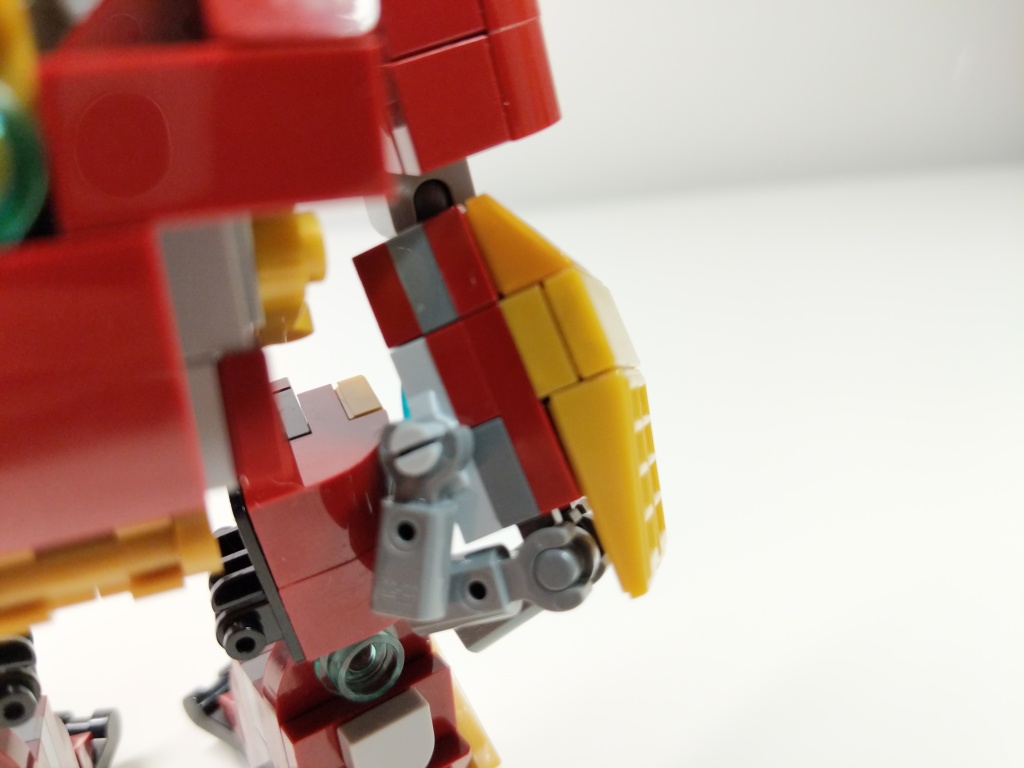
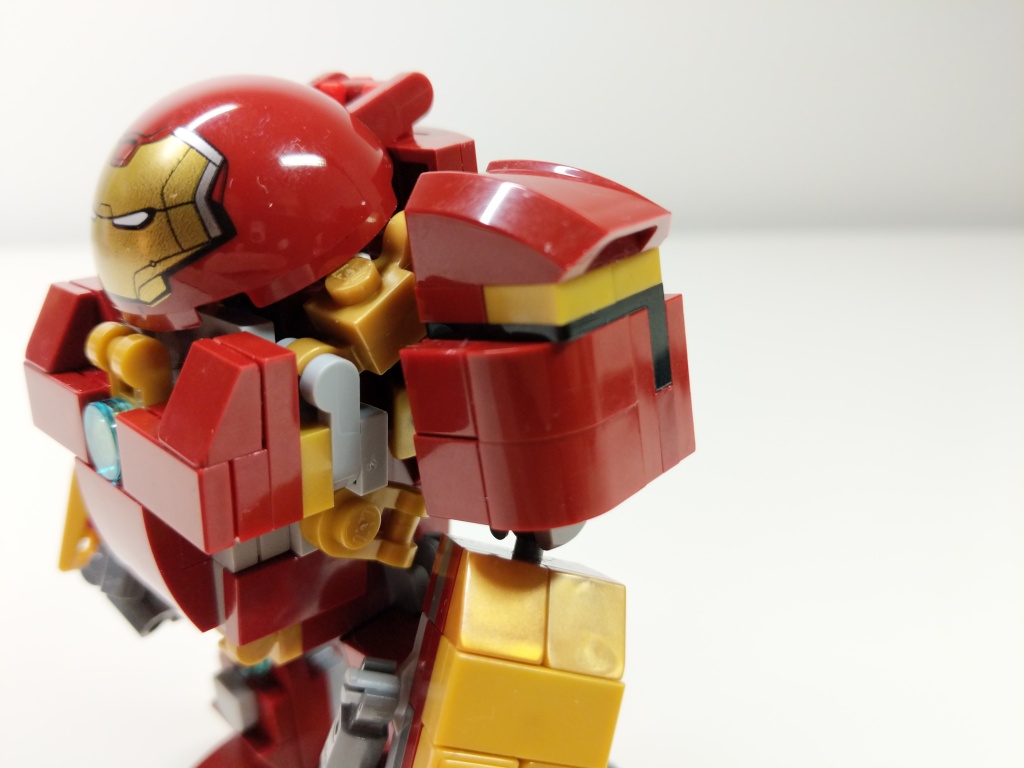
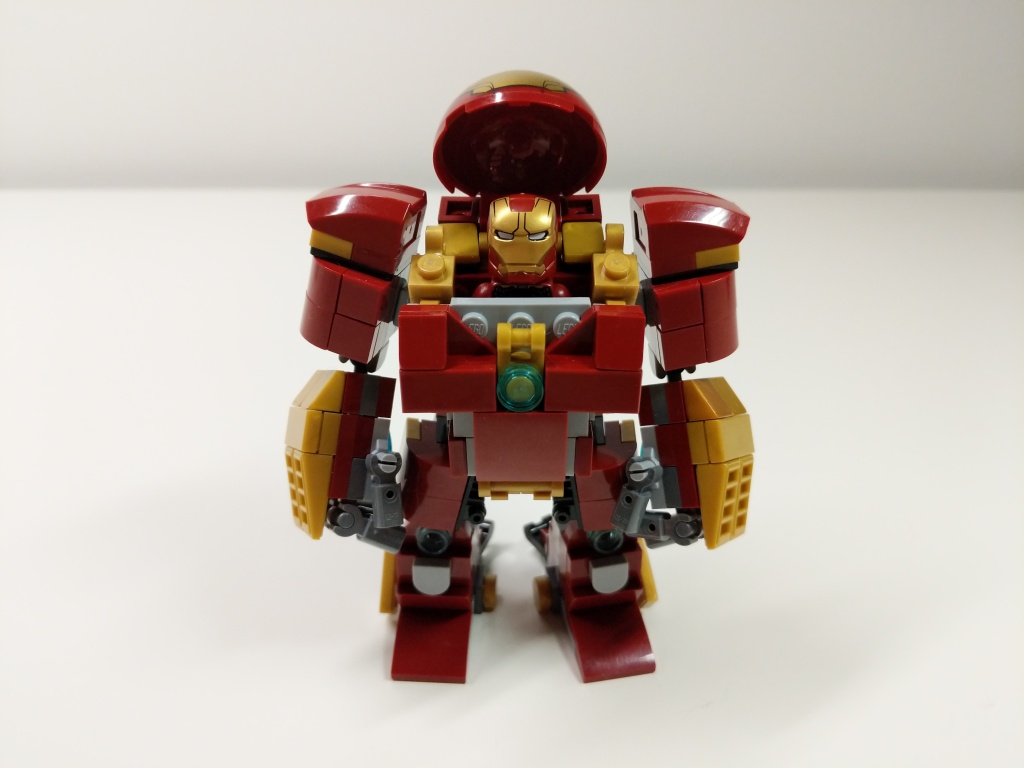
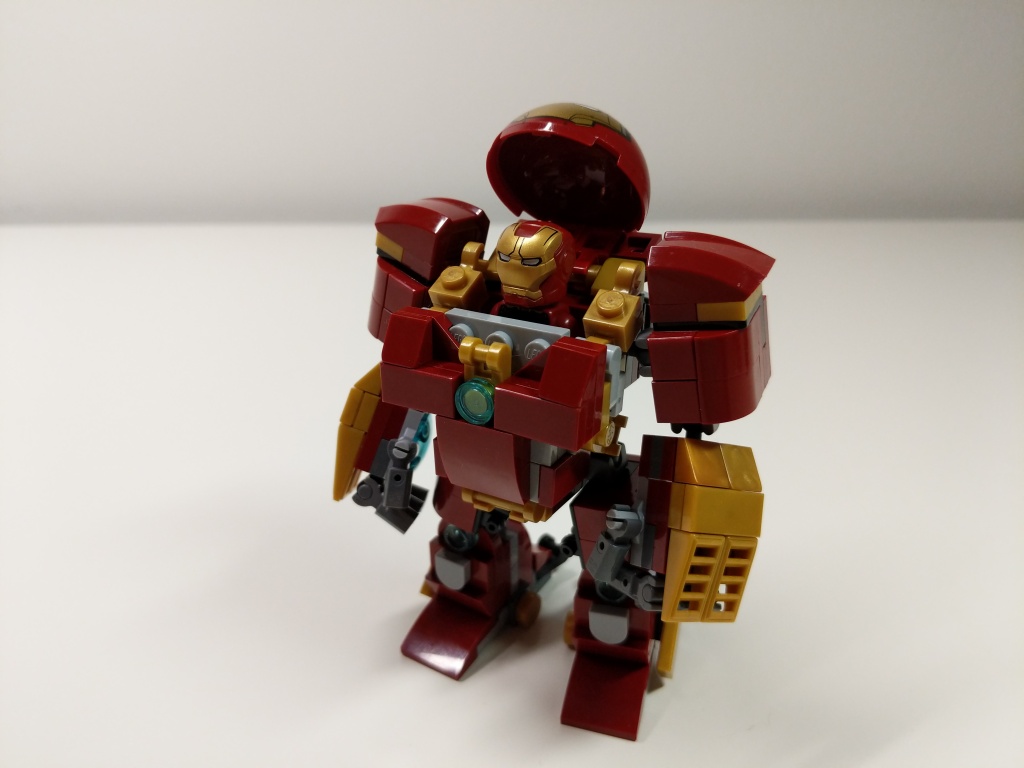
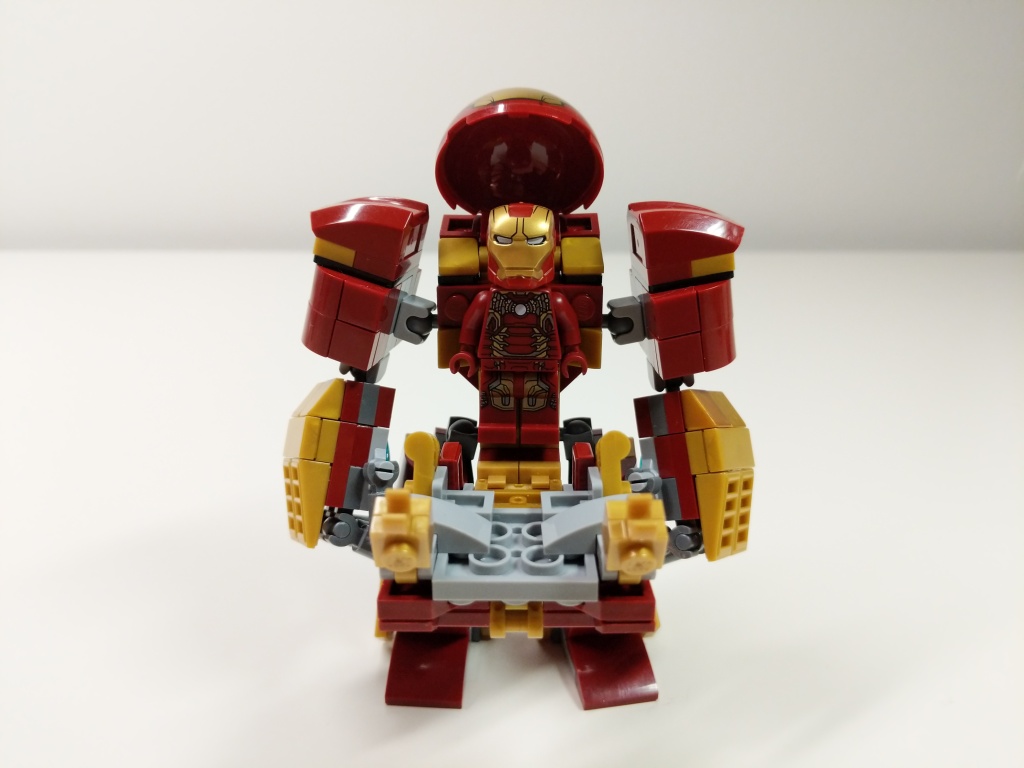
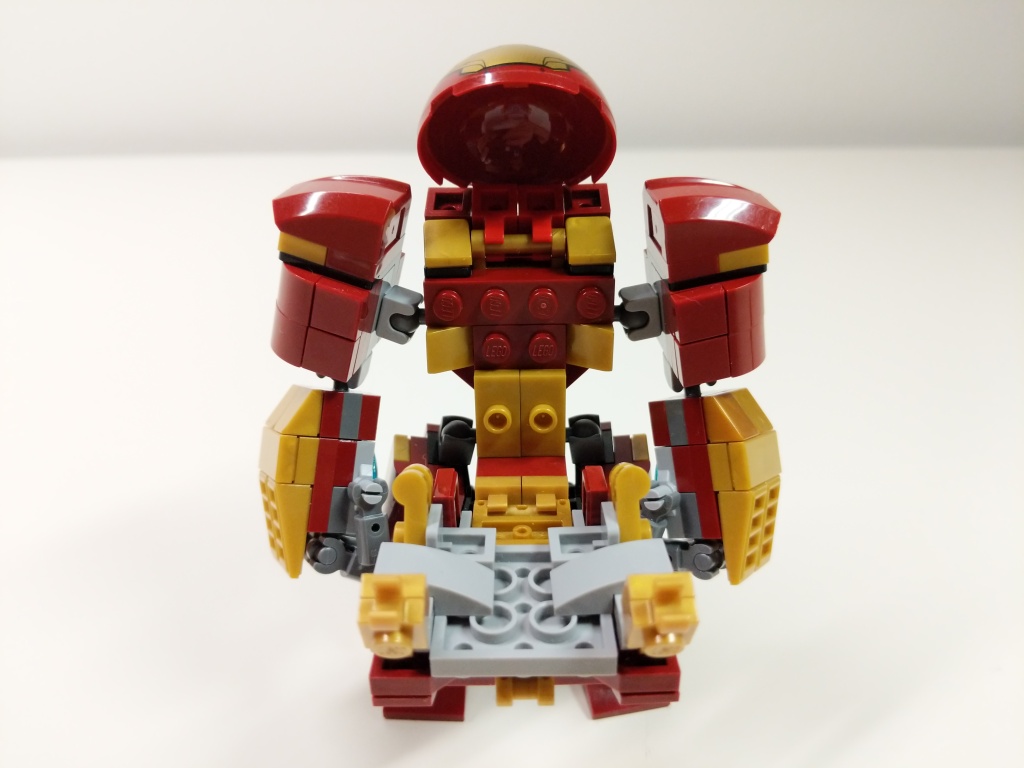
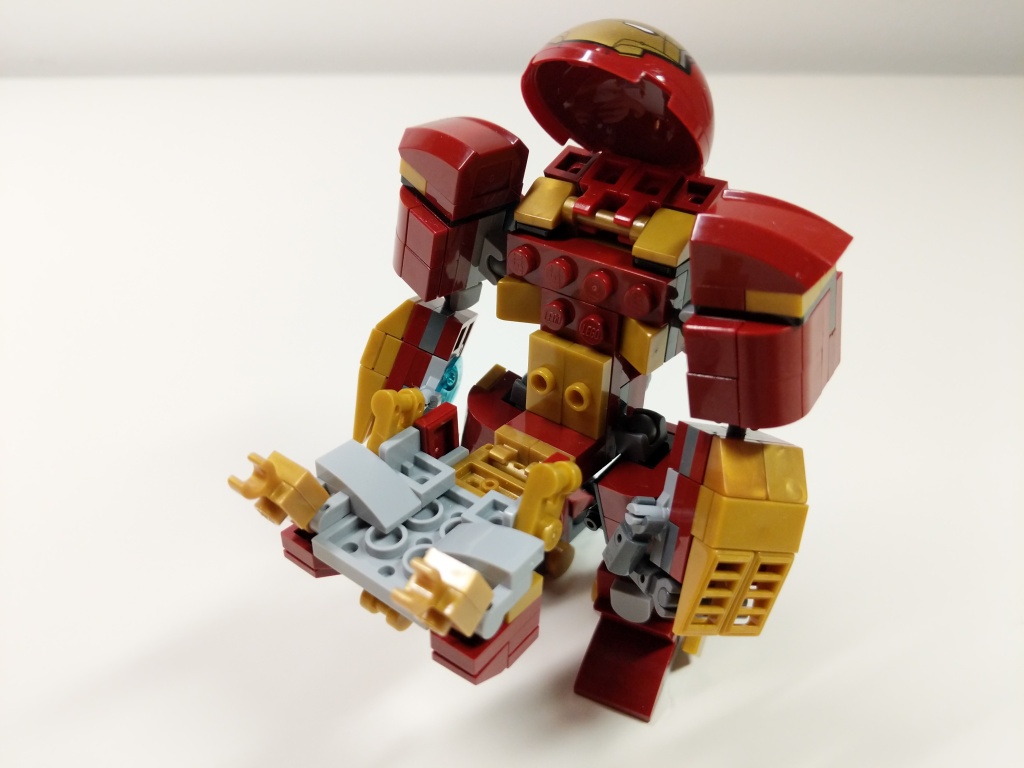
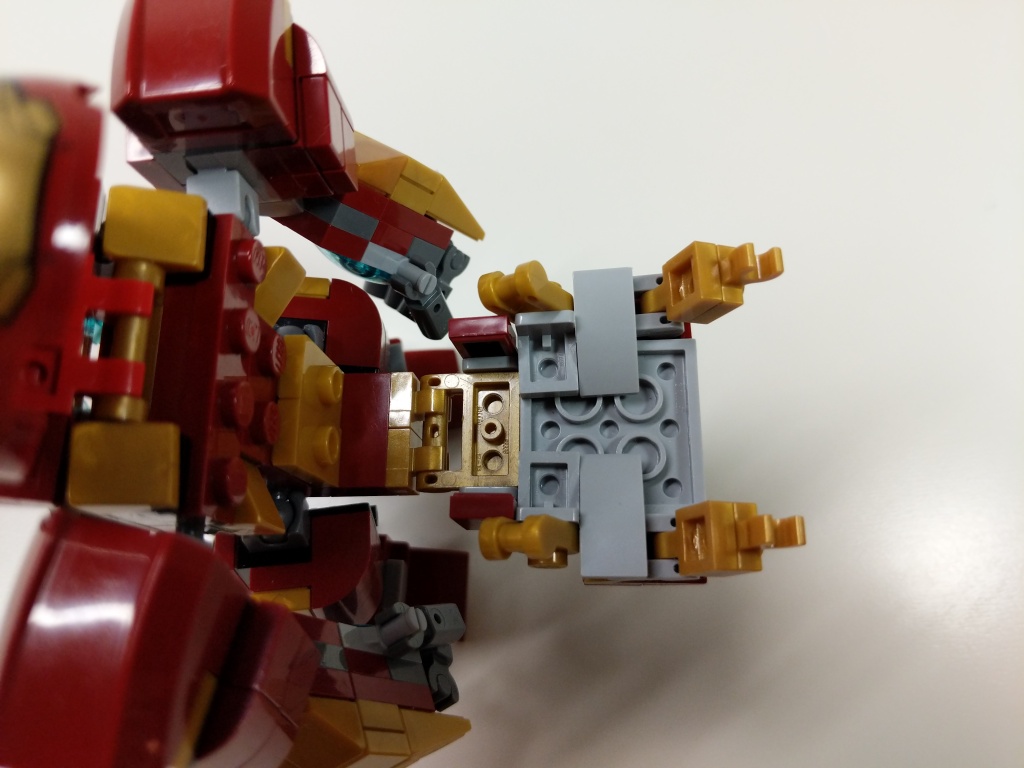
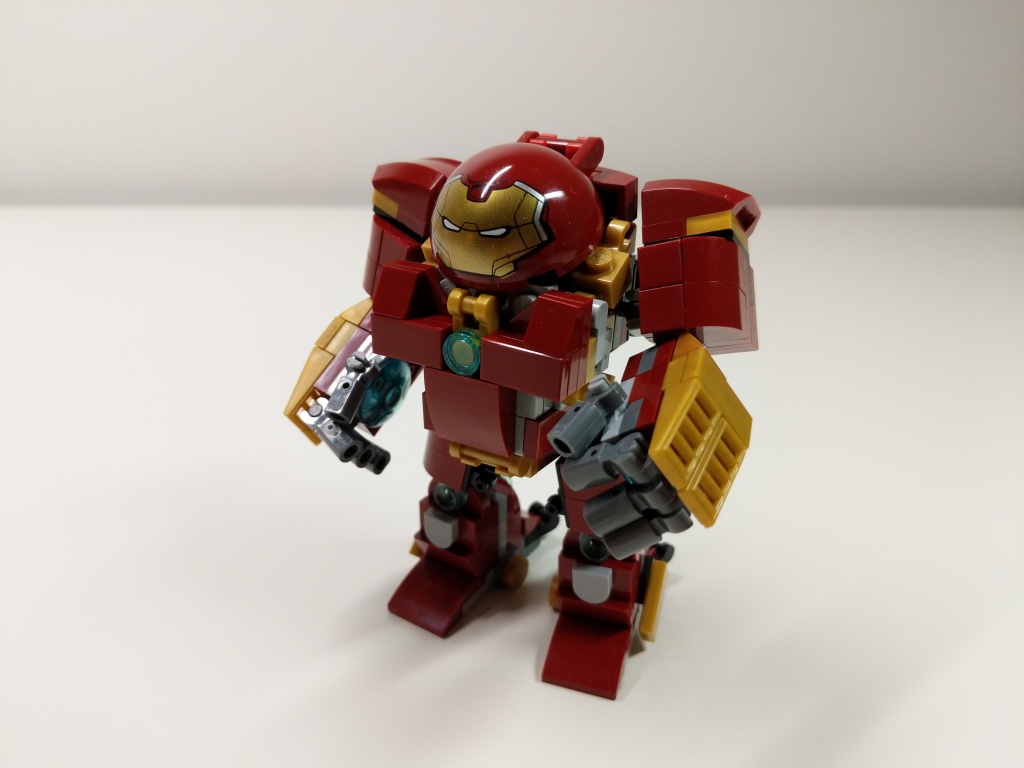
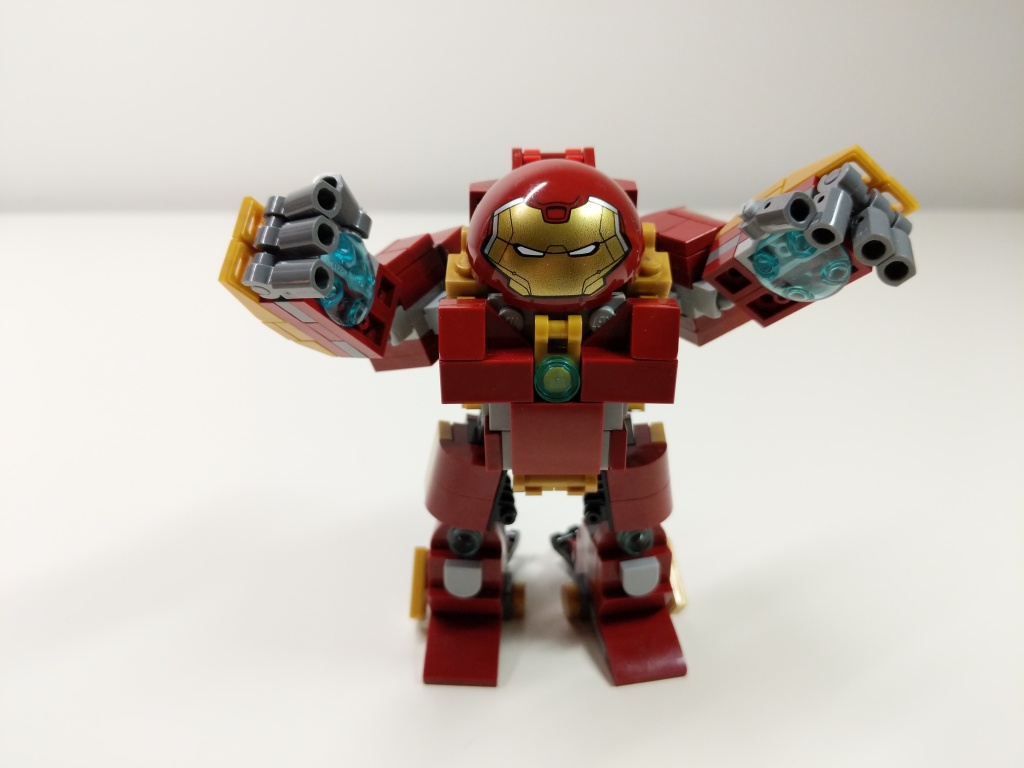
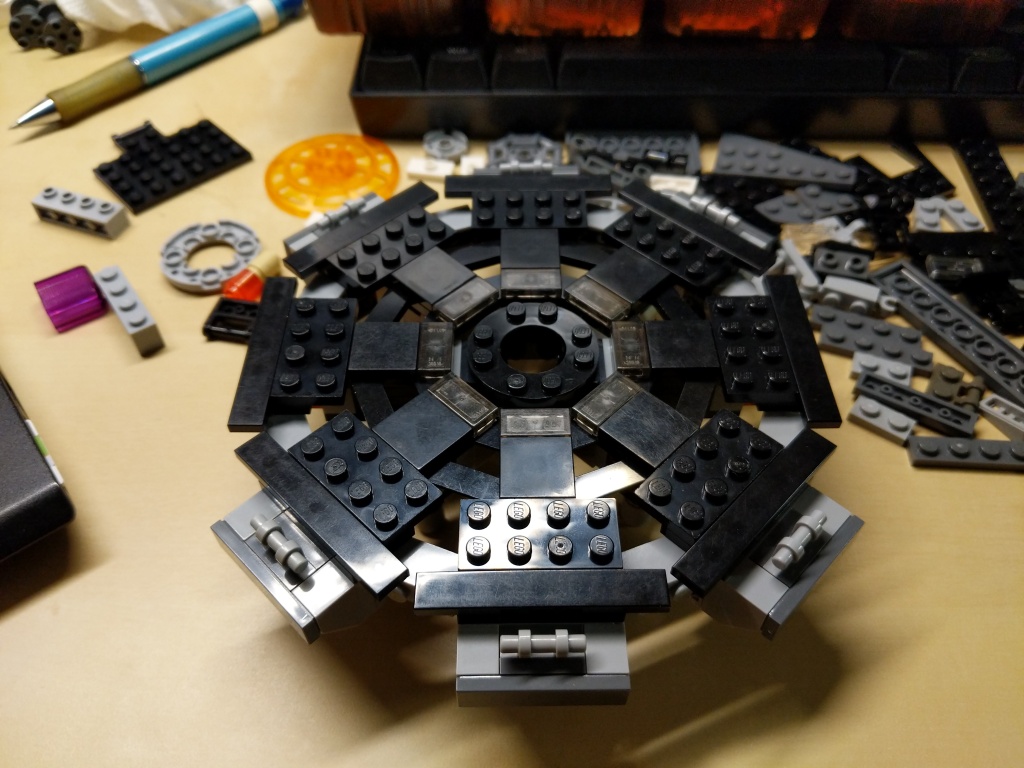
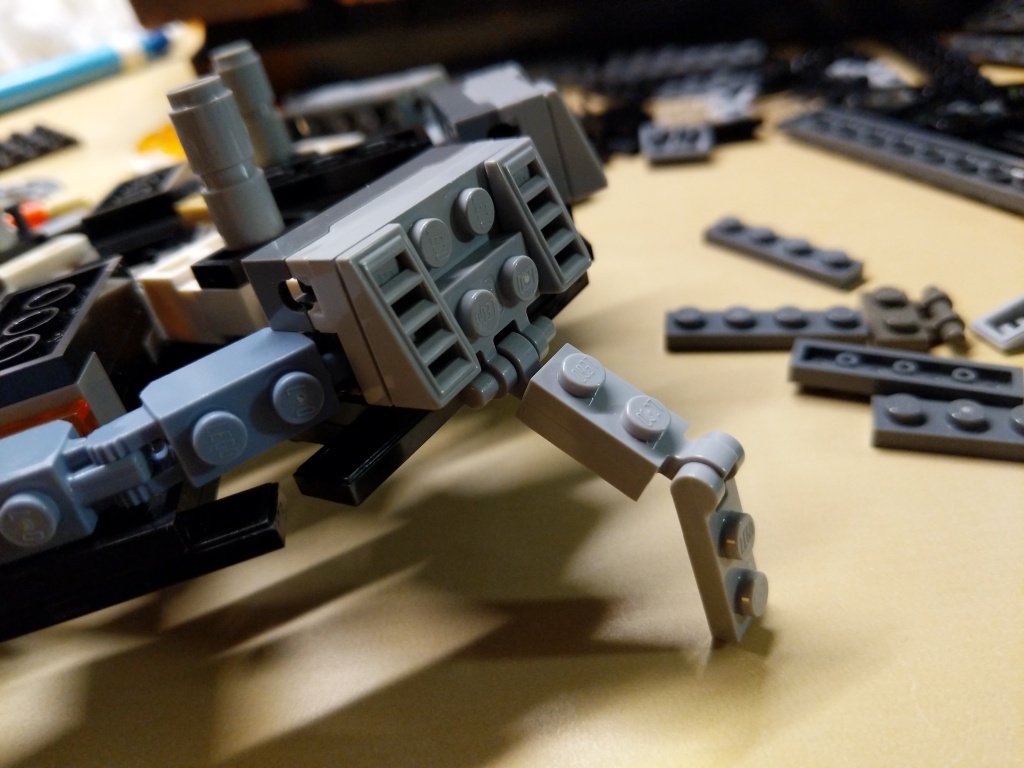
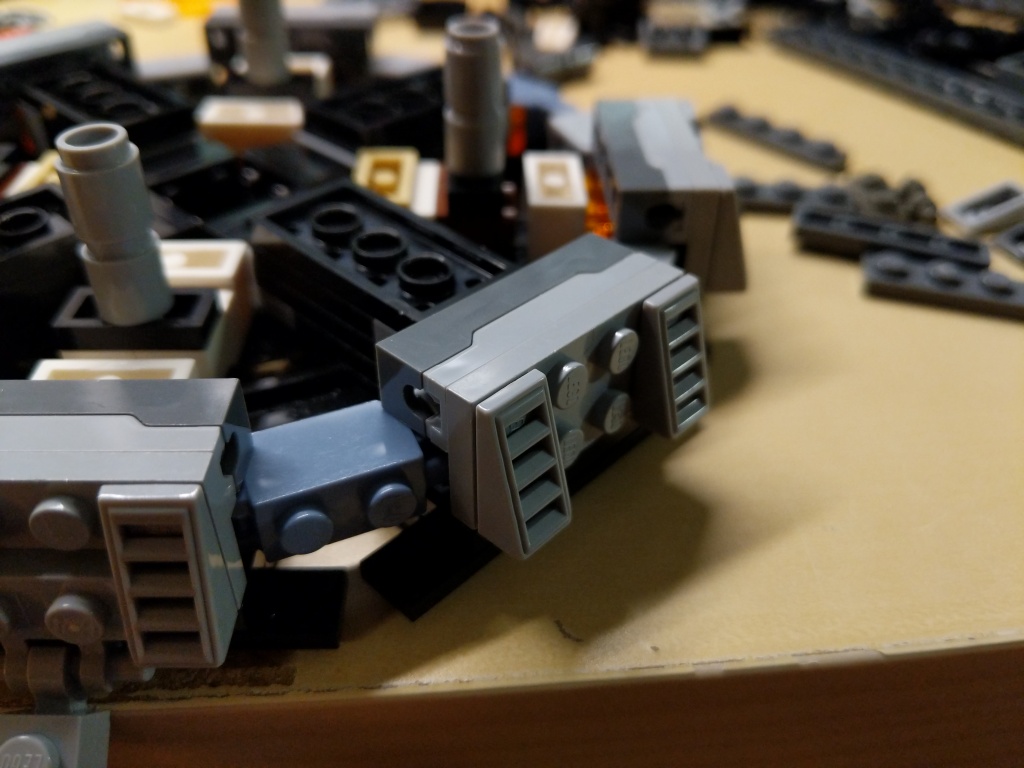
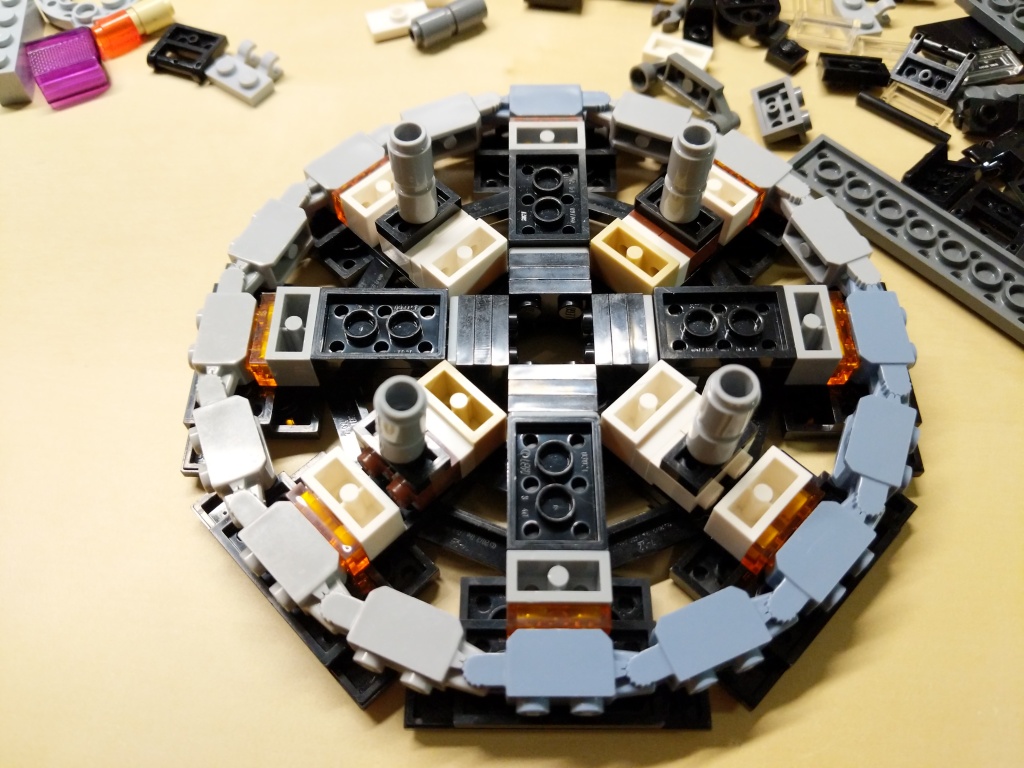
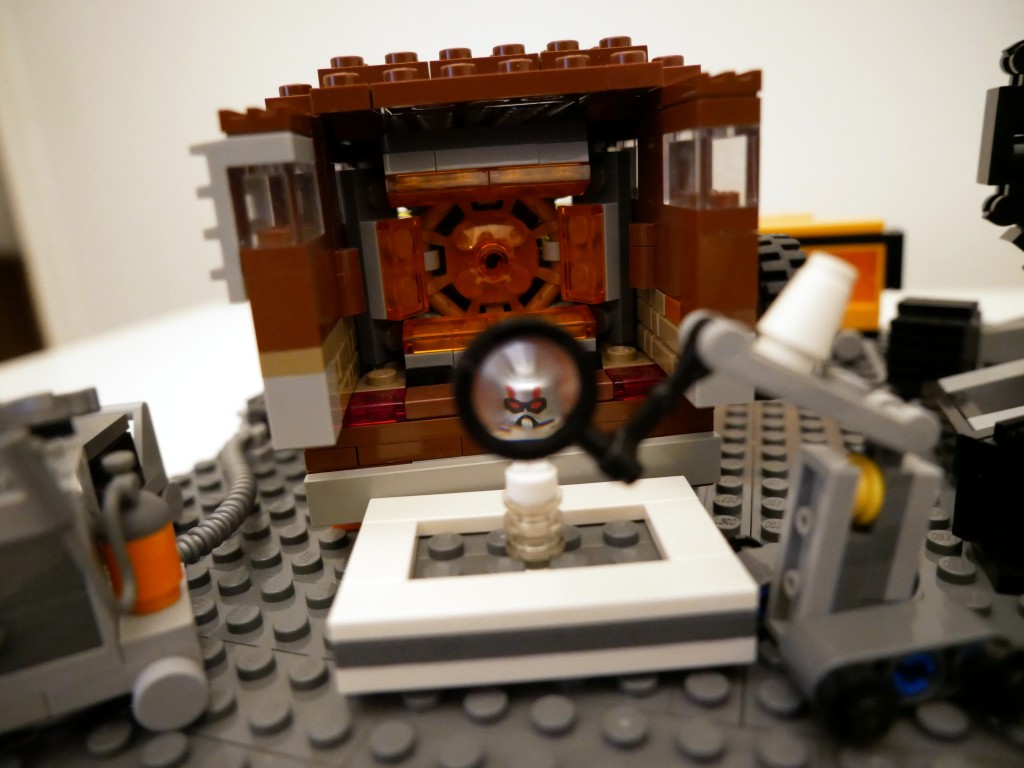
My Iron Man Hulkbuster Mark 44 Armor MOC with Iron Man Mark 43 Armor Minifigure.
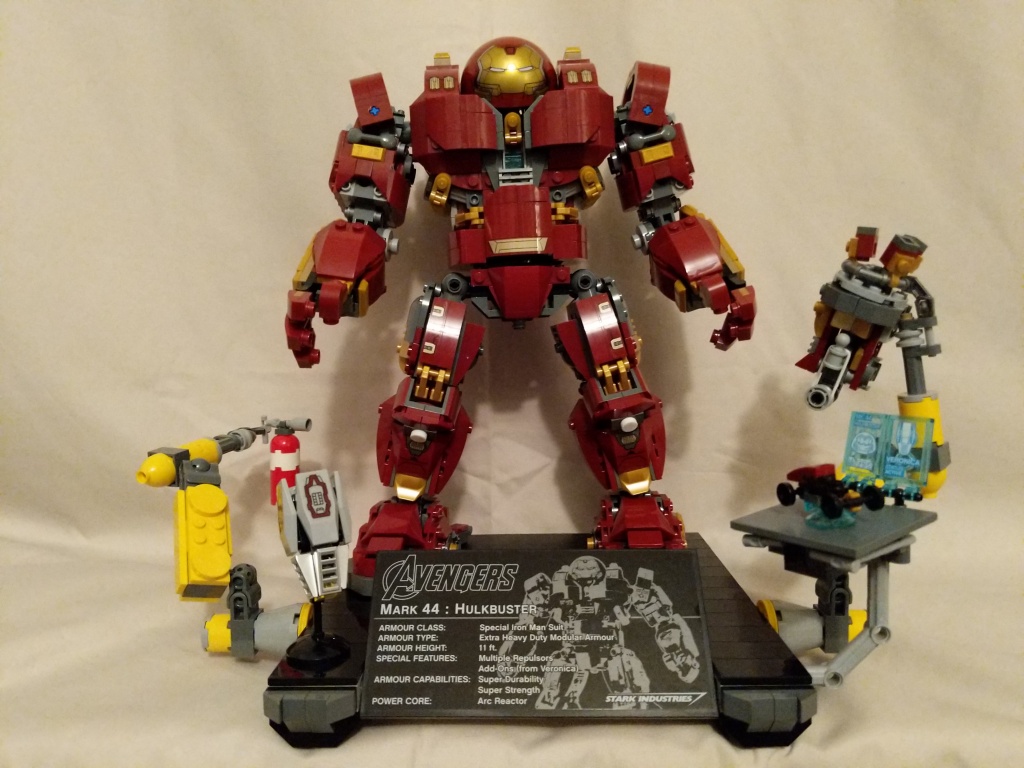
Continuing my recent post of past LEGO MOCs (my own creation), I wanted to share this minifig scale Hulkbuster armor for Iron Man that I built during the summer of 2019 as something more playable and scaled properly than 76105 The Hulkbuster: Ultron Edition pictured below.
Iron Man’s Mark 44 Hulkbuster Armor is meant to put him on par with The Hulk in terms of strength and size. Considering the minifigure at the heart of the 76105 set, it is gargantuan in comparison to The Hulk. Therefore, I set a goal to build Hulkbuster armor that matched the mini-figure scale as closely as possible, encapsulate an Iron Man minifigure, and have more points of articulation than the smaller Hulkbuster armor in 76031 The Hulk Buster Smash (having a swivel waist like the 76105 Hulkbuster in this small size was beyond my skill).
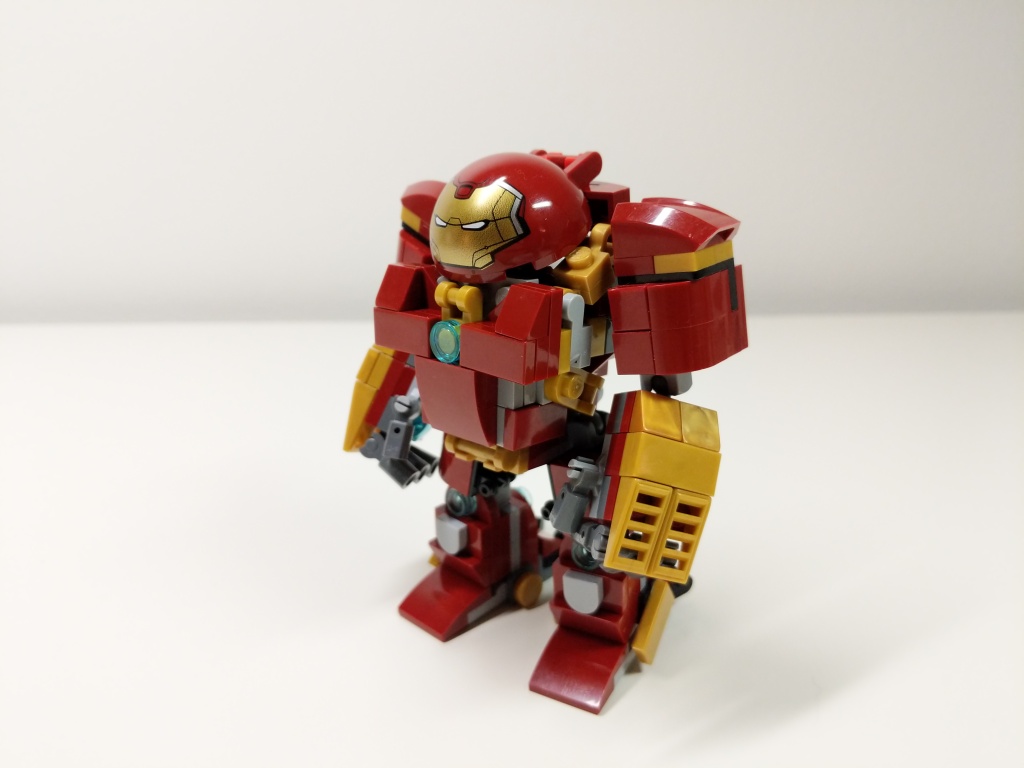
Igor in 76125 Iron Man Hall of Armor inspired the basic layout of Hulkbuster using the ball-joint connectors. The 5-stud wide chest piece with an arc reactor in the center and wrap-around elements is my favorite part of the build. Rotated views with a focus on key details are included below.
Given more specialized elements–especially in dark red and metallic gold–I think that I can continue to refine this model to pack as much detail as possible within its small size in comparison to its larger brethren.
I’ve been a big fan of the Marvel Cinematic Universe (MCU) since Robert Downey, Jr. donned the armor in Iron Man (2008). Following the thread of the story through 22 films that concluded with Iron Man’s ultimate sacrifice in Avengers: Endgame (2019) was staggering.
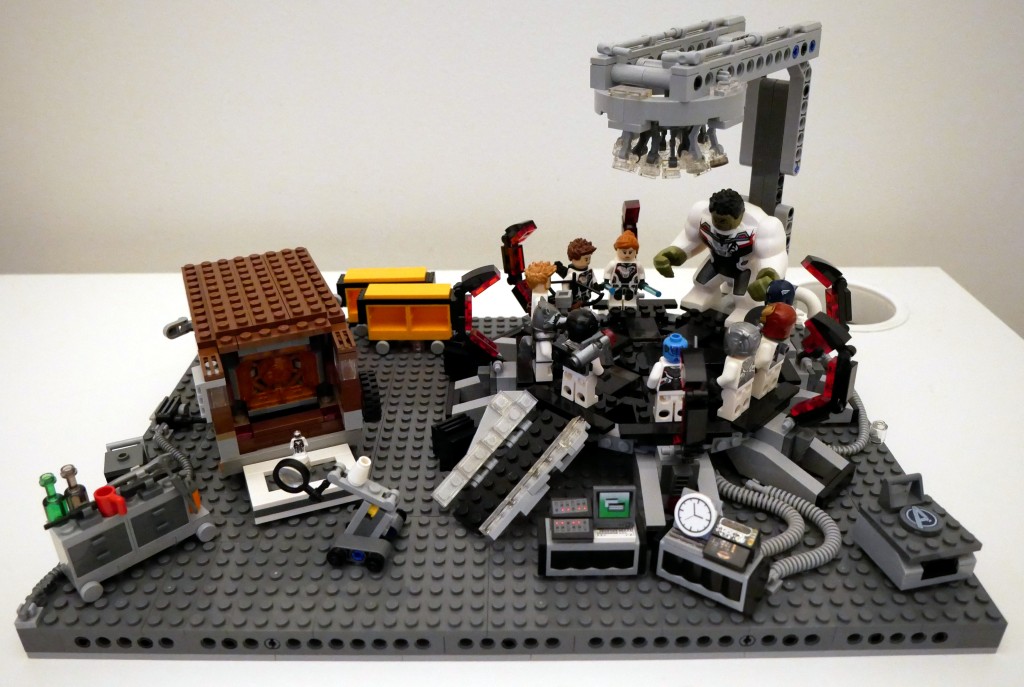
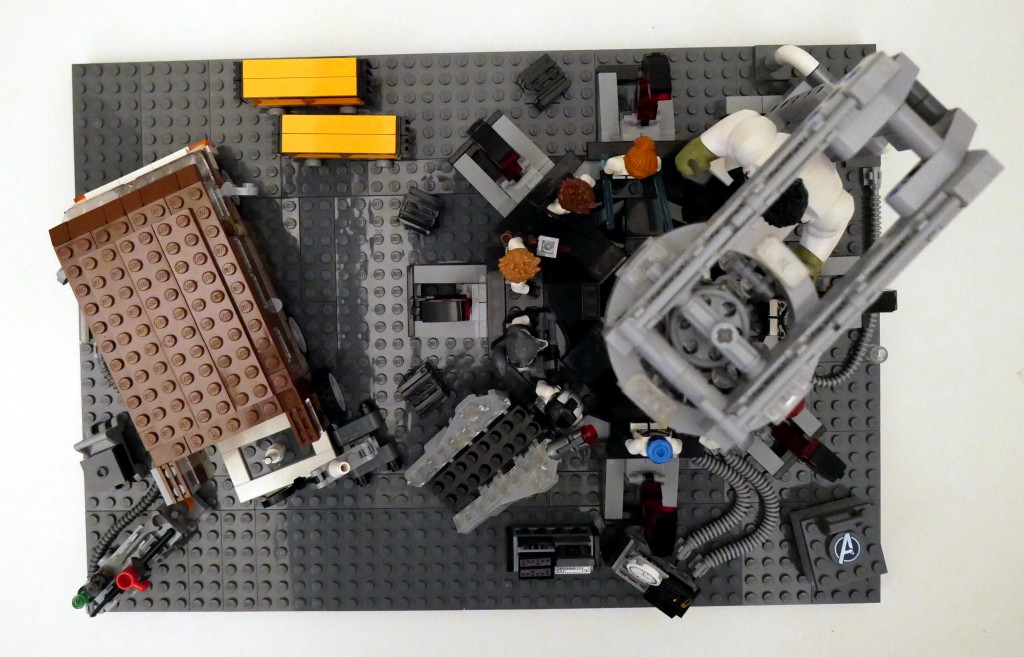
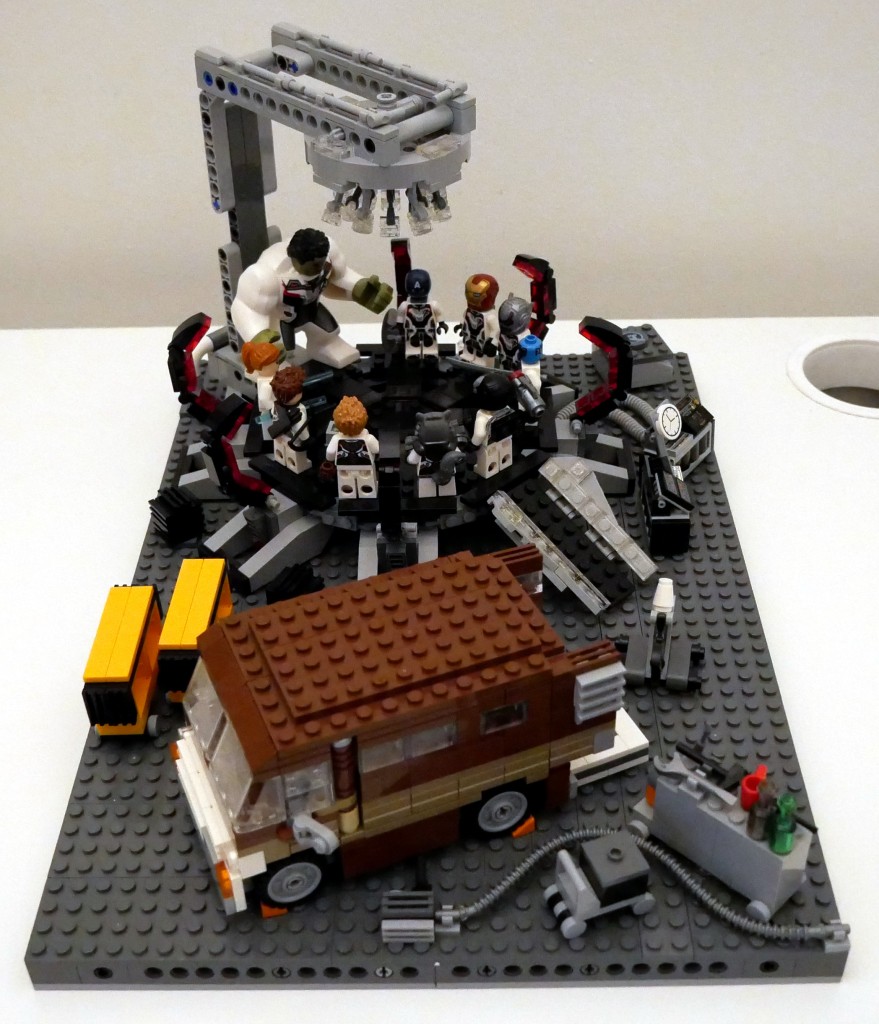
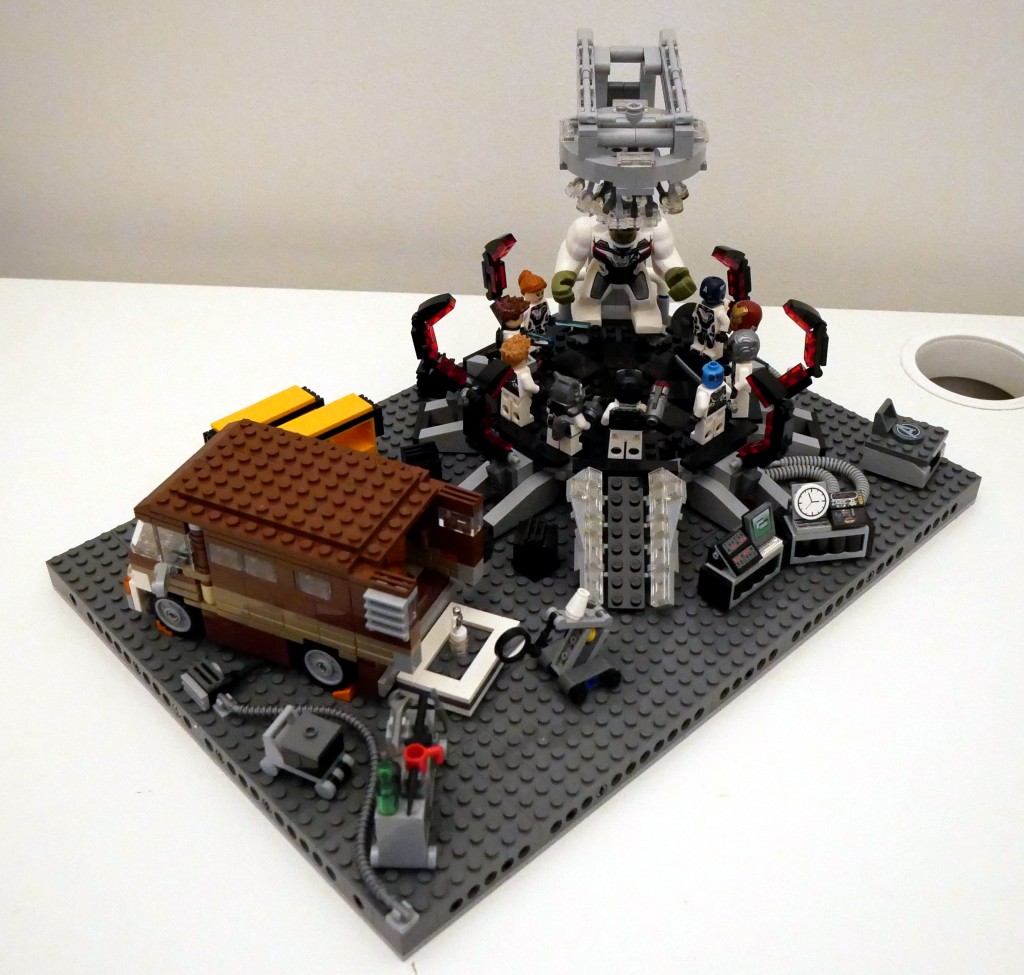
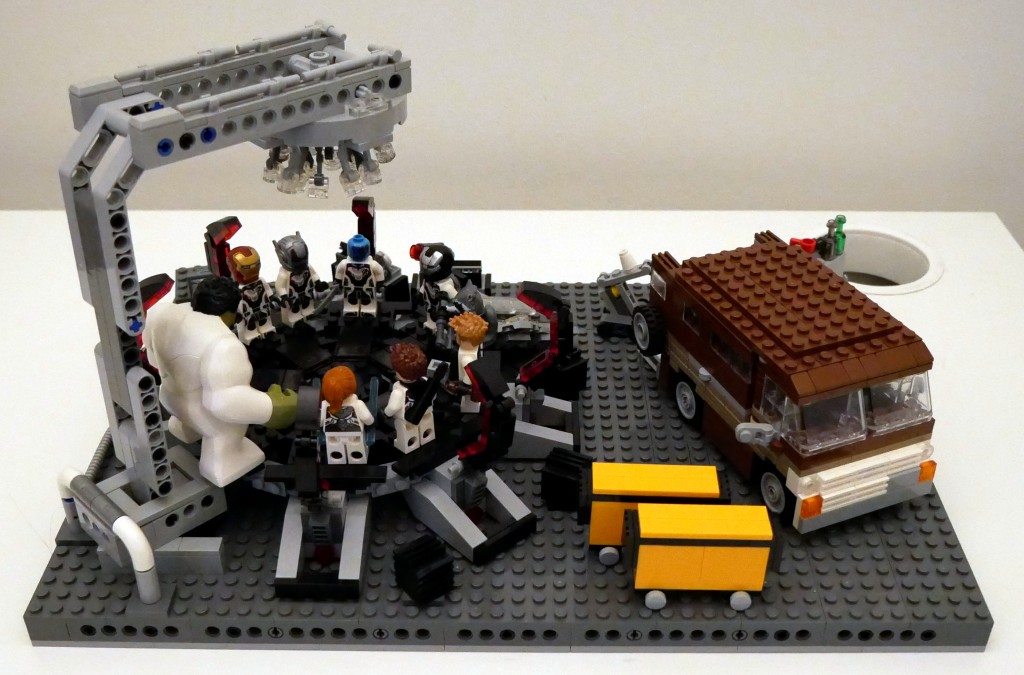
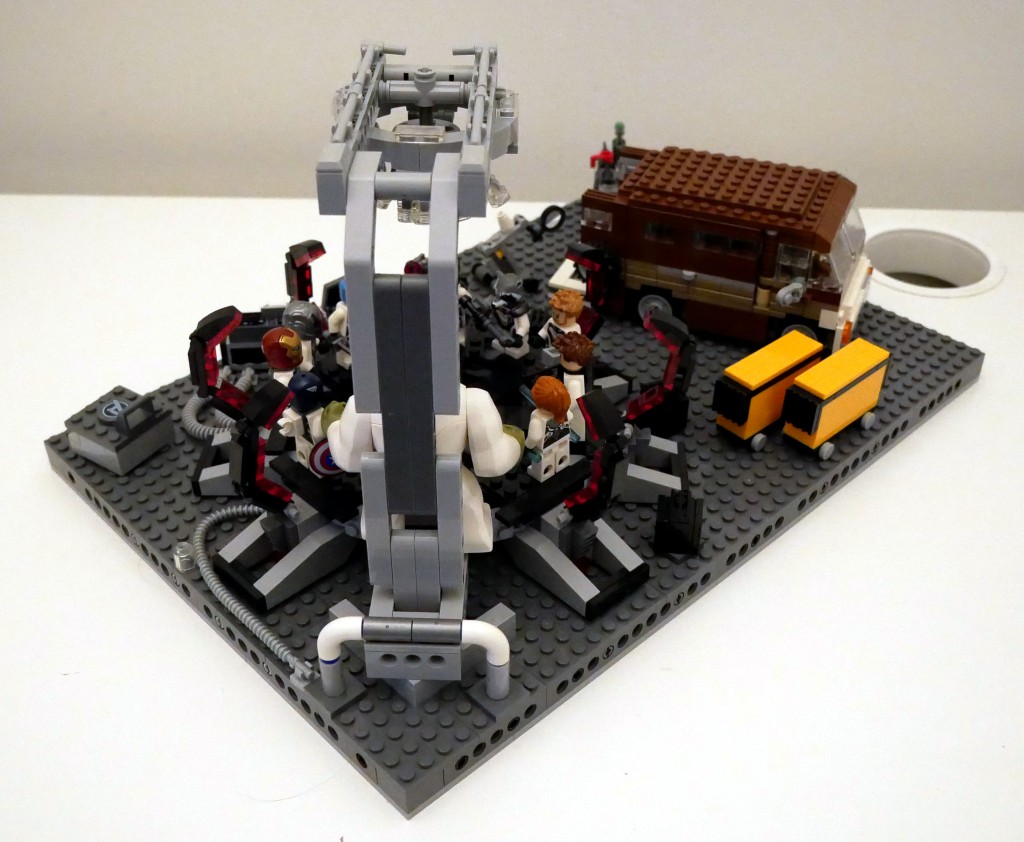
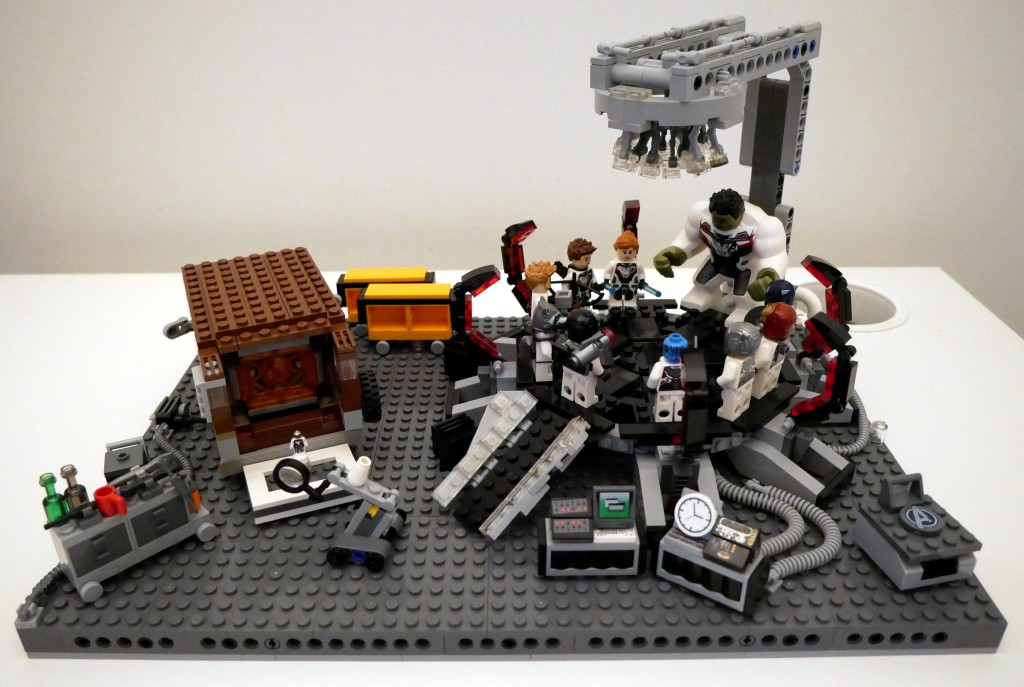
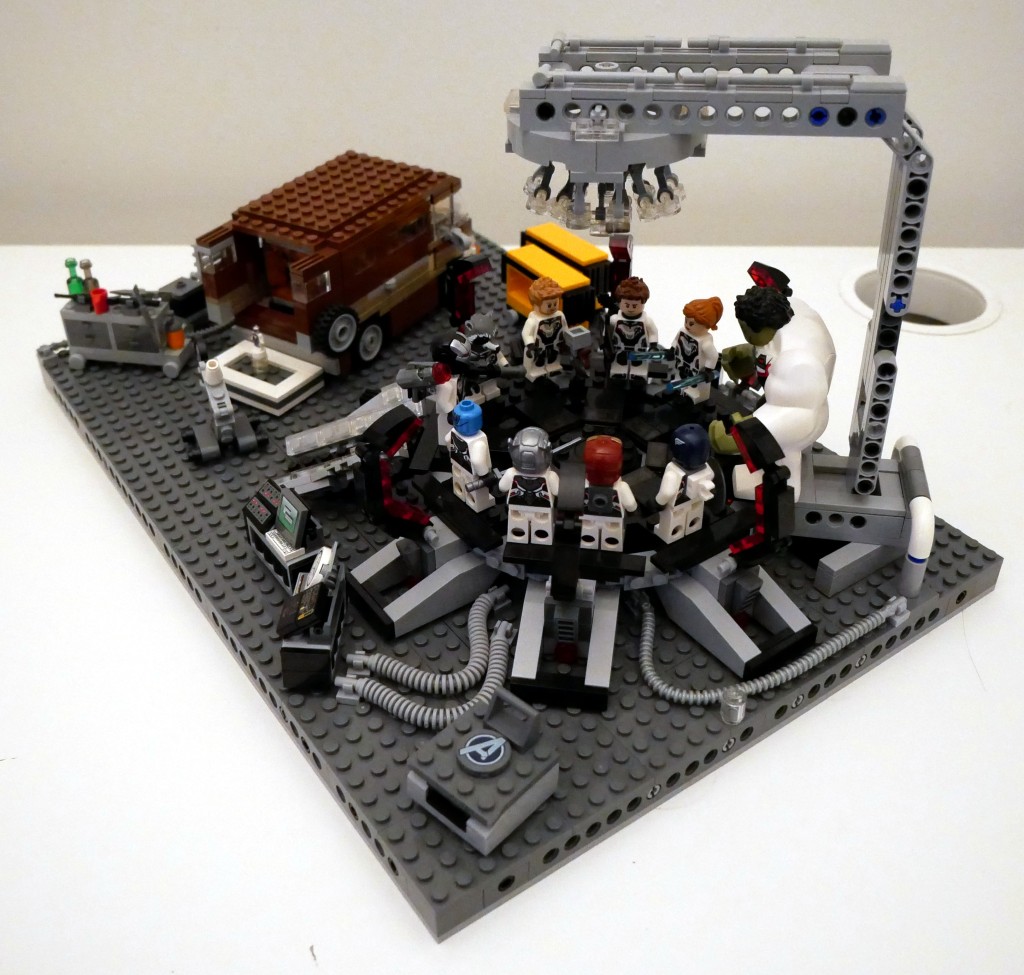
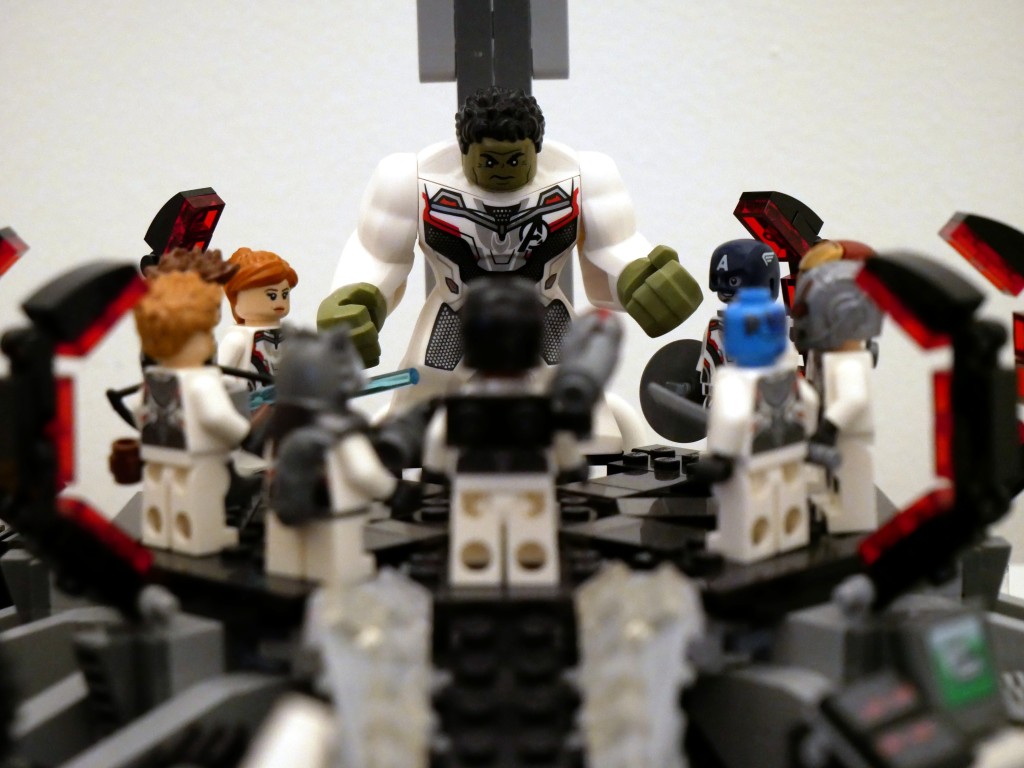
Shortly after watching that last film, I set to work on building this LEGO MOC (my own creation) scene from the Avengers Compound when they launch the “Time Heist” for a set of Infinity Stones. Unfortunately, I didn’t have enough bricks and elements to construct a proper superstructure of the hanger space that they used to build the time machine. Instead, I focused on elements found in the scene and incorporated some playability into the design. Rotated images of the full scene are below.
The key components of the set are the large quantum tunnel/time machine on the right, Luis’ van with the miniaturized quantum tunnel in the back, and a full set of Avengers wearing the Advanced Tech Suit (or Quantum Suit). The latter required purchasing LEGO sets 76124 War Machine Buster (for War Machine and Ant Man), 76144 Avengers Hulk Helicopter (Hulk and Black Widow), 76126 Avengers Ultimate Quinjet (Rocket, Thor, Hawkeye, and Black Widow), 76131 Avengers Compound Battle (mini Ant Man and Nebula), 76123 Captain America: Outriders Attack (Captain America), and 30452 Iron Man and Dum-E (Iron Man).
BTW: LEGO has ensemble film tie-in sets down pat by spreading characters across sets–including sets that don’t appear in the film–to maximize profile. I’ve experienced this before with Star Wars, Harry Potter, Lord of the Rings, and The Hobbit.
Luis’s Van
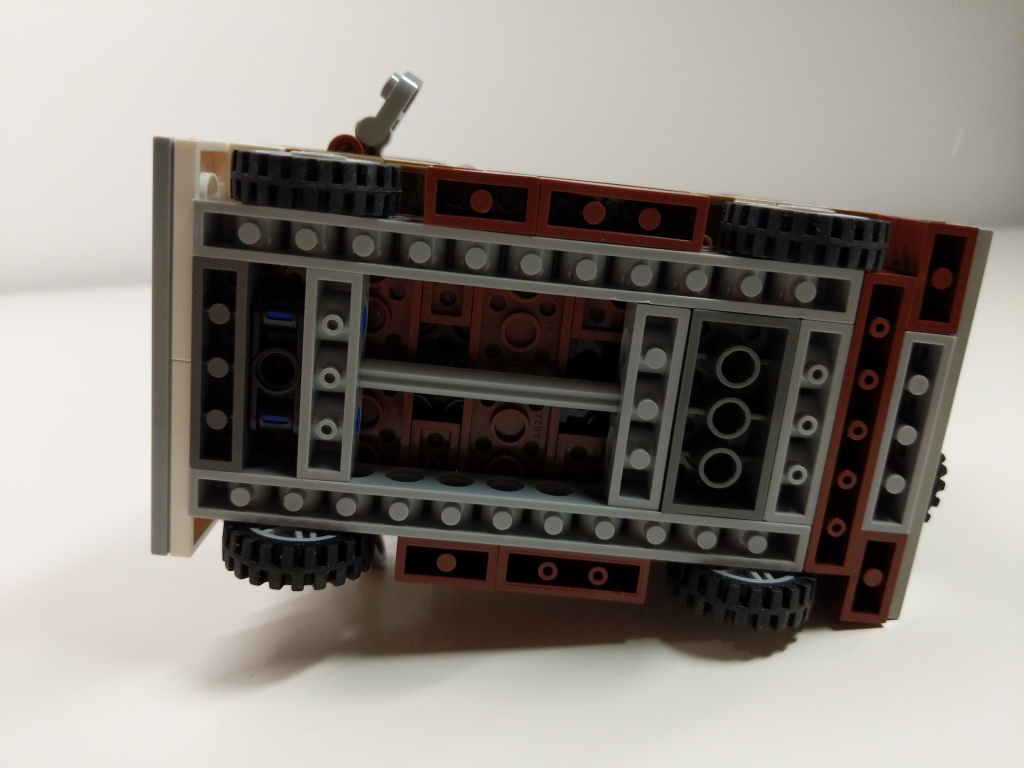
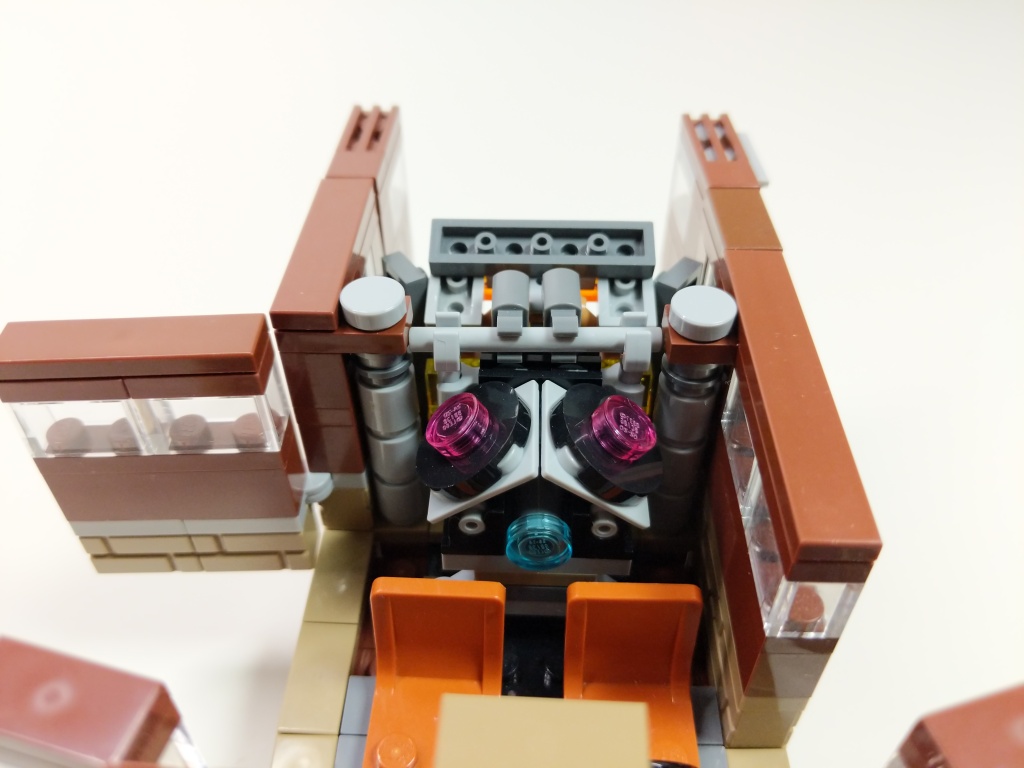
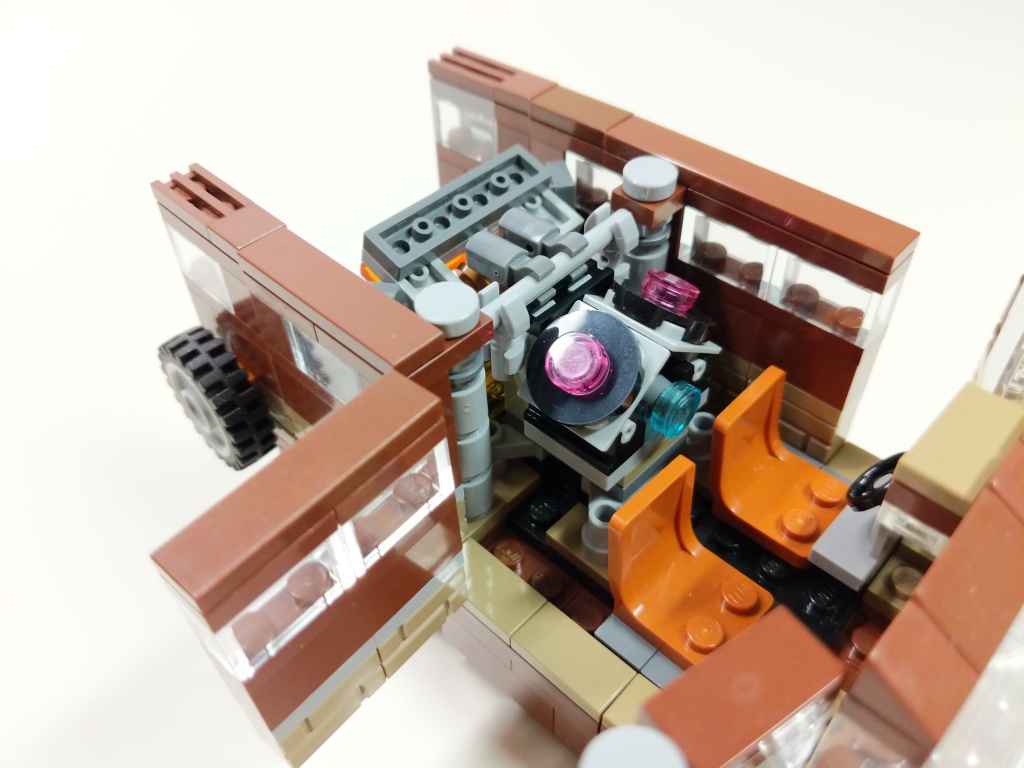
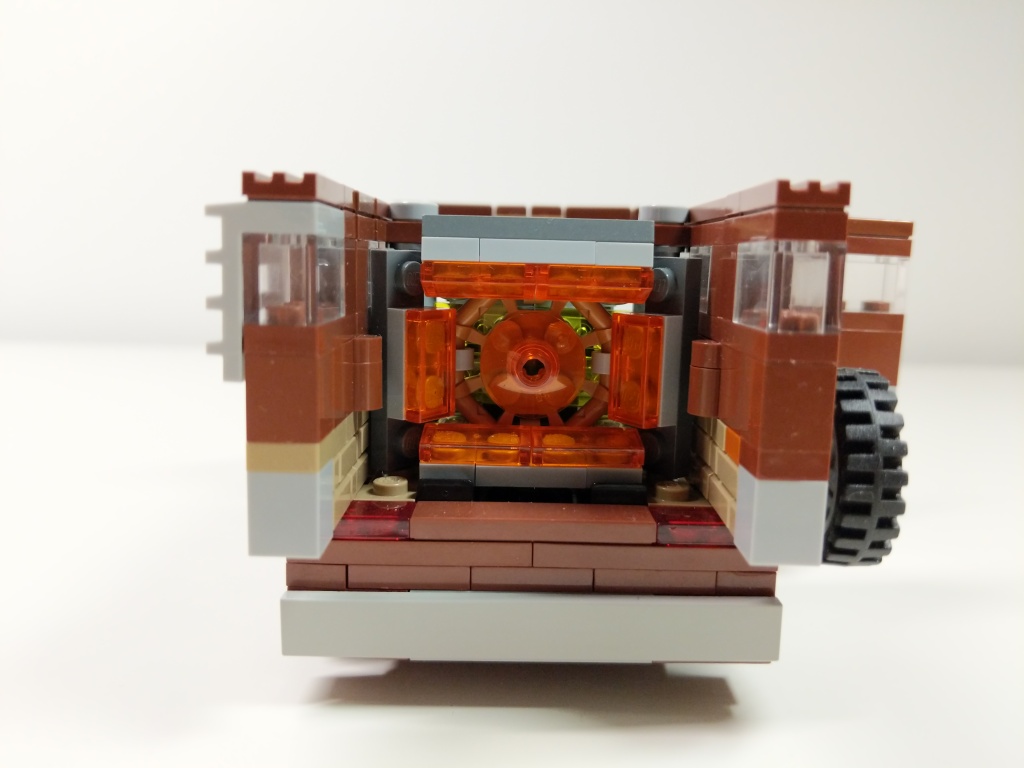
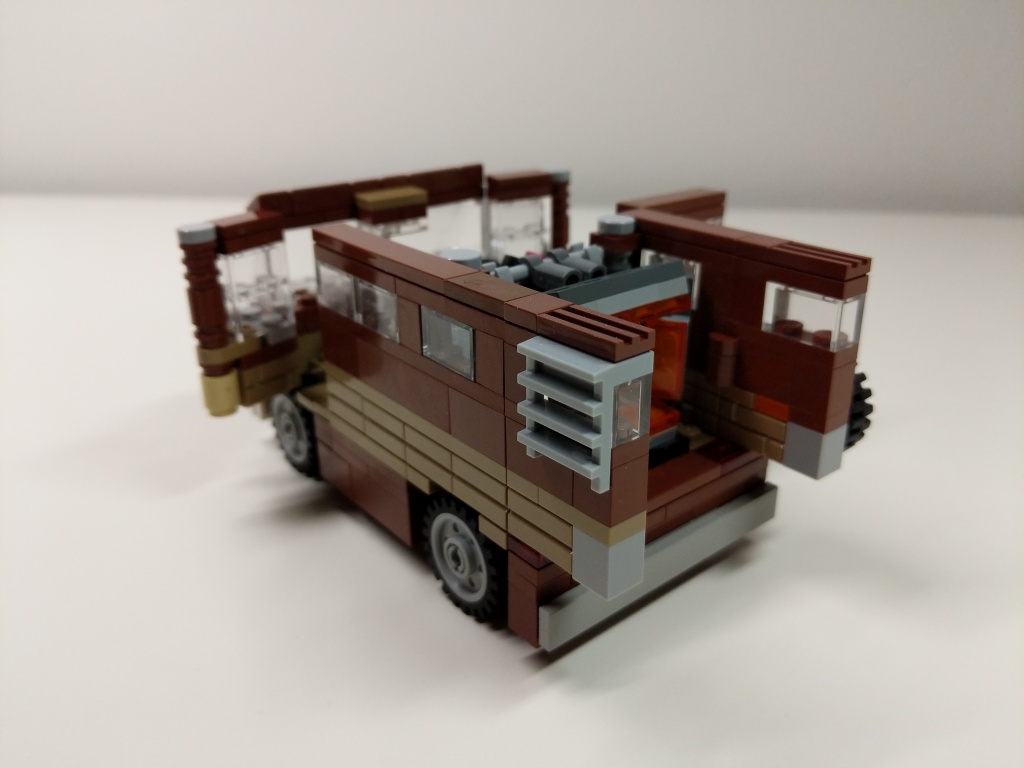
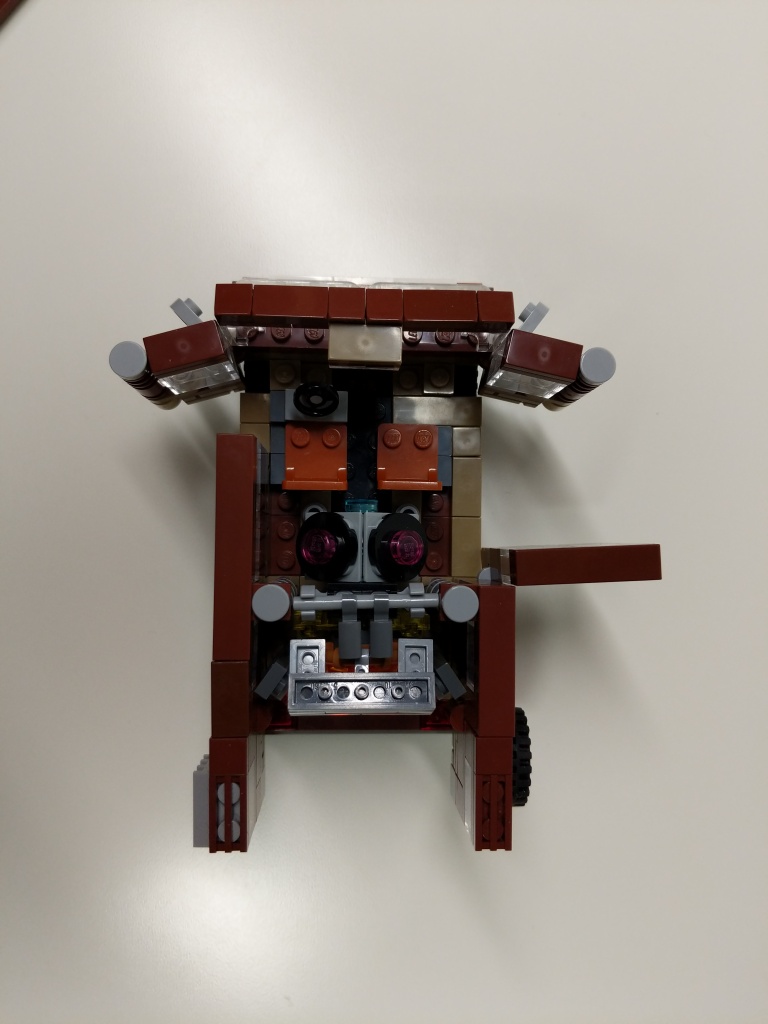
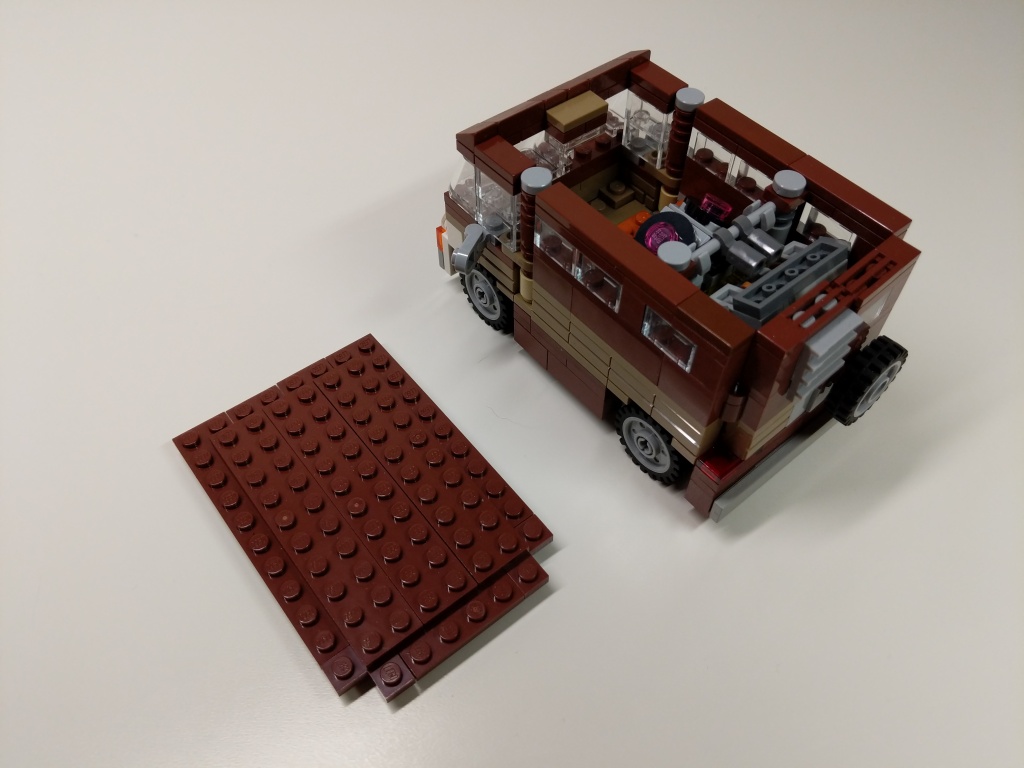
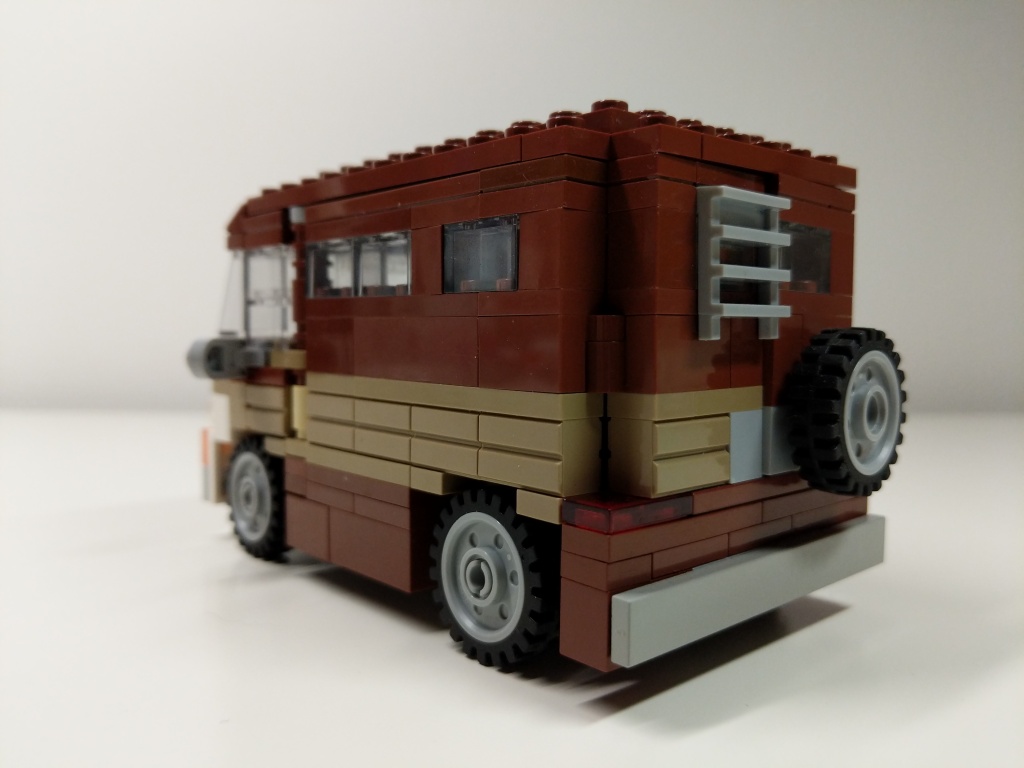
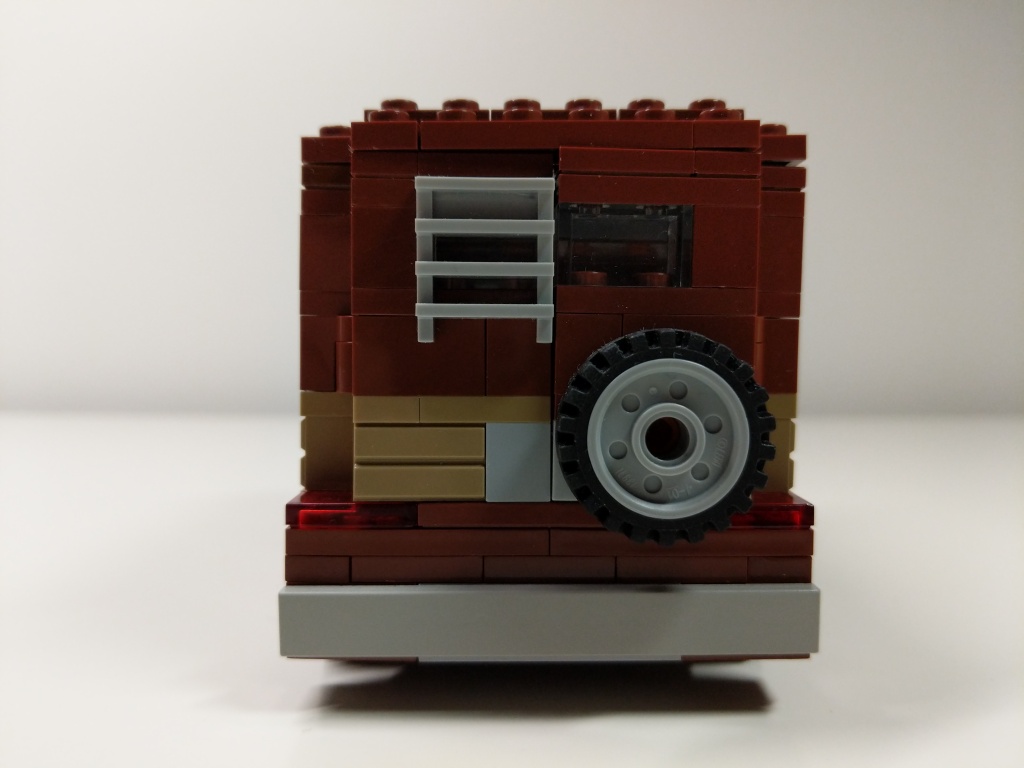
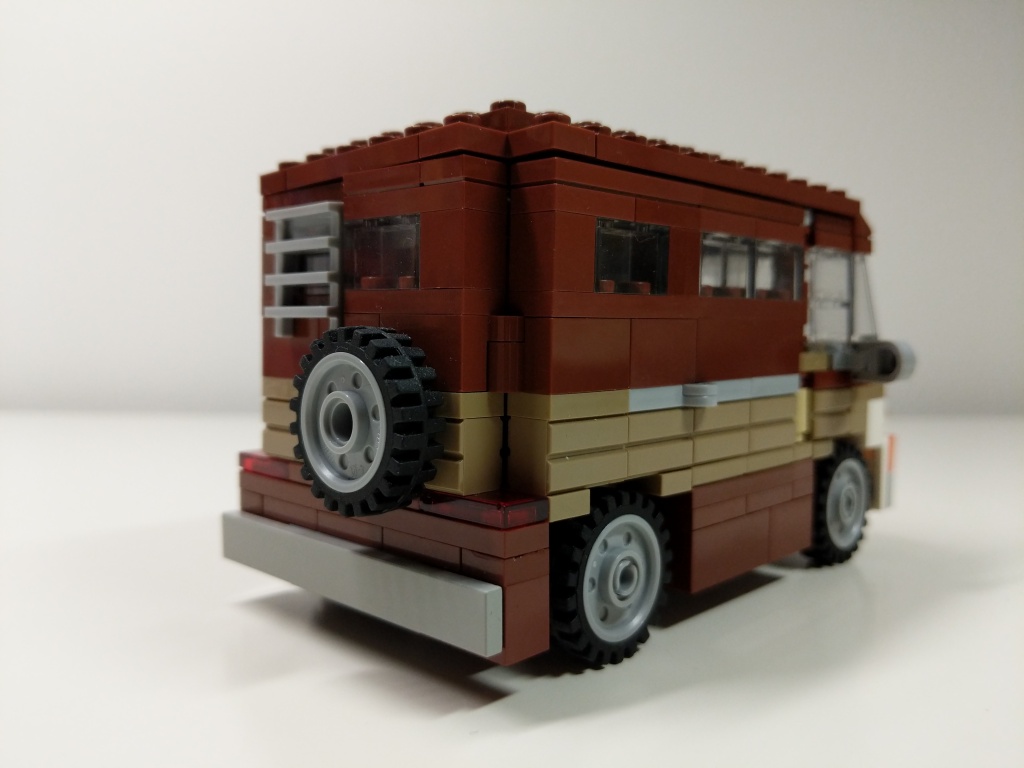
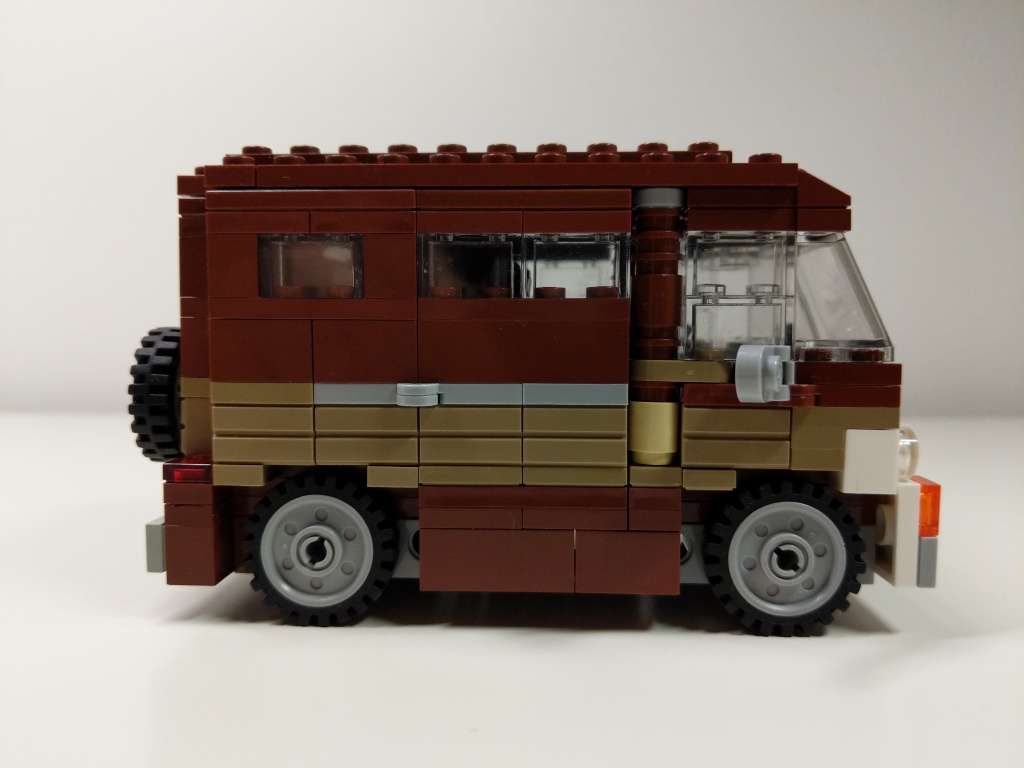
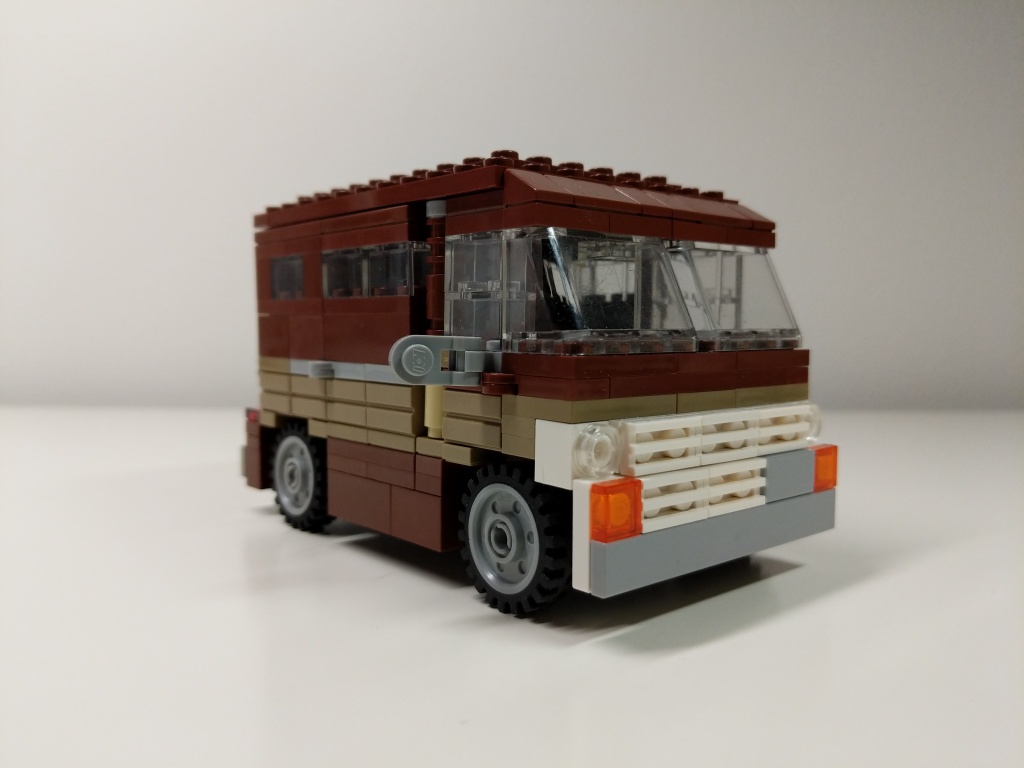
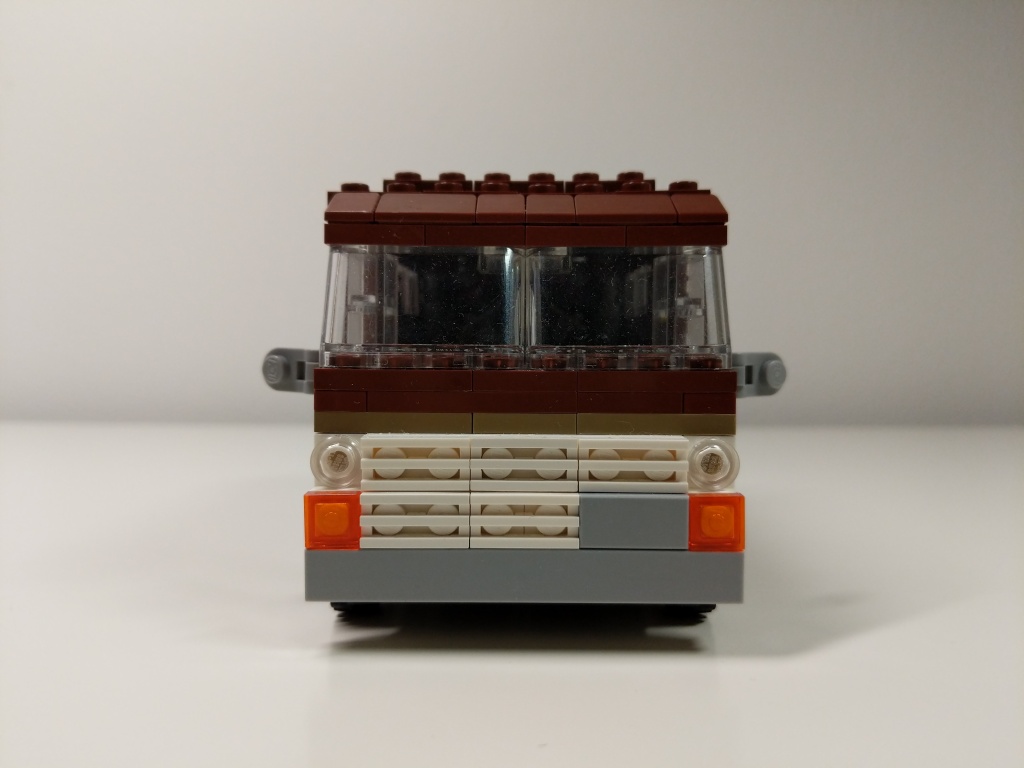
Luis’ van from Ant-Man (2015) and Ant-Man and the Wasp (2018) is a 1972 Ford Econoline. It held the miniaturized quantum tunnel that Scott Lang used to retrieve quantum energy to help stabilize Ava Starr/Ghost. After Scott returned from the Quantum Realm five years after Thanos’ snap via the Quantum Tunnel, he drove the van to the Avenger’s Compound where they used it to test Scott’s idea for a “Time Heist.” I designed this model of Luis’ van before LEGO released their 76192 Avengers: Endgame Final Battle set, which includes a 6-stud-wide version of Luis’ van. I wanted my version to be wide enough to sit 2 minifigures side-by-side comfortably, so I went with an 8-stud-wide design.
Quantum Tunnel
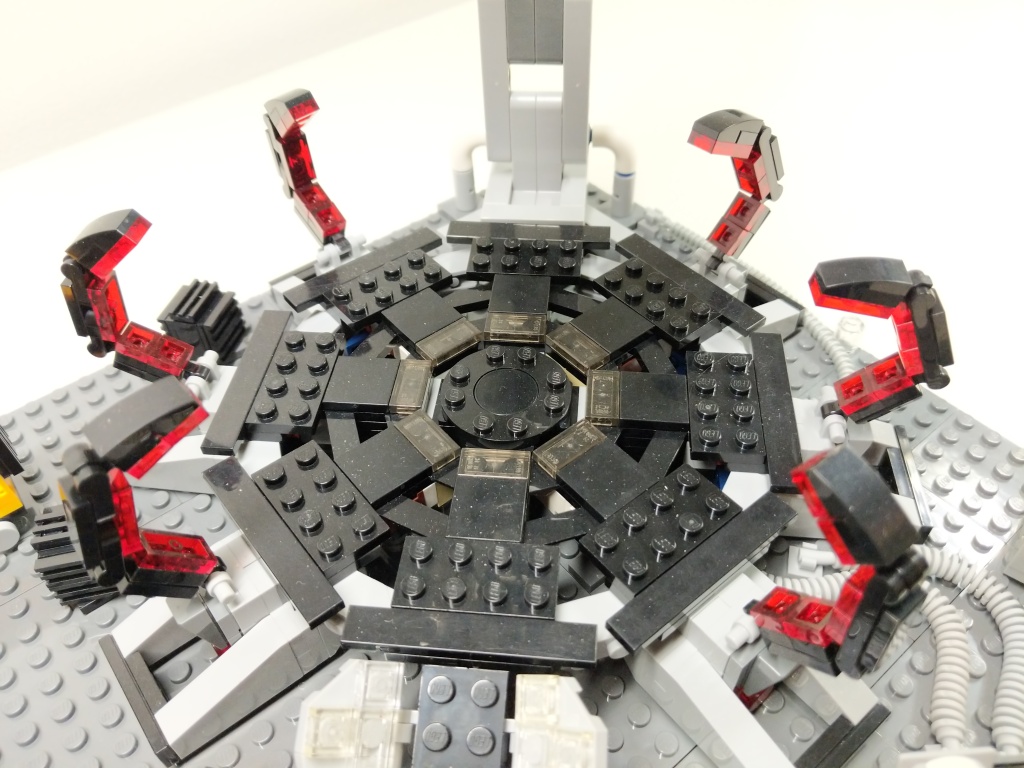
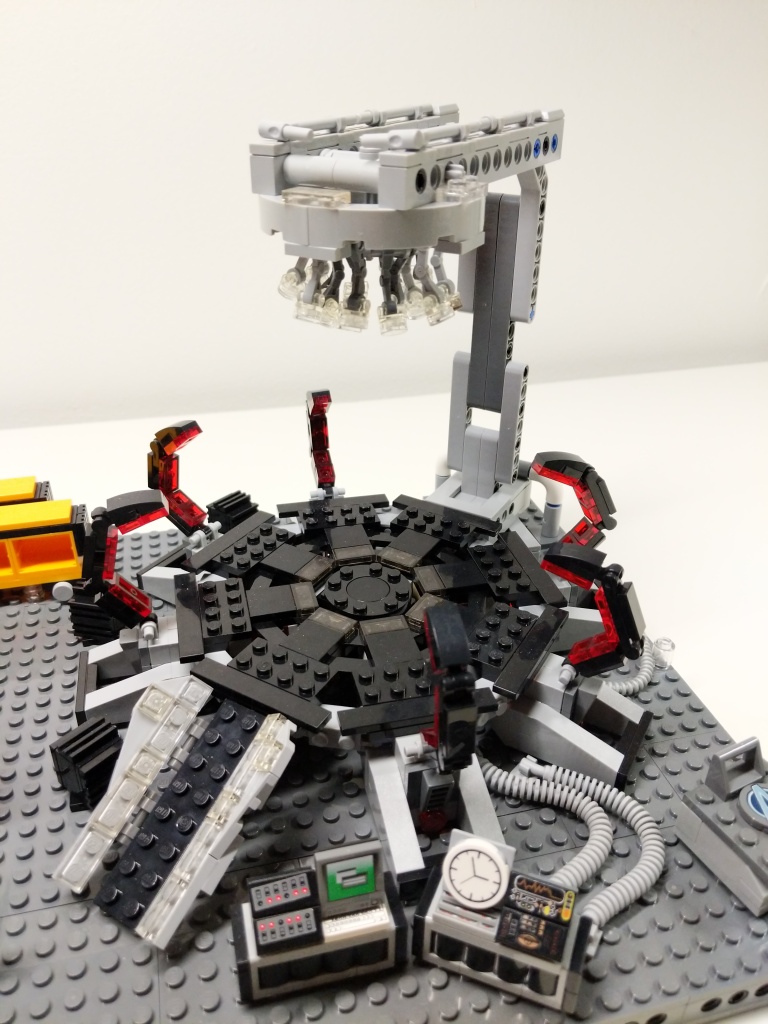
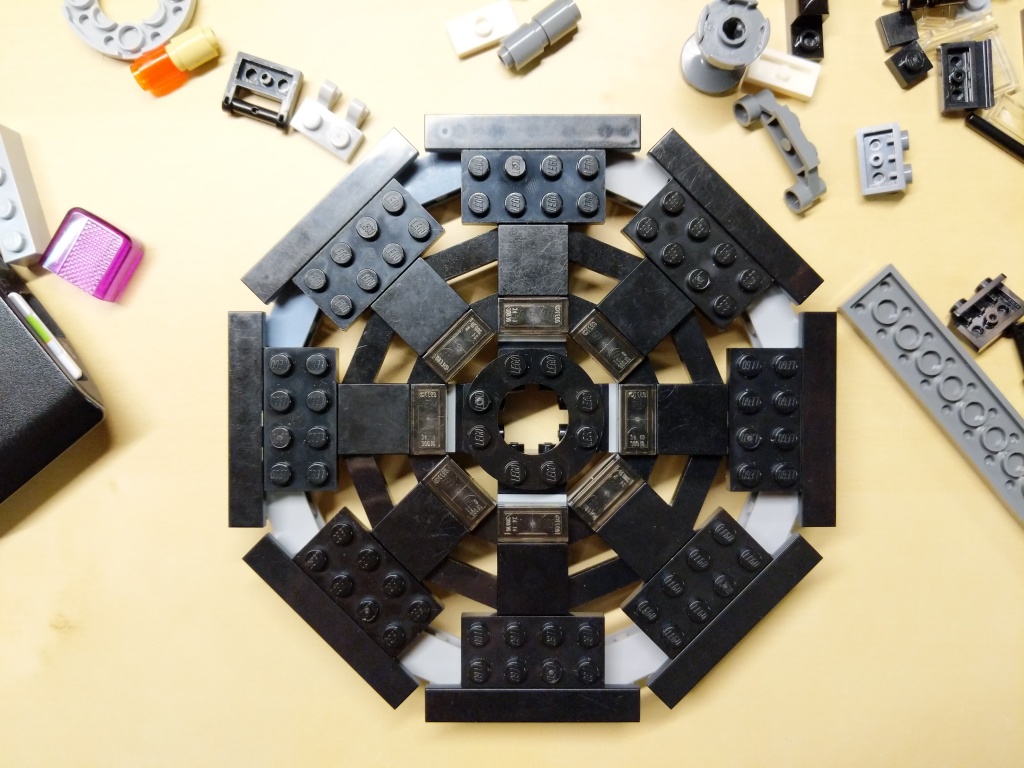
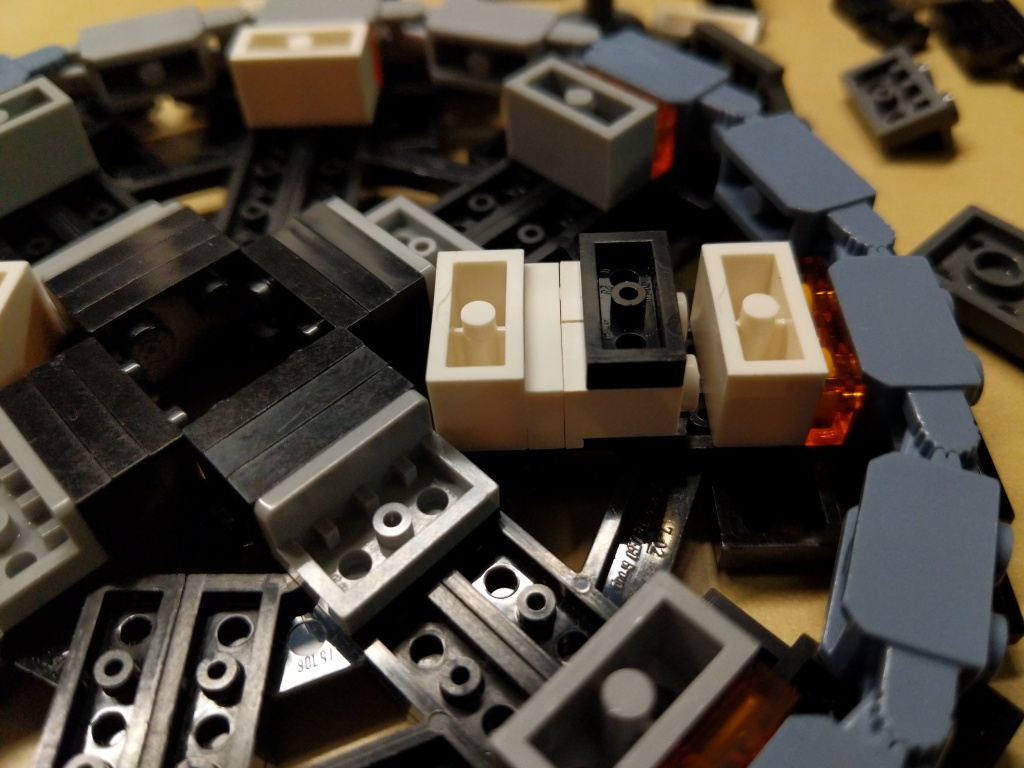
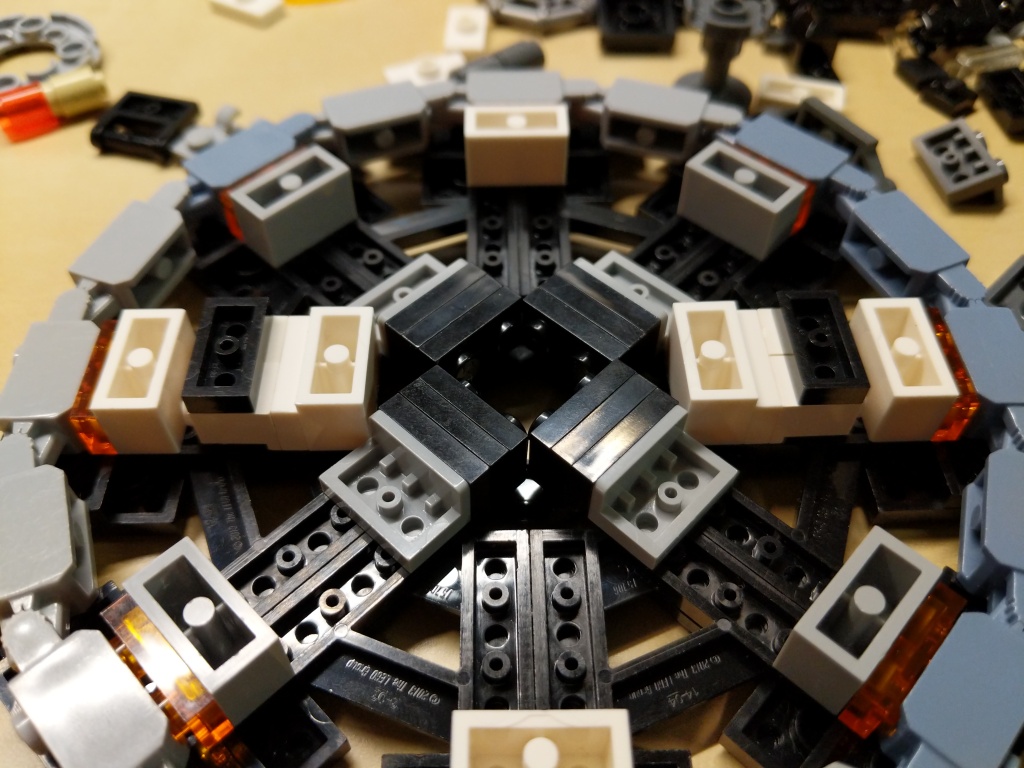
The Quantum Tunnel presented three challenges. First, it needed to be a circular platform. Second, it needed to accommodate all of the Avengers involved in the Time Heist (i.e., Captain America, Iron Man, Thor, Hulk, Hawkeye, Black Widow, War Machine, Rocket, Nebula, and Ant-Man). And third, it needed to resemble the thing in the film despite limitations of the LEGO medium and the number of available LEGO bricks.
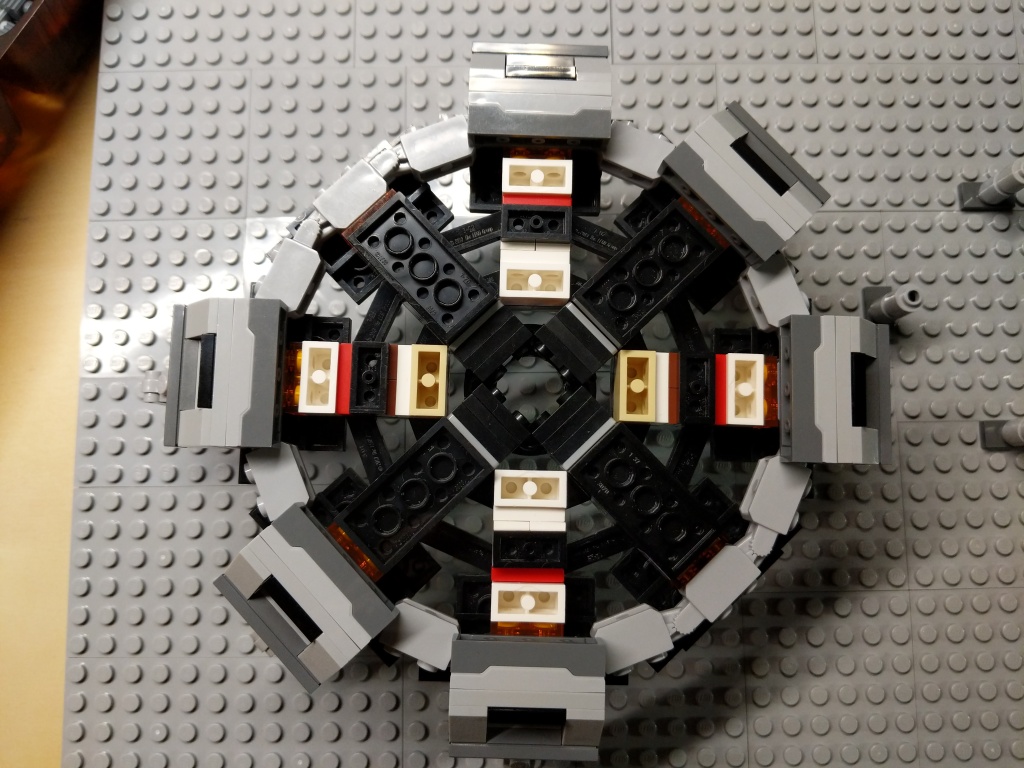
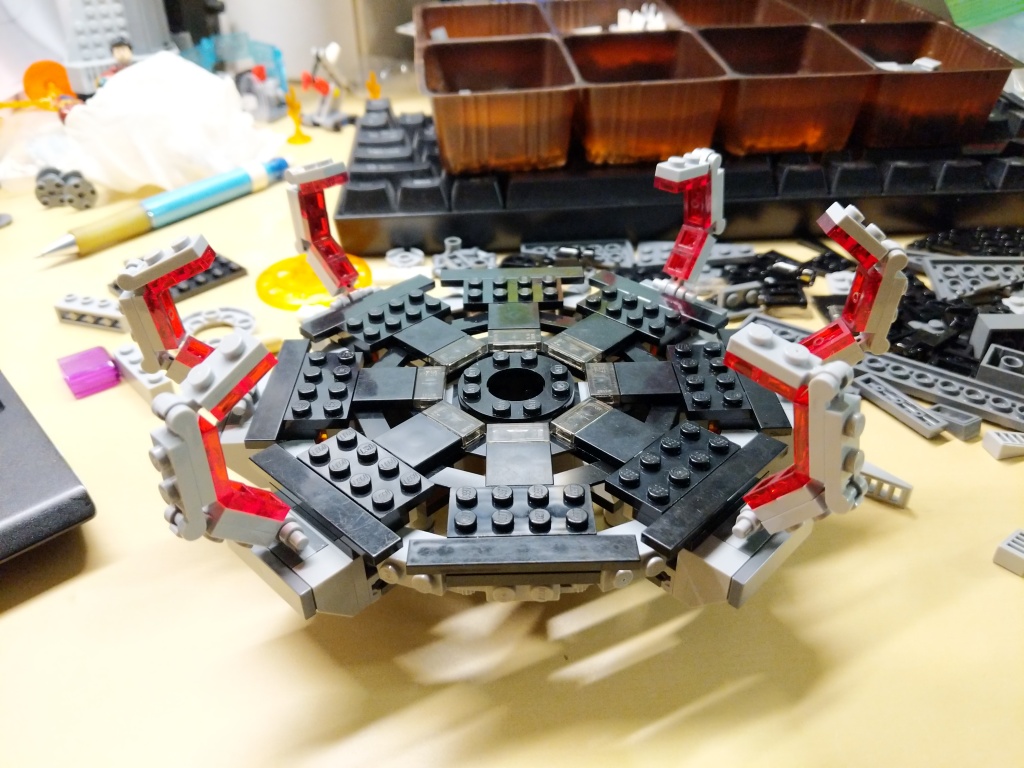
Building the Quantum Tunnel made me rethink a lot of standard brick relationships and ratios to find the right combinations to create the round shape and have it line up with the stud pattern on the display base.
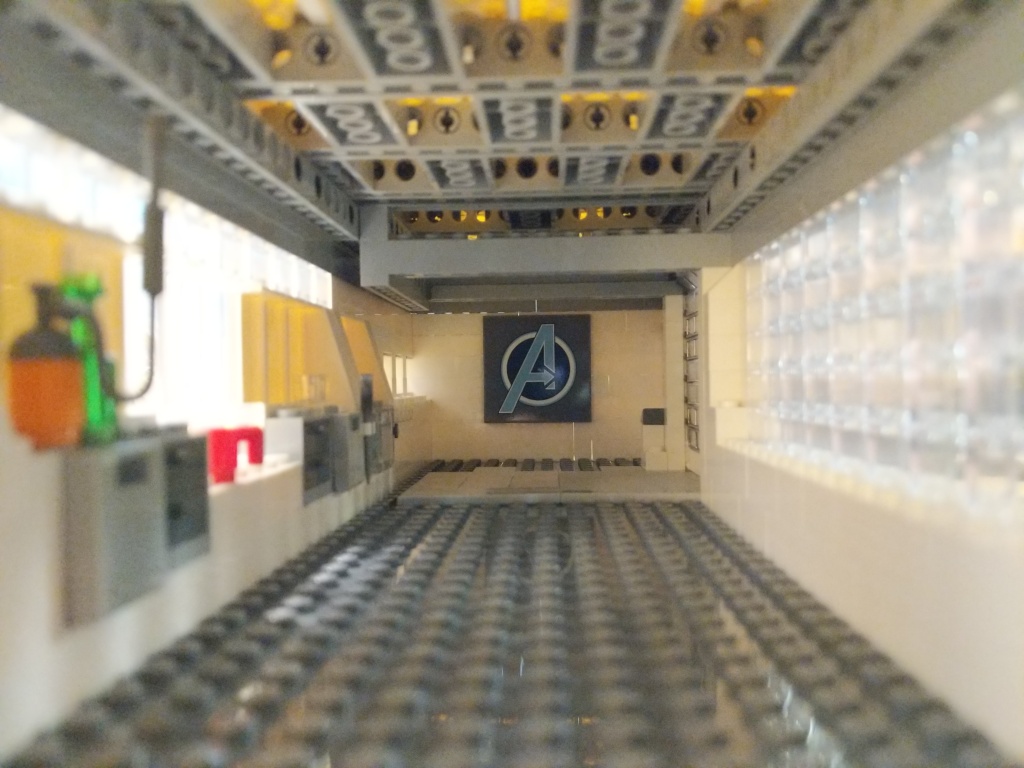
In a separate build, I created this interior model for the hanger portion of the Avenger’s Compound. It was wide enough to pull Luis’ van into it, but it wasn’t wide or tall enough to build the Quantum Tunnel. I wished that I had enough Technic elements to have built some kind of superstructure around the Quantum Tunnel model for the lensing component that goes into the ceiling of the Avenger’s Compound hanger. I had to compromise by building an armature to hang the lensing component over the Quantum Tunnel using all of the elements that I could scrounge.
Supporting Components
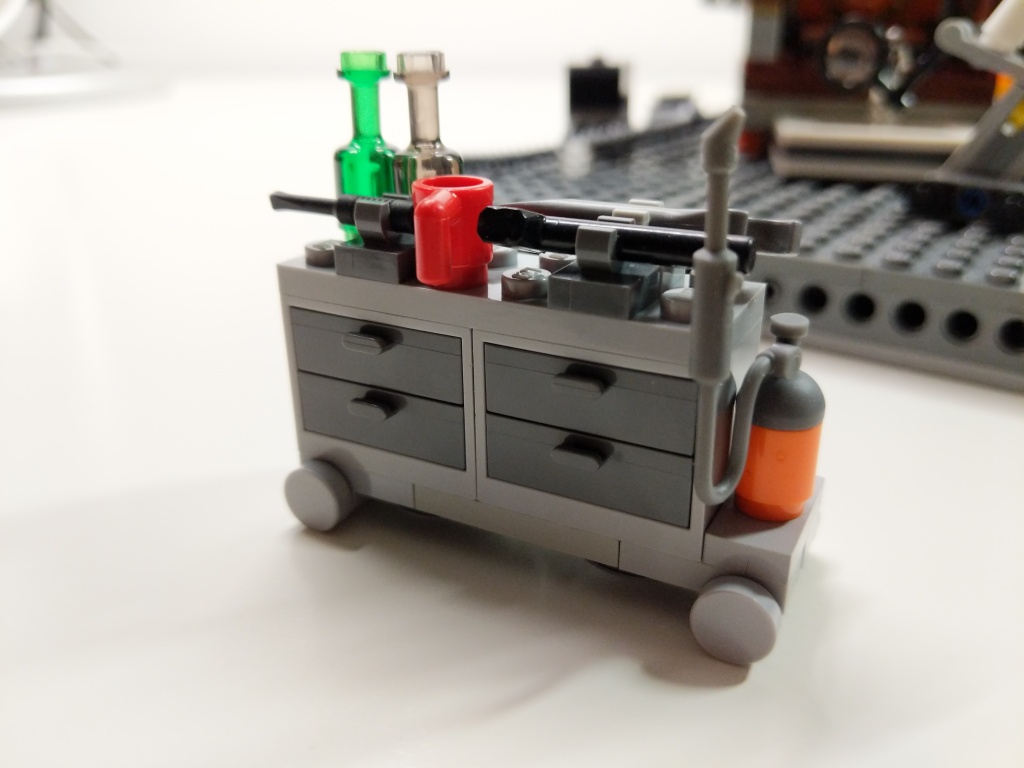
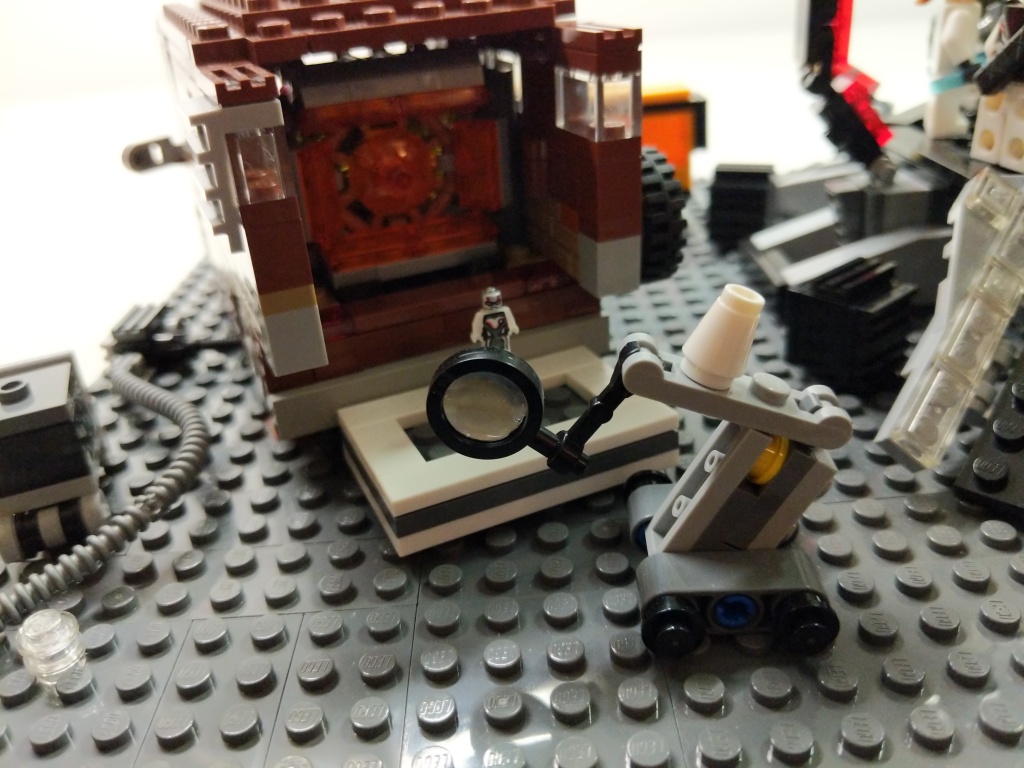
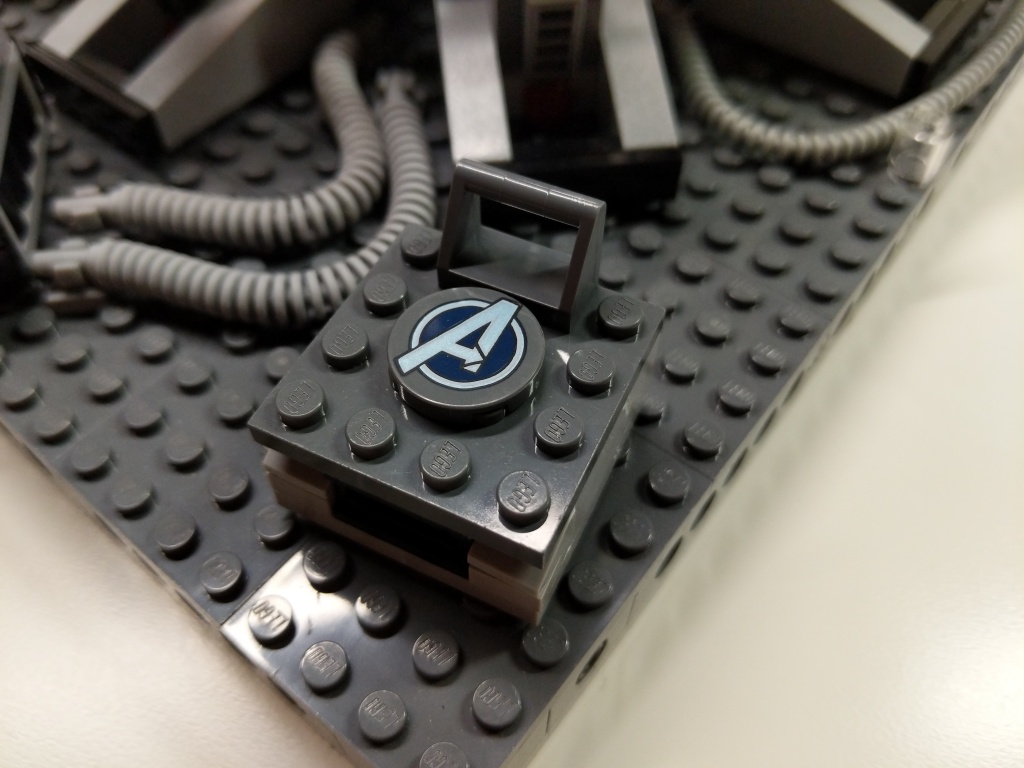
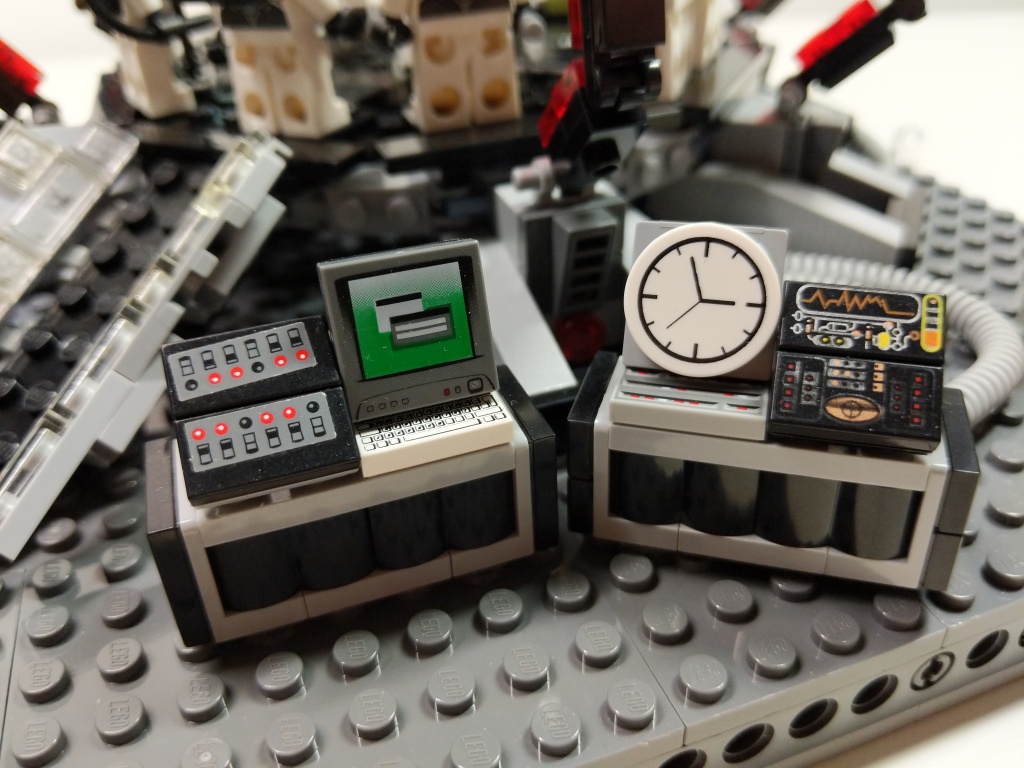
To complete the build, I watched the film closely to see what kinds of equipment the Avengers had laying around while building and using the Quantum Tunnel. I tried to replicate these–Dum-E, computers, power equipment, tool and storage racks, and cabling.
Reflection
It feels like a lifetime ago when I built this model in 2019. I invested hours across many days through iterative building while looking at film screen captures. While I wish that my LEGO building skill was on the artistic or photorealistic building level of elite builders, my building acumen is more in the realm of playability. I think, what can I do with this, how does it work, how can I use this to tell a story? Given more time, few distractions, and greater access to brick variety and quantity, I wonder if I could take my building skill to the next level. Absent those things, I will keep building and see what I can accomplish with what I have. I haven’t built a MOC in the past year due to a lack of time, but I have something in mind that I might build soon, which I will document here. In the meantime, I have some other MOCs from the past that I plan to share here, too. Stay tuned!
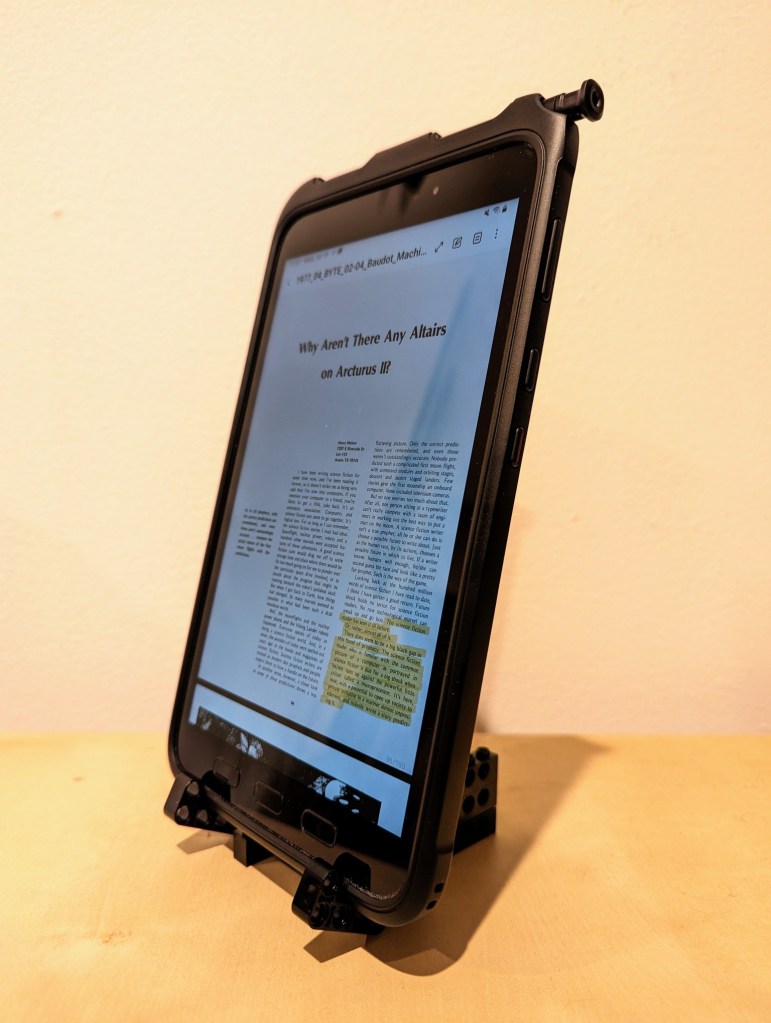
This past year, I’ve been using an 8″ Samsung Galaxy Tab Active3 tablet and its S-Pen for most of my reading and note taking. In particular, I use the Samsung Note app to annotate and highlight PDFs of research. When I’m copying quotes and citations into my writing, I have had trouble finding a good way to position the tablet on my desk so that I could read its screen while typing up quotes and my notes. Occasionally, I had been using Syncthing (I wrote about how to setup a Raspberry Pi Zero as a central hub for your documents synchronized with Syncthing here) to synchronize my annotated PDFs on the tablet with my PC, but its sometimes better to save my PC screen’s real estate for my writing and rely on the tablet screen for reading–essentially adding to my screen real estate.
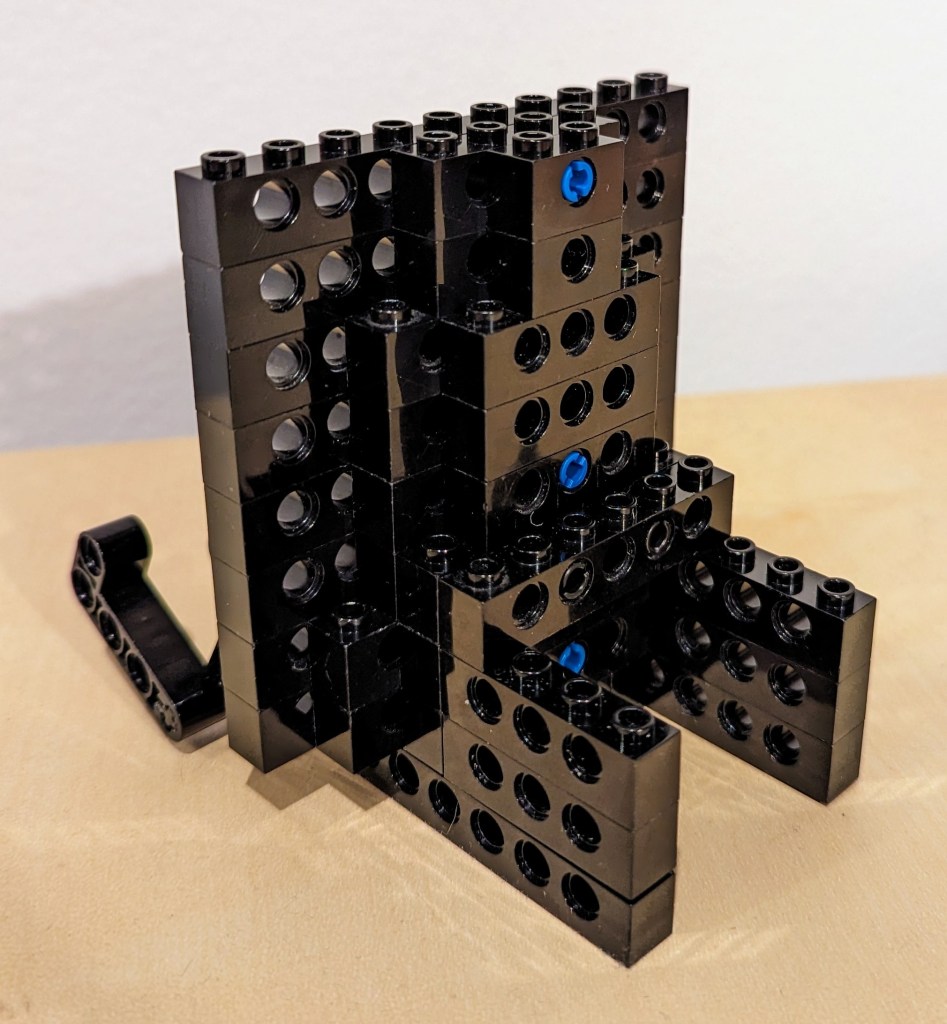
Today, I decided to pull out a tub of LEGOs to solve my problem about how to easily read and interface with the tablet while typing on my desktop computer’s keyboard, because LEGO is a versatile building medium that is great for play, art, and solving problems. Since I don’t often use all black bricks in my projects, I decided to build a tablet display stand using only black LEGO Technic bricks and elements.
I employed the 4-brick long L-shaped technic elements to create the place where the tablet is held by the display stand. It can rotate freely, but it is held in place against the vertical wall of 10-stud Technic bricks that support the back of the tablet when it is in the stand.
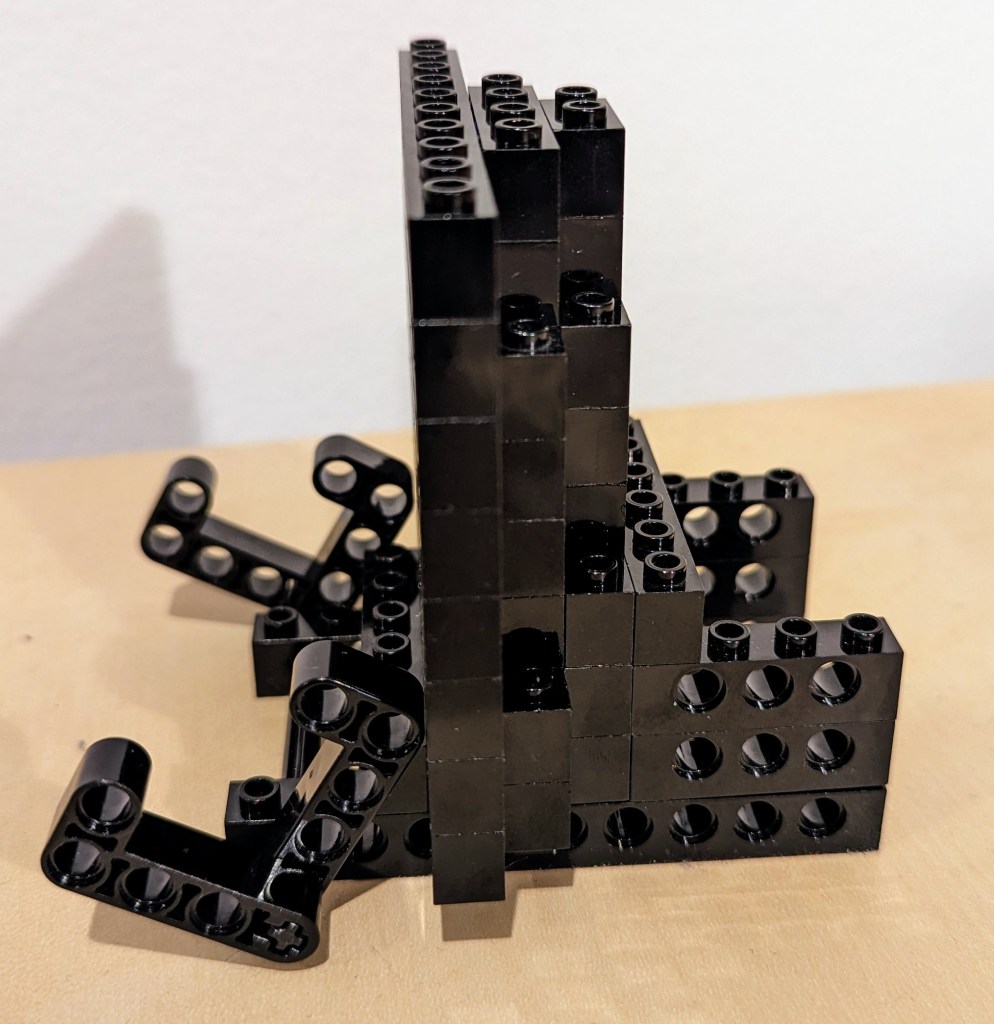
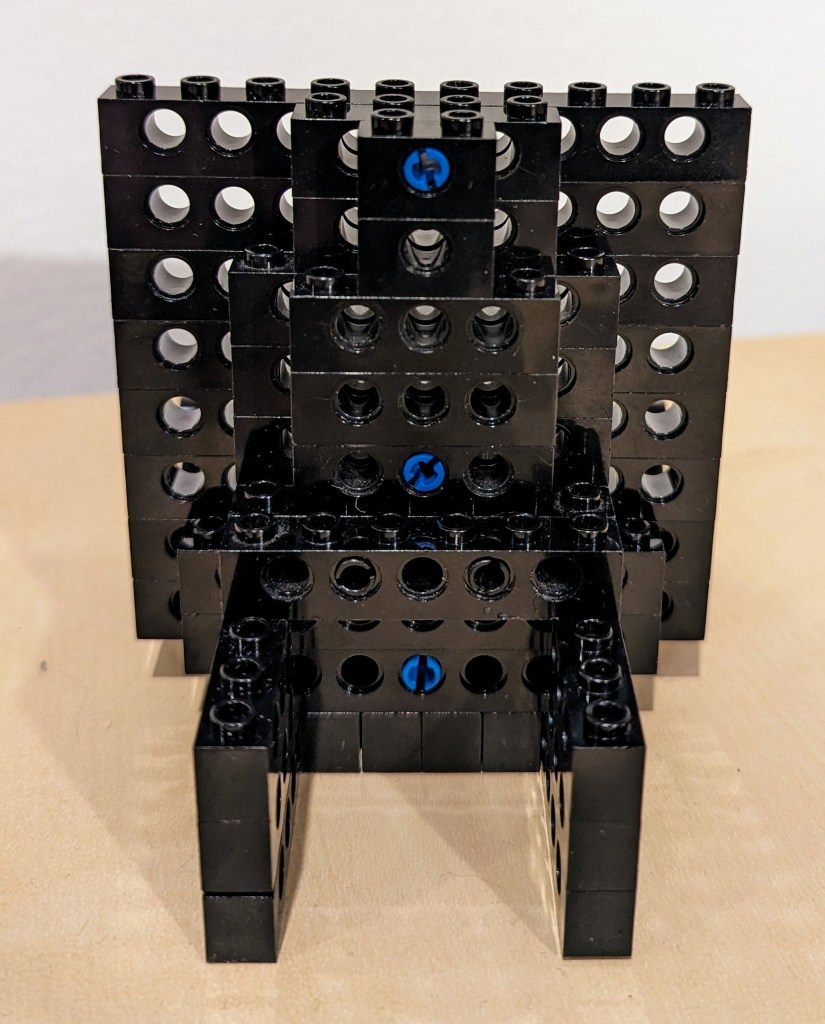
The rear support of the stand, which maintains the ~14 degree from the vertical position of the tablet holding pincers on the left of the photo above and supports the back of the tablet has several layers of Technic bricks held together by frictional force as well as 3-stud and 2-stud-long connector pegs. I don’t think the stand needs as much support as I provided on the right side of the photo above, but I wanted to use up as many black Technic bricks while building a stand that took up a minimum of desk space.
The photo above shows how the layers of bricks are arranged in the rear of the stand to support the height and weight of the tablet when it is in the stand.
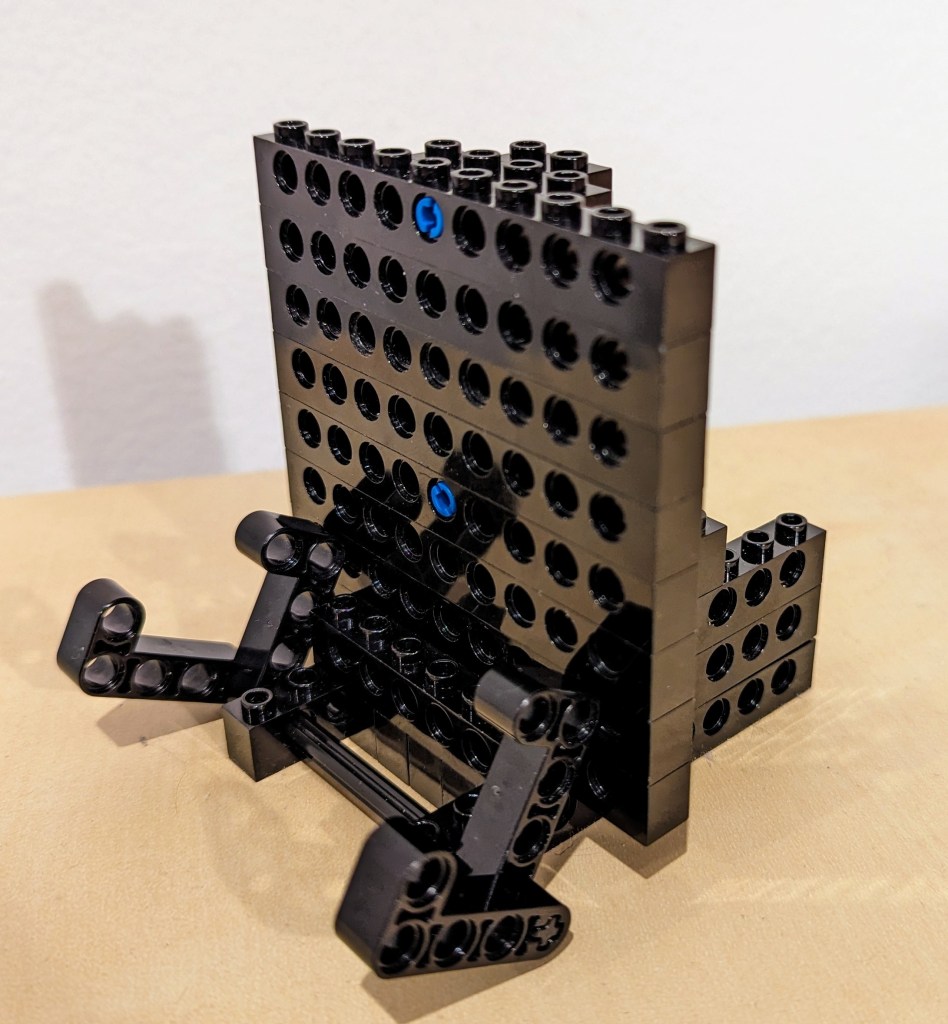
The above photo shows the rear of the display stand. Note that the 6-stud Technic brick in the middle of the photo that connects to the perpendicular 4-stud Technic bricks beneath it is connected to the rear support layers with 2 x 2-stud connector pegs.
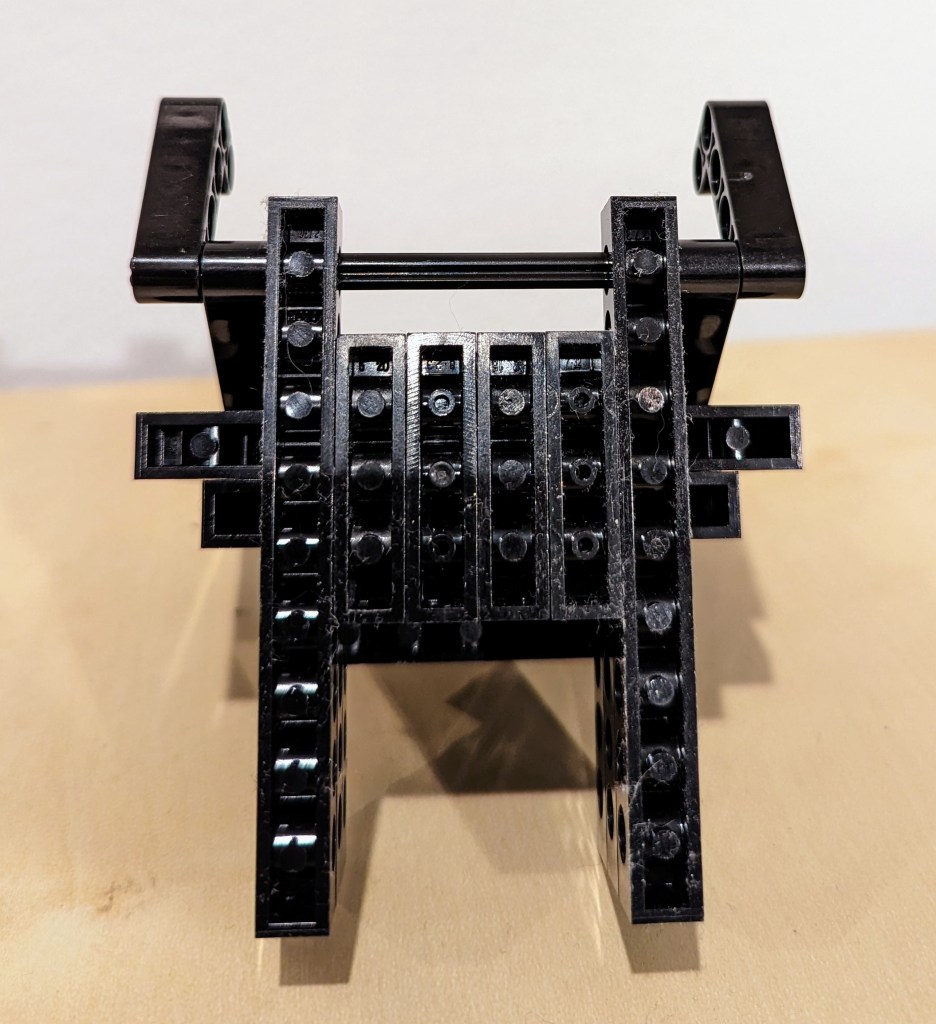
Finally, the bottom view of the display stand is shown above. Connector pegs are used to connect all bricks on the bottom most layer of the display stand.
I hope that the photos and descriptions above give you some ideas about how to use LEGO to solve a problem with holding something–in this case, a digital tablet. Not only can LEGO help you solve problems, but it can help you save money by allowing you to solve one problem and reconfigure the bricks to solve new problems as they arise and the old problems are no longer a concern (i.e., use LEGO over and over instead of buying solutions and trashing obsolete ones).
This week, I created the composite image above of the Millennium Falcon midflight among the stars. This most recent exercise in making was made possible by the Falcon model at the center of the composition that I assembled in June 2021 while healing from a broke toe.
I like to think about how one project links to another, how one kind of making supports another kind of making. Making and culture go hand-in-hand. One new thing makes possible countless new things given tools, materials, and know-how.
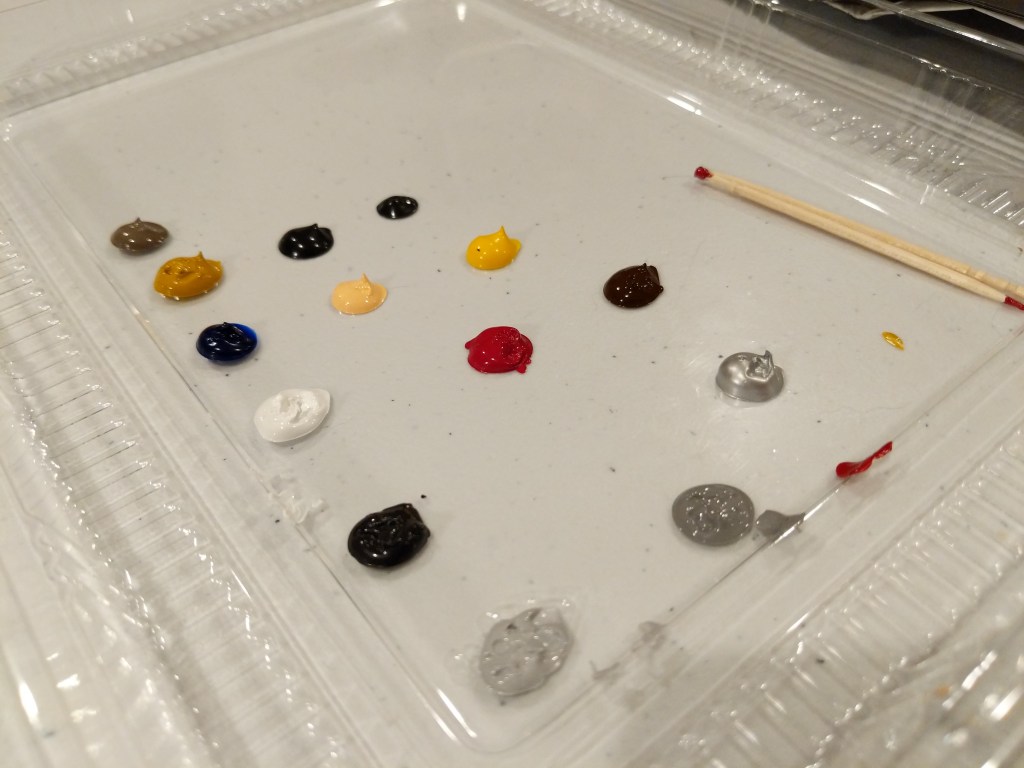
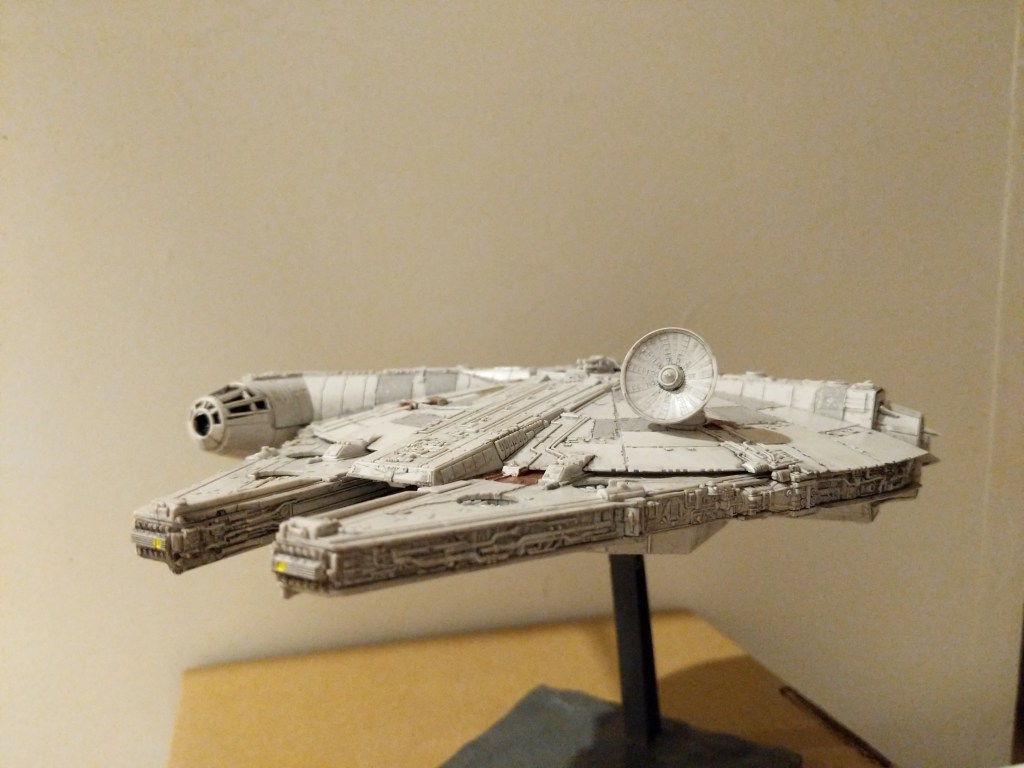
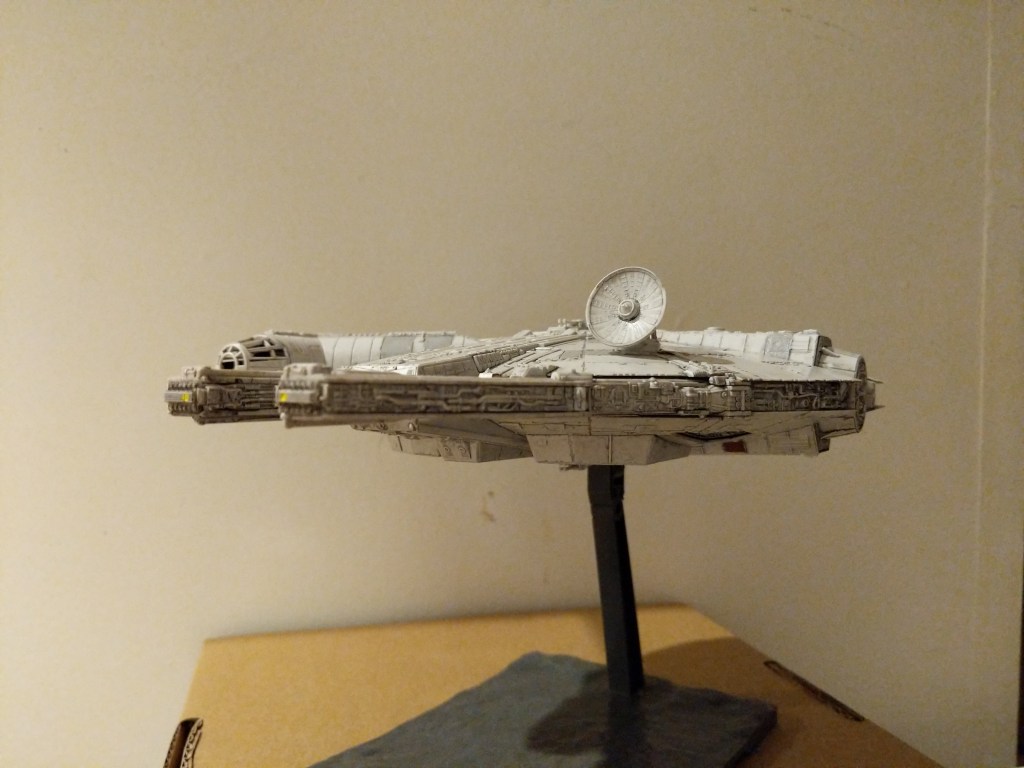
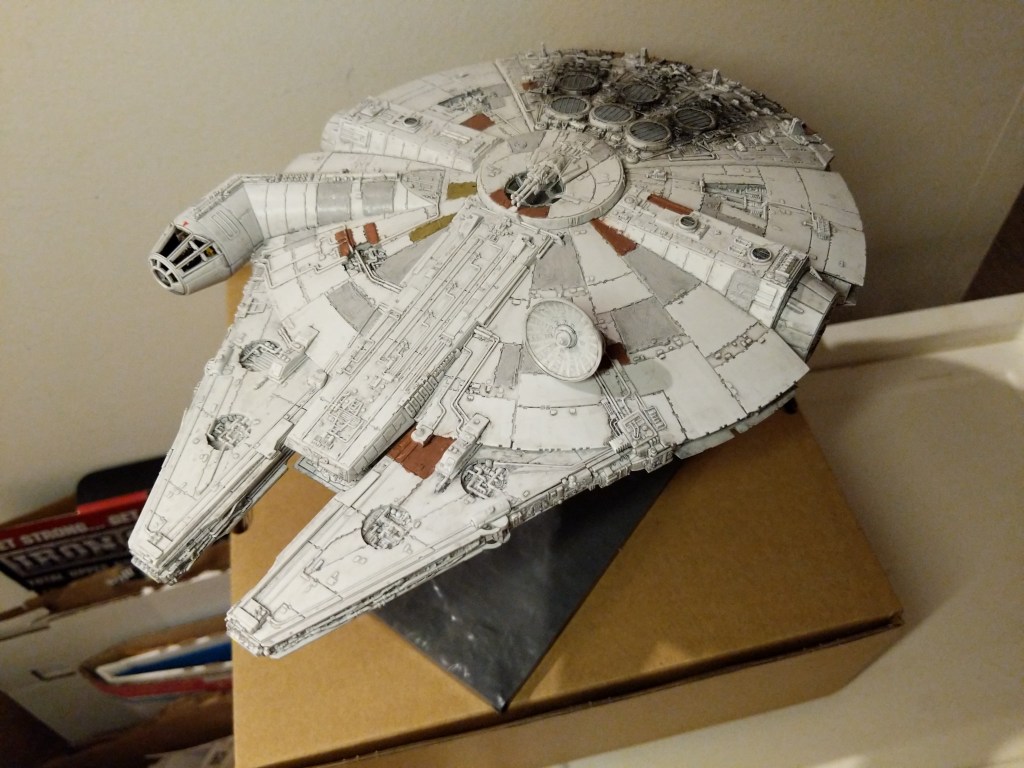
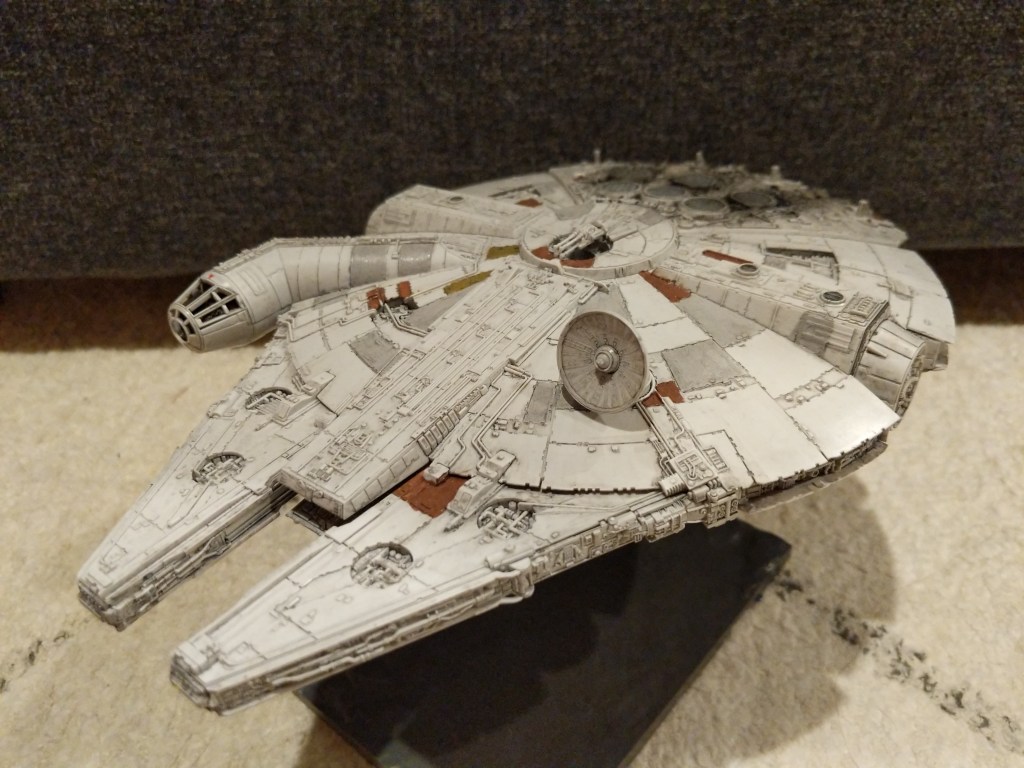
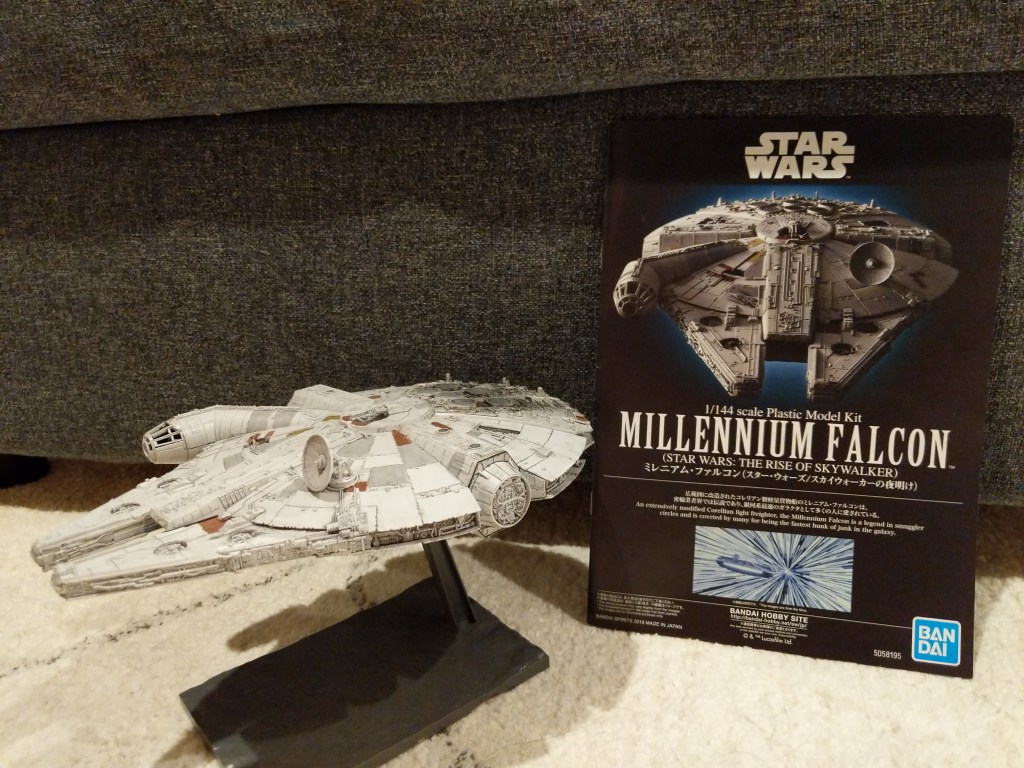
In this case, I assembled and painted a Bandai 1/144-scale Millennium Falcon plastic model set from Star Wars: The Rise of Skywalker. Proper assembly, though by no means professional, required tools (e.g., sprue cutter, paint brushes, and toothpicks), materials (e.g., plastic model glue, acrylic paints, and tape), and know-how (e.g., cutting, filing, gluing, and mixing paints and washes).
A year later, I created the science fictional composite image above. Its production required tools (e.g., Linux Mint-running desktop computer, GNU Image Manipulation Program, or aka GIMP, and the Internet), materials (e.g., the assembled model, a photo of the model in an orientation appropriate for the composite image, and a public domain photo of a star field), and know-how (e.g., an idea for what the finished product will look like, a workflow for using GIMP to achieve it, and an understanding of how to use GIMP’s affordances including layers, opacity, and filters for each stage of the workflow).
Assembling the Model
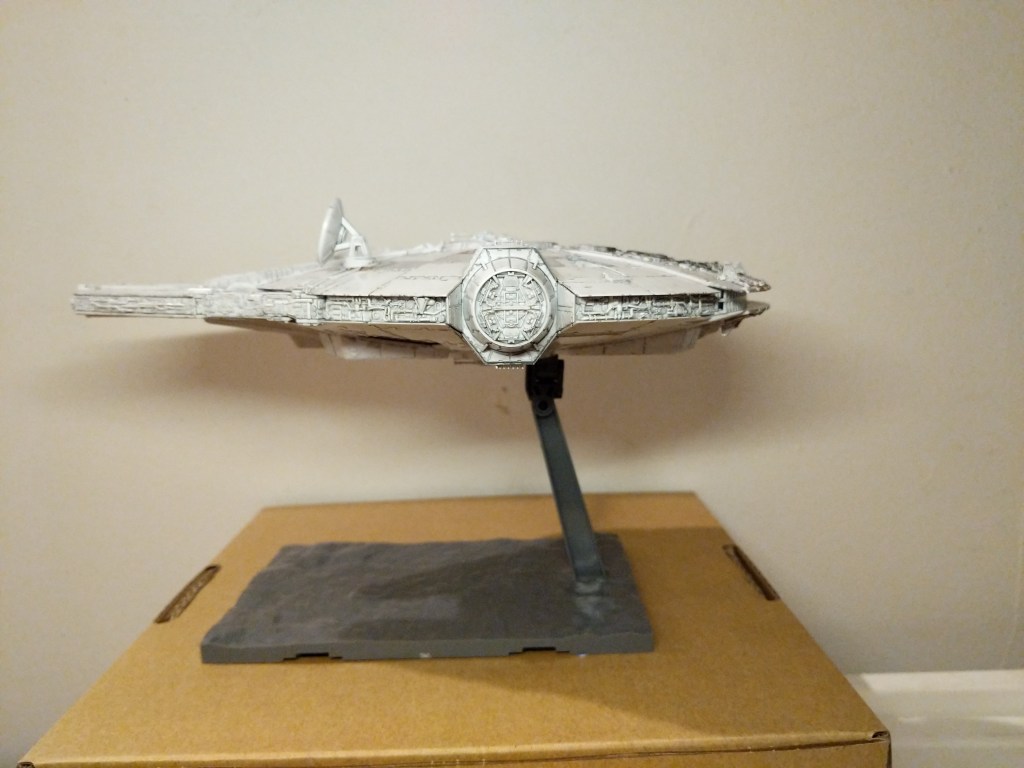
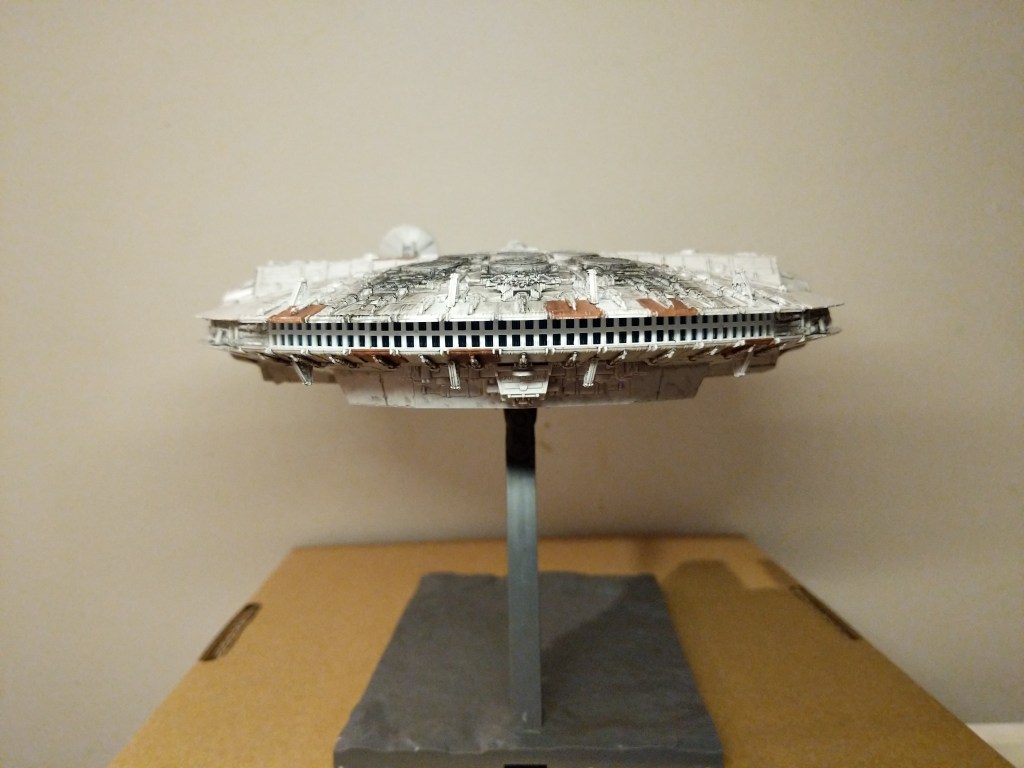
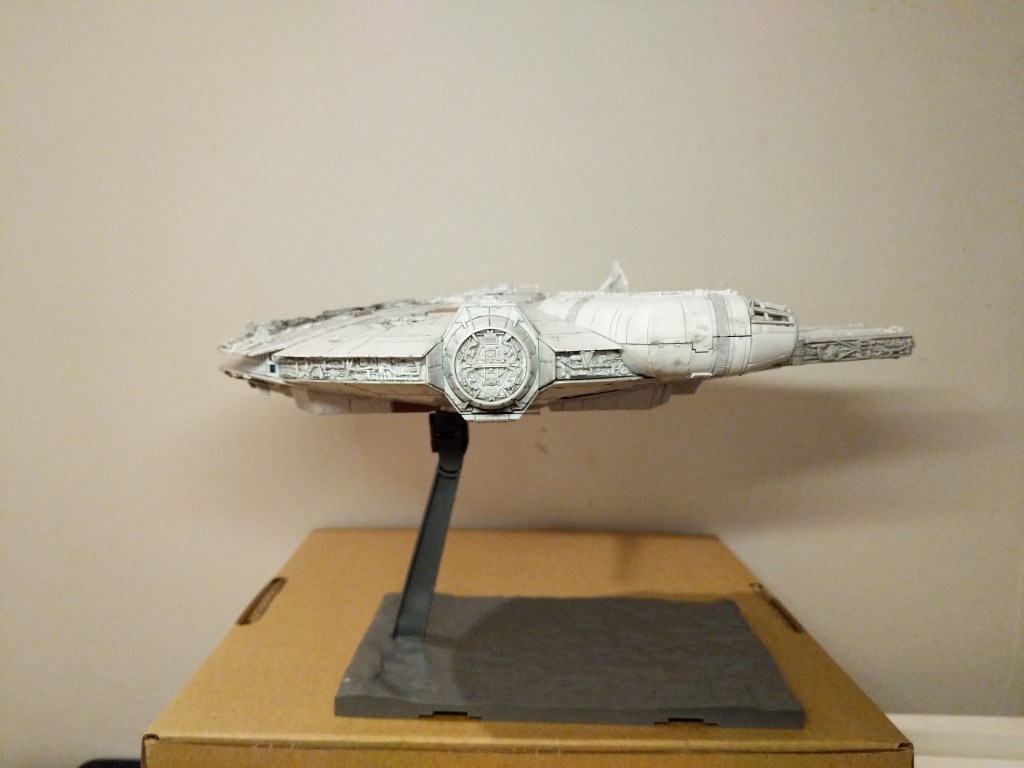
The completed Bandai 1/144 Millennium Falcon model is only about 9 1/4″ long. Hence, it and its constituent parts are very tiny. I built and painted the model over the course of a week. Given more time and equipment, I would have liked to have done a more professional job with lots of masking and airbrushed paint. Given my limitations, I decided to have fun and use what I had at hand to assemble and paint the model.
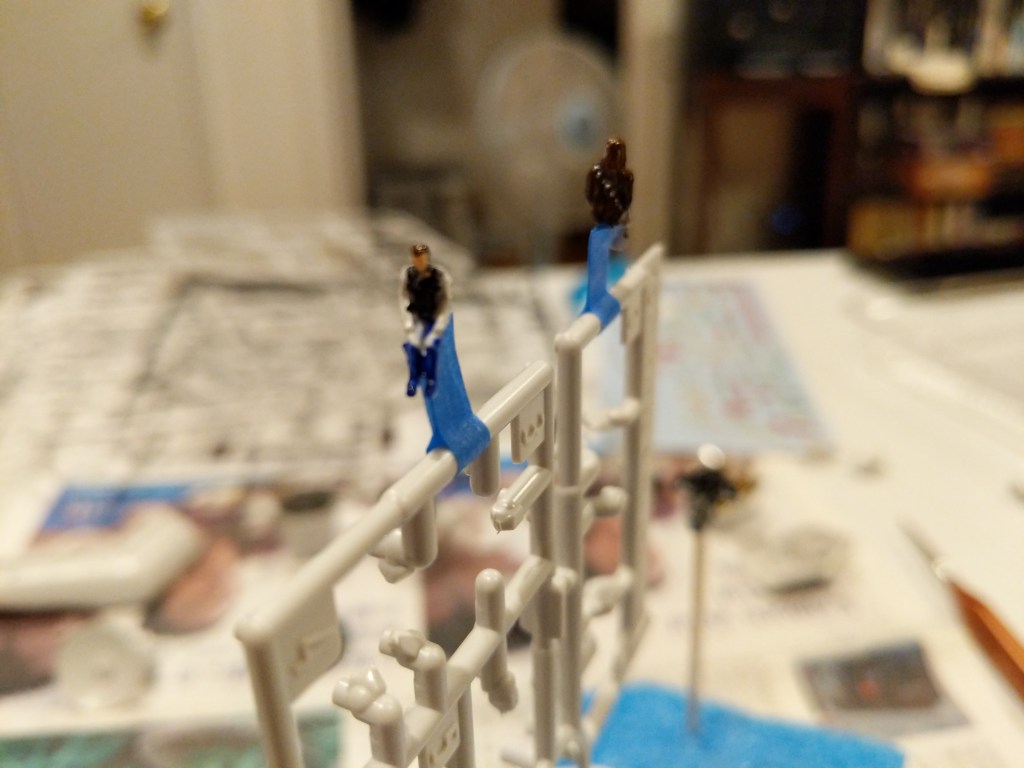
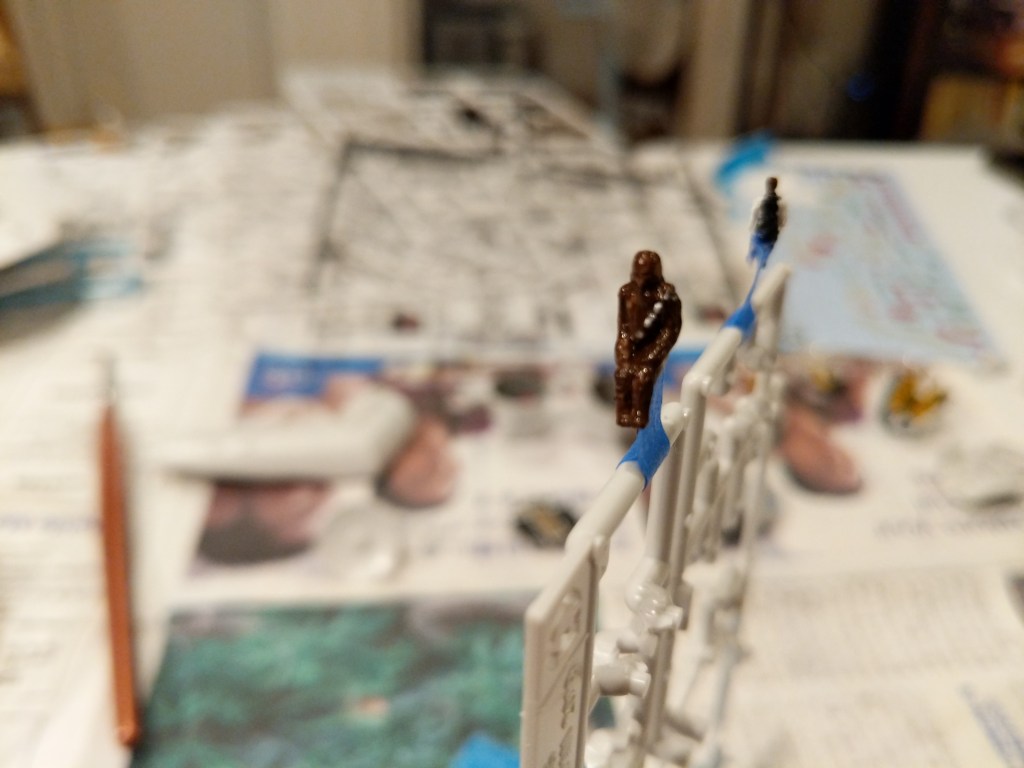
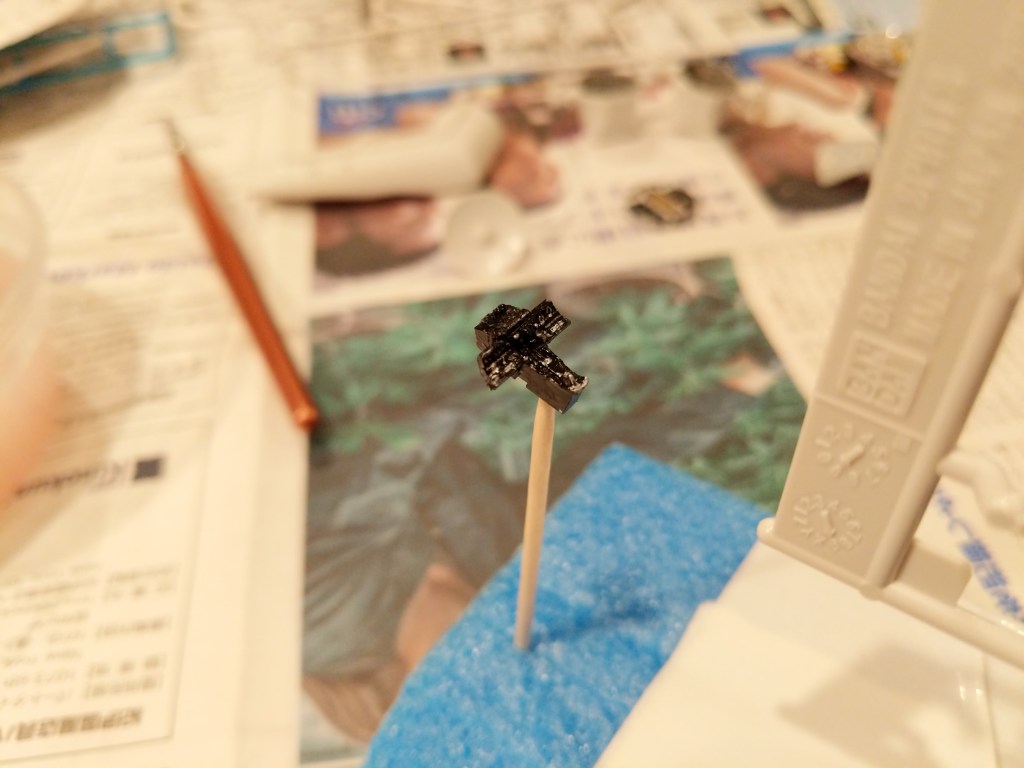
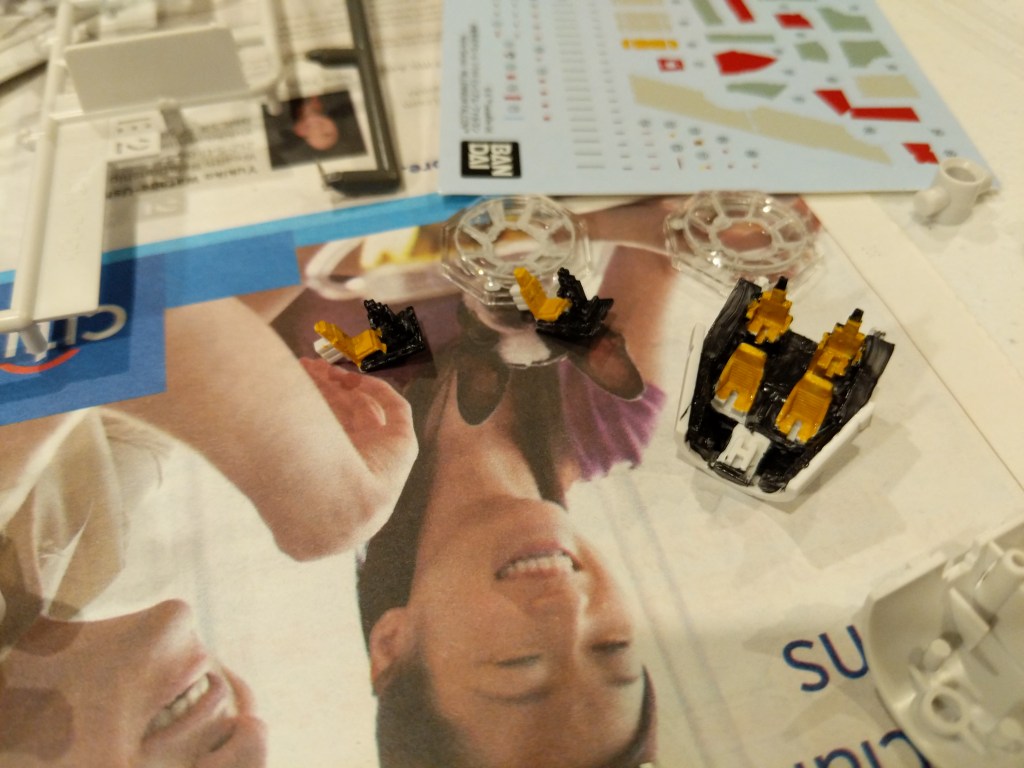
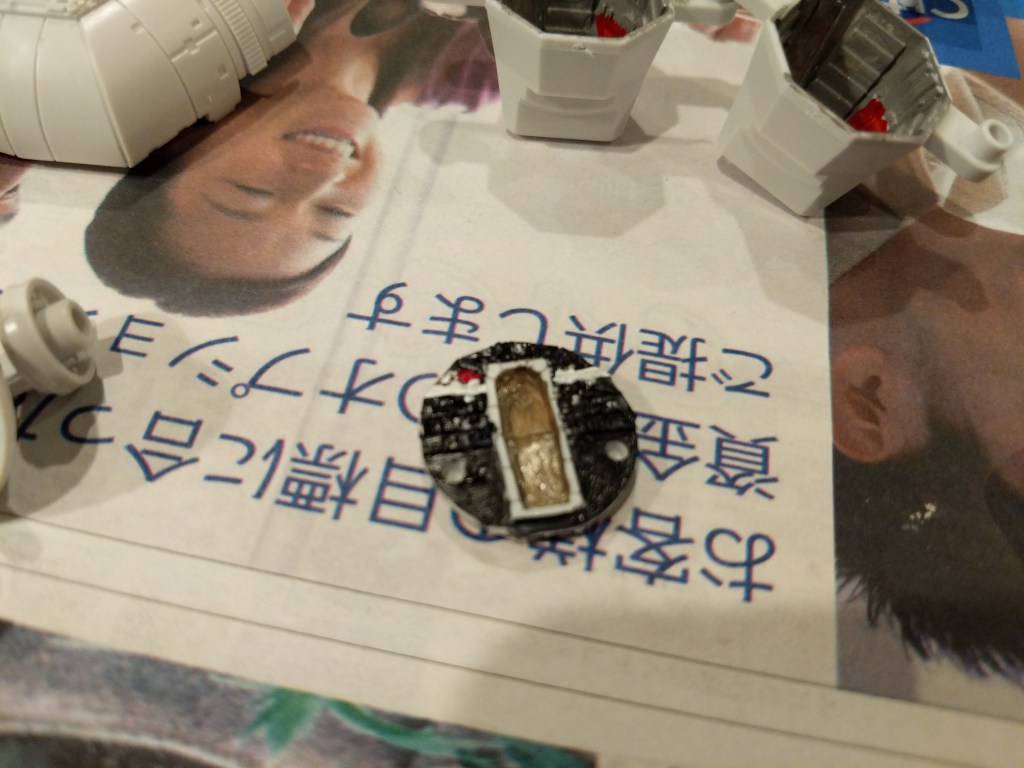
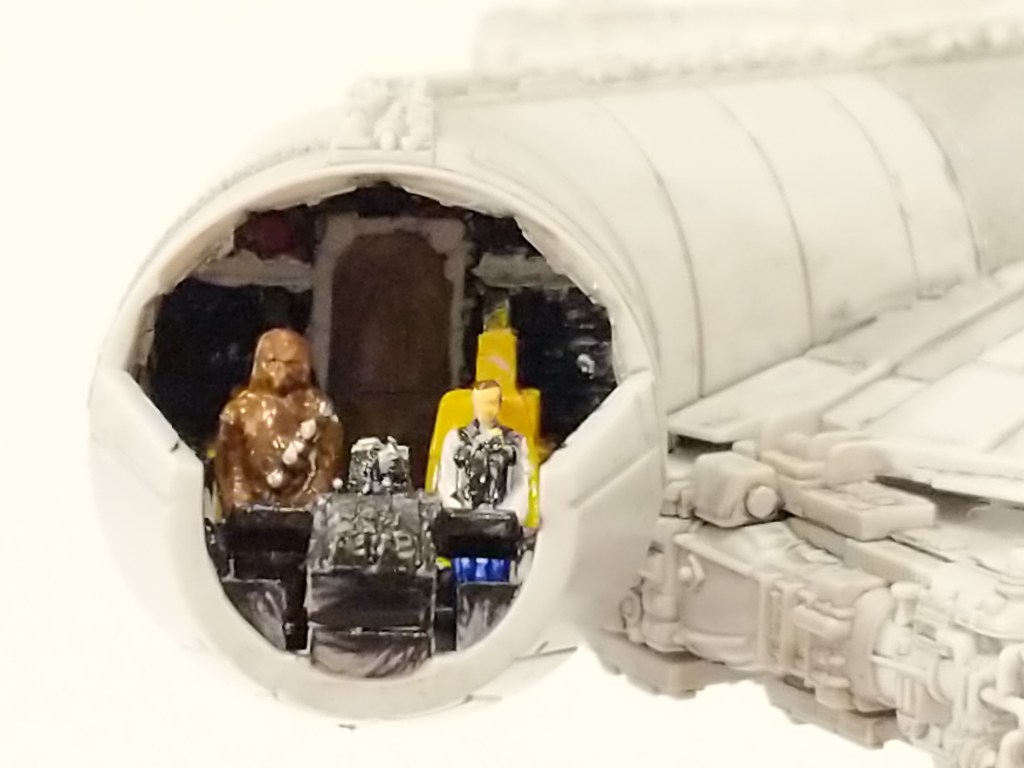
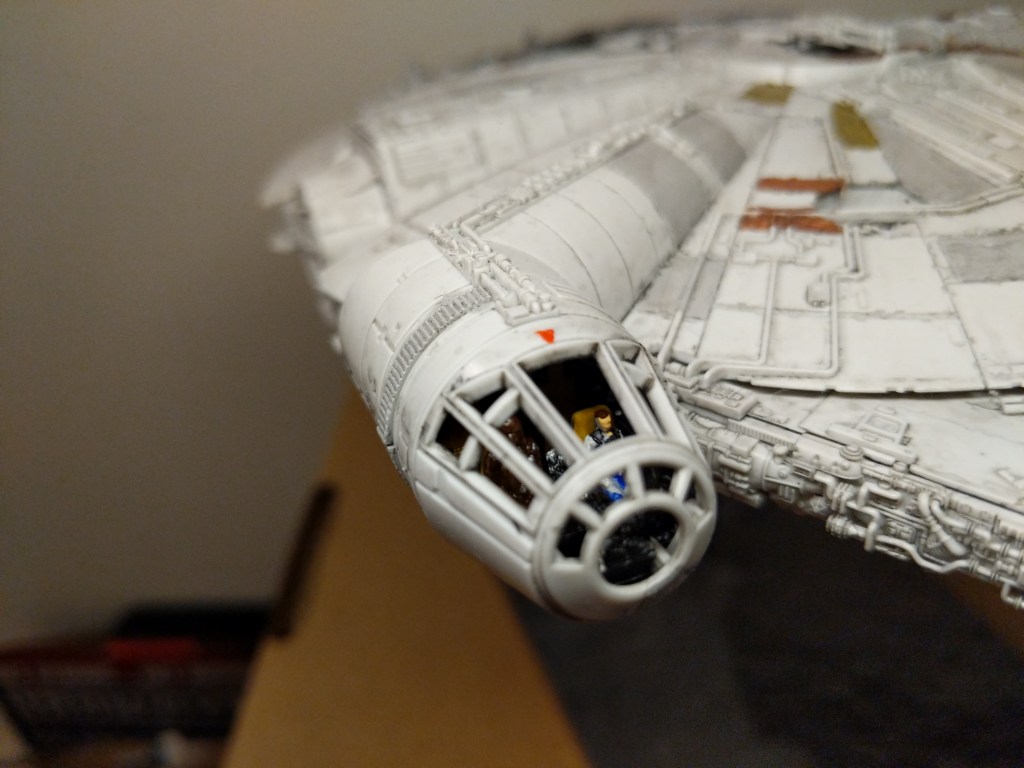
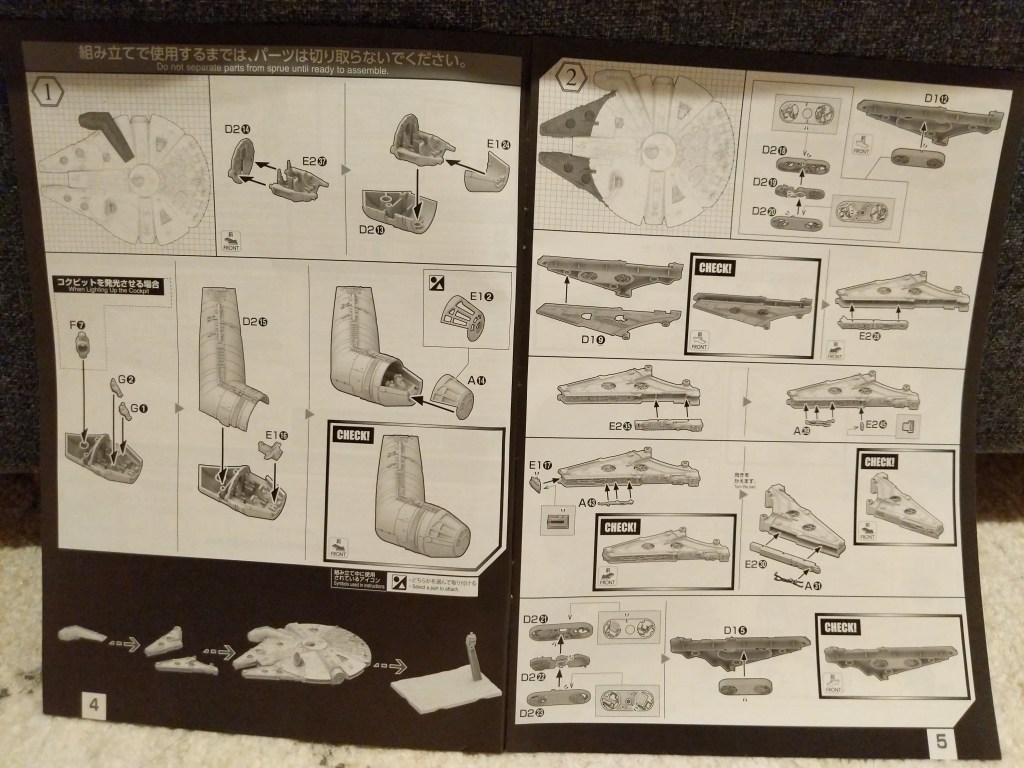
One example of the assembly process is pictured below. It involves the cockpit. Even though the model is sold as the Falcon from The Rise of Skywalker, it included Han Solo and Chewbacca figures, which I decided to use instead of the other cast miniatures. For these detailed elements of the model, I used a combination of toothpicks, very fine brushes, and dabs of paint to achieve the intended effect.
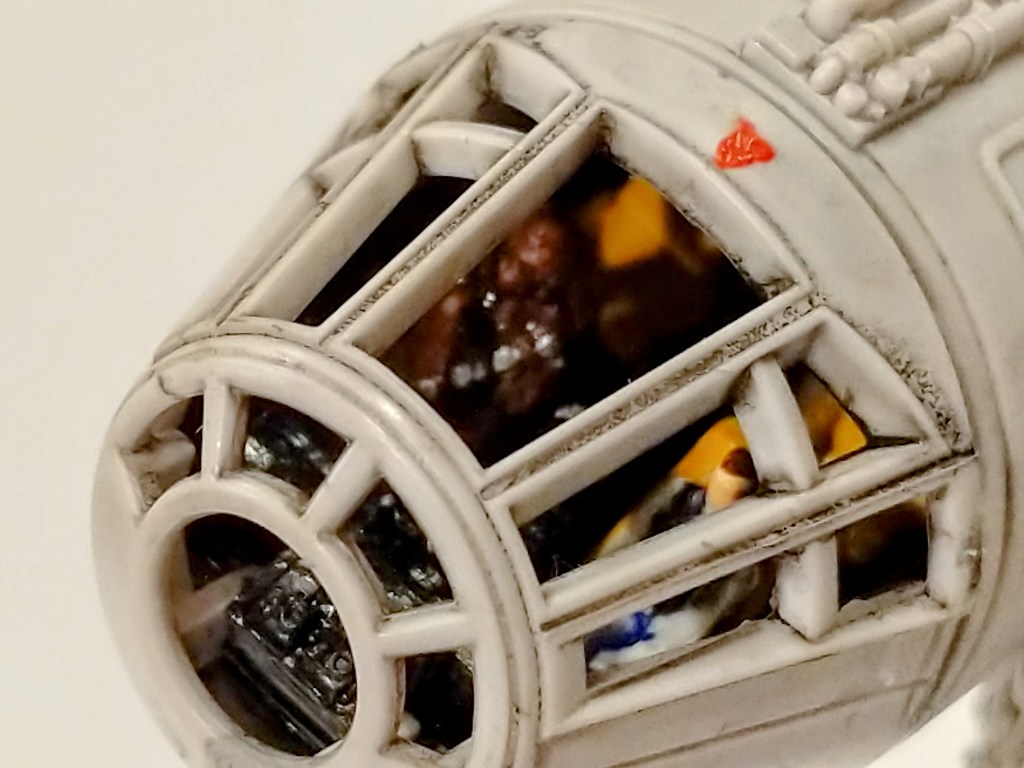
The pictures below show the assembled cockpit with shaky, imperfect paint application on the left and remnants of the dark wash that I applied to age and highlight lines on the model’s surface on the right.
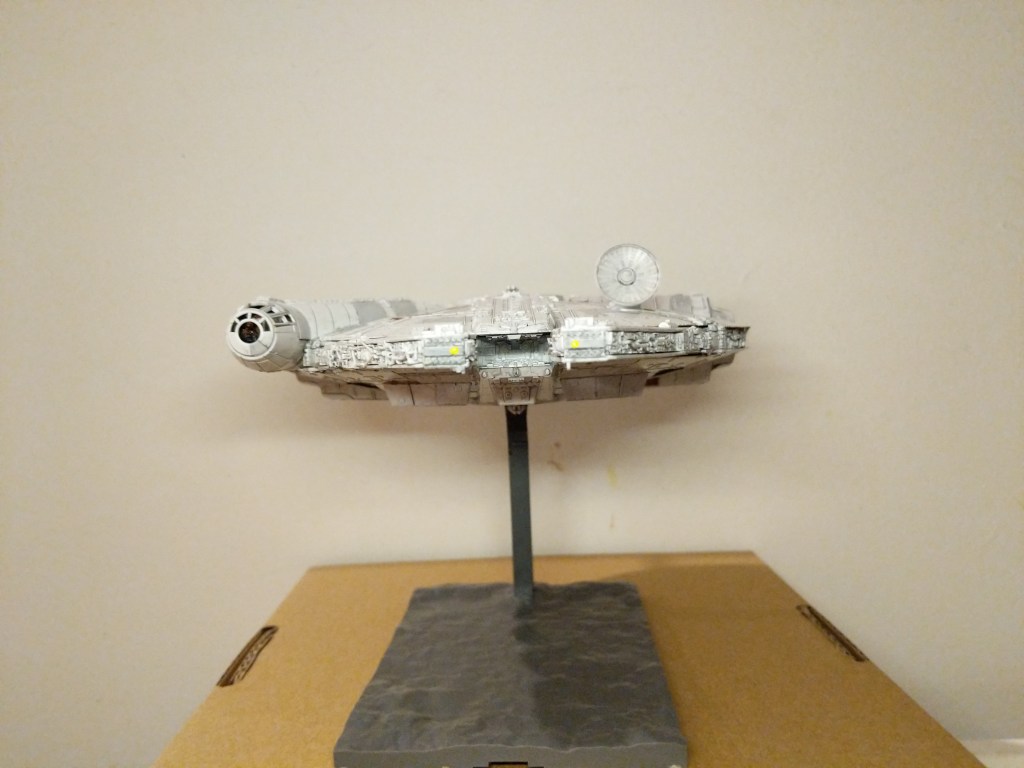
The photos below show the completed model perched on its included, adjustable stand.
Overall, Bandai’s model was expertly designed, easy to assemble, and highly respectful of its source material.
Creating the Composite Image in GIMP
The Bandai 1/144-scale Falcon sits on my desk to the left of my keyboard between LEGO models of The Mandalorian’s N-1 and the Millennium Falcon from The Force Awakens (It’s safe to say that I aspire to have as cluttered and interesting workspace as Ray Bradbury has in the opening to Ray Bradbury Theater shown here). So, I see it everyday.
Recently, I was thinking wouldn’t it be fun to use it to create an in-flight image using the model. That stray thought picked up the thread from making the model and began creating a linkage to using the model to create something new–a fantastic image of the Falcon flying in outerspace.
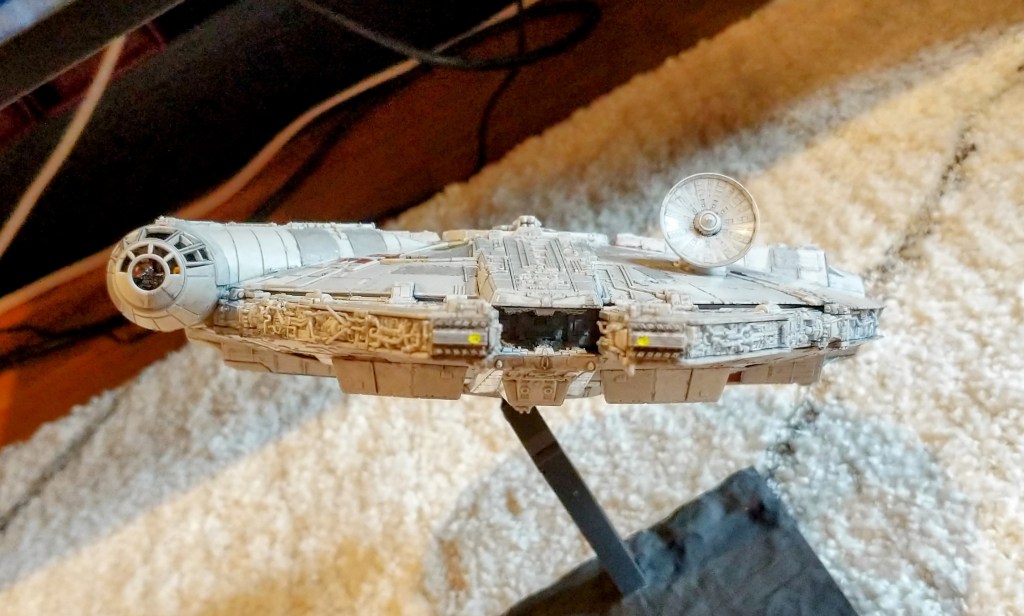
Looking through my photos, I selected the one below due to it’s orientation and composition within the photo’s rectangular frame.
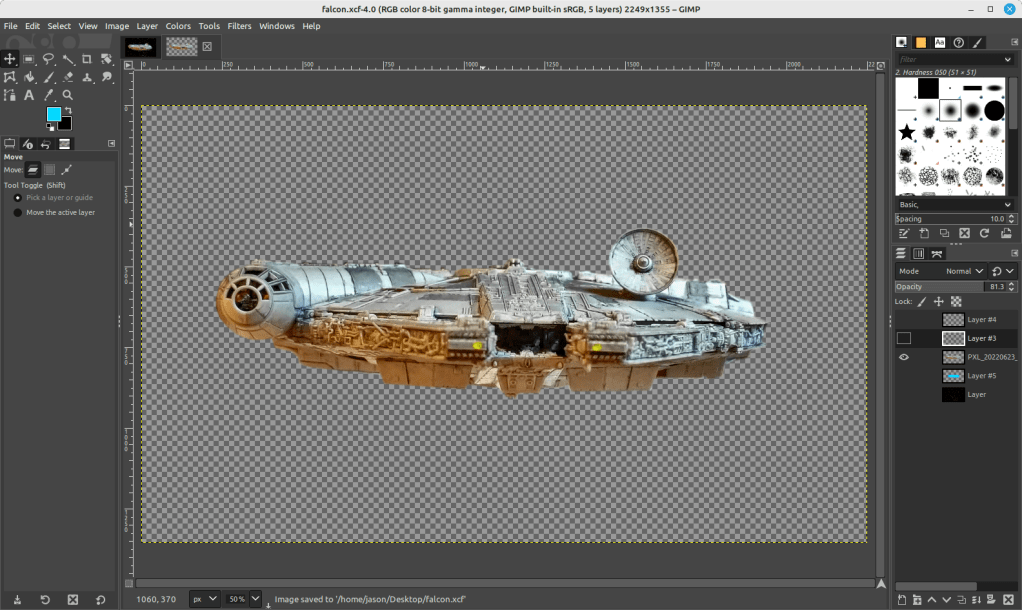
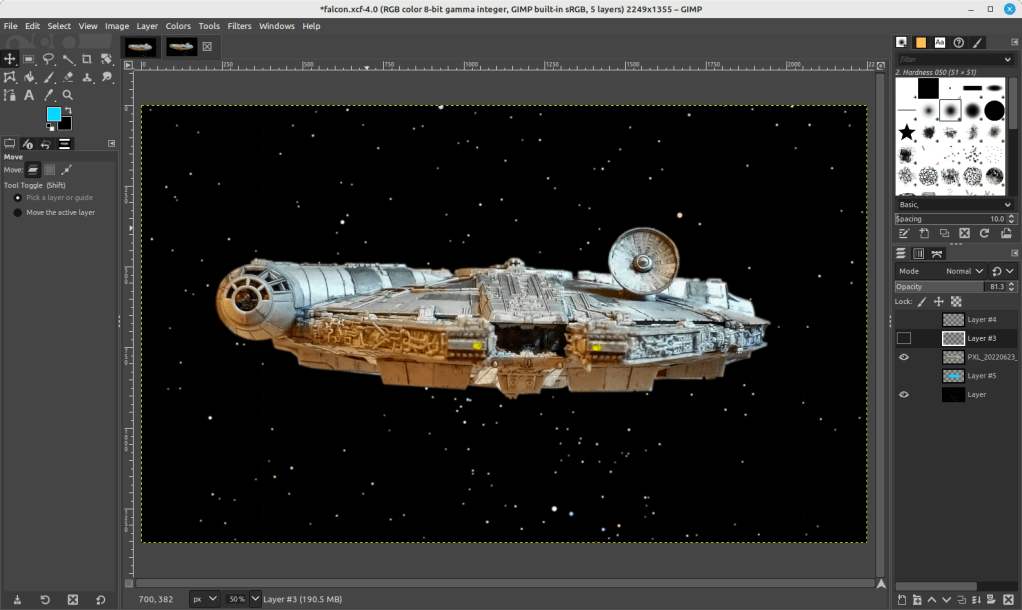
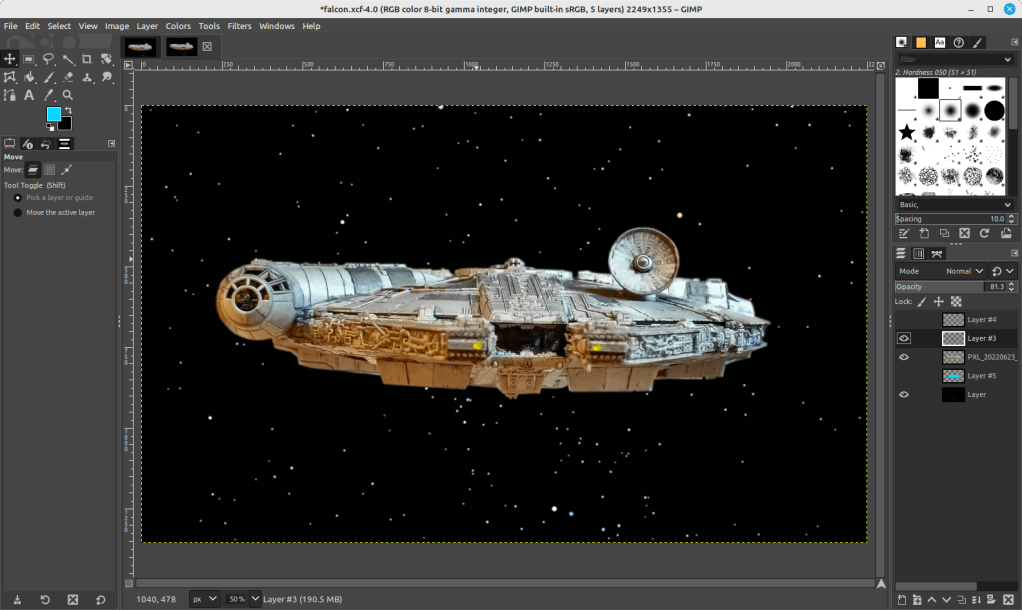
I cut out the Falcon and added it to its own layer with a translucent background in GIMP. I selected all of the window areas in the cockpit and adjusted the brightness and contrast to make the interior a little more recognizable. Then, I adjusted the shadows and exposure to make the Falcon’s exterior “pop.” Next, I used the clone tool to copy matte colors to hide some of the shinier/mirrored spots (especially in the dish and in the panels directly beneath the dish). And, I used the clone and smudge tools to fill in a gap between top and bottom parts of the cockpit (the black line as seen above).
To put the Falcon in outer space, I created a base layer and pasted a star field image from NASA (found here).
On the ventral side of the Falcon, you can see that the sides of the lower mandible are catching light that throws off the image if we’re imagining one light source (e.g., a star–of course, there could be two stars, but most of the ventral side of the Falcon is in shadow, so I wanted to stick to that). So I selected those bright areas and then used the clone tool to copy that coloration from either side–the left side looks redder and the right side more neutral–onto its own layer. I set the clone tool to 50% opacity to control the shade as shown below.
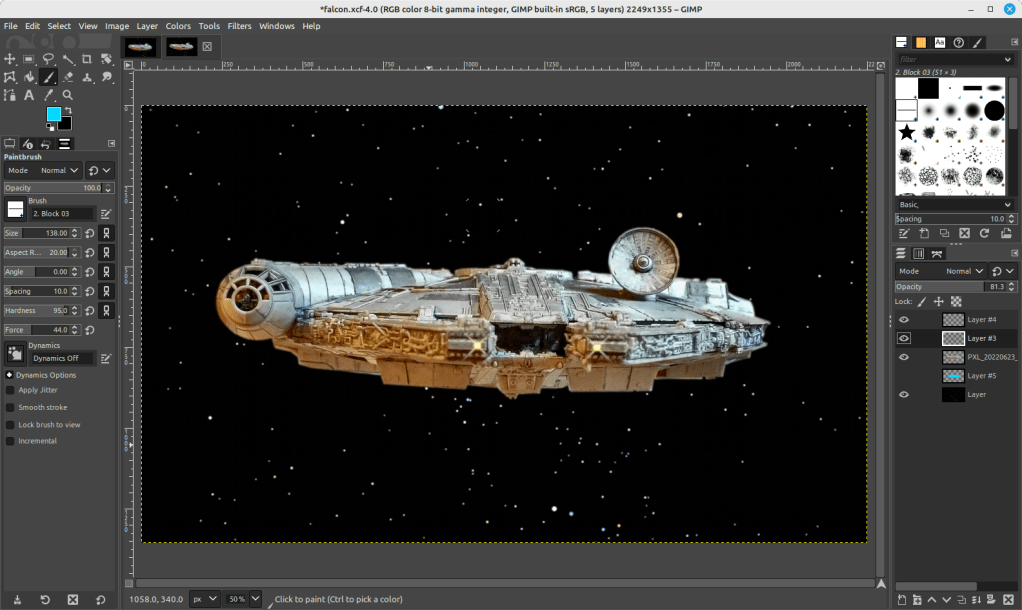
To make the scene appear more alive, I added layers for the headlights (a center circle of very bright yellow with crossed Block 03 brushes at 45 and 135 degrees for the diffraction spikes with a smidge of Gaussian blur).
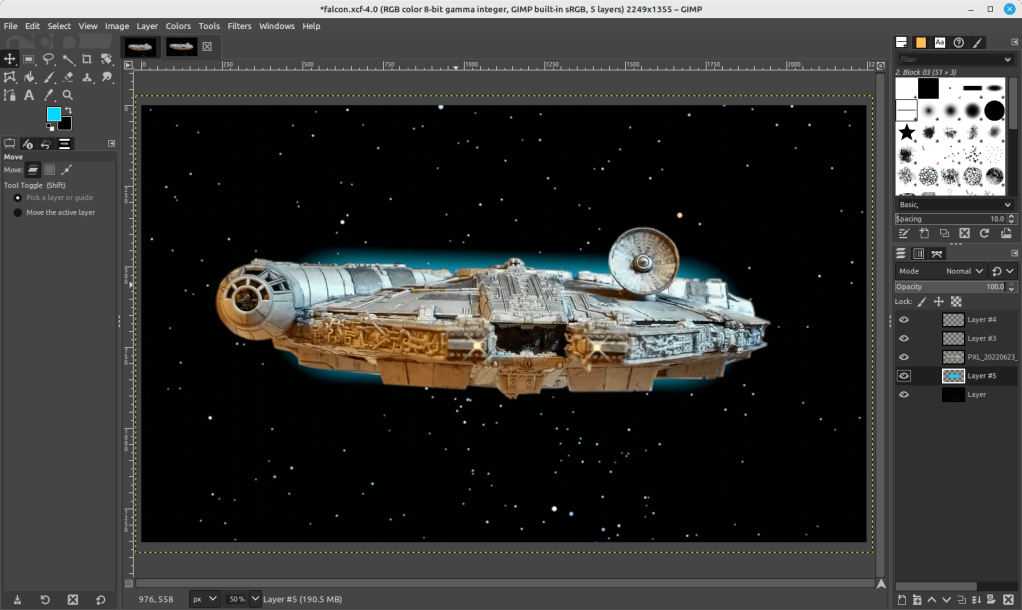
And finally, the Falcon needs its engines, which I created with a large, single brush stroke with neon blue light (##04d9ff) with 95% hardness but only 44% force (not that kind!).
Conclusion
A plastic model building project from the past makes another project of science fictional image manipulation possible. Making in the present is linked to making in the past. This is the general work of culture–linkages up and down time, across geographies and nations, circuitous and not always obvious. This blog post is a microcosm of the macrocosmic work of inhabiting and building our culture. I suggest in closing that we should all reflect and chart these linkages. We might not be able to map them all, but those that we do, pays a debt of gratitude perhaps both ways–we in the present rely on that we are given from the past and the past lives on through the work that we do today.
Download the full size composite Falcon image here.
My Skateboarding Vert Ramp and Street Skating Model
I began this new LEGO MOC (my own creation) project while reading Michael Brooke’s The Concrete Wave: The History of Skateboarding (1999) and after assembling my Mike McGill re-issued skateboard.
Some ideas from skateboarding culture inspired this project. First, there’s the tension between Thrasher’s “Skate and Destroy” and Transworld Skateboarding’s “Skate and Create.” The former appearing in the December 1982 issue and the latter appearing in response in its first issue in May/June 1983. When I first skated, I didn’t know about this difference of ethos, but I can say that I was drawn to reading Transworld Skateboarding more so than Thrasher. Transworld’s ethos of making something from the act of skateboarding fits well with my own attitude of doing good in the world through teaching and making (as opposed to wrapping the act of destruction into an aggressive skating attitude–understanding, of course, there is a certain amount of hyperbole in this motto and more back story worth investigating–see the interview by Adam Creagan with Craig Stecyk in Thrasher March 2010, pp. 80-81, and Konstatin Butz’s Grinding California, pp. 73).
Second, many skaters talk about riding as an act of self-expression, creativity, and doing. While the act of skating is ephemeral, skaters build analogies between the sport and other creative endeavors such as writing, playing, painting, expression, and language. For example: Rodney Mullen writes, “[Skateboarding] has been the arena where I could stake my claim, the play where I would contribute my verse, and even the pen with which I write” (qtd. in Brookle 11). Chris Long writes, “‘How glad I am that I skateboard’ . . . finding my own lines and creating my own ways of playing” (qtd. in Brooke 173). Darrel Delgado writes, “Skateboarding in a pool is like being a painter, and every new pool is a blank canvas and you are the artist. Every artist has a different approach and every pool is different, which keeps the intrigue alive. You can go wherever your mind and the transitions will let you go” (qtd. in Brooke 135). Mike Valleley writes about finding skateboarding, “I got an identity and something productive. It was creative, physical activity and I used my entire being to do it” (qtd. in Brooke 137). Tony Alva writes, “Just do something that’s in tune with an individual type of expression. I think that’s what’s so important about skateboarding” (qtd. in Brooke 175). Dave Hackett writes, “Pure and simple, [skateboarding is] a healthy, radical art form. . . . Skateboarding utilizes the every-expanding environment of steel, concrete, plaster, or wood as its canvas. . . . The skater becomes one with his board, while the board in turn translates the language of the terrain” (qtd. in Brooke 176). On these points, I think skateboarding and LEGO building overlap–in both cases, skateboarding and making, the fulfilling goal is creative and imaginative expression through a given medium–the former being the assemblage of body, skateboard, and terrain, and the latter being the assemblage of builder and brick.
I wanted to combine different aspects of skateboarding into a single model. I grew up with street skating, because there weren’t any local skate parks (though, I have discovered in my research that there was a skate park in Brunswick in the late-1970s called Nova Skate Park–more on that in a future post). But, I always wanted to skate vert and pipes, so I thought about combining what I knew with what I wanted to learn.
I got the idea for the ramp’s vert and transition design from LEGO 60200 Capital City set, which has one component that is a combined skateboard ramp/wall climb/basketball court. It uses dark grey inverted arches for the transition, which I agreed was the best choice of brick–albeit in tan color to emulate the color of wood–for the ramp that I had in mind.
Brainstorming and calculating dimensions in studs.
The next consideration was how large a model to make. I knew that I would have to purchase the inverted arch bricks for the ramp, so I looked for a seller with a good price and selection of elements that would help me realize the idea crystalizing in my mind. Alphabrix, a seller with great feedback had 20 tan, inverted arch bricks, which would let me build a 10-stud wide ramp. I figured that its length should be at least double its width, if not more. Ultimately, I settled on a 10-stud wide ramp with a 28 stud length including both tables. This allowed two studs on either side of the ramp for stairs if I went with an overall length of 32 studs for the model. Since I opted for a 32 stud length, I figured that a 16 stud width for the overall model would be enough to add a street skating scene in the model’s foreground.
After receiving the Bricklink parts and sorting out some necessary elements from my collection, I built the vert ramp first. Even though this would occupy the rear part of the model, it would dominate the model and be its focus. I wanted to get it right. I thought about how I would build a real one. I wanted a steel foundation that would be elevated off the ground. The ramp and tables would be made out of wood. As a new ramp, I wanted to give it a little bit of style with alternating color–light and dark tan tiles emulating different sheets of plywood. On the right side, I wanted a sloping launch that divided two drops on the front and back–this was a ramp design that I saw many years ago that gave the skaters a divided coping for new trick opportunities.
With the vert ramp complete, I turned my attention to the base and its foregrounded street skating area comprising 6 studs by 32 studs. The bottom of the base are dark grey plates supporting a circumference of Technic bricks and filled in with 2 x 4 bricks. I covered the surface mostly with tan 4 x 6 plates. I built up a curb with 1 x 4 and 1 x 6 bright yellow plates covered with the same colored tiles. Within that area, I filled in with a single layer of light grey tiles–some with single studs and the rest without to allow placement of obstacles like barrels and trash cans, which can be skated around or ollied over. Finally, I put concrete cones down to support the ramp behind the street skate area.
Finally, I combined the vert ramp with the base and its street skate area. I used yellow, dark blue, and orange tiles to skirt the Technic bricks around the base. The vert ramp’s coping permits posing of skaters doing hand plants. In the foreground, I added a stereo (probably playing an eclectic mix of They Might Be Giants, The Beastie Boys, and Technotronic) and snacks including pizza and cookies (shredding fuel).
Usually, it takes me several days to weeks to complete a build like this, which I have chronicled on other blog posts. However, I built this model in a single evening. I think my mind had been working on the project while I waited for the needed bricks to arrive in the mail. Even though I wasn’t haptically manipulating the bricks in my hands, I was daydreaming and imagining how to put the model together at odd times between placing the brick order and receiving them in the mail.
While imagining myself shredding on my completed LEGO skateboarding model and thinking about picking up my McGill deck to hit the streets with, I’m reminded of the Kevin J. Thatcher’s first editorial in the January 1981 issue of Thrasher: “The average individual was never properly exposed to the unlimited possibilities of a platform with four wheels under it–a simple basic mechanical device which serves as an energy-efficient mode of transportation, a basis for a valid sporting activity, and as a vehicle for aggressive expression. . . . Thrashing is finding something and taking it to the ultimate limit–not dwelling on it, but using it to the fullest and moving on. Skateboarding has not yet reached its maximum potential, and who can say what the limits are? To find out–Grab that board!” (6). Grab that board, grab that LEGO brick, grab that camera, grab whatever it is that you can express yourself with, because that is the thing with which you can leave your mark on the world.
Works Cited
Brooke, Michael. The Concrete Wave: The History of Skateboarding. Warrick Publishing, 1999.
Butz, Konstatin. Grinding California: Culture and Corporeality in American Skate Punk. Transcript Verlag, 2012.
Creagan, Adam. “Skate and Destroy: The Stecyk Scrawl Lives On.” Thrasher, March 2010, pp. 80-81.
Lowboy. “Skate and Destroy, or Multiple Choices (Something to Offend Everyone).” Thrasher, December 1982, pp. 24-29.
Thatcher, Kevin J. “Talking Ed.” Thrasher, January 1981, pp. 6.
Tracker Peggy (Peggy Cozens). “Skate and Create.” Transworld Skateboarding, May/June 1983, pp. 13-15.